
There are many people looking out for programming knowledge for building a progress bar for their website. Yes, they will learn something new from that language but it’ll cost them too much time. What if we’d say that WordPress progress bar plugins can make it easy?
Yes! That’s possible. The animated progress bar plugins when integrated with your WordPress site will give a new way of loading a page or any element.
Another use of these plugins is that they can help you to add the progress bar on either the header or the footer of any page. When you scroll down, the progress bar will tell how much you have scrolled down & what’s the remaining time for analyzing that particular page.
And to provide you all of these features with a lot more, here are 5 best WordPress progress bar plugins that we’ve listed in this article. Some of them are paid while others are free.
Some of them come with a default bar type while others come with its builder. Through which, even a non-techie guy can also create a progress bar of his wish.
All you’ve to do is to try them & finalize the best one!
Now, it is time to dive in together!
1. PageLoader: Best in WordPress Progress Bar Plugins
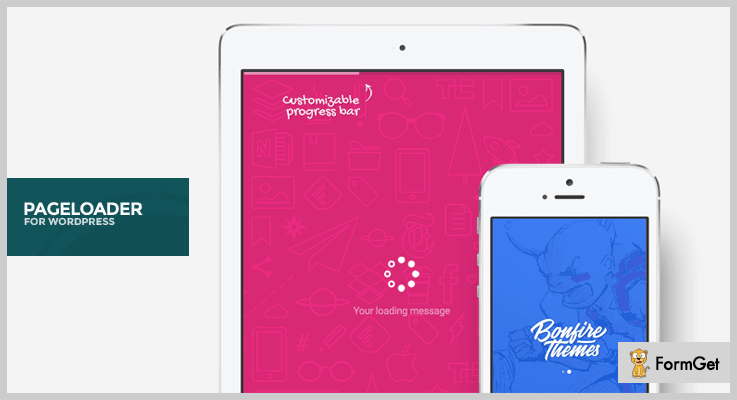
PageLoader is a screen loader & a WordPress progress bar plugin. You can add it to your theme to display a simple loading element on your WordPress site. During page loading, it temporarily disables all the other elements & just shows a progress bar on the top of the page.
Pricing of PageLoader: WordPress Progress Bar Plugin
- It has a regular plan of $22 for single product access which can further be distributed freely.
- This WordPress plugin has another plan of $80 with single-user access which can further be sold to others.
Features of PageLoader: WordPress Progress Bar Plugin
- You can apply the animations to the loading image or icon for the progress bar.
- This WordPress plugin also provides the feature of customizing the background of the loading page.
- Also, you can display the progress bar during homepage loading according to your needs.
- For real-time editing, this plugin has the feature of live customization. It means you can check the changes to the progress bar in real-time.
Click Here For More Information!
2. Zoom Progress Bars: WordPress Plugin
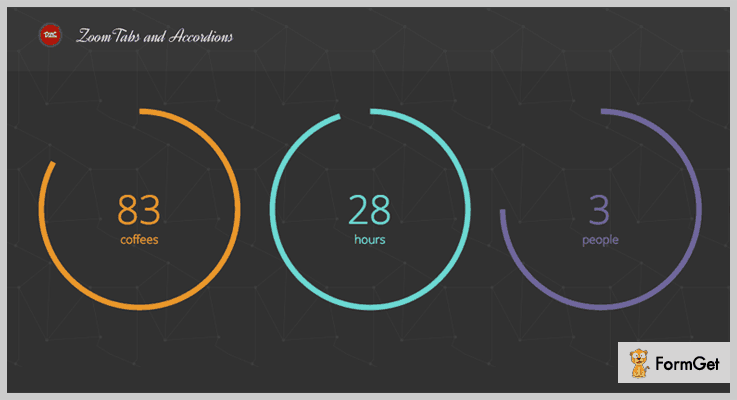
Zoom is a progress bar plugin for WordPress with lots of features. Through it, you can create a customizable progress bar in very little time. Apart from the desktop, it also looks great on mobile devices.
Pricing of Zoom Progress Bars: WordPress Plugin
- Its regular plan charges $15 for single-user access in which end users are not charged.
- This WordPress plugin has an extended plan of $60 in which end users/clients can be charged.
Features of Zoom Progress Bars: WordPress Plugin
- Anyone who uses this WordPress add-on can build multiple skins of the progress bar in minutes.
- You can create progress bars such as vertical, horizontal, circular & many more types.
- It uses SVG graphics font icons & vectors to display high-quality progress bars on retina devices.
- Also, you can add dual colors to your progress bar to make it more productive.
Click Here For More Information!
3. Reading Progress Bar: WordPress Plugin
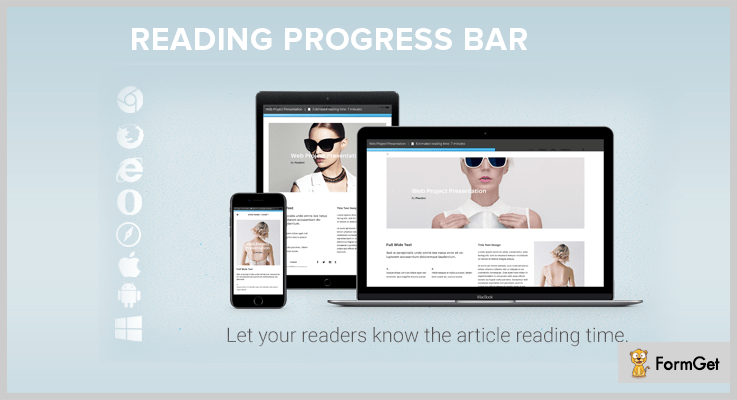
Reading Progress Bar gives its readers graphical outlook of the advancement in reading & estimated time for reading a specific post. You can see it on the bottom of a page where you have enabled it.
Pricing of Progress Bar: WordPress Plugin
- This WordPress plugin charges $16 for a single user access. Apart from it, others can also use it without any additional charges.
Features of Progress Bar: WordPress Plugin
- This progress bar WordPress plugin is specially optimized for Android & IOS devices.
- It works with both defaults as well as a customizable post page. So you don’t have to worry about either of the pages.
- You can disable the progress bar feature for that particular page where you don’t want it to display.
- Also, this theme is compatible with all of the latest browser versions.
Click Here For More Information!
4. WooCommerce Orders Progress Bar – Pro
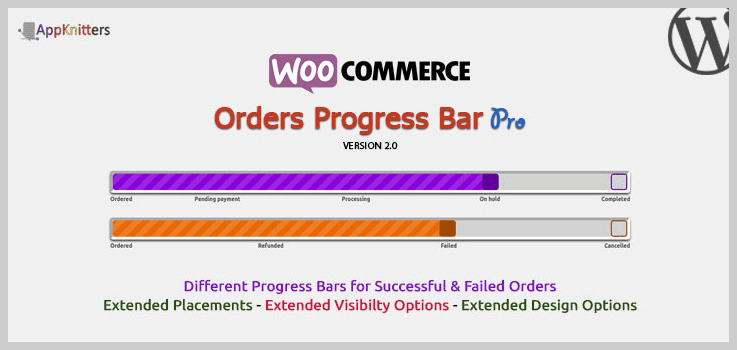
WooCommerce Orders Progress Bar – Pro is a plugin that enables you to display order stages visually on the customer’s order, Admin order list, order received page, order emails.
Besides, this plugin lets you display the order status of your choice and you can also see its live preview in settings.
Pricing of WooCommerce Orders Progress Bar – Pro:
It provides two licenses in which you will get 6 months of support and future updates
- Regular license – It costs you $23 in which end-users are not charged for.
- Extended license – It charges $115 in which the end-user can be charged.
Features of WooCommerce Orders Progress Bar – Pro:
- This plugin is fully customizable and supports custom status.
- It doesn’t require any coding skills to set up this add-on.
- You don’t have to bother as it automatically injects into relevant pages.
- Quick and easy customer support and time to time updating with new features.
- It provides 4 available themes of the progress bar.
Click Here For More Information!
5. Site Content Navigator For WordPress: WordPress Plugin
Site Content Navigator For WordPress is a plugin through which you can keep track of current reading progress, additional interaction options allow to quickly navigate around the website page.

Pricing of Site Content Navigator For WordPress: WordPress Plugin
It has two licenses in which you will get 6 months of support and future updates
- Regular license – It charges you $17 in which end-users are not charged for.
- Extended license – It costs $225 in which the end-user can be charged.
Features of Site Content Navigator For WordPress: WordPress Plugin
- One can set any color for the progress bar to make it more beautiful & unique as customizable colors.
- It supports more than 800 fonts variant with support for translation.
- This plugin support in mobile devices also and it is crossbrowser compatible
- Also, it has automatic and manual section configuration.
Click Here For More Information!
6. Progress Bar: WordPress Plugin
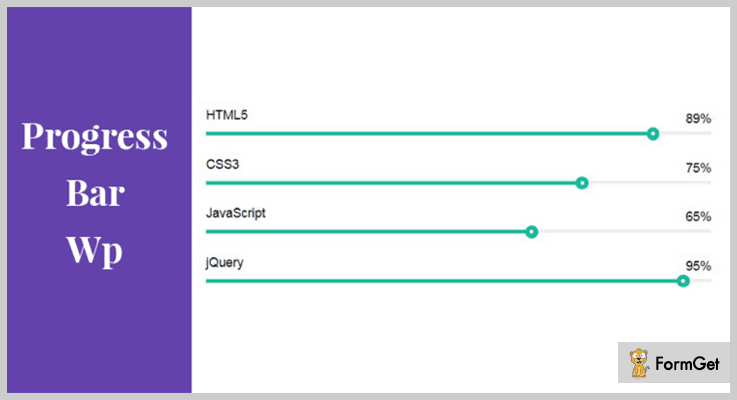
Progress Bar is the simplest WordPress plugin in this list. In a couple of minutes, you’ll be able to create a progress bar through it. It is best for those people who want to display the composition of an element or the growth of any process in percentage.
Pricing of Progress Bar: WordPress Plugin
- This progress bar WordPress plugin doesn’t charge any amount.
Features of Progress Bar: WordPress Plugin
- By generating a shortcode, this plugin adds attractive progress bars.
- Apart from it, you can also create an animated skill bar to display one’s skills & add it to your WordPress site anytime.
- With its multiple color skins, anyone can create a beautiful progress bar with animated percentage style.
Click Here For More Information!
Conclusion:
So, above are some of the best 5 WordPress progress bar plugins which you can integrate with your site. Some of them are free while others are paid. There are some plugins with default progression bar while others are customizable through their progress bar builder.
They all are way too affordable to purchase & even the people who are just beginners to WordPress can also create an attractive progress bar.
All they have to do is to install any of the above progress bar plugins on their WordPress site & rest will just go with the flow!
If you’ve any queries or suggestions, just comment below & we’ll get back to you ASAP!
You may also read our more blogs which consist of other category WordPress plugins & maybe, they might help you in any kind of work.
- The WordPress Help Desk Plugins might help you to create a customer support system for your website.
- Now, WordPress Giveaway Plugins will help you to run unlimited competitions and contests which will help you to boost user engagement.
- At last, the WordPress Plugins To Block Countries can help you to block the users of particular countries which might harm your site.
7+ WordPress Help Desk Plugins 2022 (Free and Paid)

If you want to set up a great customer support helpdesk for your website then you are on the correct page.
In this article, we will walk you through the 7+ Best WordPress Help Desk Plugins that can be a powerful asset for your customer support department.

WordPress Help Desk Plugins empowers your website by providing the spectrum of support ticketing system and knowledge base.
Lets dive in deeper for more clarity!
Swift through more WordPress plugins:
1. Knowledge Base – WordPress Help Desk Plugins
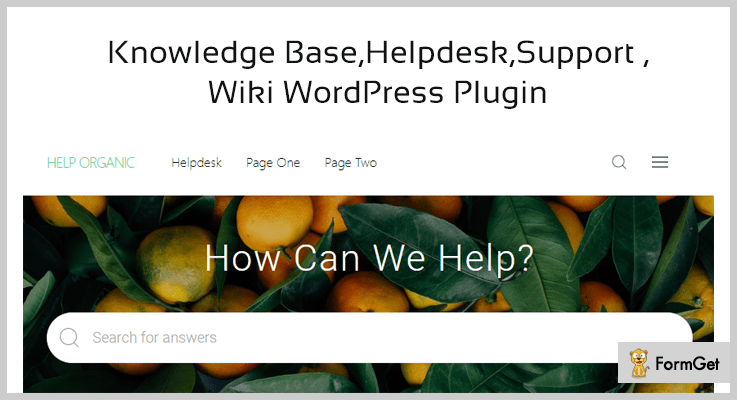
If you want to launch a self-service helpdesk for your website visitors then you should integrate this plugin.
You can create a resource of popular and frequently asked customer queries through this plugin. So that your customers will quickly get their queries resolved.
Knowledge base supports breadcrumbs for your website pages. This feature acts as a navigating aid providing a visitor an idea of how the page they have landed on relates to the rest of your website.
Features of Knowledge Base – WordPress Help Desk Plugins
- It provides the facility of live search, you can set search bar at any webpage and can also disable it as per your requisite.
- You can display knowledge base categories in the box or list format. The plugin provides 200 icons and it allows to set a unique icon for each category.
- The plugin provides the voting facility to your website members as well as it allows public voting on your help desk articles.
- By using article list shortcode you can display list of articles, order by date and title. Visitors can also filter these articles by their category, tag and title.
How much Knowledge Base cost you?
It has a basic cost of $39.
2. Support Board – Chat And Help Desk
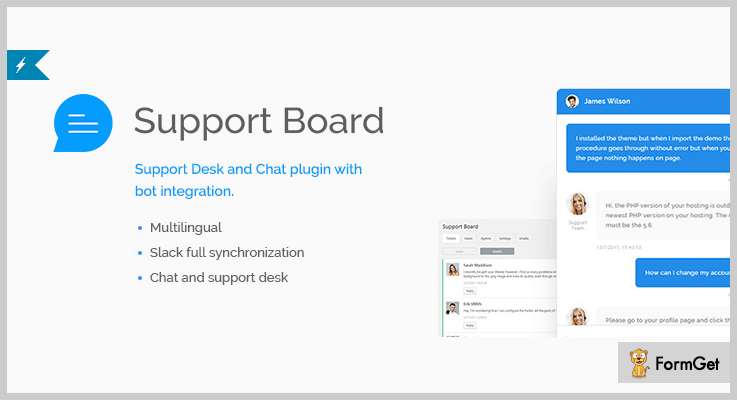
It is full slack synchronization integrated. Thus it provides live chat instantaneous support to your customers. They can also sync users as well as share attachments through slack in real-time.
The plugin is Dialogflow bot integrated which can automatically reply to your website visitors.
Support Board provides the facility of bot chat as well as personal chat so that you can never miss a customer. If the chat supporter is not live, then the chat inspired support system displays the registration form to the customers.
Features of Support Board – WordPress Help Desk Plugins
- It has a powerful ticket system which seamlessly routes inquiries created via email and web-forms into a web-based customer support platform.
- Support Board provides ready to use login accounts to your website visitors where they can make their own profile.
- The plugin is translatable on both front-end and admin sides as it is WPML compatible.
How much Support Board cost you?
You can purcahse this plugin for $24.
3. TotalDesk – WordPress Help Desk Plugins
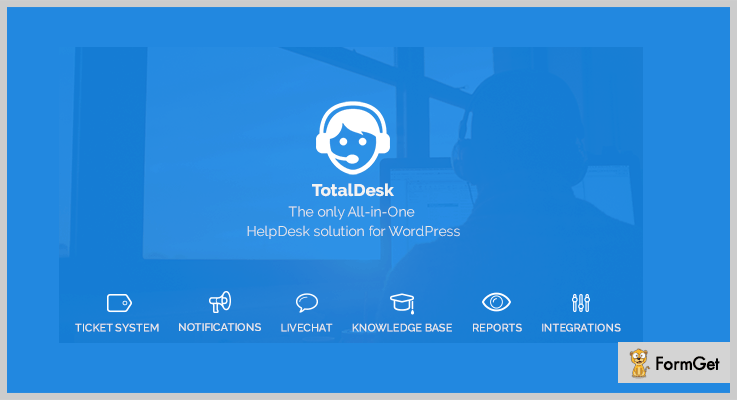
You don’t need to install single plugins for each task because it is providing the all-in-one helpdesk solution for your website. It is a powerful combination of ticket system, knowledge base and live chat support.
You can also trigger customer queries to your agents or reporters. The plugin enables the facility to push mail notifications or slack messages to the group chat.
The plugin can generate the analytic report about your ticket system. You can track about what project users have questions and improve your FAQ page as per the analysis.
Features of TotalDesk – WordPress Help Desk Plugins
- You will get three templates of ticket forms with the plugin.
- The plugin functionalities can be used based on the two roles: agent and reporter.
- You can create FAQ based on the ticket and compile them for a single topic.
How much TotalDesk cost you?
You can purchase this plugin at $24.
4. Awesome Support – WordPress Help Desk Plugins
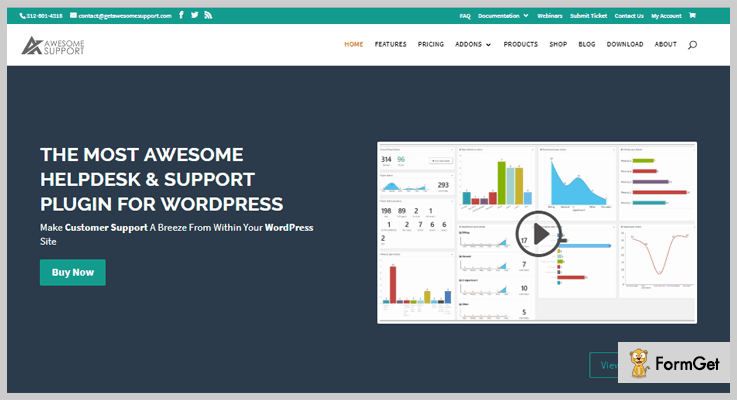
The plugin is a bundle of premium helpdesk features. You can control the complete ticket history of your customer’s query. Every action taken on the ticket is saved and controlled.
It provides automatic email trigger feature on key events like new tickets and ticket replied. Thus you can do full customization of email notifications through this plugin.
Awesome Support plugin does the sophisticated ticket routing. It automatically assigns tickets to the agent having least number of open tickets.
Features of Awesome Support – WordPress Help Desk Plugins
- Unlimited agents can handle support desk without per-agent fees basis.
- If you want to transfer your tickets to the new help desk then you can seamlessly import them through this plugin.
How much Awesome Support cost you?
It has four pricing plans:
- Standard : $149/year
- Pro : $229/year
- Enterprise : $289/year
- Agency : $409/year
5. Wsdesk – WordPress Help Desk Plugins
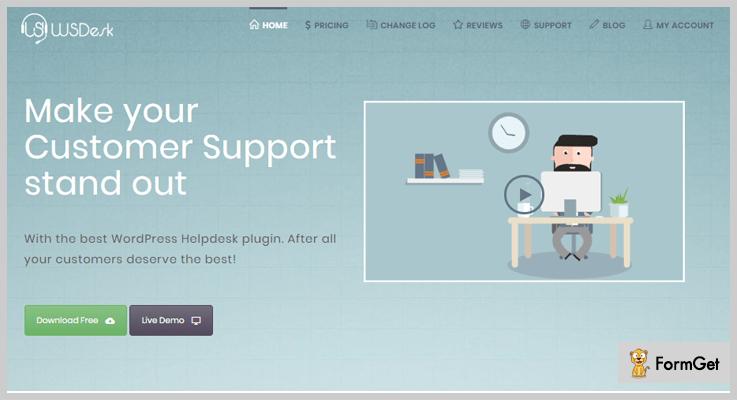
The plugin is loaded with intuitive features that will help you to manage customer queries. It reduces the task of support agents in resolving the same queries of various customers.
Wsdesk allows to set up reminders to pending tickets. It ensures that you cannot miss the customer’s queries whenever your incoming ticket count increases.
It can receive tickets via three sources i.e. Email, form and zendesk. It allows to differentiate these tickets on the basis of their source. You can also filter high priority tickets through this plugin.
Features of Wsdesk – WordPress Help Desk Plugins
- You can interact with the customers by sending emails from the dashboard.
- It allows to add unlimited support agents for handling the customer queries of your website.
How much Wsdesk cost you?
It has two pricing license:
- Single site: $89
- 5 site license: $129
6. Knowledge Base Help Desk
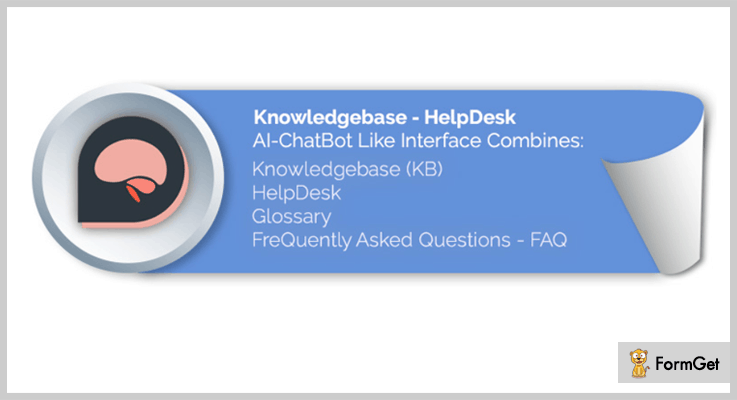
This freemium plugin will provide you glossary, help desk and FAQs all-in-one. It is AI Chatbot integrated which handles your customer queries automatically.
The plugin is powered by AJAX which provides more relevant results whenever the customers search for their queries.
By using the simple shortcode you can add its search bar at any page template of your website.
Features of Knowledge Base Help Desk – Free WordPress HelpDesk Plugins
- It provides an option for the users to sort answers based on the popularity and views.
- You can create a resource of frequently asked questions for your helpdesk.
- The plugin works with all the major browsers like Safari, Firefox and Chrome.
How much Knowledge Base Help Desk cost you?
It is a free plugin from QuantumCloud. You can download it from official wordpress website.
7. Awesome Support – Free WordPress HelpDesk & Support Plugins
The plugin has the support ticketing system and helpdesk like Zendesk and Helpscout. You will receive tickets from the customers through the front end of your website which can be answered from the backend.
It provides the flexibility to transfer tickets between agents. Two or more agents can also work on the same ticket.
You can choose the ticket priority as per your desire. You don’t need to stuck in pre defined priority schemes.
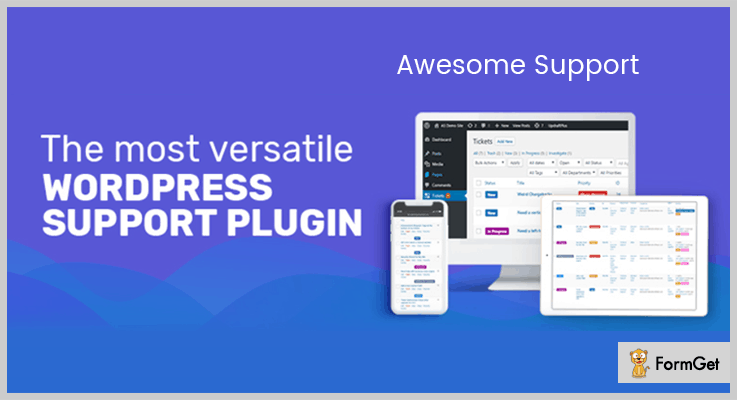
Features of Awesome Support – WordPress HelpDesk & Support Plugin
- It provides the familiar WordPress administration user interface, there is no need of a learning curve.
- The plugin is GDPR ready providing security of customers personal data.
- You will get the freedom to receive unlimited tickets as well as private tickets for free.
- Your website agents can only view their tickets or all the tickets.
How much Awesome Support cost you?
You can download this plugin for free.
8. CodeBard Help Desk – Free WordPress Help Desk Plugin
It is a free WooCommerce helpdesk plugin. It does not set limit on the number of agents, users and tickets.
Another interesting feature of this plugin is that it supports multi language. You can provide support in your language as well as translate your language from admin to yours.

Features of CodeBard Help Desk – Free WordPress Help Desk Plugins
- It provides front end helpdesk to the agents and support admins.
- The plugin is capable to generate private ticket and can trigger email notifications on receiving new tickets.
- You can set separate access permissions for support admins and agents.
How much Awesome Support cost you?
Get this plugin for free.
The Takeaway
Things keep on changing so will the help desk WordPress plugins!
But trust us, we’ll always keep you get going with the trend!
These were the best WordPress Help Desk plugins that we found till but we won’t stop here.
Let me know if there was something that I missed out.
We would love to work on tweaks!
7+ Best WordPress Plugins For Photographers 2022 (Free and Paid)

Looking to add some more functionality to your photographer website. Then, just wait and take a look at these best WordPress plugins for photographer.
These plugins will fill your website with eye-catching effects and transitions. So, these will give an edge to your website in the market. Your photography site will be enhanced by different kinds of galleries like thumbnails, masonry, filmstrips and a lot more too.
Before having a look on photographer plugins, keep some important points in mind:
- Reviews and ratings.
- Features and functionality.
- Ease of use or user-friendly.
So, now greet these 7+ best WordPress plugins for photographer with open hands.
You may also find some more plugins in these blogs.
- The WordPress Progress Bar Plugins might help you to create a progress bar for your website.
- Now, WordPress Help Desk Plugins will help you to create a customer support system.
- And finally, for utmost security, you can go through these WordPress Plugins To Block Countries
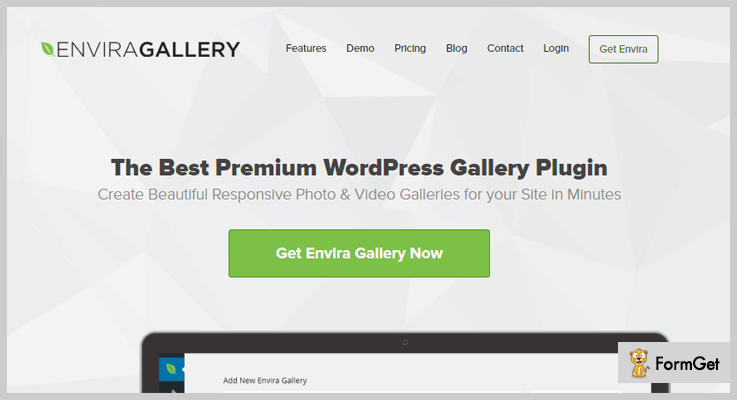
1. Envira Gallery
Envira gallery is the best mobile friendly and responsive plugin. It will let you easily create photo gallery and videos gallery through the drag and drop page builder.
You can create different kinds of gallery templates and can customize the prebuilt gallery template with animations. Also, you can easily import the pictures from Instagram, Pinterest, and other social sites.
Moreover, it has WooCommerce compatibility, social sharing add-ons, albums add-ons, can easily enable slideshow.
Pricing:
Envira Gallery plugin comes with different kinds of pricing plans. The Pro plan costs you $99, Plus plan costs you $69 then Basic plan costs you $29 and Agency plan costs you $299
Features:
- Easily upload the photos from drop-down account to your gallery.
- Control your gallery section to get interrupted by unauthorized means by adding a password to it.
- You can divide your gallery section into many categories through pagination that will ease your clients.
- Easy to customize your gallery section through custom CSS option.
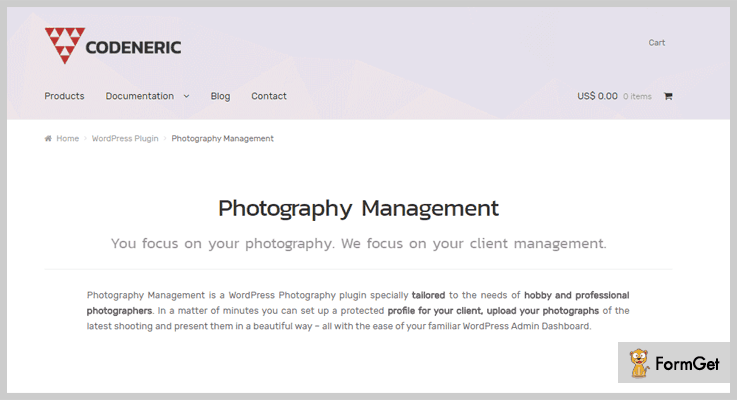
2. Photography Management
Photography Management will help you to easily customize the portfolio section on your site. You can upload the latest photoshoots and photographs for clients in the protected manner.
Through this plugin, you will get an email notification whenever your client adds your photos to favorites.
Pricing:
This plugin has got various pricing plans. Specifically, Photography Management plugin comes with two plans i.e yearly and monthly. For monthly you have to pay $6.90 and, yearly you have to pay $69.00
Features:
- You can create client portal through which your clients can easily sign in to your site.
- Display picture details with caption and filename to pictures in the gallery section.
- You can add a comment section to every image displayed on your website.
- Allow customers to download your professional photographs in bulk and selective way.
3. Modula Image Gallery
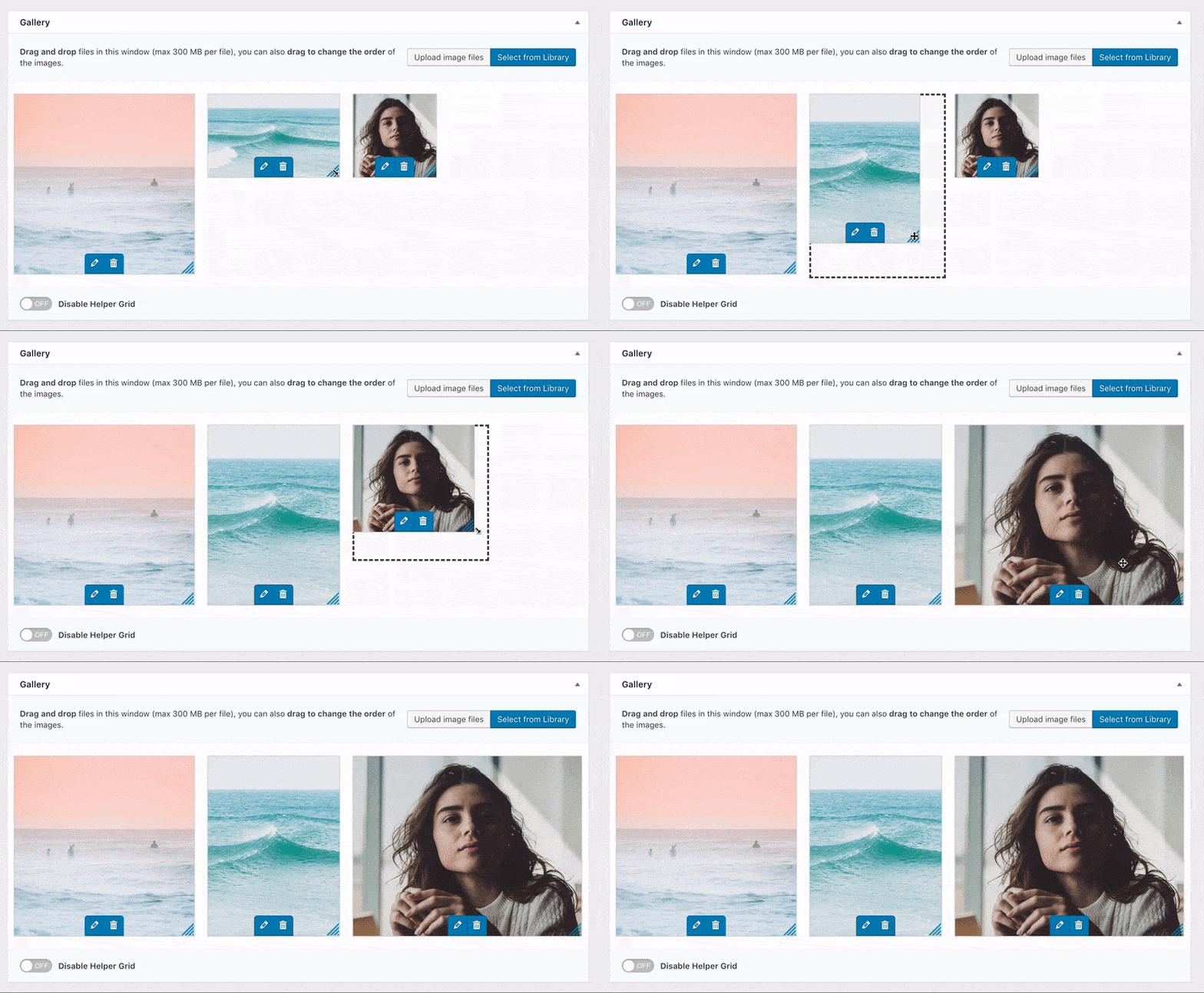
The Modula Image gallery plugin is yet another absolutely user-friendly WordPress gallery plugin which gives you a really wide range of options to customize your complete gallery with ease in whatever way you may like.
It has a unique custom grid functionality which makes it way too easier to resize the images within the gallery’s container by controlling or customizing the height, width and all the aspect ratios. To do this as shown below, all you need to do to do is switch a gallery from ‘creative gallery’ to ‘custom grid’ and start resizing/changing the dimensions of your images by clicking and dragging from the bottom right-hand corners of the images in your gallery.
Pricing
The Modula WordPress image gallery plugin is available for free on the WordPress.org plugin repository, however, if you’re more serious about your gallery creation, want to add more photos, sort images with filters, use 12 hover effects, and 6 lightbox styles- Modula’s plans start at $29.
Features
- It has the ability to design all the custom grids (so, you can sit back and resize the images freely within the gallery container.)
- You also get a free access to ShortPixel for on-the-fly image optimization and StackPath for really fast content delivery network as a Pro user.
- Also, you can freely choose from a complete range of 6 different lightbox styles
- Then you can also choose from the 12 built-in hover effects
- You can also add the image-entry animations (such as the sliding motion and rotation)
- You also get the ability to customize your gallery further by using custom CSS.
- Also, you can add videos to your gallery with ease even when it’s from external sources like YouTube and Vimeo.
4. NextGen Pro
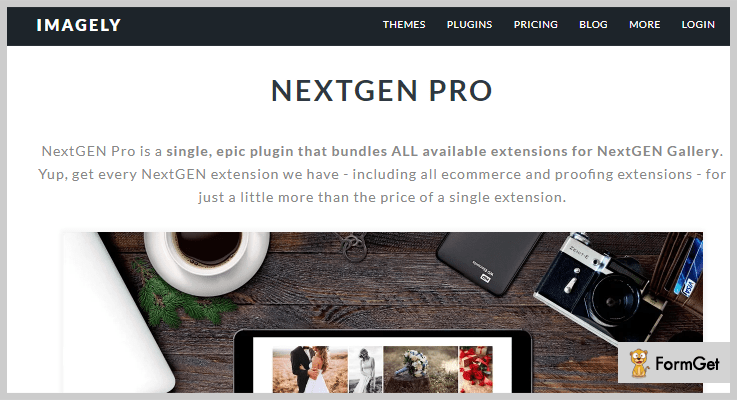
NextGen Pro is one of the most popular gallery plugin available on WordPress. Then there are different kinds of gallery display like pro grid album, hover captions, pro blog style gallery, and many others.
There are social sharing options and added security protection to your photo gallery section. Further, this plugin holds WooCommerce compatibility where you can open an e-commerce site for your photography website. Users can easily pay through PayPal or Stripe.
Pricing:
Nextgen Pro comes with three different kinds of pricing – For a basic plan- $99, All themes and plugins -$139, Lifetime access – $299
Features:
- Show all pricing of your photo shoots or other professional images in the separate pricing table.
- Provide users with a comment section at every photographs and image.
- You can attach a link to photos and pictures that will redirect your visitors them to next tab.
- NextGen Pro contains three templates i.e dark, side dark and side lite (default).
5. Smart Photo Gallery
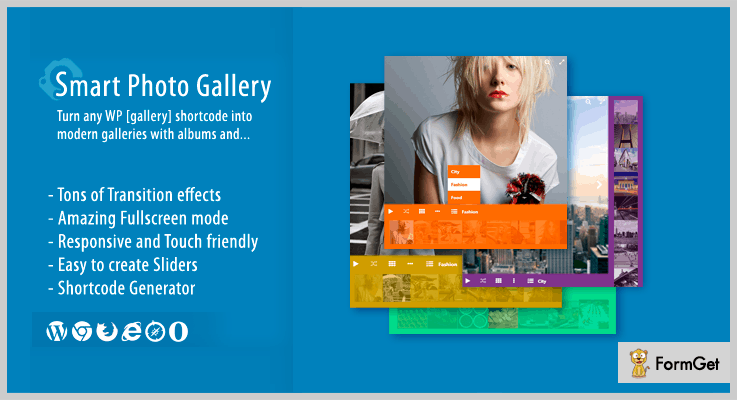
One of the renowned, responsive and SEO friendly plugin for your photography website. You don’t need any coding skills to activate this plugin on your WordPress.
You’ll find 3D transitions effects and full-screen mode which will help your gallery section to stand out from the competitor’s website. Smart Photo Gallery plugin will let you expand images on full screen and even you can add shortcodes to it.
Pricing:
Buy this plugin at a cost of $18 with a regular license and 6months supports with future updates.
Features:
- You can create unlimited portfolios and sliders with photographs and pictures.
- Draggable zoom feature through which you can enlarge the size of images.
- Place thumbnails of images at the top, bottom or right, left in the gallery section.
- Add different types of albums like fashion, food, sports, city etc in the footer of the image.
6. Galeria
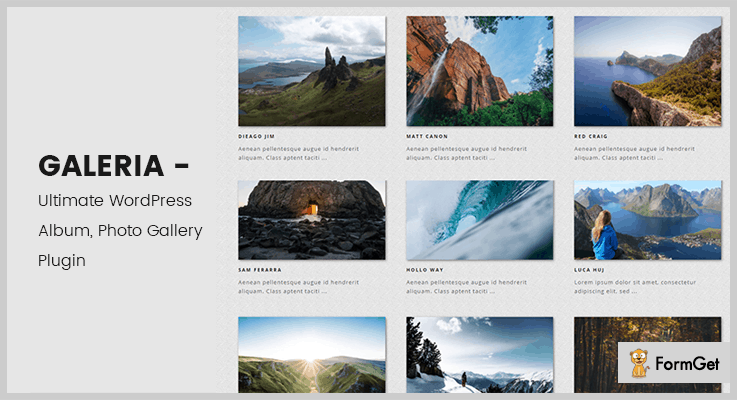
Galeria is a plugin for showcasing the images and albums on the homepage. But it’s USP lies in the infinite scroll and pagination that it can provide for images and albums.
Further, it comes with all the social sharing buttons to promote and increase the reach of your works. Like you’ll find the popular social media icons like Facebook, Google+, Twitter etc.
Pricing:
This Galeria photographer plugin will cost you $9 with lifetime updates.
Features:
- It has a drag and drop image uploader for uploading of images.
- WPML compatible to make your webpage translation ready.
- Comes with 4 different ways to present gallery – Masonry Thumbnail, Right Content, Hover Content.
- AJAX infinite scroll for albums and galleries.
7. Justified Image Gallery Plugin
If you are bored of the old school photo gallery on the webpage then, this plugin brings a new breeze. It has got a lot of cool effects for the gallery images like softening, black and white and more.
The plugin uses jQuery for effects and animations. There’s a lot to tell about it. And there are a lot who are relying on this plugin to get their creative work done. So, with 18k+ sales, it is one which you can go with.

Pricing:
This plugin will cost you $26 with 6months support which can be extended to 12months.
Features:
- It allows you to integrate with free and premium lightbox options.
- This also has a mobile-friendly layout with responsive layout.
- Then it supports high-pixel images and provides retina ready display.
8. Gmedia Photo Gallery
Being a photographer, a gallery on the web-page is a must. In fact, everyone has it but to stand out mere photos won’t do it all. Now, if you trust us then, Gmedia Gallery Plugin is one such element that gives an edge to your website with multimedia stuffs like music, images, slideshows and more.
So, it isn’t just for displaying photos on the homepage but you get the option to add slideshows, audio and video files, in different layouts.
This plugin lets you import the images from various platforms. Like you can import pictures with captions from WordPress media library, NextGen gallery plugin, and Flagallery plugin right.

Pricing:
With its 20,000+ active installation and 4.5 rating star, this plugin costs you nothing.
Features:
- Mobile friendly with responsive layout.
- Comes with in-built image editor with a variety of filters.
- Enables GeoLocation for photos.
9. InPost – Photographer Plugin
If you want to attach your portfolio to your website then this plugin is must to bring this functionality for you. This add-on plugin allows inserting the gallery in any WordPress post, page, and various custom post.
Although this plugin comes with 5 galleries script, means you can use for this plugin to give effective presentations of your business-related images.
An easy installation steps to follow.
Also, there are tons of other features that make your theme more robust and fully functional.

Pricing:
InPost plugin is free of cost to you and easily can be download from WordPress.org
Features
- This plugin gives you a shortcode popup. Which is a great way to display any WordPress plugins’ shortcodes inside your popup, for FREE.
- You can do desire plugins settings, for which you have given an option in the sidebar.
- Here you have got lots of sample images, with the help of which you can preview your theme.
Conclusion:
Here we have come to an end of best WordPress plugins for photographers. We hope you will pick the best one and enable them to your site to make it more interesting.
Please comment below.
6+ Best WordPress Fundraising Plugins 2022 (Free and Paid)
As we all know that we make a living by what we get but we make a life by what we give. Giving for a good cause is the best utilization of your money. That’s why there are so many fundraising firms to help raise the charity for needy ones. Now, there are also charitable organizations which use online platform for collecting donations by creating a website. These websites can be designed as per the fundraising purpose using various WP plugins in the themes.
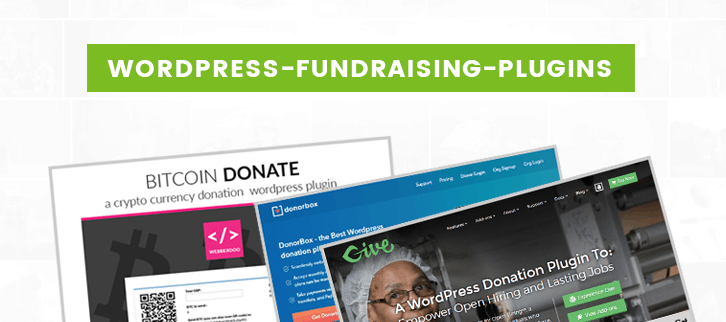
We have compiled a list of 6+ best WordPress fundraising plugins which helps you to make an elegant online website for your fundraising firm. The list has both paid as well as free plugins you can choose according to your requirement.
Fundraising WP plugins have lots of features such as it supports the collaboration of more than one plugin in it for better compatibility. Further, the plugins have single-click installation and within few minutes they start working. Moreover, the plugins support payment through multiple currencies using payment gateway integration.
Read some other plugins blogs too !!!
Let us discuss each fundraising WordPress plugin in detail
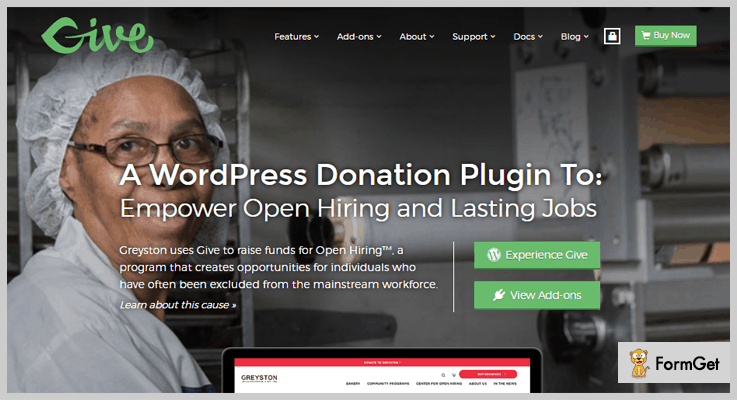
1. Give – WordPress Donation Plugin
Give WP plugin is one of the widely used plugins in the list of WordPress fundraising plugin. It helps you to accept the online donation with the help of donation forms that look great on any theme. Also, you are able to view a complete history of donor activity. Using this theme, your donors can give donations in even easy recurring payment mode.
Pricing:
Give has got three pricing plans which differ on the basis of site license and add-ons. The basic plan is of $15/M with 1 site license, 22 add-ons. Plus plan is of $25/M with 1 site license, 33 add-ons. Then, Pro plan is about $35/M with 5 site license, 33 add-ons.
Features :
- Give WP plugin helps you to make easy online payment with the help of secured PayPal payment gateway.
- When you have less space and are not able to put full donation form then, you are allowed to put a simple donate now button.
- You can put donation goals just above the donation form which will motivate visitors to give and inspire to share your cause after the donation.
- It helps to fundraise easily by have a single one-button launch forms allow you to place a single “Donate Now” button anywhere on your site.
2. Charitable – WordPress Plugin
This plugin gives a growth to your fundraising business website. It is easy to create fundraising campaign within few minutes using charitable WordPress plugin. You can set up multiple campaigns using this plugin and can manage them according to your need. The plugin works nicely with every theme.
Pricing:
- Starter plan where there is basic bundle at $19 comes with geolocation and free updates. Also, it has a complete bundle at $49 where you get additional donor comments functionality.
- Plus plan of $99 where you get everything present in the starter. Moreover, you will get premium payment gateways and newsletter connect etc.
- In Pro plan you will get everything in plus, additionally, you will get peer to peer fundraising, and crowdfunding platforms etc.
- All these plans come with 1 year of premium support & updates along with 1 site license.
Features :
- This plugin helps to create a crowdfunding platform with ambassadors, by giving people a place to fundraise for their own cause.
- It gives a google map integration which helps to display your fundraising campaigns on a Google Map with geolocation.
- Donation management feature where with the help of donation admin page you can get details about each donation. Further, you can sort and export donations as a CSV file.
- It supports easy payment extensions such as PayPal for doing an online donation.
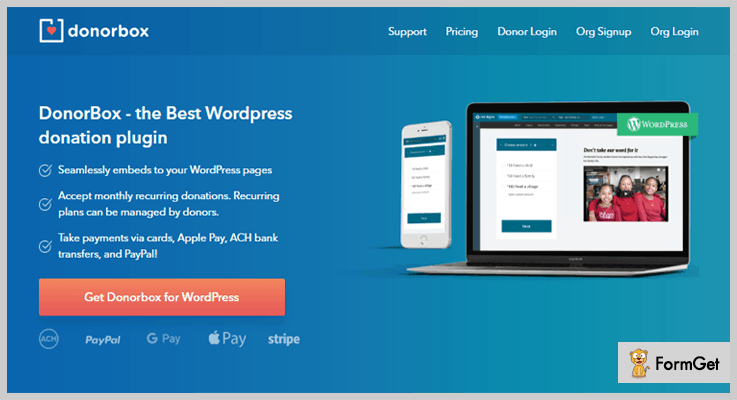
3. DonorBox – WordPress plugin
It is the best donor WordPress Plugin which will easily embed with your WordPress themes. This plugin helps to accept monthly recurring donations. Further, the recurring plans can be managed by donors.
DonorBox plugin has offered fast and fully featured platform to increase fundraising. It has an optional donation goal meter to encourage more donations and motivate users to share the cause of donation.
Pricing:
- This plugin you will get FREE if your firm donation is less than $1000. If you do payment through PayPal then you have to pay $22.28.
- your donation more than $1000 then you will get this plugin at $66.30 + $26.70 basic charges.
- firm donation is more than $10000 then you will get this donor box plugin at $220.30 plus $89 basic charges.
Features :
- This plugin helps to customize your donation page with your choice of color scheme, design style, and logo.
- Allowed to accept payment in multiple currencies using secure PayPal, Apple Pay payment gateways.
- It has “Donation form” where you can collect information from donors including address, employment info etc.
- This will help to export donation details as a CSV file, for any time period such as tax season or financial year-end reporting.
4. IgnitionDeck – WordPress Crowdfunding Plugin
IgnitionDeck is the market leader for adding crowdfunding functionality to any WordPress site.
It enables unlimited crowdfunding campaigns with essential features such as customizable fee splitting, multiple funding options (immediate capture, all-or-nothing funding, and recurring pledges), as well as custom e-commerce integration, and several premium themes if you don’t already have one.
Pricing:
- Free plugin available on WordPress.org that provides basic functionality for crowdfunding via PayPal.
- $149/year edition that enables more payment methods, integrations with several email service providers, and social network sharing tools.
- $349/year edition that turns your site into a crowdfunding platform, allowing your users to create their own crowdfunding campaigns so that you can collect fees from their projects.
Features :
- Users or Administrators can create and manage unlimited crowdfunding campaigns.
- Supporters can be rewarded with digital downloads or physical products.
- Use pre-built themes, or use shortcodes for integrating with your existing theme.
- Choose from 3 pledge capture options (Immediate, All-or-Nothing, Recurring).
- Supports premium payment gateways (PayPal, Stripe, Authorize.Net, and FirstData).
- Integrated with major email service providers (SendGrid, Mandrill, MailChimp).
5. Cyber Fundraiser – Online Fundraising Campaign Tool
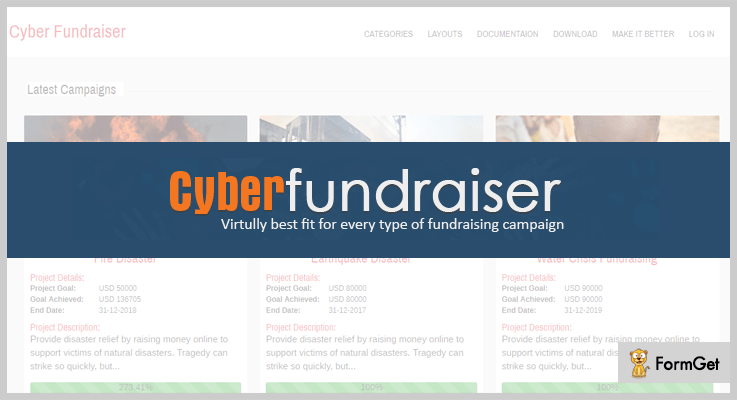
Cyber Fundraiser is best fit for every type of fundraising campaign. This plugin allows multiple fundraisers under one campaign, also a fundraiser can join multiple campaigns at a time.
It helps to build easy drag and drop page along with social sharing icons helps to promote your online fundraising website all over the world. Users are able to do the donation in online as well as offline mode.
Pricing:
You can get this Cyber Fundraiser plugin at a reasonable price of $39 with 6 months support system and regular updates.
Features :
- Cyberfundraiser plugin helps to put multiple widgets like project status, tweets etc.
- You can put simple donate now button when you are not able to put full donation form.
- This plugin supports mass Email services, by which you can send Invitation and Thank You letters to donors.
- It is integrated with a secure payment gateway such as PayPal, Stripe, and Braintree. Also, you can do payment by check and bank transfer.
6. EasyPay: WordPress Paypal & Stripe Plugin to Pay Online
EasyPay is a faster yet effective WordPress Paypal Plugin. This plugin is useful for online business, eCommerce and Charity or Donation websites to take online payments easily. Further, it has direct payment interface for visitors along with embedded form without the need of linking it to the service or products. This form comprises an option to select the desired currency for convenient of donors.

Pricing:
Buy this EasyPay fundraising plugin at just $25 with 6 months support. You can extend support to 12 months at $7.88.
Features :
- It supports fully customizable drag and drop bootstrap form builder.
- The plugin helps to send email for failed payment attempt along with re-order button in it.
- It provides a payment confirmation email with all relevant details, including transaction ID, etc.
- Recurring payment feature used to do easy payments at fixed intervals. choosing this option, the users can pay the amount at fixed intervals.
7. Bitcoin Donate – Fundraising WordPress Plugin
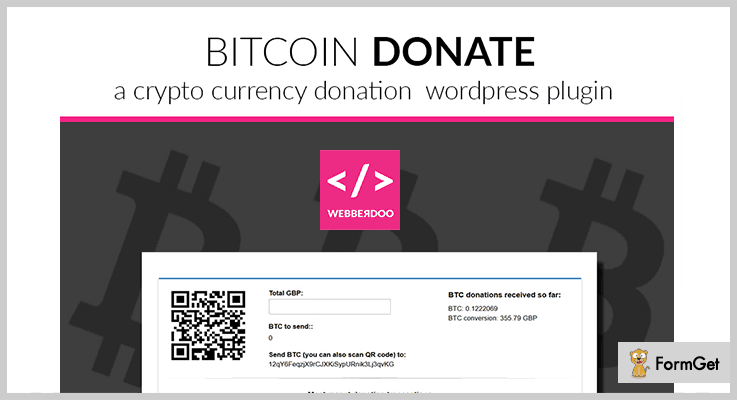
Bitcoin Donate is a powerful donation plugin helps your visitors to decide how much they would like to donate to your fundraising cause. You can easily add donation requests to your WordPress website with shortcodes and widgets present with the help of this plugin. Further, you are allowed to change Bitcoin Donate text content with your own language.
Pricing :
Get this useful Fundraising plugin at $24 with regular updates and full support.
Features :
- This plugin helps you to easily add bitcoin address to your WordPress theme.
- Bitcoin Donate plugin generates QR code automatically when doing payment.
- You are able to create unlimited donation widgets using this Bitcoin Donate WordPress plugin
- It helps to select your currency to be converted to bitcoin. You have more than 30 currencies to choose from.
8. Seamless Donations – WordPress Plugin
Seamless Donations is a useful plugin from the list of fundraising WordPress plugins. It is easy to install and helps your Website to accept donations with secure payment gateways. This plugin supports easy PayPal payment mode so that users can donate money within a fraction of the time. This plugin will add on with goodbye captcha plugin by which it helps to keep your site and forms safe by blocking spam boats.

Pricing :
You can install this Seamless Donation Plugin free of cost from ink themes website.
Feature :
- The seamless plugin supports compatible free plugins such as export and mail integration etc.
- It supports multiple languages and has more than 20 currencies converter present in this WordPress plugin.
- The plugin supports automatic donation repeat feature which gives your donors a checkbox to make any donation repeat.
- You can track your donors and most important contributors using standard WordPress post types so that you can connect with them.
Conclusion:
Here we have covered every feature of the 6+ Fundraising WordPress plugin. We hope you like the above article and will choose the plugin that best suits your business. You can ask your queries, you can comment your problems or any suggestions in the comment section below. Stay tuned for more exciting plugins.
5+ Girly WordPress Themes 2022 (Free and Paid)

If you’re a female entrepreneur and looking for a perfect platform to give your offline fashion store business into an online then you will be happy to know that you can now easily customize your fashion websites to match your entire fashion business taste. But the question is How? Well, we come with numerous collection of responsive girly WordPress themes which you can easily use!

All the templates featured with pretty designs by keeping feminine features in mind. Whether you are searching for a feminist, prettiest, elegant, typography layouts these themes will be perfect for you.
You may also like to read:
So, here is the list of most popular girly WordPress themes both free & paid so that you have the multiple options to select.
1. GirlishTrend: Feminine WordPress Theme
The theme is ideally suited for the needs of female webmasters wishing to set up their own personal girly website. It is one of the best solutions to create an E-Commerce site for teenage fashion stores, trendy shops, and other fashion industries.
This theme comes with feature packed to set up your girly websites such as amazing portfolio section, large screen slider to flourish your products images, feature area to elaborate your business’s key features with the shop now button.

Pricing-
Download this feminine WordPress theme at just $79 only with its lifetime accessibility.
Features-
- Advertise your feminine commodities on the shop page of the theme with their real price & discounts.
- Provides an opportunity to create multiple pages like a blog page, contact page, about us page etc.
- It provides ad banner section to promote your feminine website across the world.
- Provides precise 4-column footer section to reveal your company’s address, achievement, history and more.
2. ModelDress: Fashion Industry WordPress Theme
Consider the ModelDress WordPress theme if you’re searching to build a community around feminine products or services. The theme is the perfect platform to launch an Ecommerce website for your fashion wear business.
It’s admin panel allow you to add, delete or edit any product easily on the site. With its strong backend panel, you can provide multiple payment options to your customer like COD, online banking through PayPal payment gateway etc. Also, with its attractive portfolio section, you can highlight the best image of your product.

Pricing-
Buy this theme at $79 only with its lifetime validity and support.
Features-
- It allows you to highlight the best images of your product on its full-screen slider section with shop now button.
- At its 3-column featured area section, you can reveal your website’s features with a flipping effect.
- The theme allows you to frame your business portfolio with your models on a portfolio section.
- You can categorize all the products according to their list at the homepage.
3. Andrina: Feminine Theme For WordPress
Andrina theme is clearly a feminine WordPress theme. The template is built to create a website for fashion-oriented business. It is extremely simple in use which requires a single click to get installed and takes few minutes to frame into a complete website.
The layout of the theme contains attractive designs so that you can reveal your product photos in an impressive manner. It provides custom categories page for organizing your product list, information bars etc and also has a WooCommerce integration which is one of the standout features.

Pricing –
This theme will cost you $59 with a lifetime support and validity. Also, you can purchase its membership at $49 for unlimited features and functionalities.
Features-
- The theme allows you to on/off the homepage shop section, features area, animation effects etc as per your need.
- Highlight your business’s information, their gallery, videos etc on its 4-column widgetized footer area.
- Make aware of your new and hottest collection of products to your customer via blog section.
- It provides a hover slider to make your gallery section more impressive.
4. FashionCherry: Fashion WordPress Theme
If you’re interested to design an elegant and responsive website for your fashion store then FahionCherry is such a theme that is built intentionally for a fashion website business. The theme contains all the essential features that need while creating an eCommerce site. It is integrated with WooCommerce plugin which is one of the standout features.
You can engage your customer for a long time with its dynamic full-width slider, videos etc. Apart from this, you can also share your fashion tips, upcoming news of fashion shows, events via its blog page.

Pricing-
For better customer experience get this feature-rich WordPress theme at $79 only.
Features-
- The theme is built with twitter bootstrap, which makes the designing of websites easier, faster and responsive.
- To display your homepage’s screen in a full width, the theme gives you a toggle button to hide or unhide your website’s sidebar area.
- It provides a sidebar section to flourish the custom menus, search bar, contact address etc. in a creative way.
- Provides inbuilt contact us form so that your customer can directly contact you.
5. One Page: WordPress Theme For Fashion Business
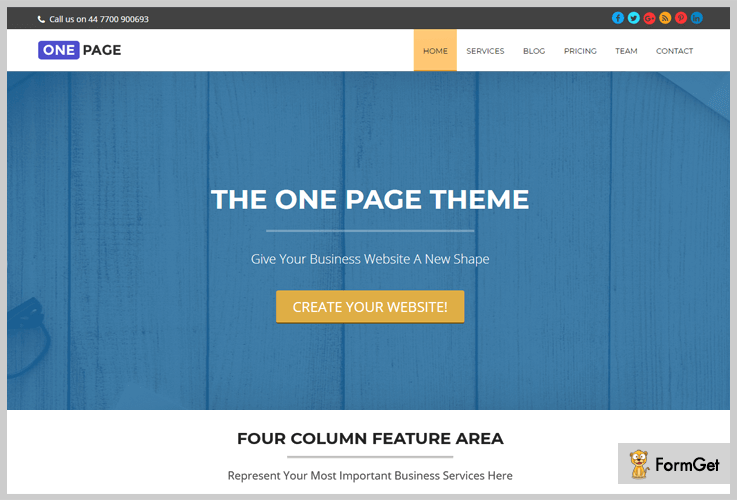
Try out this elegant single page WordPress theme for creating your multipurpose business website. The theme contains all essential features which are needed for every business website. It makes easy for the users to get all the required information on a single page.
Pricing-
Download this WordPress theme at free of cost from wordpress.org for its lifetime access.
Features-
- The theme gives you a download button at the top of the homepage.
- It provides a toggle button to hide or unhide the header section of your website.
- Provides easy to use drag & drop page builder to create a wonderful website.
- With its “top to bottom” button users can directly move at the top of the section your site.
6. Gommero: Ecommerce WordPress Theme
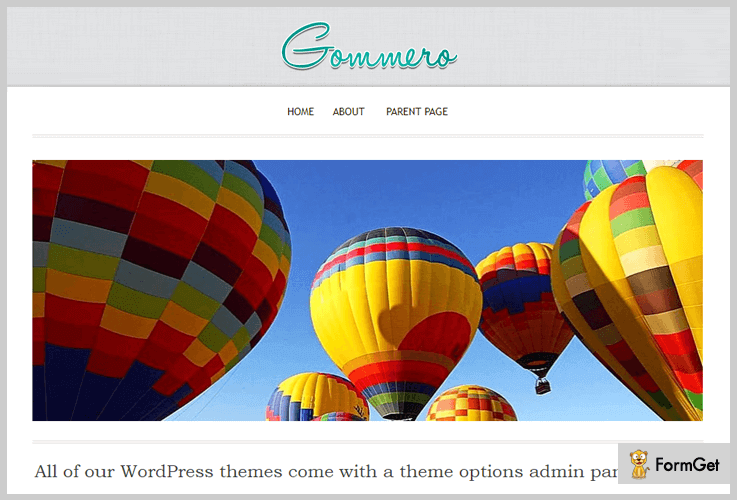
Gommero is free and the perfect option to create a fashion website if you’re in the market for a feminine look. The theme can work for various business niches. It provides you a perfect theme options panel through which you can easily customize your company’s logo, texts, background images etc.
Pricing-
By using this theme you will be not charged any amount. And you can easily download the theme from wordpress.org.
Features-
- The theme is a highly search engine optimized.
- It provides full-width image screen to flourish your business images.
- Has a 3-column featured area to reveal your business’s attributes with a flipping effect.
- Option to add about your business’s history, archives etc in its 3-column footer area.
Conclusin:
In this post, We have covered all the best collection of Girly WordPress themes that are able to provide all the required and essential features of a website. With the ease of usage of these templates, you can create a perfect website for your business.
For any suggestion do comment us below!
5+ Best WordPress Giveaway Plugins 2022 (Free and Paid)
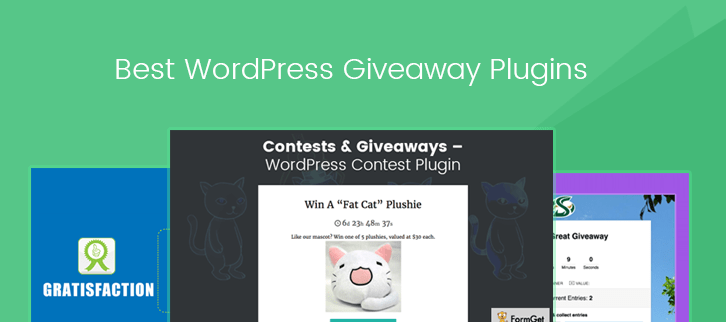
You might have seen many quack remedies over the internet which guarantees prodigious traffic on your website. But what’s the genuine way to increase, brand building, traffic, and sales? With social media, giveaways are now a great way to expand your consumer base by the hundredfold. Giveaways and contests are the easiest and great way to increase your fan following. For this, we are here with 5 + Best WordPress giveaway plugins.
The human psychology is such that we try to complete the things before the deadline and we all are curious for the victory. The listed WordPress giveaway plugins are designed in such a way that contests, giveaways via them will give a hit directly into the inner minds of the customer. As a result, will make your website more engaging and provide you the benefit of repeat sales.
All the WordPress giveaway plugins are equipped with amazing features that will help you to launch a remarkable campaign, contest or competition. Being responsive these plugins will function best on mobile, laptop, desktop. These plugins come with ‘n’ number of customization options to shape your contest or giveaways campaign the way you want. You can use social media features like Facebook, Instagram, Twitter to share and gain the social presence.
You may also like to read:
WordPress Fundraising Plugins
RSVP WordPress Plugins
WordPress Plugins For Photographers
Let’s get things rolling with a look at 5+ best WordPress giveaway plugins.
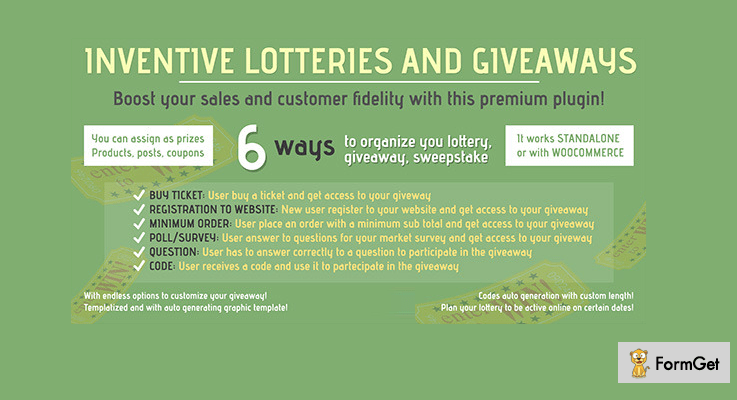
1. Inventive Lotteries and Giveaways – Host Giveaway Plugin
Inventive lotteries giveaways is the best in WordPress giveaway plugins which will boost your business sales to the next level. This plugin will allow you to create an automated lottery contest, giveaways, and sweepstakes in an attractive manner. If there is any new user then he/she can register to your website and get access to your giveaway.
Even user can place an order with a minimum subtotal for accessing the sweepstakes. One more way is by answering some questions for your market survey and get access to your giveaway. Moreover, the user can also generate user code and use it to participate in website giveaways.
Estimation:
You can host your giveaways by this plugin at $23 for 6 months and at $30.13 with extended support for 12 months.
Features:
- The plugin is very dynamic and can work as standalone as well as with WooCommerce.
- Availability of effective widgets and shortcodes to display your sweepstakes easily.
- It is translation ready that means that you can use it in any language. This makes it a user-friendly plugin.
- Provides you condition option to set conditions, age and country restriction which makes it an adaptable plugin.
- Comes with a mailing list integration option which allows you to send email to the lottery winner.
- The admin panel is so powerful that you can customize anything and everything related to your business.
2. WooCommerce – Cheapest & Most Expensive Product Promotions
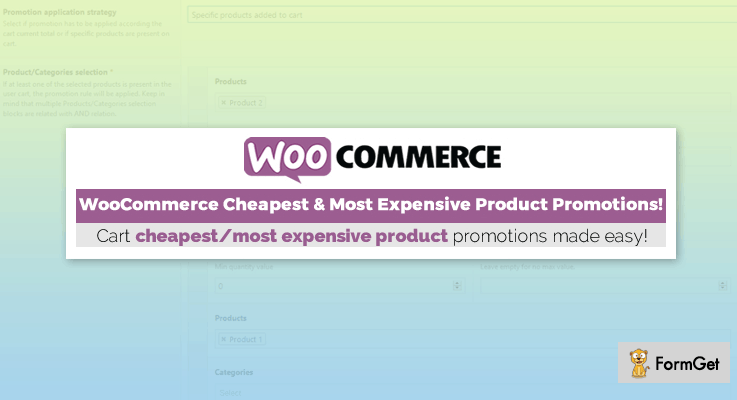
WooCommerce Cheapest & most expensive product promotions is the best plugin for promotion purpose. This plugin is designed to generate promotions for the cheapest as well as most expensive products on your online store with ease.
You can also apply the discount and can also customize it with time. The promotion will automatically apply by amount subtotal and by selection of a specific product or a specific quantity of any product.
Estimation:
This plugin is available at a reasonable pricing plan of $19 with 6 months support. You can also go with $24.63 plan with extended support for 12 months.
Features:
- The plugin is WPML compatible which will make your website translation ready.
- You can apply promotion for selected products with product restriction feature.
- An automatic discount feature which will apply the discount on the cheapest and expensive products.
- Cart minimum and maximum feature which will make the cart total as a parameter for applying for the promotion.
3. Image / Video Contest Generator WordPress Plugin
Image / Video Contest Generator WordPress giveaway plugin will help you to build a large audience and promote your business with ease. This plugin is a high resolution and allows you to create the unlimited amount of games in few clicks.
It is equipped with all the features that make it the best plugin. Moreover, this gives you a completely responsive design which will work with the same efficiency in every device. This makes it a user-friendly plugin.

Estimation:
This useful feature-rich theme is available at $9 with free future updates and support for 6 months. You will also get a additional support of 12 months with $ 10.88.
Features:
- Liberty of creating unlimited contests with unlimited questions with full ease.
- You can also share games over social media with social sharing icons like Facebook, Instagram, Twitter etc.
- The complete template is fully editable which will allow you to change the background color, font colors etc.
- Video contests can also be generated which will work with YouTube and will auto play the contest question over the video.
- You can also generate Image contest is popular among the contests. The image questions will come in blur form and custom unblur time.
4. SweepWidget – Giveaways, Sweepstakes, Leaderboards, & Instant Rewards
SweepWidget is the best plugin to run highly engaging viral giveaways. They have 90+ entry methods to choose from on 30+ different social media platforms.
The best part about SweepWidget is all the different types of giveaways you can run. You can do a basic giveaway, leaderboard style giveaway, instant rewards & coupons giveaway, viral sharing sweepstakes, have tiered milestones, locked prizes, and so much more. SweepWidget offers more features than any other widget.

Estimation:
You can use the free plan for life, or do the pro plan at $29 per month. Or, you can do 12 months and get 2 months free of the pro plan.
Features:
- 90+ entry methods from 30+ social media platforms.
- Create a fully custom design and style for your widget.
- Several email API integrations to choose from.
- Multi-language support – translate your giveaway into 103 different languages.
- Viral sharing capabilities.
- Create custom form fields, surveys, polls, and quizzes,
- Leaderboards and instant prizes/coupons.
5. Simple Giveaways – Free Sweepstakes Plugin
Simple Giveaways is a simple yet professional giveaway plugin. This plugin will help you to host giveaways and promote your business with an additional generation of sales.
The widgets and shortcodes will help you can even host giveaways on a separate page which will generate more traffic. Every giveaway will be displayed in a separate template which will increase the loading speed.

Estimation:
You can get this plugin completely FREE of cost directly from the official website of wordpress.org.
Features:
- The theme is equipped with only necessary scripts or styles which will increase the loading speed.
- You can share the promotional images on social media with Facebook, Instagram, Twitter etc.
- An important feature of Google Captcha which will help you to get rid of spammers.
- Provides you email option which can be used to send emails to a large group of users.
- Various customization option which will help you to choose start/end date & time.
6. Contests & Giveaways – Best In Free WordPress Giveaway Plugins
Contests & Giveaways is one of the best in free giveaway WordPress plugins. It is very simple to use which makes the creation of engaging giveaways and contests a cakewalk. All the contests and sweepstakes will look very beautiful as they come in perfect and appealing layouts.
Your site visitors can take advantage of the contest/quiz with a simple email requirement. This plugin will also allow you to randomly select the winner.

Estimation:
Download this theme free of cost from the official website of WordPress.
Feature:
- It comes with a tracking feature that tracks your contestant’s IP address to keep a check on fraud.
- The plugin has many customization options even you can contest or giveaway terms and conditions.
- You can also share the competitions and contests on social media platforms like Facebook, Twitter, Instagram, etc.
- It provides you an image section where you can add an image and can showcase it directly on the contest landing page.
7. Gratisfaction – Giveaway Free WordPress plugin
Gratisfaction will help you run unlimited competitions which will help you to boost user engagement. The most significant advantage of this theme is that you can do this with the minimum investment of time and money.
In brief, you will be able to achieve the goal of social media presence, traffic as well as sales boost.

Estimation:
You can get this plugin FREE of cost. You can download it easily from the official site of WordPress.
Features:
- Comes with multiple widgets that can be activated and deactivated according to your convenience.
- Provides you the freedom to showcase our contests on social media platforms as well as blogs.
- You will get customization options to change colors and widgets enhance the overall campaign.
- Allows you to quickly set up and run your own points & rewards based contests and sweepstakes.
Conclusion:
Here we are done with the best, responsive, and professional 5+ Best WordPress Giveaway Plugins. I hope you have selected the right plugin to achieve your business objective.
Stay tuned with us for more interesting blogs on trending themes.
6+ Best RSVP WordPress Plugins 2022 (Free and Paid)
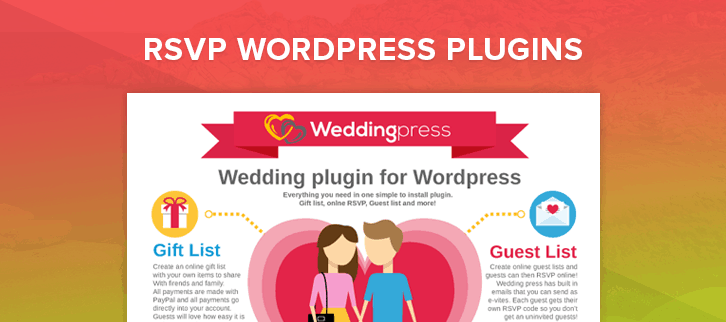
Do you want to accept responses to your invitation online? Then, you can try out these RSVP WordPress plugins.
Management of guests can be a tedious task and receive their RSVP manually can break one’s back.
So, to ease this work we’ve compiled a list of RSVP WordPress plugins that will not only manage your guests and event list but also sends bulk email invitation at the same time.
More Related Articles
These plugins are integrated with PayPal payment gateway to collect payment online for your events.
Moreover, they offer lots of customization options to create your own custom RSVP form for different types of events.
So, let’s explore them one by one to know more about their functionalities.
1. RSVP and Wedding Invitation WordPress Plugin
This WordPress plugin helps you to send email wedding invitation and allow your guests to RSVP via your website. In this plugin package, an invitation card template is also included with customization facility.
CSS styles of the plugin make it fully compatible and adapt your current theme’s look. You can add the RSVP form to any page of your website using WordPress shortcode.

How much this plugin cost you?
For this RSVP WordPress plugin, you’ll have to spend $15 on downloading it from codecanyon.net.
Included Features
- It gives you full statistics on each RSVP status (Yes/No/Pending).
- Ability to send an email invitation to multiple guests at the same time.
- You can customize the text in the invitation card according to your guests and requirements.
- It gives you the full flexibility to sort, edit, add, and delete the lists of guests.
- Statistics of each menu type such as standard, kids, vegetarian.
2. WeddingPress – WordPress Wedding Plugin
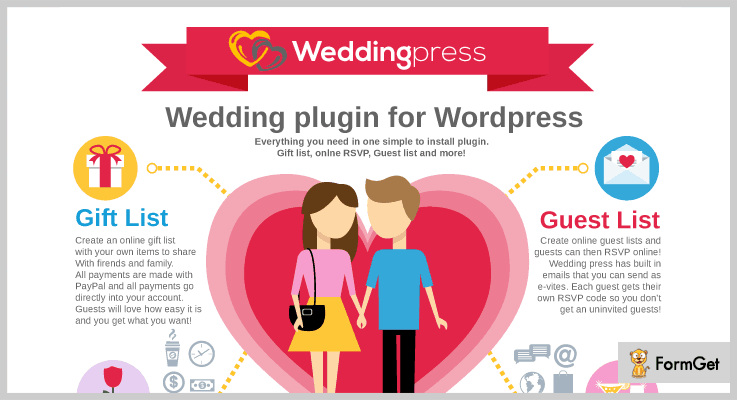
WeddingPress is a complete wedding plugin for WordPress. You can manage everything here related to your wedding from managing guests list to gifts list. Through this plugin, you can easily manage your guest’s list and allow them to RSVP online.
It has an inbuilt email invitation system, through this each invited guest will receive a rsvp code which will be needed to submit the online rsvp. With this, you can eliminate unwanted guests.
Price of the plugin
You can buy this complete wedding plugin from codecanyon.net at just $30.
Included Features
- It is multisite compatible that means you can install this plugin multiple times at the same site for other wedding couples.
- When sending an RSVP there is an option of add food menu so that your guests can select what they like.
- You can list out your desired gifts on your website and allow your guests to send gifts via PayPal payment gateway from your website.
- Social sharing is also possible with this plugin so that you can share information about your wedding on the social networking sites.
3. WP Easy Events Pro
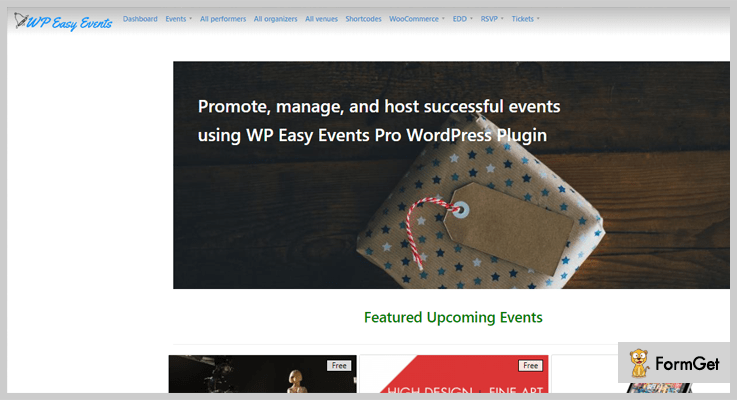
It is one of the best event management and ticketing plugin for WordPress. Acts as an all in one place for managing all your events. All the details about events are stored in a single place. RSVP button is available with each event and it will remove automatically after the event expires. Easy Events plugin works well with most of the WordPress themes without any modification.
Price of the plugin
Its annual subscription starting from $149 where you’ll get all the advanced functionalities of the plugin.
Included Features
- Multiple organizers can create events on the website. The plugin gives you the full flexibility to manage them.
- You can save and manage all your RSVPs and attendee list at one place.
- Get statistics of your results in colorful charts and graphs.
- An event calendar is integrated that helps you to easily display all the events on a calendar.
- You can create beautiful event pages to grow more attendance.
4. RSVP Pro Plugin
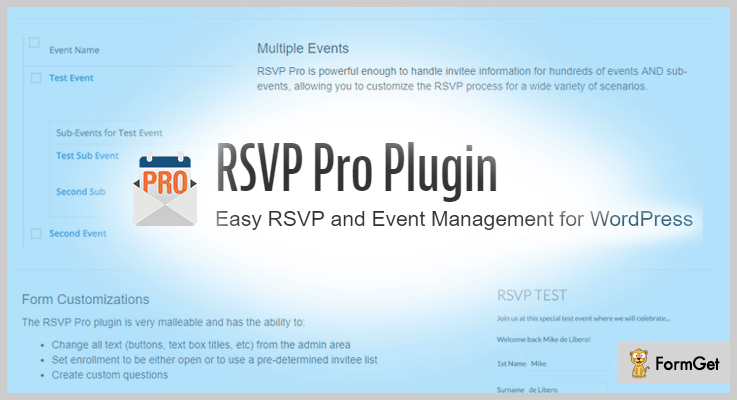
This plugin is widely used to manage RSVP of the events. You can setup guests lists and find out who is coming through rsvp form. You can add custom questions to the form. Email reminders and notification of the events can be easily sent to the guests via this plugin.
Pricing plans for the plugin
This plugin has two plans
- Personal License – $89 which includes 1 WordPress installs, all premium features and an unlimited number of events.
- Business License – $399 which includes Unlimited WordPress installs, all premium features, unlimited events and so on.
Included Features
- Full customization of buttons, links, and texts from admin panel.
- It also sends invites confirmation when your guests fill rsvp form.
- Functionality to manage the recurring events by saving all the data of the previous events.
- It automatically creates pages for the new events.
- You can categorize events as public and private.
5. RSVP and Event Management Plugin
It is a full event management plugin that provides you an easy attendee management. With this plugin, you can also group your guests as families to make organization easier.
In its premium version, you’ll get some advanced functionalities like mass email invites, public lists, and multiple events etc.

Cost
This RSVP plugin cost you nothing, you can download this theme from WordPress.org.
Included Features
- You can import and export attendees from the list.
- Custom questions can be set up in RSVP form.
- Sends email notifications about the events.
- You can easily customize the text of the RSVP.
6. RSVPMaker – Best in Free RSVP WordPress Plugins
It is an event scheduling and RSVP tracking plugin for WordPress. RSVPMaker makes editing an event on WordPress so much easier. It gives you the facility to promote events on social media as well as integration with MailChimp enables you to promote it by email marketing.

Cost
This RSVP WordPress plugin is free of cost.
Included Features
- The plugin is PayPal integrated so that you can collect payments easily.
- Facility to create webinars and other online events.
- RSVP reports are visible on the admin dashboard and can be downloaded as a spreadsheet.
- Integration with MailChimp helps you to generate newsletter for upcoming events.
Wrapping Up!
So, that’s all about the RSVP WordPress plugins. We’ve accumulated both free and paid plugins in the article. So, you can pick the one which satisfies your requirements regarding features. You can use these plugins with your current WordPress theme, you don’t have to switch your theme to access it.
Further, if you want to list any other RSVP WordPress plugins in the list. Then, you can share it in a comment section.
5+ Best WordPress Plugins To Block Countries 2022 (Free and Paid)

Do you want to secure your content from other countries? Or you don’t want some particular IP addresses to sneak into your content?
Don’t worry you can do this by using WordPress plugins to block countries on your website. These WordPress plugins will stop the visitors from doing any harm on your website.
Also, you can display a message to your blocked visitors in a stylish way using a customizing feature. Or you can redirect them to another page of your website or to any external site.
Here, are the 5+ best WordPress plugins to block countries and to save your data.
1. Country and Mobile Redirect – WordPress Plugins To Block Countries
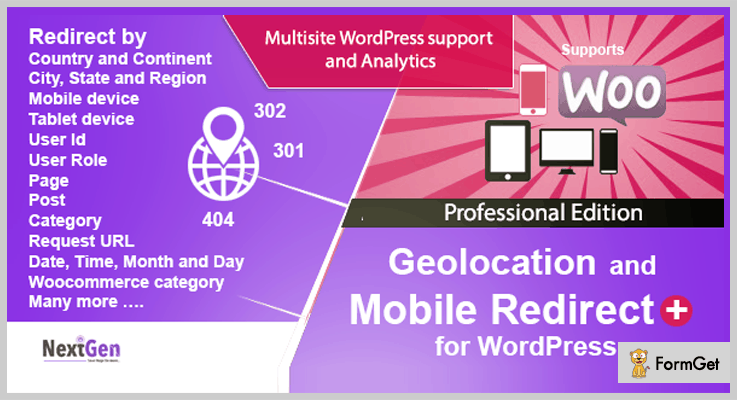
Country and Mobile Redirect is a plugin which will help you in blocking unwanted visitors. It doesn’t matter where they belong to, you can easily redirect your visitors based on any combination of location.
This WordPress plugin uses the SEO standard 301 & 302 redirects. In fact, with these SEO standards, you can enable any page to be used as the 404 page.
Price –
Country and Mobile Redirect WordPress plugin will cost you $19 with 6-month support and regular license.
Features –
- WPML compatible which means this WordPress plugin can be translated into other languages.
- It has a country dropdown shortcode, which can redirect your user from your website, irrespective of Geolocation.
- This WordPress plugin has a redirect controller which stops the unwelcome visitors.
- You can redirect your customers to a pop-up, country dropdown, or external website, or mobile using redirect controller.
2. Blocker. – WordPress Plugins To Block Countries
Blocker. plugin helps you not only in blocking countries but provide many other security features. You don’t have to use the additional plugin to secure your site if you prefer this amazing plugin.
Also, it prevents fake and spam visitors from entering your website. This tool helps in blocking user agents, mail addresses and countries you have selected.

Price –
It provides two types of licenses for their users with all the features and updates and 6 months’ support. You can extend it to 12 months by paying $4.88 only.
- Regular license will charge you $18 only.
- Extended license will charge you $99 only.
Features –
- It protects you from VPN and Proxy users. Blocker. can easily block VPN and Proxy users.
- You can reduce your bounce rate with this plugin by blocking Google analytics spam.
- Without Captcha, it provides registration and comment protection.
- It can detect Malicious software through its Malicious software detection and blocking sys
3. IP2 Location Country Blocker – WordPress Plugins To Block Countries
IP2Location is a Geo IP solution which identifies your visitor’s geographical location without invading user’s privacy.
Using this plugin you can save your backend and frontend that is admin & block area from the proxy servers or countries. In fact, IP2 Location Country Blocker has many ways to save your data from filching.
Moreover, this plugin supports both BIN data and web service. You can use IP2Location BIN data, which can be easily downloaded. And later on, you can update the BIN data via the plugin settings page.

Price –
The pricing of this plugin depends on the product and the requirement. You can visit their sales page for more details.
Features –
- This plugin allows you to customize your own 403 page.
- You will immediately receive an email notification if someone tries to access your admin area.
- Also, with this plugin, you can see the statistical report of all the traffics blocked by you.
- In addition, the IP2 plugin supports IPv4 and IPv6, which help in restricting the nondescript proxies.
4. CloudFlare Manager -WordPress Plugins To Block Countries
With CloudFlare Manager, you not just block countries to access your blog but it also integrates it with the CloudFlare platform.
It shows real IP in your blog and provides Whitelist IP to access your domain name.

Price –
This plugin provides two licenses with all the features and support for 6 months.
- Regular license at the charge of $13 only.
- Extended license at the charge of $65 only.
Features –
- It can blacklist IP to access your domain name.
- This plugin purge the entire cache for your domain name.
- Also, you can purge a single file URL for your domain name.
- With this plugin, you can easily check your domain name analytic and domain name’s latest visitor IP.
5. WP GEO Website Protection – WordPress Plugins To Block Countries
Using this plugin, you can prevent huge attacks on the administrative panel of your site.
Also, you can easily filter front-end visitors and visitors who want to login to WordPress backend.
Moreover, you can block the whole country and allow only a few IP addresses to sneak into your content.

Price –
This amazing plugin is available free of cost and has almost more than 400+ active installations.
Features –
- You can stop visitors from different parts of countries.
- Also, you can ban visitors who try to sneak into your backend login page.
- Using this plugin, you can see the graphical representation of all the blocked countries.
- This plugin helps you in banning the IP addresses which are characterized by hack attempts, spamming and etc.
6. iQ Block Country – WordPress Plugins To Block Countries
iQ block plugin uses the GeoLite database from Maxmind. A Maxmind is a company which detects online fraud and provides location data for IP addresses.
This plugin has up to 30,000+ active installations. Moreover, iQ block plugin can be translated into 2 languages: Dutch & English (US).

Price –
With a rating of 4 stars out of 5, this plugin is available free of costs.
Features –
- With this plugin, you can block countries or some selected IP addresses. Or you can also allow only some IP addresses to sneak into your content, not the whole country.
- It works with Maxmind’s database, which helps you to block the unwanted users.
- Many cache plugins are not compatible with this plugin but, comet cache, WP super cache are compatible with this plugin.
Conclusion –
In short, this is all for 5+ WordPress plugins to block countries up to the present time.
Quickly, grab one of the plugins you are most satisfied with and increase the security of your website.
We hope you all like our blog and don’t forget to share your words.
Before going further let’s have a look at these blogs as well:
5+ Salient WordPress Themes 2022 (Free and Paid)

The motive of salient WordPress theme is to create an elegant website with responsive layouts for any business purposes. These themes are salient or important because they consist minimal and flexible functionalities with exceptional design and formats.
In fact, these templates can be utilized by those who want to display their websites such as e-commerce websites, online clothing stores, retail stores, etc.
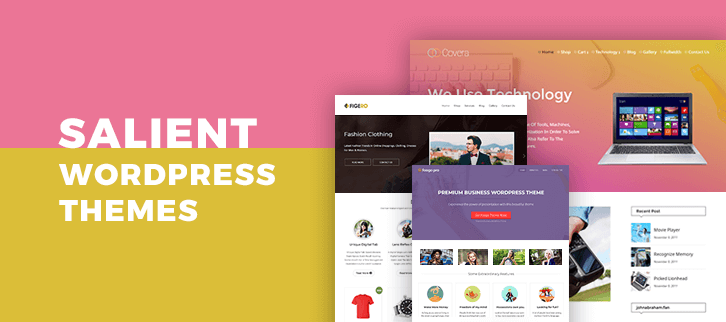
So, today I want to share with you the collection of best salient WordPress themes to draw a new height for your business. These themes have a number of features that help to bring out the fantastic design for your site. Here you will find default options panel available in all the themes. In addition, you can affix business-related services, photos, videos and customizing all the pages according to your needs.
Some highlights on features are listed for you here –
- Slider effect.
- Featured area.
- These all are SEO optimized.
- There are no restrictions on browsers, all the themes have compatibility to run on any platform.
- 100% responsive design. It means you can run your application or website on any screen size.
Apart from such common factors, there are countless unique features are also on these themes.
And at last, it’s the time to quickly know these features in brief and make a robust website by using any one of them. I’m sure once you’ve created your website using these salient WordPress themes, then no one can stop you from becoming a unique web presence in a marketplace.
But before proceeding, we would like you to read some of our other blogs –
1. Figero Pro – Flexible WordPress Theme
Figero – flexible WordPress theme offers a standout solution for every business and archive need. This is very creative salient WordPress theme that helps you to create a simple and clean website for the various business purpose.
This elegant theme has a responsive layout, sidebar options, built-in blog page and comment options.
The user can drop there images or videos with dual parallax effect, also they can customize the features available in the theme as per their business needs.

How much will you pay for this theme?
This salient WordPress theme is available at $59 with lifetime support.
Know more about the features –
- 2 layered slider – Here you get 2 sliders which 1 in the background and another one on top of that parallax background. You can set business related images to them with respective intro text.
- The featured section with parallax image background – This theme gives you a featured area where you can display your business services well. To decorate more, you can add some background images with parallax effect.
- WooCommerce compatible – You can sell your products online with the help of this Woocommerce plugin. This is the integrated feature by which you can provide trade facility to the users through your site. You can also get the respective amount with the help of PayPal payment gateway.
- Widgetized footer area – This salient WordPress theme serves you an amazing footer section with full of widgets. Here, you can display your gallery, recent blogs, contact details and services with the visitors.
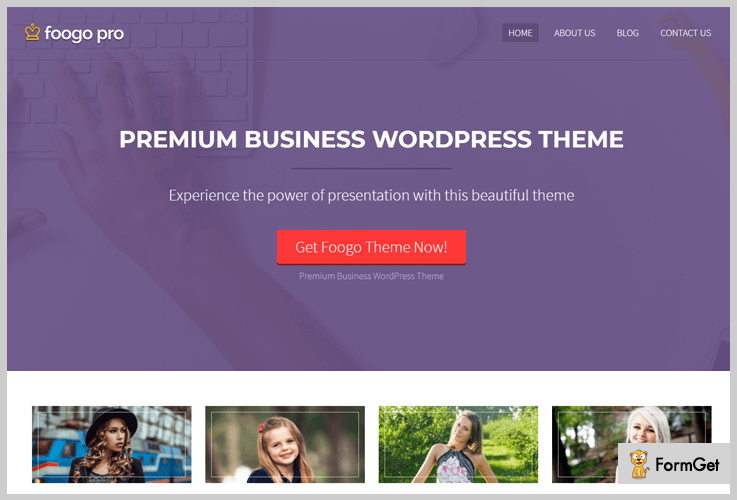
2. Foogo Pro – Responsive WordPress Business Theme
This salient WordPress theme is created exclusively for business professionals. This Foogo-Pro responsive WordPress theme comes with the pack of customizable features which are enough to promote your business and products on the web.
Here, I would like to discuss some of the features like – this theme has a fully functional homepage, simple layout, easy setup and installation process and many more on the line.
How much will you pay for this theme?
Get this primary WordPress theme with a 24*7 support forum and free updates at $59.
Know more about the features –
- 2 Demo templates – In this theme, you will find 2 demo templates in the startup. Select any of the 1, so you can use this dummy template for the practice level.
- Full-width slider – Through this theme, you will find a full-width slider that will make your website look something different. In addition, here you can also put some photos and write about them.
- Animated 4 column featured area – This section will give your site a wonderful glance. Here you can describe your business services so that the customers will get their interest in you.
- Blog section – You can share your business-related intelligence, tips or some articles through your website.
- Ad banner space – This them gives you a specific area to promote regular deals, offers, discounts that will be helpful in turning more visitors to your site.
3. Slice – Best Feature WordPress Theme
If you want to create an E-commerce website by which you can display your fashion trends and sell them out, then this theme will be the best choice for you. This theme helps you to craft online fashion accessories selling website with high functionalities.
Who can utilize this theme?
The theme can be adopted by several fashion marts, trendy shops, clothing centres, garment retailers. So let’s move towards the features and services.

How much will you pay for this theme?
Slice is available in a single pricing plan of $59 with 30 days money back guarantees.
Know more about the features –
- WooCommerce plugin – This theme is framed with a WooCommerce compatibility that delivers features for building an E-commerce site for any fashion niche.
- Login template – The slice salient WordPress theme is integrated with the login page that allows your customers to create their accounts with the suitable name, email and password.
- Countless widgets – The theme comes with several amazing widgets like – social sharing widgets, recent posts, calendar and many more.
- Page builder plugin – This plugin helps you to create more pages to your side as per the business requirement.
- Unlimited colour option – You can use predefined theme colours to make your website layout even better.
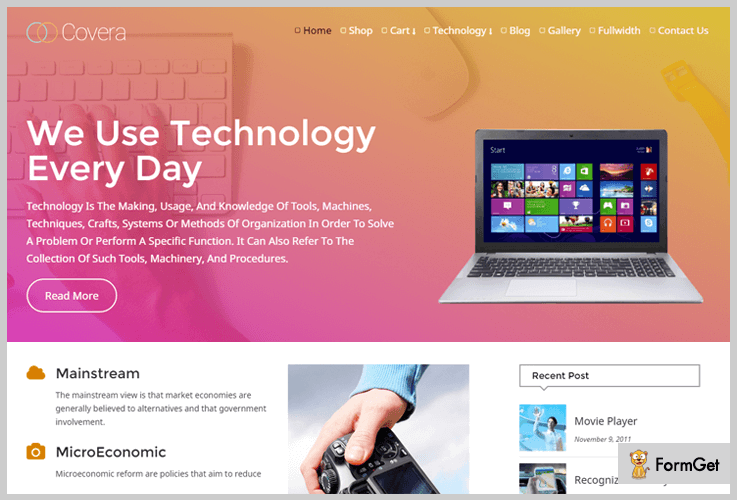
4. Covera – Ultra Modern Technology WordPress Theme
This theme is beautifully designed to craft a website for technology-based firms. If you own an IT company or belongs to the technical industry, then this Covera salient WordPress theme will help you to bring your services, products, features and tools are on a single platform.
You will get a complete package of effective features like – font-awesome icons, custom homepage area, feature section, testimonial blog section, etc.
These features are enough to promote your hi-tech products on the web.
How much will you pay for this theme?
Give your Consultancy a perfect online presence with this theme at $59.
Know more about the features –
- Awesome slider – The slider for this theme is very great and the different thing is that you can put 5 slides with flip effect.
- Widgetized sidebar – There is an option of a sidebar, which you can add to every page of your website. In this section, you can also insert several widgets like – you can display some of the recent posts, create categories, affix social icons and similar.
- 2 – layout features area – As I mentioned 2 layouts, that means this theme gives you a column and a line based services panel. So that here you can describe your business services in a beautiful manner.
- Testimonial section – In this section, you can show the feedback of your happy customers through your website.
- Portfolio section – Here, You can showcase your business-related images in a grid layout.
5. SaleJunction – WordPress Theme
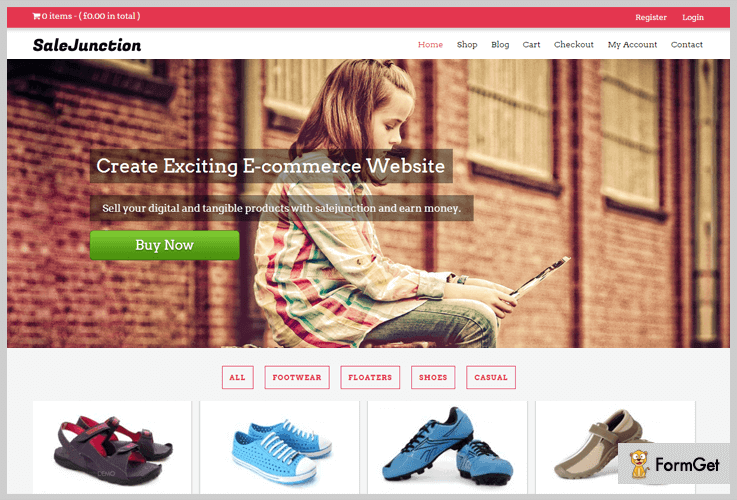
If you want to build your exciting e-commerce website just to sell or showcase your products online then this multipurpose theme is the best of all. To serve the same functionality, this themes is integrated with Woocommerce plugin, that allows you to trade your items through your site.
There are more features that make this theme a popular one. We discuss them well in the below section.
How much will you pay for this theme?
Download SaleJunction from the official website of WordPress at FREE of cost.
Know more about the features –
- Flexible slider – Full-width slider where you can set business related pictures with respective intro text.
- Blogging – You can showcase your blogs on the separate page. Also, some of the latest posts can bring on the homepage.
- About us Segment – This theme has about us section where you can give the information about your firm or the team members.
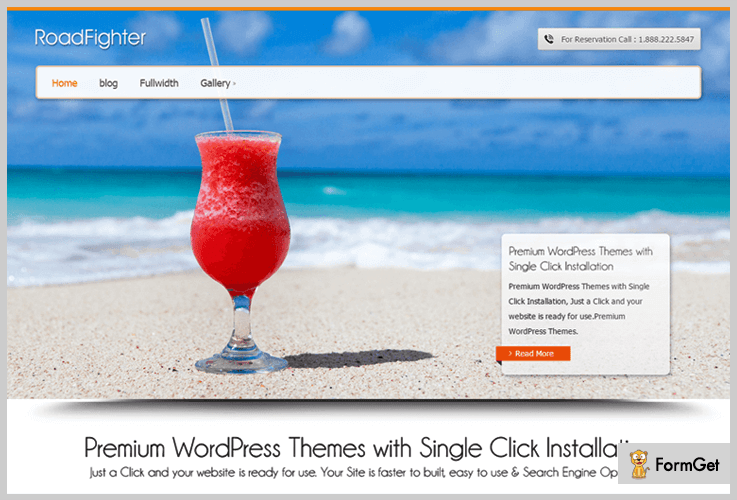
6. Road Fighter – WordPress Theme
Road Fighter is a freemium WordPress theme for the various business purpose. As we talk about the basic layout, then this theme is very clean and simple. There are numerous customizable features available for styling your website.
This salient WordPress theme allows you to display your portfolios, blogs, custom sidebar and many more on the list.
How much will you pay for this theme?
The Road Fighter WordPress theme is a free product of InkThemes.com with 1000+ active users.
Know more about the users –
- Featured Section – This theme gives you a service section with beautiful animation effects.
- Custom tagline area – Here, you can set a suitable business tagline with a customizable button.
- Integration plugins – This theme is compatible with integrating plugins. It allows you to transmit any data from platform to platform.
Wind up
Through this article, we helped you to find the collection of Salient WordPress themes for any business purposes. Here, we hope that the information we provided here will definitely help you to summon the prime templates for your website.
Moreover, if there are things which are still not comprehensible so you can catechize through the comments section below.
5+ SaaS WordPress Themes 2022 (Free and Paid)
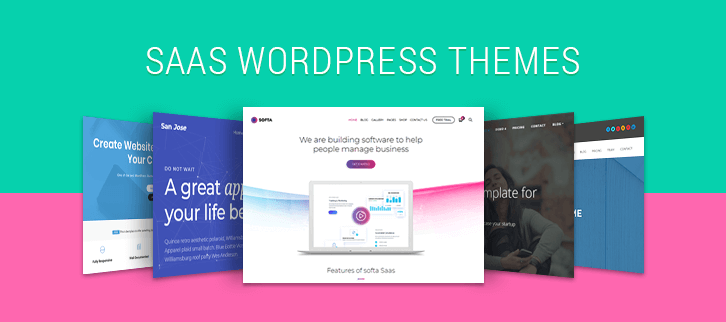
SaaS WordPress themes are in great demand these days as they provide an easy to use online selling platform to software, apps, digital products vendors. With the help of which they can target a global audience and grow their business around the world.
So for your convenience, we have defined some of the best SaaS WordPress themes in this blog through which digital products like software, apps, and downloadable products can easily be displayed online through a website.
In addition, all the themes explained in this blog are responsive in design, comes with WooCommerce and translation compatibility and offer multiple other facilities as well.
Before going into the theme details have a look at the blogs listed below on top niches:-
1. SoftEase – SaaS Product WordPress Theme
SoftEase is one of the best SaaS WordPress theme which is crafted for selling software and digital products online. This template has an attractive design which helps you describe products details clearly on the website.
It offers various features like free trial button, software description space, sign-up facility and more. With this theme, digital products and software can be downloaded by the users with ease.
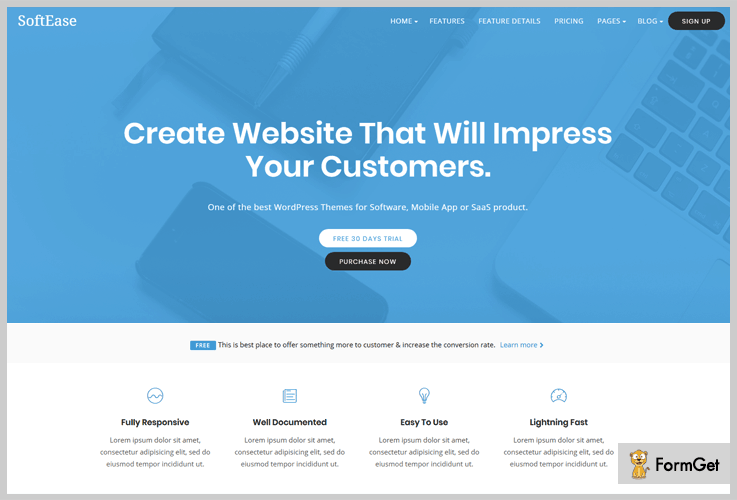
Pricing:-
- Regular plan of this theme will cost you $69 with which you get advanced facilities like inbuilt contact form, 6 different demos, parallax background and more.
- The extended plan is priced around $1200 which includes visual composer, sign-up pages, responsive layout and more.
Features That SaaS WordPress Theme Provides:-
- Custom sticky menu which moves as the user navigates up and down on your website along with the business logo on the left side.
- 4-column featured area where you can display services offered by the software with font awesome icons, title and text description.
- Pre-designed pricing pages using which you can project packages of the SaaS products offered by your business on your website in a customized manner.
- Widgetized footer space where you can attach custom logo, navigation menu, social icons and more.
- Special newsletter subscription facility helps you collect contact details of users landing on your website.
Click For More Details On SaaS WordPress Theme
2. TheSaaS – WebApp WordPress Theme
TheSaaS is a WordPress theme which is specially designed for people who want to showcase web applications, software, apps and digital products offered by their online business.
This theme comes with multiple pre-constructed web pages and demo layouts which can be applied to your site with a single click.
All these pages and demo contents are easily customizable and can be changed as per your business needs.
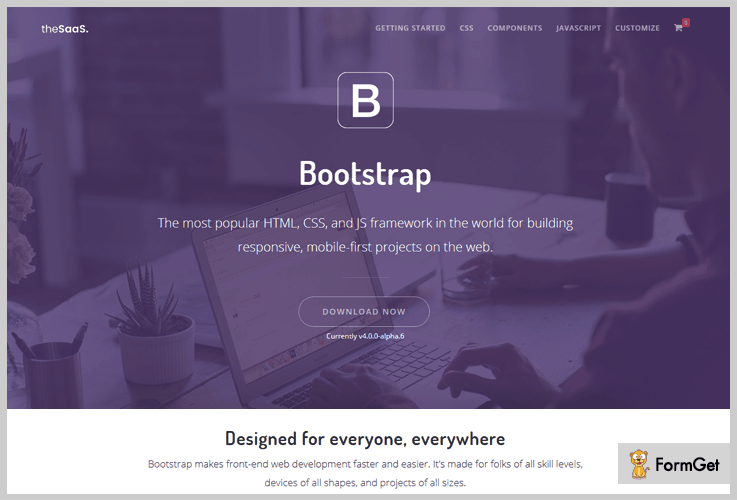
Pricing:-
- This theme offers two different plans one is the regular plan which charges $59 and second is extended plan which charges $2600.
Features That SaaS WordPress Theme Provides:-
- TheSaaS WordPress theme has a single page layout which is easy to navigate from different devices like mobiles, tablets, desktops, etc.
- Page builder feature which works on drag & drop functionality. You just have to pick the block from the list that you want on the page and drop it and click save. A custom web page will be created.
- With this theme, you get free and regular updates for a lifetime with no extra charge.
- This theme is built on Bootstrap 4 which makes your site 100% responsive and mobile-ready.
- For custom page building, you get more than 100 blocks variations on this theme.
Click For More Details On SaaS WordPress Theme
3. SanJose – SaaS WordPress Theme
SanJose is an advanced WordPress theme which is constructed on the latest version of bootstrap. With the help of this theme, you can create a website to sell digital products and SaaS-based application online in the global market.
It allows you to build product pages where you can define details of the software like working, benefits, product description, functionality, pricing and more.

Pricing:-
- $39 is the price of the regular license and extended license is priced around $2100 for full access of this WordPress theme.
Features That SaaS WordPress Theme Provides:-
- This theme has got pre-integrated contact form 7 and Google maps.
- You can emails regarding software updates, special offers and deals via MailChimp emailing platform. As this service is also available on the theme.
- Fully optimized to fulfill all SEO needs. Website created with this theme is SEO friendly and help your site rank high on various search engines.
- You can accept customer reviews and comments on your software and other products through the testimonial section.
- Footer section to attach newsletter subscription, custom menu, social icons and business description.
Click For More Details On SaaS WordPress Theme
4. Softa – Software WordPress Theme
With Softa software WordPress theme you can handle software and SaaS products on the shop page, create catalog, checkout pages and more. This theme offers fully WooCommerce functionality and helps you have a digital online store.
You can elaborate price plans and software packages on your site with custom details & buttons. Plus, this theme also has animated effects which will grab the attention of your website visitors.
Pricing:-
- With this theme, you get two premium licenses the first costs you $59 which offer regular facilities and $2800 is the extended package of this theme.
Features That SaaS WordPress Theme Provides:-
- This theme has 29 pre-designed web pages which accept all type of customizations and provides different layouts.
- 5 Dedicated homepage layouts are available for SaaS, hosting, mobile app and other applications.
- Gradient color management system with which you can select various color options for a particular element on your website.
- Slider section where multiple images along with title and text description can easily be defined.
- Featured icon box through which software details like functions, features, working, etc can easily be categories with details.
Click For More Details On SaaS WordPress Theme
5. Alba – Software WordPress Theme
This is a lightweight theme which loads fast on various browsers and helps you define SaaS products and app solution online in an attractive manner.
You can an e-commerce store from where software, apps, and digital applications can be sold easily. It also gives you access to multiple demo contents which can be imported and customized on your website with a few clicks.
Pricing:-
- The regular license of this theme will cost $59 and the extended license with advanced facilities will charge $2400.
Features That SaaS WordPress Theme Provides:-
- This theme comes loaded with various animated and special effects which grabs user attention and helps your website hold the customers for long.
- Advanced theme options panel which gives you access to 600+ Google Fonts and other theme customization options.
- Advanced theme options panel which gives you access to 600+ Google Fonts and other theme customization options.
- Drag & drop page builder which comes with multiple blocks to create unique web pages.
Click For More Details On SaaS WordPress Theme
6. One Page WordPress Theme
One Page WordPress theme holds over 3,000 active installations on the web. With this template, you can create a unique custom designed website with color, text, font, featured and other stylings.
This theme has got a single page layout using which you can add all the essential features and business content on the same page of your website.
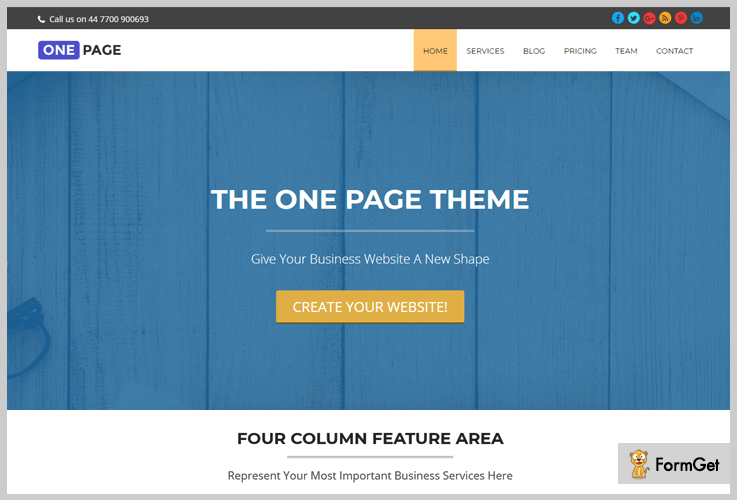
Pricing:-
- This is an entirely free WordPress template which can easily be downloaded from wordpress.org site and can be installed with a single click.
Features That SaaS WordPress Theme Provides:-
- Fully responsive single page layout which is easy to navigate through different devices.
- Translation ready which provides multilingual support to your website with a single plugin.
- Allows you to handle threaded comments and reviews on various blog posts and products.
- Multiple widgets areas in the footer and sidebar section where you can add the search bar, recent posts, and other widgets.
Click For More Details On SaaS WordPress Theme
Conclusion
That’s all we have got on SaaS WordPress themes and I hope that after going through this blog once you will surely find a theme for your business.
In case of doubts and queries feel free to mention your questions in the comment section below.
5 Masonry WordPress Themes 2022 (Free and Paid)
The design pattern of the masonry WordPress themes is very popular amongst bloggers and photography experts. It’s clean and well-structured layout will allow you to show off your work in an extremely elegant way. All the themes are very magnificent and come with retina ready layouts which gives your visitor an eye-pleasing experience.
Grid layouts are very popular amongst the designers, even a non-techy person can portray it in numerous unique ways. Most of all the themes are fully responsive, compatible with plugin integration, and cross-browser compatible. One of the fringe benefits of using masonry WordPress theme is that it makes your site clutter free and well-organized.
Check out these popular blog listings:
Here we present a complete roundup of top 5 premium masonry WordPress themes.
1. Real Photography – Masonry WordPress Theme for Photographers
Real Photography is a classic WordPress theme to show and sell your creativity in the web space. It is a premium product of InkThemes.com with custom InkOption Framework embedded within.
The advanced feature of this theme is that it has four different layouts to show gallery pictures in the blog section. The theme has a magnificent boxed slider region to display pictures in a moving effect.

Pricing plan-
The Real Photography masonry WordPress themes have a developer license of $59 with custom templates and 30 days money back guarantee.
Features-
- 4 different portfolio blog design to show beautiful images in masonry grid style.
- Custom menu style and different social icons available in the header.
- Unique functionality to add and share Instagram profiles.
- 10 amazing skin color options provide your website a great look.
2. Myna – Minimal in Masonry WordPress Themes
Myna is a minimal and fully responsive masonry WordPress theme. It is a type of content focused design, usually designed for bloggers point. The tremendous features will help your blog to stand out from the others.
The content focused design will help your reader read without any distractions. This theme supports 5 different post formats namely audio, video, gallery, quote & link.
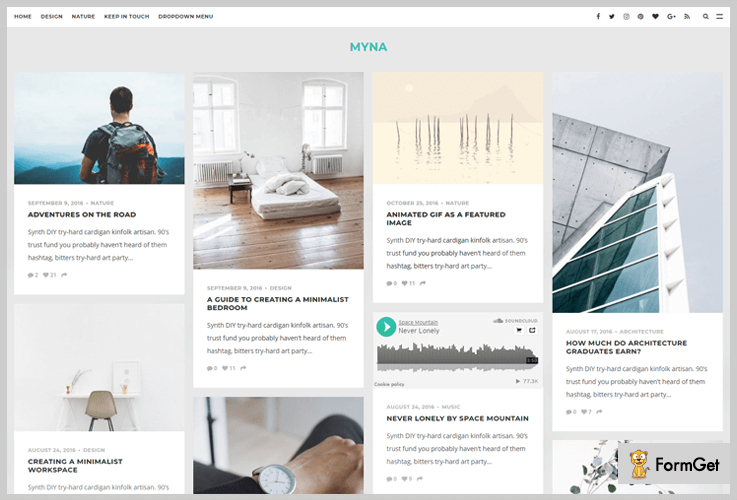
Pricing plan –
The Myna masonry WordPress themes have a regular license of $49 and 6 months complete support.
Features-
- The theme has an off-canvas menu option available for the sidebar area.
- You could choose animated GIF as content featured image.
- The theme has a full-width media feed section for Instagram, Dribble or 500px.
- This theme has a social bar embedded within the layout for various social sharing icons such as – Facebook, Twitter, Instagram, Pinterest etc.
3. Fabulous – Masonry WordPress Theme
Fabulous is a modern masonry WordPress theme. It has a classic style that always remains in the latest web fashion trend. This is a theme designed for standard, gallery, audio, video, status and quote posts/blogs.
Moreover, this theme follows both left as well as right sidebar page layouts. Now, this template is perfect for bloggers, designers, photographers etc.
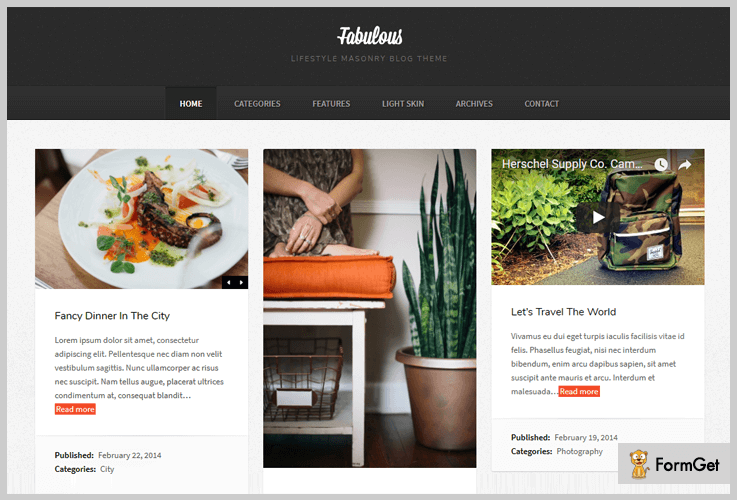
Pricing plan –
Buy the 4.5 starts rated Fabulous masonry WordPress theme at just $39 only.
Features-
- This theme will provide 1-4 column grid layout.
- It is available in both light and dark skins.
- Advanced functionalities of pagination and infinite scrolling.
- An archive page template for your blog feeds.
4. Magtastico – Responsive Masonry Blog WordPress Theme
The Magtastico is a perfect masonry WordPress theme for bloggers. This theme features a full-width masonry style design layout along with a left sidebar and unlimited scrolls. The theme sidebar contains the logo, menu, and the copyright content.
Additionally, the theme has built-in social sharing icons that will help you in gaining a social presence for your business.
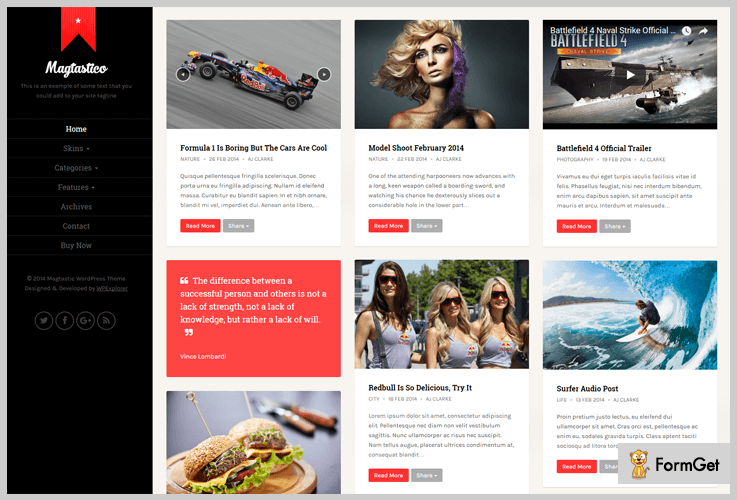
Pricing plan:
Get this theme at an affordable pricing plan of $39 only.
Features:
- Support all custom post formats image, audio, video, gallery, and quote.
- 6 different styles skins and color pickers.
- This theme support threaded comment for your blogs/posts.
- It is customizable in simple clicks with the powerful theme customizer.
5. Weeland – Masonry Lifestyle WordPress Blog Theme
Weeland is a masonry WordPress theme for personal blogs. This could be an amazing template for cooking, traveling, fashion, lifestyle and artistic sites.
It is a customizable template with various customizable options available in the theme customizer. Multilingual, translation ready are some auxiliary features of this theme.

Pricing plan –
The Weeland masonry WordPress theme will cost you $39 for a regular license.
Features –
- Compatible with the latest version of WordPress.
- This theme will provide you with a fixed left sidebar.
- Weeland has numeric pagination.
- You can embed an author description box with this template.
Conclusion:
Here we are done with the reading part of 5 best masonry WordPress themes. We hope that you have got the theme of your choice.
In case of any queries, feel free to comment below. We will get back to you in no time.
5+ Hospital WordPress Themes 2022 (Free and Paid)

Looking for health or medical information is one of the most popular activities which is gaining importance day by day. The large chunk of patients is increasingly looking for online healthcare. But merely online presence will not work as other factors like trust and brand name will also play a vital role. For this, you must have best in hospital WordPress themes to give your website a complete professional look.
Benefits of designing your website from the listed hospital WordPress themes:
- Getting online appointments-
- Payment of bills-
- Brand building-
- Edge over competitors-
These best hospital WordPress Themes are equipped with some of the important features that will make your work easy. You will be able to get online appointments as all the themes come with inbuilt Inkthemes appointment form. PayPal integration with the themes with help you in the easy and authentic transaction system.
The listed themes will also help you in gaining the social media presence which will help in brand building. The blog section will help you to make your website more interesting with engaging health blogs. Moreover, you can design your website with several unique colors. As a whole, your business will get an edge over your competitors.
You may like to read:
Subscription WordPress Themes
Grid WordPress Themes
Calendar WordPress Themes
Let’s come to the point and jump into the amazing list of 5+ best hospital WordPress themes.
1. Faith & Hope – Best In Hospital WordPress Themes
Faith And Hope WordPress theme is particularly designed for hospital business keeping in mind all the needs of this business. The theme by the name itself will develop faith and hope in the website users mind by its attractive layout.
You can showcase you all medical-related services in a very informative manner with service section feature of this theme. Moreover, your WordPress site visitors can also book the online appointments with the full comfort with this theme.

Estimation:
Get this theme with a 24*7 support forum and free updates at $79.
Features:
- Comes with a video section where you can showcase the videos related to the use of latest medical technology in your hospital.
- You can also share the testimonials of the qualified doctors and staff with testimonial section. It helps in building trust for your brand.
- Provides you a gallery section where you can showcase images like clean hospital rooms, patient care etc.
- Equipped with a contact form which will help your visitors to reach to your business with ease.
2. WellBeing – Medical Clinic Hospital WordPress Theme
WellBeing Medical Clinic Hospital WordPress Theme is an appealing theme that suits every hospital business niche with care. You can design your own WordPress site with few clicks as it does not require any coding language.
Your visitors will get the best browsing experience with the eye-soothing fonts of this theme. Moreover, healthcare, clinic, health blog or related medical business will find this theme perfect for them.

Estimation:
WellBeing is available in a single pricing plan of $79 with 30 days money back guarantees.
Features:
- Easy online appointment booking is possible as the theme comes with InkThemes appointment form.
- 3 feature column feature where you can showcase important information related to your business.
- You will also get service section where you can add multiple services of your business.
- Comes with a blog section which will help you in starting your own health blog.
3. Women’s Health – Gynecologist WordPress Theme & Template
Women’s Health is a feature-rich the specialized gynecologist WordPress theme. This theme will give your website a complete professional look. The theme allows you to highlight the tagline with the help of business tagline area.
This will help you in brand building for your business. Moreover, you will get all the important features that make a perfect Gynecologist WordPress theme.

Estimation:
Give your medical business a perfect online presence with this theme at $79.
Features:
- The theme helps to book online appointments and saves the time, thanks to inbuilt InkThemes form.
- You will get beautiful slider section where you can upload images of nurses, gynecology center etc.
- Comes with a blog section which can be used for to showcase instructional contents about women’s pregnancy and related things.
- Provides a video section that will help you to represent the services in visually.
4. Analyze Heredity – Medical Clinic Hospital WordPress Theme
If you are looking for a dynamic medical clinic hospital WordPress theme than analyze heredity is the solution for it. The theme comes with some of the amazing features like blog section to engage the visitors on your website. Your customers can contact you easily with the help of pre-equipped contact form.
Moreover, you can create a completely responsive website as it comes with Twitter Bootstrap technology. The theme will prove to be a valuable asset for your business.

Estimation:
You can get this theme at a very reasonable pricing plan of $79 with free unlimited lifetime updates.
Features:
- Book an online appointment with full convenience as the theme comes with InkThemes Appointment form.
- Social sharing icons like Facebook, Youtube will help you in getting social media presence.
- The theme is integrated with PayPal gateway. This will help you as well as your visitors for easy payment and transaction-related things.
- It supports all the major browsers like Google Chrome, Mozilla Firefox etc. which makes it user-friendly.
- The theme options panel is a powerful feature which will help you to customize the theme the way you like.
5. CT Scan – Health and Medical WordPress Themes
CT Scan WordPress theme is a simple yet professional hospital WordPress theme. This theme is designed to bridge the gap between demand and supply of CT Scan service needs.
It creates a perfect platform for both service providers as well as suppliers of CT Scan. Anyone can book an online appointment for your service as the theme comes with InkThemes appointment form.
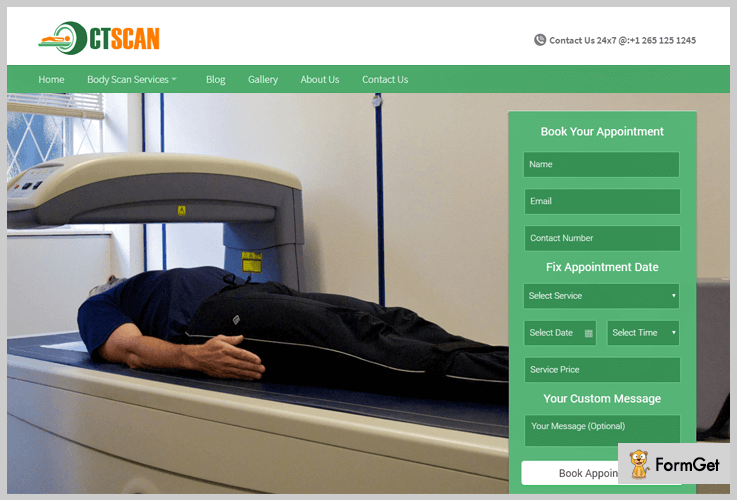
Estimation:
Get this theme with some of the additional benefits like 2487 support forum and 30 days money back guarantee at $79 only.
Features:
- Provides you a full-width slider to showcase your services beautifully.
- Make your website more beautiful with a perfect gallery section.
- Engage your visitors with interesting blogs which will help you in bringing traffic to your website.
- Design your website the way you like with several unique template color skins.
- The theme works with full efficiency in a very device like mobile, laptop, desktop etc.
- You will also get a full-width slider which can be used to highlight the service with the help images and a short description.
6. Fine Digestive – Medical WordPress Theme & Template
Fine Digestive is a simple to use and fully responsive medical WordPress theme. The theme will give a perfect shape to your health-related website with ease. In other words, you will get a best online platform to showcase all your services.
Besides these, you can also use unique different colors skins to make your website more colorful. Surgeons, doctors and related professionals can take maximum advantage of this theme.

Estimation:
Fine Digestive can be yours a very reasonable pricing plan of $79.
Features:
- This theme makes the online appointment booking from anywhere with the help of InkTheme appointment theme.
- You will get four column feature area to highlight the important things of your business.
- The tagline area comes with parallax effect which gives an alluring look for your website.
- You can also upload custom logo and icon which can be customized with the help of theme options panel.
- It also has a gallery section to showcase your images in a beautiful manner.
Conclusion:
We have researched a lot and came up with the above best list of the 5+ hospital WordPress themes. We hope that this article must have helped you in choosing the perfect theme for your health-related business.
Thanks for reading the article, we would appreciate your valuable comments and suggestion.
5 Best Wiki WordPress Themes 2022
If you are a business owner then the customer satisfaction should be at the forefront of your mind. Whether you offer services or sell products, you will need to ensure that customers can easily get help and find answers to their most common questions.
And the best way to do this is providing a support type website which is informative and can improve your customer satisfaction. This website should be capable to inform about your products and services in detail. And the captivating layout of this website can act as a cherry on the top.
Keeping this in mind, we have taken a few selected Wiki WordPress themes for you through this blog. These WordPress themes can be easily applied to your website with tons of custom designs and features.
Also, these WordPress themes can be used for FAQ or support website. And we must assure you that these are enough to match your company’s branding and impress your customers with your working pattern.
As I said, there are so many features in these WordPress themes, let’s talk about some of them.
- Responsiveness – All these themes will make your site look fantastic on all screen size.
- SEO supportive – These themes allows your website to run on any optimized engine. Further, this feature will also help in improving the website ranking on search engine results.
- Cross browser compatible – Your website will be properly rendered by all browsers.
- Easy installation and setup – There is no need to make a headgear about coding and all, you can make your Wiki knowledge-based website in some simple steps.
Now, this was only the matter of common features in all, rather there are tons of special features in individual theme. About them, we will learn briefly in this article and quickly choose one of the best themes and make your website.
But before that, would you like to focus on some of our blogs too.
1. iKnowledge – Knowledge Base / Wiki WordPress Theme
iKnowledge is a well-documented knowledge base WordPress theme. This theme comes with the simple layout and easy to use functionalities, although much capable to make an attractive website.
When it comes to picking this theme for your website, you get a good set of optimization tools and features. Then there are customizer tools which include attributes such as layouts, fonts – including Google Fonts, blog area, portfolio section, series of theme colours and other appearance options.
One important feature is that the theme is compatible with the bbPress plugin, so you can easily add forum segment on your support site.
More useful features of this informative theme are listed below.
How much will you pay for this theme?
This knowledge base Wiki WordPress Theme is available at $49 with 6 months support. You have to pay $13.88 to extend your support plan for 12 months.
Know more about the features –
- Compatible with latest WordPress versions – You do not need to update your software frequently in this theme. This theme can support almost all of the latest versions of – WordPress 4.6.1, 4.6, 4.5.x, 4.4.2, 4.5.1 and the others.
- Customizable sidebar – You can keep sidebar templates on every page of your website. Also, these sidebars can be customized according to your business needs.
- 2 additional page template – This theme comes with 2-page template naming as – full width and archives page templates. Either you can widen the width of your page content, or display in list format through your website.
- Informative homepage – With the help of this theme you can give your home page the look of an informative website. Here the viewers could trace their questions to respective answers. Here you can create knowledgable categories, as well as showcase the author’s details. Also, you can put some of the recent articles here.
- Demo package – This theme offers you an XML file which includes the demos for easy installation.
2. Knowledge Base | Helpdesk | Wiki | FAQ Theme
As the name suggests, this theme is specially created to build a support kind of website. This theme can furnish customer support centres, extensive FAQs, products or service documentation, internal company documentation, wiki and much more.
The first effect of this Knowledgebase Wiki WordPress theme will be about the good looks with the wonderful design. It helps to make an easy layout of your website by which users can find all the important sections and the information they are looking for.
Along with these, the theme supports HTML and CSS for front-end formatting and many other features are here. Let’s know about theme well.
How much will you pay for this theme?
This Wiki WordPress theme comes with 24/7 support system at a reasonable pricing plan of $59.
Know more about the features –
- Full-width slider – This theme has a very classic slider on the homepage where you can set relevant videos or photos in the background. Along with this, the slider itself has a search text area where users can find answers to their queries.
- Well documented – Here, the theme has step by step documentation covering installation and setup.
- FAQ plugin template – This WordPress theme is integrated with FAQ(Frequently asked questions) plugin that allows you to create multiple FAQ pages on your site. It will be decorated with accordant effect.
- Customizable widgets – Yes, you can customize widgets as per your business needs. Like you can modify logo, upload favicon, adjust the border-radius and many more.
- 4 column widgetized footer area – Here, you can serve your business-related services, recent articles, social icons and whatever you want. The theme even gives you a fully widgetized footer area.
3. Knowledge Base – A WordPress Wiki Theme
If you want to increase your customer base dramatically. So, check the kind of support you provide before buying your products. But to grow your business, you anyway need a support site to showcase your business services well.
It’s a fully responsive, retina ready WordPress theme with powerful features to help you customize every section of the theme easily. Also, it comes with custom widgets and supports bbPress plugin to help you add a complete forum section on your site.
How much will you pay for this theme?
You can buy this Knowledge Base Wiki WordPress theme at a reasonable price of $49.
Know more about the features –
- Live search compatible – This theme has an impressive live search compatibility. Using which you can search articles, pages, topics, replies and FAQs.
- Homepage attributes – The homepage itself has several attributes like – widgetized sidebar, features area, latest post, content area and much more.
- Flawless footer area – You can get widgetized 4 column footer area in which you can put categories, latest tweets, photos and whatever you want.
- bbPress Plugin – As I mentioned above that, this theme helps to add a forum section on your site through this bbPress plugin.
- Contact page template – This theme gives you a contact page template where you can serve your contact details to your visitors.
4. KnowHow – A Knowledge Base WordPress Theme
This KnowHow Wiki WordPress theme is built for specific purposes, they are –
- To make it easy for anyone to create a website that serves as a wiki of sorts.
- Also, to help your website visitors learn more about a certain product or service you offer.
They’ve been designed to present in a visually appealing and engaging way that leaves your customers satisfied.
How much will you pay for this theme?
Its regular plan charges $59 for a single end product which can be distributed freely
Know more about the features –
- Shortcode Widgets – A shortcode is a WordPress-specific code that lets you do nifty things with very little effort.
- Categorize articles – You can categorize the articles with latest and popular ones.
- FAQ page – You can serve the FAQ page by which you can consolidate frequently asked questions at a single page.
- Widgetized sidebar – You can create the widgetized sidebar on each page. Also, put widgets whatever you want, like – recent post, search pane and many more.
5. Flatbase – A responsive Knowledge Base/Wiki Theme
The Flatbase Wiki WordPress theme can affix beautiful features to your site. These features will helps to create a fully functioning knowledge base web platform to enhance your business.
If you like to build your online support resource then this theme will be the best choice for you.
How much will you pay for this theme?
This Wiki WordPress theme has a plan of $49.
Know more about the features –
- One click demo content – You will get 30+ demo templates and can apply to your website in just 1 click.
- Feature overview section – To make your customers happy, you can serve feature area section on your website. Here, you can describe your business-related services.
- Rating and feedback – You can provide ranking facility to your visitors for better enhancement.
Wind up
In this article, we helped you to find the collection of Wiki WordPress themes for several purposes. Here, we hope that the information we provided here will definitely help you to summon the prime templates for your website.
Moreover, if there are things which are still not comprehensible so you can catechize through the comments section below.
5 Best Subscription WordPress Themes 2022
Creating a monetized membership website is a trending business concept nowadays.
Membership and subscription website allows you to offer premium content over the web, for example, a video tutorial. It lets your visitors accessing the content after paying for it.
So, to create a membership website you’ll need subscription WordPress themes packed with lots of required functionalities.
But where will you find them?
Isn’t it tiresome work!
Therefore, here we’ve brought the top subscription WordPress themes that will make the creation of a subscription-based website a piece of cake!
Integration with Membership plugins, pricing table plugins, and other extensions makes the listed plugins stand out among all the themes in the WordPress repository.
Let’s dive into the list and pick out the best fit for your website.
1. KICKCUBE – Membership & User Content Sharing Theme
KickCube has a unique homepage that displays your posts in a masonry layout. With the help of this theme, you can create an online platform to showcase everything from music to videos, etc. It is integrated with the membership plugin to restrict your content. You can charge visitors to access your premium content with the help of Restrict Content Pro plugin.
Moreover, it also gives you the facility of PayPal payment standard and expresses for effortless transactions.
Want to buy this theme?
You can download this theme from themeforest.net at a price of $49.
More Additional Features
- The functionality of social login (Facebook, Google+, Twitter) so that users can easily login in a click away with their social accounts.
- It comes with default pagination and infinite scroll at the hompage.
- Header and footer sliders to showcase your featured posts.
- Contact Us page with an inbuilt contact form which lets your visitors to easily contact you.
- Specific pricing page where you can display all your pricing plans in a tabular format.
- FAQ page is also there in the theme, you did not need to code extra for this.
2. Subscribely V2 – WordPress Responsive Membership Theme
It is a membership WordPress theme with the help of which you can create a website to sell your digital content such as audio, videos, ebooks, and articles, etc.
Integration with InkMember plugin makes the subscription billing easier. You can create subscription plans for different products. It gives you the facility to protect your content from unauthorized access.
It’s easy to use WordPress theme and can be used to create a subscription website for any business niche.
Want to buy this theme?
To buy this subscription management theme, you’ll have to pay $97.
More Additional Features
- It is integrated with Pricing Table plugin to create pricing plans for your products in a tabular form.
- PayPal Payment gateway integration so that your customers can make secure transactions.
- Full-width slider where you can place image or video along with description text and a button linked to it.
- Auto-tagging of premium and free content. You can feature your popular content on your homepage.
- Numerous customizable Ad banners are available for advertisements. PSD files are also included for further customization.
- It gives you the facility to receive one-time and recurring payment. Moreover, you can also set custom pricing for each of your product.
Take a look at these blogs too-
3. Video Member – Responsive Membership WordPress Theme
Video Member is specially designed to create a video membership website. Through this theme, you can share video tutorials, gameplay recordings, movies trailers and all types of video-based contents.
Besides this, it is a perfect theme for building an online tutorial website where you can upload your videos and categorize them under free and premium.
Sell membership subscription for premium videos and allow only paid members to access the videos.
Want to buy this theme?
This will cost you only $119 from inkthemes.com with a 30-day money back guarantee.
More Additional Features
- Facility to import videos from other popular video sources like YouTube, Dailymotion, and Vimeo etc.
- Specific Ad section to place ad banners and advertisements in order to earn some extra money.
- You can set currency, price, subscription period for each premium video with the help of InkMember plugin.
- Two different black and white skins for your video member website.

4. Skillfully – A Learning Management System Theme
Skillfully WordPress theme helps you to create an e-learning platform where you can sell courses and lessons. With the help of this theme, you can create subscription-based classes of your offered courses.
The theme has stunning features and functionalities to create a complete e-learning marketplace with lots of customization options.

Want to buy this theme?
Get this theme from themeforest.net at just $59.
More Additional Features
- This theme is integrated with Event Calendar Pro and WooCommerce tickets.
- Login and register module for students.
- 15+ social media icons allow visitors to connect with you socially.
- Color picker tool is available for the color of header, links, and buttons.
- Three column feature area with zoom-in effect to showcase your primary courses.
5. Aardvark – BuddyPress, Membership & Community Theme
Aardvark is yet another subscription WordPress theme that can be used to create a paid membership website. It is Paid Membership Pro plugin integrated that helps you to define membership levels, restrict your content and payment gateway integrations. Likewise, it has all the required functionalities that a membership site should have.
Moreover, this theme is perfect to create forums, blogging sites, membership sites, e-commerce sites and so on.
Want to buy this theme?
Download this theme from themeforest.net but for this, you’ll have to pay $48.
More Additional Features
- Lots of posts and category layouts are available for a blog website.
- With this theme, you can charge for courses, provides course analytics and certifications.
- It is ECommerce plugin integrated which helps to create a complete marketplace.
- It provides a different homepage to display each membership levels.
What is Your Favourite Subscription WordPress Themes?
In this post, we’ve covered all the best class subscription WordPress themes that offer all the required and advanced functionalities that are needed to build a comprehensive membership website.
Still, if we miss out few subscription WordPress themes then, feel free to share in a comment section below.
5+ Fashion WordPress Themes 2022 (Free and Paid)

Fashion is part of our culture and has a lot of fun. Everyone loves wearing fashionable clothes because fashion is something that communicates.
People love designs more than labels and brands that’s why there is a sudden increment in the fashion designing field. As there are lots of fashion stores nearby you and if you also have a fashion boutique then definitely you have to stand out unique from the crowd.
Now the question arises How?

The answer is by creating an online website for your fashion business. This will help in increasing your sales and give a height to your business. Now, creating an online website is not an easy task but with the help of WordPress theme, it is no more tough task. We know that there are ample of themes in the market that’s why here we have compiled a list of 5+ Best Fashion WordPress Themes with lots of features in it.
These themes are highly customizable with useful theme options panel in it. You can easily make changes in the frontend with special animation effects. Fashion WordPress themes support BootStrap plugin so that you can work easily with these WP themes without editing theme files. Also, there are no programming skills required for using these fashion WordPress themes.
Some of the key features are the theme has flexible nature which supports the easy development of your online website. Further, it has an easy one-click installation with faster response. Also, the themes are cross-browser compatible and translation ready in nature.
All the listed Fashion WP themes are SEO optimized which will increase search engine visibility of your online website. Moreover, the themes are E-commerce ready that helps you to sell your fashion products online. It has an add to cart and checkout option so that you can do payments with secure PayPal payment gateway.
Read other themes reviews too!!
Let us discuss fashion WordPress themes in detail
1. Andrina – Fashion Classic Style WordPress Theme
Andrina WordPress theme is one of the most elegant WP theme in the list of fashion WordPress themes. This will give an online presence for your fashion boutiques, fashion shows, fashion blogs etc. Fashion Classic WP theme is simple to use and requires a single click installation. Further, the theme is highly customizable which helps to make changes on the frontend with the help of custom CSS option.
You need not have any coding skills for the use of Andrina fashion WordPress theme because of simple drag and drop functionality present in it. Moreover, the theme has 8 predefined color options for better presentation of your website.

Pricing :
Buy Andrina WordPress Theme at a single price of $59 with 24/7 support and lifetime usage.
Features :
- 4 column feature area where you can easily showcase the services provided by you along with hover effect images.
- Variable slider where you can put images along with heading, subheading, and a brief description.
- It has integrated WooCommerce plugin by which you can sell your product online along with secure PayPal payment gateway.
- Widgetized footer area where you can put different widgets of your choice including videos, posts etc.
2. Vogue Trends – Fashion Industry Analysis WordPress Theme
Vogue Trends WP Theme helps fashion experts and fashion analyst to spread their knowledge online. It has lots of features such as testimonial section where you can showcase your client’s reviews. Also, the theme has gallery section to present images of your fashionable store collection etc.
Further, it has theme options panel by which you can edit or add anything easily and make changes on the frontend. Moreover, the theme has a separate blog section area on the homepage where you can display your expert advisory easily.

Pricing :
You can get this theme at just $79 with developer license and 24/7 support from inkthemes.com.
Features :
- It consists of video section where you can upload all your fashion features in a video made by you.
- The theme has useful 4 column service section where you can display services of your fashion business.
- Beautifully layered slider present right on the homepage where you can put five different images of your fashion work.
- You can put your contact detail such as phone no, address and email in the footer section of this theme.
3. RampShow – Fashion Show Planning WordPress Theme
Organizing a ramp show event is not an easy task as it takes months of planning and preparation before launching. And if you are a fashion show event management planner then this RampShow Planning WordPress Theme is the best solution for you.
As it helps you to make a useful online website with all the important features in it such as responsive layout fits for every screen. Also, it has an inbuilt video section where you can put the video of your workstation. Moreover, the theme has widgetized sidebar section with single page scrolling.

Pricing:
RampShow WordPress Theme is available at $79 with developer license and 30 days money back guarantee.
Features :
- It has a team section area where you can introduce your team member briefly to all the visitors.
- 3 column feature area where you can display facilities provided by your firm along with feature brief text.
- This theme has an inbuilt contact form so that customers can easily connect with you. Further, it also has Google map integration helps clients to reach your workstation.
- You can present various posts on planning and organize a fashion show in the blog section area of the theme. So that by seeing your content your visitors can be converted into your clients.
4. FashionCherry – Fashion Design WordPress Theme
FashionCherry is an elegant WordPress theme. It fits for fashion designers, glamor originator, fashioner, trendy stylist, and fashion merchandising. Some of the key features of this theme are SEO optimization which helps you to increase your search engine visibility.
It has a full-width slider to showcase your fashion products images along with heading subheading and text description. Further, the theme has custom CSS which helps to make changes with special animation effects directly on the frontend.

Pricing:
FashionCherry WordPress Theme comes with 24/7 support system and lifetime usage at a reasonable pricing plan of $79.
Features :
- your customers are able to contact you easily with the help of contact form by directly send a msg to you.
- It has an amazing portfolio feature with gallery section to showcase wonderful images of your fashion store.
- Widgetized sidebar where customers can find anything from search bar section. Further, they find various social sharing icons in the sidebar section.
- About us section where you put information about your business and their aspects. Also, it has 12 unique color schemes to give a nice presentation of your website.
5. ButterBelly – Fashion WordPress Theme
Butterbelly WordPress theme is simple yet effective theme in the list of Fashion WordPress themes. It has all the functionality which is easy to use such as theme options panel where you can make easy tweaks and changes. Further, the theme supports single click installation with faster response.
You can create multiple pages and subpages using this ButterBelly WordPress theme. It has an about us section in this theme where you can put information about your fashion store and your business aspects.
Pricing:
This theme is free of cost. you can simply download this ButterBelly WP theme from wordpress.org.
Features :
- This theme supports five widgetized areas two in the sidebar, and three in the footer section.
- It has an optional one-column page template that removes the sidebar and gives a perfect look to your online fashion website.
- It has 3 column feature area where you can display your fashion business services in a well-arranged manner.
- It consists of a testimonial section where you can display your customer’s review and ratings.
6. ColorWay – WordPress Theme
ColorWay WordPress theme is a modern WordPress theme for fashion stores and ramp shows event managers. It is made keeping the simplicity of design in mind which will give a simple and unique look to your online fashion store website.
This theme has so many features such as 100% fluid layout, retina ready display, and a lot more. Further, it has various customization options so that you can put your own logos, text, intro etc.
Pricing:
The one thing that everyone loves is free stuff, you will get this Colorway WP theme completely free of cost from ink themes website.
Features:
- It has stylish gallery pages and has a full-width page template for adding beautiful images of your fashion boutique.
- The theme has simple click installation so that by just clicking on the active button your website will ready along with all the dummy content.
- You can create multiple pages and subpages using this ColorWay WordPress theme. Further, it has an about us section to present company aspects and info.
- Widgetized sidebar section where you can put various widgets such as calendar categorize etc according to your need.
Conclusion:
Here we are at the end of our 5+ fashion WordPress themes article. You will find both free and paid themes on the blog, you can choose according to your requirement.
We hope that you like our fashion WordPress themes. You can comment your queries or any suggestions you want to give, in the below comment section area.
Stay tuned for more themes.
5+ Consulting WordPress Themes 2022 (Free and Paid)

If you’re searching the best consulting WordPress themes for your website, then you are at the right place!
Whether you are already owning a consultant website or starting a new consultant business online then, consulting WordPress themes here are the best step out solution. It furnishes you to develop a site with few clicks and in a well-documented way.
In fact, if you already have a website then it makes it alive with a new array of appearance and layout.
With these multifunctional WordPress themes, you’ll be able to share your business-related services. Although, you can convert viewers of your website into potential leads with lead generation form template.
With the multiple layouts and different color skins, you can make your website more engaging towards customers and visitors. Further, there are several customizable options inside these themes.
Through visual front-end editing tools and drag and drop options, you can provide enough functionalities without even requiring any coding knowledge.
Also, you will be amazed by its countless features, some of them are – SEO friendly, mobile ready, and speed-optimized WordPress themes.
So, now quickly choose one of the best themes that will give your business new heights.
You may find some more interesting blogs to read below.
1. Blue Consulting – Consulting Services WordPress Theme
Blue Consulting is a one-page layout template basically design for business consultancy services, advisors, & all type of freelancers companies.
The theme comes with features like colorful pricing table where you can elaborate pricing plans per session, box sliders with image and caption on it which also includes hover effects.
It provides you the option to advertise your consulting company by uploading clips or videos in video section area. The 4-column feature area will explore all your key services with font awesome icons.

PRICING:
With 24*7 client support and lifetime updates, you can buy this Blue Consulting WordPress themes at price $79.
FEATURES:
-
- You can share tips, advice and innovative ideas in the blog section on the homepage.
- An amazing hexagonal gallery where you can stick the images of a workplace, business tools etc with categorization option.
- Since its single page template, you can add Google map location in contact details.
- Testimonial section will let you display the reviews of your happy clients on the homepage.
2. Advisor – Corporate Business Consulting WordPress Theme
Advisor is a multi-purpose WordPress template that will help you to show your business strategies and other important services. It comes with an inbuilt lead generation form, through which you can collect the basic details of clients and offer them your services in future.
Then, a variable slider with 6 slides on the homepage will surely attract visitors towards your website.
The theme has service section area that will help to present business services like market strategies, management consulting services and a lot more with their brief descriptions.
Also, keep updating your clients with latest updates, new techniques to upgrade business etc in the blog section area.

PRICING:
Advisor template comes with a price tag of $79 with lifetimes updates & cross-browser compatibility.
FEATURES:
- You can easily edit or modify the site with custom CSS option from the backend side.
- Widgetzied sidebar area on the homepage where you can add videos and other innovative thinking ideas for business.
- Display your business company logo and tap to call button at the top the homepage.
- Widgetzied footer area with social icons connectivity where you can add a gallery, about us information, recent articles etc.
3. Women’s – Consulting WordPress Theme
Women’s is a feature-rich, reliable, innovative and highly responsive WordPress business theme. Women’s consulting centers and their counseling centers can activate this one-page template on their business sites.
This consulting WordPress theme can let you highlight services like women empowerment, girls prevention, domestic male violence in the 4 column feature section area. Then it has a beautiful hexagonal portfolio section with parallax background to display pictures related to consultants services.

PRICING:
$79 is the cost of this multipurpose WordPress template which also has 8 classic theme colors.
FEATURES:
- Blog section area where you can post some of the tips or beautiful articles based on women.
- Full-width sliders with images with intro text on it at the homepage of the site.
- Add an eye-catching business tagline or a punch line on your website for clients.
- Also, you can widgetized the footer section into 3 column or 4coloumn to show contact details, gallery, recent post etc.
4. Go Eco – Eco-Consulting Agency WordPress Theme
Go Eco is an environmental consultant WordPress theme designed for environment advisory companies, climate resources centers, several environmental NGO’S and related organizations.
You can elegantly showcase your core services in the 4 column circular feature section area with flipping effects. Along with this, the theme gives you a slider with two layouts named as normal and standard. You can set environmental images with their respective descriptions.
This theme comes with full RTL support which helps you to display your site content from right to left.
PRICING:
Go Eco templates cost you $79 with developer license and lifetime support facility.
FEATURES:
- Inbuilt 9 column portfolio section which will magnificent your website with beautiful images.
- List down your eco-friendly services in tab featured area with their descriptions.
- Testimonial section where clients can easily put their experiences regarding your services.
- Upload a short video or clip on the homepage of a website in a separate video section area.
5. ColorWay By InkThemes.com
ColorWay is a freemium, powerful and time-saving consulting WordPress theme. You will get customizable options panel which will allow you to modify the structure of the website as per your business needs.
Its capable of any kind of niches whether you are running a consulting agency, advisory and other companies.
It comes with a bonus point that you can use this theme on a full-width page.
PRICING:
With its 10,000+ active installation, this themes costs you nothing. it’s free of cost.
FEATURES:
- Give important tips, ideas and other useful news & updates to clients through blog section area.
- Right sidebar where you can place a search box, archives, and categories.
- The theme allows you to customize widgets. So, you can add the number of pages like – home, contact us, gallery etc. or functions to your site.
- You can display your gallery section of the site in a grid layout.
6. Harrington By InkThemes.com
Harrington is a popular multi-purpose WordPress theme. It can be used for wide range of purposes that include creating a consulting website, IT firm, financial advisory and other related entities. Then the box slider on the homepage with a description will give a decent look to your site.
Here, the theme panel will let you add intro-text, photos, colors and background to the site. And, even its compatible with all latest versions of WordPress.
PRICING:
Harrington is free of cost as well as its also cross-browser compatible.
FEATURES:
- Harrington holds 6 widgetized area – two in the sidebars and four in the footer section.
- 3 column feature area section to explore your services in a systematic way.
- Clients and visitors can share their reviews and words in a testimonial section through your site.
- This theme is translation ready with the help of WPML plugin. Now, that helps to support multiple languages.
Conclusion:
Above we have completed all the important description and features of the best consulting WordPress themes.
Now, it’s your turn to grab the best one template from above and use it on your website. This will help you to gain the attention of your potential clients.
4 Best Calendar WordPress Themes 2022

If you are looking to create a calendar website for your educational institutions then this blog is for you.
Here, we have hand-picked the compiled list of the very best calendar WordPress themes on the basis of reviews and latest technology.
Calendar WordPress Themes enable making online timetables, sell courses, assignment classifying and circling the rave events.
But the question is which will be the perfect theme for your Calendar WordPress websites?
Thus, check out the list!
Check out some more themes available to improve your website!
1. Schule – School & Education Theme
It is an outstanding learning management template for schools. Schule theme is LearnPress plugin integrated, allowing you to create course curriculum with lessons & quizzes.
The best feature about this theme is that you can create fully custom donations functionality. It provides a great option to involve your school students in fundraising and charity activities.
You can sell online paid and free courses through Schule. Interested students can do their recurring or one time payment through PayPal, WooCommerce or stripe payment gateways.

Features of Schule – Calendar WordPress Themes
- It is Event plugin integrated, providing you the ability to showcase the upcoming events on your website with date, venue, description and photo. The visitors can also apply filter on day, month and week to check out the past event details.
- It supports several blog layouts like standard, masonry and timeline. You can choose the most suitable one according to your website’s layout.
- Schule has special template of Academics where you can share your school activities and culture through full width sliders and galleries. The theme also allows to create detailed profile of the school teachers.
How much Schule is going to cost you?
Purchase this template at $59 with a half year service from cmsmasters.
On the off chance that you need to stretch out help to a year you need to pay additional $17.63.
2. Sekolah – Senior High School & Academic Calendar WordPress Theme
The template can be used to create websites for colleges, schools and educational institutions. It has timetabling tools to create the weekly class schedule up to date.
It also gives the ability to organize timetables on class basis. You can enter the interval time, class start and end time. It allows to use color code as desired for the timetable blocks.
Students can be able to download their timetables in PDF format. The template also has informative inner pages that you will likely to need. It has academic calendar, news, events and excursions page for your institutions.

Features of Sekolah – Calendar WordPress Themes
- It also has teacher’s page section where you can showcase the individual profile of the teaching department. It allows to display the subject skills of teachers, their bio, lessons, activities and your visitors can directly send message to them.
- The template provides you an interface to online publish your class lessons instantly.
- You can also display the client’s logo at the homepage of your institution’s website.
How much Sekolah template is going to cost you?
Buy this theme from themeforest, it will only cost you $47 with 6 months extended support.
If you want to extend support to 12 months you have to pay extra $13.13.
3. University – Education, Event and Course Theme
The template can be used to design websites for university, edu organisation and training center. It comes with highly customizable framework having 7 pre made demos. You can choose the best suite for your website.
It is Woocommerce compatible allowing you to sell event tickets online through your website. You can also sell online study material and offer courses with University.
University is integrated with revolution slider so that you can create beautiful photo slider with slider revolution.

Features of University – Calendar WordPress Themes
- You can display event calendar in to two layouts i.e. calendar and list.
- The template comes with multiple elements to display your website in more intuitive way i.e. tabs, accordions, toggles and textbox.
- It allows to create a course table where you can display course id, name duration and start date.
How much University is going to cost you?
You can buy this template at $59.
4. Elletta – Blog News, Calendar & Shop Theme WordPress
The template is ideal for making websites of calendar, blog, magazine and WooCommerce. Elletta has an inviting masonry look at the forefront page.
You will get multi-home options to frame the website based on your business niche. It offers 5 style of blog layouts i.e. classic, masonry, list, 1st full post then masonry, 1st full post then list.
You will also get child theme with the sale of Elletta.
Features of Elletta – Calendar WordPress Themes
- You will get 800 icons included in the theme.
- It has special widget for integrating instagram to your website.
- All the images of the template can be resized. You can also change the height and width of these images.
How much Elletta is going to cost you?
You can get this template at $19.
Conclusion
With our 4 best Calendar WordPress Themes, I hope you are now able to choose the best Calendar theme for your website!
What do you personally think about Calendar WordPress website’s layout and how these ready-made calendar templates helped you?
Waiting to hear from you!
5+ Bootstrap WordPress Themes 2022 (Free and Paid)
Why do we need bootstrap WordPress themes?
We are all aware of the fact that mobile-optimized sites are key to success in online business. Because online visitors through mobiles are growing in numbers day by day. Currently, over 50 percent of online visitors land on the web through mobiles, smartphones or tablets.
Therefore it is important to have a website which looks great on different devices, super easy to navigate, retina ready and offers responsive design.
So, where should we find such themes and templates?
In this blog, we have got a list of tested bootstrap WordPress themes which offer additional features like WooCommerce support, cross-browser compatibility, translation ready and more.
But before going into themes details have a look at the blogs on popular niches below:-
Now, let’s get started with the best bootstrap WordPress Themes.
1. Business Grow WordPress Theme
Business grow WordPress theme has one-page design through which projecting all the elements of your business on the same page becomes easy. This theme comes with a bootstrap framework which makes your site look responsive and mobile-friendly.
With this theme, you can define business services in the featured area which has got hover effects. Plus you can add images to the gallery section and define categories of those images.
Pricing:-
- Business Grow WordPress theme will cost $59. It includes lifelong support, regular updates, supports WooCommerce and is SEO optimized as well.
Features Offered By Bootstrap WordPress Theme:-
- Full-width slider section through which you can add images on the homepage of your site along with title and text description.
- Featured area and gallery section of this theme come with attractive parallax background effects.
- Contact Us section on this theme helps you define the business address, contact details, Location via Google maps and allows you to attach contact form with captcha to avoid spamming.
- You can create an unlimited number of blogs and display them on the homepage as well as in a separate blog page.
- Multiple widget areas using which you can attach search bar, recent posts, business description and more in the footer & sidebar area of your website.
Click For Details On Bootstrap WordPress Theme
2. Foogo Pro WordPress Theme
Foogo Pro is another responsive and user-friendly WordPress theme which support WooCommerce, WPML and is bootstrap compatible.
With this theme, you get two pre-designed theme layouts one specially designed for video background and other for image background. You also get exclusive slider area using which you can display images with hover effects on your site.
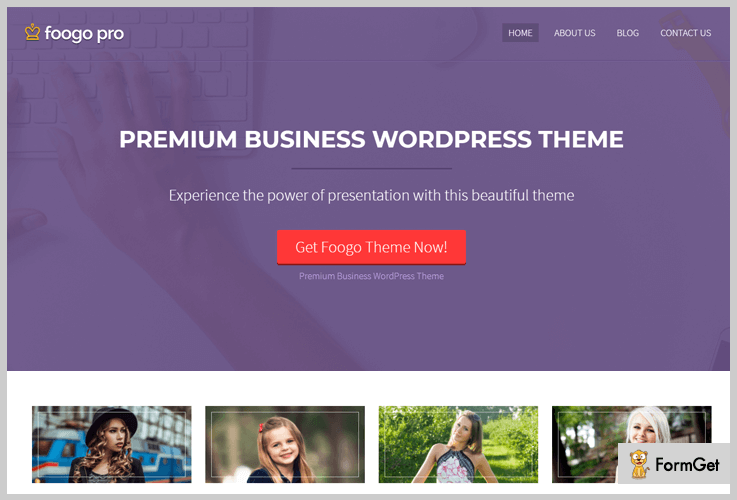
Pricing:-
- $59 is the price of Foogo Pro WordPress theme with which you get lifetime access of this theme, technical support, developers license and other facilities.
Features Offered By Bootstrap WordPress Theme:-
- Ad banner space through which you can display advertisements holding background image, title, offer details and single click button.
- This theme is fully compatible with WooCommerce. It allows you to create shop page and helps you sell products offered by your business online.
- Using the blog and video section you can showcase recently published blogs and embed videos.
- Advanced theme options panel and custom CSS option will help you apply custom settings & design changes on your website with just a few clicks.
- 4-column service area where you can easily define various services of your business in a professional manner.
Click For Details On Bootstrap WordPress Theme
3. Biznex WordPress Theme
Biznex is a bootstrap WordPress theme which provides both single page and multiple page layout which can easily be switched with a single click.
It is retina ready which delivers better site experience users from different sources like mobile, tablet, desktop, etc. This template is optimized for cross-browser usages, offer parallax scrolling and much more.

Pricing:-
- Biznex WordPress theme comes with a price tag of $42 which includes single as well as multi-page layout. You get a responsive theme which is cross-browser compatible and supports various WordPress plugins.
Features Offered By Bootstrap WordPress Theme:-
- With this theme, you can have a single page as well as multi-page website layouts with a single click.
- Portfolio section is specially designed to attach images to your website and helps you add links, titles, and categories along with animated effects.
- You can also publish multiple blogs and business posts on your site and display the most recent on the top.
- Inbuilt shortcodes through which you can easily add team members, tabs, buttons and more on the site.
- You can also attach social sharing icons, display location through Google maps, and add contact forms as well.
Click For Details On Bootstrap WordPress Theme
4. Display – Creative WordPress Theme
Display is a WordPress theme built using html5 and css3 codes. With this theme, you can have sliders with animated backgrounds, testimonial section to showcase customer reviews, etc.
In addition, you also get access to features like blog section, advanced admin panel, layer slider, unlimited color options and more.
Pricing:-
- Guardian WordPress theme charges $42 for image background, service section and responsive layout which helps your website look attractive on different devices.
Features Offered By Bootstrap WordPress Theme:-
- Using the custom CSS adding option in the admin panel you can apply various style changes.
- Drag & drop page builder facility will help you create custom pages of your website with ease.
- Dedicated service section where multiple business services and facilities can be defined along with font awesome icons.
- In the contact us section of this theme, you can attach a contact form to accept customer queries and Google maps for location.
Click For Details On Bootstrap WordPress Theme
5. One Page WordPress Theme
This WordPress theme provides a single page layout which permits you to project all the essential features and facilities on the same page.
One page theme is completely free of cost theme which has got over 3,000 installations on the web. Even being free this theme offers the bootstrap framework which makes your site responsive and mobile-ready.
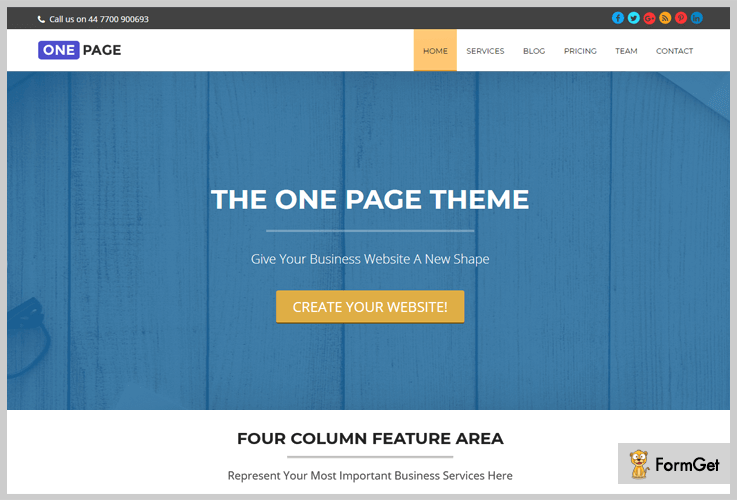
Pricing:-
- This is an entirely free WordPress theme which has got single page layout. It is translation ready and looks attractive on mobile, tablets, etc.
Features Offered By Bootstrap WordPress Theme:-
- Offers single page layout which is extremely simple to navigate and makes site exploring much easy.
- Multiple widget areas are available on this theme where you can add a search bar, categories, recent posts and more.
- You can apply custom changes to your website like various colors, fonts styles, upload custom logo, and favicon, etc.
- It allows you to publish multiple blogs on your website which can hold text, images, media files as well.
Click For Details On Bootstrap WordPress Theme
6. ColorWay WordPress Theme
ColorWay is a free WordPress theme which holds more than 10,000 active installations all over the web. This theme offers advanced theme options panel for easy customizations along with various style settings.
You also get multiple widgetized areas, gallery page to display business images, custom menu option and more.
Pricing:-
- ColorWay is a totally free WordPress theme which can easily be downloaded from wordpress.org.
Features Offered By Bootstrap WordPress Theme:-
- This theme has got a boxed layout which supports bootstrap and helps you build a mobile responsive website.
- Allows you to add a custom made logo, featured images and other media files on your website.
- Powerful theme options panel through which custom styling can be applied to design a unique website.
- You can accept threaded comments on blog posts on your website with this theme.
- Widgetized sidebar where you can attach search bar, recent posts, categories and more.
Click For Details On Bootstrap WordPress Theme
Conclusion
Final we are now at the closure of this blog. I hope that you must have found the best theme which supports bootstrap, responsive design, and mobile-friendly layout.
In case of any queries or questions below is the comment section where you can mention them all. Feel free to ask any doubts related to this theme.

