
Catalog WordPress plugins are being used by WordPress website owners to create attractive catalogs for the products & services they deal in.
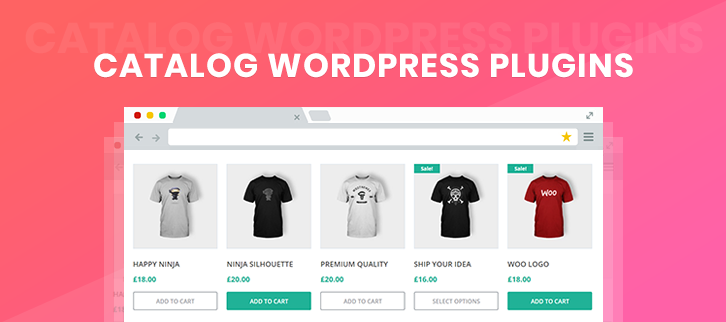
Apart from it, these plugins offer amazing features that can help to transform the sales page into an eye-catchy catalog.
But the problem is that the market is flooded with hundreds of plugins that speak about offering premium services at a low cost. So, which one to choose.
To resolve this problem, here we have listed the best catalog WordPress plugins which are both free & paid with unique features.
1. Arena Products Store – WordPress Plugin
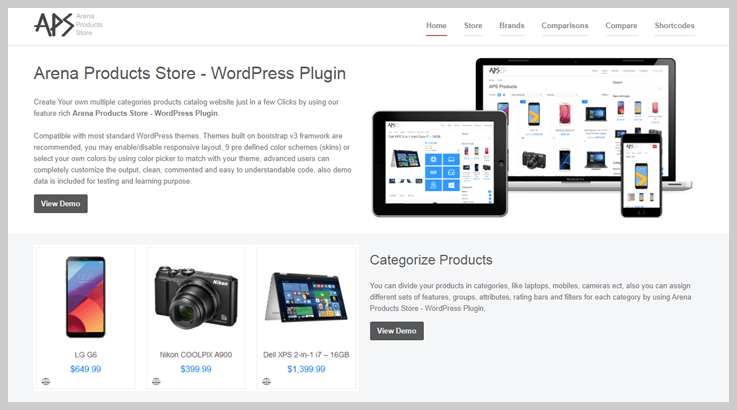
Arena Products Store is a responsive WordPress plugin through which you can create attractive catalogs for products & services.
With this plugin, you can divide products into categories and assign different sets of features, groups, attributes, etc according to the product.
Pricing Of Arena Products Store – WordPress Plugin
- It provides a regular license of $43 in which you will get 6 months of support and future updates.
Features
- This plugin provides animated rating bars to display the user’s ratings, etc.
- In this plugin, filters are designed to provide refine products search functionality for visitors
- It has a built-in comparison feature that makes it easy for your visitors to compare products.
- With this plugin, you can create attributes and groups to display your product’s data and it allows to manage different groups of attributes for each category.
Get More Details On Catalog WordPress Plugin
2. Ultimate Product Catalog – WordPress Plugin
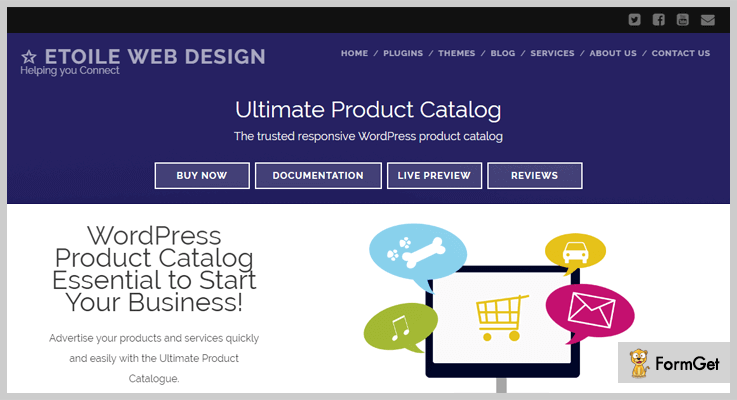
With Ultimate Product Catalog WordPress plugin, you can design an eye-catchy catalog for products on your website.
You can define each & every detail like product name, description, title, purchase price, image, etc to grab customer attention.
This plugin has Lightbox effects, is fully responsive and easy to use.
Pricing Of Ultimate Product Catalog – WordPress Plugin
- Single Site License:- This plan charges $50 plus taxes for the lifetime subscription. Using this plan you can implement this plugin on a single website.
- Standard License:- This plan allows you to execute the plugin of 5 different sites and charges around $100+ taxes for it.
- Extended License:- You can apply the ultimate product catalog plugin on 10 websites using this plan and it will cost you $170 and taxes additional for lifelong access.
Features
- It allows customers to share reviews about the product.
- Provides live demo, documents as well as video tutorials for understanding.
- Modern and fully responsive table layout.
- You can also create custom fields.
- Integrate lightbox effect for quick and easy product views.
Get More Details On Catalog WordPress Plugin
3. Spider Catalog – Plugin For WordPress
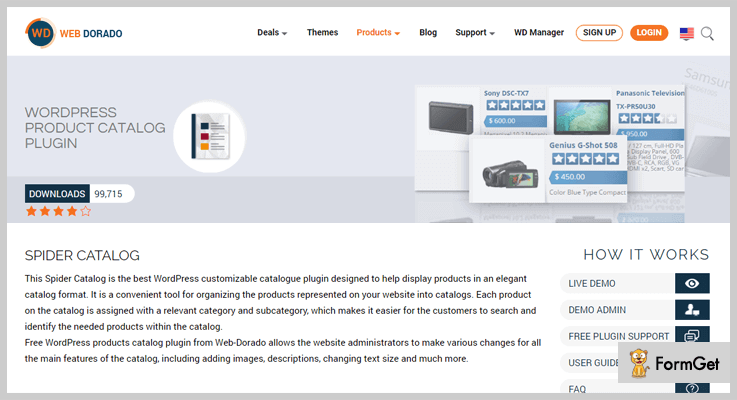
Using Spider Catalog plugin you can deploy top-class catalogs on any WordPress website. It will help you project products in an attractive way as all the essentials details will be defined in it.
You can assign each product a different category, this will help you refine customer search.
Pricing Of Spider Catalog – Plugin For WordPress
| Free Plan | Personal Plan | Business Plan | Developer Plan |
|---|---|---|---|
| $0 | $20 | $30 | $40 |
| Bug Fixes | Single Site | 3 Sites | Unlimited |
| Responsive | Export/Import | 7 view options | Limitless Products |
| Export/Import | 7 view options | Customizable | Export/Import |
Features
- Products can be exported and imported in the website catalog.
- Enable/disable reviews and ratings provided by customers.
- Add unlimited products under different categories.
- Create custom styling by defining colors, fonts, images sizes, button text, etc.
- You can also choose the number of products that you want to display in a row.
Get More Details On Catalog WordPress Plugin
4. WooCommerce Catalog Mode – Wholesale & Role Based Pricing Plugin
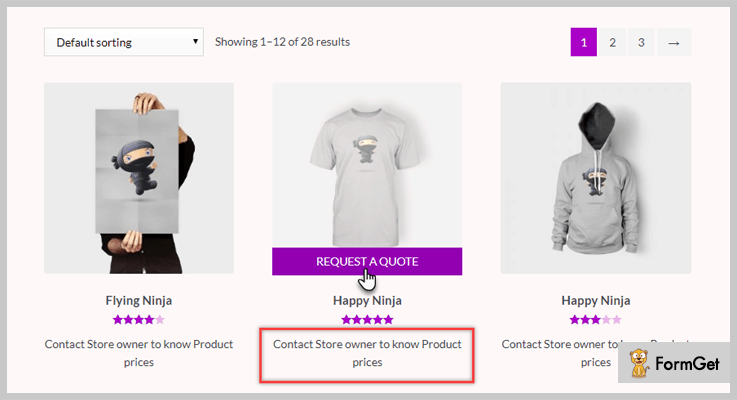
You can turn your WooCommerce store into catalog mode with a single click using this plugin. This can be done across the store for all user roles, or only for specific user roles (or even unregistered users). To enable catalog mode based on user roles, you can specify the user roles for different settings. For example, you can remove or replace the Add-to-cart button, or hide price for specific user roles using this plugin.
The plugin also helps you create individual pricing and price adjustments for your products based on user roles. It will be a great option for you if you are trying to set up wholesale prices on your store with the help of different user roles. Moreover, the plugin helps you create custom user roles as well.
Pricing Of WooCommerce Catalog Mode
- Single site: $69
- 5-site: $99
- 25-site: $199
Features
- Remove Add-to-cart button, or customize it with a different text across the store or only to specific user roles.
- Hide product prices or disable cart and checkout pages according to specific requirements.
- Create role-based pricing or price adjustments for each individual product or variation.
- Set price suffix for products globally or based on user roles.
- Enable catalog mode only for guest users, while registered users can purchase.
- Assign tax class and tax display options based on user roles.
- Create new user roles.
Get More Details On Catalog WordPress Plugin
5. WooCommerce Catalog Mode – Catalog WordPress Plugin
This plugin helps you turn any WooCommerce shop page or product into a catalog that holds only product details. Just by using catalog mode you can remove the add-to-cart button from all the products and disable the shopping function from the site.
Pricing Of WooCommerce Catalog Mode – Catalog WordPress Plugin
- Regular plan will cost you $16 and provides useful facilities to maintain an attractive catalog on your site.
- The extended plan has got a price tag of $80 and comes loaded with enormous advanced features.

Features
- Specify products in the catalog with or without a price tag.
- Customize button color, font size, links, etc.
- Provides easy switch option from shop mode to catalog mode.
- You can also attach inquiries as well as price details buttons.
- Extremely simple to install, execute and use on WordPress sites.
Get More Details On Catalog WordPress Plugin
6. PDF Product Catalog – WordPress Plugin
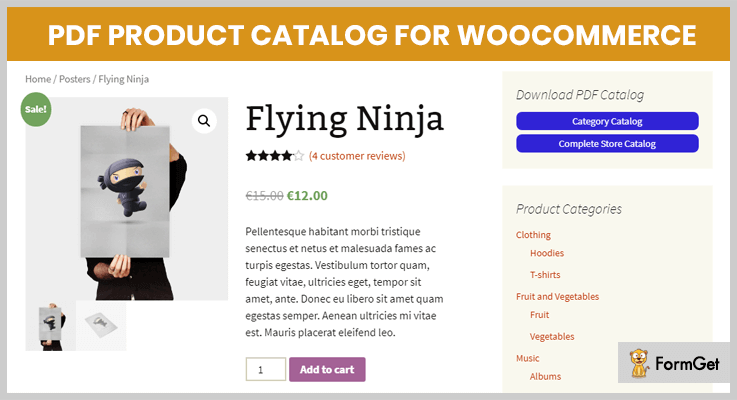
PDF Product Catalog is a catalog WordPress plugin which especially lets the user of the WooCommerce/WordPress store to use its whole product catalog.
It has its own 5 attractive PDF templates but you can also design your own template by using simple HTML & CSS.
Pricing Of PDF Product Catalog – WordPress Plugin
- Regular: $21, used by only one user or client, end-user cannot be separately charged.
- Extended: $100, used by only 1 client/user, end users can be charged for the single end product.
Features
- PDF with images having high resolution.
- Create PDF templates & header/footer in HTML by yourself.
- Increase performance by caching.
- UTF-8 catalogs support especially for PDF having non-latin characters.
- PDF download button shortcode for any pages & posts.
Get More Details On Catalog WordPress Plugin
7. Catalog Mode – WooCommerce Plugin
Catalog Mode for WooCommerce by Createit is an e-commerce product catalog mode plugin that helps you to enable the catalog mode of the WooCommerce page.
To create buttons, there is no requirement of HTML, all you have to do is to click the icon for creating a new button.
It is 100% compatible with all versions (old & new) of WooCommerce.
Pricing Of Catalog Mode – WooCommerce Plugin
- Regular: $16, accessible by 1 client or user, end users are not charged.
- Extended: $80, accessible by one user, end can be separately charged.

Features
- Enable or disable the catalog mode anytime for product & categories separately.
- Add links to buttons to redirect to external pages.
- WPML plugin to translate the page into multiple languages.
- Buttons with 7 skins which will look sharp on the page.
- Dedicated support by its developers.
Get More Details On Catalog WordPress Plugin
8. WooCommerce PDF Catalog Pro – WordPress Plugin
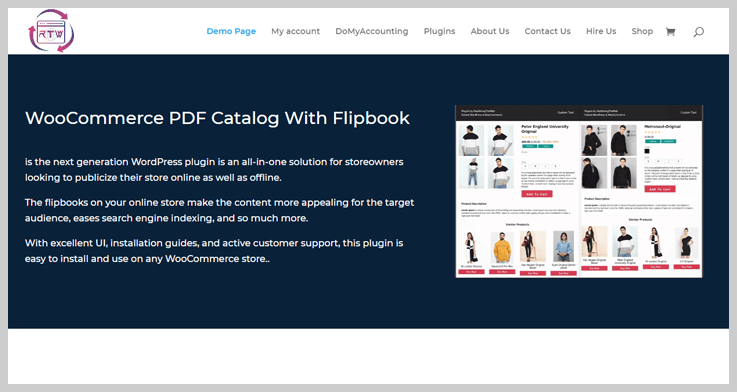
WooCommerce PDF Catalog Pro is one of the best in the market for store owners. As with this plugin, you can publicize your store online. It also allows controlling all the functions and features from the user-friendly dashboard.
Apart from this, it is compatible with the dynamic HTML content of your website.
Pricing Of WooCommerce PDF Catalog Pro
This plugin provides two standard licenses in which you will get 6 months of support and all the future updates.
- Regular license will cost you $12 only.
- For extended license, you have to pay $524.
Features:
- It maintains a standard text font and catalog appearance for all the devices.
- You can choose any layout from the available template.
- It allows using your company logo as a watermark for a better impact on your customers.
- This plugin is integrated with WP Editor through which you can customize the layout of the PDF catalog in any way you want.
Get More Details On Catalog WordPress Plugin
9. Simple Catalog – WordPress Plugin
Simple Catalog for WooCommerce is a simple catalog plugin that helps you to transform the WooCommerce store into an online catalog page/site.
When a person just wants to showcase the items rather than selling, this plugin is very helpful for them. Through it, they can hide the e-commerce facilities on their site/page.
And when you are all set to start selling, you can simply disable the plugin and convert the website again into an e-commerce store.
Pricing Of Simple Catalog – Plugin
- It is free of cost with hiding/displaying the elements of the WooCommerce page.

Features
A person can showcase the catalog mode of the page by hiding various e-commerce elements such as-
- Add to cart button.
- Product price, ratings.
- Cart page.
- Checkout page.
- Product reviews tab & many more.
Get More Details On Catalog WordPress Plugin
Conclusion To End
So above are some genuine catalog WordPress plugins which are easy to use & affordable enough for everyone. In some plugins, products can be imported/exported & in others, the status of the website can be changed the catalog mode.
We hope that you found this article relevant & also found your ideal catalog WordPress plugin at the best price.
If you have any suggestions & queries, please comment below & we’ll surely help you!
We’d like to share some links of WordPress plugins blogs for containing some modest plugins:
7+ Stripe WordPress Plugins 2022 (Free and Paid)

Today Stripe WordPress plugins are the “must-have” payment gateway solution for every e-commerce WordPress website.
If you have searched the payment gateways for your WP website then you get to see the list of 95 gateways supported by eCommerce.
But wait! You don’t need to chop and change, just go through this informative blog to pick up the right Stripe WordPress plugin for your WordPress website.

After brainstorming the performance trends of payment gateway plugins we must say that Stripe provides lower transaction fees as well as it is very popular in the developer community for its flexible API.
Now the ball is in your court and you can pick the best one from our compiled list of 7+ Best Stripe WordPress Plugins.
1. WP Simple Pay Pro
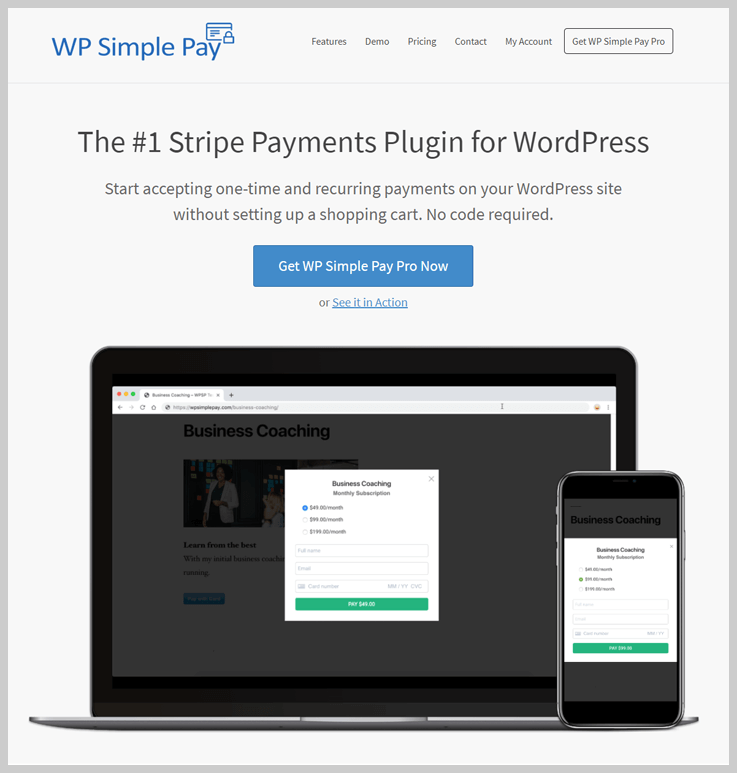
Give the green light to recurring as well as annual payments on your WordPress site without forming the shopping cart. WP Simple Pay Pro Stripe plugin is designed for business owners, consultants, developers, and startups for collecting payments at the drop of a hat.
WP Simple Pay Pro believes that fundamental honesty is the keystone of any business, therefore, they are going to refund you 100% of your paid money within 30 days in case you are not satisfied with its service. (which is hardly possible!)
Pricing
It has 4 pricing strategies which are built annually:
- Personal for $99
- Plus, up to 3 sites: $149
- Professional (Unlimited sites): $249
Notable Features
- Unlimited Payment Forms
- Stripe Subscriptions
- Subscription Setup Fees, Installment Plans and Trial Periods
- Easy Pricing Tables Integration
- AffiliateWP Integration
- Coupon Codes
2. WPPayForm – Multiple Payment Gateway Plugin
WPPayForm is a freemium payment gateway plugin that accepts multiple gateways for WordPress users. You can set up almost any kind of payment gateway using this awesome plugin. As it’s freemium in type, it offers free and premium versions for its users.
In the free version, you will get the Stripe payment gateway entirely for free of cost. In addition to this, in the premium version of the plugin, you will get the PayPal payment gateway. This plugin is designed for various kind of business owners, consultants, developers, and for startups as well for collecting payments using their website.

Pricing
WPPayForm Pro offers 3 different pricing plans for its users and they are as follows:
- Single Site License – $59.00
- Agency License (Up to 20 Websites) – $99.00
- Unlimited Site License – $399.00
Notable Features
- Easy to Use Interface
- Responsive Payment Form
- Multiple Payment Gateways
- Contact Form Features Integrated
- Pre-built Form Templates
- Basic Accounting Reports
- Form Export and Import Facility
- Form Duplication Enabled
- Organized Entry Management System
- Single Entry Submission Report
3. WooCommerce Stripe Payment Gateway Plugin
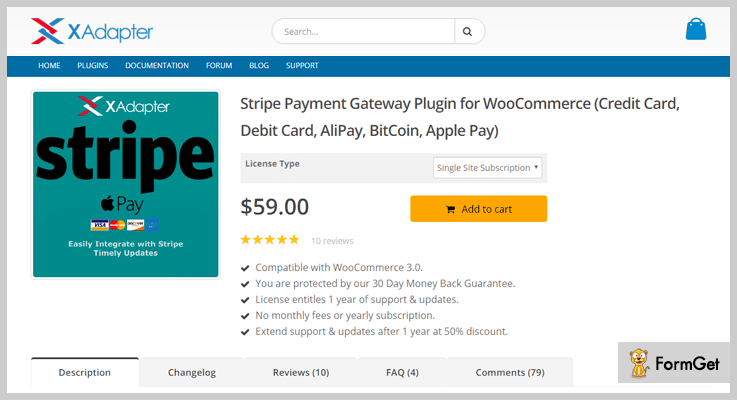
This plugin lets you accept payment directly on your website from Debit/Credit Cards, Alipay, BitCoin, and Apple Pay via Stripe gateway.
Apple Pay integration provides frictionless credit card payments, customers don’t need to enter card and shipping details. They can authorize it with their Touch ID.
Since this plugin is integrated with WooCommerce, therefore, you can smoothly create your online store website and accept payment into it via Stripe’s API.
Pricing
Its pricing ranges from $59.00–$189.00 depending on the type of license you are planning to buy.
Notable Features
- Do one click Payment Actions and review payments by dedicated Stripe Transaction Overview Page.
- Capture, Partial Refund, and Full Refund the Payment within your WooCommerce Store Admin.
- Customize each user-facing elements with various settings options.
- WPML Supported. French and German ( Deutschland ) language supported out of the box.
- Basic currency conversion feature included.
- Supports WooCommerce Subscriptions.
4. WP Full Stripe
This plugin allows you to accept payments as well as to create subscriptions from your WordPress site. Embed payment forms into any page/post without any third-party payment website integration.
WP Full Stripe is compatible with WordPress version 4.0.0+ as well as its latest version 4.9.4. This plugin supports almost every theme and its payment forms are fully customizable.

Pricing
It has simple pricing of $49 for the regular license and $249 for extended license with 6 months’ support.
Notable Features
- Added shipping address support to popup forms (both one-time and subscription).
- Simple popup subscription button with no fluff.
- Option for selecting the display language of popup one-time payment forms, and popup subscription forms.
- 10 custom fields are supported perform.
- Any number of payment forms can be embedded into a page or post.
- Securely take payments from any page or post on your WordPress website.
5. Stripe Payment Terminal WordPress – Cheapest in Stripe WordPress Plugins
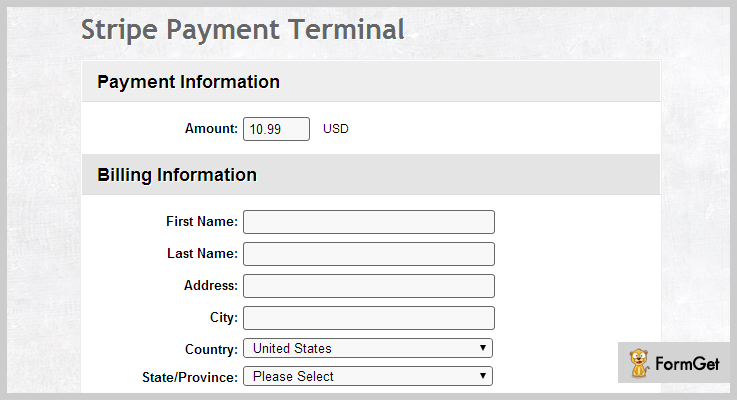
Stripe Payment Terminal WordPress plugin simplifies the way to accept payments and subscriptions on your website. This plugin allows you to manage services like one-time or recurring billings along with trial periods.
Moreover, you can also create multiple buttons for payment services that can be placed anywhere on your WordPress site.
Pricing
This Stripe WordPress plugin cost you $21 with 6 months of support. Furthermore, you can also extend its support time by paying an extra amount of $6.38.
Notable Features
- It offers great “Sync from Stripe” feature which helps you to load the last 100 transactions directly from Stripe which was not recorded in the application’s database.
- You can set up this plugin and collect payments from any page or post.
- You can view transactions with filters.
- It offers 42 pre-set buttons designs.
- The option of cancel subscriptions from the admin panel with notification to the customer.
- You can also send confirmation email “Payment Received” to your customers.
6. Stripe Green Downloads – WordPress Plugin
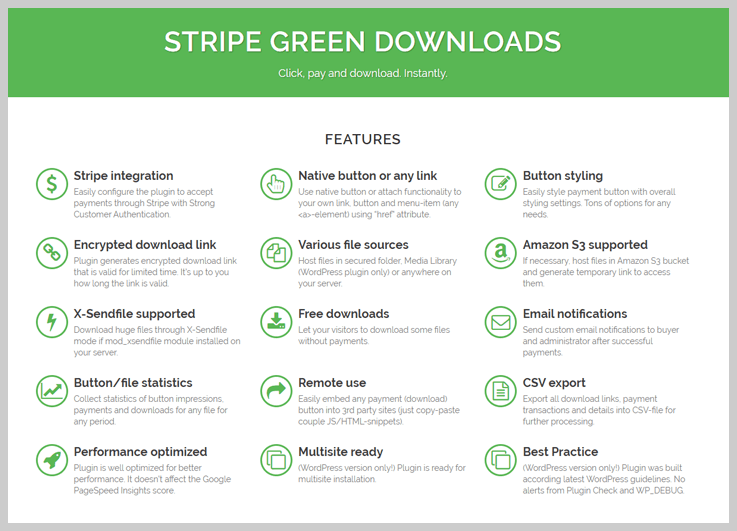
This WordPress plugin offers a Stripe payment gateway. It makes the tricky task of accepting credit cards online easier and simpler. This plugin send custom email notifications to the buyer and administrator after successful payments.
More than that, you can easily style the payment button with overall styling settings. Stripe Green Downloads doesn’t affect the Google PageSpeed Insights score as it is well optimized for better performance.
Pricing
Get this Stripe WordPress plugin at just $19 includes 6 months support. There is a way to extend this support period up to 12 months by paying $5.25.
Notable Features
- You can generate encrypted links for a limited period of time.
- With this plugin, you can easily embed any payment download button into 3rd party sites.
- It allows multisite installation as this plugin is a multisite ready plugin.
- With a button and file statistics feature, it can collect statistics of button impressions, payments, and downloads for any file for any period.
- You can export all download links, payment transactions and details into CSV-file for its further processing.
7. WooCommerce Stripe Payment Gateway
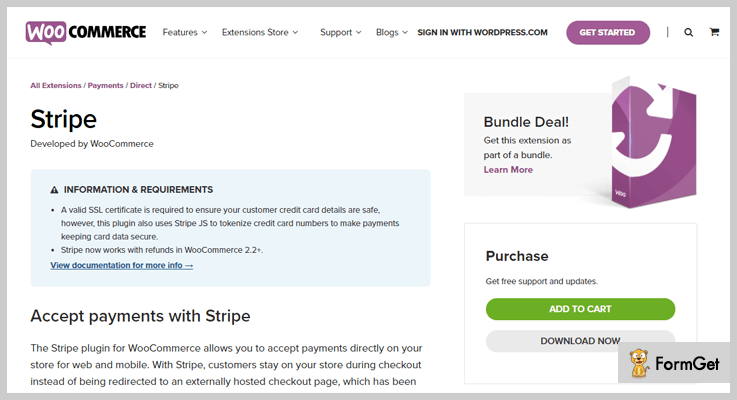
This free Stripe WordPress plugin provides succor and support to receive one-time payments directly from your website via Stripe’s API and efficiently extends with WooCommerce plugin.
WooCommerce Stripe supports Visa, MasterCard, Discover, American Express, JCB, Diners Club, along with, for mobile and desktops it supports Apple pay also.
Pricing
This Stripe WordPress plugin is free of cost. Go get it from the WordPress.org.
Notable Features
- This plugin supports web payments API.
- Check out test mode is also available.
- Supports Apple pay means customers can also pay using their Apple ID.
- Debit and Credit card payments.
- It is tested up to WordPress version 4.9.4.
- Required PHP version 5.6.
8. Stripe Payments – Optimum for Stripe WordPress Plugins
This Stripe Payments WordPress plugin makes the collection of recurring payments from your website easy via Stripe payment gateway. It provides a simple shortcode for “buy now” buttons that can be placed anywhere on your web page.
The setup of this plugin is very easy. In addition, it has a responsive design which is compatible with all the browsers and devices.

Pricing
Free to download from the official WordPress site.
Notable Features
- You can sell digital goods and files through the Stripe merchant account.
- The plugin provides the ability to insert multiple “buy now” buttons on any page or post.
- There is the option to collect Tax and donations.
- It saves the card data on Stripe account.
- You can customize the appearance of buttons using your own CSS.
- Configurable email notifications for the buyer.
Wrapping up
Well, people above mentioned Stripe WordPress Plugins are as good as it gets. These plugins will enhance the user experience of your website by providing a secure payment methodology.
Hopefully, that you have found the best-match Stripe Payment plugin according to your requirement.
Please share your experience with your ideal Stripe WordPress plugins.
Check out our more hand-picked plugins:
7+ Recipe WordPress Plugins 2022 (Free and Paid)

Just like ingredients are the key to your recipe. The same way, Recipe WordPress Plugins are key to your food blog.
When you put a lot of efforts and hard work in your food recipe blog it surely deserves major exposure. And for that, you have to choose the best Recipe WordPress Plugins and we’ll help you with that.
Web platform will open up the world of possibilities for you. So, you can get set to share your mouth-watering recipes and take your local taste to a global level via one of those plugins which we have for you.
A Recipe WordPress Plugin can be one of the essential ingredients in making your website the best amongst all. The must-haves for your food blog are the convenience, Search Engine Optimization, and user experience which you get with a plugin.
Here are a few more blogs that you would love to feast on.
Delve into these 7+ Best Recipe WordPress Plugins to choose which ingredient will enrich the flavor of your WordPress recipe website:
1. Recipe Box – Recipe Plugin for WordPress
The Recently updated Recipe Box Plugin comes with a number of advanced options such as the rich snippet that increases the exposure of your website content in the search engines and enhances your website’s SEO. The 60 customizable options back-end will allow you to change a lot of plugin behaviour as per your convenience.

Pricing Plans – WordPress Recipe Box Plugin has a regular license fee of $20.
Some specialities of Recipe Box Plugin are –
- Include review system, users will be able to review your recipes.
- Automatically Generates rich snippets resulting into the increased exposure of your content in the search engines.
- 60 customizable options allow you to change the plugin behaviour.
- Its responsive layout makes sure the appearance looks great on every screen and Retina Ready as has a higher resolution quality.
- Designed shortcodes for various uses.
2. WP Ultimate Recipe – Recipe WordPress Plugin
If you are a newbie to the WordPress Recipe Plugins you should try the WP Ultimate Recipe Plugins as it is very easy to manage and intuitive to use. Organise your recipe the way you want as there are standard WP categories and tags available in the plugin, you can create as many custom tags as you want. You can make your website more user-friendly and also build a community by engaging your visitor and letting them submit there own recipe.

Pricing Plans – The plugin is completely FREE at the Basic level. Prefer purchasing premium modules to take full advantage of the plugin. WP Ultimate Recipe Plugin has a license fee of $79.
Key features of WP Ultimate Recipe Plugin–
- For Google Recipe Search needs formatted metadata and the WP Ultimate Recipe Plugin does it automatically for You.
- Stand out from the crowd, giving the visitors a unique look and feel.
- Ability to adjust the ingredient amounts to the serving size.
- Involve your visitors and build a real community by allowing them to submit their own recipes.
- This plugin is available in a number of languages such as- English, Spanish, Dutch, Polish, Swedish, Portuguese, Bulgarian, German and is easily translatable in any other language.
3. Total Recipe Generator – Recipe WordPress Plugins with Nutritional Facts
There are some recommended standards and some basic requirements for a Recipe WordPress Plugin such as the JSON-LD microdata, schema microdata, affiliate links or links etc. and the Total Recipe Generator generates content as per those standards. Not only it follows the standards it has built-in Nutrition Facts Label Creator, page builder support for back-end as well as for front-end, Automatic features for time conversions and many more.

Pricing Plans – WordPress Total Recipe Generator Plugin has a regular license fee of $12 for a regular licenced plan.
Features of Total Recipe Generator Plugin –
- Total Recipe Generator plugin is shipped as Visual Composer Add-on. It inherits the drag-and-drop interface, along with built-in support for a number of Visual Composer elements.
- Create recipe content instantly by launching pre-built template.
- Auto calculation of total time from preparation time and cooking time.
- Built-in Nutrition Facts Label Creator
- Step by step documentation guide and installation manual for setting up recipe content
4. JT Recipes – SEO Optimized WordPress Plugin
The newly upgraded JT Recipes Plugin version 3.2.1 has loads of upgrades like the Advanced search widget to find the desired recipe, RTL support i.e, compatibility with all languages and many more upgrades. It comes with a special widget and shortcode to display your recipes anywhere on your WordPress site. A good news for our active users is that the problem with the categories option is now resolved in the upgraded version by our great JT Recipes Plugin support.
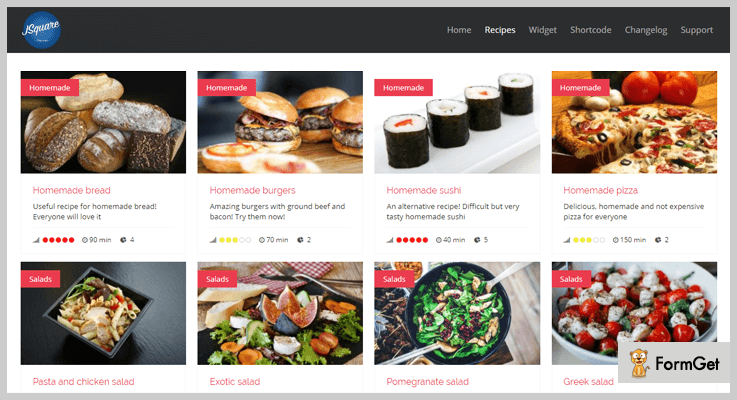
Pricing Plans – WordPress JT Recipes Plugin has a regular license fee of $10.
Features of JT Recipes WordPress plugin are –
- Fully compatible with the latest versions of WordPress.
- Multiple widgets & single page styles to display your recipes.
- Search recipes by using the simple or advanced search widget.
- A user can submit a recipe from the frontend.
- RTL compatible i.e; compatibility with all languages.
5. Le Chef – Premium Recipe Plugin
Give the users a brand new appetizing way of discovering recipes on your website, use the Le Chef – Premium Recipe Plugin. The Le Chef newest version 4.0 has included has included a full list of Grocery, timer for every step of the recipe as well as the Estimated duration for each step forward. A number of interesting new shortcodes were also introduced for Recipe of the day, Our Chef’s and latest recipe videos on the webpage.

Pricing Plans – WordPress Le Chef Plugin has a regular license fee of $21.
Features of Le Chef Plugin –
- Fully customizable super-fast recipes nutritional filter.
- Print Recipe option and Chef Dashboard
- Custom recipe video, measurements units and calories counter
- Add recipe to favourites, favourites user list
- It has Custom “like” button for each recipe, with display counter.
6. WP Recipe Maker – WordPress Plugin With Optimized Speed
Use WP Recipe Maker to simply add recipes to any of your post or page. WP Recipe Maker automatically takes care of adding JSON-LD metadata for SEO purposes. Migrating content from other plugins is also supported in the WP Recipe Maker Plugin. Searching a particular recipe and rating it is also very easily done. The published blog also contains comment section for the comments on a published recipe blog.

Pricing Plans – The Premium WP Recipe Maker Plugin comes for $49 per month.
Features of WP Recipe Maker Plugin–
- Latest Recipe SEO standards which automatically handles the recipe metadata.
- Easy to use for you and your visitors
- Optimised for Speed, minified and combined assets.
- Easily calculate your Nutrition Facts, nutrition API to help you calculate Nutrition values(calories).
- Grow your Food Blog into a Business, Reach an International Audience.
7. Cooked – Recipes for WordPress
Cooked is a Google-friendly WordPress plugin as it automatically follows the Google standards of semantic structure for your published recipes and also generates schema.org microdata another Google standard to display your recipes across a variety of platforms and for different screen sizes.

Pricing Plans – The plugin is completely FREE for Basic creation. Prefered PRO modules to take full advantage of the plugin. It has a pro license fee of $49.
Peculiarities with Cooked – Recipes for WordPress Plugin–
- Quality design and usability; Cooked uses drag & drop recipe builder.
- Beautiful grid-based masonry recipe lists.
- Author template to list recipes by a single author.
- Developer-friendly with loads of hooks & filters.
- Servings switcher to adjust ingredient amounts.
8. Zip Recipes – Recipe Plugins for WordPress
As there are a large number of recipe website out there the findability become as a major aspect. You don’t need to hand-code your recipes into a complex recipe structure. The Zip Recipes plugin will do that for you. The recently released Zip Recipes plugin version let your visitor remember you, the blog URL is included on the printed receipt.

Pricing Plans Zip Recipes – The plugin is available FREE of cost for the Basic level.
Some key features of Zip Recipes are–
- Add affiliate links or links to related recipes from the Ingredients.
- Support’s the Google recommended JSON-LD format, also supports the older format used by Pinterest.
- Google AMP(Accelerated Mobile Pages) Support.
- Zip Recipes features like Auto-Populate Recipe Name, auto-Populate Recipe Name, recipe name is automatically replicated inside the plugin, using the name from the recipe post name, which further enhances SEO.
- Can have recipes in different languages on the same blog.
9. Delicious Recipes – Interactive and Intuitive Recipes
Delicious Recipes comes with a simple and elegant design with numerous customization options to easily fit your theme design. This theme has all the essential features, including SEO optimization, and serves to give the most user-friendly experience. Readers can adjust serving sizes, give star ratings, comment on recipes, and even share them on social media.
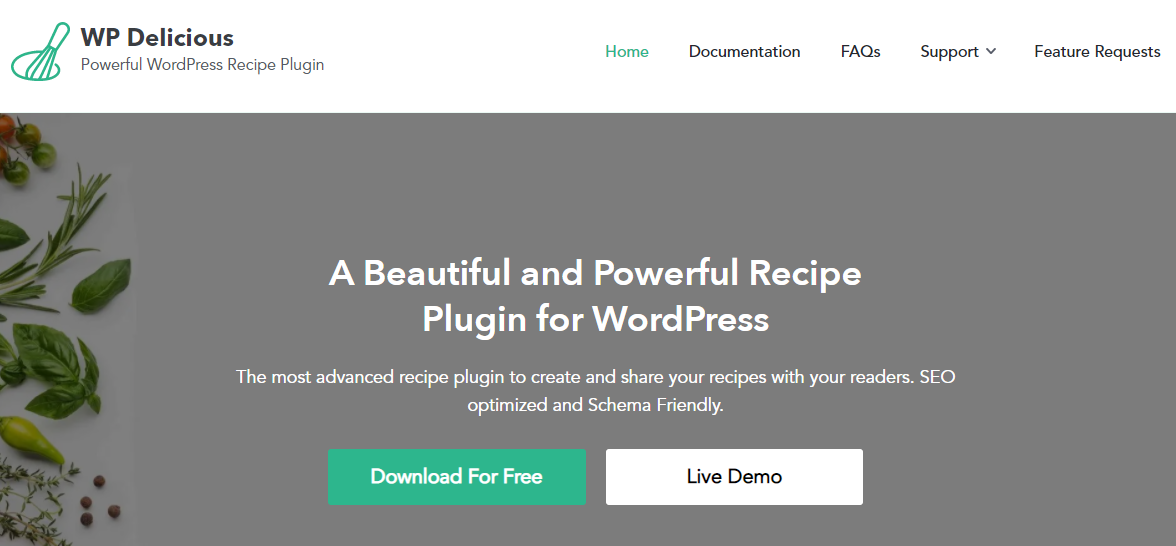
Pricing Plans– This plugin is entirely free and offers you all its advanced features at no cost.
Features of Delicious Recipes Plugin:–
- Mobile-Friendly.
- Nutrition Box.
- Advanced Search Page.
- Video Recipes.
- Pinterest Rich Pins .
- Quick Print Button.
Conclusion
Hope you have already selected the best WordPress Plugin as per your taste buds. If you have any suggestions for a much better option please share the same with us in our comment section. We would love to take this list even further!
You may also like:-
7+ Video Player WordPress Plugins 2022 (Free and Paid)

If you’re aiming to enhance your website’s status then you must add the best video player WordPress plugins to add extra features.
If a picture says 1000 more thing than words, then a video says millions of messages in your contents.
A video player is one of the most popular tools nowadays. It has taken over the Web, according to research, the average internet users watch more than 180 videos in a month.
You can stream your live sound and video contents with a video player. Video contents work as an alternative to convey your message which you want to share.

Having a shared and embedded audios, videos, pictures of your contents or sites would make your site look better present your message in a simple, short and easy manner.
With an attractive video content keep your visitor’s or client connected with on your site for a long more time.
If you want to create a video player for your WordPress site, then here are 7+ best great WordPress video plugins to try.
1. ELITE VIDEO PLAYER –
Elite Video Player is modern and one of the best video plugin in WordPress repository. The plugin is available in premium with tons of exciting features and functionalities.
The plugin lets you play YouTube videos, Vimeo videos, and self-hosted videos and also it lets you import playlists. It supports advertising as well.

Pricing –
Gets its multitude of services ts just $21 and extended up to $149.
Features –
- It supports YouTube videos/ playlists /Vimeo videos and works with pre-roll, mid-roll, pops up advertising.
- It also supports Google Drive videos.
- Resizable height and width.
- Fully customized and responsive.
2. ULTIMATE VIDEO PLAYER WORDPRESS PLUGIN –
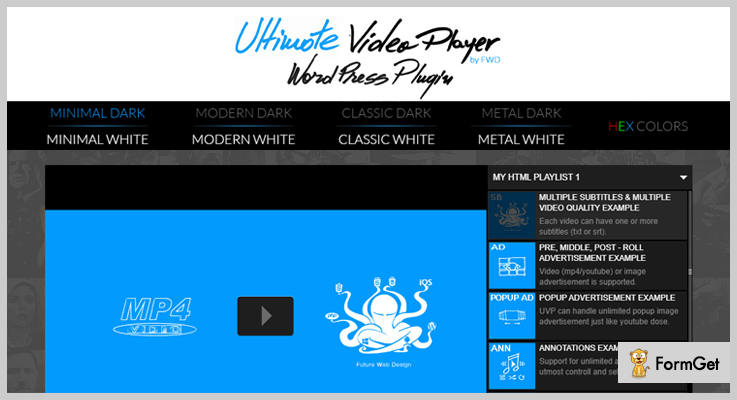
Ultimate Video Player plugin is a powerful responsive and customized WordPress plugin that helps you to play your local videos.
It requires only mp4 format-the most used format on the web and works on both mobile and desktop screen no matter which browser is used.
The plugin is packed with ultimate features and functionalities like multiple playlists, responsive designs, embed & share and more.
Pricing –
Get the benefits of its reliable features at just $36 and extended up to $156.
Features –
- It has a responsive layout and supports multiple video formats.
- HTML markup, XML, Vimeo playlist/YouTube/HTML5 video allows to load any type of playlists.
- Completely reliable and secured, allow only logged user to play the video.
- Support various numbers of shortcodes.
3. SPIDER VIDEO PLAYER –
This Spider Video Player allows you to add videos to your WordPress blogs, posts and pages quickly an easily. This powerful plugin allows you to play videos on any screen.
This plugin is one of the best plugins for videos available in the WordPress repository. With Spider Video Player add videos to your website very easily.

Pricing –
The plugin is available in both Free and Premium. Take its starting premium service at just $20/6-M and extended up to $30/Y.
Features –
- With wonderful Flesh Effects add several video players on one page.
- Offers unlimited playlists with an unlimited number of videos.
- Embeds YouTube & Vimeo when providing video URL.
- Multi-playback options for the video player.
4. bzplayer Pro –
This plugin is an easy-to-use video player plugin that plays Vimeo videos, YouTube videos, and self-hosted videos and playlists. However, it is a video streaming plugin with amazing features like a custom playback button and social share of content that makes its place on this list.
The plugin is the complete solution for embedding MP4 & FLV videos in your blog posts and pages. It also supports advertisements and stats.

Pricing –
This plugin comes in two licenses regular and extended, which cost you $21 and $145 respectively.
Features –
- The FV Flowplayer video player is completely responsive and customized.
- Get its unlimited numbers of instances on a single page.
- Full support for Amazon S3, CloudFront, and other CDN’s.
- It supports every browser.
- For branding purposes, you can add logo and custom images.
5. STELLAR VIDEO PLAYER –
This responsive plugin is used for a multi-purpose video player. The video player is a premium plugin comes with advanced features and functionalities.
The plugin supports YouTube playlists/single videos/various channels/Google drive videos/Dropbox videos/Amazon s3 and much more.
It gives you a lifetime support and frequent updates. If you’re a non-technical person then this plugin specially designed for you.

Pricing –
Use its services at just $21 for 6-month support and extended up to $199.
Features –
- Provides 12 pre-built scrollbar types such as light, light-thin, insert, insert-2, insert-3 and more.
- The plugin is fully customized so that use any color scheme i=on your site.
- It supports HTML5 self-hosted quality selector HD/SD.
- Provides a Tooltip indicator for better user experience.
6. HTML5 VIDEO PLAYER WORDPRESS PLUGIN –
This plugin is simple and premium HTML5 video player plugin for WordPress site. This plugin comes in multiple styles and colors
HTML5 video player is used to create a playlist and contains 3 video players: bottom playlists, right-side playlists, and simple versions.
It allows you to select best costume skin which will enrich the design of your page.

Pricing –
Gets its multitude of features at just $19 and extended up to $110.
Features –
- It has responsive designs and layouts.
- Many colors schemes options.
- Allows you to insert the player many times on the same page.
- It shows the preview image of every video or movies.
7. VIDEO GALLERY & PLAYER –
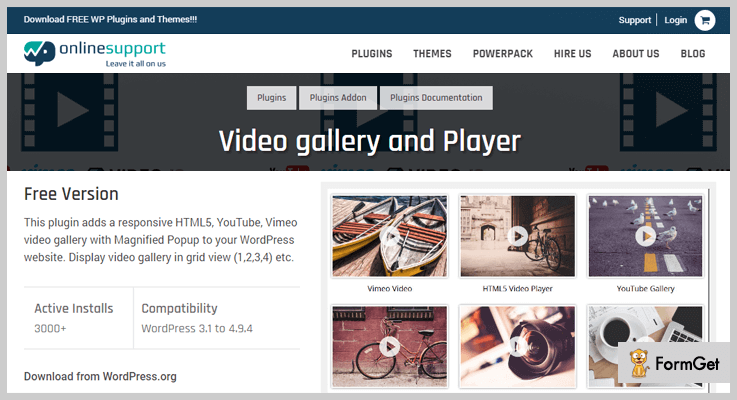
This WordPress plugin for video player is completely responsive and add various video player in your website like YouTube, Vimeo, a gallery with splendid Popup and HTML5.
This plugin allows you to create category id for multiple video galleries. With its video gallery tab enter Video Title and Video Source.
Pricing –
Use its services at just $19 for 1 site and extended up to $20.0 for 5 sites.
Features –
- Provides you 19 different designs to present your video unique.
- The plugin is fully responsive and a completely touch-based slider.
- Set videos category wise.
- Completely multilingual.
8. EASY VIDEO PLAYER –
Easy Video Player is a WordPress plugin which is designed to showcase all type of your videos. It permits you to showcase both self-hosted or externally hosted videos.
This plugin is simple and easy to use and responsive video player widgets which give you a wonderful experience.

Pricing –
Download this advanced and powerful plugin Free from its official website.
Features –
- Showcase MP4 videos into your websites.
- With its MediaElement or default WordPress, video player embeds all the videos.
- With modifier classes, you can customize the video player.
- Implant the videos with loop and autoplay.
Wind-up:
Here I’ve curated the lists of 7+ Best Video Player WordPress Plugins as per the user’s ratings and feedback. In this post, every single one of these WordPress video player plugins is just what you need to give your visitors.
Do let me know through the comment section below if I’ve left something in this post.
Enjoy!
Find out more:
- Image Optimizer WordPress Plugins
- Video Gallery WordPress Plugins
- Tabs WordPress Plugins
- Video WordPress Themes
7+ Countdown WordPress Plugins 2022 (Free and Paid)

“Use Countdown WordPress Plugins to make a thrill among your website visitors”
Every time when you see websites having a countdown timer, It will automatically increase your excitement towards it. Isn’t it?
So, If you have a website and want to add countdown timer for a new product launch, limited time offers and discounts etc. Then you must use Countdown WordPress Plugins.
You may also like –
These plugins will help you to insert customizable attractive looking countdown clocks with a bunch of rich features in it.
Here in this article, I’ve accumulated some of the best WordPress Countdown timer plugins which will surely gonna brings excitement amongst visitors with their amazing functionalities.
Why hanging around?
Just roll on the list and find the best Countdown WordPress Plugins –
1. redCountdown – Circular Countdown WordPress Plugin
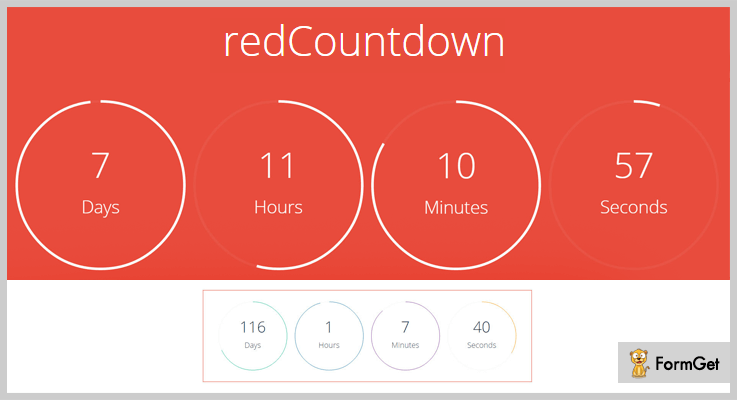
Red Countdown WordPress plugin is fully responsive which lets users create attractive circular countdown timers.
The circular countdowns are based on HTML5 canvas and look amazingly spotless. Along with line, the plugin includes 12 presets which can be modified easily.
Pricing of redCountdoun –
You can buy this WordPress plugin from the Envato market at just $13.
Significant Features
- This plugin supports almost each and every web browser such as Chrome, Firefox, Internet Explorer etc.
- It also provides powerful shortcode which you can embed it on your website and place the timer in a position that you want.
- This plugin gives you an entire interface for customizing the plugin.
- You can also add your own CSS to change the appearance of the countdown WordPress plugin.
2. Countdown Timer – WPOnlineSupport
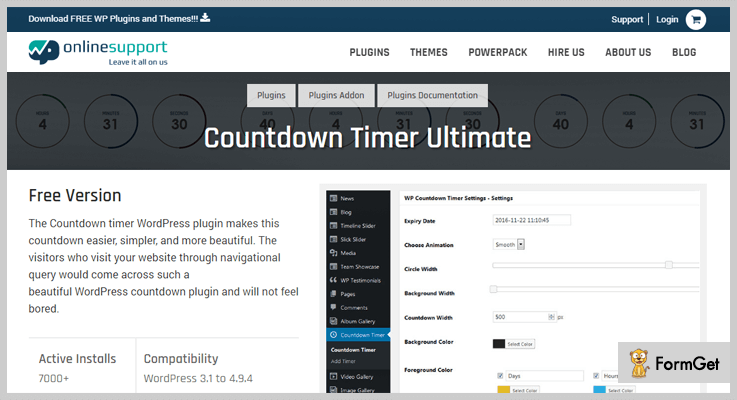
This Countdown timer plugin for WordPress makes adding the countdown timer easier and simpler on your website and makes it more beautiful.
You can this timer tool as the countdown for events, product launch, the expiry date for discounts, offers, and coupons.
Countdown Timers is a simple but ultimate plugin for WordPress which offers clean and mobile friendly interface.
Pricing of Countdown Timer:
- Single site – $16.
- For 5 sites – $20.
- Unlimited sites – $40.
- Developer license – $80.
Significant Features
- The plugin comes up with 10+ clock styles along with expiry time functionality.
- In the kit, you’ll have CSS editor and timer clock options to give you 100% control over it.
- It is fully responsive, customizable and mobile friendly plugin so that you can use it effectively.
- This plugin supports multiple languages also.
3. Ultimate Blocks
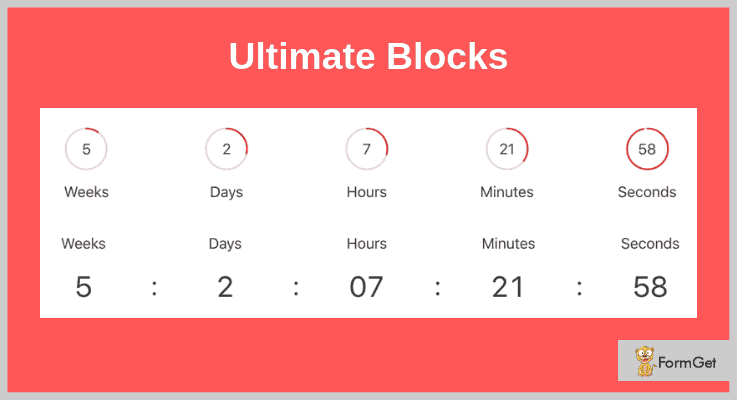
Ultimate Blocks enables you to add countdown timers to your posts/pages easily without the need to play with code or anything.
With the countdown block in the Ultimate blocks plugin, you have full control of your countdown timer. You can change it to look as you want, including the color.
Pricing
You can add the Ultimate Blocks plugin for free from the WordPress plugin directory. You will get access to 15+ other blocks to add to your post/page.
Features:
- The plugin offers 2 different templates to add to your site.
- You can change the color of the circles or the font used.
- Moreover, you can do all this without touching a line of code.
4. The Countdown Pro – Cheapest In Countdown WordPress Plugins
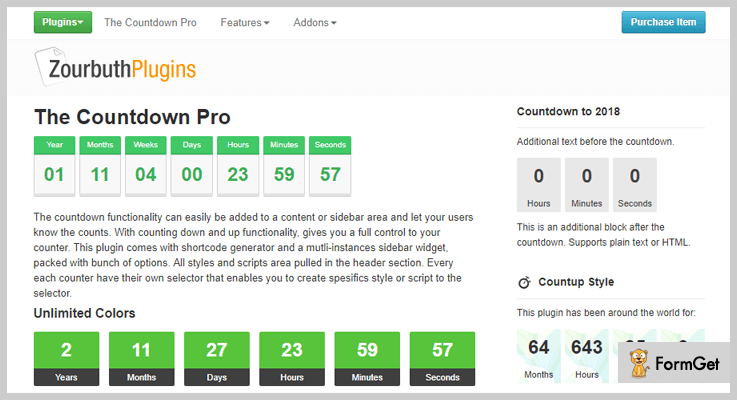
With this Countdown Timer Pro, the countdown timer functionality can be added anywhere on your website whether in content or sidebar area.
It gives you a full control of your counter. You can create specific style or script to the selector of the counter.
Along with that, this plugin comes with shortcode generator and a multi-attributes sidebar widget, packed with a bunch of options.
Pricing of The Countdown Pro
It cost you only $8. (Amazing Deal!)
Significant Features
- This plugin offers different templates styles, through which you can customize background color and counter font size etc.
- It gives you the option of an intro and outer text which helps you to add additional text or HTML.
- You can also build recurring event or cycling post via its free addon.
- Countdown Pro is a live counter which synchronizes with server time.
- You can also add a URL upon expiry.
5. WordPress Responsive Countdown – WordPress Countdown Plugin
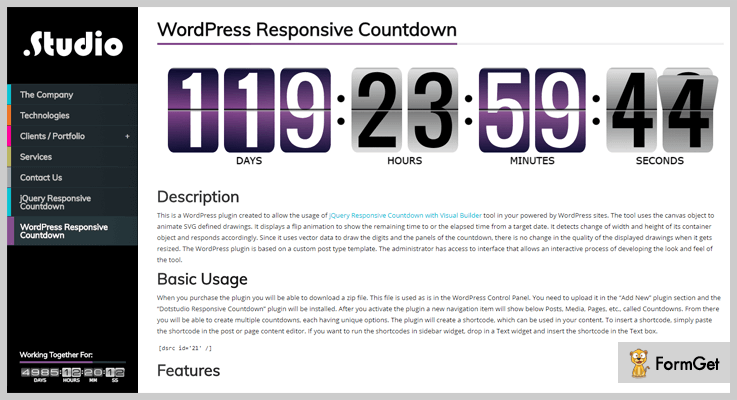
This WordPress plugin provides you the jQuery Responsive Countdown with Visual Builder powered by WordPress sites. The WordPress Responsive Countdown plugin animates SVG drawings by using canvas objects.
Moreover, it displays flip animation for displaying the remaining time or collapsed time.It displays a flip animation to show the remaining time to or the elapsed time from a target date.
Pricing of Responsive Countdown
This plugin kit cost you $10 for 6 months support. If you want to extend its support period upto 12 months, you’ll have to pay extra $2.25.
Significant Features
- Through its interactive admin panel you can change the look and feel of your countdown timer.
- It uses vector data to the panels and digits of the countdown timer.
- You can set your timezone and label fonts, size and captions.
- It provides the feature of count-up and count-down.
- This plugin gives infinite color options for digits and panels.
6. Wp Dev Art – WordPress Countdown Plugin
WordPress Countdown plugin by Wp Dev Art is one of the most popular Countdown timer plugins on WordPress.
This plugin offers lots of features to please you such as animation effects, sidebar countdown timer, fully customizable and responsive designs.
You can easily install this functional countdown WordPress plugin in just a few minutes and create different types of countdown along with stylish effects.

Pricing of Wp Dev Art’s Countdown plugin –
- Personal: $13 includes single site license.
- Business: $27 for 5 sites.
- Developer: $45 for unlimited websites.
This WordPress plugin also offers a free plan but it does include advanced features.
Significant Features
- The plugin offers 39 animation effects which make your countdown timers more attractive and user engaging.
- It provides the ability to add default text in a day, hour, minute, and seconds field.
- This plugin gives you the facility to customize your countdown timer such as its border, width, and fonts etc.
- It gives you full customer support and tested on popular WordPress themes.
- This plugin gives you the full facility to add countdown timer in your posts, pages as well as on widget area.
7. Coming Soon – CountDown Responsive WordPress Plugin
Coming Soon is an ultimate plugin for WordPress which comes with 2 modern layouts and this Countdowns plugin is the most popular in its niche.
This plugin allows you to continue your backend work on your website and lets your visitors see the Coming Soon page along with the countdown. And when you are done with your work, you can bring it live back with a click!
You can manually set the “coming soon” page on the page which is under maintenance and rest of the pages of your website are available for users.

Pricing of Coming Soon WordPress plugin –
Grab this plugin at just $17.
Significant Features
- 6 full-screen backgrounds. (full color, parallax image, simple image, slideshow, special slideshow, video).
- You can also customize its transparency from 0 to 100%.
- A feature of pop -up for displaying more information.
- Flexible Menu pages, you can on/off menu pages according to your need.
- Supports 9 email marketing platforms too. (MailChimp, Constant Contact, and icontact etc).
8. WISDM Scheduler Plugin – WordPress Countdown Plugin
Do you run a WooCommerce store? Or if you’re planning to open one – then organizing sales, product launches, events, scheduling offers on limited edition products, etc. will become a part and parcel of your sales and customer delight strategy.
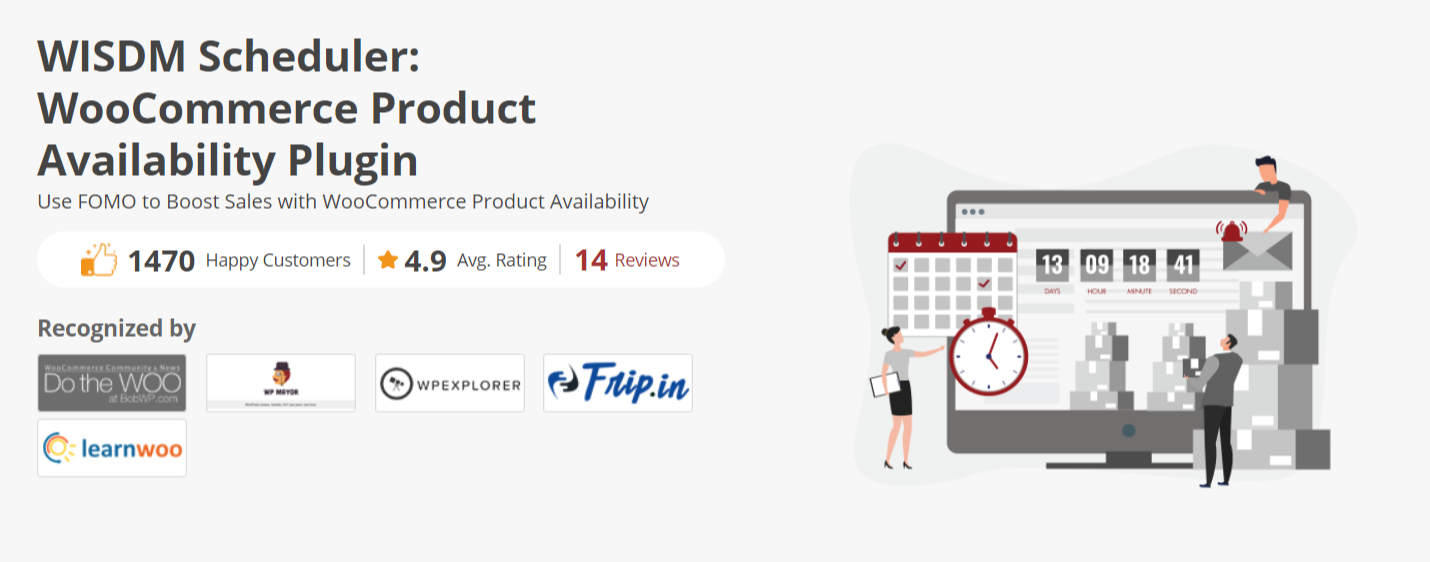
And, to ensure you make the most from these strategies, the WISDM Scheduler plugin along with its features for scheduling stocks also comes with a functionality of Countdown Timers. You can attach this countdown timer to a product and while the clock ticks, it exponentially increases the sense of urgency and induces FOMO among the buyers.
This very psychological factor – Urgency and FOMO will drive your customers to hit the purchase button before the time runs out. Acing the product launches, scheduling sales, or even offering discounts on limited edition through a Countdown Timer can help in skyrocketing the sales on your WooCommerce store.
Pricing of WISDM Scheduler WordPress plugin
Grab this plugin at just $80 for a single-site annual license.
Significant Features
- Add Frontend Countdown Timer on products to activate FOMO
- Schedule Product & Product Categories by date and time as per your choice
- Set countdown time on unavailable products to arouse curiosity
- Notify buyers via automated emails once the product is back in stock
- Hide the unavailable products on your website to reduce frustration among buyers
9. The Countdown – Best Among Countdown WordPress Plugins
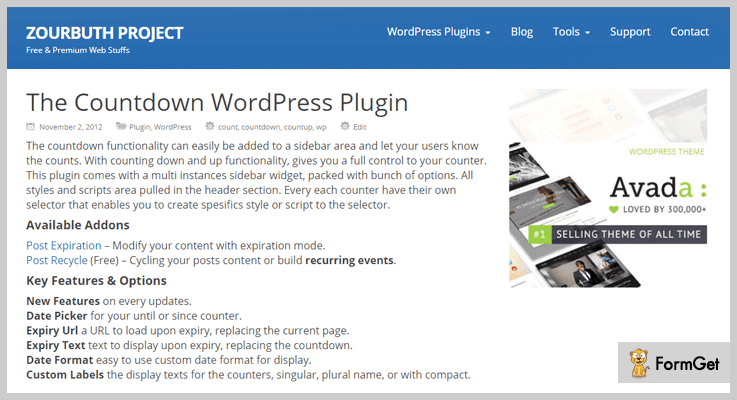
The countdown WordPress plugin has the functionalities that can easily be added to your site at drop of a hat!
It also provides a count-up and count-down feature which gives you full control over your counter.
This plugin comes with a bunch of options and a multi-instances sidebar widget.
Pricing of The Countdown –
It is free of cost CountDown WordPress Plugin, grab it from the WordPress repository.
Significant Features
- Customizable background colors and fonts.
- Facility to add additional text or HTML.
- It provides you custom scripts and style, if you want to add your own CSS and javascript.
- This plugin gives you a facility to add URL upon expiry or for replacing the current page.
10. Final Countdown – Countdown Plugin For WordPress
Adding a good looking and attractive countdown timer on your WordPress website with this plugin is as easy as pie. It shows days, hours, minutes, seconds and even milliseconds too.
This plugin can be easily shared and synchronized across multiple websites. Furthermore, you can also embed its widget on your website.

Pricing of Final Countdown
Get this countdown plugin for free from the official WordPress website.
Significant Features
- It supports all the mobile platforms such as Android, iOS, and Windows etc.
- You can see your live countdown timer from any device.
- Facility to count-up at any point in time.
- It gives you a widget form to enter your event name and countdown settings.
Let’s Bring The Curtains Down
Finally, the above-listed Countdown WordPress plugins come with productive features that engage your website visitors.
You can’t judge a book by its cover. So, click on all the countdown WordPress plugins and find the best fit for your website.
Please share your primary countdown WordPress plugins in the comment section.
7+ PayPal WordPress Plugins 2022 (Free and Paid)

PayPal is one of the most reliable, safe and secure payment gateways which is being used by people all over the world.
So, today in this blog we have elaborated some of the best PayPal WordPress plugins which will help you accept online payments straight from your website.
These plugins will allow you to handle payments, collect charity or donations, generate invoices, notify customers about transition failure or success and automate various time-consuming tasks.
1. Easy PayPal Events Pro – WordPress Plugin
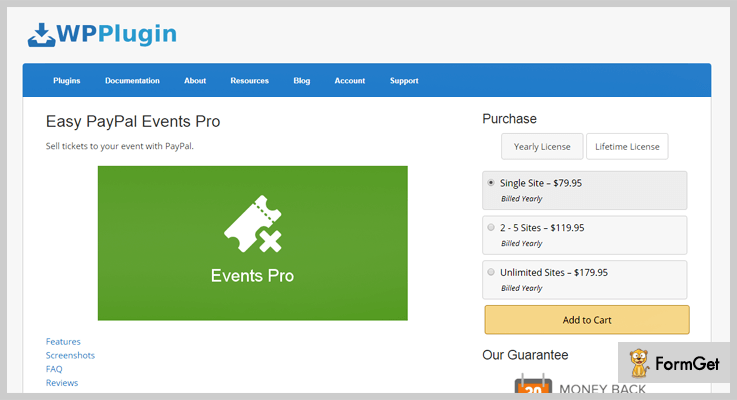
Easy PayPal Events Pro is a tremendous WordPress plugin that works well on any WordPress theme.
This plugin automatically reduces the quantity of an item when it is sold and auto-generates an email informing the customer about the purchase of the products.
Price Plans Designed By Easy PayPal Events Pro – WordPress Plugin
| Plans | Single Site | 5 Sites | Unlimited Sites |
|---|---|---|---|
| Yearly License | $80 | $120 | $180 |
| Lifetime License | $130 | $190 | $320 |
Features
- Create custom event forms that suit the look of your website or event.
- Automatically tracks and reduces the commodities that are sold.
- You can also clone the events created.
- Allows you to attach custom button images on the sales page.
- Send all the details of the sales automatically via emails.
Click For More Info On PayPal WordPress Plugin
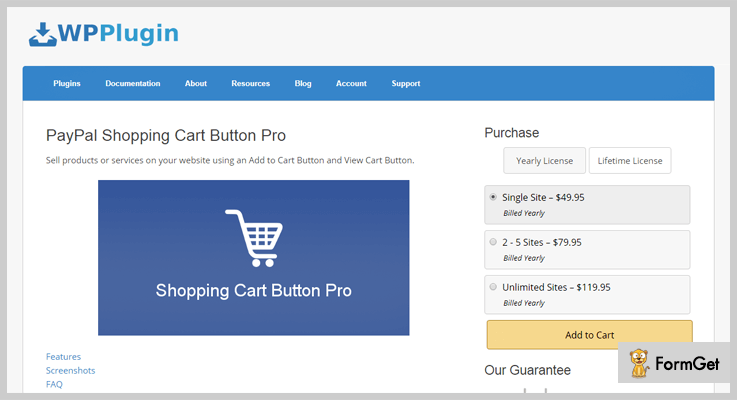
2. PayPal Shopping Cart Button Pro – Plugin For WordPress
This is one of the best PayPal shopping cart plugins which allows you to add buttons to sell products and services directly from your website.
You just have to install the plugin on your site and the customer can start buying products by using PayPal gateway. It requires no complex setup and is extremely simple to configure.
Price Plans Designed By PayPal Shopping Cart Pro – Plugin
| Plans | Single Site | 5 Sites | Unlimited Sites |
|---|---|---|---|
| Yearly License | $50 | $80 | $120 |
| Lifetime License | $100 | $200 | $300 |
Features
- Add customized images to buttons.
- Supports 25 currencies and 18 different languages.
- Easy to install and works well on any WordPress theme.
- Define fixed tax, tax rate, shipping as well as handling charges.
- SandBox option for PayPal testing is also available.
Click For More Info On PayPal WordPress Plugin
Also, I would like to suggest you the blogs listed below if you are interested in knowing more about WordPress plugins:-
3. WooCommerce PayPal Payouts – WordPress Plugin
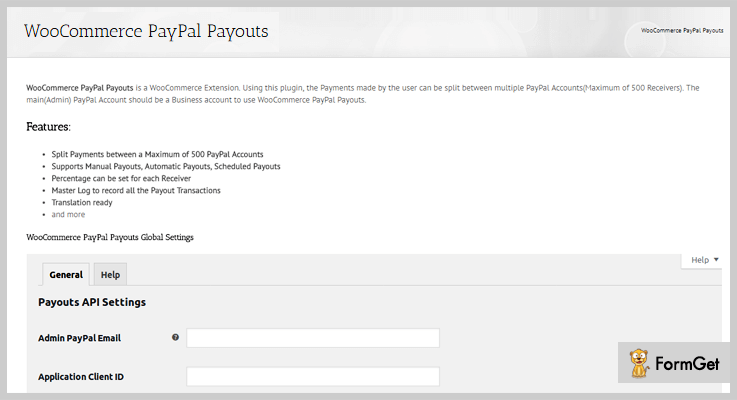
WooCommerce PayPal Payouts is a premium extension for WooCommerce through which you can easily split payments between different PayPal accounts. This plugin uses PayPal Payouts API to split and send payments.
Price Plans Designed By WooCommerce PayPal Payouts – WordPress Plugin
- Regular license is worth $39 using which you can split payments and configure different payout settings as per your business needs.
- The extended license is priced $390 with which you get unlimited access to premium features and facilities.
Features
- Configure payout settings for products, category, and global level.
- Manual, Automatic and scheduled payout all are supported.
- Records all the payout transactions details.
- Compatible with WPML and provides translation as well.
- Payments can be split between at most 500 PayPal accounts.
Click For More Info On PayPal WordPress Plugin
4. PayPal Payment Terminal – WordPress Plugin
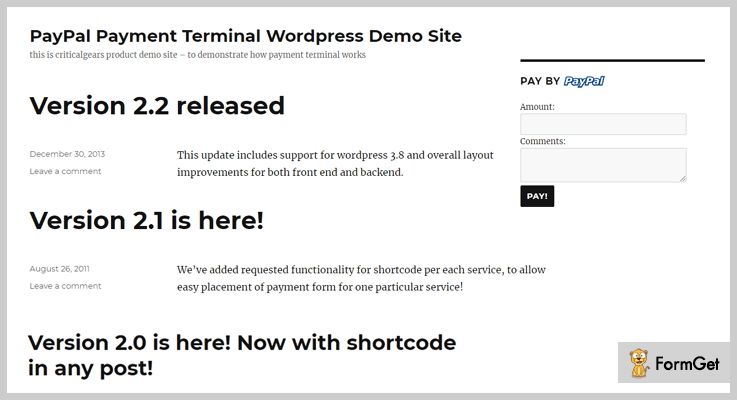
With PayPal payment terminal WordPress plugin you will be able to accept payments from clients scattered around the world. This plugin will allow your customers to pay for goods and services directly from your website using PayPal standard payments API.
Price Plans Designed By PayPal Payment Terminal WordPress
- This plugin offers only a single plan which is priced $18 and it charges $5.25 extra for 12 months extended support. It comes loaded with various features which helps you receive payments from PayPal, etc.
Features
- Easy to install and use on WordPress sites.
- Auto generates email notifications to customers.
- View entire transaction list, also apply date filters on transactions.
- Allows you to perform searching and sorting on transaction list.
Click For More Info On PayPal WordPress Plugin
5. EasyPay: WordPress Paypal & Stripe Plugin
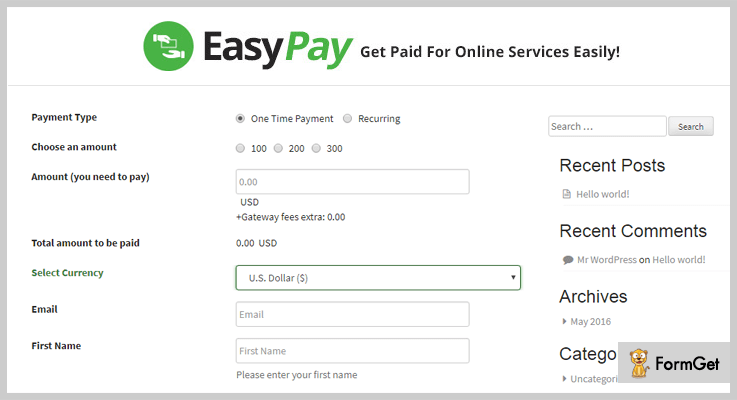
EasyPay WordPress plugin is a beneficial tool for people who run online business, e-commerce websites, collect donations via websites, etc.
With this plugin, you can collect payments made from PayPal or Stripe payment gateways without any problem. EasyPay WordPress plugin automatically delivers invoice details to the customers as soon as the payment is being made.
Price Plans Designed By EasyPay: WordPress Paypal & Stripe Plugin
- $25 is the price of regular license using which you can add secured and professional payment gateways modes.
- Extended license will cost you around $220 and it comes preloaded with a variety of advanced features and facilities.
Features
- Accept payments from multiple payment gateways like PayPal and Stripe.
- Easy to customize as you can use drag and drop facility.
- Send emails informing customers about the successful and failed payments.
- Provides multiple email template which is fully customizable.
Click For More Info On PayPal WordPress Plugin
6. Quick PayPal Payments – Plugin For WordPress
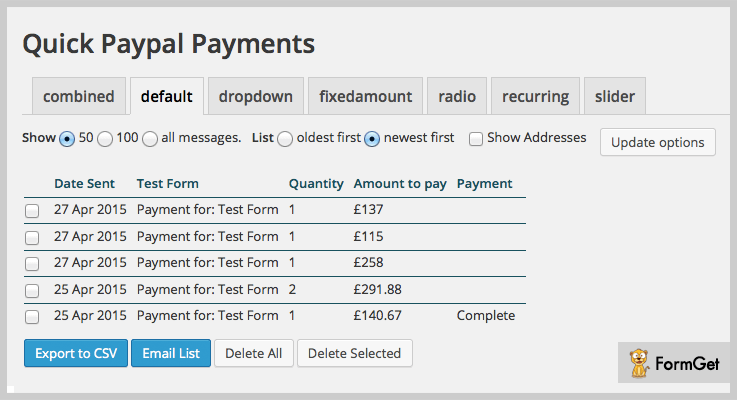
Quick PayPal payments is a top class plugin which helps you collect PayPal payments using a single shortcode. These shortcodes can be placed anywhere on your WordPress site. It also notifies the customers about the payments through an auto-generated email.
Price Plan Designed By Quick PayPal Payments Plugin
- This plugin is free of cost and can be downloaded & installed easily on any WordPress site. It has got over 5,000 installations and provides you a variety of features to handle PayPal payments.
Features
- Get instant notifications on all payments.
- Accept payments from all PayPal approved currencies.
- Fully customizable and comes with lots of style options.
- Supports multiple languages.
- Transaction details are easily downloadable.
Click For More Info On PayPal WordPress Plugin
7. PayPal Donations – WordPress Plugin
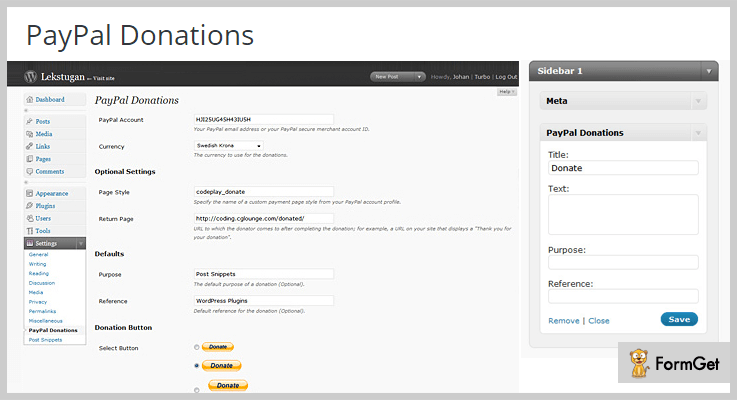
With this plugin you can add PayPal donation on WordPress sites simply by using shortcodes. Just define the button for PayPal donation, set the currency, payment page, return page and you are ready to go. All the setting can be managed straight from the dashboard and you can add custom fields to it as well.
Price Plan Designed By PayPal Donations WordPress Plugin
- This is another free cost plugin which helps you collect donations and payments via PayPal payment gateway. It is easy to use and extremely simple to execute on WordPress sites.
Features
- Supports more than 14 different languages.
- All the payments will get deposited directly into PayPal account.
- Define return page on which user is directed after transaction completion.
- You can use default button or design your customized buttons.
Click For More Info On PayPal WordPress Plugin
Final Closure
This is all we have got for you on PayPal WordPress plugins, we hope that this blog on PayPal WordPress plugins will help you fetch the right plugin for your website.
If you have got any queries in mind, you can share them below in the form of comments and we will surely try you solve them for you.
7+ Video Gallery WordPress Plugins 2022 (Free and Paid)

Video Gallery WordPress plugins is one of the best ways to integrate the valuable SEO tool i.e. VIDEOS to your WordPress website!
Smart onlookers speak too soon about your website on its video playlist!
Everyone prefer watching to reading! Also, more than 90% web viewers navigate on videos than reading the writeups! Therefore, Video gallery WordPress plugin is the “must have” tool to shape up the more interactive website.
There are more than 29,000 WordPress plugins open on the web and to select the best Video gallery WordPress plugin among them is the real pain in the neck!
If you want your videos to boost your site’s traffic then you should pick the best one from my stockpiled 7+ Best Video Gallery WordPress Plugins!
Check out more best hand-picked exclusive plugins for your website:
1.Video Gallery WordPress DZS
DZS Video Gallery is the ultimate gallery of your videos. You can cook up incomparable video gallery with this plugin because it provides the total freedom for customization of buttons, scrollbars and resizing.
It allows an awesome functionality of drag & drop html5 uploader to make your editing task easy. This plugin helps to form the unlimited number of video galleries for your content.

Best Features
- Extensive admin panel
- Backup database/import, the export feature
- Auxiliary shortcodes
- Reusable – for flash import
- Gallery design PSD included
- Free updates and support
Pricing
This toolkit of DZS Video Gallery is for $19.
2. GrandWP WordPress Photo and Video Gallery
Photo and Video Gallery plugin is a perfect tool to have if you are looking for a way to display images in a creative and beautiful way.
GrandWP Gallery plugin stands for intuitive and modern design combined with powerful functionality. All of the essential functionality is gathered in one tool to meet all kind of requirements.

Best Features
- 5 amazing layouts
- SEO-friendly
- Image as Link Option
- OnHover Reversed Effect
- Lightbox Description
- Gallery Background
- Customization options
- Load More/Pagination Styles
- Image Counter Option
- Image Loop Option
Pricing
Plugin has 3 pricing plans:
- Starter 1 website installs: $29
- Professional 5 website installs: $39
- Advanced unlimited website installs: $59
3. Total Soft WordPress Video Gallery Plugin
Get the extensions of Vimeo, Youtube, and Wistia on your website offhand in fewer steps! Total Soft video gallery plugin intensifies your site ratings. It also allows users to get access to the videos on your WordPress website.
Total Soft video gallery plugin is so powerful that it can manifest your videos at high resolution and awesome designs. This rave plugin is responsive and also footholds mobile browsers, desktop and, tablets.

Best Features
- Nice and sleek lightbox.
- Gallery 9 Layouts.
- Video Galleries themes – 16 free version.
- Gallery pagination.
- Video Gallery plugin plays nice with your existing HTML and CSS, making it a great choice for responsive layouts.
- Unlimited shortcode Generator.
Pricing
It has 3 pricing plans:
- Personal 1 Website Install: $15
- Businesses 5 Website Install: $20
- Developer Unlimited Install: $45
4. Video Gallery and Player Pro
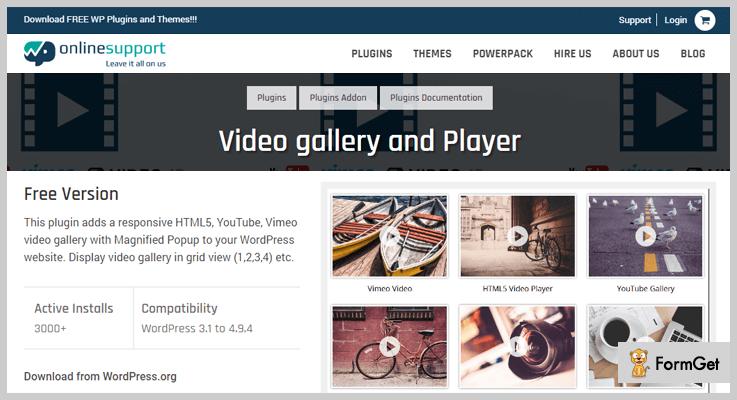
This plugin helps to exhibit the video gallery in the grid layout. It adds a Magnified Popup of Video Gallery Pro to your WordPress website from where you can embed new links, modify and omit the existing ones.
This video gallery plugin can add 14+ designs of grid and carousel. You can also butter up the short description about your video, with its images and links.
Best Features
- Grid Design
- Slider/Carousel Design
- Slider With Center Mode Design
- Popup Video Slider
- Custom CSS
Pricing
This beautiful plugin is providing 4 plans:
- 1 site for $19
- $29 for 5 sites
- Unlimited sites for $49
- The developer license for $99
5. Video Gallery WordPress Plugin – By A WP Life
This plugin allows fabricating video gallery for your WordPress website with very impressive outlook. The beautiful video arcade can be flourished on any post/page using simple WordPress shortcode.
Video Gallery WordPress Plugin reflects its videos elegantly and neatly on all types of screen resolutions. You can showcase main and sidebar gallery wall perfectly with possibly different dimensions.

Best Features
- Column Layout settings
- AutoPlay/Close Settings
- LightBox Background Color
- Popover Settings
- Background Color Opacity
- Lightbox Frame
Pricing
All its premium features come at $10.
6.WP Playlist Video Gallery
WordPress Playlist Video Gallery is an open-source software that can add any number of playlists of YouTube channels. You can also showcase your own videos on your website template.
Currently, this plugin is supporting YouTube only. You can create the playlist of your favorite videos by adding the generated shortcode to any post/page or sidebar.

Best Features
- Create Playlists and add any number of videos to each
- Resize player, thumbnails, and titles
- Extra Options for videos, thumbs, and titles
- Mobile/Responsive ready
- Shortcodes for youtube channels, playlists and/or user favorites
- Display player on top of the gallery, color box or popup
Pricing
It has a regular pricing of $20.
7. Instagram Photo & Video Gallery WordPress
This plugin can splash Instagram photos, videos, and tags to your WordPress website. Its configuration is completely customizable and responsive.
Instagram Photo & Video Gallery WordPress plugin supports 4+ gallery types and lightbox. This plugin goes well with all the devices with 7+ skin patterns.

Pricing
Grab Instagram Photo & Video Gallery WordPress Plugin for $17.
Best Features
- Inbuilt cached system
- Translatable
- Gallery widgets
- Shortcode supported
- Easy to use and good support
8. GT3 Photo & Video Gallery
This free plugin helps to extend the functionality of the default WordPress gallery of your website. GT3 Photo & Video Gallery plugin supports Youtube and Vimeo videos.
This open-source software is 100% responsive having 3 gallery styling options.

Best Features
- Intuitive and easy to use photo & video gallery
- The plugin works with WordPress media including metadata
- Custom photo and video GT3 gallery settings panel
- Stylish and responsive image lightbox
- SEO and high performance optimized
- The gallery works on the pages, blog posts etc.
Pricing
This simple plugin with limited features is for free!
9. Video Gallery – By Huzzaz
This plugin assists regular as well as live videos from Facebook, YouTube, Vimeo, and Twitch. It fits well with all screen sizes and fully responsive to mobiles and tablets.
You can elegantly enhance the visibility of your video by minimizing and adding floating effect so that whenever the user scrolls down the page remains noticeable.

Best Features
- Video search capabilities within galleries
- Automatic HD playback for your videos
- Custom colors and design features
- Share full-size Facebook cards and Twitter cards that play all your videos in a single tweet
- Autoplay or deep link to videos on your website
Pricing
Free downloadable from official WordPress website.
Wrapping it up!
I hope my precisely written listings of 7+ Best Video Gallery WordPress Plugins give a sight to your sore eyes! Let me know about the performance of your current Video Gallery Plugins in the comment section.
For more related information check our following blog –
7+ Store Locator WordPress Plugins 2022 (Free and Paid)

There might be so many reasons why people are searching for store locator WordPress plugins.
But why? What is the need for it?
Here is an explanation for it:
Instead of asking the directions from others, nowadays people are using software & plugins which are used for maps on their devices.
Even on the internet, there are thousands of tools floating around.
So for those people, I’ve mentioned some free as well as paid store locator WordPress plugins. All of them have some different as well as unique features too & to know more, you’ve to dive into this article.
Here are some more blogs through which you can go & try some more plugins:
1. Locatoraid: Primest In Store Locator WordPress Plugins
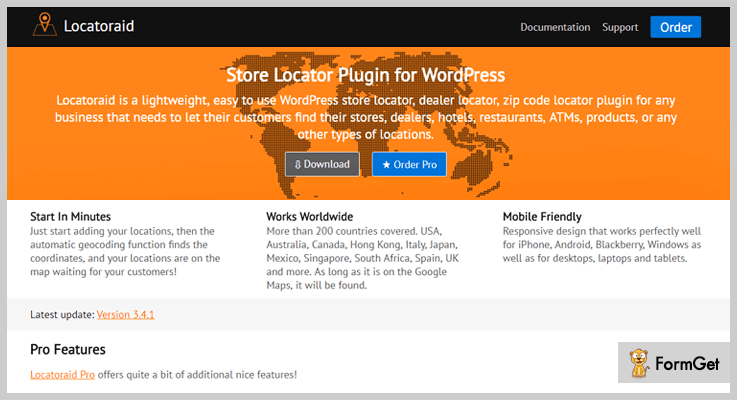
Locatoraid is the best store locator WordPress plugin which is flimsy & easy to use. Through this plugin, anyone can locate dealers, stores, zip codes, hotels, ATMs & many more places.
Pricing Of This Store Locator WordPress Plugin:
- Free: $0, limited support, download it from WordPress.org.
- Pro: $79, 1 site, product, product upload, export, 1-year support & updates & many more.
- Developer: $149, 10 sites support, 1-year updates & support, custom fields & all features of Locatoraid Pro plan.
Features Of This Store Locator WordPress Plugin:
- Export & Import Locations In Bulk:
This plugin automatically uploads the locations from an Excel/CSV file into dealer finder plugin of Locatoraid Pro version.
- Map Icons Customizing:
You can upload a new icon or choose an existing icon for any locations by uploading CSV file.
- Adding Customized Fields:
One can add up to 10 fields to store pieces of information about locations which are easily customizable.
Click Here To Get More Information
2. Gwebpro: WordPress Store Locator Plugin
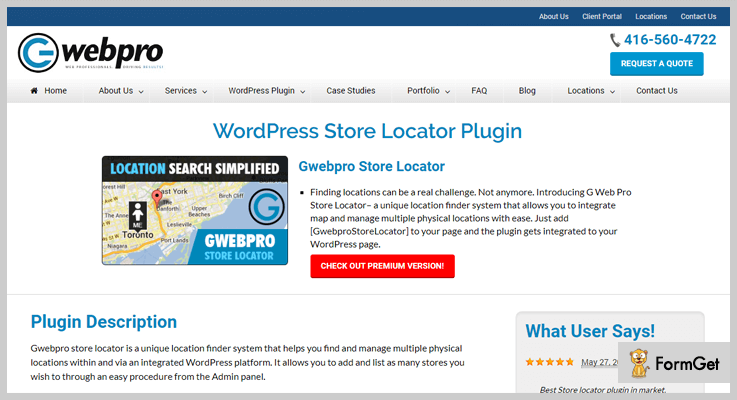
WordPress store locator plugin by Gwebpro allows you to locate multiple locations, store & then manage them all with ease.
Its drag & drop feature of changing visitor’s current location makes it more dominative on other plugins.
Pricing For This WordPress Store Locator Plugin:
- Standard: 0$, unlimited stores, instant helper, add store’s details, import & store images, search by store & many more.
- Pro: $50, all features of the Standard plan with import in bulks using CSV file, search by categories etc.
- Business: $100, all features of Standard & Pro plan with the search using state & zip, bulk download/export, custom map pointer upload & many more.
- Ultimate: $200, all features of Standard, Pro & Business plan with change visitor’s search radius, location pointer, storing of details on the separate page etc.
Pricing For This WordPress Store Locator Plugin:
- Attractive Dashboard:
Through its easy dashboard UI, anyone can modify the map details by using some certain fields.
- Shortcode:
The user can display the store in the frontend by using the shortcode [GwebproStoreLocator].
- Fully Responsive:
This WordPress store locator plugin is fully responsive in many devices such as mobile phones, tablets, desktops, laptops etc.
Click Here To Get More Information
3. Responsive Store Locator Plugin for WordPress:
Responsive Store Locator Plugin for WordPress is a responsive plugin for creating & adding a store locator on the site.
In a couple of seconds, one can add & manage locations through it.

Pricing Of This Store Locator Plugin for WordPress:
- Regular: $24, 1 user, end users are not charged.
- Extended: $85, 1 client or user, end users can be charged.
Features Of This Store Locator Plugin for WordPress:
- Easy Location Transfer:
From one site to another, you can export/transfer the stores in CSV file format without any hindrance.
- Shortcode For Nearby Stores:
You can use the shortcode: [wc_store_locator] so you can display the store on the map’s product page.
- Multiple Map Styles:
There are different types of the map that you can add- Satellite, Roadmap, Terrain & Hybrid types supported.
Click Here To Get More Information
4. Store Locator (Google Maps): WordPress Plugin Location Finder
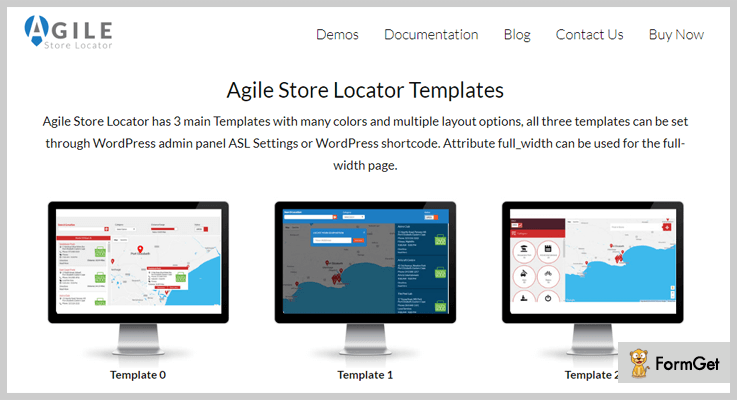
Store Locator (Google Maps) is also one of the best in-store locator WordPress plugins as it has multiple templates & layouts to add to your site.
This will make your maps as well as sites so beautiful like never before.
Pricing For This WordPress Plugin Location Finder:
- Regular: $24, one user, end users are not charged.
- Extended: $150, one user/client, the end user can be charged.
Features Of This WordPress Plugin Location Finder:
- Beautiful Themes:
You can try its 5 different themes which are too much marvelous. They will make your site, as well as maps interface unique.
- Duplicate Stores:
One can create a copy of the same store by clicking on it. This may result in using the same store in multiple locations.
- Category Assigning:
A person can assign the same store location to multiple categories.
Click Here To Get More Information
5. Advanced Store Locator: Store Locator WordPress Plugin
Advanced Store Locator is one of the most purchased add-on in the market of store locator WordPress plugins. The reason is that it uses AJAX technology for the pagination support.

Pricing Of This Store Locator WordPress Plugin:
- Regular: $23, single user, end users are not charged.
- Extended: $115, single user/client, the end user can be charged.
Features Of This Store Locator WordPress Plugin:
- Geolocalisation:
This feature is also the reason of being purchased maximum times among other store locator WordPress plugins.
With this feature, the address is converted into geographic coordinates i.e., in latitude & longitude.
- Two Metrics Distance Support:
It supports the distance on the map in both kms & miles.
- Stores Linking:
You can link the stores to the existing posts on WordPress without any kind of limit.
Click Here To Get More Information
6. Map’n’Points: Cheapest in Store Locator WordPress Plugins
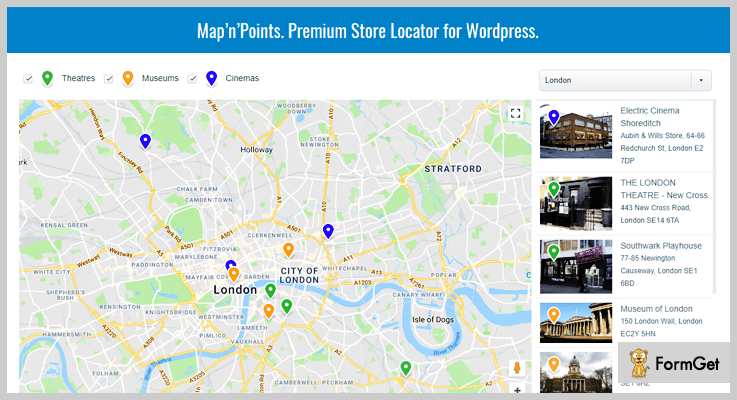
Map’n’Points is the most affordable store locator WordPress plugin with 5 color schemes which you can adjust/modify anytime.
Pricing Of This Store Locator WordPress Plugin:
- Regular: $17, single client, end client/users cannot be charged.
- Extended: $85, single client/user, end users cannot be charged.
Features Of This Store Locator WordPress Plugin:
- Image Uploading:
This plugin has the facility of adding the uploading/adding the photos with location & information about it in the display.
- URL Sharing:
In this plugin, the maps are associated with the links such that it can be shared anywhere easily without any error in the map.
- Multiple Maps Support:
It supports multiple types of maps which makes it versatile in its category.
Click Here To Get More Information
7. WP Store Locator: Primest In Free Store Locator WordPress Plugins
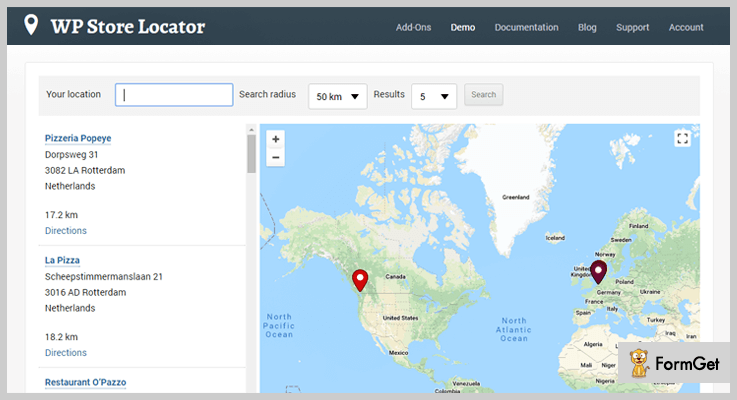
WP Store Locator is a store locator plugin for WordPress in which you can specifically customize the appearance of the map.
It also provides the customized labels as well as fields to categorize the maps.
Pricing For This WordPress Plugin Location Finder:
- This plugin is free of cost & you can manage unlimited stores.
Features Of This WordPress Plugin Location Finder:
- Multiple Language Support:
It supports many languages like Google Maps for the better understanding of the map.
- Driving Indications:
Through this plugin, one can easily understand the maps of stores as it provides directions for them.
- Marker Icons:
You can 9 retina marker icons & make your map & site more innovative.
Click Here To Get More Information
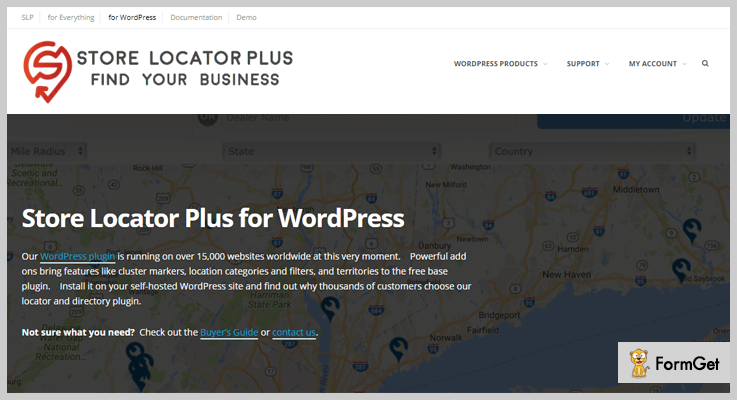
8. Store Locator Plus: Store Locator Plus WordPress Plugin
The Store Locator Plus is a complete store finder WordPress plugin which supports thousands of location.
All you have to do is to enter the location, create the page & use the SLPLUS shortcode inside it.
Pricing Of This Store Finder WordPress Plugin:
- This plugin is free of cost with no restrictions on location limit while adding & filtering the locations.
Features Of This Store Finder WordPress Plugin:
- Multiple Language Support:
It supports multiple languages for different-different countries which makes it more flexible.
- Fully Customizable:
By using basic HTML & CSS programming, anyone can customize the interface via Admin Panel.
- Multiple Uses:
Apart from store find, it is also used for finding service directories.
Click Here To Get More Information
Conclusion:
Above are some of the best free as well as paid store locator WordPress plugins. Some of them provide the facility of geolocalisation & others allow the admin to fully customize the maps & the site.
Hence, you can choose any of the plugins which are most suitable according to your needs.
If you have any queries, please comment below & we’ll clear it out soon!
7+ Best Tabs WordPress Plugins 2022 (Free and Paid)

If you’re looking to add more functionalities to your website then your choice to select tabs WordPress plugins would be an optimal one.
Tabs WordPress Plugins keeps the appearance of your website clean, organized and presentable. You can experiment with the color, shape, and everything of the tabs, to make the appearance of the website even more sorted
Moreover, through these plugins, you can make your website more effective and please the visitors on your site.
In this article, I am going to share the list of best free and paid tabs WordPress plugins which are available in the market as per the user’s rating.
With these amazing plugins, hope you can present your content in a tabbed style without any extra effort.
Few more:
So let us have a look at the plugins that can help you with this task.
1. WP Tab Widget Pro –
WP Tab Widget Pro is a light-weighted WordPress plugin that will help you to build perfect tabs on your websites.
The plugin allows you to insert widgets on your website’s sidebar and later you can customize your site according to your requirement.
With its advanced features, the plugin is absolutely easy to handle. You can create a neat and organized tab on your blog with its simple installation and configuration.

Pricing –
It offers its extended services at just $19/M and extended Up to $29.
Features –
- The Plugin is fully customized and over 400 icons included.
- Small and Large thumbnails sizes are available so that you can pick accordingly for your site.
- With its AJAX Loader give your website a unique look.
- Set a number of posts to display on your site.
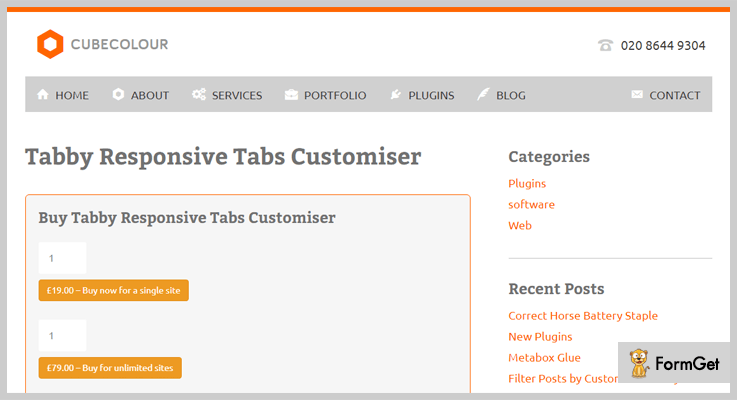
2. Tabby Responsive Tabs Customiser –
This responsive plugin comes with a simple responsive design. The plugin allows you to create amazing fonts and styles on your blog.
You can customize the tab’s displays and many more thing on your site through the admin panel. This plugin contains awesome ratings from its users (5/5).
Pricing –
Buy Taddy Responsive Plugin at just £19.00 and extended up to £98.00 for unlimited sites.
Features –
- Provides Virtual Private Server to bridge the gap between dedicated server & shared hosting server by giving root access.
- The plugin also provides documentation and training to manage your own websites.
- Manages your website’s software updates regularly time.
- Ability to design and build an attractive and effective website.
3. Tabs Pro –
This simple and easy Tab Pro WordPress Plugin is well designed and developed. It is user-friendly and compatible with all devices. Its design is simple, elegant and responsive on all browsers.
Like its design, its features are also impressive. This Tabs Pro hover effect provides a facility for you to open any tabs impressively. The plugin is fast so you can build your tabs within a second.

Pricing –
Buy the Plugin at just $9 for 6 months and extended up to $27 with unlimited features.
Features –
- Add unlimited tabs on your web pages and get 20 design templates.
- Display your content in widget area with shortcodes in the widget area of themes.
- 500+ Google fonts effects.
- Unlimited Animation Effects.
4. Ultimate Blocks
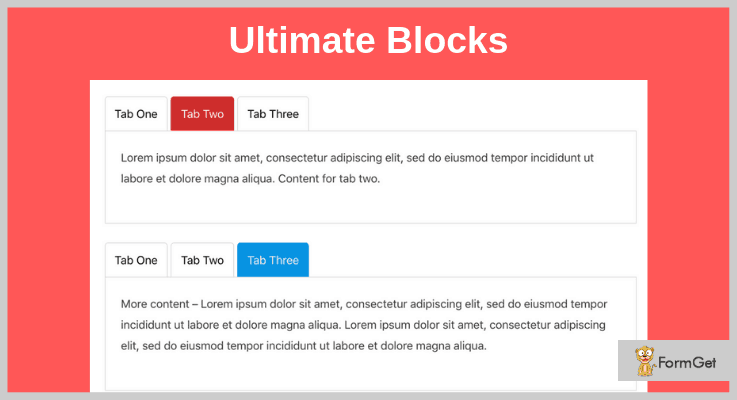
Ultimate Blocks is a well-developed plugin that enables you to add different kinds of blocks to the Gutenberg editor. One of those is the Tabbed content block. That doesn’t mean that this is a bloated plugin that slows your page speed. It is highly optimized, so it doesn’t affect your page loading speed.
The plugin allows you to easily add tabbed content inside your post without touching a line of code. It gives you the ability to customize it so it suits the overall design of your page.
Pricing
The plugin is free to add to your website. You can add it from the WordPress plugins directory.
Features
- Drag and drop to sort the tabs as you want.
- Customize the color of the tabs.
- Fast and 100% responsive.
5. Hello Tabs WordPress Widget –
Hello tabs WordPress plugin is the plugin lets you create a tab element from any widgets on your WordPress site. The plugin has simple drag and drops feature to create an easy tab.
Many users are already using this Hello Tabs Plugin. This plugin comes with amazing 12 predefined styles and more than 20 animation effects. The user gives their satisfaction rating as 4.5 out of 5.
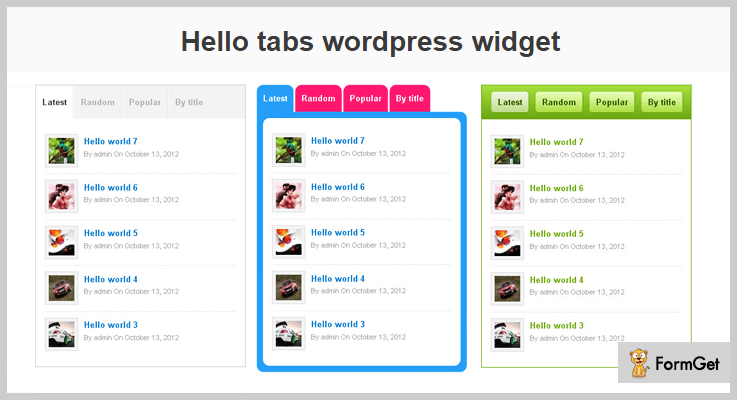
Pricing –
The plugin offers its advanced services at just $15 and extended up to $75 for more unlimited features.
Features –
- It supports multi-tab to create multi tabs elements on your pages.
- Support multi browsers like Firefox, Opera, Safari, Chrome and more.
- Fast and friendly support WordPress plugin.
- It provides 100% responsive and useful layouts.
6. Advanced Tabs For Visual Composer –
This advance tab plugin is clean, simple and a complete solution to add tabbed content from any widgets in your WordPress site.
The plugin allows you to display any attractive content on your site by using its PreDefined Color Schemes and 6+ Unique Styles. This plugin has a responsive layout and gives you a complete control over them.

Pricing –
Buy its advanced services at just $10 and extended up to $60 for more unlimited services.
Features –
- Use unlimited shortcodes to provide various functionalities into your post, pages, and widgets.
- Through this, you can create Horizontal and Vertical Tabs.
- All major browser supported.
- 5+ Premade styles.
7. Side Tabs –
Side Tabs is the WordPress Plugin that allows you to create tabs and stick them to any window edge. If you are really want to give uniqueness and add more functionality in your website than Side Tabs is a perfect way.
It is an add-on for layered Popups for WordPress through which you can create a tabs element on your site.
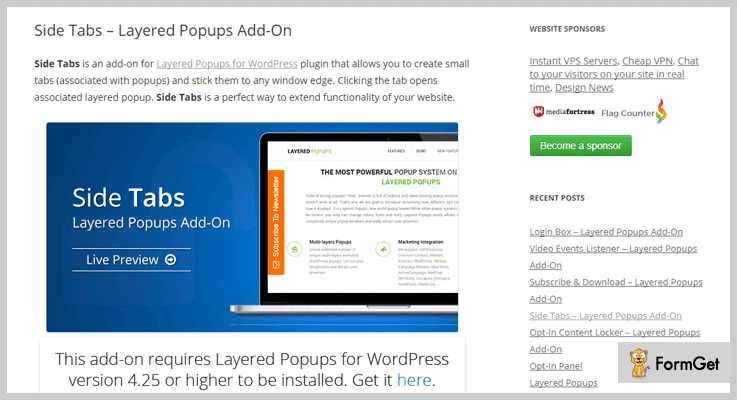
Pricing –
Enjoy its tons of features and functionalities at just $7 and extended up to $35 for unlimited advanced features.
Features –
- Allows you to create many tabs at the same time with desired popups
- This allows you to design the desired popups in your sidebar area.
- You can create as many tabs as you need can easily associate them with desired popups.
- This plugin is easy to use and completely responsive.
8. WordPress Post Tabs –
This WordPress Post Tabs Plugin lets you create a clean and well-organized WordPress site with powerful admin panel itself. It has easy to understand dashboard so that your users get highly impressed.
This post tab provides you to add as many tabs you want to add on your site. You can change the color of tabs with its CSS changes, it also contains visual editor button, nested tab and many more.
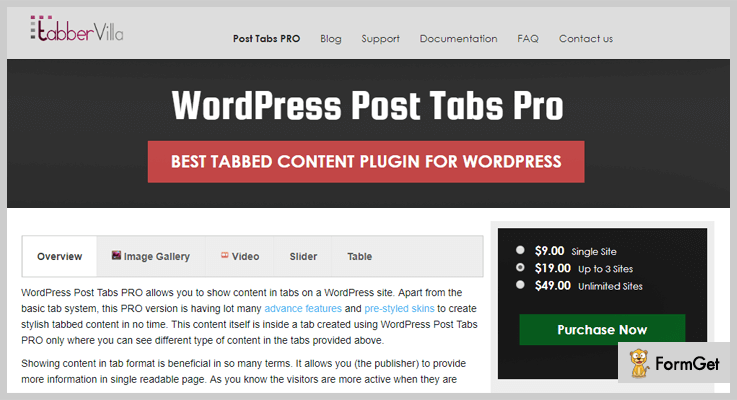
Pricing –
This plugin is completely FREE. Get its highest features and functionalities for Free only.
Features –
- Provides various predefined styles so you can easily design tab element on your own style.
- Enable/Disable Page Reload on Tab click.
- You can embed YouTube, Vimeo videos and more inside tab area.
- Apply Custom Style Box to change CSS from Admin Panel.
9. Tabs –
This is another simple and clean looking tab with manually inserted shortcodes. A shortcode is used to give extra functionality in a website. Users gave it highly satisfactory ratings of 4.7/5.
This Tabs plugin is completely HTML & CSS3 responsive tab. The plugin is super responsive to every mobile screen, it has an option to use mouseover to switch tabs.

Pricing –
The Plugin is completely FREE. There’s no hidden terms and conditions.
Features –
- The plugin is completely responsive and customized.
- You can add unlimited numbers of tabs in anywhere in the sidebar area.
- It provides a custom font color for Tabs content.
- Gives the easy Input field for the content side.
Wind-up-
And here my writing comes to a close. I have selected here the 7+ Best Tabs WordPress Plugins which were based on the reviews, ratings, features and a lot more. Go for a plugin which suits your need.
5+ Best SSL WordPress Plugins 2022 (Free and Paid)

Nowadays, there are hundreds of SSL WordPress plugins which are floating around the market.
To choose the best out of them is must, but the question arises why?
For secure communication over a computer network, HTTPS (HTTP Secure) is used in place of HTTP (Hyper Text Transfer Protocol). It is done to prevent hackers from attacking your network.
That’s why people are demanding for those SSL WordPress plugins which have unique features & flexibility.
So for those folks, I’m mentioning a list of some plugins in which both free & paid plugins are mentioned.
Before going through this blog, you may read other blogs for more WordPress plugins:
1. HTTPS SSL Manager: Best SSL WordPress Plugin
HTTPS SSL Manager plugin by CreativeMinds is one of the best add-on in a bunch of SSL WordPress plugins as it has an attractive dashboard with website HTTPS indicators.
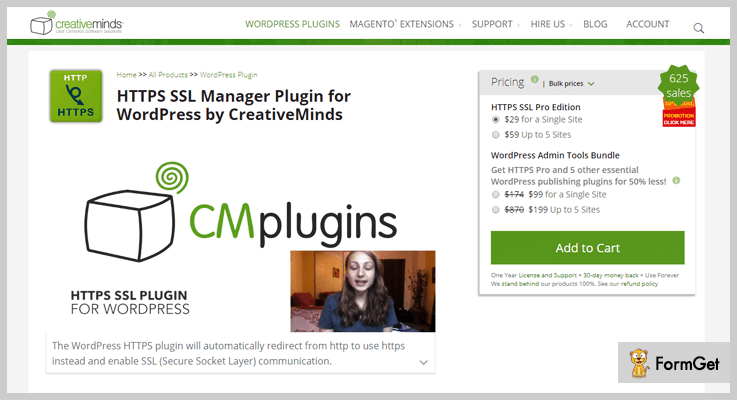
Pricing Of This SSL WordPress Plugin:
- The pricing of this WordPress plugin starts from $29 for 1 site to $499 for 200 sites. For example: At $59, you can use this plugin on 5 sites. To know more about its charges, just visit on its website.
Features Of This SSL WordPress Plugin:
- Just one click button to turn on as well as off https.
- It also detects & fixes contents which are insecure by scanning all files on the site. After scanning, it resolves the insecure/improper content after installing SSL certification.
- This plugin provides URL Mapping which allows anyone to map URLs that host their HTTPS matter on a different URL.
- Support of URL filters which allows specifying what content should always be secure/insecure using simple string differentiation.
2. Really Simple SSL pro: Cheapest in SSL WordPress Plugins
Really Simple SSL pro is another amazing plugin which comprises of complete scan for mixed content issues, Strict Transport Security of HTTP and many more.

Pricing Of This HTTP To HTTPS WordPress Plugin:
It has 3 price plans according to the number of sites on which this plugin can be used:
- Single Site: $25
- 5 Sites: $59
- Unlimited: $189
Features Of This HTTP To HTTPS WordPress Plugin:
- Security improvement by enabling HTTP script transport security for the site.
- This plugin works with all kinds of SSL certificates.
- All of the licenses are renewed at 50 percent of discount on the yearly basis & can be canceled at any time.
- It also provides premium email facility to its customers.
3. WordPress HTTPS: Best In Free SSL WordPress Plugins
WordPress HTTPS (SSL) by Mike Ems is one of the best add-on in SSL WordPress plugins as it mainly focuses on performance & speed.
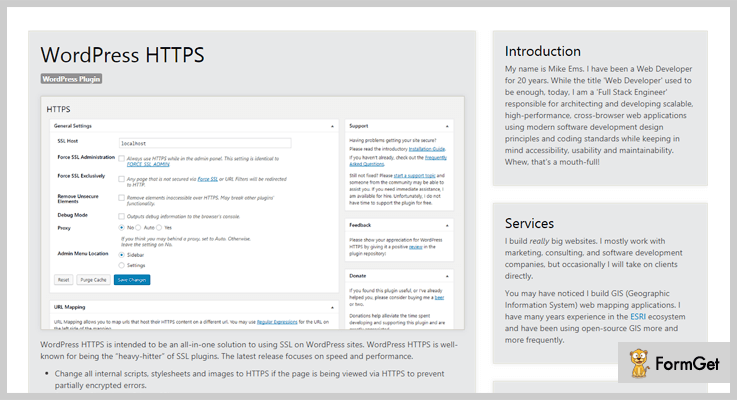
Pricing Of This WordPress SSL Plugin:
- This plugin is free of cost which will help you to secure your website by using HTTPS in place of HTTP in URL.
Features Of This WordPress SSL Plugin:
- This plugin changes all of the internal links, images & scripts to HTTPS prevent incomplete encrypted errors.
- It plugin also saves loading time of website by changing the external links/elements into HTTPS.
- This WordPress SSL plugin forces only those HTTPS elements who should need to be of HTTPS.
4. Force HTTPS: Best HTTPS Redirection Plugin
Force HTTPS by LittleBizzy is an SSL WordPress plugin which redirects HTTP to HTTPS & also fix insecure content without modifying the database.
It also works with CloudFlare.
Pricing Of This HTTPS Redirection Plugin:
- This plugin is free of cost & it SSL redirect feature is best in the market of SSL WordPress plugins.
Features Of This HTTPS Redirection Plugin:
- It has the feature of database storage & fixing insecure content in it too.
- Through this plugin, one can also uninstall the data too.
- For security & performance reasons, it supports only single site WordPress installations.
- Compatible with MySQL 5.7 & PHP 7.0 versions.
5. Easy HTTPS Redirection: Best HTTPS Redirection Plugin
Easy HTTPS Redirection by Tips and Tricks HQ is a plugin which automatically redirects non-HTTPS & HTTP URLs to HTTPS.
It redirects only at some conditions, the system must have installed SSL certificates.

Pricing Of This HTTPS Redirection Plugin:
- This plugin doesn’t charge any amount.
Features Of This HTTPS Redirection Plugin:
- Embeds all the static files with HTTPS URL.
- This plugin also forces loads elements such as images, CSS, JS & many more.
- You can also choose which URLs you want to redirect to your sites.
- One can also force the entire domain to open in HTTPS rather than in HTTP & non-HTTPS.
6. One Click SSL: Best SSL Redirection Plugin
One Click SSL by Tribulant Software is a simple WordPress SSL plugin which redirects all non-SSL pages to SSL. It also cross-checks whether all of the redirected links are properly loaded or not.
Pricing Of This SSL Redirection Plugin:
- It is free of cost & includes setup wizards which are user family.
Features Of This SSL Redirection Plugin:
- This plugin checks whether the SSL feature is supported on the server/host or not.
- If the SSL redirection is not enabled, it redirects the URL to the non-SSL page.
- You can select SSL areas such as- admin dashboard, website frontpage & everywhere.
Conclusion:
So here are some of the best SSL WordPress plugins which can easily redirect the HTTP & non-HTTPS to HTTPS URL. We really expect from you that you will choose the best plugin. Well, some of these WordPress plugins are free while others are paid.
Apart from that, these plugins are way too easy to use in such as way that even a person who does not have any technical knowledge can also use it with so much ease.
So all we want from you is to try them out & use the best one according to your requirements.
If you have any questions, please let us know & we’ll answer our best. If you want to suggest some more SSL WordPress Plugins, please comment below & we’ll surely mention them.
7+ Best Image Optimizer WordPress Plugins 2022 (Free and Paid)
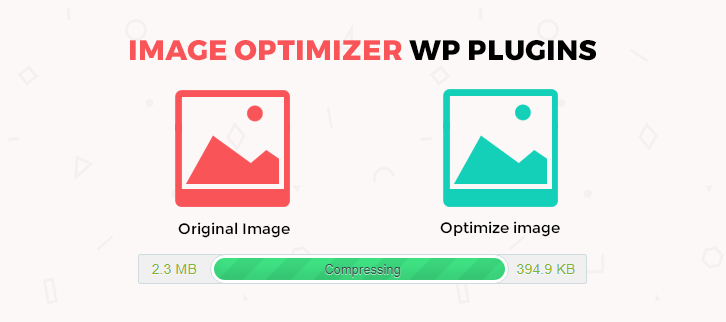
Do you want to optimize your WordPress website? Then you must be searching for the best image optimizer WordPress Plugins that can be installed at the drop of a hat!
These plugins automatically perform all the image optimization tasks like alt tag testing and editing, Image Resizing, and Compression etc.
There is a bulk of Image optimizer WordPress Plugins available on the web. But which one will be the smartest Plugin for boosting your website?
Let’s take a look on some image optimizer WordPress plugins –
1. SEO Image Optimizer WordPress Plugin – Traffic Booster
Alt tags of images are very important part to increase the traffic from image search. SEO Image Optimizer eliminates the task of manually adding alt tags and automatically adds SEO optimized alt tags and title tags on your images in a matter of few seconds.
It is a simple and convenient WordPress plugin which act as a helping hand to gain more traffic and sales from various search engines like Google, Ask, Bing, Yahoo etc. You can easily install and activate the plugin then it will do its task effectively.

Pricing
You can get this plugin at just $20.
Features
- It adds SEO friendly alt tags which helps you to get better ranking.
- Images of WooCommerce products are also supported.
- This plugin is compatible with all existing browsers.
- It automatically works for new and existing images.
- Its alt tags and title tags are customizable.
2. SEO Friendly Images Pro for WordPress
SEO Friendly Images Pro for WordPress is a plugin that automatically optimized all the title tags and alt tags of images of your pages and posts as well as even works on 3rd party content images like an advanced custom field.
It comes up with an amazing feature of “Lazy Loader” powered by unveil.js. This functionality boosts up your website performance by delaying loading of images. Along with that, in the latest version, it includes the link optimization feature also.
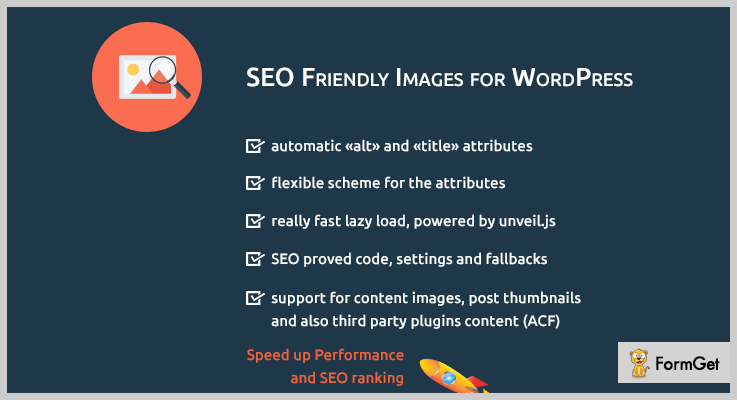
Pricing
Buy this plugin at $19 which gives 6 months support. If you want to extend it for a year, you’ve to pay extra $5.63.
Features
- It provides the flexibility to override existing alt and title tags of your images.
- The brand new function of this plugin optimizes the title attributes of links also.
- The Default settings of SEO Friendly Images are proven by SEO consultant.
- It supports post thumbnails also.
- The kit includes .pot file which translates the plugin into any language.
3. Smart Image Compressor – WordPress Plugin
This image optimizer WordPress plugin is an optimal solution to compress large size images in WordPress media. With a click you can reduce image sizes consequently your website will become faster.
If you are using lots of images on your WordPress website then go with this plugin. As it optimizes bulk images and large media files in just a moment of time.
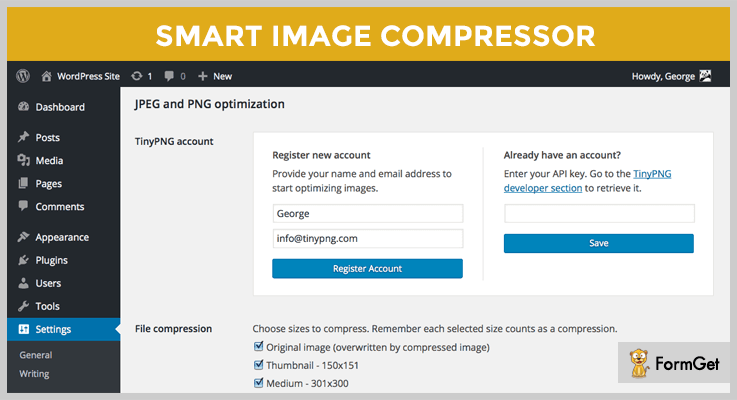
Pricing
Grab this plugin in just $24 for 6 months. Furthermore, you can extend it to 12 months by paying only 7.50.
Features
- It also compresses png images without losing its transparency.
- This plugin gives you the option to compress images without affecting its quality.
- Compress bulk images in seconds.
- It provides compression level to guide you to compress the images which results better.
4. ShortPixel – Best In Image Optimizer WordPress Plugins
ShortPixel is a powerful image optimizer WordPress plugin that helps you to increase your SERP rankings. It compresses and optimize the large images which reduces the page loading time and in this way you gain gain more visitors and better search engine ranking.
This plugin compresses the large media files or images but did not affect the quality. You can have similar quality images but reduced size. It has around 100,000 active users and the number is blooming continuously.

Pricing
ShortPixel offers 3 pricing plans –
- Short: 5,000 images per month at just $4.99.
- Large: 12,000 images/month at $9.99.
- XXL: 55,000 images/per month at $29.99.
It has a Free plan also.
Features
- Popular image formats are supported such as – JPG, PNG, GIF, and PDF.
- You can use its API key on multiple sites.
- It provides 100% image safety.
- Offers automatic and bulk optimization.
- It gives no limit on file size.
5. Imagify – Image Optimization plugin
This tool will help you to lighten up your images by optimizing them. With its WordPress plugin, you can compress tons of images within a click and give them a high level of compression.
It optimizes every size of images and you don’t have to edit your images before uploading in a library, this plugin will automatically optimize and resize the image and displays in a perfect view.

Pricing
- Lite: 1 GB data per month at $4.99.
- Basic: 2 GB data per month at $8.99.
- Standard: 5 GB data per month at $19.99.
- Plus: 15 GB data per month at $39.99.
- Enterprise: 50 GB data per month at $69.99.
Features
- It optimizes images as well as thumbnails and makes them responsive to any screen size.
- This plugin even optimizes ready images also and give them a high resolution.
- Provides the complete overview of your images data so, that you will be able to monitor percent of optimized and unoptimized images.
- It comes up with a simple and easy user interface.
6. Image Optimizer – 10WEB
This image optimizer will significantly improve your website performance by optimizing your image data. It will make loading time of your images fast. It provides the facility of media conversion also.
Its functionalities automatically resize, compress, and optimize your entire media files without losing its Quality.
Pricing
This premium image optimizer plugin offers slider, gallery, WordPress premium themes along with these pricing plans
- Basic: $12/month for 3 domains.
- Standard: $30/month for 10 domains.
- Premium: $80/month, 50 domains.
Features
- Extreme compression mode.
- You can schedule your optimization.
- PDF file optimization.
- Provide reports to monitor your image compression results.
- Provides 3 different modes for image compression.
7. Smush Image Compression and Optimization
Smush is an award-winning WordPress plugin for quality and speed test. This 100% free and powerful plugin which scan each and every image of your website which you have just upload or which already exists.
It removes all the unnecessary data and optimizes it before adding it to your WordPress media library.
Pricing
It is free of cost, available in WordPress directory.
Features
- Compatible with all the existing plugins that you have for your website.
- It easily compresses any image stored in any library or files.
- This plugin also supports image formats like PNG, JPEG, and GIF.
- Offers individual setting for every site.
- Smushes 50 attachments at a time.
8. EWWW Image Optimizer
EWWW image optimizer WordPress plugin will boost your page load time by optimizing all the images of your website. In that way, it also improves your conversion rates.
This image optimizer automatically optimizes uploaded images or even those images which are created by other plugins.

Pricing
Grab this Image optimizer plugin for free from the official WordPress website.
Features
- With its intelligent image conversion option, you can get the required format such as Jpeg, png etc.
- It comes up with a comprehensive coverage which makes sure that no images left behind.
- This plugin is secured with SSL encryption.
- Provides backup storage for your original images.
- It also has its API through which you can embed this plugin on any platform.
Conclusion
If you want to deal with image optimization seriously and want to make your website loading time fast. Then you should try the above-mentioned image optimizer WordPress plugins.
Moreover, both free and paid optimization plugins are available, but if you want some additional features and integrations then going with premium image optimizer WordPress plugins is a smart choice.
Do you want to share your favorite image optimization plugin for WordPress?
Share them in a comment section… We would love to hear!
7+ Best Page Builder WordPress Plugins 2022 (Free and Paid)

You are not well-versed in the coding world but want to make your website pages come to life! Alright..you must be exploring the hefty page builder WordPress plugins to beef up your WordPress website.
Page builder WordPress plugins help to frame gorgeous page templates which will be right up your alley.
No doubt! WordPress websites are incredible but down to the wire, its page editor is a real pain in the neck.
Just relax and sit tight, I have dug into all the best 7+ page builder WordPress plugins that will definitely help you out.
Want some more hand-picked set of plugins! Check out the listings:
1. WPBakery Page Builder for WordPress
WPBakery is the only page builder having 2.0+ million installations till date. This plugin is the well-known award-winning tool of Codecanyon having both drag and drop frontend and backend customization.
It is providing 50+ premium content elements, 100+ pre-designed templates, 200+ third-party add-ons, 40+ grid designs and easily extendable with API.

Pricing
This bellyful toolkit is for $45.
Features
- WooCommerce compatible
- Multisite support
- Image filters
- Parallax and video BG
- Yoast SEO compatible
- Object Oriented
2. Elementor Pro
Till now this exclusive page builder WordPress plugin is installed by 600,000+ users globally. Elementor Pro is the bundle of limitless features. It provides more professional tools than its free version, accelerating the workflow and sales conversion.
Say “Bye-Bye” to the backend because Elementor editor allows customizing of columns, layout, spacing, and fields without any backward settings. This plugin is such an eager beaver that professionals can take full control of it because this ravish plugin allows to add custom CSS to every element of the page template.

Pricing
This plugin has three pricing strategies:
- Personal single site: $49
- Business Plan: $99 (for 3 sites)
- Unlimited Sites: $199
Features
- 24+ Pro Widgets
- 75+ Pro Templates
- Integrated to zapier, email marketing services & social media channels
- Speeds up the workflow
- Premium Support
3. WP Page Builder
WP Page Builder is the ultimate design tool to craft your website. It is a drag and drop page builder to create web pages easily. From an experienced developer to a beginner, everyone can build stunning websites independently with this page building tool on WordPress. Get ready sections, page layouts, and many more elements inside the WP Page builder.
Pricing
The basic version comes free while the pro ones come in the following plans:
- Single License: $39
- 5 License Pack:$59
- Unlimited Sites: $99
Features
- Ready design blocks
- A bulk number of addons
- Unlimited undo/redo options
- Beautiful pre-designed template
- Beautifully designed shape dividers
- The drag-and-drop live editing system
- Responsive and mobile-optimized pages
- Device-specific responsiveness settings
4. Beaver Builder
Beaver Builder believes that trust is fragile so it always tries to furnish excellent page builder features. Over 500,000 WordPress websites lovers are its camp followers.
Unleash your creativity with Beaver Builder to create elegant professional pages by dragging and dropping. This rave plugin is providing 30 templates that are so stunning that they will take your breath away!

Pricing
It has 3 pricing packages:
- Agency Package: $399
- Pro Package: $199
- Standard Package: $99
Features
- Loaded with Landing Page and Content Page Templates
- Professionally Designed and Highly Customizable.
- Compatible with every theme
- Responsive design
- Swapping of text and images
5. MotoPress Content Editor
This plugin provides Drag-and-drop WordPress Page Builder that goes well with any theme. Also, it allows creating posts and pages in a more elegant way with its tons of styling options and content modules.
If you are non-techie then this is the plugin you are looking for! It’s quick and fun editing toolkit helps to set buttons, text, images, galleries and embed videos without programming.
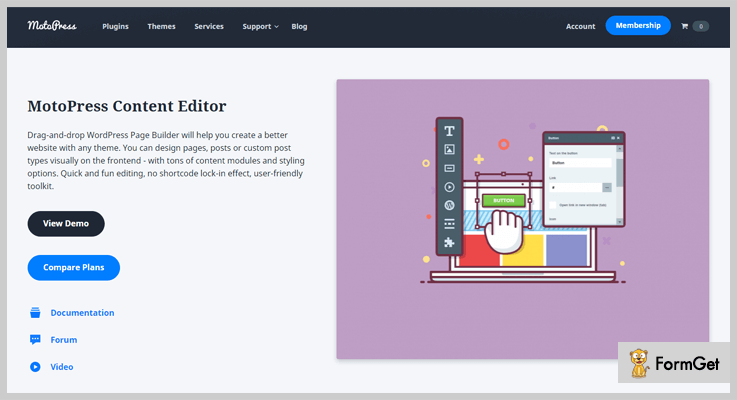
Pricing
There are 3 licenses for different project type:
- The personal single site for $29
- Business 5 websites for 447
- Developers unlimited websites for $139
Features
- Frontend Editing
- Google Web Fonts
- WordPress Multisite Compatible
- Multilingual Interface
- Style Builder
- Predefined Layouts
6. WooComposer – Page Builder for WooCommerce
This super ninja plugin helps to create WooCommerce templates. All the pages of your eCommerce store from the product page to check out page can be accelerated by using WooComposer.
This incredible page builder works with Visual Composer allowing you to create beautiful layouts even faster. WooComposer keeps your shopping cart in the contended form. You can give it beautiful additional touches by adding some fancy elements for user engagement.

Pricing
Costing of its regular license is $39.
Features
- Building WooCommerce styles without checking the code
- No Coding Required
- Boost your revenue of cross-selling & up-selling
- Mobile friendly
- Insert products in any posts using shortcodes
- Unlimited customization of product display & order receiving
7. WooCommerce Single Product Page Builder
This Page builder plugin helps to create a WooCommerce page for a single product. It works well with Visual Composer and helps to add minute details of your sole product like title, price, ratings, data tabs etc.
This plugin supports to add missing shortcodes for Woocommerce in Visual Composer. Additionally, you can display single product description and its reviews.
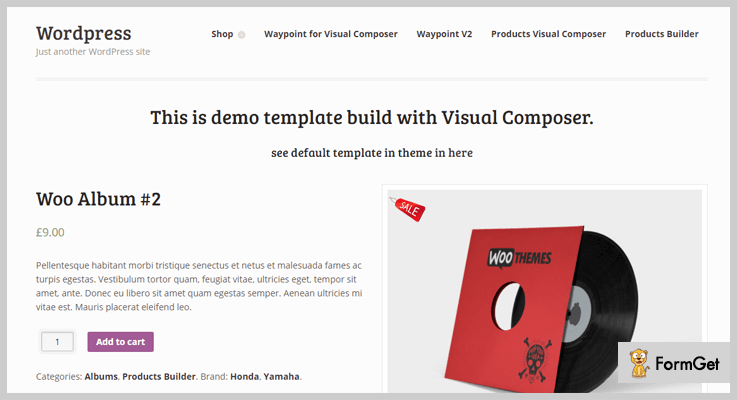
Pricing
CodeCanyon is charging only $19 for this competent page builder WordPress plugin.
Features
- Custom single product image and its thumbnails size
- Easy installation and configuration
- The 40+ content element of Visual Composer
- Support Woocommerce shortcodes
- Display product description and review separately (no tabs).
- Can create product categories
8. Page Builder by SiteOrigin
SiteOrigin Page Builder can smoothly design the column based content by using well-known widgets. This mobile-ready WordPress plugin beautifully creates the pixel perfect layout of your home, about us and contact pages.
This plugin lavish intuitive interface to build the responsive and polished page in no time. The drag and drop feature of SiteOrigin Page Builder has built-in codes that are loved by search engines. You don’t need to touch code lines, it has already done all the hard chores leaving you light.

Pricing
This plugin is so loved that it is freely downloadable from the official WordPress website.
Features
- Live editing
- History browser
- Row and widget styles
- Works with all WordPress themes
- intuitive content editing
9. Live Composer page builder
Live Composer is 100% open-source page builder plugin for WordPress websites. It has been installed by 50,000+ website owners till date. This plugin has 30+ styling options allowing to make countless variations on your page template.
It is the flexible DIY tool that can build appealing landing pages for your campaigns. This brilliant SEO-friendly plugin is designed to work seamlessly with prominent WordPress plugins like Yoast SEO.

Pricing
Start using Live Composer page builder for free!
Features
- 100% Open Source Page Builder
- Create Custom Page Layouts In Minutes
- Export/Import Sections
- Automatic plugin updates
- Gallery Images Grid
- Mobile responsive page builder
Over To You
I hope you have picked your best choice among my listing of 7+ Best Page Builder WordPress Plugins. I have tried to ensure that “what you see is what you get” for your website page template.
Do let us know which plugin is the reason for your claim to fame.
7+ Best Lightbox WordPress Plugins 2022 (Free and Paid)

If you want to add lightbox effects to a live WordPress site and make your media content look attractive then you have landed in the right place.
This blog will clarify all your doubts and will help you find the best lightbox WordPress plugins as we have defined some of the premium and top class plugins currently available in the market.
All these plugins are capable of making media content like images, videos, iFrames, and other types of data become responsive and fully optimized for any WordPress site.
Here are some blogs which will help find interesting and beneficial plugins for WordPress websites:-
Let’s get started with the detailed description of lightbox WordPress plugins
1. iLightBox – Revolutionary Lightbox For WordPress
iLightBox WordPress plugin allows you to create responsive windows for your website using jQuery JavaScript library.
This plugin is perfectly mobile responsive and automatically adjust to the size of the device screen. You can include custom CSS and apply custom changes on the skins provided.
Price Plans For iLightBox – WordPress Plugin
- $21 is the price of the regular plan which has got all the basic features which can be applied to make website images & gallery look attractive.
- Extended plan is priced $105 with which you get access to advanced features & facilities of this plugin.

Features
- Compatible with jetpack gallery, NextGEN gallery, and regular WordPress gallery.
- Provides 6 ready-made designs.
- Supports a variety of browsers like Chrome, FireFox, Safari etc.
- Video and image links are detected automatically.
- Fully responsive in design.
For More Details On Lightbox WordPress Plugin
2. FooBox – Lightbox WordPress Plugin
Lightbox WordPress plugin by FooBox enables you to add attractive images, videos, HTML and other media content on your website.
This plugin automatically resizes all these elements according to the size of screen. You can also add media content as a part of gallery or even as stand-alone lightbox on website.
Price Plans For FooBox – Lightbox WordPress Plugin
- Personal Plan:- Get plugin updates and single site implementation with this plan at the cost of $30.
- Multi Plan:- This plan permits you to execute the plugin on 5 different websites and charges $70 for it.
- Business Plan:- This plan comes with a price tag of $150 and allows you to apply the plugin to 25 websites with premium support & software updates.

Features
- FooBox lightbox helps media files looks great on phones, tablets, computers and other devices.
- Automatically adjusts to the size of the screen and is mobile-friendly.
- Option to include and exclude FooBox facilities of website pages is also available.
- Allows you to add caption to images, videos, iFrames, etc.
- You also get fullscreen and slideshow modes with this plugin.
For More Details On Lightbox WordPress Plugin
3. WooCommerce Quick View Pro – Lightbox WordPress Plugin
Unlike the other plugins featured, WooCommerce Quick View Pro is a WordPress lightbox plugin specially for WooCommerce-based stores. If you’re using the free WooCommerce plugin to sell online, then a quick view lightbox is the perfect way to increase your sales.
It works by adding quick view links or buttons to the pages in your WooCommerce store. Customers use them to view extra images, more information, choose options and add the product to the cart without being taken away from the main list of products. It’s an excellent opportunity to add one-page shopping to your store, and the developers have even provided a complete guide to adding WooCommerce quick view to your shop.

Price Plans WooCommerce Quick View – Lightbox WordPress Plugin
Personal License:- The single site license costs $79 and comes with plugin updates and email support.
Business License:- The next plan up lets you use the plugin on up to 5 sites, and also comes with premium support and guaranteed response times for $139.
Agency License:- This plan comes with a price tag of $279 and allows you to use the plugin on up to 20 websites with premium support & a free site audit to help you get the most out of the quick view lightbox.
Features
- 3 layout options: Images, Product Data, or both.
- Choose what information to include in the WooCommerce lightbox.
- 2 image gallery styles: thumbnails or bullet navigation.
- Fully responsive lightbox.
- Supports variations, add-ons, subscriptions and more.
For More Details On Lightbox WordPress Plugin
4. WP Lightbox Ultimate Plugin
Using lightbox ultimate plugin for WordPress you can easily embed media files like images, videos, mp3 etc on your website.
You can also project videos and media content hosted on Amazon S3 account via lightbox ultimate plugin. It is an easy to use plugin which comes with a variety of customizations.
Price Plans For WP Lightbox Ultimate Plugin
- Standard plan is priced around $40 for lifetime access with which you get free upgrades, support and single site execution of the plugin.
- Developer plan permits you to apply this plugin on unlimited site. It is useful for people who want to implement this plugin of multiple sites. This plan will cost you around $80 which is the one-time cost.

Features
- Allows you to embed videos using shortcodes.
- Extremely simple to install and setup.
- This plugin is compatible with all types of browsers.
- Helps you display videos and media content in a responsive way.
- Fetches content from DropBox, Amazon S3, Google Drive, etc
For More Details On Lightbox WordPress Plugin
5. Album & Image Gallery Plus Lightbox – Plugin
This is one of the best WordPress plugin which will help you add images and media content on websites in an impressive way.
You can add captions, titles, descriptions, or rearrange images in galleries as well as albums using this plugin. You can apply shortcodes to show grid, slider or carousel view of images on a website.
Price Plans For Image Gallery Plus Lightbox Plugin
| 1st Plan | 2nd Plan | 3rd Plan | 4th Plan |
|---|---|---|---|
| $19 | $29 | $49 | $99 |
| Single Website | 5 Websites | Unlimited Sites | Developer License |
[Note:- 45 pro plugins bundle will cost you $45]
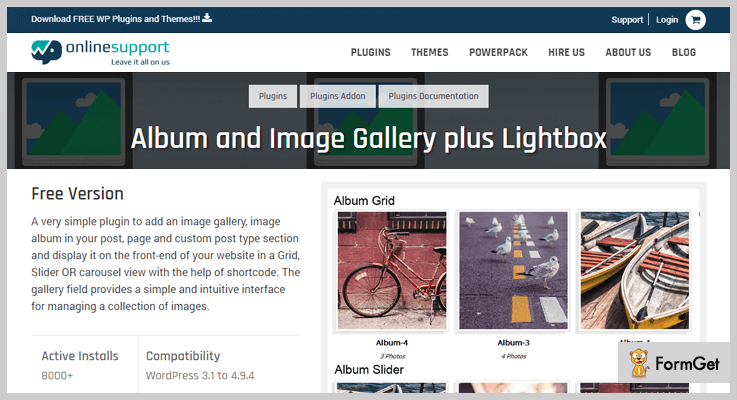
Features
- Provides over 15 different gallery designs.
- Fully responsive & 100% Multilingual.
- Display gallery or albums along with titles and descriptions.
- Perform order change just with drag & drop.
- Add custom links on albums and gallery.
For More Details On Lightbox WordPress Plugin
6. ModuloBox – NextGen Lightbox Plugin For WordPress
ModuloBox is a top class modular lightbox plugin through which you can create an eye-catchy slideshow on website popups. With this plugin, you can unveil media content in a responsive way on your website.
This plugin supports images, HTML content, iFrame and allows you to embed videos from Youtube, Vimeo, Dailymotion, etc.
Price Plans For ModuloBox – WordPress Plugin
- The price of regular license is $19 which provides features like fullscreen mode, thumbnail & zoom support, lifetime updates, etc.
- Extended license will cost $119and give you 6-month support, multiple gallery, video embed, and other facilities.

Features
- It’s compatible with Visual Composer, NextGen, Jetpack, Woocommerce, etc.
- Automatically detects the formats of images & videos.
- Allows you to perform import and export of settings
- Multisite support and Javascript API also available.
- Provides unlimited color options
For More Details On Lightbox WordPress Plugin
7. Revolution Lightbox – WordPress Plugin
Revolution lightbox is a flawless WordPress plugin which perfectly runs on all major browsers and looks great on devices with different screen sizes. This plugin supports images, audios, iFrame, AJAX, HTML content, Google maps, flash, etc and helps you project this content in an attractive way.
Price Plans For Revolution Lightbox – WordPress Plugin
- Regular plan charges $36 and comes loaded with huge amount of features which helps media content look awesome on your website.
- $156 is the cost of extended plan which supports a variety of file formats and gives you access to various features.
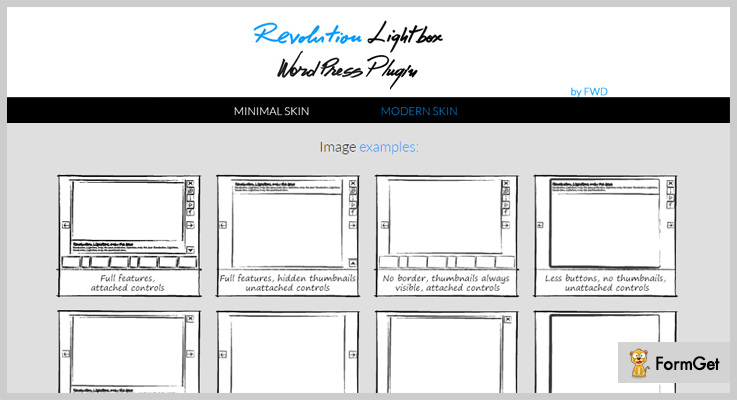
Features
- Add media files like images, videos, audio, also embed YouTube and more.
- Supports all types of mobile and desktop browsers.
- The layout provided is fully responsive.
- Provides two different skins and themes which are customizable.
- Allows adding buttons for image zoom in & out.
For More Details On Lightbox WordPress Plugin
8. Simple Lightbox Plugin For WordPress
Simple lightbox plugin for WordPress has got 200,000 plus active installations and holds 4.7-star rating on wordpress.org. This plugin is easy to install and its implementation of website is even simpler. You can apply custom changes, group image links, apply page filters, etc with simple lightbox plugin.
Price Plan Of Simple Lightbox Plugin For WordPress
- Simple lightbox WordPress plugin is free and can be downloaded and applied to any WordPress website with ease.
Features
- Allows you to insert links to images on posts and pages.
- Display title, description, captain and other media details.
- Automatically resizes the content on the basis of window size.
- Provides themes that are fully customizable.
- All the themes are mobile optimized.
For More Details On Lightbox WordPress Plugin
9. Responsive Lightbox By dFactory
Responsive Lightbox WordPress plugin helps you optimized large size images and galleries to make them look attractive on different devices. It offers 7 types of lightbox scripts which are swipebox, prettyphoto, fancybox, nivo lightbox, image lightbox, etc.
Price Plan For Responsive Lightbox WordPress Plugin
- You can download and apply this plugin on WordPress sites for free. Not a single penny is charged by dFactory for responsive lightbox WordPress plugin.
Features
- Single image and gallery widget available.
- Supports WooCommerce gallery for products.
- Compatible with visual composer.
- Allows you to customize lightbox scripts.
- Add lightbox to galleries, image links, video links and widget content automatically.
For More Details On Lightbox WordPress Plugin
Final Conclusion
This is the end of 7+ best lightbox WordPress plugins blog and I am pretty sure that you must have made a choice.
Picking a suitable plugin which works well and full fill all your website needs is not an easy task, but through this blog, we have simplified your process of finding a lightbox plugin for a WordPress site.
Feel free to mention your queries and questions related to this blog below in the comment section.
9+ Best Survey WordPress Plugins 2022 (Free and Paid)

Choosing the best polls & survey builder plugin from a bunch of survey WordPress plugins is a crucial task. Those who have low budget can’t afford any random tool for their work.
As the DA (Domain Authority) or the score of WordPress is ‘100’ (which is too much good), it has so many plugins supporting every kind of work.
So for the people who often post surveys, polls & quizzes, I’ve discussed both free & paid responsive survey WordPress plugins in this article.
Some of them are free & others are chargeable starting from $12 ONLY.
Before reading this article, you may also check out our other blogs mentioned below –
1. Pabbly Form Builder
Pabbly Form Builder helps your organization to make informed and sound decisions with the help of survey forms.
You can create various forms by adding multiple form entries and simply embed them in your web pages. Plus, the best part is you can manage all your forms from a single location without much hassle.
Creating forms for payments, survey, feedbacks etc is just a few minutes task as it does not require any coding skills, you just have to drag and drop the fields to create forms.

Pricing:
Pabbly Form Builder is available at the cost of $15 per month when you billed yearly.
Features:
- The conditional logic is the most important feature provided by this Pabbly Form Builder which does branching of your forms and makes them shorter.
- Pabbly Form Builder gives you various prebuilt templates which you can use for your survey forms. Plus, you can customize these templates and add your own branding or logos to create custom forms.
- While doing a survey, the collection of data is very important that’s why this plugin allows you to store your data on cloud servers which you can export anytime in the CSV file.
- For interactive questionnaires use of images are essential with this plugin you can allow users to upload various files like images, docs, etc. through your forms.
2. Wp Dev Art: Primest in Survey WordPress Plugins
WordPress Polls Plugin by Wp Dev Art is a fully customizable & responsive plugin which works with all versions of WordPress perfectly. With its 7 built-in themes, one can create attractive survey polls.
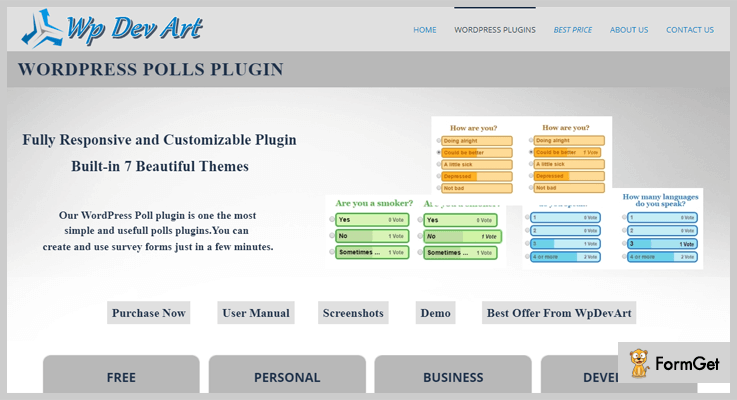
Pricing Of This Survey WordPress Plugin:
- Free: $0, unlimited polls, site license, free support, fully responsive design, standard features & many more.
- Personal: $10.99, single site license, premium features, unlimited polls, 7 themes, premium support & many more.
- Business: $22, everything of Free & Personal plan with 5 site licenses.
- Developer: $33, everything of Free, Personal & Business plan with the unlimited site license.
Features Of This Survey WordPress Plugin:
- The user can easily use polls on WordPress posts & pages, shortcode buttons, sidebar polls & many more.
- One can add the unlimited number of polls on posts & pages with full customization & live preview feature.
- A user can set polls main height, width, answer positions, colors, fonts, border, hover parameters & many more.
- Polls with single & multiple choice answers make it more eye-catching as compared to other polls.
3. GetSiteControl: Survey Widget
The survey widget by GetSiteControl is an ideal widget system which can provide lead forms, surveys, social media buttons & many more widgets.
One can easily conduct polls & surveys on their website to make it more attractive by using this voting WordPress plugin.

Pricing Of This Survey WordPress Plugin:
- Free: 0$, 1 site, unlimited mobile responsive widgets, real-time statistics, scheduling & many more.
- Plus: $19+/month ($182+/year) according to the number of sites, all free features with survey logic & branching, A/B testing & many more.
- Pro: $29+/month ($278+/year) according to the number of sites & users, all Free & Plus plan features with user access rights & multiple user management.
Features Of This Survey WordPress Plugin:
- You can visitors to tell you why they are leaving your website. So in future, you’ll resolve their queries.
- Its visitor targeting feature tracks visitors on the basis of device, browser, country, IP & many more.
- The users can customize their surveys/polls by formatting colors, fonts, buttons, popups & many more.
- Add custom thank you pages when the visitors complete the survey.
4. Modal Survey – WordPress Poll, Survey & Quiz Plugin
Modal Survey is a WordPress Poll Plugin which provides the chance to hear the visitor’s views through an attention grabber poll/survey.
It is also a quiz WordPress plugin through which you can question the crowd & let them answer it.

Pricing Of This WordPress Poll Plugin:
- Regular: $35, one user access, end users are not charged.
- Extended: $200, one user access, the end user can be charged.
Features Of This WordPress Poll Plugin:
- Visual survey builder of this plugin has lots of customization options such as live preview, font family, size & many more.
- Its Trivia Quiz is one of the best quiz styles to give your panel a nice look.
- Use 5+ different types of pie charts to demonstrate any kind of information you want to.
- Exporting of surveys in multiple formats such as JSON, CSV, XML & many more formats.
5. JM Survey & Quiz: Cheapest in Survey WordPress Plugins
JM Survey & Quiz is one of the most affordable in the list of survey WordPress Plugins. With its nominal price of $12, one can create price calculators, surveys, quizzes & many more.
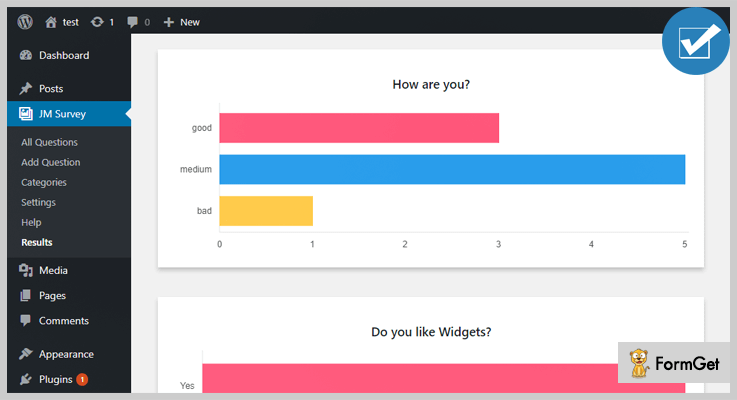
Pricing Of This Survey Builder:
- It has only one price plan i.e., ‘Regular License’ which costs only $12.
Features Of This Survey Builder:
- Create quizzes, surveys with categories, add them on sidebars, quiz results are shown after completion.
- Customizable texts, charts, images, questions, buttons & many more stuff.
- Only one vote can be registered from one IP. This will help in getting unique votes.
- There is no limit on creating multiple answers to a question.
6. Bolder Surveys: Online Survey Builder
Bolder Surveys is an online survey builder for creating polls & surveys on WordPress. The admin can ask multiple questions that visitors can answer in a single form.
Pricing Of This Online Survey Builder:
- It also has only one price plan which is of $18 named as ‘Regular License’.
Features Of This Online Survey Builder:
- Set dates as opening & closing date of surveys to clear activity status.
- Responsive pie charts & bar graphs to let the visitors know about the data.
- Only the admin of the survey can allow about who can open the survey (registered or non-registered users).
- Two or more questions are combined if they seem to be similar.
7. TotalPoll Pro: WordPress Poll Plugin
TotalPoll Pro is a responsive WordPress plugin that lets the user create and integrate polls with any hindrance.
It is the second most affordable add-on in the list of survey WordPress plugins if we specifically talk about creating surveys.

Pricing Of This WordPress Poll Plugin:
- Regular:$15, single user access, end users aren’t charged for accessing this plugin.
- Extended: $250, 1 user, end users can be charged.
Features Of This WordPress Poll Plugin:
- Collect multiple pieces of information using its five different field types.
- Track every answers, votes, log status, IP, time & many more fields to identify any fake answers, votes & attempts.
- Make your poll more attractive by using images, videos, shortcodes etc in your poll/survey.
- This WordPress poll plugin is compatible with other technologies & plugins like HHVM, ACF, W3 Total Cache & many more.
8. OpinionStage – One Stop Solution For Conducting Surveys
OpinionStage brings to you an all-in-one Survey Plugin that lets you create surveys, launch them (via landing pages, pop-ups, etc) and measures result all within the same plugin. It can be accessible in Word Press Plugin Directory for free. It can also be used for creating other kinds of Interactive Content such as Quiz, Polls, Forms, and Slideshows. Built-in optimized templates will let you maximize Survey participation and generate qualified leads.

Pricing:
You can avail this plugin at $19.
Key Features of OpinionStage Survey Plugin:
- An interactive online survey that is built for maximizing the number of participants that complete the survey.
- Opinion Stage offers an intuitive survey maker form that lets you get up-and-going in minutes.
- Use our built-in visually appealing designs to create beautiful surveys that people love to participate in. Beautiful surveys result with higher participation rates.
- Fully customize your survey so that it perfectly matches your brand or use a white-labeled version if you want to keep your brand behind the scenes. You can select between pre-built themes, select the font, and sizes. You can also use custom css to change every design aspect of the survey.
- Get detailed reports on all aspect of the poll results & performance and functionality. Reports Includes a summary report with the number of impressions, number of votes and voting CTR. A result report that details how users answered each question, a response report that displays all the metadata of each vote and more. You can also export all the information to a CSV/XLS file for advanced analysis.
- Generate contact info of the users that participated in the survey by integrating a lead form in the survey. This lets you do follow up research based on the answers in the survey
9. WP Poll Survey & Voting System: Voting WordPress Plugin
WP Poll Survey & Voting System is a poll, survey & voting WordPress plugin which offers quicker steps to insert polls into the blog post just by adding a shortcode.
It can also be added to any site.
Pricing Of This Voting WordPress Plugin:
- This WordPress plugin does not charge any amount to download it & it is also an open source software.
Features Of This Voting WordPress Plugin:
- One can place the option of poll & vote system anywhere on the page & the blog post.
- You can change the listing style of polls into a list as well as grid style which varies with different-different users.
- Fully mobile responsive page makes it more interesting in the group of voting & survey WordPress plugins.
10. Quiz And Survey Master: Free WordPress Survey Plugin
Quiz and Survey Master is one of the best add-ons in the list of free WordPress survey plugins through which the user of its account can create unlimited quizzes & surveys.
It has an effective text customizer which can really improve the quality of your text.
Pricing Of This Free WordPress Survey Plugin:
- It is free of cost with unlimited quizzes & results pages.
Features Of This Free WordPress Survey Plugin:
- The admin can set multiple results of quizzes & surveys on a single page.
- Multiple choice buttons fill in the blank, true & false, captcha support.
- When a user completes a survey or a quiz, automatically the admin & the user will receive the email about it.
- If users get confused about any question, there is facility through which they can get a hint about that particular question.
Conclusion:
Above are some best survey WordPress plugins a person can easily opt for. Some of them are free as well as paid too. It depends on the crowd that how much they can pay for a plugin.
This article has truly elaborated many plugins & even a non-techie person can choose the best plugin out of them.
If you still have any queries, please comment below & we’ll definitely help you with it even if it comes to add more survey WordPress plugins.
For more related information check our following blog –
7+ Best RSS Feed WordPress Plugins 2022 (Free and Paid)

People thought for a while that RSS Feed WordPress Plugins have gone with the passing winds of Google Reader. But it is still a hot favorite choice for many.
In fact, presently RSS Feed WordPress Plugins are widely used to divert traffic to websites & contents. But that’s the case when you choose an RSS Feed WordPress Plugins with eyes wide-opened.
But first, let’s know RSS a bit more.
RSS stands for Really Simple Syndication or Rich Site Summary. It is a web feed which allows users to access the updated web contents in a computer-readable format.

Let’s keep it simpler. RSS will keep updating the users on any new updates, or new feeds on their favorite websites.
And this RSS Feed Plugin lets the user keep track of many different websites in a single news reader or news aggregator.
This whole process of passing of contents is done by web syndication. Website use RSS feeds to publish the updated information like blogs, audio, news headlines and more.
Read More:
In this post, we’ll be discussing few best RSS Feed WordPress plugins from the stack.
Check it out now!
1. RSS AutoPilot –
RSS AutoPilot Widget allows you to display the recent posts of your blogroll links and capable of downloading RSS feed. It creates posts in WordPress using unique Content Extractor feature.
This feature allows to manually pick contents or detect it on anywhere on your website.

Pricing –
You can buy RSS AutoPilot Plugin exclusively at $21, and extended up to $105.
Features –
- With AutoPilot Plugin, get news directly from website’s pages.
- The plugin is completely multilingual.
- It supports both Atoms and RSS Feeds.
- It has an automatic link remover tool.
2. WP RSS Aggregator –
WP RSS Aggregator is simple and latest WordPress plugin for RSS Feed. You can import and display your articles, videos, news headlines and more anywhere on your site.
The plugin is best in use for easily importing and displaying RSS feed on your WordPress site. Build your entire site in minutes, or enhance your existing one with this RSS Plugin.
More than hundred & thousand people satisfied and given 4.5/5 their satisfaction rating.

Pricing –
It offers its services at just $80.00 for a single site and extended up to $300.00 for up to 20 sites.
Features –
- It allows the user to import any number of feed items from various RSS Feeds.
- Allows you to import full post content for an unlimited number of feed items.
- It also offers a number of premium add-ons for additional functionality
- Completely multilingual and responsive.
3. Feedzy RSS Feeds –
We all know caching is the most effective way to optimize your website. This light weighted WordPress Plugin adds caching to feeds.
The plugin allows you to display the recent posts on your blog or article. You can insert the widgets into your site and RSS feed will automatically filter the contents wherever you want in your website.

Pricing-
3-stages of plans –
Personal Plan – Offer its services at $46 for 1 Year.
Business Plan – Offers its services at $105 for 1 Year.
Agency Plan – Offers its services at $176 for 1 Year.
Features –
- The plugin is Shortcode friendly so it defines the way feeds to display on your site.
- Themeisle is completely mobile responsive and caching is done automatically.
- It allows you to display the images in the feed.
- Gives unlimited feeds for your website.
4. Curated WP RSS Aggregator –
The plugin is highly revered and the best tool that is responsible for importing, merging and displaying RSS on your WordPress site.
The Curated WP RSS Plugin lets you import and aggregate various RSS feeds and arranges them by category in an easy to use list style.
It is easy to use and customized and responsive to any theme.
Pricing –
WP RSS Aggregator Pro version for a single site at $39 and extended up-to $69 for up to 5 sites.
Features –
- Allows you to create multiple lists of aggregated RSS feeds.
- Add more keyword filtration for each feed source with Filtering Options.
- With Update Interval plugin you can refresh the feed content based on the interval parameters.
- With Wide Format Images, images can be displayed in a wide format for better visuality.
5. Echo RSS Feed Post Generator –
This powerful tool will generate a blog that will automatically post articles without any hassle.
This plugin is one of the key success of the business to generate passive income. Echo RSS Feed plugin is easy-to-use tool permits you to build a website like Envato Marketplace and much other feed.
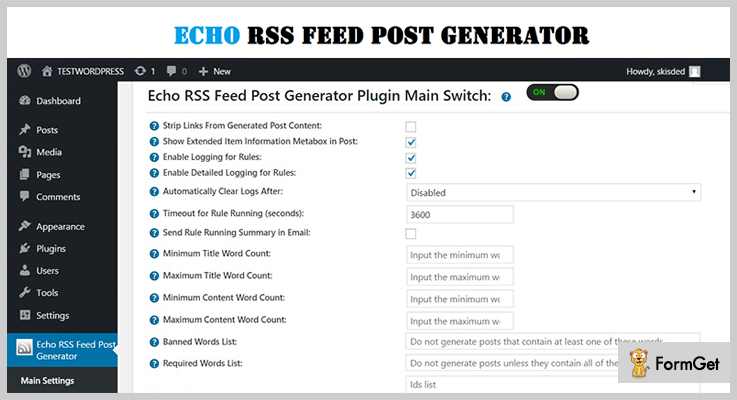
Pricing –
The plugin offers its standard license at just $11 for 6 months and extended up to $95.
NOTE: Get it now and save up to $3.
Features –
- It provides the opportunity to import contents to your blog from any feed.
- The plugin has a responsive design and fully compatible with any screens.
- Supports shortcode to customize your post title and content.
- It gives lifetime updates and support.
6. Auto RSS News –
Auto RSS News Plugin is a lightweight and straightforward WordPress plugin. It helps you to start news site over more than 100 of news with less than 15 minutes.
Increase the work rate by adding plugins in your website. Just add RSS source in your website and leave your entire work on plugins.
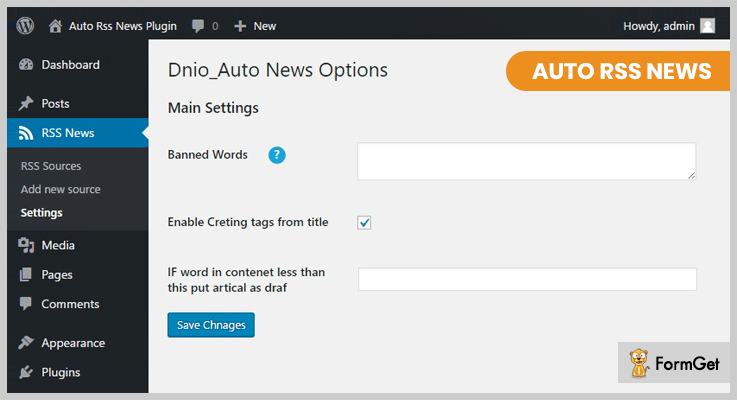
Pricing –
You can take its tons of features at just $10 and extended up to $50.
Features –
- It supports all languages source such as German, English, Spain and more.
- It allows importing the news manually and automatically with a wp_corn tool.
- There’s no restriction of adding an unlimited number of RSS Source.
- It modifies the structure of links to add referral suffixes.
7. Category Specific RSS feed Subscription –
This WordPress RSS Feed Plugin permits you to show a menu that contains various RSS feed subscription options to your visitor’s site.
This WordPress plugin allows you to configure up to 8 and more different custom topic of RSS feeds. It satisfies its more than hundred and thousand users through its ultimate service and getting 4.8/5 satisfaction rating.

Pricing –
The plugin is completely Free. You can use its services unlimited.
Features –
- This RSS Feed Plugin is simple and user-friendly.
- Fully customized and responsive.
- Allows you to add multiple custom topic of RSS Feed.
- The plugin permits you to create specific RSS tags feed menu as well using a simple shortcode.
8. RSS Post Importer –
This RSS Post Importer Plugin is the best choice for importing, merging and syndicating Full-Text RSS feed and Atoms on your websites’ blog.
The Plugin brings an RSS feed and publishes the contents of an article of your each Feed Item to your WordPress blog. It allows you to share relevant content with your readers as well.
Pricing –
Gets its unlimited features and functionalities for a lifetime of FREE.
Features –
- It displays the full content of the article.
- Provides Piechart for feed items distribution & Bar Charts for every post.
- With Cloud-based processing, it gives full-text RSS feed engines, Real-time full RSS Feed engines and much more.
- With CSV File you can export/import your feeds.
Closure-
And this is where my writing comes to end. These are the collection of 7+ WordPress RSS feed plugins which will surely give your readers and visitors the info that they’re looking for.
If you think that I’ve left something then let me know in the comment section below!
7+ Best FAQ WordPress Plugins 2022 (Free and Paid)

Just like FAQ section helps you project frequent and commonly asked questions on your site.
In the same way, FAQ WordPress plugins are a great help for those who want to add attractive & eye-catchy FAQ area on their WordPress site.
These plugins are easy to install, extremely simple to implement and allows you to apply custom settings with a few clicks.
In this blog, we have list 7+ best FAQ WordPress plugins which are perfectly suitable for WordPress site owners.
Want to explore some useful plugins for WordPress below are blogs which can help
1. FaqPlus – WordPress FAQ Plugin
FaqPlus is an advanced WordPress FAQ plugin with which you can add FAQs on your site holding images, videos, and other media content. You can also define colors, animation, hover and collapsible effects.
Using the shortcode these FAQs can be projected anywhere on the post, page, widget areas of the site.
Price Plans Offered By FaqPlus – WordPress FAQ Plugin
This plugin has designed two different plans
- The regular plan of this plugin will cost you $19 for different features & facilities
- Extended license comes with a price tag of $95 and gives to all the advanced features.
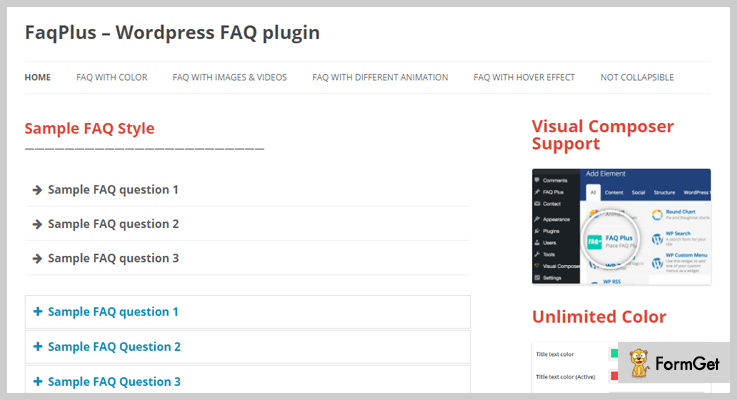
Features
- It also supports media content like images & videos
- Helps you rearrange FAQs through drag & drop feature
- Provides responsive layout
- Unlimited color options & font styles
- Supports visual composer, Shortcode and custom CSS
Click For More Details On FAQ WordPress Plugin
2. Ultimate FAQ – Plugin For WordPress
Ultimate FAQ is one of the most simple and responsive WordPress plugin which can easily be customized, you can define various fonts, styling, colors etc.
All these settings will help you give an attractive look to the FAQ section. You can perfectly implement this plugin in e-commerce websites, create help pages for visitors landing on your website.
Price Plans Offered By Ultimate FAQ WordPress Plugin
| Single Site | 5 Site License | 10 Site License | Enterprise License |
|---|---|---|---|
| $30 + Taxes | $115 | $196 | Contact Sales team |
| Custom Styling | Custom Styling | Custom Styling | Custom Styling |
| Email Support | 6 Month Support | Email Support | 6 Month Support |
| SEO Friendly | SEO Friendly | SEO Friendly | SEO Friendly |
Features
- You can define style, fonts, colors etc to give attractive look to FAQ page
- Helps you connect with user by accepting questions & answers which can later be edited and approved
- Define the right order of FAQs in which you want to project by simple drag & drop
- FAQ searching can be simplified by using AJAX FAQ search shortcode which fetches the right FAQ for visitor
- Provides live demo, documentation, video tutorials for easy usage & configurations
Click For More Details On FAQ WordPress Plugin
3. FAQ WD – Premium WordPress Plugin
With FAQ WD plugin you can create user-friendly FAQ section to increase user interactions on your website. Categories can also be defined and specific questions can be added to each category.
It allows you to add an unlimited number of categories which can be organized by drag and drop functionality.
Price Plans Offered By FAQ WD WordPress Plugin
| Free Plan | Personal Plan | Business Plan | Developer Plan |
|---|---|---|---|
| $0 | $20 | $30 | $40 |
| SEO-friendly | 1 Domain | 3 Domains | Unlimited |
| Responsive design | Unlimited FAQs | Search box | 1 Year support |
| Comments | Drag & drop | Drag & drop | Drag & drop |
| – | – | Unlimited FAQs | Unlimited FAQs |
Features
- Add unlimited number of FAQs and categories
- Provides 5 customizable themes
- FAQ search option is also available
- Add social media buttons
- Get responsive design and add custom styling
Click For More Details On FAQ WordPress Plugin
4. WP responsive FAQ – Plugin For WordPress
WP responsive FAQ is a top class plugin which enables you to design eye-catchy FAQ section for WordPress sites.
Using this plugin you can add, display, manage and arrange FAQs on your site with ease. Plus it also allows you to add different categories for FAQ.
Price Plans Offered By WP responsive FAQ Plugin For WordPress
| Single Site | 5 Sites | Unlimited Sites | Developer License |
|---|---|---|---|
| $14 | $18 | $36 | $72 |
| Drag & Drop | Drag & Drop | Drag & Drop | Drag & Drop |
| Fully Responsive | Fully Responsive | Fully Responsive | Fully Responsive |
| Include/Exclude FAQ | Include/Exclude FAQ | Include/Exclude FAQ | Include/Exclude FAQ |
[Note:- Under a special offer you will get access to 45 Pro Plugins at $45 only]
Features
- Offers more than 15 FAQ designs along with accordion
- Drag & drop feature to change the order of FAQ questions
- Permits you to include and exclude FAQs as well as categories
- Display FAQ is grid layout
- You can also add Read More and Show Less button
Click For More Details On FAQ WordPress Plugin
5. WordPress FAQ Plugin – Premium WordPress Plugin
WordPress FAQ plugin allows you to manage frequently asked questions on your WordPress website. Easily configure the plugin to fit your needs. It comes with many features like question groups, user search form, dashboard widget, related questions and more. Ready to translate the WordPress FAQ plugin into your language of choice.
Price Plans Offered By WordPress FAQ Plugin
All prices are once-off.
- Single Domain License – Use it on a single domain/website. $34 discount price right now. You can upgrade to unlimited at any time and pay the difference.
- Unlimited Domain License – For a discount price of $170 right now, it can be used on unlimited domains/websites.
Features
- Featured Questions/Answers
- Translation/Localization
- Admin Question Notifications
- Auto Approve Questions
- User Notify On Answer
- Ajax Features
Click For More Details On FAQ WordPress Plugin
6. Advanced FAQ Manager – WordPress Plugin
Advanced FAQ Manager gives you the ability to create unlimited FAQs which can be grouped into categories & tags. With this plugin, you also get built-in custom CSS editor, shortcode editor, FAQ search option and more.
Price Plans Offered By Advanced FAQ Manager Plugin
- Regular plan is priced around $19 using which you can handle FAQ section on any WordPress site.
- $95 is the cost of the extended plan which comes equipped with a variety of advanced features.
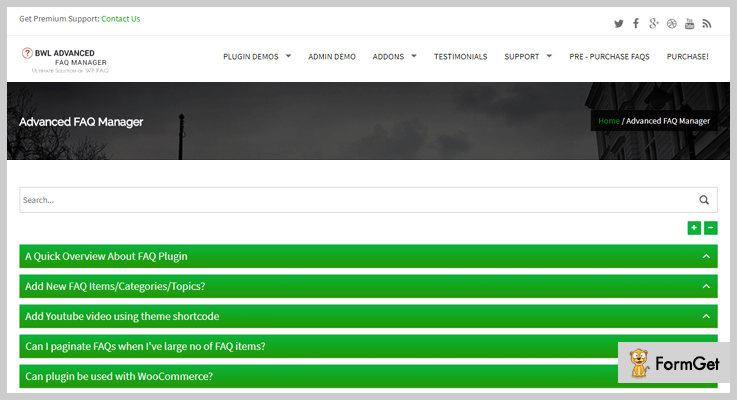
Features
- Add limitless FAQ items on your site
- FAQ search option to help user find the right question & answer
- Get 7 different color themes for FAQ
- Pagination option to display hundreds of FAQs in an ordered way
- Drag & drop facility for easy ordering of FAQ
Click For More Details On FAQ WordPress Plugin
7. WooCommerce Product FAQ Manager – Plugin
WooCommerce product FAQ manager is an ultimate FAQ plugin which automatically adds FAQs to each & every product defined on your site.
This plugin is specifically designed for WooCommerce websites and therefore has got no limit on FAQ creation as it can handle unlimited number of FAQs.
Price Plans Offered By WooCommerce Product FAQ Manager Plugin
- The first plan is for regular user who needs basic facilities to manage and create FAQs. This plan charged $19 for all the features provided.
- Next is the extended plan which comes with a price tag of $95 and is equipped with a variety of features for complex facilities.
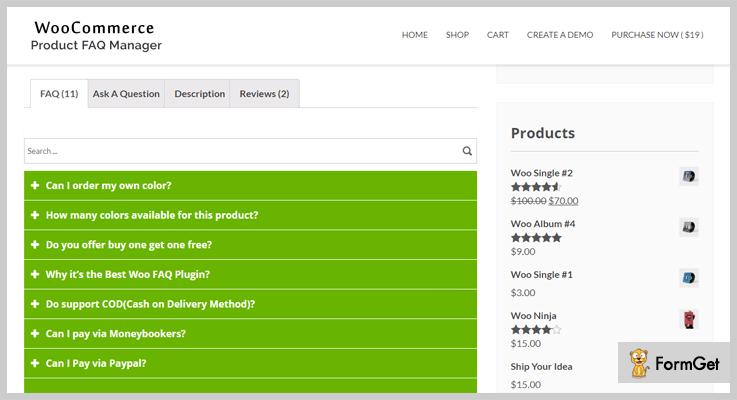
Features
- Easy to configure and provides proper documentation & live demos
- Attach FAQ to each & every product on your WooCommerce website
- Get access to various predefined FAQs
- Clone, Edit, Delete and Sort FAQ
- Search option to find the relevant question is also available for user help
Click For More Details On FAQ WordPress Plugin
8. HTML5 Responsive FAQ – WordPress Plugin
Adding, creating, and managing multiple FAQs on WordPress site becomes a simple task with HTML5 responsive FAQ plugin. With this plugin, you can design custom styled FAQ section which can be placed on any part of your website like page, post, etc.
You can also bundle similar FAQs under one category for better user experience.
Price Plan Offered By HTML5 Responsive FAQ WordPress Plugin
- This is entirely free of cost WordPress plugin which has over 10,000 active installations and offers a great amount of features.
Features
- Show and hide button is also available
- Allows you to define unlimited FAQs under multiple categories
- You can also configure different settings for custom FAQ design
- Add custom titles to each & every category
- Extremely easy to install and implement on WordPress sites
Click For More Details On FAQ WordPress Plugin
9. Quick and Easy FAQs – WordPress Plugin
Quick and Easy FAQ plugin for WordPress has got enormous shortcodes using which you can give custom styling to FAQ section on your site. You can add, delete and change FAQs, it also permits you to add custom CSS to FAQs section.
Price Plan Offered By Quick and Easy FAQs – WordPress Plugin
- Quick and Easy FAQ is one of the best free WordPress plugin which is loaded with a vast variety of features. These features will help you create FAQ section that looks beautiful and attract users attention.
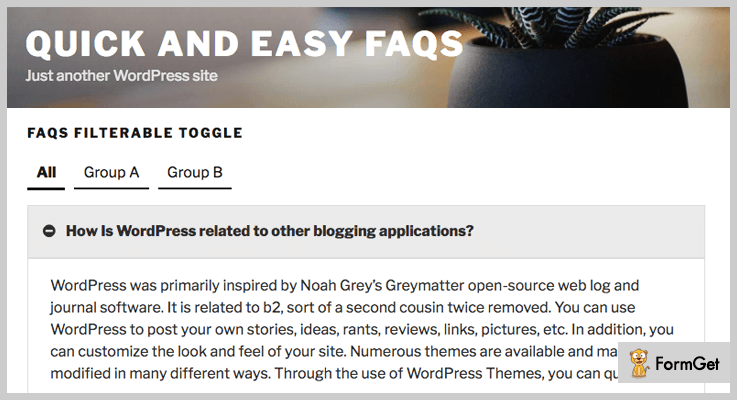
Features
- Translation ready and supports all right to left languages
- Visual composer is also supported
- Custom post type to add FAQs on website with ease
- Show FAQs in toggle, filterable toggle and simple style
- You can also define border, text and other styles
Click For More Details On FAQ WordPress Plugin
Final Closure
This was all on FAQ WordPress plugins, we hope that after going through this blog you must have found a proper plugin which will enhance the look and feel of FAQ section on your site.
Design and implement custom FAQ sections and do let us know if you have any type of questions.
Mention all your queries in the comment section below.
7+ Best Comments WordPress Plugins 2022 (Free and Paid)

Do you want to create the bustling comments section on your WordPress website? Never mind! you simply have to integrate your website with the unparalleled Comments WordPress Plugins.
It goes without saying that 90% netizens read comments, reviews, and ratings on websites, and 88% of them clinch the deal with the ratings!
But how will you choose the best comments plugin among the available 868 comments WordPress plugins?
Veg out!
Here is a compiled list of thoroughly tested 7+ Best Comments WordPress Plugins that can create warm fuzzies on your website!
Add some of the most amazingly powerful WordPress plugins in parallel, for enhacing value to your website. Here are the links:
1. WordPress Comment Rating Plugin
WP-Buddy allows rating the comments and reviews on your website template. Comments rating is the most important trigger to earn customer’s love and to boost your website on top!
This easy-to-integrate plugin helps to sort highly rated comments on top, allowing your ratings and comments work for you rather than against you.
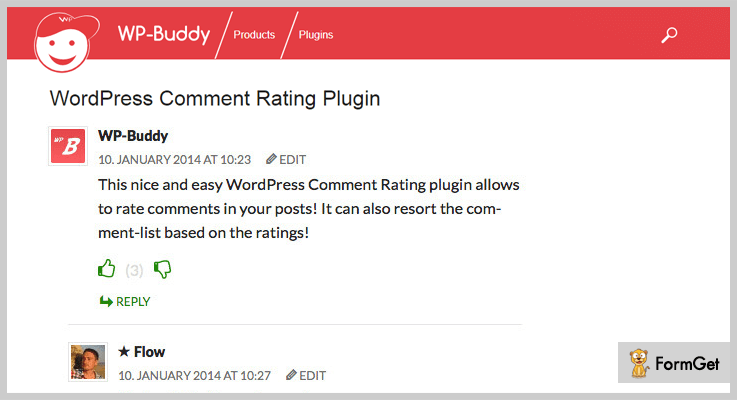
Pricing
Get this premium WordPress Comment Rating Plugin for only $21!
Features Of WordPress Comment Rating Plugin – Comments WordPress Plugins
- Allow your users to rate comments with a click of a button.
- Activate IP- or Cookie-Tracking, or simply both to track users so that they cannot rate comments more than once
- Add nearly every Font Awesome icon you want. Some are pre-defined for an easy use.
- Allow your users to rate comments with a click of a button.
- Comment Resorting according to their ratings
- Already translated into English and German
2. WordPress Facebook Comments Plugin
Flourish your facebook comment box on your WordPress website by using WordPress Facebook Comments Plugin. People can easily comment on your website from their facebook account.
This simple and nice tool is very helpful to get your business a green light on social media. Also, if you want to deactivate facebook comments on any specific page/post template then you can also disable them by using this plugin.

Pricing
It has 3 pricing plans:
- Personal single site license: $10
- Business 5 sites license: $21
- Developer site license: $31
Features Of WordPress Facebook Comments Plugin – Comments WordPress Plugins
- Works with all versions of WordPress
- Customizable Background colour
- 39 animation effects
- Facebook comments language
- Possibility to select where to display Facebook Comments box
- Can set number of comments on Facebook Comments box
3. Multi Comments For WordPress (+VK Comments)
Multi Comments is as easy as pie WordPress plugin for your website. This plugin acts as a one-man army as it has the capability to display the comments of Google+, Facebook, WordPress, and Disqus altogether on your template.
Thus Multi Comments replaces your ordinary WordPress default comment system with the switchable dazzling comment box. You should add this plugin to your “must have plugins” list as you don’t have to do any annoying tech chores.
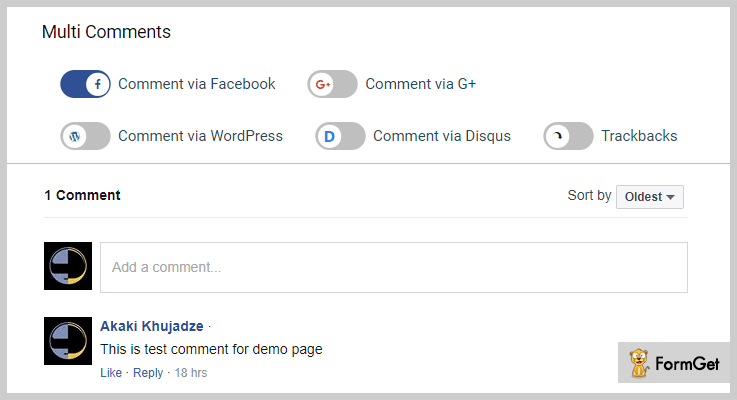
Pricing
Get instant access to Multi Comments WordPress plugins, perfect for all businesses at $20.
Features Of Multi Comments WordPress plugins
- Four commenting options for users (Facebook, Google+, WordPress, and Disqus)
- Fully responsive
- Beautiful colour switch effects
- Control comments order
- Label options for every comment tab
- Buy once and get lifetime updates
4. PRO Addon for WP Advanced Comment
This comments WordPress plugin is the upgraded version of WP Advanced Comment. It provides all the functionalities of the free version. Additionally, it is providing drag and drop custom fields builder for your WordPress website.
Special features of RO custom fields like Google Map, Image and Files Upload, Date, Captcha and Custom Taxonomies are also available in this pro version.
Pricing
At $14 you get to access all its Pro features!
Features Of PRO Addon for WP Advanced Comment
- Forms with drag and drop options.
- Create unlimited custom fields.
- Available custom fields ( Text, Textarea, Radio Button, Checkbox, DropDown/Select, Multi-Select, Url, Email, Section Break, HTML Codes, Date, Image Upload, Files Upload, Google Map, User Image, Captcha, Custom Taxonomies )
- Options to show custom fields to admin only ( frontend )
- Use of Jquery Validation plugin for frontend validation.
5. WP Comment Images and Videos
You can mold your ordinary WordPress Comment into the extremely interactive modish outlook. Your users can upload stunning images and videos from the world’s most popular video-sharing websites like YouTube, Vimeo etc.
WP Comment Images and Videos plugin provides the most engaging collaborative tool which is completely compatible with all the versions of WordPress, mobile-friendly and caters all WP themes.
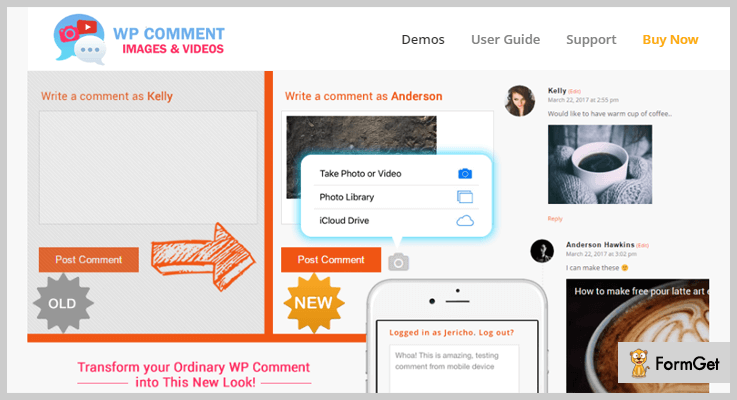
Pricing
It has a cost-effective package of $9.
Features Of WP Comment Images and Videos – Comment WordPress Plugins
- Supports all types of images (.jpg,.png and .gif) and transparency
- Secure displaying of video content using oEmbed in comments
- Automatically displays photo upload icon beside the standard “Post Comment” button
- Supports multi-language and WPML Compatible
- Settings include changing caption labels and adjust default thumbnail size
- Supports image transparency
6. Comments – wpDiscuz
wpDiscuz is providing the best instant comment tactics supported by AJAX. Its comment form is fully customizable and you can supercharge its native comments.
wpDiscuz also piled up all the comments in its database. It’s the best alternative to Disqus, Jetpack, Livefyre and Facebook comments.
Pricing
Enjoy the free mockup offer by downloading wpDiscuz comments WordPress plugin from the official WordPress website!
Features Of wpDiscuz – Comments WordPress Plugins
- Integration with Anti Spam plugins
- Live update of new comments with notifier buttons
- Responsive comments form and comment threads design
- Adds interactive comment box on posts and other content types
- Clean, simple and easy user interface and user experience
- Commenting can be allowed/disallowed on posts and other content types
7. Fancy Facebook Comments WordPress
Users can comment on your website using their FB account without creating their profile on your website by Fancy Facebook Comments. Drive Facebook traffic to your website and optimize it socially.
You don’t need to create an account on the developer website of Fancy Facebook Comments plugin. Moreover, you can download this plugin from the official WordPress website, whenever you need to.

Pricing
You don’t need to pay the single penny for this plugin!
Features Of Fancy Facebook Comments WordPress Plugins
- Plugin configuration is kept dead simple. Screenshots are provided with options wherever required.
- Free Customization Options
- Facebook Comments interface adjusts itself automatically according to the width of the device.
- Lightweight Code
- The plugin runs totally on your website server without any communication to the provider servers.
- The support team is working 24/7 to answer your queries
Wrapping It Up
I knew beyond a shadow of a doubt that you have selected the best comment plugin from our listing of 7+ Best Comments WordPress Plugins!
Now you can turn the wheel of your website. Moreover, comment us for further queries and do let us know your experiences regarding Comments WordPress plugins!
For more related information check our following blog –
7+ Best YouTube WordPress Plugins 2022 (Free and Paid)

Uploading of a single YouTube video in your web pages or posts is a child’s play. But you can make your web page even more fascinating by displaying an entire YouTube video gallery. And for this, you’ll need YouTube WordPress Plugins.
You may also like –
With these plugins, you can upload or embed numerous videoes on your website from YouTube.
Moreover, these plugins also boost loading time and allow you to create amazing video gallery on your WordPress website.
But,
How can you choose the best YouTube WordPress plugin?
Don’t trouble yourself!! We’ve made this easy for you.
Here is our take on best YouTube WordPress plugins. Dig into the list and pick the best for yourself.
1. YouTubeR – Best In YouTube WordPress Plugins
YouTubeR WordPress Plugin allows you to insert your videos on YouTube from your website and you can also easily embed videos playlists and Youtube channels on your site.
The plugin lets you create multiple WordPress video galleries and allows you to customize them with inbuilt 5+ video templates.
Furthermore, this plugin gets data from YouTube which slows down the speed and responds slowly. Hence, to avoid this it comes with a caching WordPress mechanism which works lightning fast when cached.

Features
- This Plugin is fully compatible with Visual Composer WordPress plugin which helps you to create attractive layouts for your website.
- It includes 5 awesome inbuilt video templates. You are also allowed to create your own template.
- Provides you full responsive layouts which work well on any screen sizes. Along with that, it has infinite scroll option too.
- It comes up with 3 highly customizable widgets of videos, playlists, and channels so, that you can place your videos anywhere on your website.
Explore more features, click the button below.
Pricing
Grab this plugin at only $10. (Great Deal !!).
2. Youtube Playlist Video Player For WordPress
This video player plugin effortlessly plays YouTube videos on your WordPress site and it is fully responsive which gives you amazing user interface on any screen sizes.
Along the line, it works smoothly on all mobile platforms such as – Android, iOS and Windows etc.
It comes up with lots of option in its admin panel. You can also change its appearance as this plugin has a different interesting interface than default YouTube interface.

Features
- This video player offers 2 layouts (Horizontal and Vertical), both the layouts are responsive and you can also toggle them.
- You are allowed to customize its interface according to your choice that is you can change its color options and buttons effects etc.
- This plugin supports the latest YouTube (V3) data API to power the WordPress video player plugin.
- Flexibility to add videos from different sources like YouTube channels, playlists as well as it updates latest videos on your site automatically.
Pricing
You can get this plugin in just $19 from the Envato market.
3. ELEX Optimize YouTube Videos Embed Plugin For WP
This is one of the best free options to optimize YouTube videos on your WordPress site. Instead of the iframe tag for YouTube videos, the plugin provides a shortcode, which will display a banner image with a play button. You have to install the plugin and use the shortcode provided to optimize YouTube videos. This will improve the page load speed as the YouTube player won’t load every time the page is loaded.

Features
- Display banner with a functional play button for YouTube videos
- Avoids loading YouTube player Javascripts every time the page is loaded.
- You can use it on WooCommerce product pages as well as WordPress blogs.
- Improves performance and page loading speed on your website.
- Improves GTMetrix and Google Pagespeed score.
- Easy to implement using simple shortcodes.
Pricing
The plugin is free. You can download it from the ELEX website.
4. Yottie YouTube Plugin – WordPress
Yottie is one of the trending YouTube WordPress plugins in codecanyon. If you want to create interactive Youtube video gallery on your website along with numerous customization options then you can go for this plugin.
You can merge videos from a different source and arrange them in the best flow which helps you to engage more visitors that consequently increases subscribers.

Features
- This plugin offers Search bar option and pagination option which makes your gallery easy to browse.
- You can also organize the structure of your video gallery. For example, you can create multiple categories for your videos according to your ease.
- It comes up with tons of customization option such as it has 100+ adjustable parameters, 4 color schemes and different types of header configuration.
- The plugin supports 16 languages so that, your visitors from all around the world will be able to connect with you.
Want to know more features of this YouTube plugin. Click the button below.
Pricing
This YouTube WordPress plugin cost you $24 which includes 6 months support. Forbye, you can extend the support duration but for this, you have to pay $7.50.
5. YouTube plugin for WordPress – Tubelab
It is yet another WordPress plugin for YouTube which helps you to showcase YouTube videos like a playlist, channel videos, and single videos.
You can also customize the look and feel of your gallery and display them in different modes. For example, you can show or hide display fields according to your requirement.
Tubelab comes up with a powerful shortcode through which you can display users, channels, and playlist within a single page.

Features
- This plugin also supports latest YouTube (V3) API and Visual Composer which makes this plugin even more powerful.
- It also has cache system which proves to improve your website’s performance and makes it faster.
- Tubelab offers pagination option which is based on AJAX technology which makes it fully responsive and customizable.
- It is translation ready YouTube plugin and compatible WPML which makes it runs smoothly in every language.
Pricing
Get this Plugin at $19 includes 6 months support. But, if you want support duration for a year you’ll have to pay extra $5.63.
6. WordPress YouTube Embed Plugin – WP Dev Art
This is a simple YouTube WordPress plugin which is easy to use and install. You can embed multiple YouTube videos on your website without any hefty efforts.
It uses an attractive “Pop-Up” feature to display videos. Beside this, you can showcase your videos in posts, pages, and widgets.
This WordPress YouTube embed plugin is tested on popular WordPress themes. So that you don’t have to worry about themes compatibility.

Features
- This plugin provides you the YouTube autoplay and loop video option.
- Ability to change the player’s appearance such as – length, width, and video progress bar color option etc.
- This plugin allows you to set different options for individual videos and you can also hide or show the video information.
- It provides you the option to set thumbnail width and size for pop display of videos.
Pricing
WP Dev Art has following plans for YouTube plugin –
- Personal: It cost you $12 which for a single site.
- Business: $24 for 5 sites.
- Developer: $40 for unlimited sites.
It has also Free plan which lacks because it does not offers YouTube playlist option and pop up view.
7. Youtube WordPress Plugin – EmbedPlus Team
It is the best among Freemium YouTube WordPress Plugins.
This YouTube simple gallery plugin helps you to manage the complexity of embedding YouTube videos.
The plugin provides you an easy approach for creating YouTube gallery within your website in a matter of few minutes.
It cherishes you with the powerful shortcode which organizes your videos in a single line anywhere on a web-page.

Features
- It also supports YouTube LIVE videos, if you have given a link to your YouTube channel, it automatically detects when one is active and embeds it on your website.
- You can play your playlists or channel videos in a continuous way, one after another.
- It also supports AJAX themes.
- This plugin supports multiple international languages. So, that you can set player’s interface language according to you.
Pricing
It is FREE, you can get it from the WordPress directory.
8. ARVE – Video Player WordPress Plugin
ARVE (Advanced Responsive Video Embedder) supports multiple platform’s videos like YouTube, HTML5, Vimeo etc.
It is a powerful SEO-friendly tool which not only allows you to specify title, description of your videos but also provides schema.org support for better indexing in the search engine.
You can easily embed videos by pasting URL in line and you are Done!

Features
- This plugin supports WYSIWYG. So, that you don’t get yourself stuck in complicated shortcodes.
- It provides the detailed description of all its options.
- Offers you custom URL facility.
- The new dialog box for embedding your videos.
Pricing
This Plugin is free on the official WordPress site. If it suits you, go get it.
Final Thoughts
If you are looking for the best YouTube WordPress plugins then, this article might be helpful for you as it holds the best hand-picked YouTube plugins for WordPress which are rich in features as well as suits your pockets too.
Going with one of these YouTube WordPress plugins seems a Great Deal!!
If we miss out some important YouTube Plugins, let us know in the comment section.

