

For every business, it is necessary to provide a customer support for their users. Your instant support makes your customer more satisfied and the satisfaction of clients becomes a key to success for your business. And this can be done with chat WordPress plugins which are equipped to handle multiple queries at a single place.

WordPress Plugins is the easy way to make your customer happy by offering an instant solution via chat & messaging. As, every people are hitting chat support rather than any time consuming emailing.
Chat WordPress Plugins provides more chances to assure support to the user at a crucial moment. A great and responsive website with live chat support will give you an organic SEO and brings more businesses.
Here I’d like to share some free & paid 7+ Chat WordPress Plugins which will beneficial for your business by providing live support to your customer.
1. Flat Visual Chat – Best WordPress Chat Plugin
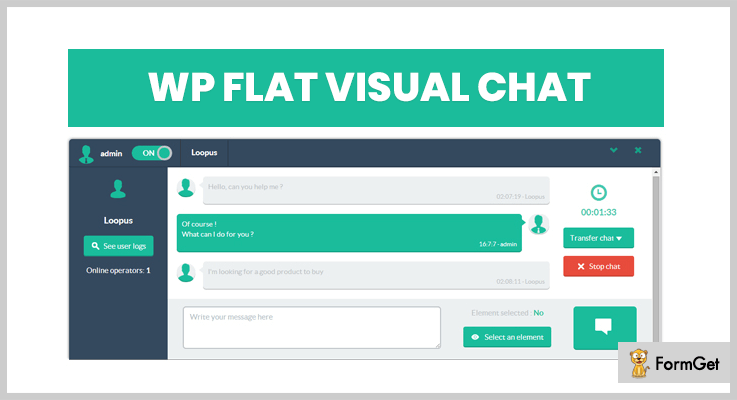
With Flat Visual Chat, you can give a quick & live response to your customer within a minute which they are needed.
This fast & elegant WordPress plugin provide live support to your customer via Chat with Flat Visual Chat.
You can manage your chat logs with simple and lots of filter options.
Pricing Plans-
Its standard price starts from $24.
Features:
- Supports Real-Time Ajax Chat.
- Offers chat log management.
- Various of customized color options.
- Can easily detect IP of customers.
2. Live Chat – WordPress Plugin For Live Chat
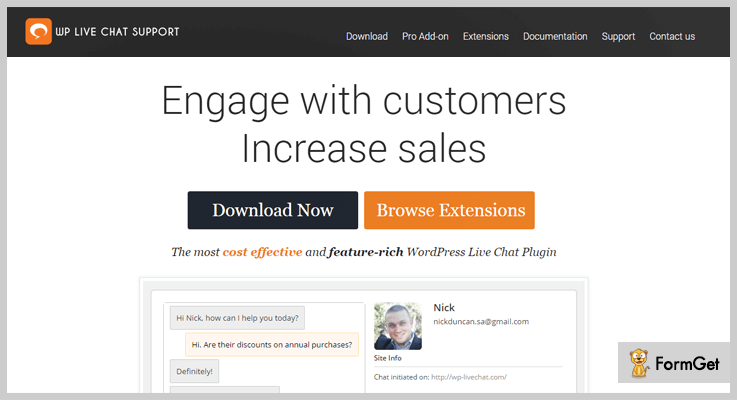
Live Chat is the easiest & user-friendly chat support plugin. It offers beautiful designs that fit on any screen & make you and your customer more comfortable to use.
Provide quick response and increase sales by communicating directly with potential customers with LiveChat. The plugin also has a nice chat box which can be accessed by just a single click.
It allows you to get detailed reports for users, pages, chat statistics and etc. You can share videos, images, documents and more to your customers by providing them more information.
Pricing Plans-
Live Chat offers different prices for every size businesses. Its monthly plan starts at $4.99 for 1st license.
Features-
- Add as many chat agents as you want in your chat box.
- Customize every feature according to your choice because Live Chat offers you a Fully customized support software.
- Its high speed and quick response make you & your customer’s life easier.
3. Support Board – WordPress Chat Plugin
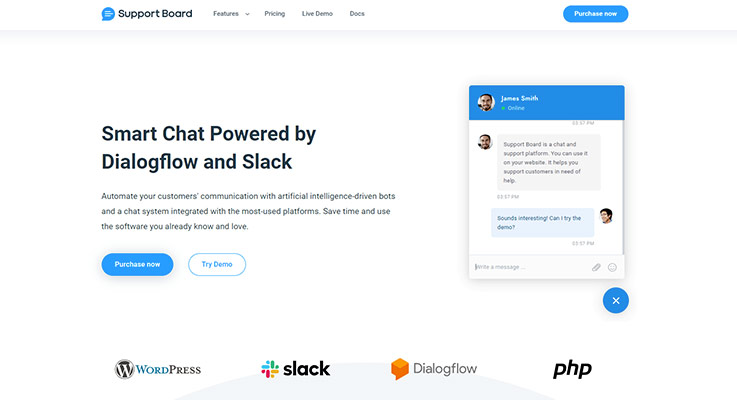
Use the Support Board to communicate with your customer base in a more effective way.
Use the Dialogflow chatbot to add artificial intelligence capabilities to the chat and reduce the work of your agents.
Connect the WordPress chat to your existing WordPress users with one-click.
Pricing Plans-
One-time payment of $59. Apps from $29.
Features-
- Dialogflow and Slack Apps integration
- WordPress users synchronization
- Woocommerce integration with the chatbot
- For small and large businesses
4. Formila – Chat Plugin For WordPress
Formila is one of the Best Chat WordPress Plugins. There’s a multitude of reasons to choose Formila because of its tons of features and functionalities.
Formila can handle multiple customers task and can send automatic messages to your visitor’s website.
Gives mobile alert when visitors arrive on your website. The software offers you to view your website traffic in real-time, and what country and region your visitors are located.

Pricing Plans-
The plugins offer both free and paid version. But if you choose premium you’ll get the full advantage of plugins. Its premium version starts from $11.99/month.
Features-
- Integrated with most popular apps like Zapier & connects various apps including email marketing platforms and more.
- Integrated with Powerful Google Analytics to measure the success of your chat campaigns.
- Fast & quick response software.
5. ProProfs – WordPress Live Chat Plugin
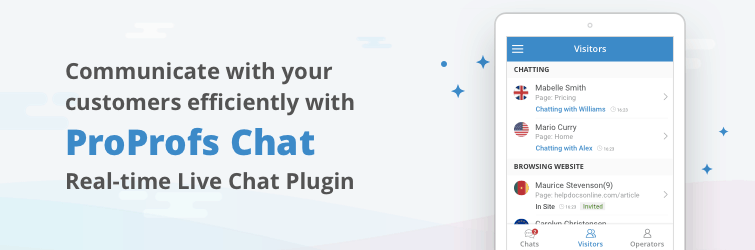
ProProfs Chat is a cloud-based live chat software that’s available for WordPress users too. The live chat plugin helps you to answer incoming questions faster, thus helping your support operators to keep visitors engaged with your brand.
Your operators can also manage multiple chats at the same time, thus reducing the resolution rate and increasing customer delight.
What’s more, you’ll enable your operators to provide anytime, anywhere support as it comes with a mobile app too.
Pricing Plan:
The plugins offer both free and paid versions. It has a different pricing list for all sizes of businesses. To get more features choose its paid version starting from $8/month annually.
Features:
- Canned Messages, Chat Greetings, and Visitor Monitoring
- 100+ Settings Options
- 50+ Integrations (CRM, CMS, Email Marketing, eCommerce, Help Desk, Social Media, Survey, Knowledge Base)
6. Zendesk – WordPress Chat Plugin For Users
Zendesk support is Clean & simple plugins for tracking & solving your customers’ ticket issues. Zendesk is basically designed for a ticketing purpose.
The plugin put all your customer support interactions in one place and provide instant support to the users. Zendesk lets agents switch between chats, phone calls, emails, or social media messages.

Pricing Plans-
This plugin offers both free and paid version software for its customer. To get more features and functionalities choose its paid version starting from $15/month.
Features:-
- It supports Trigger and sends targeted and behavior-based messages to customers.
- The plugin is completely multilingual and supports up to 300 brands, products & services.
- Zendesk provides Pathfinder app which gives you the context you need to solve customer inquiries quickly.
7. Leap Live Chat– Live Chat WordPress Plugin
The software is easy and multi-purpose with high functionalities and flexibilities. This plugin is suited for any kind of businesses either it is small or large.
Give your business a huge height of success with Leap Live Chat plugins by adding an unlimited number of operators.

Pricing plans-
Its regular license starts with $19 per month.
Features:-
- Consists Trigger leap chat so that you can use shortcode your to create a clickable link.
- Automatically notify when a new user has arrived.
- Detects a user on the same page and interact with it.
8. Simon Live Chat Plugin – Live Chat WordPress Plugin
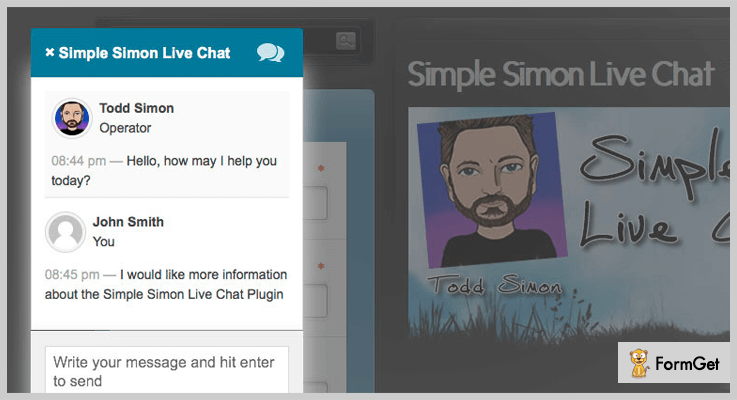
Simon live chat is a simple and easy to use WordPress plugins. This plugin is easy to configure & easy to set up. You can set the chat in online & offline mode.
Respond your potential customer in a great way. The cost of these tools is basically an expanded email system. Make your business at a high level by offering a better customer service to your users.
Pricing Plans-
The plugin has different pricing list for all size of businesses. Its actual price starts from $17.
Features:-
- The plugin allows you to chat with multiple users easily at the same time.
- Completely customizable so that you can change the color of the chat box anytime.
- There’s a beep sound on the software so you can easily hear when someone starts chatting with you.
9. Tawk.To Live Chat- Free Chat WordPress Plugin
This plugin is completely customized and has a clean and simple dashboard. This fastest and elegant WordPress plugin makes your work more easily in front of your customer.
This Live Chat plugin is a feature-rich list WordPress plugin with free of cost. Easy to install and use. Manage your customer engagement experience effectiveness.

Pricing Plans-
The plugin is completely free. Use unlimited features of Tawk.To live chat at free of cost.
Features:-
- The plugin is completely responsive so that you can stay connected with your customer anywhere.
- It offers free iOS, Android, window and Mac OSX apps to stay connected.
10. WSChat – WordPress Live Chat Plugin
WSChat – WordPress Live Chat Plugin is a handy and lightweight plugin that offers advanced features to improve your customers’ chatting experience. Unlike other SaaS-based live chat plugins, it works completely within your WordPress environment with no external dependency. It ensures security and privacy by providing full control over your data, and the data can be managed only by the store owner, as it is served in your server exclusively. This robust plugin offers various widget customization options to make it fit on your website theme.
AI integration using Dialogflow by Google helps to trigger automated responses for the customers’ queries right after they initiate a conversation. Easy monitoring and tracking of active visitors on your website will help to reach the customers from your side and initiate presale queries. You can customize the chat header area, which has several options for attaching a file, sending the conversation history to an entered email ID, recording and sending videos, notifying the customer satisfaction with the like and dislike buttons, etc. If you are already using WSDesk – WordPress Helpdesk & Customer Support Ticket System Plugin for your customer support, you can easily integrate it for importing the agents, converting customer queries into tickets, and much more.

Pricing Plans-
The plugin has a different pricing list for all sizes of businesses. Its actual price starts from $69 for single-site subscription.
Feature:-
- Set up Easily & Start Chatting
- Complete Control Over Live Chat Data
- Monitor the Visitors in Real-Time
- Email Notifications
- Unlimited Agents
- Agent Messaging – Initiate Chat From Agent Side
- Customize Chat Widget Header Options
11. Free Live Chat Support
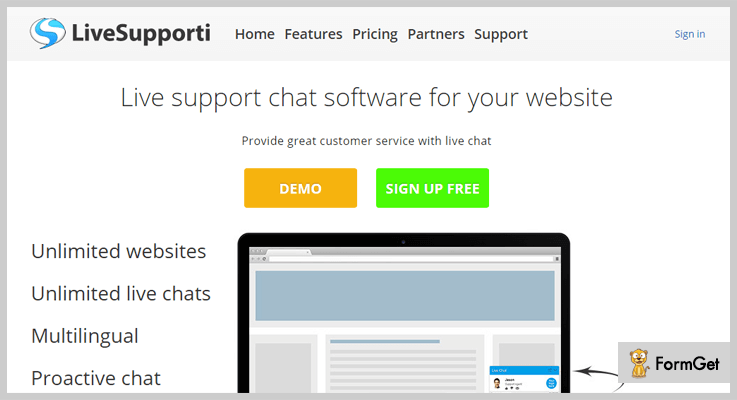
Live Support is a free WordPress plugin with rich of features & functionalities. The WordPress theme has a responsive layout. Add free live support to your website so you can give instant support to your customer.
Pricing Plans-
This WordPress plugin is completely free. Get unlimited features for free of cost.
Feature:-
- Extremely easy to set up.
- Customize the colors anytime according to your choice.
- The plugin is fully multilingual.
- Share files & videos as well.
Closure:
This was our take on the 8 Best Chat WordPress Plugin which might be helpful to get a perfect customer support WordPress plugin for your website. Take your business to a next high-level with these fastest plugins.
Relevant Posts:
If you want more relevant blogs do comment us below!
8+ Best Facebook WordPress Plugins 2022 (Free and Paid)

The easiest way to integrate your Facebook account into your site is adding the best class Facebook WordPress plugins.
These plugins not only build a bridge between your business website and your Facebook page but also automatically updates all your posts to Facebook, embeds live chat and displays all your daily feed, reviews, and likes on your website.
As we all know, it becomes the necessity to promote your business on social media platforms and “Facebook” is the king of all the social networking sites, rapidly expanding in terms of users and traffic.
Hence, Facebook is a great place for promoting your businesses by connecting with your main WordPress website.
In this article, you’ll find a comprehensive list of 8+ Facebook WordPress plugins for WordPress which fulfills all your requirement and allow you to access your social media account within your website.
Dive into the list and find a perfect Facebook WordPress Plugins for your need. Let’s get started –
1. Smash Balloon – Custom Facebook Feed
This Facebook WordPress plugin allows you to display fully customizable, responsive and SEO friendly Facebook wall feed on your WordPress website. There are several styling and customization options are available with the help of which you can change the look and feel of your site.
This facebook WordPress plugin contributes in engaging your customers and visitors. In addition to this, it is very simple to setup, all you have to do is enter your Facebook page ID and you’re ready to go.

Ratings: 5/5
Assets :
- Display multiple feeds from different Facebook pages.
- Automatically embed Youtube and Facebook LIVE videos onto your website.
- You can search posts by using # tags.
- Includes post caching that means your posts will load lightning fast.
- You can also add your own CSS and the list goes on.
Pricing Plans:
This plugin has 4 plans. They are –
- Personal: $49 supports only 1 site.
- Business: $99 supports up to 5 sites.
- Developer: $149 Unlimited sites supported.
- Smash: Offer price of $219 for a limited time supports UNLIMITED sites with all current and future extensions.
Get This Facebook WordPress Plugin
2. Facebook Feed WD
Facebook Feed by WD is yet another WordPress plugin which helps you to broadcast your Facebook feeds on your website. Along with that, it gives you the option of displaying your feeds in a widget area and also provides you several features like refreshing your Facebook feed, removing your old content and replacing it with latest posts etc.
This WordPress plugin comes up with a high-resolution lightbox for displaying your images in an attractive and beautiful Facebook gallery.
Ratings: 4.5/5
Assets :
- Offers 15 lightbox effects.
- Automatically updates your latest feeds.
- Multiple responsive layouts.
- Unlimited Facebook posts and feeds.
- “Load more” and pagination options are also available.
- Customer support.
- Profile and specific content feed.
- Provides simple shortcode for inserting the page and posts. And lots more.
Pricing Plans:
- Personal: $25 for 6 months and 1 domain.
- Business: $40/year for 3 domains.
- Developer: $60/year for Unlimited domains.
These plans include all the needed features like shortcodes, lightbox, responsive layouts, group and page feed etc.
It also has a FREE plan which includes some basic features like auto-update facebook feed, responsive layout etc.
Get This Facebook WordPress Plugin
3. Facebook Live Chat for WordPress
Facebook Live Chat by Ninja Team is a great plugin for adding Facebook live chat box onto your website. Consequently, it is beneficial for the website owners to turn their visitors into customers by interacting them via Facebook Messenger.
So, if you need a trustworthy tool for helping your customers by resolving their issues anytime, anywhere then it is the tool for you.

Ratings: 4.5/5
Assets :
- Provides unlimited bandwidth with the help of a Facebook server.
- You can have multiple chats at the same time.
- No complicated or fiddly setup is required. Hence it is easy to use.
- Unlimited history of chats.
- Increase your fan page likes through the like button on the chat box.
Pricing Plans:
This WordPress plugin cost you $19. But, for the extended support, you’ll need to pay extra $5.63.
Get This Facebook WordPress Plugin
4. Ninja Team Facebook Messenger For WordPress
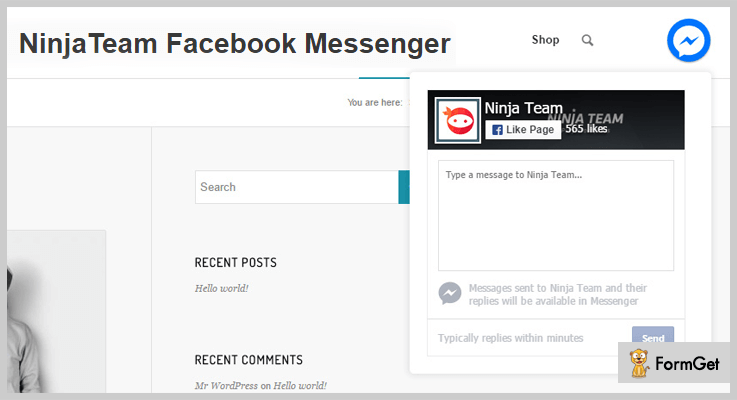
It is the most trustable and #1 selling plugin for the Facebook messenger. This optimal solution bridges the gap between you and your customers and helps you to collect leads that remain for a lifetime. Moreover, they’ll provide a shortcode which you can place anywhere and display it on your website
With the help of this plugin you can collect all the contact details of your customers and as a result, you can boost your sales and business.
Ratings: 4.5/5
Assets :
- It is compatible with WooCommerce.
- All the languages are supported including LTR and RTL.
- You can get notifications when new messages arrive.
- Easy to set up and fully customizable.
- Unlimited color options are available which matches your current theme.
Pricing Plans:
This WordPress plugin cost you $15. But, for extended support up to 12 months you’ve to pay an additional amount of $4.13.
Get This Facebook WordPress Plugin
5. RichPlugins – Facebook Reviews
This is the best among all WordPress Facebook plugins for displaying you facebook reviews on your business website. It supports google rich snippets which prove to gain more sales and trust by the customers.
This plugin does not have any complicated API, you can directly authenticate it via the Facebook app and Voila!!, you are done with that.

Ratings: 4.5/5
Assets :
- This plugin uses cache to zero load time.
- It also supports pagination so, you can limit your reviews for display.
- Filter ratings to hide negative reviews.
- Concatenate your long reviews from Facebook.
- Provides simple but powerful shortcodes. So, that you can place it anywhere on your website.
Pricing Plans:
It has 3 plans –
- FREE Plan: It includes Facebook business reviews, easy installation etc.
- PRO Plan: $45 for one site, it offers features like google rich snippets, review grid theme, minimum filter ratings and lots more.
- Plugin Bundle: It has pricing range starts from $89 and furthermore there are other plans also which supports maximum websites and includes extra features like google review business and reduced cost etc.
Get This Facebook WordPress Plugin
6. Facebook Likebox Slider For WordPress
It is best slider plugin on WordPress for all social media platforms. A “slider like box” is provided in the plugin which will automatically display all the recent likes from Facebook on your website. This type of functionality can be implemented in a matter of few minutes as it doesn’t require any complicated setup or configurations.
It is the smartest way to gain more popularity, fans, and traffic for your business website from all the trending social media platforms. You can browse your feed from all the platforms in just a click.

Ratings: 4/5
Assets :
- This plugin supports all mobile devices.
- It provides quick 24/7 support.
- Supports all the platforms like – Facebook, Google+, Pinterest, LinkedIn, Twitter, Youtube etc.
- It has the functionality of multiple tabs layout.
- Provides flexible positioning of the slider box.
Pricing Plans:
Its regular pricing of Envato Market cost you around $19. Well, you can extend its support by paying extra $5.63.
Get This Facebook WordPress Plugin
7. Facebook Page Plugin – WordPress Facebook Plugin
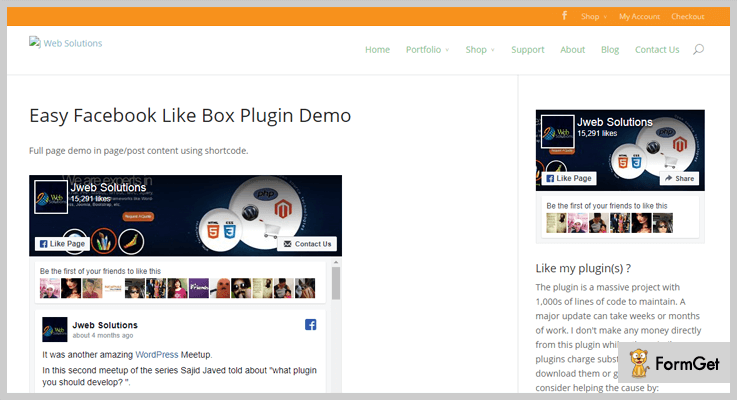
Facebook Page Plugin (previously a Facebook Like Box) is a reliable solution for displaying your Facebook posts on your website. This plugin makes easy for you to interact with Facebook feeds from your own website.
Furthermore, it displays your page posts, like button and connections in a widget area or in an auto pop-up.
Ratings: 4.5/5
Assets :
- You can use this plugin in Popup or Modal window.
- Display custom Facebook feeds in Auto-popup and widget area.
- Generate shortcodes using widget forms.
- Notifications of visitors via popups.
- Facility to choose your own language.
Pricing Plans:
It available as FREE Facebook WordPress Plugins on So, you can easily download it from the official WordPress site.
Get This Facebook WordPress Plugin
8. Facebook Messenger For WordPress
Facebook Messenger by Brontobytes is an excellent WordPress Facebook plugin for a live chat. With the help of this plugin you can provide support and interact with your customers via Facebook messenger.
This WordPress plugin has 5,000+ active users and very easy to use and Install. It ensures that you don’t miss your potential clients and helps in increasing your sales and productivity.

Ratings: 4/5
Assets :
- It provides multi-lingual support.
- Get instant notifications on PC or any other device.
- Timeline option is available.
- Events tab option is also there.
- With Custom trigger functionality, you can customize it according to your need.
Pricing Plans:
It is freely available on official WordPress site.
Get This Facebook WordPress Plugin
9. Facebook Comments WordPress – WP Dev Art
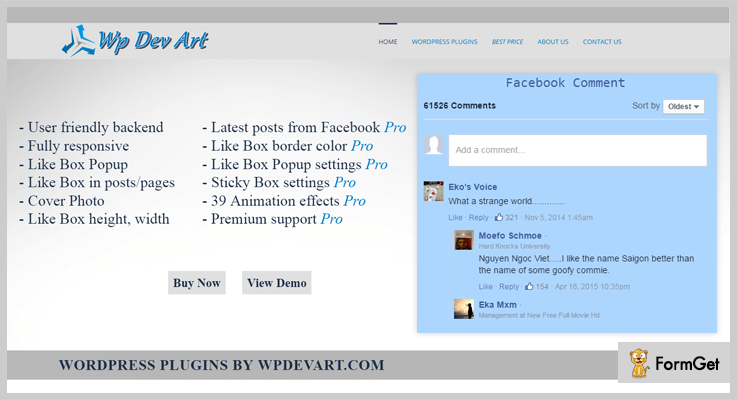
Facebook Comments WordPress is a great tool for displaying facebook comments box on to your website. Moreover, this plugin is very useful for improving your website’s traffic from social media sites like Facebook.
It is very easy to use in addition to this you can also disable comments on any page or post according to your need.
Ratings: 4.5/5
Assets :
- Flexibility to set Facebook comment box title and its text color.
- Functionality to edit Facebook comment box font color, size, and font family.
- You can also set Comment box position and background color.
- Ability to set the position of comment box where you want to display it.
- You can also set the Facebook comment box language.
Lots of features are available under this plugin.
Pricing Plans:
You can easily download it as FREE Facebook WordPress Plugin from the official WordPress site.
Get This Facebook WordPress Plugin
Final Thoughts
Well, by using these Facebook WordPress plugins with your WordPress website can create a great impact on engaging your clients and collect leads from the Facebook and somehow, it will change the look and feel of your website and makes it more interactive and elegant.
So, if you are looking for the best Facebook plugins for your business website, you can go for one of these. As the above-mentioned plugins are handpicked and offer best in class services.
Let’s take this list further, So if you guys have any of your favorite plugin which is not mentioned in the list share them in the comment section below. We’ll love to hear that!!
You may also interested in –
7+ Best Form WordPress Plugins 2022 (Free and Paid)

Finding the best form WordPress plugins can be a rub.
Imagine WordPress depositary as a market and each plugin as a commodity.
Each one claims to be the best and give their best shot to convince you.
But a plugin is going to be there for a long journey hence, it has to be tested, verified and quality assured.
Trust me, it is not a DIY!
There are 1425+ form WordPress plugins. Do you have the time to even take a glance at each?
Out of these 1425+ plugins, we’ve filtered out the average ones and what’s left to offer you are the few best WordPress form plugins.
We are here as a saving grace in the flooding world of WordPress plugins with 7+ best form WordPress plugins.
PS- We’ve sorted out these 7+ form plugins on the basis of ratings, reviews, features, pricing, active installations and our final trial check.
1. Pabbly Form Builder
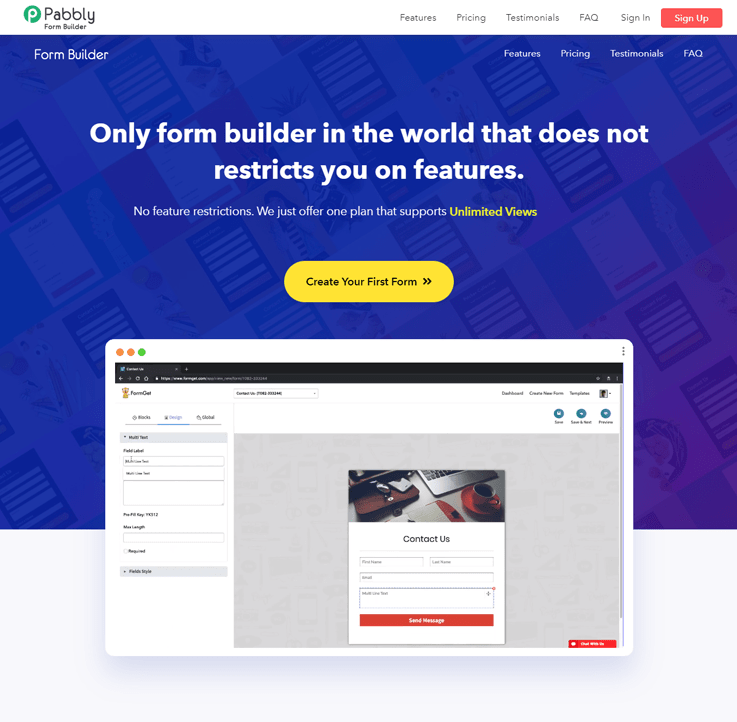
Using Pabbly Form Builder, you can create a variety of forms to collect payments, perform customer survey, collect user feedback and more.
This form builder helps you to create custom business forms using the simple drag and drop form designer. Just by simply dragging and dropping objects you can create custom web forms in a matter of minutes.
Also, this holds important features like conditional logic, field validation, and other functionalities.
Pricing –
Pabbly Form Builder is available at the pricing of $15/M when you billed annually which provide features like payments, analytics, data storage, team members and much more.
Features:
- This form builder allows you to embed forms in the various website and you can manage multiple forms from a single location.
- You can upload your custom background and header image in just a few clicks. Plus, it allows you to add customized colors through which you can customize the prebuilt templates.
- With the help of conditional logic, you can do branching of your forms so, the fields of forms get opened on the basis of user selection. It increases the submission rate as the customer find it easy to fill only relevant fields which saves time and efforts.
- It supports multiple languages so, you can create forms in different types of language some of them are Greek, Chinese Simplified, Chinese and more.
2. Ninja Kick– WordPress Form Plugin
Ninja Kick is the leader in form plugins in WordPress with over 900,000+ downloads. It’s a rad stuff in the plugins world and works perfectly well for beginners and experts. Ninja Kick, the name tells it all, allows you to create professional, customized forms, these can be contact forms, subscription forms, payment forms or any other forms.
Creating forms with this plugin is really a piece of cake and it takes a few clicks and fewer minutes! Even if you are new to form building, don’t stress. It has got a lot of pre-built templates and forms for your ease where you gotta just drag and drop things.
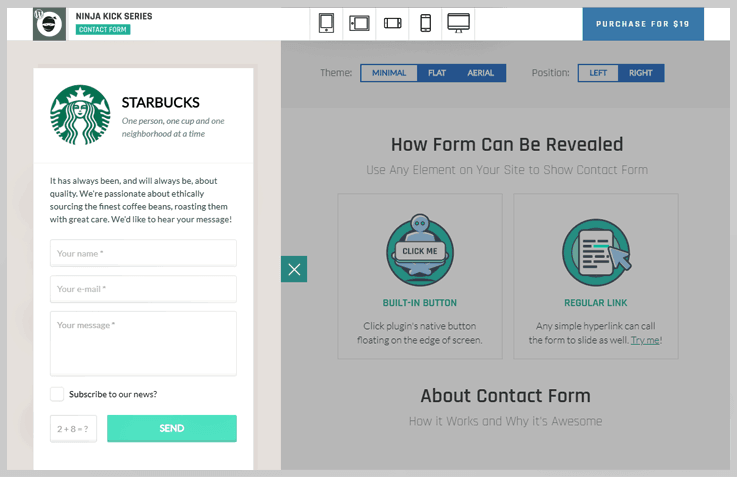
Pricing – Ninja Kick WordPress Form Plugin offer single pricing plan of $19.
Features:
- Drag and Drop Builder to create a custom form in few clicks and fewer minutes.
- SEO optimized, speed optimized, mobile friendly and responsive layout.
- Spam Protection with CAPTCHA and HoneySpot method plus, entry management where you can view and manage all leads at one place.
3. Formidable Forms – Advanced Form Builder Plugin
Formidable Forms is recognized as the most powerful form builder for WordPress. As the only form plugin to include a view builder, you can build complex forms, collect data, then turn that data into directories, listings, tables. Even display a user only their own form submissions. The form builder contains all the advanced functionality you need to build any form imaginable.
Conditional logic, calculations, multi-paged forms, it is all built right into all premium versions of Formidable Forms. When other form builders don’t have the functionality needed to build your forms, Formidable Forms is the plugin to use.

Pricing – Formidable Forms has 4 pricing plans starting at just $49/year. They also have plans priced at $99/yr, $199/yr, and $399/yr. Each plan includes different add-ons, templates, support tiers, and site activations.
| Price Plan | $49 (Personal) | $199 (Business) | $399(Elite) |
|---|---|---|---|
| Key Features | Unlimited forms, and entries. templates, 1 site |
20 add-ons including PayPal, andUser Registration, 15 sites |
27 add-ons including active campaign and stripe. Ulimited sites |
Features:
- Advanced form building functionality like calculations, conditional logic and repeater fields.
- The only form builder with integrated Views for building directories, listings and data tables.
- All the add-ons and integrations you’ll ever need.
- Simple to use without sacrificing flexibility and functionality.

4. WP Fluent Form – Modern Form Builder Plugin
WP Fluent Form is the modern form builder plugin for WordPress users by WPManageNinja. This is a freemium plugin that offers lots of basic to advanced features for its users. This drag & drop form builder plugin allows you to use the smart conditional logic feature that helps your form become more dynamic in type. This plugin provides you with pre-built templates facility with maximum customizability.
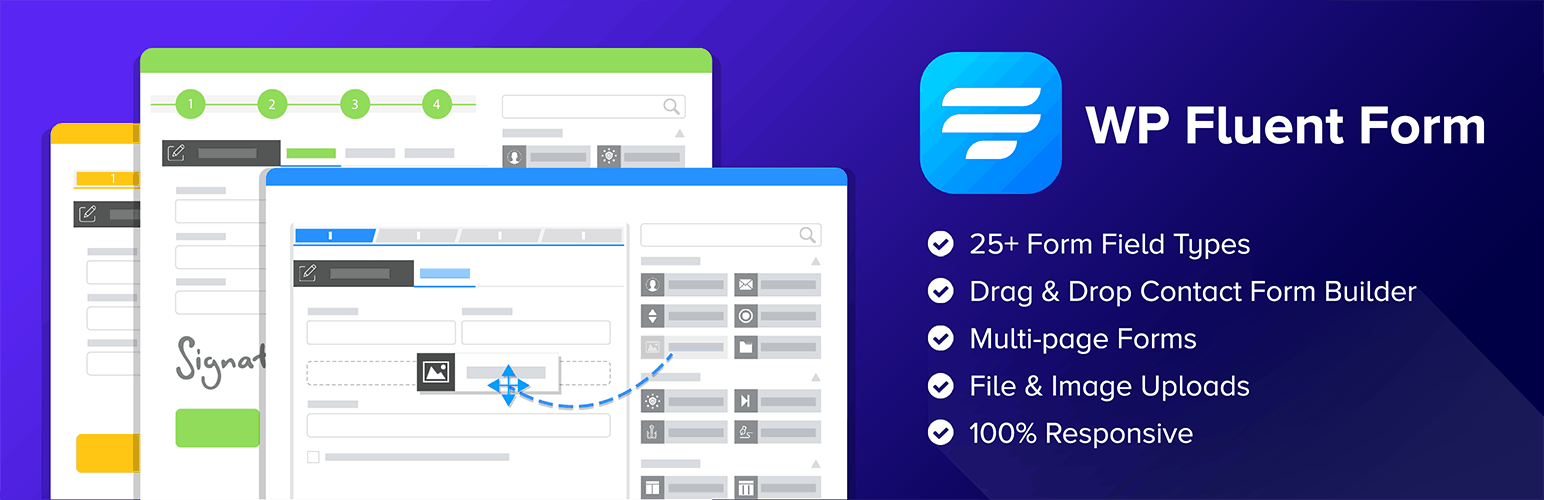
Pricing-
WP Fluent Form offers a pro ad-on with 3 different pricing plans:
- Free License from the Directory of WordPress.Org
- Single Site License – $35.00
- 2-5 Site License – $69.00
- Unlimited Site License – $199.00
Features:
- 100% Responsive Form Builder Plugin with Pre-built Template Facility.
- 25+ Custom Input Fields with Dynamic Conditional Logic Feature.
- Import and Export Facility.
- Multiple Integrations with Giant Platform.
- Anti-spam Facility to Secure Your Forms.
- Adjusted Entry Management System with Form Scheduling and Restriction Facility.
- Dedicated Support facility with Extensive Documentation.
5. Pirate Forms – Form Plugin in WordPress
Pirate Forms is a name trusted by brands and you’ll find it in Adobe, WP Beginner, WP Tavern and more. Yes, it’s popular and is used by 200,000+ websites. Talking about features, it doesn’t disappoint at all. It has got multiple forms for your multiple needs. There are around 30+ custom fields that you can add to the forms.
Moreover, with this WordPress plugin, you get responsive forms which look great on every screen. It’s extremely easy to use, in fact, it’s beginner friendly! reCAPTCHA comes integrated into it which protects your form against any bugs or spams.

Pricing – Pirate Form Plugin in WordPress has three different price plan starting from $46 to $176. These different price plans are on the basis of different uses.
| Price Plan | $46 (Personal Plan) | $105 (Business) | $176(Agency) |
|---|---|---|---|
| Key Features |
MailChimp Integration,
|
Features of Personal Plan, AWeber, GetResponse, SendinBlue Integration, 3 Domains |
Features of Business Plan, Priority Support, 30 Domains. |
Features:
-
-
- Integration of MailChimp, AWeber, GetResponse and more.
- Customization enabled.
- Responsive layout without any CSS or JSS tweaks.
- Custom SMPT option.
-
6. Web-Dorado Form Builder Plugin – WordPress Form Builder Plugin
Web-Dorado Form Builder Plugin is here to ease off the work of form creation. It’s completely fine if you are not good with tricky codes because you won’t be dealing with it at all. Web Dorado’s builder makes sure the work on the backend becomes as easy as possible with drag and drop options.
Moreover, everything in a form is customizable with this form plugin, right from color to fonts to each and every element. There are numerous add-ons attached to it along with a bunch of features. You can create almost any kind of forms using this plugin be it contact form or a payment form.
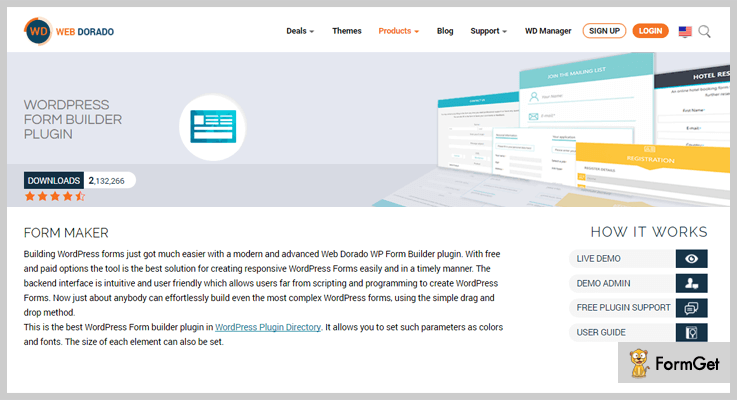
Pricing– This WordPress Form Builder Plugin has got four different price plans to choose from. These price plans are on the basis of domain support and add-ons.
| Price Plan | $30(Personal) | $45(Business) | $60(Developer) |
|---|---|---|---|
| Key Features | Unlimited Forms, Customization Enabled, PayPal Integration 1 Domain |
Everything in Personal Plan,
|
Everything in Personal Plan,
|
Features:
-
-
- 14+ pre-built field types to create exactly the form you need.
- 11+ pre-installed form templates including employment forms, customer survey, registration form etc. to ease off your work.
- Comes with a wide variety of themes to choose from to get the desired look. for your brand and website.
- Completely responsive and custom enabled.
-
7. QuForm – WordPress Form Builder Plugin
This is a must-have tool for those who are going to use a lot of forms for various communication with zero coding hassles. It loosens up the strings of complication and makes creating forms a piece of cake. QuForm is one of the best Form WordPress plugins which has satisfied all our judging parameters of ratings, reviews, pricing and quality check.
This form plugin ensures all the quality parameters and has an average rating of 4.75/5 by the users. It has all the essential features and surely this is one of the best form builders available over the internet. Plus with a pricing that suits all the budget.
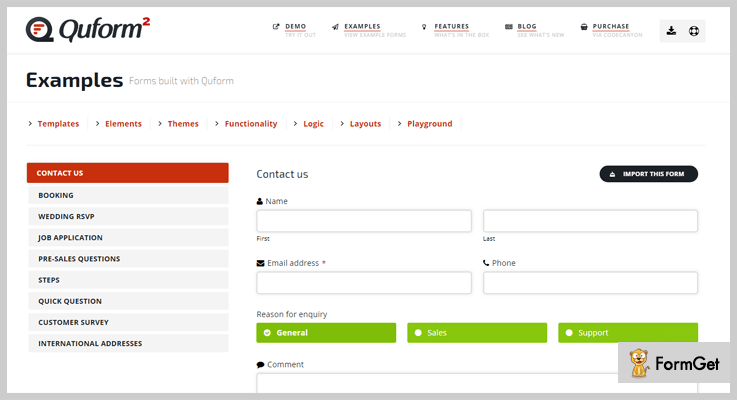
Pricing – This WordPress Form Builder Plugin has got one simple price plan of $29.
Features:
-
-
- 19+ elements types to add-on to the forms and custom enabled.
- Completely translation ready and responsive environment.
- 6+ filters to strip off unwanted added data.
- Check on spams with reCAPTCHA, HoneySpot, and image.
-
8. eForms – Form Plugin for WordPress
You can create and manage unlimited forms with eForms. This form builder acts as a complete form management system where you can manage all the stats, quizzes, payments etc. This management is done using the built-in mathematical tools that calculate payments, scores and interprets the results. It’s more like a form builder with mathematics powerhouse.
In addition, you’ll find various payment methods and gateways here including offline payments. The forms are mobile friendly and look great on the screen of any size. Plus it does the reporting and statistics as well.
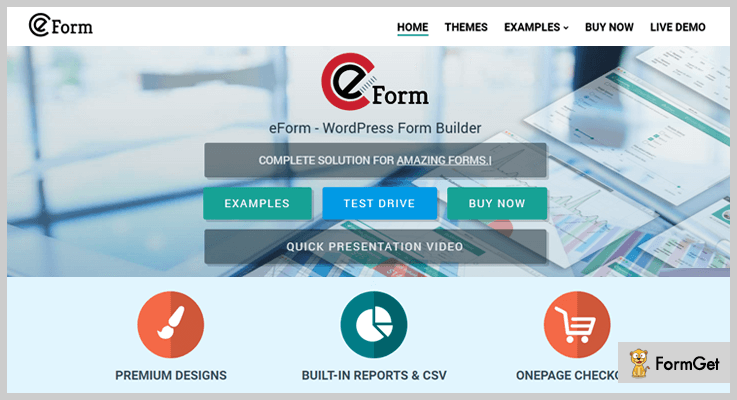
Pricing– This form plugin for WordPress has a simple pricing plan of $38.
Features:
-
-
- Completely responsive layout with 38+ form themes.
- Perfect for quizzes with quiz timer and LaTex support, mathematical evaluator to calculate the formula from user input.
- 15+ add-ons including PayPal, Stripe, MailWizz, MailChimp, WooCommerce and more.
- 6+ new elements such as smiley ratings, like dislike, thumbnail picker, matrix dropdown, GPS location picker to make a form even more interesting and user-friendly.
-
9. FormCraft – Best Form Plugin For WordPress
Here’s another plugin with a lot of features and add-ons. It stands as a tough competitor in the list of best form WordPress plugins with an affordable pricing and gives you more bites of features than you can chew but that doesn’t mean a compromise on speed. It is optimized for it!
You can trust it as it has won the trust and love of its users and with a rating of 4.5/5. It’s really a child’s play to create a form using it. Just drag, drop and it’s done! Features such as impressive design, fast and scalable have made it our pick.
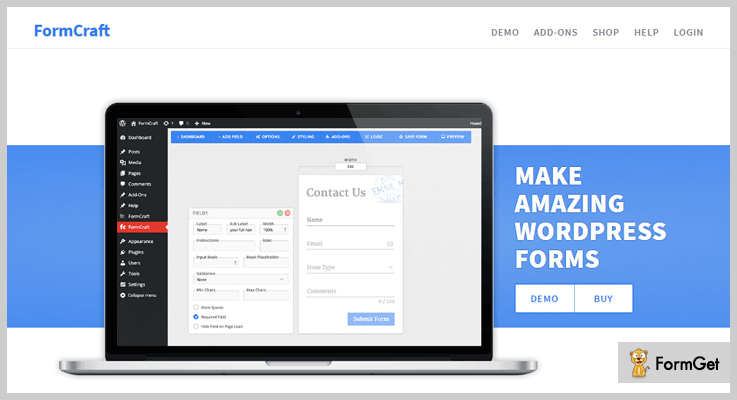
Pricing – FormCraft is one of the best form plugins for WordPress we cannot deny it and it’s simple pricing of $39 compels us more to draw this conclusion.
Features:
-
-
- 17+ add-ons including PayPal, MailChimp, reCAPTCHA, PDF, Zapier and more.
- Completely customizable with CSS tweaks enabled.
- It comes with conditional logic, mathematical formulae, and analytics.
- Responsive and mobile friendly.
-
10. Caldera – Free WordPress Form Plugin
Time for free stuff! Here’s a free WordPress form plugin that works equally good as a premium plugin. Though it may lack few functionalities, you cannot complain, after all, you are getting a lot for free. Caldera Forms is a great tool for forms if you want your forms to be simple and responsive. It does the task well and stands up to the mark.
It has an active installation of 100,000+ so you can put your trust in it. This form plugin will allow you to create forms, modify, add multiple columns, and even customize. Like other premium ones, you’ll get a drag and drop builder to ease up the task of form without any codes. And there are a handful essential features as well to please you.
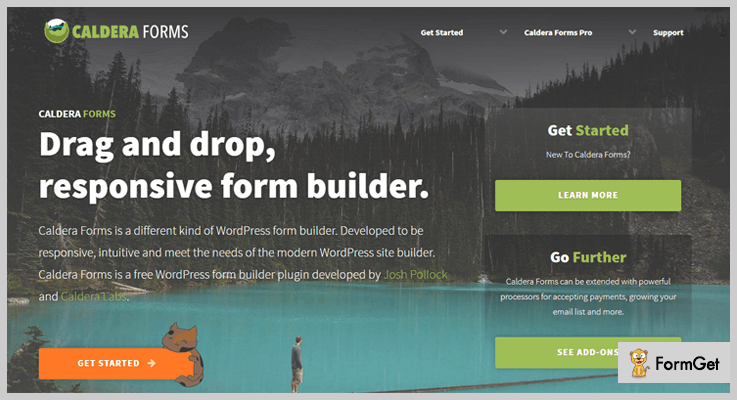
Pricing – It’s FREE! Start creating forms at absolutely no cost!
Features:
-
-
- Easy to use with simple drag and drop builder.
- Completely responsive layout.
- 20+ field types including credit card number, dropbox select, HTML and more.
- A visual editor for conditional logic.
-
11. Formidable – Free WordPress Form Plugin
Drag, drop, few clicks around 60 seconds and Voila! You’ve created a form. Yes, it that simple. And you’ll be amazed to know that this will cost you $0. Formidable is the best solution to get the form builder at $0. It creates beautiful forms and takes a few clicks and fewer minutes for that. It’s trusted and used by over 200,000+ people.
Although its applicability is universal and it can be it can be used for any for but its great option for surveys, polls, lead generation etc. There are a number of pre-built templates to start with. So even if you are a beginner, you won’t face any difficulty.
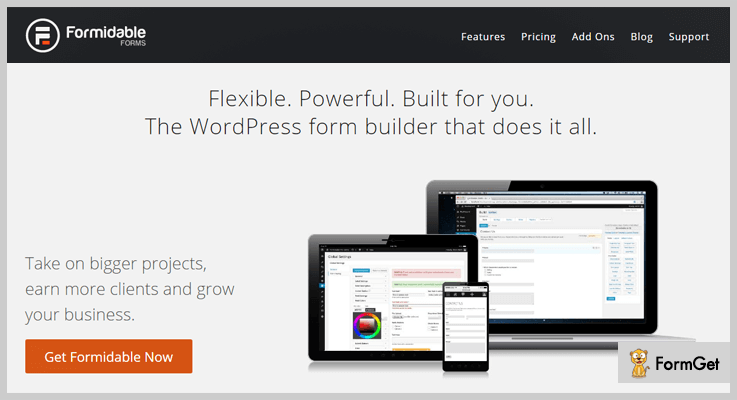
Pricing- Formidable is a free WordPress form plugin. So, you can start creating forms and communicating without giving away a penny.
Features:
-
-
- Completely custom enabled. (with complete access to change the CSS and HTML of forms.)
- Built-in visual form style generator for styling of forms without any codes.
- Responsive layout.
- Shortcode builder for ease of form building and publishing task.
-
One More Thing…
This was our take on 7+ best form WordPress plugins and we are pretty much sure you must have found a right fit for your needs. But before settling with any WordPress plugin make sure to align all its features with your needs.
This list can go long and we want you to suggest us more plugins which work really well.
Here are two more blogs that you’ll surely love:
7+ Best Google Analytics WordPress Plugins 2022 (Free and Paid)

Google Analytics WordPress Plugins are of great importance these days as they provide advanced facilities which help you monitor everything related to analytics through the admin area of your WordPress site.
Just by deploying a Google analytics plugin you can track page views, sessions, bounce rates, create custom metrics or dimensions, and generate numerous reports.
Now the question arises which is the best Google analytics plugin for your website?
We have got Best Google Analytics WordPress Plugins listed in this blog that will help you combine Google analytics and any WordPress websites.
1. Google Analytics For WordPress By MonsterInsights
MonsterInsights provides you the best google analytics WordPress plugin which allows you to track user activities on your website. You can easily connect any WordPress site with Google analytics using this plugin. It gives you all tracking details, reports, other important details on your WordPress dash.
Pricing Plans –
- Basic Plan:- This plan charges $39 a year and allows you to do tracking via Google analytics on a single website.
- Plus Plan:- $99 is the yearly cost of this plan with which you get 5 sites support and other facilities.
- PRO Plan:- This is the highest plan through which you can have deploy this plugin on 50 websites at a price of $199 a year.

Features
- Google analytics WordPress plugin by MonsterInsights is extremely easy to setup and requires no coding skills
- All the updates that occur in Google analytics are reflected in real-time on the dashboard
- You can extract file downloads, event, link, E-commerce and other types of tracking with just a few clicks
- Allows you to perform referral tracking to know traffic sources of the website
- Helps you see which posts or pages are the most popular on your site
Explore More Details About Google Analytics Plugin
2. WP Google Analytics Events
WP Google Analytics Events is one of the most powerful and user-friendly Google analytics plugin currently in the market these days. This plugin permits you to send various events to Google Analytics based on user interacts with your website.
Pricing Plans –
- Plugin Plan :- $99 is the yearly cost of this plugin which comes with all types of updates and support.
- Plugin + Plan :- With this plan you have to pay $99/year for the plugin and $149 one time as the setup fees.
- Custom Plan :- This is a customizable plan for which you have contact sales team if you need support for multiple websites.

Features
- It helps you manage tags as it also supports Google tag manager
- Monitor actions by the users on links, buttons, forms, videos, etc
- Using this plugin you can perform form submission tracking
- Event-driven goals are easy to setup with this plugin
- Page navigation by user can also be tracked
Explore More Details About Google Analytics Plugin
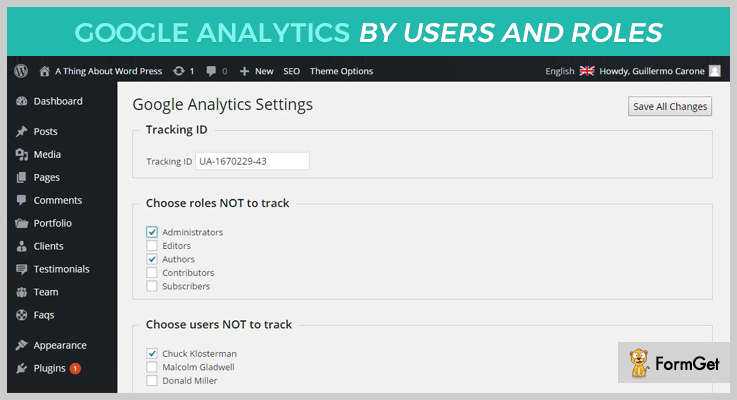
3. Google Analytics by Users and Roles
With this Google analytics plugin, you can place the tracking code on all the pages of your site and track specific users who are performing certain actions on your site. This will give an accurate report and help you take right decisions based on it.
Pricing Plans –
- This plugin is priced around $9 and grants you a worldwide license to use the product. Just pay $1.88 to get an extended support to 12 months for this plugin.
- The extended plan is priced $80 and in order to get an extended support for 12 months you have to pay around $22.50 extra.
Features
- Generate more accurate reports from data provided by Google analytics
- Allows you to track website traffic and user actions in different ways
- Define users and roles to extract relevant data from all pages
- You can also define which users you don’t want to track
Explore More Details About Google Analytics Plugin
4. Google Analytics WD
With Google Analytics WD you can add tracking code to your WordPress site just by following a few simple steps. You can handle goals, define custom dimensions, extract reports, and more.
Pricing Plans –
- Free Plan :- This is a forever free plan with which you can track reports for pages or posts and perform other basic analytics.
- Personal Plan :- $30 is charged for single domain support with multiple advanced feature access.
- Business Plan :- This plan will cost $45 for 3 domain support along with various plugin features & facilities.
- Developer Plan :- This plan will allow unlimited domain support at a price of $60.
Features
- Reports can be presented in pie and column chart for proper understanding
- You can create custom dimensions & reports
- Roles and users for exclusions can also be tracked
- Provides a responsive design and layout and allows you to view reports from desktop & mobile devices
- Comparison report for different metrics can easily be extracted
Explore More Details About Google Analytics Plugin
5. Extended Google Analytics Plugin for WordPress
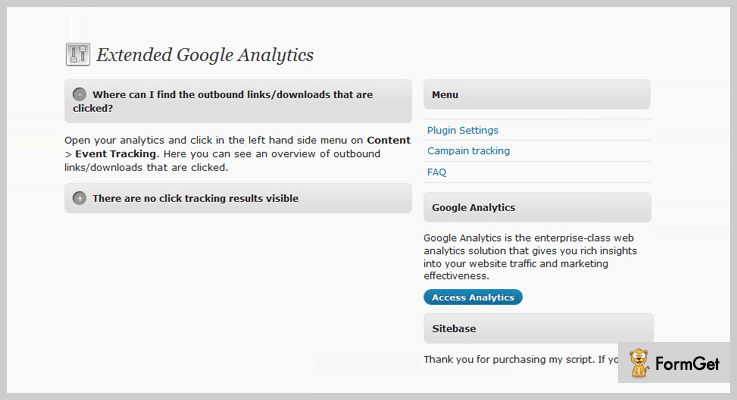
Extended Google Analytics is a premium WordPress plugin which simplifies event tracking and helps you add Google analytics to your website using which you monitor all the essential details with ease.
Pricing Plans –
Extended Google analytics plugin for WordPress offers two types of licenses for plugin usage which are as follows:-
- Regular Licence :- This plan comes at a price of $15 which allows single site implementation.
- Extended Licence :- Pay $75 for the extended version of this plugin and implement it on multiple sites.
Features
- Easy to deploy on WordPress websites
- The plugin comes which a user-friendly dashboard
- Allows you to perform campaign tracking
- Automates event tracking for actions like downloads, outbound links and more
Explore More Details About Google Analytics Plugin
6. gAnalytics WordPress Plugin
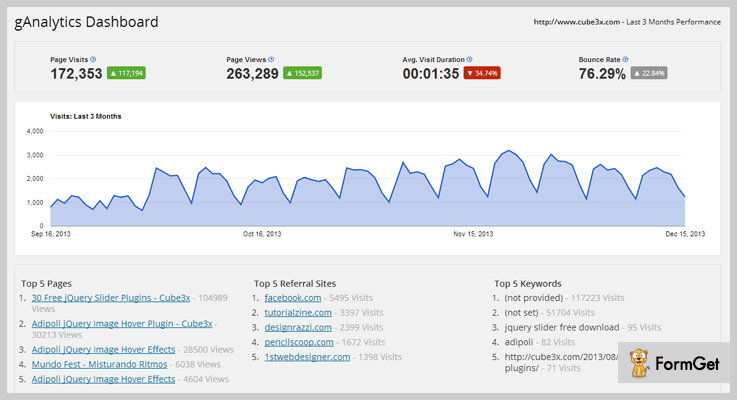
gAnalytics is a top class Google analytics tracking plugin which is perfectly suitable for WordPress websites. All the key stats like pageviews, reports, etc that affect your site traffic are projected right on the WordPress dash.
Pricing Plans –
gAnalytics has designed two different plans for this plugin which are as follows:-
- The regular plan will cost you $34 for single access license and included features.
- The extended plan will be costing you $170 and give you an extended support for 12 months.
Features
- It’s extremely simple to install on any WordPress site
- Track the data for the last 3 months straight from the dashboard
- Easy access to page views, average visit duration, bounce rate, etc
- Track site visitors from mobile or tablet devices on a separate page
- Provides a well-defined report for pages and posts
Explore More Details About Google Analytics Plugin
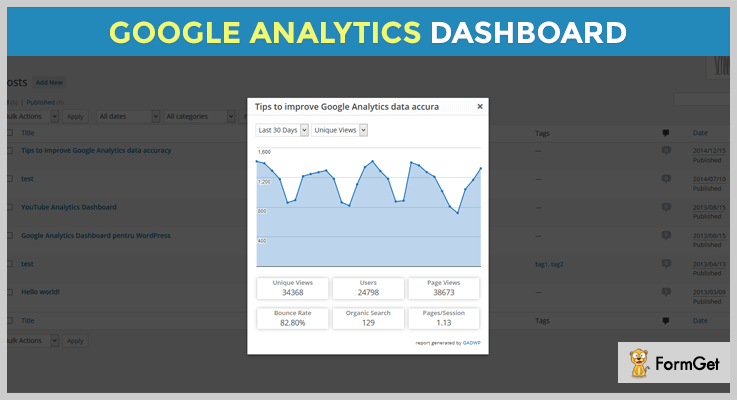
7. Google Analytics Dashboard for WP
Google analytics dashboard is the best plugin for tracking, as it enables you to view stats generated by Google analytics, monitor reports, track the traffic sources, and more. This is an advanced tool which is very useful for tracking site details.
Pricing Plans –
- Google analytics dashboard is free of cost plugin which is specially designed to track user activities on your site using the latest Google analytics tracking.
Features
- Delivers real-time reports on the dash for visitors, acquisition, and sources of traffic, etc
- Track different events like page scrolling, downloads, affiliate links and more
- Know the page views, bounce rate, and session details
- This plugin supports multisite network installation
- You can use Google tag manager as an alternative for tracking
Explore More Details About Google Analytics Plugin
8. Google Analyticator
Google Analyticator is a plugin for WordPress which makes the process of viewing Google analytics easy. Get clear details about pageviews, users, session duration, bounce rate, etc straight from the dashboard.
Pricing Plans –
- Google Analyticator is free to install and use on WordPress site plugin. This plugin comes which a forever free access.

Features
- Download link tracking is also permitted
- Monitor the site speed tracking for performance
- It supports Universal as well as traditional analytics
- Language translation to Polish, Turkish, Dutch and Spanish is there
- This plugin helps you conduct on-page analytics with ease
Explore More Details About Google Analytics Plugin
Final Conclusion
We are finally at the end of this article and I hope that you must have found a plugin suitable to merge your WordPress website with Google analytics.
We have defined the Best Google Analytics WordPress Plugins currently available.
Here are some blogs on other essential plugins for WordPress which are worth exploring
If you have any suggestions then share them in the comments section below, we will be happy to hear from you.
7+ Best 3D Slider WordPress Plugins 2022 (Free and Paid)

People love sliders! Almost every website has got sliders, be it a boxed slider or a full-width slider. We cannot deny these sliders are ‘rad’ stuff in current trends. But why to choose an image slider plugin when you can switch to 3D slider WordPress plugins!
Finding a perfect 3D slider WordPress plugin can be a catch. With the number of sliders available it’s like finding a needle in the haystack. But before we begin let’s see what 3D slider plugin do for your website.
A 3D slider will give enhance the look of your website plus in a carousel 3D slider, you can showcase many images at one-time in an eye-pleasing way.
We have curated a list of 7+ best 3D slider WordPress plugin to enhance your website, please the visitors and take the appearance to another level.
1. CSS Slider – Premium Slider WordPress Plugin
CSS Slider is a unique one with different 3D transitions. Where almost every plugin came up with a flip effect, CSS plugin tried hands-on different transitions, it has got 14 3D transitions along with 16 2D transitions.
The plugin supports HTML captions, autoplay of slides along with custom transitions per slide. It works perfectly and looks great on every screen be it a mobile, desktop or a tablet.

Pricing – The price plan of CSS Slider WordPress plugin is of $21 for a regular license.
Features
- Touch Navigations with Fallback option
- AJAX upload of multiple images at one-time.
- Option to use transparent png format for images for 3D transitions.
- 14+ 3D Transitions with 16+ 2D transitions along with a slideshow manager.
2. Slider WD – WordPress Slider Plugin
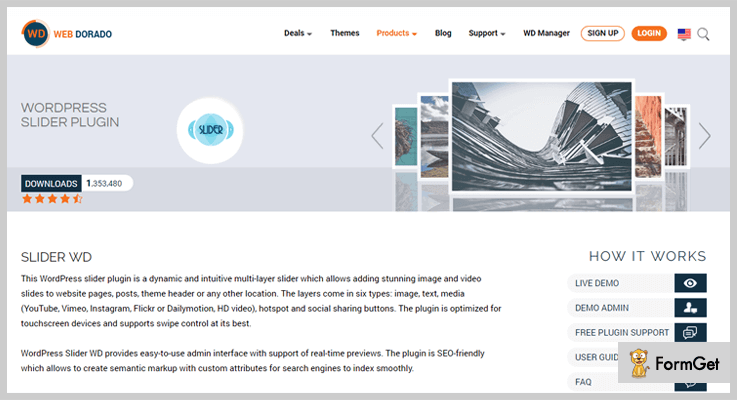
Now, this is yet again a great Slider plugin and I am fond of it. You can add anything to the slider, an image, a video, a map, practically anything. This plugin supports 27+ transition effects for slides. The backend is highly simplified with drag and drop builder.
It has touch swipe navigation which is optimized for mobile screens and desktops. It’s a responsive slider plugin so, you can be assured that the slides will look great on every screen. Plus there’s a hotspot slider to add additional information on slides.
Pricing – It has 3 pricing plans depending on the use. $30 for personal use, $45 for business, and $60 for the developer.
Features
- 27+ transition effects including Zoom, 3D random, 3D horizontal and a lot more.
- Six types of layers of images, text, media (YouTube, Vimeo, Flickr or HD Videos), Hotspot and social sharing buttons.
- It also has a carousel effect to engage user even more with the view.
- Comes with a parallax slider for more attractive 3D slides than ever.
3. Master Slider – WordPress Slider Plugin
Master Slider is so far one of the best slider WordPress plugins with an active installation of 100,000+. You can create a slideshow in it while sipping your coffee, it is really that easy! In addition to the ease, the slideshows create with Master Slider are a treat to eyes with colors, elegance and super smooth transitions.
It has a responsive layout which is optimized for desktops and mobile. Its equipped with over 6+ transitions, the best parallax effects, and animated layer. So, its a pack of all the essential and effective features that you need to make the appearance of your website come alive.

Pricing – Master Slider plugin has two different price plan based on its edition. $24 is for Pro Edition (regular license) and $14 for jQuery Edition (regular license).
Features:
- Responsive layout with touch-swipe navigations.
- Slide video background enabled.
- 6+ Modern and unique skins which are retina ready and editable with CSS.
- Completely SEO friendly.
4. Stack Slider 3D Image Slider
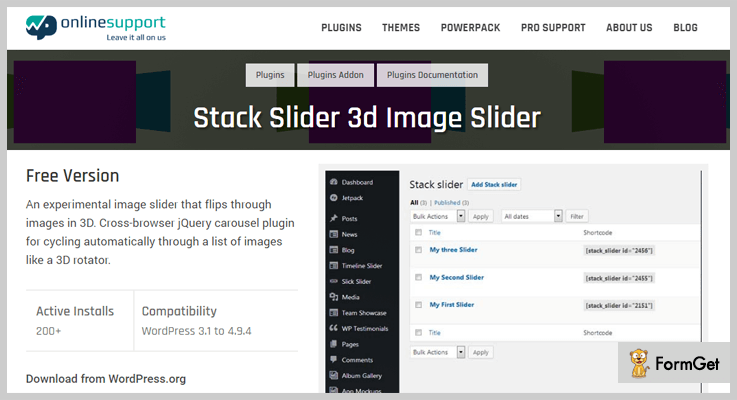
This slider gives you an experience of flipping the images in 3D. With a beautiful design, this image carousel gives a cascading effect to the images. Here you can add a number of images which moves horizontally.
The slider is highly lightweight and doesn’t take time to load. It is cross-border compatible with a completely responsive layout. Creating a slideshow in easy with this slider plugin as it has drag and drop of images.
Pricing – Stack slider’s price ranges from $6 to $40 depending on the site license.
Features
- Completely responsive layout.
- Easy drag and drop builder for slideshows.
- Cross-border compatible.
- Touch-based slider.
5. Simple 3D Carousel WordPress Plugin
This slider is worth checking out and I am afraid if words could do justice to it. With this slider plugin, a normal image is displayed in partial transparency, this is to give the perfect carousel effect in the 3D layout. It’s perfect for an awestruck appearance of your website.
It’s built on latest CSS techniques and OOP codes. The plus points that you get with this slider is ease of use. Installing and using it is extremely easy, in fact, it is just a matter of few clicks.

Pricing – It has a price plan of $25 for a regular license.
Features
- Responsive and fluid layout.
- Powered by API key.
- Mouse scroll and keyboard support for navigation.
- Completely customization enabled
6. Royal 3D Coverflow WordPress Plugin
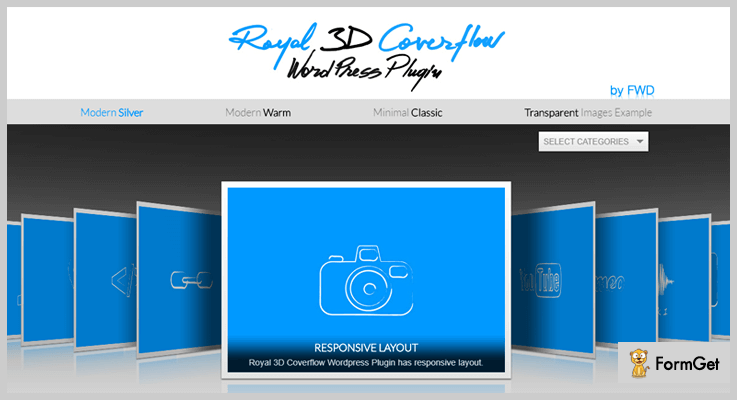
Royal lets you create and organize your slideshow in a 3D layout in seconds. It runs on almost every major browsers be it Android, Mac, or Windows. Moreover, it supports images, videos, audio, Vimeo, YouTube, Google Maps, and Flash as well. Built on the latest CSS technique, it is highly flexible, optimized for mobiles and desktops with easy installation.
This slider plugin is perfect for any kind of presentations. The slideshow created using this plugin is sure to leave a great impact on the viewers with the mesmerizing 3D effects, flip effects and a lot more.
Pricing – It has a pricing plan of $36 for a regular license.
Features
- Completely responsive layout, optimized for mobiles and desktop.
- Displays multimedia content. When clicked on a thumbnail, it supports the display of images, videos, YouTube, Vimeo, and also flash.
- API key enabled.
- It comes with three skins with shortcode generator.
7. Slider – WordPress Slider Plugin
Free stuff! Slider is a free slider WordPress plugin which is equipped to create impressive sliders with some really cool effects. The slider allows you to add unlimited images, texts, links and description so, here customization is enabled. You can select animations for the slides, the transition speed, number of slides and a lot more.
It is a responsive slider plugin with beautiful designs. It is built on CSS with jQuery on the fallback. This works well on every screen and almost every browser. There are various effects that you can add to the slides be it slicing, folding, fading and more.

Pricing – It’s a free WordPress slider plugin. So, you can use it right away without thinking of the cost.
Features
- You can choose from 10+ slider types and 50+ slide effects.
- Cross-browser compatible with responsive layout.
- Drag and drop for backend slides creation.
- Options of touch-slideshow.
8. Slicebox – Free WordPress Slider Plugin
Slicebox is some really cool, free stuff. This 3D slider plugin knows exactly how to turn a few plain images into an awesome slideshow. It uses various 3D transitions like it creates 3D slices which rotate, flip and finally reveal the next image with the same 3D effects.
If in case a browser doesn’t support 3D slideshow then it automatically fallback to 2D slides. It’s free and creates really cool slides using all the 3D transitions.

Pricing – You do not need to worry. It’s a free slider WordPress plugin for beautiful sliders on your website.
Features
- It is built on CSS.
- Has graceful fallback for the times when a browser doesn’t support 3D animations.
Final Words:
This was all from our side on best 3D slider WordPress plugins. There are a lot of slider WordPress plugins available all over the web so, if you come across some great stuff, do let us know!
Here are a few relevant blogs that you may enjoy reading:
7+ Slider WordPress Plugins 2022 (Free and Paid)

Sliders are in vogue! And WordPress repository is flooding with a wide range of it, be it full-screen sliders, boxed sliders, image sliders and more. However, choosing one out of 2172 slider WordPress plugins is as difficult as finding a needle in a haystack.
Do you think you would have found a perfect slider WordPress plugin all by yourself?
The nook and cranny of every slider plugin are hard to find. But not impossible! We’ve shortlisted slider WordPress plugins so, you can sit back and adorn your website.
Let’s count the things that you’ll find in this post of slider plugins. Full-width sliders, 3D effects slider, carousel effect, animations and a lot more.
Are you all set to give your website a makeover with slider plugins?
Now, here’s the list of 7+ slider WordPress plugins (Free and Paid) for you.
You can trust us as we have considered ratings, reviews, features, active installation and in fact things that even you might have ignored.
1. Revolution Slider – WordPress Slider Plugin
Revolution slider comes in the top searches of WordPress slider plugins and over 250,000 installations. The love it has received from the users is immense. I was pretty much interested in reviewing it seeing its popularity and it didn’t disappoint at all. Features, ease of use, the results are worth the appreciations.
Now here’s the revolution, Revolution slider isn’t just for slides but you can get a one-page web presence without a single code with it. Then even a beginner can create a theme with ease. It’s a simple ‘drag and drop’. Rich in feature and high in performance goes apt for it. Multi-media, navigation, social media and a lot more has been given serious attention.
If we dig deeper into the features we’ll find a robust visual editor with all the elements for slides creation, then the layout is completely responsive (Optimized for Android and iPhones). Let me list a few features for you.
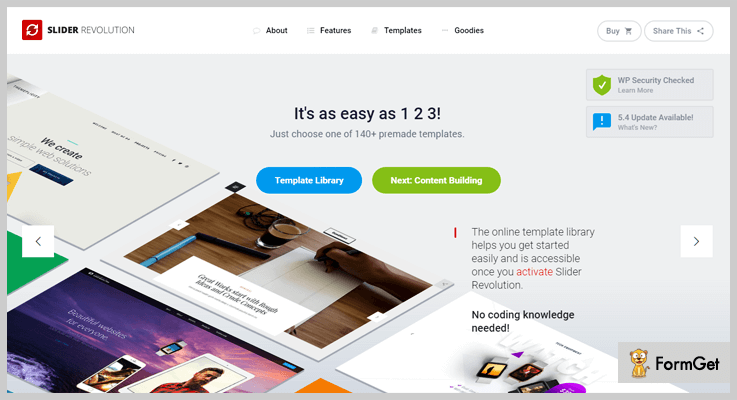
Ratings – 5/5
Pricing of Revolution Slider – WordPress Slider Plugin
The price plan of revolution responsive slider WordPress plugin is simple. It is $25 for a regular license. The price plan is once for a lifetime kind of so, you have to pay once to get the plugin with complete features.
Features of Revolution Slider – WordPress Slider Plugin
- 3+ types of sliders(Hero, carousel, and classic slider features)
- Parallax effects combined with improved lightweight Ken burns effect to take appearance to another level.
- Animation builder is equipped to create custom animations. In fact, you can add an unlimited number of layers to the slides.
- Whiteboard is another exciting feature. Here you can create hand-drawn animations that viewers will absolutely fall in love with.
2. Layer Slider Plugin – SEO Optimized WordPress Plugin
Layer slider WordPress plugin is a multi-purpose plugin with a soft corner for animations. We’ve talked a lot about the features and this plugin makes me count support team as well. The plugin has got a really great, dedicated support team that comes up with the best solutions every time! All it’s features and performance persuade us to rank it as one of the best slider WordPress plugins.
Layer plugin has got a lot of features so definitely we are not going to ignore any. Now it is completely SEO optimized and compatible with every browser available. This can be used perfectly for personal needs, business needs, commercial use, in fact for billboards!
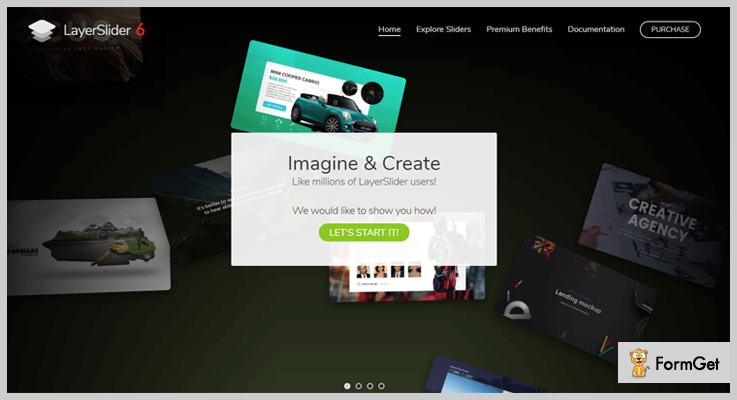
Ratings – 4/5
Pricing of Layer Slider Plugin – SEO Optimized WordPress Plugin
Price plan of Layer Slider is $23 for once, for a regular license.
Features of Layer Slider Plugin – SEO Optimized WordPress Plugin
- 200+ predefined slide transitions with 3D effects, parallax, and Ken Burns effect.
- LayerSlider Editor is powered by Adobe Creative Cloud. You can create slides in few clicks with drag and drop option.
- Full-screen sliders, hero-scenes, and full-width slider work perfectly on every device. Plus there are 18+ skins and complete customization enabled environment.
- Optimization gives retina ready, high-resolution slides which are optimized specifically for mobile phones. ( For the perfect “WOW” factor!)
3. Meta Slider WordPress Plugin – Image Slider
Meta Slider has held the throne of best slider WordPress plugin for a long time. It has an active installation of 900000+ as on date. (keeps on increasing!) No fiddly stuff, it is the image slider to work with. Download, install and it’s good to go.
With this WordPress plugin, drag and drop become the key to a perfect slideshow on your website’s homepage. Simply select images, drag and drop, add a slide caption, SEO optimize it. Voila! Your mesmerizing slideshow is ready!
It offers 4 types of slideshows- Flex Slider 2 (2 transition effects, carousel mode), Nivo Slider (16 transitions effect, 4 themes), Responsive Slider (Extremely lightweight), Coin Slider (4 Transition effects). All these slideshows are responsive and look great on every screen.
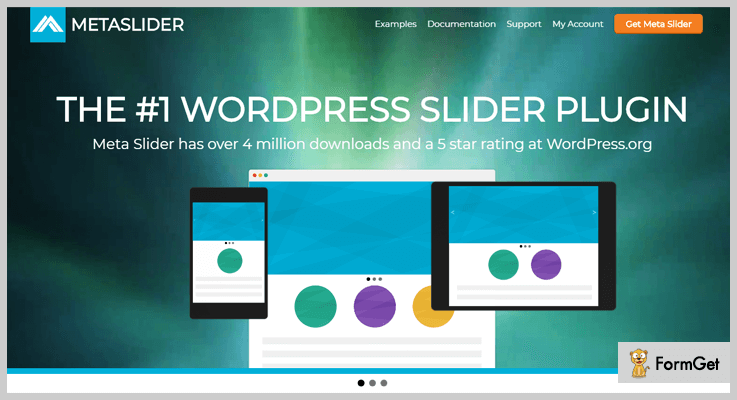
Ratings- 4.5/5
Pricing of Meta Slider WordPress Plugin – Image Slider
The price plan of Meta Slider ranges from $39 to $289 depending on the site license. Now, this is a one-time price that you have to pay to avail all the features within the plugin.
| Price Plan | $39 | $79 | $119 | $189 | $289 |
|---|---|---|---|---|---|
| Meta Slider WordPress Plugin | 1-2 Site License | 5 Site License | 20 Site License | 100 Site License | Unlimited Site License |
Features of Meta Slider WordPress Plugin – Image Slider
- Completely responsive and SEO optimized.
- Supports captions, links, alt texts, title texts for the images slider.
- Full-width slider support.
- Loads of slideshow configuration options (transition effect, speed, etc.)
4. Smart Slider WordPress Plugin – Best in WordPress Slider Plugins
With 600,000+ active installations, smart slider WordPress plugin is second in the race of popularity. The USP of this WordPress slider lies in creating beautiful sliders without any coding. Sliders made with this plugin are completely responsive and even touch-friendly.
The slider plugin comes with 6 sample slides so creating slide will never be a rub. In fact, is its a matter of few clicks because you just have to pick a slider template and add the elements to it. Like you add colors to a canvas! Then you get an element of animations. (favorite part!) The slides you get with this plugin is too sweet to pass!
There’s Ken Burns Effects (panning and zooming effect), 61+ background animations with background videos to give your visitors a perfect treat. Every slide is SEO optimized and that’s another reason why you can count on it.

Ratings – 4/5
Pricing of Smart Slider WordPress Plugin – WordPress Slider
The price plan of Smart Slider Plugin ranges from $25 to $200 depending on the domain license. It has price plans of one-time price and you get the complete compilation of features and site license in it.
| Price Plan | $25 | $100 | $200 |
|---|---|---|---|
| Smart Slider Plugin | 1 Site License | 10 Site License | Unlimited Site License |
Features of Smart Slider WordPress Plugin – WordPress Slider
- Particle effect and animated shape dividers are two “WOW” features of the plugin.
Particle effect gives an animated illusion of playing with dots and geometry where animated shape divider creates an illusion between parallax background and the elements of slides. - Slide library provides with pre-defined slides where you’ll find 100+ slides.
- Layer animation system gives layer motion and transitions.
- Comes with 4+ extra sliders. ( Carousel, block, full page, showcase)
5. Master Slider Plugin – Slider Plugin for WordPress
Want to know my favorite? It is master slider plugin. This slider plugin for WordPress has taken the sliders to the next level with captivating looks, super smooth transitions, and responsive approach. You’ll find beautiful parallax effects, a lot of animations, video backgrounds, and a lot more.
Responsiveness starts from here with touch navigations and pure swipe gestures. With around 400,000+ downloads this image slider has won the hearts of users for sure.
Add animation effects, slide transitions while sipping a cup of coffee, it’s that easy! There’s isn’t a single code required, you gotta drag and drop. Trust me, it is easier done than said. (No bragging!)

Ratings – 4/5
Pricing of Master Slider Plugin – Slider Plugin for WordPress
It has two pricing plans based on its versions. The prices are one-time. $14 for jQuery Edition and $24 for Pro Edition.
Features of Master Slider Plugin – Slider Plugin for WordPress
- 6+ interactive transitions to provide super smooth transitions across as many browsers and devices as possible.
- 6+ unique skins in different colors and tones. All these are retina ready + editable with common CSS.
- Completely SEO optimized (You can use HTML elements for heading, paragraphs etc., tune sliders markup for SEO)
- WooCommerce, Flickr, and Facebook sliders are the feathers in the hat of Master slider.
6. Fast Slider Plugin – Best in Slider WordPress Plugins
The name says it all. You can actually build a slider in about 1 minute with the Fast slider. Creating a slider becomes extremely fast and easy with this slider WordPress plugin. It is one of the best slider WordPress plugins to choose from in a pocket-friendly price.
Now if you have less time to give on slider then this will work well for you. It looks great on every screen with the responsive layout also, there can be multiple sliders on a single page with Fast. It is packed with a lot of features (A LOT!). There’s not a single feature that you would not find the relevancy with.
100+ effects, translation readiness are a just a few to knock.

Ratings – 4.5/5
Pricing of Fast Slider Plugin – Best in Slider WordPress Plugins
Fast Slider WordPress Plugin is a perfect pick for the pocket. It has a one-time price plan of $15 for a regular license.
Features of Fast Slider Plugin – Best in Slider WordPress Plugins
- 3+ transition effects (Fade, horizontal, vertical)
- 20+ tailored slider demos which are good to go with at any second.
- Custom colors with 7+ button styles to choose from.
- Multiple sliders on the same page.
7. Slider by WD – WordPress Slider Plugin
Slider by WD is a responsive slider WordPress plugin. It is a solution to fast loading, beautiful and responsive sliders. You get supported by images, videos which could be spiced up with transitions, parallax effects, and animations. The layout is completely responsive and every element can be molded to your own taste. Now, there are six major elements that are supported in this slider. These elements are images, texts, media files (YouTube, Vimeo, Instagram, Flickr or Dailymotion, HD video), hotspot and social sharing buttons.
It can also give a touch-screen effect to slides plus be it any screen, the slides will perform at its best. It has active downloads of 10ok+ which indicates the horizon of its reach.
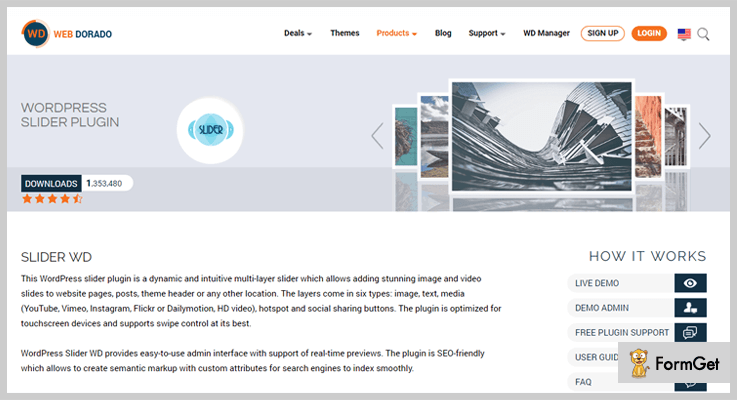
Ratings- 4/5
Pricing of Slider by WD – WordPress Slider Plugin
This slider plugin has got three different pricing plans which differ on the basis of domain license. Moreover, the price plans are one-timely and support is covered in each of the plan.
| Price Plan | $20 | $30 | $40 |
|---|---|---|---|
| Slider by WD | 1 Domain Support | 3 Domain Support | Unlimited Domain Support |
Features of Slider by WD – WordPress Slider Plugin
- You can add an unlimited number of slides along with multiple layers with this slider plugin.
- Sliders are SEO friendly.
- Completely responsive.
- Easy to download and use with real-time previews.
8. Kick-Ass Slider Plugin – Best in Free WordPress Sliders Plugins
Here’s some free stuff! Now here’s this free image slider which is really effective. Relatively it has lesser features but it will work perfectly for blogs or for any individual user. Its beauty is lying in its simplicity. There’s nothing much to it. Nothing to exaggerate. A simple slider with animations, embedded videos, bright colors and beautiful enough to win hearts.
If you have just started with slider plugin then I would recommend you this. The plugin is MIT licensed and with CSS3 transitions.

Ratings – 3/5
Pricing of Kick-Ass Slider Plugin – Free WordPress Slider
This plugin is free and won’t cost you a single dollar. Kick-ass is good if you are looking for slider WordPress plugin free.
Features of Kick-Ass Slider Plugin – Free WordPress Slider
- Drag and drop panel for easy slider creation.
- 3+ layers to create a slider.
- Animation effects and also video embedding feature.
- Customization enabled
The Takeaway
This was from our side on the best 7+ slider WordPress plugins (Free and Paid). We hope that you must have found a perfect fit for your website. Although we have carefully picked those sliders, you must check whether a slider’s features are aligning with your expectations.
Moreover, if you have any great slider in your mind then please let us know. We would love to take this list even further.
Apart from slider WordPress plugins, we have a few more amazing blogs to offer:
7+ Best Backup WordPress Plugins 2022 (Free & Paid)

Backup WordPress Plugins are the most important and must have plugins that you should have for your WordPress site in order to protect the data and files.
There are several Free as well as Paid backup WordPress plugins which are very easy to use along with that they are trustable and gives you 100% security.
Hence, this blog post holds 7+ best WordPress Plugins for Backup.
Let’s put a light on the list of best backup WordPress Plugins-
1. Super Backup & Clone – WordPress
It is the no. 1 selling backup solution on Envato market. It is an amazing tool for multisite into a single site and vice versa migration plus it also helps you to migrate a part of a WordPress Multisite install to a single site install. Furthermore, it has an awesome feature to import any of your backup to a new install.
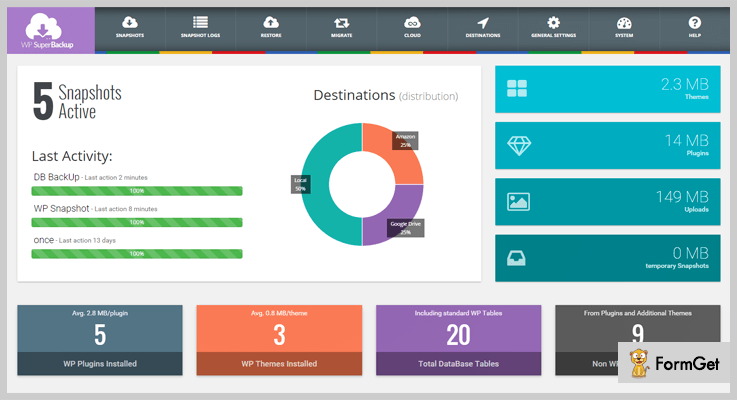
Benefits:
- Cloud connection between WordPress website.
- Facility of scheduled and customizable backups.
- Supports cloud storage like Dropbox, Amazon S3, Google Drive, oneDrive etc.
- The functionality of email notifications regarding your backup.
- Highly descriptive and smooth dashboard.
Pricing:
Ether backup’s regular pricing is of $34 includes future updates and quality check. Moreover, for the extended support you have to pay additional $11.25.
2. UpdraftPlus WordPress Backup Plugin
UpdraftPlus holds the highest rank among the popular backup WordPress plugins. Indeed you can easily backup and restore your data and files in a click away. As a matter of fact, using this plugin is a quicker, simpler and safer way as this backup plugin provides the facility to schedule your backups, consequently you’ll save more time and enjoy hassle free work.
Benefits :
- Easily manage multiple website backups.
- Encryption of database for security purpose.
- Import and restore backups made from other backup plugins.
- Multiple remote storage options such as Cloud storage, google drive and Dropbox etc.
- Provides complete backup log reports.
Pricing:
It is available as FREE WordPress backup plugin, but for more additional and advanced features you’ll need its premium version. The price of its paid versions starting from $70.
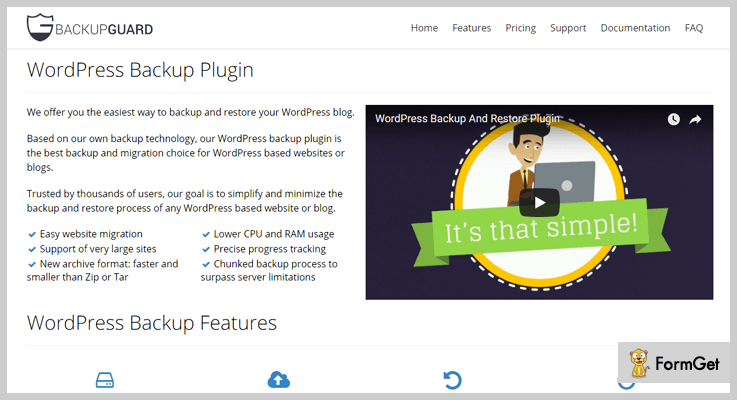
3. BACKUPGUARD – Backup plugin
BACKUPGUARD is yet another backup WordPress plugin which makes easiest way to backup, restore and migrate database or files of a WordPress website. This WordPress plugin not only reduces CPU and RAM usage but also chunked up backup processes to excel server limitations and provides precise progress reports.
Benefits :
- Perform full custom backups.
- Facility to upload your data on any of your cloud storage.
- Mail notifications when your backup is success or failure.
- Easily download your existing backups.
- Background Mode: If this mode is active then the backup process will consume less CPU power.
Pricing:
Its price divided into four categories.
- FREE plan – Lifetime license for unlimited websites, backup download and restore, website backup and restore.
- Silver plan – $19.95
It includes free plan features + scheduled backups, website migration, mail notifications, backup to (Dropbox, FTP, SFTP), upload and download backup from PC etc.
- Gold plan – $35.95
It includes Silver plan features + backup retention, customize the backup name, backup & restores from all supported clouds and many more.
- Platinum plan – $79.95
It includes Gold plan features + Scheduled backups (multiple profiles), customer emergency support etc.
4. BackUpWordPress – Human Made
BackUpWordPress is another popular backup WordPress plugin which is able to send your backups to cloud service. Moreover, thousands of websites using this WordPress backup plugin worldwide. Explicitly this plugin requires WordPress 3.9 or newer and requires PHP 5.3+.
Benefits :
- No Complicated setup is required.
- Supports multi-languages like – Spanish, German, Chinese, French etc.
- Easily manage multiple backup schedules.
- Works on Linux as well as Windows.
- Provides good technical support.
Pricing:
This plugin is free to download on official WordPress site, but in case you want more features then you’ll have to move on its premium versions.
It has 3 plans available –
Single Site – $29
Multiple Site – $79
Developer – $129
5. BlogVault – WordPress Backup plugin
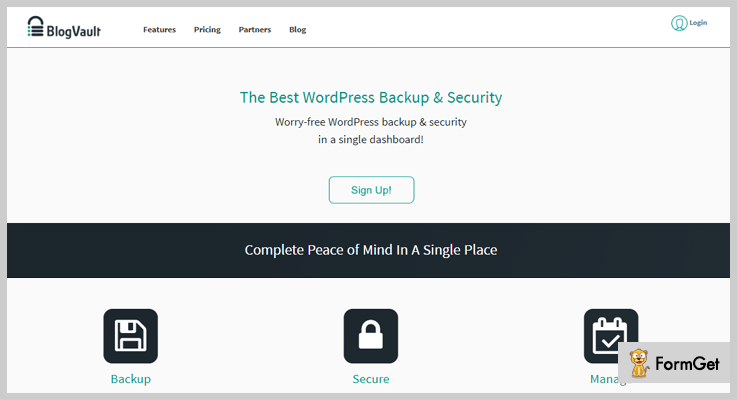
BlogVault is a complete backup and restore plugin. It provides a stress-free WordPress backup and security in a single place. It also facilitates backup restoration, migration, and complete website management. This plugin provides real-time validation for WooCommerce website.
Benefits :
- Malware scanning and removing functionality.
- It provides Incremental backup.
- Facilitates with encrypted and secured backups.
- Automatically updates changes to live website.
- This plugin offers daily real-time scan and removes malware.
Pricing:
Its pricing plans come up with four categories
- Personal:- Starts from $89/year for 1 site.
- Business:- Starts from $199/year for 5 sites.
- Developer:- Price starts from $49/month up to 20 sites.
- Agency:- Starting from $99/month up to 100 sites.
6. Ether Backup WordPress Plugin
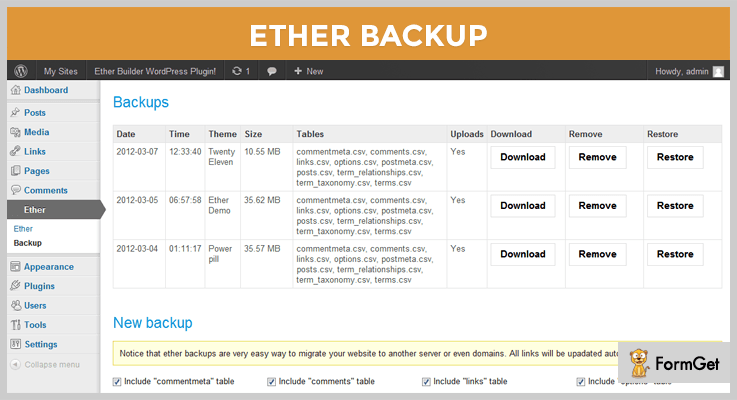
It is one of the powerful WordPress plugin which manages your entire website. Users can easily upload and download backup in a matter of few minutes. Ether comes up with a user-friendly interface and also works smoothly in all types of servers.
Benefits :
- Auto-scheduling of backups.
- Flexibility to customize backups.
- Easily migrates a website to different servers.
- Automatically updates URL.
- Downloadable backups.
Pricing:
Ether backup’s regular pricing is of $23. But for the extended support, you’ll need to pay $7.13 extra.
7. WordPress Backup & Clone Master
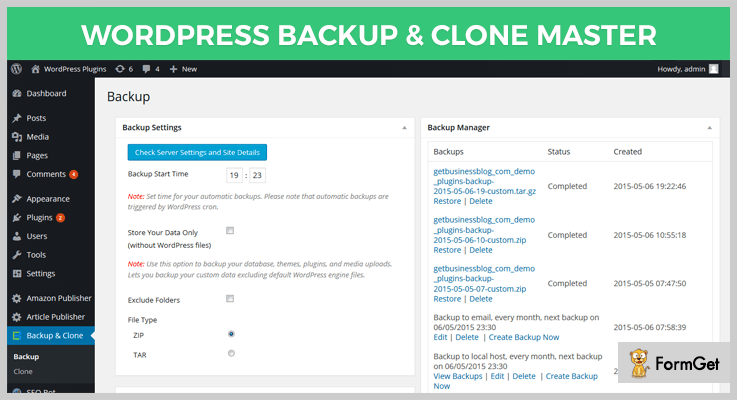
It is an all-in-one solution for backups in WordPress which helps you to manage the processes such as retention, cloning, migration effectively and in quicker and safer way. With WordPress Backup & Clone Master you don’t have to worry about unexpected data loss, you can easily and safely restore it in just a click.
Benefits:
- Provides scheduling property which lets you 100% control on backups.
- Restore your backups to your PC and FTP server.
- You can easily migrate your website to another hosting.
- Auto uploads backups to your Dropbox.
- Easily connect with WordPress network (multisite).
Pricing:
It cost you $36 includes future updates. But for extended support, you have to pay additional $12.
8. Backup WD – Backup and Restore Plugin
This Backup WordPress plugin ensures you that your website is backed up and completely secured when a certain cyber catastrophe occurs. Backup WD is not only easy to use WordPress plugin but also stores all your data onto a cloud storage of your choice like GDrive, Amazon S3, Dropbox etc.

Benefits:
- An unlimited number of backups.
- Archive your site files in 4 different formats such as Zip, Tar etc.
- Flexibility to exclude specific files from backup.
- Complete view of backup logs.
- It automatically sends your files to Google Drive, FTP and more.
Pricing:
It a FREE WordPress backup plugin, you can get this from the official WordPress website.
Conclusion
The above-listed Backup WordPress Plugins comes up with almost similar functionality. So, if you are looking for the optimal solution for back up your website’s data then you can opt out one of these WordPress backup plugins.
That’s all, Hope you have found this article helpful in picking up the best WordPress plugin for backup. Still, if you have any queries do inform in the comment section below.
You may also like –
- Booking WordPress Plugins
- Gallery WordPress Plugins
- SEO WordPress Plugins
- Membership WordPress Plugins
8+ Best Membership WordPress Plugins 2022 (Free and Paid)

If you are looking for best membership WordPress plugins available online then you have landed at the right place.
In this blog, we have got a refined list which holds top class membership WordPress plugins of 2022.
All the plugins included in this list are paid as well as free which will help you to convert a simple WordPress site into an advanced membership web portal.
Using which you can generate new leads, collect payments, manage customer details and perform other complicated tasks.
What’s the wait let’s start looking at some of the Top Membership Plugins for WordPress
1. InkMember WordPress Membership plugin
InkMember is a membership WordPress plugin which helps you sell membership on your site for videos, audios, blogs, posts, pages, etc. It allows payment collection through PayPal, plus all the recurring membership payments occurring yearly, monthly, weekly or daily can be collected from members with ease.

Pricing Plans –
- InkMember membership plugin for WordPress is available at a cost of $97 and provides you lifelong access to the plugin. It has got a variety of advanced features & facilities on it.
Features
- Helps you collect one-time and recurring both types of subscription
- Protects website content form non-member access
- Easy integration with PayPal for payment collection
- Simplified dashboard to monitor different membership details
- Track customer records like payment details and other information
More Details On Membership WordPress Plugin
2. ARMember – WordPress Membership Plugin
ARMember helps you convert any normal WordPress site into an advanced membership website through which you can sell products & services online. With this plugin, you can manage member details, collect payments, protect website content and more.
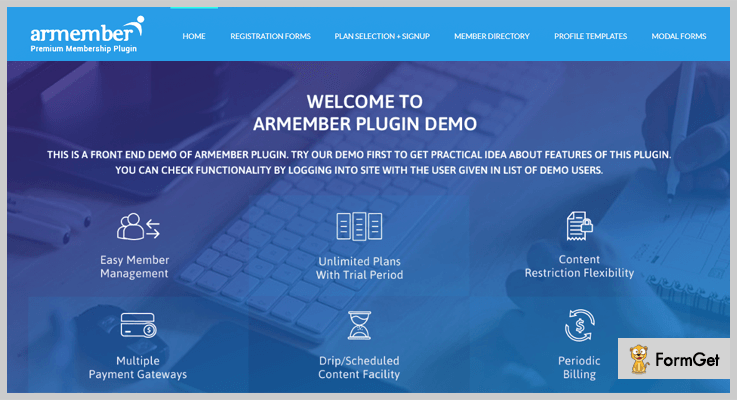
Pricing Plans –
- Regular plan:- Provides 6 months support, quality check and more at a price of $39
Features
- Supports multiple payment gateways like Stripe, PayPal, Authorize.net, etc
- Drip content facility also available
- Allows login via social media sites
- Create & manage unlimited trials and plans
- Coupon management is also allowed
- Provides API for easy integration
More Details On Membership WordPress Plugin
Interested in exploring more plugins, here are a few blogs which can help you:-
- Marketplace WordPress Plugins
- SEO WordPress Plugins
- Backup WordPress Plugins
- Job Board WordPress Plugins
3. WP Membership
If you are looking for a WordPress membership plugin which can help you sell digital products online through your website. In that case, WP Membership is the best option for your business. This membership plugins for WordPress comes filled with a variety of features that allow you to collect payments, lock pages or web content, create & manage multiple products and do more.

Pricing Plans –
- Offers a single plan which is priced $34. In order to get extended support of 12 months, you have to pay $11.25.
Features
- Recurring payments from members which may occur yearly, monthly, weekly or even daily can be collected
- Payment gateways like PayPal & Stripe for payment collection
- Provides 7 free predesigned price tables templates
- Allows easy integration with MailChimp for emailing
- Manage subscription upgrade, downgrade, cancellation
- Extremely simple and customizable dashboard
- Supports 11 different languages
More Details On Membership WordPress Plugin
4. Paid Memberships Pro
Paid Memberships Pro permits you to collect payments (one-time, recurring), customize reports, manage unlimited levels, create profile fields, protect content and more. It has got multiple add-ons using which you can add various email marketing platforms, restrict user access and other affiliated facilities.
Pricing Plans –
Paid Memberships Pro has designed three plans
- Free plan: – With this plan, you can download the plugin, get access to documentation and use 14 free add-ons.
- Plus plan:- This plan will cost you $297 for a year and gives you unlimited support, 64 plus add-ons, license key etc.
- Unlimited plan:- The cost of this plan is $597 yearly. It gives you developers chat and license key for unlimited sites and more.
Features
- Perform customizations by using 60 different add-ons
- Apply secured restrictions of site content like downloads, events, and product
- 6 payment gateways are included PayPal, 2Checkout, Stripe, Authorize.net, Braintree, etc
- Allows third-party integrations
- Configure offer & product discounts with ease
More Details On Membership WordPress Plugin
5. Ultimate Membership Pro WordPress Plugin
Ultimate Membership Pro is a top class WordPress plugin using which you can protect pages, products, categories, URLs, images, etc available on your site. You can create limitless free as well as paid plans with multi-level access for different memberships.
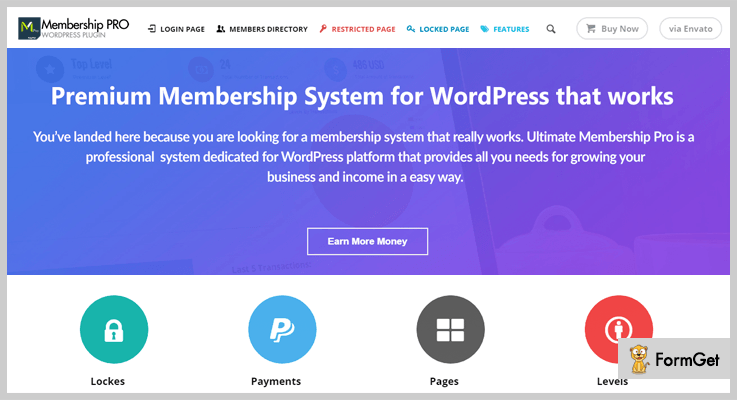
Pricing Plans –
- Regular Licence:- This will cost you around $39 and can be used in a single end product.
- Extended Licence:- Costs around $199 and can be used in single end product which collects payments
Features
- PayPal, Authorize.net, Stripe, 2CheckOut, Braintree, and bank transfer for payment collection
- Predesigned templates for login & registration
- Supports 9 different email marketing platforms
- Also, it provides drip content protection
- Predefined shortcodes for different purposes
- Easy-to-use dashboard
- Inbuilt visual composer
More Details On Membership WordPress Plugin
6. Ultimate Member
Ultimate Member provides you all the necessary tools through which you can encourage site users to join and become members with ease. You can use various third-party apps and free extension to facilitate your working.

Pricing Plans –
- Ultimate Member will cost you $23 for the membership plugin for WordPress which comes loaded with multiple features for proper membership handling.
- Pay $7.13 for an extended support of 12 months for this plugin
Features
- Fully customizable form fields
- Apply restrictions on content
- Simple drag & drop form builder
- Organized Membership directory
- Add Google reCAPTCHA in registration & login forms
More Details On Membership WordPress Plugin
7. WP-Members Membership Plugin
With WP-Members membership plugin you can restrict specific content on your WordPress site to registered members only. It’s a great plugin which supports a variety of applications and allows you to block individual pages and posts on the site.
Pricing Plans –
- This is an entirely free membership plugin which doesn’t charge a penny and provides you multiple features for membership management.
Features
- Advanced setting option to automatically create excerpts for posts
- Get notification everytime a new user makes registration
- It allows to create & customize registration fields
- Easily installable on WordPress sites
- API for simple integration process
- Sidebar widget for login
More Details On Membership WordPress Plugin
8. Membership 2
Membership 2 is one of the best membership plugins for WordPress which will transform your boring WordPress site into fully functional membership website. With this plugin, you can automate recurring payments collection, create different membership plans, restrict access to online content, videos, forums, etc.
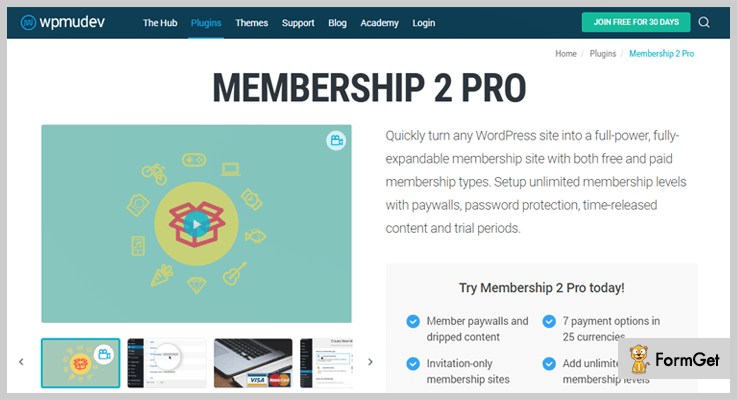
Pricing Plans –
- This is entirely free of cost plugin which allows free access to all the features & facilities.
Features
- Configure membership website with just a few clicks using this plugin
- Protect pages, posts, media files, download or video content on your site
- Collect online payments via PayPal, Stripe, Authorize.net, and allows manual payments
- Further, it supports 25 different currencies to encourage global transactions
- Gets frequent updates on the plugin
More Details On Membership WordPress Plugin
9. Simple Membership
Simple Membership is an awesome WordPress plugin for memberships which works well on different WordPress themes. It gives you the ability to protect image content and data in attachment pages. With this plugin, you can handle both free and paid memberships on the site. All the payments for paid memberships will be done via PayPal.
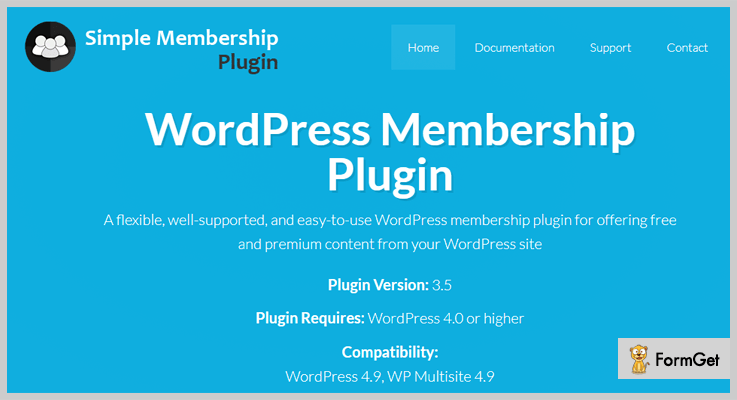
Pricing Plans –
- Simple Membership is a free membership WordPress plugin which comes filled with enormous amounts of features that can help you manage and deal with memberships details.
Features
- Login shortcode to attach member login widget in the sidebar of the website.
- Redirects non-members to login to encourage user for subscriptions.
- All payments are accepted through the secured PayPal gateway.
- Collect both one-time as well as recurring payments for memberships.
- User-friendly dashboard to view all records of members in the plugin.
- Provides Google reCAPTCHA at registration form & password reset form.
- Allows you to protect content in posts & pages.
More Details On Membership WordPress Plugin
Conclusion
Membership Plugins are a great help when it comes to payment collection, securing data or site content, managing users and more.
We hope that this article must have helped you find a simple and flexible membership WordPress plugin for your website.
Have suggestions of your own? Share in the comments section below!
We have got a blog which has good themes explained below:-
10+ Best Booking WordPress Plugins 2022 (Free And Paid)

Booking WordPress Plugins are extremely powerful and effective digital appointment booking solution for your business
If you want to allow your clients to book an appointment or check availability directly from your WordPress site.
Then, it is necessary to use a booking WordPress plugins on your website whether you have a hotel, medical clinic or hair salon business.
In this article, we will discuss some of the best booking WordPress plugins that will help too –
Easily collect online appointments or booking for your online business
Let’s take a look at some of the best Booking WordPress Plugins –
1. Ink Appointment – WordPress Booking Plugin
The Ink Appointment is a comprehensive online appointment booking system. This plugin provides an easy interface to your customers to book appointments directly from the website. Its flexible functionality suits for every business niche.
It is very easy to embed appointment booking scheduler on your WordPress site. All you have to do is to create the service slots with desired timings and dates. Then a form will generate that contains booking scheduler too.
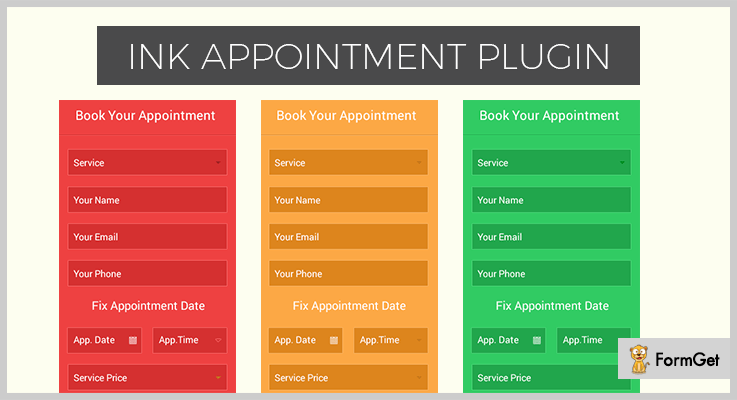
Features:
- Ink Appointment supports PayPal payment service which will make easy for you to collect online payments for your offered services.
- Multiple currency option is available in this WordPress plugin.
- Automatic reminder emails for appointment will be sent to the clients and admin.
- Track records of customer’s booking details.
- Spam-FREE and compatible with any WordPress theme.
Pricing :
You can get this WordPress plugin at just $97 in that you’ll have the UNLIMITED license, lifetime support, instant product access, plugin documentation etc.
2. Booking Calendar – WordPress Online Booking Plugin
This WordPress booking calendar plugin will help your website visitors to check availability or make the reservation for a specific time-period.
You can configure different settings according to your business workflows and customize the form and calendar for the best fit to your site design.
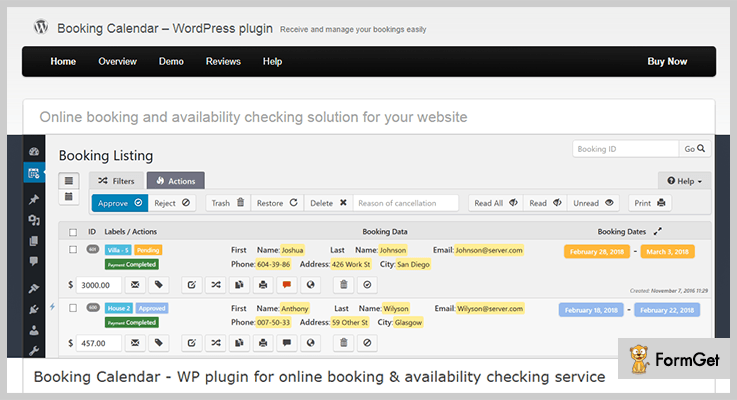
Features:
- Multi-user functionality
- Supports multiple languages
- The responsive front-end design
- Customizable form & calendar
- Email notifications
Pricing:
It has various plans according to the included features. Its lowest plan cost you $59.25 and its high plan costs $674.25.
For more plans kindly visit their site by hitting the button below.
3. HubSpot Meetings – HubSpot Free WordPress plugin
With HubSpot Meetings, you can set your availability and get a shareable link that syncs with your Google or Outlook calendar and lets leads pick a time that works for everyone. This way, you avoid all the back-and-forth emails that are usually required to book a meeting.
HubSpot Meetings is available in HubSpot’s all-in-one CRM, Sales, Marketing, and Customer Service platform with 300+ product integrations. HubSpot’s free WordPress plugin brings powerful, easy-to-use contact management, appointment scheduling, email marketing, ads management, live chat & bots, forms, analytics and much more to WordPress.
Features:
- HubSpot Meetings syncs to Google or Office 365 calendar, so prospects can always see your most up-to-date availability.
- You can send group meeting links to allow prospects to schedule time with more than one person in your organization.
- You can embed meeting links on your site to allow visitors to book time with your team.
- As prospects schedule meetings, HubSpot automatically creates records for new people in the CRM.
Pricing:
You can get this WordPress plugin for free ($0) as part of HubSpot’s 100% free forever CRM.
4. Sagenda – Booking Calendar For WordPress
Sagenda is online scheduling software that helps your clients fix appointments and meetings with you online. It can be used for free with unlimited numbers of customers and reservations!
The best is that Sagenda doesn’t display ads, even on the free plan.
Features:
- WordPress integration via plugin and shortcode.
- Online payment via PayPal payment gateway (Following cards are accepted: Visa, MasterCard, American Express, Discover, JCB, Diner’s Club, EnRoute…).
- Email notifications and reminders.
- SMS notifications and reminders.
- Excel export or your schedule.
- Color customization.
- Free support.
Pricing:
You can really use this WordPress plugin for free. You only pay for the additional module such as sending SMS notifications & reminders or if you want your customers to pay online for your bookings.
5. Hotel Booking Plugin by MotoPress
With this WordPress booking plugin, you can effortlessly manage your online rental business right from one dashboard. Unlimited number of accommodations, user-friendly, intuitive interface, and easily managed reservation settings make Hotel Booking plugin a universal tool for all managers of hotels, hostels, B&B, resorts, etc.

Features:
- Flexible booking rules
- Real-time search availability form
- Custom rates and variable pricing
- Extra services
- Booking multiple accommodations
- iCal synchronization with external OTAs
- Online and offline payments (PayPal, 2Checkout, Braintree, Stripe,
- Beanstream/Bambora)
- Different booking confirmation modes
- Email notifications
- Taxes & fees
- Discounts
- and many more other useful features to lead a full-fledged hotel managing activity.
Pricing:
To get Hotel Booking plugin with a single license, you have to pay $79; unlimited license costs $199.
6. Wp Dev Art – WordPress Booking Calendar Plugin
Wp Dev Art is one of the powerful and handy WordPress booking plugin with payment. This plugin is very easy to use and install and compatible with all WordPress versions.
It offers to create unlimited booking calendars and forms of different varieties and they are customizable too.

Features:
- Effective payment system
- Discount options
- Editable reservations
- Fully responsive designs
- Supports various popular WordPress themes.
Pricing:
It has 3 pricing plans –
- $80 – For personal license
- $150 – For business license
- $200 – For developer license
7. Team Booking – WordPress booking system
This WordPress booking plugin is fully synchronized with Google calendar and use it for scheduling availability and it is gracefully mobile-friendly.
You can easily export your reservation database and you can download it as *.CSV and *.XLSX files.

Features:
- Provides an API for the custom application.
- Supports payment methods such as PayPal and Stripe.
- It provides the facility to build your own reservation forms.
- Customizable email notifications.
- It offers the flexibility of timezone conversions.
Pricing:
To get this plugin you have to pay $24 and for extended support to 12 months, an additional amount of $7.50 is charged.
8. Bookly – Appointment Booking System
It is considered as one of the best online bookings and scheduling WordPress plugin. It has a mobile-friendly admin panel so that you can easily manage your appointments on the go.
With Bookly you can create customized booking forms with online payments support, google calendar sync etc.
Features:
- Multi-lingual: Easily translate your setup to any language.
- Offers email and SMS notifications to make you and your clients up to date.
- It can be easily integrated with various payment gateways.
- Google calendar and WooCommerce integration
- High-resolution display facility.
Pricing:
It will cost you $89, but for the extended support, so you have to pay an additional $31.88.
9. Salon Booking System- WordPress Chef/Plugins
This salon booking WordPress plugins is an ideal for the salons who want to let their customers to online book an appointment for the salon services.
It is an easy to manage appointment booking solution, recommended for Spa, car shops, therapists etc.

Features:
- Inbuilt back-end booking calendar which provides a quick overview of upcoming reservations.
- Facility of email and SMS notifications
- Different payment modes
- Google calendar synchronization
- Complete reports of activities
Pricing:
It is FREE WordPress Booking Plugin. You can clone it from the official WordPress site.
10. BirchPress Scheduler – WordPress Booking Plugin
It is an effective and popular tool to manage and schedule appointments. This booking form can be easily embedded on your website and allow your visitors to check availability or to make online appointments.
It is suitable for spas, yoga studios, contractors and photographers to take online appointment bookings.
Features:
- You can easily track appointment payment history.
- Multiple languages and currency support.
- Calendar sync: Google, iCal, Android, and outlook.
- Customizable email notifications when an appointment is booked, canceled and email reminders for upcoming appointments.
- An inbuilt form editor for customizable booking forms.
Pricing :
It is an open source and FREE WordPress booking plugin. You can download it from the official WordPress site.
11. WP Hotel Booking – THIMPRESS
It’s a complete and all in one WordPress hotel booking plugin which consists of almost everything from Room Management, Bookings Management, Customer Management, Coupon Management, Pricing Plans Management, Extra Packages Management, Date Management etc.
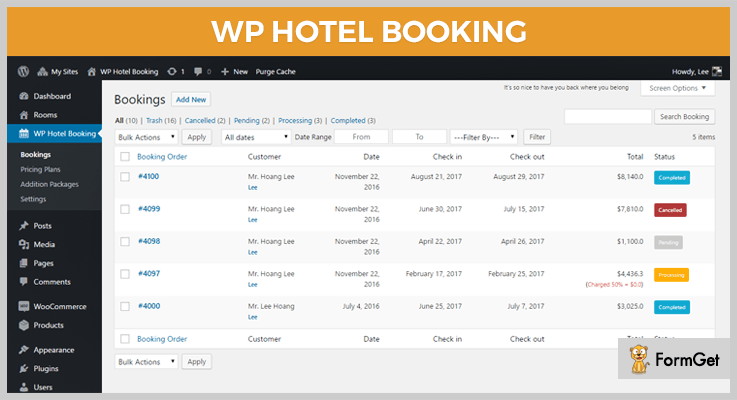
Features:
- Supports 4 payment gateways (Stripe, Paypal etc)
- Multi-currencies
- Supports Multi languages.
- Compatible with many WordPress hotel themes.
Pricing:
Hotel Booking is a FREE WordPress Booking Plugin. You can download it from the official WordPress site.
Conclusion
Here is our take on the best Booking WordPress Plugins. As all these plugins are both free and paid booking WordPress system so that you can go for one of these.
But I recommend to go with Ink Appointment as this is wonderful and versatile plugin among all.
Hence I hope you’ve found the best-fit booking plugin for your business.
For more related blogs, kindly refer these links –
- jQuery Accordion Plugins
- Recipe WordPress Plugins
- Page Builder WordPress Plugins
- Top Bar WordPress Plugins
- Booking WordPress Themes
7+ Best Gallery WordPress Plugins 2022 (Free And Paid)

WordPress comes up with an inbuilt gallery feature which somehow lacks the functionality and doesn’t look as exquisite as most users want. So, you can use gallery WordPress plugins to create even more attractive image galleries that look great on all devices.
There are many Gallery WordPress Plugins which are proved more effective than the standard WordPress gallery.
Well, here the goal is to discover some of the best free and paid WordPress photo gallery plugin.
Few things that you should keep in mind while choosing a gallery plugin for your website or blog –
- Reviews & Ratings – Plugin should have a high number of 5-star ratings on different platforms.
- Features – It should have lots of advanced features.
- Speed – The speed of the gallery plugin must be fast means how fast your gallery loads will impact your user experience.
- Ease Of Use – Gallery plugin should be easy to use so that it will be convenient for a non-techie.
So in this post, we’re going to talk about some Free/Paid image gallery WordPress plugins that give an amazing professional look and cover a wide range of features.
Let’s take a look at some gallery WordPress plugins:
#1. User Gallery WordPress Plugin
User gallery is very sophisticated WordPress plugin that allows users to organize their image into the gallery and gives 100% control over their content and images.
This image gallery plugin is easy to setup and install. It is available in two languages English and Czech.
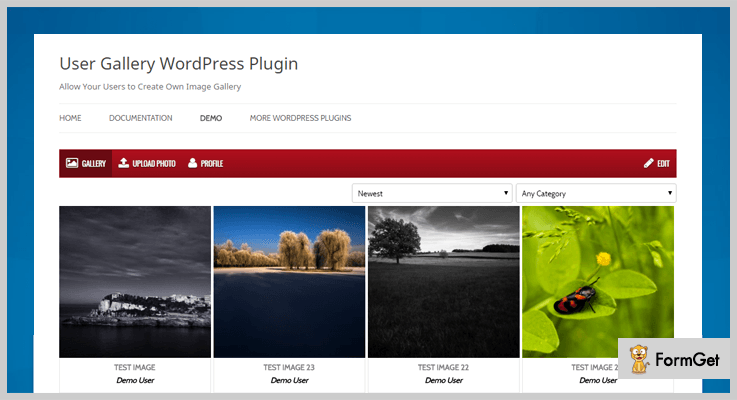
Features:
- Integration with WordPress comments
- Works on all mobile devices on any size screen
- Powerful admin panel
- Useful widgets
- Multilingual & lots more.
Pricing :
It has a pricing of $25 but if you want to extend its license, you have to pay extra $9.38.
#2. Fancy Gallery – WordPress Gallery plugin
Fancy Gallery plugin is very user-friendly and comes up with an admin panel of AJAX that allows creating galleries easily and quickly. This plugin provides you the ability to display a gallery in a post, page or even in a widget area.

Features:
- Create unlimited galleries + unlimited albums
- Options for customizing your galleries
- Multiple image upload options
- Auto-Thumbnail – No need to create thumbnails by yourself
- Thousands of layout and hover effect variations
Pricing :
It has a pricing of $25 but if you want to extend its license, you have to pay $125.
#3. Photo Gallery By 10Web
A photo gallery is a user-friendly plugin with plenty of features which helps to add responsive galleries and albums to your website or blog.
It provides multiple view options to arrange your galleries and albums in beautiful ways, including slideshow, thumbnails. You can create an unlimited number of galleries and combine them into albums.

Features:
- Powerful lightbox
- Unlimited photos, galleries, albums
- Multiple widgets
- Enhanced SEO
- Better page navigation
Pricing:
Special OFFER available at $99 – Photo Gallery Premium
#4. Isotope Gallery – WordPress Plugin
Isotope Gallery is a responsive WordPress photo gallery plugin, it is the best fit for creative business and portfolio websites. It helps you to create beautifully animated and interactive galleries with a modern look and smooth texture.

Features:
- Easy to use Drag and Drop builder helps to create galleries quickly.
- Allows to create unlimited galleries.
- Fully customizable galleries.
- CSS3 animations.
Pricing :
It has a cost of $15 but if you want to extend its license, you have to pay $85.
#5. NextGEN Gallery – Gallery WordPress Plugin
NextGEN Gallery is the most powerful and standard WordPress photo gallery plugin. It has millions of downloads per year and works with a vast variety of Free and Premium themes.
The NextGEN plugin provides features like –
Gallery style (slideshows and thumbnail) & two album styles (compact and extended), all of which come with a full control over it.

Features:
- Pro LightBox
- Twitter Card
- Image Protection
- Hover Captions
- Image Commenting
Active Installations – 1+ million
Pricing:
This plugin is free of cost.
#6. Envira – Photo Gallery for WordPress
Envira gallery is a drag & drop photo gallery plugin which is very easy to use, you don’t need to hire a developer for making an image gallery for your website.
It is the fastest and the most SEO friendly WordPress photo gallery plugin. It also allows developers to make customizations and extend functionality when necessary with the help of its API and documentation.

Features:
- Drag & Drop Builder
- Gallery Templates
- Albums & Tags
- Slideshow & Fullscreen
- Social Media Integration
Active Installations – 100,000+
Pricing:
This plugin is free of cost.
#7. LightGallery – WP Gallery Plugin
It is an easy to use and very popular WordPress plugin. It comes up with a numerous number of features, which allow you to easily customize the look and feel of the gallery.
LightGallery uses CSS3 transitions for faster animation performance.

Features:
- Mouse drag supports for desktops
- Dynamic mode
- Smart image preloading and code optimization
- Font icon support
- Multiple galleries on one page
Active Installations – 500+
Pricing:
This plugin is free to download.
#8. WordPress Photo Gallery Plugin by Supsystic
This photo gallery plugin helps you to display images, videos, and content for maximum effect and gives a professional look to your blog or website. It also makes image management so easy, by allowing mass uploading and publishing.
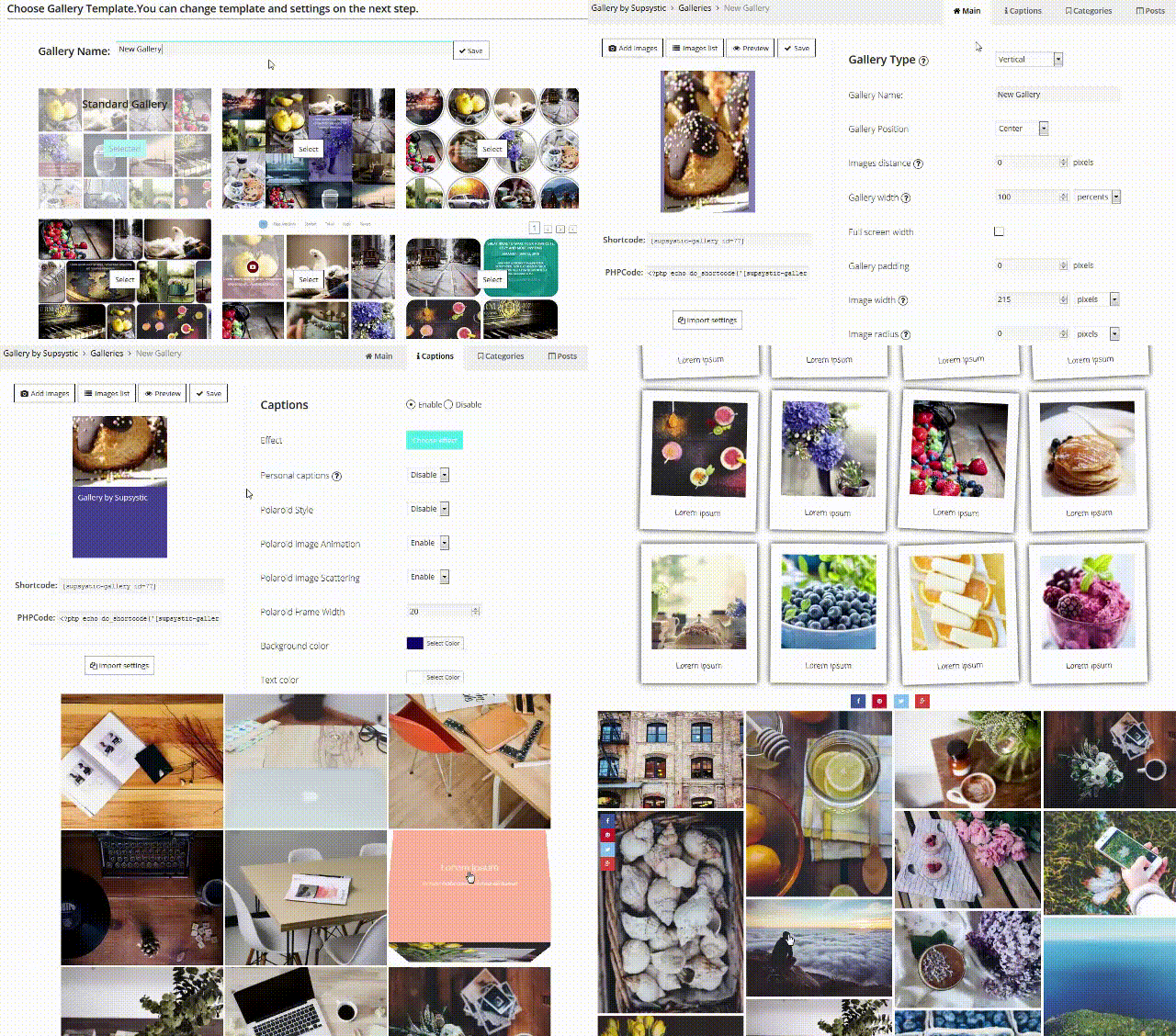
Features:
- Watermark option
- Full-width gallery
- Excellent feature caption builder to make captions for images
- Add links, icons and HTML captions
- Compatible with any WordPress theme
Active Installations – 60,000+
Pricing:
This plugin is free to download.
Conclusion
Finally, the above listed are the best free and paid Gallery WordPress Plugins with high quality and premium versions. Hence you can easily install them and test that how easy to use they are within your WordPress site.
Moreover, these gallery WordPress plugins will give your website a new attractive and professional look. You can select one from these plugins and you are ready to create beautiful galleries.
Want to explore more articles:
If you need any help, let us know. We will get back to you soon.
7+ Best SEO WordPress Plugins 2022 (Free And Paid)

“SEO WordPress Plugins have become a necessity for WordPress sites these days.”
Why?
They are extremely useful if you want to improve the visibility of your website, optimize the content, rank higher on Google and attack the attention of visitor on your site.
So, here on this blog, you will find some of the best SEO WordPress plugins which will help your website to achieve and automate the above goals with ease.
Try out the plugins defined below for WordPress SEO optimization.
1. All In One SEO Pack
All in One SEO Pack is specially developed for SEO optimization of WordPress sites. This is an extremely user-friendly plugin which automates various time-consuming processes. With this plugin you can auto-generate meta tags, automatically optimizes titles for Google, notify search engines about changes on the website.

Pricing
- Individual Plan:- This plan will cost you $136 annually and give you single site access to this plugin.
- Business Plan:- This plan comes with a price tag of $236 annually and you will get up to ten sites access.
- Agency Plan:- With this plan you get unlimited site access to this plugin at a cost of $1118.
Features
- Advanced API for developers for easy integration.
- Attachment pages are redirected to the main posts.
- Supports Google Analytics for advanced tracking.
- Multilingual supports 57 different languages.
- Supports sites which include WooCommerce.
- Google AMP is also available to accelerate mobile pages.
- Get 100% compatibility with PHP 7.
More Info On Seo WordPress Plugin
2. Premium SEO Pack – WordPress Plugin
Premium SEO Pack is one of the best SEO WordPress plugins which contains a variety of features which will help you optimize the speed and other SEO factors of your website. You can add multiple focus keywords, do SERP tracking, monitor with Google Analytics and more through this plugin.

Pricing
- The regular license will cost you $45 for all the advanced features and services.
- $405 will be charged for the extended license of this plugin.
Features
- Set custom page titles, description, keywords for pages, posts, categories, etc
- Allows you to insert customized code in the header and footer section
- Save time by optimizing all your pages and posts at once
- Automatically removes common words from the slug section
- Adds proper alt text and titles attributes to all the updated images
More Info On Seo WordPress Plugin
3. Yoast WordPress SEO Plugin
The Yoast SEO plugin is a free SEO WordPress plugin which makes the process of SEO optimization an easy. With this plugin, you can simply attract more visitors through Google or Bing, from social media sites, and increase engagements, as all the content errors, are highlighted by Yoast SEO plugin.

Pricing
- The single site plan of this plan will charge $89.
- 2 sites plan will cost you $169.
- 3 sites licenses of this plugin will charge you $253.
- The ten sites plan of this plugin will cost you $756.
Features
- Check the readability score of your page content to enhance user interaction.
- You can define Focus keyword for each page, to attract more targeted audience.
- Page preview option for Google is also available.
- Add different keywords to optimize the page.
- Helps you avoid duplicate content.
More Info On Seo WordPress Plugin
4. SEO Framework
SEO Framework is a powerful WordPress SEO plugin which helps you boost the search presence of your website and makes it easily accessible. With this plugin, you can build a strong SEO value for the content of your site.
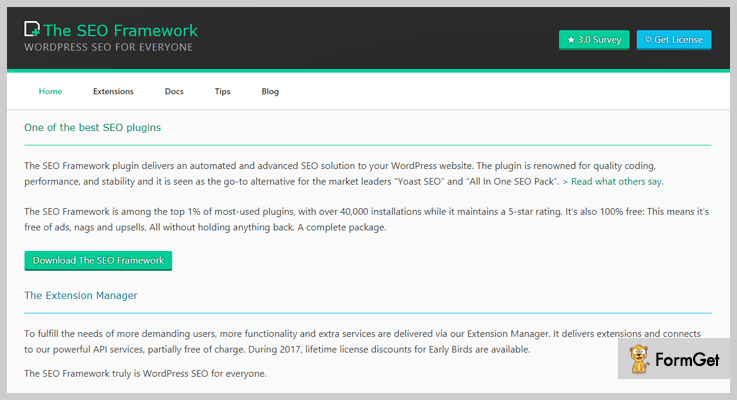
Pricing
- The single site plan is priced around $59 a year.
- $199 a year is the cost you have to pay for 5 sites license of this plugin.
- The 10 sites plan will cost you $299 for the access to this plugin.
Features
- Full-fledged API framework for experts
- Supports PHP 5.3 & higher versions
- Goal options will allow adjusting SEO
- All WordPress sites are supported by this plugin
- Custom post like WooCommerce & bbPress are supported
- Share your pages on Twitter, Facebook, and other social sites
- Helps you prevent canonical errors
- Automatically notify different search engines about updates
More Info On Seo WordPress Plugin
5. WP Meta SEO (JoomUnited)
With WP Meta SEO plugin you can fully automate various SEO settings of a WordPress website. It has got a variety of advanced tools for bulk text editing and image information. Using this free SEO WordPress plugin you can make changes in meta section of posts, pages, resize or add image info, and fix other SEO errors.
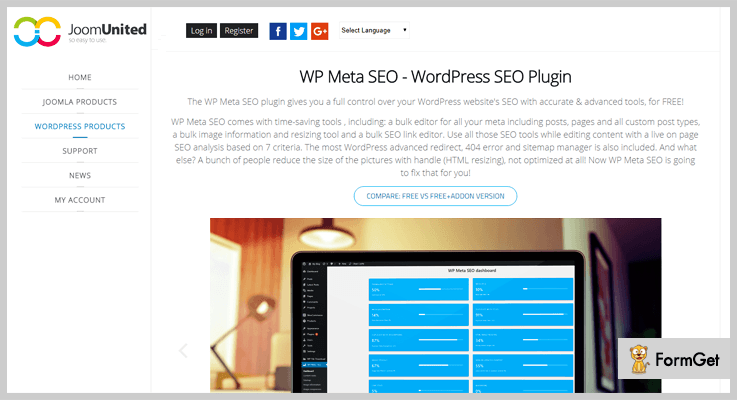
Pricing
- First plan will cost you $39 with all features, updates and 6-months support.
- The second plan of this plugin will cost you $49 with all the features and facilities.
Features
- Perform live SEO analysis to edit meta details in content
- Monitor all the SEO details from a user-friendly dashboard
- Check broken internal links and 404 redirects
- Allows you to fix image errors in bulk
- Track useful info by adding Google Analytics
- Share social media details specific to page content
More Info On Seo WordPress Plugin
6. SEO Cleaner
SEO Cleaner is a WordPress plugin which is specially designed to perform clean up for websites. With just a few clicks this plugin will automatically strip off WordPress clutter. It helps you rank better, get rid of duplicate content and more.
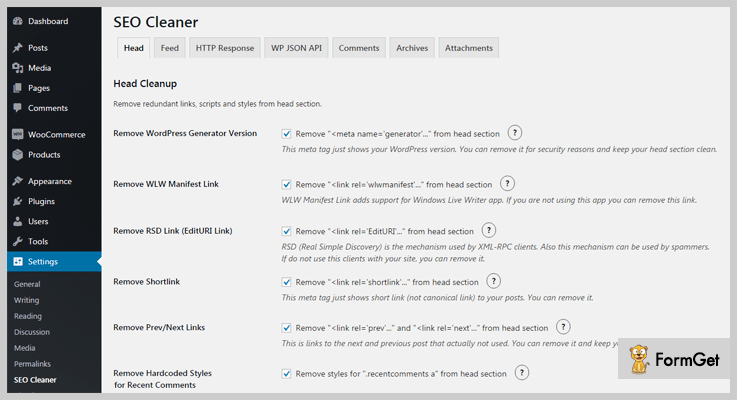
Pricing
- Regular plan of this plugin will be charged $20 to you for advanced features and services.
- The extended plan will cost $95 for full features and services of this plugin.
Features
- Removes redundant links & scripts
- Boost your website SEO for better ranking
- Helps to disables JSON API and RSS feeds
- Source code of the site gets cleaned
- Easy head section clean up
- Simplifies the process of redirection
More Info On Seo WordPress Plugin
7. SEO Pack WordPress Plugin Free
If you want to build a solid SEO foundation for your website then SEO Pack will be the best option. It will help you increase the SEO value of multiple pages on your website. This plugin permits you to customize every page from the post preview bar at the top or directly from the admin bar. You can set different patterns for each post type.
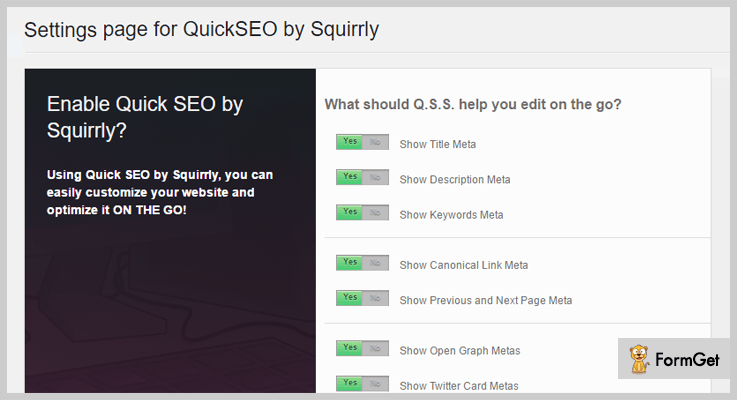
Pricing
- This is totally free WordPress plugin which has got more than 10,000 installations on live websites. You can access it free from wordpress.org site.
Features
- Allows you to work even on Woocommerce and e-commerce plugins as well
- Each post type comes with Noindex and Nofollow options in it
- With this plugin, you can work on posts, pages, custom post, archive pages, etc
- View all the customizations directly from the dashboard
- Define title, description, multiple keywords for pages, posts etc
More Info On Seo WordPress Plugin
8. Smart SEO
Smart SEO is a top class WordPress SEO optimization plugin with which you can automate different processes with ease. With the help of this plugin, you can easily improve the SEO score of the pages, posts, etc. Verify details related to content which will enhance the quality of the written text.
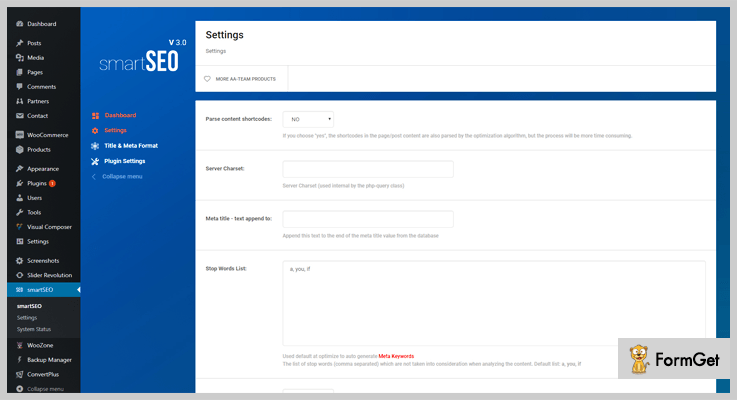
Pricing
- This is another free of cost WordPress plugin which can easily be downloaded from wordpress.org site with a single click.
Features
- Allows you to put multiple focus keywords
- Get SEO settings and other details imported from different plugins
- Define custom titles, description, keywords formats for pages & posts
- Setup custom SEO rules and settings for your website
- Allows you to track internal & external links on the pages
- Verifies focus keyword existence in the first paragraph
More Info On Seo WordPress Plugin
Final Conclusion –
I hope you must have found the Best SEO WordPress Plugin for your website as this is a list which holds both paid & free plugins which are perfectly capable of improving your sites SEO score.
To know more WordPress Plugins & Themes explore the blog below –
Recurly Alternatives [Top 5 Competitors] | Starts – $29/Month

Why find Recurly alternatives at all?
Think of a smartphone, iPhone just pops out. Think of a billing software, Recurly does. Is that true for everyone?
I beg to differ.
[Customer’s Rating On The Scale Of 10]
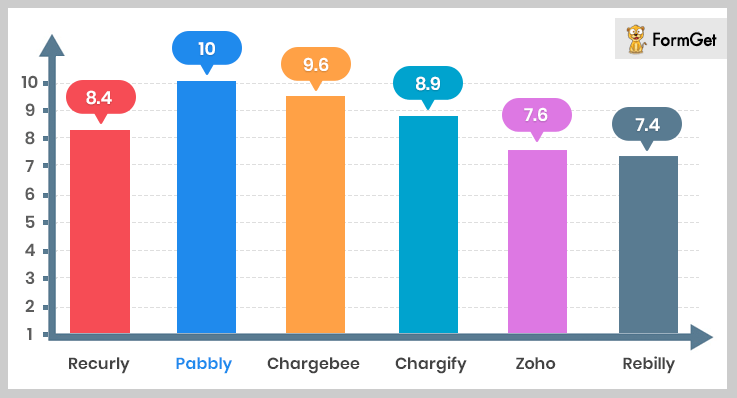
For a billing software, Recurly may have become a synonym but it fails a lot of times.
Every business has got different needs and surely Recurly cannot do justice to all.
A small-scale business won’t give out $200 a month just for billing. (Can’t deny Recurly is High Priced)
A large-scale business might take a step back with just three languages support. ( Recurly has got only English, German, and Japanese). And the list is long.
It’s a catch to find an ideal software for billing but it’s a breeze to serve you with the best Recurly alternatives.
You can trust us as we’ve gone a long way for you. Hours of research, sleepless nights with coffee to finally reach ‘ Best Recurly Alternatives’.
PS – Softwares dealing in the same niche are going to have a lot of similarities (Like a burger is always going to have a bun!) But we’ll be more focused on the uniqueness. (The stuffing part!)
Here are more blogs for your hunger to find the best alternatives.
1. Pabbly Subscriptions
Pabbly is one of the most robust contenders of Recurly.
With an exceptional pricing of $5/Month to manage subscriptions and billing, it has become the latest talk of the town.
Pabbly is an autopilot mode for complete subscription management. Be it plan management, scheduling payments, billings, API integration, dunning or sales analytics, it does it all.
Plus, there’s are extremely low price plans and no hidden costs at all like taxes, charges, etc.

Now How Pabbly Stands Ahead Of Recurly
a. Multiple Currencies (Go Global!)
While Recurly comes with 21 currencies options, Pabbly offers 25 currencies for transactions.
b. Pricing ( High Priced tag is not for business)
Recurly’s complex pricing = A headache.
Pay $299/month + 1.25% of the revenue and 10 cents on every transaction. ( Heights of complexities!)
But, Pabbly has got simpler and cheaper price plans which starts from $5 per month and ranges up to $99 per month with no hidden charges.
Our take on Pabbly Vs Recurly
| Software | Pabbly | Recurly |
|---|---|---|
| Pricing Plan | $99/ Month | $299/Month+1.25% of Revenue+10 Cents/Transaction |
| Unlimited Usage | Yes [Unlimited Customers, Products, Plans, Invoices Etc.] | No [Upgradations Required+Surcharges ] |
| Currencies Supported | 25 | 21 |
| Supported System | Web, Windows, Mac, Android [Comptible with every device] | Web Only |
| Ease of Usability | Yes | No |
| Clean and Easy Dashboard | Yes | No |
Highly Recommended- 10/10
Its a must-have software for subscription management and billings. Payments, plans, products, billings, invoices, analytics, dunning, Pabbly does it all.
Pricing is a surefire strategy to penetrate the market and yes, they have succeeded in it.
This is surely one of the best Recurly alternatives.
Here are some key features of Pabbly:
- Substitute Manual with Automation (Payments, Billings, and Analytics)
Pabbly automates all your recurring payments and subsequently generates invoices for the same. These invoices can be customized.
Automates→ Recurring Payments→Invoices →Billing→Analytical Reports
The analytical reports of Pabbly leave spellbound. It has got every feature that a report should have like MRR, net revenue, active subscription, and a lot more.
- Payments Made Easier Than Ever
You get numerous currencies support without any surcharge, multiple payments gateways, a lot of payments methods (wire-transfer, cash, advance payment options etc).
Easy Payments→Multiple Payment Gateways→23+ Currencies→Multiple Payments Options
With PCI compliance (for safer payments) your customers wouldn’t hesitate to put their trust in you.
And we cannot deny that payments fail at the time. For this Pabbly has dunning feature.
When payments fail due to debit/credit card issue, Pabbly leaves an automatic notification to the customers. It follows-up through dunning emails and retries for payments at the intervals scheduled by you.
- Add Unlimited (Customers, Products, Plans, and More)
Pabbly lets you add an unlimited number of customers, plans, products, and coupons without any surcharge. Create a coupon or promo code and apply it to any product or plan that you like.
Unlimited Usage→Unlimited Customers→Unlimited Products→Unlimited Plans→Unlimited Invoices→Unlimited Transactions
You are never asked to limit the number of customers, products or plans. (Unlike Recurly)
In fact, with API key you can seamlessly integrate with any web-page, software as per your convenience.
You can use it on any device be it an Android system, web system or Mac. (Where Recurly can only be used as a web-based software.)
2. Chargebee
Chargebee follows Pabbly Subscriptions when it’s about the best Recurly alternative.
There’s nothing of Recurly that Chargebee won’t do.
However, there are flaws in Chargebee as well. But it manages to stay ahead of Recurly.

How is it a Recurly Alternative
a. Taxation
It allows the taxation element in its billing which Recurly doesn’t.
b. Pricing
Chargebee beats Recurly when it comes to pricing. It’s ahead of it.
Chargebee has a pricing of $599/month + share in revenue. (It truly burns a hole in the pocket.)
c. Supported Devices
Recurly is a web-based software whereas Chargebee is supported on all the device
Our take on Chargebee Vs Recurly
| Software | Chargebee | Recurly |
|---|---|---|
| Pricing Plan | $599/Month | $299/Month+1.25% Revenue+10 C/Transaction |
| Tax Collection on Invoice | Yes | No |
| Supported Devices | Compatible with All | Web-based only |
| Multilingual Emails | Yes | No |
Average- 7/10
Chargebee is ahead of Recurly and gives you the best in class features. But with its high pricing, I am apprehensive to recommend it to you. (Because you can find a billing software and subscription management software at a much lesser price.)
Feature-wise, it’s good as a Recurly alternative to but when it comes to price then it’s a big no-no.
Here are some key features of Chargebee:
- Chargebee offers you to automate all your payments. Chargebee is also efficient in dunning management. It tries 3 times in case of failed payments and reaches out through emails.
- Invoices by Chargebee have tax inclusiveness and are multilingual. Also, these are custom invoices where you can add your brand logo, banner etc.
- Analytics part is an influential factor in Chargebee because you find a lot of elements, colors, and clarity in their auto-generated reports.
3. Chargify
Chargify is another prominent player of billing and invoicing segment.
But that doesn’t mean it is confined to merely auto-generated bills and invoices. There’s a lot more to it.

How is it a Recurly Alternative
a. Payments Gateways
It supports around 20+ payment gateways whereas Recurly offers 16 payment gateways which are lesser than Chargify.
b. Devices Compatibility
Chargify is compatible with all the devices whereas Recurly is a web-based software only.
c. Pricing
Chargify has got complex pricing but anyway better and cheaper than Recurly.
Chargify comes up with $149/ month+ share in revenue where Recurly has a price of $299/month+ share in revenue.
Our take on Chargify Vs Recurly
| Software | Chargify | Recurly |
|---|---|---|
| Payment Gateways | 20+ | 16 |
| Supported System | Web, Windows, Mac, Android [Comptible with every device] | Web Only |
| Pricing | $149/Month+Share in Revenue | $299/Month+1.25% of Revenue+10 Cent/Transaction |
Recommended- 8/10
You can choose it as a Recurly alternative. It’s simple and makes subscription billing an easy task. Well, there are flaws in Chargify but it’s better than Recurly.
Here are some key features of Chargify:
- Chargify is in collaboration with Avalara and together these two take care of all the taxation matters in the invoices, be it calculation, deductions or anything.
- It’s API seamlessly integrates with any web page or software.
- Further, it provides a self-service portal for customers. Here a customer can upgrade, downgrade a plan or add any product, plan to the existing ones.
4. Zoho Subscriptions
Zoho Subscriptions is one of the best and most trusted subscription management tools.
This isn’t just for subscription management but it also looks after complete customer lifecycle.
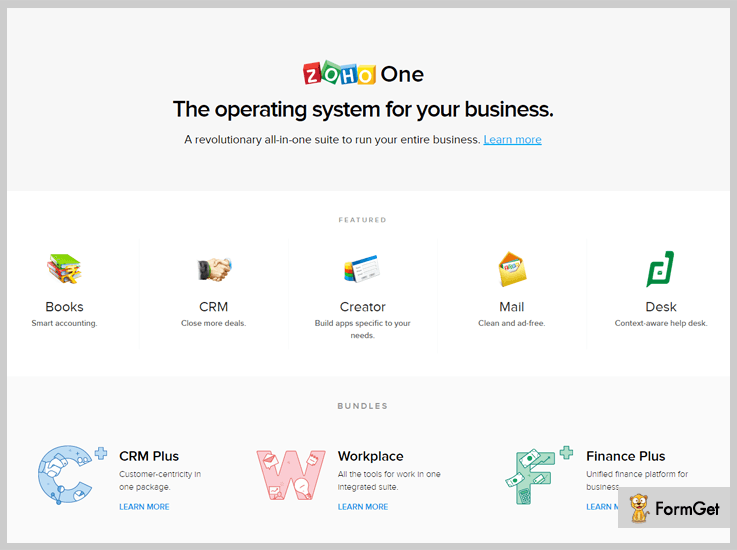
How is it a Recurly Alternative
a. Devices Supported
Zoho is well versed with Windows, Mac, and web-based servers. However, Recurly is web-based software only.
b. Pricing
The pricing of Zoho is 4x lesser than Recurly. It offers services at $69/month where Recurly comes at $299.
c. Multilingual
Zoho comes with multilingual self-hosted pages which is a missing feature in Recurly.
Our Take on Zoho Vs Recurly
| Software | Zoho | Recurly |
|---|---|---|
| Multilingual | Yes | No |
| Supported System | Web, Windows, Mac, Android [Comptible with every device] | Web Only |
| Pricing | $69/Month | $299/Month+1.25% of Revenue+10 Cent/Transaction |
Recommended- 8.5/10
I recommend this to small and medium-sized business. It’s pricing is affordable for all and features are adequate. At times Recurly wins over Zoho but Zoho still manages to be one of the best Recurly Alternatives.
Here are some key features of Zoho Subscriptions:
- It setups quickly within seconds and make billing a breeze.
- Dunning management is a great feature in Zoho. If a transaction fails due to the credit card or insufficient funds, users are notified. Then the trials for payments are made by the software with custom emails.
- Zoho provides multiple add-ons like Zoho Books, Zoho Invoice, for increased effectiveness.
5. Rebilly
Rebilly is one of the fastest growing companies of subscription and recurring billing.
It offers dozens of features to ease off the subscription task. One of it is dispute management where you can do proper documentation for chargebacks, cancellations etc.
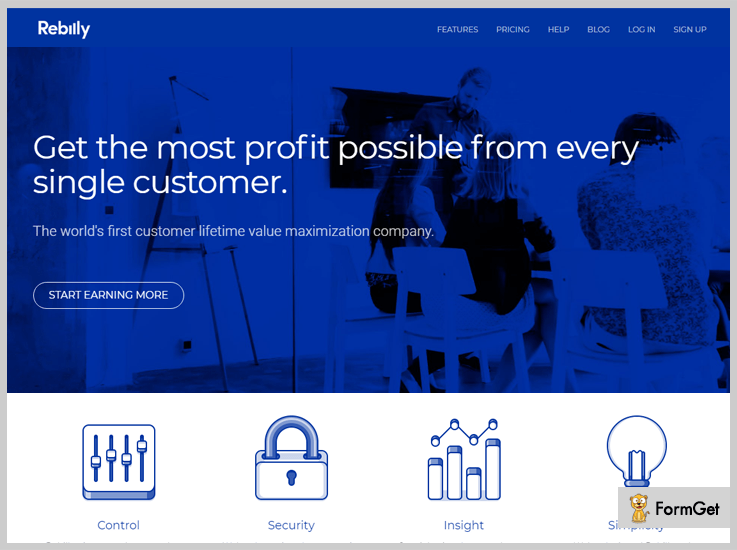
Why is it a Recurly Alternative
a. Multiple Currencies
It has multiple currency support of over 140 currencies and Recurly here lacks with just 21 currencies support.
b. Multiple Payment Options
With Rebilly, a user can use bitcoin or even barter for payment but this isn’t the case with Recurly. Recurly doesn’t have these payment options yet.
c. Pricing
You can get Rebilly at $149/month whereas Recurly has a higher pricing of $299/ month+ revenue shares.
Our Take on Rebilly Vs Reculry
| Software | Rebilly | Recurly |
|---|---|---|
| Currencies | 140+ | 21 |
| Supported System | Web, Windows, Mac, Android [Comptible with every device] | Web Only |
| Pricing | $149/Month | $299/Month+1.25% of Revenue+10 Cent/Transaction |
Recommended- 9/10
Rebilly has got some out of the box features like dispute management, bitcoin, barter for payments, multiple merchants etc. It’s a fresh breeze of features and the price is fairly good. I recommend it for the features it is offering at $149 is worth it.
It can prove out to be a good Recurly alternative.
Here are some key features of Rebilly:
- Invoice making is completely flexible with Rebilly and here you can customize almost every aspect of invoice. You can add a logo, banner, and play with features to get the best invoice.
- There are various payment methods for transactions. In fact, these methods include bitcoin, wire-transfer, cash or barter.
- Multiple merchants can use it for their multiple billings and businesses. This is one of the unique features of Rebilly. Multiple accounts can be managed with one Rebilly.
The Takeaway:
We got you for the best 5 Recurly alternatives. We picked pricing, features, and ratings as our criteria for selection of these Recurly competitors. I hope you must have found your right choice.
If you have some better ideas or some better software to suggest then please let us know. Let’s make this list even bigger.
Chargebee Alternatives : List Of Top 5 Competitors 2022

Fed up with Chargebee? Here are top 5 Chargebee Alternatives.
Chargebee is a very well designed subscription management software for every business with a pack of features. It has gained lots of positive reviews too.
On the other side, Chargebee is also very expensive billing software which may not always please you or may not be fit for your company under certain conditions.
So, Does Chargebee always meet your expectations in terms of cost & functionalities?
If not…
Then it is the time to move on to other subscription management & invoicing software as there are various other software present in the market which are somehow better than Chargebee in terms of functionalities and cost.
So you can easily switch your subscription software and transfer all your billing data to other software easily.
Here is a pictorial representation in which all the Chargebee Alternatives are present with their pricing and additional transaction fee.
Pricing Comparison Of Top Chargebee Alternatives
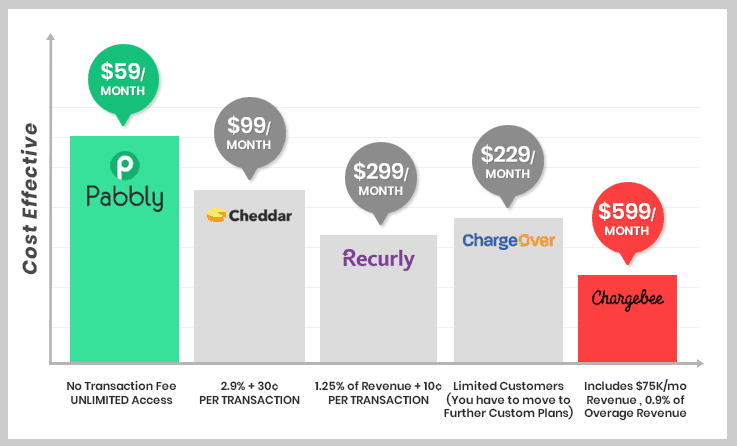
Figure states that going with Pabbly Subscriptions would be a GREAT deal because it offers UNLIMITED service at the lowest price for just $59/M without extra Transaction Fee.
Want to know more Alternative to Subscription billing software? Just check out these blogs-
In this blog post, I have accommodated all the Chargebee Alternatives and made easy for you to find the best subscription management and billing software for your organization.
#1. Pabbly Subscriptions – Cheaper & Better Chargebee Alternative
Pabbly Subscriptions holds the position above all Chargebee Alternatives because it is the most reliable and affordable subscription billing platform.
This is the only software in the market which fulfills all your requirement regarding subscription billing and also takes care of your budget. This optimal solution has a highly descriptive dashboard where you can monitor all your metrics like Total Sales, New Subscriptions & Cancelled Subscriptions, Refunds etc.
This recurring billing software is very easy to use even for a non-techie. In fact, it is very easy to use, we can easily manage our product’s multiple plans in a single dashboard.
It can easily integrate with payment gateways like PayPal and Stripe and also supports 23+ currencies which is again a boon to expand your business globally.
Take a quick look at the comparison of Pabbly Vs Chargebee
| Features | Pabbly Subscriptions | Chargebee |
|---|---|---|
| Pricing Plan | $59/m *12 = $708/year | $599/m *12 = $7188/year |
| Tax | No Tax, No Transaction Fee | 0.9% of overage revenue. |
| PCI-Compliance | ✔ | ✔ |
| Gateway Integration | ✔ | ✔ |
| Invoices | Unlimited | – |
| Dunning Management | ✔ | ✔ |
Pricing:
Pabbly offers the lowest pricing plan in the online subscription management vertical. The plans start from as low as $5 per month and range up to a max of $99 per month. (NO Tax, NO Transaction Fee)
The first plan is the Starter Plan which is available at $5 per month where you can manage up to 50 customers along with setup of unlimited products and plans.
The second plan is the Rookie Plan which costs $29 per month. This plan gives you access to 1000 customers along with unlimited revenue, multilingual checkout page, unlimited invoices and more.
Then, the next plan is Pro Plan which cost $59/M and gives unlimited access to customers management. In this plan, you get everything unlimited right from revenue to invoices.
Finally, this is Advance Plan which costs $99/M. This plan has got everything in unlimited right from invoices, products, payments, to dunning emails, payment gateways and a lot more. Along with this, you get the custom domain, client portal.
Features offered –
- It offers UNLIMITED plans, products, customers.
- Then you get multiple payment gateways.
- Further, it allows you to collect unlimited revenue without any extra transaction fees.
- With the dunning management system, you can send reminder emails to customers for their failed payments.
- You can generate unlimited invoices.
- It supports multiple currencies for transaction.
- Then you can collect one time & recurring payment & lots more.
NOTE!!
Chargebee cost me $7188 / year (Expensive).
After switching from Chargebee to Pabbly Subscriptions, I’ve SAVED $7089
I highly recommend to go with Pabbly.
It is easy to use & it offers approx same features as Chargebee all the required features at a price of $99/MONTH
What else you want!
#2. GetCheddar – Subscription Billing Tool
GetCheddar is a powerful tool for recurring billing and subscription management for SaaS business. It is focused on usage-based billing, it means you have to pay only when you start billing your customers.
Unlike other invoicing tools, it measures user’s activity and pricing is based on these usage metrics. If you are looking for recurring billing tool for your SaaS company then GetCheddar is the tool for you.

Here is our take, why we include GetCheddar in Chargebee Alternatives-
| Features | GetCheddar | Chargebee |
|---|---|---|
| Pricing Plan | $99/month | $599/mo |
| Transaction Tax | 2.9% + 30¢ Per Transaction | 0.9% of overage revenue. |
| Usage Based Billing | ✔ | ❌ |
| ACH/Credit Card | ✔ | ✔ |
| Invoices | Unlimited | – |
| Dunning Management | ✔ | ✔ |
Pricing:
This invoicing software comes up with 2 pricing plans.
- Developer: It is a Free plan which includes access and usage tracking, hosted payment pages, community support, API etc. But if you want to access important features like payment gateway integrations then you have to move on to Production Plan.
- Production: In this, you have to pay $99/month with 2.9% + 30¢ PER TRANSACTION which includes Developer plan features along with that some extras like payment options, email support etc.
Features offered –
- It has got a well-documented API using which you can seamless integrate the application to your software or application.
- You’ll find it PCI compliant so you safely store the card details of your users and customers.
- Further, it has automated invoices generation along with tax calculation functionality in it.
#3. Recurly
When you think of subscription management solution the name which pops up in everyone’s mind is Recurly.
It is a premium software lavish with amazing features and somehow the best Chargebee Alternative but the thing which muddles you is its cost. Recurly is too pricey along with that, it cost you some extra transaction Tax.

Comparision of features & pricing of Recurly as a Chargebee Alternative-
| Features | Recurly | Chargebee |
|---|---|---|
| Pricing Plan | $299/month | $599/month |
| Tax | 1.25% of revenue + 10¢ / Transaction |
if $75K/m revenue
0.9% of overage revenue
|
| Fraud-Management | ✔ | |
| Multiple-Currency | ✔ | ✔ |
| Revenue-Recognition | ✔ | ✔ |
| Accounting Integrations | ✔ | ✔ |
Pricing:
Recurly has 3 plans which are –
- Core: $99/month (1.25% of revenue + 10¢ per transaction) which includes payment methods, churn prevention, automated invoices, hosted payment pages, API keys etc.
- Professional: $299/month (1.25% of revenue + 10¢ per transaction) that includes everything from core plus multiple invoicing, multiple currencies, Xero integration, ACH payments, fraud management tool etc.
- Enterprise: It is a custom pricing plan which includes many extra features like unlimited API, Netsuite integration etc. You can directly contact them regarding this plan.
Features offered –
- It has got around 15+ payment gateways for successful completion of payments.
- This software gives you a detailed report of churn, MRR, ARR and a lot more parameters.
#4. ChargeOver
ChargeOver is yet another recurring billing platform which simplifies all your complicated billing works and eliminates all the errors which occur in manual billing. It is suitable for small business and startups as well as it also smoothens your business audit trials.
It is a secured software and comes with a hive of features, you can check out this software in a 14-day FREE trial.
Table holds the reason, why ChargeOver is in the list of Chargebee Alternatives-
| Features | ChargeOver | Chargebee |
|---|---|---|
| Pricing Plan | $229/month | $599/mo |
| Transaction Tax | No Transaction Fee | 0.9% of overage revenue. |
| PCI-Compliance | ✔ | ✔ |
| Gateway Integration | ✔ | ✔ |
| Customers | Limited(151-500) | |
| Hosted Pages (Custom Branding) | ✔ | ✔ |
Pricing:
ChargeOver has 4 plans based on a number of active customers.
- A Plan: Active customers (1-50)/li>
- B Plan: Active customers (51-150)
- C Plan: Active customers (151-500)
- D Plan: Active customers (501+)
All the above plans include same features – Unlimited plans, invoices, ACH payments, reports, customer management, hosted sign-up pages and many more.
Features offered –
- It can automatically generate an unlimited number of invoices and can send it directly to the customers through emails.
- Lets you use various payment methods like credit cards, ACH, eCheck and more.
- Further, it supports multiple currencies along with multiple languages.
#5. FastSpring – Billing Software
FastSpring is an all-in-one solution for recurring billing. If you own a SaaS-based company then this billing tool is the good option for you as this tool makes easy to track transactions of your customers.
It also supports multiple currencies which helps you to collect online payments effortlessly consequently you are able to expand your online business globally.

Here is the reason why FastSpring is considered in Chargebee Alternatives-
| Features | FastSpring | Chargebee |
|---|---|---|
| Pricing Plan | Custom Pricing | $599/month |
| Transaction Tax | 8.9% per transaction with a minimum order of $0.75. |
if $75K/mo revenue
0.9% of overage revenue
|
| PCI-Compliance | ✔ | ✔ |
| Multi-Currency | ✔ | ✔ |
| API/Webhooks | ✔ | ✔ |
| Multi-Languages | ✔ | ✔ |
Pricing:
There are 2 custom pricing plans available Pay As You Grow, Business, Custom plus according to other sites it charges 8.9% per transaction is charged with minimum order fee being $0.75 or 5.9% with additional $0.95 per transaction.
Features offered –
- You get multiple currencies along with multiple languages.
- Further, it supports 17 payment methods including credit cards, ACH. eChecks and more.
- You’ll find here ERP, CRM Integration too.
Conclusion
Well, the above-listed software are the best Chargebee Alternatives and they are comparatively cheaper than Chargebee, they won’t empty your pockets.
So, if you are not pleased with Chargebee and looking for an alternative, this blog post might be helpful for you. As all the Chargebee competitors in the list are perfect to take a place of Chargebee. So, you can opt out one from these for your business.
If you have any queries or want to share additional information regarding this, let us know by throwing a comment in the section below.
5+ Best jQuery Accordion Plugins 2022 (Free and Paid)

“Accordions are useful when you want to toggle between hiding and showing a large amount of content”
Accordions take their name from a musical instrument, as they contain vertically or horizontally stacked panels with just their captions visible. At the time when these panels are clicked, then they get compress or stretch like their namesake, revealing more or less information associated with that visible caption.
So, if you are searching for Accordion widgets or plugins then have a look below. Here is the list of some FREE and Paid Accordion plugins for your website:-
Paid Accordion Plugins
1. Accordion Slider – Responsive & Touch Accordion
Accordion Slider is probably the best jQuery accordion slider on the market. The lite version of Accordion Slider allows you to create simple image sliders which are fully responsive and mobile-friendly. Accordion Slider allows you to change the layout of the accordion for different screen sizes.

Features
For Designers
- It provides 2 fully responsive modes: auto and custom.
- With the Touch-enabled feature, you can easily touch swipe and tap gestures on mobile devices and mouse drag on desktop devices.
- Dynamic layout automatically changes the orientation from horizontal to vertical or vice versa.
- Supports 2 types of layers: animated and static layers.
- When the panel is open you can easily change the background image with the help of Image swap.
For Developers
- You can effortlessly remove the modules to reduce the file size as the Modular architecture plugin consists of a core and 12 optional modules.
- CSS3 transitions and RequestAnimationFrame, which is designed with modern animation techniques are used in order to ensure smooth animations.
- The accordion provides multiple public method and callback functions, and also the possibility to change the properties on runtime via its powerful API.
2. jQuery Accordion
Another one is jQuery Accordion, which is an accordion component based on Javascript and CSS. It has a responsive and fluid layout and has a grid system, 8 preset styles, more. The best thing about this plugin is that it also provides fading effects on contents.

Features
- 8 Styles
- Grid system
- Javascript/CSS3 effects
- Icon Support
- Fluid layout
- Responsive
- Cross-browser
- Easy to use
3. jQuery Accordion Menu
“jQuery Accordion Menu” is a menu with accordion behavior. The plugin has several parameters that can be configured to help customise the vertical accordion menu. These can either be set via the widget control panel or by passing parameters in a shortcode.
Features
- Cross Browser
- 6 color schemes
- Unlimited submenus
- Icons by Font Awesome
- CSS3 effect
- Well documented
- Easy to use and customize
4. Accordion | Faq | Collapse – Add-Ons For Visual Composer
Accordion is a modern visual composer add-on. It has 26+ styles with huge options. In the plugin, you will get a variety of accordion that you can select as per the requirement of your website.
Features
- 26+ Unique Styles * More Style Coming Soon!
- Responsive Design
- Fully Customizable
- Unlimited Color Style
- Major Browser Supported
- Compatible latest version WordPress
- Clean Coding, W3c Validate
- 24/7 First Support
- Step by Step Well Documented
Free Accordion Plugins
1. Easy Responsive Tabs To Accordion
Responsive tabs to accordion – it is a delicate jQuery accordion plugin that optimizes normal vertical and horizontal tabs on multi devices such as – web, tablets, Mobile (IPad & iPhone. The plugin adapts the screen size and meanwhile, changes its action accordingly.
Features
- Horizontal / Vertical tabs to the accordion.
- Accordion & tabs are designed entirely with jQuery.
- Supports multiple sets of tabs on the same page.
- Cross-browser compatibility (IE7+, Chrome, Firefox, Safari, and Opera).
- Multi-device support (Web, Tablets & Mobile).
- (Works with multiple instances) Link directly to a specified tab.
- The plugin handles all the state of tabs when navigating away from the page and then returning using forward/back (if a browser supports the History API).
- Nested tabs.
2. jQuery Responsive Tabs
This jQuery Bootstrap plugin provides responsive tab functionality. The tabs transform to an accordion when it reaches a CSS breakpoint. Accordion formed via this plugin is horizontal in nature. You can use this plugin as a solution for displaying tabs elegantly on desktop, tablet, and mobile.
Features
- Tabs transform to accordion based on breakpoint.
- For the technical tab switching (class-based) you can use jQuery/javascript.
- Uses CSS for the desktop/tablet/mobile view.
- Has callback events for the tab events.
- Tabs can be opened by using auto-rotate, URL hashes, collapsed (optional), disabled, etc.
- The tabs are controllable with API methods.
- Cross-browser compatibility (IE7+, Chrome, Firefox, Safari, and Opera).
- Multiple device support (Web, Tablet, Mobile, etc).
Conclusion –
These are 5+ [Free + Paid] Best Accordion Plugins for your website. Hope that you have found the product that meets your needs and requirements.
You may also like –
11 Best Clothing WordPress Themes 2022 [Free Install]

If you are aiming to build your fashion website for your garment store then Clothing WordPress themes is here to help you out with all necessary functionalities.
Nowadays, fashion is one of the most developed industry in this online world. It is the superlative mode of expressing yourself and your culture.
The online business maintains your visibility in the market. Online marketing is one of the best and easiest ways to sell your products anywhere anytime.
Create your online clothing store with these powerful layouts and start growing your clothing center & garment business online with these 10+ selected themes.
These themes offer great features and functionalities that anyone can create an outstanding blog design.
1. Colorway
Colorway is an extremely functional WordPress theme which combines a magnificent design with incredible capabilities. By the help of this theme, you can build an eCommerce store where you can show several fashion products like clothes, handbags, shoes, etc. with ease.
One of its exclusive features is WooCommerce integration, that enables you to reveal all of your trendy stock in the product layouts. Besides, customers can easily make an online transaction via payment integration.
The theme lets you customize the overall appearance of the website using various customization options such as color schemes, backgrounds, custom logos & many more. Additionally, Colorway allows you to display your product categories in column slider feature that will surely help to enhance your website.

Features:
- Testimonial section
- In-built contact forms
- Translation & SEO ready
- Beautiful image galleries
- LeadUp & AppointUp addon
- Widgetized sidebar & footers
- Useful image comparison addon
- Offers 35+ pre-designed templates
- Grab this responsive theme at no cost
2. Onlineshop

Onlineshop is a multipurpose portfolio WordPress theme that offers you the platform for promoting your clothing business. The theme is crafted for a high-end online clothing store.
You can sell your trendy outfits, dresses, and other related stuff by using the functionalities of this e-commerce WordPress theme.
The theme comes with favicon uploader, you can add your own company logos through custom logo section. Make your website multilingual with WPML.
3. FashionCherry

Fashioncherry is a multi-purpose e-Commerce template is for clothes designer, fashion designer, glamor originator and so on.
With this responsive WordPress theme give your fashion website a new height of success. You can use this theme for fashion institute, academy, and universities as well.
By giving the bookmark effect you can add more beauty to your website. Through its multilingual option, anyone can easily find the stuff with the help of their own regional language. The theme is compatible with the latest version of WordPress 4.5+. Make your website compatible on any screen with Twitter Bootstrap.
4. Footwear

Footwear is the grid-based online e-commerce WordPress theme. This theme is all about selling goods and services.
This theme will play a vital role to grow your shoe or fashion business on the web.
Furthermore, it is a fully responsive design so that your e-commerce website for a shoe shop, fashion store, boot showroom etc., looks stunning on every screen.
The theme comes with a shopping cart, Google map integration, easy setup with clean code. Make your website multilingual with WPML.
5. AngelWears

AngelWear is the beautiful WordPress theme designed for kids zone, baby product, kids planet, infant clothing and others.
With AngelWear theme give your customer better satisfaction with the latest offers and deal on all range of product.
The theme is completely integrated with wooCommerce. This theme is well organized and clean, cross-browser support. Showcase all your items and short theme according to their types with product category section.
6. WeddingDress

7. Formal Attire

When it comes to professional ethics then the person’s dress codes matters a lot. This clean, simple and business WordPress theme is mainly designed to sell formal dresses online.
This minimal WordPress template is made for cloth manufacturing companies, business wear sellers, formal wear retailers and the likes.
You can use this theme to sell your formal dress material globally. The theme supports WooCommerce plugin integration.
8. TeamWear

If you are really planning to launch a sports website and want to amaze your audience as much as possible, SportsWear is the completely resourceful WordPress theme.
This minimal theme is useful for all sportswear shops, sports clothing manufacturers, Gym apparel stores and more.
The theme supports RTL, separate mobile header option, social site integration to leverage more traffic on your website, multiple color option and advanced typography option available.
9. CostumeShop

This fashion WordPress theme targets to broadcast your offline clothing store to an online platform. The custom shop offers a deep integration with WooCommerce which helps to create an online apparel store beautifully.
Its layout centers the customer’s attention on your attire collection accessories. The theme is multipurpose and can be used for every occasion.
The theme has full-screen image slider, call to action button available for user guidance, has a completely responsive layout, and many more.
10. RainCoat

Raincoat is responsive, clean and simple clothing WordPress theme designed for waterproof dress sellers, clothing industries, cloth manufacturers and many others.
The theme has completely responsive layouts, WPML compatibility, includes banner section and made with debug mode. Most of all, this theme has a beautiful design which grabs the customer attention at once.
11. SareeShop

Saree shop is an impressive and modern theme for an e-commerce site. Present your huge collection of sarees by using SareeShop WordPress theme.
The design of this theme is ideal for saree distributors, garments sellers, fashion traders and many more.
This theme runs efficiently on all browsers and supports W3C validation service and homepage with or without sidebars. You can aware the customer from designer accessories, silk fabric, boutique collection and much more through its elegant responsive layouts with multiple e-commerce functionalities.
Closure:
This was our take on the 10 Best Clothing WordPress Themes. We hope that you must have got a perfect WordPress theme for your clothing store. Finally, get started with taking your business to a next-level with these themes.
Below are some blogs which you can explore:-
10+ Best Food WordPress Themes 2022

There’s a fact you just cannot deny. Food is love! Spread it with some mouthwatering food WordPress themes for your blogs.
Let people know how you have got a buffet of your foodie experience. Share your recipes, share your food adventures, create your own food planet online. You can do this all with these appetizing food WordPress themes.
The key ingredients behind all these themes are crispy looks, responsive designs and a lot of zesty features.
Dig in as these 10 best food WordPress themes will fill your needs with a perfect them.
1. FoodRecipe
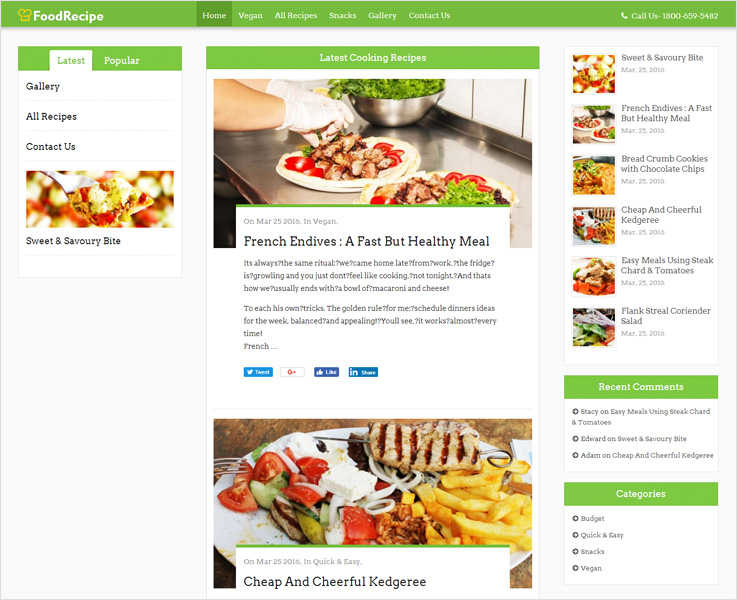
Do you want to take your food interest to the world out there?
Let FoodRecipe WordPress theme take the charge of it.
In this food blog WordPress theme, you can share recipes, food experiences, your food diaries, and all. It is for the foodies by the foodies!
Whatever you share, be it your recipe or food experiences, the theme will display it all in an eye-catching way. It has a completely responsive design which is quintessential nowadays.
How about we add some more glitters to it?
After all, you get numerous predefined color schemes that give a resplendent effect to the theme. SEO optimization helps your website reach the top of the search engine ranking.
There’s a lot more to it. Take a glance at the demo to find it yourself!
2. iCOOK

Introduce your culinary skills to the world with iCOOK.
On the crisp white background let your food blogs, images, stories do the talking. So, the food freaks around the globe can have salivation while viewing your website. And if not white then iCOOK offers you multiple color styles you can go for.
This responsive WordPress theme has got Twitter Bootstrap behind the screen. Social sharing is a matter of clicks with this beautiful theme.
Customizing this theme won’t ask for a tech-guy. Anyone can customize this theme according to their taste in a few clicks. With recipe shortcodes, you can highlight recipe, ingredients without any technical codes.
Overall, if you want to leave the viewers awestruck with mesmerizing looks, iCOOK is a perfect choice.
3. Food WordPress Theme
Extremely easy-to-use and intuitive, but also powerful through its advanced options that allow a professional and unique food site creation without any coding required. Created with the most advanced WordPress technologies. Food WordPress theme supports fluid & responsive layouts so it looks great on all screen sizes.

Food WordPress Theme comes with intuitive progress bars wherein you can effectively showcase your food items, certificates, menus, etc in numbers via circular or horizontal bars.
Let your visitors slide and see the testimonials they need to. The theme comes with testimonial options that you can smoothly add at any given place of your website.
You get several store options like a separate cart for users, checkout page, product pages, ‘My Account’ page and lot more. This will help in better display of your products and in smooth trading.
A separate space for team portfolio in two, three or four column space. Also, you can display the members in a single members page along with images, text, counters, and other customization options
4. Vegan

Go vegan and expand your food business in this direction with Vegan Food WordPress theme.
For the enticing look, full-screen slider plays the role and this look fits perfectly on every screen.
The theme goes easy on eyes with retina ready display. While for better visibility on search engines ranking, it is completely SEO Optimized.
Seems like it is perfect for those who want to spread the vegan wave on the online platform. This WordPress template comes with an inbuilt lead capture form. With this form, collect contact information of your customers and reach out to them for future business.
CSS and jQuery play their roles behind the screens. Most noteworthy, your website will be free from errors only if it has followed all the web standards. This responsive design template has followed W3C validations to enhance your customer’s experience.
5. Bread Ferry

Take a step forward and let the delicacies of freshly baked cakes and bread reach to the web platform.
Your baked cookies perfectly complement evening tea. And, we’ve got on of the best WordPress themes for baking that will perfectly complement your bakery business.
Bread Ferry is a perfect example of how a bakery WordPress theme should be like. You can show-off images of your cupcakes, your bread on the full-screen slider. Let your customers know more about you with a dedicated video section where you can share videos of your bakery.
This responsive WordPress theme is ideal for your bakery website as it nails the look on every screen.
It is translation ready with WPML compatible and is retina ready with complete SEO optimization.
6. FoodGuide

If you work towards leading people to a healthy lifestyle then we’ve got you a right-hand.
FoodGuide is a responsive WordPress theme with loads of features to serve.
Give your visitors a feast for their eyes by adding high-resolution images to the full-screen slider. Furthermore, you can make the appearance more pleasing with flip-flop section. Here you can add images and information in a unique and attention-grabbing way.
The retina ready display looks playful and attractive with various animations that come with this theme.
It has got crisp typography and Google map integration and supports complete customization.
7. FeteFood

If blogging and food are your must-have’s then FeteFood is ideal for you.
The premium theme is aesthetically pleasing with a full-width slider, animations, and the colors! The looks are just amazing!
In a glance, you will find the liveliness of this theme and the background design is truly festive.
It has got multiple slides where you can display videos or images. Furthermore, you get zig-zag blog design for better visibility and boxed sliders add the attractive factor even more.
You get complete customization support so you can add your logo, favicon, banner, etc.
8. CookTour

A chef puts all his skills to produce a marvelous dish on your plate. In CookTour, developers must have put all their skills in producing this marvelous theme.
This chef WordPress theme is handcrafted for chefs who want to mark their presence globally.
Tempt your visitors by adding some yum images to the full-screen slider of this theme. This responsive design looks great on every device and performs well too. It’s light and doesn’t take much time to load. It is one of those premium WordPress themes you will always thank us for.
Powered by social sharing icons this theme is SEO optimized to get better search engine visibility.
The retina display has got parallax effects, videos section, blogs section and a lot to make homepage beautiful than ever.
9. BakeryShop
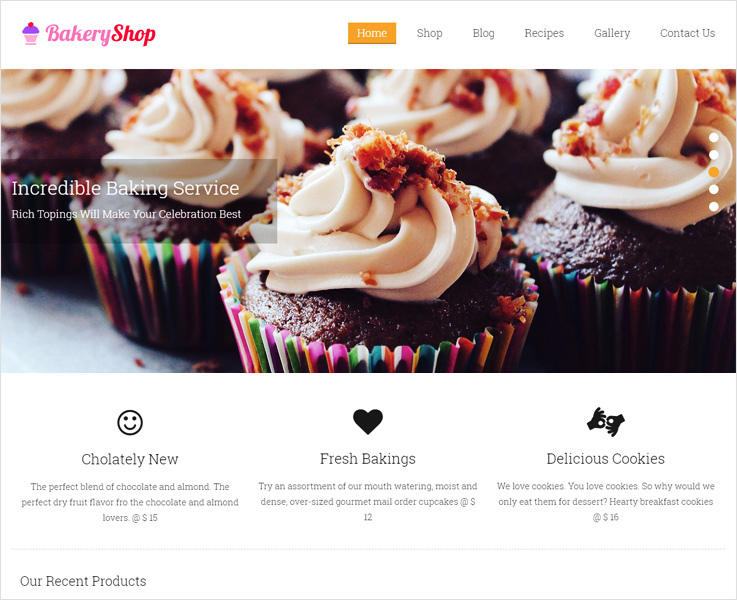
If someone does google search for bakery be on top of that list with BakeryShop WordPress theme.
The theme has got a very delightful layout with 5 unique sliders. Here you can showcase images of fluffy baked cakes, fresh bread, cookies, and more. In fact, your customers can order food online as it has got with WooCommerce integration for that. For better online shopping experience, there are options of add-to-cart and check-out too.
The Blog section is particularly very attractive, here you can add your experiences, tips, recipes etc.
Moreover, for elegant typography, you get a lot of Google fonts integrated. There are numerous color schemes where you can mix match to make your own style statement.
This responsive theme has got customization options too and is easy to use and install.
10. LightDiet

If you want to expand the horizon of your dieting consultancy by taking it online then LightDiet is a theme for you.
This WordPress template will give you an astonishing website with tons of features.
You can create an online marketplace for your business using this theme. How? This WordPress theme has got WooCommerce and PayPal integration for that.
Users can pay through PayPal where their subscription management hassles will resolve too.
The retina display has got multiple sliders where you can add images for a crisper look. Furthermore, by nature, this theme supports customization and comes SEO optimized. It is completely responsive and multilingual with all the major social sharing icons.
11. ChefKing

Looking for a website which requires least efforts. Go for ChefKing.
ChefKing is a responsive WordPress theme which is designed keeping chefs, caterers and street vendors in mind.
This beautiful theme comes with many visually appealing colors. In the slider section, you can add tempting images of food, places and more. It also has a lead generation form through which you can collect leads of your customers. There is also a gallery section dedicated to images that you want to showcase for your customers.
It comes with WooCommerce integration so customers can shop through the website and enjoy your yummy food.
Moreover, one click for installation and 2 minutes for the setup that’s all you need. And you can have your own customized website.
Final Words:
Finally, these were some of the yummiest food WordPress themes you can feast on. Get straight away to your kitchens and start cooking. Let these themes take care of the businesses.
Here are a few more that you may relevant:
10+ Best Minimalist WordPress Themes 2022

Do you have a special liking for minimalist website design?
We’ve got some of the coolest flat design, simple, minimal WordPress themes in this collection.
Minimalistic designs help your customers find and navigate through your website content easily.
Minimalist themes are timeless, easy, simple and give a professional look to your website.
Research shows that people want a simple & easy website will take timeless effort to find their need.
This Minimal web design theme makes your customer more happy by providing a comfortable and reliable website. Here is 10 selected Minimal WordPress Themes of 2018 that are easily adapted on any devices.
1. Foogo Pro:

Foogo Pro is the clean, modern design, minimal WordPress theme. Laid out to make easy to find the information about your products & business.
This multipurpose theme is designed for both business purpose and blogging as well. It is basically designed for the promotion of your business.
A clean, simple and minimalist design will definitely increase your search engine ranking.
This theme is multilingual and fully responsive WordPress theme. There is also a business client logo section, SEO & tracking code option available. 8 clean & beautiful color scheme is available to make your website more attractive.
2. Elite pro:

A clean and flat design WordPress theme help your website to increase its visibility. This portfolio is ideally designed for corporate as well as small businesses website.
Elite Pro is a simple and plain template which grabs the attention of your customers. Spread your ideas with this flat and clean WordPress theme for business, agency, portfolio, blog, and others.
With its clean and simple design, you can make your content display in focus and can convey your message directly to the clients. It has easy navigation slider so that you get to know what the user is exactly looking on your website. Easy option panel and advanced design slider. With its 10 predefined colors that make your website awe-inspiring in a go.
3. Covera:
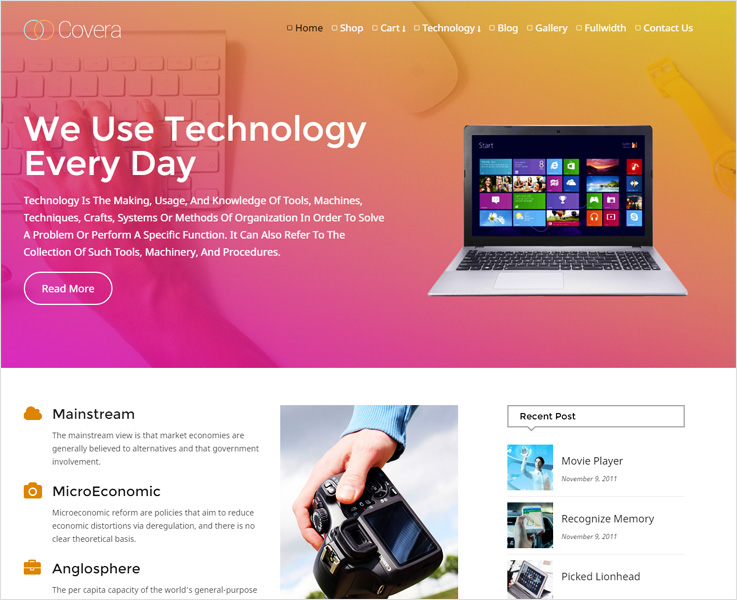
Covera is the perfect option to create a website for IT firm. This simple, clean and minimal WordPress theme is the complete solution to create an elegant website.
Covera is the modern design technology WordPress theme packed with tons of functionalities, and flexibility which help to promote your hi-tech quality services, software assets, and others.
If you talk about its feature, then the theme comes with a multitude of features.
One of the best features of Covera is its WooCommerce plugin, which gives an e-commerce feel to your website. It has an awesome font and animated service sections. The theme displays masonry effect that looks perfect in gallery.
4. Slice:

Slice is the simple and highly recommended minimal WordPress theme ideally designed for a fashion website.
The theme is multipurpose and packed with interesting features. The theme is adaptable with fashion mart, clothing store, garment shops and many more. It has a chunk of features that enhance your e-commerce experience.
The theme showcases your business images in the tabbed slider. Secure PayPal payment gateway option is also available. The theme is fast and easy to customize. It gives a user-friendly appearance to your business website. You can sell your software and technography products undoubtedly. The theme has multilingual translation option, masonry effect and many more.
5. Woodberry:

If you’re in the planning to create an online website for industries, tech-related agencies then Woodberry is one of the best WordPress themes that allows you to create a professional website. This beautiful WordPress theme can make your visitors immensely curious about your website
You can choose plenty of pre-designed layouts and create your website in a couple of hours.
The main purpose of it is to cover blogging companies, industries, start-up agencies and another e-commerce firm. The theme is completely compatible with WooCommerce and has multiple layouts. It contains parallax background and SEO friendly as well. Its 8 beautiful color schemes can hold the visitors on your website for a long time.
6. SwiftRay:

While searching for clean, flat and WordPress themes that can make your website easy and fast loading website, you should definitely go with Swiftray. It doesn’t overkill with a myriad feature. In fact, it functions exceptionally well with a lightning speed to enhance the user’s experience.
This minimal and simple theme is perfect SEO optimized fast loading theme which makes visitor’s experience as much as good.
The theme comes with an optimal page, multiple widgets, title tags which makes search engine fast and friendly. The pages validate with CSS/XHTML 1.0 translation to make google friendly-site.
7. Corporate:

Corporate is an exclusive theme basically designed for business, industries, agencies website. This clean, flat and chic minimal WordPress theme will help you to draw more customer to your website.
The first impression is always the last so make your best impression to the users in a first meeting.
However, this theme is also very useful for institutions, bureaus, firms to promote their products and services.
This WordPress theme is fully responsive, has a user-friendly interface, valid HTML & CSS, unlimited domain usage, cross-browser compatible and comfortable with the latest version of WordPress.
8. Zoomy:
Zoomy theme offers a clean, flat and elegant solution for photographers. This simple and minimal WordPress theme fit on any business website and photography portfolio.
With its clear and smooth effect makes your picture more attractive. The theme has an amazing portfolio to showcase your aye-capting pictures. The theme is fully responsive WordPress theme and there’re various shortcodes available, has effective skill featured and client testimonial area, various stylish color available to make your website more classy and pleasant.
9. CookiesStar:

CookiesStar is the feature-rich minimal WordPress theme for Bakeries, Shirring Centres, Home Bakers & all alike Enterprises which could be used to create your food website.
This premium WordPress theme has all necessary features and customization options. This professionally designed theme comes with a fully functional online reservation system.
The theme is a Fully WooCommerce support which will help to sell your products easily and quickly. It supports the latest version of WordPress theme. Inbuilt contact page and retina ready icons are also available which center the user’s attention.
10. Web Designer:

Web Designer is a tech-savvy, minimal and flat design WordPress theme which built for simple and chick technology website.
This WordPress theme is designed for web design freelancers to showcase their skills to the marketplace. The theme is comfortable for both individuals as well as a team.
A good website is the plus point for every work, it gives gear-up all your on-site/ off-site work and getting your new projects consistently.
The theme has easy navigated module and supported in all browsers. Make your website fast and easy with Bootstrap 3.0 framework. It has 8 different layouts to make your website more elegant.
Closure:
If you are really looking something simple for your website then the following list will help you to take inspiration as a designer. We’ve selected here some best, and relevant themes for you which focus on minimalism and simplicity.
Relevant post:
10+ Best Business WordPress Themes 2022

Ever thought why would you need business WordPress themes?
As a businessman, you have endless things to look after. In order to grab some business online, you don’t have all the time to keep a watch on your website and see if things are working fine.
What you need ultimately is a surefire platform that works flawlessly on autopilot!
And that’s exactly what these business WordPress themes are for.
They just take the burden off your shoulders.
We have got you for these 10 best business WordPress themes. These handpicked themes are modern, possessing a professional look with various helpful features. You’re in luck, these themes have got best of both worlds in them!
1. Harrington

Harrington has got impressively nice and neat layout which is capable of stealing the show. At first glance, you will find mesmerizing animated, moving effects that come with a Ken Burns slider.
This premium WordPress theme is rich in features. At the same time, it is user-friendly, in fact, you can install and configure the theme with one-click.
The theme enables customization to make personalization a breeze. Moreover, 8 different styling options, 3 column area, masonry design in gallery and blogs make the appearance more pleasant.
With the social sharing icons and translation design, sharing your content with anyone and everyone becomes easier than ever. Furthermore, setting up an e-commerce store is possible with Harrington with its WooCommerce plugin.
Harrington is one of those business WordPress themes that doesn’t disappoint in terms of features and appearance.
2. Blackbird

Blackbird is a multipurpose WordPress theme that is slick and goes easy on eyes.
This responsive template has got a fresh look with 10 different color schemes. This look is optimized with lightweight assets such as slider design where you can showcase the videos, images or anything that you may like.
This WordPress template leaves a mark on the viewers by the crisp appearance.
Looks aside, the theme comes packed with features such as lead capture form, easy installation, and configuration, a full-width template and more.
This minimalist design fits well the businesses of any niche.
3. Road Trip

You can take your touring business from zero to launch in no time with this web design.
Road Trip is a completely responsive business WordPress theme with a full-width slider which grabs attention in seconds.
Being honest, it is the best fit for your tours and travels business. As it has sleek photo galleries to display videos, images, a plethora of color skins, crisp typography, lively appearance and more.
This theme doesn’t disappoint when it comes to features. It is multilingual and lets you customize the template the way you want. With social sharing, and Google Maps integration you can let people know about your expedition.
It is one of those beautiful WordPress themes which is capable of pleasing every eyes.
4. Contractor

Contractor is a flexible construction WordPress theme which is apt for anyone who is into the construction business.
This responsive WordPress theme packs a lot of features so that your website can be a top notch.
The theme features a full-width Google map on the homepage which gives a uniquely fresh look. Retina display with a responsive design looks crisp on every device.
You can do online business with ease as this theme comes with PayPal integration, ad banner space, payments management and more.
This web design supports translation and has CSS, jQuery enabled and is build on W3C validations for slick functioning.
5. GoodsTrade

GoodsTrade is a trading WordPress theme you can rely on for branding your business in the digital environment.
This feature packed theme is going to be the backbone of the digital vertical of your business.
If you are looking forward to setting up an e-commerce store, you can do that as well with WooCommerce plugin that.
A full-screen slider on a retina display with 7+ color schemes is captivating enough to hold the viewers. It is fully SEO optimized for better search engine results.
You can custom tailor the website according to your taste without any third party developers or IT department.
GoodsTrade doesn’t overkill with a myriad number of features though offers you enough to be the last theme you will ever need.
6. Plain

For a multipurpose WordPress theme, look no further and get started with plain.
Multipurpose WordPress themes often fail when it tries to be the ‘jack of all trades and master of none’. Thankfully, Plain is not one of those.
Plain is customizable, trendsetting, with tons of functionalities and a fresh new look.
On the surface, you will find retina display in a responsive design with 50+ business layouts, multilayer sliders, 30+ shortcodes, and a lot more. There are 5+ pre-defined layout variations with one click demo while with visual element composer you can take customization to the next level. With video and background parallax effects, the appearance becomes almost mesmerizing. However, when you move further, you will find Google Maps, Google fonts, WPML plugins integrated. These plugins give a crisp typography, translation support and more.
Plain is framed on Bootstrap which makes it even better.
In a nutshell, this is one of the best business WordPress themes to end your search.
7. AgriFarma

AgriFarma is an ideal farming business WordPress template.
You can win your viewers on the homepage with a predefined video composer where you can set any image or video to feature. With this pre-loaded feature, you get two styles for the background viz. image and video.
This theme is best-suited for Farmers, Home Growers, Organic Organisers, and Biotic Farm & Center.
In this responsive web design, you get 8+ color skins with ad-banner space, customization options, and 4 column featured area. Also, the theme is optimized to the fullest to get you to the top of search engine ranking.
The most noteworthy feature of this theme is the vibrant, crisp appearance, featured blogs with various visual effects.
With AgriFarma, explore your business tactics by embracing methods which are different from others.
8. QuickOnlineShop

If you are looking forward to have an extra passive income then QuickOnlineShop is worth a try.
The theme comes with two interesting plugins- Amazon Affiliate Store and WooCommerce.
Create an Amazon store, promote the products, and earn a commission. Yes, it is really that simple. Because with Affiliate Store creating an Amazon store is a matter of few minutes.
You can start your own online selling website with the integrated WooCommerce and PayPal plugin.
Import up to 250+ millions of products to your website and start selling now as with QuickOnlineShop a bonus worth $500 isn’t far.
Talking about the appearance, it has 6 full-width sliders with 8+ color skins and 3 column feature area which makes the appearance catchy!
This feature-rich theme along with catchy looks becomes a must have for those looking for a perfect business WordPress theme.
9. BusinessHub

A corporate WordPress theme could be no better than BusinessHub.
Everything about this theme is professional and top notch, be it the features or the looks.
On first viewing, you will find a full-width slider with a lead capture form. These two different elements are blended together in a way giving it a professional, neat and comprehensive look.
It is not overly filled with features. The retina display comes with a completely responsive layout with a 4 column area. It has a bunch of features to fulfill all the needs of a traditional business.
Social sharing links, translation readiness makes it accessible for everyone around the globe.
Furthermore, this SEO optimized theme is easy to set up and quick to install.
Overall, it is one of the best WordPress themes for you if searching a theme for traditional or IT businesses.
10. VegTrader

To start with an online trading business you can go for VegTrader business theme.
You will find the glance of this theme fresh and unique with 7+ color schemes.
This business theme is a fully responsive layout with 3 column feature area and a beautiful slider.
PayPal integration enables collection and management of online payments. With WooCommerce support, you can create your own e-commerce store in few clicks.
The theme is user-friendly and there will hardly be any instance when you will need third party developer support for using or customizing the theme.
Your Takeaway
We got you for these 10 business WordPress themes. Moreover, we believe you must have found a theme for your business needs. And if your quest is still on and you are looking for more then have a look at this post. This is going to help you for sure!

