

Creating an online exam site might be easy. But, choosing the best online exam WordPress plugins is not an easy task either.
The Internet is the greatest source of knowledge and also the medium for exams. Online exam plugins are the best way to add online exam functionality to a WordPress website.

The greatest benefits of adding an online exam WordPress plugin on your website is-
* Cost and time-saving.
* Accessibility and Flexibility
* Confidentiality
* References
* Security etc.
Through an online exam WordPress plugin, you can narrow your test to specific elements of your site such as post, pages, sign up form, an image etc., and it is up to you.
Recommending you here the 5 best premium & free online exam WordPress plugins that bring a good effect in your website.
They are easiest solutions to conduct tests, generate results, analyze the report, conduct quiz completions and much more from anywhere to everywhere.
Meanwhile, take a look at some of our other posts that you might be interested in:
1. Quizmaker – Quiz Plugin for WordPress
This simple quiz plugin for WordPress allows you to build a best online exams WordPress site. The plugin adapts to your requirements with many features such as random questions, question explanation etc.
The plugin allows you to give ranking to your students at the same time of ta est. It permits your students to download certificates after passing the test.

Features of quiz plugin for WordPress –
- With myCRED codex integration, you can monetize your website by editing each users balancing and history anytime.
- The plugin can be integrated with WooCommerce for sale as well.
- Import or export the test results and questions with CSV file.
- Completely multilingual plugin.
Pricing –
The plugin comes with its regular charges at $93 with 6-month supports and its extended charge is $1020 with unlimited of features.
2. Quiz Maker – WordPress Quiz and Exam Plugin
The Quiz Maker is the best exam plugin for WordPress and an easy-to-use product for creating quizzes, tests, and exams in a short period of time. This is a user-friendly and responsive plugin, which means that it will be unchallenging for everyone. This plugin is the most useful for creating a Trivia quiz, Assessment quiz, Personality quiz, and IQ test.
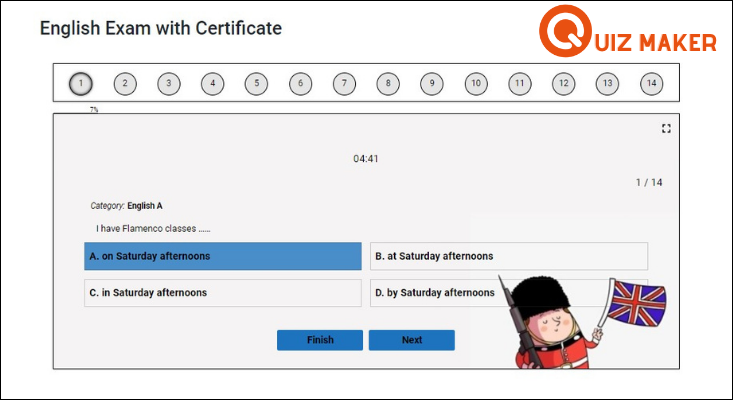
Features of Quiz Maker WordPress Plugin –
- Question bank – randomly chose the questions from previously prepared subjects
- Interval message – set different result messages based on users score
- Send certificate to email, Timer-based quiz, Navigation bar,
- Question hint, Note text, Question/Answer explanation
- Content protection – the users will not be able to copy the text and search for the answers
Pricing –
The Quiz Makers Business pack costs $39.00 has an option for a one-year update and support. The Developer pack costs $99.00 with a lifetime update option and support. Both versions have a one-time payment mechanism and the customer will not be automatically charged after the license expiration.
3. Thrive Quiz Builder WordPress Plugin
Thrive Quiz Builder WordPress Plugin is the simple and easiest exam plugin through which you can get examination started in just a few minutes.
This responsive WordPress plugin gives you a flawless ability to create or categories the questions according to the subjects.

Features of Thrive Quiz Builder WordPress Plugin –
- The plugin comes with questions banks.
- you will be provided subject options with a question of multiple choices.
- It allows you to provide group assignments to the students.
- Here, you can Edit or delete the student data in a bulk.
Pricing –
Buy its single license pack at $67, and 15 license pack at $147. it comes with 5 license pack also that will cost you $97.
4. BuzzFeed Quiz Builder WordPress Plugin
The WordPress Plugin lets the visitor to construct interesting quizzes on your website such as trivia and personality quizzes. This plugin will increase the engagement rate of customers . The plugin has an ability to automatically match with your website’s themes colors, fonts, style etc.

Features of a BuzzFeed Quiz Builder WordPress Plugin –
- The plugin is simple & easy to install.
- 100% mobile responsive plugin.
- The plugin doesn’t require any technical expertise.
- Takes low space in hosting.
Pricing –
Download this plugin to its regular license at $36 only.
5. Watu Quiz – Quiz WordPress Plugin
With this Watu Quiz plugin, you can create exams and quizzes quickly and easily. And, the plugin provides result immediately after finishing the exam.
The plugin allows you to assign grades and marks as per the performance in the exam/quiz. This plugin is fully featured list WordPress plugin with data export, student logins and many more.

Features of quiz WordPress plugin –
- Used to create quizzes, test, and exams.
- Provides both single choice or multiple choice questions.
- Notify the admin when someone takes a test or quiz.
- Completely mobile friendly.
Pricing –
Download this plugin at free of cost with its unlimited features and functionalities.
Closure:
And here my writing comes to close. These 5 best collections of online exam WordPress plugin are full of features which we all look for to have on our website. Easily conduct test & quizzes, generate results and much more with the help of the plugin.
Hoping you liked our post. Still, if you want to give any suggestion or have any queries do comment us below!
7+ WordPress Checkbox Plugins 2022 (Free and Paid)
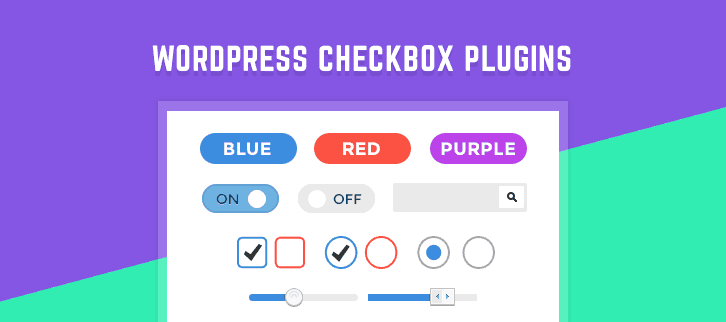
“WordPress Checkbox Plugins transfigure old styled checkbox into a modern layout!”
Sometimes, you may need checkbox field for your website, but you do not know how to code.
Is there something that can perform this work easier without going, techie?
Yes!!
There are some WordPress checkbox plugins that helps you to add custom checkboxes on subscription forms, login forms, and pop-up windows and so on. Moreover, they don’t require any coding skill and hefty setup.
Take a ride on these article too –
So, in this post, we’ve prepared a list of some of the best WordPress checkbox plugin which not only simply adds a checkbox field but also enhances the functionalities by adding filters to it.
Anyway, let’s get started
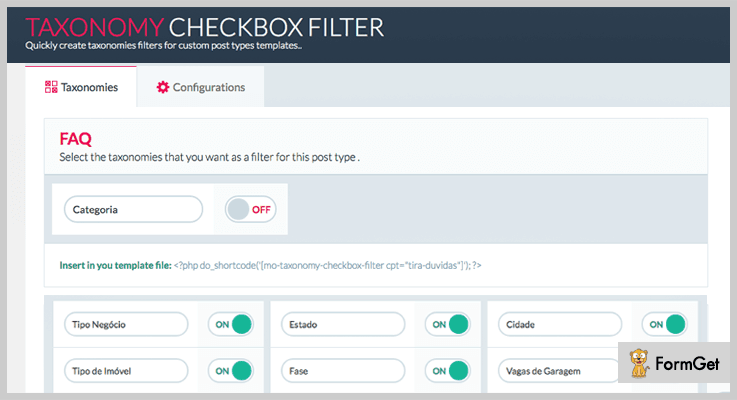
1. Taxonomy Checkbox Filter – Best in WordPress Checkbox Plugins
Taxonomy Checkbox Filter is a beginner friendly plugin and it doesn’t require advanced programming knowledge. This plugin lets you to swiftly create taxonomy filters for custom posts types.
The best thing about this WordPress checkbox plugin is that it comes with a clean code. So, that you can further customize it easily.
Pricing
Download this premium checkbox plugin at just $6 only from Codecanyon.net.
Notable Features
- Well-Built Category Filter
It gives you an easy to use interface, where you can manage all your taxonomy filters which you want to display.
- CSS Customization
The plugin allows you to customize the code according to your requirement.
- Sidebar & Header
In its configuration section, you have an option to add sidebar and sidebar header.
Click Here To Get More Details
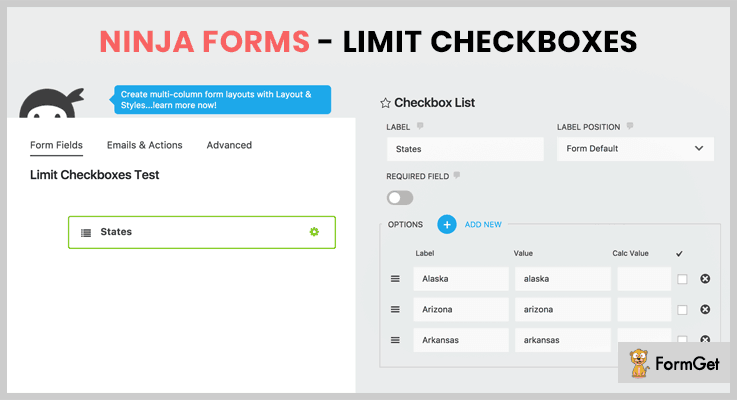
2. Ninja Forms – Limit Checkboxes
Ninja Forms Limit Checkbox WordPress plugin lets the user set min and max limit on your checkbox field. So, when the user inputs something which is out of limit, then it gives the user error message about min and max input.
This plugin provides you filter so that you can extend its functionality of checkbox field types.
Pricing
You can buy this plugin from codecanyon.net at a cost of $14.
Notable Features
- Frontend Validation
It validates the user input and limits set on fields in real time.
- Extend & Customize
You are allowed to customize the fields and validation. Along with that, you can also customize the error message too.
- 100% Support
The plugin comes up with full Documentation and gives full customer support by resolving their issues in matter of minutes.
Click Here To Get More Details
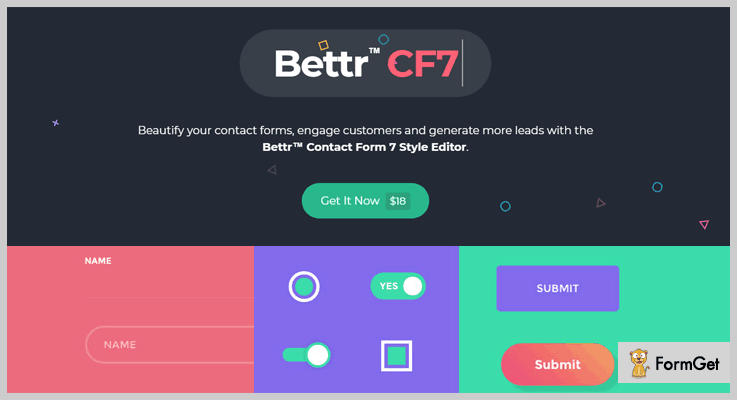
3. Bettr™ CF7 Style Editor – WordPress Plugin
Contact Form 7 is a much more than a checkbox WordPress plugin. Not only it provides you 25+ radio button and checkbox styles. But also it is a complete style editor for your WordPress website.
It is live customizer tool which gives you 100% control over field’s color, border, fonts and drop shadows etc.
Pricing
Get this WordPress checkbox plugin at just $18 from the Codecanyon.
Notable Features
- Stylish Contact Form
With the help of this WordPress plugin, you can create stylish contact forms that will help you to generate more leads.
- No Coding, Easy Implementation
You can create amazing text fields without any coding knowledge of HTML, CSS, and JS.
- Stylish Checkboxes
It gives you numerous styles of checkboxes and also it provides full control over its colors, shadows, and corner radius etc.
Click Here To Get More Details
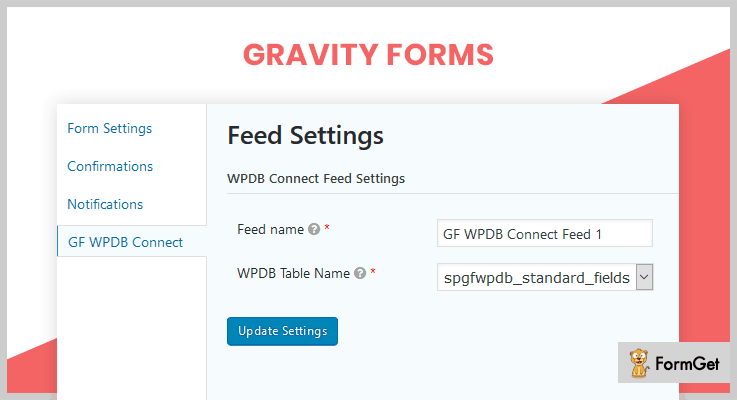
4. Gravity Forms WPDB Connect Plugin
Gravity Forms is yet another form WordPress plugin which has a functionality to add checkbox fields. The only thing which makes this plugin stand ahead is that it can connect to WordPress database or MySQL to store your entries.
If you are a professional developer then this plugin is best for you.
Pricing
This premium WordPress checkbox plugin is available on Codecanyon at just $29
Notable features
- Supports WPDB Queries
You can directly edit, fill, select radio and checkbox fields from your database via WordPress Database Queries.
- Data Validation
This plugin validates your text fields data with WPDB queries against your database.
- Chained Select fields
The latest version of this plugin supports a selection of chained fields.
Click Here To Get More Details
5. Rel Nofollow Checkbox
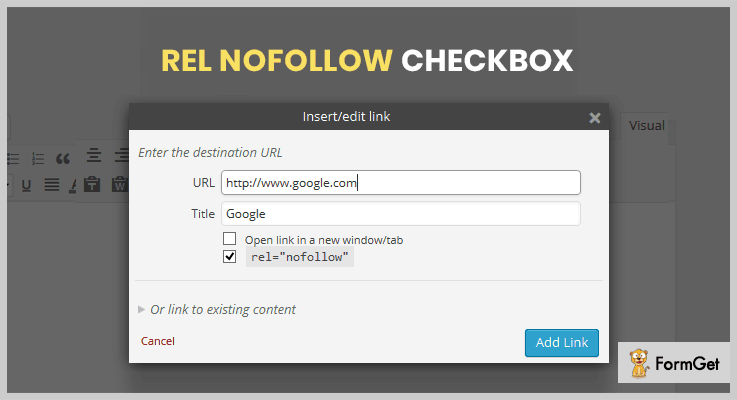
Rel Nofollow Checkbox is a simple yet significant plugin. It adds a checkbox field with the no-follow attribute on a popup window of add/insert link.
If you want to add a link with a no-follow feature, then this plugin might be helpful for you because it makes so easy to add a link with nofollow in just a click.
Pricing
This plugin is freely available on WordPress.org.
Notable features
- Beginner Friendly Interface
It is so easy to use, all you have to do is click on that checkbox in the popup and your link with nofollow is added.
- Fully Compatible
This plugin supports up to WordPress version 4.9.4 and it is compatible with any WordPress theme.
- Link Editing Fast As Ever
You can edit your multiple links in a matter of few seconds.
Click Here To Get More Details
6. Title and Nofollow For Links – Best in NoFollow WordPress Checkbox Plugins
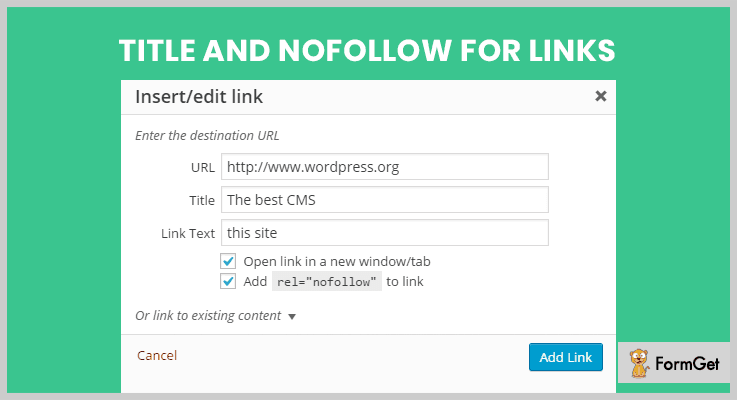
It is yet another WordPress plugin which adds a checkbox containing “rel=nofollow” attribute.
Hence, this plugin made it easy for you to add multiple no follow links effortlessly.
Moreover, it also provides you the “title” field in the insert link popup which was excluded in the previous WordPress version.
Pricing
It is also a free plugin that you can get it from the official WordPress site.
Notable features
- Checkbox for title & no-follow
This plugin is a compilation of two other plugins Restore Link Title Field and WPRes-nofollow Link. It gives you the facilities of two other plugins at a single place.
- Tested & Tried
This plugin is tested up to WordPress version 4.9.4 and has 10,000+ active installations.
Click Here To Get More Details
7. Always Remember Me – WordPress Checkbox Plugin
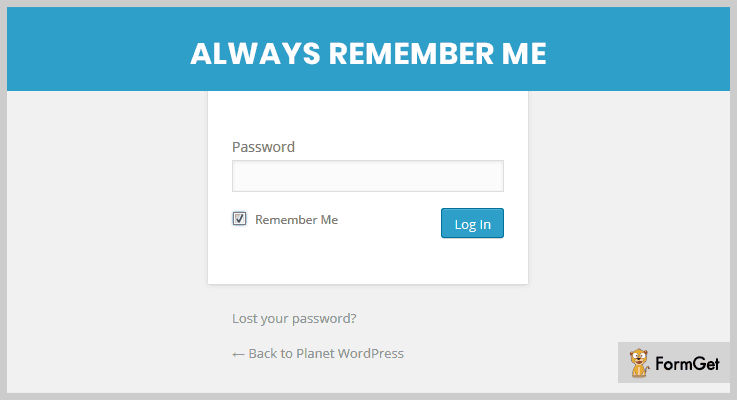
This plugin has extended the functionality of standard “remember me” checkbox displayed every time when you logging in.
With the help of this plugin, the desired website will remember you until you purposely logged out.
Pricing
This checkbox plugin can be download for free from WordPress.org
Notable features
- Extended Expiry
Its remember me expiration can be set to for a year.
- WordPress Theme Compatible
The plugin is compatible with every popular WordPress theme. Moreover, it has many active users.
Click Here To Get More Details
Conclusion
If you really want a good WordPress checkbox plugin for any requirements like a checkbox for nofollow, remember me, and checkboxes for form fields etc. Then, instead of searching for more WordPress checkbox plugins you can go for one of these.
Hopefully, you’ve found our take on WordPress checkbox plugins helpful. For any other queries and suggestion, you are free to share in a comment section.
We’d love to hear from our readers!
5 WordPress Plugins Movie Database (Free and Paid)

WordPress Plugins Movie Database are very popular these days as they help you get essential information about movies easily.
These plugins are so advanced that they automatically fetch and attach details related to a particular movie or Tv show.
They also give you access to create shortcodes, use API, design custom dashboards, define colors & text for template and more. With these plugins, you can import images, posters, movie trailers, overviews with a single click.
1. WP Watch Movies & TV Shows Online– Plugin For WordPress
With WP Watch Movies plugin you can create posts for movies and all the details like actor, trailer, director, cast, genre, certificate, etc are automatically fetched.
All the details are brought to the websites and displayed with the relevant movie. This plugin automatically fetches info regarding your content.
Price Details Of WP Watch Movies – Plugin For WordPress
This plugin provides two licenses in which you will get all future updates and 6-month support.
- Regular license – It costs you $20 only.
- Extended license – This will charge you $110.

Features:-
- It is integrated with AJAX and jQuery.
- This plugin provides nice tabs for your homepage.
- You can create multiple tabs for movies and tv shows links.
- It provides a widget to show all the genres in the sidebar.
Click Here For WordPress Plugin Movie Database
2. The Movie Database – WordPress Plugin
With The Movie Database WordPress plugin you can define reviews, titles, image & sound quality, and other important details. It is very easy to deploy this plugin on WordPress sites.
This plugin automatically handle the import data for your post.
Price Details Of Movie Database – WordPress Plugin
- Pro plan – It will cost you $39 for a single installation.
- Developer plan – For up-to 48 installation, this plan will cost you $99 only.

Features:-
- You can create your own movie gallery website.
- With this plugin, you can search the movie using keywords or movie name.
- It automatically imports data for your post.
Click Here For WordPress Plugin Movie Database
3. Movieomatic Automatic Post Generator – Plugin For WordPress
Movieomatic Automatic Post Generator WordPress plugin which enables you to add automated updates about movies on your website.
It automatically creates posts that hold movie details like posters, cast info, latest trailers and more. All these movie details are fetched from reliable sources available on the web.
Price Details Of Movieomatic Automatic Post Generate – Plugin For WordPress
- It has two plans i.e regular license and extended license which cost you $29 and $145 respectively. It includes future updates with 6-month support.

Features:-
- Automatically creates posts which hold details like trailers, screenshots, posters and other information.
- It has a built-in text translator which helps in grabbing content in any language.
- This plugin has random sentence generator that helps you in creating unique content.
- You can define post constrains.
- One of the best features of this plugin is it can automatically generate the featured image of the post.
Click Here For WordPress Plugin Movie Database
4. My Movie Database – WordPress Plugin
My movie database is one of the best WordPress plugin which is currently available free of cost. This plugin lets you add information about movies, tv shows and persons on your website with ease.
Information about movies is extracted from reliable sources available on the web. You can also apply this plugin on a website using shortcodes.
Price Details Of My Movie Database – WordPress Plugin
- My Movie Database plugin offers only one plan which you gives free access to all the features & facilities of this plugin.

Features:-
- Permits you to create separate posts for movies, Tv shows, and individual persons.
- Helps you add essential details and related information about the movies.
- You can easily apply this plugin on a website via shortcodes or posts.
- Allows you to add and edit movie posts.
- This plugin offers various shortcodes.
Click Here For WordPress Plugin Movie Database
5. WPMovieLibrary – Powerful WordPress Plugin
WPMovieLibrary helps you manage and create a wide collection of movies on a WordPress site with ease. With this plugin, you can sort movies, import metadata, images and other details.
WPMovieLibrary is a powerful plugin which allows you to add and display hundreds of movies with few clicks.
Price Details Of WPMovieLibrary – Powerful WordPress Plugin
- WPMovieLibrary is totally free and comes loaded with features which automate various time-consuming processes.

Features:-
- Allows bulk import of hundreds of movies with just a few clicks.
- Create a custom dashboard for your website effective usage of the plugin.
- Easily extract movie details like release date, writer, cast, title and more.
- Download movie poster and images with a single click.
- Auto fills details which are not present in the movie.
Click Here For WordPress Plugin Movie Database
Closure
It is time shutdown as we are at the end of this blog on best WordPress plugins movie database. I am sure that you must have found the most suitable plugin to portray movies on your website.
In case you have any questions or queries related to the blog, feel free to ask them through comments.
If you are interested in exploring some more plugins, below are the blogs which can help:-
5+ Live Streaming WordPress Plugins 2022 (Free and Paid)

Why do you give the nod to Live Streaming WordPress Plugins for your WordPress website?
Live streaming means to broadcast real-time videos to the audience, who are approaching the video stream over the internet.
These Livestreaming WordPress plugins live up your performance and give exposure to your business.
It not only helps to be in touch with your website visitors and engage the target audience but also grabs the strangers attention too!
In this blog, we are covering the list of 5+ Best Live Streaming WordPress Plugins that let you enjoy the fruit of live broadcasting.
Also, we have provided the official links of these plugins which will help you to know all the inexplicable benefits briefly.
1. bzplayer Pro – Live Streaming Player WordPress Plugin
This plugin provides the video player having modern responsive design and great features such as Live Streaming, Theme Builder, Social Sharing and Advertising.
bzplayer – HTML5 video player supports many resources like Soundcloud, Youtube, Vimeo, Google Drive and also Self Hosted: video-audio-live stream (MKV, FLV, WEBM, MP4, M3U8, MP3, OGG), Live Streaming: MPEG-DASH, HLS, RTMP.
You can playback your videos on all the devices and browsers.

Features of bzplayer Pro – Live Streaming Player WordPress Plugin
- Watermark/Logo
You can put your own logo image on the video player (PNG, JPG, GIF).
- Social Share
Share your media on social platforms.
- Resume Playback
You can continue with your video from where you have left.
- Playback Speed
You can adjust the speed of the playback.
- Age Lock
You can enable age restriction depending on the video content.
- YouTube Quality Button
You can adjust the quality of the YouTube videos.
Pricing
bzplayer Pro – Live Streaming Player WordPress Plugin has a pricing of $20.
2. Livestream Social For WordPress
This plugin helps you to display live stream videos on FaceBook, YouTube, Twitch, Instagram, Twitter, Hitbox, Mixer and Azubu.
Livestream Social For WordPress is easy to use and can automatically match the video schedule. It provides unlimited bandwidth and much more.

Features of Livestream Social For WordPress
- Easy To Use: just enter URL stream. Then you can use it
- It can play videos of YouTube, Facebook, Twitch, Twitter, Instagram, Hitbox
- Unlimited Bandwidth: Sever live stream on YouTube, Facebook, Twitch
Pricing
Livestream Social For WordPress has a simple pricing of $20.
3. Easy Video Player WordPress Plugin
This plugin is a live streaming tool for your WordPress website. It can easily play streaming videos from a server, mp3 / mp4, HLS / HTTP live streaming, Youtube, Vimeo, VR / 360°, google drive, and other cloud platforms and much more.
Furthermore, you can easily play your videos on as many devices and browsers as possible.

Features of Easy Video Player WordPress Plugin
- Compatible with the latest version of WordPress
- Supports 360 degree / virtual reality / VR videos
- Set Player Width and Height
- Custom posts type support
- Autoplay & Autoplay Muted
- Fluid Full-Width Responsive Option
Pricing
It has a simple pricing of $49.
4. Native Web Radio Player WordPress Plugin
This WP plugin has an impressive design and more integrations than any other plugin. Also, it is fully customizable and offers various fascinating features like custom color schemes, different layouts, multiple fonts and a lot more.
Besides, you can use this amazing plugin with Shoutcast, Icecast, Radionomy, Radiojar.

Features of Native Web Radio Player WordPress Plugin
- Two different user interfaces for small & big layouts
- HTML5 live streaming technology
- Fully responsive (horizontal/vertical)
- Offers a draggable volume slider
- Cross-browser and cross-platform compatible
Pricing
It will cost you $22.
5. VideoWhisper Live Streaming Plugin
You can broadcast live stream your videos from various sources like IP cameras, PC webcam, mobile, desktop encoder apps and video playlists.
VideoWhisper Live Streaming plugin allows displaying live channels in the web player on your WordPress website with tips, chat or HTML5 HLS for mobile.
This plugin helps to manage unlimited channels and membership types. After using this plugin you don’t need to use 3rd party services, you can do specific streaming hosting and can control your content fully.

Features of Live Streaming / Broadcast Live Video
- Live video channels (custom post type)
- Channel setup and management page in frontend
- 24/7 IP camera support (restream RTSP, RTMP, RTMPS, UDP streams)
- iOS transcoding support for iPhone, iPad playback (on request/auto)
- Limit broadcasting and watch time per channel
- Paid channel support with myCRED integration (owner sets the price)
Pricing
This plugin is freely downloadable from official WordPress website.
6. Free Livestream – Live Video Streaming with Hapity
This plugin provides you with the embedded YouTube Player. You can use the shortcode to automatically embed ANY live stream from a specific YouTube channel ID.
Free Livestream can exhibit text/image/HTML content with a message that changes on streaming live or not live using a new shortcode.

Features of Free Livestream
- Options to set YouTube Player Width and Height
- Left, Center Align or Responsive Player Size
- Select Player Theme Color, Dark / Light
- Change Progress Bar Color, Red / White
- Hide / Auto Hide Player Controls
- Hide Player Title Bar
Pricing
Free Livestream Live Video Streaming with Hapity is freely downloadable from the official WordPress website.
Wrapping It Up
We wrote this blog to help you choose the best Live Streaming Plugins from the ocean of broadcasting plugins available in the market.
I hope this blog has given you the big ticket to go live on the internet without any mainstream media.
Do let us know in the comments below about your current live stream plugins and also tweak us if we have missed something. Happy trails to you!
Check out the list of more WordPress plugins to improvize your website:
7 Yelp WordPress Plugins 2022 (Free and Paid)

Use Yelp WordPress plugins and save your precious efforts towards managing and designing the Reviews sections of your website. Choose the best way to boost your SEO by providing a social proof to your website’s reviews and ratings.
We know that you worked very hard for the 5-Star Yelp reviews!
Now to display those shining 5 Stars on your site without any hand code and extra efforts is easily possible with the help of this Yelp. It knows the best way to display your reviews and how to provide added value to your website.
The Yelp WordPress plugins will automatically sort the reviews and ratings for you in many scales such as most recent, oldest, highest/lowest scores. You just have to customize it as your desire.
And also it lets you showcase those rating in numerous exciting ways like the tagline, company’s URL and 5-star rating.
Leave no stones unturned, before getting started, delve into these awesome WordPress Plugin blogs:
In this article, we’ll discuss the 7 Best Yelp WordPress Plugins 2022 (Free and Paid)-
1. Yelp Reviews – Prime In Yelp WordPress plugins
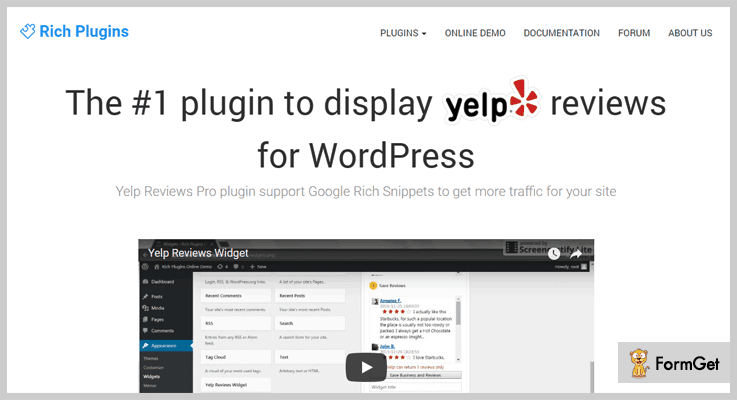
Yelp Reviews WordPress plugin is used to display the Yelp review section for WordPress. It uses Google rich snippets to generate major traffic as well as to increase sales for your site. The plugin supports dark colour schemes and multiple options for themes like lists, grid testimonials, inner or fixed badge.
Pricing Plan-
The Yelp reviews plugin has a pro plugin plan of $45 only.
Some features of Yelp reviews WordPress plugin –
- Provides powerful shortcodes which can display the reviews in any place like grid, list or badge on the site.
- Provide default custom sorting of the reviews by most recent, oldest, scoring highest score and lowest score.
- To hide negative rating it permits to set the minimum rating.
- Support pagination and narrow the Yelp reviews before a link i.e, ‘See Next Reviews’.
2. Yelp Widget Pro – Famous Amongst Yelp WordPress Plugins
Add values to your WordPress site, let your visitors use the awesome Google maps to search your city for business on your site. In addition, also help them to directly access their Yelp profiles.
Yelp Widget Pro WordPress Plugin provides the best way to display Yelp on a WordPress site. It can display Yelp content in any post, page or sidebar through shortcodes.

Pricing Plan-
The Yelp widget pro WordPress plugin has a single site licence for $45 only.
Key features of Yelp widget pro WordPress plugin –
- Quick implementation and setup.
- The plugin can display multiple Yelp business listings.
- Allows you to show up to 3 reviews.
- Provides Google map facility.
3. Yelp Reviews Pro – Yelp WordPress Plugin
Yelp reviews pro WordPress plugin will help you display your business profile and the related business information on your site. Provides multi-option widget and shortcodes.
It saves your precious time in manually showing positive reviews, ratings, user testimonials. It leaves a good impression on your site visitor/user so as to boost sales.

Pricing Plan-
The Yelp reviews pro WordPress plugin has a regular licence of $29 only.
Features of Yelp review pro WordPress plugin –
- Display your business profile, reviews, listings, address or contact number.
- Provide Yelp review multi-option widget.
- The plugin provides easy-to-use shortcodes for Yelp.
- Help you grow the corporate revenue.
4. BNE Testimonials Pro WordPress Plugin
BNE Testimonials Pro WordPress Plugin attaches easy-to-use reviews & testimonials anywhere on your WordPress site. Provides a complete panel for an image or company logo, reviews and three additional fields for a tagline, company’s URL and 5-star rating.
In addition, the plugin even makes it easy to display the same review on different sites using the WordPress RestAPIs.

Pricing Plan-
The BNE testimonials pro WordPress plugin has a regular licence of $28 only.
Features of BNE testimonials pro WordPress plugin –
- Facilitates four layout options- list, masonry grid, slider & thumbnail slider.
- Provides four theme options- simple, default, cards & bubble.
- Support for WordPress Rest API, Yelp, Google, Facebook & the Yellow Pages API’s.
- Custom style, shortcode builder and numerous hooks and filters for developers.
5. Ultimate Yelp Reviews – Ultimate in Yelp WordPress Plugins
Ultimate Yelp Reviews is a latest Yelp WordPress Plugin. It allows you to display Yelp profile info, reviews and also support maps. The configuration of the plugin is very quick and easy.

Pricing Plan-
The Borlabs Cache WordPress Plugin have a regular licence of $49 only.
Features of Ultimate Yelp reviews WordPress Plugin-
- It can hide/display the business information such as country, city, address, contact number.
- Up to three reviews can be displayed on Yelp.
- Fully customizable options available from back-end module settings.
- A business location map is also available.
6. WP Yelp Review Slider WordPress Plugin
WP Yelp Review Slider is a Yelp WordPress Plugin with a slider. The slider is a sort of image slider but with the abilities of Yelp reviews. You can download and display any of your Yelp business post/page review.

Pricing Plan-
The WP Yelp review slider WordPress plugin is a FREE to-use plugin.
Features of WP review slider WordPress plugin –
- It manually appends reviews to your site database.
- It presents advance slider controls.
- Many reviews display functionalities.
- Provides support to customers via forums and emails.
7. Goserve Review Widget WordPress Plugin
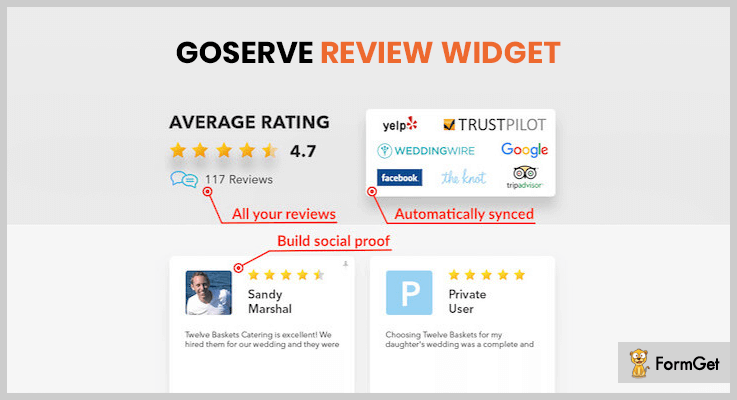
Goserve Review Widget is a WordPress plugin through which you can showcase your reviews in an automated widget. It will monitor every existing channel and keep the reviews updated. For a social proof to your website’s reviews and ratings, it puts all of the reviews together. And there is no limitation on the number of reviews to show.
Pricing Plan-
The Goserve review widget WordPress plugin is another FREE to-use plugin.
Features of Goserve review widget WordPress plugin-
- Customizable widget options such as font, colour etc.
- Beautifully integrated and SEO optimized.
- Ability to show all the reviews in a single widget.
- Automatic updates.
Conclusion:
After reading the whole article thoroughly you can get to a conclusion. The above listings are in an order of there performance, ratings, the number of active installations and popularity. Hope that the article helped you.
We would highly appreciate any of your feedback.
Do comment below!
Thanks for reading!
6+ Bootstrap WordPress Plugins 2022 (Free and Paid)
Bootstrap is commonly used to create responsive websites which are suitable for all modern browsers like chrome, safari, firefox and more.
The Bootstrap WordPress plugins are build keeping in mind that a website holds all the above qualities and looks great on the web.
The plugins defined here are all fully responsive and offers great amount of services like easy attachment of forms, buttons, tables, navigation, image, etc.
You can also control and customize various objects of a website directly through the WordPress dashboard.
Plus we have listed some informative blog holding data about plugins below which will enhance your knowledge:-
1. Easy Bootstrap Shortcodes Pro – Plugin For WordPress
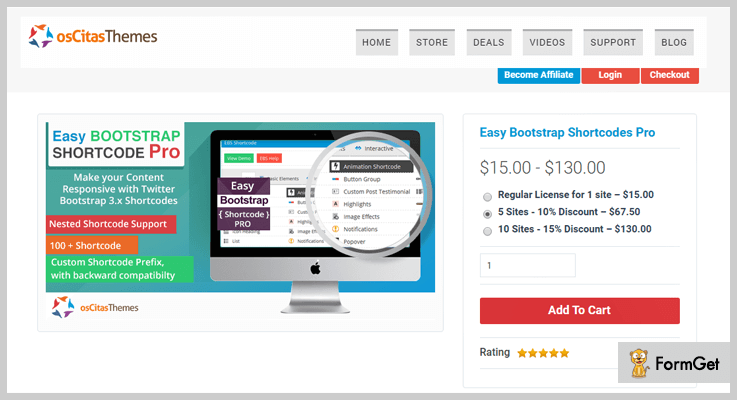
Easy Bootstrap Shortcodes Pro is a premium WordPress plugin which offers frequent updates and advanced features.
Using this plugin you get an option to add multiple bootstrap columns which are automatically added to the grid. You can also attach animation shortcode, define raindrop effects on images and more.
Price Plan of Easy Bootstrap Shortcodes Pro – Plugin For WordPress
- Single site plan will cost you $15 and allow you to implement this plugin with full features on a website.
- The 5 sites plan comes with a price tag of $68 using which you can apply this plugin on 5 websites.
- $130 is the price of the 10 sites plan with which this plugin can be activated on 10 different websites.
Features:-
- Gives you access to more than 100 Shortcodes.
- You can create custom Shortcode prefix.
- Helps you make responsive content.
- Provides widgets Shortcodes with backward compatibility.
- You also get the preview option to check and verify the newly created Shortcode.
Click For More Info On Bootstrap WordPress Plugin
2. MDF Megamenu – Bootstrap Menu Plugin
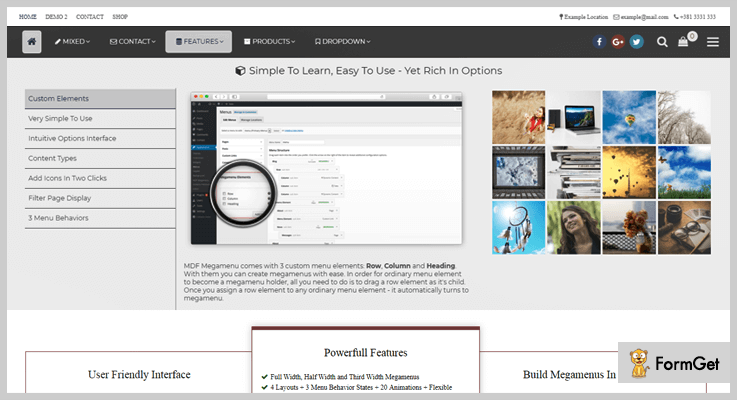
MDF Megamenu is a plugin which offers different types of menus like 20 main, 20 side menu, 3 diverse layouts, and 9 types of skins.
It also supports WooCommerce and helps you create content through WYSIWYG WordPress editor. With this plugin, you can easily add responsive bootstrap shortcodes on a WordPress site.
Price Plan of MDF Megamenu – Bootstrap Menu Plugin
- The regular license will charge you $15, it is one of the cheapest plugin available on the list.
- Extended license will cost you $65 for the access to all the features & facilities.
Features:-
- Provides 20 different menu options.
- You can add static, sticky and fixed menu styles.
- Easy to install on any WordPress and is fully responsive.
- Define content types like full width, half width, and third width.
- You get documentation, video tutorials, and instant support.
Click For More Info On Bootstrap WordPress Plugin
3. TinyMCE – Bootstrap Plugin for WordPress
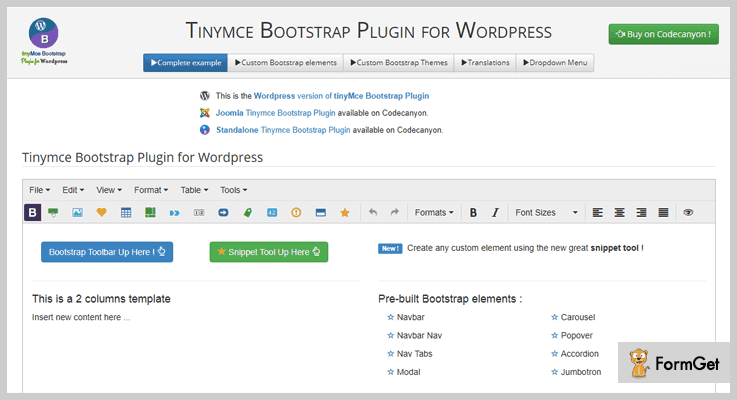
With this plugin, you are allowed to add, create and edit bootstrap toolbar with the visual editor on WordPress.
It provides a drop-down menu list which holds items like button, table, image, pager, etc. TinyMCE bootstrap plugin for WordPress also has got multiple font icon libraries.
Price Plan of TinyMCE – Bootstrap Plugin for WordPress
- $15 will be charged by regular plan for all the features provided by this plugin.
- The extended plan holds all the advanced features and gives you full access to them at a cost of $75.
Features:-
- Easy to install on any WordPress and is fully responsive.
- Provides bootstrap visual editors which are extremely user-friendly.
- Custom code snippet can easily be stored and recalled.
- It offers multilingual translation facility for different languages.
Click For More Info On Bootstrap WordPress Plugin
4. Font Awesome Icons – WordPress Plugin
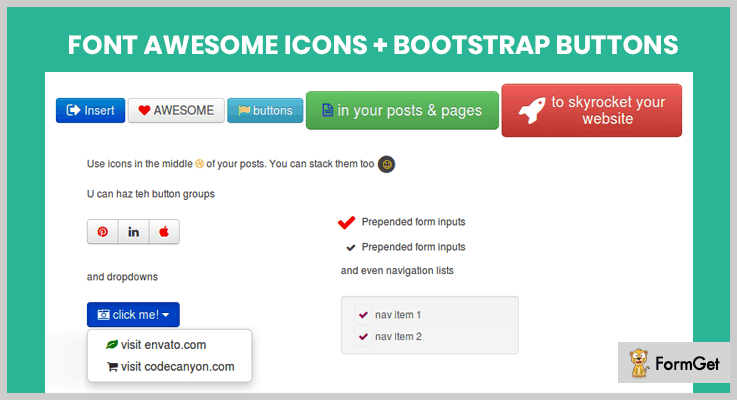
Font Awesome Icons offers over 360 different styles of icons which are simple to combine with bootstrap buttons.
You can attach these custom icons on any page or post on your website. It also gives you the facility to view the created icon through the preview option.
Price Plan of Font Awesome Icons – WordPress Plugin
- This plugin has designed two different plans, the first plan offers various features and frequent updates. It charges around $15 for the full access of this plan.
- The second plan will cost you $100 with which you get unlimited access to responsive plugin resources.
Features:-
- Add icons that are customizable and easy to design.
- It has got more than 360 pre-designed icons.
- Supports all websites on WordPress platform.
- Generates shortcodes to add buttons on pages, posts, etc.
Click For More Info On Bootstrap WordPress Plugin
5. Layers – Bootstrap Shortcodes Widget Plugin
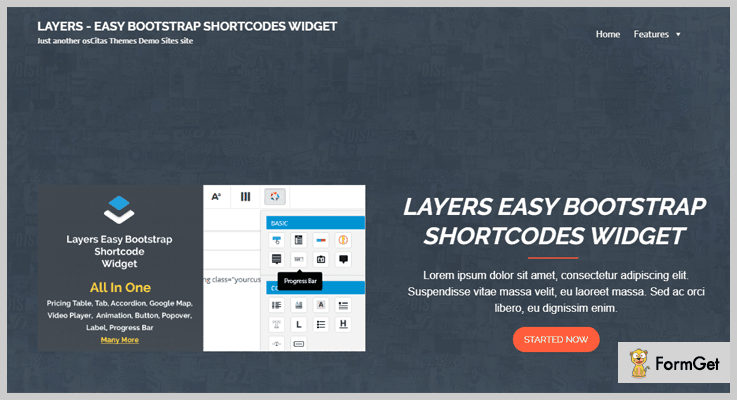
Layers is a top class bootstrap shortcode plugin which holds around 500 plus SVG icons which are glyphicons and font icons.
With the help of this plugin, you can create responsive tables with multiple color and styling options. It also assists you in adding buttons, accordions, videos, tabs, widgets and animation effects.
Price Plan of Layers – Bootstrap Shortcodes Widget Plugin
- $15 is the cost of this plugin which gives you unlimited access to a variety of services and advanced features.
Features:-
- Fully responsive and touch-enabled.
- Create and store shortcode templates for reusability.
- Allows you to add shortcodes to tabs, buttons, tables, etc.
- You can add multiple layer widgets.
- Add customization with different colors, icons, etc.
Click For More Info On Bootstrap WordPress Plugin
6. WordPress Twitter Bootstrap CSS – Plugin
Twitter bootstrap plugin comes pre-equipped with CSS and javascript framework which improves the design of your website. This plugin has an in-built compiler which is entirely customizable.
Price Plan of WordPress Twitter Bootstrap CSS – Plugin
- Twitter Bootstrap CSS plugin for WordPress is free of cost service. It has over 10,000 installations.
Features:-
- You are allowed to add custom CSS reset file.
- Shortcodes are provided to attach Twitter Bootstrap.
- Works well on all WordPress themes.
- Easy to customize and required no expert technical or coding skills.
Click For More Info On Bootstrap WordPress Plugin
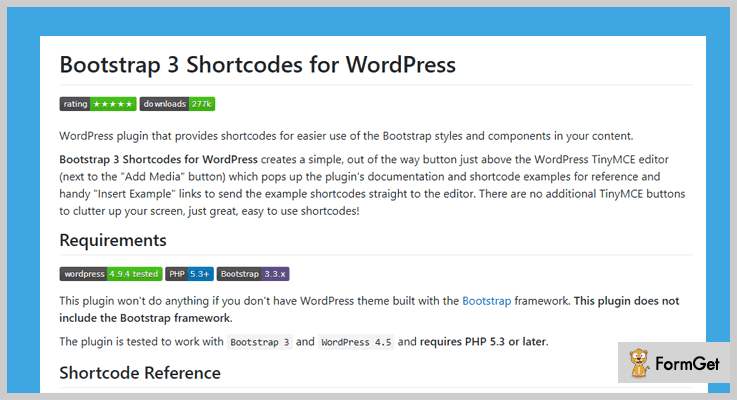
7. Bootstrap Shortcodes – WordPress Plugin
Bootstrap shortcodes WordPress plugin gives you access to several shortcodes to apply on a website. You can add components like buttons in groups, page header, thumbnails, alerts, list groups and more.
Price Plan of Bootstrap Shortcodes – WordPress Plugin
- This plugin holds a top class star rating and more than 50 thousand installations around the globe. Plus it is a freely downloadable plugin which charges zero pennies for all features.
Features:-
- Easy to use and apply on any WordPress website.
- Responsive in design and provides a great set of shortcodes.
- Pre-equipped with tools like button groups, drop-down menu, panels, and more.
- This is an open source WordPress plugin.
- Provides shortcodes for tables, buttons, images, etc.
Click For More Info On Bootstrap WordPress Plugin
Conclusion
This is it, we have finally arrived at the end of this blog. I hope you must have got the best Bootstrap WordPress plugins for your website.
In case you have got any types of queries or questions, please share them with us through comments. We will feel great to hear from you.
7+ Pricing Table WordPress Plugins 2022 (Free and Paid)
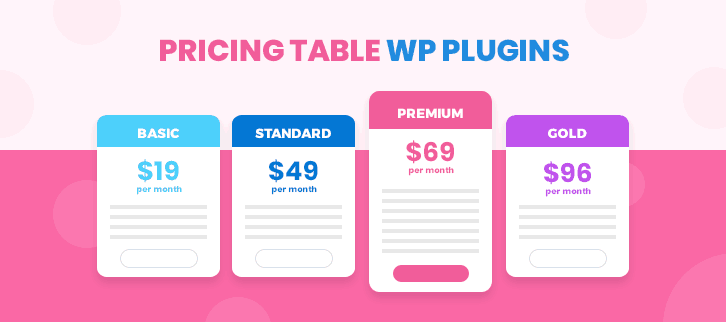
Pricing Table is the important tool for any company to communicate values and benefits that a business offers to the customers. Pricing table WordPress plugins will enable a customer to see the value in the offers through clear pricing table on the business website.
The psychology of online shoppers and customers is very different than real-life ones. They tend to be pickier. It takes some extra effort to make them take the big step from research to actual purchase. By implementing a comparative pricing table on the website you can make it easier for a customer to research and pick any product.
Therefore a well-designed Pricing Table can become a crucial factor in your success. Effective Pricing Table helps the customer to compare different features. This will provide you an effective way to position your packages for higher sales. Don’t worry, as plugins will solve this problem for you.
This plugin provides customization services some of which are:
- Provides custom plugin development
- Theme install and set-up
- Responsive development
- Custom page template
- Theme and icons design
So without wasting any time let’s get into the Top Pricing WordPress Plugins of 2018.
You may like this also:
1. fatcat apps–
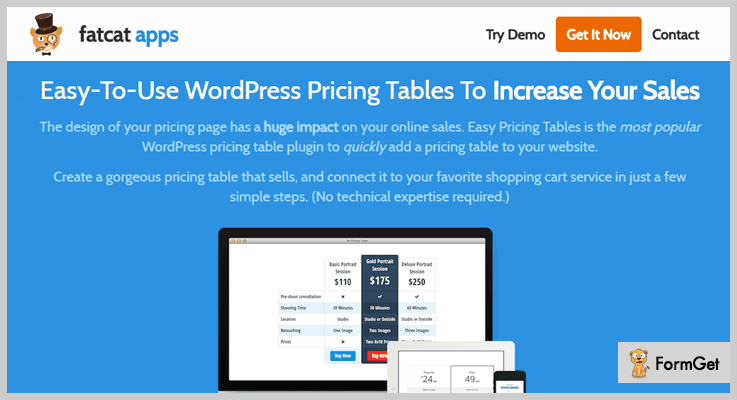
fatcat apps are the most popular WordPress pricing table plugin. It makes eye-catching pricing tables with just a few clicks. You can easily connect a fatcat app to your favorite shopping cart and payment gateways. There are inbuilt designs which will help you in sales conversion. One can save a lot of time as they can pick a good looking pricing table template from 10 available templates. Mobile users will also feel comfortable as every template is fully mobile responsive. It looks great on all devices.
The best part is 60 days money back guarantee. You can send an email within 60 days of your purchase and you will get 100 percent money back without any conditions.
Estimate:
It is available at a very minimal cost i.e $ 29 for personal, $ 59 business and $ 99 agency. All the purchase come with 60 days money back guarantee.
Features:
- Provides easy setup which doesn’t require any HTML or coding knowledge.
- You can add tooltips that make pricing table simple and clean.
- Each and every design available is highly customized which allows you to set it the way you want
- Availability of one-click integration using Stripe, WooCommerce or Easy Digital Downloads
2. Responsive Pricing Table–
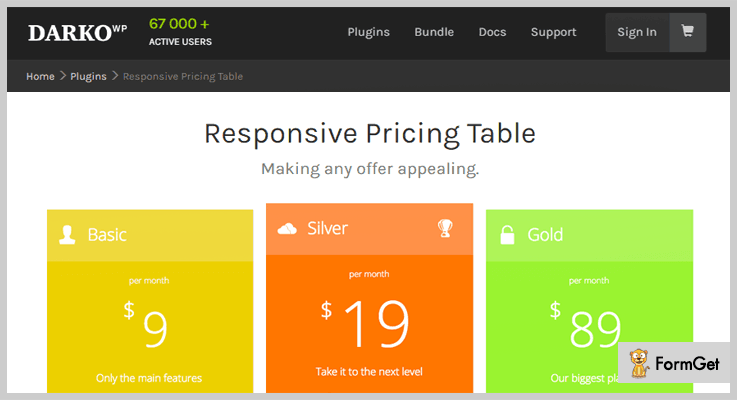
The plugin allows you to add pricing table tab right in your admin panel. This will help in creating pricing table for your website in an easy manner. It is equipped with a variety of features and shortcodes which displays your pricing table wherever you want.
Estimate:
The pro version adds some more features which start from $ 9 and goes up to $ 89.
Features:
- All the required fields necessary for regular pricing table are available. It helps in the creation of appealing pricing tables.
- Enables you to highlight specific plans.
- Provides plugin’s documentation. It contains video tutorial and other information related to the usage of the plugin.
- Availability of skins/layout, you can preview them immediately with the Instant preview button. It makes pricing table look good.
- You can add tooltips to your features by using the brackets (“{}”, see in your plan’s editor).
3. Pricing Table Builder-
Pricing Table Builder is one of the latest advanced pricing table builder plugins for WordPress users developer by WPManageNinja. This is a freemium pricing table builder plugin that is used to create any kind of pricing tables in WordPress.
Pre-built template feature of the plugin makes the pricing table creation super easy. You just need to have a single click to create your respective pricing table.
Estimation:
You can have all the basic feature in the free version of the plugin. For having an advanced feature, you need to purchase a cost-effective pro version of the plugin.
Features:
- The Most User-Friendly Interface.
- Special Feature Highlighting Feature.
- Using Different Tooltip for Making Table Clean & Smooth.
- Advanced Designing Features.
- Special Customization Options for Each Part of the Table.
- Amazing Admin Preview for a Smooth Customization.
- Cost Effective Pricing Table Plugin.
- Custom CSS Facility.
- Extended Documentation and User Guide.
4. Clean CSS3 WordPress Responsive Pricing Table–
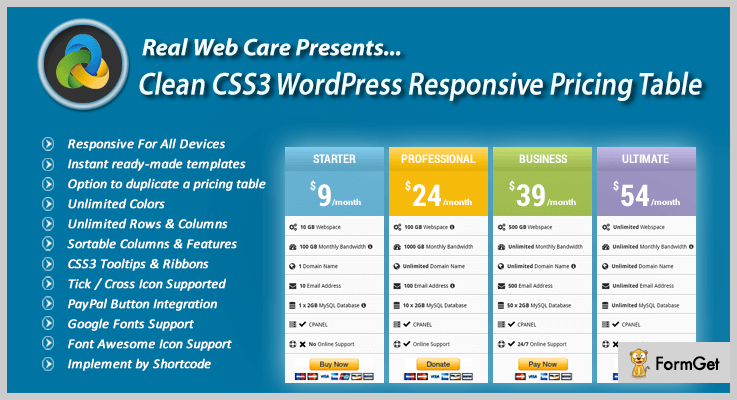
Clean CSS3 WordPress Responsive Pricing Table is a premium plugin. It creates responsive and professional pricing table. The plugin enables you to present offerings of your business according to customer needs. It gives an optimum viewing experience across a wide range of devices and in all major browsers. The plugin is designed with clean CSS3 table and no JavaScript is used. Moreover, you have the freedom to create unlimited css3 tables. It also provides free lifetime updates.
Clean CSS3 WordPress Responsive Pricing Table will definitely work as an asset for your business.
Estimation:
The pricing for the plugin starts from $ 9 for 6 months which goes to $ 54.
Features:
- Allows quick Disable / Hide One Or Many Columns From Admin Panel.
- Provides predefined Sample Configurations, color versions & a wide choice of 42 Tick / Cross Icons.
- Combination of pure CSS & HTML.
- Configurations are conducted via one intuitive control panel.
- Support of both videos and images in the pricing table.
- Google Font support is also provided to match with the font used on your site.
5. Responsive CSS3 Pricing Tables–
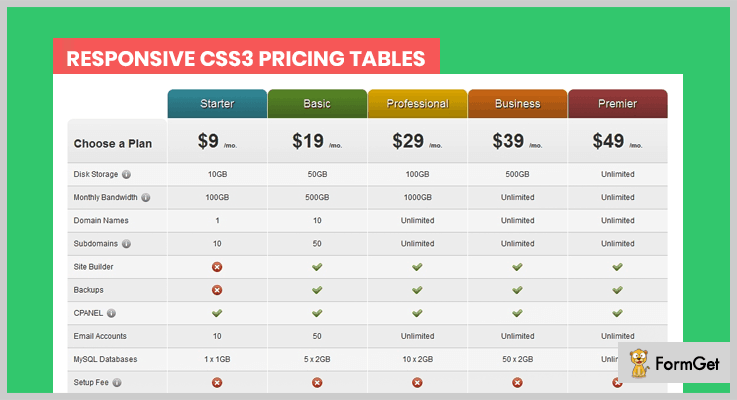
Responsive CSS3 Pricing Table is the latest pricing table plugin. Creates pricing tables with simple and clean, yet attractive design. It is packed with 6 color schemes, 2 variants (light or dark), Responsive layout, CSS tooltips. Moreover, the plugin is compatible with all the major browsers like Internet Explorer 6, 7, 8 and 9, Firefox 2, 3, 4, 5 and 6, Chrome (from version 4 to 13) & Opera.
Estimation:
The plugin is available at a very affordable price i.e $ 9 and goes to $ 49
Features:
- Provides mobile-friendly layout which is highly responsive
- Includes month/year pricing toggle which makes things clear
- Well documentation for easy support
- Animations on hover are set for columns and buttons and you can add other animations for sure.
6. WordPress Pricing Table Plugin-
WordPress Pricing Table plugin creates and publishes customized & responsive pricing tables. The plugin provides a graphic visual representation of prices for easy comparison. It is equipped with responsive widget width, that can be arranged and customized to get the perfect look.

Estimation:
Starting price for the plugin is $ 9 which goes up to $ 29.
Features:
- Pricing redesign is possible at the just single click
- Fully compatible with WordPress and works with any WordPress theme
- No coding knowledge required
- Updates with new features are automatically installed on the website
- Excellent support system by experienced professionals
- Mobile friendly.
7. uPricing – Pricing Table for WordPress–
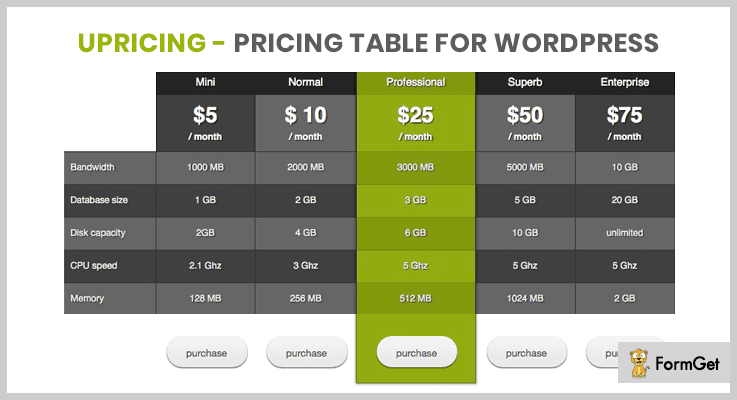
uPricing allows you to create appealing pricing tables. This plugin is a premium quality pricing table WordPress plugin. It Is highly customizable and comes with multiple themes. Saves a lot of time for the user as is easy to set up and use. uPricing is beneficial to both – new WordPress users as well as seasoned expert users and developers. Availability of best feature set to include it within your own themes makes it a unique Pricing table plugin.
Estimation:
uPricing plugin is available from $ 5 to $ 75.
Features:
- Integrates easily with other plugins.
- Availability of multiple themes.
- Provides sleek slider both at the front end and admin.
- Updated uPricing added tooltips, improved HTML Call to action support added property dividers and many more.
8. Pricing Table by Supsystic–
Pricing table by Supsystic is an easy to use pricing table builder. It creates attractive pricing table without any programming skills. The inbuilt editors open transparent field. It makes changes and customization with day to day necessities.
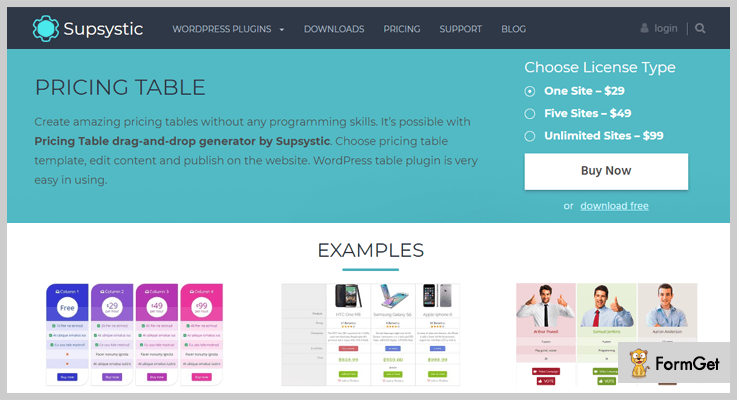
Estimation:
You can download this plugin free of cost from WordPress official website.
Features:
- Using alternating background colors you can visually separate plans in pricing. This attracts attention to the plan that you want to be bought by the user.
- Allows you to insert icon beside your header, add pricing table rows and columns which enables to highlight a certain price.
- Columns editor – for large-scale and great changes in entire columns
- Availability of animation effect which makes it attractive.
9. Pricing Table by PickPlugins–
Pricing Table by PickPlugins displays pricing grid on your WordPress site. The plugin tables can be ingrained into your website via a shortcode. It provides. It includes multiple featured columns. This will let you add custom images and ribbons, embed videos from YouTube and Vimeo.
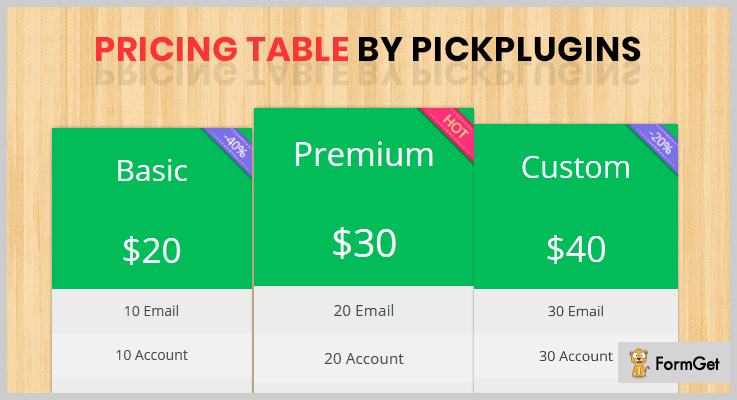
Estimation:
It is available free of cost
Features:
- Customization options that allow you to change the background color of column header & column price
- Option to Display Image on Each Column
- Availability of unlimited ribbons and highlighting featured column.
Conclusion
With these free WordPress Pricing Table plugins, you will be ready to craft an appealing Pricing Table to sell your goods and services. These plugins will create a chance for customers to weight the pros and cons of each your product against his own personal needs, possibilities in the financial sphere. We hope that this blog helped you in choosing the right plugin for your business.
Please, leave your comments below.
7+ Quote WordPress Plugins 2022 (Free and Paid)

Do you want to streamline the quote-to-order process for your WordPress website? Never mind! You simply have to integrate your website with the unparalleled Quote WordPress Plugins.
Quote WordPress Plugins are the ultimate tools that automatically generate the professional price quotations for the list of items selected by the customers on your WooCommerce WordPress website.

It goes without saying that 33% of the customer retention improves by providing precise quotations to the customers.
Therefore Quote WordPress Plugins are the must-have tools for your WooCommerce WordPress website.
So what are you waiting for?
Here, we are sharing the list of 7+ Best Quote WordPress Plugins that will help to create the innovative quotation page for your customers.
Add some of the most amazingly powerful WordPress plugins in parallel, for enhancing value to your website. Here are the links:
1. YITH Woocommerce Request A Quote
This plugin establishes a common meeting point for customers and suppliers where shopkeepers can share prices and details of a single product.
Customers can request for quote through forms (breaking the main obstacles of communication in online shopping).
Through this plugin, customers can add desired items to the listing and they will receive a quote from the site administrator.
Premium features of YITH Woocommerce – Quote WordPress Plugins
For Website Administrators
- Insert “Add to quote” button both in product detail page and all the other shop pages where it is shown.
- Hide price on all the products of your site.
- Give users the possibility to request a quote only for “out of stock” products.
- Select the form users can use to send the quote request.
- Enable user registration through the quote request form.
- Deny the possibility to send quote requests for unlogged users.
For Users
- Receive an email with administrator’s quote proposal.
- Consult the list of quotes in “My Account” page.
- Accept or reject administrator’s proposal.
- Download pdf quote from “My Account” page.
- Check all the quotes received before the registration to the site.
Pricing
It has 3 subscription plans:
- Single site = $50
- Up to 6 sites = $95
- For 30 sites = $147
Note: A subscription license offers 1 year of updates and support, also each installation of the plugin will require a license key.
Instead of taking any of these subscription plans you can also Join The Club provided by YITH WooCommerce which is providing 97% discount on themes and plugins.
- Monthly Subscription: $ 275
- Yearly Subscription: $ 490
2. Cart to Quote for Woocommerce – Quote WordPress Plugins
This plugin provides you with the ability to manage and edit the quotes for your customers.
Sometimes you want to offer special prices or discounts to your VIP customers, in that case, you can edit pricings from the backend panel and send the new quotes to your customers.
At the frontend your customers can make quote request for the selected list of products, the quote will be created automatically at the backend, you just have to review it before sending the final proposal to your customers.

Premium features of Cart to Quote For WooCommerce – Quote WordPress Plugins
For Website Administrators
- Supports “Woocommerce Product Add-Ons” plugin.
- Works for both logged in and the guest users.
- Per-user role access to the “add to quote” button.
- Can be limited to logged in users only.
- User-friendly and self-explanatory administration panel fully integrated with Woocommerce.
For Users
Users will be able to add products to their quotes list and ask for quotes. On the “My Account” page they will be able to ask for a quote and see their quotes.
Pricing
The regular license has the costing of $19.
3. WooCommerce – Quote Request or Enquiry
Add “Product enquiry” feature to your Woocommerce WordPress website by using WooCommerce – Quote Request or Enquiry.
It provides two exclusive features of shop mode ON or OFF. If you want to display only the general catalogue of the products to the customers then you can set shop mode OFF.
You can also decide to display your product’s price or not on your website.
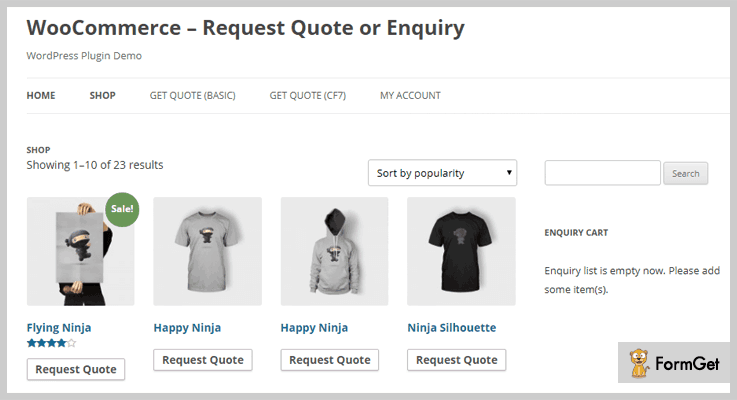
Premium features of WooCommerce – Quote Request or Enquiry WordPress Plugins
For Website Administrators
- Fully customizable
- With or Without Catalogue Mode
- Widget Support for Quick Form Access
- Powered by Ajax
- Custom Form Included for Enquiry/Quote
For Users
Visitors can send the quote request to the site administrator. They can also add their contact details via Contact Form.
Pricing
- The regular license of this plugin has the pricing of $15.
- An extended license has the pricing of $75.
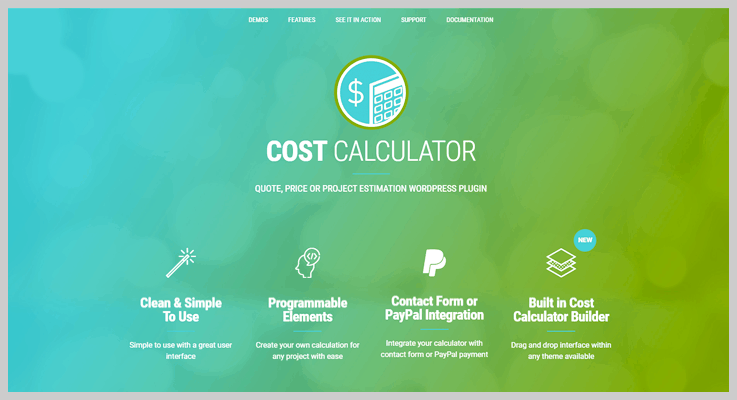
4. Cost Calculator WordPress Plugin – Quote WordPress Plugins
This plugin has the special function to provide a professional calculator that helps in creating a quote for the customers.
Whenever the customers add their product to the cart, the quote for those products is reflected on-screen.
Customers can get the idea of the cost calculation of thier product or service through quote and price estimation forms.
Premium features of Cost Calculator WordPress Plugin
For Website Administrators
- User-friendly and self-explanatory administration panel fully integrated with Woocommerce.
- Fully customizable
- Add to cart ability
For Users
- The simple and easy user interface.
- Quick checkout and downloadable products quote.
Pricing
It has a base pricing of $29.
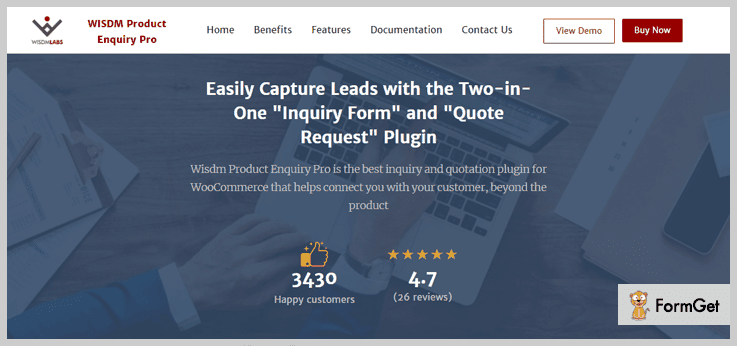
5. Wisdm Product Enquiry and Quote Request Plugin
This most comprehensive of all WooCommerce inquiry plugins, Product Enquiry Pro bridges the gap between you and a potential buyer. Interested customers can ask you a question about one or more products or can request for a price quotation.
You can view inquiries and create quotations right from your WooCommerce dashboard. The prospect has the option to accept or reject a quotation. In return, you can re-quote, making Product Enquiry Pro a complete negotiation platform.
The plugin offers a drag-and-drop page builder to customize the inquiry or quote form.
Premium Features of WooCommerce Product Enquiry Pro – Quote WordPress Plugins
For Website Administrators
- Add a “Product Inquiry” or “Request a Quote” button on every WooCommerce Product, Shop or Category Pages.
- Show/Hide Product Prices or the “Add to Cart” button for individual products or shopping categories.
- Edit the inquiry form using a drag-and-drop form builder — no coding needed.
- Create quotations and reply to leads from your WordPress dashboard.
- Sort, filter inquiries to analyze product demands and to plan stock options.
- Convert WooCommerce into a Catalog-only store by disallowing purchases.
For Users
- Save time by being able to send a single inquiry for one more product.
- Use an option to receive a copy of the inquiry.
- Receive an email with the Quote PDF.
- Accept or Reject the quote from the email itself.
- Request a quote from your mobile phone owing to a responsive inquiry dialog.
- Send an inquiry in your own language with WPML compatibility.
Pricing
It has 3 license plans:
- Single site license = $69
- Two-site license = $79
- Lifetime license = $199
Note: A license offers 1 year of updates and support and can be renewed on a subscription basis. Also, each installation of the plugin will need a license key.
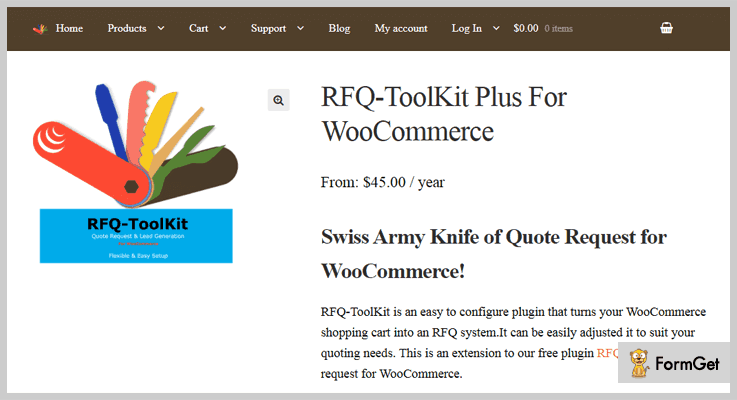
6. RFQ-ToolKit Plus For WooCommerce – Quote WordPress Plugins
You can add the capability of formal lead generation process to your WordPress website by using RFQ-ToolKit Plus.
This plugin maintains the status of your leads on the order list and can also set the status of “Quote Request” or “Quote Sent” depending upon the maturity of the leads.
RFQ-ToolKit Plus provides you with the email notifications whenever you will modify the status of your lead, keeping you updated about your sales.
Premium features of RFQ-ToolKit Plus For Woo-commerce – Quote WordPress Plugins
For Website Administrators
- Customize the quote request page for normal checkout.
- Change the “reply to” in emails to admin to be the customer’s email.
- Include additional product attributes and custom fields to be included in quote cart, in the order and the emails.
- Customize the colour, background colour and mouse effects of the quote button.
- Add to quote shortcode.
- Add custom HTML content to the top and bottom of the quote request page.
For Users
- A customer can respond to the proposal, sent by the shopkeeper in response to the quote request.
- The customer can also add response note for the shopkeeper.
Pricing
It has 2 license plans:
- Single site: $45/yr
- Three site: $60/yr
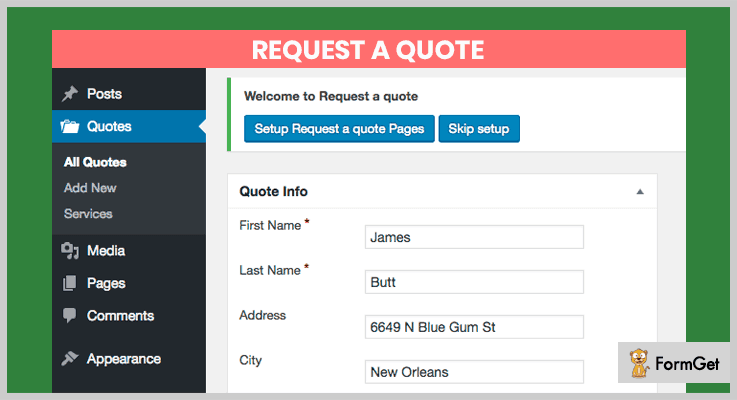
7. Request A Quote – Quote WordPress Plugins
This plugin is suitable for small business owners to receive quotes from the customers.
Request A Quote is integrated with EMD CSV Import Export Extension which provides the ability to import/export/update and reset quotes from existing systems to external systems by using CSV files.
It is integrated with EMD Advanced Filters and Columns Extension plugin which provides advanced search, list column enable/disable and record export functionalities in the admin area.
Premium features of Request A Quote – Quote WordPress Plugins
- Provides a customizable form for customers to submit quotes, ask for the estimate for one to many services.
- Designed to minimize theme related conflicts.
- Easy customization from plugin settings.
- Private quote, estimate request submission for logged-in users only.
- Stores submitted quote, enquiry requests.
Pricing
Freely downloadable from WordPress website.
8. Quotes from WooCommerce – Quote WordPress Plugins
This plugin completely converts your WooCommerce store into a Quote only program.
Admin can hide the prices on a per product basis and modify the “Add to Cart” button to ‘Request Quote’.
This plugin can send quote via email automatically to the customers, enabling the users to pay directly through the link mentioned in the email sent by this plugin.
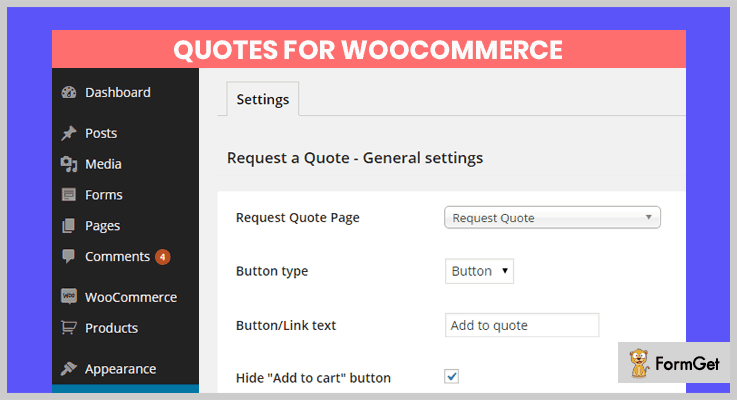
Premium features of Quotes for WooCommerce
For Website Administrators
- Show or hide the ‘Add to quote’, ‘Add to cart’ and ‘Price’ per store, product categories (taxonomy/terms) and individual products.
- Show or hide the visibility of the ‘Add to quote’, ‘Add to cart’ and ‘Price’ for everyone or only to registered customers that have been assigned a specific role.
- Enable the visibility of the ‘Add to quote’ button in Woocommerce catalogue lists.
- Widget with dynamic refresh.
For Users
- Request for a quote via frontend.
- Login / Register form.
- Request for a quote without creating an account.
- Add customer product notes.
- Add product add-ons using WooCommerce Product Add-Ons or TM Extra Product Options plugins.
- Configurable Woocommerce form.
Pricing
Quotes for WooCommerce is freely downloadable from official WordPress website.
9. ELEX WooCommerce Request a Quote Plugin
This plugin provides a common shopping platform for the customers, retailers, or wholesalers with an ‘Add to Cart’ as well as a ‘Request a Quote’ option.
This is a perfect option to switch your WooCommerce store into the ‘Request a quote mode’ for the selected products or all the products. It could be really useful, if there is a stock issue, site maintenance work, or if you are selling very low-priced products in your store.
Customers can easily choose the products and quantities and enter their details in a form to request the quote.

Premium features of ELEX WooCommerce Request a Quote Plugin
For Website Administrators
- Add the ‘Request a Quote’ button on both product pages and shop page.
- Will not miss any order even though the product is out of stock.
- Can accept bulk orders.
- Customizable form to request the quote by the customers.
- Receive notifications through email, Google Chat, and SMS once a quote request is placed.
- Can approve and reject the request for orders.
- Can set up special pricing and offers to different customers using its compatibility with dynamic pricing and role-based pricing plugins.
For Users
- Receive an email once the quote request is submitted, or when it is approved or rejected from the shop owner’s side.
- Only need to pay after the request gets approved.
Pricing
- $59 – single site subscription.
- $89 – up to 5 sites.
- $189 – up to 25 sites.
Over To You
I hope you have chosen the most viable Quote WordPress Plugin from our treasure trove of 7+ Best Quote WordPress Plugins.
If you are using other plugins better than these then do let us know in comments!
7+ Invoice WordPress Plugins 2022 (Free and Paid)

Looking for an online invoice WordPress plugins for your website?
Perfect invoice takes your startup business to the new height of success and maintains your business status. But finding the right invoicing plugins for startups and freelancers is tricky or hard to find.
An invoice WordPress plugin is a tool which provides documentation of the data about a deal or costs of the products or services provided by the seller to the buyers. This will automatically create invoices for online transactions.
Greatest advantages of invoice WordPress plugin are:-
* Purchasers can track the payments history which they’ve paid for
* Track the payment status of every client and vice versa
* Send customized and itemized invoices to your clients
* Edit or delete the invoices
* To generate invoices
* Follow-up payments.
For finding a better invoice plugin for your startups business, we’ve listed out 7+ best invoice WordPress plugins (Free & Premium) available in 2018.

Look out below the invoice plugins in details one by one:
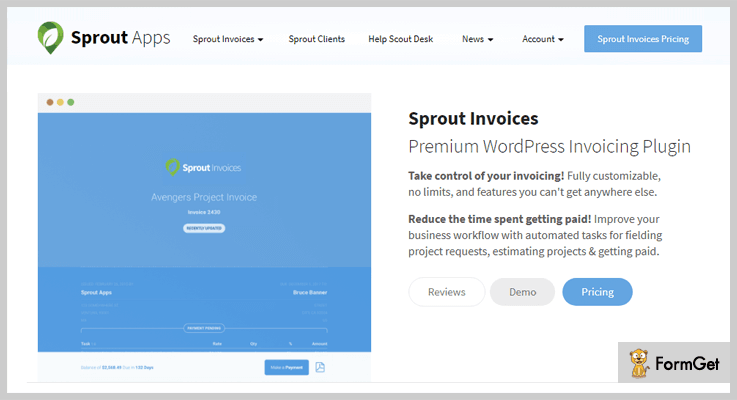
1. Sprout Invoices – WordPress Invoice Plugins
This premium WordPress invoicing plugin provides you a custom estimate and invoice templates. It’s well designed and standardized templates can increase your business brand.
The plugin improves your business workflow with automated tasks like project details, estimates, etc. Notification editing is allowed in this plugin for plain text so you can match this with your email communication as well.
Pricing –
The plugin provides its pricing plan in 3 stages –
1. Freelancers can buy the service at $47.99 with 20% discount.
2. For business, you can buy the service at $87.99 for 14 days.
3. Corporation purpose buys the service at $159.99 for 14 days.
Attributes –
- This plugin allows you to accept the payment via PayPal, Stripe and more.
- Flexibility allows you to customize the estimates with new theme templates.
- Schedule the payment time and date for your client.
- Integrated with 300+ app with Zapier integration.
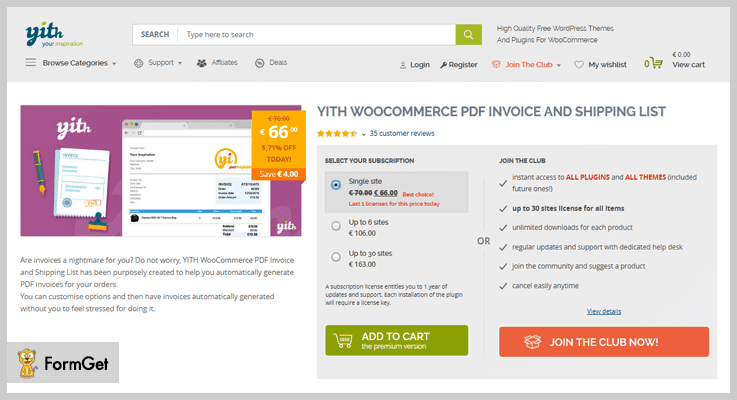
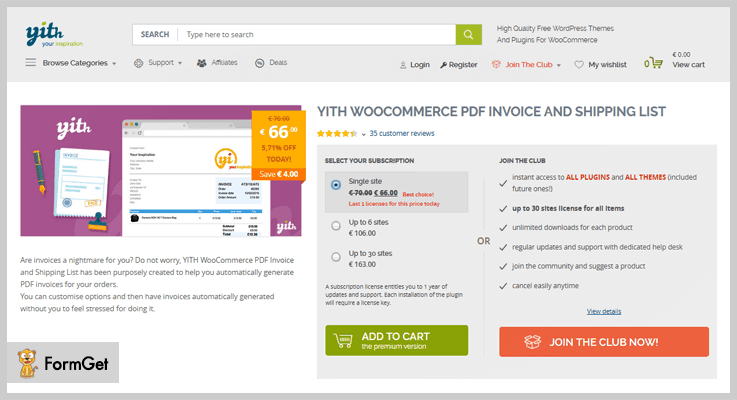
2. Yith WooCommerce PDF Invoice – WooCommerce Plugin
This WooCommerce PDF invoice plugin allows you to create PDF invoices and shipping list documents. Ordering your products with WooCommerce plugin is the easiest task with customizable templates.
With this invoicing plugin, you get customize options which generates the invoices automatically using a custom number of format & send to your customer easily.
Reducing the stress of generating invoicing is a great advantage for the workers.
Pricing –
Purchase the plugin for 1-site at just $68, for 6-site at $106.00, and for up to 30 sites buy its services at $163 only.
Attributes –
- With its simple click, users can easily get the PDF file with the summary of payments
- Allows you to change the same path at any time.
- Allows you to add notes to footer areas.
- Provides different customization options and designs.
Let’s get started with some of more posts of ours:
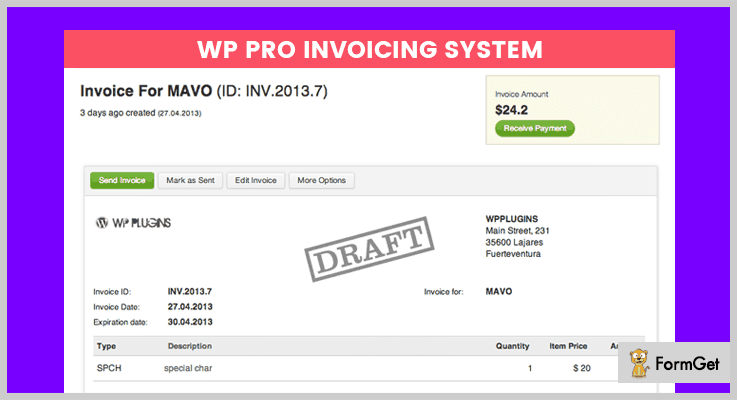
3. WP PRO Invoicing System – Invoice Plugin for WordPress
WP Pro invoicing system is one of the best plugins that allows you to create invoices on your WordPress site. The plugin comes with several features and functionalities to handle the invoices on your site such as export, track the details, etc.
The user may able to view all the details of their invoices like a view, track, report, edit etc with just a few clicks.
Pricing –
Regular license starts at $29 with 6-month supports and extended up to $145 for unlimited services.
Attributes –
- Added shortcode to show the invoices to the users on front-end.
- Option to change the word VAT.
- WooCommerce ready and translate readily.
- Customize the templates in a PDF format.
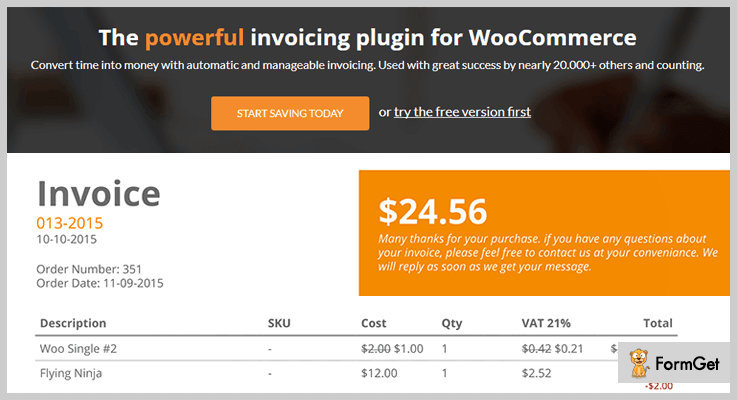
4. WooCommerce PDF Invoice – WooCommerce PDF Invoices
WooCommerce PDF invoice is the features of rich and professional WordPress invoicing extension. The plugin comes with premium support for the various businesses.
Its proudly referred the most popular, simple and professional WooCommerce invoicing plugin. This decreases your countless hours researching for accounting standards.
Pricing –
The plugin comes with premium features in its regular license at $35 and extended up to $149.
Attributes –
- Automatically generated invoices on every new order.
- Its proforma invoices are sent as an attachment of an invoice to the owner.
- Tightly integrated with WooCommerce functionality.
- It detects the currency of every state or store.
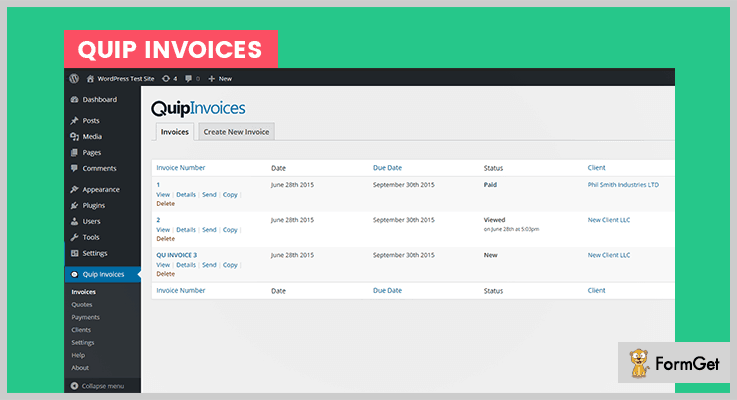
5. Quip Invoices – Online Invoice Generator
Quip Invoices is the complete solution to manage the arrangement of invoicing in your WordPress site. You can create and send invoices, accept payments, keep store client information with this quip invoices.
This invoicing plugin is easy and intuitive to use, easy to use and doesn’t require much time to set up. With this plugin responds to emails quickly from your customer, fix the bugs efficiently and make your clients happy always.
Pricing –
1. Regular License: $34 with 6 month update & support.
2. Extended License: $140 with 6-month update & support with unlimited features.
Attributes –
- With its member area, your clients can log in or can view their past & present invoices directly from the dashboard.
- Send multiple invoices to multiple people at the same time.
- Attractive print style so your invoices look great on any screen.
- Invoicing includes tax rates, company info, level adjustments, etc.
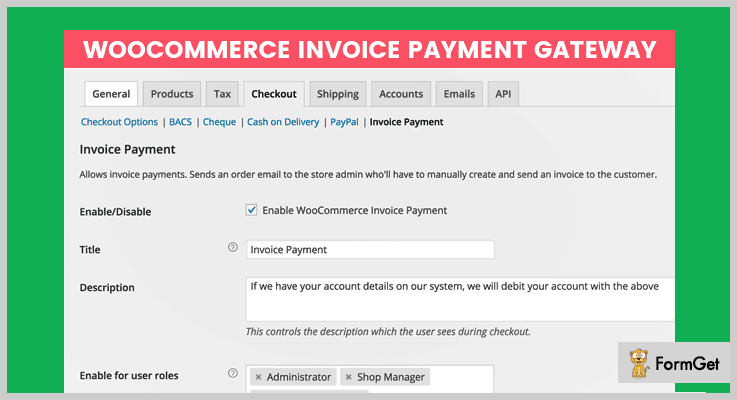
6. WooCommerce Invoice Payment Gateway – Invoice Format PDF
Woocommerce invoices payment gateway is the most powerful and popular WordPress invoicing plugin which comes with premium supports. The plugin gateway can enable or disable the invoices for certain users only.
WooCommerce invoice payment gateways itself is a most reliable plugin which manages all your billing estimates and record. It reduces your countless spent hours for searching and accounting standard.
Pricing –
Regular License: At $15 get its tons of features.
Extended License: At $75 get its multitude of features for unlimited use.
Attributes –
- It requires only a few seconds to install and set up.
- Option to select which user can see the payment gateways.
- The plugin is completely integrated with WooCommerce wholesale pricing list.
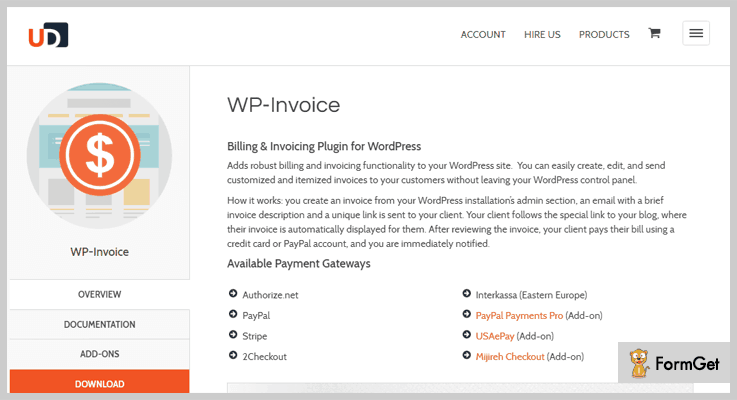
7. WP-Invoice – Free Invoice Template PDF
WP-Invoice is the most popular and flexible in use WordPress invoice plugin that allows for accepting payment and sending invoices.
The plugin is completely integrated with e-commerce extensions. It ties into WP user management database to keep track of your customers and their information.
Pricing –
Download the plugin from its official site i.e., wordpress.org at Free of cost.
Attributes –
- Provides filtering and searching option for a brand new user interface.
- Allows users to pay partial payment with less amount.
- Provides receipt pages with invoice log.
- Create users directly from WP-invoice.
8. WooCommerce PDF Invoices – Bill Format PDF
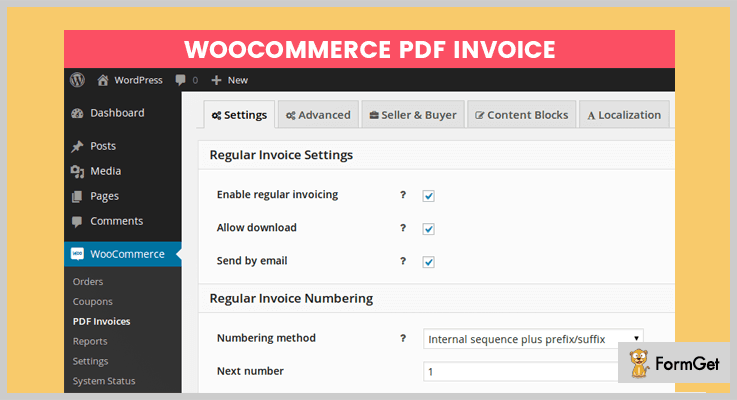
The best process for generating and sending invoices to your customers. This plugin is simple and can be modified so it will be easy to use with anyone.
This invoices plugin generates PDF invoices and PDF packing slips and attaches it your woo commerce email. It sends invoices to your customer’s Google Drive, Dropbox etc.
Pricing –
The plugin is simple and can be download at Free of cost only.
Attributes –
- Attach PDF invoice file to the multiple WooCommerce emails.
- Generates PDF packing slips for more details.
- It connects to Google Drive, OneDrive and etc.
- It generates PDF invoice automatically.
Conclusions:
In this post, I’ve handpicked the best 7+ invoice WordPress plugins (both Free & Paid) for your clients as well as your business which can be used for generating & managing invoices.
Hope you liked our these listing. Do comment below for any query and suggestions!
5+ Best Client Portal WordPress Plugins 2022 (Free and Paid)

Exchange of files amongst your clients and you will always be hard to manage. What if you find a magic tool to manage this file stuff? Exactly, we are talking about Client Portal WordPress Plugins.
This WordPress plugin will help you manage your work and your clients as well.
Client WordPress Plugins helps you in real-time management of users, arranging meetings online, and many more.
Be smart and choose the one.
Here are 5+ best Client WordPress Plugins for you:
1. Pabbly Subscription Billing –
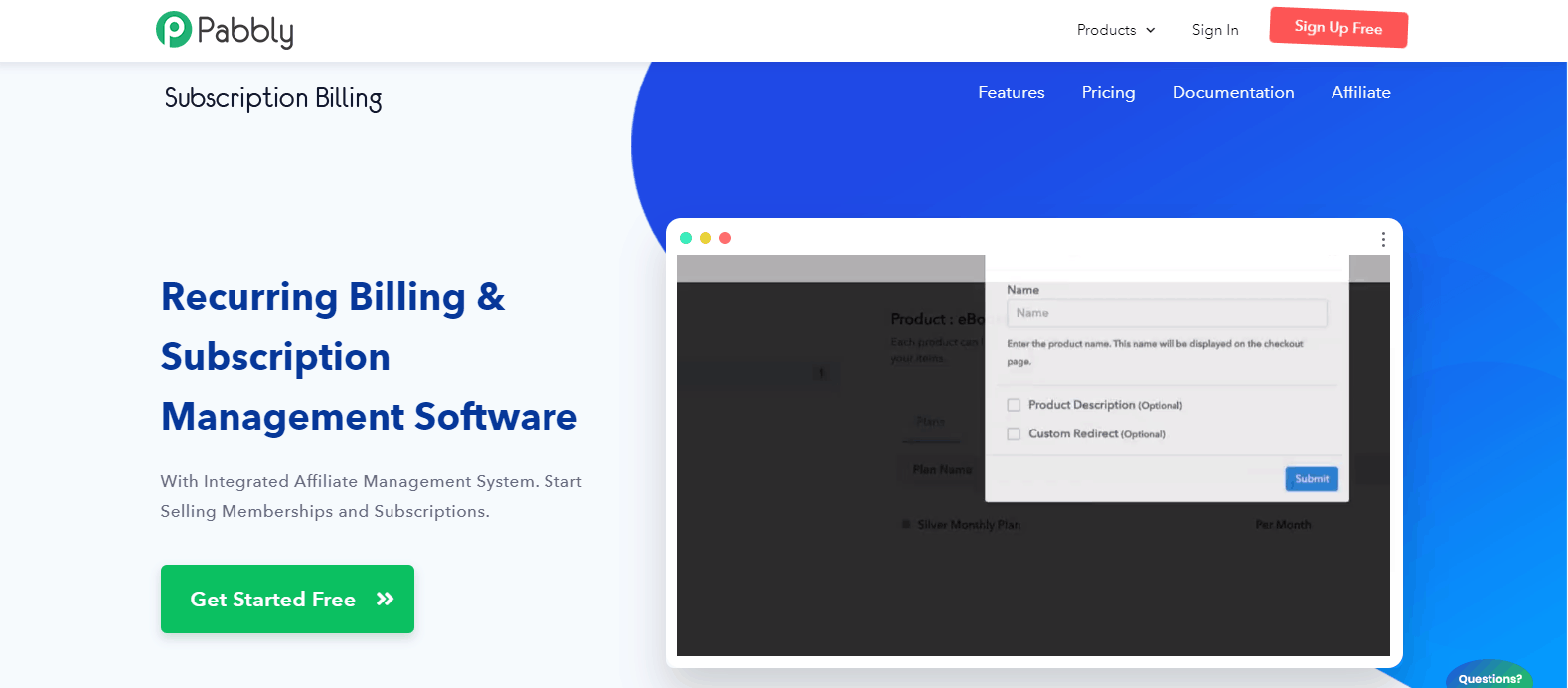
Pabbly Subscription Billing is recurring billing software that offers a fully customizable client portal to its customers where they can monitor and manage the activity of their accounts. Further, the client portal has an option of outstanding invoice and available credits where customers can view the pending amount & remaining credits.
Moreover, you can set the default language according to your needs as it supports multiple languages that include German, Spanish, Czech Republic, etc. Apart from this, a merchant has the authority to permit their customers to edit profiles as well as cancel subscriptions from their dashboard on an immediate or next renewal basis.
Along with all these functionalities, Pabbly Subscription Billing doesn’t restrict you on features as it empowers you to collect unlimited revenue without any transaction fee.
Features-
- It allows managing card details in just a few clicks i.e changing card numbers, add alternate card details, etc.
- In Pabbly Subscription Billing, your customers can upgrade or downgrade the plan according to their requirements.
- Your clients are able to track transactions and download invoices for more convenience.
- With the auto-enable client portal feature, the merchant can decide which customer can access the portal.
- In order to enhance your organization’s branding, the software lets you add custom logo & favicon.
Price-
Pabbly Subscription Billing has five plans in which you will get bulk of features with the client portal.
- Starter – This plan will charge you $9 per month, allows up to 50 customers with all the features including the custom domain, etc.
- Rookie – It costs you $17 a month and you can target 100 customers in this plan with affiliate module and other features as well.
- Popular – This is the famous plan which charges $29 for a month and you can target up to 150 customers with this plan.
- Advanced – It is a custom plan in which you can select the number of customers you want to target. It starts with 250 customers that charge $37 per month.
- Enterprise – It is a fully customized plan for more than 50k customers. For more details, you have to contact their sales team.
2. SuiteDash –
Out of all Client Portal WordPress Plugins, it is one of the best business management and client portal plugin. It is a single system designed to provide easiness in one’s works. It combines multiple tools that will help in maximizing your productivity.

Features-
Let’s check the Features of this client portal plugin.
- This plugin provides many tools like – CRM, project management, invoice generation, online payments, live chat, etc.
- Fully encrypted data to and from this plugin.
- No need to do copy or duplicate entries as SuiteDash shares the same data in all its parts.
- Time-saving and also boosts efficiency.
Price-
This Plugin offers different prices depending on the features which are as follows:
- Start – $19/month: In this, you can handle unlimited projects with the unlimited portal and unlimited staff members with 100GB storage.
- Thrive – $49/month: In this, you can handle unlimited projects with advanced custom menus and unlimited staff members. It provides up to 500GB storage places with a branded environment.
- Pinnacle – $99/month: In this, you can have unlimited projects with unlimited clients and unlimited teammates. It provides up to 1000GB storage place with the branded environment and Email marketing.
3. MemberMouse –
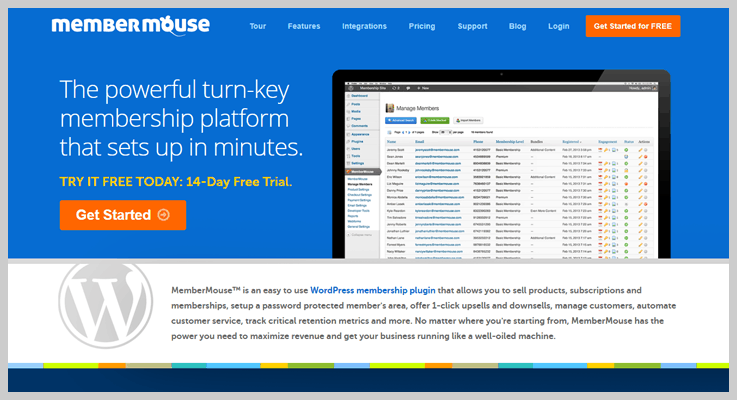
This WordPress Plugin will help you run a complete client portal with ease. It allows customers to update their profile, billing details, email, password, cancel subscriptions, and a lot more.
Moreover, you can also share files with your clients without worrying about data loss, etc.
Features-
Let’s see what this plugin is holding up.
- The plugin includes order history, engagement statistics, access rights, pause, cancel, refund, etc.
- You can also upload the file from a WordPress site.
- Clients will also be able to upload files by themselves.
- All file sizes and types supported.
- With this plugin, you can easily import your existing clients by formatting them according to the sample spreadsheet.
Price-
MemberMouse offers three different pricing plans:
- Starter- Buy this plan at $19.95 per month for 1,000 members.
- Advanced- It charges $99 per month for 50,000 members.
- Premium- It costs $299 per month for 100,000 members.
4. WSDesk – WordPress Helpdesk & Customer Support Ticket System Plugin
WSDesk – WordPress Helpdesk & Customer Support Ticket System Plugin is one of the top-notch client portal plugins that offers advanced features for the best customer support experience. Managing multiple tickets/queries and assigning them to the agents will become quite easy with this helpdesk plugin. Its compatibility with WSChat – WordPress Live Chat Plugin helps you convert the customer queries received as chat conversation to tickets and much more.

Features-
- You can add unlimited agent profiles and manage unlimited tickets.
- You can set notifications to be triggered automatically to the agents while a customer raises a query.
- You can convert your unread emails to tickets using IMAP or Google OAuth.
- Option to configure reply templates and professional agent signatures.
- Option to trigger SMS notifications to customers and agents.
- Highly compatible with WooCommerce.
- Options to analyze date-wise reports of tickets, overall customer satisfaction, and performance of individual agents.
- Easy backup and restore option for securing tickets and information to an XML file.
Price (One-time payment) –
- $89 for single-site
- $129 for up to 5 sites
- $249 for up to 25 sites
5. Clinked –
This Client Portal WordPress Plugin is very efficient and a great helping hand in terms of client management. It has many features like you can exchange the files in one place, chat with your clients and more.

Features-
Now let’s see what this Client Portal WordPress Plugins hold.
- This plugin assigns the task to teammates, sets the deadline, and watches the whole process of a project.
- Provides organized meetings and events.
- This plugin provides Real-time updates on the projects.
- It creates the workspace for you and your clients.
- You can share files, can chat and collaborate with your clients. Provides bank-grade security for client’s data.
Price-
This Plugin offers different prices depending on the features which are as follows:
- Starters $ 99/month: It provides 100 GB storage, 100 members, and unlimited guests.
- Collaboration $ 249/month: It has all the starter features. And it also provides a shared calendar, group chat, full-text search. It also provides up to 1 TB storage and custom domain.
- Enterprise (Contact the Team): It has all the collaboration features. And it also provides integrations, workflow, custom terms, and services.2.
6. Client Portal – Private User Pages and Login –
Client Portal WordPress Plugin provides each user a private page. These private pages are accessible only on the frontend by the owner of that page after login.
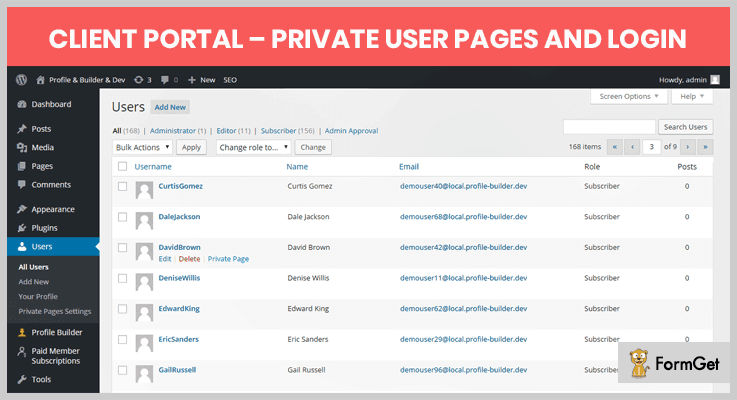
Features-
Now we will study the features of this plugin.
- It never asks you to login or to fill a registration form.
- This plugin shows your clients the only things you want them to see.
- You can add the shortcode on any page.
- Whenever a client tries to access any other page then he will be redirected to his private page.
Price-
This Client Portal WordPress Plugin is an open-source software i.e., available free of cost.
7. WP Customer Area –
This plugin is a one-in-all plugin for the persons who want to manage their private content. Themes are customizable in this plugin. We can share files and data with one or many users as well.
Features-
Let’s check the features of this Client Portal WordPress Plugin.
- This plugin is secure and gives personal access to clients.
- You can assign a particular file to a particular person and will list in his personal area.
- You can assign private pages to particular persons as well.
- Also, you can translate this plugin into your language.
Price-
This WordPress Plugin is an open-source software i.e., available free of cost.
Conclusion –
This is all we have in 5+ Best Client Portal WordPress Plugins. We hope you found something suitable for you. If you like our blog make sure to comment.
Few more you can browse:
7+ Category WordPress Plugins 2022 (Free and Paid)

Concerned about organizing your website’s posts and pages? No worry, category WordPress plugins will do it all for you!
To make a healthy and interactive website, categorization of content is the primary task that one can do for a website. However, it is no longer difficult with a breeze of category WordPress plugins.
Category plugins for WordPress allows you to organize your posts and pages under certain categories.
Moreover, you can also link your posts with each other, add different filters and functionalities.
As a result, the front-end of your website looks more interactive, neat and clean. Consequently, it becomes more appealing.
So, here in this blog post, we’ll talk about some premium category WordPress plugins as well as free category WordPress plugins. Keep scrolling and find the best fit for your website.
You might be searching for these WordPress plugins –
With that in mind, let’s get started –
Premium Category WordPress Plugins
1. TipTopPress – Category Post Widget
TipTopPress is a light weight category Wor
dPress Plugins which is allows you to display the recent posts from certain category, custom post type, and taxonomies of your website.
With the help of this plugin you can also display the posts on sidebar and other gadgetized sections of your website.
Pricing
- Single Site – $15
- 2 – 4 Sites – $29
- Upto 10 Sites – $49.
Key Features
- Mouse hover effects.
- Background images for posts.
- The plugin provides customizable shortcodes.
- Full email support.
- Alteration of posts list.
- Effective ways of filter your categories (all, exclude, and include etc).
2. Woo Product Slider and Carousel with category
Woo Product Slider and Carousel with Category is a WordPress plugin with the help of which you can make your WooCommerce products slidable on your website.
Along with that, you can also sort the products based on categories by just adding a simple category ID in the short code.
Pricing
- Single Site – $10.
- 5 Sites – $14.
- Unlimited Sites – $28.
- Developer – $60.
Key Features
- Fully responsive on any device.
- Flawless touch swipe.
- Compatible with every WordPress theme.
- You’ve the option to show/hide pagination and navigation.
- Facility to set the number of columns that you want to display.
- You have the facility to use your custom CSS for customization.
- It supports and can be translated to any language.
3. Media Library Categories Premium
Media Library premium category WordPress plugin enables you to use categories in the WordPress media library.
And not only this, rather you can put a filter on categories when you upload media files. Withal, you can change the category of multiple items in bulk.
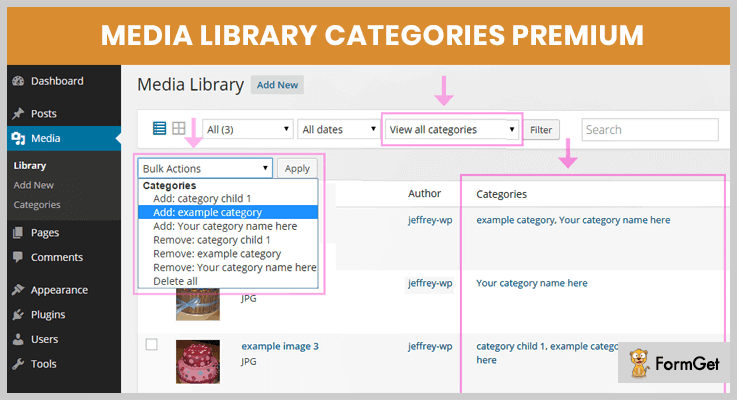
Pricing
Buy Media Library Categories Premium at just $20 from the Codecanyon.net.
Key Features
- You can put a filter when adding a media.
- Set filter on categories when creating a gallery in the media library.
- Bulk actions to add or remove categories.
- It also facilitates with taxonomy filter.
- The plugin provides an easy interface to manage the categories of media library.
4. Real Category Management – Category Plugin for WordPress
Real Categories Management provides an easy and flexible way to organize all your categories of content within your WordPress website by its ultra fast organisation mode .
This plugin not only manages your category but also display them in a tree view or you can also design your custom category order.
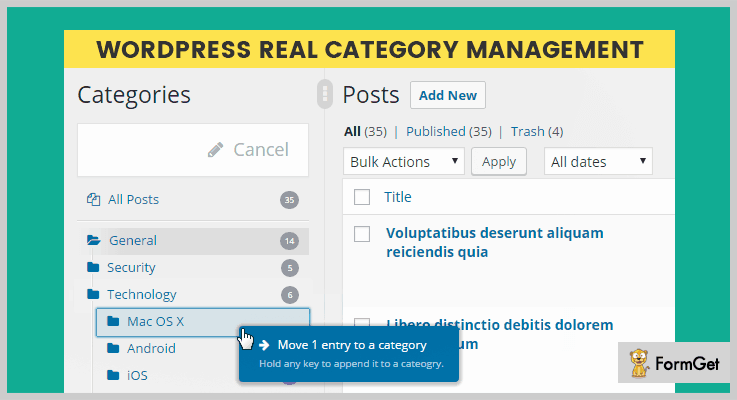
Pricing
Get this plugin at just $18 from the Codecanyon.net.
Key Features
- Drag and drop feature to organise your posts.
- No more irritating page load time while switching and exploring the content such as pagination etc.
- 100% compatible with touch screen devices.
- Works with taxonomies and WooCommerce products.
- Custom posts and orders for your front end.
5. ZF WordPress Category Accordion
ZF WordPress Category Accordion plugin let you to showcase all your categories as WordPress category accordion and WooCommerce category accordion.
The plugin comes up with shortcodes and widgets. It supports 7 color schemes to customize the look and feel of the display.
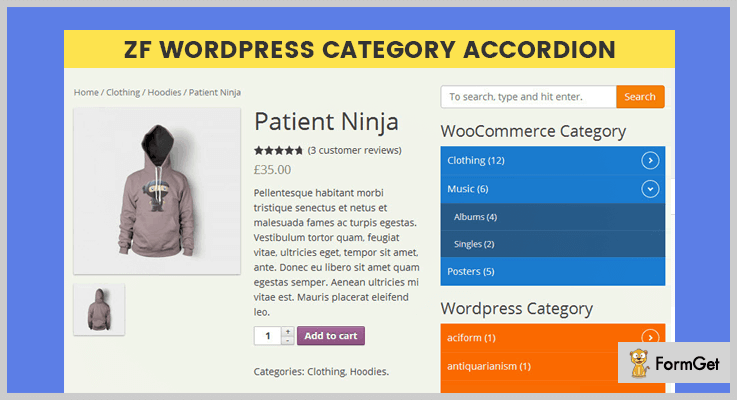
Pricing
Purchase this plugin from the Codecanyon.net at $15.
Key Features
- Translated into many languages.
- Toggle accordion.
- Accordion pages menus.
- Highlight the current category on viewing.
- Exclude/Include category pages.
6. Advanced Categories Widget – Category WordPress Plugin
Advanced category widget WordPress plugin provides you the full control over the display of your categories. It helps you to create category widget with images.
Also you can display the desired category template on certain category page of your website whenever it is clicked.
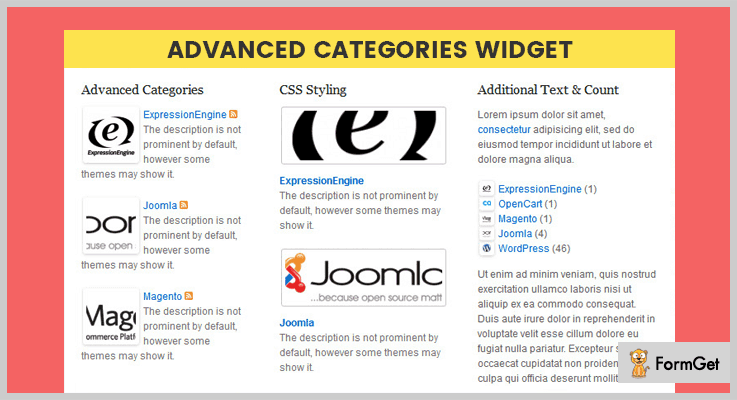
Pricing
Grab this Category WordPress plugin for $6 only.
Key Features
- You can add a description with each category.
- Set thumbnail height and width for displaying images in categories.
- Insert a URL and create a link for image.
- It shows last updated changes.
- You can add custom style and CSS scripts according to your need.
Freemium Category WordPress Plugins
7. List Category Posts – Category WordPress Plugin
List Category WordPress plugin helps you to list your posts by category using a simple shortcode in milliseconds. This shortcode accepts category name and ID and the order that you want to display.
Moreover, this category WordPress plugin has a user friendly interface and along with that you can easily customize the appearance of your posts.

Pricing
List Category plugin is a free of cost, grab it from the official WordPress site.
Key Features
- You can post several categories of posts using logical AND / OR relationship.
- It supports pagination.
- Provides complete guide of short-codes of different parameters and how to use them.
- You can define HTML tag and CSS script for a particular element.
8. Ultimate Category Excluder
Ultimate Category Excluder enables you to exclude categories from your front end posts, pages, search, and feed that you don’t want to include.
All you have to do is just click that category that you want to eliminate and you are done with that!
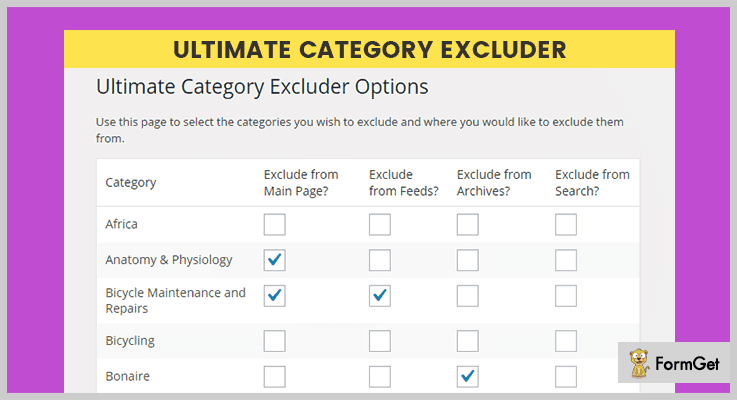
Pricing
It is free plugin available on WordPress.org.
Key Features
- Tested up to WordPress version 4.9.4.
- Easy to use interface.
- Open source software.
- Fully responsive plugin.
Conclusion
That’s all we have about category WordPress plugins. Hope you’ve found the perfect match according to your need.
So, the above mentioned category WordPress plugins are packed with features and currently used by a lot of websites. But, premium category WordPress plugins are highly recommended because they’ll provide amazing features in just affordable price.
But, if you don’t want to spend a penny on that so you can go for Free category WordPress plugins.
Did we miss out any category WordPress plugin? Kindly let us know in the comment section!
5+ Accounting WordPress Plugins 2022 (Free and Paid)
Accounting WordPress plugins play a major role in one’s business. Without them, people would have lost hope of getting their business above the clouds.
But what made these WordPress plugins so special?
There can be multiple answers to this question:
- For Billing as well as Bookkeeping.
- To record & process transactions.
- Track purchase as well as the sales order.
- Keep track of the growth of one’s business & so on.
So in order to do all these things, accounting plugins were developed. They can provide so much ease in managing the accounting section of a business.
That’s why here we’re with some of the best free as well as paid accounting WordPress plugins which can really do a lot more than accounting for your business.
And we really mean about what we said! Some of the plugins mentioned below can also support Customer Relationship Management (CRM) as well as Human Resource Management (HRM).
All you have to do is to go through them with a peaceful mind.
That’s because people don’t become the billionaires over a single night, what makes them successful is patience, proper strategies, & the right tools for business!
So have a relaxed mind! Now its time to dive in!
1. WP ERP: Best in Accounting WordPress Plugins
WP ERP is one of the best add-ons in accounting WordPress plugins. It has an intuitive and interactive system that is easy to understand & work smoothly for beginners.
Its inventory management system seamlessly works with debit, credit, balance sheets, income statements, cash flows, and many more things.
Pricing for this Accounting WordPress Plugin:
- Starter -This pack will cost you $149/year with the core feature including payment gateway and payroll feature.
- Essential – It charges $399/year for core features with inventory and WooCommerce extension support.
- Business– Suitable for critical finance and advance features. The price of this plan is $599/year.
Features of this Accounting WordPress Plugin:
- You can sale in any form like cash, credit, etc. It is flexible with all types of transactions.
- It allows journal entry and generates reports for real accountants & that makes it perfect for beginners.
- You can track expense transactions like purchasing goods in cash or in installments.
- With the help of charts, you can view entries and action in a single page.
Click Here To Grab More Information!
2. WooCommerce Debitoor Connect: WordPress Accounting Plugin WooCommerce
WooCommerce Debitoor Connect is another paid accounting WordPress plugin that helps to connect your WooCommerce Webshop account with Debitoor.
It is an accounting as well as invoicing software. So to use this WordPress plugin, you must have an account on it.
This plugin successfully works with WooCommerce Bookings, WooCommerce Subscriptions as well as WooCommerce 3.x.
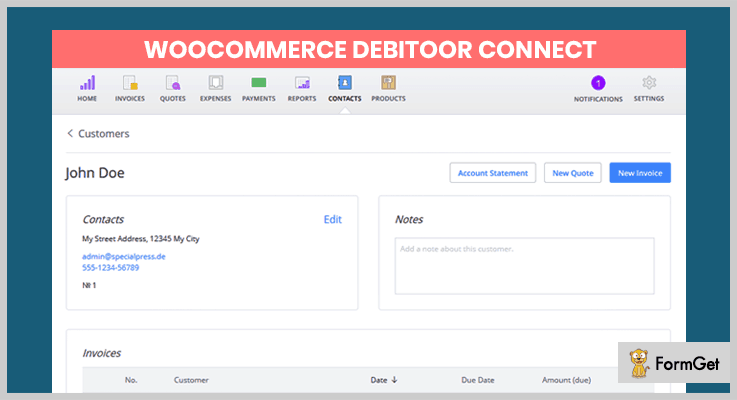
Pricing of this WordPress Accounting Plugin WooCommerce:
- Regular: This WordPress plugin charges only $39 for one user with no charge on end-users.
- Extended: The charged with the Extended plan is $720 in which the end-users can be charged.
Features of this WordPress Accounting Plugin WooCommerce:
- This plugin generates the automated invoice on Debitoor when a certain order is placed at Webshop.
- One can easily send the PDF files as of invoices to any customer from the accounting tool.
- You can mark your payments on the accounting software by tracking the payments on WooCommerce.
- The user can synchronize the customers as well as products from WooCommerce to the accounting system.
Click Here To Grab More Information!
3. WooCommerce Xero Integration Plugin
Xero is another accounting WordPress plugin which helps in integrating WooCommerce store with Xero account. It is a quick & easy solution for accounting for small businesses to manage sales, invoicing, payment, etc. This plugin automatically creates the invoicing for your WooCommerce sales.
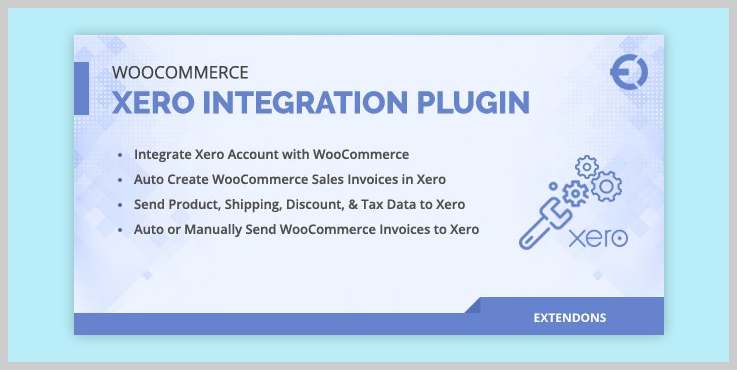
Pricing of this Accounting WordPress Plugin:
It provides two licenses in which you will get future updates and 6-month support.
- Regular license will cost you $45 only.
- Extended license will charge you $150 only.
Features of this Accounting WordPress Plugin:
- This plugin sends the product details, shipping & discount information, tax data to Xero.
- It can send WooCommerce sales invoices to Xero automatically as well as manually.
- Xero sync payment methods for each invoice incurred.
- Along with that it sync tax methods for products purchased.
Click Here To Grab More Information!
4. WooCommerce Deposits : Partial Payments Plugin
It is one of the best tools in accounting WordPress plugins. This plugin is compatible with the WooCommerce Booking plugin which makes it possible to collect payments on booking as well as products.
Its intuitive system makes it very easy for all businessmen to understand it in a simple way and execute the tasks that need to be done for the accounting department.
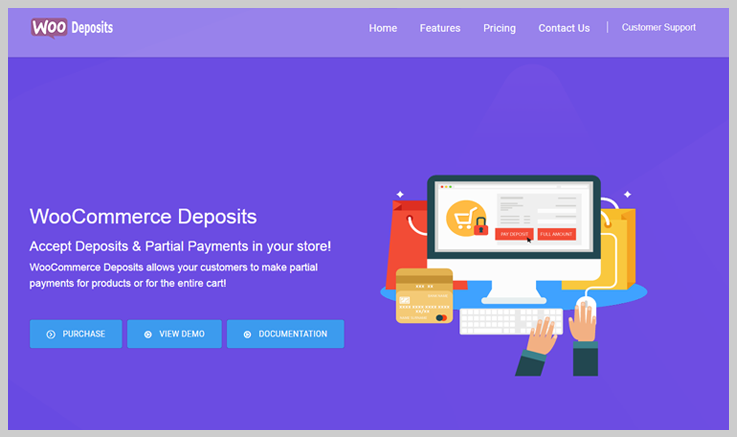
Pricing for this Accounting WordPress Plugin:
- Regular license – It will cost you $39 with 6-month support and future updates.
- Extended license – This plan will charge you $195 for the 6-month support and all future updates.
Features of this Accounting WordPress Plugin:
- It allows the customers to pay the remaining amount later by logging in.
- When the deposit option is chosen it displays a custom message on the screen.
- This plugin allows its user to check the deposit reports on the WooCommerce report panel.
- It is fully translatable and comes with pre-translated in some languages like Dutch, English, French, etc.
- WooCommerce Deposits has the feature of automatic email reminders to pay the remaining amount.
Click Here To Grab More Information!
5. Acumulus: Accounting Plugin for WordPress
Acumulus is an accounting plugin for WordPress which connects the Woocommerce store to the Dutch SIEL Acumulus application.
It can add the invoices either automatically or through a batch send the form to the administration, saving a lot of physical as well as error-prone work.
This WordPress plugin is especially for freelancers as well as for the sole proprietorship.
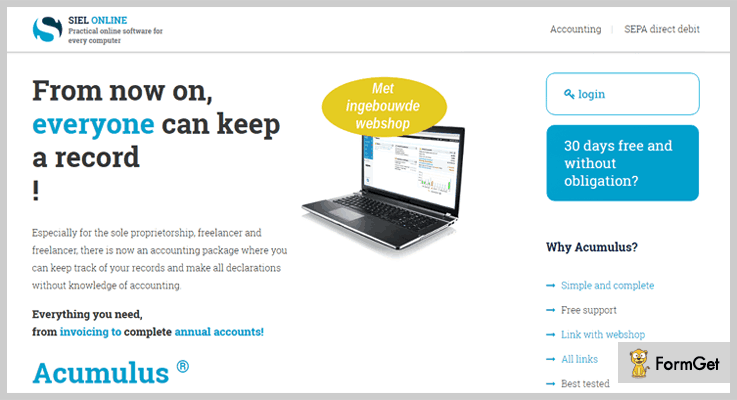
Pricing of Acumulus: Accounting Plugin for WordPress
- Acumulus plugin does not charge any kind of payment for accessing it.
Features of Acumulus: Accounting Plugin for WordPress
- This accounting WordPress plugin replies to order status changes through multiple actions.
- It has 3 admin screens: settings, advanced settings as well as batch send screen.
- This plugin does not interfere with the front-end UI in any way.
Click Here To Grab More Information!
6. Akaunting: Accounting Plugin
Akaunting is an accounting plugin which has the tools which are needed to manage the money, from invoicing & expense tracking to accounting.
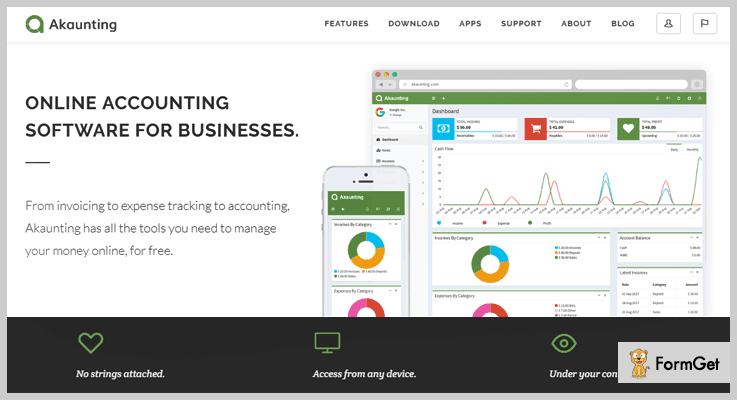
Pricing of Akaunting: Accounting Plugin
- Akaubting for WooCommerce is free of cost.
Features of Akaunting: Accounting Plugin
- Share the invoices as well as transactions with clients & accept payments in bulk.
- This plugin is available in more than 15 languages.
- You can keep track on the financial strength of your business in the form of reports.
- With the help of its professional invoices, you can attract more clients.
Click Here To Grab More Information!
Conclusion:
We believe that you’ve carefully gone through the above accounting WordPress plugins. You should try them for your business. Some of them are free as well as paid.
With the help of them, people can easily manage all of their accounting work without any hindrance.
So just try them out & let us know if you have any queries & suggestions for us as well & we’ll surely work on it.
After all, we’d love to help the future billionaires!
Wait! Let me tell you that there are some other WordPress plugins which you can really count on for your business:
7+ Leverage Browser Caching WordPress Plugins 2022 (Free and Paid)

Leverage browser caching WordPress plugins will help you deliver the content in milliseconds, improves site’s ranking and also put a great impression on your visitors.
Leverage browser WordPress plugins help you increase the overall performance of your WordPress website.
Here a question arises!!!
What are really leverage browser caching WordPress plugins and how do they increase the overall website’s performance?
Below is the best explanation:
As we all know, WordPress generates a website’s content dynamically and for this, it uses a large database. The more content added to your website result in the more database request execution.
Consequently, it will slow down the site’s performance notably when the database resides on a different server. Enabling leverage browser caching will serve files from the browser instead of the server.
That’s how leverage browser caching WordPress plugins will allow your website the functionality to cache files. These files get saved into the browser instead of the server. This will result in the moderate increase in the overall site’s performance as well as speed.
Have a look at these popular listings-
In this article let’s have a discussion on the topic of our interest The 7+ Leverage Browser Caching WordPress Plugins 2022 (Free and Paid)-
1. Borlabs Cache– Best in Leverage Browser WordPress Plugins
Borlabs Cache is an easy to use, yet powerful Leverage Browser Caching WordPress Plugin. It provides GZIP to compress your page. The Plugin combines all JavaScript and CSS files to increase your site’s performance.
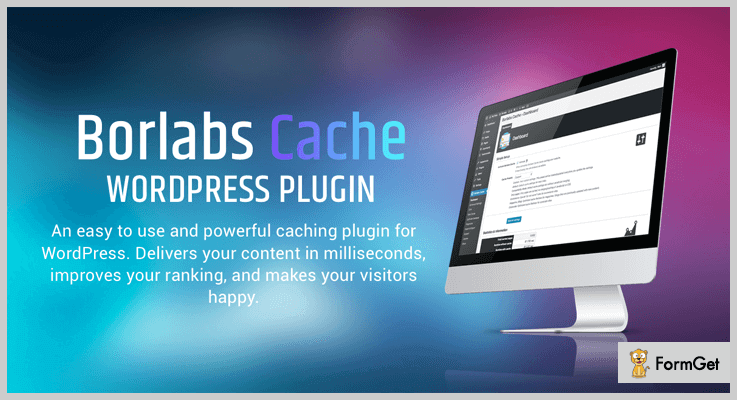
Pricing Plan-
The Borlabs Cache WordPress Plugin have a regular licence of $49 only.
Features-
- It caches every post, page, category, feed and tag.
- Automatically refresh the cache.
- Provides statistics about every page/post in the cache.
- Optimization with JavaScript, CSS, HTML, database and miscellaneous settings.
2. WP Rocket – Popular in Leverage Browser WordPress Plugins
With WP Rocket Leverage Browser Caching WordPress Plugin make your website load fast in just a few clicks. WordPress experts recognized it as the most powerful caching plugin.
Pricing Plan-
The WP Rocket WordPress Plugin pricing plans are-
- Single- $39 (1 website)
- Plus- $99 (3 websites)
- Infinite- $199 (unlimited websites)
Features-
- With less configuration get immediate results.
- Simplicity and the speed is a major advantage.
- Ultra-fast Page loading time with cache Preloading.
- Improve Search Engine Optimization(SEO).
3. Comet Cache– Prime in Leverage Browser WordPress Plugins
Comet Cache appends an excellent combination of simplicity, reliability and most importantly the Speed. It can be an effective solution to your site’s speed problems. The Plugin saves a lot of your time which can be very expensive from the performance viewpoint.

Pricing Plan-
The Comet Cache WordPress Plugin have the pricing plans as-
- Single-site: $39
- 3 Sites: $99
- Unlimited sites: $139 (Most Popular)
Features-
- Comet Cache increases the speed of your site and improves SEO.
- No hard coding or technical knowledge required.
- Freedom to experiment with emerging themes, plugins and configurations.
- It reduces server expenses.
4. Page Speed PRO– Leverage Browser Caching WordPress Plugin
In Leverage Browser WordPress plugins Page Speed PRO is the one that will support you to optimize the speed constraint of your website. The overall functionality of the plugin will result in high visitors engagement, maintenance and progress.
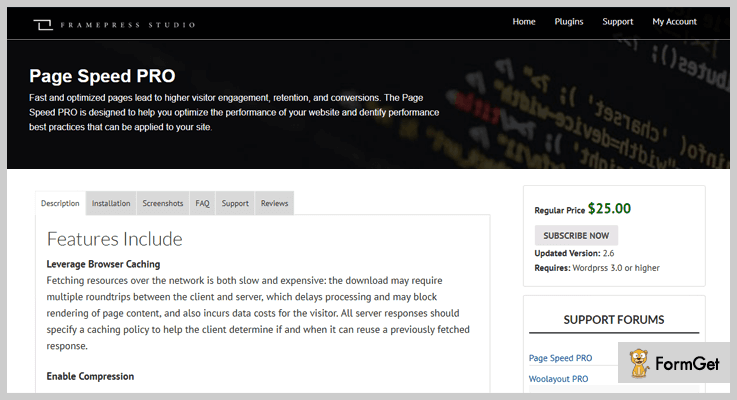
Pricing Plan-
The Page Speed PRO WordPress Plugin has a regular pricing plan of $25 only.
Features-
- Leverage browser cache functionality.
- Enable compression for a reduction in the response time with 90%.
- Significantly reduce time to download the resources, data usage via. the client, and recover the time to fast render your page.
- Eliminate render-blocking and optimize JavaScript and CSS external file delivery.
5. Google PageSpeed Insights Optimizer WordPress Plugin
Google PageSpeed Insights Optimizer WordPress Plugin is developed to efficiently optimize the resources and speed up your website. It helps you to make your website faster and to get the best results.
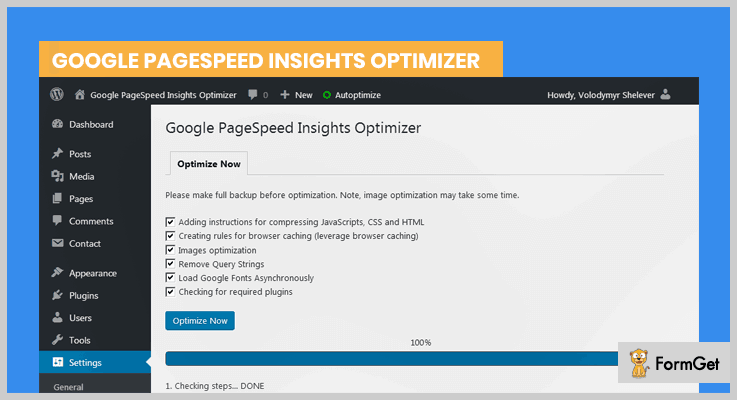
Pricing Plan-
The Google PageSpeed Insights Optimizer WordPress Plugin have a regular licence of $19 only.
Features-
- Instructions to compress HTML, CSS and JavaScript.
- Image compression without losing quality.
- Asynchronous Google font loading.
- Easily translatable in many languages.
6. One Click Optimization 2.0– Leverage Browser WordPress plugin
One Click Optimization 2.0 WordPress Plugin will let you start optimizing your website without any additional setup and hard coding. It is a quick and simple-to-use plugin with enormous features and one-click installation. Support for every theme and plugin.
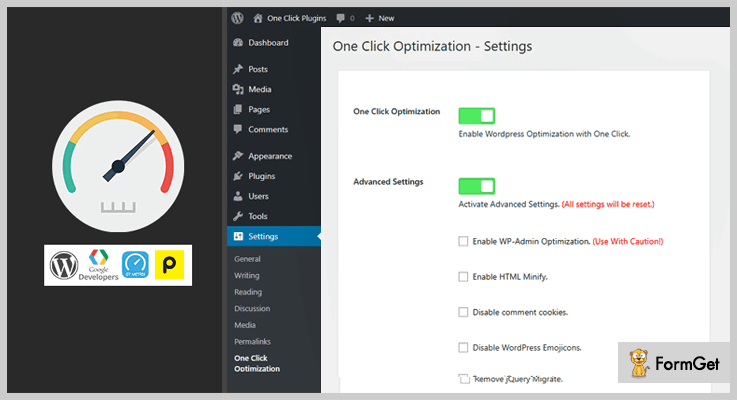
Pricing Plan-
The One Click Optimization 2.0 WordPress Plugin have a regular licence of $19 only.
Features-
- Provides speed optimization for WordPress.
- It has JavaScript migrate optimization.
- Provides short-link and WordPress embed remover.
- Support emoji/similes remover.
7. PageSpeed Ninja– Must Use Leverage Browser Caching WordPress Plugin
PageSpeed Ninja is an ultimate Leverage WordPress Plugin. An easy-to-use, all in one plugin with performance-boosting capabilities. The plugin supports a vast variety of screens such as desktops, mobiles etc.
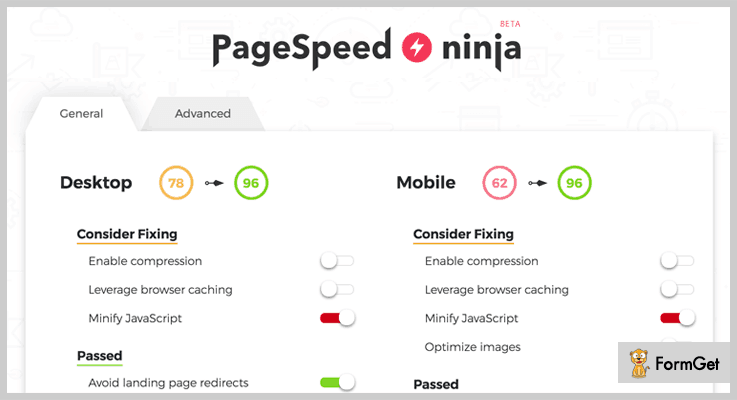
Pricing Plan-
The PageSpeed Ninja WordPress Plugin is a FREE.
Features-
- Provides minified HTML, JavaScript and CSS files.
- Optimize styles as well as scripts.
- AMDD database available for mobile device databases.
- 200 000+ installations.
8. Leverage Browser Caching WordPress Plugin
Leverage Browser Caching WordPress Plugin fixes slow loading and caching issues on your website. It also increases the overall page speed score.
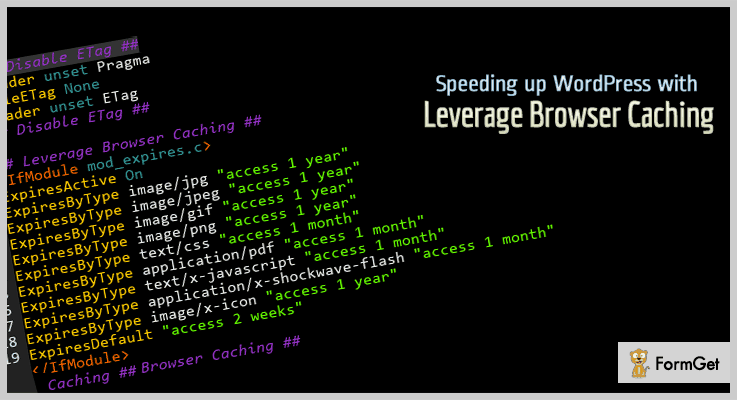
Pricing Plan-
The Leverage Browser Caching WordPress Plugin is another FREE plugin instead.
Features-
- Gradual speed up of the entire website.
- Saves data for the user perspective.
- Reduces load on the server.
- Also saves bandwidth.
Conclusion:
Having a reliable Leverage Browser Caching WordPress plugin can solve many problems and also it’s gonna give you much more time to work on other things as well.
Please feel free for any further suggestions, queries, precious thoughts and comments. We would definitely love your feedback.
Thanks for reading!
7+ Shortcode WordPress Plugins 2022 (Free and Paid)

Looking to create a beautiful blog, posts, pages and widgets for your website then you need to use the best shortcode WordPress plugins for your site.
Shortcodes are the easiest method to add varieties of features and functionalities in your posts and pages. It is one of the easiest ways to add custom content to your site.
Instead of wasting multiple lines and time in writing a code for creating any widgets or websites, use a shortcode to get the thing done in a simple way.
A shortcode is the easiest process to live your content in just a few seconds by simply copying the code wherever you want to be on your site.
Having a shortcode WordPress plugin on your website is the perfect solution to spicing up your site or reduces risk to re-do everything when you’ll switch to the themes.
In this content, you’ll find a free & premium top shortcode WordPress plugins which are suitable for the various site.
Before starting with these plugins in-depth let’s have a look at few more blogs:
1. GT ShortCodes – Best ShortCodes for WordPress
The plugin is the simple and easy to use shortcode WordPress plugin. This premium WordPress shortcode plugin helps to boost your WordPress site.
Creating a shortcode is so easy with the help of GT ShortCode editor dialogue boxes. GT shortcode is a simple and responsive WordPress plugin which allows you to insert block quotes, icons, google map etc.
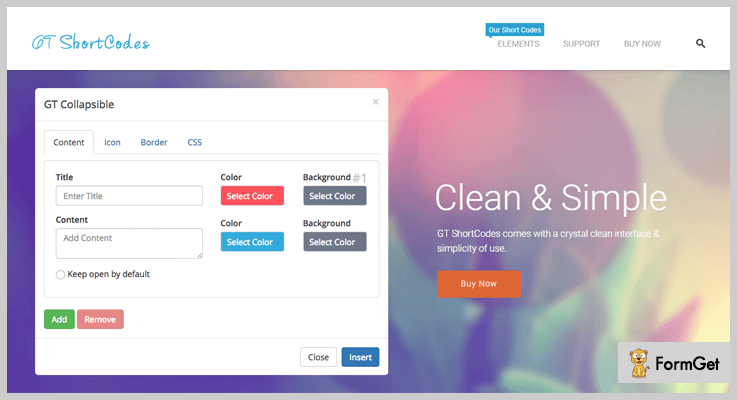
Estimate –
Regular License:
Get tons of features at just $21 with 6-month supports.
Extended License:
Get its unlimited of features at $105 with 6-month supports.
Features of GT ShortCodes –
- The plugin is simple, clean and flat designed shortcode element.
- It automatically clears the data from a database on De-activation.
- GT ShortCodes is easy-to-use shortcode generator.
- Completely responsive and light weighted.
2. Vision – Shortcode Plugin WordPresss
Vision is the top premium shortcode plugin WordPress. This plugin comes with tons of functionalities and customization setting for each shortcode.
The plugin supports modern designs which will make your pages & posts shiny and standardized. It provides you more than 100 shortcodes.
Estimate –
Regular License:
Buy the services of vision shortcode plugin at $25 with 6-month support.
Extended License:
Buy the unlimited services of vision plugin at $125 with 6-month support.
Features of VisionWordpress Shortcodes Plugin –
- Full of gorgeous animated designs, colors, and shapes.
- This shortcode gets added automatically to the WordPress content.
- Completely responsive and comfortable on any devices.
- Quickly and easy to setup plugin.
3. Supreme Shortcodes – WordPress Add Shortcode
The supreme shortcode is the plugin that is the complete solution to create a beautiful WordPress website.
This premium shortcode plugin provides you a static element like responsive rows, animated designs, lines, boxes, 3D Buttons and more.
It also provides 100+ extra customizable functionalities and features like Toggles, Popovers and much more.

Estimate –
Regular License: At $21 with 6 month supports for basic features.
Extended License: At $105 with 6 month supports for unlimited features.
Features of Supreme Shortcodes –
- This plugin is built on Twitter Bootstrap framework for responsive design.
- Provides 100% accurate display on any screen.
- Easy to use shortcode WordPress plugin.
- It comes with parallax designs.
4. B5 Shortcodes – WordPress Create Shortcode
This B5 shortcode is the powerful yet premium WordPress plugin that charge and increase the visibility of your WordPress site with a powerful shortcode.
It easily composes the graphic elements into your website. Using this B5 shortcodes plugin into your website you will be open the door to add more than 100+ functionalities into your site.
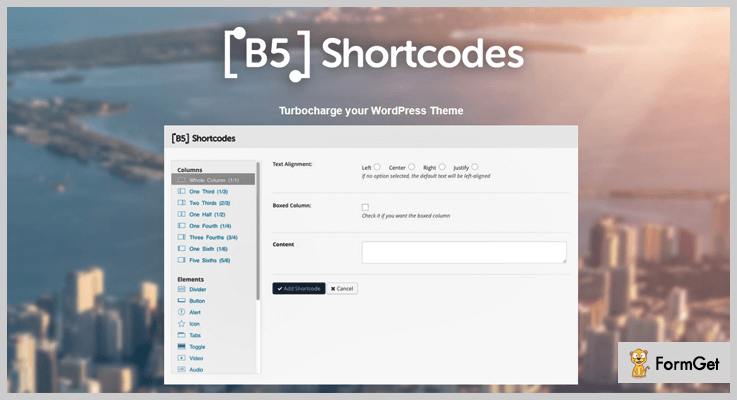
Estimate –
Get it varieties of features at just $21 with 6-month supports, and increase its unlimited features at $105 only.
Features of B5 Shortcodes –
- The plugin speeds up your work time due to its fastest services.
- Provides you an image slider options to present more pleasantness into your site.
- Also provides audio, video, icons, quotes and much more.
- It integrated with Google Maps as well.
5. Intense – WordPress Shortcode
The intense plugin is the most powerful shortcode WordPress plugin designed by CodeCanyon. This plugin gives you the flexibility to include 40+ more awesome shortcodes in your website to create a custom looking posts and pages.
The plugin is excellently integrated with Visual Composer Page builder plugin and includes 19 custom post types (Portfolio, news, FAQ etc)
Estimate –
Get its varieties of features at just $30 and extends its services from $150.
Features of an Intense plugin –
- The plugin is built in Twitter Bootstrap.
- Includes parallax effect to provide more excellent designs.
- 100% responsive and creates easily templates to display in custom pages.
6. Shortcodes Ultimate – Widget Shortcode
This ultimate widget shortcodes plugin provides power pack of shortcodes. And one of the premium rich & users favorable shortcode plugin.
The plugin includes a various collection of visual and functional elements which you can use this in the post editor, widgets, and much more.
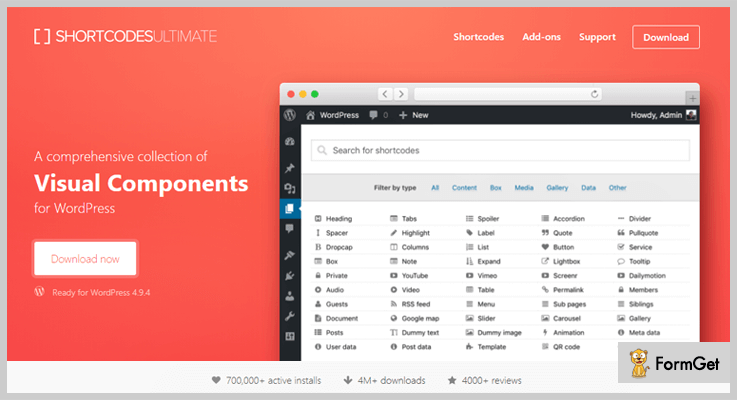
Estimate –
Download the plugin from its official site wordpress.org.
Features of Shortcode Ultimate –
- It provides 15+ additional shortcodes.
- Give 60+ additional skins for plugin shortcodes.
- 100% responsive and mobile friendly.
- Creates your own custom pages with shortcodes ultimates.
7. WordPress Shortcodes – Shortcodes Ultimate
This WordPress shortcode is a free WordPress plugin that fills quick makeover into your sites. The plugin will make your website alive by bringing a remarkable set of useful elements to your website.
This plugin helps you to improve the appearance of your business and gives your website an advanced look.
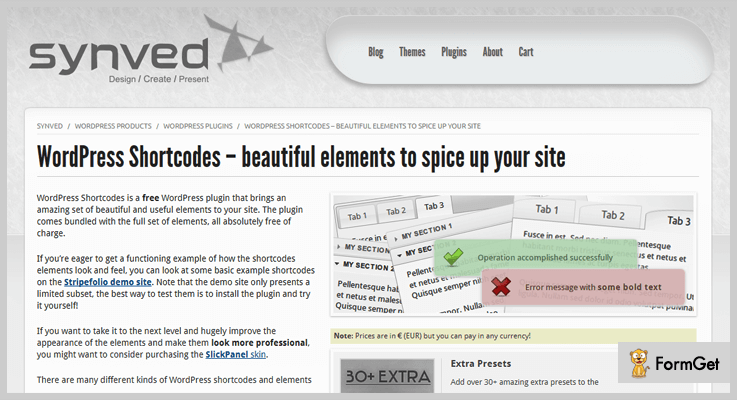
Estimate –
This plugin is completely Free. Download its free version from an official website wordpress.org.
Features of WordPress Shortcodes –
- The plugin contains more than 26+ shortcodes and different elements.
- Create various sections like tabs, accordions, layouts etc.
- Quick and easy to use shortcodes and elements.
- Quickly easy insertion and editor.
8. WP Shortcode – Free WP Shortcode
This Free WP Shortcode is the premium list WordPress plugin which offers its numerous of features at Free of cost only. This plugin is completely easy to use and customized plugin.
Easily add buttons, alerts, videos, and much more. The plugin required only single click installations.
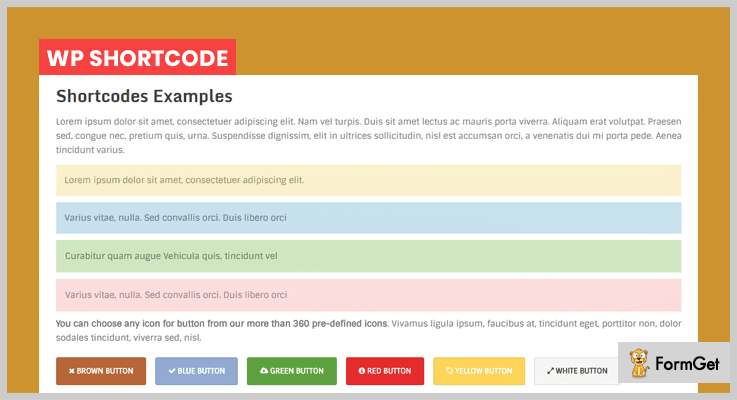
Estimates –
This plugin is completely Free. Download it now to take more and more advantages.
Features of WP shortcode –
- It is completely responsive and accurate fits on any screens.
- Supports various forums to increase your website’s visibility.
- Provides more than 24+ useful shortcodes.
Ending:
In this post, we offered you an in-depth overview of shortcode WordPress plugin. All these plugins are full of feature list and one of the easiest way to add custom content to your site.
For any suggestion and queries do comment us below!
7+ Best Pinterest WordPress Plugins 2022 (Free and Paid)

You all must be aware of WordPress and its plugins. Today, we are going to talk about Pinterest WordPress Plugins.
So let’s see what these Pinterest WordPress plugins can actually do.
There are various elements these plugins add to your website. Firstly, it integrates the features of Pinterest to your website. Like it adds a pin button to your website so a user can pin whatever image he wants to. Then with some plugins, you also get a follow badge through which a user can directly follow your Pinterest account.
Further, you can showcase your pinned images or your Pinterest galleries to your website. So, basically, there’s a lot that you can do with it.
This, in turn, makes your website and Pinterest account more alive and interesting. Thus, increasing number of followers.
Now, let’s have a look at 7+ Best Pinterest WordPress Plugins (Free and Paid) mentioned below:
1. Pinterest-to-Wordpress–
This Pinterest-to-WordPress plugin is a plugin with many features. It is a combo pack of many features like 3D background patterns, infinite galleries etc.

FEATURES-
Let’s go through features of this Pinterest WordPress Plugin.
- It displays Pinterest user board as a gallery.
- It displays Pinterest pins as a gallery.
- You can use unlimited colors.
- You can create many galleries and display them.
- It will auto update from time to time.
PRICE-
It cost only $ 19 for 6-month subscription with a regular license and $ 24.63 for a year subscription saving you up to $7.50.
2. Monarch –
This Pinterest WordPress Plugin is not only a plugin for Pinterest but it can also be used for other social media platforms. It sits on the throne of social media plugin and is the talk of the town. We can say that it is a social media plugin with style. This WordPress Plugin we can share more social icons, add more locations, and makes website lighting fast.

FEATURES –
- Arrange the number of networks to create more sharing options for your visitors as there are 20 social media to choose from.
- You can add sharing buttons in 6 different locations.
- You can use Fly-in triggers and automatic pop-ups.
- It is responsive and customizable.
- You can create and display your social media following as well.
PRICE –
The price of this Pinterest WordPress Plugin is:
- $89 for 1-year access, and
- $249 for lifetime access.
3. Social Warfare –
“Social Warfare” is one of the most amazing Pinterest WordPress Plugin to use. As it provides social media sharing button to your blog or website. So that, your followers can share the data according to their feasibility.

FEATURES –
- It allows you to customize the colors to your liking while creating buttons on every page.
- It provides “works-out-of-the-box” by using it you can set the location of your button anywhere on the page.
- This WordPress Plugins Pinterest is lightweight thus, not take much time to load.
- It has a backup feature named as “Share Recovery Feature”.
- This helps the user to drive more visitors to your site by displaying images, descriptions, and titles.
PRICE –
The price of this Social Warfare plugin is:
- 1-year license with single a site license for $29.
- 1-year license with five sites license for $135.
- 1-year license with ten sites license for $250.
4. “Pin It” Button –
This WordPress Plugin provides up to 30 “Pin It” styles attracting more visitors. You can place the Pin It button at any corner with the style selected by you.
It is easy to use and also provide share buttons without the use of any other plugins.

FEATURES –
Let’s go through all its feature.
- You can always display hover button.
- You can add a button to every image.
- You can select the pre-featured image to be pin by default.
- It is compatible with custom type posts and works with major themes and plugins of WordPress.
PRICE –
The price of this Pinterest WordPress Plugin is:
- 1-year license with a single a site license for $29.
- 1-year license with three sites license for $49.
- 1-year license with twenty-five sites license for $149.
5. Pinterest Pro –
Pinterest Pro is the one plugin which integrates your Pinterest account. This also helps you to add two widgets to your sidebar.
It also has the TinyMCE toolbar which helps in the quick generation of the shortcode.
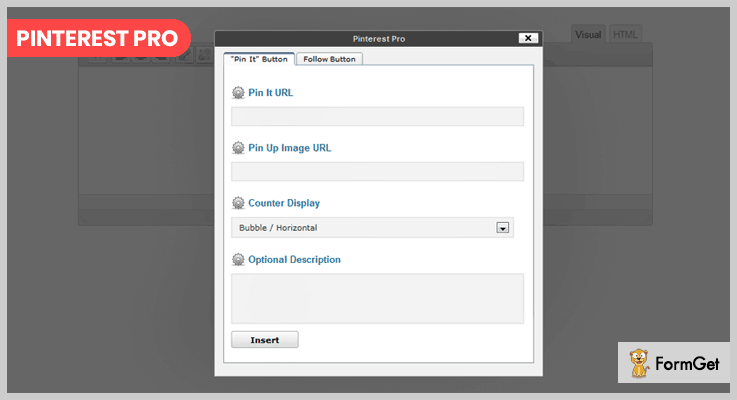
FEATURES-
Now we will overview the features of Pinterest Pro.
- It supports all buttons which are used for images, available counter options, and sizes.
- It has shortcode and template tag.
- It provides full support for “follow me” and “pin it” buttons.
- No code required by it.
PRICE-
It cost only $ 7 for 6-month subscription with a regular license and $ 8.13 for a year subscription saving you up to $1.50.
6. Easy Social Share Buttons-
For sharing, optimizing, creating your profile, increasing followers this is the one plugin.
As it is best for covering all social networking sites and is unique due to its various features.

FEATURES-
Now we will overview features of this plugin.
- It provides up to 45 social media networks.
- It provides the package of 52 beautiful templates.
- It also provides around 27+ design positions.
- It also provides around 30+ eye-catching animations and customizations.
- You can chat live on Skype, Facebook, and Messenger.
- It will help you analyze your profile and improve.
PRICE-
It cost only $ 19 for 6-month subscription with a regular license and $ 24.63 for a year subscription saving you up to $7.50.
7. Pinterest Follow Button-
“Pinterest Follow Button” is a very modest and attractive plugin to use. This plugin will allow you to increase the number of followers on your Pinterest account.

FEATURES-
Let’s see what features does this plugin hold.
- It provides Pinterest follow buttons with widget settings.
- The plugin also provides many follow buttons to follow different accounts.
- You can also customize the widget title.
PRICE-
This plugin is available free of cost.
8. AccessPress Pinterest-
With this plugin you can do many things like adding follow up button, adding widgets, and many more.
It has buttons for language selection, color selection, adjusting size of the image, etc.

FEATURES-
Let’s see what features does this plugin hold.
- It provides buttons for Pin It.
- The plugin provides buttons for customizing your image with various colors and sizes.
- This also provides Pinterest profile widgets.
- Further, it also provides pin board widgets.
PRICE-
This plugin is available free of cost.
Conclusion-
This is all we have in 7+ best Pinterest WordPress Plugins. We hope you found a perfect plugin for your website out of all.
If it is useful anyhow make sure to comment! Till then take care.
7+ WordPress Mobile App Plugins 2022 (Free and Paid)

Is it the right time to turn your site into a mobile app? If you feel yes, then you can do a DIY with WordPress Mobile App Plugins.
Mobile currently accounts for half of all global web pages served. In 2017, 52.64 percent of all website traffic worldwide was generated through mobile phones. The interesting part is that according to a study that is already two years old, 47 percent of mobile traffic comes from apps.
So yes, it high-time to turn your site into the mobile app.
DIY approach using WordPress Mobile App Plugins will save the hard-earned money. If you are not trained in how to develop an app yourself, you’ll have to outsource this to another developer. They charge “very high” for even the most bare-bones of mobile apps.
So mobile plugin apps will be the most cost-effective and best option to go for.
Advantages of using Plugins to turn WordPress site into a Mobile App
- Easy to use as there is no technical knowledge required.
- Quickly scans all the content of your website and presents it in an app layout.
- Consumers can also get instant notifications on special offers and promotions.
Excited to see what WordPress Mobile App Plugins can do to help you turn your website into a mobile app.
Find more:
Have a look below.
1. Mobiloud –
Mobiloud plugin lets you publish your apps news/Blog app, a Community app, an E-commerce app, or something else with Mobiloud & Mobiloud canvas. Both of them run fast on iOS and Android and lets you publish fully native mobile apps. It also offers offline support, native image galleries, sharing, mobile advertising, and advanced push notifications.
Estimation
It is available at a cost of $ 99 which goes to $3499
Here are the current features of Mobiloud
- They are fully native and saves time with a fast and clear interface.
- Supports any theme and most plugins. It has got deep integration with WordPress.
- Offers professional advertising which helps in marketing and brand building with analytics solutions.
- With MobiLoud one can automatically send notifications.
- Application publishing did for you on all the plans.
2. Blappsta Mobile App Plugin–
Blappsata is a great tool to convert your WordPress blog into a beautiful app on your fingertips. It hardly takes few minutes to achieve your goal. The interesting thing is that it does not require any coding knowledge. This makes it user-friendly and can be executed by any individual. You can even individualize your app to your own needs.

Estimation
The plugin starting price is from $34.99 per month and it goes to $149 depends on the addons and type of system
Here are the current features of Blappsta Mobile App Plugin
- It is fully integrated with WordPress.
- You can directly use post and page to send push notifications
- Add category images for your app for iPhone, iPad and Android devices
- It gives the facility for individualization of your app menu
- You can set your home screen look
- Contact form 7 support
3. Appy Pie AppMakr
Appy Pie AppMakr is a well-known app building software. It also provides a WordPress plugin named Appypie Web to Mobile App that converts your blogs/websites into a native mobile app. The converted apps can run on both iOS and Android.
Estimation
Appy Pie subscription model starts as low as 15$ per month.
Here are the current features of Appy Pie Web to Mobile App
- Apps can be customized and include as many features as you want
- Template-based design makes it easier to create your app
- Synchronization ensures that all updates to your website are reflected in real-time onto your app
- You can even add specialized tabs of your social media to give users a completely immersive experience
- Unlimited Push notifications
4. Appmaker.xyz – WooCommerce Android & iOS App Builder
Appmaker.xyz’s Plugin allows WordPress/WooCommerce sites to be converted to Native Mobile Applications which in turn can be uploaded on Playstore and Appstore. The App is 100% native and the company guarantees Performance and Quality above all(Client apps showcased on the website is the proof!). The App Builder is integrated with modern marketing tools such as push notification, Drag, and Drop App modification, and etc.

Estimation
Get all the features of this plugin with its Starter plan at the cost of $9.99/month/year and goes up according to additional plugin integrations.
Features
- Compatible with any WordPress theme.
- App Push notifications integrated by default.
- Get App uploaded in just weeks.
- Real-time app modifications on the go.
- RTL and Multilanguage supported.
- Multiple Payment Gateway integrated.
5. Appresser–
Apppresser is the first of its kind mobile app development framework for WordPress. It specializes in integrating WordPress. It has a tremendous number of plugins and a theme that allows you to integrate with your needed custom plugins.

Estimation
The plugins start from $ 19 to and go to $ 65
Here are the current features of Appresser
- It provides Live app preview which will help you know how it works the whole time you are designing your app
- Full- custom color customization allows you to change app colors, the special feature of adding CSS which will let you look at the app in real-time.
- It provides an option for settings that allows you to change all of your settings quickly and easily without any hassle. This includes adding custom splash screens and icons, offline images, and many more according to your needs and requirements.
6. Wapppress – Builds Android Mobile App for Any WordPress Website
Wapppress turns your WordPress site and builds an android mobile app. It is a boon for people who don’t have coding experience. It has features like Admob, custom launcher icon, custom splash screen, Push Notifications, instant App builds in real-time. This is an excellent tool to convert WordPress to the mobile app instantly. It is as easy as apple pie.
Moreover, the plugin provides a great support system. The interesting part is that you can even publish the app you generated to the google play store.
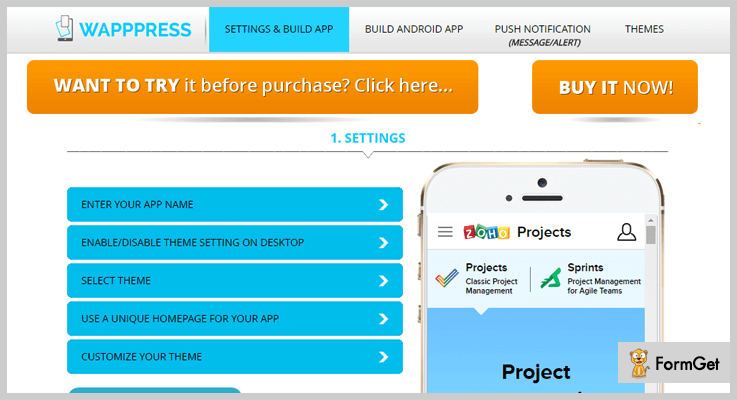
Estimation
This plugin is available at a very affordable price of $ 19 with support for 6 months and extended support
Features
- Push notification feature which allows sending notifications to bulk customers. We know that people might forget to check emails but they regularly check the notification on a mobile app.
- You can monetize your app using e-commerce and sell products from your app.
- Provides feature of auto-update which shows changes made on your site directly on your app.
- With the use of a 3rd party, you can replicate the exact functionality of the site inside the app.
7. Web2App – Quickest Feature-Rich Android Webview
Web2App turns your mobile or responsive website into a mobile app within a few clicks. This plugin is a complete pack of useful features. There are Tab bar, Navigation Drawer, Hideable Toolbar, Pull-to-refresh, and many more features in it. The plugin works on all orientations, tablets, phones, and high-definition screens. This makes this app highly responsive and adaptive.

Estimation
The product is available in two packs i.e at $ 19 and extended license pack at $ 95
Features
- Smart Rate my App: Get reviews on Google Play easily with the help of a smart rate my app dialog that will display after x days or x launches.
- Google Analytics: Provides complete analytics. It Tracks your app, finds out at how many installs you have, what day of the week you have to most users, and even more.
- Download manager: Downloads can be managed using the ‘Downloads’ app.
- Easy File uploads: Let your users’ upload data to your site as it is compatible with the file upload forms.
- Loading indicator: Availability of loading bar to indicate progress and it hides when the page is done.
8. WordPress Mobile Soft – Web Application Plugin for WordPress on Mobile
WordPress Mobile Soft is a very powerful plugin. It turns your WordPress website into a progressive mobile app both on desktop and mobile. The plugin is compatible with Browsers such as IE11, Firefox, Safari, Opera, Chrome, Edge. It also supports offline mode.

Estimation
Pricing for this plugin starts from $ 24 and goes to $ 70
Features
- Allows the Installed web apps to launch with a custom splash screen
- It has standard code structures.
- Caching with service worker will reduce time to load page and resources which save user’s valuable time.
- Provides push notification to engage a large number of customers
9. Progressive Web Apps–
Progressive web apps are the best pack of experiences that combine both the best of the web and the best of apps. With time when the user gets familiar with the app, it becomes more and more powerful. You will also be able to work in low networks and sends relevant push notifications.
It also has an icon on the home screen and loads as a top-level which gives full-screen experience.

Estimation
It is available free of cost.
Here are the current features of Progressive Web Apps
- Feels like an app- Application functionality is separated from the application context which is performed by The app shell model.
- Fresh – Service worker update process helps it to remain fresh and up-to-date
- Safe – Served via HTTPS to prevent nosiness and to ensure content hasn’t been manipulated.
- Re-engageable -Features like push notifications are also available which makes re-engagement easy
- Installable – If any user wants to add apps to their home screens than they can do this without the hassle of an app store.
- Easy to share -It can easily share the application via URL which removes the hectic task of installation.
- Progressive – As it is built with progressive enhancement as a core tenet therefore regardless of browser choice it can works for every user without any problem
- Responsive -It can work with any device be it desktop, mobile, or tablet.
- Connectivity independent – It can even work while being offline or on a low network with the same efficiency
10. Super Progressive Web Apps –
Progressive Web Apps (PWA) is the latest technology. It creates a superior mobile web experience that comprises of the best of both mobile web and mobile apps. They are easy to install on the phone, the same as a normal app (web app), and even can be accessed from the home screen.
Your visitors will have a great experience as it has high performance. They can come back to your website by the easy process of launching the app from their home screen. This will allow them to interact with your website through an app-like interface.
Estimation
It is available free of cost
Here are the features of Super Progressive Web Apps
- Saves time as it converts easily and fastly. It takes less than a minute to set-up your Progressive Web App so we can say that it is easy to configure
- Induce a manifest for your website and add it to the head of your website.
- It also Sets the application icon for your Progressive Web App and background color for the splash screen of your Progressive Web App.
- Pages once cached can serve even if the user is offline.
Conclusion:
This was all about the 5 Top Plugins to Turn a WordPress site into a mobile App. We would advise you to choose the best plugins and gain maximum benefit in your business. For any suggestions as well as queries, please comment below. We ’d definitely appreciate your valuable feedback.
Thanks for reading
7+ Scheduling WordPress Plugins 2022 (Free and Paid)

Scheduling WordPress plugins are the best tools to manage appointments directly from a WordPress site. They are easy to integrate, supports multiple platforms and are extremely useful for scheduling.
With the help of these, you will be able to accept online bookings, collect secured payments, schedule appointments, define time slots and availability of services.
Most of the manually handled tasks are automated with these plugins. In this blog, we have got the list of best scheduling WordPress plugins currently available in the market.
Other than that we have also got some top class blogs on most commonly used plugins below which will help you a lot:-
1. Bookly – Appointment Booking & Scheduling Plugin
With Bookly WordPress plugin it becomes easy to book online appointments, collect payments, manage clients list, and send reminders.
This appointment scheduling plugin helps you automate various booking processes which are complex to manage.
Price Details Of Bookly – Appointment Booking & Scheduling Plugin
- Regular license is priced around $89 through which you can easily manage and pre-schedule appointments.
- The extended license will cost $890 and will give you various advanced features for appointment management.
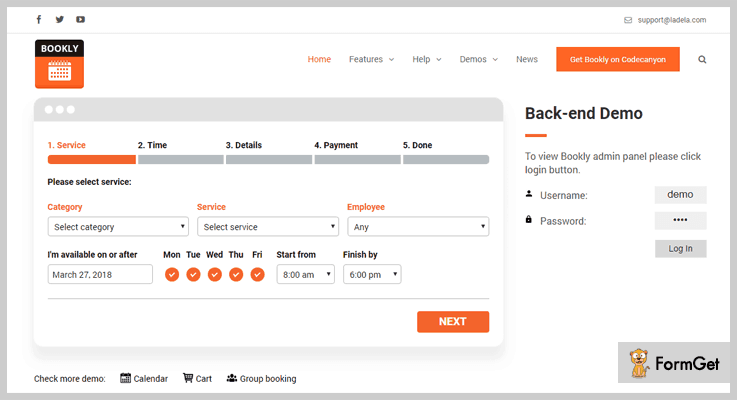
Features:-
- You can control and manage an unlimited amount of customer, services, and appointments.
- Provides more than 10 payments options which are secured and safe.
- Easy translation to 10 different languages.
- Keep your clients updated by sending appointment details via emails & SMS.
- Define custom time slots to simplify scheduling.
For More Details On Scheduling WordPress Plugins
2. Appointment Scheduler Pro – Plugin For WordPress
Appointment scheduler pro is a top class plugin which offers multiple advanced features. With this plugin, you can create unlimited services and accept paid or free bookings online.
It helps you set regular reminders for customers as well as staff about the scheduled appointments.
Price Details Of Appointment Scheduler Pro – Plugin For WordPress
- Free version helps you collect unlimited bookings and offers a responsive interface for $0 charge.
- The premium version will cost you $40 and you can implement this plugin on a single website with multiple features.
- Multisite version comes with a price tag of $119 and it enables you to apply this plugin to 5 websites along with all the features & facilities.
[Note:- For all the paid plans you will pay for lifetime access which is one-time cost]
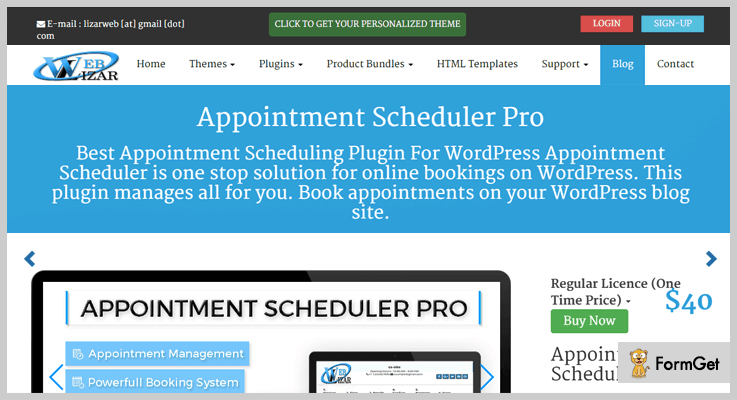
Features:-
- Create unlimited services and provides unlimited booking option to customers on those services.
- With this plugin, you can accept free as well as premium bookings.
- Notifies people like administrator, staff, and client as soon as a booking event takes place.
- Manage all the appointment activities like approve, assign or cancel for a single dashboard.
- Export appoint details and client lists directly through .CSV files in bulk.
For More Details On Scheduling WordPress Plugins
3. Booking Ultra Pro – WordPress Plugin
Booking ultra pro plugin for WordPress has got all the latest amenities with which you can manage and schedule online bookings.
It allows you to apply various types of customizations like color, text formats, layout changes and more. You can also manage service rates, availability, holiday details, etc through this plugin.
Price Details Of Booking Ultra Pro – WordPress Plugin
| Free Plans | Personal Plan | Professional Plan | Ultimate Plan |
|---|---|---|---|
| $0 | $49 | $99 | $199 |
| Forever Free | 1 Year | 1 Year | One-Time |
| Personal Use | Single Site | 5 Sites | Unlimited |

Features:-
- Create responsive forms for different categories for appointment scheduling.
- Shopping cart to help clients pay for multiple services or appointments in a single buy.
- Proper documentation that elaborates each & every feature of the plugin in detail.
- Manage all appointment and schedule details 24/7 through a mobile-friendly dashboard.
- Define colors, text styles, labels, layout, etc to create custom booking forms.
For More Details On Scheduling WordPress Plugins
4. Sagenda – Scheduling WordPress Plugin
Sagenda is an extremely cost-effective WordPress plugin which helps you manage online bookings, appointments, etc.
It offers easy customization, email notifications, and coupon management facilities. This is one of the best scheduling WordPress plugin using which you can manage appointments for a website.
Price Details Of Sagenda – Scheduling WordPress Plugin
- Free account comes with various unlimited resources and helps you schedule appoints and more.
- SMS module plan helps you notify customers and book appoints at a cost of $9 monthly.
- PayPal module plan costs you $15 monthly. Using this plan you can accept payments for appoints booking via PayPal or credit cards.
[Note:- You can also opt for the yearly plan which will cost you $99 = $8.25 a month]
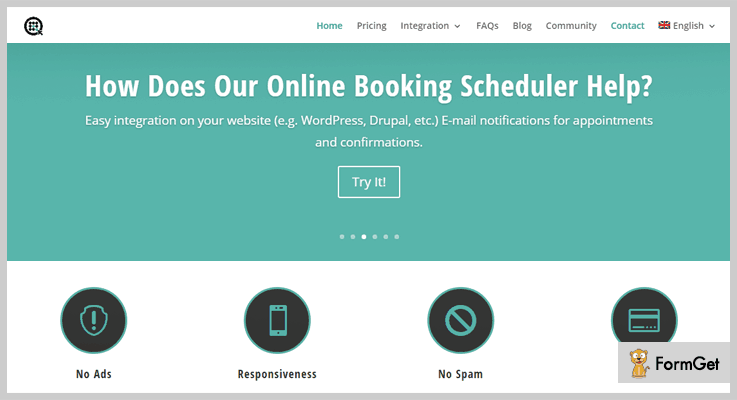
Features:-
- Provides details about available services which can be booked and scheduled for customers.
- Offers responsive design that looks great on all devices with different screen sizes.
- Send notifications about bookings, confirmations, reschedule or cancellation via emails.
- Handle unlimited amount of customers and bookings online.
- Easy to integrate on any existing WordPress site.
For More Details On Scheduling WordPress Plugins
5. Bookme – WordPress Appointment Booking Plugin
With Bookme WordPress plugin you get access to multipurpose booking and appointment scheduling forms.
All these forms fully customizable and are offer WPML compatibility for multilingual support. You can also create time slots, collect payments, send notifications and more.
Price Details Of Bookme – WordPress Appointment Booking Plugin
- The regular plan has got a price tag of $29 with which you can simplify the process of booking and appoint scheduling.
- $199 is the price which is charged for the extended plan. It gives you access to various advanced features & facilities.
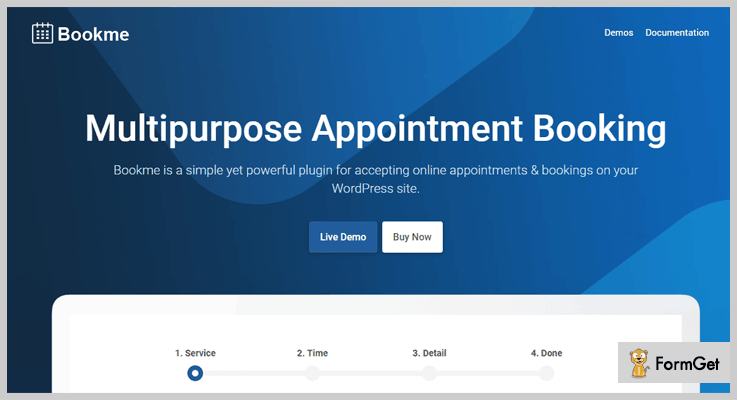
Features:-
- Send reminder and important notifications through emails.
- Use .CSV files to export appointment & booking details.
- Accept online payments through PayPal, Stripe, and WooCommerce.
- Provides advanced multi-user functionality.
- Allows you to add and handle discount coupons.
For More Details On Scheduling WordPress Plugins
6. EZ Schedule Manager – WordPress Plugin
EZ schedule manager is a responsive WordPress plugin that helps permits you to manage appointments from a website dashboard. With this plugin you can perform appointment scheduling with ease.
You can create custom forms and pages for different categories like doctors, clinics, schools, offices, etc.
Price Details Of EZ Schedule Manager – WordPress Plugin
- Regular plan $19 one of the cheapest paid plan in the list. It helps you deal with all types of appointment details and scheduling information.
- $85 is the cost of the extended plan with which you can manage appointment details.
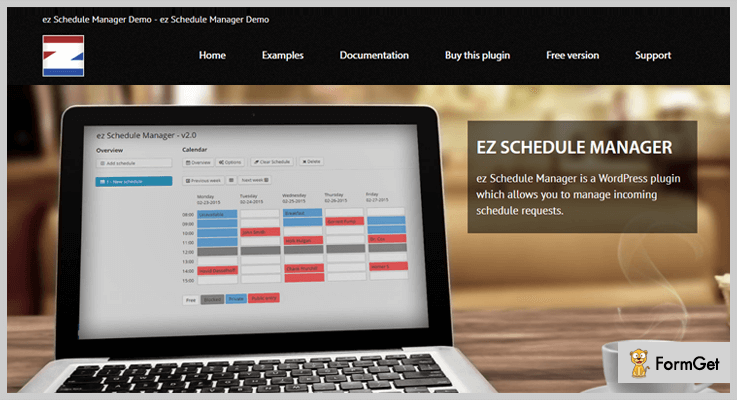
Features:-
- Easy to use and integrate on any WordPress website.
- Send email notifications to inform clients about appointments.
- Display available time slots and days for appointment bookings.
- Allows you to add, edit, and remove appointment requests.
For More Details On Scheduling WordPress Plugins
7. Appointment Scheduling – WordPress Plugin By CozyCal
The plugin for appointment scheduling and online booking by CozyCal is easy integrated on WordPress sites. It helps your customers perform quick appointment bookings through different devices.
Using this plugin you can collect payments, manage customer info and edit appointment schedules with ease.
Price Details Of Appointment Scheduling – WordPress Plugin By CozyCal
- This is a totally free plugin for WordPress platform which is easily downloadable and simple to install on any website.

Features:-
- This plugin automatically displays timezone details to clients arriving from different locations.
- Collect advance payments for appointments via Stripe payment gateway.
- Allows sharing of booking URL on social media platforms and through emails.
- Mobile friendly interface to allow clients perform appointments booking from mobiles & tablets.
For More Details On Scheduling WordPress Plugins
8. Appointments – Plugin For WordPress
Appointments plugin for WordPress sites provides you tools to accept payments, manage appointment details, collect customer information and more.
It simplifies the appointment booking process as you can design custom forms and pages to collect online bookings.
Price Details Of Appointments – Plugin For WordPress
- This is an entirely free WordPress plugin which has got over 7,000 active installations around the globe.
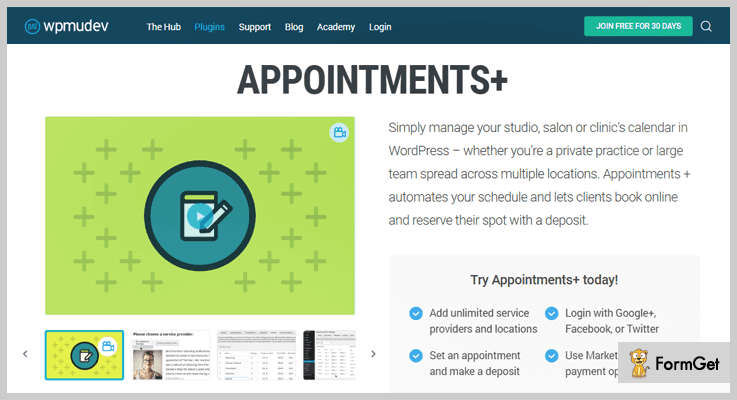
Features:-
- Integrate Google calendar to manage appoint schedules.
- Easy payment collection through PayPal gateway.
- Create and insert shortcodes straight to website pages and posts.
- View appointment schedules for weeks and months.
For More Details On Scheduling WordPress Plugins
Closure
This was all about 7+ scheduling WordPress plugins and I am very confident that you must have got the one which is best suitable for your business and website.
All the plugins listed here hold a great amount of installations on websites and higher star ratings.
In case you have any type of question regarding this blog, you can ask us via comments below.
5+ Best Wiki WordPress Plugins 2022 (Free and Paid)

Do you want to transform your simple WordPress website into a knowledge base site like Wikipedia? Then Wiki WordPress plugins will help you to to do that!
But, when and why do you need to create a knowledge base site?
There could be a number of reasons for that, if you own a business and sell goods online, want to create a help desk for customer support and all that. Of course, you want your users to be aware of your business and products.
Then for this, there is nothing better than creating knowledge base wiki website.
Wiki plugins for WordPress help you to create Wikipedia style website, knowledge base site, and also you can add a customer support helpdesk segment.
Moreover, these plugins provide you a furnished documentation about frequently asked queries. So, that your visitors will find exact answers to their queries in a click away!
Before you start, take a look on these articles too –
In this article, we’ve accumulated some of the best Wiki WordPress plugins. Make sure to click on the buttons to get more details about the Wiki plugin for WordPress.
Let’s get started –
1. Knowledge Base – Wiki plugin for WordPress
Knowledge Base enables you to create the wiki, customer support help-desk in a breath.
Many users utilize this plugin as a customer support centers, FAQs, company and service documentation and much more in a breath.
It supports voting also, people can post a vote on your post with the help of this plugin.
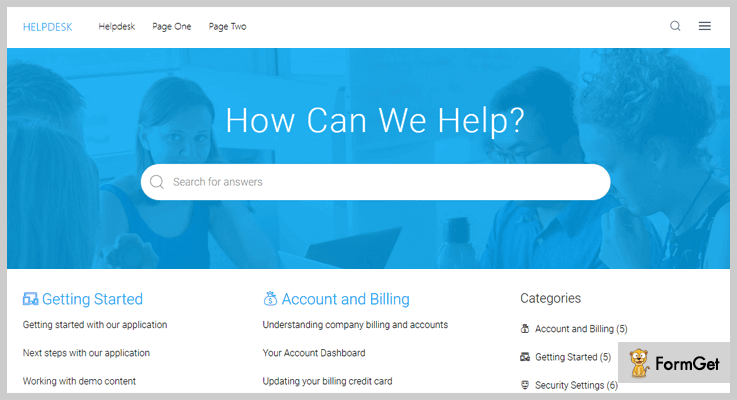
Pricing
This Wiki WordPress plugin cost you $39 which includes 6 months support. Furthermore, if you want to extend the support for a year the, you’ve to pay around $13.
Characteristics
- Drag and drop builder, you can easily reorder knowledge base post and categories etc.
- It comes with widgets for articles and categories so that you can display and sort them according to your need.
- You are allowed to set custom slugs for knowledge base articles and categories.
- It gives you the facility to display breadcrumbs on categories as well as single pages.
- The plugin also gives you the option of LIVE search. Moreover, you can change the appearance of the search button, its position etc.
2. Encyclopedia Pro – Best in Wiki WordPress Plugins
Encyclopedia Pro is the premium wiki WordPress plugin which allows you to create an organized encyclopedia, dictionary, glossary, and knowledge base in a matter of few minutes.
This plugin is easily combined with your WordPress website and compatible with all the existing plugins you have.
It has a smart feature of automatically cross-linking your website’s contents and give you a trouble-free way to manage your contents.
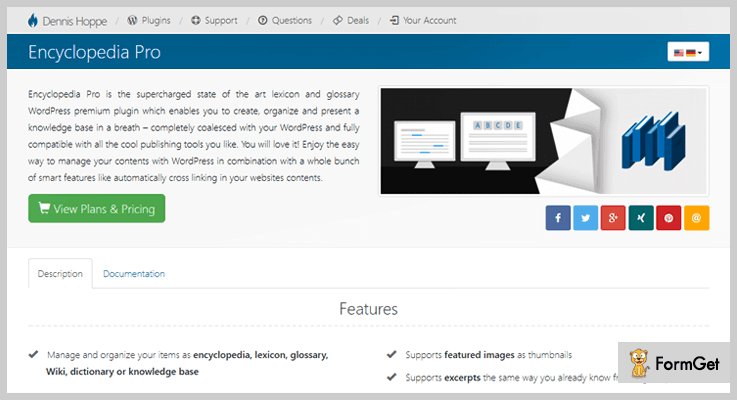
Pricing
Encyclopedia Pro cost you a one-time amount of $49 with lifetime usage license.
Characteristics
- The plugin gives every item a unique URL. along with SEO conform structure for all pages.
- WPML supported and works with Latin, Arabic, Chinese, Turkish, and all other UTF-8 Compliant languages.
- It comes up with a widget to display the items in the sidebar, along with tags and categories of your encyclopedia.
- Integration with audio, images, video items and shortcodes in your content.
3. UserPress – Wiki Plugin For WordPress
UserPress transforms your WordPress website into a powerful wiki platform such as Wikipedia. It allows the users to edit pages of your existing theme and that too form a front-end interface.
You can also track pages that you want to change and sort pages that are recently modified.
Moreover, this plugin enables you to browse related posts without leaving the current page.
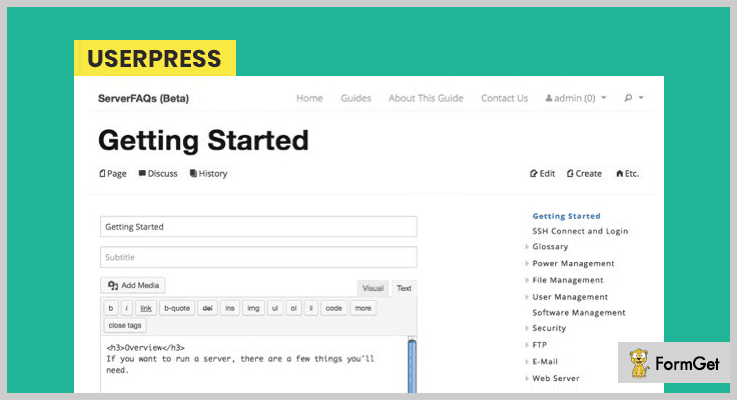
Pricing
For this wiki WordPress plugin, you’ll have to pay the cost of $34 for 6 months support. Whereas you can extend the support time by paying extra $11.25
Characteristics
- Provides you the facility of history and revision notes. You can attach the note to each revision.
- It has a functionality of LIVE search, whenever a user creates a new page then already existing pages are displayed to prevent content duplicity.
- You can flag your wiki pages to grab more attention. Moreover, custom flags can also be created through the admin panel.
- Users can follow the Wiki pages and track the updates and changes.
4. WordPress Knowledge Base – Wiki Plugin for WordPress
Pixel Knowledge Base is a powerful and feature-rich Wiki WordPress plugin. With this plugin, you can show certain knowledge base to a certain user. That means you can restrict your knowledge base content according to the user roles.
The support team of the plugin is always available to assist you whenever you’ve found a bug.
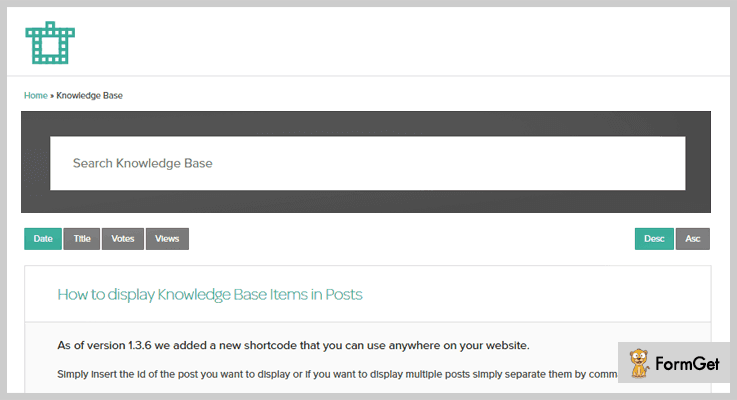
Pricing
Get this plugin at just $19 from the Envato market (Codecanyon.net).
Characteristics
- Drag and drop reordering feature for organizing the columns of the categories.
- Developers can create custom unique layouts with lots of public template actions.
- Allow your users to submit the post from front-end.
- Lightning fast AJAX searches to ease your user’s searching and give them a required result.
- You can also sort the results according to date, time, views, and votes etc.
- It has a smart voting system so that you can vote on what is important.
5. Yada Wiki – Best in Free Wiki WordPress Plugins
Yada Wiki enables you to create a post type like wiki along with, custom tags, an index (table of contents), and categories etc. Besides this, you can link your wiki pages with each other via wiki page titles.
The plugin expedites your work by providing the powerful shortcode buttons to generate the shortcodes. So, that you do not need always remember the shortcodes and its values.
Pricing
Yada Wiki is available as free on the official WordPress website.
Features
- It provides a shortcode which displays your “TOC” page.
- Shortcode to insert your list of wiki pages in one of your wiki category.
- The plugin comes up with full documentation.
- It gives you the Wiki widget to insert articles list and categories into the sidebar.
6. RDP Wiki Embed
RDP Wiki Embed is yet another free wiki WordPress plugin, this plugin fetches the content from MediaWiki website and inserts that content in your posts and pages.
It reformats and tailors the content according to your requirement. Moreover, the plugin looks forward to links to all wiki sites and force your content to be replaced with the content found on Wiki sites.
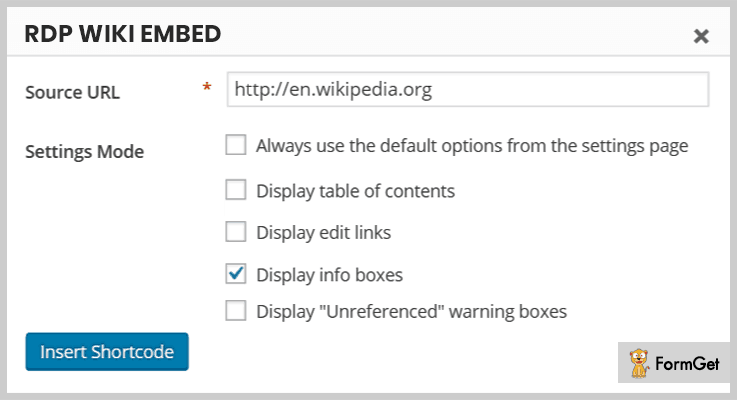
Pricing
Get this plugin for free from the WordPress.org.
Features
- This plugin facilitates you with lots of shortcodes.
- You can change the shortcode settings and its appearance.
- It comes up with different types of filters.
- There is a button to launch shortcode helper.
Conclusion
The above-mentioned free and paid wiki WordPress plugins are hand-picked and offer the best quality service. Hence, you can pick out one which creates a “WOW” impact on your visitors.
Well, this was our take on the best Wiki WordPress plugins. Hope you’ve found this article helpful.
For any inquiries and suggestions. Kindly let us know in the comment section.

