
Why do you head up to heatmap WordPress plugins?
Heatmaps take your webpage and color code it. Why? To represent the mouse-movements, clicks and various user behavior on the webpage. (Don’t stress, it’s a backend process!)

So these heatmap WordPress plugins heat up the performance and find the loop-holes of your website.
If a particular section of your blog page is attracting all the clicks and rest aren’t then this becomes a base to investigate.
Therefore, it becomes the roadmap for tracking, analyzing and communicating the problem.
In this article, we’ll introduce you to the 7+ best heatmap WordPress plugins.
Hold on. We’ll also link each of the heatmap plugins with your need and we’ll tell you which one will be the best for you. Now dig in and find these Top heatmap WordPress plugins.
We have few more articles to suggest. I am sure you are going to fill the bag with a lot of best WordPress plugins after reading those article.
1. ExtraWatch Pro – WordPress Heatmap Plugin
ExtraWatch Pro can be a perfect pick for the best heatmap WordPress plugin. This was once called ‘swiss army knife’ because of the bundle of features like tracking link click, mobile friendliness etc.
It gives you complete updates of the search engine activities, last user activity, in fact, you can track the devices through which the website was being used. You can use it to analyze the behavior of users on the webpage. Then optimize the webpage and formulate strategy accordingly to gain the maximum results.
Still, there are a lot more features in its kitty. I have handpicked a few for you.
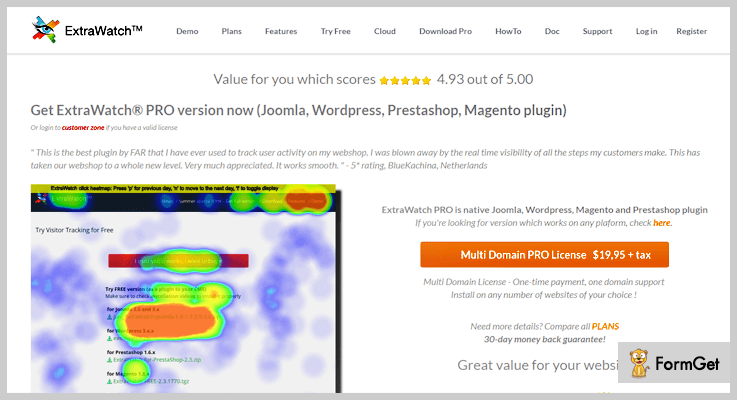
Pricing – This heatmap plugin has a price plan of $19.95 + taxes for a multi-domain license.
Features:
- Detect whether how much traffic is being diverted from social networks such as Facebook, Twitter, YouTube etc.
- Access all the stats in one click on any device be it a desktop or a mobile phone.
- Find the most active and most passive areas of your webpage and then optimize accordingly.
- Check the list of keywords through which a user found your website.
2. Heatmap – WordPress Plugin for Heatmap
Heatmap is a real-time analysis tool with heaps of features. At any second you can see how users are interacting with the elements of your webpage. Here a user’s interaction is triggered and captured so you get an insight of the browser, OS, location and more.
The data is interpreted on the webpage itself to the admin so, you really do not need a data analyst to get down to the results. It is at a glance that you can interpret everything by yourself. It highlights the area getting maximum attention with different colors and vice-versa.

Pricing – This heatmap plugin has two pricing model based on audience tracking capacity and site license. $100/Month for 1 site license, $200/month for an unlimited site license.
Features:
- Easy to install and easier to use. It takes a single click and few minutes to set-up completely. You do not have to get yourself in the between the technical codes and hence, the use becomes further easier.
- It protects your user’s data and sets a privacy for it.
- Support team works exclusively to get the best solutions for all your problems related to this plugin.
- It is built on a responsive design so you can get the insights on any device. Plus, it is compatible with all the themes and framework of the websites.
3. Mouseflow – Analytics Plugin for WordPress
This is a big brand in heatmap plugin segment with over 125,000+ active customers. It claims to be a tool for marketers and tracks almost every movement of a user on your website.
Now, this isn’t just for heatmaps but it has a wide array of analytics tools that you can use such as funnels, forms and more. Mouseflow is our favorite heatmap plugin because it’s a stand-alone tool for all the analyzing, interpreting and also for its compatibility with any framework.

Pricing – This analytics plugin has three price plans on the basis of pageviews per month.
- Starter Plan – 10,000 pageviews : $29/M
- Growth Plan 50,000 pageviews :$99/M
- Pro Plan – 500,000 pageviews :$399/M
Features:
- With Session Replay you can track every movement of a user on the website just like a CCTV. It tracks clicks, scrolls, forms and more. This search segment can be filtered.
- Heatmaps summerize where people touch, click, move the mouse, scroll and where they pay the most attention in a pictorial way. This uses a lot of colors and appears as a beautiful picture from where you have to analyze and interpret.
- It seamlessly integrates with any framework be it WordPress or Joomla or anything.
- It has additional features such as funnels, forms to get a better insight of analytics.
4. User Track – Tracking Plugin
User track heatmap WordPress plugin is a private analytics script. It’s a tool to track stats and visitors of your website. Plus, you can track multiple websites on one server. This plugin becomes a good choice to settle with due to the low-cost pricing and handful, essential features.
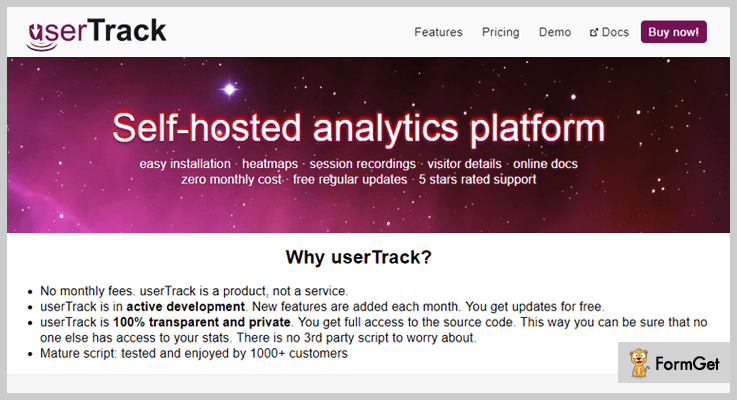
Pricing – User Track Heatmap WordPress plugin has a low-cost, one-time pricing of $49.
Features:
- Displays mouse movements, clicks, cursor focus using detailed heatmaps.
- It is well optimized for speed. So, the tracking doesn’t affect the performance of the website.
- It has HTTPS and mobile support to view the analytics stats.
- It has an extremely easy to use interface which is even beginner friendly.
5. Wolive – Heatmap Plugin
You can thank us later for this analytics plugin as this is one of the best from the stack. Wolive does every bit of tracking for your website plus, it works well with WooCommerce too. Wolive has a bucket full of reports and analytics factors. It analyses each of your visitor’s action and provides you a report for it. For an e-commerce shop, it tracks the checkout, add to card, last orders and more.
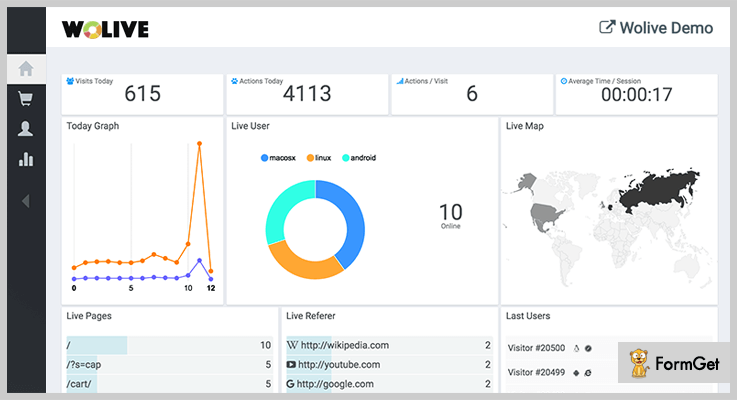
Pricing – This all in one tracking plugin has a simple pricing of $27 which is actually a treat for the budget!
Features:
- It has a one-click set-up and beginner friendly interface.
- Unlike Google Analytics, it tracks the real-time activities of each visitor like time/session, location etc. and then comes up with a detailed report.
- WooCommerce live cart functionality lets you track down the activities of a user in your e-commerce store like live carts, last orders etc.
- It has a unique feature of user segmentation using it you can actually set filters on the activities that you wish to track.
6. Stock and Forex Market Heatmaps – WordPress Heatmap Plugins
This plugin is for those who love to trade and play their luck in the stock market. Stock and Forex Markets Heatmaps displays the worldwide map with colored countries. Different colors in the map represent the heat of the stock market.So, your visitors are going to love the simple and aggressive representation of world market at a glance.

Pricing – This stock market WordPress plugin doesn’t burn a hole in your pocket and costs you just $29.
Features:
- It works well with WordPress website but is also available for websites built in JavaScript or PHP Script.
- Around 100+ stock market and currency rates are displayed in its stock heatmap.
- Data on market change, change %, currency rates, stock market price is available with the movement of the mouse on the worldwide heatmap of the plugin.
- You can also compare the currency and stock markets of different countries using this plugin.
7. Hotspot Analytics – Heatmap Plugin for WordPress
Hotspot analytics is one of the most advanced heatmap WordPress plugin with a pricing of $0. This is absolutely free to download and use and provides a deep insight of all the activities of the user. In fact, with Google Analytics it forms a deadly combination.
You can track the mouse clicks, touchscreen taps, overlayed on the webpage. Plus, the responsive design caters the need of different screen by creating a range of heatmaps. All the data by this plugin can be viewed in WordPress admin and there’s no need to visit any third-party platform.
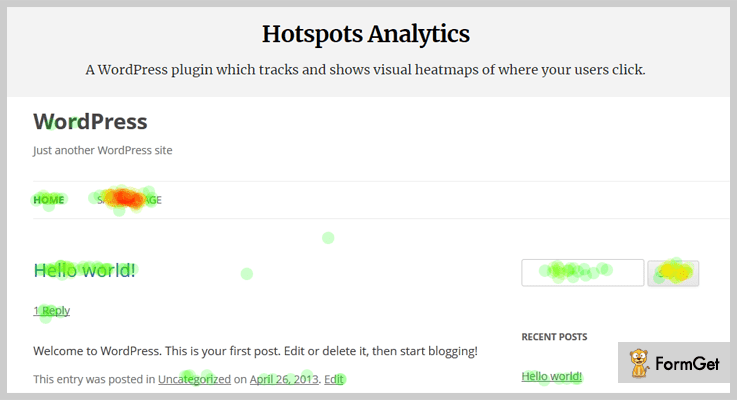
Pricing – This heatmap WordPress plugin is free to use. In fact, it doesn’t cause hassles of registration and sign-ups.
Features:
- All the data of Hotspots Analytics is saved in the WordPress database.
- Different heatmaps are drawn to cater the responsive design.
- Heatmaps can be created for any webpage on your website.
- You can track user activity including AJAX actions, page views, mouse clicks, touchscreen taps and custom JavaScript events.
8. Inspectlet – Free Heatmap Plugin
It’s free but a rating of 5/5. So, this free heat map plugin has won the hearts of users and is a treat for the pocket as well. It fully equipped to track the activities of the users on your website like their mouse movements and more.

Pricing – Inspectlet heatmap plugin is absolutely free to use. So, you can download it straight away.
Features:
- Track scrolls, clicks, typing and every mouse movements of users with this plugin.
- It doesn’t hamper the performance of the website.
- Heatmaps created by this plugin gives detailed reports in a glance.
- It’s open source software and doesn’t restrict usage.
Final Words…
We wrote this article to introduce you to the analytics tools beyond Google Analytics. There are heaps of tools and plugins that can do excellent work. And one such tool is Heatmaps.
This was our take on the 7+ best heatmap WordPress plugins and I hope you must have found one for you.
Moreover, if there are some better heatmap WordPress plugins in your mind, do share with us in the comment section. We can take this list even further!
7+ Best Migration WordPress Plugins 2022 (Free and Paid)

Manual migration of a website is extremely complicated to perform as it may cause different types of errors and unfixable mistakes. You can prevent these errors and even fix by using migration WordPress plugins.
Migration WordPress plugins are tools which simplify the process of website migration, database moving, cloning, and backup.
So, if you are planning to move your website below is the list of 7+ Best Migration WordPress Plugins which we have shortlisted on the basis of accuracy, security, features, pricing, and reliability.
There are plenty of plugins available online, but these are some of the best and highly rates plugins.
Want to explore more about WordPress plugins below are blogs which can help.
1. Super Backup & Clone – WordPress Migration Plugin
SuperBackup is one of the most intelligent plugins used for WordPress site migration. It automatically takes backup on defined time intervals, using which you can restore or upload data files.
Cloud connection between two WordPress site can easily be established, backup of specific tables or entire database can also be taken through it.
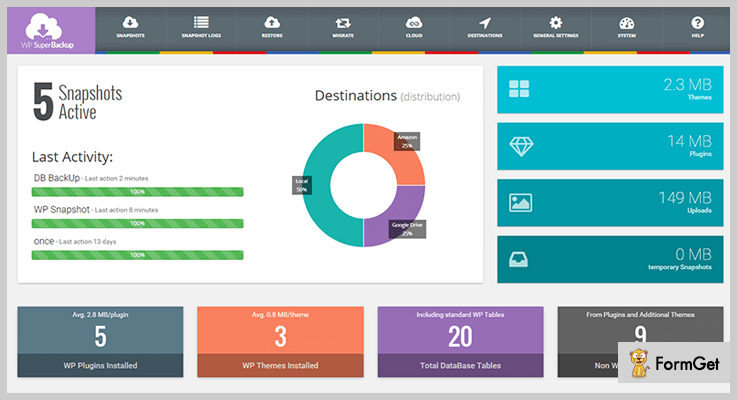
Pricing Of Super Backup & Clone – WordPress Migration Plugin
- Regular plan is priced $34 and with this plan, you can automate website file backups with ease. If you want 12 months extended support then you have to pay $11.25 extra for it.
- The extended plan will cost you $190 for the access to various advanced features and $63 will be added to it, in case you need extended 12 months support.
Features:-
- Simplified dashboard which is easy to use and implement site migration.
- Secured and safe cloud storage on DropBox, OneDrive, Amazon S3 etc
- Allows you to take backup of specific files or database tables
- Provides responsive support and regular email notifications
- Single click restoration process
Know More About Migration WordPress Plugin
2. Duplicator – WordPress Migration Plugin
Duplicator is a WordPress migration plugin which gives you the facility to copy, move or even clone a website. You can easily handle any type of site migration or backup processes using this plugin.
It allows you to connect & store backups on Dropbox, FTP, Google Drive, Amazon S3, etc, plus you can also schedule frequent back-ups with this plugin.
Pricing Of Duplicator – WordPress Migration Plugin
| Personal Plan | Freelancer Plan | Business Plan | Gold Plan |
|---|---|---|---|
| $39 | $79 | $119 | $349 |
| 1 year of updates | 1 year of updates | 1 year of updates | Lifetime updates |
| 1 year of support | 1 year of support | 1 year of support | 1 year of support |
| 3 site licenses | 15 site licenses | Unlimited site licenses | Multisite Plus |
| – | Power Tools | Power Tools | Power Tools |
Features:-
- Allows website migration(move, copy, clone) from one location to another
- Perform a manual backup of entire WordPress site or parts of it
- Live site duplication can also be done through this plugin
- Create packages that bundle plugins, themes, content, etc of websites for distribution or reuse purpose
- One shot migration is also available for multisite WordPress network
Know More About Migration WordPress Plugin
3. UpdraftPlus Migrator – WordPress Plugin
With UpdraftPlus migrator you will get the ability to migrate or clone any WordPress website from one URL to a different URL that too within few minutes.
This plugin is extremely simple to use and provides reliable facilities for website migration.

Pricing Of UpdraftPlus Migrator – WordPress Plugin
- Migrator plan permits you to clone & migrate unlimited WordPress sites at a cost of $30. It also gives you quality support for 60 days and other facilities.
- With Migrator Pro plan you can enjoy all the features of Migrator plan, plus multiple migrations with 12 months additional support at a price of $49.
- Updraft premium plan is priced around $70 and provides you 1-2 premium licenses, 1Gb vault storage, add-ons facilities and all the features of Migrator Pro plan.
Features:-
- Top class support for 12 months along with various updates and add-ons
- Helps to overcome serialized database problems that occur while migration
- With just a few clicks migrate websites directly from another domain
- Customized backup schedules for every 4, 8, 12 hours, daily, weekly, or monthly
- Multisite compatibility is also available
Know More About Migration WordPress Plugin
4. Backup Guard – WordPress Backup & Migrate Plugin
Backup Guard WordPress plugin offers top class features using which you can easily take website back-ups, restore files, and migrate WordPress sites to new locations.
Backup Guard also helps you handle issues like wrong URLs, images load problem, dashboard access, permalinks errors and other website migration problems.
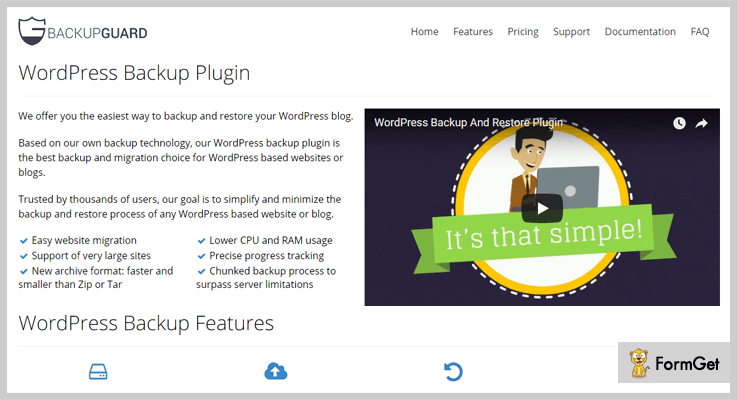
Pricing Of Backup Guard – WordPress Plugin
| Basic Plan | Silver Plan | Gold Plan | Platinum Plan |
|---|---|---|---|
| Free | $20 | $36 | $25 per month |
| Backup & restore | 2 websites | 5 websites | Unlimited websites |
| Download & import | Customer support | Customer support | Customer support |
| Website migration | Backup to Google Drive | Scheduled backups |
Features:-
- Allows to take backup of files, database or even both
- Schedule automatic backups for your website
- Upload or import website data from Dropbox, Google Drive, Amazon S3, OneDrive, etc
- Restore selected files or database folders
- Supports multisite WordPress network as well
Know More About Migration WordPress Plugin
5. CMS2CMS – Plugin For WordPress Migration from another CMS
CMS2CMS Connector Plugin allows importing content from one CMS to WordPress quickly, efficiently and for a reasonable price. You can transfer a limited amount of data to your new WordPress website for free via Demo Migration. That will help you to critically evaluate if the conversion suits your requirements and wishes.
This plugin establishes the connection between your Existing website built on any platform (Joomla, Drupal, Wix, TYPO3, Weebly and many others) and the New WordPress site.
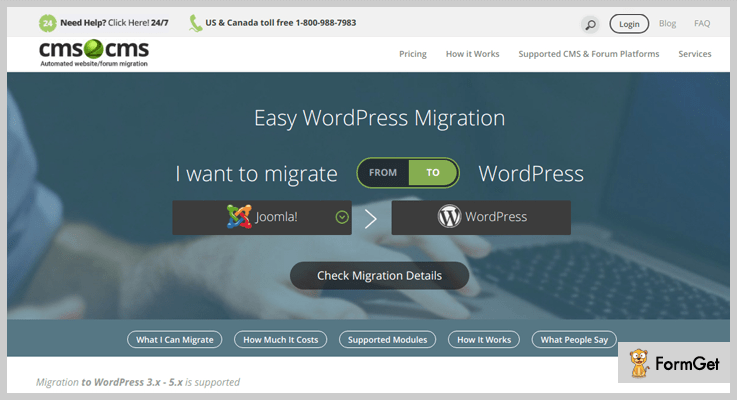
Pricing Of CMS2CMS Connector Plugin
- CMS2CMS Connector Plugin can transfer the limited amount of data (up to 10 pages, rely upon on your existing CMS) for free.
- The price of full automated migration depends on the content volume and starts from $9. You can estimate your own migration price using the Pricing Estimator.
Features:-
- With this plugin, you can choose the content type you wish to migrate.
- Automated 301 redirects will preserve SEO Juice and keep your rankings after migration.
- If something went wrong during the migration, you can easily restart the process avoiding additional cost and time waste.
- The average migration time is from several minutes to several hours.
Know More About Migration WordPress Plugin
6. FastDup – Fastest WordPress Migration & Duplicator
Want to create an identical website for testing, building or developing?
Here comes the most recent WordPress migration plugin which is free, fast and fully-developed.
FastDup is built to do the duplication in just a few clicks. Right after installing the plugin, you’ll see a clean interface that can’t let you do it wrong.
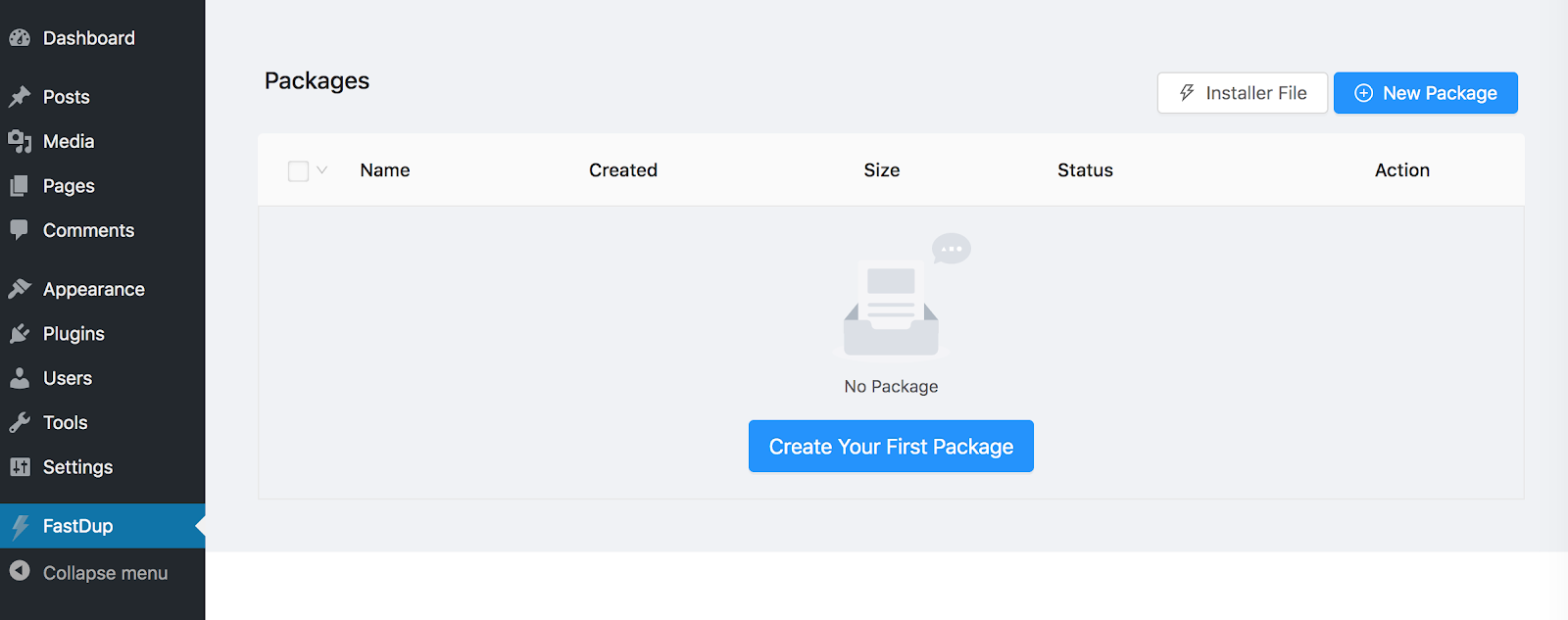
Just click to clone your website and you’ll get 2 files: package_archive.zip and installer.php.
Later on you only have to import the package to the new server and start building on the copy while leaving the source site intact.
Features:-
- Multiple packages
- Multiple templates
- Super easy to use
- RTL Supported
- Modern UI/UX
- Made by Ninja Team
Know More About Migration WordPress Plugin
7. WP Migrate DB Pro
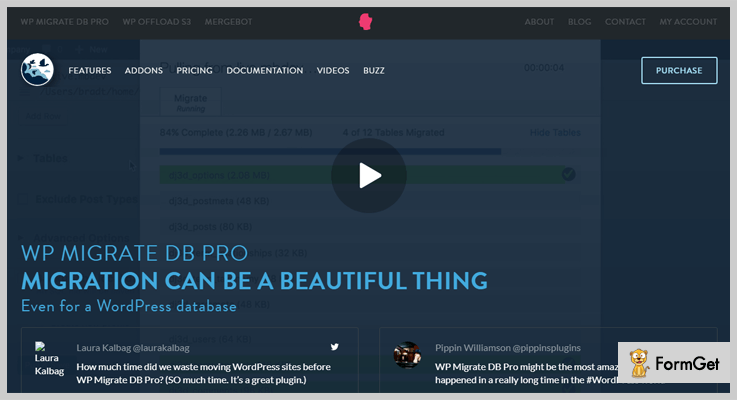
WP Migrate DB Pro is a WordPress plugin which is very helpful in the process of website migration. Using this plugin you can clone database of any WordPress site and install it on another website straight through the dashboard.
It also detects serialized data and runs find & replace to remove any type of data corruptions.
Pricing Of WP Migrate DB Pro Plugin
- Personal Plan:- This plan will cost you $90 for one active site migration and 1 year of updates & email support.
- Developer Plan:- This plan comes with a price tag of $249 and permits you to handle 30 active sites, along with other features & facilities.
- Studio Plan:- $599 is the price of this plan with which you get 100 active site migration, media files addon and more.
- Enterprise Plan:- With this plan you can handle unlimited sites using advanced features. This is a custom plan so, for the pricing, you have to contact the sales team.
Features:-
- Using WP Migrate DB Pro you can extract database files from a live website
- Auto database backup which automatically runs before migration and replacement
- Uses special find & replace function to detect corrupted database files
- You can stop, cancel and resume migration process through this plugin
- Track the migration process via the progress bar
Know More About Migration WordPress Plugin
8. WordPress Backup & Clone Master
WordPress Backup & Clone Master is a migration plugin which gives you a secure, safe and 100% reliable way to conduct backups, file restoration, cloning, and migration of WordPress websites.
With a single click, you can restore your site, migrate live websites on newly hosted servers and more.

Pricing Of WordPress Backup & Clone Master
- Regular license:- It is priced $36 with which you can handle website migration and rectify various migration errors.
- Extended license:- This will cost you $169 and permit you to use advanced migration and website backup facilities.
Features:-
- Store backup locally on PC’s or remotely on FTP servers
- Auto upload backup on DropBox, Google Drive, Amazon S3, etc
- Create unlimited backups and restore with a single click
- Allows website cloning with different domain names
- Easy migration to the new host server
Know More About Migration WordPress Plugin
9. All-in-One WP Migration
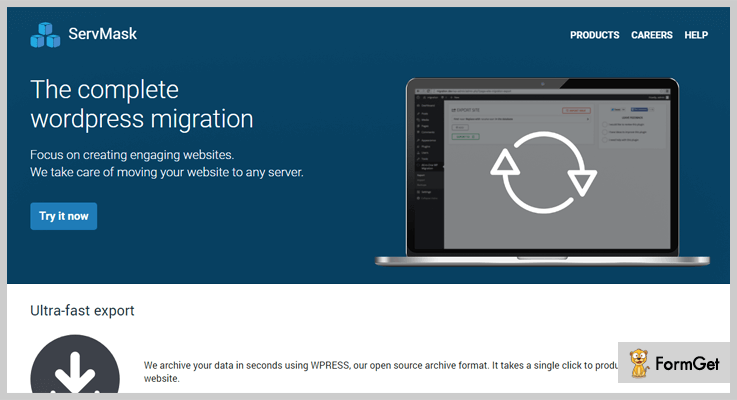
With this plugin, you get all the professional WordPress migration services through which you can export database, media files, plugins and themes and other website essentials.
It is an easy to use plugin and requires no technical skills. You can apply find & replace operations on database any number of times while exporting.
Pricing Of All-in-One WP Migration
- All-in-One WP Migration plugin offers all it service at free of cost. It helps you move your WordPress site without charging a penny. Plus provides you access to various features which are helpful in the process of migration.
Features:-
- Easy drag & drop functionality to upload a website on a different location
- Perform find & replace operations to fix serialization problem
- All in One WP plugin is an advanced plugin which is mobile device compatible
- Allows website data import in chunks
- Cloud storage on FTP, DropBox, OneDrive, Amazon S3, etc also available
Know More About Migration WordPress Plugin
Conclusion
All the migration WordPress plugins defined in this blog are best in class and offer premium services which are free from errors. We are expecting that you must have found a plugin which can help you migrate your WordPress website with ease.
If you have any types of questions or queries related to migration WordPress plugins you can mention them in the comment section below
We will be happy to hear from you.
5+ Best XML Sitemap WordPress Plugins 2022 (Free and Paid)
Are you looking for the Best XML Sitemap WordPress Plugins for your website?
Of course, you must be!
Optimizing your organic search traffic is the toughest task for any site owner. And you can do almost everything to make it easier for search engines to get your website at the top of the list.
This XML plugin lets search engines find out the important WebPages of your website which you want to index on your content. The XML sitemap plugins create an invitation card for search crawlers and invite them to index your WebPages.
For maintaining well-organized sitemaps, XML sitemap plugins needed for every business.
Read More :-
Here I’d like to share some of my own experienced and personal favorite list of XML Sitemap WordPress plugins. In this post, I’ll be sharing both the free and premium plugins.
1. All in One SEO Pack –
All in SEO Pack in one of the most popular sitemap WordPress plugins on the market. It has over 1 million installations with a 4.5 customer’s satisfaction rating.
The plugin is simple and user-friendly with tons of flexibilities and functionalities. All In One SEO Pack lets you set the priority & update frequency of posts.

Pricing-
The plugin offers its services in three stages-
1. Individuals can use its services at just $68/year.
2. For business purpose, it offers its services at just $118/year.
3. For the agency, purpose uses its services at $559/year.
Note: You will get 50% OFF on these plans.
Features –
- Supports advanced WooCommerce platform to increase your business.
- It offers unlimited downloads and access to upgrades as long as you want your subscription.
- The plugin supports both Google & Bing so that you can generate and submit your XML sitemap on these two.
- It has commanded over social media integrations.
2. Google Sitemap –
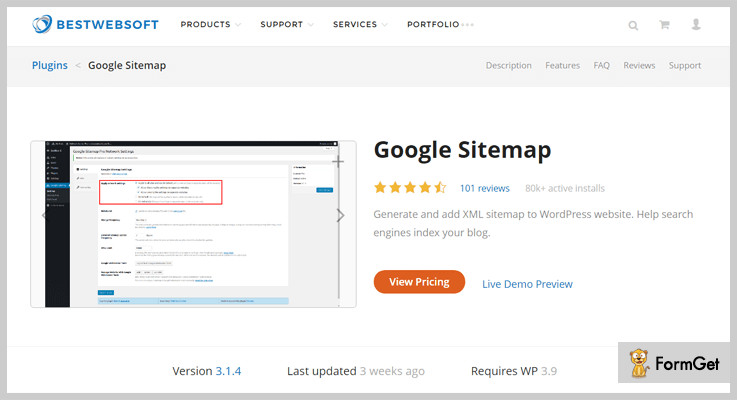
Google Sitemap plugin is one of the most trusted oldest WordPress plugins for search engine ranking. It increases your website’s ranking by automatically generating an XML sitemap for your WordPress website.
The plugin has been downloaded over a million times and has thousands live active installations with a 4.3 user’s satisfaction rating.
Pricing –
By purchasing its Pro version, you can include any specific page and post from the sitemap file at just $20.98 annually, and $209.80 for a lifetime.
Features –
- You can add unlimited external sitemap files in this plugins.
- You can set the frequency of your website contents according to your way.
- Allows custom URLs to the sitemap file.
- The plugin is multilingual.
3. WordPress Sitemap Generator –
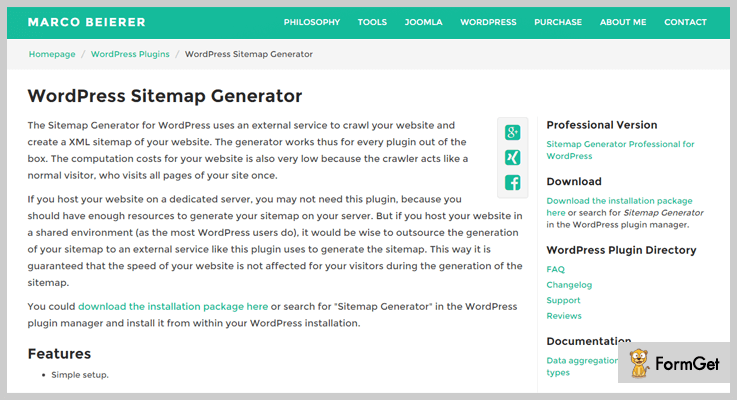
The Sitemap Generator is the simple and easy plugin for WordPress website. The plugin creates an XML sitemap for your website & crawl your sites.
If you host your website in a shared environment then you must need plugins to generates an external service of your website. By generating the sitemap on your website there’s a lot of chances to increase your website’s ranking.
Pricing –
This Plugin offers both free and premium version.
1. For free, you’ll get 500 URLs limits only.
2. Its premium version starts at 5.00 €/month and extended up-to 35.00 €/month.
Features –
- Simple and easy setup.
- Low computational cost.
- Adds all indexable file types like .pdf. xls .doc etc to sitemap.
- Supported HTML5 video elements and YouTube videos.
4. Users Sitemap & Archive –
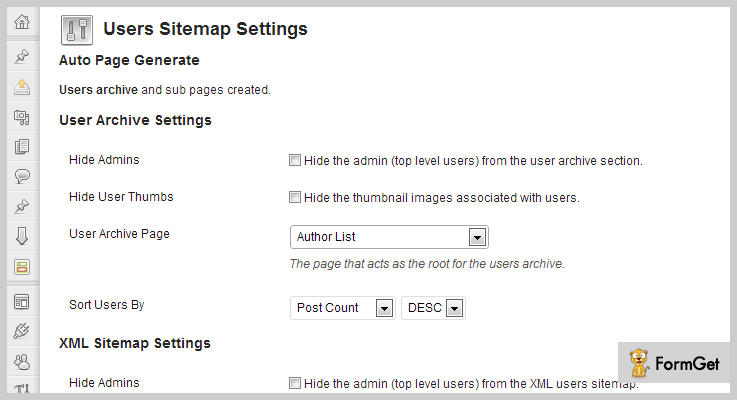
This plugin makes your work easy by making a users archive for easy browsing in just a simple click. It ensures whenever a new user’s pages are activated then the search engine lets them easily and quickly.
This users sitemap plugin comes with inbuilt and activated with the plugin after installation. It allows your pages to rank smoothly.
Pricing –
Get its advanced features at just $16 and extended up to $80 for unlimited numbers of features.
Features –
- It makes searching for people easier just like Facebook, CodeCanyon and many other user-oriented websites.
- The plugin works great with the User Photo Plugin.
- It supports comments or FAQ system to ask questions.
- Better customer support.
5. Google XML Sitemap –
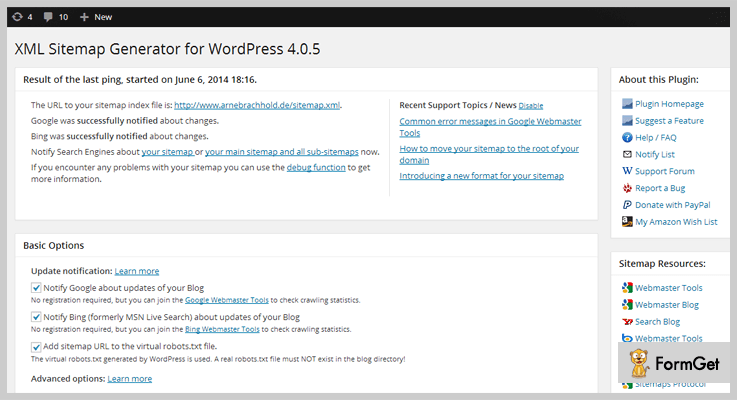
This plugin provides you the easiest options to build a sitemap. Use this plugin and greatly improve your websites SEO to create XML sitemaps which will help to grow your business.
With this sitemap, it is much easier to see the complete and well-organized structure of your site and use it more efficiently. Over 3000 user rated it 5 out 5 stars and downloaded over 10 million times.
Pricing –
Google XML Sitemap is completely FREE. Take its unlimited features without paying any cost.
Features –
- The plugin comes with the various translation tools like WordPress codex and more.
- The plugin notifies all major search engines every interval of time.
- It’s optimized for speed.
- It’s an open source software.
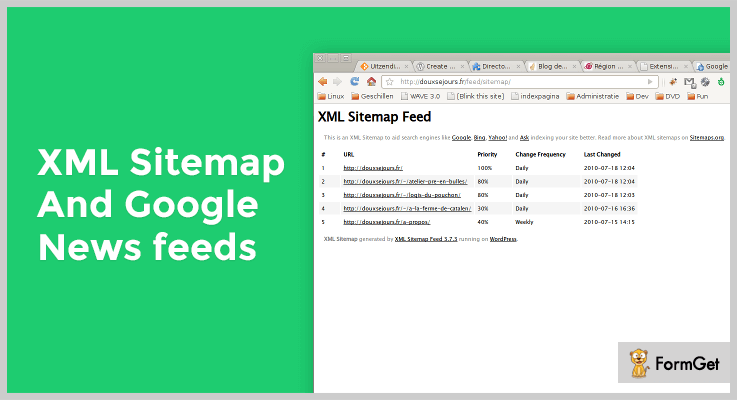
6. XML Sitemap & Google News Feed –
XML Sitemap is the light weighted WordPress plugin created that supports the XML Sitemap and the Google News Feed protocol.
The greatest advantages of this plugin are its simplicity. The plugin is compatible with caching plugins like WP Super Cache and W3 Total Cache and allowing faster services.
Pricing-
This powerful plugin is completely Free and the user gives their satisfactory ratings 4 out 5.
Features –
- It gives custom URLs options and is an open source software.
- Support multi-site installation at the same time.
- Option to set different News Publication Name.
- You can configure and tags your post globally or post by post.
Conclusion-
In this post, we curated our personal favorite list of sitemap plugins. This post will help SEO beginners to start their journey error-free by avoiding mistakes and improving SEO results.
Do comment us below if you liked our post!
7+ Best Landing Page WordPress Plugins (Free and Paid)

Increasing the performance of your website’s page or any page of yours is too much important when are talking about a visitor to customer conversion. So to make it happen, you can try out for best landing page WordPress plugins when you are working on WordPress.
When you have an attractive & responsive landing page, you will have more visitors & customers. If both the things are not present on the page, only the God can save your business!
Above is the common review I’ve read about random people who have used WordPress plugins for building a landing page.
No one wants their business to turn down just because of the reason that they don’t have a marvelous landing page.
So for the newcomers, below I’m mentioning a list in which both free & paid landing page WordPress plugins are mentioned after doing a deep research.
Before going through this article, you can also read other blogs for WordPress plugins.
Who knows after reading them, you might find the best match of the plugin(s) for your business needs!
For now, role on to the listing below to create amazing landing pages!
1. Elementor– Landing Page Builder
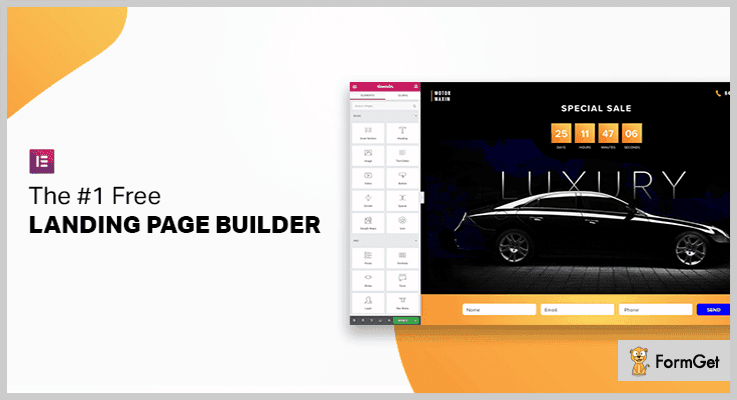
Elementor is the ultimate & free WordPress website and landing page builder. It has more than 2 million active installs and over 3000 five-star reviews on WordPress. Elementor is used by professionals worldwide who are looking to design pixel-perfect websites without having to code. With Elementor you can build beautiful free unlimited landing pages without any restrictions.
Elementor comes with many built-in widgets to help you quickly build any part of your landing page: images, text, sliders, icons, testimonials, social media, animation and more.
Pricing:
- Personal: Costs you $49/Year for one site.
- Plus: Starts at $99/Year for 3 sites.
- Expert: Costs you $199/Year for 1000 sites.
Features:
- Elementor can be used with any theme and plugin without slowing down your website.
- Elementor comes with over one hundred pre-designs templates to help you get started with ease.
- The Pro version comes with super cool features like pop-ups, forms, countdowns, and call to actions.
- Elementor is powerful, fast & easy by design, empowering marketers to do it all without code.
2. WP PROCount: Responsive Countdown Landing Page
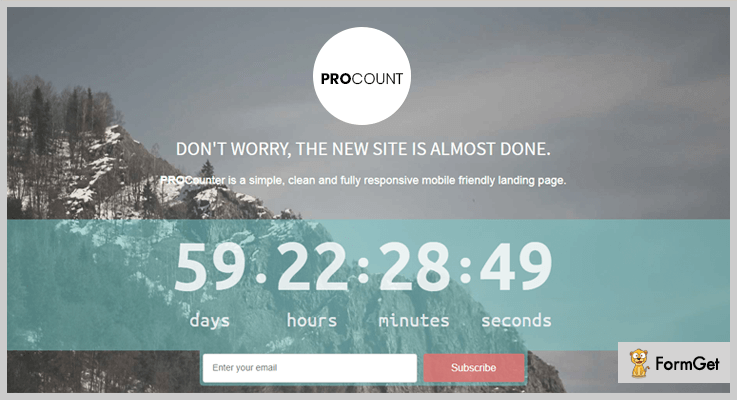
WP PROCount is a fully responsive & mobile friendly landing page builder. It is one of the most affordable WordPress landing page plugin in the bunch of plugins.
One can easily customize their landing page by using a built-in stylesheet file in it.
Pricing:
- Regular: $19, single client or user, end users are not charged.
- Extended: $95, single user or client, end users are separately charged.
Features:
- The users who are logged in as administrators will be able to see the coming soon template & can edit it too in live mode.
- With its animated countdown clock, you can improve the simplicity as well as the distinctiveness of your landing page.
- One can create a fully responsive landing page by editing its texts size, panning & scrolling to achieve the optimum receptivity.
- Good news for email marketing is that it provides the integration with MailChimp using AJAX & PHP codes.
3. Responsive Coming Soon Landing Page For WordPress:
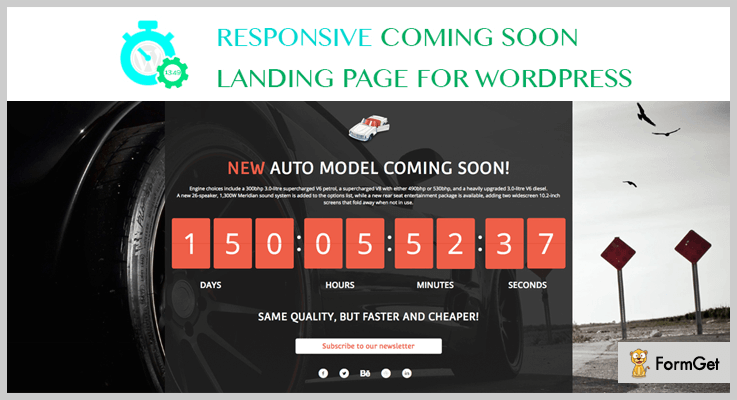
This plugin AA-Team is 100% customizable which makes it exclusive in the list of best landing page WordPress plugins. You can create special announcements for the upcoming events in your list.
Pricing:
- Regular: $18, single user, no charge to end users.
- Extended: $90, single user, end users are charged.
Features:
- One can add multiple custom fields such as logo, headings, paragraphs, images & many more.
- You can add customized countdown animations on your landing page such as the flip clock to mention any future date.
- If the admin is working on the website then the users will see the countdown & the admin will see the website.
- There is a feature ‘Notification email’ in which if a user has subscribed to your page, you will receive an email as a notification.
4. InkPage: Best In Landing Page WordPress Plugins
InkPage is one of the best in landing page WordPress plugins. For internet marketers who want to sell something online, it is the best solution for them as it has lead capture form.
After searching for multiple landing page WordPress plugins, InkPage has found to be more responsive interface & better lifetime support.
It only charges $97 which is for LIFETIME with no recurring charges & the user will have the never expiring license.
So just convert the visitors to customers count which will directly result in more business growth.

Pricing:
- It has only a single plan with the one-time payment of $97 for LIFETIME with no recurring fee. At this price, you will get instant product access, lifetime support, plugin documentation & many more.
Features:
- Through design customization & styling, the user of this plugin can easily design the interface to look more attractive resulting in more visitors to the page.
- By embedding autoresponder form source code, you can create messages for your opt-in form with so much easiness.
- You can set icons & headings for the benefit items according to the offers & its requirements.
- With the help of opt-in content settings, a person can modify or change the content of the form such as sign up button text, headline, sub-headline & so on.
5. Ultimate Landing Page Builder Plugin: WordPress Plugin
Without writing a single line of code, one can smartly create beautiful landing pages. With its beautiful page builder templates, a person can create new landing pages every time.

Pricing:
- $29, manage 1 site, one year of support & updates, 30 days money back guarantee & many more.
Features:
- Its 30+ pre-designed templates collection will help you to make your page more attractive & unique.
- Just like the desktop view, the landing pages created from this builder are compatible & responsive to all other devices.
- You can improve your marketing strategies by integrating Mailchimp & GetResponse to maximize your growth instantly.
- With its easy drag & drop customization, it is easy to add items such as texts, buttons, videos, images & many more.
6. Wishpond: Landing Page Builder
Wishpond has a responsive, modern, and powerful landing page interface. It creates a landing page from start to finish with ease using a simple drag-and-drop editor or use pre-designed templates made for each niche, with no need for advanced design or programming knowledge.
Each landing page comes equipped with integrated marketing automation features like built-in pop, opt-in bars, mobile-responsive design, A/B testing and real-time analytics to monitor and manage your page without the hassle of moving from tool to tool.
The real defining factor for Wishpond is its friendly user interface and landing page dashboard can be used by beginners and marketing experts alike. Not to mention that Wishpond offers a 360 approach to customer services; with a reliable email, chat support and an online learning platform.

Pricing
- Starting Out Plan: $49 /Month for
- Everything You Need: $99 /Month
- Rapid Growth: $199 /Month
Features:
- Easy to edit, drag and drop content (i.e; videos and pictures) in your landing page template.
- Each landing page comes with built-in analytics, A/B testing, mobile responsive designs and CRM platform.
- Experts can customize their CSS/JavaScript and/or CSS classes.
- Landing pages easily integrate with platforms including Mail Chimp, Shopify, Salesforce, Campaign Monitor, Facebook and much more.
7. Landing Page Cat: WordPress Landing Page Builder
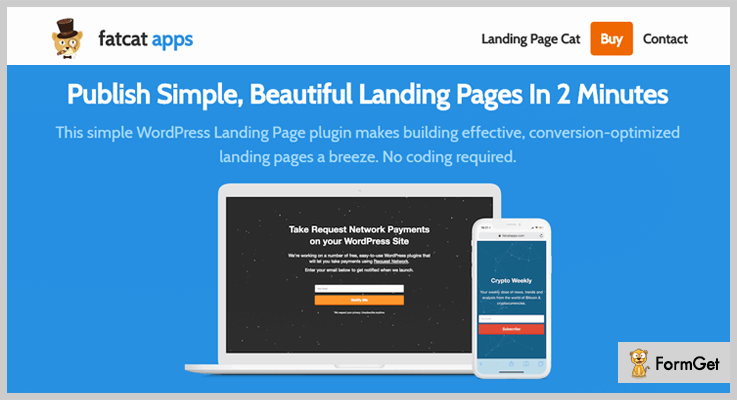
Landing Page Cat by fatcat apps is created with only one goal in mind: “simplest & beautiful landing page for the WordPress site”. It mostly focuses on building effective landing pages responsive to all devices.
Pricing:
- Personal: $29, 1 site, one-year software updates & email support, welcome, 404 pages & many more.
- Business: $49, 4 sites, one-year email support & software updates, Google Analytics integration, ‘Thank You’ redirecting page & many more.
- Elite: $99, every feature of Personal & Business plan with Unlimited sites.
Features:
- You can integrate multiple email service providers on Landing Page Cat such as AWeber, MailChimp, Active Campaign, GetResonse & many more.
- One can add amazing particle animations to their landing page to a higher level with just one click.
- Build welcome gates to redirect fresh visitors to your landing page which will result in higher conversion from visitors to customers.
- A person can efficiently track conversations, button clicks & email opt-ins with Google Analytics.
8. Inbound Now: WordPress Plugins
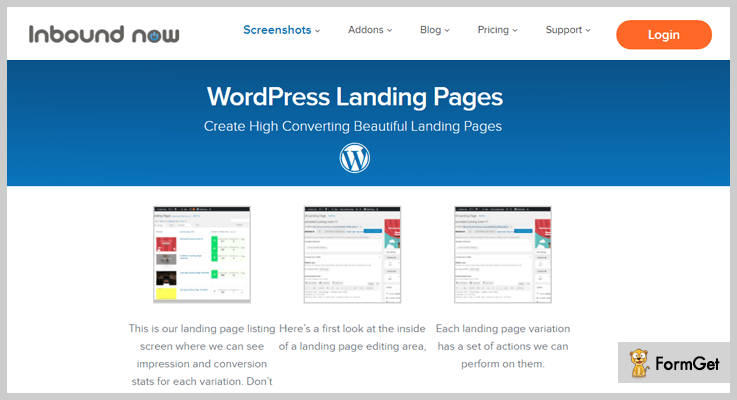
Inbound Now is an all in one marketing suite through which you can create landing pages, calls to action, lead management tracking & many more.
With the help of this plugin, you can convert more visitors to customers in a couple of time.
Pricing:
- Free: $0, landing pages, lead management & calls to action.
- Starter: $99/year, 5 sites, everything from the Free plan with inbound analytics, marketing automation & many more.
- Business: $189/year, 10 sites, everything from Starter plan with email integrations & access to all pro features & templates.
- Agency: $428/year, 25 sites & all features of Free, Starter & Business plans.
Features:
- All types of designers & developers can use this plugin very easily as it has a little bit similar interface to that of WordPress.
- For non-techie persons, its landing page add-on will help to hide & customize unwanted or improper elements from the template.
- You can store data of leads collected from landing pages into leads database.
- One can either choose the templates present in it or can design their own landing pages to gather more visitors & convert them to customers.
9. Parallax Gravity: Landing Page Builder
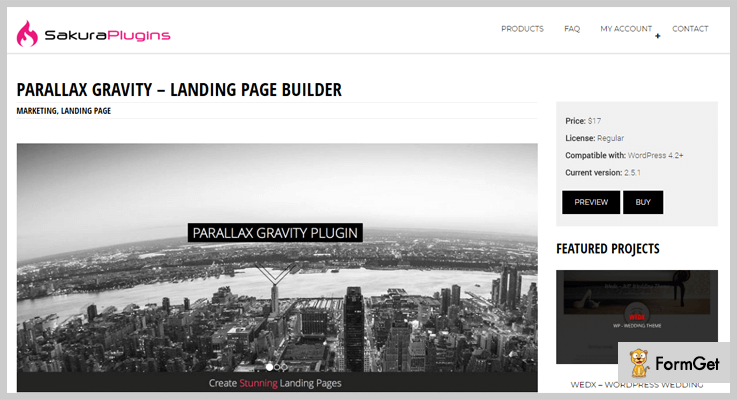
Parallax Gravity is an amazing add-on in all landing page WordPress plugins which allows you to create landing pages without any limit. It is a perfect solution for creating product showcases & landing pages.
Pricing:
- Regular: $17, accessible by one user, no charge to end users.
- Extended: $85, accessible by one client or user, end users are separately charged.
Features:
- Multiple supports are provided with this plugin such as menu external link, Google Analytics, Custom CSS & many more.
- This plugin includes some shortcodes to use on the landing pages such as titles, columns & buttons.
- For scroll based movements, this plugin supports Parallax animation shortcodes to create innovative animations.
- One can also set landing page as a homepage through this WordPress landing pages plugin.
10. Page Builder: Free Landing Page WordPress Plugin
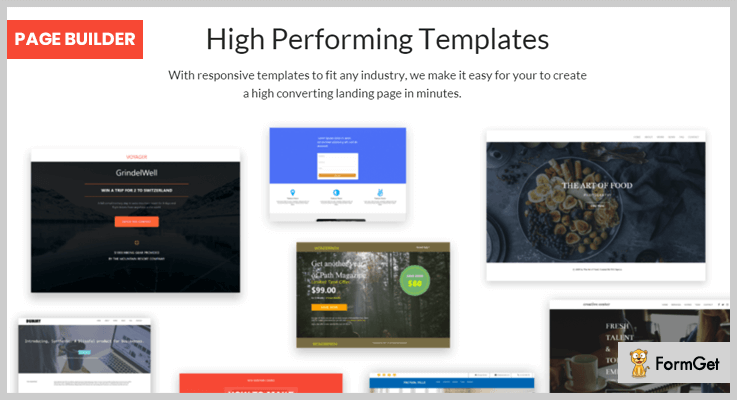
Page Builder by PluginOps is one of the best free add-ons in the list of landing page WordPress plugins. Due to its live editing feature, a person can design any kind of page without any hindrance.
Pricing:
- It is a free landing page builder which is very easy to use & it doesn’t take much time to build a page.
Features:
- Its page builder plugin is compatible with 40+ devices which are tested too.
- With its easy drag & drop page builder, one can create well-planned landing pages which don’t take much time.
- This plugin also comes with the integration of MailChimp through which you can send any kind emails too.
- This plugin uses meta tags, page title, meta keywords & much more to generate an SEO friendly page for better ranking among others.
11. Landing Page: Ultimate Landing page And Coming Soon Page
Landing Page by Think Landing Pages is a time-saving landing page builder for WordPress through which you can create landing as well as coming soon pages in just 5 mins.

Pricing:
- This landing page plugin doesn’t charge any amount & you will be able to create unlimited landing & coming soon pages.
Features:
- With customizable permalinks for email list building, you can create landing pages.
- One can add-ons on the coming soon & landing page for catchy branding.
- Through MailChimp, Aweber & other email list management solutions, a person can collect the emails of its clients. (Coming Soon)
- You can add any kind of description of your page to attract the visitors & convert them into customers.
Conclusion:
So above are some of the best free & paid landing page WordPress plugins which you can use to make your landing page or homepage more responsive & eye-catching. Many of them are free & they provide basic features which are sufficient for newcomers.
There are paid plugins too & all of them possess unique features. So choose them wisely & attract more visitors!
If you have any queries, comment in the section below & we will reach out to you soon.
Wait there is more below we have listed a blog which can help you find responsive themes:-
7+ Best Coming Soon WordPress Plugins 2022 (Free and Paid)

Is your WordPress website is half-baked and you are looking for a Coming soon WordPress Plugins! There is a whole raft of 1176 maintenance mode plugins flooded in the WordPress site, But which one is for your business…?
The Coming soon WordPress Plugin helps to display the great-looking placeholder page that reflects the tone of your business & your visitors can get the vibes of ‘Launching’ for your website!

I’m gonna show you 7+ Best Coming Soon WordPress Plugins for accomplishing a positive buzz among your audience so that your visitors don’t feel alienated!
You’re going to love this post. Check it out!
We have also hand-picked some very well versed WordPress plugins to boost up your WordPress website. I am sure you will also like them:
1. Coming Soon and Maintenance Mode – By CodeCanyon
It has a solid grasp of the countdown timer, AJAX-ed opt-in form, 100+ social icons and full-sized background image slideshow. This plugin is such an eager beaver that it does everything that you are expecting from the best Coming Soon WordPress Plugin!
It works flawlessly and is perfect for receiving emails while you are working behind. Also, it is integrated with Backstretch which is a simple jQuery plugin allowing you to jazz up a dynamically-resized background portrait!

Pricing
Coming Soon and Maintenance Mode Plugin is offered at a value price of $ 18!
Features
- SEO-friendly
- Countdown Timer
- Campaign Monitor supported
- e-mails can be submitted to Aweber through its API
- MailChimp supported
- MyMail supported
2. Maintenance PRO – WordPress plugin
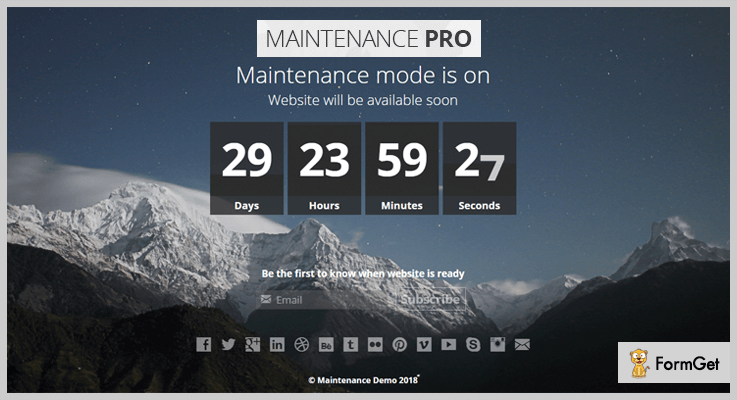
You can create a buzz of active development and expectation by Maintenance PRO because it lets you configure the counter to your WordPress website. You can set the countdown in seconds, minutes, hours and days.
With this Pro version, you can embed YouTube videos on your splash page which boasts its engaging capability. Also, showcase your brand logo to reflect your business tone.
Pricing
Get this plugin at $15.
Features
- Video autoplay support for mobile devices
- Unique scheduler countdown
- Full-Screen HD background gallery
- Customizable text and branding
- Mailing list subscription
- Social media icons
3. UnderConstructionPage
With more than 300,000 active users, the free version of the UnderConstructionPage plugin is definitely one of the most popular solutions for placing a WordPress site under maintenance. The plugin allows you to quickly select a template you like, modify it to your likings and publish the page without setting up unnecessary stuff. UnderConstructionPage allows you to track everything via Google Analytics, you can set automatic end date & time, add social icons and even whitelist specific users.
The premium version comes with a drag & drop editor that gives you the complete control over your under construction page. Add items you like & need, arrange them on the page, choose among thousands of free photos or even use a video background. The plugin comes with 160+ professionally designed templates, so you don’t need to spend much time tampering with the layouts. Still, you can modify any of the templates or start from scratch and create that perfect coming soon page you have been always wanted.

Pricing
Basic – $25/y
Pro – $39/y
Agency – $89/y
Pro Lifetime – $69
Agency Lifetime – $250
Features
- Drag & Drop editor
- 160+ themes
- Video Backgrounds
- Whitelisting
- Secret URLs
- 850,000+ Searchable Images
- Affiliate & Traffic Tracking
4. Coming Soon & Maintenance Mode
With its carefully picked selection of features, Coming Soon & Maintenance Mode is the plugin to go with when you need a stunning coming soon or maintenance mode page quickly. This plugin has all the features you need to create the page that will wow your visitors, without taking you ages to figure it all out.
Coming Soon & Maintenance Mode plugin comes with over 120 templates you could use to set up your Coming Soon or Maintenance Mode page, which you can customize with over a million free images. Every template is fully customizable, enabling you to enrich it with video background, add your logo, countdown timer or a progress bar, add a map and so much more. Since you need visitors coming to your page from day one, this plugin comes with many SEO options, to ensure that you are getting your traffic even while your site is in progress. With this plugin, you can also take advantage of MailChimp or Zapier integrations, so that you can start working on your newsletter alongside your website!

Pricing
- Pro Yearly: $39
- Pro Lifetime: $79
- Agency Lifetime: $199
Features:
- 120+ fully customizable themes
- Over 1 million free images
- SEO ready – built-in tests, check and guidelines for easy ranking
- Integration with Mailchimp and Zapier
- Simple to use – great for both beginners and professionals
- Secret Access Link feature for presenting the page only to the client.
5. Coming Soon Pro Plugin
Coming Soon Pro All Design is compatible with all mobile devices, it’s designed is responsive and browser compatible.
The plugin has 8 coming soon design templates. Newsletter facility is included in this plugin with the features of Constant Contact, Campaign Monitor, MailChimp, Madmimi, iContact, GetResponse, wpMail, and database newsletter Integrated.

Pricing
- Free plan
- Premium Personal – $19
- Premium Business – $57
Features
- Count Down Timer
- Auto Launch Website
- News Letter Subscription
- About Us Page
- Service Page
- Contact Us Page
- Access Setting
- 8 Design Templates
6. Selene – Responsive Coming Soon WordPress Plugin
Selene comes with a powerful admin panel which is neat, responsive and has the modern layout. This plugin bundle is packed with all the exclusive features of Ajax subscription form and 3 versions of image slider, image and Youtube video background.
You can easily enable maintenance mode from the admin panel whenever you need to do the revamping of your WordPress website.

Pricing
It has a pricing of $8.
Features
- Fully responsive design
- Retina ready
- 6 predefined Color Skins
- JavaScript countdown timer
- Social icons
- The help file is included
7. Coming Soon Page & Maintenance Mode by SeedProd
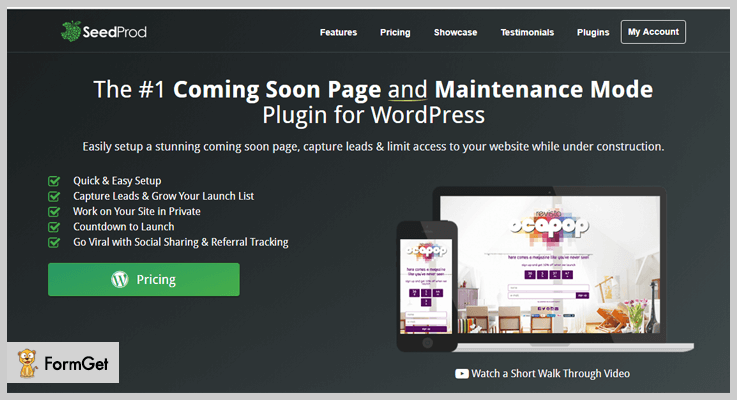
Coming Soon Pro WordPress Plugins is the awesome tool to create a simple maintenance mode page. You can flaunt the catchy grand opening “Coming Soon” page on your website and can revamp your work calmly.
You don’t need to be concerned in case you are down with your purchase because they will give the refund within 14 days of your acquisition. They are accepting credit cards of all the leading banks like American Express, Discover, Diners Club plus PayPal, Visa, MasterCard, and JCB.
Pricing
It has 3 pricing licenses:
- Personal License: $29
- Business License: $49
- Developer License with Add-Ons: $79
Features
- Quick & easy setup
- Social sharing & referral tracking
- Countdown to launch
- Work on your site in private
- Capture leads & grow your launch list
8. Coming soon and Maintenance mode Pro – By Wb Dev Art
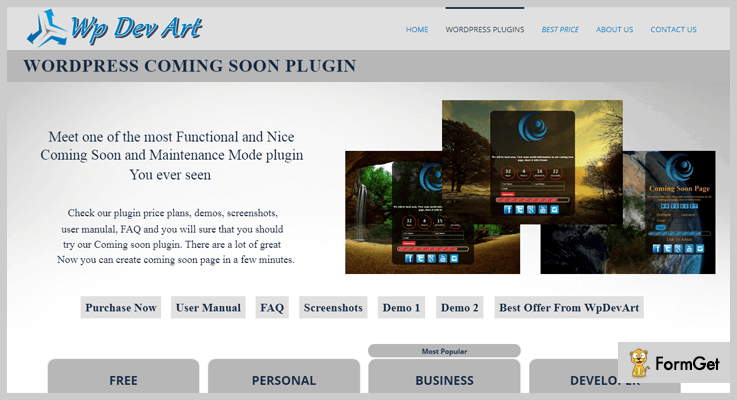
Setting up a proper maintenance page is not a child’s play. One should have coding knowledge for creating the same. But this Coming soon and Maintenance mode plugin helps to design fantastic coming soon pages without going techy.
This easy-going plugin automatically collects visitors subscriptions as well as notify the active subscribers once your site gets launched.
You can also inspect this Pro plugin from its website. Click on the below blue button to scrutinize this user-friendly plugin!
Pricing
Cost depends upon the number of websites for which the plugin is required:
- Single site license: $14
- 5 site license: $30
- Unlimited site license: $50
Features
- Awesome background slider
- Functional subscribe form
- 39 awesome animation effects for all elements
- 3 beautiful and different countdown designs(button, circle, vertical slider)
- Countdown position(left, center, right), distance from top, background and text color, border radius and width, size, font-size etc
- Functionality to hide countdown or disable under construction page when countdown time expired
9. Maintenance Mode Under Construction Landing Page – By WebLizar
This plugin allows the building of trouble free and simple “Maintenance Mode” page for your website visitors. Maintenance Mode Under Construction Landing Page collects the visitors’ subscriptions even when you have to hide your website behind an Under Construction page.
This plugin automatically notifies all your active subscribers once your site gets launched. You can inspect the test plugin of this Pro version from the below blue button.

Pricing
Grab this plugin for the lifetime at only $12 (cost-effective pricing!)
Features
- Display only coming soon page by hiding all the sites from visitors.
- Hide the selected pages and posts of the site and exhibit only under construction page.
- Tuck away the all site from the users for a specific time frame and manifest only under maintenance mode.
- Use multiple responsive & beautiful coming soon page templates.
- Email subscription form for visitors to collect all leads.
- Set a clear-cut date & time when you want auto launch your website.
10. WP Maintenance Mode
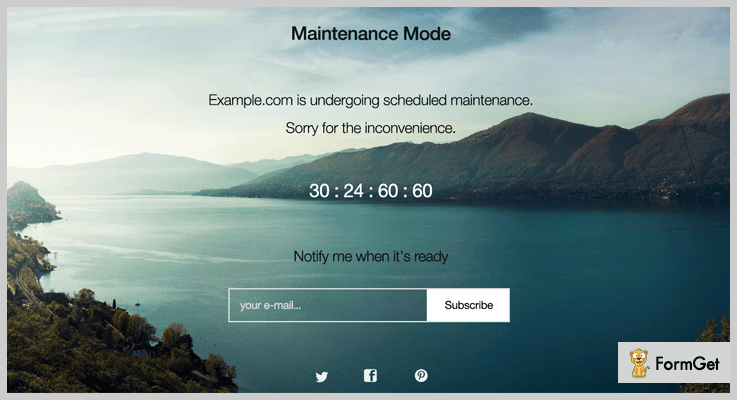
WP Maintenance Mode WordPress plugin is providing multisite installs so that you can activate the maintenance-mode on the specific blog template. Each blog has its own screening settings.
This plugin displays its front end only to the registered users. Countdown timer with the date can also be displayed at the “coming soon page” so that visitors can have information about your new launch.
Pricing
Grab the benefits of WP Maintenance Mode plugin for free!
Features
- Landing page templates
- Exclude URLs from maintenance
- Subscription form
- Responsive design
- Works with any WordPress theme
- Bot functionality to collect the emails in a friendly and efficient way
11. Minimal Coming Soon & Maintenance Mode – By WebFactory
The Minimal Coming Soon & Maintenance Mode plugin provides complete control over the frontend of the website. You can customize almost all the features in your preferred way.
It is connected with MailChimp API which can collect visitors emails regarding your website. It also provides 700 Google Fonts to go well with any layout.

Pricing
It is a free Coming Soon WordPress Plugin!
Features
- Completely customizable look and feel including background color, cover image, fonts, logo etc
- Visible to the only non-logged in users so you can build your site while visitors see the Coming Soon page
- W3 Total Cache and WP Super Cache Support
- Easily add Custom CSS and HTML
- You can let search engines to view website normally while visitors see the Coming Soon page
- Visible to the only non-logged in users so you can build your site while visitors see the Coming Soon page
Let’s jump to the conclusion!
Undoubtedly! you have chosen the most viable Maintenance Mode WordPress Plugin from our treasure trove of 7+ Best Coming Soon WordPress Plugins.
Are you using any of these? Do you have better plugins than these? Let us know in comments!
7+ Search WordPress Plugins 2022 (Free and Paid)

Does your website’s default WordPress search works properly? If no, then you need to replace it with the best in class search WordPress plugins.
Luckily, we have plenty of search plugins in the WordPress repository but selecting the best is a bit tricky task. Ergo, to make your task hassle free this article holds the comprehensive list of some freemium and premium search plugins.
Search WordPress plugins act as a powerful search solution for your website and enhance user experience.
You may also like to know more about WordPress plugins –
Dive into the list and get yourself the best-fit Search WordPress Plugins –
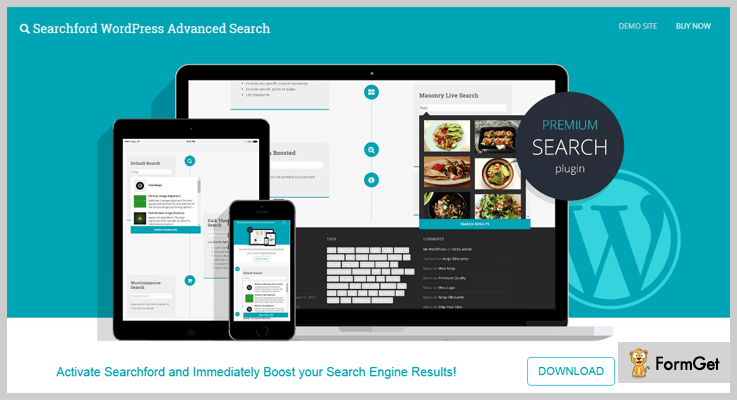
1. Searchford – WordPress Advanced Search Plugin
If you want to improve the in-site search of your website then this plugin is for you. It sorts the results according to relevance and searches for the query term in different sections like categories, pages, tags etc.
This WordPress search bar offers you many advanced functions such as – auto and manual indexing, multiple customized search and so on.
Features
- It provides you the option to enable live search.
- This plugin previews your search index in masonry style.
- The functionality of automatic indexing of content.
- Supports multiple search operators. (<,>,-,””,~, etc)
- Automatically highlights the search terms.
Pricing
Grab this WordPress plugin kit at $21.
2. Ajax Search Pro – WordPress Search & Filter Plugin
This premium AJAX category filter WordPress plugin is the best in a class plugin which is highly customizable and lavishes you with its amazing possible results. Besides this, it comes up with a 400 customization option which gives you amazing layouts and styling options.
If you want to create interactive custom fields including checkbox, radio buttons, and drop-down etc. So, you can go for this Search WordPress plugin.

Features
- Beautiful responsive layouts (Horizontal, vertical, isotopic and Polaroid).
- Its SVG and CSS3 icons go well with high-resolution retina ready devices.
- Video tutorials are also available for this plugin.
- Supports multiple languages.
- It is compatible with content builder plugins also.
Pricing
You can buy this product at just $35.
3. WordPress AJAX Auto-Suggest Plugin
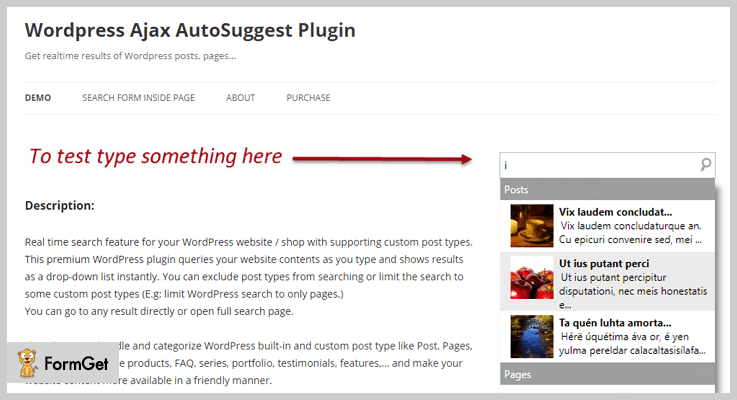
WordPress AJAX is a premium plugin which shows you the content according to your query in a drop-down list along with feature image. It is a custom post type search plugin which handles and categorize WordPress inbuilt and custom posts like posts, pages, products etc.
The plugin provides 100% security and can also be integrated with WooCommerce AJAX search.
Features
- Make your website more available with a real-time search for WordPress.
- It also supports WordPress shortcode and PHP function.
- Drag and drop widget which enables your searchings.
- You can also customize search button and field.
- Easily translated into any language.
- It also supports WooCommerce and jigoshop which helps your customer to choose required products from the online shop.
Pricing
Buy this plugin for $16 only. Click the button below.
4. Relevanssi – Best among Search WordPress Plugins
Relevanssi premium WordPress plugin substitutes this advanced search bar plugin in place of a standard WordPress search. Moreover, the plugin kit includes numerous features and configurable functionalities.
It is a powerful tool which brings out the results which match even one search term in order of relevance.

Features
- Includes Google’ style “Did you mean” suggestions for better results.
- Indexing of PDF content.
- It can search across multiple sites with a single installation.
- Assigns a weight to any posts, but extra weight on new posts.
- Search and index user profiles too.
Pricing
This search WordPress plugin offers three pricing plans –
- Standard: It cost you ₹3,817.30, for personal sites.
- Developer: It cost you ₹6,112.40, client sites purpose.
- Permanent: It cost you ₹16,826.80, includes lifetime upgrades and support.
5. WooCommerce Search Engine – WordPress Search Plugin
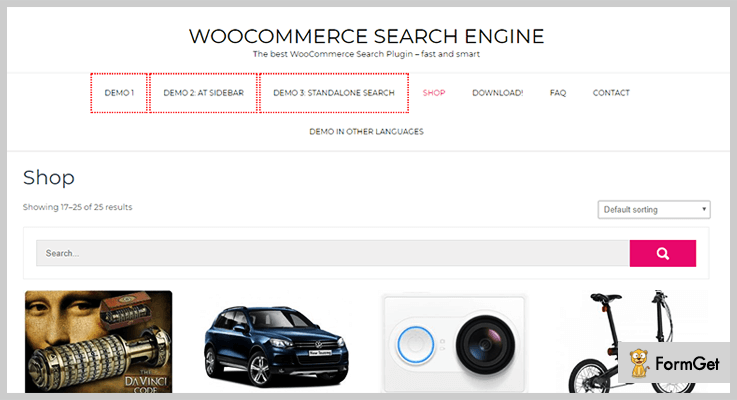
It is the most advanced search box ever for WooCommerce online stores which helps you to sell more products. The plugin has a great user-interface which is compatible with almost all WordPress themes.
This plugin bangs up a job through lightning-fast searches by product name, description, synonyms, product tags, and attributes etc.
Features
- It comes up with a typo-resolver, which automatically corrects your query errors.
- Always show recently visited products to your visitors.
- You can also categorize and display your new products. (Trending products and Features products).
- It automatically suggests popular products when “No Results Found”.
- This plugin has the ability to understand special greek/Latin letters.
Pricing
This WooCommerce search engine plugin kit charges you $49 for 6 months support. However, you can extend the support period by paying some extra $ around $16.88.
6. SearchWP – Best Search WordPress Plugin
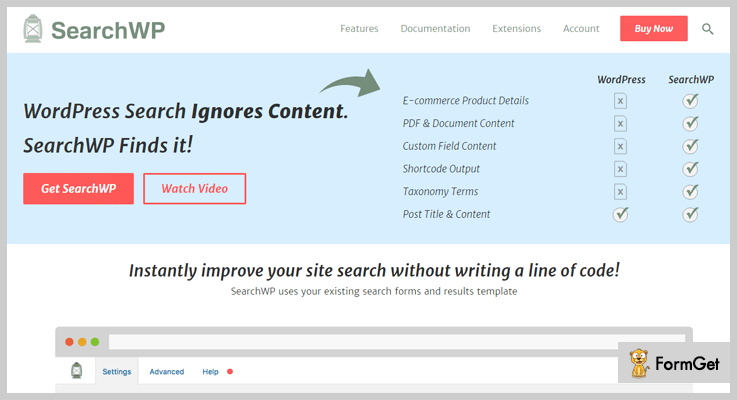
This WordPress search plugin is a step ahead than default WordPress search. As a matter of fact, WordPress standard search ignores contents like – E-commerce product details, document, and PDF content, shortcode output, taxonomy content etc.
This plugin will do that for you it finds all the which WordPress ignores. Isn’t it a big deal?.
Furthermore, functionalities of the plugin will help you to instantly improve your website’s performance.
Features
- Integrates with popular E-commerce plugins like – WooCommerce, WP E-Commerce and more.
- Offers multiple search engines to meet your needs.
- This plugin uses search keyword stemming as well as exact match.
- Complete log search insights to show you what your visitors want and what they are not found.
- It can be integrated with bbPress for implementing powerful search.
Pricing
If you want to buy SearchWP, then you got the option of 3 pricing plans –
- Standard: $79 for one site only.
- Pro: $149 for 5 sites.
- Pro plus: $299, supports unlimited sites.
7. Search & Filter – WordPress Plugin
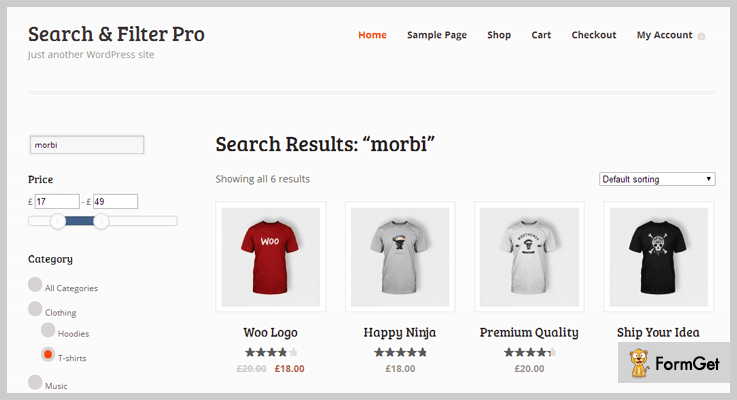
This Search & Filter plugin by Designs & Code is a simple search plugin. You can easily filter your search by categories, tags, posts or any combination of these. In reality, it is the advancement of WordPress Search Box.
Moreover, this plugin displays the search fields as dropdowns, checkbox, or radio buttons. But, you can also assemble it according to your need.
Features
- It uses AJAX to display results.
- Easy drag and drop editor.
- Supports many custom templates also.
- Create multiple fields and search forms.
- Integrates with multiple E-Commerce plugins.
Pricing
Get this plugin for free from the official WordPress website.
8. WP Google Search – WordPress Search Plugin
This plugin has made easy to insert typical google search into your website. But for this, you need to register to Google Custom Search and get you Google search ID. After this, you have to enter this ID into plugin’s settings.
Moreover, you can also define whether you want to search within your website or on the entire web.

Features
- It is compatible with multiple languages.
- No hefty coding or setup is required.
- With this plugin, you can have both pages and images for your search.
- You can also customize search features and it looks such as layouts, fonts, thumbnails etc.
- You can have both WP Search widget and shortcodes for placing your search bar anywhere on your page.
Pricing
Get this plugin for free from the WordPress repository.
Closure
Well people, this was our take on the 7+ best search WordPress plugins (free and paid), all the above are optimal and feature-rich search plugins.
If you want one such plugin for your website. Then, don’t get confused and try these search WordPress plugins and improve your website’s search.
What is your favorite WordPress search plugin?
If it’s not on the above list. Please, share them in the comment section.
You can find more such blogs, plugins, and complete WordPress encyclopedia on our Facebook, Twitter and Google+ page. Now get set to skyrocket your website with us!!!
7+ Best Reviews WordPress Plugins 2022 (Free and Paid)

Business patterns have changed. People no more rely on lavish advertisements but they rely on reviews. It’s time to get going with the trend. You must have heard of reviews WordPress plugins but let us introduce with the best of plugins right from WordPress directory.
We have got stats for our talks! 9 in 10 customers prefer online reviews before settling for a product. In fact, around 89% of people believe in online reviews than Word of mouth.
Now you believe us. Right?
Let us take you deeper into these reviews WordPress plugins.
A reviews WordPress plugin will elevate your website to a review forum. So, your website becomes an aid to the buyer who can look up to you before a final checkout.
WordPress has got a breath of reviews plugins, 2689 to be exact. Finding the best becomes a rub but we managed anyway. So here’s a comprehensive list of 7+ best reviews WordPress plugins where we have considered ratings, features, and of course reviews!
Now dig and find the best.
1. WP Product Review – WordPress Plugin for Reviews
This is a must-have tool for every business. WP Product Review plugin doesn’t only transform your comment section into smart reviews but also generate leads. Its packed with everything that you need for your review section. Be it pros and cons list, comparison tables, affiliate links and more.
Furthermore, there are a plethora of features and here are a few that we’ve listed for you. But know the price first!

Pricing – There are three price plans on the basis of the site license. Personal Plan – 1 Domain: $70 , Business Plan – 3 Domain: $176, Agency Plan – 30 Domain: $294.
Features :
- There are a lot of shortcodes with which you can position the reviews anywhere on your site without any technical codes. Plus, you can add an unlimited number of reviews at any page that you want.
- You can completely customize the review table as per your taste. It can be customized right from the colors to the sections that you can add.
- You can add Amazon affiliate link by directly importing amazon links from Amazon.com along with pricing, images and more.
- You can collect leads with this plugin. So you can kill two birds with one stone, reviews and leads!
2. WP Review Pro – Reviews WordPress Plugin
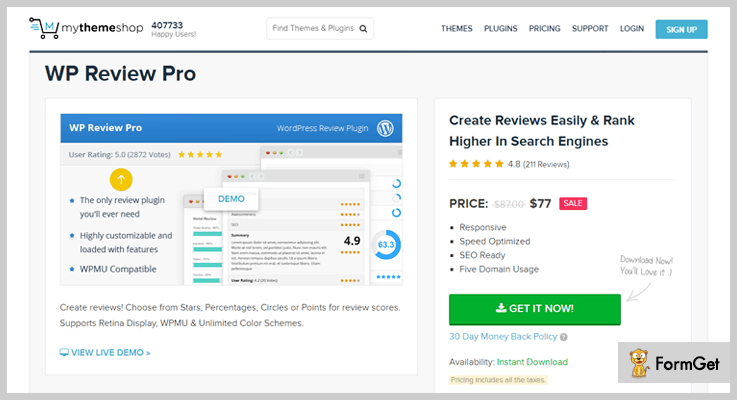
WP Review is going to please you with its higher ratings of 4.6/5 and active downloads of 90,000+. This plugin is easy to use and even a non-techy guy can go well with it. WP Review can be the best platform for increasing interaction as its lightweight and doesn’t consume the time in loading.
Here your reviewers can use stars, ratings, percentage, circles and more as a basis for review. The list of feature has just begun as it comes with unlimited colors, a lot of Google snippets and more.
Let’s have a look at the pricing.
Pricing – WP Review is an affordable one and is going to cost you $77 for its complete set of features.
Features :
- Completely responsive, SEO ready and speed optimized plugin.
- Translation ready with WPML integration.
- Compatible with multisite and multi-user of WordPress platform.
- Developer friendly with clean and commented codes.
3. Reviewer Plugin – WordPress Reviews Plugin
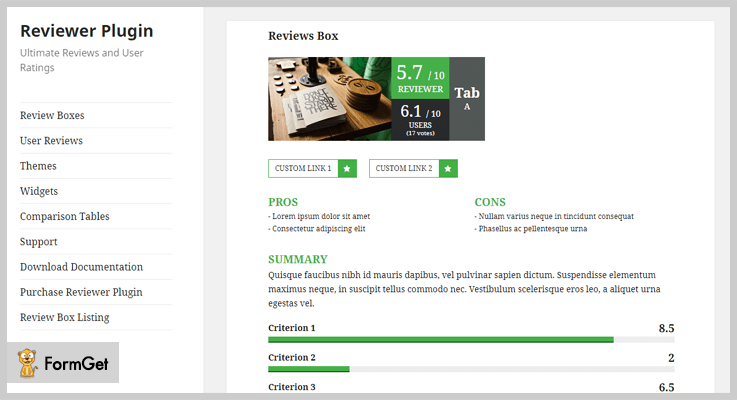
Reviewer plugin eases off the work of review posting on your website and makes it quicker than ever. You can simply add reviews, comparison tables and a lot more in your blogs, pages in few clicks. There is no limit imposed on the number of reviews or the positioning. So, you are the master of reviews and blogs completely.
It’s user reviews feature and back-end features make it stand on the ahead of the stack.
PS- This is one of the best Reviews WordPress Plugins we have come across.
Pricing – This WordPress Reviews Plugin has got a simple price plan of $26.
Features :
- You can create review boxes and comparison tables with this plugin. Whatever you are going to create it looks worth stealing all the attention. Creating doesn’t require any coding at all and it is just a matter of shortcodes!
- Everything in this plugin can be customized. So, you can set criteria for the plugin, it can be pros and cons, stars, rating etc.
- This review plugin comes with advanced user review system with different rating modes, collect names and emails of reviews and more.
- Get Google reCAPTCHA to prevent spamming and a lot of Google Snippets.
4. Taqyeem – Reviews Plugin For WordPress
Taqyeem is yet another reviews plugin packed with heaps of features. This plugin works well for creating reviews, ratings for the blogs, pages, and website. Everything here can be fully customized and with an affordable pricing, it becomes favorite for the budget.

Pricing- This reviews plugin can be your next favorite with a affordable pricing of $24.
Features :
- Translation ready.
- Unlimited review criteria.
- 3+ review styles including stars, ratings etc.
- 500+ Google fonts integration with Google rich snippets.
5. Let’s Review – Responsive Reviews Plugin for WordPress
Let’s Review plugin is for beautiful, responsive review sections for the website. There are unlimited criteria and numerous ways to represent your reviews. So these can be stars, percentage, ratings, positives negatives, multiple user reviews and a lot more.
Just like the representation of reviews, features are numerous too. This wide array of features include responsive layout so, the reviews look great on every screen, plus, you can earn with your reviews by adding affiliate links to it.
Let’s get deeper into it with its pricing and features.

Pricing – This responsive reviews plugin has got a reasonable price of $25.
Features :
1. You can Affiliate button options to the reviews to make some easy money.
2. It comes with a full-screen sleek gallery to pose the images of the products being reviewed.
3. You get translation ready layout with RTL support.
4. The support team is exceptional so, yes, you can count on this plugin.
6. Rich Reviews – Free WordPress Reviews Plugin
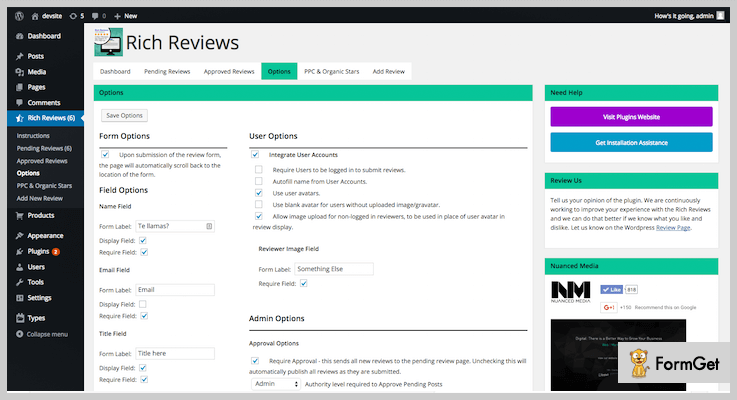
Finally some free stuff. This is a free reviews WordPress plugin which doesn’t disappoint in its features and working. The plugin works by showcasing the reviews as rich snippets. It’s easy as pie and nifty as a free tool.
Furthermore, its build on shortcodes so, you never have to engage yourself in technical codes. Then the layout is lightweight and minimalist which doesn’t cause hiccups in loading speed.
Pricing – This is a free WordPress reviews plugin with a lot of rich snippets and a bunch of features.
Features :
1. It has a compatible design with all the themes and CSS.
2. Translation ready layout.
3. Support available for queries and questions.
4. Through its feature of moderate submission, you can keep an eye on the reviews and select which one to feature on the webpage.
7. Ultimate Reviews – Free Reviews WordPress Plugin
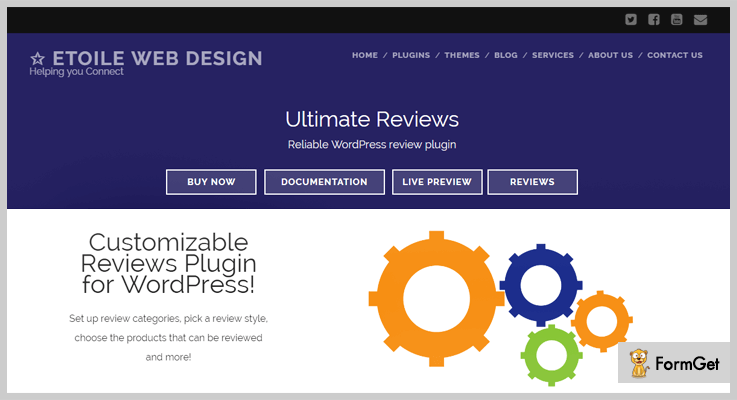
Ultimate reviews let people submit their reviews about any product, services or about anything to your webpage. This free reviews WordPress plugin is second free plugin on our list of best reviews WordPress plugins.
It’s easy to use and comes with two shortcodes to further ease-up the use. These shortcodes work on the display part. Where one shortcode enables the display of review to the web page and second displays the review form to the people where they submit the review.
Pricing – This is free review WordPress plugin. So, you can sit back and enhance your website without worrying about dollars.
Features :
- It allows in-depth review of any product by including the fields such as value, quality, appearance etc.
- Multiple rating systems including stars, percentages etc.
- Flexible styling with custom CSS options.
- Comes with an integration of WooCommerce where people can review the WooCommerce products.
8. Google Reviews Widget – Reviews WordPress Plugin for Free
Google Reviews Widget comes as a savior when you want to integrate Google reviews to your products or webpage. In simple words, for any products or anything that you want to review, you’ll get a sidebar where Google Business Reviews will be available. Now if you are wondering you’ll be in need of Google every time for it, the answer is no. This plugin saves the reviews in WordPress database and uses it whenever needed.

Pricing – Google Reviews Widget is a free review plugin and won’t cost a dime.
Features :
- Displays up to 5+ Google Business Reviews per location or product or anything else.
- Shows real reviews of G+ users to increase reliability.
- Saves all the reviews in WordPress database.
- SEO optimized and works even if Google is unavailable.
The Takeaway
Things keep on changing so will the reviews WordPress plugins but trust us, we’ll always keep you get going with the trend! These were the best reviews WordPress plugins that we found till but we won’t stop here. Let me know if there was something that I missed out. We would love to work on tweaks!
How about you take your plugins knowledge to the next level! Reads these blogs too, you are surely gonna love it!
As we earlier said its time to rely on review!
For similar authentic software reviews, you can visit Reapon Software Review Site. It provides impartial reviews of over 2000 trending software. You can visit the website for various software reviews.
7+ Best Login WordPress Plugins 2022 (Free and Paid)
Looking for an easy registration & login plugin? For it, you can search for the best login WordPress plugins through which you don’t have to fill any registration forms or login separately.
All you have to do is to install them to get amazing & exceptional features. Although, it is a tough task to choose the best WordPress login plugin as there hundreds of plugins floating around on the internet.
So for your easiness, below I’m mentioning some of the best free as well as paid WordPress login plugins which are ranking on the top of their own category.
1. LoginPress by WP Brigade: Login Customizer
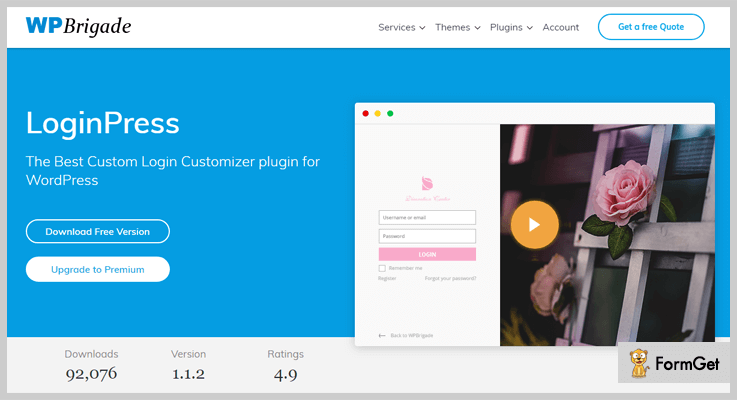
With the help of LoginPress, one can change the layout the WordPress login page by using various customizable fields. It is built using customizer API which is very effective for previewing live changes to the layouts of WordPress.
Features :
Social Login –
By eliminating spam & bot registrations, this add-on provides facility to the users to login via Facebook, Twitter & Google.
Google ReCaptcha –
To protect your website from reports & abuse, a person can use this add-on to let genuine & real users login/register through ease.
Custom CSS & JS –
Add or modify the CSS & JS codes according to your needs which can result in an amazing login interface.
Pricing:
It has 4 pricing plans.
Free – $0 for one website.
Basic – $29, pre-designed login templates, Google reCaptcha & fonts, one year of support & updates.
Plus – $99, Everything in basic & auto-login, social login, 3 websites, priority support & many more.
Pro – login limit attempts, redirects, widgets, unlimited sites, hide/rename login & many more.
Or
Ultimate License – $499, unlimited sites, premium support & lifetime updates.
2. Custom Login & Access WordPresss Plugin: Login WordPress Plugin
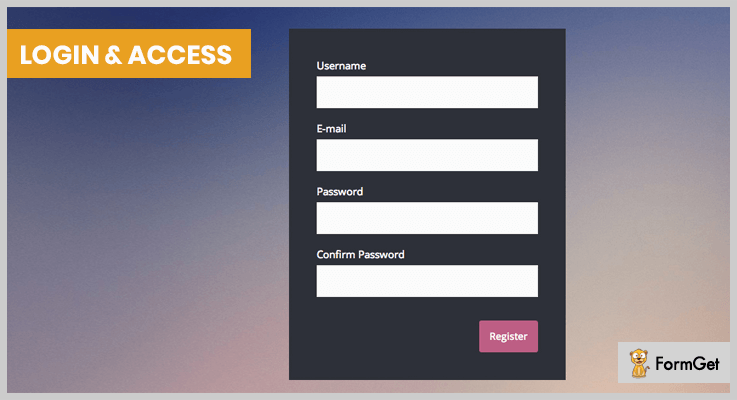
This plugin helps in signing in, registering on sites & much more via customizable login page & forms which are secure & allows easy styling.
Features :
Password Settings –
This feature allows its user to set their password during registration itself while many other plugins ask for passwords after re-login.
Multiple Social Network Linking –
You can login or register on sites from various social networking sites such as Twitter, Facebook & many more.
Redirection –
When users login or log out, they are automatically redirected to their destination pages on which they want to work.
Pricing:
Regular – $20, the buyer or the client both can use in which end-user is not charged.
Extended – $100, you or the client both can use but end users will also be charged.
3. WooCommerce Social Login: WordPress Plugin
WooCommerce social login plugin allows the users to login & checkout with social networking sites such as Google, Twitter, Foursquare & many more.

Features :
Customize Redirecting URL –
You can create customized redirecting URL to get redirected after the user’s login in with any social media account.
Social Networks Ordering –
A person who is admin can change the order of social networking buttons by using drag & drop feature.
Statistics of Signups –
The admin can keep track of the number of sign-ups for every social network. This will help in the improvement of the purchases of your products.
Pricing:
Regular – $23, used by the buyer or one client, end users are not charged.
Extended – $195, used by the buyer or one client, end users are charged for a single end product.
4. Nextend: Best in Login WordPress Plugins
Nextend is a dexterous WordPress login plugin through which the users of your page or website can easily login to it. They can register with their social media accounts such as Twitter, Facebook, LinkedIn & Google+ without any difficulty.

Features :
Login Form –
This feature allows visitors to easily login through their social media accounts via social login buttons in their WordPress login form.
Social Profiles Linking –
The users can link/unlink the social media accounts on the WordPress profile page which they log in to use the site.
Eveready Translation –
For any purpose or problem, this plugin gives you the feature of user effective translations.
Pricing:
Free – $0, forever free with an auto-update feature.
Single Domain – $25, 1 domain license, one-time payment, WooCommerce integration & many more.
Business – $100, 10 domain license, Pro features & providers, forever support & many more.
5. WP Admin White Label Login: Login WordPress plugin
WP Admin White Label Login is a WordPress plugin that is used to customize the default login page with more customizer options. You can create amazing login pages without coding knowledge.
It is fully documented with easy configuration and video guidance. With that, this plugin provides more than 25 pre-designed templates to simplify your work.

Features :
Social Networking Support –
With an existing identity from networks such as – Twitter, Facebook & Google. Apart from this, it provides more than 20 social icons.
Compatibility With Devices –
It is highly responsive with respect to different types of devices and looks good in phones and tablets.
Supports images and media–
WP Admin White Label Login supports images and video (like YouTube, etc) background.
Pricing:
It has a regular license of $18 in which you will get future updates and 6-month support. To extend the support for 12 months, you have to pay an additional amount of $4.88.
6. WP Custom Admin Login: Login Plugin
It is a premium login page customization plugin that you used to modify the default login page through proper customization. The plugin comes with an interface that allows you to configure the admin login page as per your requirements and preferences.
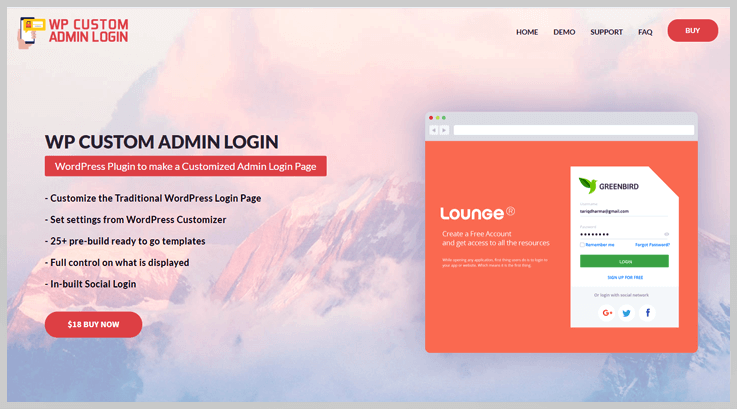
Features :
Highly Customizable –
It provides full customization options with unlimited colors, custom titles/texts, and log.
Multiple Social Networks –
With this plugin, users can log in to various social media networks such as Facebook, Twitter, & many more.
Supports media–
It supports images and video backgrounds with ease.
Pricing:
Regular – $19, the buyer or the client both can use in which end-user is not charged.
Note: With $5.25 extra money, you can get the extended support for 12 months.
7. Admin Custom Login: WordPress Login Page
Admin Custom Login plugin gives access to customize the admin login page & change multiple kinds of stuff like the background image, color, slideshow & many more.

Features:
Customizable Login Form :
You can modify many fields in the form such as login form position, login form’s color, color opacity, font color, size, button color & many more.
Background Slideshow :
A person can customize the login background to any kind of slideshow without any difficulty.
Social Link Connectivity :
One can add many social icons to the social profile through login form such as – Twitter, Linkedin, Pinterest, Flickr, Youtube, Tumblr, Digg & many more.
Pricing:
This plugin is free to use & you will be able to update plugin design with unlimited colors like never before.
8. Theme My Login: WordPress Login Plugin
Theme My Login plugin themes the WordPress login, registration and forgot password pages according to the current theme. It creates a page to use in place of wplogin.php, using a page template from the theme.
Features:
Gravatar Options –
Through this feature, you can see the gravatars of the users who are logged in which is used for more productivity of the interface.
Email Verification –
The users who log in for the first time have to verify their email address during registration.
Customized Widgets –
This plugin includes customizable widgets such that you will be able to log in anywhere from your bog.
Pricing:
This is one of the best in free Login WordPress Plugins through which registration, login & password recovery on the sites can be done efficiently.
Conclusion:
To be a cheapest or free plugin doesn’t mean that you will get the desired features. So above are one of the best free & paid login WordPress plugins which are most affordable as well as free too. We hope that you have found your one true login WordPress plugin.
If you have any query, please comment it below & we’ll try to reach you soon with the perfect solution!
You can visit the blogs mentioned below for more WordPress Plugins:
7+ Best Google Maps WordPress Plugins 2022 (Free and Paid)

Google Maps WordPress plugins added more functionalities in your website and enhance your business services.
Google Map is an easy to use application that offers an API to the individuals so that any third party websites can easily include the maps in their business websites. This will start showing the location for every businesses and organization in numerous countries around the world.
And, here comes 7+ amazing Google Maps WordPress plugins which increase a reputation of one’s organization by providing an instant service and location to the users.
So, no more hiding locations..
Just install a best Google Map WordPress Plugin from this handpicked list and start providing web mapping services, street views, root planning and much more to your users.
Explore more blogs with us:
1. 5Sec Google Map PRO –
Whenever we talk about Google Map Plugin, this 5sec Google Map comes in the first choice of users. This plugin is one of the top selling Google Map plugin.
This plugin is completely coding free, doesn’t need any setup or API keys. The plugins have in-built directions and can create great descriptions.
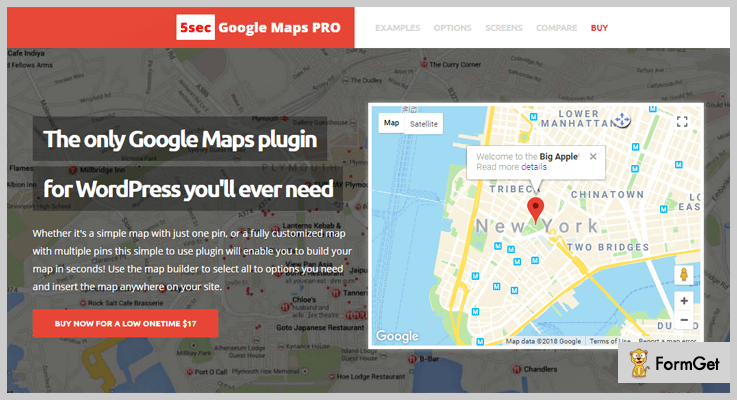
Pricing –
5sec Google Map PRO offers its multitude of features and functionalities at just $19 and extended up to $90.
Feature –
- The plugin is fast so that it can load more data in less than a second. Use map building GUI.
- The plugin allows you a “lock_map” option in case you need to lock your map.
- This plugin is fully responsive so can use it on any screen.
2. Advanced Google Map –
A feature-rich WordPress plugin is simple to use and utilize Google maps functionalities without coding.
This Google map plugin for WordPress has advanced features and functionalities.

Pricing –
The plugin starts its standard price at $59 and extended up to $120. Get unlimited of features at these prices.
Features –
- Display live Traffic in your area and Transit on Google Map.
- Through Custom HTML you can display images, videos, custom links and more.
- You can filter your location according to radius distance by selecting the option of a radius.
3. Mapify.it –
Mapify.it is one most popular Google Map plugin selling by CodeCanyon. It enhances Google Map for WordPress with a custom map.
It gives an unlimited feature like limitless locations, geographic locations, and informative galleries.
Provides a great and instantaneous customer service at 24/7.
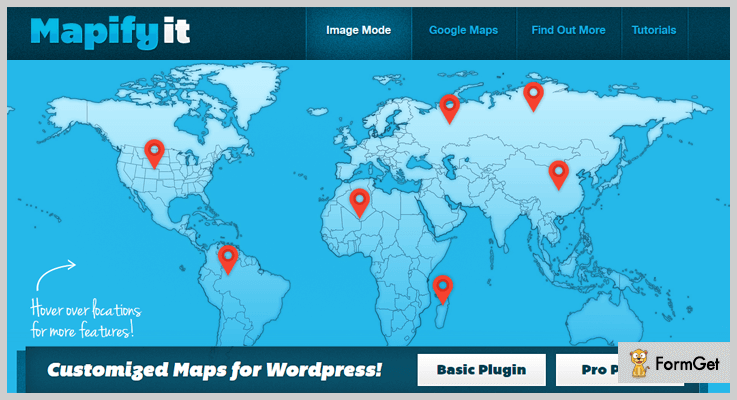
Pricing –
It regular license starts from $13. You can take numerous of advantages on this price list.
Features –
- You can use any image because the plugin has fully Customized Google map.
- The plugin is fully integrated with Google Map.
- Showing information & gallery for each Location.
- It has a jQuery effect to provide an ultra-slick and smooth effect.
4. Google Maps Widget –
Google Maps Widget is the fastest Google Map plugin you will find for WordPress. Not only it gives you the ability to create your map in a few clicks of the mouse buttons, but it also loads more quickly than the competitors.
That’s because the developers allowed you to use a screenshot (a single image that is just a few kilobytes heavy) instead of the entire map (that can go up to even 2MB) while the interactive Google Map is shown only when a user requests it.

Pricing –
Still, the plugin gives you a ton of options to play with at Free of cost.
Features –
- Add unlimited numbers of maps with a custom marker and description.
- Full clustering & filtering support so that you can easily pin on google maps.
- Style of maps and location markers to importing pins from a file, grouping hundreds of pins on the same maps, filtering, and much more.
5. WP Google Map –
If you’re looking for the user-friendly Google Map then this may be the right choice.
By adding this plugin to your website you can quickly and easily serve supports to the user. It allows you to create a custom Google map for showing the locations, contact pages, categories, routes and more.
Pricing –
The Plugin offers both Premium and Free version but to get more benefits you must use of its paid version at just $39.99.
Feature –
- The plugin allows you to create many map markers by simply typing the address.
- Fully Responsive WordPress plugins.
- Accommodates the pages in any language with UTF-8
- Add Polygons to your Map to enhance reporting.
6. Web-Dorado – Google Map Plugin
Web-Dorado offers an easy and simple way to add unlimited maps, map layers, geolocation features and more on your website.
Web-Dorado has multi features like- map builder, letting you customize your maps and preview the changes immediately with the live preview option. It uses a simple and clean code which makes the plugin compatible with any WordPress theme.
Pricing –
You can take its unlimited and advanced features at just $99. You’ll get unlimited Domains Support.
Features –
- The plugin is completely reliable so you can bring maps to your website easily.
- The plugin is really very simple in use, it makes search addresses easy and directions quickly.
- Its built-in icon maker, you can create custom icons and attach them to the maps
- The plugin allows you to style and personalize the maps in different ways.
7. Themeisle –
Themeisle is one of the most appropriate and effective Google Map plugins for WordPress website.
The plugin is simple and user-friendly which allows users to create a custom map according to their way by using powerful UI map builder. Moreover, it has an attractive library and layouts which centers the user attention.
Pricing –
The plugins offer its services it 3 different stages-
For Personal- offers it services at $46.
For Business- offers its services at $105.
For Agency- offers its services at $176.
Features –
- Customizable map builder so that you can give a beautiful design to your website.
- It has an unlimited number of a library.
- Through AdSense integration, you can monetize Google map on your website.
8. WP Google Map Plugin –
This Google Map plugin is simple and effective for every business. You can create shortcodes to display responsive google maps on pages, widgets and more.
You can show custom markers on each google maps to your user and display messages with links.
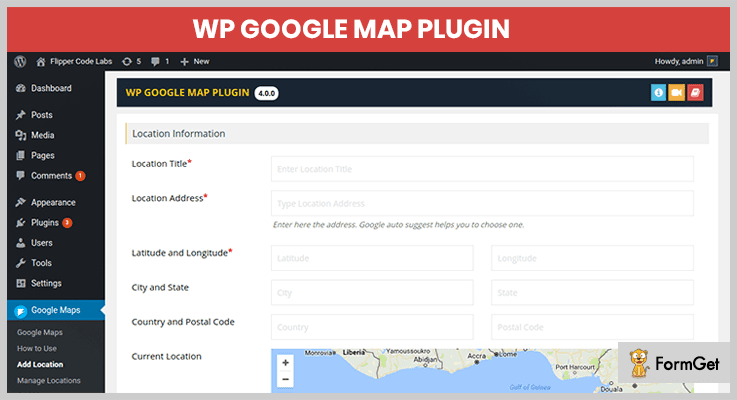
Pricing –
Try its unlimited features only FREE.
Features –
- The plugin allows you to display Traffic Layer, Transit layer an much more.
- Allows you to Display Message on shape click or Redirect to an external link.
- With help of Placeholders, you can Customize info window contents.
- Responsive completely.
Conclusion:
Here we’ve selected 7+ Best Google Map WordPress Plugin for your website. Hope this simple and elegant WordPress plugin might be helpful for you!
To get more blog post kindly do comment us below!
Also have a look at some amazing blog post here –
7+ Best Social Media WordPress Plugins 2022 (Free and Paid)

Did you know that almost 90% websites have social media WordPress plugins!!
In this day and age, social media is the major contributor in maintaining the online reputation of the company as well as a great source to increase your website’s traffic.
So, if you want to drive more traffic from social networks to your website. Then integrating your website by WordPress social media plugins might be a great deal.
Looking for more WordPress plugins for your website, these links might be helpful for you –
In WordPress repository, there are plenty of social share plugins available and selecting the best out of the cluster is bit confusing task. So, we handpicked 7+ Best Social Media WordPress Plugins.
What are you waiting for?
Let’s dive into the list of free and premium Social Media WordPress Plugins.
1. Easy Social Share Buttons for WordPress – Elfsight
It is an ultimate social sharing plugin which helps you to gain more followers and subscribers from social networking platforms. It provides you the flexibility to share your updates on 45+ social media sites and you can place these buttons anywhere on your webpage.
Easy Social Share Buttons for WordPress comes with 52 beautiful templates, 27+ position designs, 30+ eye-catching animations.

Highlights:
This plugin is trusted by top brands and has 100000+ users.
Significant Features
- Easily optimized with numerous mobile messengers.
- You can keep tabs on your social followers count.
- It also provides real-time support via Facebook Messenger and Skype.
- With a click, you can see your detailed report of clicks through these buttons.
- Supports Facebook comments.
- On-media sharing.
Pricing
Grab this social media sharing plugin at just $11. Click the button below to Download it.
2. WordPress Social Share Buttons Plugin
If you are having an amazing content on your website, then this plugin is right for you. By installing this plugin you’ll get an opportunity to share your content over 40+ social networking website.
Besides this, your visitors are also allowed to share your content on the given choice of social media platforms.

Highlights:
This social media WordPress plugin is 100% customizable and works well with all the screen sizes.
Significant Features
- A large array of social networks are supported. (around 40+)
- Floating and inline buttons feature is also in the kit.
- Compatible with any WordPress theme.
- Offers 4+ icon animations.
- Easy to set up and install and put the shortcode of the plugin at the position you want.
And it has lots more amazing features in the bucket.
Pricing
You can get this plugin at just $16. If you want to extend its support up to 12 months, then you need pay extra $4.50.
3. WordPress Social Media Icons Plugin – Elfsight
It is yet another product from Elfsight. This plugin directs your website visitors to your social media pages and gives you the facility to choose your favorite social platforms among the 5+ predefined social networking websites.
Elfsight plugin provides you the flexibility to customize your icons’ size, shape with 6+predefined styles.

Highlights:
Many bloggers and online business owners appreciated this social media WordPress plugin.
Significant Features
- Easy to install latest updates.
- High-quality fantastic user experience.
- It is user-friendly (No coding is required)
- 100% compatible with many WordPress themes.
- Easy to use widgets and shortcodes.
Pricing
You can purchase this plugin at $16 with 6 months support but, you can extend support duration to 12 months by paying extra amount of $4.50.
4. Ultimate Sharing – Social Media Icons
It is a powerful social media plugin in WordPress equally it is super easy to use. Moreover, it is very well optimized to handle maximum shares as well as traffic.
Furthermore, you can customize these social media sharing buttons and give them an animation effect (Hover effect, automatic shuffling).

Highlights:
This plugin is proudly used by 200,000 websites and has been download approximately 2 million times.
Significant Features
- It has tons of icons themes and designs.
- Icons are fully mobile optimized.
- It will keep your site loading time fast.
- Show you the share counts of your posts.
- 100+ social networking platforms are supported.
Pricing
You can buy this Premium social sharing plugin at $24.98.
5. WP Brigade – Social Share Buttons
Social sharing made easy with the help of this premium plugin, you are able to embed a set of advanced social sharing buttons on your website such as Google+, Twitter, Facebook, and Instagram etc.
It comes with the rich set of features and offers full customization on buttons which made this plugin a must have for everyone.
Highlights:
This plugin supports multiple languages like such as – Dutch, English, French, German and so on.
Significant Features
- Social share fly-ins animation on the bottom right and left.
- It will display all your social share counts.
- You can also embed buttons on static pages, front page, post categories etc.
- Facility of setting the colors of your choice.
- Flawlessly works on mobile devices.
Pricing
It has 3 pricing plans –
- Personal: It cost you $19, includes 1 website + 1-year support.
- Developer: You have to pay $199 which includes Unlimited websites.
- Agency: It cost you $99 only for 10 websites.
6.Taggbox Widget WordPress Plugin
Taggbox Widget is a highly compatible social media aggregation plugin specially designed for WordPress websites. It comes with an easy-to-access interface that allows you to collect, curate, customize, and display social media feeds on the website effortlessly.
Taggbox Widget plugin is integrated with all popular social media sources such as Instagram, Facebook, Twitter, Google, Yelp, Tumblr, Airbnb, Slack, Workplace, and many more to display user-generated content on your website from every possible source.

Highlights:
User-friendly Interface with a number of features to design social media feeds in a buoyant way.
Significant Features
- It has diverse social media sources to collect feeds.
- Number of themes and styles to design content.
- It offers a responsive design that runs smoothly on all devices.
- Code-free process of embedding social media feeds on the website.
- With the personalization feature, you can add background styles, banner, and more designs for engaging content.
- Analytics features allow you to measure the performance of social media feeds.
- Also, you can remove irrelevant images with the moderation feature.
Pricing
Get started with this amazing plugin for free or grab a paid version starting with $19 only.
7. Kiwi Social Share – Best in Social Media WordPress Plugins
It is one of the easy to use social media plugin in WordPress. Along with that, it has an in-built custom icon. This plugin provides you the flexibility to place your social icons anywhere on the page whether before or after content.
You can organize your icons according to your need. Almost every regular user can use this plugin effortlessly.

Highlights:
It has an eye-catching style of icons like a Leaf in the wind!
Significant Features
- Reduce loading time of the website.
- Four different skins.
- Great user-interface.
- You can turn off/on these buttons manually.
Pricing
You can this social media plugin for FREE from WordPress repository.
8. MashShare – Social Media Share Buttons
It is best in free social media plugins in WordPress which provides a highly customizable platform for sharing on social media and optimizes the content as well.
Unlike other social sharing plugins, it has no external script dependencies. Your entire code is loaded directly from your website.

Highlights:
MashShare social media plugin can also be used with other social sharing plugins.
Significant Features
- Pop up feature option for Youtube share.
- It comes with sticky share bar.
- Social sharing optimization.
- Offers Google Analytics also.
- High-resolution share button icons. Even more…
Pricing
Download this plugin for FREE from official WordPress site.
Conclusion
Finally, the above listed social media WordPress plugins are the best among all the plugins which flourish your website with amazing functionalities and helps you to gain more trust of the audience through social media.
Without wasting time in hunting for the best social media WordPress plugins, you can choose one which fulfills all your requirements.
If you want to suggest another social media plugin which suits in the list well. Let us know, in the comment section below.
7+ Best Ecommerce WordPress Plugins 2022 (Free and Paid)

You are driving on the perfect internet vehicle and wishing to connect with hungry buyers! Sale your impressive products by integrating your website with righteous Ecommerce WordPress plugins.

You know that a penny preserved is a penny earned! Just think you can save jam-packed money by selling via the web, with no need to lend out a store
Choosing the right E-commerce WordPress Plugin is strategic because this is the U-turn where things go a bit tricky! In this blog, we have hand-picked some of the best WordPress eCommerce plugins that are extremely capable to add everything that’s required in an ideal online store.
1. FooEvents for WooCommerce
FooEvents add the capability of ticketing to your WooCommerce website. You can do free registration for any events like conference, concert, school function etc. and sell them online through your website.
You can use the standout FooEvents ticket themes to create customized branded tickets for selling. The best thing about this plugin is that it doesn’t take a commission from your ticket sales.
Pricing
It is providing 7 days money-back guarantee with the basic pricing of $49.
Features
- Register attendees for free events
- Barcode Support
- Attendee CSV Export
- Manage Ticket Inventory
- Built for WooCommerce
- Free Check-in Apps
2.Ecwid E-commerce Shopping Cart
Ecwid E-commerce Shopping Cart plugin allows product selling globally. With 40 international payment gateways, you can smoothly join up with the sellers of 175 countries.
Additionally, you can sell 100+ products with advanced features of discount coupons, Android and iOS management App, enhanced SEO capabilities, and countless sets of features. Ecwid e-commerce plugin can automatically take account of shipping rates and taxes.
Pricing
- For 100 products listing, you have to pay Rs. 700/month.
- For 2500 products listing there is a price tag of Rs. 1500/ month
- For the listing of unlimited products, the cost is Rs.5000/month.
Features
- Integrated with all major carriers USPS, UPS, FedEx, Canada Post, Australia Post.
- Synchronize your products with Facebook Ecommerce
- Unlimited Storage & Automatic backups
- Certified by PCI DSS Level 1
- Sell everywhere by e-commerce
- Friendly and knowledgeable support
3. eCommerce Product Catalog Plugin for WordPress
Create beautiful, fully-responsive and user-friendly product listings for your WordPress website by using eCommerce Product Catalog. This plugin allows your customers to request the quotation for the desired products.
eCommerce Product Catalog plugin is compatible with most of the themes and WordPress plugins. Organize your own online store by integrating your e-commerce with multiple payment gateways like PayPal, Authorize.Net, Stripe, Paytrail, and 2checkout gateway.
Pricing
- Standard Bundle: The cost of this basic product is $49.
- Specialized: This plan is for product cataloging (without sales) for $99.
- Web Store: This Plan is for full-featured shopping costing $149.
Features
- Add unlimited product variations to each product
- Modern Checkout
- Add to Cart button with advanced settings
- Customizable Checkout form
- Shopping Cart pages
4. Smart Coupons For WooCommerce
Smart Coupon for WooCommerce by WebToffee is a WooCommerce extension to enhances the functionalities and extend the features of WooCommerce coupons.
The extended functionality of the WooCommerce coupons provides a wide range of possibilities in coupons that the store owners and customers can benefit from.
Pricing
- Single site license: $69
- 5 site license: &99
- 25 site license: $199
Features
- Restricting coupons based on the shipping method, payment methods, on user roles, and based on the location of the shipping/billing address.
- Multiple giveaway products in a single coupon that the customer can select from on the purchase of a product.
- Gift coupons for the customers after completing a purchase.
- Purchase or gift store credit.
- Gift the store credit or the gift coupon-based to friends/relatives via email.
- Select a combination of coupons that can be applied in a purchase.
- Bulk generate coupons and add them directly in the store, exported to a CSV file, or mail it to the customers and many more.
5. E-commerce WD
This feature-packed plugin helps to frame a robust online store for your WordPress website. Its simplest and straight-forward settings make it incomparable from other similar plugins.
E-commerce WD has an intuitive admin interface and customizable theme templates providing a beautiful outlook to your online store.
Pricing
Has 3 pricing plans:
- Personal Plan has a basic costing of $30.
- Business Plan is for $45 having 3 domains and annual access to updates and support
- For Developers, it costs $60 having 1-year update access and premium support.
Features
- Compatible with Visual Composer plugin
- Create Your Custom Shortcode
- Assign Brands to Products
- Enable/Disable Display Brand Title (Use in Carousel and Display All Brands in Image Mode)
- You Can Add Featured Attribute to Brands (Products -> Brands -> Add new and Check Featured)
- Choose Position in Carousel (Left/Center/Right)
6. Appmaker For WooCommerce
Convert your WooCommerce website into Native Android and iOS apps with Appmaker. You can do it all by yourself, No coding skills required. Take your business on mobile with no time.
The extended functionality of the Appmaker WooCommerce plugin provides a wide range of possibilities with Mobile apps that the store owners and customers can benefit from.
Appmaker has customers around the globe (connected to 600+ stores), support to 2000+ plugins, and 3000+ active installations. They provide 24/7 technical support and adds support to the plugins you require.

Pricing
They offer three plans. The Basic plan comes at $29/month. The other two plans namely “Growth” and “Scale” costs $79/month & $249/month respectively.
Features
- Manage In-app pages
- Customize app design and layout
- Send push notifications
- App Analytics
- Monitor user activity
- Order tracking
- Easy Product shipping
- Integrated with top Payment gateways
7. WooCommerce Brands
WooCommerce Brand Pro is the best selling brand plugin in CodeCanyon. Assign brand name and product category to your products to showcase them professionally in your online store.
This advanced plugin comes with 7 awesome shortcodes for A-Z filter, brands thumbnail, carousel, brand list, etc. You can also set drop-down and multi-select filters with 3 styles.
Pricing
It has simple pricing of $20.
Features
- Compatible with Visual Composer plugin
- 10 different views
- Brands Thumbnail
- You Can Add Featured Attribute to Brands (Products -> Brands -> Add new and Check Featured)
- You Can Enter Number of Item in Carousel
- Choose Position in Carousel (Left/Center/Right)
8. Ultimate WooCommerce Brands Plugin
You can add brand logos and name to the products on your existing WordPress website smoothly. The beautiful feature of this advanced plugin is that you can display your products in 13 position settings.
You can show brands in widgets so that customers can buy your products by brand name. This fully responsive plugin provides brand sliders that give the online shop look to your WordPress website.
Pricing
It has a simple price tag of $25.
Features
- Create unlimited Brands categories
- Display brand name on Category pages in ANY custom position using your JQuery CSS selector
- Free Plugin updates and Premium dedicated support
- WordPress Widget to show your brands list
- WPBakery Visual Composer elements
- Plugin work with ANY theme
9. WooCommerce
Sell anything by using the free eCommerce plugin of WooCommerce. It can be easily integrated with WordPress. This beautiful plugin is empowering more than 30% of all the online stores.
Store owners and developers can do complete control over their online store by multiple configurations. You can sell any digital or physical goods, can provide product offers and sell affiliate products from marketplaces.

Pricing
Create your own E-commerce website for free!
Features
- Shipping is highly configurable
- Ability to accept major credit cards, PayPal, BACS (bank transfers), and cash on delivery
- Extendable, adaptable, and open source
- Built with a REST API, can integrate with virtually any service.
10. WP eCommerce
WP eCommerce provides all the functionality of sales monitoring, reporting, leading payment gateways, tax configuration, and shipping.
This plugin automatically displays all your sales products with prices. Also, it is integrated with Google Analytics and Google Base which makes your product marketing easy.
Pricing
Download this product from the official WordPress website for free.
Features
- Improved Store Reports APIs
- Recurring Billing + Refund APIs
- Easily add products to your catalog
- Robust Coupon Management
- Members & Subscriptions plugin
- Extensive CSV exporting capabilities
11. LitExtension
LitExtension: Migrate Shopping Carts to WooCommerce plugin helps you automatically migrate every important data from your current Shopping cart to WooCommerce with the highest level of accuracy and security.
The process is simple and straightforward. You do not need technical or coding skills, only 3 steps to run a migration. Especially, they ensure no downtime for your current Shopping Cart, which means it will serve customers normally, no sale lost! Once the migration process is started, you do not need to keep your browser open or sit and wait for the process to complete, you are free to close your computer and get notified by email when migration is done.

Pricing
Free to install and pay for what you need, start from $19.
Features
- Support migrations from 100+ website builders to WooCommerce.
- Transfer every important data including products, customers, orders and other related entities.
- There are plenty of additional options for you to expand the migration possibility such as: customer
password migration, migrating SEO URLs, creating 301 redirects - Free and unlimited Recent Data Migration, Re-Migration, Smart Update within 3 months since your full migration.
- 30-day money-back guarantee
Final Thoughts
These are our listings of 7+ best Ecommerce WordPress Plugins. I hope your search has come to an end now and you have selected the righteous plugin for your WordPress website.
Check out our more WordPress plugins & themes:-
- Forum WordPress Plugin
- Security WordPress Plugins
- Landing Page WordPress Plugins
- E-Commerce WordPress Themes
- WooCommerce WordPress Themes
7+ Best Translation WordPress Plugins 2022 (Free and Paid)
You can find enormous WordPress translation plugins on the web which guarantee multilingual translation of website content, automation transaction, and other advanced facilities.
But how will you decide which one is the best translation WordPress plugins for your website?
So, to solve this problem we have shortlisted 7 best translation WordPress plugins of 2022 and don’t worry this list hold both free and paid plugins.
You can choose the best plugin which fulfills all the needs and requirements of language conversion for your website.
Below are a few more blogs & articles on WordPress plugins which can be a great help:-
Let’s take a look at some of the high rated and most installed translation plugins available for WordPress.
1. Ajax Translator Revolution WordPress Plugin
Ajax Translator Revolution WordPress Plugin supports 91 types of languages for automatic translation. It is an easy to use & highly customizable plugin which allows you to import and export functions. It directly gets integrated into WordPress admin system without any hassle.
Pricing –
- Ajax Translator Revolution WordPress Plugin has designed a single plan which cost around $25 that helps you translate WordPress sites with ease.
Features of Ajax Translation WordPress Plugin –
- Stores languages selected by site visitors
- One minute installation, extremely easy to use and provides fast support
- Ensures proper translation of all pages, posts, tags, categories, widgets, plugins etc
- Translation services like Google translate API and SurStudio translate API are also supported
Click For Details On WordPress Translation Plugin
2. GTranslate Translation WordPress Plugin
GTranslate plugin is a very useful tool as it converts any WordPress site into a multilingual site. This plugin is powered by Google and uses Google Translate automatic translation system which translates the site content into different languages. It has got 100 thousand plus installations all around the globe and provides 103 languages translation on the website.

Pricing Table –
| Free Plans | Custom Plan | Startup Plan | Business Plan |
|---|---|---|---|
| $0 | $6 per month | $15 per month | $25 per month |
| All languages | All languages | All languages | All languages |
| Machine translation | Neural translation | Neural translation | Neural translation |
| Edit translations | Edit translations | Edit translations | |
| URL translation | URL translation |
Features of GTranslate Translation WordPress Plugin –
- Provides translation for pages, posts, tags, menus, widgets, etc
- Compatible with Yoast SEO and WooCommerce as well
- Automatically adjusts the site content to browser defined language
- Supports over 103 globally recognized languages
- Media, meta keywords & meta description translation also available
- Provides live chat support for queries
Click For Details On WordPress Translation Plugin
3. Easy Translation Manager – WordPress Plugin
Easy Translation Manager is an advance plugin which helps you interpret WordPress websites, themes and plugins into multiple languages with just a few clicks. This plugin automatically scans various theme & plugin folders to track strings which are ready for translation.
Pricing –
Easy Translation Manager offers two different plans which are as follows
- Regular Plan:- The price of this plan is $20 and if you need to extend support for 12 months, in that case, an extra amount of $6 is charged.
- Extended Plan:- This plan will cost you $120 and gives you access to various features & facilities. It charges $37.50 extra for extend 12 months support.
Features of Easy Translation WordPress Plugin –
- Translate website pages, posts, custom posts, tags and categories
- Supports more than 40 languages
- Provides WordPress multisite compatibility
- Detects the browser language automatically
- Compatible with Yoast, WooThemes and WooCommerce
Click For Details On WordPress Translation Plugin
4. Weglot Translate
Weglot Translate is a translation plugin for WordPress websites which detects and converts the content of your site into any language. This plugin has over 20,000 plus active installation worldwide and is used by companies involved in e-commerce, SaaS, marketplaces, corporate and blogging businesses.

Pricing –
- Weglot Translate WordPress plugin is absolutely free and suitable for small website. It comes pre-equipped with various facilities which allow you to make WordPress site support multiple languages.
Features of Weglot Translation WordPress Plugin –
- Language translation for more than 60 languages is provided
- Customizable language switch button is also available
- Auto content detection and conversion on the site
- Works well on 4.5 WordPress Version or higher
- Highly compatible with WordPress themes and plugins
Click For Details On WordPress Translation Plugin
5. Polylang WordPress Multilingual Plugin
With Polylang you are allowed to define the different languages of pages, posts, categories, and tags separately for each of them. This plugin helps you translate not only pages or posts, but you can translate widgets, menus URL’s etc. It is also compatible with all major SEO plugins currently available in the market and perfectly takes care of multilingual SEO.
Pricing –
- This is a free downloadable plugin with which you can completely manage language translation of website content.
Features of Polylang Translation WordPress Plugin –
- Easy translation of pages, media, posts, categories, post tags, menus etc
- Simple to install and implement on any WordPress website
- Integrates with WordPress admin interface
- Compatible with all major SEO plugins
Click For Details On WordPress Translation Plugin
6. Google Language Translator
Google Language Translator helps you make WordPress site multilingual with just a few simple steps. This plugin is capable of converting the content of your website into 104 different languages. It is easy to use, respond instantly at user request has around 100, 000 active installations.

Pricing –
- Google Language Translator doesn’t ask a penny as it’s totally free. It is equipped with a variety of advanced features & facilities.
Features of Google Language Translator WordPress Plugin –
- With this WordPress plugin, you get content translated into 104 languages
- Its very simple to install and activate this plugin on WordPress
- Enables multilingual conversion of website content
- All settings and customizations can be managed from the dashboard
Click For Details On WordPress Translation Plugin
7. TranslatePress – WordPress Translation Plugin
TranslatePress is one of the best WordPress translation plugin which allows you to easily translate the entire webpage all at once. You can convert all the website content into the desired language directly from the front-end and all the language changes are projected in real-time. This is a highly rated translation plugin with 10,000 plus installations.
Pricing –
- TranslatePress offers all its service at free of cost and allows you to implement all the advanced settings without any charge.
Features of TranslatePress Translation WordPress Plugin –
- Auto translate through Google translation
- Get access to preview the translated pages in real-time
- Allows integration with Google translate through Google API key
- Based on language permits conditional display of content shortcode
- You can define the language of the website and one translation language
Click For Details On WordPress Translation Plugin
Conclusion
Time to wrap up this blog, we hope that this blog would have helped you find best translation WordPress plugins for your WordPress site.
In case you have got any type of suggestions or comments about the plugins or the post doo mention them to us through comments below.
7+ Best Security WordPress Plugins 2022 (Free and Paid)

At present day people needs security WordPress plugins because more than 30,000+ new websites are hacked each day.
We all know for better business security we’ve to secure the website and data from grave malware attacks.
A secured website is a vital element to the success of the business. Every enterprise or even individual needs to secure their data more from malware and illegitimate hackings.

Although WordPress is built on a secure framework and is the ideal solution to make your website perfect secured. The plugins keep secure your website from vulnerable attacks.
Sometimes in a website, some terrible attack takes place because of plugin vulnerabilities, weak passwords, and some virus software. So you have to keep your eyes wide-opened while selecting a plugin for security.
We have handpicked 7+ Best Security WordPress Plugins. These have been selected on the basis of their ratings, features, reviews and our own tests.
Dig in!
1. Hide My WP – Plugin For Security
When we talk about a premium security plugin, Hide my WP comes as the first choice of the users. It is one of the effective security plugins in the market.
It allows you to change and hide WordPress Admin and Login URLs to provide more security on your website against hackers.

Pricing –
Take a multitude of advantages of Hide My WP at just $ 17 only.
Features –
- It hides WordPress wp-admin URL from the hackers and redirects them to a custom page.
- It protects from Brute Force Attack, SQL injection attacks, Cross-site Scripting.
- Disable the API access from different users.
- Support various WordPress Multisite.
2. Sucuri – Best Security Plugins For WordPress
Sucuri is the simple plugin and complete solution to secure your software and hardware. The plugin hardens your website against attacks of malware, viruses, and spams.
This plugin provides fastest responses in the market. The plugin is made for all small businesses, enterprises, organizations, and web professionals.

Pricing –
Its basic plan starts from $199/year which ranges up to $499.99/year.
Features –
- Website scanning & detection – Through this, you can monitor your site for hacks and blacklisting.
- Website Protection – This security plugin can protect your site from hack and attacks.
- Optimized website performance – It speeds up the website by 70% with four levels of content caching.
- Provides backup of every data & provide live chat with customer care.
- It detects Trojan Horses, worms and various fraud tools.
3. Wordfence – Security WordPress Plugin
Wordfence is a comprehensive and easy to use firewall plugin for your website. This plugin continuously analyzes the latest threats on your website & develop new protection and detection rules.
Over the years it has also provided a complete WordPress Security Learning Center that helps the reader to understand a complete WordPress security and how to run a secure website.

Pricing –
The plugin offers you a multitude of features at just only $8.25 per month. Also, provides significant discounts for every year.
Features –
- The plugin provides a firewall support like web application firewall, real-time thread defense feed, block brute and more.
- Scan the malware, check if IP site is generating spam, it checks if the site is spam vertized.
- It can directly view google crawl activity, view blocked intrusion attempts, provide notification to repair files, monitor disc space & more.
4. Security, Antivirus, Firewall – Security Plugin in WordPress
S.A.F is the most effective security plugin. The plugin protects your website from hackers and spammers. It works as a background pillar and protects your WordPress website and every bit of it.

Pricing –
The plugin is available in both free and premium. Get unlimited features at just $19.99 for six months.
Features –
- Set maximum password age to prevent from expiry.
- It scans your file system, healing infected files and many more.
- Automatically Malware scanning detection at regular interval.
- Auto Updates data & file systems.
- Protects backend from hackers.
5. Swift Security – Best Security WordPress Plugin
It is found that WordPress is always on the hit list of hackers. But SwiftSecurity plugin keeps ahead of the WordPress sites by hiding the data.
The best advantage of the plugin is it doesn’t require any technical knowledge. It provides fasts response, easy-setup & installation.

Pricing –
Its Standard license starts from $36.
Features –
- Allowing you to significantly reduce the number of unwanted plugins.
- High level of customization available to mold your sites according to your choice.
- Restricts malicious user login even if the password is stolen through Login IP-filter.
- It provides excellent & fast technical support.
6. Secure Links – Best Plugin For Security
When you browse the internet for best & popular security plugins for WordPress then what do you find first? Definitely 4 out of 5 searches for ranks. The secure link is one such with highest ratings and features.
With Secure Link, you can restrict an unwanted element in your site. It manages the physical data and redirects the unwanted pages.
Pricing –
Get tons of features of SecureLinks at just $14.
Features –
- With Private Content, you can restrict any element of your site.
- Powerful, built-in, Search Engine to find fastly your secured links.
- Prevents from malware, spyware, and various viruses.
- Your files get automatically updated.
7. BulletProof Security – Plugin For Security
Your website data is always subjected to unwanted malware & hackers. This is done due to vulnerabilities, weak passwords, and some unwanted elements.
BulletProof Protection is the security plugin to prevent and remove malicious viruses and unwanted codes. It prevents your website or data from rootkits, trojan horses, spyware, hidden links and etc.

Pricing –
You can get its unlimited features and functionalities for free only.
Features –
- Single-Click Setup wizards & auto fix.
- Scan Malware at regular interval through MScan
- It has a JTC-Lite for Anti-Spam|Anti-Hacker.
- Maintain your Website’s FrontEnd & BackEnd Mode.
- UI Theme skin Changer.
8. All In One WP Security & Firewall – Security WordPress plugin
All In One is the free Security WordPress plugins. The Plugin is User-Friendly, Stable & Well Supported WordPress Security Plugin.
We all know that WordPress itself a very secure platform and adding security plugins made it more secure. The plugins reduce security risk by checking vulnerabilities.

Pricing –
The All In One WP Security & Firewall is completely Free.
Features –
- Gives Security to your account by providing strong password strength tool.
- No unauthenticated users can discover user info via author permalink.
- Protects against Brute Force Login Attack.
- It allows you to specify one or more IP addresses in a special whitelist.
Conclusion:
This was from our side on the 7+ Best Security WordPress Plugins which might be helpful to secure your website.
Explore more plugins and theme blogs:
- E-commerce WordPress Plugins
- Menu WordPress Plugins
- Cache WordPress Plugins
- Security WordPress Themes
If you’re looking for more options do comment us below!
7+ Events WordPress Plugins 2022 (Free and Paid)

If you want to lavish well-to-do event calendar plugin to your WordPress website then this blog is for you! Afterall Events WordPress Plugins help figuring out records, expenses, task cataloging & looping with the rave event trends.
But the question is which will be the perfect plugin for your Event WordPress websites?

We totally appreciate & understand your meticulous rat race! For this reason, we have hand-picked the compiled list of the very best event planner plugins on the basis of installations, reviews, ratings, pricing and latest technology.
Check out the list!
1. Events Manager Pro – Events WordPress Plugins
Events Manager Pro is the comprehensive version of its free Events Manager plugin having 100,000+ installations. This Event WordPress Plugin has all the tools for professional event organizers.
It comes up with advanced filter features automated & customizable email reminders, coupons & discount manager, customizable booking forms, custom payment gateway API and much more!
Pricing
Event manager Pro is providing all its premium features and Pro support forums for:-
$75 – If you want it for 1 website
$150 – If you want it for 5 websites (Grab this exciting deal!)
Features
- Individual attendee custom forms
- Spam protection with reCaptcha
- Premium Support
- Front end-submission and management
- Guest/Member Event submissions
- Compatible with SEO plugins
2. Timely Pro Calendar – Events WordPress Plugins
Create a beautiful calendar to promote, curate and discover events for your event planning business! Till date more than 100,000 users have installed this Event WordPress Plugin and the number is increasing even bigger.
You have to simply copy and paste the few code lines to add the plugin to your website.
It is compatible with Weebly, Joomla, Drupal, Squarespace, Wix, and Weebly.

Pricing
You can get this Pro calendar with the monthly pricing of $9.
Features
- Custom Domains (HTTPS/SSL)
- Advanced text editing
- Filter by Venue/Organizer
- Twitter auto-sharing
- CSV/ICS import
- Front-end submitted events
3. Event Calendar WD – Responsive Event Calendar plugin
Event Calendar WD tool helps to organize your Event Calendar in 6+ graceful ways. This WordPress event calendar goes well fitted with mobile versions providing the nice responsive outlook.
The good part about this WD tool is its expeditious publication part. Design your fully customized well-ordered calendar comprising the map, week, list, day, poster board, month in a user-friendly and pleasant manner.
Pricing
Grab the special offer of this premium Event calendar at just $99! (Limited period offer)
Features
- Fronted Management
- Lifetime Usage for All Plugins
- Export To GCAL/ICAL/OUTLOOK
- Unlimited Domains Support
- Google Calendar Integration
- Event Tickets
4. EventOn – WordPress Event Calendar Plugin
EventOn is offering a premium event calendar blended with WooCommerce and responsive support forum.
Till date, 33000+ installations have been done by its lovers. Event listing, back-end calendar customization, slick design and about 200+ features give the go-ahead to EventOn.
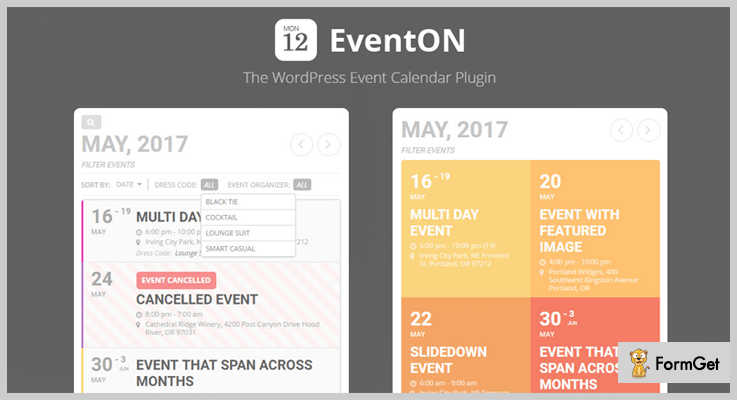
Pricing
It has the basic pricing of $23.
Features
- Supports single and multiple day events
- Create single day events
- Duplicate events in wp-admin
- Exclude certain events from the calendar
- AJAX driven smooth month to month navigation
- Add calendar to your theme via shortcode or PHP template tag
- Integrated PayPal to accept payments for events
5. Modern Events Calendar – Responsive Event Scheduler & Booking For WordPress
The modern events calendar is the simplest WordPress calendar & booking system plugin. It envelopes all the features of bookings and event calendar in the same space.
This excellent plugin is integrated with Google map which makes it different from other similar plugins available on the web.

Pricing
You will love this plugin at a great lower price of $20.
Features
- WooCommerce Payment Integration
- MailChimp Integration
- Single and Multiple day events
- Stripe Payment Integration
- BuddyPress Integration
- Export filtered events into CSV, MS Excel, JSON and XML formats
6. Stachethemes Event Calendar – WordPress Events Calendar Plugin
Create a detailed event timetable by using Stachethemes Event Calendar WordPress plugin. You can add intro section, event timings, venue photos, guest lists, directions and comment section to your website.
Stachethemes Event Calendar WordPress plugin is integrated with WooCommerce, as a result, you can convert your event calendar into an online shop!

Pricing
You can stick this plugin at just $26.
Features
- Embed events option NEW
- Display events in calendar or in the single page
- Share events on social media: Facebook, Twitter and Google +
- Allow users to submit events from the front-end
- Create single or multiple day events
- Pick any colour you like for your calendar category
7. Event Organiser – Events WordPress Plugins
Event Organiser WordPress plugin assimilates well with your WordPress site. The integrated custom post type helps to flourish events having the functionality of posts. This user-friendly plugin has more than 40,000 installations till date.
The intuitive user interface displays the event lists in the admin area. You can also add complex recurring events having entangled schedules such as on the second Tuesday of every third month or every month on the 4th.
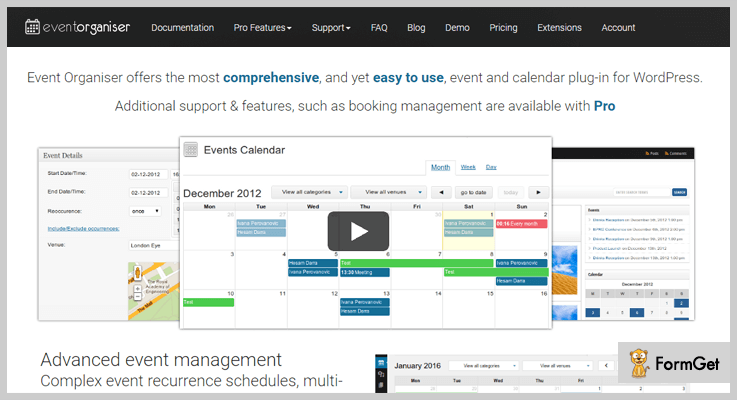
Pricing
Grab the benefits of this Event WordPress Plugin kit for free!
Features
- Create one-time events or recurring events.
- Ability to add or remove specific dates to an event
- Widgets: Calendar, Event List widget, Event Agenda widget
- Custom permissions
- Export/import events to and from ICAL files
- Public events feed
8. All-in-One Event Calendar – Events WordPress Plugins
All-in-One Event Calendar is the free version of Timely. It has all the exclusive features of social sharing, venue auto-saving, poster board, tile, recurring events and much more.
With this Pro Calendar, you can add unlimited events. This Event WordPress Plugin goes great with the medium-sized event organizer and easily upgradable.

Pricing
Download this All-in-One Event Calendar from official WordPress site for free.
Features
- Supports ticketing add-on
- SuperWidget
- Posterboard, Tile, Stream, and Agenda
- Categories and tags
- Inline Calendar Theme editor
- Time.ly HTTPS/SSL
The Takeaway
With our 7+ best event WordPress plugins, I hope you are now able to choose the best Event WordPress Plugin for your website!
Check out some more plugins available to improve your website!
7+ Best Portfolio WordPress Plugins 2022 (Free and Paid)

Nowadays creating a spectacular portfolio has become a piece of cake. How? With the help of WordPress! You have got a breadth of portfolio themes and portfolio WordPress plugins.
But, let’s ease it up and take a simple way which is “WordPress portfolio plugins”.
In a matter of few minutes, you can create professional looking portfolio along with many functionalities like pop-ups, responsive layouts, and multiple styling options.

Facing difficulty in selecting the best-fit WordPress portfolio plugins?
Forget the hefty task! Greet these 7+ Free and Paid best Portfolio WordPress plugins!
These plugins are best in class and suit every budget! So right from alluring galleries to cool animation effects, you are going to find everything right here.
Let’s get started with the list –
1. Viba – Portfolio WordPress Plugin
It is an advanced WordPress plugin for a portfolio but it is equally user-friendly for beginners. This portfolio plugin which you to showcase your pictures/works in an attractive manner.
It comes up with a powerful admin panel and gives 100% control over margins, columns, overlay, color, animations, opacity, skins etc.

Merits –
- Multi-size grid option is available.
- Various types of animations and preloaders.
- It also supports Google fonts.
- 3 types of pagination and filters and 4 types of galleries are there.
- It supports Youtube, Vimeo, and self-hosted videos.
- Offers quick translation option and includes 60 skins.
The list goes on….
Pricing –
- It cost you $25, includes 6 months support. You can also extend its support to 12 months by paying an extra amount of $7.88.
2. Ultra Portfolio – WordPress Plugin
Ultra Portfolio plugin for WordPress used to build portfolios in a desired layout such as masonry, grid, single slide, etc and that too in an easy way. This premium plugin stands ahead because it offers seamless WooCommerce integration which helps you to sell your products from your website.
Even non-techies can create interactive and unique portfolios with amazing effects in a matter of few minutes, as this is based on AJAX user-interface which makes this tool so fast and interesting.

Merits –
- Ultra Portfolio offers UNLIMITED layouts.
- Its CSS editor can make your portfolio compatible with any WordPress theme.
- It comes up with an E-commerce integration so that you can add cart and show prices in your portfolio.
- This plugin offers 20 effects and 60 sub-effects.
- Provides full demo to setup and install this plugin. Lots more.
Pricing –
It is so cheap and cost you only $10 and if you want to extend its support you’ll have to pay a little amount of $2.25.
3. Portfolio Gallery – Portfolio Plugin For WordPress
This WordPress plugin by WPSoft provides a trouble-free way to create fully responsive and amazing portfolio gallery. So, you can create multiple portfolio galleries on your site with custom designing styles.
It is a powerful designing tool through which you can define your portfolio’s project view such as colors, style, animations, and size of elements.

Merits –
- It provides slideshow and zoom option for your portfolio.
- You can put the social media icons in your portfolio and share with friends.
- Provide full customer support regarding this kit.
- It has a user-friendly interface.
- Offers 100+ hover styles.
- It provides shortcode of the portfolio so, that you can place it anywhere on your page. And lots more.
Pricing –
- Standard Package: $29.99 for 1 website.
- Developer Package: $49.99 for 10 website.
4. Huge IT – WordPress Portfolio Gallery Plugin
The most advanced and functional gallery plugin for WordPress. Powerful plugin with plenty of options and 8 view types to exceed both visual and functional needs of your website.

Merits –
- Unlimited Portfolios
- Fully responsive
- Design options
- Related image/video support
- YouTube/ Vimeo Support
- Category filtering
- 11 Lightbox Styles
Pricing –
- Personal: $39, 1 domain, 6-month support and updates
- Multi-Site: $49, 5 domains, 1-year support and updates
- Developer: $59, unlimited domains, support and updates
5. Portfolio Gallery – A WP Life
It is an ultimate portfolio gallery plugin which is purely based CSS and JS so it is very easy to use and work smoothly on all devices such as Macbook, desktop, PC, laptop, tablets, and mobiles.
It comes up with no limitation on uploading images so, that you can insert multiple images into the portfolio gallery.
Merits –
- Different types of column layout.
- Offers beautiful masonry gallery.
- 6 types of the lightbox and pop up styles are available.
- Customizable portfolio thumbnails and quality settings.
- You can add your custom CSS.
- Overlay and zoom hover effects.
Pricing –
- FREE Plan: It includes basic features like hover effect, custom layout etc.
- Premium: It has a price plan of $21, includes features like video gallery, multiple theme options, custom border on thumbnails etc.
6. WordPress Portfolio Gallery
This WordPress plugin is perfect for the persons who want to show their projects or photos in a high-quality gallery. It is a great tool for creating responsive and filterable portfolio galleries and provides the flexibility to categorize your items under different categories.
This plugin also supports HTML and CSS, hence it is easy to use and responsive on all devices. Along with line, you are able to upload unlimited images or files at the same time.
Merits –
- Effortlessly works on different browsers like – Chrome, Safari, Firefox, IE6+ etc.
- You can add the launch button on each of your projects.
- Amazing customizable image galleries.
- It also supports animations which run smoothly on all devices.
- Offers you unlimited editable themes and filter colors.
Pricing –
- Personal: $15 includes 1 website suitable for personal use.
- Business:$20 includes 5 websites install, suitable for growing business.
- Developer: $50 includes unlimited websites install, suitable for developers.
All these plans include common features like-
- Unlimited Portfolio
- Priority Support
- Premium Features
- Unlimited Themes. And lot more.
7. Flickr Portfolio – WordPress Plugin
It is an ultimate tool to display your Flickr photographs on your portfolio. Flickr Portfolio is perfectly designed and provides high quality, customizable Flickr portfolio gallery along with amazing effects.
This plugin gives custom CSS fields so that you can customize the look and feel of your galleries like padding, image size/shape, fonts size/color, opacity, backgrounds and lots more.

Merits –
- It gives shortcode and widget support.
- This plugin provides you full documentation.
- Modern scroll effects and “Load more” options are available.
- 15+ amazing and modern hover effects.
- The flexibility of using shortcode and widgets anywhere on your website etc.
Pricing –
The cost of this Portfolio plugin is of only $18 include 6 months support. Although you can also extend its support to 12 months by paying $5.25 extra.
8. Nimble Portfolio – WordPress Portfolio Plugin FREE
This Free WordPress plugin will help you to transform your website into a rich portfolio gallery. It gives you an amazing platform to display your projects, work and pictures and in addition, it fully responsive and works facilely on all screen sizes.
It comes up with a pretty photo lightbox which can be customized by using add-ons. Along with that, it provides full documented step by step instructions to use its various functionalities.
Merits –
- Categorization and filtration of the gallery.
- You can configure its default skins.
- Videos of Youtube, Vimeo and QuickTime are supported.
- It has a built-in pretty photo gallery for image, videos and PDF preview.
- Supports WooCommerce products.
Pricing –
It is a Free portfolio WordPress plugin available on the official WordPress website.
9. Responsive Portfolio Plugin WordPress
It is purely based on the Bootstrap framework and comes up with a simple and easy admin gallery dashboard. In addition to this, Responsive Portfolio gallery also comes with lightbox and masonry effect.
This WordPress plugin has multiple shortcodes feature. Besides this, it is compatible with all the available browsers and it also supports multiple languages.

Merits –
- This plugin offers 10 types of animation effects of gallery loading.
- 16 kinds of pagination effects for a gallery.
- Offers 8+ gallery design layouts.
- It provides unlimited colors scheme with hover effects.
- The plugin can be integrated with 500+ Google font styles. And many more.
Pricing –
You can get this plugin for FREE from the WordPress site.
Conclusion
All the above mentioned free and premium Portfolio WordPress plugins are hand-picked and the best among their class. So, if you are looking for the portfolio plugin for yourself, you can choose one from these.
Hope, this article has helped you in selecting the best Portfolio plugin which satisfies all your requirements.
Furthermore, if you want any other portfolio WordPress plugins which should be on the list. Please let us know in the comment section.
If you want to know more WordPress plugins & themes, kindly refer these links –
- Cache WordPress Plugins
- Events WordPress Plugins
- Ecommerce WordPress Plugins
- Portfolio WordPress Themes
- Photography WordPress Themes
- Photo Gallery WordPress Themes
7+ Best Cache WordPress Plugins 2022 (Free & Paid)

Most of the WordPress users prefer Cache WordPress Plugins to refined the loading time of their websites as they automate various time-consuming processes.

These plugins are very useful and easy to understand & implement. They simply convert website content into static files which are instantly delivered to the users when requested. This enhanced the site performance, increase user interactions and benefits you in many other ways.
Here in this article, we have defined some of the Best Cache WordPress Plugins which offer top class services and helps users boost the performance of any WordPress website.
Below are some more blogs on WordPress plugins which can help work on WordPress sites:-
1. WP Rocket – Cache WordPress Plugin
WP Rocket has been recognized as one of the most beneficial caching plugins for WordPress by experts. This plugin works well with all types of websites whether large or small, it helps to accelerate loading time of your site and can easily be customized by non-technical users.
Wp Rocket provides you the ability to automatically start caching of web pages and requires no changes in the code.
Features
- Page caching helps you achieve ultra-fast load time which increases conversion rates of your site
- Cache Preloading is another feature that improves your site speed as crawler simulates a visit to preload the cache
- WP Rocket is an extremely developer friendly plugin as various high-level customizations can be done with ease
- This plugin is pre-equipped with “Images on Request” facility which automatically loads media content (images) as the visitor scrolls down the page
- It automatically detects Yoast SEO, Jetpack, and other sitemaps
Price Plans By WP Rocket
- Single plan is offered at a price of $39 for a year support and updates for single website
- Plus plan charges around $99 and gives you 1-year support and updates for 3 websites
- Infinite plan provides unlimited websites implementation with 1-year support & updates at a cost of $199
Click Here To Explore Cache WordPress Plugin
2. Comet Cache – WordPress Plugin
Comet Cache is a premium wp caching plugin which solves different problems related to site speed, improves SEO, reduces server expenses. You can easily speed-up any WordPress site with using this plugin. The dashboard provided is easily understandable and it frequently takes snapshot of pages, posts, category, Link, etc in real-time.

Features
- You can perform page cache, client-side cache, feed cache, automatic expiration time, etc with this plugin
- Comet Cache plugin is easy to configure and apply on WordPress websites
- Automatic cache clearing of posts, pages, categories, tags, links, is also available
- You can run custom PHP codes at places where cache is cleared
- Permits you to import and export functionality for Comet Cache.
Price Plans By Comet Cache
- Single-Site Plan:- $39 is the one-time cost of this plan which gives you single site license which is perfect for site owners with a single domain.
- 3 Sites Plan:- This plan comes with a price tag of $99 and permits you to implement the plugin on up to 3 domain.
- Pro Version:- If you go with the pro version of 3 Sites plan an additional amount of $99 is charged for advanced features.
- Unlimited Site Plan:- The one-time cost of this plan is $139 with which you can manage unlimited sites. It gives you lifetime updates and top class support for 3 years
- Pro Version:- For access to all pro features 7 facilities you have to pay $139 extra.
Click Here To Explore Cache WordPress Plugin
3. Powered Cache
Powered Cache is an advanced caching plugin for WordPress which helps to enhance the performance of your WordPress site. This plugin comes will multiple built-in extensions using which you can improve site speed, reduce load time and more.
Features
- Import & export setting with just a single click
- Extremely simple to use & easy to configure
- You can perform page as well as object caching
- Offers multiple built-in extension to simplify various tasks
- Provides multisite support and mobile support
Price Plans By Powered Cache
- Free plan allows you to do page caching, object caching and gives you access to free extensions as well.
- Premium plan will cost you $39 for WP-CLI commands, premium extension access, and other features.
- Premium plan + professional setup is prices $39 for the plan plus $99 will be charged as the setup fee for this plugin.
Click Here To Explore Cache WordPress Plugin
4. Fresh Performance Cache
Fresh Performance Cache will help you boost the performance of WordPress sites by compressing, caching, combining various files. It is one of the top rates caching plugin WordPress which is simple to configure and easy to use as well. This plugin is new in the market still it has got 500+ sales and successful installations.
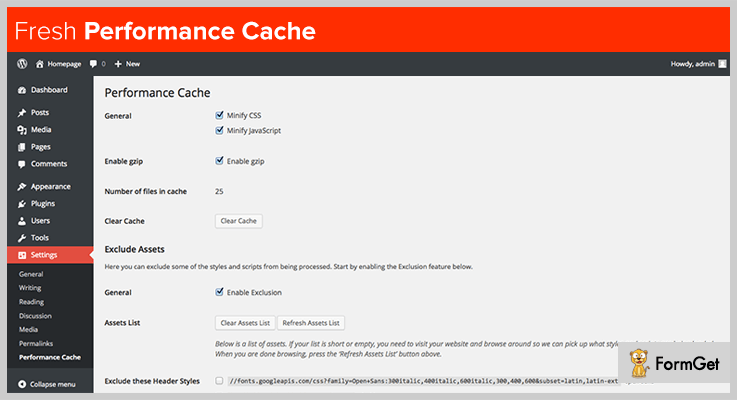
Features
- Enhances site performance to increase user engagement
- Get super fast cache for better loading speed
- Access all the facilities from the dashboard
- Automatically skips problem creating files by combining the cached files
- Easy to update and configure even for beginners & non-technical persons
Price Plans By Fresh Performance Cache
- Regular license will cost you $42 and for the extended support for 12 months is charged $14.25.
- Extended license is priced around $105 and to get extra 12-month support you have to pay $31.88.
Click Here To Explore Cache WordPress Plugin
5. Borlabs Cache – WordPress Caching Plugin
Borlabs Cache is yet another easy to use and powerful WordPress plugin for caching. With this plugin, your are able to deliver site content in milliseconds, improve rank and generate more user traffic. This plugin saves the website content in the form of static files on server’s and when a page is requested, this static file is loaded which makes the performance fast.
Features
- It caches each & every page, post, feed, category, tag, etc on the site
- Helps to remove whitespace as you can combine & compress Javascript and CSS is a single file
- Performs auto-refreshing of cache
- Fragment caching allows you to keep parts of the website dynamic
- Lazy load feature avoids loading images until the user scroll downs the page.
Price Plan By Borlabs Cache
- Regular license comes with a price tag of $29 and charges extra $9.38 for 12 months additional support.
Click Here To Explore Cache WordPress Plugin
6. W3 Total Cache
Now talking about the best caching plugin WordPress which are free the first name which comes to my mind is W3 Total Cache. This is an entirely free plugin using which you can improve site performance, reduce load time, do SEO improvements and more.
Features
- Easy integration of reverse proxy through nginx or varnish
- It is equipped with various security features & facilities
- Allows you to perform caching of database, objects, fragments
- Increase the visitor time on site by reducing the time of page load
- Supports SSL and AMP
Price Plan By W3 Total Cache
W3 Total Cache is web performance optimization plugin for WordPress which is free of cost. It offers multiple features and facilities which can improve your site in various ways.
Click Here To Explore Cache WordPress Plugin
7. WP Super Cache
WP Super Cache is a free cache clearing plugin which generates static HTML files from your dynamic WordPress pages. These files are instantly served at user requests which gradually boosts the site performance.

Features
- Pages, posts, and other site content can be compressed with ease
- Cache rebuilt and CDN support also available
- Preload mode enables you to load as many posts as you want
- Performs cache files cleanup which are outdated and stale
- Serves static HTML files to site visitors and boosts the performance
Price Plan By WP Super Cache
- This is a high rated WordPress plugin which has got millions of active installations, but it gives forever free access.
Click Here To Explore Cache WordPress Plugin
8. Cache Enabler
With Cache Enabler plugin you can store static HTML files on the server’s disk and improve the performance of your website. This plugin enables you to create 2 cached files, one with the plain HTML and other with gzipped which delivers content much faster. It has got 40,000+ active installations and provides updates at every 2-3 months.
Features
- Allows you to perform automatic as well as manual cache cleaning
- You can also do manually purging of specific pages & posts
- Get the actual cache size straight on the dashboard
- Multisite WordPress supports is available
- It also allows to serve Web images without using JavaScript
Price Plan By Cache Enabler
- Cache Enabler is a WordPress Cache plugin which is free and doesn’t charge a penny for the features & facilities that it provides.
Click Here To Explore Cache WordPress Plugin
Conclusion To End
We are at the end of this article and we are definite about one fact that you must have found the right cache plugin which can boost the performance of your WordPress website.
In Best Cache WordPress Plugins article we have shortlisted both premium as well as free plugins which can help you refine the web performance of your website
If you have any suggestions in mind? Please do share them in the comments section below!
We will be happy to hear from you.
We have also got the blog on the best and fast loading WordPress theme below:
7+ Best Menu WordPress Plugins 2022 (Free and Paid)

WordPress comes with a pre-defined menu then what’s with the menu WordPress plugins?
A menu WordPress plugin will act as a roadmap to your entire website. Hence, a viewer will actually be scanning the key points and offerings of the website in a glance.
Moreover, this menu is going to sort the entire content of your website in an organized and presentable way. And the more organized, attractive it will be, the more will it hold the viewer.
Options are immense, you can go for the horizontal drop-down menu, vertical drop-down menu, a menu with infographics, Google Maps integration and the possibilities here are endless. But the result will be constant, an organized, captivating and informative menu.
It will engage viewers and will adorn the appearance as well.
Hence, a menu plugin for WordPress is an inevitable tool.
We have worked fingers to bones to find the 7+ best menu WordPress plugins. Save your time and find the best menu plugins which are the need of the hour!
Here is a few more blog you would enjoy reading:
1. Uber Menu – Menu Plugin For WordPress
Uber Menu is one of the top menu WordPress plugins and it has received a lot of love from its users with 4.5/5 ratings. Its a perfect pick if you were looking for a user-friendly, customizable and responsive menu plugin in the budget.
Pricing – This menu plugin for WordPress has got an affordable price plan of $20.
Features:
- The layout is completely responsive.
- Customize colors, fonts, size of the menu without any coding.
- Dropdown CSS3 transitions including shift up, shift down, fade, etc.
- Vertical and horizontal menus with 25+ Google Fonts options.
2. WP Responsive Menu Pro – WordPress Plugin For Menu
Pricing – This WordPress plugin for Menu has three pricing plans. Pricing plans are based on the site license.
- Single Site: $25.00
- 2-5 Sites: $79.00
- Unlimited Sites: $149.00
Features:
- Completely responsive and mobile-friendly menu.
- Customization enabled with a lot of styling options such as color change, background change etc.
- Creation of custom menu for mobiles.
- Automatic integration with the WordPress Menu System.
3. MyStickyMenu – WordPress Plugin
If you are looking for a WordPress plugin that will allow you to have full control over the stickiness of your menu, MysStickyMenu is the plugin for you. In most cases, you will not need to do more than install the plugin, because most of the time immediately after installation your menu will become sticky.
Pricing – It has three pricing plans & the basic plan starts at $9/year.
Features:
- Show sticky header on scroll down/up
- Fade or slide effect
- Disable at small screen
- Choose when to make visible on scroll
- Change the background color
- Change the opacity
- Change the sticky transition time
- Define the z-index of the sticky header
- Disable floating menu on Desktop/Mobile
- Disable floating menu on scroll down
- Add CSS style to the floating header
- Disable floating header on specific pages
4. Advanced Sidebar Menu Pro – Premium Menu WordPress Plugin
Advanced sidebar menu pro manages menu stuff automatically and allows you to style your menu according to your taste, change the menu type to give it a new look or create a menu from taxonomies and a lot more.
Pricing – This menu plugin is going to take out $54.99 from your pocket to make your menu better than ever.
Features:
- Accordion menu allows a user to open and close the section of a menu. You can choose to keep the menu closed until the icon is clicked or opened. This accordion menu takes menu to the next level.
- You can change the text of any menu with a click with link adjustment option.
- You can create the menu for the custom posts you choose.
- Styling options for links, borders, page, background color, font size and more.
5. WP Mobile Menu WordPress Plugin – Menu Plugin in WordPress
Here’s a plugin for you which will save efforts and will create mobile-ready menus. It has got a tough grip on features which you can implement on the menu to keep the visitors engaged. Two responsive menus for one page is one of the USP’s of this menu plugin.
Pricing – It has a price plan of $39.99 which extends up to $249.99 which is based on the site license.
Features:
- Overlay menu display. (especially for mobiles and tablets)
- 2000+ Icons (FontAwesome, Fontelicon, Iconic, Entypo, Typicons) with unlimited Google Fonts.
- A feature of ‘menu only visible to logged in users’.
- 2 responsive menus with a disable mobile menu in specific page feature.
6. Flexible Mega Menu – Responsive Menu WordPress Plugin
Flexible is the perfect plugin to take the appearance and content of menu to the next level. It is a fit for every budget and for every WordPress needs.
It is a responsive menu WordPress plugin with translation readiness and cross-border compatibility. The features do not end here but the list is long.
Pricing – Price plan is extremely simple with a one-time price of $22.
Features:
- Customized menu with horizontal and vertical orientation.
- Compatible with WordPress Customizer.
- Comes with a menu style editor to style the menu according to your taste.
- Completely mobile responsive layout.
7. Menu Management Enhancer – Menu Management WordPress Plugin
The menu can be all crammed up at times and this menu plugin comes up as a rescuer. Here you can manage a number of menus at one place. It’s a backend utility tool which works together with WordPress 3 Menu. If you have more menu items than the accommodation space of the screen then this plugin will be a bliss.
Pricing – This menu management WordPress plugin is a treat for the pocket with a small price of $10.
Features:
- Manages the items on the menu with ease.
- Enhances drag, drop, jump-to-item functionalities.
- Works on the expand and collapse functionality of the menu.
- It counts child and descendant menu item at a glance.
8. Overlay Menu WordPress Plugin
You can use this to create an overlay menu or mobile menu to main navigation or anywhere outside of the navigation into the website. The plugin is highly flexible and has got various styling and positional settings.
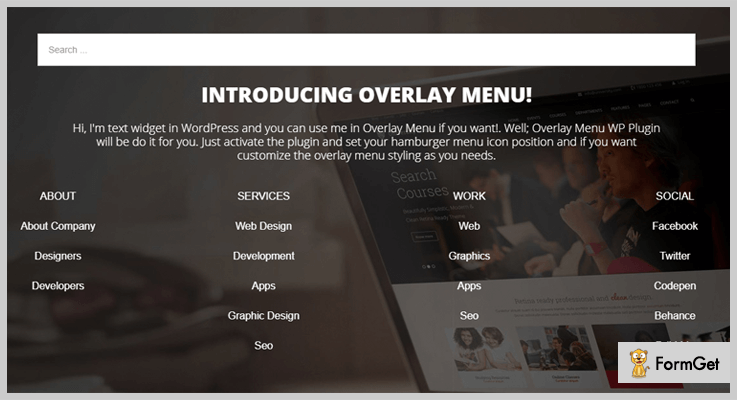
Pricing – This plugin is going to go easy on your pocket with a price plan of $16.
Features:
- Easy to use and install. (One click installation)
- Completely responsive layout.
- Translation ready with WPML support.
- Styling enabled with background image options, image options, widget readiness and more.
9. Mega Menu – WordPress Menu Plugin
In Mega Menu you’ll find everything in mega size, be it the features, reviews, or active installations. With 200,000+ active installations, it is ruling the menu plugin market and ratings of 4.8/5 prove that it has won the hearts of the users.
This plugin is, in fact, more flexible than the WordPress themes. You can keep on restyling the menu, add any widget to it, and do a lot more things. In spite of heaps of features, it is extremely user-friendly and takes a few clicks to install and use.
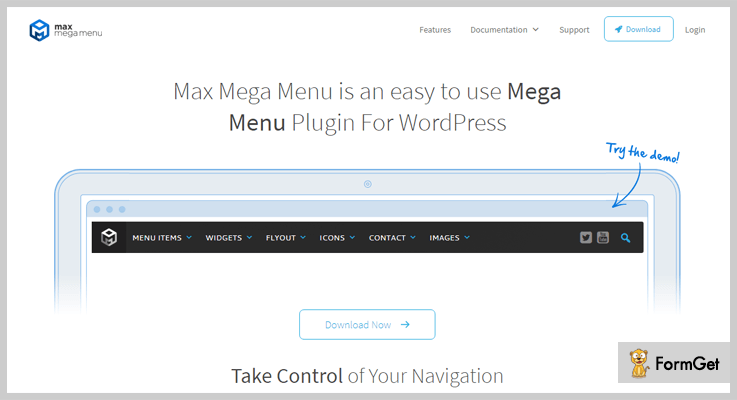
Pricing – This is a free menu WordPress plugin so, you absolutely need zero $0 to restyle your site’s menu.
Features:
- Add interactive elements like any WordPress widgets to the menu.
- Drag and drop mega menu builder
- 4+ menu transitions including fade, fade up etc.
- Responsive layout with retina ready display.
10. WP Floating Menu – Free Menu WordPress Plugin
WP Floating Menu is a free menu plugin to make one-page navigator or sticky navigation menu for your website. This plugin gives your website a one-page scrolling navigation without download of any one-page theme or coding. It takes a few seconds to transform your website into one-page scrolling navigations site.
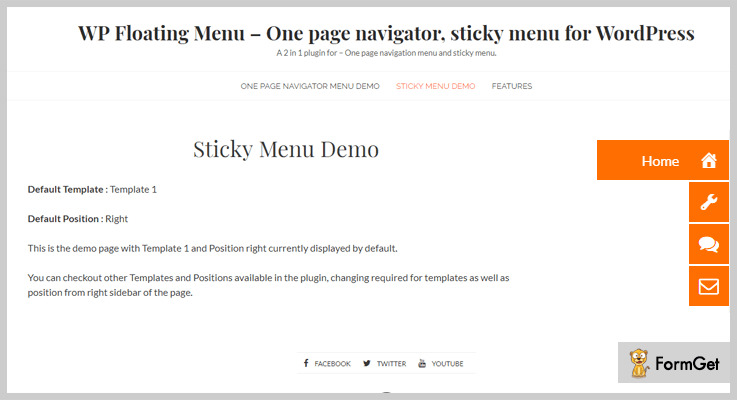
Pricing – It is a free menu plugin for WordPress!
Features:
- You can use it for one-page navigation or sticky menu options.
- 5+ pre-built templates to choose from.
- User-friendly drag and drop approach to create the menu for your taste.
- Fully responsive with translation readiness and cross-browser compatibility.
The Takeaway
This was our take on the 7+ best menu WordPress plugins. We hope you are going to transform the look of your website using one of the menu WordPress plugins suggested by us.
7+ Best Forum WordPress Plugins 2022 (Free & Paid)

Adding a forum to your website is a great way to interact with like-minded individuals! Fortunately, there are 4886 free & paid Forum WordPress plugins to save your breath.
Forums are the most popular way to engage online users and to boost the website traffic. But how will you choose the healthiest forum plugin without hodge-podge?
Shh zip your lip!
It’s really easy! Here are 8 best Forum WordPress Plugins that can create an incredible social outlet for your website.
1. DW Question & Answer Pro – WordPress Forum Plugin
DW Question & Answer Pro Forum WordPress Plugin is boosting 10,000+ websites worldwide. It is a strong contender because it provides special support to its customers. This plugin allows you to create elegant forums on your website template.
Curious users can ask queries and can also answer additional questions. Search, filter & voting features will allow highlighting the answers that are effectively responded by the users.
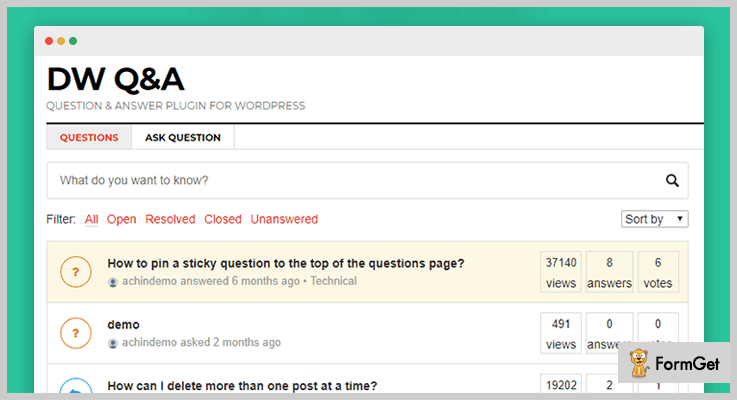
Pricing:
DW Question & Answer Pro Forum WordPress Plugin has a simple price tag of $39.
Features:
- Question Listing Page
- Ask Question Form
- 15+ languages supported
- Voting
- Views Count
- Email Notifications
- Captcha using reCAPTCHA by Google
2. Sabai Discuss Plugin For WordPress
Sabai Discuss is an ideal Forum WordPress plugin that nicely fits into almost any WordPress theme. This premium plugin provides the profile page to its every member involved in the discussion.
You can also shape up a helpdesk portal by using Sabai Discuss for your website. This forum plugin allows its users to cast votes on comments, queries, and responses which keeps the discussion provocative.
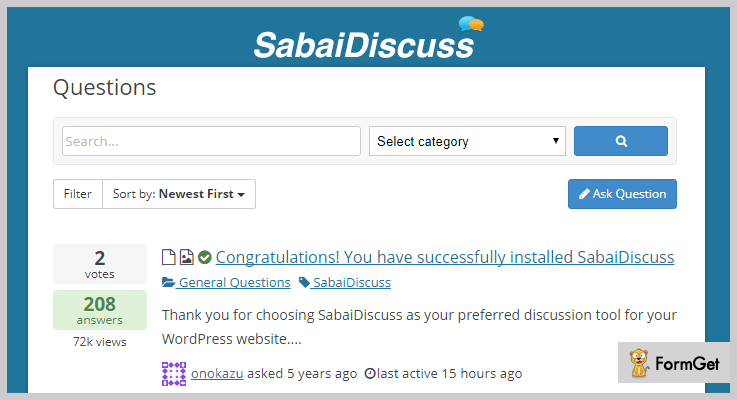
Pricing:
Sabai Discuss Forum WordPress Plugin has a base pricing of $23, however, the pricing may vary according to the license required by the user.
Features:
- Fully responsive and flat design
- Tag questions with auto-suggest
- User reputation system
- Custom fields with the visual form editor
- CSV Importer/Exporter
- Fully translatable
3. Simple Forum – Responsive Bulletin Board
You can empower your website by integrating it with Simple Forum WordPress plugin. This plugin allows you to create a completely professional plugin having the social login, privacy settings, HTML, Markdown and bbcode editors.
It has more than 8 customizable styles which give it a user-friendly outlook. Collect important data from forum statistics like total thread, replies, and members.
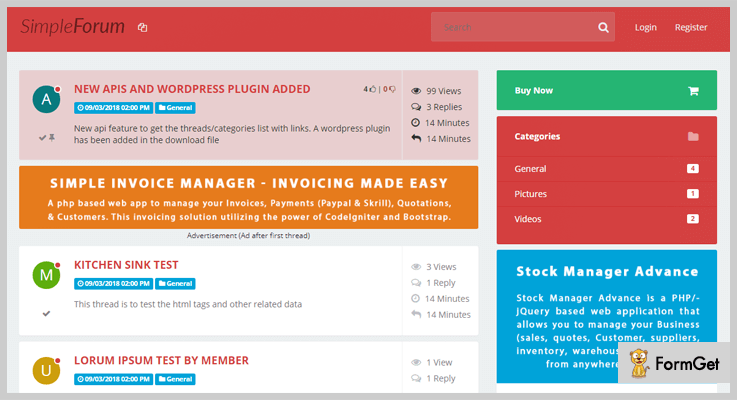
Pricing:
Grasp this latest version of the Simple Forum WordPress Plugin at just $22.
Features:
- Social auth to allow the user to login with Facebook, Google, and 8 others
- Private Messages
- Pages & Categories
- Custom Thread Fields
- User & Badges
- Option to get notified of replies
4. Discussion Board Pro – WordPress Forum Plugin
Discussion Board Pro is the leading one-click installation Forum WordPress plugin. It allows creating sub-forums of different topics helping you to keep nicely organized session.
The subscription feature of Discussion Board Pro allows users to follow their preferred board so that they can receive email notifications about the incoming posts.
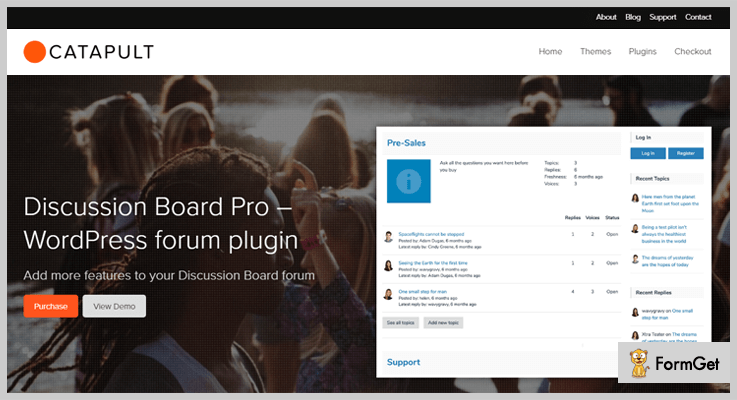
Pricing:
Discussion Board Pro Forum WordPress Plugin has the fundamental pricing of $29.
Features:
- Multiple boards
- Different access permissions by boards
- Admin approvals for new registrations
- WYSIWYG editing
- Media uploads
- Categories and tags
5. WP Symposium Pro-Social Network plugin
Flourish your own social network with WP Symposium Pro-Social Network plugin. It is a foolproof plugin for support sites, dating sites, schools, clubs, gaming sites & much more.
WP Symposium Pro Forum WordPress Plugin is supporting more than 1000 websites throughout. You can’t say “No” to this plugin as it provides the refund if you don’t like it. (which is far-fetched ones you start using it)
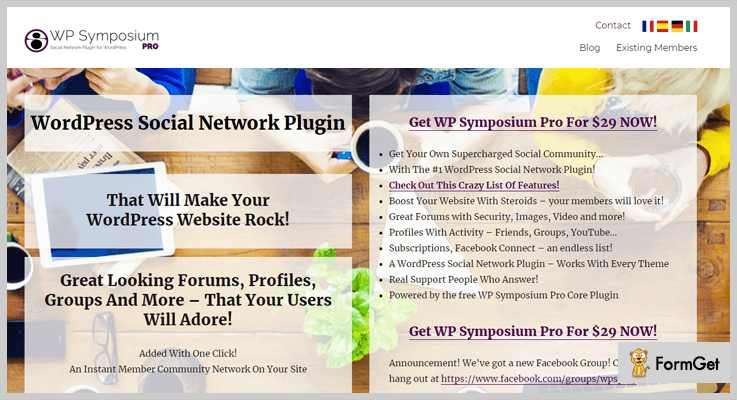
Pricing:
Grab this incredible plugin at just $29.
Features:
- Allow image and document attachments
- Set custom fields for new forum posts
- Set custom fields for forum replies
- Add a forum search
- Fine tune access and permissions for forums
- Let members add a personalized forum signature (via Edit Profile)
6. Website Toolbox WordPress Plugin
Add marvelous forums on your website and drive more traffic to them! The inbuilt SEO do everything for you. Website Toolbox Forum WordPress Plugin allows users to share their outlooks instantly.
You can do get together with the like-minded community in the chat room to fast-track the conversation. Automatic back up feature allows your forum to be available and secure. You can easily manage privatization, registrations, and approvals of your posts.

Pricing:
The pricing of the Website Toolbox Forum WordPress Plugin just starts form $25.
Features:
- Make money using ads or subscription fees
- Facebook Integration
- Instant Messaging
- Chat Room
- Share files, photos, and videos
- “Like” posts
7. wpForo – WordPress Forum Plugin
wpForo Forum is the full-fledged solution for your WordPress website. It can be used for both small & enterprise level businesses. This super-responsive plugin can create all type of discussion forums.
This perfectly scaled Forum WordPress plugin layout has SEO effective Permalinks, Built-in SEO functions, and Metadata. This multi-layout plugin can be easily installed within 5 minutes. Worldwide this plugin is activated by 10,000+ users and this number is booming daily.
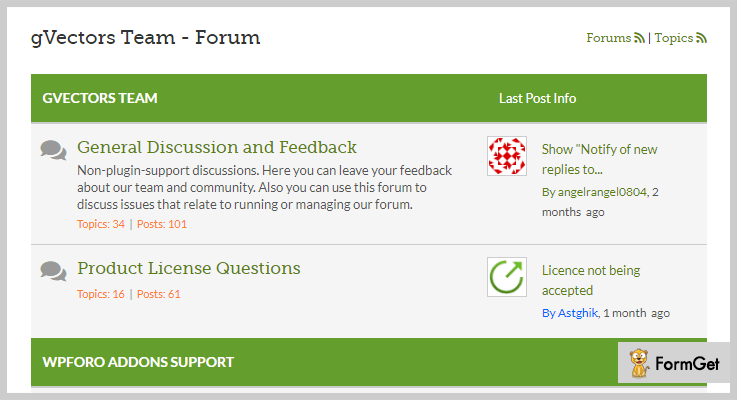
Pricing:
Enjoy the benefits of the complete kit of wpForo for free!
Features:
- Designed for small and extremely large forums/communities.
- Multi-layout forum design.
- Super responsive forum on all kind of devices.
- Built-in forum SEO functions.
- Cache System.
- Anti Spam and Akismet integration.
- Advanced forum user profile system.
8. Asgaros Forum – Free WordPress Forum Plugin
Asgaros is a multilingual featherweight forum WordPress plugin. You can display a beautiful discussion forum on your website with the simple configuration. Its style will remind you the clearness of old-school message board.
Simply you have to do some smooth fundamental settings and copy the provided shortcode to the page where you want to reflect your private forum. This Forum plugin is completely customizable with innovative features.

Pricing:
The pricing of this lightweight Asgaros WordPress plugin is free!
Features:
- Profiles & Members List
- Powerful Editor
- Statistics
- Reporting & Banning
- Widgets
- Multisite Compatibility
Final Thoughts:
After reading this blog now, I hope you want to throw your hat into the ring! Did you find some more forum plugins? What are their outcomes? We bet you will have something to say!
Let us know in the comments below.
Also, check out likewise plugins in due time to improve your website :

