
If your theme is not responsive, then there are a number of Mobile WordPress plugins that will show a mobile version of your WordPress website to the mobile traffic.
A Gold Mine Of Information For You:
Google has announced that if your blog is not mobile friendly then it will significantly impact on the search rankings. Mobile friendly websites will be given ranking preference over those that are not.
Results showed that 1.2 billion people are accessing the web from mobile devices. An incredible 80% of all internet users are using a smartphone. So no one is going to open laptop or desktop to visit your website. Am I right?
If you don’t want to see the major drop in your rankings and traffic of your WordPress website then you must activate Mobile WordPress plugins to your website asap!

Other recommended plugins:
Check out the list of 7+ Best Mobile WordPress Plugins for the mobile-optimization of your business.
1. Mobile Smart Pro – Mobile WordPress Plugins
This plugin is an astonishing mobile toolkit for your WordPress website that allows management of mobile-specific content and URLs.
Mobile Smart Pro makes sure to present the same content or information to your visitors as presented to the search engine crawlers. It works according to the guidelines of Google Webmasters and Google Indexing to prevent SEO cloaking.
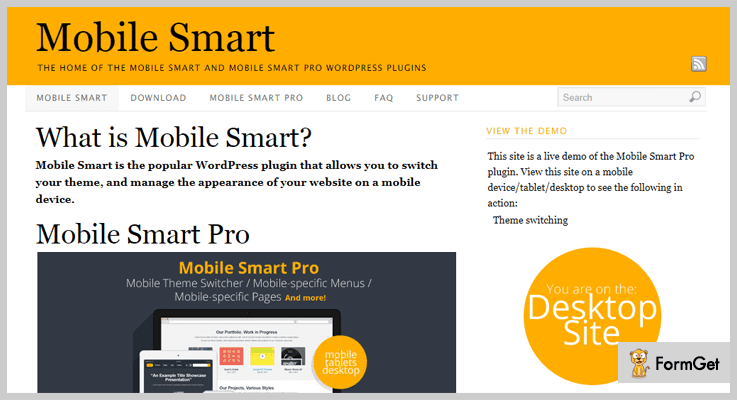
Premium Features Of Mobile Smart Pro – Mobile WordPress Plugins
- Domain switching
This exclusive feature of Mobile Smart Pro allows maintaining same WordPress website and different domain for desktop and mobile.
- Visual Composer, Divi, and other page builder plugins
Mobile Smart Pro is attuned to page plugins such as Visual Composer and Divi. These page builder tools only display on the main editor rather than the mobile editor for the Mobile Pages functionality.
- Caching plugins
Mobile Smart Pro is tested with WP Rocket, WP Total Cache, and WP Super Cache. You can control the mobile caching with these caching plugins of WordPress.
Pricing
You can buy Mobile Smart Pro at $17.
2. RedirectPlus – WordPress Mobile Redirect Plugin
This plugin can detect the mobile devices that are visiting your WordPress website. It can also redirect all the devices (mobile, laptop) to the mobile-optimized URL.
RedirectPlus provides the ability to choose whether or not to redirect tablets by enabling/disabling the check-box option.
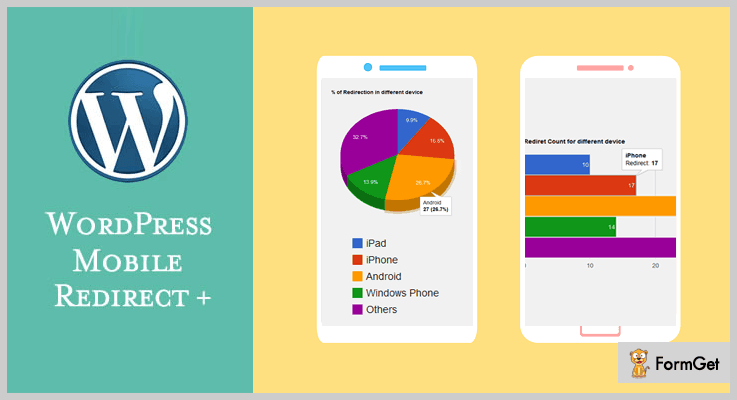
Premium Features Of RedirectPlus – Mobile WordPress Plugins
- Redirect Full website/Specific Page
You can redirect your full website or a specific page from the backend panel.
- Different URL option for iPhone, Android and Windows Phone
RedirectPlus can specify the redirect URLs for particular devices.
- Graph Analytic of Redirection done
At the backend panel, you can keep track of the redirect numbers of different devices.
Pricing
RedirectPlus has the cost of $15.
3. WooMobify – WooCommerce Mobile Theme
This Woocommerce Plugin helps to detect when visitants come to your WordPress website from their mobiles.
Woomobify converts your existing Woocommerce mobile theme to the extremely optimized and converting mobile theme.
After installing this plugin, the desktop and laptop visitors still get the outlook of your existing Woocommerce theme.

Premium Features Of Woomobify – WordPress Plugins For Mobile
- Mobile Optimized
Meticulously optimized mobile theme and tested on Android, IOS and Window Mobile Devices.
- Fast Deployment
Woomobify is up and running within minutes having easy to use interface.
- Competitively Priced
Low one-time price and lifetime updates.
Pricing
Right now, Woomobify is providing limited time offer at $36. (50% off)
4. WP AMP — Accelerated Mobile Pages for WordPress and WooCommerce
You can make your WordPress website go mobile with just a couple of clicks with this premium Mobile WordPress plugin.
WP AMP is designed to support Accelerated Mobile Pages (AMP), it works well with WooCommerce plugin and allows you to showcase your products on your AMP website.
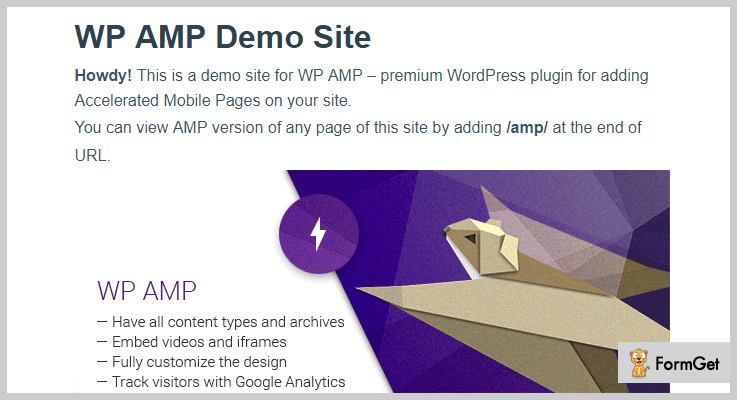
Premium Features Of WP AMP– Mobile WordPress Plugins
- Integrate ads into your mobile website
With WP AMP, you can integrate AdSense into your AMP website and choose where to position your ad block. You can earn money from Adsense whenever visitors click on your add.
- Built-in page builder
It boosts up the ability to enable, disable, modify and rearrange AMP blocks using built-in drag-and-drop page builder. Works well with all posts/pages, archives, blog/search page, 404 page and WooCommerce pages.
Pricing
This premium plugin has a costing of $99.
5. WordPress Mobile Redirect – WordPress Plugins For Mobile
This plugin redirects your website visitors to the mentioned URL by detecting the devices used by them. It provides a counter on the right of every device name that can track the number of redirected visitors of that device type.
You can easily customize the URL at which you want to redirect your visitors and can also specify the types of devices that have to be redirected to them.
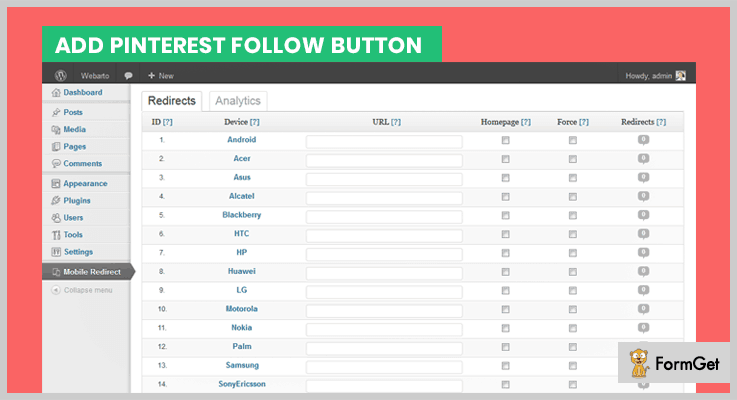
Premium Features Of WordPress Mobile Redirect – Mobile WordPress Plugins
- Possibility To Browse Desktop Site From Mobile Device
You can allow the users to view the desktop site from their mobile devices by linking the mobile site to the desktop site.
Note: This plugin is unable to redirect the specific page on two different URLs.
For example: If your website is accessed by the android user then you can’t redirect him to android store. Similarly, if it is accessed by the iphone user then you can’t redirect him to the apple store for the same website.
Pricing
This small and beautiful plugin has the simple pricing of $10.
6. WP AMP Ninja – Accelerated Mobile Pages for WordPress
WP AMP Ninja makes your WordPress website AMP-compliant in just one click. It is designed to improve the mobile content ecosystem for developers, users, publishers and consumer platforms.
Sometimes errors and warnings for AMP validation generates due to validation issues with the current theme/plugin. This plugin can resolve all the Google Search Console AMP errors.
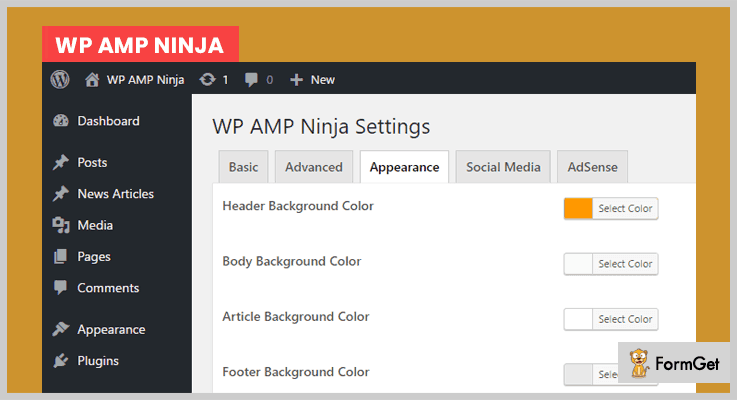
Premium Features Of WP AMP Ninja – Mobile WordPress Plugins
- Google Analytics Tracking
You can track AMP pages by using your Google Analytics tracking ID.
- Custom Branding
You can brand the AMP pages of your website by using your website logo.
Pricing
It has a pricing of $29.
7. AMP for WP – Accelerated Mobile Pages
AMP for WP is the #1 Accelerated Mobile Pages Support for the WordPress website. It has 100,000+ active installations till date. This plugin makes your website faster for Mobile visitors.
Currently, new features are added to this plugin like 3 Pre-built AMP Layouts for Business websites and landing pages, default theme for AMP called Swift, 9 Advertisement sizes and much more.
Standard Features Of AMP for WP – Mobile WordPress Plugins
- Alexa Metrics Compatibility
AMP for WP is compatible with Alexa Metrics which monitors your website’s performance and count 100% of real traffic.
- Custom AMP Editor
It allows you to overwrite your content in Post or page, so you can add the different content just for AMP.
Pricing
AMP for WP is the open source software that can easily be downloaded from official WordPress website.
8. AMP for WordPress – Mobile WordPress Plugins
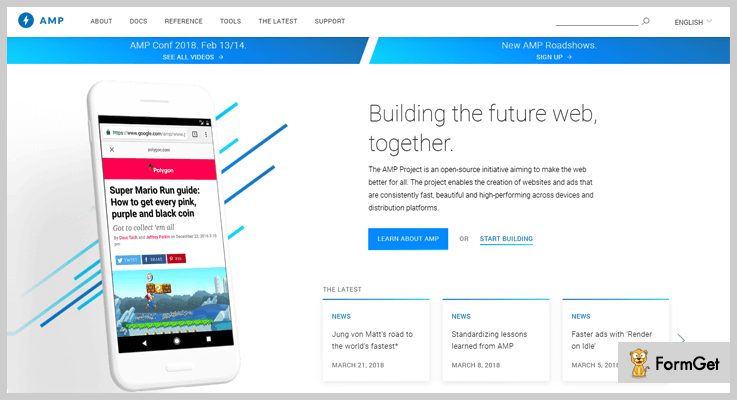
After adding this plugin, your content will become mobile-optimized that can load instantly everywhere.
When this plugin is active, all the posts on your WordPress website will have dynamically generated AMP-compatible versions.
AMP for WordPress has very limited functionality. Still, it is good for AMPs.
Standard Features Of AMP for WordPress – Mobile WordPress Plugins
- Mobile Redirection
This plugin prevents your website from lower SERPS. It provides the fast mobile version website and improves the User Engagement
Pricing
AMP for WordPress is easily be downloaded from official WordPress website.
Wrapping it up
I hope this listing of will help you stay ahead of the curve! Choose the best suitable plugin and redesign your WordPress website ASAP.
Feel free to comment below for any queries, recommendations and other business tools.
6+ WordPress Cookie Plugins 2022 (Free and Paid)

WordPress cookie plugins are those add-ons which work under the privacy legislation of ‘The Cookie Law’.
Never heard of it ever before?
The Cookie Law is a part of privacy protocols that requires websites to get authorization from visitors of that particular site to store or fetch any information on a computer, tablet as well as on a smartphone.
So after the establishment of this law by European (EU) countries in 2011, many plugins were developed in order to fulfill it.
Now, the most noteworthy mission of these WordPress plugins is to give access to any website visitors whether they want to store the cookies of websites or not.
- If the visitor has no problem, the cookies will get stored in the system automatically.
- Whereas if visitors have a problem, either they can block cookies or set some notifications regarding the websites.
So in order to provide these facilities, here are some of the best free as well as paid WordPress cookie plugins which a user can count on.
Though they are for the same use, yet you might some unique features in the plugins listed below.
Before going through this article, we believe that you should try some other featured plugins which you can use on your WordPress site:
Let’s dive in!
1. Cookie Consent by SECURITI.ai: Best WordPress Cookie Plugins
The Cookie Consent by SECURITI.ai plugin helps organizations comply with global privacy regulations, such as GDPR, CCPA, LGPD, ePrivacy and more. SECURITI.ai also helps developers meet privacy compliance with Data Subject Rights, Privacy Policy Management and Universal Consent.
The SECURITI.ai Cookie Consent Plugin lets developers rapidly deploy a customizable banner and automatically manages the usage of cookies without additional coding.

Pricing for this WordPress Cookie Plugin:
Cookie Consent by SECURITI.ai is free of cost.
Features of this WordPress Cookie Plugin:
- Periodically scan website for cookies
- Turnkey deployment of consent collection
- Configurable preference center.
- Auto blocking of cookies
- Consent records and reporting.
Click Here To Know More About WeePie
2. WeePie Cookie Allow: Foremost in WordPress Cookie Plugins
WeePie Cookie Allow is one of the best paid WordPress cookie plugins through which a website visitor can block the cookies automatically on a WordPress site.
This plugin especially implements the Cookie Law to make the privacy of the websites more strong.

Pricing for this WordPress Cookie Plugin:
- Regular: $20, 1 user with no charge to the end user.
- Extended: $245, one user, no charge to end users.
Features of this WordPress Cookie Plugin:
- Easily configurable.
- Styling options: texts, colors, sizes, positions & many more.
- Clear cookies automatically of social media accounts, youtube, advertisements as well as cookies of Google Analytics.
- Reset cookie button on the website using the shortcode.
- Ready to support for multi-sites.
Click Here To Know More About WeePie
3. CookieCuttr: EU Cookie Law Compliance WordPress Plugin
CookieCuttr is a cookie WordPress plugin which allows the visitors to manage the cookies of the site. This cookie management is done under the most recent EU Cookie Legislation.
The user can easily use Google Analytics and stop it. All of this is done until the website’s visitors have accepted cookies.

Pricing for this Cookie WordPress Plugin:
- Regular: $17, 1 client, end clients cannot be charged.
- Extended: $100, one client, end clients can be charged.
Features of this Cookie WordPress Plugin:
- Choose anyone, either ‘Legacy’ Google Analytics or the new ‘Universal Analytics’.
- Physically disable elements of the website which use cookies with a user-friendly message is present.
- Either post the script files on the head or on the foot of the HTML.
- Discreet link addition placed on the corner of the site page.
- Easy updatable interface.
Click Here To Know More About CookieCuttr
4. Fortune Cookie Consent Policy: WordPress Cookie Plugin
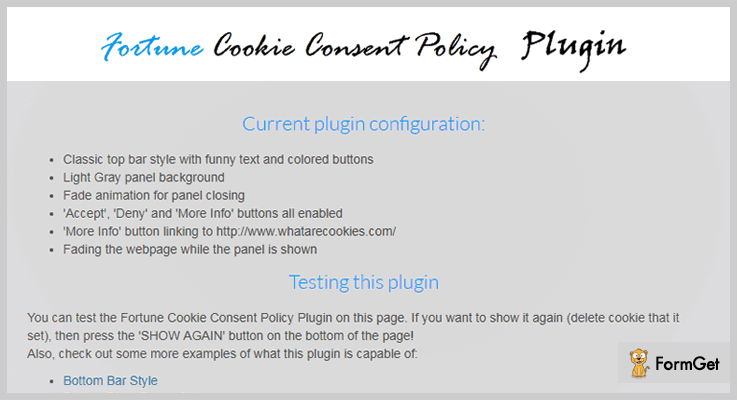
Fortune Cookie Consent Policy add-on is a WordPress cookie plugin which provides the info about the website’s cookie usage in front of website visitors.
One can use this WordPress plugin to link either to a privacy policy page or just give a single warning to the users when they visit the webpage.
Pricing for this WordPress Cookie Plugin:
- Regular: $12, 1 user/client, end users as well as clients are not charged.
- Extended: $60, one user/client, end clients as well as users can be charged.
Features of this WordPress Cookie Plugin:
- Blocking of cookies when the user denies it.
- Compatible with old as well as new Cookie Law.
- Support browsers: Firefox, Google Chrome, Edge, IE & many more.
- Especially customized CSS support.
- Lifetime support as well as updates.
Click Here To Know More About Fortune WordPress Cookie Plugin
5. EasyCookie: Most Affordable in WordPress Cookie Plugins
EasyCookie is one of the most affordable add-ons in WordPress cookie plugins. It is a cookie notification tool, with an easy and quick way to set up a marvelous cookie notification for the website.
The most noteworthy thing about this plugin is that it is 100% compatible with Bootstrap.
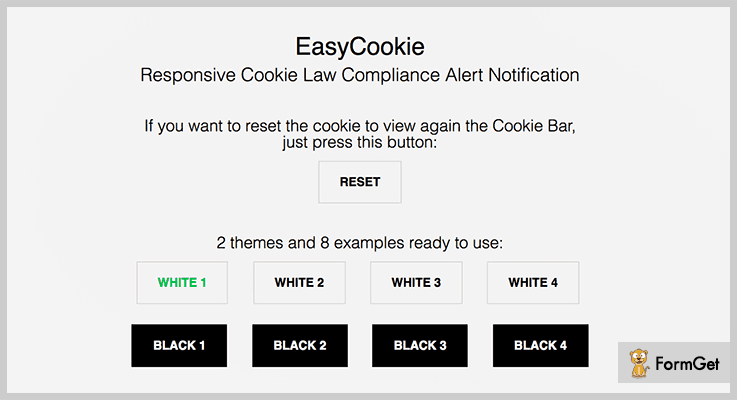
Pricing for this WordPress Cookie Plugin:
- Regular: $7, 1 client/user, end clients cannot be charged.
- Extended: $50, one client/user, end users as well as clients may be charged.
Features of this WordPress Cookie Plugin:
- Allowed to add emoticons.
- Checking & tracking of security vulnerabilities.
- Set validity of cookies in days.
- Notification bar: Bottom or top.
- Mobile friendly.
Click Here To Know More About EasyCookie
6. Cookie Notice: Foremost in Free WordPress Cookie Plugins
Cookie Notice by dfactory is the best free WordPress cookie plugin. Basically, it allows you to inform the users that the site uses cookies & also comply with EU cookie law regulations.
With the help of this WordPress plugin, one can easily edit or customize the cookie messages.

Pricing for this WordPress Cookie Plugin:
- Cookie Notice is free of cost.
Features of this WordPress Cookie Plugin:
- Cookie expiration setting.
- After the cookie is accepted, it shows the message box with animations.
- Compatible with Polylang & WordPress Multilingual (WPML).
- SEO friendly cookies.
- Translations of files with ‘.po’ extension.
Click Here To Know More About Cookie Notice
7. Cookie Consent: Free WordPress Cookie Plugin
Cookie Consent by Catapult Themes claims that it is one of the most popular as well as easiest cookie notification & WordPress cookie plugin.
That’s true! This plugin does not need to be configured after the installation process while some plugins are needed to be configured.
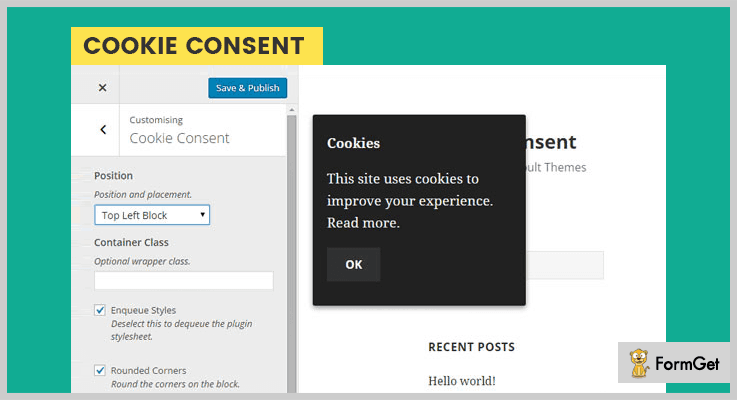
Pricing for Cookie Consent:
- Cookie Consent does not charge any money for accessibility.
Features of Cookie Consent:
- Select the notification to be displayed on the main page.
- Easy styling customization.
- After an update, the new version of the cookie will update on all sites.
- Translations: English, Russian, Polish, Italian as well as Slovakian.
- Positions of notifications: Either on top/bottom bar or floating in a corner of the screen.
Click Here To Know More About Cookie Consent
8. Cookie Bar: Cookie WordPress Plugin
Cookie Bar is a lightweight cookie WordPress plugin which discreetly displays the notification bar which is dismissible.

Pricing for this Cookie WordPress Plugin:
- Cookie Bar is non-chargeable.
Features of this Cookie WordPress Plugin:
- Creates button at the bottom of the page.
- Message or notification text editing.
- Customizable button color.
- Disappearing of message or notification after the user reads it.
Click Here To Know More About Cookie Bar
Conclusion:
Hence above are some of the best WordPress cookie plugins in which some of them are FREE as well as PAID. They can especially block those cookies which you don’t want to store as well as display.
OR get pre-notified about the particular site through messages or notifications.
They are the most relevant cookie WordPress plugins on the market. And we believe that you feel satisfied once you try them out.
Wait, have you visited the blogs of other WordPress plugins?
If no then you must go through them. And who knows your WordPress site will get way too featured after using those plugins. To visit the blogs, Click Here.
For any suggestions as well as queries, please comment below & we’ll reach you soon!
7+ 3D Carousel WordPress Plugins 2022 (Free and Paid)

Want to build a WordPress website using 3D Carousel WordPress Plugins?
But first of all, we would like to explain what is really a 3D Carousel.
3D Carousel is nothing but the image sliders that allows flipping images in a unique 3D layout in the home page of a website. The 3D Carousel is very eye pleasing and delivers great impact on the visitor.
This whole arrangement of the slider looks great and create a whole new 3D perspective.
Though there are hundreds of plugins in the market which have different kinds of sliders like photos, videos, text and their 3D versions as well. But to choose the plugin which generates more responsive and an eye-catching slider is pretty hard to find.
So to give your WordPress site a well-groomed look, here we are with 7+ 3D Carousel WordPress Plugins which consists of free as well as paid add-ons. And we believe that you will surely appreciate our work after reading this whole article.
Leave no stones unturned, delve into these awesome plugin blogs also-
1. Ultimate 3D Carousel WordPress Plugin
Ultimate 3D Carousel WordPress Plugin is one of the most powerful and user-friendly WordPress Plugins. It is an adequately 3D multimedia carousel slider, which allows you to display multimedia content with the completely unique look and feel, keeping in mind the 3D perspective.
This Plugin will definitely deliver great impact on the visitor with tons of other features.
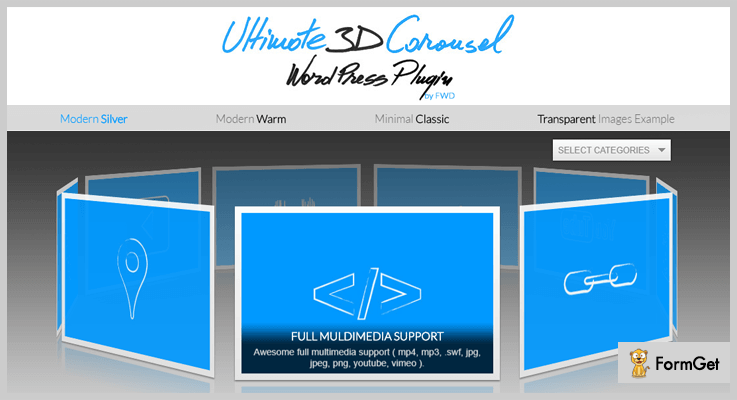
Pricing Plan-
The Ultimate 3D Carousel WordPress Plugin have a regular licence of $36 only.
Some of the features of the Ultimate 3D Carousel WordPress Plugin-
- It uses Revolution lightbox to display multimedia content.
- Highly customizable with latest CSS Techniques.
- Mouse wheel support.
- Ultimate categories and each category support unlimited thumbnails.
2. FAT Portfolio– Stabalest in 3D Carousel WordPress Plugins
FAT Portfolio is one in the list of 3D Carousel WordPress Plugins which allows you to implant a portfolio to your website. It is an advanced portfolio plugin to show custom made galleries and designs. This plugin provides powerful shortcodes and plugins setting panel for images customization.

Pricing Plan-
The FAT Portfolio WordPress Plugin has a regular licence fee of $22 only.
Features of FAT Portfolio WordPress Plugin-
- Setting Panel contains completely adjustable image-size, font-sizes, colours, spacing, hover effects, and much more.
- Supports 8 shortcodes for many styles such as- Grid, Masonry, Metro, Carousel, 3D carousel, Flipster, coverflow, Flipster carousel and Slideshow (new layout).
- 10 item skins, 10 single portfolio layout for Image and Video gallery and 11 appear animation effect.
- The FAT portfolio WordPress Plugin is compatible with visual composer and WPML.
3. 3D Photo Gallery WordPress Plugin– Best in 3D Carousel WordPress Plugins
3D Photo Gallery WordPress Plugin allows you to insert a high functioning 3D Carousel Gallery on your WordPress website. This provides excellent CSS3 and jQuery animation. It enables you to embed shortcodes in your website so as to insert the 3D gallery.

Pricing Plan-
The 3D Photo Gallery WordPress Plugin pricing stars at $15 onwards.
Key features of 3D Photo Gallery WordPress Plugin-
- A 3D carousel gallery.
- Supports multimedia image upload.
- Customizable CSS3 and jQuery animation.
- Adjustable width and height options.
4. Stack Slider 3d Image Slider–
The Stack Slider 3d Image WordPress Plugin empowers you with the capabilities to sink 3D images within your website slider. It’s a 3D Carousel WordPress Plugin which has a cross-browser jQuery slider.
It automatically flips through 3D images in a cycle. It is a 3D image slider with navigation, automatic rotation and pagination. Two extreme options for the design stack as simple and slider with a title.
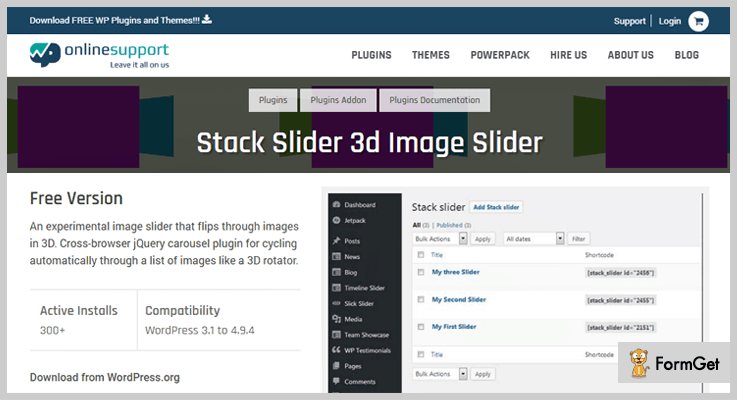
Pricing Plan-
The Stack Slider 3D Image Slider Plugin has a regular licence of $6 only.
Some peculiarities of the Stack Slider 3D Image Slider WordPress Plugin-
- Custom show/hide slider pagination and arrows, title & image caption.
- Supports slider centre mode.
- Autoplay slider with speed interval settings.
- Provides Image linking capabilities.
5. 3D Carousel– Safest in 3D Carousel WordPress Plugins
The 3D Carousel WordPress Plugin animates real 3D effects using CSS3 3D transforms. It supports 3D carousel for Android, iOS, Chrome, Firefox, Safari and Opera. For IE8, IE9 and IE10 it displays the Grid style fallback.

Pricing Plan-
The 3D Carousel WordPress Plugin has a regular licence of $18 only.
Some features of the 3D Carousel for WordPress-
- Customizable options included.
- Automatically Visible captions.
- Use of CSS3 3D transforms.
- Supports a carousel with around 100 items.
6. Cloud Slider – 3D Carousel WordPress Plugin
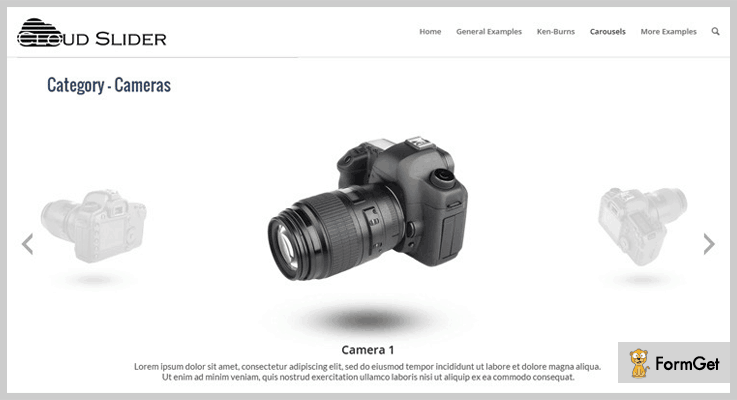
Cloud Slider WordPress Plugin is full feature list carousel plugin such as smooth layered animation effects, supports sliders on the image background.
and many more. The front-end preview of the carousel can be done using visual slider editor and shortcodes.
Pricing Plan-
The Cloud Slider – Responsive WordPress Slider Plugin has a regular licence of $18 only.
Some features of Cloud Slider WordPress Plugin-
- It supports smooth layered animation, 2d and 3D transitions, Category Carousel and much more.
- Support carousel interacting with layers.
- Has 18 easily customizable built-in skins.
- Support sliders on the image background.
7. 3D Photo Gallery– 3D Carousel WordPress Plugin With Diverse Features
The 3D Photo Gallery is one of the 3D Carousel WordPress Plugin which provides a unique layout. The plugin is suitable for diverse features and a great look and feel.

Pricing Plan-
The 3D Photo Gallery WordPress Plugin is free of cost plugin.
Features of 3D Photo Gallery WordPress Plugin-
- Quick and easy to use
- Full support for CSS3 & jQuery animations.
- Compatible with all themes of WordPress.
- The plugin is shortcode enabled.
8. BNE Gallery Extended– 3D Carousel WordPress Plugin
BNE Gallery Extended is the one of the best tool in 3D Carousel WordPress Plugins with a display support.
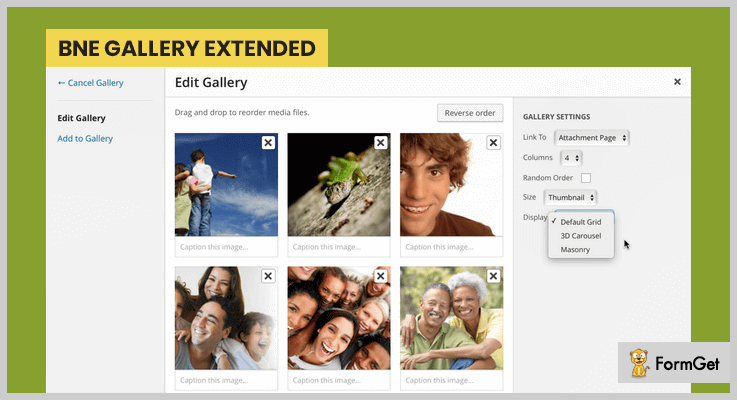
The default WordPress Gallery shortcodes display your carousel in the traditional column grid style. BNE Gallery Extended WordPress Plugin adds a new option ‘display’. The display option allows you to show an image as 3D carousel/masonry grid.
Pricing Plan-
The BNE Gallery Extended WordPress Plugin is another FREE Plugin.
Key features of BNE Gallery Extended WordPress Plugin-
- Options to set the display to be Carousel, Masonry, or Default Grid.
- 3D Carousel appends a jquery rotation to your images and masonry.
- Allows different sizes of the carousel and stacks them.
- Automatically reduces the number of columns as per the tablet & mobile screens.
Conclusion:
The above listed are the best Free and Paid 3D Carousel WordPress Plugins. Hope this article helped you in your WordPress carousel plugin search.
If you are having any question or suggestion on our blog topic, do comment below in the comment section.
Thanks for Reading!
8 Best Ebook WordPress Plugins 2022 (Free and Paid)

Today writers are creating their own sites to sell their hard work without sharing profit. And for all this, they are using Ebook WordPress plugins.
These plugins help them in selling books online either in physical form or e-form.
But how do these work?
So, if you have a basic WordPress website then after integrating this plugin, your website becomes more like a web bookstore. This bookstore comes with functionalities such as WooCommerce support, PayPal integration and more.
Further, the plugin helps the user to organize his/her online library by arranging all the data, a user can also create attractive magazines, books, brochures in a PDF format. Making it more attractive to its buyers.
Out of all best Ebook WordPress plugins are mentioned below. Let’s watch them here.
1. Magalone Flipbook for WordPress
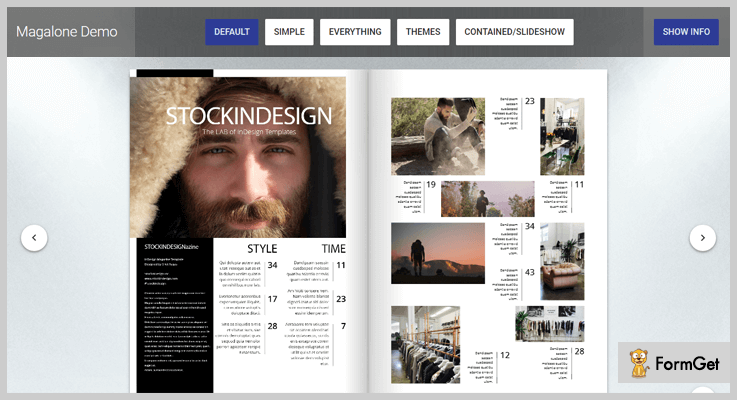
This Ebook WordPress plugin is different as it is 100% independent of libraries like Bootstrap or jQuery. It helps you in creating beautiful books, magazines, slideshows or brochures, etc. with PDF documents.
It can work easily with all kinds of screens and it also supports low bandwidth range.
FEATURES –
- With this plugin, we can pick any PDF file and can convert it into an attractive and beautiful flipbook.
- No programming needed.
- It allows the user to read PDF in any format and also on any screen.
- It also supports slideshow.
- It has customizable controls and also works even with low bandwidth making it more popular.
PRICE –
The price of this plugin is only $32 with 6 months’ time with the regular license. And if we extend it for 12 months it will cost only $42.50 saving you $14.
2. DK PDF Generator
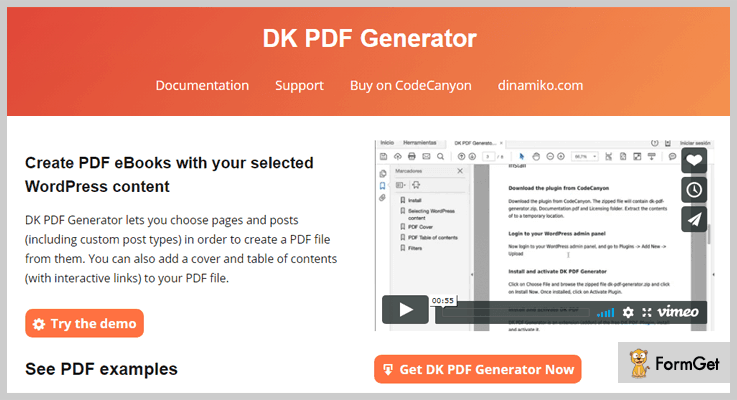
This Ebook WordPress plugin helps you in generating content and also help in the product documentation. It let you choose from the posts and pages including custom pages to copy content from there. And this unique feature has played a role in the popularity of this plugin.
FEATURES –
- The only feature which makes it different is that it lets you choose from all posts or pages including custom pages.
- It helps in creating a PDF file and in adding cover and content table of the file with interactive links in them.
PRICE –
The price of this Ebook WordPress plugin is only $19 with 6 months’ time with a regular license. And if we extend it for 12 months it will cost only $24.63 saving you $7.50.
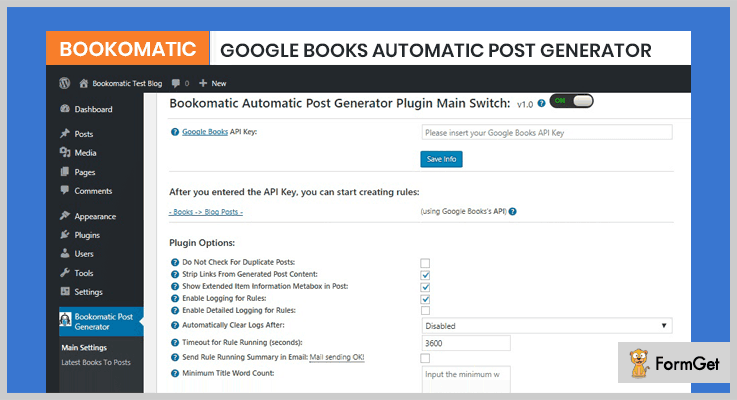
3. Bookomatic – Google Books Automatic Post Generator Plugin for WordPress
This is an ”Automatic Blogging System” which uses contents from Google to create ebooks or blogs. Since it is using contents from Google itself, your books, PDFs, will always be fresh.
FEATURES –
- In this, there is a built-in function that generates random sentences and provides your articles uniqueness.
- It also has a built-in function of text synonymizer which generates the articles randomly.
- It also has a built-in feature to translate the written data into any language according to the requirements of readers.
- This plugin will help you to perpetuate your work without any hurdle.
PRICE –
The price of this Ebook WordPress plugin is only $19 with 6 months’ time with a regular license. And if we extend it for 12 months it will cost only $ 24.63 saving you $ 7.50.
4. Paid Downloads Pro – Ebook WordPress plugin
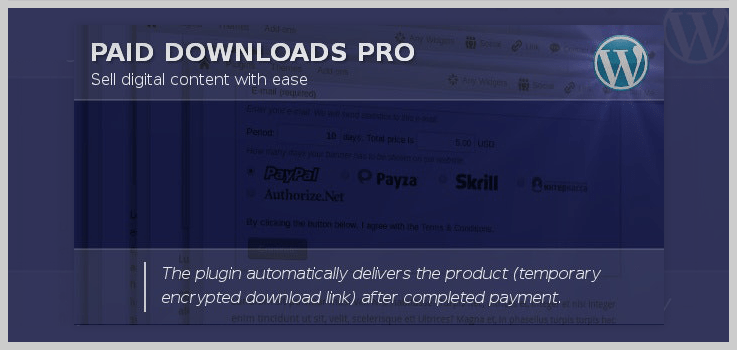
Paid Downloads Pro WordPress Plugin is one of the best selling items on Codecanyon. It allows you to sell digital content like Ebooks, music, etc. It delivers the digital content automatically after the completed payment done.
This Ebook WordPress plugin is easy to install, activate and use without any trouble.
FEATURES –
- It provides multiple payment gateways to accept payments like Paypal, Moneybookers, etc.
- This plugin can generate a temporary download link or encrypted link that will be valid for a limited time.
- You don’t have to bother about the languages as this plugin can be translated into any language.
- It is a Shortcode driven plugin, you can insert shortcode according to your requirement.
PRICE –
The price of this Ebook WordPress plugin is only $22 with a regular license. And $110 for the extended license.
5. E-book Store
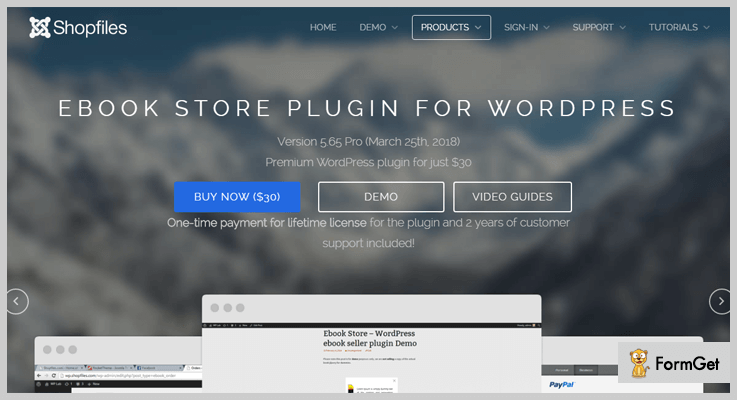
Ebook store plugin is one of the best among Ebook WordPress plugins. It has flexible and easy to use features, which making it popular among its users.
It also has the online reading mode enabled for PDF ebooks. Plus, it comes with many features like it supports WooCommerce, uses PayPal and Stripe for payment, watermarks, etc.
FEATURES –
- Paypal and stripe payment mode it uses.
- It can preview pdf and book files easily.
- It has a feature to disable the copy, cut, and further modification in PDF files by someone else.
- Can handle big size files too.
- Watermarking and QR code available for every page of PDF files.
PRICE –
The prices for this Ebook WordPress plugin are different for different users are mentioned below:
- For Pro users, it cost $30 and with PayPal.
- For Pro Business it cost $45 and uses PayPal and Stripe.
- For Developer, it cost $99 and uses PayPal and Stripe.
6. Ebook Download Pro
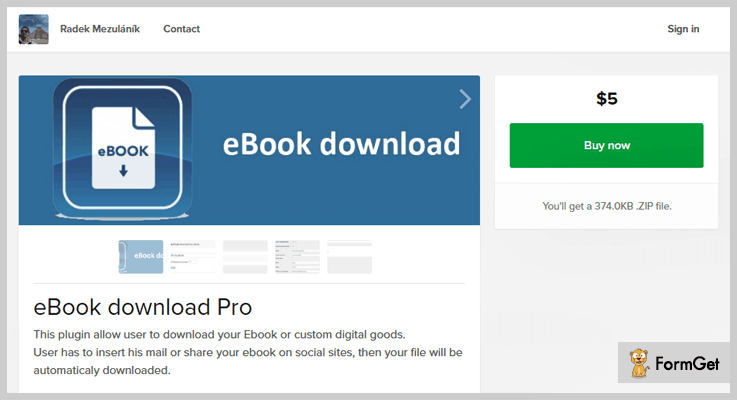
This Ebook WordPress plugin is slightly different from other ebook plugins as it allows a user to download whichever e-book file he wants. This can be done by inserting his mail id or by sharing your ebook over social media and in this way you also get to capture leads.
FEATURES –
- Allow a user to download ebook or custom goods from your site.
- A user has to insert only his mail or share ebook on social sites, then the file will be automatically downloaded.
- You can also use pop-up windows with your form use to download the book, or you can even hide it under sidebar widget.
- Can translate user’s words into your language.
PRICE –
The price of this plugin is only $5 and you can pay through various modes of payment like PayPal, Debit Card, etc..
7. Ebook Downloader
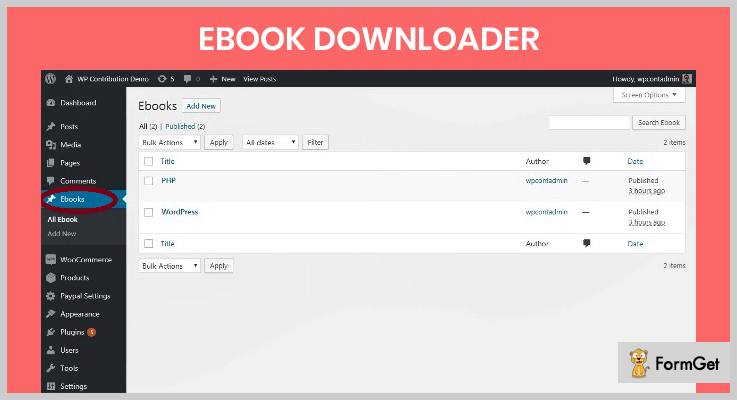
Using this plugin, you can upload your data or your ebooks and readers will be able to download it. There’s PayPal integration for payments and once the payment is done, only then the user can download the stuff you have put up on the website.
FEATURES –
- Easy payment mode available (PayPal).
- You can easily upload your content and easily delete them if required.
PRICE –
This particular Ebook WordPress plugin is available free of cost.
8. FlipHTML5 – Ebook WordPress Plugin
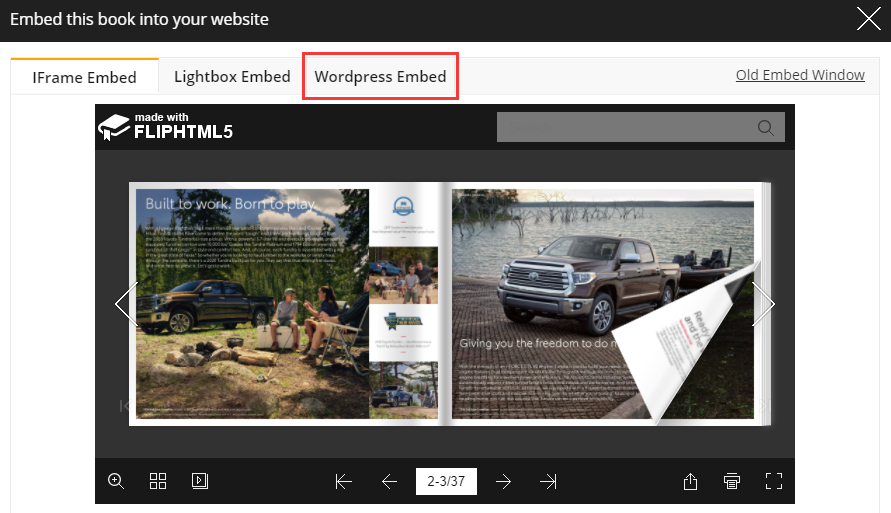
FlipHTML5 is a simple but powerful online digital publishing platform for creating and publishing interactive ebooks. It enables you to convert PDF files or images into ebooks. You can share your ebook on Facebook, Twitter, Google Plus, and so on. Most importantly, your ebook can be embedded in your WordPress website to help you enhance website content and drive more traffic.
FEATURES –
- It has both online and desktop versions.
- It works well on both Windows and Mac operating systems.
- It comes with a user-friendly interface and is easy to use.
- It can convert any PDF file into an ebook.
- It’s easy to add multimedia elements like videos, text, audio, and so on,
- The ebook can be published online, shared on social media, sold online, and embed in the WordPress website.
PRICE –
FlipHTML5 provides you with a free version and 3 paid versions. The prices for the three paid versions are mentioned below:
- For the Pro version, it costs $12.5/month or $149/year.
- For the Platinum version, it costs $25/month or $299/year.
- For the Enterprise version, it costs $83.5/month or $999/year.
Conclusion:
This was all from our side on the 7 Best Ebook WordPress Plugins. I hope you must have found a perfect fit for your website.
If you like our posts don’t forget to comment!
A few more blogs which you can read:
7+ Best Download WordPress Plugins 2022 (Free and Paid)

“Managing file downloads via Download WordPress Plugins is a fresh breeze.”
Download manager WordPress plugins allow users to control and track downloadable files within your WordPress website. These downloadable files can be pdf files, media files, ebooks and so on.
Along with that, download manager plugins will provide you an exalted file management directory, which helps you to ease up your downloads management task. This consequently leads to more organized and controlled approach to your website.
There are numerous download manager plugins available in WordPress repository.
How will you choose the best one from the cluster of download WordPress plugins?
In this article, there’s a compilation of 7+ best download WordPress plugins, which extravagantly manage files downloads and please your website’s visitors by enhancing user experience.
Following articles might be helpful for you –
Let’s begin –
1. Download Manager – Best in Paid Download WordPress Plugins
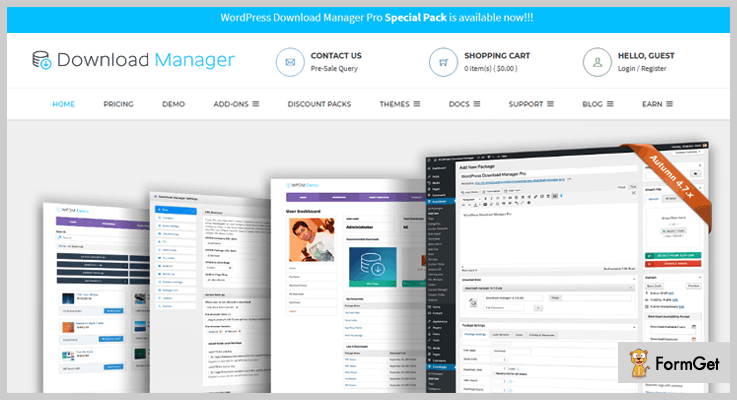
WP Download Manager Pro is all in one plugin and considered the best among all download WordPress plugins. This plugin is also a complete e-commerce solution for selling digital products.
It is filled with lots of rich features that you’ll ever need for monitoring file downloads. Moreover, it helps you to track user activities, control over all downloads.
This download WordPress is proudly used by over thousands of companies and one of them is Microsoft.
Pricing
- Free Plan: It includes features like limited access control, password protection and WP multisite support for many domains.
- Professional: $45, with free plan features and premium features like a multi-file package, individual file info, multiple passwords, download stats and extended access control and lots more for 1 domain.
- Business: $125, includes Pro plan features for 5 domains.
- Developer: $210, includes all the features of a Business plan but for unlimited domains.
Features
- Control user who are permitted to access the downloads and who are forbidden.
- With this plugin, you can also control the speed of download using bandwidth control.
- The plugin is fully SEO optimized and compatible with All in one seo, Yoast SEO etc.
- Download statistics which helps you to monitor who is downloading and a number of maximum download from a particular server.
The Download Manager WordPress plugin has more amazing features, Click the button to explore.
2. Easy Digital Downloads
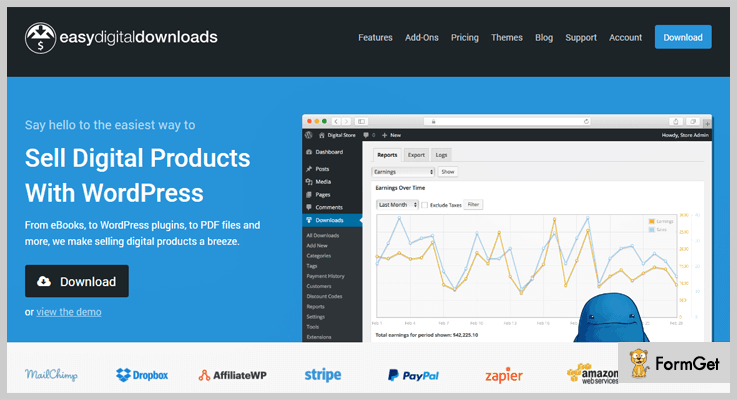
Easy Digital Downloads enables you to sell digital downloadable products from WordPress site. With the help of this plugin, you can hassle-free sell products like PDF, Ebooks, and even WordPress plugins.
Apart from this, it also offers some extended functionalities such as Stripe payments, MailChimp, software licensing, and recurring payments etc.
Pricing
- Free Plan: Includes features like shopping cart system, discount codes, customer management tools, and data reporting.
- Starter: $108.50, with broad extension selection, automatic 30% discount etc.
- All Access Pass: $125, includes unlimited license key usage, 55 extensions included and many more.
Furthermore, additional extensions starting from $19.
Features
- The plugin gives you complete report and downloads statistics.
- Provides you Rest API which helps you to access product and sales information in XML or JSON format.
- Allows your customers to download their purchased files unlimitedly.
- It has a cleanly designed shopping cart system which allows your customers to download multiple products. And so on.
3. Automatic Download – WordPress Plugin
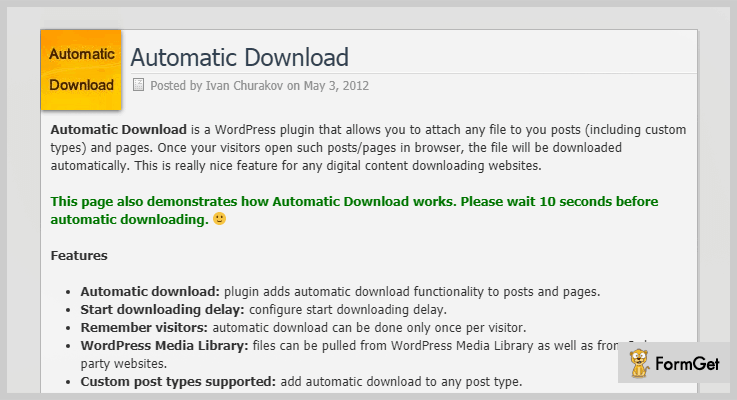
Automatic Download WordPress plugin has got an amazing functionality of automatic download. It allows you to attach any files to posts and pages.
Suppose your visitors come across a post in which file is attached on your website then, that attached file will be automatically downloaded on user’s browser.
Pricing
This WordPress Download manager cost you $12 on purchasing from the Codecanyon.net.
Features
- The plugin remembers the visitors. Hence, the automatic download occurs once per visitor.
- Automatic Download supports mobile devices. You can on/off the functionalities using mobile.
- Files can be imported from WordPress media library as well as from external resources.
- It can be translated to any language and lots more.
4. Subscribe & Download – Best in Paid Download WordPress Plugins
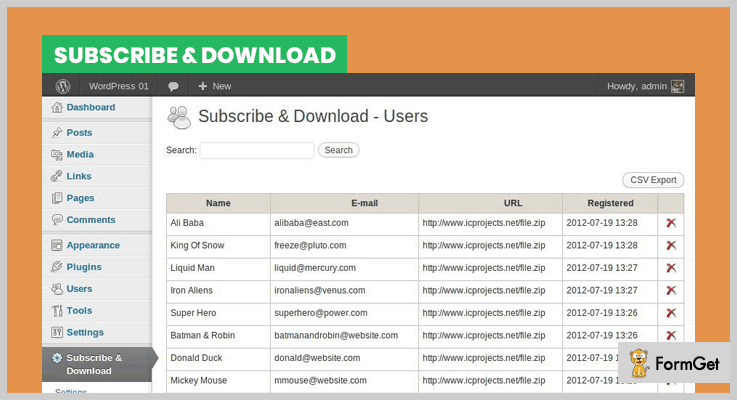
Subscribe & Download WordPress plugin allows your visitors to download the files only after subscription. For example, if visitors want to download something from WordPress website, for this they have to submit their details in the submission form.
After this, they receive an encrypted one-time download link via email. All the contact details of customers is saved in database or you can import to MailChimp, GetResponse, iContact and many other email service tools.
Pricing
You can purchase this Download WordPress plugin at just $16.
Features
- Secures AJAX opt-in form.
- It also provides extended email address validation.
- The plugin support shortcodes. You can insert it into your content.
- Autoresponder email from MailChimp, AWeber, Campaign monitor etc are also supported.
5. Downloads Handler: WordPress Downloads Manager
WordPress Downloads Handler Plus is one of the reliable download WordPress Plugins which handles and tracks your downloads seamlessly.
The best thing about this plugin is that unlike others it does not add extra load to your website. Therefore, it is very light-weighted and simple.
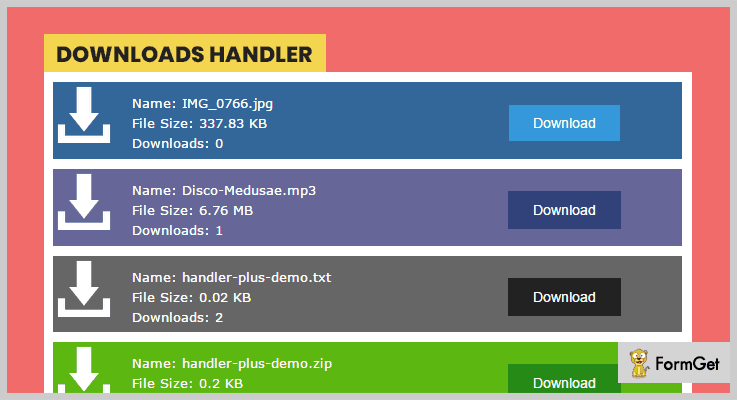
The plugin cherishes you with beautiful download boxes which shows file information and number of downloads directly on your posts.
Pricing
Get this plugin from Codecanyon.net at just $20 only.
Features
- You can restrict downloads to any user.
- Add external links from remotely hosted files.
- Complete report panel to show file statistics.fvb\v
- 5+ color skins for download boxes and buttons.
6. Download Monitor – Best in Free Download WordPress Plugins
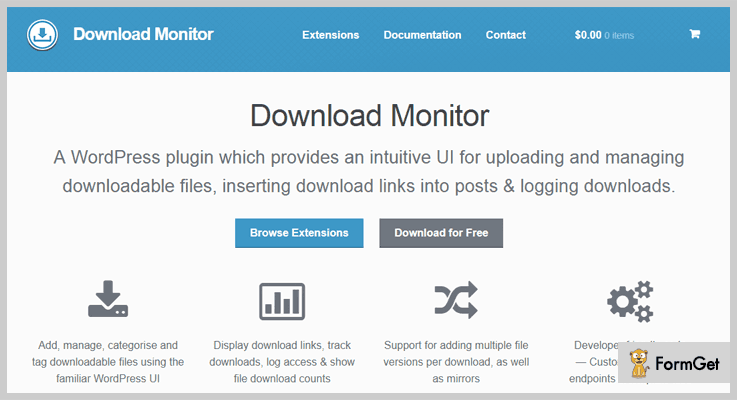
Download Monitor provides you an easy approach to controlling and managing downloadable files. You can easily insert download links in posts and pages of your WordPress websites.
It gives you the flexibility to change the display of download links via templates. Likewise, you can also display links on the front end using the shortcode.
Pricing
Get this plugin for free from the WordPress.org.
Features
- You can add, edit or delete download links from the WP interface.
- Add category, tag, and other metadata to your download links.
- Add multiple file version per download.
- It provides us a developer friendly code, custom post types, and end point templates etc.
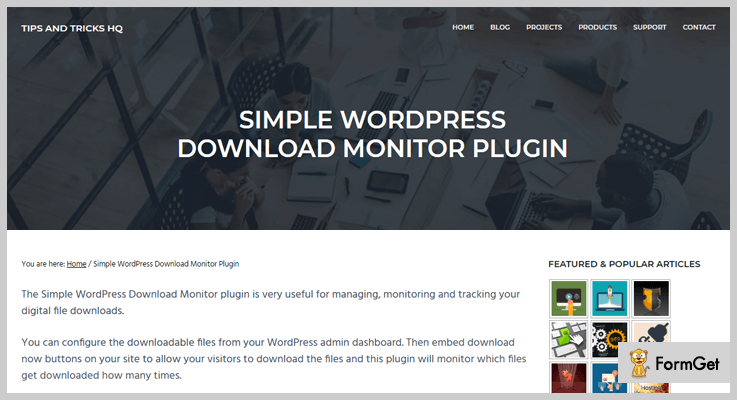
7. Simple Download Monitor
Simple Download Monitor gives you a satisfying way to manage your digital downloads and track the number of downloads of your files. This plugin gives you the facility to protect your files or documents through passwords.
It gives you an option to show an ajax file browser and let your visitors browse all your files easily.
Pricing
This Download WordPress plugin is free of cost, available on the official WordPress site.
Features
- Provides rich text editor to edit the description of the downloadable item.
- Track date, time, and IP address of the user who downloaded a product.
- Secure downloads by hiding the downloading page URL.
- You can add “Download Now” button to your sidebar widget.
Wrapping Up
Well, this is our take on the best download WordPress plugins. If you really want to manage your files download then there is no better option rather than these above-mentioned download manager plugins for WordPress.
Hopefully, you’ve found the best match download WordPress plugin for your website.
Thanks for reading!
7+ Table WordPress Plugins 2022 (Free and Paid)
Table WordPress plugins provide the easiest solution to add any kind of tables on your WordPress website.
Displaying tables on the website is an efficient way to visualize the service you are offering to your website visitors. You can easily do this by integrating your WordPress website with the best suitable Table WordPress plugin.
You don’t need to troll the internet to find the Table WordPress plugins.
Here we are sharing the list of 7+ Best Table WordPress Plugins that are sufficient to evaluate the most suitable plugin for your WordPress website.
Other Notable Plugins Set:
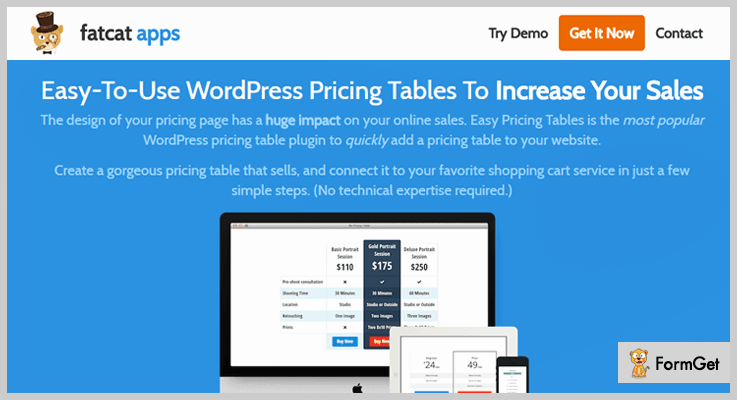
1. Easy Pricing Tables WordPress Plugins – By fatcat apps
This plugin can create modern pricing tables in a simple manner without going techy. Connect your precise pricing table to your shopping cart service in few steps.
Easy Pricing Tables has 10 gorgeous and fully-Customizable templates of the pricing table, perfectly designed to display the table as intuitive as possible for the customers to make the best product/service choice.
Appreciable features of Easy Pricing Tables – Table WordPress Plugins
- Tweak & Customize Until Your Table Looks Perfect
You can bestow the neat outlook to your pricing table with unlimited customization of colours, texts, bullets, options and tooltips.
- Display Advanced Pricing Toggles
Showcase monthly and yearly pricing strategies or multiple currencies with a flick of the switch.
- Track Pricing Table Clicks In Google Analytics
Understand how your users are responding and interacting with your pricing table by premium Google Analytics report.
Pricing
It has 3 pricing strategies:
- Agency – $99
- Business – $59
- Personal – $29
Note: Fatcat apps is providing 100% money back guarantee, within 60 days of your purchase.
2. Ninja Tables Pro – WordPress Table plugin
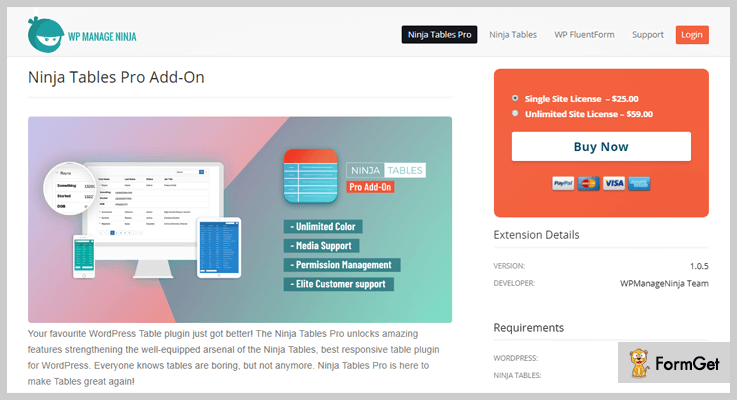
Ninja Tables Pro is the best suitable plugin for creating tables of movie tickets, concerts or any other event because you can also add media to your table.
You can display movie/event posters or trailers by using HTML and give it a complete layout of movie/event ticket booking table.
Appreciable features of Ninja Tables Pro – Table WordPress Plugins
- Enhanced Table Styles
You can style your tables beautifully without writing a single line of code. Create bordered tables, striped rows with functionalities like Hover effect over rows- everything can be done just by toggling on the options.
- Default Data Filter
You can control the number of data rows that your audience can see. Pre-filter rows by using advanced AND/OR options and phrase filtering.
- Permission
Control the access permission settings of users for editing your table. You can enable this functionality from global permission settings under the Tools sub-menu in Ninja Tables.
Pricing
It has two pricing strategies:
- Single site license: $25
- Unlimited site license: $59
Note: The only difference between them is the number of installations that can receive updates (no recurring fees).
3. TablePress – Table WordPress Plugins
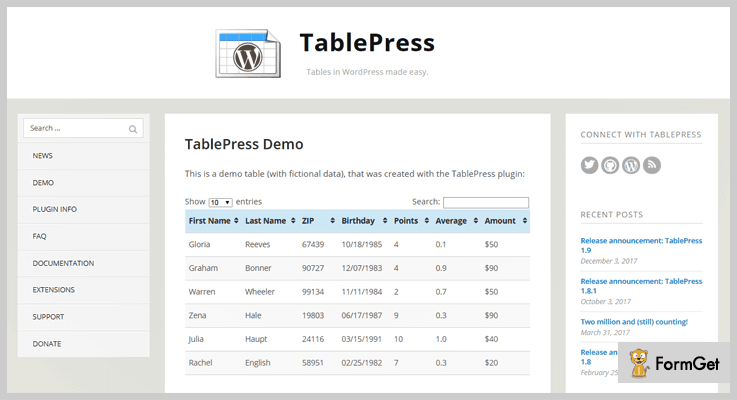
You can create elegant tables for posts, pages, or text widgets on your WordPress website. TablePress can create only HTML tables.
By using the shortcode and attaching custom CSS, you can display any data type table on any section of your website effortlessly.
Appreciable features of TablePress – Table WordPress Plugins
- Easy Pagination
It keeps your table organized and provides users with additional navigation options for browsing.
- Simple Import/Export
TablePress allows easy import and export of tables from/to Excel, CSV, HTML, and JSON files.
Pricing
TablePress is an open source software and easily downloadable from official WordPress website.
Note: This plugin is not responsive and has limited customizability. But, you can expand its responsiveness through TablePress extensions.
4. League Table – WordPress Table plugin
This plugin is another premium Table WordPress Plugin, created for the sports websites. The customization option of the plugin enable to frame complex tables like leaderboard, ranking chart, comparison table, etc.
League Table can also be used to flourish detailed statistics of sports teams scores, medical institutions results, gadgets technicalities, educational institutions data, etc in a tabulated form.

Appreciable features of League Table – Table WordPress Plugins
- Supports responsive layouts
Provides good screen fit for all the devices, and the tables can be inserted into any part of your WordPress website using the shortcode.
- Easy Sorting
Your visitors can easily filter the chart by using multiple columns.
Pricing
You can buy this plugin for $23.
Note:
5. Easy Tables – Table Manager for WPBakery Page Builder
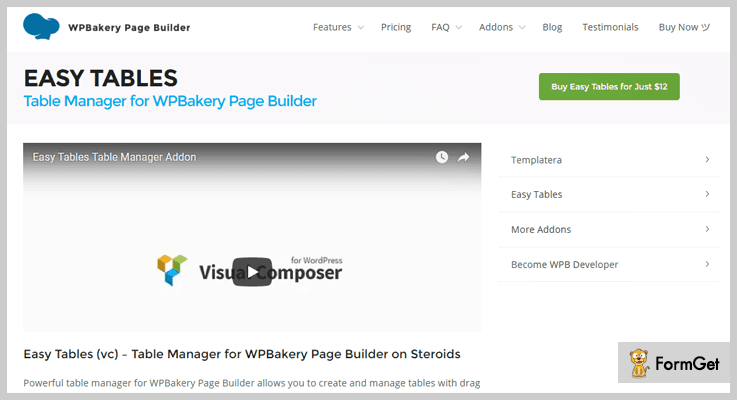
This plugin is a powerful table manager with drag and drop interface.
Easy Tables allows you to share the structured data with your visitors like Statistics, Reports, Analytics, Price Lists and so on.
Appreciable features of Easy Tables – Table WordPress Plugins
- “Excel” like experience
This plugin has the similar framework of “Excel”, you will not feel unfamiliar with the settings while customization.
- WYSIWYG toolbar with essentials controls
It comes with WYSIWYG toolbar which provides essentials controls over the rich text editor toolbar functionality.
Pricing
You can buy this premium plugin for $12.
Note: Easy Tables is providing 12 Table Visual themes as a Bonus.
6. WooCommerce Product Table Pro – Table WordPress Plugins
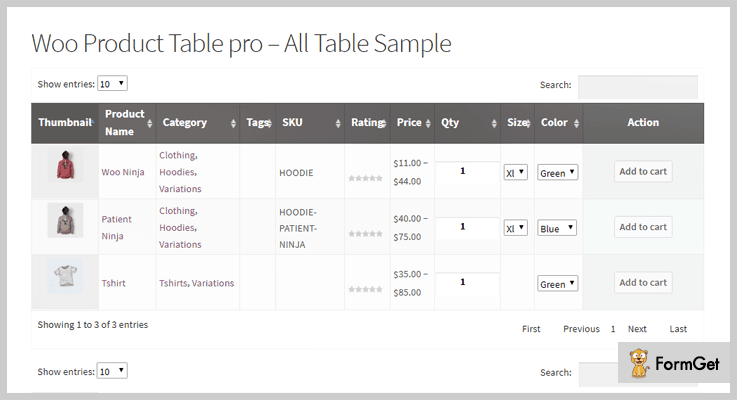
This plugin is best for creating product table on your WooCommerce WordPress website.
WooCommerce Product Table Pro is a perfect suite for wholesale stores, product catalogues, order forms, restaurant orders etc.
You can showcase all the products or the specific products in the table in a searchable & sortable table view by using the shortcode.
Appreciable features of WooCommerce Product Table Pro
- Product Variations new
You can now display your WooCommerce product variation in tabular form, you don’t need to go for Drop down functionality.
- Select Multiple Category
You can also categorize your products on the basis of their attributes by selecting multiple category options.
- AJAX Add to Cart
This feature allows controlling the default behaviour of WooCommerce Cart Page. On changing the product quantities, buyers can see the total price calculations. They don’t need to click on “Update cart” button every time while updating the product quantities.
Pricing
Grab this beautiful WooCommerce Product Table Pro at $14.
7. Advanced Tables – Excel-style table editor
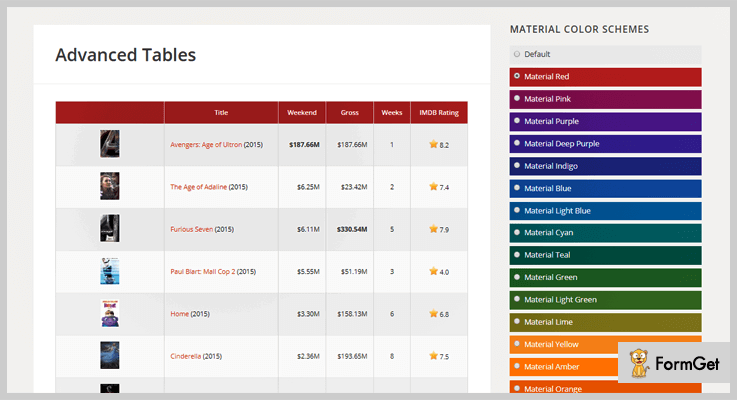
This plugin can create a custom post type – Tables, which provides an easy to use interface for registering and managing your WordPress website tables.
Advanced Tables has the Excel-style editor making it more simple and user-friendly.
Appreciable features of Advanced Tables – Table WordPress Plugins
- Floats The Table Header
It ensures to lock the header row of the table so that users will not lose track of it on scrolling.
- Transparent Import/Export
Advanced Tables allows easy import and export of tables from/to Excel, CSV, HTML, and JSON files. You can copy any table with its content and settings.
- Three responsive layouts
Now you can style your table in three frames of table, agenda and cards style.
Pricing
Advanced Tables – Table WordPress Plugins has a pricing of $20.
8. WordPress Tables – Table WordPress Plugins
This plugin helps to create the table by taking data in CSV/JSON format or directly from MySQL table.
WordPress Tables can create the table on any page or post by inserting the shortcode.
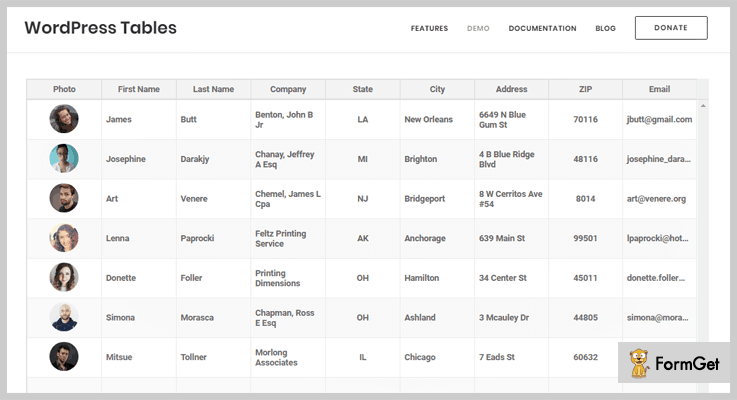
Appreciable features of WordPress Tables – Table WordPress Plugins
- Highly customizable
WordPress Tables allow modification of width and height of the table, providing 6 predefined colour themes, Sorting capability and number formatting.
- Fully compatible with Visual Composer
You can use WordPress Tables with any premium theme as it is completely compatible with Visual Composer.
Pricing
Freely downloadable from official WordPress website.
Wrapping It Up
I hope you have picked the best suitable plugin for your WordPress website from my listing of 7+ Best Table WordPress Plugins.
Let me know if I missed something and share the experience about your current Table WordPress Plugin.
7+ Restrict Content WordPress Plugins 2022 (Free and Paid)

Multi-user WordPress websites have managements of different kinds. There are chances that you may not want to give access to your web content to each and every user. Or you may want to hide your live content from the unpaid or unwanted subscribers of your website. Then a great and best restrict content WordPress plugin will help you out.
Restrict content plugins are the content protection platform.
But are there any more reasons behind protecting the content?
Yes, of course!

A quality content will help to bring a large number of visitors to your website. But today protecting the content of your website is very important.
Restrict content plugins helps bloggers to keep data or content privately secured. It makes the content accessible only to the member of the site or subscribers or the people you want to share your content with.
The plugin protects the website and their contents in many ways and it protects itself as well against a spammer, junk emails or plagiarism.
Restrict content WordPress plugin provides you all the solution to make your content secured and protected. This plugin further keeps hackers, and spammer away from your website and keeps the stealing away.
In this article, we’ll be providing you with an in-depth overview of 7+ best restrict WordPress plugins both free & paid.
1. InkMember
InkMember is a simple but effective plugin in the list of restrict content plugins. Using this plugin you not just make your website secure but can convert it into a membership and premium site. This is a versatile plugin that helps you to restrict certain content that you want to make visible for paid users only. It protects your content from malicious and wrong intent also.
Besides the remarkable features, it has a manageable and trackable dashboard, which is simple to use.

Pricing –
This amazing plugin only costs $97 for lifetime access with all the advanced features and facilities.
Features –
- It provides the option of recurring subscription or one-time payment to the user
- You can allow users to subscribe to particular content for a certain time period i.e weeks, months, or years.
- This plugin is integrated with PayPal so you don’t need to worry about the transactions.
- InkMember is compatible with all the major types of browsers like Firefox, Chrome and etc.
- You can add multiple contents on the website to be shown
2. Restrict Content Pro – Restrict Content Pro WordPress Plugin
This Restrict Content Pro is designed especially for content protection platform. This content management plugin provides excellent supports over the content.
It privately secures the contents of bloggers and provides access only to the members of the website or subscribers. The plugin supports lots of add-ons like affiliate marketing, a job submission board etc.

Pricing –
The plugin provides its services in 4-stages of cost –
1. Personal:
At $99/Y for 1 site ( 12 official free add-ons ).
2. Plus:
At $149/Y for 5 sites ( 12 official free add-ons ).
3. Professional:
At $249/Y for Unlimited sites ( 17 pro-add-ons).
4. Ultimate:
At $499/Y (one-time payment) for Unlimited sites ( 17 pro-add-ons).
Features –
- The plugin supports various platforms like bbPress, WooCommerce etc.
- It is integrated with various payment integration such as PayPal, Stripe.
- It allows the subscriber to purchase the sites from the multisite of WordPress.
- With its restriction time lock keep your content at which time you want to be.
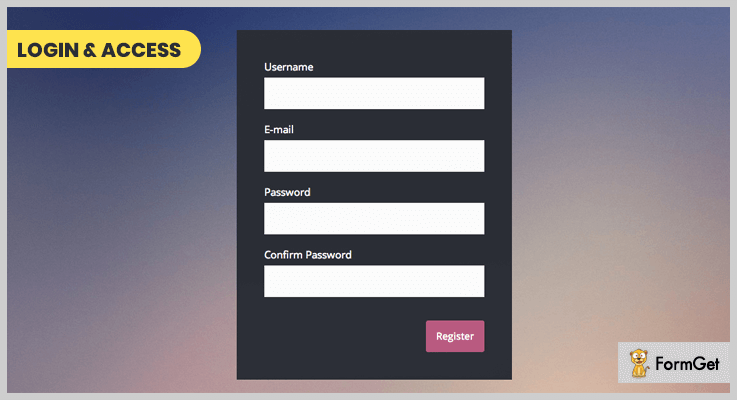
3. Custom Login & Access WordPress Plugin – Paid Memberships Pro Plugin
This custom login paid membership pro is the great solution to create a membership restrict content plugin which is simple in use and completely secure.
Use the plugin to restrict the contents, files to a certain user-set expiration date, encrypted URLs and more.
Pricing –
Regular license:
Download tons of features at $20 for 6 months’ support.
Extended License:
Get its unlimited features at $100 for 6 months supports.
Features –
- It allows the user to set or reset their own password for a website.
- The plugin provides regular or automatic updates of all the products.
- Restricts the WP dashboard for the subscriber level of users.
- The plugin looks stylish and is more secure.
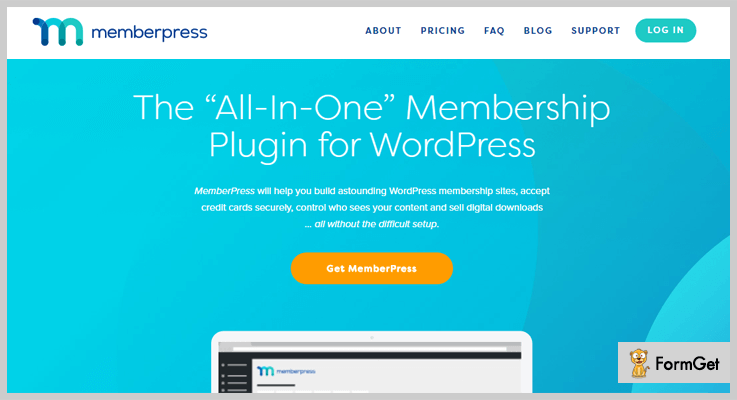
4. MemberPress – Membership WordPress Plugin
MemberPress is the easiest and popular content restrict plugin for WordPress. It helps you build an amazing WordPress membership site.
The plugin is completely reliable and secured while accepting any card payments it will protect your credit cards contents. The plugin offers solid features like content control means the only user can decide who can see and browse your content.
Pricing –
Basic:
At $129/ YR for 1 Year of Support and Updates.
Plus:
At $249/ YR for up to 10 Sites.
Pro:
At $369/ YR for up to 30 Sites
Features –
- It provides a flexibility to refund 100% of your money if you don’t like membership.
- The plugin is completely easy to use for subscribed users and powerful.
- Its subscription management module helps you to build multiple levels of subscription.
- Build a powerful WordPress site with its membership.
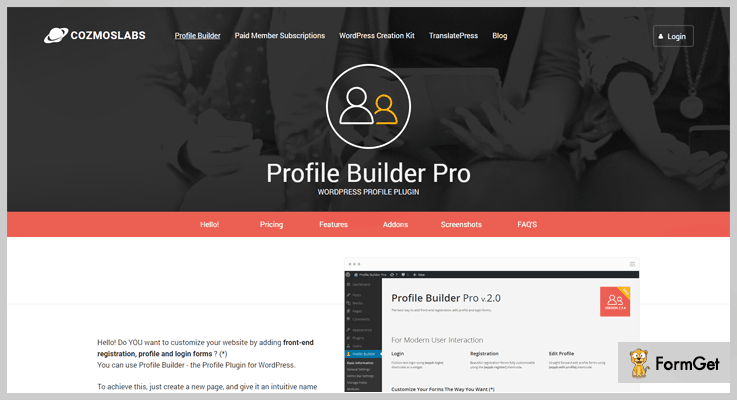
5. Profile Builder – User Profile and Content Restriction plugin
Profile Builder is a very popular WordPress user profile plugin that offers content restriction as well. Using it you can create beautiful front-end registration and profile forms, as well as restrict access to individual posts, pages or custom post types based on user role or logged in/logged out status.
You can also restrict WooCommerce products or bbPress forums.
Pricing –
The plugin has both a free and premium version, the paid one starting at 69$. The Content Restriction functionality is available in the free version as well.
Features –
- A robust, all-in-one user registration and profile plugin for WordPress
- You can create multiple registrations and profile forms with custom fields and list your users in a customizable member directory.
- Support for repeater and conditional fields, email customizer, custom redirects and more.
- Built-in role editor to create custom user roles.
- Works with WooCommerce products and bbPress forums as well.
6. Ultimate Membership Pro – Membership Plugin for WordPress
This membership plugin for WordPress is the most powerful plugin which can create advanced online membership sites with WordPress.
It is simple in use and provides protections for various tools. With all that you can manage user activity, subscription management and view report with an advanced dashboard.
The plugin is the most robust when it comes to features.

Pricing –
The plugin provides regular and extended licenses which cost you $49 and $499 respectively. In these licenses, you will get future updates and 6 months’ support.
Features –
- It supports unlimited paid/free membership levels.
- This plugin can restrict pages & any URL and it can also restrict access on any custom post type from the WP website.
- With Ultimate Membership Pro, you will get multiple predefined shortcodes.
- You can limit comment submission based on the assigned subscription.
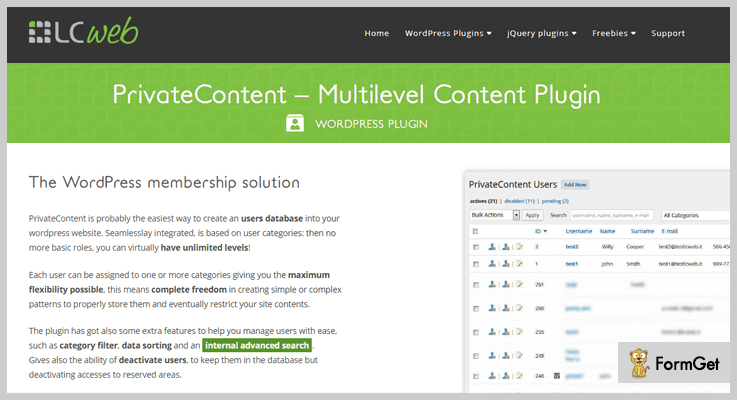
7. Private Content – Private Content for WordPress
Private content is the easiest way to protect your content. It has an ability to turn your site into a multilevel restrict convert platforms.
The plugin is a modern or a powerful framework to restrict the content part of your website.
Pricing –
Regular license:
At $24 with 6 months support.
Extended License:
At $89 get unlimited features with 6 months support.
Features –
- The plugin is integrated with Google Analytics to track user’s actions.
- Provides unlimited and easy to use registration forms.
- Fast and intuitive listings management system.
- Supports export and import systems.
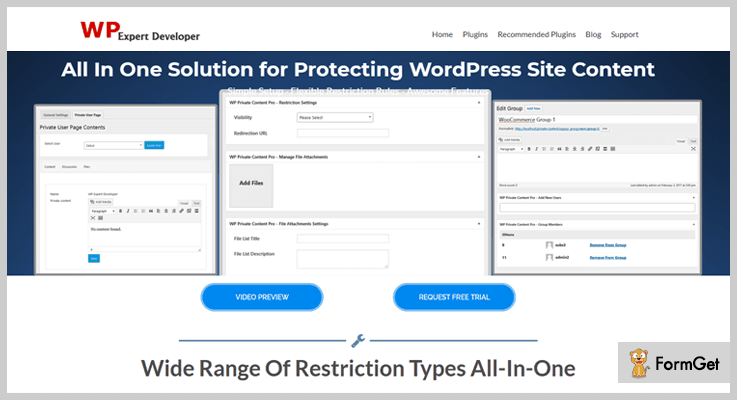
8. WP Private Content Pro – WordPress Content Pro Plugin
WP private content is the powerful yet easy solution to boost your websites. The plugin manages the process for protecting the bloggers’ contents and data from guests or unsubscribed users.
You can restrict your post, pages, custom pages, etc from unused users. Also, you can create a private page for every user of your with this powerful restrict content WP plugin.
Pricing –
Regular License:
Get a multitude of features at $49 with 6 months supports.
Extend License:
Unlimited features at $199 with 6 month supports.
Features –
- Allows you to restrict contents within the shortcode to limit access.
- It restricts menu for unwanted users, guests, unsubscribed users, etc.
- Do not allow multiple users to search meta value contents.
- Provides global site password protections.
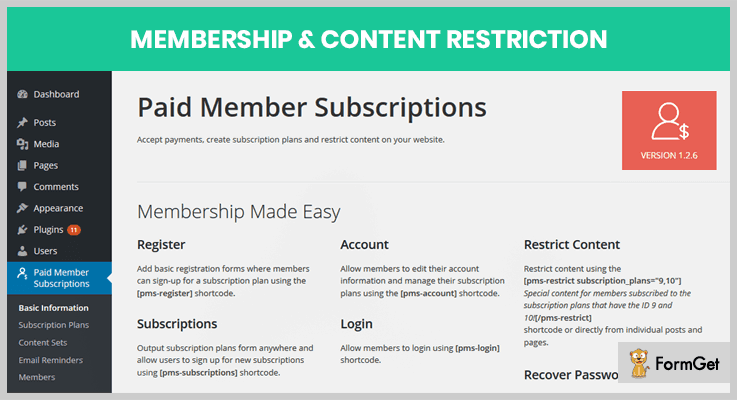
9. Paid Member Subscriptions – Membership Content Restriction
This plugin is very simple and can easily restrict your content on your WordPress site. The plugin offers a complete membership solution, allowing you to manage members, payments etc.
This content restriction plugin for WordPress is integrated with WooCommerce. Also allowing you to restrict the products, purchasing & plans views to the unsubscribed users.
Pricing –
It cost you $69 for one site with multiple features. It also provides 8 basic addons to the users in this pricing plan.
Features –
- Allows you to create a members-only store. It restricts access to the shop page members.
- Allowing you to see who can see or purchase the subscription plans.
- It offers a discounted price many times to its customers.
- Integrated with bbPress, WooCommerce and many more.
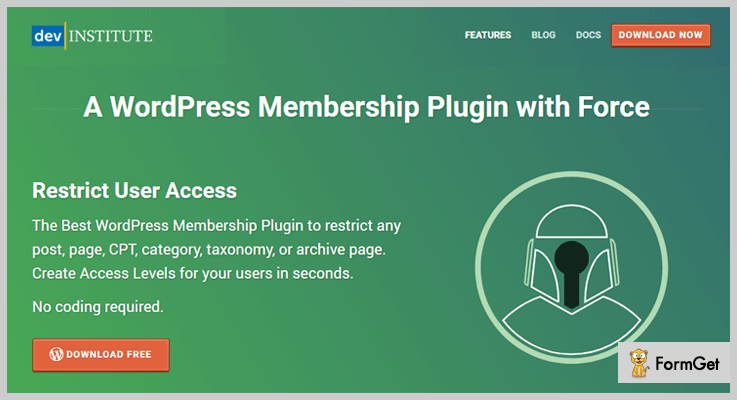
10. Restrict User Access – Content Management Plugin WordPress
Use restrict user access plugin to quickly set up a membership site and restrict your content from unwanted users. Use this plugin just the way you want.
Create an unlimited number of access and user roles and responsibilities. You can also restrict the posts/pages/ contents or any categories you want to.
Pricing –
The plugin is completely is FREE. A Free version of this plugin can be found in wordpress.org.
Features –
1. Allows you to restrict the unlimited contents and files.
2. It comes with various plugin integration and support such as bbPress, BuddyPress etc.
3. It provides visibility shortcodes for every subscribed user.
4. Supports hide and edit content options.
Conclusion:
A good approach is to be proactive. So here I tried to made an approach to find the list of top 7+Restrict Content WordPress Plugins both free and paid. Hope from these lists you’ll get your desire restrict content plugin.
Do let us know if you liked our post!
You can read a few more blogs:
6+ Regenerate Thumbnails WordPress Plugins 2022 (Free and Paid)

Regenerate thumbnails WordPress plugins provides the best way to edit the thumbnail of an image whether it is old or new.
The most noteworthy question is what are they really used for? Either to upload the images or to change the styling of the WordPress site?
Well, the answer is NO for both the cases.
So, let me tell you the truth about them:
While changing the theme of the site, either the image size may get disturbed or its metadata may not be relevant according to new conditions. So to resolve this problem, regenerate thumbnails WordPress plugin is used.
Through it, the user can regenerate or recreate the thumbnails, change the size of the image, edit the existing or old thumbnails, add CSS filters & many more.
Though some plugins are not really able to do these kinds of stuff, even they pretend to be that kind of thumbnails which does all the things like the proper thumbnail creation. Yet one wise suggestion from us:
Don’t use anything which doesn’t have good ratings & customer’s experiences.
So here we are with 5+ Regenerate Thumbnails WordPress Plugins consisting of free as well as paid add-ons. Each of them is well reputed in the market & also have positive user experiences.
Most of them work independently, while some of them require the support of other plugins to work. So you may find some better chances of getting a quality plugin!
Before going through this article, you may count on other plugins for your WordPress site which are discussed in the blogs below:
What are we waiting for? Let’s dive in!
1. Imager: Primest of Regenerate Thumbnails WordPress Plugins
Imager is one of the best tools in regenerate thumbnails WordPress plugins. It allows the user to create image sizes, regenerate the thumbnails & adds CSS filters as well as animations from WordPress media section.

Pricing of this Regenerate Thumbnails WordPress Plugin:
- Regular: $23, one client with no charges on end clients.
- Extended: $115, 1 client, end client can be charged.
Features of this Regenerate Thumbnails WordPress Plugin:
- Unlimited thumbnails regeneration.
- Multiple animations & 31 CSS filters to thumbs.
- Automatic as well as global filtering.
- Adding watermark to images.
- Mouse over filter removing.
2. Jigoshop Product Image Watermark: WordPress Plugin
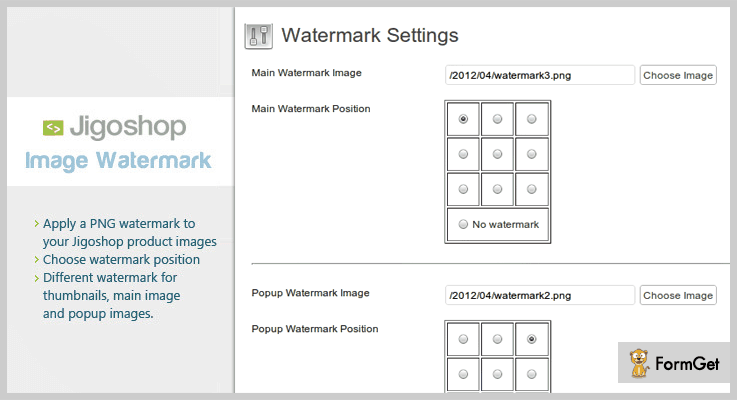
Jigoshop Product Image Watermark by dtbaker is an image watermark plugin. It automatically allows the users to add their own copyright watermark PNG images to all the Jigoshop products.
Apart from being an image watermark plugin, this tool also works with regenerate thumbnails WordPress plugin to edit & update the thumbnails of the images.
So the user will be able to add watermark signature to the existing old images.
Pricing for this WordPress Plugin:
- Regular: $19, 1 user, end users are not charged.
- Extended: $95, one user, end users can be charged.
Features of this WordPress Plugin:
- Watermarking position adjustment either left or right.
- Multiple watermarks for main image, thumbnails & popup images.
- PNG watermark adding.
- Checked by Evanto.
3. WordPress Real Thumbnail Generator: WordPress Thumbnail Plugin
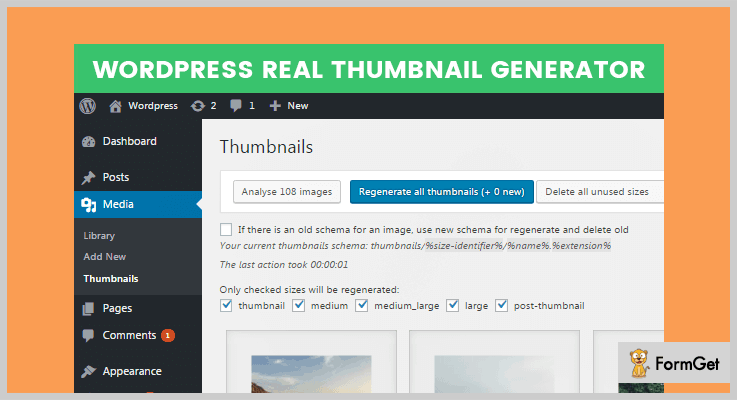
WordPress Real Thumbnail Generator (WordPress RTG) is a regenerate thumbnails WordPress plugin. Seems like all the plugins mentioned in this listing have almost same features.
It’s not like that. Yes, this plugin allows the user to regenerate thumbnails for the existing images.
Yet one unique thing about this plugin is that the user can regenerate single as well as multiple images thumbnails in bulk.
Pricing of this Regenerate Thumbnails WordPress Plugin:
- Regular: $15, one client/user, end clients as wells as users are not charged.
- Extended: $85, one user/client, end users as well as clients can be charged.
Features of this Regenerate Thumbnails WordPress Plugin:
- 33% faster than other plugins.
- Compatible while working with PDF files, Revolution slider as well as touch devices.
- Whole media library regeneration.
- Support for 6 months.
- Easily able to work with existing/old images.
4. Image Sizes Manager: Cheapest in Regenerate Thumbnails WordPress Plugins
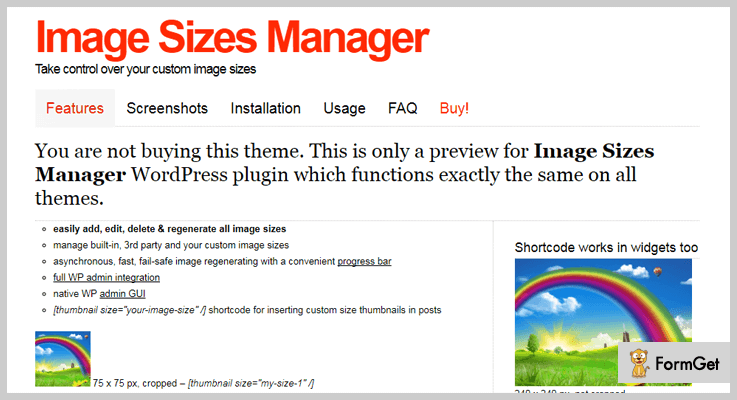
Image Sizes Manager is a complete image tool which helps to work on various parameters of the image editing such as adding, editing size of image & many more.
Apart from being an image size manager, it is also one of the cheapest in paid regenerate thumbnails WordPress plugins.
That means the user can add as well as edit the thumbnails of the images anytime.
Pricing for this WordPress Plugin:
- Regular: $12, 1 client/user in which end clients & users are not charged.
- Extended: $60, 1 user/client in which end users, as well as clients, can be charged.
Features of this WordPress Plugin:
- Add, edit, regenerate & delete images of any size.
- Image regeneration with a convenient progress bar on fail-safe mode.
- Thumbnails shortcode for inserting column size on thumbnails having contained in posts & images.
- WordPress admin integration with efficient WP GUI.
5. Free Regenerate Thumbnails WordPress Plugin:
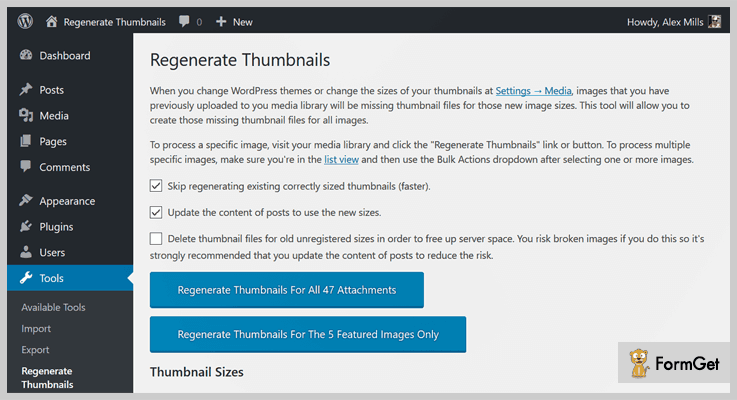
Regenerate Thumbnails is a free WordPress plugin which helps the user to regenerate thumbnails of all sizes one or more than one image.The image for which thumbnails size is to be edited is uploaded directly to the media library.
Pricing of this Thumbnail Plugin for WordPress:
- Regenerate Thumbnails is free of cost.
Features of this Thumbnail Plugin for WordPress:
- Deletion of unused as well as old thumbnails.
- Skips regenerating old/existing perfectly sized thumbnails.
- No effect on thumbnails when theme is changed.
- Content updation of posts to use the new sizes.
6. reGenerate Thumbnails Advanced: WordPress Plugin
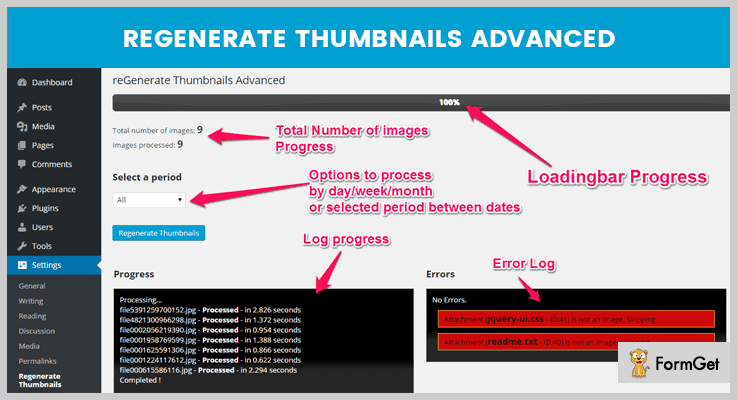
reGenerate Thumbnails Advanced is regenerate thumbnails WordPress plugin. It helps in editing the thumbnails of any image.
The most noteworthy fact about this plugin is that when you change the theme of our site, it may ask for a different image as well as its thumbnail size.
The size of the image will get disturbed due to this change. But in case of this plugin, the image is cropped & resized to the size of the thumbnail during uploading a new image.
Pricing for this WordPress Plugin:
- reGenerate Thumbnails Advanced plugin doesn’t charge any amount.
Features of this WordPress Plugin:
- Removes unused as well as unnecessary thumbnails of old images.
- Set periods for regenerating the thumbnails of the images.
- Translation ready in any language with RTA text domain.
- A clean simple interface where the progress bar shows the percentage of images regenerated.
7. Regenerate Thumbnails HTML: WordPress Plugin
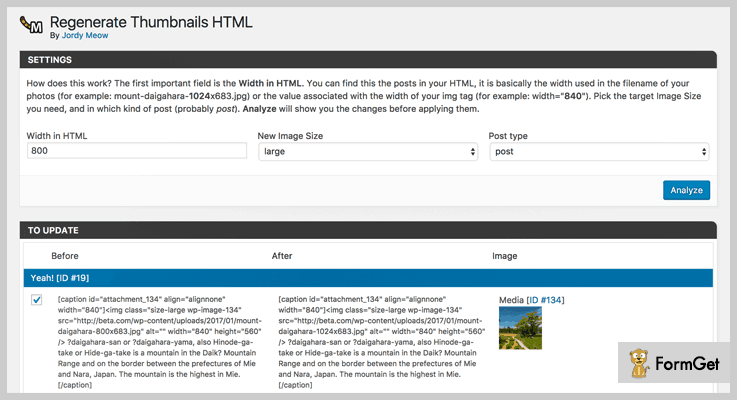
Regenerate Thumbnails HTML is a WordPress plugin which helps during the updation of media. When the update of the media’s size or the theme is done, the thumbnail images are regenerated again.
But the posts also contain the same images which are old. As they are old, they will have an older metadata which will not fit with the current image.
That’s why this plugin fixes it by helping in regenerating the HTML syntax for thumbnails as well as images in content.
Pricing of this Regenerate Thumbnails WordPress Plugin:
- Regenerate Thumbnails HTML is free of cost.
Features of this Regenerate Thumbnails WordPress Plugin:
- Uses simple HTML code.
- Suggests ‘Media Cleaner’ to detect useless files.
- No change in metadata of images during theme change.
- Pre-advices its users to backup database before modifying it.
Conclusion:
In conclusion, we’d like to say that you should choose one of the best add-ons from the above regenerate thumbnails WordPress plugins. Some of them are free as well as paid.
Most of them have the feature of thumbnails editing as the primary one while some have it as a secondary one.
Apart from all of this stuff, the main focused thing is that they all are capable of re-creating or regenerating the thumbnails of the new as well as old images. And Yes! We’ve mentioned some blogs which can do a lot more than that.
So all the best for your decision & we hope that you choose the best WordPress plugin from them.
If you still have any doubts or suggestions, please comment in the section below & we will help you out with your query!
5+ Library WordPress Plugins 2022 (Free and Paid)

There are thousands of WordPress sites on the web which carry an enormous amount of media files and digital content in an unorganized manner.
One of the simplest ways to arrange this type of content in through library WordPress plugins.
These plugins are so advanced that using them you can define a sequence, reorder, add, edit and remove media content on a WordPress site.
You can automate various tasks like file arrangments, data fetching, bulk upload etc. Library WordPress plugins are capable of implanting media data on a website with ease.
So, for your convenience, we have elaborated some of the top class library WordPress plugins which will help you organize media content is an easy way.
This is not all below we have mentioned some renown blogs on most commonly searched WordPress plugins:-
1. WordPress Real Media Library – Plugin
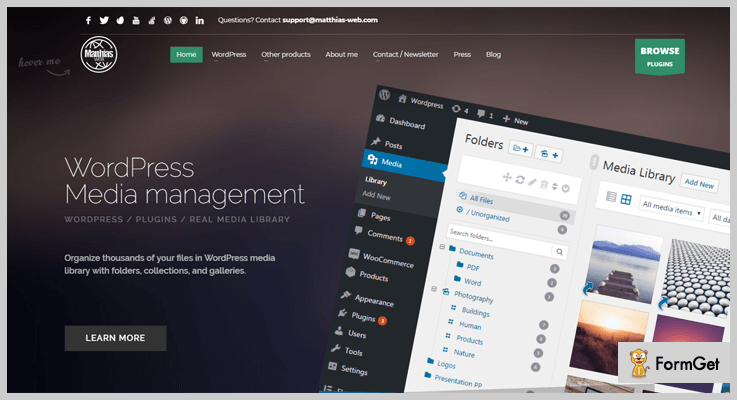
With WP real media library plugin you get access to multiple top class features and services. This plugin permits you to manage media content in the form of images, video, audio and doc files on a website.
You can easily create categories, folders, galleries for the bifurcation of media content and you can also apply filters to multiple files in bulk.
Price Plans For WordPress Real Media Library – Plugin
- The regular license has got a price tag of $24. It allows you to manage media files and libraries on different parts of your website like pages, posts, galleries etc.
- Extended license will cost you $120 for all the features, plus you would have to pay $38 extra for 12 months support on this plan.
Features:-
- Create separate shortcodes for files.
- Reorder the media content on your website using drag & drop feature.
- Create galleries which are dynamic and upload files straight to the folders.
- Get quick and responsive support for a duration of 6 months.
- It offers multisite WordPress support.
Click For More Details On Library WordPress Plugins
2. Enhanced Media Library – WordPress Plugin
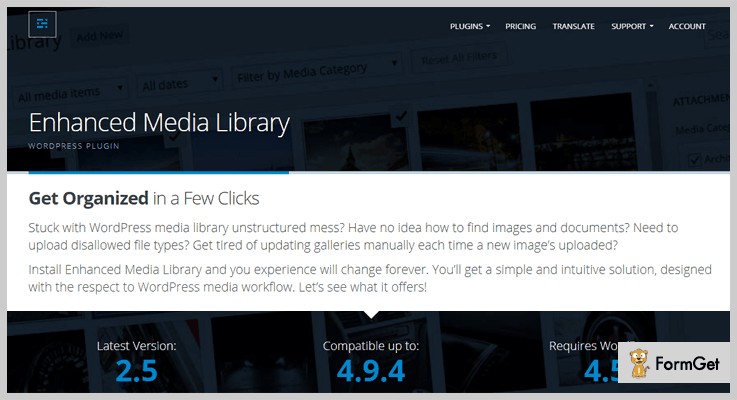
Enhanced media library is one of the best WordPress plugin through which you can restructure galleries and organize media files on your website with ease. It helps you omit manual updations as all the changes are auto reflected on the site.
You can define the order of the content by date, title, ascending or descending order, you can even use drag & drag to order the content.
Price Plans Of Enhanced Media Library – WordPress Plugin
- Free plan will not cost you a penny, but will give you access to various feature and facilities to manage media files on a WordPress site.
- The Pro plan will cost you $25 with which you get multisite access to the plugin. With this plan, you can create unlimited categories/tags, rearrange, customize, bulk upload files, etc.
Features:-
- Drag & drop feature to simplify re-ordering process.
- Assign tag or category to the image and it will get auto-updated in the gallery.
- MIME type management feature helps you add/remove file types, enable/disable uploads, etc.
- Define categories for media files in bulk.
- Multiple media file selection with a single click.
Click For More Details On Library WordPress Plugins
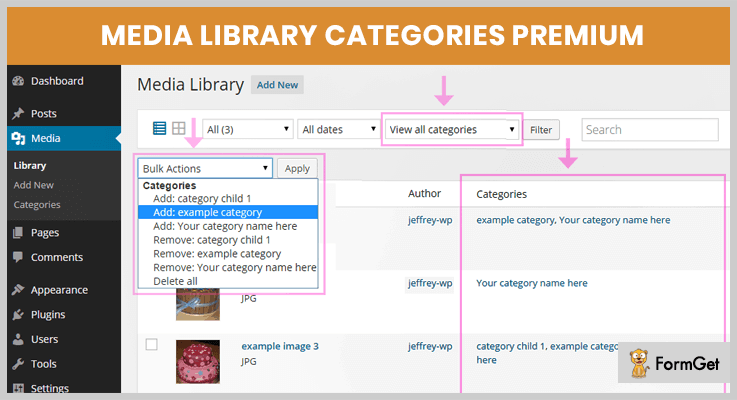
3. Media Library Categories Premium – WordPress Plugin
Media library categories premium plugin enables you to add, remove or edit categories and apply filters on media content.
This plugin supports latest versions of WordPress and works well all WordPress sites, it also allows you perform multiple changes in bulk on media files.
Price Plans For Media Library Categories Premium – WordPress Plugin
- Regular plan, comes with a price tag of $20. It provides you all the basic amenities to manage media files.
- $75 will be charged for the access to the extended plan. With this plan, you will get multisite application of the plugin along with other advanced features.
Features:-
- You can add, edit and delete categories from media content.
- Define categories in bulk for multiple media files.
- Apply filters on categories while adding on to posts, pages, and galleries.
- Perform categories filtration while inserting media files.
Click For More Details On Library WordPress Plugins
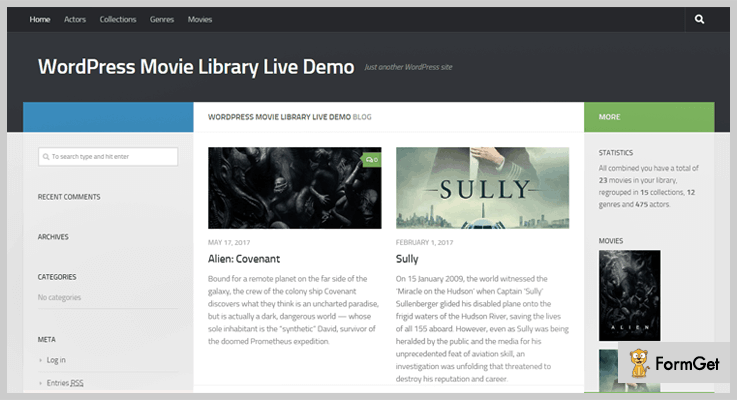
4. WPMovieLibrary – Plugin For WordPress
WPMovieLibrary is a WordPress plugin specially designed for people who want to manage movie details like composer, writer, cast and more on a website.
This plugin helps them automate various updating tasks, as it is extremely simple to use and can be applied to any WordPress site without hassle.
Price Plan Of WPMovieLibrary – Plugin For WordPress
- This is a free plugin which gives you the best ways to manage movie library on any WordPress website. You can perform auto updates and bulk editing of movie details, etc.
Features:-
- Import meta details like title, description, overview, languages, and more.
- Provides fully customizable dashboard which you can design according to your needs.
- Allows creating custom post type for different movies.
- Easily download images and posters of movies with just a few clicks.
- Bulk imports essentials details and automatically apply to relevant places.
Click For More Details On Library WordPress Plugins
5. Memphis Documents Library – WordPress Plugin
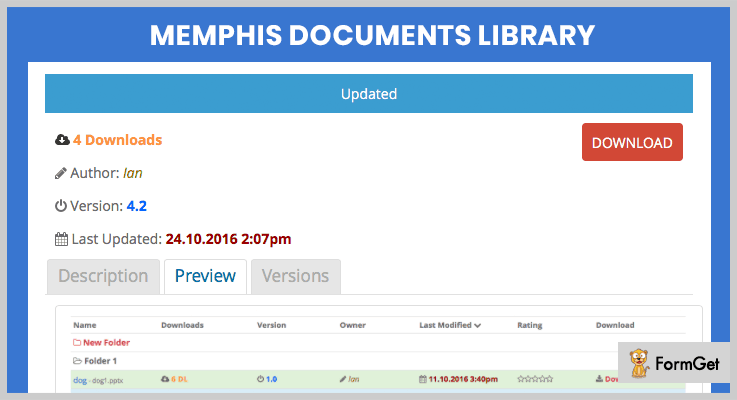
This plugin is mainly used to create, organize and distribute documents files on a WordPress site. Memphis documents library plugin lets you update document while keeping the same link for the file.
This plugin provides frequent updates and has got over 4,000 plus active installations.
Price Plan Of Memphis Documents Library – WordPress Plugin
- Memphis documents library is a WordPress plugin that offers advanced features and customization facilities at zero dollar cost.
Features:-
- Website migration is an easy task as it allows to create backups and storage of documents.
- Preview and thumbnail options are also available for viewing documents.
- You can track the downloading of various files.
- Create social sharing buttons for each document separately.
- View and reverse to old versions of the files using Version control.
Click For More Details On Library WordPress Plugins
6. Remote Media Libraries – WordPress Plugin
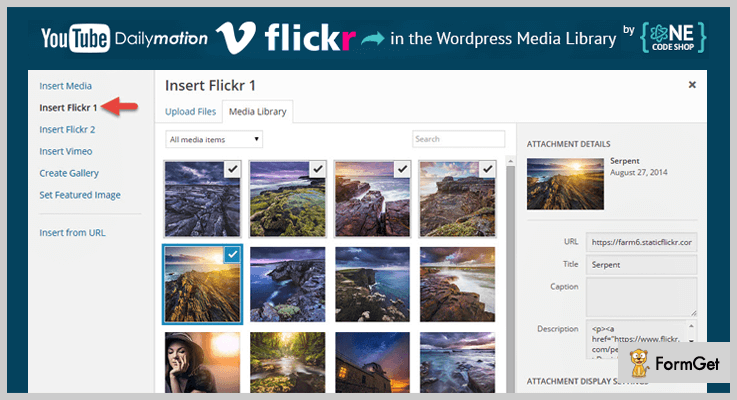
Remote Media Libraries plugin can be used to fetch online content from Youtube, Vimeo, Dailymotion, Instagram, and other sources.
With this plugin, you can project media files collected from different sources straight into the library of your website. It helps you search and insert media files from remote sources into your website posts and pages.
Price Plan Of Remote Media Libraries – WordPress Plugin
- This plugin is totally free and doesn’t charge a penny for all the features and services provided.
Features:-
- It permits you to upload files in batches and perform actions bulk.
- You can define featured images for the media content.
- Allows you to create an unlimited number of remote libraries.
- Integrate with popular platforms like Youtube, Vimeo, Dailymotion, etc.
- This is an open source software which supports all websites on WordPress platform.
Click For More Details On Library WordPress Plugins
Conclusion
It’s time to wind it up as we have arrived at the end of this blog on best library WordPress plugins.
We have explained some of the best paid and free WordPress plugins which will help you manage media files on a website.
After going through this blog if you encounter any queries or have questions related to this blog in mind, feel free to ask them via comments.
We have also got the blog which is on popular themes below:-
7+ Upload File WordPress Plugins 2022 (Free and Paid)
Importing files on WordPress via upload file WordPress plugins is an effortless way to get your files on the desired page.
Before going through the blog, let me explain to you what really are these plugins:
A WordPress file uploader plugin basically takes the desired file from the user which is to be uploaded on the WordPress site. After uploading, it allows the user to share, edit & many other things.
What if the files you upload show some abnormal behavior such as:
- Files are not opening properly.
- Sharing of files is denied.
- Or you are trying really hard to edit it.
That’s the most noteworthy problems of this era!
Either the file is corrupted or the plugins are the reason for it. You can easily solve the problem of the corrupted files by re-creating as well as editing them.
But there can be some plugins which do not upload files effectively i.e., they always leave the ground for errors.
Fortunately, there are also some plugins which don’t generate any kind of errors during & after uploading of the files.
So for those people who are seeking for genuine add-ons, here we’re with 7+ upload file WordPress plugins (Free as well as Paid) which they can integrate with their WordPress site.
As per their user’s experiences, they are the best plugins for uploading the files to the WordPress with just a single click.
1. WP Media File Manager: Primest in Upload File WordPress Plugins
WP Media File Manager is one of the best add-ons in upload file WordPress plugins. By using its drag & drop features, one can organize the media folders from WordPress media library.
There is no requirement for creating folders manually. Its enhanced media library plugin allows the user to upload directories with multiple numbers of files directly from PC’s file manager to website.
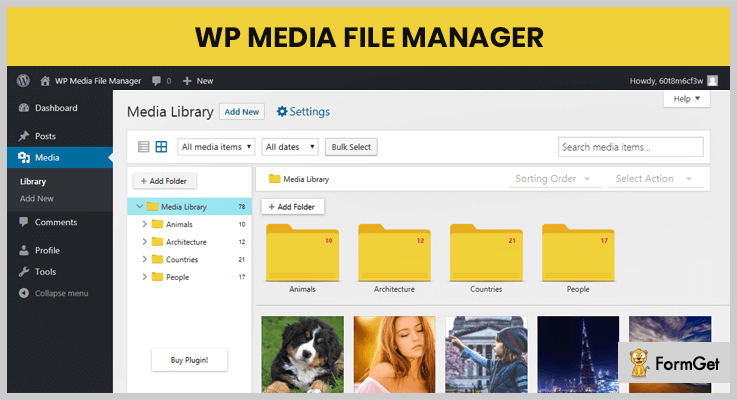
Pricing of this Upload File WordPress Plugin:
- Regular: $24, no charge to end-users.
- Extended: $120, end-users can be charged.
Features of this Upload File WordPress Plugin:
- Drag & Drop:
You can organize the files & folders either by moving one by one or selecting bulk of files. All of this is done through its drag & drop feature.
- Third Party Compatible:
This file upload WordPress plugin is compatible with Visual Composer, WooCommerce, Divi Builder, Slider Revolution & many more.
- File Types:
This plugin has only supported those file types which are most popular & effective. Apart from it, you can wish to change the uploading file types anytime you want to.
2. Drop Uploader for CF7 – Drag&Drop File Uploader Addon
It is a WordPress file upload plugin through which you can easily upload files to the website. This Addon provides drag and drop area to upload files. Apart from this, you can send uploaded files as mail attachments.
This plugin allows you to upload files of any size and you can specify what type of files can be uploaded.
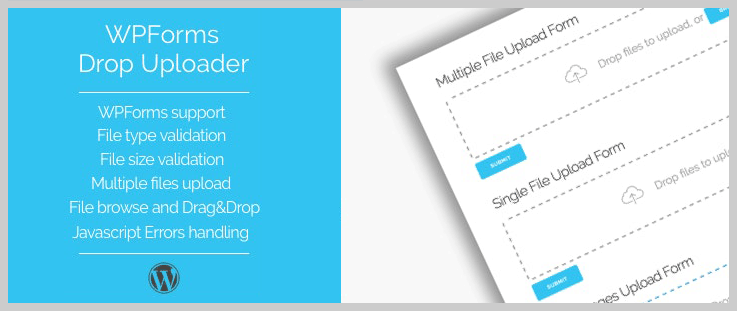
Pricing of this WordPress Plugin:
The charge of its regular license is $17 only and you can also go for extended license at $90 only.
Features of this WordPress Plugin:
- Thumbnails and list layouts:
The user can easily choose which layout is more suitable for the site.
- Drag & Drop feature:
To add & upload files user can use drag and drop method or default file browse method.
- Style Options:
You can change color, border size, browse buttons and icons by customization of the uploader.
3. WooCommerce Drag & Drop Uploader: WordPress Plugin
WooCommerce Drag & Drop Uploader is a plugin which lets the customers upload files for purchased products directly from its product page.
This plugin allows uploading one as well as multiple files on the product page with Ajax drag & drop uploader.
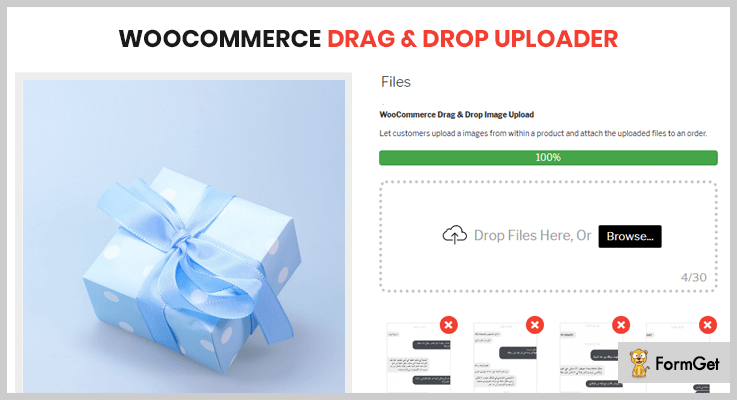
Pricing for this WordPress Plugin:
- Regular: $19, one user, no charge to end users.
- Extended: $120, 1 user, no charges on end users.
Features of this WordPress Plugin:
- Upload Files Count:
The customers can see the files upload count on the product page itself.
- Authenticate Files:
You as well as your customers can preview the file which is to be uploaded in order to remove the unwanted files before uploading.
- Multiple File Support:
The supported file types are: jpeg, png, gif, zip, rar, mp3, wmv, mp4, pdf, eps, doc, xls, docx & many more.
4. Arfaly Press: WordPress Frontend File Upload
Arfaly Press is a WordPress frontend file upload plugin for multimedia files. It is highly configurable with a contemporary design as well as UX animation for maximum usability.
The plugin has a backend management system where the user can create the unlimited number of file uploaders with ease.
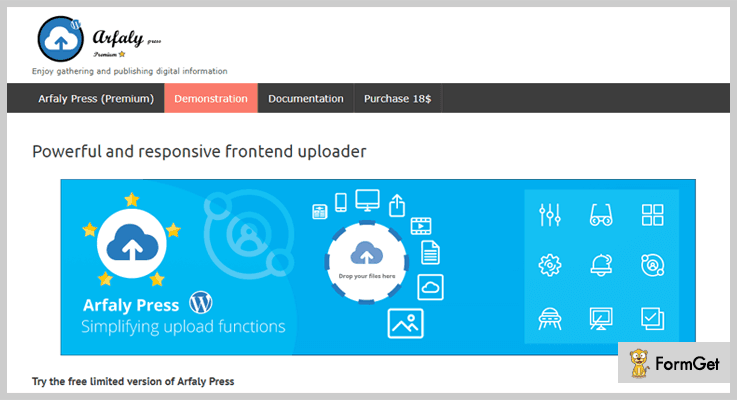
Pricing of this WordPress Frontend File Upload Plugin:
- Regular: $18, 1 client, no end client is charged.
- Extended: $90, one client, end clients may be charged.
Features of this WordPress Frontend File Upload Plugin:
- Translations:
This upload file WordPress plugin has a PO template. This template is always ready for translations into other languages.
- Browser Compatibility:
It is compatible with most of the modern browsers such as Firefox, IE 9+, Chrome, Safari & many more.
- Acceptable File Types:
This plugin accepts the file types such as audios, documents, videos, archives & music.
5. WooCommerce Chekcout Drag and Drop Files Upload:
This plugin easily enables the customers to upload images as well as patterns in a systematic order.
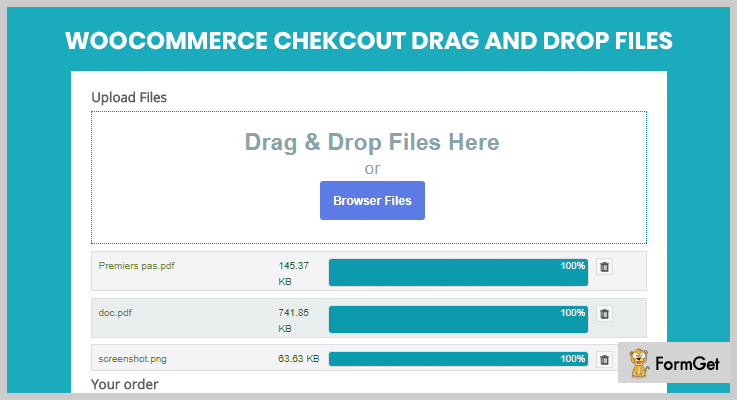
Pricing for this WordPress Plugin:
- Regular: $17, one user/client, end clients are not charged.
- Extended: $50, 1 user/client, end clients can be charged.
Features of this WordPress Plugin:
- WooCommerce Versions:
This plugin is compatible with all versions of WooCommerce from ‘1.3.2.1’ to ‘3.1.x’.
- File Uploading Limit:
You can easily set a limit on the number of file size uploads to prevent any problem which may occur after multiple file uploads.
- Themes:
It is compatible with all of the themes. Apart from it, one can validate the file type as well as its size.
6. Real Uploader for WordPress: WordPress Plugin
Real Uploader for WordPress is one of the cheapest upload file WordPress plugins. It is based on javascript and supports HTML5 uploadings.
This plugin provides drag and drop uploads with a preview of the image at the time of uploading.
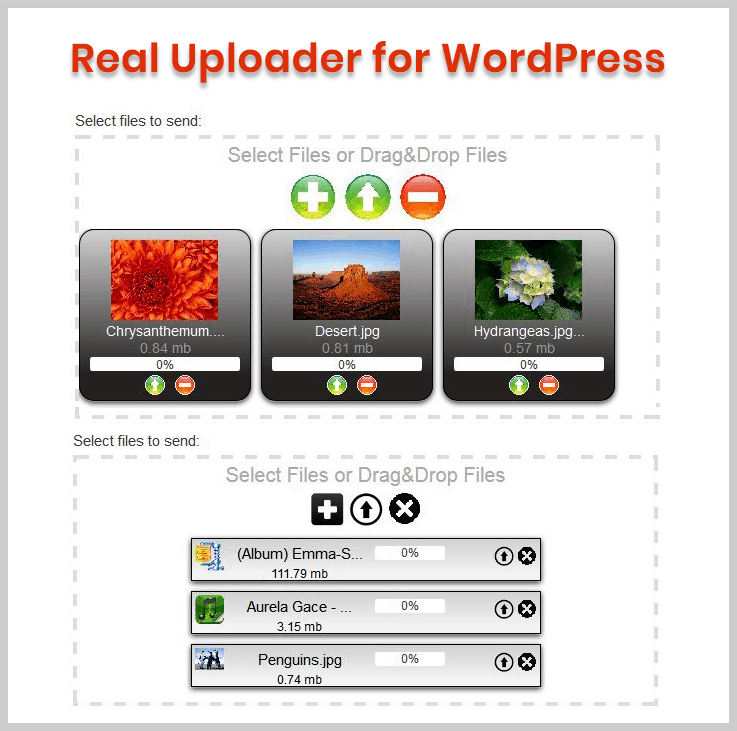
Pricing for this WordPress Plugin:
Its regular license charges $15 only and for the extended license, you have to pay $75.
Features of this WordPress Plugin:
- Multi-file uploads:
It provides multi-file uploads on all browsers with light-box like previews of the images.
- Report panel:
By this feature, you can easily analyze the reports of the uploaded files.
- Thumbnail Generation:
With this feature of Real Uploader WordPress plugin, thumbnails generation of images on the server-side can be done easily.
7. Files.fm File Upload Form: Primest in Free Upload File WordPress Plugins
Files.fm File Upload Form is the best free upload file WordPress plugin. It is basically a file sharing and storing service.
Apart from it, one can create file upload form plugin for WordPress to receive the files directly from the WordPress.

Pricing of this File Upload Plugin for WordPress:
- This WordPress plugin is free of cost.
Features of this File Upload Plugin for WordPress:
- Progress Bar:
During a file upload, you can easily the progress of the file uploading on the page through its progress bar.
- Easy Process:
Through the HTTPS (Hyper Text Transfer Protocol Secure) data encryption, file uploading & downloading is fast as well as secure.
- Form Color:
One can choose any color of the form to make it more beautiful & responsive from the user’s perspective.
8. Front End File Upload and Manager Plugin:
Front End File Upload and Manager Plugin help the user to upload files for the admin. All the files are saved in the directory. That’s how each user will be able to delete as well as download the files after login.
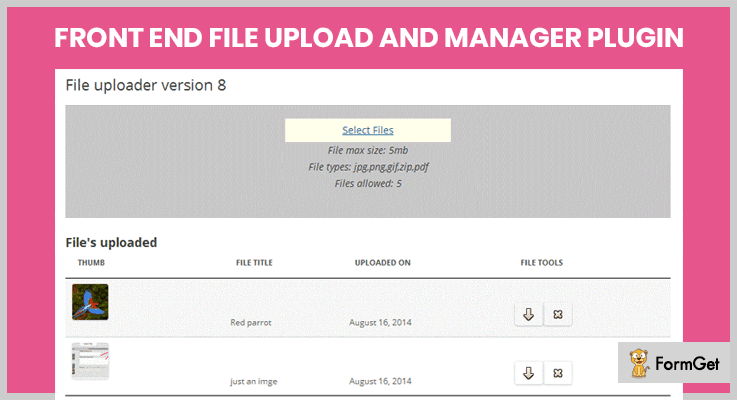
Pricing of this File Upload Plugin for WordPress:
- This WordPress file upload plugin is free of cost.
Features of this File Upload Plugin for WordPress:
- Uploading Elements:
As a user, you can upload various elements such as button font, background color & its title.
- File Limit:
One can upload up to 5 files on the page to avoid any data loss.
- Messages:
You may receive the messages in some cases when the file uploading is successful as ‘Success’ or ‘Error’ when there is any fault.
Conclusion:
Hence above are some of the best free as well as upload file WordPress plugins which are most relevant & easy to use. They are able to securely upload your files to the WordPress page.
Either some of them use shortcodes or the files can be uploaded directly by uploading buttons as well as drag & drop elements.
So we’d advise you to choose the best plugin for them, especially that one which securely uploads the files.
For any suggestions as well as queries, please comment below. We’d love to hear your thoughts!
You can also try out other free as well as paid plugins for your WordPress site:
7 Best Directory WordPress Plugins 2022 (Free and Paid)

Today the popularity of online directories is increasing day by day. Creating a directory website might be a challenging task unless you have the right directory WordPress Plugins tool.
You can convert any running WordPress website into an online directory website by simply adding a directory plugin to it. It can create your web page into a local business directory, business listings, map integrations and much more.

Let me explain a little bit about business directory:
- Enhance Marketing – It enhances a business’s visibility by connecting it to various local customers on the online platform.
- Target large number of visitors – Directory plugins a business get listed in the popular business directories and improve a business’s status more.
Business directory makes the work easier for your users by placing all the information in a single place so that users can find the required information easily which they are looking for.
The plugins allow you to create both front-end and back-end businesses directories such as Yelp, Yellow pages etc.
Here, in this post, we’ve handpicked some of the best directory WordPress plugins (Free & Paid) which help you to save more time and cost.
You may also like:
1. Local directory plugin – Directory WordPress Plugin
WP local plus directory WordPress plugin is the complete solution for your business WordPress directory. It is an automated WordPress plugin which creates an automatically content page for your website.
This WordPress plugin is used for local business directories, reviews, business listings, coupon offers of your services and much more. After using this plugin you’ll get an better user experience.

Pricing –
Get its platinum plan at just $99/Y and take its silver plans offer at just $17/M.
Features –
- With its auto-generation service to enhance your existing user experience on your blog.
- Enhance your blog or web by adding more local directories or discounts.
- It offers a high powered search tool to show the most relevant local results possible.
2. MapSVG – Best Directory Plugin for WordPress
MapSVG is one of the most powerful and best directory plugin WordPress. The plugin allows you turn any SVG files into interactive vector maps and fully customizable map with directory plugin.
It lets you build a local business directory, business provider listings etc. It includes all major countries of the world.
Pricing –
Get its tons of features at just $35 for 6-month support and extend the services at $175 for an unlimited feature.
Features –
- It allows you edit the SVG maps in any vector editor so you can easily draw your own maps.
- It provides an integrated database to show any kind of object in a database.
- With its form builder tools, create a form for to fill the database.
- Permits you to add markers by geo-coordinate or address.
3. Connections Pro – Business Directory Plugin
Connections Business Directory is a popular free directory plugin available at WordPress.org with over 10,000 active installations and growing. The plugin is highly rated with over 300 of its users rating it 5 stars giving it an average rating of 4.9 out of 5 stars. Due to its ease of use, flexibility, excellent support and frequent updates which continually add new features.
Connections Business Directory not only makes it easy to create business directories, ideal for the chamber of commerce sites, but it can be used to create a personal address book, church directory or staff directory.
Pricing –
You can download this software for free from their website.
Features –
- Compatible with all themes including popular themes such as Avada, Divi, Enfold and OceanWP.
- Compatible with popular page builders such as Elementor, Beaver Builder, Brizy, Visual Composer, Fusion, SiteOrigin, etc.
- Supports the WordPress Block (Gutenberg) Editor with several blocks.
- Repeatable fields for address, phone numbers, email, IM, social media, links and dates which allow you to add as much or as little as you need for each business in your business directory.
- Hierarchical (nested) category support.
- Large library of add-ons (extensions), both free and premium, which add additional functionality.
4. Sabai Directory plugin for WordPress – Business Directory Plugin
Sabai Business Directory plugin is one of the most popular and WordPress directory plugins. It has an ability to build a beautiful directory on your WordPress site.
The plugin lets you create a community-driven local business directory like Yelp, Google+, Yahoo and more. This plugin is fully responsive and comfortable to view on any screen.
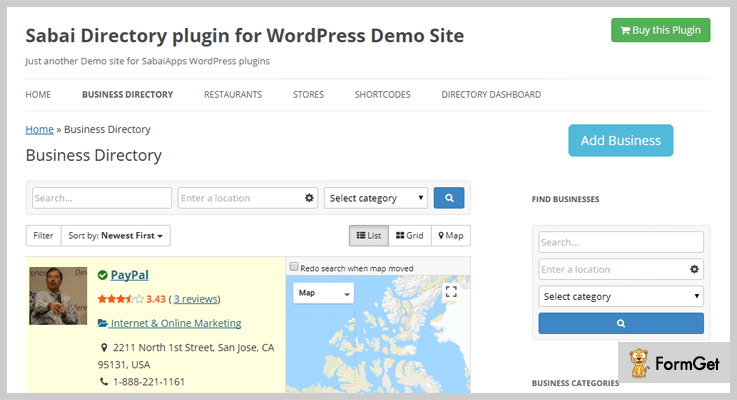
Pricing –
Download the plugin from its official site i.e., wordpress.org at just $29 and for more varieties of features get the plugin at $149.
Features –
- The plugin supports various payment options such as PayPal, Stripe, 2 Checkout and many more.
- The plugin provides a fully interactive map to show the listing details, autocomplete location field etc.
- Shows the display listings in grid or map view.
- Supports multi locations.
5. Web 2.0 Directory plugin – Directory Plugin for WordPress
Web 2.0 Directory plugin for WordPress is the another powerful and premium plugin. It is ideal for creating a different type of listings such as wedding sites, real estates, classified ads, events and many more.
This plugin can be used for any purposes and is comes with location-based features for enhancing the user experience more. Web 2.0 is completely responsive and SEO friendly for making your website looks great on any device.
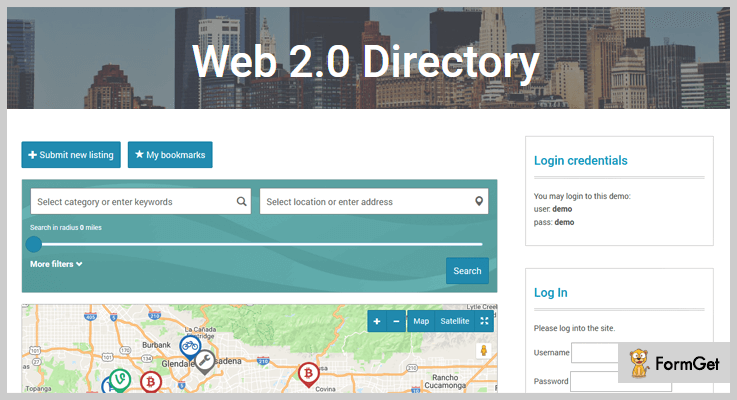
Pricing –
Download the plugin at just 34 from its official site wordpress.org get multitudes of more features at $170.
Features –
- With its WooCommerce payment system take or make easily payments from anywhere.
- The plugin provides completely customized content fields.
- Compatible with Visual composer and SIteOrigin page builder.
- It displays radius on the map.
- Allow CSV import option.
6. Directory Pro – WordPress Plugin Active Directory
Directory Pro is yet another WordPress plugin to build a beautiful and functional directory for your visitors. The plugin contains custom post type.
Moreover, it allows you to do editing or add anything from both side front-end as well as back-end. Its custom support post type optimizes your website with SEO plugin for search engine ranking.
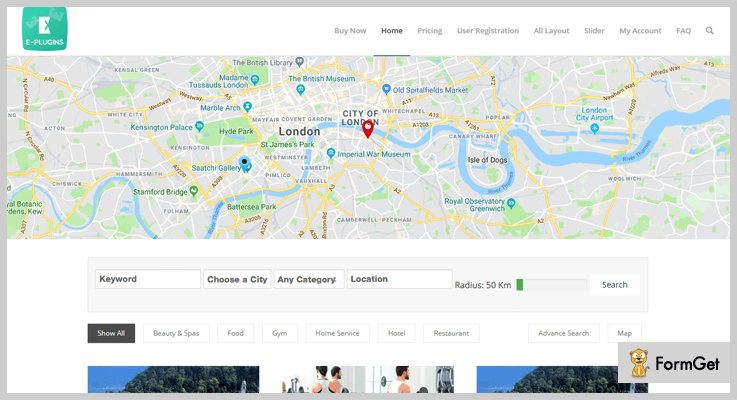
Pricing –
Get its premium features at just $34 and extended up to its service at $395.
Features –
- The plugin is integrated with various payment gateways like PayPal, Stripe, and WooCommerce gateway.
- It is completely responsive and SEO friendly.
- Allows adding an unlimited subscription.
- The plugin is completely multilingual.
7. GeoDirectory – Business Directory PluginWordPresss
A GeoDirectory plugin is flexible and free WordPress plugin that allows you to build functional & location-based directories on a website.
The plugin is capable to centralize the massive traffic on your website. You can turn any WordPress theme into a lightning fast-global business directory.

Pricing –
This plugin is completely Free. You can download this from its official site wordpress.org.
Features –
- Allows you to expand multiple locations or make global directory.
- Through its front-end forms your users can submit their listings through a drag and drop form builder.
- Add million of a business list in the plugin.
- Supports WPML to make it multilingual.
8. Business Directory Plugin – Business Directory WordPress Plugin
Business directory WordPress plugin the widely used WordPress plugin for creating a business directory on a website. At present, the plugins support more than 2000+ active installations.
The plugin lets you build a business provider listing site such as revenue generation section, directory listing site, improve customer retention and much more.
You can also even add Yelp-like review sections as well.

Pricing –
Get its tones of features at FREE of cost only. Install the plugin form its official site wordpress.org.
Features –
- The plugin accepts payment for listings or it has a free listing in a directory.
- Supports recurring payments in most gateways such as PayPal, athorize.net etc.
- Fully customizable form field.
- Supports Yoast SEO and easiest to use.
Negotiation:
After the listings of these 7 Directory WordPress Plugins, my writing come to close. Each of these plugins comes with tons of imaginary features which actually you’re admiring in a directory plugins. Hope this might be helpful.
Do comment below if you’re looking more posts!
5+ User Access Manager WordPress Plugins 2022 (Free and Paid)

If you’re overseeing a huge WordPress website with multiple user roles such as authors, editors, and administrators etc. Then you must have user access manager WordPress plugins.
Take a ride on these articles too –
By default, WordPress comes with an inbuilt user management system. Unfortunately, it lacks some functionalities.
So to overcome this, there are several user access manager WordPress plugins that ease up the administrator’s work by managing the user’s role, restricting the content of the blog for the specific users and so on.
In this article, you’ll find a compilation of 5+ Best user access manager WordPress plugins which help you to manage user roles and capabilities.
Let’s begin and find the best-fit user access manager WordPress plugins for your website –
1. Advanced Access Manager – Cheapest in User Access Manager WordPress Plugins
Advanced Access Manager is a best class premium user access manager WordPress plugin which allows you to manage user ingress, roles and visitors on your website.
The plugin effortlessly manages access to posts, pages, custom posts, and taxonomies etc. It comes with a powerful API with the help of which developers can customize the functionalities.
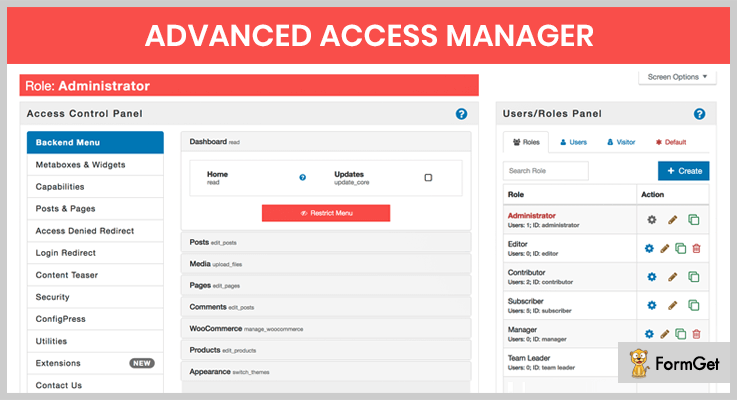
Pricing
You can buy this premium Advanced Access Manager WordPress plugin at just $5!
Features
- Manage backend menu, the plugin gives you the facility to restrict access to any admin menu or submenu by simply checking the restrict access checkbox.
- Remove all the unnecessary restrict boxes and meta box from the backend and frontend for any user role.
- You can manage capabilities for users and roles.
- Default redirect system, for both front and backend, when an access is denied to any restricted resource.
- It gives you the facility to manage your content teaser for any page or posts.
2. WP Ultimate BAN Users
The WP Ultimate BAN Users is one of the finest in paid user access manager WordPress plugins. It provides you the best way to manage user access on your website such as ban the existing users.
Along the lines, it also denies the registration of banned IP, emails, and countries etc. It provides you the highly descriptive dashboard to view insights data and stats with pictorial representation.
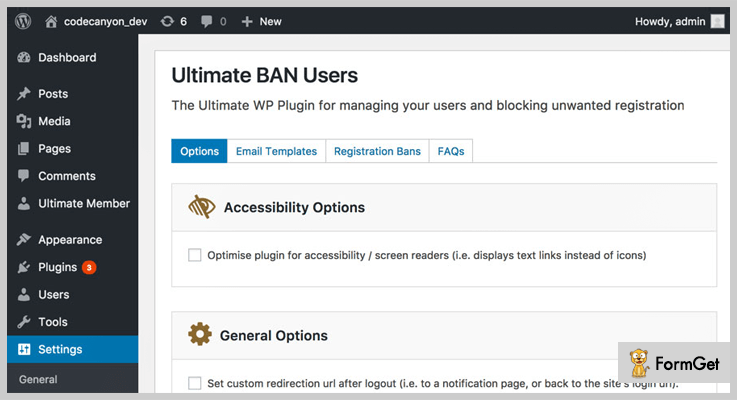
Pricing
Buy this user access manager plugin from Codecanyon at just $18.
Features
- Identify shared accounts that are accessible from multiple resources. And monitor audit data which holds event logs.
- You have the flexibility to turn off the WordPress functions like comments, registering accounts etc.
- It prevents the user to publish the contents having banned keywords or phrases.
- You can monitor the complete insight data of your user’s activities and devices form its dashboard.
- The feature of email notification having CC and BCC fields, along with TAG support.
3. PrivateContent – Trending in User Access Manager WordPress Plugins
PrivateContent is an advanced yet easy solution which gives you the complete user management support. The plugin has a modern framework and powerful engine to restrict any part of your WordPress website for users.
This plugin has the most intuitive restriction engine among all the user access WordPress plugins. Moreover, it ensures you with complete protection, means one can easily restrict any element like pages, posts, and comments etc.
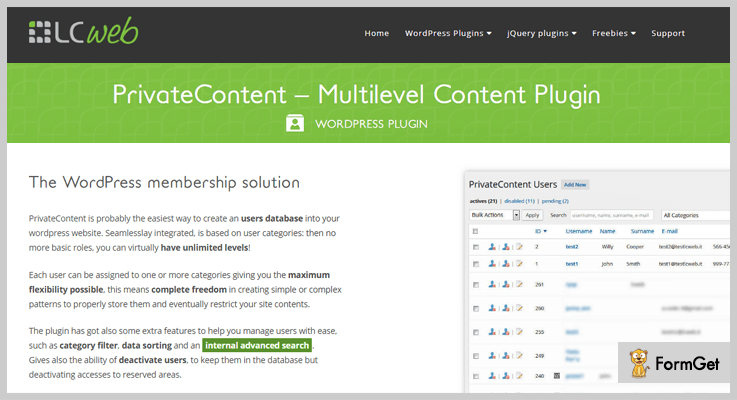
Pricing
Buy PrivateContent user access WordPress plugin at $24 from Codecanyon.net.
Features
- You can lock or hide your entire WordPress website with just a click. There is no other plugin in the market which gives you this extreme featuring of locking down everything.
- You can track activities of the users on your website. Furthermore, it also has Google Analytics integration that helps you to target marketing campaigns.
- The plugin provides the users to sync with WordPress, that means your website’s users also logged in WordPress to use its features like comments or WooCommerce.
- It comes with 3 preset skins, but you can also build your own unique style by customizing its predefined skins via form skin builder.
- The plugin has the lightbox for every need which shown your content at the position of your choice. So, you don’t have to organize your pages and contents.
Want to know more features, click the button below.
4. User Access Manager WordPress Plugin
The User Access Manager allows you to manage the ingress of your content. With the help of this plugin, you can have a private section area at your blog post allowing the people to write at there only not everywhere.
All you have to do is assign a content that you want to restrict and then the users who have the permission are allowed to access the content.
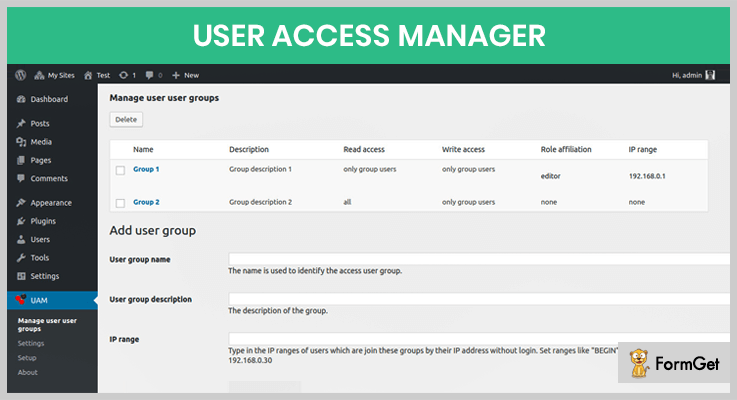
Pricing
This User Access Manager WordPress plugin is available for free on WordPress.org.
Features
- You can set separate access to readers, editors or for user groups.
- You can hide the elements on the navigation bar, and also hide complete post type, pages etc.
- If there is no access, you can redirect the users to other pages.
- It gives you the powerful plugin-API to use User Access Manager with other plugins.
- No limitations on languages, the plugin supports multi-languages.
5. Advanced Access Manager – Free User Access Manager WordPress Plugin
It is a free version of AAM available in WordPress repository. As we’ve mentioned all its premium features above. So, here it gives you limited features which are given below at no cost.
The plugin has more than 1 million downloads and 4-stars rating on WordPress.org. The plugin comes with full documentation and gives you the full set of features to manage user access on your website.
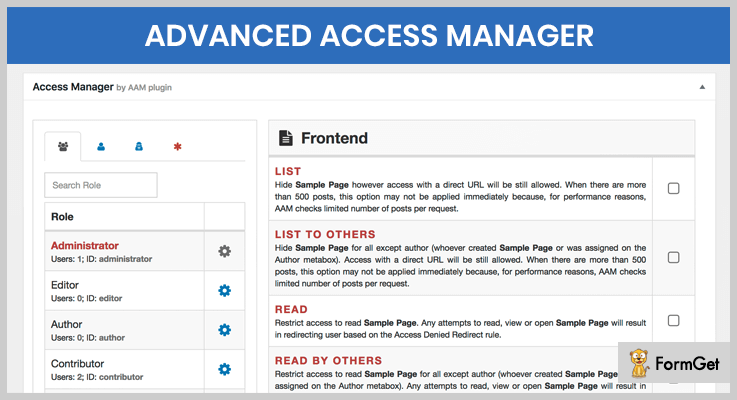
Pricing
Download it for free from the official site of WordPress.
Features
- The plugin has amazing friendly UI. So, that you can focus on your on the important parts only.
- You can define custom redirect for any role, users, and visitors when access is denied.
- The plugin supports multisite. So, that you can sync its settings across your network.
- Filter out unnecessary meta boxes and widgets form both frontend and backend.
- Secured AJAX login widget and shortcode, you can place login widget anywhere on your website.
Conclusion
Hopefully, our listing of the best free and paid user access manager WordPress plugins helped you to find your ideal user access plugin.
Henceforth, you do not need to search for more user access manager WordPress plugins. As if the above-mentioned user management plugins are somehow the best and trustworthy.
Take a smart step, save your time and pick the one from these which fulfills all your requirements.
Moreover, If you need any information about these plugins and want to suggest something. Then, let us know in the comment section.
5+ WordPress Feedback Plugins 2022 (Free and Paid)

Why should you use WordPress Feedback Plugins?
The traditional way of getting feedback from call centres was time-consuming. The smartest way is to install a WordPress Feedback plugin on your business website.
In fact, WordPress Feedback plugins enable a feedback form on your website by which you can get to know the problems, suggestions and overall view of customers responses directly on your emails.
So, we are here with a list of some free, premium and best WordPress feedback plugins of 2018 which will let you –
- Collect all the responses, suggestions or ideas of your customer on your emails.
- Understand your customer expectations and sentiments.
- Gives you insight analytics of your business loopholes.
- Helps to improve your blog or website designs.
So, let your customer be your site’s director and get something that genuinely meets your visitor’s needs.
Here are a few more blogs that you can read:
Now let’s get into the list of 7+ Best WordPress Feedback Plugins.
1. Pabbly Form Builder
You can simply collect the feedback from your customers by embedding feedback forms on any page or post of your site. Also, you can embed forms on the sidebar, or share your forms on social media sites such as Facebook, Twitter and more.
Creating feedback forms using simple drag and drop form builder is just a few minutes task with this form builder. Also, not only feedback, you can create multiple other forms as well using Pabbly form builder like for payment, survey, contact, lead capture and more.
Pabbly Form builder provides you with a sorted dashboard along with tons of features like conditional logic, multi-user account, email notification, and a lot more which you can implement on the WordPress website.
Estimate
This form builder offers multilingual support, collect payment, add spam protection and more at the cost of $15 per month.
Features
- Contact form Re-branding is also allowed which can help you can grab customers attention and promote your product by adding your branding, logos, images and more on feedback forms.
- All the data collected via forms is stored on a cloud server which you can export it anytime in the CSV file format with just a few clicks.
- This form builder supports various security features like form validation, form captcha, email validation and more which prevent you from the un-authentic users or spam entries.
- Using this form builder you can add unlimited form entries in a flash. Also, it helps you to send the confirmation email to users after receiving the form entries.
2. Fixed Vertical Feedback Button
Fixed Vertical Feedback Button is easy to use, straightforward and delicate WordPress plugin. This plugin helps to add a vertical feedback button to your site.
As we know that designs have a major role in bringing traffic to your site. So this plugin will improve your blog’s designs and will also provide you full Control to style-match with your WordPress site.
It provides Pixel Perfect and compatible positioning ie. whatever you design in Photoshop or fireworks, looks exactly the same in all browsers. Also, the vertical feedback button is in trend and we can see it on the left, right or middle of each site as per our need.
So, this useful plugin will reduce much effort for those who don’t want to mess with the template, to avoid undesired problems.
Estimate
The plugin offers premium services for $15 only.
Features
- Provides a lot of styling option which can be executed with help of custom settings page for plugins.
- You can set the background color for feedback button as it’s image is transparent.
- You can align feedback button the way you want. For example, horizontal or vertical with needed proportions and ratios with greater ease.
- Supports four different Contact forms CF Forms 2, Contact form 7 Ninja Form, gravity Form that will reduce spam, have better information control, and provide greater consistency.
3. TrackDuck
TrackDuck has the most advanced application among all the visual feedback tools available in the market. Visual feedback is gathered at one place which makes everything by actual mock-ups or the live application. Feedback is available right on a website or image file. This plugin takes a screenshot of every new comment. A link to the exact page and technical details like browser version, OS, and screen resolution is also provided. TrackDuck provides you a visual approach to bug reporting.

Estimate
It has different pricing models which start from $9 and goes up to $99 based on the number of projects
Features
- You are allowed to integrate popular tools like Trello, Github, Asana, Hipchat, Slack, JIRA with a two-way synchronization.
- Capable to create and assign tasks, set priorities and much more while being on the same page. This will saves a lot of times and reduces the hassle of switching over different pages.
- Feedback is available at right on top of the page element which allows us to quick decision making.
4. eForm – WordPress Form Builder
eForm – WordPress Form Builder is the Premium WordPress Form Builder. It has the capability to integrate into your existing WordPress site. You get complete solutions for your most important tasks. This robust and all-inclusive form builder is the best combination of style and practicality. It is clean and modish to use and packed with all the components you need.
Estimate
The plugin starting price is from $38 for 6-month support and extended support of 12 months at $12.75
Features
- No coding knowledge required: Equipped with intuitive drag and drop form builder. Using this, you can quickly manage form components, change the settings, themes, designs, etc.
- Fast & scalable: The system can handle 100’s of form components with conditional logic and mathematical calculators.
- Dynamic and responsive design: eForm fits with every kind of devices like iPad or a PC. eForm makes sure that your forms are readable and interactive to get most conversion rate.
- WooCommerce integration: You can build your own powerful eCommerce presence. Helpful in converting new customers with the help of forms, automation, and powerful segmentation
5. Usernoise Pro Modal Feedback & Contact form
Usernoise Pro is an easy to use, delightful WordPress plugin. It allows users to gather and discuss the feedback which makes it an interacting plugin. Provides clean, precise and up-to-the-mark feedback. Answering the feedback submitted from the email software is also possible through this plugin. It is a user-friendly plugin and allows the users to set screenshots of feedback for better information. The interesting part is the integration of Akismet. It fights spams without monotonous captcha requirements. The plugin has shortcuts to let the feedback display on any of the page.
Estimate
The plugin starting price is from $19 which offers you 6-month support and with $5.63 an extended support of 12 months.
Features.
- Available in both WordPress as well as PHP version.
- Reporting the progress and status of each item is possible as you can assign categories and status to the feedback submitted.
- Shortcodes provided to put feedback discussion onto any of the pages.
- Provides feedback form which is customizable and can go with all your business needs
6. WebEngage Feedback, Survey, and Notification
WebEngage is a multi-channel user-friendly platform which automates user intercommunication. WebEngage is an only platform which allows you to connect with users right from the initial sales pitch to the final sales conversion. The form plugin allows your organization to engage not only with existing users but also with unregistered users. Additionally, WebEngage enables you to create a multi-channel engagement marketing campaign.
Estimate
This plugin is available freely on WordPress. It also offers different pricing plans with an assortment of features and capabilities which starts from $199 to $1499
Features
- Easy and unlimited feedback from customers.
- Insight collection and analyzing all the data.
- Increasing conversion rate by sales push approach.
- Offers to push a feature update message to all your visitors or announce a downtime on your website.
- Webengage is a great source of information. It not only provides feedback but also grabs other useful information like location and IP address etc.
- You can add your own fields to feedback form but this feature is available only with the paid version plugin
- Responses to all the surveys and feedback can be downloaded in a real-time interface.
7. MyEffecto-Instant Emotion Reaction
Myeffecto emotion reaction plugin is the user-friendly emotion based rating system. Provides simple menu consisting of many emotional responses. Emoticons like awesome, love, like, dislike, and sad are available. The great part is that you can also create new menus by mixing and matching dozens of emoticons and text labels.
Estimate
It is available for FREE. You can also request for customizable buttons.
Features
- Tracking visitors sentiments by one click feedback.
- Creates new emoticons which go with your blog.
- Includes optional recommendation and social sharing widgets.
- Highly customized which can work on any device be it a mobile laptop, desktop etc without any hassle
- Custom CSS can be added to your menu and it supports 23 languages.
Winding up
This was from our side on 5+ best WordPress Feedback Plugins. WordPress Feedback Form Plugin will help you to get the genuine and valuable feedback from your potential user. This will play a vital role in your business success.
So, we hope with these plugins you must have found a perfect match for your website.
5 Hide Page Title WordPress Plugins 2022 (Free)

Hide Page Title WordPress Plugins provide functionality to hide the title of a page/post on a WordPress website.
First of all, let us know a little about the title tag. A title is nothing, but the name of the page. It is kind of ‘mandatory’ because of many programming aspects. So, it’s our choice whether to avoid writing it or we could just follow the standard and title our page. After that, we can easily hide it using the plugins.
If you don’t want your Home Page to be titled as ‘Home’ or if you want to hide the title, you can simply use this awesome plugin. You can turn the title tag on/off and in addition, the plugin will also allow you to toggle the title’s visibility at any instant.
So, from this point forward we are going to need a Hide Title WordPress Plugin for our website. As of now finally, we know about the Hide Page Title WordPress Plugins.
Before going any deeper about the topic. Check out these popular WordPress Plugin blogs-
Let’s have a brief discussion on the 5+ Best Hide Page Title WordPress Plugins which are available for FREE-
1. Title Remover– Recommended Plugin in Hide Page Title WordPress Plugins
The Title Remover WordPress Plugin can be used to completely remove the page title using your WordPress admin panel. The plugin simply adds a meta-box with the post creation table in the admin interface. It also allows you to toggle the visibility of the title. Instead of hiding the title with CSS or JavaScript it helps you completely remove the title.
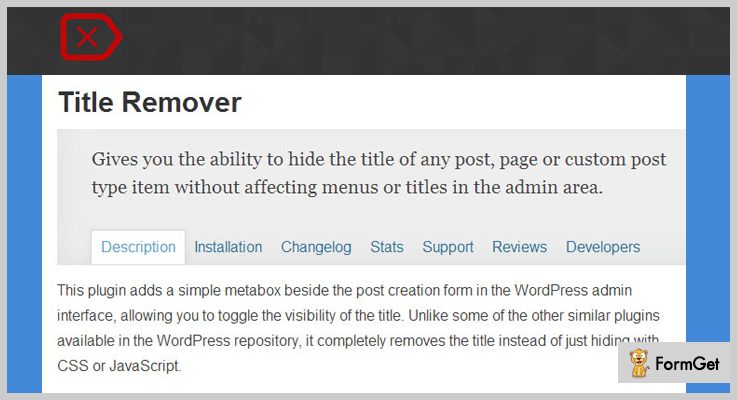
Pricing Plan-
The Title Remover WordPress Plugin is a FREE of cost plugin.
Features of Title Remover WordPress Plugin-
- The plugins functionalities don’t affect the menus or post tables in the admin area.
- Checkboxes displayed in the post creation form.
- Displays checkboxes in the post creation form to hide the title.
- A meta-box contain the checkbox for the purpose to hide the title for all post types.
2. Genesis Title Toggle– Famous Amongst Hide Page Title WordPress Plugins
The Genesis is one of the Hide Page Title WordPress Plugins. It easily lets you remove the page title from a specific page. If you don’t want to show the title of any page then use the easiest way. Edit the page and don’t forget to check the ‘Hide’ checkbox.
The Genesis Hide Title WordPress Plugin only works with Genesis theme.
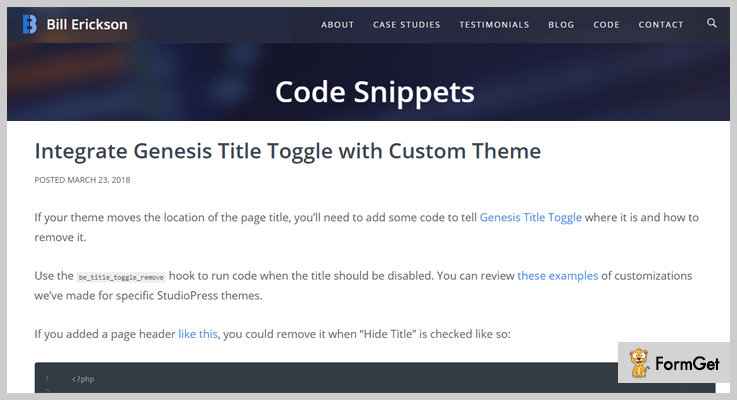
Pricing Plan-
The Genesis Title Toggle WordPress Plugins is another FREE plugin instead.
Features of Genesis Hide Page Title WordPress Plugin-
- The plugin allows you to toggle the visibility of a page title.
- You can also set the sitewide defaults.
- Easy to use and no coding required.
- Set the desired functionality in a single click.
3. Title Toggle for Storefront Theme– Hide Page Title WordPress Plugin
Title Toggle is a Hide Page Title WordPress Plugin. This WordPress Plugin allows hiding the title of any page or post. Just by following few simple steps you will get the title toggle functionality on your website.
Follow these steps-
- Login to your WordPress website’s dashboard.
- Select a page or post.
- Choose the option to edit the page or post.
- Scroll the page until it reaches the meta-box containing the title and toggle checkbox.
- Check the ‘Hide Title’ and update.
- Refresh the updated page, to cross-check the title is successfully removed.
The Title Toggle Hide Page Title WordPress Plugin will only work for the Storefront theme.
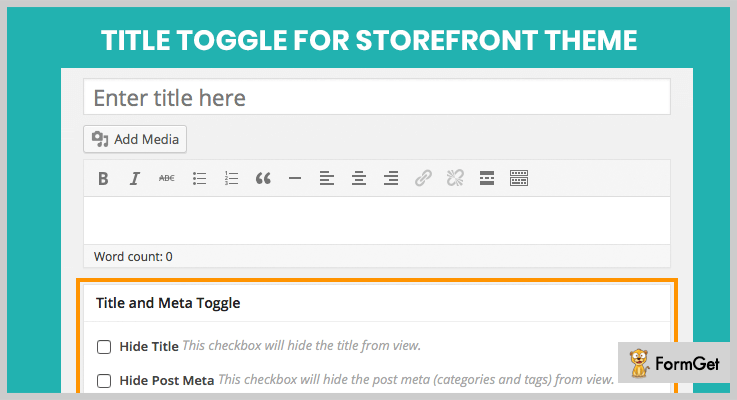
Pricing Plan-
The Title Toggle for Storefront Theme Hide Page Title WordPress Plugin is a FREE of cost plugin.
Features of Title Toggle for Storefront Theme-
- Toggle the effect of show/hide the title of any post.
- Toggle the effect of show/hide the title of any page.
- Use of meta-box for every post/page.
- Checkboxes for toggle hide/show functionality.
4. Hide Page And Post Title– Unrivalled In Hide Page Title WordPress Plugins
Hide Page And Post WordPress Plugin provides you with a functionality to hide the title of pages and posts. It allows you to hide the visibility of custom posts and pages too.
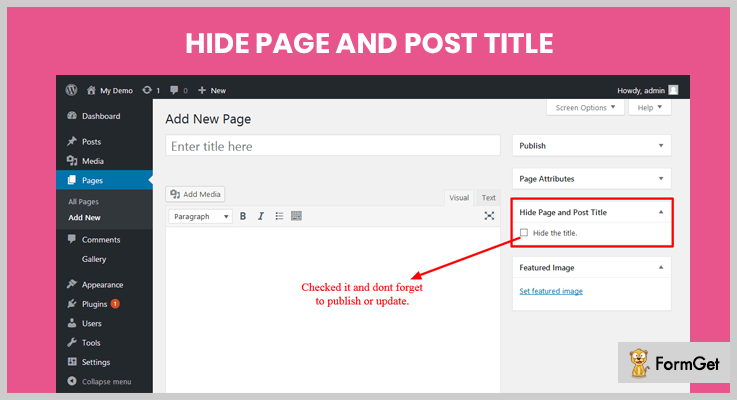
Pricing Plan-
The Hide Page And Post WordPress Plugin is another FREE plugin.
Features of Hide Page And Post Title WordPress Plugin-
- Title of a specific page can easily be hidden.
- The title of a specific post can be hidden easily.
- Hide the title of any custom post.
- Quick and simple user interface.
5. AMS Hide Page and Post Title
AMS Hide Page and Post Title WordPress Plugin is a very simple and easy-to-use plugin. Especially recommended for beginners. The plugin allows authors of the website to hide the title tag. After the successful installation of the plugin. The edit post screen for the post and pages will contain an option to select the title’s visibility on a page/post.
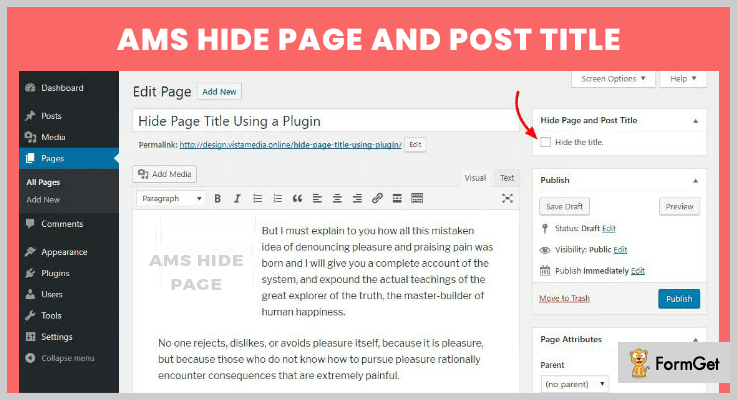
Pricing Plan-
The AMS Hide Page And Post Title WordPress Plugin is a FREE plugin.
Features of AMS Hide Page and Post Title WordPress Plugin-
- Easy installation and set-up.
- Use the WordPress built-in interfaces.
- Hide the title tag on a single post or page with ease.
- Fast and secure.
Conclusion
The Hide Page WordPress Plugins could be of great help in hiding the title of a webpage or blog. The above listed Free WordPress plugins are the highly recommended plugin for the Hide Title purpose on a WordPress Website. These listings are not just on the top but are a result of most used and tested by 1.50k users. The performance is proven best in a lot of standards consequently these were the best in conclusion.
If you are having anything relevant to the topic or are having any trouble understanding any section, do comment below!
We’ll get back to you ASAP!
Thanks for Reading!
7+ Best WordPress Optimizer Plugins 2022 (Free and Paid)

This post is for anyone who is trolling Google for WordPress Optimizer Plugins. I know you are badly infuriated by your sluggish website speed and want to throw your computer somewhere.
Wait! Don’t climb on your high horse! And Think! How your visitors must be feeling after landing on your website? Do you think they are going to wait till your webpage will load?
Never! Because more than 83% of the internet fanatics expect a web page to load in 3 seconds or less. Google also hates slow websites!
Now, you don’t have to be a tech-savvy to make your website super fast.
Let me elaborate Why’ and “How”?
WordPress Optimizer Plugins improves your website’s performance, makes it faster than ever and more SEO friendly.
It can do many chores for speed optimization like it decreases HTTP requests, remove unused scripts/files, browser caching, image optimization and much more for faster page loading.
I am sharing my listing of 7+ Best WordPress Optimizer Plugins that are the keys to solve any problems associated with your site’s speed.
Other Notable Plugins Set:
1. WP Rocket – WordPress Optimizer Plugins
WP-Rocket is the premium plugin that will whet your appetite for its speed and simple configuration. It is currently bustling on 26,000+ websites.
Page caching is activated by WP-Rocket just after its installation & activation. Also, you can do cache preloading and can load images when they are required.
Features
- Quick Setup
- Page Caching
- Cache, Sitemap Preloading
- GZIP Compression
- Browser Caching
- Database and Google Fonts Optimization
- Remove Query Strings from Static Resources
Pricing
WP-Rocket has a pricing of $39. If you really want to enhance your website’s speed performance, it is well worth!
2. Perfmatters Plugin – Optimizer Plugin For WordPress
This plugin will keep you free from tech savvies! Perfmatters reduces the HTTP requests, stripping out the code and minimize the back-end load to increase the speed of your website.
This plugin is lightweight and bloat-free having clean code and there is no JavaScript on the frontend.
Features
- You can disable emojis and embeds
- Can remove jQuery migrate
- Remove RSS feed links and Dashicons
- Change Heartbeat API frequency
- Multisite support
Pricing
It has 3 pricing strategies which are paid annually
- 1 Site – Personal: $19.95/yr
- For Unlimited Sites: $99.95/yr
- 3 Sites – Business: $49.95 /yr
3. Swift Performance – WordPress Speed Optimizer Plugin
This plugin is popular as one of the most powerful caching plugins with a plethora of options to speed up your WordPress website.
The most influential feature of Swift Performance is that you can cache dynamic pages, AJAX request and can add exceptions to URL, page etc.
This plugin is merely vast with its compatibility list, it goes well with bbPress, WooCommerce, Varnish and Cloudflare web accelerator applications as well.
Features
- Unlimited Image Optimizer
- Generates the Critical CSS for each page automatically
- Optimize the delivery of static resources
- Built-in DB Optimizer
- Keep your WordPress database clean.
- Have plugin organizer to disable whenever not required
- Intelligent LazyLoad
Pricing
Swift Performance has 3 pricing plans:
- Single site for $29.99/yr
- Multisite: $89.99/yr
- For developers: $179.99/yr
4. Ultimate WordPress Speed Optimizer Plugin
This plugin will improve your website’s overall SEO by speeding it up. Ultimate WordPress Speed Optimizer Plugin is not a Cache/CDN plugin, it optimizes your website by removing all unwanted scripts, styles, functions, options, etc.
Results have proved that Ultimate WordPress Speed Optimizer Plugin can improve the website speed by almost 40%, can upgrade your website’s Google Page Speed Score by 7 points.
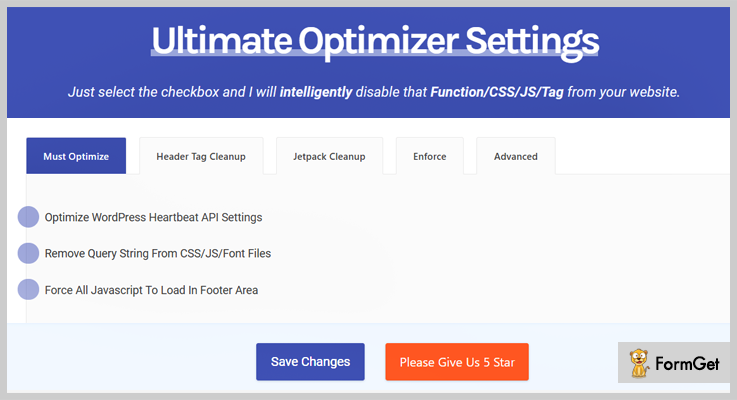
Features
- Remove WooCommerce Generator tag, styles, and scripts from on WooCommerce pages.
- Force JavaScript to load in the footer.
- Remove bbPress CSS styles and scripts from on bbPress pages.
- Remove query string from static resources.
- Manually select and remove unwanted jetpack styles and functions ( 24 options ).
- Remove all sorts of Head tags ( 10 different options can be selected ).
- Ability to remove comments.
Pricing
Grab this full-featured beautiful plugin at $21.
5. Speed Up WordPress Plugin – WordPress Optimizer Plugins
This plugin boosts up your WordPress website’s speed by reducing the page load time and requests it made to the server.
Speed Up is 1 click installation plugin providing you with a higher score on the major speed testing services (gtmetrix.com, Pingdom test, google page speed test.)
Features
- Lightweight and self-optimized plugin
- HTML, CSS, JS optimization
- No configuration needed
- Reduces page load time
- Speed up your WordPress website in just 1 click
Pricing
Grab Speed Up WordPress Optimizer Plugin at just $25.
6. WP Super Charge – WordPress Optimizer Plugins
WP Super Charge has the one-click magic optimizer that automatically optimizes your website’s speed by setting optimal settings.
It also does image optimization both losslessly as well as can remove the image meta for the specified number of images.
With WP Super Charge, you can do CSS/JS minification (style or regenerate) as well as async and defer javascript files.
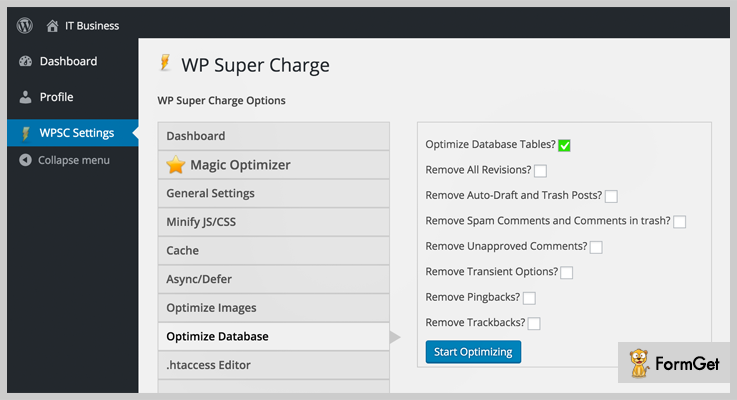
Features
- Core WordPress Optimization.
- Enabling Website Page/browser/GZip Caching.
- Configuring ETags
- Enabling Keep-Alive & Vary PHP headers.
- JS, CSS Manual Combining. (May does not work on all sites)
- Defer Parsing of Possible JavaScript Files
- Removal of Query Strings
Pricing
WP Super Charge costs $25, providing all future updates and 6 months premium support.
7. WP Cleaner Pro
This plugin allows cleaning 25 varieties of data and optimizes the database at once or in a scheduled event! It is developed for WordPress single-site installations (not for WordPress multisite installations).
WP Cleaner Pro is the most dynamic and easy to use plugin! It can be used to clean trash and optimize your WordPress website.
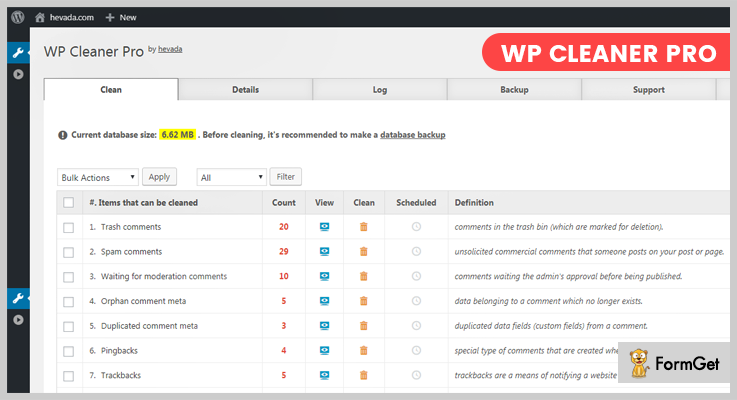
Features
- Instant cleaning of the WordPress website
- Backup of the WordPress database (create/download/delete backups).
- The cleaning process is logged.
- Logs can be seen and deleted.
- Mobile-friendly admin dashboard.
- Code checked with PHP CodeSniffer
- Translation ready (English .mo and .po included).
Pricing
WP Cleaner Pro has the base pricing of $12.
8. WP Asset CleanUp (Page Speed Optimizer)
This plugin is an open source software to optimize your WordPress website. WP Asset CleanUp goes well with WordPress Multisite Network.
It investigates your page/post and detects all the loaded assets. Simply you have to enable all the assets that are not necessary on the template.
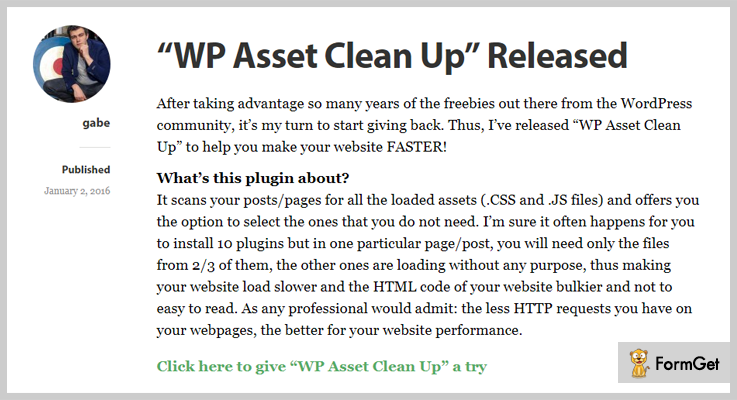
Features
- Decreases number of HTTP requests loaded (important for faster load)
- Makes source code easier to scan in case you’re a developer and want to search for something
- Better performance score if you test your URL on websites such as GTmetrix, PageSpeed Insights, Pingdom Website Speed Test
- Remove possible conflicts between plugins/theme (e.g. 2 JavaScript files that are loading from different plugins and they interfere one with another)
- Reduces the HTML code of the actual page (that’s even better if GZIP compression is enabled)
Pricing
WP Asset CleanUp WordPress Optimizer Plugin is absolutely free!
Wrapping it up
Hopefully, your website is good now and running like a rocket from my listing of 7+ Best WordPress Optimizer Plugins! Change your gesture because now you have to greet your happy customers.
Let me know if I can help you more!
6+ User Management WordPress Plugins 2022 (Free and Paid)

WordPress comes pre-loaded with a basic user management tool. But if you want to manage complex user roles & permissions, in that case, you will have to deploy user management WordPress plugins on your website.
User management WordPress plugins are advanced tools which help any WordPress site owner to create, edit and copy access permissions.
Using these plugins you can add, remove and customize access rights of multiple users in bulk.
If you are up to add more to your WordPress sites in that case we have got some useful blogs on plugins below:-
1. User Role Editor – WordPress Plugin
User role editor is an advanced WordPress plugin which helps you control user functionalities on a website.
You can easily create, edit and assign specific permissions to user accounts. This plugin helps you administer all the changes and access rights for multiple websites from a single website dashboard.
Price Details For User Role Editor – WordPress Plugin
| Plans | Personal Plan | Business Plan | Ultimate Plan |
|---|---|---|---|
| Yearly Cost | $29 | $79 | $159 |
| Lifetime Cost | $87 | $198 | $318 |
| Websites | Single Site | 5 Sites | Unlimited |

Features:-
- Block meta boxes for the dashboard, pages, posts, etc as per user roles.
- You can define import and export capabilities for individual users.
- Manage separate user access roles for widgets and sidebars.
- Define content access rights like create, edit & delete.
- Manage multisite users and roles from a single admin panel.
Click For Info On User Management WordPress Plugin
2. WPFront User Role Editor Pro – Plugin
User role editor pro plugin by WPFront comes loaded with an enormous amount of features & facilities. Using this plugin you can handle user permissions straight from a website dashboard.
Price Details For WPFront User Role Editor Pro – Plugin
| Single Site | 5 Sites | Unlimited Sites |
|---|---|---|
| $30 Personal | $65 Personal | $130 Personal |
| $35 Pro | $75 Pro | $150 Pro |
| Assign/Migrate Users | Admin Menu Editor | Import/Export |
Features:-
- You can add or remove permissions for multiple users in bulk.
- User roles migration becomes an easy task with this plugin.
- Allows you to add, edit, delete and restore user roles.
- Separate permissions for widgets and navigation menu access.
- You can also define various restrictions on content.
Click For Info On User Management WordPress Plugin
3. WP User Management Plus – Plugin For WordPress
With this plugin, you get multi-site compatibility and access to unlimited features that help you perform effective user management.
You can suspend or ban users and send emails notifying about the actions taken through WP user management plus plugin.
Price Details For WP User Management Plus – Plugin For WordPress
- Regular license will help you command user permissions on a website at a cost of $20.
- The extended license will charge you $85 and help you manage access rights and privileges on a WordPress site.
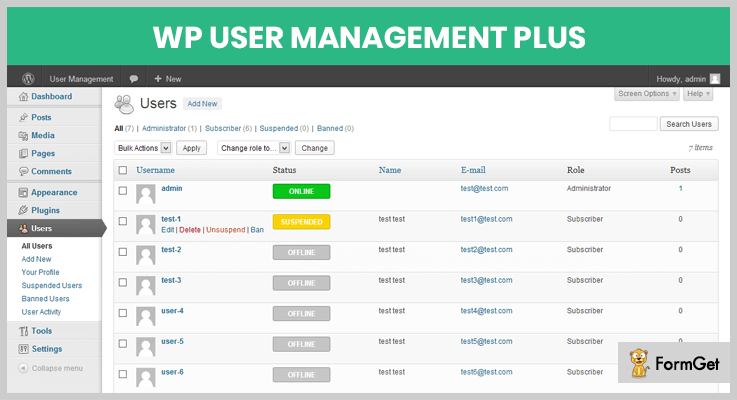
Features:-
- Suspend user access and define reason as well as the duration of the suspension.
- Banning feature allows you to restrict users who are violating rules and notifies then via emails.
- Redirects banned and suspended users to a specific web page.
- Pre-designed email templates for sending notifications and restriction alerts.
- Provides multi-site support and allows you to monitor various user activities.
Click For Info On User Management WordPress Plugin
4. WordPress User Role Manager – Plugin
WordPress user role manager is a WordPress plugin which provides you top class facilities to manage and create user roles with ease.
This plugin can be applied to multiple WordPress sites and all the user roles can be observed from one dashboard.
Price Details For WordPress User Role Manager – Plugin
- Ths regular plan will cost you $15 and it is the cheapest on the list. With this plan, you get multiple advanced features.
- $100 is the price of extended plan through which user access management becomes an easy task.
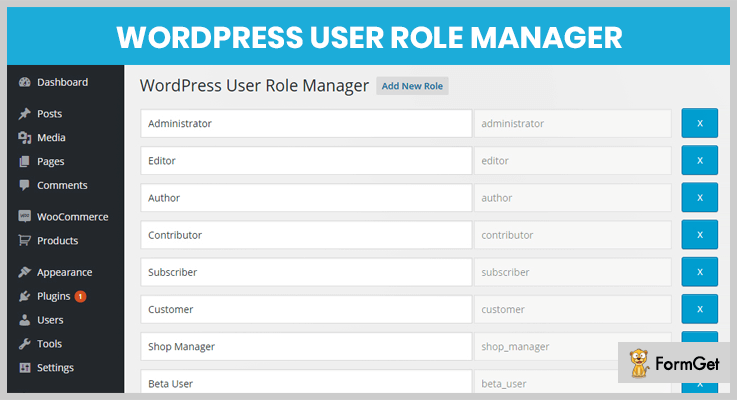
Features:-
- Easy to install on any WordPress site and extremely simple to use.
- Simplifies the process of add, edit & remove user roles.
- Helps you control user capabilities form website dashboard.
- You can add special and custom permissions for users other than the default.
Click For Info On User Management WordPress Plugin
5. Capability Manager Enhanced – WordPress Plugin
Capability manager enhanced plugin permits you to add, view, edit and copy user roles. You can specify user operations like read, edit and delete for any particular user.
This plugin holds over 60 thousand installations on live WordPress sites and has a star rating of 4.5.
Price Details For Capability Manager Enhanced – WordPress Plugin
- This is a WordPress plugin which is free of cost and helps you enhance the user access capabilities on WordPress sites with no charge.
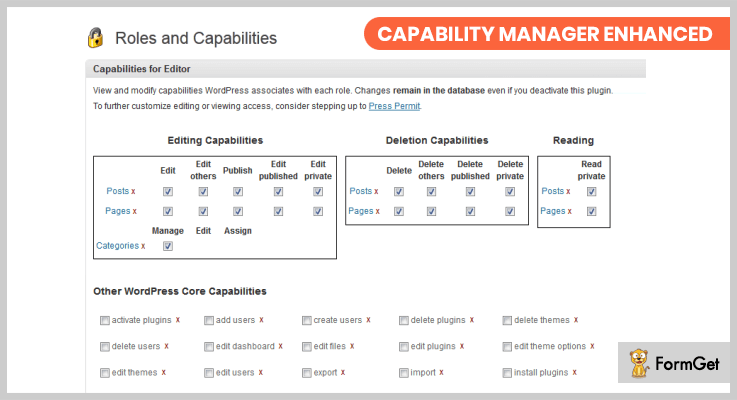
Features:-
- You can create, add and copy user roles on multiple websites.
- Allows you to create backups of user roles to restore changes.
- Return user roles and access powers to the basic or default.
- Provides multilingual support.
- Manage all user roles from a centralized place.
Click For Info On User Management WordPress Plugin
6. User Switching – Plugin For WordPress
User switching plugin has got exclusive features through you can easily switch user roles and control provided. All the user roles can be managed from the dashboard of the website.
This plugin is entirely free and carries 90 thousand plus installations on websites around the world.
Price Details For User Switching – Plugin For WordPress
- User switching WordPress plugin offers all its services for free. It provides a variety of features using which user role management becomes easy.

Features:-
- Switch user feature lets you switch user accounts
- This plugin is fully compatible with all WordPress sites.
- You can perform actions like switch user, switch back, switch off etc.
- Easy to use and instantly applies user actions & roles.
Click For Info On User Management WordPress Plugin
7. New User Approve – WordPress Plugin
New user approve WordPress plugin is very easy to install and works well on all WordPress sites.
With this plugin, you can send email notifications about login details, user roles, and other changes. You can customize user actions and apply filters using this plugin.
Price Details For New User Approve – WordPress Plugin
- This is a free plugin using which you can define access rights & user controls easily and manage all changes from the dashboard.
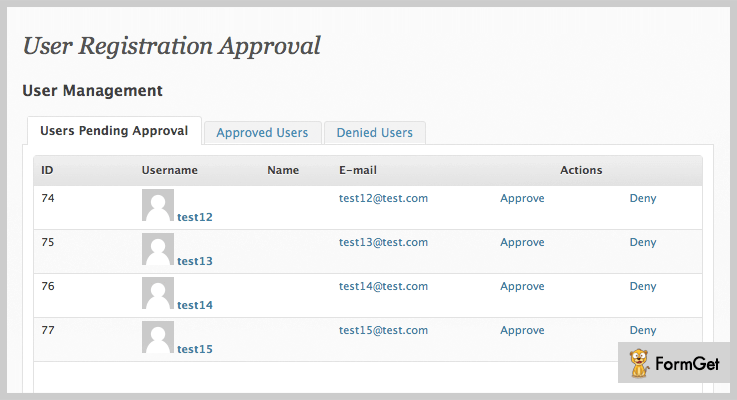
Features:-
- Easily creates user roles, actions, and filters.
- Apply customized actions and user access roles.
- This plugin is translation ready and it helps you translate to different languages.
- Sends email notifications to users and admin controller.
- Auto-generated login details when the approval is confirmed.
Click For Info On User Management WordPress Plugin
Conclusion
We have discussed the top of the line user management WordPress plugins and the blog has got both paid and free versions so that we satisfy the needs of every user. I definite hope that this blog with help yu fecth out the best WordPress plugin for your site.
Now, if there are things which are still not clear you can ask us through the comments section below.
7+ Instagram WordPress Plugins 2018 (Free And Paid)

Have you heard of Instagram WordPress plugins? People are using it a lot to style their websites and to attract more business.
Let’s do a quick know-how.
Instagram is common these days but do you know you can integrate it into your website too with Instagram WordPress plugins.
So, whatever you have on your Instagram account you can display it on your website too. In fact, you can control the post that you want to display. Like you can assign specific Instagram posts to specific blog posts or articles. Basically, the Instagram picture show isn’t confined to the homepage.

The Instagram WordPress plugins let you use various layouts such as grid, carousel, polaroid and more for viewing the images.
There’s a lot more that these plugins can do and you have to dig into the article to know more!
Now, let’s have a look at our 7+ best Instagram plugins 2018 ( paid and free ).
A few more blogs which you can read:
1. The Instagram Feed Pro –
This feed pro will make your site more interesting by keeping it updated with the Instagram account. It is easy to use as no coded language is required. In this, you can even use various sizes for photos and headers with different styles.
Your Instagram images are a few seconds away from your web page. Once you install this plugin, it will import the photos of Instagram to the webpage.

Features –
- It will allow you to see photos even of private Instagram accounts.
- It will display more than two or four feeds at a time on the very same page.
- It has a built-in feature which displays your insta photos on your website. It has HTML5 video support, post stashing, auto backup, visual moderation system etc..
- It also moderates your feed.
- It is totally customizable according to one’s need.
Pricing –
It is a paid Instagram plugin and costs different for different users on the basis of sites as given below :
- Personal Licence: At $39 for 1 site support.
- Business Licence: At $79 for 5 site support.
- Developer Licence: At $119 for unlimited sites.
2. Enjoy Plugin For Instagram –
“Enjoy Plugin For Instagram” has multiple features to style your website. You can use different layouts and options like grids, album view, polaroid, carousel, square photos etc. for your website’s display.
It can also control the display of pictures which are out of your topic with the built-in function of moderation panel.
It is a very powerful tool to create your online world of followers, photos, videos and many more.

Features –
- It provides several grid options and also has a custom animation for speedup and type.
- Lightbox option available which shows no. of likes, author name etc..
- It has polaroid form to publish your images in a different way which makes your site look more attractive and different.
- With this plugin, you can use various shortcodes in your post or pages. Also, in your widget’s sidebars, you can see a new option to convert your images into badge form.
- It supports HTML5 for video visualization, improvement in CSS and JS loading.
Price –
The price for this plugin is only $16.05 per unit. But according to its unique and different features, it is a profitable deal. So, Hurry up!
3. Instagram Feed –
This plugin provides many features like carousel photos and videos, different layouts, templates. It also provides high resolutions of every picture and displays it well on your website. And supports non-square images as well.
It works in 21 different languages and suitable for many professions like photography, modeling, trainer etc.

Features –
Features of this plugin are mentioned below:
- With this plugin, you can use any hashtag, location, different URLs for different pictures.
- You can choose multiple numbers of photos and can display on your site as your newest feed.
- It is very responsive and adjusts according to the available screen.
- You can control the sizes of photos on your own, select different layouts and grids, different styles and 2 post templates as well.
- You can make changes even when it is already published.
Price –
The price for this particular plugin is only $ 24 with a regular license for a time of 6 months and for a year it is only $ 31.05 almost $ 10 less than usual price.
4. Instagram Feed WD –
In Instagram Feed WD, there are many features. Some of them are Filmstrip display, 4 perfect layouts ( blog style, image browser, thumbnail, masonry )etc. In this plugin, the gallery will be updated one by one as you updated the new photos or feed.
It is perfect for you to display all your contents and stories and all feeds on social media with help of this plugin.
It is a very easy to use and manageable as easy to access.

Features –
- Adjustable and responsive according to the user’s screen.
- SEO friendly.
- Infinite feeds to make your users scroll down till the end.
- You can add more and more photos and news on a single page or post.
- Your followers can also download and share your feed.
Price –
The different prizes for this particular plugin are given below:
- Personal Licence: At $25 for 1 site support.
- Business Licence: At $40 for 3 site support.
- Developer Licence: At $60 for unlimited sites.
5. AccessPress Instagram Feed Pro –
Add prodigiously, feeds in your Instagram account to increase followers and easiness of your site with help of this plugin. You can add varieties of photos with different layouts, widgets, lightbox and many more.
It has features of adding gifs and unique sizing capability of pictures and other editing options. This plugin is as amazing as your feed will be after using it.
It provides excellent customer support as anyone can face the issues due to technical glitches and also provide free updates.

Features –
- New version V2.1
- It will fetch all the recent and new updates.
- 16 layouts to choose the perfect one for your feed.
- Image sorting options are available with 6 different type of lightboxes.
- Image filtering option and many widgets to add on either side.
Price –
The price for this particular plugin is only $ 18 with a regular license for a time of 6 months and for a year it is only $ 23.25 almost $ 7 less than usual price.
6. Auto-Post WordPress To Instagram –
“Auto-Post WordPress To Instagram” is an open source software created by Roland, Informatica Duran. It is different from other Instagram WordPress plugin as it doesn’t use Instagram API code it uses only external API code.
In this, if we use Instagram API it will not allow us to send images over Instagram due to which we have to use external API code.
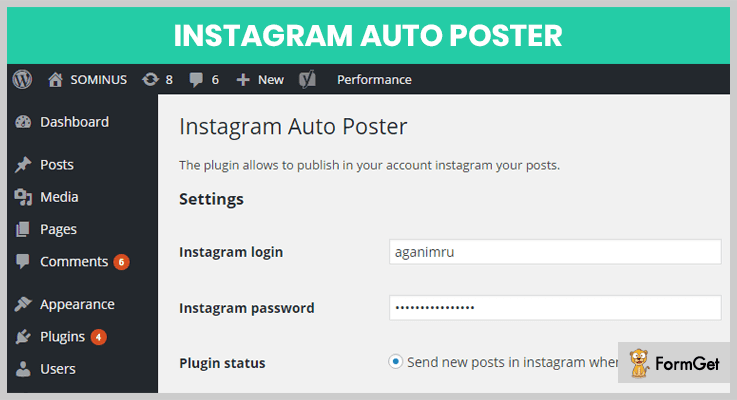
Features –
- It allows you to choose which type of post you want to auto send in your Instagram account.
- The plugin is open source and free to download.
- Extremely easy to use
Price –
This plugin is free of cost and easily available online.
7. WP Instagram Widget –
The motive behind the creation of this plugin is the customization of widgets in the user’s hand with suitable filters.
This plugin has 5 filters which work as follows :
- The first plugin filter allows the user to adjust the cache time for redeeming images from your Instagram account.
- The second plugin filter allows you to filter the widgets of a video.
- The other three plugin filters help the user to add custom classes to the list item or image.
Features –
- It uses sensible and simple markup.
- You can style the widget according to your theme and taste.
- Where possible filters are provided to adjust cache timings.
- Require little setup for example – avoid oAuth.
- Version 1.3 also has two new hooks for append custom output after and before widget.
- In version 1.4 also it can customize the image loop completely by creating a parts .php file in your theme.
Price –
This plugin is free of cost and easily available online.
8. Instagram Slider Widget –
It is a flexible slider widget which displays latest images ( maximum 12 ) from a public hashtag or Instagram user. This slider Instagram widget is easy to use and can easily unveil pictures in a slider or in thumbnail form.
The best feature of this plugin is in this plugin no API code is needed.

Features –
- Features of an Instagram slider
- In this plugin no API key needed.
- We can link images with different URLs.
- In this plugin, you can easily sort your images randomly, by its popularity, or by date.
- In this plugin, all the images from Instagram are brought in as WordPress adjunct.
Price –
This plugin is free of cost and easily available online.
Conclusion:
This was all from our side on the 7+ best Instagram WordPress Plugins. I hope you must have found a perfect fit for your website.
7 Best Member Directory WordPress Plugins 2022 (Free and Paid)

If you’re looking for a recommendation for Member Directory WordPress Plugins then two thoughts must be running in your mind..
Can I create my directory quickly?
Can I manage it easily?
Directory of members is a big deal for any association!
Thanks to Member Directory WordPress Plugins! Because you can seamlessly store the names, addresses, contact and other details of like or similar individuals or associations at one location.
Yes, it can convert your dream about Member Directory into reality.
Tune in with me! because I am sharing my listing of 7+ Best Member Directory WordPress Plugins that are going to be the big piece of your puzzle.
Handpicket Recommended Plugins To Improve Your WordPress Website:
1. Member Directory Plugin – By CreativeMinds
This plugin will offer a Member Directory platform to your WordPress website. Member Directory plugin by CreativeMinds is a breeze because you can showcase any kind of curated company directories, beautifully, anywhere on your WordPress site.
This embedded member discovery catalog lets you sort out the member using several filters. Words are not enough to describe these filters because you can search members in incredibly different ways like category filtering, free text search, tags filtering, the area of expertise and services filtering.
Features
- Each member profile has the following details – overview, publications, education, experience, address, Website URL, Facebook, Twitter, LinkedIn, Phone number, Google+ and more.
- Easily customize member profile page look and feel. You can also choose between two available templates.
- It is easy to style and change the look and feel of the member directory (index) page from the plugin settings. This includes layout, size of each profile box, theme and much more.
- Admin can insert ads in the member profile page taken from Google or any other external plugin in search results.
- Export and import member profiles across sites
Pricing
- Pro Edition cost: $39
- Community: $49
- Pro Payments: $69
2. Paid Memberships Pro
This plugin is a powerful directory plugin for your WordPress website. The most attention-grabbing feature of it is that it can expand your membership site with a public or members-only searchable directory, as well as it offers a full-fledged customizable member profile pages.
The Shortcode attributes let you create almost any kind of directory website. You can display member profiles and also can include members by their level ID.
Features
- Managing professional organizations with thousands of members.
- Getting paid for e-learning and digital courseware.
- Accepting recurring payment for content, podcasts, video, and more.
- Offering product subscriptions or members-only product discounts.
- Creating private social communities for unique interest groups.
- Developing a robust directory or listings sites by topic or region.
Pricing
- Paid Memberships Pro has 2 paid plans and 1 free plan.
- Pro plus has a pricing of $297/yr
- For unlimited sites costing is: $597/yr
3. User Profiles Made Easy – WordPress Plugin
User Profiles Made Easy is a user-friendly, full-featured front-end form plugin that allows you to quickly add registration forms to your WordPress website. From the full customizable registration form, users can submit their details to your directory.
The plugin can showcase your users in a beautiful searchable members directory. You can configure one or two specific users on any page or post you want using one of the many included shortcodes.
Features
- Awesome profile header designs.
- Customize profile header through filters.
- Display profile picture inside the profile in custom dimensions and design.
- Trigger profile field updates and notify an admin.
- Custom validations on profile updation using filters
- Create multiple user profiles with different fields using filters.
Pricing
It has a price tag of $29.
4. PluginsWare
Advanced Classifieds and Directory Pro is a Free, Lightweight & Extensible WordPress plugin that can be used to create any kind of directory websites. With 100+ settings, customizable layout options, payment integration, Email template, etc. this is by far the best and powerful directory plugin available in the WordPress repository.
The front-end form can be customized using the custom fields feature. In addition to that, the members can be searched using these custom fields that make the plugin even more powerful.

Features
- Members can be grouped by categories and locations.
- Customizable member form. Thanks to the custom fields feature.
- Four beautiful layout options and more to come soon. Grid, List (Table), Map, Slider.
- A flexible search form with several filtering options.
- Members can be charged to list them in your directory or to show them at the top position of your directory.
Pricing
The FREE version is enough for most of the cases. The PRO edition with advanced options starts as low as at $9.99
5. UserPro Lite
User Pro Lite is a beginner-friendly form plugin that allows you to create Registration forms for your WordPress website. You can also use it for multiple purposes such as to conduct surveys or helping users submit content.
It also provides a smooth profile management solution with login functionality. User Pro Lite is the lighter version of User Pro.
Features
- Social connect and integration(1 click auto signup/sign in) – Allow users with Social Media Accounts to sign in/register instantly
- Give each registration form an automatically assigned user role (subscriber, customer, manager, etc.)
- Create unlimited custom profile fields of any type (text, drop-down, radio, checkboxes,multi-select)
- Viral marketing – Auto post to users Twitter Timeline (Optional / Custom message)
- Compatible with all properly coded WP themes and plugins!
- Fully responsive and looks perfect on any screen size
Pricing
It has a pricing of 13$.
6. MembershipWorks – Membership, Events & Directory
Create an advanced membership directory for events, associations, donation platforms and other networking groups by using MembershipWorks. You can integrate your MembershipWorks account with your WordPress website.
You can also develop free membership listing for the small group of members and paid listing for large groups. (50 member/account plan).

Features
- Use shortcodes to place the membership forms, events calendar, member directory and more on pages.
- Payment Gateways – Stripe, Paypal Website Payments Pro, Paypal Payments Pro/Payflow, Authorize.net, Braintree
- Forums – Website Toolbox
- Emails/Newsletters – MailChimp
Pricing
MembershipWorks is freely downloadable from official WordPress website.
7. Ultimate Member – User Profile & Membership Plugin
This plugin provides the functionality of membership and to create user profiles for your WordPress website. Users can sign up and can become members of your website.
Ultimate Member allows you to create Lightweight and highly extendible online communities through this fully-featured plugin.

Features
- Front-end user profiles/registration/login
- Custom form fields
- The conditional logic for form fields
- Drag and drop form builder
- User account page
Pricing
Ultimate Member is the freemium plugin.
Wrapping it up
Let me clear one thing! This blog isn’t a review of the plugins. The purpose is sharing with you what people are liking around the globe and what’s best for the current trend. Got it! Good!
Be well, and Yes.. I hope your point has well taken in this catalogue of 7+ Best Member Directory WordPress Plugins.Happy trails to you!

