
Yes, you’ve landed on the right platform, if you are thinking to try your hand on Affiliate Marketing to maximize your earnings. So, just relax, close all other blogs tab, and scroll down for A-Z of the top affiliate marketing platforms and networks of 2019.
How about we understand affiliate marketing with an example?
Suppose, if you a person X has 3 products and you are promoting these products through your website. Now, for every purchase, X will give you 30% on every sale.

With affiliate marketing, any individual can earn a noticeable amount of money even when they sleep and that’s just true.
Now, what’s affiliate marketing software?
An affiliate marketing system performs different roles for a different person. For a merchant, this system will provide access to create products, create banners, create an advertisement, set up the commissions and the payout methods and a lot more. Now, for a promoter, it provides access to a dedicated dashboard from where the promoter can track the complete record of the clicks, sales, commissions, the status of payment and more.
Here, after long hours of research, we have shortlisted the best affiliate marketing software and networks especially for you. All our selected software are in the affiliate marketing segment for a long time and have won the trust of millions of users without any negative feedback.
So, let’s start with the top 5+ affiliate marketing software which we have chosen for you.
1. Pabbly Subscriptions
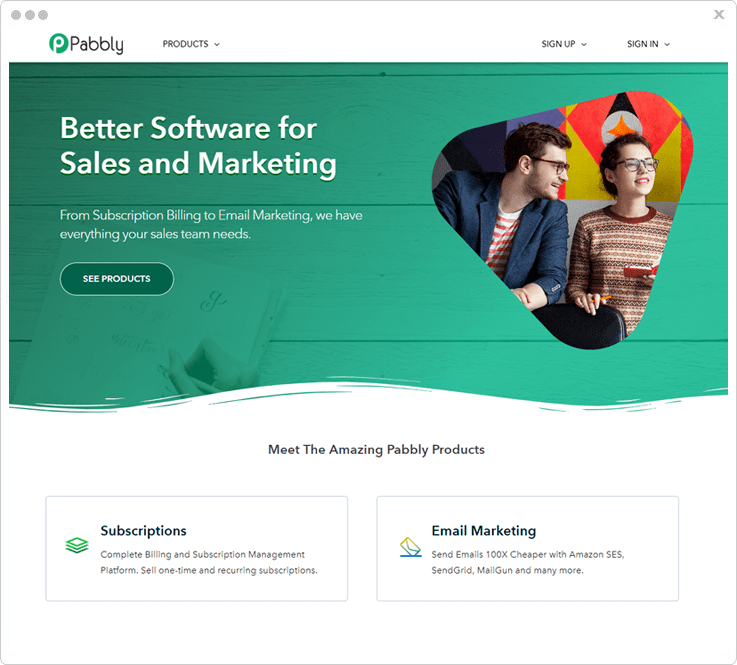
We have researched for affiliate products at a massive scale and found Pabbly Subscriptions as the best fit for the top position in our list. As this software has all features to create an easy to manage yet powerful system to tackle all the technicalities of the affiliate system. Also, the Best part of Pabbly is that you can get an affiliate system as well as subscription management software along with it.
Pabbly is SaaS-based software.
It comes with a separate dashboard for both the merchant and the clients or promoters.
In the merchant dashboard, a person can add up products, create banners and discounts, set up payment method and the minimum amount and days for payment. Also, it has an interesting feature of commission rules which you can apply particularly for any product on any price plan. Through this dashboard, the merchant can set the target URL for various products.
Now, in the clients portal, there is a complete dashboard dedicated for tracking of the number of clicks, sales, payments and more. Also, the client can get the real-time status of payment and sales if any. For now, any merchant can get Pabbly Affiliate software on Pabbly Subscriptions platform, but soon you will also get a separate Pabbly Affiliate platform. Also, through this dashboard, you get unique affiliate URL for every product which you may want to promote.
Features
- URL Validation Period: Here, the merchant can set the cookie period. So, if anyone just visits the website by the affiliate link but not make a purchase in run time but make the purchase after a while then also you can track the affiliate and can provide the commission accordingly. The merchant can set this time in the general setting on the dashboard.
- Affiliate Payout Settings: This software supports the PayPal payment gateway. Also, you can define the date on which the promoters get the commission. Also, the merchant can decide the minimum commission amount and can set the delay payout days.
- Commission Rules: Here, you can set the multiple rules for the commission in the dashboard. As a merchant you can create the rules for the all the products or any specific product, can select the all the affiliates or a particular one, for all the price plans or any specific plan. Also, you can set commission rate type like flat and per cent and set the recurring payment type.
- Affiliate Target URL: In this SaaS software, the merchant can easily set the target page on which he may want to redirect the visitors.
- Create Products And Customer: In this affiliate system, you can add multiple products and customers manually through the dashboard. Also, can set the access for the client portal and want to create an affiliate.
Pricing Details
- Basic Plan: You will get this plan in only $5 per month with this you can be added 50 customers, supports 25 currency etc.
- Rookie Plan: Buy this plan in $29 per month which include adding 1000 customers and unlimited products etc.
- Pro Plan: Get this plan in $59/month which include adding unlimited customers, dunning management, custom domain and many more.
2. ShareASale
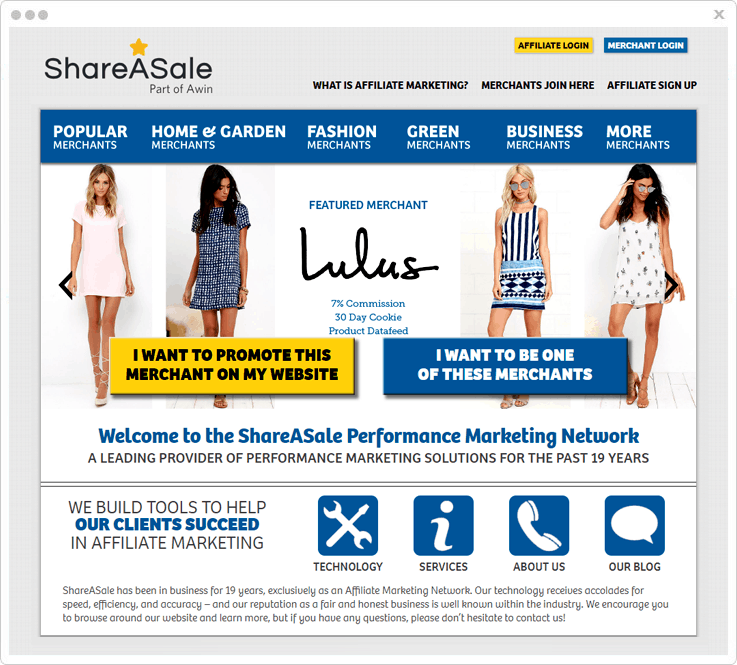
ShareASale is complete SaaS software for creating an efficient and powerful affiliate system. This network is dedicatedly working from 19 years in the affiliate marketing field. This software comes with features great like seller or merchant can create coupons/deals for the customers, create promotional videos and many more.
Features
- Deep-Linking Tool: ShareASale gives you the feature of creating the affiliate program for any particular e-commerce product of your choice with the Deep Linking tool.
- Merchant API: Here, you can add the multiple merchants on your affiliate dashboard with the API keys.
- Custom URL Shortener: Affiliate links are always too long and look very uneven. So, in this affiliate system, admin can easily customize the URL of their own choice. This URL works the same as the previously affiliate link.
- Numbers Of Affiliate Programs: As we already told ShareASale works for has been working in affiliate marketing segment for a really long time now. So, the merchants who trust on ShareASale that’s why they provide 3900+ merchants to the promoters. These are some top merchant on our platform- AppPresser, OptinMonster, UpThemes, CyberChimps and many more.
3. Avangate Affiliate
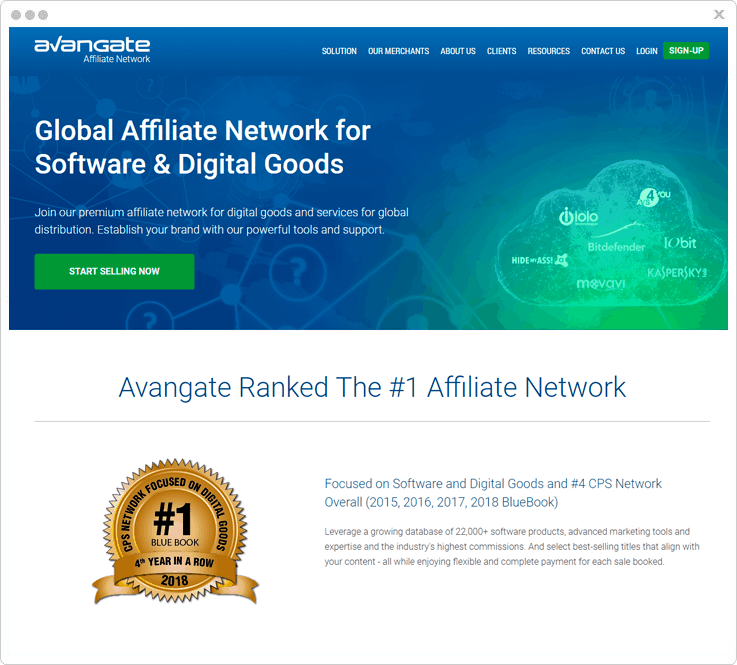
Now, our third product is Avangate which also comes with all great features for creating the powerful Affiliate System. Avangate provides real-time analysis system, so you can track all affiliate transactions and can grow your business and provide a good passive income to the affiliates. Also, in this software, admin can set the access to their users and hide some settings and data from the user.
Features
- Managed Clicks & Conversions: Here, as a merchant can track and manage all the click rate of your product with the ease. In the dashboard, you can check the number of clicks details about the click location and IP etc.
- Protect Website: This software allows you to analyse all the data and ban specific IPs and locations from browsing your website in real time. Also, it gives notifications of all data traffic. So, you can control the website traffic with the help of this feature.
- Popular Merchants: In this system, a promoter can get multiple numbers of popular merchants to promote good and trustworthy product and get a commission at a higher rate. Some of the popular merchants are Bitdefender Total Security, Awario, Movavi Video Editor Plus and many more.
- 2Checkout Payment Gateway: In every affiliate system, payment and transfer are done multiple times that’s why it has to be secured and faster. So, Avangate is integrated with advance and secured 2checkout payment gateway.
4. CJ Affiliate (Commission Junction)
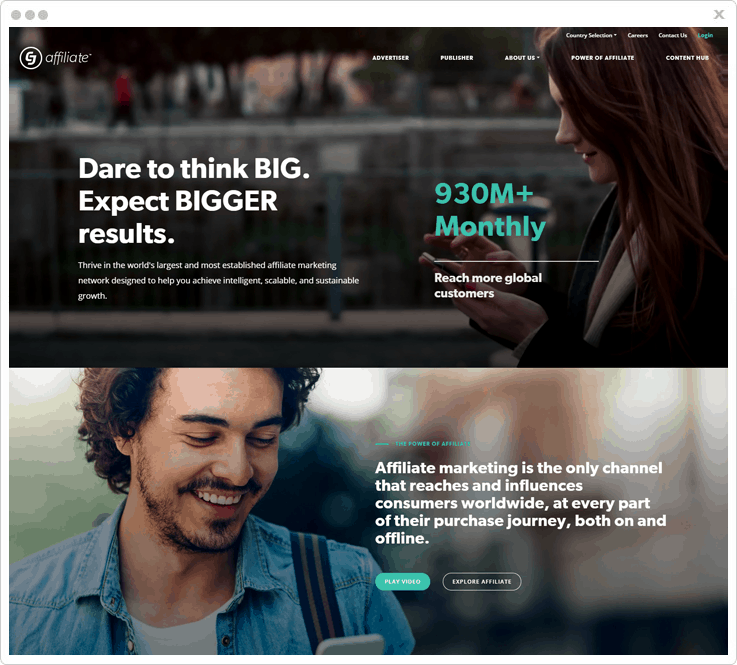
CJ Affiliate is another dynamic and impressive software in our list, CJ Affiliate network has been working for more than 20 years in this market, and their ideology combines the advisers and publisher works. So, this will create a managing system which expands the advertiser audience and publisher can monetize their sales and other things. Also, this software provides a free sign up process.
Features
- Network Stats: In the dashboard of CJ Affiliate, admin or merchant can track the multiple 3 days EPC status and weekly EPC status, and new announcements also show the pending tasks and many more.
- Advertiser Affiliation: Here, the promoter can promote multiple advertise on your website and earn an affiliate commission. You can search advertise of your choice with different options like deep linking search, responsive advertise template and many more.
- Affiliation Reports: Here, both the merchant and the affiliate get complete reports in bar graphs and get complete figures for EPC, sales, gross revenue.
5. JVZoo
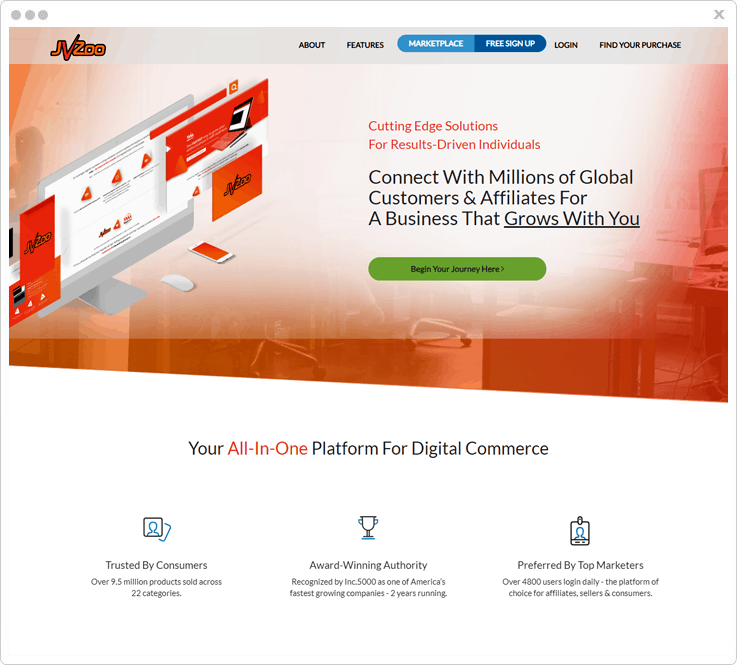
JVZoo comes with many features and functionality to create a managed affiliate system. Also, you can integrate it with Different JVZoo tools like JVZoo, Zapier, GetResponse, AWeber. Also, it supports multiple filters to search any particular affiliate link. Here, you can search by niche, keyword, top sellers etc.
Features
- JVZoo Ad Manager: Here, you can manage your advertisement of products, also can create impressive Ad banners and promote it by a different publisher.
- Sales Funnels: In the dashboard of Affiliate JVZoo, you can track all sales with funnels. Funnels are plans which you can create for visitors on different pages, if someone is buying a product merchant can suggest them other related products, and redirect to another affiliate page.
- JVZoo Academy: This will provide complete guidance on Affiliate Market and how this JVZoo system works.
- Powerful Dashboard: JVZoo software has a powerful & clean dashboard. Here, both the merchant and affiliate can track multiple things like you can check the clicks rate, visitor volume and no. of sales and daily reports with gross revenue and daily profit.
6. AvantLink
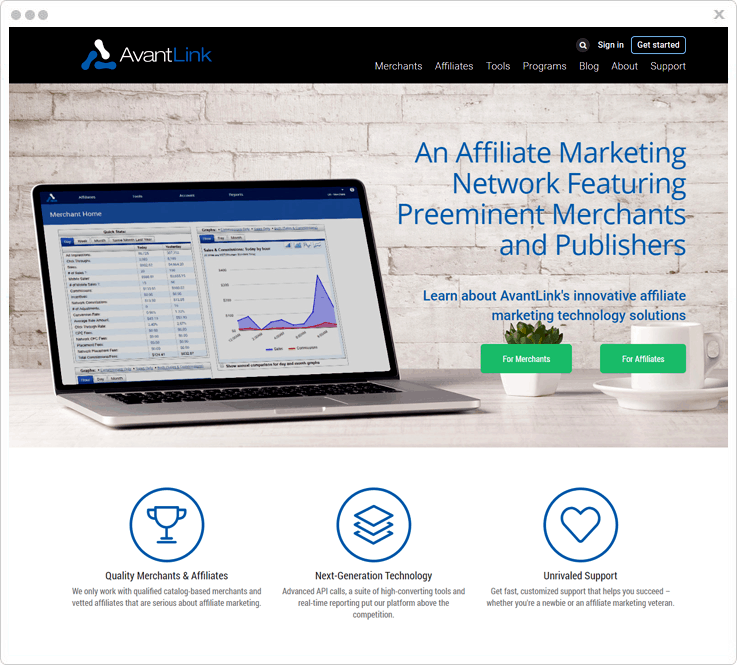
AvantLink is the last but not the least products in our list. This software has an own app market in which you can get many marketing products which you can access all at free of cost. Also, as a merchant, you can create custom tracking links, manage the data feeds in the dashboard and Avant API key integration and many more feature some of which we’ve discussed below in detail.
Features
- Robust Reporting: AvantLink is capable of generating automatic reports in real time, this system does not take hours like other affiliate product. So, admin can track details and take actions rapidly.
- Quick & Responsive Support: AvantLink gives you real-time support to their customers. So, if you ever stuck on any point they will always be ready to help you. AvantLink support is created for all old customer as well as the new one.
- Product Content Widget: Here, as merchants, you can create multiple products, and images and description for your product. Also, can automatic compare prices with other merchants, get suggestions for similar products and many more.
Wrapping Up
So, we have reached the end of our blog on top 5+ affiliate marketing software and networks of 2019. You can trust all our words as we have done an in-depth research on each and every software by personally trying and testing and by going through hundreds of reviews on trusted communities.
Now, don’t take any long and just pick your favourite software and start flourishing your business today!
You May Also Like:
5+ Affiliate Tracking Software (Track Products Sales)
Before getting started on the affiliate tracking software, let’s talk a little about what is affiliate marketing?
Affiliate marketing is an effort towards excellent marketing. It benefits both the product seller and its affiliates. A product seller can provide a commission to any affiliate (promoter) in exchange for promoting/selling their product. Meanwhile, letting people know more about your product or brand.
However, it could be a tedious task to manage an affiliate program along with keeping a track of the growth & analytics. And that too when you have other more important works to do.
Here comes the role of affiliate tracking software which are the ready-made solutions towards tracking & managing these affiliate programs.
So from now on, you don’t need to worry about manually tracking a link or think about the respective affiliate commission. An extremely easy-to-use service will do that for you.
Here we’ve come up with the best possible solutions for your affiliate marketing project.
1. Pabbly Subscriptions
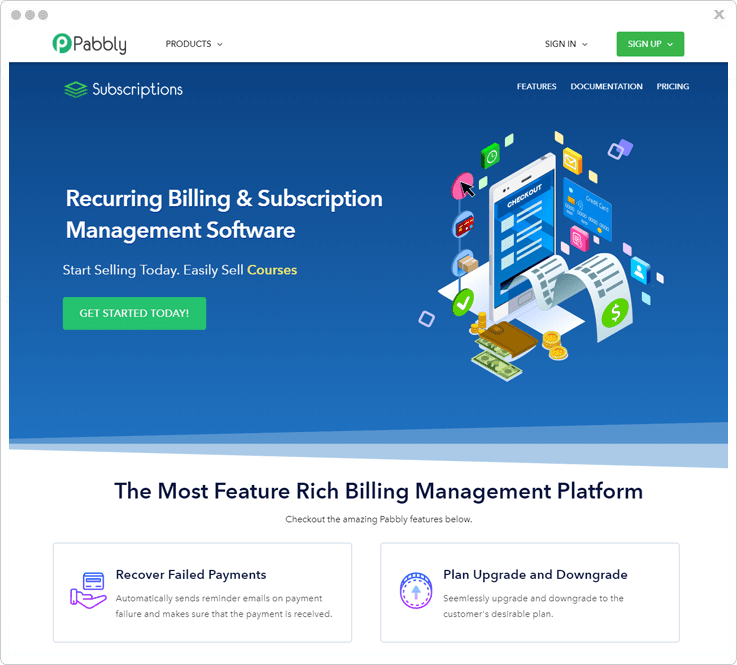
Pabbly Subscriptions is the best affiliate tracking software online. It has two well-functioning dashboards to efficiently manage both the merchants (affiliate product providers) & promoters (customers) campaigns.
The merchant dashboard has options like affiliate settings, commissions & clicks results. The affiliate dashboard has information related to subscription, invoice, transaction, profile & affiliate stats. Both users can efficiently manage their campaigns through service.
At present, this premium service came along with the Pabbly subscription services. The standalone version is not available in the market yet.
Pricing Plan:
Pabbly has three cost estimate plans.
Starters – This is a basic plan of $7/month only & abound 50 customers can make use of this plan.
Rookie – The advanced functionalities of this service are available at the cost $29/month for around 1000 customers.
Pro – This the highly advanced plan along with all the advanced functionalities & unlimited customers in only $59/month.
Features:
Affiliate Settings
It contains the general settings regarding the affiliate URL & payouts for the merchants. And for the affiliates, it renders the general settings & banner links.
Payment & Commissions
You can set payment option as PayPal. Set the payout day as any date of the calendar or the custom options available. Also, you can set the payout type as instant or manual.
Similarly, you can set commission rules for providing the commission as flat or percent-based for particular billing & re-billing. Also, you can add affiliate links to a title.
Subscription & Invoice
It offers the subscription details & detailed invoice for the affiliates. The subscription contains the information regarding the activation date, status, amount & billing details of the plan. Whereas, the invoice contain information of the due date, amount, status of the customer.
Transaction
It contains the overall details regarding each & every transaction. You get the information about the total amount and payment status of all your transactions.
2. Tapfiliate
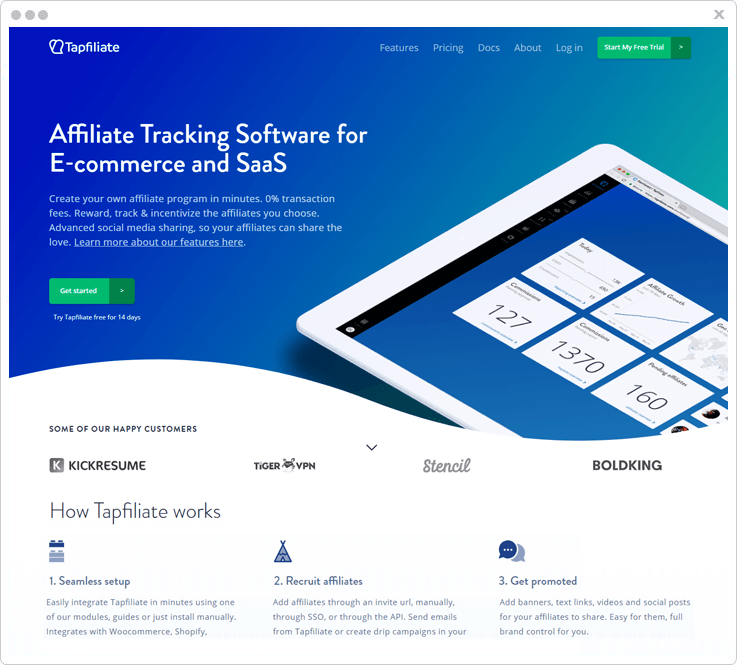
Tapfiliate is an affiliate tracking software for E‑commerce & SaaS. You can create an affiliate program of your own in minutes. It doesn’t have any additional transaction fee. Moreover, you can track, reward & incentivize the chosen affiliates.
In addition to this, it has advanced social media sharing enabled so that your affiliates can share the stats.
Pricing Plan:
Tapfiliate affiliate tracking software comes along with three plans.
Essential – This plan will cost you $69 monthly.
Pro – The pro plan will cost $149 per month.
Enterprise – To know about the enterprise plan you must contact the sales team of this service.
Features:
White Labelling
You can white label the affiliate pages that perfectly match your brand or domain. You can personalize emails, provide an affiliate dashboard & customize your brand on the redirect links.
Moreover, it supports six affiliate languages, has a custom sign up fields & payout methods.
Recurring or lifetime commissions
You can award one-time, monthly, fixed, or percentage-based commissions. or per-category/product commissions.
Social Sharing & Branding
You can grow the social reach across the web with personal referral links & coupons by creating shareable social media posts for your affiliates. Also, you can manage banners & other brand materials very easily.
3. ClickMeter
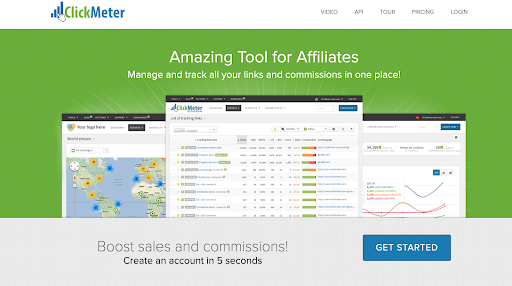
ClickMeter monitors, compares, and optimizes all of your marketing links in one place and offers a brilliant solution when it comes to an affiliate tracking tool. This tool enables you to manage and track all the links you use in your affiliate marketing efforts along with the commissions you get from them. It also lets you customize your links with your domain or channel name, differentiate between real visitors and bots, and test different messages to see which has the biggest impact.
Pricing Plan:
ClickMeter’s software comes in three different plans.
Medium – This plan will cost you $29/month.
Large – This plan is $99/month.
X-Large – This plan is priced at $349/month.
Features
- Cloak affiliate links – Hide destination URL, protect your commission codes, and keyword lists.
- Vanity links
- Sales conversion tracking
- Real-Time reports
- Split test optimizer
4. ThriveCart
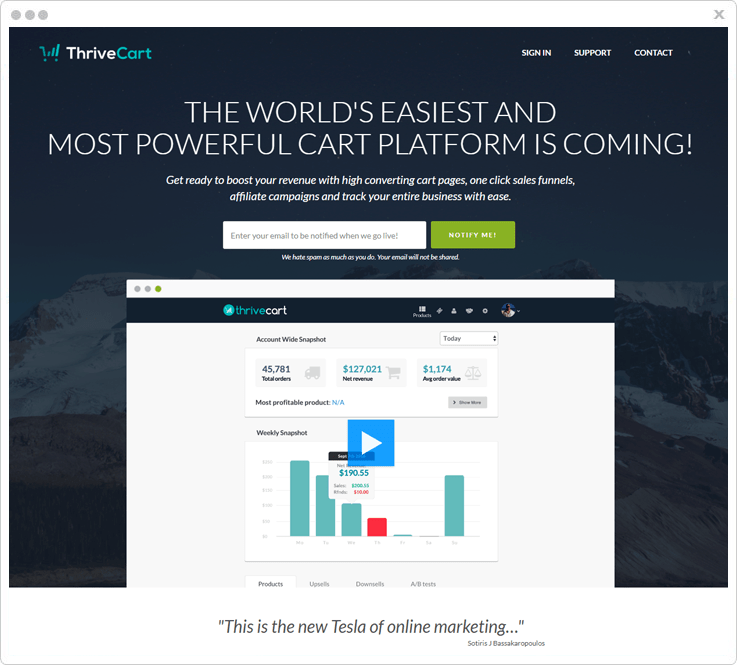
Thrive Cart is a very powerful yet simple affiliate management center service. It renders live statistics & a forecast dashboard for your affiliate business. It provides real-time sales & promotions. Also, you can monitor the sales and manage the affiliate promotions efficiently.
Pricing Plan:
To know the pricing of this service contact the ThriveCart sales team.
Features:
Sales & Refund
With the updated version of this service, you can add sales tax for refund orders is improving. Moreover, you also can break down the percentage of tax refunds anytime.
Coupons
Thrivecart supports passing coupons through the affiliate URLs. This feature will automatically credit a sale to a particular affiliate.
Cart Templates
Fine-tuned, highly optimized cart templates are ready to use with this service to instantly start your program.
A/B Testing
You can perform A/B tests to determine flaws in your marketing or funnels. Also, you can fix them instantly.
5. Ambassador
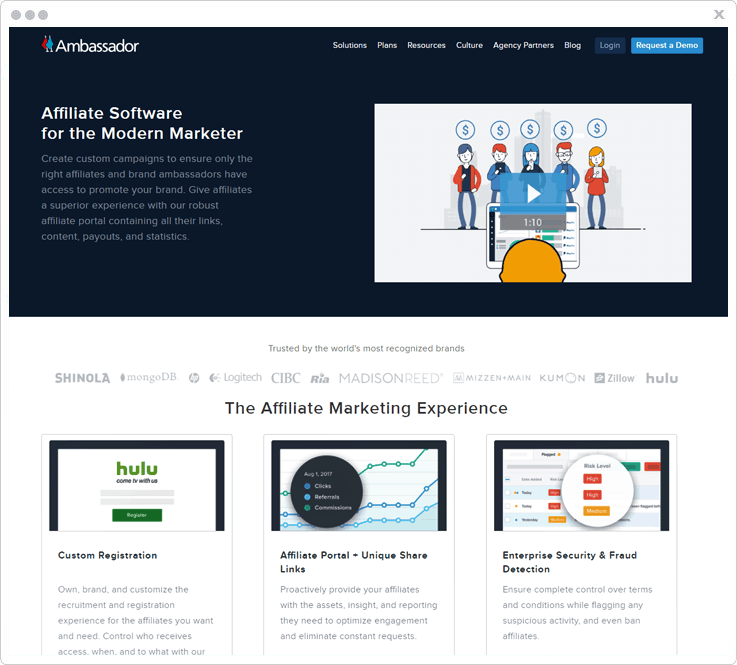
Ambassador is an affiliate software for modern marketers to create custom campaigns. With this service, you can ensure valid affiliates/brand ambassadors to access & promote your brand.
It is a multi-campaign service with omnichannel capabilities. Moreover, it is mobile optimized & support webhooks.
Pricing Plan:
Ambassador affiliate tracking software has three cost estimate plans –
Starter
This plan is perfect for programs that need real-time changes using Visual Editor.
Professional
This plan will suit the mid-to-large size companies that are looking to configure more than one program. Meanwhile, you can easily integrate this service into your existing tech stack.
Enterprise
Enterprise plan is best for a custom omnichannel affiliate/influencer segmentation. Moreover, global & white-labeled partners are uniquely managed under this plan.
Note – You can choose any plan that suits your campaign the best & after that you can get in touch with the sales team of the service to know the pricing regarding your chosen plan.
Features:
Dashboard
A powerful dashboard that contains earned, awaited approval, awaited payouts, & paid to date reports. Also, there is an option to instantly share the referral links of a campaign. Furthermore, there is an activity overview that displays your most recent activity.
Stats
In the stats area, you can view & share the statistic of your program. Three reports are visible in this area, a graph representation, a total share stats & a social share stat. These reports are based on the shares, clicks, referrals, revenue & commissions.
Commissions
Under this tab there are reports available on the basis of the date, the customer referred name, email, transaction ID, campaign, revenue & status. Further, you can search for a commission.
Payouts
It renders all the payout details like payout date, customer id, amount & payment status.
6. Impact
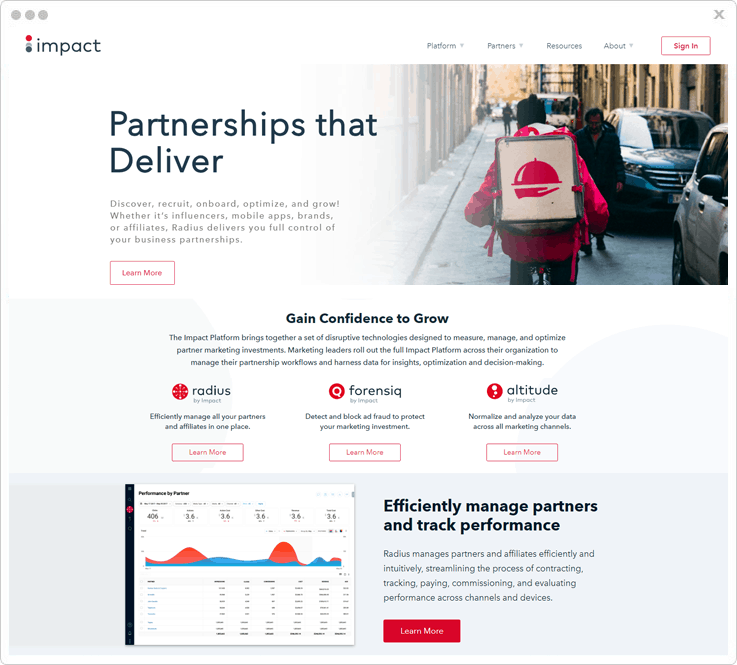
The Impact is an affiliate tracking software crafted to measure, manage & optimize partner marketing. You can use this service for managing a partnership workflow, gearing up data for insights, decision making & overall optimization.
Pricing Plan:
For pricing details, you must contact the sales team of this service.
Features:
Basically, it has native integration towards Forensiq, Altitude, & Radius.
Forensiq
It provides sophisticated fraud detection methods to identify malicious activities & block them for a safe and secure ad inventory. It provides four different kinds of fraud detection.
- Full-Funnel Fraud Detection
- Mobile & Video Fraud
- Comprehensive Viewability
- Data Transparency
Altitude
This module will boost up your marketing ROI through omnichannel insights, real-time analytics, & customer behaviour analytics.
Additionally, it has a report builder and machine-learning attribution modelling.
Radius
This a versatile module which provide multiple functionalities to the service. So, you can manage your affiliates and expand globally. This module also helps you track & measure unique channel partnerships. It streamlines all the processes from recruiting, contracting, tracking to paying your affiliates.
7. Post Affiliate Pro
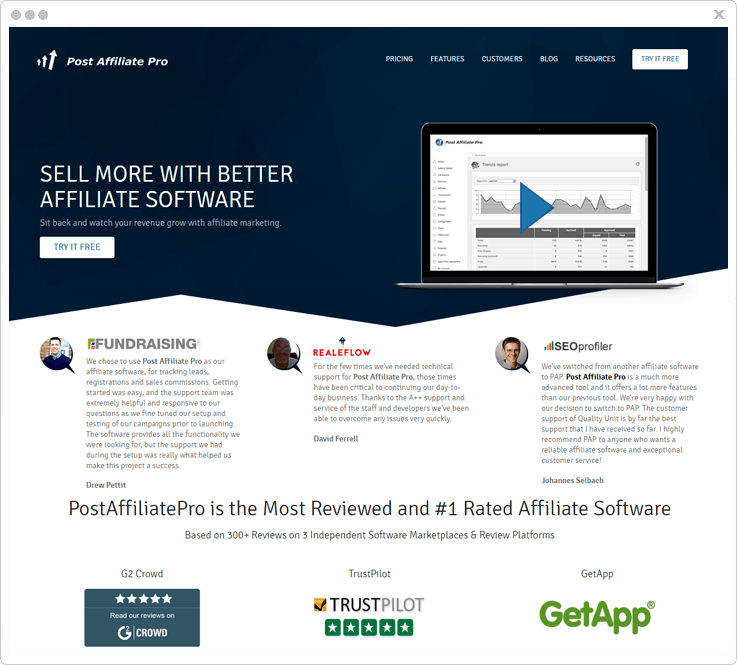
Post Affiliate Pro is a premium affiliate tracking software with around 170 CMS & multiple payment gateway integrations.
It avails many premium features like link tracking, campaign scalability & endless customization. The only limitation is the cost.
Pricing Plan:
Post Affiliate Pro affiliate marketing tracking software offers 3 plans.
Pro
This plan costs $97 for advanced affiliate features & 1M tracking requests/month.
Ultimate
This plan is available at $197 for full-scale affiliate management & 5M tracking requests/month.
Network
The Network plan will cost you $477 with unlimited affiliates, unlimited merchants & 20M tracking requests/month.
Features:
Multiple Tracking Methods
- Tracking via affiliate links styles
- Track sales in multiple currencies
- Direct link click tracking
- Private campaign tracking
- Multiple Commission types
Multiple Commission Types
You can provide commissions for virtually anything to your affiliates. This service allows you to set the commission type as action, recurring, split or lifetime. Also, you can set performance rewards, commissions for groups and multi-tier commissions.
Multiple Promotion Materials
Your affiliate can make use of different promotion materials such as simple text, Image, Link, HTML or many types of banners. Furthermore, this particular service provides a new type of banner i.e, rebranded PDF files.
Conclusion:
All the mentioned services are filtered based on their capabilities, testings & real customer reviews. You could choose any service that best suits your site needs. Moreover, the most recommended is the service that topped the list.
You May Also Read:
5+ Best Affiliate Software (With Free Trial)

Trying to generate sales & increase traffic on your website with the help of online affiliate marketing?? Then we have some best options of affiliate marketing software for you that will serve the purpose with the best efficiency.
With these software, you can use services like product subscription management, recurring billing payments, etc, that helps you to grow your business & reach the heights in profits bars. Also, you can analyze your business growth, product selling, customer satisfying services, etc. Some of them are discussed below –
Subscription Management – You can manage the subscriptions with options like a trial offer, assigning credits, refunds issue, etc. for product & services provided to your customers.
Recurring Bill Payments – In affiliate marketing, you can also provide weekly, monthly, yearly or one-day subscription plan to customers. This service helps users to take advantage of the services for a long time with less investment.
With this arrangement, you can also provide an option to customers for giving the authorization to deduct charges from them to recharge their desired subscription plans.
In this article, you are going to surf some of the best software for Affiliate Marketing with FREE signup/login options.
1. Pabbly Subscriptions –
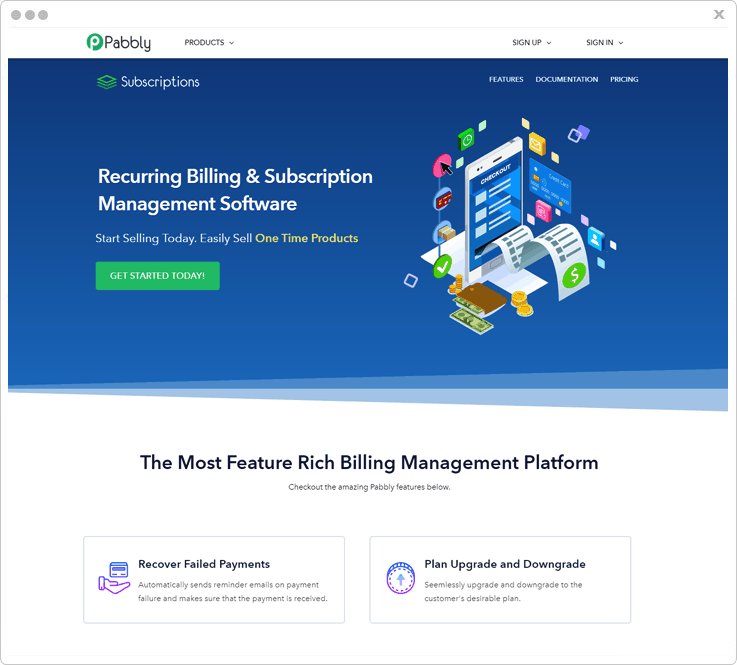
Pabbly Subscriptions is the best SaaS-based software that enables you to sell & manage the billing & subscription of the products and services of your website. Also, Pabbly subscriptions have included affiliate management system that helps you to engage customers & sell products to earn profit. As a part of this process, the affiliate will be rewarded for every purchase.
In this software, you can also become a merchant, affiliates & customer by selecting a few options.
Features –
- Checkout Page Customization – Pabbly Subscriptions gives you checkout page customization option that no other affiliate marketing platform offers. With this feature, you can add custom fields on your checkout page that helps you to enhance the functionality of your affiliate system.
- Commission Rule – You can define the commission of the affiliates by adding a title, products, plans option. Also, you can provide options for a commission with a flat or percent payment mode for first & rebill commissions.
- Custom Domain – Pabbly Subscriptions have custom domain feature that allows you to create your own domain for the checkout page.
- Invoice – With this feature, you can provide an auto generated invoice to affiliates/customers as a statement for transactions.
- Payment Profile – Pabbly also provides you PayPal payment gateway option for transactions. Whereas, other payment options will be added soon.
Pricing –
Pabbly Subscriptions provides you 3 different plans on a monthly & yearly basis along with Pabbly affiliate management system. These are the following plans –
- Starter – In this starter plan, you can get options like dunning management, 25+ currency support, customizable checkout page, & more at a cost of $7/month.
- Rookie – The Rookie plan will cost you $29/month for all the features of the starter plan. Additionally, you will get 1000 customers, client portal, tax management option.
- Pro – It starts with $59 per month and also includes all the features of Rookie plan along with the option of unlimited customers.
2. Omnistar–
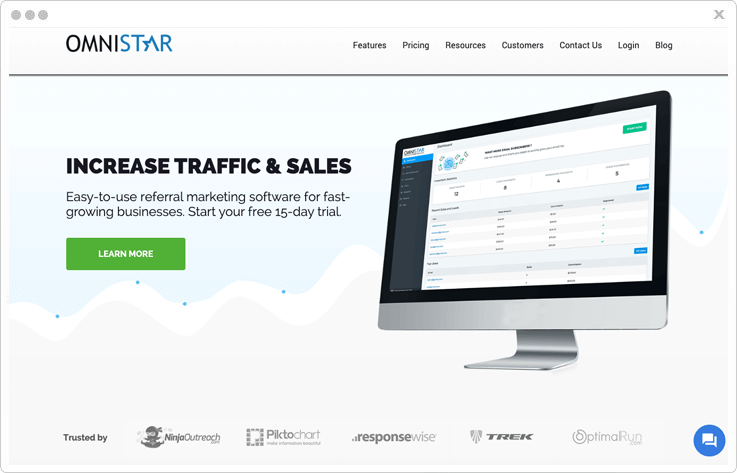
Omnistar is one of the best and most affordable affiliate and referral marketing platforms on the internet. With an easy setup wizard, you can literally be up and running in minutes. You can then create a referral program to recruit your own customer or a standard affiliate program to recruit affiliates and influencers.
With this software, you can truly leverage all aspects of word of mouth marketing to increase your website traffic and sales.
Features –
- Getting Started Wizard – Get your referral and affiliate programs set up in minutes by following our user-friendly wizard.
- Discount Codes and Coupon Tracking – Link discount codes to give customers an incentive for purchasing through your partners.
- Social Media Network Sharing – Allow affiliates to easily promote your brand through Facebook, Twitter, and LinkedIn.
- Promotional Resources – Take full advantage of many built-in resources to help you promote and grow your affiliate and referral programs.
- One-on-One Tech Support – Schedule FREE one-on-one support sessions with members of our customer success team to help you achieve success with the software.
- Influencer / Affiliate Directory – Easily recruit top affiliates and influencers to promote your brand to their global audience using our exclusive influencer directory.
Pricing –
Omnistar provides 3 different monthly and yearly plan options as follows:
Basic – In this basic plan, it supports up to 200 affiliate users and 20,000 Tracking requests per month at a cost of $47/month.
Professional plan – This upgraded plan is for businesses that really look to expand the reach of their program. It supports up to 1000 affiliates and 500,000 tracking requests at a cost of $97/month.
Premium – This is our enterprise worthy plan geared for established businesses that plan to due high volume. It supports up to 5000 affiliates and 1,000,000 tracking requests at a cost of $247/month.
3. CJ Affiliate –
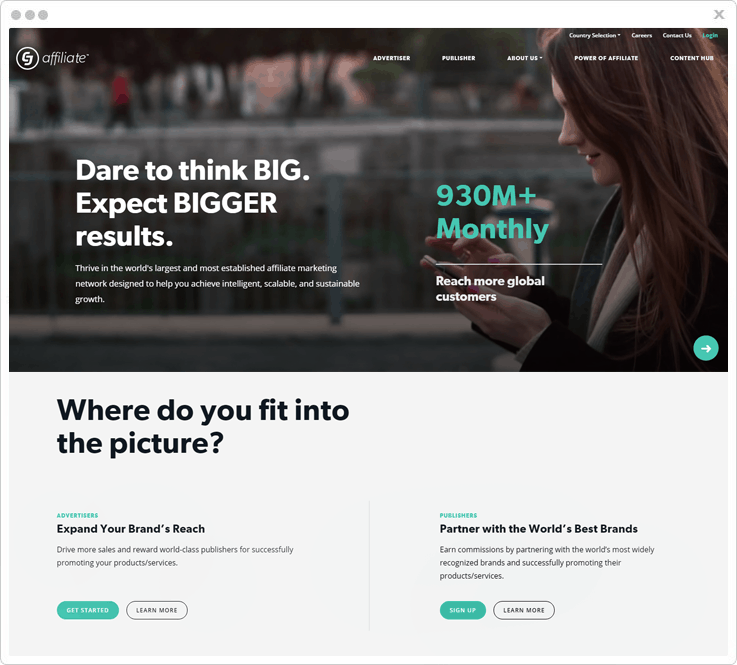
CJ Affiliate is an affiliate marketing software that helps you to grow your business by promoting it into other online platforms. The best fact about CJ is the partnership between the advertisers & publishers that makes them better than others. Let’s talk about these two partners of CJ Affiliate:
Advertisers – Advertisers play an important role in this operation of business growth. They sell products, experiences, etc. & recruit new publishers into the network. Advertisers also give rewards to publishers for promoting their products & services in a worldwide manner.
Publishers – These are the second pillar of CJ Affiliate Team which are recruited by advertisers to promote products & services of world’s best brands into other platforms with great offers and earn commissions.
Features –
- Earn Per Click – CJ Affiliate provides you a great option of EPC (Earn Per Click) that helps you to get information about the rewards you earn by promotions on a single click. You can manage the stats of this feature in terms of per day, weekly, monthly or on yearly basis.
- Brand Security – It also takes brand security as a top priority. With CJ, you can get security options like pre-payment validation, GDPR compliance solution, network & program monitoring, etc.
- Cross-Device – CJ also comes with the cross-device tracking option. This feature allows advertisers & publishers to recognize growth & efficiency by tracking the routes, devices & overall network.
- Cookieless Tracking – It provides you with an uninterrupted tracking option which ensures you to track any site without cookies generation.
4. JVZoo –
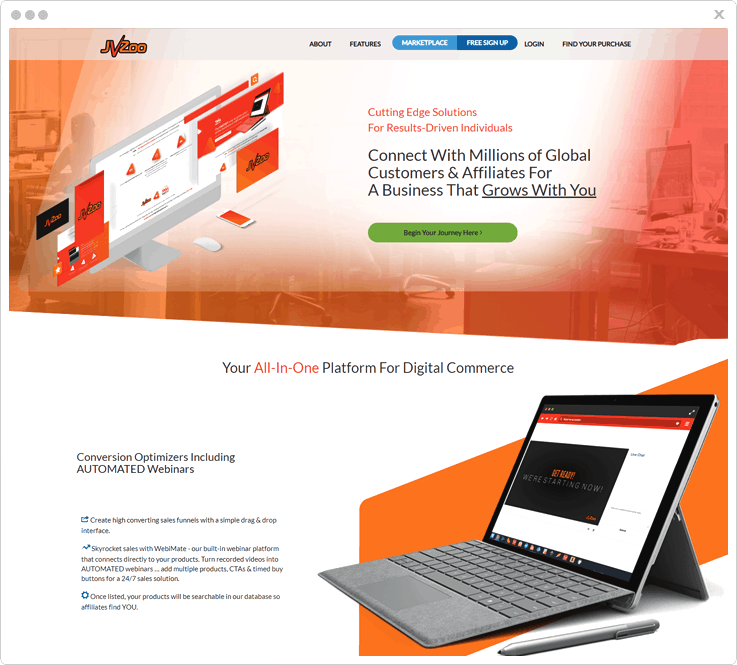
JVZoo is the best option to grow your business with the help of affiliate marketing. This software allows you to create products and sell them to customers to gain profits through your website. It comes with an advantage of affiliates that helps you to promote & sell your products into other websites by giving referral amount.
In this affiliate marketing software, you can get two types of dashboard options for Seller and Affiliates for a better workflow & boost up the sales of your products & services with high profits. Here we have discussed the important key traits of this affiliate marketing software –
Sellers – JVZoo provides a platform for sellers to create & sell unlimited products to customers. It also contains various options like payout transactions, dashboard option, custom banners, coupons, reports etc.
Affiliates – This software also helps you to spread your business by promoting it on other sites with the help of Affiliates. These are also known as a promoter which earns money from sellers by referring their products into other platforms.
Features –
- Affiliate Request Recaptcha – This feature will assist the sellers in eliminating mass requests and network spam.
- Ad Manager Plugin – JVZoo comes with Ad Manager plugin that allows you to manage and place ads/banner into your website for the promotion of products of different platform.
- Manage Affiliate Bonus – You can manage & provide additional commissions as an incentive to affiliates for promoting services with world’s best-growing brands. This management process can be done easily with the help of Gorilla Commission plugin.
- Tools Integration – This software has a combination of integrated plugins of different categories like AWeber, Zapier, GetResponse & more that helps you to highlight your website products and enhance sales traffic.
5. Impact –
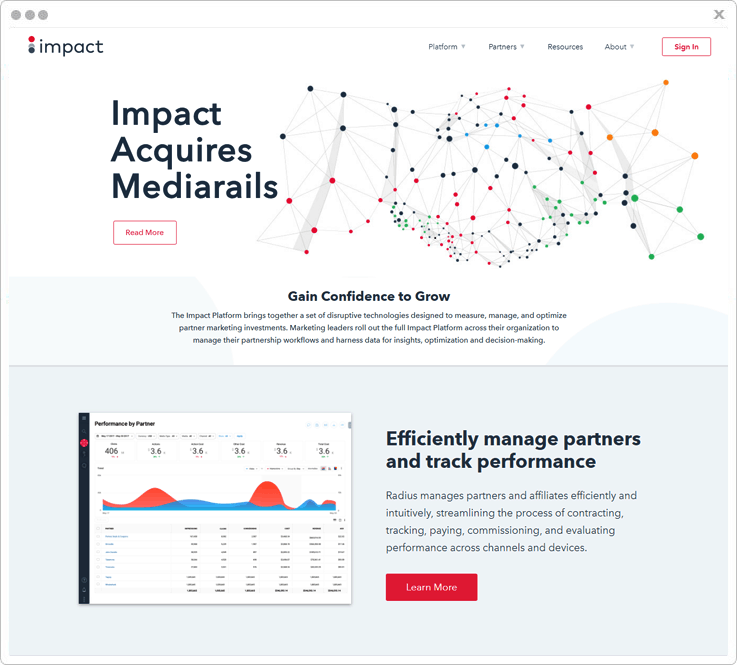
Impact has turn out to be one of the most used affiliate marketing tools that provide better solutions for you to manage all your partners & affiliates in one place. This software allows you to track site performance, fraud ad block, ineffective marketing spend, vanity links, etc. with high-speed performance.
With this software, you can create & manage reports of any particular products, service, sales, site performance by showcasing it with 3 different bar graph styles.
This affiliate marketing software has got many other features that provide protection to your website & helps you to handle the sales. So, you can earn profits by selling & promoting products to customers through your or other’s website.
Features –
- Reports Management – Monitor website performance & manage reports of sales, traffic, business profits, etc. on the daily, monthly, yearly basis. Also, you can download and share reports with others.
- Auto Monetization – With auto monetization, you can generate revenue by sending traffic to the expired campaigns & from advertisers who did not accept your work as well.
- Data Feeds – With data feed option, you can update information about various user actions on marketing in terms of promotional ad & product feeds with ease.
- Ads Fraud Detection – Impact has an advantage of ads fraud detection with the help of Forensiq Suite. Using this feature, you can eliminate fraudsters from every part of your marketing funnel with various Forensiq options like ad verification, firewall, performance & install suite.
6. AffiliateWP –
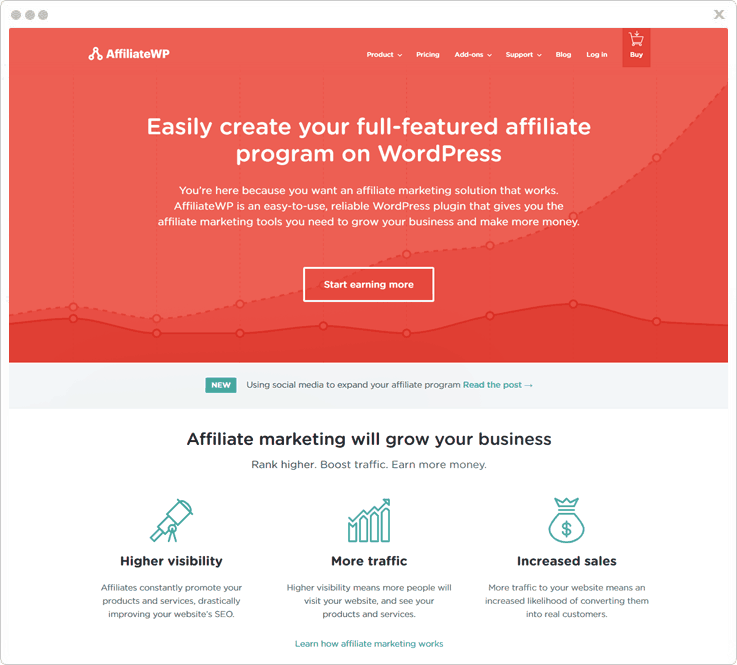
You can count AffiliateWP as one of the best affiliate software that provides you marketing tools to boost up your sales & make more money by promoting products & services in an appropriate way. AffiliateWP comes with a lot characterstics such as WP-CLI integration, coupon tracking, emails customization and more.
Features –
- Unlimited Affiliates – With this feature, you can recruit an unlimited number of affiliates for your marketing program on the basis of their work.
- WP-CLI Integration – This service comes with the integration of WP-CLI plugin which provides a command line interface program for actions you perform in the WordPress admin. Hence, you can easily create, update, delete, and view all data within AffiliateWP.
- Affiliate Coupon Tracking – You can use this option to track the coupon code assigned to the affiliates & reward them for every purchase that has occurred by referring to the product link.
- Complete Integration – This affiliate marketing software is integrated with plugins like eCommerce, memberships, etc.
Pricing –
- Personal – This is the basic plan of AffiliateWP in which you can get 15 official free add-ons, 1 site license, plugins update, core features & support in just $99 per year.
- Plus – In this package of $149, AffiliateWP provides all the features of Personal with an advantage of 3 site license for a year.
- Professional – It is the most popular and effective plan of this software in which you get 14 Pro add-ons (costs $ 840), all future PRO add-ons, 15 official free add-ons, email support, unlimited sites & more at just $249/year only.
- Ultimate – In this Ultimate plan of $499 with a one-time payment, you got all the features of the professional plan along with lifetime update & support.
7. Tapfiliate –
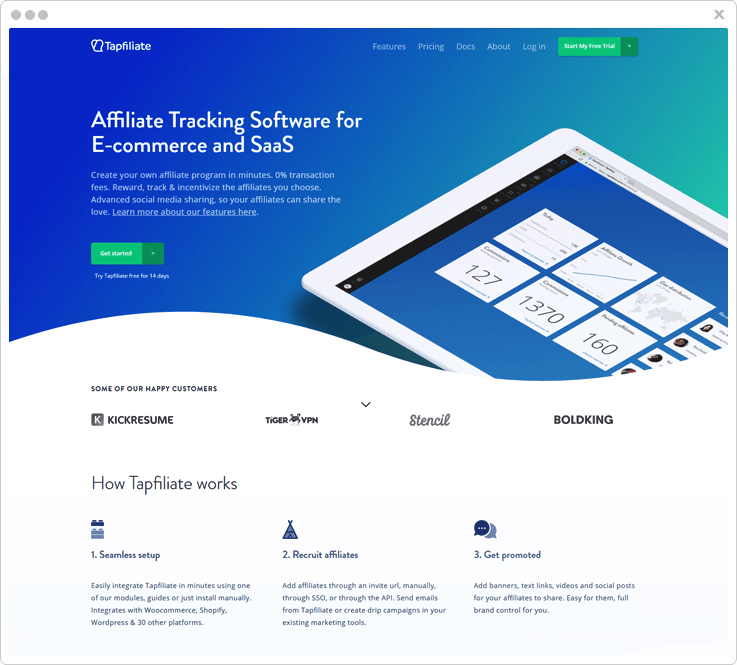
Tapfiliate provides you an intuitive way to manage affiliate marketing platform & gain more profits in a genuine way by creating, selling & promoting products of your own or others. This service gives you a flexible commission structure, branding control, track clicks, links, conversion etc. & many other options that help you to create an affiliate program.
Features –
- API Access – Tapfiliate provides you full control of your affiliate world by using its rest API that helps you to automate your workflows. With the help of this feature, you can also improve the growth of affiliates.
- MailChimp Support – With the help of MailChimp, you can easily automate the marketing of products & services by sending emails to clients in bulk.
- Social Market Growth – You can also promote your services/products by sharing or promoting them on social networking platform with the help of affiliates.
- Recurring Commission – This feature allows you to define payouts to the affiliates for selling products on a lifetime basis.
Pricing –
This software provides you 14 days free trial option, so you can grab a chance to explore the features & functionalities of the software.
- Essential – This pack offers you 2-way API & webbooks option with multiple language support & more. All of it costs you $69/month.
- Pro – With this plan available at $149/month, you get every feature of Essential along with custom fields & domain option.
- Enterprise – For the pricing details of this plan you have to contact the support team of Tapfiliate. This plan will benefit you with more enhanced features along with the characteristics Pro plan.
Conclusion
I hope you had a glimpse about what is affiliate marketing & its features. Selecting any of them will definitely help you in the long run.
So, you can pick any of these affiliate software which has exclusive integrated features along with great functionalities.
You may also refer these informative blogs on affiliate marketing-
10 Best Google Forms Alternatives 2022
I know the “free of cost” Google Forms have delighted you at first, but as soon as you encountered the drawbacks like limited design customization, lack of SSL security & conditional logic, it must have taken you aback.
To sum up, it seems absolutely impossible to gain confidence with this form builder software.
And now that you have decided to get over the Google Forms, fortunately, there are a handful of its alternatives.
So in this article, you are going to find some of the best Google Forms alternatives that are ruling the market ever since they are launched.
Now understand why we have compiled only the following form builder tools for you:
- Consist of numerous integrations with CRM, marketing apps, data synchronization, and applications.
- Use of conditional logic that helps you to make your forms more precise & user-friendly.
- High-end security by using advanced techniques for your online forms.
- Enables you to custom brand your web form to promote your brand/service.
- Email notifications & autoresponders.
| Comparison Of Google Forms Alternatives |
|||||
| Services | Starter Plan | Form Validation | Autoresponders | Ratings | |
| FormGet | $5/month | ✔ | ✔ | 5.0/5.0 | |
| Pabbly Forms | $5/month | ✔ | ✔ | 4.9/5.0 | |
| 123FormBuilder | $24.99/month | ✖ | ✖ | 4.4/5.0 | |
| Formstack | $19/month | ✔ | ✖ | 4.5/5.0 | |
| Wufoo | $19/month | ✖ | ✖ | 4.6/5.0 | |
Exciting isn’t?
Well, this was just a glimpse of what you shall get on using these web form creators that we have mentioned below.
Let us quickly find what more these substitutes of Google Forms have claimed to provide you.
We have got something extra for our avid readers, check out this amazing blog on email marketing software: FreshMail Alternatives
1. FormGet Form Builder
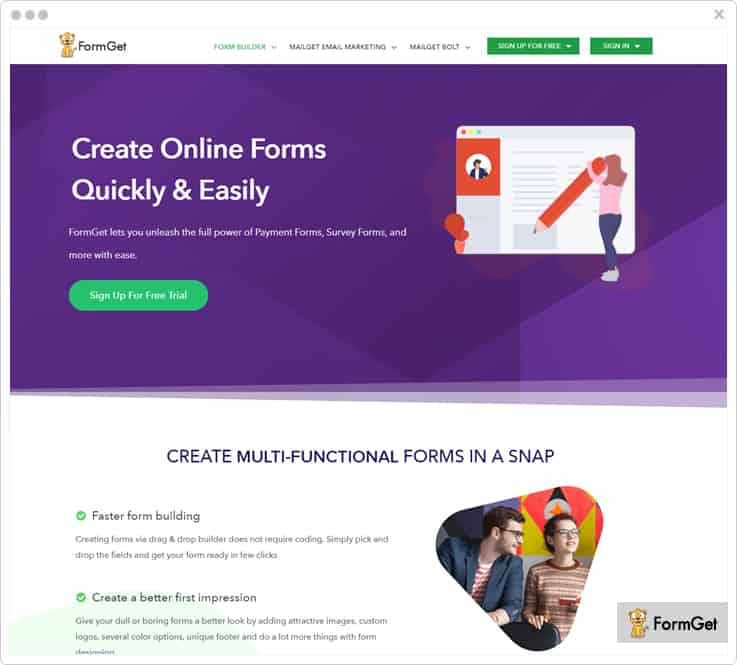
FormGet Form Builder is one of the most bankable & best online form builder. Creating a contact form, enquiry forms, booking forms etc. is a bliss for an amateur as well a professional. You can use its drag the drop functionality to place the desired form fields or use the pre-built form templates to make your form.
It has got tons of amazing features that help you create an outstanding online form. For instance, form validation, Google Analytics & user tracking, and email marketing tools integration, form scheduling & several more.
Besides this, to collect one-time or recurring payments from the customers, you can use the integrated payment gateways PayPal & Stripe which are very reliable.
Pricing Plan
- Starter Plan – Get it in $5/month and avail 1 form, 1200 submissions/month, 20 MB file uploads etc.
- Rookie Plan – Buy this plan at $35/month and get facilitated with 25 forms, 25K submissions/month, 2 GB file uploads and more.
- Pro Plan – You can avail this plan at just $79/month where you will also get unlimited forms, 60K submissions/month, 7 GB file uploads etc.
- Advance Plan – Purchase the Advance Plan at $99/month and avail unlimited forms & submissions, 10 GB uploads and a lot more.
Note:- Get 20% off on yearly billing.
Highlights
Conditional Logic – With this functionality, you can smartly present a precise & easy-to-fill form. This is because the logical branching will populate only user-specific input fields in the form.
Self Hosted Form – You do not need to own a domain i.e. any web page or website to host your form. Once the form is created, you can share it on various social networking platforms grabbing the URL of the form.
Notifications – The admin gets notified about various activities such as form submissions, payment receive etc. Further, he can use autoresponders to get in touch with the user via email & acknowledge them for received payments, confirmation etc.
Custom Branding – Grab customers attention by adding logos, images, custom message, link etc. of your brand to promote it & give a long-lasting impact of your product on users.
2. Pabbly Forms
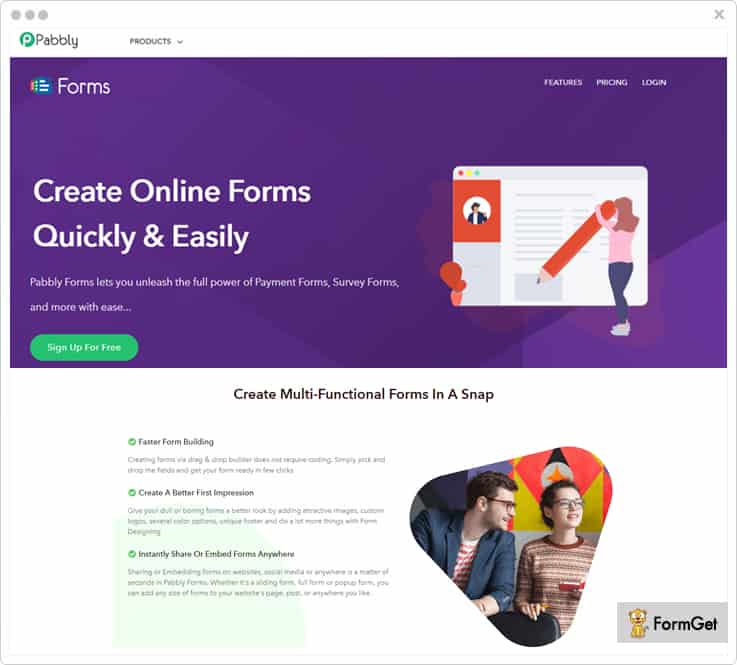
Pabbly Forms is an ultimate online form designer tool that provides the most flexible way of form creation of different niches such as membership forms, feedback forms, order forms etc.
It provides you with the variety of pre-built templates that you can use to create attractive & responsive forms instantly.
This software lets you create different types of forms & present it in multiple ways such as sliding, popup etc. You can effortlessly add forms on your website or others. Moreover, you can manage all the forms & received entries easily from a single location.
Few more features that you will find in Pabbly Forms are multiple integrations, form scheduling, language translation, email notification etc.
Pricing Plan
- Starter Plan – Purchase this plan at $5/month for 1 user, 6 months upload storage, embed to 10 domains etc.
- Rookie Plan – Buy this plan at $35/month for 5 users and get facilitated with 6 months upload storage, embed to 35 domains and more.
- Pro Plan – You can avail this at an affordable price of just $79/month for 10 users where you will also get 18 months upload storage, embed to 75 domains and a lot more.
- Advance Plan – Get it in $99/month for unlimited users and avail embeds to unlimited domains, lifetime upload storage etc.
Highlights
Form Validation – One of the most important aspects is validating the inputs from users. With this service, you can easily validate the form fields & check whether or not the required field is filled, email is entered in correct format etc.
Team Collaboration – Admin can band together with the team members & provide them selected form access. By providing user roles & permission to staff members, you can easily manage forms & collected data.
Email Marketing App Integration – Since email marketing is a very generic way to collect leads, you can easily drive the subscribed users to your email marketing solution via subscription forms.
Payment Collection – You can collect one-time or recurring payment for your products/services from the customers through secured payment gateways like PayPal and Stripe.
Read some more related articles on Form Builder
3. Formidable Forms
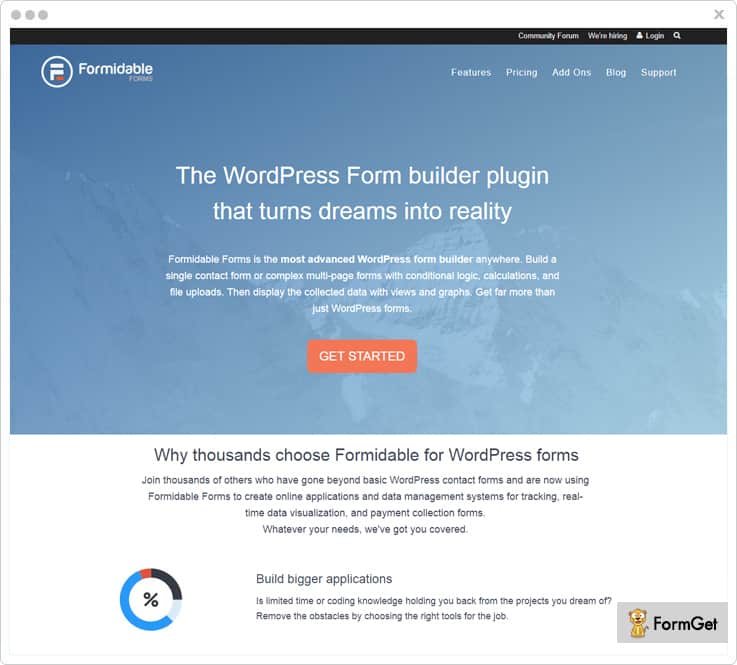
Formidable Forms provides you with WordPress drag-and-drop form builder to create forms & WordPress front-end editor to edit entries, submissions & user-created pages or posts effortlessly.
The software possesses some of the best functionalities like you can make the multi-page form with a progress bar, allow users to save & continue partial form submissions, upload multiple files, and much more.
Besides this, you can also create customized email notifications for unlimited recipients along with autoresponders.
Pricing Plan
- Personal Plan – Purchase this plan at a very economical price of $49/year and 1 year of updates & standard support along with various other useful features.
- Creator Plan – Avail this plan at $99/year and get options like user tracking, Bootstrap form styling, MailPoet newsletters etc.
- Business Plan – Pay $199/year and get features like quiz maker, Twilio SMS, GetResponse integration, e-signatures and a lot more.
- Enterprise Plan – You just have to spend $399/year to avail lifetime updates for Formidable Pro & existing add-ons, form action automation and many more advanced functionalities.
Highlights
Cascading Lookup Fields – This functionality allows you to set subsequent field value based on another field. This can be best understood with an example where users are asked to select values in one or more fields, and they receive the final value in another field.
Adding Form Fields Dynamically – Besides using the conventional conditional logic to reduce the form length, you can also use this feature where form fields (like repeatable sections) will be shown dynamically.
White Label Form Builder – This amazing feature allows you to remove any kind of 3rd party branding on your forms.
Invisible Spam Protection – It provides you with powerful anti-spam features as you can add Honeypot, invisible reCAPTCHA, Akismet, and WordPress comment blacklist to your form spam protection section.
4. Zoho Forms
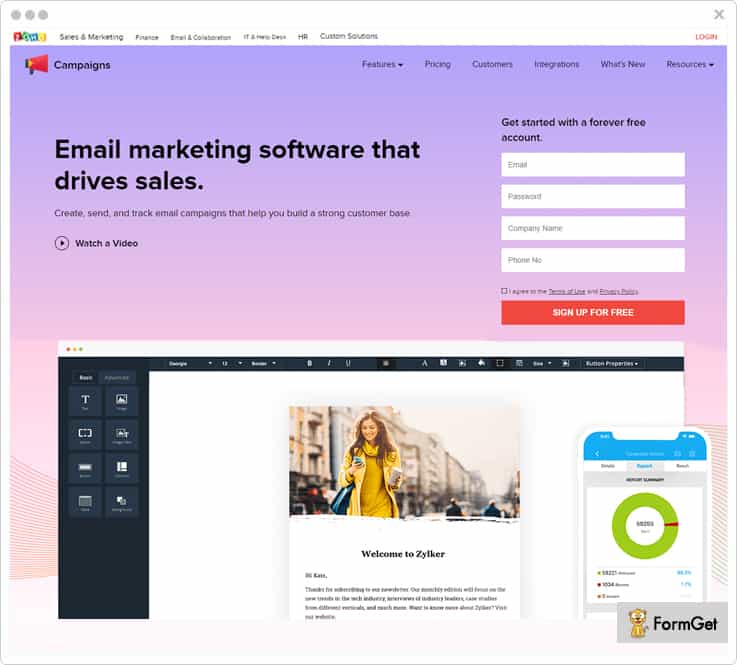
Zoho Forms is a prestigious name in the market of online form builders. It provides you with various responsive templates and themes that are apt for the different purposes. Besides customizing the look-n-feel of the theme, you can also do custom branding of your service through the forms by adding a custom logo, message etc.
There are multiple facilities that you can avail like sending the personalized follow-up, integrations with CRM, campaigns, and desk applications, creating PDFs of collected data, collecting payments via secured payment gateways, use conditional logic etc.
Pricing Plan
- Free Plan – Spend $0 for using 500 submissions/month & 200 MB storage.
- Basic Plan – Get it in $10/month for 1 user and avail 10,000 submissions/month, 500 MB storage and more.
- Standard Plan – Buy this plan at $25/month for 10 users and get facilitated with 25,000 submissions/month, 2 GB storage etc.
- Professional Plan – You can avail this plan at just $50/month for 25 users where you will also get 75,000 submissions/month, 5 GB storage and a lot more.
- Premium Plan – Purchase the Advance Plan at $100/month for 100 users and avail 150,000 submissions/month, 10 GB storage and many other options.
Note:- These pricing schemes are billed monthly, however, the yearly billing will cost you comparatively less.
Highlights
Formula Field – With this feature, you can easily do the calculations in the form itself. For example, you can add up cost in the product form, grade quizzes and do a lot more math with the form builder.
Form Publishing – You can seamlessly embed the forms on your web pages, share them via email campaigns, links, and on social networks. Also, you can outreach the offline forms to the users with printable QR codes.
Email Alerts – Get notified on every form submission, and later, define user roles to the team members for an effective workflow.
Analytics – Monitor critical metrics such as error scores, page views conversion rates, traffic source etc. to create reports based on this statistics. Further, you can export your record database in PDF/CSV format or Google spreadsheet as well.
5. 123FormBuilder
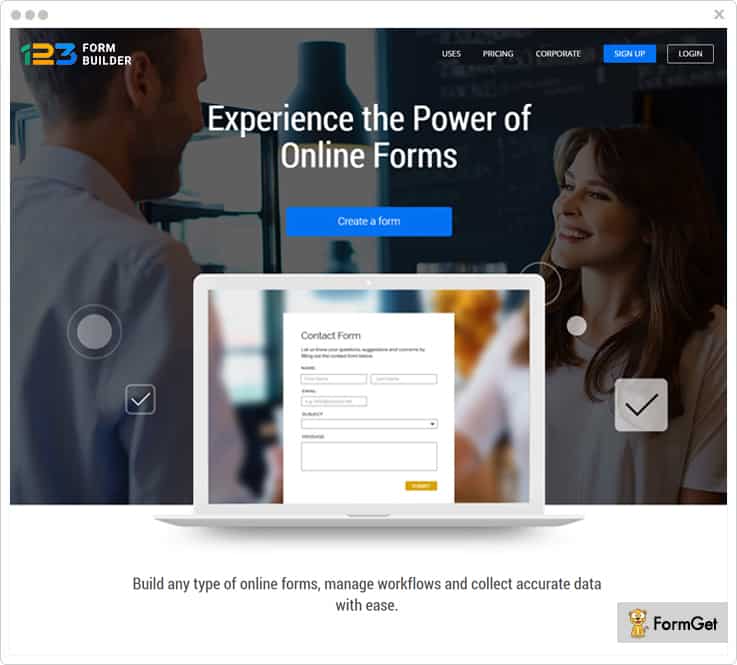
123FormBuilder provides an intuitive way of building forms & surveys with drag-and-drop in real time. You can effortlessly create HTML forms, contact forms, order forms, event registration forms and various other types of web forms
Furthermore, it provides you with over 1000 web form templates such as appointment, enquiry, booking forms etc.
This software aid you with several functionalities such as easy form publishing on different platforms, data analytics that also includes a graphical report for data mining.
Pricing Plan
- Basic Plan – Its Basic Plan does not cost you anything as it is absolutely free and provides you with 5 forms & 100 submissions/month.
- Gold Plan – This plan comes with a price tag of $24.99/month and get 20 forms, 5,000 submissions/month, live chat support etc.
- Platinum Plan – The plan will cost you only $44.99/month for unlimited forms, 20,000 submissions/month, payment integration and more.
- Corporate Plan – It starts with $84.99/month and includes high-end features along with Salesforce integration.
Highlights
Integration – You can connect the online forms to other applications and automate the information gathering task. For instance, you can use MailChimp to populate mailing lists or optimize the workflow via Salesforce integration.
Security – It provides high-end security to your web forms that might contain sensitive information by using SSL technology & Captcha.
Logical Branching – With the use of conditional logic in your web form, the fields will branch out based on the conditions you set (if-else case). This makes your form precise & user-specific.
Transaction Processing – You can seamlessly integrate one or more trustworthy payment processors such as PayPal, Stripe, Authorize.net, Square etc. in your payment forms.
6. Formstack
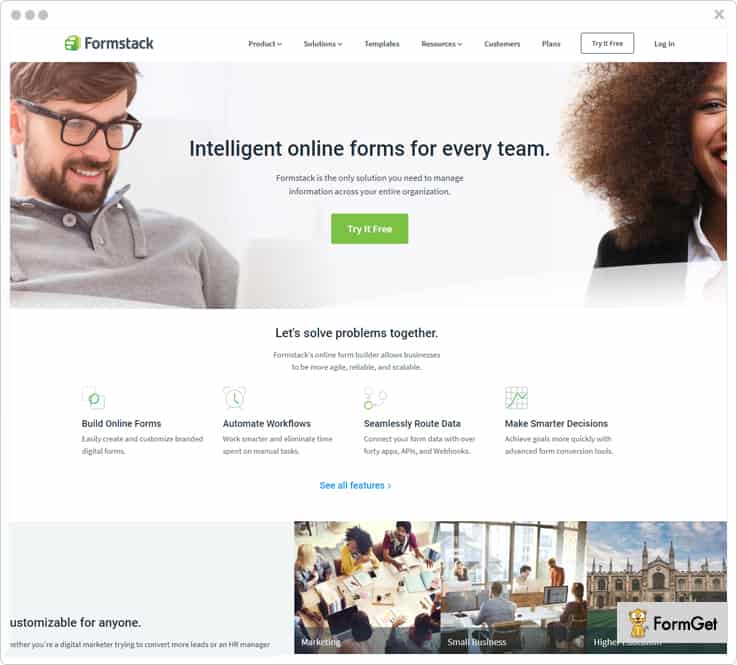
It has got perfect tools like the drag and drop form builder & theme editor to design and customize forms. This means you will get all the essentials like conditional logic, form importer, save & resume option, subdomains for brand recognition and much more.
You will get several functionalities like a dynamic dashboard, team collaboration, save partial submissions (when the user doesn’t click the submit button), confirmation & notification emails using data routing etc.
Moreover, the payment forms will include all the crucial features which are payment processor, discount codes, email confirmations & calculating fields.
Pricing Plan
- Bronze Plan – You can get this plan at just $19 per month and facilitates you with 700 monthly submissions, 500MB of storage, 5 forms, and other basic features.
- Silver Plan – Spend $39 a month & avail 1,000 monthly submissions, 1GB storage, 20 mobile-friendly forms, custom submission messages and a lot more.
- Gold Plan – The cost of this plan is $99 per month that provides you with options like 10,000 monthly submissions, 2GB storage, 100 forms, approvals, advanced PDFs etc.
- Platinum Plan – All you need to pay for this amazing plan is $249/month and get 1000,000 monthly submissions, 10GB of storage, 1,000 forms plus Salesforce integration.
Note: – There is one more advance plan with enhanced features whose pricing can be estimated from sales team.
Highlights
Social Autofill – Users can auto-fill the form using their social media account details of name, address, and email to avoid repetitive form filling process.
Add-ons – Get automated workflows, conversion kit, offline form, portals etc. Also, you will find 40+ integrations that suffice all your requirements like payment collection, managing email subscriber lists, CRM updation & more.
Security – Secure your sensitive data with best security standards as you will be facilitated with invisible reCaptcha, data encryption, GDPR compliance etc.
Analytics – Avail various functionalities that count on analytics and data gathering part. For instance, A/B testing, field validation, routing of collected data, field bottlenecks, collect uploaded files, advanced PDF, custom form integration with webhooks and API, e-signature, UTM tracking etc.
7. JotForms
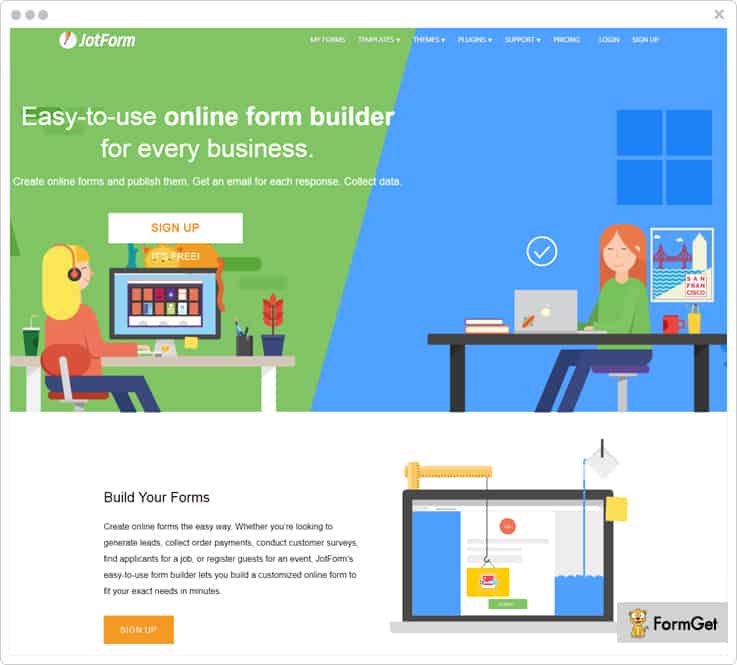
JotForms lets you create fully functional forms for different niches like marketing, non-profits, enterprises, small size business, designers etc.
Either you are creating a form from scratch or availing its 10,000+ free form templates, you can always have a preview before finally sending it.
Moreover, you can invite co-workers to collaborate and make the entire form creation process more efficient.
Pricing Plan
- Starter Plan – The Starter Plan is free of cost and provides you with 1000 monthly form views, 100 MB space & 100 monthly submissions.
- Bronze Plan – You can get this plan at just $19/month with 10,000 monthly form views, 10 GB space, 1000 monthly submissions etc.
- Silver Plan – Get this pricing plan at an affordable price of $39/month and avail unlimited monthly form views, 100 GB space, 10,000 monthly submissions and more.
- Gold Plan – This advanced plan comes with a price tag of $99/month that provides you with unlimited form views, 1TB space along with 1,00,000 submissions.
Highlights
Integrations – It has got 80+ integrations with various CRM, marketing, data synchronization & sharing applications and much more. The collected information via forms is sent directly into your accounts in these platforms.
Payment Option – You can integrate 18+ reliable payment gateways including PayPal & Stripe in your payment forms like product, subscription & donation forms.
Configurations – It allows you to make several alterations in terms of form setting like language translations, captcha, form progress status, unique submissions etc. You can also configure email settings conditional logic, autoresponders, email notification, test emails & more.
Publish Platforms – Share your form link in various social posts and any 3rd party platforms for e-commerce, CMS and more. Moreover, you can display forms on the webpage in different ways such as lightbox, pop-up etc.
8. Cognito Forms
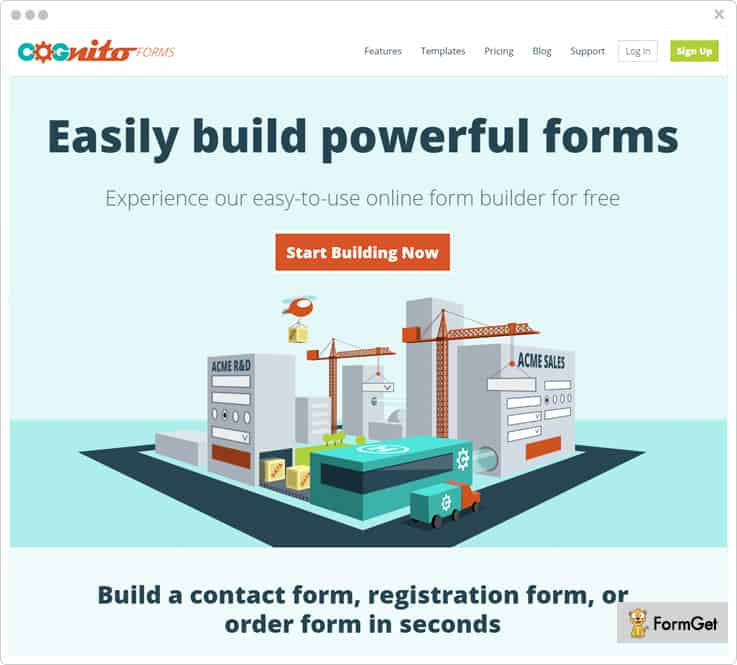
Cognito Forms has been one of the most amazing online form builder as it provides you with an enormous features list which contains document merging, entry management, spam prevention, website embedding, form calculations, electronic signature & a lot more.
In addition to this, it provides data security with Captcha & data encryption user’s hiding sensitive data.
Pricing Plan
- Individual Plan – Get this free plan for single user with option of 500 entries/mo. & 100 MB storage.
- Pro Plan – Avail this plan at $10/month for 2 users and get 2,000 entries/mo. & 1 GB storage option.
- Team Plan – Get this amazing plan for 5 users at $24/mo. along with 10,000 entries/mo. and 10 GB storage.
- Enterprise Plan – Purchase this advance plan for 50 users at $99/mo. and along with unlimited entries & 100 GB storage.
Highlights
Save & Resume – You can save even the partially filled forms and allow users to continue their form completion in future.
Card On File – Store customer payment card information for future use like recurring payments, installments, subscriptions etc. while staying PCI compliant.
Multi-page Forms – Manage long forms & surveys easily by segmenting them into multiple pages, sections, progress bars, and conditional branching etc. for ease.
Quantity Limit – Use this feature when you want user to enter a value only a specific number of times on your forms. For example, in case of limited inventory items, certain number of signup slots, to receive unique entries from every user.
9. Wufoo
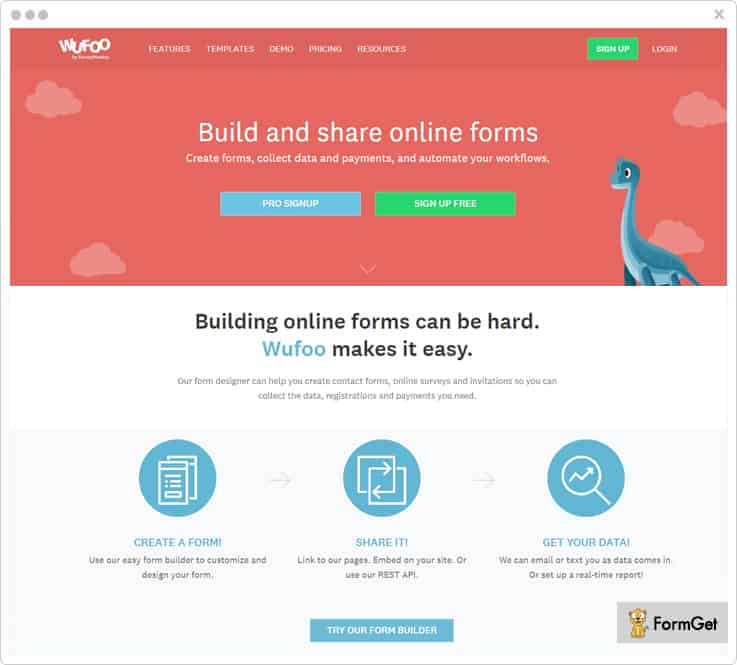
Wufoo allows building and sharing online forms in the easiest manner by workflow automation. Its form designer helps you to create contact forms, online surveys, and invitations to collect the data easily. Else, you can also go with 400+ online form templates.
You can also share the forms on social media or other websites either via embedding the form or using API. Further, you can accept the file uploads of a different variety (be it images or applications)
Also, it facilitates to save the collected data to Dropbox, Google Drive or any other synched option automatically.
Pricing Plan
- Free Plan – This plan is absolutely free for a lifetime with 5 forms, 100 entries & unlimited reports.
- Starter Plan – Get this plan at $19/month and get the custom confirmation page, logo, redirects in addition to 10 forms, 1000 entries and more.
- Professional Plan – Spend just $39/month and get even more advanced features like password protection, field encryption, Google Analytics integration besides unlimited forms, 5000 entries etc.
- Advanced Plan – You can avail this plan at just $99/month and get every feature covered in previous plans. It also facilitates you with unlimited forms, 25,000 entries, 10GB uploads for 20 users.
Note: – These prices are billed monthly while the annual billing will let you save up to 25%.
Highlights
Theme Customization – You can style your form using themes by customizing its ready-to-go themes like brand your forms by adding a logo, modifying themes, or creating your own.
Secure Online Payments – It supports trusted 3rd party payment providers including Stripe, PayPal, and Authorize.net. Further, this PCI compliant service relies on 256-bit SSL encryption, field encryption, and CAPTCHA & offers automated receipts to the buyers.
Dynamic Analytics Dashboard – You can track form performance in terms of traffic, conversions, etc. & analyze results in real-time. Additionally, you can build custom reports of individual entries or create targeted reports for better insights.
Instant notifications – Get notified on form submission so that you can respond to feedback, requests, or leads without any delay.
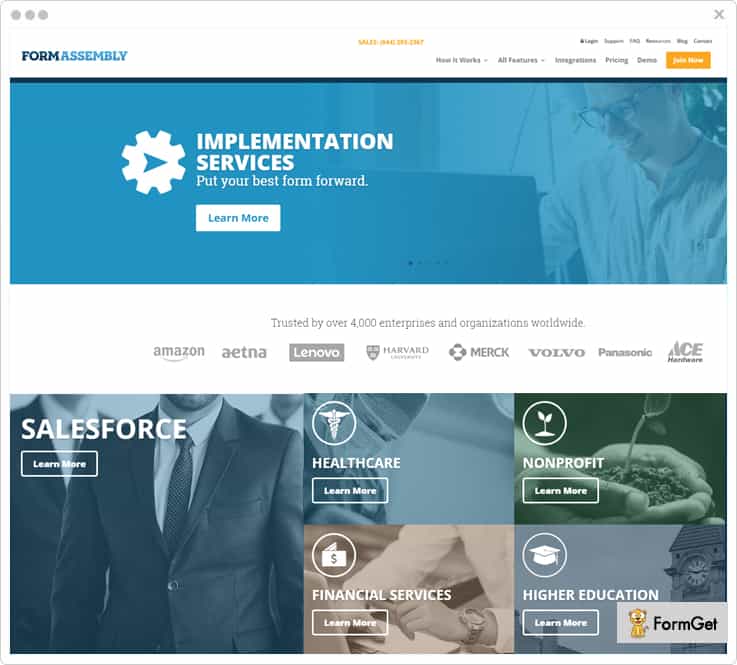
10. FormAssembly
FormAssembly is a robust online form creator tool that lets you build any kind of custom web form. You can make survey questionnaires with complex branching logic, multi-page data entry forms, client feedback forms, simple contact forms, order forms, online registration forms, etc.
The software is loaded with multiple smart features such as email notifications, auto-responders, data management, file attachments, API, mobile apps, export data to Excel, XML and much more.
Pricing Plan
- Professional Plan – The pricing starts at $89/mo. and gives you options like Salesforce connector, upload file attachments, email notifications and autoresponders etc.
- Premier Plan – The cost of this pricing scheme starts at $224/mo and benefits you with features like advanced prefilling, e-signatures, API & connectors, 14 days free trial and more.
- Enterprise Cloud Plan – Starting with $599/mo, this plan facilitates you with live chat support, user management, single-tenant hosting etc.
- Compliance Cloud Plan – Get in touch with the sales team to know the cost estimation of this advanced plan having even more high-tech features.
Highlights
Dynamic Dashboard – Admin can perform various activities such as manage collaborators, check revisions, configure notification emails & autoresponders, adding RSS feed subscription option in the form etc.
High-end security – It facilitates with built-in protection against different kind of vulnerabilities such as XSS, SQL injection, and other common threats. FormAssembly is compliant with most stringent data privacy and security provisions like HIPAA, EU-US Privacy Shield, and PCI DSS Level 1 certification.
Connectors Set-up – You can easily connect your online forms with various payment processors, content management system, etc. For example, Salesforce, Stripe, PayPal, Authorize.net, Drupal, WordPress, and many more.
Easy Publish – Once you are done with the form creation task, you can publish it in various ways. Be it sharing its link, embedding it on your site, or even via iframing it.
Conclusion
There was a reason why we made you familiar with these form maker software.
First of all, you will be paying an amount now which wasn’t required at all while using Google Forms. So, it is your right to spend only on a dutiful form builder software.
Don’t think of the cost. Think of value.
And like I said earlier, there are n numbers of features that were not included in Google Forms, nor there is any scope to find them in near future. That’s why its high time that you try these Google Form alternatives that are meant to suffice your business needs.
Pick one that you find best among the compilation & get started.
Have a doubt or suggestion?
You can anytime drop your views by commenting in the below section.
Thanks for reading.
10+ Best FreshMail Alternatives At Just $5/M

FreshMail is a powerful email marketing service which receives a 4.5 rating on Capterra as well as on GetApp.
Using this service, one can easily create and send effective email marketing campaigns in just a fraction of time. Also, you can find out who is opening your newsletters and clicking on the links in your email messages via a real-time email tracking feature.
Still on an average of more than 400 people are looking for FreshMail alternatives every month.
Do you know why?
Well, there are numerous reasons behind this search some of them are –
- You cannot clean out bad and inactive email addresses from your mailing list. And sending emails from your outdated email list eventually results in increased bounces, & spams rates of your emails.
- No inbox deliverability guarantee, sending emails in bulk which will be landing in the spam folder rather than inbox is the wastage of your money as well as your time.
- Lack of some key features like subscription forms, drip automation, contact segmentation and a lot more.
- According to some reviews on Trustpilot, we find that users are fed up with the customer support of FreshMail which is obviously not acceptable.
And the list goes on…
“A Quick Comparison Between FreshMail Alternatives”
| Services | Pricing | List Cleaning | No. Of Emails | Ratings |
| Pabbly Email Marketing | $29/M | ✓ | Unlimited | 4.9/5.0 |
| MailGet | $29/M | ✓ | Unlimited | 4.8/5.0 |
| SendinBlue | $25/M | ✓ | 40,000 | 4.5/5.0 |
| Moosend | $30/M | ✓ | Unlimited | 4.5/5.0 |
| GetResponse | $59/M | ✕ | Unlimited | 4.4/5.0 |
| Constant Contact | $45/M | ✕ | Unlimited | 3.9/5.0 |
If you are also failing to meet your expectation with Freshmail email marketing service and looking for its alternatives then this blog is made for you.
Here, we have compiled a list of 10 best FreshMail alternatives which are reliable, affordable and has easy to use interface.
Have a look at each FreshMail alternatives in detail along with its pricing and features.
1. Pabbly Email Marketing
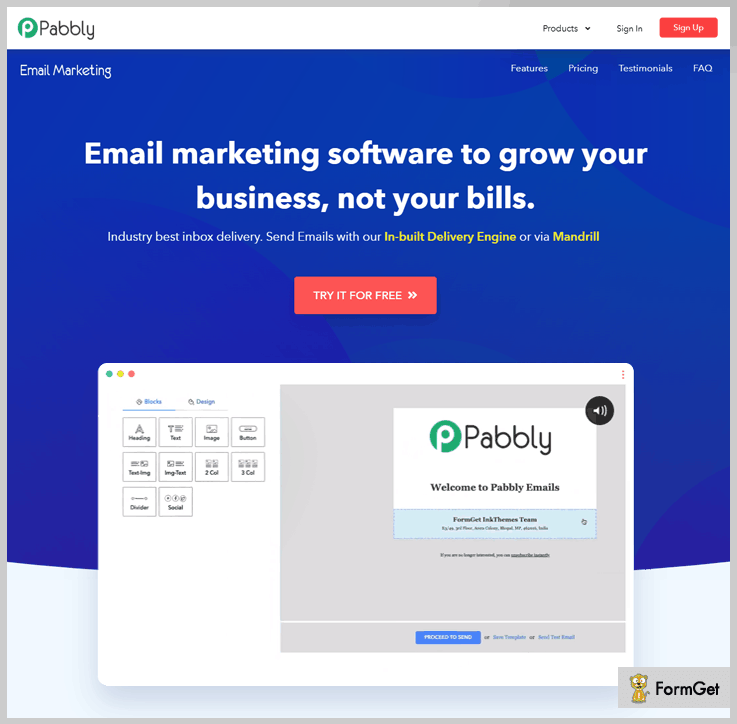
Pabbly Email Marketing allows you to create various promotional emails & send them to the targeted audience in a matter of minutes.
Using this affordable tool, you can create emails create personalized emails via in-built drag and drop email builder. Also, it consists of more than 500 custom designed email templates which you can customize according to your need.
Some of the key features of this software are an automatic responder, drip emails, list management, email tracking and a lot more.
Top Features Of Pabbly Email Marketing
List Cleaning – You can clean out your email list from spam, suspended and bounce email contacts easily with the help of this feature. This helps you to increased subscription and delivery rates of your emails by filtering out bad & inactive emails.
Subscription Forms – Pabbly Email Marketing allows you to create and embed sign up forms in your website and capture more leads. This helps you to create a contact mailing list quickly & reach the targeted audience in minutes.
Inbuilt SMTP – As we know, connecting SMTP is a hectic work, that’s why to ease your work this software provides an inbuilt SMTP.
Pricing Plan
- Rookie – You can buy this product at $29/Month where you can send emails to 5,000 subscribers, along with all the useful features.
- Pro – Send emails to 15,000 subscribers at a minimal cost of $49/Month and get features like email builder, autoresponder, live chat support and more.
- Advance Plan –This plan will cost you $99/Month where you can send emails to 50,000 subscribers with automatic follow-ups, MX Checker and chat support.
More About Pabbly Email Marketing
2. MailGet
If you want an all in one email marketing service, then MailGet is the best solution for you. It gives you all the tools that you need for your professional marketing campaigns.
You can easily track sent, click, open and unsubscribe details on all your email campaigns with the help of inbuilt email tracking feature.
The best part about this software is, you can add as many SMTP relaysas you want and send emails through multiple email delivery vendors.
Top Features Of MailGet
Subscriber Segmentation – This feature helps you to make subgroups of your mailing list on the basis of customers behavior on your emails. This helps you to target audience and send emails to the targeted audience.
Scheduling Of Emails – You can create an email now, and schedule it to be sent automatically at the specific time. It helps you to send email to your international clients on their time zone.
List Management – Using this feature, you can manage the email lists and customer’s data in an organized manner.
Pricing Plan
This software has various pricing plans varied on the basis of the number of subscribers.
- For sending emails to 5000 subscribers, you can buy the Rookie plan of this service at $29/Month along with all essential features.
- The Pro Plan is available at $49/Month where you can send emails to 15,000 subscribers along with unlimited monthly campaigns, and live chat support.
- It’s Advance Plan will cost you $99/Month where you can send emails to 50,0000 subscribers and get access to all the advanced features.
Note:- Its Advanced Plan comprises 9 more pricing plans with the highest plan of $15,99 for sending 1,000,000 emails.
3. SendinBlue
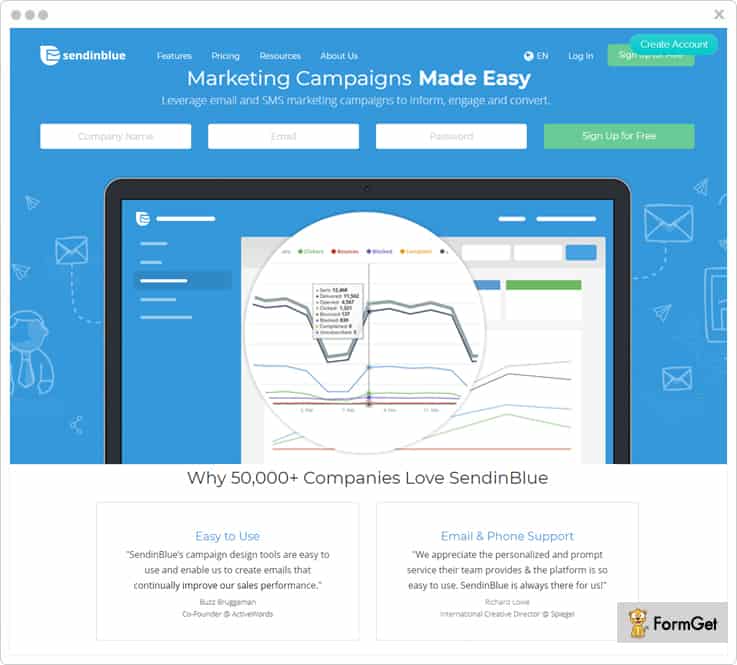
SendinBlue is one of the most desirable FreshMail alternative using which you can easily design beautiful, result-driven email campaigns in no time. You can personalize emails with contact’s details which increase your user engagement.
It also offers you an inbox preview feature by which you can test and optimize your campaigns before sending it to your clients.
Top Features Of SendinBlue
Campaign Tracking – You can get information about various metrics of your emails like deliverability, open rate, click-through rate, etc. Further, using this service, you can export your campaign reports in .CSV format with ease.
Deliverability – SendinBlue offers high inbox delivery with the help of dedicated IP’s. Plus, it uses SPF, DKIM, and DMARC authentication measures which increases your domain reputation.
Integrations – You can integrate various apps in your email marketing service some of them are Shopify, Google Analytics, Facebook and more. FreshMail alternatives helps you to increase the functionality of your marketing campaign.
Pricing
- Free Plan – Send 300 emails/day only at $0/mo, with unlimited contacts and essential features.
- Micro Plan – Available at $25/mo where you can send 40,000 emails along with all the essential features.
- Bronze Plan – You can buy this service at $39/mo where you can send 60,000 emails with advanced email statistics.
- Silver Plan – Purchase this service at $66/mo and send 120,000 emails with unlimited automation workflows and advanced statistics.
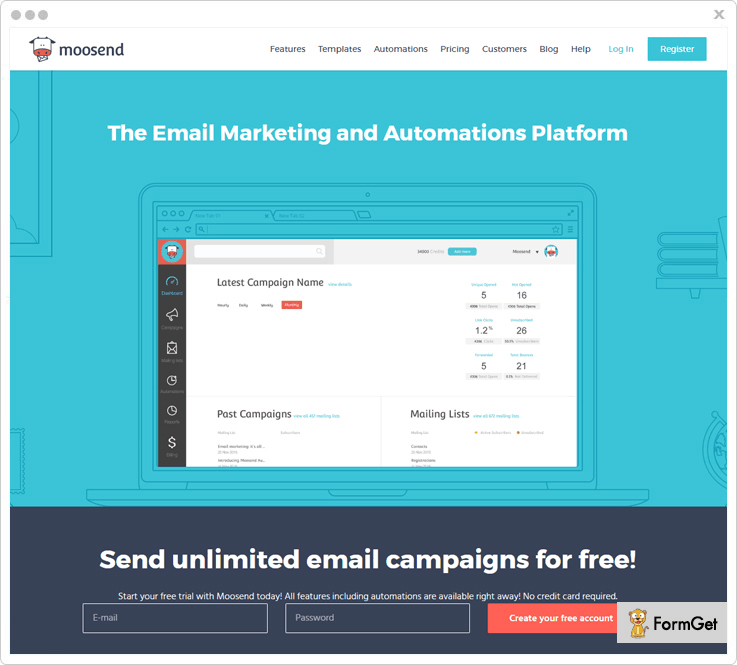
4. Moosend
Moosend enables you to create awesome emails by using its drag & drop editor and send these emails with maximum inbox delivery rate.
With its automation feature, you can create automated workflows, sync up data and automatically send emails to a list of people.
Apart from this, you can grow your business by integrating it with the other tools and platforms that will help to acquire new customers.
Top Features Of Moosend
User Interface – Great user interface is provided by Moosend and there are guidelines for the first time users so that further they can build their own transactional emails.
Tracking – You can easily download all the analytic reports from your Moosend account by a single click of a button and use them as you wish.
Manage – With Moosend you can create, manage, grow and scale your email marketing campaigns from the single platform.
Pricing Plan
Enjoy unlimited email sending up to 1000 subscribers by using a free plan.
Utilize $40 plan that helps you to send unlimited emails up to 8,000 subscribers per month.
Per month offers $20 plan where you can send as many emails up to 3,000 subscribers.
Note:- Comes with the 6 months and yearly plans where you can save up to 15 & 20 percent respectively. whereas, occasional senders can also enjoy our “pay-as-you-go” plan by paying for each email.
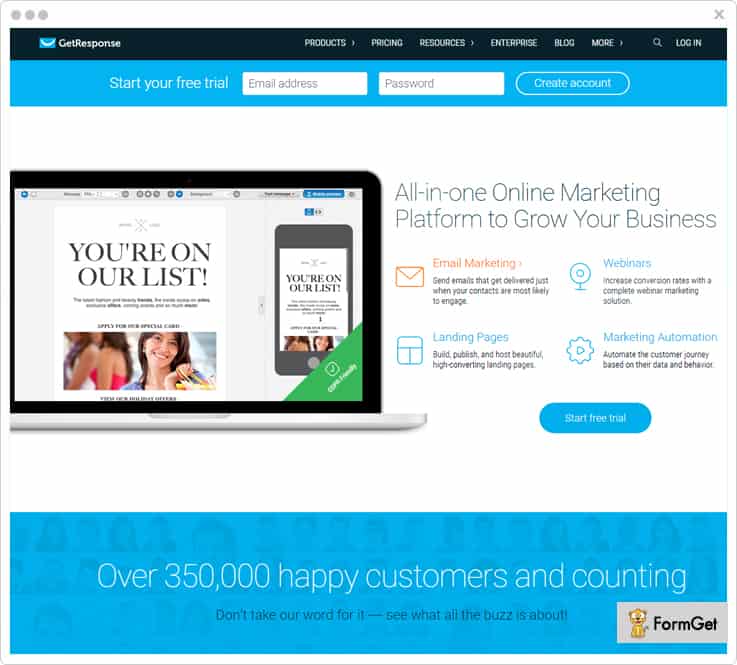
5. GetResponse
GetResponse is the best solution for you if you want to convert your website visitors into your customers by sending personalized emails to them.
This software helps you to promote your business by creating and sending useful emails to your clients based on their likes & dislikes. Also, you can choose from more than 500 prebuilt email templates present in this tool which you can customize according to your need.
Top Features Of GetResponse
Autoresponders – This FreshMail alternative gives you an autoresponder so, you can communicate with users from the moment they sign up with your service.
Email Tracking – You can get to know your email campaign status like open, and click through rate of your emails with the help of this feature.
Contact Segmentation – Admin can segment their contacts based on customer activity & engagement on their emails. Further, you can create a mailing list in a well-organized manner.
Pricing Plans
- Email Plan – Send emails to 1,000 contacts at a minimal cost of $15/mo along with all the essential features.
- Pro Plan – This plan is available at $49/mo where you can send emails to 5,000 subscribers with complete marketing automation.
- Max Plan – Get this plan at $165/mo and send emails to 10,000 contacts along with all the advanced features.
- Enterprise Plan – This plan cost you $1,199/mo where you can send emails to 100,000+ subscribers along with prioritized support.
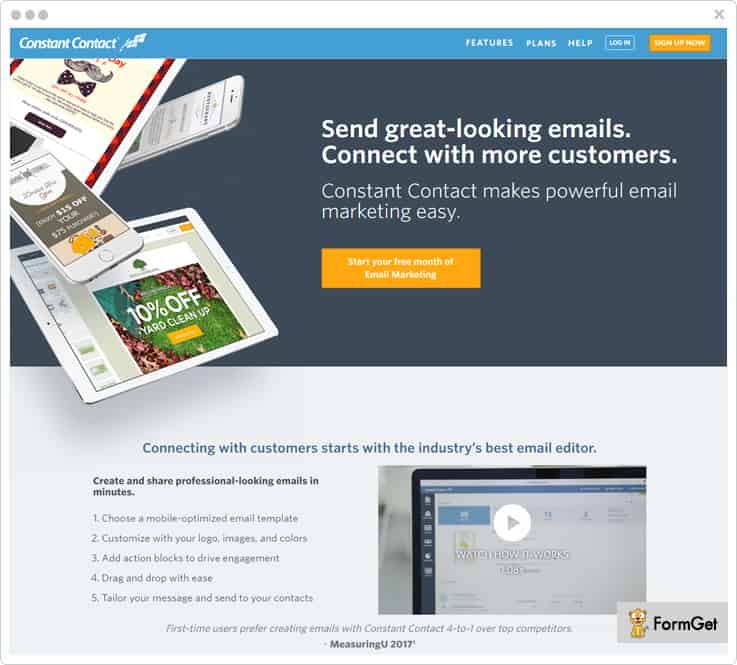
6. Constant Contact
Constant Contact email marketing software makes it very easy to create, share, and track emails campaigns. Moreover, you can design professional emails and promote your business by sending the right email to the right person.
Top Features Of Constant Contact
Segment Contacts – You can manage your contact list by subgrouping your contacts. Also, you can easily import your contact list from Excel, Gmail, Outlook, and more.
Real-Time Email Reporting – Admin can track their emails with real-time reporting and know who is opening, reading, forwarding & clicking on the links of their emails.
Apps Integration – It allows you to integrate your email marketing service with various applications such as Facebook, Outlook and more.
Pricing
This software is available at 2 pricing plans these are –
- Email Plan – This plan is available at $20/mo where you can get various features like list-building tools, tracking & reporting, customizable templates and more.
- Email Plus Plan – At just $45/mo, you will get powerful features like image library, email scheduling and more.
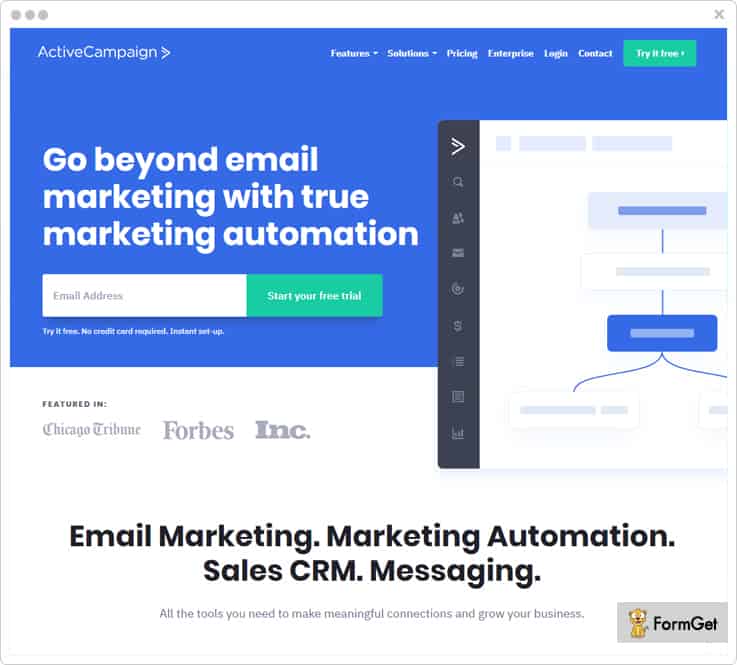
7. ActiveCampaign
One of the most user-friendly email marketing service which allows you to design emails and send them in bulk. Also, it provides you 25+ professional email templates, where all you need to do is change according to your need.
It offers integration functionality, you can connect your email marketing service to your favorite apps like Facebook, Salesforce and more.
Top Features Of ActiveCampaign
Geotracking – This feature helps you to capture your contacts location for geo-targeted campaigns. Further, you can integrate this tool with Google analytics which helps you to track your email details such as open, & click through rates etc.
Audience Segmentation – Use this feature to make a list of your contacts on the basis of their interest and similarities. This helps you to personalize each email based on what you know about individual contact.
Subscription Forms – You can create forms and embed them on your website for collecting leads. Plus whenever a new lead is captured this tool immediately notifies you.
Pricing Plans
There are 4 different pricing plans where you can send emails to 500 contacts with ease.
- Lite Plan – You have to pay $15/mo where you can send unlimited emails along with full chat & email support.
- Plus Plan – Buy this plan at $70/mo where you will get all the essential features & prioritized support.
- Professional Plan – Purchase this service at $159/mo and get complete marketing automation features.
- Enterprise Plan – Send unlimited emails to your contacts at just $279/mo with prioritized phone support and advanced features.
Note:- These prices plans are billed monthly. However, plans billed annually will cost you comparatively low.
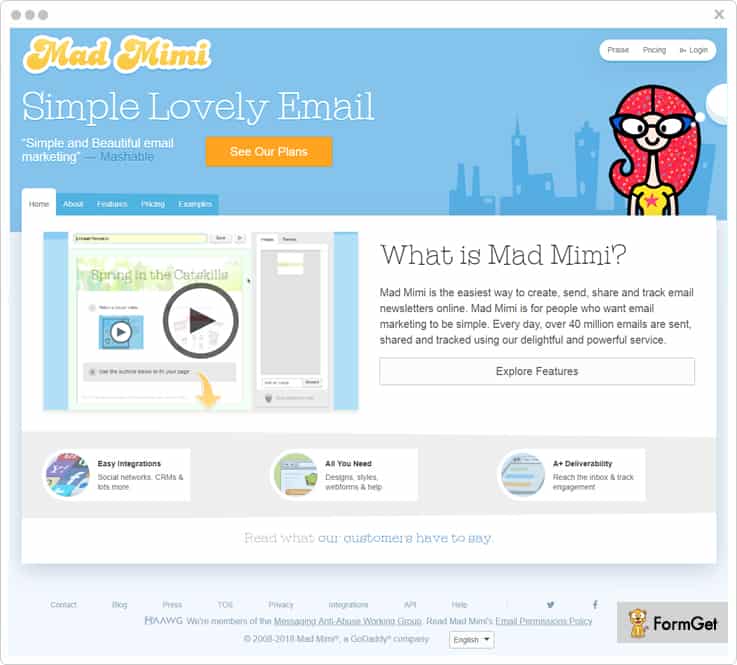
8. Mad Mimi
Mad Mimi is one of the easiest yet effective email marketing service which offers a wide range of tools for small and medium-sized businesses.
Getting started with Mad Mimi is very easy as you can manage your email marketing in a more promising way. It connects seamlessly to most platforms including Google Analytics, Salesforce, Zoho CRM and more.
Top Features Of Mad Mimi
Real-Time Tracking – You can track your emails and get complete metrics like who opened, click and share your emails. It provides various useful pie charts to target individual information. Moreover, you’ll get to know exactly how each customer interacts with your emails.
Delivery & Security – Mad Mimi is using an SSL to keep your information safe and secure during email transmission. Also, it has a great relationship with ISPs which ensure that your emails get delivered in minutes.
List Management – You can manage the contact list and organize the contact list on the basis of customers likes, dislikes, similarities and more.
Pricing Plans
There are different pricing plan available for this service varied on the basis of a number of contacts.
- Basic Plan – Buy this plan at $10/mo where you can send emails to 500 contacts along with all the essential features.
- Pro Plan – This plan is available at a minimal cost of at $42/mo where you can send emails to 10,000 contacts along with priority support.
- Silver Plan – Purchase this plan at $199/mo and send emails to 50,000 contacts along with faster email deliverability.
- Gold Plan – Get this plan at $1,049/mo and send emails to 350,000 with all the advanced features and high speed.
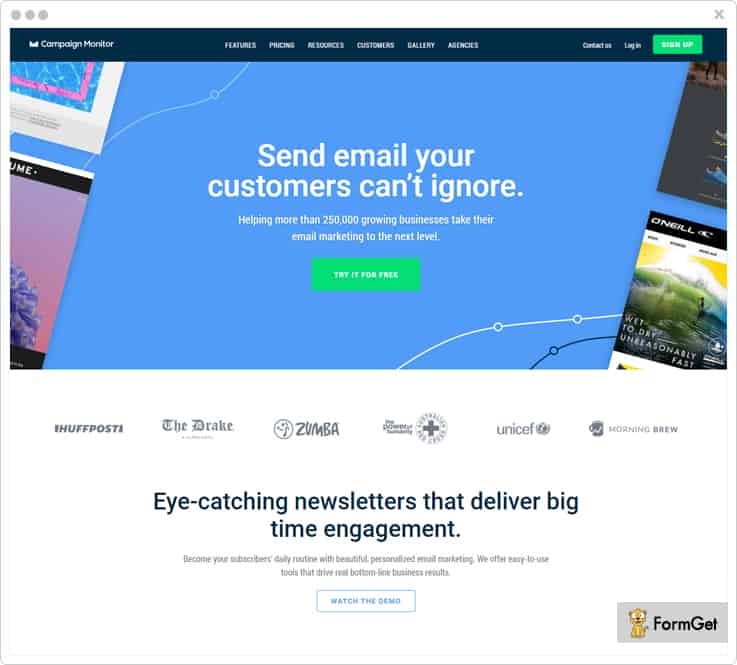
9. Campaign Monitor
It is one of the most popular email marketing solutions which allows you to design smart email campaigns and send them in bulk with ease.
Campaign Monitor comes with a beautiful email template editor and mobile friendly signup forms. You can embed the sign-up forms anywhere on your website, your customers can subscribe to your services with ease.
Moreover, you can get complete email analytics and get to know about your email campaigns performance in just a few clicks.
Top Features Of Campaign Monitor
3rd Party Integration – For adding extra functionalities to your marketing tool, you can integrate various apps into your email marketing service. Some of them are Shopify, Salesforce, WordPress and more.
Drag-and-Drop Email Builder – You can create millions of responsive email templates in a few minutes. All you have to do is just move or arrange content blocks wherever you want during email creation and customize them according to your need.
Segmentation – Admin can manage their mailing list by segmenting the contacts on the basis of user behavior on your emails. This helps you to achieve high click-through rates and better delivery of your emails.
Pricing Plans
This service is available at different pricing plans which are varied on the basis of the number of subscribers these are-
- For sending emails to 2500 subscribers, you have to buy this tool at $29/month where you can send 12,500 emails across each campaign.
- If you want to send 25,000 emails to 5000 subscribers then, you can buy this plan at $49/month and get complete email metrics with ease.
- Another plan is available at $89/month where you can send 50,000 emails to 10,000 subscribers along with all the essential features & support.
- Buy this software at $129/month and send 75,000 emails to 15,000 subscribers with advanced features and prioritized support.
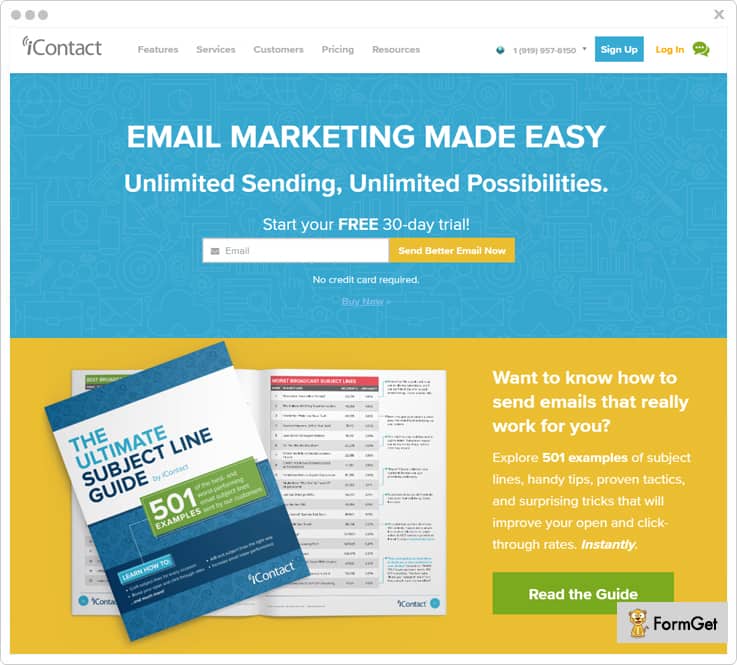
10. iContact
You can consider iContact as an important FreshMail alternative. The reason is, it has all the features that you need for your email marketing at a price you can afford.
Furthermore, it helps you to build your own email layout or choose a design from the customizable template library. Further, the service offers you a spam check functionality which allows you to test your message before sending it to your customers.
Top Features Of iContact
Performance Reporting – This FreshMail alternative helps you to get performance reporting of all your email campaigns. You can get individual’s open and click rates of your emails.
Subscription Forms – You can easily design and embed custom sign-up forms on your site and collect leads with ease.
Salesforce Integration – It helps you to connect your Salesforce account with this service and create, send, and track emails without ever leaving the dashboard. This helps you to optimize your campaigns and reach more contacts easily.
Pricing Plans
- Essential Plan – This service pricing plan is varied from $14/M to $299/M on the basis of a number of subscribers. You will get all the essential features like drag and drop editor, reliable sending with spam check and more.
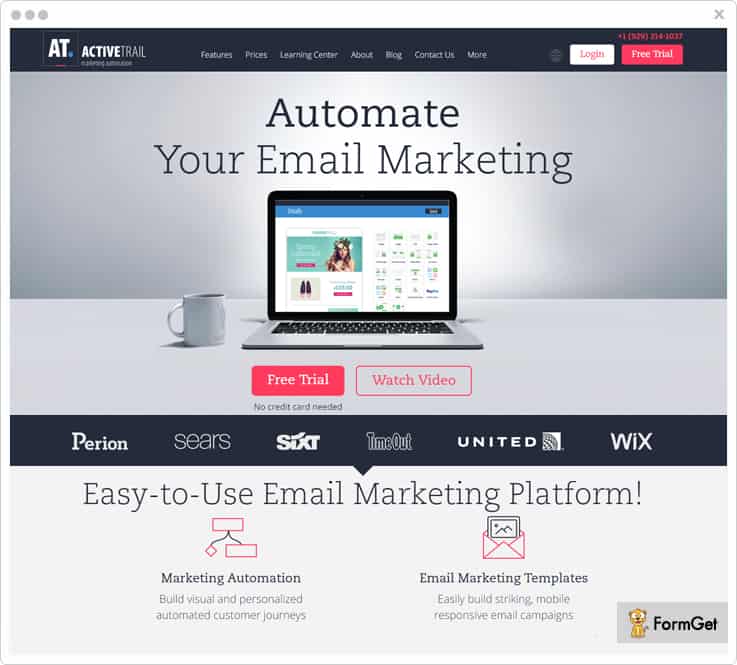
11. ActiveTrail
Using this FreshMail alternative, you can automate your email marketing by building visual and personalized automated emails.
Moreover, there are various advanced functionalities present in this software. Some of them are unlimited landing pages, unlimited automation, advanced analytics and a lot more.
Top Features Of ActiveTrail
Easy Integrations – You can integrate your email marketing campaign with popular apps and services like Zapier, SalesForce and a lot more.
Online Surveys – It allows you to create & publish surveys with a variety of question types for your subscribers. It helps you to get feedback from your customers in real-time.
Payment Gateways Integration – The noteworthy feature of this software is you can integrate with PayPal. This helps you to collect money from your users directly from a reliable payment gateway.
Pricing Plans
The pricing of this tool varies on the basis of the number of contacts these are –
- Buy the plan at $7/M and send emails to 500 contacts along with all the basic features of this service.
- You can get this tool at $12/M where you can send emails to 1000 contacts along with unlimited emails.
- Send emails to 2500 contacts at just $24/M along with all the advanced features and prioritized support.
- For sending emails to 5000 contacts, you can buy this tool at $38/M along with all the essential features.
Conclusion
In the end, we hope that you understand each and every aspect of this article. And able to find the appropriate alternative for your current email marketing service.
You can choose any of the FreshMail alternatives by comparing its features and pricing as each software has its unique functionality.
Further, if you have any doubt you can ask in the comment section below.
Stay tuned for more updates.
You can also read the blog Google Forms Alternatives for best online form builder software.
10 Best Sendy Alternatives : Top Cloud-Based Competitors

Trying your hand at a new email marketing software might seem like a great idea until you check its pricing & provided features.
And God forbid if you have used Sendy, then you have probably spent on an under-maintenance email marketing service.
The prominent reasons causing hitch-ups to the users of Sendy includes:
- Hard to install and configure. To use Sendy, you need to upload its files on your server manually.
- The service is self-hosted & requires a lot of technical skills where you may also need to hire help and spend extra bucks.
- Community forums providing a feeble support.
- No email template designer & visual editor for email forms and templates.
- No real-time platform updates, you need to install patches
Fortunately, there are few alternatives which will help you to recover from disappointment after using Sendy that we have included in this blog.
To start with, all of these services are cloud-based in the first place and does not cost you set up fees/license fee. And you will be absolutely free from the burden of installation, configurations, updates etc.
Further, besides resolving all the above-mentioned issues, these following tools will suffice all your business needs. You will be getting options like dedicated IP, consent-based email sending, SMTP routing and a lot more.
Here is a quick glance for you comparing a few high rated services:
| Comparison Of Sendy Alternatives |
|||||
| Services | Starter Plan | Drip Mailing | List Cleaning | Autoresponders | |
| Pabbly Email Marketing | $29/month | ✔ | ✔ | ✔ | |
| MailGet | $29/month | ✔ | ✔ | ✔ | |
| SendinBlue | $25/month | ✖ | ✖ | ✔ | |
| VerticalResponse | $11/month | ✖ | ✖ | ✔ | |
| Sender | $10/month | ✖ | ✖ | ✖ | |
Let us quickly take a tour now and discover why these Sendy alternatives are highly recommended for your betterment.
1. Pabbly Email Marketing
Pabbly Email Marketing has inevitably become the preferred choice of professionals for their marketing campaigns. Not just for its robust drag & drop email builder to create emails but for multiple other reasons that are meant to enhance the power of your campaign.
For instance, an option of adding unlimited custom tags to send personalized emails, drip automation, email scheduling, autoresponders and a lot more.
Top Features Of Pabbly Email Marketing
Integrated SMTP – This integration suppresses the errors due to manual integration & configuration of SMTP as Pabbly Email Marketing already possess SMTP server for email transmission.
List Cleaning – By removing duplicate, invalid, inactive addresses from your list you will send emails to relevant subscribers only. And with less spamming of your emails, this process resolves one of the threats of being blocked by ISP security services.
Auto Follow Up Emails – You can automate the process of sending follow up emails which will continue until you achieve your desired open rate. Craft different emails for different contacts and schedule them at the most appropriate time.
Pricing Plan
| Plan Name | Rookie | Pro | Advance |
| Cost | $29/Month | $49/Month | $99/Month |
| No. Of Subscribers | 5,000 | 15,000 | 50,000 |
Note:- It has got 10 other pricing schemes in the Advance Plan that includes costing according to the number of subscribers.
Know More About Pabbly Email Marketing
2. MailGet
MailGet is an all-in-one solution for your email marketing campaign at a price as low as $29/month only. It has got numerous features to upgrade the standard of your campaign effortlessly.
Although the list of features is quite long, predominantly you will find certain attributes very useful such as Google Analytics integration, 99% inbox delivery, email inbox preview and much more.
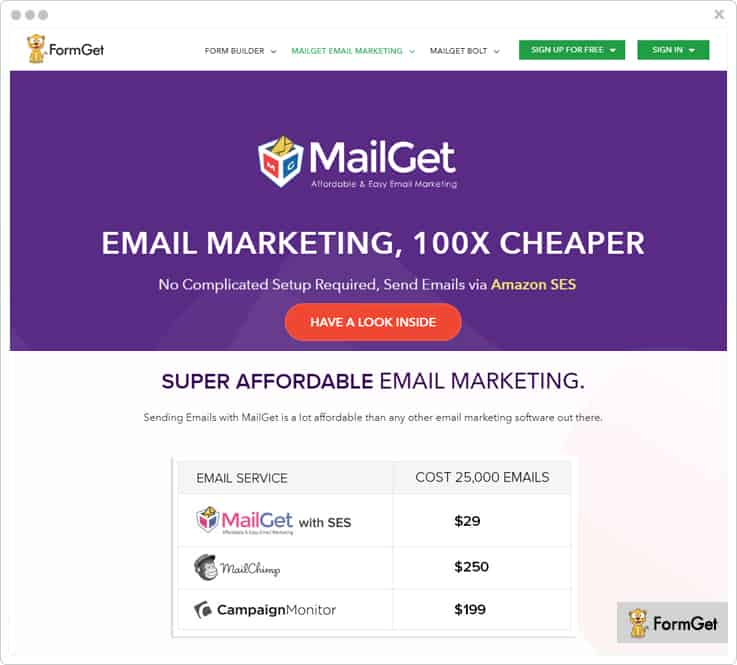
Top Features Of MailGet
MailGet API – Contacts automatically synchronize in your subscriber’s list via MailGet API whenever a user subscribes through your provided opt-in form on the website. This cuts down your task of importing subscriber list explicitly.
SMTP Routing – It helps in processing the mass mailing as you can integrate multiple SMTP relays & select the percentage of emails to be sent from each SMTP. This route management helps in load balancing of slow network and maximize the quick inbox delivery.
Subscription Form – Place high-converting subscription forms at noticeable places of your website. Embedding these sign-up forms results in considerable growth in your contact list.
Pricing Plan
| Plan Name | Rookie | Pro | Advance |
| Cost | $29/Month | $49/Month | $99/Month |
| No. Of Subscribers | 5,000 | 15,000 | 50,000 |
Note:- The Advance Plan covers 9 more pricing schemes whose cost differs in accordance with the number of subscribers.
3. SendinBlue
You can undoubtedly use SendinBlue to design mobile-friendly emails with the help of its drag-n-drop designer.
The dashboard of this Sendy alternative provides you real-time tracking report to analyze elements like open & click-through stats, readers interest, etc. which you can also export in PDF/CSV format.
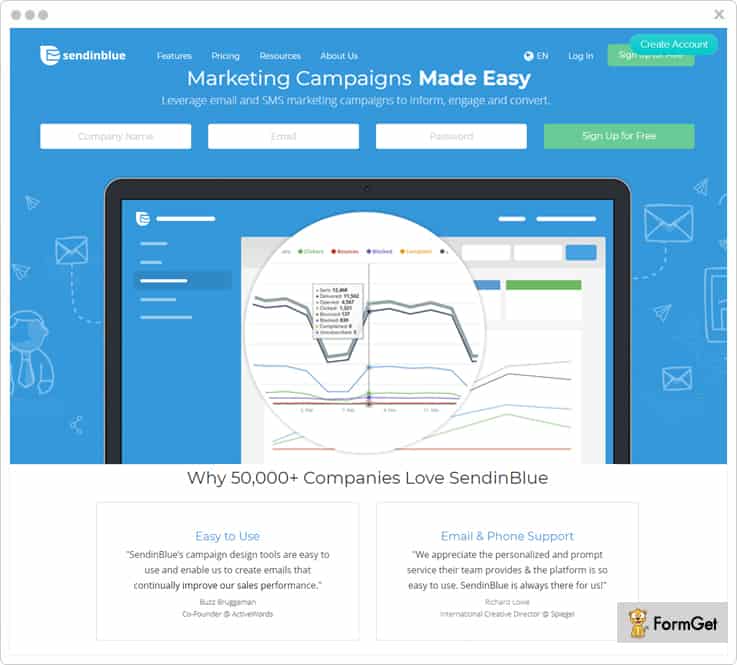
Top Features Of SendinBlue
Spam Check & Inbox Testing – Inbox testing lets you perform deliverability test of your emails. Whereas you can also create a test list and send a test email before finally propagating your emails to the contacts.
Marketing Automation – You can automate the workflow and allow automatic retargeting your contacts after analyzing their response to your email and other activity associated with the campaigns.
Contact Management – This feature lets you sort, filter and segment contacts & further process the targeted campaigning. Moreover, you can also create dynamic lists that update automatically.
Pricing Plan
| Plan Name | Free | Lite | Essential | Premium 1 | Premium 2 |
| Cost | $0/Month | $7/Month | $39/Month | $66/Month | $173/Month |
| No. Of Emails | 300/day | 40,000 | 60,000 | 1,20,000 | 3,50,000 |
Note:- Contact sales team to inquire about the pricing of Enterprise Plan with which you can send 350,000 emails/mo.
4. Moosend
Moosend is one of the best email marketing service designed for all type of business whether it is small or a medium one. It also offers advanced segmentation, API and other integrations that make it different from other email marketing software.
It empowers you to increase your subscriber’s lists by adding opt-in forms to a website or social platforms like- Facebook or to a third party sign up form.
Furthermore, you can increase your contact list by importing all the contacts directly to your Moosend account from a file on your disk or directly from external sources.
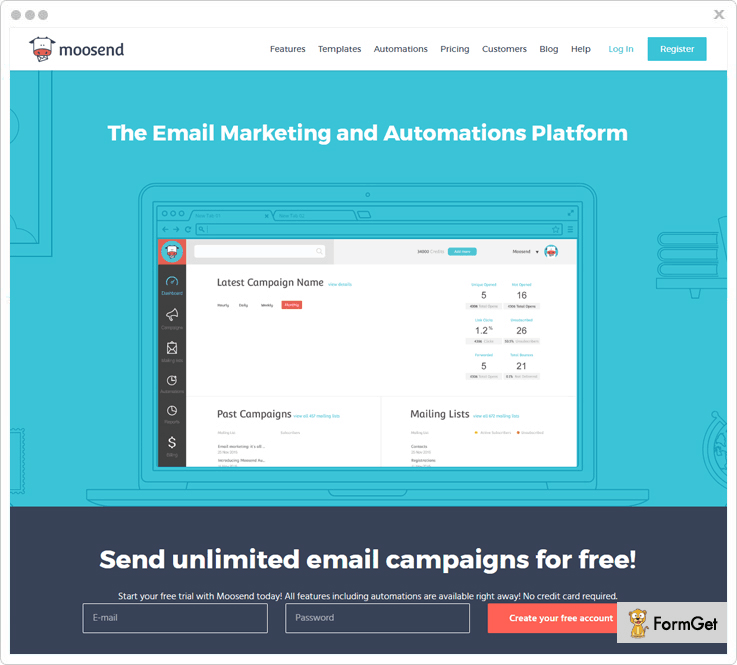
Top Features Of Moosend
Automation – Moosend offers automation editor that helps you in implementing workflow in automation, data sync and sends campaigns specifically based on the subscribers’ behavior.
Editor – Provides you with the flexible and rich newsletter editor that allows you to design your own email newsletters without selecting from the limited once. Also, it provides options to select from the variety of responsive newsletter templates.
Analytic tracking – Analytic tracking of the Moosend can be done by observing its real-time stats that provides complete knowledge of the various aspects such as conversion tracking, open/click rate, multilevel bounces and many more.
Custom Fields – By using the custom field you can collect data of your verified subscribers such as their date of birth, and many more. This data can be further used by you in the future.
Pricing Plan
These are just 3 pricing plans out of many.
| Number Of Subscribers | Cost |
| 1,001 – 2,000 | $10 per month |
| 3,001 – 5,000 | $30 per month |
| 25,001 – 50,000 | $205 per month |
Note:-
- Moosend provides 6 months and annually plans where you can save 15 & 20 percent.
- There is one more plan “pay-as-you-go” as that is only for the occasional senders.
5. Zoho Campaigns
One of the important Sendy alternative includes Zoho Campaigns in the list. This software lets you create, send, and track email campaigns in the best possible manner.
The dashboard of this sendy alternative provides you full control of various elements such as campaigns, subscribers, automation, reports and a lot more.
Also, with its preview option, you can see how your newsletters will look at the recipient’s end on various devices.
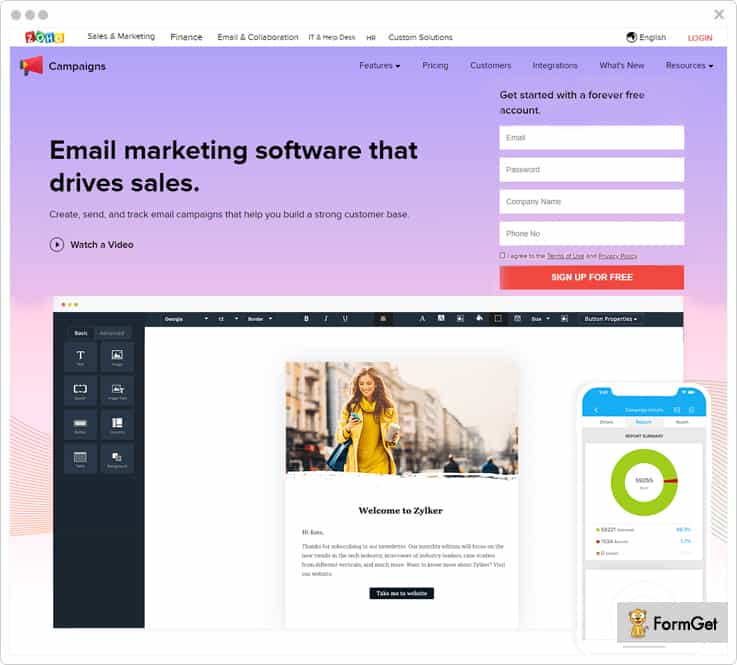
Top Features Of Zoho Campaigns
Consent Campaigns – The permission-based email marketing is always fruitful as you seek for consent from the contacts and then send newsletter/promotional emails. This is a kind of assurance of achieving higher open rates of your emails.
Mobile Edition – You can perform a lot of activities with its mobile application which is available in different languages. For instance, you can manage your lists, schedule campaigns, pause/resume campaigns, view campaign results etc.
Social Media Promotion – Share your email campaign on social media in the form of links, images, or quotes. Zoho Campaigns integrates with Facebook, Twitter & LinkedIn so that your promotions & offers can reach out to more audience.
Pricing Plan
| Plans | Free Plan | Subscriber-based | Pay As You Go |
| Cost | $0 | $45 | $12 |
| Number Of Subscribers | 2,000 | 2,501 – 5,000 | 10,000 |
Note:-
- Here we have discussed just one pricing scheme of the subscriber-based plan. However, it has several other schemes according to the different number of subscribers.
- It has got an email-based plan as well with many pricing schemes. It’s starter plan comes with a price tag of $3 for sending emails up to 500 emails.
Know More About Zoho Campaigns
6. Customer.io
The dashboard gives you a quick access to various stats like the number of emails sent, emails marked as spam, bounced, suppressed etc. You can also refer to the email performance graph of the various time range.
Moreover, it also provides major functionalities like automation, design & personalization (using drag and drop, rich text, merge data etc.), triggered messaging based on events, segments etc.
It also encapsulates the on-site and in-app behavior of every individual subscriber to build their unique profiles.
Top Features Of Customer.io
Auto Refresh – You also get the functionality of auto-refresh in the draft section where you can view the drafted emails & webhooks. This auto-refresh option is applicable to sections like delivery log & activities as well.
Combining Segments – Create segments on the basis of multiple parameters such as user’s page views, email activity, events & attributes. You can also use a combination of segments to produce new criteria.
Push Notifications – Send messages to the customers from your triggered campaigns directly via Customer.io or Urban Airship. Also, you can apply more than one condition while configuring a triggered email.
Pricing Plan
Below mentioned pricing is for Basic Plan of this service. These pricing plans are just 3 cost estimations of this plan out of many.
| Number Of Subscribers | Cost |
| 0 – 12,000 | $150 per month |
| 77,001 – 82,000 | $500 per month |
| 177,001 – 182,000 | $150 per month |
Note:- The Premium Plan is available for advanced needs, large, or fast-growing businesses and starts at $1,000/month. However, you need to get in touch with the sales team to know cost estimations specifically for the number of subscribers.
7. VerticalResponse
VerticalResponse is a popular competitive of Sendy alternative as this email marketing software has qualities which is apt for every email campaigns.
Moreover, you can create custom-branded emails, responsive & customizable surveys to capture more leads easily.
It has got various add-ons which are very useful such as landing page builder, automation of email series, autoresponders, advanced reporting, integrations, A/B testing, contact management and more.
Top Features Of VerticalResponse
Preference Centre – You can make the list “public” & let users choose what types of emails they want to receive in the future. This helps you to keep your contacts intact as they do not tend to opt out of your mail service because of receiving unwanted emails.
Test Kit – Using tools like inbox & subject line preview and link checker, you can review the look & performance of your emails at recipient’s end across different devices.
Automation – With the help of automated follow-up emails series, autoresponders & scheduling option you can be in touch with your clients with relevant & timely messages without much manual efforts.
Pricing Plan
| Plan Name | Free | Basic | Pro | Pro+ |
| Cost For 500 Subscribers | $0/mo | $11/mo | $16/mo | $196/mo |
| Number Of Emails | 4000 | Unlimited | Unlimited | Unlimited |
Note: – It’s “pay as you go” option lets you buy a required number of email credits with the one-time payment.
Know More About VerticalResponse
8. Benchmark
Benchmark is an advanced marketing service with a user-friendly interface to create emails by simply dragging n dropping the desired blocks along with live editing option.
The automation enables you to send personalized welcome email series, follow up emails etc. by defining the trigger elements like time and events & deliver appropriate emails to every contact at the right time.
Top Features Of Benchmark
Grow Contact List – You can add contacts to the list in various ways like you can import contacts from a file by uploading .xls, .csv, .txt files or via importing contacts from an integrated service such as Google Contacts, Zoho, Microsoft Dynamics CRM etc.
List Management – This feature takes care of every step involved in managing the contact list, be it importing contacts, segmenting them & integrating them with services like Zapier, WordPress, Salesforce etc.
Advanced Reporting – Benchmark provides you with the number of reports on various subjects. For instance, reports on emails, automation, A/B test, complaints, survey & polls. You can monitor metrics like opens, bounce rate, clicks on links, forwarding your emails, etc. in real-time.
Pricing Plan
| Plan Name | Medium | Large | Extra Large | Massive |
| Cost | $11.57/Mo. | $280/Mo. | $592/Mo. | $3967/Mo. |
| No. Of Emails | Unlimited | 770,000 | 1,750,000 | 15,000,000 |
| No. Of Subscribers | 600 | 55,000 | 125,000 | 1,070,000 |
Note:- Every plan has got subsequent pricing plans with pricing schemes for the different number of emails & subscribers.
9. Sender
Sender is as an efficient email marketing tool that can also be regarded as an amazing Sendy alternative. You can use its drag & drop editor to create responsive newsletters & send emails with high deliverability to the recipient’s inbox.
One of the best parts of using this sendy alternative is that it automatically disables non-existing email addresses to keep your contact list updated every time.
Furthermore, its advanced email analytics facilitates you with open & click tracking, date & time analysis, click map, subscriber profiles, etc. in real time.
Top Features Of Sender
Push Notifications – These are the messages that are sent to the user once he opts-in to your email service even when they are not browsing the website. This is considered one of the advanced marketing technique to re-engage potential customers.
Feedback Loop Integrations – Sender provides integration of feedback loop system with major email service providers, such as Outlook/Hotmail, Yahoo etc. & notifies you whenever your sent mail is marked as spam by a subscriber.
Dedicated IP Addresses – You ought to use this service if you are sending emails in bulk, say over 5,00,000 emails in a month. This is because it provides you with dedicated IP to improve sender’s reputation.
Pricing Plan
| Plan Name | Free | Monthly |
| Cost | $0/Month | $10/Month |
| Number Of Emails | Up to 15,000 | Up to 60,000 |
Note: –
1. Its Monthly Plan has multiple pricing plans with the highest costing of $226 for 1,00,000 subscribers.
2. The Prepaid Plan also has different cost estimations as per the number of emails you want to send. The least plan comes with a price tag of $34 for 10,000 emails.
10. MailChimp
MailChimp is an outstanding marketing automation platform that works with equal efficiency for small e-commerce shops to big online retailers.
Moreover, it integrates with all the major e-commerce providers. Later, you can monitor the activities of subscribers & use the purchase data to send personalized campaigns.
MailChimp allows you to manage a lot of things like custom signup forms, segments groups, subscriber profiles, analytics etc. very easily through the mobile app as well.
Some other important highlights of this tool are inbox preview, time zone delivery, personalized postcards & order delivery etc.
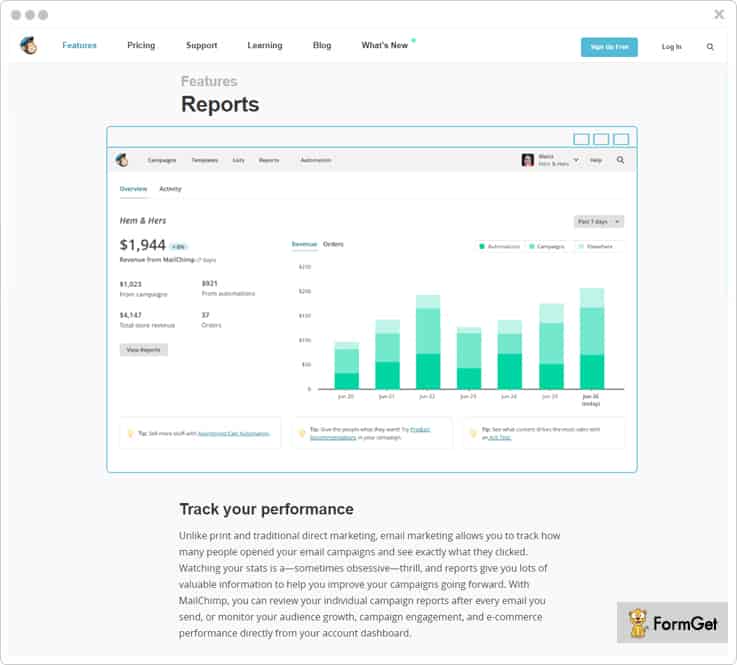
Top Features Of MailChimp
Unlimited Creation – Build email templates, landing pages, marketing channels like Facebook & Instagram Ad campaigns, Google remarketing ads and much more. You can use merge tags that let you add content to email dynamically.
Abandoned Cart Notifications – You can remind your customers what they’ve left behind in the previous purchase and encourage them to complete their purchase and pair with product recommendations to suggest similar products. It is one of the best ways to reconnect with customers.
RSS-to-Email – With RSS-to-email, you can publish your content once and send it to your email subscribers. You can create custom RSS template, and control no. of posts & the frequency of sending, say daily, weekly, or monthly. Also, you can combine multiple RSS feeds into one email newsletter.
Pricing Plan
| Plan Name | Growing Business | With Pro |
| Cost For 1,000 Subscribers | $15/Month | $214/Month |
| Number Of Emails | Unlimited | Unlimited |
Note: –
Its Forever Free Plan is available at $0 which lets you send unlimited emails to 2,000 subscribers.
11. Mailblast
Mailblast is known to make emails sending process very simple and cost-effective as it using Amazon’s SES.
Besides form builder for creating signup forms for your website, this Sendy comptetitors facilitates you with the functionality of DKIM enabling that ensures high inbox deliverability.
It provides you with various functionalities like scheduling automated emails, detailed reports where bounce & complaints are automatically filtered for future campaigns.
Top Features Of Mailblast
Dynamic Dashboard – Here you can handle templates, campaigns, automation easily. Further, you can organize the campaigns with various status like active, drafted, sent, sending, throttled, failed, etc.
Amazon Sandbox – You are facilitated to test your implementation in the sandbox mode before going live. Later, you can enable the production mode and increase the sending limit.
List Management – Upload and manage your subscriber lists & avail easy-to-use filters and import functionality for your contact list management.
Pricing Plan
| Plan Name | Sputnik | Apollo | Falcon | Enterprise |
| Cost | $15/month | $35/month | $55/month | $85/month |
| No. Of Subscribers | 15,000 | 75,000 | 150,000 | 250,000 |
Note: – Avail the free plan which provides 1,000 subscribers and unlimited emails.
Conclusion
I strongly believe you will be benefited a lot after going through this article as it consists of some of the best Sendy alternatives. This hand-picked compilation is based on days of research, feedbacks & personal usage.
Your only task from the to-do list is to figure out which software will serve your purpose and you are halfway done. This is because you will be owning a successful email marketing campaign in no time by using these Sendy substitutes.
Still got any doubts? Have suggestions to make?
We always welcome your valuable opinions, so drop your comments in the below section.
Before you checkout, we suggest you read our popular & informative blogs on:
Thanks for reading.
11 Business WordPress Elementor Themes & Plugins 2018

Daily the striking number of Elementor’s users proves that it’s not “just another page builder”. And there is not a big surprise, because as a minimum, this free WordPress plugin helps reduce costs and time on developing web projects. Moreover, due to Elementor Page Builder, everyone can add awesome effects to their websites just in one mouse click and without special knowledge of coding and web design.
Of course, it’s even more weighty when you are searching for a quick and efficient way of creating a solid website for your own business use. With such an advanced helper as Elementor, the phrase “to make a website by yourself” doesn’t sound risky anymore. Likewise, it also gives you a possibility to take a full control over your future website’s content not letting strange eyes to be involved in your business things. Definitely, that means a lot to people that prefer to rely only on themselves, especially when it comes to results of their work.
Despite this, to build an accomplished website is easier a lot when you choose an already ready-made variant. Consequently, we would like to draw your attention to Elementor Marketplace. There you can always find the most powerful products for the confident and profitable work with Elementor WordPress Page Builder. Elementor Marketplace provides templates and themes for both Elementor FREE and PRO versions, as well as the templates based on JET plugins along with Elementor.
We’ve also prepared for your consideration 10 Business Elementor Themes & Plugins 2018 that you can see below. Hopefully, one of these modern items can become a universal solution for your tasks.
In addition, Elementor Page Builder is also positively commented by people who have a wide experience in the web development. With its help, it’s absolutely possible to create professional selling, subscription and landing pages.
Elementor works with native WordPress content types, as well as with arbitrary types of records. Elementor perfectly supports the adaptive design of its pages. Your website will look the same nice on screens of various devices and fit any browser. Due to the built-in editing, you can make changes on your page and at the same time see how it performs.
And now, let’s have a look at 10 Business Elementor Themes & Plugins 2018!
| Template Name | Main Features | Price |
| Colorway – Elementor WordPress Theme |
|
$0 |
| Business Marketing WordPress Theme |
|
$75 |
| Legalor – Lawyer Elementor WordPress Theme |
|
$75 |
| Contributz – Corporate Consulting Elementor WordPress Theme |
|
$75 |
| Consor – Business Consulting Elementor WordPress Theme |
|
$75 |
| Monstroid2 – Multipurpose Modular Elementor WordPress Theme |
|
$75 |
| JetElements – Addon for Elementor Page Builder WordPress Plugin |
|
$15 |
| JetMenu – Mega Menu for Elementor Page Builder WordPress Plugin |
|
$15 |
| JetWooBuilder – WooCommerce Page Builder Addon for Elementor WordPress Plugin |
|
$15 |
| JetBlocks – Elementor Header & Footer Widgets WordPress Plugin |
|
$15 |
| JetEngine – Adding & Editing Dynamic Content with Elementor WordPress Plugin |
|
$15 |
Colorway – Elementor WordPress Theme
The Colorway is a classy, trendy & fastest Elementor WordPress theme. It has a lightweight design that gives the flexibility to design business websites in a minimum possible time.
This theme includes more than 35 stunning templates which are an ideal choice for those who want to craft their website in an elegant way. Additionally, it contains lots of customization options to personalize the website according to your needs.
You don’t need to use any code in order to make any corrections, using this Elementor WordPress theme. In addition to it, you will find numerous features like robust admin panel, sticky navigation, fast in speed, etc.
In short, if you’re looking for a modern & elegant theme, look no further than the Colorway WordPress theme.
Pricing Plan:-
The Colorway WordPress theme is free of charge, you can download it with complete ease from WordPress.org.
Exclusive Features Of Elementor Based WordPress Theme:-
- This theme includes 3 additional add-ons that are Colorway, Lead Capture & appointment booking. These add-ons provide effective functionalities in the WordPress theme such as.
1. Colorway Addon: It is used to enhance the visual appearance of a website with beautiful animations.
2. Leadup Addon: With this addon, you can generate leads in no time with CSV import, email notifications, shortcodes & many more.
3. Appointup Addon: By using this addon, you can create an appointment booking system on the website with any kind of businesses. - You get several beautiful slider options in this theme along with attractive layouts to highlight any products & services for business websites.
- It supports WooCommerce plugin that lets you set up a powerful online shop without any hassle.
- The Colorway has a responsive nature that looks great on all devices & screen sizes.
Business Marketing WordPress Theme
Choose Business Marketing WordPress Theme to create a modern web promoter of your company already today! This stunning template is powered with the elegant responsive design and variety of useful tools and options that may be valued by marketing business professionals.
Main Features:
- Cross-browser Compatibility
- SEO-Friendly
- Web Forms (contact, login, newsletter subscription, user registration, and search form)
- HTML 5/CSS 3 Coding
- Cherry Framework 5
- TM Gallery
- Well Documented
- Efficient 24/7 Support
Legalor – Lawyer Elementor WordPress Theme

The clear polished design of Legalor and a set of all required modern tools is a great collaboration to make a powerful business orientated website. Moreover, this theme is a perfect variant for lawyer companies and private lawyers, it’s already packed with different eye-catching pages for all occasions.
Main Features:
- Mobile-Friendly
- Cross-browser Compatibility
- HTML 5/CSS 3 Coding
- Search Engine Friendly
- Well Documented
- 24/7 Lifetime Support
Contributz – Corporate Consulting Elementor WordPress Theme

The beautiful design of Contributz is made in a blue color that is said to be one of the most eye-pleasing colors. Isn’t it a good background for a consulting company website? Don’t hesitate to check it by yourself!
Main Features:
- Responsive
- Drop-down Menu
- Background Options
- Optimized Source Code
- Cross-browser Compatibility
- Well Documented
- 24/7 Lifetime Support
Consor – Business Consulting Elementor WordPress Theme
To make a top-notch business website for a consulting company not losing a minute is absolutely possible with Consor! Handy and multi-functional, this theme is going to impress you with lots of built-in elements for a productive work.
Main Features:
- Responsive
- Cross-browser Compatibility
- Web Forms (booking, contact, login, newsletter subscription, user registration, search form)
- SEO-Friendly
- Cross-browser Compatibility
- TM Mega Menu
- Cherry Family Plugins
- Well Documented
- Efficient 24/7 Support
Monstroid2 – Multipurpose Modular Elementor WordPress Theme

Bring your business profitable results with an alluring website created with Monstroid2. Moreover, you pay once and use for several times, for the reason that this theme is able to meet any purpose you need.
Main Features:
- Mobile-Friendly
- Search Engine Friendly
- Web Forms (booking, contact, login, newsletter subscription, user registration, search form)
- Commenting System
- Social Options
- Parallax
- Well Documented
- Efficient 24/7 Support
JetElements – Addon for Elementor Page Builder WordPress Plugin
Don’t lose a chance to enhance your Elementor Page Builder Plugin! JetElements was created especially for this.
Main Features:
- User-Friendly
- Fully Responsive
- Exquisite Badges
- Diverse Colors
- Customizable Backgrounds
- Mega Menu Module
- Compatible with Most Free Themes
- Well Documented
- Efficient 24/7 Support
JetMenu – Mega Menu for Elementor Page Builder WordPress Plugin

Meet JetMenu – Mega Menu for Elementor Page Builder WordPress Plugin! It’s an effective way to save your time and give a new energy to your web projects.
Main Features:
- User-Friendly
- Fully Responsive
- Exquisite Badges
- Diverse Colors
- Customizable Backgrounds
- Mega Menu Module
- Compatible with Most Free Themes
- Well Documented
- Efficient 24/7 Support
JetWooBuilder – WooCommerce Page Builder Addon for Elementor WordPress Plugin

Hurry up to get JetWooBuilder packed with powerful widgets for WooCommerce online store. Be an expert by yourself!
Main Features:
- Categories And Products Grid
- List Of Products
- Taxonomy Tiles
- Easily Customizable
- Clear Documentation
- Efficient 24/7 Support
JetBlocks – Elementor Header & Footer Widgets WordPress Plugin
Choose JetBlocks to make your own logo, headers, and footers with nav menu and hamburger menu, WooCommerce cart, login forms, and other powerful features.
Main Features:
- Handy
- Easily Customizable
- Varied JetBlocks
- Lots Of Widgets
- Clear Documentation
- Efficient 24/7 Support
JetEngine – Adding & Editing Dynamic Content with Elementor WordPress Plugin
Work with dynamic content using JetEngine! Add and change anything you prefer in a few simple clicks.
Main Features:
- Easy-To-Use
- Lots Of Widgets
- Clear Documentation
- Efficient 24/7 Support
These 11 Business WordPress Elementor Themes & Plugins is only a tiny drop in Elementor Marketplace. Visit it to find more useful products for Elementor Page Builder. Over 350 items are carefully made to meet any purpose.
To comfort your search in Elementor Marketplace, look more attentive to the next particularities:
- Elementor WordPress Themes – any WordPress theme that is 100% compatible with this Elementor Builder can be found here, allowing you to create any possible and impossible layouts without limiting the functionality of Elementor
- Elementor WordPress Plugins can help you edit any website the way you’ve never done before. Plugins allow users to get a full control over hedgers, feet, areas for widgets, product pages (in online stores WooCommerce)
- Elementor WordPress Templates – a set of blocks that can be modified using the Elementor Builder. Templates can be used on any site created with Elementor Builder. They are also verified for:
- JET Elementor Templates
- PURE Elementor Templates
- PRO Elementor Templates
And in the end, it’s necessary to remind you that you always can ask the support center for a help. They are always ready to assist you 24/7!
10 Best Mad Mimi Alternatives Of Current Times
Gone are the days when low-price of Mad Mimi used to tempt business persons. Nobody wants to compromise on the quality of their marketing campaign by saving a few bucks.
And Mad Mimi cuts too many corners to make it a moderate email marketing solution for your business.
Apparently, the services that we are going to unveil here does no other work than Mad Mimi i.e. delivering attractive marketing messages to customers.
But the deal-breaker is, these services differ enormously in terms of both price and features, and thus, are highly recommended to turn your business into a brand.
| A Quick Review Of Mad Mimi Alternatives |
|||||
| Services | Starter Plan | Drip Mailing | In-Built SMTP | Overall Ratings | |
| Pabbly Email Marketing | $29/month | ✔ | ✔ | 4.9/5.0 | |
| MailGet | $29/month | ✔ | ✖ | 4.8/5.0 | |
| SendinBlue | $25/month | ✖ | ✖ | 4.5/5.0 | |
| ConvertKit | $79/month | ✔ | ✖ | 4.5/5.0 | |
| ActiveCampaign | $89/month | ✔ | ✖ | 4.0/5.0 | |
Want more precision?
Here is a small glimpse of some very important features that are untouched in Mad Mimi:
- List Cleaning
- SMTP integration & routing
- Preference center & consent-based email sending
- Dedicated IP addresses
- Inbound Parsing
If you are already excited to learn more about these Mad Mimi alternatives, let us quickly explore the services now:
Look what naysayers pinpoint after using Mad Mimi:-
- No A/B split testing to test subject headers or content variants to roll the best performing versions.
- Just one email template.
- Needs advanced segmentation
- No free trial is given.
- Lack of landing page builder.
- The autoresponder functionality is fairly limited to certain events.
1. Pabbly Email Marketing
Pabbly Email Marketing provides an essential feature that makes your campaign successful. You can easily create & send attractive emails using the drag-and-drop editor or use the readymade email templates provided by this Mad Mimi substitute.
Standard Features
- Integrated SMTP – This fully-fledged email marketing application has an inbuilt SMTP server that omits all the hassle of setting up the SMTP server manually.
- List Segmentation – Make divisions in the contact list based on customers activities & send targeted emails to achieve high click-through & conversion rates.
- Drip Mailing – Automate the email series like welcome, re-engagement or promotional emails to the targeted customers to be in touch with your contacts at a suitable time. This is the best way to resolve human-error issues like missing some contacts or sending emails to inappropriate customers.
- Email Tracking – Delve into stats like clicks, opens, bounce, unsubscribe, etc. and know what exactly happens to your emails at recipient’s end.
Pricing Plan
| Plan Name | Rookie | Pro | Advance |
| Cost | $29/Month | $49/Month | $99/Month |
| Number Of Subscribers | 5,000 | 15,000 | 50,000 |
Note:- There are 10 other pricing schemes in the Advance Plan that will cost you according to the number of subscribers.
Learn More About Pabbly Email Marketing
2. MailGet
MailGet is a much-talked-about and reliable email marketing software that comes with lots of amazing features like list management, autoresponders, email scheduling and a lot more.
Moreover, you can grow your subscriber list by providing subscriber forms on your website. Further, you can integrate these opt-in forms with MailGet Bolt’s API to add the contacts in your mailing list.
Standard Features
- List Cleaning – It performs email list validation and verification on the email addresses of your mailing list & filter out duplicate and inactive addresses.
- Auto Follow-up – You can automate the follow-up emails with few configurations like time interval, recipient, etc. You can use follow up emails to stay in touch with your contacts & turn your inactive users into active ones.
- SMTP Routing – Integrate with multiple SMTP relays & define the number of emails traversing through different servers for load balancing & faster email transmission.
- Inbox Preview – You can preview emails prior to sending them to your contacts to make last moment changes & send perfect emails.
Pricing Plan
| Plan Name | Rookie | Pro | Advance |
| Cost | $29/Month | $49/Month | $99/Month |
| Number Of Subscribers | 5,000 | 15,000 | 50,000 |
Note:- The Advance Plan consists of 9 more pricing plans that charge according to the number of subscribers.
3. SendinBlue
SendinBlue can be regarded as a tough competitor for Mad Mimi. It lets you enhance marketing efficiency by allowing you to send personalized emails in few clicks. You can be assured of sending perfect emails to the contacts as it provides an option of inbox preview.
Furthermore, its marketing automation lets you automate the workflow and allow automatic retargeting your contacts after analyzing their response to your email and other activity.
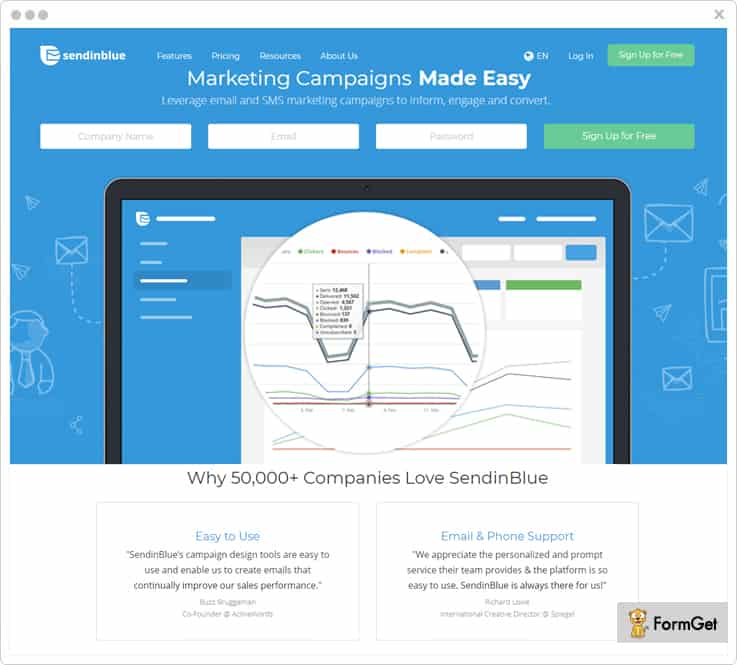
Standard Features
- Email Designer – Create mobile-friendly emails using the drag & drop designer. You can also select and customize templates of different variety from the gallery.
- Campaign Tracking – Get insights & monitor the overall campaign performance through tracking reports. You can export the report data in PDF/CSV format as well.
- Contact Management – These Mad Mimi alternatives includes an advanced search to sort, filter and segment contacts for targeted campaigns. This functionality also lets you create dynamic lists that update automatically.
- Spam Check & Inbox Testing – Perform the deliverability test of your emails to major email service providers. You can make a test list and send a test email before finally scheduling your campaign.
Pricing Plan
| Plan Name | Free | Lite | Essential | Premium 1 | Premium 2 |
| Cost | $0/Month | $7/Month | $39/Month | $66/Month | $173/Month |
| No. Of Emails | 300/day | 40,000 | 60,000 | 1,20,000 | 3,50,000 |
Note:- You can get in touch with the sales team to know the custom pricing of Enterprise Plan that lets you send 350,000 emails/mo.
4. Moosend
Moosend provides email marketing and automation platform where you can manage all the task of the email marketing such as creating emails, sending & tracking without any hassle.
By using its built drag & drop editor you create your own newsletter that appears responsive in all the devices.
Additionally, it provides free newsletter templates so that you can customize them accordingly. It allows you to go through its preview and test without exiting the editor.
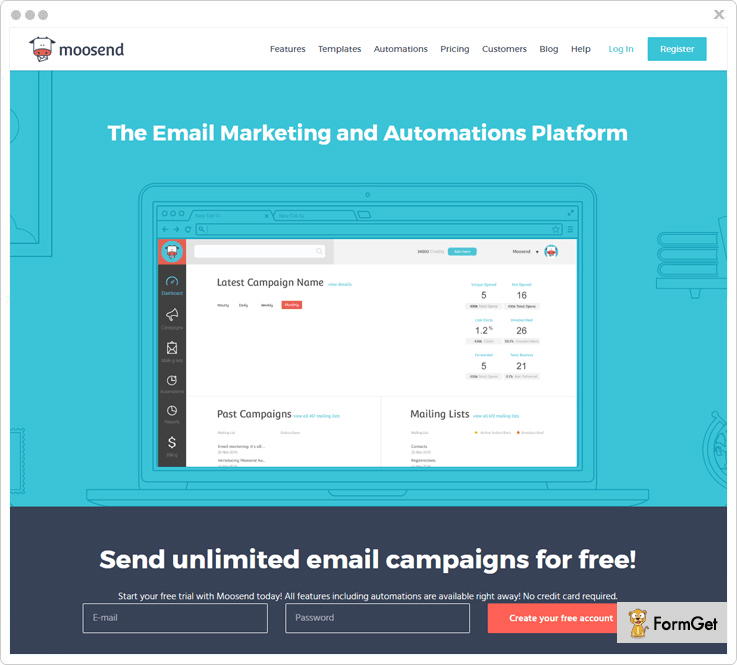
Standard Features
- Segmentation – Using segmentation you are allowed to divide sub-group of email list so that you can easily connect with your users and offers correct information that they are looking for. However, list segmentation increases chances of open rate, click through rates, greater email relevance, better deliverability etc.
- Analytic Tracking – Provides powerful analytics tool that will help you to track the unique or overall subscriber(s) stats, campaign’s activity over time etc.
- API and Integration – Offers API integration and wrappers of this service so that users can easily connect applications to enjoy its functionalities. Also, you can send your emails easily by using our SMTP service.
- Build Email List – Provides customizable opt-in forms that will help you to capture your visitor’s data easily and smoothly. You can insert these forms on your website, blog, social media or any third party sign-up form.
Pricing Plan
| Number Of Subscribers | Up to 3,000 | Up to 10,000 | Up to 50,000 | Up to 100,000 |
| Cost | $20/Month | $55/Month | $205/Month | $390/Month |
Note:-
It offers 6 months and yearly plans that allows you to save up to 15 & 20 percent respectively.
Some other plan like “pay-as-you-go” that is only for the occasional senders where they have to pay for each email.
5. VerticalResponse
VerticalResponse is one of the prominent names in the list of efficient email marketing services. Not just it lets you send mass emails to your contacts, you are also facilitated with features that prosper your marketing campaign.
For instance, you will get custom branding, launching surveys, A/B testing, advanced reporting, surveys etc.
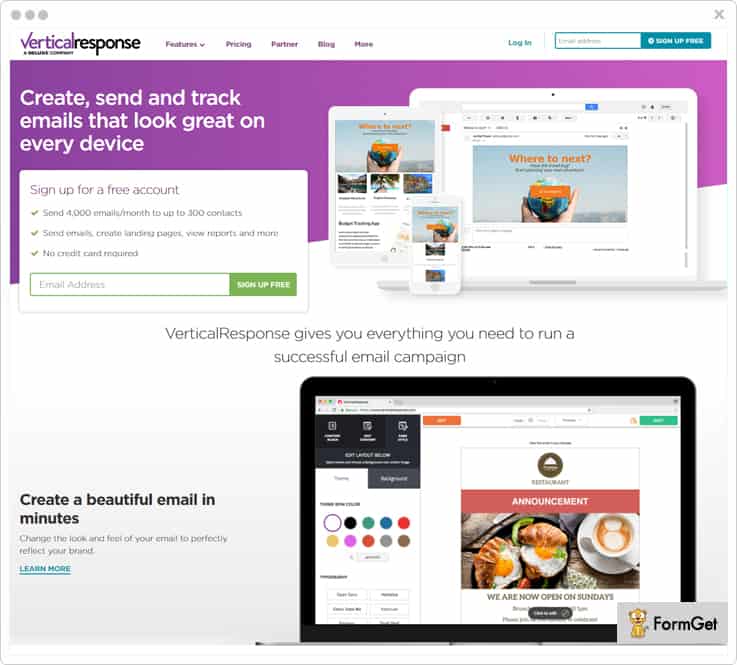
Standard Features
- Landing Page Builder – Make stand-alone pages that compliment your campaigns, and are optimized to increase sales as they are capable of creating brand awareness, capture leads, display new products, etc.
- Test Kit – You can review the look & performance of your emails at recipient’s end across different devices using tools like inbox & subject line preview and link checker.
- Preference Centre – Make the list accessible to the contacts by marking it “public” & let them choose what types of emails they want to receive instead of opting out of your mail service.
- Automation – the automated follow-up emails series, autoresponders & scheduling option lets you maintain the spontaneity in your responses to clients with relevant messages.
Pricing Plan
| Plan Name | Free | Basic | Pro | Pro+ |
| Cost For 500 Subscribers | $0/mo | $11/mo | $16/mo | $196/mo |
| Number Of Emails | 4000 | Unlimited | Unlimited | Unlimited |
Note: – With “pay as you go” option, you can buy a fixed number of email credits by making one-time payment.
Learn More About VerticleResponse
6. Campaign Monitor
Get the best email marketing service in terms of speed, efficiency, and cost-effectiveness with Campaign Monitor. Be it sending an occasional newsletter or using advanced features, Campaign Monitor has it all to scale your business.
For example, list segmentation, automation, analytics, and many such important add-ons will help you out to a great extent that makes it a better Mad Mimi alternative.
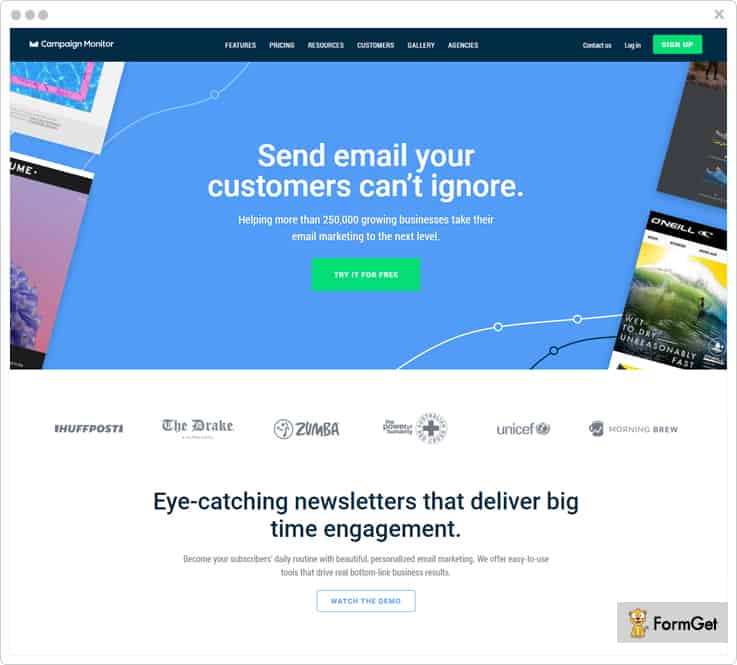
Standard Features
- Create Custom Emails – Use the given email templates or code your own version and add videos from Vimeo or YouTube in it. Also, you can use the drag-n-drop builder to create unique emails.
- Personalization – Segment the list as per subscribers interest & need to send personalized emails like sign up, or emails on the customer making a purchase etc. Such emails are 26% more likely to be opened & leads to 6 times higher transaction rates.
- Integrations – Connect your e-commerce platform, CRM, or website with multiple applications like Salesforce, Wistia, Magento etc. easily.
- Testing – Test subject lines, CTA buttons, message length etc. & deliver the revised & perfect emails to your customers.
Pricing Plan
| Plan Name | Basic | Unlimited | Premier |
| Cost For 500 Subscribers | $9/Month | $29/Month | $149/Month |
| Number Of Emails | 2,500 | Unlimited | Unlimited |
Learn More About Campaign Monitor
7. Sender
Sender is one of the most recommended Mad Mimi alternatives whose drag & drop editor lets you create responsive newsletters like professionals.
Send thousands of emails with high deliverability to recipient’s inbox without fail.
Also, Mad Mimi alternatives platform automatically disables non-existing email addresses to keep your contact list updated.
Standard Features
- Push Notifications – These are messages sent to the user once he opts-in & are meant to re-engage potential customers even when they are not browsing on the website. This is considered one of the advanced marketing technique.
- Dedicated IP Addresses – If you need to send over 5,00,000 emails in a month, it is highly recommended that you use dedicated IP that ultimately improve your email reputation.
- Feedback Loop Integrations – It integrates feedback loop system with major email service providers, such as Outlook/Hotmail, Yahoo etc. & provides instant notifications when a subscriber marks your email as spam.
- Email Analytics – Improve your campaigns while monitoring open & click tracking, date & time analysis, click map, subscriber profiles, etc. in real time.
Pricing Plan
| Plan Name | Free | Monthly |
| Cost | $0/Month | $10/Month |
| Number Of Emails | Up to 15,000 | Up to 60,000 |
Note: –
1. The Monthly Plan has different pricing plans with the highest cost of $226 for 1,00,000 subscribers.
2. The Prepaid Plan that has multiple cost estimations according to the number of emails you want to send. The least plan costs you $34 for 10,000 emails.
8. Zoho Campaigns
Zoho Campaigns is regarded as the synonym for best email marketing software with which you can create, send, and track email campaigns.
Moreover, the bundle of attributes that you get in this service includes campaign and subscriber management, A/B testing, automation, real-time analytics, social media integration for brand promotion, newsletter templates, engagement monitoring etc.
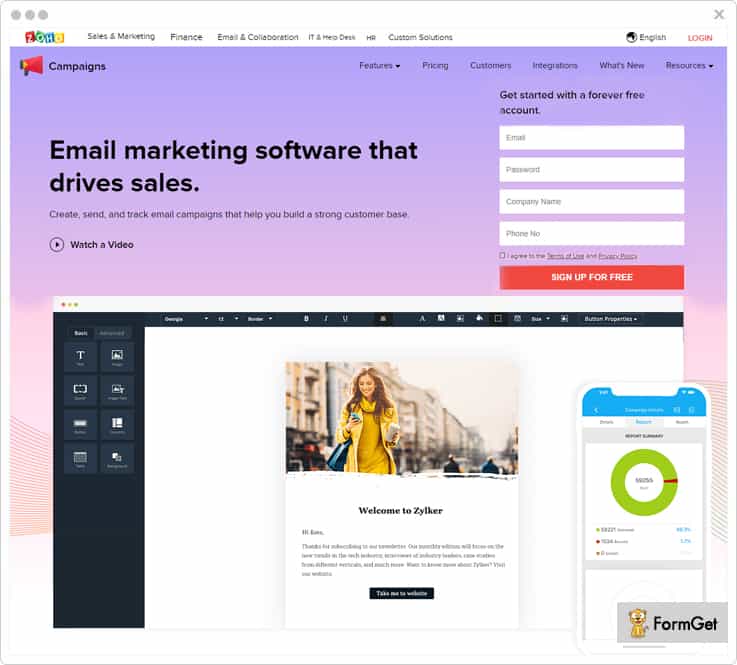
Standard Features
- Consent Campaigns – The permission-based email marketing lets you ask for explicit consent from the contacts and later send newsletter/promotional emails for better engagement rates.
- Mobile Edition – Schedule campaigns, pause/resume campaigns, manage your lists, view campaign results etc. on-the-go from the mobile application.
- Merge Tags – Address your recipients by their names, generate unique coupon codes, provide the point of contacts etc. for better personalization.
- Drip Marketing – Analyse users interest & activity to send relevant messages at the most suitable time. Schedule a series of emails like reminders, seasonal greetings, or birthday wishes, account expirations, payments, or deadlines.
Pricing Plan
| Plans | Free Plan | Subscriber-based | Pay As You Go |
| Cost | $0 | $45 | $12 |
| Number Of Subscribers | 2,000 | 2,501 – 5,000 | 10,000 |
Note:-
- We have mentioned one of the pricing of the subscriber-based plan. However, it has multiple other schemes according to the number of subscribers you have.
- It has got an email-based plan with many pricing schemes. The starter plan is $3 for sending emails up to 500 emails.
Learn More About Zoho Campaigns
9. ConvertKit
ConvertKit transforms your average running marketing campaigns to an extraordinary & successful program with least efforts.
It lets you organize subscribers with the help of tags & segments and send personalized emails with highest inbox delivery. This helps alot to get higher open rates & more conversions.
Moreover, you can switch to ConvertKit from any other service along with forms, subscribers which could be as high as 5,000 etc.
Standard Features
- Opt-in Forms – Grow your email list by using its easy-to-embed & customizable opt-in forms on your website and convert random visitors into profitable customers.
- Reporting – The dashboard will keep you updated with reports related to your campaigns such as subscriber data and opt-in conversions.
- Marketing Automation – Create emails via drag-and-drop sequence builder & automate them to send well-timed messages to targeted contacts.
- Integrations – This email marketing service provides integrations with e-commerce, landing page, and membership site providers like Zapier, Shopify etc.
Pricing Plan
| Number Of Subscribers | 1,000 | 3,000 | 5,000 | 8,000 |
| Cost | $29/Month | $49/Month | $79/Month | $99/Month |
Note:- Above pricing plan is calculated on monthly basis. However, you can get 12 months for the price of 10 on annual billing.
10. ActiveCampaign
Its high time that you switch to ActiveCamapaign for your email campaigns with full control. You can use this substitute for Mad Mimi to send scheduled emails, autoresponders, event-based emails, & broadcast one-time emails to the customers.
These Mad Mimi alternatives has everything like templates, image hosting, integrations, geotracking, analytics and much more to make your marketing program successful.
Standard Features
- Email Segmentation – Create & save unlimited segments of your contact list on the basis of user’s demographics, behavior, location etc. to send a customized message.
- Subscription Forms – Introduce high-converting forms on your website with limitless customizations like display mode, redirecting page etc. These forms ultimately help you to capture more leads quickly.
- Dynamic Content – Add dynamic content like RSS or live webpage to messages to keep your campaigns current. Also, use conditional content that is adaptive to individuals.
- Split Testing – Test the variables such as subjects lines, content etc. Further, based on the detailed engagement report, use the winning version to optimize the campaign.
Pricing Plan
| Plan Name | Lite | Plus | Professional | Enterprise |
| Cost For 1,000 Contacts | $29/mo | $70/mo | $159/mo | $279/mo |
Note:- These prices are billed monthly, whereas annual billing will provide pricing at a cheaper rate.
Learn More About ActiveCampaign
11. Mailjet
Mailjet is an advanced email marketing software which is yet another Mad Mimi alternative. It enables you to build & send messages with maximum inbox delivery. Also, it has got all the tools that let you enhance your marketing campaign tremendously.
Further, with the analytics report, you can always stay updated with the performance of your email marketing program.
Also, With Mailjet’s inbound processing, you can parse the incoming emails without getting into the complications to manage SMTP protocol and email clients fragmentation.
Standard Features
- Intuitive Builder – Create beautiful emails in minutes using its drag-&-drop editor. Besides, you get amazing newsletter templates which are absolutely responsive.
- Personalization – Personalize the email according to interest & requirement of individuals. Add dynamic content based on recipients name, location, and user activity.
- Contact Management – With it’s easy to install the opt-in widget on the website, you can fetch email addresses and automatically sync to your contact lists. It also integrates into your CRM & filter out unsubscribes and possible errors.
- Role Management – Collaborate unlimited users & work from the same Mailjet account. You can create sub-accounts and define users roles for efficient workflow.
Pricing Plan
| Plan Name | Free | Basic | Premium |
| Send 6,000 Emails | $0/Month | $9.65/Month | $17.95/Month |
Note:-
- Contact sales team to know the cost estimation of Enterprise Plan.
- These price fares are calculated on monthly basis. However, pricing will differ when billed yearly.
Conclusion
The Mad Mimi alternatives that we have discussed above are very popular and highly used. They support you to grow your email marketing campaign in the truest sense.
Its high time when you stop using a service that might degrade your business.
Hence, choose a software that is capable enough to provide you A-Z features that are required for your marketing program.
Now smartly pick up the most suitable service as per your need and write us if you have got any query or suggestion.
Would you like to grow your knowledge and know more about email marketing softwares? If yes, I am sure you will find these blogs worth reading:
Thanks for reading.
10 Best Benchmark Email Alternatives | Low-Priced Competitors
Benchmark has never been in the league of best email marketing software. So, it was pretty obvious that you would need a better alternative of email marketing software for your campaign.
Still can’t decide why to go for Benchmark email alternative?
$11.60 for sending emails to 600 subscribers OR $5 for sending emails to 5000 subscribers?
Up to you!
To achieve better ROI, there are multiple Benchmark email alternatives that have been market dominant at some point.
You would probably never find better substitutes for Benchmark that we are going to unleash in this blog.
Although there is a lot that Benchmark fails to provide, here is a list of very important attributes that you would not find in Benchmark.
- List cleaning
- SMTP integration & routing
- Inbound parsing
- Autoresponders
- Preference center & consent-based email sending
- Dedicated IP addresses
You read it right!
Below mentioned services contain not just these essential features, but a lot more that you must know. Let us take a deeper look.
| Comparison Between Benchmark Email Alternatives |
|||||
| Services | Starter Plan | List Cleaning | In-built SMTP | Drip Mailing | |
| Pabbly Email Marketing | $29/month | ✔ | ✔ | ✔ | |
| MailGet | $29/month | ✔ | ✖ | ✔ | |
| SendinBlue | $25/month | ✔ | ✔ | ✖ | |
| ConvertKit | $79/month | ✖ | ✖ | ✖ | |
1. Pabbly Email Marketing
Pabbly Email Marketing is the highest rated email service provider & regarded as top benchmark alternatives of all times. You can create & send eye-catching emails for your campaign with this software. Also, it lets you build an email using the drag-and-drop editor or use its readymade email templates as well.
Furthermore, you can also add opt-in forms on your website/blog and integrate it with Pabbly Email Marketing API to add the collected contacts in your mailing list.
Features
- The list cleaning feature lets you get rid of duplicate and inactive email addresses. This eventually improves email deliverability rates & secures your email marketing account from suspensions due to bounces, spams, and unsubscription rates.
- It allows you to send bulk emails with the personalized tag as this step is the key to obtain higher open rates and conversions of your prospects.
- Further, Pabbly Email Marketing comes with SMTP integration & eliminates all the hassle of setting up server details manually.
- With its inbox preview option, you can actually preview emails before sending them and ensure that you send an errorless and readable email to the customers.
Pricing Plan
Rookie Plan – This plan is available at a very reasonable rate of $29/month & lets you send emails to 5,000 subscribers.
Pro Plan – You can purchase the Pro Plan for sending emails to 15,000 subscribers at just $44/month.
Advance Plan – The lowest pricing scheme for this plan will cost you $99 a month to send emails to 50,000 subscribers.
Note:- The Advance Plan has 9 more pricing schemes that differ according to the number of subscribers.
2. MailGet
MailGet has turned out to be one of the best email marketing solutions amidst its competitors. You will find various functionalities in this software like drag and drop builder, list management, autoresponders, email scheduling etc. which are absolutely required for your campaign.
Features
- MailGet SMTP routing allows you to select the number of emails you want to send from single SMTP relay. This is very helpful in resolving issues of slow network & promotes fast mass emailing.
- You can segment the contact list into sub-groups & send targeted emails based on their activities like opens/clicks/purchases etc. This helps you achieve high click-through & conversion rates.
- Its drip emailing option lets you automate the email series like welcome drips, re-engagement, promotional etc. to the targeted customers at the most appropriate time.
- With Google Analytics integration, you can track all essential metrics such as sessions, conversion rate, user behavior, traffic sources etc. to optimize your email marketing.
Pricing Plan
Rookie Plan – Get this plan at an affordable price of $29/month and send emails to 5,000 subscribers.
Pro Plan – With this plan, you can send emails to 15,000 subscribers instantly at just $49/month.
Advance Plan – The first scheme of this pricing plan will costs you $99 a month for sending 50,000 emails.
Note:- The Advance Plan has 10 subsequent pricing schemes where you have to charge as per the number of subscribers in your mailing list.
Few more must-reads for you:
3. SendinBlue
SendinBlue lets you design mobile-friendly emails for marketing campaign via drag-n-drop designer and also provides you with customizable templates that save time & efforts.
This benchmark email alternatives also helps you boost marketing efficiency by sending personalized emails and optimize them using inbox preview option.
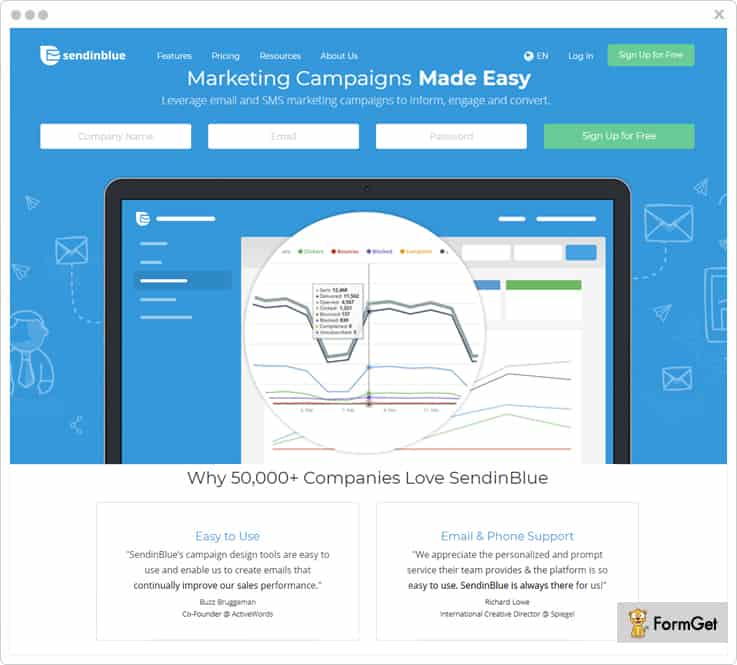
Features
- With contact management feature, you can do a lot of tasks like import contact files, create a dynamic list that updates automatically, segment contacts, add custom contact fields, etc.
- Analyze the campaign performance with the real-time tracking report through dashboard like open & click-through stats, readers interest, and other insights. You can also export the data in PDF/CSV format.
- It provides you with plugins to connect with popular CMS and e-commerce platforms & API to create custom integrations with website, app or services.
- The marketing automation allows you to automate the workflow and automatically retarget contacts based on their response to your email and campaign activity.
Pricing Plan
Free Plan – With access to basic features, you can send 300 emails/day at $0/mo to unlimited contacts.
Lite Plan – This plan is ideal for new marketers & cost you a nominal charge of $25/mo send 40,000 emails with no daily sending limit.
Essential Plan – Get this pricing plan at an affordable price of $39/mo to send 60,000 emails & avail the advanced email statistics.
Premium Plan – You can purchase this plan at just $66/mo and send 120,000 emails a month. You will also get the option of unlimited automation workflows & landing page builder.
Enterprise Plan – Contact the sales team to know the custom pricing of this higher plan that allows you to send 350,000 emails/mo.
4. Moosend
MooSend is one of the reliable email marketing services that has partnered with IBM. It also helps you to manage your mailing list by managing members, custom fields, etc.
You can start sending emails to your users by using the free trial plan that includes all the features.
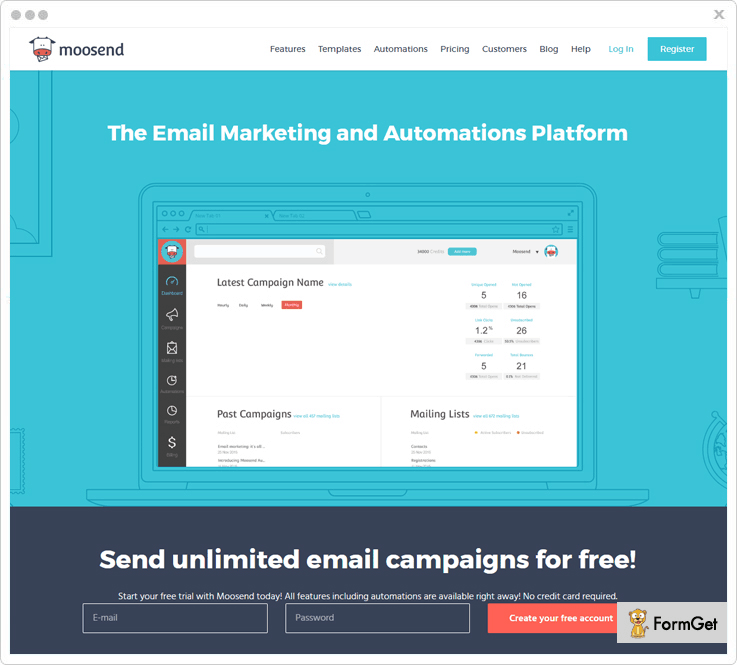
Features
- Provides advanced segmentation feature allows you to target on a set of customers by dividing their subgroups. It helps you to increase open rates, greater email relevance, better deliverability etc.
- You have the option to save time by using the pre-made automated workflow templates. Whereas you can fully customize them as per your desire.
- It has a feature to send emails automatically to a list of people in case they meet a particular trigger. However, this form of email marketing definitely helps you to save time.
- Important emails that are sent are fully protected by the TLS encryption that will make emails to deliver at right place without any interruptions.
Pricing Plan
Plan 1 – With the free plan, you can send unlimited emails Up to 1000 subscribers per month.
The Plan 2 – Per month for $40 plan you can send unlimited emails for more than 8,000 subscribers.
Plan 3 – This benchmark email alternative comes with the 6 months and yearly plans that allows you to save up to 15 & 20 percent respectively.
Note:- Also, offers some other plan like “pay-as-you-go” that is only for the occasional senders where they have to pay for each email.
5. Mailjet
Mailjet is one of the prominent names in the list of most effective email marketing software. Besides enabling you to create & send bulk emails, this service has got tons of other features that would flourish your marketing campaign.
For instance, you will get contact list management, dedicated IP, SMTP relay, marketing automation, team collaboration, real-time monitoring etc.
Features
- You can create personalized emails using its intuitive drag-&-drop editor “Passport”, or utilize its ready-to-use responsive email newsletter templates.
- Define the webhooks that will be called by Mailjet’s event API every time an event occurs on the sent email (open, click, etc.).
- The A/B test allows you to test up to 10 versions of your emails to the different group of customers and optimize the most successful version to generate the best result for your campaign.
- With Mailjet’s inbound processing, you do not have to get into SMTP protocol and email clients fragmentation, as it effectively parses incoming emails.
Pricing Plan
There are 3 paid pricing plans: Basic, Premium & Enterprise whose pricing differs according to the number of subscribers. Following example will give you better clarity:
Free Plan – It offers email sending to 6,000 subscribers/month in $0 with a limit of 200 emails per day.
Basic Plan – Suppose you need to send emails to 1,50,000 emails in a month, then this plan will cost you $74.95/month. Also, you can have dedicated IP and option of brand removal of Mailjet.
Premium Plan – For sending 1,50,000 emails/month using the Premium Plan, you need to spend only $96.95 a month. It also facilitates you with many advanced features like real-time monitoring, marketing automation, multi-user collaboration etc.
Enterprise Plan – You can contact the sales team to know the cost estimation of this pricing plan.
Note:-
These price fares are calculated on monthly basis and vary when billed yearly.
6. VerticalResponse
VerticalResponse is running ahead from its competitors of Benchmark service these days. You can use its amazing editor to create custom branded emails or straightaway avail the given templates.
You can also create surveys & provide it to the contacts by emailing them URL or adding it to your website. This helps you to collect feedbacks & get customer insights in real time.
Furthermore, you are facilitated with tons of other attributes like advanced reporting, integrations, A/B testing, contact management etc.
Features
- Besides online form builder for creating attractive pop-up forms, it also aid you with landing page builder to make stand-alone web pages & create brand awareness.
- Test Kit’s tools like inbox and subject line preview, link checker ensure desired emails look across nearly 60 different devices so that you can improve overall campaign performance.
- Further, the automation of follow up emails & autoresponders facilitates you to be in touch with your contacts with timely & apt messages.
- You can mark the contact list as “public” and make it accessible to the recipients so that they can choose what types of emails they want to receive rather than completely unsubscribing.
Pricing Plan
Below mentioned are its 3 paid plans that charge you as per the size of email list:
Basic Plan – Its pricing scheme starts from $11/mo for the contact list having less than 500 contacts.
Pro Plan – You need to pay $16/mo if your list contains 500 contacts. It is adequate for a business that needs automation as well as advanced campaign reporting.
Pro+ Plan – This will cost you $196/mo for your list having less than 500 contacts. This plan is popularly used by marketers who want to have expert guidance for their campaigns.
Note:-
1. Its free plan lets you send 4,000 emails/month without spending a penny.
2. There is an option of “pay as you go” where you have to make a one-time payment for buying a fixed number of email credits.
7. Campaign Monitor
Campaign Monitor has been consistently ranked among the top email marketing software for quite a long time now. The reason being, this all-in-one solution consists of various tools along with marketing automation & help you earn maximum revenue from your campaign.
For example, you can use signup forms to build your audience, create a personalized journey & send content-driven emails, get dedicated support and a lot more.
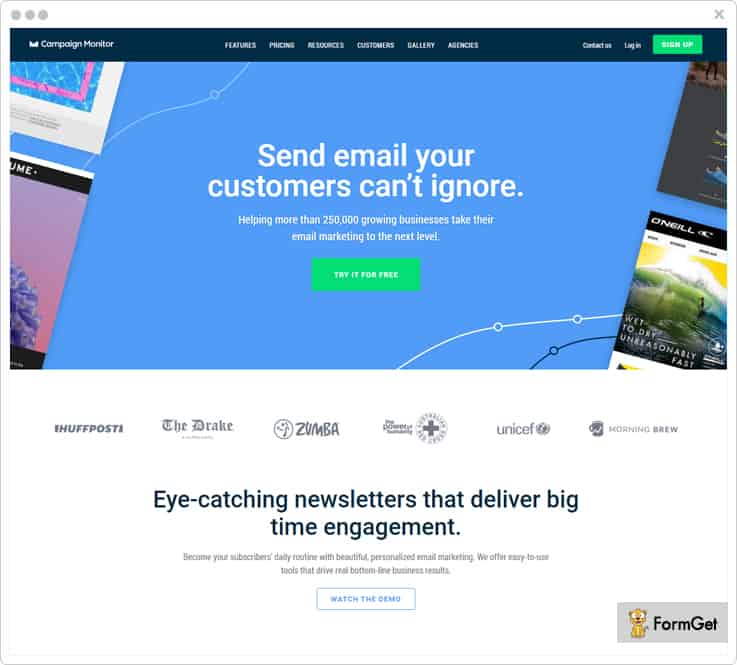
Features
- You can start off with professionally-designed & customizable templates for different campaigns like marketing offers, product announcements or event promotions. You can also create responsive templates and add videos from Vimeo or YouTube in it.
- The analytics report gives you an insight into the performance of your email marketing program in terms of geography, acquisition, and engagement per campaign.
- You can create segments based on customer’s data and send relevant emails that match individual interests. This eventually increase sales & results in a long-term customer relationship.
- It provides seamless integration to as many pre-built applications so that you can connect your e-commerce platform, CRM, or website effectively.
Pricing Plan
The pricing plans for this service varies on the number of subscribers & emails.
Basic Plan – You can send emails to 10,000 people in just $89/month where you can send 50,000 emails.
Unlimited Plan – This plan is available at just $149/month and allows you to send unlimited emails to 10000 subscribers.
Premier Plan – Get this plan at $249/month and send unlimited emails to 10,000 subscribers along with multiple advanced features.
8. SendGrid
SendGrid is a proven way of effective mass mailing that is recommended by developers and marketers. With this option of Benchmark email alternative, you can send email newsletters, shipping notifications, promotional emails, password resets and more.
Further, the delivery expertise provides quick inbox delivery of your emails by avoiding spam filters.
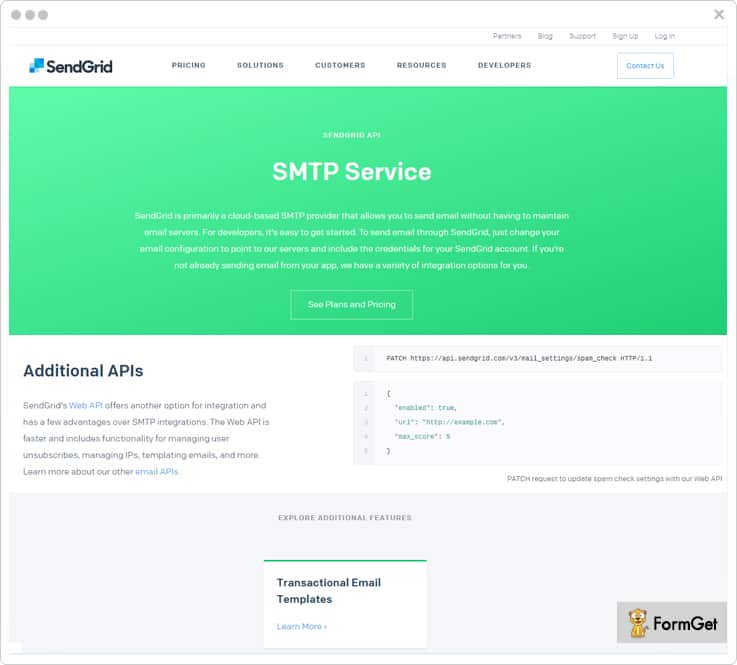
Features
- You can make responsive emails from the design editor, or choose from given templates & edit with drag & drop tools/pure HTML for desired campaigns.
- This benchmark email alternative lets you create dynamic segments based on customer interests & activities so that you can send personalized emails and promote users engagement.
- Real-time analytics report helps you have an insight of sends, delivery rates, bounces, spam reports, link clicks, unsubscribes, and other key metrics. You can also measure user engagement across devices, geography, ISPs etc.
- You can test variations to subject lines, images, links, button placement etc. & figure out recipients response. Further, SendGrid automatically chooses and deploy the best variation.
Pricing Plan
Free Plan – You can send 40,000 emails for your first 30 days absolutely free. Later on, it allows you to send 100/day for the lifetime.
Essential Plan – This plan is ideal for sending up to 100,000 emails in a month and the plan starts at the cost of $9.95/mo.
Pro Plan – The Pro Plan is the most recommended plan & is suitable for business who needs to send emails from 100,000 to 1.5 million emails in a month. Its pricing scheme starts at $79.95/mo only.
Premier Plan – This advanced plan is apt for business bodies who wants to send 1.5 million emails a month. You can get in touch with the sales team to know the details of this plan.
9. Zoho Campaigns
Zoho Campaigns is a renowned name when it comes to best email marketing software that lets you create, send, and track email campaigns.
There is a list of facilities that you get with this tool like campaign and subscriber management, A/B testing, real-time analytics, social media integration for brand promotion, engagement monitoring etc.
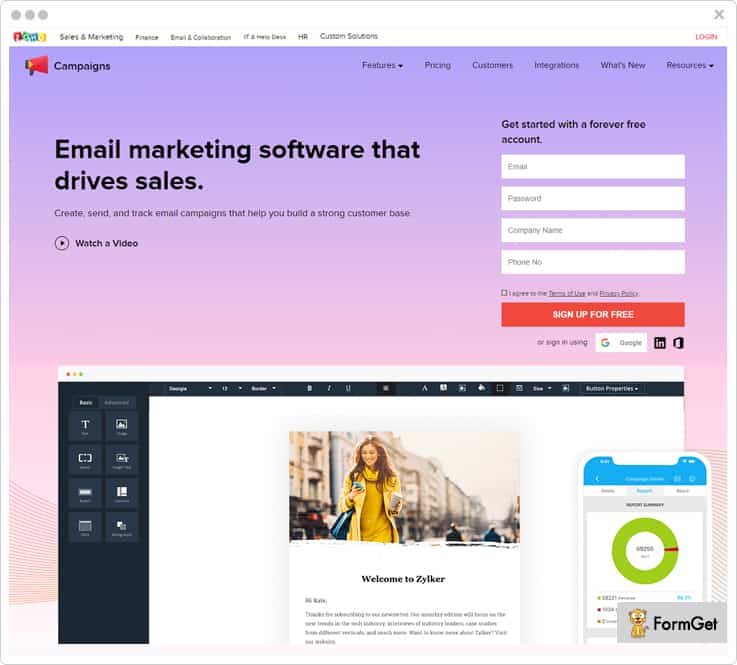
Features
- You can use various pre-designed newsletter templates or use its drag and drop editor to create nifty newsletters with personalized content.
- It lets you conduct permission-based email marketing & reach out to the customers with their consent for better email engagement rates.
- The automation allows you to set up workflows, perform drip marketing & trigger email series with autoresponders.
- You can schedule campaigns, send draft emails, pause and resume campaigns, manage your mailing lists, view campaign results etc. from the mobile application as well.
Pricing Plan
This Benchmark email alternative has got 2 pricing schemes based on subscription and “pay as you go” plans. Further, the subscription plan offers email-based and subscription-based plans.
Email Based Plan – This plan has got various price offers for sending a certain number of emails. Initially, it will cost you a minimal amount of $3 for sending emails up to 500 contacts.
Subscriber Based Plan – In its beginner plan, you will be charged $5 only to send 500 emails to your mailing contacts.
Pay By Email Credits – With the minimum of spending $6, you can purchase 250 email credits and so on.
Note:-
1. The free plan lets you send 12,000 emails/month for subscribers up to 2,000.
2. These pricing plans are billed monthly and differ in yearly calculations.
10. ConvertKit
ConvertKit helps you run marketing campaigns and promote your products/services via emails in the best possible manner.
Moreover, it lets you organize subscribers and send relevant content to selective contacts. You can also send broadcasts for your time-sensitive content or integrate RSS feed to send weekly blog posts.
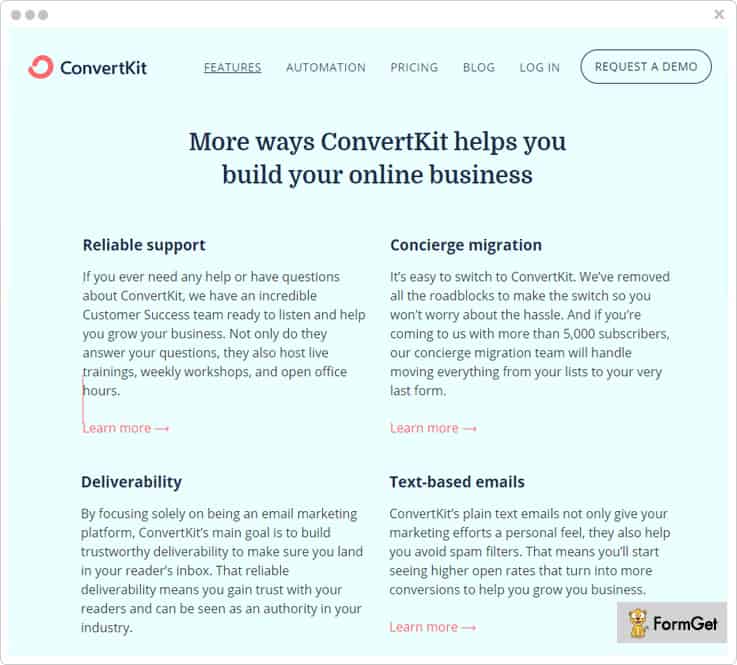
Features
- Also, you can create personalized emails using its drag and drop sequence builder. You can automate these emails that trigger on the occurrence of certain events & actions.
- You can grow your email list by using its easy-to-embed & customizable opt-in forms. Further, you can keep track of subscriber data and opt-in conversions through the dashboard.
- Your sent mails can acquire highest inbox delivery by avoiding spam filters. This results in higher open rates & more conversions.
- This email marketing service supports a wide range of integrations with e-commerce, landing page, and membership site providers.
Pricing Plan
First Plan – This beginner plan allows you to send emails for up to 1,000 subscribers in just $29/month.
Second Plan – You can go with the second plan if you need to send emails to upto 3,000 subscribers and pay only $49/month.
Third Plan – The third pricing plan comes with a price tag of $79 per month which you can use to send emails up to 5,000 subscribers.
Fourth Plan – This higher plan will charge you only $99 a month if your mailing list contains 8,000 subscribers.
Note:– For your yearly billing, you will get 12 months pricing for the price of 10.
11. ActiveCampaign
ActiveCampaign is a trusted name in the list of email marketing solution that helps you create & send a variety of emails for your campaign.
Just like established professionals, you can send scheduled emails, autoresponders, event-based emails, & broadcast one-time emails to the customers very effectively.
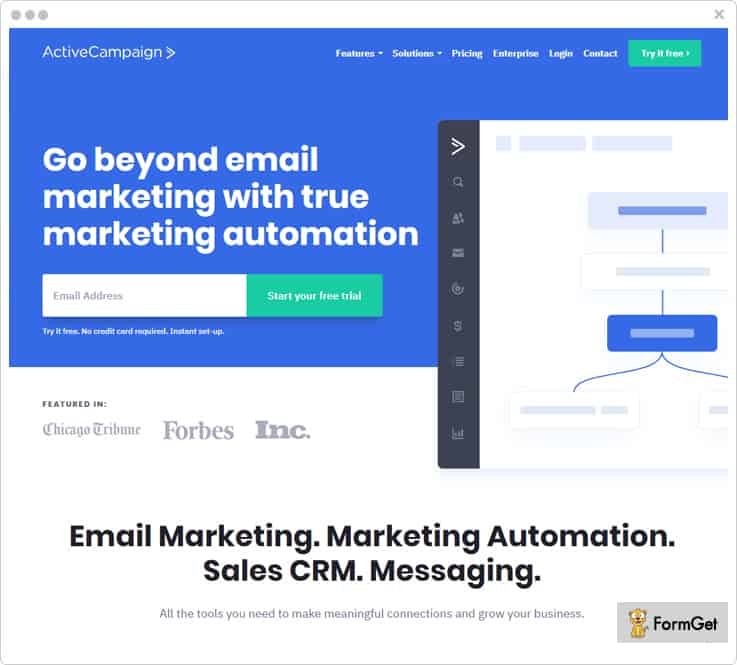
Features
- The segmentation option lets you group up the customers based on their demographics, location, behavior etc. for targeted marketing.
- Create subscription forms to capture more leads & do customizations like defining the display mode, hiding the form, redirecting users to another page or display a thank you message on form submission.
- You can add dynamic content like RSS or insert the URL of a live page in the message to keep the campaign updated. Also, you can add conditional content in the emails for every individual contacts.
- With the help of spilt test, you can easily compare the performance of emails which is tested on the different group of customers.
Pricing Plan
The service has different pricing plans according to the number of contacts in your mailing list. Have a look at the cost estimation for sending emails to 500 contacts.
Lite Plan – Avail this plan at an affordable rate of $15/mo & can send unlimited emails.
Plus Plan – This plan comes with a price tag of $70/mo for sending emails. You will also get various features such as marketing automation, custom branding, custom domain etc.
Professional Plan – You can get this plan at just $159/mo and get plenty of advanced attributes.
Enterprise Plan – Purchase the Enterprise Plan at a reasonable cost of $279/mo.
Note:- You are also given a free trial of 14-days.
Conclusion
I am sure you must have understood why we have compiled these services & call them Benchmark email alternative.
People have paid a lot to least deserving email marketing software and still couldn’t find the best one.
So, after a lot of research and personal experience, we have hand-picked these tools which have been consistent in providing the best service related to the marketing campaign.
You can select any of them that is most suitable for your marketing campaign and see the outstanding results for yourself.
In case you find anything questionable or have a suggestion, drop your comment in the below section.
Thanks for reading.
10 Best VerticalResponse Alternatives | Spend Less Send More
VerticalResponse is a popular email marketing service provider. Still, people are looking for their alternatives.
Do you know why?
Well, there are numerous reasons that campaign owners have pointed out. But, out of all of those reasons, people have been looking for methods to have a clean & updated contact list & VerticalResponse has failed to provide any such facility.
However, other services give you an option of list cleaning to remove bad and inactive email addresses from your mailing list & suppress bounces, spams, and unsubscription rates.
Not only this, there are some other flaws as well such as lack of customer support and pricing. Since its cost is based on the number of contacts or email addresses in your list, you have to pay a more if you owe the higher number of subscribers.
Thankfully, there are numerous alternatives present in the market which will solve the above problems, but again finding the best one from the stack is a tough task.
That’s why, in this article, we have compiled a list of 10 best VerticalResponse alternatives which are a bliss for the marketers who are looking for an established email marketing software. All these email marketing software comes with an easy-to-use interface, affordable pricing, and an extensive collection of features.
Quick Comparison Between VerticalResponse Alternatives |
|||||
| Services | Pricing | No. Of Subscribers | Multiple SMTP | List Cleaning | Rating |
| Pabbly Email Marketing | $29/M | 5000 | ✔ | ✔ | 4.9/5.0 |
| MailGet | $29/M | 5000 | ❌ | ✔ | 5.0/5.0 |
| iContact | $14/M | 500 | ❌ | ❌ | 4.7/5.0 |
| Mad Mimi | $16/M | 2,500 | ❌ | ✔ | 4.3/5.0 |
| Campaign Monitor | $29/M | 2,500 | ❌ | ❌ | 4.2/5.0 |
Now, without wasting much time, let’s have a look at each VerticalResponse alternative in detail.
1. Pabbly Email Marketing
Pabbly Email Marketing is advanced software which allows you to create & send different kinds of emails such as promotional, transactional, etc. Using this service, you can send millions of emails to your clients & save your time by automating your marketing campaign.
Further, it comes with a simple drag and drop email builder through which you can easily build professional emails very easily & quickly.
This software allows you to track your subscriber behavior with detailed statistics. Also, it has various effective features such as autoresponder, email management, scheduling, and more.
Key Features Of Pabbly Email Marketing
- Using scheduling feature you can schedule your emails and send them at the most appropriate time.
- With the help of list management feature, you can easily organize your contact list along with customer’s data. Further, you can export the email list in CSV format with ease.
- List cleaning feature allows you to clean out inactive, bad, & duplicate emails from your contact list. As you will contact only valid email addresses, the risk of spam complaints and bounces, account suspension etc. automatically reduces.
- You can grow your mailing list quickly by creating and embedding the sign-up forms on your website & capture more leads. Since users have intentionally opted for your mailing service, the chance of your emails being marked as spam becomes negligible.
Pricing
This service offers various pricing plans, these are –
- Free Plan – It gives you a free trial where you can explore the dashboard and connect 3 SMTP servers at $0/Month.
- Rookie Plan – If you want to send emails to 5,000 subscribers then, you can buy this plan at $29/Month and get automatic followups.
- Pro Plan – Buy this plan at $49/Month and send emails to 15,000 subscribers along with 10 monthly campaigns, custom tags and more.
- Advance Plan – This will cost you $99/Month where you can send emails to 50,000 subscribers along with advanced features and priority support.
2. MailGet
MailGet is one of the most popular VerticalResponse alternatives allows you to create & send various marketing, educational, transactional, & promotional emails. It provides you a flexible way of being creative with your emails by using drag and drop email builder. Also, it provides various prebuilt templates which you can customize according to your need & save a lot of time.
The best part about this software is you can connect with multiple SMTP relay services like MailGet SMTP, SparkPost, etc. and send emails with the high delivery rate.
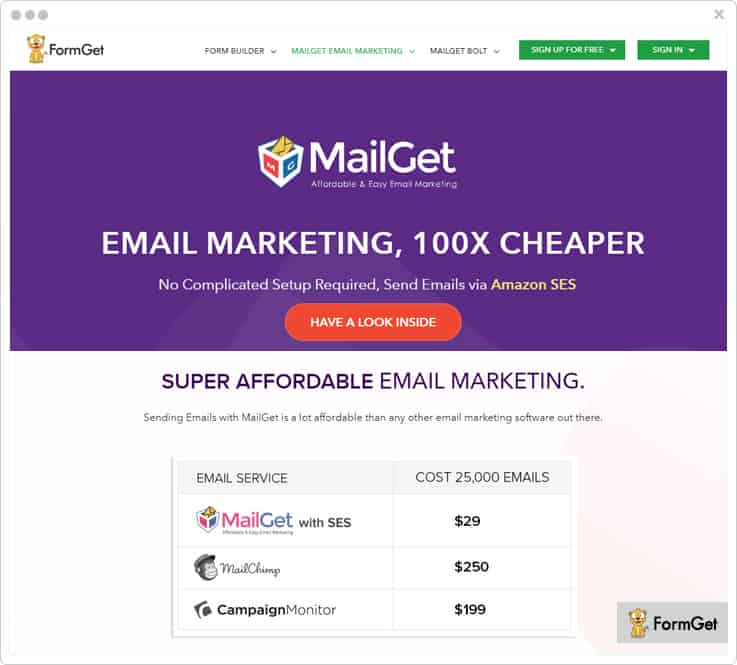
Key Features Of MailGet
- MailGet allows you to track user behavior on your emails by email tracking feature. This helps you to evaluate the overall campaign performance without relying on any other software.
- With the help of subscriber segmentation feature, you can segment your mailing list and make subgroups on the basis of customer’s activity and interest. In this way, you can target the right audience and send emails at the right time.
- This service supports various integration such as Google Analytics, Zapier, and Wufoo. It helps you to add various additional functionalities to your email marketing campaign.
- Auto followups feature allows you to resend emails to your clients who did not open your email at the first time. This will save your time as well as increase your user’s engagement.
Pricing
MailGet has various pricing plans varied on the basis of the number of subscribers.
- Buy this plan at $29/Month and send emails to 5,000 subscribers with all the essential features of email marketing.
- The Pro Plan is available at $49/Month where you can send emails to 15,000 subscribers along with unlimited monthly campaigns, and live chat support.
- Its Advance Plan will cost you $99/Month where you can send emails to 50,000 subscribers and get access to all the advanced features.
Read some more blogs too!!!
3. SendinBlue
SendinBlue makes your marketing automation and mass messaging much easy. You can easily build and send professional emails for your result-driven campaigns.
Admin can easily know about open, click and bounce rates with insightful reporting and optimize the email campaigns.
Moreover, it has features like drag-and-drop email editor, contact management tools, integrations and a lot more.
Key Features Of SendinBlue
- With the help of list management feature, you can use the advanced search criteria to sort, filter and segment contacts list and manage them in a better way.
- It gives you an option of inbox preview through which you can have an idea of how the email will look at the recipients end before finally sending them.
- Furthermore, the software uses various domain authentication measures like SPF, DKIM, and DMARC which are very reliable.
- Use SendinBlue and increase your sales as you can track the customers activity & send reminder emails on product purchases, abandoned carts, and a lot more.
Pricing
- Free Plan – It allows you to send 300 emails/day at $0/mo, with unlimited contacts and basic features.
- Micro Plan – This plan is available at a minimal cost of $25/mo where you can send 40,000 emails along with all the essential features.
- Bronze Plan – Buy this service at $39/mo and send 60,000 emails with advanced email statistics.
- Silver Plan – Get this service at $66/mo and send 120,000 emails with unlimited automation workflows and all advanced features.
4. Moosend
Moosend is the best email marketing service in terms of efficiency, and cost-effectiveness. It enables you to build & send messages with maximum inbox delivery.
Further, it provides you with all the enhance email marketing campaign like segmentation, automation, custom fill up form, and responsive templates.
Also provides you with the option to send an unlimited number of emails within a minute. Thus, there is an opportunity to transform your average email marketing campaigns into a successful one.
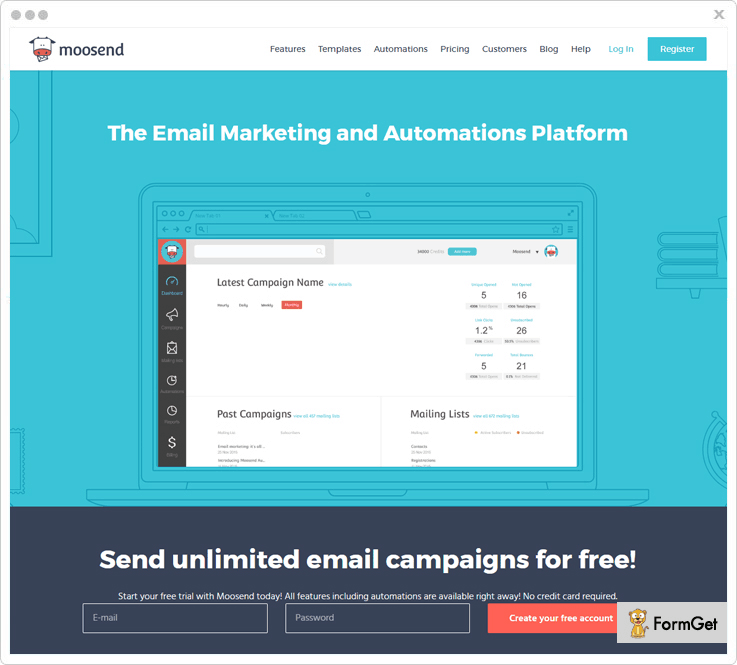
Key Features Of Moosend
- Moosend helps in tracking the real-time stats that contains various aspects such as conversion tracking, open/click rate, multilevel bounces and many more.
- With its drag and drop functionality, you can easily create your own beautiful transactional email that supports in all the devices.
- Emails sent by you are fully protected by the TLS encryption and its continuously monitored by the SMTP server of the Moosend.
- You can import contacts from a file on your disk or from the external sources like Google and Salesforce to the Moosend account directly that will help you to increase your customer list.
Pricing
- Per month you can send unlimited emails upto 1000 subscribers.
- Enjoy $40 plan that allow you to send unlimited emails to more than 8,000 subscribers per month.
- Offers 6 months and yearly plans that will save your 15 & 20 percent respectively.
- Occasional senders can enjoy our “pay-as-you-go” plan by paying for each email.
5. Constant Contact
Constant Contact offers a feature-rich, & cost-effective email marketing service which you can primarily use for designing professional emails. Further, you can choose from various prebuilt email template which you can customize with your own logo, images, and colors.
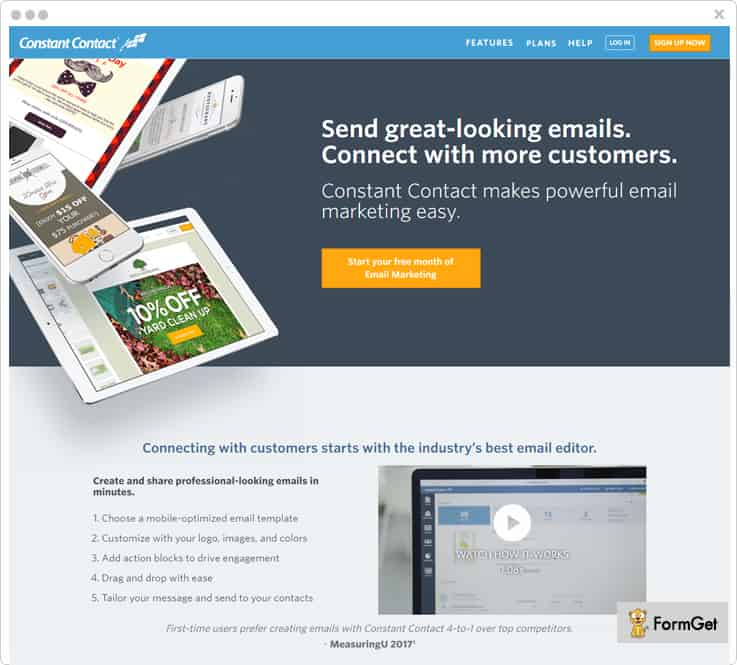
Key Features Of Constant Contact
- You can track your emails with real-time reporting and get to know who is opening, reading, sharing & clicking the links of your emails etc.
- Using contact management feature, you can organize and segment your contacts with ease. Further, you can also get an update of unsubscribes, bounces, and inactive emails automatically with the help of this tool.
- One can integrate Constant Contact with various tools such as Facebook, Formstack, Outlook and a lot more.
Pricing
There are two pricing plan of this software these are-
- Email Plan – This plan will cost you $20/mo where you can send unlimited emails and get more file storage with a live support system.
- Email Plus Plan – It is available at $45/mo where you will get powerful features with unlimited email sending capability.
6. iContact
iContact is a powerful email marketing solution for your business, as it helps you to design various emails with the help of its sleek drag-and-drop editor.
There are so many pros in this software which helps you in saving your time as well as budget. some of them are audience segmentation, autoresponder, multi-user accessibility, A/B testing and more.
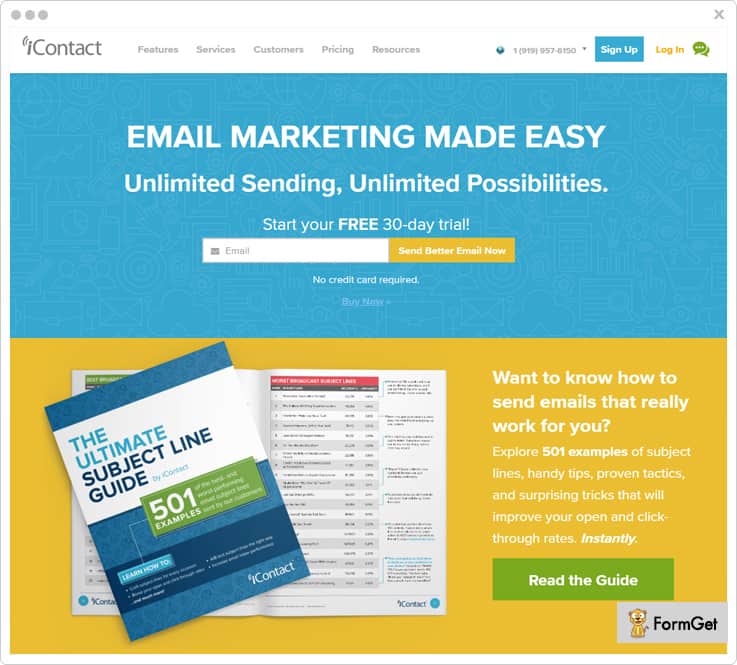
Key Features Of iContact
- Admin can track various metrics like open & click-through rates and analyze campaign results for more profitable data-driven marketing.
- This marketing automation platform also supports Salesforce integration that syncs your leads and contacts efficiently.
- Furthermore, you can send personalized emails to your contacts on special dates, holidays, and more in a few clicks.
- iContact allows you to easily design and embed custom sign-up forms on your site and collect leads from them.
Pricing
There are two pricing plans available for this service these are –
- Essential Plan – In this plan, the pricing is varied from $14/M to $299/M on the basis of a number of subscribers. Here, you will get all the essential features and custom field support.
- Professional Plan – The pricing of this plan is varied from $99/M to $369/M on the basis of a number of email contacts. Plus you can get all the advanced features and prioritize support.
7. Benchmark
With the help of this powerful email marketing service, you can create responsive emails and easily send them in bulk. Also, with this software, you can customize and modify the emails templates without any HTML knowledge.
Moreover, you can grab new contacts by embedding custom signup forms in your website which allow your users to subscribe with your service.
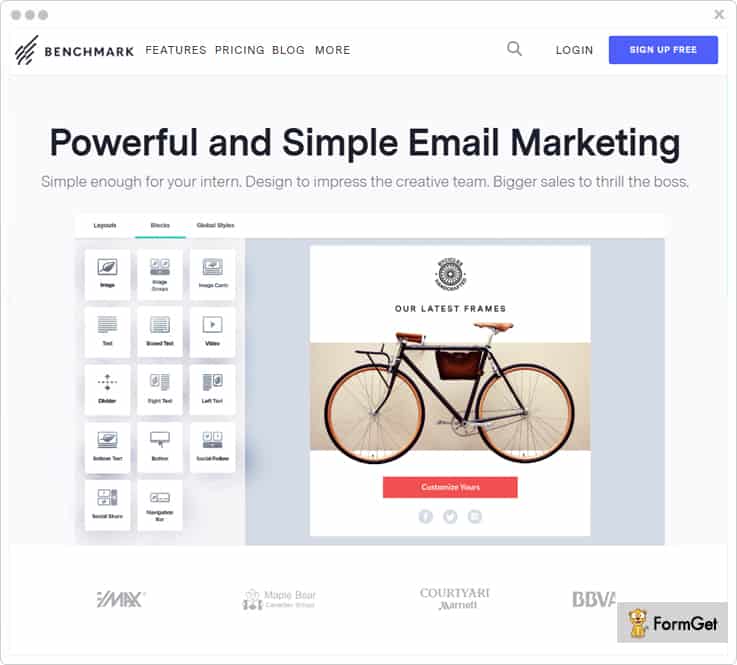
Key Features Of Benchmark
- Using list management feature, you can subgroup the contact list on the basis of users demographics, likes, dislikes and more. Further, you can create a contact list by easily importing contacts from .xls, .csv, and .txt files.
- It supports various integration like Salesforce, Zapier and a lot more to enhance the overall productivity of your campaigns.
- This software allows you to schedule emails by making few configurations like sending time, recipients etc. You can also automate the certain emails such as birthday emails, event-based emails to increase customer engagement.
- Tracking feature helps you to know your email success by tracking opens, links clicked, bounces and more in real time.
Pricing
Benchmark is available at different pricing plans these are –
- Medium Plan – Available at $11.58/month where you can send unlimited emails to 600 subscribers along with complete email reports.
- Large Plan – It is available at $300.71/month using which you can send emails to 60,000 subscribers with all the essential features.
- Extra Large Plan – Buy this plan at $691.43/month and send unlimited emails to 150,000 subscribers with 10 GB of free storage.
- Massive Plan – Get this plan at $4234.60/month and send emails to 1,140,000 subscribers along with advanced features.
8. ActiveCampaign
ActiveCampaign email marketing tool makes your bulk emailing a few minutes task. It comes with all the essential features which are required for effective email marketing. Some of them are automation, segmentation, contact management, etc.
Furthermore, you can design & send various emails to the subscribers or use the ready-made email templates which you can customize according to your needs.
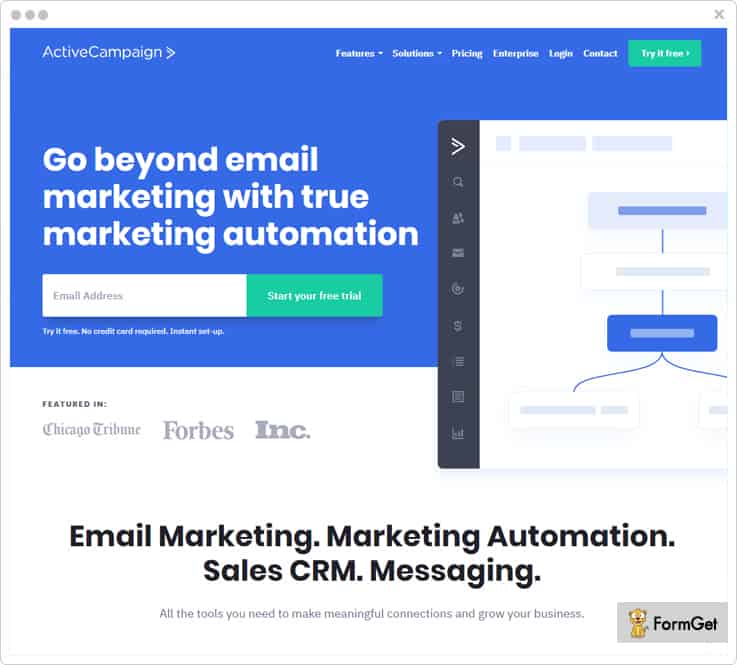
Key Features Of ActiveCampaign
- You can use its autoresponder to get in touch with your users instantly by sending them automated responses.
- This VerticalResponse alternative saves your time by allowing you to schedule emails at a specific date & time. This functionality helps you to get connected with your clients on special events, holidays, birthdays, and more with relevant & timely messages.
- Segmentation and dynamic content make it easy to send a personalized message to the targeted audience at the right time.
Pricing
- For sending emails to 2500 contacts you have to pay $49/mo where you can send unlimited emails along with full chat & email support.
- You can send unlimited emails to 5000 contacts, at $89/mo with all the essential features & prioritized support.
- Buy this service at $139/mo and send unlimited emails to 10,000 contacts along with complete marketing automation features.
- Send unlimited emails to 25,000 contacts at $225/mo with prioritized email support and advanced features.
9. Mad Mimi
Mad Mimi is a simple yet effective email marketing software, which makes it a good choice for beginner marketers. Also, you can easily create various transactional emails and send them in bulk easily.
One of Mad Mimi’s strongest points is their deliverability & security, it has a faster email delivery rate. And, it uses SSL to keep your information secure during email transmission.
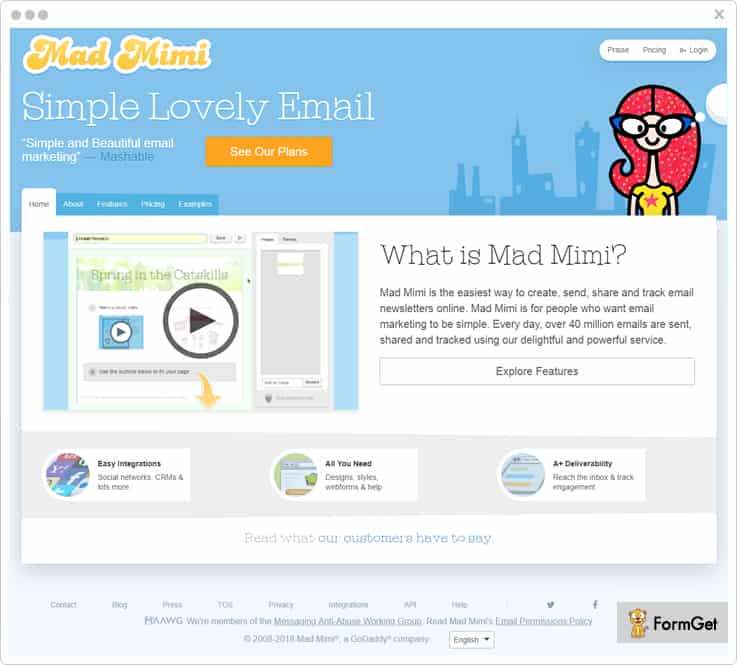
Key Features Of Mad Mimi
- List management feature helps to manage your contact list by removing bounces, & unsubscribes. Also, you can do segmentation of client’s on the basis of their likes, dislikes etc.
- Using real-time tracking you can get to know who opened, click and forward your emails and various other metrics.
- You can capture more leads by creating web forms & embed it anywhere on your site. It allows users to subscribe to your service and get notified with your product offers.
Pricing
There are 4 different pricing plan available for this service these are –
- Basic Plan – Available at $10/mo where you can send emails to 500 contacts along with all the basic features.
- Pro Plan – Purchase this plan at $42/mo and send emails to 10,000 contacts along with full support.
- Silver Plan – Buy this plan at $199/mo and send emails to 50,000 contacts along with higher email deliverability.
- Gold Plan – Grab this plan at $1,049/mo and send emails to 350,000 with all the advanced features.
10. Campaign Monitor
If you are looking for an economical yet robust email marketing solution, Campaign Monitor is definitely the right choice for you. It is the most affordable email marketing service by which you can design & send various personalized email campaigns in few clicks.
Using this VerticalResponse alternative, you can seamlessly integrate with various e-commerce platform, CRM, Google Analytics, and more in a matter of minutes.
Key Features Of Campaign Monitor
- This tool provides you full analytics of your email marketing campaigns such as open & click rate, active or inactive email address, and a lot more.
- Admin can use signup forms to capture new leads by embedding these forms on their website or social networks like Facebook.
- Using the contact segmentation feature, you can group the customers based on their interest & behavior. This helps you to send targeted emails at the right time.
Pricing
- Buy this tool at $29/month and send 12,500 emails across each campaign to 2500 subscribers with full customer support.
- This plan costs you $49/month where you can send 25,000 emails to 5000 subscribers with complete analytics.
- It is available at $89/month where you can send 50,000 emails to 10,000 subscribers with all essential features.
- You can send 75,000 emails to 15,000 subscribers at $129/month with full support & advanced features.
11. GetResponse
If you want to boost your audience engagement with beautiful & professional email, then this email marketing tool is the best solution for you.
Moreover, you can create and send high converting emails easily with the help of drag and drop editor. Also, it has various prebuilt email templates which you can use and customize according to your needs.
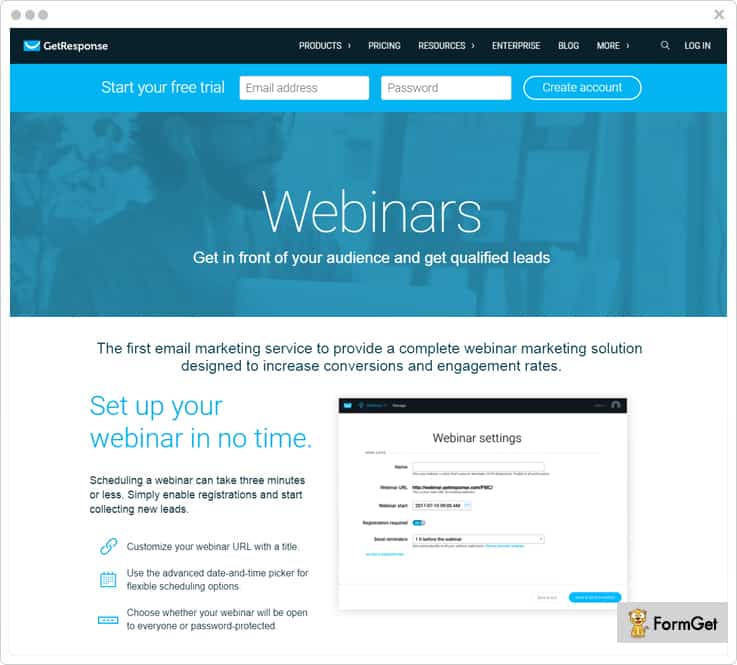
Key Features of GetResponse
- It has an advanced segmentation feature by which you can create groups of contacts based on their activities, interests & requirements. This helps you in sending highly-targeted, & relevant messages.
- With the help of analytics, you can track opens, clicks, social shares, bounces and unsubscribes all at one place.
- Automate your marketing with autoresponders which helps you to instantly respond to all messages that you have received from your customers.
Pricing
- Email Plan – In this plan, you can send emails to 1,000 contacts at $15/mo along with all the basic features.
- Pro Plan – Available at $49/mo where you can send emails to 5,000 subscribers with complete marketing automation.
- Max Plan – Buy this plan at $165/mo and send emails to 10,000 contacts along with all the essential features.
- Enterprise Plan – This plan costs you $1,199/mo where you can send emails to 100,000+ subscribers and get full customer support.
Conclusion
Now, as we came at the end of our blog, we hope that you understand each and every aspect of the given article.
We have compiled this VerticalResponse Alternatives list after long research and testing. You can choose any of the above email marketing tools that suit your marketing campaign.
Still, if you have any queries, feel free to drop your comment in the below section.
10 Best & Affordable dotmailer Alternatives
No doubt dotmailer is one the most popular and yes effective email marketing tool, people consider it to be one of the efficient ways for their email marketing campaign. It contains an overall 4.5 rating from its customers all around the world.
It got tons of appreciations from the users like its interface design is clean & organized, its email automation programs are awesome, flexible segmentation builders and a lot more.
But the question is that, if dotmailer is really an awesome service then why every month more than 500+ users are searching dotmailer alternatives?
The reason behind this is that some of the users of dotmailer are not happy with its email editor functionality as it is limited and a little complex.
- No analytics to track the open rates.
- It doesn’t provide autosave functionality.
and many more…
It is really very disappointing and the results people are moving to another service.
Let me show you these alternatives via the comparison table. The table contains features comparison, pricing comparison, number of subscribers and many more.
Have a look:
| Quick View On dotmailer Alternatives | |||||
| Services | Drip Emails | List Cleaning | In-Built SMTP | Pricing | No. Of Subscribers |
| Pabbly Email Marketing | ✓ | ✓ | ✓ | $29/M | 5,000 |
| MailGet Bolt | ✓ | ✓ | ✓ | $29/M | 5,000 |
| SendinBlue | ☓ | ✓ | ✓ | $25/M | 40,000 |
| ConvertKit | ☓ | ☓ | ☓ | $29/M | 1,000 |
| Mad Mimi | ✓ | ☓ | ✓ | $10/M | 500 |
So, now these are the reasons to switch from dotmailer to other email marketing services. In this weblog, we have compiled a list of 10 best email marketing service which you can consider as the best alternative to dotmailer. We have tried and tested each of these services.
Also, you can trust these services for their fast & responsive email creating, best scheduling functionality, assured inbox delivery, clear reporting, and affordable pricing!
Now, let’s start with the list of 10 Best dotmailer Alternatives one by one.
1. Pabbly Email Marketing – Bulk Email Marketing Service
If I compared Pabbly Email Marketing with dotmailer then it must fit on comparison as it is really affordable and provides tons of useful features which is required on any email marketing service. This software contains 500+ email templates which let you create bulk emails via its drag & drop email editor.
However, after creating the emails you can immediately deliver your emails or can schedule for later. Further, this service comes with an in-built SMTP so that you don’t need to add an additional SMTP Relay Service to send the emails to the clients.
If I come to its popularity, then yes, it’s popularity is increasing day by day. Every year or months more than 15 million internet-based companies like Avaya, Cisco, The Guardian etc. are using this software to create & send emails.
Features Of Pabbly Email Marketing:
- Its drip functionality permits you to add it on emails to automatically deliver emails at various platforms in a scheduled time interval.
- Autoresponder is one of the most important features of Pabbly Email Marketing with which you can automatically deliver emails to your client if required.
- List cleaning is its another feature that lets you remove bad and inactive emails to stop bounce & spamming rates.
- It allows you to add an unlimited custom field on your email marketing templates as per your choice and requirement.
- Pabbly Email Marketing comes with various integrations such as Zapier which lets you connect multiple apps such as Google Analytics, Wufoo, MailGet API and more.
Pricing Details:
Pabbly Email Marketing offers pricing plans that suit the need of customers:
- Free Plan – This Plan will cost you $0 with which you can explore Pabbly Email Marketing and also connect 3 SMTP.
- Rookie Plan – To send emails to 5,000 subscribers this plan will charge you $29/ month.
- Pro Plan – For 15,000 subscribers you will be charged $49/ month.
- Advance Plan – This plan will charge you $99/ month to send emails to your 50,000 subscribers.
[Note: The advance plan has got multiple other packages with which you can handle 50,000 to 10,00,000 every month at varied pricing].
2. MailGet – Affordable Email Marketing Service
Email Marketing by MailGet is one of the easiest & smart way for marketers to create & send transactional, promotional, educational emails to the recipients as it comes with 500+ email templates. It is considered one of the best & cheapest email marketing solution over the internet. As compared to others MailGet is 100x cheaper mailing service. It offers easy to use drag & drop email builder and supports MX list cleaning facility.
Further, you can also integrate multiple SMTP services such as Amazon SES, Zapier, MailGet SMTP etc with MailGet.
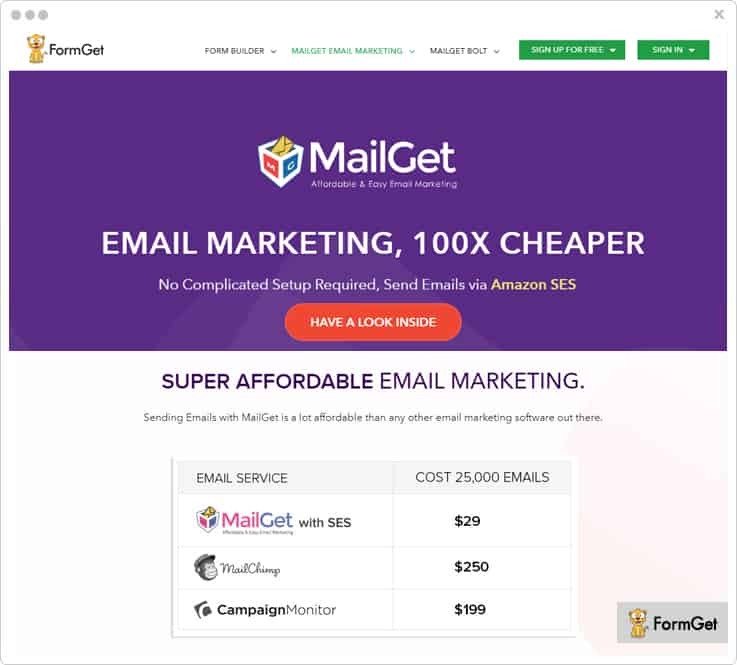
Features Of MailGet:
- It provides an automatic follow-ups email option with which you can send follow-ups emails to your customers who have not opened your emails.
- MailGet also comes with an in-built lead capture tool with which you can achieve more subscriptions from your site.
- Once done with creating, you can send the emails directly to the recipients or schedule for later as well.
- MailGet allows you to schedule the email so that you can send those emails immediately or later.
- Its autoresponder feature lets you send emails automatically to all subscriber. So, you don’t need to worry anymore.
Pricing Details:
MailGet has multiple pricing plans for different business needs. Let’s have a look –
- Starter Plan – To send emails to the 5000 subscribers it will cost you $29 every month.
- Rookie Plan – This rookie plan will let you send emails to 15,000 subscribers at $49/ month.
- Pro Plan – To send emails to 50,000 subscribers, this service will cost you $99 every month.
- Advance Plan – This advance plan of MailGet software will charge you $79 to send emails to 100, 000 subscribers.
Before starting with the blog, I would like to suggest you few blogs from popular niches:-
3. SendinBlue – Email Marketing Software
SendinBlue is the most popular email marketing as well as short message service provider which includes things like drag & drop editor, templates, inbox preview, etc. It has numerous templates on its template gallery so that you can choose the templates for emails according to your choice. You can use its drag & drop editor to create the emails in just a few clicks.
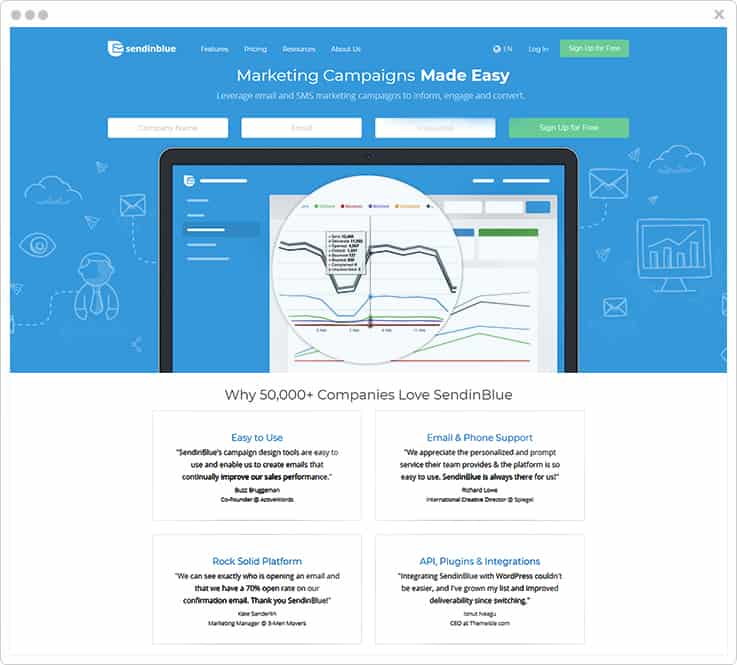
Features Of SendinBlue:
- It comes with an inbox preview feature which lets you test & optimizes your email campaigns before sending to your customer.
- SendinBlue offers an autoresponder functionality which enables you to respond to your customer via delivering automatically emails.
- Create automation workflow designs by creating multi-step, multi-channel, campaigns with unlimited variables.
- Get real-time reports of your email campaigns to know how your emails’ performance & the number of openers on a geographic map.
Pricing Details:
See its pricing plans which is available in different stages:
- Lite Plan – This plan is perfect for new marketers. It allows you to create & send 40,000 emails per month by simply paying $25.
- Essential Plan – This plan is ideal for growing businesses which lets you create 60,000 emails every month on $39 only.
- Premium Plan – It cost you $66 to create & send 120,000 emails per month. In fact, this plan is most popular and is the best solution for marketing pros.
- Enterprise Plan – This plan will let you create 350,000 emails every month but its pricing is confidential so you need to contact its sales team.
4. Moosend – Prominent Email Service
Moosend is prominent and highly used email marketing software. You can integrate it with your favorite platforms such that Zapier, Magento, etc. so that you can easily add new customers that help you to grow email marketing business. Thus, you can also utilize its API that helps you to connect internal services.
You can seamlessly create attractive and professional emails for your marketing campaigns by using an editor or also use responsive templates that can be customized by adding fields accordingly.
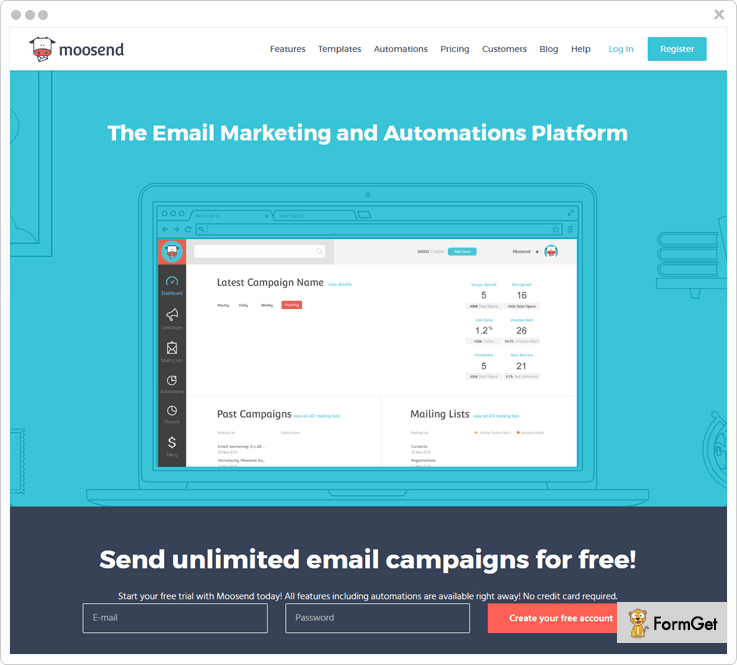
Features Of Moosend:
- Offers inbuilt SMTP service allow you to send the transactional emails fastly within a minute and make sure that email transfer to the user’s inbox without any interruption that will increase inbox deliverability rate.
- Its automation feature provides you with the functionality that it send emails automatically to a list of people, collect info and utilize time.
- Moosend helps you to manage mailing list by managing members, custom fields, custom opt-in forms etc.
- Increase your customer list by using custom opt-in forms that you can insert in the social media and in your websites and that all didn’t require any technical knowledge.
Pricing Details:
Go through its pricing plans –
- Send unlimited emails to more than 1,000 subscribers per month.
- You can send unlimited emails for a $40 plan to more than 8,000 subscribers per month.
- Enjoy our 6 months and yearly plans that will present you with the rewards of discount up to 15 & 20 percent respectively.
- Also comes with the “pay-as-you-go” plan that is only for the occasional senders where they have to pay for each email.
4. Sendloop – Email Automation Software
Sendloop is one of the best & affordable email marketing and marketing automation service designed for all size of business whether it is small or a medium one. You can create & send mobile-friendly emails in no time by using features like drag & drop builder, email slicer etc. Also, it provides over 80+ free responsive email templates.
The software also contains features like Facebook lead ads, social media sharing & transactional email gateways are some of its highlighted features. Apart from that, more than 36,000+ business owners of 180+ countries are using this product globally.
Features Of Sendloop:
- With its scheduling functionality, you can schedule your email to sent immediately or later automatically as per your & your customer’s time zone.
- You can preview your email before sending to your recipients to check how it looks on inbox. Also, you can check the spam score by sending preview email to your email address, etc.
- Calculate the real ROI and conversion rate which is generated via your email marketing campaigns through its conversion tracking feature.
- Its transaction email gateway comes with an easy-to-use REST API which helps you create an email with no complex programmings or no infrastructure set up.
Pricing Details:
Its pricing plans vary from $9 for 500 customers & $1645 for 350, 000 customers per month and in all the plans you will get features like unlimited email delivery, lead generation tools and widgets, 100+ mobile-friendly email templates, 500+ third-party integrations and many other.
5. CleverReach – Top Email Marketing Service
CleverReach is another affordable email marketing tool which enables you to create emails effortlessly. It comes with tons of responsive templates which gives you an instant creation of emails also you can customize the templates as per your need & requirement. CleverReach offers comprehensive integration with various external CRM, CMS and shop systems. This services also allow you to add RSS feed which grants you to create successful email marketing campaigns by adding dynamic contents to your emails.
Features Of CleverReach:
- It provides you with the autoresponder feature that allows you to send automated emails to the recipients or send follow-ups to those who did not open the emails.
- You can manage recipients details by a multitude of options like segmentation of recipients, automatic bounce management, blacklist details etc.
- It allows you to maximize the success of your email marketing campaigns by doing A/B Split Testing of your newsletter campaigns.
- This software contains the whitelisting server which ensures the higher delivery rates as it certified by Certified Senders Alliance (CSA).
Pricing Details:
- To create & send 1,000 emails to the unlimited subscribers this service will cost you $30.38 per month.
- For 5000 emails this plan will charge you $46.78 every month.
- To create 25,000 emails for unlimited customers every month, you need to pay $268.13 undoubtedly.
- For the creation of 100,000 emails for unlimited recipients, you have to pay just $1489.28 every month.
Moreover, if you want to send unlimited emails to 500 recipients, this plan will cost you $17.56 for each month.
6. MailCot – Reliable Email Marketing Service
MailCot is one of the user-friendly email marketing software which is trusted by over 5,000 paying customers across the globe. Every month more than 325 millions of emails are created & deliver by using this platform. Its drag & drop editor allows you to create emails for any niches.
However, its marketing automation functionality of it helps you to automate your email marketing to achieve more leads. Moreover, coming to its achievement then I must say MailCot is trusted by 8000+ customers like Quick Heal, OYO, UrbanClap etc in more than 54+ countries which is really appreciable.
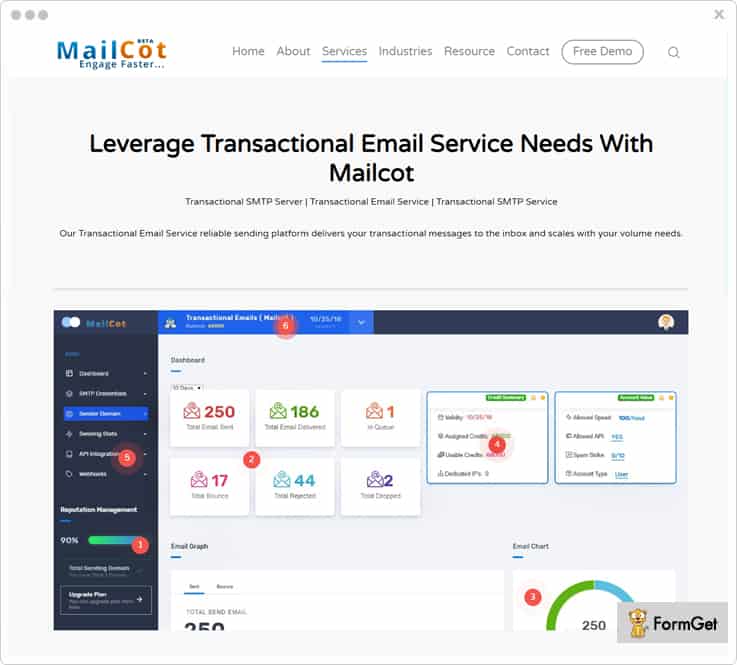
Features Of MailCot:
- You can personalize the emails & its contents whenever it is necessary as per your requirement.
- Once done with creation, you can send the emails immediately or schedule for later via its drip & scheduling feature.
- It comes with a pause & resumes sending functionality so that you can pause or resume the emails at the time of live delivery.
- MailCot offers you a live testing/preview functionality so that you can preview the emails before sending to the customer.
Pricing Details:
It has a multitude of pricing plans for different niches and they are –
- SBPlan-1 – At $6, this plan will allow you to send unlimited emails to 1000 contacts.
- SBPlan-2 – This plan will cost you $10 to send emails to 2000 contacts every month.
- SBPlan-3 – You will have to pay $30 for this plan that will allow you to send unlimited to 5000 contacts in a month.
- SBPlan-4 – To send email to 10000 contacts, this service will charge $55 a month.
- SBPlan-5 – If your limit is to send emails to 15000 subscribers then you just need to pay $70 only.
7. EmailOctopus – Cheapest Email Marketing Platform
EmailOctopus is one of the affordable & reliable email marketing tools for 4 years. The software is trusted by 22,000 users globally. However, it comes with tons of email templates which provides you best platform to create the emails in just a few clicks. Apart from that, once you are done with creation, this service will further send your emails through Amazon’s SES so that you can send emails to your subscribers without any complexity.
By using EmailOctopus you can create & send billions of emails in a year. It has a greater inbox deliverability functionality which guarantees you to deliver the emails in the inbox of your customer.
Features Of EmailOctopus:
- EmailOctopus autoresponder functionality lets you send automatic emails to your customer when needed.
- It has a powerful automation which you can use to create time-based & drip sequence emails.
- The service provides a hosted forms to collect email addresses of your subscribers without any complexity.
- It comes with a real-time tracking functionality so that you can easily analyze the overall your email campaigns’ performance & response of your customer.
Pricing Details:
This service contains various pricing stages on both monthly & yearly basis but we have covered only monthly plans of this services.
- Tuna Plan – This starting plan of EmailOctopus will cost you $19 to create emails for 10,000 subscribers.
- Stingray Plan – For the creation of emails for 50,000 contacts you will be charged $39 every month.
- Shark Plan – This shark plan will allow you to create emails & send to 100,000 subscribers at only $59.
- Whale Plan – If your limit is to send emails to 250,000 subscribers per month then you have to pay $109 and you can get tons of features like campaigns, automation etc.
8. Zoho Campaigns – Best Email Marketing Software
Zoho Campaigns is a winner due to its services & performance. It is one of the ideal choices for every small sized, mid-sized or large-sized businesses. It automates the entire email marketing campaigns from creating to sending the emails to your subscribers. Its pre-designed templates and layouts along with HTML editor make easy for you to create engaging email, social & newsletter campaigns.
Once done with creating, you can also send & track those emails as well. Zoho Campaigns works with various services which helps you to bring more subscribers such as Zoho CRM, G Suite, Facebook, LinkedIn etc.
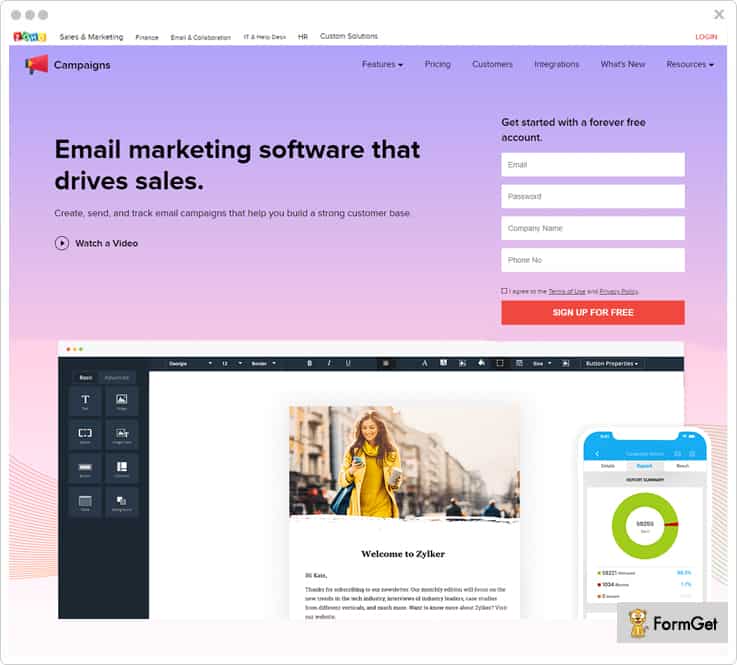
Features Of Zoho Campaigns:
You can immediately send & schedule email campaigns as per your recipient’s’ time zone so that they will receive the emails at the optimal time zone.
- It has got subscriber management where you can manage your subscribed or unsubscribed details.
- Zoho Campaigns also comes with a variety of sign-up form templates through which you can create & add engaging sign-up forms into your site.
- It comes with a geolocation feature with which you can know your recipient’s location both real & passed time.
- In fact, you can also get the overview of your campaign’s performance on social media as it comes with social media tracking.
Pricing Details:
- To create & send 1 – 500 emails up to your customers then this starter plan will cost you $3.
- For 1,001 – 2,500 emails this plan will charge you $15 per month.
- To send 5,001 – 6,000 emails to your tons of subscribers then you need to pay $28.
- If your limit is to send 95,001 – 100,000 emails you need to pay $200.
9. ConvertKit – Email Marketing Automation
ConvertKit is a cloud-based email marketing automation which lets you create an impressive email template on its platform. It has got numerous fancy & professional templates which help to create a business as well as any other emails. ConvertKit has feature contains drag & drop editor, workflow automation rules, landing page templates, email sequences and so on. Further, you can also create responsive custom opt-in forms and embed them anywhere on your site you want either it is on sidebar & bottom of the site.
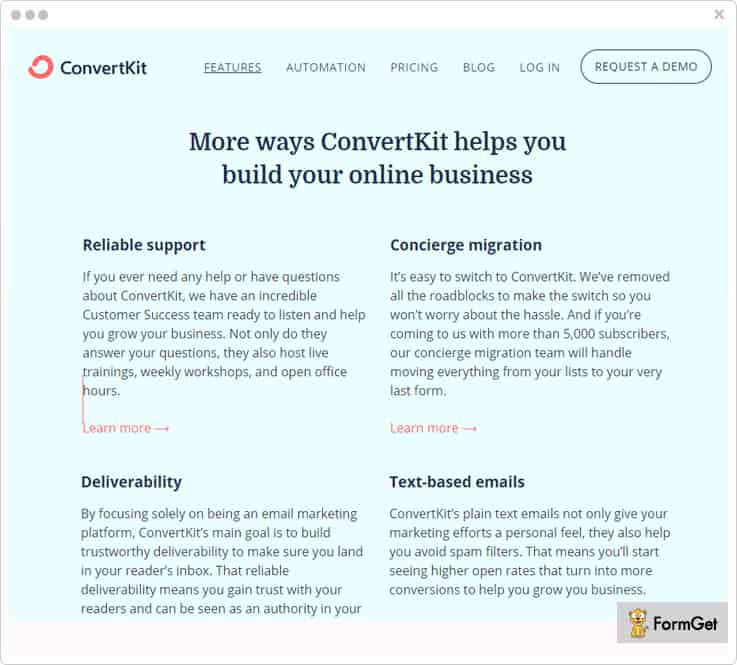
Features Of ConvertKit:
- You can grow your business through its real-time tracking feature with which lets you analyze the performance of your email campaigns & your customer’s response over it.
- Its automation feature do tedious work for you to send emails to your targeted audience at a specific time interval.
- You can get a sequence builder through which you can create & send the emails to your subscribers according to the events.
- Also, you can set drip emailing functionality which facilitates you to send automatic emails to your subscribers at a pre-defined time.
Pricing Plan:
See its pricing plans on a monthly basis –
- The first plan of ConvertKit allows you to create & send unlimited emails to 1k subscribers at $29.
- To send unlimited emails to up to 3k subscribers it will charge $49/month. And get numerous of advanced features like reporting, subscriber tagging etc.
- If you want to send emails to up to 5k contacts, you need to pay $79 per month. And you also get features like visual automation, customizable forms, powerful API etc.
- If your limit is to send emails to 7500 customers then you have to buy this plan which cost you $99/month.
10. Mad Mimi – Top Class Email Marketing Service
Mad Mimi is one of the easiest platforms where you can create the email campaigns & newsletters and later send & track those emails effectively. It received 5 out of 5 stars in email creation. If I talk about the features, Mad Mimi has got several useful features to make your service more impressive such as autoresponder, great relationship with ISPs, great inbox delivery of your created emails and so on.
Maid Mimi is specifically designed for those who want email marketing to be simple. It is natural to use which requires no any additional skill to use this service. Every day, over 40 million emails created & sent using this delightful email marketing software.
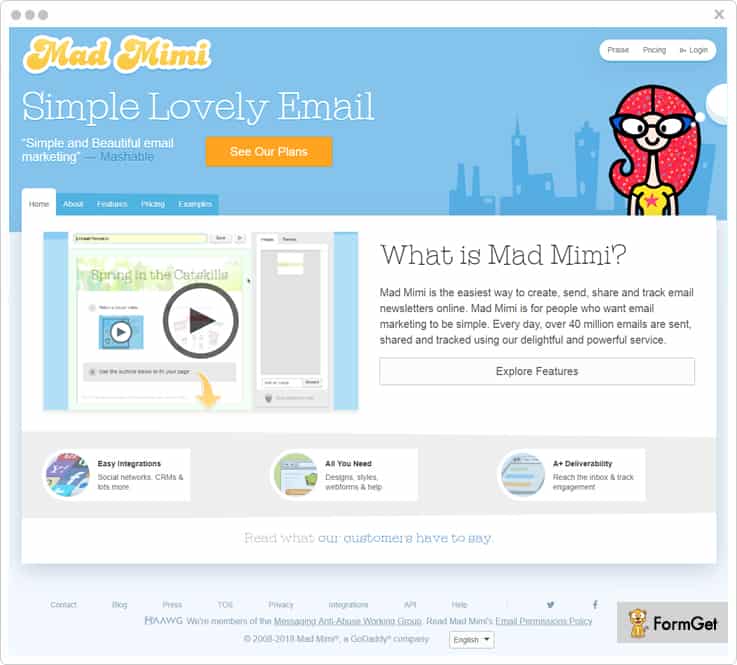
Features Of Mad Mimi:
- Its list management functionality lets you manage bounces and unsubscribes, unlimited lists, contact list, segmentation and much more.
- Mad Mimi contains tracking & reporting functionality through which you can get a real-time result of your email campaigns and know what your customer thinks about your email via their response on your email.
- It also provides various integration to make your email marketing even more effective such as CRM, CMS, social integration, website builder and much more.
- The service also comes with a multitude of add-ons which you can add if required like Webforms, Facebook Sign Up, Drip Campaigns, Promotion Tweaks etc.
Pricing Details:
Mad Mimi has got numerous of pricing plans as per the requirement of current marketers in a monthly & yearly basis. So, in this blog, I am going to explain few popular monthly plans. Look at below –
- Basic Plan – It is an initial plan which charges you $10 to create & send unlimited emails to 500 contacts every month.
- Pro Plan – This pro plan will allow you to create & send unlimited emails to 10,000 contacts at $42.
- Silver Plan – To send emails to 50,000 contacts then you have buy this plan at $199 and get 3x extra speed to send emails.
- Gold Plan – For sending emails to 350,000 subscribers this plan will charge you $1,049.
Note: You can also customize the plans as per your needs & get premium support, full features, unlimited storage etc.
Conclusion:
I hope this article helped you to decide & choose the best platform to create emails. Though I have covered the features and pricing of every service in this blog which makes you more comfortable to select the best one.
In fact, some of the services in this blog comes with a video tutorial which will be helpful for your guidance.
So, I would suggest you try one of these services for a once and share your experience & thought with us via the comment section.
Drop in your feedbacks in the comments section!
10 Most Affordable & Reliable iContact Alternatives
Email Marketing is so much in trend these days!
Do you want to promote your business?
What you do when you need to respond to the queries?
And the list continues…
Well, iContact is an illustrious software for carrying out the email marketing campaign.
Now, without any further ado, I’ll quickly come to the topic i.e. “iContact Alternatives”
Now the question is-
‘Why would you want to switch to another email marketing service?’
Well, the answer is quite simple. Veritably the price issues! Or probably you are not satisfied with the features!
Consequently, there has to be some kind of software that will effortlessly substitute iContact & provide the same or even better services at an economical price.
So in this weblog, we are going to discuss few of the best alternatives of iContact on the grounds of pricing & features.
Now, let’s dive in & get to know more!
1. Pabbly Email Marketing
Pabbly Email Marketing is a SaaS-based email marketing application ensures inbox delivery of emails. You can select from the range of 500 pre-designed templates or create an email of your own choice with the drag & drop builder as per the requirement.
Further, it comes with features like autoresponders, drip automation, email tracking, and a lot more. Also, with unsubscriber handle, you can get to know the people who unsubscribed you so you can remove them from the list.
List Cleaning- It performs validation & verifies your list & filters out all the bad/inactive emails out of your existing email addresses. This prevents you from getting blacklisted and helps in reducing the bounce rate.
“Pabbly Email Marketing offers you this feature
While iContact veritably does not provides this feature.”
| Let’s come to the pricing strategies! | ||||
| No. Of Subscribers | Pabbly Email Marketing | iContact | ||
| 5000 | $29/Month | $32/Month | ||
| 15,000 | $49/Month | $117/Month | ||
| 50,000 | $99/Month | $299/Month | ||
2. MailGet
You get the exemplary features for email marketing campaign such as autoresponders for replying to the subscribers, subscription form to capture leads, list management to arrange the list of subscribers & segment them, SMTP integration and a lot more with MailGet
It is probably one of the best iContact competitors as you can send any number of emails and be sure that they will reach the inbox of the subscriber as MailGet ensure high deliverability rate.
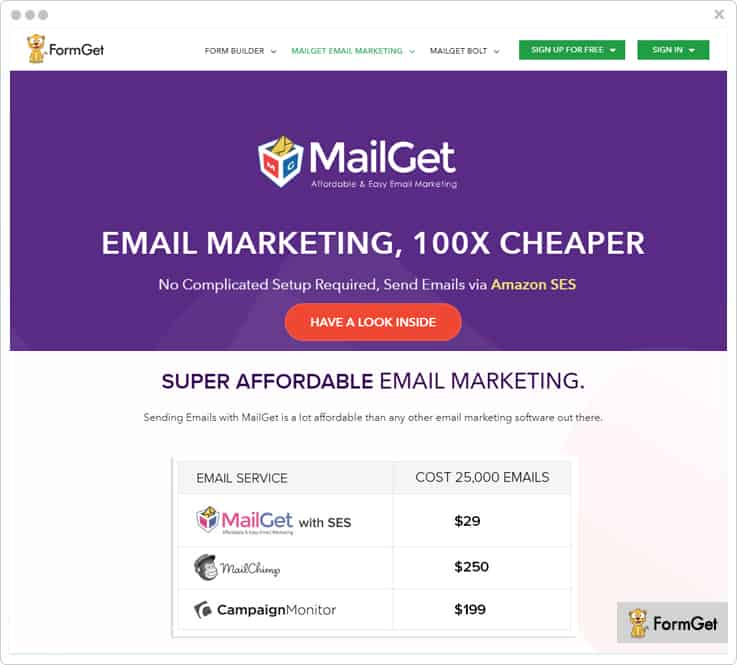
SMTP Routing- with this feature you can integrate your software with an SMTP relay and select the (%) of emails you want to send. This will gradually help in increasing the inbox delivery rate, reduce bounce rate, avoid landing in spam, etc.
“You get this feature in MailGet
While you don’t get this feature in iContact”
| Let’s come to the pricing strategies! | ||||
| No. Of Subscribers | MailGet | iContact | ||
| 5,000 | $29/Month | $79/Month | ||
| 15,000 | $49/Month | $149/Month | ||
| 50,000 | $99/Month | $299/Month | ||
3. SendinBlue
You can create a unique email for your campaign with the help of this email marketing tool in very less time. This iContact alternative is a user-friendly software is stuffed with features like templates, drag n drop designer, personalized content, etc.
You can also preview the content as it will look like in the inbox of the receiver.
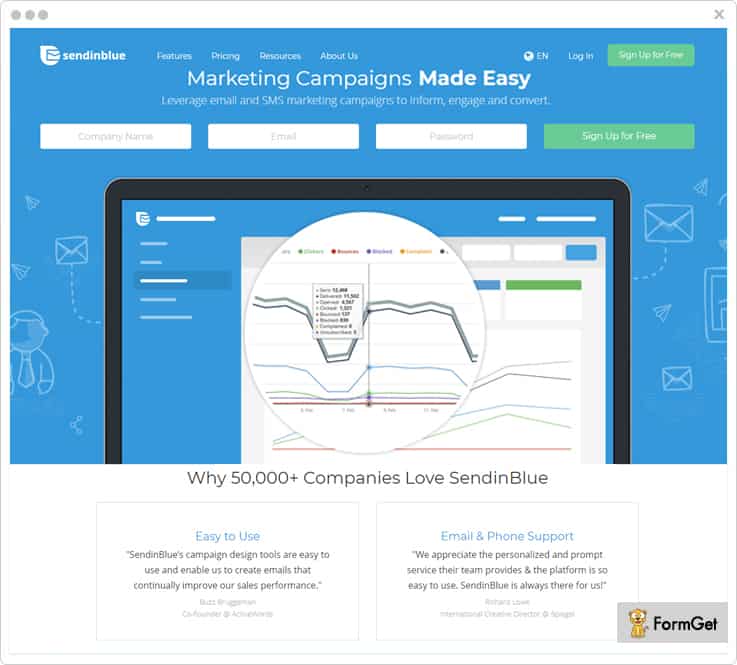
Spam Check & Inbox Testing: With the help of this feature, you can test the campaign if it is going to work or not. That is, it checks if the emails are going to get a good response or it’s going to land in the spam box of the recipients.
While you can also perform the deliverability test by sending the emails via major service providers. Thereby, you will get to know about the risks associated with certain services.
“SendinBlue empowers you with this feature
Whereas, you don’t get this feature in iContact.”
| Let’s come to the pricing strategies! | ||||
| No. Of Subscribers | SendinBlue | iContact | ||
| 40,000 | $25/Month | $79/Month | ||
| 1,20,000 | $66/Month | Contact Sales | ||
4. Moosend
Moosend is one of the bulk email marketing iContact alternative that includes all the features that are necessary to grow your email marketing platform.
It provides user-friendly email marketing software that allows you to create customer segments list, automate email triggering, and customizable emails by using its drag and drop builder.
Apart from this, it also allows you to add the custom sign up forms that will help you to collect the data of your subscribers for further requirement.
While sending emails you can track the open/click rate, bounce, etc.
whereas, you can start using a free plan that offers all the features and allows you to know more about Moosend.
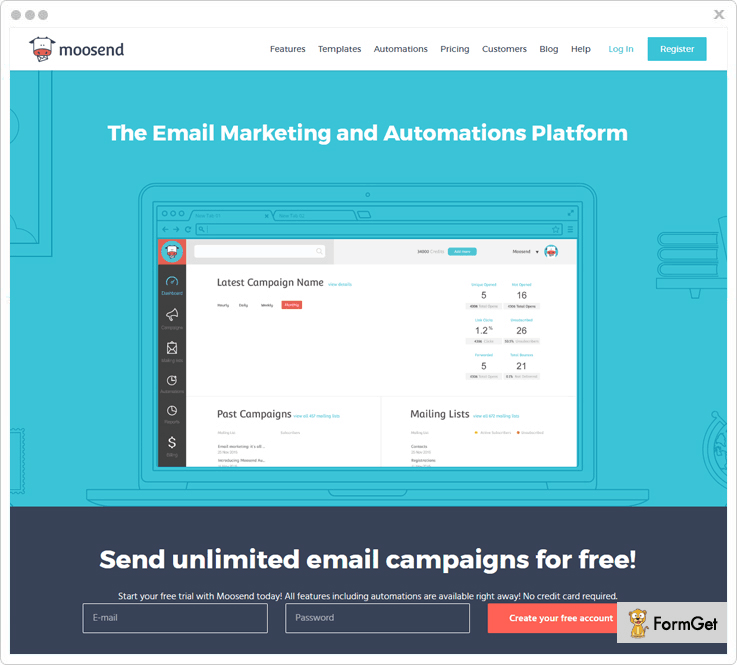
Faster
This email marketing software provides reliable cloud hosting environment that will definitely allow you to send the transactional emails faster.
This feature is not supported by the iContact.
| Let’s come to the pricing strategies! | ||||
| No. Of Subscribers | Moosend | iContact | ||
| 50,000 | $205/Month | $79/Month | ||
| 1,20,000 | $585/Month | Contact Sales | ||
4. AWeber
Apply tags and trigger automation with this email marketing tool i.e. AWeber. You can effortlessly create emails with the drag & drop editor to add fields & send it to as many people as you want. Or, you can also edit the HTML templates provided by the software itself.
Apart from this, you can automate the emails in a proper sequence and send them. Plus you can also align the autoresponder follow-ups that will be delivered in an order defined by you.
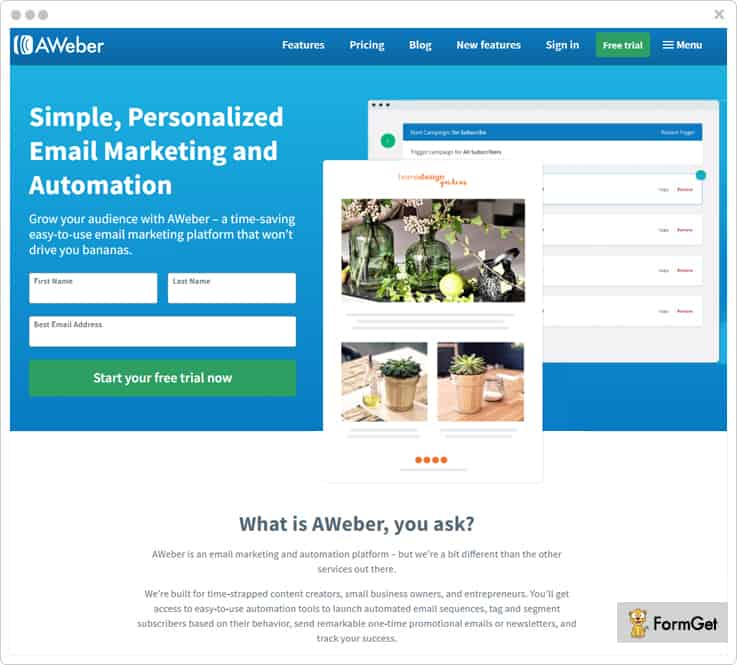
RSS To Email: With this feature, you can create an email for your latest blog posts and send them to your subscribers at a defined time.
“With AWeber, you can send emails regarding the newly published blogs or fresh items in your stock”
| Let’s come to the pricing strategies! | ||||
| No. Of Subscribers | AWeber | iContact | ||
| 5,000 | $10/Month | $79/Month | ||
| 25,000 | $56/Month | $149/Month | ||
| 50,000 | $113/Month | $299/Month | ||
5. Sendloop
You can now send & track the emails with the help of Sendloop i.e one of the most reliable iContact alternatives. Also, ensure that your emails are reaching the inbox of the recipient without any trouble.
Sendloop is a user-friendly email marketing software that lets you send the emails at a comparatively cheaper price. Moreover, it provides you with self-explanatory reports of the campaign along with the autoresponders.
Conversion tracking:
You can calculate the return on investment & also get to know about the generated conversions via email marketing campaign.
“Unlike iContact, you get this feature in Sendloop”
| Let’s come to the pricing strategies! | ||||
| No. Of Subscribers | Sendloop | iContact | ||
| 5,000 | $39/Month | $79/Month | ||
| 25,000 | $145/Month | $149/Month | ||
| 50,000 | $234/Month | $299/Month | ||
6. Sender
Sender is an email marketing service provider that empower you to create emails and send them to the list of subscribers. Further, with a dedicated IP address, it ensures a high rate of deliverability.
You can also create & customize the subscription forms and segment the list of your subscribers for better results of the email campaign with one of the best iContact alternatives. Besides, it provides you with an efficient support to clear all your doubts personally.
Feedback Loop integrations: This is a kind of integration of feedback loop system with several email service providers. So, now on if any user marks you as spam, you will be informed instantly.
“Sender integrates your feedback loop system with major email providers like Outlook/Hotmail, Yahoo, AOL, etc. ”
| Let’s come to the pricing strategies! | ||||
| No. Of Subscribers | Sendloop | iContact | ||
| 5,000 | $10/Month | $79/Month | ||
| 25,000 | $56/Month | $149/Month | ||
| 50,000 | $113/Month | $299/Month | ||
7. Mad Mimi
Mad Mimi is one of the most flexible iContact Alternatives, you can effortlessly create any number of emails and send them to subscribers in a very less time.
It provides you with a number of templates that you can use by modifying the content. You can clone your content so that you do not lose the original one while trying out something new.
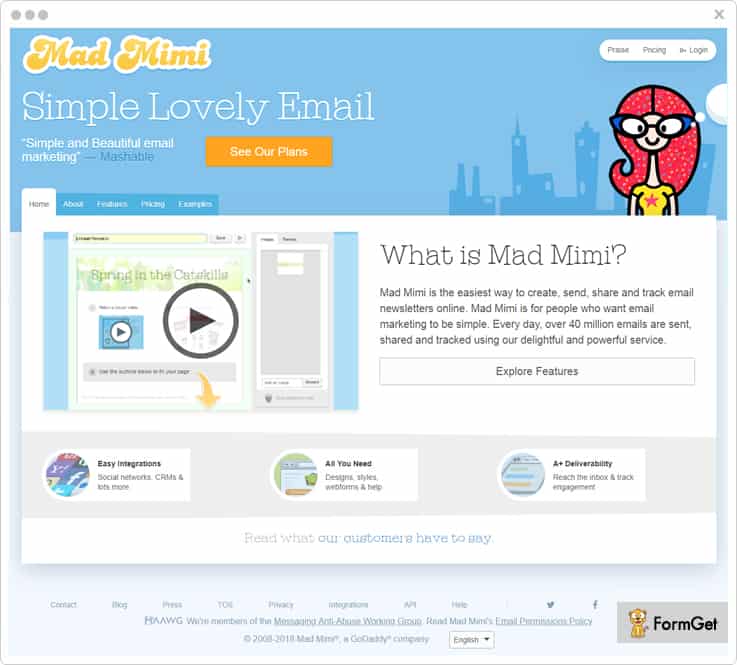
Easy to use: This feature matters a lot when it comes to creating emails. Complexity often leads to limiting of the creativity.
“Mad Mimi is a user-friendly email service with which you can always experiment with the new things that you can’t while you are using iContact”
| Let’s come to the pricing strategies! | ||||
| No. Of Subscribers | Mad Mimi | iContact | ||
| 5,000 | $27/Month | $79/Month | ||
| 25,000 | $89/Month | $149/Month | ||
| 50,000 | $199/Month | $299/Month | ||
8. ActiveCampaign
You can now send personalized emails to all of your subscribers without any hassle. All you gotta do is simply add the personal tags like first name, last name, etc. It provides you with a report for every email marketing campaign you carry out in the form of graphs showing the details about emails such as conversions and revenue, etc.
With list segmentation, you can manage the list of subscribers according to the niches they signed-up for. This will enhance your email marketing campaign in an effective way.
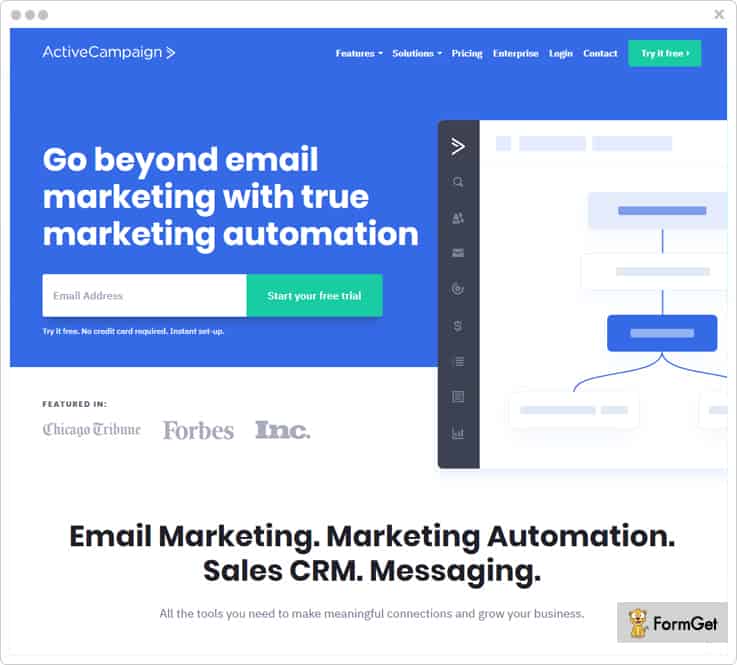
Email Scheduling: You can align your emails in a list and schedule them to be delivered at a specific time of the day. Now, you don’t need to worry about sitting and start sending emails to the subscribers at that time of the day as the software will itself do the job for you.
“With ActiveCampaign, you can schedule your while iContact probably does not offers you this facility”
| Let’s come to the pricing strategies! | ||||
| No. Of Subscribers | ActiveCampaign | iContact | ||
| 5,000 | $69/Month | $79/Month | ||
| 25,000 | $179/Month | $149/Month | ||
| 50,000 | $239/Month | $299/Month | ||
9. MailCot
Create the emails without any trouble by dragging and dropping the field in the body of the email or use the pre-designed templates to establish a fully automated email campaign. Manage your subscribers and send the emails only to the targeted subscribers.
Try n test the email in the preview section before you send them to the recipients so your subscribers get the most engaging email.
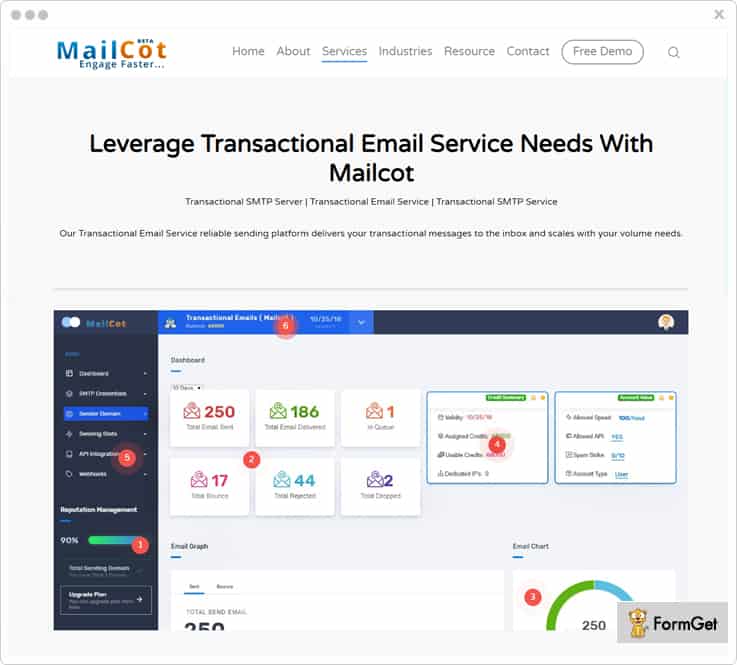
Campaign Scheduling: You can schedule the campaign for your email marketing at a decided time. So, now the emails will be sent at the time you mentioned while scheduling without you having to sit and send them.
“You get this feature in MailCot unlike iContact”
| Let’s come to the pricing strategies! | ||||
| No. Of Subscribers | MailCot | iContact | ||
| 5,000 | $30/Month | $79/Month | ||
| 20,000 | $80/Month | $149/Month | ||
| 30,000 | $95/Month | $239/Month | ||
10. dotmailer
dotmailer is a very easy to use software that is used for creating and sending emails to the list of subscribers. It allows you to create beautifully personalized emails, add as many fields as you want, add images, and a lot more.
Moreover, you can automate your email campaign without any hassle in a comparatively less time. Also, you can build your very own marketing cloud by simply extending the dotmailer or integrate with any of the existing commerce and marketing platforms.
Multiple Channels: Your emails are optimized for multiple channels and applications.
“You get this feature in dotmailer and veritably not in iContact”
Get in touch with the sales team of dotmailer to know the pricing details.
Wrapping Up!
Here we come to the final part of the blog. So, I’ll be precise enough!
The above listed iContact alternatives are hand-picked by our team members and put-up in the blog.
Now, it’s time for you to select the one that suits your emailing campaign needs.
Lastly, don’t forget to share your views in the comments section below!
For any more queries, you can contact us. We’ll get back to you as early as possible.
10 Best Campaign Monitor Alternatives For 2022

Campaign Monitor attracted a lot of email marketers by providing a list of essential features required for email marketing campaign. But, you need to evolve with time for uplifting your marketing campaign, and so does the email marketing services that you have been using.
Having said that, there are actually quite a lot of alternatives which do not require you to spend those extra hours to make your online campaign efficient which you have done while using Campaign Monitor.

After all, who doesn’t want a better version for their email marketing campaign with improved user experience?
So, it’s high time that you consider some of these really reliable & cost-effective alternatives for Campaign Monitor that we have discussed in the following blog.
Let’s have a glance on the analysis of comparison of best substitutes of Campaign Monitor:
| Comparison Of Best Alternatives Of Campaign Monitor |
|||||
| Services | Starter Plan | List Cleaning | Autoresponders | Ratings | |
| Pabbly Email Marketing | $29/month | ✔ | ✔ | 4.9/5.0 | |
| MailGet | $29/month | ✔ | ✔ | 4.8/5.0 | |
| EmailOctopus | $19/month | ✖ | ✖ | 4.0/5.0 | |
| VerticalResponse | $11/month | ✖ | ✔ | 4.5/5.0 | |
| ActiveCampaign | $15/month | ✖ | ✖ | 4.0/5.0 | |
Although there are a lot of flaws that could be pin-point at this moment, the most troublesome part is its support system which has been rated below average by mass.
Nonetheless, you do not have to make any compromise with the facilities that Campaign Monitor was offering, as with these alternatives, you will get only more.
Without any further delay, let us quickly go through these services to get a clarity in their functionalities.
Before going ahead, take out some extra time and read our famous blog on SendBlaster Alternatives.
1. Pabbly Email Marketing
Pabbly Email Marketing has become one of the indisputable choice of people for their email marketing campaigns. It includes all the must-haves for email marketing software like drag and drop builder, Google Analytics integration, and a lot more.
Pabbly Email Marketing is integrated with SMTP that reduces your load of managing the SMTP relay for handling the email transmission.
Features
- Its subscriber segmentation feature helps you to categorize the subscribers such as the most and least profitable customers or on the basis of their activities like opens/clicks/purchases etc. This splitting of subscribers list is a great way of target selling with better conversion rates.
- The auto follow-up features further aid you to automate your follow up emails by setting the time interval, recipient, etc. This is a subtle way of reminding your contacts who had not opened your email at the first place.
- The email tracking option lets you monitor various information such as unsubscribe email, opened emails, clicks, bounce rate, etc. The advanced reporting will even let you know the browser/device/OS used by the subscriber.
- With SMTP routing feature, you can integrate with multiple SMTP relays & use separate servers for email transmission of your campaigns. This ensures maximum inbox delivery, load balancing & speedy email delivery.
Pricing Plan
Free Plan – Explore Pabbly Email Marketing without paying any cost.
Rookie Plan – You can purchase this plan at a very economical price of $29/month & send emails to 5,000 subscribers.
Pro Plan – Buy this plan to send emails to 15,000 subscribers at $49/month only.
Advance Plan – You can purchase this plan at $99 a month and further send emails to 50,000 subscribers. This plan has 10+ other pricing schemes that differ according to the number of subscribers you need to send emails
2. MailGet
MailGet is a perpetual solution for email marketers and a prominent Campaign Monitor alternative. You can create eye-catching emails or use its readymade email templates for the marketing campaign & save a lot of time.
Additionally, you can also add subscription forms on your website or blog and integrate it with MailGet API to add the contacts in your mailing list automatically. Providing such opt-in forms or newsletters on your site will help you grow your mailing list tremendously.
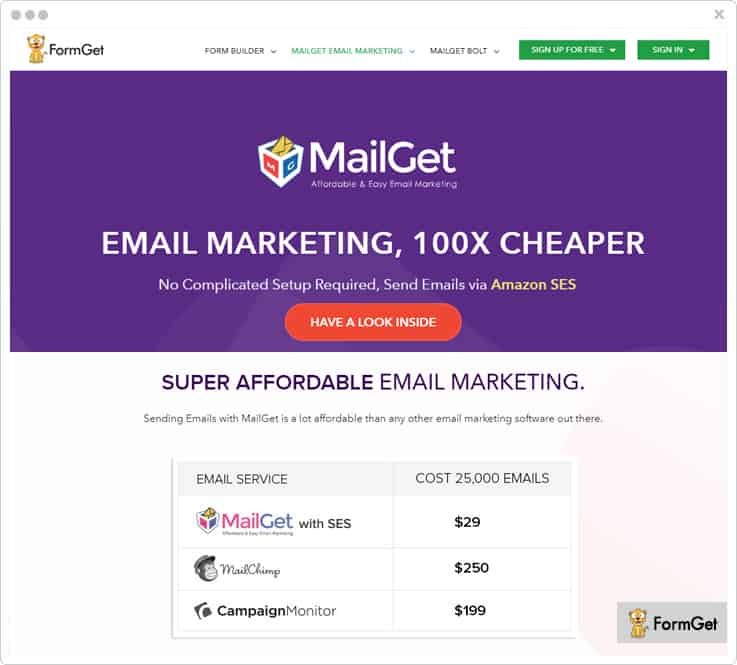
Features
- Its list cleaning feature lets you have a clean & updated contact list from the email addresses which are most likely to get a bounce prior sending emails.
- Furthermore, its email inbox preview option allows you to have a preview of your emails before finally propogating the emails.
- Also, you can personalize your emails to have a better client relationship. Thiswill boost the open rate of your emails up to 6x and ultimately give you a higher conversion rate.
- You are also facilitated with the autoresponders to send automated replies like welcome emails, confirmation emails etc. to the users. Also, options like email scheduling, drip emails reduces your manual efforts in sending emails at the most appropriate time.
Pricing Plan
Starter Plan – Avail it at $0/month to send emails to 100 subscribers.
Rookie Plan – Buy this plan at $29/month and send emails to 5,000 subscribers for your unlimited monthly campaigns.
Pro Plan – Send emails to 15,000 subscribers at $49 a month only and utilize unlimited features.
Advance Plan – The highest plan included in the pricing scheme will costs you $9 to send 50,000 emails. It has 10 other pricing plans that charge according to the number of subscribers you want to send emails.
3. Moosend
Moosend is one of the fastest email marketing service that offers all the features like list management, custom field etc. By using its email marketing platform and automation you can create unlimited emails.
Further, the best part is its inbuilt SMTP that will let you simply set up and configure Moosend.
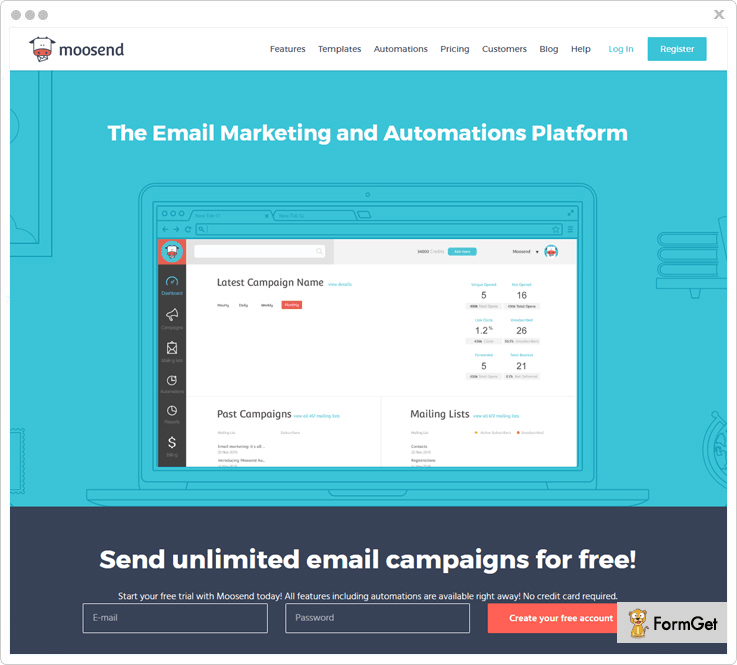
Features
- By dragging and dropping the field in the body of the email you can easily customize beautiful emails. However, you can also use responsive templates to establish a fully automated email campaign.
- You can easily segment list of the users in the subgroups so that you can target properly on a set of customers.
- Provide advance tracking for your send emails that will offer complete knowledge about the emails whether they are sent, bounce, pending etc.
- It allows scheduled delivery of all the transactional emails with any type of delay in it.
Pricing Plan
You can send unlimited emails to more than 1,000 subscribers per month & users enjoy all the features of it.
With $40 plan you can easily send unlimited emails to more than 8,000 subscribers per month.
Save upto 15% & 20% respectively by using 6 months and yearly plans.
Additional “pay-as-you-go” plan is also available that is for the occasional senders. Here charges are applied for each email.
4. Mailjet
Mailjet is yet another add-on the list of most reliable email marketing software and a better choice than Campaign Monitor. Its intuitive email builder lets you create beautiful & personalized emails quickly & effectively.
It uses “Passport”, which is one of the best drag-and-drop editors for creating stunning emails. Also, the service provides you with numerous email newsletter templates that looks perfect on any device screen.
Features
- With Mailjet, you can easily add dynamic content in every email based on the recipient’s name, location, and activity.
- You can use its opt-in widget on the website to capture email addresses via web forms which automatically sync to your contact lists. Else, you can also upload your own contact lists manually in CSV, TXT or XLS files.
- Furthermore, with contact list management, you will be contacting only to profitable customers as Mailjet automatically removes unsubscribes, invalid addresses or any other foul contacts from your subscriber list.
- Besides all these features, it benefits you with a lot more essential attributes. For instance, segmentation, A/B tests, real-time monitoring, dedicated IP, multi-user collaboration etc.
Pricing Plan
It has got 3 pricing plans: Basic, Premium & Enterprise that charges differently for x number of subscribers. Let us understand this by taking a common example:
Basic Plan – You need to pay $9.65/month to send 30,000 emails per month with no sending limit and 24/7 support.
Premium Plan – This plan will cost you $17.95/month and you can send 30,000 emails in a month. Also, you will get a lot more enhanced features like segmentation, A/B testing, marketing automation, multi-user collaboration etc.
Enterprise Plan – You can get in touch with the sales team to know the cost estimation for using this pricing scheme.
Note:-
1. You can send emails to 6,000 subscribers in a month (with a limit of 200 emails/day) at $0 for the lifetime.
2. These fares are billed on monthly basis and will vary on the yearly billing.
5. EmailOctopus
EmailOctopus is an email marketing tool that requires you to connect with free AWS account at the first place. Later, you can either import the subscribers or provide forms on your website to collect more leads.
Subsequently, you can easily organize the contacts into different lists like new customers, potential leads etc. to send relevant content to every group of subscribers through the Amazon network.
Features
- The automation offered helps you to create time-based onboarding about your new products and services for your clients.
- Further, the real-time analytics will provide you with a detailed performance report via tracking every open, click, bounce and unsubscribe of your campaign.
- You can seamlessly integrate the given hosted forms on your website or create custom opt-in forms and collect email addresses in abundance.
- Moreover, EmailOctopus is integrated with over 500 services like Salesforce, Eventbrite, Shopify, SurveyMonkey etc.
Pricing Plan
Shrimp – This is a lifetime free plan for your campaign where you can send emails to 2,500 and the sending stats will be stored for 90 days.
Tuna – It allows you to send emails to 10,000 subscribers at a minimal cost of $19/month.
Stingray – This plan is apt for those who have 50,000 subscribers in the contact list which you can purchase at just $39 a month.
Shark – You can avail this plan in just $59 per month if you wish to send emails to 1,00,000 subscribers.
Whale – Buy this plan which comes with a price tag of $109/month and lets you send emails to 2,50,000 subscribers.
Note:-
- You will get email support, lifelong storage of sending stats, and an option to hide branding in emails in all the paid plans.
- EmailOctopus offers you a free trial period of 14 days before you decide to go for the paid plans that we have mentioned above.
6. VerticalResponse
VerticalResponse is a highly used email marketing software which is suitable for every kind of email campaigns. You can seamlessly create beautiful emails and send it to your contacts with high inbox deliverability assurance.
Also, you can build mobile-friendly & customizable surveys using this software. You can email the survey’s URL to your contacts, or add it to your website, social media or a landing page & get customer feedback in real time.
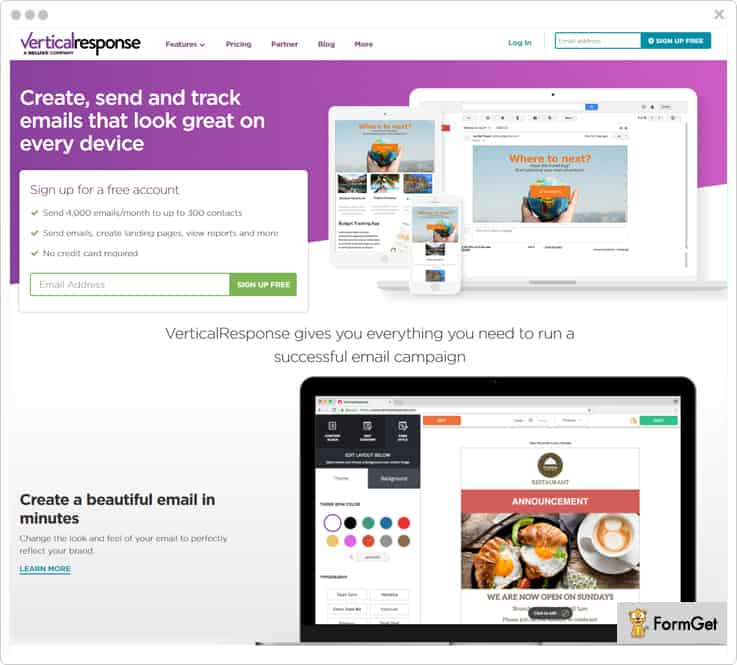
Features
- It provides you with free online form builder to create attractive pop-up forms for engaging more audience. Also, you will get a robust landing page builder for making stand-alone web pages to showcase a new product, build brand awareness and much more.
- This software provides you with a Test Kit that comes with inbox preview, subject line preview, and link checker options so that you can know how the emails will look and perform at the recipient’s end.
- Automated follow-ups & email series, autoresponders & scheduling are the integral features of this email marketing service. All these help you to maintain the spontaneity in your responses to clients.
- Besides this, there are a lot more other features you will get. For instance, custom branding, contact management, integrations with Salesforce, Magento, BigCommerce and many other tools etc.
Pricing Plan
Following are 3 paid plans whose price calculation is based on the size of your email list.
Basic Plan – Its pricing scheme starts from $11/mo for the list size of less than 500 contacts.
Pro Plan – This plan is apt for the business that needs automation as well as advanced campaign reporting. Its price starts from $16/mo for the list size of at most 500 contacts.
Pro+ Plan – For those who want to have expert guidance with their campaigns can go with this plan. The cost starts from $196/mo when your contact list is less than 500 contacts.
Note:-
1. It also has got a free plan that lets you send 4,000 emails per month absolutely free.
2. You can also choose “pay as you go” payment option where you have to pay a one-time charge for purchasing a certain number of email credits. For example, pay $175 for 10,000 email credits.
7. CleverReach
CleverReach provides you with targeted marketing campaign expertise which most of the email marketing services fail to do. So, you can easily execute an impactful marketing campaign with this Campaign Monitor alternative by creating outstanding emails.
It has a got an amazing editor through which you can create & send personalized newsletters. Also, you can do a lot of customizations in the newsletter like adding attachments, social media integration etc.
The service provides you with a template converter that converts Mailchimp and Campaign Monitor email templates easily.
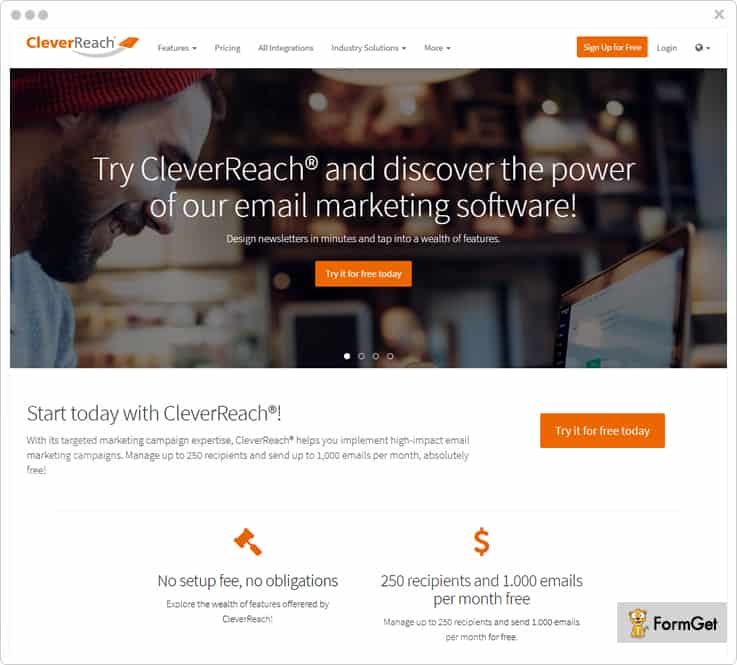
Features
- CleverReach lets you manage your recipients like a pro. You can create DOI registration forms, import subscriber data, segment & blacklist recipients and do a lot more activities.
- Furthermore, the reports will help you monitor various aspects such as conversion tracking, open/click rate, unsubscribe rate, multilevel bounces and a lot more.
- It also provides you with most reliable tools & measures like whitelisting, SSL encryption, Captcha, filters for spam test.
- In addition to this, it has got tons of other features for you like the option of adding RSS feed & dynamic content, A/B testing, automated mailings etc.
Pricing Plan
It has got 2 pricing schemes based on the low volume senders and frequent senders whose billing is calculated on the frequency of times you send emails in a month.
First Plan – Suppose if you want to send 10,000 emails to unlimited recipients, this plan will cost you $126.19 a month.
Second Plan – With this plan, you can reach 10,000 recipients for sending unlimited emails in just $115.77 a month.
Note:-
1. Its free plan lets you manage up to 250 recipients and send up to 1,000 emails/month at $0.
2. You can also choose email packages based on the number of recipients you would send emails.
8. Juvlon
Those who have a sound knowledge of an effective email marketing software, will definitely find Juvlon a worth-using service for email marketing campaign.
It provides you with an easy to use drag-and-drop email editor & free email templates to create professionally equipped emails in a matter of few minutes.
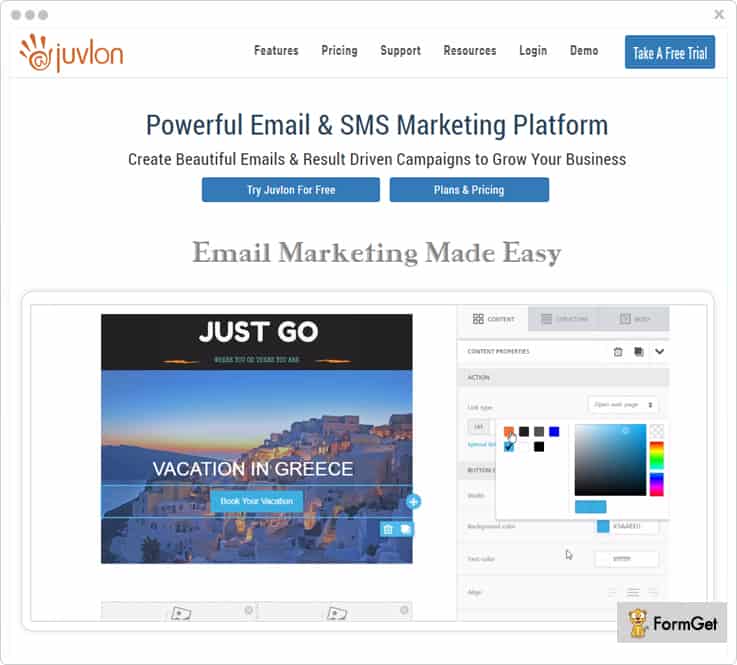
Features
- You can have a hassle-free contact list management in terms of importing the list, automatic handling of unsubscribes, removing duplicate inactive contacts based on customer’s activity.
- The real-time tracking and analytics report of your campaigns will let you have a better insight as you can know opens and clicks, opt-outs and referrals, spam/bounces occurrence, subscriber details etc.
- It ensures a high-class inbox deliverability with the help of Spam Checker, inbox testing (for the delivery test to major email service providers), dedicated IP addresses, email authentication measures etc.
- Furthermore, its marketing automation allows you to send behavior & event-based emails and other relevant messages to customers timely.
Pricing Plan
Avail the free trial for 30 days before you choose any of the paid plans that we have mentioned below:
Starter Plan – $5 for sending 500 emails.
Juvlon30 – $70 for sending 30,000 emails.
Juvlon50 – $100 for sending 50,000 emails.
Juvlon100 – $150 for sending 1,00,000 email.
Juvlon300 – $420 for sending 3,00,000 emails.
9. Benchmark
Benchmark is a prominent tool that is used to create attractive and professional emails for your marketing campaigns.
It allows you to create & place signup forms on your website, blog or social media so that you can instantly enhance your mailing list.
Moreover, features like A/B Testing, Inbox Checker will always keep you ahead in the league of email marketing campaigns.
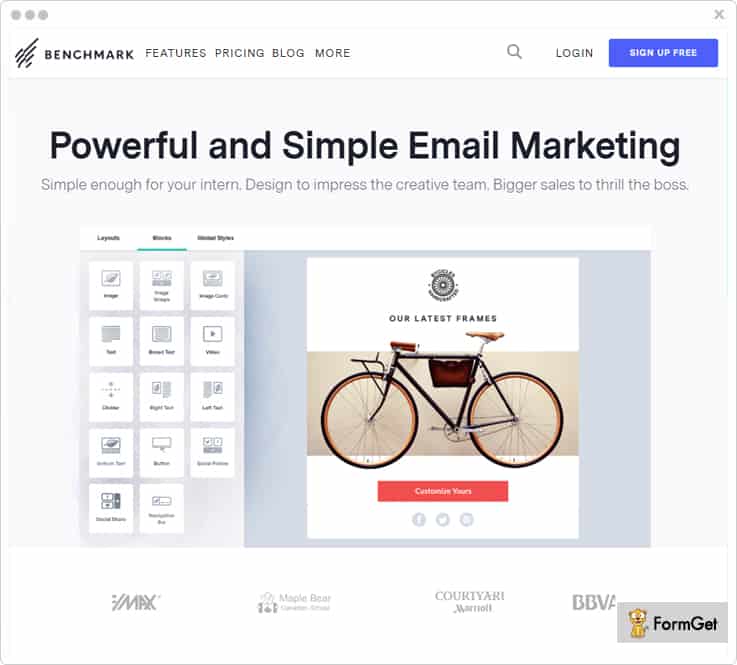
Features
- You can create beautiful & responsive emails in minutes with its drag and drop functionality & live editing option. It also gives you various customizable email templates for different business purpose.
- With its automation pro, your task of handling automated messages is accomplished automatically. For example, welcome series, follow up emails, purchase confirmation etc. gets triggered on user activity.
- You can have the tracking report of opens, clicked links, bounce and other metrics. It also supports geotracking of the emails in real-time & lets you know who shared/liked your email campaign via social media.
- It is integrated with multiple services such as Flickr, Zendesk, PayPal, Shopify, eBay, and much more that helps you to carry out your mailing campaigns even more swiftly.
Pricing Plan
Medium Plan – Send emails to 600 subscribers in just $11.68.
Large Plan – It allows you to send emails to 55,000 subscribers at $283.41 only.
Extra Large Plan – You can easily send emails in bulk up to 1,25,000 subscribers at just $597.54.
Massive Plan – It offers you to get in contact with 1,070,000 subscribers in $4003.06 only.
Note:
1. It has got a free plan with which you can send up to 250 emails to your subscribers at $0 for the lifetime.
2. All the paid plans have sub-pricing plans for the different number of subscribers and limit for sends/month.
10. ActiveCampaign
This email marketing platform is a great solution for those who want to create & send different types of emails for their marketing campaign with high-end professionalism.
With this service, you can easily broadcast one-time emails, send scheduled emails, autoresponders and even triggered emails which are event based.
Features
- You can add dynamic content like RSS or insert the URL of a live page in the message to keep the campaign updated. Also, you can use the conditional content by adapting user’s demographics, interaction history etc. to send personalized emails.
- The spilt test result helps you to compare the performance of your email campaign which is tested on the different group of customers.
- With segmentation option, you can club the customers based on various parameters like their demographics, location, behavior etc. & target them more precisely.
- You can also create subscription forms & do unlimited customizations like choosing the display mode of the forms, redirection page, hiding forms from those who have already used it once etc.
Pricing Plan
The service offers various pricing plans that vary according to the number of contacts you want to send emails. Here is the cost estimation for sending emails to 500 contacts.
Lite Plan – This plan is available at $15/mo only & you can send unlimited emails to the users.
Plus Plan – It is available at $70/mo for you to send emails and has many amazing features like custom branding, custom domain etc.
Professional Plan – This comes with a price tag of $159/mo including all the features of Plus Plan and various additional attributes.
Enterprise Plan – Buy this plan at just $279/mo and use even more advanced features.
Note:- Do not forget to avail its 14-day free trial.
11. Mad Mimi
Mad Mimi has been largely used by people as it provides a simpler approach for email marketing and thus making it a reliable Campaign Monitor alternative. It offers one of the easiest ways to create, send, share and track email newsletters.
Besides, you can customize the pricing plan as per your business requirement and pay only for what you use.
Features
- It uses high-end network routing methods & multiple reliable authentication measures like DKIM, SPF records, multiple IP and feedback loops.
- Further, it also provides list management facility by removing duplicates, bounced emails or unsubscribes automatically from your mailing list.
- In addition to this, the use of SSL ensures high security of data during the email transmission.
- The service also comes with various integrations for CRM, social networks, analytics, website builder, e-commerce etc.
Pricing Plan
Basic Plan – It will cost you only $10 a month and lets you send emails to 500 contacts.
Pro Plan – Purchase it at the cost of $42/month & send emails to 10,000 contacts of your mailing list.
Silver Plan – This plan is available at $199 per month that allows you to send emails to 50,000 contacts.
Gold Plan – You can avail this plan at $1049 a month to send emails to 3,50,000 contacts.
Conclusion
After reading this article, I hope you must have realized how far you were lacking behind by using Campaign Monitor for your email marketing service.
All the software that we have mentioned above are currently used by professionals at a large scale.
So, the only thing that you are required to do now is picking the most suitable email marketing service that is anyways going to be a better Campaign Monitor substitute.
Have a doubt or suggestion?
Feel free to drop a comment in the below section.
Thanks for reading.
10 Best SendBlaster Alternatives | With Advanced Spam Control

Why do we need SendBlaster Alternatives?
In the era where everything is online and people are running after SaaS-based service, SendBlaster is the one of most outdated email marketing solution as it offers the downloadable version of it.
This is a major limitation which prevents the users from using this software on different devices without download. In addition, it does not directly support Mac OS and you have to attach an SMTP service in order to send emails in bulk.
| Top Alternatives To SendBlaster | |||||
| Services | Price Plan | Number Of Emails | Free Templates | Autoresponder | Rating |
| SendBlaster + turboSMTP | $139 | 30,000 | 300 | ✔ | 4.3 |
| Pabbly Email Marketing | $29 | Unlimited | 500+ | ✔ | 4.9 |
| MailGet | $5 | Unlimited | 500+ | ✔ | 4.8 |
| SendinBlue | $25 | 40,000 | 200+ | ✔ | 4.0 |
| Elastic Email | $5 | 200,000 | Only Basic | ✔ | 2.5 |
In this blog, we have got 10 Best SendBlaster alternatives that are used in abundance. All these email marketing services offer various features like hundreds of pre-designed email templates, easy to use email editor, email scheduling, custom tags, email tracking and much more.
These services are specially crafted to send emails in bulk to a large number of audience without any delay.
Let us start exploring these email marketing services one by one and get on with all the details.
1. Pabbly Email Marketing
Pabbly Email Marketing is a top-notch alternative to SendBlaster as it holds multiple features in which SendBlaster majorly lacks. It is a cloud-based email marketing service which you can operate from any device.
It automation allows you to schedule & send drip series of emails & autoresponders. Such time-based emailing automatically helps you to get a higher open ratio for your emails.
That’s not all, Pabbly Email Marketing easily gets integrated with hundreds of popular apps.
Features Of Pabbly Email Marketing:-
- Create emails that are fully responsive with the help of drag & drop email builder, HTML templates, and text email creator.
- List management facility allows you to handle bad email addresses like bounce email, spam email and suspended email contacts.
- It offers custom tag facility with which you can add unlimited tags. You can use them anywhere in your emails and easily include them during email creation.
- With Pabbly Email Marketing you can simply track customer actions on your emails like opens, clicks, unsubscribe, location and other details, etc.
Price Plans:-
With all Pabbly Email Marketing plans, you get the facility to send unlimited emails to the allotted number of subscribers.
- Free Plan:- Pay $0 a month to explore Pabbly Email Marketing.
- Rookie Plan:- With this plan you can target 5,000 subscribers by paying $29 a month.
- Pro Plan:- Send limitless emails every month to 15,000 users at a cost of $49.
- Advance Plan:- For this plan, you will be charged $99 for sending emails to 50,000 users.
The Advance Plan has got multiple other packages with which you can handle 50,000 to 10,00,000 every month at varied pricing.
[Note:- On yearly subscription of any of the above plan you will get a 20% discount.]Pros & Cons
- More than 500 pre-designed emails templates on multiple niches are provided for free of cost which you can customize as per your needs.
- The only limitation which I found in this service was that initially, it restricts you on sending emails in Free trial plan.
2. MailGet
MailGet is one of the cheapest bulk email marketing software currently available in the market. With this service, you can achieve maximum deliverability with ease as it allows SMTP routing.
It permits you to conduct unlimited monthly campaigns, offers easy to use email builder, and supports MX list cleaning facility. Plus, you can collect leads by adding subscription form on your website.
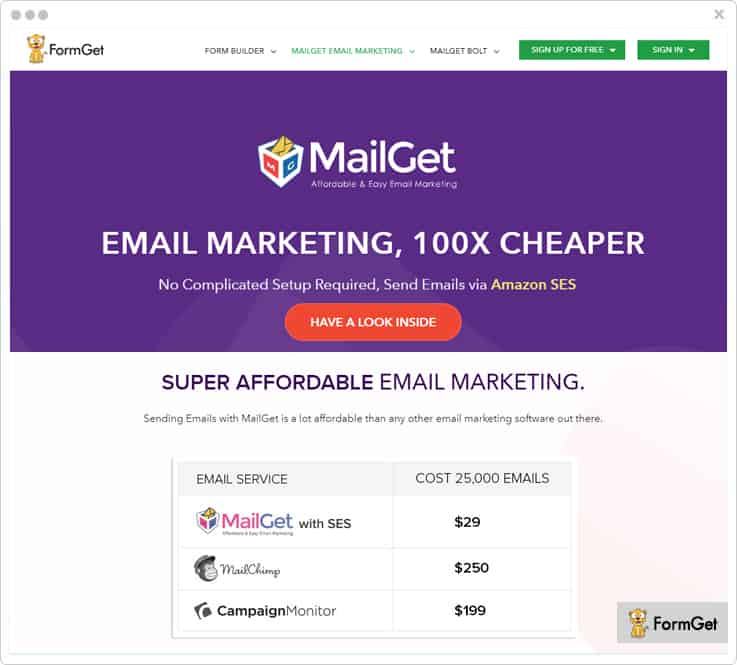
Features Of MailGet:-
- In MailGet email marketing service, you can add multiple SMTP services to perform bulk emailing from a single account and avoid getting blacklisted.
- Email list cleaning is a facility that can help you purify your email list from bad, duplicate and inactive email contacts with just a few clicks.
- With the autoresponder feature, you can increase customer engagements by delivering pre-designed emails welcome emails, sign-up notifications, follow-up, etc. at the most appropriate time like
- You can also get MailGet API for easy integration, support for Google Analytics and you can add sign-up forms to collect lead as well.
Price Plans:-
- Send emails to 5000 subscribers at a cost of $5 a month without any sending limitation.
- Next is the rookie plan using which you can send emails to 25,000 users each month at $29.
- The Pro plan will cost you $49 a month for unlimited email delivery to 50,000 subscribers.
- Using the Advance plan you can send limitless emails to 100,000 subscribers by paying $79 a month.
Pros & Cons
- It supports more than 40 top class SMTP services and you to add multiple SMTP in a single account for faster email delivery.
- To commence sending emails with this mailing service it is mandatory to integration an SMTP service first.
3. SendinBlue
SendinBlue is a bulk mail software with which you can automate transactional, marketing, and promotional email campaigns. It allows you to create personalized content for different emails, you can test & review emails, and perform spam check as well.
With SendinBlue you get real-time metrics on which you can monitor overall emails delivered and apply hour, minute and per second filters.
Features Of SendinBlue:-
- With SendinBlue you can simply fetch reports for open, rejection, read, click and more details on various email campaigns.
- It provides you with an instant phone, email support for all queries. You also get API and plugins for this service and dedicated account manager as well.
- You can design mobile-friendly email, send personalized emails to the audience in bulk with no daily sending limit.
- This emailing service offers drag & drop email builder and template gallery with multiple pre-designed emails.
Price Plans:-
- Lite Plan:- This plan is for beginners as it allows you to deliver 40,000 emails in a month at a cost of $25.
- Essential Plan:- With this plan you get 60,000 emails every month for which you have to pay $39.
- Premium Plan:- In this plan, you have to pay $66 for sending 120,000 emails or you can pay $173 for sending 350,000 emails in a month using similar features.
- Enterprise Plan:- You can enjoy custom services and facilities with the plan for which you have to contact the sales team.
Pros & Cons
- Allows you to add unsubscribe feature to emails with ease. Plus, it also allows you to send 9000 emails on monthly basis.
- It lacks in direct social media integration, bulk email list import is not that good and offers very limited email designs & layouts.
4. Moosend
You can create transactional emails that attract your users by using drag and drop editor of the Moosend.
It offers some of the advanced features like analytic tracking, templates etc that allows making the emails marketing more easy as before.
By using Moosend email marketing software you can automate the emails in a proper sequence and send them to your users without any type of interruption.
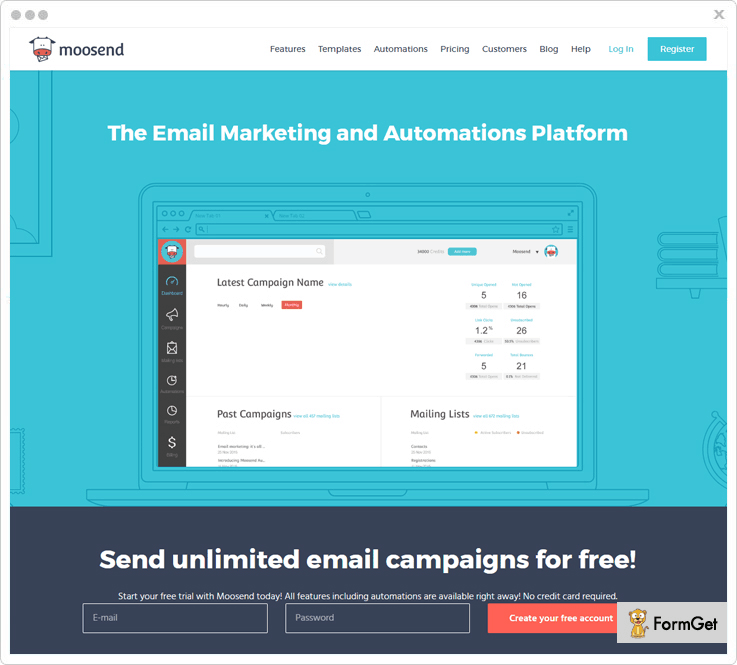
Features Of Moosend:-
- List segmentation feature helps you to manage a list of the subscribers according to the niches that they signed-up and helps you to keep their records for future use.
- Moosend provides fast service as it helps you to create an unlimited number of emails and send them within a minute.
- You can preview and test the email how they look in the user’s inbox and you don’t have to exit the editor while doing this.
- Collect verified data of your subscribers by using custom fields in your emails template where your users can fill the data about them.
Price Plans:-
- You can send unlimited emails up to 10,000 subscribers by paying $55/ month.
- $205 helps you to send multiple numbers of emails up to 50,000 subscribers for per month plan.
- Send unlimited emails per month up to 100,000 subscriber that is of the $390.
- It also comes with the monthly and yearly plan where you can save up to 15 & 20 percent respectively.
Note:-
Your users can also use our other plan that is for the occasional senders where payment is made for each email.
Pros & Cons
- It allows you to send bulk number of emails and also provide a free plan that sends emails up to 1, 000 subscribers per month.
- The occasional sender has to pay for each email that they send.
5. GetResponse
GetResponse will help you overcome all your email marketing problems which are related to contact management. You can import contacts via three ways which are copy & paste, upload in bulk through csv, txt, xls, xlsx, ods files and import from another emailing service.
You also get drag drop email editor, autoresponder, forms, analytics, and A/B testing facilities along with this email marketing service.
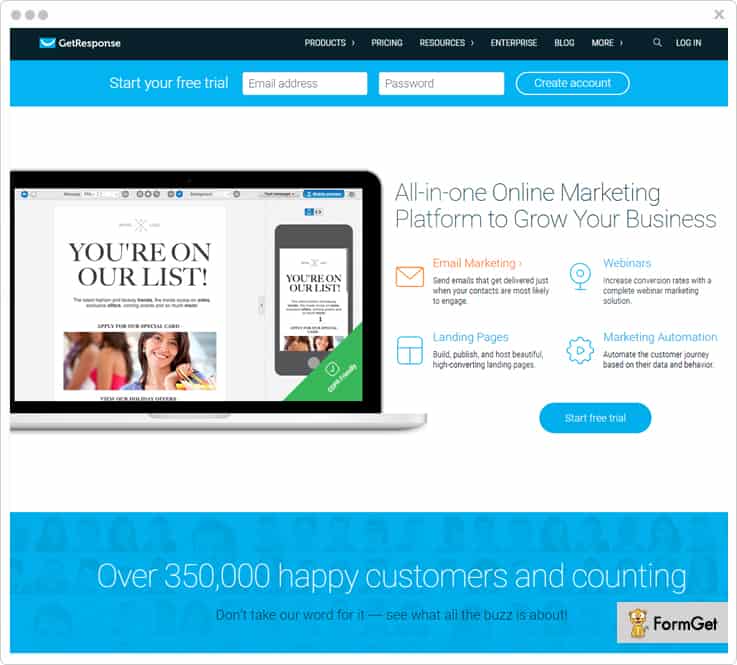
Features Of GetResponse:-
- With this emailing system, you can view email opens by desktop clients and mobile clients separately for better comparison.
- You can handle bulk contacts through the advanced segmentation by creating contact groups on the basis of location, subscription date, and other sources.
- With this email marketing service, you can even optimize email delivery and send emails at a specific time when the customer is most available to engage.
- The analytics dashboard offered by this service helps you track opens, clicks, social shares, unsubscribes and various other details.
Price Plans:-
- Send unlimited emails to 2,500 users in a month by paying $25 with the Email Plan.
- You can send emails to 5,000 users through the Pro Plan by paying $49 every month.
- The max Plan charges $165 monthly for delivering emails to 10,000 users.
- With the Enterprise Plan, you can target more than 100,000 users in a month at a cost of $1,199.
Pros & Cons
- It offers more than 500 email templates, 1,000 iStock images and allows Google analytics integration.
- They don’t provide any type of refunds even on annual plans. Plus, the landing page builder templates are pretty outdated in design and not responsive.
6. Bronto Marketing Platform
Using Bronto which is a responsive emailing platform you can send transactional emails which are effective and more likely to get opened.
It provides champion split tests facility which helps you fetch correct subject lines, copy and images which can help you convert customers into buyers. You also get social media integration, segmentation, predictive analytics and more.
Features Of Bronto:-
- Advanced segmentation is a feature that can help you bifurcate email contacts on the basis of demographic data, shopping and purchasing behavior, and email activity.
- With the drip or waterfall campaigns functionality, you can set email delivery on regular basis like daily, reminders, anniversary and on special occasions.
- You can easily add dynamic content to your emails using this emailing service and get higher open rates.
- Abandoned Cart Emails is another important feature which allows you to send personalized emails once a shopping order is not completed.
Price Plan:-
- This email marketing service provides custom plans for all type of email marketing needs for which you have to contact the sales team.
Pros & Cons
- Even the standard platform of this service offers many add-ons and the support is pretty quick and response time is short.
- The dashboard of this email marketing service is a bit old in design, slow in loading and not much responsive.
7. Elastic Email
With Elastic Email, you will never get short of emails as it offers 150,000 free emails per month. In addition, it comes loaded with multiple email designing and automation facilities with which you can perform effective email marketing to target users in bulk.
You can easily manage contacts, create unlimited surveys to gather data, create sub-accounts and more.
Features Of Elastic Email:-
- Allows you to deliver personalized emails as you can create unique templates, add different layouts, subject lines, dynamic content, etc.
- You get facilities to conduct bulk emailing, autoresponders and drip which keeps you connected to your users all the time.
- With this email marketing platform, you get multiple emails templates gallery using which you can design impression emails.
- You can manage email contact list, create sub-accounts, apply custom branding and more with this emailing service.
Price Plans:-
- The first plan allows you to deliver 200,000 emails for $5.
- With the second plan, you get a sending limit of 300,000 emails for $14.
- For the third plan, you have to pay $32 for sending 500,000 emails.
- You can send 1,000,000 emails with this plan by paying $77.
Pros & Cons
- It offers a daily limit of 5,000 emails which you can deliver free of cost, without paying a single penny.
- One of the major disadvantage is that price is charged per email sent not on the number of subscribers. Plus, sometimes email delivery is slow or even delayed in bulk campaigns.
8. Benchmark – Email Marketing Software
Benchmark holds various email marketing facilities and services which are required to create, send and get emails opened. Other than that you can automate email triggering in case multiple situations like welcome, abandoned cart and follow-up emails.
It also helps you generate real-time reports, offers WYSIWYG design interface, and multiple facilities.
Features Of Benchmark:-
- With this email marketing software, you get live editing facility and you can make changes directly into the chosen email template.
- You get different types of email templates for industries, holidays, etc on which you can apply various custom color stylings.
- Emails send through this services looks great on all type of devices and it offers real-time tracking reports as well.
- You can expand your contact list just by placing signup forms on your website, blogs, and other sections of your website.
Price Plans:-
- With the Medium plan of this service, you can send limitless emails to 5,000 users every month at a cost of $52.
- You can send unlimited emails to 50,000 subscribers for which you will be charged $255 with the Medium plan.
- With this plan, you can deliver 840,000 emails to 60,000 subscribers every month by paying $347.
- For this plan, you will be charged $495 and will be allowed to send 1,400,000 email to 100,000 subscribers in a month.
Pros & Cons
- It is an easy to use email marketing service which provides special discounts to non-profit organizations for email delivery.
- You get a limited amount of features which are pretty basic and the drag and drop email creator has various formatting issues.
9. ActiveCampaign
ActiveCampaign is loaded with all the essential tools which are required for effective email marketing. You can create customer segments list, automate email triggering, create email funnels and more.
It allows you to deliver emails with dynamic content, personalized details which can help you get more opens on different campaigns.
Features Of ActiveCampaign:-
- Using the drip campaigns facility you can effectively deliver a series of emails to a list of contacts with ease.
- You can perform email scheduling and automatically deliver emails in bulk at a specific time or date for increased customer engagements.
- This service provides professionally designed email templates which you can customize as per the need of your email campaigns.
- Allows you to upload unlimited images for various campaigns, track geolocation, apply conditional logic on content and add multiple customizations.
Price Plans:-
- To send unlimited emails to 1,000 contacts in a month will cost you $17.
- You will be charged $69 for limitless email delivery to 5,000 users in a month.
- The next plan will cost you $111 monthly for email delivery to 10,000 emails contacts.
- With this plan, you will be able to send unlimited emails to 25,000 subscribers in a month by paying $179.
Pros & Cons
- It offers free account migration in case you are coming from a different email marketing service.
- They don’t have any native integrations with third-party tools. Instead, you have to buy from their marketplace which has over 300 apps at an additional cost.
10. SendGrid
Mass mailing becomes a few clicks task with SendGrid as it is a top class mass mailing service. With this service, you can send email newsletters, acquisition emails, retention emails, and promotional emails as well.
This service offers fast email delivery and helps you avoid spam filters as well as delayed email delivery.
Features Of SendGrid:-
- SendGrid allows you to upload email contacts in bulk through CSV files or you can use Contacts API which auto updates contacts.
- Create responsive and eye-catchy emails using the design editor or drag & drop email building tool.
- Through A/B testing you can test 6 different email designs simultaneously and check changes like images, links, buttons, subject lines, etc.
- With this service either you can send emails instantly or delivery them of scheduled date and time for higher user engagement.
Price Plans:-
- Essentials Plan:- With this plan you can send 40,000 emails each month at cost of $9.95.
- Pro Plan:- You can deliver 100,000 emails by paying $79.95 in a month through this plan.
- Premier Plan:- Using this plan you perform email marketing on a list with over a million contacts with ease. To know the pricing contact the sales team.
Pros & Cons
- You get various tools to manage contacts details and handle unsubscribe groups without any hassle.
- This emailing service is complicated to set up and the customer support is not responsive.
11. iContact – Affordable Email Marketing Solution
iContact is an email service provider which has got easy to use features, email automation facilities which are provided at an affordable price.
With this service, you are given various professionally designed email templates, autoresponder, social media scheduling, and responsive support.
Features Of iContact:-
- It has a Spamcheck feature with checks and ensures that each & every email sent is delivered in customers inbox.
- With the list management facility, you can easily handle email list with a large number of contacts which is free for bad emails.
- Tracking the emails which you deliver is an easy task with iContact as it provides easy to understand reports.
- The emails delivered through iContact are perfectly designed to avoid spam filters.
Price Plans:-
There are two plans provided by this service Essential and Professional. Both charge differently as they offer varied features.
- For sending emails to 2,500 users with Essential plan you will be charged $32 a month and with Professional plan, you will be charged $99.
- Similarly, to deliver emails to 4,900 contacts in a month you will be charged $52 by the Essential plan and $129 by the Professional plan.
- You can target 10,000 users in a month with the Essential plan by paying $79 and with the Professional plan by paying $189.
Other than that there are multiple plans using which you can send unlimited emails to different number of users.
Pros & Cons
- The customer service provided by iContact email marketing service is great and it permits social media integration in emails of different campaigns.
- It prohibits email contact import from Gmail or any other third party address books and you get no support for Google analytics as well as limited storage.
Conclusion
Finally, we have come to a stage at which we wind-up this blog. As we are done with the pricing, features, benefits and other details of 10 best SendBlaster Alternatives.
Now, it time for you to decide which emailing service is best for your business.
If you have any type of queries or doubts related to the services discussed above, do let us know in the comments section below.
Still, if you are interested in exploring more we have got below some popular alternative blogs which can help.
Free SMTP Servers | Send 5000 Emails For Free
SMTP Servers are as important as a password to your email account. Or to be more exact, it’s as necessary as a lock to the key. You know the user can’t pass through the gate without opening the lock.
However, with the passing time & evolution in email marketing campaigns, even the users have become much more aware. So, the scenario is the emails over the internet pass through multiple channels. And when it reaches the customer through the SMTP server, you can be sure that “Now my email will land in the inbox, for sure!”
Although, these services may charge you a specific amount in order to provide you with the reliable SMTP server. But you can always try before you buy. There are several service providers out there that offer you a free trial of their software & with this the user can be sure that-“Yeah, this is a good service or the dervice is not meeting my requirements! ”
Now, you must be in search of some ‘Free SMTP Services’?
Why fear when I am here!
In this weblog, you will explore a list of Free SMTP Server wherein you will find their various details like pricing, features, etc.
Before moving any further quickly go through the comparison table of Free SMTP Relay Services.
| Services | Pricing | Whitelisted Servers | Add Multiple Domains | Ratings |
| Pabbly Email Marketing | $29/ Month | ✔ | ✔ | 4.9/5.0 |
| SendinBlue | $25/Month | ✔ | ✖ | 4.5/5.0 |
| Pepipost | $25/Month | ✔ | ✖ | 4.5/5.0 |
| Moosend | $10/Month | ✔ | ✔ | 4.6/5.0 |
| Mailjet | $23.29/Month | ✔ | ✖ | 4.4/5.0 |
You might have got a gist of these services. For more interesting details, you gotta read this blog.
Now, without frittering away any more time. Let’s dive in & find the most suitable software for your email marketing campaign!
1. Pabbly Email Marketing
Pabbly Email Marketing is one of the most affordable and efficient SMTP service providers that gives you all the features of email marketing service at a single place. This software comes with an inbuilt SMTP that doesn’t need any technical help for setup.
Moreso, it allows you to add several other external SMTP without charging any extra money. Here, you can enjoy SMTP routing that helps you in sending bulk emails successfully by dividing equally or unequally among different servers. This assures the good delivery of emails.
Pabbly Email Marketing Plan:-
This provides you with the following plans for sending unlimited emails
| Pricing | $29/ Month | $49/ Month | $99/ Month |
| No. Of Subscribers | 5,000 | 15,000 | 50,000 |
Features:
- This email marketing software gives you integration with Google Analytics and Zapier. The first one allows you to track the client’s behavior along with their activities and the later one lets you connect different apps to your Pabbly Email Marketing account.
- It comes with an automation feature where you can schedule emails on predefined conditions like first purchase, payment reminder, welcome emails, etc.
- Pabbly Email Marketing provides you with a custom Webhook integration that is compatible with fetching out spammers & email bounce. Further, it also gives you the proper statistics of spam rates, bounce rates, and suspended emails.
- Moreover, it comes with an easy drag & drop builder that empowers you to create powerful and eye-catchy emails.
2. SendinBlue
SendinBlue is a user-friendly software that allows you to send emails in bulk via an authentic server. You don’t have to worry about the messages being delivered in the inbox as they already made sure to help you with.
Also, it uses security protocols like SPF, DKIM & DMARC for better results of your email marketing campaign.
Free Plan:-
This SMTP service provider offers you a free plan in which you can send up to 300 emails per day to unlimited contacts
| Pricing | $25/Month | $65/Month | Custom Plan |
| No. Of Emails | 100,000 | 10,00,000 | Custom volume of emails |
Features:
- It provides you with the shared IP & dedicated IP options. Shared IP includes a number of domains in the same IP while the dedicated IP works dedicatedly for a single domain.
- SendinBlue takes several security measures like SPF, DKIM, and DMARC security protocols that help in maintaining a good reputation.
- You can create a pool of IPs and send the emails faster by using these diverse IPs.
3. Pepipost
Pepipost SMTP allows you to send transactional email, newsletter, triggered emails, all other sorts of emails to your customer’s inbox.
Pepipost is trusted by likes of Ola, Myntra, Tokopedia, SeekAsia, and 20,000+ brands. It is Asia’s #1 SMTP service and sends 8 billion emails every month.
Pepipost is the most reliable and affordable SMTP service for sending your business-critical transactional and promotional emails.
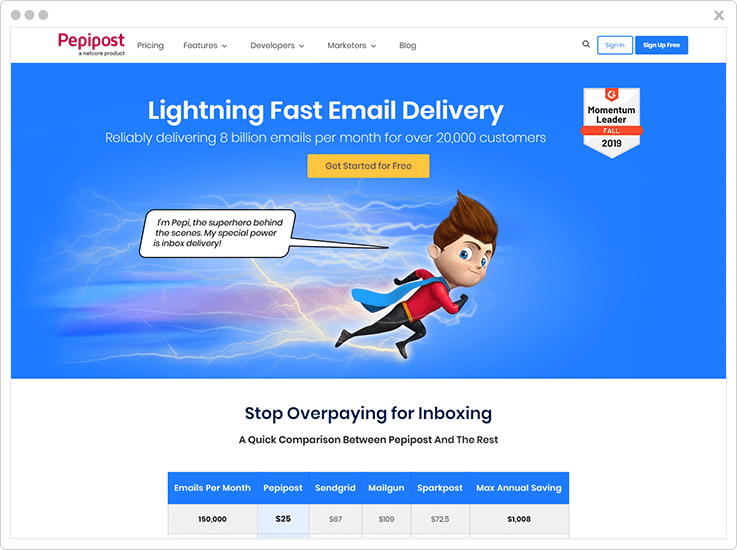
Free Plan:
Pepipost provides you with 30,000 free emails for the first month and 3000 free emails every month thereafter.
| Pricing | $14/Month | $32/Month | $77/Month | $150/Month |
| No. Of Emails | 300,000 | 500,000 | 1,000,000 | 2,000,000 |
Features:-
- Track all email metrics like sent, delivered, clicks, unsubscribe, spam complaints and other information for all your transactional. triggered and marketing emails.
- 24/7 online chat support for all helps you fix every single email delivery issue if any.
- Pepipost mandatorily follows authentication of your email sending domain name through SPF, DMARC, and DKIM record for better email inboxing.
4. Moosend
It’s easy to send bulk emails with Moosend. Using this SMTP service provider, which you can integrate with your pre-existing website or application and transfer emails to your clients faster.
If you want to take the upper hand over this tool, you need to connect Moosend account to your application, then start sending emails and SMS. Also, this email marketing tool is one of the best and cheap & affordable in pricing.
Free Plans:-
You can send unlimited email campaigns up to 1,000 unique subscribers completely free with Moosend. And it offers nearly 20+ different paid plans. So, you can choose which plans suits you.
Pricing:-
- The cheapest plan is $10/ Month, In which you can send unlimited emails to 2000 subscribers.
- It offers 6 Month plans too, where you can save 15%. At $205 send unlimited emails to 50,000 subscribers.
- Get its yearly plans and save 20%. Send unlimited email to 10,00,000 subscribers at $,2920
Features:-
- Moosend rolling out the email marketing by its drag and drop email editor. So, you can design your email campaigns and create beautiful emails fast.
- Moosend comes with the email marketing automation feature. So, stop worrying about the email sending actions. It will send bulk emails automatically to the customers at a defined time.
- This email marketing tool provides live chat support against customers frequent questions.
5. Mailjet
Mailjet is quite well-known SMTP software that makes sure your emails are sent via safe & secure server when you are sending emails in large number. This easy to use service makes it effortless for you to analyze the details and keep a track on the emails sent.
Also, it provides you with the newsletter templates, plus you can create personalized emails as well.
Free Plan:-
With this SMTP service, you can send up to 6000 emails for free every month. Whereas the offer says that you can send 200 emails per day & above t8is number of emails, you need to pay the amount.
| Pricing | $23.29/Month | $62.46/Month | $139.13/Month | $278.29/Month |
| No. Of Emails | 60,000 | 1,50,000 | 4,50,000 | 9,00,000 |
Features:-
- You can effortlessly configure the software. All you gotta do is send an API to the server & integrate the service into your software.
- With real-time analytics, you can see the progress of your emails such as bounces, click-throughs, etc to analyze the crucial details & work on the required areas.
- It helps in the segmentation process of your contact list. So, you can divide the recipients according to the interests for better results of the campaign.
6. SendPulse
SendPulse is an SMTP relay server that is specially designed & built for sending any kind of emails. You can send any number of emails using this server and be sure that they are sent via authentic & secured servers.
You don’t have to worry about the configuration & integration of this service as this is very user-friendly & can be installed in your software in possibly no time.
Free Plan:- You can send up to 12,000 emails for free of cost
| Pricing | $78.97/Month | $130.39/Month | $280.55/Month | $1,264.01/Month |
| No. Of Emails | 1,00,000 | 2,00,000 | 1,000,000 | 700,000 |
Features:
- With SPF validation DKIM protocol you can be sure enough that your emails are safely sent through authentic channels. Also, maintain your domain authority as neat & clean. This will help you avoiding to land in the spam box of the receiver.
- It provides you with the list of unsubscribers. This helps in removing these people from the list of contacts and now you can send the emails only to those who really wanna receive them.
- You can opt for the dedicated IP addresses for your email marketing campaign. Hence, you can protect your domain from any kind of forgery, getting blacklisted, etc.
7. Elastic Email
You can send emails any number of subscribers as you want by using this Free SMTP relay service. It provides you with exemplary features for carrying out the emailing campaigns such as detailed email tracking & stats, web label reseller tools & a lot more.
Further, it also provides you with round the clock support. Also helps in improving the delivery rate of these emails by simply integrating with an API.
Free Plan:-
You can send up to 1,50,000 emails per month. While the first 5,000 emails are free every day and the emails above that will cost you as per the plan you opt for!
| Pricing | $14/Month | $32/Month | $77/Month | $150/Month |
| No. Of Emails | 300,000 | 500,000 | 1,000,000 | 2,000,000 |
Features:-
- You can integrate with the HTTP API or simply with the SMTP relay to send unlimited emails to your customers without any hassle.
- It ensures that the email reaches the inbox of the person with the help of SPF & DKIM, SSL, & a lot more.
- Elastic Email provides you with the insights of the emails like bounces, open rates, clicks, and more to enhance your return on investment.
8. Amazon SES:
Send any kind of emails, notifications with the help of Amazon SES. This SMTP Relay service offers you with a very good inbox delivery.
It provides you with a separate dashboard to manage the details regarding the transfer of emails such as bounces, click-throughs, issues that may affect the email campaign and a lot.
Free Plan:-
It allows you to send the first 62,000 emails each month for free of cost, and charges $0.10 for every 1,000 emails you send after that.
| Pricing | $0.10 | $10 | $50/Month | $100/Month |
| No. Of Emails | 1,000 | 1,00,000 | 500,000 | 1,000,000 |
Features:-
- It supports all the industry standard authentication mechanism of ISP such as SPF, DKIM & DKMARC. So, your email reaches the recipient via a safe environment.
- You get the dedicated IP option for your domain which makes it possible for you to build a good image in the eyes of your customers & hence increases the chances of open rates.
- Amazon SES allows you to send emails through different methods. For example- You can use Amazon SES console, integrate with Simple Mail Transfer Protocol (SMTP) interface, and the Amazon SES API
9. turboSMTP
turboSMTP allows you to emails in bulk at a very fast speed around the globe without any trouble. You can actually get to know about the click & open-rate a real-time.
Further, it is very easy to use & configure. Plus, it provides you with the proper tutorial for configuration & sending emails. Still, if you get stuck somewhere in the process, the support team is available 24/7.
Free Plan:-
It allows you to send 6,000 emails per month amongst which you can send 200 emails for free per day!
| Pricing | $9.95/Month | $19.95/Month | $29.95/Month |
| No. Of Emails | 30,000 |
60,000 | 100,000 |
Features:-
- Emails sent through this SMTP service are routed via a secure and reliable server that ensure inbox delivery.
- You get the real-time insights of the email marketing campaigns such as the number of people opened your emails, track your emails, etc.
- It empowers you to create sub-accounts so that you can divide your relays or you can also resell them if you want to.
- turboSMTP doesn’t set any limits to the amount of data you transfer i.e. they do not put any bandwidth cap.
10. Mailgun
You can enhance your deliverability rate with this SMTP relay & email service. Also, you can provide a safe & authentic server through SPF & DKIM validation.
Mailgun is one of the best SMTP servers that allows you to send multiple emails with a safe routing so that no one uses your domain in order to send spam. It has enhanced features in order to reduce bounce rates and spam reports.
Free Plan:-
Mailgun provides you with 10,000 free emails, 100 free validations, and unlimited support tickets every month.
| Pricing | $79/Month | $190/Month | $515/Month | $1,100/Month |
| No. Of Emails | 1,00,000 | 3,00,000 | 1,000,000 | 3,000,000 |
Features:
- It provides you with the detailed logs that will help you to diagnose the email failures for better analyzing & you can make strategies accordingly.
- You get the inbound email parsing & routing so you don’t have to depend on any external source for this functionality.
- Besides, you also get the real-time analytics of the emails sent and can easily track the details like open rate, bounce rate, etc.
11. SendGrid
This is a cloud-based SMTP relay service that is not only easy to configure but also helps you to integrate the application with various other software with an exemplary support. All you gotta do is to log in to SendGrid with its credentials and start sending the emails.
Also, it helps you in sending bulk emails within a very less time.
Free Plan:-
The software empowers you to send 10,000 free emails per month. And amongst these emails, you can send only 100 emails per day for free.
| Pricing | $19.95/Month | $94.95/Month | $169.95/Month | $259.95/Month |
| No. Of Emails | 1,00,000 | 2,00,000 | 3,00,000 | 4,20,000 |
Features:
- It provides you with the dedicated IP options. Now, your emails are sent via this IP which is reserved for your domain so that there are no spams sent via this IP.
- SMTP API allows you to add JSON instructions to your emails that will help in adding the tracking features to your email.
- With DKIM & SPF records, you can effortlessly eliminate domain spoofing and phishing of emails.
12. Easy-SMTP
You can connect with this SMTP and send emails securely through SSL/TLS protocol or also STARTTLS. It is a user-friendly software that you can easily configure with your current application and start using it without any hassle. Moreover, Easy-SMTP delivers all your emails at once.
Free Plan:-
You can send up to 10,000 emails per month for free of cost!
| Pricing | $10/Month | $70/Month | $180/Month | $360/Month |
| No. Of Emails | 30,000 | 1,20,000 | 3,50,000 | 6,50,000 |
Features:
- Easy-SMTP consists of SSL & TLS protocols for sending emails in a secure way over the server & automatically update the security measures.
- It provides you with detailed analytics of the emails sent via this server such as open rate, clicks through rate, bounce rate, spam complaints, etc.
- Also, this software automatically saves the details as a backup for your emails. So, you can always have the data saved at another place that will help you in case you need the records.
13. MailGet SMTP: Free SMTP Relay Service
MailGet is quite an elite SMTP software that provides you with the impeccable features for sending emails such as multiple domains, secured environment & a lot more.
Besides, you can now sit in peace & be sure enough that your email will reach the customer’s inbox instead of spam box. This will not only enhance your business but also help you maintain the authority of your website genuine & reliable.
Free Plan:-
The software offers a free plan in which you can send up to 5000 emails per month without having to pay a single penny. Plus, you also get unlimited access to its advanced features like multiple verified domains, whitelisted servers, and a lot more.
| Pricing | $5/Month | $49/Month | $349/Month | $419/Month |
| No. Of Emails | 5,000 | 1,00,000 | 5,00,000 | 6,00,000 |
Features:-
- This software ensures high deliverability & inboxing rates as it authenticates your emails with the help of SPF validation to validate & DKIM signatures.
- It allows you to send emails with multiple verified domains & ‘From’ addresses using a single account.
- You can send emails in bulk with the help of MailGet SMTP without any hassle.
- Another important feature of this software is that the emails are sent via whitelisted servers. This makes it easy for the recipient to identify that the email has come from a valid & trusted domain.
Final Words!
As we come to an end, I think I have discussed all the major free SMTP server. Now, it’s time for you to go ahead & analyze the details as per your requirements.
Go through the comparison chart, have a look at the free SMTP relay services individually and then decide for yourself which one is best.
Once you are done with the selection process, do let us know which free SMTP providers’ suited best.
Are you still having some queries?
Post your queries in the comments section. We’ll be happy to hear from you!
Thanks for reading.
Before you continue reading, I would like to suggest some of these blogs from similar niches-
10 Top ActiveCampaign Alternatives | Start @ $5/M

No doubt ActiveCampaign is one of the most popular email marketing software which enables you to create and send bulk emails. But there is no use of sending emails in bulk if they end up in the spam folder.
Yes, you heard it right!
ActiveCampaign email marketing tool does not ensure that your emails are delivered in your clients inbox. Not only this, users are facing multiple problems with this software, some of them are-
- CRM and email builder of this service is not up to the mark.
- Lack of customer support.
- It is not affordable as it doesn’t have any native integrations with third-party tools. Although they do have a marketplace with over 300 extensions, but many of them require an additional cost.
There are some other problems as well. So, to overcome these flaws, we have compiled a list of 10 best ActiveCampaign Alternatives which are best suitable for your marketing needs.
All these listed software allows you to create millions of transactional and promotional emails which you can send to your clients and automate your marketing in just a few clicks.
Moreover, these services are available at an affordable price along with many features included like list cleaning, autoresponder, drip email, contact management and a lot more.
| “Comparison Between ActiveCampaign Alternatives” | |||||
| Services | Pricing | No. Of Subscribers | Multiple SMTP | Auto-Responder | Rating |
| MailGet | $29/m | 5000 | ✔ | ✔ | 4.9/5.0 |
| Pabbly Email Marketing | $29/m | 5000 | ❌ | ✔ | 5.0/5.0 |
| EmailOctopus | $19/m | 10,000 | ❌ | ❌ | 4.7/5.0 |
| ActiveTrail | $24/m | 2500 | ❌ | ✔ | 4.5/5.0 |
| Campaign Monitor | $29/m | 2500 | ❌ | ❌ | 4.2/5.0 |
Now, without talking much, let’s quickly have a look at each ActiveCampaign Alternatives in detail and see how they stack up against each other.
1. Pabbly Email Marketing
Pabbly Email Marketing is one of the fastest and effective email marketing tool which helps you to create and send highly engaging promotional & transactional emails.
You can clean out inactive, bad, & duplicate emails from your contact list with the help of its list cleaning feature this will also reduce the bounce rate of your emails.
The best part is it has an inbuilt SMTP so, there is no complicated setup required for this service.
Features
- You can add and verify sender email address that you will be using for sending email campaigns which allow you to add your own DomainKeys and DKIM. It helps you to avoid spams and proves that your email is not copied one.
- It has a list management feature which helps you to manage your contact list in a well-organized manner. Also, you can export email list in CSV format with the help of this tool.
- In case, your user is not able to open your email at the first time then, it can send automatic emails to your clients with the help of auto follow up feature.
- Create and schedule your emails using email scheduling functionality by which you can send your emails at a specific time set by you.
Pricing
- Free Plan – Get a free trial at $0/Month and connect 3 SMTP along with basic features.
- Rookie Plan – Buy this plan at $29/Month and send emails to 5,000 subscribers along with all the advanced features.
- Pro Plan – You can purchase this plan at a minimal cost of $49/Month where you can send emails to 15,000 subscribers and get priority support.
- Advance Plan – Send emails to 50,000 subscribers at an affordable price of $99/Month where you will get all the essential features.
2. MailGet
It is the easiest email marketing tool where building emails via drag and drop email builder is a few minute tasks. You can easily send emails to your clients with higher speed and guaranteed email deliverability.
There are so many advanced features present in this service such as SMTP routing, subscriber segmentation, drip automation and a lot more which makes this software an ideal ActiveCampaign alternative.
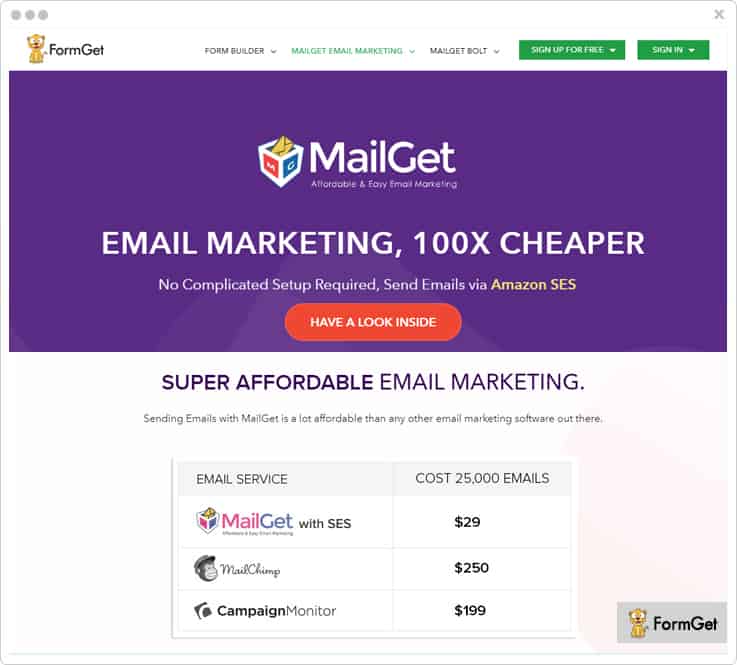
Features
- You can create sign up forms and capture more email leads by embedding these form into your website.
- The software allows you to add multiple SMTP in it which helps you to send emails to your clients with better inbox delivery.
- Admin can integrate Google Analytics, Zapier, and Wufoo to their MailGet account in a matter of minutes. This helps you to measure the performance of your website and make a strong strategy to promote your business.
- With the help of its autoresponder feature, you are allowed to send instant replies to your client via prebuilt automatic emails.
Pricing
MailGet has 4 various pricing plans which are varied on the basis of the number of subscribers.
- Buy the Starters plan for this service at $0/M and send emails to 100 subscribers along with getting 10 monthly campaigns.
- You can get Rookie plan and send emails to 5,000 subscribers at $29/M along with unlimited monthly campaigns and full support.
- Purchase the Pro plan of this software at $49/M where you can send emails to 15,000 subscribers, and get complete live chat support.
- The Advance plan of this service is available at $99/M which allows you to send emails to 50,000 subscribers and access to all the advanced features.
3. SendinBlue
SendinBlue helps you to createthe various promotional and transactional email with insightful reporting.
You can create emails by just drag & drop the fields also, it has various pre-built templates which you can use for building your emails.
Features
- It provides you a dashboard where you can view all your marketing campaigns reports such as opens, click, bounces, spam and a lot more.
- Admin can easily create personalized emails with their contacts details and preferences. Also, it allows you to preview the email content so, you can test and optimize your campaigns before sending.
- The software allows advanced search & segmentation with the help of which you can sort, filter and segment contacts. This helps you to target the audience and send the right message to the right person.
- You can embed contact forms into your website to grow your audience and capture contact details to connect with the client on a personal level.
Pricing
- Free Plan – You can send 300 emails/day at $0/mo, with unlimited contacts and access to basic features.
- Micro Plan – This plan will cost you $7/mo where you can send 40,000 emails without any daily sending limit.
- Bronze Plan – Purchase this service at $39/mo and send 60,000 emails along with advanced email statistics and full support.
- Silver Plan – Buy this plan at $66/mo where you will get 120,000 emails per month with unlimited automation workflows.
4. Moosend
Moosend is an efficacious email automation tool by which you can create professional emails that help you to increase your targeted subscribers in just a few minutes.
Meanwhile, you can design newsletter templates, your own template, etc.
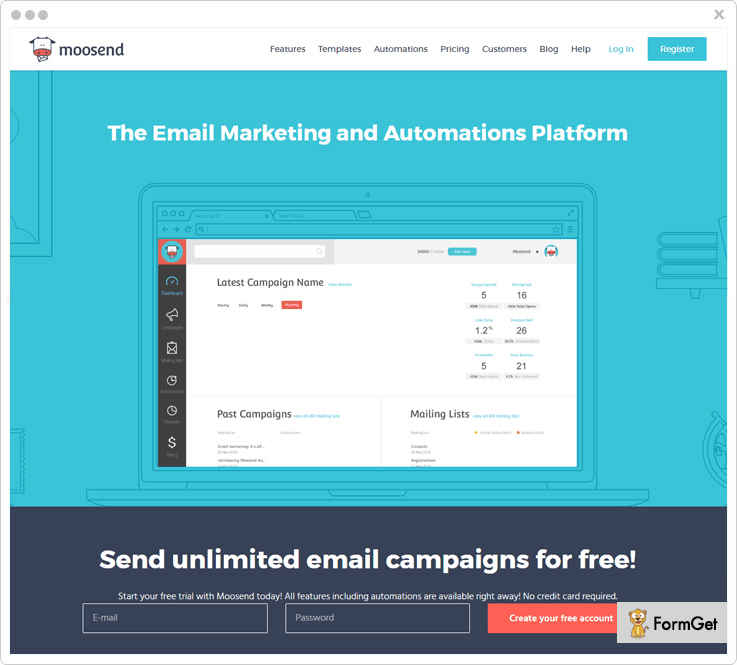
Features
- You can design perfect emails and customize them by using tools that are provided, or with HTML and CSS.
- Moosend creates mobile responsive emails that fit and function properly in the devices.
- By using relevant content in the email and perfect timing of sending it will help you to engage the audience and collect leads that are important for the business.
- Helps to generate automated cart abandonment emails for the users who add items to their online shopping cart, but exit without completing the purchase. Also ,you can add counter timer it.
Pricing
- You can send multiple emails to more than 1,000 subscribers per month & let your users enjoy all the amazing features of it.
- With $40 per month plan, you can easily send unlimited emails to more than 8,000 subscribers.
- Contains 6 months and yearly plans which allow your users to save up to 15 & 20 percents respectively.
- Some more plans like “pay-as-you-go” this plan is working for the occasional sender. Here your users need to pay for each email.
5. Vision6
If you want SMS and email marketing software for your agencies then, this Vision6 email automation tool is the best solution for you. You can easily design, send, and analyze all your email marketing campaigns in just a few minutes.
Features
- In this software, you can get 70+ free prebuilt templates plus a powerful drag-and-drop editor where you can create your own emails.
- Collecting leads is a breeze in this software, as you can embed sign up forms on your website where your clients can subscribe to your service with ease.
- With the help of Autoresponders feature, you can send automated email responses to your customers whenever they want to contact you.
- You can synchronize your email marketing with various social networks such as Facebook, & LinkedIn where your users can share your emails via social sharing options.
Pricing
- Starter Plan – You can send 2,500 emails to 500 contacts at $9/mo with all the core features and standard support.
- Business Plan 1 – This plan will cost you $29/mo where you can send unlimited emails to 500 contacts along with priority support.
- Business Plan 2 – If you want to send unlimited emails to 2500 contacts then you can buy this product at $59/mo with 24/7 support from the team.
- Pro Marketer Plan – Buy this plan at $99/mo and send unlimited emails to 500 contacts along with all the essential features.
6. SendGrid
SendGrid is one of the finest automation software which is providing top class email marketing services. It gives you best email creation, deliverability, scalability, and support.
You can easily create and customize professional emails from the design editor like drag & drop, HTML editor and more. Also, you can choose from prebuilt email templates which are present in the library of this service.
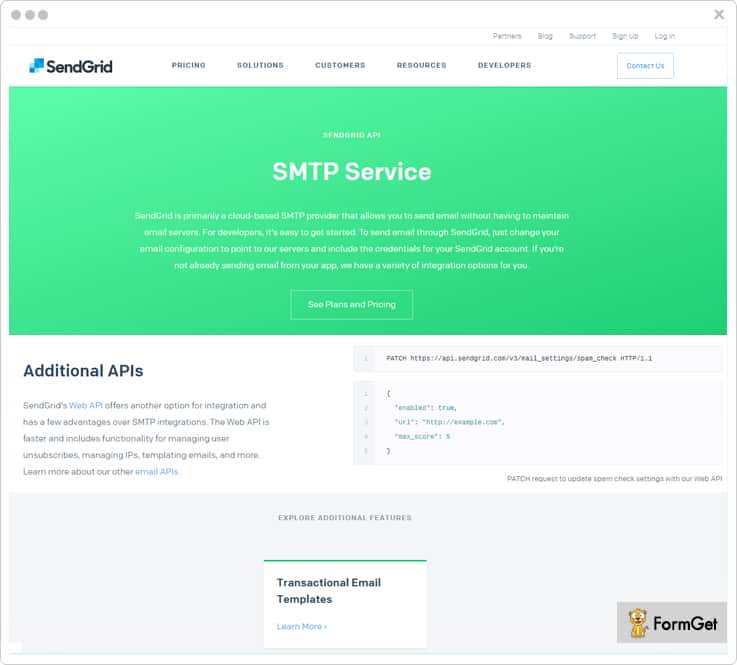
Features
- This email marketing tool helps you to gain insight into your email campaigns with the help of real-time email analytics. You can get to know about delivery rates, bounces, spam reports, link clicks, opens and a lot more.
- It allows you to segment your clients and then send more targeted emails with the help of list management feature. This will improve your inbox email deliverability in a tremendous way.
- Admin can use dedicated IP which helps them to take control of their email sending and increase the reputation of their emails campaigns.
Pricing
- Free Plan – This plan is available at $0/mo where you can 40,000 emails to the subscribers.
- Essentials Plan – You can buy this product at $19.95/mo and send 100,000 emails with ease along with all the essential features.
- Pro Plan – You can send 100,000 to 1.5 million emails at $79.95/mo plus you have to pay an extra amount of $10/mo for additional 10,000 contacts.
- Premier Plan – This advance plan helps you to send more than 1.5 million emails/mo along with prioritized support. Further, for pricing details of this plan, you can directly contact the service provider.
7. Adestra
One of the powerful email marketing platform where you can create promotional emails with the help of drag & drop editor.
It allows you to customize, & configure the structure of the emails campaigns according to your business need.
You can target your campaigns by creating dynamic content in your emails such as adding a countdown timer, latest blogs and more.
Features
- Adestra supports the integration of more than 750 apps such as Shopify plus, Facebook, Slack, WooCommerce, etc.
- It provides advanced email marketing report where you can track your email campaign performance with ease.
- With the help of list management feature, you can create and manage your email & contact list in a well-organized manner.
- Admin is allowed to schedule their emails so, emails can be sent later on a specific time set by them.
Pricing
If you want to buy this product, you can directly contact the Adestra team for pricing details.
8. Campaign Monitor
It offers the best email marketing service where you can design personalized email campaigns in just a fraction of time.
Campaign Monitor comes with advanced functionality such as emails analytics, 3rd party integration, contact & email segmentation and more. These important features will definitely ensure the success of your business, around the clock, and around the world.
Features
- You can use its drag & drop email builder which helps you in creating professional emails that keep your customers engaged. Also, you can choose from hundreds of pre-built templates available in this tool.
- Admin can create a smart contact list and segment the clients or emails for better-targeted email marketing. This helps in sending super relevant emails to the right person at the right time.
- The software allows you to grow your email list with the help of sign up forms which you can embed in your website and collect customers leads.
- Campaign Monitor gives you full analytics of your email marketing campaigns such as active or inactive email address, open & click rate, and a lot more.
Pricing
This service has different pricing plans which are varied on the basis of the number of subscribers & emails.
- You can buy this product at $29/month where you can send 12,500 emails across each campaign to 2500 subscribers with full customer support via email.
- This plan is available at a minimal cost of $49/month where you can send 25,000 emails to 5000 subscribers with insights analytics.
- Buy this plan at $89/month where you can send 50,000 emails to 10,000 subscribers along with all the core email marketing features.
- Purchase this plan at $129/month with 75,000 emails sending limit to 15,000 subscribers with basic marketing automation and full support.
9. ActiveTrail
One of the finest email marketing platform which offers an automated and smart solution for all your marketing needs.
You can manage all your email marketing activity like creating & sending emails, overview emails stats, and a lot more.
Features
- Admin can easily manage their email and contact lists with the help of list management feature. It also helps you in quick contact search, editing, deletions and add new contacts to your mailing groups.
- Provides an advanced analytics reporting system where you can get complete data details like click rates, open rates and more. Also, it allows simple and precise tracking of each your newsletter or email campaign.
- You can export all your campaign data to Excel or PDF and save in separate files which you can use in your presentations or share it with your colleagues.
- With the help of ensuring high deliverability rates provides by this software, your marketing campaigns do not end up in a SPAM folder.
Pricing
ActiveTrail email marketing tool comes with 4 monthly plans which are varied on the basis of contacts these are –
- Buy the plan at $24/M and send emails to 2500 contacts along with complete access to all the essential features.
- You can send emails to 5000 contacts at $38/M where you can get unlimited emails and various 3 party integrations.
- For sending emails to 10,000 contacts, you have to pay $55/M with unlimited emails automation and advanced analytics.
- Purchase this software at $101/M and send emails to 20,000 contacts along with access to all the advanced features of this service.
10. LeadSquared
If you want to run high performing email marketing campaigns then, this automation software is the best solution for you. This service helps you to create useful emails & newsletters also, it provides you with dozens of responsive, and ready to use templates.
You can easily create the personalized email by adding various elements like social icons, call to action button and a lot more.

Features
- Gives you an advanced email analytics such as CTR, opens & response rates, which improve your campaigns in a tremendous way.
- It supports Drip Marketing which helps you to send series of emails to your clients with different subject lines.
- Supports integration with 3 party apps like Salesforce which helps in automation of email campaigns.
Pricing
- Basic Plan – At $300 per month, you can send emails to 10,000 contacts along with developer API and email support.
- Standard Plan – You can buy this product at $900 per month where you can send emails to 50,000 contacts along with all the essential features.
- Enterprise Plan – Purchase at $2500 per month and send emails to 200,000 contacts with the dedicated account manager and developer support.
11. EmailOctopus
This software offers simple yet powerful automation which you can use to create time-based email campaigns.
It comes with a rich set of email marketing templates which you can use for sending promotional and transactional emails. Also, it allows you to create your own email campaign which looks beautiful across all devices.
Features
- EmailOctopus provides real-time analytics of your campaigns such as click and open rate alongside with bounces and unsubscribes info.
- You can embed forms on your website and collect subscriber information, without writing a line of code. This helps in growing your subscriber list in a matter of minutes.
- It helps you to maintain your domain reputation by cleaning bounces, complaints or unsubscribes from your lists.
- Supports integration with more than 500 products some of them are Salesforce, Eventbrite, Shopify, and a lot more.
Pricing
- Tuna Plan – Buy this plan at $19 per month and send emails to 10,000 subscribers along with priority support via email.
- Stingray Plan – You can get this plan at $39 per month where you can send emails to 50,000 subscribers along with all the essential features.
- Shark Plan – This plan costs you $59 per month and allows you to send emails to 100,000 subscribers along with 24/7 support.
- Whale Plan – Grab this plan at a minimal cost of $109 per month and send emails to 250,000 subscribers along with all the advanced features.
12. EngageBay
EngageBay is an all-in-one marketing, sales, and customer support software with free integrated CRM. The tool offers a myriad of automation features, including multi-channel marketing, drip campaigns, multi-step visual automation builder, email broadcasts, and autoresponders, making it an excellent ActiveCampaign alternative.
EngageBay’s intuitive dashboards make it easy to visualize various metrics and key performance indicators (KPI). Unlike ActiveCampaign, EngageBay offers a 360-degree view of each of your customers.
Features
- You can launch an omnichannel marketing campaign across email, phone, SMS, social media, and the web.
- A/B testing feature lets you compare different versions of your landing pages or email broadcasts and then launch the winning version.
- You can automatically send welcome emails, transactional information, and follow-ups using the autoresponder tool.
- EngageBay offers a host of integrations, including Plivo, DocuSign, BigCommerce, AWS, CallHippo, Zapier, and more.
Pricing
EngageBay offers four plans: Free, Basic, Growth, and Pro.
- Free – This plan is free forever and offers 500 contacts, 1,000 emails, email broadcasts, drip campaigns, email marketing, live chat, and helpdesk.
- Basic – Costs $14.99/month for 1,000 contacts, 3,000 emails, SMS marketing, social suite, and web popups.
- Growth – Costs $49.99 for 10,000 contacts, 25,000 emails, predictive lead scoring, A/B testing, marketing automation, and more.
- Pro – Costs $99.99 for unlimited contacts, 50,000 emails, and a host of advanced features.
Conclusion
Now, this is all about 10 best ActiveCampaign Alternatives through which you can run successful email campaigns with ease.
All the listed email marketing software allow your organization to effortlessly send professional looking emails with a vast collection of email templates. You can choose any of the above software according to your business requirement.
If you have any queries, feel free to ask in the comment section.
Before proceeding, do read our blog on ConvertKit Alternatives I am sure, you will not get disappointed.
10 Best ConvertKit Alternatives | Low Cost Emailing Services
ConvertKit Email Marketing Software is one the most used and yes, people consider it to be one of the most efficient way to get into email marketing segment.
It lets you create, send and track all the email templates.
Is there’s anything that you’d expect from an email marketing software?
If your answer is no then I would request you to change it to a big YES.
People are searching for alternatives of ConvertKit. Yes, research shows, every month more than 1500 audiences are searching ConvertKit Alternatives.
Do you know why?
It is because they consider and even I also consider paying $29 to create email templates is not worth.
In the web market, there are numerous of substitutes are available which provides a huge range of basic & advanced features at an affordable price. And in this weblog, I have curated some of the effective alternatives of ConvertKit whose pricing starts from $5 and which comes with the same features of ConvertKit like –
- Tons of email templates.
- Personalization & content customization feature.
- Both creating, sending and even tracking options.
- Multiple SMTP integration functionalities.
And many more.
So, it is wiser to pay $5 to take all these basic more advanced features instead of paying $29.
Let me show you these alternatives via the comparison table. The table contains features comparison, inbuilt SMTP functionality, pricing comparison, and number of subscribers.
Quick View On ConvertKit Alternatives |
|||||
| Services | Drip Emails | List Cleaning | In-Built SMTP | Monthly Pricing | No. Of Subscribers |
| MailGet | ✓ | ✓ | ☓ | $5/M | 5,000 |
| Pabbly Email Marketing | ✓ | ✓ | ✓ | $29/M | 5,000 |
| Mailjet | ✓ | ✓ | ✓ | $14.96/M | 1,000 |
| Moosend | ✓ | ☓ | ✓ | $55/M | 5000 |
| Emma | ☓ | ☓ | ☓ | $89/M | 10,000 |
1. Pabbly Email Marketing – Affordable Email Marketing Service
Pabbly Email Marketing is one of the best email marketing platforms which comes with 500+ email templates which lets you create millions of emails undoubtedly. You can create emails like for different niches like job recruitment, for the party, salon purpose etc. Once done with creating, you can also send & tracking those emails effectively. Further, this service comes with an in-built SMTP so that you don’t need to add an additional one to send your emails to the clients.
Moreover, Pabbly Email Marketing comes with various integrations such as Zapier which lets you connect multiple apps, Google Analytics, Wufoo, MailGet API and more.
If I talk about its popularity, then yes, it’s popularity is increasing rapidly in the market. More than 15 million internet based companies like Avaya, Cisco, The Guardian etc. are using this software to create emails.
Features:
- It allows you to add custom fields on your email marketing template according to your requirements.
- Its email scheduling feature permits you to send the email at specific date & time to the target audience.
- The software contains list cleaning functionality which lets you remove bad and inactive email addresses to stop bounces, spams, and unsubscription rates.
- Pabbly Email Marketing provides SMTP Routing functionality with which help you to choose the best path to deliver your emails.
- You can add drip functionality on emails to automatically deliver emails at various platform in a scheduled time interval.
Pricing:
Pabbly Email Marketing comes in different pricing stages according to the usability of customers.
- Free – This starter Plan will cost you $0 with which you can connect 3 SMTP and explore Pabbly Email Marketing.
- Rookie Plan – To send emails to 5,000 subscribers this plan will charge you $29/ month.
- Pro Plan – For 15,000 subscribers you will be charged $49/ month.
- Advance Plan – This plan will charge you $99/ month to send emails to your 50,000 subscribers.
2. MailGet – Bulk Email Marketing Services
MailGet is another cheapest HTML email marketing platform which lets you build & send transactional, promotional, educational, and subscription emails within a few clicks. By using this software, you can successfully create your email templates and later deliver it in your client’s inbox to get a minimum bounce & spam rate.
MailGet contains 500+ customizable email templates on multiple niches either it is business templates, festival or any other. Further, you will also get functionality to integrate multiple SMTP service such as Amazon SES, Zapier, MailGet SMTP etc.
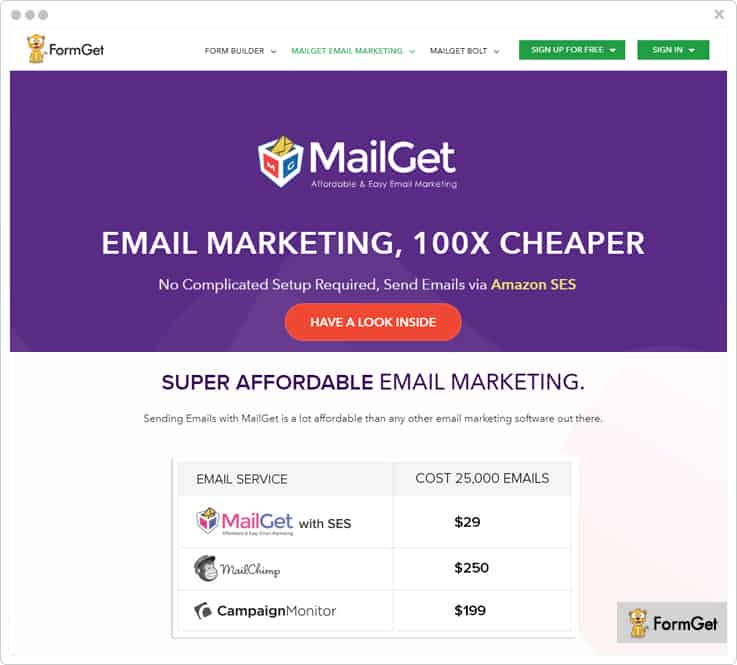
Features:
- MailGet provides an autoresponder feature which lets you send emails automatically to all subscriber. e.g., welcome email.
- There is an automatically send follow up email to contacts who have not opened your emails. In this way, you can earn 2x extra open rates.
- Its list cleaning feature permits you to clean your email list to remove unwanted or spam emails before sending to your customer.
- You will get an in-built lead capture tool with which you can capture more leads from your site.
- MailGet allows you to schedule the email so that you can send those emails immediately or later.
Pricing:
MailGet has got multiple of pricing plans for different needs of customers. However, we have explained only a few popular pricing plans in this article. Lets have a look –
- Starter Plan – For this plan, you have to pay $0 to send emails to 100 subscribers.
- Rookie Plan – This rookie plan will let you send emails to 5,000 subscribers at $29/ month.
- Pro Plan – To send emails to 15,000 subscribers, this service will cost you $49 every month.
- Advance Plan – This advance plan of MailGet software will charge you $99 to send emails to 50, 000 subscribers.
3. Moosend – Email Marketing Automation
Moosend is the email marketing platform that helps companies of all sizes to operate the burden of creating their email campaigns. With its automation editor, you can create automated workflows and send triggered campaigns according to your subscriber’s interest.
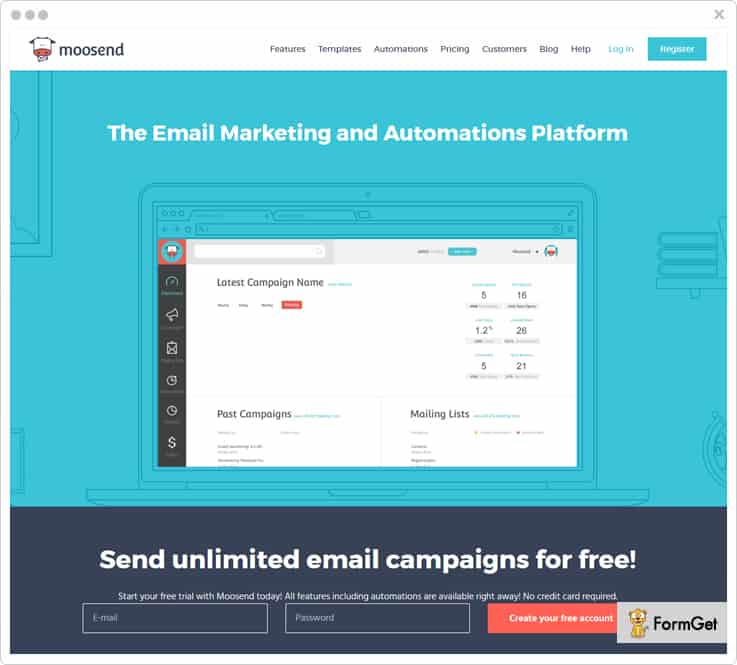
Features:
- It provides a free newsletter template so that you can create responsive & mobile ready newsletter campaigns.
- Its advanced segmentation feature allows you to make sub-group of email list so that you can effectively connect with your customer and provide them information which they are looking at the correct time.
- With its real-time analytic you can analyze every detail of your email campaigns.
- You can also integrate any of the application with its powerful API.
- It also offers SMTP service which keeps you hassle-free to use any other SMTP server to send your emails.
Pricing:
- To send emails up to 5000 customers it will cost you $55 and additionally provides numerous features.
- It will charge $260 to send emails up to 75000 subscribers.
- For 200,000 subscribers you need to pay $760 a month.
- However, if your limit is to emails up to 500,000 subscribers then it will cost $1810.
- Apart from this, to send emails up to 1,000,000 users then pay $3650 in a month.
4. Mailjet – Email Marketing Software
Mailjet is the platform where you can manage every task of your email marketing such as creating emails, sending & tracking details. By using mailjet you can send or create both transactional & marketing emails to your subscriber.
Its intuitive drag & drop editor lets you create responsive emails for your users. Also, you can use its readymade responsive templates that looks great on any screen.
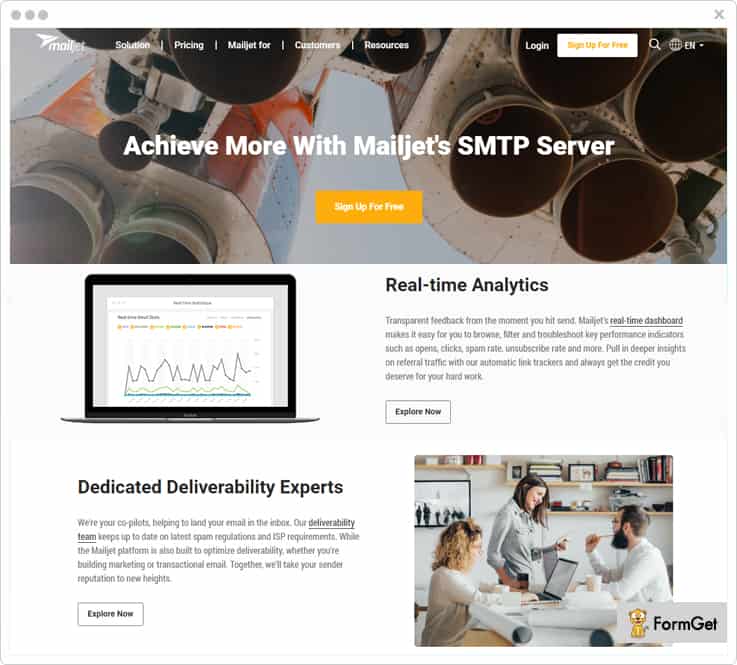
Features:
- It comes with a feature of personalization through which you can personalize your email from its design to contents.
- With its A/B testing functionality, you can compare your emails that which will generate the best engagement for your business.
- The software lets you manage all your contact group in one place. In fact, you can also upload your own contact list via CSV, TXT or XLS file.
- It contains SMTP Relay functionality with which you can effectively deliver you emails to your subscriber.
- Mailjet has an analytics dashboard with which you can track & keep every detail of your emails like a number of opened emails, clicked rates, how or what people think about your subject lines etc.
Pricing:
If I come to its Pricing Plans then this software provides different pricing plans as per the need of current marketers. Have a look-
- To send 6,000 emails every month its Basic Plan will cost you $8.04 & Premium Plan will cost you $14.96.
- Its another plan will cost to send 60,000 emails $27.95 for Basic Plan & $41.95 for Premium Plan month.
- For 150,000 emails, Basic Plan charges you $62.46 & Premium Plan will charge $80.79 every month.
- To send 900,000 emails per month you have to pay $278.29 for Basic Plan & $332.46 for Premium Plan.
5. SendGrid – Email Automation Software
SendGrid is one of the top cloud-based email marketing platform where you can create, send & track your emails effectively. It is a powerful marketing tool for acquiring, engaging, and to retaining the customers. You can use this software to create multiple email marketing campaigns like email newsletter, acquisition emails, retention emails, and promotional emails.
In addition, the tool also provides ISP monitorin functionality, sender policy framework (SPF), DKIM and feedback loops. This platform is really a most popular that’s why various famous companies like Pinterest, Pandora, Spotify, HubSpot, LinkedIn etc. are creating more than 18 billions of emails every month.
Features:
- By using this you can build campaigns in your own way by choosing a suitable email design option that fits your requirements.
- The tool also provides open rate reporting details, link tracking details, and CAN-SPAM compliance.
- The software lets you create a segment of subscribed, unsubscribed or foster engagement group in your contact list.
- You can schedule the email delivery time according to your convenient.
Pricing:
- To send 1,000 to 40,000 emails a month this product will cost you $9.95 only.
- To 50,000 to 100,000 emails this plan will charge you $19.95.
- At $259.95 it will let you send 420,000 emails in a month.
6. Emma – Top Email Marketing Service
Emma software is a highly flexible and simple email marketing tool which allow you to craft visually stylish email campaigns for your subscribers. It comes with tons of features including real-time email tracking functionality, analysis statistics, HTML template builder & email preview to see design etc. Emma has also a feature of power personalization & track ROI with which you can analyze the complete marketing impact.
Features:
- The product comes with an A/B testing functionality with which you can test different aspects of your emails.
- Emma contains 50 email templates which are really flexible & fully responsive.
- It supports A/B testing functionality with the help of which you can identify which of your email generates more engagement with your users.
- The software delivers the perfect follow-up emails to your customers if they will not open your first email.
- The software permits you to build beautiful & creative landing pages with the help of its drag & drop editor.
- Emma is integrated with various other platforms as well such as Salesforce, Zendesk, Venga etc.
Pricing:
It has specifically got 3-pricing plans. Take a quick view –
- Pro Plan – At $89 you can send emails to 10,000 contacts in a month.
- Plus Plan – This plan will charge you $369 a month to send emails to 25,000 contacts.
- Enterprise Plan – To send emails to the 75,000 contacts it will cost $729 per month.
Important – If you have more than 75,000 contacts to send emails then I would suggest you contact to its sales team.
7. Klaviyo – Reliable Email Marketing Service
Klaviyo is another popular cloud-based email marketing service which is purposely designed for e-commerce marketers. It is used to design user-engaging emails in just a few minutes. Klaviyo contains feature like email autoresponders to respond automatically to your client via email, powerful segmentation where you can categorize various section to manage your email details and many more.
With the help of this service, you can personalize & optimize email campaigns to convert your visitors into permanent customers and in this way you can generate more leads.
Features:
- While creating an email you can add Google Analytics to links at the same time.
- It allows you to manage all the email marketing task such as bounced emails, clicked emails, dropped emails etc. in one place.
- The software also allows you to set timings on every subscription forms on every device either it mobile or a desktop.
- With Klaviyo you can also do Facebook advertising campaigns.
Pricing:
The software comes with different pricing stages. See below-
- To send unlimited emails to 300 contacts it will cost you $25/M.
- At $350 per month, you will be granted to send unlimited emails up to 14,300 contacts.
- To send emails to 31,000 contacts it will charge you $550 every month.
- If you want to send emails to your 146,000 contacts, then you need to pay $17,000 a month.
8. Vertical Response – Cheapest Email Marketing Platform
With Vertical Response, you can design, send and track the emails which look great on every screen. This software will let you create a stunning email for business, marketing, and subscription purpose and later you can send those emails immediately or schedule for later. Further, it comes with a multitude of a pre-defined template with which you can customize your emails any time according to your requirement.
In addition, this service also provides a fastest, free & customized pop-up forms which help to boost engagement with your customers.
Features:
- It provides an automatic follow-up feature with which you can send follow up emails to those who have missed your emails.
- You can save time by using its autoresponder & automated email series. This feature is helpful to deliver the right email at the perfect time.
- By using this service you can monitor the overall performance of your email campaigns in one place.
- It preference center feature helps your recipents to control over which email they want to receive or not.
Pricing:
It offers its pricing plans according to the marketers’ need & requirement. Have a look-
- Basic Plan – This plan will lets you send unlimited emails at $11/M along with live customer support, automated follow-up emails to contacts and many.
- Pro Plan – To send emails to your customer this plan will charge you $16. Apart from it also provides 10 test kit credits per month.
- Pro+ Plan – You need to pay $196 to send unlimited emails to your subscribers.
[Note – You can also get its Free trial which lets you send 4,000 emails per month and up to 300 contacts].
9. Campaigner – Best Email Marketing Software
Campaigner is an innovative email marketing platform which is trusted by many of the companies since 20 years. By using this service you can create tons of emails campaigns, social media campaigns, and video campaigns that are highly responsive and fully customizable. By getting this service you will also get 900+ responsive email templates & dynamic contents for the creation of email templates.
In fact, you can use its autoresponder functionality to respond automatically to your client via email. In fact, you can set-up targeted email campaigns, perform A/B testing to compare the emails.
Moreover, this service is trusted by 100,000 businesses such as Hallmarks, Thomson Reuters and many other.
Features:
- The software comes with an email analyzer functionality so that you can preview your email to know how it looks like.
- You can also add videos, images, RSS feeds & surveys as an attachment along with email by using its drag & drop functionality.
- Campaigner also provides a geo-location functionality with which you can easily track recipients location.
- You can track email campaigns, social media campaigns, and video campaigns easily from its dashboard.
- It comes with a custom landing pages along with sign-up forms.
Pricing:
This software provides its features & functionalities in different pricing plans as per the number of contacts do you have. Look at below –
- To send emails up-to 1000 contacts you will charge $19.95 along with tons of advanced features like geolocation, 24/7 live support etc.
- For 5000 contacts this service will charge 49.95/M with features like an autoresponder, recurring campaigns, 900+templates and many more.
- To send emails up to 15000 subscribers then pay $100 and take advantages of more its features like 50 MB CDN media hosting, email reporting etc.
- At $299.95 you will be allowed to send emails along with features like 3rd party ads, custom footer, suppression list etc. to up to 50,000 contacts in a month.
- If your limit is to send emails to 100,000 contacts then this plan will charge you $549.95 only.
10. dotmailer – Top Class Email Marketing Service
dotmailer is one of the effective solutions to create, test & send personalized, optimized emails easily. It has got multiple advanced features like email automation, email tracking, email sending etc. Further, it also have a wonderful dashboard where you can manage the contact lists, view campaign reports date wise, display the blogs and more.
Features:
- It comes with a drag & drop editor which makes your work more ease in crafting the emails.
- dotmailer has another advanced feature with which you can also track your site & ROI.
- From its From address feature, you can change the default address from new address while creating any campaign.
- It comes with a notification feature so that you will be notified if any subscription occurred on your site.
Pricing:
dotmailer comes in different pricing stages as per the user’s usability & requirements. But for this, you need to contact its sales team.
Wind-Up:
Now, these are the most popular & affordable email marketing platform which I have mentioned in this weblog. All the tools let you create multiple emails like email newsletter, acquisition emails, retention emails, promotional emails etc., These software are used by billions of millions internet or mobile based companies. So, I suggest you try one of these software once for your business and create responsive emails at the cheapest price.
I hope you have gone through all the listings present in this article.
In case, you have any queries while reading this article or any software then let us know via the comment section below.
Thanking You!
Wat! Before leaving I would request you visit few other relevant blogs as well –
10 Top Mailgun Alternatives | Most Affordable Competitors 2022
Mailgun SMTP is receiving 5 star reviews from people around the world. They are showering all the love, and support on Mailgun for their excellent service, features and usability.
Let’s talk of facts and figures.
On Capterra, MailGun has a rating of 4.5 out of 5.
On G2 Crowd, it has a rating of 4.4 out of 5.
Now, these ratings are definitely appealing!
If Mailgun is receiving all the appreciations then why alternatives?
On an average, 720 people per month are looking for Mailgun alternatives.
In technical terms, Mailgun alternatives has got a search volume of 720/mo. And this number is increasing exponentially.
This persuaded us to carry out an in depth research on why are people look for Mailgun Alternatives when it is so damn popular.
So, we decided to use Mailgun for our SMTP needs to reach to a conclusion.
So, without further ado, let’s get to the results.
We found that Mailgun is celebrated enough in the SMTP world.
However, all the happy reviews of Mailgun are partially biased to some extent.
Then, it claims to have the best features, excellent delivery rates, almost zero bounces, and extremely easy to use interface.
But, should we believe it?
Partially yes and partially NO!
We found Mailgun was enough to send bulk emails. But this email sending was ambiguous as sometimes the emails sent landed to spam box rather than inbox.
So, you cannot trust Mailgun with the inbox delivery as its more like may or may not be.
However, we tried to reach the root cause of this faulty spam box delivery.
Results were quite disappointing as Mailgun sometimes provide you the IPs which are blacklisted. And the dedicated IP in Mailgun is way to pricey to invest in!
“Quick Comparison Between Mailgun Alternatives”
| Services | Pricing For 100k Emails | White Listed Service | Multiple Domains | Ratings |
| Pabbly Email Marketing | $29/M | ✓ | ✓ | 4.9/5.0 |
| Mailjet | $74.95 | ✕ | ✓ | 3.8/5.0 |
| SendinBlue | $25/M | ✓ | ✕ | 4.0/5.0 |
| Pepipost | $25/M | ✓ | ✓ | 4.5/5.0 |
| Moosend | $40/M | ✓ | ✕ | 4.5/5.0 |
Then, we also found that its reporting section weak as compared to other SMTP services. (Pabbly Email Marketing SMTP, SendinBlue, etc.)
The reports/stats were not clear at a glance and took more than usual time to load.
Also, the user interface of Mailgun is somewhat made by developers for developers. For someone non-techy, it can be confusing and frustrating.
But, we made a firm decision to look for alternatives of Mailgun when their support team disappointed us.
We’ll be specific here. The support team has a long queue in their ticket system and their response time was too much for even a patient person. Even if you get to reach out to them, the solutions provided by the support team were mostly ineffective.
And that’s when we understood that Mailgun is a great SMTP service can be a hoax.
Yes, how can we forget to tell you that Mailgun is not everyone’s favorite.
TrustPilot has rated it 3.7 on a scale of 5 with a poor remark.
Crozdesk has given it a rating of 3.2 out of 5.
So, now we have a sturdy reason to switch from Mailgun to other SMTP relay services.
We have compiled a list of 10 best SMTP services which you can consider as an alternative to Mailgun.
So, here we are with our blog on 10 Top Mailgun Alternatives | Most Affordable Competitors 2022.
You can trust us as have tried and tested each of these services. Also, you can trust these services for their assured inbox delivery, reduced bounces, in depth and clear report and affordable pricing!
So, let’s begin with the list of 10 Best Mailgun Alternatives, Competitors and most affordable SMTP service providers.
1. Pabbly Email Marketing – Bulk & Fast Email Marketing Service
Pabbly Email Marketing is one of the fastest email marketing tools which helps you to create and send eye-catching promotional & transactional emails.
The important part of this tool is its inbuilt SMTP so, there is no complicated setup required for this service.
Features to count on:
- Its inbox preview option helps you to preview emails before sending them to your user’s inbox.
- With Pabbly Email Marketing you can send bulk emails with the personalized tag however this will increase the open rates and conversions of your prospects.
- You can design numerous responsive emails in minutes by using the drag and drop functionality of the provided email builder.
- List Cleaning feature lets you get rid of duplicate and inactive email addresses. Empowers you to improves email deliverability rates & secures your email marketing.
Pricing Details:
Its free trial Plan comes with a price tag of $0/month where you can connect 3 SMTPs.
The second Rookie Plan is available at the rate of $29/month & lets you send emails to 5,000 subscribers.
You can purchase the Pro Plan for just $49/month and sending emails to 15,000 subscribers.
With its Advance Plan, you can send emails to 50,000 subscribers which cost $99/month.
More Details on Pabbly Email Marketing
2. SendinBlue SMTP – User Friendly SMTP Relay Service
SendinBlue is popular, favorite and one of the most user friendly SMTP services.
It has built a great reputation over time for delivering the emails right to inbox with a short time span.
So, you know it exactly why its second in our list.
You can use it for sending your transactional emails and SMS in bulk.
SendinBlue is expert in inbox delivery of your emails and assures a high delivery rate.
Sending emails using SendinBlue is extremely easy and you do not have to follow any hectic steps. Just add the list and click on send!
Using SendinBlue, you can choose the IP type you’d need for your sending needs. Like you can either go for a shared IP or a dedicated one, it’s all up to you!
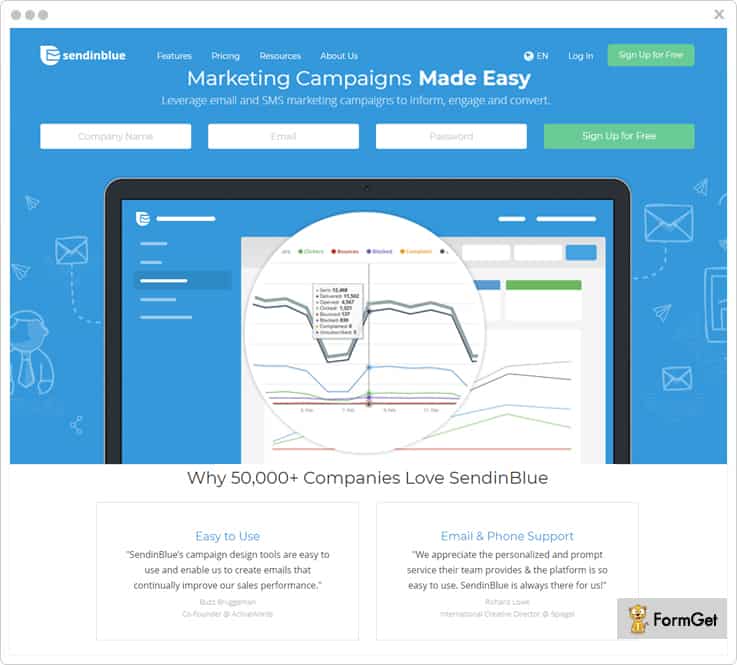
Features to count on:
- SendinBlue lets you create dedicated IP pools for better and faster email delivery. These IP pools can be further managed for specific data networks.
- It uses various safety protocols like SPF, DMARC which prevents your emails from reaching the spam box.
- SendinBlue offers various methods for integration like traditional SMTP settings, SendinBlue PHP Library, Postfix configuration and API documentation. This makes integration task hassle free.
- You get a detailed reports on all your sent emails and these reports are based on parameters like sent, opened, blocked, spam and more. Further, this report can also be exported in an Excel file too.
Pricing Details:
SendinBlue SMTP offers a Lite Plan for $22.09/M as their first pricing plan. With this, you can send up to 40,000 emails in a month.
Then there’s an Silver Plan for $56.96/M in which you can send up to 1,20,000 emails a month.
Finally, there’s a Gold Plan for $149.96/M under the Premium Plan. With this, you can send up to 350,000 emails per month.
To know the cost estimation for sending emails more than 3,50,000, you can get in touch with the sales team.
More Details on SendinBlue SMTP
3. Pepipost – Bulk Email Service Provider
Pepipost is one more and the most affordable mailgun alternative for sending your business-critical transactional and promotional emails.
It helps you with eliminating the pain of maintaining the in-house email servers. Due to the 3 mins integration process, Pepipost is adopted by 20,000+ brands across the globe.
Pepipost’s 2 step migration APIs are very helpful for people switching from Mailgun to Pepipost. By using this service, you can send transactional emails that land into inbox within 3 seconds. Pepipost also provides 24/7 live chat support to all its customers
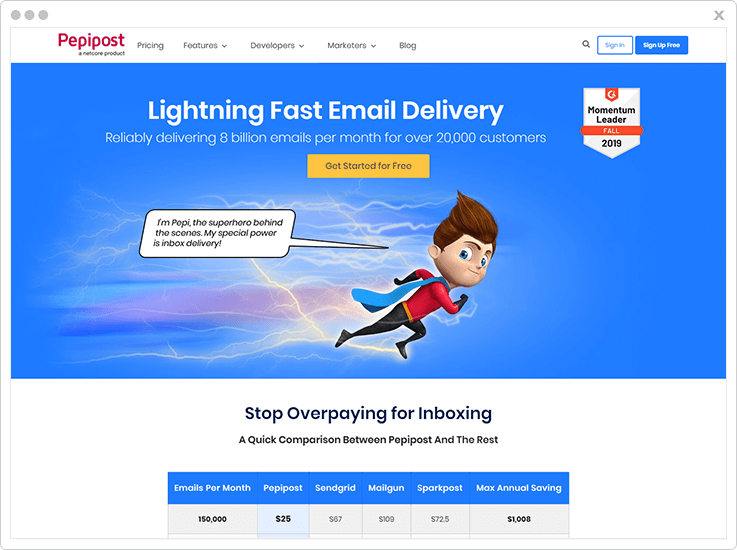
Features to count on:
- 2 step migration APIs for users switching from Mailgun to Pepipost
- Track all email metrics like sent, delivered, clicks, unsubscribe, spam complaints and other information for all your transactional. triggered and marketing emails.
- 24/7 online chat support for all helps you fix every single email delivery issue if any.
- Pepipost mandatorily follows authentication of your email sending domain name through SPF, DMARC, and DKIM record for better email inboxing.
Pricing Details:
With Pepipost you can send up to 30,000 emails free in the first month and 3000 emails per month thereafter.
Pepipost pricing plans start with $25 for 150,000 emails
With Pepipost you can save up to 50% of your emailing cost when switching from Mailgun.
You can also choose their annual plans to get 30% additional savings.
4. Moosend SMTP – Bulk Email Service Provider
Moosend is a sophisticated platform that provides simple and self-explanatory tools that are helpful for you.
Furthermore, the SMTP service of Moosend is a fully manageable tool that helps to send a bulk number of email campaigns to their users without any type of interruption.
Most importantly it provides well-built API that permits you to connect with the application or website.
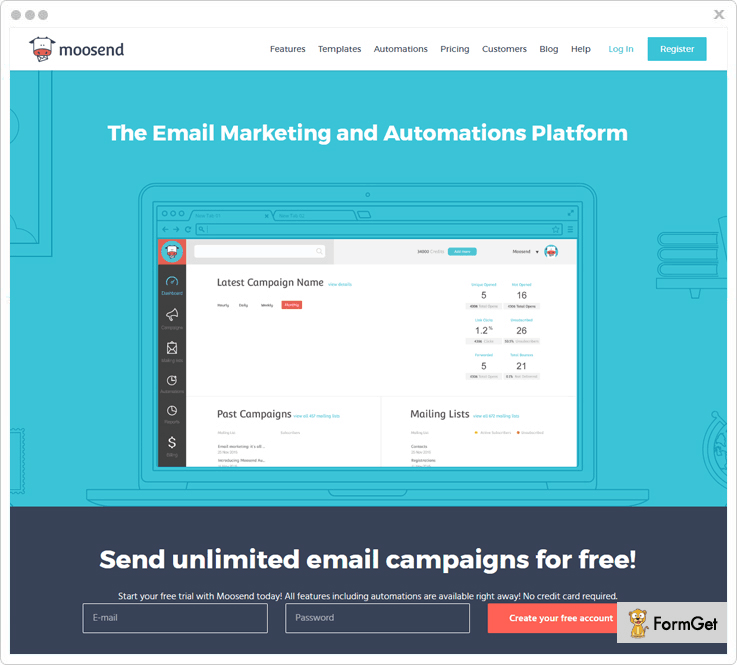
Features to count on:
- You can easily send transactional emails fastly and increase your delivery rate by utilizing our world-class infrastructure.
- Keep advance report of your transactional emails that will help you to give real-time statistics of each send emails.
- Even if you are not a developer or coding person, you can create eye-catchy emails by using drag & drop editor and they appear perfectly on all the devices.
- Try to monitor SMTP servers on an hourly basis by introducing TLS encryption across all of your messages that provides advanced security while sending important messages.
Pricing Details:
It has got a plan that allows you to send unlimited emails up to 1,000 subscribers per month for free.
You can save 15% in our 6-month plan that provides unlimited emails up to 2,000 subscribers at just $8/month only.
In our annually plan you can save up to 20% and send unlimited emails up to 3,000 subscribers for $16 per month.
It also provides more plan “pay-as-you-go” that is for the occasional sender and they have to pay for each email.
5. Mailjet SMTP Relay –
With Mailjet, you can design, personalize and send your email templates in a go.
It is a good option to go for if you want to send your transactional emails to a whole lot of people out there.
Usually, SMTP integration is a task but with Mailjet it isn’t. In fact, we found it’s integration process to be one of the most easiest one. All you gotta do is username, password and server information. Voila! It’s good to go.
Moreover, it is a service which is loved all around the globe. It’s being used in 50+ countries so far and around 2 billion emails are sent using it every month.
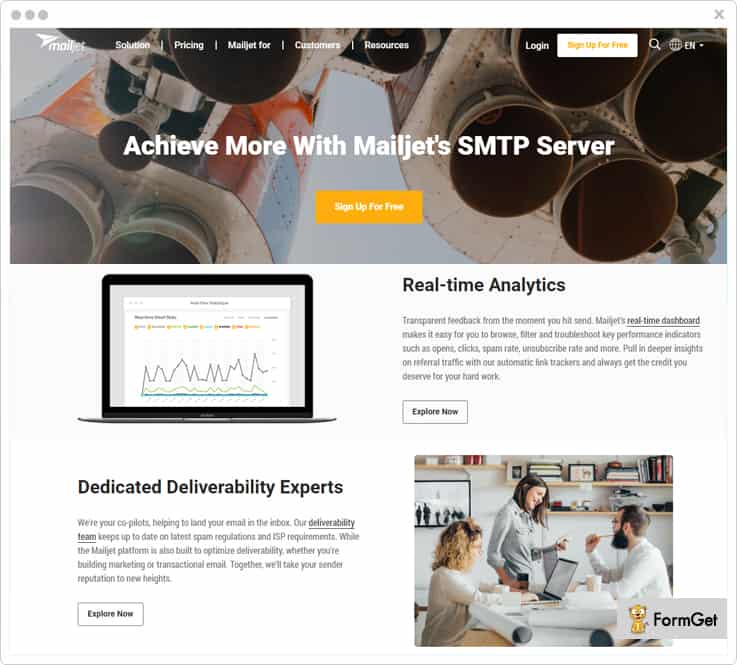
Features to count on:
- Mailjet ensure to provide expert assistance for inbox delivery and claims to provide 99% inbox delivery then. However, this expert assistance is only for the premium plan holders.
- You get an in depth analysis of your email campaign. So, for this, it offers a real time dashboard. Now, in this dashboard, you can check the open rates, click rates. Then, it has also got color coded maps for advanced analytical stats.
- Most noteworthy, Mailjet is always updated with the latest spam regulation and ISP requirements which ensures the maximized delivery rates and declined bounces.
- It uses dedicated IPs which are managed from 7 different countries and 3 continents for perfect email delivery.
Pricing Details:
The Free Plan of Mailjet lets you send 6,000 emails/month with a limit of 200 emails/day.
Then there’s a Basic Plan in which you can send 150,000 emails/month at the cost of $74.95.
Premium plan of this service will cost you $166.95 and will allow you to send 450,000 emails every month.
You can get in touch with the sales team to get the cost estimation for sending 10,00,000 per month.
6. SendPulse
SendPulse is apt for sending transactional emails in bulk. It lets you do this sending with traditional SMTP relay or advanced API integration.
You can integrate this SMTP service seamlessly in to your CMS, CRM or any other system to start sending your emails in a go!
It makes sure that all your sent emails reach the inbox without getting in the trap of spam. This is done by following SPF for sending and by authenticating the sender domain with DKIM signatures.
As far as usability is concerned, it is fairly easy to use and comes with a detailed documentation for integration.
Features to count on:
- It send your email within nanosecond by the server which support secure SSL connection. This way you get best of both worlds viz. Speed and security for your emails.
- Then, there are detailed reports for complete sending and errors as well. You can download these reports to your computer for further analysis.
- Also, it provides you complete stats on each of your sent email. You can track down the sent rate, opened rates, click rates and a lot more.
- Then, it automatically maintains a list of unsubscribes and makes sure not to send the emails to those who have unsubscribed to your service.
Pricing Details
It has got a Basic Plan that allows you to send up to 12,000 emails/month for free.
For sending up to 1,00,000 emails/month, you can go for Pro Plan which is available at just $78.97/M.
The Enterprise Plan lets you send up to 5,00,000 emails to the users at 283.53 /month only.
More Details on SendPulse SMTP
7. SendGrid SMTP
SendGrid is yet another option to consider for sending transactional and promotional emails.
It frees you up from the hassles of maintaining email servers. You just have to adjust a few email configurations to the server of SendGrid and that’s it!
Using SendGrid, you can send your transactional emails which hits the inbox most of the times.
SendGrid has gained trust of more than 75k+ people around the world with major names like Spotify, Uber and more. In fact, around 45 Billion emails are sent every month using this SMTP service.
Features to count on:
- It uses smart API named as “X-SMTPAPI” with its SMTP service. This API further allows you to add JSON instructions to the emails which enables advanced tracking.
- SendGrid offers integration with Web API. With this, you can manage user unsubscribers, you can manage IPs, email templates and a lot more.
- Using SendGrid, you can not just send email in bulk but you can also create, design and manage the emails.
- With a comprehensive documentation on API integration, it becomes really easy to set up and use.
Pricing Details:
SendGrid offers a Free Plan for sending up to 40,000 emails in month. Below, we’ve listed the pricing plans offered by SendGrid.
For sending up to 40,000 emails a month, you can get its Essential Plan for $9.95/M.
Then, for sending up to 100,000 emails, it has got a Pro Plan for $79.95/M.
Further, there’s a pricing plan of $299.95/M for sending up to 500,000 emails in a month.
8. Elastic Email
You can choose it as an alternative Mailgun SMTP. Reason being, it is cost effective.
Undoubtedly, it won’t disappoint you when it comes to delivering your emails with reduced bounces. Also, it will provide you with the detailed stats of your email campaign along with individual delivery details of each email.
The, it also has both API integration and usual SMTP relay so, you can choose any of these according to your sending need.
Further, it offers you a free plan in which you get access to send free 150,000 email every month. So, with this free trial, you can test and try prior to opting for a paid plan.
Features to count on:
- With Elastic Email, you can send email by integrating to HTTP API or SMTP Relay.
- Elastic Email lets you manage you API keys effectively. In fact, you can apply various changes to keys by editing and also you can generate second API Key.
- It has ultra fast global infrastructure which ensures lightning fast delivery of up to 100+ million emails.
- Elastic Email has got excellent support system which stays active 24/7 and provides effective solutions.
Pricing Details:
For sending up to 15,000 emails a month, you will not have pay anything as the basic plan is free.
The Advance Plan then allows you to send 500,000 emails a month for $330/M.
Further, the Premium Plan is available at $600 per month and allows sending of 10,00,000 email/month.
More Details on Elastic Email SMTP
9. AuthSMTP
With over 10+ years of experience in delivering the emails, AuthSMTP is surely a good option to switch to.
It is for all your sending needs be it personal sending of 40-50 emails per day or professional sending of 1k to 10k emails per day or be it for sending more than 100k exhaustive marketing emails per day.
Now, it doesn’t leave any grounds for you to ever have complaint. For sending your emails in nanoseconds, it has several data centers all around the globe. For security, it offer SSL secure SMTP authentication and follows all the domain validation policy.
Using it is extremely simple as it has got an instant set-up and fairly easy to use interface.
However, is still not convinced then you can try this service with a complete money back guarantee!
Features to count on:
- Using AuthSMTP, you can send your emails by multiple domains and different email addresses.
- AuthSMTP automatically generates the backup of all the sent emails on your registered email address.
- With this service, you can set up multiple concurrent account and can send multiple emails at a same time which doesn’t happen with most of the services.
- Now, AuthSMTP provides you with multiple SMTP ports to use. This is so because many a times ISPs block you for using default SMTP Port25. In such a case, you can change the SMTP port to ensure the inbox delivery.
Pricing Details:
AuthSMTP has got around 65 price plans for different sending needs. However, we have explained a few of its popular and mostly widely used plans.
For sending up to 10,000 emails per month you’ll be charged $14.66/M.
Then there’s a plan of $69 for sending up to $50,000 emails a month.
Further, to send 100,000 emails you’ll have to switch to price plan of $134.66/M.
Finally, for sending up to 500,000 a month you’ll have to pay $668/M.
And soon on there are multiple other plans at the different price range.
10. SparkPost
SparkPost has got a lot of big names in the clients base namely Pinterest, LinkedIn, Intercom and more. In fact, it also claims to send 25% of the world’s non spam emails. Now, this 25% is really a lot!
Further, the service claims that it has provided the customers with around 96% inbox delivery of the emails.
You too can use SparkPost for sending your transactional emails to anyone around the globe.
If we dig down to the features then it has a got a kitty full of it. Like you will find in it various API keys for easy integration, analytics and stats reporting, best in the segment email delivery and a lot more.
Features to count on:
- SparkPost has got great uptime which is backed by SLAs. In fact, SparkPost’s burst SLAs assure sending of 10,000 emails per second.
- It has certification of SOC 2 Type 2 this certification ensure the security of emails against phishing and spamming.
- With robust REST API, it lets you create email using various templates and then you can send these created emails.
- Lastly, its real-time web-hooks triggers the action on sent emails. Specifically, it triggers the action of email opened, click rate, bounce rate, spam rate and more.
Pricing Details:
The Basic Plan of SparkPost lets you send 15,000 emails for free.
Them, it has a Standard Plan for sending 150,000 emails for $49/M.
Further, for sending up to 250,000 emails, you’ll be charged $124/M under the Standard Plan.
Finally, for 500,000 emails sending limit, you have to go for a plan of $249/M under the standard plan.
There are a few more plans of SparkPost which you can refer and use accordingly.
More Details on Spark Post SMTP
11. AuthMailer
You can send your email template, track it down and can further analyze the complete stats with AuthMailer.
It has its own server and network infrastructure which is robust enough to send your emails right to the inbox anywhere around the world.
Noteworthy is its monthly report which is comprehensive details of all your email campaign in a month.
Then, when it comes to using it, you can use its SMTP service right from your desktop and even from your mobile phone.
Features to count on:
- It uses encrypted communication by which you can stay assured of the fact that no third party can enter or overhear your communication through emails.
- Then, it monitors the complete blacklisting by checking the mail server IP address.
- It has distributed server cluster for timely and higher delivery rates of your emails.
Pricing Details:
It has got specifically three pricing plans:
The first is Personal Plan which allows you to send 10,000 emails per month and will cost you $0.83/M & $9.90/Y.
Second is Small Business. In this plan, you can send 50000 emails every month at $6.66/M & $79.90/Y.
Finally, the Large Plan lets you send 100,000+ email every month by paying $12.49/M & 149.90/Y.
12. SocketLabs
You can use SocketLabs for sending both your marketing and transactional emails.
SocketLabs has got a wide clients base with major names like IBM, Dell SecureWorks, Virgin and a lot more.
It has got all the things that you need in a good SMTP. Like, you’ll find in it high delivery rates, in depth analytics, easy integrations and more.
Features to count on:
- SocketLabs has got three different API’s namely, reporting (with which you can query for events associated with your email), injection & notification (webhook) API.
- Further, you get detailed analytics for the outbound emails in terms of injected emails for delivery, messages accepted by the recipient’s ISP, complaints (feedback loops etc.), opens/clicks etc.
- The service supports parsing for inbound emails and deconstructs the messages including text, HTML, attachments, custom headers etc.
Pricing Details:
The Free Plan lets you send up to 2000 messages per month at $0 for the lifetime.
Its Basic Plan will cost you only $9.95/mo and lets you send up to 40,000 messages a month.
If you wish to deliver up to 1,00,000 emails, the Pro Plan will cost you $69.95/month.
Its Enterprise Plan comes with a price tag of $650 a month & offers delivery of over 1.5 million emails.
13. MailGet SMTP – Most Affordable SMTP Service Provider
MailGet SMTP is our personal favorite and we recommend it highly!
Reason being. It ensures almost 98.8% inbox delivery.
Then, it doesn’t stop you from sending marketing, transactional or subscription based emails.
It allows you to send bulk emails at once and also provides lightening speed delivery of your sent emails.
But what makes it our top choice is extremely low pricing for all the great features.
It way too easy to integrate to your email account or to your email builder. As easy as 123.
Also, the user interface is very smooth and easy to understand.
Altogether, MailGet SMTP becomes the best SMTP relay service you can rely on.
Features to count on:
- MailGet SMTP uses all the white-listed servers which ensures authentic and reliable connection. This in turn ensures inbox delivery of all your emails.
- With this SMTP service, you can your email via multiple verified domain and addresses.
- It validates your emails with DKIM signatures and this helps in preventing your emails from spam.
- Also, it provides you domain authentication with SPF to prevent spamming and spoofing.
Pricing Details:
The pricing plan of MailGet SMTP starts from $5 a month. In this Starter Plan, you can send up to 5,000 emails in a month.
Then is the Pro Plan in which you get 100,000 emails at a price of $49/M.
Finally there’s an Advance Plan for which you’ll be charged $349/m and you can send up to 500,00 emails in a month.
If you need to send higher number of emails up to 1,000,000 then you can contact the sales team of MailGet SMTP.
Wrapping Up-
This was all from our side on “Mailgun Alternatives”.
You can go with any of 10 Best Mailgun Alternatives which we’ve listed down for you. Yes, you can trust us as we’ve gone a long way to research and dwell each and every aspect, feature, pros and cons of these services.
If you have any further queries then please let us know in the comment box.

