

Payment Analytics is one of the major concerns of people doing business these days as analyzing payments, refunds, reversal reports and other online transaction related things from gateways like PayPal & Stripe is a tough job.
Understanding the outcome of these kinds of reports is pretty hard even for experts. It’s a loophole that develops chances for frauds and reclaims which gradually causes financial as well as goodwill harm to any business.
So, is there any proper solution to overcome the frauds, reversals and analyze the business transactions, payment metrics, and reports?
YES! There are some quality transaction analytics software’s available in the market for converting all raw data of your business into useful information. And I’ve mentioned some of the best PayPal payment analytics software which can help you with it.
Pricings of Some Best PayPal Analytics Software & Their Features
| Services | Pricing | Dunning Emails | Recurring Payments | Unlimited Revenue |
| Pabbly Subscriptions | $5/m | ✔ | ✔ | ✔ |
| ChartMogul | $125/m | ✔ | ✖ | ✔ |
| Putler | $29/m | ✔ | ✔ | ✖ |
| GetControl | $89/m | ✖ | ✔ | ✖ |
| Databox | $59/m | ✖ | ✖ | ✖ |
Through them, you will be able to generate informative reports, plan strategies, point out the recurring mistakes and a lot more things. So with a clear mind, just read out this article & finalize the best tool according to your needs!
Blogs Listed Below Will Enhance Your Knowledge. Check Them Out For More Info:-
- Stripe Analytics: 10 Top Class Analytics Solutions
- Subscription Analytics: Best 10 Systems For All Revenue Details
- Stripe Reporting Tools: 8Cheapest Solutions
- Subscription Management Software: List Of 10 Best Software
1) Pabbly Subscriptions | A PayPal Analytics Software
Pabbly Subscriptions offers top-class payment analytics services using which you can track every transaction of your business done through PayPal gateway. Its dashboard provides a detailed description of newly added customers, refunds, sales, etc.
In addition, it also supports 25+ different currencies and multiple payment gateways to facilitate global transactions. This software comes loaded with various other features like advanced reporting, plan & customer management, full-fledged API and more.
Before migrating to Pabbly Subscriptions, we had to use separate software for Subscription Billing & Payment Analytics for which a monthly bill of $448 was generated.
Payment Analytics $149 + Subscription Management $299 = Total Cost $448.
But now for Pabbly Subscriptions, we paid only $5/m and got access to its attractive features & facilities.
Pricing
- Starter: This plan will cost you $5 per month where you can manage 50 customers and explore all the essential features of Pabbly Subscriptions.
- Rookie: The Rookie plan costs $29 on the monthly basis & after purchasing it, you will get to use its PayPal analytics feature for 1000 customers.
- Pro: Its Pro plan is best for mid-level companies as it charges $59 on the monthly basis. Here, you won’t find any limit on the number of customers.
- Advance: At last, this plan is most suitable for big companies. It costs only $99 per month with unlimited customers, analytics feature, product subscriptions & many more.
Features
- Advanced And Self-explaining Reports
Pabbly helps you extract and analyze reports related to profit affecting factors of your business like MRR, net revenue, new & active customer details, etc.
- Allows Different Applications To Integrate Easily
You can easily integrate various third-party application and services in order to automate different aspects of your business which will be managed through this.
- Easily Understandable Sales Analytics
With Pabbly Subscriptions, you can monitor things like Sales, Subscriptions, Refunds, Cancelled Subscriptions and other business details straight from the dashboard.
For More Details On PayPal Payment Analytics
2) Putler
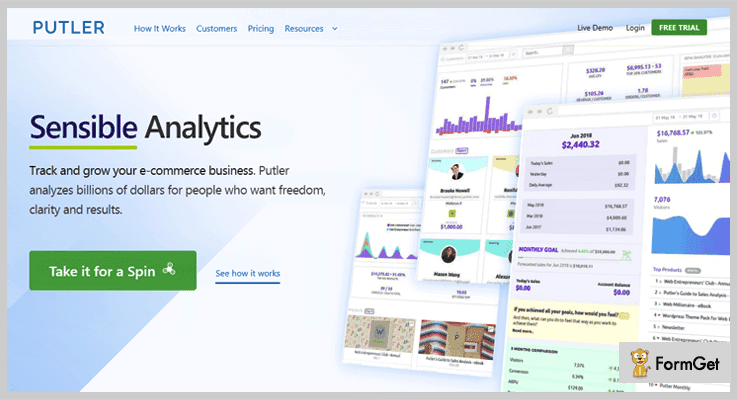
Putler analytics software helps you generate a proper graphical view of the extracted reports of PayPal and other platforms. It will give information that is much needed for the growth of any business.
Putler has the capability to integrate with more than 15 services directly. It is an effective tool to get the insights of your excel sheets and dig out the useful information.
Pricing
- Starter: Its Starter plan bills $29/m for 300 paid orders & 2 integrations facility.
- Growth: This plan charges $79/m for up to 3000 orders as well as 7 integrations.
- Scale: The Scale plan costs $249/m for only 10,000 orders with up to 20 integration add-ons.
Features
- Closely Monitor Different Profitable Aspects
Putler makes it easy to run a business as it gives direct access to visuals of online sales, refunds, product performance, customer details & activities.
- Makes It Easy To Handle Subscription & Recurring Analysis
Subscription management details, recurring revenue, reversals, churn rate and much more details can be extracted from this software. Additional information like best-performing products, the high seller will be at your fingertips.
- Complete Business Analytics Can Be Done From Single Dashboard
Putler keeps the track of almost every details starting from the minimal sales, customers information, products which is a great help when deeper information is required.
For More Details On PayPal Payment Analytics
3) Databox
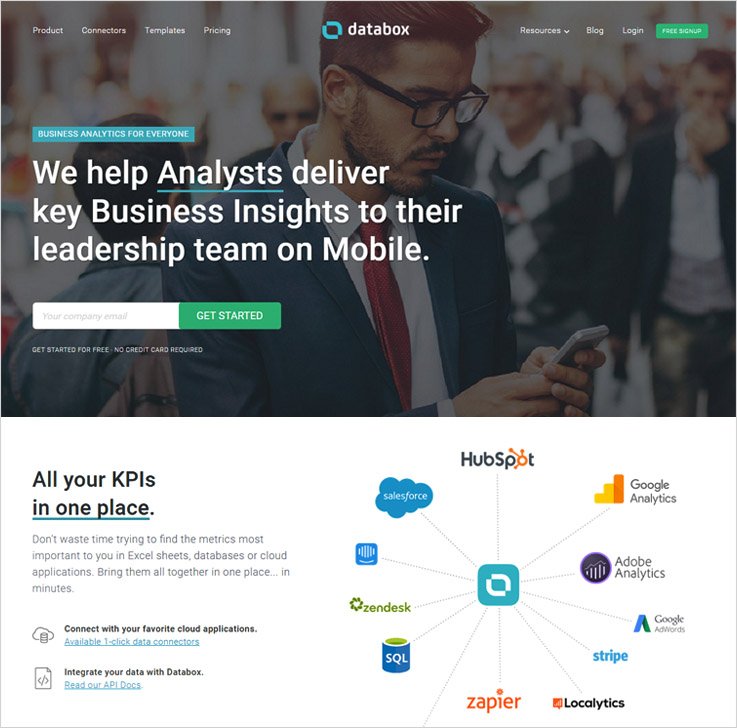
Databox is a premium analytics software which helps you bring Excel data and cloud applications all together at one place within few minutes. This is a solution which makes payment analysis an easy job even for the beginners.
This payment analytics application is accessible through mobiles as well as wearable devices. Mobile app by Databox provides easy access anytime, anywhere to all business details.
No doubt this is one of the best analytics software in the market loaded with tons of features.
Pricing
- Free: It is free of cost with 3 users, dashboards & data connections facility.
- Basic: The Basic plan charges $59 on the monthly basis for up to 10 users & goal tracking features.
- Plus: This plan bills $119 per month for providing features like Slack integration, data board designer, alerts facility & so on.
- Business: The Business plan costs $299 per month. You will get to use some features of it such as SQL & database integrations, scheduled email snapshots.
Features
- Design Your Own Dashboard For Analytics
With Databox designer feature, you can create your own dash which gives you an instant view of all the key payment metrics. To set it up, no special coding skills are required.
- Automates Your Progress Tracking
This is an analytics software which allows you to track the progress of your business, set goals and do more. The system fetches the data automatically from the data sheets and processes it automatically to produce useful information.
- Extremely Easy To Use And Implement
The drag & drop feature in this software gives you a helping hand to customize and build personalized reports which are simple to understand.
For More Details On PayPal Payment Analytics
4) PaySketch
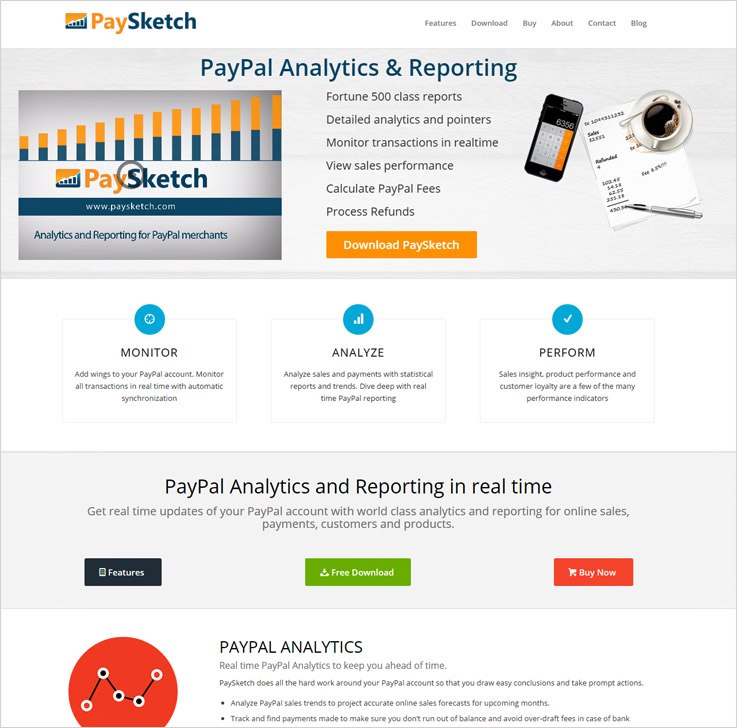
PaySketch is one of the best payment analytics and reporting tool available in the market for merchants who are consuming the services of PayPal.
It is super easy to connect this software with PayPal. Once connected you can perform deep analytics of payments through this software.
The best part of this tool is – you can fetch real-time updates of your PayPal account on the dashboard. These updates will be reports depicting the data about your online sales/payment transactions, customer details, products info, payments data and more.
Pricing
- Standard: The Standard plan costs only $7.99 on the monthly basis for up to 5000 transactions visibility.
- Business: This plan bills $9.99 on the monthly basis for transactions up to 20,000.
- Professional: The professional plan costs $11.99/m through which you can keep track on 50,000 transactions without any hindrance.
Features
- Monitor Each & Every Detail From The Dashboard
Track down the sales progress of your products through PayPal. Get a clear view of all transactions and their summary of sales, refunds, payments, reversals etc.
- Know More About Your Customers
From the customer dashboard, you can have a precise information about customers who have paid through PayPal. This will include details like name, email ID, the cost of purchase and a lot more than you expect.
- Easy Synchronization Process
With PaySketch payment analytics software, you get auto synchronization feature which downloads the most recent transactions automatically as soon as the application gets connected to the internet.
For More Details On PayPal Payment Analytics
5) ChartMogul
Theis payment analytics solution by ChartMogul is best to build and grow any subscription or recurring payment business. Analyzing different aspects of your business becomes very easy once you have merged the data by payment gateway with this software.
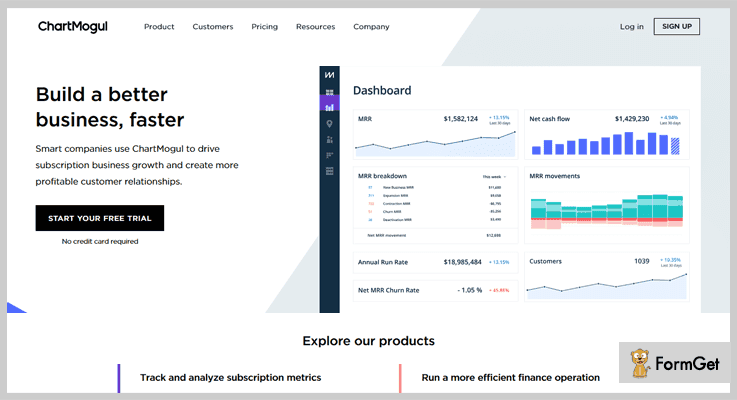
Pricing
- Launch: This plan is free for revenues up to $10,000 per month.
- Mogul: It is a paid plan which costs $125 for 1,000 customers management.
- Volume: The Volume plan is a customizable one which majorly depends on the customers range starting from 1000.
Features
- Automate All Your Reporting Metrics
This software solves your problem of data extraction as it automatically pulls out needed data using all key metrics which is essential to run your business.
- Proper Promotion Of Products Can Be Done
Pricing is an important factor which is very hard to understand if correct data is not provided. But with the analytical data from this software, you can rate the products or services according to the success and sales rate of it.
- Helps You Deliver Best Customer Services
Managing customer details and information is not at all critical with this software. Client information is of greater importance in subscription business.
For More Details On PayPal Payment Analytics
6) GetControl
GetControl is a payment analytics system which is easy to setup and extremely user-friendly. It gives you access to all analytics of payments and different alerts on a single dash.
This software allows you to acquire data from multiple sources and helps you handle duplicates entries, calculation errors and more.
GetControl payment analytics software is highly compatible with PayPal, Stripe, Square and helps companies to understand data generated from various payment gateways.
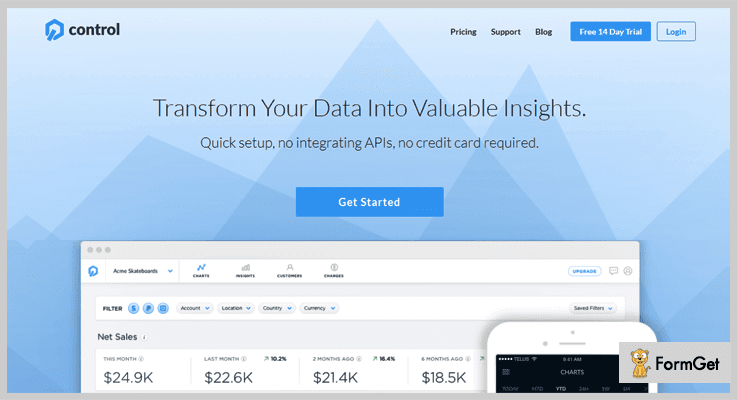
Pricing
- Starter: This plan is free of cost for revenues up to $10,000 per month.
- Growth: For revenues under $10K-$100K, this plan charges $89/mo.
- Scale: The Scale plan costs $159/m for the monthly recurring revenue ranging from $100K to $10M.
- Enterprise: It is a customizable plan for revenue of more than $10 on the monthly basis.
Feature
- Produces Real-Time Transaction Alerts
This payment analytics software delivers you each & every alert whether it is a new sale, new customer info, reversals, refunds or a case of any type of fraud.
- Fetch Every Simple And Complicated Detail With Ease
With this solution, you can segment the list of customer details like contact info, country, account age, the number of transactions, payment mode and much more.
- Support Multiple Analytic Sources
This tool helps you track payment metrics, view data history and most importantly compare business performance. You can easily integrate it with different payment gateways like PayPal, Stripe, Square and more.
For More Details On PayPal Payment Analytics
Conclusion Is
In this blog, I have described almost all the details about the 5+ Best PayPal Analytics Software & Reporting Tools available in the market that will help your business grow.
If you find reports & data sheets generated by PayPal confusing and difficult to understand, then the above solutions are the best options to invest in.
Through some of them, you can do unlimited tracking of PayPal payments without any limit on the revenue.
So have a clear mind & choose the best tool for your business.
In case of any queries & suggestions, just drop a comment below & we’ll get back to you soon!
Best 5+ Financial Advisors Email Marketing Services For Banking & Finance Industry
Email marketing is the quickest way of reaching your customers and when the world is campaigning at all the possible mediums you ought to accelerate the paddle and win the race by all means.
For that, email marketing will do the task, the email templates will look attractive will be self-explanatory, you can convince your customers without offending them, the message that you want to deliver will be conveyed without doing any persuasion.
There are multiple ways that you can promote and hover over the financial market this is the first step towards it, create amazing templates and customize as per your will.
The blog will explain you and take you to the tour of the Best 5+ Financial Advisors Email Marketing Services by the end of which you will have an in-depth idea of the services and help you to choose the right one for you.
Below are blogs that will help you find more attractive templates
1. Email Marketing Service For Financial Advisors
An amazing email software for the financial advisors through which they can create attractive emails with the help of drag and drop builder in which you can insert texts, images, and lines and customize as per your need.
You can keep the customers intimated through the emails that are created by you, you can add several contacts and segregate them for a variety of clients that you want to target in.

Main Features:-
- The email marketing software provides you the details as to who has opened the mail and who has not, the section included for tracking are spammed lists, unsubscribed list and bounced lists
- Compartmentalized the customers as per their domain and send them exclusive emails, multiple contact lists can be formed.
- Send mail without any error with the help of the feature termed as the email inbox preview enabling you to have an in depth inspection before sending the mail.
2. Email Marketing Service For Financial Services
For all the financial service providers sending bulk emails will be quite easier now, as the exclusive email marketing software enables you to dispatch emails at the desired time slot and day with the help of the drips section incorporated in the specific software.
The creativity of the user can be shown by placing images and texts in precise formats and the email which will be created will be self explanatory to the reader and will influence the mail recipient to try your service once.
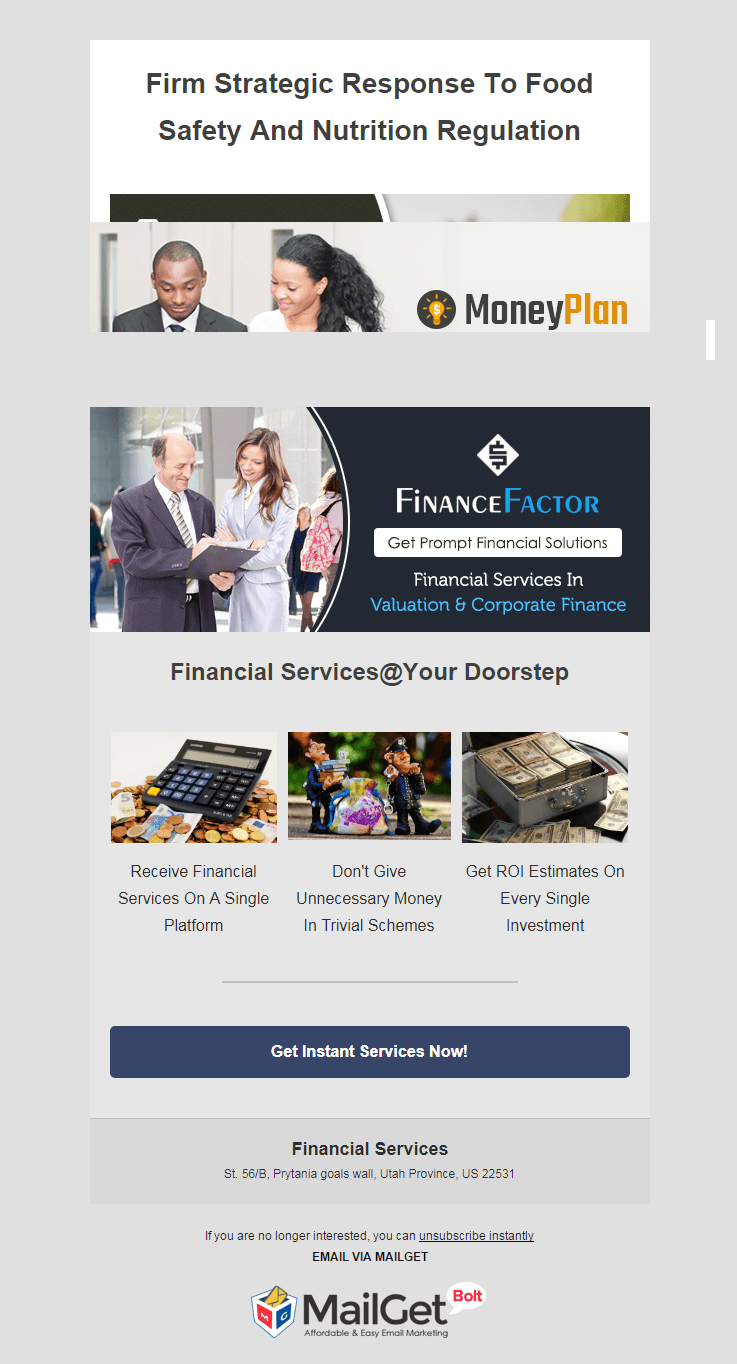
Dominant Features:-
- The moment the subscriber register itself on the site send them an auto-generated mail termed as the autoresponder function.
- After sending emails you can track the emails opening rates from the sections present on the dashboard of the software.
- The email templates that will be created by you through this email software will be completely responsive in nature.
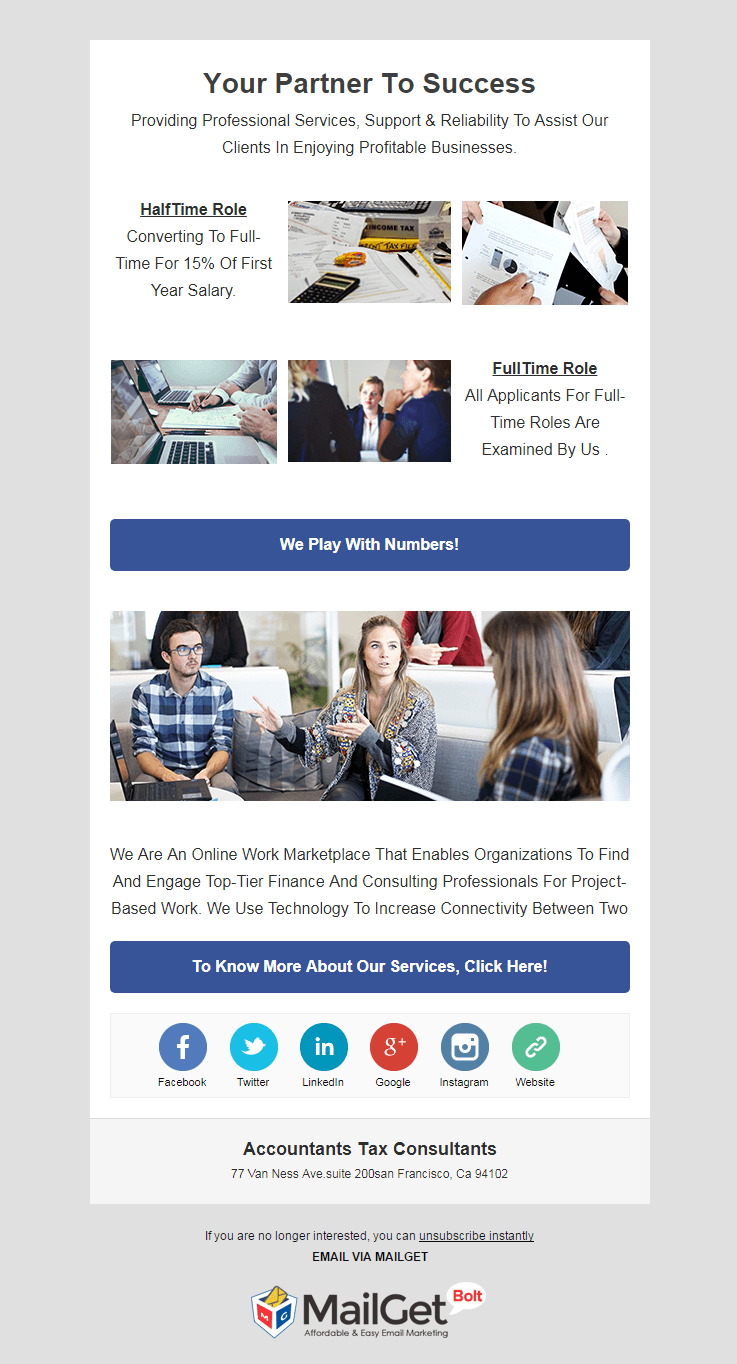
3. Email Marketing Service For Accountants
A perfect stage to showcase all the features of your financial business that you will frame in the template with the help of the images and the texts you can also insert the data in bullet form so that it will be more precise and clear to read.
The contact lists can be seen in which the spammed and unsubscribed users can be seen, the email tracking is also enabled with a large amount of customer database to whom you can send emails.
Vital Features:-
- Increase your chances of getting your mail read as the software provides high inboxing rates.
- Schedule your mail at a specific time slot to get maximum attention from the mail recipient.
- Send emails in bulk to a number of people at any desired time slot, you can choose the date and time from the drips section of the email marketing software.
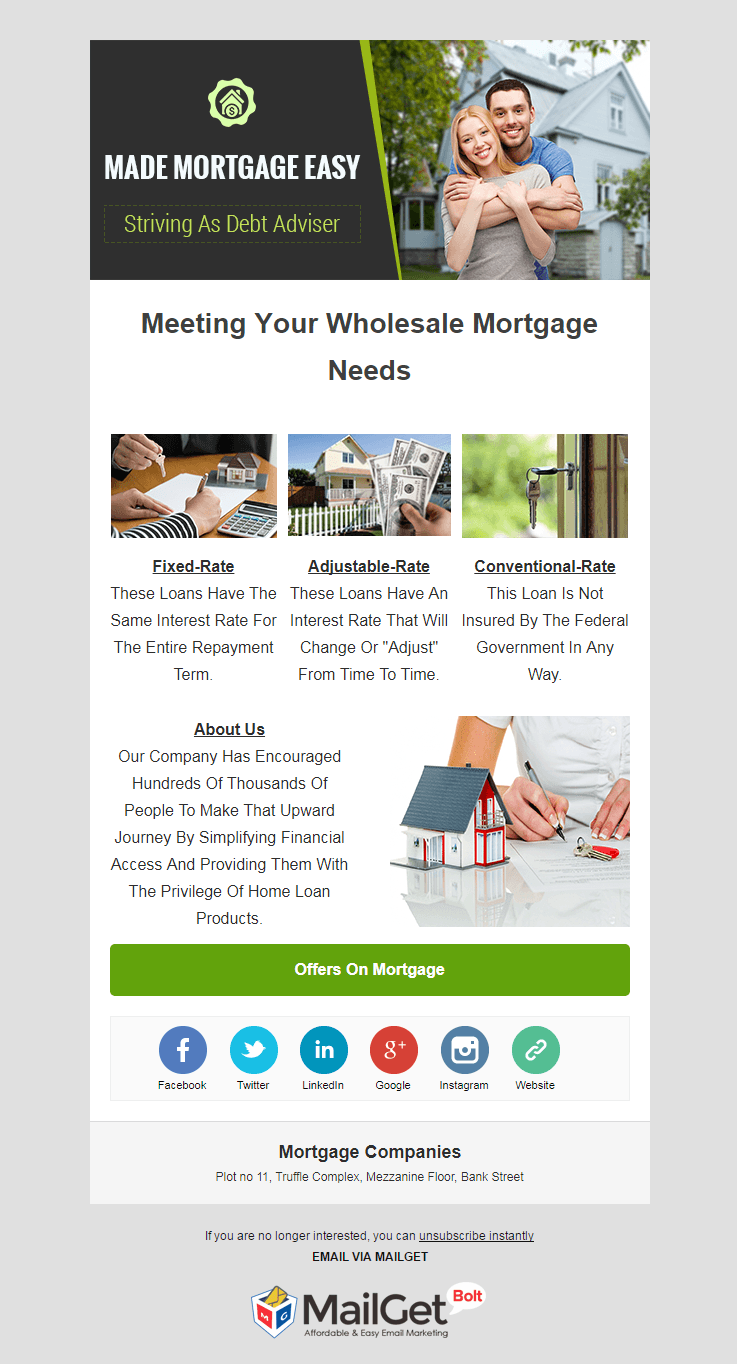
4. Email Marketing Service For Mortgage Companies
Mortgage companies who are looking for a stable medium to showcase their work to the world can have the tool to synchronize the extensive circle that has been created by delivering your services information on the world wide web.
The drag and drop builder and the basic text editors are some of the ways which enable you to construct an awesome email layouts inscribing all the important factors that should be mentioned in an email. The contacts lists can be added and the emails which will be sent with 99% mail delivery.
Main Attributes:-
- You can include subscription form in the email template that will be framed by you.
- The drag and drop builder, the custom code editor and the basic text editor are some of the tools to construct a mail.
- Add personalized tags in the mails as to give a personal touch in the mail to the reader.
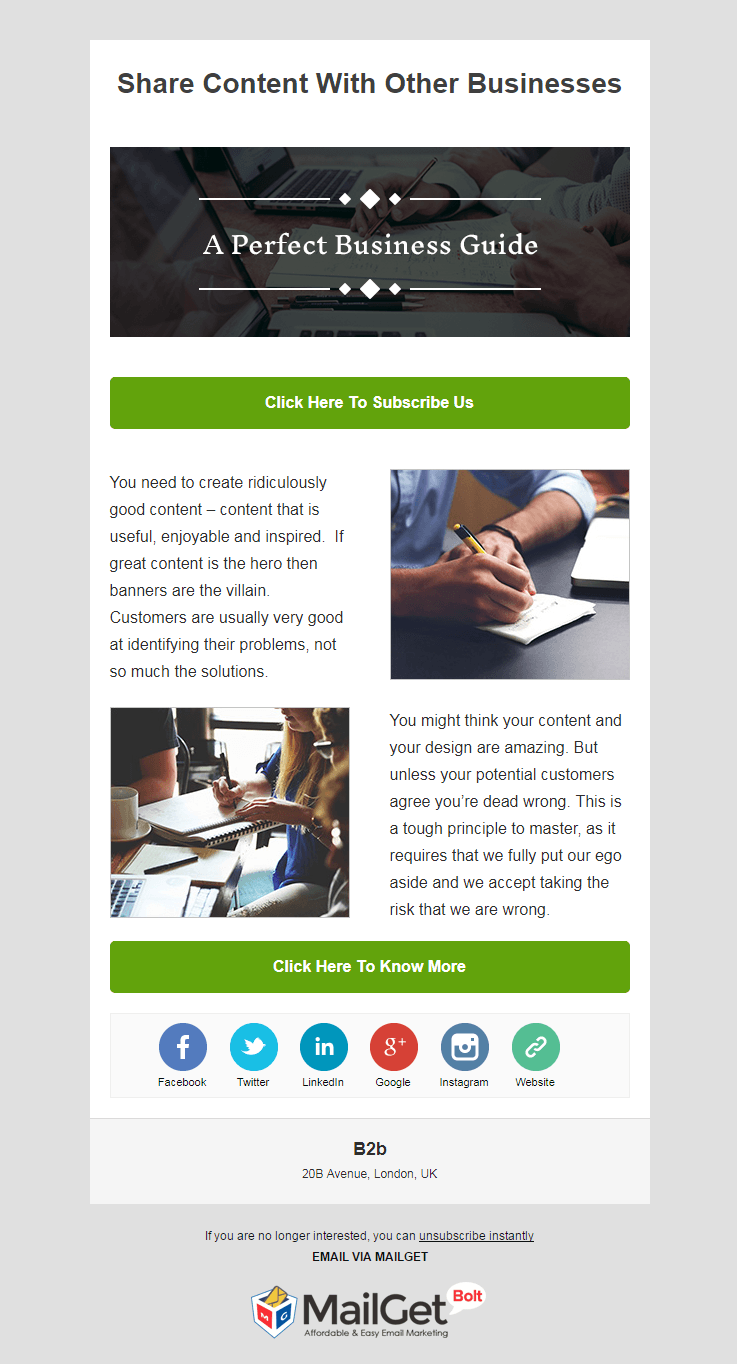
5. Email Marketing Service For B2B Agencies
One business venture contacting another business venture to grow one’s business is a most successful form strategy followed by many corporates, the service providers of such firms can avail a software for the email marketing in which they can send bulk emails.
The emails can be sent to different clients and customers to whom you wish to contact in the mail that you will be creating and sending, a subscription form can also be included in the same.
Supreme Features:-
- Manifest all the B2B features through the email templates with images texts and much more.
- Be in touch with the clients and send them as many emails and constantly keep them informed about the offers and the services.
- Give a 24*7 emailing assistance to the clients using the automated emailing feature.
6. Email Marketing Service For Corporate Consulting Firms
The corporate consulting firms are the medium between the seeker and the fetcher of the service, these firms when advertising themselves on the web can propel their business in more ways than they have pre-planned it.
Create your own templates by sharing features of your business and send it flawlessly with the help of the email inbox preview.

Main Features:-
- The email software allows you to filter the contacts, manage them properly & maintain a clean list by removing spam & bounced email contacts.
- Create the list of corporate consulting providers by importing contacts which have been created by you earlier.
- Review your emails, rectify errors and make them correct so that the corporate consulting image does not get affected.
Conclusion :-
Hope you got an idea about the email marketing services which are constructed on the effective email sending tool termed as the MailGet Bolt.
This service can be used by any marketing person desiring to make a mark of his own in the digital world, they can create their own email marketing campaign. You can login here to start.
You can also have a look at some of our other great email marketing services:-
- Advertising Agencies Email Marketing Services
- Coaching Email Marketing Services
- Gardening Email Marketing Services
- Machinery Email Marketing Services
- Financial WordPress Themes
Best 5+ Financial Advisors Email Templates For Banking & Finance Industry
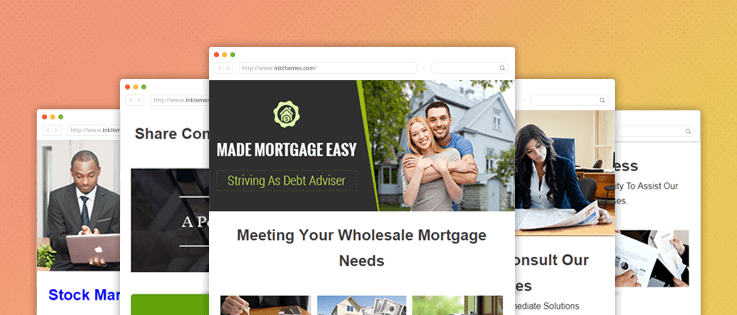
Managing money can be a cumbersome job and it’s better if you have an assistant for it the financial advisors impart knowledge as to how a particular finance sector will help you multiply your money.
In the digital world, you need to promote everything online, the contribution of the email marketing is monumental, having said that, still you need a medium that will lure customers to your business of finance.
And that medium will be the email template which will create all the necessary engagements with the customers that will make conversions for you, apart from that, in the digital world peddle where you need to hit the bull’s eye in order to propel your business.
You can also go through the Best 5+ Financial Advisors Email Marketing Services For Banking & Finance Industry for some the best email marketing services that will enhance your financial business.
Let’s have a look at the unbeatable email templates: –
1. Email Template For Financial Advisors
The finance industry is very volatile and requires an experienced guidance as to how the investments need to be done and such financial advisors who require a predefined email template which they can send it to a number of people can use the exclusive template created through the drag and drop builder.

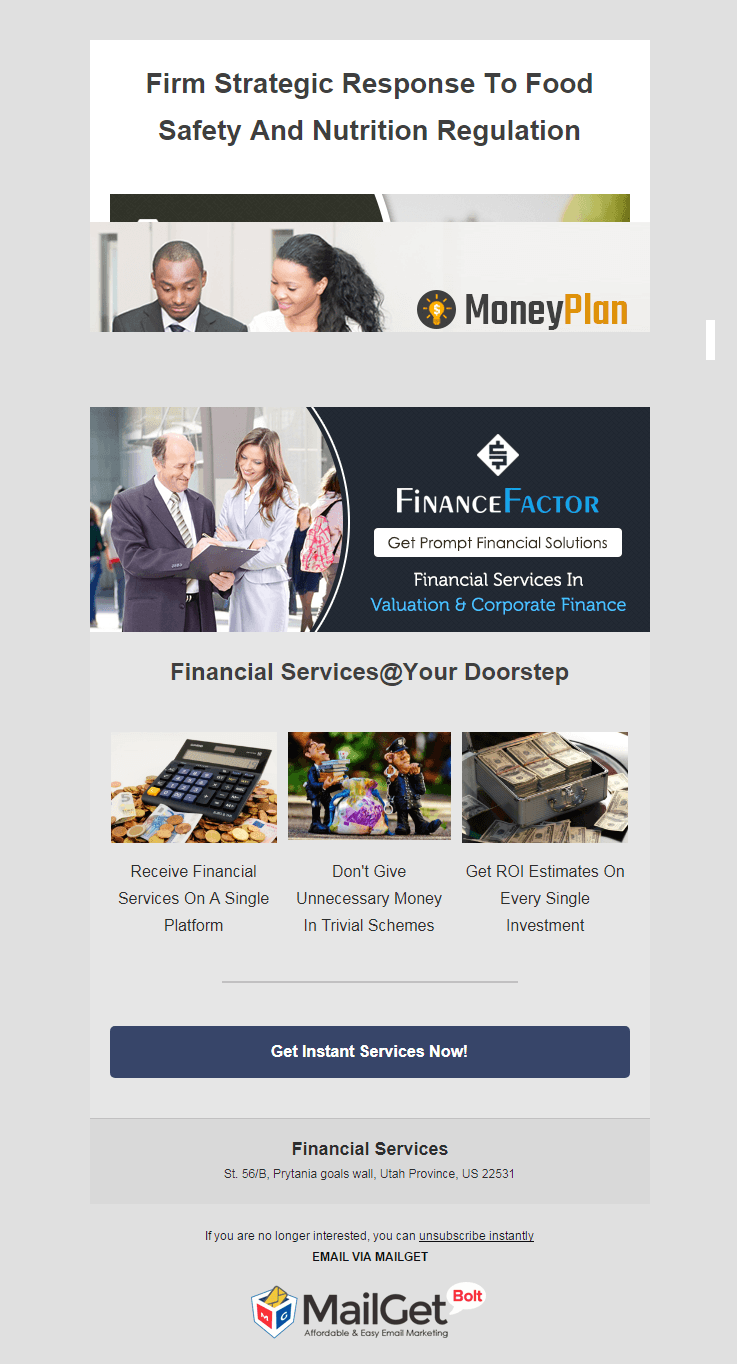
2. Email Template For Financial Services
The broader aspect of the financial services concentrates on the financial aid and guidance that can be provided to the people and the agencies that deal in such services can exhibit themselves through an email template which will be delivered without error through a feature termed as email inbox preview.
3. Email Template For Accountants
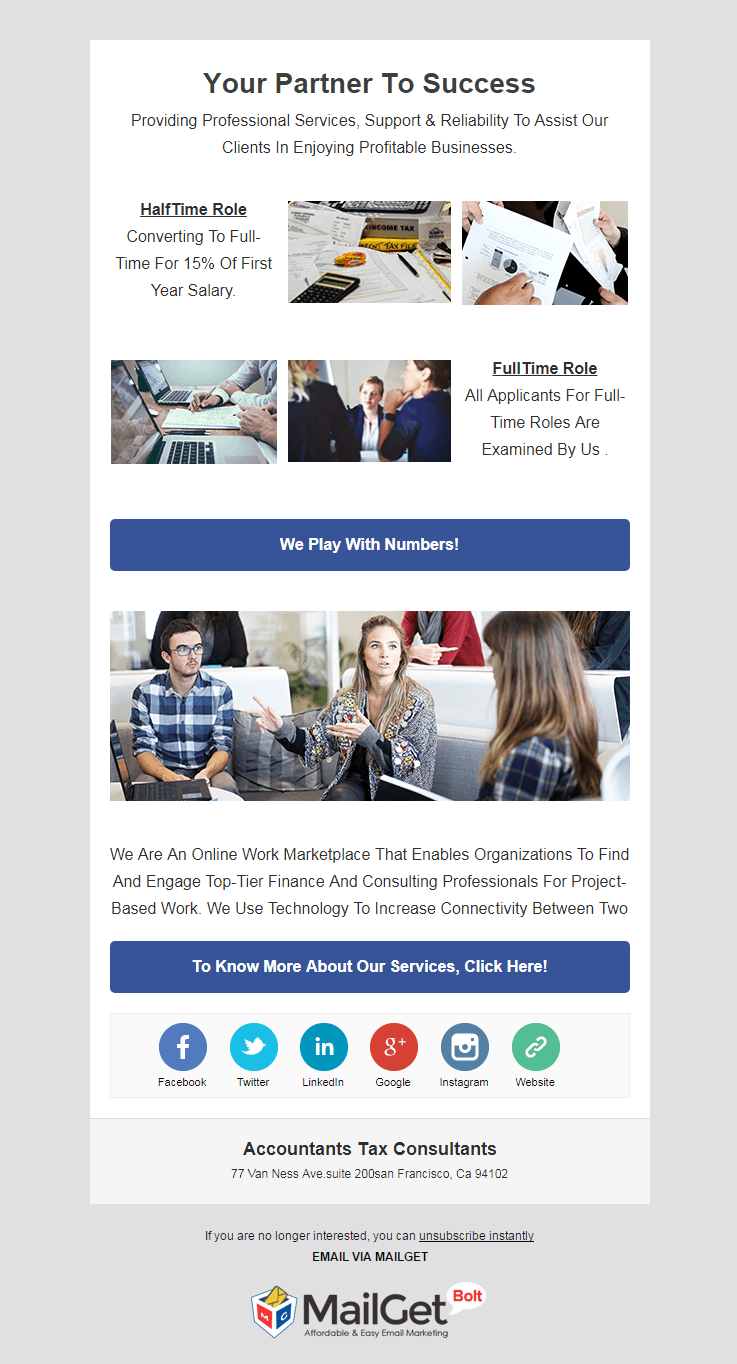
Your finance sheet should be well maintained and without error and for that, you need an expert accountant who can manage all your finance related tasks, the accountants and tax consultants who want to advertise themselves on the web must give it shot to an email temple which will act as an autoresponder as well.
4. Email Template For Mortgage Companies
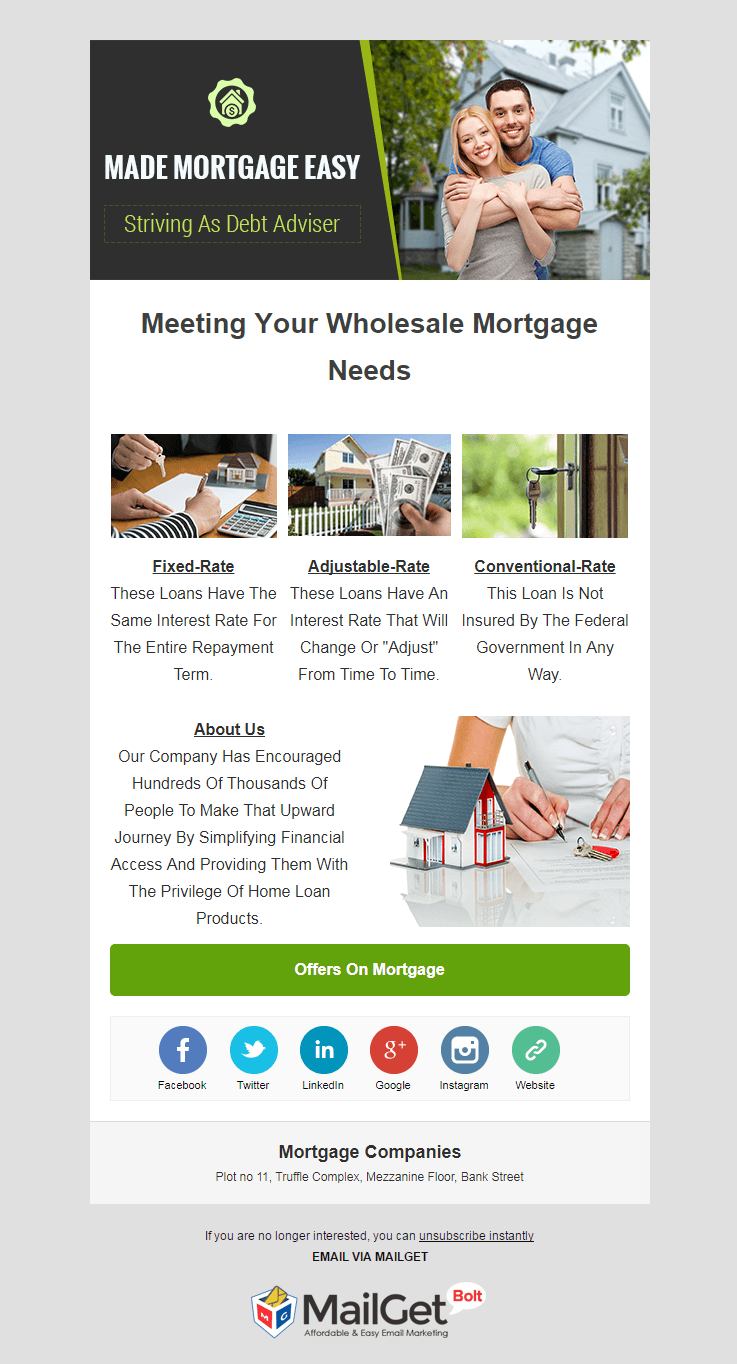
Mortgage companies that want an email marketing medium to display and market their services can make a mark in the web world through an email template which can be sent to a number of people and the user can also include a subscription form which they can put it in the email template.
5. Email Template For B2B Agencices
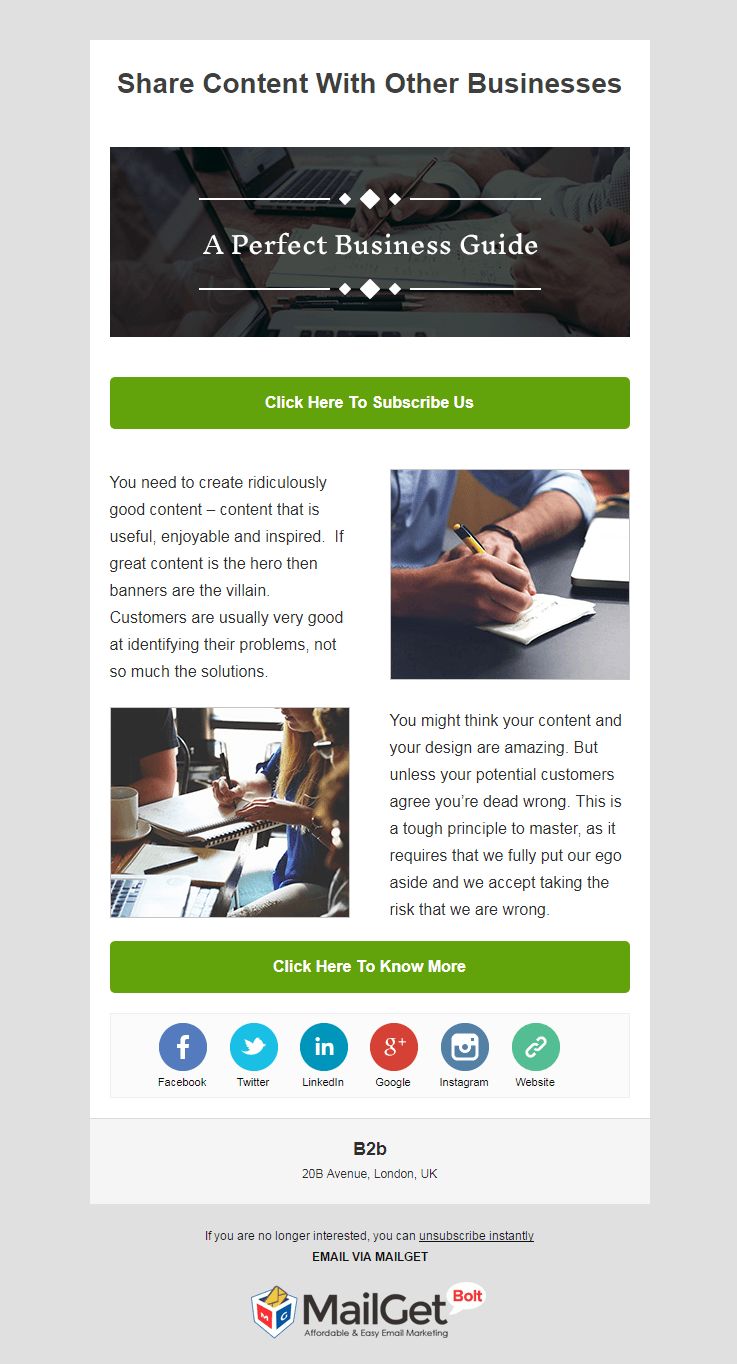
There are multiple business that prevails in the scenario and one of the best way of marketing is B2B which will help you connect with large organisations and the agencies that carry out such services can use an email template that they can send it with 99% email inbox delivery and ensure a rapid growth in their business.
6. Email Template For Corporate Consulting Firms
The corporate world works at different dimensions which are required to be understood and then analyzed properly and the consulting firms which provide such assistance for the corporate world can use an email template to showcase themselves on the web, which they can send to multiple people using drips function.

Conclusion :-
The above-mentioned email templates are some of the finest email templates that are available today, these email templates attractive enough to catch the viewer’s attention.You can also frame your own email templates by through MailGet Bolt editor.
We also cover a full spectrum of streams who allows you to create specific templates that are subjected to your domain and if you wish to send bulk emails.
Here are some more fascinating blogs:-
- Rental Email Templates For Vehicle Hire Companies
- Best Rental Email Marketing Services For Property Leasing
- Music Email Templates
- Financial WordPress Themes
10+ Best Stripe Payment Analytics Software

Wanna keep an eye on every activity of your business like recurring payments, funds, refunds, etc on a single platform? Or are you using a stripe software for your payment but not able to analyze its metrics and stats?
If yes, then don’t worry…it’s very simple & easy with a solution called Payment Analytics Software.
Let’s have a look that how does this payment metrics software works –
- Gather all your payment related data at a single dashboard.
- Clean incorrect, irrelevant and incomplete information.
- Calculate and sort all the transactions and manage in an understandable format.
In this way, you can easily monitor all your business metrics, monthly & yearly revenues, payment transactions, funding and optimize your business performance effectively.
But choosing this tool is a tough task when it is the matter of business. That’s why I have found 10+ best payment analytics software that shows the analytics of stripe to maintain your ROI, campaigns & a lot more.
A Quick Comparision of Best Stripe Payment Analytics Software
| Services | Pricing | Dunning Emails | Recurring Payments | Unlimited Revenue |
| Pabbly Subscriptions | $5/m | ✔ | ✔ | ✔ |
| ChartMogul | $125/m | ✔ | ✖ | ✔ |
| Putler | $29/m | ✔ | ✔ | ✖ |
| GetControl | $89/m | ✖ | ✔ | ✖ |
| Baremetrics | $50/m | ✔ | ✔ | ✖ |
Even there are some analytics tools mentioned in this article which also allows you to manage subscriptions of your clients without any limit on revenue. Isn’t it profitable?
You can have all of these features in a single click but all you have to do is to read this article & finalize the best Stripe payment analytics software according to your needs.
Check out some more articles below:-
- Subscription Analytics Software
- Subscription Management Software
- Recurring Billing Software
- ProfitWell Alternatives
1. Pabbly Subscriptions:- Best Stripe Payment Analytics Software
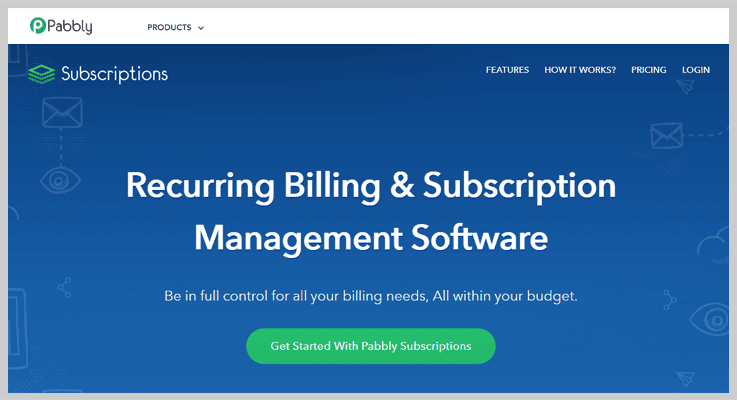
Pabbly Subscriptions is an awesome software which allows you to do the analysis of business transactions done via Stripe. Apart from it, you can also analyze the payments collected via PayPal too.
It offers a well-designed dashboard that is easy to use & supports 25+ global currencies. So you don’t have to worry even if you have an overseas client.
Pricing:-
- Starter:- This plan is available at $5/m in which you can manage 50 customers & explore all the essential features of this tool.
- Rookie:- The Rookie plan charges $29/m which allows you adding around 1000 customers in the tool. Also, you can customize the checkout page into any language you want to.
- Pro:- It is the most popular plan of this tool billing only $59 per month where you can set up the accounts of unlimited customers without any restrictions.
- Advance:- It is the last plan where you get to add unlimited customers to your account & use a lot more features at just $99/month.
We deployed Pabbly Subscriptions in our business, as earlier we struggled in managing Subscription Plans and Payments Reports separately from Stripe.
But now we can handle both the tasks from a single dashboard of Pabbly Subscriptions.
Another exciting thing about it is the cost. It charges only $5/m use of services that other software charge $50 to $100 a month.
Features:-
- Filter Transactional Reports
You can easily apply filters on different types of reports like Net revenue reports, MRR, New subscribers & customers, Active subscribers & customers. This will help you do deep analysis on Stripe transactions.
- API Environment For Easy Integration
This tool has got a full-fledged API using which you can easily integrate this software in various SaaS and other applications to facilitate the working of your business.
- Get Insides Of Sales
Sales details from Stripe or other gateways can be analyzes with this software. You will get access to various complex details like Refunds, Total sales, Subscriptions, Customers info and more straight from the dash.
- Supports 25+ Different Currencies
Payments from different countries can be accepted as to facilitate transactions as it supports more than 25 types of currencies from around the globe.
Get More Details Here
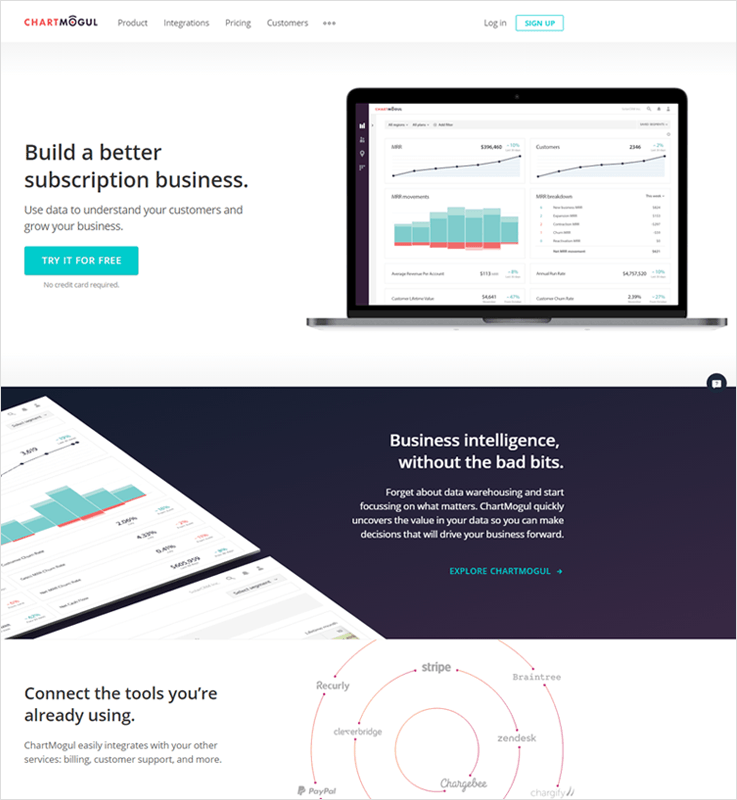
ChartMogul analytics software helps you to quickly uncover your stripe payment details so that you can make your valuable data secure and take a legitimate decision in order to drive your business forward.
2. ChartMogul:-
Pricing:-
- Launch:- Here, you can sign up for FREE and check MRR up to $10k.
- Mogul:-You just have to pay $100/month for 1000 paying customers.
- Volume:-You can contact them for pricing if you have more than 10,000 paying customers.
Features:-
- Automate Your Metrics Reporting
ChartMogul’s gives an excellent feature with the help of which you can easily calculate all the metrics which are required to scamper your business.
- Calculate Everything! MRR, CLTV, Average Sale Price & Churn Rate…
Now you just don’t have to depend on ROI. Effortlessly count monthly recurring revenue, customers growth, churn rate, etc and can exact known revenues of your every campaign.
- Integrate The Tools Which You Are Already Using
Web services that you are already using can be easily integrated, so it’s super easy to sync your data.
3. Putler:-
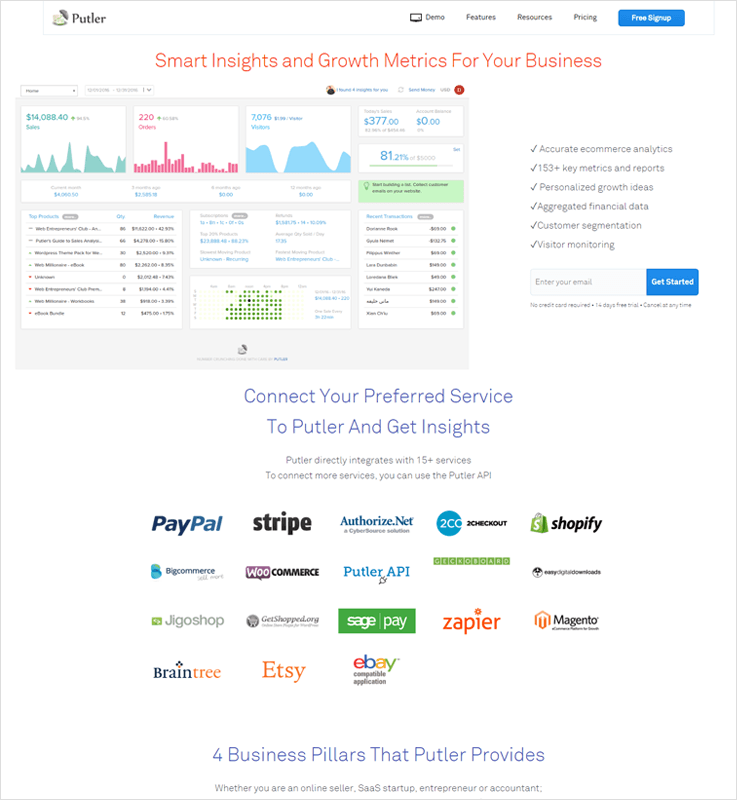
Putler is a smart & brilliant tracking software that gives details about your Stripe account. It keeps eyes over many functionalities such as customers segmentation, visitor monitoring and also gives you personalized growth rate ideas, aggregated financial data 153+key metrics & report.
Pricing:-
- Plus:-$29+1000 transactions per month
- Pro:-$59+2500 transactions per month
- Max:-$109+unlimited transactions per month
Features:-
- E-commerce Analytics
In Pulter, you will find this amazing feature using which you can easily detect important KPI’s, metrics on sales, products, customers, subscriptions, etc.
- Unified Reporting
Consolidate all your data in a single report that comes from various sources connected to you. No need to check multiple reports.
- Growth Tips
Here you will find expert advice to increase sales & conversion rate.
4. GetControl:-
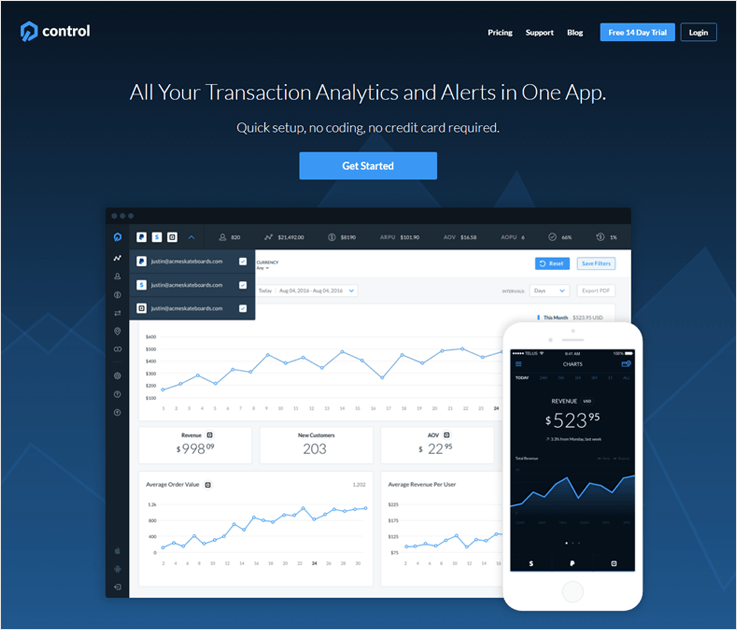
GetControl analytics software enables you to keep a pulse on your business. This required No coding, No credit card, it’s a Quick Setup via which you can analyze all your real-time transaction at a distinct platform.
Along with stripe, this software also shows the analytics of Paypal, Square and many other payment gateways.
Pricing:-
- Starter:- $19+14 day free trial+200 data points/month
- Growth:- $79+14 day free trial+750 data points/month
- Scale:- $149+14 day free trial+10,000 data points/month
- Enterprise:- This pack is for high volume business for that you have to get in touch with them
Features:-
- New Customers & Churn Metrics
GetControl analytics software gives us the facility to always be updated about new customers & churn metrics which will result in the growth of your business.
- Revenue Tracking
Track your revenues and make a profitable decision for your business.
- Customer Purchase Histories
Here you can find the purchase history of every customer which will help you to provide them a better service.
5. Baremetrics:-
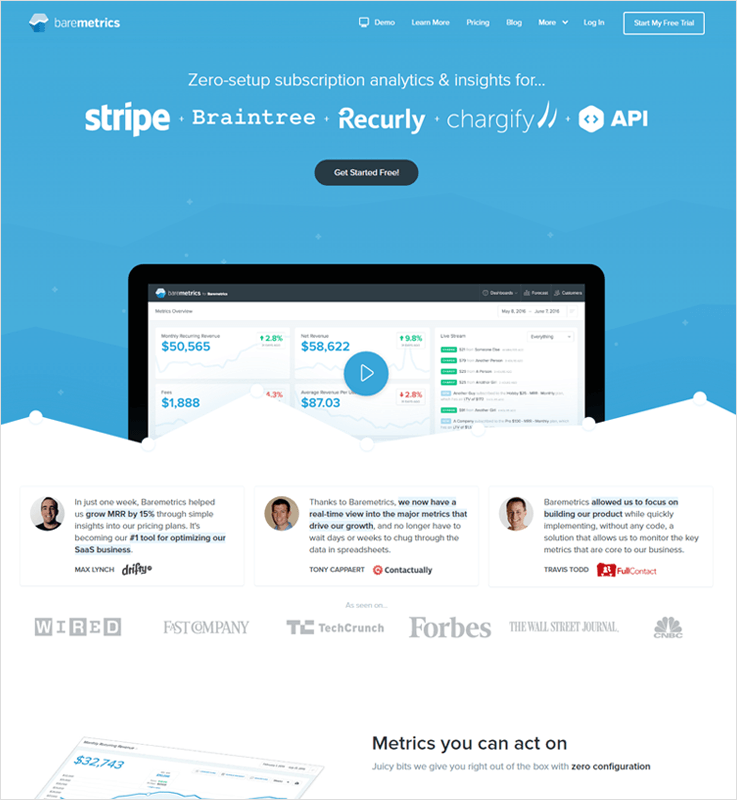
Baremetrics is a fascinating analytics tool which gives numerous services such as net revenue, average revenue per user, and much more.
This all will help to widen your business with its risk-free 60-day guarantee. Additionally, it shows the analytics of multiple subscription billing solutions like Recurly, Braintree, Chargify, etc.
Pricing:-
- Enterprise:- 500$ per month which includes MRR up to 500,000$
- Business:-250$ per month which includes MRR up to 200,000$
- Professional:- 100$ per month which includes MRR up to 50,000$
- Startup:-50$ per month which includes MRR up to 10,000$
Features:-
- Recover Lost Revenue
We even don’t have any idea but the start-up business loss up to $1500 per month. Baremetrics gives us a feature name Dunning with the help of which you can recover almost $100/day.
- Increase Sales
Baremetrics analytics software gives a sales feature to find the best lead for your business. You can find many things like lead scoring, lead profile, better prospects and much more.
- See Your Forecast
You can predict your revenues with the help of a forecasting tool. Intelligent projections are the key to keep ourselves one step ahead of the competition.
6. Statsbot:-
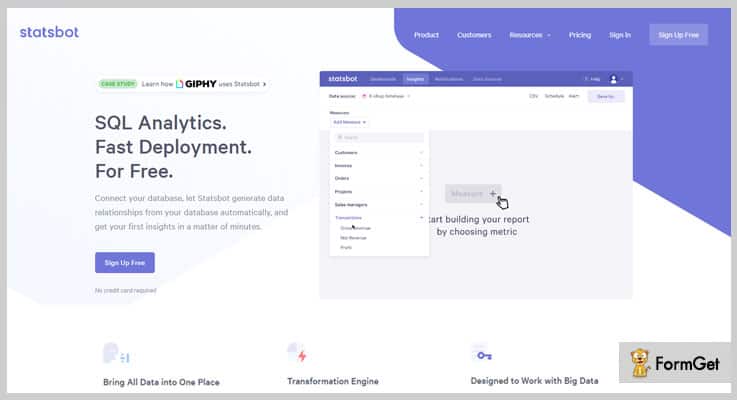
Statsbot has given a new look to metrics & notification of strip payments account [charge succeeded, failed or refunded, customer created]. By using this analytics software with just one click you can connect stripe account easily and will be able to view your data in a well-managed dashboard.
Features:-
- Real-Time Notification
Statsbot connects an amazing feature Stripe webhooks. With the help of which you are able to receive email notification of every event like charge notification [Successful/failed], subscription notifications, transfer notifications, etc which are important to you.
- Query Optimization
This is a brilliant feature which will update saved queries automatically. It calculates dependencies & determines which set of queries are needed to be materialized automatically.
- No Ad Hoc SQL
You don’t have to hassle around writing Ad Hoc SQL queries. You can simply create a single rule across the organization.
7. FristOfficer:-
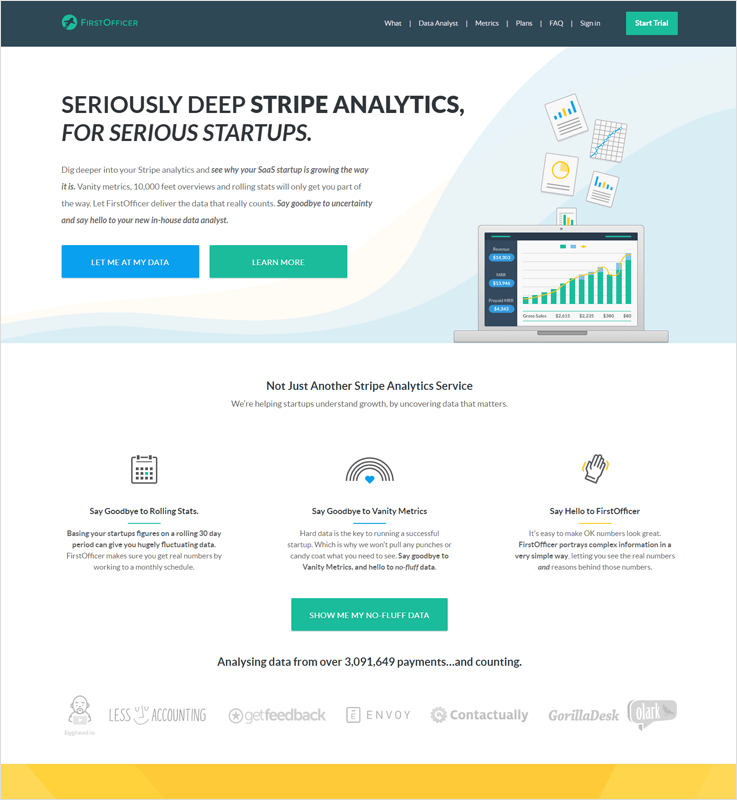
FirstOfficer analytics software is a professional visualizing platform. You can know all the activity of stripe account in just one click.
To make your optimal business growth possible & easy this designed a proper chart of your subscription data.
Pricing:-
- Hobby:- $29/mo upto 250 customers + 30 days free trial
- Startup:- $79/mo upto 1,000 customers + 30 days free trial
- Professional:- $149/mo upto 2,500 customers + 30 days free trial
- Business:-$249/mo upto 5,000 customers + 30 days free trial
Features:-
- Understand Your Monthly Recurring Revenue
FirstOfficer will not only show new, lost, expansion and contraction MRR rather than it will drill you deep into those numbers. Go through it and know the number of customers in every group.
- Weekly Reports
Running a business is not that easy. It takes time that’s why FirstOffice analytics software send the most significant data direct in your inbox so that you are able to see whether the trends are turning or not.
- Growth Ceiling
This the Marvelous feature that FirstOffice give with this you can estimate whether your business model is profitable or not.
8. Attribution:-
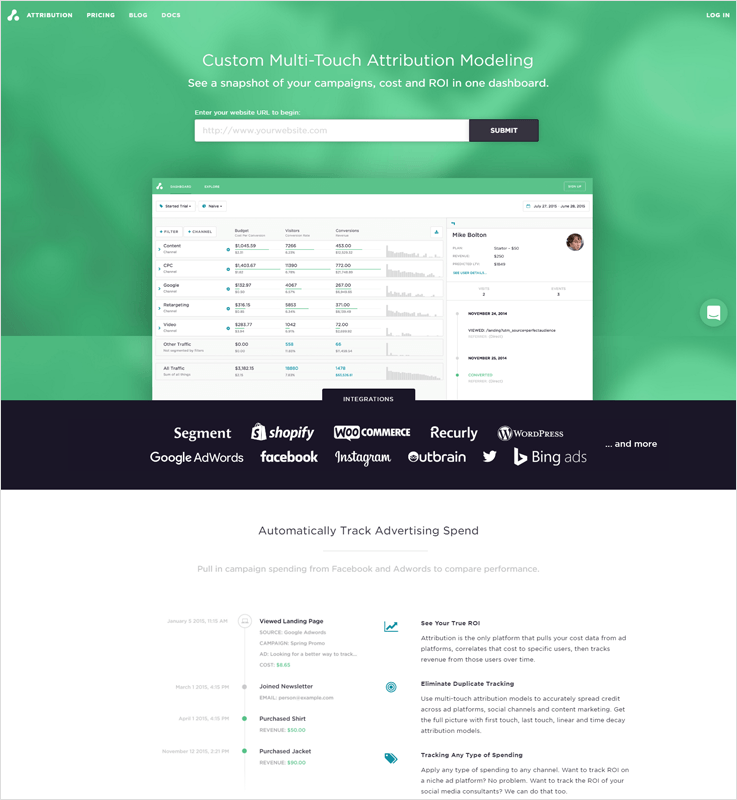
Attribution analytics software is driven by savvy marketers like you. One can easily connect their stripe account here & can see a snapshot of campaigns, ROI, cost, quantity churn rate, customer growth in a single platform.
Pricing:-
- Developer:- It’s a free plan
- Startup:- $79 per month + 14 days trial
- Business:- $399 per month + 14 days trial
- Enterprise:-$999 per month + 14 days trial
Features:-
- Identify Users
This identifies the identity of each and every users and distinguishes them with a unique identity. So, that while payment process there would no problem occurs because of identity.
- Track Events
Attributes recognize the revenues property on the track event and store that data in a specified way.
9. Metricsco:-
With Metricsco say goodbye to all your niggling worries related to sales, funding, customer lifetime value (LTV), average sale price. This is one step solution to automate all your payment process. Manage all your leads in a single platform and generate more revenues for your business.
Pricing:-
- Starter Plan:-30 days free trail + $49 per month per 1,000 unique subscription.
- Professional Plan:- 30 days free trail + $199 per month for up to 10,000 unique subscription.
- Enterprise Plan:- To know its pricing you have to contact Metricsco support.
Features:-
- Multi-Channel Messaging Facility
When payments get fails this software helps you connect to your customers in multiple ways such as email, text message or you can also integrate with any other channel via Metricsco web-hook facility.
- Easily Update Your Credit Cards
Metricsco offers you to give flexible credit system to your topmost clients. You can easily clean the credit cards rating to overcome from the future dealings.
- Intelligent Payment Reports
Stay informed about all pending & received payment with real-time payment facility. By knowing your current accounting you can build a powerful strategy to boost up your business.
10. Grow:-
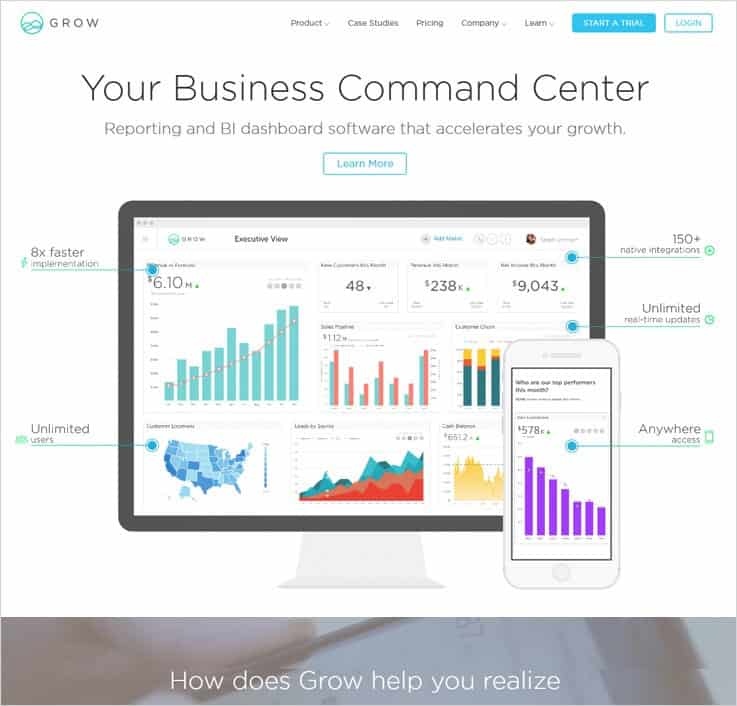
Retain your most valuable customers with Grow analytics software. Easily compare key business metrics across customers segments & find all the data related to MRR, the annual run rate at a single platform. Plus, collect one-time or recurring payments.
Features:-
- Simple Data Manipulation
Grow knows the importance of customers that’s why this provides us a prodigious feature customers lifetime value with this you can predict the net profit attributed to the future relationship with the customer.
- Net Revenue
Can easily calculate the net revenues of discounts, returns, and sales which can help you to make a huge net profit for your business.
- Fully-Customizable Analytics
It will be easy to generate canned messages to answer the questions that are frequently asked by the customers and also provides a dashboard to keep a look at the activities.
11. Visible:-
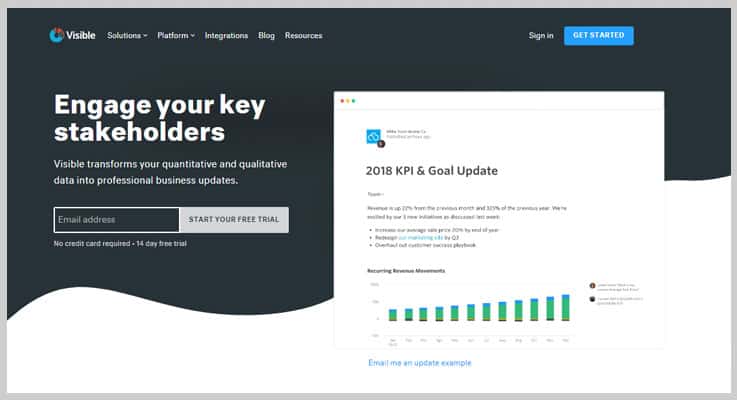
One of the different tracking tools is Visible. It’s an affordable software that shows all the data of your stripe account on a single platform. And get sales, refunds notification on your desktop. This did not require any cloud to make your data secure.
Features:-
- Update Recipients
Visible analytics software offers a convenient event notification with visual and audio alert, that notifies you when any sales come, or a refunds process is going on.
- System Tray & Menu Bar
If you are using windows then Visible runs in your tray and if you are using Mac then this analytics software uses the menu bar, to show little or much information as per your requirement.
- User Inputted Metrics
Here you can view that how many active free trial and how many active paid subscription you currently have. Plus, you can also intelligently calculate your MRR, ARR even is you offer multiples plan also.
So, The Culmination Is..!
After reading this article, I feel like you came to know the importance of analytics in your business. With them, you can collect multiple payments, keep track of payments collected via Stripe through the analytics feature & so on.
There are some tools mentioned in this article which eventually can lead you to generate unlimited revenue without any restrictions. It will really help you in your business.
So, don’t think twice just integrate with any one of the above analytics software and manage all your payments smartly which will give a new look to your business and its growth rate.
If you have any suggestions & queries, just drop a comment below because we’d love to help the future billionaires!
Angular 4 : Data Binding & Its Types

This tutorial blog will primarily focus on what data binding is and its types –
Data binding is one of the most powerful and important features in a software development language.
In AngularJS, it is the automatic and instantaneous synchronization between model and view (different layers of Angular.JS).
What Is Property Binding?
Before we go any further, watch a tutorial video on property binding –
Property binding in simple term is defined as updating the value of a certain variable in component (model) and displaying it in view (presentation layer).
This is a one-way mechanism such that it allows you to change the value whenever you want but only at the component level.
Let’s implement an example (with code) for further understanding of its working –
1. Open up your editor and create a new component with the following code line –
ng g c databindAs soon as you press ENTER key you will notice a new folder created with the name databind in app folder.
2. Establish the connection with local server by typing
ng serveNow in the databind folder open up following two files –databind.component.html (presentation layer or view)
databind.component.ts (logic/component layer or model)
3. Open up databind.component.ts file and notice the selector – ‘app-databind’. Now open up the pre-defined file – app.component.html and mention the selector there as a tag –
<div style=”text-align:center”>
<h1>
Welcome to Angular {{ title }}!!
</h1>
</div>
<app-databind></app-databind>
4. Open up databind.component.html file and notice the text in paragraph tag
<p>
Databind works!
</p>
Now open up your localhost on browser (localhost:4200) and notice that the text in paragraph tag is being displayed.
5. Now we have to test what property binding does. In order to do so, again open up databind.component.html file and type in the following code
<br/>
<img src=”https://angular.io/assets/images/logos/angular/angular.svg” height=”200” width=”200”>
Again on the browser you will see the logo of angular. But the data is still not bound.
6. In order to achieve the desired data binding technique (property) update the following code in databind.component.ts file.
import { Component, OnInit } from ‘@angular/core’;
@Component({
selector: ‘app-databind’,
templateUrl: ‘./databind.component.html’,
styleUrls: [‘./databind.component.css’]
})
export class DatabindComponent implements OnInit {
constructor() { }
ngOnInit() {
}
imageDisplay = “https://angular.io/assets/images/logos/angular/angular.svg”;
}7. Now open up databind.component.html file and update the code as
<br/>
<img src=”{{ imageDisplay }}” height=”200” width=”200”/>
8. As soon as you save the file and view the front end on the browser, you can see the logo being displayed using the property binding technique. Also, there are two other ways (three in total) in which you can achieve property binding for a variable –
<img [src]=”imageDisplay” height=”200” width=”200”/>
<img bind-src=”imageDisplay” height=”200” width=”200”/>9. Just as we have used property binding with variable, we can also use functions to achieve this binding technique. Update the following code in databind.component.ts file –
import { Component, OnInit } from ‘@angular/core’;
@Component({
selector: ‘app-databind’,
templateUrl: ‘./databind.component.html’,
styleUrls: [‘./databind.component.css’]
})
export class DatabindComponent implements OnInit {
hello = “Say Hello”;
constructor() { }
ngOnInit() {
}
sayHello(){
return this.hello = “Say Hi”;
}
}
This program declares a variable hello with value – Say Hello. Now if the function sayHello is called, it will update the value of variable hello with Say Hi.
10. Update the following code in databind.component.html file to complete property binding process –
<br/>
<input type=”text” value=”{{ sayHello() }}” />
As soon as you save the file you can see an input field generated on the front end with the value Say Hi.
11. Just like we can achieve property binding with variable through 3 different types, similarly we can do the same for functions also –
<input type=”text” [value]=”sayHello()” />
<input type=”text” bind-value=”sayHello()” />What Is Event Binding?
Would you prefer a tutorial video on event binding before we go any further?
Event binding in simple term is defined as updating/sending the value/information of a certain variable from the presentation layer (view) to the component (model).
This is just opposite from property binding.
Let’s implement an example (with code) for further understanding of its working –
1. Establish the connection with local server and create a new component, named databind with the following code line –
ng g c databindNow open up following files –
databind.component.html (presentation layer or view)
databind.component.ts (logic/component layer or model)
2. In databind.component.html file type in the following code –
<br/>
<input type=”text” [value]=”Magnet Brains” />
You would see a input box generated on the frontend.
3. Now we have to do the event binding so update the following code in databind.component.html file.
<br/>
<input type=”text” [value]=”Magnet Brains” (click)=”showvalue($event)” />
Notice the brackets ( ) around the javascript function click. This brackets symbolizes the event binding process but since showvalue() function ($event is an object) isn’t defined yet so it is not in working state.
4. In databind.component.ts file write up the following code to define the function showvalue() –
import { Component, OnInit } from ‘@angular/core’;
@Component({
selector: ‘app-databind’,
templateUrl: ‘./databind.component.html’,
styleUrls: [‘./databind.component.css’]
})
export class DatabindComponent implements OnInit {
constructor() { }
ngOnInit() {
}
showvalue(event){
console.log(“event”);
}
}5. After saving the file, go to the local server (front-end), right click and click on inspect element and then click on CONSOLE tab. After this again click on input box and you would notice events being passed on console tab.
6. So in order to pass values from presentation layer (view) to component you have to update the following code in databind.component.ts file –
import { Component, OnInit } from ‘@angular/core’;
@Component({
selector: ‘app-databind’,
templateUrl: ‘./databind.component.html’,
styleUrls: [‘./databind.component.css’]
})
export class DatabindComponent implements OnInit {
constructor() { }
ngOnInit() {
}
showvalue(event){
console.log(“event.target.value”);
}
}7. After saving the file, go to the front end and again click on the input box. You will notice that the value Magnet Brains is passed in the console tab. This means that we are able to send value from view to model, hence achieving event binding technique.
8. Similarly you can achieve this with other events too like with keyup javascript function.
<br/>
<input type=”text” [value]=”Magnet Brains” (keyup)=”showvalue($event)”/>
Save it, go to the front end and start typing in input box. You would notice that for every key you press, a different event is invoked in the console tab.
What Is Two-Way Binding?
Quickly watch a tutorial video on the two-way binding.
Two-way binding is a combination of both property binding and event binding as it is a continuous synchronization of data/values from presentation layer to component and from component to the presentation layer.
Let’s understand its working through a very basic example –
1. Establish the connection with local server and create a new component called databind with the following code line –
ng g c databindNow open up following 3 files –
databind.component.html (presentation layer or view)
databind.component.ts (logic/component layer or model)
2. In databind.component.html file write up the following code –
<br/>
<br/>
<input type=”text” value=”Magnet Brains” [(ngModel)]=”showvalueinput” />
<br/>
<p>Show Value Of Input Box: {{ showvalueinput }}</p>
Since this is a two way binding we have to use both the brackets i.e. [ ( ) ]. Also ngModel is a directive which is used to bind the data both ways.
3. Since we have used ngModel, we have to define it. So, in app.module.ts pre-defined file (can be found through Explorer tab), type in the following code –
import { BrowserModule } from '@angular/platform-browser';
import { ngModule } from '@angular/core';
import { FormsModule } from '@angular/forms';
import { AppComponent } from './app.component';
import { RegistrationComponent } from './registration.registration.component';
import { MyloginComponent} from './mylogin/mylogin.component';
import { DatabindComponent} from './databind/databind.component';
@ngModule({
declarations: [
AppComponent,
RegistrationComponent,
MyloginComponent,
DatabindComponent
],
imports: [
BrowserModule,
FormsModule
],
providers: [],
bootstrap: [AppComponent]
})
export class AppModule { }4. Now go to the front end and start typing in the input box. You would notice that everything that you write in the input box is being displayed simultaneously, hence achieving the two-way binding technique.
Although we can implement two-way binding through a different process also but since this tutorial blog is all about Angular.JS so we have decided to use the ngModel directive.
Note: For simplicity, we have created the component databind only once and cleared the file content before moving on to the next data binding type.
Conclusion
The blog describes you the basics of what data binding is and its type i.e. property binding, event binding and two-way binding.
In case you missed our previous tutorial blogs, you can definitely visit them for a quick recap –
Hack Your Way to 500,000 Free Emails Every Month

 Imagine if I told you that you can hack your way to send 500,000 free emails every month.
Or even better:
You can get the best possible email open rates at the same time…
You’d probably be pumped to read about it.
Lucky for you, that’s exactly what I’m going to share with you in this post:
Ever since we started MailGet – Email Marketing Platform:
I often see users connecting multiple SMTP’s in their account for sending emails.
Sometimes, some users connect 2 SMTP.
Sometimes, it’s 3.
I recently came across an account where the person has added 4 SMTP’s in a single account and he was asking our support team for the steps to integrate one more new SMTP in his account.
I was curious to know the advantages this user was getting from his perspective by connecting that many SMTP’s.
So, I had a chat with this person named George and asked him why he had more than 4 SMTP’s connected in his account.
Now, George is someone who sends about 500,000 emails to his audience every month. On average, he sends 100,000 emails on a weekly basis to promote his online E-commerce store.
He says, he has three big advantages in connecting multiple SMTPs:
1. He gets best possible email inbox rate
He says, he tests between multiple SMTP’s to see which one is performing the best and leverages the power of multiple SMTP’s to reach his clients inbox.
His strategy:
He sends his first campaign through one SMTP.After couple of days, he re-sends the same campaign to the people who have not opened his first campaign but this time he chooses another SMTP for sending.
This strategy gets him the best possible open rates and inboxing.
2. No downtime when one SMTP fails
If he ever has a problem with anyone SMTP, his marketing is not affected at all and that he can continue to send emails like nothing ever happened.
This doesn’t mean that we are encouraging or want spammers but sometimes I have seen SMTP companies blocking the accounts for stupid reasons.
3. Saves money with multiple SMTP’s
Lastly, He told me that he saves couple hundred dollars every month by sending emails through multiple SMTPs.
Now, Points 1 and 2 were very pretty much obvious to me.
But, I was curious:
How was he able to save money by connecting multiple SMTPs?
He describes it in detail …
He says every SMTP gives you a free sending limit every month and he exploits it to his best.
For example:
- Amazon SES offers a free sending limit of 62,000 emails/month
- MailGun offers 10,000 emails/month
- SparkPost offers 100,000 emails/month
- ElasticEmail offers 150,000 emails/month
Further, if you combine 4 SMTP’s at one place, you can get a limit of roughly 350,000 emails every month without paying a single dime.
I was intrigued and I thought to make it easier for everyone to know the details.
We created a Google Docs sheet which includes detail of different SMTPs along with their pricing details and free sending limit.
You can check it here: (You can also share it with someone who may benefit from the data)
https://docs.google.com/spreadsheets/d/19WAnxLPfd8fe7rN0H5F6jF5OP-FAfjuC2JcWFva5rN0/edit?usp=sharing
I told George that’s great, but don’t you think it gets difficult to manage that many SMTP’s.
He says, initially it can be a little difficult as you need to set up every SMTP separately but soon enough it adds up into a potential saving of over $200 each month.
“I prefer hiring a freelancer on Freelancer.com or Upwork.com who does all the SMTP setup for me”. If you have a employee he can do that in couple of hours for you.
Once it’s done, I can reap a potential saving of couple hundred dollars each month.
He is a happy MailGet customer who is enjoying all the benefits of using MailGet to manage his email marketing effortlessly and using MailGet to achieve best possible open rates along with best possible saving.
Just to conclude the point, if you are doing email marketing and want to save on your costs, this weekend spend a little extra time and get accounts of multiple SMTP providers.
It will just take few hours and you can save on your email marketing costs hugely.
Here is what MailGet is capable of doing for you:
- You can connect multiple SMTP service providers for delivering your emails all at one place.
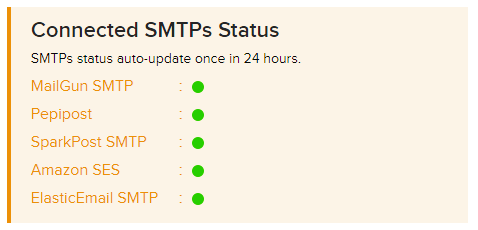
- You can track the status of all the SMTP’s at one place. MailGet shows daily active status of each SMTP connected in your account.
- You can manage your email contacts/subscribers including any unsubscribed contact, bounces or spam all from one place.
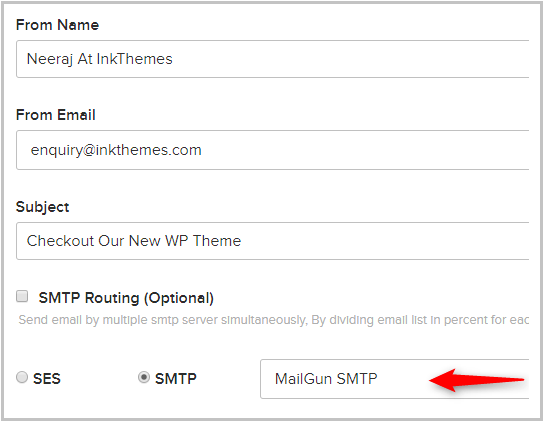
- At the time of sending emails you can choose which SMTP you want to deliver your emails with.
- MailGet captures any bounces emails or spam marked email address back into MailGet so that you don’t end up sending email to any bad email ever again while sending emails through any other SMTP.
That concludes our series on how you can save on email marketing and at the same time achieve the best inbox rate and reach far wider audience.
Just in-case you need any help on setting up the SMTP’s. Feel free to email us at [email protected]
Get more information through following blogs –
Angular 4 : Using Bootstrap With Registration Component

This blog will help you learn how to integrate bootstrap in your Angular.JS projects and apps.
Follow the steps listed below in order to integrate Bootstrap in Angular.JS –
1. For using Bootstrap in our Angular.JS app, we have to use our registration form app which we have created using custom component.
2. Our first step will be to inherit Bootstrap in our angular.js project. So, to integrate, write down the following code line in the terminal tab of your editor –
npm install bootstrap --saveThis code line means install bootstrap through node package manager and save it.
3. As soon as you hit ENTER key, the package of bootstrap is automatically loaded in the library. You can find the required package by following the path –
Explorer tab (left sidebar of the editor) → myproject → myapp → node_modules → bootstrap
In this bootstrap folder, you will find a CSS file that we will be including in our project. In order to access it, follow the path –
Explorer tab (left sidebar of the editor) → myproject → myapp → node_modules → bootstrap → dist → css → bootstrap.min.css
4. Again in the editor’s Explorer tab, you will notice a file by the name .angular-cli.json. Open it and update the styles section with following code –
.
.
“index” : “index.html”,
“main” : “main.ts”,
“polyfills” : “polyfills.ts”,
“test” : “test.ts”,
“tsconfig” : “tsconfig.app.json”,
“testTsconfig” : “tesconfig.spec.json”,
“prefix” : “app”,
“styles” : [
“../node_modules/bootstrap/dist/css/bootstrap.min.css”,
“styles.css”
],
.
.
Since we have included bootstrap in our project, we also have to inherit its corresponding CSS file as well (code line 9).
5. After saving the changes made in .angular-cli.json file, connect to the local server by typing the following code line in the terminal tab –
ng serve6. After refreshing your app’s frontend web page (localhost:4200) you can notice the addition of Bootstrap in your project through right click → inspect element → <head> → <style type=”text/css”>…</style>
As soon as you click on this style tag you can notice bootstrap added in your project.
7. Go to myproject → myapp → src → app → registration and open up the file registration.component.html. Add the bootstrap class in button (code line 9) by updating it with following code –
<div id=”registration”>
<form>
<label>Full Name</label>
<input type =”text” name=”fullname” /><br>
<label>Email</label>
<input type =”text” name=”demail” /><br>
<label>Password</label>
<input type =”password” name=”dpassword” /><br>
<button class=”btn btn-primary”>Registration</button>
</form>
</div>
8. After saving the changes made in the file, you can see a different visualization of registration button as Bootstrap is finally integrated into your angular.js project.
Conclusion
The blog describes you the best and simplest way to implement Bootstrap in your Angular.JS projects.
Visit following blogs in order to learn how to –
10+ Cheapest Recurring Billing Software
Every business whether big or small needs an effective billing and invoice generation system nowadays. As there are enormous aspects that are essential to handle in recurring billing and subscription management.
But paying a handsome amount at regular time intervals is a major concern. Isn’t that?
Keeping every trouble in mind, I have sorted some of the cheapest & top-notch recurring billing software that not only helps to manage your subscription & billings better but also saves your lot of money.
Some of The Primest Recurring Billing Services
| Services | Pricing | Dunning Emails | Recurring Payments | Unlimited Revenue |
| Pabbly Subscription Billing | $19/m | ✔ | ✔ | ✔ |
| Chargebee | $99/m | ✔ | ✔ | ✖ |
| Zoho Subscriptions | $29/m | ✔ | ✔ | ✖ |
| ChargeOver | $65/m | ✔ | ✔ | ✖ |
| Chargify | Contact Sales | ✔ | ✔ | ✖ |
You will also find some services in this article which don’t set any limit on monthly recurring revenue (MRR) which is way too good for a business.
All you have to do is to read this blog for finding services with more exciting features which can lead you to your business’s growth.
For more related stuff, you can also go through these blogs:-
- Subscription Payment Services
- Chargify Alternatives: 10 Best Software
- Revenue Management Solutions: List Of Top 10 Software
1) Pabbly Subscription Billing
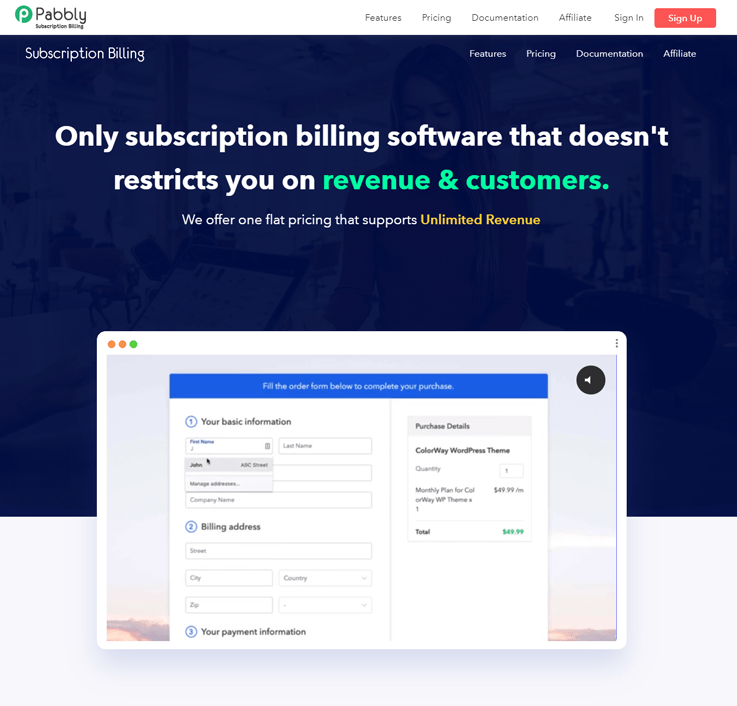
Pabbly Subscription Billing doesn’t leave any grounds to top this list as this is the cheapest yet a comprehensive recurring billing software that aligns with all your needs.
This tool is more than an ideal fit for all your subscription billing requirements. It has all the features a business can think of.- For API-integration, customized invoice generation, multiple currency support, adding unlimited customers, adding unlimited products, and the list goes on.
Pricing Plan:
Pabbly Subscriptions has got one exciting feature that separates it from every other player of the same segment. It’s Pricing!
Starter Plan
This plan is available at a minimal cost of $19/m in a yearly plan & $ 39/m in a monthly plan where you will get many exciting features such as
- Management of 500 customers.
- Unlimited revenue.
- Multiple payment gateways.
- Invoice billing
- Dunning emails
- 25+ currency support.
Rookie Plan
If you have a business which is in its intermediate growth rate then you may try this plan. It bills $29/m if you opt for yearly plan and if you want to buy a monthly plan then it will cost you $59 per month which is also affordable.
- Features of Starters plan with 2000 customers.
- Unlimited recurring revenue.
- Invoicing billing.
- Multilingual checkout page.
- Coupons creation.
- Analytics & so on.
Pro Plan
For medium businesses, this plan is best as it charges $49 per month on a yearly basis & $99 per month on a monthly plan basis with many features along with the features of Rookie plan such as:
- Unlimited customers.
- 25+ currency support.
- Custom checkout page.
- Unlimited subscriptions.
- Countdown functionality on the checkout page.
- Client portal (upcoming) & so on.
2) Chargebee Recurring Billing System
Chargebee subscription management software is an extremely inexpensive solution for recurring billing and invoice automation. This software holds up top-class features that will give full support to a business at every stage.
By some renown resources, Chargebee recurring billing software has been rated 4.8 out of 5 stars as of February 19, 2022, which made it the highest-rated subscription management software of the year.
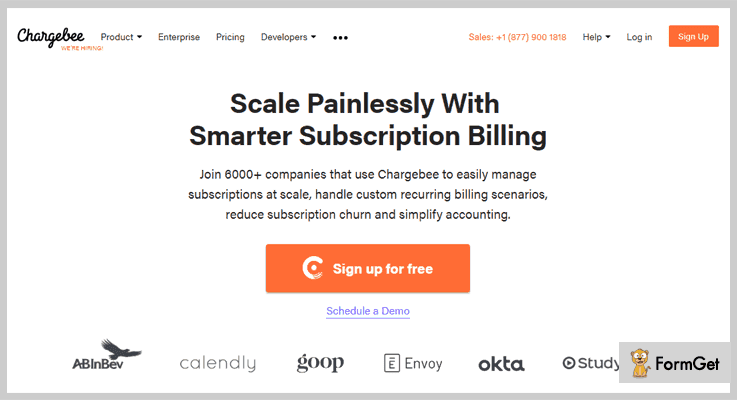
These Are Three Affordable Packages Which Are Offered By Chargebee: –
Standard Plan
This plan is for businesses who are at the beginner stage looking for a billing system to deliver good quality customer services. $99 a month is charged for the following services.
- 200 Invoices
- Multiple Sites
- 3 Users
- Coupon Functionality
- Free Email Templates
- Admin Console for Subscription Management
- Customer Support: Email, Chat, Callback, Phone
- Plus Additional Overage: 50¢ Per Invoice
Pro Plan
Pro Plan is designed for businesses that are in a growing stage and want to scale with more users, payments, gateways and other services. The monthly charges are $199.
- 200 Invoices
- 25 Users
- Coupon Functionality
- Admin Console for Subscription Management
- Customer Support: Email, Chat, Callback, Phone
- Tax Reports
- Reconciliation
- Plus Additional Overage: 50¢ Per Invoice
Enterprise Plan
One of the premium plans by Chargebee which is for businesses at the top levels. The pricing starts from $599 a month.
- Customizable Number Of Invoices
- Unlimited Users
- Coupon Functionality
- Admin Console for Subscription Management
- Multiple Payment Methods per Customer
- Plus Additional Overage: 50¢ Per Invoice
- Customer Support: Email, Chat, Callback, Phone & Additional SLA Based Support
3) Zoho Subscriptions Billing Software
With Zoho subscription management software you can create a customized invoice to give a personal touch to your recurring bills. It is a cost-effective invoicing solution that comes preloaded with an enormous amount of features.
The software supplies a wide variety of packages for managing your subscription & billing at a comparatively low price.
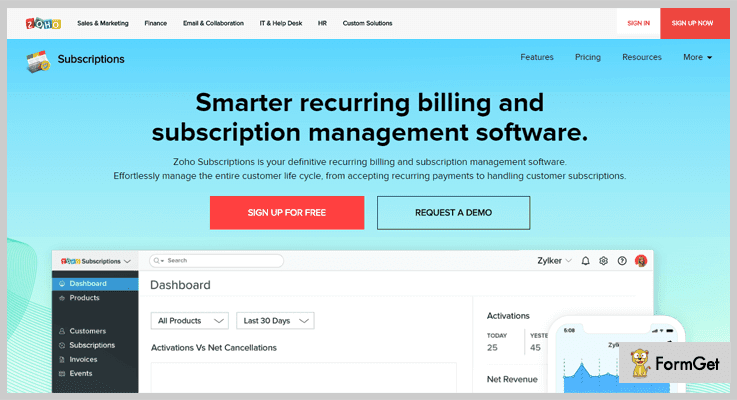
The Exclusive Price Plans Offered By Zoho Subscriptions:-
STANDARD Plan
This package will charge around $29 a month. It will suit businesses which have just started their trade and need limited resources to run.
- 500 customers
- 3 users
- Multi-currency support
- Multiple payment gateways
- Will Accept Payments From Debit & Credit Cards And PayPal
PROFESSIONAL Plan
Another economic plan which will charge around $69 a month. This plan comes along some with additional facilities.
- Unlimited Customers
- Unlimited Users
- Hosted payment pages
- Multi-currency support
- Dunning for automatic payments
4) Subscription Genius Invoice Generating System
This is one of the premium subscriber management systems that offer advanced billing tools and features at an affordable price point.
With this invoice generating system, you can track the start, expiry, and cost of every subscription.
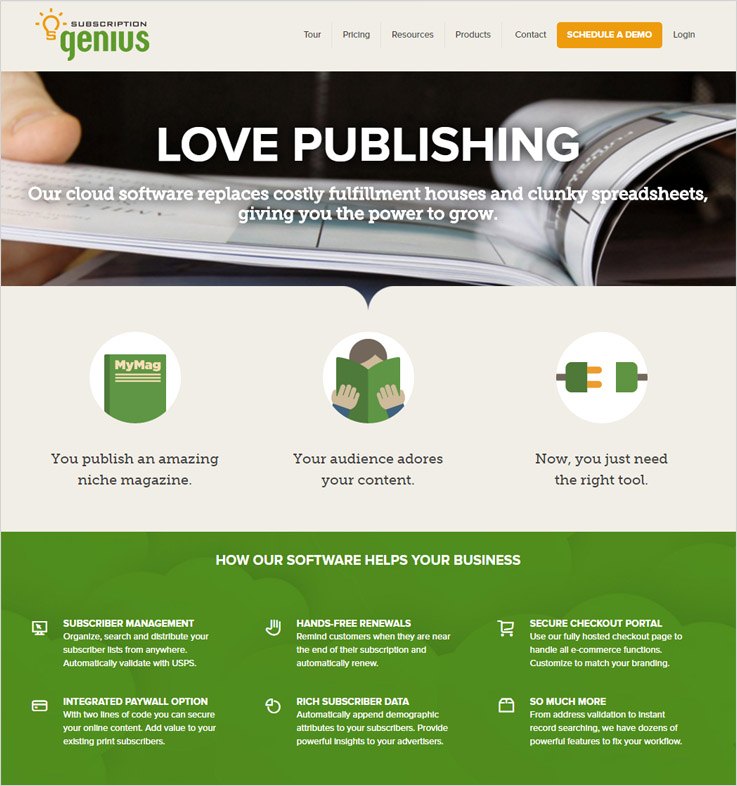
The Three Plans Listed Below Are Provided At A Reasonable Cost
Standard Plan
Starting with the standard plan which will be billed about $299 for a month and includes the following features
- 10,000 Subscribers Additional $10 Monthly Per 1,000
- Easy Subscriber Management
- Free Renewals
- Attractive Checkout Page
Plus Plan
This package is for businesses which have a growing number of users. Charges are $399 for a month.
- 15,000 Subscribers Plus $15 A Month For Per 1,000
- Easy Subscriber Management
- Free Renewals
- Attractive Checkout Page
- Attached Paywall
Premium Plan
Top end organizations can accommodate this one in their billing system. Cost is comparatively affordable $499 monthly.
- 20,000 Subscribers Added $20 A Month Per 1,000
- Subscriber Management
- Hands-Free Renewals
- Seamless Integration
- Paywall
- Additional Premium Services
5) PaySimple Recurring Billing Software
Another cheapest billing software that will increase your cash flow and help you collect all the transaction details of recurring subscriptions with an automated system.
Plus you will get all the listed facilities with no contracts, setup fees, support charges and additional cost.
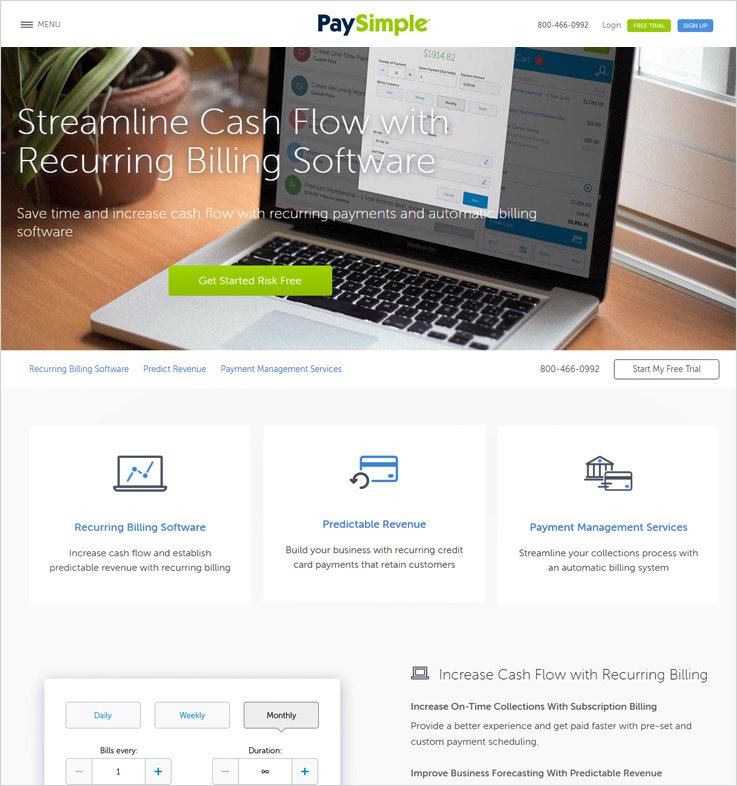
Pricing Model With Features Listed Below
PaySimple Pro Package
The monthly subscription charges are $49.95 plus transaction fees are added to the bill.
- Recurring Billing
- Electronic Invoicing
- Online Payments
- Receipts & Notifications
PaySimple Enterprise Package
The monthly subscription will be charged $99.95 additional transaction fees will also be included in the plan.
- Recurring Billing
- Electronic Invoicing
- Receipts & Notifications
- Payment Vault & PCI Compliance
- API Customization / Integration
6) ChargeOver Billing System
A simple and easy to use recurring billing system which will save your time, help you get early payments, deliver customer satisfying services by automating billing and subscriptions.
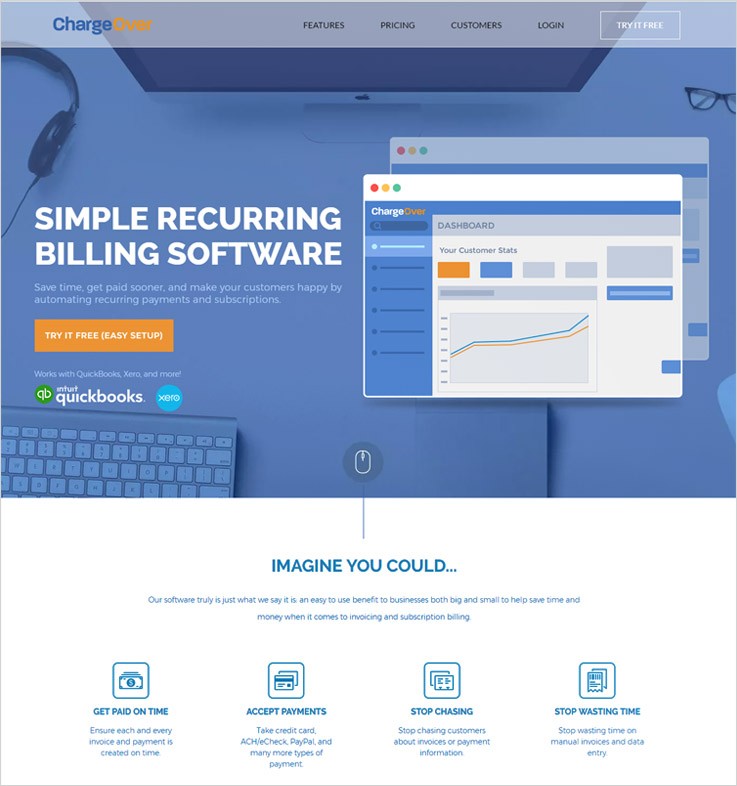
ChargeOver Holds Every Feature That’s Needed For Recurring Billing
Starter Plan
Monthly charge of $65 will give 1-50 active customers with following features
- Accept Various Cards & Different Payment Gateways
- Unlimited Invoices
- Unlimited Team Members
- Standard and Custom Reports
- Automate Notifications For Customers
- Supports 35+ Services Including QuickBooks, Xero and many more
Basic Plan
$115 is the charge for 51 to 150 active customers with the listed features
- Accept Various Cards & Different Payment Gateways
- Unlimited Invoices
- Unlimited Team Members
- Standard and Custom Reports
- Automate Notifications For Customers
- Supports 35+ Services Including QuickBooks, Xero And More
Professional Plan
This will be charged around $229 for 151–500 active customers with the features
- Accept Various Cards & Different Payment Gateways
- Unlimited Invoices
- Unlimited Team Members
- Standard and Custom Reports
- Automate Notifications For Customers
- Supports 35+ Services Including QuickBooks, Xero and More
Commercial Plan
Highest offered plan which will cover 501–thousands active customers, the pricing is not disclosed. Contact sales for more details
7) Chargify Recurring Billing Software
The smart recurring billing system by Chargify is very helpful in solving complex problems of subscription management. You can set a number of subscription plans and can manage them all from a single dashboard.
Pricing Plans Designed To Grow Your Business
Essential Plan
The cost to your business will be $149 every month with an additional 1.2% of revenue.
- Support 100k Plus Products
- 20Plus Different Payment Gateways
- Revenue Retention/Dunning Tools
- Recurring Revenue Reporting
- Online Support And More
Advanced Plan
A cost of $299 a month will be charged plus 1.2% of revenue will be added to it.
- All Essential features plus
- Invoice Billing
- Accept Card Payments & Non-Card Payments
- Advanced Revenue & Cash Reporting
- 99.9% Uptime SLA
- Phone Support
- Same Day Response SLA
Enterprise Plan
A fully customizable plan which can be built and managed for large organizations
Contact sales for more details regarding this plan.
8) PayWhirl Billing Management Solution
Managing recurring billing and payments become easy with PayWhirl. This software is equipped with multiple futuristic features that are easy to handle and work on.
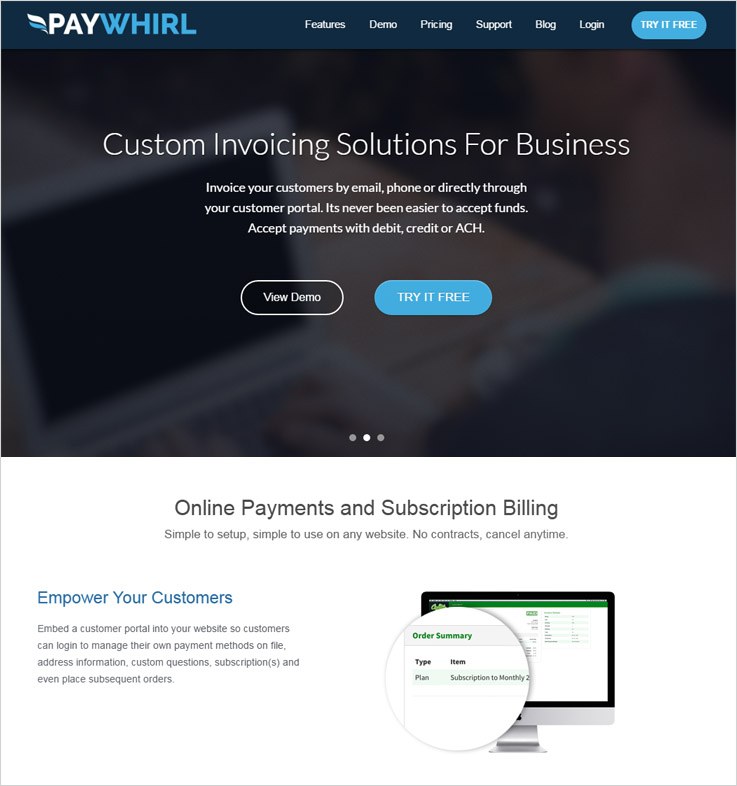
Three Different Price Plans That PayWhirl Has Designed For Different Type Of Businesses
Business Pro
The charges are $49 on monthly basis with an added 2% of the transaction fee.
- Supports All Gateways
- Phone Support
- Easy Data Export
- Generate MRR Report
- Collect Subscription Report
Business Plus+
$149 will be billed every month plus 1% of the transaction fee.
- All Payment Gateways Support
- MRR Report
- Generate Subscription Report
- Customer Report
- Generate MRR Report
- Collect Subscription Report
Business Ultimate
Top of the plan’s list is Business Ultimate plan which is for $249 a month with an additional 0.5% transaction fee.
- All Payment Gateways Support
- MRR Report
- Generate Subscription Report
- Customer Report
- Generate MRR Report
- Collect Subscription Report
- Added Growth Forecast
9) Rebilly Subscription Billing Software
Rebilly subscription management solution makes it easy to automate the billing process of different types of subscriptions offered by a business.
With this software, you can bill them on a weekly, monthly and yearly basis. Along with that, it is extremely simple to set it up.
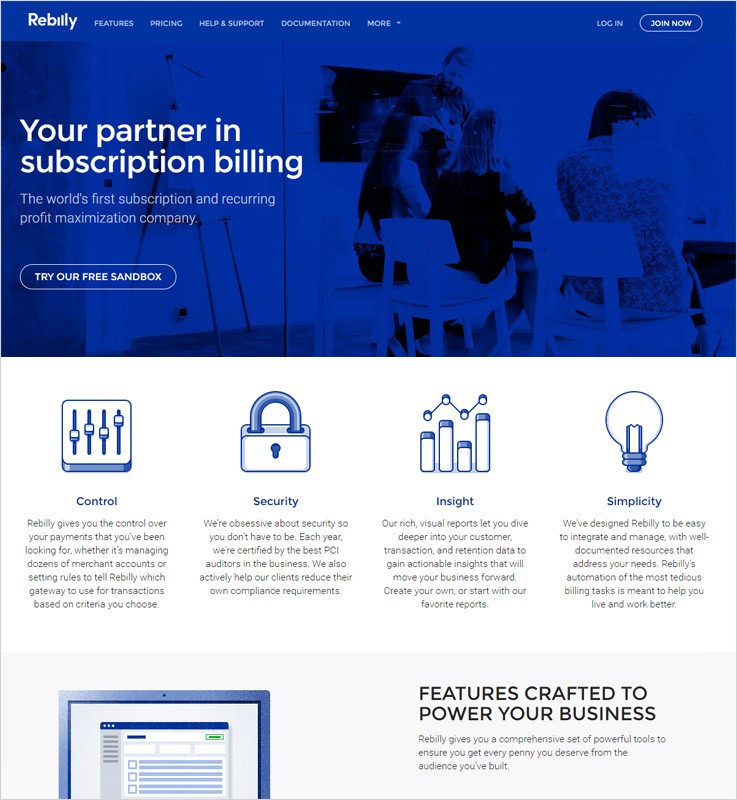
Some Popular Pricing Plans Which Are Configured By Rebilly Are
Free Pioneer Plan
Just sign-up for free and start taking benefits of the facilities.
- No Card Or Payment Registration Needed For Business Generating Revenues Up to $1,000 A Month.
Entrepreneur Package
The cost of this package starts from $149 a month + $0.10 transaction fee.
- No Card Needed
- Self-Service
- SLA Support
Executive Plan
With an initial cost of $1,497 a month plus $0.10 per transaction
- SLA Support
- Priority Phone Support
- Integration Planning
- Integration Assistance
10) Ezypay Recurring Payment Solution
One of the cheapest ways to manage recurring billing payments in a fast growing organization is by implementing Ezypay recurring billing system in it.
This software supports multiple sites, various currencies, and different payment methods.
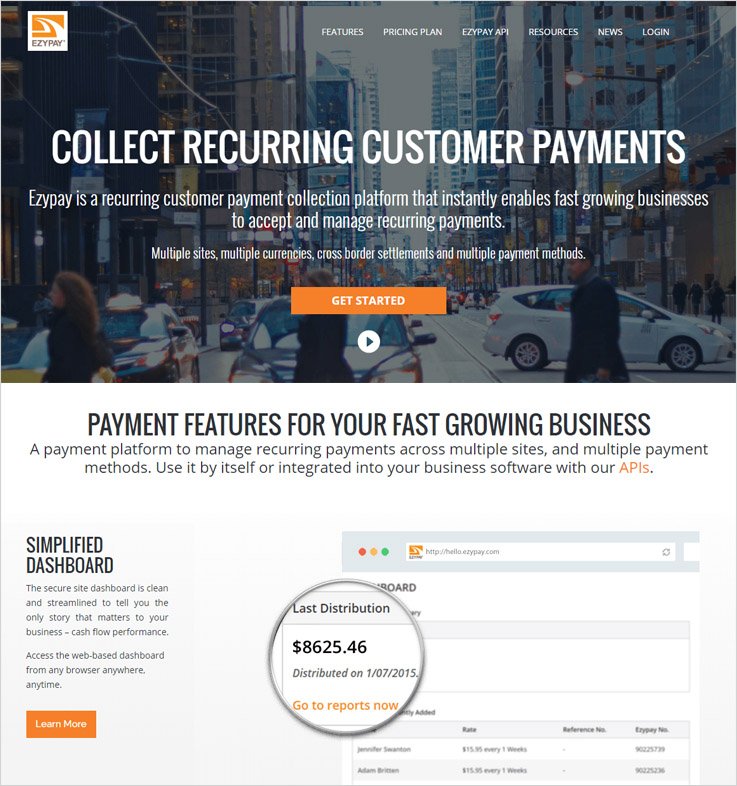
The Price Plans Are Very Simple And Design With High-End Features
- You have to pay Fixed Rate Of 1.4% Plus 30c Per Transaction For $2,500 Month
- Pay Fixed Rate Of 1.3% Plus 25c Per Transaction For $2,501 – $10,000 Month
- This plan charges Fixed Rate Of 1.2% Plus 20c Per Transaction For $10,001 – $25,000 Month
- Pay Fixed Rate Of 1.1% Plus 15c Per Transaction For $25,001 – $50,000 Month
11) Stripe Subscription Management System
Big and small businesses who are struggling with billing and subscription management are given relief by Stripe’s recurring billing software.
It comes loaded with enormous features and helping facilities like billing automation, billing the correct customer at the right time, all the complex calculation is taken care of the system itself.
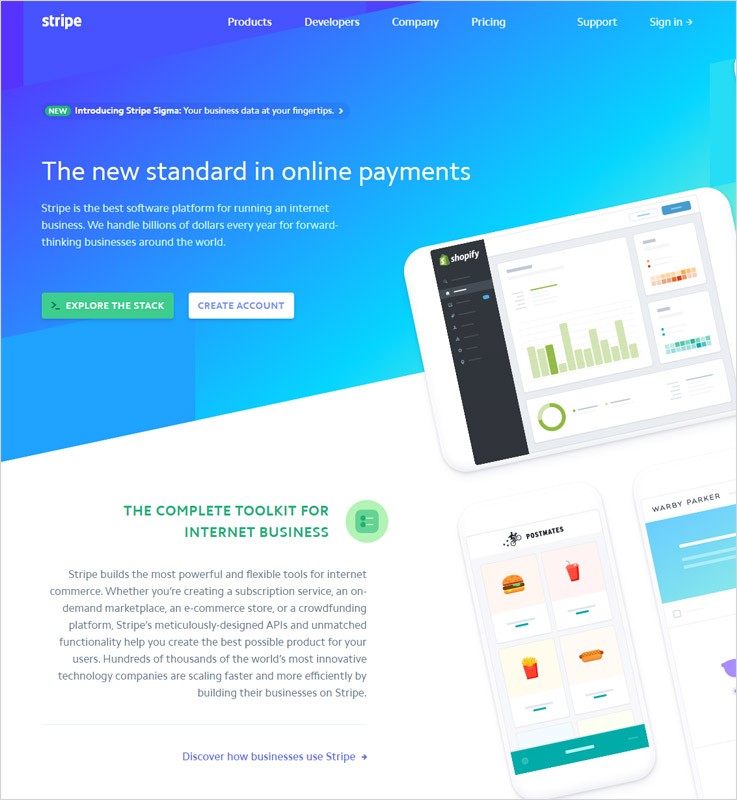
Unique Pricing Plans That Are Designed By Stripe Are Explained Below
Beginner Plan
This plan will charge around 2.9% + 30¢ for every credit & debit cards transaction. But the benefit is that No setup, monthly, or hidden is there
Enterprise Plan
This is an advance plan the features and pricing details will be as per need and requirements of your business. For the details and pricing, contact sales.
Final Conclusion
Now, after defining most affordable recurring billing software for invoice generation which is exceptionally affordable, I can conclude that it’s entirely up to the budget and requirement of your business.
Also, you will be able to create unlimited subscriptions for your customers through some of the above services without any limit on revenue.
So, choose wisely and select a system which benefits your organization now, later and forever.
To know more about related stuff, check out the blogs below-
- Dunning Management Tools
- Recurring Billing API: List Of 10 Best Software
13+ Best Healthcare Email Marketing Services For Medical Practices & Pharmaceutical Companies
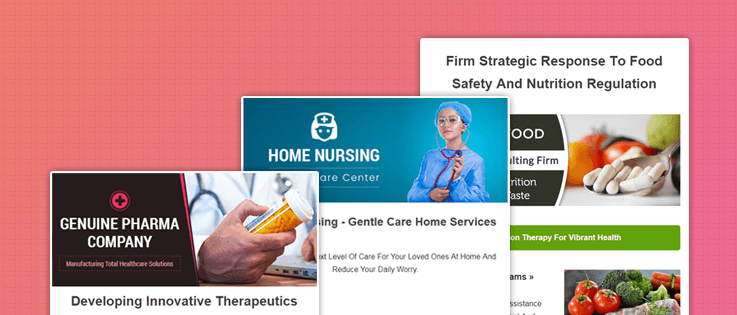
In this age, when people have numerous options on health services & every information is available on fingertips – healthcare organizations must focus on building relationships with patients via a quick online (marketing) channel.
Start Email Marketing!!
Emails will promote medication & wellbeing counsel, hence, will keep your healthcare brand at the top in the client’s mind when they need health-related assistance.
A software that helps in formulating a marketing technique & excellent execution is needed at this point. This list post of 13+ best healthcare email marketing services will help medical practitioners to find the solution & enable to:
- Prepare templates & newsletters by mapping the patient’s medical requirements.
- Collect leads through sign-up forms & send automatic emails to new subscribers.
- Send & track bulk emails with the inbuilt Google analytics functionality.
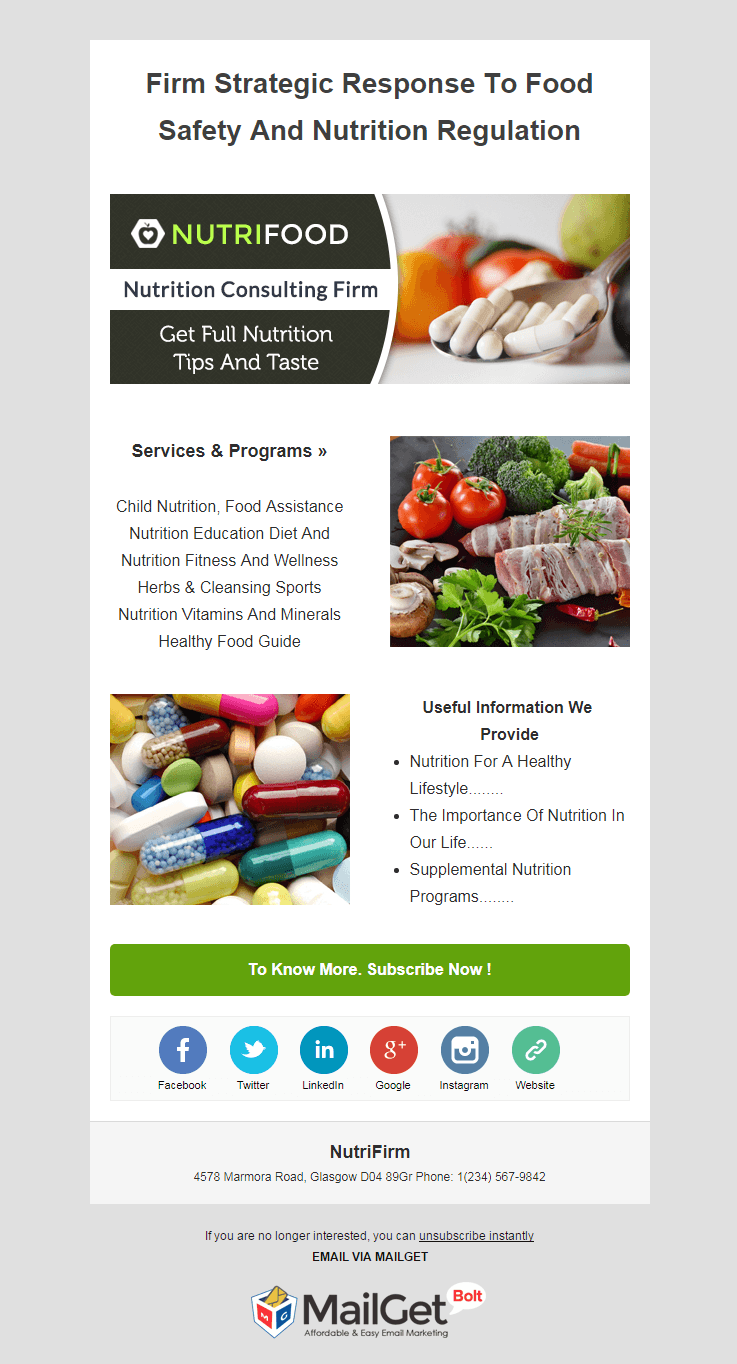
1. Email Marketing Service For Nutrition Firms
This sleek email marketing software for diet & nutrition advisory firms has a handy drag and drop builder. It helps to design/edit the template by adding images, text, social media icons as per the need of the healthcare needs.
Inform the prospective & current clients about nutritious diet by giving them tips & advice in a timely manner using the drip emails. You can pre-schedule the emails & they will automatically get dispatched at the set date & time.
Main Features:
- The software gives details of those contacts who have not opened the emails, bounced & unsubscribed email addresses.
- Segment the subscribers & patients according to their diet consultancy needs and send them specific emails.
- Build up a recognized image in the nutrition industry, as this tool promises a high inbox email delivery rate.
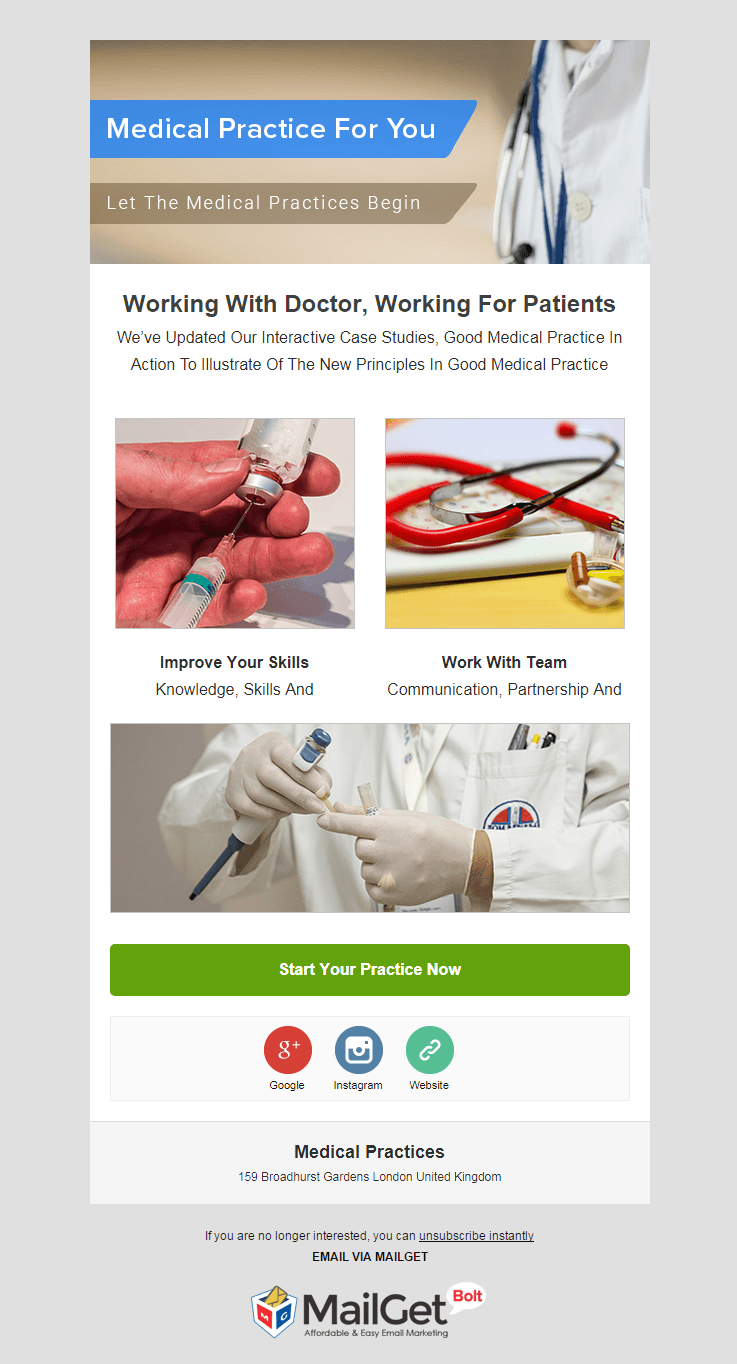
2. Email Marketing For Medical Services
Medical services like nursing homes, health clinics can use this affordable & result-oriented email marketing software to send bulk emails in regards to promoting the facilities provided by you.
Compose email templates by adding pictures of your clinic, text describing your specialties, powerful links & CTAs. This tool helps you to manage huge contact lists by segmenting them & cleaning them by removing spam, bounced & unsubscribed users.
Prime Features:
- Preview the emails before sending them to the contacts and rectify errors, if any.
- Inform the patients about upcoming medical checkup camps by sending them a systematic series of emails using drip campaign.
- Create as many lists of contacts as you want by manually importing the contacts.
- After sending the emails, you can evaluate the email opening, clicking rates with the help of stats displayed on the dashboard.
3. Email Marketing For Healthcare Industries
Healthcare industry is a wide market and hence they need an advanced email marketing tool like this one to reach out a diverse crowd. With this software, they can design email templates, send them in bulk & track them regularly.
Collect contacts & leads, segment the subscribers on the basis of their health care needs. This helps to send the right message to the right person, which subsequently increases the client engagement rate.

Highlighting Features:
- All the email templates created and sent with this software are completely responsive in nature.
- As soon as a new subscriber gets registered send them automatic welcome emails & medical advice e-pamphlets via autoresponder.
- Hike up the email opening rate as this software guarantees an increased inboxing rate.
4. Email Marketing For Pathology Labs
Pave out a pathway to the patients & other people via their email inboxes. This email marketing software will assist in doing so with the multiple inbuilt functionalities. Email building, bulk emailing are all an easy going process with this tool.
You can choose to send the emails from two email campaigns namely regular and drips. Educate patients about the diagnosis, test facilities that you provide with attractive e-templates & compel them to try your services by adding links in it.

Main Attributes:
- Schedule the emails to be sent at a specific time when it is most likely to get maximum attention from the recipient.
- Attach email subscription forms on any page of your websites as per your convenience.
- The software offers various tools to create emails & templates like drag & drop builder, custom code & basic text editor.
5. Email Marketing For Diagnostic Centers
Diagnosis & Prognosis centers who are planning to promote their venture amongst the potential clients base should go for this responsive email marketing tool. This top-class service enables to plan & strategize everything from creating & maintaining contact lists, sending them specific emails & tracking them.
The software gives the details of unopened emails & you can then automatically send follow-up emails to these particular contacts.

Supreme Features:
- Send thousands of emails with personalized names and that too without the hectics of individual personalization.
- Mention the features & diagnostic facilities that you cater on well-illustrated email templates.
- The dashboard stores in all the previously sent emails so that you can edit & use them in future.
6. Healthcare & Wellness Clinic Email Marketing Service
Spread the word about your health care clinic with this exclusive & workable software. promote the medical facilities in a divergent & unique way along with increasing your financial revenue in no time.
Embed email newsletter sign-up forms on your as well as on other high-profile websites to grow the subscribers list effortlessly. Segregate them into various groups, select any one of the groups & send instant bulk emails.
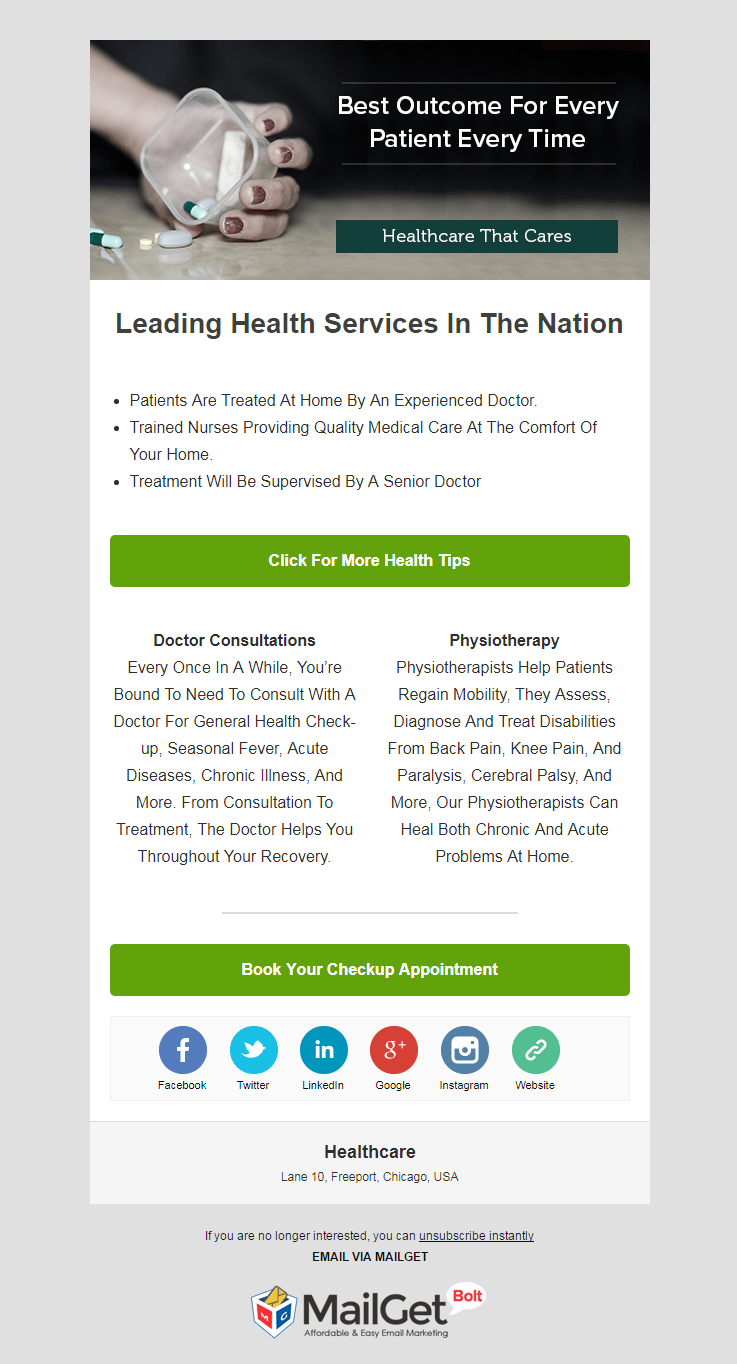
Main Features:
- Notify the clients about free health checkup camps, give medical care advice through emails & maintain a constant communication with the clients.
- With the inbuilt email tracking analytics, keep an eye on the performance of the email campaigns.
- Provide a 24*7 emailing service & assistance to the clients using the automated emailing feature.
7. Email Marketing For Chiropractors & Spinal Health Clinics
Publicize your chiropractor clinic by running successful email campaigns using this email marketing software. It incorporates various functionalities like multiple email building tools, inbuilt SMTP connection to send bulk emails & Google Analytics to track down the emails.
Inform thousands of prospects, clients about the spinal treatments that you provide with the help of attractive & informative email templates. Keep a pre-written set of emails and the software will automatically deliver a particular email based on the client’s action.

Main Attributes:
- The tool allows to filter the contacts, manage them properly & maintain a clean list by removing spam & bounced email addresses.
- Allow the recipients to unsubscribe the emailing services if they want to discontinue the newsletters.
- Supervise all your email campaigns on the basis of your chiropractic sessions & keep the clients updated.
8. Email Marketing Service For Health Survey Agencies
It’s a peak time for fitness survey agencies to go for a promotional channel like email marketing to reach out health organizations who are willing to map the societal health. This service has a smart email builder & custom code editor to compose email templates as per your health survey agency’s requirements.
Send the emails manually on a regular basis or automate the whole process of sending a series of sequential emails using the drip campaign.
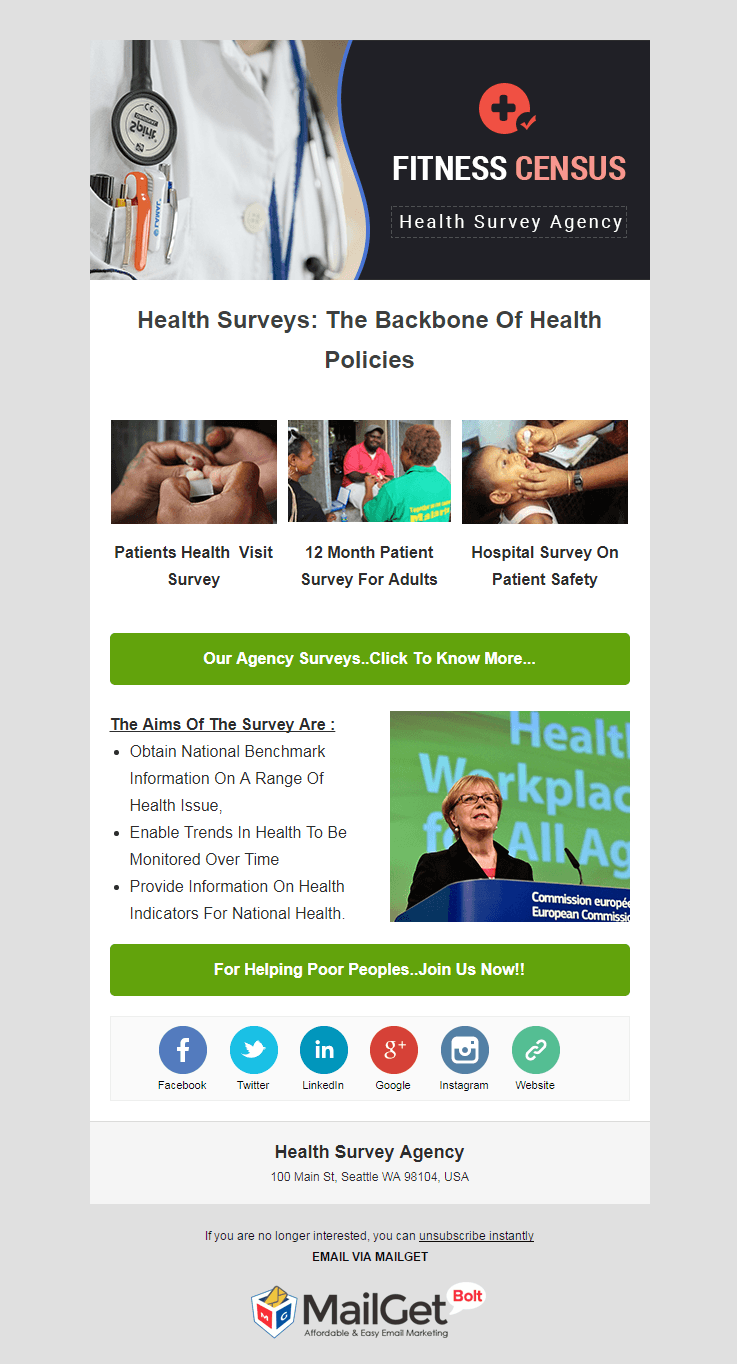
Highlighting Traits:
- Track the emails, subscribers, their behavior towards the sent emails easily with the integrated tools.
- Create the lists of health clinics & other agencies’ contacts by importing the email addresses by uploading a CSV file.
- Preview the emails, scan them & rectify the errors made in it so that it does not damage the image of surveying agency.
9. Medical Centers Email Marketing Software
This easy going email marketing software is crafted keeping in mind the promotional needs of medical & health centers. They can add newsletter email sign-up forms on their websites to fetch leads of potential clients.
Send emails in bulk & this software will give complete details of email opening rates, which contact opened the email & which contact did not open them. This will help to analyze what works best for engaging the user & also maintain a clean mailing list.
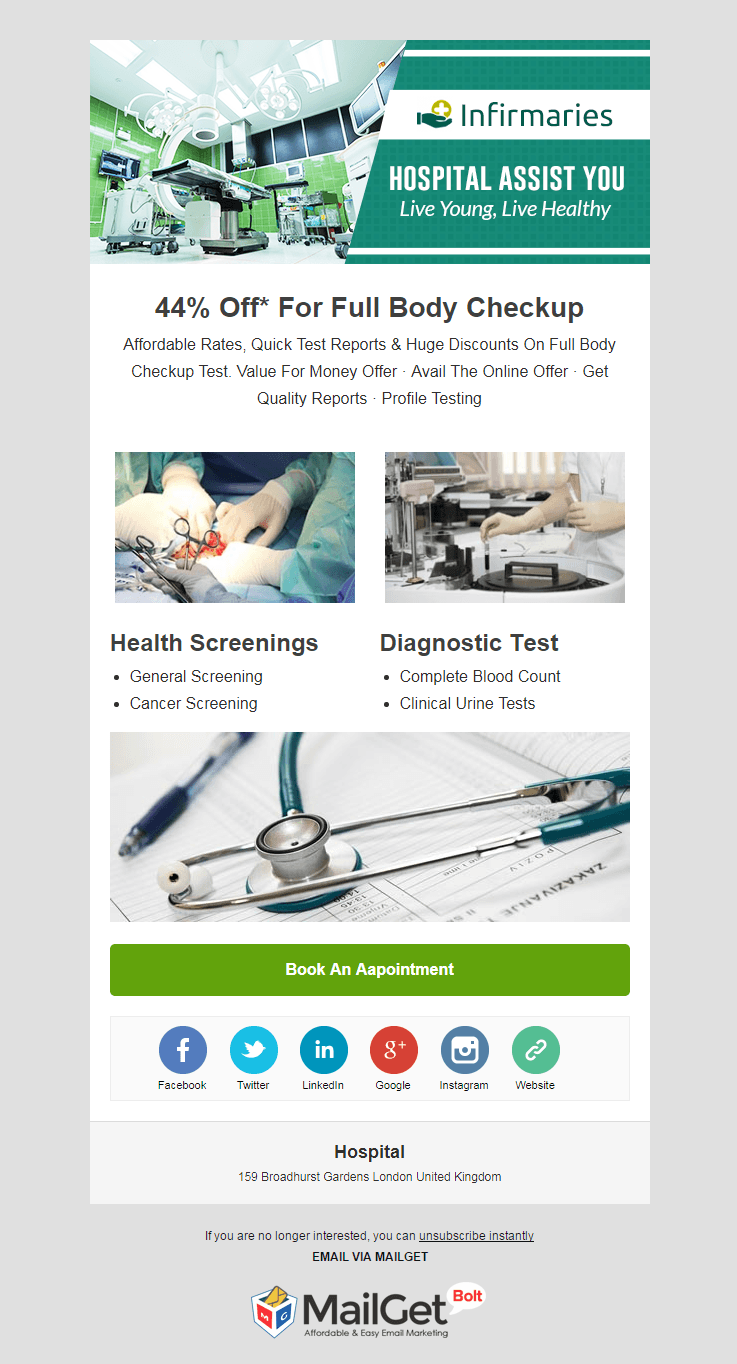
Main Features:
- Link subscription forms with autoresponder emails so that you can build a healthy communication channel with contacts.
- Pre-schedule the emails so that you don’t have to worry about their dispatch, while you are busy in your clinic or hospital.
- This software is compatible with Google Analytics via which you can see the source traffic at your website and other information.
10. Email Marketing For Skin Care Clinics & Dermatologists
Help the people who are searching for a legitimate dermatologist by informing them about your skin care clinic through emails. With this bulk email sending, the software delivers emails right into the contact’s email inbox, as the tool prevents them from going into spam.
Employ the drip email campaign to set date & time of a series of skin care clinic promotional emails and they will be automatically delivered on the set schedule.

Main Features:
- Enhance the experience of email recipients by sending multimedia packed e-templates featuring the dermatology services.
- Segment the users according to their skin treatment needs & convert them into your client by sending specific emails.
- Stand out in the client’s inbox among other emails by attaching names of the recipients in the email subject lines.
11. Email Marketing Service For Private Nursing Centers
Promoting your nursing center is important but getting the right audience is important to expand the venture. Utilize this effective & responsive email marketing service to develop emails, send them in mass to the right bunch of people.
Begin sending delightful email formats using Drag and Drop email developer. Simply drag the content fields like headings, pictures, content, links and drop it to the format zone. Nursing businesses can utilize email tracking analytics to study advanced reports.
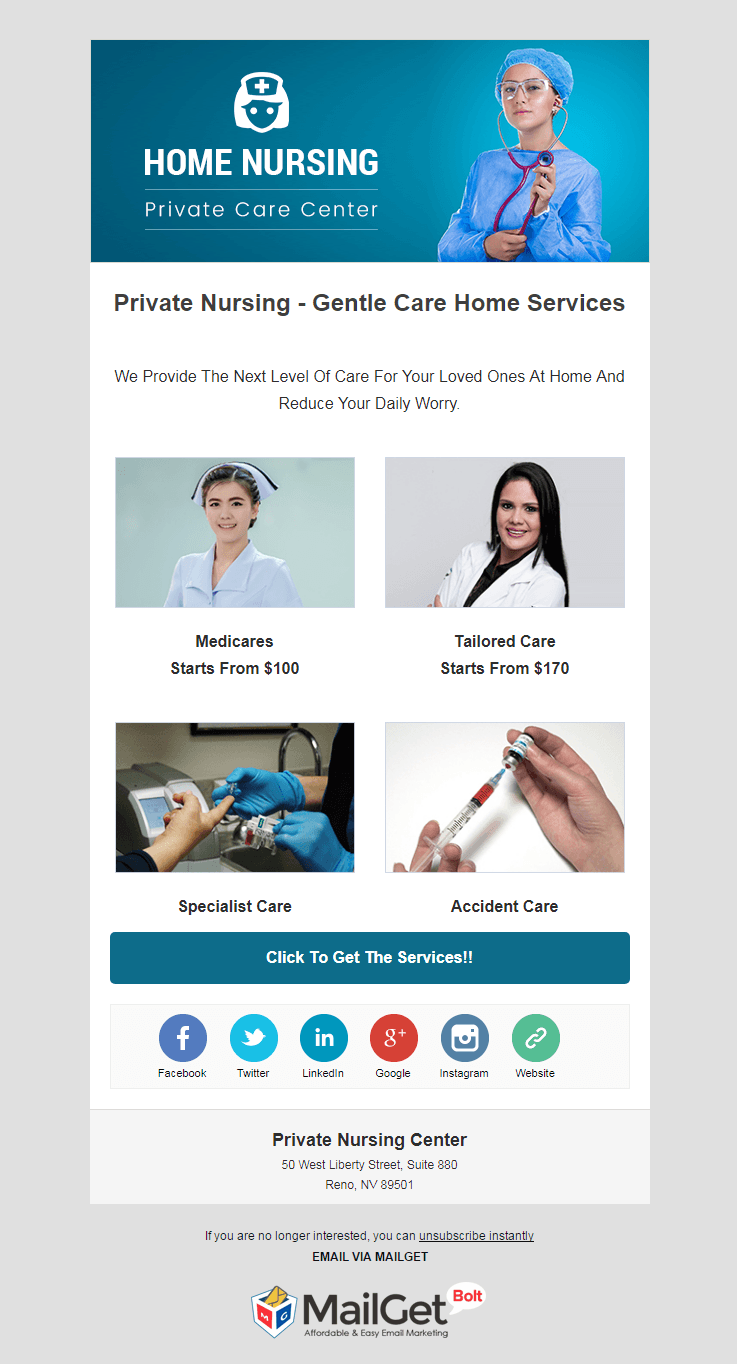
Key Features:
- With email list administration feature organize and partition the patients to get maximum results from the campaigns.
- Increase client’s engagement by sending auto-follow-up emails to those who have not responded for the first time.
- The email templates dispatched with this software are responsive in nature.
12. Email Marketing For Pharmaceutical & Medical Companies
If you are looking for one of the cheapest email marketing services for promoting your pharmaceutical company, then you have arrived at the right place. This software has inbuilt functionalities that are bound to popularize the antibiotics across a wider orbit & will bring in more revenue.
With the different email template builder tools like drag & drop builder, basic text & custom code editor, you can design the emails as per your wish. Choose a particular contact list & send them emails in bulk.
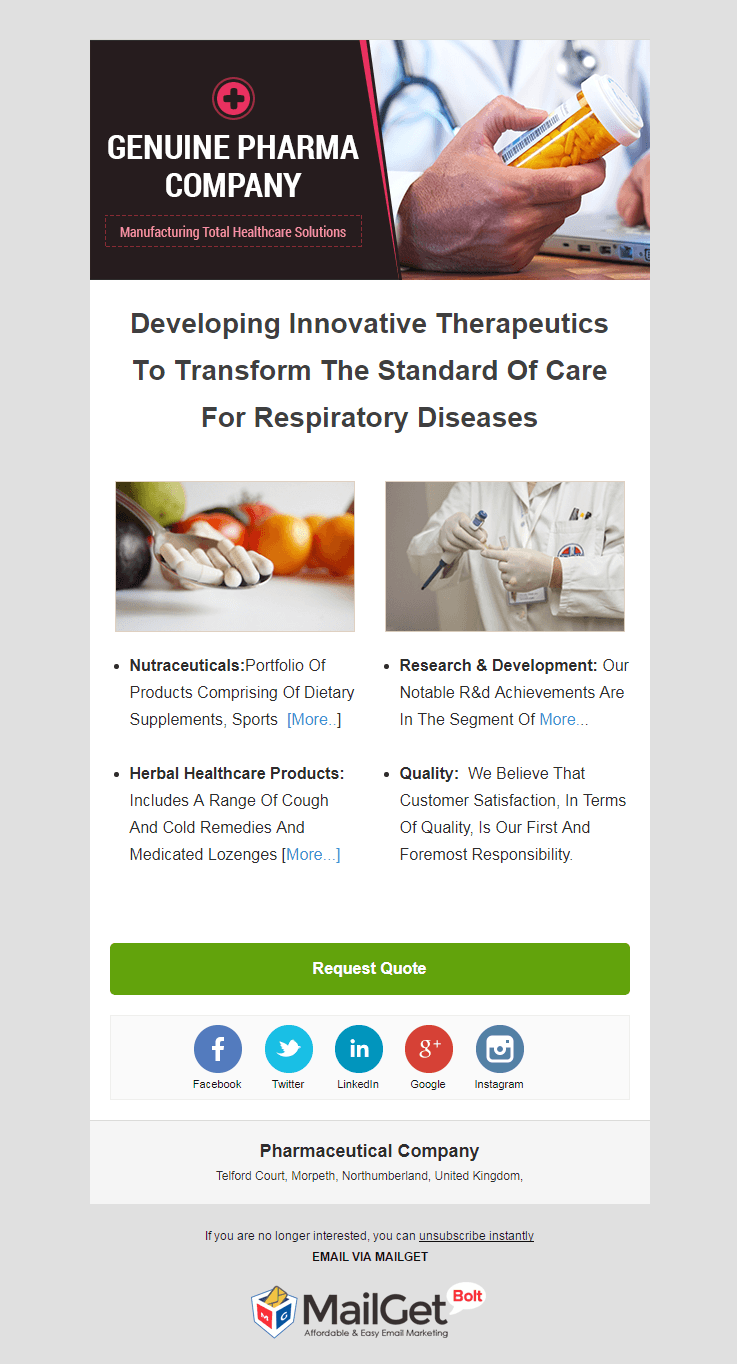
Main Features:
- Keep the subscribers & clients up to date about the new range of medicines by pre-scheduling the emails via a drip campaign.
- Track the email opening rates & after knowing the unopened email addresses, resend them the same emails.
- The clients can view the email templates & newsletters from any of the handy devices.
13. Email Marketing Service For Surgeons
Surgeons can now inform people about their specialist medical operating skills to a huge number of people by sending emails with this niche-targeted email marketing service. Design the emails keeping in mind your surgeon profile & you can also pre-schedule them to be sent on any specific date & time.
Attach personal names of the contacts in the email subject line to grab the recipient’s attention & constantly keep an eye on their behavior towards the sent emails.

Key Attributes:
- Collect leads of each & every visitor coming to your site by embedding subscription forms on your website.
- To provide an easy way to the email recipients to opt out of the mailing service, you can add an unsubscribe link in the e-templates as well.
- Manage a huge number of subscribers list with the inbuilt functions of this software.
14. Email Marketing For Aids & Hiv Education Centers
Propagate your Aids prevention & awareness program on a global level with the help of this top-class email marketing tool. Plan the email template layout & their delivery as per the agency needs to reach the upright client at the most suitable time.
Make sure that the emails you have sent are read by every client. This will be done by auto-follow-up feature, which on its own sends the same emails to unopened email addresses.

Major Highlights:
- Trace the email campaigns with the integrated Google Analytics tool and consistently upgrade the emailing style.
- The email marketing software is very affordable & comes with an easygoing dashboard.
- There’s no need of an external SMTP connection to send thousands & lakhs of emails.
Over To You…
Hope you have got what you have been looking for so long time. The healthcare specific bulk email sending software is built on a responsive email marketing tool – MailGet Bolt.
MailGet Bolt can be used by anyone belonging to any medical sector to plan, customize & execute their own email marketing campaign. You just have to login here to begin with it.
Take some time to peek into our top running blogs on email marketing services:
HealthCare Email Templates
Advertising Agencies Email Marketing Services
Coaching Email Marketing Services
Gardening Email Marketing Services
Machinery Email Marketing Services
14+ Best Healthcare Email Templates For Hospitals, Diagnostic & Medical Centers
Medical profession is the most respected and reputed form of a profession that exists and the medical services provided by these doctors and practitioners should bring into the light so that maximum people avail their medical services.
One of the ways through which the marketing can be done smoothly and will prove to be fruitful is the email marketing because the email templates that are sent in the process will definitely make an impact on the reader.
The email templates that have been created by us is explained so that it gives you a clear picture that which template will be best suited for you.
In addition to that, you can also have look at the Top Healthcare Email Marketing Services For Hospitals & Medical Centers.
So, let’s explore these email templates for your medical field one by one:-
1. Email Template For Nutrition Firms
Your diet should include proper nutrition and to make sure get in right proportion the nutrition firms help you in that, these nutrition firms can exhibit themselves on the web through an email template which has been created with the help of drag and drop builder.
2. Email Template For Medical Services
When you are diagnosed with a disease then you need medical assistance and the medical service providers come into the scene, these medical service dispensers can also demonstrate themselves on the web through an email template made exclusively for them which they can use an autoresponder as well.
3. Email Template For Healthcare Industry
Healthcare industry is a vast industry and encounters a neck to neck competition, so it becomes essential that the project themselves on the web through an email template in which they can also induce subscription form to flourish their medical business.

4. Email Template For Pathology Labs
To get the things diagnosed properly you need a pathology lab, all your tests and the scans are carried out there, the pathology lab owners can exhibit themselves on the web through an email template which they can send without error with the help of email inbox preview.

5. Email Template For Diagnostic Centers
The emails can be sent to anyone so the facility of email marketing has a wide range of scope and the medical field such as diagnostic centers can use this email template prepared for them and send it to a number of people at the desired date and time with the help of drips mailing.

6. Email Template For Healthcare Centers
There are wellness centers that help you stay healthy and fit, there are multiple streams in the medical field and one of them is the healthcare and wellness, if these domain experts require a platform to exhibit themselves on the web then an email template can be used to deliver their services and these emails can be scheduled as per their need.
7. Email Template For Chiropractors
Any kind of sports injury or any ailment in the spinal cord are taken care by chiropractors and if these experts need an email template through which they can exhibit themselves on the web then an email template would be an appropriate option and which they can use it to send with a 99% inbox delivery rate.

8. Email Template For Health Survey Firms
The government carries out survey programs and these surveys are done by the agencies, if these agencies require an email template through which they can display and explain their services on the web then they can use the specific template and even track the emails that they have dispatched.
9. Email Template For Medical Centers
The email templates can be a great way to explain your business and create awareness about your medical services and thus the exclusive email template can be used to share all the facilities and programs directly into the mailbox of your patients or target audience, you can choose and import contacts of the people to whom you wish to send the email.
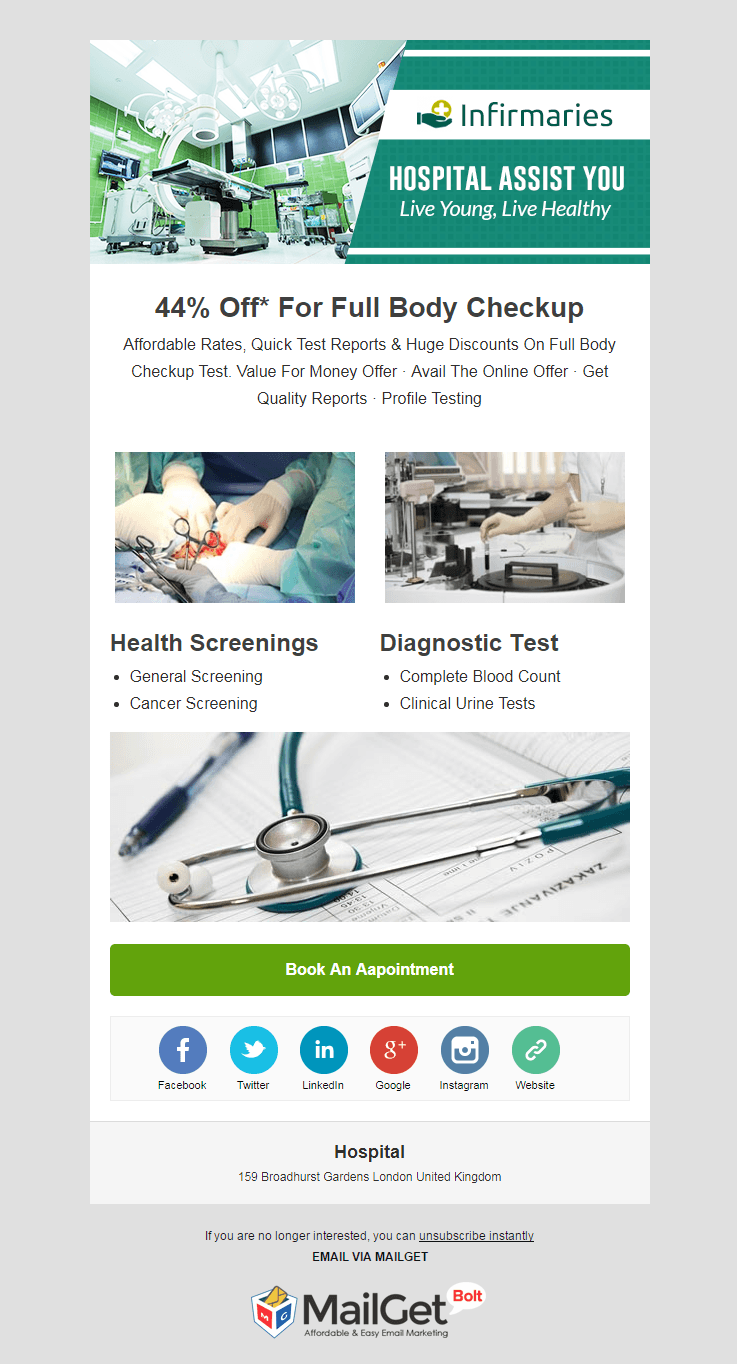
10. Email Template For Skin Care Clinics
Everyone is very particular that how their skin looks and try different methods and ways to keep their skin nourished and the skin care specialists play a vital role in it. The email templates will help these specialists to have a wonderful and awesome medium to advertise themselves and sent it to a number of people.

11. Email Template For Private Nursing Centers
Among various fields of the medical, one of them is the private nursing home, people often need a personal caring after they have been diagnosed with a disease, the private nursing centers can exhibit themselves on the web through an email template in which the user can explain the services and the facilities that are provided by them.
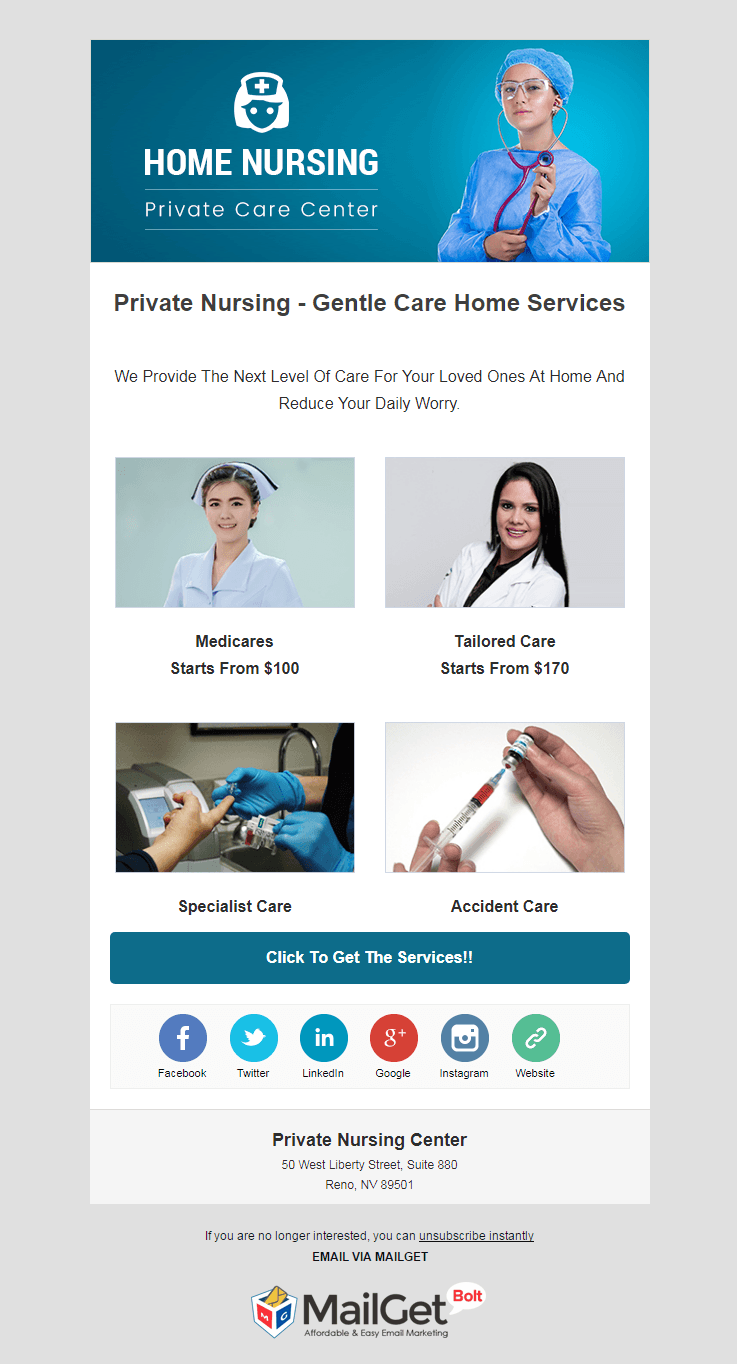
12. Email Template For Pharmaceutical Companies
The medicines are the backbone of the medical industry and the companies who prepare such medicines can exhibit themselves on the web and create awareness regarding their medicines, the pharma companies have an awesome opportunity to flourish their business through this email template.
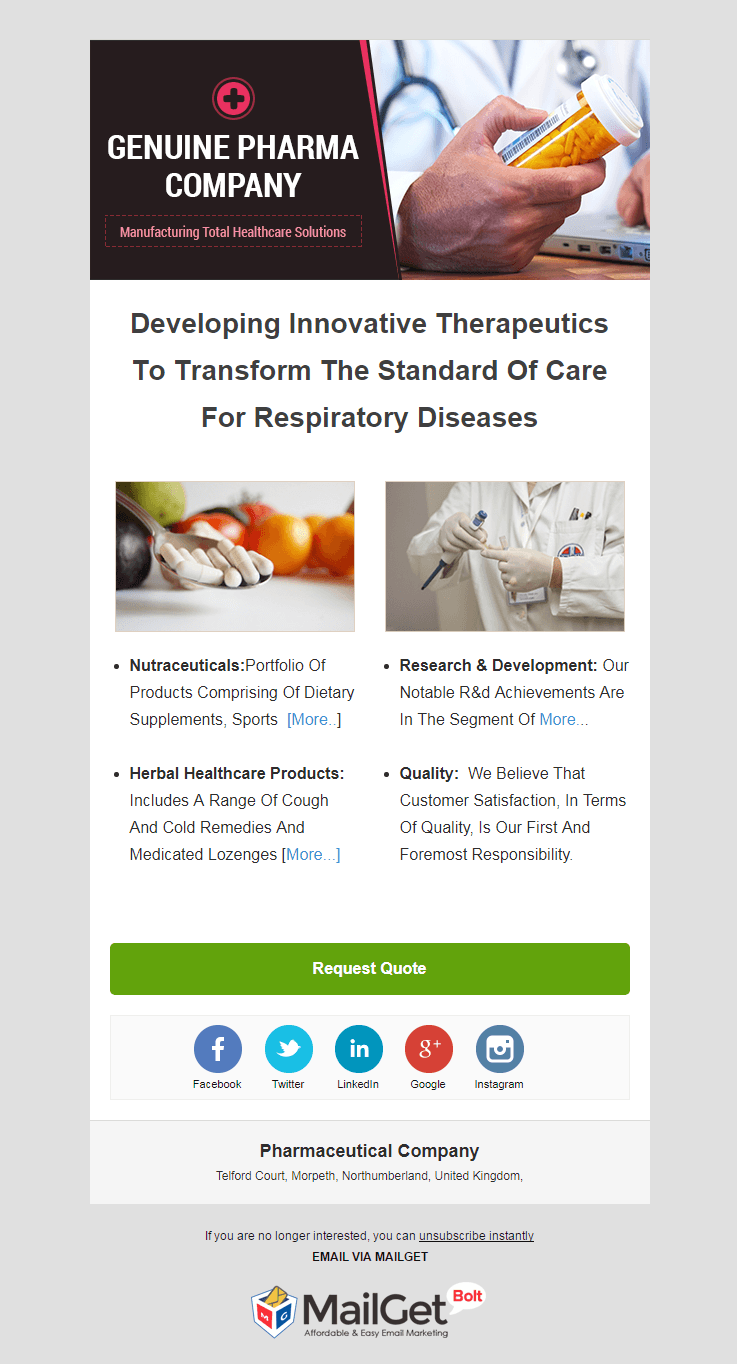
13. Email Template For Surgeons
Surgeons are the artists of the medical industry and thus it becomes equally important that they can display themselves on the web through this exclusive email template which works well for your surgical operations performed by you.

14. Email Template For Hiv Aids Education
Awareness among the people is very important regarding the diseases that can happen to a body and on the same track the hiv aids education is the part of it, the education providers can have an email template to make things work for them and reach to maximum people.

Final Touch:-
The templates that have been covered above are some of the best email templates that you will find in the market and if you want to create your own email templates then you can do so by MailGet Bolt as well.
For the medical domains and various other fields, there are email marketing services as well through which you can have an amazing email sending experience.
Here are some more :-
- Rental Email Templates For Vehicle Hire Companies
- Best Rental Email Marketing Services For Property Leasing
- Doctor Email Templates
Angular 4 : Creating Component Automatically In AngularJS

After gaining the knowledge about how components are created in angular.js manually, this blog will help you learn how to create components automatically.
If you are unfamiliar with the manual component creation, visit the blog – Creating Registration Form With Custom Component In AngularJS for detailed information.
Follow these basic steps in order to create components automatically –
1. In the terminal tab of Visual Studio Code editor write the following code line for starting up the local server
ng serve2. Again, in the terminal tab make sure you are in the myapp directory (notice the path on the command line). Now write the following code line –
ng g c myloginThis code line means – generate an angular component named as mylogin.
3. After striking the ENTER key you would notice that the component – mylogin has been created and available in the left sidebar explorer with all the necessary file (its corresponding HTML, CSS and TS file).
4. Open up the generated HTML file i.e. mylogin.component.html file and write down and save the following code –
<h1>
My Login Page
</h1>5. Open up mylogin.component.ts file –
import { Component, OnInit } from '@angular/core';
@Component({
selector: 'app-mylogin',
templateUrl: './mylogin.component.html',
styleUrls: ['./mylogin.component.css']
})
export class MyloginComponent implements OnInit {
constructor() { }
ngOnInit() {
}
}
Notice the automatic creation of component mylogin. Along with all these, you will also notice that selector has been created, HTML & CSS files have been connected to templateUrl and styleUrls respectively.
6. Now, open up the pre-generated file – app.module.ts
import { BrowserModule } from '@angular/platform-browser';
import { ngModule } from '@angular/core';
import { FormsModule } from '@angular/forms';
import { AppComponent } from './app.component';
import { RegistrationComponent } from './registration.registration.component';
import { MyloginComponent} from './mylogin/mylogin.component';
@ngModule({
declarations: [
AppComponent,
RegistrationComponent,
MyloginComponent
],
imports: [
BrowserModule,
FormsModule
],
providers: [],
bootstrap: [AppComponent]
})
export class AppModule { }
Notice the automatic addition of mylogin component in the declaration section and also in the code line which imports its core libraries.
7. Ultimately to make our web page work, we have to call <h1> (mentioned in mylogin.component.html file – step 4).
In order to do so, we have to mention our selector – app-mylogin (available in mylogin.component.ts file) in app.component.html file as
<div style="text-align : center">
<h1>
Welcome to Angular {{title}}!!
</h1>
</div>
<app-registration></app-registration>
<app-mylogin></app-mylogin>8. On the localhost, you will notice the heading – My Login Page.
Conclusion
Instead of writing multiple code line and applying manual efforts, we have created a component automatically. The syntax of code line required to create an automatic component is –
ng g c *component_name*
If you wish to brush up your knowledge with previous angular.js tutorials then visit –
10+ Best Subscription Management Software For Recurring Bills

Subscription management software nowadays has become a necessity of E-commerce businesses as it provides higher customer satisfaction and improves customer services as well.
It also ensures that the correct amount of money is charged and collected from the right person at regular time intervals.
Some major functionalities that any Subscription Management Software should have are: –
- Should store payment details and customer information.
- Automatically takes care of recurring revenue like customer subscriptions.
- Support variety of payment gateway available in the market.
- Automate billing and contracts for hassle-free processing.
All these software can easily be integrated with other business tools like e-commerce platform, various payment gateways, catalog management software and other important e-commerce tools.
Now, talking about the 10 Best Subscription Management Software that I’ve chosen which are highly capable of giving huge ROI than you have ever expected.
Get To Know About Some Popular Subscription Management Software
| Services | Pricing | Dunning Emails | Recurring Payments | Unlimited Revenue |
| Pabbly Subscriptions Billing | $19/m | ✔ | ✔ | ✔ |
| Zoho Subscriptions | $29/m | ✔ | ✖ | ✔ |
| Rebilly | $149/m | ✔ | ✔ | ✖ |
| Recurly | Contact Sales | ✔ | ✔ | ✖ |
| Chargify | Contact Sales | ✔ | ✔ | ✔ |
Some of them limit on creating subscriptions & adding customers but others don’t. All you have to do is to choose the best subscription management tool according to your needs & boost up your business’s growth rate.
To know more check out the popular list based posts below:-
- Best Dunning Management Software
- Free Recurring Invoicing Software
- Recurring Billing API: 10 Best Tools
- Recurly Alternatives
1. Pabbly Subscriptions Billing
You may be feeding your subscription billing software every month with your hard earned money which is never going to be enough for it. Pabbly Subscriptions has come up as a game changer in the subscription billing management segment.
It does not bind you in generating unlimited monthly recurring revenue. So, you won’t have to worry about it ever.
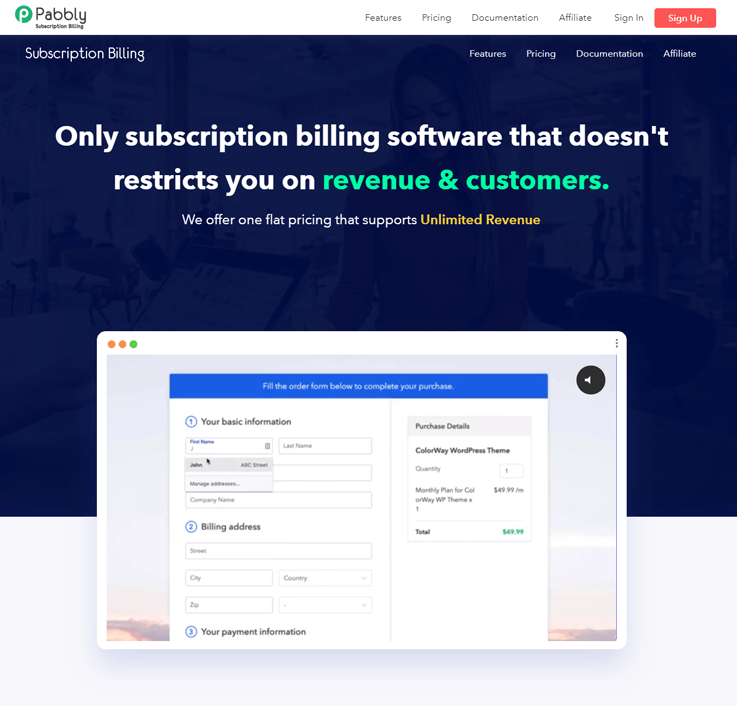
Pricing Model
- Starter – This plan will cost you $19/m on a yearly basis and $39/m on a monthly basis where you can manage 500 customers & setup unlimited products in few minutes.
- Rookie – It has a Rookie plan which costs only $29/m (yearly plan) and $59/m (monthly plan) for managing 2000 customers at a time along with multiple payment gateways.
- Pro – The Pro plan allows the admin to manage unlimited customers & create a multilingual checkout page at just $49 per month if you opt for a yearly plan and $99/m if you select a monthly plan.
Features
- Unlimited is the perfect word
It does not impose any limit on adding customers, products, promo codes, and coupons. You can add an unlimited number of customers, products, promo codes and coupons in a click and it doesn’t ask for an extra single penny.
- Payments made easier
With it, your payments become easier than ever. It supports multiple currencies and multiple payment gateways and proves its flexibility at the time of payment by providing you with a number of payment options such as ACH, Credit Cards etc.
It also has dunning feature with which you set a reminder for your customers for payment and in case of failed payments you can notify and follow up with your customers with customized follow up emails.
- Automates
Pabbly Subscriptions automates all your recurring and one time payments. It also generates invoices which can be effectively managed in a single dashboard.
2. Zoho Subscriptions
Zoho’s subscriptions management software delivers premium services to any enterprise that allows you to manage the entire customer lifecycle, accepting payments, handle customer subscriptions and much more.
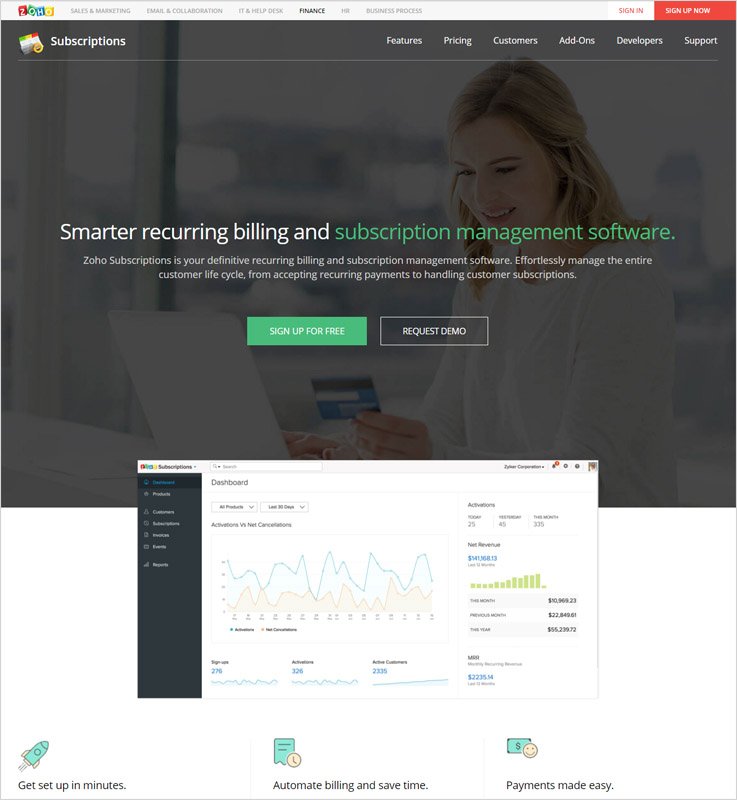
Pricing Model
- Standard Monthly Plan
This plan is for $29 per organization for 500 customers & 3 users.
- Professional Monthly Plan
The Professional plan is for $69 per organization for unlimited customers & users.
- Standard Yearly Plan
It is for $290 per organization for 500 customers & 3 users, plus you get 2 months subscription free of charge.
- Professional Yearly Plan
This yearly plan is for $690 per organization for unlimited customers & users, plus you get 2 months subscription free of charge.
Features
- Set It Up In A Few Minutes
Whatever is the scenario. Just create the pricing tiers, setup add-ons, and coupons, and start accepting payments right away.
- Automate All Your Bills & Save Time
Schedule your recurring billing and start sending professional invoices automatically to the customers.
- Take Full Control Of Failed Payment Transactions
This software will automatically notify the customers about any transaction failure and re-submits charges based on a preset schedule.
3. Chargify
Chargify allows you to launch products without writing billing code as it is a leading recurring billing and subscription management platform that handles millions of subscriptions.
This is a software which simplifies all major complexities encountered by any business regarding subscriptions and billings.
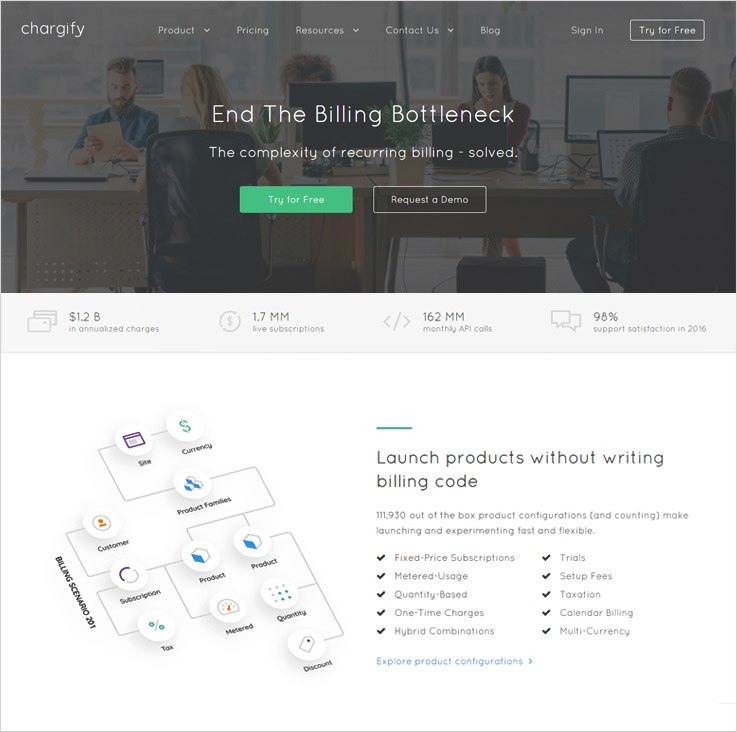
Pricing Model
- To purchase its any plans, you have to contact their sales department.
Features
- Different Payment Modes Available
The customers can make payments by credit card, invoice billing, ACH or PayPal
- Free & Paid Trial Periods
Both free and paid trial are being provided for any duration like days or months, this is a factor which plays a major role in customer satisfaction.
- Add One-Time Charges Anytime
Can add one-time charges to any recurring subscription manually.
4. Recurly
Recurly is a powerful solution which automates billing and subscription modules in a business. This subscription management software is happily being used by thousands of companies all around the globe and they deeply depend on Recurly’s software to manage their subscription business.
Pricing Model
- For any kind of enquries, please contact to its sales department.
Features
- Automate All The Renewals
This software allows you to control the number of renewals for subscriptions.
- Provide Frequent Updates To Customers
It keeps all your customers informed about every single charges and change that occur related to their subscriptions.
- Safeguard Your Business And Protect All Your Customers
Secures each and every transaction performed using the credit card, invoice billing, PayPal etc.
5. Sellfy
Recurring billing software of Sellfy has brought a revolutionary change in the traditional billing and subscription systems. It has transformed the complicated billing process into an easy to use invoicing and periodic billing mechanism, which has lead the growing path of many companies.
Pricing Model
- Plan For Starter
It costs $19 per month which include unlimited products, store customization, and discount codes.
- Pro Business Plan
This plan charges $39 per month which include 10,000 email credits.
- Premium Plan
It costs $89 per month which includes 50,000 email credits.
Features
- Pre-Schedule Invoices And Subscription Bills
You can easily schedule automatic invoice runs with this software and include different billing periods like weekly, monthly, quarterly etc.
- Notify The Customer Via Emails
This software gives an additional helping hand through which you can deliver e-bills and invoices to the customer through emails.
- Monitor & Extract Customer Consumption At Different Levels
Generate recurring bills based on subscriptions, periodic bills based on usage and more.
- Supports Multiple Payment Methods
This is a premium solution which supports different international currencies, payment modules, tax rules etc.
6. Braintree
Braintree is end-to-end recurring billing and subscription management solution which makes recurring billing simple in this complex world. With this software, you can automatically charge all your recurring customers on regular time intervals (weekly, monthly etc). It accepts all type of credit and debit cards, PayPal, and more.
Pricing Model
- Standard Plan For Newer Businesses
It has a different price plan as it costs 2.9% + $.30 per transaction.
Features
- Full Control Over All Subscription Aspects
Braintree subscription software attaches the customers to the opted subscription plan which simplifies the process of changes. Example, if the clients want to switch a package in mid-month, then charges can be calculated easily.
- Easy Price And Package Modifications
With this, you can create custom price plans, set different discount offers and define various promotional periods.
- Robust Viewing And Reporting System
View all your subscription plans and manage them from a single dash. You can also impose filters by price plans, subscription ID and more from Braintree’s control panel.
7. Rebilly
Rebilly subscription management and recurring billing services have handed us a better way to deal with the complex process of invoicing and factors related to it which are extremely hard to understand. Using this software you can dive deep into transactions, payment and customer related data.
Pricing Model
- Entrepreneur Plan
The Entrepreneur plan bills $149 a month additional $0.10 per transaction for $50,000 revenue per month.
- Executive Plan
This plan has charge of $1,497 per month additional $0.10 per transaction for up to $150,000 revenue on monthly basis.
- Enterprise Plan
It costs $3,000/month for revenue over $150,000 per month.
Features
- Effortless Data Portability & Processing
This is a stand-alone software which makes sure that you can access all your data when you want and where you want. Your client data and information will never be held hidden or restricted.
- Alternate Payment Modes For Customer Ease
Rebilly covers almost every payment method available. It also helps you to record transactions from alternative payment methods like cash, check, wire, bitcoin and more.
- Provides Better Customer Experience
It offers more than just an online subscription billing software. With Rebilly subscription management system, you can send email notifications and customs invoices which are fully customizable.
8. FastSpring
FastSpring is one of the best digital commerce platforms from where you can power your business with one of the best subscription management & recurring bill software for online, mobile, and in-app experiences.
Pricing Model
- Just contact their sales department for any kind of inquiries.
Features
- Setup Multiple Subscription Structures & Custom Plans
This platform supports different kind of subscription models which can include free, paid trails, on-demand subscriptions, multiple subscription packages, bundle plans and more. The customizations can be done as per the popular needs of the market.
- Featured Loaded Platform
This software is loaded with a variety of features which will help you improve subscription management and recurring billing for different types of businesses which can be big or small.
- Deliver Faster, Effective & Better Support Each Time
All the subscription data at one place will reduce the customer support time. The support team can quickly locate plan information and billing history, issue credit and more.
9. Cleverbridge Solutions
The billing software by Cleverbridge Solutions is highly capable of handling the challenges of a growing business needs, most of the software developed for this purpose fail to work properly when a small business evolves. But that’s not the case with Cleverbridge.
Pricing Model
- For any price & plans related details, contact sales.
Features
- Flexible And Easy To Manipulate Price Plans
This software comforts the clients with multiple pricing plans which are easy to change according to the customer needs and requirements.
- Smart Auto Billing System
This software has an intelligent subscription billing system which automatically bills each and every customer according to his/her consumption.
- Fulfills All Your Business Requirements
This billing software supports various business needs like 24/7 billing support, multiple currency options accept different payment modes and more.
10. Zuora
Zuora is an elite collection of recurring billing, invoicing and subscription management software. It will give your business a helping hand which will automatically manage billing cycles of various subscription-based products and services.
Features
- Comfortable Bill Generation
You can create products and services with different billing cycles. These bills can be easily associated with the customers through this software.
- Send Notification And Payment Reminders
Using Zuora you can periodically notify your customers about the payments and deliver invoices in the form of PDF’s through emails.
- Connect And Collect Payments From Multiple Gateway
Zuora permits you to integrate different payment gateways which are accepted worldwide.
11. Stripe
Recurring billing and subscription management software by Stripe is an advanced solution to deal with invoicing related problems. New features are bought in it every month and improvements are absorbed and delivered to the clients instantly.
Pricing Model
- Pay As Business Grow Plan
It costs 2.9% + 30¢ monthly charges with real-time fee reporting.
- ENTERPRISE Plan
Contact sales for custom plans if you want to try it.
Features
- Correct & Effective Billing Automation
In this software, you just need to attach the customer’s plans and the software will take care of all types of billing for that customer itself every month.
- Does All The Mid-Term Plan Change Calculations
In case the user changes the subscription in the middle of the month, all the complex calculation is taken care by Stripe’s subscription management system.
- Overcomes All Customer Related Challenges
Challenges like plan change, payment failure, discovering defaulters and other faults can be handled with ease through this software service.
The Conclusion Of The Story Is That
After elaborating all of the above tools, I am pretty sure that integrating one of the defined software in your business will give a cutting edge to your working procedure and will boost the growth of your business as well. These are software which covers almost all major features which are needed for recurring bill generation and subscription management.
So just finalize the cheapest & the best subscription management software & transform the growth of your business.
For any queries or suggestions, just drop a comment below & I’ll get back to you soon!
Check out the blog below for more related stuff-
Angular 4 : Creating Registration Form With Custom Component In AngularJS

Before starting with the registration form, you should be aware of basic file rendering and server setup in AngularJS. If not then quickly glance over the blog – Creating First App In AngularJS With Basic File Setup & Configuration.
This blog will also be helpful for you to learn how to call a custom component in AngularJS.
Follow these steps to create a registration form with custom component –
1. Open your Visual Studio Code editor and establish connection with the local server.
2. Follow the flow, Explorer tab (left sidebar) → myproject → myapp → src → app.
In this app folder, create another folder named, registration (right click app and click on New Folder option).
3. In registration folder create three new files (right click registration and click on New File option) namely,
(i) registration.component.ts
(ii) registration.component.html
(iii) registration.component.css
Usually the custom files are named in predefined way – folder_name.component.file_type
4. In the file registration.component.html write the following HTML code to create a basic form
<div id=”registration”>
<form>
<label>Full Name</label>
<input type =”text” name=”fullname” /><br>
<label>Email</label>
<input type =”text” name=”demail” /><br>
<label>Password</label>
<input type =”password” name=”dpassword” /><br>
<button>Registration</button>
</form>
</div>5. In the file, registration.component.css write your desired code for styling.
For ex –
form{
border: 1px solid gray;
}6. In the file registration.component.ts type in the following code –
import { Component } from ‘@angular/core’;
@Component({
selector : ‘app-registration’,
templateUrl : ‘./registration.component.html’,
styleUrls : [‘./registration.component.css’]
})
export class RegistrationComponent{
}
Code line 7 indicates a custom component creation. Code lines 2-6 indicates component declaration and for the proper functioning of this component, we have to import its base library which is indicated by code line 1.
Tip: – Although we are allowed to name our components anything but in order to follow good programming practice, the component keyword is preceded with its purpose. In our case it’s RegistrationComponent.
7. In the predefined file app.module.ts (can be found on explorer left sidebar), write down/update the following code –
import { BrowserModule } from '@angular/platform-browser';
import { ngModule } from '@angular/core';
import { FormsModule } from '@angular/forms';
import { AppComponent } from './app.component';
import { RegistrationComponent } from './registration/registration.component';
@ngModule({
declarations: [
AppComponent,
RegistrationComponent
],
imports: [
BrowserModule,
FormsModule
],
providers: [],
bootstrap: [AppComponent]
})
export class AppModule { }
Notice how we have mentioned RegistrationComponent in the @ngModule’s declaration section (code line 9) so that this file knows what other files have to be read on starting up.
Since we also have to provide the file location of RegistrationComponent, we also have to import it (code line 5) in the top most section of app.module.ts file.
8. Notice the selector (‘app-registration’) in registration.component.ts file (code line 3), instead of putting it index.html file, we have to mention it in the app.component.html file like this –
<div style="text-align : center">
<h1>
Welcome to Angular {{title}}!!
</h1>
</div>
<app-registration></app-registration>
9. After saving and successfully compiling the files, you would be able to see your form generated on the app’s home screen (localhost:4200).
Conclusion
Although the form created isn’t in a working state i.e. it won’t store any values in the database but it shows how to create, include in main files and call a custom component in AngularJS.
If you want to refresh your memory with the basics and installation of Angular 4, visit following blogs –
- AngularJS – Introduction & Installation.
- Creating First App In AngularJS With Basic File Setup & Configuration.
Creating First App In AngularJS With Basic File Setup & Configuration

Firstly, we need to choose a decent IDE (Integrated Development Environment) in order to write our codes and compile it. There are several good IDEs available on the web but we will be using Microsoft’s Visual Studio Code editor.
Steps For Basic File Setup –
- Open Visual Studio Code and switch to its terminal tab.
- Make sure you are in correct directory by checking the file path (in our case \Desktop\myproject\myapp).
- Since the server isn’t active now, type
ng serveto initiate the connection. After the compilation ends type localhost:4200 in your browser to see the app’s web page/front end.
How Angular Render Files & Run It –
- Once your are able to view the app’s web page you need to see the page’s source code by either using right click and then click on view page source or simply pressing by Ctrl + U.
- The most noticeable part of the source code is the tag
<app-root></app-root>In order to know what it does, we need to read 4 main files.
- Go to Visual Studio Code’s Explorer tab (left sidebar) → myproject → myapp → src → app.
Open index.html file and you’ll notice that the tag<app-root></app-root>is available in this file. But this tag doesn’t hold any values (visual attributes of app’s web page) instead it receives those values from other files.
- Following the path mentioned in step 3 open the following 3 files –
(i) app.module.ts
(ii) app.component.ts
(iii) app.component.html
- In the app.component.ts file you would notice a segment called selector. In this file
app-rootis taken as a selector and it will receive a HTML & CSS file which is mentioned in the templateUrl & styleUrls segment respectively (in our case its app.component.html).
In this file, there’s also a template variable, title which holds the value app in it. - The app.component.html file is responsible for the front end visual representation of your app’s home web page. Any changes made in the HTML code will reflect on the app’s web page.
Now notice the variable title mentioned under the <h1> tag. This variable carries and displays the value assigned to it in app.component.ts file. In order to change variable name and value, you must do so in all the subsequent files.
Creating The First App Consisting A Simple Form Module –
After completing all the steps mentioned in the above sections, you need to follow these steps to create your first basic angular.js app.
- Keep all the 4 files open and in app.component.html file clear everything a write up the following code line –
After saving and compiling the file you would see a plain webpage.<div style = “text-align:center”> <h1> Welcome to Angular {{ title }} </h1> </div>
Note: – The variable title still holds the value assigned to it in app.component.ts file. - Now to add an input field in the webpage which will fill the input box and display it at the same time, you need to write the following code –
<div style = “text-align:center”>
<h1>
Welcome to Angular {{ title }}
</h1>
<input type=”text” [(ngModel)]=”name” />
<p> {{ name }} </p>
</div>
Here,
ngModel is a binding element and name is a variable. - Since we have defined the variable – name, we also have to declare and initialize name with the empty string in app.component.ts file. In order to do so type
name =””; - But in the file app.component.html, we have used ngModel and for the proper functioning of the form, we have to import form module in app.module.ts file by writing
FormsModulein the import section.
Just like other programming languages include core library files for certain functions, similarly, we have to import angular form’s library file too. In the top most section of app.module.ts file writeimport { FormsModule } from ‘@angular/forms’; - After successful compilation of the program, you would be able to see the results in your app’s home web page.
15+ Best Advertising Agencies Email Templates For Marketing Firms & Media Houses
For any business, it’s important that you market your products and services well and that job is done by the advertising agencies, but when these agencies need a platform to advertise their own agencies how will they do that. The answer is simple – email marketing.
The email marketing is one of the most effective ways of displaying your work in a form of email templates, these email templates need to be attractive and framed amazingly in order to attract the customers’ attention.
And you can also showcase your work with 15+ Advertising Agencies Email Marketing Services For Marketing, Media Houses & Advertising Firms
Apart from that, a collection of some of the most stupendous email templates that will make conversions for you has been presented here.
Let’s have a look at them one by one:-
1. Email Template For Media Services
Media houses who are in the need of a medium through which they can exhibit their services on the web can use this simple yet effective email template through which they can use as an object to send it to a number of customers, the email template is skillfully constructed with the help of drag and drop builder.
2. Email Template For Advertising Agency
Advertising agencies who require a platform to share their services in the online world and wishes to upgrade their advertising business can have this exclusive email template which the can send without error as they can have a look before sending it with the aid of email inbox preview.
3. Email Template For Flyer Advertisement
The advertisement is an awesome way of propagating things and what best than flyer advertising, the flyer advertisers who wish to demonstrate their work on the web through an email template can use this template and send it in bulk at the desired time through drips mailing.
4. Email Template For Pole Advertisement
There are different ways of advertising and one of the popular ways is the pole advertisement and the agencies that deal in the pole advertising business and require an impactful email template can use the respective template and use it as an auto follow up mail as well.
5. Email Template For Billboard Advertisement
Billboard advertisement is another way of displaying your services and if the billboard advertisers wish to project their work they can do so through the specific email template which can be used as an autoresponder as well which will be sent as an auto-generated mail.
6. Email Template For Street Advertising
Among the various types of the advertising services available, one more such prominent advertising way is the street advertising and the providers of such services can use an email template which they can schedule as per their need and send it to a number of people.
7. Email Template For Vehicle Wrap Advertising
The giant vehicles apart from transport can also be used to advertise through the posters which are posted on them, such vehicle advertising providers who desire to reach each and every person can use the specific email template as their tool, all the emails can be sent with a 99% email deliverability rate.

8. Email Template For Digital Billboard
Digital billboards are the best among the advertising mediums as they are interactive and attractive at the same time, the billboard advertisers who want an email template to showcase their services on the web can use this template and can also put personalized tags in the emails.
9. Email Template For Neon Signs
In advertising when you think about a shining and lightening way of displaying the things, the neon signs strikes your mind and the dealers of such signs can present themselves on the web through an email template which they can send to all the potential customers and can also track the mails sent.
10. Email Template For Online Advertising
Apart from the offline marketing strategies there is also a big online advertising market and associated agencies provide such services if these agencies or firms require an email template who can share their services in a mail itself they can use the particular email template in which they can also include a subscription form.
11. Email Template For Cell Phone Advertising
Cell phone advertising is a unique form of advertising and the business persons who are into it can exhibit themselves through an email template made exclusively for them by which they can promote their business and imports contacts of the customers and contact them directly.
12. Email Template For Guerrilla Advertising
Guerrilla advertising is the most innovative form of advertising and the companies that deal in the guerilla marketing can advertise their services directly in the inbox of the people’s mail and they can do so through an email template crafted for them precisely, these emails will eventually help the user to grow their business.
13. Email Template For Public Service Advertising
A special type of advertising called as the public service advertising subjecting the non-profit organizations and government related advertising is a unique form advertising and, if these agencies require a platform to market themselves, they can use an email template to merchandise their work in a mail format and inbox it to people all over the world.
14. Email Template For Product Advertising
Product advertising is an essential part of marketing business, you need proper merchandising of the product with all the pomp and show, the advertisers can use an email template which they can to showcase their services to the customers whom they are targeting.
15. Email Template For Advertising Writer
Writing is one the most creative profession and when it is about advertising it requires more creativity and the writers of the respective domain if requires an email template through which they can show up their writing services directly in the inbox of the customers’ mail.

16. Email Template For Print Media
The primitive form of media is the print media, all the news feed and the latest information we used to get it from the print media itself, the media agencies that require an email template for their email marketing service can avail it and upgrade their print media business.

Final Words :-
We covered all the best advertising email templates that available and which will help you flourish your business, just in case you want to create your own email templates then you can construct it with the help of MialGet Bolt.
And not just advertising we have services for multiple profession that enables you to have email templates of your own no matter what is your profession is, we have email marketing services for all.
Here are some more which can suit your other businesses:-
-
- Best Rental Email Templates For Vehicle Hire Companies
- News Agencies Email Templates
15+ Best Advertising Agencies Email Marketing Services For Media & Billboard Companies
Advertisement firms are one of the most sought after companies by any kind of business for extensive promotions. And yes, these advertising agencies themselves need a smart marketing tool to promote their business and reach the right client.
Over 98% of the people who utilize the internet have access to emails, which means that email marketing can prove to be the best edge for promotions.
With emails -> Reach the client’s inbox -> Get an undisturbed environment for interaction with the customer -> Hike in client conversion rate.
With a proper email marketing tool -> Manage a huge database & send e-templates & newsletters in bulk -> Analyze the metrics & track reports with Google Analytics.
Here is a list of industry fitting 15+ best advertising agencies email marketing services for media agencies whether indoor or outdoor, online or offline. Along with that, you can also check email advertising templates here:-
1. Email Marketing For Media Services
Medica companies, whether indoors or outdoors, offline or online can use this top-class & responsive email marketing service to inform their existing & potential clientele about their advertising facilities.
With the user-friendly drag & drop email builder, compose templates by adding pictures, text, social icons, links & move/rearrange them as per your need. Select the contact lists to which you want to send the emails & dispatch hundreds of emails in just a few clicks.
Main Features:
- Email signup forms can be embedded easily to effortlessly grow the list of subscribers.
- Segment the clients according to their business advertisement requirements and send them specific emails.
- Automated emails like drips & autoresponder are the perfect way to nurture the leads right from the first day.
- Preview the emails before it hits the client’s inbox & rectify all the errors before it damages your brand.
2. Email Marketing For Advertising & Branding Agencies
Branding agencies need a well-integrated promotional tool like this email marketing service using which they can create templates featuring pictures of their advertising facilities & discount offers. Send these emails to any number of contacts & regularly track them.
This software has a promising 99% email inbox delivery rate, thus helps to build a recognizable brand of your advertising company among the clients.
Prime Features:
- All the email templates get optimized according to the device used by the recipient.
- Add powerful links & buttons in the email templates, so that the clients are much convinced to click on the link.
- Create as many lists of contacts as you want and supervise them with the efficient list management feature of the software.
3. Flyer Advertisers Email Marketing Software
Email marketing can prove to be very effective for flyer advertising firms as they can plan the whole email sending strategies as per their business needs. Email template designing, sending bulk emails, evaluating the email tracking reports & much more can be easily done with this tool.
Embed signup forms on your website to collect leads & put them into different groups on the basis of their advertising requirements using the list segmentation facility.
Main Features:
- Build a fruitful connection with the subscribers right from the moment of their subscription via autoresponder & drip emails.
- The dashboard provides all the information about spam, bounced and unsubscribed email addresses.
- You can schedule the emails to be sent at a later point in time when they are most likely to engage the client.
4. Email Marketing For Pole Advertising Companies
Pole advertisers & all alike outdoor media companies can use this email marketing software to start extensive promotion of their business. The various features of this tool will allow you to make an instant impact on the new, existing & potential clients via emails.
Plan the emails to be sent at the same time while they are created or pre-schedule them to be sent on another date & time using a drip campaign. This tool has a number of email builders like drag & drop, custom code, and basic text editor.
Highlighting Features:
- Preview the emails before you send it to the contacts and rectify the errors before it has a bad impact.
- Greet the users by sending them automated welcome & other special offer emails.
- To hike up the email opening rates, send the emails with names of the contact without being bothered of individual email personalization.
5. Email Marketing For Billboard Advertisers
Emails are the most effective way to connect with clients & prospects, as you get to reach right into their personal communication environment. This email marketing software is specially crafted for billboards & hoarding advertisers.
Design the layout of the email template according to the billboard promotion needs, send these emails instantly with just a few clicks. You can also schedule the emails to be sent later when you are about to launch any new service.
Main Features:
- Dispatch automated emails to clients to serve their queries & actions all round the clock.
- This email marketing software all by its own send auto-follow-up emails to those contacts who have not opened the emails for the first time.
- This tool has a high email inbox delivery assurance, thereby building up a strong brand image in the minds of clients.
6. Email Marketing For Street Advertising Companies
Grab the attention of all potential customers towards your street advertising company via informative email templates. This software allows composing attractive emails by adding images, text, social media icons, buttons & send them to millions of contacts.
Email marketing personalization in bulk & inbox preview option are the exclusive features of this software that increases the email opening & conversion rate.
Supreme Features:
- Compose your own customized email templates by using the custom code editor.
- Embed email subscription forms on your as well as on other high profile websites to effortlessly grow the subscribers’ list.
- Manage & maintain clean multiple contact list as this tool provides complete information about spam, bounced & unsubscribed email Ids.
7. Email Marketing Service For Vehicle Wrap Advertising Agencies
Automobile wrap advertisements are the most attractive form of promotion for any company and so it is the aptest time to expand your advertising agency. Using this email marketing service will take this to plan to a faster track & give quick results.
Collect hundreds of contacts via sign-up forms, manage them easily, build emails & send the emails in bulk with this tool. The dashboard is very interactive, easy to work with & gives the details of email opening, clicking & unopened email rates.

Main Features:
- Using the email tracking extension, evaluate what kind of message works best for engaging the client.
- Choose the way you want to send the emails regularly or calendar them to be delivered automatically at pre-scheduled date & time.
- Easily arrange the contacts according to their business preferences & send them targeted emails to get maximum response.
8. Email Marketing Service For Digital Billboard Providers
Electronic display & digital billboard companies who are planning to expand their customer base must go for this result-oriented email marketing service. Use the editable email templates to design newsletters as per your needs.
Send them to hundreds of clients & customers after selecting a particular list to which you wish to send the emails. To provide an easy way to the clients who wish to opt-out from the emailing service, provide an unsubscribe handle in the email template.
Main Features:
- All the email templates sent for the promotion of digital billboards are completely responsive in nature.
- To inform the clients about any specific electronic display boards feature, you can simply send text emails as well with the basic text editor.
- Get the real results, the status of sent emails from the dashboard & constantly improve the promotional campaigns.
9. Email Marketing For Neon Sign & Light Board Companies
Neon sign & light board advertising companies can use this easy to use email marketing software to promote their services among a wider orbit of businesses. Send them attractive email templates featuring the neon boards & compel them to try the products via catchy links & buttons.
You can track these bulk emails with the integrated Google Analytics functionality & continuously upgrade the emailing style according to what works best for engaging the clients.
Supreme Features:
- Organize thousands of contacts & send specific emails to a particular bunch of people to suit their business needs.
- Separate contact tab to create as many lists of subscribers, registered users, clients as you need.
- With the drip & autoresponder emailing feature, you can start sending automated emails.
10. Email Marketing For Online Advertising Firms
Email marketing for web advertisers will take their business to another level as they will be able to connect with more clients & prospects through their emails. This is a major tool of online promotions as one can plan everything from email template building to sending bulk emails.
The dashboard of the software is very interactive and provides details like email opening & clicking rates, subscribed, spammed & bounced email ids.
Prime Features:
- Import the contacts manually or simply upload a CSV file to build up the contacts list.
- Send text-only emails regarding any new online promotional deals & offers with the basic text editor.
- The exclusive auto-follow-up feature can be used to automatically send emails to those contacts who have not opened the emails for the first time.
11. Email Marketing For Mobile & Cell Phones Advertising
Grow the sales of your mobile phones & other cellular devices by doing extensive promotions using this email marketing software. Create email templates featuring mobile brands, deals & discounts on the cell phones and send them to multiple contacts.
You can choose the email campaigns on the basis of your business requirements like regular or drips. Build up consistent communication with the clients using autoresponder emails.
Main Attributes:
- With the drag & drop builder, design the layout of the template to best suit the mobile specialties.
- Greet the recipients by sending emails with personal names & hike up the email opening rates.
- Apart from adding pictures, text, links in the email templates, add an unsubscribe handle to provide an easy way to the contacts to opt out of the email service.
12. Email Marketing For Guerilla Advertising Companies
Reach out all the big & small corporate firms through this bulk email marketing software and promote your guerilla advertising agency. Build up multiple contact lists, segment the contacts according to their advertising needs & send them targeted emails.
Pre-schedule a series of emails using the drip campaign & the emails will automatically get delivered to the contact’s inbox on the set date & time.
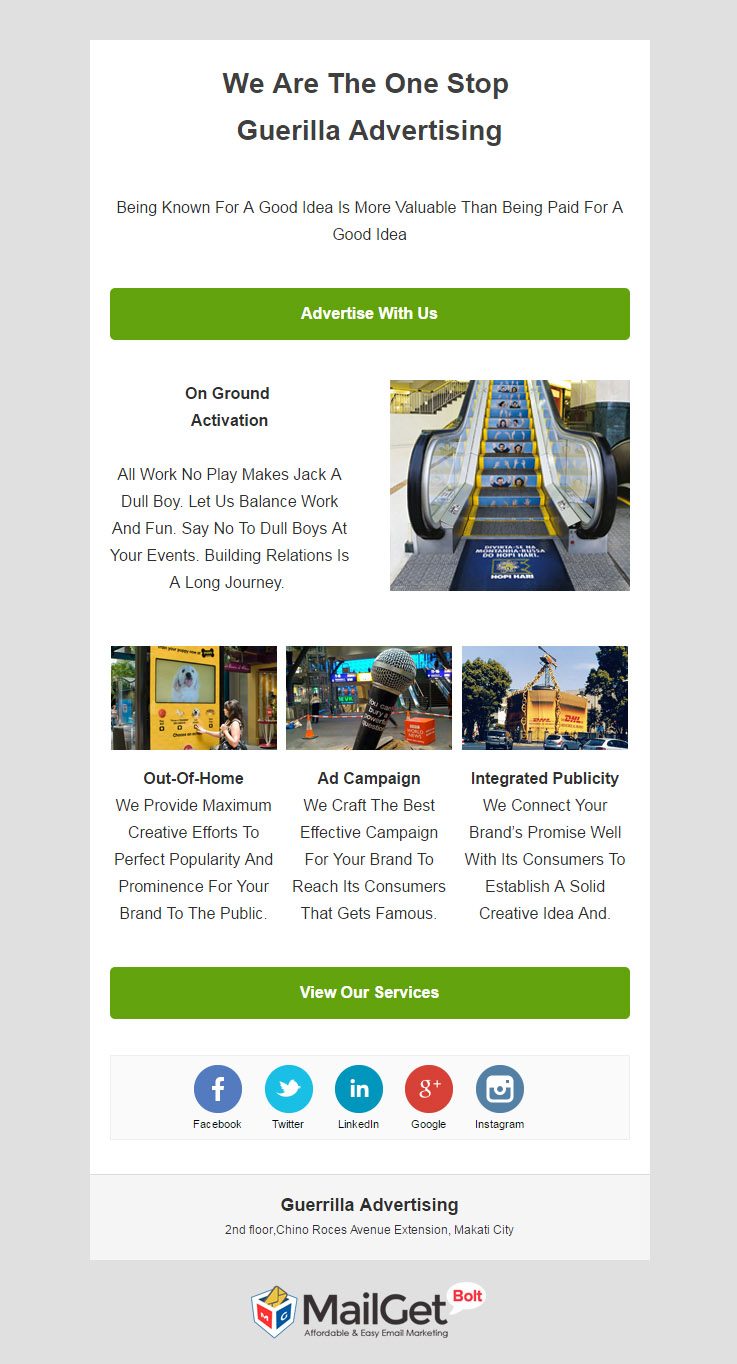
Key Features:
- Explain guerilla advertising strategies to the clients by composing illustrative email templates with the handy builder tool.
- Schedule the emails to be sent later at a point in time when it is most likely to engage with the client.
- The email templates sent with this software gets customized to the screen size & device.
13. Email Marketing For Public Service Advertising Agencies
Help social service organizations reach your public service advertising company easily straight through their emails. Send them instructional multimedia email templates or simple text emails in bulk quantity with this sleek software.
Implant email subscription forms on your as well as other high-profile websites to fetch leads from different parts of the business market.
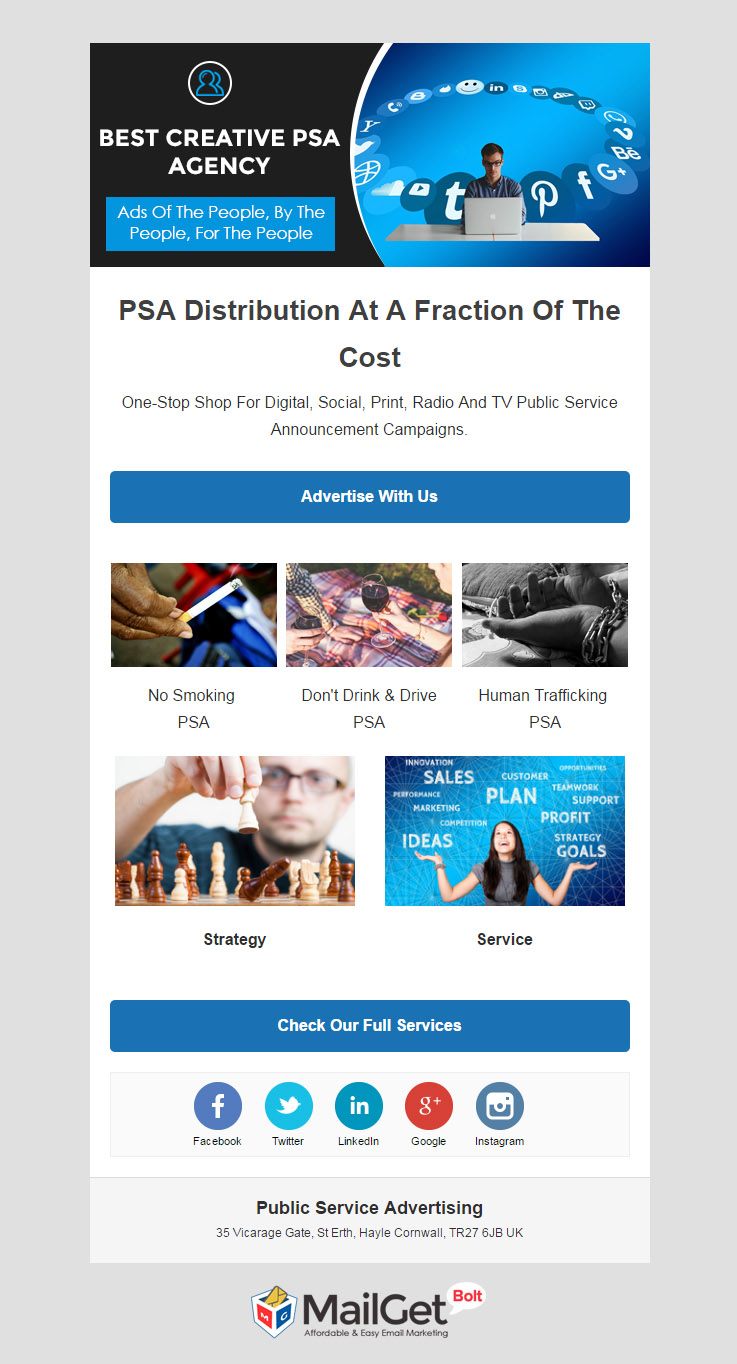
Main Features:
- Maintain a clean contact list as this software provides details of spam, bounced & unsubscribed users.
- Use the email tracking analytics to evaluate the performance of the previous email campaigns.
- Scan the email templates before it hits the client’s inbox with the email inbox preview option.
14. Product Placement Advertising Email Marketing Service
Strengthen your product advertising company amidst other parallel businesses with this email marketing software, that allows sending bulk emails concerned with product placement advertising features.
Increase engagement with existing & potential client base by sending them automatic follow-up emails, if they miss the emails in the previous campaign.
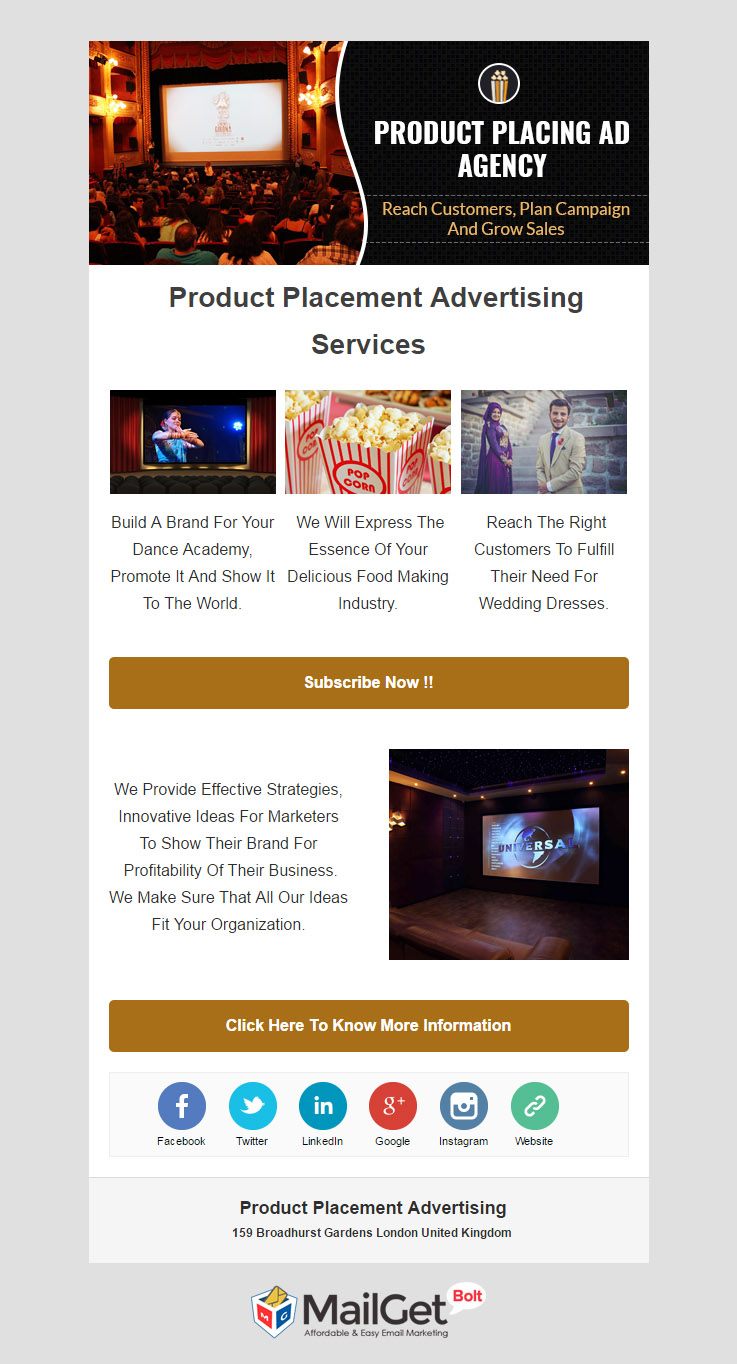
Highlighting Features:
- Increase brand awareness with this software as it promises a high email inbox delivery rate.
- This email marketing tool provides a fully-functional & easy to work dashboard.
- The email tracking reports & metrics are displayed right on the dashboard’s front page.
15. Email Marketing For Commercial Advertisement Writers
Utilize this dynamic email marketing service to promote your commercial advertisement writing skills among all the business owners. Reach straight into their contact email inbox & inform them about your writeups via captivating email templates.
This software gives the list of email addresses who have not opened the emails in the first go & you can resend the same emails to them with a different subject line.

Prime Features:
- Grow the list of subscribers without much difficulty by embedding email signup forms on other high-traffic networks.
- Send a series of emails at different time intervals using a drip emailing campaign.
- This software provides a number of email builder tools like drag & drop builder, custom code & basic text editor.
16. Email Marketing Service For Print Media Advertisers
Send bulk promotional emails regarding your print media company to thousands of contacts & constantly track them with this flexible yet result-oriented email marketing software.
With this affordable email marketing tool create subscribers list, expand them continuously, segment them on the basis of their print advertising demands, so that it becomes easy to deliver targeted emails.

Main Attributes:
- Link the email sign-up forms on your website with the autoresponder feature, so that a new user immediately gets welcome emails on signing up.
- Send emails with personalized tags & preview the email templates before you send them to the contacts.
- Manage millions of contacts easily with the inbuilt features & nurture them specific emails.
Concluding It Up!
Email marketing has emerged as a cheap & result-oriented promotional channel for any sort of business, may it be the advertising companies. Hope this list post has helped you in finding a valuable solution that results in the expansion of your business.
All the above-mentioned software are based on MailGet Bolt, which is a customizable tool & can be used to plan the email marketing campaigns from scratch. You just have to login here, and begin the whole process.
You may also like reading:
- 15+ Best Coaching Email Marketing Services
- Education Email Marketing Services
- Machinery Email Marketing Services
- 6+ Best Gardening Email Marketing Services For Landscapers
- Ad Optimized WordPress Themes
15+ Best Coaching Email Templates For Training Centers & Art Classes
Training is an important factor when you want to brush up yourself with some sort of art or knowledge and such training centers and art classes can help you mold and give structure to the talent you inhabit.
The coaching institutes in any form are in the quest of a medium through which they can exhibit their services can use email marketing strategies and send it to a number of people who you think need your services and work done by you.
Here are some of the finest email templates that have been created with the help of MailGet Bolt – email marketing software specifically for your domain that can be sent to a huge lot at a time, growing your business rapidly.
You can also go through the 15+ Best Coaching Email Marketing Services For Training Centers & Art Classes.
Let’s have a look at these amazing email templates that can act as a business booster: –
1. New Email Template For Acting Schools
Acting schools who are in the need of a medium through which they can exhibit their services to maximum people can deliver their services on the web by using an email template created exclusively for acting schools which are crafted with the help of a drag and drop builder.

2. Top Email Template For Lip Reading School
Education is a human right and that must be provided to everyone, on the similar track, the lip reading schools do the same job for you and if anyone among them wants an email template can use the exclusive template send it at desired time slot with the help of drips section.

3. Latest Email Template For Flight School
Everyone is fascinated by flying rather everyone dreams of it, and airplanes make that real for us but to learning is done in a flight school, the flight schools who want an email template can use this template in bulk mailing and can also induce a subscription form in the email template itself.

4. Best Email Template For Online Spoken English
Speaking well is an art and requires lots of voice modulation and speech clarity and to learn such tactics of english speaking one requires a good mentor and when the same mentors or institutes want an email template they can use and send it without any error with email inbox preview feature.

5. Amazing Email Template For Modelling Institution
Modeling has always been an integral part of the glamor industry, all sorts of styling and showcasing can be learned from the modeling institutes and if these centers require an email template which they can send as an autoresponder as well then the specific mail template is the ideal solution for your email marketing.

6. Magnificent Email Template For Driving School
Driving is something that everyone must know and to learn it effectively one can bank upon the driving schools and these schools if need an email template for their services to be showcased they can do so by the particular template which has a feature known as auto follow up which can be sent when a particular mail has not been opened by the recipient.

7. Elegant Email Template For Singing Academy
Singing is one of the most popular arts in the world, everyone want to be a singing sensation and for that they hop onto the singing academies & schools which can make them learn the tunes of the music, and these schools in order to reach to maximum people can use an email template which they can track as well with the help of the email tracking feature.

8. Splendid Email Template For Dance Academy
Dance is one of the most beautiful forms of expression and when learned under professionals it gives a unique touch to the art, any such academy that wishes to have an email template for their email marketing can utilize the specific template which they can send it with personalized tags.
9. Attractive Email Template For Effective Listening Coaching
When everyone blabbers the person who listens attract the most, listening is an art and which is missing in most of the individuals and so the trainers of the effective listening come into play, these trains if want to reach maximum people can do so through email template which can be used to send to customers with a 99% inbox delivery rate.

10. Effective Email Template For Sports Coaching
Sports is an important factor when its comes to fitness and when someone like to pursue it as a full-time career then he requires a professional help, the sports coaches and the centers who wishes to have email template to display its services and courses through the email marketing service can use the specific template and import contact list which are pre-existing.
11. Productive Email Template For Online Tutor
There are so many tutors who offer their teachings online and in order to let the world know about their services they can use an email template which can be used to showcase their services directly in the inbox of the customer’s mail, these templates can be used to send to a number of people and can be scheduled effectively.

12. Simple Email Template For Home Tutor
Most of the people cannot afford to go to coachings and so they opt for home tutors, home tutors provide us all the teachings at our home itself and when the same teachers need a platform to showcase their services, they can do so by an exclusive email template prepared by us.

13. New Email Template For Personality Development Classes
The personality of a person makes a great impact in personal as well as professional life, the personal development guru’s who want to reach out to maximum people can exhibit their work and courses through an email template which they can send it to a number of people with the help of the email marketing service.

14. Stunning Email Template For Internet Training Center
The Internet is an essential thing today as everything is taking place through the web and so to learn how the internet works become mandatory the internet training centers who need an email template to share their services through an email template can do so with this email template.
15. Appealing Email Template For Career Coaching
Once you jump into the real world, you need professional help and counseling as to which way would be the best to pursue as a career and such centers or coaching can reach to a lot of people through an email template which they can use to share their services and upgrade their business.
16. Engaging Email Template For Security Coaching
Cyber security is very important in today’s era, as everything is done on the computers and that’s why all your software and files need to be protected and those individuals who train people in keeping their data safe can exhibit themselves on the web through an email template which the user can send it to his potential customers.

Conclusion :-
All the above templates have been designed amazingly and will cater your services and your work in a better way but you can also create your own templates using MailGet Bolt.
And if you are planning to get into some other field or expand your business then we have email marketing services for other profession and business also.
Here are some more blogs which can help:-
- Rental Email Templates For Vehicle Hire Companies
- Best Rental Email Marketing Services For Property Leasing
- Educational Email Templates
- Financial Advisor Email Templates
- Coaching WordPress Themes
15+ Best Coaching Email Marketing Services For Professional Courses & Training Centers
No wonder that in the $35 billion professional coaching industry, it’s hard to form a trustworthy brand amid the competitors. This is the point when marketing comes into play.
But one question that pops up in everybody’s mind, regarding marketing, is…
When social media is out there, why go for some other channel, like email marketing?
- Message retention with emails is high⇒Target prospects & drive them to the website via their inboxes.
- Sign-up forms⇒Collect more leads, connect with a wider audience⇒Fetch more students.
- Send email templates & newsletters in bulk (And, with the below-listed services, there is no need of external SMTP connection) ⇒Keep the students updated.
- Track the email campaigns⇒Evaluate the results, improve & begin again!!
Where to start now? Right here…
With this list of 15+ best coaching email marketing services, choose the software that matches your tutorial & training centers promotional needs. Let’s explore them one by one:
1. Email Marketing For Acting Schools
Reach theater artists & enlighten them about your acting school with the help of this email marketing solution. Create as many lists of contacts as you want, divide them into different categories on the basis of acting skills & easily send specific emails only.
This will draw maximum attention of the user & tempt them to try the services. You can follow the performance of previous email campaigns & improve them from the next time. Promote the drama school using illustrative email templates, which can be composed with the drag & drop builder.

Main Features Of The Software:
- Provide weekly, monthly or daily acting tips to the students using the automatic email sending functionalities like drip, autoresponder.
- Email marketing helps to evaluate the results of the email campaigns & then accordingly plan the further processing.
- To build a recognition value, this tool promises a 99% email inbox delivery rate.
2. Email Marketing Software For Lip Reading Schools
Inform all those people who are willing to learn the art of lip reading about your training center by sending them informative email templates via this bulk email marketing tool. You can create as many lists of contacts as you want according to the requirements of the lip reading school.
With the contacts management feature maintain an accessible & well-classified database, so that you do not have to make a list every time you are sending bulk emails.

Key Features Of The Software:
- Strategize the email campaigns from two plans: regular or drip emails.
- The dashboard has a contact tab which gives all the information about the spam, bounced & unsubscribed email addresses.
- Provide round the clock email service to the subscribers & clients with the autoresponder emails.
3. Flight Training School Email Marketing Service
Aviation academics who are looking for a promotional channel which is quick & effective in advertising, so that they can focus on their training institute should go for this email marketing service.
Collect numerous contacts of flight trainees using subscription forms, with the list segmentation, group the prospects according to their aviation interests, compose email templates & send these emails in bulk without any external SMTP connection.

Key Features Of The Software:
- Multiple email builder: drag & drop composer, custom code & basic text editor.
- With the drip emails, you can keep a pre-written series of emails which will automatically trigger on the set date & time.
- Send auto-follow-up emails to those contacts who have not opened the emails in the first campaign.
4. Email Marketing For Spoken English Classes
Grab the attention of the aspirants who are seeking for a suitable online English class by informing them about your coaching through informative emails & templates. This email marketing software will help you to send bulk emails to thousands of contacts in just a few clicks.
Schedule the emails according to the launch of new online courses and they will be delivered to the subscriber’s inbox at the set date & time. Reach the correct clients at the right time & grow your business.

Main Features Of The Software:
- An assured email inbox delivery to build up a brand recognition among the students.
- Hike the email opening rates by sending auto-follow-up emails to those contacts who have not responded for the first time.
- The dashboard of this email marketing service is very interactive & easy to work with.
5. Email Marketing Solution For Modeling Institutions
To bring in a maximum of the glamor crowd to your modeling institute, employ this top-class email marketing service. Design attractive email templates by adding pictures of modeling trainers & facilities along with catchy taglines. Tempt the email recipients to try the services by providing the inviting offers, CTA & links in these templates.
Before sending mass emails to hundred of contacts, you can preview the emails. As this will help you to scan any errors & rectify them before it damages your fashion hub’s image.

Main Features Of The Service:
- To gain an inflated email opening rates, send emails with personalized tags.
- With the drip & autoresponder emails maintain a consistent communication channel with the students & clients.
- The software is easy to work with, as it comes with contact tab, search bar, email tracking reports, etc.
6. Email Marketing Service For Driving Schools
Use email marketing service to promote your driving school among the new car owners & those who are willing to learn driving. Inform them about the various driving courses, fee structure & other useful information by creating illustrative templates.
Strategize the email campaigns either a regular one or drip one, whichever is suitable for the business promotion. Embed email subscription forms on other high-traffic networks to effortlessly grow the contacts list.

Supreme Features Of The Service:
- Keep an eye on the email opening, clicking & unopened rates with the email tracking functionality.
- Send the same email with a different subject line, if it was missed by the recipient for the first time.
- Classify the subscribers & clients according to their driving course choices & send them only specific emails.
7. Singing Academy Email Marketing Software
Active promotion of singing academy, music courses through emails is the smartest way to grab leads & convert them into the academy’s students. Dispatch the emails instantly or at timely intervals using this software and motivate clients to join classes by adding appealing offers & links in email templates.
This email marketing service is integrated with Google Analytics feature which provides complete information about the source of traffic, the number of visitors and all such details.

Elements Of The Service:
- To provide an easy way to the subscribers for opting out of the email service, add an unsubscribe handle in the email template.
- All the singing institute’s email templates can be viewed from any device as they get customized according to the screen size.
- To educate new & potential students about the professional music classes send them automatic pre-scheduled series of emails via drips.
8. Email Marketing Solution Provider For Dance Academies
If you own a dance academy and are looking for a top-class promotional pavement to reach the dance coach seekers, then this masterly email marketing solution is perfect for you.
Use the handy email builder to compose email templates or with the custom code editor create your own templates. Ensure a sustainable success rate of the email campaign by using email personalization tactic.
Highlights Of The Service:
- Import the contacts manually or upload a CSV file to create as many contact list as you want.
- Build a healthy communication channel with the prospects right from the moment of their subscription using autoresponder & drip emails.
- The dashboard of the software is very easy to work with and stores all the previous email campaigns.
9. Email Marketing Tool For Effective Listening Coaching Classes
Looking for a niche-based & effective email marketing outline to promote your effective listening coaching class, then try this tool. You can send bulk emails, preview them before sending, track them on real-time basis & modify the emails to get better results in the next campaign.
This software promises a high inbox delivery rate of the emails, thus helping you to build a recognition value.

Main Traits Of The Software:
- Autoresponder: Instantly reply to the action of the subscribers with this emailing feature.
- Drip emails: Use this feature to automatically send a pre-written set of emails to the contacts at the set date & time.
- To target the subscribers with the exactly the information they are looking, classify them into different groups.
10. Email Marketing Software For Sports Coaching & Clubs
Sports clubs, athletic training centers can use this special email marketing service to promote their club across a wider audience. Inform them about the training sessions, facilities that you provide at your sports complex via illustrative email templates.
Schedule the emails to be sent later so that it reaches to the recipients at a time when they are most likely to engage with it. This will hike the conversion rate.
Elements Of The Service:
- To stand out among hundreds of emails in the client’s inbox, send emails with personalized names.
- The software provides multiple email building tools: drag & drop builder, custom code & basic text editor.
- Analyze the status of email campaigns with the tracking reports displayed on the software’s dashboard.
11. Latest Email Marketing Tool For Online Tutors
Draw maximum students to your online tutorials through their email inboxes. Send them email templates featuring the online courses, duration of each course, taglines, social icons & other impactful links, which leads the recipients straight to your website.
Embed email sign-up forms on your website as well as on other high-profile networks to grow subscribers list. Side by side you can manage this huge database with the inbuilt features & maintain a clean list, as this software provides details of spam, bounced & unsubscribed users.

Features Of The Software:
- The dashboard of this email marketing service has a separate contact tab and a search bar to view all the previous emails.
- Send updates of new online courses & classes right at the time of their release by pre-scheduling a set of emails via drips.
- Preview the emails before it triggers into the client’s account to rectify the errors.
12. Email Marketing Service For Home Tutors
Using email marketing for promoting your home tutorials vocation is probably the quickest mode to gain popularity among students. This email marketing service will help you to create email templates, send them to thousands of contacts & track all of them with the minimum of efforts.
Constantly try to engage those clients who have missed the emails for the first time. This software will automatically scan that kind of contacts & then you can send auto-follow-up emails.

Highlights Of The Software:
- Organize subscriber’s email addresses of home tutor students properly in the contact tab.
- Add pictures, text, social icons, links in the predefined content blocks of the email templates and rearrange them as per your need.
- Apply an unsubscribe handle in the email template body so that the recipients do not mark the email as spam.
13. Email Marketing For Personality Development Classes
Advertise your personal grooming class among the ill-groomed crowd via emails. Using this email marketing service, you can compose email templates in unlimited designs & feature all the grooming sessions.
This best & responsive tool provides various functionalities like email signup forms, planned email campaigns, email preview option & all of the above email tracking analytics.

Prime Features Of The Software:
- Embed tempting links & call to action buttons in the promotional templates to drive maximum traffic to the website.
- With the drip emailing feature, pre-scheduled a series of emails to automatically send updates regarding the grooming classes.
- Easily build & manage a large database of subscriber’s email addresses with the inbuilt list segmentation & management functions.
14. Email Marketing For Online Internet Classes
Help online learners to find your internet training classes by sending them emails about the same via this email marketing service. Inform them about the different techniques & courses you offer using customizable email templates.
With the inbuilt SMTP connection send these emails to millions of contacts in just a few clicks. This tool has a smart email tracking feature which displays the stats of email opening, clicking & unsubscribed users right on the dashboard’s frontpage.
Key Elements Of The Software:
- Construct a clean & well-arranged emailing list easily to run a successful email campaign.
- Develop a fruitful communication with the online internet trainees by providing them a quick response via autoresponders.
- Spot out the mistake if there is any mistake in the emails & rectify it, before it reaches the inbox & damages your image.
15. Career Coaching Email Marketing Service
In this digitalized era, every small & big communication whether commercial or informational takes place via emails. This email marketing tool is especially for career coachings, guidance firms & all alike agencies.
They can communicate with a wider bunch of audience & provide them career advice, special deals & offers on courses through emails. Implant subscription forms on your website and as soon as a new user signs up, initiate the communication with automated emails.
Highlights Of The Software:
- Using the email tracking reports & resend the same emails to unopened email addresses with different subject lines.
- All the email templates get customized to any screen size & device.
- Grow your network of students by adding social icons in the email templates.
16. Email Marketing For Security Awareness Coaching
This email marketing software is specially crafted to help security coaching institutes to create awareness about date security & encourage people to join your academy. The tool has several constructive features that make email building & sending easy.
Once the emails are sent, this software ensures that they are opened by each and every recipient. And if it does not happen so, then the auto-follow-up feature automatically follows up the subscriber with the same email.

Features Of The Software:
- The software promises a high inbox email delivery rate, thus building up a recognizable brand.
- As the tool provides every information about the spam, bounced users, you can delete them from your database & maintain a clean list.
- To increase the email opening & conversion rate, send thousands of emails with personal names without the hectics of individual email personalisation.
Let’s Sum It Up!
For running a successful coaching, you need the right bunch of people to come to your coaching. To accomplish this goal, there should be a result-oriented path to move on & bring in the correct people via this path.
Hope this list post has shown you the right track, i.e., it has helped you in finding the right email marketing solution.
You may also like reading:
- Top-class Education Email Marketing Services For Universities & Institutes
- Machinery Email Marketing Services
- Exclusive Gardening Email Marketing Services
- 7+ Best Rental Email Marketing Services
- Coaching Email Templates
- Coaching WordPress Themes
All of the above-mentioned software are built using a modifiable email marketing tool – MailGet Bolt. If you want to plan & execute your own email marketing strategy, then you are free to do so. All you have to do is – login here.

