

jQuery scrollbar plugins replace the plain & ugly looking default OS scrollbars with the custom ones.
The websites focused on presenting the core content in the best efficient manner use the awesome feature of scrolling. In fact, the websites with scrolling effect on content presentation are the best storytellers and always achieve the goal of engaging a visitor as well as get good reviews.
There are so many scrollbar plugins available in the jQuery plugin market amongst which you can select the best light weighted scrollbar that best fits your site appearance. But in an attempt of trying and testing each, you may crash your website! As not every plugin which comes your way is going to have clean codes.
In this post, we came up with a comprehensive list of Top jQuery Scrollbar plugins. These plugins facilitate verticle scrolling, horizontal scrolling and sometimes both. We have tried and tested each of them so, you can freely implement any of the plugins from our list without a second thought.
Vertical scrolling technique is the best fit for presenting interactive portfolios, flowy case studies, showcasing varieties of Product etc. while sometimes horizontal scrolling is also preferred to satisfy some specific demands of a website.
You can also make the scrolling experience more fun by adding little creativity. Not wasting time discussing the feature, let’s have a brief discussion on the list of 5+ best jQuery scrollbar plugins (Free & Paid).
Look through these popular jQuery plugin blogs:
1. RollBar – jQuery ScrollBar Plugin
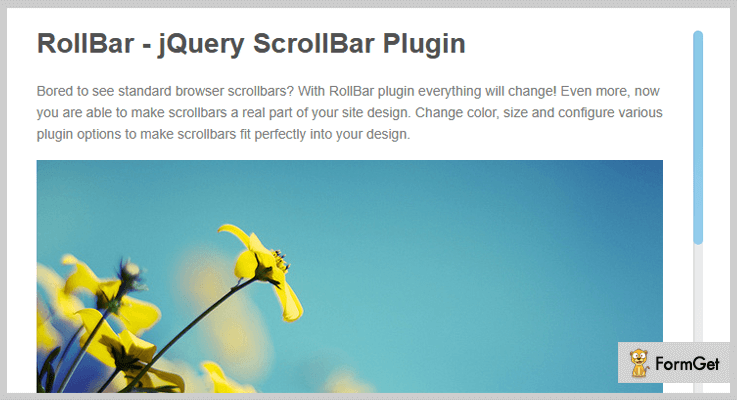
RollBar plugin is designed to redeem the standard browser scrollbar with a customizable alternate that will fit your site’s look and feel. Also, you can design slideshows with external scroll controls. There are options available to change the color, size etc. of the scrollbar to perfectly fit into your site.
Another great feature of this plugin is that it can auto adjust to responsive websites because they need to dynamically adjust to changing environments and devices. Additionally, it can easily recognize touch sensitive events on Android & iOS.
Pricing Plan-
RollBar jQuery ScrollBar plugin has a regular licensed plan of $7 and an extended licensed plan of $35.
Features-
- It has both the two modes of scrolling – vertical & horizontal.
- It supports mouse wheel scrolling as well as scrolling through the keyboard.
- 14+ configuration options.
- It has external API using jquery events.
2. VenScrollBar – jQuery Scrollbar Plugin
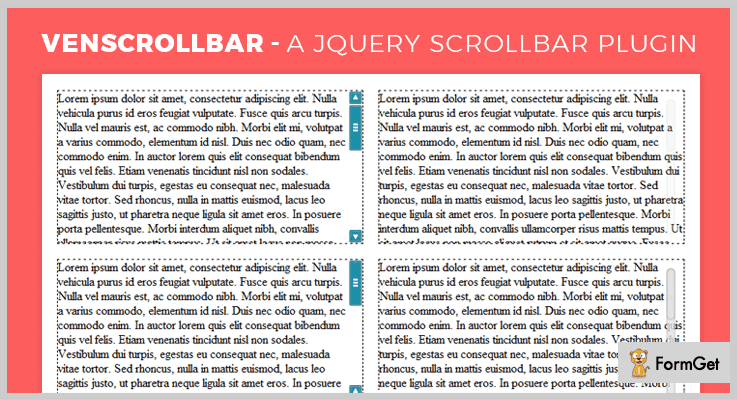
It is a 5 stars jQuery plugin with an excellent documentation. With the use of this plugin, you can easily generate a regular scrollbar and in addition to it, you can also offer additional functionalities. Such as auto-hide the scrollbar and smooth-scrolling. It has excellent use of CSS and the VenScrollBar API for customization and theming.
Pricing Plan-
VenScrollBar jQuery Scrollbar plugin has two cost estimate plan. They are-
- Regular – $11
- Extended – $55
Features-
- It is highly responsive and can also adjust to changing themes.
- This theme is easy to setup as it proffers helpful documentation for the user.
- It is cross-browser compatible for IE7+, FF3.5+, Opera10+, Chrome5+ & Safari4+.
- The VenScrollBar plugin has excellent support.
3. Lazybars – CSS Themeable Responsive Scrollbar jQuery Plugin
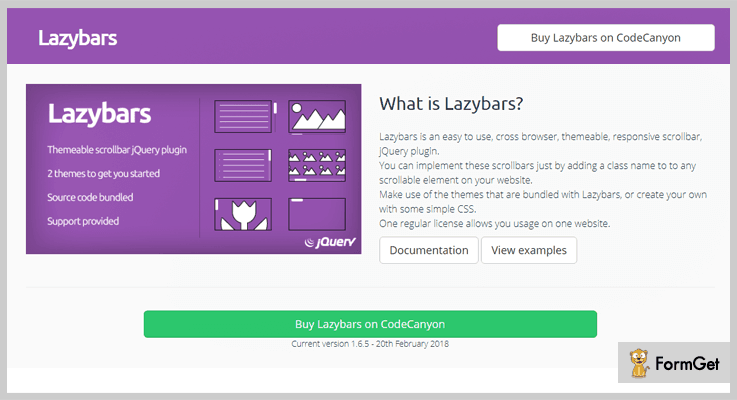
Lazybars is a responsive and easy-to-use scrollbar jQuery plugin. It allows you to implement the scrollbars by simply adding a class name to any of the scrollable element of your website.
Either you can make an effective use of the default bundled themes of this plugin or you can create your own with simple CSS. Moreover, the auxiliary feature of this plugin will let you use the scrollbar effects.
Pricing Plan-
It has a regular licensed plan of $10 and an extended one for $50 with future updates.
Features-
- You can set the scrollbar by default, offset and fade.
- One regular license allows usage on one website.
- Scrollbars are positioned to the bottom or right by default as per the browser standards.
- Light weighted – default CSS just 1KB & the JavaScript under 4KB.
4. Mailhu – Free in jQuery Scrollbar Plugins
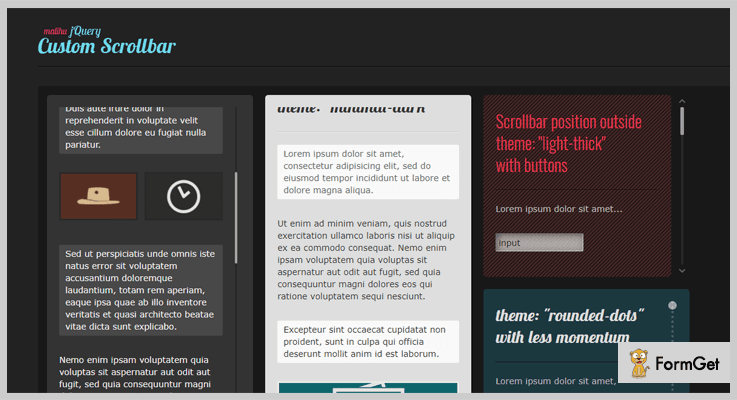
It is a highly customizable custom jQuery scrollbar plugin. This plugin features vertical & horizontal scrollbars. You can easily adjust the scrolling impulse. Also, it supports mouse-wheel scrolling, keyboard arrow keys. Moreover, It also supports touch sensitive scrolling.
The plugin has 8 pre-designed vertical and horizontal scrollbar with different looks. You can select amongst default, minimal-dark, light-thick, 3-D stick, rounded & rounded dots for vertical scroll. And can choose auto-expanded scrollbar dark-thin & light-3 for horizontal scrollbar. An optional 2 axis (x-axis & y-axis) scrollbars, positioned outside – 3d with buttons is also available.
Pricing Plan-
Mailhu is a free product of GitHub. You can directly download it from the official site.
Features-
- Ready-made themes available to use directly or you can customize one via CSS.
- It supports RTL (Right To Left) direction.
- Optional parameters are also available for full control over the scrollbar functionality.
- The plugin has methods to trigger actions such as scroll-to, update, destroy etc.
5. Nicescroll – Free in jQuery Scrollbar Plugins
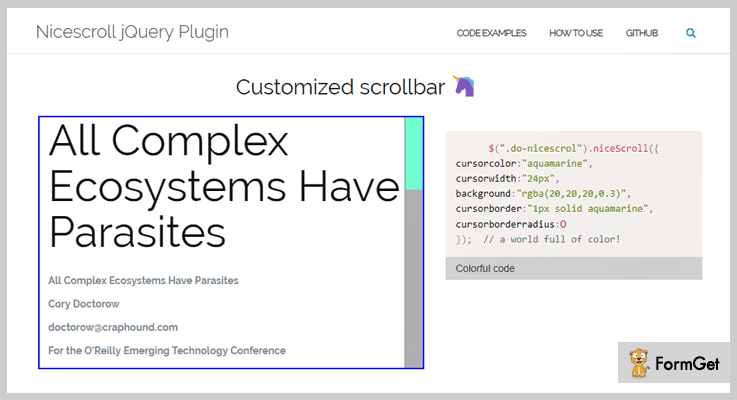
Nicescroll is a jQuery scrollbar plugin for embedding scrollbars with style similar to ios or mobile. This plugin has a very simple installation & activation. It without any further modifications in your code.
Further, it supports controlling scrollbar by dragging the cursor & scrolling the mouse wheel with adjustable speed. For keyboard navigation, it makes use of the cursor/arrow keys, page up/down keys & home/end keys.
Pricing Plan-
It is a free-to-use jQuery scrollbar plugin.
Features-
- A very stylish scrollbar completely outside your site window.
- A unique feature of styling main document scrollbar.
- Unique zoom-in feature for enlarging the content of any scroll’ed div element.
- Support multi-input devices such as- MSPointer & Pointer support.
6. slimScroll – Free in jQuery Scrollbar Plugins
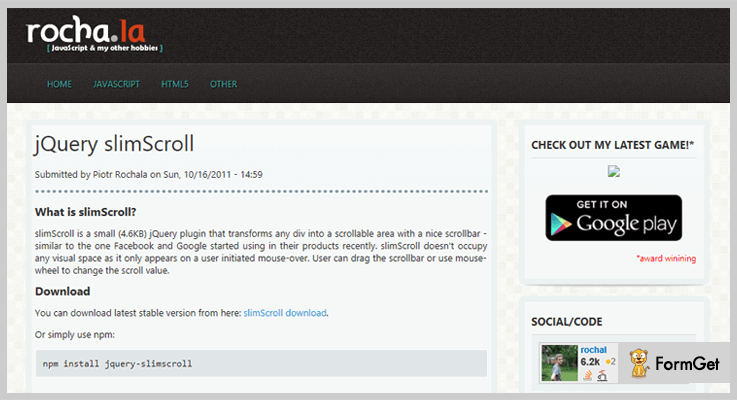
With slimScroll you can transform any div into a scrollable area. Similar functionality as the one Google & Facebook uses in their products. slimScroll doesn’t occupy any extra window space as it only appears on mouse-over action. The users can easily drag the scrollbar or can make use of the mouse-wheel for scrolling.
Pricing Plan-
It’s a completely free plugin and you can download it directly from GitHub.
Features-
- It is a simple and responsive jQuery plugin.
- Very small & lightweight jQuery plugin of just 4.6KB.
- Well-documented for making it easy to use.
Conclusion:
Consequently, all the listed plugins are most noteworthy and satisfy the demand for both free and paid plugin needs. Choose the one which best satisfies your site requirements.
Lastly, your suggestions are always our priority so, speak up!
Thanks for reading!
5+ Best jQuery Social Media Plugins (Free and Paid)

If you are looking for jQuery social media plugins for your website, then you are at the right place.
As in this article, we have compiled a list of 5+ best jQuery social media plugins. These plugins are used to increase your website presence by placing social sharing buttons anywhere on your website.
jQuery social media plugins have made social interaction very easy and interactive. These plugins simply integrate the social sharing buttons on your webpage. This, in turn, helps you to increase your web presence as well as your product sales.
Now, we are going nuts over these jQuery social media plugins because we know that no one can ignore the importance of social media in this age of communication and interaction via digital platforms.
These below plugins supports all the major social networks like Facebook, Twitter, LinkedIn, and many more.
Further, these jQuery social media plugins provide API keys to easily share information from other applications. E.g. blogs, websites, mobile applications etc.
Read some more blogs too!!
- 5+ Best jQuery Scrollbar Plugins
- Best jQuery Lightbox Plugins
- 5+ Top jQuery Image Viewer Plugins
Let us discuss each jQuery social media plugins in detail.
1. jQuery Social Share Buttons Plugin –
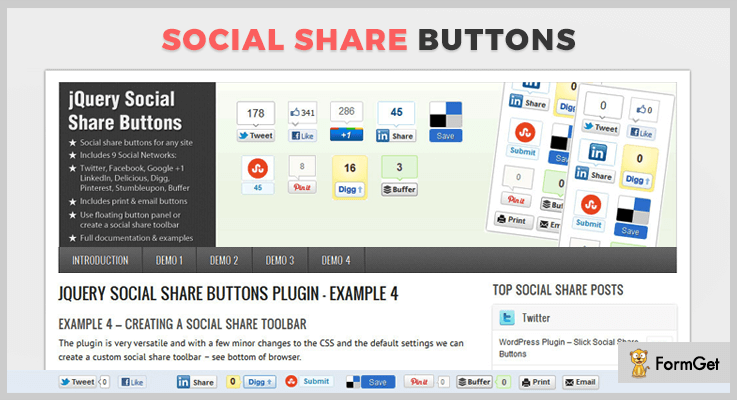
jQuery social share buttons plugin is a powerful plugin which is used to add social sharing buttons on your website. You can easily put social sharing buttons anywhere on your website without any requirement of PHP.
The plugin is well documented and easy to implement with fully flexible positioning. It allows you to show or hide buttons using external links.
Pricing :
You can buy this plugin at $6 with full support and future updates. The extended license is available at $30.
Features:
- The plugin supports 9 social networks. These are Twitter, Facebook, Google +1, LinkedIn, Digg, Pinterest, Stumbleupon, Xing etc.
- It has 3 button sizes such as the vertical box with the count, horizontal button with count and horizontal button with no count.
- jQuery social share buttons plugin has Xing button which permits you to display statistics and popularity of URL.
- This plugin includes Pinterest button along with an option to select an image.
2. shareGrapes – Social Media Sharing Plugin
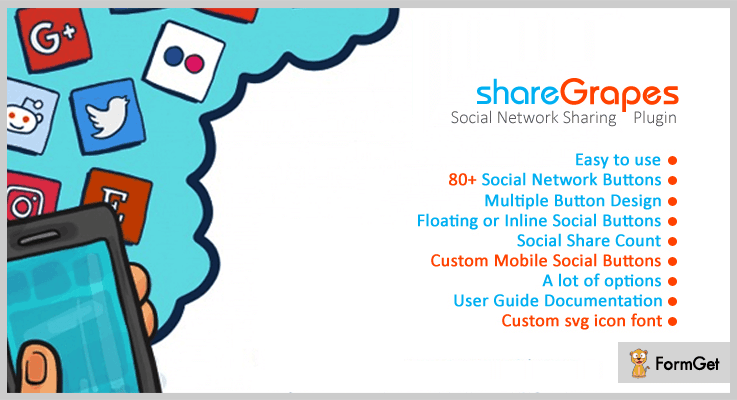
This plugin is the finest social network sharing plugin in the list of jQuery social media plugins. It’s easy to use plugin written using jQuery which comes with complete user guide documentation.
It supports more than 80 social network buttons which you can place anywhere on your website. These networks include Facebook, Twitter, LinkedIn and many more. Further, it consists of lots of options which you can customize as the plugin is fully customizable.
Pricing :
Buy shareGrapes plugin at $8 with 6 months support and regular updates. The extended license will cost you $25 which offers you more enhanced features and services.
Features:
- The plugin has multiple button design which gives a better presentation to your website.
- It supports social share count so that you are able to analyze the number of shares and views on your posts and pages.
- You can set any social networks on mobile as the plugin is highly responsive. And, it is compatible with all browsers.
- Consists of custom SVG icon font so that you can easily generate fonts or search and download vector icons.
3. WhatsApp And Social Sharing Plugins
WhatsApp and social sharing plugin is a jQuery plugin. This plugin allows you to add a floating, collapsible sidebar with social media on your website page. Also, there is an option to add contact links on your webpage.
In this plugin, WhatsApp feature is only available for mobile devices. Further, the plugin promotes your online goods in social networking sites and increase your sales.

Pricing :
This plugin cost you $5 with regular future updates and complete quality checked by Envato.
Features :
- The plugin permits WhatsApp users to share product details and pages on your website through WhatsApp.
- It supports so many social sharing buttons like Twitter, Facebook Share, Google +1, LinkedIn, WhatsApp, Call button, Email etc.
- You can send promotion link to user’s WhatsApp group or personal account and users can click and get directed to the page you want to promote.
- This plugin is well documented with the user guide that’s why it is simple and easy to use.
4. Tweetable jQuery Plugin
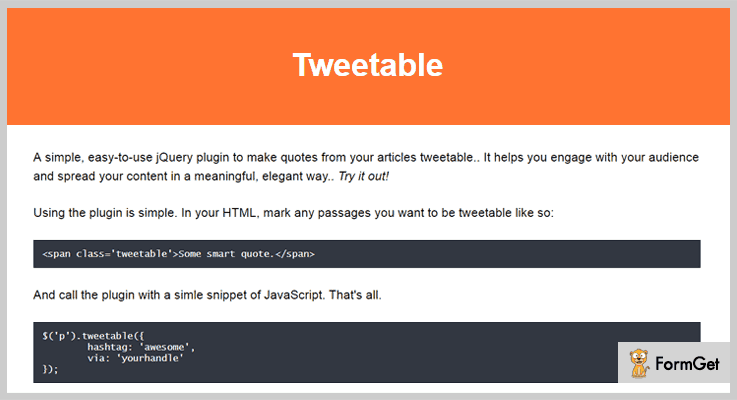
Tweetable jQuery plugin is one of the effective plugins in the jQuery social media plugins list. It is a useful jQuery plugin which is used for making quotes from your articles. Also, you can share the quotes on Twitter in an elegant way.
Pricing:
Buy this plugin at $5 with full support system up to 6 months. Further, you can extend your support system up to 12 months by paying $1.13.
Features :
- You can simply wrap any passage from your content in a span with a class of tweetable plugin.
- It includes various custom hashtags and URL. Also, you can automatically recommend the user to follow a Twitter stream of your choice
- The users will be able to click the passage and directly share it with their Twitter followers.
5. Social Media Sharing jQuery Plugin
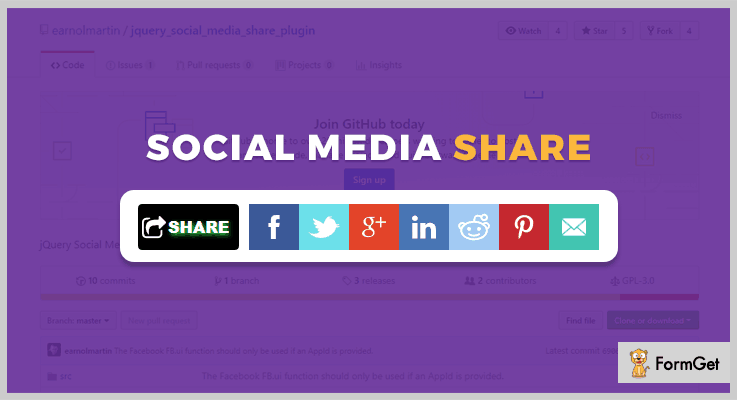
Social Media Sharing Plugin is a useful jQuery plugin. It allows you to quickly transform an existing div element into a fully functional social media sharing widget.
This plugin is well documented that is why it is easily understandable to any developer as well as website owners.
Pricing :
Get this Simple social media sharing plugin FREE of cost.
Features :
- The plugin has an option to shorten the title for the content that is being shared.
- It supports the image URL for the content which is going to share with users so that one can easily redirect to the image source page.
- Simple social media sharing plugin supports browsers such as IE 8-11+, Edge, Firefox, Chrome, Safari.
6. jsShare jQuery Social Media Plugin
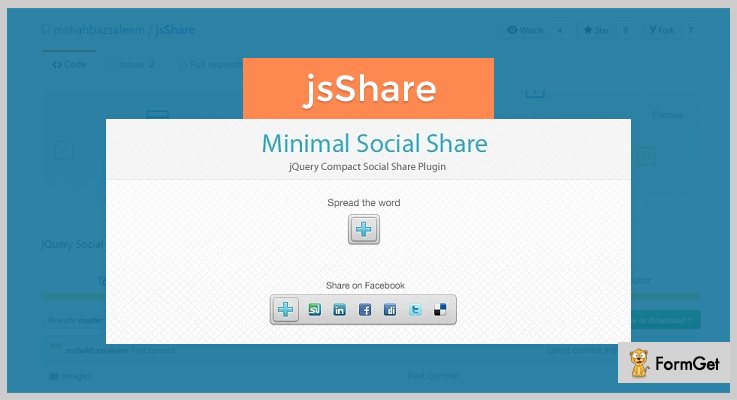
jsShare is a jquery plugin which allows you to easily share your contents with popular social media applications. It supports all social media network like Google Buzz, LinkedIn, Digg, Reddit, Live Messenger, Facebook, Twitter etc.
This plugin encapsulates the internal sharing logic and provides you clean and compact interface. So that you can add social media sharing functionality to your web pages.
Pricing :
jsShare jQuery social media plugin available free of cost on GitHub website.
Features :
- This social media sharing plugin provides you APIs for applications. It helps you to easily share contents from other applications.
- It includes cool fish eye animation effect for social media button which will give your site a better look.
- The plugin allows you to enable or disable the features according to your choice by making simple changes in code like true for enable and false for disable.
Conclusion :
Well, that is all from our side on jQuery social media plugins. We have compiled both free as well as paid plugins you can choose accordingly. Hope you are going to transform the look of your website using one of the jQuery social media plugins suggested by us.
If you have any further query please let us know by commenting below in the comment section.
5+ Best jQuery Audio Player Plugins (Free and Paid)

Adding an audio player on a website can be a time consuming task, but not with jQuery plugins.
So, if you want to add an audio player to your website. In that case you have landed on the right blog, as here we have got some of the top class jQuery Audio Player plugins defined with all the essential details.
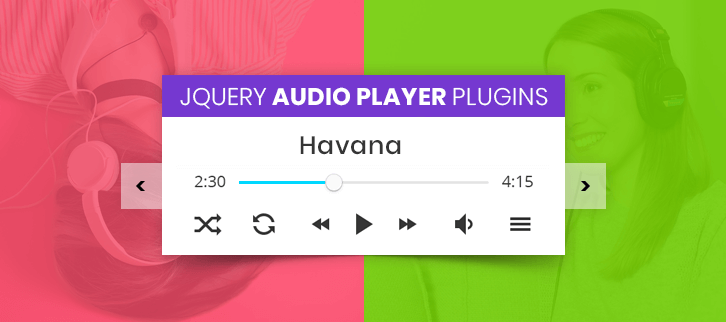
These jQuery plugins provide you a quick and easy way to get an audio player set up on your website site along with various options and visual customizations.
In addition, all these plugins are light-weighted, feature rich, responsive & supports different old & new browser versions. Besides that various audio formats like MP3 files, MP4, and more are also supported.
Let’s get a depth information about each of them plugins one-by-one.
Few More:
1. Fullwidth jQuery Audio Player Plugin:
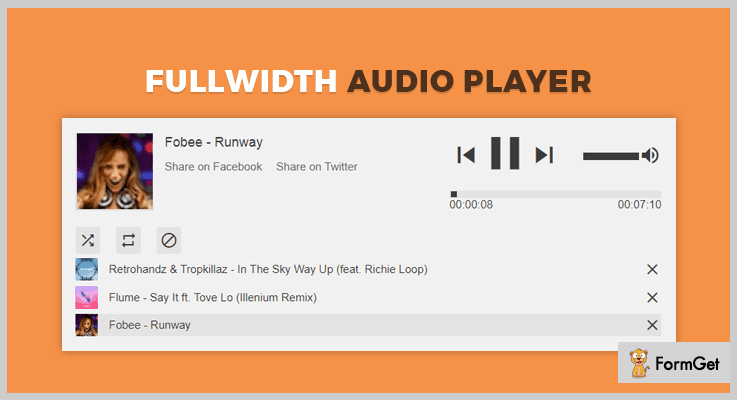
Fullwidth Audio Player is one of the top-rated audio player plugin which supports latest audio browser technology and works well with all types of devices. It consists various audio formats like MP3 files, MP4 etc. The plugin also enables you to create your own playlist with HTML document or manage those playlists with XML files.
Pricing:
You can get this plugin at $11 only and take its unlimited advantages for 6-months.
Features:
- The plugin provides Pop-Up window, so you can browse the next track without the music stop.
- It provides unlimited color variations to easily change the colors of the player.
- This plugin consists of countless keyboard shortcuts so that you can control the player with your keyboard.
- It comes with custom methods & events to control the audio players on your website.
2. FxMusica jQuery Audio Player Plugin:
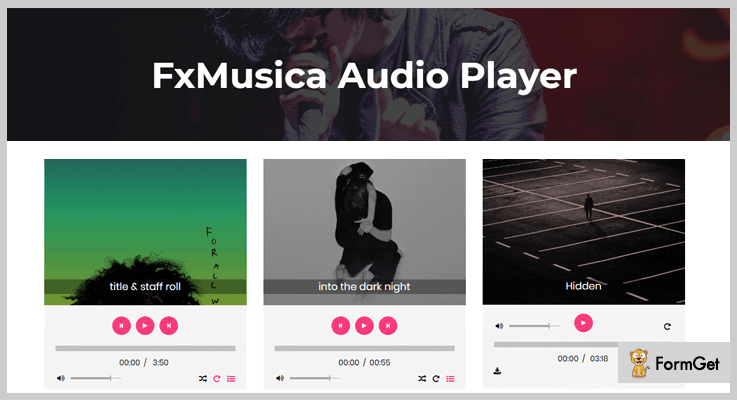
FxMusica is one of the best HTML5 jQuery audio player plugins for the web which comes with various playlists, & huge options. It is built by numerous open source tools like jPlayer jQuery plugin, SASS, & CSS3. With this SASS & CSS tools you can customize or restyle the media player easily.
The plugin comes with 12 different audio player styles with single and multi-playlist orientations. It also supports song shuffle option, repeat, timeline progress bar of audio, song title and track.
Pricing:
Get this plugin at $10 for 6-months supports and extends its services at $65 with unlimited features and functionality.
Features:
- The plugin allows you to add your downloaded or purchased audio URLs easily on your website.
- You can assign the playlist in different positions either vertically or horizontally.
- FxMusica is well documented and clean coded plugin so it can easily get implement on any website.
- It supports song title and artist name too.
3. MediaBox jQuery Audio Player Plugin:
MediaBox is a jQuery plugin that lets you create multimedia applications very easily and instantly. It leverages the power of jQuery, jPlayer and utilizes HTML5. Plus it includes a flash fallback object inside your audio or video contents.

Pricing:
The plugin is well coded and properly documented so you can get this product at $17 with its 6-months support.
Features:
- You just need to insert your playlist, choose various widgets for your playlist.
- The anchors in this plugin is an HTML element that defines where the widget will be displayed on the page.
- It contains numerous APIs for different methods like play, next & prev option for your audios.
- The plugin comes with 20 pages of documentation that explains usage, widget configuration, the developer API & FAQs.
4. Vimuse jQuery Audio Player Plugin:
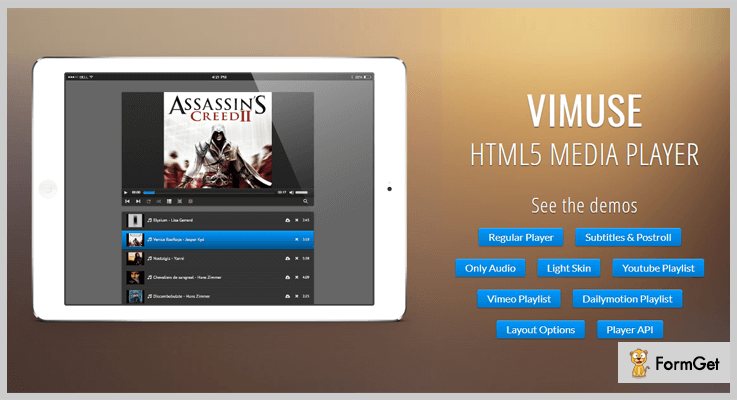
Vimuse HTML5 media player is a jQuery plugin that enables you to play both audio and video with a modern interface. One can choose to play their own self-hosted audio/video files or choose from YouTube, Vimeo, Dailymotion or from Shoutcast/Icecast streams.
You can choose MP4 file for video and MP3 file for audio. Whatever you choose to do the player will work in both modern and old browsers as well. With this plugin, you can show the subtitles and post-roll content for every video. It supports HTML5 playback and provides Flash/Silverlight fallback on your video content.
Pricing:
Get this neat & clean coded plugin at $18 and get free updates, 24/7 live customer support and so on.
Features:
- By getting this product you will get access to various key buttons to operate your HTML5 media player in different categories like a regular player, audio/ video from YouTube etc.
- The player script has been tested and is fully compatible with jQuery 1.9+, jQuery 2.0+ and also jQuery 3.0+.
- It extracts audio information from ID3 tags such as track, artist, albums and more.
- Provides special layout for audio-only mode playlist.
5. jQuery-jlEmbed Audio Player Plugin:
jlEmbed jQuery audio player plugin makes easier to add embedded media players to your web pages. It comes with amazing supports tools like adobe flash, QuickTime, real player, windows media player and so on. You don’t need to do lengthy or cumbersome coding, get the complete documentation of this plugin and simply implement it on your website to start using it.
Pricing:
Purchase this clean coded HTML5 media player at free only and use its unlimited features and functionalities.
Features:
- It comes under the term GNU General Public License with which you can use or modify the software anytime.
- The plugin provides an option of login membership so that any users can log in and use it for a lifetime.
6. Vpplayer jQuery Audio Player Plugin:
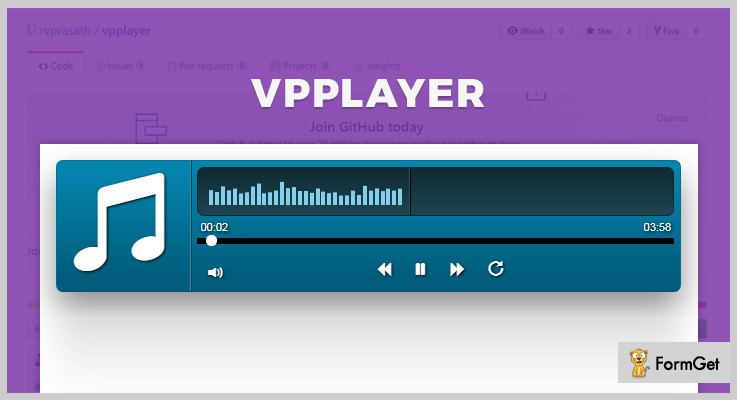
Vpplayer is a free, light-weighted jQuery audio player plugin which supports various audio formats like mp3, mp4, YouTube, etc. The plugin uses SRC attributes to insert URL of the audio files and preloadMessage attribute to display the message of loading before the audio file is loaded into the player.
Pricing:
You can get this plugin at $0 only and add its advanced functionalities of audio player into your website.
Features:
- The plugin consists various libraries like a jQuery library, bootstrap library to make your site responsive, consistent and glyphicon to provides stylish fonts.
- Vpplayer supports single as well as dual color for a player screen.
- It has a trackName option to display the audio name in the player screen.
Conclusion:
This blog was all about 5+ jQuery audio player plugins which are full of features and functionalities. We hope that you will get the right plugin of your choice which is peculiar to your business.
Do comment us below if you have any queries or suggestions.
5+ jQuery Carousel Plugins 2022 (Free and Paid)
Needless to say, a monochrome and unvaried web page will never catch a sight of the audience. Forget about for how much time you want to hold them!
This calls for a need of great user interface component, that will allow images, videos or any other content to display in a continuous interactive loop. So, for this instead of custom coding, we can use jQuery carousel plugins to ease up the work.
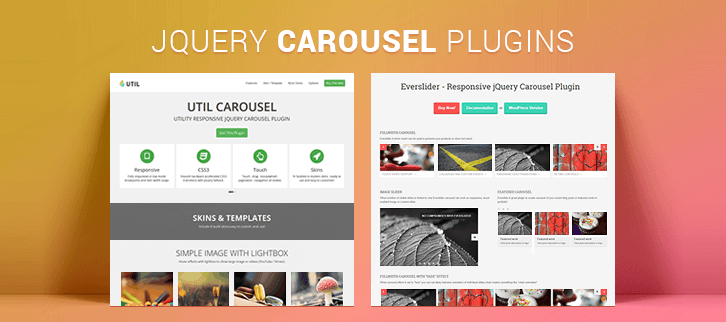
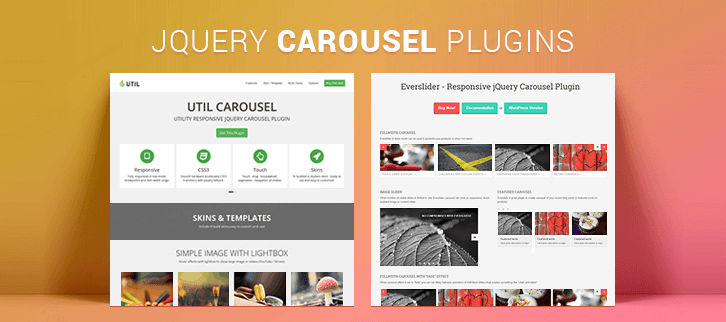
The jQuery carousel plugin will enable you to create carousel slideshows equipped with all the basic and additional features. Like you’ll find an Autoplay with a ticker, lightbox, PSD, vertical and horizontal buttons etc. just to name a few.
The carousel developed using these plugins can be positioned anywhere on the webpage. This carousel can also have elements like images, videos, embedded YouTube, Vimeo videos and more.
Find out few more blogs on these useful plugins below
- 5+ Best jQuery Grid Plugins
- 5+ Top jQuery Menu Plugins
- Best jQuery Social Media Plugins
This compilation of plugins will assist you to have the best of the features like CSS transitions, various carousel modes. In fact, touch, drag, mouse wheel navigation option, callback functions and API will add up the list.
1. UtilCarousel
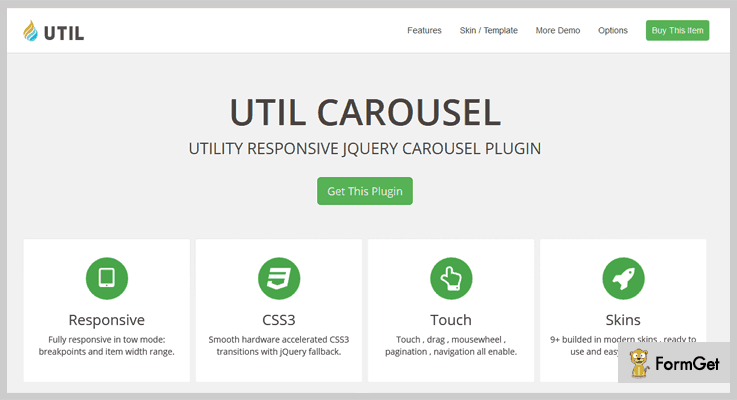
UtilCarousel provides various navigation options like touch, drag, mouse wheel, pagination, navigation. It supports important lazy loading of images in a long web page.
The plugin makes sure to give your webpage a responsive layout. So, the carousel created can be viewed on any screen from any device. One of the noteworthy features of this plugin is the clear documentation which makes its real-time usage easy for the webmasters.
Pricing
Now you can have this feature loaded plugin at a very reasonable rate of $10.
Features
- This plugin comes with 7 callback functions and 8 developer API.
- It provides 9+ built-in templates which can be customized.
- The hardware accelerated CSS 3D transitions makes this plugin touch-enabled for both desktop and mobile.
- Lightbox enabled to display images, and YouTube and Vimeo videos.
2. Everslider
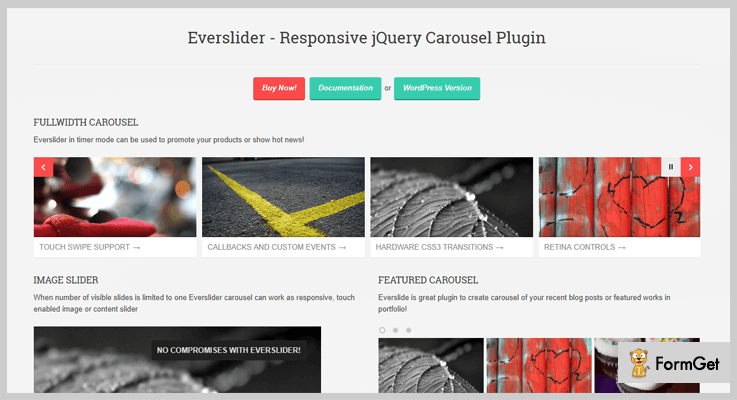
Compliant with JSHint tool, Everslider is a conflict-free jQuery plugin. It is fully responsive jQuery carousel plugin which recognizes touch swipe, mouse wheel, and keyboard interactions. Further, it allows you to create the carousel of your recent blog posts or featured works.
With more than 30 configuration options, it includes 3 carousel modes and autoplay with a ticker.
The plugin uses CSS3 Hardware transitions for animations with fallback to jQuery.
Pricing
Avail this incredible plugin only at $8 with 6 months support. And get an extended support for 12 months by paying $2.25 extra.
Features
- With fade effect option in the carousel, a delay can be set in between animations of individual slides.
- It includes PSD (Photoshop Document) to ensure a great quality of high pixel images.
- The plugin is compatible with IE7+ versions, Firefox, Opera, Chrome as well as Android and iPhones.
- The lightweight plugin allows adding unlimited slides which can have any content in it.
3. JSON Slider, Carousel, Timeline
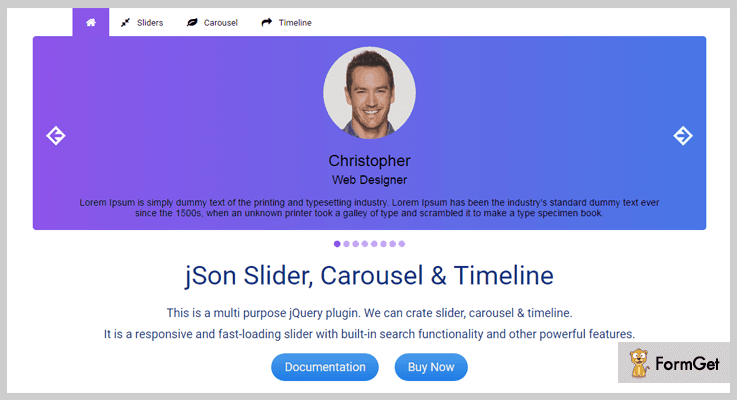
This multi-purpose and fully responsive plugin allows you to create a slider, carousel, timeline, testimonial, and tab. The plugin lets you have a scalable slider, which can be set to full screen or have a fixed width. The slider loads pretty fast and does not make you compromise with the loading time of web page.
It provides unique sorting option in the carousel. Further, it allows various options like thumbnails, bullets, and HTML in pagination.
Pricing
To add this feature rich plugin on your website, all you need to pay is just $13 for this plugin with 6 months support.
You can extend the support to 12 months in $4.13
Features
- This plugin provides you with a unique option to search within a slide.
- It comes with 4 different animation options, Smooth CSS Animation, After CSS Animation, jQuery Animation, After jQuery Animation.
- You can convert a slider in an infinite loop by circulating the slides.
- It allows you to use YouTube and HTML videos in the slides.
4. jQuery Carousel Evolution
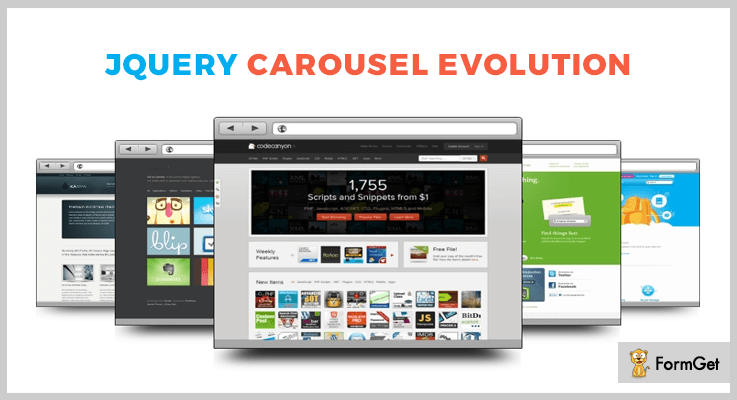
The configuration of images in a carousel is very crucial. This plugin allows you to manage the size of the front and back images and their positions, set number of images per scroll. Further, the customizable autoplay option will enhance the header sliders impact.
Create multiple and unique carousels for every single web page with the help of this plugin. With this plugin on your website, you can brief your visitors about the image by adding a text description.
Pricing
Get this amazing plugin at an unbelievable rate of $5.
Features
- It allows you to create 9 distinctive styles of the carousel.
- Give reflection and shadow effect to the images to add up more 3D effect.
- This plugin offers a public API to have control over the components inside the slider.
- A smooth scroll through slides will give an ideal mouse control experience to the users.
5. Agile Carousel
You can create slideshow or carousel easily with Agile Carousel jQuery plugin. It uses popular JSON data format to provide simple integration with external data as well.
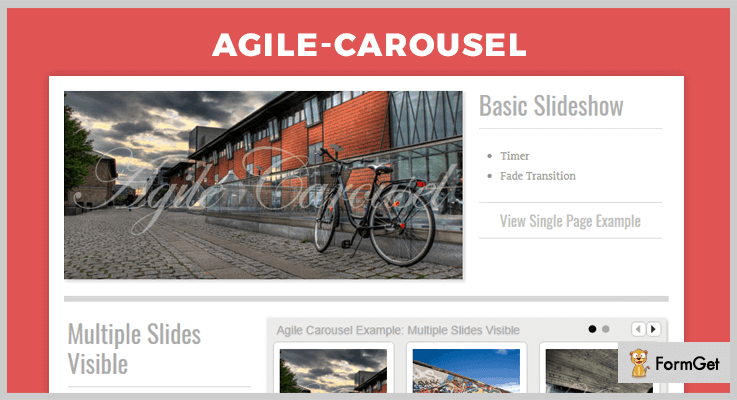
This plugin provides vertical and horizontal content buttons which get triggered on mouseover. And the multiple slides visible includes 3 slides with sliding and fading transitions.
Pricing
You can use this plugin without any currency transaction. Absolutely Free!
Features
- With the use of control sets feature, you can have a better customizable setup.
- The plugin provides various buttons like a circle, numbered, prev/next, play/pause.
- The basic slideshow is provided with timer and fade transition.
6. jQuery Carousel Lite
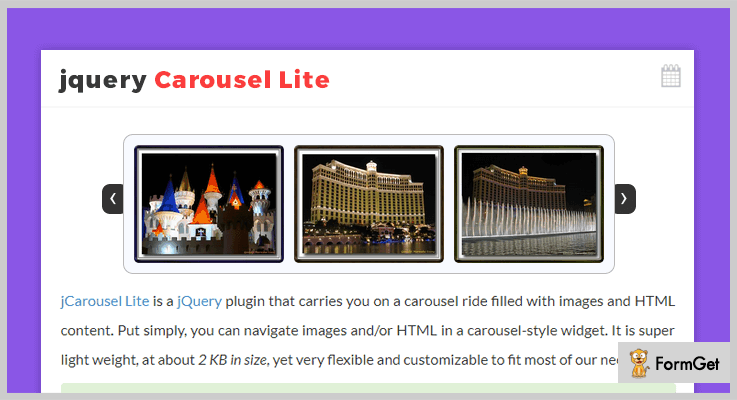
This plugin is best known for creating carousel-style navigation widget. The use of HTML markup simplifies the creation of an image or any other content widget. The plugin allows you to assign any item at the first position and decide the sequence of items for the carousel.
It also enables smooth mouse wheel navigation.
Pricing
This plugin is absolutely free to use.
Features
- This plugin offers various events on the carousel like pause, resume, stop, end and refresh carousel.
- The plugin provides previous and next buttons for manual navigation through various elements in the carousel.
- It allows you to reset the height and width of the carousel and its included contents on switching the screen size.
- You can speed up or slow down the carousel by setting the speed.
Conclusion
A tangled web page will not only give a bad impression to the visitor, it will also slow down the loading speed. So, we got for you the best jQuery carousel plugins.
In order to provide you the best jQuery Carousel plugins, both free and paid ones, we have undergone a detailed research about its vitality for your website. You name it and we have it.
I am sure once you get the command over them, it would be very easy to select the one that is appropriate for your site.
Comment in the below section if you have a query. Your suggestions are always welcomed!
Thanks
5+ jQuery Video Player Plugins (Free and Paid)
Use jQuery video player plugins & show amazing, high-quality videos on your website in just a few clicks.
Controlling website video media section in a web browser without having a local player and flash was a tricky task several years ago. But time has changed now, whenever a video is embedded or uploaded on the web, it is done with the help of JavaScript and HTML5. Considering this, most of the people want to add videos on their site and this simple task can be done by jQuery Video Player Plugins.
There are hundreds of jQuery video plugins present in the market. To serve you with great and different features, we have a roundup of the best jQuery video player plugins.
These plugins will help you to display your videos in a proper format, with high quality, using multimedia sliders and many more.
Also, video player plugins are lightweight, features rich, responsive and accessible. In this blog, some plugins are worth of their price and some are crashed out as open source plugins.
I have compiled 5+ best jQuery video player plugins for creating consistent and cross-browser HTML5 video player.
We also have some more blogs for you:
1. MediaBox – jQuery Plugin for Audio & Video
It’s one of my favorite jQuery video player plugins with a responsive and touch-friendly layout. It has the ability to create multimedia applications like media player, video player etc very quickly.
This plugin provides you with some examples of how to create a full-screen music player, complex web app and a website that integrate with the mediabox.
Moreover, it influences you with the power of jQuery, jPlayer and utilizes HTML5 with flash fallback.

PRICING:
- The price tag of this MediaBox jQuery plugin is $17 with lifetimes updates.
FEATURES:
- You can use the 9 prebuilt widgets for videos and audios to show them on the sidebar or at any section on the website.
- This plugins handles all the aspects of management and automatically update the active widgets if the playlist changes.
- It automatically redeems the metadata if its available on the page through a server-side PHP script.
- You can also use the API (application programming interface) keys that will let you communicate between different software components.
2. Vimuse – HTML5 Media Player
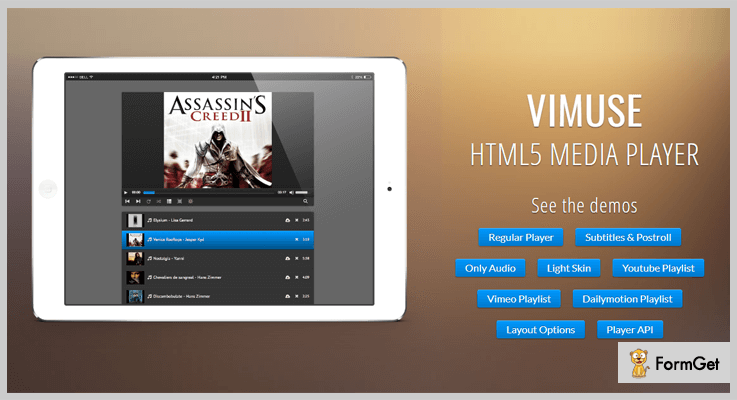
Vimuse – HTML5 Media Player plugin helps you out to post both audios and videos on the website. You can also embed the videos from YouTube, Vimeo, Dailymotion etc on the site.
This plugin has the option for autoplay of media and option to set the languages for subtitles in the videos.
You can pass the MP4 files for video and Mp3 files for audio, and all the other required formats for the native support of HTML5 playback.
Also, this plugin is fluid responsive that can fit any screen size and is compatible with the new and old version of browsers.
PRICING:
- Vimuse jQuery plugin will cost you $18 with lifelong updates and 6month client support.
FEATURES:
- You can show the post-roll content at the end of the video which is being select for viewing.
- All the playlist data of videos and audios are passed through JSON files and javascript objects.
- You are enrich with a special layout for audio modes and several layout options for videos.
- It also has the options to show the video and audio thumbnails in the media playlist.
3. YouTube & Vimeo Video Player – jQuery Plugin
This jQuery plugin is used as YouTube, Vimeo or as a multimedia slider on the website. It will let you embed the videos files from YouTube and Vimeo you only need URL to which you want to embed.
This plugin has the option to automatically obtain the video thumbnail, titles and description from the server and show them on your website.
Additionally, you can organize the playlist in three different formats:
- images & description
- only images
- only description

PRICING:
- This plugin regular plan cost is $12
- For extra features, you can buy this plugin at $45
FEATURES:
- You can add the animated texts with the image sliders to show them in a descriptive way.
- It helps you to show the playlist in three versions – thumb, description or hide one of them.
- You will be able to set the parameters like border width and color of the videos on the site.
- Also, attach the link to each image slide with parameter _self or _blank.
4. Most Wanted jQuery Plugins Pack
Most Wanted jQuery Plugins Pack is one of the most feature-filled plugin amongst all in the list. Through this plugin, you can easily zoom in & out the videos and is available with three different skins- opportune, majestic, generous.
Its an advanced jQuery plugin with five different patterns like a banner with playlist, content slider, and carousel. You can also create the sliders with animated text using HTML standard tags.
Moreover, you can use any color scheme possible customizable from parameter and support .mp3 and .ogg audio files.

PRICING:
- This plugin comes with a price tag of $29 with lifetime updates and 6months client support.
- And to extend more features you can buy its extended plan at $299.
FEATURES:
- You can use this plugin as full-width multimedia background, full-screen multimedia gallery and full-width media slider both for videos and images.
- With this plugin, showcase the logo in four different versions – grid, carousel (one by one), carousel (group) and perspective.
- You just have to add the radio stream in the player and automatically the player will recognize the radio name, radio category, current playing song etc.
- Also, it contains parallax and layer sliders with four different versions – classic, mouse interaction, ultra & Perpetuum mobile.
5. jQPlayer – Best in jQuery Video Player Plugins
This plugin is an opensource jQuery plugin. It’s been demonstrated with JavaScript and is completely free. You will be able to add the video and audio quickly to the website using jQPlayer.
With this plugin, you can easily customize the player, control its functions and you can also choose the different quality versions of the same video or audio.
It is fully documented jQuery plugin that will help the user to quickly access the code and embed them on site.
PRICING:
- As its an open source plugin, it’s available free of cost for you.
FEATURES:
- You can add Custom buttons to the playlist bar of the media.
- The callback events for action like play, pause, end etc can be used on the video player.
- It helps you to add different versions (SD, HD) of the same videos on the website.
- This plugin has the ability of flash fallback.
6. BootStrap Video Player – jQuery Plugin
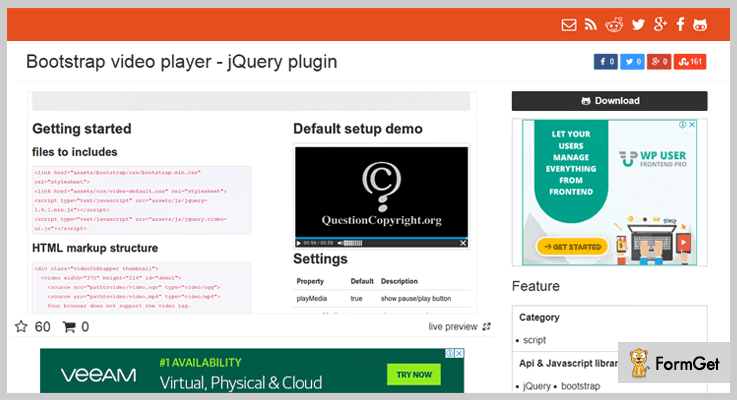
BootStrap-Video-Player-jQuery-Plugin is fully based on Bootstrap UI. You are provided with the live demo of this plugin through which you have a preview of each and every key feature.
This plugin is easy to customize with CSS and it also supports multiple videos on a single page.
PRICING:
- It’s an open source software and it can be downloaded or cloned free of cost.
FEATURES:
- You can use HMTL5 video tags on images and videos which are to be uploaded on site.
- It helps you to manage the video timer and also set the volume value from 1 to 10.
- This plugin helps you to enable fullscreen button as well as it auto hides the control bar.
- You can also enable autoplay and show pause/play button of videos and images.
Conclusion:
And, this was a quick glance at jQuery video player plugins. So, if you want to add a video slider or a multimedia gallery on your website, then just pick the best one from above.
As these are the best jQuery plugin in the market which makes your task as easier as possible.
Hope you’ve found the blog interesting. And for any query or suggestions please comment below:
5+ Best jQuery Popup Plugins (Free and Paid)
“Do you want to make your site look more appealing to the visitors while you provide them useful information simultaneously?”
Well, here’s an attractive way to display information using ostentatious pop-ups which also helps to engage the audience for a little longer!
You must be wondering how can you add these popups? Don’t you?
The answer to your question is – jQuery Popup Plugins!
With the help of these jQuery plugins, you can add popups, modify them as per your convenience, add any style to them using CSS and do other customizations as well.
Moreover, you can define various functions, methods, etc just by inserting a few lines of code.
Apart from all this, they are very responsive and user-friendly. Plus, most of these plugins come along with a documentation file which consists of solutions to your various queries and problems.
For this reason, we have amalgamated a list several jQuery Popup Plugins & also highlighted their features, pricing plans & other details. Some of these plugins are free of cost while others are paid.
Besides this, do peep in some of these blogs from our niches :
Now, without frittering away any more time, let’s delve in.
1. Flying Popup – jQuery Popup Plugin
Flying Popup is one of the finest jQuery Plugin. It is studded with exemplary features which facilitates you to define when and how the popup will appear & disappear on the site.
You can add a native JavaScript box asking users for confirmation when they close the popup. This confirmation box will display any content you set in it like ‘Do you want to close?’.
This plugin is very responsive and comes along with a very well written documentation which makes it easier to understand and implement the codes on the website.
Features:
- With the help of this plugin, you can easily decide at which part of the page you want to locate the popup. It can be top, bottom, or any.
- You can also add a floating popup which follows the screen as the user scrolls up & down.
- It enables you to add width & height of these pop-ups in the form of % using CSS.
- This plugin allows you to add cookies to prevent the popup from showing several times on your site.
- In addition to this, you can also replace the text in the popup with any HTML content.
Pricing Plan:
You can acquire this jQuery plugin with all its features at two varied prices as per your requirement :
- To avail the regular license, you have to pay $6.
- While for purchasing the extended license, you need to pay $30.
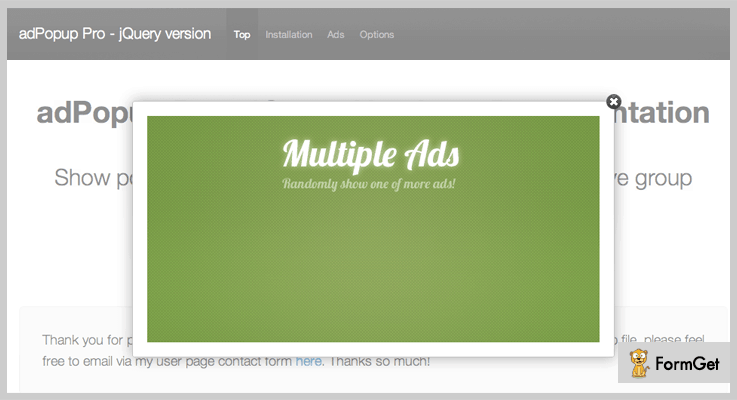
2 adPopup Pro – jQuery Popup Plugin
This is a perfect jQuery plugin for those who wish to add the pop-ups of their own choice to their website. These pop-ups can project ads or any other useful information you want to display to your visitors coming on the website.
adPopup pro is a fully customizable plugin and is responsive to all screens. With the help of this plugin, you can effortlessly add multiple pop-ups to your site & the plugin will automatically cycle between them.
Features:
- This plugin comes with browser detection, screen size detection, OS detection and many more which will help you collect user information.
- You can add any styling to the popup as you want like background color to a popup, color scheme of close button, overly and a lot more.
- It also facilitates you with the choice to display the popups to selective people.
- Apart from this, you can also restrict your popup from displaying again and again by setting a show_type to a specific day, year, session or various other options.
Pricing Plan:
This plugin is available at two different prices:
- To avail the regular license, you have to pay $9.
- And to purchase the extended license which is transferable, you need to pay $45.
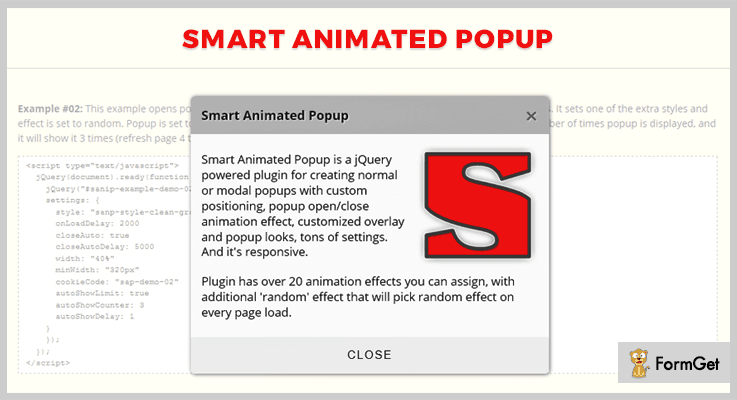
3. Smart Animated – jQuery Popup Plugin
It is an astounding jQuery plugin for adding & customizing the popups as per your requirement. You are provided with impeccable features like adding animation effects to pop-ups, styling and much more.
This plugin is compatible & tested with contemporary major versions of android i.e 4, 5, 6, & 7 plus it is also congruous to multiple browsers, iPhone & iPad, Chrome & Safari.
Along with this, you also get a pdf documentation file which you can refer in case of any doubt.
Features:
- You can choose from 21 transition plus 4 keyframe animation effects to apply on the popup as & when it opens or closes. Further, you can also define the speed/length of the effects.
- It enables you to customize the overlay used for modal popup along with its color & speed.
- This plugin empowers you to modify the styling & content in the popup box and allows you to add your own style to popup.
- Also, you can control the functions like open or close using certain codes plus you also define their callback methods before and after these functions.
Pricing Plan:
To buy this plugin along with all the features, you have to pay:
- Regular License – $15.
- Extended License – $75.
Note: With this plugin, you also get prior support for 6 months which is extendable.
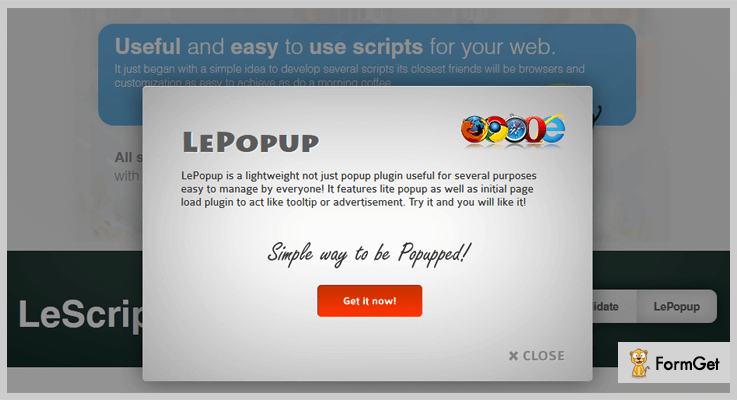
4. LePopup – jQuery Popup Plugin
It is a lightweight popup plugin for creating popups. With the help of this plugin, you can easily add any given information to the popup like an advertisement, offers, other deals, etc.
With the help of this plugin, you can easily load dynamic content using AJAX which appears without page refresh.
Features:
- You can add the popup using a few lines code.
- It empowers you to automatically show & close the popup.
- This plugin enables you to add the content of your own choice to the popup. Like you can apply some adds or use it as a tooltip to describe something, etc.
- Also, you can add an option which allows your users to close the popup.
Pricing Plan:
You can avail this plugin & its features at two varied costs :
- To purchase a regular license, you have to pay $7.
- Whereas, you can buy the extended version which includes some additional facilities at $35.
5. Avgrund – jQuery Popup Plugin
Avgrund is a freemium plugin which allows you to add modal boxes and popups to your site. This is a lightweight plugin which is minimized to the size if 1kb.
It is easy to use as it provides documentation along with it & is also responsive to all screens and different devices.
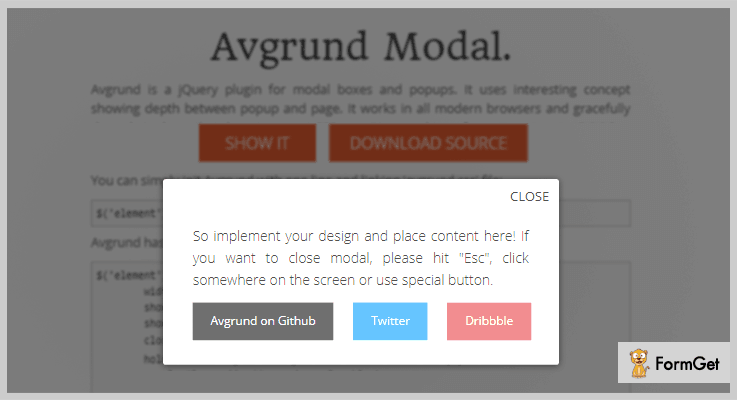
Features:
- You can define the size of the popup in the form of height & width.
- This plugin allows you to add a close button and also display the content of your own choice to this button.
- It enables you to set actions on events like mouseover, etc.
- Also, it allows you to add functions like onLoad or onUnload.
Pricing Plan:
You can get this plugin with full features access without spending a single penny out of your pocket. All you have to do is simply download it from ‘github.com’.
6. Toddish – jQuery Popup Plugin
This plugin proves to be of great help when it comes to adding popups to the website. With just few code lines you can easily style the pop-ups in a way you want.
It is a very responsive and lightweight plugin as the size of this plugin is 1.75kb. Moreover, it effortlessly handles the errors on loading.
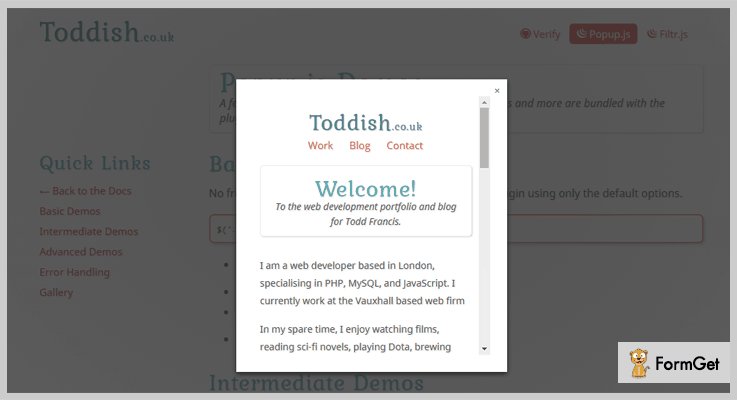
Features:
- This plugin automatically detects the images, external sites, inline & ajax content.
- It works perfectly with raw HTML, functions, jQuery, etc.
- You can also add any video content to the popup box from the sources like YouTube, Vimeo, etc.
- Also, it is fully styled with CSS which empowers you to customize it in any way you wish to.
Pricing plan:
To acquire this plugin and all its features, simply go to ‘github.com’ & download the plugin at free of cost.
Conclusion:
In today’s blog, we discussed various jQuery popup plugins and also scrutinized their highlighting features, pricing plans, and other important details.
These plugins enable you to add and customize the popups without any trouble just by simply inserting few lines of code.
We hope that after going through the list you must find a jQuery popup plugin which fits in the box of your requirement.
So, on this positive note, we sign off! Don’t forget to share your views with us. Also, you can contact us anytime for your queries & suggestions.
We’ll be happy to help you.
5+ jQuery Lightbox Plugins (Free and Paid)

You must be wondering why lightbox is on-trend for website designing? Why more and more people have started using them on their websites?
Lightbox is a JavaScript technique that can display large images with modal dialogue. It is the great way to present your media files in the eye catching manner.
However, to do that, you need jQuery Lightbox Plugins.
These jQuery plugins can transform your dull web pages into the beautiful piece of work.
Some of these plugins not only support images but also works well with iframes and videos.
In this article we are rounding up the list of 5+ jQuery Lightbox Plugins that can beautify your websites in a way that will attract your visitors.
Check out!
Swift through more jQuery plugins:
1. LC Lightbox – Premium jQuery Plugin
It is a jQuery lightbox plugin that can show off your favorite medias in an elegant manner. It supports HTML5 videos, iframes, Youtube, Vimeo, Dailymotion and HTML contents.
The plugin allows touch interactions with one or several fingers on your smartphone. You can swipe, pinch, drag content like with a native mobile swipeable view.
It supports components toggling, so that thumbnails and texts can be toggled.
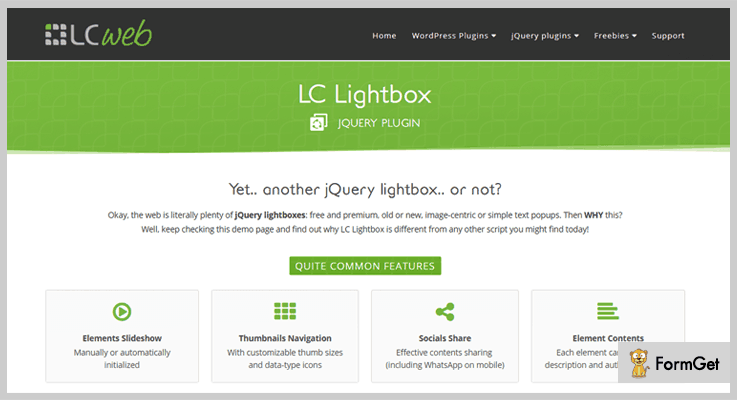
Features
- The plugin supports dynamic elements tracking by which you can add or delete elements.
- It supports HTML contents which allow you to use whatever you need in descriptions from basic texts to complex HTML structures.
- It ensures superior performance as it is 100% CSS driven.
Pricing
It is well documented and dev-oriented plugin. You can buy it for $16 with 6 months support from LCweb.
2. jQuery CSS3 Lightbox Gallery Plugin
It is one of the premium jQuery lightbox plugin that you can use to display your images in an engaging way. This plugin supports CSS3 transitions, whenever a user clicks over the image it automatically zooms out.
The plugin also supports animate.css effects allowing you to add unlimited of transition effects. You can also set the duration of the applied transition effects.
jQuery CSS3 lightbox gallery plugin is made by using Modernizr, allowing it to work with all the browsers. It even works well with those browsers which does not support CSS3 transitions.
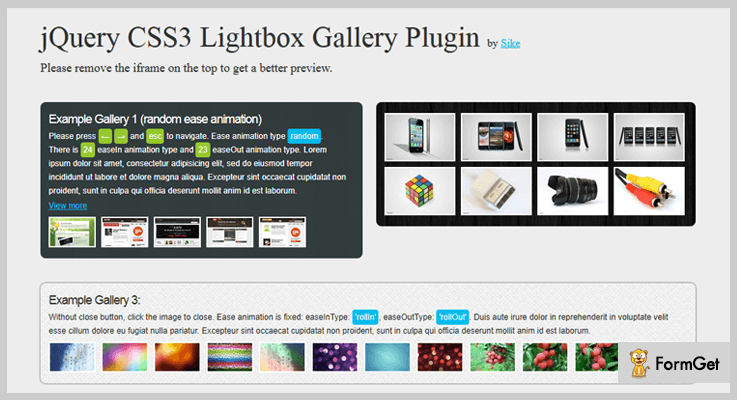
Features
- The plugin supports all the keyboard shortcodes.
- It is mobile friendly and works with all the touch device like iOS.
- The plugin is lightweight and easy to use.
- The user will get FAQ and uncompressed js file on purchasing this plugin.
Pricing
Get this plugin at $6.
3. Flipping Lightbox 3D With jQuery, And CSS3
This plugin is focussed on providing fancy 3d flipping effect to the images of your website. It is based on CSS3 and javascript.
It is a responsive jQuery plugin that supports both image lightbox and HTML dialog. You can also create lightbox gallery through this plugin.
With this premium plugin you can make single image lightbox and open/close events callback. It also allows to add customized close button to the HTML dialog.
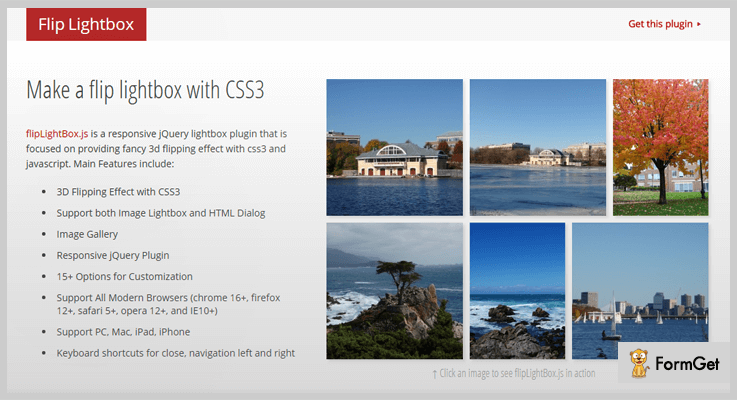
Features
- The plugin provides 15+ options for customization.
- It supports all the modern browsers: firefox 12+, opera 12+, safari 5+, chrome 16+ and IE10+.
- The plugin works well with PC, Mac, iPad and iPhone.
- You can also use keyboard shortcuts for close, navigation left and right.
Pricing
You can purchase Flipping Lightbox 3D with jQuery, and CSS3 plugin at $22.
4. TileBox jQuery – Modern Responsive LightBox
The plugin can be used to create modern lightbox with CSS3 animation effects. It provides customization options for all the modern browsers.
It can work with single box images, photo albums and gallery Ajax box. Whenever a user click on the image, it will zoom out with the applied transition effects. You can add size switcher and cross button.
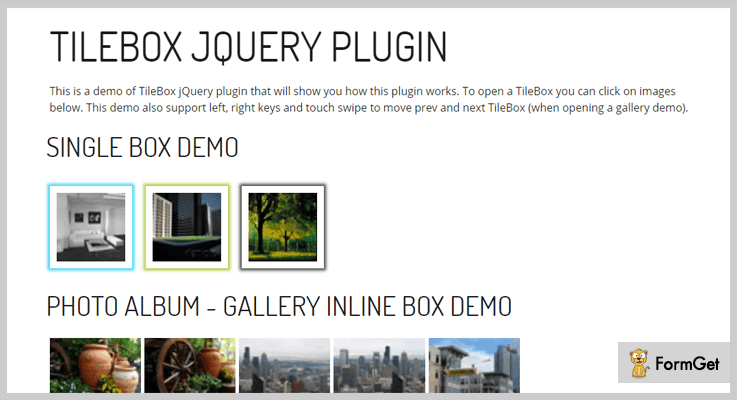
Features
- You can combine Inline and AJAX content through this plugin.
- The plugin also supports full screen custom content.
- You can choose to show/hide the Thumbnail Ribbon.
Pricing
Grab this plugin at $10 with 6 months support from SOHN.
5. Featherlight – jQuery Lightbox Plugins
The plugin is a lightweight and flexible jQuery lightbox plugin. It has minimum css use and does not has inline styles. The plugins footprint weighs over 4kB.
Featherlight is completely customizable via config object. You will also get the out of the box supports of image, ajax and iframe. The plugin is based on name-spaced CSS and JavaScript.
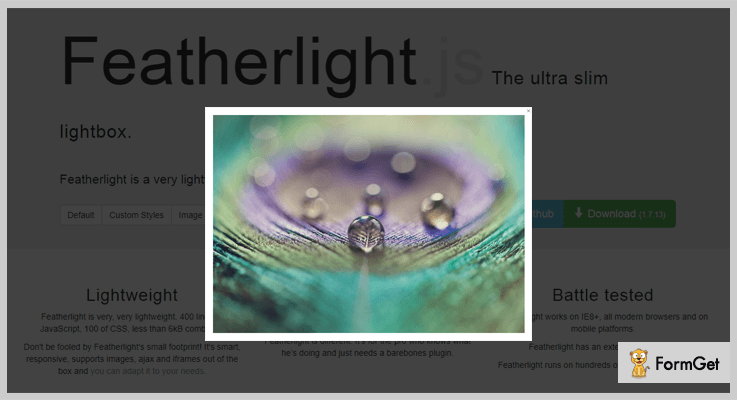
Features
- The plugin works on IE8+ and all modern browsers.
- It is a responsive plugin and supports mobile platforms.
- This plugin has an extensive test suite.
Pricing
It is a freemium plugin provided by GitHub.
6. Colorbox – A jQuery lightbox
It is a customizable jQuery lightbox plugin compatible with 1.3.2+ in Firefox, Safari, Chrome, Opera and Internet Explorer 7+. The plugin works with photos, grouping, slideshow, ajax, inline, and iframed content.
You can restyle the appearance of the lightbox through CSS. The plugin can be extended with callbacks & event-hooks without changing the source files.
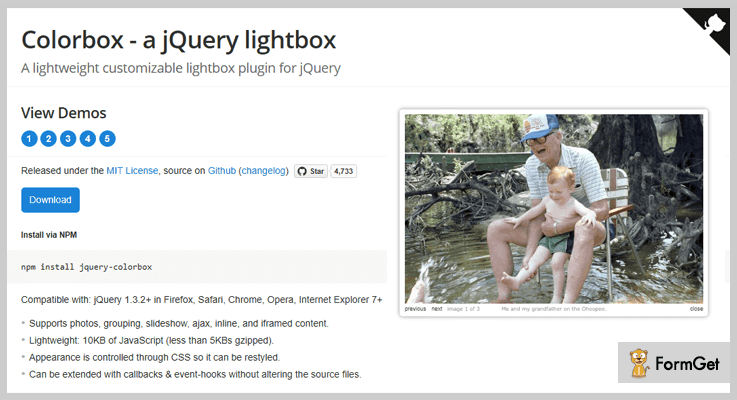
Features
- It is a completely unobtrusive plugin.
- The plugin can preloads upcoming images in a photo group.
- You will get beginner’s guide, FAQs and how-to examples for its complete use and installation.
Pricing
It is absolutely free jQuery lightbox plugin of GitHub.
Wrapping It up!
These jQuery lightbox plugins are super useful to create elegant lightboxes for your website.
With these hand-picked jQuery Lightbox Plugins you can alter the presentation of the image or video based on the resolution of screen accessible on the device used.
Do you have any great recommendation for the jQuery lightbox plugins?
Let us know in the comments!
5+ Most Popular Premium jQuery Grid Plugins
Using jQuery grid plugins, one can easily create highly responsive and fascinating image grid gallery within a website.
Creating an image grid gallery by manual coding requires too much efforts and time!
Complicated for a beginner. Right?
So, there is an alternative way to create such beautiful grid layouts of images via jQuery grid plugins.
In this article, we’ll throw some light on the best jQuery grid plugins which are cost-effective and offers amazing functionalities like CSS3 animations, mouse hover effects, customizable grids and so on.
You may also like
These plugins are easy to use and well documented. So, all you require is the basic jQuery knowledge and then you can easily embed it on your website.
Let’s begin with the list of jQuery grid plugins and engage your site visitors by providing them an attractive grid gallery.
1. Cube Portfolio – Responsive jQuery Grid Plugin
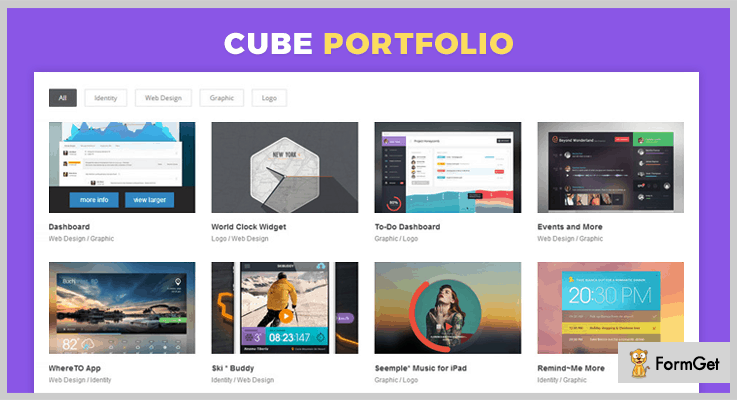
Cube Portfolio is one of the trending jQuery grid plugins that provides powerful and beautiful portfolio system. This plugin is just perfect for portfolio projects, images gallery, and mosaic grids etc.
It allows you to create a mosaic, masonry responsive layout, multi-column full-width gallery and so on. Along with that, it also supports animation effects and let you add a custom caption for each item in the grid.
Price
This jQuery grid plugin cost you $16 only.
Features
- Cube Portfolio plugin includes 19 predefined templates which you can further customize as per your choice.
- It also supports CSS3 animations and transition effects. This plugin gives you a nice mouse hover transition effect. On hovering it will show you the caption of the image.
- You can also filter the gallery by categories or groups.
- It is a SEO friendly plugin and supports all the major browsers.
2. Media Boxes Portfolio – Responsive jQuery Grid Plugin
Media Boxes Portfolio is a jQuery plugin that allows you to build a powerful grid for your blog posts, galleries, client portfolios, and for shopping cart etc. It comes with a compelling filter and search system.
You can also specify the ratio of width and height of the thumbnails. Once you’ve specified then it will show you the layout of the grid without any delay.

Price
Download this plugin from codecanyon.net at a cost of $16.
Features
- You can apply your own CSS and HTML.
- It uses fancybox and magnific popup/lightbox. You can load images, HTML text, Google Maps etc in the popups.
- You can share the popup data with the social media by pasting the URL generated when you open the popup.
- You can also define the layouts of different resolution such as one column for mobile resolution, 3 for a tablet, and 5 for desktop resolution.
3. Final Tiles Grid Gallery – jQuery Grid Plugin
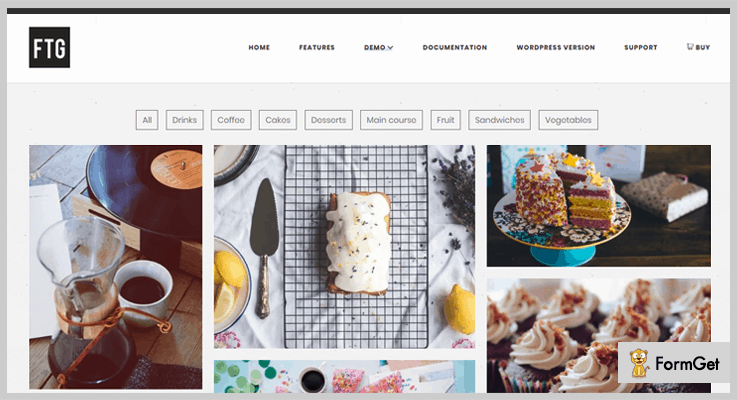
Final Tiles Grid Gallery is a jQuery plugin that lets you make the beautiful image grid gallery. With this plugin, you can create galleries of complex layout.
If you want to create an image grid gallery of customized layouts (No rows & columns) then, you can go for this plugin with different types of animated and mouse hover effects.
Price
If you are willing to buy this plugin then, grab it from the codecanyon at price of $16.
Features
- You can use your own CSS to control borders, margins, animations and so on.
- By default, the gallery is responsive and works well on any screen sizes and devices.
- Social Sharing options are also there. So that you can share each image on Twitter, Facebook, Google+, and Pinterest like platforms.
- You can also add videos imported from any source in your grid gallery.
4. Ultimate Grid Responsive Gallery
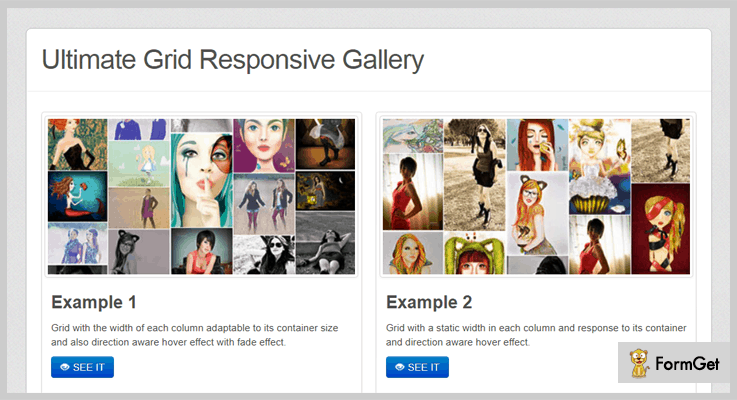
Ultimate Grid Responsive Gallery allows you to create full-width image grid gallery on your website. Also, you can create slideshows and dynamic grid layout galleries efficiently.
It provides you the fully responsive grid and lightbox to display your images beautifully. The plugin is also compatible with Twitter Bootstrap which makes the creation faster, better, and easier.
Price
Buy this plugin from the codecanyon.net at a cost of $8 only.
Features
- The plugin supports CSS3 effects and interactive direction aware mouse hover effects.
- It also supports the thumbnails of the grid items.
- You can link another page also when you click on the thumbnail.
- It allows you to activate or deactivate the features from Javascript options panel.
5. jQuery Grid and List Switch
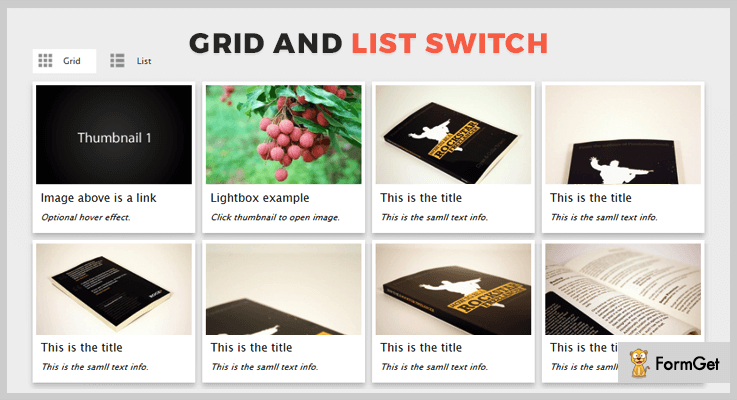
This jQuery Grid and List Watch Plugin lets you display the thumbnail grid. It also provides you the option to display the thumbnails in a list. Moreover, it is a lightweight plugin so, it won’t affect your website’s performance.
Price
You can download this plugin from codecanyon.net at just $7.
Features
- The plugin is compatible with all the browsers such as Opera, Safari, Firefox, Chrome, IE8, IE9, and IE10 etc.
- Hover effect feature is optional.
- It also provides the free updates in the future.
- Supports CSS3 transition effects also.
6. MagicWall – Responsive Image Grid
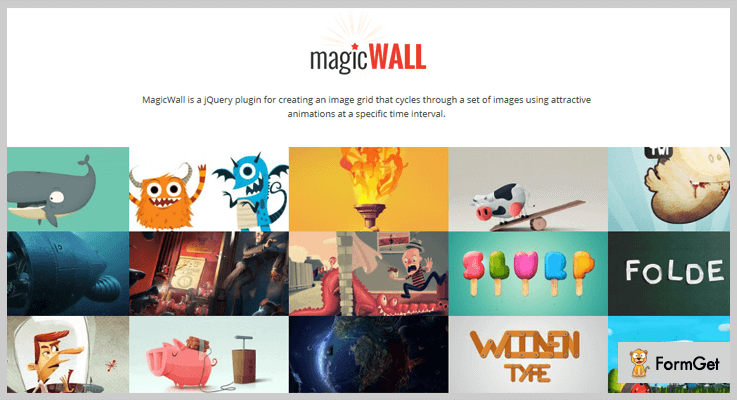
MagicWall is yet another premium jQuery grid plugin. It allows you to create an image grid that rotates through a set of images at a specific time interval using CSS3 animations.
You can use this plugin to add a decorative element to your website. This plugin automatically converts the list of images into an attractive grid layout.
Price
Grab this plugin at just $12 from the codecanyon.net
Features
- The plugin offers a full-width grid layout for images.
- It has an inbuilt 22 animations effect.
- The grid is highly customizable and responsive.
- Supports all the major web browsers.
- Social networking is also integrated into the plugin.
Conclusion
Above are the premium jQuery grid plugins that prove themselves in creating the highly attractive image grid gallery. In this article, We’ve covered all the trending grid jQuery plugins.
So, if you are looking to create an amazing grid gallery on your website. Then, no wonder these plugins will satisfy you with the best.
5+ Best jQuery Gallery Plugins (Free and Paid)

“Use jQuery gallery plugins & create a beautiful image as well as video gallery in a matter of time!“
You have been adding images to your website at any place you want to. They might look attractive & responsive. But do you want to explore more that in how many more types you can do this work?
Well, there is a way which is done by using gallery plugins. Through them, you can create beautiful image galleries in the form of albums & sliders.
With multiple types of transition effects & animations, you can do a lot of stuff with those galleries.
Since there are hundreds of plugins floating on the web, that’s why I’ve listed 5+ best jQuery gallery plugins which you can integrate with your website. Some of the gallery plugins are free while others are the paid ones.
Even there is one plugin mentioned in this article through which you can create a gallery of videos which includes normal, Vimeo & YouTube videos.
That’s new!
Apart from it, these gallery jQuery plugins consist of numerous customizable options. If you are a techy guy who knows coding then you will create a master gallery by customizing its CSS files.
In case, if you are a normal website owner who wants to add attractive gallery sliders to his website then you can use its general customization options.
That’s why all I want from you to go through this article & then you’ll found many plugins with surprising features!
You may also like to read more blogs consisting of other jQuery plugins. They might also help you in making a quality website!
Now, let’s dive in together!
1. jQuery Polaroid Gallery Plugin:
jQuery Polaroid is a gallery plugin which supports drag & drop functionality for image galleries based on HTML5 canvas. If your browser does not support HTML5 canvas tag then the flash fallback feature of this plugin automatically enables itself.
Apart from all of it, this plugin works well on both Android & iOS devices. So you don’t have to worry about it.

Pricing:
- This gallery plugin charges $8 for accessing general features.
- For advanced features, you’ve to pay $40.
Features:
- In each of the photo present in the gallery, you can display the description of it in textual format.
- You can resize the layout of the gallery according to your needs which won’t affect the responsiveness at any cost.
- Also, the visitor of your website can zoom in & zoom out the photos according to their wish.
2. VION: jQuery Gallery Plugin
VION is a jQuery plugin for creating beautiful galleries which can also be used easily by anyone. It comes with a minimalistic design which helps in focussing on the content rather than UI. Through CSS settings, you can style the layout of your gallery to get the desired result.
Well, you can customize almost all of the fields galleries while creating & adding it to your website.

Pricing:
- It has a regular plan which costs only $6.
- Apart from it, $35 is the charge of its extended plan.
Features:
- It comes with some transition effects which you can apply in both loops as well as autoplay mode.
- In its slider of photos, you can adjust the speed & duration of the slide according to your needs.
- When you purchase this jQuery gallery plugin, you’ll get an 11-page user guide. Through it, you can understand & then implement all of the features of this plugin.
3. Fancy Gallery jQuery Plugin:
This jQuery plugin helps in creating an attractive gallery in a couple of minutes. It is easy to use & highly customizable such that you can do unlimited types of variations with the gallery.
The most important thing about it is that you will be able to add the elements in your gallery album such as videos, photos, Vimeo/YouTube videos & a lot more stuff. Isn’t it interesting?

Pricing:
- $9 is the charge of its base plan.
- To purchase its advanced plan, you have to pay only $45.
Features:
- This add-on comes with two types of lightboxes: FancyBox & PrettyPhoto or you can also use its inline gallery.
- Also, you can select how the visitors of your webpage can open the album, i.e., menu, thumbnail or dropdown view.
- Well, it comes with multiple hover effects for the headings & thumbnails which you can also customize according to your requirements.
4. Factory Galleries: jQuery Plugin
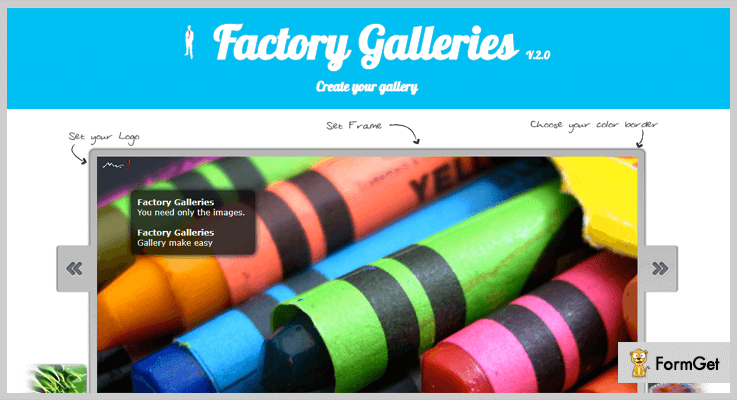
Through Factory Galleries, you can create, add & customize the image gallery albums with lots of customization tweaks. All you have to do is to copy the image or photo & then paste it on the gallery slider. Sounds too much simple!
Well, it comes with 8 skins which you will be able to use to create a unique image gallery.
Pricing:
- This jQuery plugin has a single plan which costs only $7.
Features:
- For each slider of photos, you can customize the animations & slide timeout according to your needs.
- This jQuery plugin also allows adding the logo icon on each of the image.
- Also, you can select the frame & color border which looks best according to you.
5. S Gallery: Best in Free jQuery Gallery Plugins
S Gallery is a jQuery plugin through which you can add a gallery of images with so much ease. You will be able to display two types of galleries: grid & slideshow. That’s what makes this jQuery plugin a versatile one!

Pricing:
- This gallery jQuery plugin is free of cost.
Features:
- The gallery created via this plugin is accessible through a keyboard. So, you don’t have to use a mouse all the time.
- Also, you can open the gallery in the full-screen mode such that the user can only see it without any other distractions on the screen.
- Even a non-technical guy who has no coding knowledge can use it easily.
6. Balanced Gallery jQuery Plugin:
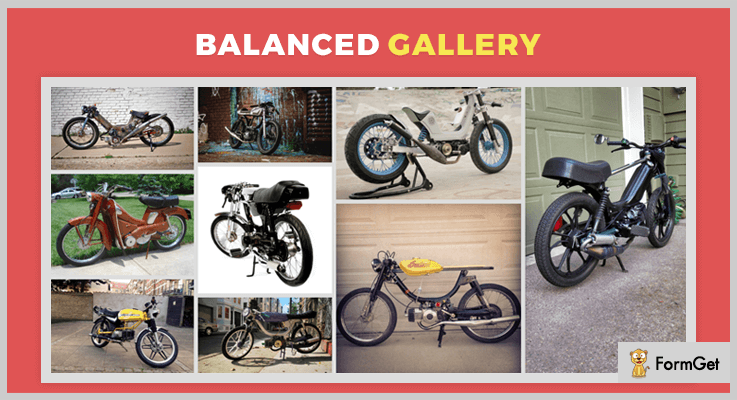
Through Balanced Gallery, you can create an album of photos distributed across columns as well as rows. i.e, making a spacious gallery without any disturbed layout. And yes! It is the simplest gallery plugin you can ever find on the market!
Pricing:
- This jQuery gallery plugin does not charge any amount for the lifetime.
Features:
- It comes with two types of image galleries: horizontal (for long width images) & vertical (for long length images).
- This plugin is tested & worked with browsers like Chrome, FireFox, Safari, IE 9+ etc.
- It is also responsive to all types of screen devices & websites as well.
Conclusion:
Now you’ve read some of the best jQuery gallery plugins through which you can create beautiful & responsive albums of images & videos. Some of the jQuery plugins are free while others are paid.
Even there are some plugins mentioned in this article through which you can add the YouTube & Vimeo videos to your galleries.
Apart from it, you will be able to add the photos to the slider gallery of attractive layouts & animations. Also, their CSS files are easily customizable if you have a sound knowledge of programming concepts. Even if you don’t have it, you can use their default version which is good itself for creating gallery albums.
All you have to do is to read out this article & choose the best gallery jQuery plugin according to your needs!
For any suggestions & queries regarding these gallery jQuery plugins, please comment below & we’ll reach out to you soon!
5+ Best jQuery Menu Plugins 2022 (Free and Paid)
If you are looking for jQuery Menu Plugins for your website, then you have landed at the right place. As this blog is all about top class jQuery plugins which can be used to design eye-catchy and attractive menu.
We have elaborated jQuery plugins which offer features like multiple customization options, style changes, API, lightweight, easy to deploy on websites and provide other facilities.
In addition, all these plugins are well-documented, touch-friendly, fully responsive and offer cross-browser support as well.
So, let’s get started with the details of these plugins.
But before that have a look at the blogs we have listed below on popular jQuery plugins:-
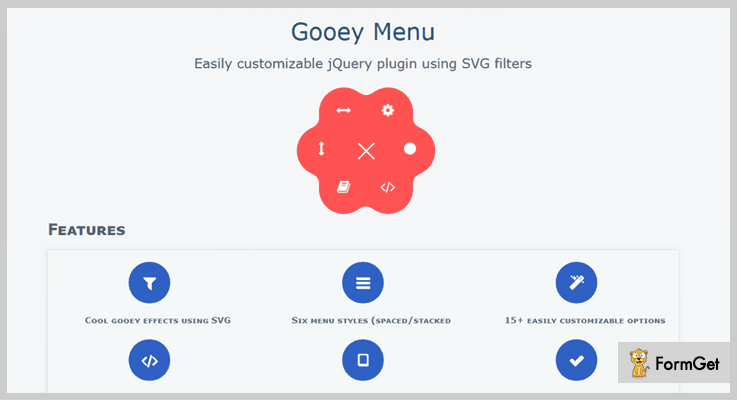
1. Gooey Menu: jQuery Menu Plugin
Gooey is a jQuery menu plugin which helps you create gummy menus with circles as menu items. With this plugin, you can apply different menu styles, SVG filters, customizations and more.
The menus displayed using this plugin are fully responsive in layout and they support all latest browsers.
Pricing:-
- The regular license of this jQuery plugin will cost you $9 which offers various menu styling and features.
- The extended license charges $45 for the advanced features and services that this plugin offer.
Features:-
- This jQuery menu plugin provides six different types of menu styles which are spaced, stacked round, horizontal, and vertical.
- You also get more than 15 customization options along with an event API with this plugin.
- It supports all modern browsers currently available in the market.
- This plugin is responsive, comes loaded with SVG filters and offers a proper document for effective implementation.
Click For More Details On jQuery Menu Plugin
2. LayerMenu – jQuery Menu Plugin
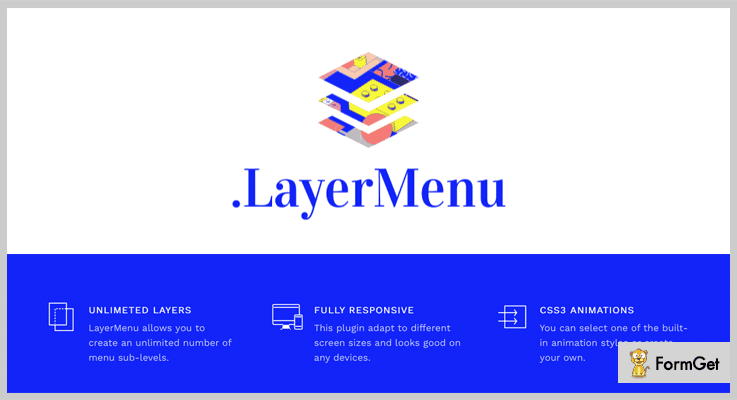
LayerMenu jQuery plugin is a great help for developers who want to create unique, new and easy to use menus for websites. This plugin is clean coded and gives a well-organized documentation which helps in proper implementation.
It supports various browsers like FireFox, Safari, Chrome, Opera, IE9, IE10 and more. Plus it also includes stylus files and CSS3 animation as well.
Pricing:-
- $6 is the price which is charged for the regular version of this plugin.
- $50 is the price charged for the extended version of this plugin which has enhanced services.
Features:-
- Multiple animation effects like the slide, fade, roll, cube, shift and many more are available which will help you design attractive menus.
- Menus attached to a website using this jQuery plugin are fully responsive and looks great on different devices.
- It includes IconsMind as well as FontAwesome icons in it.
- With this plugin, you get unlimited color and menu layers option.
Click For More Details On jQuery Menu Plugin
3. jQuery Infinite Sliding Menu Plugin
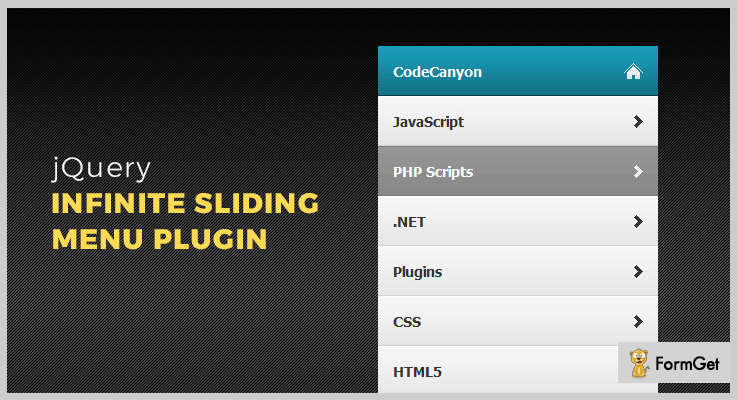
Infinite sliding menu is another jQuery powered plugin which allows you to create infinite sliding menu. Menus created using this plugin get automatically resized and support touch senses as well.
You can have a nested menu list which has multiple menu items in them.
Pricing:-
- First plan comes with a price tag of $6 with all the latest and advanced features for menu designing.
- The second plan will cost you $30 and will include various features and facilities in it.
Features:-
- With this jQuery plugin, you can have an unlimited number of nested lists.
- It automatically resizes the height as soon as the menu is opened.
- You also get PSD with slices which simplifies the process of menu designing.
- It is fully compatible with IE8, IE9, IE10, Firefox, Safari, Opera, Chrome browsers.
Click For More Details On jQuery Menu Plugin
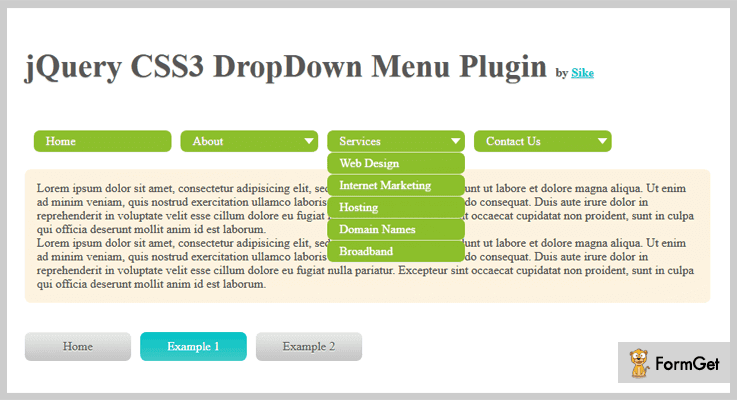
4. jQuery CSS3 DropDown Menu Plugin
With this jQuery plugin, you can include a stylish drop-down menu on your website. This is a mobile friendly plugin the animation of which is driven by CSS3.
It is a lightweight jQuery plugin which offers faster loading speed and provides drop-down menus which are responsive in design.
Pricing:-
- The regular plan has got a price tag of $5.
- Similarly, the extended plan of this plugin comes at a cost of $25.
Features:-
- This jQuery plugin is very lightweight which helps in faster loading.
- With this jQuery plugin, you can easily create unique styled drop-down menus.
- Provides well-documented demo page which projects different menus styles that can be designed using this plugin.
- It helps you have a responsive menu which perfectly supports touch devices as well.
Click For More Details On jQuery Menu Plugin
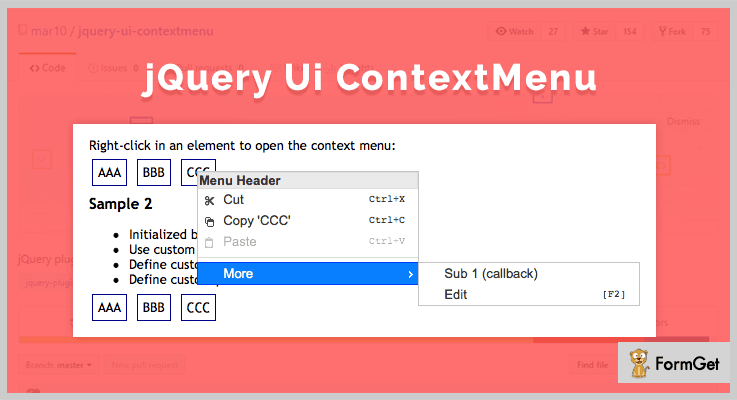
5. ContextMenu – jQuery Menu Plugin
This is a jQuery menu which helps you attach ContextMenu to a website. With this plugin, you can define menus from definition list and it offers optional support for touch screen devices like mobile, tablets and screens.
It has got a demo which comes with the code and other important details, plus the live example of how the menu will look like on a website.
Pricing:-
- This is another free jQuery menu plugin which comes pre-equipped with various feature and services.
Features:-
- This plugin has got basic style menu, categories menu, and icons based menu.
- It is easy to apply to websites as it provides well-documented demo page which holds menu codes along with the example that shows how it will look in real.
- With this jQuery plugin, you also get touch devices supports.
- You can easily disable items and create nested menus as well.
Click For More Details On jQuery Menu Plugin
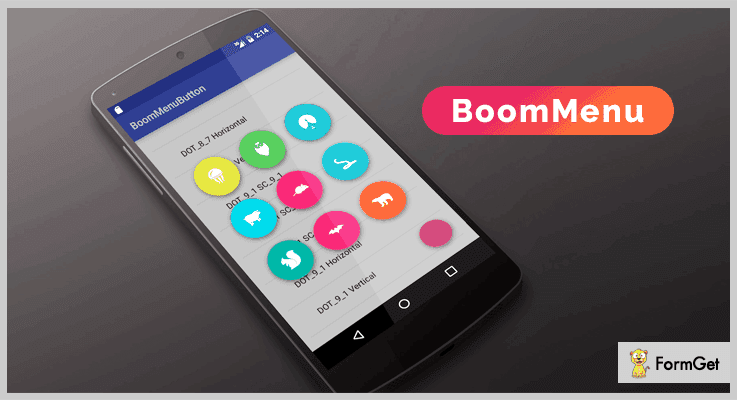
6. BoomMenu – jQuery Menu Plugin
BoomMenu is a jQuery plugin which is named after Boom-Menu-Button. With this you get multiple animation effects, you can include menu text inside or outside the image circle and you can also define the order of the buttons as well.
It provides various features, for instance, buttons-alignment, text-inside/outside-button and more.
Pricing:-
- This jQuery menu plugin is free to download which offers both productions as well as development version to the users.
Features:-
- It offers demo with proper documentation and examples which simplifies the process of implementation.
- With this jQuery plugin, you can have a responsive menu on your website which is mobile-friendly.
- You can add text content inside or outside of the circle menu button and give an attractive look.
- It also helps you provide custom positioning to the menu as well as menu items.
Click For More Details On jQuery Menu Plugin
Conclusion
This was all that we have got on the best jQuery menu plugins. I definitely hope that you must have found the most relevant and easy to apply jQuery plugin for your website.
All these plugins elaborated in this blog are tested and verified for the services that they offer.
In case of queries and doubts, you can mention them in your comments below. We will be happy to reply your questions and queries.
5+ jQuery Image Viewer Plugins (Free and Paid)
jQuery image viewer plugins are used to provide features such as zooming, scaling, rotating, panning while viewing individual images. This surely enhances the viewing experiences of your website’s visitor.
These plugins specifically cater you with the following features:
- Touch-enabled zooming
- Dragging and panning of images
- Allows a quick display of the loaded images
Also, these jQuery image viewer plugins give the lightbox effects to the images.
It can be used even for displaying images on mobile devices by giving a pixel-perfect interface to your users.
Let’s take a glance at the jQuery image viewer plugins and know more about them. We hope and believe that you will choose the best plugin out of all by keeping up your personal and business preferences.
You might be interested in reading these blogs as well:
- 5+ Best jQuery Video Player Plugins
- 5+ Top jQuery Audio Player Plugins
- Best jQuery Popup Plugins
1. jQuery Mega Image Viewer – Plugin
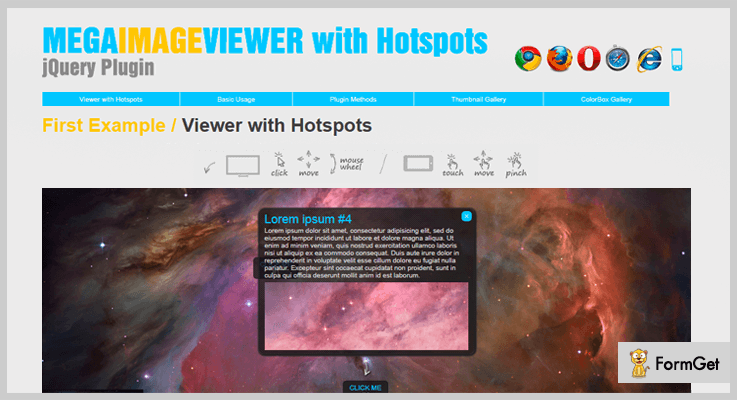
This is one of the best and premium plugin in the family of jQuery image viewer plugins. It provides many features such as – mouse or touch drag, cross-browser compatibility, image scaling feature, and much more.
In fact, you can do a lot more like – enabling and disabling navigation bar, drag inertia, image source from JavaScript & HTML, etc. This plugin is rated 5/5 stars with more than 600+ active installations and 675 sales in a very short period of time.
Price –
You can purchase this plugin at $9 with lifetime free updates.
Features –
- This jQuery plugin allows you to easily replace <div> tags with animated image viewers.
- It allows controlling the position and zoom of the object, displayed inside the viewport.
- Mega Image viewer supports the touch for mobile devices and mouse wheel to zoom or unzoom the image.
- Also, it comes with very smooth and easy to use animation effects.
2. 360° Panoramic – Best In jQuery Image Viewer Plugins
360° Panoramic plugins take images and use jQuery to add rotations, and scrolling for a better experience. Moreover, this plugin comes with full documentation, clear examples and step by step instructions for your better understanding.
In addition to its features, this plugin allows you to have multiple scenic view selection & carouFredSel integration. Now, a carouFredSel is a circular, responsive carousel plugin built using the jQuery.

Price –
- The cost price of this plugin is $15 with a regular license and a 6-month support from Liviu_cerchez.
- If you want to increase the support time for 12-months then the price of this plugin will be $19.88.
Features –
- It supports flat panoramic images but not spherical and more complex one.
- This plugin provides full support for mobile, touchpad and mouse wheel.
- As the name suggests this plugin provides 180/360 degree visibility settings.
- If you want to use it for fixed size version then you have to decide the width or height of that image as well.
3. Giga – Best In jQuery Image Viewer Plugins
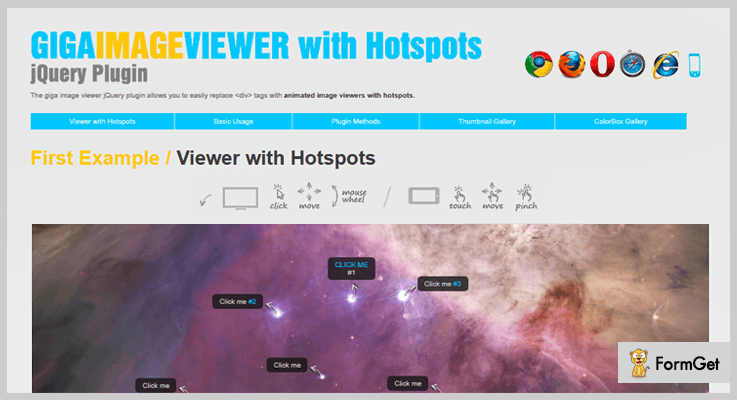
With the help of this plugin, we can use mouse wheel option to zoom or unzoom the image. Also, it gives touchpad options for mobile devices. This plugin comes with examples of building thumbnail and lightbox gallery. Giga jQuery plugin is also compatible with IE, Chrome, Firefox, Opera, and Safari.
It also provides great animations and scaling effects, which you can apply to the images. It is easy to install and provide support to CSS, HTML, and JavaScript JS. Also, you can set coordinates & scale, animation duration, the position of the navigation bar and much more.
Price –
You can purchase this plugin at $10 with free updates for lifetime.
Features –
- The Giga jQuery plugin allows you to easily replace <div> tags with animated image viewers with hotspots.
- For high resolution, this plugin supports only jpg format for images.
- Giga viewer loads only important fragments of any big image, divided into small pieces, by default it is(256×256 px).
- In fact, it contains command line programs and PHP script, for cutting images into pieces.
4. Iviewer – Free In jQuery Image Viewer Plugins
Iviewer comes under the MIT license. It is a jQuery UI widget plugin. And it is responsible for image view control. You can control the zoom in and out option with mouse wheel as well as touchpad of mobile.
Price –
This plugin is available free of cost, so you can easily download it from GitHub and use it.
Features –
- You can have the full control over the widget through the API keys.
- It allows you to customize the controls with CSS.
- This plugin will allow your users to smoothly zoom in and out a particular picture without damaging the quality of pixels.
- Iviewer supports IE6+, FF2+, Google Chrome, Opera 9+, and Safari.
5. Viewer – Free In jQuery Image Viewer Plugins
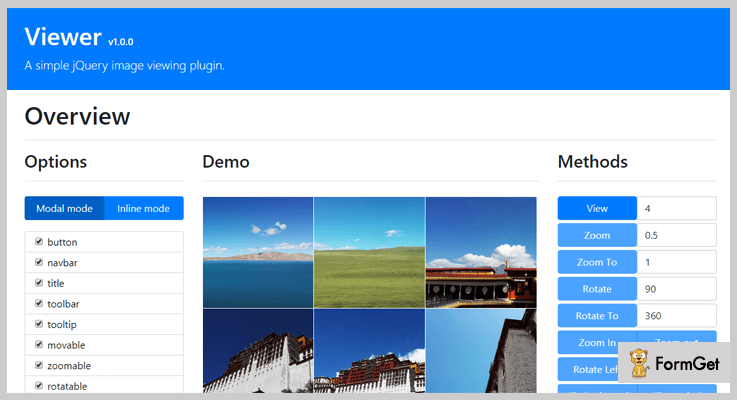
Viewer comes with a live demo which helps you to understand it better. It supports 34 options of image viewing, 23 methods, and 7 events, which you can use to increase the functionality of your website.
You can show or hide the title, according to the width size of the image, for example – show the title only when the screen width is greater than 1000 pixels. In fact, you can enable the CSS3 transitions, especially for some elements.
Price –
You can purchase this plugin as it costs you $0 along with its all functionalities.
Features –
- It will allow you to use features like – flipping horizontal & vertical, rotate left or right, up and down and more.
- You can arrange your images in two modes: Modal & Inline mode.
- This plugin provides different options like – backdrop, rotations, zooming, scaling, etc, of the images.
- Viewer shows the tooltip with image ratio when zooming in or zooms out.
6. ImgViewer – Free In jQuery Image Viewer Plugins
ImgViewer plugin comes with a full documentation under the license of MIT. It works efficiently with every browser like – Safari, Google Chrome, and Opera.
You can easily enable or disable the image dragging functionality from the admin area. In fact, you can fix the size of the image, if you want.
Price –
Imgviewer can be downloaded for free, as it is an open source software.
Features –
- It allows an image to be zoomed in or out and panned.
- You can use the mouse wheel to zoom in or out.
- One of the most responsive UI component on the basis of jQuery widget factory.
- This plugin provides you the examples of multiple viewer, control options, custom onClick callback, and some other.
Conclusion –
In short, you can easily zoom in or out, do panning, scaling the image, rotations, flip images and more by using these jQuery image viewer plugins.
Pick the one and start providing your viewers an ultimate experience with clutter-free zoom in or zoom out options.
Don’t forget to comment!
Top 4 jQuery Dropdown Plugins (Free and Paid)
Want to make an elegant dropdown menu like E-commerce websites?
If yes?
Then you should have fully functional jQuery Dropdown Plugins for your website.
But before putting pedal to the metal, let me explain you how these plugins can meet your expectations.
Dropdown menus are specifically designed for website navigation. They are the lists of horizontal options, each having vertical menu.
Whenever a user hovers or click on the option a vertical menu will “drop down”.
Dropdown menus are required for perfectly accommodating a large set of options in the menu of your website.
These are typically created by using HTML, CSS and JavaScript. So to help you out we are sharing a list of top 4 jQuery Dropdown Plugins. They will let you to create responsive and animated dropdown menu.
Some of these plugins are capable to frame up unlimited levels of submenu. Also, you can use them to create menu bars of different styles like sticky, dropup, dropright etc for your website.
Let’s check out!
Swift through more jquery plugins:
1. jQuery CSS3 DropDown Menu Plugin – jQuery Dropdown Plugins
It is a lightweight jQuery plugin for creating toggleable dropdown menus. You can convert an unordered list of your website into a systematic dropdown menu.
Through this plugin you can create an infinite level of submenus without any fuss. By default the actual dropdown menu is hidden, and it will display whenever the user hover on it. It means you can create a hoverable dropdown menu through this plugin.
You can do unlimited styling of dropdown buttons with a background-colors and paddings. The plugin supports CSS3 animation which is driven by animate.css. Thus you can change as many CSS properties you want, as many times you want.
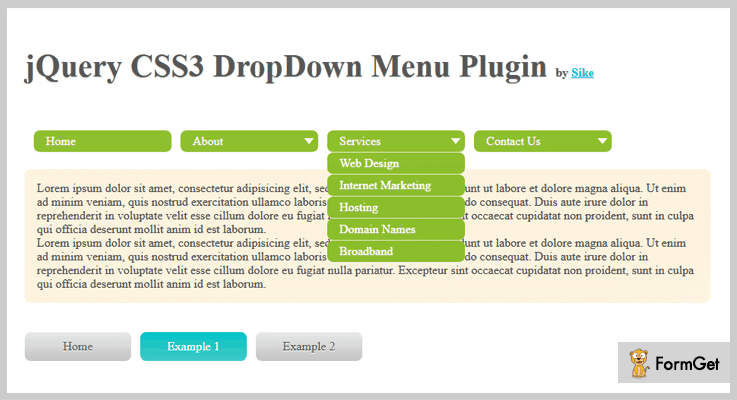
Features
- The designed menu by this plugin will be good to work on mobile devices.
- You can choose to enable/disable the fancy animations by disabling the animate.css file.
- The buyer can access the FAQ of this plugin after purchasing it.
- This plugin is good to go with joomla website also.
- You can create drop down as well as drop right menu items through this plugin.
Pricing
You can buy this plugin at the reasonable cost of $5.
2. BDropdown – jQuery Dropdown Plugins
This jquery drop down plugin is based on Bootstrap 4 component. The drop down provided by this plugin can be toggled by clicking, not by hovering. This plugin allows to design dropdowns of various styles like single button, split button, drop ups, split drop ups, dropright and dropleft variations.
The dropdowns made by this plugin work fine with buttons of every size, including default as well as split dropdowns.
The dropdown created by this plugin is controlled and located via CSS. If the dropdown move out of the viewport width, then it can be repositioned by jQuery.
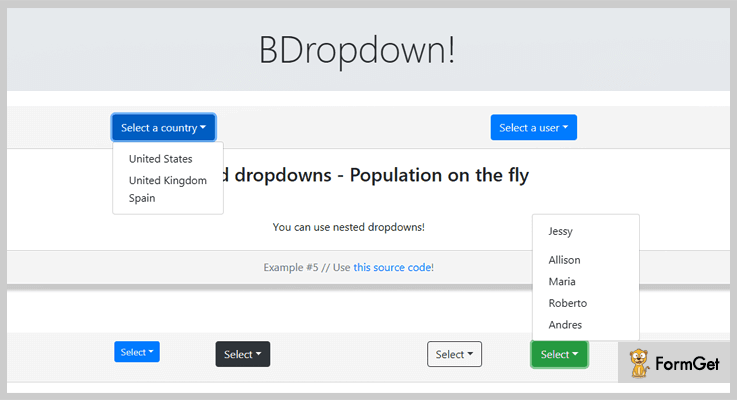
Features
- The plugin provides menu dividers to separate groups of related menu items with a divider.
- You can also put a form within a dropdown menu by using this plugin.
- In the dropdown list you can enable or disable the items to style them as active or inactive.
Pricing
You will get 6 months support from Documentdriver along with future updates.
3. Dependent Dropdown – jQuery Dropdown Plugins
This plugin can be used to create a multi level dependent dropdown jQuery plugin. You can also create dropdowns having nested dependencies.
By using this plugin you can create 3-level, 2-level and 4-level dependency dropdown lists. These dependent dropdowns will generate a list of options grouped by optgroup.
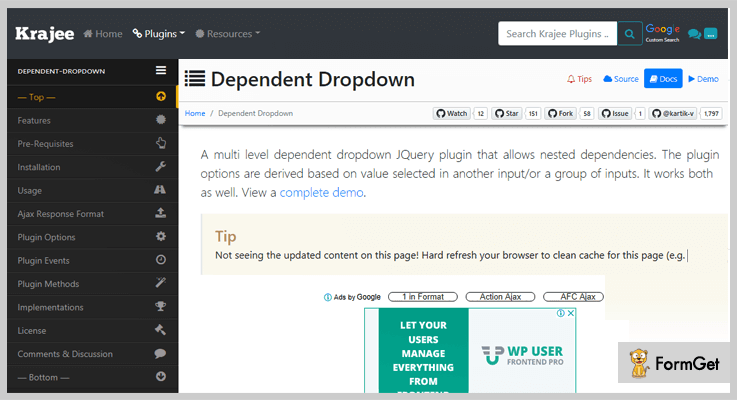
Features
- You can select an element and set dependency of it to one or more other input elements (including dependency nesting).
- The plugin automatically disable the dependent dropdown until the dependent results are available.
- It uses ajax call to the server to deliver the list of dependent options.
- It displays the loading indicator in dependent select until the results are fetched from the server.
Pricing
It is a freemium plugin that can be purchased from GitHub.
4. Chosen Order jQuery Plugin
This plugin is designed to handle the order of the selection. After integrating this plugin your users will be able to set order of various products available in the drop down list. The selected products will be displayed in the bar. Users can retrieve their order after selecting the products from the drop down list.
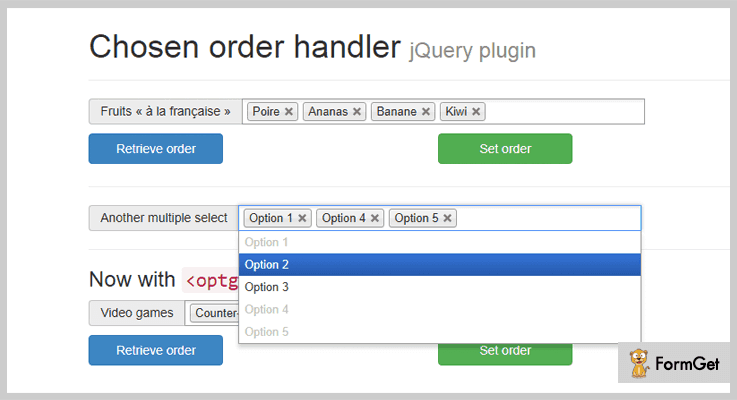
Features
- This plugin is compatible with:
- jQuery : 1.4+
- Prototype : 1.7.1+
- Chosen : 1.0.0+
- It is easy to use as it is very well documented. You can also go through the live demos of this plugin on JsFiddle.
Pricing
It is absolutely free and available on GitHub.
Over To You!
These lightweight jQuery dropdown plugins are super useful to create dropdown menus. The designs of these plugins are controlled by CSS. Therefore, they can be customized with a few keystrokes to match with your website design.
These hand-picked jQuery Dropdown Plugins will let you add multiple level submenus on your website at the drop of a hat.
Do you have any great recommendation for the jQuery dropdown plugins? Let us know in the comments!
Stay tuned! There are a lot more reviews about top plugins.
4 Best jQuery Image Upload Plugins (Free and Paid)

Adding image upload feature on your website isn’t a daunting task and can be easily accomplished with the help of jQuery image upload plugins.
Basically, jQuery image upload plugins enable you to attach or upload images to your website and to your web applications.
In this article, we have presented 4 best jQuery image upload plugins that will help you to add image upload functionalities to your website. So, using this you can easily upload images and in fact, you can also do the latter part of cropping and positioning of images.
These tools also come with various graphics and animation effects which you can use in the media file to make your website more interesting.
Apart from this, some of the plugins in this article are available at free of cost which also provides numerous advanced features like different uploading image options, callback functions, various color codes and more.
So, let’s see these plugins one by one and decide which one fits your requirement.
Few more blogs to read:
1. Slim jQuery Image Upload Plugins –
Slim is one of the best cross-platform JavaScript Image Upload plugin which enables you to attach various images on your website. It is a well-documented plugin so you can easily set up this tool into your website and use it just the way you want.
It comes with a beautiful graphics and animation effects using which you can make your website more creative and attractive in front of your users. The plugin not only provides the advantages of image uploading but also you can define the aspect ratio and size of the uploaded image.
Moreover, you can also upload the images via URL which allows you to quickly crop images. Also, the plugin provides handy PHP classes which make easy for you to get the images attached.
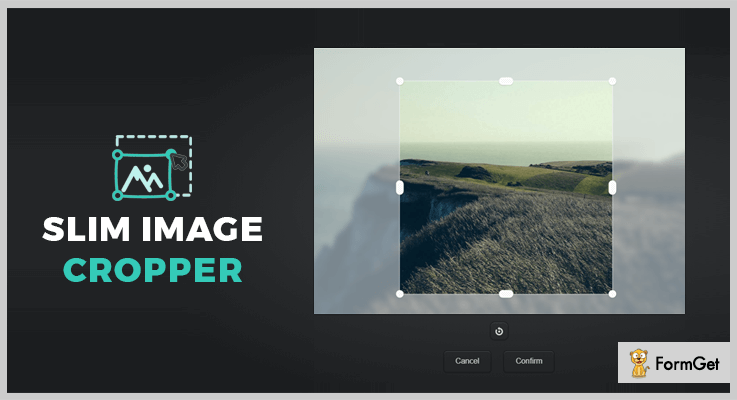
Pricing:
You can get this plugin at $17 only and add numerous of advanced features and functionalities of image uploader in your website.
Features:
- AutoCrop | Slim will automatically crop the images to best fit the specified image ratio. And yes, it is also known as image cropper plugin.
- Drag & Drop | It has a drag & drop feature to upload your images and you can also delete those images anytime from your site.
- jQuery API | Slim plugin can automatically set up the jQuery API for your convenience which is a fast, and feature-rich JavaScript library.
- Bootstrap Support | The plugin is fully compatible with a Bootstrap framework to provides pre-built blocks of code rather than structuring a code.
2. PicEdit – jQuery Image Upload Plugin
PicEdit is another popular jQuery image upload plugin which allows you to embed images on your website within a minute. With this plugin, you can insert images into your website in 3 different ways.
First, you can upload images from your computer by clicking on the image button of the plugin. Second, you can easily drag & drop the images from your desktop or laptops. Third, you can also use computer/tablet web-camera to capture a photo by clicking on the camera button present in the center of the plugin.

Pricing:
Get this image upload jQuery plugin at free. This product is equipped with lots of amazing features and functionalities.
Features:
- By using this simple plugin you can copy and paste the images from the clipboard option.
- The plugin enables to perform image rotations, cropping, and resizing the images.
- You can provide the various color options for the image background.
- The plugin provides an image preview option before uploading on the server.
- While uploading the images you can add your name, contact details as well.
3. Tinymce-Rails-Imageupload jQuery Plugin –
This simple plugin allows the users to upload and inserts the images into your website. You can also perform image rotation, cropping and resize the images anytime on your website. You can browse the images from your computers easily. Edit them any time by clicking the image preview option.
Pricing:
Tinymce-Rails-Imageupload Plugin is completely free which comes with various advanced functionalities.
Features:
- You can simply upload the images and rest of things would be done automatically like resizing of image, cropping etc.
- The JavaScript Object Notation (JSON) in this plugin notifies the image uploader that an error occurred in case any error found while uploading the image.
- You can also upload the files with this plugin to your website as well.
4. jQuery-Core-Image-Upload –
jQuery-Core-Image-Upload plugin is a free plugin which helps you to provide the best image browsing feature on your website. It is a well-documented plugin which you can easily get from GitHub’s site. So, you can implement in your website without any fear.
Pricing:
Use its advanced features and functionalities at free of cost.
Features:
- With this plugin, you can upload, as well as crop the images and resize them also.
- It is well written and clean coded jQuery plugin and take only few time in the setup on your website.
- Compatible with both old as well as new versions of browsers like Safari, Chrome etc.
Conclusion:
These are 4 topmost image upload jQuery plugins [Free & Paid] which were specifically selected for you. In fact, all the listed products in this article are multipurpose which gives you a better user experience.
Hope that you have found the best tool that meets your needs and requirements.
So, if you are aware of some other useful image upload plugins, share with us by posting a comment below. We’d love to hear your feedback.
Thanks for reading!
5+ Best jQuery Color Picker Plugins (Free and Paid)
“Do you want to add a Color Picker to your site?”
If yes, then we have got the best jQuery color picker plugins defined for you in this blog.
Adding color pickers is a very attractive way of engaging visitors to site. People can stay on your site for a bit longer than usual if you empower them to select the color of their own choice.
jQuery color picker plugins can be a great help when it comes to adding a color picker to your website.
These plugins provide you with seamless features of adding color picking tool like aligning the color picker to right, left, top, bottom, etc.
Moreover, you can easily make your users choose the perfect color for themselves amongst RGB, hex RGB, HSV & HSL just by inserting few code lines in the back-end.
In case of any query & problem related to color picker, you can easily find a solution in the documentation which comes with demo and sample details about it.
So, in this weblog, we are going to bring few exemplary jQuery Color Picker Plugins into the limelight and also highlight their features, pricing, and other details. Some of these plugins are free while others are paid.
Apart from this, you may also be enthralled by some of these topics:
- 4 Popular jQuery Image Upload Plugins
- 5+ Top jQuery Calendar Plugins
- Top 4 jQuery Dropdown Plugins
So without goofing around, let’s get going with jQuery plugins for adding color picker.
1. jColor – jQuery Color Picker Plugin
jColor is an astounding plugin which enables you to provide a vast range of color themes to choose from.
It is compatible with almost all the contemporary browsers & is very lightweight which comes under the size of 12 kb in all.
This plugin is mobile friendly and fully customizable. In addition to this, you also get a well-written documentation which makes it easy to understand and implement.
Features:
- It empowers you to select the color from the range of RGB i.e. Red Green Blue or also from HSL i.e. hue, saturation, lightness.
- It enables you to customize the expanding/collapsing of the color picker as well. While you can easily create and delete these pickers as per your convenience.
- With the help of just a few CSS lines, you can amend the entire appearance of the color picker.
- You can define the events for color change and their output formats.
- If no color is selected, then the color picker automatically selects the CSS color of the element it is attached to.
Pricing:
You can purchase this plugin and get all of its features and future updates at two varied prices:
- The regular license of this plugin will cost you $7.
- Whereas, the extended license is available at $35.
Note: Along with this plugin you also get prior support for 6 months which is extendable.
2. Color Picker – jQuery Color Picker Plugin
This plugin empowers you to add a color picker tool to your website. You can effortlessly add more configurations, all you gotta do is to copy and paste few line of codes. Easy enough!
Moreover, it is a fully customizable mobile friendly plugin & comes along with a documentation which manifests the various details about the plugin along with examples.
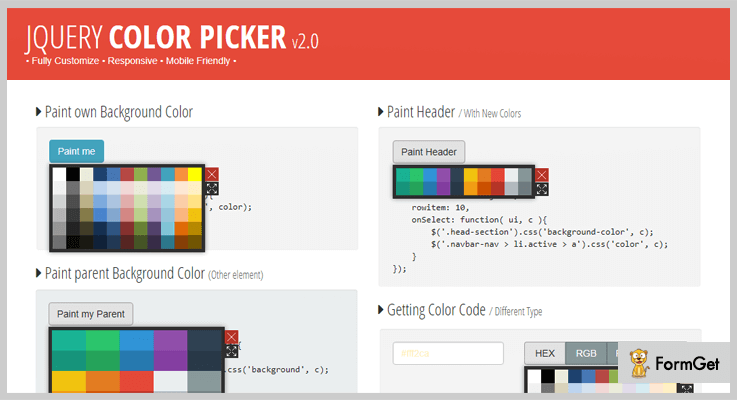
Features
- It enables your users to insert the HEX color codes directly to your site
- This plugin allows you to align the color picker at whichever place you want to like the top left, bottom right, etc.
- You can also display the color picker in a fullscreen mode plus the visitors can choose the color & insert its code there then.
- It empowers you to paint the parent or the background of certain text without any trouble.
Pricing:
This plugin with entire features can be acquired at two different prices depending on the license you choose :
- For availing the standard license, you have to pay $ 8.
- To get the extended license, you have to pay $30.
3. Coloring Pick – jQuery Color Picker Plugin
Coloring Pick is a very responsive jQuery plugin which is highly customizable. This plugin supports old and new versions of all modern browsers.
You probably won’t need any other library as all the necessary Javascript and CSS files are included in the package itself.
Furthermore, you can also generate valid CSS as per your requirements.
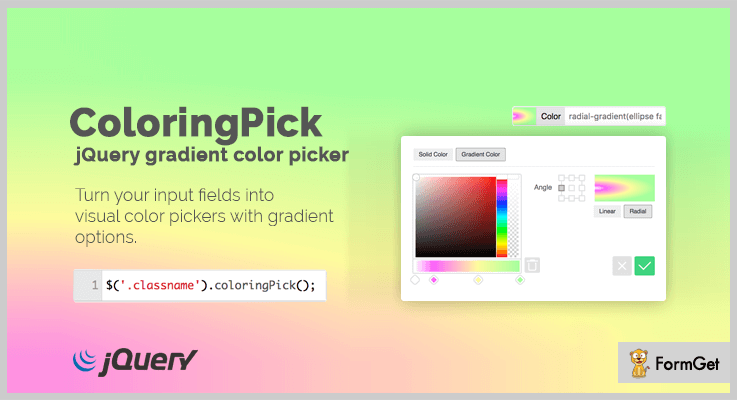
Features:
- You can choose the events on which it fires the value of color pickers like on_select or change.
- This plugin provides various attributes such as inline, show_input, swatches and a lot more.
- It offers two different dark and light themes to choose from.
- It also comes with unlimited gradient points. Plus, it adds a predefined color to the picker if there is no color selected.
- This plugin enables you to turn any element on the site to a color picking tool.
Pricing:
To acquire this plugin along with all its features, you get two different pricing plans:
- The regular license of this plugin is available at $4.
- While to acquire the extended license, you have to pay $49.
Note: Along with this plugin you also get prior support for 6 months which can be extended for another year by paying a certain amount.
4. Forms Plus: JS – jQuery Color Picker Plugin
Form Plus: JS can be called a mixture of two plugins. Where Form Plus is basically a form framework, while JS version of this plugin includes all the necessary CSS.
With the help of this plugin, you can not only add a color picker to your site, but you can also add many other elements like date/time pickers, sliders, captcha fields, spinners, etc.
The forms available with this plugin are powered by Bootstrap i.e. most popular JS, HTML, CSS framework for creating forms.
It is easy to use at the backend with the help PHP & it is responsive to all screens.
Features:
- You can effortlessly create modal popup forms.
- It enables you to pass on validation rules for your forms and mask the input to give a hint of the required input.
- With the help of buttons, selects, etc you can add, remove, hide and show the blocks. You can also toggle, add or remove CSS classes accordingly as well.
- You can customize and store received data in the MySQL database.
- This plugin empowers you to send modified messages to form sender or any email through SMTP or sendmail.
Pricing:
You can buy this plugin at two different costs according to the license you choose:
- Regular License – $14.
- Extended License – $80
5. Huebee – jQuery Color Picker Plugin
Huebee is a jQuery plugin for adding a color picker to the website. This is a user-friendly plugin & it is also 100% responsive.
It provides a limited range of colors and all these colors are displayed at once in a color box from where the visitors can easily view and select the desired color.
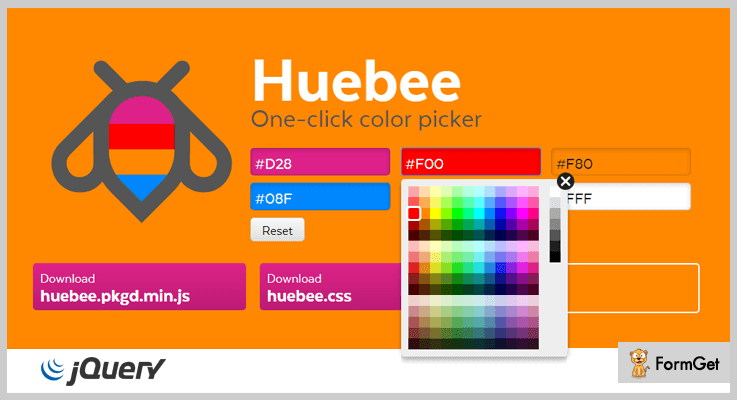
Features:
- If you initialize the plugin on an anchor element, then Huebee will open whenever the anchor is clicked or focused for inputs & buttons.
- You can initialize this plugin via various elements like Javascript, HTML, etc.
- This plugin enables your visitors to choose the color of their own choice.
- It provides a limited range of colors which are visible in the color box.
- You can effortlessly set the size of the color grid with the help of CSS.
- It helps you to add properties, events & methods with the help of few code lines.
Pricing:
You can avail this plugin with all its features and updates from ‘github.com’ at free of cost.
6. Iro.js – jQuery Color Picker Plugin
Iro.js is a freemium plugin which provides you with the facility to add a color picker to your website. It is highly customizable and is responsive to all screens. This plugin is congruous to all modern browsers & is successfully tested on IE 9+.
Moreover, this plugin has zero dependencies & comes along with a detailed documentation inclusive of installing and using details.
Features:
- This is a lightweight plugin which is gzipped at around 13kb.
- It has a customizable SVG based user interface.
- You can easily convert colors amongst RGB, HSV, HSL and hex RGB.
- It also updates the CSS styles dynamically when the color selected changes.
Pricing:
You can acquire this plugin with all its features without spending a single penny. Simply download & install it from ‘github.com’.
Conclusion:
We have discussed few most popular jQuery Color Picker Plugins in today’s blog. Further, we also highlighted their exemplary features and pricing details to make it easier for you to scrutinize these plugins.
Color picker plugins can be installed and implemented on your website by inserting some code lines at the backend. And there you go!! You are all set.
We hope that you must have found an ideal jQuery Color Picker Plugin which best suits your website.
Get in touch with us for any more queries and suggestions! We’ll get back to you as early as possible. Don’t forget to share your views.
6 Best jQuery Image Zoom Plugins (Free and Paid)

If you want to enhance the images on your website and want to make your site user-friendly then using the best jQuery image zoom plugins is the best solution for you. jQuery image zoom plugins are basically used for a clear zoom view of images on your website.
As there are lots of jQuery image zoom plugins in the market and it is difficult to choose from the stack. That’s why in this article we have compiled 6 best jQuery image zoom plugins which are easy to setup and compatible with all the browsers.
These jQuery image zoom plugins help you to showcase your product images with various transition effects like transparent effect, hover effect, and a lot more.
All the listed plugins give an ultra performance with the help of best zoom algorithm in it. Further, they have custom control image zooming buttons which you can place anywhere on your site.
Read some more blogs too!!!
Now without wasting much time let us discuss each jQuery image zoom plugins in detail.
1. Zoome – jQuery Image Zoom Effect Plugin
Zoome jQuery image zoom effect plugin is an effective plugin which is used for zoom-in or zoom-out images on your website with hover effect. You can zoom images with various effects like grayscale effect, blur effect, transparent effect and more.
This plugin is the highest rating jQuery image zoom plugin with 4.8 stars out of 5.0 and is compatible with all the browsers such as IE6, IE7, IE8, IE9, Firefox, Safari, Opera, Chrome etc.

Pricing :
You can buy this plugin at $5 with 6 months support and regular updates. The extended license is available at $25.
Features :
- It showcases small image behind the large zoomed image. Also, you can control zoom with easy mouse wheel.
- The plugin has different zoom range and the step number by which you can set the zoom range like {1,2} for better pixels of zoom images.
- Zoome plugin allows to preload the large images after the page loaded on your website.
- It consists of various useful zoom magnifier size range for a better view of images.
2. Fine Zoom – jQuery Image Zoom Plugin
Fine zoom plugin is the finest plugin in the list of jQuery image zoom plugins. It is useful for zooming images of your website with different zoom levels along with smooth effects.
The plugin is easy to set up you can apply the plugin to any image and zoom in and out images. It works fine with every device whether it is an android device or iOS device. Also, you can use it on iPad and iPhone for zoom by using the classic pinch method.

Pricing :
You can buy this plugin at $6 with full support system and regular future updates.
Features :
- It supports various controls buttons with the custom position so that you can put those buttons wherever you want.
- The plugin consists of useful zoom algorithm. Also, it has CSS3 hardware acceleration for better presentation of images.
- Fine zoom plugin has an unlimited level of zoom and there is no need for PHP algorithms as the code is written with the help of jQuery.
- This plugin is compatible with all the major browsers like IE7+, FF 3+, Google Chrome, Safari, Opera etc.
3. ImageZoom – Responsive jQuery Image Zoom Plugin
ImageZoom plugin is basically an image zoom effect plugin by which you can zoom your images in various zoom modes. These modes are the inner mode, standard mode and follow mode.
One can easily set up this plugin on their website as it has a various custom style option. Further, the plugin has useful demo and documentation included for making your work easier.
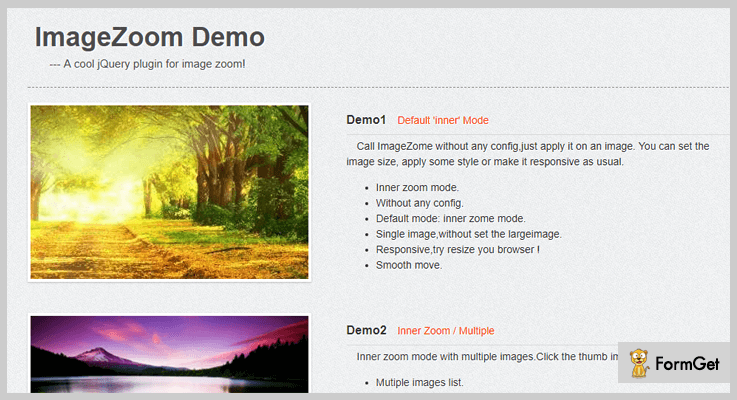
Pricing :
Buy ImageZoom plugin at $8 with future updates and 24/7 support system up to 6 months. The extended license will cost you $40.
Features :
- You can use resized thumb image for zoom view when the large image is loading.
- ImageZoom plugin is customizable because of inbuilt CSS custom options.
- With the help of this plugin, you can showcase images with larger width or height along with faster image load event.
- The plugin is carousel ready and you can easily use it on your responsive layout.
4. GlassCase – jQuery Image Zoom Plugin
GlassCase jQuery image zoom plugin is a powerful plugin in the jQuery image zoom plugins list. It is a responsive jQuery plugin which is used to add image zoom feature on your website with HTML5 video and IFrame capabilities.
It is a well documented and easy to setup plugin, with multiple navigation controls consist of it. Moreover, you can easily integrate it into your project and deliver your services faster to the customers.

Pricing :
GlassCase jQuery image zoom plugin available at $12 with 6 months support and regular updates. Buy the extended license at $60.
Features :
- You will get so many zoom captions using this plugin such as in out, top bottom, left, center, right etc.
- It helps you to zoom images on hover and it has various transition effects here you can slow down movements for zoom and lens.
- One can see the zoom images with one click on fullscreen overlay using this plugin.
- GlassCase jQuery image zoom plugin comes with more than 50 options to customize it according to your need.
5. jQuery Zoom Plugin
jQuery Zoom plugin is a useful plugin which is used to enlarge images. One can easily zoom the images on touch, click, or simple mouseover.
You can showcase your zoom images along with beautifully designed hover effects with the help of this plugin.
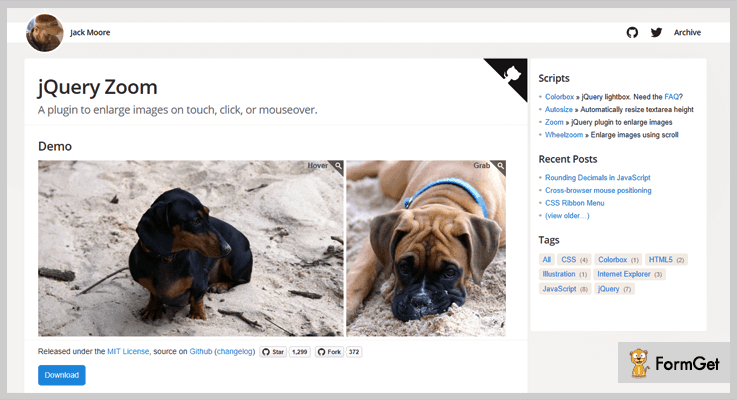
Pricing :
This jQuery Zoom plugin is free of cost with all the essential features in it.
Features :
- The plugin supports various transition effects which helps you to view zoom image with a single click on the image.
- Zoom plugin has appended HTML inside the element it is assigned to, so that element has to be able to accept HTML with ease.
- It is compatible with jQuery 1.7+ in Chrome, Firefox, Safari, Opera, Internet Explorer 7+ etc.
6. Zoomooz jQuery Image Zoom Plugin
Zoomooz is an easy-to-use jQuery plugin for making any web page element zoom. The plugin basically used for making slideshows and for zooming the images or other details of your website.
Pricing:
Zoomooz jQuery image zoom plugin available free of cost on GitHub website.
Features :
- The plugins permit you to zoom to elements that have been translated, scaled and skewed, and they will morph correctly in the background.
- You just have to add zoom target to the element you want to zoom by a single click on the image.
- Admin can make only part of the page zoom by adding two blocks outside the zooming elements. They are zoomContainer and outside it a zoomViewport.
Conclusion :
Here we have covered every feature of the jQuery image zoom plugins. We hope you like the above article and will choose the jQuery plugin that best suits your business.
If you have any further query, please let us know in comment section below.
Stay tuned for more exciting jQuery plugins.
5+ Best jQuery Slideshow Plugins (Free and Paid)
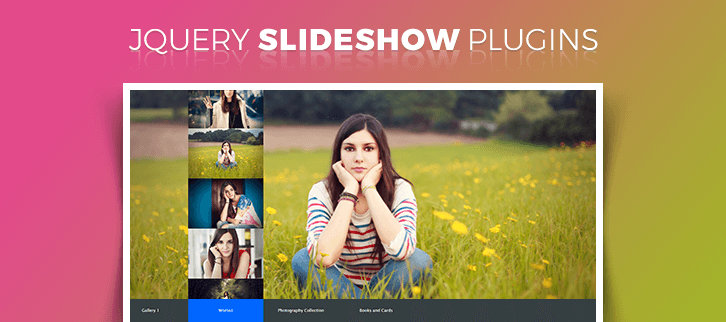
The jQuery slideshow plugins can bring a WOW expression on your site visitor’s face.
How?
Do you agree that the very first thing encountered on a site by a visitor is the slideshow in the front. What if this you can fill the slideshow of your webpage with amazing transitions & advanced animation effects. Definitely, this will bring an enthusiasm as well as help you engage the viewers. And jQuery Slideshow plugins exactly does that.
In fact, these plugins will let you simply create a slideshow of photo albums/galleries/portfolios very easily. Most of all these plugin works in an automated manner but also allows you to customize some elements.
So, you can easily showcase your products, their description and much more in an automated manner using slideshows created by this plugin.
In this article, we came up with the 5+ best jQuery slideshow plugins with multiple interesting features. Go through the listings and find the best suitable for your site.
Leave no stones unturned, delve into these popular jQuery plugin blogs:
Without wasting much of your time have a look at the brief description of the search topic.
1. Seria – jQuery Slideshow Plugin
It is a multipurpose slideshow jQuery plugin with a vertical alignment. You can beautifully create a portfolio of your amazing site work. The features of this plugin will let you showcase your site products, picture gallery, latest news and blog/posts.
In addition, Seria jQuery plugin is ready to customize with just a few options to suit your site needs. For an instant just suppose you want to show/hide/configure the visibility of some adjacent images. Or if you want to switch modes like normal and carousel.
CSS is split into many sections and groups for easy modifications. Also, it makes excellent use of the CSS3 transitions.
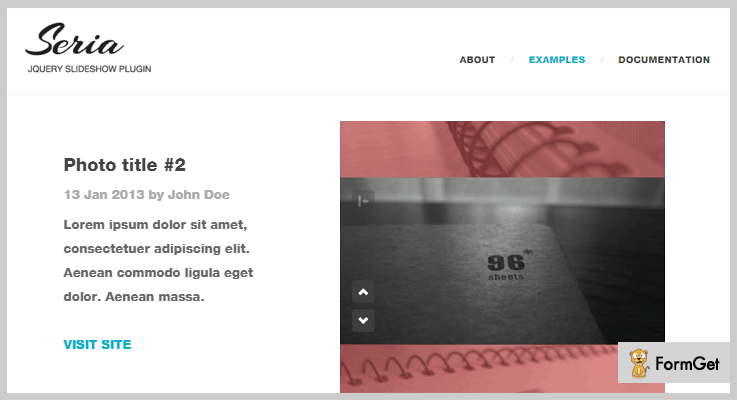
Pricing Plan:
The Seria jquery plugin has a regular license plan of $10 and an extended license of $50.
Features:
- You can configure the visibility, color & opacity of adjacent images.
- 3 variations are available for the text animation.
- Various image options available like- preloading, auto orientation/centering, and enlargement.
- It has a detailed documentation, application programming interface (API) & callbacks available for easy implementation on any site.
2. Fullscreen Scroll Gallery – jQuery Plugin
jQuery Fullscreen Scroll Gallery plugin will help you to display fullwidth images. The slideshow has an auto delay constraint set for each & every image of the slideshow. It also contains a scrollable navigator with thumbnails.
Furthermore, this plugin works efficiently with the latest browsers like IE 8-10, Chrome, Firefox, Opera & Safari.

Pricing Plan:
The jQuery Fullscreen Scroll Gallery plugin has two cost estimate plans-
- Regular licensed plan – $8
- Extended licensed plan – $40
Features:
- It is a fully responsive plugin.
- Scrollable thumbnails navigation.
- It presents auto delay image slideshow.
- Shows image in fullscreen.
3. Carousel 2 Sides Slider Plugin – jQuery Plugin
This plugin displays sliding the images with two faces (front/back). Clicking on a slider image, it flips and shows the back container. You can make use of this functionality for various purposes for example to show some information regarding the flipped image.
Pricing Plan:
It is available at the cost of $7 for a regular license & $35 for an extended license with future updates.
Features:
- The navigation style is of simple carousel type with two-faced sliding images namely front & back side.
- It has CSS3 driven animations & graceful degradation.
- Options available for multiple animation transition styles.
- Optional go-back animation delay.
4. ZoomZu – jQuery Gallery & Slideshow Plugin
ZoomZu is a fullscreen responsive photo gallery WordPress plugin with lazy loading. This feature will add new gallery elements on scrolling downwards. The lazy loading feature will automatically reduce the overall loading time. It is a vertical style slideshow plugin.
ZoomZu facilitates 7 CSS3 slider animation effects & 2 image scale modes. It is a mobile-optimized jQuery plugin. Also, it works great on various mobile devices which support CSS3.
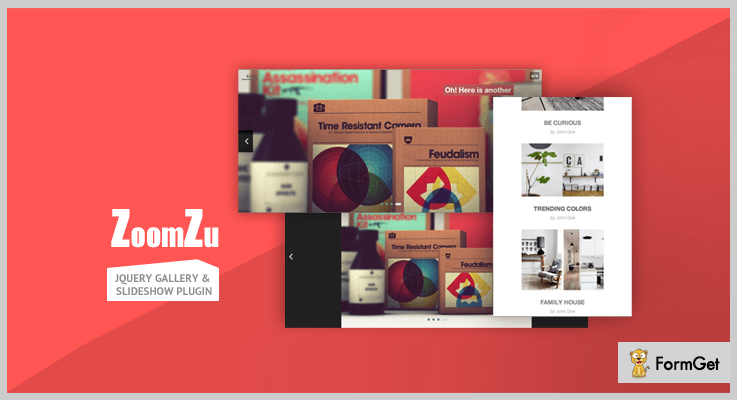
Pricing Plan:
ZoomZu jQuery slideshow plugin has two pricing plans such as-
- Regular – $10
- Extended – $50
Features:
- You can set the image scale to cover the whole screen to just fit by default.
- Zoom in/out with double click or tap.
- It supports touch-swipe. Plus keyboard navigation is also possible via. left & right arrow keys etc.
- The slideshow will automatically “close on scroll”.
5. Fullscreen Slideshow – jQuery Plugin
jQuery Fullscreen Slideshow is a completely clean & clear working plugin. It consists of a background, text heading and description and a custom image to show. The plugin is completely responsive for almost every screen. Also, it has pre-defined auto delay slideshow set.
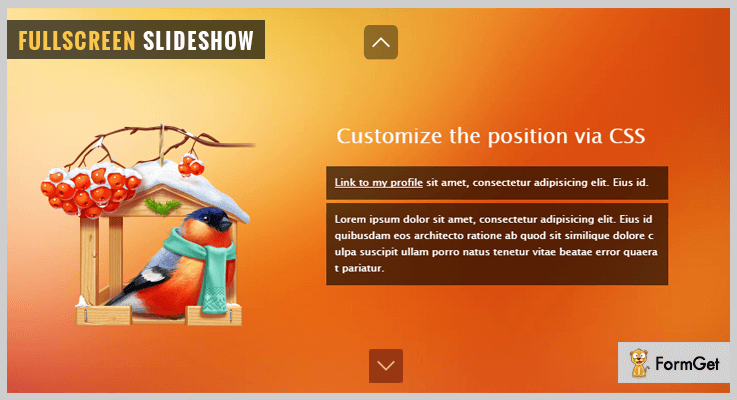
Pricing Plan:
Grab this plugin at just $8 for a regular license and $40 for an extended one.
Features:
- Auto-delay set for image slideshow, text heading & text description options available.
- The CSS3 transition that supports the modern browsers.
- It is completely isolated and compatible working with other plugins.
- Detects modern browser automatically.
6. Skippr – Free in jQuery Slideshow Plugins
The Skippr jQuery plugin is a free product of GitHub. It is a fast and light jQuery slideshow plugin. The plugin is very well documented so as to make it very easy to use even for the beginners.
The plugin will let you embed a full-width slider with buttons on it. Also, a navigation is present on the bottom to slide between the images.
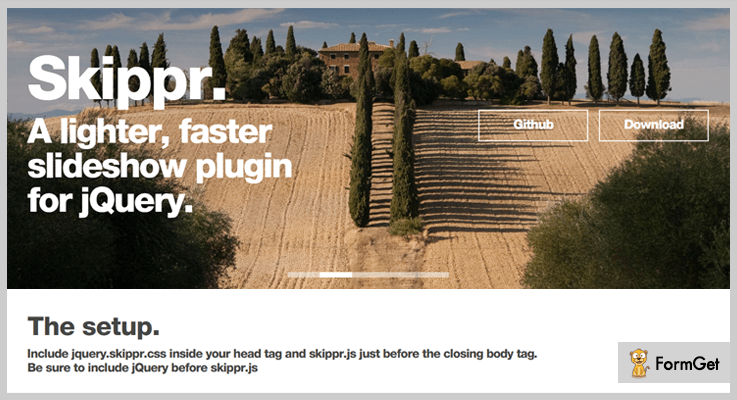
Pricing Plan:
The Skippr is a complete Free plugin. You can directly download it from the professional website GitHub.
Features:
- 100% responsive layout with heading and text description.
- CSS effects like- transition, speed, easing, navType, autoplay, arrows and much more.
- Can set the slider images with a proper image sliding delay.
- Buttons are also available for further redirections.
Conclusion:
This was our take on the 5+ best jQuery slideshow plugins (Free & Paid). Hope this article was helpful to you in your search domain. Choose the one which best satisfies your site needs.
Any further queries and suggestions are highly recommended.
Please leave your feedback on this blog in the comment section below.
Thanks for reading!
4 Best jQuery Progress Bar Plugins (Free and Paid)
“A Progress bar is an element used to indicates a progress of an operation or to show users how far along they in a process.”
A progress indicator is an important and powerful tool to help your customers in the completion of their tasks. Animated and creative progress bars always attract your visitors.
So, there are two ways to add such creative progress bar functionality on your website.
- Manual Coding
- jQuery Progress Bar Plugins.
The easiest and convenient way to add a progress bar is via jQuery progress bar plugins. There are a number of plugins available in the market.
These plugins offer different types of progress bars such as circular progress bar, progress with percentage bar, page load progress bar, animated bars and so on.
Related jQuery Plugins
So, let’s begin with the plugins that we have accumulated here. They are easy to use, lightweight, well documented, and cross-browser compatible. Hence, you won’t find any hurdles in handling them.
1. ReloadProgressBar jQuery Plugin
ReloadProgressBar creates a loading bar on the top, when a page is reloading or when some content like images and texts etc are loading into an element. It is so easy to use, as it can be done with a single line of javascript code. You can place this code on the desired page and element.
If you already using AJAX to load content dynamically then, you can also equip it with a progress bar. With the help of this, you can allow your users to know how long will it take to get fully loaded.
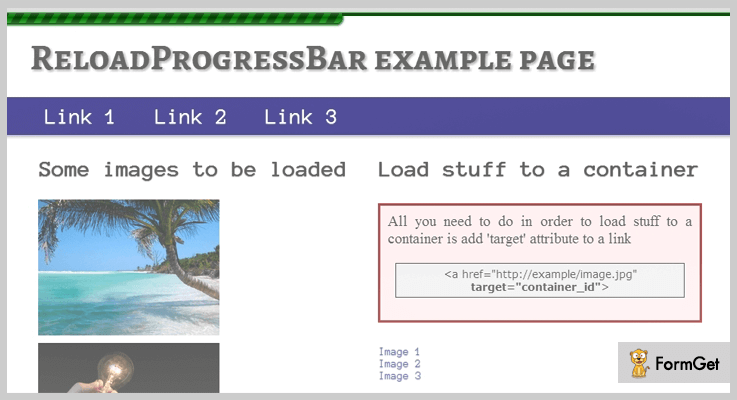
Price
This jQuery Progress bar plugin cost you $6 only on purchasing it from the codecanyon.net.
Features
- It comes with 30 ready to use themes of a progress bar. Additionally, you can easily create your new custom theme with this plugin.
- It automatically preloads all the images of your page.
- Works well in multiple web browsers such as IE10, Firefox, Opera, Chrome, and Safari.
- The plugin is retina ready and offers high resolution.
2. jQuery Circle Progress
jQuery Circle Progress allows you to draw animated circle progress bars on your website. This plugin comes with a detailed documentation so that you can implement easily. Every single function and event is described illustratively.
This plugin enables you to handle mouse click events like progress with mouse move, dragging, on click etc.

Free Download
You can download this jQuery progress bar circle plugin for free.
Features
- Very well documented plugin. So, anyone can easily use this on their website.
- You can use static color as well as variation of colors in a single circular progress bar.
- It allows you to customize the size of the progress bar.
- Apply animations with simple codes given in the documentation.
3. Progress Bar Webpack Plugin
Progress Bar Webpack plugin displays a simple progress bar when a web pack is built. This plugin is easy to implement. So, if you want to add a progress bar in the creation of a web pack then, there is no better option than this plugin.
The percentage progress bar plugin also shows the duration of time takes in building the webpack.
Free Download
You can grab this progress bar plugin from the GitHub.com
Features
- It displays the progress bar using a symbol “=”.
- You can configure the format of the progress bar by changing the elapsed time, total ticks etc.
- It uses “Chalk” plugin to sprinkle different colors.
- You can specify the current progress message also.
4. progressStep – jQuery Progress Bar Plugin
progressStep is a jQuery plugin that creates a dynamic progress bar with numbered steps. For example, if you are creating a sign-up form and want to add a profile setup progress bar in a number of steps. Then, you can use this jQuery progress bar plugin.
It does not use the new jQuery widget factory. So you can use it with jQuery v1.8 or newer. This plugin is cross-browser compatible including IE8.
Free Download
Download this plugin from GitHub.com that too in free.
Features
- You can define different colors on each step.
- It allows you to add a left and right margin of the progress bar.
- You can also define font-size and font-family.
- Highlights the inner circle only when that particular step is active.
- It comes with interactive documentation. So, you won’t find any difficulties in using it.
Conclusion
Well, this was our take on jQuery progress bar plugins. So, if you also want to add a progress bar whether for profile creation or simply just a page loader progress bar. Then, you don’t need to look around.
As we’ve hand-picked some of the best in market jQuery progress bar plugins which makes the creation of progress bar as easy as ever.
Hope, you’ve found the article helpful. Thanks For Reading.
5+ Best jQuery Alert Plugins (Free and Paid)

“Use jQuery alert plugins & create attractive alert boxes, notifications, dialogs in a single click!“
Well, there are some plugins through which you can ease your website work. In this case, it doesn’t matter whether you are a developer or a website owner with sound knowledge of programming concepts.
One of the most popular ways is via alert jQuery plugin. Through these plugins, you can create multiple types of alert/notification boxes along with the customizable themes, buttons, animations & other types of options.
These alert plugins will help you in displaying the message or alert boxes which may also contain radio buttons, checkboxes, images, text entry section & many more.
So you can display any specific info after a click event or just display the important texts.
That’s why I’ve mentioned some of the best jQuery alert plugins which can ease the burden of your programming work. Some of them are free while others charge some amount.
Even there are some alert plugins which also allow to add multiple images in an alert box. So you can display the essential photos easily.
All you have to do is to go through these alert jQuery plugins & finalize the best one!
You may also go through some more blogs which might help you in your work.
Let’s dive in together!
1. Animated Alert: Best in jQuery Alert Plugins
The Animated Alert is a jQuery plugin for alerts based on CSS3 animations. Through it, you can easily communicate to the users to provide them the right information. It comes with 60+ animations, multiple types of color themes & many more features.
Apart from all of this, if you have a sound knowledge of CSS3, HTML & jQuery coding then you will be able to develop your own alert themes easily.
Pricing:
- This jQuery plugin has a base plan of $15 for general features.
- For more features, you can buy it’s another plan at just $60 only.
Features:
- On more than 15 positions, you can display the popup with lots of creativity.
- Also, you will be able to display more than one alert on a single page according to your needs.
- It comes with alert opening effects such as fade in, fade down, jump in, elastic & a lot more.
2. jQuery MsgBox: jQuery Alert Plugin
jQuery MsgBox is another alert plugin which is quite configurable to replace the standard functionalities provided by the basic javascript prompt(), confirm() and alert() functions. After adding this plugin to your site, you can use its MsgBox generator through which alerts inside the boxes can be shown on the frontend screen.
Pricing:
- This plugin has a regular plan which costs only $6.
- You can also purchase its extended plan at just $30.
Features:
- This plugin allows its users to create the alert content without any limit in words. So you don’t have to worry about displaying a large amount of alert information.
- Also, you can change the icon of the alert by confirm, info, prompt & error icons with an optional facility of callback functionality.
- One can display either a default button or up to 4 buttons on the alert/message box.
3. jQuery Message Box: Alert Plugin
jQuery Message Box is an alert jQuery plugin which provides the facility of call back as well as a notification message. It is best for those developers who want to add an attractive dialog box or alert section on the webpage.
Apart from all of it, this plugin is customizable according to style, user action & many more elements.
Pricing:
- It has a regular license of $6 which contains both the buyer fee & the item price.
- Apart from the above one, it has another plan of $30 for advanced features.
Features:
- This jQuery plugin comes with four different types of predefined messages such as information, success, error & warning.
- Also, you can easily customize the HTML & CSS coding according to your needs.
- With all the popular released browsers, this plugin is fully compatible.
4. jQuery UI Modal: Alert jQuery Plugin
For adding the modal form functionality to a website, this jQuery alert plugin is best for this work. It is easy to use in such a way that even a website owner who does not have much technical knowledge can also use it after a couple of trials.
Pricing:
- This one has the cheapest price of $5 with general features.
- It also has an extended license of only $25.
Features:
- It supports both images & buttons which can be displayed on the alert box without any delay.
- When we talk precisely about buttons, you will also be able to display checkboxes & radio buttons on your modal form.
- Apart from all of this, it supports three types of call back functions when we talk about passing an argument from one code to another such as onShow, onStart & onClose.
5. jQuery Confirm: Best in Free Alert jQuery Plugins
jQuery Confirm is a multipurpose plugin creating dialog, alert & confirm boxes. Besides that, it also comes with some themes which will help you in designing an attractive alert box layout in a couple of minutes by editing its source code.
Well, you can also use the default alert page if you are not aware of some programming concepts.
Pricing:
- It is an open source plugin. You can download it from ‘github.com’.
Features:
- This plugin allows creating an alert box in which you can ask any confirmation question you want to.
- Also, it comes with draggable dialogs which is an attractive feature of this jQuery plugin.
- Apart from this, it also has those alert boxes which are automatically closed after a couple of seconds.
6. CustomAlerts: jQuery Alert Plugin
CustomAlerts is also one of the best in alert plugins which allows to customize & hide the alerts such as leave, join, outdated client/server, whitelist & other types of messages. Even a non-techy guy who is a website owner can use it without any hindrance.
Pricing:
- This plugin is free of cost which you can easily download from ‘github.com’.
Features:
- It uses the latest API. So you don’t have to worry about losing or missing any new feature that supports the API functionality.
- Also, you can add different types of colors to your alert to make it look catchy.
- Besides that, this plugins also comes with font styling options such as bold, obfuscated, italic, underlined, etc.
Conclusion:
So above are some of the primest jQuery alert plugins which you can add to your website. Through them, you can easily create or add the customizable alert boxes with so much ease.
Some of them are free while others are paid. Also, there are some plugins mentioned in this article in which, you can display any alert content in a message box.
Apart from it, you can also add some images, links, buttons & many other elements in the alert to make it look versatile.
That’s why you must give them a try once!
Feel free to drop any suggestions & queries about the alert jQuery plugins!

