
jQuery file upload plugins effortlessly add up the file upload feature to a website. Whether the file is an image, audio, video, a personal word document, a text document or a programming oriented file.
But why are we recommending you to use jQuery file upload plugins?
Almost every internet user comes across making use of file uploading. And due to constant change & exchange of files all over the webspace, services like Dropbox exist. So, these plugins are for uploading a file to your website with ease. Therefore to comfort us manage and synchronize our files these plugins are used web-wide.
Moreover, due to efficiency, security & convenience, it has become crucial to access a reliable file uploading service.
We have gathered a list of the most prominent & the best 5 jQuery file upload plugins that will definitely help you in optimizing your files. These plugins exhibit features such as drag & drop support, image previews, progress bars and much more.
They positively complement your existing web design with an excellent file uploading/managing functionality and would build trust amongst your visitors.
Tip – For a personal file uploading script choose a minimal one i.e, a plugin that makes efficient use of the features present in it no further useless additions. But for a multifunctional file management system on your site grab the one which has extended features.
1. Uploader – Prime in Free jQuery File Upload Plugins
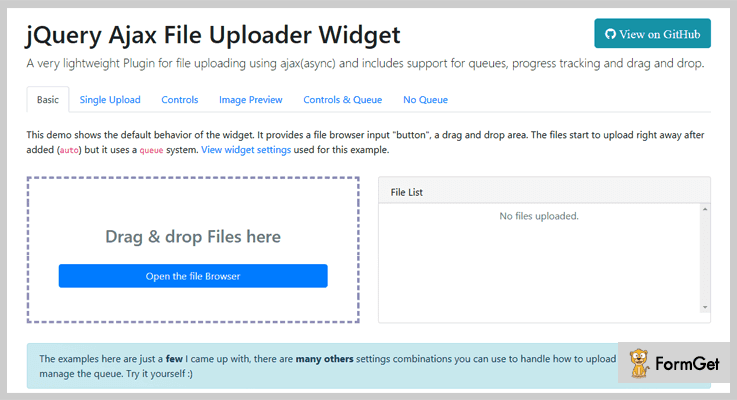
The Uploader is a lightweight & easily configurable jQuery plugin. Probably if you have basic JavaScript knowledge then you can efficiently make full use of this add-on on your site. Also, this plugin can easily adapt to any frontend design. It uploads a file by making use of AJAX i.e, Asynchronous JavaScript And XML. Uploader supports queues, progress tracking, drag and drop options, etc.
The idea behind designing this plugin is to keep it lightweight Moreover, it also provides a method to know when the plugin is not supported in the webpage.
Pricing Plan –
Uploader is a completely free jQuery plugin. You can grab it from its official website GitHub.
Prime feature of Uploader jQuery file upload plugin-
- It has major modern browsers support.
- This plugin provides a drag and drop area plus a file browser input “button”.
- It makes efficient use of the Queue system for multiple file upload.
- A lot of customizable options available for callbacks, methods and file upload options.
2. Upload File – jQuery File Upload Plugin
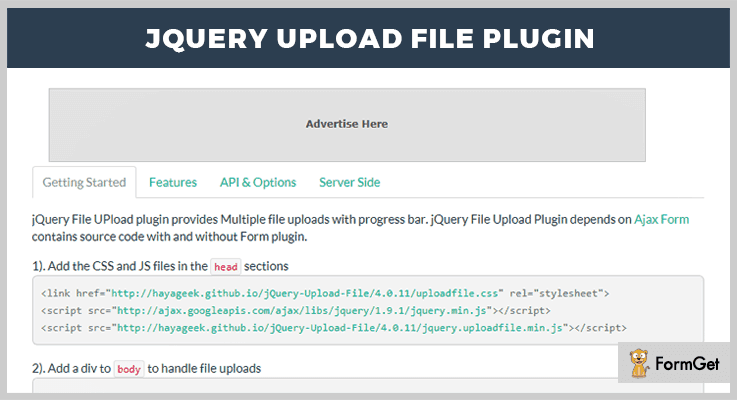
Upload File jQuery plugin provides multiple file uploads functionality with a progress bar. It works with many server-side platforms that support standard HTML form file upload. These platforms include Google App Engine, PHP, Python, Ruby, Java, etc.
You can upload single & multiple files with a simple drag and drop interface. Furthermore, it provides custom UI, various upload events, localization (Multi-language), Image Preview, and Show previous uploads features.
Pricing Plan –
Upload File is a free product of GitHub.
Feature –
- It follows sequential file upload.
- You can apply file restrictions like specific file size/count & file type.
- Sending Form Data – plugin sends the form data along with every file uploaded
- It allows adding HTML elements like- input, text area, select the status bar.
- You can delete/download uploaded files.
3. PekeUpload – jQuery File Upload Plugin
PekeUpload is a file uploader jQuery plugin that makes efficient use of HTML5. With the use of this plugin, you can add file upload functionality multiple files or a single file to your site.
In addition, it provides various settings for limiting file size, restrictions on file type and custom error messages.
Pricing Plan –
The PekeUpload is another free plugin. Download it directly from GitHub.
Feature –
- It supports theming to make ready for Twitter Bootstrap.
- This plugin facilitates a real-time progress indicator for the file upload in progress.
- It also supports drag & drops file upload.
- You can preview various media files such as- images, audios & videos.
4. File API – jQuery File Upload Plugin
It is jQuery plugin specially crafted for the purpose of FileAPI. It supports multiple file upload, image upload etc. You can crop and resize the uploading content anytime. It is an interactive and highly customizable jQuery plugin with many events and options.
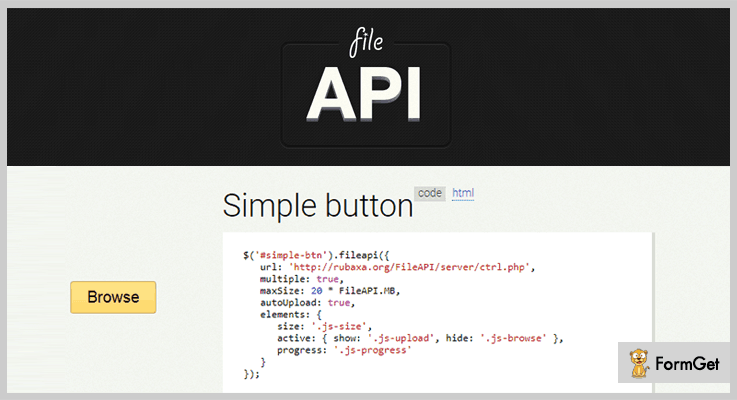
Pricing Plan –
Grab the File API jQuery plugin for free.
Feature –
- It supports multi-upload and image upload.
- Cropping and resizing an image is easily possible.
- It has a progress bar to show the upload status of a file.
- This plugin also facilitates an auto-upload option.
5. Simple AJAX Uploader – jQuery File Upload Plugin
Simple AJAX Uploader is a JavaScript file upload plugin. It supports concurrent file uploads even for the browsers which don’t support HTML5. You can simply drag and drop a file to upload. It is a very light-weight plugin. You can use it with or without jQuery.
Moreover, this plugin works perfectly with all major browsers such as- IE7+, Firefox, Chrome, Safari, Opera.
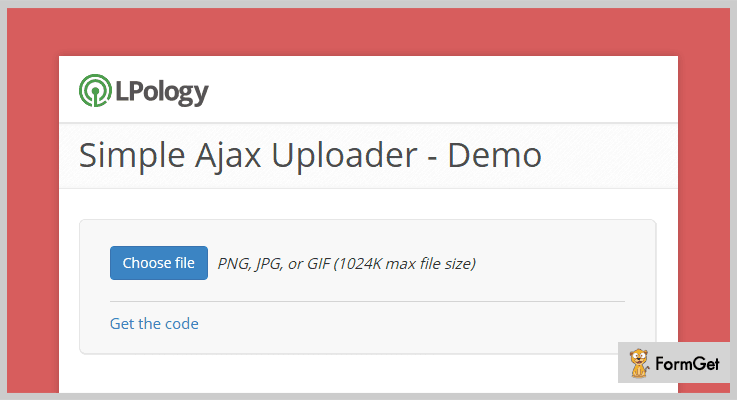
Pricing Plan –
Simple AJAX Uploader is just another free product by GitHub.
Feature –
- Single 6Kb minified and gzipped Javascript file for the overall plugin functionality.
- You can make use of any HTML element as an upload button.
- It provides individual callback functions for browsers are XHR-supported & also for browsers that do not support XHR file uploads.
- It gives you the ability to pass the custom headers in any request (Authorization header).
Conclusion:
Consequently, these were the most noteworthy plugins of there domain jQuery file upload plugins. If you are aware of another which is much useful, please do share the same with us in the comment section below, we would really love to hear your feedback.
Thanks for reading!
Some very popular jQuery plugin blogs:
These plugins enanle you to crop, resize and modify the image as per your requirement.
With the help of these plugins, you can add a stylish & feature-rich select box to your website.
For adding different forms to your site, you can use these jQuery Plugins.
5+ Most Popular jQuery Flipbook Plugins
In this world of technology, a huge number of jQuery plugins revolves around the internet. To ease you in this situation, we have cut down some of the best jQuery flipbook plugins in this article.
jQuery Flipbook Plugins are specially crafted for developers, website owners and the others who wish to have an eye-catching book like layout to their product catalogs, sales, and brochures etc.
It’s more like a virtual flip effect that you must have noticed while reading a book on Kindle.
All our shortlisted plugins present here are fully filled with features like CSS3 animations effects, slideshow, single page zoom in & out, easy page styling with HTML5 and a lot more.
Moreover, with these flipbook plugins, you can almost create a virtual book on the internet for visitors and make it look amazing at the same time.
All the jQuery flipbook plugins in this blog are paid and have unique features so, I insist you to examine all of them one by one.
Let’s get started!
We also have some more jQuery plugins for you:
These plugins will give your users a clear indication of how long they have to wait before they can access to your website.
Using these jQuery quizzes plugins you can add quizzes on your website without any hassle.
These plugins will help you in optimizing your files by using features such as drag & drops support, image previews, and much more.
1. WowBook – Flipbook jQuery Plugin
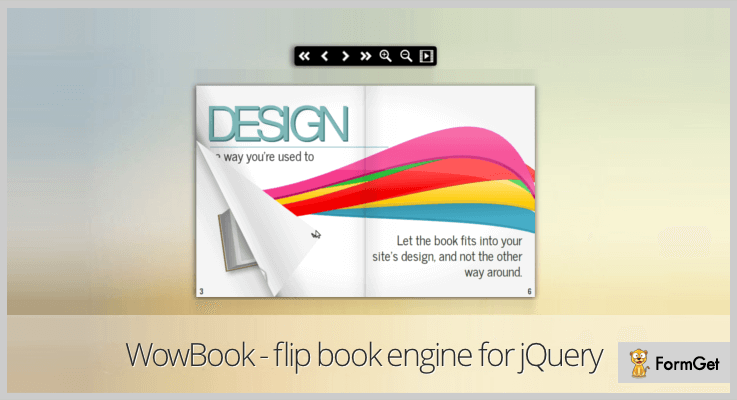
One of the most modern jQuery plugin that allows you to create flipbooks using HTML, images and PDF files. By using its PDF.js library, you can use internal links, external HTML links, index and selectable text for flipbooks.
Also, it has the option to create a toolbar, table of contents, thumbnails, a responsive layout and displays the number of each page on books.
PRICING:
- The regular plan of WowBook, a flipbook jQuery plugin is priced $25 with regular updates and 6-month support.
FEATURES:
- You can curl the corner page with hover effects and there are 2 realistic page flipping effects- one for the hardcovers, other for the regular sheets of flipbooks.
- It automatically generates the thumbnails and it also has a tool that generates an image sprite for thumbnails.
- You can allow your users to pinch the flipbook to zoom, helps you to allow flipbook on fullscreen, create double pages and also it allows you to create an unclose book.
- With this plugin, you can also attach the internal links with the content of the book and it will redirect the user to next page.
2. Business FlipBook – jQuery Plugin
Business FlipBook jQuery Plugin is a powerful tool for creating flipbooks on the websites.
The plugin is fully based on the turn.js 3rd release library which can be freely downloaded for personal use. And, if you wish to buy this turn.js 3rd release library for commercial use then just pay $45 for five domains.
This plugin allows you to set the width of flipbook on the website whether it’s responsive or non-responsive.

PRICING:
- The cost of this jQuery plugin is $7 with lifetime updates and 6months support.
- And for further extended features, it will cost you $70.
FEATURES:
- You can reverse the layout of the flipbook for eastern country customers (right to left).
- This plugin has the option for optimal loading pages which only shows 7 pages at a time.
- You can easily disable or enable the toolbar and also create an unlimited number of pages for flipbook.
- You don’t require any Flash player, also it easily works on iPad etc.
3. Mine Flipbook jQuery Plugin
Mine Flipbook jQuery Plugin is a very popular plugin for best reasons. It carries out the responsive nature for all the screen size devices like tab, tablet, desktop, and others.
It allows you to change the layout of flipbook for eastern country visitors (right to left). You can organize an unlimited number of flipbooks and also can create duplicate pages of the flipbook.

PRICING:
- Mine Flipbook jQuery Plugin comes with a price tag of $14 and for more amazing features you can buy its extended plan for $70.
FEATURES:
- You can design the flipbook with any kind of width and alignment while working on responsive or nonresponsive.
- It allows you to change the width input text in the bottom box of the website.
- This plugin helps you to change the zoom steps by doing zoom in and zoom out on the screen.
- The plugin is compatible with different kinds of browsers like Chrome, Firefox, Opera Mini etc.
4. Responsive FlipBook – jQuery Plugin
Responsive FlipBook is a best responsive jQuery plugin present among them all. It allows you to create beautiful flipbooks and is fully driven on HTML & jQuery.
It has a lot of great features like link unique URL for each page, resizable book, 30+ background patterns to help you create the flipbooks.
Moreover, this plugin updates its items on daily bases, second top-selling flipbook on the internet and also its available for freelance work.

PRICING:
- Responsive FlipBook jQuery plugin will cost you $22 with lifetime updates.
FEATURES:
- This plugin helps you in the easy styling of flipbook pages with the help of HTML & CSS designs.
- Responsive FlipBook jQuery plugin is the perfect tool for displaying the content on flipbooks.
- It supports the keyboard keys to turn the pages of flipbook on the website(arrow key).
- The plugin includes PSD files, other then the main book page all the pages contain graphic river assets which cannot be shared.
5. Classy FlipBook Responsive – jQuery Plugin
When it comes to conversion of PDF files or documents into a creative digital flipbook or into magazines or brochures online, the best-paid web tool is Classy FlipBook Responsive jQuery Plugin.
This plugin is fully dependent on the turn.js 3rd release library which can be downloaded free for personal use. You can use the provided tools for the zoom in and out of the pages of the flipbook.

PRICING:
- The regular plan of this jQuery plugin will cost $14.
- The extended plan of this plugin with extra features will cost you $70.
FEATURES:
- You can set the dimensions of the flipbook pages according to your choice from the admin panel.
- This plugin allows you to add an unlimited number of pages to flipbook which will help you to display more content on it.
- The plugin has the optimal loading page option due to which it only shows the limited number of pages on flipbook.
- It also helps you to display the icon on the fullscreen but only on the browsers like Firefox, chrome.
6. Exclusive FlipBook jQuery Plugin
Another simple and effective jQuery plugin is Exclusive FlipBook. Its been design to offer the features like double pages, unlimited pages, set the width of flipbooks and much more.
The plugin includes the files like JavaScript JS, HTML, CSS, PHP to make the website look more interesting.

PRICING:
- Exclusive FlipBook jQuery Plugin will cost you $12 with lifetime updates and 6months support.
- For further use and features, you can buy its extended plan which costs $70.
FEATURES:
- The plugin includes AJAX form through which will help you to create fast and dynamic pages of the flipbook.
- You do not require any flash player is it’s being compatible with the Ipad.
- You can enable or disable the deep linking on the string of the flipbooks.
- It also provides you with excellent tools to zoom and with free updates.
Conclusion:
Finally, we are at the end point of the jQuery flipflop plugins. We are pretty sure that you must have found the best flipflop plugin with advanced features that you required for the website.
If you feel to share some suggestions or want to know more about these plugins then please comment below.
5+ jQuery Image Crop Plugins (Free and Paid)

“Too large image & doesn’t fit in your frame?”
Are you a website owner who struggles with extra large images because of which you fail to accentuate the subject of the image?
We have got an easy solution for you!
With the help of jQuery image crop plugins, you can literally add the whole image cropping functionality to your site. Be it some school registration site or any other site like Upwork, FaceBook, Twitter, etc. Most of these sites ask you to crop the image in a specific dimension to fit in the frame before you upload it.
Or, you can also create a website providing users the tools to modify the images online.
In short, you can be from any bailiwick and still need these jQuery plugins.
jQuery image crop plugins provide you with a range of options to alter the image such as resize, crop, rotate, flip and a lot more. You can simply call or fire these options using functions or methods.
Moreover, these plugins are easy to install as plain sailing. All you have to do is embed the code given in the plugin and you are all set.
Along with this, you might also be enthralled by some of these blogs from our niches. So, do peep in!
With the help of these plugins, you can add a stylish and feature-rich select box to your website.
For adding different forms to your site, you can use these jQuery Plugins.
Display your own customized clock on your site by using these plugins.
Now, without buzzing around, let’s delve in our today’s subject.
Today, we are going highlight “jQuery Image Crop Plugins” and also scrutinize some of their major attributes, pricing plans & other details. While the list contains some of the paid plugins as well as the free ones.
1. Slim Image Cropper – jQuery Image Crop Plugin
This is probably one finest jquery image crop plugins which provides you with impeccable features for automatically cropping, rotating & resizing images while uploading process as per your requirement.
It is responsive to all screens & mediums plus it is also congruous to Bootstrap & Foundation.
Apart from all this, it comes with a very well-written documentation & demo for clearing any doubts.
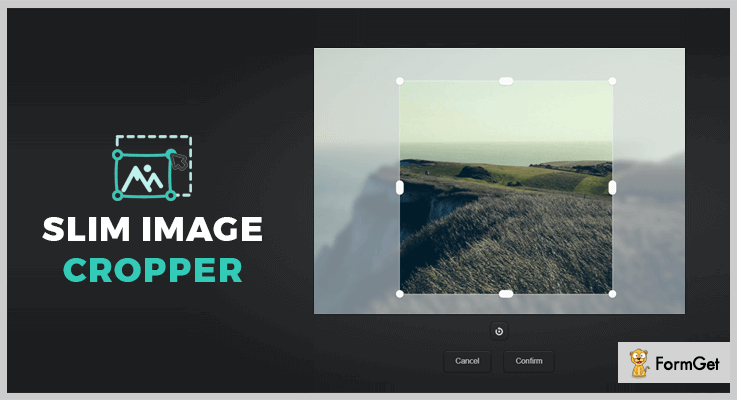
Features:
- It enables you to add drag & drop functionality whereas your users can click drop area for uploading images as well.
- You can set the default ratio of an image for uploading in forms or ask your users to upload the image in any desired ratio they want.
- With the help of HTML, you can easily set up this plugin.
- This plugin empowers you to allow your users to crop, resize, rotate and much more.
- In addition to this, you can also enable the function to sharpen the image once it is cropped as it will enhance the features and clarity of an image.
Pricing:
This plugin can be acquired with all its features & future updates at two varied prices :
- To avail the regular license, you have to pay $17.
- While, for purchasing the extended license which is transferable, you have to pay $75.
2. jImage Shaper – jQuery Image Crop Plugin
jImage Shaper is astounding jQuery plugin which is used for the purpose of cropping or reshaping the image in any desired shape and size.
This plugin is fully customizable and user-friendly. Moreover, it also supports all major browsers.
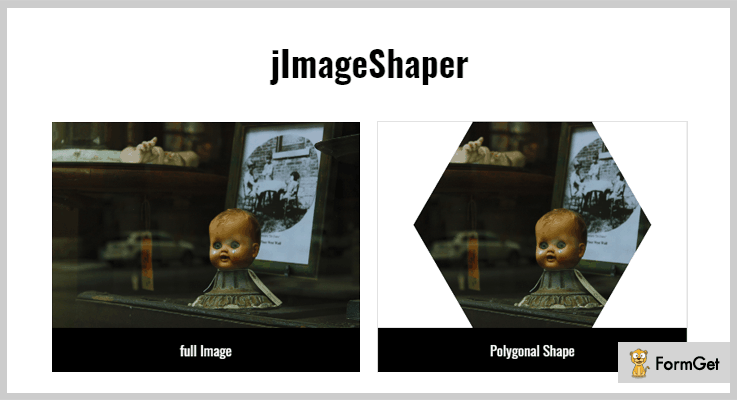
Features:
- It allows you to crop the images in any geometric shape.
- This plugin comes with built-in ellipse and Polygon shape.
- With the help of custom shape builder tool, you can also effortlessly customize the shape of the image.
- You can easily save any regular image in a .jpg file.
- In addition to this, you can also preview the image while applying different effects.
Pricing:
You can purchase this plugin & get all its future updates features at the cost of :
- The regular license will cost you $10.
- To purchase the extended license, you have to pay $50.
3. Imagist – jQuery Image Crop Plugin
Imagist, Multilayer Image Editor is a powerful jQuery plugin. This plugin provides its users exemplary features like cropping, rotating, flipping the image, etc.
It is responsive to all screens and can be embedded by inserting few lines of code.
Along with this plugin, you also get a detailed documentation with examples, JavaScript code & PHP scripts for server side.

Features:
- It provides you with drag & drop user interface.
- You can easily crop and resize the images as per your requirement.
- This plugin allows you to flip the image vertically & horizontally.
- In addition to this, you can also add multiple layers of image and define their position, size, etc.
- Also, you can save these images in PNG format.
Pricing:
To avail this plugin as well as its features and future updates, you have to pay :
- Regular license – $12.
- Extended license – $60.
4. jQuery Peepshow – jQuery Image Crop Plugin
This is an amazing thumbnail gallery plugin. It empowers you to crop, resize, align the image into a thumbnail. You can easily create & customize the thumbnails for a group without any trouble.
You can add images to a group and display them in the form of a slideshow.
In addition to all this, it very responsive & fully customizable plugin.

Features:
- You can easily adjust the size of a thumbnail.
- It enables you to alter the thumbnail per row.
- This plugin empowers you to set a thumbnail for the group of images
- With the help of code lines, you can set events on which these images will appear like on click or on hover.
- Also, you can add pause/play buttons & overlay the captions as well.
- Along with this, it also facilitates auto centering & auto margins.
Pricing:
To avail the jQuery Peepshow plugin, you have to pay $6. Along with this plugin, you also acquire all of its features and future updates as well.
5. Focus Point – jQuery Image Crop Plugin
Focus Point is a freemium plugin which provides a lot of excellent features for cropping the image or you can say making the focus on the subject of the image.
You can easily install it on your website by inserting few lines code. Also, this plugin is fully customizable and easy to use.
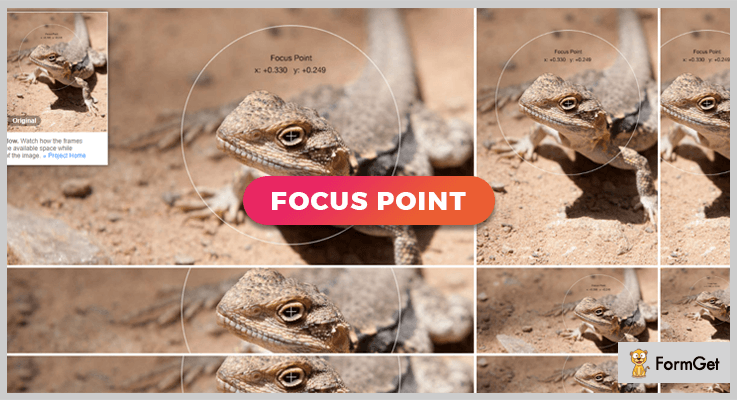
Features:
- You have to simply calculate the images focus point and define it according to your requirement.
- It includes JavaScript and CSS which enables you to customize the styling.
- This plugin empowers you to define the dimensions and focus point coordinates on the image container.
- Also, you can fire the focal point of the function or wherever you want.
- Along with this, you can also call the methods to re-do calculation, reposition image in its frame, start window & reset image when the window is resized, and a lot more.
Pricing:
You can download this plugin from ‘github.com’ and get all of its features without spending a single penny out of your pocket.
6. Ember CLI – jQuery Image Crop Plugin
It is a very efficient plugin which is studded with the features to crop and resize the image according to your need. This is a fully customizable plugin which is cross-browser compatible.
Along with this, this plugin is responsive to all screens and mediums. You can install this plugin just by inserting the few code lines.
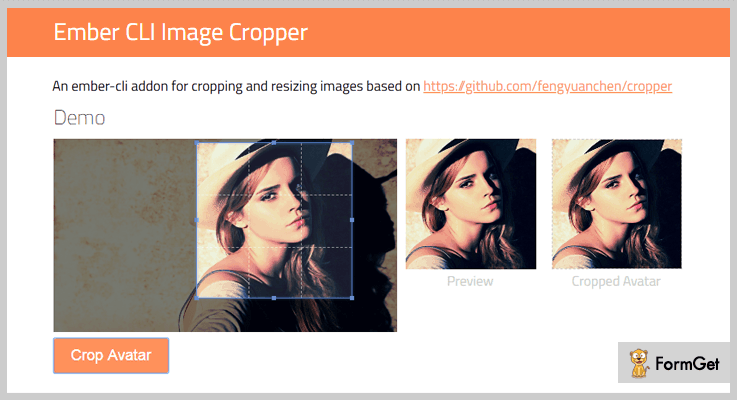
Features:
- You can define the auto crop are and the plugin will automatically crop the image.
- It provides you with drag & drop functionality.
- This plugin allows you to move and resize the image.
- Plus, you can effortlessly specify the dimensions of the image.
Pricing:
To acquire this plugin, simply go to ‘github.com’ and download the plugin along with all of its features at free of cost.
Conclusion:
Consequently, we have discussed few of the finest jQuery image crop plugins.
While discussing the features, we came to know a lot about these plugins like:
- They are flexible with codes.
- You can modify the image like flip, rotate, etc.
- Also, you can define the size of the images as per your convenience.
- Some of these plugins come with a weel written documentation & demos to resolve the queries.
and many other attributes…..
So, now we hope you might be able to select the perfect image cropping jQuery plugin for your website.
Hope you guys enjoyed reading the blog. Don’t forget to share your views in the comments section below.
Feel free to contact us for any more queries & suggestions. We will be happy to help you.
4 Most Popular Premium jQuery Clock Plugins

“Use jQuery Clock Plugins to make your website modern and always ON TIME!”
In this article, we have compiled a list of 4 most popular jQuery clock plugins. These plugins are beneficial to set different appearances of clocks on your website.
In fact, using these plugins one can easily integrate a clock with just basic knowledge of HTML and JavaScript. Further, the plugins are easy to modify and can be overwritten as well.
The plugin permit you to add a simple digital clock with date and time, as well as an analog clock on the webpage with the help of jQuery script. Further, it has CSS animation effects inbuilt in the jQuery clock plugins.
You can add your own skin and graphics using different picture extensions e.g. PNG or SVG present in these jQuery clock plugins. Also, these plugins allow you to add different time zones for your website clocks.
Given listed jQuery clock plugins are well documented and easy to set up with the help of useful user guide.
Read some more blogs too!!!
Use these plugins to build up beautiful image gallery for your website.
Display different types of charts filled with data on your website using these plugins.
These plugins are best suitable to convert your website content into a flipbook or a magzines.
Let us discuss each jQuery clock plugin in detail.
1. Active Clock – Best in jQuery Clock Plugins
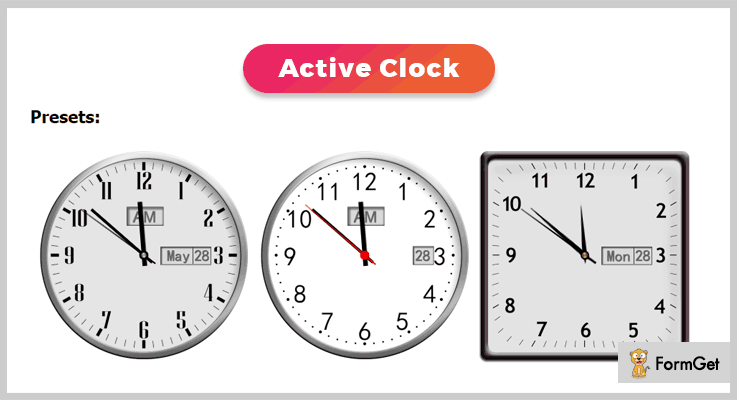
Active Clock jQuery plugin is an effective jQuery clock plugin which is used to show the time on your website page. The plugin shows the time of your computer’s clock. Also, you can set the time zone best suitable for your website.
The noteworthy feature in this plugin is one can easily add decimals while displaying the time as it supports decimals time zone. Moreover, the plugin is fully customizable so that you can make easy changes according to their requirement.
Pricing :
- This premium plugin available at a reasonable price of $6 with a 6-month support.
- You can even extend the support month up to a year by paying $1.50 with regular updates.
Features :
- There are more than seven presets dial and hands included in this Active Clock jQuery plugin.
- One can set their own dial and hands picture using this plugin. Also, you can set the width and the height of clock.
- With the help of this plugin, you can easily show or hide AM/PM options. And, set the date, month, day functionalities in your clocks.
- Active Clock plugin includes detail help Html file which is very well documented with useful user guide.
2. sClock Mega Package Analog Clocks Plugin
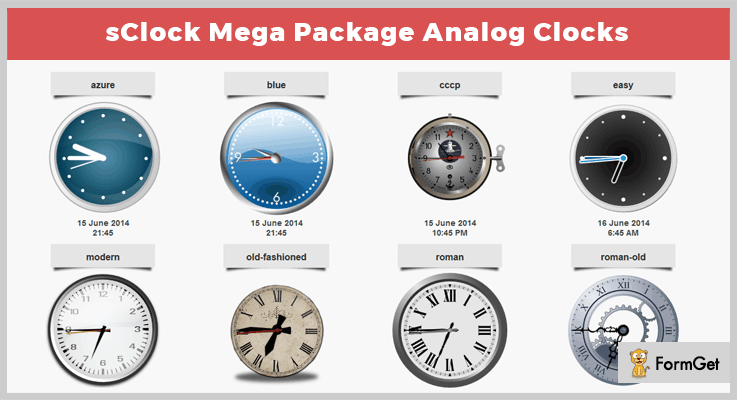
This plugin comes with 16 unique predefined clock styles with SVG and PNG pictures which helps to give a perfect look to your online website.
The sClock plugin is used to set the clocks which are highly configurable and fully scalable. You can set the size to whatever you want, without any quality loss.
Further, the plugin is easy to implement there are few codes which you only have to copy and paste.
Pricing :
Buy the regular license of this plugin at $11 with all the future updates and full support up to 6 months. You can extend your support up to 12 months by paying $3.38 only.
Features :
- If you use PHP server, then you can use time measure based on PHP functionality. This will help you to make sure that all your users will see the same time, independently from their local device time.
- This plugin helps you to enable or disable use of daylight saving time calculation according to your choice.
- You can set time zones up to 1 minute accuracy using this plugin. Further, you can add as many clocks as you want on one page of your website.
- The plugin supports time-based on JavaScript so that time will depend on end-user device time.
3. jQuery Time Zone World Clocks Plugin
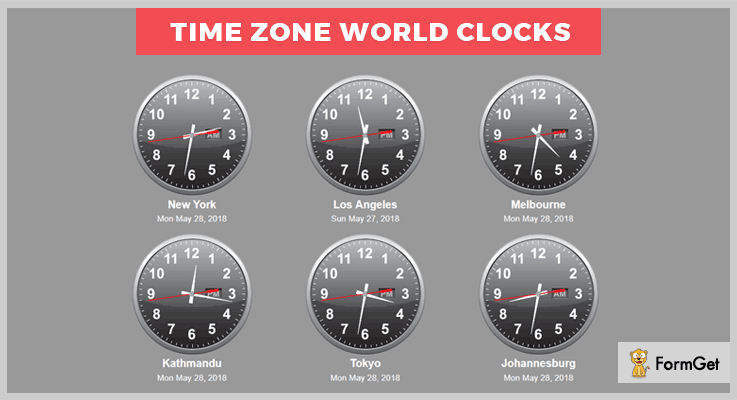
jQuery Time Zone World Clocks plugin is a powerful plugin in the list of jQuery clock plugins. It allows you to set various appearances clocks on your website. The plugin is easy to set up with well-organized documentation and complete user guide.
One of the main features in this Time Zone World Clocks plugin is it uses server time, rather than local. So that the time will be corrected automatically whether the users’ time is correct or not.
Pricing :
This plugin cost you $10 with regular future updates and complete quality checked by Envato.
Features:
- It allows you to keep clocks in a grid or place them anywhere in your page as per your need.
- Time Zone World clocks include more than 30 daylight savings offset.
- The second hand of the clock is optional you can show or hide it. Also, you can choose between the smooth rotation and a ticking clock.
- You only have to add 5 lines of code to your PHP and your jQuery plugin is ready.
4. HTML5 (JavaScript) Clocks Plugin
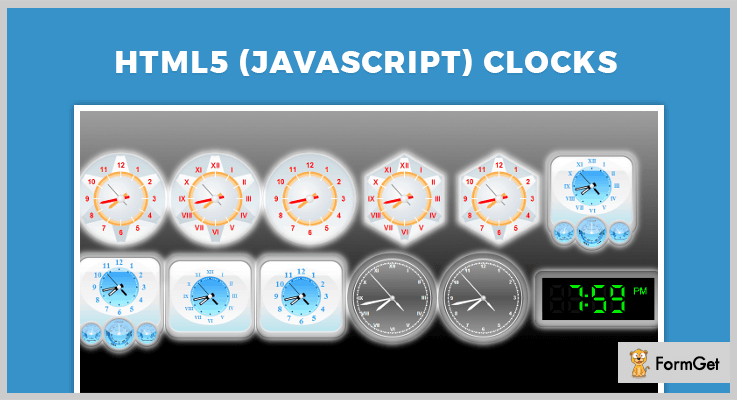
This is one of the most powerful plugins in the list of jQuery clock plugins. It includes set of 10 clocks which can be added virtually to any web application. These web applications are ASP, ASP.NET, PHP, JSP, ColdFusion, Ruby on Rails, and simple HTML pages.
The plugin can integrate both the analogs as well as digital clocks. Moreover, the plugin is WinRT compatible. This will help to integrate clocks into HTML5-based WinRT applications to visualize data in a good manner.
Pricing:
- $14 is the charge of its regular plan with 6 months support.
- For advanced features, you have to buy an extended license at $70 with full support and updates.
Features :
- The clocks are described using a declarative selection of the parameter in JSON with the help of this plugin.
- You can create custom objects using this plugin. You can also change the color of each element using CSS.
- It is easy to integrate, you just need to specify clock name and area of a web page where it should be placed.
- Also it allows you to manage the view of the clocks and add various animation effects using inbuilt CSS options.
Conclusion:
So above are some of the most noteworthy premium jQuery Clock Plugins. All of these plugins are specially designed to give your website a better and advance presentation. We hope you have found the best plugin according to your requirement.
If you have any kind of questions or suggestions, feel free to comment below in the comment section.
Stay tuned for more upcoming jQuery plugins.
4+ Best jQuery SelectBox Plugins (Free and Paid)
Today we are going to introduce you to the jQuery SelectBox plugins. These plugins will allow you to create an amazing select box for your website.
First, let’s know a bit about the select box.
SelectBoxes are used to create a drop-down list with the available options in that list. Even, your viewers can choose the multiple options at once.
But why would you use these SelectBox plugins in your web-page?
The traditional HTML select box doesn’t provide a stylish and feature-rich select box, but these jQuery plugins will. Some of the plugins in this blog hold the ton of features like – changing default styles, keyboard navigation, multi-select controls, and many more.
In fact, using these jQuery SelectBox plugins you can enhance your site’s layout. Then, these are easy to use and you can integrate them into your website.
In this blog, some of the plugins are styleable with Twitter Bootstrap, and some are lightweight as compared to others.
Now, let’s walk further in this blog, to inform you about the features and pricing of these jQuery SelectBox plugins.
You might be interested in these blogs as well:
These jQuery form plugins will allow you to easily upgrade HTML forms to use AJAX.
These plugins displays the 12-hour or 24-hour time notation, local or UTC time on your website.
These jQuery image gallery plugins will allow you to display your images, contents, and videos on your websites in a more attractive manner.
1. oCombo – Best Paid In jQuery SelectBox Plugins
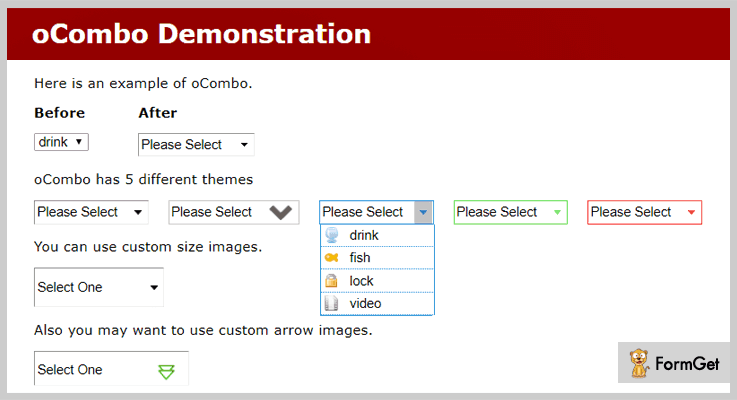
This plugin is very useful to those who want to implement an image in their selectboxes. It supports JavaScript JS and CSS.
In fact, it is compatible with all the latest browsers like – Firefox, Safari, Opera, and Chrome. This wonderful plugin was designed by Orcun.
Price –
You can purchase this plugin at $7 with free lifetime updates along with its features.
Features –
- You can simply integrate the image with your sites selectbox to change it into an image-integrated selectboxes.
- Also, you can customize the size of the image which you want to integrate with the select box.
- It provides full support via a keyboard.
- Also, it comes with 5 different color themes.
2. jQuery Selectric – Free In jQuery SelectBox Plugins
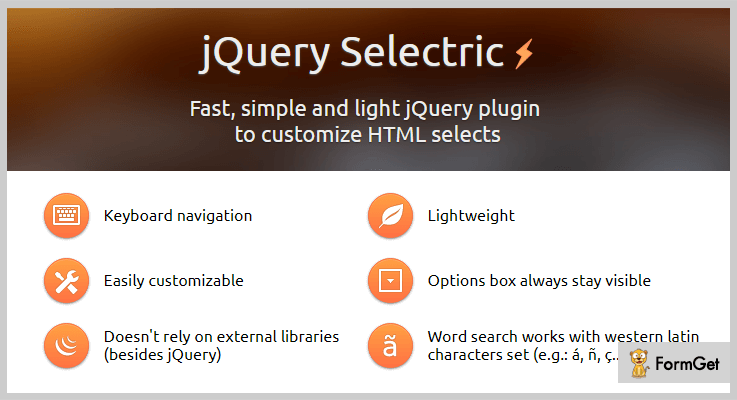
jQuery Selectric is an easily customizable plugin. It comes with a complete demo for you to understand it better. And the most important feature of this plugin is that word search works only with western latin characters set, for example – á, ñ, ç.
This amazing plugin is compatible with Firefox, Chrome, Safari, Internet Explorer 7+, Opera.
Price –
This plugin will cost you $0, as it is freely available to all.
Features –
- It is a lightweight plugin, that means it won’t take much time to load your sites page.
- You can use the keyboard navigation keys up, down, left, right and you can also do the word search as well.
- The option box is always gonna stay visible.
- Besides, jQuery it doesn’t need any external library.
3. SelectBoxIt – Best Free In jQuery SelectBox Plugins
This is the most suitable jQuery SelectBox plugin for mobiles, tablets, and desktops browsers. It will provide you full keyboard search and navigation support to you.
In this plugin, API is a method of providing different ways to interact with the dropdown list. Moreover, you can easily select, disable, and opt group support for your list or select boxes.
Price –
Anyone can have this plugin free of cost, and download it from the official website of GitHub.
Features –
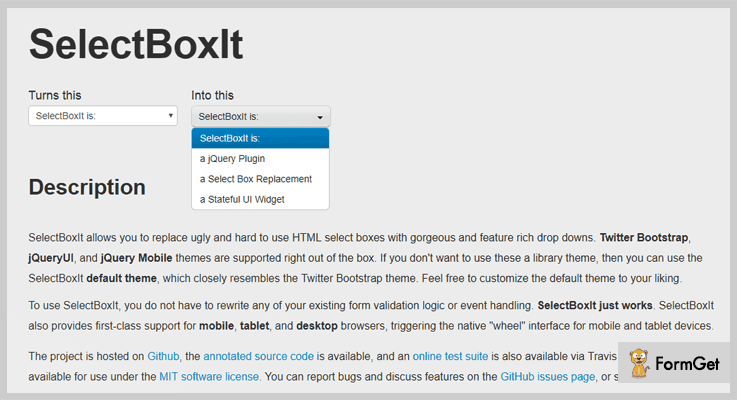
- This plugin supports the jQueryUI, Twitter Bootstrap, and jQuery mobile themes.
- It comes with SelectBoxIt default theme, which is similar to the Twitter Bootstrap theme.
- SelectBoxIt also provides support for mobile, tablet, and desktop browsers.
- Also, you can try all the options provided by this plugin like – options, events, and methods inside of the HTML editor.
4. PopSelect – Free In jQuery SelectBox Plugins
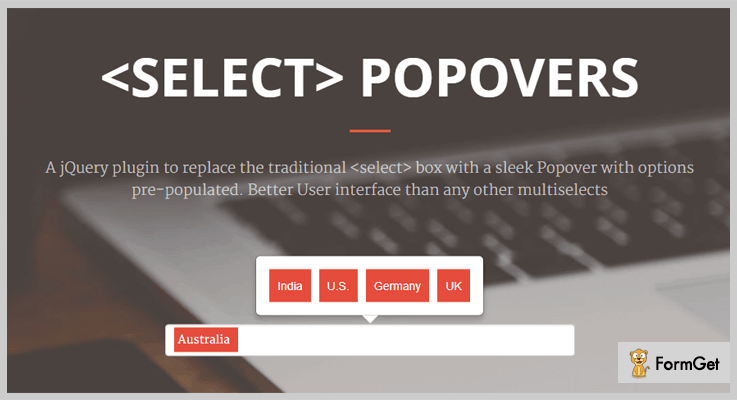
This jQuery plugin transforms a selectbox into popover tagger system. You can display multiple popups in any direction easily. PopSelect comes under the license of MIT.
Also, this plugin provides all the examples for you to understand its functionality in a better way.
Price –
You can have this plugin from GitHub.com, without paying a single penny for it.
Features –
- You can easily create the popover boxes over select input tags.
- It will also allow you in displaying multidirectional popovers.
- With the help of this plugin, you can add support for autofocus option for the select, for initially selected value, a general placeholder, and getting value from select.
5. jQuery SelectBox – Top In jQuery SelectBox Plugins
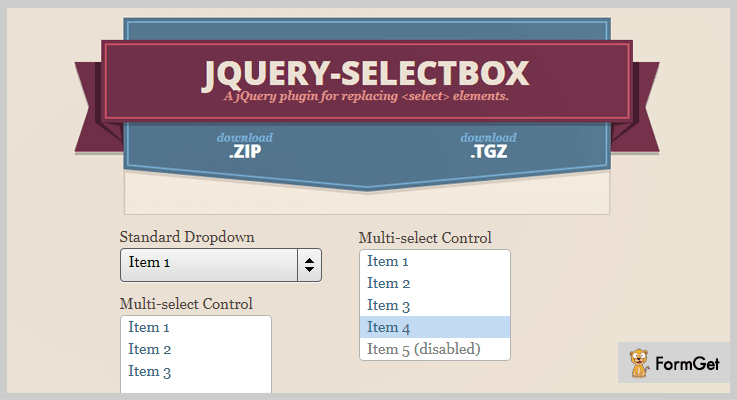
The main aim of this plugin is to restyle your controls and by leaving the functionality untouched. It comes with several useful options which you can control easily.
This plugin comes under the MIT license. In fact, it provides a fully documented demo with examples, which you can use to understand its working and features.
Price –
From the official website of GitHub, that is GitHub.com you can download this plugin for free.
Features –
- It supports optgroups, dropdown, multi-select & inline controls.
- In multi-select controls, you can select a range of options by clicking (shift + click) or (shift + enter).
- This plugin is tested in for IE7-IE9, Firefox, WebKit browsers, and Opera.
Conclusion –
In short, these are some amazing jQuery SelectBox plugins with lots of functionalities. We truly believe and hope that by now you have decided which one to choose.
So, just use them on your website and start enjoying the functionality provided by them.
Guys, do share your words in the comment section!
5+ Best jQuery Form Plugins (Free and Paid)
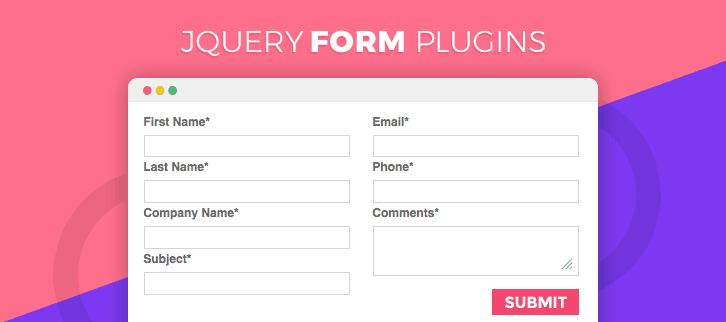
“Integrate jQuery form plugins with your website & create unlimited forms with just a click!“
For most of the times, you might have thought about adding the forms on your website such as contact, registration, lead generation & other types of forms. And yes, they can help you to gather the queries from your customers/visitors.
So for this thing, you have to do the programming. If you are a web developer then it is easy for you but if you aren’t one, that would be a problem for you.
Even if you have a little bit programming knowledge to create a web-form, you will surely be able to do it. But when I think about my own website, I’d rather go for some best pre-defined form builders/plugins which are widely used by others.
So after doing a lot of research, I’ve found 5+ best jQuery form plugins which can ease your workload. With the help of them, you can build & add web-forms to your site in a matter of time. Some of these form plugins are free while others are paid.
Even there are some plugins in this article which can display your forms in popup notifications.
That’s what made me curious!
If you have a sufficient knowledge for editing the source code of these plugins then you have a plus point. Otherwise, they are way too easy to use. All you have to do is to go through this article & choose a best form jQuery plugin according to your needs.
You can also read our more blogs of jQuery plugins. Maybe, they will help you in your work to transform your website into a better one!
What are you waiting for? Let’s dive in together!
1. jQuery Simple Contact Form:
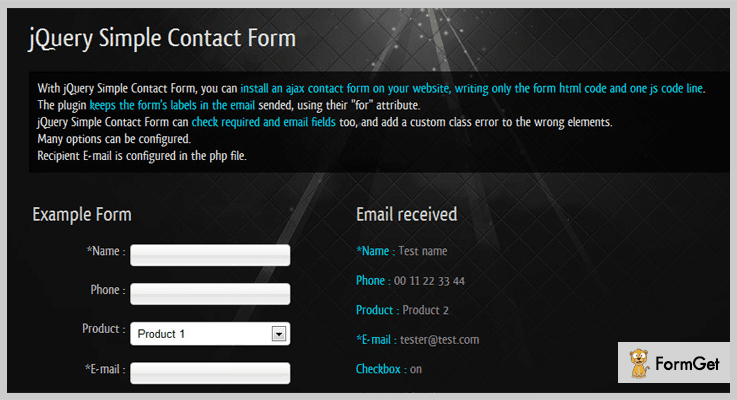
It is one of the best in jQuery form plugins through which one can easily create a contact form & add it on his website without any issues. A person uses multiple fields in this contact form in which one is about emails.
This plugin also validates the email entered in the form which is the basic requirement.
Pricing:
- This jQuery plugin has a single plan which charges only $5 which comes with 6 months support.
Features:
- When you use this form plugin, you’ll be able to access a lot of jQuery parameters which will definitely help in achieving your desired goal.
- You can configure many options of the form through multiple parameters & CSS classes.
- Along with it, this plugin is compatible with almost all of the browsers worldwide. So there is no need to panic about it.
2. Easy Form JSON: jQuery Form Plugin
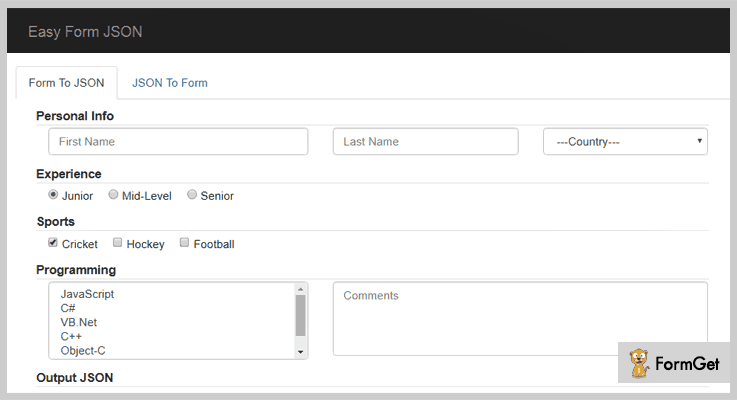
This is a jQuery plugin which helps in serialization & deserialization a multi-category form. Serialization is a method of transforming form data into JSON while deserialization is just opposite from it. This plugin comes includes both of them as a feature.
Because of the JSON format, it is way too easy to access the data from the form.
Pricing:
- It has a basic plan which costs $9 for general features.
- For more features, $45 is the charge which you can pay.
Features:
- This plugin supports both radio buttons as well as checkboxes which can help you in making a form with multiple features.
- It has another facility to which add a section for accepting passwords & hidden files.
- Apart from the textual format, you can also get the data from users/visitors in the JSON format also. That’s what makes this form jQuery plugin a unique one.
3. jQuery Contact Popup Plugin:
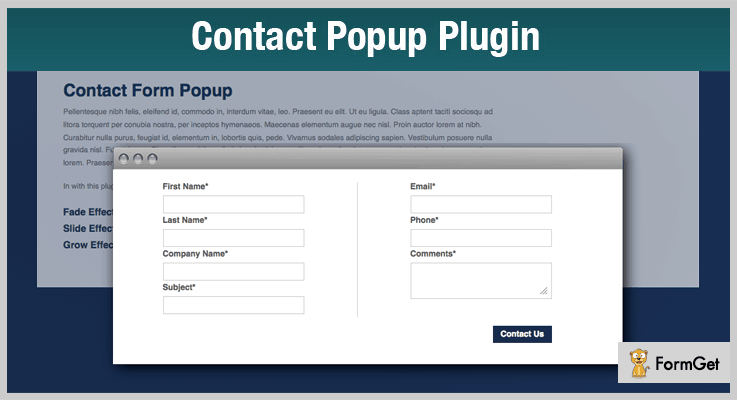
Well, here comes another plugin with a distinctive feature. Through it, you can display your existing form into a popup modal. That’s how you can do some creative stuff with all of your multi-category forms.
Pricing:
- This jQuery form plugin has a regular plan of charge $4 only.
- To avail its extended license, you have to pay $20.
Features:
- You can apply three types of popup opening transitions/animations to your forms such as fade, side & grow effect.
- Even if you use this plugin for any kind of form, the responsiveness of the form never gets disturbed.
- Also, a non-technical guy who has no programming knowledge can use it too via its dashboard section.
4. KwikForms:
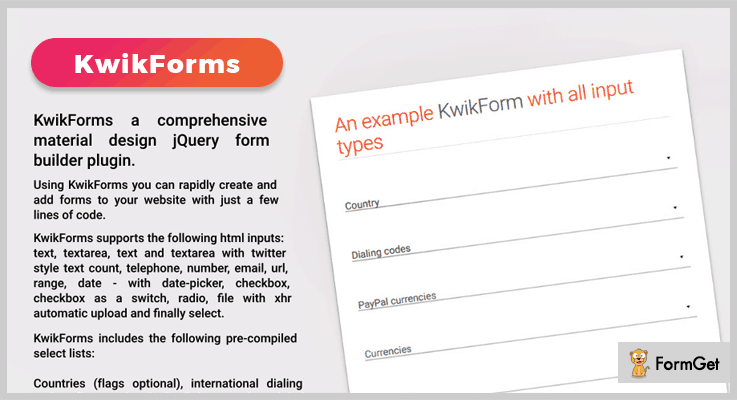
KwikForms is a comprehensive form builder plugin with which you can instantly create & then add the forms to your website. All of the whole processes is done with the use of just a few lines of code.
Apart from all of this, it has some pre-compiled list of elements that you can use in your form at any time.
Pricing:
- This form plugin has a regular license which costs only $19.
- It also has an extended license which costs not more than $109.
Features:
- You can add many elementary fields in your forms such as text, telephone number, URL, email, checkbox, date & many more.
- There are some predefined select items which are included in this plugin such as international dialing codes, countries, currencies, etc.
- Apart from it, this jQuery form plugin includes Honeypot in order to detect & deflect any unauthorized use of information.
5. jQuery Form Plugin:
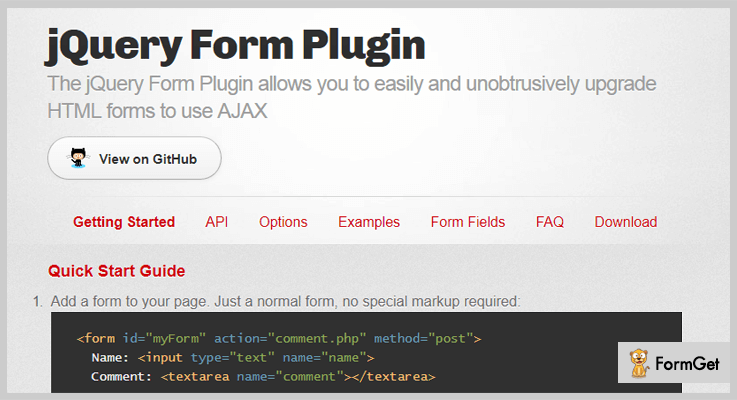
The jQuery Form Plugin helps in upgrading an HTML form in order to use AJAX functionalities. The only one thing it requires to work properly is jQuery 1.7.2 or the later version. And then, you can effectively transform your form to work better than before!
Pricing:
- This jQuery form plugin is free of cost.
Features:
- This form plugin supports the file uploading functionality to import any of your files to the form.
- To prevent the form from submitting due to any reason, you may add the ‘beforeSubmit’ callback function for it.
- It comes with various APIs in order to provide several methods that can allow you to easily manage the form data as well as form submission.
6. jquery.formbuilder:
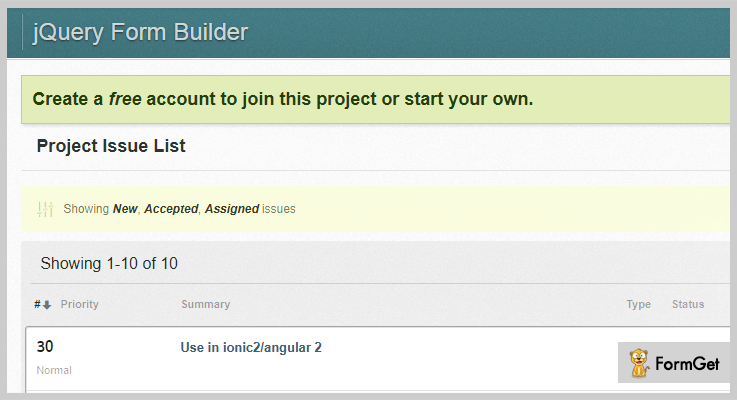
Jquery.formbuilder is also an important form of jQuery plugin for building the web forms in a couple of minutes. For providing a resulting form, it provides some basic logic to make the form look better & work efficiently for all types of niches. That really sounds like something new!
Pricing:
- It does not charge for the entire lifetime.
Features:
- For no serialization & format conversion, it uses JSON in all of its elements.
- You can change the database of your forms at anytime you want to.
- Also, it has better support for multiple numbers of instances for each page on which you have added your form.
Conclusion:
So above are some of the primest jQuery form plugins which you can add to your website. Through them, you will able to create & add the forms to your webpage with so much ease.
While building forms, you can add multiple types of fields which can be conditional or non-conditional according to your needs.
Also, there are some plugins in this article which opens the forms in popups. That’s a unique thing about them.
All you have to do is to try them out & finalize the best one according to your requirements!
If you have any queries or suggestions regarding these form jQuery plugins, please comment below & we’ll help you out soon!
5+ jQuery Image Gallery Plugins (Free and Paid)
Display images, contents, videos, and pictures of your website, more visually appealing through jQuery Image Gallery Plugins.
It goes without saying that “a picture is worth a thousand words,” and that is well true for online websites too.
When you have a business website, presenting images in stylish galleries can increase sales. And you can do so by using the best jQuery image gallery plugin on your website.
These plugins can offer multi usage to your website. You can use them in image slider, slideshow, gallery, banner rotator, video gallery and HTML content slider of your website.
Most of these plugins offer you stunning templates for displaying your images like pinterest layout, masonry, mosaic etc. You can also add lighboxes to highlight your website elements in the more better outlook.
However there are plethora of jQuery image gallery plugins available in the market therefore we have filtered out the best ones for helping you out.
Check out the enlisted 5+ jQuery Image Gallery Plugins (Free and Paid) that can solve the purpose for beautifying your image galleries and content!
Don’t end your search here. Here are a few other jQuery plugins that you can use to optimize your website.
Let’s you design responsive charts, graphs and pie charts for your website.
Create flipbook and add page-flips effects to present your product catalogs, sales brochures and content in a eye-catching way.
Showcase an alarming tick-tock countdown timer on your website.
1. RoyalSlider – Touch-Enabled jQuery Image Gallery
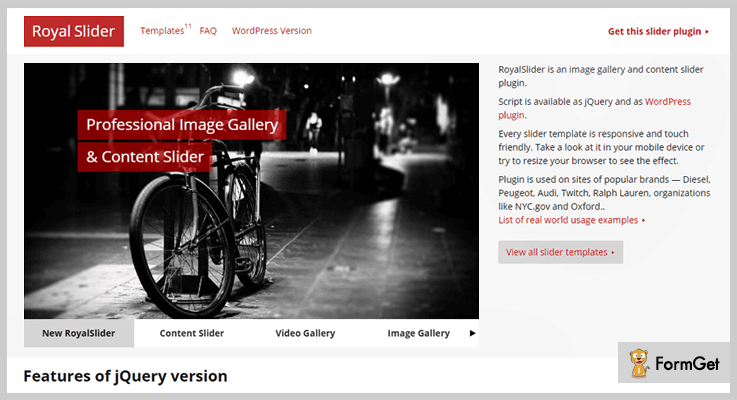
It is a multipurpose javascript image gallery plugin based on jquery library. This plugin can be used for multiple purposes. You can use it as image slider, slideshow, HTML content slider, gallery, banner rotator, video gallery and carousel.
The plugin provides responsive layout and touch friendly for mobile devices. You will also get three navigation elements i.e. tabs, bullets and thumbnails for various navigation settings of your website.
Also, you will apply unlimited animation effects to your galleries as it is developed in best practises of HTML5, CSS3 transitions.
Features
- The plugin has script modular architecture which allows you to remove those parts that are not required in the main JS file. So that you can optimize the file as you desire.
- The touch navigation of RoyalSlider supports for iOS (all versions), Android 2.3+, IE10, IE11, Blackberry and browsers that allows touch or pointer events.
- It supports smart lazy loading which provides the images instantly, users don’t need to wait for the images each time, when the website loads. You can set the number of images to preload as well as it can be disabled too from the settings.
- You can also display YouTube & Vimeo videos in slides.
Pricing
You can buy this plugin at $14.
2. Final Tiles Grid Gallery – jQuery Image Gallery Plugins
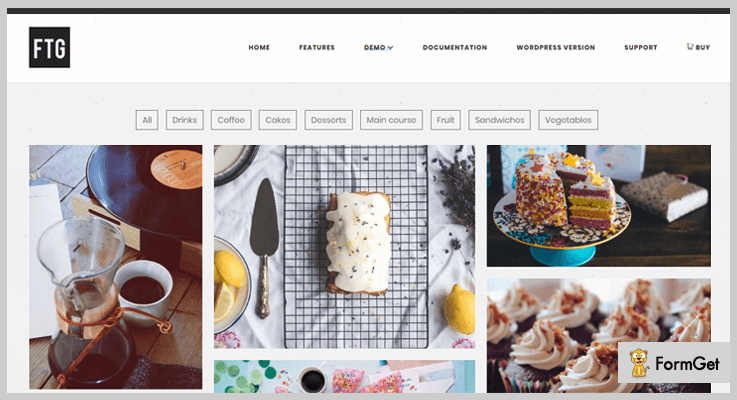
If you’re looking for a jQuery gallery plugin with thumbnails of mixed sizes and aspect ratio then this it will be a solid choice for you.
It can create an elegant image gallery with complex grids. You can use images with different sizes in the same gallery. The plugin also supports image gallery with vertical thumbnails.
You don’t need to cut the images because this plugin allows to control the maximum crop. Another outstanding feature of this plugin is that you can add as many image filters you like to build a image with new layout.
Features
- You can create picture walls on your website and use infinite scroll to dynamically load tons of images in a single page.
- Add special effects for scrolling down the gallery of your website.
- It also allows to do social sharing of your website images.
Pricing
- The regular plan of this plugin is priced $16.
- $21.25 is the price which is charged for the extended support of 12 months.
3. Fancy Gallery – Image Gallery Plugins
It is a jQuery gallery plugin by which you can create an extraordinary gallery by adding unlimited albums. Fancy Gallery supports different medias such as images, videos, Youtube and Vimeo.
The plugin comes with two different lightboxes i.e. PrettyPhoto or FancyBox a full blown media lightbox. You can also offer zooming functionality for images, HTML content and multimedia on your web pages.
This jQuery plugin comes with 3 different navigations i.e. arrows, pagination and dots. You can choose between them for making you website more intuitive.

Features
- The plugin comes with 7 predefined color schemes. However, you can also create your own color theme by customization.
- You can adjust different hover effects for the thumbnails and titles of your website.
- It has 3 albums selections to choose from i.e. dropdown, thumbnail and menu. You can choose the best way the users can open an album.
Pricing
You can purchase this plugin at $9 with 6 months support from radykal.
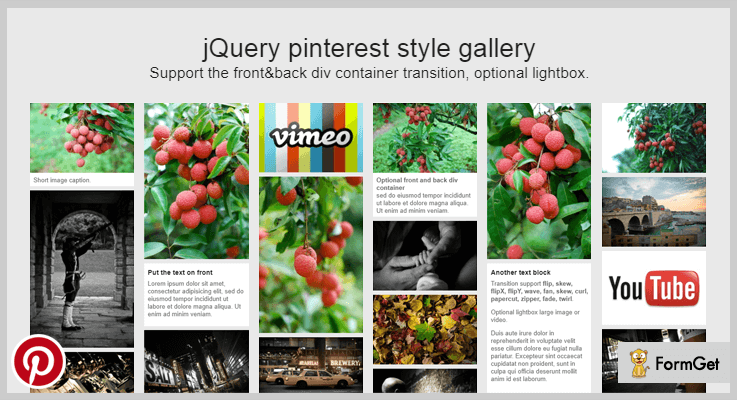
4. jQuery Pinterest Style Gallery Plugin
It is a modern gallery that uses jQuery. The plugin is modular designed having pinterest style layout, with customization in mind.
This gallery is fully responsive. It offers front & back div container transition and is fully documented. You can also use it for WordPress websites too.
This plugin is suitable for the websites having photography showcasing or restaurant menus. All in all, it’s a great plugin for the image-packed websites.
Features
- It’s lightbox supports images, YouTube and Vimeo videos.
- The plugin provides elegant CSS3 driven animation effects to your gallery.
- You will also get optional animation transition style and go back animation delay.
Pricing
You can buy this plugin at $6.
5. nanoGALLERY – Free jQuery Image Gallery Plugins
It is a modern photo/video gallery and lightbox jQuery plugin. It supports multiple gallery layouts like mosaic, grid, justified and cascading.
You can also tune the gallery with more settings for thumbnail border size, gutter space between thumbnails and thumbnail alignment.

Features
- The plugin is touch enabled and fully responsive.
- You can also add multi-level navigation in albums.
- It also provides combinable hover effects on thumbnails.
Pricing
It is a free plugin from GitHub.
6. Justified.js – Free jQuery Image Gallery Plugins
You can create a justified image grid of your website images. The plugin allows to create an elegant image gallery with various sizes of images, all the images of the row should have the same height.
It ensures to showcase your images without modifying its aspect ratio as well as without cropping them. However, when limited by the maximum row size the plugin sometimes crop images to fill the grid.

Features
- Through this plugin you can add unlimited number of images in the gallery. It allows to set the number of photos that you want to showcase at the options.
- You can set the maximum row height of the gallery.
- The plugin also allows to define the margin area between two images.
Pricing
You can download it for free from GitHub.
Over To You!
If you want to flourish your website images in an attractive manner then installing jQuery image gallery plugins is the way to go.
Splendid presentation not only creates a memorable first impression but also gives your website more credibility.
Check out the live demo of each listed plugin and pick the one that best fits your own particular needs!
Used any of these jQuery image gallery plugins? Which is the best? Do let us know in the comments.
Happy trails to you!
5+ Best jQuery Chart Plugins 2022 (Free & Paid)
It’s not easy to find good jQuery Chart Plugins as there are a large number of plugins available online which guarantee attractive features by they lack in providing good services.
So, today in this blog we have elaborated some of the best jQuery chart plugins which help you design charts, graphs, pie charts, etc for your website which are responsive and offer compatibility with various services.
All the jQuery plugins are equipped with multiple styling options, customization options, browser compatible and more. In addition, also get the functionality to add custom CSS and apply code changes on your website with these plugins.
Let’s get started with the details, but before that have a look at the blogs on popular jQuery plugins:-
1. Chartli – Interactive Chart jQuery Plugin
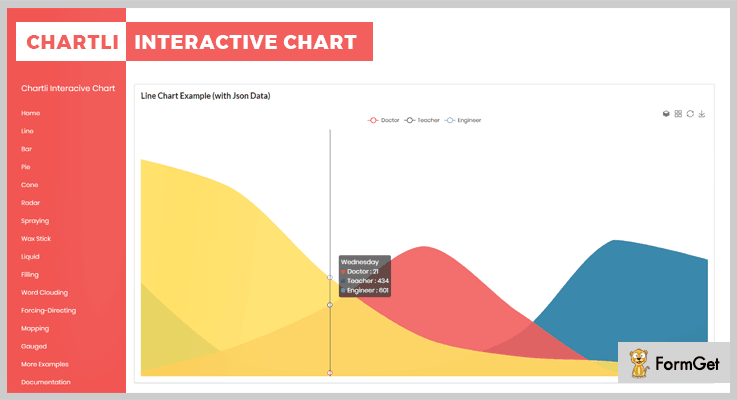
Chartli is an interactive jQuery charts and maps plugin with the help of which you can display different types of charts filled with data on your website. This plugin is fully compatible with all the latest browsers like IE11, Firefox, Safari, Opera, Chrome.
It also allows you to add animated effects and custom styling to the charts designed. You can easily change data values on the charts with this plugin as well.
Pricing:-
- Regular plan can be availed at the cost of $20 which various chart and map features.
- The extended plan can be availed at the cost of $250 with extended features and services for chart creation.
Features:-
- With this jQuery plugin, you can have interactive chart elements as well as animating charts displayed on your website.
- Allows you to create a customizable line, bar, pie, radar, map, cone, chord and other types of charts to project filtered data.
- You can also save charts in the form of PNG images with the help of this plugin.
- It also includes documentation file which holds various chart examples which this jQuery plugin supports
Click For More Details On jQuery Chart Plugin
2. Grafikon – jQuery Chart Plugin
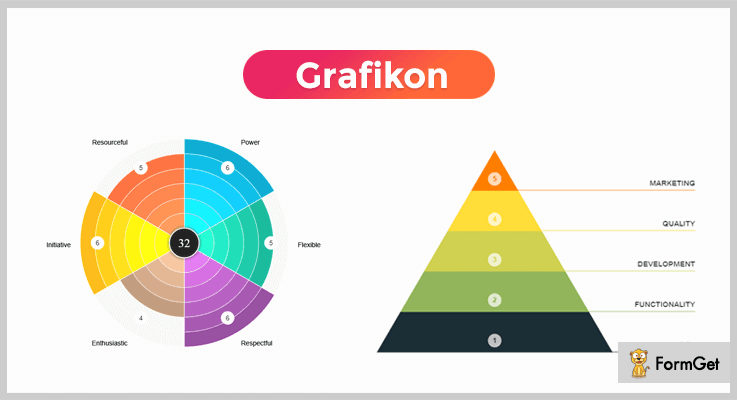
With Grafikon jQuery chart plugin you get six different modes to create charts for a website like valuation, pyramid, line, pie, doughnut, and progress. It also offers chart customization options as well.
Plus, this plugin is 100% compatible with multiple browsers IE9, IE10, IE11, Firefox, Safari, Opera, Chrome, etc.
Pricing:-
- $20 is the price which is being charged for full features access to this plugin.
- For the extended features and services of this plugin, you have to pay $35.
Features:-
- Various option like animation effects, click events and export charts as an image are available in this plugin.
- With the help of this plugin, you can add pie, pyramid, progress charts, etc on a single webpage.
- This plugin includes various chart stylings like colors, sections, levels, fonts settings for chart customization.
- You also get extra features like auto data updates at page refresh, and more with this jQuery plugin.
Click For More Details On jQuery Chart Plugin
3. Google Chart Scroller – jQuery Plugin
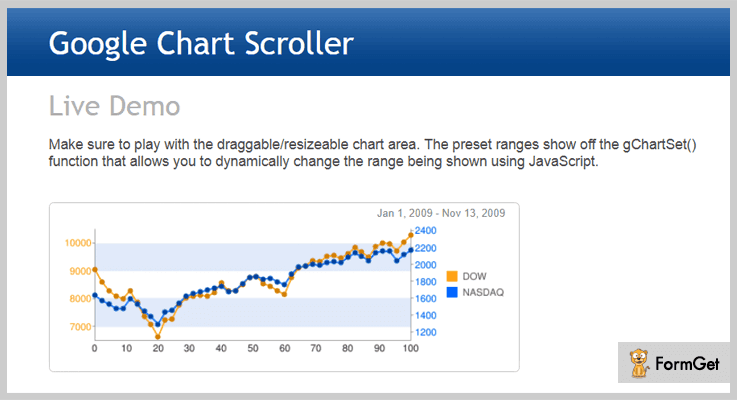
Google chart scroller is a responsive jQuery plugin through which you can create Google charts that can easily be zoomed and scrolled by the users. It allows you to define any date format in the axis labels, and to apply custom changes CSS styling can also be used.
Pricing:-
- The first plan of this jQuery plugin will cost you $7 and will come loaded with various advanced features.
- The second plan of this plugin will cost you $35 for extended features and services.
Features:-
- Provides various style options for chart customization like colors, fonts, CSS styling, etc.
- It allows you to create Google charts which can easily be zoom and scrolled by your website users.
- This plugin includes separate functions for zoomed-in range and for user drags/resizes which are called user performs these actions.
- Charts and graphs created are compatible with various browsers and looks great on different devices as well.
Click For More Details On jQuery Chart Plugin
4. GraphUp – jQuery Chart Plugin
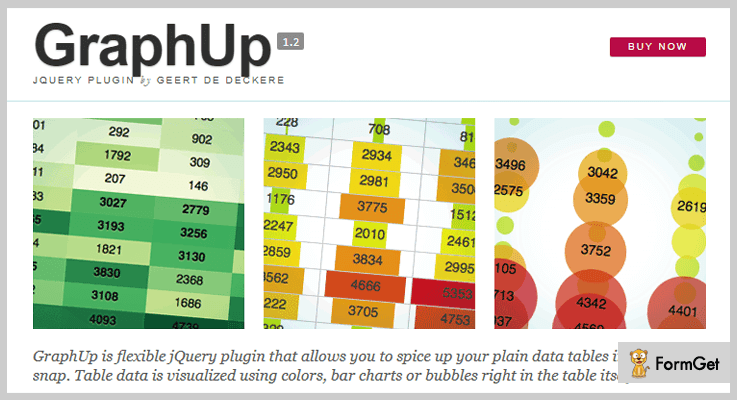
GraphUp is a lightweight jQuery plugin with which you can create flexible charts to display data on your website in a processed format. With this plugin, you can change the default values, define custom cleaners for new methods and more.
Options like browser compatibility, tables without javascript, demos, etc are also provided with this plugin.
Pricing:-
- Regular license of this jQuery plugin comes with a price tag of $17.
- The extended license of this plugin with enhanced features and services comes at a cost of $85.
Features:-
- This jQuery plugin is super light as it takes only 4kb memory to load and gives your website a fast loading speed.
- Different graphs and chart details along with an example and codes to implement are provided in a well-documented page.
- Multiple customization options are also available with this plugin like alignment, bubbles, CSS class, color map and more.
- This plugin is easy to implement on a website, you just have to apply to code and connect the GraphUp plugin with the relevant data.
Click For More Details On jQuery Chart Plugin
5. OrgChart – jQuery Chart Plugin
OrgChart is one of the best free jQuery plugin for chart creation. With this, you can build charts with nested tables and clubbed information. You can also apply FontAwesome icons to project administration icon, second level menu icon, and loading spinner.
It supports pan as well as zoom, allows you to combine multiple solutions, and it is touch-enabled which makes it mobile friendly.

Pricing:-
- OrgChart is an absolutely free jQuery plugin using which you can apply various forms of charts on your website with ease.
Features:-
- This plugin supports all types of local data and remote data available on JSON files.
- With the help of drag & drop function, you can change and design your own chart structure.
- Charts can simply be exported in the form of pictures as well as in pdf documents.
- Provides an organized documentation with the help of which you can view different types of charts which can be created using this jQuery plugin.
Click For More Details On jQuery Chart Plugin
6. FlowChart – jQuery Chart Plugin
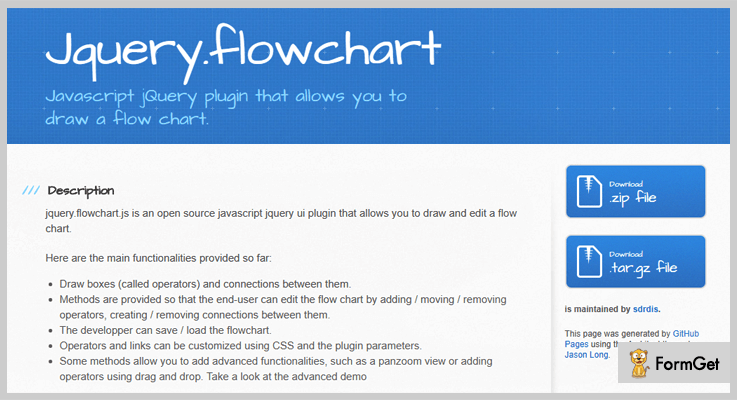
With FlowChart jQuery plugin you get a complete interface through which you can manage flowcharts and custom properties with ease. It is a fully responsive plugin which supports various browsers and helps you create attractive flowcharts to explain data in detail.
Pricing:-
- This is another free of charge jQuery plugin which can simply be downloaded for free from github.com. Even being a free plugin it offers various advanced features and services.
Features:-
- With the help of this plugin, you can create different types of charts like the read-only chart, chart with links, and more.
- Operations like add, move, remove operators, etc can be performed by the end-users with ease.
- You can use CSS to customize operators and links with the help of this plugin.
- Developers are permitted to save and load flowcharts for their work ease.
Click For More Details On jQuery Chart Plugin
Conclusion
We are at the end of this blog on jQuery Chart Plugins and I hope that you must have found the best chart plugin for your website which you can implement with ease. All these plugins are loaded with various features and offer a great number of services.
In case, you have got any doubts or queries related to this blog, you can mention them in your comments below. We will be happy to hear from your side.
4+ jQuery Validation Plugins (Free and Paid) 2022
If I tell you that out of 5 random documents only 2 are validated, then you would not even think about giving a look at the other 3. Validation holds this much authority!
A document, be it of any kind, is officially acceptable and approved only when it is validated.
Forms are one of those paramount document on which we will be discussing now. Creating a form is one easy thing, everyone can master but validation, it requires a lot of calculations.
And for this exact reason, you would always need jQuery Validation Plugins for your website. This might sound very typical and complex term to you, but trust me you would not find anything simpler.
jQuery Validation plugins let you create many types of forms for multiple web application purposes. Then it takes up the inputs from users through pre-defined fields. Further, with the help of these plugins, you can make sure that the fields filled by the users meet up the requirement of the parameters validated in the first place.
Moreover, these plugins are very responsive & user-friendly. You can easily customize them by using few lines of codes.
Few more blogs to read-
“A take on this is going to make your website’s navigation better than ever!”
“Use the best sliders on your website to impress the visitors at the first glance!
“Incorporate tabs in your website to display all the information in a sorted way.”
The key components that these plugins provide are form validation using jQuery, CSS3 form sets to create forms of any complexity, HTML attribute autocomplete.
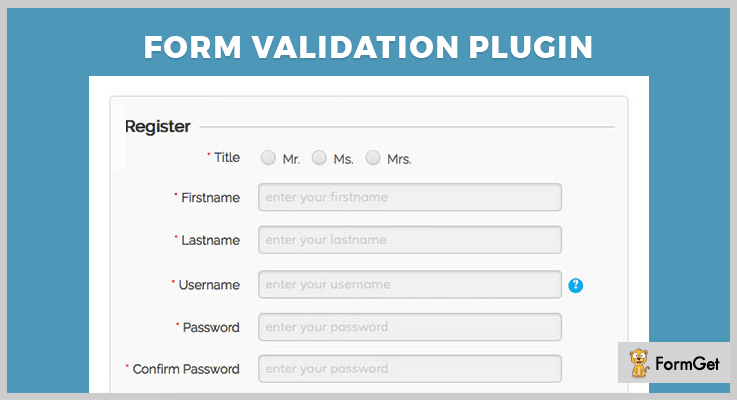
1. jQuery Form Validation Plugin
jQuery Form is one of the best jQuery validation plugins. This plugin provides you with exemplary features for validating the input value provided by the users. Also, it is user-friendly and responsive to all screens & mediums like mobile, desktop, etc.
Moreover, this plugin is compatible with Bootstrap version 2 and 3. Plus, this plugin does not require a database for installation.
It provides Inline notification feature for input, with which a user can know the status (alert, success, error etc) of action during form fill-up.
Pricing
Spend only $6 to have this plugin with 6 months support. And extend this support for 12 months at $1.50
Features
- It provides various form fields for validation by using JS, AJAX, and PHP.
- HTML Placeholder attribute gives a sample value in the input field.
- Password strength meter bar will help to visualize the password strength as a progress bar.
- With Text limiter extension, you can limit the number of characters or words in the text area.
- This plugin is Cross browser compatible.
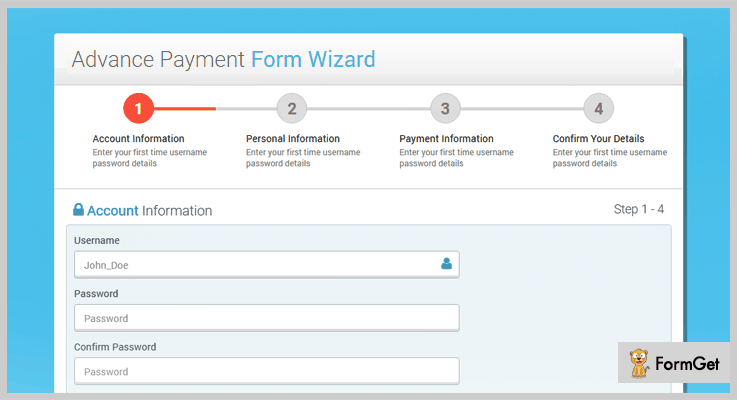
2. Multi Step Form Wizard – jQuery Validation
Based on HTML5, CSS3 and jQuery this plugin allows creating forms for various web applications like project management system, admin dashboard, CRM, custom admin panel etc.
With this lightweight plugin, you can create a form wizard in multi-steps. The best use is creating a 4 step payment form. Also, the integration of Bootstrap grid system makes it fully responsive to every device.
Also, it gives an option to validate either all or some specific fields of the form.
Pricing
You can avail all this multiple feature compiled plugin at $8 only having 6 months support. Spend only $2.25 for an extended support of 12 months.
Features
- The plugin enables a user to provide animation during step transition with the help of animate.css.
- You can give field description on Popover on all form fields. A pop-up box gets displayed on every field to give info/hint on clicking the element.
- It allows you to display a configurable error message suitable for different forms.
- This plugin provides step counter and step image feature.
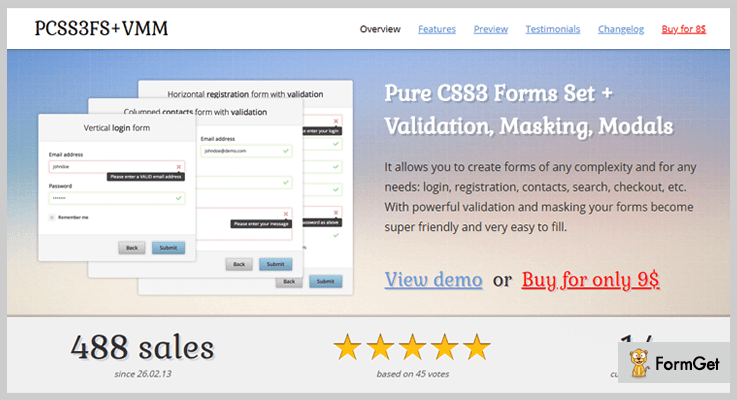
3. Pure CSS3 Forms Set + Validation and Masking
With this plugin, you can create a huge variety of forms like login, registration, search, contact, checkout etc. It provides with client-side validation with multiple options such as required filled, email, URL, date, number etc.
The field masking option will allow concealing the screen output of sensitive data at the field. Authorized users are allowed to view those fields. Eg. credit card fields.
With more than 40 examples of creating forms, it also consists of various customized elements such as radios, checkbox, buttons (in 19 colors).
Input for fields is assisted with autocomplete function, which offers suggestions for word completion.
Pricing
Get this feature loaded plugin at just $9 with 6 months support. You can extend the support for 12 months at $2.63
Features
- The plugin provides modal forms which are dialogue box/popup window on the main page.
- It provides a tooltip for every element. This GUI element will provide additional information (hint) to the user on hovering the cursor over the element.
- This plugin comes with 3 responsive form layouts namely vertical, horizontal and columned. These layouts can be fixed on the screen or responsive.
- It comes with 249 scalable font awesome icons.
- This plugin gives 5 states for each element – normal, focus, success, error and disabled. As well as 3 sizes for elements (normal, small, large)
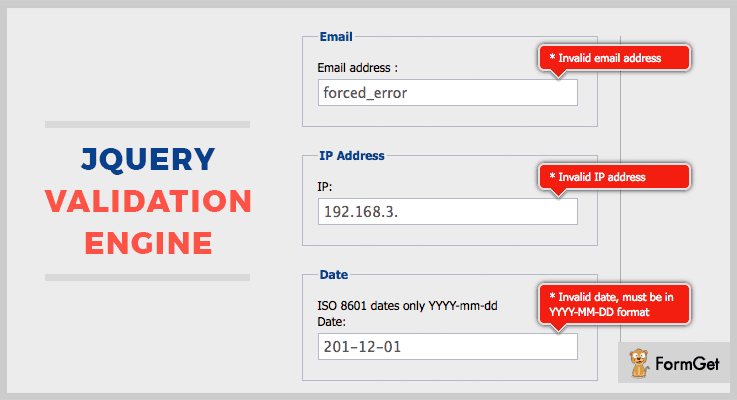
4. jQuery validation engine
jQuery Validation Engine is one of the best open source plugins that provides validation to form fields. The plugin provides highlighted and eye-catching prompts that easily holds users attention.
Validation is not limited to email, phone, URL, but some complex function calls like AJAX processing and custom JavaScript functions are also facilitated.
Pricing
You can add up all the features of this plugin on your website just like that. As it is completely free.
Features
- The plugin allows you to add datepicker functionality to display an interactive calendar in a small overlay on the page.
- It includes various locales. This feature helps to translate the error prompts into your preferred language.
- This plugin generates an error messages on cross-checking the various parameters like value missing, data type mismatch (eg. given time and date range), pattern mismatch (for credit card).
- Performs well with the popular browsers like IE 6-8, Chrome, Firefox, Safari etc.
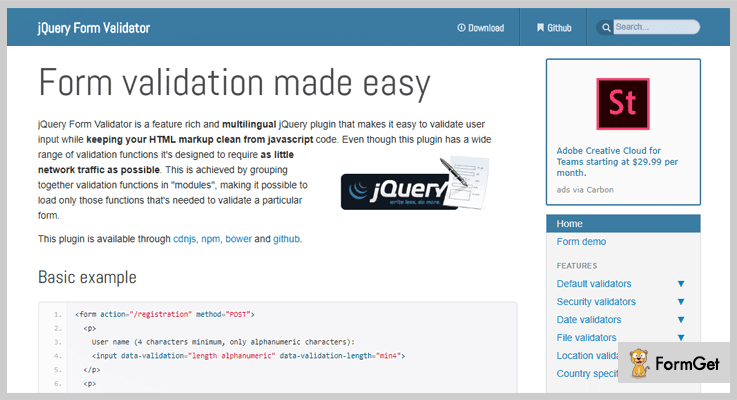
5. jQuery form validator
This multilingual plugin comes with validation translations for 15 languages like English, German, Swedish, Polish, French etc. It provides default validators for various fields like URL, email, domain, date, checkbox group and so on.
You can also apply multiple validators on the input elements. Further, validation of image dimension and ratio is possible with this plugin.
Pricing
Avail this plugin without paying any amount. Free!
Features
- One of the modules of this plugin works on security parameter. It validates spam check, CVV, recaptcha, password strength etc.
- It provides validators for geographical data like country, state, longitude, latitude. You can also suggest the country name to the user.
- The plugin offers automatic data sanitization for input values.
Conclusion
In this blog, we have mentioned few of the finest jQuery validation plugins amongst which some are free while others are paid.
So, what are you waiting for?
Use any of these plugins and start validating the forms as per your requirement.
You can contact us for any more queries
Thanks for reading.
4 Best jQuery Graph Plugins (Free and Paid)

Have you ever wondered what the jQuery Graph Plugins do?
jQuery Graph plugins help you to create interactive DataViz in the form of graphs and charts for your web page.
We all know that graph or chart allows you to define visual presentation of your data. All the business professionals use graphs or charts to convey information and to make simple statics of their data. So, when you want to make your website more interactive with heaps of information, adding graphs and charts is a surefire strategy.
However, finding the best jQuery graph plugins from the stack is not an easy task as it is difficult to choose which one really delivers value.
That’s why to solve out your problem we are here with the collection of 4 best jQuery graph plugins. These plugins consist of all the important features such as various layout, which give your site a better presentation, responsive designs, CSS for added colors and styling and a lot more.
Also, these plugins have various useful and creative modes like pyramid, line and more which help you to create different design graphs. All these plugins are well documented and have a handy user guide to help you in getting started with these plugins.
Further, you can make tables and statics of your business product sales easily with the help of these graph plugins.
Read some blogs too!!!
“List of useful validation plugins helps you to authorize clients data.”
“Use these navigation plugins to add menu bars, side bars etc for better navigation throughout the site.”
“Give your site a better look by adding these image slider plugins.”
Here in this article, we explain all possible factors of building beautiful, yet effective graphs. Just go through the article for complete knowledge about the detailed features of each jQuery graph plugins.
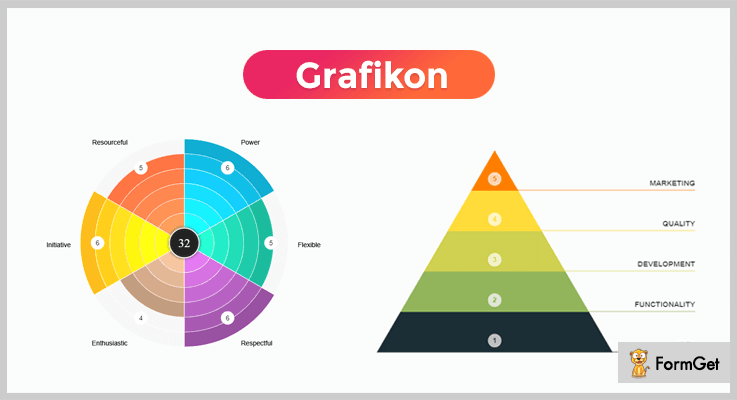
1. Grafikon Graph Plugin
Grafikon is a powerful jQuery chart plugin, which helps you to create your own unique chart with full customization. You can also create your own infographics easily with the help of various responsive modes present in this plugin.
Further, the plugin is easy to use and is compatible with all the important browsers such as IE9, IE10, IE11, Firefox, Safari, Opera, Chrome etc.
Pricing :
Buy the regular license of this plugin at $20 with all the future updates and full support up to 6 months. You can extend your support up to 12 months by paying $6.75 only.
Features :
- The plugin comes with six main modes for building effective graphs. These modes are an evaluation, pyramid, line, pie, doughnut, and progress.
- Grafikon plugin is fully customizable so that you can make easy changes in colors, sections, levels, fonts settings and many more.
- Export your graphs in the form of images using this plugin. This helps you use the graphs in presentations as well.
- You can create as many graphs as you want using this plugin.
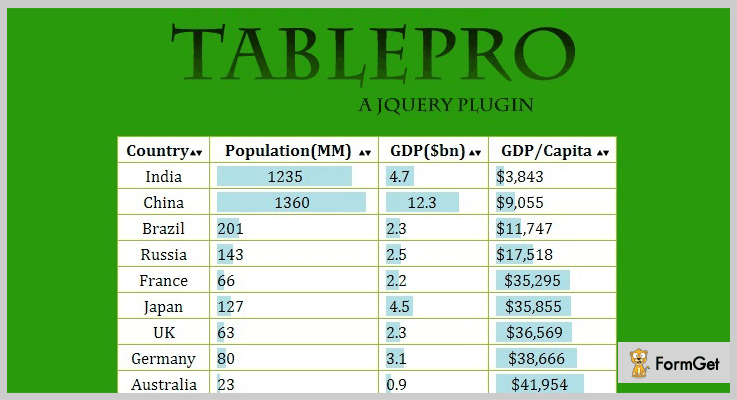
2. jQuery TablePro Plugin
jQuery TablePro plugin is one of the finest plugins in this list of jQuery graph plugins. This jQuery plugin allows the user to sort table data in ascending or descending order.
It has useful visualization library which offers an easy way for adding interactive, and highly customizable charts to your commercial products.
Pricing :
Buy jQuery TablePro plugin at $6 with 6 months support and regular updates. The extended license will cost you $30 which offers you more enhanced features and services.
Features :
- Using this plugin, one can show the graphical representation of tables by clicking on the header of the column.
- You can add two graphs in the same window, one from the left side and another one in the center.
- jQuery TablePro plugin allows you to plot animated graphs which gives your site a better presentation.
- It is an easy to implement plugin which is cross-browser compatible.
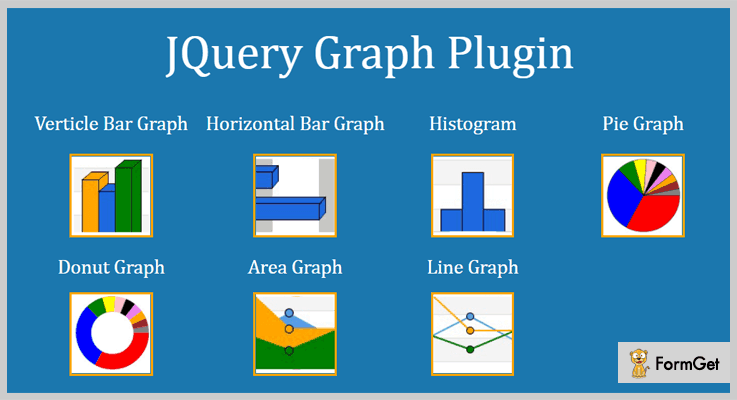
3. jQuery Graphs Plugin
jQuery Graphs Plugin is an effective plugin for creating beautiful graphs and charts on your website. This plugin helps you in adjusting width and height of bars for your charts.
Using this jQuery Graphs Plugin, you just have to add data of your columns and your graph is ready in the fraction of time. The plugin is written with the help of jQuery which is a whole new lightweight canvas library. Also, it comes with useful user guide documentation.
Pricing :
This plugin cost you $14 with regular future updates and complete quality checked by Envato.
Features :
- There are various layouts available in this plugin. These are a vertical bar graph, horizontal bar graph, histogram, line graph, pie graph, area, and donut graph.
- jQuery graphs plugin is easy to use. Your graph is ready in just 4 to 5 lines of your graph data.
- It has given CSS file for additional styling of the graphs.
- Vertical bar graphs and horizontal bar graphs present in this plugin works fine with all the major browsers as well with single bar view.
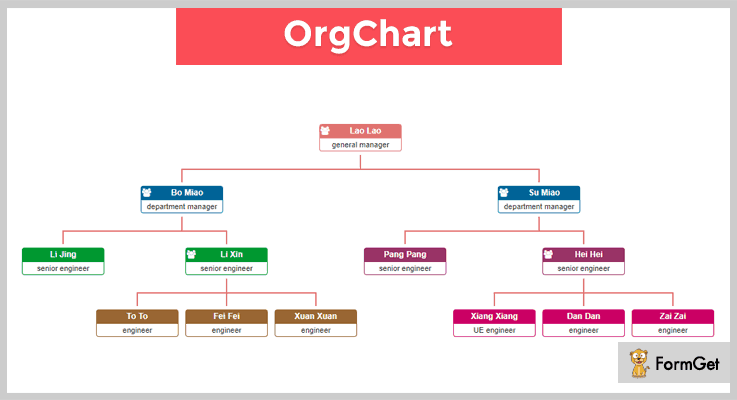
4. OrgChart – Best in Free jQuery Graph Plugins
OrgChart jQuery graph plugin is a simple and direct organization chart plugin. If you want a tree-like chart for your website then this plugin is the best solution for you.
The plugin allows you to adopt multiple solutions to build up a huge organization chart. This plugin consists of multiple-layers or hybrid layout sections for creating charts and graphs.
Further, the plugin supports exporting chart and graphs as a picture or pdf document. Also, it allows easy zooming options.
Pricing :
The plugin is free of cost. You can easily download this plugin from GitHub website.
Features :
- This plugin has smooth expanded and collapse effects based on CSS transitions for better presentation of graphs and charts.
- OrgChart jQuery plugin allows you to edit charts dynamically. Further, you can save the final hierarchy as a JSON object.
- With the help of this OrgChart jQuery plugin, you can align the chart in four different orientations for giving your website a better look.
- It helps you to change organized chart structure by easy drag/drop nodes.
Conclusion :
Now as you read all the 4 Best jQuery Graph plugins, we hope you have understood each and every aspect of this article. Also, you can select plugin accordingly from above free as well as paid plugins.
All the above-mentioned plugins are well documented with a user guide which makes your work more easier. Hope you have found the jQuery graph plugin according to your requirement.
Stay tuned for more plugins.
You can ask your queries in the comment section.
4+ Best jQuery Pagination Plugins (Free and Paid)
jQuery pagination plugins gives you a better way of presenting the information on your website. But before we start with the plugins, knowing pagination is important.
Pagination simply means dividing a large content into different hyperlink web pages and present them in an organized way. In more simpler words, it’s when you break a big piece of digital information into smaller bits of pages.
Now the easiest way to get pagination in your website is by using jQuery pagination plugins on your website.
The main purpose of using these pagination jQuery plugins is to arrange a huge amount of content by dividing it into several pages.
jQuery pagination plugins come with lots of functionalities such as themes & colors to choose from, adjusting page size, show or hide or edit pagination button, displaying the total number of pages and records in the pagination section and a lot more.
These plugins will also provide you different ways to show the pagination and to provide different names for pagination button.
We have massed a list of best jQuery pagination plugins that will help you in integrating pagination on your website easily. Grab any of the pagination jQuery plugins and start spreading your content all over the pages.
You may like to take a glance at the following blogs as well:
“Sort your information further into tables using jQuery Table Plugins”
“Add a call-to-action on your website with our best jQuery Button Plugins”
“Let your visitors know whether it’s sunny or rainy out there with jQuery Weather Plugins”
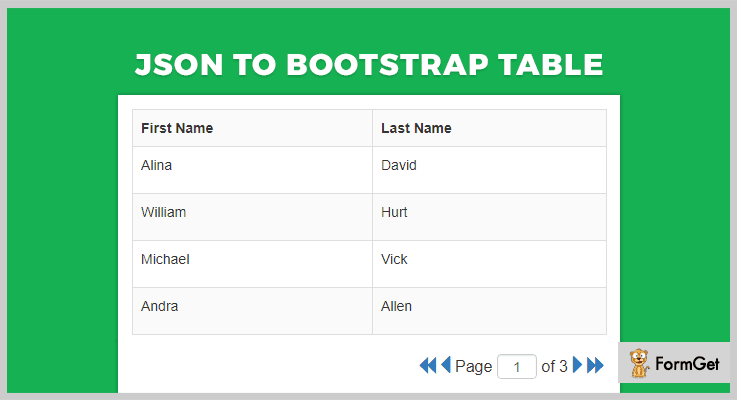
1. JSON To Bootstrap Table – jQuery Pagination Plugin
This plugin is basically used to create a Bootstrap table for JSON. JSON is an open-standard file format that is used by human-readable text to transmit data objects.
Apart from this, the plugin is apt for pagination and it lets you create pages and display those in real-time.
The plugin displays the Bootstrap table with pagination and action buttons. You just need to split your JSON and pass it to this plugin then the table will be created automatically. Also, this plugin comes with a live demo, which will help you in its better understanding.
Price –
- You can buy this plugin at a very reasonable rate of $9 with 6-month support from NajmulIqbal15.
- If you want to extend the support for one year then the cost price of this plugin will be $11.63.
Features –
- You can specify if you want to show, hide, edit or delete the pagination buttons.
- With this plugin, you can specify the size of any page or the number of records per page.
- It automatically creates a table of Bootstrap.
- In fact, you can display custom titles for header row.
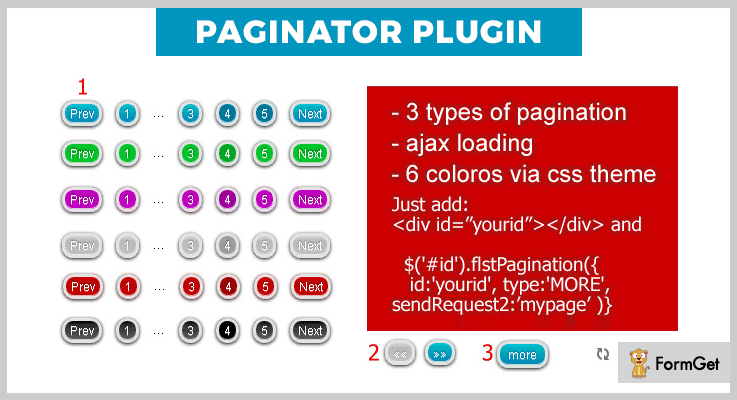
2. jQuery Paginator Plugin – jQuery Pagination Plugin
This plugin is considered as one of the best plugins in the subclass of jQuery pagination plugins. Even it provides you different pagination modes with the action buttons like 1,2,3., << >> or more button.
And, most importantly it comes with screenshots and live preview which means you can understand it better. Also, you can make your own CSS themes using this plugin.
Price –
- The price of this plugin is only $6 along with its features and 6-month support from Sodasi_web.
- And if you want to extend the support for 12-months then you will have to pay $7.50 only.
Features –
- This plugin provides you with 6 CSS themes, which means you can choose any color or you can make your own CSS theme.
- You can easily switch between standard, arrow and more style pagination by allowing the normal, two buttons or more parameter.
- It provides three types of paginations – standard, arrow and more style paginations.
- In fact, you can create a folder with an HTML page.
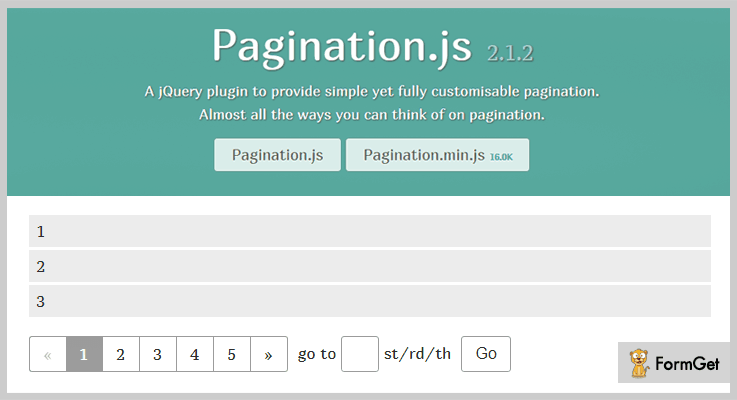
3. Pagination.js – Best Free In jQuery Pagination Plugins
It comes under MIT license. This supports all browsers so that your website can work clutter-free irrespective of browser.
Also, you can also add a go option and a search box. Using this your viewers can type a page number in the search box and can click on go button, the page will be redirected to the page your viewer wants.
Price –
This plugin is available free of cost for everyone and you can get it from the official website of GitHub.
Features –
- It provides almost 12 different styles of showcasing pagination on the websites.
- This plugin provides you 5 different color themes for your pagination buttons.
- You can render your data by calling a function and to maintain it you can use templating engines such as Handlebars and Underscore.template.
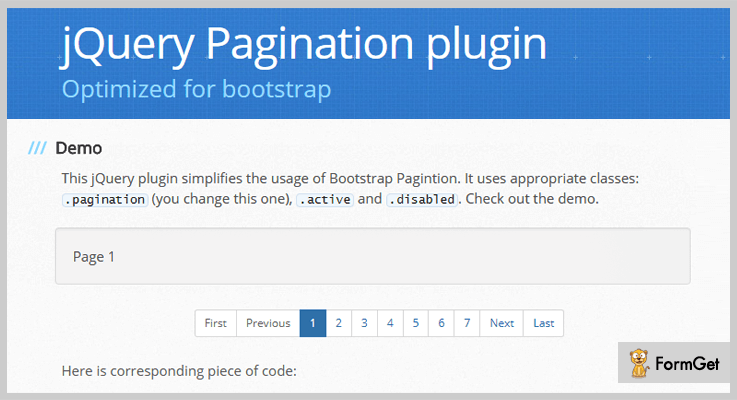
4. TWBS Pagination – Free In jQuery Pagination Plugins
It is one of the simplest and yet effective pagination plugins. TWBS allows you to add the enable or disable buttons in action. You can add alternative styles of showcasing the pagination with start and end page numbers.
It also provides .zip file and .tar.gz file for downloading this easily in these file formats. And comes with a well-explained documentation in which they have described all the options, usage, which class you have to use and more.
Price –
Anyone can download this plugin for free from GitHub.com, without paying a single penny.
Features –
- This plugin helps you in attaching many paginators to your content by using a class name, for example – HTML – <ul class=”sync-pagination”></ul>.
- Also, you can add the new number of total pages just by call destroy method and then initializing it with new options.
- It simplifies the usage of Bootstrap Pagination by using class names such as – .pagination, .active and .disabled.
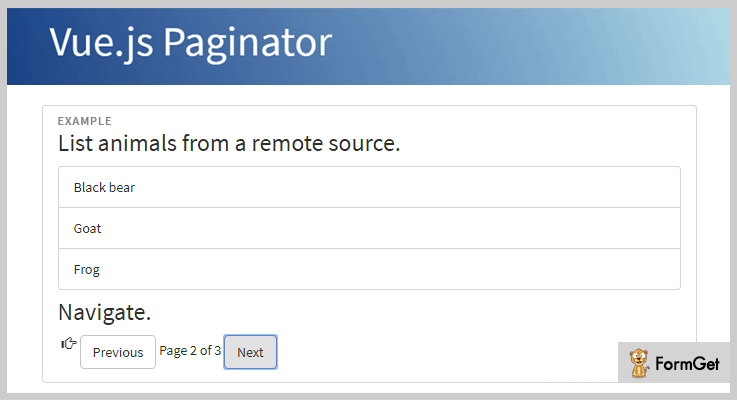
5. Vue.js Paginator – Free In jQuery Pagination Plugins
Vue.js Paginator is a powerful plugin and holds a lot for you. It comes with well-managed documentation, which will help you in future to resolve your queries.
This plugin is built for production with minification. So, you can use it, if it matches your site’s requirement and personal preferences.
Price –
This plugin is available free of cost on GitHub.com, from where you can download it for free.
Features –
- It allows you the access to how to provide the data, instead of using a predefined table.
- Each time a page is changed or fetched, it gives off an event to update the resource.
- You can add previous and next button using this plugin.
- Moreover, you can fetch data manually in two ways by updating the resource_url or by calling paginator’s fetchData() method.
Conclusion –
By using these free and paid jQuery Pagination Plugins, you can easily divide your content into many pages. This way, your viewers won’t get bored and curiously will click on your next page.
Guys, don’t forget to share your reviews in our comment section.
5+ jQuery Image Slider Plugins (Free and Paid)

jQuery image slider plugins are becoming more popular with its superb features and functionalities. With the help of these image slider plugins, you can easily create CSS image gallery slider for your website.

On the web, there are so many amazing and powerful jQuery image slider plugins available and we have specially selected some of them for you. These plugins will give you an advanced tweaking to make brand new sliders for your website and provide a better user interface.
By implementing one of these plugins into your site, you will heave a sigh of relief because these tools come with a dozen of pre-built features & functionalities such as animated layers, keyboard navigation, thumbnails and various more. You only need to add captions, images, and effects on the slider and rest code are generated by the jQuery tool.
These plugins will give many other options for choosing the effects for your image slider for e.g. parallax effects, super smooth transitions, Ken Burn Effects, and blur effects to make your slider more creative. Some of the plugins in this blog supports videos and as well as rotation of slider banners.
So, without any long discussion, have a look below at the mentioned jQuery image slider plugins which are available in paid as well free and contains intuitive of advanced features.
But before going through them, check out few more available blogs of jQuery plugins which might be helpful for your upcoming project.
1. JQuery Image Slider Plugin:
This jQuery image slider plugin allows you to create a scrollbar image. It has an active installation of more than 50, 0000+ as on date. The tool supports caption text for every image slider and makes your website more appealing and pleasing. Simply select images, drag & drop, add a slide caption, and start using it.
You can resize and customize the sliders of your website by using the style sheets and also it contains PSD files for customizing the scrollbar graphics and designs.
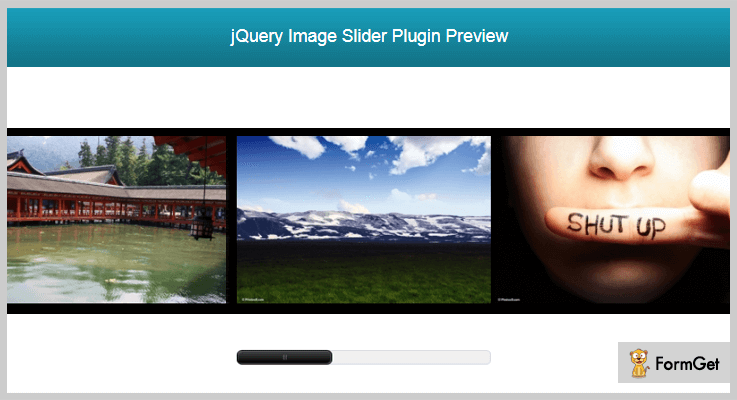
Other Useful Features:
- The plugin provides a slider button to change the slider image of your website quickly.
- Also, it is fully resizable and colors can be easily edited with the help of CSS.
- It displays the contents as well as slider image.
Pricing:
jQuery image slider is a premium plugin but it will costs you only $3 for its 6-months support, also you can extend its services at $20 for 12 months support.
2. Master Slider jQuery Slider Plugin:
With 1,277,500+ active installation, Master slider plugin is second in the race of popularity. This tool for jQuery has taken the slider to the next level with its captivating looks, super smooth transitions, and more. Master Slider plugin is a premium slider for both image and HTML contents. It supports touch navigation with a pure swipe gesture.
It comes with 80+ ready to use sample of sliders for you. Plus, it also provides you the option to add hotspots, thumbnails, video support, and variety of effects on your slider.
Other Useful Features:
- It comes with parallax effects which makes your sliders more attractive and creative.
- Also, it provides an online visual builder which allow you to build any type of sliders by combining and arranging content elements.
- Master slider contains animated layer sliders also which develops more graphics and arts on your website.
- This plugin provides you 3 preload image options such as before initializing, instant initialize and at the same of initializing the slider.
Pricing:
Get this clean coded & well-documented jQuery plugin at $17 and take its unlimited advantages for 6-months.
3. IA Slider jQuery Image Slider Plugin:
This IA Slider image plugin lets you create a beautiful slider for your website without any coding. Sliders made with this plugin are completely responsive and even touch-friendly.
Its sliders come with varied options of visual effects, animation effects, advanced templates, images preloader option, and an amazing blur effects. Plus, the plugin also comes with PSD templates with which you can create a custom skin for sliders.
Moreover, the plugin allows you to embeds the videos from Vimeo & YouTube with amazing background captions.

Other Useful Features:
- There’s Ken Burn Effects (panning & zooming effects) which is used to embed images in motion pictures & display in a slow zooming effect.
- The colors in this plugin are based on CSS so you can easily change the color of your sliders.
- Speed rate option is also available through which you can speed up, and slow down the sliders.
- IA Slider allow you to set any amount of inline images in gallery mode.
Pricing:
It has two pricing plans based on versions. $13 for basic features and functionalities and $65 for its Pro Edition.
4. Evo Slider Pro jQuery Plugin:
This plugin is an all in one jQuery plugin that lets you create any type of content slider on your website. It gives you a flexibility to use this product in a multitude of ways, whether you are building anything from an image gallery, to a banner rotator and more of things in between.
It is a simple and probably the best choice of jQuery image slider plugin you’ll ever need. It gets the content sources from different tools such as HTML, XML, Dailymotion, and Flicker.

Other Useful Features:
- It provides Callback API to run the functions before and after implementing the slider into your website.
- The plugin contains permalink for each slider which enables the slides to be bookmarked.
- It supports multiple slider layouts so you have to set your images to display it in an accordion.
- Autoplay option is available so that slider can be set to rotate automatically.
- It provides directional navigation which shows where your slider is going to display.
Pricing:
This plugin will cost you only $14 in order to provide you its dozen of advanced features and functionalities.
5. Blueberry jQuery Image Slider Plugin:
Blueberry is one of the most beautiful and easy to use slider in the market which helps you to provide unique visual effects. All its features and performance persuade us to rank this plugin as one of the best jQuery image slider plugins. It has got features like responsive web layouts, image cropping option, visual effects and a lot more.
The plugin has got a really great and dedicated support team that comes with the best solution every time.
Other Useful Features:
- It automatically builds a page of a slider with an option to enable or disable the slides.
- Keyboard navigation is added to this plugin for the people who can not use any pointing devices.
- Option to resize the pages of your slider.
Pricing:
This product will cost you nothing. You can get this tool from GitHub’s official website.
6. Devrama-Slider jQuery Image Slider Plugin:
This is an excellent plugin to make a slider of both images and HTML contents. It automatically resizes the image’s size according to the size of slider parent container and can be used for different sizes of devices. Devrama is CSS3 transition ready which provides native transition effect like slide, fade, split, wave etc on your slider.
Other Useful Features:
- The plugin provides a progress bar which shows the time remaining in uploading of slider images to the website.
- It has an advanced preload/lazyload option to load the images sequentially.
- There is an option to pause the slider on hover whenever required.
- It supports SRC attributes which locates the URL of the image.
Pricing:
This is another free image slider plugin which is packed with tons of useful features. It is an open source software which can be downloaded without paying any amount.
Closure:
Now, this was the best 5+ jQuery image slider plugins from our side. We hope that you must have found a perfect fit for your website. We’ve carefully selected those sliders which as per the user’s rating, reviews, and highest installations.
Moreover, if you have any other image slider plugins in your mind then let us know via the comment section below.
Thanks for reading!
5+ Best jQuery Table Plugins (Free and Paid)
jQuery table plugins are used to create tables more quickly, easily & dynamically as compared to the traditional HTML tables.
But why would you need these jQuery table plugins on your website?
Tables are highly recommended and straightforward way to display information. It displays data in the form of rows & columns which make it easy to perform various operations. The operations that can be performed on a table are- selecting, sorting, merging, paging & filtering. It is a job that would manually drive you nuts! That’s why we knock the door of table plugins to create tables and to perform all those operations as well.
Many of these plugins make efficient use of the data fetched from the back-end (JSON) as well as pre-built standard HTML tables. Also, these table plugins are very easy to integrate & offer high customization.
In this article, we are going to run through the Top 5+ jQuery table plugins both free & paid. These plugins would definitely help you create, extend or enhance your site tables.
Further, these table plugins range in their scope from simple table restyling to premium solutions.
Check out these jQuery plugin blogs too-
1. JSON To Bootstrap Table – Prime in jQuery Table Plugins
JSON To Bootstrap Table jQuery plugin will help you display Bootstrap responsive tables from JSON file data. It will create a table of data fetched from the backend (i.e, JSON file which is a usual JavaScript functionality).
This is an ultimate and super easy plugin to display the Bootstrap responsive table with pagination & action buttons.
Furthermore, you only need to parse your JSON data & pass it to the JSON To Bootstrap Table plugin & it will automatically create a table.
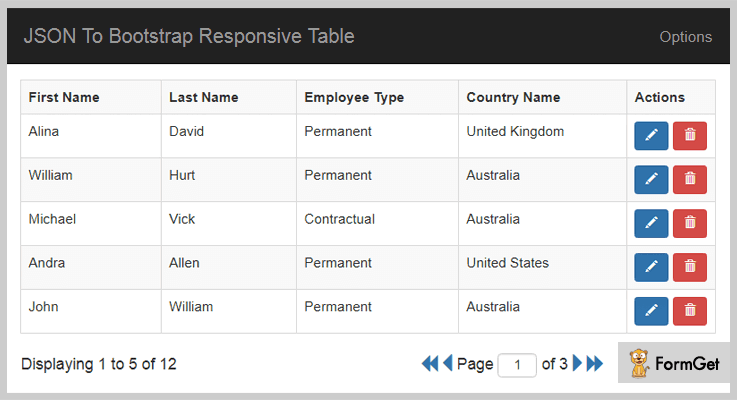
Pricing Plan-
JSON To Bootstrap Table plugin has a regular licensed plan of $9 and an extended licensed plan of $45.
Features-
- It displays pagination as required.
- A total number of pages & records is shown in the bottom pagination section.
- It displays custom/smart titles like- FirstName to “First Name”/Country_Name to “Country Name” for header row.
- You can specify page size, the primary key column, show/hide edit/delete action buttons.
2. CSS3 Price Table – jQuery Table Plugin
As clear from its name this is a plugin which can create price tables using CSS3 & jQuery. It uses pure CSS3 animation effects. You can create pricing tables with the different color styles provided. Even you can add a badge/banners for tagging a specific plan. There are various animation styles available to experiment with the table animations.
Additionally, FAQ & source files are available to help you out. Also, it gives free updates for the future.
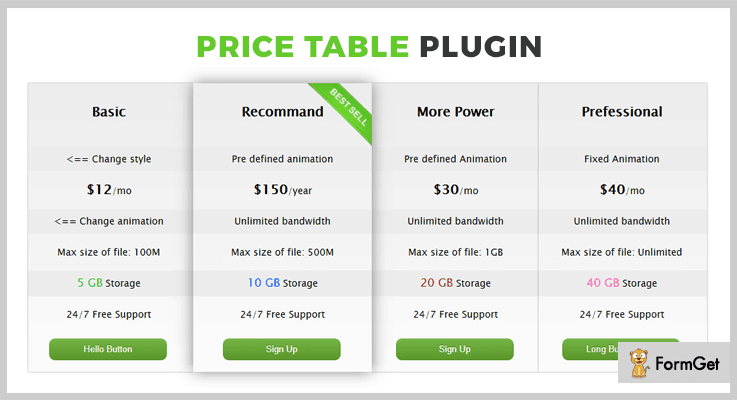
Pricing Plan-
CSS3 Price Table jQuery table plugin has two cost estimate plan. They are-
-
- Regular – $5
- Extended – $25
Features-
- 8 color styles of badge/banner & table buttons. Plus 29 animation styles.
- Optional badge/banner on the tables and the layered png of the badge are also included.
- Optional animation style for each row of the table.
- Either you can use the global animations available or you can customize each row in custom animation.
3. TinyTable – jQuery Table Plugin
Normal tables won’t look great in mobile/phone browsers. So TinyTable jQuery plugin converts your tables into mobile/phone friendly format.
It will auto-convert your table width to the maximum width of your browser window. You can use 2 options to make use of this plugin’s functionality. The first is you can enable overflow so the table will be kept in a special container & on mobile/phone it enables swipe gesture. The second option is to convert the table into a 2 column table that is you don’t have to swipe but it stretches the site along its length.
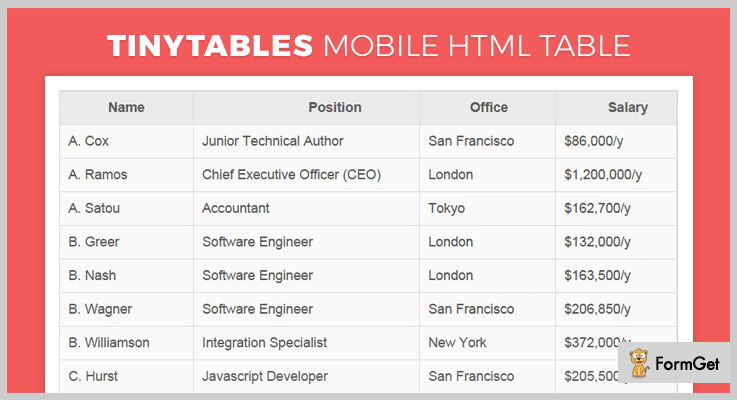
Pricing Plan-
It has a regular licensed plan of $8 and an extended one for $40 with future updates.
Features-
- It creates tables that fits great on mobile phones.
- Multiple options to beautifully showcase long tables (along width or height).
- Also, it supports swipe gesture as well as scrolling according to the options chosen for the table view.
- It supports cross-browser compatibility to- IE9, IE10, IE11, Firefox, Safari, Opera & Chrome.
4. Tablesaw – Free jQuery Table Plugins
Tablesaw jQuery plugins are for making responsive tables absolutely free of cost. These are some clean coded and well-tested plugins with 8+ modes available ready-to-use.
Different modes of responsive Tablesaw-
- Stack Mode – Stacks the table headers into a 2 column layout
- Column Toggle Mode – Allows the user to set the column’s visibility
- Swipe Mode – To make use of the swipe gesture
- Mini-Map – Add a series of small dots to show visibility of the current column
- Mode Switcher – To switch between different modes
- Sortable – Sort the table data
- Kitchen Sink – Combines all the modes in a single unit
- Check All – Enable a checkbox to toggle the other check-boxes in a column.
In addition, these plugins cut the mustard for A-grade support with Internet Explorer 9+
Android Browser 2.3+ & Blackberry OS 6+.
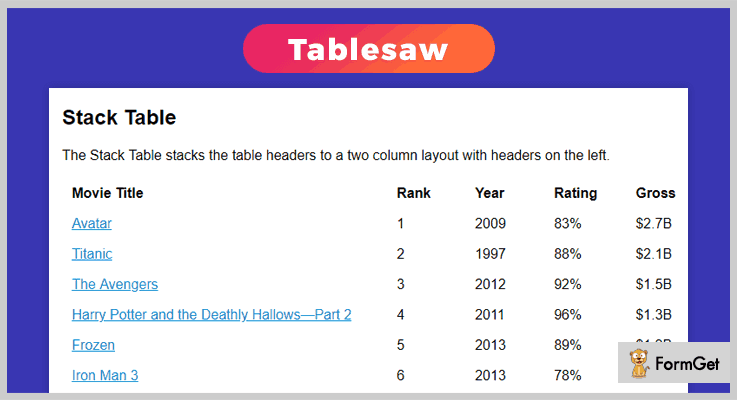
Pricing Plan-
Tablesaw is a free product of GitHub. You can directly download it from the official site.
Features-
- Internationalization i18n – to override internationalization strings.
- Bundler compatibility – tested to work in Webpack.
- Cross-browser support.
5. tablesorter – jQuery Table Plugins
tablesorter is a jQuery plugin which simply turns a standard HTML table into a sortable table. The best thing is it doesn’t need refreshing the page while sorting. It can easily parse & sort many types of data including linked data in a cell.
Moreover, it will let you add a lot of new enrichment like- alphanumeric sorting, pager callback functions, multiple widgets, UI theme application, sticky headers, column filters and resizer.
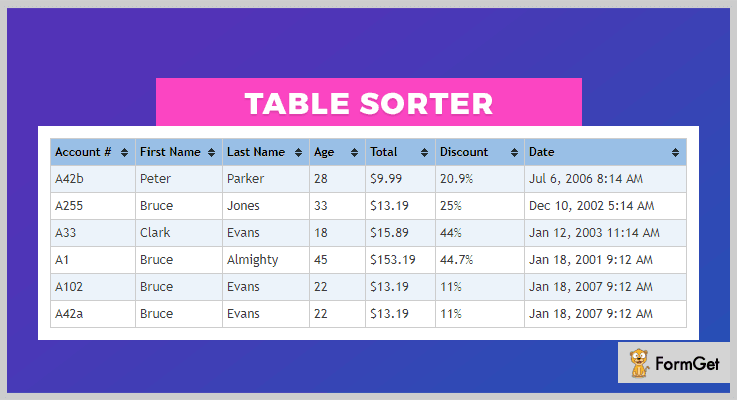
Pricing Plan-
It is another free-to-use jQuery table plugin.
Features-
- It supports Bootstrap V2-4.
- It has parsers available for sorting plain/alphanumeric text, URIs, integers, floats, currency, IP addresses, dates and time. Plus you can also add a custom one of your own.
- Support inline editing, row and col span for the <th> element, secondary sorting.
- Very small code size starting at just 25K minified.
6. FooTable – jQuery Table Plugins
FooTable is a jQuery plugin that will make the regular HTML tables responsive. It is built on jQuery & basically works with or without Bootstrap.
The FooTable plugin will eliminate the limitation of table scaling (large tables) by hiding certain columns on smaller devices. But it still allows the user to expand each row to see the content of hidden columns.
Furthermore, it also facilitates 3 ready-made table themes and you can add custom CSS anywhere you want.
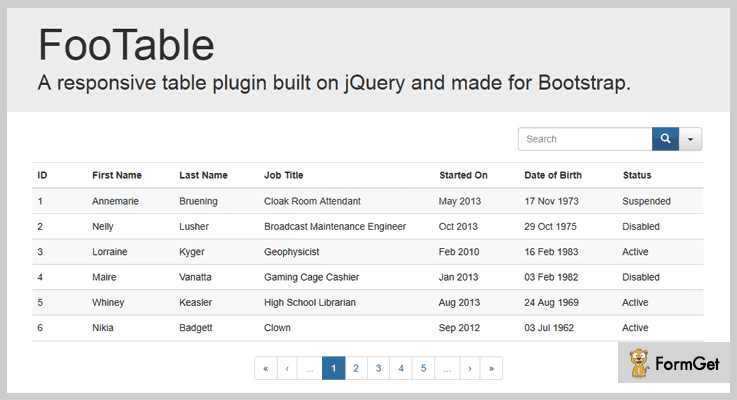
Pricing Plan-
It’s a completely free plugin and you can download it directly from GitHub.
Features-
- It easily makes any existing HTML table responsive.
- You can easily target a particular table using a CSS selector.
- Also, it adds up sorting, filtering as well as paging your tables.
- You can set a custom breakpoint size.
Conclusion:
Consequently, all the listed plugins are most noteworthy as well as satisfy the demand for both free and paid plugin requirements. Choose the one which best satisfies your site needs.
Lastly, we always keep your suggestions at priority so, please speak up!
Thanks for reading!
5+ Best jQuery Navigation Plugins (Free & Paid)
“The first impression is the last impression!”
Don’t you think it is a very well said quote & applies to every possible sphere including your website?
Every visitor landing on your website would look for something which directs him towards the various contents of your page.
Navigation serves to be a compass which displays what can be found and where can be found on a website. Poor navigation makes your site look ugly & disorganized. This will cost you a great loss of visitors and increase the bounce rate on your website.
Don’t you want to provide your audience the ease of navigating through the diverse elements of your website?
If yes, then we have an excellent solution for you i.e. jQuery Navigation Plugins.
With the help of jQuery navigation plugins., you can easily add various stylish menus, sidebars, navbars, etc along with beautiful drop-down and animation effects taking your site to the next level.
You can initialize & customize these plugins without any hassle with the help of few code lines of HTML, JavaScript or CSS. All these plugins are very responsive and user-friendly.
Moreover, some of these jQuery plugins come with a detailed documentation and demo which display the various functionalities & features that they hold.
To save you from going on the hunt for these plugins, we are presenting you a list of 6 best jQuery Navigation Plugins and we will throw some light on their features, pricing plans & other details.
In addition to this, you may also like to read few of these blogs:
So for now, let’s continue with the topic we are actually discussing. We have included both free and paid plugins here.
1. Quick & Pro Menu -jQuery Navigation Plugin
Quick & Pro Menu is an astounding navigation jQuery plugin. It enables you to create and add menus to your site which will provide better navigation. Moreover, it provides you with exemplary features like inserting menu, styling them with CSS or JS, etc.
This plugin is fully customizable and is easy to implement. Plus, it comes along with various demos which makes it easier to understand.
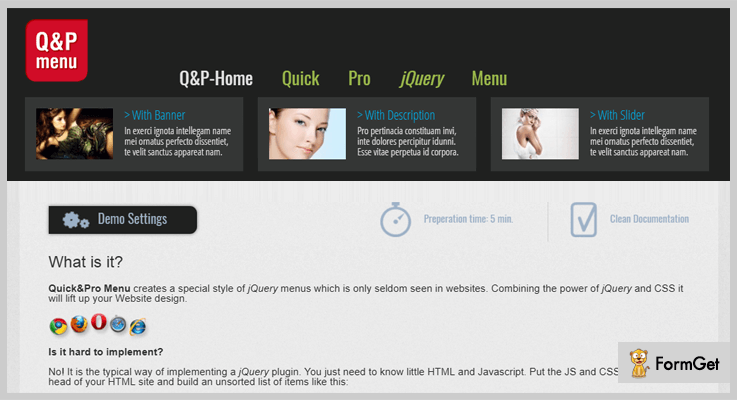
Features:
- This plugin empowers you to effortlessly add any image & description to your menus.
- With the help of this plugin, you can insert a two-level menu.
- It comes along with flash style menu and is also Google font ready.
- You can smoothly style the menus just by inserting JS & CSS in the head section.
- Along with this, it also provides you with 3 style categories.
Pricing:
You can avail this plugin at two different rates. Moreover, you also get all future updates and 6-month support along with this plugin. To extend the support for another year you have to pay $1.13 & $5.63 respectively for both the versions.
- To avail the regular license of this plugin, you have to pay $5.
- For availing an extended version of this plugin, you have to pay $25.
2. Horizon Slide – jQuery Navigation Plugin
This is a super cool plugin which lets you create menus in various styles & thereby, helps in easy navigation throughout the site. It is responsive to all devices & is touch compatible with mobile, PC & tablets.
In addition to this, it is congruous to IE8 + version and comes with full browser support.
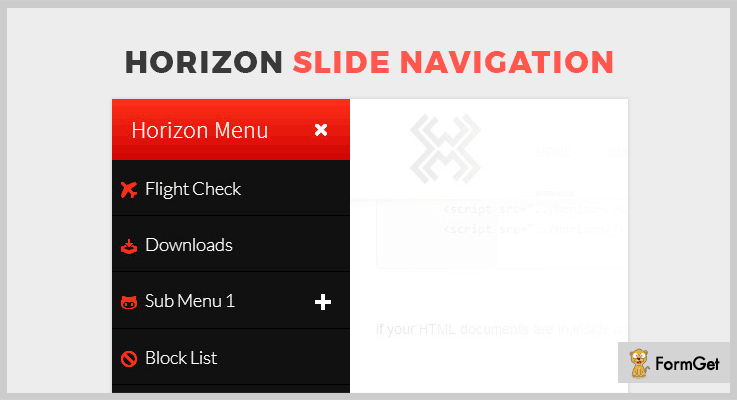
Features:
- It provides you with 120+ beautiful icons, 10+ CSS3 animations and 6 CSS themes with the ability to create your own themes
- This plugin includes submenus which enable you to create multi-level dropdowns for easy access.
- You can easily decide the place of the menu at the right or left side of the browser.
- Apart from this, you can easily apply animation in and out effects.
- It enables you to add as many items to these drop-down menus and with the help of smooth scrolling, the users will easily scroll through the list.
Pricing:
To acquire this plugin with all its features you have to pay :
- The regular license will cost you $8.
- Whereas, the extended license is available at $40.
3. MetNav – jQuery Navigation Plugin
MetNav is one of the finest navigation jQuery plugins which is based on Window 8 metro theme.
It provides impeccable features to add menus to your website, customize them using CSS, adding paragraph content to the menu and much more.
This is a very lightweight plugin which is of 6kb in size and supports all touch devices. Plus, it also provides you with detailed documentation explaining the functionality of this plugin.
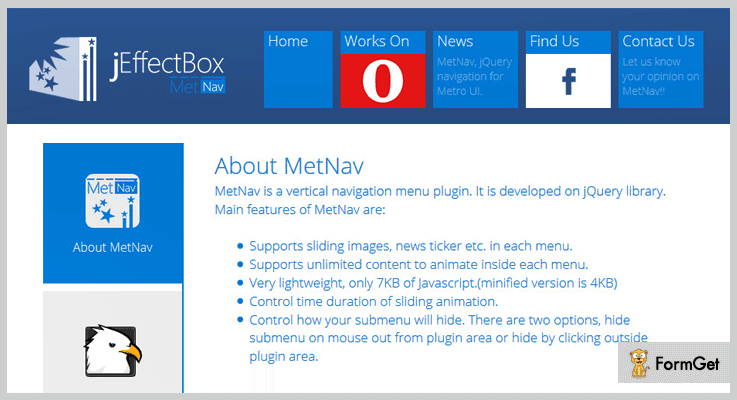
Features:
- With the help of CSS, you can effortlessly style the menus and their appearance.
- You can control the easing effect of each animation and simply activate or deactivate them as & when required.
- Apart from all this, you can easily add effects & animate any type of content in each of these menus like a news ticker, sliding images, etc.
- It allows you to define the time duration of sliding animations.
- In addition to this, you can also choose how you want to hide the submenus. You can hide submenu in two way either on mouse out or hide by clicking outside the plugin area.
Pricing :
You can purchase this plugin and also get all the features at two diverse prices :
- Regular license – $6.
- Extended license – $30.
4. Ultra Navigation – jQuery Navigation Plugin
Ultra Navigation facility to create a full-screen sidebar menu. This plugin is studded with exemplary features like creating sidebar menu, adding animations, boxed layout, display the content on mouse hover, and a lot more.
It is a very lightweight i.e. it includes lightweight files and also provide modular LESS files with the help of which you can create your own extensions.
Along with this, it is responsive and Bootstrap compatible as well as it of canvas ready and also provides full support.
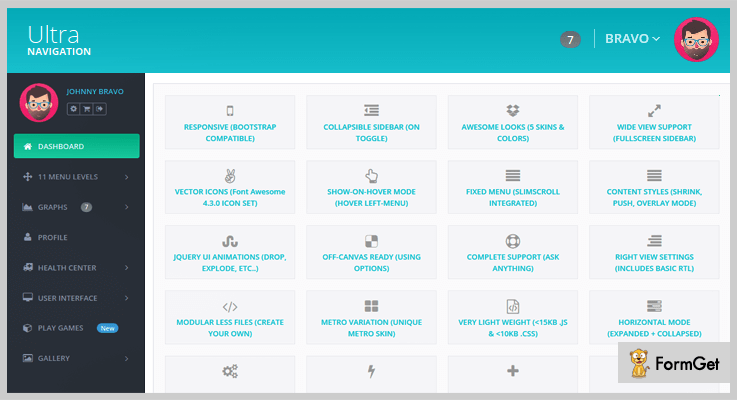
Features:
- You can build menu dynamically with JSON file.
- It provides you with vector icons, 5 skins and various color options to choose from.
- In addition to this, it comes along with jQuery AJAX support which enables auto hash change.
- This plugin allows you to create a collapsible sidebar on toggle click. Plus, you can also customize & add breakpoints as per your convenience.
- With the help of this plugin, you can style the content to shrink, overlay & push mode.
- Apart from this, you can use jQuery user interface animations like pulsate, explode, clip, etc.
Pricing:
You can avail this plugin and get all of its features along with all future updates at the cost of –
- To acquire the regular license, you have to pay $6.
- While the extended license will cost you $60.
5. Mad Tech – jQuery Navigation Plugin
This is a freemium plugin which enables you to create a menu for easy website navigation. It is fully customizable & responsive to all screens and mediums.
Moreover, it is easy to use & comes with a well-documented demo which makes it easier for its users to refer in case of any doubt.
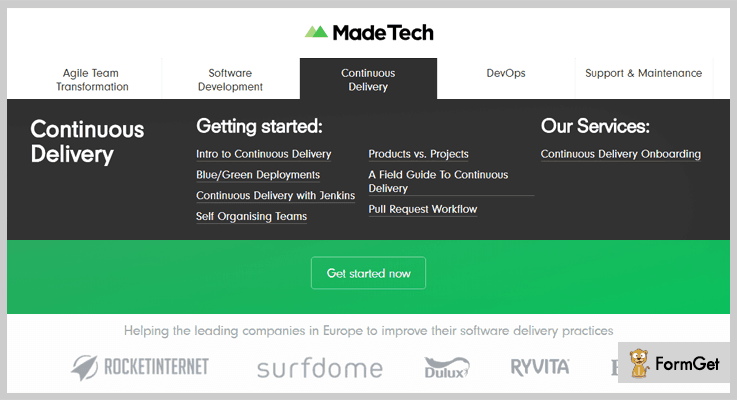
Features:
- You can control & modify the style with the help of CSS.
- With the help of certain parameter, you can add content to the menu bars.
- It provides a function using jQuery to add animation to these menus.
- This plugin empowers you to fire the events as and when you want them by using a few short line codes.
Pricing:
You can download this plugin is from ‘github.com’ & also acquire all its features at free of cost.
6. Sticky Navbar – jQuery Navigation Plugin
This is an outstanding plugin which helps you in creating menus and adding data to these navigation bars. It is easy to use and customize, all you gotta do is insert few code lines and you are all set.
Also, it is a very lightweight plugin which is responsive to all mediums and provides cross-browser support.
Features:
- With the help of HTML Markup, you can easily add content to the menu.
- You can easily customize the styling of a menu by using CSS.
- This plugin facilitates you in calling the function via jQuery.
- You can initialize this plugin via various elements like JavaScript, HTML, etc.
Pricing:
This plugin is available at free of cost. You can simply download it from ‘github.com’ without having to spend a single penny.
Conclusion:
Above, we mentioned several popular navigation jQuery plugins & also discussed their highlighting features and other details. While some of these plugins are paid others are free.
We hope that with the help of provided list, you will be able to find the perfect plugin which best suits your needs.
Don’t forget to share your views in the comments section below!
Feel free to contact us for any query and suggestions. We will be happy to hear from you.
Thanks for reading!
5+ jQuery Video Gallery Plugins (Free and Paid)
“Use jQuery video gallery plugins & add videos to your website in multiple ways!“
If you are creating a website for any kind of purpose then you implement multiple types of techniques to make it look better such as innovative themes, attractive stylings, font pattern, animations & many more. But are you facing difficulties in adding videos to your site?
If yes then, you must try video gallery jQuery plugins at once. Through theme, you will be able to add the multiple videos to your webpage even if you are a non-techy person.
In case if you know how to do programming then you’ve got a plus point! By editing the source code of plugins, you can insert the videos & then style its layout according to your needs.
Apart from MP4 videos, there are also some plugins mentioned in this article which allows to add the Dailymotion, Facebook, Vimeo, YouTube & other platform’s videos which you can add on your website.
Well, I’m not kidding!
Some of the jQuery plugins in this article are paid while others are free. You will get to know about many more features when you go through this blog!
So just grab my attention & dive with me below!
You may also like reading more jQuery blogs:
Let the game begin!
1. MediaBox: Best in jQuery Video Gallery Plugins
MediaBox is a jQuery video plugin through which you will be able to create multimedia applications in a couple of minutes. Well, you can display the video player in minimized version, fullscreen or just add it to a section of a website.
Apart from all of this, it includes an API which displays all of the functionalities in a developer-friendly way.

Pricing:
- This jQuery plugin has a single plan which costs only $17 for the lifetime.
Features:
- This add-on comes with 9 widgets for both audios as well as videos. So you will be able to do a lot of stuff with them in multiple ways.
- These all widgets can be used either combined or independently in order to create complex applications.
- For customizing the settings of playlist manager & widgets as well, this video plugin extensively has a list of options for this work.
2. Video Gallery Pro: jQuery Video Plugin
Video Gallery Pro helps in creating multiple types of systematic video galleries for your website. Also, it does not restrict on placing these galleries at any position on your webpage. Apart from it, you can showcase videos from Dailymotion, YouTube, Vimeo & Facebook which are most popular in their fields.

Pricing:
- It has a regular plan which charges $16 for accessing basic features.
- For more features, all you have to do is to pay $65.
Features:
- You will be able to add unlimited categories for your videos such that you can filter them easily at any time.
- Also, it comes with multiple animations which can be enabled or disabled according to the needs.
- Well, this plugin also comes with 10 predefined templates for creating a way too attractive & responsive video gallery.
3. YouTube And Vimeo Video Player: jQuery Plugin
This jQuery plugin allows adding Vimeo & YouTube videos into a multimedia slider for a better look. On the left side panel, you can showcase your videos & on the right side, you will be able to display the upcoming videos section in a stylish vertical gallery.
Apart from it, when you want to display the YouTube as well as Vimeo videos on your site then all you have to do is to is to use their video ID.

Pricing:
- This plugin has a general plan charging $12.
- Apart from this, it has another plan of $45 only.
Features:
- The most important fact about this plugin is that its JS file is of only 40KBs.
- With its multiple customization options, one can easily create a hybrid video play with so much ease.
- Apart from videos, this plugin also allows adding the images in the slider with multiple styling options.
4. Lightbox Video Wall: Video Gallery jQuery Plugin
Through Lightbox Video Wall, you can add the videos to your website in MP4 format. Well, it also supports self-hosted YouTube videos of any category. Also, it is too much easy to use in such a way that a normal non-techy user can also use it.

Pricing:
- It has a regular license for basic features which charges $16.
- For advanced features, it comes with an extended license of $75.
Features:
- You can add the tooltip functionality to your videos to make them look attractive when someone hovers over the video.
- Apart from self-hosted videos, this plugin also allows adding the HTML5 videos to the wall.
- It supports some callback functionalities such as item trigger, rollout, rollover, playlist empty & many more.
5. Video.js: Best in Free jQuery Video Gallery Plugins
Video.js is a jQuery plugin which supports the MPEG-DASH playback via a video.js video player. It works on the browsers which support media source extensions. Well, it is the best add-on in video gallery jQuery plugins in which you can modify the source code according to your needs.

Pricing:
- This jQuery video plugin is free of cost.
Features:
- For modifying the source code, all you have to do is to register a function on the ‘updatesource’ hook.
- You can display the videos in both small & full-screen format according to your needs.
- To use other captions, you have to disable the native captions from the video.js section of the source code.
6. BigVideo.js: Video Gallery jQuery Plugin
BigVideo.js is jQuery plugin through which you can add & display the videos/images in the background. It makes itself easy for adding fit-to-fill background videos on your website. You will be able to silently play the videos in the background itself.

Pricing:
- This video gallery jQuery plugin does not charge any amount.
Features:
- With the help of its player element, you can also display the playlist consisting of multiple videos.
- Apart from videos, you can also add the photos in a much larger way on the background itself.
- It also works well with those devices who don’t have the autoplay feature in themselves.
Conclusion:
So above are few of the best jQuery video gallery plugins which you must try once. Through them, you will be able to add videos to your website in a much reformer way. Some of these jQuery plugins are free while others are paid.
There are some video gallery plugins which can be used easily even by a person who has no technical programming knowledge. If a programmer is building a site for himself & also using these video gallery plugins then he can customize its source code according to the needs.
That’s why all you have to do is to try out these plugins & finalize the best one!
You may also suggest us some more video gallery jQuery plugins which we can mention in this article. Even if you have any queries, just drop a comment below & we’ll get back to you soon!
5+ Best jQuery Button Plugins 2022 (Free & Paid)
Want to add buttons to a website using jQuery plugins?
In this blog, we have got a great collection of jQuery Button Plugins with the help of which you can design custom buttons. All these plugins will allow you to apply animation effects, add color options, background styling, hover effects and more without any hassle.
Plus, most of the plugins discussed in this blog are browser compatible, supports various devices, they also offer documentation and they are lightweight as well.
This is not all you can add buttons in drop-down menus, use them to collect payments, accept social media clicks and other operations can be performed.
So, let dive into the details without any wait.
But before that just have a look at the blogs listed below on popular plugins:-
1. jQuery Social Share Buttons Plugin
This is one of the top class jQuery plugin with the help of which you can add social sharing buttons to a website with ease. It automatically detects the page URL, gives you options to define title and description.
This plugin supports all popular social media networks and also comes with options to hide and show buttons at different locations on a website.
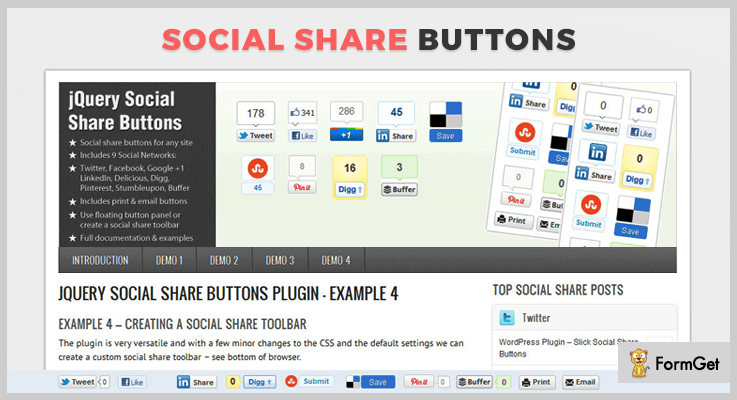
Pricing:-
- The regular plan offered by this plugin will cost you $6 for all the features and services
- $30 is the price charged for the extended plan of this jQuery plugin.
Features:-
- This jQuery plugin supports more than 9 social media networks which are Twitter, Facebook Like, Google+, LinkedIn, Pinterest, and more.
- It allows you to showcase buttons in floating panel or you can create social share toolbar as well.
- Various button shapes like vertical box with count, horizontal button with count and horizontal button no count are also provided.
- Provides 4 type of demos for custom button creation using which implementation becomes very easy.
Click For More Details On jQuery Button Plugin
2. jQuery Animated Button & Menu
Using this jQuery plugin you can replace simple links with animated buttons and drop down menu to give an attractive look to your website. It allows you to include buttons of any size, label active color, define button behavior like toggle/select and more.
It also helps you add rounded corner effects to buttons and height, border as well as background color in the buttons.
Pricing:-
- $6 is the price charged for this plugin with which you get various button features and facilities.
- The second plan will cost $30 for all the extended and enhanced features and services.
Features:-
- Animated buttons created using this plugin are perfectly compatible with IE, Chrome, Firefox, Opera, Safari browsers.
- With this jQuery plugin, you can have buttons with images, background color, hover color, fonts, and other effects.
- It comes pre-equipped with 16 different animation effects which can be applied on buttons with ease.
- You also get full access to the documentation which offers button examples with code and other important details.
Click For More Details On jQuery Button Plugin
3. PayNow! – jQuery PayPal Plugin
With PayNow! jQuery plugin you get options to collect product payments, donations and other more through secured PayPal payment gateway.
It helps you attach stylish payment buttons on your website which can easily be done using six button styles which are already available in this plugin.
You also get API methods, JSHint compliant code along with a documentation which holds the code for various buttons with proper examples in it.
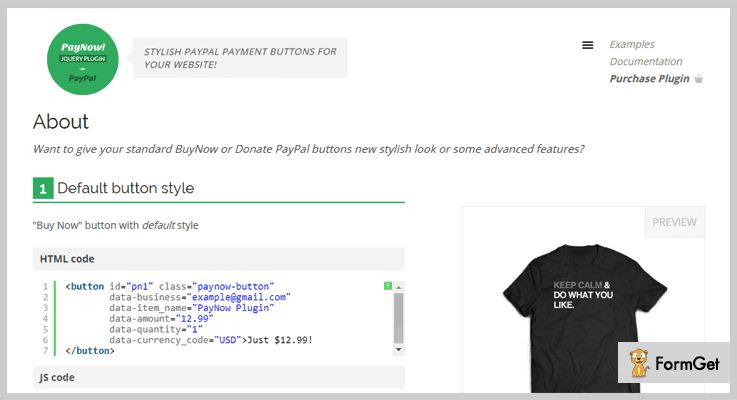
Pricing:-
- The regular license of this jQuery plugin has got a price tag of $7.
- The extended license of this jQuery plugin will cost you $35.
Features:-
- PayNow! allows you to create Buy Now, Donate and Subscription buttons to collect payments via PayPal payment gateway.
- It offers well-documented demo page with which you get different types of buttons explained along with their implementation code and example.
- You get six predefined button styles with the plugin to create unique buttons for a website.
- Buttons designed with the plugin works well on mobiles, tablets. Plus you can add CSS3 animations and optional tooltip as well.
Click For More Details On jQuery Button Plugin
4. DonateNic – jQuery Button Plugin
DonateNic is another jQuery plugin which assists you in adding amazing donation buttons on different web pages with different stylings. With this plugin, you can accept donations from your website through a secured and safe PayPal payment gateway.
It also provides button maker which helps you create fully customized buttons which attract users attention and helps you collect more donation.
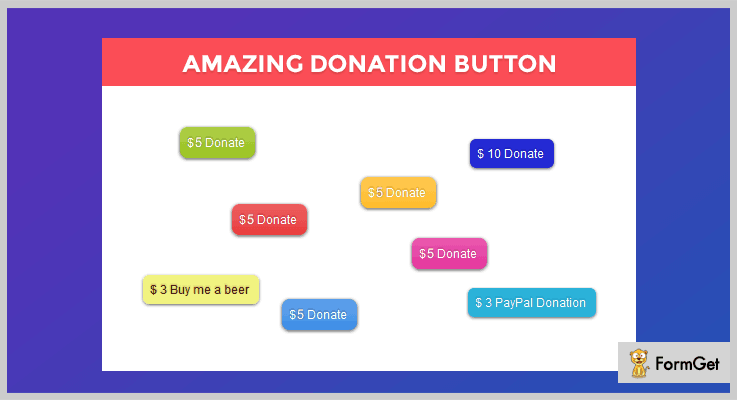
Pricing:-
- First plan of this jQuery plugin offers various button features and facilities at $5.
- The second plan of this plugin will cost you $20 for all the extended features.
Features:-
- With this plugin you can apply various button customizations like font colors, font sizes, background colors, set default amount for donation, currency, PayPal settings as well.
- Fully compatible with old and new versions of different browsers like IE, Firefox, Safari, Chrome, etc.
- Easy to use on any website as it provides a well-explained documentation with which implementation becomes an easy task.
- It permits you to include icons on a button through FontAwesome, bootstrap or via other icon libraries.
Click For More Details On jQuery Button Plugin
5. jQuery Like Button Plugin
With this jQuery plugin, you get some of the best like button features at free of cost. It is easy to use, cross-browser compatible, provides responsive button layout and more.
You can attach attractive like buttons to your website and get instant stats and insights about likes.
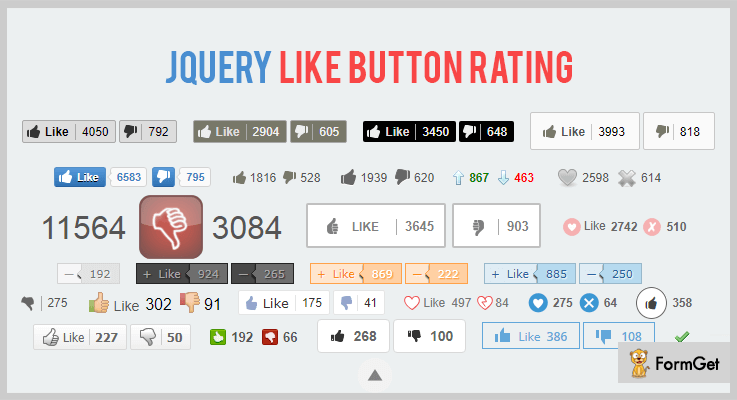
Pricing:-
- This is an absolutely free of charge jQuery plugin with which adding buttons for like and rating becomes an easy task. You can simply download this plugin from github.com.
Features:-
- You get free access to around 41 themes for like and rating buttons with this jQuery plugin. In addition, it also permits to create custom buttons for your website as well.
- This plugin provides multilingual support for more than 40 languages.
- It has got a unique identifier parameter with the help of which you can simply connect the votes to correct sources.
- Plus it is responsive, supports various browsers and looks great on different devices.
Click For More Details On jQuery Button Plugin
Conclusion
Finally, we have arrived at the closure of this blog on jQuery Button Plugins. I am pretty sure that you must have found the right button plugin which is suitable for your website.
In case of any doubts and queries related to these plugins, please let us know through your comments below. We will be happy to hear from your side.
5+ Best jQuery Tabs Plugins (Free and Paid)
Tabs are used to disperse the content into different panels, whereas each panel is displayed one at a time. They can also be used for navigation of the website.
Tabbing navigation is the most efficient way to navigate between focusable elements. It is just perfect for single page web applications.
In the tabbed navigation, all the data will display on one page instantly.
It is generally used when –
You have different categories of content on your website. And, you want the categories fit in a single row.
Here in this article, we are focusing on jQuery tabs plugins that allow you to create tabs on your website easily. (No complicated coding required!)
jQuery tabs plugins support CSS3 animations, mouse hover effects, videos from a different source to embed it on the tabs of your website.
You may also like
- 4+ Best jQuery Pagination Plugins
- 5+ Best jQuery Table Plugins
- 5+ Best jQuery Button Plugins
So, here is the list of 5+ jQuery tabs plugins. They are cross-browser compatible and pocket-friendly.
Let’s have a look
1. Zozo Tabs – jQuery Tabs Plugin
Zozo Tabs is fully customizable and responsive jQuery tabs plugin. It takes any HTML text, images, videos, forms, maps etc and displays them in a clear tabbed navigation.
It is a powerful tool which provides a clean, organized and highly customized tabs. With the help of this plugin, you can easily create horizontal, vertical responsive tabs. The tabs are displayed in a drop-down menu with touch-enabled functions and CSS3 animations.
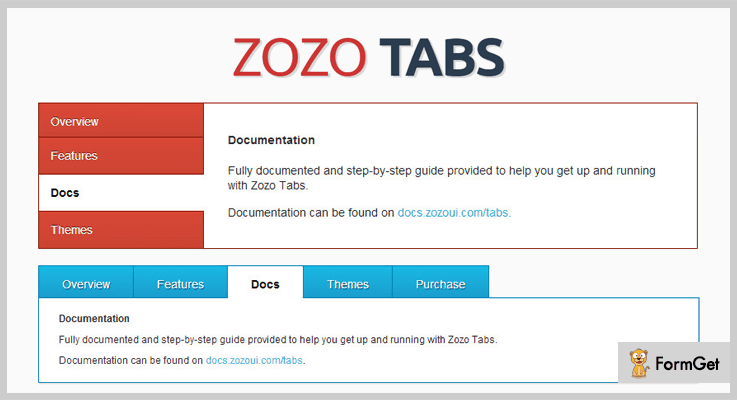
Price
This plugin cost you only $8.
Features
- It offers 30+ skins, 6 designs, and more than 10 positions of the tabbed navigation.
- Supports all major browsers including IE7-IE10, Chrome, Safari, Firefox, Opera and so on.
- It also provides mouse hover effects when clicking on the tab.
- This plugin provides powerful API and Flat theme pack extension.
- It also supports videos from Youtube, Vimeo, iframe etc.
2. Mate Tabs – jQuery Plugin
Mate Tabs allows you to create responsive tabbed nav bar and accordion. With this plugin, you can embed videos, HTML text, images or any digital media in the tabs.
You can also create accordion if you don’t want that simple tabbed navigation. All these media can be efficiently inserted into the accordion as well.
Apart from it, the plugin is so simple to use and provides a full video demo. So, you won’t find any hassle while implementing it.
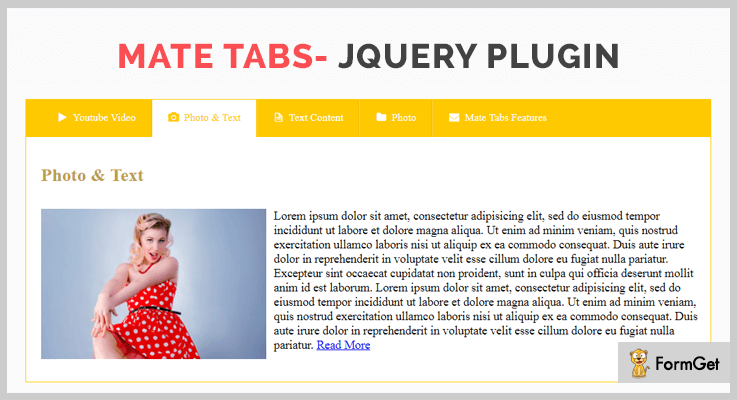
Price
Download this plugin from the codecanyon.net at a cost of $7 only.
Features
- The plugin is fully customizable allows changing of colors, borders etc
- It is a lightweight plugin which has a minimum version is of the only 4kb.
- Compatible with every browser.
- Supports click and mouse hover effects.
- It is a retina ready plugin also integrated with Font Awesome.
3. jQuery Tabs Plugin DZS
jQuery Tabs Plugin DZS is another plugin that enables you to create responsive tab navigation which works well on both small mobiles and HD screens. It is purely based on CSS. So, that you customize it easily by adding your CSS.
This plugin offers advanced tab navigation functionality and further, it is also compatible with iToys (iPhone & iPad).
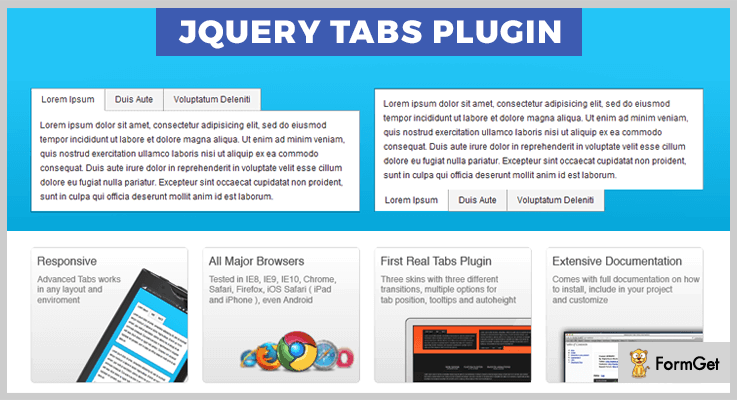
Price
To download this plugin, you’ll have to pay around $7.
Features
- It comes with a full documentation. Hence, it is very to implement.
- The plugin has three skins and each skin has a different transition effect.
- It also offers a sample setup on how it can be configured.
- DZS tooltip plugin is also included to provide a rich experience to the users.
4. Tabion jQuery – Modern Responsive Tab Accordion
Tabion jQuery – Modern Responsive Tab Accordion is a lightweight and responsive jQuery plugin. It lets you create powerful tabs with advanced functions. You can swipe or use left/right keys to change the tab content.
It supports CSS3 animation effects. On clicking the tab the content will come with different animation effects.
Price
To buy this plugin, you’ll have to pay $8 only.
Features
- It supports multi-tab on the same page.
- Supports icon images and fonts.
- It includes both horizontal and vertical tabs.
- Autoplay/pause/resume with the delay time for each content.
5. jQuery Responsive Tabs
jQuery Responsive Tabs is a free plugin that provides responsive tab functionality. These tabs can also be transformed into an accordion easily. In the tabs, you can add an HTML text etc.
You can use this plugin to display elegant tab on your website in a matter of few minutes.
Furthermore, they provide full support to their customers to get started with this.
Price
This plugin is free of cost.
Features
- Tabs can be auto rotate and can be collapsed.
- The generated tabs are controllable with API methods.
- Cross browser compatible including IE7+, Chrome, Safari, Opera etc.
- It gives you the functionality to disable the tabs.
- It supports multiple devices such as tablets, mobiles, web.
6. Tabslet – jQuery Tabs Plugin
Tabslet is yet another free jQuery tabs plugin that makes the creation of the responsive tabs easy. It is lightweight and easy to use. Further, it has a flexible HTML structure.
The plugin uses animation effects for tab changing that gives an amazing user experience.
Price
Freely available on GitHub.com
Features
- It provides you full control over the tabs.
- You can also add custom click events.
- It automatically changes tabs on mouse hover.
- Compatible with mobile and every major browser such as Opera, Safari, Chrome etc.
Closure
Hopefully, you’ve liked this piece of information on jQuery tabs plugins. Keeping beginners in mind we’ve only hand-picked easy to implement plugins. Further, the list contains free as well as paid plugins. So, you can pick the one which suits your pockets.
If we are missing out some amazing jQuery tabs plugins, kindly share it in a comment section.
Thanks for reading!
5+ jQuery Weather Plugins (Free and Paid)
If you want to share weather updates on your website then you can integrate these jQuery Weather Plugins.
Displaying weather forecasts on the website is an interactive way to increase the interaction and average session duration of the visitors.
Restaurants, retreat centers, country clubs, and many other businesses can reap the benefits with this feature.
Therefore, we are enlisting 5+ jQuery Weather Plugins that will let you add weather related functionalities onto your website.
These plugins uses the API of weather information providers like OpenWeatherMap.org, worldweatheronline.com and there are inexplicable providers to write about.
Your visitors will be able to check the weather information of any location as well as their current position from your website.
These plugins also ensures that the weather information shared by them are correct.
Let’s start with the listing!
Check out more useful plugins:
Through these plugins you can add videos to your website in multiple ways.
These plugins will let you add interactive and responsive graphs on your website template.
You can easily validate form of your website with these plugins.
1. Flat Weather jQuery Plugin
It is easy to use plugin that can provide weather and forecasts information on your website to the visitors. The plugin uses three weather API sources of weather information i.e. OpenWeatherMap.org, Wunderground.com or Yahoo Weather. It does so without changing the front end code of your website. It is fantastic for dashboards and sidebars of your website template.
The plugin is made with flat UI CSS stylesheet for providing intelligible and cozy look for displaying weather info at you website. It also provides engrossing weather icons set to display high quality weather, maritime, and meteorological visuals.
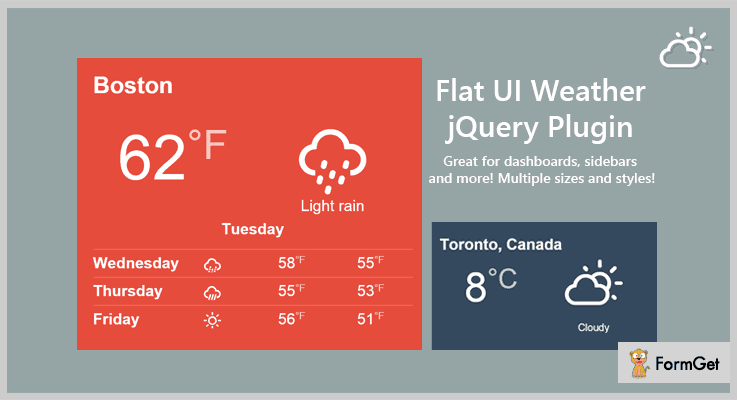
Features
- The code of this plugin is well-documented.
- You will get plethora of display options that will let you customize the widget for your website.
- The plugin is based on responsive CSS keeps it looking fine over desktop and mobile screens.
- It also includes example code for auto-refreshing on dashboards.
Pricing
Flat Weather jQuery Plugin charges $6 for accessing general features.
2. EasyWeather – The Weather Engine
If you’re looking for a versatile jQuery plugin that displays weather information for any location then you might want to give this plugin a try.
The plugin offers many options making it completely relevant to match about any website design. Thus, you can use this plugin in portals, blogs and apps.
Currently, the plugin works with 6 weather providers. However, it is designed to work with an unlimited number of weather API sources.
EasyWeather implements a cascading fallback mechanism so that you can get back the old data even if a provider or the consumer is throttled by a service.

Features
- The plugin supports multiple Geolocation services like geoPlugin, Freegeoip.net, Telize GeoIP and ipinfo.io.
- You can display up to 10 days weather forecast on your website.
- It also provides the functionality of custom location search bar.
- You can select units: Celsius/Fahrenheit and Kmph/Miles on your website.
Pricing
- It has a regular license which costs only $10.
- Apart from it, $13 is the charge for extended 12 months support.
3. Hypersonic Weather Plugin – jQuery Weather Plugins
It is a jQuery hypersonic-weather plugin that uses Yahoo Weather API for displaying the weather conditions. Through this plugin, You can display forecast, wind, atmospheric conditions, precipitation and sunset time.
It supports the Geolocation to track the geographic location of a user and display the weather forecast at their current location.
The included six color schemes and styles makes it easy to adapt to your current or future website design. It comes with different weather font icons having pleasing style, easy to add to your website.
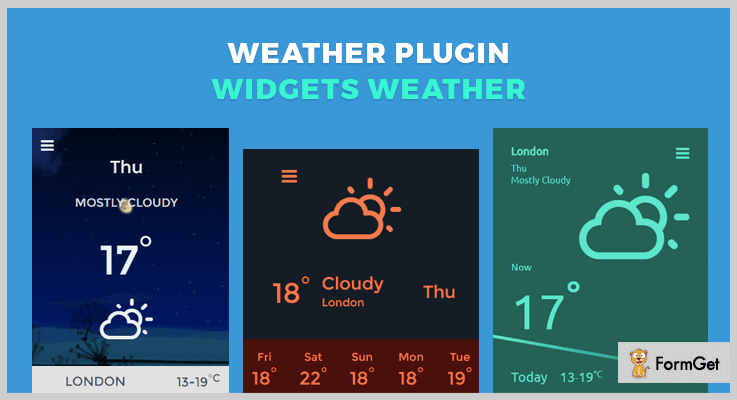
Features
- The plugin is compatible with IE10+, Chrome, Firefox, Safari and Opera.
- It supports °C and °F scales of temperature to display the temperature quantitatively on your website.
- You can also showcase animated preloader and fade-in effect for results to display when the rest of the webpage’s content is loading.
Pricing
- $5 is the charge of its regular plan with 6 months support.
- For extended 12 months support, you have to pay only $6.13.
4. Ideabox – Flat Responsive Weather Plugin
The plugin used openweathermap.com API to present the user with a personalized weather forecast.
It allows to display forecasts with the flat or openweathermap.com icon style on your website. You can provide 1-16 day weather report for the entered location by the user.
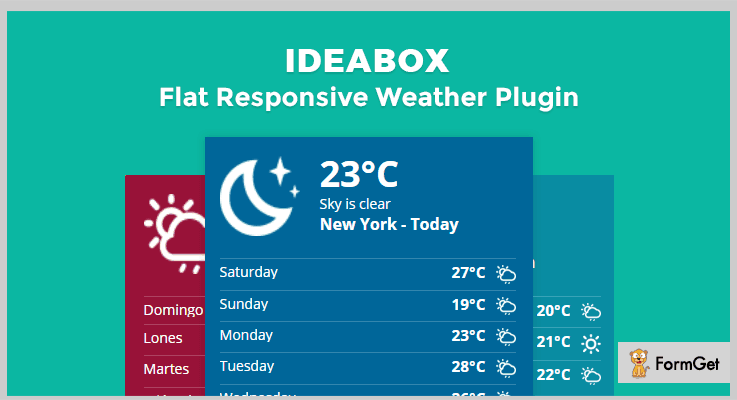
Features
- It provides Fahrenheit or Celsius metric options.
- You can set the border radius of the weather forecast box as well as set it both horizontally and vertically.
- The plugin provides unlimited color options for styling.
Pricing
You can buy this plugin at $7.
5. WhatWeather – jQuery Weather Plugins
It is free weather jQuery plugin provided by GitHub. The plugin uses worldweatheronline.com API to get, parse and deliver data in order to create weather’s widgets for your website.
The plugin uses mustache.js allowing you to change the template of your widgets according to your website”s layout. You can use this plugin to deliver weather’s data as well as to develop a weather widget.

Features
- The plugin also uses the HTML Geolocation API to locate a user’s position.
- You can display weather data from cities all over the world on your website.
- It also has a client-server caching system by using Web Storage API and text file for the server side. It allows your website to store data locally within the browser.
Pricing
This jQuery weather plugin is free of cost.
6. Weather-Widget
It is a weather widget plugin that can display the current weather of the user based on his browser’s geolocation. Thus it can be used to display the weather conditions of multiple cities/countries in the world.
The plugin also provides a set of different icons and background image like snowy, mountains and hot desert. It displays automatically these images depending upon the weather.

Features
- You can toggle between Fahrenheit and Celsius depending on the format you want to showcase on your website.
- It also supports preloaders.
- The plugin also has multiple location search options.
Pricing
This jQuery weather plugin does not charge any amount for the lifetime.
Wrapping It Up!
Now you’ve read some of the best jQuery weather plugins through which you can display weather forecasting info on your website.
Most of these jQuery plugins offer a customizable weather widget to showcase them on sidebar or footer of your website.
Do you have more recommendation for the jQuery weather plugins? Let us know in the comments!

