
The online auction was just an imaginative profitable business a few years ago. But with the success of the top auction sites like Webstore and eCrater, more and more people are now getting motivated to try their hands over online auction business. So, keeping the trend in mind we are here with 5+ auction WordPress plugins which will turn your site into a perfect auction platform.

The online auction has plenty of advantages, top 3 advantages are:
- Rich information: Informative presentation related to auction product is showcased easily.
- No Extra Cost: You can sell your products without added rental and operational cost.
- Convenience: No matter where you are you can participate in bidding process without limitation.
The listed auction WordPress plugins are rich in all the important feature that makes a plugin the best plugin. You will get every integration of WooCommerce which will not only help you in selling your own products but will also help you to sell products of another person. By this, you can earn extra income in the form of commission.
The plugin setting panel is used to do each and every customization like auction start/ end time and other things at your fingertips. Moreover, all the auction WordPress plugins are WPML compatible which makes them user-friendly and translation ready.
You may like to read:
Crowdfunding WordPress Plugins
WordPress Firewall Plugins
WordPress Push Notification Plugins
Without ado, let’s jump into the complete list of the best 5+ auction WordPress Plugins.
1. WP Auction – Best In Auction WordPress Plugins
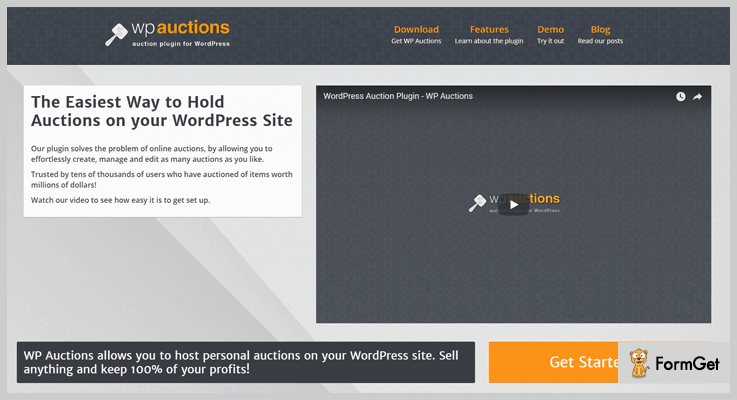
WP auction is one of the best in best auction WordPress plugins that have the capability to solve the problem of online auctions. This plugin is full of amazing features that allow you to effortlessly create, manage and edit various auctions at any point in time.
The plugin does not require any coding language and gets ready to use with few clicks which makes it a user-friendly plugin. Moreover, WP auction comes with 3 bidding engines: Simple, Proxy (default) and Reverse which will make your work easy.
Moreover, both users and bidders can watch auctions and get email updates with watch auction feature.
Estimation:
With over 50+ features Wp Auction is available in two pricing plans as below:
- In $89 yearly subscription plan you will get 3 domain license 1 year of free updates + support and full documentation.
- In $49 subscription plan you will get 1 domain license, 3 months of updates + support and full documentation.
Features:
- You will also get Default WordPress WYSIWYG editor to write descriptions. It will help you to make your WordPress site more meaningful.
- Starting Price feature will allow you to set a starting bid for your auction. You can also set a reserve price for your auction with reserve price section.
- The important feature is Buy it Now which you can use with the auction or set only a BIN price, for quick selling
- The auction countdown timer is possible with the inbuilt timer feature.
- Provides you the feature to set up email notifications easily. You will also get customization feature to make your email message the way you want.
2. Yith – Woocommerce Auction Plugin
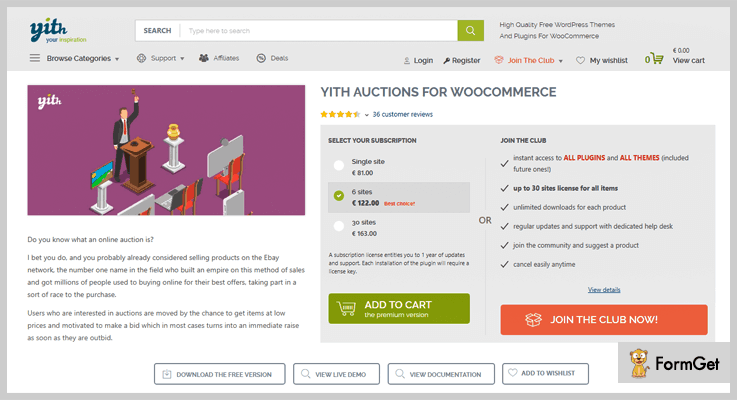
Yith auctions is the latest and multipurpose plugin for almost all the solutions of a WooCommerce WordPress site. This plugin allows you to make auctions for your products. You will also get the chance to create your own online auction portal.
This will allow all of your vendors to create auctions on their own. You can earn a share on each one of their sales. Moreover, you can look into the list of people interested in each auction which will help you in keeping a check over activities.
Estimation:
Comes in user-friendly pricing plans, so select subscription plan according to your needs.
- Single site license at € 70.00.
- 6 sites license at € 122.00.
- 30 sites license at € 163.00.
Join the club: You can also “JOIN THE CLUB”
- Monthly subscription: sign-up fee € 250 and € 25 per monthly.
- Yearly subscription: sign-up fee € 250 and € 240 per year
You will get an instant access to all plugins and all themes (included future ones!) up to 30 sites license for all items and unlimited downloads for each product. You will also get free regular updates and support with the dedicated help desk.
Features:
- With product setting, you can show or encrypt the usernames for all the users who made at least one bid for the product.
- Notify users about the auction status by automatic emails with the help of cron settings.
- You will get the interesting feature of My auction within “my account” page. It will allow you to supply the complete list of the bids to the related users.
- Custom icons in product image can be used to showcase the auction products on directly on your shop.
- Comes with WPML compatibility you are free to translate the plugin into multiple languages.
3. WooAuction Software – WooCommerce Auction Plugin
WooAuction software is rock-solid and an advanced WordPress auction plugin. The plugin comes with many readymade widgets and rich features that will help you to create a very smooth auction. This way, you can easily convert your WordPress website into an online auction store in just a few clicks. Moreover, you don’t need any coding language or skills to set up and use it. It’s a very intuitive plugin.

Estimation:
You can download this plugin FREE from the official website of WordPress. You can also purchase the Pro version from the Wpeka Club.
Features:
- You can schedule auctions manually.
- Users are securely logged in through Safe Authentication before they can bid.
- The administrator has total control over the auctions that you conduct on your site.
- It provides the best integration with WooCommerce to get maximum benefits of this plugin.
- Users can place bids using their currency.
- You can translate website contents into any language and conduct auctions.
4. Simple Auctions – WooCommerce WordPress Auctions
Simple Auction provides ease in auction-related issues for your WordPress website. You can set up a full-fledged WordPress auction website in no time as it does not require any coding language.
It comes with a proper documentation which will help you to get every necessary information related to the plugin usage.

Estimation:
This plugin is available at $29 for 6 months support and at $38.38 for 12 months support.
Features:
- Provides you the best integration into WooCommerce to get maximum advantage of this plugin.
- Comes with a various icon which describes different auction and their status.
- The plugin can automatically relist the auction, in case if there is no bid or the bid is not paid in time.
- The WooCommerce feature will allow you to earn by getting commissions from sellers who sell from your website.
5. WordPress WooCommerce Marketplace Auction Plugin
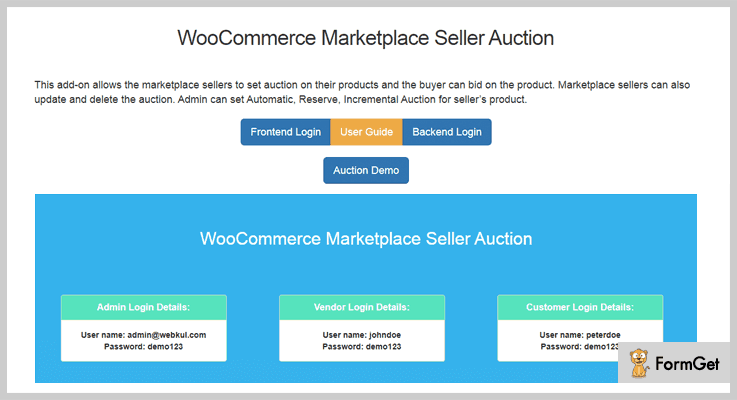
WordPress WooCommerce Marketplace Auction plugin is the dynamic and powerful auction plugin. It will help you in easy auction solution and provide ease in each in every.
Both admin and the sellers can add four types of auctions like standard, incremental, automatic, and reserve auction.
Estimation:
Get this plugin at a reasonable pricing plan of $69 for 6 months support. You may also get the extended support for 12 months with pricing pan of $93.38.
Features:
- Provides you the facility to apply all types of actions to a single product.
- The automatic bidding feature which will help you to show bidder name, bid, and details easily.
- You can also see the fully functional demonstration of the product even before purchasing it.
- Comes with a useful seller panel which provides you shortcuts for various customization options.
6. Ultimate WordPress – Free In Auction WordPress Plugins
Ultimate WordPress is the best in free auction WordPress plugins to let your website become an auction website. The plugin is rich in all the useful features which will help you in each in every auction implementation process.
Moreover, you will not require any coding language to use and setup it which will provide easy to every type of the user.

Estimation:
Download this plugin completely FREE of cost from the official website of WordPress.
Features:
- Comes with the ajax Admin panel for better management which will work as a central tool to manage everything.
- The payment section of this plugin is PayPal ready which provide easy in payment solutions.
- You will also get lightbox feature which will help you to display your auction images.
- Provides you comment section each auction page. You can also manage comment section with various customization options.
7. BuddyForms – Free WooCommerce Auction Plugin
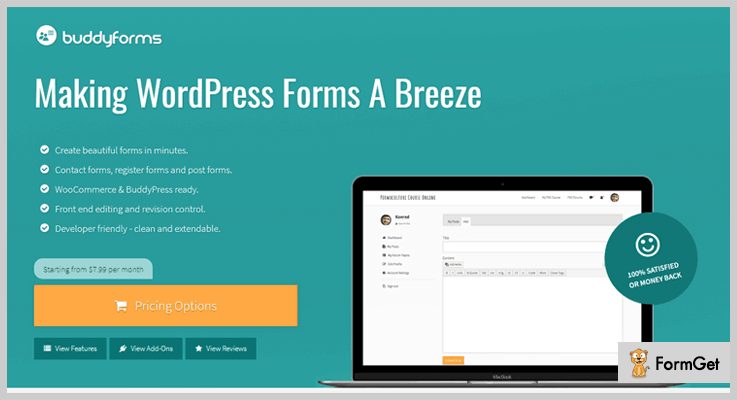
BuddyForms is of the famous auction WordPress plugin crafted very well keeping in mind all the needs for a successful auction. The added advantage of this plugin is that it is well integrated with WooCommerce.
Estimation:
You will be amazed to know that you can download it FREE of cost directly from wordpress.com.
Features:
- You can provide a centralized place to manage all the auctions for members of your auction site.
- With WooCommerce you can add reserve price, auction date, auction proxy etc with ease.
- A simple yet powerful BuddyForms settings panel will help you to drive your auction in the desired direction.
- The plugin is translation ready and can be translated into your like language which makes things easy
Conclusion:
In the above article, we have discussed the best among the thousands of available auction WordPress plugin. As now you are done with the reading part, we hope that you found the right match for your WordPress site.
Do comment below in case of any query or suggestion. We would really love to hear from you.
6+ WordPress Payment Gateway Plugins 2022

If your checklist includes expanding business on the web then there can be certain things which might leave you scratching your head. Because primarily you can create a website but real money matters can be a bit tricky. So, to ease it up there comes WordPress payment gateway plugins.
These gateways plugins can be used by the visitors of the website to make online payments. In fact, it also manages payment and provides stats. That’s why for the growth of your online business you must have to add payment gateway plugins to your online website.
Here we have compiled a list of 6+ WordPress Payment Gateway Plugins that helps to give your users a secure checkout experience on your e-store. All of them have a single click installation. Moreover, you can easily use a credit card or debit card or any other variants of cards for payment purpose.
The plugins support the security code check undertaken by the user for authentication purpose to make the payment process completely secure. Moreover, the plugins let you store customer’s card information in the payment gateway account. Although, it helps your clients to use their stored card information for future purchases on your online business website.
Let us discuss each WordPress payment gateway plugins in detail
1. Mastercard – WordPress Payment Gateway Plugin
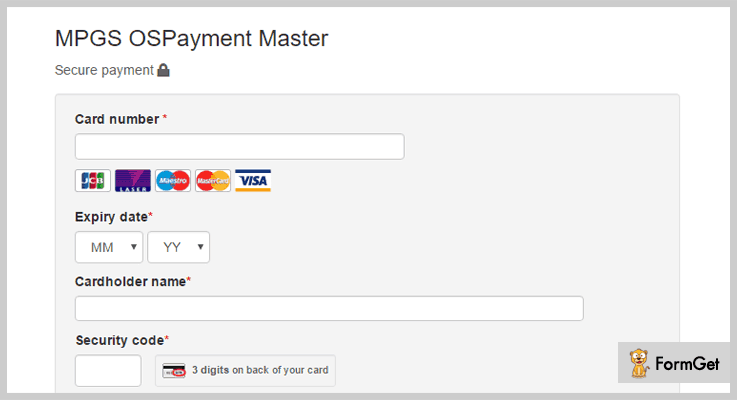
Mastercard payment gateway plugin helps WooCommerce merchants to accept secure, international payments. This plugin is the finest and secured plugin in the list of WordPress payment gateway plugins. Especially, this plugin helps in over one billion transactions processes each year and prevents over 1 million of attempted fraud every day.
It allows various types of payment methods such as credit card, debit card. You can also add cash on delivery option according to your choice.
Pricing:
Buy this Mastercard payment gateway plugin at a reasonable price of $29 with 6 months support system and regular updates.
Features :
- The plugin has the ability to authenticate cardholders using 3-D Secure feature present in it.
- Mastercard plugin is compatible with all the WordPress latest versions as well as with WooCommerce.
- It supports one stage bank card processing which helps to process transactions using the single stage model.
- It is based on the address and security code check undertaken by the user. Also, the plugin has the ability to control the outcome of a transaction.
2. Stripe – Payment Gateway Plugin
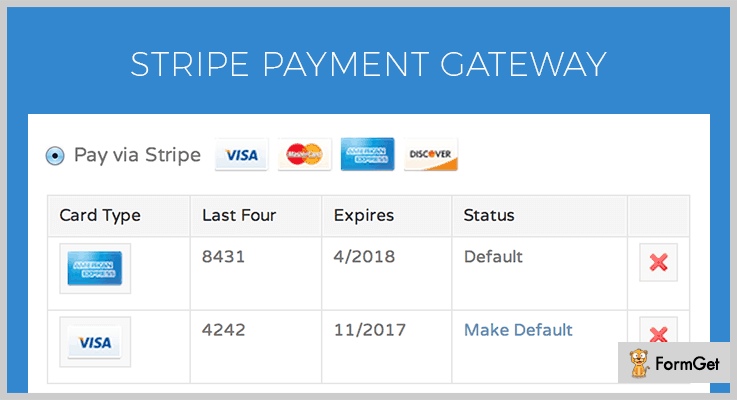
Stripe plugin is a single click installation plugin and is very useful for payment purposes. This plugin allows you to accept payments in WooCommerce via Stripe.com. Further, the plugin is easy to use with a faster response. The noteworthy feature of is it supports online payments through credit or debit card as well as from other variants of cards.
Pricing:
This plugin is available at $29 with 6 months of support. You can extend your support up to 12 months by paying $9.38 only.
Feature:
- It has notifier script which is useful to auto display notify message for new update version.
- Stripe payment gateway helps to get secure auto Captcha option for secure authenticated payments.
- It stores customer’s card information in Stripe account. This helps your customers to utilize their stored card information for future purchases.
- This plugin supports WooCommerce subscription plugin and WooCommerce pre-order plugin. This help for easy add to cart and checkout options.
Read some other blogs too!!!
3. WPPayForm – WordPress Payment Plugin
WPPayForm is the latest modern payment gateway plugin for WordPress by WPManageNinja. The plugin is freemium in type that can be used by Stripe and PayPal users. In the free version of the plugin, you will get the Stripe payment gateway with a smooth service. In the premium version of the plugin, you will get extra PayPal payment gateway with extensive features and functionalities.
Pricing:
You will get the free version of the plugin from the WordPress directory. Premium version of the plugin can be found on the official website of the plugin. Here is the pricing of the plugin:
- Single Site – $39.00/Year
- Multi-site – $79.00/Year
- Unlimited Site – $149.00/Year
Features :
- Easy to Use Interface for the Users.
- Responsive Payment Form Builder.
- Drag & Drop Facility
- 10+ Input Fields Available.
- Multiple Payment Gateways Integration.
- Payment Form Entry Restriction, Scheduling, and Expiry Configuration.
- You Can Change Payment Status,
- Detailed Form Entry Management.
- You Also Can See Single Form Submission.

4. Network Merchants – Payment Gateway WP Plugin
This WP payment gateway plugin is an E-commerce payment gateway. It helps companies to process online transactions in real-time anywhere in the world. NMI WP Plugin allows accepting credit card payments by taking complete care of customers credit cards details. Further, the plugin supports easy checkout process with taking complete care of information of customers and their credit cards.

Pricing:
Network Merchants payment is available at $49 with regular updates.
Features :
- The plugin helps in refunds from edit order page on your online website.
- You can add custom title along with a custom description for payment gateways.
- It has an option to choose between authorize only and sale transaction type for the easy checkout process.
- Network Merchant payment gateway helps you to select the card types supported by your account.
4. WP Full Stripe – Payment WordPress Plugin
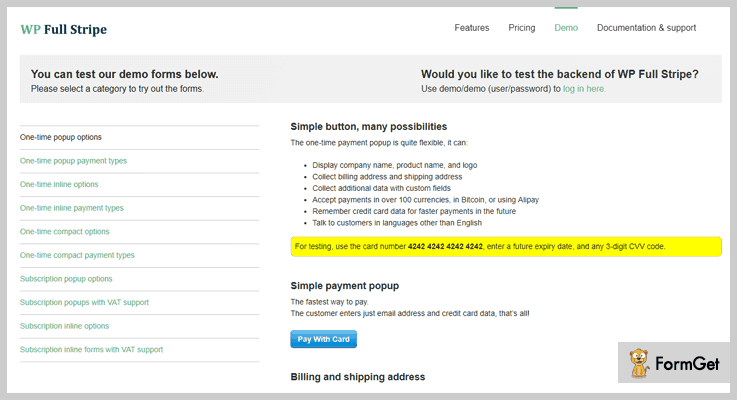
WP Full Stripe payment plugin is one of the most widely used in the list of WordPress payment gateway plugins. It helps you to securely take payments from any page or post by embedding payment option anywhere on your online business website. This plugin is clean coded and comes with regular future updates. Moreover, the plugin can auto-update to the latest version with the single click of a button.
Pricing :
Buy this WP Full Stripe payment WordPress plugin at $39 with regular future updates and 6-month support system.
Feature :
- It allows you to easily see the received payments, your subscribers, and plans etc.
- The plugin support custom CSS which helps to customize the forms, add custom fields etc.
- You can easily create bank transfers. This option enables you to pay for others using your account balance.
- This plugin helps your users to subscribe for recurring payments like ever running, payment in installments etc.
5. Authorize.net – Payment Gateway For WooCommerce
This plugin is a powerful payment gateway plugin for e-store and WooCommerce compatible websites. It helps to accept credit or debit cards on your e-commerce store in a secure way. Authorize.net payment gateway helps to process payments online. Further, you are allowed to accepts Visa, MasterCard, and other various types of cards with ease.

Pricing :
You can easily download this plugin free of cost from wordpress.org.
Feature:
- You can use authorize only mode, using this authorize.net payment gateway.
- There is an option to configure success and failure message updates for online payment.
- The plugin supports single-click installation and gives a faster response to your website.
- By using this plugin there is no Secure Sockets Layer (SSL) required for establishing an encrypted link between the web server and browser.
6. QuickPay – WooCommerce Payment Gateway Plugin
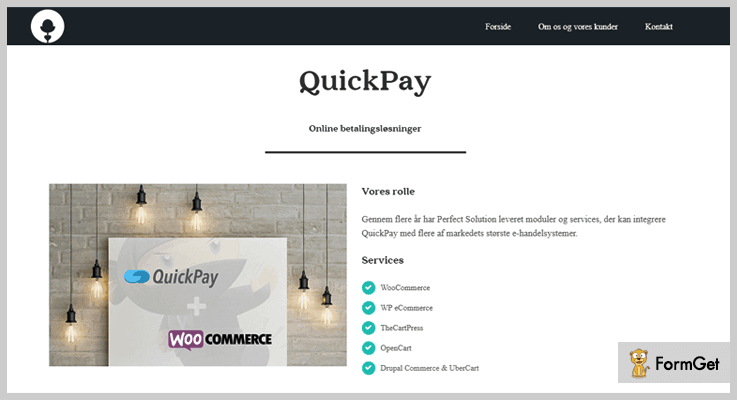
QuickPay is a widely used payment gateway plugin with all the essential features in it. Also, this plugin helps you to integrate your quick pay gateway to your WooCommerce compatible website. Further, you can accept credit card in your e-store with quick pay plugin.
Pricing:
QuickPay WordPress Plugin is available FREE of cost.
Feature:
- The plugin is easy to use and has one-click download from wordpress.org.
- It has secure capturing feature which helps to minimize the fraud authentication problems.
- Your clients are able to refund and cancel payments directly from your WooCommerce order overview.
7. PayPal Pro – Payment Gateway for WooCommerce
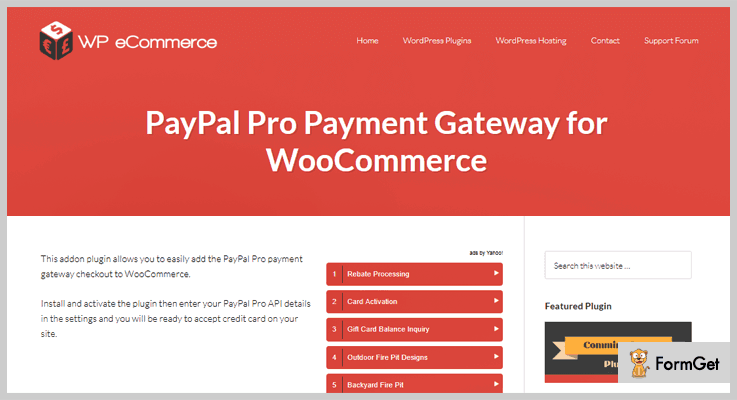
This plugin is an addon which helps you to easily add the PayPal Pro payment gateway checkout to your online website. Further, you are ready to activate this plugin by a single click. It readily accepts credit card for payments on your online website. Also, this payment gateway plugin is completely secured.
Pricing:
Download this effective addon plugin free of cost from wordpress.org.
Feature:
- Your customers are not required to leave the site while doing the transaction.
- Using this plugin customer are redirected to the order received page for confirmation
- This PayPal Pro payment gateway plugin is SSL secured and has a faster response.
Conclusion:
Here we have come to an end of best WordPress Payment Gateway plugins. We hope you will pick the best plugin and enable them to your site to make it more effective. You will find free as well as paid plugins in the list of WordPress payment gateway plugins, choose according to your need.
You can ask your queries in the comment section below.
4+ Archive WordPress Plugins 2022 (Free and Paid)

Archives are the stack of all the published blogs or posts on your website. This stack of blogs is shorted on the basis of date, time, year or categories. So, if you want to set up a great archive on your website then there is a good news for you. Here in this article, I have figured out the 5 most popular archive WordPress plugins present in the market.
These archives plugins allow you to display your blog posts, pages, categories or tags on your website in an arranged format with their publish date.
All these plugins will not affect your website’s loading time and are adjust significantly on every site. Moreover, the data which you have published will automatically be stored in an archive section of your website.
Since these plugins can support various languages so you don’t have to worry about translation related problem.
Hence, these compiled lists will definitely help you to choose the best plugin for your website.
Few more blogs we have hand-picked for you:
1. Archive Post Tabs Pro: WordPress Archive Widget
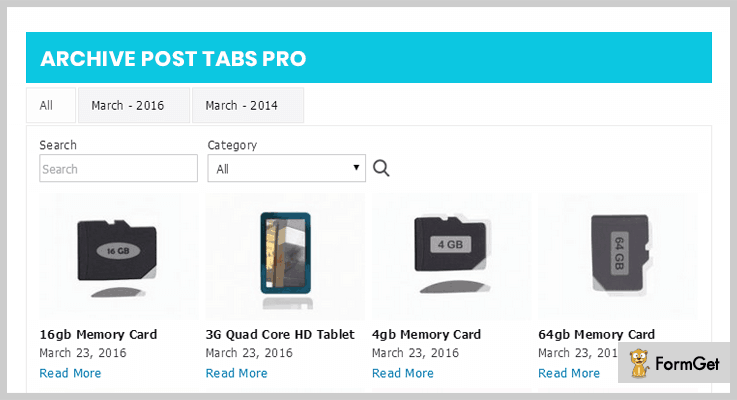
Archive post tabs Pro is the most powerful WordPress plugin that can be used into homepage or sub-pages of your website to view the posts/ blogs in a month/ year/ date wise.
This tool uses ajax data rendering method to load the post, blogs, events or any custom type post easily. With its advanced shortcode functionality, you can create unlimited archive tabs to display in the content area of your site.
Cost of WordPress Archive Plugin-
You can buy its regular plan at $11 for a single product access. Also, you can go with its another plan $119 for unlimited functionalities and features with 12-months support.
Features of Archive Post Tabs Pro Plugin-
- The plugin allows you to display the posts, blogs in category wise with a month or year tab button.
- It supports 3 most popular ajax pagination like load more posts, next or preview post.
- You can modify the height, width & position of the archive’s images via its custom admin setting.
- The tool also lets you enable or disable the search bar functionality on your website.
2. Users Sitemap & Archive: WordPress Post Archive
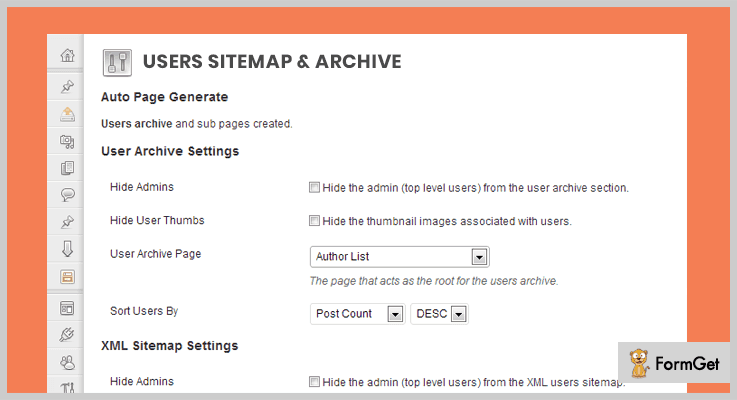
Users Sitemap allows you to change the appearance of your archive widget with the least effort. The plugin requires easy browsing with just a few clicks.
This plugin uses XML sitemap which increases your website’s search engine ranking and you can earn more revenue in this way. It also allows you to reduce the space used by your archive widgetized area.
Plus, this tool also supports user/author archive which lets you create a different section of your website which allows visitors to search for members by their username.
Cost of WordPress Post Archive Plugin-
This plugin will cost you $15 which gives you free updates, real-time customer support for 6-months.
Features of Users Sitemap & Archive Plugin-
- The plugin contains auto updates so that you get notified from your website’s back-end whenever an update is required.
- It supports user photo plugin so that you can create a brilliant graphical archive photo of every users or author.
- The plugin also offers you an FAQ system through which you can simply ask any query if you get stuck regarding this plugin.
- Users Sitemap is fully SEO optimized which improves your website’s search engine ranking.
3. Annual Archive: WordPress Archive Plugin
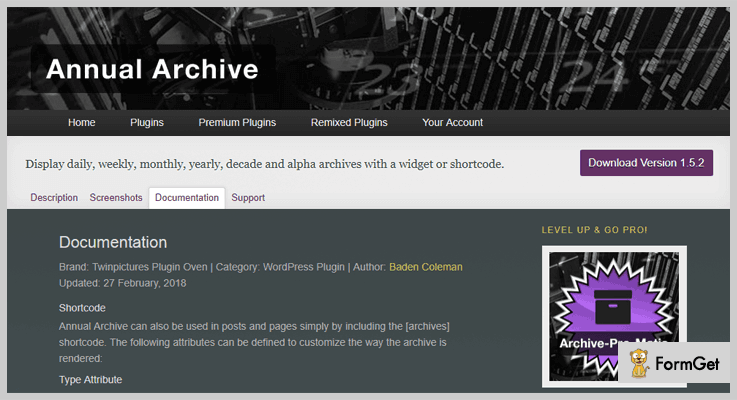
With the help of this plugin, you can set an admiring archive section on your website which allows you display your post on a daily, weekly, monthly or yearly basis. You can show your archives section either in a sidebar by using widgets and even in a post or pages by using shortcodes by this plugin.
The best thing about this plugin is that you can choose one or more formats of archive widget.
Cost of WordPress Archive Plugin-
You can buy this plugin from wordpress.org at free of cost for its lifetime supports.
Features of Annual Archive WordPress Plugin-
- You can use this plugin in different languages by using WordPress community translation tool.
- It provides numerous live demos so that you can see the live preview of your website after adding this plugin.
- The plugin is fully customizable so that you can modify your archive section according to your need or requirement.
4. Collapsing Archives: WordPress Archive Plugin
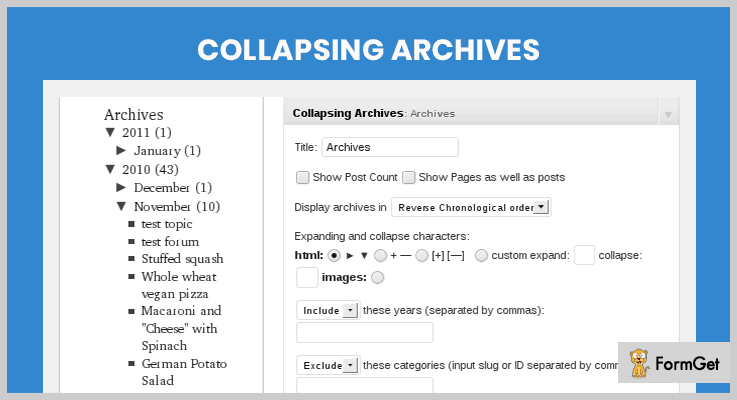
By using this plugin, you can show archives in a sidebar section of your website and arranged them by year or month wise.
The plugin is based on Javascript with a collapse or expands options. It means by adding a collapse features on your website you can save a lot of space on archive’s section. Its visualization makes more interesting so that user may automatically turn towards your website.
Cost of WordPress Archive Plugin-
This plugin is freely available on wordpress.org.
Features of Collapsing Archives WordPress Plugin-
- With the help of its collapse & extends option you can save sidebar space on your website.
- It also provides customizable language option in the navigation menu on the site.
- Collapsing Archives is open source software that can be modified by any users.
5. Clean My Archives: Best Archive Plugin WordPress
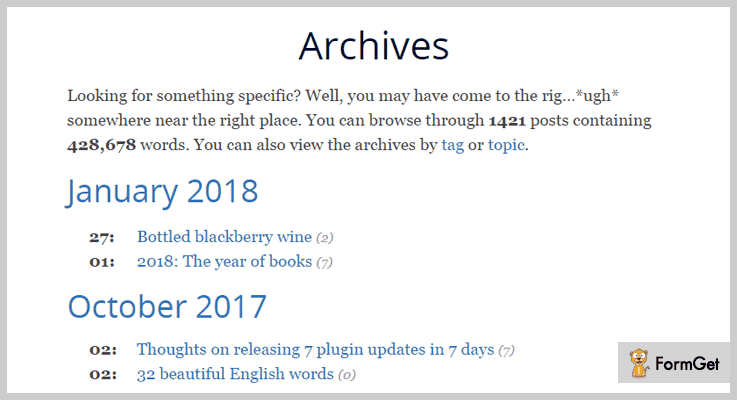
Clean my archives is the another most popular WordPress plugin by Justin Tadlock. The plugin is simple to use which can easily get adjust to your site.
This tool is integrated with WordPress caching plugins which help you to deliver static files and also your long list archives can be loaded quickly on your website.
Cost of Archive Plugin WordPress-
The plugin is available at free on wordpress.org. You can now grab its opportunity and increase your business revenues.
Features of Clean My Archives WordPress Plugin-
- If you need any professional support you can access its support forums any time.
- It allows you to add archives on any page and blogs according to month or year wise.
- The plugin is integrated with FAQ plugin so that your customer can easily ask their desired question.
Conclusion:
So, these were the top class archives WordPress plugin. I’ve figured out both premium as well as freemium plugins. Use these tools once with your current website and share your experience with us.
Hopefully, you’ve found the best archive tool for your website.
Thanks For Reading!
6+ Custom Field WordPress Plugins 2022

We all know that custom fields are a kind of meta boxes where we input our post related data. And to imply custom field functionality on your website you can use custom field WordPress plugins.
By default WordPress stores this metadata. Now few custom fields are pre-defined, like in a post, it can be author name, date and time, category but you can add more custom fields by using plugins.
Let’s take an example- You have added various blog posts for each of the employee of your organization. So, here you can add custom fields of their names, designations, etc. This will help in sorting and storing information in an efficient way.
These plugins will help you in adding a different kind of custom fields. Some of them are – Text, Text Area, Date, File Upload, Term, User, Loop (repeatable fields), Hyperlink and more
Here we have penned down the seven best custom field WordPress plugins.
Go through some more blogs on plugin here:
1. WooCommerce Custom Fields
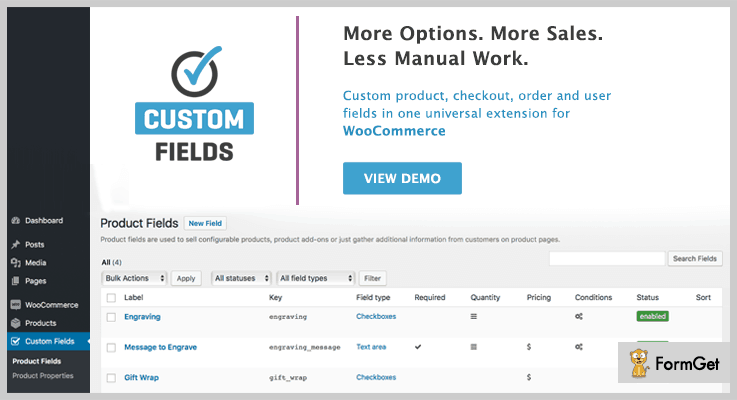
Using this WooCommerce Custom Fields plugin you can allow your customers to select date and time for their product delivery. Also, you can charge additional fees for services and add-ons selected during checkout if you want to.
With this plugin, you can create unlimited product fields, display WooCommerce custom fields on the checkout page, and mark fields as private or public.
Price –
The price of WooCommerce Custom Fields plugin is $39 with 6-month support from RightPress.
Features –
- You can offer fields of popular add-ons and services, like gift wrap, or extended warranty using upselling for bigger profits.
- Also, you can use this plugin to collect birth dates to surprise customers with a birthday discount.
- It also provides a price range filter to your e-store.
- Moreover, you can provide shipment tracking information or the serial number of their purchased device and keep your customers informed.
2. Advanced Custom Fields for WooCommerce
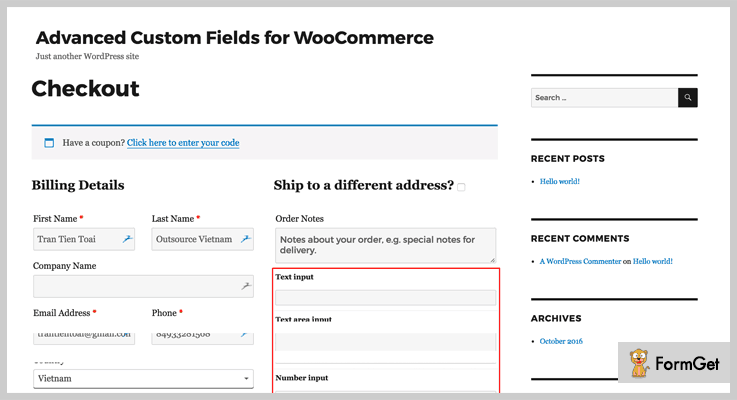
This Custom Field plugin holds a lot of features, which makes it popular. Also, it has 500+ active installations and still counting.
Advanced Custom Fields WordPress plugins are 100% responsive and provide a beautiful validation template, which makes the website more engaging.
This plugin also provides free installation & demo services, and documentation with a video tutorial. With it, you can add multiple fields to WooCommerce checkout locations as well.
Price –
You can buy this wonderful plugin at $29 under a regular license.
Features –
- It stores up to 30 different types of fields.
- In this plugin, you can configure and customize all your products, with extra options like gift-wrap.
- Also, you can control the type of information which should appear, in the order detail.
- Moreover, you can display custom fields in emails as well.
3. Toolset
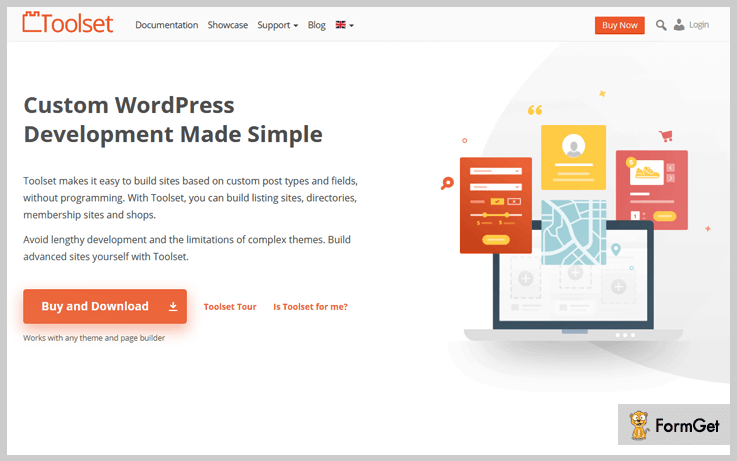
Toolset is the perfect tool for advanced and beginner developers as it makes it easy to add custom fields without needing any coding. You can choose from more than 20 types of custom fields including numbers, images, and videos.
The best part about using Toolset is that you can add all the features a custom WordPress website needs using just one plugin including custom post types, taxonomies, a custom search and much more.
Price-
Toolset Presentation at $69 is the best solution if you’re simply looking for custom fields.
If you want to build an entire site then Toolset Interactive allows you to build three complete custom WordPress websites for $149.
Features-
- Toolset offers repeatable field groups so you can create multiple sets of fields as many times as you want.
- Create custom post types and taxonomies without PHP coding.
- Have full control over how you want to customize your field groups.
- Your custom fields can be completely searchable in your own search bar.
4. Filter Custom Fields & Taxonomies
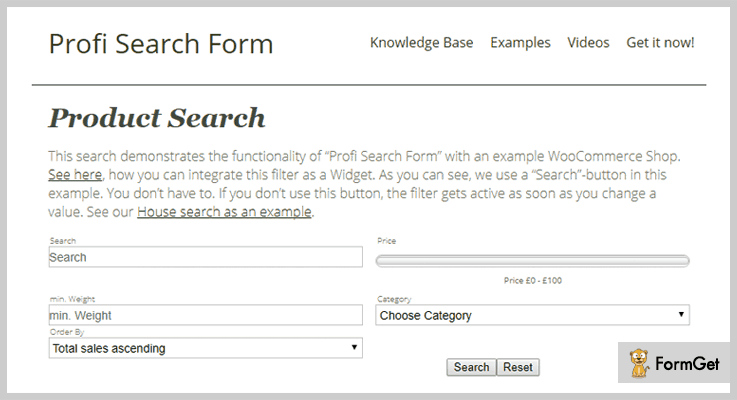
Filter Custom Fields & Taxonomies is one of the best plugins out of all used custom field WordPress plugins. Because it uses Profi Search Form for almost every function which it provides. Almost all the functions in this plugin are performed with the help of this search form. This filter basically helps in applying search filters to the search.
Using Profi Search Form your clients can do full-text search, can use range slider for selecting a price, age, etc.
A Profi Search Form is basically a search & filter form. To use it on your website you just have to enter the shortcode. Also, you can use a widget for the search filter in your sidebars.
Price –
With up to 1000+ sales and a 4.5-star rating, this plugin will cost you only $21.
Features –
- This plugin is easily customizable from the admin area.
- Your customers can do a full-text search. It means that the search engine probes all of the words in every document and tries to match search criteria.
- It provides many filters like – filter by custom fields, taxonomies, post and each of them provides a different function.
- In addition, it comes with a range slider. Using range slider your customers can decide a particular price, an age of the person, and a select box.
5. Advanced Custom Field Pro
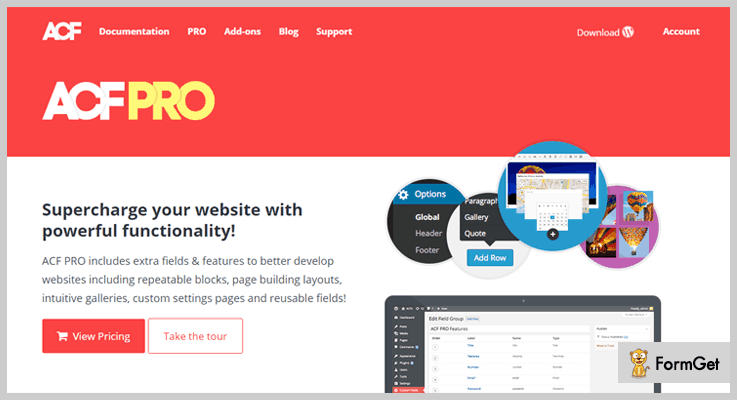
ACF PRO includes many extra features to develop better websites. This plugin holds a lot like – repeater, gallery, & flexible content field with options to create pages.
Repeater field allows you to create a set of sub-fields. Also, these sub-fields can be reused again and again.
In addition, the repeater field allows you to create and manage every customized data with ease.
Price –
ACF PRO is available in two licenses a personal and developer license.
- Personal License – The price is $25 with lifetime updates for 1 site.
- Developer License – It will support unlimited sites at the price of $100.
Features –
- ACF Pro provides a gallery field which provides an intuitive interface for managing the collection of images.
- This plugin has a flexible content field which is a complete content layout manager. It helps in defining groups of layouts, add, edit, and re-order.
- The clone field allows you to select and display existing fields.
- You can show the custom profile field at 26 locations on your Account page.
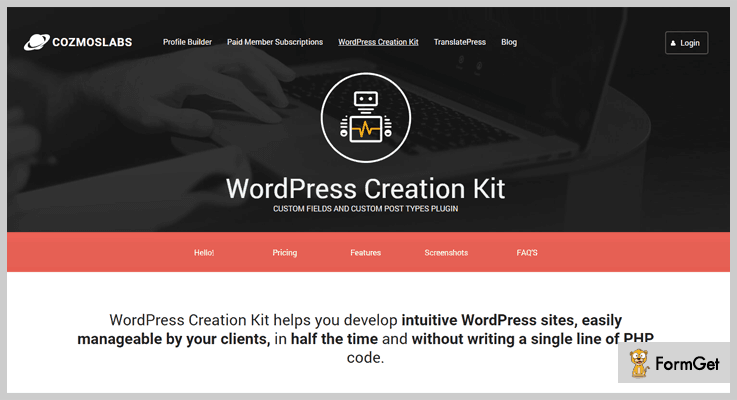
6. Custom Fields And Custom Post Types Plugin
As the name suggests this plugin helps in customizing all the fields and posts.
You can create repeater custom fields, post types, taxonomies and build your front-end templates directly from the WP admin area.
Price –
This plugin is also available in two pricing:
- Pro Version for unlimited sites at $149,
- Hobbyist at $49 with one accessible site.
Features –
- It has an advanced Repeater Custom Fields Creator, by using it you can create a set of sub-fields.
- You will find both custom taxonomy and creator in this plugin.
- This plugin provides you many options for creating pages.
- Using it you can also create frontend of your website.
7. Custom Field Suite
Using Custom Field Suite you can browse the “Field Groups” admin menu. This will help you in adding functionality to your website.
You will find many field types like – text, loop, tab, hyperlink, and more.
Also, this plugin has up to 40,000+ active installation and 5-star rating by many of its users.

Price –
Custom Field Suite is available free of cost and easy to use.
Features –
- CFS comes with documentation, which makes it easy to use.
- It creates a Field Group which contain one or more custom fields.
- With the help of Placement Rules box, you can decide where the field group should appear.
8. Smart Custom Fields
Smart Custom Fields is a very simple plugin for managing your website. This supports many features like customer support, metadata revision & preview support.
It has up to 10,000+ active installations and still, the count is increasing. Also, it has many field types text, color picker, posts, data picker and more.

Price –
Smart Custom Fields is an open source software along with 5-star ratings.
Features –
- This plugin is multilingual and can be translated into Japanese. In this plugin, if you want to change this plugin into your language you have to use GlotPress plugin.
- You can get metadata in 4 forms post, user, term, or page metadata.
- With this plugin, you can create customize options pages.
- You can register your custom fields by coding also.
Conclusion –
This is our take on the 6+ best custom field WordPress plugins. We really wish that you found the best suitable match out of all custom field WordPress plugins.
For any further assistance, do comment on this blog!
7+ Twitter WordPress Plugins 2022 (Free and Paid)

In this era, social media especially Twitter has outstandingly changed the fashion and media industries. It is #1 social media marketing channel helps you to achieve your business goals.
And you know what!
WordPress and Twitter can be easily synchronized with each other via Twitter WordPress Plugins.
As a result, you can directly connect with your consumers in nanoseconds. Its an amazing way of sharing your content right away.
So, in this article, we will talk about some of the best Twitter WordPress plugins that boost up your SMM strategy.
Twitter plugins for WordPress provides you an easy approach to share your website’s posts on Twitter with just a click!
You can also showcase your Twitter timeline on your website through these plugins.
You may also like-
Apart from this, they have lots amazing functionalities that gives you the full experience of Twitter on your WordPress site.
So, to know more dig into the article and find the best Twitter WordPress plugin for your website.
1. WP Tweets PRO
It is a great Tweeting plugin that automatically tweets your website’s posts. This plugin automatically tweets on the timeline of multiple authors of your website. You can also schedule up-tp 3 re-posts at your desired time interval.
With this plugin, you can delay the tweets of your posts once they are published. So, you can check your posts before sharing with your Twitter followers.
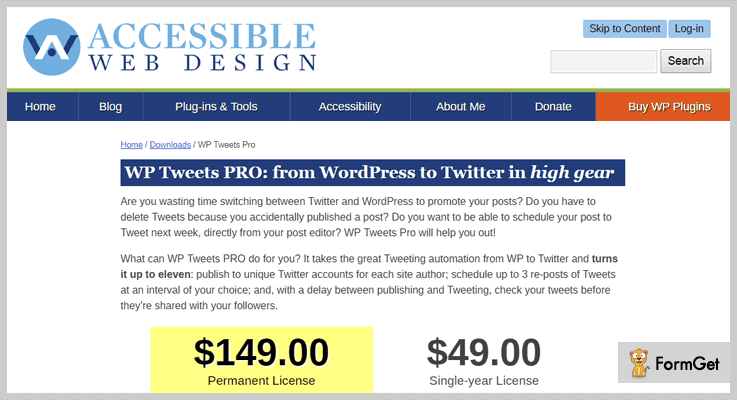
Cost Figure
- Single Year License: $49.
- Permanent License: $149.
More Features
- The plugin automatically re-post the tweet after publishing up-to 3 times. You can also set custom time of reposting you Tweet.
- Facility to tweet your old posts at a scheduled time-interval and let’s your followers read your old posts.
- You can set a blackout period. It means your scheduled tweets never go out during these hours.
- You can upload post’s featured as well as attached images on the Twitter.
- The facility to apply custom filters to block the tweets.
2. Custom Twitter Feeds Pro
Custom Twitter Feeds Pro shares Twitter feeds on your website. It displays your tweets in a beautiful and responsive layout. It lets you to customize the Twitter feeds to match the appearance of your website.
The plugin ensures the engagement of your site visitors by displaying your twitter feeds directly on your website.

Cost figure
- Personal License: $39 for 1 site.
- Business License: $79 for 5 sites.
- Developer License: $119 for unlimited sites.
More Features
- By using its powerful shortcodes, you can display multiple tweets on a single page or on different pages of your website.
- It comes with an inbuilt post caching to minimize Twitter API requests and speed up loading time.
- Fully translation ready and compatible with all the languages.
- Automatically creates a Twitter card when sharing a link.
3. AccessPress Twitter Feed PRO
It is a premium Twitter feed plugin for WordPress. It is so simple to use and set up in a matter of few minutes. This plugin fetches latest tweets from any account and displays it on your website. It also supports multiple Twitter accounts. So that you can share tweets from all your account on a single platform.
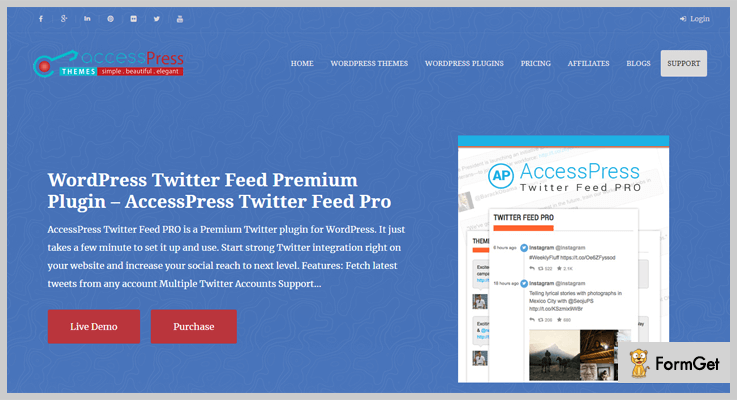
Cost Figure
This Twitter WordPress plugin cost you only $18.
More Features
- It also supports Twitter media. So, you can display your tweets along with images on your website.
- Caching option is also available to prevent from API calls.
- It comes with 12 different design templates.
- Ticker and slider mode is also there with many customization options.
- Further, you can also contact their support team for paid customization.
4. Twitter Ultimate – WordPress Plugin
Twitter Ultimate is a premium WordPress plugin used to display real-time Twitter news feed on your website. It is highly customizable and user-friendly plugin that frame-up live tweets on your web page instantly.
It comes with a search bar, through which you can search the tweets by usernames or by multiple queries.
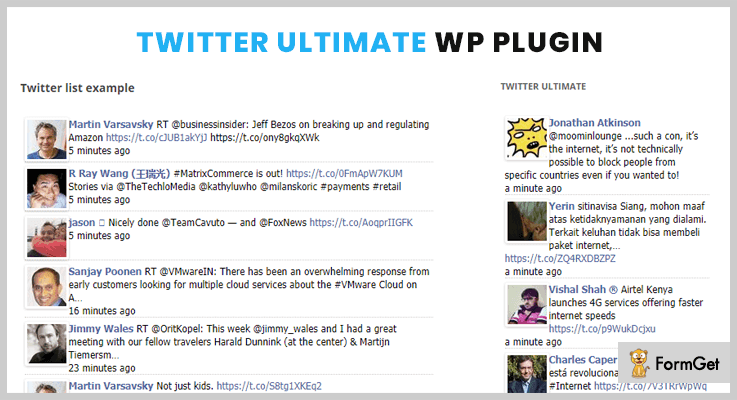
Cost Figure
This plugin has a price of only $10.
More Features
- There is an option to start and stop the incoming tweets.
- The plugin provides the shortcodes to embed it directly on a desired page or posts.
- Option to control the display of profile images on the tweets.
- It also supports the latest version of Twitter API.
5. Tweetlab – Twitter slider & Usercard for WordPress
With the help of this plugin, you can display your tweets in a beautiful slider on your website. There are four inbuilt customizable templates. Further, you can also create your own template. The plugin lets you display the tweets in Twitter Card format, balloon form, vertical carousel, in hashtags or in custom query carousel.

Cost Figure
You can download this plugin from codecanyon.net at just $21.
More Features
- Option to place a slider either horizontally or vertically.
- You can control the speed of transitions effects of the slider.
- It shows the information of Twitter Account.
- Displays your tweets in different formats in a featured area.
6. Twitter Feed – Social plugin for WordPress
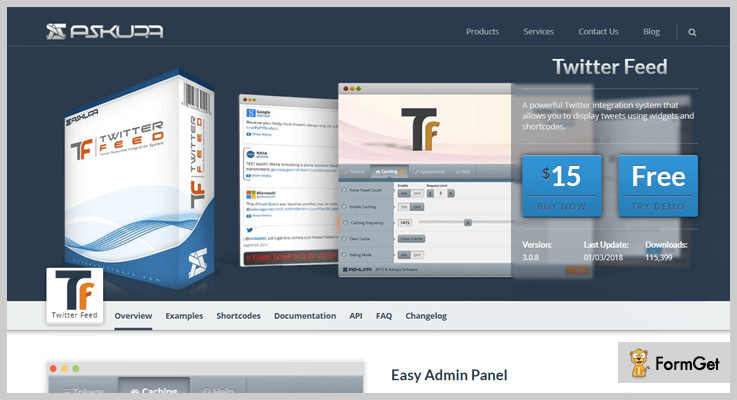
Twitter Feed allows you to display tweets from six different resources including user timeline, home timeline, your re-tweets etc. This plugin comes with powerful admin panel through which you can have full control over it. Additionally, you can set-up caching system which helps speed-up your loading time.
Cost Figure
This plugin is available at a cost of $15.
More Features
- Comes with five different skins. You can pick the one which goes with your current theme.
- Multiple widgets are also there to place the tweets in the sidebar and footer area.
- It supports Twitter media such as images, vine videos, Youtube videos etc.
- An easy bug reporting via admin panel.
- It also supports right-to-left languages.
7. WP Twitter Auto Publish
WP Twitter Auto Publish is a free responsive Twitter WordPress plugin. This plugin automatically publishes your posts from your blog and website to Twitter. It publishes your posts as a simple text or a text with an image. The plugin lets you share your blog posts or custom posts within a single click.

Cost Figure
This plugin is free of cost available on the official WordPress website.
More Features
- You can enable or disable publishing of WordPress pages.
- It offers customizable formats of tweets.
- An option to publishes a post with or without an image.
- There is also an option to filter your post by custom post categories
8. Easy Twitter Feed Widget Plugin
Unlike other plugins, Easy Twitter Feed Widget doesn’t require an API to display your tweets. This plugin provides an easy interface to implement all your tweets easily. So, if you want to display your Twitter timeline on your website without paying extra bucks. Then, this plugin is the perfect option for you.

Cost Figure
It is freely available on WordPress.org.
More Features
- You are allowed to personalize the link color, background, border color and so on.
- This plugin works well with all the popular WordPress themes.
- It comes with two different dark and lights layouts.
- This plugin doesn’t require any hefty setup.
The Takeaway
So, this was from our side on 7+ best Twitter WordPress plugins. We’ve tested all the mentioned free and paid plugins. If you really want to integrate your website with Twitter then, adapting one from these plugins might be a great deal for you.
We believe that you’ve found this article helpful. For any other queries and suggestions. Kindly, let us know in the comment section.
7+ WordPress Firewall Plugins 2022 (Free and Paid)

“Try WordPress firewall plugins & make your site safer & stronger than before!“
Obvious! You will make a good website but what will you do for its security?
This is a big question in front of you. And to give the answer, we’ve got collections of firewall WordPress plugins here, with the help of which you will be able to create a fully secured website.
These plugins will protect your information from unwanted activities like – hacking, denial of service attack, traffic load etc. All these WordPress security plugins will act as a defense armor for your site from all malware incoming threats.
Along with this, they all help to send genuine traffic to your web server, speed up your website and boost the performance.
We recommend these security plugins because they are good enough to identify genuine website traffic vs bad requests.
Having said that, let’s take a look at the best WordPress firewall plugins on this blog, that you can use them to provide extreme security to your website.
But before going ahead you may also have some of our other blogs:
1. Wordfence: Best in Paid WordPress Firewall Plugins
Wordfence is a WordPress firewall plugin which provides the best protection for your site against multiple threats. One of the basic functionality of this plugin is that it blocks entire malicious networks & also human/robot suspicious activities that could harm your site.

Pricing:
You can purchase its license keys (APIs) in a large quantity to save money now & use whenever you need them.
| Years ⇣ | Keys ⇢ | 1 | 2 | 3 | 4 | 5 | 10 | 25 |
|---|---|---|---|---|---|---|---|
| 1 | $99.00 | $74.89 | $66.85 | $62.84 | $60.42 | $42.91 | $29.86 |
| 2 | $89.10 | $68.67 | $61.86 | $58.46 | $56.41 | $40.27 | $28.04 |
| 3 | $84.15 | $64.93 | $58.52 | $55.31 | $53.39 | $38.12 | $26.55 |
Features:
- This plugin automatically blocks the attackers before they can get to your site & access any private information.
- It alarms the user about the attacks on the WordPress site in real time.
- Apart from it, this plugin also prevents Brute force attacks by blocking multiple failures of logins & forgot password.
2. Security Antivirus Firewall: WordPress Plugin
Security Antivirus Firewall or S.A.F. is a WordPress security plugin for the protection of websites. It searches for malware & viruses on your site. If any of them is found then it removes it from the site.

Pricing:
- With its beginner’s plan, you’ve to pay $19.99 to avail security for 1 domain along with 6 months updates.
- Unlike the last plan, the expert plan charges $49.99 to use it for 3 domains & with 1-year updates.
- Finally, its professional plan has a charge of $99.99 for 5 domains with no limited options.
Features:
- Through its Google reCaptcha integration, one can easily protect his WordPress site from spammers & bots.
- Its antivirus section shields the site from infections & heals the infected modules whenever detected.
- Also, it detects any kind of vulnerabilities in themes & plugins installed on your site which may cause threats in future.
3. WebDefender: WordPress Security & Firewall Plugin
WebDefender is a firewall WordPress plugin which can provide the ultimate security to your website. Its scanner is way too efficient for scanning any kind of adware, phishing code & exploits on any WordPress site.

Pricing:
- For small sized business, $6.9/month is the charge which will include the protection against threats, malware & many more harmful elements.
- $12 (monthly) is the charge for securing & protecting websites hosted on a VPS server.
- At last, this WordPress firewall plugin also has a plan of $16.9/m. In case if your website crashes, then its team will especially resolve the problem on your site within a couple of hours.
Features:
- Through database scanning, this plugin searches for any kind of vulnerabilities which might attack the data of your site.
- If any bot leaves a comment, then both the bot & the comment will be blocked.
- Its blacklist monitor will alert you if your site is listed in any kind of ostracized list.
4. Swift Security Bundle: Firewall Plugin for WordPress
Swift Security Bundle is firewall plugin for WordPress which even a non-technical guy can also use without any issues. With a single click, you can make your website more secure than ever.

Pricing:
- Its standard plan charges $36 for a single product access which can further be distributed freely.
- Apart from it, this firewall WordPress plugin has another plan of $180 which can be sold for more users.
Features:
- You can hide your WordPress site & the attackers won’t be able to guess if you are really using WordPress. it can be done by changing the default name of files & directories without modifying the actual structure.
- For any kind of new attacks & updates, you’ll receive the notifications like emails & push.
- Also, it is compatible with any kind of WordPress theme to work with. So you don’t even have to change the theme.
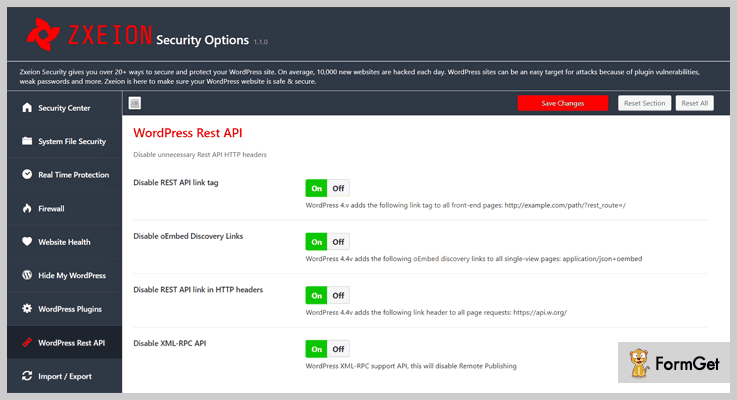
5. Zxeion: WordPress Firewall & Security Plugin
Zxeion is a powerful WordPress firewall security plugin for hardening the safety of any website. It contains the collection of tools & fixes for more security protection. All of it can be done by determining threats & removing them without any delay.
Pricing:
- It has a regular plan of $20 for a single product with no charges on end-users.
- This WordPress plugin has another plan of $108 in which end users can be charged.
Features:
- It blocks the IP addresses from where the attackers might attack your site.
- Some threats might attack the hidden files stored on your site. So, this plugin also protects those files from the threats.
- You will receive automatic updates whenever a new version has come.
6. WP Ultimate Firewall: Security WordPress Plugin
WP Ultimate Firewall is another security plugin for protecting the firewall of a WordPress site. Apart from it, this plugin also has a feature of speeding up the website through multiple optimizations options.

Pricing:
- $29 is the standard charge for accessing this WordPress plugin for single client access.
- It has an extended license of $120 which includes a buyer fee as well as the item price.
Features:
- It provides more security to WordPress sites by using Google reCaptcha.
- Due to its improved website security algorithm, it is very hard for hackers to attack your site.
- With SQL Injection Protection, anyone can provide protection to his WordPress site against fake search engine bots.
7. All In One WP Security & Firewall: WordPress Plugin
This WordPress firewall plugin is easy to use & customize according to the priorities of any site. It helps in reducing security risk by checking vulnerabilities & by implementing the recent recommended WordPress security techniques/practices.

Pricing:
- This firewall WordPress plugin is free of cost.
Features:
- It checks files & folders which aren’t secure. After doing it, permissions are set for only genuine visitors of that site.
- One can also import as well as export the security settings of the website to make it more strong against threats.
- It works smoothly with plugins which are already installed on that WordPress site.
8. BulletProof Security: Firewall Plugin for WordPress
BulletProof Security is a WordPress plugin which detects any kind of threats & malware. After detecting them, it removes them from the WordPress site without disturbing the structure & data of the site.

Pricing:
- This WordPress firewall plugin is free for lifetime.
Features:
- Whenever the database of the site is attacked by any threat, this plugin backup it either partially or fully.
- By adding its security custom codes, you can make your site strong against all the malware & hackers.
- You can monitor all the login attempts apart from you. This will help you to think whether your site is really secure or not.
Conclusion:
So above are some of the best WordPress firewall plugins which you must use on your website. They can protect your website from harmful threats, malware, bots, etc.
Some of them are free while others are paid. Apart from it, they are way too easy to use such that even a non-techie person can use it.
That’s we’d like you to use these firewall WordPress plugins & finalize the best one.
For any suggestions & queries, please comment below & we’ll get back to you soon!
5+ WordPress Push Notification Plugins 2022 (Free and Paid)
WordPress push notification plugins is a full-fledged solution for WordPress sites and blogs which helps you display short messages on different mobile and desktop browsers.
These plugins are basically designed to increase user engagement on your website in a faster, simpler and easy way. Push notification plugins are extremely beneficial in boosting sales, enhancing web traffic and raise conversion rates.
But fetching the correct plugin which offers multi-browser support, real-time tracking, notification scheduling and such advanced facilities is not easy.
So, for your convenience, we have listed and explained some of the best push notification plugins for WordPress in the blog.
Before going into the details of plugins have a look at these blogs below:-
1. PushAssist – WordPress Push Notification Plugin
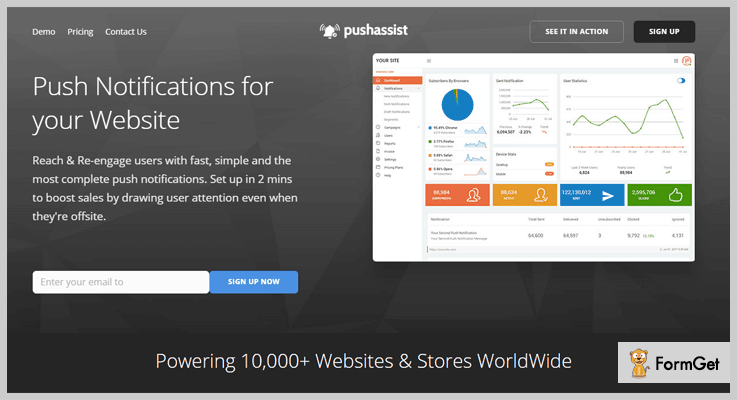
PushAssist is a WordPress plugin which allows you to send push notifications to website visitors. It supports a variety of latest browsers like Chrome, Firefox, Safari, etc and allows you to send personalized messages to different users.
With this plugin, you can also track user actions like notification views, clicks, subscriptions and more.
Pricing:-
This plugin offers three different plans which are defined below:-
| Starter Plan | Business Plan | Elite Plan |
|---|---|---|
| $15 per month | $85 per month | $299 per month |
| 5,000 Subscribers | 10,000 Subscribers | 75,000 Subscribers |
Features:-
- Notifications sent using this plugin are multi-device compatibility and looks great on mobile as well as desktops devices.
- Allows you to send personalized messages and offer details to specific customers or site visitors.
- With this plugin, you can schedule and send time specific push notifications to the site visitors located in different time zones.
- It also provides real-time tracking facility which enables you to monitor user actions on push notifications.
More Details On WordPress Push Notification Plugin
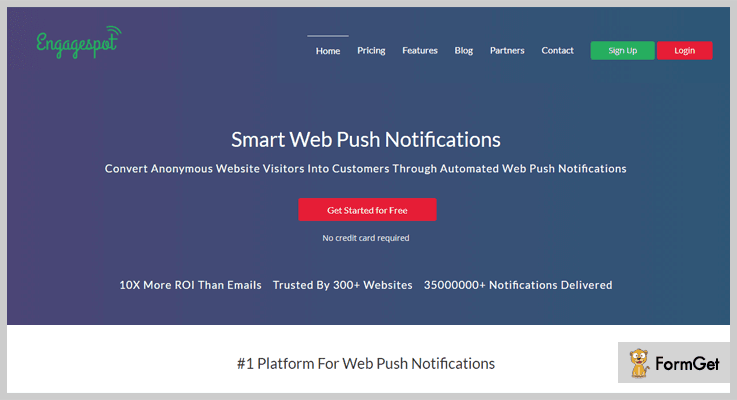
2. Engagespot – WordPress Push Notification Plugin
This is one of the best WordPress notifications plugin using which you can conduct unlimited notification campaigns.
With Engagespot it becomes super easy to send custom push notifications which are traceable and triggered automatically by user actions. Plus, it also works well on both HTTP and HTTPS websites.
Pricing:-
This plugin has got more than three different plans which are listed below:-
| Free Plan | Professional Plan | Premium Plan |
|---|---|---|
| $0 | $20 per month | $100 per month |
| 1,000 Subscribers | 2,500 Subscribers | 5,000 Subscribers |
| Single Website | 3 Websites | 5 Websites |
Features:-
- Visual campaign designer with the help of which you can create customized and unique push notifications for your website.
- It allows you to segment and filter site visitors on the basis of cart abandonment, search queries or page visits.
- You can also automate push notifications by defining certain rules and regulations on which notifications are automatically triggered on your website.
- With this plugin performance of different campaigns can also be monitored through reports and statistics.
More Details On WordPress Push Notification Plugin
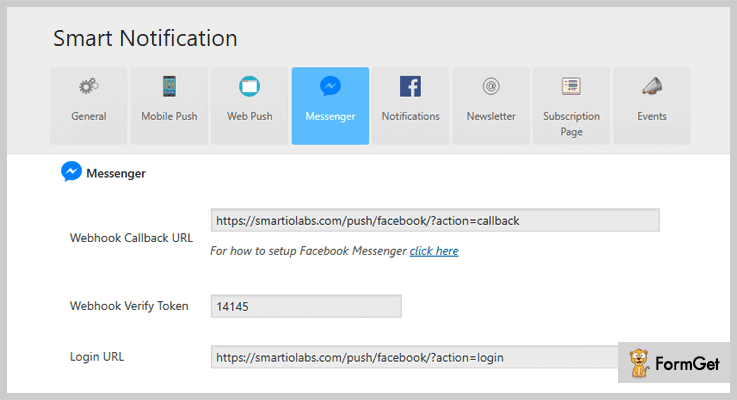
3. Smart Notification WordPress Plugin
Smart notification WordPress plugin is specially crafted for people who wanted to have a push notifications system for their WordPress sites. With this plugin, you can send custom designed notifications to your website visitors.
It also supports various platforms like iOS, Android, Chrome, Safari, Edge, Opera, Samsung browser and Firefox.
Pricing:-
- The regular license of this plugin will cost you $39 with which you can create and send push notifications with ease.
- The plugin also offers extended license which is priced $500.
Features:-
- With this plugin, you can target users landing on your website from different platforms like chrome, firefox, safari, etc.
- You can also send mobile push notifications to iOS, Android, Windows and other users.
- It allows you to monitor user clicks and views on all push notifications.
- This plugin also permits you to schedule campaigns and get a live preview of the notifications.
More Details On WordPress Push Notification Plugin
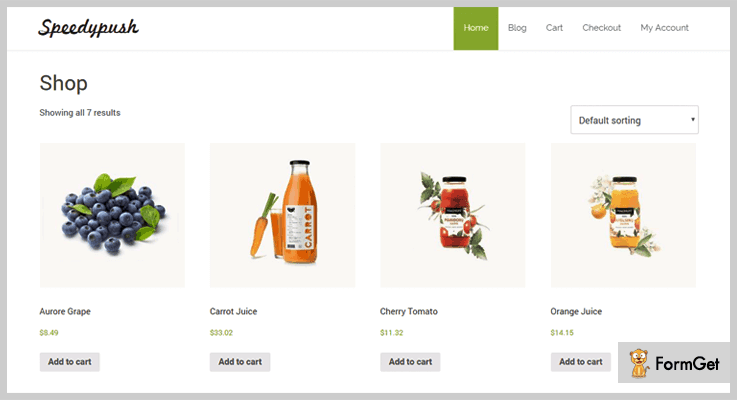
4. Speedy Push – WordPress Notification Plugin
Speedy Push is a WordPress plugin that helps you deliver browser notifications to mobile, tablet and desktops visitors to your website. This plugin is fully compatible with WordPress as well as WooCommerce websites.
This WordPress notifications plugin allows you to send real-time and scheduled messages. You can also select previously create notifications from history.
Pricing:-
- $34 is the price of regular plan of this plugin which offers advanced browser notification facilities to WordPress and WooCommerce sites.
- The extended plan of this plugin will cost you $500.
Features:-
- It is an easy to use push notification system through which unlimited notifications to unlimited subscribers can be sent.
- This plugin permits you to store subscriber IDs in your database for future usage.
- You can create custom notifications and test them before sending.
- It comes pre-integrated with WooCommerce.
More Details On WordPress Push Notification Plugin
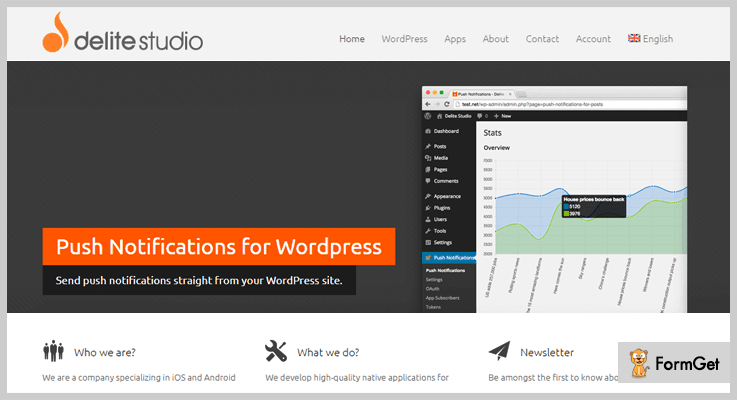
5. Push Notifications for WordPress Plugin
Push notifications for WordPress is a plugin which helps you focus on users landing on your site via mobiles, tablets or similar devices. This is an advanced plugin which has an in-built hub for direct sending of push notifications.
Notifications delivered using this plugin can appear in the form of message alerts, badge updates, and even sound alerts on the browser.
Pricing:-
- This is free of cost push notification plugin which currently holds over a thousand active installations on popular WordPress sites around the globe.
Features:-
- Allows you to send push notifications whenever a new content, blog or post is published.
- It supports iOS & Android platforms and allows you to send 1,000 notifications per platform.
- User can also add categories in-order to receive relevant push notifications which will help you keep users more engaged.
- Automatically triggers a push notification as soon as a post is published.
More Details On WordPress Push Notification Plugin
6. OneSignal – Free Web Push Notifications
OneSignal is a totally free of charge push notification plugin issues notifications as soon as new blogs or posts are published. Your site visitors receive notifications even after leaving the website.
In addition, this WordPress notifications plugin provides you scheduling facility with which you can send time specific push notifications to users.

Pricing:-
- Another totally free of cost WordPress plugin which holds more than 60,000 active installations on the web. You can simply download it from wordpress.org and install it on your website with a few clicks
Features:-
- Supports various mobile and desktops browsers like chrome, safari, firefox and more.
- Allows you to do real-time tracking and analytics on your push notifications.
- With this plugin, you can automatically deliver notifications to your website visitors.
- Based on segments and filters you can target users arriving on your website via language, number of visits and more.
More Details On WordPress Push Notification Plugin
Conclusion
It’s time to wrap way as we are at the end of this blog on WordPress push notification plugins. I hope that you must have the right plugin of your choice which will assist you in displaying notifications on your website.
If you have any type of doubts or queries in mind, feel free to ask us in the comment section below.
7 Footer WordPress Plugins 2022 (Free and Paid)
Footer WordPress plugins are basically designed to fulfill the goal of providing a professional footer to your WordPress website. There are multiple options available in the web space but only a few will help you get the perfect footer that will suit your web design.
In this article, we’ll discuss the top 7 footer WordPress plugins of 2022. With the use of these plugins, there is no need to edit your theme files manually. The shortcodes & scripts provided by the plugins will help you embed various functionalities very easily.
A footer is a place on your website which will help you to engage your visitor for much higher time constraint. It is a place where you can effectively showcase your advanced services, categorization, and many user engaging features. It may be the last section of your website but is great to showcase widgets and contact information and more.
Delve into these awesome WordPress plugin blogs:
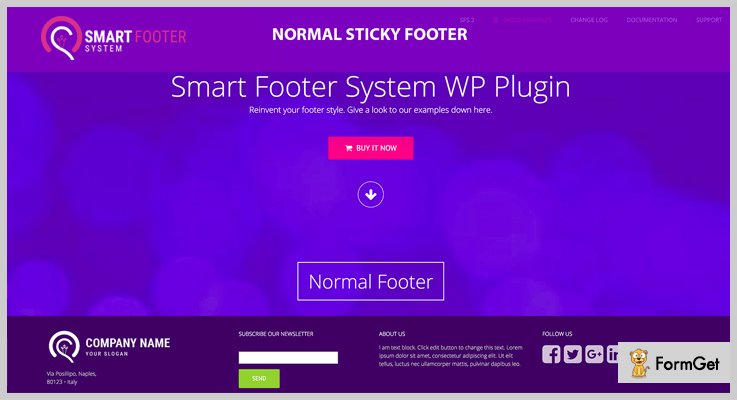
1. Smart Footer System – Best in Footer WordPress Plugins
Smart Footer System is an advanced footer WordPress plugin. With the use this plugin, you can add infinite footer styles with 9 different modes to your website. This plugin has tons of customizable options to create footer of your desire.
You could also use various icons and personalized text for opening and closing of your footer. SFS footer plugin lets you create or edit footer with the visual composer, king composer, beaver page builder and many others. Additionally, it is also compatible with theme’s page builders.
Pricing plan:
SFS footer WordPress plugin has a regular license of $20 with video background footer and more options.
Features:
- 9 footer modes available namely sticky, reveal, slide up, banner, CSS3, accordion, spread, menu and normal.
- CSS selector available to hide/show part of your theme.
- Automatically recognize the theme’s custom post type.
- This plugin contains WooCommerce dedicated panel settings.
2. Royal Footer Bar – Footer WordPress Plugins
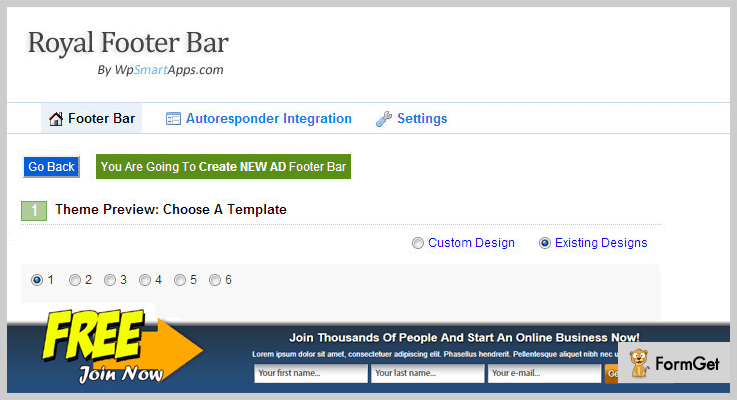
Royal Footer Bar is a flexible footer WordPress plugin. There are unlimited options available to create footer bars for advertisement, social and custom usage. You can target any page for custom footer style. You can test your designed footer with A/B/C split testing.
The plugin will also provide a report showing overall effectiveness of your footer. And get feedback from any possible angle.
Pricing plan:
The Royal Footer Bar footer WordPress plugin will cost $39 for a regular license with 6 months support.
Features:
- Create unlimited footers through the three footer-categories Ad, opt-in or social bar.
- Provide page level footer targeting.
- This plugin will provide an auto-fill form functionality.
- Text footer bar against one another through the built-in testing mechanism.
3. HayyaBuild
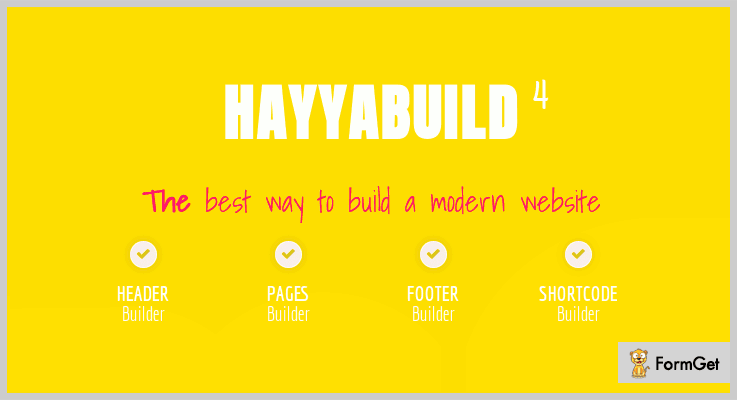
HayyaBuild is a drag and drops footer WordPress plugin. It lets you build an unlimited number of footer, content and shortcodes for your WordPress website.
This plugin doesn’t require any prior coding knowledge. It comes with very powerful modules for footer designing.
It is a kind of all-in-one page builder plugin. You can easily create different sections of your site with the use of this multipurpose plugin.
Pricing plan:
HayyaBuild 5 stars footer WordPress plugin has a cost estimate of $29 only.
Features:
- This plugin will provide you 20 premade page templates.
- It will allow you to design different footer designs for different pages.
- Compatible with plugins like BuddyPress and WooCommerce.
- IE10, IE11 ,Opera, Chrome, Firefox & Safari browser compatible.
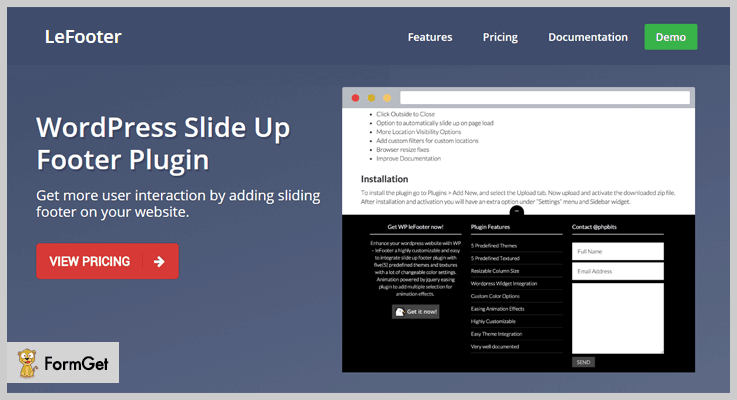
4. WP leFooter
WP leFooter is a slide up footer WordPress plugin. It will provide a 5 different themes and textures. This plugin provides highly customization feature with color styling settings. It will let you embed compound slide up footer animations with easing effect.
The plugin has famous one-click installation and a 4.5 stars rating.
Pricing plan:
The leFooter WordPress plugin will cost $15 for a regular license.
Features:
- This plugin is compatible with the brand new WordPress version 4.8.x.
- It supports WordPress plugin integration.
- Multiple widget alignment options are available with this plugin.
- Provide options to hide any specific widget on any device such as desktop, mobile, iPad etc.
5. Footr
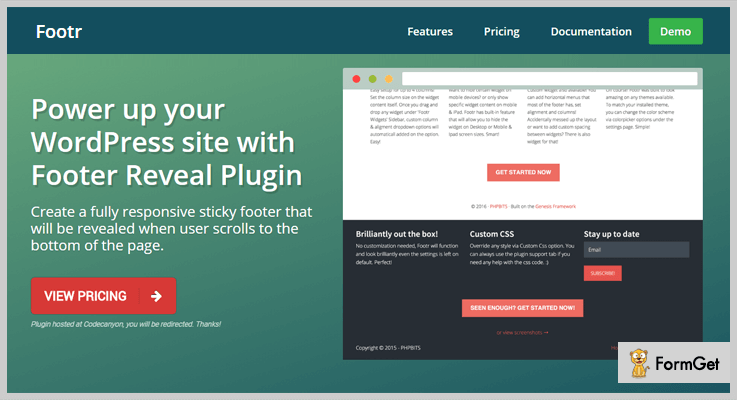
Footr is a footer WordPress plugin that adds up a sticky footer on your WordPress site. The footer will remain hidden until a page scroll occurs to the bottom of the page.
For slick and professional options this plugin will use widget-driven contents. It will provide a simple, fully responsive and customizable footer design.
Pricing plan:
Footr footer WordPress plugin has a regular license of $18 with a 4.8 stars rating.
Features:
- Location visibility control for full control on where you want to display Footer.
- Hassle free options to add any contents via footer widgets.
- Easy footer setup up to four columns.
- Brilliant default settings, more customization options available whenever needed.
6. Header & Footer
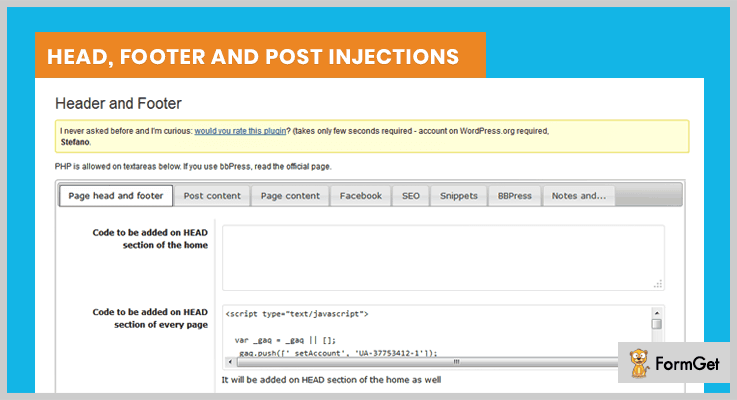
Header & Footer WordPress plugin is a centralized and well-managed plugin. With the use of this plugin, you can provide functionalities of Google analytics/DFP code/Webmaster, Facebook pixel etc.
It is a simple and easy-to-use plugin. Just copy the code and easily manage your services via a centralized system.
Furthermore, Header & Footer is a theme-independent WordPress plugin & will let you change your theme anytime.
Pricing plan:
It is a free-to-use product by Stefano Lissa with 5 stars ratings.
Features:
- This plugin will allow you to inject the code into many sections of your theme.
- To add logic to your injection it will recognize & execute the PHP codes.
- Different options for desktop & mobile injections.
- It is a shortcode enabled plugin.
7. Insert Headers and Footers
The Insert Headers and Footers WordPress plugin provides a simple interface to insert a footer in your website. It allows you to insert script/code for embed functionalities like google analytics, custom CSS etc.
Rather than using two different plugins, this single plugin will empower you to set your site footer as well as the header.

Pricing plan:
The Insert Headers and Footers WordPress plugin is a free product you can directly download it from wordpress.org.
Features:
- It is very quick and easy to handle plugin.
- A single plugin can be used for both header and/or footer.
- Empowers you to add Google analytics to your theme code anytime.
- Insert Facebook pixel code, any script/code easily.
Conclusion:
Consequently, this was our take on top 7 footer WordPress plugins of 2022. We hope that the article helped in your search domain.
For any further queries and suggestions do comment below.
Thanks for reading!
7+ Best News Feed WordPress Plugins

People often face problems, when it comes to linking posts or news to the websites. So what’s the solution to this?
It’s obvious that there’s the need for News Feed WordPress Plugins to step in and do the work for us
News Feed WordPress plugins help us in sorting the posts. This also helps in adding the latest content to the top. The plugin displays latest updates in a reverse chronological order. These plugins work either in the sidebar or any widegtized area by sorting the posts. However, the posts here can be the latest blogs of your own website, your facebook Instagram feeds, news feeds or a combination of all of these.
Further, these plugins integrate Facebook, Instagram accounts to the WordPress websites and all the updates there then, can get a space on your website too.
Then these plugins also have integration with news sources so, you can get the news highlights on the webpage. There’s a lot more to explore so, you have to delve into the post to know these news feed WordPress plugins in depth.
Beside this, you may also be interested in reading:
1. FACEBOOK FEED WD – News Feed WordPress Plugins
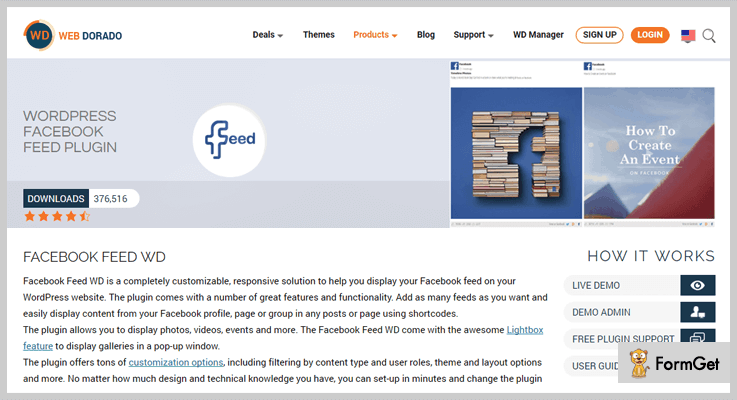
Facebook Feed WD is one of the first-rates paid News Feed plugins. You can display your Facebook feed on your WordPress site. Famous for heaps of customization option with filtering content, adding featured pictures to the posts across the board. You can easily modify the layout of the theme, taking them to a whole new level & lightbox option.
This easy to use for even non-tech peeps. Pasting a few shortcodes on the selected page is all you need to do. That’s it! And a lot more in just one plugin. Isn’t that amazing? There’s a lot to discover about this plugin.
Pricing:
The plugin is available for 6 months at the price of $25 for one domain support. For five domain support for a year, you need to pay $40. Also get unlimited domains support for a year at $60. Along with the plugin, you also get the access to updates & premium support system.
Special Offer! The Facebook Feed Premium is providing unlimited domains support, along with 6 months access to updates & premium support. Including, all their 60 WordPress plugins like Form Maker, Instagram Feed, Photo Gallery, etc. at just $99. Thereby, you save up to $735. Isn’t it amazing? Hurry Up! Grab the offer now!
Features:
- It’s completely in your hands, on what type of content you want to reveal on your site. You can decide to display all the content on your feed. Or you can filter the contents to be events, photos, videos, statuses or anything else.
- You can remold the layout of the website, by adjusting the borders and background color, fonts and much more. This will help you mold the website as per the requirements.
- In just a few easy steps, you can easily set up, install and configure the plugin.
- “It’s always better when you share”. Well, this plugin is very supportive in this case. This feature enables the user to share the content on your site on other social networking sites. All you have to do is to activate the Facebook, Google+ and Twitter buttons. You can smoothly add events to the site from the Facebook feed. Add the featured images, map and to the post.
- With Lightbox support, the Facebook feed photos and videos can be displayed in a popup window. Also allows users to comment, share and like your posts.
2. CUSTOM FACEBOOK FEED – News Feed WordPress Plugins
The Custom Facebook Feed Pro. A completely customizable, search engine crawlable and responsive solution. It is a complete package filled with tons of features and customization options. Setting up this plugin is very easy!
With exemplary support system and an excellent customer feedback, this plugin simply stands out in the list of plugins. Along with displaying posts, videos, photos, events and all the other content on your feed. There’s barely any feature you can think about this plugin can’t provide.

Pricing:
Get the plugin at $49 for 1 site support. For 5 sites support you need to pay $99. To get unlimited domains support, you need to pay $149. Along with the plugin for a year, you also get the benefits of updates & priority support.
Also, you can get the smash license with the benefits of yearly priority support & all current updates & further extensions. Along with unlimited sites support at $219.
Features:
- You can easily go to the settings and define different layouts, post types, and styling for each page.
- Enables you to display full-size photos and that too in high resolution.
- You can add a fully customizable header at the top.
- Make your feed catchy! Embed videos from YouTube, Vimeo & Facebook along with any interactive flash content. Let the users play videos on the pop-up lightbox or link it to Facebook. Or let them play in the feed itself.
- Curb the content you don’t wanna display on the feed. You have complete authority over the types of posts you want to be displayed. And what part of the posts you want to be revealed.
3. INSTAGRAM FEED PRO- News Feed WordPress Plugins
Want to display the pictures from your Instagram account to the WordPress site? It can’t get any easier! “The Instagram Feed Pro” comes to rescue. This paid plugin allows you to share the Instagram photos and videos on your WordPress sites. This plugin is fully loaded features for your every need.
Instagram Feed Pro helps you manage your posts straightforwardly. Without fussing with the posts, you can update and customize the feed. With few easy steps install this useful plugin. But first, have a look at the superb features of this plugin.

Pricing:
You need to pay $39 for 1 site support. For the support of 5 sites, you pay $79. Get unlimited sites support at $119. Along with the plugin for a year, get the benefits of updates & priority support.
Features:
- This plugin proves to be of great support when it comes to increasing social involvement. All you have to do is simply display your Instagram content on the site. Sit back, and watch your followers increase.
- Never let your audience take their eyes off. Trigger the latest content from your Instagram straight to your site. Keep your site up to date and fresh.
- Create a unique feed. All you have to do is go through the tons of inbuilt customization options. Typically, no need for coding. Isn’t it beneficial for the ones belonging to the non-technical background?
- Effortlessly filter the media you want to get posted on the feed. Either photos or videos. Or both of them. It’s completely your choice, what you want to display.
- Another interesting feature is that you can change the color & size of any photo, text, and icons.
4. BWL POST BREAKING NEWS MANAGER- News Feed WordPress Plugins
BWL Post Breaking News Manager, this one can prove to be one of the best online news plugins available. It is easy to use and comes with custom CSS codes to display the news with header ticker. Then, animations and tickers you would definitely love. There’s unlimited theme colors and much more. This easy to install the plugin is fully loaded with outstanding features.
The plugin provides wonderful header ticker, footer ticker, and side ticker. Ensuring the efficient use of space on the page. Thereby, improving the quality of the page. There’s an option that asks whether you want to post the breaking news to your header ticker or not. Also, you can change the title of the header ticker. All with a single click

Pricing:
This plugin is available at the reasonable price of $19 for 6 months. To further extend the license for 12 months you have to pay $5.63.
Features:
- Choose whatever theme color you wish. Implying, you can choose the theme color. Also, you can customize the colors as per your need.
- Ascending or descending order? Display the post by Title, ID or Date? Customize the posts the way you want to. This plugin enables you to select the perfect option for your posts and display them on the page.
- You can set limits to the posts. And decide the number of posts to display on the page.
-
You can modify the page, the way you want it to. You can display the border. Also, decide whether or not to show the next & previous page button. A lot more
-
The plugin’s got a lot of animation options like transition type, speed, etc. This feature will definitely embellish the look of the page.
5. FINANCIAL NEWS HEADLINES – News Feed WordPress Plugins
Financial News Headline, is one of the finest RSS plugins. It not only assembles the headlines for you but also gathers the stock indices, forex pairs, commodities and cryptocurrencies from the RSS feed.
Using this plugin can actually save your time by extracting the latest news headlines for specific public companies and highlighting them on your feed. Later, you can choose which news you want to publish on your WordPress site
You can rely on the plugin for the content. The plugin musters the news from the trusted sources like Yahoo Finance, Seeking Alpha, and Financial Content. Ponder on some of the excellent features of this plugin.

Pricing:
The regular license of six months is available at the price of $25. For further extending the license for 12 months you need to pay $7.88.
Features:
- The plugin gives you the authority to customize the number of new posts to be displayed on the feed. Therefore, managing the feed won’t be an issue. You easily set the limit.
- Boundless news widgets make the plugin standout in the race of RSS plugins. Adding the widgets to the page is very facile. As and when required. You can add different widgets to different pages.
- To enhance the performance of the site Financial News Headline provides auto caching. It makes it easier to save the necessary data and remove the latter one.
- 6 fully-customizable news templates are available in this plugin. You can customize using HTML/ CSS.
- US, UK, Canada, Europe, Australia. All the major markets are supported.
6. YOUTUBE VIDEOS – News Feed WordPress Plugins
Wondering about the plugins suitable for integrating YouTube videos to your WordPress? Here’s an amazing plugin designed and built to integrate the YouTube videos to your site. With the help of this plugin, you can easily put up the videos, playlist, channels, most popular videos out there. Also videos from any default categories like Music, News, Autos, etc.
It facilitates the user with the widgets and shortcodes. Therefore, making it easier to use. You can play the videos from the homepage or from the widgets section. Whenever you play the video it is displayed in an ostentatious box. Thereby, enhancing the look of the website.

Pricing:
For availing the regular license you need to pay $18 for six months. For extending the license further for 12 months you need to pay $5.25.
Features:
- Usually, there’s no need for an API key while playing the videos. But the plugin gives you the control over creating one by yourself if you wish to.
- Shortcodes have been provided in order to link the videos to your feed. Therefore saving time and extra efforts.
- The plugin supports the pagination of the content in the list. That is, the print and the digital content is separated all by itself.
- It’s easy to customize the embed player size from the plugin settings. Also, you can add the autoplay option from the settings section.
- You are the one who chooses the number of videos you to be displayed in the widgets and list section.
7. NEWS PLUGIN- News Feed WordPress Plugins
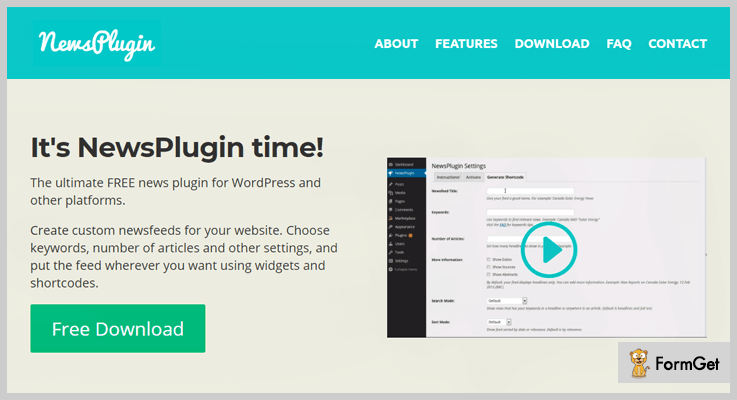
The news provided by the plugin is aggregated from over thousands of news channels. Moreover, the news is thoroughly reviewed before making it available for you.
Features:
- All it takes is a ‘simple click’ to bring things into action. You can simply select the articles you want to be published on your site or remove them. In a simple click, you can also star or unstar the articles.
- It provides you with the option of putting up the headlines automatically on your feed. Or publish them manually.
- The plugin enables you to select the number of articles you wish to publish. Also helps you in setting the keywords.
- A special feature of this plugin is sort by date or relevance option. You can search the desired article by putting up the date in the search section. Or you can simply place the keywords in the search option. The related articles will be displayed.
Conclusion:
The plugins broached in the blog are preeminent News Feed WordPress Plugins. With these plugins by your side aggrandize the feed. Thereby, inflate the earnings. Hope you have found an ideal plugin.
7+ Notification WordPress Plugins 2022 (Free and Paid)

Notification WordPress plugins help you to keep updated your customer by notifying about your latest deals & offers. But sometimes finding the best notification bar plugins for startups or any business is a tricky task.
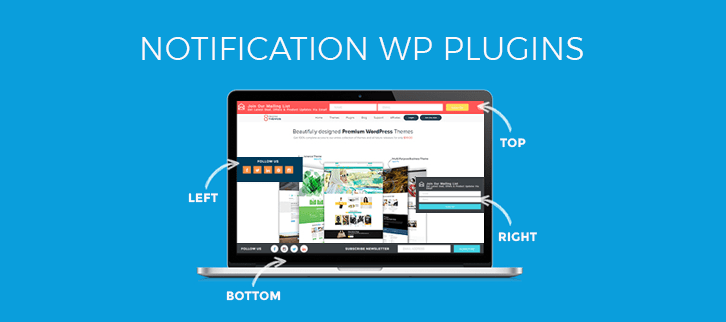
So, to make ease of this work we’ve specified the list of most popular notification WordPress plugins which not only notify your customer about the latest deals & products but also you can use the bars to capture emails of your visitors to increase subscription of your site.
In this article, there’re some impressive notification plugins for WordPress which comes with extremely attractive design and an unlimited number of customization option to make perfect for your site.
Download more WordPress plugins for your upcoming business niches:
1. Notification Bar Pro:
A high-quality premium notification bar plugin designed by SeedProd. This plugin provides you everything that usually we wish to have a top quality notification plugin.
This tool lets you create a resourceful website which allows you to easily set things up on your site. Create your message or call to action bar with its visual customizer and see how your notification bar looks in a real time.
By using this WordPress plugin you will get a ton of options to set different type of notification bar.
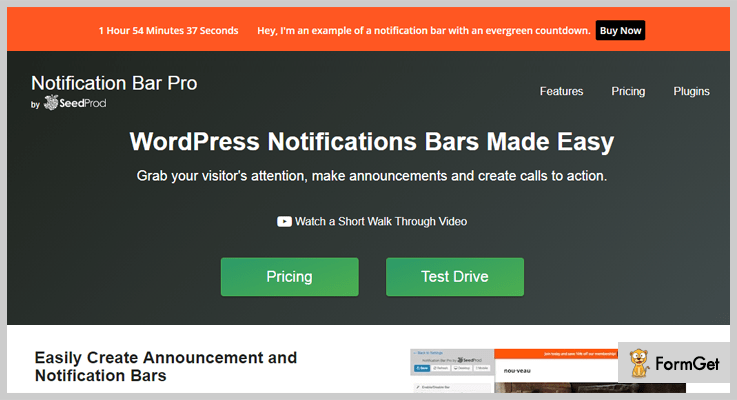
Pricing-
This plugin comes in 2-different stages:
Developer License: The plugin cost you $49 with 1-year priority supports & updates for unlimited sites.
Personal License: Download this plugin at $29 with 1 year of support and updates.
Features-
- The plugin provides you a real-time customizer so that you can see the changes to the notification bar in a real-time.
- You can create unlimited notification bar & display them wherever you want on the site.
- The tool provides you unlimited animations and effects which makes your site more attractive.
- It allows you to create a countdown button at a specific date or create a timer for every visitors.
2. 8 Degree Notification Bar-
8 Degree is another highly effective WordPress plugin that enables you to display an engaging notification on your website. The plugin lets you notify your website visitors about your latest offers, new releases products, news etc.
The plugin is responsive and simple in use which is built up to simplify the user’s needs. 8 Degree Notification Bar welcomes the visitors into your website. It also helps to promotes your blog, post, contents by adding extra elements on your sites such as static, multiple, subscriber form and many more useful features.
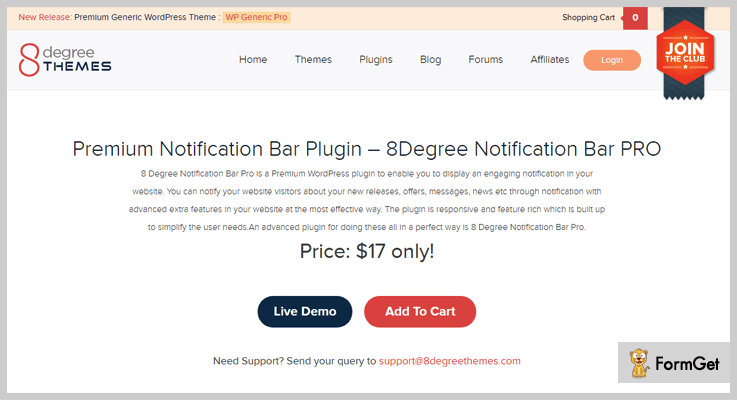
Pricing –
This powerful premium feature rich WordPress plugin will cost you only $17.
Features-
- With the help of this plugin, you can create multiple notification bars on multiple positions of your site with various colors & effects.
- You can set date wise notification bars on your website with custom design configuration settings.
- The plugin allows you to add various components like social icons, subscription form and is also integrated with MailChimp & constant contact subscription form.
- It supports SSL certificates that allow secure connections from the web to browsers.
- The plugin also integrated with one of the strongest payment gateways i.e. PayPal.
3. Apex Notification Bar:
Apex Notification Bar is a modern notification WordPress plugin which comes with a huge list of customization options that makes your website more engaging. With this impressive plugin, you can share your audience about your new releases services, deals, offers, messages etc and so forth through notification bar.
Additionally, the plugin gives you a numerous notification bar layouts with 15 pre-designed ready templates as well background image templates.
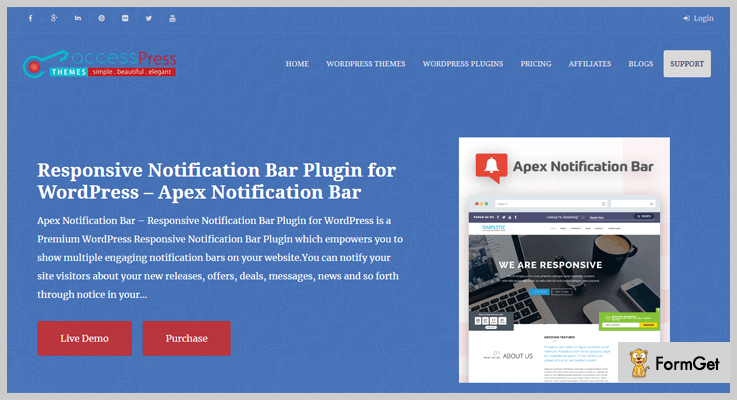
Pricing-
This multipurpose WordPress plugin charges its standard amount $18 only with 6-months support and you can extend it’s more services at $23.25 for 12-months support.
Features-
- The plugin allows you to create a 2-column bar with logo, icons at the left section of your website.
- The tool allows you to create a page wise notification bar.
- Integrated with Mailchimp / Constant Contact Subscription form.
- It provides countdown page with 6 pre available layouts.
4. Foobar:
Foober is another powerful and most popular WordPress plugin that allows you to add a various customizable bar at the top of your website. One can implement different bars on various pages of their website, so they can easily promote your business on a particular page.
The plugin offers you to create a notification bar for your website as per your need and requirement with over 30 customization options.
Apart from that Foobar also provides unlimited notification bars for per pages, social profiles, 3-column portfolio section to display your best work images with a flipping effect.
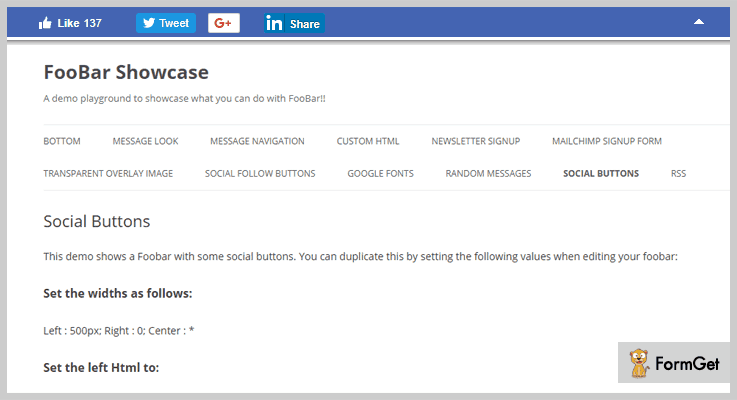
Pricing –
Try this WordPress plugin at its regular license at $9 only for 6-months supports.
Features –
- This plugin includes custom HTML or shortcodes to provide a quick and simple way to add advanced page functionality.
- The plugin is integrated with RSS feed which allows users to access online contents in a computer-readable format.
- Provides toggle button to hide or unhide the header section of your site.
- You can easily create a smart online form with a conditional logic.
5. HashBar Pro:
HashBar Pro is one of the reliable notification WordPress plugins which allows you to create unlimited notification bars on your website to notify your customer about the best deals & services of your business. The plugin offers you unlimited background colors and images for notification bars to make your website more professional.
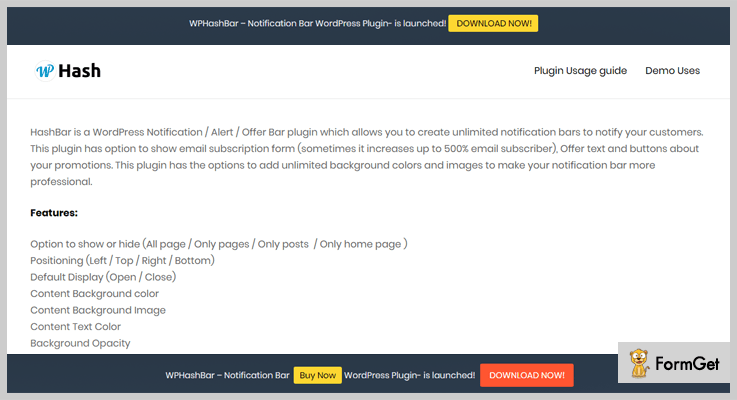
Pricing-
Get this wonderful WordPress plugin at $9 only with its 6-months supports.
Features-
- The plugin is fully compatible visual composer drag & drop page builder which is a professional page builder plugin require zero programming skills.
- The plugin provides a newsletter subscription button at the left side of the theme.
- There is an option to enable or disable your notification scheduling.
6. Wp Header Bar:
Wp Header Bar is simple, yet attention-grabbing WordPress plugin which is a customizable and fully responsive tool. The plugin offers you various intuitive features like a call to action button to read your latest blog or post, sign up form for your newsletter subscription, special pricing and many more.
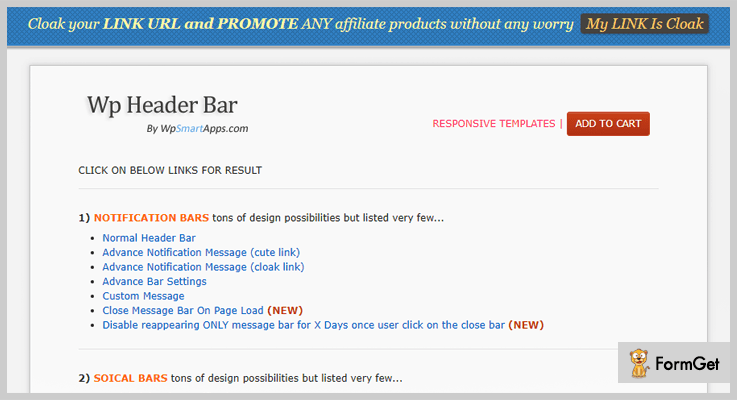
Pricing-
You can purchase this WordPress plugin at $39 only with its unlimited features and functionalities with 6-months supports.
Features-
- There is an option to convert your normal link into the cute link which means you can easily convert your long URL into the short one.
- It also supports cloak link through which you can easily promote any affiliate products.
- Analyze your customer’s daily clicks, views with its 360-degree analytic view.
- Wp Header Bar is completely integrated with Ecommerce plugin.
7. WPFront Notification Bar:
The wp front notification bar is ideal for those who want to display notification about a promotion of their business. The plugin is simple in use and lets you display a notification bar anywhere on your website.
Pricing-
This plugin comes at free of cost. So you can download it from wordpress.org easily and quickly.
Features-
- The plugin provides you an option to display your messages to your customer through a separate message button.
- Provides you a flexibility to use custom CSS to override the CSS setting of the bar.
- With help of its WP front setting, you can set the height, position, animation duration etc of the bars.
- You can set the number of seconds before the notification bar appear and close.
8. WP Notification Bars:
WP Notification Bars is a custom notification and alert bar plugin for WordPress comes with a lot of customization options. The plugin lets you add as many as different bars on your website. Wp notification bars permits you to set the rule for each bar so that the bars appear only when any visitors arrive on your facebook page, google etc.
Pricing –
The plugin comes at no cost, means you can use it at free of cost for a lifetime validity.
Features –
- It allows you to add unlimited notification bars for your website.
- Provides CTA button to guide users towards your targetted page.
- Supports toggle button to hide or unhide the header section of your site
Conclusion:
This is our take on the top Notification WordPress Plugins. If you really want to keep updated your customer about your best deals, offers & latest services then you should definitely go with these featured pack WordPress plugins once. Use these tools with your current website as well, no need to switch your theme to access it.
Hopefully, you’ve found the best one notification bar plugin for your website.
If you liked our post please do comment us below!
7+ Dropbox WordPress Plugins 2022 (Free and Paid)

If you are looking for the Dropbox WordPress plugins then you are at the right place. Today, we are here with the list of best Dropbox WordPress plugins which will help you to store the backup of your WordPress site with ease. Moreover, these plugins will integrate your WordPress website with your Dropbox account.
One of the major functions of these plugins is they make a bridge for the data of your Dropbox account to your website. Now, you can approve and showcase it on the homepage.
“Things that matter”
- Safety of the data
- Use of cloud storage
- Integrate your WordPress site with Dropbox account
The listed Dropbox WordPress plugins are the crafted keeping in mind all the things matters for the user. Your documents and files will remain safe and the whole and sole permission of accessing your file can be granted by you only. The best feature is that all the plugins are well integrated with cloud storage. It means that you can access them from anywhere and any device. Moreover, you will also get the full facility to integrate your WordPress site with Dropbox account to make things easy.
Now, let’s jump into the informative and best list of 7+ Best Dropbox WordPress Plugins.
1. Dropr -Best in Dropbox WordPress Plugins
Dropr is very powerful and best in Dropbox WordPress plugins. It helps you to turns your Dropbox account into a secondary WordPress Media Library with ease.
It comes with detailed documentation that provides you knowledge about usage of the plugin. Information can be collected with various images, PPTs and video tutorials. Also, you can access Dropbox files with the help of WordPress text editor screen.
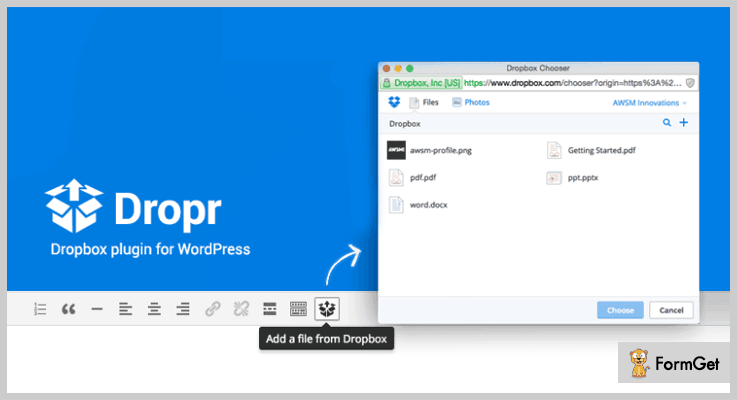
Estimation:
This Plugin is available in two pricing plans:
- For 6 months supports at $19.
- For 12 months support at $24.63
Features:
- File chooser to view, upload, and search files from your Dropbox Account.
- Insert images to the visual editor and as Featured Image with image file option.
- Helps you to embed Image, Video, Audio, Doc files directly to your WordPress site.
- Comes with Dropbox Chooser API to find your Dropbox files easily.
- Various customization options to change dimensions, add captions and option to insert the image as a link.
2. Out-of-the-Box – Dropbox plugin for WordPress
Out of the box is the dynamic, simple yet professional dropbox plugin that displays your Dropbox files in a beautiful manner. The interesting thing is that you don’t require any prior coding language for the usage of this plugin and you can install it with ease.
Moreover, it also provides a stunning gallery section to manage your pictures in your Dropbox.

Estimation:
Out of Box dropbox plugin comes in with affordable pricing plans at $29 with support for 6 months. You may also get the extended support at $38.38 for 12 months.
Features:
- Comes with Upload Box which uploads Files to your Dropbox. You can also create a Client Area on your Dropbox when upload box is combined with the User Folder feature of this plugin.
- You will get Audio Player & Video Player to Stream media directly from your Dropbox. This comes true with HTML 5 media player with flash-fallback.
- Provides you OutoftheBox Embed button which will integrate the documents an into your page.
- Easy customization is possible with plugin settings. You can also select multiple skins for your media players with plugin settings.
3. Easy Digital Downloads – Dropbox
Dropbox is easy to use dropbox plugin that gives the freedom to serve various documents with the Dropbox infrastructure. This plugin comes with a clean and minimal user interface that helps in easy and fast uploading of files.
Additionally, the plugin is translation ready and provides seamless integration with Dropbox.
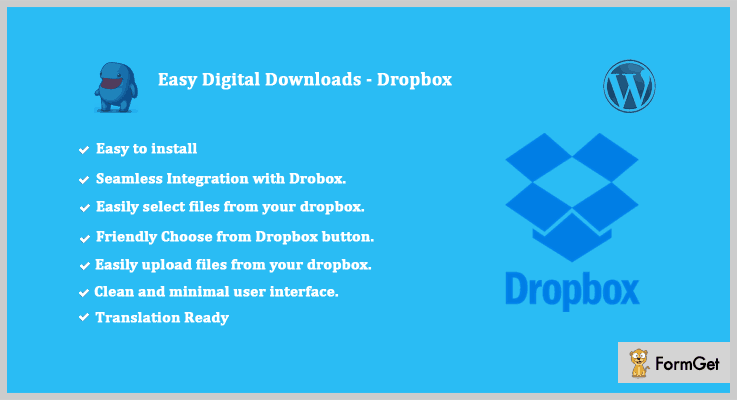
Estimation:
With free support and updates, this plugin is available for 6 months support at $ 12 only. You can also go with the other pricing option at $15 where you will get extended support for 12 months.
Features:
- The theme is compatible with all the major browsers like E10, IE11, Firefox, Safari, Opera, Chrome, Edge etc.
- Comes with Dropbox Library option on the left of the pop-up which displays the contents of your Dropbox folder starting at the root folder level.
- Dropbox button will help you to choose a file from your Dropbox account with great ease.
4. Dropbox Downloader – Reliable Dropbox WordPress Plugin
Dropbox Downloader is the most popular and reliable WordPress site backup and restores plugin. It creates a complete backup of your WordPress site and can store it in Dropbox account.
You can insert images and other files directly from your Dropbox account whenever you want. Moreover, you can view and download files from Dropbox account easily.

Estimation:
This theme is available at an affordable pricing plan of $15 for 6 months and $19.13 with extended support for 12 months.
Features:
- This theme provides you complete freedom to upload any type of images.
- It saves the latest backup of your WordPress site to your Dropbox account.
- Provides your WordPress Media Library and File System to store files.
5. Backup And Restore – Dropbox Backup WordPress Plugin
It is a matchless plugin to backup & restores your site on Dropbox cloud servers. It will prove to be a panacea for all backup related problems as with this plugin you can restore your whole site including the database on any of existing restore points with just a click.
Backup And Restore plugin allows you to manage the backup and restoring process in an easy, secure and reliable way on a scheduled basis.

Estimation:
Organize your site in one central place with this plugin in the regular license at $49. You may also like to get an extended license that will cost you only $1999 with all future updates and 6-month support.
Features:
- With this plugin, you can download your WordPress site in zip format and date in SQL format.
- It also allows you to backup your site on Google Drive with just one click and correct credentials.
- It is translation ready and will give you the best experience to save your website.
- Backup and Restore have responsive design and multisite support.
6. Filetrip – Easily upload to Dropbox
Filmtrip is designed keeping in mind all the needs for the best Dropbox experience. This plugin helps you to create unlimited uploaders and manage all the major file types. The look and feel of the original document will be the same even after use.

Estimation:
Get this fast friendly and supportive plugin at a simple pricing plan of $28. If you want the extended support for 12momths than you can go with a pricing plan of $37.
Features:
- It comes with a smart bulk media distributor with an API interface that provides more speed.
- It provides you the opportunity to create unlimited customized uploaders with multiple cloud destinations.
- The plugin is very responsive both in the back and front end.
- Complete restore for your site data is possible through your dashboard as backups are stored in the files of your site.
7. Embed Any Document Plus – WordPress Plugins For Backup
Embed Any Document Plus is a feature-rich, powerful and multi-use dropbox WordPress plugin. You can embed any document hosted in DropBox & Box.com to your WordPress website with the help of this plugin.
This shows that the plugin is seamlessly integrated with all the major support system. This plugin is even used by prestigious universities and educational websites around the world.

Estimation:
Create the best alternative for your important backups with this plugin at $24. You will get the support for 6 months with this plan. You can also opt another pricing plan of $31.50 which provides you support for extended 12 months.
Features:
- Provides you the facility to embed a document even from an isolated Uniform Resource Locator (URL)
- This plugin has inbuilt features that help you to showcase your documents with ease. You will not need any additional plugins like flash to view them.
- Comes with a strong integration with Google Docs and Microsoft Office to provide you a better online experience.
- It is also integrated with cloud services for easy data transferability and transparency.
8. Dropbox Folder Share – Free In Dropbox WordPress Plugins
Dropbox folder share plugin is best in free dropbox WordPress plugins which let you share content in the cloud. This will help the mass users as content once shared can be accessed by people whom you want it to be accessed.
You can easily install and take maximum advantage of this plugin as it does not require any coding knowledge. This makes it a user-friendly and clean plugin.
Estimation:
You will be amazed to know that Dropbox folder share plugin is available absolutely FREE of cost. You can download it from the very own authentic platform of wordpress.org.
Features:
- Provides you a shortcode that will let you do agile things with very little effort.
- You will also get thumbnails which will help you in getting the preview images.
- Comes with the amazing feature of navigating even between the subfolders.
- The plugin settings will provide you to customizable every possible thing with few clicks only.
Conclusion:
Here we are done with the responsive and flexible dropbox WordPress plugins. We researched over hundreds of Dropbox plugins and then came to the best list. Hope you have got the right plugin or your WordPress website.
Your comments and suggestions are always welcome.
You may like to read:
Footer WordPress Plugins
Header WordPress Plugins
Multilingual WordPress Plugins
5+ Free WordPress SMTP Plugins 2022

“Try WordPress SMTP plugins & send emails directly from your WordPress site!”
When you are managing any kind of work through the WordPress site, sometimes you have to send emails one by one or in bulk. So you log in separately to your email account for it. What if we say that you can also send emails directly through your WordPress account?
Yes! That’s possible. By adding SMTP WordPress plugins to your site, you can do all of your work of sending emails. But let me first explain what really is SMTP.
SMTP or Simple Mail Transfer Protocol is an application layer protocol. The person who wants to send the email first opens the TCP (Transmission Control Protocol) connection to a SMTP server & then sends the email to the contacts.
Now in order to send emails directly from WordPress, we have listed some of the best free WordPress SMTP plugins. They all are easy to use & have multiple customizable settings. All they do is just bypass the normal WP email function & then send the emails using SMTP protocol of your choice.
That’s why we would like you to go through this article & choose the best WordPress SMTP plugin according to your needs!
If you want to try an SMTP service provider rather than plugins then you must use MailGet SMTP.
Just integrate it with your email application & it will authenticate the email ids, send emails in bulk through multiple addresses & domains from a single account.
Face no fear of failures during email sending as it delivers 99% of the emails to your contacts!
1. WP Email SMTP: Primest in WordPress SMTP Plugins
WP Email SMTP plugin for WordPress is used to connect any SMTP service provider for sending email from the WordPress website. Normally, it bypasses the mail function of WP & then sends emails using any SMTP protocol depending on your choice.

Features: SMTP WordPress Plugin
- One can connect any SMTP services like MailGet, Amazon SES, SendGrid, MailGun, MailJet in order to send emails by using them.
- To check whether all the settings are functioning properly or not, you can send a test email.
- You can set some of the settings such as mailer, host, return path, port, authentication etc.
2. WP Gmail SMTP: WordPress SMTP Plugin
WP Gmail SMTP is a WordPress plugin through which you can connect your Gmail account with your WordPress site. After doing it, you can directly send emails by bypassing the WP mail function.

Features: WordPress SMTP Plugin
- The only settings you have to configure are hostname, username, password & protocol.
- Through it, you can send emails in bulk without any hindrance.
- All you have to do is to add username & password. After it, you’ll be able to send emails without any delay.
3. WP SendGrid SMTP: A SMTP Plugin for WordPress
WP SendGrid SMTP is a WordPress plugin which helps in connecting the SendGrid SMTP with the WordPress site. All of these steps are done just to send emails from WordPress website. It just bypasses the WP mail function & then sends emails using SendGrid.

Features: SMTP Plugin for WordPress
- In a couple of minutes, you can send emails in bulk with proper encryption format.
- It provides an easy customization interface. So, you don’t have to worry if you are a non-techie person.
- While sending emails in bulk, you might face the blocking of your account due to email bounces. To avoid this, you can use email verification services to pre-verify emails.
4. WP Amazon SES SMTP: WordPress Plugin
WP Amazon SES SMTP is a WordPress plugin through which people can easily connect an Amazon SES account with their WordPress site to send emails. This plugin bypasses the mail function & lets you send emails by using Amazon SES.

Features: SMTP WordPress Plugin
- People can set the location in which their SES service account is approved.
- You can set the encryption types i.e., no encryption, SSL & TLS encryption to maintain data security.
- With its simplest email writer, anyone can create a mail with lots new formatting styles.
5. WP Mailgun SMTP: WordPress SMTP Plugin
WP Mailgun SMTP is a WordPress plugin which connects the Mailgun service with your WordPress site. You can enable & disable it anytime you want to. Apart from it, you don’t have to worry about the protocol configuration in the settings as it is pre-filled.

Features: WordPress SMTP Plugin
- As you are sending emails through Mailgun SMTP (which is most secure in its category), there will be no chance of the spamming of your emails.
- You can always change the email id & the name through which you are sending your email.
- By using this WordPress SMTP plugin, you can send more authenticated emails than others.
6. WP Yahoo SMTP : WordPress Plugin
Through Yahoo SMTP plugin, you can connect your Yahoo to the WordPress site. After doing it, you can send the encrypted emails without any hindrance. For Yahoo users who want to send emails in bulk, this is the best plugin for their WordPress site.

Features: SMTP WordPress Plugin
- You can send emails in bulk without the spamming in the receiver’s account.
- There should be no worries about the hostname in the settings as it is pre-filled.
- It is easy to use & customize according to your needs for sending any type of emails.
7. WP Hotmail SMTP: WordPress Plugin
Hotmail SMTP is a plugin for WordPress through which you can connect the Outlook account with the WordPress site. Then, you will be able to send all of your Outlook emails to your list without any obstruct.

Features: WordPress SMTP Plugin
- For username, you’ve to add the email address to your Hotmail account into this plugin’s settings.
- With multiple formatting styles, you can create a unique & attractive email content in minutes.
- Apart from it, this is the best way to send emails in a large quantity for Hotmail users.
Conclusion:
So above are some of the best free WordPress SMTP plugins which can allow you to send emails to your contacts directly from WordPress. Since all of them are free, so you should give them a try with a chilled mind.
Also, you don’t have to worry about the authenticity of the emails because the email which is sent through them are private & can never be disclosed to spammers.
That’s why we would like you to try these SMTP WordPress plugins with a free mind & finalize the best one!
You might also find some of our blogs interesting. They contain more WordPress plugins which may also help you in your work.
6+ Best News WordPress Plugins 2022

We all know that news is something on which we all are largely dependent on and of course, a good news channel is a nation talking itself. Nowadays people have more accessibility to the internet and with this changing trend, the news channel has created their online spaces too. But different websites have different layouts and it is same in the case of news. A new website will have a layout filled with blogs, sliding headlines, images, galleries and more.
Now you do this with either news WordPress themes or news WordPress plugins or both. We anyway suggest you news WordPress plugins. This is because they do not only provide you the layout but also aggregates the news from around the world and showcase it on the homepage.

There are lots of news WordPress plugins on the market and it is hard to choose best ones. For solving your problem, here we have compiled a list of 6+ News WordPress Plugin.
These plugins are easy to use and support one-click installation, also the plugin has predefined themes support. Moreover, the plugin will help you to customize and make easy changes in the widgets of your news online website.
Let us discuss each plugin in detail
1. WP News – Scrolling Widgets News Plugin
News and Scrolling Widget is one of the best WP plugins in the list of news WordPress plugins. It helps you to manage and display news, widget etc., on your online website. This plugin comes with around 120+ designs of layouts that make you design your news page in a well-organized manner. Responsive design is the most important part of this plugin. Further, it provides a fully fluid, responsive layout which can fit with all devices that user wants.

Pricing:
Buy this news and scrolling plugin at a reasonable price of $19 with 1 site license.
Features :
- It has 45 slider designs, 50 grid layout design that helps to give a better presentation of your online news website.
- This plugin has simple drag and drop order change feature along with 7 widgets such as Slider, List, and category etc.
- It supports visual composer page builder by which you can customize your website and make easy changes to your choice.
- You can display news category wise using this news and scrolling widgets WordPress plugin.
2. Financial – News Headlines WordPress Plugin
Financial News Headline WordPress Plugin is a cleanly coded plugin which is easy to use and has a single click installation. This plugin is used to pull the latest news headlines for specific public companies and display them on your online website. This is one of the most widely used plugins in news WordPress plugins list. As it supported with news sources such as Yahoo finance, seeking alpha, financial content etc.

Pricing:
You will get this Financial News Headlines WordPress plugin at $25 with 6-month support and regular updates.
Features :
- It supports all the major markets such as US, UK, Canada, Australia, India etc.
- Auto-caching feature to successfully bring the best performance of your online news website
- This plugin supports CSS custom option along with six news template provided by financial news plugin.
- You can customize the total number of news headlines and the number of news per page displayed on your website.
3. Epic News Elements – WordPress plugin
Epic News Element is an easy to use plugin which helps in increasing your engagement with your visitors. It is built on an adaptive module design concept that enables it to automatically adapt the size of the column you put them into.
It is highly customizable by which you can change the color, position, etc. Apart from these, you don’t have to bothered for its updates you can easily update it with a click.

Pricing :
Buy this powerful WP plugin at $37 with regular updates and 6 months support. Also, you can extend your support up to 12 months by paying additional $12 only.
Features :
- This WordPress plugin supports light and dark schemes.
- You can design unlimited layouts for your website with frontend editor.
- It works on all type of WordPress themes.
- With the feature of unique content group, you can prevent duplicate post and you have full authority to which post to show in your news.
4. Easy News – Scroller WordPress Plugin
Easy News Scroller is a powerful WordPress plugin. This will be used to show the WordPress news or relevant posts with various sliding effects. You can easily install and setup the plugin into the WordPress site. Further, the plugin is best suitable for sidebar and footer area widgets. Moreover, easy news WP plugin has a visual editor which helps to add the latest news with title, image, and description.
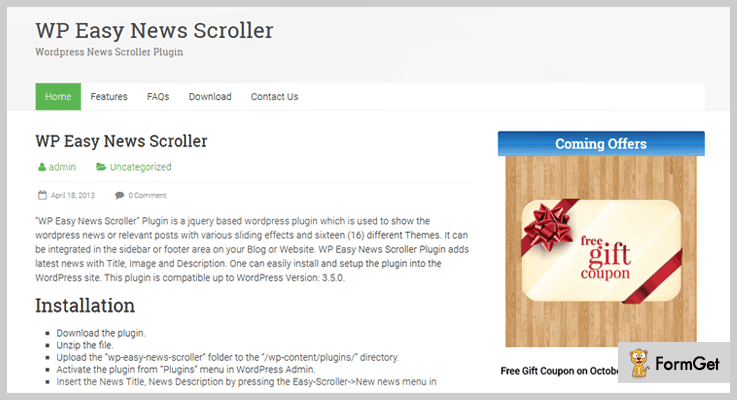
Pricing:
The Easy News WordPress plugin is available at $16 with future updates and support.
Features :
- It has an option to resize the news images according to your required screen.
- You can showcase unlimited news on the frontend of your website using this easy news scroller plugin.
- Admin can easily set the speed and timeout of sliding of images using this news WordPress plugin.
- This plugin has 24 different themes and supports 27 different sliding effects which help to give classy look to your website.
5. Newsomatic – WordPress plugin
Newsomatic is a WordPress plugin that allows you to create animated breaking news feed for your site within a few minutes. This addon uses News API as a content source.
This plugin is best for auto blogging and automatic news content publishing. You can also customize the generated post status.
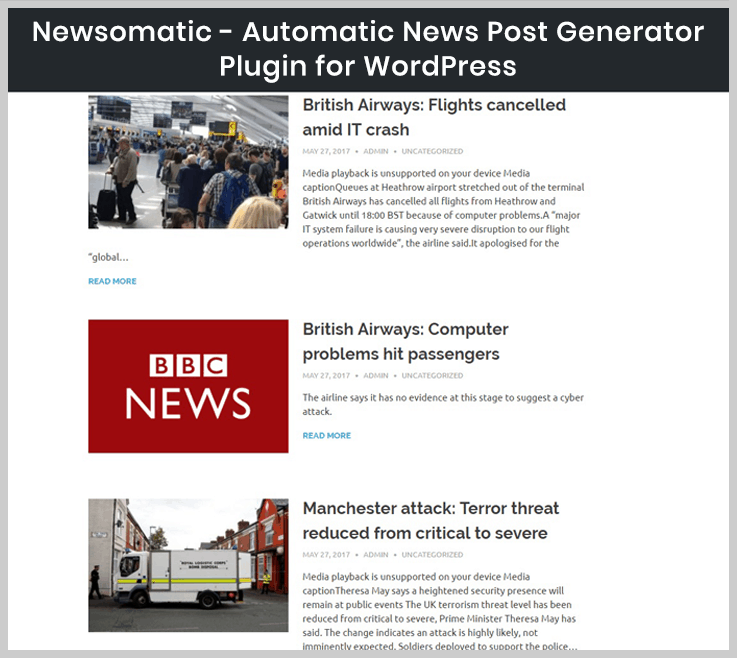
Pricing:
Buy this Breaking news addon at a reasonable price of $39 with 6 months support.
Feature :
- Its random sentence generator helps you to create unique sentences in very less time.
- This plugin has an inbuilt text translator which is useful in generating endless new content.
- With Google translate support, you can select the language of your content.
- It allows to automatically generate a featured image for the post.
6. Live News – Real-Time News Ticker Plugin
Live News is the useful plugin fits for broadcast television stations to communicate the latest news. The plugin uses jQuery and AJAX which will help you to update the news in real time. So, that your users will be able to see your latest news without updating the page.
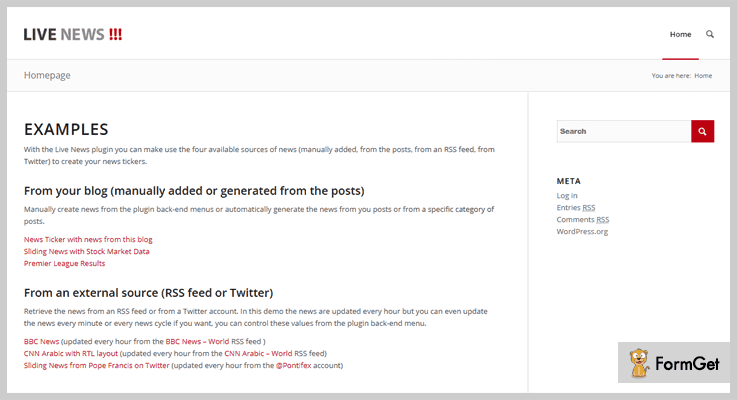
Pricing :
You can get this theme at just $23 with 6-month support. Extend your support to 12 months by paying $7.13 extra.
Features :
- It is compatible with both LTR and RTL and has easy and fast administration.
- The plugin has 72 customizable options to make easy tweaks and changes to your live news website.
- Live news plugin support RSS feed so that users are allowed to access updates to online content in a standardized format.
- This plugin is multiple languages ready so that you can transfer this plugin in any language according to your need.
7. NewsPlugin – WordPress Plugin
NewsPlugin is the finest plugin from the list of news WordPress plugins. This plugin helps to create custom news feeds. Further, you can put fresh relevant news headlines on your website in a well-organized manner. Some of the key features of this plugin are you can show abstracts, show dates easily on your website. Moreover, by a simple click, you can remove articles of your choice.
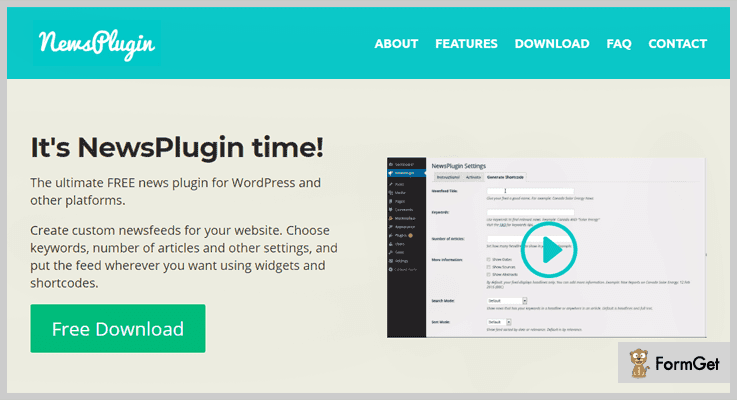
Pricing :
This WordPress plugin is free of cost. You can easily download it from wordpress.org.
Feature:
- It supports shortcodes and widgets by which you can put feed wherever you want.
- You can shape the news right from your website and will able to remove unwanted articles or star the good ones.
- The plugin helps you to show only headlines from last 24 hours, or last 7 days according to your choice.
- Either you can feed headlines by manual publishing mode or automatic feeding option also available.
Conclusion:
Through this article, we helped you to find the collection of News WordPress Plugins for your news business. Here, we hope that you understand each and every aspect of this article and will choose the best plugin for your business. You will find both free and paid plugin in the news WordPress plugins list you can choose according to your requirement.
You can ask your queries in the below comment section.
Read some other blogs too !!
5+ WordPress SMS Marketing Plugins 2022 (Free and Paid)

According to the research, mobile SMS have “98% Open Rate” as compared to email marketing which has only 22% open rate.
So, why don’t you also adopt the same SMS marketing strategy and create your own successful campaigns with the help of these WordPress SMS marketing plugins?
But first, let me tell you what these plugins actually gonna do for you?
These WordPress SMS marketing plugins let you send promotional text and voice SMS in bulk. Additionally, you can schedule campaigns and you can also send SMS via autoresponder. Sending SMS through these plugins won’t cost any extra bucks!
They also provide an approach to managing your subscribers by segmenting in groups. So, that you can send messages to the desired member.
SMS marketing is so impactful! Hence, this strategy can be beneficial for all types of business niche. Whether you own an E-Commerce store or you have a blogging website.
Notifying your subscribers and customers via WordPress SMS plugins can be fruitful for you.
If you want more different plugins. Then, go and check out these blogs.
So, stop envisaging and look forward to the WordPress SMS marketing plugins to boost up your business with SMS marketing.
1. MailGet Bolt – Best In Email Marketing
Same as SMS marketing, you can also promote your business with the help of email marketing software like MailGet Bolt.
This software has everything that you need from an email marketing solution. You can design multiple professional-looking emails and send them in a flash. It provides you with more than 500 pre-design email templates to choose from, you can further customize them according to your needs and requirements.
Moreover, this emailing service offers a free trial for a month through which you can send 300 emails per day using all the essential features and facilities.

Price
You can purchase this plan at $49/M and enjoy all the advanced features like custom tags, live chat, automatic follow-ups, list cleaner and more. Plus, there are more plans available for this service which comes with varied pricing and features.
More Features
- This email marketing service supports real-time email tracking through which you can track users actions on email like open rate, clicks on links in just a couple of minutes.
- With the help of list segmentation, you can create the subgroup for contacts on the basis of user likes, dislike, and similarities. This will help you to target the audience in a better and profitable way.
- It has a list cleaning feature which helps you to clean out the bad and inactive email addresses from your mailing list. This helps you to get rid of bounce and spam complaints.
- Further, the most important part of this service is there is no need to connect external SMTP as it comes with an inbuilt SMTP which helps in the better delivery of your emails.
2. WordPress SMS Marketing Plugin
WordPress SMS Marketing plugin makes sending messages so easy and convenient to any network whether it is local or international. It enables you to send unlimited SMS without any extra charges.
This plugin is incorporated with all the rich functionalities like Bulk SMS/MMS, campaign scheduling, autoresponders and so on. With the help of this plugin, you can send automated information about your products. It also allows you to send promotional SMS, offers, and discounts in bulk.

Price
Buy this plugin from codecanyon.net at a cost of $20. To operate this plugin you must have an account on Twilio platform.
More Features
- The two-way chat feature is also available in the plugin. Through this admin and subscribers can easily communicate with each other via chat.
- It also supports up to 10 Images in MMS. Further, you can also see the images logs via this plugin.
- You can also shuffle the subscriber list to send SMS to the desired contacts. It gives you an option to send a message to new subscribers or to all the subscribers.
- Complete insights of your marketing campaigns are also provided. It also gives you the detailed reports about messages (sent, scheduled, queued, delivered).
3. WooCommerce SMS Customer Notifications
WooCommerce SMS Customer Notification helps you to send bulk SMS to your customers. For example, if you have an online e-commerce store and you want to send messages about products, offers and discounts etc then, this plugin is perfect for that.
It is integrated with four popular SMS gateways APIs such as ClickSend, Nexmo, Twilio, and MessageBird. Before getting started, you have to create an account on the desired SMS gateway and get your API keys and then you are ready to send SMS.
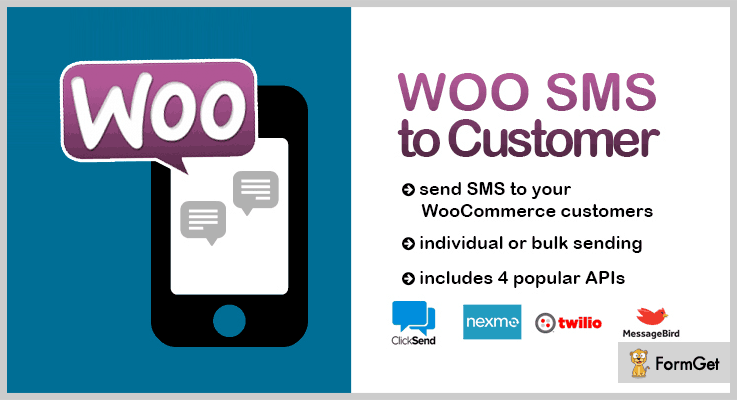
Price
It is available on the codecanyon.net at a minimal price of $5.
More Features
- An automatic and Manual way of sending SMS. In automatic mode customer will get a message after placing an order. But in manual mode, manual actional of sending a message will be done by an admin or shop manager.
- Flexibility to send one or bulk SMS to the WooCommerce customers.
- It also offers sample messages that you can edit or use the predefined template.
- The kit comes with a detailed documentation and a complete setup guide.
4. Gravity Forms SMS Pro –
Gravity Forms SMS Pro is one of the best SMS plugins for WordPress. The plugin is specifically crafted for the Gravity Forms form builder. In this tool, WordPress SMS integration enables you to add subscribers to the groups after filling the form.
This plugin supports numerous SMS gateways some of them are Twilio.com, BulkSMS.com, ClickSend.com, Nexmo.com, OneWaySms.sg and the list goes on.

Price
You can buy this plugin at $28 which includes 6 months support.
More Features
- The plugin verifies the mobile number of the user before submitting the form.
- Compatible with all mobile number’s input mask. (Consisting area code)
- Possibility to send group messages or to a particular number.
- It records all the sent SMS in a specific table.
- Supports all the popular SMS gateways.
5. Joy Of Text Lite – Finest in Free WordPress SMS Marketing Plugins
With the help of this plugin, you can connect with your subscribers, customers via SMS. It allows you to send text as well as voice messages to an individual or to a group.
This plugin is totally based on Twilio platform. So, to access it you’ll need the following things-
- A Twilio account.
- Twilio phone number.
- Unique “Twilio Account SID” and “Twilio Auth Token”.
You’ll have to enter these details in the plugin’s settings.
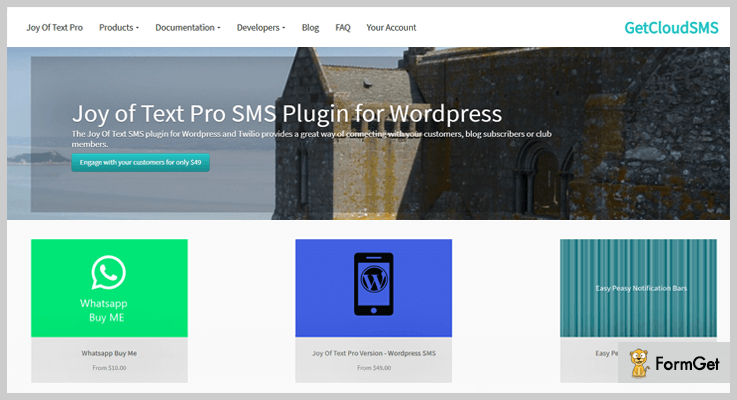
Price
This plugin is available free of cost.
More Features
- Facility to create default groups into which you can add subscriber name and phone number.
- Automatically checks the phone number is valid or not.
- Integration of WooCommerce, message scheduling, BuddyPress is also available.
- It also provides an option to automatically send messages to new subscribers.
6. Marketing Automation by AZEXO
It is an all in one marketing plugin. The plugin has three main integrations of Form Builder, Page Builder, Popup Builder by AZEXO. Moreover, it has few add-ons through which your marketing campaign can be boosted such as WooCommerce Dynamic Pricing and Discounts, Facebook Live chat and so on.
It has the functionality to send SMS notification and an autoresponder to send automatic replies. Consequently, you’ll achieve successful SMS marketing strategy.
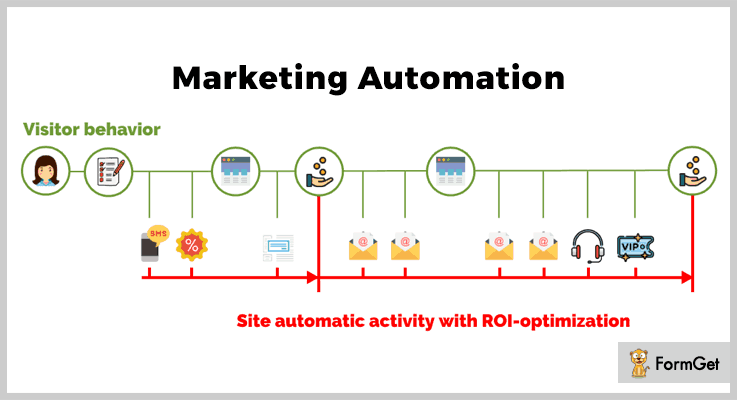
Price
Freely available on the official WordPress website.
More Features
- The plugin arranges your site visitors in segments.
- Double verification via phone and email.
- Compatible with many popular SMTP services.
- Facility to send newsletters via email or SMS.
- Functionality to set up polls and surveys.
Closure!
Well, above are the top WordPress SMS marketing plugins. We’ve hand-picked freemium as well as premium plugins. So, you can pick the one which offers your required functionalities.
Hopefully, our list helps you in finding the best SMS marketing plugin for your website.
What are your favorite WordPress SMS Marketing Plugins?
If we missed some amazing plugins then, feel free to share and suggest in the comment section.
6+ Multilingual WordPress Plugins 2022
Multilingual WordPress plugins are a great help for those who want to run a website which offers language conversion facility.
Though English is a universally accepted language. But in order to entertain native audience towards your business, it is necessary to have multi-language support available on your websites.
In this blog, we have elaborated some of the best multilingual WordPress plugins which support a large number of languages, WooCommerce compatible sites, offers manual as well as automated translation and more.
Before going into plugin details have a look at the blogs listed below:-
1. TranslatePress – Multilingual WordPress Plugin
TranslationPress is a multilanguage WordPress plugin which enables you to translates the text content available on your site directly from the front-end.
This plugin supports more than 200 languages, plus it also allows integration with Google translates. Other than that it is SEO friendly which means slug, page title, description, image alt tag and graph tags are also translated.
Pricing:-
This plugin offers three different plans which are defined below:-
| Developer Plan | Business Plan | Personal Plan |
|---|---|---|
| $95 a year | $166 a year | $238 a year |
| Single Site usage | 3 Sites Usage Allowed | Unlimited Sites Usage |
Features:-
- Easy to use translation interface that helps you converts languages straight from the front-end.
- This plugin also translates dynamic strings and content (gettext) which is generated by WordPress, plugins or even themes.
- TranslationPress also supports WooCommerce, custom post types, themes and site-builders as well.
- Language switcher helps you add floater menu, shortcode, and individual menu items to any WordPress menu.
Click For Details On Multilingual WordPress Plugin
2. Polylang Pro – Multilingual WordPress Plugin
Polylang Pro is a WordPress plugin which provides multi-language and translation support to your website. It holds over 300,000 active installations on different websites all around the globe.
This plugin automatically downloads and updates required WordPress language packs and it also supports RTL scripts as well.
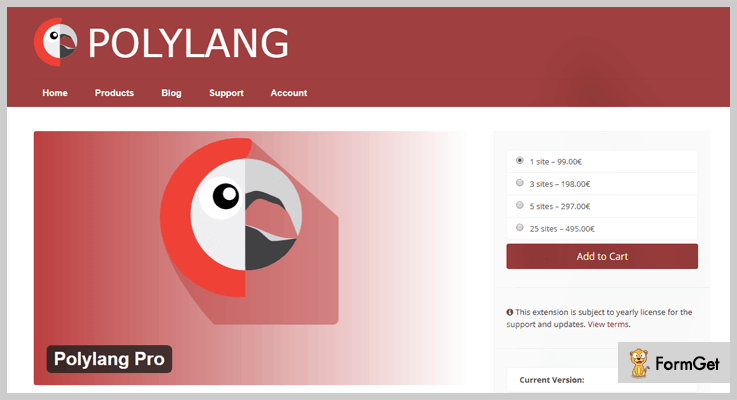
Pricing:-
| Single Site Plan | 3 Sites Plan | 5 Sites Plan | 25 Sites Plan |
|---|---|---|---|
| $118 | $137 | $356 | $593 |
Features:-
- Allows you to interpret pages, media files, categories, posts, menus, RSS feeds and more.
- It also provides customizable language switcher in the navigation menu or as a widget on the site.
- Additional integration like ACF Pro, Events Calendar and more are available with this plugin.
- This plugin is also compatible with WPML API.
Click For Details On Multilingual WordPress Plugin
3. WPML – Multilingual WordPress Plugin
WPML stands for WordPress multilingual which is an advanced plugin. It is specially developed for people who want to translate text content of pages, blog posts, menus, custom types, and other fields on the theme.
In addition, you can manage file attachments in different languages and translate text coming from theme and plugins from the admin panel.
Pricing:-
| Multilingual Blog | Multilingual CMS | Multilingual Lifetime |
|---|---|---|
| $29 Unlimited Sites | $79 Unlimited Sites | $195 Unlimited Sites |
| Unlimited Websites | One Year Updates | Lifetime Support |
Features:-
- WPML is a WordPress plugin which offers translation support for over 40 languages.
- With the help of language editor, you can include additional languages of your choice in this plugin.
- Using this plugin you can run a multilingual WooCommerce store which translates product details, promotional text, etc.
- WPML comes with a powerful translation management system which converts the content using the translation dashboard.
- WPML ensures your pages are optimized thanks to its new development to its String Translation which decreases page load times by more than 50%. In fact, they offer a 12-month money-back guarantee if you’re unhappy with your website performance.
Click For Details On Multilingual WordPress Plugin
4. BestWebSoft – Multilingual WordPress Plugin
With this multilingual plugin, you can simply change the language of your website content manually. It allows you to create pages, blog posts, widgets and menus with multilingual support.
This is one of the best ways through which your website visitors can read the content in their native language.
Pricing:-
- The Pro annual plan of this plugin will cost you $32 which includes 1-year upgrades and support.
- $320 is the price of Pro lifetime plan with which you get lifelong upgrades and support of plugin.
Features:-
- Automatically tracks user’s IP address and converts the language of the website.
- Custom translation for post types, taxonomies and fields are available.
- You can also translate categories, tag description, titles, tagline and more.
- Separate menus for various languages can also be created through this plugin.
Click For Details On Multilingual WordPress Plugin
5. WPGlobus – Multilingual WordPress Plugin
WPGlobus has got 20,000 plus active installations on WordPress themes and templates. With this plugin, you can manually translate text on blogs, pages, and other website content into different languages.
Pricing:-
- WPGlobus is a free WordPress plugin which can simply be downloaded from wordpress.org site and can be installed on any template with a few clicks.
Features:-
- SEO features & fields offered by Yoast SEO and All in One SEO plugins are also converted with ease.
- You can add several languages to your site for translation with various combinations of country flags, names, etc.
- Gives you the ability to switch languages from the front-end itself.
- This plugin supports latest PHP and WordPress versions.
Click For Details On Multilingual WordPress Plugin
6. MultilingualPress WordPress Plugin
With MultilingualPress WordPress plugin you can create a website which has separate versions for different languages and connects them all in a single user interface.
Using this plugin you can attach translation link to any menu and translate posts, pages, categories or tags with ease.
Pricing:-
- MultilingualPress is another highly rated and totally free WordPress plugin which offers translation facilities for WordPress themes.
Features:-
- 174 languages are offered by the language manager of this plugin which you can edit.
- With this plugin, an unlimited number of websites in different languages can be connected with each other.
- Auto-redirects the user’s to preferred languages pages of the posts and blogs.
- This plugin is extremely SEO friendly which helps you translate SEO affecting factors.
Click For Details On Multilingual WordPress Plugin
7. WooCommerce Multilingual WordPress Plugin
With the help of this plugin, you can design a multilingual e-commerce store and translate product details available on your site without any hassle.
WooCommerce multilingual WordPress plugin is a popular plugin which holds around 80,000 plus active installations on the web. That is not all this plugin compatible with multiple WooCommerce extensions as well.
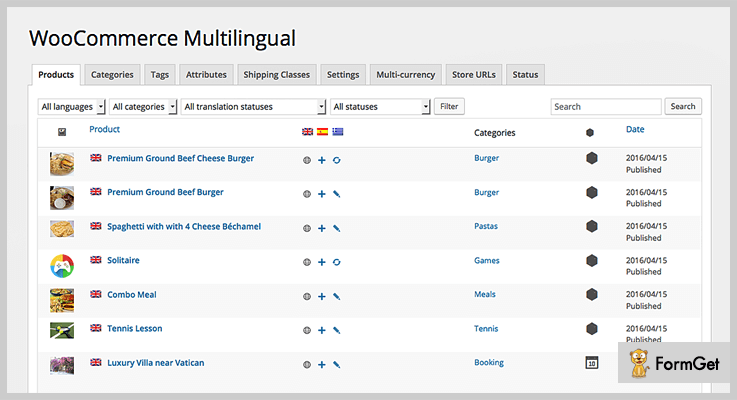
Pricing:-
- WooCommerce multilingual WordPress plugin is available free of cost and can be installed on any E-commerce website.
Features:-
- Helps you translate checkout pages, product details, categories and more into different languages.
- Another specialty of this plugin is that you can also have multiple currencies available on your WooCommerce store.
- Easy to use setup wizard is provided by this plugin which helps you translate site content.
- Allows you to send professional emails to the clients drafted in their native language.
Click For Details On Multilingual WordPress Plugin
Conclusion
This was all on multilingual WordPress plugins and I am pretty sure about the fact that you must have found the best plugin to translate the content of your website.
If you have any queries or doubts in mind do let us know through your comments below.
4+ Header WordPress Plugins 2022 (Free and Paid)
A header is that particular section from where your website actually begins. This section accommodates logo, menus, welcome texts, widgets and more. Whether its a shopping site, online blog site, digital portfolio or any other kind of business site.
However, WordPress themes provide you with a pre-defined header but if you want more amazing elements to your header, then you can go for header WordPress plugins. Header plugins make sure to provide elegant typography, color schemes, and in fact, a few header plugins also provide sliders and more.
The header WordPress plugins will make your website look more interesting to your users. The title part will engage them & will give a highlight on your website is what about.
We’ve listed down the best header WordPress plugins which are both free and paid. However, the free plugins are pretty great, but adding a premium header WordPress plugin will addon more functionalities and features that you have never seen.
You will find some more interesting plugins blog down.
1. Awesome Header – Header WordPress Plugin
Awesome header WordPress plugin will let you represent the header section in a different way. Through this easily customizable plugin, you can easily add three layers of navigation, color choices, and a lot more.
This plugin will also be beneficial for you for better branding this, in turn, will lead to lower bounce rate, increase in conversion rate, improved page views per visit.
Moreover, it can also be modified through various filters. Further, it also supports WooCommerce compatibility.
PRICING:
Awesome Header Plugin will cost you $16 with a regular license. And license could be extended by paying $85.
FEATURES:
- You can head a background business image or pattern to your header.
- Modify or replace the entire header section in an easy way with coding.
- You can add breadcrumbs in the header section which are approved by Google.
- Add different color skins to your business title.
2. HayyaBuild – Header WordPress Plugin
HayyaBuild plugin will help you build the unlimited header, pages, and footer without requiring any coding knowledge. Just within a few clicks, you would see your website with new title text on top.
It has 40+poweful modules with unlimited styles, colors, effects that can be added to your website content, footer, and header section.
PRICING:
With its awesome features, this plugin costs you $29 with lifetime updates.
FEATURES:
- Save your time and start using its 20+pre built header templates on your website.
- Drop and drag an option where you can easily establish a nice header line to your site.
- You can generate shortcodes through this plugin.
- It has the ability to create different headers & footers for different page templates.
3. My Header Footer
The header and footer are often overlooked in WordPress sites despite being one of the most seen elements of the page. Header and footer styles are often at the whim of the theme you’re using and can be notoriously difficult to change for the non-coders out there.
My Header Footer WordPress plugin aims to resolve this issue, making it as simple as ever to, you guessed it, customize your header and footer no matter what theme you’re using.
Offering more customization options than any of the competition, combined with an intuitive, easy to use front end builder, this plugin will seriously be the last plugin you’ll ever need for all your header and footer needs.
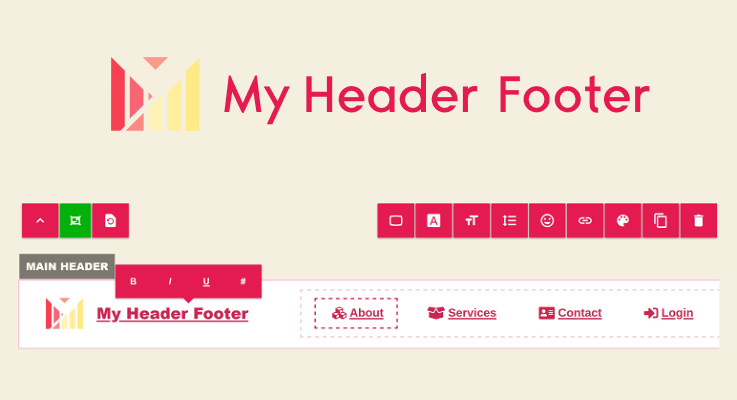
PRICING:
The price to make the header you’ve always dreamed of? This plugin is free, with an optional pro version packed with additional features starting at $69 a year.
FEATURES:
- Works with any theme and any page builder.
- Highly customizable. Build any header/footer imaginable.
- Easy to use front-end builder.
- It can be used to remove the “Built with WordPress” footer text.
4. Head, Footer and Post Injections
Head, Footer, and post-injection WordPress plugin are used to insert any kind of custom code before or after the header-footer section part. Its main aim is to add numerous scripts to your blogs like Google analytics code, facebook script, or the twitter script codes in the page content, header, or footer section.
You even don’t have to install different plugins to insert something in your blog, only this one plugin will do it for you.
In fact, PHP script coding can be executed while adding a custom code in the footer and header.
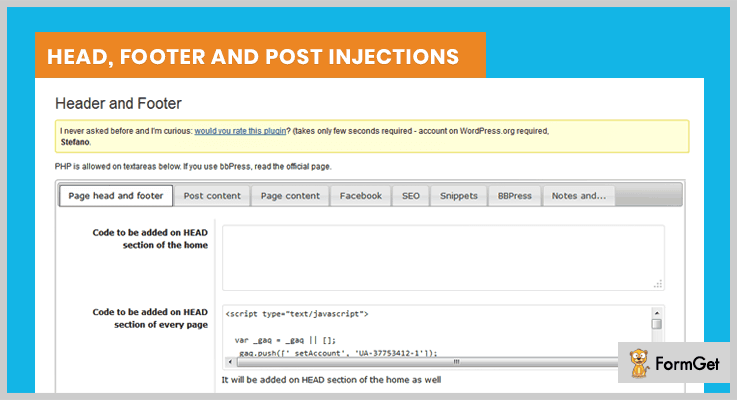
PRICING:
This amazing header plugin costs you nothing its free of cost. and can be easily downloadable from WordPress. org
FEATURES:
- You can enable shortcodes through which sections can easily redirect to the next page.
- Add code after and before each post & page content.
- Insert any custom code in the head section of every blog page.
- You may also add a Facebook image tag on the header so that a like or thumbs up will be seen.
5. Insert Headers and Footers – Header WordPress Plugin
This is one of the renowned plugins for your footer and header section part with 400,000+ active installations.
You can easily insert any kind of custom code likes Google analytics, custom CSS, Facebook pixel into header sections without touching the theme file options.
Without dealing with dozens of different plugins this powerful and strong plugin will make it easy for you to insert the scripts in the header section.

PRICING:
With its high rating which is 4.5 out of 5 its best for your website. And even this costs you nothing, its free of cost.
FEATURES:
- This plugin easy to install within a single click installation process.
- You can easily add any script in the sections of the header & footer.
- You can also add a Facebook pixel code to the header section on your website.
- Also, insert codes using HTML & Javascript.
Conclusion:
Above we have covered all the parameters of header WordPress plugins. So, now to add more functionality to your website pick the one best one from the above list.
If you liked the blog please comment below.
6+ Age Verification WordPress Plugins 2022 (Free and Paid)

Do you want to secure your web content from people of some defined age? Or do you want to hide your web page’s content from children perspective?
Well, here we present you seven best age verification WordPress plugins. These plugins will help you in verifying the age of your visitors. In that way, you can hide or obscure your website’s content from children or from people who come under a certain age.
In today’s online world, age verification is used for many industries such as gambling, alcohol, or adult websites. Similarly, for your website, you can also use age verification WordPress plugins.
Now, we’ll glance at 7 best age verification WordPress plugins in the following sections. We hope you find the best age gate for your website.
Before going further let’s have a look at these blogs as well:
1. Age Checker – One Of The Best In All Age Verification WordPress Plugins
Many websites have content which is not secure for children or some people who come under a certain age.
Age Checker provides all the features required for age verification on a website. With this plugin, you can save your verification text or response text in any language.
Moreover, both verification screen and editor are fully responsive. Age Checker ensures a good user experience for everyone involved.

Price –
With 5 star rating and 6-month support, this plugin will cost you $15 only.
Features –
- It has 3 background modes. You can pick a color, image or a video as the background.
- Age Checker plugin provides 3 verification methods which can be a birthday, enter forms or checkbox.
- Using overlay opacity slider you can make your text stand out clearly over backgrounds.
- Your underage visitors will be redirected away from the verification screen.
2. Age Verifier – Age Verification WordPress Plugin
There are many contents which may be related to alcohol, drugs or adult websites that is why there is need to hide this type of content.
Age verifier helps in achieving this goal and provides a strong age gate which every visitor has to pass.
This plugin has more than 1000+ active installations and 4.5-star rating which says all about this plugin.

Price –
The cost price of this plugin is $17. Also, this plugin comes with a regular license and 6-month support from an outstanding team.
Features –
- No coding is required for Age Verifier plugin as it comes with an editor that will set up the plugin and edit its settings and customize it.
- It provides 3 ways to ask the users for their age that is their birth date, drag a slider to enter their age, or simply click a checkbox.
- You can choose any color out of the set of nine solid colors.
- All your visitors who use mobile phones will have the same display as it will be on the desktop. It means this plugin is responsive.
3. Adults Only Age Verification System – Age Verification WordPress Plugin
Adults only age verification system is best suitable for persons who run a website related to mature, alcohol, or tobacco related content.
This plugin not only protects your site from being viewed by underage person but also, get them to agree to your sites agreement. In this agreement, it is written that if you violate any rule of the agreement you will be sued by the law.
Age verification system plugin is an SEO friendly plugin and has up to 1000+ sales by now.

Price –
This theme is rewarded with a 4.5-star rating which means it is quite popular. You can buy this plugin at a minimal price of $18 only.
Features –
- Adults Only Age Verification System comes with three templates, which makes your age gates look more engaging.
- You can easily redirect your underage users to your another website and sell your products and services to them.
- Simple links, input fields, or a drop-down you can decide any of these forms to verify your visitor’s age.
- It provides shortcode for your website if, in case, you want a pop-up to appear on the screen to ask for visitor’s age verification.
4. Age Verification System – Age Verification WordPress Plugin
With Age Verification System you can restrict anyone who is under age from seeing a particular post, page, or a custom type post on your website.
In addition, this plugin gives you unlimited ways to extend itself using hooks. These hooks are mainly of two types action and filters. Action hook helps us in adding further functionalities whereas filter hooks help us to modify data as it is processed.
Also, you can be very specific in applying age verification system using hooks. The support team will provide you all the help required for using hooks on your website.

Price –
You can purchase this theme at $23 with regular license and 6-month support from the backend.
Features –
- You can choose any template out of all. And also, you can customize the background image according to your sites requirements.
- Moreover, your visitors can answer their age into their own language, as this plugin is multilingual.
- In this plugin, you can create your skins using HTML & CSS skills. You must require your_skin.png, your_skin.html, and your_skin.css file for creating different skin colors.
- Also, this plugin supports WooCoomerce. So, you can apply the age gate on all products, or some specific products and categories.
5. Premium Age Verification – Age Verification WordPress Plugin
Premium Age Verification plugin comes with tons of features. Due to its features, it is very much popular among its users. A visitor has to log in with their Facebook, or Google+ account for their age identification.
This plugin is fully responsive and compatible with every theme. So you can use any theme on your website.
Also, you can display any of the 4 templates on any type of page, post, or any other part of your website. Moreover, you can also display your brand name on the age gate using its template.

Price –
This Premium Age Verification plugin cost you $19 along with its all features.
Features –
- This plugin is multilingual and can be translated into any other language.
- Also, this plugin is compatible with WooCoommerce, which means you can restrict any product or product category to be seen by underage people.
- Using this wonderful plugin you can also restrict the ages according to the countries.
- Moreover, you can see how many views had been done or how many of your visitors passed the restriction.
6. Age Verificator – Age Verification WordPress Plugin
Age Verificator comes with a custom “Confirm your age” page on your website in case you have any kind of mature content on your website.
Using it you can restrict the whole page completely, not only with a popup which can be easily bypassed by anyone.
Also, it is compatible with all browsers such as IE9, IE10, IE11, Firefox, Safari, Opera, Chrome, etc. Moreover, Age Verificator provides documentation and a free demo.
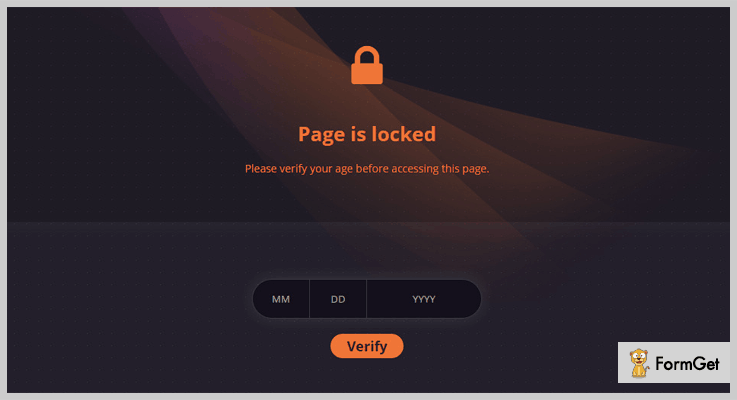
Price –
$17 is the cost price of this Age Verificator plugin and 6-month support provided by Diwave.
Features –
- This plugin has fully customizable layouts and editable templates.
- It has a white/blacklist which helps in restricting whole website or just some pages.
- Also, Age Verificator is translational ready, which means a user can translate it into their own language.
- In addition, you will also be provided with unlimited color schemes to choose from.
7. Elegant Age Verification – Responsive age-gate plugin for WordPress
Make your website more secure, protect your visitors from the sensitive contents! This age-gate WordPress plugin offers a solution to add a well-designed age verification pop-up to your website.
It is a responsive and mobile-friendly WordPress plugin that allows you to show your site specifically for the targeted visitors.
There are several verification methods available to verify the user so you can choose from them according to your requirements. You can allow the users to enter your website by their age or you have the option to let them in with a simple Enter button.
The plugin is multilingual, so all text can be translated if needed.

Price –
This age verification plugin’s cost is $20 with a regular license and 6-month support.
Features –
- You can display the plugin texts in multiple languages. It helps you to get more people to access your site’s content.
- More than 10 predefined themes help you to choose the one that fits your website.
- The plugin has three verification methods: by the age of the user, by a confirmation toggle switch, by the Enter button.
- By using the Exit button, three exit types available in the plugin: redirect, back, and description.
- The Elegant Age Verification WordPress plugin is compatible with all major browsers.
- For people with disabilities, the plugin works well with just the keyboard, so it offers full functionality without a mouse.
8. Easy Age Verifier – Age Verification WordPress Plugin
Easy Age Verifier will help you in selecting an age, and under this age, no one will be able to see your content.
This tool is SEO optimized which means Google can easily scan the website, even with the verifier installed. Your users can easily verify their age, just by clicking a button.
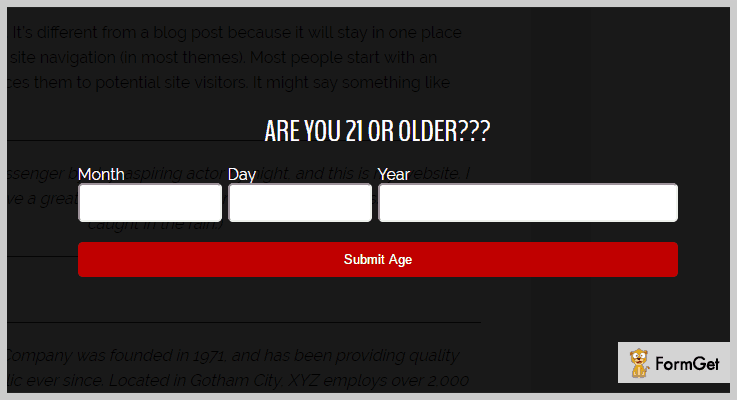
Price –
Easy Age Verifier has up to 2000+ active installations with a 4-star rating. And it is available free of cost.
Features –
- If the user is under age as compared to the age you specified, then they will be removed from the website.
- You can customize all the items on the form, including the question asked.
- With this plugin, easy customization is directly possible in the WordPress Customizer.
Conclusion –
This is all from our side on age verification WordPress plugins. We hope you’ve found the best plugin out of all age verification WordPress plugins. Use these plugins and stop underage people from seeing appalling or lousy content.
Don’t forget to comment!
FormGet Changelog
5 Nov 2020
- [Update] Updated the UI of the email templates.
13 Oct 2020
- [Update] Following Integrations using connect has been added.
5 Oct 2020
- [Update] The following pages got updated.
404 Error page
Email id verified
Stripe Checkout
Stripe success page


28 Sept 2020
- [Update] “Plan Details” UI is updated.
26 Sept 2020
- [Update] UI of both the pages “Social Icon” & “Google Analytics” has been updated.

22 Sept 2020
- [Update] “Payment Success Page Settings” UI is updated.
17 Sept 2020
- [Update] “Form Scheduling” UI is updated.
12 Sept 2020
- [Update] Updated the UI of “Team Members”.
3 Sept 2020
- [Update] “Dashboard” UI is updated.
26 Aug 2020
- [Update] “Webhook” UI is updated.
18 August 2020
- [Update] “Automatic Reply” UI is updated.
13 August 2020
- [Update] “Autoresponder” UI is updated.
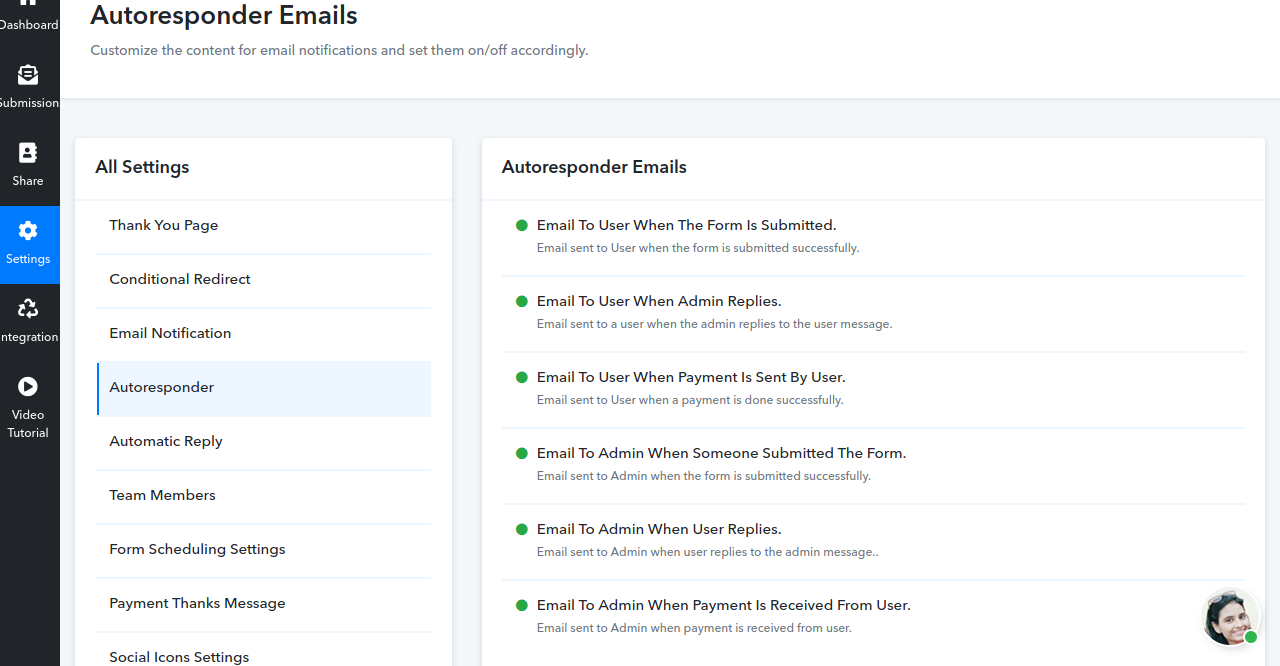
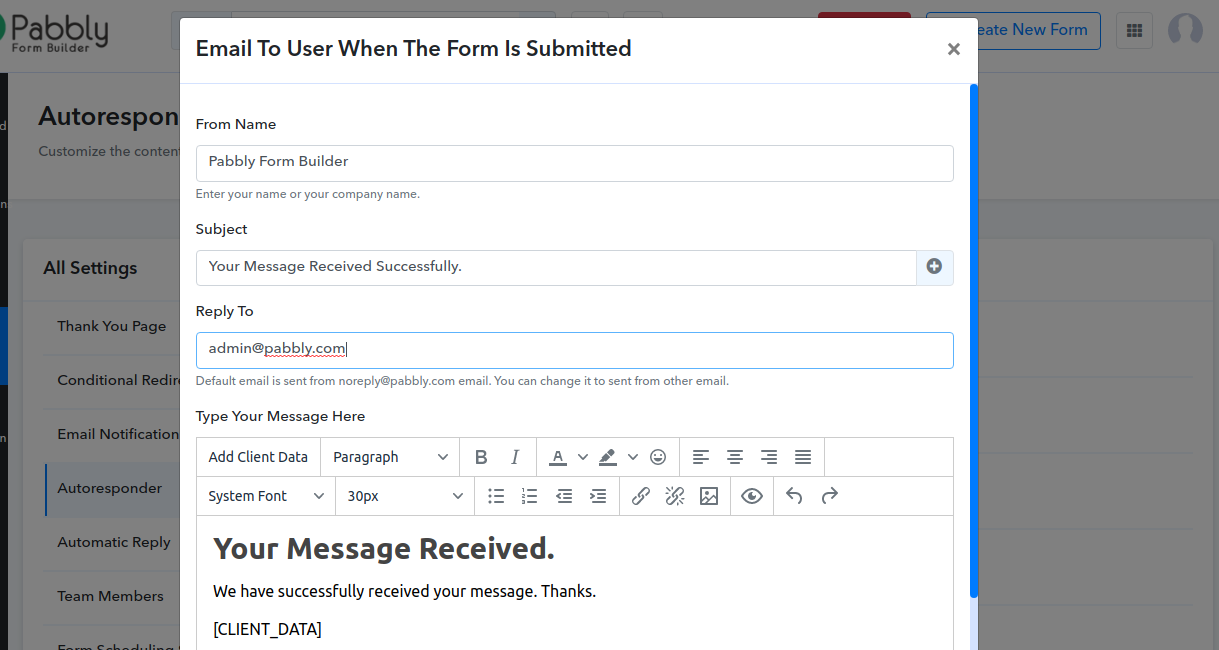
5 August 2020
- [Update] Updated the UI of “Conditional Redirect” Page.
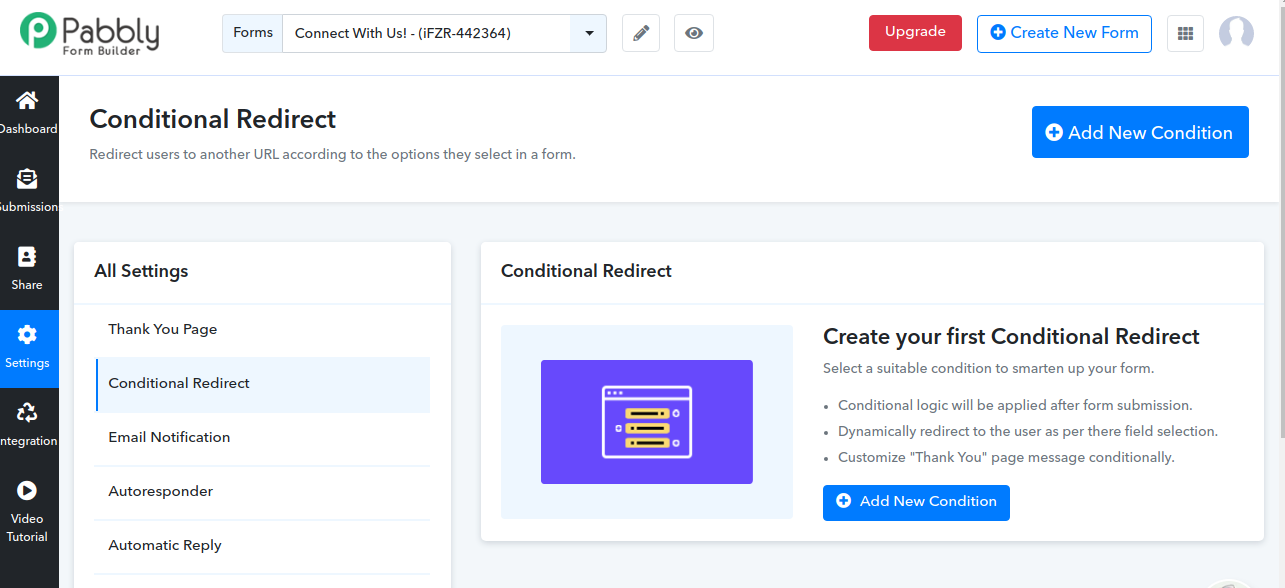
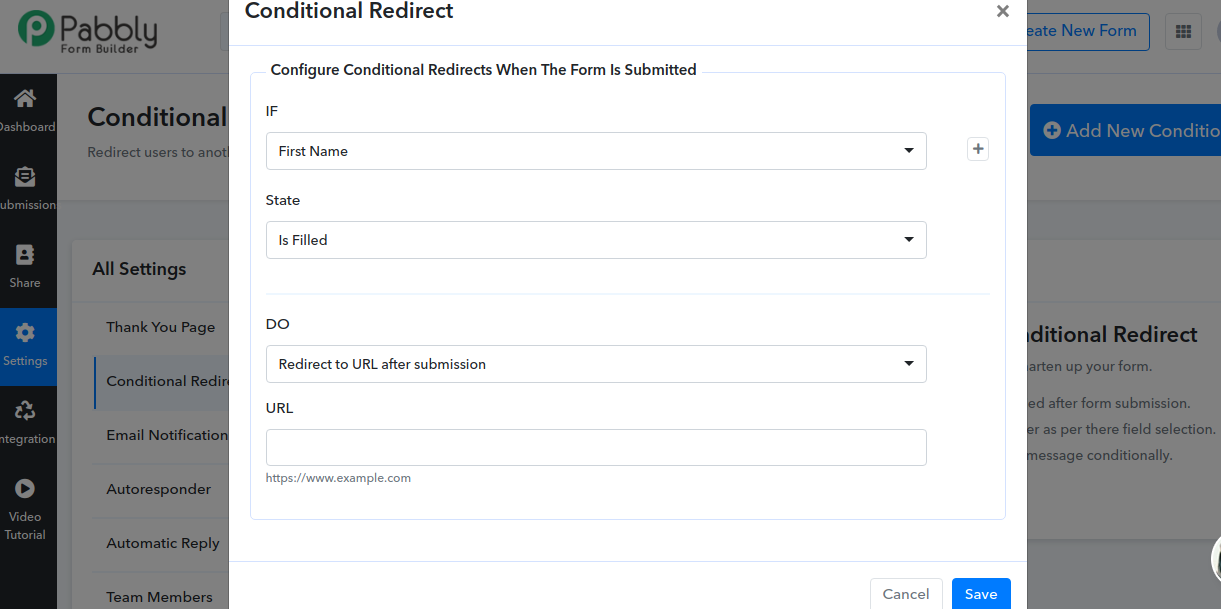
22 July 2020
- [Update] Updated the UI of “Thank You” Page.
18 July 2020
- [Update] New UI of “Email Notification” page is live.
10 July 2020
- [Update] A new section with the name “Video Tutorial” has been added in the sidebar.
9 July 2020
- [Update] New UI of the following pages have been launched:
Share Form
Embed Sliding Form
Embed Full Form
Pop-up Form
26 June 2020
- [Update] We have launched the new and advanced UI of Submission, Analytics & Report Page.
21 May 2020
- [Update] “Email To Admin When User Replies To Admin Message” this option has been added to Autoresponder settings.
30 April 2020 - [Update] “Email To Admin When Message Is Received” default settings has been Changed.

22 April 2020
- [Update] Now “File Size, Multiple Uploads and File Types” options are available in the Upload field.
15 April 2020
- Provided an option to add Form Name with form link in your email content with a click.
22 Feb 2020
- [New Update] Added an option to select the “Target Location” of any hyperlink. The default is set to “New window”.
20 Feb 2020
- [Update] Added an option for inserting “Ticket Id” in the Autoresponder’s email subject line.
- On every form submission, a unique id will get generated.
13 Feb 2020
- [Update] Added a new feature “Duplicate Fields”. Now you can duplicate any field with just a click. All the corresponding settings and styling will also be copied once you click.
11 Feb 2020
- [Update] Introduced new feature i.e “Import List”. Now importing choices in bulk can be done just by using copy & paste mechanism as well by typing manually over text-area. Some common predefined choices also available using which you can save your time.
22 Jan 2020
- [Update] Added basic authentication to protect your Webhook URL.
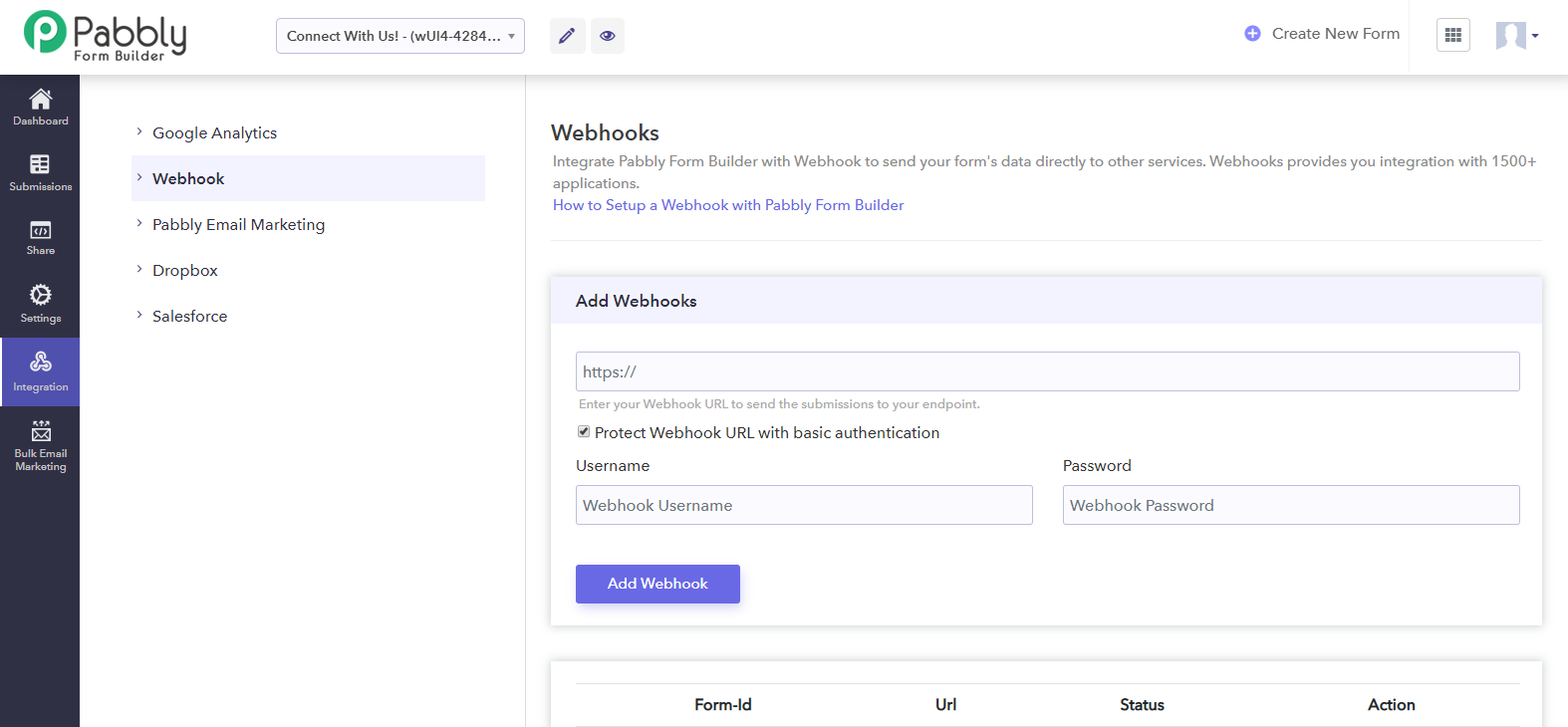
20 Dec 2019
- [Update] INR Currency is now available in Pabbly Form Builder. Now collect payments from your Indian Clients via forms.
25 October
- [Update] Now you can add a link on the Image element in your form.
- [Update] We’ve optimized the performance of Drag & Drop Form Builder. It is much more Smooth, Fast, and has a pleasing Animated Effect when adding an element.
15 October
- [Update] Pabbly Form Builder is now SCA compatible.
12 October
- Updated all the help texts and subheadings of all the pages in the application.
07 October
- [Update] Changed the default form template by “Ready to use” form.
- [Bugfix] Star Rating alignment and hover effect on form builder.
12 September
- [Update] We’ve launched the Auto-Save and Undo Changes feature. Now your forms will be saved automatically and you can go back to your last saved form with a hit of Undo button just next to Save.
27 June
- [Update] We’ve updated our Google Analytics Integration. FormGet comes with a custom Google Analytics event that triggers when a form is successfully submitted. Moreover, you can also track your redirected URL sessions by setting up the destination goal. How To Integrate Google Analytics.
26 June
- Introducing a new feature “Star Rating” Field Type in Form Builder. Star Rating element built in our Drag n Drop builder and comes with exciting customization options like default color, active color, star size and number of stars etc.
24 May
- [Update] Added an option to insert your form fields in Autoresponder email subject line.
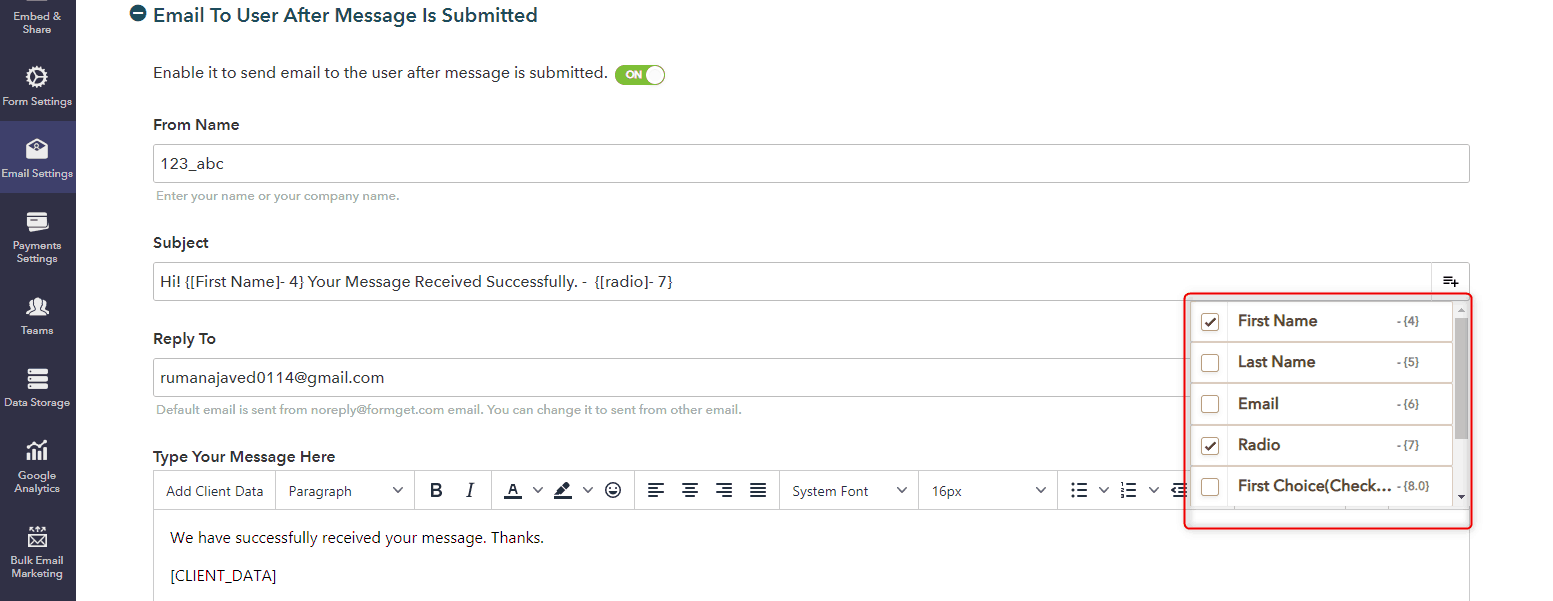
23 May
- [Update] Updated the email editor in Autoresponder. Now user can send beautiful customized emails. And provided an option to add Client Data (Form Submission Summary) in your email content with a click.
19 May
- [Update] Added customization options for Page Break (Next & Previous) buttons. Now you can easily customize these buttons as per your multi-page form design. Furthermore, you can also adjust its radius to make them even more pleasing.
13 May
- [Update] Webhooks integration is now available on FormGet. Now you can easily send form submissions to your endpoints.
04 March
- [Update] Added a new option to sort your form on the dashboard. Now, you can list out your forms on the basis of -1. Total number of form submissions (Inbox).
2. Recent form entries or submissions.
3. Form Name in alphabetical order (A-Z)
Furthermore, you can also view them in ascending or descending order.
14 January
- Launched a new feature “Partial Submission“. Now users can save the form at any point and can fill it later.
- Link of the partially submitted form has been sent to their registered email address. So, a user can complete the form anytime using that link. Moreover, a user can also enable/disable the save & resume functionality.
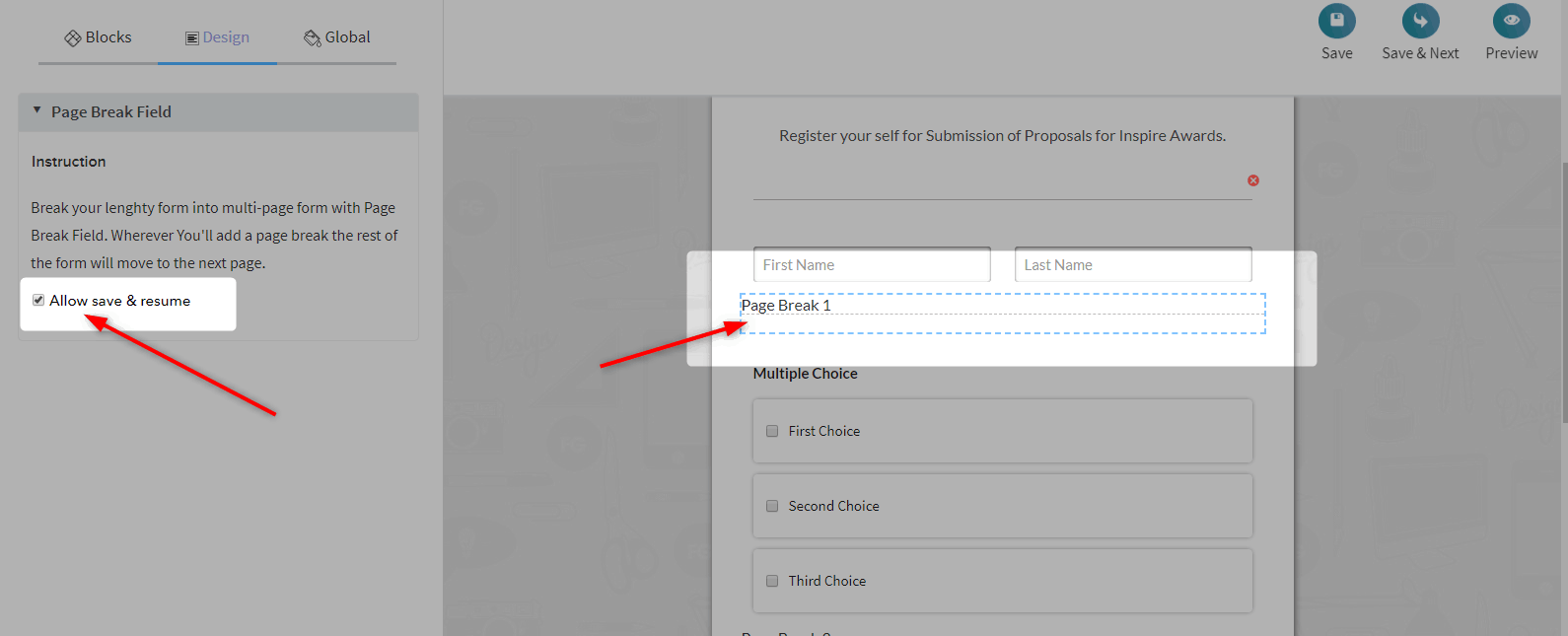
11 January
- [Update] All the customization and styling options has been distributed in categories such as border, border shadow, and typography etc. Now it has become so much clear and easy to style our forms using FormGet.
31 December
- [Update] Added a new option of shadow and border of the form fields. Now user can apply different shadow and border styles to the form fields.
18 December
- Introduced a new feature of “Conditional Redirect”. Now you can add conditions to redirect the users to another URL or customized “Thank you” Page as per the choices they’ve made in the form.
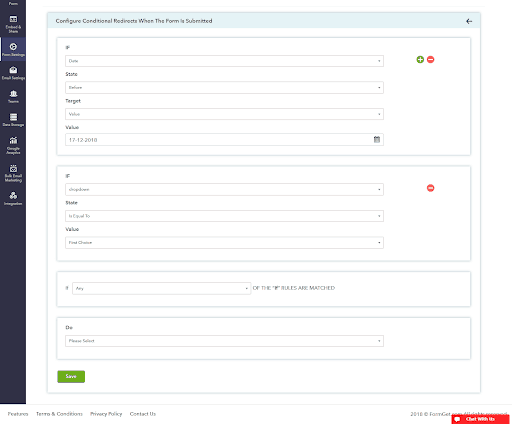
12 December
- A new update in the payment system “Product Inventory and Quantity Setting“. Now user can set up their available product stock and also limit the quantity of the product that a user can buy with a single form.
06 December
- Launched our new payment system with all new interface. Also, this time users can integrate their forms with both Stripe and Paypal.
29 November
- Introduced new “Themes” in form editor. Now you can use predefined themes to make your already created form even more beautiful. Using theme will only change your form design such as background, fonts, colors, field style and so on.

28 November
- Added a new feature “Hidden Field”. Use hidden field if you want to receive the information that is not submitted by the users or you don’t want to show this field to users.
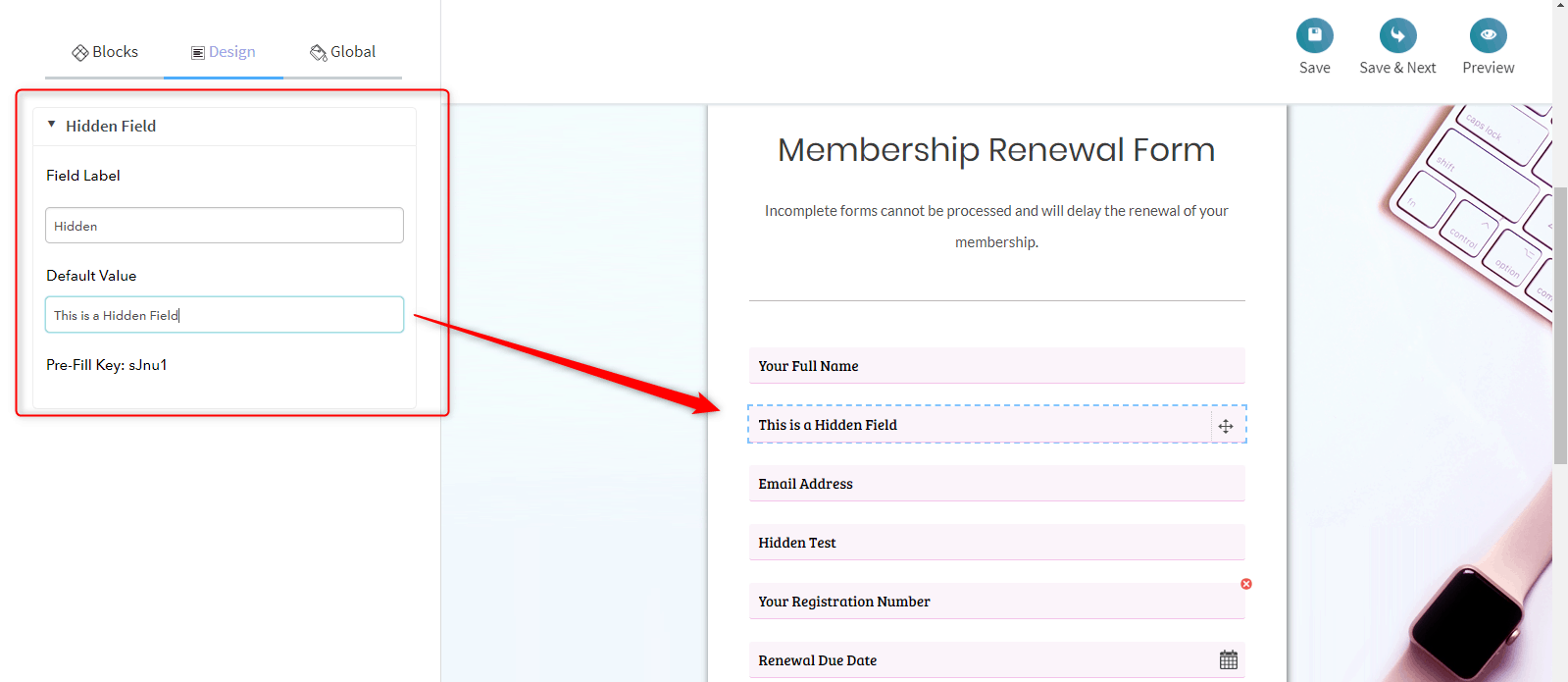
24 November
- Added a new functionality of form “Background Color”. Now user can also set colors as a form background.
23 November
- Added a new functionality of “Pre-Populate Fields Via Query String”. Now each input fields will have their unique pre-fill key which can be used to pre-fill the information in a form field.
13 November
- Launched our new powerful Drag and Drop form builder. All you need to do is drag and drop the fields and build your form in just a few clicks.
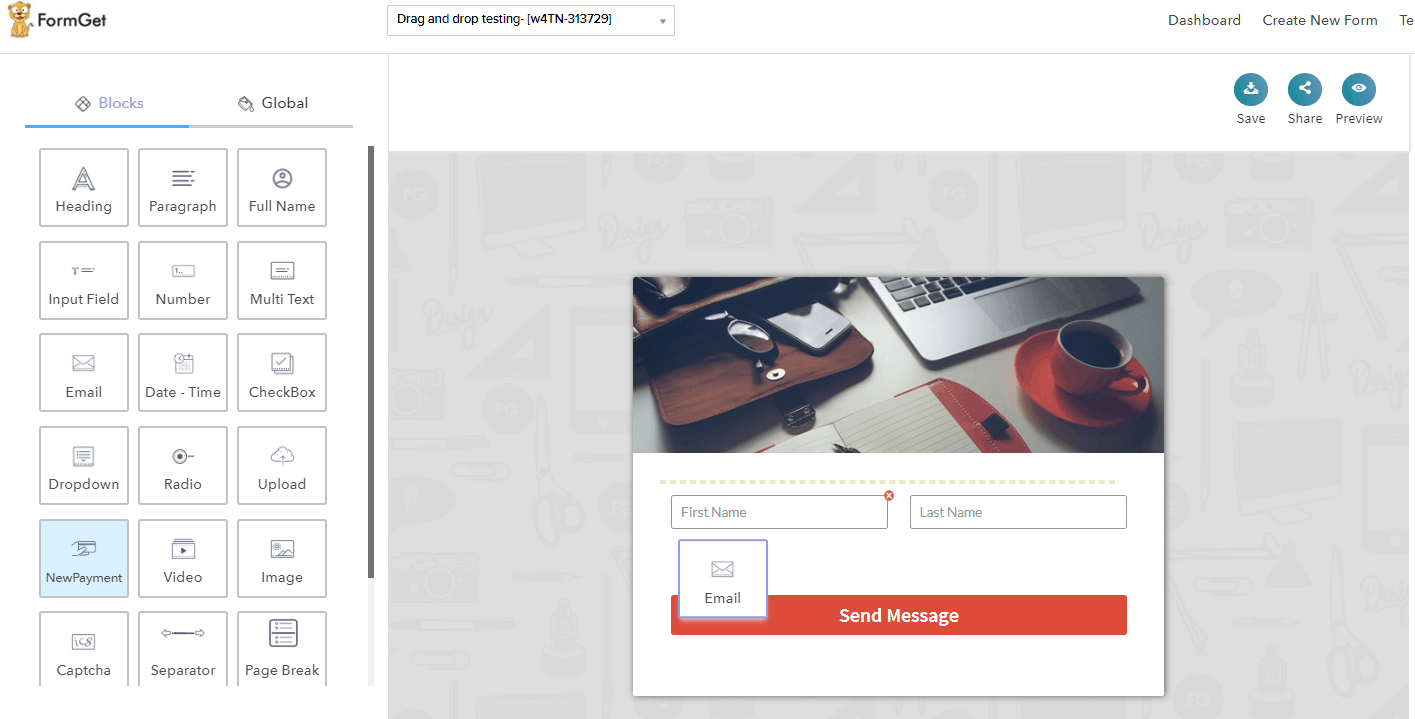
06 November
- Now user can adjust the top & bottom margin of all elements of the form individually viz., form fields, section break, image, video and so on and so forth.
01 November
- Introduced a new sidebar menu in the form builder. Now, you can have the complete settings and integrations options on the left side of the builder.
23 October
- Added a new property to set Header image width. Now user can adjust the image size as per the need.
22 October
- [Update] Added a new property to set Submit button font hover color.
- [Update] Introduced a new width field option (33%). Now you can adjust the form fields in proper three columns.
17 October
- Added a new page-break feature that allows you to create stunning multi-page forms. Now, you can split a lengthy form into multiple pages along with smooth navigation bars.
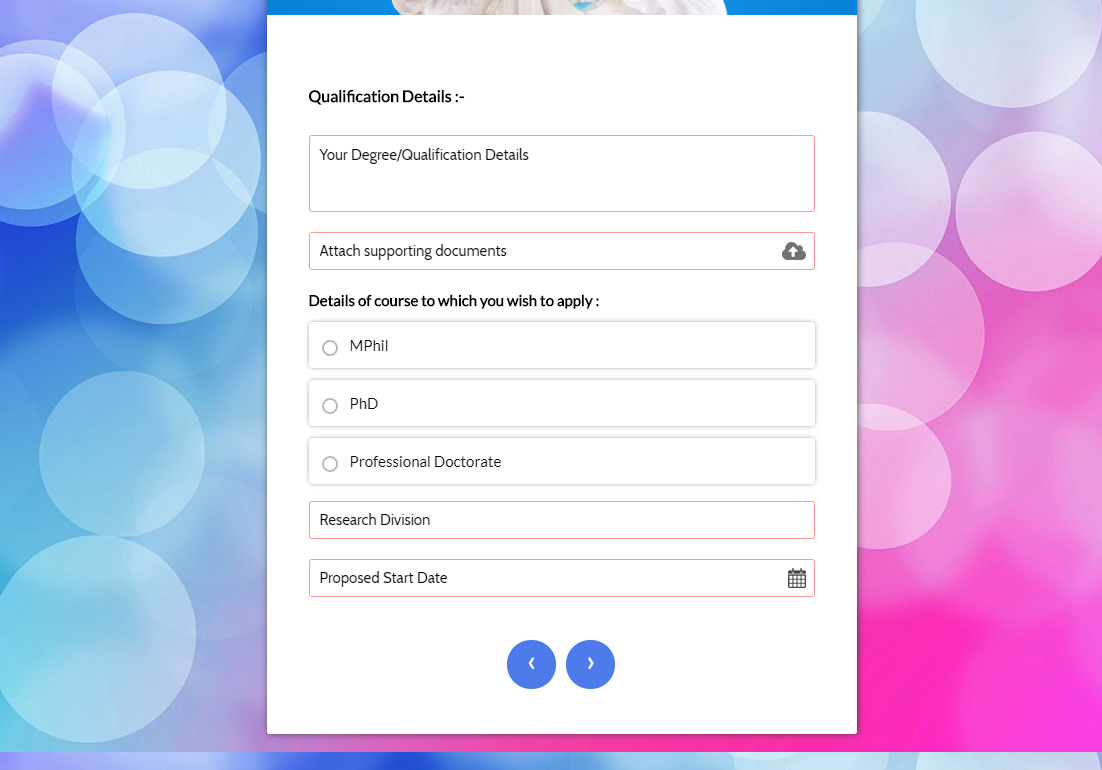
- Added a share button on the builder. Now you can directly share or embed your form right away.
12 October
- Added a functionality to adjust the width of the form fields accordingly.
11 October
- Added a settings option in the builder. Now you can go to the settings of that particular form right away in a click.
- [Update] Now user can see the preview of the unsaved changes of the form.
10 October
- Added a new box-shadow feature for the form layout, checkbox and radio fields.
09 October
- Fixed the alignment and designing issue when we add long text in radio and checkbox.
08 October
- [Update] Now user can create a form without signing in.
04 October
- Fixed the background issue of reCaptcha.
- Added an option to align the reCaptcha in the form.
28 September
- Added an option to disconnect the existing payment gateway. Now users can disconnect their payment gateway and switch to other given payment options easily.
27 September
- Fixed the issue of the appearance of font range picker on all the browsers.
26 September
- Fixed the issue of adjustment and appearance of font family and font size on IE browser.
- Fixed the issue of the builder layout on IE.
25 September
- Added new functionalities in the Separator (Section Break). Now the user can set the separator width, style, radius, and color etc.
- Added an amazing feature to adjust the form layout width in px or in Percentage (%) as per your requirement.
24 September
- Added a new feature to adjust the form fields border with its radius and color.
- Fixed the issue of both scrollers in the form builder.
- Added an editor in the paragraph field. Now, you can make the paragraph Bold, Italic, Underline etc.
- Resolved the issue of the form size when we search for a specific form on the dashboard.
22 September
- Fixed the issue of compatibility with other browsers such as Safari, IE, Firefox etc.
- Added a new feature in the form layout. Now you can adjust the form border along with its color and radius.
- Added a new functionality to download the submissions of the desired choice in the CSV format from the Reports section.
21 September
- Fixed the Submit button alignment issue in the form.
20 September
- Fixed the captcha issue not showing in IE.
- Fixed the sidebar alignment for IE browser, before fix it is not aligned properly and whole design gets lost.
- Created the form setting and edit form setting in the navigation sidebar.
- A new feature of border width and border radius to FormGet forms.
19 September
- Set the default value in the sidebar section.
- Re-design sidebar functionality for active elements: Now you can set the style of active elements.
- Fixed image align center functionality.
- Upload fields issues (validation).
- Checkbox and radio button styling issues.
- Added functionality to send email while deleting the user account.
- Fixed issues of google recaptcha in Internet Explorer.
- Show the file required validation msg or Invalid file validation msg on submitting the form for required file option on file upload element.
- Fixed alignment of checkbox and radio button in editor view as well in embed and form preview.
- Fixed the issue image not uploading more than 2mb, now it will accept upto 8mb.
18 September
- Added a new functionality to set the Form Title as the first mandatory step towards the Form creation. Further, you can reset the title from the dashboard.
- Created the new feature of Popup Form. Now you can embed the popup form on your website. All you’ve to do is embed the code of action button and form on your website page or post.
- The new Reports section will give you the users’ responses that you’ve received from total submissions with charts and graphs. With this, you can summarise the survey form and understand the percentage of results. (Reports will generate only for the dropdown, radio and checkbox field.)
- Launched a new SMTP feature. Now you can send your email notification using your own SMTP server. Also, you can set different SMTP for all your forms.
- In the new update, the “Powered By FormGet” branding can be removed.
- Now you can design the element right away by clicking on that particular element.
- Previously, in the team member section the admins set the password for their team members to access that form. But due to privacy concern, in the new update, we send an email containing username & password to the assigned team member.
- In the team Member, you can see the assigned team members in the comprehensive tabular format.
- Changed the design of Autoresponder Section under Email Settings. Now it is more comprehensible.
- Added the functionality to add a video in your form from the different sources like Youtube, Vimeo, Dailymotion, or Custom iFrame code.
- Introduced separate fields for Heading and Paragraph.
- Fixed the design of the conditional logic. Now it is more understandable and properly segmented.
3rd March
We have launched the new and advanced UI of FromGet.
You’ll love to create forms with a soothing drag and drop form builder.
Moreover, such designing and customization options are also available in the new update that you’ll not find in any other form builder.
To explore the new updates make sure to log in to your FormGet account.
Have a look at the screenshots of the new interface. (click to enlarge).
1. Form Builder is much cleaner now.
2. Form Design Panel simplified

3. Final Form Layout

4. Form Entries Dashboard. All the form entries can be seen here.
5. On Clicking the form entry. A popup opens up with the submission details. You can reply from within the same interface.
We are in the process of adding new form layout templates which are slated to be released soon. I will keep you updated on that.

