

If you want to collect payments via Stripe payment gateway in your Pabbly Form Builder account then you must integrate it in your form first.
With this payment gateway, you can collect the payments from your customer’s via credit cards.
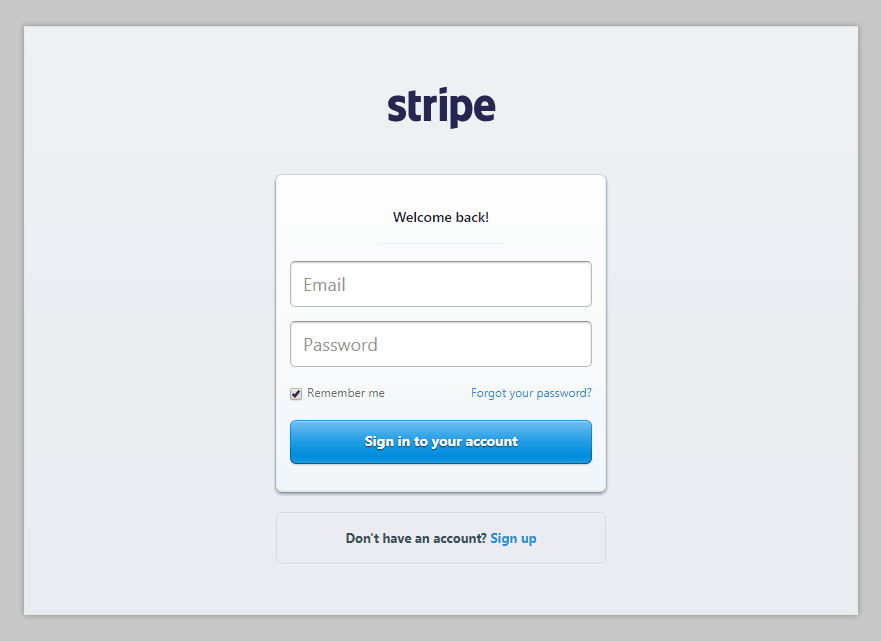
Step 1. Login To Your Stripe Account –
The first step involves signing in your Stripe account.
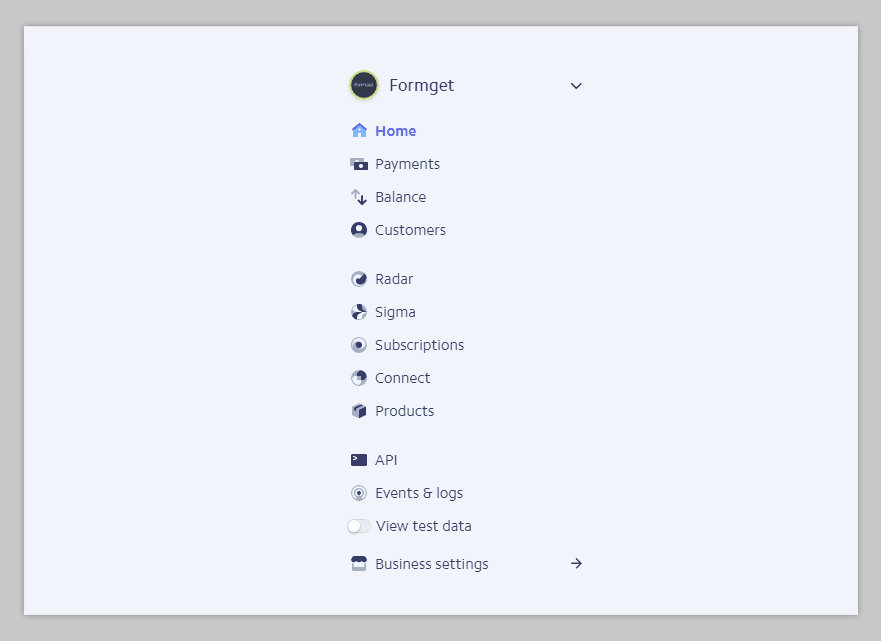
Step 2. Locate API Tab In The Left-Sidebar –
Once you have logged-in your Stripe account, you now have to find the “API” settings tab. If located, then click on it.
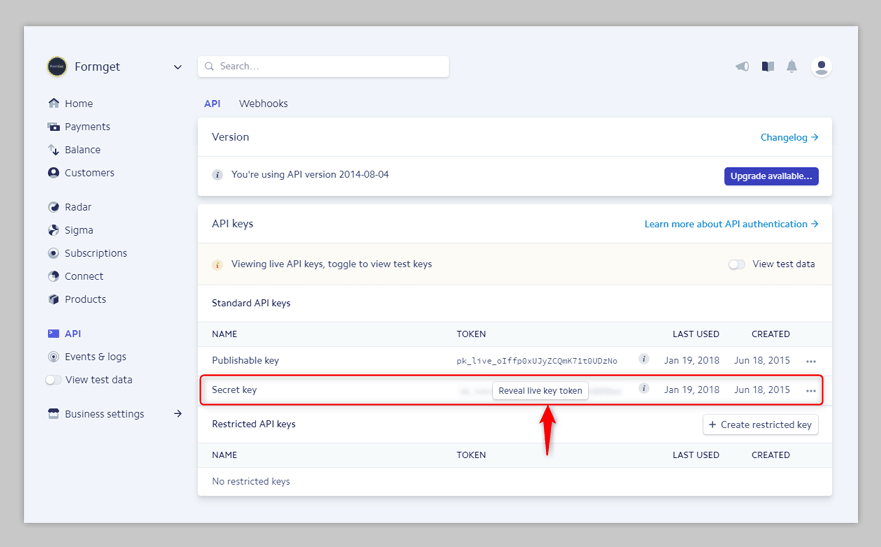
Step 3. Copy “Secret Key” From API Keys Tab –
After clicking on the “API” settings tab, you have to find the “Secret Key” tab in the “API Keys” section. In that, you have to click on “Reveal Live Key Token” and copy the generated Key.
Step 4. Configure Stripe Payment Gateway In Pabbly Form Builder Account –
From your form builder, select Payment element. Now click on Configure Payment.
In that, select Stripe Payment Gateway, a new button will appear. Then, click on that button “Connect With Stripe”.
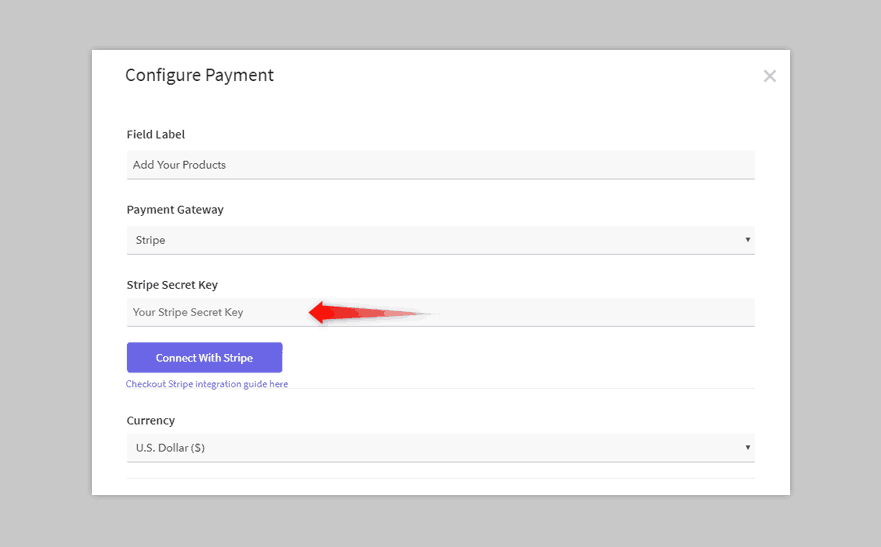
After setting up your products/Payment details, click on the “Save Payment Settings” button to save the settings.
Now you have Stripe as your active payment gateway.
P.S. PayPal and Stripe payment gateway charge some amount as a ‘Transaction Fees’ on every transaction of your customer.
Adding SPF & DKIM Records for Domain Verification
We highly recommend our users to set up SPF and DKIM TXT records for their domains to ensure good email delivery. Adding TXT records is a very simple three-step process:
- Add a sender domain to your Pabbly account.
- Copy SPF and DKIM record values from Pabbly.
- Go to your domain hosting website’s Settings page and paste the copied record values and Publish them to the DNS servers.
- After your records are published, go to your Pabbly account and verify your domain.
We’ve provided the steps of the most popular domain-hosting websites below.
However, if you don’t find your website on the list, please contact your domain-hosting website’s administrator to help you set up the text records. Alternatively, you can also contact your system admin/network admin to configure the TXT records in the DNS settings of your domain.
GoDaddy
To add the SPF record for your domain, follow these steps:
- Login to GoDaddy account.
- From the Navigation toolbar, click DNS and select Manage Zones.
- Search for your domain to add the SPF TXT record copied from Pabbly account.
- Under Records section, click ADD at the bottom of the list of records.
- Enter the following information:
- Type: Select TXT as the type of record to be added.
- Host: Enter the domain name. For SPF, enter “@”. It will directly relate to your domain name in it.
- TXT Value: Paste the SPF TXT record you copied from your Pabbly account.
- TTL: Enter how long the server should take to cache the information.
- Click Save.
To add the DKIM record for your domain, follow these steps:
- Login to GoDaddy account.
- From the Navigation toolbar, choose domains.
- Search for your domain to add the DKIM TXT record.
- Under Records section, click ADD at the bottom of the list of records.
- Enter the following information:
- Type: Select TXT as the type of record to be added.
- Host: Copy the domain hostname from Pabbly. For example, if your domain is zylker.com, your domain hostname would be something like “72247._domainkey.zylker.com”. From this hostname, copy the part before “.zylker.com” and paste it in Host as shown in the image below.
- TXT Value: Paste the DKIM TXT record you copied from Pabbly account.
- TTL: Enter how long the server should take to cache the information.
- Click Save.
HostGator
To add the SPF record for your domain in HostGator, follow these steps:
- Log in to your HostGator account.
- From the Navigation toolbar, choose Manage Orders and click List/Search Orders.
- Click your domain from the list displayed.
- Under DNS Management section, click Manage DNS.
- First click TXT Records button to add the SPF record and then click Add TXT Record button displayed below it.
- Enter the following information:
- Host Name: Enter the domain name.
- Value: Paste the SPF record details provided by Pabbly account.
- TTL: Enter how long the server should take to cache the information. The ideal TTL is 86400 (1 day). It can not be set to less than 14400 (4 hours).
- Click Add Record.
To add the DKIM record for your domain in HostGator, follow these steps:
- Log in to your HostGator account.
- From the Navigation toolbar, choose Manage Orders and click List/Search Orders.
- Click your domain from the list displayed.
- Under DNS Management section, click Manage DNS.
- First click TXT Records button to add the SPF TXT record and then click Add TXT Record button displayed below it.
- Enter the following information:
- Host Name: Enter the domain name.
- Value: Paste the DKIM TXT record details provided by Pabbly account.
- TTL: Enter how long the server should take to cache the information. The ideal TTL is 86400 (1 day). It can not be set to less than 14400 (4 hours).
- Click Add Record.
Name
To add the SPF record for your domain, follow these steps:
- Login to your Name account.
- From the Navigation toolbar, choose My Account and click My Domain.
- Click your domain from the list displayed.
- From the list of the option displayed on the left, click DNS Records.
- Enter the following information:
- Type: Select TXT as the type of record you want to add.
- Host: Enter the domain name.
- Answer: Paste the SPF TXT record details provided by Pabbly account.
- TTL: Enter how long the server should take to cache the information.
- Click Add Record.
To add the DKIM record for your domain, follow these steps:
- Login to your Name account.
- From the Navigation toolbar, choose My Account and click My Domain.
- Click your domain from the list displayed.
- From the list of the option displayed on the left, click DNS Records.
- Enter the following information:
- Type: Select TXT as the type of record you want to add.
- Host: Enter the domain name.
- Answer: Paste the DKIM TXT record details provided by Pabbly account.
- TTL: Enter how long the server should take to cache the information.
- Click Add Record.
BlueHost
To add the SPF TXT record for your domain, follow these steps:
- Login to your BlueHost account.
- From the Navigation toolbar, choose Manage Orders and click List/Search Orders.
- Click your domain from the list displayed.
- Under DNS Management section, click Manage DNS.
- First, click TXT Records button to add the SPF record and then click Add TXT Record button displayed below it.
- Enter the following information:
- Host Name: Enter the domain name.
- Value: Paste the SPF TXT record details provided by Pabbly account.
- TTL: Enter how long the server should take to cache the information.
- Click Add Record.
To add the DKIM TXT record for your domain, follow these steps:
- Login to your Bluehost account.
- From the Navigation toolbar, choose Manage Orders and click List/Search Orders.
- Click your domain from the list displayed.
- Under DNS Management section, click Manage DNS.
- First, click TXT Records button to add the SPF record and then click Add TXT Record button displayed below it.
- Enter the following information:
- Host Name: Enter the domain name.
- Value: Paste the DKIM TXT record details provided in your Pabbly account.
- TTL: Enter how long the server should take to cache the information.
- Click Add Record.
Network Solutions
To add the SPF TXT record for your domain, follow these steps:
- Log in to your Network Solutions account.
- Click Manage Account on the top right corner of the page.
- Under My Domain Names, click Edit DNS link.
- From the list of domains displayed, select the domain for which you want to add the record and click Edit DNS button.
- Under the Advanced DNS Manager section, click Manage Advanced DNS Records button.
- Scroll down and under Text(Text Records) section, click Edit TXT Records button.
- Enter the following information:
- Host: Enter the domain name.
- TTL: Enter how long the server should take to cache the information.
- Text: Paste the SPF TXT record details provided by Pabbly account.
- Click Continue to confirm.
- Finally, click Save Changes.
To add a DKIM TXT record for your domain, follow these steps:
- Log in to your Network Solutions account.
- Click Manage Account on the top right corner of the page.
- Under My Domain Names, click Edit DNS link.
- From the list of domains displayed, select the domain for which you want to add the record and click Edit DNS button.
- Under the Advanced DNS Manager section, click Manage Advanced DNS Records button.
- Scroll down and under Text(Text Records) section, click Edit TXT Records button.
- Enter the following information:
- Host: Enter the domain name.
- TTL: Enter how long the server should take to cache the information.
- Text: Paste the DKIM TXT record details provided by Pabbly account.
- Click Continue to confirm.
- Finally, click Save Changes.
Register
To add the SPF TXT record for your domain, follow these steps:
- Login to your Register account.
- Click Manage Account.
- Under Account Dashboard, choose Domains and click Manage.
- Locate your domain and click the Manage link.
- Under Advanced Technical Settings, click Edit TXT Records link.
- Enter the following information:
- Host: Enter the domain name.
- TXT Record: Paste the SPF TXT record details provided by Pabbly account.
- Click Continue button to confirm.
To add the DKIM TXT record for your domain, follow these steps:
- Login to your Register account.
- Click Manage Account.
- Under Account Dashboard, choose Domains and click Manage.
- Locate your domain and click the Manage link.
- Under Advanced Technical Settings, click Edit TXT Records link.
- Enter the following information:
- Host: Enter the domain name.
- TXT Record: Paste the DKIM TXT record details provided by Pabbly account.
- Click Continue button to confirm.
Eurodns
To add SPF TXT record for your domain, follow these steps:
- Login to your Eurodns account.
- From the Navigation toolbar, choose Domain Names.
- Locate the domain you want to manage and click Manage.
- Under DNS Zone section, click Manage Zone.
- Click New Record button on the bottom of the page.
- Enter the following details:
- Type: Select the type of record.
- TXT: Paste the SPF TXT record details provided by Pabbly account.
- Host: Enter the domain name.
- TTL: Enter how long the server should take to cache the information.
- Click Save Record.
- Finally, click Save Zone to confirm.
To add DKIM TXT record for your domain, follow these steps:
- Login to your Eurodns account.
- From the Navigation toolbar, choose Domain Names.
- Locate the domain you want to manage and click Manage.
- Under DNS Zone section, click Manage Zone.
- Click New Record button on the bottom of the page.
- Enter the following details:
- Type: Select the type of record.
- TXT: Paste the DKIM TXT record details provided by Pabbly account.
- Host: Enter the domain name.
- TTL: Enter how long the server should take to cache the information.
- Click Save Record.
- Finally, click Save Zone to confirm.
Squarespace
To add SPF TXT record for your domain, follow these steps:
- Log in to your Squarespace account.
- From the Navigation toolbar, choose Domains and click on your domain displayed.
- Click the Advanced Settings option.
- Enter the following information:
- Record: Select the type of record to add.
- Data: Paste the SPF TXT record details provided by Pabbly account.
- Click ADD.
- Click Save to confirm
To add DKIM record for your domain, follow these steps:
- Log in to your Squarespace account.
- From the Navigation toolbar, choose Domains and click on your domain displayed.
- Click the Advanced Settings option.
- Enter the following information:
- Record: Select the type of record to add.
- Data: Paste the DKIM TXT record details provided by Pabbly account.
- Click ADD button.
- Click Save to confirm.
eNom
To add SPF TXT record for your domain, follow these steps:
- Login to your eNom account.
- From the Navigation toolbar, choose Domains and click My Domains.
- Enter the following information:
- Host Name: Enter the domain name.
- Record Type: Select the type of record to add.
- Address: Paste the SPF TXT record details provided by Pabbly account.
- Click Save button.
To add DKIM TXT record for your domain, follow these steps:
- Login to your eNom account.
- From the Navigation toolbar, choose Domains and click My Domains.
- Enter the following information:
- Host Name: Enter the domain name.
- Record Type: Select the type of record to add.
- Address: Paste the DKIM TXT record details provided by Pabbly account.
- Click Save button.
Wix
To add SPF TXT record for your domain, follow these steps:
- Log in to your Wix account.
- From the Navigation toolbar, choose Subscriptions and click Domains.
- Under your domain name, select Advanced and click Edit DNS.
- Scroll down to TXT (Text) section and click Add another.
- Enter the following information:
- Host Name: Enter your domain name.
- SPF Value: Paste the SPF TXT record details provided by Pabbly account.
- TTL: Enter how long the server should take to cache the information.
- Click Save DNS.
To add DKIM TXT record for your domain, follow these steps:
- Log in to your Wix account.
- From the Navigation toolbar, choose Subscriptions and click Domains.
- Under your domain name, select Advanced and click Edit DNS.
- Scroll down to TXT (Text) section and click Add another.
- Enter the following information:
- Host Name: Enter your selector name given by Pabbly before your domain name. For reference, please check the image shown below.
- TXT Value: Paste the DKIM TXT record details provided by Pabbly account.
- TTL: Enter how long the server should take to cache the information.
- Click Save DNS.
WordPress
To add SPF record for your domain, follow these steps:
- Login to your WordPress account.
- From the Navigation toolbar, click My Site.
- Under the Manage section, click Domains.
- Click the domain for which you want to add the text record.
- Scroll down and click Name Servers and DNS link.
- Click DNS Records to add new TXT records.
- Enter the following information:
- Type: Select TXT as a type of record to add.
- Name: Enter the domain name.
- Text: Paste the SPF TXT record details provided by Pabbly account.
- Click Add New DNS Record.
To add DKIM TXT record for your domain, follow these steps:
- Login to your WordPress account.
- From the Navigation toolbar, click My Site.
- Under Manage section, click Domains.
- Click the domain for which you want to add the text record.
- Scroll down and click Name Servers and DNS link.
- Click DNS Records to add new text records.
- Enter the following information:
- Type: Select TXT as type of record to add.
- Name: Enter selector given in Pabbly before the domain name as shown in the image below.
- Text: Paste the DKIM TXT record details provided by Pabbly account.
- Click Add New DNS Record.
Ipage
To add SPF record for your domain, follow these steps:
- Login to your Ipage account.
- From the Navigation toolbar, choose Domain Central.
- Select the domain and click DNS.
- From the Modify drop-down, select the TXT/SPF Record as the type of record to add.
- Under Content, paste the SPF record details provided by Pabbly account.
- Click ADD.
To add DKIM record for your domain, follow these steps:
- Login to your Ipage account.
- From the Navigation toolbar, choose Domain Central.
- Select the domain and click DNS.
- From the Modify drop-down, select the TXT/SPF Record as the type of record to add.
- Under Content, paste the DKIM record details provided by Pabbly account.
- Click ADD.
HostMonster
To add SPF record for your domain, follow these steps:
- Log in to your HostMonster account.
- From the Navigation toolbar, choose Domains and click Zone Editor.
- Scroll down and click Add DNS Record.
- Enter the following information:
- Host Record: Enter the domain name.
- Type: Select TXT as type of record to be added.
- Points to: Paste the SPF record details provided by Pabbly account.
- TTL: Enter how long the server should take to cache the information.
- Click Add Record.
To add DKIM record for your domain, follow these steps:
- Log in to your HostMonster account.
- From the Navigation toolbar, choose Domains and click Zone Editor.
- Scroll down and click Add DNS Record.
- Enter the following information:
- Host Record: Enter the domain name.
- Type: Select TXT as a type of record to be added.
- Points to: Paste the DKIM record details provided by Pabbly account.
- TTL: Enter how long the server should take to cache the information.
- Click Add Record.
JustHost
To add SPF record for your domain, follow these steps:
- Log in to your HostMonster account.
- From the Navigation toolbar, choose Domains and click Zone Editor.
- Scroll down and click Add DNS Record.
- Enter the following information:
- Host Record: Enter the domain name.
- Type: Select TXT as a type of record to be added.
- Points to: Paste the SPF record details provided by Pabbly account.
- TTL: Enter how long the server should take to cache the information.
- Click Add Record
To add DKIM record for your domain, follow these steps:
- Log in to your HostMonster account.
- From the Navigation toolbar, choose Domains and click Zone Editor.
- Scroll down and click Add DNS Record.
- Enter the following information:
- Host Record: Enter the domain name.
- Type: Select TXT as a type of record to be added.
- Points to: Paste the DKIM record details provided by Pabbly account.
- TTL: Enter how long the server should take to cache the information.
- Click Add Record.
Cloudflare
To add SPF record for your domain, follow these steps:
- Login to your Cloudflare account.
- From the drop-down menu on the top-left corner of the page, select your domain.
- Click DNS Settings.
- Enter the following information:
- Select TXT as the type of record to be added.
- Enter the domain name in the next textbox.
- Paste the SPF record details as the value provided by Pabbly account.
- Enter TTL information.
- Click Add Record.
To add DKIM record for your domain, follow these steps:
- Login to your Cloudflare account.
- From the drop-down menu on the top-left corner of the page, select your domain.
- Click DNS Settings.
- Enter the following information:
- Select TXT as the type of record to be added.
- Enter the domain name in the next textbox.
- Paste the DKIM record details as the value provided by Pabbly account.
- Enter TTL information.
- Click Add Record.
4 Best Software Review Sites 2022 (Pricing + Reviews)

In this modern era of online purchasing, customers trained their mind to purchase any product after taking many suggestions like review reading, grabbing information from the current user, making comparisons, etc. Actually, its fact that 70 percent of users from all around the world prefer customer reviews before purchasing any product. The reason behind doing this is to check out the quality, abilities & functionalities of a product. It also helps a new buyer to track fraud & the worth of it.
To grab this customer satisfaction people always prefer multiple product review websites that gives them all the information for which they are looking. But, they only trust those sites which display reviews from genuine sources. That’s why we have prepared this article in which we list some of the best software review sites to guide buyers about every software they want to purchase. But first, we’ll tell you what are software review sites & why people prefer them before purchasing.
Basically, software review sites provide useful information to newbies about every product or software. It also offers an opportunity for vendors to submit their products on review websites so they can get reviews & feedback from users. These feedbacks help vendors to upgrade their services which leads them to grow more traffic.
So, if you want to know more details & features of software comparison sites you can check this list of product review websites here –
1. Reapon
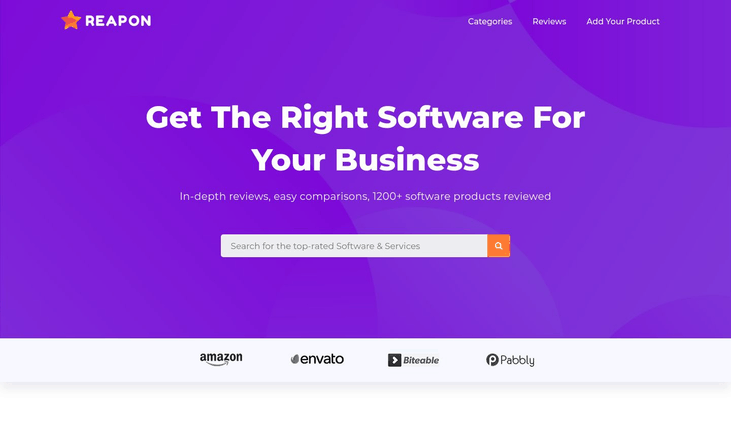
Reapon is one of the leading review website that provides you a piece of in-depth knowledge about multiple products & services. It is an amazing platform for vendors to showcase their product in the market to grab more traffic.
In fact, product vendors from all around the world can feature their product on this review website by simply clicking on “Add Your Product” & adding a few details in it. Reapon also gives its visitors proper guidance about every product by describing its features & pricing details.
Moreover, it has a user-friendly interface that helps users to find out different products based on the categories like vendor management, financial analytics, live streaming & many more.
Features
- This product review website offers visitors an advanced review option which includes star ratings & a comment section to write like & dislikes about the product.
- It has a review monitoring system that provides notifications to the vendor whenever a new review posted on its product.
- Reapon provides reviews for more than 2000+ software which contains 850+ categories that help visitors to find the review of the exact product for which they are looking.
- Software is intended with management features based on a review, feedback & monitoring.
- The best feature of this platform is 360-degree feedback that collects feeds from various sources from all around the globe.
Pricing
The amazing fact about Reapon is that it gives all these functionalities absolutely FREE to its vendors & users.
2. SourceForge
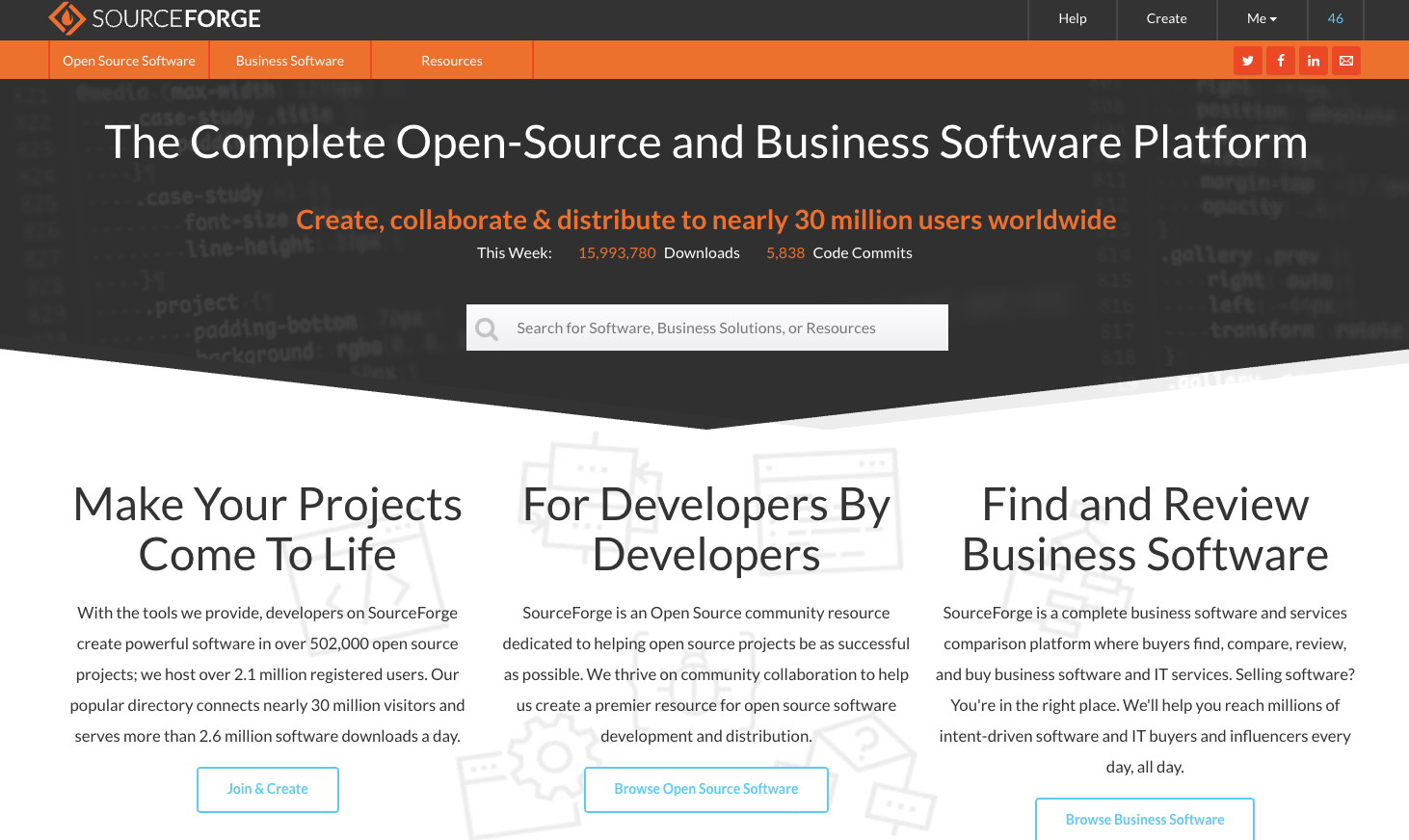
SourceForge is the largest software review and comparison website in the world. It has nearly 30 million visitors per month who come to compare business software and services, as well as open source software. SourceForge has over 2000 business software and services categories. Further, it also hosts over 500,000 open source software projects.
SourceForge offers a wide variety of features to help users find business software. It enables users to search by category, user reviews, integrations, pricing, region, language, and more. SourceForge provides the most granular way to find the right business software on the web.
Features
- Users looking for business software or services can search for the right solution using very granular filter sets and criteria.
- Users interested in open source software can search, compare, and download open source software directly from SourceForge.
- SourceForge features over 2000 business software and services categories, and is adding new categories all the time.
- Vendors that want to advertise their business software or services can pay a flat rate, and get unlimited clicks to their website. Additionally, they also can make use of other benefits such as buyer insight data, review generation tools, lead generation, and more.
Pricing
- SourceForge is 100% free to use for all users interested in comparing, buying, or downloading business software and open source software.
- Vendors that want to acquire new customers have a number of different flat-rate plans to choose from to generate new customers from SourceForge.
3. Capterra
As we know, Capterra is the most popular product review site that gives complete information about its listed products. These websites resolve queries of all customers who find difficulty in choosing a product as per the requirements.
In addition, it includes tons of software which are divided into 700+ software categories & different search filters that help users to find out a suitable software solution. This review platform fulfills all the requirements based on user & vendor perspective.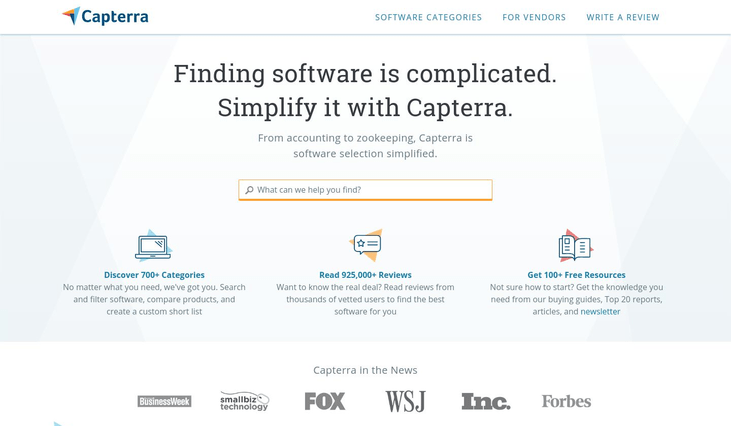
Features
- User can search the tool by using its search filters and get all the information like ratings, description, pricing, etc.
- It provides opportunities to vendors for showcasing the products that help them to collect multiple user reviews and objectives to improve their product & website traffic.
- Capterra offers various software categories to make visitors search more easy & accurate. It also includes search variations based on pricing, popularity, comparison, etc.
- Additionally, this product review website gives users the ability to compare products at the same time for better analysis.
- By using its review monitor option, vendors can see user reviews & quickly get notifications about the latest review submitted on a product or blog.
Pricing
Grab the valuable information related to the software of any category & submit reviews without paying anything.
4. FinancesOnline
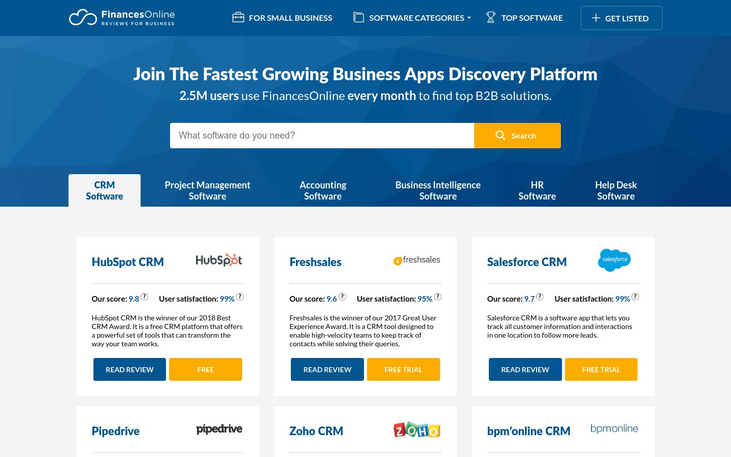
FinancesOnline comes in the category of one of the best growing & perfectly managed software reviewing platform. This website contains a directory of software & products which are placed in a categorized manner. Also, it showcases & offers you the most popular product categories like CRM, project management, accounting, business intelligence, etc.
As per the current stats value, FinancesOnline has 2,501,337 monthly readers & 10,268 real user reviews that make it highlighted from others. Besides, software rankings & comparison this website also creates articles which contain listing comparison based on factors selected by review teams.
Features
- This product review website is integrated with multiple marketing partners like HubSpot, Sisense, FreshWorks, etc. that gives your listed products some opportunities to gain more trusts & enhance your website traffic.
- Provides you an ability to suggest your product or software in this review website.
- In fact, after the approval of your product, you will get an opportunity to get featured on their website with Verified Quality Seal.
- FinancesOnline has built-in SmartCore system which rates your product or software on the basis of usability, features, pricing & other details.
- The review page of this website displays the product’s full information like user reviews, price, benefits, etc. This information gives a detailed analysis to visitors about any product.
Pricing
Add reviews & feature your product & services in this B2B software directory platform by paying ZERO charges.
5. SoftwareSuggest
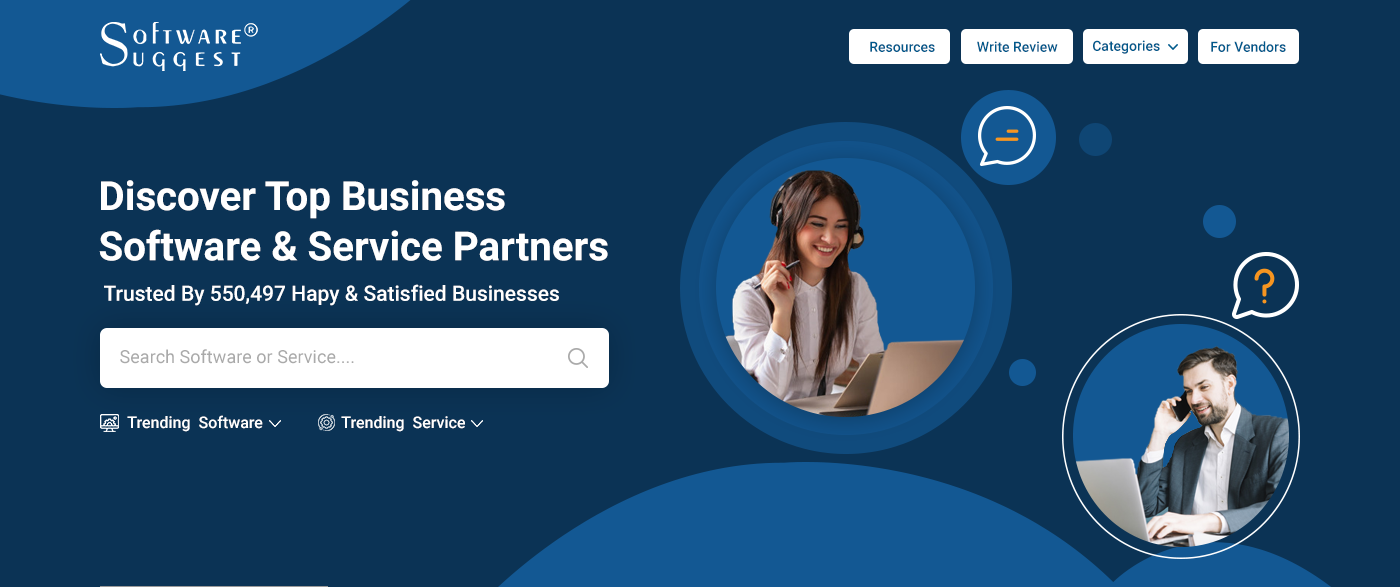
SoftwareSuggest is a leading software consultancy firm that can provide you with an intensive knowledge of leading solution providers in the market. It lists, reviews, and compares software services to ensure that companies get a perfect match for their business needs. Trusted by hundreds of satisfied global clients, SoftwareSuggest is an end-to-end platform for product vendors to feature their products and drive awareness for target audiences.
With a comprehensive software database, SoftwareSuggest has tons of options and makes it easy to apply search filters to find the best solution for your category. It also has real user reviews to help you understand product features better and make an informed decision for your business.
Features
- SoftwareSuggest provides a comprehensive list of niche software that can be segmented industry and city-wise to help organizations get the perfect solution.
- Users can easily compare the pricing, features, and specifications of various software to make an informed decision.
- 360-degree feedback mechanism from vendors, clients, and stakeholders for each software.
- SoftwareSuggest provides authentic reviews for each product, along with video reviews too – this helps visitors find the exact product they need for organizational requirements.
- Additionally, various advanced search filters can help users scan through products based on price, popularity, and functionality.
Pricing
SoftwareSuggest provides organizations with free consultation services to help them decide the best solution. It provides customized pricing packages for a range of services depending on business requirements.
Conclusion
Since we discussed above some important information about the best product review sites that you should prefer now before buying any software. These platforms will help vendors to effectively enhance the sales & brand awareness of their website with ease.
Also, it’s a true fact that most platforms provide free listings & reviews whereas some of them offer paid partnerships to showcase products on their website. Now, it’s your choice to choose & prefer the best platform which gives you all the information that you need before purchasing any tool.
Best Apparel Management Software 2022

Designing a business which centers around clothing is almost like picking outfits that everyone would like to wear.
Remember the time when you had to pick your outfit of the day?
The apparel business is strikingly more complex and can require hours of labor determining prices, managing new styles and implementing appropriate discounts. Compounding these issues by the scale of your business you’re left with a task so confused that you’re bound to wish for help at some time.
This is where apparel management software enters the picture. These are specifically engineered to make your job easier by simplifying the processes of managing your available wardrobe, customizing prices and optimizing communication within your team.
Furthermore, several brands let you organize your inventory and manage orders through their platforms. In effect, these functionalities allow you to manage a batch of clothes from the time you receive it in your warehouse till it’s bought off the rack at the retail end. Not to mention the customer experience that your flawless garment has just boosted.
|
Service Name |
Unique Features |
Pricing |
|
Style Management, Integrated Accounting |
Starts at $80/M |
|
|
Dropbox Integration, Style Management |
Starts at $39/M |
|
|
Product Lifecycle Management, Shipping, Invoicing |
Undisclosed |
In this short read, we’ll be covering apparel management software which offers state of the line services to their users. These’ll include:
[mb_product]1. Apparelmagic
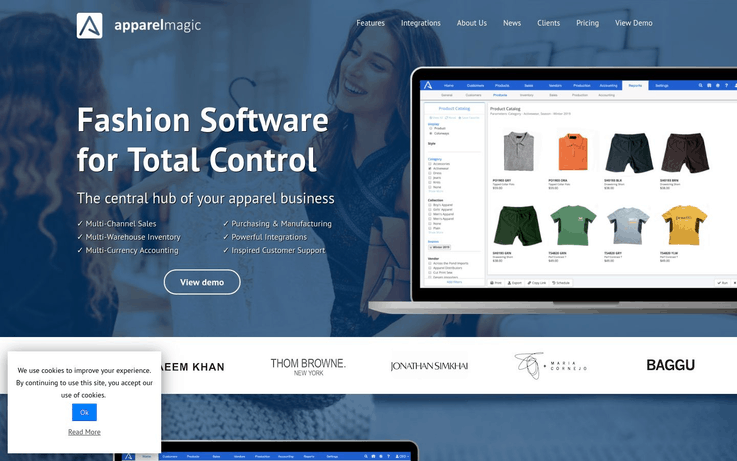
Apparelmagic promises to become the central hub of your business. It proudly advertises a whole host of features that includes multi-channel sales and it is also integrated with accounting that sets it apart from its competition.
Moreover, its accessible and pleasing interface is another added advantage that puts it a step ahead of similar software on the market. Presently, Apparelmagic promises to make your clothing business grow exponentially, offering a significant number of integrations in all its plans.
Features
- Apparelmagic provides easily understandable and very informative heads-up dashboards which update regularly and deliver the latest trends of your business at a quick snap.
- It even lets you organize the various styles, specs, materials, and prices that your business has to offer.
- Multi-warehouse and multi-currency support on higher-end plans ensures that Apparelmagic is as useful for larger companies as it’s accessible by the small players in the market.
Pricing
While promising 14-day money back guarantees if left unsatisfied, Apparelmagic offers the following plans to its clients. All of these can either be paid for on an annual basis or a monthly basis. Also, remember that annual plans are slightly more cost-effective:
- Basic – This $80/month package includes services for 1 warehouse and is accessible by 2 users at a time. Furthermore, it incorporates all basic necessities of an apparel management software including inventory management, style management and order organization.
- Professional – The $165/month professional plan offered by Apparelmagic bumps up the number of users to 3 and the number of warehouses it can incorporate up to three as well. Alongside that, it adds the possibility of transacting using multiple currencies.
- Enterprise – This $350/month plan is preferred by bigger firms which aim to streamline their large-scale and multifaceted operations. Hence, they can use features like unlimited warehouses, integrations, and access for up to 5 users.
Get More Details Here [/mb_product] [mb_product]
2. Stitchex
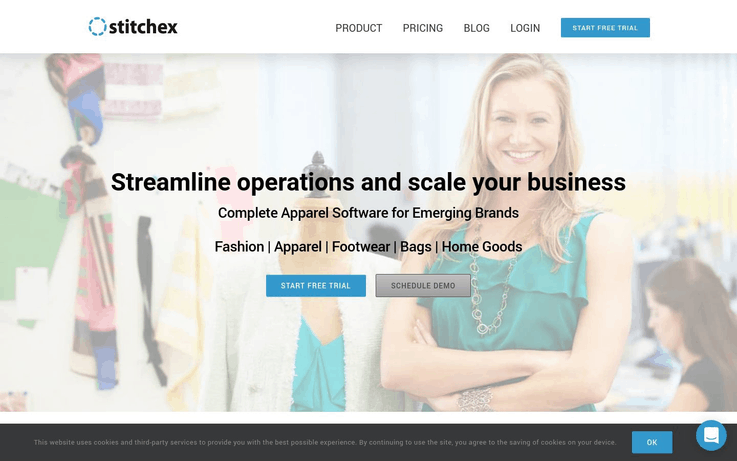
Powered by state of the art infrastructure, Stitchex software is aimed at offering a comprehensive solution to various problems which may be currently plaguing your business. These problems can include unreliable documentation, excessive programs, complicated management systems, expensive software or outdated data.
Hence, Stitchex’s creators designed it to combat all of these issues by delivering one platform consisting of everything you need at your fingertips.
Features
- Stitchex allows you to easily manage all your sales orders and consignments from a single screen.
- It even lets you create invoices on the go.
- Also, you can easily integrate it with Dropbox and other cloud-based storage servers if required.
- Creators also offer chat, phone and email support to new users in case clients need help with setting Sitchex up.
- Using Stitchex, your apparel management business can smoothly operate using different currencies.
Pricing
Stitchex offers its users a free 14-day trial and a demo in order to come to terms with the software. If you wish to incorporate Stitchex into your business, you can opt for any of the following plans:
- Essentials – As the name suggests, this ($39/month) includes all the basic services detailed above excluding the multi-currency support.
- Plus – This $59/month plan incorporates multi-currency support and further adds inventory tracking as a feature available to its users.
- Premium – $79/month Alongside all features included in other packages, Premium plan also allows you to place orders directly from one platform. It even lets its users access various integrations such as Xero and Bergen depending on their requirements.
Get More Details Here [/mb_product] [mb_product]
3. WFX Cloud ERP
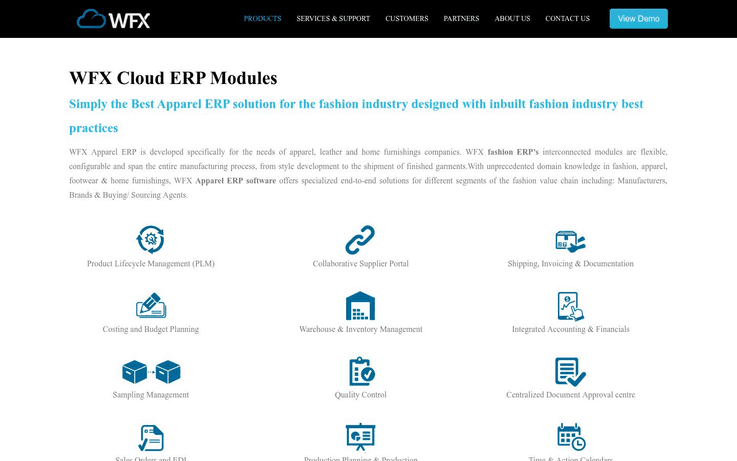
Cloud ERP software is specifically designed for firms that deliver apparel, leather, and home furnishings. The variety of modules it offers are, firstly, interconnected and streamline the entire supply chain from style development to the delivery of finished clothes.
Secondly, they’re highly flexible and can easily customize it to suit the needs of your business as well. Consequently, WFX Cloud ERP software offers solutions which are adapted to your business and cater to its needs while delivering an optimized end-to-end service. This includes working with segments of the supply chain like manufacturing, purchasing, transport, and branding.
Features
- WFX Cloud ERP software offers various inbuilt tools allowing instant communication with your team worldwide.
- You can easily track the products throughout the supply chain in real-time using this platform, ensuring timely decision-making.
- It also lets you set alerts and calendar dates for relevant consignments and orders while prompting members of your team to perform on time.
- Moreover, you can easily integrate it with 3rd party software that is currently in use by your business.
Pricing
Considering the customizability that WFX Cloud ERP software offers, it does not offer any preset packages for its services. Therefore, you’d have to provide the details and requirements of your business in order to get the relevant quotes from the providers. However, you can view a demo of its operation while deciding if the software is for you.
Get More Details Here [/mb_product]
Conclusion
Here we have given various services that help in running an effective garment business with ease. Also, the market has a diverse selection of top-of-the-line services. Now it’s up to you to decide which one fulfills the needs of your business in an appropriate manner.
You May Also Like To Read
Best Wholesale Distribution Software 2022
As an entrepreneur, you are likely to know how difficult it is to manage a wholesale business. Wholesale and distribution management can include marketing, shipping, organizing stocks, consignments, and other manuals, also it consumes time & labor. Here’s where wholesale distribution software enters the picture.
Further, wholesale distribution software delivers tools for inventory management, remote access to your warehouse, monitoring real-time shipping status and remote consignment deliveries among other things. All these should be reasons enough to incorporate wholesale distribution software in your business.
Now here is the comparison of wholesale distribution software 2022
| Service Name | Other Unique Features | Pricing |
| Blue Link ERP | Lot (Batch) Tracking, Multicurrency Integration, Internationally Configurable | Request a quote |
| Go Frugal | Control Price & Margin, Credit & Receivables, Offers & Schemes | Starts at ₹15,000/year |
| Exact | Integrated Accounting & CRM, Maximum Stock Level Calibration, Multilanguage Support | Starts at €189/month |
1. Blue Link ERP Software
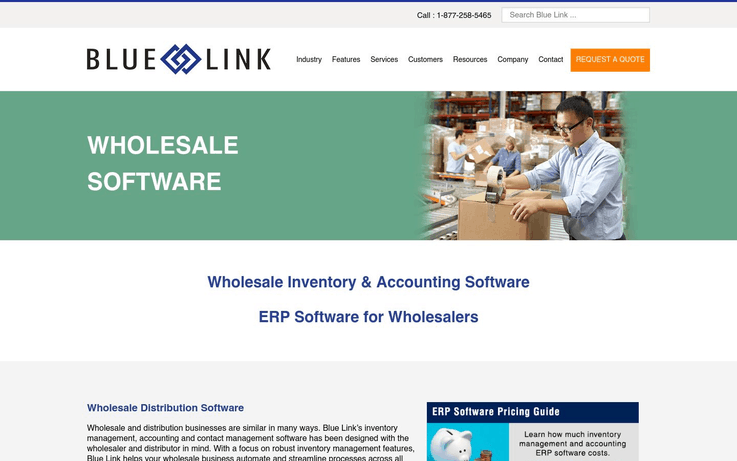
Wholesale and distribution businesses need multiple software to handle in most cases. Not with Blue Link, they don’t though. Consolidating all your multichannel needs into one platform, Blue Link ERP Software offers you an easy channel to optimize various aspects of your business.
Ranging from inventory management to wholesale automated business practices, Blue Link ensures that its ERP software streamlines processes across all departments. Hence, if you’re looking for a software which combines most of the features you’re looking for into one supportive platform, you’ve found your match!
Features
- You can track and manage inventory in the most efficient way possible.
- Blue Link, inventory management is interlinked with accounting, order entry/processing and warehouse management functionality.
- You can conduct multi-company and warehouse transfers while shipping consignments.
- You can manage inventory through many sales channels via Blue Link. This includes eCommerce, tradeshows, customer walk-ins and phone among others.
- Blue Link also allows you to track individual shipments coming from many suppliers until it gets delivered to their end consumer.
Pricing
Blue Link ERP Software’s pricing depends on a whole host of variables as is detailed on their website. This wholesale distribution software includes factors like whether the services are hosted or cloud-backed, the size of your business and its complexity. So, no price is disclosed but quotes can be arranged. You also have access to a free demo of the software.
Get More Details Here [/mb_product] [mb_product]
2. Go Frugal
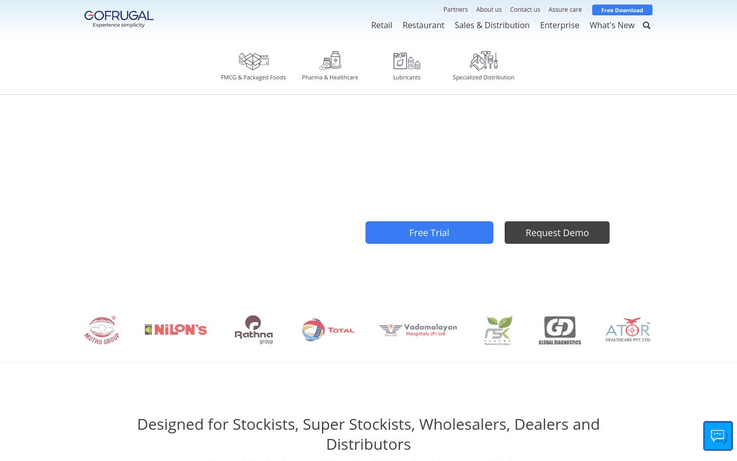
Go Frugal offers comprehensive services available right at your fingertips allowing remote access to various aspects of your business that includes tracking of stocks, managing orders, and returns. It delivers top-of-line ERP or wholesale distribution for a fraction of the cost of other products in the market.
With selective and customizable packages, the software incorporates extreme flexibility. Also, it lets you choose features you need to incorporate into your business.
Features
- Go Frugal’s ERP Software is supported by its Earnsmart Mobile Application which empowers your sales team with the best automation technology and remote access to your business’s operations anytime and anywhere.
- It even allows you to process a large number of orders in a short duration of time.
- You can set price levels for different products depending on the types of customers you’re serving.
- Go Frugal’s ERP Software also supports a variety of tax structures including VAT, Cess Excise, Octroi among many others.
- It further supports multi-format and even multi-company invoicing, allowing you to compile various items into one invoice.
Pricing
Pricing for Go Frugal is adaptable to your business’s needs and ends. They cater to different businesses and, so, prices are likely to differ for the type of business you run. The services offered within packages are subject to some discrepancies as well. But, they shouldn’t waver from the services and prices indicated below:
- Starter – This (₹15,000 to ₹18,000 per annum) pack includes all the basic features listed above and some other minor ones.
- Standard – This (₹30,000 per annum) includes the aforementioned features and also certain added features falling within the category of order/delivery management, operations management, and division management.
- Professional – This (₹70,800 – ₹75,000 annum) pack further contains promotional features and claim management services missing in other packages.
- ERP – This plan is supposed to be customizable to individual businesses’ needs and, thus, does not convey an established price.
- Go Frugal also offers a Free Trial and a Demo for their software which would be handy to get an idea about the different packages before making a purchase.
Know more details.
Get More Details Here [/mb_product] [mb_product]
3. Exact
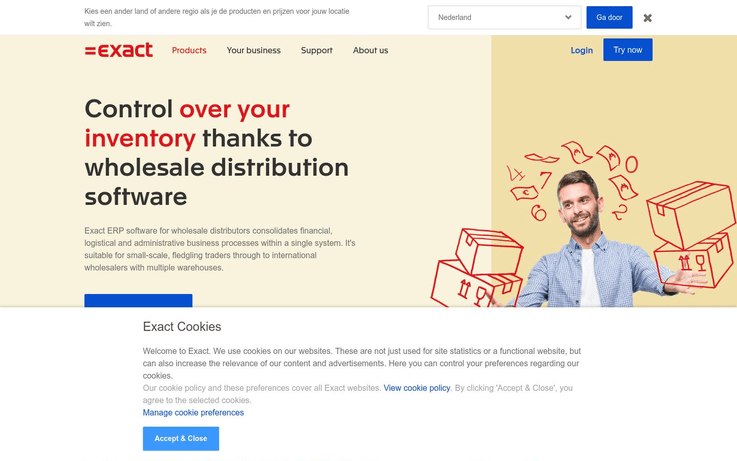
A wholesale distribution software which consolidates the financial, administrative and logistical aspects of your business into a single platform, Exact is an optimization tool for entrepreneurs like you. It not only offers various tools to streamline your supply chain but it ensures that its price never becomes a hindrance.
Furthermore, it offers various packages with full flexibility where you can only buy the required items to run your business. Hence, it gives you full control over all parts of your business.
Features
- Exact integrates all features of inventory management, accounting, and CRM into a single platform. This results in compact financial analysis and a detailed overview of your business, right at your fingertips.
- Wholesale distribution & management software ensures that you always have the optimum level of stock available by recommending caps for stockpiles and allowing you to set custom levels.
- You get delivered instantaneous and real-time results about your sales performance and the efficiency of your warehouse.
Pricing
- Basic – This (€189/month) incorporates the simple features that Exact offers including free accounting, CRM and quotes management.
- Advanced – This (€295/month) one adds to the previous plan by further including management of operations at several warehouses, compiled products and order pick locations among other improvements.
- Premium – This (€409/month) package additionally allows you to make sales forecasts and calibrate various storage locations.
- Ultimate – (On request) package that can be customized to the needs of the business and even incorporates 40+ languages support.
All packages also offer a free trial and a demo.
Get More Details Here [/mb_product]
Conclusion
Given the number of Wholesale Distribution Software on the market in 2019, there shouldn’t ever be a lack of options available for you to adapt to your business’s needs. The products detailed above are some of the best out there and indeed their addition to your business might improve its performance. What are you waiting for then? Give any of the companies a call today. Those free trials aren’t going to expire without usage!
You May Also Like To Read
Best Resume Builder Software 2022 (Pricing + Reviews)

Resume management and design are critical features of any job search in the 21st century. Often, graduates and other job seekers gloss over this fundamental stage and hasten through it. This does not benefit anyone involved. Not only does the resume turn out poorly but, due to this, job seekers do not receive interview calls from positions they’re qualified for. Even employers lose out on a worthwhile candidate which could’ve done justice to the position.
This is why an increasing number of potential employees are searching for resume software which can help them out in this simple but pertinent task.
| Service Name | Resources and Features | Pricing |
| VisualCV Pro | Templates, Guides, Sharing Features, Custom Domains, No Watermarks | $12/month |
| Kickresume | Resume Samples, Resume Builder, Cover Letter Builder, Grammar Check, Multiple Languages | ₹340/month |
| Resumonk | Templates, Sample Resumes, Linkedin Import Capability, Cover Letter Generator, Custom URL | $29/year or a one-time payment of $89 |
1. VisualCV Pro
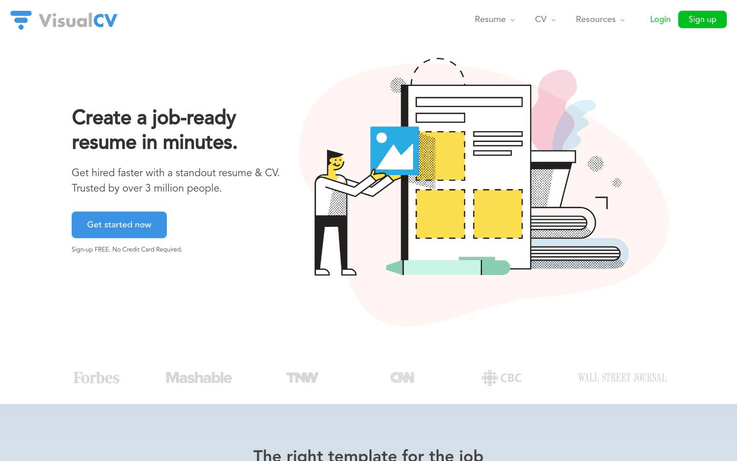
Resume software is designed to make you stand out from the crowd and attain your dream job. VisualCV Pro is a comprehensive online platform where you can draft and optimize your CV. Currently being used by 3 million people, it offers a great variety of templates – both in its free and premium versions to users. Furthermore, you can customize these and adapt them to the particulars of your job search based on aspects like industry, position, qualifications, academia among others. Alongside that, the website hosts a blog which has write-ups on topics like refining a cover letter and drafting a student CV.
Features
- VisualCV Pro allows you to manage and customize up to 22 different CVs at the same time while applying for different jobs.
- The platform lets you track your results based on the number of employers who view or download your CV.
- Upon signup, you can send one CV to the platform’s partners ‘TopResume’ to get honest and critical feedback.
- Your data is completely secure and protected on the website. It won’t be shared with any third parties unless you opt for it.
Pricing
VisualCV provides a free-to-use platform for designing your CV which can hold up to one CV at a time and provides access to several free templates for designing your CV. The aforementioned results analytical and tracking tools are also available for free.
At $12/month (billed quarterly) Visual CV Pro also allows you to export all your CVs in both PDF and Word without any watermarks. You even get access to a greater variety of PRO templates including student CVs, academic CVs, and cover letter formats.
Get More Details Here [/mb_product] [mb_product]
2. Kickresume
A platform created for people looking to get employed quickly. Kickresume boasts a 25-day long job search on average for people using resumes designed via it. It also offers vast amounts of customizations within the resumes, cover letters, and CVs that you draft. According to the website, these samples belong to users who’ve secured top-notch employment using the platform at firms like Google, Facebook, Tesla, and Nike. Furthermore, Kickresume even proclaims a 60% higher rate of getting a job when using its services compared to trying to make it on your own.

Features
- This resume software provides over 50+ resume and CV templates to pick from. These can even be career-specific and the diversity ensures that you get to choose one which reflects your personality well.
- With over 20,000 pre-written phrases for over 3,200 job profiles, Kickresume speeds up the process of drafting your resume. You can even import your Linkedin profile.
- You can swift through hundreds of real resumes for inspiration. These belong to people who’ve secured dream jobs in the relevant industries.
- All templates that Kickresume offers are well supported by the Applicant Tracking Systems (ATS) which companies use.
Pricing
The free version of Kickresume provides access to a minimal number of resume and cover letter templates for you to choose from. It also supports the use of multiple languages and access to unlimited edits/downloads of your resume.
At ₹340/month, the paid version of the service boosts the number of resume and cover letter templates to 50+. Moreover, you can create your own website with a single click. You’re further provided access to a large number of customization options with pre-written statements.
Note: Verified students can access the paid features of Kickresume for free on the website by providing the relevant details.
Get More Details Here [/mb_product] [mb_product]
3. Resumonk
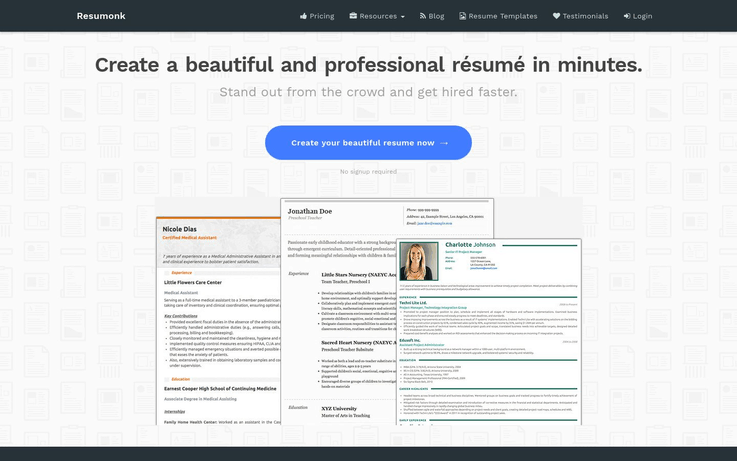
Resumonk is a simple tool which offers everything you’d need to deliver your achievements to employers in the most appealing way possible. It even offers some of the most beautiful designs and outlines possible for CVs. This resume builder software also provides analytical tools to check who has accessed your resume. There are glorious recommendations and reviews detailed at the bottom of most pages of Resumonk’s website. If it sounds interesting, read on!
Features
- Resumonk offers a diverse collection of resume and cover letter templates for you to choose from. You can easily pick one which reflects your professionalism, personality, and style.
- You can edit & download your resume as many times as you’d like in various formats such as PDF and DOCX.
- The platform even allows you to import your profile and relevant details from LinkedIn.
- It even provides you with a custom URL which you can use to share your artistically crafted CV.
Pricing
You can opt for either of the three payment options below to get access to the services that Resumonk offers:
- Free: You can edit your CV via Resumonk without even needing to sign-up. Using Resumonk freely, you get access to 4 amazing resume templates, 1 photo CV template and can even import your profile from LinkedIn.
- Premium ($29/year): With this plan, you get access to 17 gorgeous resume templates, 3 photo templates and a whole host of other features on the platform. These include no watermarks, individually generated cover letters, custom URLs among others.
- Forever ($89): Paying for this package once, you get access to all the aforementioned features for the rest of your life without any additional charges.
Get More Details Here [/mb_product]
Conclusion
While getting a job in today’s economy is tough, there are also a variety of tools cropping up which are designed to help you with the process. Hence, resume builder software can truly be the game-changers when it comes to your job search. Furthermore, given that you can use them freely at the beginning, you can try all of them out before settling on one. Considering the professional tools they offer, it’s likely that this small investment into your career will bear sweet fruit in the future.
You May Also Like To Read:
Best Warehouse Management Software 2022

Being a business owner, you usually need to involve in various tasks like managing warehouses, maintaining stocks and tracking deliveries. Many pages of bookkeeping, scribbling and penned entries were required to ensure that you & your workers were up to date on the condition and quantity of your stocks. Warehouse management software has made the process simpler. Not only that but, there’s also a variety of products available in the market today. You can pick the software best suited to your business’s needs.
Software Name
Pricing(Per Month)
Unique Features
Orderhive
$99.99
Analytics & Reporting
Invoicing & Payments
Dear Systems
$199
Manufacturing & Purchasing
Inventory Management
Tradegecko
$39/month
Stock Report Documentation
Remote Access For Stock Management
SkuVault
$315/month
Generate Stockpile Reports
Cloud-Based Data Sharing
EZ Office Inventory
$57.15/month
Checkouts and Reservations
Reports, Purchasing Orders, Barcodes
Such warehouse management software can make your life easier with amazing features like inventory management, automatic entry processing, easy stockpile calculators, etc. This should cut time and hence costs. Also, you can reinvest those in the business to cover the cost of the software itself. Some of this software is quite holistic as well. Their implementation will transform your business. Not only will it allow you to assess your business’s operations from the warehouse to the end customer but it will also smooth out any possible bumps along the way in a jiffy.
Within this article, we’ll be covering a short list of the various warehouse software which is available on the market. We’ll tell you about their features, their pros, and cons. This ought to help you make a decision about which warehouse software is best for your business.
[mb_product]1. Orderhive
Orderhive advertises itself as an all-in-one management application for your ‘online’ business. As advertised, it can deal with everything within the supply chain of your firm. This includes inventory management for your warehouse to retain stockpiles and process deliveries. Also, it allows you to track & organize all these details within one application. In turn, these features ensure that you have control over your business at all times.
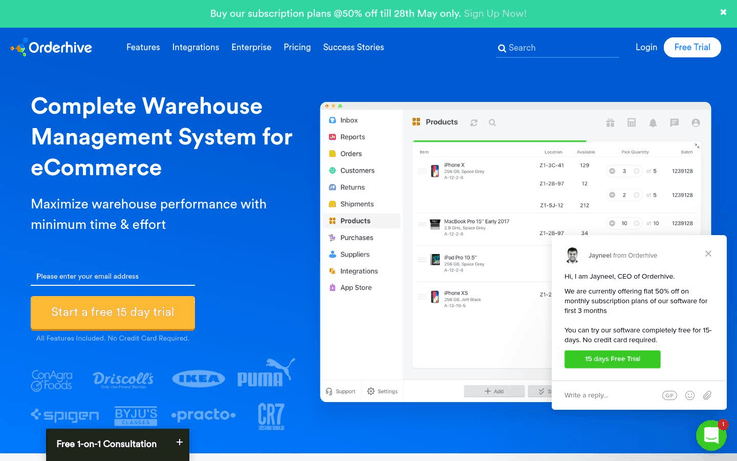
Key Features of Orderhive
- It records the movement of your product from your warehouse to your customer.
- This processes payments, drafts invoices, manages returns and allows dropshipping and backorders.
- It allows you to manage your multi-channel sales orders across all potential routes.
- You can track the quality and quantity of inbound, outbound and on hold supplies to maximize efficiency.
- It allows you to store less and sell more by accessing all relevant data of inventories within your warehouse.
- You get access to real-time updates about conditions of your warehouse including low stock alerts, stock counts, automated PO creation and return to vendor details.
Pricing of Orderhive
Orderhive is a premium service with monthly plans which offer the first 3 months for new users at a discounted rate. There are 3 packages available offering enough customizability to suit the needs of your business. Plans include:
- Starter ($99.99/month) – This offers 2 warehouses, integrations, user accesses, and unlimited orders and SKUs. Furthermore, you get the minimal email and chat support by Orderhive alongside some tutorials.
- Professional ($199.99/month) – This pack includes 6 integrations, user accesses and warehouses alongside everything else mentioned above.
- Growth ($299.99/month) – Buying this pack allows you access to added training.
- Custom/Enterprise (Quotation required) – This is suited to businesses which have individualized and selective demands.
Get More Details Here [/mb_product] [mb_product]
2. Dear Systems
Dear Systems is a comprehensive warehouse management tool with wireless barcode scanning. It reduces order receiving errors with real-time updates from your inventory backend. It has various features focused at tracking and reducing the number of errors in your operations. You can achieve this via communication with the backend in real time. In turn, this allows your business to run as smoothly as possible. Moreover, the handheld tool which accompanies the warehouse management SKU software also creates item labels. Consequently, this helps you keep track of your stock.
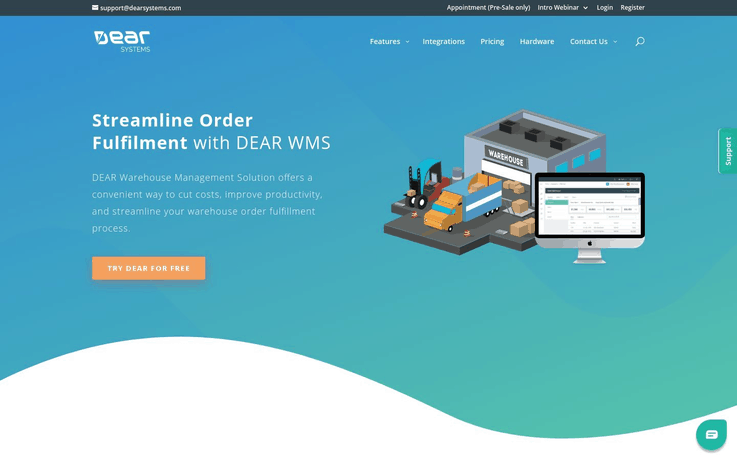
Key Features Of Dear Systems
- Wireless Scanning improves the tracking of your warehouse stocks and productivity as labor transgression and inefficiency reduce.
- Real-time visibility of your stocks, sales and deliveries are available.
- Scan SKU handheld hardware, meant for integration with your firm, is quite durable, easy to use and handy during operations.
- Alerts on order discrepancies such as missing or different barcodes and improper quantities within consignments at the time of delivery. Hence, this means that you’re on the ropes at all times.
- Also, it saves time and reduces errors in the manufacturing, stockpiling and delivery processes.
Pricing Of Dear Systems
Dear Systems WMS does offer 14 days of free trial to its users. After the trial ends, users can opt for either of the two plans detailed below:
- Monthly ($199) – Within this pack, every service which is included in the annual package mentioned below is available except the first free month.
- Annually ($2189) – This plan saves you one month’s worth of payment which amounts to $199. Other than that, the plans are similar.
Get More Details Here [/mb_product] [mb_product]
3. NetSuite
Companies are realizing that the costs incurred in stockpiling and managing warehouses can add up. Some of the ways a firm can improve its resulting financial situation include increasing labor agility, visibility, and efficiency. This is the best achieved via a comprehensive warehouse management system (WMS) like the one offered by NetSuite. This software has a range of features which will make managing your business a breeze.
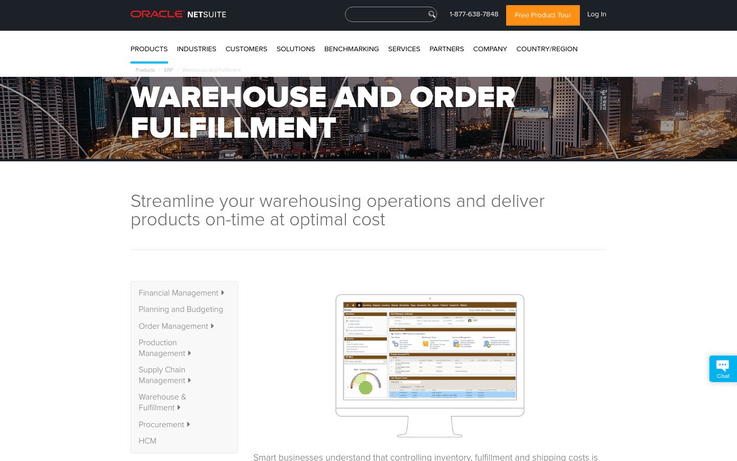
Key Features Of NetSuite
- You can manage all your orders and bring them in line with receipt dates preventing any differences from arising between software and actual products.
- It can handle products from the manufacturing process till the delivery-end as consignment entries and deliveries are tracked.
- Inventory management allows you to keep track of your materials and their location in real-time through this software.
- You can manage all types and complexities of warehouses via NetSuite. So, the program can customize easily according to the needs of your business.
Pricing Of NetSuite
The price of this service is currently undisclosed and it’s best you contact NetSuite to get quotes.
Get More Details Here [/mb_product] [mb_product]
4. Tradegecko
Tradegecko is a versatile platform designed to help businesses handle various aspects of their supply chain. Hence, warehouse management is one feature of the program and incorporates helpful elements like the movement of inventory, receipt, deliveries, etc. Keeping a track of such inventory movement is likely to increase the efficiency of your business.
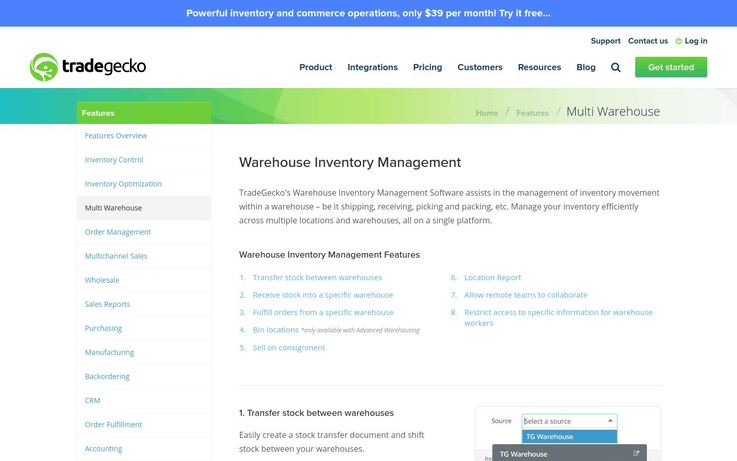
Key Features Of Tradegecko
- Add, track and manage stock listings through this software, where it will be stored, transferred and directed in the future.
- Set up future deliveries, consignment receipts, and transfers through Tradegecko.
- Track location of your stock in different warehouses easily.
- Setup consignment and transfer locations to move stock while considering the capacities of your warehouses.
Pricing Of Tradegecko
After a 14-day free trial experience, Tradegecko offers three plans which can either be billed annually or monthly. The three options for businesses are:
- Founder ($39/month) – This one’s meant for the sole entrepreneur who wishes to have greater control over his business organization and operation.
- Lite ($948/year or $99/month) – In this plan, capacity for storage and remote access increases and it’s meant to be utilized at a greater scale compared to the previous plan.
- Small Business ($2388/year or $249/month) – Buying this pack allows you to access 5 users, 1000 sales orders/months and much more.
- Business ($599 yearly or $699/monthly) – This one is meant for larger firms who are established and require more comprehensive software for inventory, warehouse, and stock management.
Note – Annual plans are cheaper than plans which bill monthly.
Get More Details Here [/mb_product] [mb_product]
5. JDA
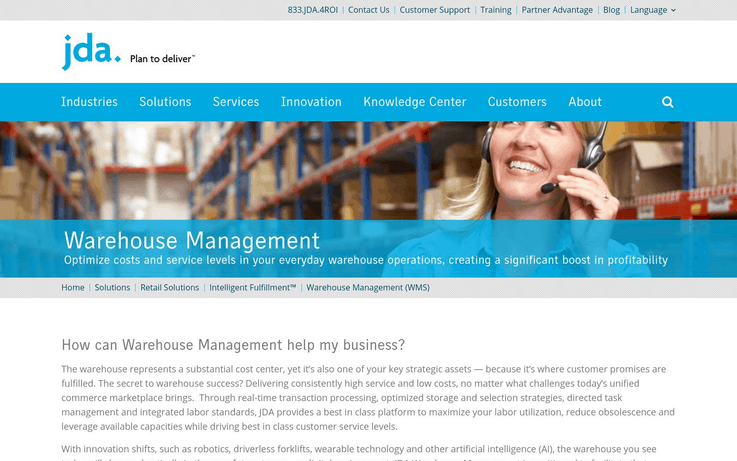
Warehouse management software is an asset in of itself due to the strategy required in ensuring its efficient operation. Providing high service while racking up low costs during operation is a goal and an achievement which JDA achieves. Also, JDA offers features like real-time processing, optimized storage, and selection strategies, and directed task management among several others. Through these, it ensures that inefficiency does not creep into the supply chain at any stage.
Key Features Of JDA
- Its cloud-based deployment ensures that the overall cost of ownership is reduced and value for your business is generated at an increased rate.
- Being mobile platform enabled, JDA allows you to access the required data on your warehouse capacity and consignments.
- This allows for dynamic and automated task management which can be managed from remote locations and on-the-go.
- JDA also provides configurable workflows for enhancing customizability to suit your firm’s needs.
- It even ensures management for a wide range of automation that may be a part of your business.
Pricing Of JDA
The pricing of the service offered by the web conglomerate, alongside several of its other features is undisclosed and the firm should be contacted for in-depth quotes.
Get More Details Here [/mb_product] [mb_product]
6. Magaya
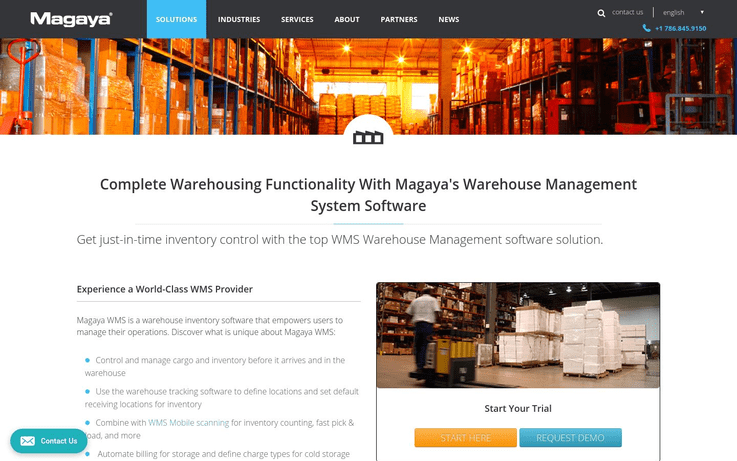
A Warehouse Management Software is intended to fulfill any inventory management, transportation and stockpiling requirements that you may have. Hence, this should result in an efficient process of space allocation and higher revenue. Moreover, it allows you to implement a ‘just-in-time’ purchasing and delivering model. Consequently, Magaya allows you to cut down costs and maintain an efficient supply of resources for deliveries as and when required. This also boosts customer confidence and is of great benefit to your company’s success.
Key Features Of Magaya
- Magaya allows you to track and stockpile the appropriate amount of resources according to your particular demand at a given point.
- It even lets you guide the transportation of stocks and recommend the locations for their receipt in appropriate sequences.
- Wireless handheld devices which accompany the Magaya software will improve transportation and release of the manufactured goods.
- It supports barcode scanning that allows you to reduce the time taken for the entry of new goods, cutting down costs.
Pricing Of Magaya
Magaya offers custom quotations depending on the services that a business requires and its complexity. There is, but, a free trial and a demo available for new users.
Get More Details Here [/mb_product] [mb_product]
7. ClickReply
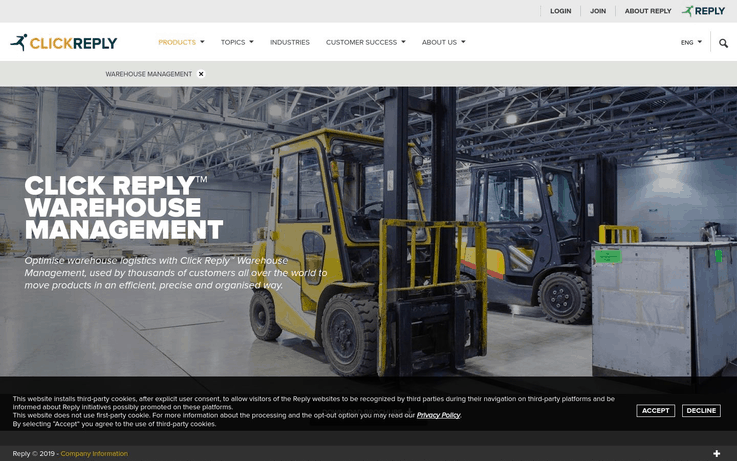
ClickReply offers data warehouse software that ensures customer satisfaction at its very heart. It was created after 20 years of gathered experience and innovation. Furthermore, this strenuous development continues to date at an ever-increasing rate. Not only that but, a flexible, scalable and customizable platform allows users to optimize various processes within their warehouse, including transportation and inventory management. Consecutively, this helps in cutting costs and increases business efficiency.
Key Features Of ClickReply
- It optimizes inbound receipt & storing processes to minimize or drop storage costs and problems associated with the same.
- This even maps the storage of various forms and categories of stockpiles while also utilizing the available space.
- ClickReply WMS can hasten the process of delivery and ensure customer satisfaction at the final end of the supply chain.
Pricing Of ClickReply
It offers customizable services and as a platform varies its quotes according to the requirements of the client. So, no rate can be disclosed.
Get More Details Here [/mb_product] [mb_product]
8. SkuVault
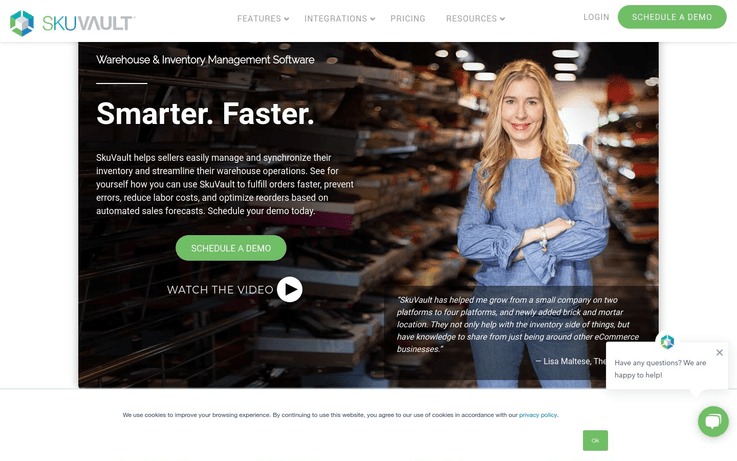
SkuVault allows you to track and manage your inventory. Not only can you assign various consignments and their locations but you can also track these in a seamless manner. Also, you can organize deliveries which would improve customer satisfaction and loyalty. Conclusively, this will contribute to the growth of the business.
Key Features Of SkuVault
- It allows you to track consignments and stockpile levels within your different warehouses in real-time.
- You can organize efficient deliveries which would boost customer satisfaction in the long-run.
- Its cloud support allows you to access these services and data which would help you manage your business wherever you go.
- Transparency and visibility are prioritized within the information delivered by the SkyVault software which is made available to the user.
- It also allows you access to easy integration solutions with various eCommerce tie-ups such as PayPal and Western Union.
Pricing of SkuVault
The subscription to the warehouse management incorporates a fixed plan valued at $315/month. But training programs for the efficient use of the software vary in both features and prices.
Get More Details Here [/mb_product] [mb_product]
9. EZ Office Inventory
EZ Office Inventory is a cloud-based tracking service which ensures that you maintain stocks at all times and never have to face inconveniences because of it. Real-time data ensures that you have accurate details about your stocks. In short, you can manage your stockpiles and ensure optimum operations at all times.
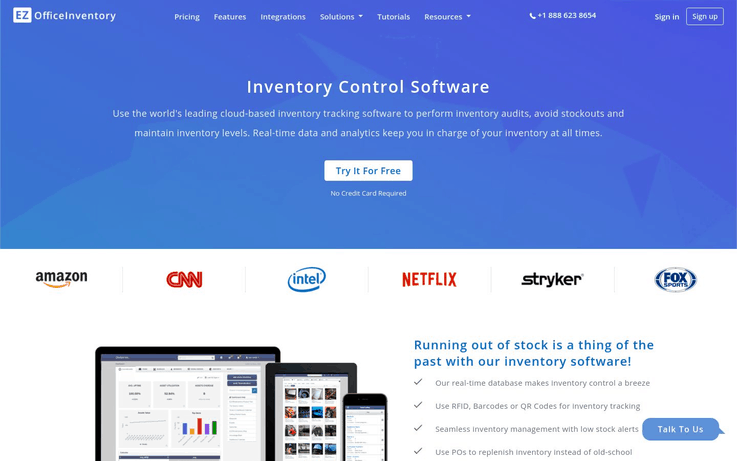
Key Features Of EZ Office Inventory
- The real-time database ensures that you have access to your stockpile information at all times.
- RFID, Barcodes or QR codes allow for more efficient inventory tracking.
- Low stock alerts keep you on the ropes, making sure that you’re never out of stock for your customers.
- It allows for end-to-end tracking, ensuring your products reach their intended destination on time.
Pricing Of EZ Office Inventory
The product does offer you 15 days of free service. After its completion, there are several plans which would let you access the premium services that the platform has to offer.
Annual billing of product for most packages will be less than your monthly bill. Programs for the offer include:
- A La Carte (Depends on package opted for) – This allows you to opt for services which are relevant for your business and then customize them for your use.
- Unlimited Users ($300/month or $3240/year) – This one’s suited for educational institutes who’ve to provide access to various users.
- Enterprise (Undisclosed) – This one provides the most intensive service coupled with the best technology. Rates are only available on inquiry.
Get More Details Here [/mb_product] [mb_product]
10. Zoho
As a warehouse software, Zoho allows you to keep track of your inventory, maintain appropriate stocks and order which are demanded by your customers. This prevents over or under stockpiling and ensures that your customer satisfaction ratings remain high. Furthermore, you can even track the movement of your stockpiles.
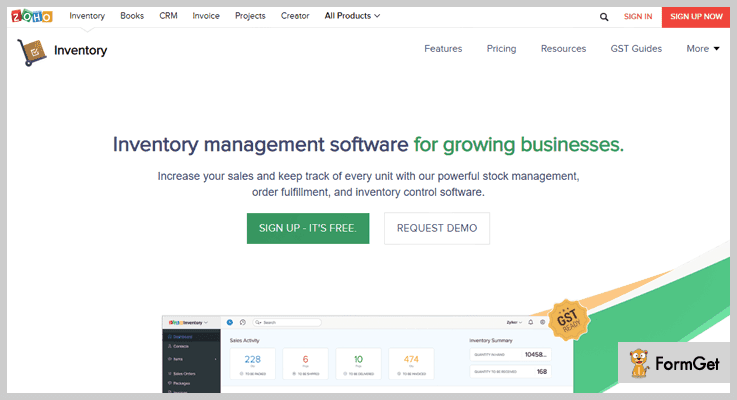
Key Features Of Zoho
- The company recognizes the implementation of GST and so the software has provisions for the same.
- This allows you to order, remove or transfer products in one inventory management application, leading to efficient organization of your business.
- It even ensures end-to-end tracking for your consignments and deliveries.
- It maintains real-time stock levels at various warehouses and also allows for inter-warehouse transfers of the stockpiles.
Pricing Of Zoho
Zoho offers 4 different plans depending on the needs of your business. These are:
- Free – This one provides basic access to services.
- Basic – This allows access to a greater range of services which are utilized by bigger businesses.
- Standard – This one is meant for average-sized businesses who also have a larger number of integrations to conduct.
- Professional – The largest package for the biggest conglomerates, offering the greatest number of services possible.
Get More Details Here [/mb_product]
Conclusion
The article was a comprehensive consideration of the various types of warehouse management software which are available in the market. It’s best that you get quotes for your business before starting to compare. Furthermore, it offers a free trial which should help you make your decision.
You May Also Like To Read:
Best Website Builder Software 2022 (Pricing & Comparison)

Looking to start a website? But, don’t have the money and time to spend on a developer? Well, website builder software is the perfect solution for small businesses and individuals who don’t have money and time to hire a developer.
Building a website using website builder software is also one of the fastest and easiest ways to set up a professional looking website.
There are many platforms that provide tools like drag and drop interface to make the whole process of creating a website easy and straightforward. But not all website builders provide the same flexibility. And, if you are a newbie in this field then it might seem to be confusing to choose the best website builder for your website.
Here in this article, we will help you to choose the best website builder software for your business.
Top Website Builder Software Comparison Table
| Service | Pricing/per month | Unique Features |
| Wix |
$11 |
Drag & Drop SEO Management |
| Weebly |
$5 |
Online Booking Tools Pre-Built Templates |
| GoDaddy |
$4.99 |
Getty Photography Google Analytics Tools |
| SITE123 |
$10.80 |
Real-Time Editing Survey Builder |
| WordPress.com |
$3.60 |
Content Import/Export Auto Update |
1. Wix
Wix is one of the most popular website builders serving millions of users across the world. It is fast, reliable and easy to use. It helps you to customize your website using the drag and drop tool. So, you don’t need to have any knowledge of coding to build the website yourself using Wix. It offers an affordable solution to beginners and small businesses looking to get a professional website in a matter of days.

Key Features of Wix
- Choose from over 500 templates, designer-made to suit every type of industry.
- Powerful web apps to manage your website.
- Add life to your website with media galleries to display images, text, and videos in a beautiful way.
- Advanced SEO tools to rank your website higher on search engines.
- The Artificial Design Intelligence of Wix allows you to build a website in a matter of minutes. Just by answering some questions, your website will be ready to publish.
Pros
- Easy to use website creator.
- Feature-rich and all-rounder website builder.
- Biggest libraries of top-notch website templates.
- Allows you to animate text and many other elements.
- 24/7 support via phone and tickets.
Cons
- With so many choices it might feel overwhelming.
- No chat support.
Pricing
There is a free plan along with paid plans.
- The free plan includes unlimited pages, 500MB storage, hosting, drag and drop editor and mobile site.
- Wix’s pricing plans are Combo ($11 /month), Unlimited ($14/month), Pro ($19/month), VIP ($29/month), Business Basic ($20/month), Business Unlimited ($25/month) and Business VIP ($35/month).
2. Weebly
Weebly is one of the largest website builders in the world. Its robust and powerful platform is intuitive and easy to use without any high learning curve. Also, it’s suitable for both beginners and intermediate users alike. And, if you are an advanced user with knowledge of coding then you can take the advantage to edit your website’s code for further customizations. They also offer a free trial period and free plan so that you can test them out before paying.

Key Features of Weebly
- It offers professionally designed and mobile-responsive templates. Also, it’s easy to change your design by switching between the templates and your content will be automatically transferred to the new template.
- Easy to use drag and drop editor.
- Fully integrated eCommerce solutions such as secure checkout, mobile shopping cart, eCommerce hosting, etc.
- More than 40 pre-made page layouts such as home page, contact us page, about us page, services, etc.
- It allows you to edit the HTML and CSS code to extensively customize your design.
Pros
- Limited free plan to try on a small scale before taking the paid plan.
- Easy to edit and add some code.
- User-friendly, easy to use and intuitive editor.
- Email, live chat, and phone support along with online tutorials and community forums.
Cons
- Limited customization options for templates.
- Very basic blogging features.
Pricing
Weebly offers a basic free plan along with various paid plans.
- Their free plan includes 500MB storage, free SSL security and a domain with Weebly branding.
- Weebly’s paid plans are Connect ($5/month), Pro ($12/month) and Business ($25/month).
All the paid plans include a free domain.
3. Pixpa
While there are many website builders out there, there are a limited few that focus only on creative professionals, especially photographers. Professional photographers have typically had to use multiple platforms to manage their portfolio website, blog, online store, selling images and managing their workflow through client galleries.
In comes Pixpa, an all-in-one platform that promises the ability to manage all of this through a single product, hence saving you both time and money.
Pixpa’s focus on photographers, an extensive feature list and a pocket-friendly pricing structure along with 24 x 7 email and chat support make it a leading contender if you are looking for a website builder for your portfolio. The integrated e-commerce, client galleries, and blogging capabilities further increase the appeal of Pixpa for creative professionals looking to manage everything in one place. Pixpa does justify its all-in-one platform positions for creatives and gets a big thumbs up from us.

Key Features of Pixpa
- Responsive themes are fully customizable.
- SSL Security in all the plans
- Don’t have to pay commission on sales to Pixpa. You can connect your own
- payment gateway (PayPal or Stripe) and collect money directly from your
- sales.
- CSS can be customized.
- Built-in Social Sharing
- Translatable language labels wherever system text is used.
- Instagram gallery integration in the website
- Several third-party integrations to improve functionality
- Worldwide content delivery network to reduce load times
- Custom cover page which can be used in any part of the website.
- Personalized mobile photo gallery apps for clients
Pros
- Cost-effective and pocket-friendly pricing plans.
- 24×7 chat feature
- Have multiple blogs on one website
- Integrated e-commerce store
- Mobile Gallery Apps
Cons
- Too many themes to choose from. It may confuse the user.
Blogging features are not much.
Pricing
- 15-day free trial and a 30-day money-back guarantee once your subscription has been started.
- Pixpa offers different pricing plans for photographers and creatives
- If billed annually Pixpa plans start at $6 per month for the ‘Base’ plan.
- The next plan called ‘Pro’ starts at $9 per month if billed annually.
- The Grow plan also included selling options of up to 10 products and unlimited images.
4. Duda
Duda is a relatively new player, especially when compared to Wix and Weebly. But with over 14 million websites and 20 industry awards already under its belt, it’s clearly one of the top contenders in the market. Duda offers everything you need to easily build and host a full-featured website. Its fully responsive, drag and drop site builder allows you to get your website up and running in no time.
Duda allows you to create fast, modern and mobile responsive websites in minutes. It is ideal for small businesses and individuals who want a nice looking website that can be customized without any programming skill.

Key Features of Duda
- With Duda, you can transform your existing site into a mobile-responsive homepage that too within a matter of minutes.
- 100+ pre-designed templates to choose from.
- The front-end editor allows you to design as you go.
- Get more control by switching into the ‘Developer Mode’.
- Unlimited resources like bandwidth and storage.
- Hosted by the most trustworthy hosting service – AWS
- Supports multiple languages.
Pros
- Backup and restore feature to carry out major changes without losing your data.
- Powerful mobile website tools.
- Excellent free plans.
Cons
- Expensive pricing plans.
- Limited widgets to select from.
- You cannot select a different theme once the initial choice is made.
Pricing
- Duda is available for a free trial, without entering any credit card information.
- It offers 3 pricing plans: $14/month (Basic), $22/month (Team) and $74/month (Agency).
5. GoDaddy
Since its inception during the dotcom boom of the late ’90s, GoDaddy has been the biggest player amongst the web hosting and domain registering companies. In 2017, it launched its premier web development software GoCentral, focusing primarily on simplicity and speed. With a new editor that’s moved away from the usual drag-and-drop, the GoDaddy website creator offers faster editing coupled with a wide range of in-built features that is great for selling products online, making it a great option for small businesses who are time-conscious.
GoDaddy offers a user-friendly website builder, suitable for beginners and small websites. It is easy to use but a bit expensive for a limited range of features.
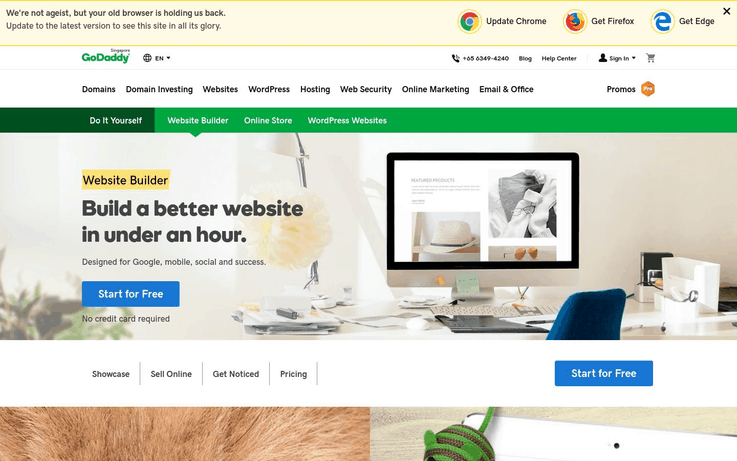
Key Features of GoDaddy
- Hundreds of themes and templates to choose from and tailor as per your specific need.
- SEO tools and one-click social media manager with high-end plans to get your site noticed.
- Newsletter solutions are integrated for email marketing.
- Get a free analysis of your website with integrated Google analytics tools.
- Unlimited web space and bandwidth allowing you to create up to 999 pages.
Pros
- Easy to create a website and get it live in just a matter of minutes.
- Step-by-step tutorials to set up and customize your website.
- Mobile optimized layouts.
- Well-structured editor.
- 24/7 phone and email support with live chat.
Cons
- Sites are not so visually appealing like other website builders.
- Lack of creative freedom.
Pricing
- Their basic plan is free but has extreme limitations.
- The paid plan starts from $4/month when billed annually and it includes a custom domain name. GoDaddy offers 3 pricing plans: $ 5.99/month (Personal), $ 9.99/month (Business), $ 14.99/month (Business Plus) and $ 29.99/month (Online Store). Also, it offers a free trial of one month.
6. SITE123
Site123 is one of the easiest website builders for designing a beautiful website in no time. It has all the features such as eCommerce, free SSL encryption, app market, and search engine optimization.
Although SITE123 has limited possibilities, its customizations are easy to implement. While the preview of your site as you create it works great, the layout options don’t support a complex site with a lot of sections. So, if you want to go beyond the basics, you might feel limited with Site123. But if you need a simple website and want it to look professional with little effort, then SITE123 is worth trying.
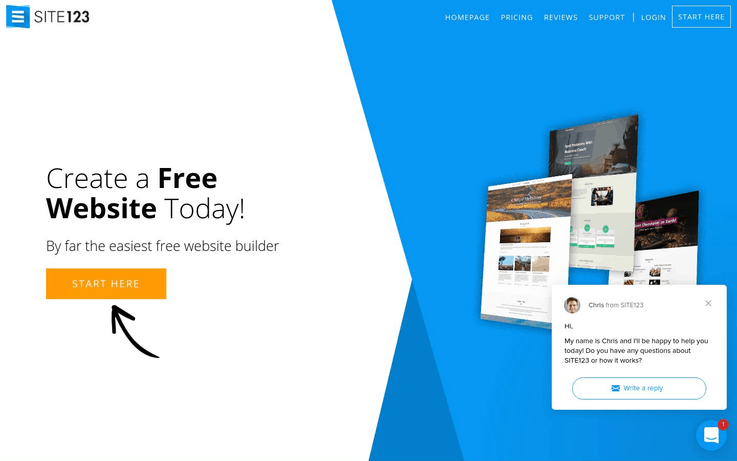
Key Features of SITE123
- Design set up is simple and not confusing.
- Instead of providing a traditional drag-and-drop website builder, Site123 offers you to pick your niche and customize the template as per your needs. This is a great option for beginners and DIY-ers who have no website designing experience.
- An extensive list of plugins, from analytics tools and advertising software to support and marketing.
- Mobile friendly layout.
- Supports different languages and currencies too.
- 14-days money back guarantee.
Pros
- Simple and easy to use.
- Clean interface.
- Step by step tutorial to customize your theme.
- The online payment option is not available in the free plan.
- Awesome support with 24/7 live chat.
Cons
- Changing the template once the site is live is a pain.
- Limited customization.
- Lack of control.
Pricing
- SITE123 has a free plan but that is good for only portfolio websites as it has storage and bandwidth limitations along with float ads.
- The paid plan for SITE123 starts from $10.80/month. The plan includes a free domain for one year (if you pay for a year), 5 GB bandwidth, 10 GB storage, and 100 email messages.
7. WordPress.com
WordPress.com is one of the most popular and widely used open source website builder in the World. Currently, around 50% of the World’s top websites are built on WordPress. It is easy to create and launch a website, blog or online store using WordPress.
WordPress.com website builder is a cost-effective website creator for small business sites, bloggers and portfolios but building a customized website with it is not as easy as its competitors.

Key Features of WordPress.com
- WordPress.com has the best blogging features which include automatic post sharing, tags, categories, drafts, featured image and a lot more.
- Hundreds of pre-designed and easy to customize themes.
- Manage and customize your website through WP Admin.
- Connect to MailChimp with the ‘MailChimp for WordPress’ plugin to create sign up forms and send newsletters.
Pros
- Simplified content creation makes it perfect for blogging.
- Plenty of hosting options and free themes.
- Perfect for advanced level users who want to have more control.
- Free to download and use.
- Simple and clean interface.
- Community support.
Cons
- Not suitable for complete beginners as it requires some technical skills and work.
- No drag and drop option.
- It needs a lot of maintenance.
Pricing
- WordPress.com offers a free plan for life with WordPress.com subdomain and community support.
- It has 3 paid plans – Personal at $4 per month, Premium at $8.25 per month and $24.92 per month. Also, the personal plan includes a free domain with increased storage space and email and live chat support.
8. Weblium
Weblium is an AI-based website builder that allows you to create a modern-looking and responsive website fast and easy. The platform is good for those who are looking for ready to use templates that work equally good on all devices.
This website creator is a fast and affordable website builder for small projects like blogs, business representation sites, portfolios, etc. It can be a super-easy solution for those who want to build and publish their websites in no time.

Key Features of Weblium
- AI design supervision makes sure that your website design is consistent and looks professional yet trendy.
- Huge collection of pre-designed sections and blocks allowing you to create your website piece by piece by choosing the blocks you need.
- The Smart UI-kit helps you to manage color schemes, button styles, and fonts in one place. Change your website design by applying them at once.
- The AI system of Weblium always keeps your texts easy to understand and error free.
Pros
- Easy to use.
- The fast and simple editing process.
- AI Design supervision.
- The paid plan includes various free options like SSL, domain and cloud hosting.
- Professional looking templates.
Cons
- Only suitable for small and single page websites.
- No eCommerce features or advanced SEO settings.
- Integration capabilities are limited.
Pricing
- It has a free basic plan along with various paid plan starting from $10.50/month.
- The paid plan includes a free domain, cloud hosting, free SSL, marketing and SEO tools and no Weblium branding.
9. Mobirise
Mobirise is a free offline website builder for Windows and Mac. You need to download it to your desktop for creating a website. It is suitable for small and medium websites, online resumes, landing pages, and portfolios. Additionally, this mobile-friendly website builder is a good choice for newbies who are not familiar with web development and coding.

Key Features of Mobirise
- 1500+ website blocks, themes, and templates to help you to design a professional and responsive website.
- The mobile view options help you to see how your website looks on different devices.
- Simple and easy website builder where you just need to drop the site elements to your page, add style and content to make it look the way you want.
- The sites created with Mobirise will automatically adapt to the mobile-responsive design.
Pros
- 150+ demo pages and 50+ themes.
- Absolutely free for both for personal and commercial use.
- Minimalistic and easy to use interface.
- An ideal choice for beginners without any coding skill.
- Huge selection of pre-designed templates.
- Rich set of blocks and extensions.
Cons
- You need to buy a domain and hosting on your own.
- The sites might look similar due to the inability to change the template block formats.
- The design looks modern but they are somewhat similar to each other.
Pricing
This software is free to use.
10. Zyro
While being relatively new to the market, Zyro proves to be an incredibly reliable, feature-rich, and user-friendly free website building solution. What makes the platform great is its focus on speed and performance. It packs an intuitive design that allows anyone to build their own website in a matter of minutes and, best of all, no coding knowledge is needed to achieve great results. To top it all off, Zyro offers additional products at your disposal, such as the business logo or slogan generator – all free of charge. If that’s not enough, you can opt for an AI-based content writer or blog title generator. In short, the platform brings one complete package for all of your website needs, whether that be a personal blog or a business site.
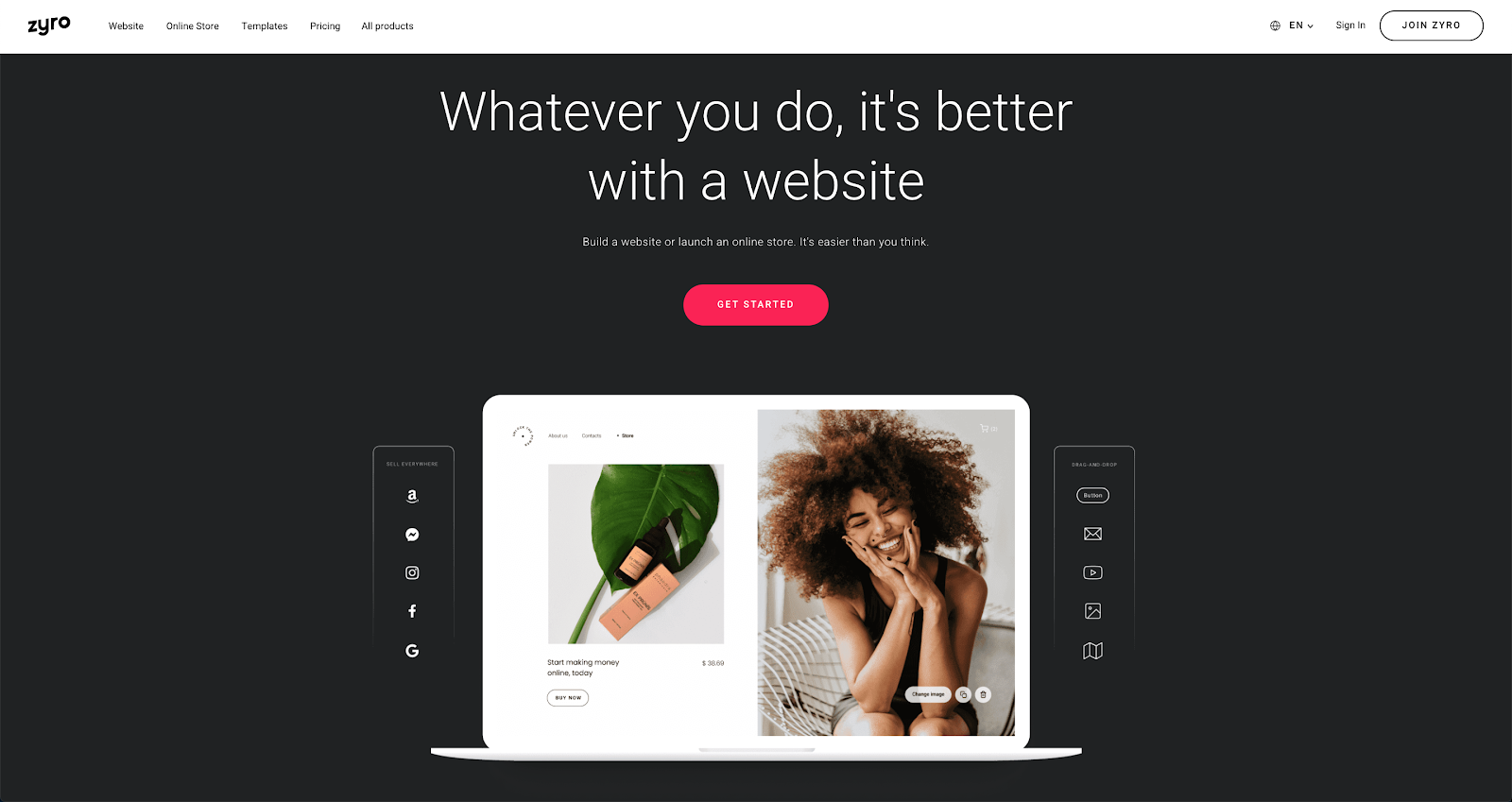
Key Features of Zyro
- Easily snap your website elements on a grid-based editor and customize each detail to your liking.
- Great performance results and a number of great looking pre-made templates to choose from.
- Access to several content-generating tools, such as an AI Slogan generator meant to help with your business marketing strategies or the AI Heatmap for in-depth analysis on what your customers focus on the most.
- Use it for free or get a Premium plan that will not hurt your budget.
Pros
- Affordable and feature-rich website building platform.
- Beginner-friendly, no coding knowledge is needed.
- AI-based tools for content creation and business startup.
- SEO-friendly designer-made website templates.
- Multi-functional, fit for any type of website – both personal blogs and online stores.
Cons
- A rather limited selection of templates.
- Doesn’t include phone support.
Pricing
You can use Zyro and all of its AI-based features completely free.
- When using the free plan, you’ll get 500 MB of storage space and bandwidth, a free SSL certificate, all the aforementioned AI-based web tools, and a library of designer-made templates.
- If you want to upgrade to a Premium plan, you can get the Basic plan ($1.99/month), which will remove ads and allow you to connect your own domain or the Unleashed plan ($3.49/month), which offers one free domain for a whole year.
- If you’re considering opening an online business, Zyro offers two plans designed specifically with online stores in mind – eCommerce ($14.99/month) and eCommerce Plus ($21.99/month).
11. WYSIWYG Web Builder
WYSIWYG is a desktop based website builder that helps you to build iQuery and HTML powered websites. It allows website building using layout grids, blocks as well as coding, making it suitable for both beginners and advanced users.
Furthermore, WYSIWYG Web Builder is a complete builder for anyone interested in web designing. Although the UI might seem to be confusing in the beginning once you figure out the things, you can easily build professional web pages with advanced features. But, the website builder might not suit real novice and beginners without any technical knowledge.

Key Features of WYSIWYG Web Builder
- More than 150 pre-made blocks are available to get started quickly.
- Create your own animation or choose from more than 150 pre-made animations and transitions to add life to your website. You can easily create visually appealing animations in your web pages through the CSS.
- Design your website the way you like with the easy to use drag and drop builder.
Pros
- Built-in image editor.
- Responsive layouts.
- Conditional forms are easy to create without much coding knowledge.
- More than 250 free extensions and add-ons.
- An active community forum for tips, support, and suggestions.
- Supports PayPal.
- Extensive training video and documents.
Cons
- Templates are not customizable.
- Not intuitive, difficult to learn.
Pricing
- The WYSIWYG Web Builder is available at a one-time payment of $59.95.
- Also, there is a 30 day fully functional trial version available for free.
12. 90 Second Website Builder
90 Second Website Builder is another drag and drops website creator that helps you to create a website fast and in a code-free way. This is a Windows-based downloadable application where you need to download and install the software on your computer to start building a website. The builder is simple and similar to MS Word but with a lot more functionality.
90 Second Website Builder software is amazingly quick and easy for people with zero knowledge of web development. This offline solution is for all businesses and features social media tools, video tutorials and password protected pages.

Key Features of 90 Second Website Builder
- Choose from over 200 fully customizable templates. Just select any template and change what you want.
- Unlike other website builders, it doesn’t force you to use their web hosting. You can host your website anywhere you want by exporting the files and uploading them to your own hosting account.
- Photo galleries, built-in image editor, landing pages, drawing tools, social media feeds, basic eCommerce, transition effect and animation are some of the remarkable features of this flexible software.
Pros
- Easy to use drag and drop interface.
- Create professional pages in a few minutes.
- Huge collection of video tutorials.
- No limit to the number of pages or website you can build.
Cons
- No built-in solution for blogging.
- Lacks modern themes.
Pricing
- 90 Second Website Builder offers a free trial of 30 days without any credit card information.
- Its paid plan has 2 one-time payment packages – premium package available at $59.95 and ultimate package available at $89.95.
Wrapping it up
Website builders are a fast and easy way to build a beautiful looking website in no time and without any programming knowledge. Whether you are a beginner or advanced user, there is a website builder for you.
Hence, choose a website builder depending upon your needs and budget. Also, you can try the demo or go for a free trial to get a clear idea about each builder before settling for one.
You May Also Like To Read:
Best Data Entry Software 2022 (With Pricing)

Technology keeps evolving so do our requirements. Competition is tough and business has no choice but to use the support of its data entry team with effective solutions. Data entry software is one of the most vital weapons in the arsenal for all types of business, companies, and even organizations. With scores of programs to choose from it becomes hard to make the right decision. This post will help you select the best data entry software for 2022.
OCR technology has made these programs even powerful. It simplifies things, helps save time, and are cost effective too. You need to create a list of the requirements before shortlisting a program for your business.
Some programs are exclusive to certain businesses. Some are good for clinics, while others are good for transportation companies. You first need to consider the specialty of a data entry program.
| Service | Pricing/per month | Unique Features |
| Zed Axis |
$310 |
Compatible with Windows 2000, Windows XP Compatible with the Mac operating system |
| AutoEntry (DocuRec) |
$13 |
Routing feature to integrate with multiple accounting apps Supports more than 20 languages |
| AccountsFlow |
$49 |
Check stock inventory whenever required. Cloud supports the filing cabinet for 10 years |
| WinSQL |
$99 |
Data restore and offline backup You can create SQL queries |
| Docsumo |
$0.10 |
AI assistance ensures auto-identification of errors Intuitive review and edit feature |
[mb_product]
1. Zed Axis
Zed Axis is a program that bridges the gap between the operating system and QuickBooks. This integration lets you export and import data from QuickBooks. Zed Axis is useful for almost all industries for tracking transaction details. It is compatible with Excel, IIF, QBO, QFX, OFX, QIF, and text files.
Key Features
- You can find & replace names, items, and classes by using the custom-bill feature.
- Records transactions related to billing, invoices, estimates, inventory, journals, purchase orders, etc.
- You can modify multiple transactions in QuickBooks by using the batch update feature.
- It allows you to download orders from Webstore and eBay. Then you can transfer the same orders to QuickBooks.
- Zed Axis is compatible with Windows 2000, Windows Vista, Windows XP, Windows 7, Windows 8, and Windows 10.
- Its simple interface makes things easier even for the beginners. You don’t need extensive training before using Zed Axis.
Pricing
- There are no monthly subscription plans. You have to purchase it by paying once.
- Price starts from $195.
- Annual subscription offers live support and a license to the latest versions.
- $310 – Import lists, import transactions, import bank statements.
- $450 – Import, export, or delete transactions and lists.
- $560 – Delete, export, or import transactions, and lists. Connect to osCommerce Store and eBay Store.
[/mb_product]
[mb_product]
2. AutoEntry (DocuRec)
OCREX DocuRec is the auto-processing software. It reads the invoices and posts data in digital form. It updates accounting apps and verifies data accuracy. AutoEntry allows you to access and edit data in real-time while the program is extracting data from documents.
The integration with accounting apps means that you can update data through DocuRec. It is compatible with Sage 50, Kashflow, QuickBooks, Fuzemetrix, and Xero.
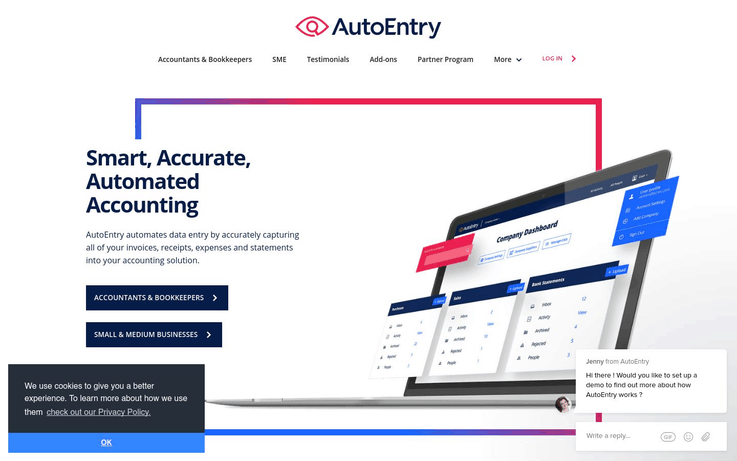
Key Features
- Bookkeepers and authorized individuals can collaborate on documents by using a collaborative feature of DocuRec’s secure.
- DocuRec has routing feature to integrate with multiple accounting apps at any given time.
- It serves with email integration. You can email scanned documents to your clients.
- It supports 20+ languages including Arabic, Czech, English, and Chinese (Traditional and Simplified).
- The Smart Analysis feature enables the program to remember the prominent analytical pattern you follow.
- The archive stores the images of the scanned documents. You can keep these images for as long as you want.
- It secures information through data encryption and other security tools.
Pricing
- Bronze: $13/month (50 Credits)
- Silver: $24/month (100 Credits)
- Gold: $44/month (200 Credits)
- Platinum: $98/month (500 Credits)
Note- Enterprise Package is quote based.
[/mb_product]
[mb_product]
3. Entrypoint i4
Entrypoint i4 is the product from a highly credible US-based software company, Phoenix Software (established 1979). The program serves with clinical trial management. Data capture, data transfer, abbreviation detection, search, data verification, Mis-Keyed detection, library conversion, and image entry are the prominent features of this software.

Key Features
- Entrypoint i4 is web-based software. It creates, deploys, and administers data entry apps.
- There is a web app and a couple of desktop apps.
- It is one of the most reliable data entry programs for drug trials and treatment trials. It stands out when it comes to clinical trials.
- Allows you to create a security policy through its inbuilt security features.
- Uses SQL database for data storage.
- It features built-in 128-bit encryption that protects communication through the server.
- The comprehensive file checking system features a complete field and form suite.
- It is time-saving thanks to its remote data entry. The electronic case report form is tested for accuracy. There is no need to waste time in papers.
- It can quickly export data for statistical analysis. It is compatible with XML, SAS, PDF, and comma-separated values (CSV).
Pricing
- A 30-Day Free Trial is available for you to try Entrypoint i4.
- You’ll have to submit the quote to get the price for your requirements.
[/mb_product]
[mb_product]
4. WinSQL
This software integrates all databases a company is using. It can easily connect heavy-duty DBMS to small systems. If you are using Oracle, Microsoft SQL Server, IBM DB3, Informix or Sybase, then you can connect any one of them with Paradox, Microsoft Access, Dbase, etc.
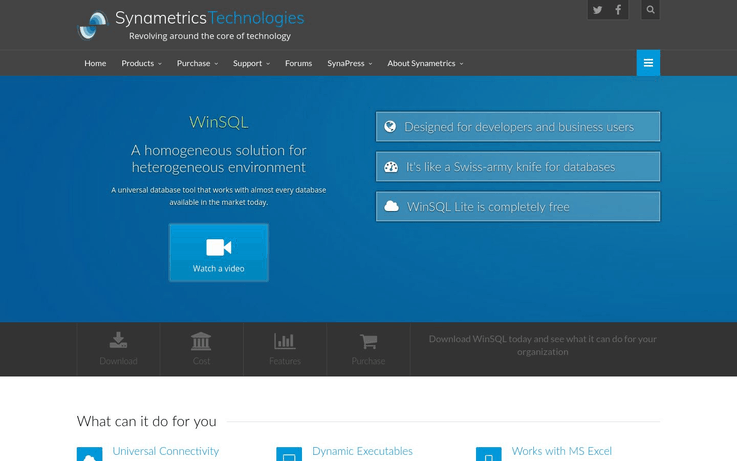
Key Features
- WinSQL can facilitate as a multipurpose data entry platform. It can perform as:
- Data importer/exporter
- Database design and reverse engineering
- Data restore and offline backup
- Testing data generation
- Data diff and schema
- The package includes the ODBC drivers. DataDirect Technologies programs these drivers. You don’t have to pay anything extra for these drivers.
- The Free Version (Lite Edition) does not expire.
- WinSQL wizards simplify complex tasks. Even a beginner can use this program easily.
- You can create SQL queries, update date to tables, and learn new SQL statements.
- WinSQL features a responsive and user-friendly interface. It works better with the help of multi-threaded architecture.
Pricing
WinSQL pricing policy doesn’t involve monthly subscription plans. The software is available for a one-time purchase.
- Lite – Completely Free (with limited features). The good news is that the Lite (Freeware) for as long as you want as there is no restriction in terms of expiry.
- Standard – $99 (One-Time)
- Professional – $249 (One-Time)
[/mb_product]
[mb_product]
5. Docsumo
This is capture software that facilitates document processing. The software is popular for its use of Artificial Intelligence. It simplifies and improves the extraction, storage, utilization, and sharing of data. This program can extract vendor name, paid amount, tax details, and transaction date.
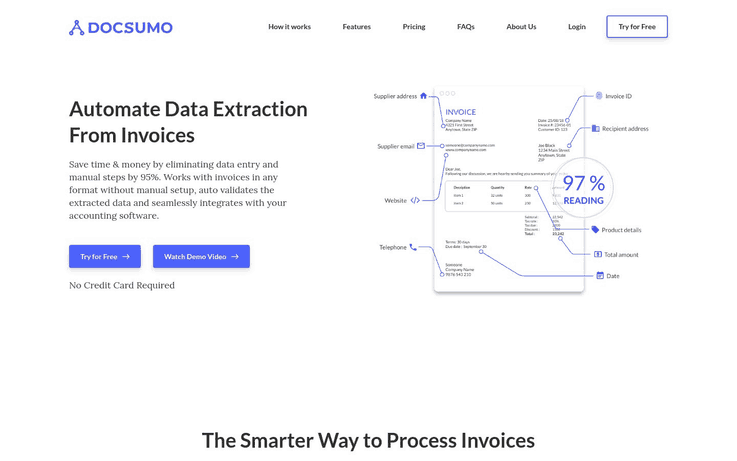
Key Features
- Facilitates accountants with accurate extraction of data from the documents.
- Docsumo uses the latest technology to extract data from the documents. This is why it is compatible with any layout.
- It imports documents via emails or online drive, for instance, and Google Drive.
- The AI assistance ensures auto-identification of errors.
- The program has an intuitive review and edit feature. It helps you deal with tons of documents in minutes.
- Docsumo facilitates data sharing with colleagues, partners, and clients. It is compatible with Excel and CSV.
Pricing
- You can try Docsumo by using its Free Trial.
- The free trial doesn’t expire but it serves you with just 50 invoices per month.
- Business Plan – $0.10 per invoice. You can order for up to 2000 invoices per month.
- Enterprise – Contact Docsumo to get the quote.
[/mb_product]
[mb_product]
6. Kalpvaig
This data entry software is the production of Kalpvaig Technologies. It aims to help data entry companies. You can order for the software as per your requirements. They customize it for your business. You can also opt for a license key with the software. It gives you the freedom of selling the software to your clients. It means that you get the copyrights of the software you order (a custom program for your company).
Key Features
- You can order for a license-key based software. It means that you’ll be able to sell it to your clients. You’ll be able to create multiple copies and maintain complete control.
- If you are already using a data entry software, Kalpvaig Technologies can create a similar copy with the modifications you want.
- Complete security features are available. You can narrow down or open the window to authorized access as per your desire.
- Kalpvaig data entry software specializes in Cargo, Telecom, Medical, and Mortgage Industries.
- The administration of the program is super easy. They create the program keeping in mind the expertise of your data entry team.
- The software records, searches, and edits any file any time.
- The program automatically generates database log.
- You can also opt for a web-based app and mobile app to work with your data entry software.
Pricing
- You’ll have to get a quote according to your specific requirements.
[/mb_product]
[mb_product]
7. Kordata
This software serves with data collection. It is equally good for small businesses and large companies. Kordata can efficiently gather as well as store information. It can control critical information remotely. Field-based inspection becomes easier with this software because you don’t have to use clipboards. You can effectively monitor, mine, and inspect utilities with better accuracy.
Key Features
- You can configure Kordata completely according to your needs.
- It gives you far more control over information and data flow than conventional data entry platforms.
- Kordata facilitates your business with excellent data management approaches. You can change data collection modes and generate comprehensive data reports for analysis.
- Conditional form logic allows Kordata to achieve a higher accuracy level. Therefore, it can easily handle a high volume of information during monitoring and field inspection.
- You can also customize fields as per your requirements. In this way, you can get rid of the fields you don’t need at a given time.
- The If-Then scenario helps you to collect precise information you need.
- Form filling and report creation are super easy.
- The User-Role feature allows you to gain more control over data. You can set authorization policy that allows a specific user to access the information you want him/her to view.
- It highlights the users and their status about the progress on the assigned task.
- The users can access the platform remotely to update data on short notice.
- Kordata can perform mathematical calculations to interpret data. This makes it easy for you to analyze the information.
Pricing
- Limited features are available if you opt for the Free Trial.
- You can ask for a quote-based pricing plan by submitting your requirements.
[/mb_product]
[mb_product]
8. Gtechwebindia
Gtechwebindia serves with digital marketing solutions. It offers data entry software. You can order for customized software to make it precisely applicable for your business. You can also opt for outsourcing data entry service. Gtechwebindia offers its services worldwide.
Key Features
- Enables you to dictate your terms. Suggest your requirements and get the quote.
- A good choice for all types of businesses. Small businesses on a shoestring budget can opt for Gtechwebindia.
- If you don’t have a data entry team, you can opt for data entry services instead of purchasing the software.
- The company ensures the application of strict privacy and data security policy.
- Offers online as well as offline data entry software.
- Major capabilities include data entry, data processing, image processing, catalog processing, form processing, data enrichment, XML/HTML conversion, and PDF conversion.
- The quality assurance team tests the program before dispatching. The test comprises of multi-level quality control evaluations.
- This is a good option when you have a low budget. Small companies can make the most of it. It becomes difficult to pay for monthly subscription plans. You can purchase it once and use it for as long as you want.
Pricing
- Gtechwebindia offers quote-based pricing.
[/mb_product]
[mb_product]
9. Velocity
If your company deals with plenty of handwritten documents then Velocity Data Entry software can simplify things. It converts handwritten documents into forms hence saving a lot of time. It speeds up the processing of information. The software can export data in Excel or CSV format. You can link it with the CRM or database management system. Velocity can import forms from the scanner.

Key Features
- Velocity Data Entry software can run behind a Firewall. It manages on-premise installation with the help of AWS instance.
- Velocity support team helps you by solving the issues. The support team ensures optimal accuracy by guiding you during the setup process.
- You can add links to the forms to make it easy for the clients to access the form they need to fill.
- With this software, you can manually upload the forms in batches and opt to import forms from a scanner.
- Velocity can compare the submissions from a user to ensure accuracy.
- It allows you to set specific fields to improve the results of the verification process.
Pricing
- Free trial of Velocity is available with limited features.
- Business – £49/month for each seat/user.
- Enterprise – You need to request for a quote to get the price for your requirements.
[/mb_product]
[mb_product]
10. AccountsFlow
If you are looking for a promising invoicing data entry system you need to consider AccountsFlow. This is specifically recommended for retail stores and restaurants. It generally works for all business having to deal with an inventory. The platform integrates with ERP, POS, and inventory system of your business.
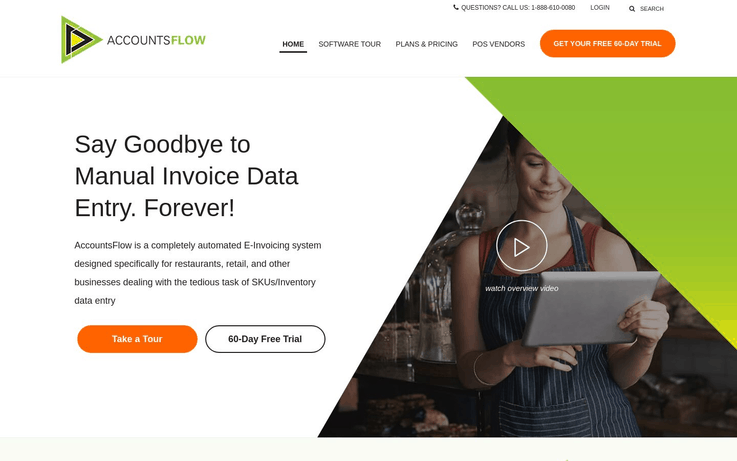
Key Features
- AccountsFlow serves with optimal accuracy thanks to its EDI technology. It increases the accuracy level of OCR and data import.
- It automates invoices from suppliers and enters data into the back office system.
- AccountsFlow can store invoices in Cloud.
- You can check stock inventory whenever you want.
- The program can capture invoices automatically. It can upload data to POS, inventory system and any back office system.
- Timely updates to POS ensure that everyone is accessing the latest information. There remains no chance of doubling.
- Electronic Data Interchange eliminates the risk of OCR mistakes.
- It comes with a rebate calculator and price checker.
Pricing
- Free trial is available.
- Basic plans start at $49 per month.
- Further pricing depends on the number of invoices per month.
[/mb_product]
Conclusion
Accurate data entry is vital for the success of any business. In this fast-paced world, you can’t compete without a fast and accurate data entry software. You can select software keeping in mind the precise requirements of your business. The customization feature makes things even better. Best data entry software for 2022 will help you to improve the productivity of your business.
You May Also Like To Read:
Best Intranet Software 2022 | Cheapest Intranet Software
Is there a lack of a proper communication channel in the firm that troubles you?
If the answer is yes, then you are recommended to set up an intranet for your firm. An intranet is a private network that serves as a hub for employees by providing a particular space where corporate information such as policies, company, and announcements are centrally located and can be accessed easily.
Further, intranet helps to share information and resources among its employees. Also, it can be easily set up using effective intranet software. Moreover, intranet software is highly effective in enhancing the productivity of an organization by building an effective channel for communication
$10 Share Photos & Videos Track the Activity Stream $8 Swift Communication Multilingual Support $20 Document Management Custom Branding $200 Instant Chat Multilingual Support $69/month Easy Collaboration Cloud & Premise Server
Service
Pricing/per month
Unique Features
Communifire
Samepage
OnSemble
Staffbase
Bitrix24
But the real question is which one is the most suited software for your firm?
Here is a comprehensive guide presenting the 10 Best Intranet Software of 2019:
[mb_product]
1.Communifire
Communifire is a powerful intranet software developed by Axero Solutions. It boosts up a social intranet platform that enables a series of benefits for your company.
Communifire is fully customizable and is currently being used by millions of people. Also, It builds an affection to the employees as they can effectively use it for managing tasks, calendar and for sharing messages.
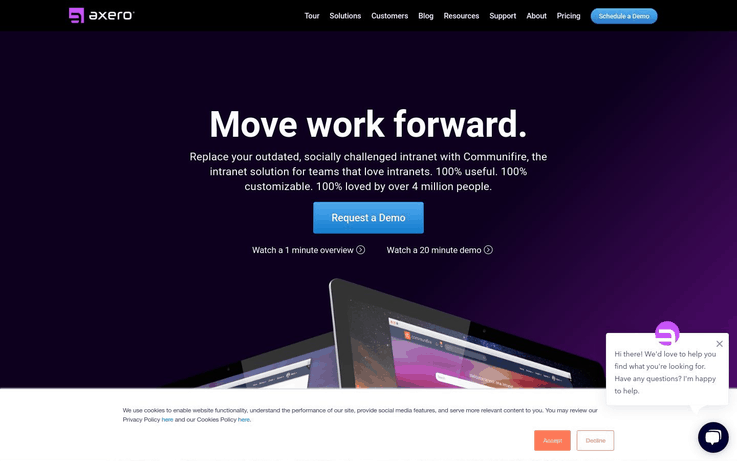
Key Features
- Document Management Solution
Use Communifire’s drag and drop feature to easily upload and share your documents with ease. Also, these modern features make you the real boss of your data.
- Calendar Feature
Communifire can publish the details of meetings, conferences, and webcasts on its community. Further, it also tracks the response of people related to their availability for the event.
- Share Photos & Videos
Communifire enables the employees to upload and share photos & videos into dedicated albums. Also, the drag and drop feature helps to speed up the upload process. Besides this, you can also add a name, description, and rating to the photos & videos.
- Track the Activity Stream
The activity stream helps you to easily track all the activities performed by the people, groups or the once you follow.
- Communifire Chat
Communifire’s has a built-in chat feature that helps you to get rid of bulky email websites. It’s a responsive instant messaging application which helps you stay connected with your team.
- Advanced Task Manager
Keep an eye on which work is due, on which date and who is responsible for its completion. Task manager is also perfect for scheduling project phases and the due dates.
- Highly Secure
For Communifire, the security of your data is of utmost priority. Your data is stored on a cloud server, thus losing data is never an issue. Your company and it’s data can also be better protected by deploying Communifire on your own server.
Pricing
Communifire’s starter pack is available at $10 per user per month. For more information on pricing, visit their official website.
[/mb_product]
[mb_product]
2. Samepage
Samepage is an award-winning intranet software that helps the team and communities all over the globe since 2013. Its app is available for both computers and mobiles (Android/iOS) devices.
Samepage offer various collaborative tools that enable real-time knowledge and policy management. Its real-time feature helps to track changes as and when done by any team members. You also get the functionality to collaborate with external guests like contractors, clients, etc.
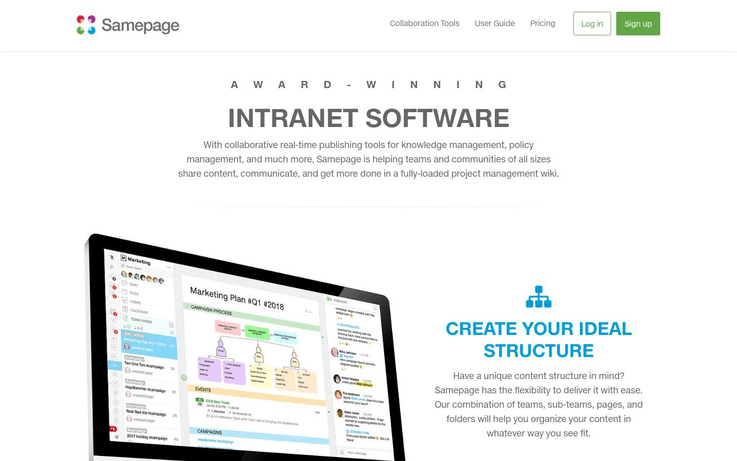
- Team Management
Samepage allows you to create a separate space for your team. Also, you can add, organize and manage projects in your particular team space. Adding third-party guests like contractors and clients is an easy task with Samepage.
- Swift Communication
Samepage helps uproot barriers to communicate within your company. Further, it offers a messaging service to chat with members and guests instantly. Also, it lets you send a private message or create a group chat.
- Screen Sharing
Why install third-party software for sharing your screen? Let Samepage do that for you. Now you can share individual windows or the entire screen with anyone on the video call.
- Easy Content Management
Samepage allows you to create and edit content in real-time with your team. You can add notes, assign tasks to the team members and also share ideas with ease. As it is a real-time service, so you can always track what and who made changes to the content.
- Manage Files
Storing and sharing files is easy with Samepage. Also, you can integrate and collaborate on cloud files stored on some other services. Also, it has the functionality to track the file version history and revert the changes.
- Manage Projects & Tasks
Samepage helps you to short-list your task as per the priority and due dates. Besides, you can make a to-do list, add project details and assign the tasks to your team members.
- Multilingual Support
Does your team comprise of members from all over the globe? Don’t worry, Samepage is multilingual. Easily co-author documents and manage tasks in over 10 languages. For example, Chinese, Czech, German, French, Italian, Russian, etc.
Pricing
Samepage offers a free trial version for smaller teams. It’s PRO version is available at $8 per member per month. You may visit their official website for more pricing information.
[/mb_product]
[mb_product]
3. Podio
Podio is yet another smart intranet software available in the market. It is developed and sold by Citrix Systems. Also, provides a structured way of collaboration among your team members.
It’s an all in one software offering custom tools to manage projects & enhance communication. Further, you can access it through a website or an app on your handheld device. It’s compatible with both Android and iOS powered devices.
 Key Features
- Content & Conversations In One Place
Podio puts everything related to your job at a single place. It may be a particular project or a sales-lead, but now you can have them in one window. Also, it allows you to instantly collaborate with your team and clients with ease.
- Integrate External Apps
Podio offers seamless integration with many popular tools available on the web. To name a few, Dropbox, Google Drive, Evernote, Zendesk, ShareFile, Freshbooks, etc. Just a few clicks and you can access them through Podio itself.
- File Management
Podio, like other software, enables you to smoothly share the work-related documents easily. You can also organize, discuss and track files anywhere in Podio. Revising the files is also easier since you can keep track of the file’s history.
- Easy Task Management
With Podio, you can keep all your team members on the same page. Also, assign them with particular tasks and attach work-related files for the team. Besides, you can have a thorough discussion about the projects using the comment section.
- Podio Chat
Podio chat enables the instant messaging feature for you and your team members and also lets you create a group chart like other software. Furthermore, real-time collaboration can be achieved with audio and video chat feature.
- Dedicated Calendar
Podio comes with an inbuilt calendar to help you view the events and their deadlines directly. Also, it provides you with a personal calendar and a workspace calendar. Whereas, the personal calendar can be customized to suit your needs and schedule the events.
Pricing
Podio is available in four different versions namely, Free, Basic, Plus, and Premium. The Free version is available for up to 5 members team. For others’ pricing information, please visit their official website.
[/mb_product]
[mb_product]
4. Creative Social Intranet
Creative social Intranet is an impressive intranet software which is used worldwide. It serves various international organizations like Zydus and Westside.
Creative Social Intranet stands up to its name because they are highly creative as their team regularly updates the software as per their customer’s needs. Thus, it’s a software indirectly build by the users.
- Workplace Gamification
Creative Social Intranet understands the importance of ‘motivation’ among your team members. Hence, it has developed the workplace gamification feature. It adds reward points to the employee’s account, once the assigned task is done! This improves time management and the quality of work done.
- Knowledge Management & E-Learning
The E-Learning platform available in the software ensures the success of your training programs. Further, It helps you identify the key areas of learning by taking feedback from your team members.
- Enhanced Employee Engagement
Creative Social Intranet employee portal enables a smooth engagement among the employee’s here, they can quickly share ideas, attach documents, upload photos and collaborate on different projects.
- Instant Communication
Chat instantly with your co-workers and clients using creative social intranet. sharing documents and files is yet another well-known feature, the software provides.
- Digital Workspace
Creative Social Intranet provides you and your team with an advanced digital workspace. Hence, you can easily assign role-based projects and collaborate with employees via any device. It’s a virtual version of the traditional workspace.
- Multiple Integrations
The software can easily be integrated with various single sign-on options. Some of the examples are, AD/LDAP, SAML, Google, Facebook, LinkedIn, Office 365, AD, etc.
Pricing
Kindly visit their website and ask for a quote.
[/mb_product]
[mb_product]
5. Wizdom Intranet
Wizdom Intranet is yet another trusted name among the various intranet software. It provides users with a fully customizable workspace solution.
Wizdom Intranet helps you collaborate with your team members from anywhere on any device. It is fully loaded with the necessary tools to manage your projects and create an ultimate virtual workspace.
Wizdom Intranet – Intranet Software
- Custom Design & Branding
Wizdom Intranet enables you to change every nook and corner of your intranet. You can choose from various visual designs that look appealing to you. Furthermore, you can also streamline your intranet as per your brand identity.
- Project Collaboration
Wizdom Intranet provides dedicated workspaces for your teams. You can add your to-do list in the software and can assign different tasks to the members. Hence, they can easily communicate, organize and deliver the task when it’s done.
- Training Material
Wizdom Intranet has a dedicated training portal to help you and your team members. As it provides a wealth of easy to learn training material and video guides. Thus, learning even small details about the software becomes easy.
- Mobile App
Wizdom Intranet has a dedicated mobile app called ‘Intranet on the go’. Also, it is available for Android and iOS platform. Hence, you always stay connected with your team and never miss an important update.
- News & Notifications
It is an essential feature that keeps your employees engaged and motivated. As provides you with the latest news, communications, and updates related to the happenings in the company.
- Service Desk
This feature enables employees to initiate and handle internal inquiries and concerns. For example, office supply requests, IT issues and other employee queries, from the intranet. This service generates an inquiry ticket that can be resolved by the concerned department.
Pricing
Please visit their official website for pricing details.
[/mb_product]
[mb_product]
6. MangoApps
MangoApps is one of the most impressive intranet software available in the market. It provides the user with a digital hub and is loaded with collaborative tools and works smoothly on both computers and mobiles.
MangoApps has put knowledge sharing and collaboration into one comprehensive portal. Also, it claims to improve your firm’s productivity by more than 20%.
- Build An Online Community
MangoApps Intranet enables the user to create a vibrant online community. It can be used to collaborate on work projects and share knowledge with other members. These groups or communities can be private or public.
- Polls & Surveys
Get instant opinions of your team members using polls and survey feature. Get feedbacks and popular opinions on specific question or topic on the go!
- Events & Calendar
Organize your events as per priority on private and workspace calendars. Keep your team-mates updated about the events that matter them the most.
- Instant Messaging
MangoApps instant messaging service is one of the best in the market. You get tons of useful features through the app. For example, delivery report, notifications, availability detector, etc.
- Team Management
Connect with experts all across your organization and get their opinions on the project. Make a dedicated workspace to assign tasks to every member like share details, upload documents and track the status easily.
- Custom Branding
The experts at MangoApps can easily give an appealing look to your intranet. The best part is that the look will align perfectly with your brand. Also, it provides you with a fully customizable dashboard.
Pricing
Please visit MangoApps’s official website for pricing details.
[/mb_product]
[mb_product]
7. Igloo
Igloo is your private workspace that enables perfect collaboration among your teammates. It offers next-generation intranet solutions to its clients. Also, It helps you work smarter and faster with its advanced intranet tools.
- Internal Blogs
Igloo allows the company to share stories in the form of blogs. As they are highly effective and consists of features like comments section, a number of views and the average rating. Further, it improves internal communication of the firm.
- Shared Calendar & Schedule Maker
The software helps to keep every employee up-to-date with a company-wide shared calendar. It contains a bunch of important deadlines, event, and meetings.
- Easy File Management
Streamline your work-related file storage by keeping them all in Igloo. Further, let your team review and edit them. This is the next level of collaboration among employees.
- Task Management
Igloo helps you create and manage your to-do list with ease. You can also add separate private tasks to your Igloo. As it is different from your companies task.
- Virtual Workspaces
Create areas for collaborating across projects, teams, departments, committees or clubs. As every virtual workspace has its own navigation and permission. - Interactive Search Bar
Finding the necessary information for your work is now easy with Igloo. Get work related stuff within seconds, using Igloo’s superior search feature.
Pricing
Please visit the official website and ask for a quote.
[/mb_product]
[mb_product]
8. OnSemble
OnSemble is a premium intranet software that is empowering more than 55,000 people today! Its intranet tools enable the users to collaborate with their work teams 24X7.
OnSemble provides an easy communication channel for your employees. It helps to eliminate the use of bulky emailing websites. Further, you get a unique functionality to create beautiful pages without any coding. Just use the drag and drop feature and you’re done!
- Team & Workgroups
OnSemble keeps all your projects and team members in a single hub. It enables easy communication and collaboration across projects. Furthermore, you can assign individual tasks and get information about your role in the project.
- Create Rich Content
As aforementioned, this is the feature that separates it from other intranet software. As it allows you to create beautiful landing pages and add content to them with zero coding skills. Thus, every department is empowered to create and share.
- Document Management
OnSemble creates a dedicated document management system for your company. You can easily pull out files from shared drives or SQL database. Also, the version history of the files can be easily traced.
- User Management
Setting up new users is like is an easy task in OnSemble. Admins can easily manage member profiles and assign permissions as per the roles and workgroups. Furthermore, there are unlimited custom profile fields.
- Active Discussions
Create various forums for quick resolution of issues or for having discussions on them. You can start a thread, ask questions or help others via such conversational platforms.
- Analytics & Reports
It has this unique feature that allows you to keep an eye on the performance of your organization. It provides several metrics to track goals and set objectives. Its Analytics tool sets it apart from its competitors.
Pricing
Visit their official website and ask for a quote.
[/mb_product]
[mb_product]
9. Staffbase
Staffbase can be deemed as the champion among intranet software, in terms of internal communication. It allows the companies to reach each and every employee with instant notifications.
It is loved by employees because it provides various user-friendly features. For example, instant messaging, integrations & easy content distributions.
Key Features
- Communication App
This communication app is proven to improve workflows in companies. It is possible because the users can easily find all work-related data in one place. The staff gets an easy way of notifying managers about leaves, work status, and schedules.
- Instant Chat
You get the functionality to chat privately or in a group with your team members. Not just text, you can share photos, videos, and documents using Staffbase’s chat feature. It assures that your conversations are highly secured and private.
- Multilingual Support
Staffbase makes it easy to deal with overseas clients or co-workers. It has dedicated support for more than 30 international languages.
- Analytics Feature
Staffbase is loaded with awesome analytics features. It helps keep a track on most frequently read article, engagement analytics, and adoption rates. This trait makes it, one of its kind.
- User Management
Onboarding a new user is a simple task. All you have to do is invite them to the app and add them to the member directory. Further, the user data is created using a detailed form which is customizable.
- Easy Publishing
It takes pride in developing the easiest content publishing tool. You can choose any device for generating and sharing content. Also, adding photos and videos to your content is quite easy with this software.
Pricing
Visit the official website and get a quote right now!
[/mb_product]
[mb_product]
10. Bitrix24
Bitrix24 is one of the largest intranet service providers in the world. It is successfully helping more than 3,00,000 organizations worldwide. The reason for its huge success is their ability to understand their customer’s needs. They take necessary feedbacks and implement the changes to the existing software.
- Initial Free Plan
Bitrix24 offers this unique feature of giving away its services for free to its clients. The initial ‘forever free’ plan lets the clients test the software extensively. They are prompted to switch to the paid version only when they are fully satisfied with it.
- Easy Collaboration
Bitrix24 helps encourage active communication among your team members. It comes pre-loaded with an instant messenger which allows video and voice call too. Also, you can stay connected with not only your team members but also external guests.
- Cloud & Premise Server
Bitrix24 allows you to access your workspace from anywhere, anytime. It is available on the cloud, on your own company server, computers, and mobile devices. Bitrix24 is compatible with both Android and iOS devices also.
- Highly Secure
The intranet offered by Bitrix24 is a highly secured network. It provides several layers of protection in order to keep away any cyber threat. Furthermore, its cloud accounts are hosted with Amazon Web Sevices in the USA and Ireland. Also, Bitrix24 uses 256-bit encryption for data transfer.
- Integrations & Customization
Bitrix24 offers direct access to its source code and is thus fully customizable. You can change the functionalities as per your requirements as and when required. Also, the software is integrated with various external services like Google Drive, calendar, etc.
Pricing
A one time fee of $1490 can help you own Bitrix24. Also, as aforementioned, you get a 30-day free trial. For more information, please visit their website.
[/mb_product]
Conclusion
In this article, we discuss the interesting features of different intranet software. This software builds up a social intranet platform that enables companies to instantly reach each and every employee in the company. You can try the intranet software based on your requirements and constraints.
You May Also Like To Read:
How to Setup a Webhook with FormGet

What is a Webhook?
Webhooks are user-defined HTTP callbacks (a piece of small code linked to the web applications) which are triggered when a specific event takes place. For example, if a user signs up to a website (www.example.com) then an automated call configured to ask the server to send the welcome message.
In other words, Webhook is the easiest way that apps can send automated messages or information to other apps.
How Add a Webhook in FormGet?
1. Log on to Zapier and make a new zap.
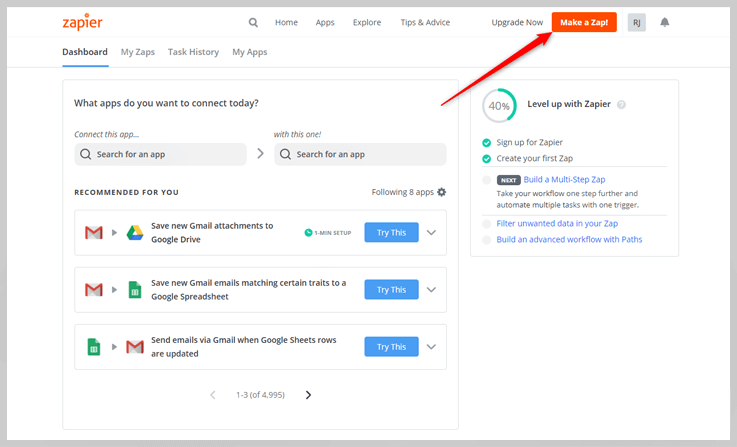
2. Choose Webhook from the given applications.
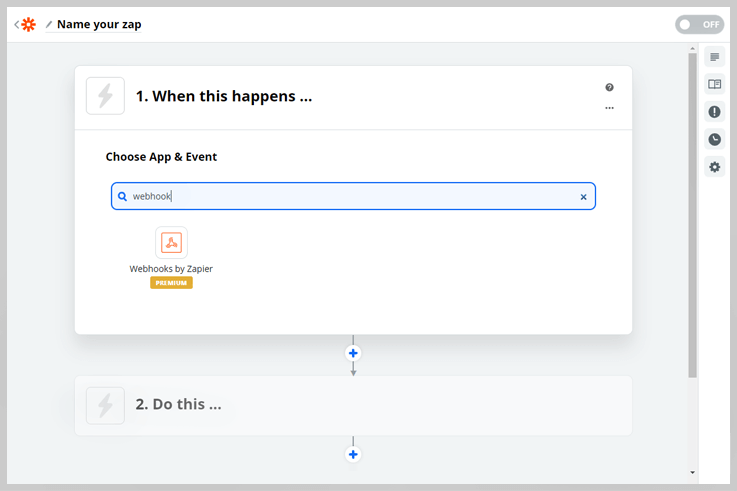
3. Click on “Choose Trigger Event” and select “Catch Hook”. Then click on Continue.
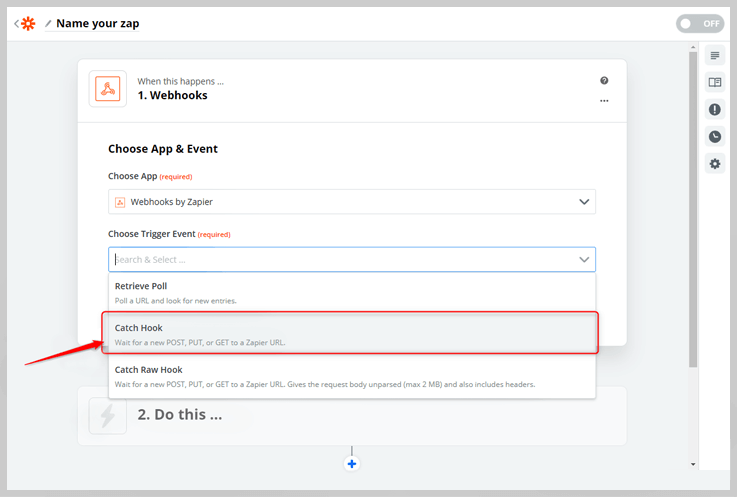
4. Copy the Custom Webhook Url and paste it into Form Builder.
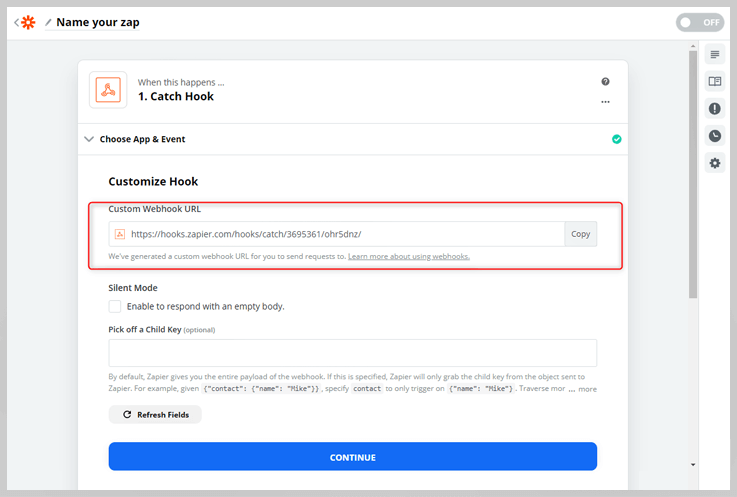
5. Open your Form Builder account. Go to Integrations then click on Webhooks. Now paste the copied URL there.
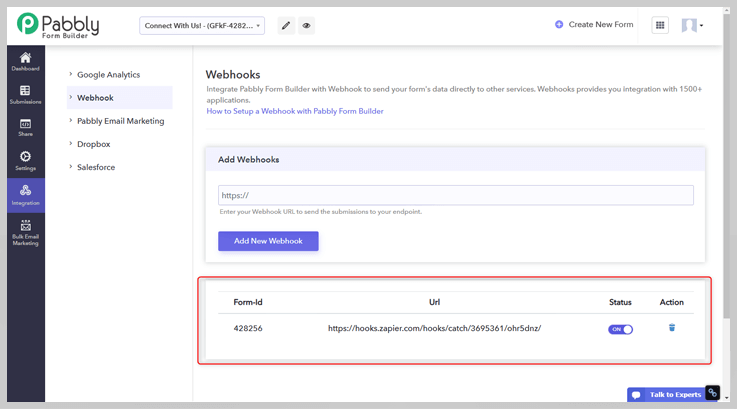
6. To test the integration, you have to submit the form then go back to Zapier and click on “Test & Continue“.
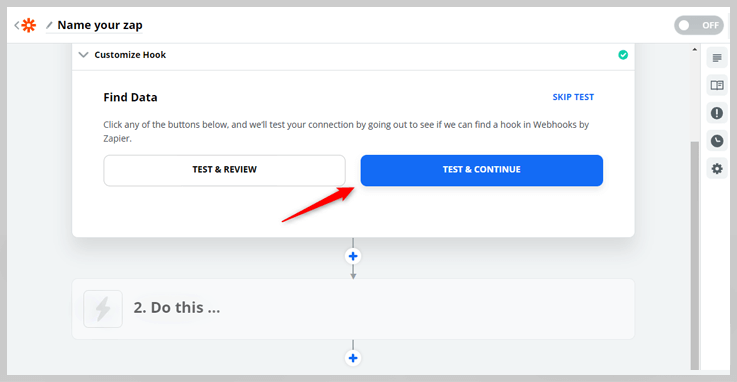
7. Your hook is created. You can see your form submission there.
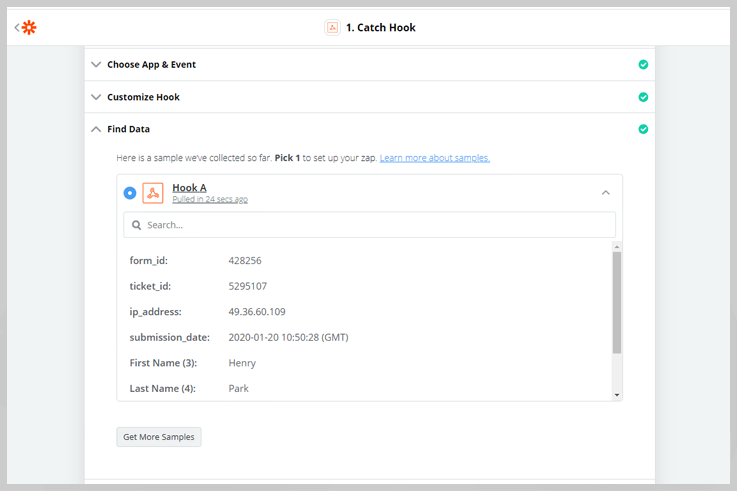
8. Now it’s time to connect your another app for integration. Click on the “Do this…” section.
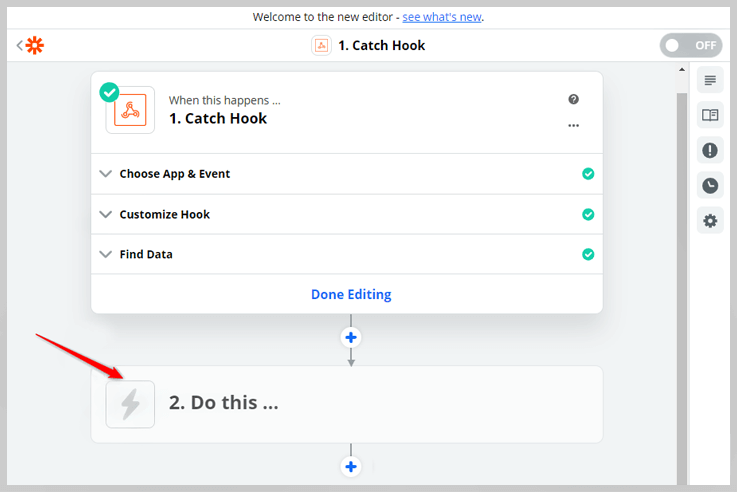
9. Now you have to select the application that you want to connect. Here we are selecting Google Sheets to connect with our form. So that after the integration, form submissions will automatically be recorded in the Google Sheet as well.
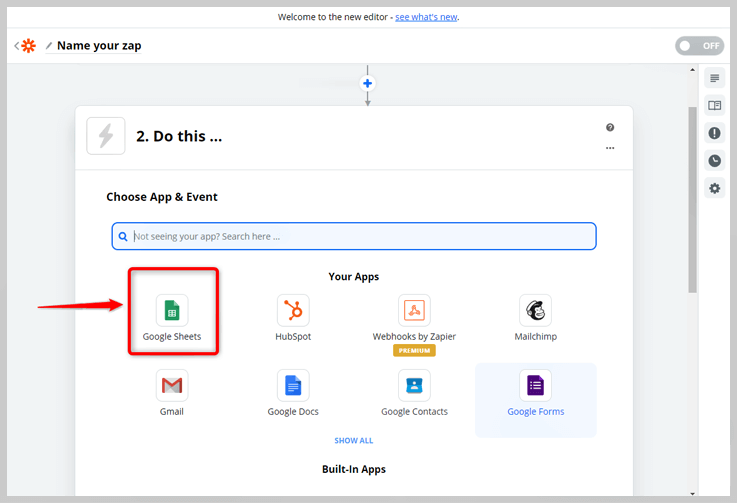
10. Now click on “Create Worksheet”. And click on Continue.
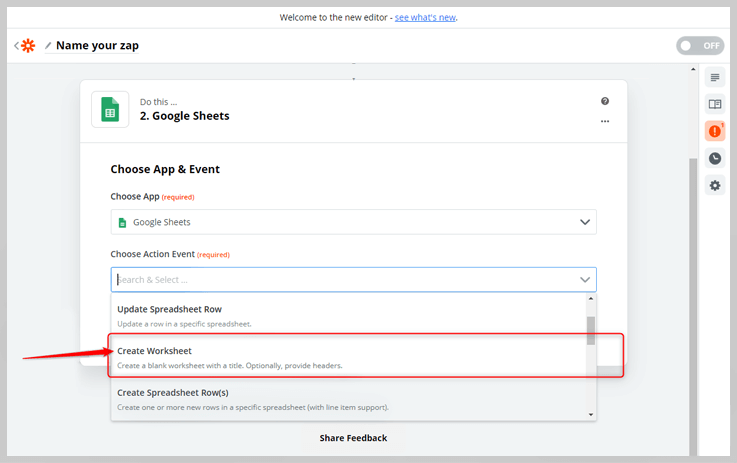
11. Choose your Google Account in which you want to create a sheet then click on “Continue”. Now select that sheet from the dropdown.
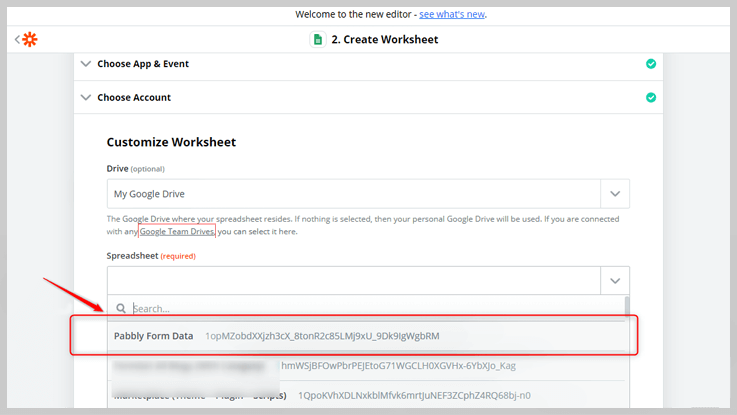
12. After this, give it a suitable title and define the header rows then map them to the form fields from the form with the “+” menu to the right of the input.
Then, click on Continue.
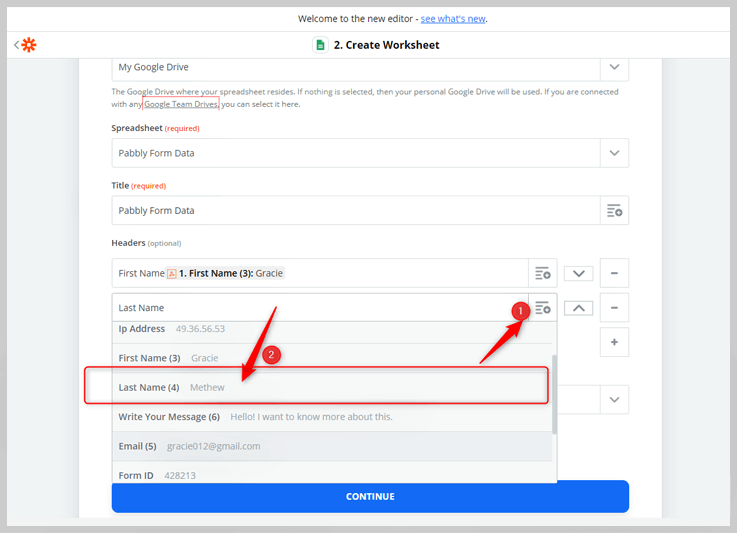
13. Now that we’ve set up our Google Sheet with our form fields, it’s time test that it will allow us to send our form data to it. Click on “Test & Continue”.
Now your Zap is ready and you have to turn it on.
Submission Payload?
Webhooks POST a JSON payload on submission to the webhook URL. The JSON payload looks like the following:
{
    "form_id": 123456789,
    "ticket_id": 79879873434,
    "ip_address": "103.82.99.19",
    "submission_date": "2019-05-16 09:25:55 (GMT)",
    "First Name (6)": "Jhon",
    "Last Name (7)": "Doe",
    "Email (8)": "[email protected]",
    "Number (9)": "9181716151",
    "Single Line Text (10)": "Some single line text",
    "Multi Line Text (11)": "Some multi line text",
    "Date (12)": "01-01-2010",
    "Add Your Products (13)": [
        "Product 1",
        "Product 2",
        "Product 3"
    ],
    "new_payment(13)": "$15",
    "Dropdown (15)":"Second Choice",
    "Multiple Choice (16)": [
        "First Choice",
        "Second Choice",
        "Third Choice"
    ],
    "Select a Choice (17)":"First Choice"

}3 Best Online Learning Platforms | Learn From Professionals For FREE

The e-learning platforms are a comprehensive system that provides secure & web-based training to peoples and helps them with their questioning.
The popularity of online education is on the rise and unlimitedly making its roots stronger over conventional face-to-face teaching methods.
Here we want to bring your attention to the next important aspect. You guessed it right! We are talking about the popular platforms that help you in perceiving online education. Actually, there are numerous educational websites that are presently flourishing too fast.
Here, in this blog, we are highlighting some of the best & leading online learning platforms that are convenient & manageable, not only for the educational providers or trainers but also for the students or trainees.
Also, the best thing that we want to mention here is that some of the websites also comprises absolutely free packages for their users. Thus, this article will help you to analyze the best one for you.
Let’s begin…
Top Online Learning Platforms Comparison Table
| Service Name | Pricing | Multiple Courses | School-Related Topics | Includes Mobile App |
| Magnet Brains | Free of cost | ✔ | ✔ | ✖ |
| Coursera | Includes both free & basic plan of $29-$99 | ✔ | ✖ | ✔ |
| Udemy | Premium | ✔ | ✖ | ✔ |
Below is a list of Best Online Learning Platforms:
1. Magnet Brains
Magnet Brains associates with top-rated instructors to deliver online courses on numerous topics like coding, marketing, business & much more.
One of the most amazing and differentiating factors about Magnet Brains is that it offers personalized learning to users for free of cost.
Moreover, it empowers visitors to download the courses and watch them offline whenever needed.

Few more features that help you to understand about Magnet Brains online learning platform are as follows –
Multiple Course Categories
This e-learning platform provides you with different course categories, for instance, development, business, app design, photography & much more which you can select as per your needs.
Apart from the technical or other business related videos, Magnet Brains also renders free online classes on school-related topics for class 4th to 12th such as –
- NCERT subjects like Social Science, Chemistry, Biology, Mathematics, etc. (for class 9th to 12th)
- PHP videos tutorials
- jQuery videos
- AJAX video tutorials
- Machine Learning
And much more…
Create Account
Magnet Brains enables you to create your own account on their platform. So, you can view and manage all of your activities through your profile.
Search Bar
It allows you to easily find any of your desired courses with the help of search bar so that, you don’t need to explore the entire website.
Some More Interesting Features About Magnet Brains –
- It is easy to view the live practicals on this online learning platform.
- This platform enables visitors to easily give reviews & ratings.
- Magnet Brains support team always helps you with your queries.
2. Coursera
Coursera is yet another well-established name in the eLearning industry. This online teaching platform delivers unrestricted access to people to study high-grade education. Also, it has a partnership with topmost universities & organizations to offer courses online.
Moreover, here we can understand the popularity of this platform with some enormous traits such as 35 million learners, 150+ university partners, multiple basic & specialization courses, special certifications & so on.

Want to know more about Coursera? Just take a look at following wonderful features –
Courses To Learn
Coursera provides you with 2700+ courses that are taught by best instructors. Thus, you can learn any topic like business, computer science, information technology, etc. at a cost of $29-$99. Also, you can get a certificate after the completion of a course.
Further, it includes recorded video lectures, auto-graded and peer-reviewed assignments, community discussion forums for users.
Specialization Courses
Coursera enables you to study any specific skill by joining its specialization program at a price of $39-$79 per month and also receive a certificate.
Get University-Recognized Degree
With Coursera, you can also get a university-recognized degree, as it has connections with reputed institutes and organizations.
Henceforth, you can join its affordable online degree programs for different topics like business, computer science, and data science at a cost of $15-$25,000 and earn a certified master’s degree.
Some More Interesting Facts About Coursera –
- Coursera provides mobile learning through apps that fully supports iOS and Android devices.
- It empowers you to add course & specialization certificates in your resume and LinkedIn profile.
- In addition to this, Coursera includes video subtitles in more than 30 languages.
- You will always obtain a complete academic & technical support from its knowledgeable support team.
3. Udemy
Are you looking for a platform that is convenient for learning as well as to build own online courses? Then stop your search right now & get a look at the remarkable features of Udemy.
Udemy is one of the leading online learning platforms that not only provide you with unlimited kind of courses to study but also enables you to start your own teaching program on its platform.
There are more impressive features of Udemy we are presenting for you, so let’s just start with this –
Top Categories
Udemy comes with its top-most course categories such as development, business, IT or software, photography and much more. Hence, you can choose any category and start learning on your desired topics.
Online Videos
Apart from text-based learning, the study via videos helps you to understand any subject in a better way. Udemy provides you with over 22M informative videos that perfectly helps you with your training.
Supports Multiple Languages
Language is no longer a restriction in your education with this e-learning platform i.e. Udemy carries its content in more than 50 languages.
Compatibility With Mobile Devices
Udemy is fully cooperative with iOS and Android devices so that, users can start learning anytime, anywhere with its mobile app.
Some More Interesting Features About Udemy –
- Udemy is compatible with Chromecast or Apple TV.
- You can watch courses offline whenever you want by downloading them.
- It empowers you to listen to the courses with podcast-style audio.
Pricing: Udemy comes with multiple pricing for each and every course. Hence, you can pay and easily learn for your desired subject on this platform.
Wrapping Up:
Here, in this article, we have mentioned the top-most online learning platforms that will give you the best opportunity to learn things online anytime. Besides, learning you can also create your own videos with some of these platforms.
Still, in case of any kind of queries or suggestions related to the above-mentioned e-learning platforms, feel free to get in touch with us by commenting below.
You May Also Like To Read:
5+ Best Article Spinner Tools (Free & Paid)
We all know that content is one of the leading factors that affect the ranking of the website on Google. But, writing unique content on a daily basis will become a sluggish task after a period of time. Also, you may land up writing the same type of articles. To cut down the monotonous chore, there are many techniques available in the market that aid modern writers in producing extraordinary content. We are talking about spinner tools that walks-in to help you out in writing distinctive content every time. Still in a doubt? Let me explain you in detail. Basically, spinner tools are used to reframe your article with exact meaning. Just paste the content in any spinner tool & it will convert your text in unique & exemplary content.
In other words, we can say that these tools automate the task of content generation in mere time. Here, we come up with the most popular and reliable spinner tools especially for you. And some of them are free as well!
So, just scroll the cursor and go through this article to find out which software would be suitable for you.
1. WordAi – Rewrite Article Tool (Paid)
 Rating: 4.75/5.0
Price: 49.95
WordAi has been on the top of the list of paid Article Spinner Tools due to the lavish features it comprises. At the same time, it comes with multiple language support. You can easily paste the content of any languages whether it is in English, Spanish, French and Italian, it will change the content in the desired language with the same meaning.
WordAi Quality Features:
- Perfect Tense:
This software is integrated with advanced technique, it gives you content without any errors. This system will correct all the grammar and tense mistakes in automation.
- Mass Uploading:
If you are planning to publish numerous article or blogs in a day, WordAi will let you create multiple articles in a row without any hassle.
- Uses AI Technology:
This tool is inbuilt with artificial intelligence (AI). It is a learning machine system which helps you in generating exclusive and unique content.
Pricing Of WordAi
This software comes with monthly and yearly based pricing where you will be facilitated with amazing features like multilingual text, auto rewriting, multiple keyword support.
- Turing Plan:
You can avail this service at $49.95 for one month.
- Turing Yearly Plan:
Pay only $347 for a whole year subscription. Moreover, it also provides 3 days of free trial for every customer.
2. Chimp Rewriter – Spinner Tool (Premium)

Rating: 4.6/5.0
Price: $15
Chimp Rewriter software of paraphrasing will accelerate the article spinning process. This system translates the content in a matter of seconds. Basically, it is built on lightweight and clean codes which provide you fastest translation speed.
Prominent Features
- Multiple Language:
The language support of this spinner tool is vast. It caters you 12+ language support that is English, Spanish, German, Italian, French, Danish, Dutch, Norwegian, Portuguese, Romanian, Slovenian, Swedish.
- Export Files:
After the article spinning, you can export the article in any files. (ex- HTML, PDF, Doc etc). Further, you can also publish your article right from the Chimp Rewriter tool.
- SEO Logics :
Besides that, Chimp Rewriter is integrated with the most popular and reliable SEO tools in this web world that you can use to enhance the SEO aspect of your content. It integrated with WP Robot, RankWyz, Ultimate Demon, Kontent Machine and more.
Pricing Of Chimp Rewriter
The pricing of this tool goes around in monthly as well as yearly basis.To get the monthly plan, pay $15 and for yearly services purchase it in only $99. After the purchase, you are entitled to a 1500+ API request, free future update and two device support.
In addition, you can avail these services free for 3 days as a trial period, without using any debit/ credit cards.
3. SpinnerChief – A Paid Tool For Paraphrasing

Rating: 4.2/5.0
Price: $7
SpinnerChief is another powerful and easy to use the platform in our list of rewriting tools. This tool creates an exclusive article with ease, as it comes with some lavish features like SEO writing, rectifying grammatical mistakes, video scrap and more.
Features Of SpinnerChief
- 20+ Language:
You can rewrite an article of any language whether it is in English, German, Swedish and Portuguese (both Brazil and Portugal), Dutch, Indonesian, Greek, French, Spanish, Italian or any other language.
- Video Scrap:
SpinnerChief comes with numerous unique features one of them is video scrap. Basically, this system finds multiple Youtube videos according to the article keywords which you can easily import in your article. Similarly, images can also be inserted in the blogs.
- SEO Writing:
This system is based on artificial intelligence (AI) that means it also makes the content more professional and accurate after rewriting. This system is also verified SEO algorithms, so this will give you content with SEO logics.
- Flexible:
With this tool, you can either work on the content single-handedly or assign different user to work on it.
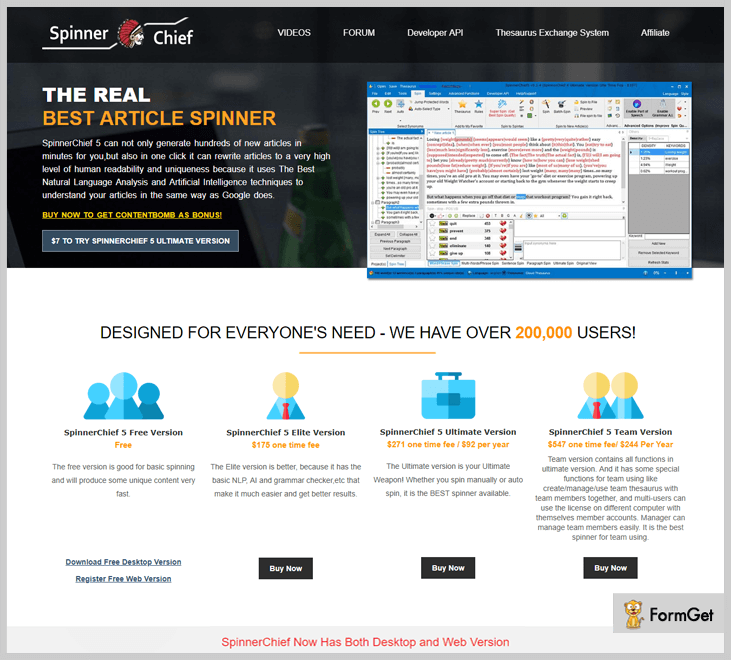
Pricing Plans
- Elite Version:
You can avail the elite version in $175 with a lifetime membership.
- Ultimate Version:
This pricing pattern varies according to the number of days. It starts from $7 to $271. which you can select as per the requirement.
- Team Version:
To add 3 users get this service is $7 for a month and $244 per year. Also, you can get it at only $547 for a lifetime.
4. Spinbot – A Freemium Article Rewriting Tool

Spinbot is a free-to-use, automatic article spinner tool for over a decade, because of the power and simplicity of its use. It will rewrite human-readable text into additional, readable text. It has gained a huge user base of new bloggers and mainly students.
This tool is the best article spinner tool for SEO professionals who wants to create content to generate backlinks, but it is not good for original content creation jobs.
Spinbot Features:
- Massive User Contributed Thesaurus
With a huge thesaurus, constantly updated, Spinbot gives you more choices of synonyms so you can create more unique content, more easily.
- Single-Click Instant Spinning
For those who are in a rush, it is an automatic, single-click spinner option that can turn your old blog post or website article into a completely new one for you, saving you massive amounts of time.
- Unlimited Usage
If you want to remove the ads and captcha requirement, you can also purchase a monthly or yearly subscription of Spinbot that will give you unlimited usage
- Comma-separated Ignore Field
Spinbot provides an “Ignore” feature that allows you to skip particular words from spinning.
- Advanced Text Spinning Capabilities
You can utilize Spinbot’s text spinning capabilities to facilitate brain-storming, or figure out innovative ways of discussing subjects that you are tired of talking about.
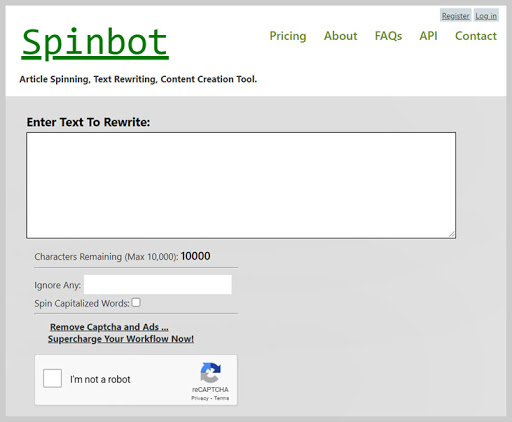
Pricing of Spinbot
Spinbot allows you to spin 10,000 characters for free. It also comes with various paid plans where you can remove the ads and captcha option.
The paid plan starts from $5 for 1,000 credits to $2,000 for 500,000 credits. You can also buy its annual plan just at the cost of $75.
5. Spin Rewriter – Article Rewriter
 Rating: 4.4/5.0
Price: $47
Spin Rewriting tool easily spins the text in one click without any hassle of sign up and app installation. Just copy and paste your content in the Spin Rewriter website, it will rewrite your content in some seconds.
Main Features
- Flawless Content:
This tool caters you flawless article which you can publish on your website.
- One-Click Rewriting:
With this tool, you can rewrite the article in just a single click. This feature helps you to spin the article in a quick way.
- The content marketers or other creative professionals can use this tool in multiple ways which are as follows:
Spin Rewriter Website: You can rewrite the content on their website. Premium Website: You can purchase the premium version to remove ads and multiple captchas. This will helps you to rewrite the text without any distraction. Spin Rewriter API: You can install the application using its API in your local disk, and create content within the app.

Pricing Plan
Spin Rewriter service provides you multiple pricing plans for all types of requirements. You can choose the paid plans to bulk spinning and mass export.
- Monthly:
Get unlimited articles only at the cost of $47 a month.
- Yearly:
You can get free trials in this plan at the cost of $77 only with the bonus of video module and 10 free seed articles.
- Lifetime:
It is a single payment plan including all the features. For this plan, you have to pay $497 only.
6. SmallSeoTools – Free Online Text Rephrase Tool
 Ratings: 4.5/5.0
Price: Free
This article spinner tool is completely free and does not require any registration process. So now, whenever you are stuck in producing unique content, just paste the article in SmallSeoTools website and get new and plagiarised-free content.
Quality Features:
- DropBox and Google Drive Integrated:
You can easily select files from Google Drive and Dropbox to spin the content. Moreover, you can also upload files in a different format (like .doc, .docx, .txt) from the local disk and rewrite your content.
- Spintax Formatted:
If you are using any other spinning tool, you have to manually change spintax. But this tool is capable to change the spintax automatically. This system includes the spintax technique which is pretty essential in generating contents. In other words, this built-in feature does not require you to provide the spintax manually.
- SEO Algorithms:
SmallSeoTools rewrite your content which Google also prefers. This is because it rephrases the content in accordance with Google’s SEO algorithms.
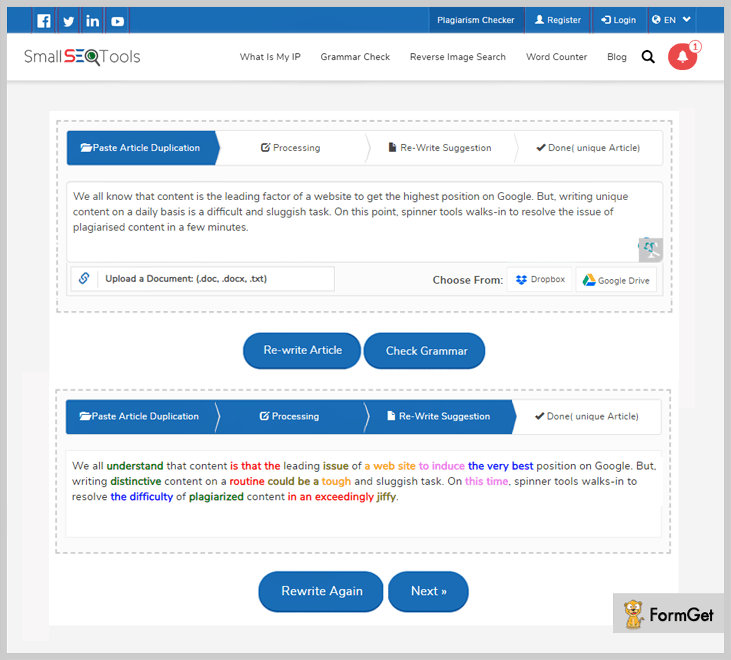
7. Article Rewriter Tool – Free Content Spinner Tool
 Rating: 4.0/5.0
Price: Free
The next product in our blog is Article Rewriter Tool. This service is very robust and easy to use. It does not limit you in terms of the content length, so you can submit the article irrespective of its word count. It provides you flawless content to decrease the bounce rate of your website because unique content engages visitors for more time.
Main Features
- Verify Grammer :
This system spins the article after resolving all the grammatical mistakes in the content for higher accuracy.
- Easy To Understand Content:
Article Rewriter Tool lets you create fresh, unique and human-readable content. The content quality will always be up to the mark and can easily be understood by anyone.
- Short Sentence:
This tool spin even a single sentence which means you do not have to submit a complete blog at once. You can paste the sentences in the tool while writing the article in parallel.
- Selective Words:
At the time of spinning, you can specially mention the words which you do not want to get spinned. It may be any brand, person or place name.
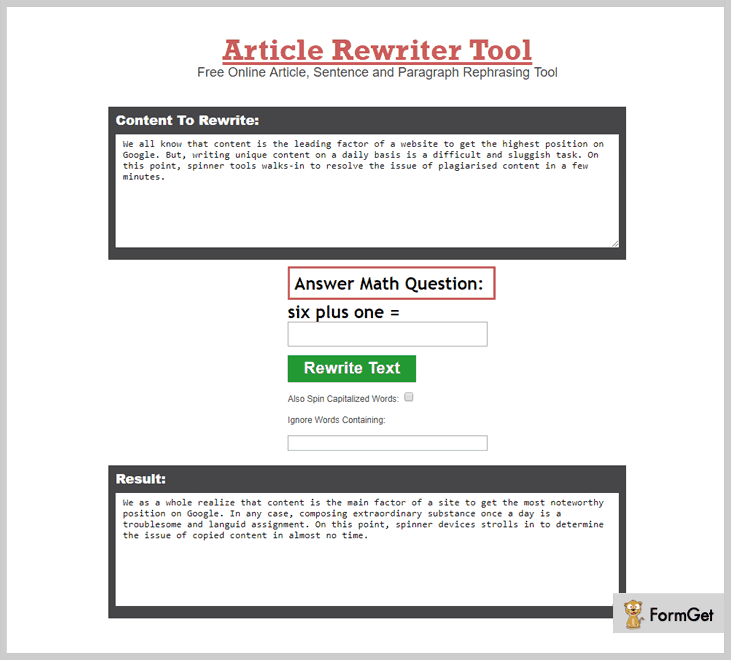
Wrapping Up
To conclude, we have listed all the powerful and efficient tools for rewriting your content. I hope now you can easily choose the article spinner tool which suits you best. You can leave feedback/suggestion in the below div and appreciate our work if you like it.
5+ Online Paraphrasing Tools (Free & Paid)
What Are The Paraphrasing Tools?
Paraphrasing tools are basically used to rewrite the articles differently and produce unique content. This is the easiest way to create several articles perfectly in very less time.
These software are usually called article spinner, text rewriters, reword generators, sentence rephrasers, etc.
Why Do We Need Paraphrasing Tools?
Let’s say you have to rephrase multiple articles.
If done single-handedly, this process may take a lot of time & efforts!
At this point, you’ll feel the need for some external help.
And here comes the use of paraphrasing tools.
Acknowledge -> Organize -> Abstract…!!!
Three easy steps to generate your content in no time. Isn’t it great?
In this blog, we are going to highlight some of the best online paraphrasing tools for content writing. The list contains both free & paid software so you can choose what suits best.
1. WordAi:-

Rating- 4.2/5.0
Pricing- $49.95/month
WordAi is a popular article rewriter tool through which you can rephrase the content. It uses artificial intelligence for understanding words & rewriting them like a pro.
Additionally, the rewriting process of this service is automated & gives you slightly different changes with each spin.
Features:-
- Bulk Paraphrasing: WordAi has the ability to generate thousands of articles in just a few minutes with the utmost proficiency.
- Title Provider:
WordAi helps you to provide a unique and suitable title for the content as well. A relevant title always helps to specify what the article is about in a better way.
- Supports Four Languages: This best article spinner tool supports French, Italian & Spanish besides English. So, you can create high-quality & unique content for global users.
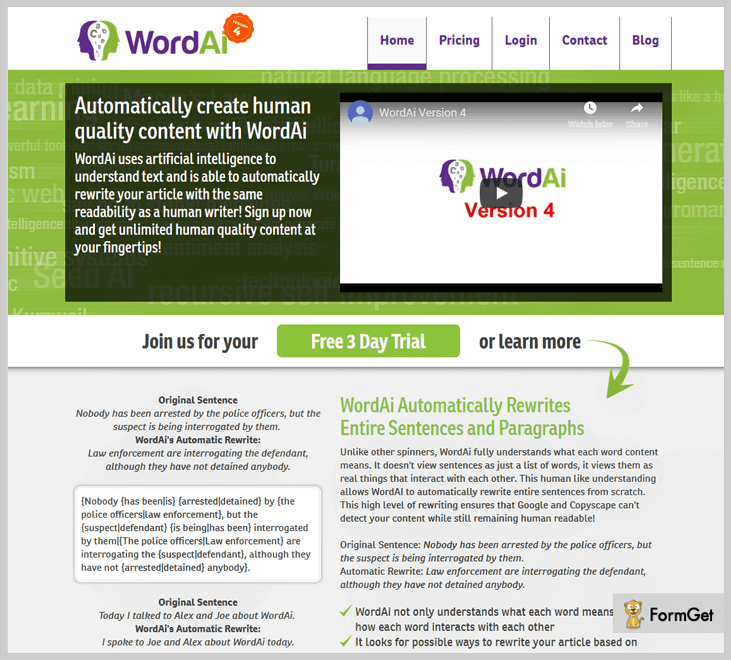
Pricing Details-
There are two kinds of pricing plans for this best spinning tool with amazing features like more synonyms, multilingualism, automatic rephrases, etc. Also, you can start with its free trial for 3 days.
Turning Plan- With this plan, you can rewrite multiple contents at the subscription cost of $49.95/month only.
Standard Plan- You can buy an annual subscription at the cost of $347/year to create high-quality content as an automatic article rewriter.
2. Spin Rewriter:-

Rating- 3.4/5.0
Pricing- $47/month
Spin Rewriter is one the popular online article spinner tool that provides you pretty good paraphrasing results. Its Emulated natural language (ENL) spinning technology produces the highest-quality contents.
Additionally, ENL technology provides you superior features such as the thesaurus, spell-checker, translation & many more to spin content in a notable manner.
Features:-
- Spintax Included- This tool supports most popular spintax styles to automatically generate articles with different words.
- SEO Tools Integration- You can integrate this software with some of the most advanced SEO tools such as RankCypher, Ultimate Demon, GSA Ser & many more through its API.
- Ultimate Spinning- In this tool, you can have the paragraph & sentence level spinning as well. You can mold the sentences in order to make your article exclusive.
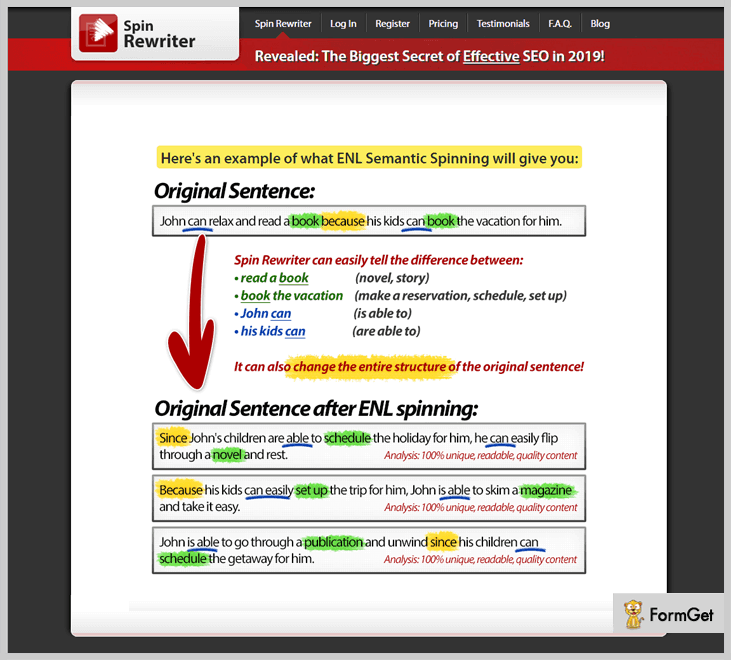
Pricing Details –
Monthly Plan- This plan is priced at $47 per month to rewrite infinite articles with advanced features like ENL spinning algorithm, mass export, etc.
Annual Plan- $77 will be charged yearly for spinning articles with 5 days free trial. Also, you get a bonus of video module & five free BCN article of this software with a 60% discount.
Lifetime Plan- With this lifetime license, you can generate unlimited articles at a price of $497. Additionally, it comes with bulk spinning features for bloggers, writers & any kind of website developers.
Additionally, this tool offers you the 30-day money back guarantee even after 5 days of the free trial.
3. Chimp Rewriter:-

Rating- 4.2/5.0
Pricing- $15/month
If you are looking for online text rewriting tool that helps you to create human-readable content for your website, Chimp Rewriter is going to be a great helping hand for you.
Furthermore, it uses Artificial Intelligence & Natural Language Processing(NLP) to reproduce the paragraphs & sentences of the content with the same meaning.
Features:-
- Software Algorithms- It uses the most approved SEO algorithms & programming metrics to scan article & provides an unrepeatable article.
- In-built thesaurus- Chimp Rewriter helps you to choose synonym that makes sense related to the word. It contains an in-built thesaurus that helps you add up most suitable text.
- Images & Videos Integration- It lets users insert content along with videos and images to the editor from various platforms.
Pricing Details –
Chimp Rewriter offers free & paid options for the subscribers. The paid plans will facilitate you with features like 1500 API requests/month, any time opt-out option, free software updates, etc.
Following are the paid schemes for subscriptions that will fit your budget:
Plan A- You can buy this scheme to rewrite articles at the cost of $15 per month only.
Plan B- This plan costs $99 per year for spinning content instead of rewording words only.
4. Article Rewriter By Small SEO Tools:-

Rating- 4.0/5.0
Pricing- Free
Article Rewriter is an online text rewriting tool that replaces the original words & text by suitable synonyms. Furthermore, it includes a Captcha code to verify human users.
This article spinner tool provides the most unique & authentic content which is quite easy to understand. It comprises of the advanced technologies to automatically rewrite your article/blogs with perfection.
Features:-
- High-speed Performance- This tool takes a minimum time to spin or rewrite the content. With this automatic article rewriter, you get high-quality content in a few seconds only.
- Improve Writing Skills- If you’re not that good in English or writing skill, then this tool helps you by providing multiple synonyms as a suggestion for the content.
- SEO Ready- Article rewriter lets you convert your text into search engine optimized contents. In this way, you can drive more traffic and boost the overall SEO rank of the website.
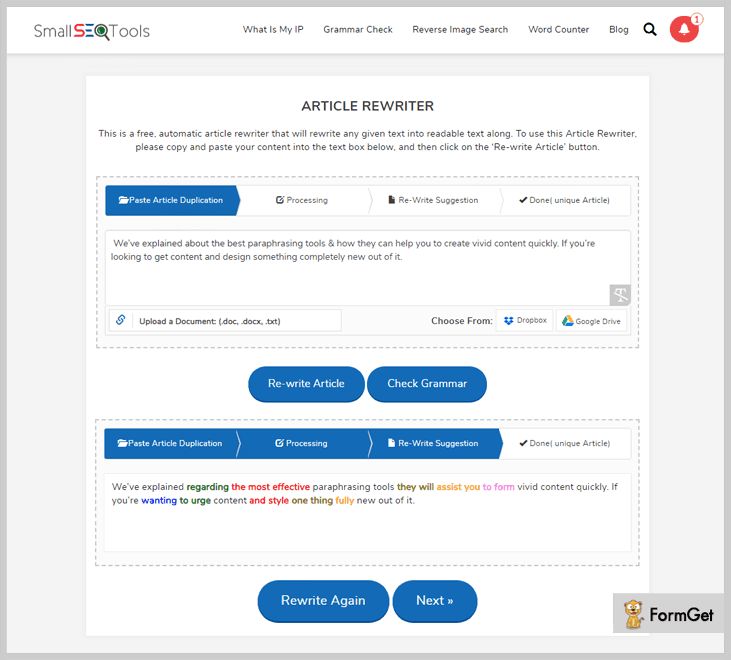
5. Article Rewriter Pro By SEOToolStation:-
Rating- 4.3/5.0
Pricing- Free
This article rewriter is a great tool for bloggers, content writers & developers to paraphrase their article. If you want to make 100% plagiarism free content, this tool is the best option for you.
In addition, it helps you to rectify grammatical mistakes from the content. This free paraphrasing tool provides you various important features to build an ideal content.
Features:-
- No Sign-Up/Registration- For using this online text rewriting tool, you don’t need any kind of registration or sign-up. It gives you high-quality content without any hassle.
- Multilingual Functionality- It supports 7 global languages for your content. This means you can select the output in any of the given languages like English, Dutch, Spanish, German, etc.
- Browsers Compatibility- This best paraphrasing tool is compatible with all modern browsers like Google, Bing, Yahoo, etc.
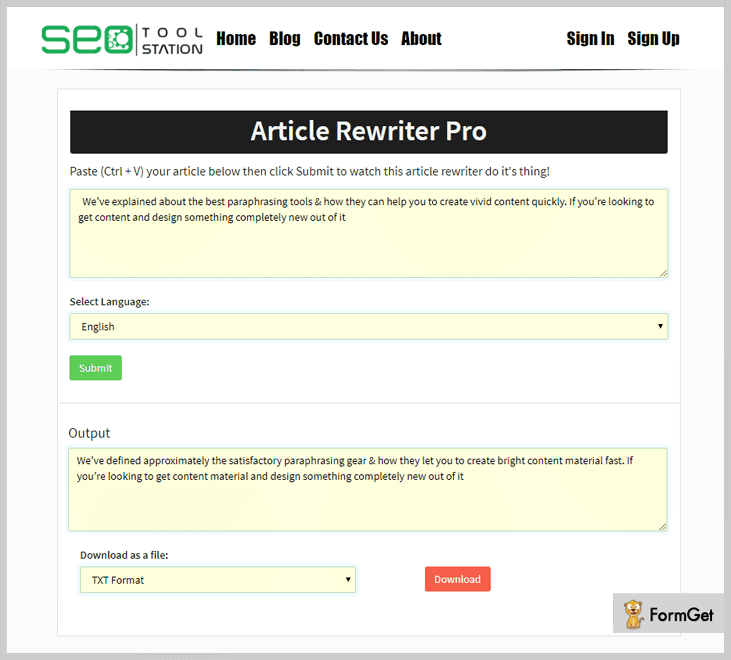
6. Free Online Article Rewriter By Prepost SEO:-

Rating- 4.0/5.0
Pricing- Free
PrepostSEO article re-writer is one of the free online paraphrasing tools that contains millions of synonyms which is very useful for creating unique content. Additionally, it provides you the ability to present the content with zero grammatical issues.
It will spin your articles in a few minutes where you can also choose words for the content from the given suggestions. All you need to do is, paste the desired content, & it will provide you with the spun text.
Features:-
- Plagiarism Free Content- PrePost SEO article rewriter comes with a plagiarism checker tool to check uniqueness of your content. Also, it provides you the ability to improve the grammar of the content.
- Uploading Files- You can upload the content through the doc, PDF and other file formats that need to be altered. Further, you can easily download the new article.
- Customization- It empowers you to customize the text according to your choice. This tool suggests multiple synonyms for the words so the outcome can be unique & engaging.
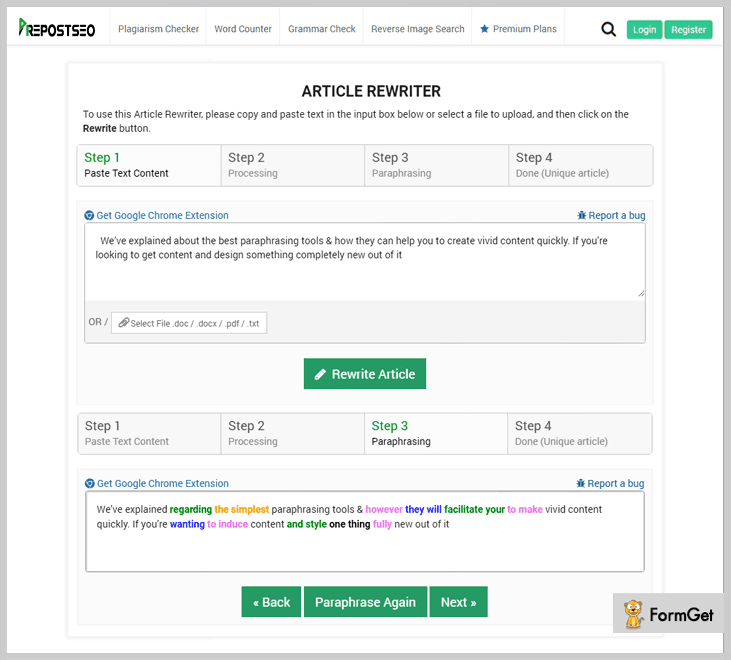
7. Paraphraser.io:-

Rating- 3.8/5.0
Pricing- Free
The paraphrasing tool by Paraphraser.io uses the latest AI technology and rephrases the given content within seconds.
It replaces specific words with their accurate synonyms and creates unique content with one click.
The interesting thing about this free online tool is that it is available in the following three different modes:
- Fluency
- Standard
- Creative
To use this tool, simply select the desired paraphrasing mode, type, paste or upload your content in the input box, and click the Paraphrase Now button.
Features:-
- Files Uploading- This feature allows users to upload text files in TXT, DOC, and DOCX formats.
- 100% Unique Content- It uses advanced AI technology and changes specific words with its best-suited synonyms to create unique and plagiarism-free content.
- Highlights the Paraphrase Text- It generates the result in the left output box and highlights the paraphrased text in green color.
- Language Support- the amazing this about this online tool is that it supports English and Espanol languages.
- Copy the Result Text- After generating the final result, this feature allows users to copy the rephrased text in real-time.
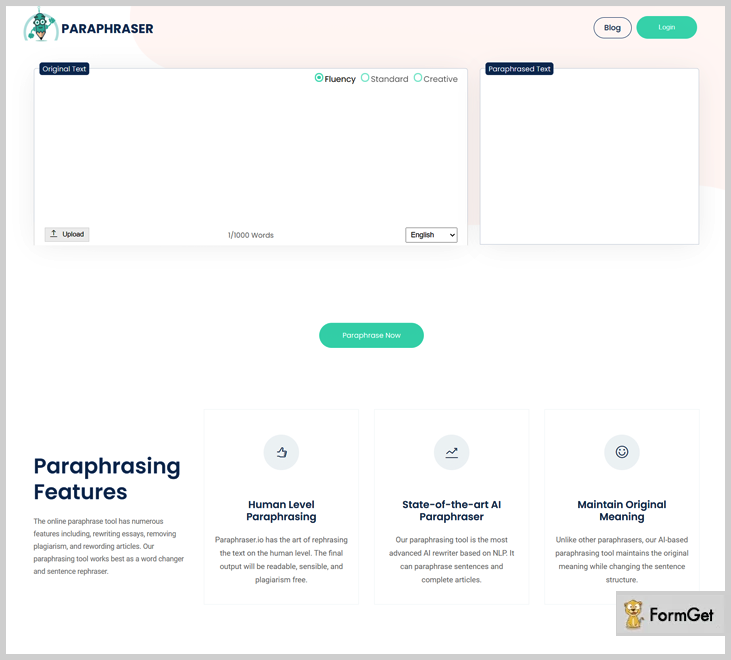
Final Words-
Here in this article, we have mentioned the top paraphrasing tools that will fulfill all your needs & give you the best opportunity to enhance your writing experience.
If you’re still not sure which paraphrasing tool is right for you, my advice is to create a free trial with one of the tools and see if it is right for you.
For any queries or suggestions related to the services that are mentioned above, feel free to get in touch with us by commenting below.
Benefits Of Email Marketing (Christmas + New Year Special)

Your Christmas and New Year will be happier than ever when we’ll tell you the latest benefits of email marketing and the trends associated with it. So, with us, get ready to count on your fingers the benefits of email marketing and formulate a strategy to generate more business than ever!
How about we start our journey with some awesome stats!
Do you know in this 2018, more than 2.8 million people use emails! And if we trust an estimate that this 2.5 will grow to 2.8 Million in the coming next year. Doesn’t it seem like a huge market to conquer! So, with this, you have your first reason to believe that email marketing is really great!
Now, time for other stats. You may have thought like us that social media has the largest reach but do you know that Facebook has around 1+ Billion accounts but on the other hand there are more than 3.9 Billion email accounts in the world. So, that’s another persuading reason for you to start and grow with email marketing!
Well, now you seem to agree to my point.
Now, let’s get to the point that how Christmas and New Year can help you expand the business through the email marketing.
It’s Christmas and New Year around the corner. Bonanza for the sellers as well as buyers. Everyone’s preparing to look the best. And that’s when they receive some really good emails regarding the offers and discounts on their favorite products. I am 100% sure that they will click on the links in the emails and land on your website.
So, now that you are in, I am sure that you must be curious to know more. Let’s get to know the other ‘Benefits of Email Marketing’
10X Cheaper Than Other Online/Offline Marketing Channels
If you look around yourself, you will find that there are a lot of marketing platforms out there that help in promoting the products or services on your website. Be it Online or Offline like adds on the web, adds on the mass communication platforms (Television), etc.
Look at the stats and decide for yourself:-
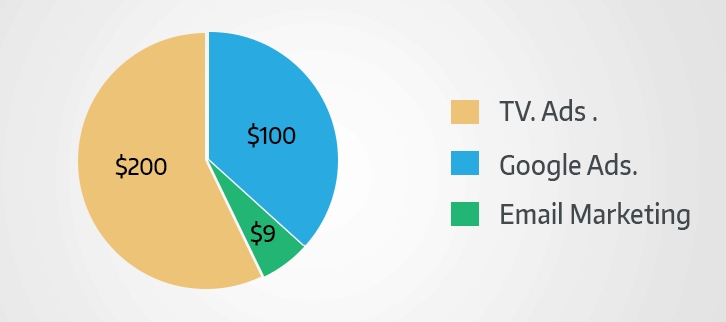
Local television advertisement- It will take $200 to $1500 just for a 30 second commercial
Google Ads- While the Google displays your ad on its search engine, you need to pay $50 * 2 that sums up to $100 for the first 50 clicks.
For local television stations, advertisers can expect to pay anywhere from $200 to $1500 for a 30-second commercial.
Moreover, you straightaway gotta spend 5 hours a day. Are you ready for it?
Email Marketing- Coming to email marketing, you only need to spend $9 per month.
Looking at the above stats, you can’t overlook the fact that email marketing effortlessly curbs the cost. In pursuit of engaging everyone, you may end up losing your target audience. But not in the case of email marketing, cause you only email the ones you are certain of getting converted.
With email marketing, you can curb the costs by directly informing your targeted audience about the product you are selling.
Hassle-free Sharing Of Information

Do you know?- On an average, about 62% of people tend to check inbox for 1-9 times a day.
Now suppose, you have an amazing update of your product and now you wanna inform your users about the same. What are you gonna do?
Mention the update on your website?
How many times a does user visit your website? Very limited in number! However, the emails are checked on a regular basis. Once they receive your emails, they’ll get to know about your update. Eventually, they will upgrade to the latest version.
Plain Sailing When It Comes To Tracking & Analyzing

Curious about the users have read about your latest update? Or Are they aware of the latest discount?
With email marketing software like MailGet Bolt, MailChimp, iContact, etc, you can not only send your users updates via email, but you can also track their activities such as whether the receiver opened the email or not, clicked on the links, or any other actions.
Lesser Efforts Better Results
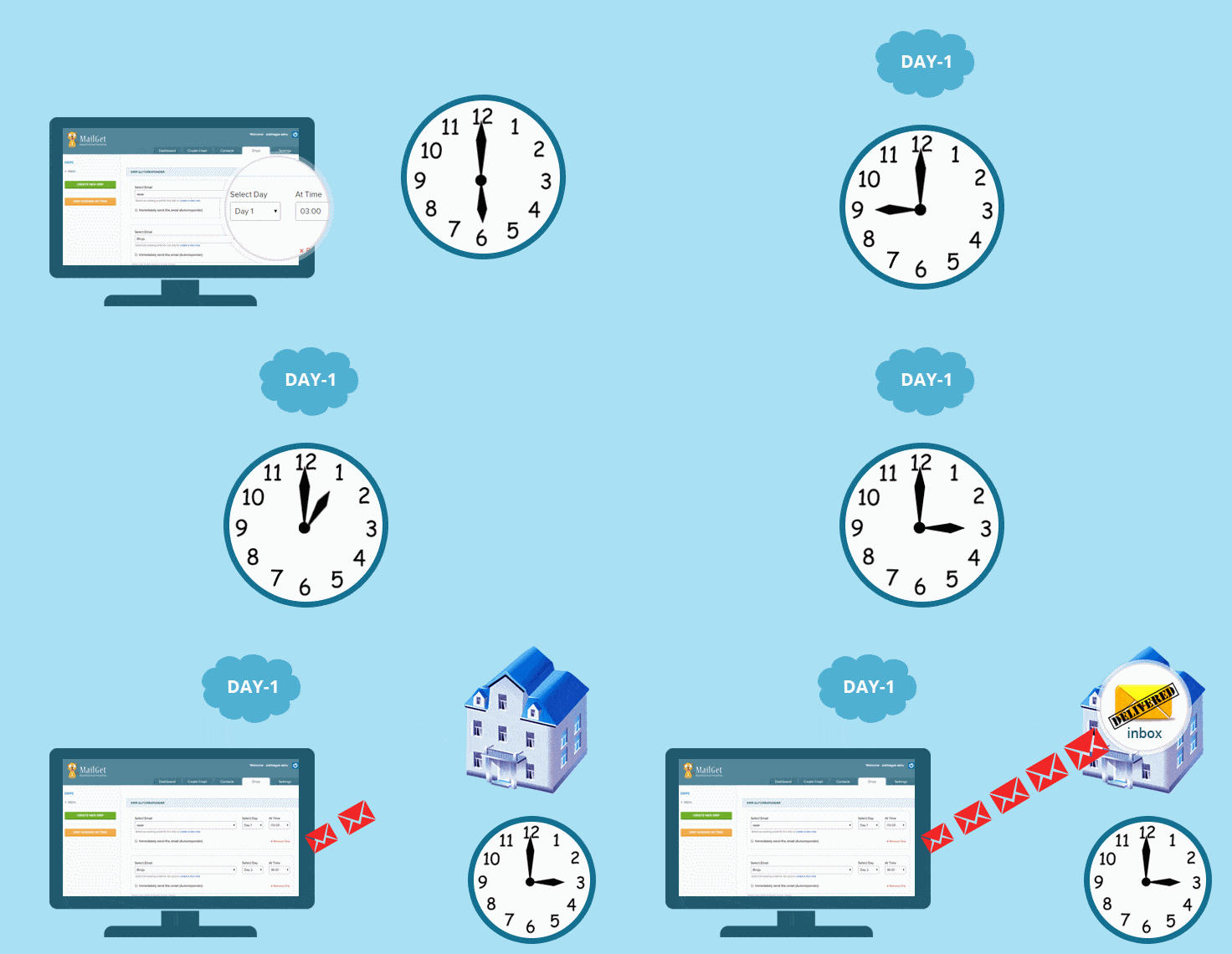
Okay, so you must be wondering what’s up with less effort. With email marketing solutions, you can effortlessly create a list and schedule the time by which you want to start the campaign. Rest is all handled the by the software itself.
The emailing tool will work in automation and send the required emails to all the recipients mentioned in the list. Easy Enough!
On top of all this, there are certain pre-designed templates as well that you can customize according to your business niche & use anytime without any trouble.
Get In Touch With People Across The Globe

Send emails to the target audience that stands a good chance to get converted into the users.
I remember a great line said by one wise man -Sam Walton “There is only one boss. The customer. And he can fire everybody in the company from the chairman on down, simply by spending his money somewhere else.”
That’s exactly how things work in the business. If your customer isn’t aware of the latest trends on your web store, he won’t come to you running out of the blue. You need to reach out the customers at the global level.
A Quick Follow-up
“Just having satisfied customers isn’t good enough anymore. If you really want a booming business, you have to create raving fans.” -Ken Blanchard
How is this possible? It’s very easy. Let me tell you how.
A new user signed up & filled in the subscription form. You can swiftly clone the ‘Welcome’ template below and customize it as you want and send it
This way, you will gain goodwill amongst the audience, have two-way communication and also build trust.
Ease Of Use
You seriously don’t have to be a techie geek in order to start with marketing. For the ones with a little knowledge about how to use applications, email marketing is plain sailing.

Follow the simple steps-
- Log in to the software
- Draft an email
- Create a list of users you want to send email
- Schedule a time you want to deliver emails
- Or just click on the send button.
That’s it! Isn’t it effortless?
Wrapping Up
Here, we have discussed how email marketing is beneficial for business growth. You can get instant results by hitting on the email list of the user. Moreover, you don’t need to go on the hunt for the users that you want to target as with lead generation forms on your website will help to you to garner leads. Further, you can select the desired recipients and start with the hassle-free email marketing.
5+ Best Affiliate Marketing Software | Manage Commission & Sales

Nowadays, every online marketing is becoming a trend be it an affiliate marketing, email marketing, share marketing, etc. In this blog, we will focus on affiliate marketing that helps you to promote your business by the means of affiliates. But to follow the trend, you have to know about affiliate marketing? So, let us quickly take a look at the basics of affiliate marketing.
Affiliate marketing is the platform that helps you to promote your products & services and enrich the sales of business by means of affiliates to earn referral rewards. Simply, we’ll explain you with an example –
If you have a company where you manufacture & sell products and services to your customers. But, you didn’t generate sales as much as you planned!
So, to increase your sales you can hire some affiliates that help you to promote your products & services by referring them to other platforms & eventually generate sales.
I hope to know you can understand about the affiliate marketing. So, now we can discuss on “5+ Best Affiliate Marketing Software” that enables you to generate sales easily.
Here we have done the comparison of services on the basis of some terms –
| Comparison Between Best Affiliate Software | |||||
| Services | Starter Plan | Webhooks | Dunning Management | Custom Checkout | |
| Pabbly Affiliate System | $7/month | Yes | Yes | Yes | |
| Referral Rock | $200/month | Yes | No | Yes | |
| WarriorPlus | N/A | No | No | No | |
| OSI Affiliate | $47/month | Yes | No | Yes | |
| JVZoo | N/A | Yes | Yes | No | |
| ShareASale | N/A | No | No | No | |
| SamCart | $99/month | Yes | Yes | Yes | |
1. Pabbly Affiliate System –
Pabbly affiliate system is the leading software in the stream of affiliate marketing that helps you to increase product sales. This software provides a platform where you can generate business sales by promoting the products & services with the help of affiliates. So that they can easily get their referral reward for every purchase.
In this affiliate marketing software, you get two dashboard options –
1. Merchant – In Merchant dashboard, merchants get different options like commission rule, generate reports, checkout page, affiliates management, add products, etc. that helps to analyze details about every sale. In this, you can provide commissions to affiliates with two basic options like flat or percentage.
2. Affiliate – Affiliates can manage their accounts by having a quick glance on an invoice, available credits, contact & account details along with edit profile option.
Even, this SaaS-based software is also equipped with one of the best subscription & billing management system to manage the sales of products & services.
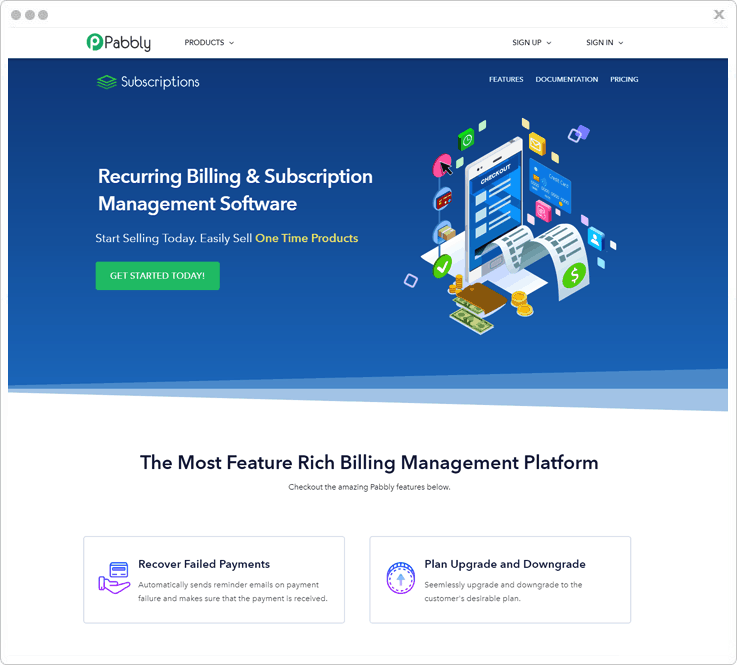
Features –
Email Notification – With this feature, both merchants & customers get email notification for any signup/login, purchase, transaction, etc.
Payout Settings – In this, merchants can provide payout options like instant or manual with payment methods like PayPal and other methods are coming soon.
Cookie Lifetime – This feature enhances the functionality of merchants in which they can decide the time period for a particular affiliate link to provide commissions.
Customer Portal – In Pabbly affiliate system, you can provide customer portal option where your customers can sign-in & create their accounts. Further, with these accounts, they get various options like profile management, invoices, transaction details and more.
Affiliate Target URL – With the help of this targeted URL merchants can easily provide rewards to a particular affiliate for referring their products. Further, these URL enables merchants to reward the associated affiliates for referring/selling their products.
Discount Management – Merchant can create an unlimited number of coupons & provide flat or percentage discounts to customers for subscription plans, products & services.
Besides, you can also avail various features like recover failed payments, upgrade & downgrade plans, checkout page customization, exclusive tax collection, rapid billing (one-time & recurring), sales analytics, API framework, multiple gateways, unlimited invoices and more.
Pricing –
Starter – This plan costs you $7/month where you get features like dunning management, upcoming affiliate system, add 5 customers option, tax management, custom domain, etc.
Rookie – With a cost of $29/month, this software gives you all the features of the Starter plan with additions of 1000 customers.
Pro – In this plan, you get unlimited customers addition option & all the features of both the Starter & Rookie plan with a price tag of $59/month.
2. Referral Rock –
Referral Rock is an all-in-one platform you can use to grow through word of mouth. The software takes a business’s existing relationships, whether it’s customers, affiliates, or partners, and turns them into scalable sources you can rely on for new customers. Referral Rock comes with easy built-in integrations, workflow automation, and reward fulfillment to help put your referral marketing on autopilot. Plus, the turnkey software works for both offline and online referrals, and offers flexible plans to grow alongside your business.
With Referral Rock, there is an admin dashboard (for your business) and member portal (for your referral program members):-
- The new and improved Admin Dashboard makes it easy to understand the performance of your referral program(s). You can access relevant data showcasing workflow and trends, as well as can detect ways to optimize and increase the value of your programs.
- A Member Portal with a clean, modern dashboard that makes sharing and referral management a breeze. It includes separate tabs for referrals and rewards, offers a simple sharing experience across the top platforms, and can be customized to fit your brand.
Features –
Customer referral program: Get more customers from your customers. Customer referral programs give them a reason to share and are typically a two-sided reward, where both the referrer and the friend get a reward.
Affiliate marketing: Affiliates user their reach to give drive referrals and reach buyers. An affiliate can be a powerful brand ambassador and lead source that can be incentivized with recurring rewards and cash payouts.
Strategic partner relationships: Partners use their business connections help introduce you to new customers. A partner program can be effective at getting into deals you otherwise would not have access to. Partners can provide warm introductions and even even meetings for a finder’s fee.
Pricing –
Starter: $200/month, 500 Members, 1 Program, unlimited referrals.
Business: $400/month, 5,000 Members, 3 Programs, unlimited referrals.
Enterprise: $800/month, 10,000 Members, 5 Programs, unlimited referrals.
* All plans come with dedicated success manager to help you build a best of breed referral program, leveraging the expertise gained from helping thousands of businesses.
3. WarriorPlus –
If you want to progress in your business, then you are in the right place because WarriorPlus is the best platform that gives you opportunities to enrich the sales of your website.
You can perform a lot of functions related to brand promotion on other platforms via affiliates & giving them referral rewards for every sale.
This affiliate marketing software also enables you to showcase top products on a daily, weekly or monthly basis. Here are some important elements of WarriorPlus –
Marketplace
WarriorPlus has the simplest marketplace that enables you to get a quick glance on top sellers of last 30 days along with options like search box, products list, etc.
Even, you can also get two different dashboards in this affiliate marketing software such as –
- Vendors Dashboard – In this dashboard option, you get customer management, sales report, commission rule (rule type – time-limited, multi-tiered, affiliate purchase), daily stats and many more options. These options help vendors to present your products & services in an appropriate way by means of which you get an increase in sales.
- Affiliates Dashboard – Affiliates dashboard gives you features like stats, transaction date, product name, sales price, offers, get links, and more that helps you to get more options for promoting products & earn rewards.
Features –
Sales Funnel – This is the best feature of WarriorPlus that enables affiliates to sell more products to the customers by offering other related products to them while selling a particular product altogether.
Product Alerts – You can get instant notifications via email, RSS, or both when the latest products that contain certain keywords related to the product are posted by different vendors.
Launch Calendar – With this advanced feature of this affiliate marketing software, affiliates can schedule the launching of new products to manage their workflow in terms of dates, time, location, etc.
Ads Management – You can purchase & manage ads section with the help of this affiliate marketing software in terms of length, cost, a preview option and more.
4. Omnistar Tell –
OSI Affiliate empowers you to create and generate sales to grow your business easily. In this software, you can also explore sections for resources, customers, contact us, login, blog subscribe section, commission & payouts option, auto signup option, etc.
This affiliate marketing software offers you many features which are useful for affiliate marketing with resources & 15 days free trial option.
OSI Affiliate is the growing affiliate marketing software that works on three principles i.e. integration, attraction & growth. In a descriptive manner, with this affiliate marketing software, you can create an affiliate program & integrate it with your website to promote products & services.
With the help of this integration process, your customers can easily enhance your business by referring it to others. Consequently, with this process of cyclic integration, you get new customers from trusted recommendations.
Features –
Contest Manager – You can organize contests for your promoters to encourage them. So they can promote more products & services of yours on the big platforms to earn rewards.
Partnership Automation – With this feature of OSI Affiliate system, you can promote your products & services by making partnerships with others. These partners help you to increase your sales by promoting you with their audiences.
Automatic Customers Enroll – Easily enable our referral partner auto sign up feature which will automatically register every new customer that purchases from your store.
Tools Integration – OSI Affiliate have some integrations like Shopify, WooCommerce, Drip, MemberPress, etc. that helps you to promote your business.
Pricing –
Basic – With a price tag of $47/month, you get a Basic plan of this affiliate software with features like 20000 tracking requests, directory listing and more.
Professional – This plan costs you $97/month where you get all the features of the basic plan along with an addition of opt-in forms, customizable thank you pages, etc.
Premium – In this plan of $247/month, you get features all the features of both the basic and professional plan and also get 1 million tracking requests, 5000 affiliate users option.
5. JVZoo –
JVZoo provides you an easy to use online affiliate marketing software that helps you to grow your business online. In addition, you can promote the products and services on other platforms via affiliates and give rewards to them for promotions.
With JVZoo, you got various functionalities but the best of them are dual dashboard option –
- In seller’s dashboard, you can facilitate the sellers with multiple options like custom checkout banners options, customer management option, sales funnel and more that helps in easy handling of customers, clients accounts with reports & transaction details.
- Whereas in affiliate’s dashboard, you can provide options like webimates, transactions, etc. that helps you to promote products & services of sellers on a different platform to earn money as a commission from sellers.
Features –
Product Transfer – With this feature, you can transfer products to another merchant/seller for selling the product. This process occurs when both the parties/sellers accept the agreement terms like affiliate relationships, commission rules, sales stats, etc.
Webimates – JVZoo allows you to manage listing of webimates easily. Here, you can request multiple groups to promote your products through their webinars & subsequently decide commissions for each group.
Split Tests – Split testing gives you the most effective way to increase marketing campaign performance. With this feature, a vendor can compare the test results of product and get an insight into related details of the best version of the product.
Ad Widget Creator – With Ad widget creator, you can create & style promotion widgets with different color options, background style, etc. according to your choice.
In addition, JVZoo also comes with custom filtering, product launch list, Zapier and more.
6. ShareASale –
ShareASale is the complete package that comes with features allow you to make your business grow with some exclusive strategies. This software gives sign up/login options for merchants and affiliates.
ShareASale offers you technologies that receive accolades for speed, efficiency, and accuracy. Our objective is to provide an advanced affiliate marketing platform to customers.
Features –
Direct Deposit – This feature of ShareASale is very helpful for you as an affiliate or promoter. With this, you can easily deposit commission into your account which you earn by promoting products.
Deep-Linking Tool – ShareASale comes with a deep linking tool that allows you to create the affiliate program for any particular e-commerce product of your choice.
Video Creatives – You can create & add “how to” or promotional videos on your website to provide information about your business, affiliate marketing and more.
6. SamCart –
SamCart is the affiliate marketing platform that features 1-click upsell, order bump, and payment plan capabilities that are designed to maximize profits from every sale.
Features –
Order Bumps – You can increase your sales by letting customers to easily add multiple products at checkout page without creating a new one.
Email – With this feature of SamCart, you can easily manage your customers by communicating with them. This affiliate software also offers you different tools like MailChimp, Aweber, Convertkit, and more for email communication.
Free SSL Certificate – Confidently create secured checkout pages that are completely SSL-certified and served via HTTPS.
Subscription Saver (Dunning) – In addition, this software allows you to automatically recover failed subscription payments with this easy way and also allow subscribers to update their credit card info.
Pricing –
SamCart comes with two estimated plans.
Pro – It costs only $99/month in which it includes advanced stats & reports, prospects (cart abandonment), 1-click upsells and more.
Premium – In this plan of $199/month, you can enjoy all the features of the PRO plan with some additions like the affiliate center, dedicated training & support, subscription saver (dunning).
Conclusion
Above, we gave information about “5+ Best Affiliate Marketing Software” that will always help you to enhance your market value. All these software comes with basic along with some unique features that will make your affiliate business stand out.
You May Also Like:
5+ Affiliate Program Software | Manage Sales Commission
Affiliate marketing is the buzz of the town! Its an amazing way of earning some extra income, its a great chance to the increased sales of products and services and what not!
In a single line, affiliate marketing is a perfect example of ‘give and take’.
In affiliate marketing, the merchant can invite and work with third-party marketers. These third-party marketers promote the products or services and in return get the paid in form of commissions per sales, or action of users like sign up, click rate and more by the merchant. And this ultimately leads to the increased sales of the products or services of the merchant.
So, there’s like nothing to lose and a lot to gain!
However, affiliate marketing is easier said than done if you are not using the right tools or the right affiliate marketing software.
Now, an affiliate marketing software becomes a centralized system for the interaction of promoters and merchants. Here, the merchant can provide banners and promotional links to the promoters, can track the sales, can do the payouts and a lot more.
Also, the affiliates or the promoters can get the unique affiliate links for various products which they want to promote, can track the commissions, clicks and sales, and can get the payments accordingly and the list goes on.
Here, we are listing best software for affiliate system. These software comes with multiple features to create a powerful yet easy to use system for both the merchants and affiliates which allows complete tracking of affiliate details, commissions for both the merchants and promoters, easy payments and more through a sorted dashboard.
Let’s Start A Quick Comparison Between Best Affiliate Program Software
| Comparison Of Best Affiliate Program Software |
|||||
|
Features⇒ |
Pricing Details |
WebHooks | Dunning Management | Subscription Management | |
| Pabbly | $7 per month | ✔ | ✔ | ✔ | |
| FirstPromoter | $49 per month | ✔ | ✖ | ✔ | |
| ThriveCart | – | ✔ | ✔ | ✖ | |
| Affise | $299 per month | ✔ | ✖ | ✖ | |
| Avantlink | – | ✔ | ✖ | ✖ | |
1. Pabbly Affiliate System
Our team did constant research on the best affiliate program softwares in the market and found Pabbly Affiliate System to be the best.
So, this is a powerful affiliate software which comes integrated with the Pabbly Subscription in the subscriptions management module. And that’s the USP! There’s is no other product in the affiliate market which gives you the power to handle subscriptions and affiliates in a single package.
Basically, this software is for creating a convenient yet dynamic affiliate system, where the merchant and affiliate both can easily manage and monetize their work.
It’s an absolute treat for the user as it’s too easy to understand and to use as compared to the other software in the market.
Features For Merchant:
- Add Unlimited Products, Manage and Track The Results:
As a merchant, it allows you to add unlimited target URLs, and then provides the complete managing of all the affiliate, sales and tracking of all your affiliate transactions in a glance. - Cookie Lifetime:
Here, a merchant can set the numbers of days for cookie lifetime. Basically, this is the minimum number of days untill which the user’s cookies get saved through the affiliate link. So, this makes Pabbly Affiliate System the best pick. - Add Unlimited Commission Rules:
You can create unlimited commissions rule for different or all products, for a particular or all affiliates, for a selected or all the plans. - Payments Made Easy:
The merchant can set commission type for the affiliate, it can be flat or on a percentage basis, even for recurring payment. Also, it has PayPal gateway for the secure and easy payments and the merchant can do manual payments as well.
Feature For Affiliate Or Promoter:
- Track The Complete Transactions:
In Pabbly Affiliate System, a promoter can track the all transactions details with reference ID and amount. - Track The Payments And Credit:
In Pabbly Affiliate System, an affiliate can track the status of pending commission and available credit balance in their affiliate account. - Get Invoices:
Also, the affiliate gets all the automated invoices on every payment and all these invoices can be further tracked by the due date and amount details. - Customize Profile:
Here, they can easily customize their profile settings. Further, the affiliate can update the personal information, contact details and shipping address.
Pricing Details:
- Basic Plan:
You will get this plan in only $7 per month with this you can add 50 customers, supports 25 currency etc.
- Rookie Plan:
Buy this plan in $29 per month, with this merchant can add 1000 customers and unlimited products etc.
- Pro Plan:
Get this plan is $59/month in which merchant adding unlimited customers, also features like dunning management, custom domain, client portal and many more.
2. FirstPromoter
This software has secured second place in our affiliate list.
As this software has quick integration by API with Stripe, Recurly, Braintree, Chargebee. It’s too user-friendly, so, you can easily launch an affiliate system in the browser in just a few clicks.
FirstPromoter Is SaaS-based software, so you can don’t have to worry about the data storage, all your data in stores in the server.
Also, it is has a PayPal mass feature in it so, the merchant can pay hundreds of your affiliates just in a minute.
Features For Merchant:
- Powerful Dashboard:
This software has powerful admin dashboard, the merchant can track the status of total revenue generated, number of visitors, total signups and many more.
- Pre-made Email Templates
This software sends automatically pre-made templates to their affiliates. The merchant can also customize the emails and engage them by sending a notification when the affiliate get new reward and commission, and if they reach the campaign target and many more occasions.
Features For Affiliate:
- Help To Maximize Partnership:
This tool also helps in creating a new partnership in affiliate marketing, here you can send the invite to other companies and started the cross promotion.
- Promoter Dashboard:
A separate client portal is provided to the affiliates, where the affiliate can check the stats of commission and rewards. Also can customize the logo, favicon, background colour and buttons and text colours.
Pricing details
- Starter Plan:
In only $49 you can get this starter plana and you are entitled to features adding 1000 promoter, add maximum 2 campaigns and custom referral link etc.
- Business Plan:
pay $99 and get this plan for your business, create own Email templates, and add 10,000 promoters.
- Enterprise Plan:
pay $149 and you can get all the features of this software like custom CSS, use your own domains and many more.
3. ThriveCart
Thrivecart is another a powerful system for affiliate software as well as subscription management. Also can promote physical products, digital products and services. The merchant can integrate many most popular software like PayPal, Zapier, Stripe, Mail and many more.
Features For Merchant
- One Click Sales Funnels:
Here, the merchant can create sales funnels with some click, sales funnel is a system where you can promote your product to your buyer.
- A/B TESTING:
A/B testing is also known as split testing, this is a process in which testing the product in the market in different variables. So, you can create a product with perfection.
Features For Affiliate Or Promoter:
- Sales Track:
The affiliate can easily track the stats of sales, gross commission, number of clicks and many more things on the dashboard.
- Automation In Payment:
The dashboard of the merchant is fully automated, all payments can transfer automatically to the promoters. So, affiliate can never face the problem of delay in payments.
4. Omnistar Tell
This OSI Affiliate software is easy to set-up system and comes with many features for creating a powerful affiliate system for your company.
OSI Affiliate has experience of 13 years in this affiliate market and the second amazing thing is right now, OSI working with 16,000 popular companies.
You can also integrate it with multiple products Shopify, MailChimp, Foxycart, CampaignMonitor, and many more popular apps.
Features For Merchant
- Live Chat Support:
The people behind the screen of OSI are very experienced and also supportive for their customers. OSI gives you the live chat support system to their paid or also non-paid customers.
- Social Share Widget:
Here, any social media users can promote your business products by just singing-up with their email address, this will help to increase your sales is a massive amount. The users of Facebook, Twitter, LinkedIn can promote the products.
Features Of Affiliate:
- Trusted By Leaders:
OSI works with too many leading companies like NinjaOutreach, Piktochart, Solar Royal, CISCO, AddShoppers, TREK and many more. So, the affiliate can promote the best products and start their earning.
- Email Templates:
This software comes with prewritten email templates. So, the affiliate can use to send emails to customers and maximize products sales.
Pricing Details:
OSI has Multiple plans of monthly and annually. So, you can choose which suits you best.
- Basic Plan:
Basic plan comes in only $47/month and 470/annual with 20,000 tracking request, adding 200 affiliate user’s etc.
- Professional Plan:
Pay $97/month and 470/annual which includes 5,00,000 tracking request and 1,000 affiliate user’s etc.
- Premium Plan:
Pay $247/month and $2470/anual which includes one million tracking request and 5,000 affiliate users and customizable thank you page.
5. Affise Affiliate
In Affise affiliate marketing software, the merchant can add multiple affiliate programs, manage offers, and almost all activities in it only takes a couple of clicks.
Also, the people behind the screen are very supportive and give run time support even to non-registered customers.

Features
- Trust Worthy Merchants:
Affise provides you with the best and trustworthy merchants. So, any affiliate picks any right product for their platform and promote it, and earn a great amount of money. Here, list of some most popular merchant in Affise software Demio, Better Proposals, Vervoe, Omnify, Quaderno, Zorka. Network and many more.
- Parallel Tracking System
Parallel tracking is a system in which the visitor directly come to the landing page, this system will optimize the load time.
Pricing Details:
Affise comes with different plans:
- Professional Plan:
Pay only $299 per month and get this plan with 10,000 tracking conversion, 1 000 Impressions, and smart links etc.
- Enterprise Plan:
Pay $499 per month and get this plan which includes 40,000 tracking conversion, dedicated account manager etc.
6. AvantLink
Avantlink is another powerful affiliate services in our list.
As this software has in-built app store which is developed by Avantlink peoples. You can find out every many relatable apps to affiliate in this app store.
Also, Avantlink always ready to support you, they give responsive support to their customer and newbies.
Avantlink has experience of 13 years. So, the leading merchants trust them for their constant quality works in the affiliate market.

Features For Merchant:
- Real-time Reports:
Here, the merchant can easily monetize all the details on sales, clicks and impressions for each affiliate in real time. So, you can also take any action instantly.
- Custom Tracking:
The merchant can create tracking links for any target page on the dashboard with ease. Also, add the links for the affiliate.
Features For Affiliate:
- Leading Merchant:
Avantlink is working from almost 13 years in the affiliate. So, this software can gain the trust of these popular merchants like Patagonia, Cabela’s, Shop.com, Active Junky, ID.me, The Good Ride and many more.
- Robust Affiliate dashboard:
Avantlink software comes with separate affiliate dashboard, where you can check the stats of all you referred links, total sales did by your links, pending commission, received commission and many more things in a glance.
Wrapping Up
Now, we are done with our listing of best affiliate program software, I hope after this you don’t want to go anywhere for searching about this.
Lastly, select the product which suits you best of our list.
You May Also Like:
5+ Software For Affiliate Marketing (Manage Your Referrals)
“Affiliate marketing is a way to successful marketing. And software for affiliate marketing is much like a vehicle you arrive in.”
Let’s understand it this way –
You created a great product. Yay!
Want to sell it. Ovio!
Not getting as much sale as you want. Sad!
Let an Affiliate help you. Okay!
The affiliate will promote your product. Great!
They got a commission. Good!
You got more traffic & more sales. Wowii!
Managed everything. Great!
Now, you gave the product to more affiliates. Okay!
They got their commission. Happy they!
You got more traffic, more sales, Yay Yay!
Management overhead. Worries!
Complexion overhead. Again a worry!
No need to worry.
Here comes a Software For Affiliate Management & Automation. Hero!

Go ahead & submit your product to the software. Simple!
Consequently, your product was distributed to several other promoters.
You got more sale!
Much more traffic!!
Zero management!!!
And no complexion!!!!
Everything automated!!!!!
That’s how to do it like a PRO.
Now, you must be eager to know about the best software for affiliate marketing.
So, for your convenience, we’ve listed the best affiliate management software.
| Comparison Of Softwares For Affiliate Marketing | |||||
| Service | Starter Plan | Subscription | Webhooks | Ratings | |
| Pabbly Subscription | $7/mo. | ✔ | ✔ | 5.0/5.0 | |
| Tapfiliate | $69/mo. | ✔ | ✔ | 4.8/5.0 | |
| AvanGate | Free | ✖ | ✖ | 4.6/5.0 | |
| Ambassador | N/A | ✖ | ✔ | 4.4/5.0 | |
| MyAffiliates | N/A | ✖ | ✖ | 4.5/5.0 | |
| SamCart | $99/mo. | ✔ | ✖ | 4.6/5.0 | |
1. Pabbly Subscription
Really a subscription software?
Yes, it’s a premium software for subscription & billing which also provide affiliate tracking & management.
If you are in a little need for a payment & subscription software then you can make the best use of this software.
It’s not just a combo pack. The reason behind “Why it topped the list?” is that its the cheapest software amongst both the affiliate & subscription software.
Moreover, you get all the functionalities required in an affiliate management software like unique URL for every affiliate, set payout setting accordingly, get reports, and much more.
Pricing Plan:
Pabbly subscription offers the affiliate program in all its three cost estimate plans.
- Starters – The starter plan can cost $7/month for about 50 customers.
- Rookie – A rookie plan can cost $29/month for around 1000 customers.
- Pro – The pro plan will cost $59/month for unlimited customers & all the premium functionalities.
Key features of Pabbly Subscriptions at glance:
Two Dashboards – It has two dashboards one for the sellers & another for the affiliates.
The seller’s dashboard has options like affiliate settings, commissions & clicks result along with the subscription settings.
Whereas, the affiliate dashboard has information related to subscription, invoice, transaction, profile, stats & affiliate profile.
Both users can efficiently manage their campaigns through this service.
Separate Settings – The general settings for the merchant will let you set the affiliate signup URL, cookie lifetime & the payout settings. Further, there are many other settings related to commissions & clicks.
The settings for the affiliates will let a promoter to view the subscription, invoicing, transaction & his profile details.
Payout & Commission Settings – In this section, a merchant can select the payment options such as PayPal. They can also set the payout type as instant or manual.
Moreover, a merchant can add new commissions rules. Also, they can set the commission rule as flat or per cent for billing & rebilling.
2. Tapfiliate
Tapfiliate is a subscription software to create, track & grow your affiliate marketing program easily. Whether you have an eCommerce store or a SAAS company, Tapfiliate integrates smoothly with your website with over 30 integrations.
With a great user interface, Tapfiliate offers all of the features that you would expect, including in-depth reporting, branded affiliate pages, and automation for your workflow.
Pricing Plan:
Tapfiliate offers 3 different pricing plans.
- Essential: The essential plan costs $69 per month
- Pro: The pro plan costs $149 per month
- Enterprise: Enterprise plan pricing is provided on request and starts from $499
Key features of Tapfiliate:
Quick & Effortless Integrations – You’ll get more than 30+ integrated eCommerce platforms and payment platforms. Shopify, WooCommerce, and Stripe are a few of the platforms they are already integrated with.
In-depth Reporting with Intuitive Dashboard – See detailed reports and separate them by campaigns, affiliate name, conversions, clicks and more. Optimize your affiliate marketing program using data from your campaigns. Export your data easily.
Affiliate Recruitment – Invite customers to become affiliates and harness the power of word of mouth marketing. Your customer’s experience and interest in your product will help you gain more customers – word-of-mouth marketing is powerful.
Exceptional Support – Tapfiliate has a 93% customer satisfaction rate and quick turnaround time for messages. Easy to contact & quick to reply.
Professional Learning Resources – Tapfiliate has learning resources written by affiliate marketing experts. Easily learn more about affiliate marketing, referral marketing or influencer marketing and how to manage your programs.
Your Branding – You get a white-labelled, branded sign up page to add to your site, send to your affiliates, or send to your customers. Your affiliates will get their own branded login and will be able to see their results including clicks, commissions and more.
Self-managed Affiliate Program – You manage your own affiliate program – you are in control. You choose your affiliates and who gets to promote your business including your own customers, influencers or bloggers.
Personalized Referral Links & Coupons – Giving your affiliates personalized coupons and links will help your affiliates feel an affinity to your brand.
Shareable Posts for Social Media & Manage Banners – Add shareable social posts and banners for your campaigns in one area.
Automate & Scale Workflows – Zapier automation enables you to automate managing your affiliate program
Free 14-day trial & no tie-ins: cancel at any time.
3. Avangate
You can establish your brand with the premium Avangate tool. It is an affiliate network for global distribution of digital goods & services.
However, you can quickly become an associate through simple signing up in its domain.
Pricing Plan
Avangate is free to use. And at present, it is offering three contest namely Movavi, Bitdefender’s, & IObit. You can join them for commissions & get coupons.
Some features of Avangate service:
Steady Revenue – The merchants can set the commissions up to 75% & constantly provide some special bonuses for the affiliates. Moreover, you will also get paid for the license renewals.
Traffic & Conversions – The affiliate account contains marketing materials such as banners & data feeds to boost your sale. In addition to this, you can always seek guidance from the affiliate experts that it provides.
Additional Resources – This service avails multiple resources to help you grow your business. It provides on-the-fly reports with specific figures, weekly newsletters along with the fresh offers & dedicated support.
4. OSI Affiliate Software
OSI Affiliate Software helps you not only engage with your current customers but find new members to sign up for your referral system. Our competitive pricing gets you to access a number of features. Unlike other services on the market, there are no surprise fees; there are no transaction fees for using the service.
Turn your best customers into your top promoters! It would be easy for you to recruit and empower customers, affiliates, and influencers to promote your brand. OSI has everything you need to start an affiliate program to allow your customers to promote your brand across social networks. By enabling social sharing, you can add pre-written posts with graphics for your customers to share on all the major social networks. This makes it super easy for them to promote with very little effort.
To find out who your most loyal and satisfied customers are, OSI has included a FREE bonus survey tool that will allow you to find out who will be prime for referring others. You can send out an email to all of your customers and ask them how likely they would be to refer to others. Based on their response, you can automatically sign them up for your referral program.
Pricing
Pricing starts at $67 per month that comes with a 15-day free trial.
Some highlights of OSI Affiliate Software:
- Your customers can easily promote on Facebook, Twitter, and Linkedin.
- Assign all your customers and influencers promo codes so they can easily promote on Instagram and other social networks.
- Easily find your most loyal customers by sending out a one question email survey.
- Done for you referral landing page templates.
- Integrates with thousands of apps.
5. Ambassador
Ambassador is a software for modern affiliate marketers to create custom campaigns. It is a premium service which ensures valid brand ambassadors to promote your brand or product.
It provides multiple design templates. Meanwhile, it also allows you to customize your campaigns using custom branding & white labelling.
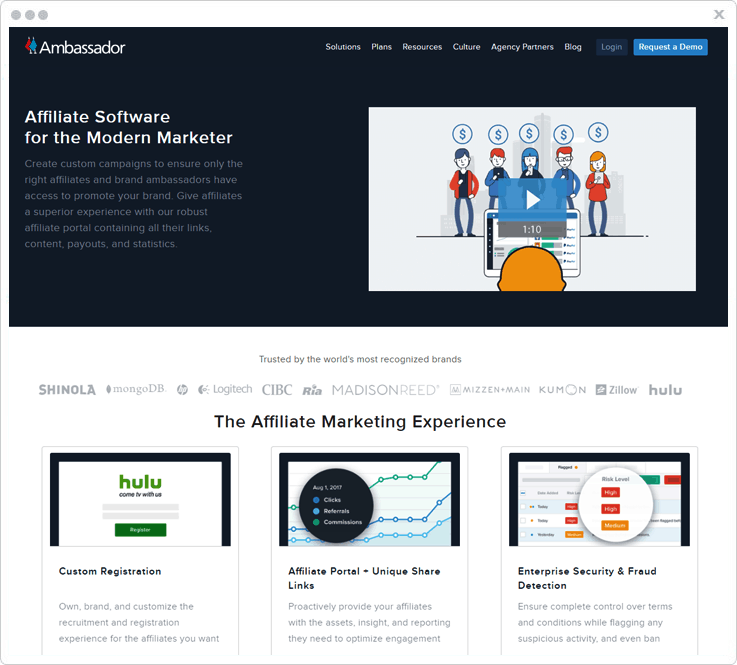
Pricing
Ambassador has three cost estimate plans in particular-
- Starter – The starter plan is a perfect match for the programs that need real-time changes. The real-time changes are possible using the Visual Editor.
- Professional – The professional plan is perfect for mid-to-large size companies. However, you can also integrate it into an existing tech stack.
- Enterprise – The enterprise plan is mostly used to manage the omnichannel affiliates globally.
Some highlights of Ambassador software:
Automated Payouts – You only need to set the payout at once & after that, the payouts will be fully automated. Also, it supports cash payouts.
Team Roles – Using this service, you can work in a team for your affiliate program. Also, you can easily assign team roles to the team members based on their priorities.
Global Reach – You can reach a global audience as the service is multilingual, support multiple currencies & also supports webhooks.
REST API – Ambassador presents an open REST API for further code customization.
6. MyAffiliates
It is a software particularly designed for online betting, gaming & financial businesses. MyAffiliates is trusted as one of the highest volume affiliate programs on the internet.
Along with the management of affiliate, customer, media it also provides 7 different kinds of reports and commission plans.
Pricing Plan
For MyAffiliates pricing plans you must contact the sales team of this service.
Some specialties of MyAffiliate Service:
Affiliate Management – This service offers individual dashboard & statistics report for the registered affiliate. The affiliates can access & manage every granular information.
Customer Management – It renders performance reports, information of the conversion channel and various other customer management aspects.
Bulk Emailing & Ticketing – This platform offers a great range of fully custom automatic emails & also support bulk emailing. Furthermore, it caters an individual ticketing system for one-to-one relation with the affiliates.
7. SamCart
SamCart is a checkout platform for the online affiliate experts. By the efficient use of this service, you can boost up the backend revenue, & also can drive repeat sales.
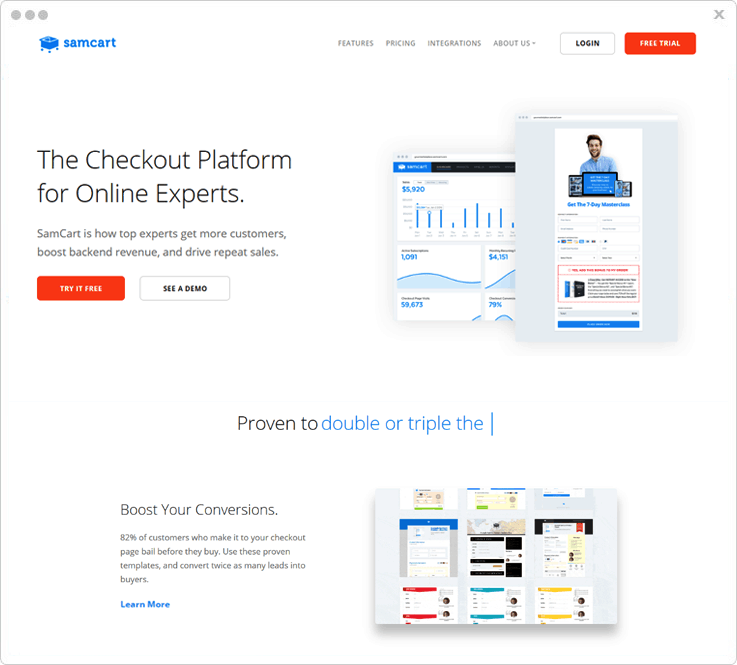
Pricing
SamCart offers two cost estimates.
- Pro – It has a most selling plan of $99/month.
- Premium – The premium plan costs $199/month with dunning, dedicated training & support.
Some peculiarities with SamCart software:
Simple To Use – It is an easy-to-use software for almost everyone whether it is a seller or a customer. It has features such as order bumps to add another product at checkout. One-click upsells to offer an update, A/B testing to identify and roll out the upsells. And payment plans to let your customer pay over time.
Settings & Customizations – This software avails 18+ checkout page templates. However, you can customize them anytime. It provides checkout popups so that your customers can pay you right from the product page.
Additionally, to build trust amongst your audience you can add photos, benefit bullets, testimonials & guarantees.
Integrations – SamCart supports almost every integration. Also, it is integrated with Zappier so as to connect with 750+ more tools easily.
8. Impact
The impact has brought together three different technologies as premium software for affiliate marketing. All the three software work together to measure, manage as well as optimize the affiliated investments.
Additionally, you can assign leader rolls to your teammates and work as a team. Also, it facilitates various reports & stats for data insights & decision making.

Pricing:
You must contact the sales team of the service for the pricing details.
Some characteristic features of Impact:
Forensiq, Altitude & Radius are the three technologies that are combined to form software for excellent affiliate marketing. The functionalities include-
Fraud Detection – To identify & block the malicious activities it uses various methods. They are full-funnel fraud detection, mobile & video fraud, data transparency & comprehensive view abilities.
Real-time Analytics – To boost your marketing ROI it makes use of the omnichannel insights. Meanwhile, it shows real-time customer behaviour & site analytics.
In addition to this, Impact facilitates a report builder for custom report building with visual time comparisons across a variety of standard and calculated metrics.
Reach Out Globally – The Radius is a versatile module to easily adapt in accordance with every partner of this service. It supports tracking & managing unique channel partnerships. Above all, it’ill help you expand globally by simple functionalities settings.
Conclusion
You could choose any service listed that best suit your business requirements. Personally, the first one is what sticks with me the most.
Hope you get what you came for.
Do comment below for any further questions & queries.
You May Also Read:

