

If you want to add a feature-rich online calendar functionality to your website then the collection of this blog on Best Selling Calendar PHP Script will be helpful for you.

Yes, PHP calendar script is a great option to add versatile calendar feature on your website. The script allows you to manage all your event management tasks, appointments times or dates etc. In fact, it also manages the upcoming Quizzes details, projects details and many more in one place.
And thus, the online calendar scripts listed in this blog does all the works which are mentioned above, also they are handy for organizations of any size to help team members to share events & tasks and keep each other updated about every detail either it is for events, project details, appointments etc.
Their usefulness isn’t only limited to companies but also the artist, writers, performers, bloggers and any other individual can use it for their convenience. These PHP scripts let you integrate the booking engine into any web page – HTML, PHP. ASP, JSP, etc.
Moreover, these scripts also provide an option to the users if they want to register themselves for any of your events. They can also purchase tickets, and integrate your website calendar with a service like Google calendar.
So, dive into the blog and find the best Selling Calendar PHP Script which fits your requirements. Meanwhile, you can also visit few more blogs we’ve attached below for your business purpose.
1. PHP Events Calendar Control: Datepicker Script In PHP
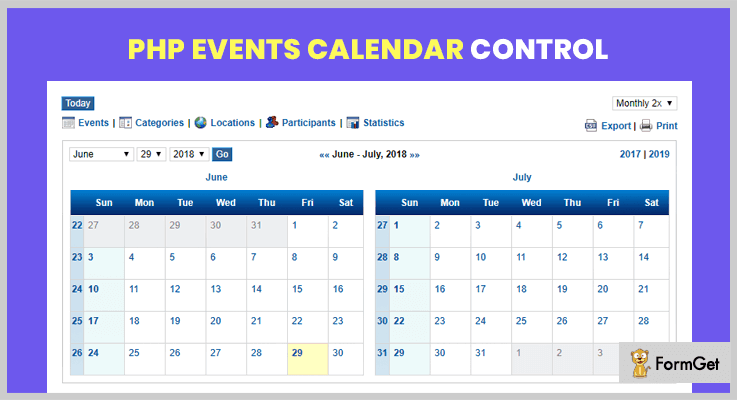
PHP Events Calendar Control script is a complete solution for all of our calendar needs. It offers a wide range of features, such as publishing and viewing calendar events, event schedules details and overall statistical information of your events in a user-friendly design layout.
This calendar script is very simple to install, and can easily get integrated into your website. It has clean, clear and user-friendly navigation which provides your user a better experience.
Other Useful Features:
- There is an option to display the two calendar on one page ( i.e. Small & Big calendar).
- You can set events and can view the events in various ways such as daily, weekly, monthly, yearly and list view basis.
- It contains DIV element to divide the HTML document into section so that you will be able to add more event forms.
- Exporting data feature is available so you can easily export event details via CSV, XML or iCAL file format to the other location.
- You can also print the details of each event via print the page option.
Pricing Details:
PHP Events Calendar Control provides its regular license at $23 with 6-months support whereas its extended license will cost you $125 with 12-months support.
2. Gcal: Add Google Calendar Event
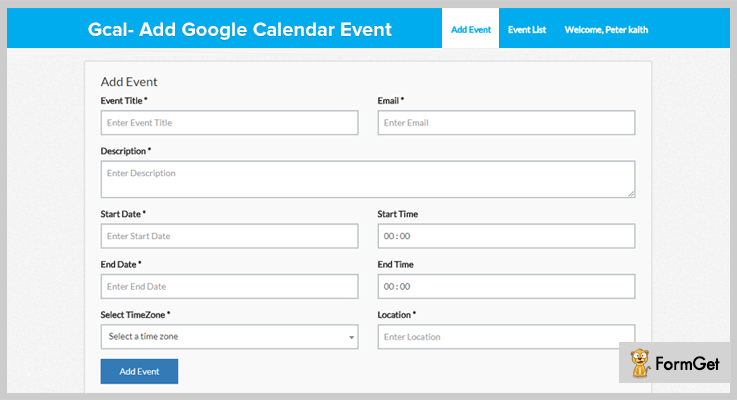
Gcal is another powerful PHP calendar script which is growing in popularity today. It allows you to add Google Calendar Events easily or directly to anywhere on your webiste. Also, it permits you to create and edit events according to the requirement. The event locations, email id of users, start or end date, time slot etc can also be added in Gcal.
It is simple to install and can easily get integrated on other projects. Moreover, it also enables you to make a video call with your customer by using join meeting button.
Other Useful Features:
- It provides the options of an event listing management and event updation to make event details up to date.
- By using Gcal you can get a daily agenda on your email if you don’t want to constantly check your calendar.
- It has an ability to send bulk email to all your attendees to remind them about tomorrow or future’s events.
- With its popup feature, a user can easily and instantly view the event details.
- There is a countdown timer is available for the next event or upcoming events.
Pricing Details:
Buy its regular license at $15 with 6 months support & future updates. Or, to avail more benefits of it, you can buy its extended license at $175 with 12-month support.
3. Caledonian PHP Event Calendar: Datepicker Script In PHP
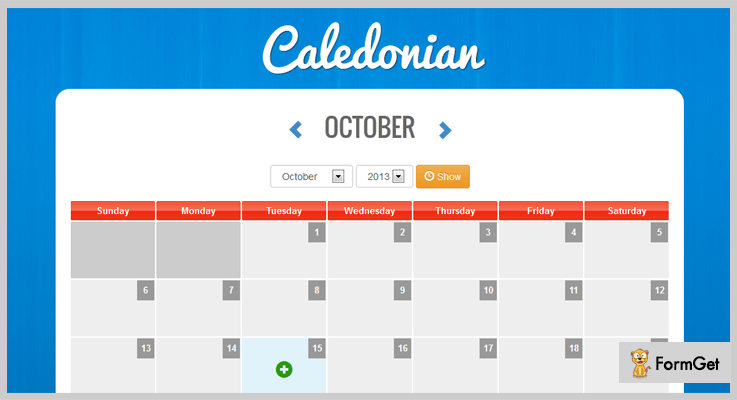
Caledonian is one of the best choices for event calendar purpose which is a user-friendly PHP based multi-user calendar/scheduling script. It comes with so many advanced features like timeline option, shared calendar’s details option, event reminder facility and so on.
This is fully customizable and it takes only a while to integrate into your application. You just need to have a web browser or HTML5 supported mobile devices.
Other Useful Features:
- On its dashboard, you can find various options like mini calendar visibility, upcoming events, today’s event, and language translation option.
- You can set an event reminder by using its event reminder functionality.
- There is a note icon is available to make any kind of note just for remembrance.
- It supports Bootstrap style customizable feature.
- Supports WYSIWYG editor for better user experience.
Pricing Details:
This powerful PHP event calendar will cost you $17 if you will buy its regular service. Moreover, if you want to get its more extended features then you need to buy its extended plan at $70 only.
4. Tiva Events Calendar For PHP: Time Slot PHP Script
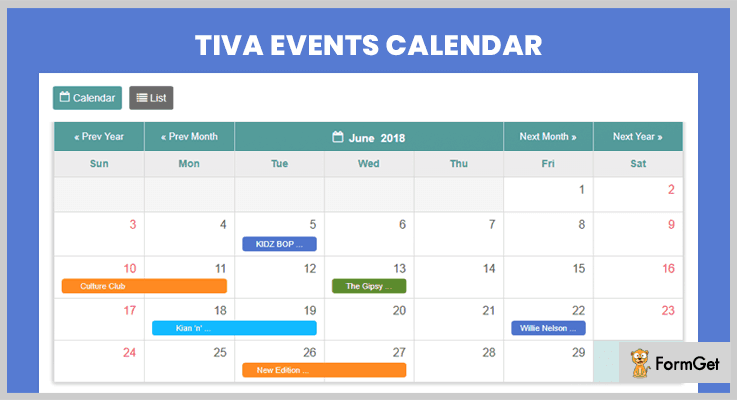
Tiva event calendar is the most versatile PHP calendar script which allows you to manage and display all events on a calendar. It is flexible in use and very easy to install and can get easily integrated into your website. You can display the events on a lively basis also you & your user can quickly view event information via tooltip interface.
Other Useful Features:
- It provides full layout as well as a compact layout of the calendar so you can set the calendar according to your need.
- This PHP script is available in JavaScript, WordPress, and Joomla version also.
- It is fully customizable so you can customize it whenever you want and it can be put anywhere on your website.
- You can view events via calendar or list style option.
Pricing Details:
Get all the above features of PHP event calendar script at $19 which is its regular license or you can also get its extended plan at $95 for more extended features.
5. PHP LBEvents: Event Calendar PHP Script
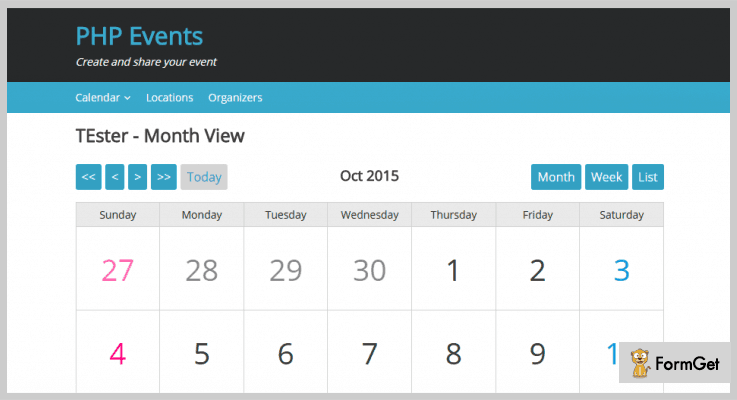
PHP LBEvents is a versatile PHP script that will allow you to create and manage events to display on a calendar. It enables you to create limitless calendars for every event. You can create those events with its settings and drag & drop widgets for the sidebar. The script includes various social networks like Facebook & Twitter links so you can share the events on your social network as well.
Other Useful Features:
- It provides 3 inbuilt widgets for event lists, user’s timezone, and user’s location details.
- You can manage media by easy to upload images on event section, location, organizer section etc.
- Provides map on every event for the user to get the exact locations.
- It supports 3 layout views such for Month event, Weekly and Day event.
Pricing Details:
Get this PHP script for the calendar at $16 which is its regular license and buy its extended license at $80.
6. Weekly Calendar: Time Slot Booking Calendar PHP
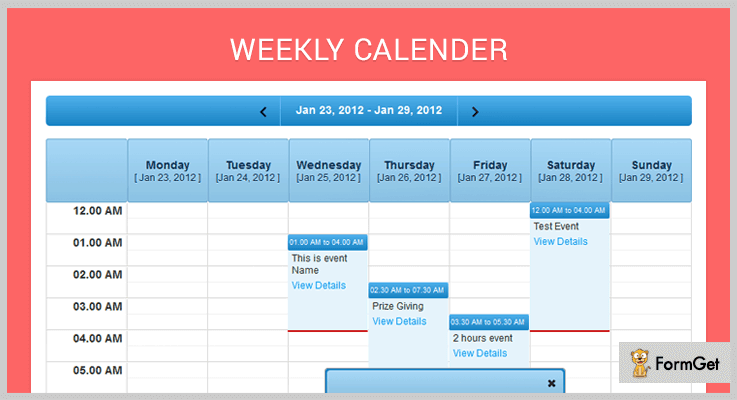
Weekly Calendar is a simple PHP script which can be used to manage and display your weekly events in your website. This allows you to add, edit and delete events through its admin panel. Moreover, you can also display the event’s start time as well as end time with the full details of events via the popup section.
Other Useful Features:
- It has an ability to display the events by categories, locations, participants or statistics.
- Gives you an opportunity to create an unlimited number of calendars.
- It stores and searches client info, contact details etc.
- Supports multiple languages.
Pricing Details:
This predefined script will cost you $11 for its regular license and provides you unlimited feature & functionality.
Conclusion:
So these are the 6 best Selling Calendar PHP Script of 2018. You can schedule bookings, events, quizzes and many other things online by sitting at home. Generate appointments in real-time, connect with customers and maximize your schedule with these PHP Scripts.
I hope one of these great products will definitely hold your interest. So, what experience do you have after using these scripts, share your thought with us in the comment section below!
5+ Best Selling Live Chat PHP Script 2022 | FormGet

We all are aware of the facts that live chat PHP script, Live chat support systems and customer chat rooms on a website very essential. As they help you attend customer who wants to know more about your products, business, and services that you offer.
So, it is pretty necessary to have a live chat service which looks great and facilities you customers as well as support agents.
In this blog, we are going to talk about Live Chat PHP Script that will help you add an attractive chat box on your website with ease. Most of the Live Chat PHP Script that we have defined here offer facilities like responsive design, multiple chat support, chat room customizations, conversation history, offline messaging, cross-browser compatibility, and more.
You will also find support systems that are capable of handling multiple accounts simultaneously and auto response to visitors queries on the basis of his/her input.
In addition, we have also done a good research and testing to dig out PHP scripts that are affordable, effective and helps you attend more and more customers online.
But before diving in the details have a look at the blogs below:-
1. WebSocket Live Chat
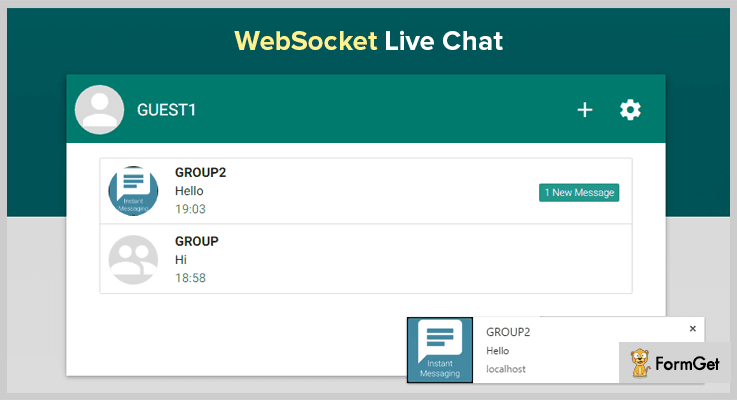
WebSocket Live Chat PHP Script is a responsive support system developed for websites, which is suitable for social messaging and live support systems as well.
It has got easy to use dashboard through which each and every visitor details like the number of members, number of accounts, online guests and users information like last user, date time and conversations related details can be monitored.
This Live Chat PHP Script comes with chat demo, admin panel, and a fully explained documentation.
Pricing:-
- The first plan holds regular features which will cost you $20 and give you 6-month support.
- Next plan comes with extended services and facilities which is priced around $125 and gives you demo access, admin panel, and documentation as well.
Features:-
- This Live Chat PHP script has a user-friendly dashboard which provides online and offline user details like the number of online accounts, online members, online guests and registered accounts, etc.
- With WebSocket live chat system you get options to share different types of files on the chat room like the photo, video, doc file, audio as well as locations.
- It is an instant messaging system which provides sound and desktop notifications, allows you to conduct personal as well as group conversations.
- This Live Chat PHP Script permits you to ban users and IP’s on permanent & temporary basis.
- It’s a simple live chat system with which you can create groups, add a profile pic, change group name, list online user, get online & offline user details and more.
Click For Details On Live Chat PHP Script
2. iChat – Live Chat PHP Script & Support System
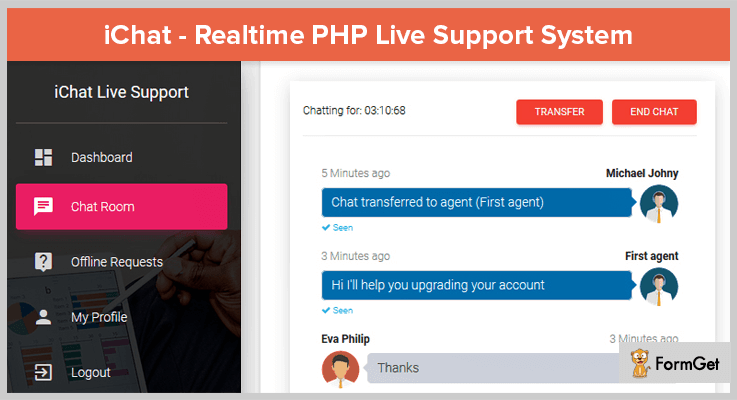
iChat is a realtime online chat support system which provides both chat widget for direct chat from a webpage and chat button for separate chat window. You can also add customer rating, create multiple departments, agents, and user rules.
The dashboard is extremely user-friendly and it allows supports agents the facility to end chats and transfer users from one department to another with the help of chat transfer. Live map, instant notifications, customer locations are also available.
Pricing:-
iChat offers two different plans
- Regular license:- $20 is the cost of this license with which you will get a PHP script for live chat support system. It offers an easy to use dashboard which has easy to access options like chat room, departments, agents, offline requests and more.
- Extended license:- $95 is the price charged for this license which holds extended services. It helps you view conversations, offline messages, chat time, agent details, along with other important information.
Features:-
- Agent option is one through which you can have a quick look over things entire agent details like agent name, his privileges, the position of agent, phone number, department, number of conversation, customer rating, etc.
- The dashboard projects daily conversations, offline message details, department activities and other summarised details as well.
- Departments section helps you to filter chat details easily on the basis of different departments. From here you can view the number of conversations attended by a specific department and the agent details as well.
- Allows you to have multiple agents, multiple departments with sound notification in a single chat room.
- You can accept an unlimited number of conversations, plus, you also get offline message functionality and IP geolocation with it.
Click For Details On Live Chat PHP Script
3. Skype Live Chat For PHP
This is one of the most popular Live Chat PHP Script as it helps you to put Skype live chat box straight on a website. With this PHP script, you can provide customer support via an APP, Website or through Skype.
That’s not all, it allows you to handle multiple chats, add customers through Skype. Plus, an unlimited access to chat history is also available which requires no setup or customizations.
Pricing:-
Skype Live Chat For PHP Support System has got two types of plans
- First is the regular plan which comes with a price tag of $20. It gives you 6-month support and allows you to add Skype live chat box on your website.
- The next is the extended plan which will cost you $75. It comes with additional amenities and extended services.
Features:-
- With this chat support system, you can conduct real-time chats and conversation with customers.
- You get different button customizations like style (rectangle, square, etc), label (allows you to add custom button text), show icon (icon enable & disable).
- Allows you to apply color customizations on the chat room like button color, message color, chat room theme, and other custom changes for better looks.
- This Live Chat PHP script is compatible with IE9, IE10, IE11, Firefox, Safari, Opera, Chrome, Edge and supports various software versions like PHP 7.x, PHP 5.5, PHP 5.6, MySQL 4.x, MySQL 5.x, and more.
- Helps your support agents to attend multiple chats and visitor conversation at a single time. Plus, unlimited chat history is also available.
Click For Details On Live Chat PHP Script
4. PHP Smart Robot Chat Support
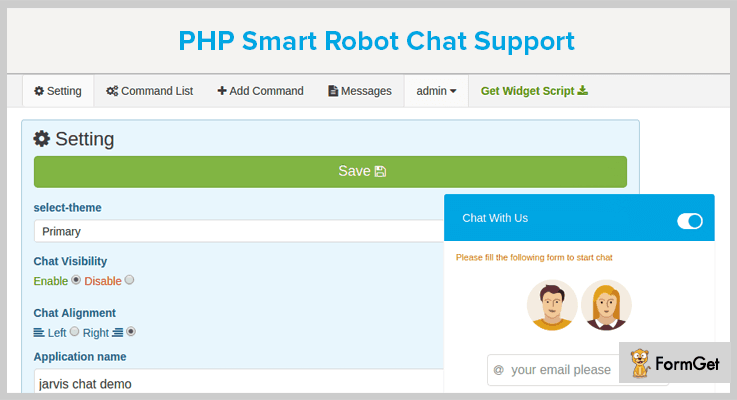
If you want to add a smart chat support system to a website which is easy to install and comes with an API then you should have PHP Smart Robot Chat Support. It has one of the most intelligent A.I that response according to the user’s replies in the chat room.
It helps you refine the replies and you can create your own replies with the help of Add Command feature. It uses Microsoft search engine to fetch different types of details like news, articles, etc.
Pricing:-
- In order to enjoy live chat service on your website with the regular plan of PHP Smart Robot Chat you will have to pay just $17. With this plan, various AI features along with 6-month support will be offered.
- $105 is the amount which is payable for the extended services of this plan.
Features:-
- Various setting options like theme selection, chat visibility, text alignment, message limit, default start message and more can be defined with ease.
- You can add different types of custom replies and responses with the help of Add Command to automate chat replies. This option is of great help as you can mention command texts and attach a response message to it.
- With this live chat system you can easily manage, add, customize and delete chat commands straight from the dashboard. It comes pre-loaded with more than 600 chat commands.
- Plus it also gives you the option to generate widget script for the custom chat room which you have designed with multiple changes and customizations.
Click For Details On Live Chat PHP Script
5. Wchat – Fully Responsive PHP Ajax Chat Script
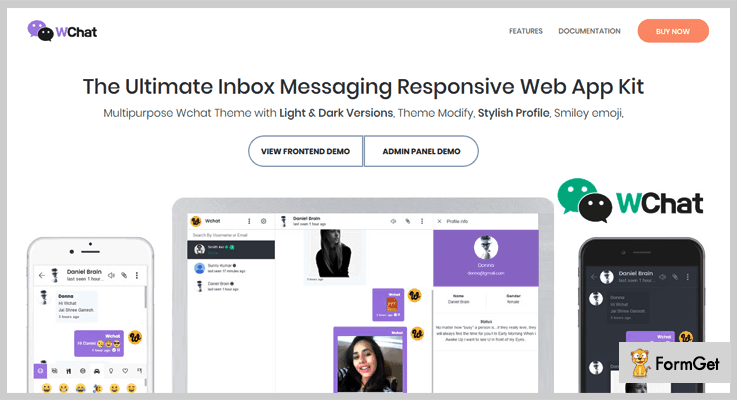
Wchat is a responsive web app kit that can effectively be used for unlimited chatting and web support services. It provides multipurpose theme with light & dark versions, various theme modifications, plugin integrations, font icons, file upload options and much more.
In addition, with this live chat PHP script, you also get frontend demo as well as admin panel demo for proper testing.
Pricing:-
- Get full access over this PHP Ajax Chat Script with all its regular services at a cost of $29.
- For the extended features and services of Wchat PHP Ajax Chat Script, you have to pay $199.
Features:-
- Super easy to install as you just have to select the language, fill database details and add usernames & password for admin panel access. This is all you need for successful installation.
- You also get the facility to save chats, send them through emails, view last seen, and improve online as well as offline functionality.
- It provides more than 1000+ smileys and emojis, along with the option to send an image, video, and other types of files via Wchat chat room.
- This is the Best PHP Chat app which looks great on android, iPhone devices, desktop as well as tablets of different sizes.
- Also provides user management, message management facilities, along with multiple admin user and multiple themes.
Click For Details On Live Chat PHP Script
6. Zechat – Facebook Style PHP Ajax Chat
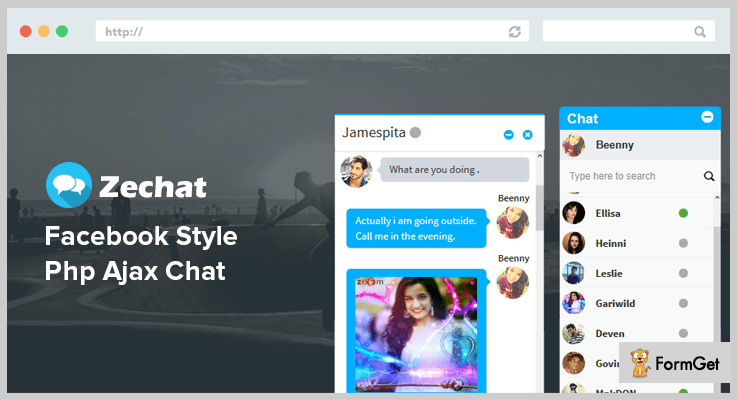
If you are familiar with facebook chat then you will be comfortable with Zechat because it projects the same style and design. It is a stylish Live Chat PHP Script which can simply be used to conduct real-time chats, messaging and more on a website.
Zechat gives you options like chat box close, auto-resize of text, auto-scrolling of chat text, easy integration on a live website, Facebook & WhatsApp like smiley and more.
Pricing:-
- Regular license of Zechat is priced $29 for people who want real-time chat script on their website.
- The extended license of this live chat PHP script will cost you $149 with which you will get future updates, file share and multiple other options.
Features:-
- With this live chat script, you can easily handle multi chats and user messages in the chat room all at same time.
- Allows sharing pictures, and files of different formats in the live chat without any hassle.
- Once installed on a website it displays a facebook style chat box at the bottom right corner of the website which is very helpful for your support agents.
- Auto generates a ping whenever a new message is been received from a visitor.
Click For Details On Live Chat PHP Script
Final Closure
Live Chat PHP Script are somewhat complex and hard to find, I hope my blog will help you fetch one which is beneficial for your website.
Here, we have tried to present the best live chat support systems which are easy to use, cost-effective and loaded with features & facilities.
This doesn’t end here, if you have got any type of doubts or queries related to this topic or PHP scripts defined here, you can freely ask us in the comments section below.
5+ jQuery 3D Effect Plugins 2022 (Free and Paid)
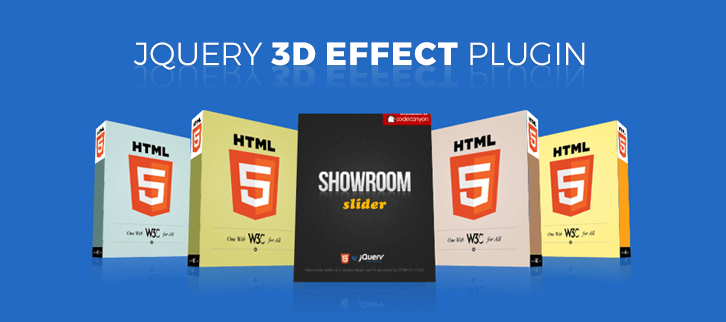
3D effects are the new love of people to enhance the visuals of any webpage.
So, if you’re amongst those people who wish to give their website a new way of visibility via 3D effect then you must add jQuery 3D effect plugins on your website.
3D effects will keep the audience hooked on your website and in this way your webpage will experience lower bounce rates.
In the market, there are a lot of readymade jQuery 3D Effect plugins available with which can give 3D visuals to texts, galleries, homepage and more under a single roof. You don’t need to do coding neither you have to ask a developer to do it.
So, here we’ve collected some of those jQuery 3D Effect Plugins which brings amazing 3D effects to your website. From galleries to menus & text, 3D can take the user experience to the next level.
These plugins are highly customizable so that one can make easy changes according to their requirement. And the best part of these plugins are, you just need to do copy and paste the given jQuery code which requires only some basic knowledge of programming and your work is done on the fraction of time.
So, without any more further discussion, get a glimpse below of how these 3D jQuery plugins will look on your website.
Meanwhile, you can also read few more blog:
1. 3D Touch Carousel jQuery 3D Effect Plugin:
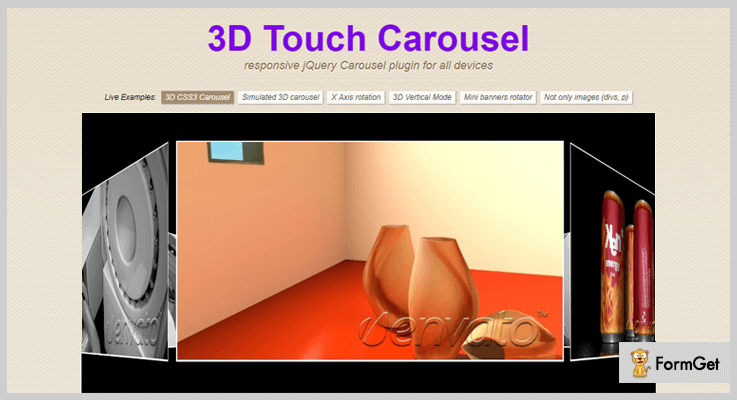
3D Touch Carousel comes with the ability to show your slides with an awesome 3D transition. The plugin makes your ideas alive. You can use it as an advanced slider by adding 3 Dimension features on images and create a unique/impressive 3D slider.
This product is completely a jQuery plugin which is designed for creating a carousel gallery on a website. It supports simulate 3D mode and real 3D mode effects powered by CSS3 to provide a clear & unobstructed design within a 3D environment. The plugin also has an ability to provides a reflection for the images on your website.
Other Useful Features:
- It supports various effects like 3D CSS3 Carousel, X-axis rotation & 3D vertical mode for image slider.
- The plugin supports Fallback 3D option with CSS2 effect in order to provide an attractive view in the background.
- 3D Touch Carousel supports mouse wheel function which helps to add further interactivity to your HTML5 web pages.
- The plugin consists of auto play mode with which your slider can move automatically with 3D effects.
- It contains 18kb compress JavaScript file which makes your website faster and more efficient by improving load time.
Pricing:
For the above features, you have to pay only $9. And, if you want to get its more advanced features just buy its extended license at $45 and enjoy the benefits.
2. CardSlider jQuery 3D Effect Plugin:
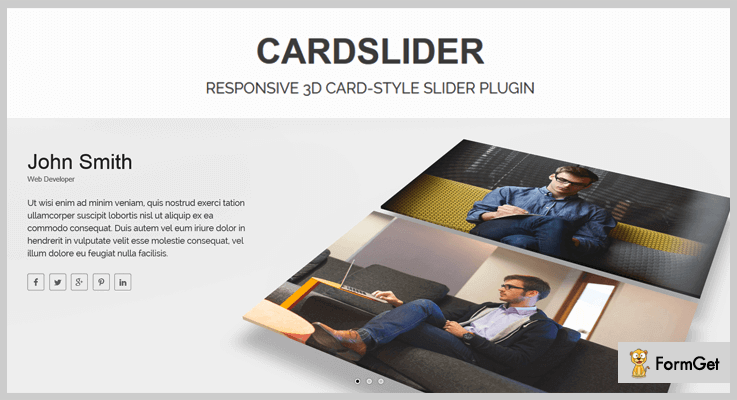
CardSlider is a responsive & light-weight CSS3 3D effect jQuery plugin that aims to provide a simple interface for developers to create a cool 3D slide with various animation effects. This top class jQuery plugin works well on all modern browsers that support CSS3 3D transforms.
The plugin makes images into 3D card style and then animate them by using CSS 3D transforms and CSS animations. You can also increase your browsers’ performance by using its hardware-accelerated CSS 3D transforms & animations.
Other Useful Features:
- It includes dark & light skins background color which make the card slider pages more impressive.
- There is a full control over its pagination and navigation to maintain your website’s contents and visibility.
- CardSlider supports autoplay option to move the card slides automatically without any hassle.
- It allows the sliders to slide in six different directions with shadow and animation effect.
Pricing:
Get this plugin at $10 and buy its free updates and live customer support.
3. Cubeee jQuery 3D Effect Plugin:
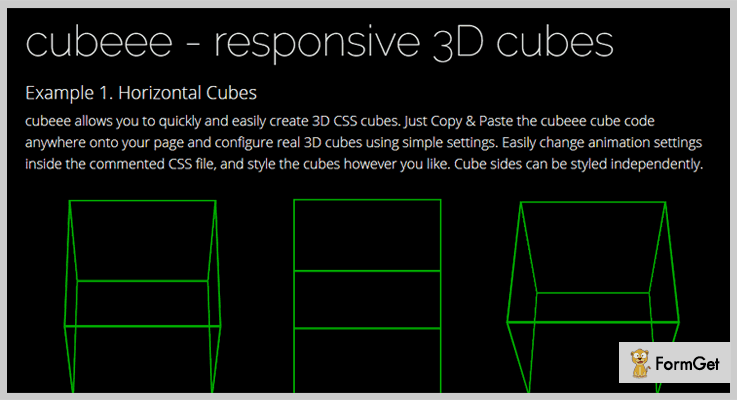
Cubeee is a simple plugin that gives you a full control over creating and styling 3D CSS3 cubes. With the help of this plugin, you can easily control the styling, animation properties, angles, direction or even you can decide to show the animation in 2D or 3D.
Other Useful Features:
- The plugin gives you a powerful flexibility to move the cubes on a vertically, horizontally, diagonally etc.
- It supports any HTML contents inside the cube sides.
- One can easily customize the cube which matches your site.
- The plugin also provides hover effects, gallery thumbnails and more.
Pricing:
This plugin will cost you $10 for its regular license and for an extended license it will cost you $25.
4. Showroom Slider jQuery 3D Effect Plugin:
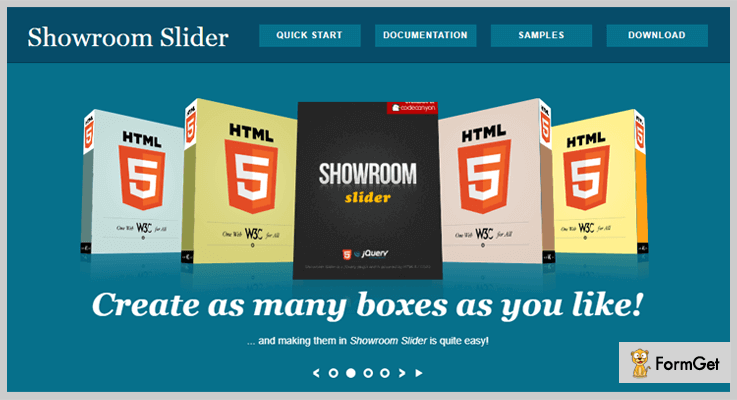
Showroom Slider is a powerful jQuery plugin which enables you to create a stunning slider that contains plane and box elements with tons of animation options. The plugin uses a syntax similar to inline CSS style on an element.
Other Useful Features:
- The plugin provides a plane element with two dimensions such as text box, images etc to make your site more ease.
- Showroom Slider plugin supports both 2D as well as 3D objects as per the user need.
- It provides 40+ animation effects that can be readily used on slide and object transitions.
- The plugin supports almost every browser.
Pricing:
This plugin will cost you $8 and provides unlimited features & functionalities.
5. Tiltedpage Scroll jQuery 3D Effect Plugin:
Tiltedpage Scroll 3D effect jQuery plugin is a simple, yet effective which help you to create a beautiful 3D tilted effect on a scroll with jQuery tilted page scroll. With the help of this plugin, you can create a simple layout website in a surprising way.

Other Useful Features:
- This plugin supports almost all modern browsers such as Chrome, Firefox, Safari on smartphones, desktop & laptops.
- It provides smooth scrolling effects on every slider of your website.
- Provides tons of animation effects for every slider.
Pricing:
This plugin will cost you $0. You can get this plugin from GitHub’s official site.
6. Rotate3Di jQuery 3D Effect Plugin:
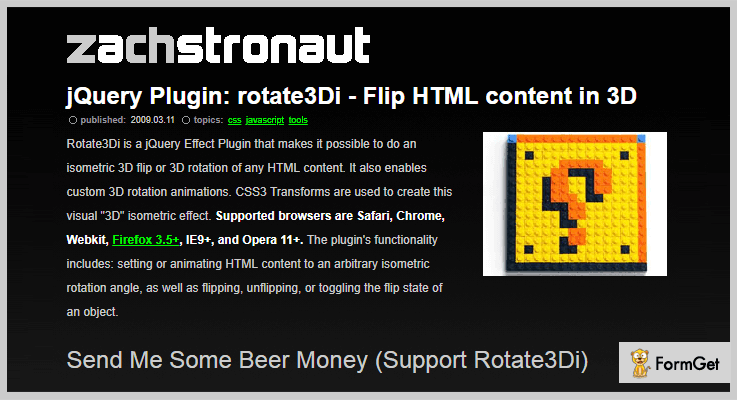
This plugin is completely free 3D effects plugin that makes it possible to do an isometric 3D flip or 3D rotation of any HTML content on your website. The plugin also enables custom 3D rotation animations & CSS3 transforms to create the visual 3D isometric effect.
Other Useful Features:
- It supports all major browsers Safari/Chrome/ Firefox etc.
- The plugin includes functionality like setting or animating HTML content, flipping or un-flipping effects etc.
- It is fully customizable so that you can easily customize on your site.
Pricing:
This is a completely free plugin. You can download this from GitHub’s official website.
Final Takeaway:
These were the choices of 5+ best jQuery 3D Effect Plugins we’ve selected for you as per the user’s ratings and reviews. Every plugin in this blog comes with various functions and functionalities which makes your website an user engaging site.
Hope these plugins will definitely fit your requirement and needs.
Moreover, if you have any other suggestions regarding more 3D effects plugins, then let us know via the comment section below.
5 Best jQuery Typing Plugins 2022 (Free and Paid)
“Use jQuery typing plugins for animating text elements input given by users on your website.”
In this article, we have compiled a list of 5 best jQuery typing plugins which provides you with various animated text effects for users input on the website which will enhance the typing experience of a visitor or viewer on your site.
These plugins help you to make your user’s typing work on your website more interesting.
How?
jQuery typing plugins have a lot of features such as when a user inputs or types anything in the search bar, chat window or anything of the same sort then it provides various keyboard tone sound effects. Further, it has autocompletion of text for searching purpose and a lot more.
Also, jQuery typing plugins provide you realistic typewriter text effects for your website.
These plugins are easy to use and implement as these come with detailed documentation, examples, and users guide.
There are a hell lot of features in this jQuery typing plugins list such as customization of code to fulfill your need.
You can set text visibility duration which is going to prove helpful whenever a user input some confidential credentials on the website. Moreover, one can scale their text with the various axis and more.
Read some more blog too!!
Let us discuss each jQuery typing plugins in detail.
1. TypeIt – jQuery Animated Typing Plugin
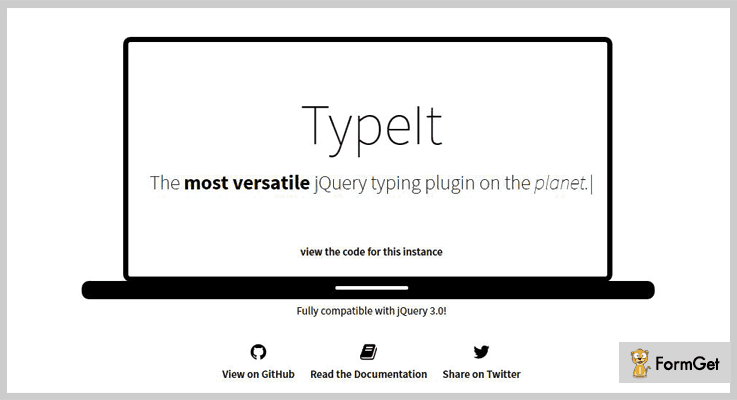
TypeIt is the most powerful, and user-friendly jQuery animated typing plugin in the list. It is simple to use and easy to implement as it comes with easy installation steps guide present in the plugin along with good documentation.
The plugin is used for adding various beautiful realistic typewriter text effects to any website in the fraction of time.
Other Useful Features:
- It has important API feature which allows you to type single or multiple strings that break lines, delete and replace each other.
- The plugin even handles HTML tags and entities in a most smooth way.
- Typelt has a companion function which enables you to type not just a few strings of text, but an entire narrative.
- One can have full control over text speed changes, line breaks, deletions, and pauses.
Pricing:
You can buy this useful plugin at $19 with 6 months support and regular updates. Further, you will extend your support for up to 12 months by paying only $6.38.
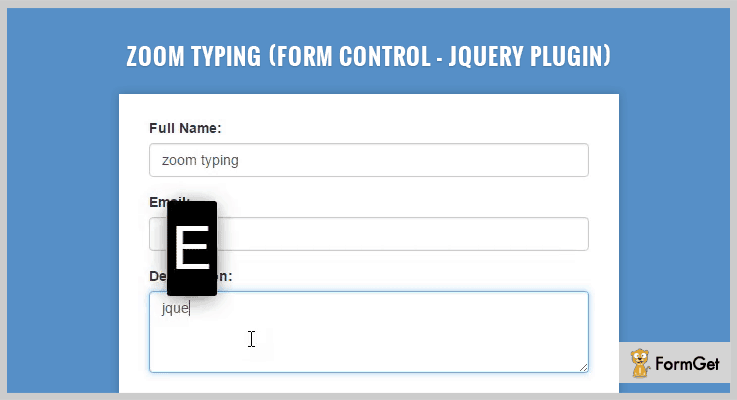
2. Zoom Typing – Form Control jQuery Plugin
Zoom Typing is one of the finest plugins in the list of jQuery typing plugins. These plugins help you to add effects and sound to your typing input on the form in just a few minutes.
The plugin has good documentation with a full explanation along with user guide. This will make your work easy in terms of plugin implementations.
Other Useful Features:
- It is super easy to customize this plugin as one can make easy changes in the code according to their requirement.
- The plugin has a play keyboard tone option make your users texting work on your website more interesting.
- Zoom Typing plugin is compatible with all the latest browsers such as IE10, IE11, Firefox, Safari, Opera, Chrome and more.
Pricing:
You can buy this plugin and get all of its features along with future updates at two varied prices-
- The regular license cost you $8 with quality checked by Envato.
- You can buy the extended license, at a reasonable price of $45.
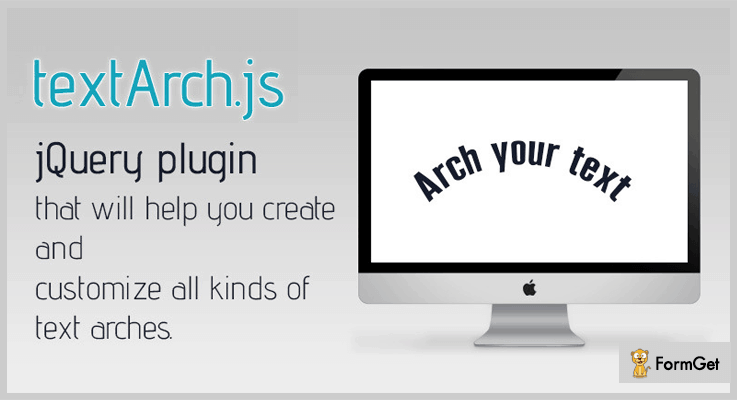
3. Jquery Text Arch – Best in jQuery Typing Plugins
It is a jQuery plugin that will help you to create and customize various text arches in just a few clicks. The plugin has the most simple implementation you just have to copy and paste the jQuery code and your typing plugin is ready.
Text Arch plugin works with all font types, including the ones from Google fonts and Typekit as well. Moreover, with the help of this plugin, you can use any combination of the settings and create interesting typing results.
Other Useful Features:
- You can wrap your text entirely around a circle. Also, the space between the characters will be calculated so that your sentences always fit the entire circle.
- There are various design styles available in this plugin to give a better look for text. For example, one can set a custom angle between letters in degrees for eg 20 or 40 degrees etc.
- It allows you to change the text radius and you can choose whether or not you want the text to fit the path.
- One of the noteworthy features is you have an option to scale the text on the different axis such as Y-axis or X-axis etc.
Pricing:
- The cost price of this plugin is $5 with a regular license and six-months support.
- You can extend the license by buying extended license cost you $25 only.
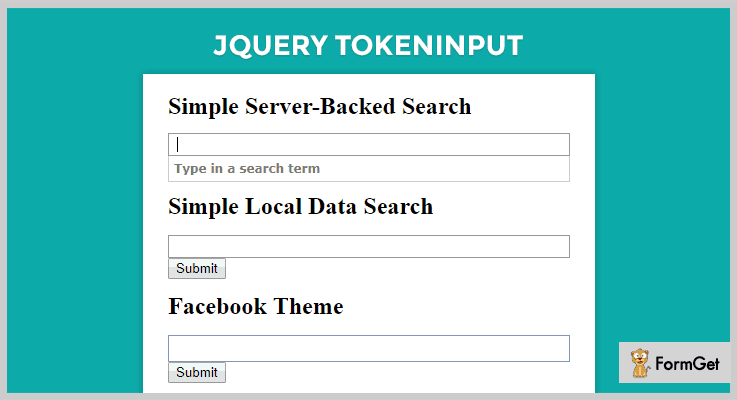
4. jQuery Tokeninput Typing Plugin
Tokeninput is a free jQuery plugin which allows your users to select multiple items from a predefined list. The list is selected using autocompletion as the user’s type to find each item.
For eg., you may have seen a similar type of text entry when filling in the recipient’s field sending messages on Facebook or other messaging apps. Moreover, the plugin is easy to skin and style with the help of CSS custom options. Also, there are no images required for styling.
Other Useful Features:
- It has intuitive UI for selecting multiple items from a large list in a few clicks.
- You can customize the output format of the results. And, programmatically add, remove, clear and get tokens easily with the help of this plugin.
- The plugin has smooth animations when results load. Further, you can easily select, delete and navigate items using the mouse or keyboard.
- A Tokeninput plugin has cross-domain support via JSONP. Moreover, it also has client-side result caching to reduce server load.
Pricing:
The Tokeninput plugin is available free of cost. You can download it from the official website of GitHub.
5. jQuery Autosize Input
Autosize Input is a simple yet effective plugin in the list of free jQuery typing plugins. This plugin will automatically resize the width of input fields according to the content, while you or your users typing.
Other Useful Features:
- It has inbuilt CSS configuration so that it will minimize or maximize the width to limit the size.
- You can use code “transition: width 0.3s;” etc. If you want a nice animation when the width is changed.
- The plugin is cross-browser compatible and it works fine on any screen.
- Autosize Input plugin comes with detailed documentation along with examples which make your work easy.
Pricing:
Grab this plugin free of cost from GitHub website.
Conclusion:
Now as you read all the 5 best jQuery typing plugins. Hope you have found the required jQuery typing plugins according to your choice. The list has both paid as well as free plugins grab them as soon as possible and give your website typing more fun.
Stay tuned for more plugins.
You can ask your queries in the comment section.
5+ jQuery Drawing Plugins 2022 (Free and Paid)
jQuery drawing plugins simply empower a webpage the functionality to draw various shapes as well as excellent automated animations. Such as circles, lines, boxes, graphs, arrows, scribble pads and much more.
There are a lot of drawing trends out there in the market the animation through images, simple line and mathematical figure drawing and more. All this can be designed and developed through coding. But way built complex codes for the functionality which are ready-made to be used directly.
You may have heard about the famous word cloud trend. The images that are composed of words forming clouds of various shapes. Aren’t they really look amazing? Moreover, it is the new language of saying something through images plus its a latest trend.
Make use of the latest drawing trends or enrich your desired drawing feature with these easy-to-use plugins. Have a deep look through each & every listing. And choose the best suitable for your website.
Delve into few more popular jQuery plugin blogs:
Add custom printing facility to a website
Add effects in typing fonts & make your users typing work more interesting.
Provide your users easy navigation control with the help of jQuery Wizard Pluigns
1. Progressive Draw – Prime In jQuery Drawing Plugins
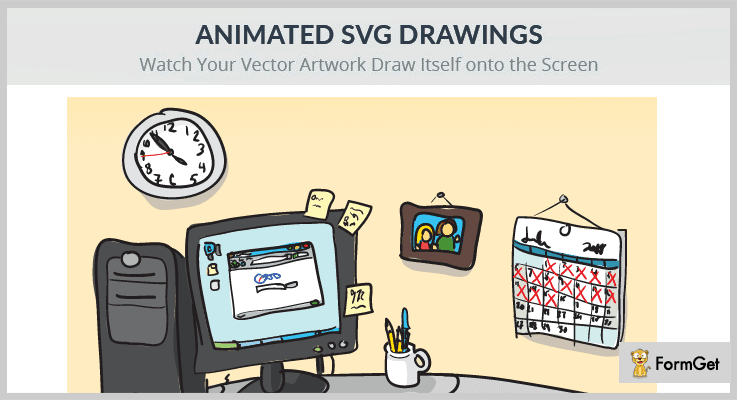
With the Progressive Draw plugin, you can actually watch your artwork drawn itself on the computer screen. It is highly advanced and interesting way to present your artwork online.
It is a very easy-to-use product as setting-up animation on web pages became much simpler. You only need to follow few simple steps. Save your art from the Adobe Illustrator. Add a single line of code to your HTML code. And you are good to go!
In addition, there are many changeable options such as speed of the animation, play on load/click, draw in an order or everything at once, delay time etc.
Pricing Plan:
- The Progressive Draw jQuery plugin has a regular licensed plan of $10 with 6 months full support and the support period is easily extendable in just $3 only.
- There is another extended licensed plan of $50 only.
Features:
- External controls available for the play, pause, resume, restart and reverse functionalities.
- 100% responsive design that can adjust most of all the devices.
- It supports major browsers and also is a mobile-friendly plugin.
- Works really great for the line artwork as well as artwork made up of fills.
- You can an unlimited number of SVG’s to a single page.
2. HTML5 Drawing Tools – jQuery Drawing Plugin
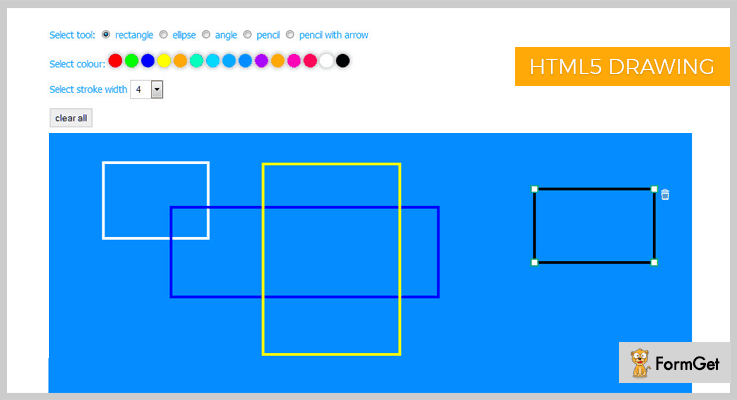
HTML5 Drawing Tools is a jQuery plugin is designed to be used in web pages where you need the drawing capabilities. This plugin consists of a combined package of basic shapes like rectangle, circle, ellipse etc.
Moreover, it also consists of some advanced tools such as a free from-line tool, line tool with an arrowhead etc. It also supports the complex angle measurement tool.
Pricing Plan:
The HTML5 Drawing Tools jQuery plugin has two different cost estimate plans.
- Regular – $5
- Extended – $25
Features:
- Availability of multiple shapes and tools.
- 15 different color options for the drawing figures.
- You can assign different stroke width to different shapes.
- Advanced angle measurement tool.
3. jqScribble – Prime In Free jQuery Drawing Plugins
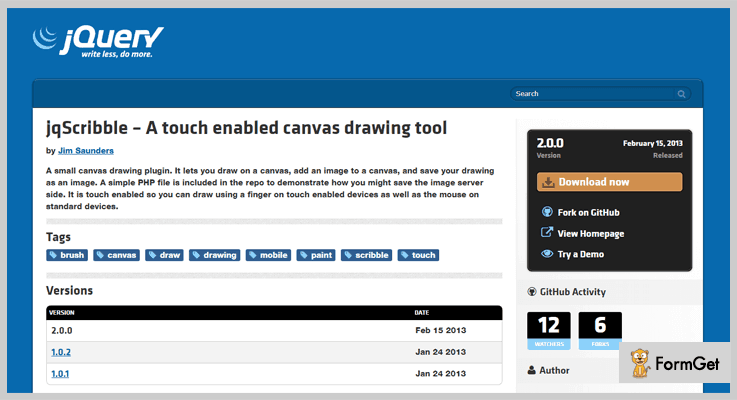
It’s a jQuery plugin which enables you to draw on the HTML5 canvas element. This plugin is designed keeping in mind the extensibility feature to extend the plugin’s functionalities further. You can simply extend it to use custom brushes and also for image saving.
Furthermore, this plugin works well with the standard mouse inputs & it will also respond to the touch-enabled input.
Pricing Plan:
It is a free product of GitHub.org and you can download it from the official website.
Features:
- You can simply add an image to the canvas.
- The plugin has a clean and clear documentation to make it of extreme use. Also, a PHP file sample is enclosed within the documentation as a demo to the server side image saving.
- You can easily draw using your fingers or you can simply use the standard mouse input.
4. jQCloud – jQuery Drawing Plugin
With this plugin, you can create beautiful word clouds very easily. A word cloud is an image formed by combining many words. These words are used in a selective fashion, text or subject and the size of each word symbolizes its frequency or importance.
Pricing Plan:
It is another free product of GitHub. Directly download it from the official site.
Features:
- This plugin helps you use the pure HTML & CSS to make these amazing clouds and tags.
- Very easy installation and usage.
- It is a lightweight plugin.
- Simply set the mandatory attributes like text, weight etc.
5. deviantART muro – jQuery Drawing Plugin
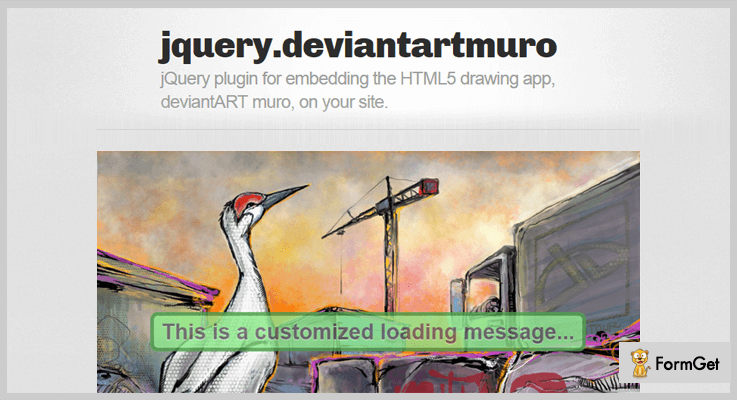
It is a jQuery plugin that embeds an HTML5 drawing app i.e, deviantART muro on your website. It allows you to draw and edit images within third-party sites. The application hands the saved data back after completion of editing.
Moreover, you can use the various tools provided with the deviantART muro such as filters etc.
Pricing Plan:
DrawBox is a completely free-to-use plugin.
Features:
- Create highly responsive and retina-ready images more quickly and easily.
- Tested with major browsers.
6. DrawBox – jQuery Drawing Plugin
DrawBox is a jQuery plugin allows you to create a canvas for the drawing purpose. It was originally designed and developed for the purpose of collecting signatures via iPad and web.
Also, there are options available for custom colors selections. Moreover, the raw SVG data of the drawing is stored in a named input element which can then be easily used further.
Pricing Plan:
Grab this jQuery plugin for free.
Features:
- Create a drawing canvas for your personalized drawing.
- Collect signature via iPad or web.
- Clean and clear code and documentation.
Conclusion:
This was our take on the 5+ jQuery drawing plugins both free and paid. Hope this article helped you in your search domain.
For any further queries and suggestions comment below.
Thanks for reading!
5+ jQuery Image Pan Plugins 2022 (Free and Paid)

Want to enhance the functionality of zooming and panning of images for minor details on your webpage then, using the feature-rich jQuery image pan plugins is the best solution for you.
jQuery image pan plugins are basically designed for zooming view of pictures on the website.
As you know there are numerous kind of advanced jQuery image pan plugins present in the online market. Most of them provide amazing features but lack down in providing the best services.
So today, we have collected the 6 best jQuery image pan plugins for you in this blog. All the plugins come jampacked with features like panning effect, API keys, zooming algorithm and compatibility with all kind of browsers.
Each and every plugin present here is responsive, easy to use and user-friendly so, anybody can use them without having much coding knowledge.
In addition, this blog contains both free and paid plugins which you can choose as of per your convenience. Now, without wasting time lets dig dive into the main features of jQuery image pan plugins.
We also have some more jQuery blogs for you:
Drawing jQuery plugins help you to design or draw graphs, boxes, arrows, scribble pads, lines, circles and other shapes on the website.
These plugin allows you to customize the default print behavior of the browser and to only print specific parts of the web page.
Typing plugins help you to modify or edit the text or content of the web pages which is present on the website.
1. jQuery Image Zoom and Panning Plugin
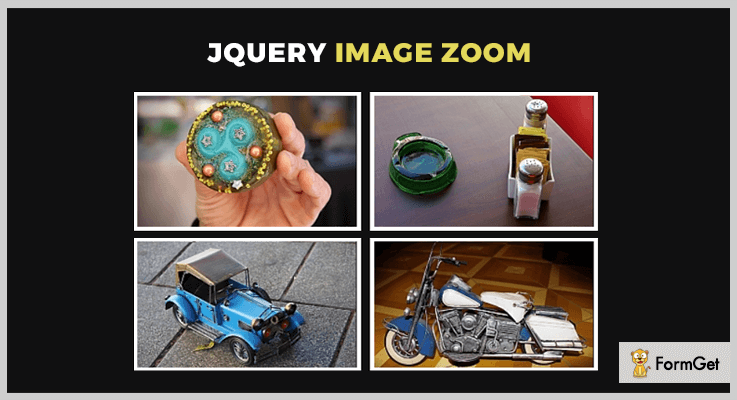
Its one of the most popular jQuery plugins used for image panning. This plugin allows you to create zooming effect (in/out) and panning effect on the images.
jQuery Image Zoom and Panning Plugin includes files like JavaScript JS, HTML, CSS and is also cross-browser compatible with IE8, IE9, IE10, Firefox, Safari, Opera, Chrome.
PRICING:
This plugin will cost you $5 with lifetime updates and 6month client support facility. To use its extended features you can buy it for $25.
FEATURES:
- You can enable its two of the prebuilt image versions, one small preview and one larger for zoom and panning.
- This plugin has a good retina ready display body and is smooth while scrolling down.
- You can allow your user to roll over an image for the clear inspection of the object.
- It is fully powered by jQuery coding language.
2. Fine Zoom – A Part Of jQuery Image Pan Plugins
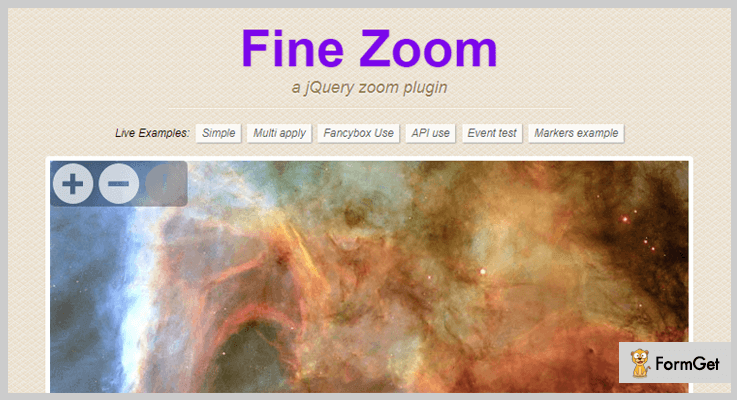
Fine Zoom is a simple and efficient jQuery plugin present in this blog. This plugin allows you to zoom the images of the website with different zooming levels along with smooth effects.
It contains CSS3 acceleration editor and also has a CSS2 fallback editor. In fact, it works great with every device whether it is an Android device or iOS device.
PRICING:
This feature-rich jQuery plugin costs you $6 with regular updates and 6 months support. To use more features you can buy it for $30.
FEATURES:
- You can drag and pan the webpages images of the website with the help of smooth effects just like Google Maps Zoom.
- This plugin has the best zooming algorithm and has ultra performance.
- You are allowed to controls the button of images with their custom positions.
- Also, it contains API option so that user and software can easily interface with each other.
3. Statistical Map SVG – A Part Of jQuery Image Pan Plugins
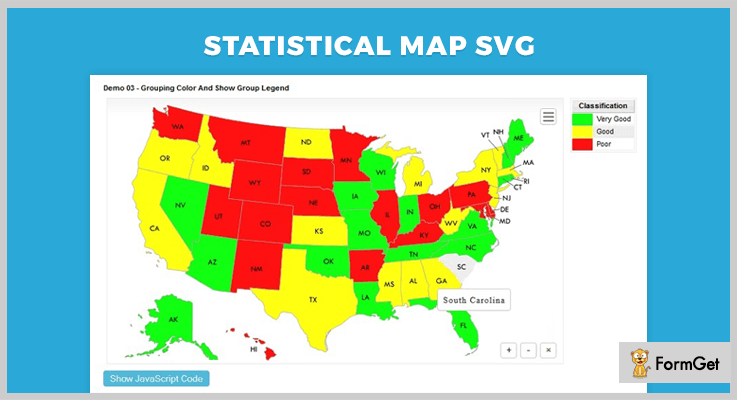
Statistical Map SVG jQuery plugin allows you to display information of a number of people in each area or location distribution in statistics in the form of a map.
While showcasing the pictures of the map on the webpages you can classify their region using a different kind of colors. In fact, you can also print or export the map to pictures files in different formats like png, jpeg, bmp.
PRICING:
Statistical Map SVG jQuery plugin will cost you $6 with lifetime updates and client support. To extend its plan you can pay $30.
FEATURES:
- You can use multiple plugins at the same time on the web pages of the website.
- This plugin provides you with different kinds of a pattern like a circle, rect, line, polygon, image into the map area.
- It allows you to set custom onClick, mouseOver, mouseOut, mouseMove event handler for every specific region on the website.
- You can specify the map area information according to area id, x-y coordinates axis.
4. jQuery Panzoom – A Part Of jQuery Image Pan Plugins
jQuery Panzoom plugin is a powerful plugin in the jQuery image pan plugins list. This plugin helps you to create panning and zooming functionality for any element present on the website.
Instead of adjusting the width and height of the images, you can use the CSS transformer and matrix functions of the website. Although, this transformer can be used with any kind of element like an image, a video, an iframe etc.
PRICING:
This is an open source plugin which is free of cost.
FEATURES:
- It has the mobile support that includes support for all the touch gestures and even it also supports pinch gestures for panning.
- This plugin has SVG (Scalable Vector Graphic) support only in the browsers that support SVG which helps you to implement transitions manually.
- You can override the functions of this plugin by passing an object literal or by “option” method.
- Also, a transition zoom effect is based on the scale increment, min and max values of the website images.
5. jQuery Pan Zoom – A Part Of jQuery Image Pan Plugins
jQuery Pan Zoom is an open source image pan plugin. It allows you to zoom in and out the images of web pages with the help of mouse circle.
In fact, it’s well documented which helps you to understand the plugin functionality in a better way.

PRICING:
You don’t have to pay a single penny for this plugin as its free of cost.
FEATURES:
- You can edit the images styles or design with the help of CSS custom editor on the website.
- This plugin helps you to make the thumbnails of the images and pictures.
- It allows you to resize the images of the web pages.
6. VisPan – A Part Of jQuery Image Pan Plugins
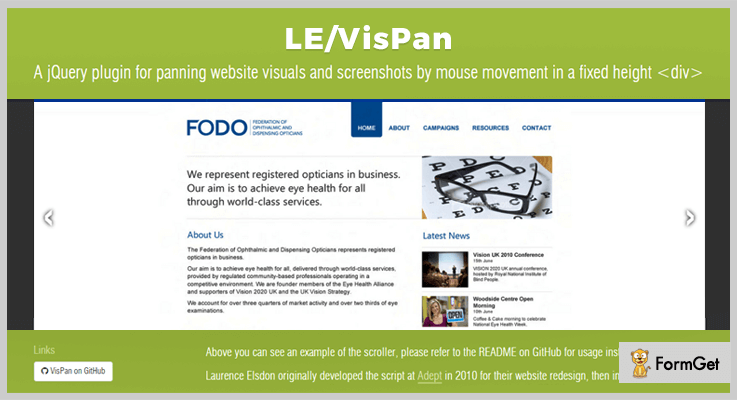
VisPan is a minimalistic jQuery plugin that allows you to zoom in and out the images of web pages. It allows you to visualize the images and screenshots with the help of mouse movement at a fixed height.
PRICING:
VisPan is free of cost plugin and can be easily downloadable from the website of Github.
FEATURES:
- This plugin is well documented which will help you to easily understand it.
- It is cross-browser compatible jQuery plugin.
- VisPan is responsive in nature which means adapted with all the screen sizes like mobile, tab, tablet etc.
Conclusion:
Above we have briefly discussed the features of jQuery image pan plugins. All of them are feature-filled and are of very low cost. Now handpick the best to showcase the images in an attractive manner on the website.
If you have any query regarding the blog please comment below.
4+ Free jQuery Hamburger Button Plugins
Have you ever given a chance to the thought that how you can add the triple-bar menu icon on your website?
Well, you can add that button on your web pages using jQuery hamburger button plugins.
You might be thinking what are these hamburger buttons, what they do and why I am calling them so?
In reality, it is a button placed in a top corner of any website. And the name refers to its resemblance to the layers in a hamburger, that is why it is called hamburger button. These plugins will allow your users to expand the navigation options, once the user clicks on it.
All the discussed jQuery hamburger button plugins will help you in resizing the menu height, showing titles of the submenu, including the CSS files, and a lot more.
In addition, you will find some plugins which provide a full-screen menu, other plugins will provide you the stylesheets which you can use to change the background color, font size, or font color.
You may have noticed these buttons recently in all kind of modern native smartphone apps. They are integrated via jQuery plugins and CSS capabilities. In fact, they work with ease with every kind of website.
Today, we will introduce you to the 4+ Free jQuery hamburger button plugins. Let’s dig deep and know more about their functionalities.
You may like to read these blogs as well:
Using these jQuery 3D effect plugins together with CSS transitions, you can easily create a realistic effect.
These jQuery image pan plugins allow every image to be zoomed in or zoomed out and panned.
With these jQuery drawing plugins, you can draw anything on a canvas, add an image, and save your drawing as an image.
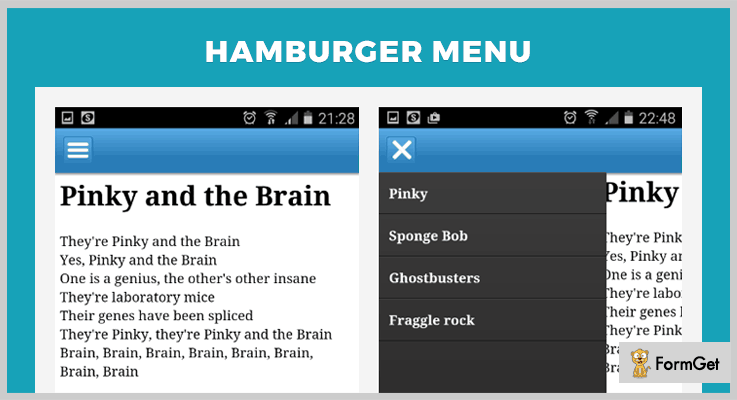
1. Hamburger Menu – Free In jQuery Hamburger Button Plugins
Hamburger Menu plugin is just perfect for all the web applications on mobile devices. This is so because it has many features on which you can rely.
You can use the JSON format to create the menu or instead of it you can pass a URL as a parameter. Afterward, this URL will return the data of the menu to JSON.
Price –
This plugin is available free of cost to all on the official website of GitHub.
Features –
- It helps every web developer in building web applications menus on mobile devices.
- You just have to add <div id=”hamburgerMenu”></div> and run the javascript available with it.
- In this plugin, you can customize menu style sheet for changing the appearance of your web application.
- Also, you can easily add a reference to the jQueryui library and add an animation effect to display the menu.
2. Slinky – Best Free In jQuery Hamburger Button Plugins
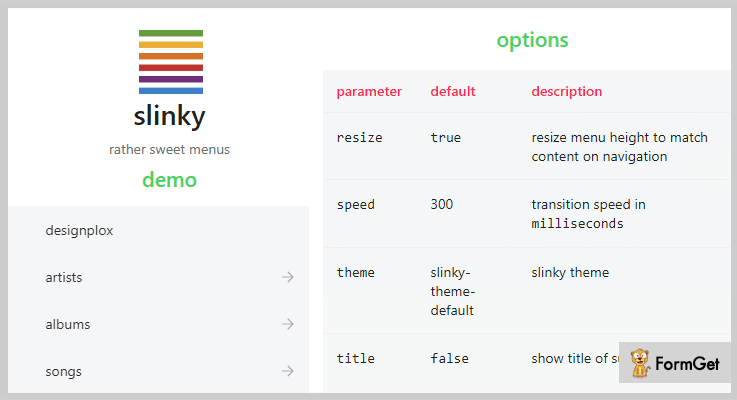
Slinky is an open source plugin and responsive as well. It is a lightweight plugin with great animation speed, default theme, and a lot more. You can also display the title of the sub-menus without any hassle. Moreover, you can set the alignments, position whether left, right or top.
Price –
From the official website of GitHub, you can download this plugin for free.
Features –
- It will provide you mobile-like navigation menu plugin.
- You can easily resize the menu height to match the content on the navigation.
- Also, you can add animation with speed in milliseconds.
- It has its own theme set by default.
3. SmartMenus – Free In jQuery Hamburger Button Plugins
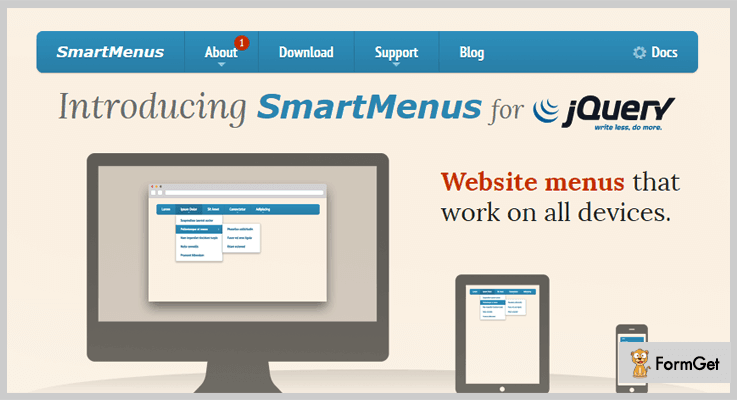
SmartMenus include the CSS files which will help you in adding or editing the background color, colors of hamburger icon and a lot more on your page. You can also include the JS files on your website. Further, you can determine whether to display the submenus from bottom to top or not.
Price –
This plugin can be downloaded for free from GitHub.com.
Features –
- This plugin comes up with responsive and list-based website menus.
- It comes up with examples of add-ons for BootStrap and keyboard add-on.
- You can display the main menu in different styles like – horizontal full-width, justified, horizontal main menu, vertical main menu, or right-to-left.
4. Mobile Menu Hamburger – jQuery Hamburger Button Plugins
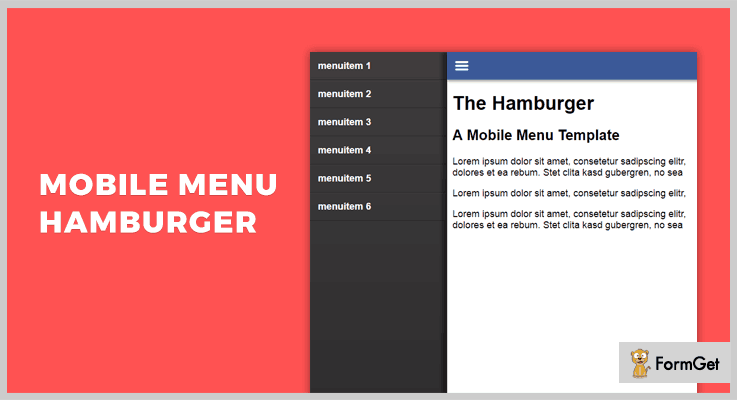
This plugin is mainly designed for websites to work on mobiles as well. Mainly CSS and javascript (jQuery) are being used in this template. In fact, you can add an unlimited number of sub-menus in the main menu section along with their titles.
Price –
You can have this plugin for free from the official website of GitHub.
Features –
- It helps you in creating a hamburger menu for mobile websites.
- You can use the CSS for styling your toggle button.
- It has stylesheets as well, which you can use to give an astonishing look to your hamburger button.
5. jQuery fatNav – Free In jQuery Hamburger Button Plugins
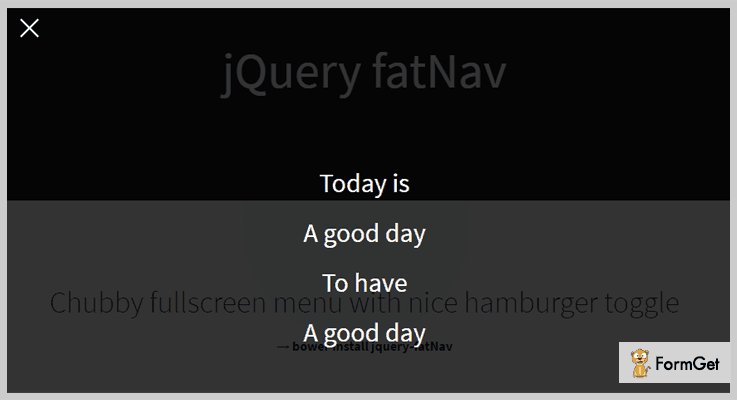
jQuery fatNav is a combination of a full-screen menu and a “hamburger” icon. This plugin is lightweight and provides an elegant mobile-friendly site menu. It comes under the MIT license as well.
Price –
This plugin is available at $0 as it can be downloaded for free from GitHub.com.
Features –
- This plugin provides a full-screen menu after clicking on the toggle button.
- You can easily create your menu in your HTML file.
- Also, you can change the color of the background of the toggle button.
Conclusion –
Using these jQuery hamburger button plugins you can make your website more flexible for mobile devices. As you will be providing mobile users with a triple-bar menu icon with the show and hide features.
We hope at the end of this blog you already have picked the one of the best out of all jQuery hamburger button plugins.
Don’t forget to write your experience in words in our comment section!
4 Best Login jQuery Plugins 2022 (Free and Paid)
Having a login form on a website is one of the primary concern of all the webmasters.
Therefore we can say that a login form on any website acts as a gateway for the site visitors. This is because it creates an easy mode of entrance for the visitors of your website and allows them to be a part of it.
In short, login forms turns the random visitors of your website into reliable users.
This genuinely allows them to peep into the wonderful happenings in your web world and start accessing them as well.
The conventional step-by-step creation of such forms is not even a choice now when you have fully functional jQuery plugins to create login forms with much accuracy. It is a far better choice than using any other options which are available in the market for ages.
The login jQuery plugins that we are going to discuss in the following blog will provide you with best of their features. You can not only create normal and one-line login forms but can also present them as a dialogue box on your webpage for the users.
Further, some of these plugins will also allow you to generate a login option through users Facebook login credentials. This kind of integration will help the website owners to get the authenticated users for their site.
Now let’s start understanding them one by one in detail.
Take a little time to go through these informative blogs as well:
1. Metro Login
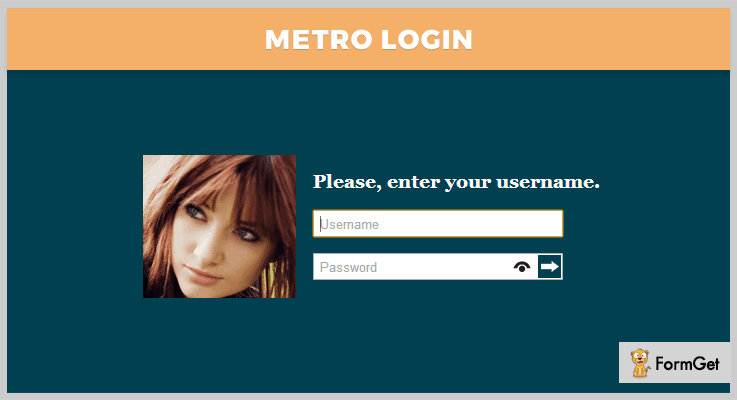
This plugin creates a login form that looks like window 8 login screen. You can obtain this unique and advance look for the login form with the integration of jQuery tricks and CSS3.
You can set any background image and add date and time for an interesting layout on the web page.
Also, the plugin ensures responsiveness on every kind of devices such as tab, mobiles etc.
Pricing
You can get this plugin for your website at a very affordable rate of $5 with 6 months support. To extend the support to 12 months, you just have to spend $1.13 extra.
Features
- The plugin provides you with a couple of functions to customize form buttons and background colors easily.
- Besides username and password fields, you can also add ‘remember me’ checkbox in the login form with PHP functionality. You can use these restored values for any further reference.
- The plugin comes with detailed documentation for the users’ convenience.
- It is easily compatible with many modern browsers such as IE8, IE9, Chrome, Safari etc.
2. Fblogin
Facebook offers multiple SDK and API to allow “Login with Facebook” on your website. But this jQuery Fblogin plugin uses these toolkits in the most user-friendly and effective way to integrate Facebook Login system on your web page.
Further, it allows users to log in with their Facebook account credentials without registration on your website.
Instead of using multiple steps to incorporate this login system to your website, you can do this via $.fblogin(); function call with this plugin.
Pricing
Use this plugin on your website without spending a penny as it is free of cost.
Features
- This plugin allows implementing this user login system via Facebook account without page refresh.
- You can provide a login button and a dialog box will be open on clicking it, asking to fill the email and password.
- Login via Facebook credentials ensures user authentication. Further, the access permission is asked from users to read/write their public data such as recent activity, posts in the group.
- You can ask the user to input either their email or birthdate in the username field. And mark it as a required field (*).
3. Login plugin
This jQuery plugin has been designed for users to add a login box with required functionalities on their website.
It’s seamless integration into your website further helps to create the one-line or normal login box with least possible code.
Pricing
You can use this plugin in free just by downloading it from github.org.
Features
- This small size jQuery plugin lets you append the login box of 4 different styles to your web application with only a single line code.
- You can customize the appearance of the login box in terms of height and width of the field label, name attributes for username and password field etc.
- Later, it verifies the entered values from client-side in the input fields for form validation and processes the form further.
- After server-side validation and giving the success/error message, the user gets redirected to a different page. And with the function call, you can remove the login box.
4. jQuery Modern Login Validation Plugin
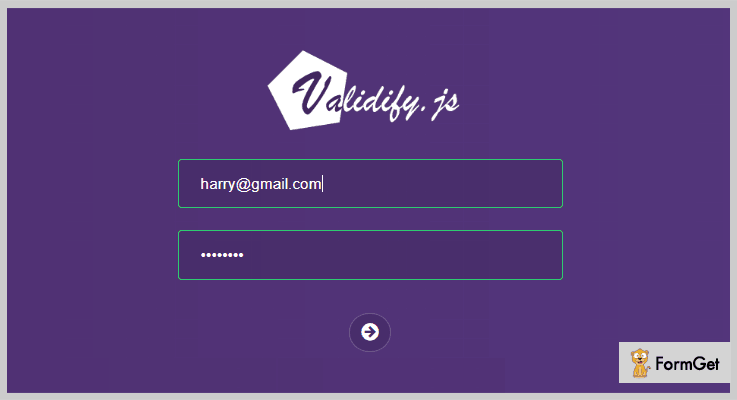
Validify.js is a lightweight jQuery login plugin which provides client-side input field validation on login form of your website in real time.
In simpler words, this jQuery plugin validates the login credentials i.e. email address, password field of the form.
You can style the dynamic success/error messages and create patterns for input fields with CSS customization.
Pricing
You can start using this jQuery immediately on your website spending any money. Free!
Features
- The plugin automatically checks the input field with emailCheck data attribute. It also makes the email submission as required field via requiredAttr HTML tag.
- You can check whether the given email address is in the correct format or not. This is to verify the genuine email address. If the input format doesn’t match to the standard format, the login button gets disabled.
- Further, the callback functions onFormSuccess and onFormFail are initialized on the form submission to validate the entire form submission.
Conclusion
The idea behind discussing these jQuery login plugins was to provide you the best paid and free plugins. Since each one of them is feature loaded, your only to-do task is to pick the best one for your website.
And if you still find any changes to be made in any of these plugins, the CSS customization will never disappoint you.
So get a login form on your webpage of absolutely your choice.
Your suggestions and queries are always welcomed. Feel free to post them in the below section.
Thanks and regards!
5+ Free jQuery Print Page Plugins 2022
Want to add printing facility on your website then you must definitely check out these jQuery Print Page plugins which we have listed and defined in this blog.
Here we have got plugins which are fully responsive and allows your website users to perform web page printing, multiple page prints with different domains, specific area print of a page, and custom printing with default messages.
In addition, all these plugins are browser compatible, offer a variety of popup & iFrame options, customizations and most importantly they are available entirely free of cost.
All these plugins can be downloaded for free from reliable sources and links mentioned below.
So, let’s get started with the plugin details. But before that have a look at the blogs below on popular niches:-
1. printThis – jQuery Print Page Plugin
This is one of the best jQuery plugin which can be used for printing specific elements present on a website. It is fully responsive and has got two types of methods available for styling printed content. The first option includes a special stylesheet for the printed content were as the other allows to add styles to the current page CSS.
You can also define print delay time with this plugin the default time for which is 333 milliseconds. Plus, printThis plugin prepend or append content as well.
Pricing:-
- printThis is a jQuery Print Page plugin that offers all it’s services for free, to avail them you just have to download this plugin for github.com, install and start using it.
Features:-
- Using this plugin you can preserve page CSS as well as styling. Plus it also permits you to add new CSS.
- Allows you to print a specific page on a website or you can also print multiple DOM elements without disturbing the styling.
- With this plugin, you get different types of options like importCSS, importStyle, printContainer, pageTitle and more.
- It also allows you to preserve the form entries which are stored on your website.
Click For Details On jQuery Print Page Plugin
2. Advanced jQuery printPage plugin
printPage is an advanced jQuery plugin which enables your website users to print a linked page without loading a popup on the website. While printing a web page basically a print template is opened in a popup window, but with this plugin, the print function is performed without any popup.
Other than this you also get multi-browser support, device compatibility and more with this plugin and it doesn’t charge a single penny as it is available for free.
Pricing:-
- printPage is another totally free jQuery plugin which helps you print website pages without quitting the current page.
Features:-
- You get the option to display text message before the print page is loaded on a website.
- This plugin is fully tested and works well of browsers like Firefox 3.6, IE 7&8, Chrome.
- With this plugin prints linked page without opening a popup, you get an iFrame create which helps you print directly.
Click For Details On jQuery Print Page Plugin
3. PrintArea – jQuery Print Page Plugin
If you want to print specific areas of a website then this is the best plugin which you can have to do so. Print some specific content or area on a website is the job which can easily be done through this plugin.
You can add CSS to the printed document, attach elements, use popup as well as iFrame mode easily with the help of this plugin.
Pricing:-
- With this jQuery plugin, you can enjoy all the features and facilities of page printing on a website without spending a single penny.
Features:-
- With this jQuery plugin, you get two different types of printing mode which are easy to use and adds a lot to your website.
- The iFrame mode is unobtrusive which directly prints the defined website area.
- The Popup mode creates a separate browser window which automatically closing after printing.
Click For Details On jQuery Print Page Plugin
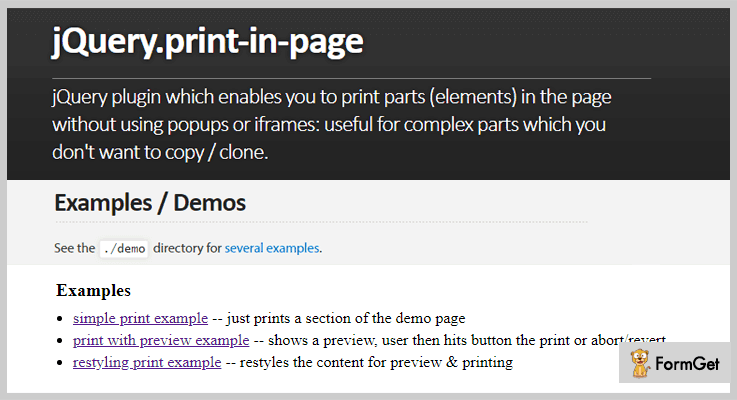
4. jQuery Print-in-page Plugin By GerHobbelt
Using Print-in-page jQuery plugin you can have printing facility on your website that enables users to print parts without the help of popups or iframes.
With this plugin, you can simply set up custom print instances and sequences for your website. It even works well in secured environments where iframes and popups are not allowed.
Pricing:-
- Print-in-page is a jQuery plugin which is provided free of cost to all users and can be downloaded from github.com with ease.
Features:-
- This plugin provides a documentation which is clearly documented and holds all the details related to the plugin features along with the codes.
- It also offers API using which you can implement this plugin with ease.
- With this plugin, you get full access over multiple custom events which can be fired on user actions.
Click For Details On jQuery Print Page Plugin
5. Best jQuery Print Plugin By DoersGuild
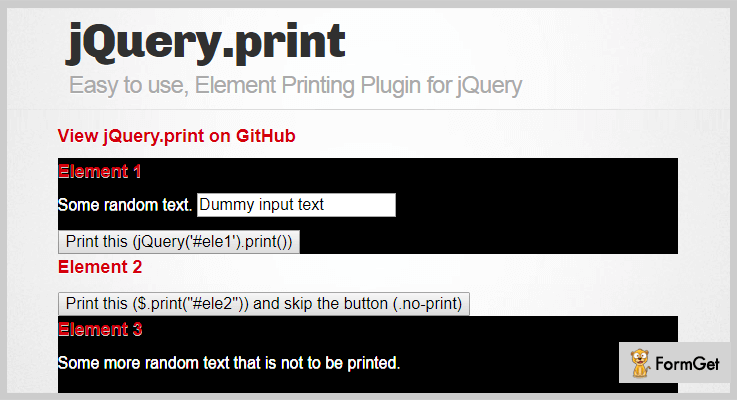
This is a responsive jQuery plugin which is mainly used to attach element printing on a website. You can print content available on specific parts of the website with the help of this plugin. Plus, it supports multiple customization options as well.
Pricing:-
- One more jQuery plugin the services of which can avail entirely free of cost, as it can be downloaded for free from github.com.
Features:-
- With the help of this jQuery plugin, you can simply print specific parts of web pages with just a few clicks.
- Various options like globalStyles, stylesheet, noPrintSelector, iframe, etc are available with this jQuery plugin.
- It also supports most of the latest browsers like Google Chrome, Internet Explorer, Firefox, etc.
Click For Details On jQuery Print Page Plugin
6. jQuery printThis Plugin
printThis is easy to install and apply jQuery plugin through which you can add print function on a website with few code changes and clicks.
This plugin is fully responsive which can be downloaded for free. Even being a free plugin you get enormous amount of features and facilities to add prinitng on a website.
Pricing:-
- This is an easy to use jQuery plugin for printing which is available online for free. With this plugin, you can apply printing facility and features on a website without any hassle.
Features:-
- This is an easy to use jQuery plugin for which you just have to add a block of code and the plugin will start working on your website.
- Helps you attach printing functionality on a website to print web pages.
- This plugin is cross-browser compatible and supports different types of devices.
Click For Details On jQuery Print Page Plugin
Conclusion
Now we have arrived at the closure of this blog on jQuery Print Page Plugins. We have fetched and defined some of the best plugins here which will help your website have custom printing functionality which is a great help to your users.
I hope you will find a suitable plugin for your website which will benefit you in various aspects.
If you have doubts or any type of queries related to these plugins, feel free to ask them in the comments sections below.
5+ jQuery Wizard Plugins 2022 (Free and Paid)
“Integrate your website with jQuery Wizard Plugins to provide ease in navigation & better user interface!”
Have you ever heard about jQuery wizard plugins?
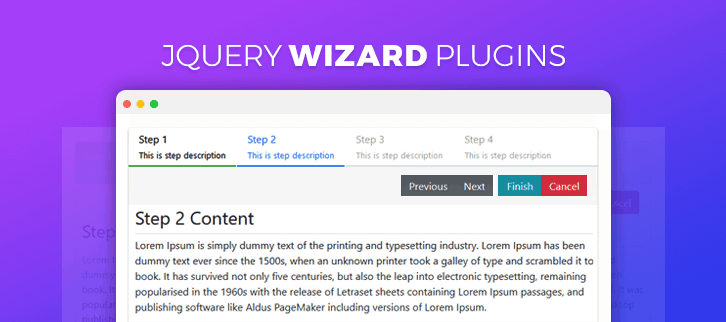
The jQuery wizard plugins help you to add various navigation functionality to your website. Thereby, you can provide a better user experience to the visitors of your website.
Often we have visited websites which facilitates registration processes, shopping cart checkout processes or online booking websites.
These sites provide you with certain forms in different dialogue boxes which you need to fill step by step. Also, these dialogue boxes contain various transition effects, customized design & a lot of attractive elements.
Well, jQuery wizard plugins let you add the same functionality to your website as well.
You must be wondering how?
So, here’s an explanation, jQuery wizard plugins grants you various features for navigation controls like-
- You can customize the Wizard buttons & add multiple wizards on the same page
- These jQuery plugins allow you to control the display for steps.
- Besides, these plugins are very lightweight which ensures that website isn’t burdened & efficiently loads on time.
- Along with this, you also get demos & documentations bundled with these plugins.
and many more features are yet to explore…
For this reason, we have compiled a list of ‘5+ jQuery Wizard Plugins’ in which we have discussed the various details about these jquery plugins.
Now, let’s explore the list & find out the best plugin for your website.
1. Wizardify jQuery Plugin – No 1 amongst jQuery Wizard Plugins
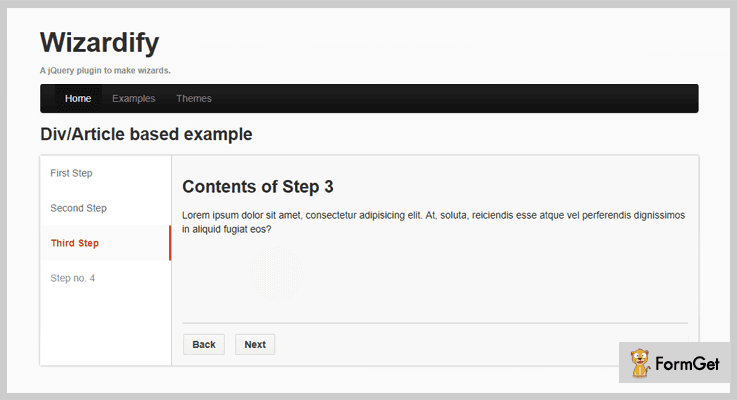
This is a renowned jQuery plugin which enables you to create a wizard for providing easy navigation to the visitors & users of the webpage. It provides you with tons of customization facilities which will help in enhancing the layout of the wizard.
Plus, via SASS you can easily generate a theme for yourself as per your requirements. It also grants you various themes & options for styling like light, dark, blue & top, left, right, etc. as well.
Pricing:
You can purchase this plugin and get access to all of its features along with future updates at two different prices as per the license plan you choose-
- For availing a regular license you have to pay $8.
- While you can get the extended license which at $40.
Features:
- This plugin provides you with 8 themes which are based on 3 different layout & color schemes.
- It enables you to customize the themes & create an outlook of your own choice via custom CSS.
- Along with this plugin, a Sass (SCSS) file is included. It provides you the ability to efficiently create your own theme by using mixins & variable elements.
2. JQuery Zoom Wizard – jQuery Plugin
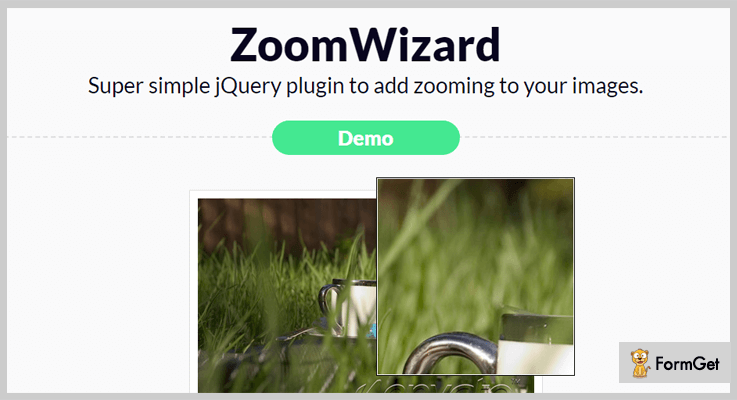
It is an efficient jQuery plugin which facilitates the zooming of images. This plugin is studded with the exemplary features for easy modifications & provides you with several themes and zoom modes.
It works efficiently with all the themes & comes with an app for easy setup.
Besides, it is a very lightweight plugin that won’t affect the speed of your website & also cross-browser compatible.
Pricing:
To get this plugin along with all the efficient features & future updates as well, you have to pay-
- You can purchase the regular license for $7.
- Whereas the extended license will cost you $35.
Features:
- This jQuery plugin grants you 3 zoom nodes & 13 user interface themes.
- It supports either one image or a thumbnail with a large image.
- You have an option to easily customize the details of this plugin. All you gotta do is watch the demo.
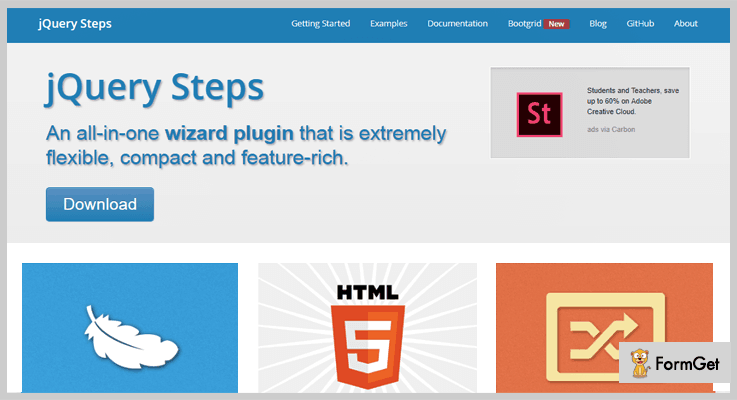
3. jQuery Steps Plugin – jQuery Wizard Plugin
jQuery Steps Plugin is a powerful tool for providing navigation support. It supports accessibility & HTML5.
Apart from this, it is highly customizable & lightweight which makes the website load faster.
Pricing:
- This is a freemium jQuery plugin which you can simply download from ‘github.com’ plus you don’t have to pay any price.
Features:
- You can add HTML content to the code or use API for adding steps dynamically.
- It has a very lightweight footprint which is minimized & gzipped to the size of 2.9kb.
- This plugin is cross-browser compatible & supports the browsers IE, Firefox, Chrome, Safari, Opera and more.
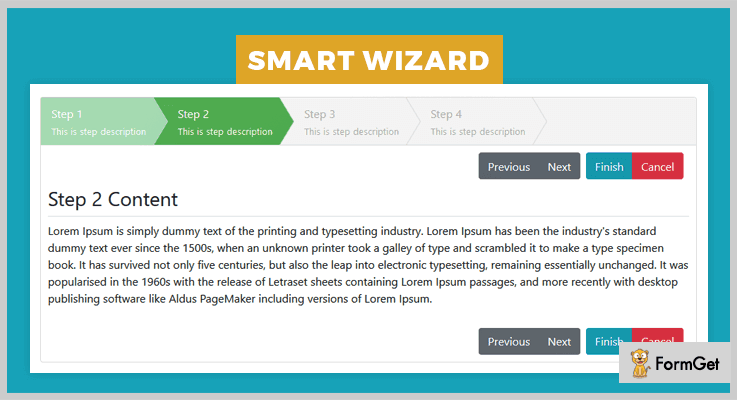
4. Smart Wizard – jQuery Wizard Plugin
This jQuery plugin provides you with features which are not limited to Bootstrap 4 support, themes, customizable toolbars, customizable options, public methods, event support and a lot more
It is a powerful tool for providing navigation facility on your website. Plus, it is 100% responsive & easy to use.
Pricing:
- To purchase this plugin & gain access to all of its efficient features, visit ‘github.com’ & download it for free of cost.
Features:
- This Plugin provides you with various themes & toolbars which you can easily customize as you want.
- It facilitates multiple customizable options for public methods, event support and a lot more.
- You also get several external buttons like next, previous, reset, finish, cancel, etc for good user experience.
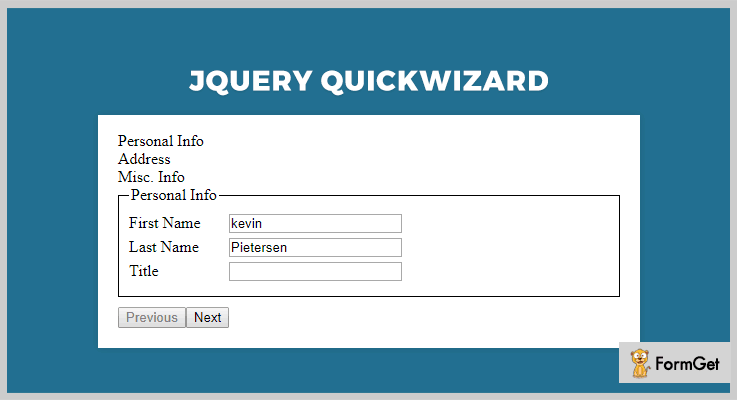
5. Quick Wizard – jQuery Wizard Plugin
Quick Wizard is a freemium jQuery wizard plugin which grants you the features like add navigation controls, customize the styling, adding transition & jQuery UI effects, etc.
Moreover, these plugins are easy to use & fits beautifully in all screens.
Pricing:
- Simply go to ‘github.com’ and download this plugin & get all of its features as well without paying a single penny.
Features:
- You can add transition effects to the dialogue boxes of details.
- It enables you to customize the navigation options an add prev & next buttons to it.
- Along with this, it also allows you to jQuery user interface effects core.
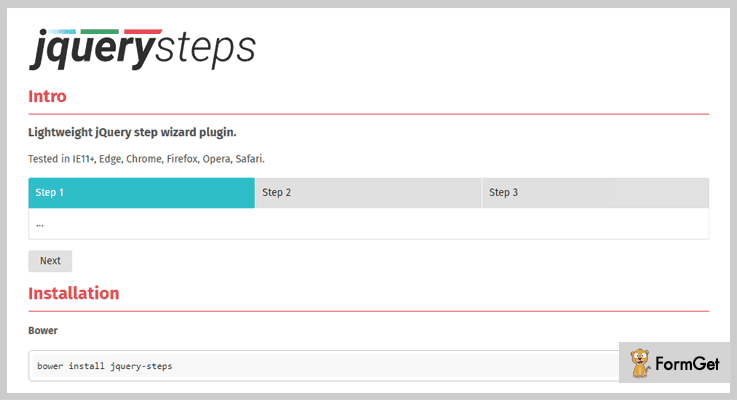
6. Oguzhanoya jQuery Steps – jQuery Wizard Plugin
This is a super cool jQuery plugin which allows you to provide easy navigation facility on your website elements like forms, etc.
Further, it is very easy to use & cross-browser compatible. Plus, it doesn’t burden your website with extra weight.
Pricing:
- Oguzhanoya jQuery-Steps is free of cost plugin. To get this plugin all you gotta do is go to ‘github.com’ & swiftly download it without paying a single penny out of your pocket.
Features:
- One of the best features of this jQuery plugin is that you can easily configure this plugin.
- It is very lightweight in size which makes it load faster.
- Also, it is tested on multiple browsers like IE11+, Edge, Chrome, Firefox, Opera, Safari.
Closure:
Ergo, in this weblog, we have listed several prime jQuery wizard plugins. Plus, discussed their major attributes, pricing plans & other details as well.
Finally, after perusing this list of jQuery wizard plugins, we hope you must be able to analyze the crucial details and select the perfect jQuery plugin for your website which will ease the task of navigation & enhance the user experience as well.
On this note, we take your leave!
Do peep in some of these blogs from the popular crannies:
Get in touch with us for any queries & suggestions. After all, hearing from you is always a pleasure. We will get back to you as early as possible.
5 Best Free jQuery Ripple Effect Plugins 2022
“Integrate jQuery Ripple Effect Plugins on your website and make your site visually stunning & creative”.
Yes, ripple effects became one of the most popular effects today due to its simplistic & eye-catching designs.
So, in order to provide your website an eye-catching design, we have a compiled list of 4+ best jQuery Ripple Effect Plugin which helps you to create a ripple effect on your website.
The plugins which we have selected in this blog are lightweight and easy to use. They also works well in all major browsers and enhances the user engagement on your website.
Most of these ripple effects are the end-result of CSS3 animation effect mostly borrowed from jQuery and JavaScript.
Check out these plugins one by one below. But before getting on with the details on the plugins have a look at the blogs listed below:
These plugins help you to add the great functionality of highlighting the text or content of blog posts.
Use these plugins for fixing a particular web content on the top of the webpage.
Use these plugins for creating shadows on the text or images on your website.
1. jQuery Ripples Plugin:
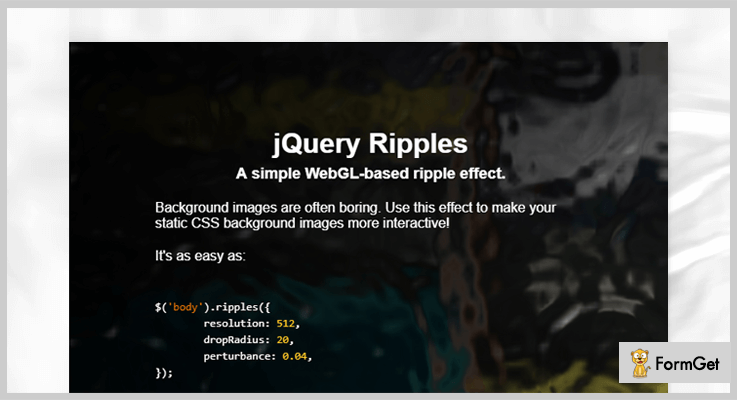
As we know background images are often boring. This plugin helps to make your static CSS background images more interactive by adding various WebGL ripple effects.
Ripples jQuery plugin has good documentation. Also, it provides you complete users guide along with detailed explanation. This will further make your implementation work easy
Other Useful Features:
- It has a functionality that the effect resizes automatically when the width or height of the window changes.
- You are allowed to toggle the effect’s visibility that is you can hide or show effects according to your choice.
- The plugin also has several methods to programmatically add drops, or remove the effects among other things.
- It is highly customizable by which you can make easy changes in the code according to your choice.
Pricing:
Ripples jQuery plugin is available free of cost. You can download it from GitHub website.
2. legitRipple.js – Best in jQuery Ripple Effect Plugins
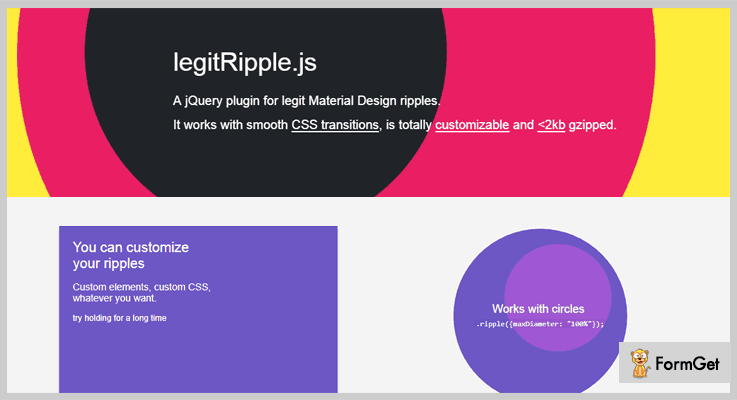
legitRipple is a jQuery plugin used for legit material-design ripple effects. This plugin comes with various CSS transition effects which gives your website a better look.
Moreover, the plugin has lots of configurable options, such as custom HTML, custom transition durations and a lot more.
Other Useful Features:
- You can customize your ripples with the help of custom elements and make changes in the code according to your choice.
- The plugin features two scale mode for dragging these are proportional scale mode and a fixed scale mode.
- One can change the transition duration for longer or shorter ripple animations according to their choice.
- legitRipple.js plugin allowed you to set a maximum amount diameter for the ripple effect.
Pricing:
The legitRipple.js plugin is a free plugin you can get it from GitHub website.
3. Water Ripple jQuery Ripple Effect Plugin:
This is a javascript jQuery plugin which helps you to simulate water ripples on the surface of an image. It is easy to implement you just have to copy and paste the code. Also, it is customizable in nature so that if you want to make some changes in the code you can do it in few clicks.

Other Useful Features:
- You can add an image or a div tag with the image background to the body easily with the help of this plugin.
- Easy to use and implement comes with complete user guide and good documentation.
- It consists of various custom CSS options for adding beautiful animation ripple effects.
Pricing:
It’s a free jQuery plugin which can be used to add ripple effects to the website elements with ease.
4. MAWButton jQuery Ripple Effect Plugin:
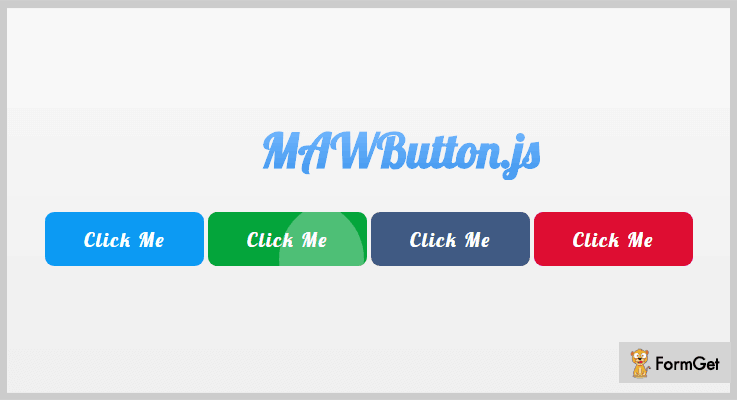
MAWButton is one of the most popular plugin which is inspired by Google material design. The plugin lets you use the ultra-cool active effect on every element you want with modern CSS3 and super smooth animations.
Other Useful Features:
- The plugin provides various colors on different buttons so that you can make your site more attractive.
- You can manage the whole ripple effects on your site by providing proper speed, length, proper movement and all.
- The plugin includes different effect options such as wave, flash, animation etc.
Pricing:
jQuery MAWButton is an entirely free plugin which will cost you $0 for all the features and facilities it provides. You can easily access it from github.com website.
5. Ripple jQuery Effect Plugin:
Ripple jQuery is a simple plugin which is built by using jQuery. The plugin lets you create adaptive, smooth, draggable and highly customizable ripple click effect. It uses CSS3 transition in order to make your website versatile.
Other Useful Features:
- The plugin supports NPM package which is a package manager for the Js that helps you in the installation of this plugin.
- By inserting this plugin you can directly add a home button which directly redirects you to the homepage of your site.
- It provides a save button so that you can save every effect after applying it on your site.
- Whenever you want to hide or show your plugin’s setting you easily do by clicking on hide/show button.
Pricing:
It is completely Free. Download it from GitHubs’s official site and use for a lifetime.
Conclusion:
Now as you read all the 5 best free jQuery ripple effect plugins, we hope you have found your suitable jQuery plugin.
If you have any queries & suggestions, you can comment them in the below comment section and we’ll reach out to you soon.
Stay tuned for more plugins.
4+ Free jQuery Text Highlighter Plugins 2022
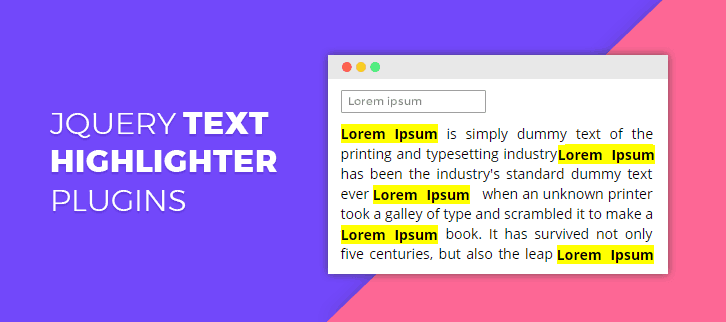
Are you looking forward to add a great functionality of highlighting the text or content of blog posts and web pages?
Then, there is no better option than integrating jQuery text highlighter plugins on the website. It’s because the manual coding can give you a really hard time.
So, to help you in finding out the best plugin, we are here with some of the best jQuery text highlighter plugins.
These will help your visitor to highlight the text on the web pages with different patterns like the selected text color reverse, bold lines around the text or have dot lines around them.
In addition, these have enormous features like highlight a set of words, highlight the URL, fix the size either of columns & rows and a lot more.
The plugins are user-friendly and easy to use so, anybody can embed these on the website with a little knowledge of technical coding.
All the plugins present in this blog are free of cost, lightweight, responsive and cross-browser compatible.
Dig down to explore the main features of freemium jQuery text highlighter plugins!
Before that have a look at some more jQuery plugin blogs:
These plugins will help you to add header section where you can showcase ads and other things of the website.
With these plugins, you can add more styles and design with the text-shadow through a CSS3 custom editor.
These allows you to add animation effects on the pages of the website.
1. highlightRegex plugin – jQuery Text Highlighter Plugin
highlightRegex plugin helps you in adding additional attributes which can be set on the created tag. This plugin is SEO friendly, and support many of the browsers as well. You will also be provided with a well-explained documentation and example.
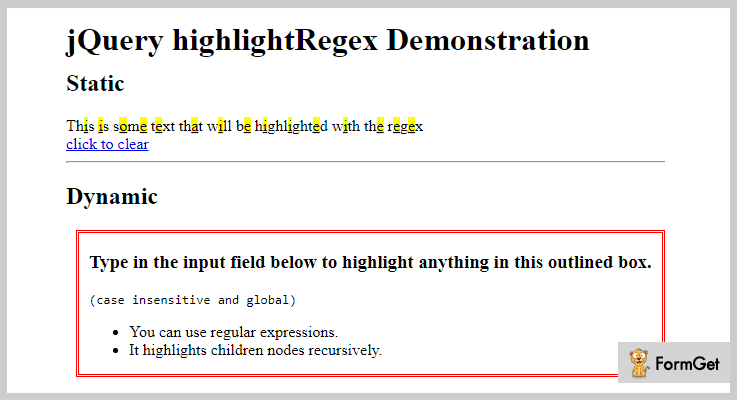
Price –
This plugin will cost you $0 as it is freely available to all on the official website of GitHub which is GitHub.com.
Features –
- You can use regular expressions on your web page.
- This plugin would wrap all the vowels inside of #any.jquery.selector with a <span class=’highlight’>.
- Also, you can clear the highlighting, just by calling this function without arguement $(‘#any.jquery.selector’).highlightRegex();.
- In fact, you can use different sort of tag and/or class in your coding.
2. mark.js – Best Free In jQuery Text Highlighter Plugins
This plugin is mainly used for highlighting the keyword. It also has a”done” function which is called once all the highlighting marks are done. This function also receives the total number of marks as a parameter.
In fact, this plugin has a filter function which is beneficial for your website. This is so because it is called for each match.
Price –
You can easily have this plugin as it is an open source plugin available on the official website of GitHub.
Features –
- It helps you in marking the search terms or custom regular expressions.
- You will be provided with built-in options like – diacritics support, separate word search, custom synonyms, and more.
- With the help of this plugin, you can highlight the URL, Custom regular expression, and a lot more.
- This plugin has a noMatch function which is called when there are no matches found in the content or on the web page.
3. highlightTextarea – Free In jQuery Text Highlighter Plugins
highlightTextarea is an open source plugin. It holds many features like – resizing the text height and width using CSS coding, changing the size of rows and columns if needed, and more.
In this plugin, words are defined in a jQuery array. You can even customize or highlight the color of your text using the highlightTextarea plugin.
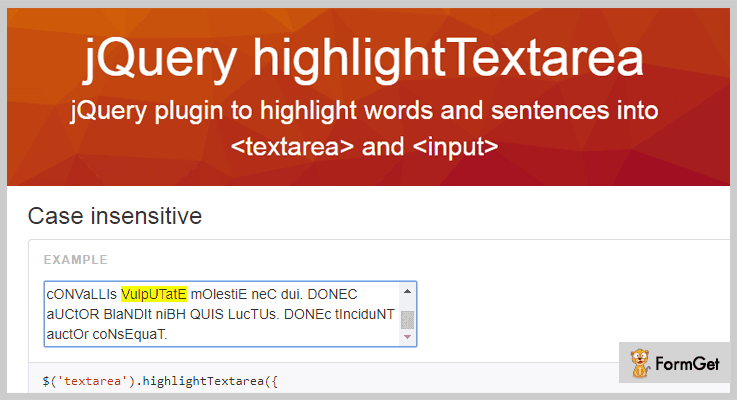
Price –
From the official website of GitHub, you can download this plugin for free.
Features –
- Using this plugin either you can highlight a set of words or a specific range.
- For dynamic text areas, you have to fix the size either of columns & rows, or you can define the height and width in px or em with help of CSS coding.
- You can easily select multiple textareas at once.
- This plugin helps you in highlighting portions of text into a textarea or in an input.
4. highlight-within-textarea – jQuery Text Highlighter Plugin
highlight-within-textarea helps you in featuring the text within the content. In fact, you can set the CSS class for custom styling, such as changing the highlight color.
You can also change the visibility, positioning, and background of your highlighted text very easily. Moreover, you can change the sizing or you can do the text formatting like – height, width, border, color, etc.
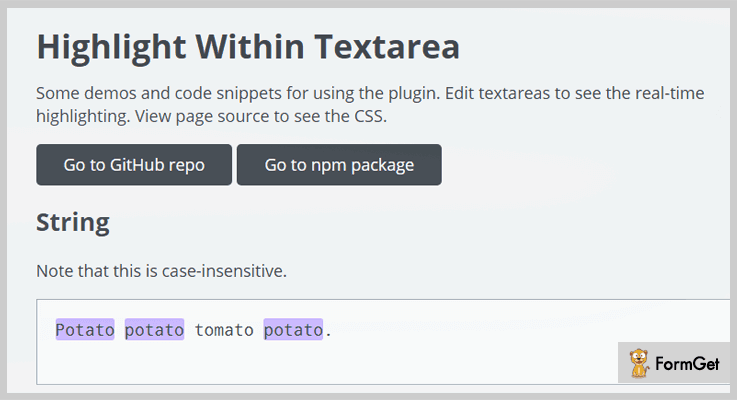
Price –
This plugin is available free of cost to all and can be downloaded for free from the official website of GitHub.
Features –
- You can use the find all (g) and case-insensitive (flags) functions if you need them.
- You can highlight multiple things at a time.
- To indicate no highlighting this plugin will give you false values like – false, undefined, etc.
5. Highlight.js – Free In jQuery Text Highlighter Plugins
Highlight.js plugin comes with a well-featured example. Using this plugin, you can easily highlight the text on your webpage as well. In fact, this plugin has its “ignorecase” option which works whenever the keywords match in the content.
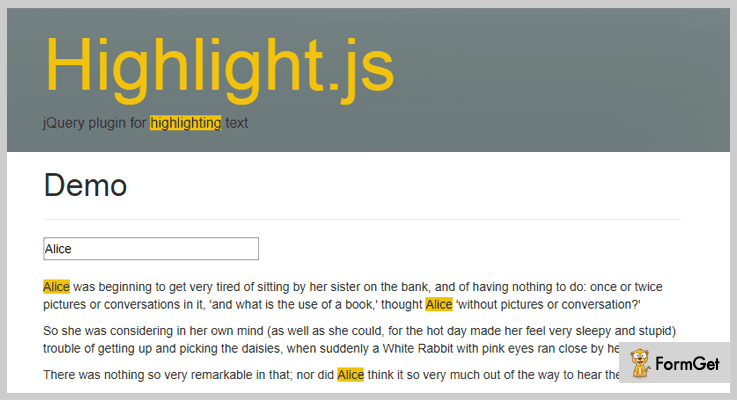
Price –
You can buy this plugin for free from GitHub.com.
Features –
- You can use the search bar to highlight any word or sentence.
- To remove the highlights you have to call highlight without any arguments $(‘p’).highlight().
- The highlight CSS class can be changed according to your users need.
Conclusion
So, we have completed the description about the jQuery text highlighter plugins. All of them are free and have unique functions.
Now it’s your turn to pick the best one from above and make an amazing website.
If you have any kind of query and suggestion please comment below.
5+ jQuery Text Shadow Plugins 2022 (Free and Paid)
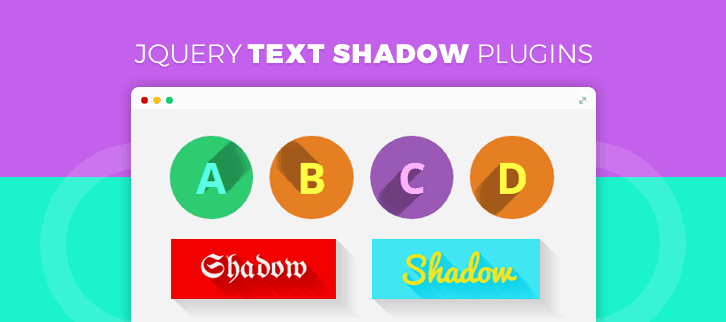
We don’t seek a lavish styling of our web page content every time.
Sometimes a simple designing can turn out to create sufficient impact on the overall layout. One such option is, creating shadows on the text or images on your website.
Now the question arises, how can we add these shadow effects on the text on our webpage?
The answer to this question is ‘ jQuery Text Shadow Plugins’.
With the direct and simple integration of this plugin to your website, you can make the process of creating shadows quicker and more effective than acquired by CSS styling.
Further, with the help of jQuery text shadow plugins, you can automatically produce a 3D effect for a flat and linear text.
Another benefit is that you can have animation effects such as the text can respond to mouse movement.
These lightweight jQuery plugins are highly recommended as they are flexible and easily customizable. Whereas methods other than jQuery plugins to create effects, confines the shadows to the same size and fixed shadow angle. In short, other modes might not have various customization options.
Besides this, you may also be enthralled by some these blogs from popular niches-
These plugins remolds the static CSS background images into more interactive UI with various ripple effects.
Plugins to help your visitors to highlight the desired texts on the web pages.
jQuery Fixed Header Plugins are used to attach best in class sticky headers to your website.
1. Long Shadow – jQuery Text Shadow Plugin
This plugin is used to add long shadow effects on the HTML elements like texts and images of your web page. This is done in order to provide a 3D look to the flat design elements.
These shadow effects are completely customizable in terms of shadow length, opacity, direction and color.
Also, shadows are applicable for any web fonts.
Furthermore, it allows applying shadows to the images. For example, append long shadow to the PNG of the apple logo.
The plugin can be used to apply shadow on 3D logos like the logo of Skype, IE etc.
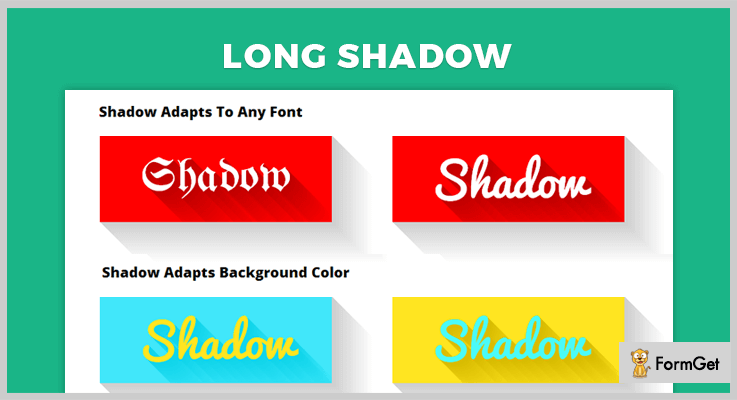
Pricing:
Get this highly functional plugin for your website at a very affordable rate of $11 with 6 months support. You can extend this support for 12 months at $3.38 only.
Features:
- You can create various flat icons and then apply long shadow to them. For instance, on the music note by applying this plugin on its ASCII character code.
- The plugin gives you full control to set the shadow angle.
- It also allows you to choose the color for shadow and transition.
- For further help, the plugin comes along with various sample and tips to refer.
2. jQuery Shadow – jQuery Text Shadow Plugin
The plugin gives a variety of drop-down shadows to the elements of your web page.
These are exclusively introduced to create shadows for the box containing the write-ups.
It comes with very easy implementation and usage as you do not need to specify the CSS class name.
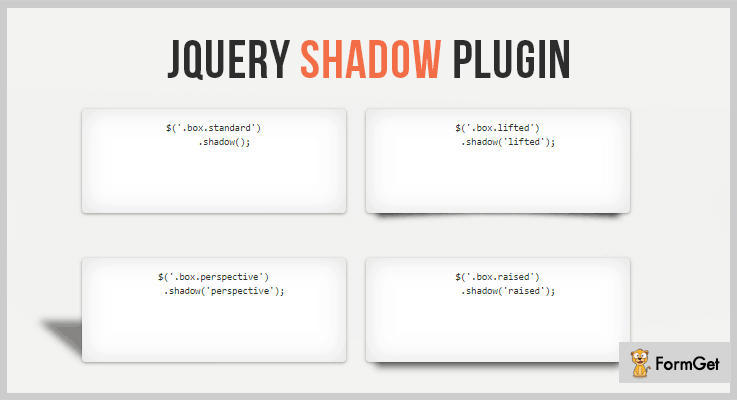
Pricing
The plugin is absolutely free to use for any kind of website.
Features
- This plugin allows shadows under the container in various ways. Like, under the lifted or curled corners of the text box.
- You can apply the various other shadow types like single vertical curves, single horizontal curves, horizontal curves to the text containers.
- Just like the shadows for fix positioned box, you can also provide shadow beneath a rotated box.
3. Flat Shadow – jQuery Text Shadow Plugin
This plugin provides automatic shadow to the flat UI elements for creating an attractive effect for your web page content.
It also provides one more important add-on for the elements, which is randomizing the shadow and web design element.
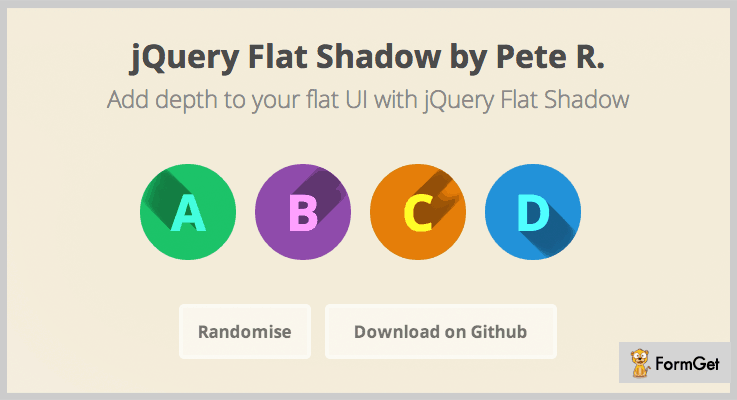
Pricing
You can download this plugin from github.org as it free.
Features
- The plugin helps to create a 3D look as if the text is emerging from its flat background.
- You can propagate shadows in 8 directions according to the requirement.
- It also allows you to customize various other factors such as the color of the element and fade effect.
4. Text Shadow Stroke – jQuery Text Shadow Plugin
The plugin gives text shadow to the elements in a completely different and unique style.
It gives a stroke-like look to the text of the UI elements.
This creates a different impact altogether for those who do not want regular shadows on the text and still want an unusual layout.
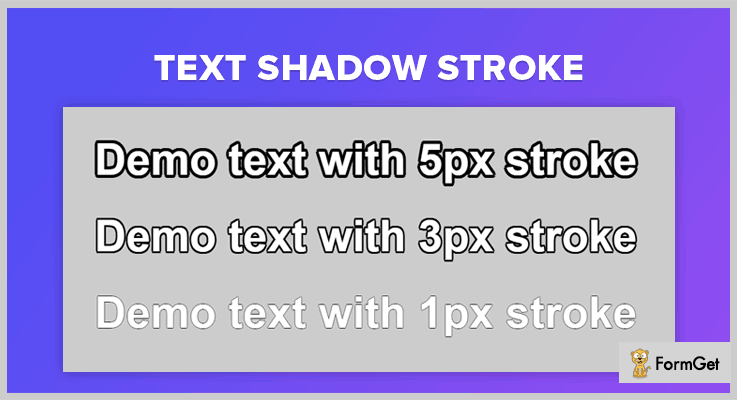
Pricing
Integrate this plugin on your website without paying any money. It’s completely free.
Features
- The stroke-like effect can be obtained easily by this plugin via thickening the outlines of the text.
- You can set the size of the stroke by assigning the radius of the text outline.
- The plugin also allows you to customize the color of the stroke as per your choice.
5. Shadow Text – jQuery Text Shadow Plugin
This is an astounding jQuery plugin which provides you with interactive, animated text shadow effects. It is studded with features for customizing the text shadow like color, size, blur close & a lot more.
You can either use the default settings or you can change them as per your convenience. It enables this option to hide the text and only show the shadow
Moreover, this plugin fits beautifully in all screen sizes & is very user-friendly.
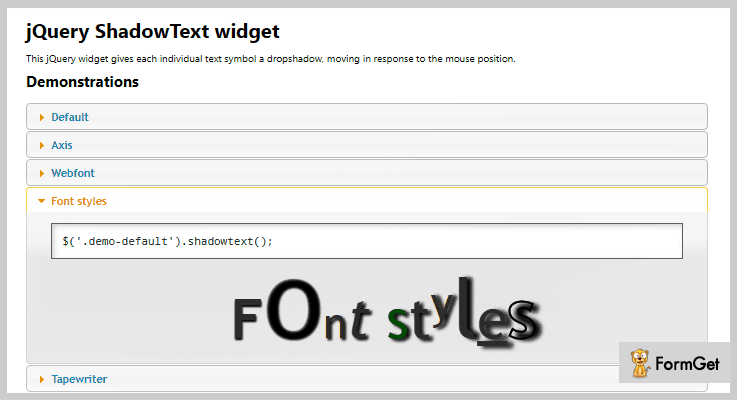
Pricing
This plugin is available at free of cost on ‘github.com’. You can download it without paying any price for the plugin and gain access to all of its features as well.
Features
- You can apply shadow to the text in the desired direction either from x-axis or y-axis.
- This plugin allows you to set the amount of blur when farthest to the text.
- It enables you to customize the color of the text in the form of HEX codes, RGB, RGBA and color names
6. Fun Text – jQuery Text Shadow Plugin
With the help of this jQuery plugin, you can easily add 3D shadows to text which respond to mouse movement. This plugin provides a range of features for easy customization like you change color, size and a lot more.
Apart from this, it is very easy to use & responsive to all screen sizes like mobile, tablets & desktop. Also, you get a demo file along with this plugin for your convenience.
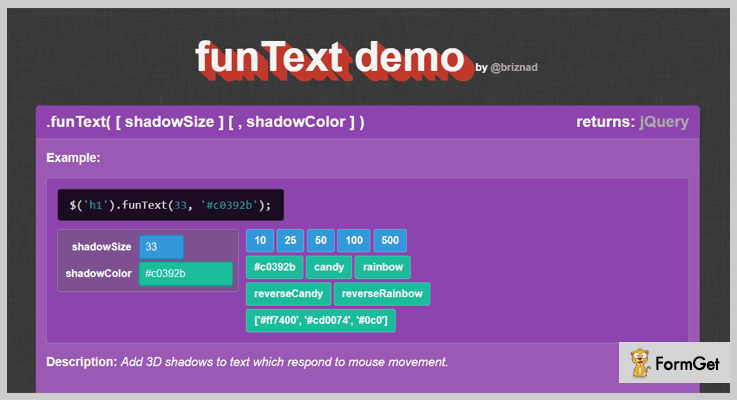
Pricing
Simply download this plugin from ‘github.com’ & get all of its efficient features without spending a single penny.
Features
- You can change the color of the text to the color of your choice from the color pallet or in HEX form.
- It enables you to resize the text & its shadow in pixels as per your requirement or you can use the default size.
- The shadow responds to mouse movement by moving in an inverse direction to the mouse, relative to the browser window.
Wrapping Up!
Consequently, we have listed few of the finest jQuery text shadow plugins which will enhance the outlook of your website.
While discussing the various attributes, pricing plans & other details we came across few free as well as paid plugins.
Now, after reading this blog, it is up to you. So, go through the list of jQuery text shadow plugins & choose the best for your website as per the requirements.
We hope that by now you must be able to scrutinize well.
On this positive note, we sign off!
Do share your views in the comments section below.
5+ jQuery Fixed Header Plugins 2022 (Free and Paid)
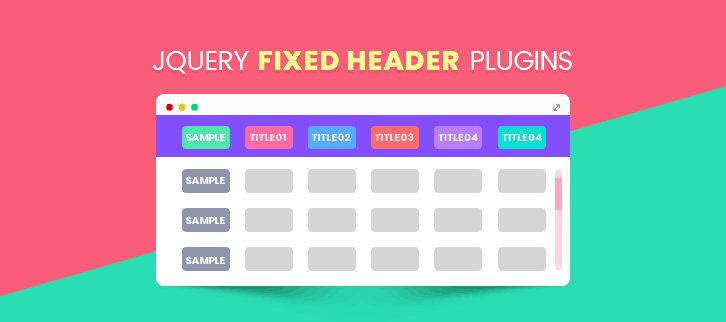
jQuery fixed header plugins are used for fixing a particular web content on the top of the webpage. Actually, these sticky elements are very convenient for improving navigation, displaying ads and for much more similar ways.
In sticky navigation, it makes very easy to reach the menu without scrolling. And in tables, we could easily read the main heading of the element without scrolling up each time.
These fixed/sticky elements can easily be created using CSS but manually designing could waste a lot of time. Plus it is really lengthy & complicated for some. Maybe you succeed to build the functionality but it doesn’t guarantee the browser compatibility.
So, here is the ready-made solution to this tedious task. We have gathered a list of handpicked 5+ jQuery fixed header plugins both free and premium.
Most of all these plugins are noteworthy in their respective domains as a sticky header, fixed table header etc. Have a look through each of these listings carefully and choose the best-suited one.
1. Sticky Header – jQuery Fixed Header Plugin
Sticky Header is a jQuery plugin which helps you add a navigation bar at the top of your website which remains static even when the users scroll down a webpage. You can easily show or hide the header, apply custom changes through CSS, and more with this plugin.
Additionally, you can implement rounded corners, text shadow, drop down menu, etc through it on a website.
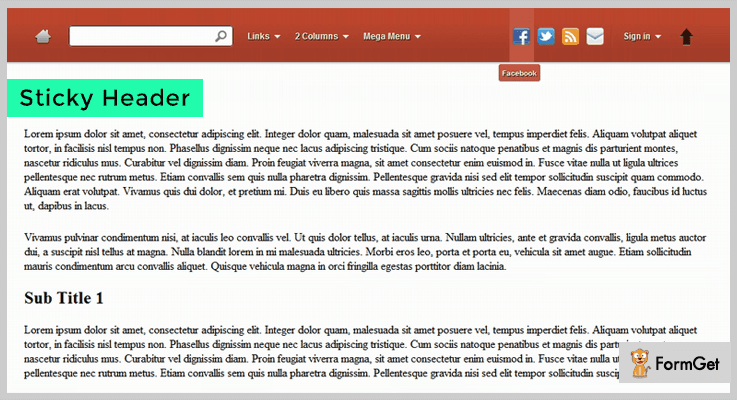
Pricing:-
- The regular plan of this jQuery plugin will cost you $5 which includes sticky header options and customizations as well.
- $25 is the price which you have to pay for the extended version of this plugin.
Features:-
- You get 6 predefined color options with this plugin, plus you can create custom colors for the sticky header just by editing the CSS file.
- This plugin allows you to attach multi-level drop-down menu on the sticky header of your website.
- Inbuilt functionalities like minimize or maximize header, theme customization through CSS and hover or click effects are also available in the plugin.
- This plugin supports and has been tested on all latest browsers like Firefox, Internet Explorer, Safari, Chrome, Opera, etc.
Click For Details On jQuery Fixed Header Plugin
2. Kidd Sticky Table – jQuery Plugin
Using Kidd Sticky Table jQuery plugin you can assign fixed header function to a website with ease. It is an affordable plugin which offers well-documented support and allows custom options for header creation as well.
This plugin provides two different styles which are bordered and default. Plus, you get various color options, data export feature, fixed left columns along with other custom designed features.
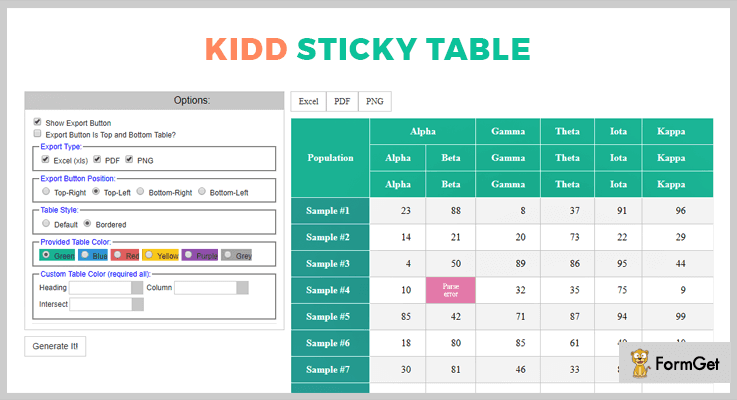
Pricing:-
- For the regular license of this plugin, you will be charged $4 and will come loaded with multiple header customizations and facilities.
- The extended license will cost you $30 for all fixed header facilities on a website.
Features:-
- The demo provides this plugin is pretty awesome as you can make custom changes live on it and preview them instantly. The code can then be copied on the website for easy implementation.
- Custom color options like green, blue, red, yellow, purple, and grey are already available with this plugin.
- With this plugin, you are permitted to add multiple plugin instances on the same website page.
- You can freeze table header, define the position, export data from xls, pdf, and png format files.
Click For Details On jQuery Fixed Header Plugin
3. FixedTblHdrLftCol – jQuery Plugin
FixedTblHdrLftCol stands for the fixed table header and left column which is a responsive jQuery plugin. Through this, you can simply to modify a table element and add attractive headers.
It provides you the facility to apply Synchronization of scrolling events and supports a variety of latest browsers.
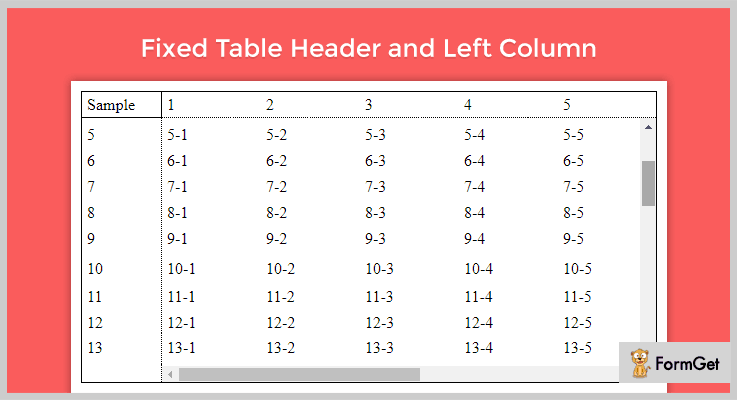
Pricing:-
- This plugin is totally free and can easily be downloaded from github.com website. Even being free of cost plugin it gives you access to various fixed header features and advanced elements.
Features:-
- Browsers on which this jQuery plugin is tested and works perfectly well are Safari, Google Chrome, and Mozilla Firefox.
- With this plugin, you get diverse options like default value, data type, remarks, height and other.
- Helps you append fully customizable fixed header on a website which is cross-browser compatible.
- You are also allowed to syncronize scroll events in this plugin with ease.
Click For Details On jQuery Fixed Header Plugin
4. Fixed Table Header by mustafaozcan
jQuery Fixed Table Header plugin fixes the header row of a table without any div element overflow. The plugin functionality simply fixes the header row when scrolling down the page.
Moreover, the auxiliary feature of the plugin will let you use this plugin with ASP.NET DataGrid or GridView.
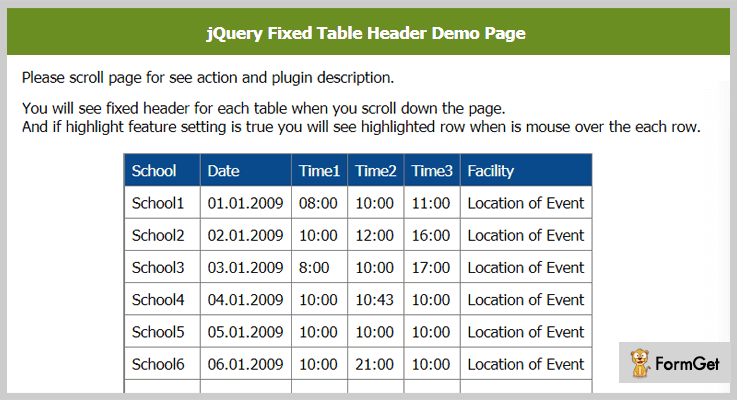
Pricing:-
- Fixed Table Header jQuery plugin is a free product by GitHub.org and you can directly download it from the official website.
Features:-
- The demo of the plugin is also available to get familiar with the live plugin functionality.
- This plugin is tested with major browsers and found optimal to use for the purpose.
- The supported browsers are IE-6, IE-7, IE-8, Firefox 3.5.3, Chrome 4.0.220.1, Safari 4.0.3 & Opera 10.00.
Click For Details On jQuery Fixed Header Plugin
5. Fixed Table Header by karaxuna
It’s a jQuery plugin for fixing a table’s header while scrolling. You can have an unlimited number of rows as well as columns in a table. Plus there is no complex coding used to get started with this plugin.
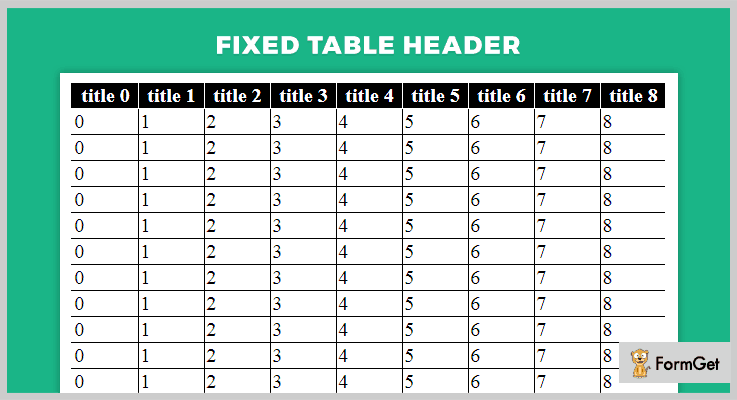
Pricing:-
- It is another free product of GitHub.org. Download it directly for free.
Features:-
- It is an extremely easy to use jQuery plugin with customizable options.
- Texted with major browsers and found compatible with the latest ones.
- Availability of full documentation and directions to use with plugin demo.
Click For Details On jQuery Fixed Header Plugin
6. jQuery Fixed Header
jQuery Fixed Header plugin simply fix the header on the topmost position of the browser window and shift-down the remaining content at the bottom. It automatically adjusts the overall content in accordance with the total height with the addition of a scrollable bar.
In addition, you can change the height of the sticky header anytime with ease. Also, there is a breakpoint from where the fixed header class get removed & the header becomes static at that point.
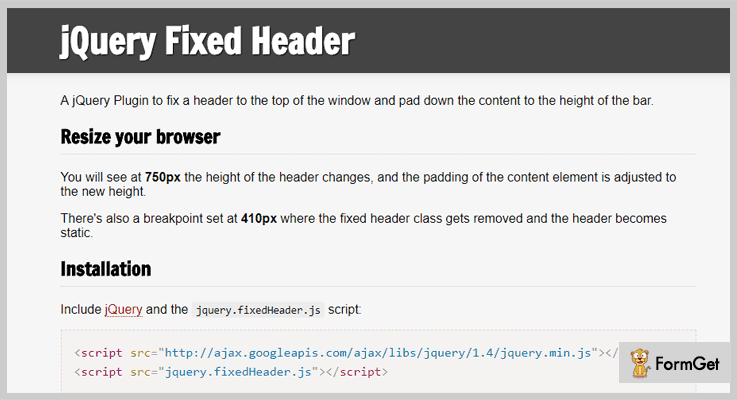
Pricing:-
- Grab this jQuery plugin for free from github.com website.
Features:-
- It is a highly responsive plugin which can adjust to changing screen sizes.
- Clean and clear documentation for making full use of each feature of the plugin efficiently.
- Various customization options available for layout and styling through pure CSS.
- You can easily set the height of the sticky header.
Click For Details On jQuery Fixed Header Plugin
Conclusion
I hope that you must have found the jQuery plugin which best suits your website as here we have defined some of the best and tested jQuery Fixed Header Plugins. The plugins offer multiple features and we have kept both free as well as paid plugins in this list. So, you get diverse options and choices of plugins.
In the end, if you have any type of doubts or queries related to these or similar plugins have that mentioned in the comments section below. We will reply you as soon as possible.
5+ High Rated jQuery Webcam Plugins 2022

Are you in search of the best Webcam for your system or website?
I am damn sure, you must be!
Due to the popularity of taking snapshots, record video clips and organize video chats Webcam plays a vital role. That’s why some JavaScript developers develop a good and useful plugin to manipulate your website with a webcam.
So, today we are sharing with you those awesome jQuery Webcam Plugins which offer a wide range of an image, better video quality and camera effects such as flash, camera shutter effect, webcam, etc.
These Webcams plugins are cheaper than standard video cameras and allow to do online face-to-face communication with anyone and make easy to illustrate the things visually to the person you are talking to.
In simple, we can say it is a transparent layer to communicate with a camera. It is a video camera that feeds or streams your images in a real-time through a computer to computer network. It also captures the images and later you can view or send on to other networks via the internet, and an emailed as an attachment.
Now dig in and find most rated jQuery webcam plugins below.
But before getting on with the details on the plugins have a look at the blogs listed below:
1. jQueryWebcam Plugin:
A jQuery Webcam plugin allows you to take pictures with a webcam. This plugin is often used in the corporate world for video conferencing. Its use makes remote work possible. jQueryWebcam uses an HTML video tag to provide the camera feed and a canvas to convert it to a picture. This plugin supports only HTML img element. It also enables the user to crop the images which have taken with the help of a webcam.
Another Useful Feature:
- Contains CropperDimension to set the proper dimensions of cropper images. By default [5, 5, 250, 313].
- It supports picFormat so that you can easily export the picture format.
- The plugin provides a cropperSelectable section to select the image cropper area.
- It contains camWidth/camHeight function to fix the width & height of Webcam.
Pricing:
This plugin will cost you $0. You can download this from GitHub’s official website.
2. UserCam jQuery Webcam Plugin:
UserCam is a well-liked jQuery webcam plugin that takes snapshots, detect motion, colors of images, report-video clips and set up video chats. The plugin is a clear layer with which you can easily and clearly connect with your clients. UserCam works well with almost every jQuery versions.
It includes the minified JS and CSS script on your HTML documents in order to make your website faster and provides clear vision.
Another Useful Feature:
- You can access the UseCam methods by accessing the container elements for any events or by conveying any messages.
- The plugin consists img src attribute to specifies the URL of the image.
- UserCam supports few additional parameters such as “start” which detects when the webcam starts and an “error” to detect when the error occurs during using a webcam.
Pricing:
UseCam plugin is absolutely free to use. So you can download it straight away from GitHub’s site.
3. jQuery Clipchamp MJPEG Player Plugin:
jQuery Clipchamp MJPEG Player is a webcam recorder plugin that provides a simple player for MJPEG videos. It supports clipchamp.com to produce online video compressor and video converter.
The plugin exposes a simple interface, which is accessible either by the jQuery API or by the AMD module which defines the application programming interface & dependencies of the plugin.

Another Useful Feature:
- jQuery Clipchamp provides you two simple option to insert the plugin into your site, they are, adding as a submodule (i.e. via URLs.) or by installing the NPM which is a package manager for JavaScript.
- It provides an autoloop service that specifies whether or not the video shall loop after coming to an end.
- With its WrapperElement and playerInterface, you can easily control the MJPEG webcam according to your need.
- It also consists of a finish function which can be called in order to stop or remove the player from wrapper element.
Pricing:
It is completely Free. Download it from GitHubs’s official site and use for a lifetime.
4. jQuery Video2image Webcam Plugin:
jQuery Video2image is a Webcam plugin that permits you to learn knowledge from a person’s webcam or different video size system. This jQuery Video2image is used for viewing/playing/stopping a webcam with image capture.
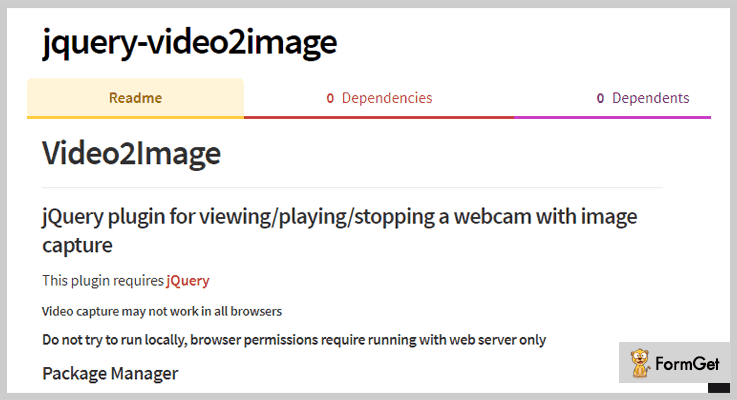
Another Useful Feature:
- jQuery Video2image supports NPM through which the plugin can be download.
- It contains a canvas id with which you can create a beautiful photo design.
- You can easily customize the width or height of the video/images while creating an image or video.
- It supports base64 form which encodes the binary data into numeric.
Pricing:
jQuery Video2image is an entirely free plugin which will cost you $0 for all the features and facilities it provides. You can easily access it from github.com website.
5. jQuery.Webcam Plugin:
This is a well-liked jQuery plugin that allows the user to read data from a user’s webcam or other video capture devices. The plugin supports the various format in order to make it more ease such as swf file which stands for small web format that contains video and vector-based animations and a .flash plugin to bring consistent and engaging user experiences on your website.
Another Useful Feature:
- The plugin uses flash swf for the actual capture of the image until browsers support native webcam capture.
- jQuery.Webcam can optionally prompt the user to allow flash access the webcam.
- With the help of this plugin, you can develop a video to a canvas element (graphic elements).
- It supports callback function as well as a filter option.
Pricing:
jQuery.Webcam is another webcam plugin which is available at free of cost. You can simply download it and take benefits of all its advanced features.
6. jQuery Webcam Plugin:
jQuery webcam plugin is a transparent layer to communicate with the camera. It supports three different modes to access such as callback mode to bring the image on a canvas, save mode to store the image on the server and a stream mode to stream the live image on a canvas.
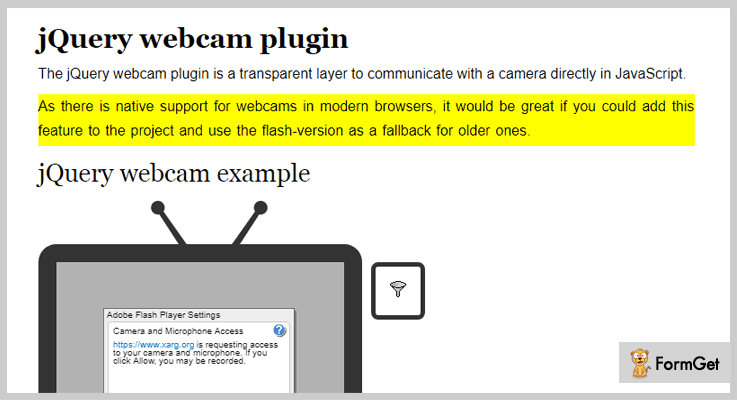
Another useful Feature:
- The plugin supports adobe flash player to take an instant picture.
- It contains various parameters such as width, height, mode, swffile, onLoad etc.
- jQuery Webcam supports AJAX which is an alternative method to upload the image via flash.
Pricing:
Another free of cost jQuery plugin which can easily be downloaded from github.com.
Closure:
Now, these are our take on of jQuery Webcam Plugin and I am definitely sure that you must have found the relevant plugin in this article for your website.
By getting one of these products you can make easy to illustrate the things visually to the person you are talking to.
In case you have any doubts or queries regarding the plugins do let us know via your comment.
Thanks for Reading!
5+ jQuery Text Truncating Plugins 2022 (Freemium)
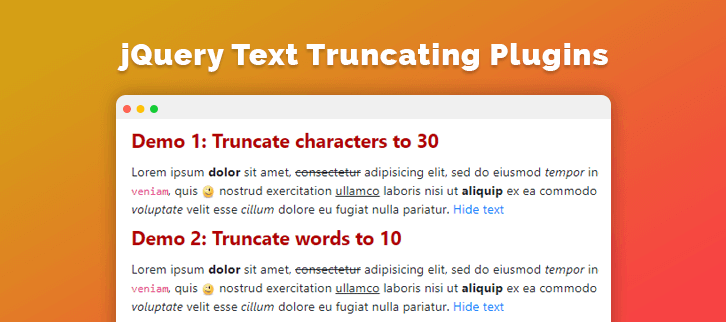
jQuery text truncating plugins are used to apply the HTML element’s text trimming operation on your web elements. These plugins are easy to integrate and only require to download their library, set certain parameters and you are good to use the plugin functionality in an automated manner. Furthermore, most of these plugins are pretty lightweight & offer great customization to modify the default implementation.
In this article, we’ve compiled a list of 5+ jQuery text truncate plugins of 2022 available for free. Just go through each listing and its respective features and choose the one best suited for your site text needs.
Check out these jQuery blog listings:
To manage the history of web pages in different formats.
Highlight the elements of the website by creating a spotlight effect.
Construct attractive web pages & applications via material design components from various frameworks & libraries.
Tip: Lightweight plugins are best to be used for additional and supplementary plugin functionalities as they don’t acquire much space.
1. Succinct – Best In Free jQuery Text Truncating Plugins
Succinct is a very popular and easy to use text truncating plugin. This plugin simply shortens your text to some specified size and also a attaches an ellipsis (…) at the end.
Pricing Plan:
The Succinct is a Free product of GitHub and you can easily download it from the official site.
Features:
- You can specify the elements to truncate using the selectors.
- It is a lightweight plugin just 0.6KB minified.
- You can define the size to which extent you want the text to truncate.
2. Collapser – jQuery Text Truncating Plugin
Collapser is a very useful jQuery plugin for collapsing/trimming an element text by making use of API. You can truncate an element’s text by defining words, characters and lines. It’s an all in one solution for all type of element’s text truncating, you can trim a paragraph or any desired element.
Also, this plugin can toggle the visibility elements. Therefore it facilitates four different modes of operation. Such as- truncate text by characters, truncate text by words, truncate text by lines and show/hide an element.
Pricing Plan:
Collapser is another free product of GitHub.org. Directly download it from the official site
Features:
- The HTML content present within each HTML element remains preserved during the trimming operations.
- Simple and flexible to use in various applications.
- It also displays the remaining string count in the show/hide button.
- No complex syntax or alterations needed.
3. ThreeDots – jQuery Text Truncating Plugin
ThreeDots is smart jQuery plugin with customizable features. It trims a text to fit some specified dimensions, also it adds the desired ellipsis style after truncation.
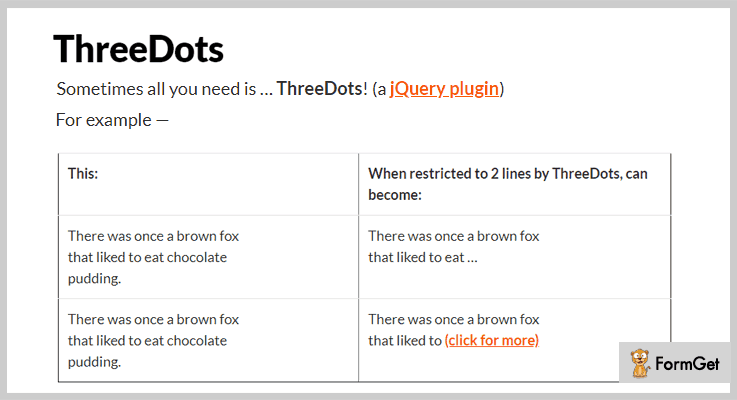
Pricing Plan:
Grab this jQuery text truncating plugin for free.
Features:
- It is a fully customizable jQuery plugin.
- You can specify the dimensions for the trimming operation.
- It automatically appends ellipsis style when a truncate operation occurs.
4. Badonkatrunc – jQuery Text Truncating Plugin
Badonkatrunc is a jQuery text truncating plugin for dynamic text layout. It provides the feature to shorten a specific HTML element’s text. You can apply this jQuery plugin to any of your text which needs trimming to adjust to the page layout.
Pricing Plan:
Badonkatrunc will cost you nothing. Download it for free.
Features:
- Works on major browsers and also support every screen size.
- Clear documentation so as to achieve customer satisfaction.
- Simple and clean code to be used as well as customized easily.
5. Txt Truncate – jQuery Text Truncating Plugin
Txt truncate another jQuery plugin that can trim your HTML elements text. It facilitates the very basic functionality of truncating text of the web page elements to fit into the desired layout. You can specify the number of lines to display.
Moreover, this plugin re-calculates the truncation every time the window resizes and auto-adjusts the truncated element in accordance with the operation.
Pricing Plan:
Txt Truncate is another free to-use product.
Features:
- You can specify the number of lines for the operation.
- Automatically adjust the layout in accordance with the parameters set.
- Works perfectly with the liquid layout and mobile phones.
- Perfectly works on iPhone too.
6. Truncate – jQuery Text Truncating Plugin
This easy to use plugin jQuery plugin is usually used for truncating text of web elements by the number of words. Just specify the number of words to be displayed and the plugin will automatically trim the rest and combines ellipsis with the resulting text.
Pricing Plan:
Truncate is a completely free-to-use plugin.
Features:
- The text remains unaffected by the trim and there is no loss of text or content.
- Documentation and directions of the plugin are so clear that there is no need for extra efforts to work with the plugin.
- 100% browser-friendly code with clean and clear coding.
Conclusion:
To conclude, these were the best 6 jQuery text truncating plugins available for free. These jQuery plugins are definitely gonna help you manage your text in accordance with the layout. And also give a better look to your site.
For any further queries and suggestions, please let us know in the comments below.
Thanks for reading!
5+ Retina Display jQuery Plugins 2022 (Free and Paid)
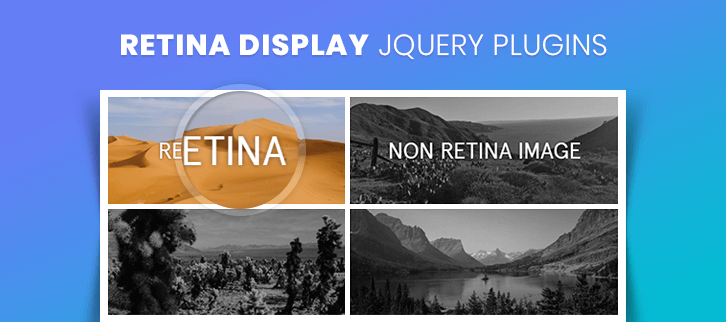
To engage more users, you have to provide high screen resolution images to your website. But, how will you achieve this goal?
Don’t worry! Because today, we are going to introduce you to some of the best retina display jQuery plugins.
These plugins will make it easy for you to serve high-resolution images to your website on every device and this is retina displays!
In this blog, some of the plugins will check whether each image has a high-resolution version or not. Some will provide you different functionalities like – working with the background, CSS coding by using which you can change the background images, and more.
In fact, these will help you in preloading all the images before updating them in to the flash player.
All the retina display jQuery plugins listed in this blog are lightweight, responsive and most importantly SEO optimized.
Check out all the below-listed plugins and choose the one which fits your website the most whether free or paid.
You might be interested in reading these blogs as well:
These plugins will help you in shortening your text to a specified size and then adding an ellipsis (… ) to the end of the text.
Using jQuery history plugins you can support back or forward buttons and bookmarks on your website.
These jQuery spotlight plugins allow you to highlight any of the elements on your web page using a ‘spotlight’ effect.
1. Make It Retina – Paid In Retina Display jQuery Plugins
Make It Retina it is an easy to use plugin. You just have to integrate Make It Retina plugin and use the code $.makeItRetina(); 4. After this, it will start working and provide your users the pixel perfect interface.
In fact, it doesn’t really wait for users with standard screens, it just adjusts itself once it detects the retinal display. Moreover, it is compatible with all browsers like – Firefox, Safari, Opera, and Google Chrome. It also supports JavaScript JS.
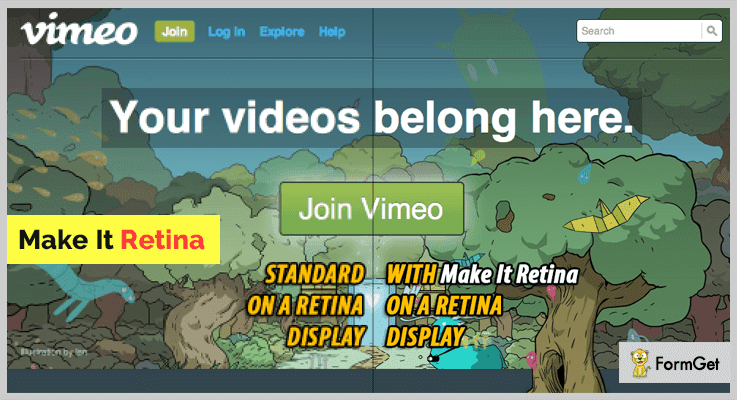
Price –
- You can buy this plugin at $7 with a regular license and a 6-month support from StevioStudio.
- In fact, you can extend the support for a year by paying $8.88.
Features –
- This plugin works only when it detects any retinal display.
- Without specifying any size of the images it replaces all the images with a high-resolution version of them.
- Also, it works with backgrounds that is you can change its background.
2. retina.js – Best Free In Retina Display jQuery Plugins
retina.js plugin is one of the best free plugins in the family of retina display jQuery plugins. This plugin makes it very easy to show high-resolution images of all the devices with every display that support them.
It allows you to manually specify the position or place of a high-resolution image variant. Along with this plugin, you will be provided with proper documentation and well-explained examples.
Price –
You can have this plugin for free from the official website of GitHub.
Features –
- You can pick images as many as you want and decide the levels of pixel density.
- This plugin automatically swaps the background image URLs.
- Also, it automatically creates media queries for your CSS background images.
3. Retina Plugin – Free In Retina Display jQuery Plugins
Retina Plugin helps you in resizing the image, and swap it with twice its size. For example, if the image size is 400px wide and 200px tall, and you want to display it in 600px wide and 400px tall then you can do it with the help of this plugin.
Price –
From GitHub.com you can download this plugin for free, without paying a penny.
Features –
- You can easily add the attribute ‘data-retina’ to the image tag.
- It includes a call back function so that you can easily use another method to find the file name.
- This plugin calls the function with a suffix which is just passed in.
4. jQuery-retina-data – Free In Retina Display jQuery Plugins
jquery-retina-data is an open source plugin. It has overall 4 variables in its documentation and has well-explained examples along with their definitions. The variables are – i for index, e for element, r for retina URL, and h for holder.
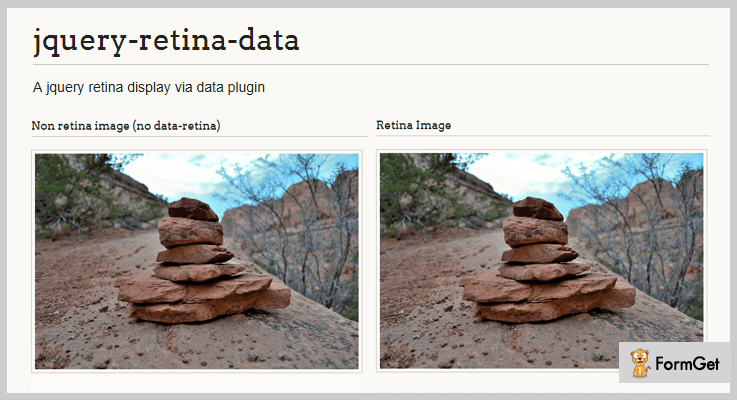
Price –
Anyone can have this plugin at $0 as it is available free of cost on the official website of GitHub.
Features –
- It is very lightweight.
- If you want to replace some images you have to specify that particular class. For Eg. $(‘img.retina’).retinaData();
- You must set an src and data retina for your image.
5. backgroundStretch2x – Free In Retina Display jQuery Plugins
It is designed in such a way that it download the images in a low resolution and convert them into high-resolution images.
This plugin uses three functions – onLoad for loading images, onChange for the starting the fade, and onComplete when the fading is complete.
Price –
You can have this plugin at $0 as it is available free of cost to all.
Features –
- This plugin helps you in adding the images in the background.
- If the file name was image-1.jpg (800×600), then for a high resolution you have to name the file as image-1-2x.jpg (1600*1200).
- You will find three functions in this plugin which are – onLoad, onChange, and onComplete.
6. retina-replace.js – Free In Retina Display jQuery Plugins
retina-replace.js is a very lightweight plugin with numerous features. You have to add _2x in the URL address of your image to make provide a high-quality retina display. For Example – if the URL was /img/foo.jpg then it would become /img/foo_2x.jpg.
Price –
This plugin is available free of cost on the official website of GitHub.
Features –
- This plugin helps you in replacing the background-images and img tag with the high-quality images.
- It runs on all those devices who have a pixel ratio less than 1.
- retina-replace.js automatically preloads the image before even it loads in the flash player.
Conclusion –
Provide your users a pixel perfect and retina ready interface using these retina display jQuery plugins.
We hope and believe that by this time you have already founded the best match for your website.
Guys, don’t forget to share your experience with us in the comment section!
5+ Best jQuery Sorting Plugins 2022 (Free and Paid)
“Use jQuery sorting plugins to filter your website data in a fraction of time.”
Filtering and sorting are very useful if you have a large dataset present in the online website.
jQuery sorting plugins permit you to control the order, placement, paging and organization of page and your table elements.
This article includes 5+ best jQuery sorting plugins for developers. These plugins come with a number of features by which one can easily sort and filter data for their web applications
Some of the key features are various filtering mode like best match, isotope etc. Further, it has CSS customization options for creating beautiful effects and a lot more.
You can use these plugins for arranging your website table views. However, you can also use these jQuery sorting plugins for managing list views like for a portfolio page etc.
Read some more blogs too!!!
These Plugins help you to add the keyboard to different text elements of your site.
jQuery Webcam Plugins organize video chats or streams your images in a real-time through a computer to computer network.
Retina Display Plugins will make it easy for you to serve high-resolution images to your website with retina displays.
Let us discuss each jQuery sorting plugins in detail.
1. UniFilter – Multipurpose jQuery Sorting Plugin
UniFilter plugin is a powerful plugin which was created to make filtering, searching and sorting in any list of items as simple as possible. It has a faster response that makes your search result possible in few clicks.
It is best suitable for galleries, online shops, portfolios or any other kind of lists where you need to perform sorting or filtering.
Further, the plugin permits you to use filters, range sliders, sort & search boxes together as well as you are allowed to use them separately.
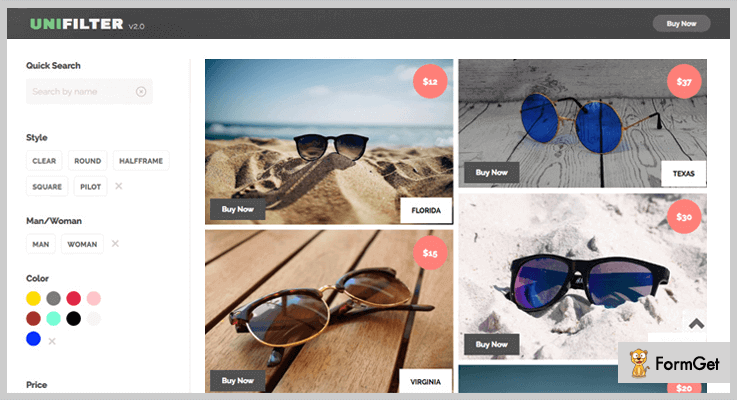
Pricing:
You can buy this UniFilter plugin and get all of its features along with future updates at two varied prices-
- The regular license cost you $10 with quality checked by Envato.
- You can buy the extended license, at a reasonable price of $45.
Features:
- It has multiple filters and search boxes where you can do searching by one or few words and result came in a fraction of time.
- The plugin consists of four CSS3 animations which help to filter and rearrange list items in a well-organized manner.
- UniFilter plugin support any grid type whether it is fixed or fluid. Further, the plugin has simple configuration and usage comes with detailed documentation.
- Consists with advanced “best match” filtering mode. This will help you to position list items by their best match with active filters and search queries.
2. Arcfilter – Best in jQuery Sorting Plugins
Arcfilter is a jQuery plugin which works in all modern browsers and it has a responsive layout which fits for every screen. Also, the plugin is highly customizable you can make easy changes in the plugin code with just a little HTML and CSS knowledge.
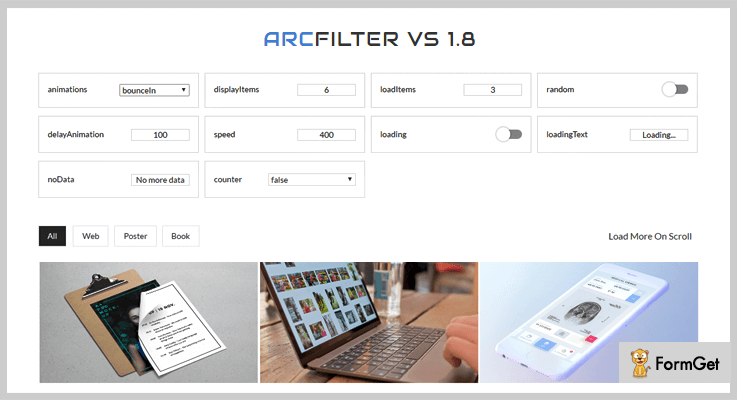
Pricing:
Buy the regular license of this plugin at $10 with all the future updates and full support up to 6 months.
Features:
- This plugin uses animate.css and provides more than 30 animations effects. Further, it provides beautiful animated filtering on your website.
- It supports adjustable speed, and animations delay and come with full-width display support.
- Arcfilter plugin allows showcasing multiple galleries on the same page.
- You can filter list item by categories. Also, one can use this jQuery plugin with any HTML content.
3. jQuery Simple Content Sorting Plus Plugin
This plugin provides a modern way to beautify your interface by providing a side sorting mechanism. So that there is no page loading happens as the sorting takes place since its all done with javascript.
Further, the plugins create a simple content sorter for your content and allow you to control your content with pagination.
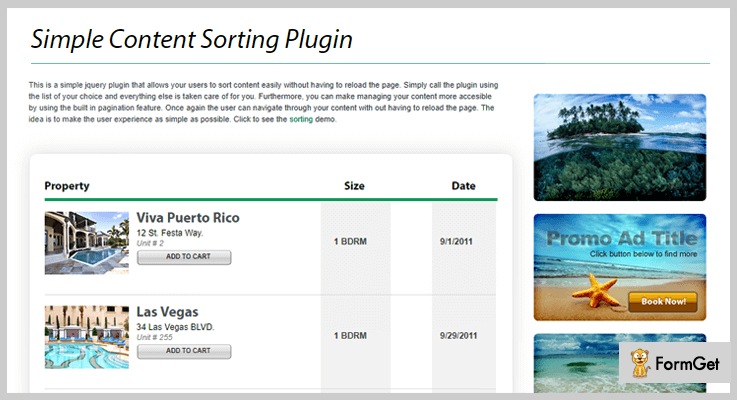
Pricing:
The Simple Content jQuery plugin is available at a reasonable price of $6 with 6 months support and regular updates.
Features:
- The plugin has complete pagination functionality that’s why it has the ability to sort and paginate your content quickly.
- It has a clean sorting interface and consists of an important flexible sorting functionality.
- Simple Content Shorting plugin supports unlimited filters and several effects options.
- This is a lightweight plugin comes with the minimal amount of clean and simple code.
4. DoFilter – Bootstrap Multipurpose Filtering and Sorting Plugin
DoFilter jQuery plugin is an elegant plugin in the list of jQuery sorting plugins. Further, this plugin is fully responsive and supports multipurpose filtering and sorting. Also, the plugin is built on isotope filter, HTML5, CSS3, jQuery, and Bootstrap.
The noteworthy feature in this plugin is it has lightbox image gallery along with various image hover effects.

Pricing:
- The cost price of this plugin is $10 with a regular license and six-months support.
- You can extend the support for a year by paying $3 only.
Features:
- There are more than 25 different style isotope filtering. Some of them are blog isotope filtering, team isotope filtering, photo gallery isotope filtering and more.
- It is a fully customizable plugin by which you can make easy changes according to your requirement.
- DoFilter plugin has very neat and clean code comes with good documentation and complete user guide.
5. Filterizr – Best in Free jQuery Sorting Plugins
Filterizr is a unique jQuery plugin. It sorts, shuffles and applies stunning filters over responsive galleries. Moreover, this plugin is using CSS3 transitions and custom CSS effects to give your website a better presentation.
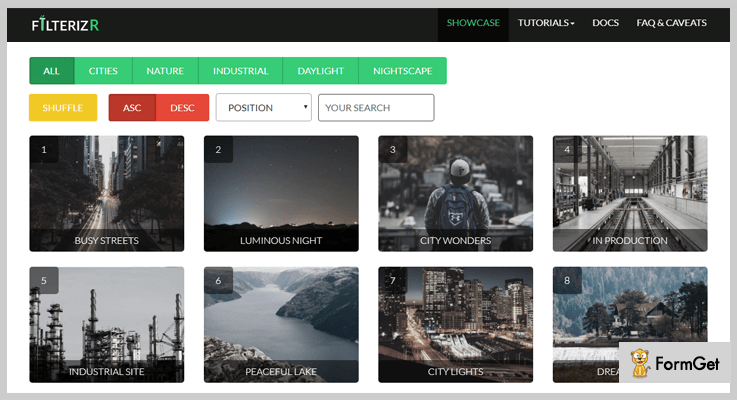
Pricing:
The Filterizr plugin is free of cost. Download it from the official website of GitHub.
Features :
- This plugin has small file size with compact functionality less than 20kb.
- It has a responsive layout that’s why the plugin performs great on mobile as well as desktop.
- The plugin supports all the major browsers such as IE 11, Chrome, Safari and more.
6. Clayfy jQuery Sorting Plugins
Clayfy is a full-featured jQuery plugin which makes elements draggable, resizable or sortable in a fraction of time. And, one of the main features of this plugin is you can sort elements from a same parent or export to a new one.
Pricing:
Clayfy plugin is available free of cost at GitHub website.
Features:
- The plugin allows you to resizing handlers from outside. Also, you can use CSS customization resizable handlers for resizing purpose.
- It has a separate container area where you can scroll containers over boundaries.
- Clayfy plugin has an option for migration where you can append an element to a new parent on dropping or vice versa.
Conclusion:
Now as you read all the 5+ jQuery Sorting plugins, we hope you have understood each and every aspect of this blog. Hope you have found the jQuery sorting plugins according to your need.
Stay tuned for more plugins.
Further, if you have any queries you can ask them in the comment section.

