

Each form creator software available on the web claims to be the best. And that’s a lie indeed! You might be able to create the form with the form creators scattered on the web. But, usability is doubtful!
So, after trying, testing and hanging in between 100s of form creator software and form builders, we’ve shortlisted top 6. Now, these are going to be the best in terms of features, pricing and specifically usability.
With our shortlisted form creators, you can create forms in a few clicks with smart drag and drop builder. Then, you can integrate payment gateways to collect payments and to create payment forms. Also, you can apply advanced functionalities like conditional logic, form validation, reCaptcha to make the form more secure and effective.
Further, embedding the forms on multiple websites becomes way too easy with our selected form creator tools. So, you can share your created forms on social networking sites or any web page for that matter of fact.
Finally, these form builders are great for lead generation forms, payment forms, form validations, anti-spamming measures and more.
Now, unveiling the suspense, in the following blog, we are going to discuss 5+ Top Form Creator Software specifically:
- FormGet
- Pabbly Forms
- Wufoo
- Formstack
- Typeforms
- 123ContactForm
Now, let’s dive into the details of the above-listed form building software. But before that have a look at the comparison for precise details:-
| Services | Pricing Plan | Auto Responders | Multilingual Forms | Form Validations | Ratings |
| FormGet | $5/M | ✔ | ✔ | ✔ | 5.0/5.0 |
| Pabbly Forms | $5/M | ✔ | ✔ | ✔ | 4.8/5.0 |
| Wufoo | $14/M | ✖ | ✔ | ✖ | 4.2/5.0 |
| FormStack | $19/M | ✖ | ✔ | ✔ | 4.3/5.0 |
| 123Contact Form | $19/M | ✖ | ✖ | ✖ | 4.0/5.0 |
1. FormGet – Form Builder Software
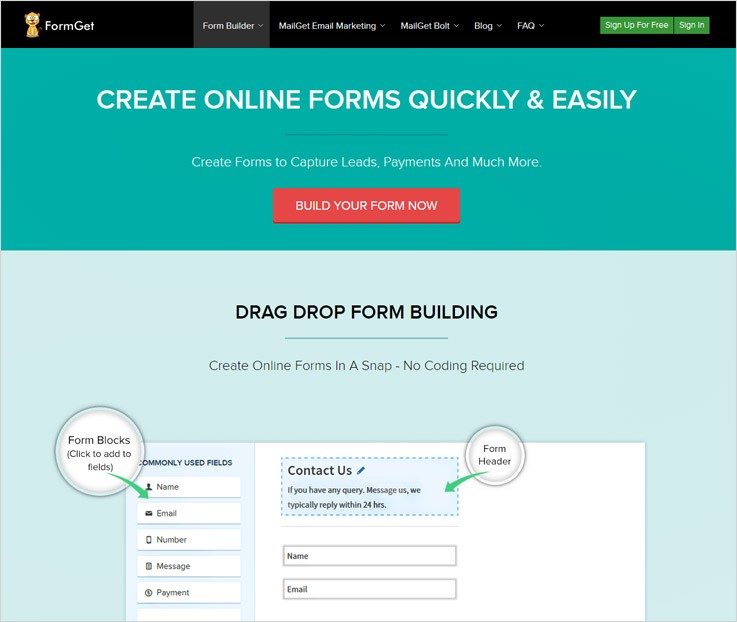
FormGet is a premium form building application which is hugely trusted by people around the globe. It has got an extremely easy interface which makes form creation a breeze. It takes few steps to create a form be it payment form, lead generation form or any form. You have to drag and drop the fields, then, the styling and finally widgets! So, that’s all it takes!
In fact, if you are in a rush then, its 500+ pre-built templates will be a bliss for you. As these templates are such designed that they can fit any need be it business or marketing or personal.
Further, you can manage all your forms from a single dashboard. Once, you are done with the management then, you can also get the track report of your forms. FormGet has smart analytics for its form. In this tracking, you can track the number of times the form has been opened, how long a visitor has stayed on the form and a lot more.
Then, it has integration of payment gateways like PayPal and Stripe to collect the payments. Further, you can enable email notification for every form submission. This way, you can always keep yourself notified with the status of form submissions.
You can use any language to create forms by FormGet, the software is a multilingual one!
Lead Capture & Management
With FormGet you can easily create lead capture forms and manage the data generated. Once these forms are created and shared then, you can seamlessly collect the leads and accurate information in a breeze.
All the forms and information can be managed effectively from a single dashboard. Also, you can choose from multiple pre-built templates or can design an attractive and advanced lead generation form for yourself.
FormGet software has advanced features like email notifications, conditional logic, payments integration as well. This software is undeniably one of the perfect solutions to build attractive online forms.
Features
- File Upload and Media Embedding: You can embed various media files and paragraphs into your forms other than pre-set fields. Then, you can also accept the files from a user through the file upload option.
- Team Member Access: This feature lets your team members manage multiple forms and with this, you can also define the access rights of different members according to your needs.
- Responsive Templates With Notifications: Each & every form created using drag-drop builder or pre-designed templates is mobile-friendly and responsive. Plus, the user instantly receives an email response as soon as the form is submitted.
Pricing
The free plan by FormGet form builder will cost you $0 for a lifetime. With this plan, you can create one form, manage all the details like customer info, leads, can embed it on any web page and share it on the web as well.
First plan: The starters plan is for beginners which will cost you $5 per month, it is the cheapest on the list and comes pre-loaded with a single user. Further, you can have 1200 submissions, one payment account as well. Also, it allows you to collect payment through secured payment gateways.
Second Plan: This plan is designed for rookies, as it gives facilities like 25 forms, 5 users access, 260+ templates, upload storage and more just at a price of $35 for a month.
Third Plan: Pro package offers unlimited forms creation services along with payment acceptance, 60k forms submissions and more. All these facilities just at a cost of $79 for a month.
Fourth Plan: This is a high-end plan which comes with multiple unlimited resources and facilities at a price of $99 for a month. Moreover, it permits unlimited form submissions, form creation, user access along with various other facilities.
Note:
- Free plan has no restriction and helps you collect leads, customer details and vital information without any charge.
- You can integrate PayPal as well as Stripe payment gateways and collect online payments through them.
If you are still not satisfied with the details and want to fetch out more information about Form Building Applications, then here are some blogs that will help you get detailed knowledge –
2. Pabbly Forms – Form Creator Software
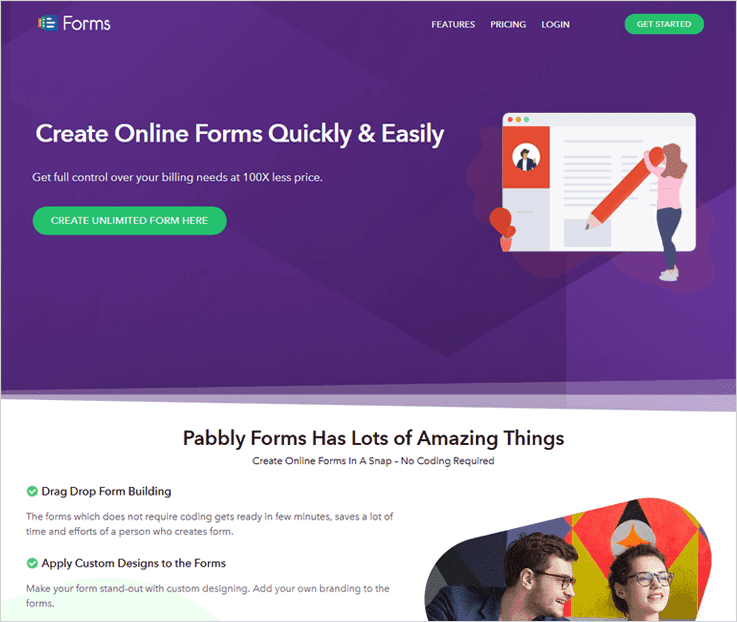
With Pabbly Forms creating responsive and customized forms becomes an easy task as it provides various tools like drag & drop builder, pre-designed templates, share & embed feature, etc.
Using these advanced features any individual with no coding skills can create eye-catchy and logical forms with conditions. The dashboard provided is extremely user-friendly and helps you monitor each and every form details through it.
Lead Capture & Management
Pabbly Forms is fully equipped with forms that can easily be added on a website, you can attach them in the widgets section or you can simply share the form links online.
People are using its free and starter plans to collect leads, customers information which is benefiting their business in different ways. Just through free sign-up or with the base plan which charges $5, you can enjoy multiple advanced benefits.
Features
- Payment Collection Through Forms: Pabbly forms fully supports PayPal as well as Stripe payment gateways using which you can accept one-time, recurring and other online payments in a secured manner. Plus, you can have multiple payment accounts as well.
- Form Management: This facility helps you manage details generated by different forms which are located on different platforms (website, social media, etc) from a single dashboard.
- Create Different Types Of Forms: You can create lead capture, donation, payment, subscription and other types of forms with this form building application. This can easily be done through drag & drop builder, or you get to choose from 260+ pre-built templates which can be customized.
Pricing
- Free Plan With Single Forms: Allows you to create one form for free. With this form, you can create leads, customer information and other details at $0. This form can be embedded on websites, or shared on the web.
- Starters Plan For $5 Per Month:- With this plan, you get single user access with one form creation. Plus, you can collect 1,200 submissions, collect payments and allows user upload media files and more.
- Rookies Plan @ $35 For A Month:- This plan offers 5 users access, 25 form creation, 25k submissions, multiple payment accounts along with multiple more facilities.
- Pro Plan Charges $79 A Month:- You get 10 users, unlimited forms creation facility along with 60k form submissions and multiple other facilities as well.
- Advance Plan Costs $99 Per Month:- With this plan you get unlimited user access, unlimited form creation facility, unlimited form submissions and more. Additional facilities are also included like file uploads, ready-made templates, etc.
Note:-
- Payment gateways like PayPal and Stripe can easily be integrated into forms with this form building application.
- More than 260 templates are given for free.
3. Wufoo – Form Building Solution
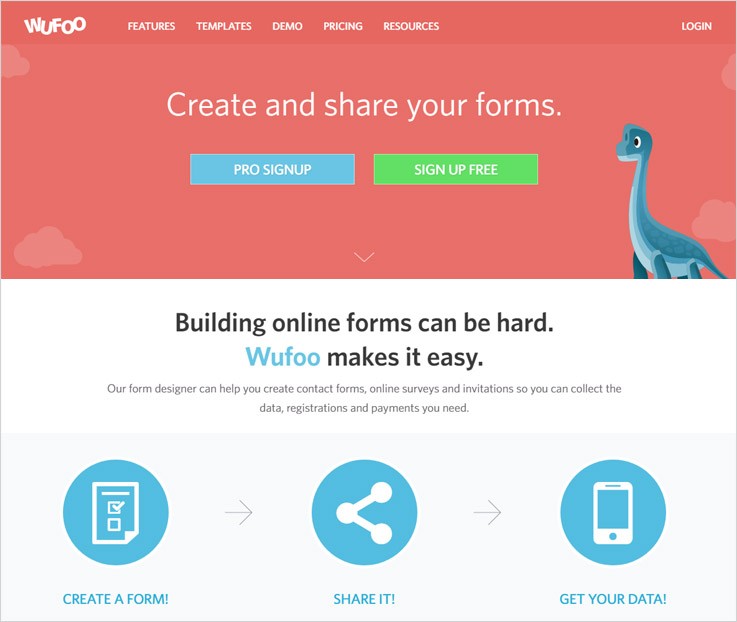
Creating advanced and attractive online forms can be a tough task. Managing the data generated from these forms can be even tougher. Well, this isn’t the case with Wufoo. It has made form building way too easier and accessible for everyone.
It has a form designer that helps you to create contact forms, lead capture forms, survey forms, registration forms, payment forms, etc. with just a few clicks.
Lead Capture & Management
One of the main highlights of Wufoo Form building software are pre-designed lead-generation templates which are entirely customizable and data can be managed with ease.
With the lead generation form templates, you can capture B2C leads, B2B lead generation, consumer leads and more.
Features
- Responsive & Customizable Template: Wufoo provides 400+ fully customizable templates which are highly responsive and looks attractive on different devices.
- Multiple Integration & File Uploads: Collect, store and manage different types of media files upload via forms. Plus, you can also integrate multiple tools like Salesforce, MailChimp, etc. which facilitates your working.
- Safe & Secure Online Payment Forms: Create online payment forms and accept payments through gateways like Stripe, PayPal, and Authorize.net.
Pricing
Free Package: The free plan by Wufoo form building tool provides 5 forms, 100 entries, SSL encryption for security, 10 fields, 1 user, unlimited reports and more. All these facilities come with no charge, forever.
Starter Package: This package will cost $19 for a monthly subscription and around $14 a month if opted for a yearly subscription.
With this package, you get 10 forms, 1,000 entries, unlimited reports, single user access, 1GB upload space, custom logo & more.
Professional Package: This package allows you to create unlimited forms, accept online payments, manage 5,000 entries with leads, 5 dedicated user access, 5GB upload space, multiple integrations (Dropbox, Salesforce, Twitter, etc.) and more.
All these above features will come at a price point of $39 for monthly plans & approx $29 for a month in the yearly package.
Advanced Package: Create unlimited forms with multiple fields and handle 25,000 entries, collect payments (PayPal, Stripe, USAePay, Chargify, Braintree etc), get 20 user access, 10GB space, Google Analytics & tracking, handle 50,000 API requests and much more.
This high-end package offers enormous features for $99/M. However, this $99/M can come down to $74, if you choose an yearly plan.
Note:-
- When an annual subscription is opted then, you receive a 25% discount directly applicable to all paid plans available.
- You get access to 400+ form templates which include lead generation as well as other pre-designed forms.
4. Formstack – Form Creation Tool
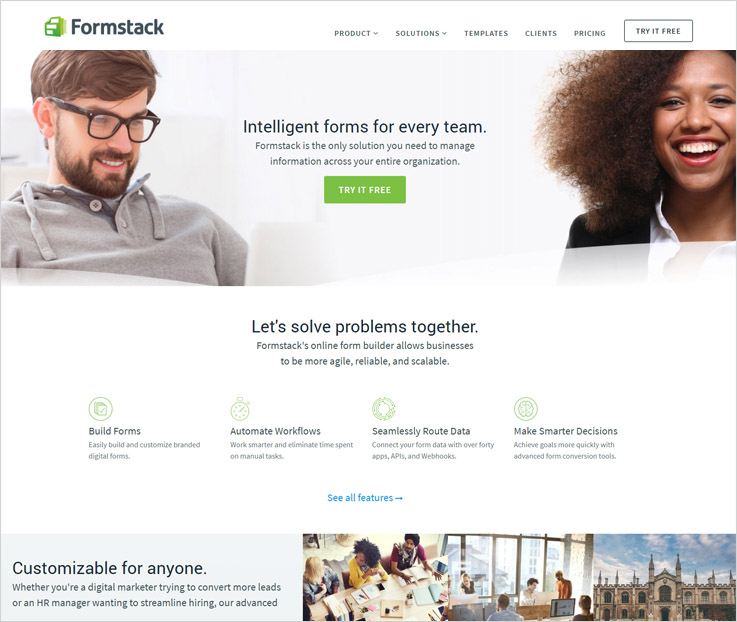
Formstack allows you to build distinctively intelligent and manageable online forms. Using it, you collect customer information, registrations, gather online payments, sales leads, & more.
The drag & drop building feature makes it very easy to create forms, plus you can also use the pre-designed templates.
Lead Capture & Management
Formstack provides 11 lead generation forms. Using these, you can gather online leads, effectively manage them. Further, there are a lot more actions that FormStack lets you perform.
All these lead generation forms are very responsive and mobile friendly.
Features
- Save & Resume Incomplete Forms: While building long forms, you can save and restart the forms again from the place you left. This feature allows you to resume and complete the forms in multiple sessions.
- Spam Prevention: With the help of smart Captcha, you can safeguard and prevent the form data from threats like spammers and bots.
- Online Payment Processing: Expand your business globally with online payment forms and perform secure transactions just by integrating different payment gateways.
Pricing
Silver Plan: Cost of this plan is $39 for a monthly subscription and $32.5 for a yearly subscription. With this plan, you can create 20 forms, manage 5 users, accept 1,000 submissions per form, 5 pre-designed themes, 1GB storage, drag & drop builder, conditional logic, save & resume, etc.
Gold Plan: With this plan, you get access to create 100 forms and manage 10,000 entries. Also, it lets you have 10 users access, 10 customizable themes, 2GB storage space, and more for. It costs you $99 a month and $82.50 monthly for a yearly plan.
Platinum Plan:- $249 is the monthly plan cost and $207.50 will be charged a month for the yearly subscription. With this plan, you get unlimited themes, create 1,000 forms, 25 users access and enormous other features as well.
Note:-
- Formstack has also got Diamond, Enterprise I, Enterprise II plans. For the details about their pricing, contact the sales team.
- Formstack provides a 14-day free trial on all online form plans. During the trial, you can create, save, manage and apply all the features.
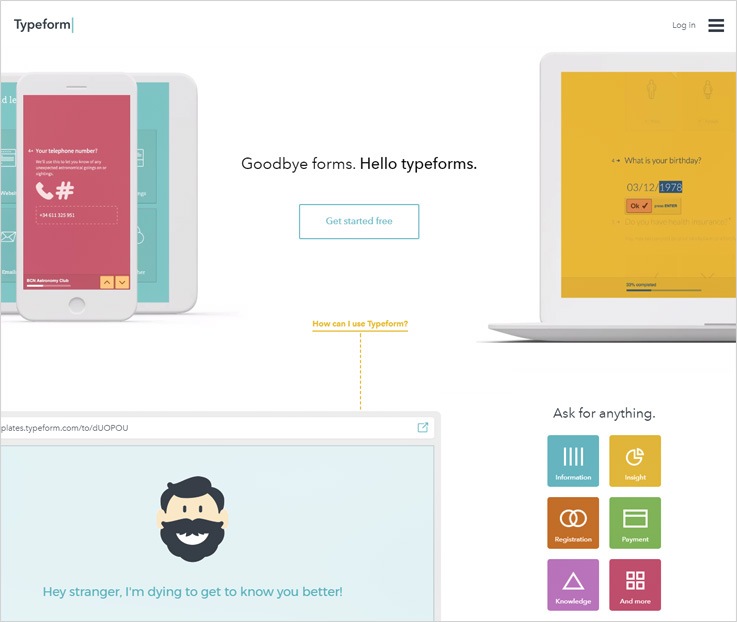
5. Typeforms – Form Creation Software
Typeforms, form building application is a new and improved way to acquire essential user information through forms. You can easily create contact, lead capture, sign-ups, registration, payment and other types of transaction forms with this software.
Lead Capture & Management
Lead generation forms created using Typeforms – form building software allows you to manage data from leads with ease. Further, you can design attractive forms which are mobile friendly and responsive in nature.
Each & every new lead can later be notified through emails which will increase your conversion rate as well.
Features
- Build & Share Forms: Forms that are build using Typeforms are easily shareable, these forms can be shared online via different mediums.
- Perform Payment Collection: Online payment collection is just a few clicks job, as just by attaching payments field in the form you can acquire payments from various gateways.
- Upload Different Size Files: Allow form users to upload different media and other file formats up to 10MB size.
Pricing
Basic Plan: This is a Free of charge plan that allows you to use 10 fields on a form, handle 100 responses and more.
Pro Plan: $35 is the monthly cost of this plan and you are provided with features like unlimited submissions, conditional logic, payment options, email notifications and various other features.
Pro+ Plan: This plan costs $70 and you get you single user access, unlimited responses and fields, team members, email notification, file uploads, payment integration and more.
Note:-
- Typeform also has free signup facility and you can start building forms using the Basic plan.
- If you pay in advance for a year then you get a straight discount of 20%. So, you only have to pay for 10 months and you get 2 months for free.
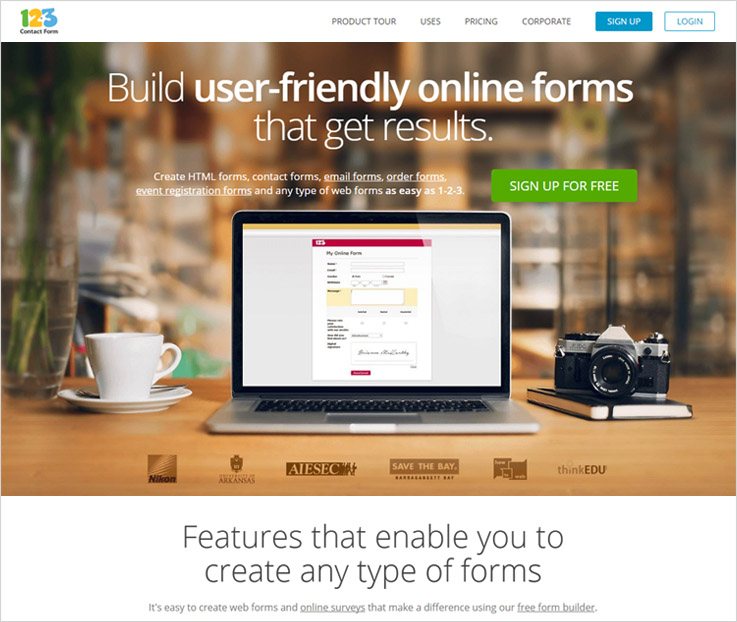
6. 123ContactForm – A Form Building Application
123ContactForm comes pre-loaded with a wide variety of features & pre-developed templates. You can use its pre-developed templates to create a variety of online forms. Moreover, these are easily shareable through different mediums like emails, website, messages and more.
In addition to this, you can also link these forms with MailChimp, Twitter, SalesForce, etc. Also, the forms can be integrated with many popular gateways like PayPal, Stripe, etc. as well.
Lead Capture & Management
This form building software comes with multiple free-form templates. These free templates are customizable. So, you can add up your styles, your content to the pre-set design.
Moreover, you can modify the lead generation forms with ease with 123ContactForm. Further, you can publish these customized forms on your website. These forms will certainly increase your conversion rate as well as capture leads.
Features
- Connect With Several Services: Online forms created using 123 Contact Forms can be also integrated with various other online services like MailChimp, SalesForce and more. Finally, this automates and simplifies the data management process.
- Accept Easy Payments Online: It supports numerous payment gateways which are easy to handle and collecting payments via online forms becomes easy.
- Provide High-level Security: These web forms carry SSL, Captcha and other types of safety with them in order to secure the data fed and also prevent spamming.
Pricing
Basic plan: This free plan comes loaded with features like 10 fields per form, 5 forms, 100 submissions a month, app integration and more.
Gold Plan: $19 is the plan cost for a month. You can create 20 forms, manage 5,000 submissions, store 500MB uploads, handle unlimited API calls, form templates and more.
Platinum Plan: Create unlimited forms, manage 20,000 submissions per month, a single user with sub-account access, form calculation, multiple payments and app integration is also allowed. This plan will cost you $39 every month.
Professional Plan: With this plan, you can create unlimited forms with various fields, handle 1,00,000 entries, send notifications, integrate various software and payment gateways as well.
Note:-
- 2-month discount is applicable if you are taking a yearly subscription of any of the above-mentioned plans.
- Also, a 30-days money back guarantee is also provided in case you are not satisfied with the software.
Wrapping Up
So, this blog was all about Form Building Software that allows you to create lead generation & other types of forms. In addition, these will also help you manage the data collected from them.
We are sure this blog must have helped you to get good form building software for your business. Now, it’s up to you.
Finally, choose wisely as a right form builder. We know a right for creator software may not do wonders. However, it will make the collection of information and payments can become a lot easier.
5 Free Halloween Email Templates: Best Newsletters For Email Marketing

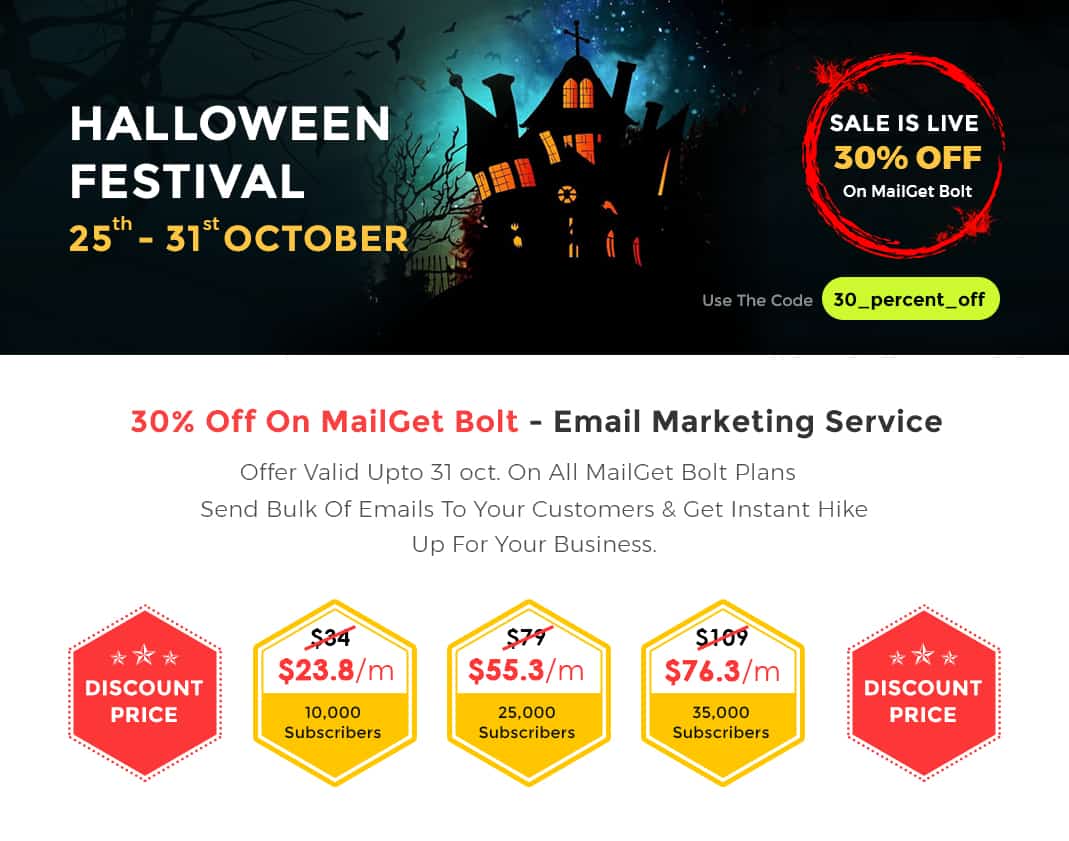 So, here comes the most exciting part of the year! HALLOWEEN!
No, doubt this is the most awaited time of the year where everyone is super excited to show up in the best Halloween Costumes. Witches, wizards, ghosts, monsters and a lot more.
If you are having an e-commerce business, then this is just the right time to elevate your business and magnify the sales on this Halloween festival!
No matter you own a clothing website, restaurant or any other similar business. You can always take advantage of emails for promoting your products/services.
So, you can enhance your emails with 5 free Halloween email templates:-
Be it Halloween costumes, cosmetics, restaurants, accessories, and party planners. You can promote every aspect of your online shops & stores. Simply select the template and customize it as and how you want to.
1. Amazing Halloween Email Template To Promote Clothing & Apparels

Here is the template that will help in the promotion of your clothing and apparel business for free of cost. All you gotta do is to customize this email template according to your business needs, send emails to your customers and inform them about the latest Halloween offers & deals.
2. Best Email Template For Restaurants & Food Stores

The best way to keep your customers up-to-date about the latest menu and offers with this full responsive email template. This email campaign will help you to grow your business and stand out from the crowd.
3. Increase Your Cosmetics Products Sales On This Halloween Festival With This Attractive Email Newsletter

On Halloween fiesta, you can boost your sales and increase conversion rate through this elegant email template. Along with this, you can also notify the customer about the latest schemes and discounts which you are giving on the cosmetic products.
4. Halloween Email Template To Keep Your Customers Updated About Jewellery Offers

This amazing email newsletter is perfect for any jewelry and accessories business. Its solid design grabs the attention of the customers and helps you to grow your business.
5. Promote Your Event Planning Business Via Email Campaign

Take this email template, if you are going to promote your business online on Halloween. It will help you a lot in your marketing campaign. No need to worry about the design, one can modify this email template and address your customers about the latest deals and discounts that you are offering on the Halloween carnival.
Conclusion:-
I hope you like all these email templates which I have mentioned above. With the help of these newsletters, you can easily promote your business on this Halloween carnival. These top quality email campaign not only boost your sales but also helps you to grow your business.
Wanna design your own email templates?
Then, try MailGet Bolt – a prodigious email template designer tool. Sign-up for FREE and explore every feature of this service.
For more email templates, you can also go through these blogs:-
- Free Diwali Email Templates
- Best Free Holiday Email Template
- HTML Email Newsletter Templates
- Stunning Christmas Email Newsletters
- Responsive Email Templates For Happy New Year
- More Holiday or New Year Email Campaigns & Newsletters
- Customizable Christmas Email Templates
5 Tools To Create Forms [Sell eCommerce Products & Services]

“Convert anonymous visitors into leads and also collect valuable lead intelligence with powerful forms that asks the right question at the right time”
Form creator tools help you design creative and responsive form templates in very less time. Also, with the help of drag and drop editor present in these tools, one can make beautiful forms with custom theme templates, adding logo or banner and much more.
Through this forms, one can easily sell their e-commerce products, services, and software on a large scale, as the forms are integrated with various payment gateways.
I have listed 5 tools to create forms according to their features and pricing. To make it, even clearer, here is a price comparison table for you to look at and decide which software is best in each field.
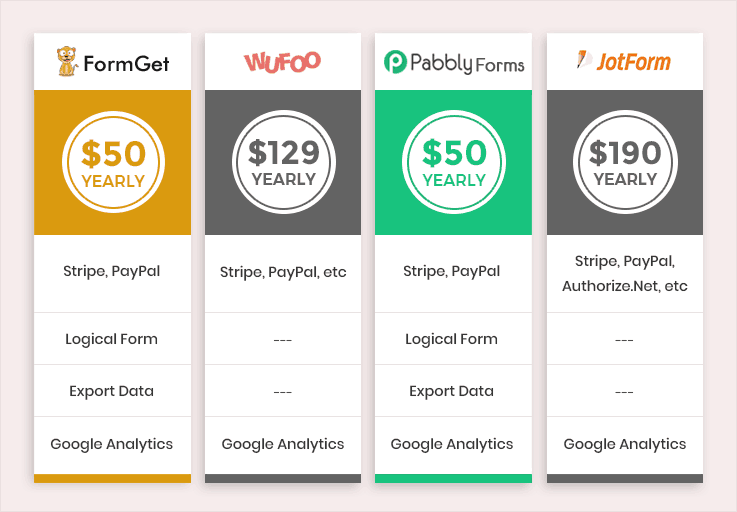
For your convenience, I have mentioned a detailed description of these tools to create forms, so you don’t have to go anywhere else to collect the information about these tools.
Now, without wasting another second, let’s dive on and explore the list of tools to create forms to find a perfect one for yourself.
1. FormGet – Form Creator Software
Create beautiful web forms and start collecting leads for your business with FormGet – a modern form builder tool. You can design form templates by using drag & drop editor or can use 100+ free custom form templates, available with this software.
The software offers third-party integration with popular services like MailChimp, AWeber, Mad Mini, Constant Contact, etc. Get everything on a single platform!
FormGet gives multiple elegant and wonderful pre-built form templates at free of cost. Try out FormGet for once and I am sure you won’t find anything better than this software.
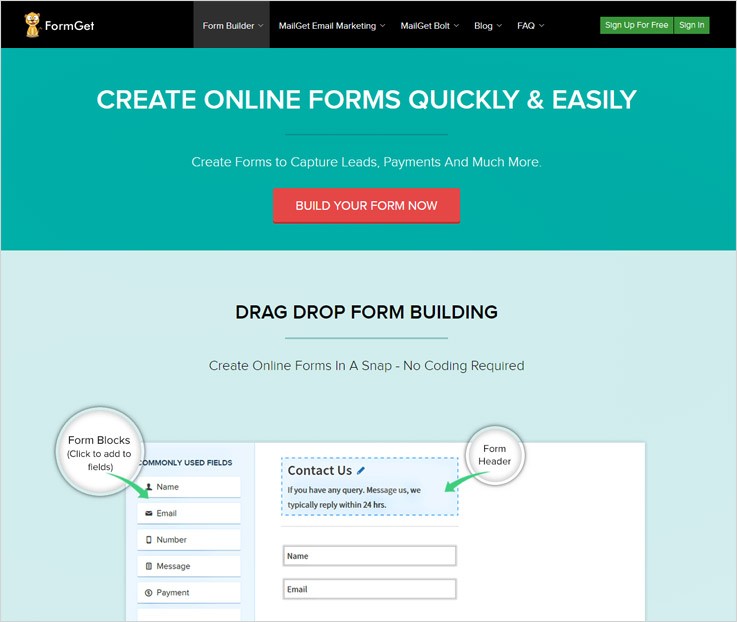
Pricing Plan
Starters:
This plan will cost you $5 on monthly basis. Along with this plan, you also get access to various features like:
- Receive 1200 monthly submissions
- Integration with stripe & PayPal
- You can create one form using entire services
- It provides single Dropbox integration
Rookie:
For availing this pack you will have to pay $35 every month and get access to its various features as-
- Receive 25k monthly submissions
- Integration with stripe & PayPal
- You can create 5 forms
- Provides multiple dropbox account integration
Pro:
To acquire this plan with its diverse features, you have to pay $79 for a month.
- Receive 60k monthly submissions
- Integration with Stripe & PayPal
- You can create unlimited forms
- Provides autoresponder, email notifications and more.
Advance:
This pack will cost you $99 each month and grant you various features like-
- Receive 60k monthly submissions
- Integration with Stripe & PayPal
- You can create unlimited forms
- Unlimited users access along with limitless forms submissions and more
Note- FormGet offers you a free trial in which you can create a form of your own choice simply by signing up and embed it on a website without any hassle.
Attributes
- The most awesome feature of this service is payment collection, it collects one-time and recurring payments with Stripe and PayPal.
- With the team management functionality, you can easily handle your team members and grant form access to the particular member of your team.
- Give an instant reply to an email by using canned replies which are pre-defined messages which you have designed for specific queries or emails.
Along with it, you can also design forms in multiple languages.
- The custom branding feature lets you add a logo or banner of your choice at the end of your form which facilitates effective brand awareness.
For more related stuff on form builder software, check out the below mentioned blogs –
2. Pabbly Forms – Tool To Create Form
Design a form for any purpose like subscription form, payment form or any other niche simply by dragging and dropping the fields. This tool helps you create forms using a variety of features to enhance the functionality of forms like you can collect payments via PayPal as well as Stripe, etc.
Also, it facilitates you with conditional logic forms that allow you to create forms based on logic which help in sorting the chaos by providing different fields on the form for different conditions.
Moreso, you can easily select from more than 260 pre-designed templates and customize it as per your requirement to create custom forms.
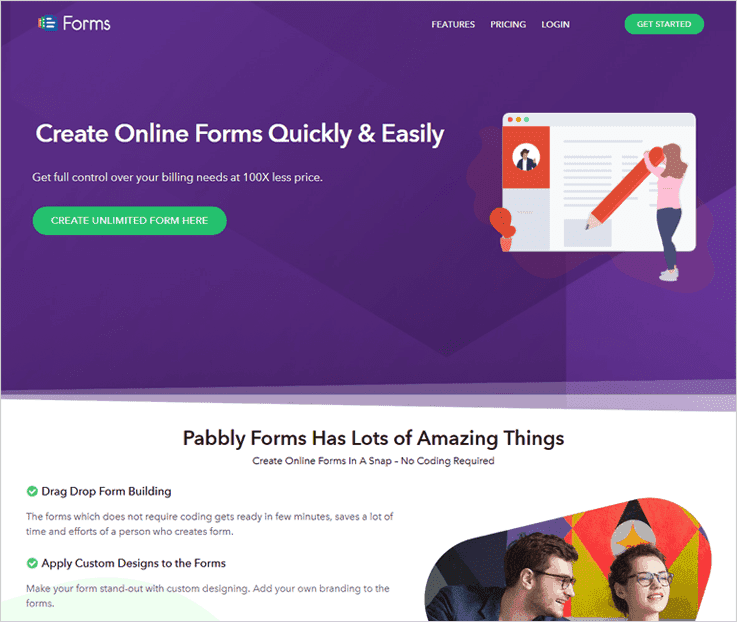
Pricing Plan –
Plan1-
This pack will cost you $5 per month and you get various features as well like –
- You can create one form
- Can upload files up to 20 MB
- Integration with Google Analytics
- Get access to one payment account
Plan2-
You can acquire this plan by paying $35 per month along with several other features such as –
- You can create 25 forms
- Can upload files up to 2GB
- Integration with Google Analytics
- Get access to five payment accounts
Plan3-
For availing this pack as well as accessing its features, you have to pay the amount of $79 every month –
- You can create unlimited forms
- Can upload files up to 7 GB
- Integration with Google Analytics
- Get access to fifteen payment accounts
Plan4-
You can get this plan and its features for a month by spending $99 –
- You can create unlimited forms
- Can upload files up to 10GB
- Integration payment gateways like PayPal & Stripe
- Get access to unlimited payment accounts
Attributes
- You can redirect your user to a specific website or a page by adding a redirect link. As soon as the user clicks on the submit button, he will be redirected to your desired webpage.
- With form management, you can effortlessly embed forms on multiple websites and manage them from a single location.
- This tool allows you to automatically respond with an email as and when the user submits the form by sending thankyou email.
- Besides, you can also give access to your clients or team members as well. Easily divide the number of forms or give certain controls or access to few of your team members.
3. Formbakery – Form Creating Tool
Build professional forms easily with Formbakery – an amazing form creator service. You can easily design forms for any business purpose without any login process, one can directly access its dashboard with just a single click.
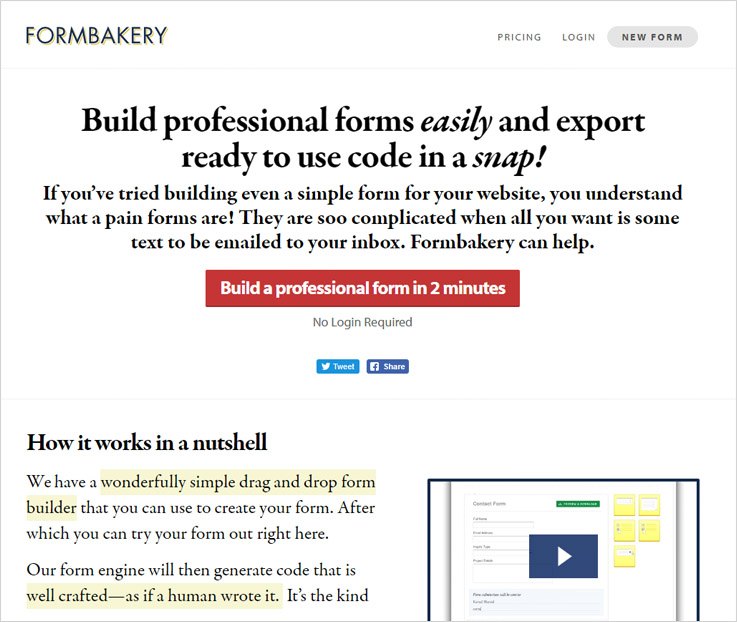
Pricing Plans –
Personal Plan:
The Personal plan charges $189 yearly for only 36 forms. Other than that, you will also find some additional features like –
- Personal use license
- Zero branding
- Helpful email support
- Free license valid forever
Professional Plan:
For this plan, you have to pay $306 yearly for 36 forms. Some extra features are –
- Commercial use license
- Zero branding
- Helpful email support
- Free license valid forever
5 Form Pack Plan:
This is the package for bulk buyers whose cost is $319/year for 36 forms. Other attributes of this plan are-
- 5 commercial license
- Zero branding
- Helpful email support
- Free license valid forever
Attributes
- By using drag & drop editor you can create a form in few minutes, all you need is to drag the field that is required in your form and arrange it at the right position.
- With email notification feature you will get every update of form submission at your verified email address.
- This software also gives facility to preview and download the form that you’ve designed.
4. Wufoo – Tool To Create Form
Make your form building task easy with Wufoo – an excellent form builder software. With it, you can easily design contact form, online surveys, and invitation form so that it will help you collect the data, registrations, and payments.
This service is trusted by some of the most popular brands on the web like – Amazon, Disney, Microsoft, Twitter, etc.
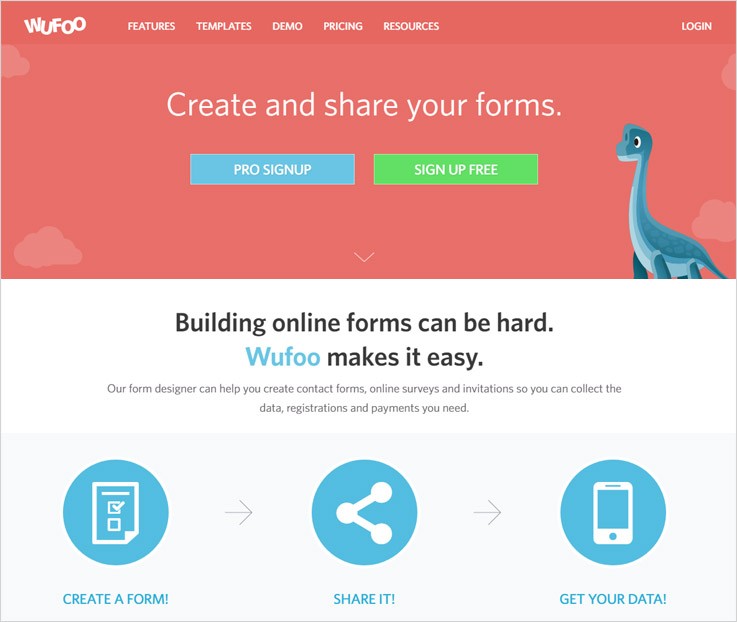
Pricing Plans
Gratis Plan:
This plan is FREE forever. All you need is to complete the sign-up process. Features that you will find here are –
- Create 3 forms with the help of 10 fields
- 100 entries can be done but only 1 user can access it at a single time
- Confirmation email
- Unlimited API requests
Ad Hoc Plan:
For this plan, you have to pay $129 yearly but only 1 user can access this account at a time. The attributes you will get are –
- Create 10 forms with maximum fields
- 500 entries
- 250MB uploads
- Confirmation email
- Unlimited API requests
Bona Fide Plan:
For this plan, you have to pay $259/year and maximum of 5 users can access this account at a time. Functionalities that this plan gives is –
- Create 10 forms with maximum fields
- 500 entries
- 250MB uploads
- Accept payments
- Unlimited API requests
Carpe Diem Plan:
This plan’s yearly cost is $599 and 20 users can access it at a time. Attributes of this plan are –
- Create unlimited forms with maximum fields
- 15,000 entries
- 3GB uploads
- Accept payments
- Unlimited API requests
Attributes
- You can easily create beautiful web forms by using drag & drop form editor which does not require any coding. Apart from this, you can also customize 400+ pre-built form templates.
- This software allows you to brand your forms by adding a logo and modifying themes. Along with this, you can also add conditional logic to tailor your forms which gives a great experience to the user.
- Share this mobile responsive forms on any platform or embed them into your site on the desktop. Also, you can add file upload option in your form to collect and store all type of files, from images to applications.
5. Jotform – Form Creator Software
Design amazing form templates with JotForm – a prodigious form maker software. With this form builder service, you can also customize the pre-designed form according to your need in just a few minutes.
JotForm gives third-party integration with many services such as – Dropbox, MailChimp, Zoho, SalseForce, GetResponse, etc.
Pricing Plans
Starter Plan:
This Plan is Completely FREE for all, but you can only create 5 forms and you can store total 500 submissions. Some other features are –
- 1000 monthly form views
- Unlimited form fields
- 100MB available space
- Receive only 10 payments
- Jotform branding
Bronze Plan
The Bronze Plan charges $228 on yearly basis, you can only create 25 forms. Other than that, you can also store unlimited submissions. Some other features are –
- 10,000 monthly form views
- Unlimited form fields
- 10GB available space
- Receive payments
- Custom branding
Silver Plan:
For this plan you have to pay $468 on yearly basis, also you can create 100 forms and can also store unlimited submissions. Other features are as –
- 100,000 monthly form views
- Unlimited form fields
- 100GB available space
- Receive payments
- Custom branding
Gold Plan:
This Plan charges $1188 on a yearly basis so that you can design unlimited forms. Other than that, you can also store unlimited submissions. Some other features are –
- 1,000,000 monthly form views
- Unlimited form fields
- 1TB available space
- Receive payments
- Custom branding
Attributes
- This software provides all the necessary field such as header, email, name, address, phone number, file upload, dropdown, etc. Along with this, it also offers payment facility via PayPal, Stripe and much more.
- Here you will find a wide range of free-form templates in order to get you started quickly on your form building task.
- An amazing feature that JotForm offers is that you can choose widgets from hundreds of online widgets website to include extra fields such as videos, social media or maps, etc.
Conclusion!!
Here I have mentioned each and every important detail about the form creator tool. So without thinking twice, just buy the best form builder software & start designing responsive and creative form templates for your business.
These form builders will surely help you to generate more leads and conversion for your organization. Also, this will help you to enhance your relationship with your customers.
I hope this blog helped you are now able to select the best one amongst the tools to create forms.
Get in touch, for any further details or queries.
Your suggestions will increase our worth, so feel free to drop in your suggestions.
Top 5+ Conditional Logic Forms – Apply Logics In Form Fields

There are various ways you can contact your customers but on the primary level, you need to have their contact details and to capture them you require a form where different activities can be performed.
A software that enables you to create multiple types of forms in different formats in a simple and easy way is what you require, also, a form that works intelligently includes features such as conditional logic and email notifications.
A form builder will let you create forms through drag and drop section through which you include fields in the form that will enable you to construct an awesome form.
5 Best & Top Conditional Logic Forms
Below is a collection of all such software that has multiple features including the conditional logic let you create a magnificent and efficient form.
Have A Look At Comparisons Chart
| Services | Pricing | Form Views Counter | Data Encryption | Multiple DropBox Accounts | Ratings |
| FormGet | $50/Year | ✔ | ✔ | ✔ | 5.0/5.0 |
| Pabbly Forms | $50/Year | ✔ | ✔ | ✔ | 4.8/5.0 |
| Formstack | $228/Year | ✖ | ✔ | ✖ | 4.3/5.0 |
| CognitoForms | $120/Year | ✔ | ✖ | ✖ | 4.6/5.0 |
| NinjaForms | $99/Year | ✖ | ✔ | ✖ | 3.0/5.0 |
Let’s explore the listed software one by one:-
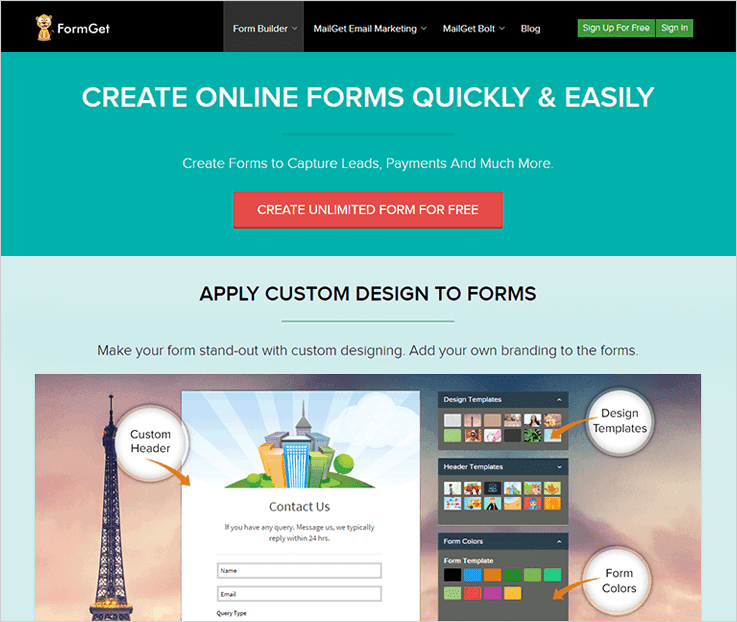
1. FormGet
FormGet is an outstanding platform to create your own forms with the help of drag and drop builder, the software also supports conditional logic which allows to enable or disable the sections, you can put this logic in different forms that you will create using the software and increase your success rate.
Payment Example:-
Similarly, when you pay a bill on those also there are conditional logic are seen, once you chose the payment mode like debit card or credit card the form asks for a particular card that you will choose like a Visa Card, a Mastercard or Maestro card, once you select the desired card type then another field will be seen asking for the payment gateway so, for example, the given options are Stripe and PayPal so after selecting those the user will be redirected to fill those form fields.
Service Example:-
On the same track, if you have a newspaper and would like your customers to fill the online membership form there are multiple fields which you can include like date field from which date you would like to receive the newspaper, which newspaper you would like to have, and similar other fields which will be popped up one after the other as soon as the customer fill the field, that can be enabled and disabled as required.
Booking Example :-
Also, if you an agency that organizes events then an event booking form can be framed in which the conditional logic as to which type of event public or private can be asked by the customer, then a field will be seen asking the type of event that you would like the agency to organize, event location and the type of venue like a hotel or resort can be selected.
Enrollment Example :-
If you are in an educational field and would like to create an examination form for a student then you can include fields like name, year, semester, subjects and similar other fields are filled by the student, so, for example if the students select the branch the next question will be year following by semester, these fields will fall up in a consecutive manner depending upon the previous field selection.
Also to have an in-depth understanding of the conditional logic you can go through the following video :-
Features:-
- FormGet form builder application lets you create forms in different languages and helps you accept payment in multiple currencies. So, if you want to promote products, service offered by your business in any part of the globe, the software help you do.
- Recurring or one-time whatever type of payments these forms will help you collect them as support for Stripe and PayPal payment gateways is available.
- There are multiple integrations that have been supported by the software which can be included in the software as per the need, also, you will receive notification as the user will submit a form.
Pricing:-
Plan 1:- This is entirely free of cost which allows you to design responsive forms that can be embedded into a website, shared on the web, added in the widgets area as well. It is a lead collection tool which costs you $0.
Plan 2:- For extended services like payment accounts, gateways like PayPal & Stripe, Google analytics you can try the starter plan which charges $5 per month.
Plan 3:- $35 is the price payable for the monthly access to the Rookie plan. It offers 5 payment accounts creation, 25 forms creation, 5 user access, and other facilities.
Plan 4:- If you need 10 users, unlimited forms creation, free-form templates, custom branding, payment collection facility and more. Then Pro plan will be best for you as it costs $79 for a month.
Plan 5:- Advanced plan holds all top class services and various unlimited facilities like forms creation, users, form submissions, payment accounts. Plus, you can accept media files, lifetime storage, along with other features.
There are other related blogs as well that you can go through :-
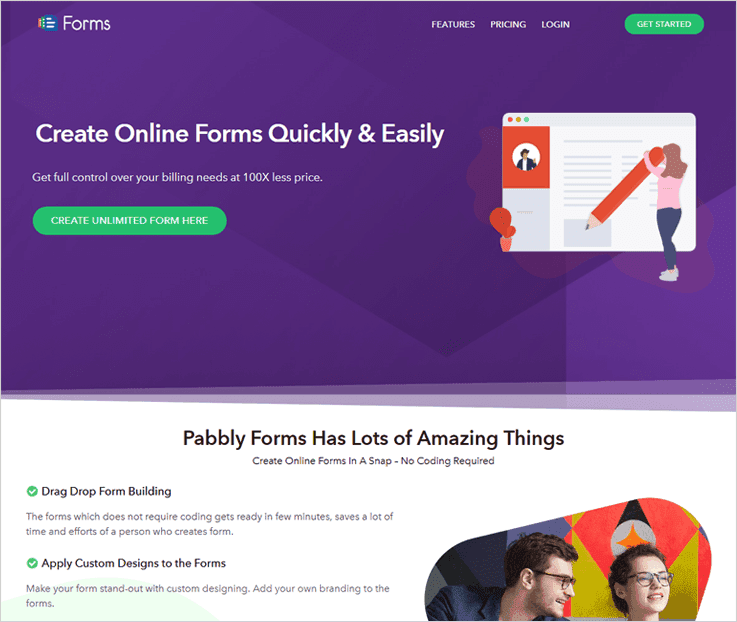
2. Pabbly Forms
Pabbly Forms perfectly supports conditional logic functionality which can easily be applied to different types of forms.
Forms created for payment collection, donation, order forms, lead generation forms, contact and more. This features basically helps you display fields available in forms on the basis of user selection.
That is not all, you can access media files, add Dropbox accounts, send custom emails, do form scheduling, form analytics etc through these forms.
Features :-
- Pabbly Forms allows you to create forms that are logical. With this feature, you can easily apply conditional logic on form fields which will help you show and hide fields on the basis of user input.
- You can also collect different types of payments like recurring, one-time or product payments through the forms. Plus, payment gateways like PayPal and Stripe are supported.
- It provides more than 260 pre-built templates which are fully responsive and can easily be customized as per your needs.
- With this form builder, you get a simplified dashboard through which you can manage multiple forms which are embedded on multiple websites. All the details and related information is available on a single dashboard.
Pricing :-
- Start with the free plan which permits you to create single forms using all the features and facilities. This forms can be added in a website, embedded in the widgets section or you can share it online.
- Pay $5 for a month access of starter plan with which you create one form with single user access. It allows you to collect payments via PayPal, stripe and handle around 1200 form submissions as well.
- If you are not a beginner then Rookie will suit you as it offers services like 5 user access, 25 forms creation, 35 domains support along with other facilities. All these services at a cost of $35 a month.
- For the Pro plan, you will be charged $79 for a monthly subscription. With this plan, you get unlimited form creation facility, 60K submissions, 15 payment accounts as well as payment gateways integration.
- $99 a month is the price which is charged for the Advance plan which comes equipped with multiple unlimited facilities like forms creation, users, form submissions and the basic features.
3. Formstack
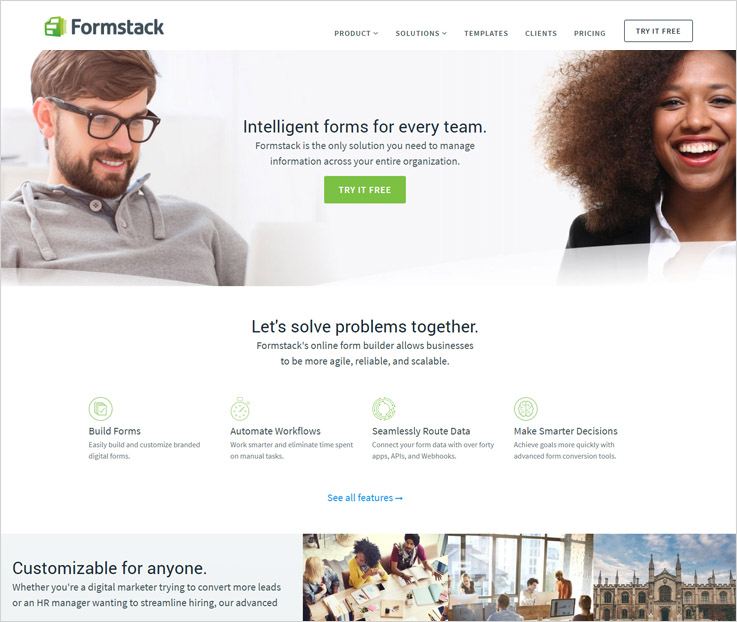
Formstack gives you a great software for your business to create forms for your business, through the software you can create contact forms and various other sorts of forms as well as payment and order forms.
Features:
- The user does not require any coding language as the software provides a magnificent drag and drop builder.
- You can create brand recognition through your own form URL that will make your form more authentic.
- All the forms of the Formstack are responsive in nature which means you can let people fill forms from anywhere and on any device.
Pricing:-
Silver:– In the silver plan the user will be required to pay $39 per month including 20 forms, 1000 submissions for 5 users.
Gold:– In the gold plan the user will be required to pay $99 per month including 20 forms, 10,000 submissions for 10 users.
Platinum:– In the platinum plan the user will be required to pay $249 per month including 20 forms, 100,000 submissions for 25 users.
4. NinjaForms
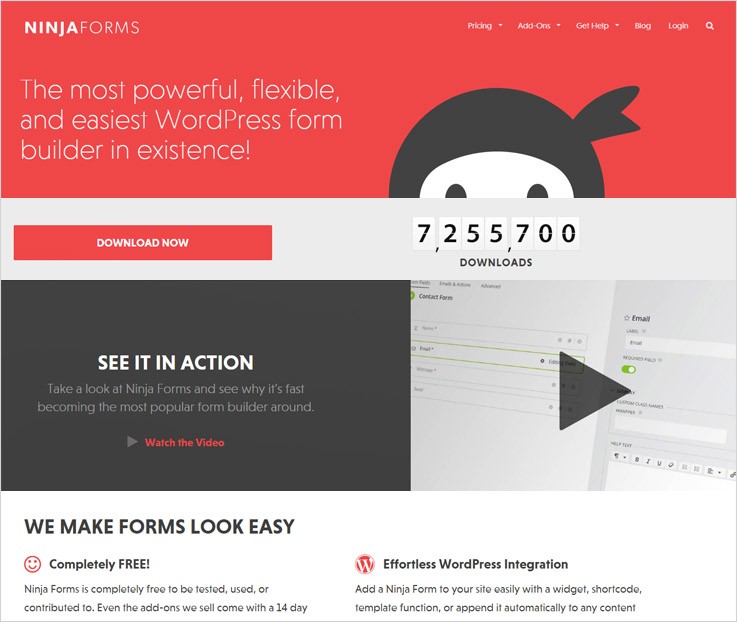
Ninja forms are the modern day form builder that allows you to have full control over the form, in addition, the form that will be created by you can include individual fields, submit buttons and various other actions like email notifications and all.
Features:-
- The software provides various integrations and one of them is the conditional logic that will act according to the user input and can hide or show the field and change values as well.
- As ninja forms work on WordPress so the integration is quite easy which enables you to include a widget, shortcode or a template function.
- The NinjaForm is a translation ready software which means you can easily convert your form to any language.
Pricing:-
Agency:- In this plan, the user would have to pay $499, in which you will get unlimited sites, fastest support and all the add ons included.
Professional:- In this plan, the user would have to pay $199, in which you will get 20 sites, faster support and 40 % off on the add-ons.
Personal:- In this plan, the user would have to pay $99, in which you will get 20 sites, faster support, and 20 % off on the add-ons.
5. CognitoForms
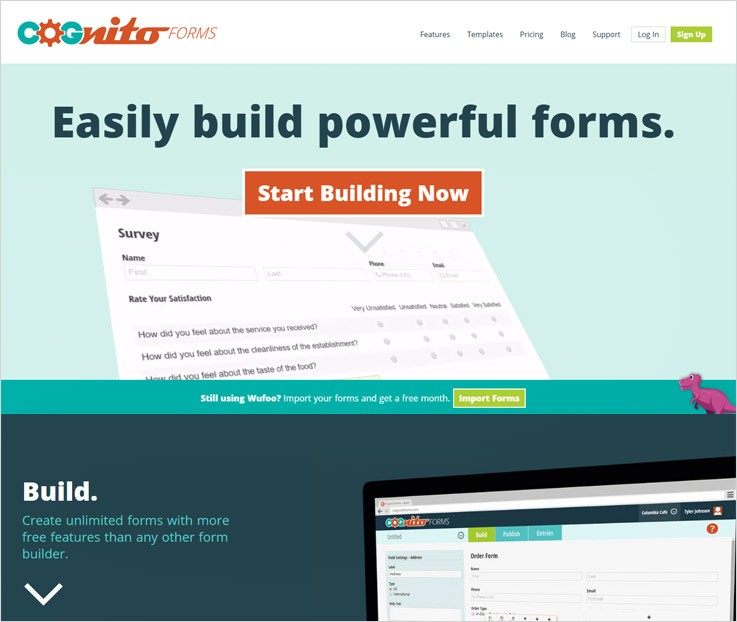
A powerful form builder that can support conditional logic as well is CognitoForms, the software enables you to create unlimited forms giving you the flexibility to save the work done by you and resume later.
Features:-
- The calculations and the maths are also done by the forms itself that are created by you using the software.
- Allow your customers to see only those fields that you want through conditional logic, you can add a field that will automatically pop up when a particular answer requires it.
- The payment collection through the customers will be as safe as the system supports PayPal, Stripe, and Square.
Pricing:-
Individual:- In the individual plan the user will have unlimited forms, upto 500 entries per month, 1 percent charge of the payment gateway used and storage till 100 MB. The respective plan is a free plan.
Pro:- In the pro plan the user is required to pay $10 per month for which he will get unlimited forms 2,000 entries per month 1 percent charge of the payment gateway used and storage till 1 GB for 2 users.
Team:- In the team plan, the charges monthly would be $24 per month and valid for 5 users, providing unlimited forms 10,000 entries per month and no transaction fee, and storage upto 10 GB.
Enterprise:- Similarly, in the team plan, the charges monthly would be $99 per month and valid for 50 users, providing unlimited forms 10,000 entries per month and no transaction fee, and storage upto 10 GB.
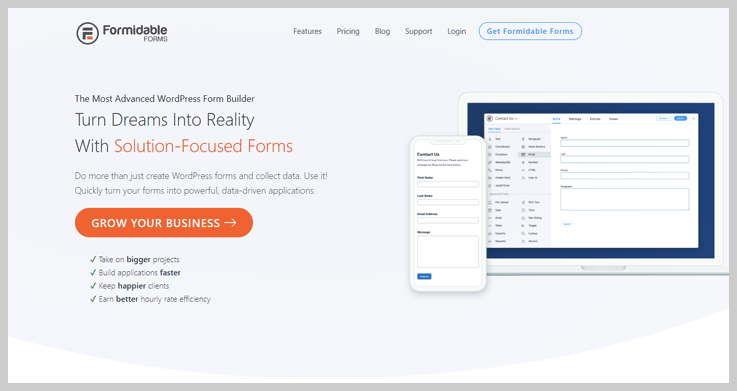
6. Formidable Forms
FormidableForms is a user-friendly form builder that empowers you to create forms easily and also put conditional logic to your forms which help you to show/hide sections which you want your customers to see or vice versa.
Features :-
- You can easily collect payments, donations and online orders through the forms created by you, also, you will get instant notification as soon as the customer fills up the form.
- The user can embed their forms in blogs and different pages also, through the entry management feature you can view all your leads generated at one place.
- Make use of pre-built form templates and save your time constructing the whole form from the scratch.
Pricing :-
Basic Plan :- In this plan, the user has to pay $99/year in which he will get 1 year of support and various other features.
Business Plan :- Here, the user has to pay $199 per year in which he will get priority support, updates for 1 year and various other features.
Elite Plan :-In this plan, the user has to pay $399 per year in which he will get unlimited sites and premium support and various other features.
Conclusion:-
The software that will work well in terms of form building has been covered above, and as we have reached the end of our blog, we hope that you would choose the right form builder for your website.
These forms will definitely simplify your task of constructing a form with conditional logic & branching, the forms can be framed in different patterns and formats through the various features that are included in the software.
Also, here you can get various forms which you can try out one after the other. You can create forms in a variety of ways for which we have form templates in full spectrum.
5 Free Diwali Email Templates: Increase Sales This Diwali (2018)


“Pump Up Your Sales This Festive Season With MailGet Bolt”
I have brought an amazing collection of Free Diwali email templates through which you can promote your products online and inform your customers about the Diwali offers & deals.
Have a look at 5 best Diwali newsletters for different business niches –
Don’t worry…you can also customize every segment of these templates & use for any business niche.
All the email templates have been created using – MailGet Bolt Drag & Drop Builder
1. Best Selling Diwali Email Template For Clothing Stores

If you are selling apparel, the easiest thing you can do is send emails to your customer and address them about the latest trend, Diwali discounts, and special offers.
This attractive email template will help you to grab customer’s attention and stand out from the crowd.
2. Send Amazing Jewellery Offers This Diwali With Attractive Email Template

Promote your jewelry business this festive season through email campaign which is considered as modern and effective means to reach out to your customers.
All big e-commerce companies also send emails to their customers and remind them about the special discount that they are offering, which is available only during the Deepawali holidays.
3. Promote Your Shoe Store This Festive Season

Boost your sales and increase your conversion rate this Diwali with this stunning email template. Send emails to your customers and aware them about the festive sales and discount which you are offering your clients, this Diwali. This email campaign, for sure solves customer’s shoe shopping problems.
4. Grow Your Mobile Business This Diwali With Email Template

This Deepawali fire up your customer inboxes with amazing Diwali discounts & exclusive offers via free email newsletter and take your mobile business to the new heights during this festival season.
5. Grab Your Customer Attention Through Email Template

It’s Diwali season and the best time for automobiles dealers to boost their sales with lucrative offers and discount schemes. Use this email template and notify your customers about the Bumper Diwali Offers that you are offering.
Conclusion:-
I hope you like all these email templates which I have mentioned above. Rest assured, all these email newsletters will help you to promote your business during this Diwali season. Give a try and see the results.
Want to design your own email templates?
Give a try to our cheap email marketing software – MailGet Bolt to build some amazing email newsletters or templates.
For more email templates, you can also go through these blogs:-
- Best Free Holiday Email Template
- Beautiful Email Templates For Christmas
- Responsive Newsletters For New Year or Holiday
- 5 Happy New Year Email Templates
- Free Christmas Newsletters That Are Fully Customizable
5 Best Form Maker Software – Sell Products & Collect Payments Online
Form Maker Software enables you to set up online forms for collecting leads and information along with other diverse uses. With this, you can make a variety of forms like contact forms, enquiry forms, payment forms, job applications forms, questionnaires forms, sign-up forms and a lot more.
So, here I have listed some of the Best Form Maker Software that will help you in building your form by providing multiple fields which in turn will help you to amplify your business health and reach. These fields include text, payment, checkbox, dropdown, comment/long text & upload files option.
Product Comparision Table
| Services | Pricing | Social Sharing | View Counter | Multiple User Access | Ratings |
| FormGet | $5/M | ✔ | ✔ | ✔ | 5.0/5.0 |
| Pabbly Forms | $5/M | ✔ | ✔ | ✔ | 4.8/5.0 |
| EmailMeForm | $99/M | ✖ | ✖ | ✔ | 4.5/5.0 |
| FormAssembly | $19/M | ✖ | ✖ | ✖ | 4.3/5.0 |
| Formidable Form | $10/M | ✖ | ✖ | ✖ | 4.4/5.0 |
Let’s check these services one by one –
1. FormGet – Best Form Maker Software
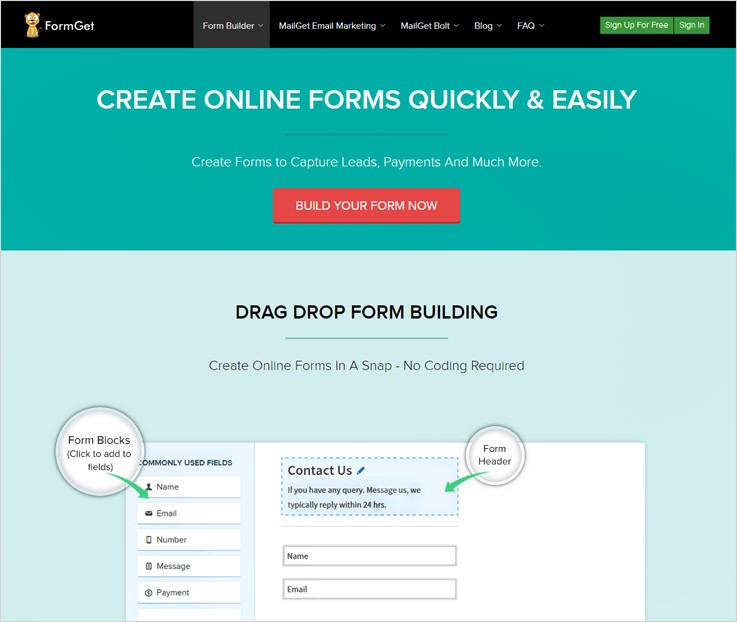
FormGet – low-cost form builder software, offers drag & drop editor through which you can easily customize the form according to your need. Also, you can make use of 260+ free pre-built templates that FormGet provides.
The best part of this software is that you can collect one-time, recurring, and instant online payments with PayPal & Stripe. Apart from this, you can also manage multiple forms from a single dashboard, give access to forms to the selected member of your team and much more.
Features Of FormGet –
- Add logo or background image of your choice in the form by using Custom Branding option.
- Apply Conditional Logic in the complex form to make forms short and understandable.
- This software also provides Canned Replies, Email Notification, File Upload Option.
- Further, it supports multiple languages, powerful helpdesk tool and much more.
- You can embed this form in your site by using the simple shortcode or directly share this form on the social networking platforms.
FormGet is leading the form builder circuit in every aspect like cost, features or overall performance. So, try this form builder software and I assure that you will never ever miff on the decision you’ve made.
Pricing Plans –
FormGet provides the following pricing plans. Let’s have a look –
Free Plan:
A dedicated plan for the testing purpose with all the advanced functionalities available for FREE. The user can build a single form using all the premium functionalities and can share the same on any platform.
Starter Plan:
For this plan, you have to pay $5/month and you will get all the extension access for 1 form only.
You get to develop – “single forms for a single user with custom email notifications. Plus, accept payments via PayPal & Stripe gateway, 20 MB File Uploads, autoresponder etc”
Rookie:
This plan will cost $35/month where you will get all extensions applicable for 25 forms.
Apart from that, you’ll get to create – “5 users, 25K submissions/month, unlimited GoogleAnalytics, 2 GB file uploads, conditional logic forms etc”.
Pro Plan:
This plan charges $79/month and you will get all the extensions access for unlimited forms.
You can also craft – “unlimited forms, generate unlimited leads, 10 users, send email notifications, accept payments, 7 GB File Uploads storage, Priority Support etc”.
Advance Plan:
Cost for this plan is $99/month with all the advanced functionalities for the unlimited users and unlimited forms.
The advance feature includes – “unlimited submissions, unlimited payment account, unlimited form views, 10GB file uploads, lifetime upload storage etc”.
Click Here To Try For Free! Get 100+ Form Templates
If you need any more stuff related to form builder software, then check out the following blogs –
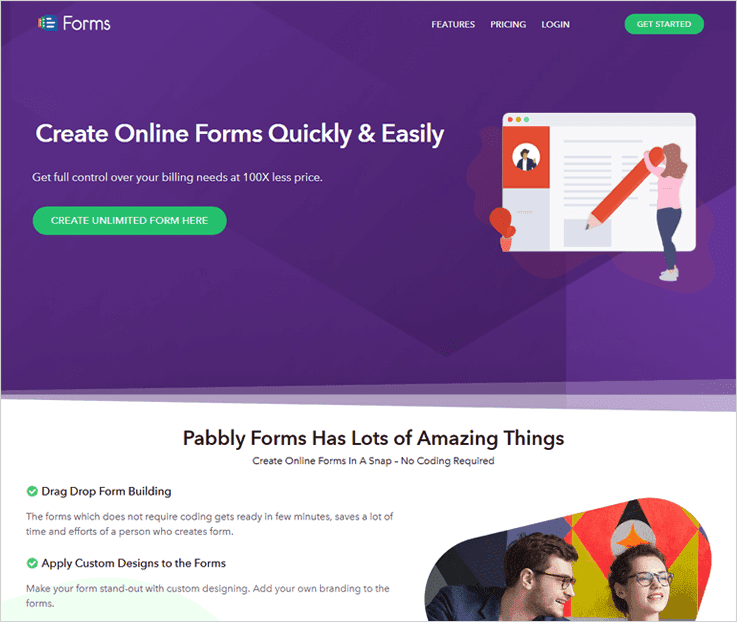
2. Pabbly Forms – Form Maker Software
Pabbly Forms will let you add a sliding/popup forms on your website easily. These are numerous pre-designed templates ready to use directly. Moreover, various customization options are also available for the forms and themes present within this software. Also, you can export the data collected within the software database anytime time.
In addition, the advanced features of this tool will enable you to build multilingual forms as well as use multiple currencies. Also, this software support right to left language pattern.
There are many kinds of data security mechanism in-build in this software/tool like- SSL encryption, reCAPTCHA and spam prevention for emails.
Features of Pabbly Forms-
- Easily set the required fields, add image/video to forms with full colour-customization.
- You can set form submission notifications as well as can also send custom email responses on form submissions.
- This software provides unique features like special customization footer and social sharing of the forms on global platforms.
- A wide variety of form making is supported through this tool. Such as lead generation, payment and subscription, information gathering forms and more.
Pricing Plan –
- Free Plan: A dedicated free plan to test all the premium features of the software for on a single form.
- Starter Plan: Starter plan costs $5/month for a single user, a single form & 1200 submissions/month.
- Rookie Plan: The rookie plan will cost $35/month for 5 users, 25 forms 25K submissions/month.
- Pro Plan: Pro plan charges $79/month for 10 users, unlimited forms and 60K submissions/month.
- Advance Plan: With additional feature and including every feature of the previous plans. This plan will cost $99/month.
3. HubSpot’s Form Builder
One of my favorite form-making tools comes from HubSpot, a company popular for its marketing, customer service, and sales CRM software.
To start, HubSpot’s form builder is free. You can get started with one of their templates or easily build your own custom form from scratch with the drag-and-drop visual editor.
Everyone who fills out your form will be automatically routed into the free HubSpot CRM. You can further manage the relationship with that person by setting reminder tasks, calling them, or sending them a personalized email.
Easily add your form onto your website in seconds, or use a standalone form page to quickly share your form with others.
Features:
- Both static web forms and pop-up lead capture forms available for free
- Easy to use drag and drop editor
- Dozens of ready-made templates to get you started
- Store and enrich all contact data in free HubSpot CRM
- Send free kickback emails to captured leads
Pricing plans –
Free tier:
HubSpot Forms starts out free and has few limitations if you just want to collect leads.
Paid Plans:
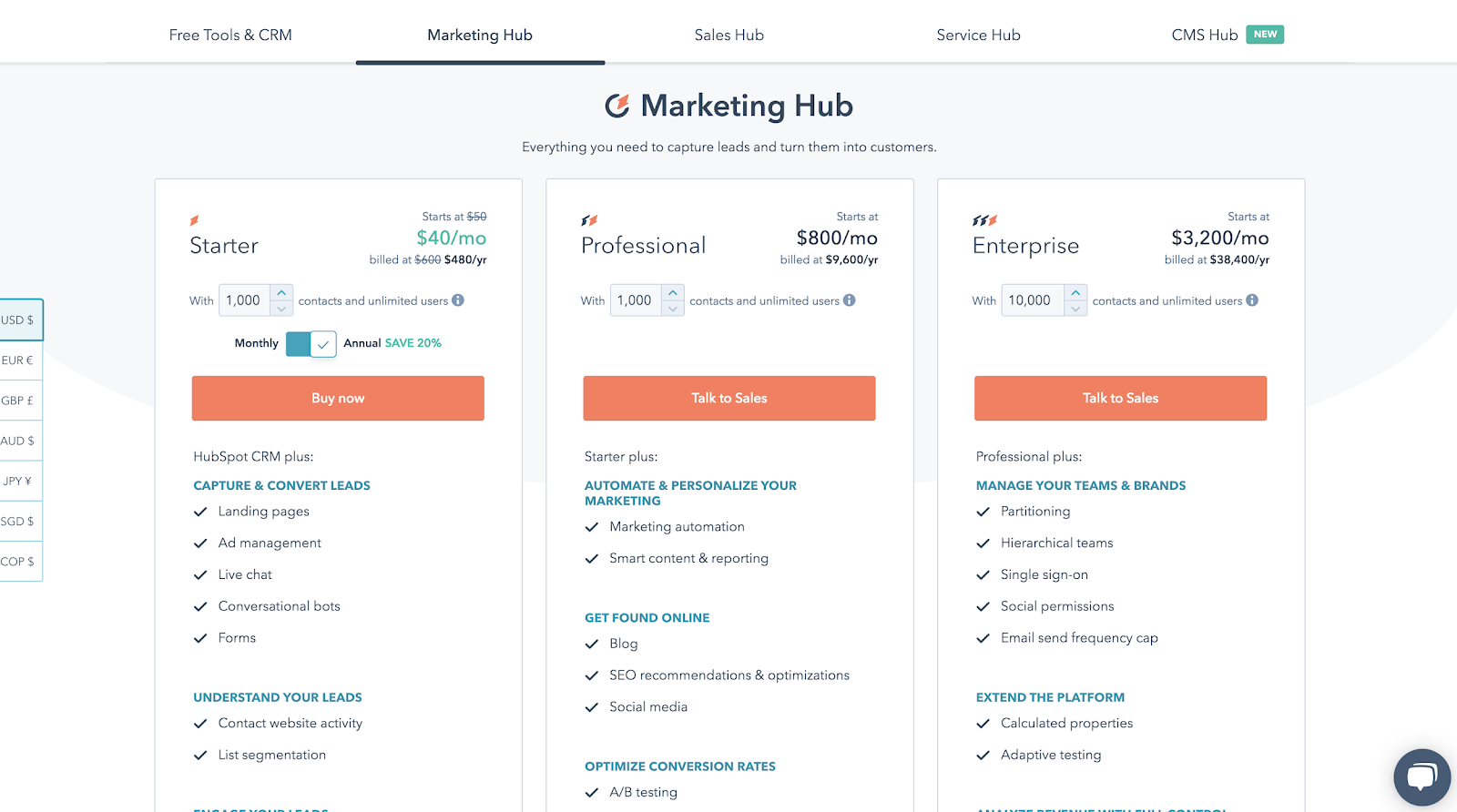
Starter pricing begins at $40/month, Professional starts at $800/month and Enterprise at $3,200/month. These tiers include web forms but also several other features like landing pages, marketing automation, and live chat.
Click Here To Try For Free!Click For More Details
4. EmailMeForm – Form Maker Software
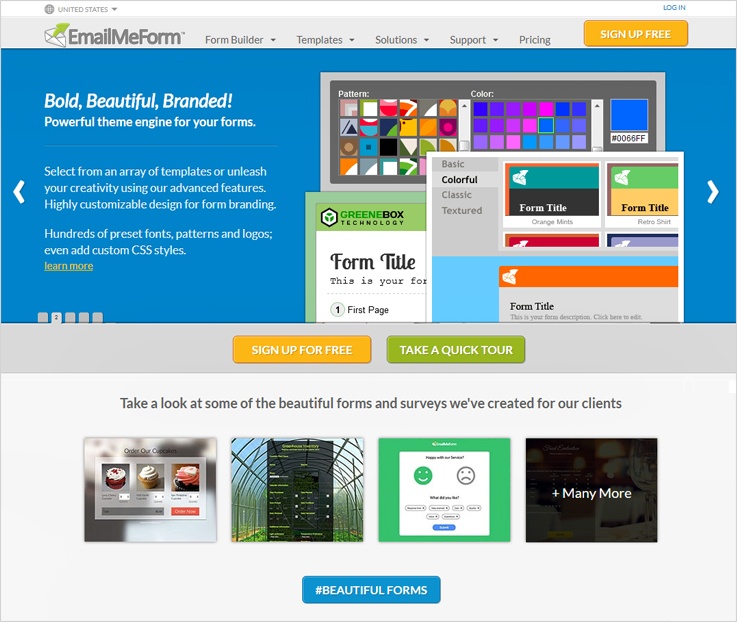
EmailMeForm is a FREE HTML online form builder software which easily creates a variety of online forms, surveys, and a lot more options for your contact, event registration, lead generation, and other kinds of forms.
Along with this, you can also translate form fields, labels or validation message into your own language.
Features of EmailMeForm –
- EmailMeForm allows you to integrate payment system like PayPal, Authorize.net, Chargify, Stripe and more.
- Add your own logo and design in the form by selecting custom branding option. Other than that, you can add upload file field in your forms to collect documents, files, resumes, etc.
- Here, you can store files in the cloud and can send the copy of it at your dropbox so that you can easily share them with your team members.
Pricing Plans –
Basic Plan:
The Basic plan is completely FREE for all, with this pack you design unlimited forms by using 50 fields, 3 reports, 3 themes, 100MB storage facility, access to single user and 100 submissions in a month.
Plus Plan:
For the Plus plan, you have to pay $9.95 every month which gives you unlimited forms, unlimited fields, unlimited reports, 10 themes, 5GB storage facility, access for 2 users, SSL security and 2000 submissions for a month.
Pro Plan:
Pro plan charges $19.95 every month for unlimited forms, unlimited fields, unlimited reports, unlimited themes, 20GB storage facility, access for 10 users, SSL security + field encryption, accept payments and 10,000 submissions for a month.
Premium Plan:
The premium plan will cost $39.95 every month with all the features included in the pro plan. Plus two advanced features of access to custom works
& priority support.
Note:- If you go with the yearly plan of this service then you can save 17% overall.
Click Here To Try For Free! Click Here For More Details
5. Form Assembly – Form Maker Software
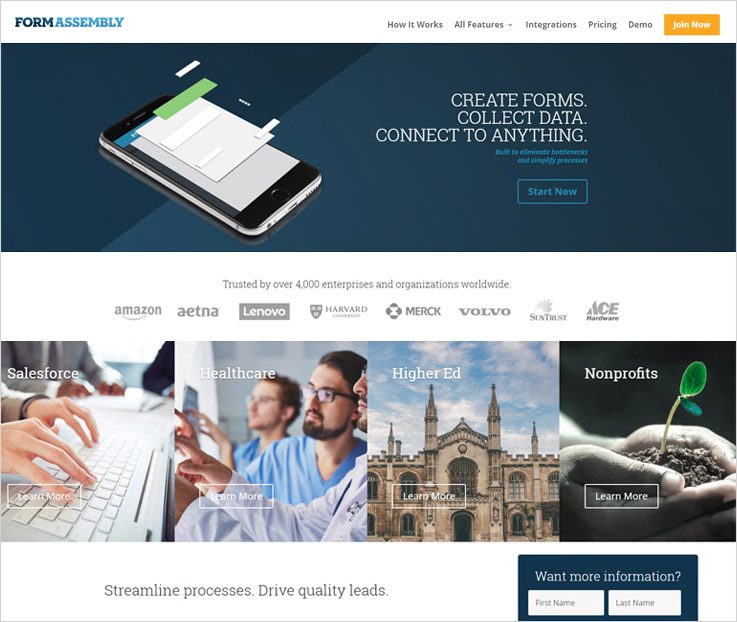
Form Assembly – the best form maker tool with which you can design creative form templates for your business and share or embed them on your website, and any social media platform.
This software is trusted by over 40 enterprises and organization worldwide like Amazon, Lenovo, Volvo, ACE Hardware, Harvard and a lot more.
Features Of Form Assembly –
- This software gives streamline visual editing and publishing which makes creating and managing of complex form easier.
- With this, you can dynamically resize across all the browsers and mobile devices as it designs fully responsive forms. Other than that, it also ensures the best user experience no matter how your user is encountering the form.
- Integrate various payment gateways like PayPal, Stripe, and Authorize.Net to collect payment instantly. It is the perfect way to accumulate leads for your business as well.
Pricing Plans –
From Assembly gives 3 type of pricing plan which comes with 14-days free trial pack.
Professional Plan:
The Professional plan charges $89 per month when paid annually which can only be accessed by a single user at a time, also, you can connect salesforce, email notification, and autoresponder facility.
Premier Plan:
For Premier plan you have to pay $224 per month (when paid annually) and it can only be accessed by a single user at a time, other than that, you can also connect 15 software including Salesforce and SFMC, email notification, live chat support and autoresponder facility.
Enterprise Cloud Plan:
Enterprise Cloud plan charges $599 for a month (when paid annually) which can be accessed by 3 users at a time, also, you get single-tenant hosting, live chat support, CAS authentication, email notification and autoresponder facility.
Compliance Cloud:
For knowing the cost of this special plan you must contact the sales team. There are much advanced features like HIPAA compliant, PCI DSS level 1 certification, enhanced privacy/security control & 99.9% SLA.
Click Here To Sign Up! Click For More Details
6. Formidable Form – Form Maker Software
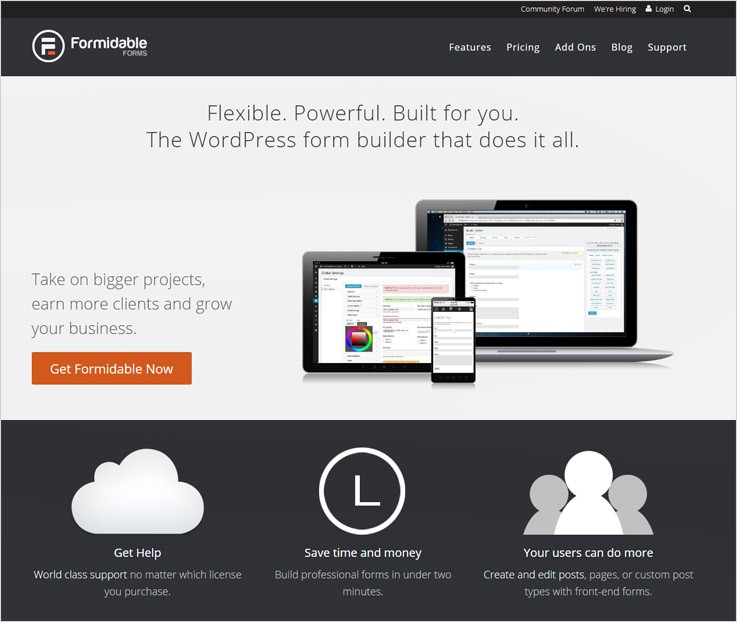
Formidable – a flexible form creator solution which gives 30 fields, custom layout, calculations, automatic updates, front-end editing, and much more to build an interesting form for your business.
The software also donates some portion of every Formidable Form purchase to the operation Smile System. This operation helps in surgery of children with cleft lip and saves many lives & smiles.
Features Of Formidable Form –
- Quickly collect payments by integrating popular payment system such a PayPal, Stripe, Authorize.net, Mollie Payments. Other than this, you can also integrate some online services like MailChimp, AWeber, Zapier, Twilio, etc. to maximize the growth of your business.
- From here, you can easily upload multiple files with your messages. Uploaded files can be later used as featured image, documents, audio, video or PDF files.
- Besides that, you can check submitted email address or passcode twice with a confirmation field that compares against each other and will allow form submission only when both match each other.
Pricing Plans –
Formidable promises that if in any case, you’re not satisfied with it then they will refund 100% of your money within 14-days.
Personal Plan:
The Personal plan is best for the startup business as it only charges $49 per month where you will get 1-year plugin updates, 1-year ticket support team. Apart from this, you can also buy add-ons separately.
Professional Plan:
For the Professional plan, you have to pay $99/month which includes 3 sites visibility, all pro features. And 1-year plugin updates, 1-year ticket support team and 5 premium add-ons.
Small Business Plan:
Small Business plan charges $199 for a month and provides 15 sites visibility, all pro features. Plus 1-year plugin updates, 1-year ticket support team, a priority support and 15 premium + advanced add-ons.
Enterprise Plan:
The Enterprise plan charges $399 for a month and gives accessibility for unlimited sites, all pro features. Also gives lifetime plugin updates, 1-year ticket support team, elite support and 20 premium + advanced + enterprise add-ons.
Click Here To Sign Up! Click For More Details
7. FormCrafts – Form Maker Software
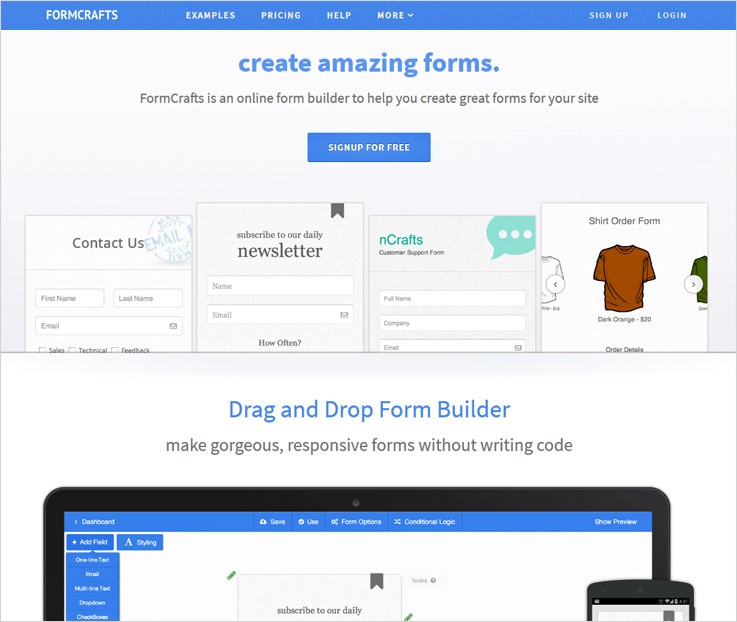
FormCrafts – an amazing form builder software which makes gorgeous, responsive forms without writing a single code line. Use drag and drop editor to customize form according to your requirement.
In addition to this, you can also design various forms such as – contact forms, registration forms, survey and feedback forms, order & booking forms, sign-up forms, and much more with a single software.
Features Of FormCrafts –
- FormCrafts gives an outstanding feature viz. live updating math logic, which will keep you updated with accurate payment result.
- Apply conditional logic into your form and make it different from other boring forms.
- A new attribute of this tool is – special survey field, like now you can apply smile rating in your forms so that you can know about the thought of the customer who accesses Formcrafts.
Pricing Plans –
Startup Plan:
The Starter Plan cost $15 per month for 10 forms, 500 entries/month, 500MB file storage facility, 5 trial payments, & some premium add-ons.
Growth Plan:
Growth Plan charges $30/month for unlimited forms, 3000 entries/month, 1GB file storage facility, 3000 payments, and some premium add-ons.
Business Plan:
For Business Plan you have to pay $75 per month for unlimited forms, 1500 entries/month, 3GB file storage facility, 1500 payments, & premium add-ons.
Enterprise Plan:
The Enterprise Plan costs $195 per month for unlimited forms, 100,000 entries/month, 10GB file storage facility, 100,000 payments, & premium add-ons.
Click Here To Try For Free! Click Here For More Details
Conclusion
I have covered the best software developed for creating forms. These tools also include a suite of features that make form creation easy for those who need them for their business.
Grab an outstanding form maker software today that will help you create a streamlined workflow, mobile phone workability without coding skills or programming.
5 Web Form Builder Software For Online Payment Collection

Web forms have become more and more popular nowadays to capture leads and to collect users information. And for creating these forms you need a web form builder software.
Web form builder software helps you to create forms for event registration, online donation, customer service, and a lot more.
Online form building applications are being used by most of the organizations because no coding is required to create forms. Also, customization becomes very simple, as you can change background colors, field entry and more. Moreover using these forms the data and information management is a single click job.
Have A Look At Comparison Table
| Services | Pricing | Data Encryption | Social Sharing | AutoResponder |
| FormGet | $5/M | ✔ | ✔ | ✔ |
| Pabbly Forms | $5/M | ✔ | ✔ | ✔ |
| Zoho Forms | $8/M | ✔ | ✔ | ✖ |
| Cognito Forms | $10/M | ✖ | ✔ | ✔ |
| Formsite | $14.95/M | ✔ | ✖ | ✔ |
Here in this article, we have compiled a list of 5 best web form builder software which are easy, and highly customizable. Some of the key features of these web form builder software are you can integrate your forms with various email marketing application, payment gateways integration such as PayPal/Stripe and more.
Also, below listed web form builder software are translation ready in nature so that you can change your form in any required language.
Read some more blogs too!!!
Let us discuss each web form builder software in detail.
1. FormGet
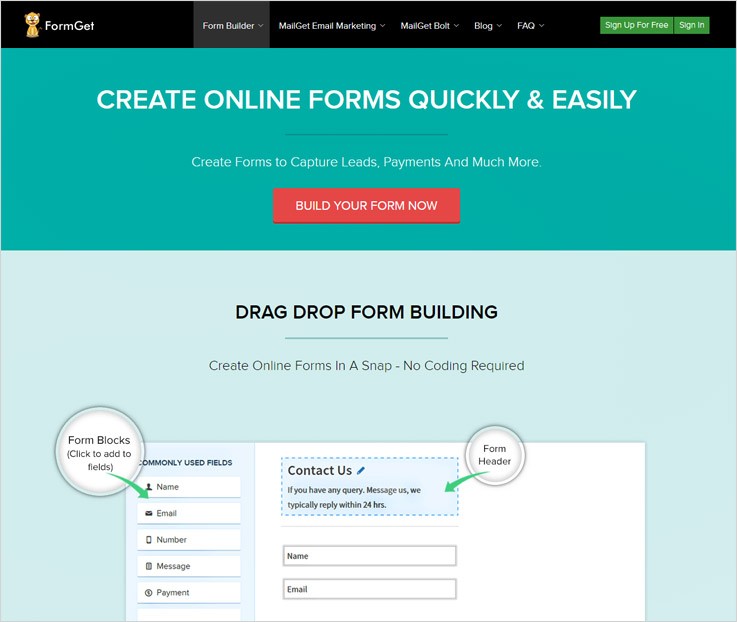
If you are looking for a high-end form builder then FormGet software is the right option for you. It allows you to create quick & custom design forms through drag & drop builder. Also, the forms are easily manageable from a single dashboard.
The noteworthy feature is the forms created using FormGet can be embedded in multiple websites and you can also share them online via social media and other mediums as well.
In addition to this, you also get multiple gateway options to collect payments such as Paypal, Stripe etc.
Features
- Conditional Logics:- This feature lets you configure certain rules which are used to show or hide fields. These fields can be sections, pages on the user selection. Further, this will help you to control the information flow and leads users to take in the right direction.
- Email Notification:- This is an advanced feature which instantly generates an email alert each & every time a form is submitted. Moreover, you can now receive emails holding form entries and can easily identify your new leads.
- Auto Responder:- You can send a confirmation email about successful form submission or payment transaction.
- Other Important Features:- It is pre-loaded with enormous pre-designed templates, Captcha, data security. Also, it has Google Analytics as well as user tracking, real-time support and more.
Create Forms To Collect Payments
FormGet can also accept payments online whether they are one time payments of products. Also, recurring payment of services, products, deals or any other type of online payment can also be collected. So, forms created using FormGet can handle them all.
Payment gateways like PayPal and Stripe can be used to collect online payments. Further, forms holding payment fields collect information in a secured and safe format.
We have experienced the beauty and efficiency of FormGet form builder. Moreover, we have tested and implemented various payment and other types of forms using FormGet.
So, I would personally suggest that try it once and you will definitely be satisfied with the features and services.
Pricing
FormGet form building application offers one free and three paid plans these are-
- Free Plan:- The free sign-up has no expiry. You can create 1 form, manage 1 users, plus you get 100MB storage space for free.
- Starters Plan:- Buy this plan at $5 in this plan. You are getting 1 user and 1 form access along with 1 payment account and more.
- Rookie Plan:- It cost you $35/month in which you get 5 users and 25 forms, PayPal Integration and 2 GB storage.
- Pro Plan:–Grab this plan at $79 in which all the extensions will be applicable for 10 users. Further, you will get features such as email notifications and up to 7GB of storage.
- Advance Plan:- You can get this plan at $99 monthly in which you will get all the features of above plans. Also, in this plan extensions will be applicable for the unlimited users and 10 GB file uploads.
Note:-
- All Extensions Applicable on forms means you get full access to powerful extensions like Mad Mimi, Email reports. Also, it has MailChimp, Social sharing, Canned reply, Export, Sliding forms, Mobile forms, Dropbox, Logical forms.
- All the paid plans offered by FormGet come with a yearly subscription which makes them extremely affordable and low priced.
If you need to know more about Web Form Builder Softwares bellow are some blogs which can help you out:-
2. Pabbly Forms
Pabbly Forms is one of the finest software in the list of software to create forms. It has lots of features such as you can create forms in just a few clicks and give form access to your team members. This will help you to create multiple forms and give selected access to team members as well as to clients so that they can manage their own forms.
The important feature in this web form builder software is you can give access to the forms to multiple users so that they will manage forms easily with their end.
Features
- Embed Forms In Different Format– One can embed the form on their website in various formats like as a sliding form or tabbed form, a plain form etc.
- Branching And Logics– It has conditional logic and branching in forms. With the help of this, you can convert your longer forms into a shorter one by hiding fields accordingly.
- E-mail Integration– You can integrate your forms in various email marketing applications. Such as MailGet, MailChimp etc. This will help you to send capture leads instantly in your email marketing application in a few minutes.
- Pre-Built Templates– It provides you a variety of pre-built templates that you can use for creating the forms. Moreover, these are mobile responsive and ready to use which will help you create any type of forms instantly.
Forms That Accept Recurring & One-Time Payments
You can collect online payments of goods, sales and recurring services using forms created by Wufoo software. Payment integration feature in Wufoo allows you to use multiple payment gateways. These are Stripe, authorize.net, PayPal, Braintree, FreshBooks, USAePay, Chargify to accept payments.
Each and every amount collected via Wufoo forms are protected and secured with various encryptions. In addition to this, a smart CAPTCHA is also applied to prevent spamming.
Pricing
- Free Plan – One can sign up in the software services for free and allowed to create a 1 form without paying a single penny.
- Plan 1 – Available at $5 with 1 user, 1 form access, get an autoresponder and sliding/popup forms, and you can embed to 10 domains using this plan.
- Plan 2 – This plan cost you $35 along with 2GB file uploads, more than 25k submission per month. Further, It will give all the above plans features too.
- Plan 3 – Buy this plan at $79 for a month and its yearly at $790, you will get 10 users and unlimited forms access along with reCaptcha and spam prevention options.
- Plan 4 – Get this advance plan at $99 where you will get all the above features and you are allowed to use unlimited payment account. Also, it supports email integration along with 10GB file storage.
3. Cognito Forms
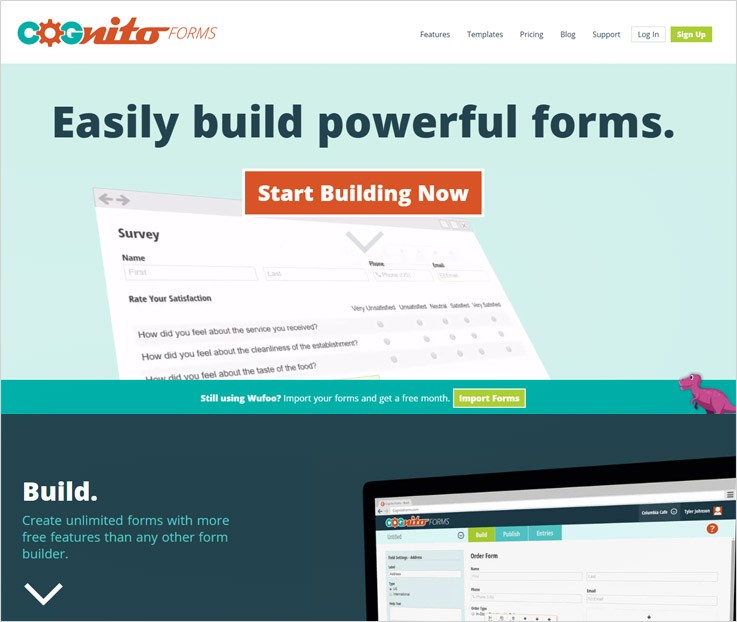
Cognito Forms is an advanced form building application which delivers unlimited form creation facility to its customers along with a wide range of features. Forms created through Cognito can easily be shared, posted on social media sites and you can also embed them in any website.
With the help of these forms, you can collect one time as well as recurring payments. Moreover, accessing the entries collected from the forms as simple as they can be viewed on any device.
Features
- Automate Calculations: – This software has a powerful calculation feature which allows you to perform different complex calculations on cost figures, compare dates, automate discounts coupons and more.
- Prevent Spamming: – This feature removes rogue entries as Cognito Forms has a smart captcha that is capable of automatically detecting bot entries based on how the form is being used & filled and prevent spam entries.
- Conditional Logic Feature: – With the help of conditional logic feature viewing of the form becomes much easier. You can show or hide certain fields or apply conditions (if else conditions on fields) and facilitate the users to make correct decisions.
- Upload Files & Data: – File upload feature permits the user to submit resumes, cover letters, photos, and other media files into the form. Cognito Form supports various file types and formats, plus the file size and file numbers are not at all a problem with this software.
Accept Secure Online Payment
Cognito Form empowers you to collect payments through the forms itself as payment gateways like PayPal, Stripe, and Square can be easily integrated.
You can also accept payments from credit cards in a secure way. Also, it comes with multiple currency support (Euros, Pesos, Dollars, Kroners, Pounds, Yen, etc.) and simply handles paid, unpaid, declined, refunded, manage refund charges and other situations with ease.
Pricing
- Individual Plan- An entirely free of cost plan which comes preloaded with enormous features like single user access, file uploads, data exporting, email notification and other advanced options. Additional 1% will be charged if sales (payments) are done through the forms. If the forms collect payments through Stripe, in that case, 1% of the payments will also be charged.
For example
Base price:- Free of charge
Payment collected in a month:- $200
1% of payment:- 1% of $200 = $2
Total cost :- $2
- Pro Plan- Cost of this plan is $10/month for 2 users, e-signatures, multiple email notifications and more. With this, you also get access to create unlimited forms and manage 2000 entries per month. $2 a month is charged per extra user and $4 is charged for custom document templates. Plus, another 1% is added to the plan if Stripe payments are received via forms other than the base cost.
{For example
Base price:- $10
Total payments are:- $500
1% of payment :- 1% of $500 = $5
Therefore the plan will cost :- $10 + $5
Total cost :- $15}
- Team Plan- It cost you $24 for a month plus additional $2 is charged per extra user and $4 is charged for custom document templates per month. This plan allows you to accept payments from PayPal, Stripe & Square as well and no payment charge is collected here unlike the above two plans. This plan permits you to handle 10,000 entries in a month with unlimited form creation. You will also get 5 users access along with 10GB of data storage, and all the Pro plan features.
- Enterprise Plan- Enterprise plan is the most advanced plan which is designed for large organizations. Now you can administer unlimited entries and create unlimited forms with 50 users access. The cost of this plan is $99 a month with various advanced features. Further, you will also get 10 custom document templates free with this plan. Plus there is no charge for the payments received via PayPal, Stripe or Square.
Note:-
- Cognito Forms also has a prepay discount facility which is applicable to all plans. In that, you can choose any plan and pay for it in advance and in return, you will get a 10% to 20% discount as per usages or plan.
4. Zoho Forms
Zoho Forms will fulfill all your needs to create, manage and accept payments using online forms. Forms created with this software are easily shareable, team management can be done along with email notification. Also, there are various payment, e-Signature, barcodes and more which you can integrate with the form.
Other than payment integrations, this form building application gives you the option to merge Zoho apps as well as third-party apps like Salesforce, Zapier and more.
Features
- Team Management:- You can collaborate with your team as the team member feature permits you to notify, assign and specify the correct team members about any specific task. This will keep everyone informed about the activities and will take all the members in the task loop.
- Increase Customer Engagement:- Send personalized email notifications to the users. In addition to this, the data collected from the user form can later be used to create responses, tickets, contracts and more.
- Create Forms On Mobiles:- This is an ideal feature through which you can create forms using a mobile phone. Zoho Form building application has both Androids as well as iOS apps that allows you to create, manage, collect and collaborate on details.
- Design Personalize Forms:- This software has multiple themes and templates to design attractive forms. Plus, you can also set custom logos and colors of your brand.
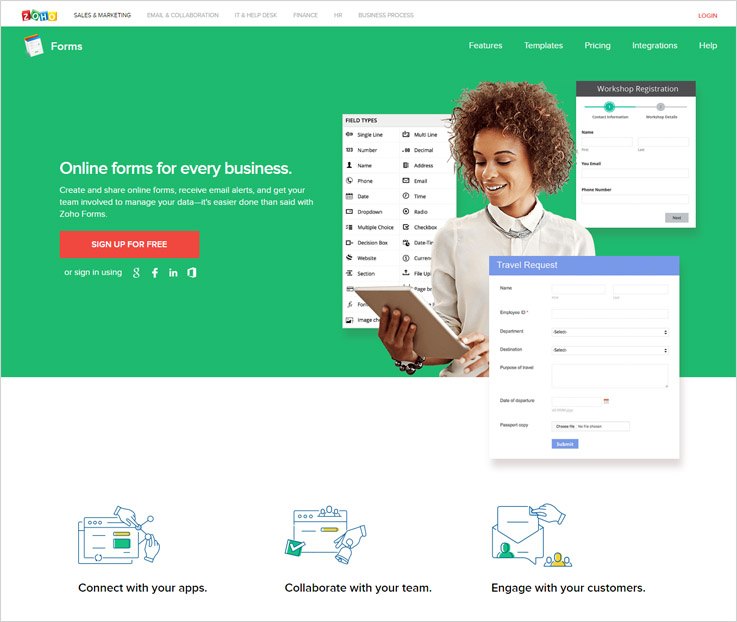
Integrate Multiple Gateways For Payment Collection
Receiving payments via Zoho Forms is very simple as configuring payment settings and performing calculations on payment amount is just a few minutes task. It supports multiple gateways like PayPal, Stripe, and 2Checkout.
You can step-up all three if you want to give multiple options to customers for payments. You also get multi-currency support with this form building software.
Pricing
- Basic Plan – $10 is the monthly cost of this plan in which you get single user access, unlimited forms creation, 10,000 submissions every month, plus multiple payment integrations and more.
- Standard Plan- This plan will cost you around $25 every month for service like 10 user access, unlimited forms with 25,000 submissions a month. In addition, you also get 2GB storage along with custom themes and payment integration as well.
- Professional Plan- Cost of this package is $50 a month with which you can handle 25 users, create unlimited forms, manage unlimited reports, multiple payment integrations can be done and more with no hidden charges & no credit required.
- Premium Plan- The premium plan is one of the most expensive plans that Zoho Form offers which comes preloaded with features like multiple payment integrations, 10GB storage, Built-in and custom themes, unlimited forms and reports access with 1,50,000 submissions a month for a cost of $100.
Note:-
- You get a straight 20% discount on all plans if you opt for a yearly subscription of Zoho form builder application.
- You can start using this form building software for free and get 3 forms access with 500 submissions, unlimited reports, and 200MB storage.
- Pay $10 a month and get 10,000 additional submissions. For $5 a month get 5GB extra storage if needed.
5. Formsite
Formsite form builder is an affordable and user-friendly form-creating tool. Using the drag & drop form building feature you can easily create forms. Also, it has more than 100 customizable templates where you can make easy changes according to your choice. Also, it will help you to collect customer data, which further helps in leads generation. Moreover using this form maker software payments can be collected in a more secure way.
You also get a helping hand with features like multiple file upload facility, Captcha to prevent spam entries. Further, you will get mass emailing, payment gateway integrations, API for more interaction, import results and more.
Features
- Save & Return Form: Save & return is one of the chief features which give you a helping hand by allowing you to resume an unfinished form. With this, you can later return back to a form and complete it anytime.
- Share Responsive Forms:- Forms created via Formsite application are very responsive and support different screen sizes like desktops, tablets, phones and more.
- Integrate 3rd Party Apps:- Multiple apps can be integrated with this software like Dropbox, Google drive, Google sheets, Salesforce, and more.
- Email Notifications:- This software responds to each and every person filling up the form through emails notification.
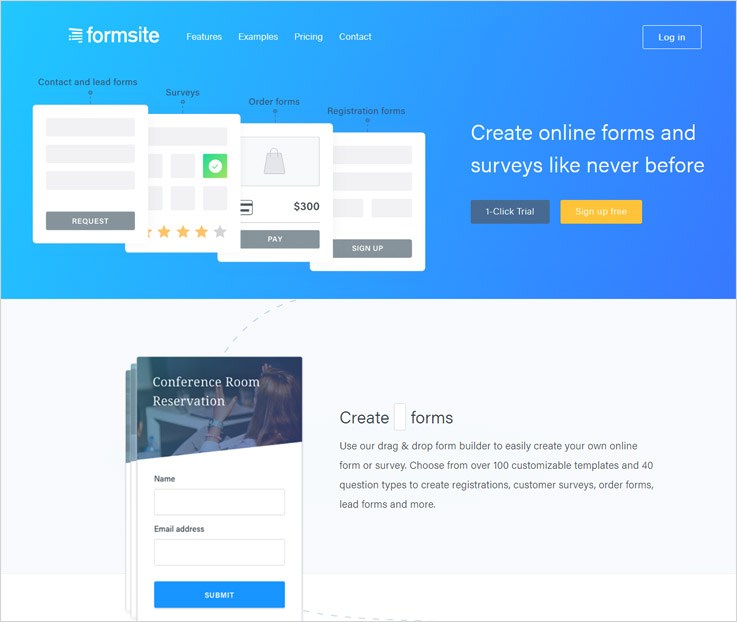
Online Form Builder With Payment Fields
Formsite is a web form builder software using which online payment collection can also be done. You can use various payment gateways like Authorize.net, Braintree, Stripe, PayPal, PayPal etc,. Further, you can accept credit cards and checks for payment as well.
Payments collected from these forms are automatically totaled. And, order review page at the end of the form is also provided. All the payments done are very safe and secured as well.
Pricing
- Free Plan- Formsite has a forever free package which allows you to create 5 forms, accept 10 submissions per form and 50 MB storage space. But you can’t integrate other applications or payment gateways through this package.
- Deluxe Plan – Deluxe plan is the cheapest plan which will cost you $14.95 per month for 5 forms with 500 submissions per form, along with 500 MB file space, customizable buttons and more. Moreover, you will get a discount of $29 if you opt for a yearly subscription for this plan.
- Pro 1 Plan – For the price of $24.95 a month you will have 10 forms access, 1,000 results per form, 1GB space for storage and other advanced features. It also permits you to integrate multiple payment gateways {PayPal, Stripe, Braintree etc} and other applications (Dropbox, Google Drive, Box and more) as well. This plan also comes with a 14-day free trial which permits you to test and verify the features of this plan specifically. You can save $49 on this plan if yearly subscription of this software is selected.
- Pro 2 Plan – Pro 2 plan will charge $49.95 every month to you. With this, you can create 25 forms, accept 2500 submissions a month, store 2GB data, integrate multiple payment gateways and software as well. Plus you can save $99 just by opting yearly subscription of this form building software.
- Pro 3 Plan – $99.95 a month is the cost of this plan. It offers facilities like 100 forms with 10,000 submissions a month, 4GB storage space, 20 Sub-users (additional users with certain access permissions) multiple payment and software integration is allowed and much more. You will get an additional discount of $199 if the yearly plan is taken.
- Enterprise plan – This plan has got a price tag of $249.95 on it. you will get 1,000 forms creation, 50,000 submissions, 10 GB storage. Also, it gives you 50 additional users (extra users with certain access permissions) and more. Also, $299 discount is applied if a yearly subscription is selected.
Note:-
- Formsite has no restrictions like contracts, commitment. You can upgrade, downgrade, or cancel at any point of time.
- Each & every plan comes along with a 30-day money back guarantee in case you are not satisfied.
6. Wufoo
If you want to create forms and produce reports with useful data then this software is the right option. With the help of this software, you can conduct online surveys, collect payments from multiple modes. Further, you can do registrations, collect leads and more.
These forms are responsive in design. Also, you can share them via emails or on a website, along with 400+ templates and a lot more.
Features
- Accept All File Uploads:- These forms can accept multiple files, images, application and other types of uploads. The files uploaded can easily be collected, organized and store with this software.
- Create Custom Forms:- Wufoo form building software has drag & drop facility to create forms which require no coding. You can also customize pre-designed themes by adding logo, color and give a personalized touch to the form.
- Real-Time Analysis:- The entries accepted through the forms can be checked and analyzed from anywhere and from any device. Plus you can send instant notifications.
- Integrate Multiple Software:- Over 60 tools are there which can be easily integrated with this software that can facilitate your working process.
Forms That Accept Recurring & One-Time Payments
You can collect online payments of goods, sales and recurring services using forms created by Wufoo software. Payment integration feature in Wufoo allows you to use multiple payment gateways. These are Stripe, authorize.net, PayPal, Braintree, FreshBooks, USAePay, Chargify to accept payments.
Each and every amount collected via Wufoo forms are protected and secured with various encryptions. In addition to this, a smart CAPTCHA is also applied to prevent spamming.
Pricing
- Free Plan – You will get 5 form creation, 100 entries, 10 fields and single-user access free of cost.
- Starter Plan – Starter plan cost around $19 for a month where you will get access to create 10 forms. Also, you can integrate forms with multiple gateways, and single user control.
- Professional Plan – $39 is the monthly cost of this plan. You can create unlimited forms, handle 5,000 entries on monthly basis, supports 60+ integrations and more.
- Advanced Plan – The advanced plan will charge you around $99 every month. With this plan, you get unlimited form creation, 25,000 entries, 20 users access, 10GB uploads and more. Also, it accepts payments via PayPal, Stripe, USAePay, authorize.net, Braintree, Chargify, FreshBooks and multiple software integrate.
- Unlimited Plan – This plan is designed for bigger organizations and it comes with 60 user access, unlimited forms. Further, it has unlimited reports, 200,000 entries at the cost price of $249.
Note:-
- If you opt for the annual subscription of the plans mentioned above, you will receive a discount of 25%.
- This feature is used to store files uploaded through the File Upload field in the form.
- If the number of entries exceeds then $0.05 per entry will be added to your plan cost.
- The free account will become inactive as soon as you exceed the number of entries assigned for that particular month.
Conclusion
In this blog, we have discussed some of the most popular web form builder software. Further, these web form builder software will allow you to accept payments through the forms created using them. Some of this software also offer free trials.
Hope this above information will help you to find a good and profit generating form building tool. So that you can create forms and gather online payments with ease.
Stay tuned for more form builder blogs.
5+ Top Form Automation Software To Accept Recurring Payments
Form Automation Software is a troubleshooter which provides an easy way to create forms and add them to your website.
You must have gone through various forms on websites.
These forms can help you in generating lead collecting payment, information, etc. However, we all know that creating forms and triggering their execution can be a tedious job for many of us.
So, for preventing you from this hassle, there are several form automation software out there which will reduce your burden.
The form automation software allows you to create forms online by simply using the drag & drop functionality for adding various fields like name, phone number, email address, etc. Further, you can effortlessly embed those forms on a website without any trouble.
Moreover, the created forms can be from any niche like lead capture forms, subscription forms, contact us forms, and much more.
Plus, you can swiftly collect payments through multiple gateways like PayPal, Stripe and any other gateway.
So, to ease your task, we are up with a list of best Form Automation Software and its various highlighting features, pricing details, etc.
Quickly, go through the comparison of various Form Automation Software
| Services | Pricing | Payment Gateways | Conditional Logics | E-mail Notifications | Ratings |
| FormGet | $5/M | ✔ | ✔ | ✔ | 5.0/5.0 |
| Pabbly Forms | $5/M | ✔ | ✔ | ✔ | 4.8/5.0 |
| FormStack | $19/M | ✔ | ✔ | ✔ | 4.3/5.0 |
| CognitoForms | $10/M | ✔ | ✔ | ✔ | 4.6/5.0 |
| Typeforms | $30/M | ✖ | ✖ | ✖ | 4.5/5.0 |
1. FormGet – Form Creator Software
FormGet is a web-based form creator software which allows you to create forms online. It provides you with a range of features like drag & drop functionality for adding fields like name, email id, etc. You can also add an option to upload files and enable your users to upload files in various formats like CSV, PNG, etc.
Also, you can add a logo of your choice and redirect the users to a certain page or website by adding a redirect link to the logo.
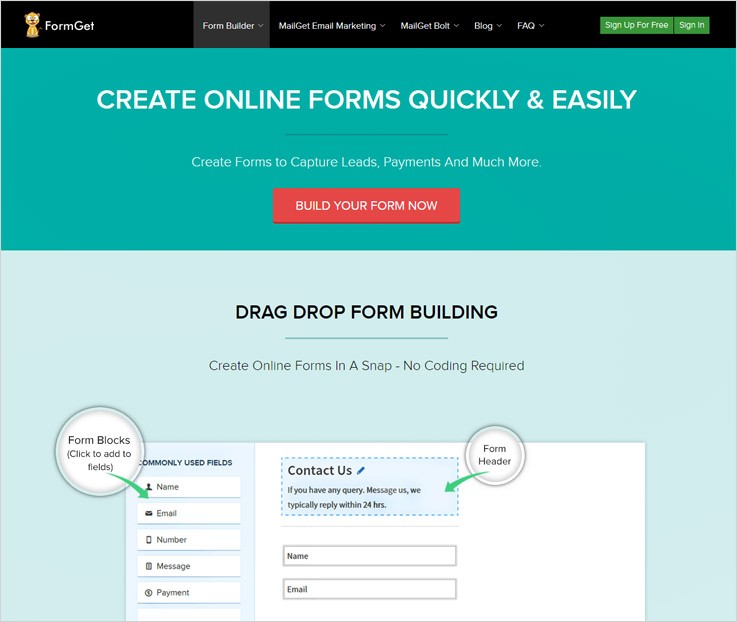
Pricing-
Free Trial – It also offers a free trial in FormGet. It permits you to create one forms that can be embedded on any website with full functionalities. Plus, you get free access to various features of FormGet like Social Sharing, Mobile forms, Weekly reports, etc. All this by signing up for free.
Plan 1- It’s a basic plan which will cost you $5/mo. with features like-
- You get single User access
- One Form creation is allowed
- Receive 1200 submissions per month
- PayPal & Stripe payment gateways are supported
- Supports integration with three Google Analytics Account
Plan 2- For this pack, a user will have to pay only $35 per month & along with this you also get –
- It provides you with 5 users access
- You can create 25 Forms
- Receive 25k submissions per month
- Allows five payment accounts creation
- Supports unlimited Google Analytics Account integration
Plan 3- Just pay $79 every month to receive-
- It gives 10 Users access
- Unlimited Forms creation is permitted
- Receive 60k submissions per month
- Gain access to 15 payment accounts
- Autoresponder, email notifications and multiple more
Plan 4- Get this plan for $99 per month and get unlimited access to all features of FormGet like user access, submissions per month, email notifications, etc.
Features-
- It allows you to create conditional logic forms to let you decide various form fields on the basis of certain logic. For example, you can create a form by adding a radio button for male and female, depending on user selection the list of fields will appear on the form.
- You can create a default email like ‘Thank you for submitting form’, etc and it will automatically be sent to the user as they submit the form.
- With Dropbox integration, you can easily store the data collected by forms in your Dropbox.
2. Pabbly Forms – Form Builder
Pabbly Forms is an online application which is used to create and customize forms as per your requirement. It provides you with multiple features for adding fields, customizing color, and a lot more.
Simply drag & drop fields to build a form and instantly embed the forms on your website.
You can easily integrate with various payment gateways like Stripe, PayPal, etc. and collect payments through your forms without any trouble.
Pricing-
Pabbly Forms offers you a free plan which provides you with basic features & functionality for creating one form & you can embed it on a website without any trouble. Also, you can share this form in the widgetized area of a website.
Further, different plans will cost you differently-
Starters- This plan will cost you $5 per month
- You receive 1200 submissions per month
- Embed forms on 10 domains
- Grants access to 1 payment account
- Facilitates PayPal & Stripe integration
Rookie- You can buy this plan at $35/month.
- You receive 25k submissions per month
- Embed forms on 35 domains
- Grants access to 5 payment account
- Facilitates PayPal & Stripe integration
Pro- For availing this plan, you have to pay $79/mo.
- You receive 60k submissions for each month
- Embed forms on 75 domains
- Grants access to 15 payment account
- Facilitates PayPal & Stripe integration
Advance- You can acquire this plan by paying $99/month
- You receive unlimited monthly submissions
- Embed forms on unlimited domains
- Grants access to 15 payment account
- Facilitates PayPal & Stripe integration
Features-
- It provides you with the facility to add canned replies i.e. you can add a custom answer for frequently asked questions by the customers.
- You can receive email notifications as soon as a user clicks the submit button.
- This software allows you to add a redirect link to submit button through which you decide the page or website to where you want your users to land on.
3. Formstack – Tool For Form Creation
Formstack is an incredible software which will allow you to create forms and adding conditional logic so as to you can to show or hide form fields or entire sections based on the answer a person chooses.
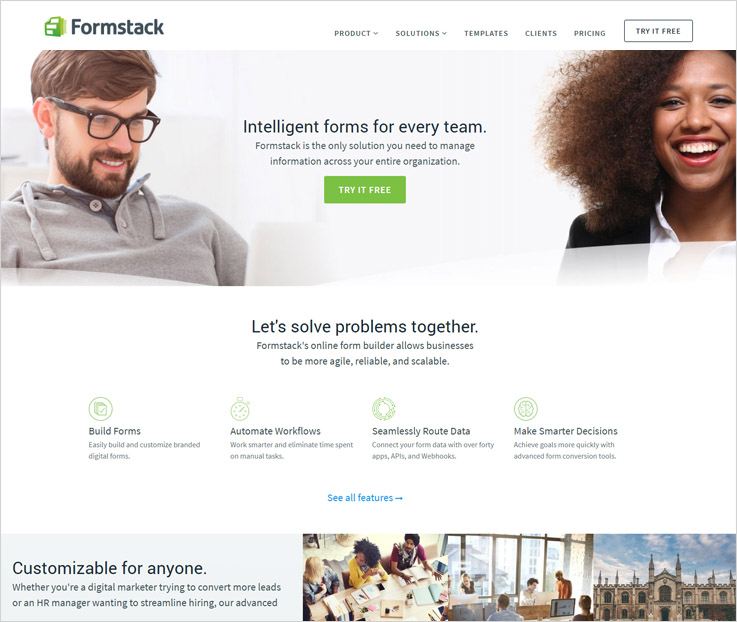
Pricing-
Bronze– You will have to pay $19 per month-
- Allows 700 monthly submissions
- Provides 500MB of Storage
- You can create 5 forms
Silver– The user will be charged $39 per month-
- Allows 1,000 monthly submissions
- Provides 1GB of Storage
- You can create 20 forms
Gold– Similarly, the cost of this plan is $99 per month-
- Allows 10,000 monthly submissions
- Provides 2GB of Storage
- You can create 100 forms
Platinum– In this plan, the user will be charged $249 per month-
- Allows 1000,000 monthly submissions
- Provides 10GB of Storage
- You can create 1,000 forms
Features-
- You can collect online payments and donations on order forms and registrations through various payment gateways.
- The user does not require any coding knowledge and can easily create attractive online forms with the help of drag and drop builder.
- The user can save the form and return to the form later, you can also create brand recognition with your own customized form URL.
4. Typeform – A Form Creator Tool
Typeform is an amazing and classy way of creating a form as it provides a user-friendly mechanism, you can insert images and different types of multimedia and has the flexibility to customize the form as per your requirement.
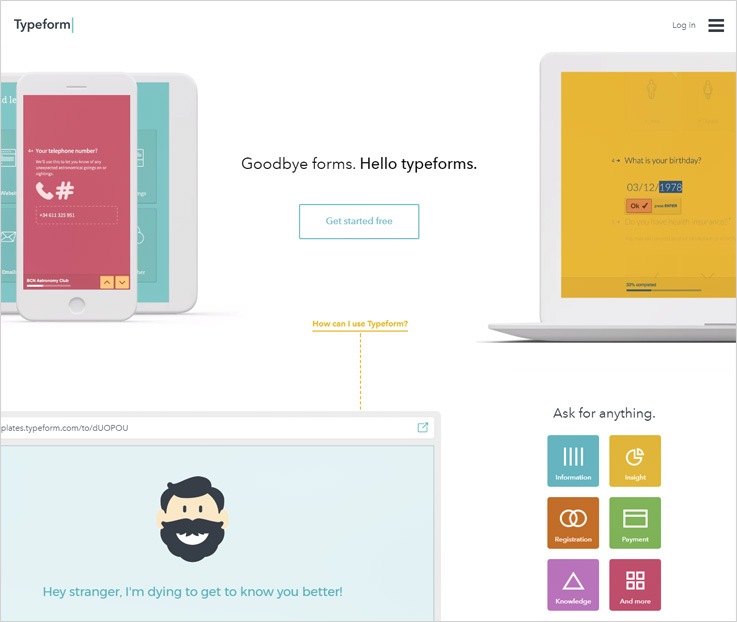
Pricing-
Basic- Basic plan is a free plan in which the user will get 100 responses and 10 fields per type form.
Pro- In the pro plan, the user would have to pay $30 per month-
- Unlimited typeform fields
- Advanced question types
- Metrics & Reporting
- Self-notifications (email)
- Answer piping
- Send data to 500+ apps
- Embedding
Pro+- In the pro+, the user will be getting the following features by paying $59 per month-
- Unlimited typeform fields
- Advanced question types
- Metrics & Reporting
- Self-notifications (email)
- Answer piping
- Send data to 500+ apps (Zapier)
- Embedding Embed typeforms
- Conditional logic (logic jump)
- Respondent notifications (email)
- Calculator (scoring & pricing)
- Custom Thank you screen
- Hidden fields
Features-
- You can generate beautiful typeforms dynamically with Typeform I/O and send the data you collect to your favorite web apps with system API.
- Get insightful usage metrics across devices and also create reports that look as great as your forms & also perform user tracking.
- The user can set up highly customizable emails for themselves & their respondents. Plus, you can also choose which language your form speaks or else invent your own.
5. Paperform – Online Form Builder
Paperform is an awesome form making software in which you can include form features allowing you to handle payments. Plus, you can integrate Stripe and Braintree + PayPal subscriptions / recurring payments directly to form pages.
Pricing –
Starter- In the starter plan the user will have to pay $15 per month in the buyer would get unlimited forms, payments, 1K subs/month, and more.
Pro- Similarly in the pro plan, the user will have to pay $39 per month in which the user will get unlimited forms, multiple payment accounts, unlimited subs, 1GB uploads/form, and more.
Agency- In the agency plan the user has to pay $99 per month in the user will get to create forms for clients and across teams. Multiple users, unlimited payment accounts, custom domains, and more.
Features-
- The software allows you to create forms from the scratch and includes images which you can choose from the template gallery.
- The user can send personalized email responses with submission summaries, attachments, and conditional logic direct from software.
- Give customers a personalized touch as per the region they belong to and choose the language and customize as per requirement.
6. CognitoForms – A Form Creator Application
Through CognitoForms you can create unlimited forms with the assistance of a bunch of free features that has been blended within the software so as to make the form building an easy and convenient task for you.
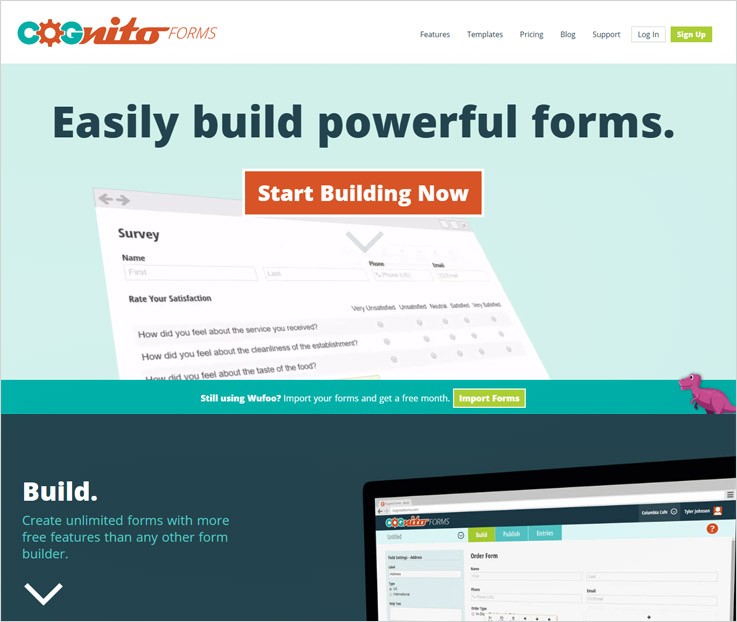
Pricing-
Individual- It’s a free plan
- Users – 1
- Forms – Unlimited
- Entries – 500 / month is allowed.
- Payment – 1% of the respective payment gateway
- Storage – 100 MB is the available space.
Pro- In this the user would have to pay $10 per month.
- Users – 2
- Forms – Unlimited forms will be provided to the user.
- Entries – 2000 / month is allowed.
- Payment – 1% of the respective payment gateway
- Storage – 1 GB is the available space.
Team- In this plan, the user would have to pay $24 per month.
- Users – 5
- Forms – Unlimited forms will be provided to the user.
- Entries – 10000 / month
- Payment – No Charges, Its free
- Storage – 10 GB is the available space
Enterprise- In the enterprise plan, the user would have to pay $99 per month.
- Users – 50
- Forms – Unlimited forms will be provided to the user.
- Entries – Unlimited entries.
- Payment – No charges, Its free
- Storage – 100 GB is the available space
Features-
- The forms do all sorts of calculations for you and build a powerful system that can calculate total costs, dates and more.
- The software allows you to collect payment and create order forms, you can have details of your order forms and can also issue refunds.
- There are also integrations that have been included in the software like PayPal, Stripe, and Square.
Conclusion:-
The services will be effective for you in terms of accepting recurring payments and creating forms enabling you to capture leads easily. There are multiple features will that will make your form building task easy and rapid simultaneously.
The Form Automation Software are efficient enough to let you make different forms through the various fields and functions induced in the form building system.
Individuals who face obstacles in managing their clients and could grab their details for any sort of future reference can now do so through Form Automation Software.
You can also hop on to some other interesting blogs as well-
5+ Online Form Builder Software: Create Online Forms With No Coding
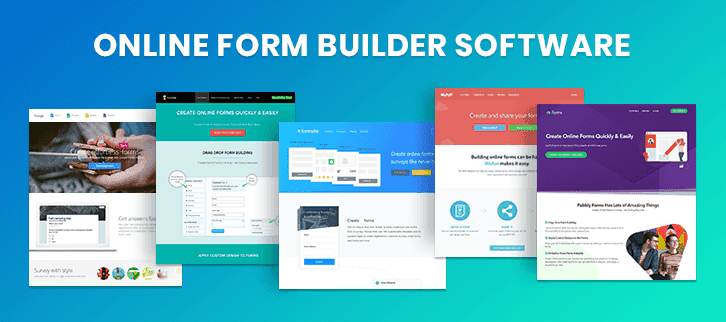
GO GREEN, GO PAPERLESS!
A better way to collect leads for your business is via Electronic Forms as it can diminish the risk that goes along with using the Paper Form (like lost and damaged forms, incomplete information, etc.).
You have two choices to design the forms either you can hire a programmer to make custom forms for you, else you can go with the best online form builder software.
Form Builder is a tool that allows you to design creative & professional forms in just a few clicks, all you have to do is drag and drop the field that you require in the form and after that, you can view your form by simply clicking on the save & preview button.
Before selecting any software, things that you have to keep in your mind are –
- Cost
- Easy to use
- Ability to customize
- Integration with other software
Keeping these points in my mind, I have found some Best Online Form Builder Software which requires No Coding to build a form. Go through the following service and decide which one can fulfill your requirements.
We have also got a comparison table below which can be a great help is software selection:-
| Services | Form Validation | Multiple Users Access | Payment Gateways | Social Sharing | Ratings |
| FormGet | ✔ | ✔ | ✔ | ✔ | 5.0/5.0 |
| Pabbly Forms | ✔ | ✔ | ✔ | ✔ | 4.8/5.0 |
| Google Forms | ✔ | ✖ | ✖ | ✖ | 4.6/5.0 |
| FormStack | ✔ | ✖ | ✔ | ✖ | 4.3/5.0 |
| Wufoo | ✖ | ✖ | ✔ | ✖ | 4.2/5.0 |
1. FormGet – Online Form Builder Software
FormGet is an amazing form builder software which will make your form creation task extremely simple and easy. The best part of this software is that it allows you to collect payments, apply conditional logic in the forms, manage your team, send autoresponder, and a lot more.
In addition, the forms created using this software can be used in multiple ways. Like you can share the forms online on social media and other platforms, embed the forms straight into a website without any hassle and lastly, you can embed them as widgets on a website as well.
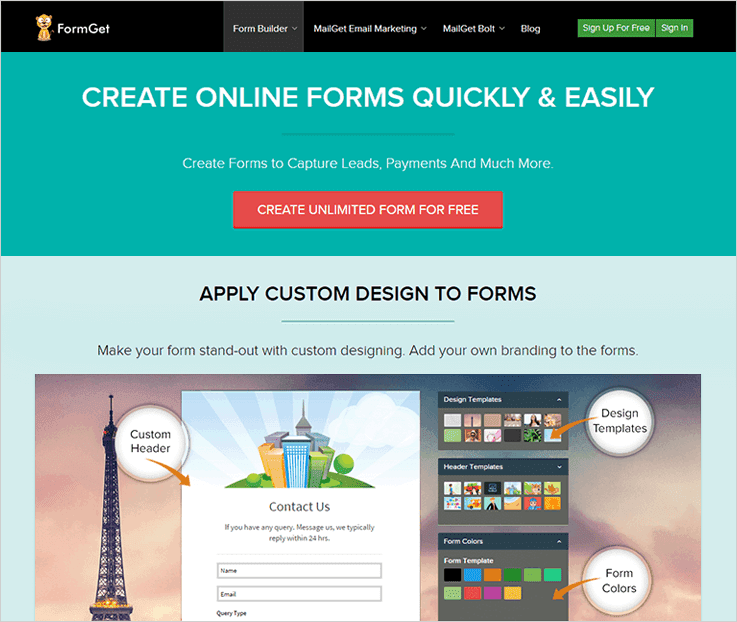
Some Important Attributes That FormGet Provides –
- Collect Online Payments Through Forms
If you want to collect one-time, recurring or subscription payments then FormGet is one of the best application. As it comes pre-integrated with PayPal as well as Stripe payment gateways.
- Drag & Drop Form Builder
It allows you to design forms that are responsive with just a few clicks. Simply by dragging the required fields like name, email address, number, message, etc you can create custom forms. Plus, you also get a live preview link which displays all the changes done in live.
- Apply Logic Form
You can easily apply conditional logic to the form fields. This is an advanced facility using which you can display or hide fields available on forms when a certain condition is been satisfied.
Let’s say if you create a form of product selling that consists of male & female fields so you can make the form look shorter by showing different fields for male and different fields for female.
- Easy To Use Dashboard
FormGet provides an extremely user-friendly dashboard through which you can create forms without any coding skills. It also has a full view of the form details which are submitted by the users like new messages, on hold, replied and more.
- Additional Amenities
Other than the above you also get autoresponder, custom form templates, data export, and multiple facilities as well.
Pricing Details Of FormGet Form Builder Application:-
Free Plan:- An entirely free plan which allows you to create one form with all features. With this form, you can collect leads, share them from online and embed it on a website without paying any charge.
Starter Plan:- This plan will cost you $5 for a month with which you can create one form to accept 1200 submissions, collect onetime as well as recurring payment via PayPal & Stripe, apply conditional logic and more.
Rookie Plan:- $35 a month is payable for this plan. You will have 5 users access, 25 forms creation allowed, and It will help you accept 25k submissions in a month and multiple more services.
Pro Plan:- With this plan you can have 10 users, unlimited form creation facility, collect 60k form submissions and more and for all this, you just have to pay $79 for a month.
Advance Plan:- This is a high-end plan which comes with unlimited users access, unlimited form creation, unlimited submissions, and much more. The price tag attached is $99 for a month access.
[Note – You can also buy individual extensions like form scheduler, helpdesk, email customizer and more. Plus, on yearly subscriptions you get 2-month discount as well.]2. Pabbly Forms – Online Form Creator
Using Pabbly Forms you can create a variety of forms for lead collection accepting payments, online research, user information gathering and more. This is an easy to use platform that allows you to embed single form on multiple domains.
You are also provided pre-designed templates, upload storage, custom branding and other facilities as well. This forms can be created in multiple languages and accept payments in different currencies.
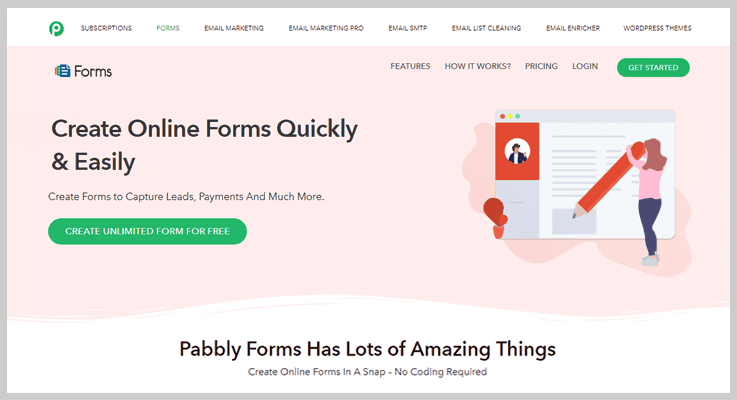
Features that are offered by Pabbly Forms Application –
- Form Management
Pabbly Forms has got forms management facility with which you can manage multiple forms and details related to them through a single website. Even if you have forms embedded on different websites, those details can also be shown collectively in the same window.
- Form Access To Clients
This form builder software permits you to give members as well as clients access permissions. You can create different types of forms and give users & members their access permissions as per their needs.
- ReCAPTCHA & Custom Email Responses
ReCAPTCHA is a feature which is also available in this form building application which will help you do spam prevention. Plus, you can create custom emails which are triggered when a successful form submission is done.
- Accept Online Payments Straight Via Forms
Pabbly Forms supports different payment gateways which are PayPal and Stripe. These can be integrated easily into forms and you can accept payments through them, additionally, multiple currencies are also allowed.
Pricing Details Of FormGet Form Builder Application:-
- You can commence by creation one form for free with Pabbly Forms as it permits one form creation through which payments, leads and other information can be collected. It is a shareable form which can also be embedded on a website as well.
- The starter package will help you create one forms with single user access at a cost of $5 per month. You can also have 1 payment account, Google analytics, and embed this form in 10 different domains as well. Alongside you can collect payments for PayPal and Stripe as well.
- For the Rookie package, $35 will be charged. It delivers 5 users access, 25 forms creation, 35 domains embed features, along with multiple more.
- Pro package will cost you $79 on a monthly basis with which you get 10 users with unlimited form creation facility. It will allow you accept 60k form submissions and collect payments through PayPal and Stripe.
- Finally, if you need unlimited forms, users, submission and payment account access then you should opt for the Advance package which will cost you $99, along with other features and facilities.
3. Google Forms
Google Forms – an amazing online form maker tool which let you create and analyze surveys, quizzes and more all from a single platform. Along with forms, you can also use Docs, Sheets, and slides.
This software is very easy to use but the only demerit it has is – it does not allow payment collection. Here you can only design form templates and use them on your site but you can not create payment forms using this service.
Let’s have a look at some attributes that Google Forms provide –
Get Fast Answers
You can easily receive answers of any events trips or anything as the form is online and can be filled from anywhere, anytime. You can also collect the email address of customers for the next newsletter, create a pop quiz and much more with Google Forms.
Survey With Style
You can give a unique look to your form by using your own photo or logo, picking up the right color to make the form differ from rest other. Also, you can choose the theme of your choice with this service.
Create responsive Forms
Google form let you build responsive form templates so that it can be easily edited or accessed from big and small screens.
Organized And Analyzed Forms
Here you can neatly manage all your surveys response data that are collected automatically at the time of form filling which can be stored in the excel sheets.
Build Together
You can add collaborates like friends, classmates, co-workers, etc and let them build your survey just like docs, sheets, and slides.
Pricing
Google Form is completely FREE for all!
4. Formstack
FormStack – incredible form creator software not only lets you build forms but with its additional features you can design a professional form in just a few minutes. The e-signature and payment give power to the growth of your business via forms.
Numerous attributes of FormStack form maker software –
Email Notification
Get easily notified when a submission has been received. You can also create confirmation email and trigger those unique emails to the right customer as a confirmation email.
Data Routing
You can quickly transfer the collected form data to the right persons and departments. Here you can also apply routing logics like you can redirect a customer to different URLs or payment processors.
Collect E-signature On Any Device
You can easily add an electronic signature field on your form, all these signatures are saved as image file and stored in the FormStack account. E-signatures can be used on a variety of online documents like employment offer letter, financial account and more.
Secure Payment Forms
Collect money for products, events and more by using the online payment form. The main field of this form is calculation fields which calculates the quantities of tickets, products, and other online purchases.
Automate Your Data Collection
You can easily automate the collection of your data with 40+ form integration such as MailChimp, Salesforce, PayPal, Aweber, Box, Beanstream and a lot more.
Pricing
Formstack – form creator tool gives 3 pricing plans all along with 14 days free trial.
Silver Plan
The Silver Plan charges $39 per month which contains all the basic feature, 20 forms, 1000 submissions detail and 5 users can access this account at a single time.
Gold Plan
For the Gold Plan, you have to pay $99/month for 100 forms, 10,000 form submission details, and access to 10 users.
Platinum Plan
The Platinum Plan cost is $249 for base features, mobile-friendly forms, HubSpot integration, SalesForce integration, 1000 forms, 100,000 form submission details and at a time 25 users can access this account.
5. Wufoo
Wufoo – the best form automation software which has a form field that you have to drag & drop into a form, including payment fields that work with the variety of payment processing software and a file uploader tool that let people’s submit images, documents and much more through a form.
Some amazing attributes that Wufoo software contains –
Easily Creates Custom Forms
Create and send beautiful forms with the intuitive feature of this service like drag & drop with no coding knowledge. Also, you can brand your forms by adding a logo, modifying themes or creating your own.
Collect Responses Anytime, Anywhere
Share the mobile responsive forms on social networking market or embed them into your existing websites. You can also connect Wufoo with 60+ tools like Salesforce, MailChimp and more.
Powerful Insights For Form Analytics
Check and analyze the entries from any device as they roll into your account. As Wufoo gives a dynamic analytic dashboard which will keep you organized and informed about every data entry.
Accepts Online Payments
The service accepts payments from Paypal, Stripe and authorize.net payment gateway software. Along with this, it has 256-bit SSL encryption, field encryption option, and smart CAPTCHA.
Numerous Inbuilt Templates
Here you will find 400+ customizable, professional online form templates which you can use with a single click.
Pricing
Gratis Plan
The Gratis Plan is complete FREE forever with 3 forms, 100 entries, 10 fields, single user, 3 reports and unlimited API request.
Ad Hoc Plan
For Ad Hoc Plan just pay $14.95 per month and get 10 forms, 500 entries, maximum fields, single user, 20 reports, 259MB upload facility and unlimited API request.
Bona Fide Plan
The Bona Fide Plan charges $29.95/month for unlimited forms, 3000 entries, maximum fields, access to 5 users, unlimited reports, accepts payments, 1GB data upload, and field encryption facility.
Carpe Diem Plan
In Carpe Diem Plan you will get unlimited forms, 15,000 entries, 20 users, unlimited reports, 3GB file uploads, accept payments and unlimited API request all at just $69.95 per month.
NOTE – If you go with the annual plan of Wufoo then you can save 25% on cost!
6. Cognito Forms
Cognito Forms – an awesome form builder tool with which you can design beautiful forms for your business by adding calculated fields, payment fields, conditional logic and a lot more.
Awesome attributes of Cognito Forms are –
Create Multi-page Forms
Manage your long and complex surveys with page breaks, progress bars, and conditional pages.
Entry Sharing
This feature enables users to view or edit their forms as many times as they need. But this feature is active with pro, team and enterprise plan.
File Storage Facility
You can upload the files, images, documentation, resume, cover letters, spreadsheets and more with the form entries.
Data Encryption
While collecting forms there are a lot of sensitive information such as driver’s license number, passport number, account number, etc. and with data encryption, you can keep this information safe and secure.
Document Merging
Here you can easily create your own custom documents templates and can easily customize its wording, formatting, and fonts. Also, you can convert these templates into a PDF format.
Pricing
Cognito Forms – form designer software offers 4 pricing plans for its user.
Individual Plan
The Individual Plan is free for unlimited forms, 500 monthly entries, and only 1 user can access it at a time, also you can store 100MB of data.
Pro Plan
To buy a Pro Plan you have to pay $10 per month which offers unlimited forms, access for 2 users, 2000 entries for a month and storage upto 1GB.
Team Plan
The Team plan charges $24 for unlimited forms, access to 5 users, 10,000 entries per month, storage upto 10GB and also you can make payment using PayPal, Stripe, and Square.
Enterprise Plan
For Enterprise Plan you have to pay $99 per month and it offers access to 50 users, unlimited forms, unlimited entries, storage upto 100GB and free payment processing using PayPal, Stripe, and Square.
7. Survicate
Survicate is a survey and NPS software that helps you capture more customer feedback and deliver a better experience. Send surveys by email, link, or in chat. Run targeted surveys on websites,in web apps, or in mobile apps.
Responses autosave
Survicate records every single response, even when someone has not completed the entire survey. People can resume surveys where they left off.
Unlimited surveys and questions
Create as many surveys with as many questions as you need, even on the free plan.
Integrations
Survicate provides direct integrations with popular marketing automation and customer service tools like Intercom, HubSpot, and ActiveCampaign. Connect Survicate with your entire stack and empower your team to act on customer feedback.
A wealth of survey distribution methods
Run surveys on one or all of these channels: email, link, chat, website, web app, and mobile app (iOS & Android SDK).
Unlimited users on all plans
You can invite all your team members to collaborate on customer feedback with no additional cost, even on the free account.
Pricing
Free plan
The free plan offers 100 answers/month and all essential features, including skip logic, access to a library of over 100 proven templates, integrations, and respondent identification.
Essential
This plan offers 1000 responses every month, data export, and answers and attributes piping, which allows you to personalize survey experience. The Essential plan costs $99 per month on monthly billing, and you can save 50% by choosing annual commitment.
Professional
This plan includes 5000 responses every month, automated recurring surveys, the possibility of removing Survicate branding, implementing a custom design with CSS, data export API, and advanced targeting of surveys. The Professional plan costs $199 per month on monthly billing, and you can save 50% by choosing an annual subscription.
Enterprise
This plan offers 25000 responses every month, access to premium integrations (including Salesforce), webhooks, and the ability to host surveys on a custom domain. The Enterprise plan costs $499 on monthly billing and $249//month when you choose an annual subscription.
Closure Is!
Hope that after going through the blog you have understood the importance of form builder software. So don’t think much, quickly decide which software fulfills the requirement that you need at the time of form creation.
But according to me, you should go with that software which gives payment collection and analytics facility because this two are the main factor for the lead and revenue generation.
If you require any related information related then just go through the following blogs –
5+ Best Software To Create Forms: Collect Customer Info & Payments
Forms are essential elements of any website, and it works as the gateway between the visitors and the webmasters. Standard and well-designed forms always play a vital role in any sites. With the help of the forms, you can easily collect customer information, payments, feedback etc.
In this article, I have covered 5 Best Software To Create Froms through which you can create any type of digital or web form in a quick and easy manner. All these software offer you amazing features like:-
- Drag and drop editor
- Pre-built templates
- Analytics and reports
- 3rd party integration
And much more.
Have A Look At Comparison Chart
| Services | Pricing | File Upload | Data Encryption | Social Sharing | Ratings |
| FormGet | $10/M | Unlimited | ✔ | ✔ | 5.0/5.0 |
| Pabbly Forms | $10/M | Unlimited | ✔ | ✔ | 4.8/5.0 |
| Zoho Forms | $8/M | 10 GB | ✖ | ✔ | 4.6/5.0 |
| 123ContactForm | $24.99/M | 5 GB | ✖ | ✔ | 4.6/5.0 |
| Wufoo | $14.08/M | 10 GB | ✔ | ✖ | 4.3/5.0 |
1. Pabbly Form Builder
It is a modern digital form builder software which gives easy to use drag and drop interface and allows you to create beautiful & elegant forms such as email collection form, payment forms and any other forms in a matter of a minute.
The software is an ideal choice for anyone who wants to build a standard form for their website, as it is super easy and simple to use. For those who are also looking for advanced features and want to make their form powerful, this is an apt choice.
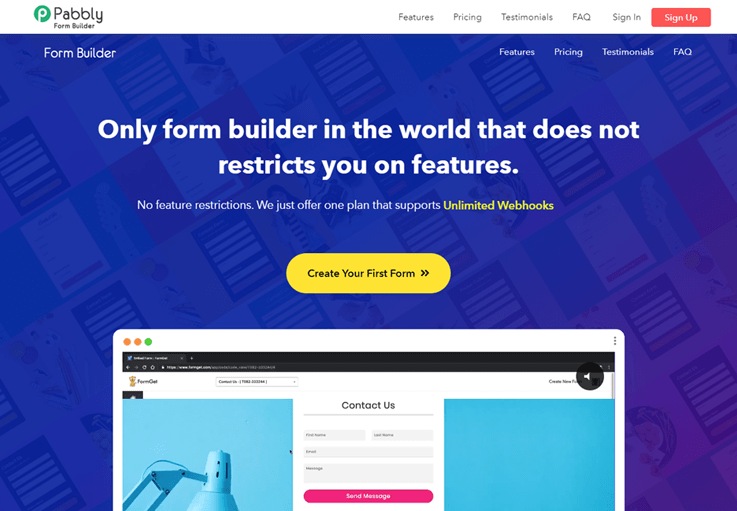
Features:-
Makes Payment Painless
With the help of Pabbly Form Builder, you can create payment forms effortlessly and collect one time & recurring payments. It can be connected with secure payment processors like PayPal and Stripe.
Show & Hide Form Fields
With the help of logical form functionality, you can apply conditions to show and hide fields when certain conditions are met.
Get Email Alerts
You will get email notifications after every form submission in order to stay updated about every single form entry.
View Form Submission
You can easily see all form submissions in one place and also export all entries as a CSV file for viewing in an application like Excel.
Pabbly Form Builder Pricing:-
This is completely free Form builder app where you will get free extensions like Social Sharing, Mobile forms, Weekly reports, and one free-form creation. This free form can be embedded on multiple websites, used for lead collection and more.
If you want to add more advanced features and make your form powerful, then you need to switch to paid plans.
Pabbly Form Builder offers yearly plans. Let’s have a look at these premium plans:-
Start creation responsive forms with the Starter plan which will cost you just $5/m. It gives you single user access, one form creation, multiple payment gateways, along with various other features and facilities.
Next is the Rookie plan which is priced around $35 for monthly access. You are allocated 5 users, 25 forms, 25,000 form submissions and payment gateways with this plan. Other than that you can also have 5 payment accounts and collect recurring as well as one-time payments.
The Pro plan comes with a price tag of $79 which is charged a month with which you get unlimited form creation facility, these forms can be embedded in 75 domains. Plus, it also holds autoresponder, 260+ pre-designed templates and accepts 60k form submissions as well.
Last is the Advance plan which is priced $99 for a month. It has unlimited service like form creation, users, submissions and other high-end facilities are pre-loaded in this plan.
Note:- If you don’t want to purchase a complete bundle of extension, you can also buy individual extensions according to your needs and requirements. An additional discount of 2-months is available on all yearly plans.
2. FormGet:-
FormGet is a form building application which comes per-equipped with custom-designed templates that can use to create responsive forms. You can apply custom branding, upload media files, and create forms in multiple languages.
All these forms are also capable of collection payments as you can integrate PayPal as well as Stripe payment gateways.
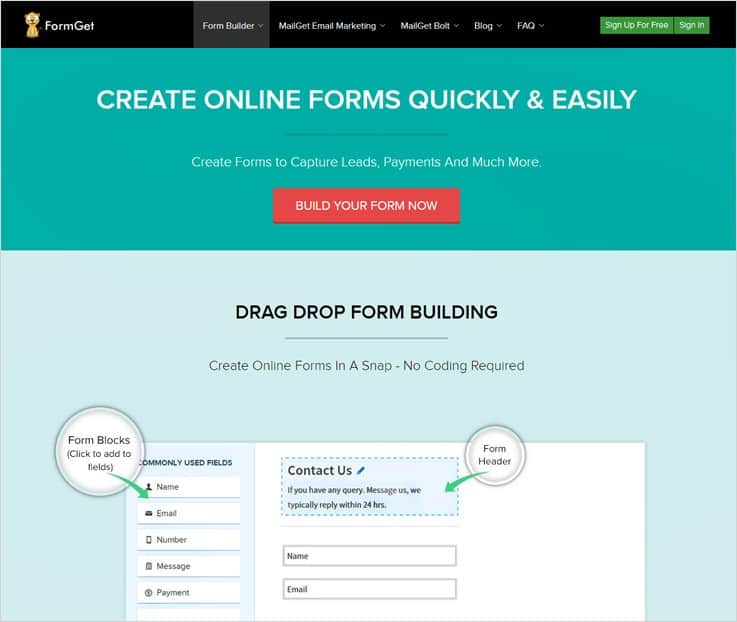
Features:-
- Drag Drop Form Building
With FormGet creation is just a few clicks job as you have to drag and drop the required fields in the form, edit them and arrange them accordingly. The user console is very easy and it also helps you preview the changes that are made.
- Form Management
You can manage multiple forms with multiple details can be managed with ease as FormGet has got form management facility as well. If different forms are embedded on different domains then also the details will be displayed on the same dashboard.
- Online Payments Via PayPal & Stripe
Payment gateways like PayPal and Stripe are fully supported by this form builder. If you have an online business or an e-commerce store with these forms you can collect one-time as well as recurring payments.
- Clients & Members Form Access
FormGet gives you the ability to grant team members as well as clients the access permissions. With this service, you can create forms and give different users varied access to those forms.
Pabbly Forms Pricing:-
- Free plan of this service allows single form creation using all the features and facilities. You can embed this free form on a website, share it online or you can attach then in website widgets.
- First is the starter plan which is offered at a price of $5 for a month. It has single user access, one form creation, and payment integration with multiple other features.
- If you need more service like 5 users access, 25 forms building capability, 35 domains embed. Them you can have Rookie plan which will charge $35 for a month to you.
- The pro plan has extended service like 10 users, unlimited form creation, it accepts 60k form submissions and payments collection can be done through PayPal and Stripe. All this at a cost of $79 for a month.
- Advance is the top of the line plan which will cost you $99 and give you unlimited form creation, submissions, payment accounts and more.
3. Zoho Form:-
Zoho Form is another form builder software through which you can create simple to advanced forms using fields like name, checkbox, dropdown, date & time and much more. The form can be embedded into any part of the site using the simple shortcodes.

Features:-
Design Matter
Zoho provides you rich interface to design the form so you can create and customize the form and get the look you want.
Configure Email Alerts
Get email alerts when someone submits the form and send confirmation emails to your respondents automatically.
Analytics & Reports
Keep track of your form performance and get all stats such as forms views, number of form submissions, Visitors information, conversion rate and much more in just a few clicks.
Zoho Pricing
Basic Plan:- The basic plan costs you $10 in a month ($96 on yearly basis) where you can create unlimited forms, accept 10,000 form submissions and grants one user access.
Standard Plan:- Under this plan, you would be charged $25 per month ($240 on yearly basis) and provides you 10 users access, unlimited forms creation, and 25,000 form submissions.
Professional Plan:- Professional plan will cost you $50 ($480 on yearly basis) where you will get 25 users access, create unlimited forms, and 75,000 form submissions.
Premium Plan:- In this plan, you can create unlimited forms, 100 user access, 150,000 form submissions and will charge you $100 per month ($960 on yearly basis).
4. 123ContactForm:-
123ContactForm is a web form builder which offers a great form building capacity. The forms can be created and customized in a minute without any coding and developers help.
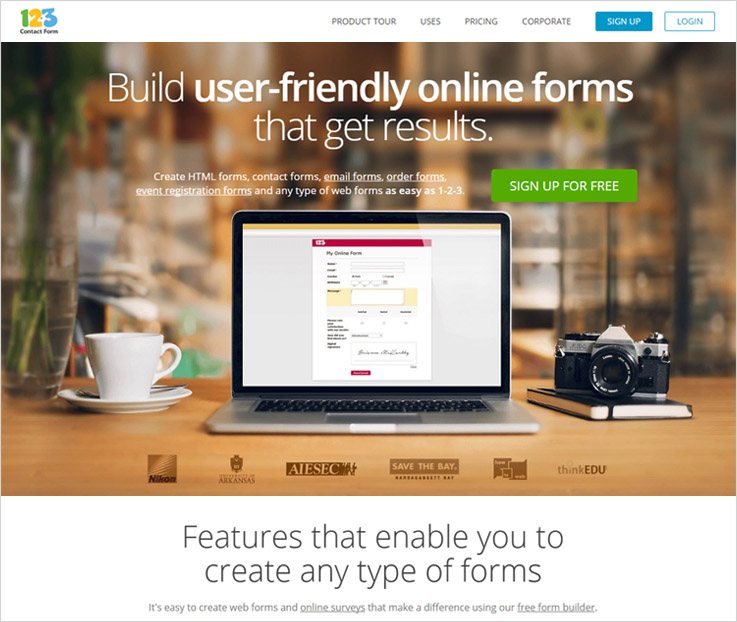
Features:-
Multi-Language Support
123ContactForm supports multiple languages, so you can create forms in any language you want.
Create Form With Upload Functionality
This software gives you file upload facility by which user can upload & send files in the prescribed format.
3rd Party integration
123ContactForm provides you 3rd party integration including MailChimp, Zendesk, SalesFroce, AWeber, NationBuilder and much more.
123ContactForm Pricing
Basic Plan:- This is a free plan where you can create only 5 forms, add 10 fields in a form, and accept 100 form submissions in a month.
Gold Plan:- Gold plan will charge you $19 per month ($190 on annual basis) where you can create 20 forms, add unlimited fields, and accept 5000 forms submissions in a month.
Platinum Plan:- Platinum Plan would charge you $39 per month ($390 on annual basis) and provides you unlimited forms creation, unlimited data fields, and accept 20,000 forms in a single month.
Professional Plans:- Professional plan gives unlimited forms creation, add unlimited data fields in the form and can accept 100,000 form submissions. It will charge you $79 per month ($790 on annual basis).
5. Wufoo:-
Wufoo is simple and easy to use platform that provides all the features that you need to design different types of form like payment form, registration forms survey form etc.
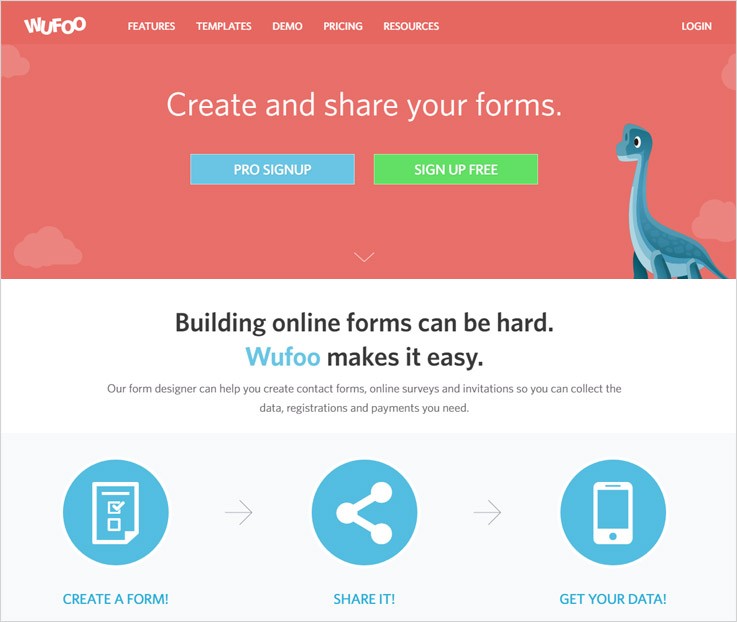
Features:-
Customize Ready To Go Themes
With the help of these themes, you can design your form instantly and also customize the theme according to your needs and requirements.
Track Your Performance
This form maker tool gives you analytics report that helps you to understand your form performance.
Integration
Wufoo can be integrated with a number of popular tools including SalesForce, MailChimp, Sendloop DropBox, Nutshell, and many other.
Wufoo Pricing
Gratis Plan:- This plan is free forever where you can design 3 forms, add 10 fields in the form, receive 100 entries in a month.
AD HOC Plan:- AD HOC plan allows you to build 10 forms, add maximum fields, accept 500 entries in a month in $14.95.
Bona Fide Plan:- Under this plan, you would be charged $29.95 per month where you can create an unlimited form, add unlimited fields, and accept 3000 entries.
Carpe Diem Plan:- Carpe Diem plan allows you to design unlimited forms with unlimited fields, accept 15,000 entries in a month in $69.95.
6. Jotform:-
JotForm is an online form maker software which offers a simple drag and drop interface through which you can build custom forms easily and quickly.
Features:-
Accept Online Payments
With the help of Jotform, you can design payment forms and accept online payment through different payment processor including PayPal, Stripe, Authorize.Net and more.
Widgets & Integrations
This form builder provides you a number of widgets and integrations to make your forms more powerful & useful including SalesForce, DropBox, Google Docs, etc.
Form Designer & Device Responsive
By using font styles, color, background image, themes, etc. you can design the forms to make it look just the way you want.
JotForm Pricing
Starter Plan:– The starter plan is completely free where you can design 5 forms, accept 100 monthly submissions along with SSL secured submissions.
Bronze Plan:- Bronze plan will charge you $19 per month in which you can create 25 forms, accept 1000 form submissions with SSL security.
Silver Plan:- Under the silver plan, you would be charged $39 in a month where you will be able to create 100 forms, accept 10,000 form submissions with SSL security.
Gold Plan:- In the gold plan, you can design unlimited forms, receive 100,000 form submissions with SSL secure submissions and it will charge you $99 in a month.
Wrap Up
I hope this list helps you to choose the best form builder software for your website. Above, I have mentioned 5 best form builder tools through which you can design all types of form such as registration form, payment forms, survey forms and many others in few minutes.
If you want more related information, you can also go through these blogs:-
5+ Best Payment Request Forms: Collect Payments With Form Customizer Tools
“Start collecting payments with best payment request forms!“
Going forth is the motto for a successful enterprise & necessary measure should also be taken for the same to make your business profitable. An important way to do is to capture leads & taking information of the people in every possible way.
For that, you need to create a form for your website and nothing better than a form builder software that will let you do so. In that software, you can create a number of forms with a variety in full spectrum.
And a great software would be that which is user-friendly and is easy to use. That’s why we’ve listed a bunch of best payment request forms software in this article in order to make your form builder hunting a bit easy. These software will definitely make your form creation a lot easier and faster letting you pace up your business progression.
Through these forms, you can collect both one-time as well as recurring payments of multiple currencies. That’s how you don’yt have to worry about loosing any international client.
So all we want from you is to go through this article & finalize the best form builder according to your needs.
You can also go through the following blog as well:-
A quick pricing comparison between some of the best payment request forms
| Services | Pricing | Multilingual Forms | Multiple Users Access | Ratings |
| FormGet | $5/M | ✔ | ✔ | 5.0/5.0 |
| Pabbly Forms | $5/M | ✔ | ✔ | 4.8/5.0 |
| Wufoo | $14/M | ✖ | ✖ | 4.2/5.0 |
| Formstack | $19/M | ✔ | ✔ | 4.2/5.0 |
| Cognito Forms | $19/M | ✖ | ✔ | 4.3/5.0 |
1. FormGet
FormGet is an amazing form builder service which lets you create awesome payment request forms integrated with PayPal and Stripe. All you have to do is to simply select the required fields that you want in your form and then, they will appear in your form without any hindrance.
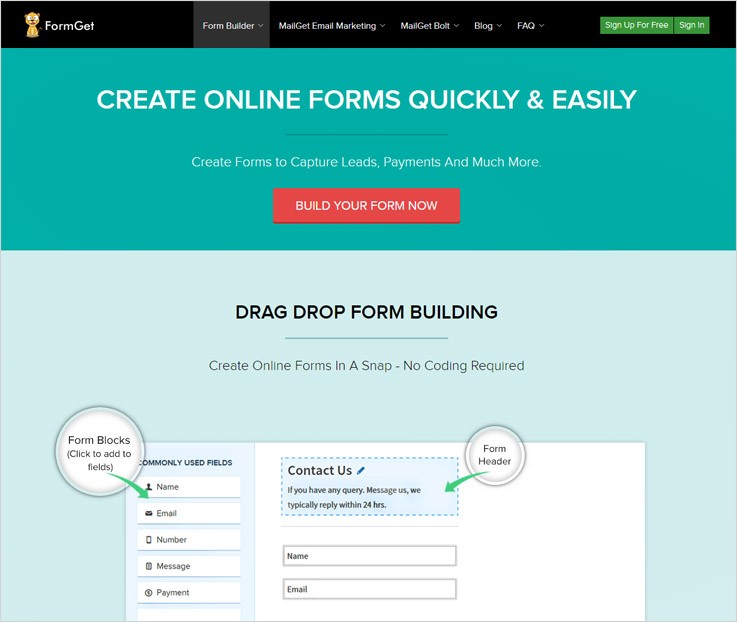
Pricing:-
Free:- This plan allows you to create one form & lets you embed it on multiple websites without any boundations.
Starters:– In the plan 1 of the FormGet, the user would have to pay $5. It charges monthly in which the user will get a single form, 1200 submissions/month and file uploading functionality in the forms up to 20MB.
Rookie:– For plan 2, the user would have to pay $35/mo in which er will get 25 forms, 260+ form templates & file uploads up to 2GB.
Pro:– In the plan 3, the charge is just $79 on the monthly basis in which the user will get to create unlimited forms, customizable branding & unlimited form submissions.
Advance:– At last, this software has an advance plan charging $99/month. With this plan, you will get to provide account access to unlimited users, payment accounts & Google Analytics account integrations.
Features:-
- You can set the customizable autoresponder emails from the settings pannel. Whenever someone makes the payment, they will automatically recieve an email of it.
- It comes inbuilt with form as well as Google Analytics through which one can easily track the rate of incoming payments.
- Also, you can apply custom designs to the forms with different colors and headings to make it look attractive as well as distinctive.
2. Pabbly Forms
Pabbly Forms is another best form builder through which one can create multiple numbers of forms without any need of coding skills. If we talk about payment collection then it provides the safest medium. It comes integrated with SSL encryption & reCAPTCHA funtionality for enhanced security purpose. So you don’t have to worry about any data or money stealing.
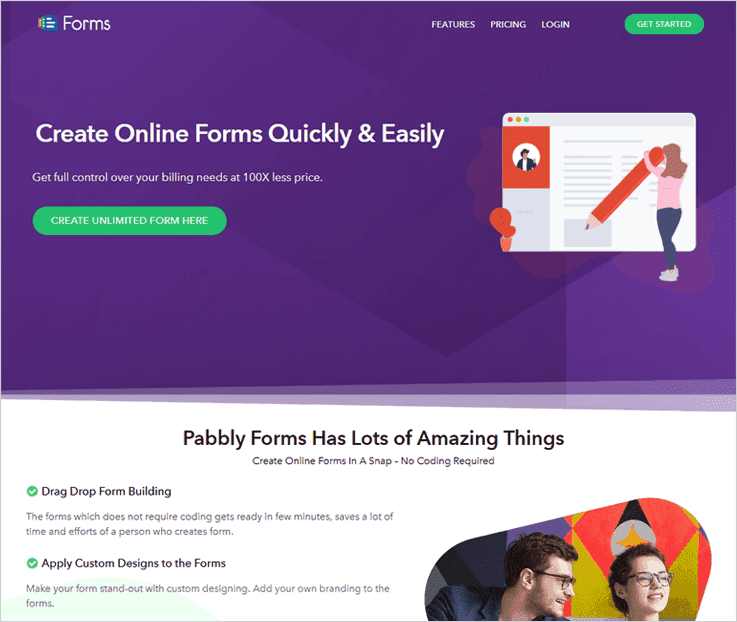
Pricing:-
Free:- It allows a single user to create one form which is socialy shareable accross all of the websites.
Starters:- This is the first & the most affordable plan of this product which charges only $5/mo for creating a single form with 1200 submissions.
Rookie:- Here comes the 2nd plan which costs $35 on the monthly basis. Through it, you can create 25 forms with 25k submissions along with 100k form views.
Pro:- The Pro plan charges $79/mo in order to create limitless forms in a couple of clicks. It also allows 10 users which can access this form builder at a time.
Advance:- For bigger businesses, this is the best plan. It posses same features of the Pro plan along with unlimited users, forms, submissions & many more.
Features:-
- As it comes inbuilt with email notification system, you will receive emails whenever a customer makes payment through your forms.
- Also, you can set your own header image on the form or choose 12 default images to groom your payment form in a new way.
- Even you can create a sliding popup form for collecting payments. Eventually, it will give your website a little bit unique look.
3. Wufoo
Wufoo is an outstanding form building service that enables you to create and customize the form as per your need and requirement, the user can create professional templates with the help of the drag and drop amenity.
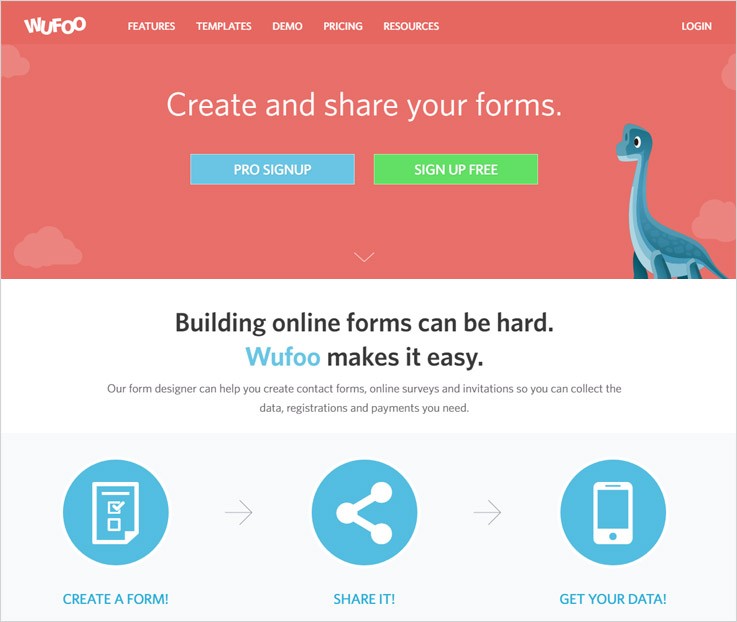
Pricing:-
Gratis:- The plan is free forever for up to 3 forms and 100 entries in a month.
Adhoc:- The plan is charged as $14.95 per month for 10 forms and 500 entries.
Bona Fide:- In the Bona Fide plan, the charges are $29.95 per month for unlimited forms and 3,000 entries.
Carpe Diem:- In this plan, the user will be charged as $ 69.95 per month for unlimited forms and 15,000 entries.
Features:-
- The software allows you to collect payments online in a jiffy, also you will get its updates with the help of dynamic analytics dashboard.
- The form builder software dispenses you a powerful security as well, through 256-bit SSL encryption and smart CAPTCHA to deter form abuse.
- There are inbuilt templates through which the user can create form from the incorporated predefined structures.
4. Formstack
Formstack allows you to grow your business online with secure payment form features that can collect money for products, events, and more. The software has a calculating field where it quantifies the total for tickets, products, and other online purchases.
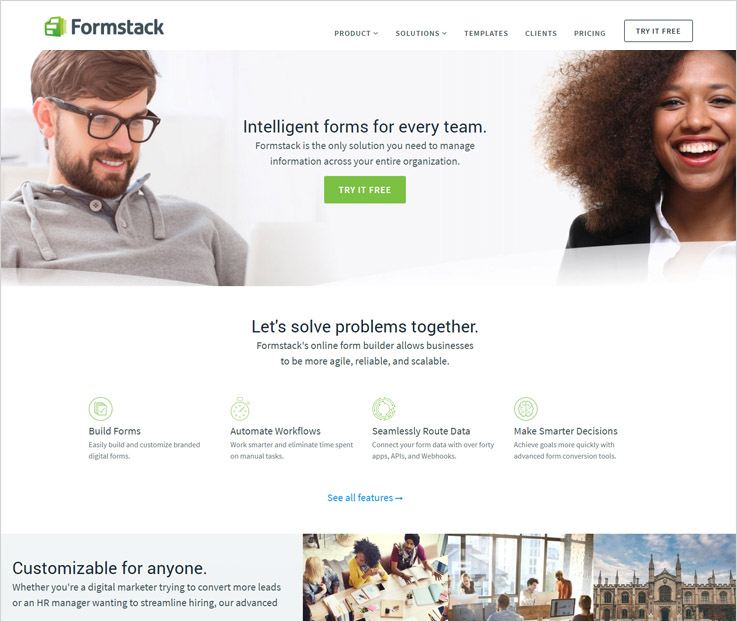
Pricing:-
Silver:- The user will be charged $39 per month giving 20 forms and 1000 submissions.
Gold:- Similarly, the user will be charged $99 per month giving 100 forms and 10000 submissions.
Platinum:- In this plan, the user will be charged $249 per month giving 1000 forms and 100000 submissions.
Features:-
- The form builder also has an amazing feature which permits you to send notifications in the form of the emails to confirm their online order after purchase.
- You can also put discount codes and coupons mentioning the percentage off from the total that your original cost is.
- There is a variety of payment processors through which you can connect to keep your data secure and intact.
5. FormAssembly
FormAssembly is a great medium to create new forms which will be responsive in nature and one can fill it from anywhere. Also, you can create forms through a drag and drop builder which is an easy way of framing forms.
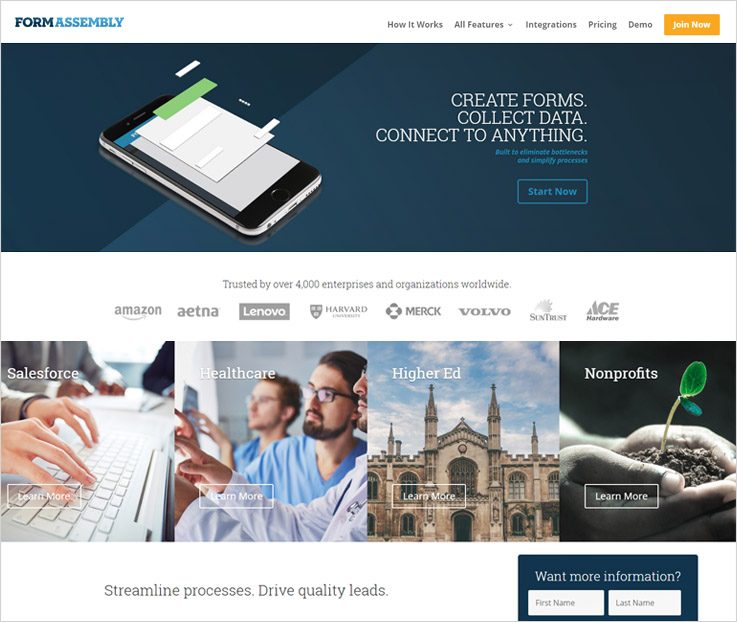
Pricing:-
Professional:- In the professional plan, a single user will be charged $89 per when billed annually and the same service will be charged $99 per month when the user pays the bill monthly.
Premier:- Likewise, in the premier plan, a single user will be charged $224 per month when paid annually and will be charged $249 per month when the bill is paid on the monthly basis.
Enterprise Cloud:- In the enterprise plan, 3 users can start availing the service at $599 which will be billed annually.
Compliance Cloud:- For the cloud compliance plan, you need to get in touch with the sales team.
All the plans include common, yet advanced features such as autoresponders, payment gateway integrations, reports & charts, SSL security, etc.
Features:-
- The exclusive form builder gives your customers the flexibility to design a form and then save it and resume it again later.
- The user can also create brand recognition through their own customized form URL, in addition. You can also create ultimate forms from scratch or with pre-made templates.
- A special feature termed as the conditional logic comes in this form builder software. It allows the user to show or hide form fields or entire sections based on the answer a person chooses.
6. JotForm
The software allows you to directly start building forms, you can create forms through which you can generate leads, collect order payments, conduct customer surveys, find applicants for a job, or register guests for an event.
Pricing:-
Starter:- The starter plan is a free plan which gives 5 forms with 100 monthly submissions and 100 MB available space.
Bronze:- In this plan, the user will be charged $19 per month for 25 forms with 1000 monthly submissions and 10 GB available space.
Siver:- In this plan the user will be charged $39 per month for 100 forms with 10000 monthly submissions and 100 GB available space.
Gold:- In this plan the user will be charged $99 per month for unlimited forms with 100000 monthly submissions and 1TB available space.
Features:-
- The website does not ask for any sign-ups for the free user. Also, you can receive responses by adding the email id in the end.
- The software allows you to create templates and the forms through a smooth drag and drop mechanism.
- The customization of the form is quite easy with UI interface of JotForm, there are also more than 2500 pre-built templates and 40 themes.
Conclusion :-
All the above-mentioned software provides a great payment request form which you can create with ease. There are also multiple fields that you can add in the form to make it attractive and useful at the same time.
These form builders will help you capture leads and all the contact details of the customers visiting your site. You can use it for the future contacting of the specific individuals.
So all I want from you is to choose the best form builder from this article & play with money in a matter of time!
For any queries & suggestions, please drop a comment below. We’ll surely get back to you!
How we generated 1,56,561 Leads through content upgrade


Back in 2022, we were developing FormGet, from the ground up.
Our entire development team was coding day in, day out.
On a daily basis, we were writing and releasing new code to build our first web application.
During development of any application, there are some basic codes you always have to write.
For example:
- Code to create the login form.
- Code for managing users.
- Code for handling database.
etc.
And that was exactly what we were doing at that point in time. Creating modules for some functionality every single day.
Since we did not have an active blog back then …
We had this idea …
We decided to extract some modules from within our code and write them as tutorials on our blog.
While writing and sharing codes on our blog:
We decided that:
- Only modules from our application will be shared. No extra effort in writing separate code for the blog.
- We will share modules which are very useful for any application developer.
Here is a real example of one of our coding post, it features an article on creating a login form using PHP:
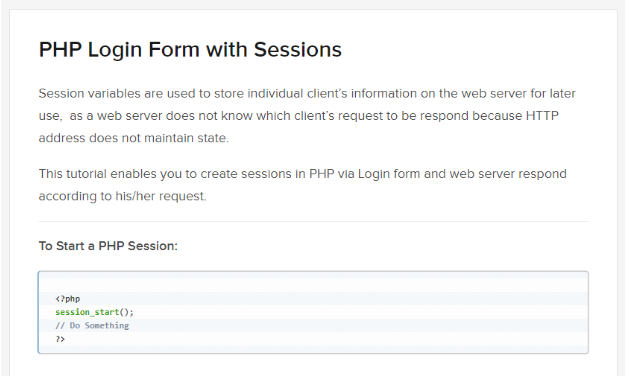
Along with the code, we wrote the brief explanation of the code and its working.
Slowly, over the course of our application development, we wrote close to 50 posts.
Our posts were related to the modules that we developed in our application.
etc.
We put the content on our website and slowly we started to see traffic being generated by the articles.
We found out that a large developer community was looking out for the same kind of solution that we were sharing.
Quite a lot of people visited our coding blogs and started to leave comments.
That’s when we decided to add a simple “subscription form” on the articles.
By simply doing that, we were able to get around 8-10 signups a day.
However, it was not as impactful as we thought it would be.
And that’s when we decided to change our lead collection tactics …
The structure of our blog posts was something like this …
If we were teaching people to create a login form.
They saw four main components in the post.
- Basic HTML structure.
- Actual PHP code
- Code for applying design (CSS)
- Lastly, we had the entire article explaining the stuff on how everything worked together.
Our “new” lead collection tactics were very simple:
Firstly:
We packaged the entire code including (HTML Structure, PHP Code, CSS File) in one zip file
And then we offered an option to download the entire code from the article.
Check out the “DOWNLOAD SCRIPT” button at the bottom on one of our posts.
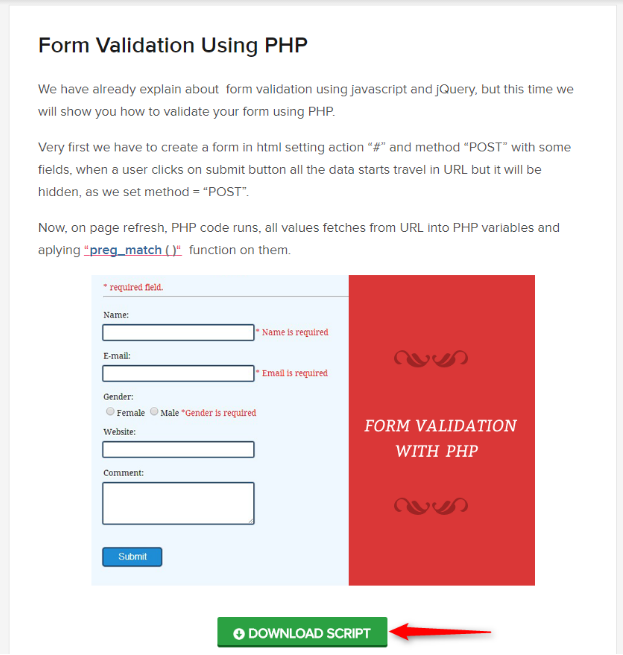
Once the user clicks the Download Now button, they see a popup as shown below.
Just by offering a downloadable zip, our lead collection jumped overnight.
We started gathering close to 120 leads a day. A jump of close to 12 times compared to previous lead generation form.
Amazingly:
Ever since we implemented the concept, our current leads stand at around 156561 from the very same concept.
Our current lead generation stats
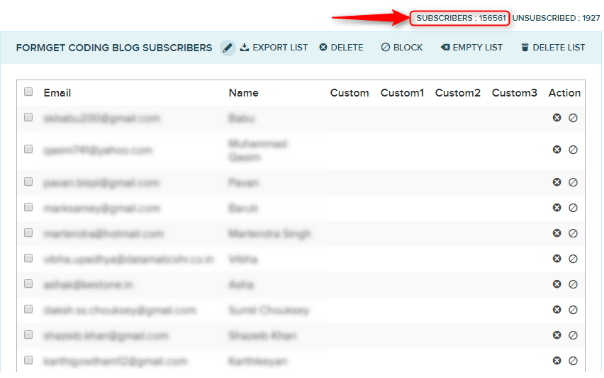
Most of the leads come on working days between Monday to Friday and during working hours of each country.
Reason being lots of developers seek coding help during their working hours.
For us, the content upgrade really worked great…
Here is what I learned along the way:
- Create some great base articles for your audience.
- Once you start to get some traffic on your base articles then add some content upgrades to your articles.
- Content upgrades should be something that seems valuable to the audience and they are compelled to take action of giving their email address.
- If you are short on time, you can create the same content in a different format.
For example:
You can get some article and get it narrated by someone and give the MP3 file as a content upgrade.
There are several ways in which content upgrades can be leveraged to increase your lead generation manifold.
In our example, we were able to generate more than 156561 leads in last 2 years.
It averages to around 200 leads generated per day.
There is no way we could have generated that many leads through any other source apart from through content upgrade.
If you can take action, this is one thing I would recommend you to do in your blog.
I have something very special for you:
I have asked my team to bundle the exact same WordPress plugin that we are using on FormGet. You can download this plugin and install this on your WordPress website or blog.
You can download the plugin using the link above.The button above is generated using the Content Upgrade plugin itself.
You can use the plugin for your WordPress website to make sure that you are capturing as many leads as possible. Any leads captured are instantly added to your MailGet account list.
Below are the details on using it:
Step 1:
Connect the Plugin with your MailGet account using API key.
Select the email list to send leads after the leads are captured.
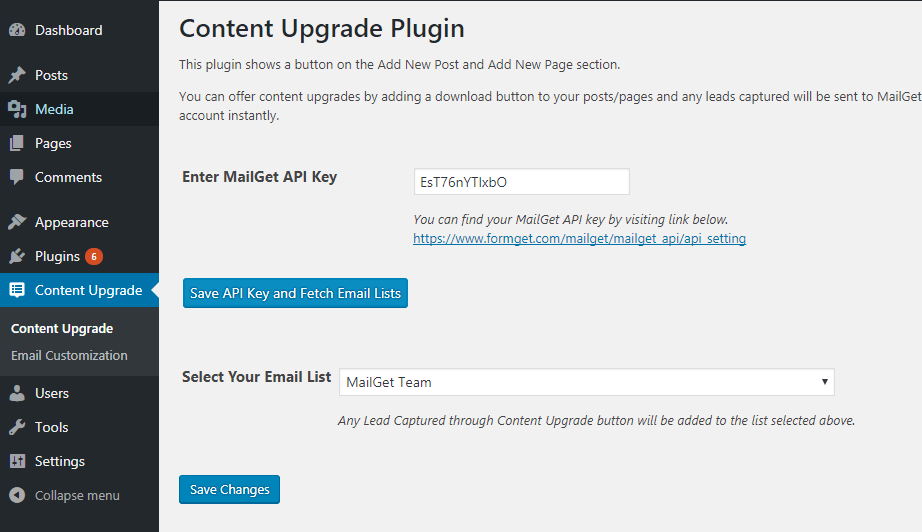
Step 2:
Head over to Add New Post or Add New Page section and you will see the content upgrade button on the editor.
Click and Insert the button to the post and the button will be added to the post.
Once the button is added, the button will be visible on the posts.

That’s it and you are on your way to generate leads for your business through Content upgrade.
See below for more useful data –
- Copywriting : Creating Good Quality Content
Top 5+ Competing Alternatives For ProfitWell
“Try the best alternatives for ProfitWell & transform the growth of your business! “
The first name that comes to our mind while thinking about payment analytics software is mostly ProfitWell Payment Analytics Tool.
We all are aware of the fact that ProfitWell is one of the high-end payment analytics software and holds a strong position in the current market.
It provides all subscription as well as financial metrics in one place, a consolidated dashboard, key performance indicators and vital graphs helpful for your business growth.
This software also comes loaded with multiple advanced features that can easily handle complex business problems.
But is that the limit that only ProfitWell can fulfill the payment analytics needs of any business?
For this, the answer is NO… There are other payment business analytics software available in the market that can provide far better services than ProfitWell at a great price point.
Get A Clear Differentiation B/W Popular Alternatives for ProftWell
| Services | Pricing | Dunning Emails | Recurring Payments | Unlimited Revenue |
| Pabbly Subscriptions | $5/m | ✔ | ✔ | ✔ |
| PaySketch | $7.99/m | ✖ | ✔ | ✖ |
| ChartMogul | $125/m | ✔ | ✖ | ✔ |
| Baremetrics | $50/m | ✔ | ✔ | ✖ |
| DataBox | $50/m | ✖ | ✖ | ✖ |
After mentioning the table above, I’m pretty sure that you might have chosen an alternative for ProfitWell already. STILL, I’d like you to go through this article once & make sure that you will not only choose a cheaper product but also an accurate one too.
The reason about which I’m telling you is that you might find some services in this article which are affordable as well as way too efficient to use.
So just grab a pen or the sticky note & dive with me!
You may also like to read:
1) Pabbly Subscriptions
Pabbly Subscriptions is the best in the alternatives For ProfitWell & also the most affordable software currently available in the market which offers best payment analytics & reporting tool. It helps you track payments from different gateways, analyze payments, monitor customers & subscription details and more.
Pabbly Subscriptions Vs ProfitWell
This tool is one of the best replacement For ProfitWell in terms of cost as well as features.
Pabbly Subscription charges $5/m which is way too affordable. Whereas ProfitWell will bill you on monthly basis on recovered revenue.
It allows you to do analysis on both PayPal as well as Stripe transactions. But ProfitWell doesn’t analyze PayPal transactions.
ProfitWell is equipped with features which will help you perform payments analytics, whereas Pabbly Subscriptions comes loaded with advanced Payment Analytics and Subscription Management tools. This means you can manage both using a single software.
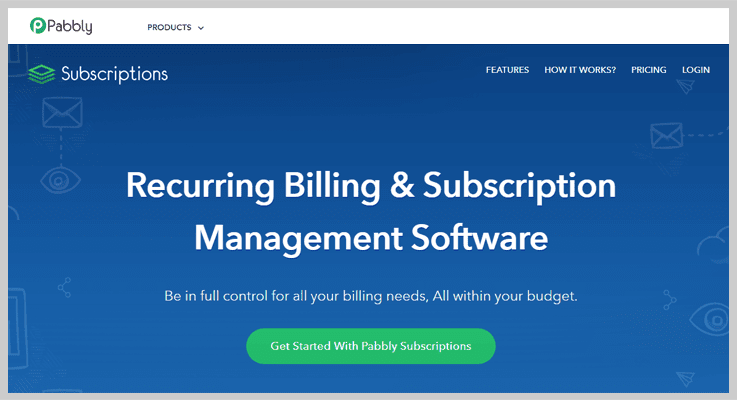
Pricing Plans
- Starter – You can buy this plan at $5/m where you can manage up to 50 customers along with all the essential features such as multiple payment gateways, invoice billing, dunning emails and more.
- Rookie – This plan charges $29/m for up to 1000 customers & you can create unlimited plans for each product too.
- Pro – It cost only $59 per month for an unlimited number of customers without any restrictions.
- Advance – This plan is for bigger businesses as it charges $99 on the monthly basis. You will get to customize the domain of your checkout page according to the needs.
Features
- This tool provides advanced reporting system using which you can track net revenue, MRR, new subscriber and other customer details. You can also apply filters on these reports to get a refined data.
- The dashboard designed in extremely interactive, users can fetch all the important details like refunds, total sales, rebills and more directly from the dashboard.
- It also offers a complete API framework through which Pabbly’s integration into other software and SaaS applications become easy.
2) PaySketch
PaySketch is a top of the line payment analytics and reporting tool that delivers real-time updates about online sales, payments products performance, customers etc.
This payment analytics system does all the hard work and gives you all the essential data from your PayPal account needed for your business with its advanced system.
PaySketch Vs ProfitWell
When we compare ProfitWell with PaySketch payment analytics software they are pretty close to each other in the feature section. Both offer a variety of service to facilitate your business payment analytics.
But the major difference between them is the cost, as the price plans offered by ProfitWell are more expensive than that of this tool, even though ProfitWell provides a free plan.
Nevertheless, PaySketch has more affordable plans loaded with an enormous feature at a lesser price point.
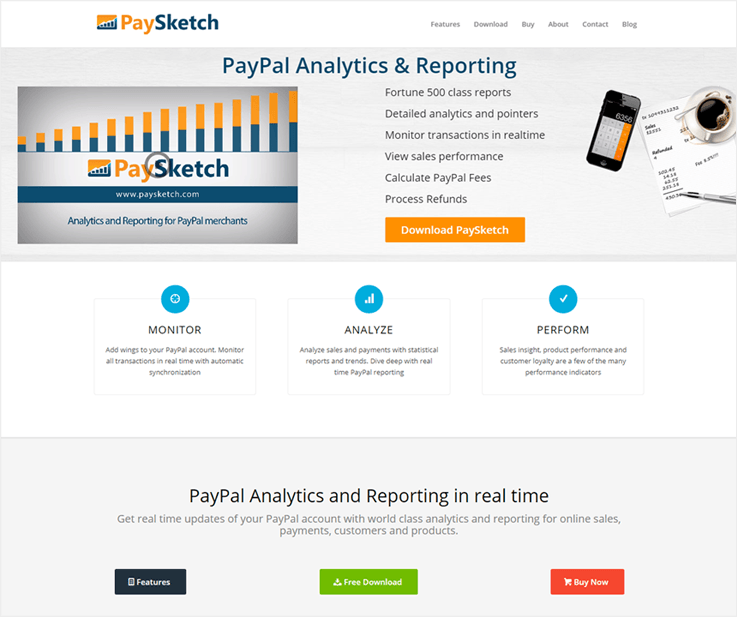
Pricing Plans
- Standard Plan – It charges $7.99/month for 5,000 transactions access along with single connected account.
- Business Plan –This plan charges $9.99/mo for 20,000 transactions access & customer’s + product’s dashboard facility.
- Professional Plan – The professional plan bills $11.99 A Month For 50,000 Transactions Access & 6 months transaction history limit.
Features
- Analyze the sales trends of your products and services to predict the correct online sales of your business.
- This software allows you to point the top of the line product which has done the most sales.
- Get a quick view of sales, products performance, customer details and more through the dashboard.
3) ChartMogul
ChartMogul is a premium payment analytics software that helps you build a proper subscription business. With this software, you will get a clear understanding of customer needs and requirements.
You can connect other tools as well like billing, customer support etc which are already being used by your business.
ChartMogul Vs ProfitWell
Integration is one major feature in which ProfitWell lacks in and ChartMogul gets an upper hand. With the help of CharMogul payment analytics solution can easily merge services that already being used by your business.
You can sync data from various other sources and can also customize integration.
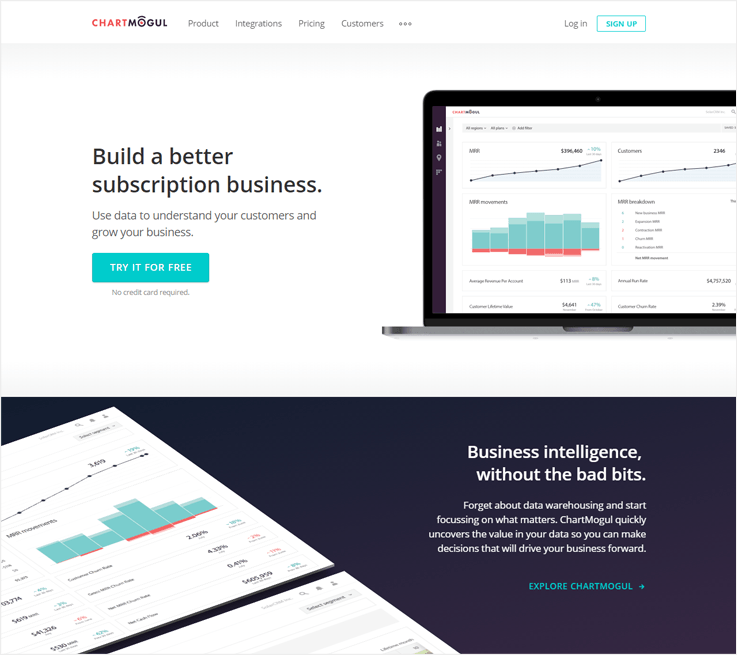
Pricing Plans
- Launch Plan – This plan is free for first $10K MRR.
- Mogul Plan – It costs $100 for up to 1,000 paying customers.
- Volume Plan – This plan has a custom price for customers from 10,000 to millions.
Features
- Data can be imported easily as ChartMogul payment analytics software has CSV upload tools and Import API’s. Data extraction from different sources becomes very simple through this software.
- It automatically calculates and generates the essential data from the key metrics which is needed for the growth of your business.
- Place the pricing of your products and services according to the success and sales rate.
4) Baremetrics
Baremetrics is one of the top class payment analytics software that can give a tough competition to ProfitWell payment analytics system.
This system comes preloaded with features that will help you increase sales, extract customer details and other business information easily.
Baremetrics Vs ProfitWell
No doubt ProfitWell will deliver you a refined and detailed product reports through which you can see what is getting sold and what is not.
But with Baremetrics you can extract reports and send them to your team members on a daily, weekly or monthly basis with an automated system. This will keep all your team members updated about the latest sales and business trends as well.
These are the features in which ProfitWell majorly lacks in.
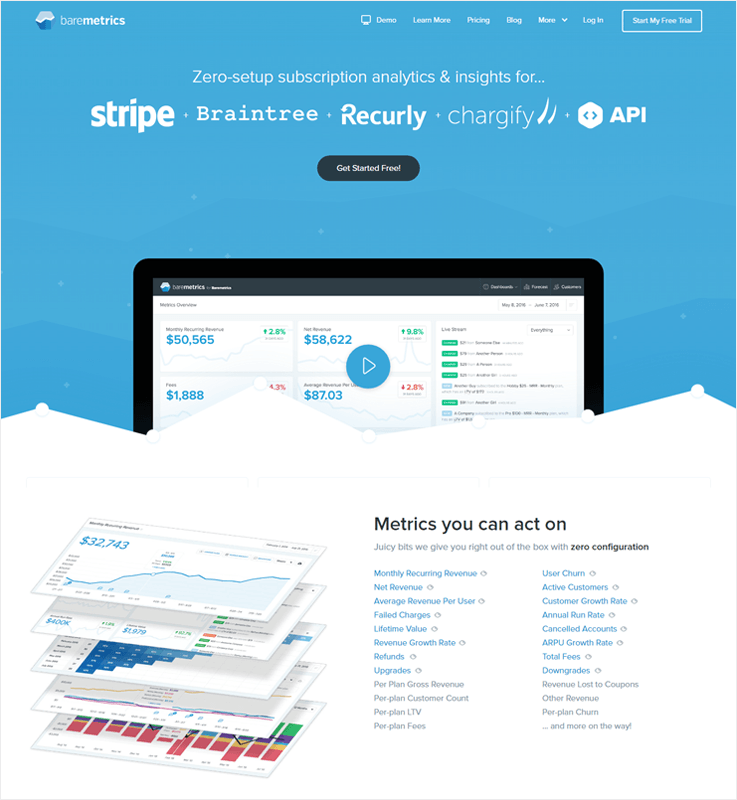
Pricing Plans
- Startup Plan – It bills $50 a month for up to 10,000 MRR.
- Professional Plan – This plan has an affordable charge of $100/m for up to 50,000 MRR.
- Business Plan – It costs $250/month for up to 200,000 MRR which is good for medium-sized businesses.
- Professional Plan – Finally, $500 a month for up to 500,000 MRR is the charge which is way too suitable for large businesses.
Features
- Get each & every customer related details like lifetime values, MRR, cohort and essential data along with transaction history.
- Send reports and notifications daily, weekly and monthly to your team members as well as customers and notify them with this automated system.
- This is an intelligent payment analytics system that will help you predict the problems and come up solutions for the growth of your business.
5) DataBox
Stripe allows you to accept payments online, but Databox is a payment analytics system that helps to convert the unformatted data generated from these payment transactions into meaningful information.
This software combines data from multiple sources and delivers information which is useful for your business growth.
DataBox Vs ProfitWell
ProfitWell gives a single dashboard to view details of transactions info, recurring revenue, churn rate, canceled and refunds. But with this kind of dash, it sometimes becomes difficult to find the correct data within a short time.
DataBox payment analytics tool comes with some added dashboard templates designed by experts.
With the help of different templates, you can bring together essential data needed for your business at one place.
Pricing Plans
- Free Plan – $0 Forever is the charge of this plan for 3 data connection & 3 users.
- Basic Plan – The basic plan costs $49/m for 10 data connection & 5 users.
- Business Plan – It bills $249 on monthly basis for up to 50 data connection & 20 users.
- Custom Plan – This plan is the best one as it includes custom price, unlimited data connection & unlimited users facility.
Features
- You can create personalized reports which are easy to understand and simple to read. This software permits you to build reports for the web as well as mobile is just a few minutes.
- With this solution, you can have access to multiple business KPI’s like LTV, MRR, a new subscription, canceled subscription and much more.
- Design an analytics dashboard which is fully customizable according to the need of your business.
6) Statsbot
Statsbot is a software which delivers top quality payment processing analytics along with all the details that are important for the growth of any business.
With this software, you can easily connect payment processing account and setup essential notifications about the transactions and other business details.
Statsbot Vs ProfitWell
ProfitWell gives multiple price plans using which you can manage your payment analytics easily. But Statsbot is a premium payment analytics software that hands over a system which is stuffed with the latest feature.
These features are provided at a lesser price. If you want to save money and get a good deal of feature alongside then Statsbot is the best option.
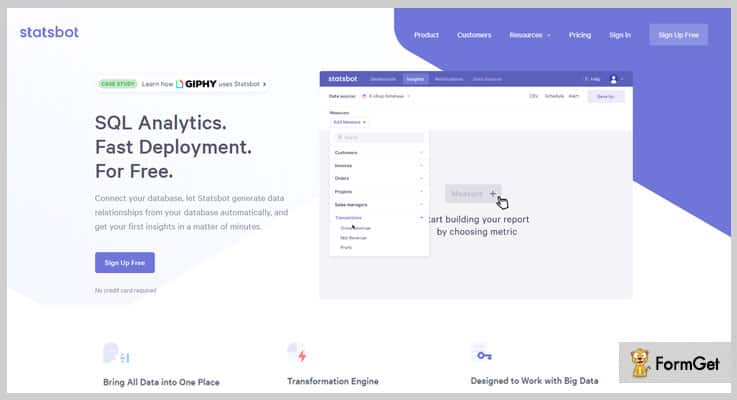
Features
- With just a few clicks you can fetch out the information about customer transactions, payment essentials and more.
- Auto calculates different transaction details in real-time which will keep you updated about your payment business.
- Deliver instant notifications like payment failure and other important transaction-related information.
Final Conclusion
The payment analytics software elaborated in this blog are some of the best alternatives for ProfitWell analytics tool. I am sure that with help of this blog you will be able to find a correct and affordable alternative for simplifying your payment analytics.
It is because not only you can add customers to your service but can also create multiple products, plans & coupons too.
So just finalize the best tool according to your needs & transform the growth rate of your business!
If you need to know more about payment analytics and other analytics essentials here are some more blogs : –
- Best Alternative For Chargify Subscription Management System
- Best Payment Tracking Services
- Top Payment Gateway Tracking Software
Top 5+ Payment Gateway Tracking Software

One day I was just going through all the sales & transaction data of my site, and guess what I found..?
The important payments which I have made were under processing and I didn’t even have any idea about all this.
I was so tensed as this would have resulted in a huge loss for my business.
Are you also stuck with the same problem of not getting any proper information about your payment processing or metrics?
Well, here are some amazing payment gateway tracking software by which you can not only keep an eye on every payment process but also get the notifications or updates about all your transactions & sales.
A Quick Comparison Between Payment Gateway Tracking Software
|
|||||
| Services | Invoice Billing | Dunning Emails | Multilingual Checkout Page | Unlimited Revenue | |
| Pabbly Subscriptions | ✔ | ✔ | ✔ | ✔ | |
| Looker | ✖ | ✖ | ✖ | ✖ | |
| Kapture | ✖ | ✖ | ✖ | ✖ | |
| BlueSnap | ✖ | ✖ | ✔ | ✖ | |
| ApexAnalytics | ✖ | ✖ | ✖ | ✖ | |
1. Pabbly Subscriptions – A Software To Track Payment Gateway
Pabbly Subscriptions provides best in class payment analytics features using which you can track payments details generated from different gateways.
It has got advanced reporting and track tools which are capable of delivering information related to revenue, customers, and various subscription details. You can also monitor in-depth information easily through the dashboard and more
We had Putler for all our e-commerce analytics needs & we were charged $249 on monthly basis.
But I was shocked to know that Pabbly Subscriptions was price $5 for a monthly subscription with which we got similar service for analytics.
Plus it’s also loaded which features that helped us manage Subscription bills for our business.
Pricing:-
Pabbly Subscriptions provides you with a range of pricing plans to choose from-
- Buy the Starter plan of this software at $5 per month where you can manage 50 customers & get advanced features like multiple payment gateways, invoice billing, multilingual checkout page and a lot more.
- For the next plan i.e. Rookie, the cost is $29 per month where you can manage 1000 customers. And the specifications are- dunning emails, invoice billing, and a lot more along with basic features.
- To avail the Pro plan where you can manage unlimited customers, the price is $59 per month. Plus, you get all the features such as you can collect one-time & recurring payments, 25+ currency support, etc.
- If you want to opt for an Advanced plan, you have to spend the amount of $99 per month & manage unlimited customers. With this pack, you get extra features like custom domain, affiliate system, client portal, and the ones provided in previous plans.
Characteristics:-
- With Pabbly Subscriptions analyzing sales and other factors of business becomes very simple as each & every detail like refunds, subscription canceled, customer info and recent additions are available on it.
- The advanced API provided by Pabbly Subscriptions helps you integrate it with different third-party applications & SaaS solutions.
- Get access to details about new subscriptions, net revenue, MRR, & other customer essentials and refine them using different types of filters in the Reporting section.
2. Looker – To Track Your Payments
Looker analytics solution has harnessed the power of SQL to create a uniquely powerful data analytics software so that the companies could get real values from their data.
This energetic tool defines the payment data metrics such as customer retention, revenues, churn rate, etc in very simple way.
Pricing:-
To know about the pricing details, you need to get in touch with the sales team.
Characteristics:-
- Now easily create, maintain, schedule a single report and personalized those reports to be sent to different people and team.
- It gives a new funnel visualization feature to better understand the drop-off rate of your data with its different funnel stages whether the data related to a free trial to close, shopping carts to check out, etc.
- No need to manually upload or download CSV, now you can automatically act on your data which this mind-blowing analytics solution.
3. Kapture – Payment Tracking Solution
Start tracking and analyzing all your monetary transactions through a single platform – Kapture payment analytic software. Via this, you can also manage all the stats such as MRR, churn, customer retention and can make a marvelous strategy to enhance the rank of your business in this tough competition.
Kapture is an affordable payment analytics solution, the pricing plans start from:- Rs 699 per month, Rs 1299 per month or Rs 2299 per month as per your requirement. And for further pricing related information, contact Kapture’s support team.
Pricing:-
You can try out the trial version that is free of cost.
Characteristics:-
- Get real-time information about clients successful, failed or refund transactions by automating all your payment processing tasks. You can also review the current account statement which will help you to design an optimal business or product strategy.
- With this analytics software, you can easily recognize the top class clients of your business and serve them with a flexible crediting system. Also, you can evaluate the financial commitments of the customers to clear your credit rates for future purchase.
- Kapture also helps you to drill down on individual customer basis to easily understand their payment pattern.
4. BlueSnap – Tool For Tracking Payment
Expand your business globally with the best payment gateway tracking solution BlueSnap. Along with analytics, it also provides subscription management, flexible integration option, intelligent payment routine for your organization.
With this payment metrics software, you can find all the stats at a single platform which will make your transaction details handling task very easy.
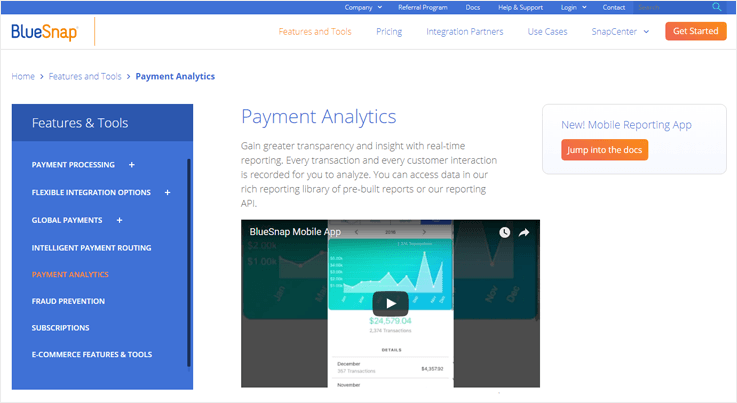
Pricing:-
If you want to know about the pricing details, simply contact the service providers.
Characteristics:-
- Build an intelligent report by tracking all the sales components such as – currency, product, region, payment type. You can also slice and dice the sales data to analyze which part is gaining more profit for your business.
- With a proper payment conversion report, you can easily glean insights about currencies, price point, etc which are going lower than the normal conversion. Thereby, you can make a plan to optimize payments from this underperforming area.
- Identify where you’re going higher than a normal decline rate due to frauds, chargebacks, refunds and take a step to clean those bad transactions.
5. Avora – Payment Tracking Software
Avora is an amazing real-time insight software to manage all your payment process, analytics and gives you each and every update [successful, refund, failed, etc] about the payment done by customers.
This tracking software also gives a collaboration facility so that you can invite all your suppliers, investors, colleagues and clients and a single platform to achieve more benefits at a time.

Pricing:-
To know about the various pricing plans, contact the service provider. Or sign up for a free demo.
Characteristics:-
- Over 300 connectors are given by Avora so that there is no limit to monitor and analyze your data. For this, no data modeling is required. All you need is to plug it with your data and start analyzing it.
- Most important and useful feature of this monitoring software is Anomaly Detection. It constantly examines your business for 24X7 and identifies the change occur in pattern and behaviour payment data.
- With this software, you can keep your business in the palm of your hand with its mobile application. Plus, you can easily access real-time insights and smart alerts.
6. ApexAnalytics – Software To Track Payment
ApexAnalytics tool revolutionized software name FirstStrike. It helps you to protect your business from overpayments, uncover frauds, predict results, streamline supplier management and more.
This tool extracts, consolidated and analyze information virtually of any payment gateway. It doesn’t require much time or cost for the integration with other software.
Pricing:-
To know the details regarding price, you need to contact the sales team.
Characteristics:-
- Just in a second, turn the isolated data into an actionable report that helps you to take transformative decision for the business. It also enables to find the reason of error occur and help in fixing them once and for all.
- Assists you to find that whether you’re doing business with risky suppliers. Also, identifies frauds and extortion in any payment process. Hence, you can protect and manage your firm in an accurate manner with all those reports.
- Apex analytics software is an identical system which you can easily integrate with any kind of business. Fetch out the details of payments like metrics, churn, cohort, customer retention in just a few clicks.
Conclusion…!
Hope this blog is useful in finding the best payment gateway tracking software.
So, don’t waste any more time and quickly integrate your business with any of the above-mentioned services.
Get a proper & accurate information on the payments.
This payment analytics software provides detailed stats of payment metrics, revenues, customer lifetime value, average sale price and a lot of information that can help in the growth of your business.
For more related software about analytics go through the following blogs:-
- Best Subscription Business Analytics
- Best Payment Tracking Services
- Payment Analytics Software For Small Businesses
- Top Payment Processing Analytics Tools To Reduce Churn
10 Best Payment Monitoring Services [Analyse Transactions, Customers & Leads]
“Increase your recurring sales through some best payment monitoring services! “
Success, Prosperity and Fortune are some of the nouns that your company might be focusing on. To others, it might be just some words but for you, it’s a life-long dream.
You need to map out your entire business objectives and its growth.
And, this is only possible through the use of best payment tracking services and software.
A perfect payment tracking tool is capable enough to track all the payment related metrics like MRR, ARR, Churn and overall growth rate in a matter of seconds.
In short, payment tracking services will simplify your analytical needs and will prove to be the only means to sky-rocket your business. But are you worried about finding a decent payment tracking software?
Don’t worry, this blog packs the list of best payment tracking services along with their corresponding features and specialties.
Have A Look At Some Best Payment Monitoring Services
| Services | Pricing | Dunning Emails | Recurring Payments | Unlimited Revenue |
| Pabbly Subscriptions | $5/m | ✔ | ✔ | ✔ |
| Zoho Subscriptions | $29/m | ✔ | ✖ | ✔ |
| SaaS Metrics | Contact Sales | ✖ | ✔ | ✖ |
| SaaSOptics | Contact Sales | ✖ | ✔ | ✖ |
| Woopra | $999/m | ✖ | ✔ | ✔ |
Along with payment monitoring, some services also allow you to collect unlimited revenue that will eventually help you in transforming your business to an upper level.
That’s something new!
You will find more amazing features when you start diving into this article. So just have an open mind & read about multiple types of payment monitoring services which can do a lot more stuff!
Below are blogs which will be a helping hand, if you want to know more related to Payment Analytics:-
- Payment Processing Analytics: Top 6 Analytics Tools To Reduce Churn
- Subscription Business Analytics: 5 Solutions To Track MRR, LTV, Churn
1. Pabbly Subscriptions
Pabbly Subscriptions offers top class payment analytics services using which you can analyze different types of payments. It generates reports which provide you full details about customers, subscriptions and profit factors of your business.
Apart from that you are allowed to create multiple plans, products, manage unlimited customer and their details.
We started using Pabbly Subscriptions to manage subscription & recurring bills of our business generated through PayPal & Stripe.
But later we came to know that it has got Payment Analytics feature as well.
Now we handle both subscription bills and perform payment analytics simultaneously with the same software.
Just by paying a most affordable cost of $5/month.
Pricing –
- Starters – It charges $5/m for 50 customers along with all the essential features.
- Rookie – This plan costs $29/m for managing 1000 customers with unlimited products & plans set up.
- Pro – The Pro plan bills $59 for unlimited customers & subscriptions.
- Advance – The Advance plan is for those who want to have a customizable checkout page. It only charges $99/m.
Features –
- Responsive Dashboard –
Pabbly has designed a highly responsive dashboard which looks great on various device screens. You can easily fetch important details like total sales, refunds, canceled subscriptions and recently added customers from the dash.
- Monitor Different Types Of Reports –
With Pabbly you can handle reports about net revenue, recurring revenue, new & active subscriptions as well as customer essentials. All these reports are produced using processed data which can be filtered accordingly.
- Manage & Filter Invoices With Ease –
This section provides each & every detail related to payments in real-time. All the updates regarding customer, payments status, and other information are updated here.
Click Here For More Information
2. Kapture
This service is one of a kind CRM software which secures your data on the cloud so that you can access it anytime and from any place.
Apart from this and analyzing your payment data, it is known to be molded according to any business models and processes. Rest assured, it will guarantee you 75% increase in productivity.
Pricing –
- It costs $1499/month for all the unlimited access.
Features –
- Manage Accounting With Ease –
Kapture can be handy with its simple to use yet highly efficient accounting platform. All the flow of your revenue can be monitored through it.
- Illustrative Payment Reports –
Create a comprehensive short or descriptive report through Kapture’s dashboard. It can also help you predict your customer’s behavior and revenue.
- Get Automatic Updates –
Keep yourself up to date with the events taking place in your business like an automatic alert on every payment received and missing the due date.
Click Here For More Information
3. Baremetrics
If you are looking for an ideal payment metrics service then you’ve got to choose Baremetrics. The service is built solely to give you better insights about your business.
Decision-making process of your business will now take the minimal amount of time with this one-click, zero-setup payment analytics tool.
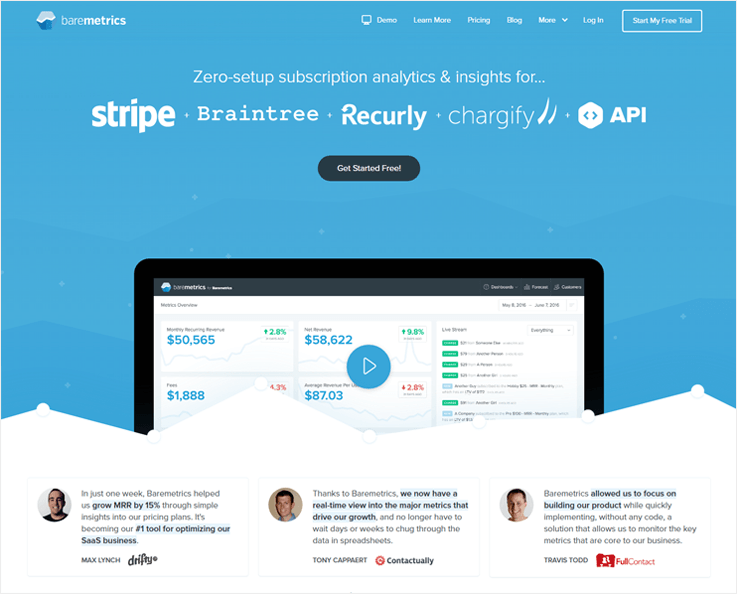
Pricing –
Prior to choosing the apt plan, you can try Baremetrics for 2 weeks free.
- Startup – $50/month, up to $10K MRR.
- Professional – $100/month, up to $50K MRR.
- Business – $250/month, up to $200K MRR.
- Enterprise – $500/month, up to $500K MRR.
It also provides a risk-free, 60-day guarantee of full refund.
Features –
- Huge Array Of Metrics –
MRR, ARR, ARPU, Net revenue, etc are just a few of some mentionable metrics. You can explore other advanced metrics too without any extra configuration.
- Know Your Customers –
Through Baremetrics you can learn more about your customers like activities, location and most importantly, Customer Lifetime Value.
- Always Stay Updated –
Discuss the insights of business with your colleagues on daily/weekly/monthly basis through custom email reports.
Click Here For More Information
4. Woopra
This payment tracking service is highly intelligent so that it can be customized and configured according to your business needs.
All the famous tools like WordPress, Dropbox are integrable with it. Consequently, many SaaS businesses have incorporated Woopra in their business practices.

Pricing –
- Core – FREE up to 500,000 actions.
- Pro – $999/m for up to 5 million actions on monthly basis.
- Enterprise – For more than 5 million actions, contact to sales.
Features –
- Efficient Customer Monitoring –
To maintain a healthy flow of money in your direction, you need to maintain a healthy and positive relationship with your customers. Woopra helps you in doing so.
- Metrics Tracking –
All the important metrics like MRR, ARR, revenue, etc. collectively are the lifeline of every business. This payment analytics software tracks every metrics in just a few clicks.
- Reporting Done Right –
It’s great to have all the actions and results on paper in an illustrative manner and to top it all, you can also see the user retention and churn too.
Click Here For More Information
5. Zoho Subscriptions
This software is known for its multiple functionalities out of which payment tracking and analyzing is a primary one.
From tracking recurring revenues on a monthly and yearly basis to managing customer subscriptions, Zoho does everything for you.
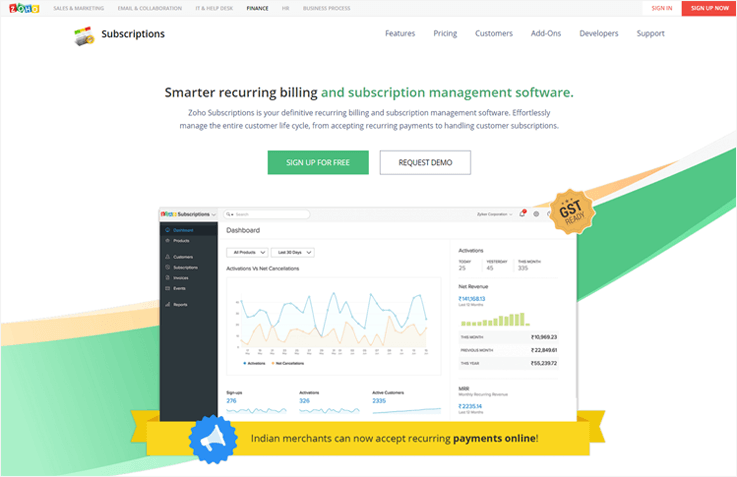
Pricing –
You can schedule a one-on-one demo before choosing a plan.
- Standard – $29 for 500 customers and 3 users.
- Professional – $69 for unlimited customers and users.
Features –
- Newbie Friendly –
It doesn’t matter if you are starting your business and have very little knowledge about the software. Within no time you start monitoring your business’ metrics.
- Huge Integration Options –
Along with multiple features, Zoho also allows you to integrate multiple applications in your account.
- Failed Payment Notification –
Now you don’t have to run after customers whose payments got canceled. Zoho notifies your customers of payment failures.
Click Here For More Information
6. Strikedeck
This service is slightly new in the arena but it surely packs all the features and functions of a perfect payment tracking tool.
Strikedeck guarantees to solve all your payment analytical problems and help you grow your business exponentially.

Pricing –
- Strikedeck provides a free demo of their platform. You need to personally contact the Strikedeck’s sales team for pricing details.
Features –
- Availability Of Multiple Data Sources –
Strikedeck provides its customers with the option of various data sources such as Salesforce, Zendesk, Freshdesk, etc.
- Free Email Templates –
In order to get your customer’s attention, this payment tracking suite provides you 21 different and highly converting email templates.
- Personalized Data Reports –
After tracking and calculating the required metrics, you get to generate personalized reports in multiple formats.
Click Here For More Information
7. SaaS Metrics
This is one such payment tracking and analytical tool which is prominent in showcasing the growth of your business.
The software is enough in helping you retain and grow your business by giving you all the valuable insights such as MRR, ARR, churn, etc.
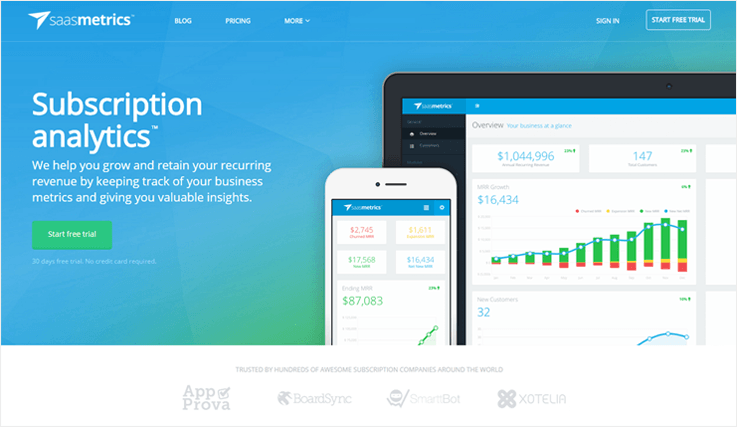
Pricing –
FREE 30 days trial available (no credit card required).
- Personal – $9 for 1 user & up to 50 customers.
- Startup – $39 for unlimited users & up to 500 customers.
- Professional – $109 for unlimited users & up to 2000 customers.
- Corporate – $209 for unlimited users & up to 5000 customers.
- Get in touch with Saasmetrics for a bigger plan.
Features –
- Know Your Valuable Customers –
Saasmetrics helps you to know your customers by giving you the option to see the complete customer’s profile.
- Track All MRR fields –
Customer subscription, retention, upgrades, downgrades are some of the notable subsequent fields of MRR which you can visualize with just a click.
- No Limits On Integrations –
Just like other payment metric services, Saasmetrics too allows its customers to integrate any data sources with a single API.
Click Here For More Information
8. SaaSOptics –
Without this payment tracking software, you can’t run your Saas business effectively.
SaaSOptics integrates all of your financial and payment records under a common roof so that you get real-time accurate insights about your business.
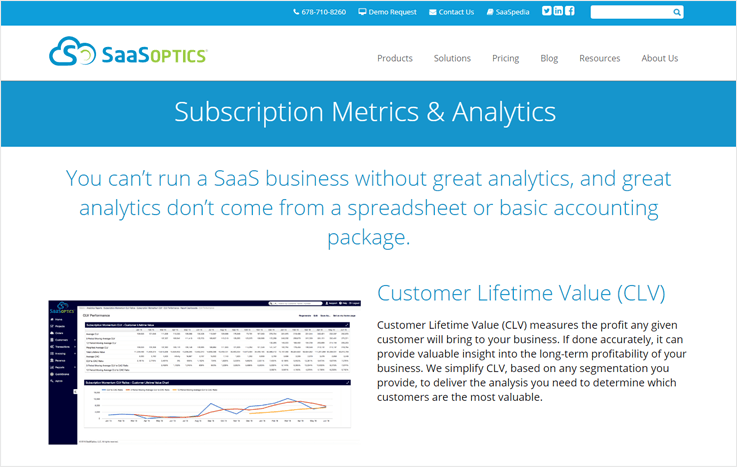
Pricing –
- SaaSOptics provides a variable pricing plan on a quarterly and annual basis. Contact sales for any inquery.
Features –
- One Step Analytics –
Measure all the relevant metrics through an extremely powerful dashboard. All the processes take place automatically because of standardized calculation setup.
- Track Monthly/Yearly Revenue Momentum –
MRR and ARR being the most important payment metric now can be easily measured with the help of SaaSOptics’ algorithm.
- Know Your Customer’s Worth –
Just like other metrics, you get to know your customer lifetime value. Unlike other software, SaaSOptics will fetch out the exact lifetime values for your customers.
Click Here For More Information
9. Revealytics –
This is a classic example of another multi-functional payment tracking service which will monitor your payment data without any hassle.
Inspite of being highly efficient and loaded with features, this software is extremely user-friendly.
Pricing –
- Revealytics too gives its customers a chance to test the software beforehand (14 DAY FREE TRIAL).
- The pricing is variable and depends on your monthly gross revenue (pricing calculator available on official website).
Features –
- Multiple KPIs Tracking –
The extremely operational dashboard lists and displays all the important payment metrics.
- Batch Analysis –
Revealytics helps you to monitor a group of customers and develop a descriptive cohort report for educated decisions.
- No More Complex Integrations –
This software is smart enough to eradicate the problem of complex data sources integrations. Within no time you can set up your Stripe payment data.
Click Here For More Information
10. Looker
Looker is another decent payment tracking service available in the market. Don’t be mistaken with its unconventional looks and working. It is still highly efficient when compared to other services.
This software is regarded as a universal tool to highlight insights for diverse businesses.
Pricing –
- Scheduling a demo is the only available option on the official website. For pricing details, you have to contact the Looker’s sale team.
Features –
- Make Data Beautiful –
Looker will definitely make a mark on you and your colleagues by displaying your data through different visualizations.
- Data Security –
Since this payment tracking software directly connects to your own database, you don’t have to worry about data safety as there is no data to be extracted.
- Dig Deep For Valuable Insights –
Looker allows you to use advanced features such as customer retention module and cohort analysis so that you can make informed decisions and improve your conversion rates.
Click Here For More Information
Conclusion –
When it comes to deciding the best payment tracking services for your business, this is it..!!
The above-mentioned payment tracking services are highly efficient in analyzing your transactions, customers, leads and revenue generated.
So just finalize the best tool according to your needs & gather unlimited payments via any of the services mentioned above.
But if you need to consider your other, I would recommend you to go through these blogs –
For any queries or suggestions, drop a comment below & I’ll get back to you soon!
5+ Best Subscription Business Analytics Tools – Calculate MRR, LTV, Churn, etc

“Use the best subscription business analytics tools & boost up your business’s growth! “
In today’s world, subscription business analytics plays a vital role in SaaS business. The reason is that it gives a more comprehensive view of your business performance than a traditional analytics.
With subscription metrics software, you can track all the important information & stats of your business like MRR, ARR, LTV Churn Rate, Net revenue and much more.
Knowing all such stats will give a better understanding to the health of your business so that you can wisely take the decisions for the improvement of your trade.
In this article, I have covered 5+ best subscription business analytics tools through you can easily track all your payments which not only save your time but also reduces data error.
A Pricing & Features Comparision b/w Various Analytics Tools
| Services | Pricing | Dunning Emails | Recurring Payments | Unlimited Revenue |
| Pabbly Subscriptions | $5/m | ✔ | ✔ | ✔ |
| Putler | $29/m | ✔ | ✔ | ✖ |
| Woopra | $999/m | ✖ | ✔ | ✔ |
| SaaS Metrics | Contact Sales | ✖ | ✔ | ✖ |
| SaaSOptics | Contact Sales | ✖ | ✔ | ✖ |
There are some services listed in this article which does not bound any limit on the revenue of your business. A profitable feature for you!
To find more features like the above one, all you have to do is to go through this article & finalize the best analytics tool according to your needs!
Below are some related blogs which can be a great help for your business:-
- Payment Gateway Tracking Software
- Best Payment Tracking Services
- Payment Analytics Software
- Payment Processing Analytics Tools
1. Pabbly Subscriptions
Pabbly Subscriptions offers best-in-class subscription analytics services at an extremely affordable cost. You can monitor sales, refunds, customer details and other important information straight through the dashboard.
It will help in performing many things such as analyze reports, customers details, track payments of your business & many more. Plus you are also allowed to manage recurring bills and payments details, create custom invoices and track customer essentials.
$5/m to Pabbly Subscriptions was one of the most exciting factors which made us deploy it in our business.
Earlier we paid $150 to $200 monthly for software with similar features & services.
Now we have Pabbly Subscriptions using which we can manage both Recurring Bills and Payment Analytics of our business at a monthly charge of $5.
Pricing:-
- It has a Starter plan available at $5 per month for 50 customers management along with unlimited product & plans set up.
- The Rookie plan charges $29/m for up to 1000 customer management. It also has a dunning management feature which helps in retrieving the declined payments.
- It’s Pro plan costs $59 per month & you’ll get to manage unlimited customers & analyze your business matrices with respect to them.
- The Advance plan is best for bigger businesses as it charges $99 on the monthly basis. Through it, you can set up unlimited products, plans & customers. Also, you can set a custom domain of your checkout page.
Characteristics:-
- With this tool, you can accept payments from multiple Payment Gateway (PayPal & Stripe) and it also supports 25+ different currencies for global transactions.
- It also provides advanced level Sales Analytics about your business like deep insides of monthly revenue, net revenue from sales, recent subscriptions and more about them.
- This software has also got a complete API framework with the help of which you can easily integrate Pabbly Subscriptions inside other applications and SaaS-based solutions.
- You can create multiple products and sell them using different plans with Pabbly Subscriptions. Customer details can simply be managed from the dash.
2. Putler
Putler is a software which can manage & monitor the payment matrices of any kind of business easily. Basically, it covers e-commerce, subscription, Google analytics & payment. This software is well known for its expert advice for business growth as well as for refund management too.
Pricing:-
- It has a base plan which costs $29/m for up to 300 paid customers & 2 integrations.
- This tool has a plan named ‘Growth’ which costs $79/month. In it, you will be able to manage customers up to 3000. You will also get 7 integrations as well.
- For big scale business, it charges $249 on monthly basis for 10000 customers, 20 integrations & 7-year historical data as well.
Characteristics:-
- By easily monitoring 153+ keys, you can observe all of your business aspects precisely. It also has 4 different payment gateway integrations.
- With sophisticated AI algorithms & analysis of your business data, it creates some real-life implementing suggestions for your business’s growth.
- It generates a detailed report on the product, sales, visitors, subscriptions etc such that you will be aware of the comprehensive growth of your business.
3. SaaS Metrics:-
SaaS Metrics is a cloud-based subscription analytic software which gives a clear overview of your business state, easily and quickly. It provides you all the metrics that you need to run your business smoothly and also offers 30 days free trial.
Pricing:-
- For any inquiries related to its subscription, just contact on their website.
Characteristics:-
- SaaS Metrics gives valuable insight that helps you to track your customer’s subscription like upgrades, downgrades, cancellations etc.
- This subscription business analytics software helps to increase your business revenue and reduce churn rate.
- It can also be integrated with any data source using a single API.
4. SaaSOptics:-
SaaSOptics is a complete subscription management platform through which you can manage your payment transaction accurately. This subscription business analytic provides you with financial metrics and analytics like MRR, ARR, Customer lifetime value, cohorts reports and many more.
Pricing:-
- For any details related to its pricing plans, contact its sales department.
Characteristics:-
- With the help of SaaSOptics analytics engine, you will get an accurate & comprehensive analytical report. Eventually, it will help you to drive your business to the next level.
- The software can be integrated with stripe, SalesForce, Quickbook, Recurly, and many more.
- SaaSOptics also lets you track customer’s entire journey and also helps to better understand your customer’s behavior.
5. Woopra:-
Woopra is an amazing subscription & payment analytics tool by which you can track subscription updates and automatically generate analytics reports according to subscription changes.
Pricing:-
- It has a Core plan which is free of cost. Through it, you can perform up to 500K actions on monthly basis.
- The Pro plan charges $999/m for performing 5 million actions per month.
- To perform any task on an unlimited basis, you can purchase its Enterprise plan for which you have to contact to its sales department.
Characteristics:-
- This subscription analytics system can be integrated with Marketo, Salesforce, Bluekai, Eloqua and many more.
- With Woopra, you can easily synchronize customer information and monitor all their activities from all aspects. It wil ultimately help you to understand your customer’s behavior.
- It enables you to answer all the queries you may have and can manage the entire segment with a click of a button
6. Braintree:-
Braintree is a real-time subscription tracking solution which gives the most valuable metrics. Through it, you can analyze your transactions and get to know about your business health.
Pricing:-
- It has a standard pricing plan which is of 2.9% + $.30 for a single transaction.
- For tailored pricing, you can contact Braintree at any time.
Characteristics:-
- Braintree’s sleek API enables you to generate a custom report according to your specific requirements.
- With Braintree, you can keep track of all the transaction disputes and can manage them accordingly.
- This software accepts all the payment methods including credit/debit cards, ACH, PayPal one touch, Venmo, Android Pay and many more.
Conclusion:-
Above, I have mentioned 5+ best subscription business analytics tools. Through them, you can easily track all your data and payment details at your fingertips.
There are some services in this article which doesn’t set any limit on monthly recurring revenue. So that’s a plus point for your business. Just like it, you may find other services with convincing attractive features that can help you to boost up the growth rate of your business.
That’s why you should choose the best analytics tools according to your needs.
Please comment below if you have any suggestions or queries. We’ll surely get back to you!
6 Top Payment Processing Analytics Tools To Reduce Churn
“Payment analytics acts like oxygen for any payment or subscription-based business! “
It’s very much needed to analyze your payment related data which keeps on coming in the form of excel spreadsheets and to get inside of each & every metrics.
Manually it can never be optimized with ease, but don’t worry there is enormous payment analytics software available in the market that can automate all your information tracking tasks.
In this article, I’ve mentioned top payment processing analytics tools to reduce churn. These payment analytic software will suggest you the most beneficial information using which profit earning, fraud extraction, cost cutting, business planning will be a few click task.
Have A Look At Top Payment Analytics Tools To Reduce Churn
| Services | Pricing | Dunning Emails | Recurring Payments | Unlimited Revenue |
| Pabbly Subscriptions | $5/m | ✔ | ✔ | ✔ |
| BusinessQ Software | $14.99/m | ✖ | ✖ | ✖ |
| WorldPay | Contact Sales | ✔ | ✔ | ✖ |
| BlueSnap | Contact Sales | ✔ | ✔ | ✖ |
| APEX Analytics | Contact Sales | ✖ | ✖ | ✖ |
Even their are some products mentioned in this article which also allows creating & managing recurring billing subscriptions for business point of view.
These all things should be noted down while choosing a payment analytics tool when we talk about reducing churn. So with a clear mind, read out this article & finalize the best tool according to your needs.
Enhance your business & know more about Payment & Subscription Analytics:-
- Subscription Business Analytics: 5 Best Tools To Calculate MRR & Churn
- Payment Analytics: 8 Top Solutions For Small Businesses
- ProfitWell Alternatives
1) Pabbly Subscriptions
In just a couple of months, Pabbly Subscriptions has become an active software for both payment analytics as well as subscription billing. With its basic analytics feature, a person can easily track the revenue of his business.
As it allows to manage unlimited products, plans & subscriptions, you will also be able to keep track on their analytics segment too.
After using Pabbly Subscriptions, I’ve prevented the customer & revenue churn with 100% accuracy.
All of it was done at just $5/m which is way too affordable. Along with it, this software has made possible for me to manage recurring billing subscriptions.
And with 25+ global currencies, I’m able to expand my business to its peak among my competitors.
Pricing:
Starter: This plan will cost you $5/m where you can manage 50 customers and get multiple payment gateways along with 25+ currency support & multilingual checkout page.
Rookie: At just $29/m, you will be able to manage 1000 customers & their analytics report too.
Pro: The Pro plan charges $59 per month which allows you to track the payments & analytics features of unlimited customers.
Advance: This plan bills $99/month for unlimited customers. Also, it allows you to create a multilingual checkout page which can have a custom domain.
Features:
Tracking The MRR Of Business
Businessmen can track the MRR (Monthly Recurring Revenue) of their business through this software. So at tough peaks of their business, they can efficiently plan the strategies to boost up their business again.
Reports Interface
Through its reports section, various details can be noted such as new subscriptions, customers, revenue, refunds, total sales & many more. Even you can study all of them in a graphical format.
Currency Support & Dunning Management
With its 25+ global currencies, customers all over the world can be efficiently managed & their payments through different currency system too. With this software’s dunning management, you can easily decrease the customer & revenue churn.
2) BlueSnap
Payment analytics plays a major role in the success of a business as gaining transparency and insight of business with real-time reporting is very easy with BlueSnap Payment Analytics Tool.
You can analyze every customer interaction and almost all transactions performed. This data is presented in the form of pre-built reports for easy access and understanding.
Pricing:
It has a custom pricing for which you have to contact their sales department.
Features:
Makes Your Payment Business Intelligent
BlueSnap allows you to track the sales of different products and services related to your business. These sales can be tracked by currency, product or service name, payment type, region and more.
Generate All Type Of Payment Reports
Once fully integrated, this software will give you each & every detail of payments which can be used to create future plans that can help you optimize your business and assist you in gathering huge profits.
Monitor Sales Trends Through Reports
This system has an advanced feature which is cleanse reporting using which you can identify those products and services that are delivering a higher rate of returns.
BlueSnap Payment Analytics Tool
3) APEX Analytix
Get the latest insights of your business from processed payment data through APEX Analytix software. It will aware you about every business detail and act like a major help in preventing overpayments, identify future risks, point out frauds and will automate critical processes.
With this payment processing tool, you can protect, analyze, manage, predict, enhance and revolutionize your business with an ease.
Pricing:
For any kind of inquiry, you have to contact their sales department.
Features:
Increase Your Profits With Correct Prevention
This system allows you to identify whether you are doing business with suppliers who are risky or profit providers. The analysis done through this system will uncover any type of frauds, losses, payment defaults and more.
Simple Integration And User-Friendly
APEX Analytix payment processing tools is a unique system which you can use it for any kind of business. Another vital factor that makes this software stand tall is that you can extract data, analyze information and fetch out details with just a few clicks.
Get All The Essentials Business Details
Now you can analyze a large amount of data, predict results for more profits and streamline your business with this system. These insight details of any business will permit you to grow alongside making good profits.
APEX Analytix Payment Processing Tool
4) WorldPay
Analysis of payment data is a critical task by with WorldPay you can get the insights of any business. It provides a refined set of information which is extracted from data reports.
You will get the best from your subscription business as each detail which can cause a loss in your business is displayed through this system.
Pricing:
To get a call back from WorldPay for any information, you have to contact them.
Features:
Easy Customer Behaviour Understanding
This software helps you optimize the conversion rate, detailed information, understand the latest market trends, provides a clear picture of customer needs and more.
Increase All Your Transaction Rates
The payment data analysis done through this system will help your business built right direction of growth and strategies which are future proof. You can explore new market opportunities and increase your market share through this data.
Monitor The Performance Of All Business Aspects
Getting a proper visual of needed information that will make your business have the correct view. Now, you can track performance and analyze the success rate from a single dash.
WorldPay Payment Data Analytics
5) BusinessQ Software
With BusinessQ Payment analytics software, you get the perfect details and visual reports on the different type of payments. You can access the information from any device which gets connected to the internet.
Using this system you can enhance your business knowledge and gather more & more profits from your business.
Pricing:
Free: It contains a free plan through which you can get 2 detailed reports for only 7 days.
Basic: This plan charges $14.99 per month for 17 detailed reports & multiple dashboards as well.
Advanced: The Advanced plan monthly costs $29.99 for detailed reports like the master summary, order-based, item-based & so on.
Features:
Track Down All Essential Payment Details
You can perform analysis of a variety of reports to track payment details, frauds, payment essentials, fetch reports beneficial for your business and more.
Drive Advanced Payment Analytics
BusinessQ hands over a premium solution which can reduce rejections and assist you in providing proper customer experience. The data tracking done through this provider will give all the information needed for business growth.
Get Aware Of Profit Delivering Information
This software delivers information which helps you take correct payment decisions, get a deep understanding of frauds, reduce churn and more.
BusinessQ Solution For Payment Analysis
6) ProfitWell
ProfitWell is a top class payment analytics software which can end the days of complex calculations. This software assists you in organizing spreadsheets, fetching out the correct and relevant data.
With the help of this software, you can simply identify the profit generating products and factors. All the latest revenue metrics will be at your fingertips.
Pricing:
Free: This plan is free of cost for managing cohort reports, customer billing activities, revenue trends & so on.
Recognized: It costs $1000 on a monthly basis. Also, you can integrate it any other billing system according to your needs.
Retain: You can contact their sales department to know about this plan as its pricing is based on revenue.
Features:
Extract The Correct Information For Business Growth
You will get the correct and highest level of information about new customers, upgrades, downgrades, churn and more. Decision making becomes much easier when the context is clear and accurate.
Design Plans To Render Highest Performance
Create multiple plans by taking different metrics under consideration. View business affecting factors like MRR, customer response, LTV, and other metrics for deeper analysis.
Deliver Best Customer Services
Each & every customer in a payment business matters a lot. So, get a clear list of different activities by customers like last billing, payments made, services used and other relevant data. This data can be helpful in getting feedbacks, market new products, and conduct campaigns.
ProfitWell Payment Business Analytics Software
Over All Conclusion
Payment analysis of subscription or any business becomes a critical issue if not given proper attention. As the amount of data that you need to deal with is huge.
So, you can try top payment processing analytics tools to reduce churn in a much smarter way. Through them, you will be able to do unlimited analysis on payments & they will bring great profits and success to your business.
If still, you have any second thought in mind, below are few more blogs which will help you clear them out:-
For any queries or suggestions, drop a comment below & we’ll get back to you!
10+ Best Recurring Billing API Software
Having any small or big business such as cloth store, construction, financial management, life coaching business or something else is not a big deal. But to manage the paperwork, accounts, payment processing information, customer’s growth, MRR rates and similar aspects of any business is quite difficult in this hectic schedule without an ideal recurring billing API.
Hence I’ve found some recurring billing and subscription management software that gives an API key through which you can easily get integrate your business with their profitable subscription billing and payments processing handling services.
Have A Glimpse On Various Recurring Billing API Tools
| Services | Pricing | Dunning Emails | Recurring Payments | Unlimited Revenue |
| Pabbly Subscriptions Billing | $19/m | ✔ | ✔ | ✔ |
| Chargebee | $99/m | ✔ | ✔ | ✖ |
| Zoho Subscriptions | $29/m | ✔ | ✔ | ✖ |
| ChargeOver | $65/m | ✔ | ✔ | ✖ |
| FreshBooks | $15/m | ✖ | ✔ | ✖ |
Even their are some services mentioned in this article which don’t bound you on creating unlimited subscriptions for you customers. That’s all what you need.
You will find many features related to your work in this article. All you have to do is to read it & choose the best recurring billing API according to your needs!
1. Pabbly Subscriptions Billing
With Pabbly Subscriptions Billing, you can put yourself at ease as it will handle all the hassled tasks of your subscription-based business. While we are discussing best recurring billing API software, it’s API-Key Integration is definitely a showstopper here.
It is a perfect blend of all the features that will be difficult to find even in the costliest subscription billing software.
Pricing
- Starter: It is available at $19 per month in a yearly plan and $39/month in a monthly plan where you can manage 500 customers along with full accessibility to all of its features.
- Rookie: The Rookie plan costs $29 per month if you go for a yearly plan and $59/month if you select a monthly plan for the customer limit up to 2000.
- Pro: For unlimited customers & subscriptions, you have to pay $49/month (yearly plan) and $99/month (monthly plan).
API-KEY Integration
You can integrate Pabbly with various web pages of your choice with the help of API-Key.
Following are some benefits that you can avail using Pabbly Subscriptions Billing:
- Subscription: This tool provides you complete subscription management. It lets you add end number of customers, products, promo codes and coupons in a click. It automates all your recurring and one-time payments and automatically generates invoices.
- Payments: Pabbly supports multiple currencies and multiple payment gateways. It also provides your customers with multiple payment options which they can use while making a payment. Along with that, it has dunning feature by which you can notify and follow up with your customers at the time of failed payments.
- Analytics: Pabbly analyzes all your activities and prepares analytical reports so that you can track the growth of your business.
- Easy to Understand Dashboard: You can manage your complete subscription management, payments, analytics in neat and easy to understand dashboard. And you can manage it all in a few clicks. So, for using Pabbly you really don’t have to be a tech-savvy, it is as easy as pie.
You can get it all under one umbrella.
Pabbly Subscriptions Billing!
A new definition of all your subscription billing needs.
At just $19 on a yearly basis!
So, hit the button below and get lucky with Pabbly Subscriptions Billing.
Service Details
2. Chargify
Chargify has an amazing combination of technologies like subscription management, recurring billing, payment gateways, analytics, revenue retention and much more.
It also gives a mind-blowing aspect that is an API key which can be easily integrated with any services, environment and programming languages.
Pricing
- For any queries related to its pricing, just contact its sales department.
API Integration
Chargify REST API can easily fuse with many resources such as product, subscription, customers, etc. With this API, you can accept and return data in both JSON and XML format.
Following are some functionalities that will help you to understand the benefits of Chargify API: –
- Subscription: – With this, you can create a subscription by just specifying a product and a customer details.
- Payment Profiles: – This software allows you to record external payments means the payments that occur outside of the normal payment processing flow.
- Invoices: – With this affordable subscription tool you can easily manage your invoices which will help you to know information about every transaction made.
- Billing Portal: – Automatically manage your subscription billing task with the link given at the bottom of statements, invoices, and receipts.
3. Chargebee
Chargebee is the smartest subscription billing and invoice management software. Here you will find everything that is required to manage subscription, recurring payment, invoices, etc.
Pricing
- Go: The Go plan is for those businesses having a monthly recurring revenue (MRR) of $25K. All they have to pay is just $99 on monthly basis.
- Rise: For MRR up to $50K, this plan costs $299 per month.
- Scale: The Scale plan bills $599/m for revenue up to $75K per month.
API Integration
An elegant API layer is also here with the help of which you can easily fuse any of your service or site with Chargebee to gain the benefits of this subscription management tool.
Here are some important links of API that Chargebee provides:-
- Subscriptions: – Here you can see the list of recurring items like plans, add-ons, coupons, etc that the customer has subscribed too.
- Customers:- Able to see each and every action of your customers whether it’s related to payment or analytics.
- Payment sources: – From this feature you’re able to know the payment source [credit card, direct debit, PayPal or any other] by which the customer has made the payment.
- Invoices: – These are the statements of billing charges, adjustment or any discount for a subscription.
4. FreshBooks
FreshBooks is the all-new and marvelous subscription management and recurring billing software that will automate all your billing task, payment process, and will monitor the churn rate, cohort, customer retention etc.
An API key is also lent by this tool to help their customer in the integration process.
Pricing
- Lite: This plan costs $15/m for 5 clients, limitless estimates, invoices & many more.
- Plus: The Plus plan bills $25/m for 50 clients, time & expenses tracking.
- Premium: For 500 clients & more features, you can buy this plan at $50 per month.
API Integration
FreshBooks API allows you to create and send invoices when the customer signs up with your website automatically, pulling lists of users information, copying data to the 3rd party service and much more.
There are some more attributes of that FreshBooks API gives are as follows:-
- Account IDs & Businesses:- FreshBooks API provides 2 different ids for account and businesses so that they can access both the account at same time.
- Request Limits:- There is no limit on the number of API’s requested per day. Only the request will be rate-limited if too many calls are made within a short time duration.
- Gateways:- Here you can easily integrate any gateway to the payment processing method. And this service will provide you specific information about which payment gateway is active for your business.
- Invoices:- By this you can easily get the details of disputes, successful and failed transaction, the exact amount that the client owe to you and much more.
5. FastSpring
Get rid of the hurdle name billing management with FastSpring subscription and recurring billing handling software. Other than this you can also find some marvelous features like optimization, conversion enhancement, payments methods, security, relationship rights management and a lot more.
FastSpring also gives the API key so that the user could easily interface their business with this subscription management solution for proper billing tactics.
Pricing
- It has multiple pricing plans for which you have to contact FastSpring.
API Integration
Following are the types of API’s that FastSpring billing software provides. Let’s have a look in detail:-
- Subscription:- By using a reference you can create a subscription or update an existing subscription, renew the subscription or cancel it for the next subscription period.
- Order:- The create order API allows you to pass one or more product to the shopping cart or at user information page.
- Coupon:- Via API key you can generate or retrieve the new codes for an existing coupon. You can generate 10,000 coupons max in a single day.
- Localized price:- Display the amount of your product according to countries. This software detects the location of your customer using Geo-location service and sets the price of the product according to that country.
6. Zoho Subscriptions
Perfectly manage customer lifecycle, revenue retentions, and everything from accepting recurring payments to handling customer subscriptions all can be done from a single platform know as Zoho subscription management software.
Zoho Subscription billing solution also gives its API key to the customers which helps them to easily get integrated with Zoho.
Pricing
- Standard: For 500 customers & 3 users, this plan charges $29/m.
- Professional: This plan is best for those persons who want the features of unlimited customers as well as users. It charges only $69 on monthly basis.
API Integration
Zoho Subscription API is built using REST principle which ensures predictable URL’s and follows HTTP rules. This mandatorily required 2 types of headers:- Authentication and X-com-Zoho-subscriptions-organizationid.
More Zoho API features are also mentioned below:-
- Subscription:- This enables you to charge the customer for their plan at a specified time.
- Invoices:- Here you are able to see that how much a customer owes for the subscription. Invoices are created from a recurring charge or a one-time charge.
- Payment:- Gather the payment details of particular customers from this feature. There can be multiple payments from single invoices and multiple invoices for a single payment as well.
- Hosted-Pages:- For here you can collect the information about your customer’s credit or debit cards. But this Hosted Page will expire within an hour itself.
7. SaaSOptics
SaaSoptics is a complete subscription management platform for growing businesses. Along with handling bills you can also deeply analysis the payment metrics like MRR, revenue retention, customer lifetime value, cohort, churn and much more.
Also, gives numerous features like e-invoicing and payments, subscription metrics, multi-currency management and reporting, revenue recognization and a lot more.
Pricing
- For any inquiries related to pricing plans, contact its sales panel.
API Integration
SaaSOptics enables you to integrate any of your services with this incredible billing tool by just using the API key. This gives an open API key for analytics with which you can easily connect through multiple data source, leverages your payment metrics, analyze things like MRR, churn, cohort, projection, and more.
8. Stripe
Stripe is the most energetic and flexible recurring billing software. Whether you’re creating and subscription service, an on-demand marketplace, an e-commerce service or a crowdfunding platform this tool will help you in every manner.
Stripe has also designed a meticulously API key by using which you can effortlessly integrate your organization with this powerful subscription handling software.
Pricing
- It has a pay as you go plan which charges 2.9% + 30¢ per successful card cost.
API Integration
Stripe offers you to explore its API by testing your account in 2 ways: test mode and live mode. It uses cross-origin resource sharing that allows you to interact with API by your client-side web application.
Following are other features of Stripe API:-
- Subscription:- This allows you to charge a customer according to their recurring plans.
- Invoices:- Here you will find the statements of what the customer owes for a particular billing period, subscription, invoice items and any automatic portion if required.
- Disputes:- If any dispute occurs like any of your customers ask about the charge from their bank. Then you can respond to that dispute with proper evidence that the charge deducted was legal.
- Customers:- This customer object allows you to perform recurring charges and track multiple charges that are associated with the same customer.
9. ChargeOver
Automate your billing and payments with ChargeOver subscription management software to save your time and money both. Also check the real-time metrics like MRR, churn rate, invoices and much more.
Pricing
- Starter: This package charges $65/m for up to 50 customers profiles.
- Basic: The Basic plan costs $115 on the monthly basis for customers ranging in between 51 – 150.
- Professional: In this plan, you will get to work on 151 – 500 customers at just $229/m charge.
- Commercial: For more than 500 customers, just contact ChargeOver.
API Integration
The ChargeOver API is organized around REST and is also designed to have predictable, resource-oriented, uses HTTP response code to indicate API error.
Some more services are described below that ChargeOver API gives:-
- Transactions:- This is used to indicate that the invoice has been paid. So, you can keep yourself updated about every paid payment.
- Invoices:- Can easily check the invoices of your payments and for the primary key for an invoice is invoice_id.
- Currencies:- 5 Different types of currencies are accepted by this software and for each type, there is a unique code.
- Subscription:- You can create a new subscription using this service and can also update the existing one.
10. Recurly
Recurly is the powerful subscription management and recurring billing software which is trusted by thousands of companies. Along with subscription management, this billing solution also gives many functionalities like analytics, payment gateways, integrations, and a lot of services.
The best feature provided by this billing tool is its API integration which helps you to merge your business with Recurly for the perfect subscription management task.
Pricing
- Contact sales for any pricing related queries.
API Integration
Recurly gives an HTTP based API key in languages like PHP, Ruby, Python, Java, .Net. Also, you are able to see the recent changes at your site with its help.
More important attributes are mentioned below that shows the benefit of Recurly API:-
- Billing Flexibility:- The Recurly API can be used to create a subscription plan with a variety of option like future start dates, custom trials, custom prices, pre-defined quantities with flexible subscription scenario.
- Customer Management:- Easily view all details of your invoices and change their subscription plans, update billing information, or cancel their subscriptions as per the user’s need.
- Payment Method:- With Recurly, you can effortlessly manage the payments done by credit card. Other than that it also supports transactions made by Paypal or 3D secure.
- Look & Feel:- This is a very important and critical part of billing. Your customer should feel that they are making a secure payment. So by using this service, you can provide a credit card statement followed by your company name to the clients.
11. PaySimple
PaySimple subscription management solution will help you to automate the billing task, payment processing, analytics [cohort, churn, revenue retention] and more of your big or small businesses.
Integrate with PaySimple API to accept credit cards and e-checks in your business.
Pricing
- To know about its pricing plans, just contact PaySimple.
API Integration
PaySimple 4.0 API is designed intuitive and easy to integrate with any of mobile or desktop applications. It uses JSON to exchange the data between two sites.
Some more services are also given by PaySimple API which is mentioned below:-
- Customers:- You can easily create, manage and view the customer details via API. If the customer records are made via web-based UPI or web payment pages then by using this API you can manage them also.
- Common API error:- If the error occurs then the top portion of response meta will showcase the explanation of the error in detail.
- Payments:- This provides you with an effortless way to collect, refund, void, retrieve, schedule your payments.
- Credit Card Processing:- PaySimple supports credit cards payments via 2 ways:- TSYS and global payment system.
The Culmination:
After going through these recurring billing API services, I am sure now you will definitely find a software that keeps your data safe and secure and also help you to grow your business.
So, don’t think much just select any of this software and integrate it with your businesses without wasting time.
For any queries or suggestions, drop a comment below. We’ll surely reach out to you!
For more related information check out the following blogs –

