
“Use jQuery Spotlight plugins to create a spotlight effect on various elements of your website!”
Try adding some spotlight effects to highlight various elements like texts, images or anything of that sort on your page & make it look more attractive.
jQuery spotlight plugins prove to be of good use when it comes to adding these effects.

jQuery spotlight plugins are quite a popular tool for highlighting the elements with cool animations and several other customizations. These plugins provide you with multiple features for adding these effects such as-
- They allow you to customize the styling & appearance of color, size of radius, etc with the help of CSS.
- By using these plugins you can create as many spotlights as you want & highlight the elements simultaneously.
- These plugins are very user-friendly & 100% responsive.
- Besides, these plugins are cross-browser compatible & even if they don’t support certain browsers these plugins adjust automatically.
and a lot more to explore…
Therefore, to prevent you from going on the hunt for these jQuery spotlight plugins, we have compiled few best jQuery spotlight plugins which are free of cost.
So, without wasting another second, let’s have a look at these jQuery spotlight plugins & get to know about them in detail.
1. jQuery Animations Spotlight – jQuery Plugin
This is as an astounding plugin which is widely used for adding a spotlight effect on the specific text, image or anything else. It provides you with a range of features like customization using CSS, adding animation effects and lot more.
You don’t need to hassle with the installation process as you can easily install this plugin by inserting few lines of code.
Additionally, this jQuery plugin is cross-browser compatible & works best with IE10+, Chrome, Firefox, Safari & Opera.

Pricing
- This is a freemium plugin which is available at ‘github.com’. You can download this plugin & get access to all of its features without spending a single penny.
Features:
- It provides you with the animation effects in spotlight form.
- You can easily set the length of the radius of the spotlight.
- This plugin lets you decide the number of moves of the spotlight.
2. jQuery.spotlight – jQuery plugin
jQuery.spotlight is probably one of the finest jQuery spotlight plugins. It provides you with diverse features for customization like spotlight color, speed, animation and much more.
You can use this plugin to highlight any element on your website.
Besides, it doesn’t require CSS or any image for customizing the plugin, thereby any amateur can easily use this plugin without much trouble.
Pricing
- You can get this plugin along with its features without having to pay any price. Simply go to ‘github.com’ and download the plugin for free.
Features:
- It empowers you to customize the appearance & styling of the spotlight like color, opacity, etc.
- You add various functions & methods for specific events like onShow, onHide, etc.
- This plugin also facilitates with animation effects which you can enable & disable as you want.
3. Simon’s jQuery.spotlight – jQuery Plugin
This outstanding jQuery plugin provides you with various features for highlighting the elements on the page or website by adding an effective spotlight to it.
It does not require any specific CSS or image & is highly customizable.
Also, this plugin is 100% responsive & easy to use.
Pricing:
- For purchasing this plugin, you don’t need to pay any amount as the plugin is available for free at ‘github.com’. All you gotta do is download this plugin & you are ready to use!
Features:
- You can effortlessly modify the color, size of radius & various other details of the spotlight.
- It enables you to add animation effects to the spotlight & hence enhance the look of a spotlight.
- This jQuery plugin allows you to highlight the various elements on the page.
4. jQuery- Spotlight – jQuery Plugin
This is a popular jQuery freemium plugin for the spotlight. It provides you with a simple spotlight effect on elements in DOM.
Besides, this plugin is very easy to use & can be initialized by inserting several lines of code.
Pricing:
- To get this jQuery plugin and all the efficient features, you need to go to ‘github.com’ & simply download it for free of cost.
Features:
- This plugin enables you to add spotlight effect on various elements in the DOM.
- It supports jQuery 2.0 version & is compatible with browsers above IE 9 version.
5. jQuery_Spotlight – jQuery Plugin
jQuery_Spotlight is an efficient jQuery plugin which empowers you to create spotlighted content. Besides, this plugin provides you with various features like animation effects, color & a lot more.
In addition to this, you can easily add the effects & events on which it will trigger. Plus, this plugin highly responsive & user-friendly.
Pricing:
- jQuery_Spotlight is a freemium plugin i.e. you don’t need to pay any amount on downloading this plugin. So, visit ‘github.com’ & download it for free.
Features:
- It provides you with auto restart functionality through which you can enable the spotlight to restart once the user hovers the mouse away or not.
- You can easily customize the appearance & styling of the spotlight like color, effect, etc.
- With this plugin, you can effortlessly add multiple spotlights as well which will run simultaneously.
Closure!
Although we have scrutinized few of the best jQuery spotlight plugin but you are the one who needs to choose the perfect plugin for your website.
After going through this blog, we hope you are able to evaluate various jQuery spotlight plugins without much trouble.
Smartly choose the plugin for your website looking at the features which suit best.
Swiftly go through some of these blogs from popular crannies-
- Create design effects on your webste by using jQuery Material Design Plugins.
- Use jQuery Sorting Plugins for sorting & filtering your content.
- Best jQuery Virtual Keyboard Plugins which will help you add keyboard on different text elements of your site.
Do share your views in the comments section below!
Feel free to contact us for any queries & suggestions. We would love to hear from you.
5+ jQuery Virtual Keyboard Plugins 2022 (Free & Paid)
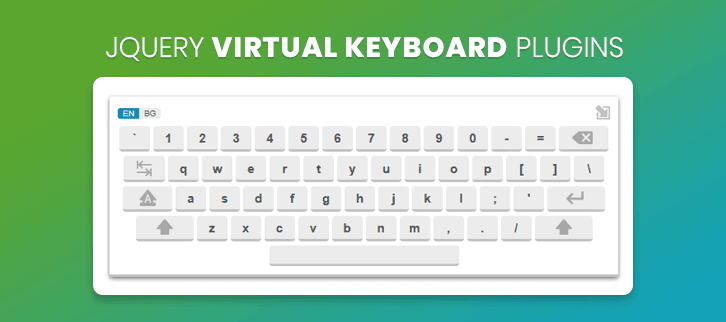
If you are planning to attach virtual keyboard on text boxes, search blocks, password fields and on other elements of your site. Then, you have landed in the right place as this blog is all about jQuery Virtual Keyboard Plugins.
Here, you will find plugins to add virtual keyboards that are multilingual, browser & device compatible, support different types of layouts like QWERTY, AZERTY, QWERTZ, HCESAR and others keyboards that are accepted internationally.
Moreover, you get enhanced functionalities like talking back, single click pop out, one click language change and other advanced facilities as well.
On-screen keyboards are very helpful when implemented properly in the right locations on a website.
Before getting started with plugin details have a look at the blogs listed below:-
1. Vkeyboard jQuery Plugin
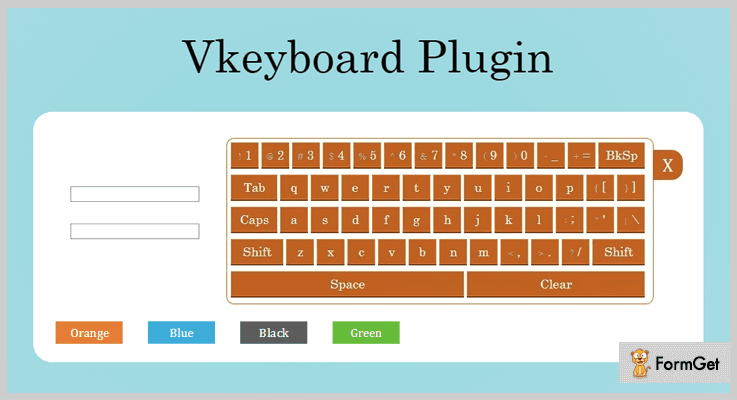
Vkeyboard is a responsive jQuery plugin which will allow you add a virtual keyboard on your website elements with ease. This plugin is browser compatible, user-friendly, looks great on desktops & PCs, and provides a demo for easy testing of this plugin.
You also get multiple color variants along language and other customizations with this plugin. It supports special characters as well.
Pricing:-
- The regular license of this plugin will cost you $9 using which you can create virtual Keyboard with various features and facilities.
- $45 will be charged for the extended license of this jQuery plugin features and services of this plugin.
Features:-
- This is a responsive plugin which provides a well-documented demo through which you can test the virtual keyboard.
- Multi-browsers compatible and supports IE8, IE9, IE10, IE11, Firefox, Safari, Opera, Chrome, etc.
- With this jQuery plugin, you get 4 different color options with which you can create custom designed keyboards.
- It also provides various special characters which can easily be added.
Details On jQuery Virtual Keyboard Plugin
2. Talking Keyboard – jQuery Plugin
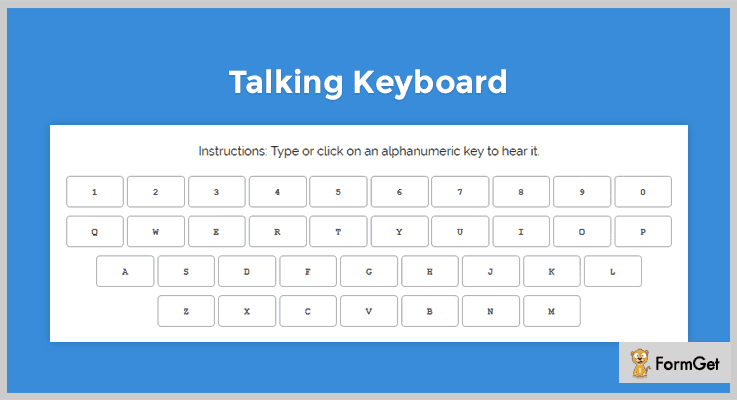
Talking Keyboard is an amazing jQuery plugin which comes pre-equipped with talking facility. With this plugin, the user can listen back to what is typed on the virtual keyboard.
It is a responsive plugin which responds back instantly to every key hit on the virtual or physical keyboard by the user. Other than that the types character is been displayed on the screen as well.
Pricing:-
- Talking Keyboard is a fully responsive jQuery plugin which can be downloaded for free from github.com. It comes loaded with some extraordinary features and facilities.
Features:-
- With this plugin, you can type or click the character to hear it on a website.
- It is easy to install on live websites and offers cross-browser support.
- This plugin is fully based upon Skeleton CSS, jQuery, and ResponsiveVoice.
- You get talking keyboard which supports alphabets as well as numeric characters.
Details On jQuery Virtual Keyboard Plugin
3. jQuery On-screen Keyboard Plugin
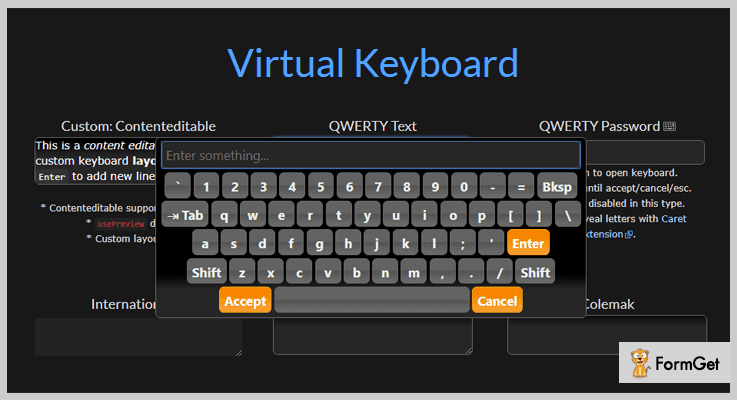
jQuery on-screen keyboard is a reactive plugin which works well on all types of browsers. It is easy to install the plugin for which you need to include jQuery, jQuery UI theme, and optionally define the position of the keyboard in the website element input, textarea etc.
In addition, the demo provides has all types of virtual keyboard defined with example and you can test them all there with ease.
Pricing:-
- On-screen Keyboard is a jQuery plugin which is available for free and can be downloaded from github.com without any hassle.
Features:-
- With the help of this plugin, you can attach a virtual keyboard to inputs, textareas or content editable elements on your website.
- Users are allowed to type and preview their input character before accepting or canceling them.
- This plugin provides a well-explained demo using which you can test and verify different types of keyboards with varied inputs.
- Allows you to add up to four standard key sets to each layout that use the shift and alt keys.
Details On jQuery Virtual Keyboard Plugin
4. jkeyboard – Responsive jQuery Plugin
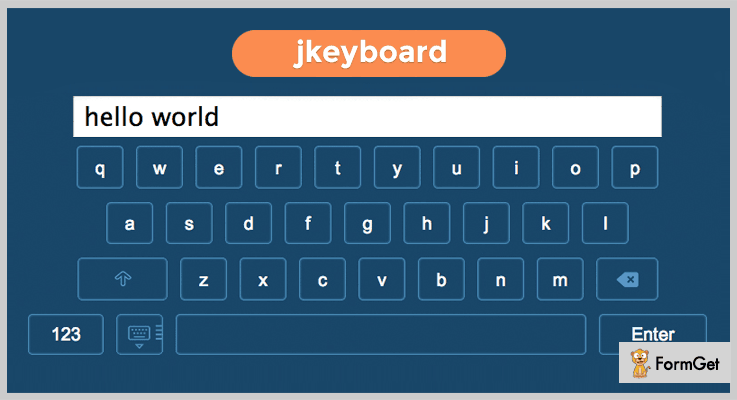
If you want a simple and responsive on-screen keyboard on your website without much hassle then jkeyboard jQuery plugin will be the right option for you. This is free of cost plugin using which you can have virtual keyboards with different layouts on your website.
With this plugin, you get full fledge demo, usage code details, multi-browser compatibility and layout for Russian are also available as well.
Pricing:-
- jkeyboard is another totally free jQuery plugin. Even being a free plugin it offers various features and enhanced facilities which can be applied on a website for a virtual keyboard.
Features:-
- With this plugin, you get a virtual keyboard that allows you to use alphabets, numeric and special characters as well.
- You get a demo with the help of which you can test the virtual keyboard live without installing it on your website.
- The layout of this keyboard is responsive and looks great on different devices.
Details On jQuery Virtual Keyboard Plugin
5. jQuery ML Keyboard Plugin
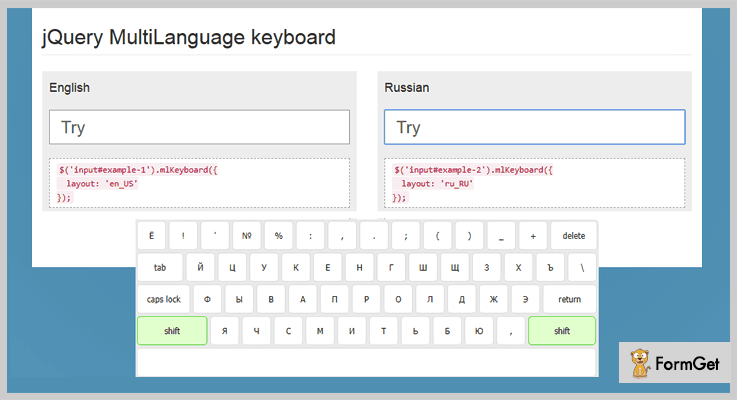
ML Keyboard is a multilingual jQuery plugin which helps you add virtual keyboard on your website. It allows you to change input layouts of the keyboard with ease. Plus you can also change the input field special data attribute as well.
This plugin currently supports layouts for English, Spanish, Italian, Portuguese and Russian.
Pricing:-
- ML Keyboard is a jQuery virtual keyboard that changes input layouts and charges $0 as it is an entirely free plugin.
Features:-
- Easy to implement as you just have to download the plugin, add it to your website, activate the plugin in input fields where you want the keyboard and it is done.
- This plugin provides multilingual support for languages like English, Spanish, Italian, Portuguese, Russian.
- You get various advanced options like the layout, active_shift, active_caps, and more which will allow easy customizations.
- It also provides a documentation which has all the features well explained and examples along with the code details.
Details On jQuery Virtual Keyboard Plugin
6. jqKeyboard – jQuery Virtual Keyboard Plugin
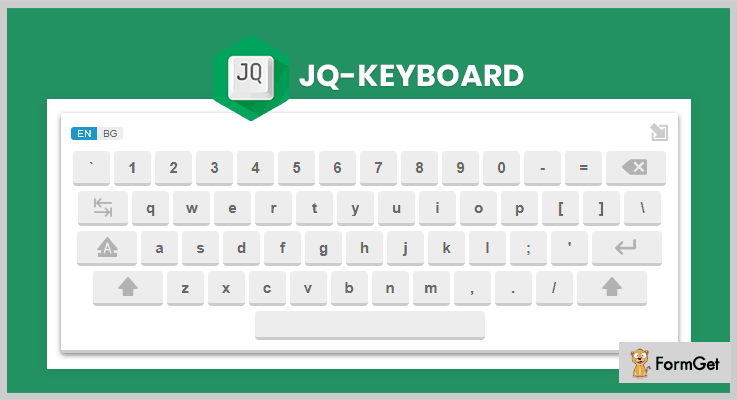
Using jqKeyboard you can have a jQuery-based virtual keyboard just by adding jQuery and jQuery UI imports to the HTML code of your site. You can easily run the virtual keyboard on your website just by calling a simple function.
It allows you to add a language layout of your own if the one you want doesn’t exist in the list.
Pricing:-
- Another free jQuery plugin which can be used to add a virtual keyboard to the website elements with ease.
Features:-
- This is a jQuery-based virtual keyboard which can easily be implemented on websites just by making a slight change in the HTML code.
- It provides API which has got multiple options which can easily be passed to a function as an object.
- With this plugin, you are allowed to create custom layouts for languages which are not available on this plugin’s virtual keyboard.
Details On jQuery Virtual Keyboard Plugin
Conclusion
This was all on the best jQuery Virtual Keyboard Plugins. I hope we have will find one of the best plugins which will fulfill all the needs and requirements of your website and will help you add attractive virtual keyboard on it.
For your ease, we have elaborated the features, pricing along with details information of the plugins in this blog.
Still, if you have got any types of doubts or queries in mind, you can freely ask us in the comments section below. We will get back to you as soon as possible.
5+ jQuery History Plugins 2022 (Free and Paid)

Today, in this blog, we have brought up the collection of best jQuery history plugins for you. Now, you might be thinking how these are going to be helpful for your website?
jQuery History Plugins allows you to manage the history of web pages in different types of format. These formats can contain specific or categorized history of about us pages, contacts pages, homepages etc., with the compiled history.
By integrating these plugins on your website, you can systematically arrange the history section of the site and can categorize it according to your needs.
All the plugins present here are feature-filled with enormous functions like custom CSS editor, filtering options and a lot more.
Moreover, these plugins are lightweight, cross-browser compatible and responsive with all screen sizes.
Let’s move on and have a look at the pricing and feature section of jQuery history plugins in detail.
Before that have a quick glance at some more useful jQuery plugins:
Spotlight Plugins are used for activating a spotlight effect on the particular text, image or anything else on the webpage.
With the help of these plugins, you can provide designs to progress bar, buttons, charts, timer, stopwatch, notifications and input controls.
These sorting plugins allow you to control the order, paging, and arrangement of web pages & your table elements.
1. ZoomTimeline – A Part Of jQuery History Plugins
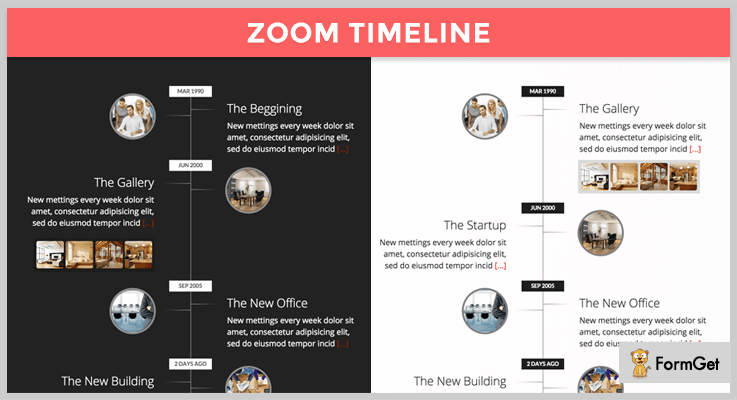
ZoomTimeline is the topmost premium jQuery plugin that allows you to create company timeline, personal history or a visually appealing timeline slider on the website. This plugin comes up with six unique modes which help you to complete all the timeline needs.
It enriches you with latest HTML5 technology like history API and CSS3 technology for designing or styling the timeline of the site.
PRICING:
ZoomTimeline plugin comes with a price tag of $9 with lifetime updates and 6-month client support. To use its extended features you have to pay $45.
FEATURES:
- You can use its inbuilt five modes with any kind of brand website.
- It comes with retina ready display that has a double resolution for smooth retina viewing.
- This plugin is Android Optimized as it’s been tested on the Android 4.0 version.
- You can easily modify the skin of the website using CSS for it.
2. jQuery History – A Part Of jQuery History Plugins
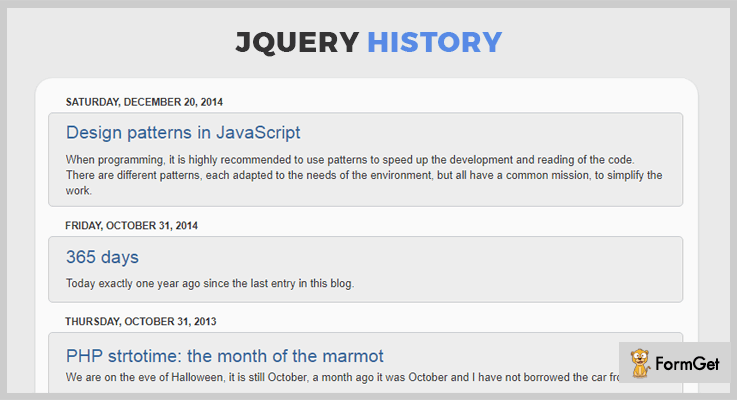
jQuery History is a lightweight plugin that helps you to manage the browser’s history. It is well documented which allows you understand it in a better way.
All the events present in this plugin are triggered with two arguments i.e address & listen type. In spite, of the great features, its draw-back stand as it is cross-browser compatible with IE6.
PRICING:
This is an open source plugin which is free of cost.
FEATURES:
- This plugin contains API methods that help you to easily interface between user and software.
- You can use “jQuery.history.on” function to show the history on the web pages and later its return to jQuery.history.
- “jQuery.history.trigger” function is used to trigger the history pages and further its return back to jQuery.history.
3. History Click – A Part Of jQuery History Plugins
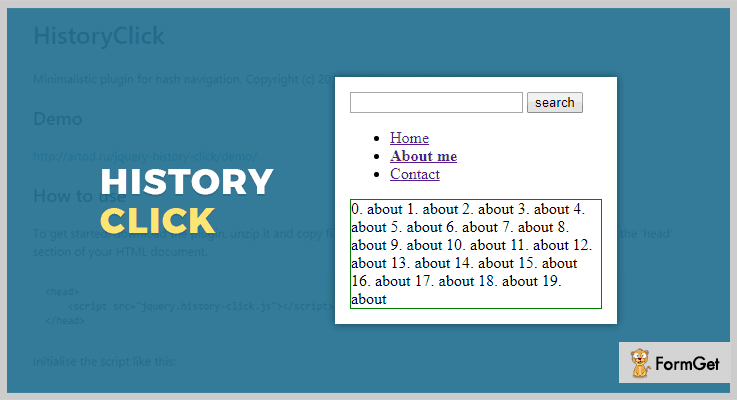
History Click is another free jQuery minimalistic plugin. It allows you to systematically arrange the history section on the webpage.
Thi plugin is easy to install. You just have to download the plugin, unzip the files and copy them to the website directory. In fact, it has detailed documentation with the codes.
PRICING:
History Click is free of cost jQuery plugin.
FEATURES:
- You can easily load the files in the HTML document section of the website.
- It allows you to categorize the history section on the bases of home, about us, contact etc.
- The plugin is responsive in nature that means it can adapt to every screen size.
4. jQuery Pusher Plugin
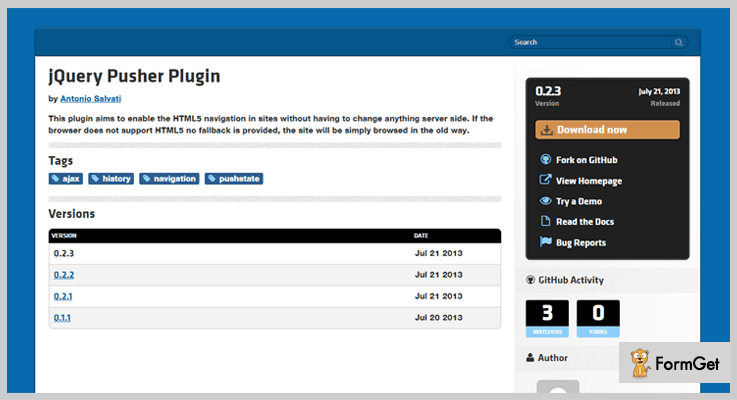
It is a jQuery plugin for simple access to navigate the HTML5 on the website without changing anything on the server side. If by default browser doesn’t support HTML5 then the site will work on the old version itself.
This plugin contains two demos i.e basic and the advance that will help you to easily understand the functionality of the plugin.
PRICING:
JQuery History is an open source plugin that means its free of cost.
FEATURES:
- You can use this “updateText” function that helps you to replace the text of the inbuilt select from loaded page to actual page.
- It allows you to use its “get” function to get the elements from the loaded pages if there is any.
- It is cross browser compatible with Chrome, FireFox, Safari etc.
5. jQuery HTML5 History Plugin
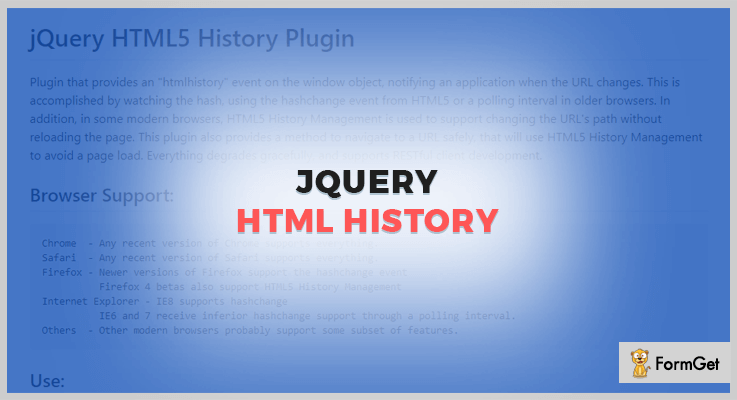
It is one of the best freemium jQuery history plugin present amongst all. This plugin provides you the HTML history of the event and notifies you whenever the URL changes.
It also provides you with the example through which you can run the code and see the functions. Also, in the modern browsers, HTML5 history management is used as a support for changing the URL’s pathway without reloading the webpage.
PRICING:
To buy this plugin you don’t have to pay a single penny as its free of cost.
FEATURES:
- You can locate all the production files in the directory (jquery-html-history.min.js).
- It provides you with the method to navigate the URL safely.
- jQuery HTML5 History Plugin is cross-browser compatible with Chrome, Safari, FireFox etc.
- It also contains different kinds of options to initiate the functions of the plugin.
6. JQuery History Plugin – A Part Of jQuery History Plugins
JQuery History Plugin is a lightweight plugin that allows you to manage the history of web pages. It lets you to build the history functionality to JavaScript.
PRICING:
JQuery History Plugin is free of cost
FEATURES:
- This plugin is responsive in nature that means can be adapted to all screen sizes like mobile, tab, desktop etc.
- It is cross browser compatible with Chrome, FireFox, Safari etc.
Conclusion:
So, above were some of the best jQuery history plugins. All of them are feature-filled and can help you to enhance the history of web pages.
We hope that you will find up the best one plugin and activate it on your website.
If you liked the blog or have any kind of query then comment below.
5+ jQuery Material Design Plugins 2022 (Free and Paid)
Google has developed the material design to create a unified style of animated elements and other web-design-related interfaces for all web and mobile apps. This is because animations make the web page dynamic and UI more interactive and are highly in use.
So now, you can also directly use material design effects for better user experience with eye-catching animations on your webpage.
Creating such animated elements and other web-design interfaces from scratch can be difficult and time taking. For the sake of your convenience, we introduce jQuery material design plugins.
These plugins enable you to use the components and styles from many frameworks and libraries to construct web pages and apps that are attractive and functional via with HTML, CSS, and JS.
With these plugins, you can not only use Google design in native Android apps but also in any other web and mobile applications.
jQuery material design plugins create design effects using the material design for the variety of purpose. Such as live streaming of radio station, sliders, tab-panel, navigation menu etc.
Few more blogs for you to read
Flexible jQuery plugins for sorting, filtering, and laying out a group of items.
Plugins used to append virtual keyboard on text boxes, password fields etc.
Plugins to stream wide range of images in real time, better video quality chats and camera effects.
1. MatEffects- A jQuery Pack Based On Material Design
This plugin is completely based on Google’s material design guide to add modern effects to sliders in terms of visual, motion and interactive UI for your site.
It provides following advanced effects:
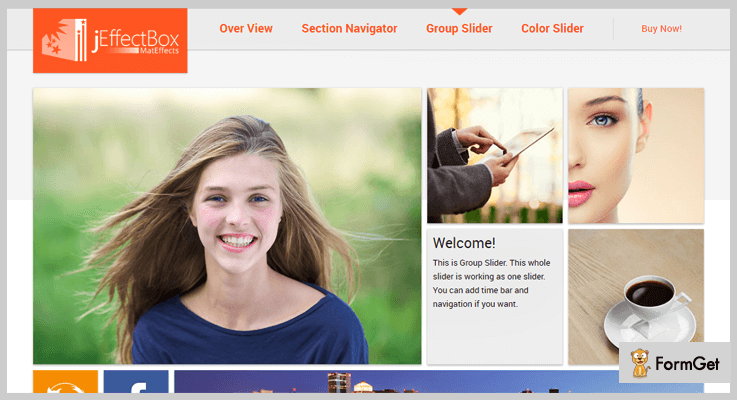
1. Overview – A pop-up that contains elements(login box, image gallery etc.) and slides in from right side of the window.
2. Section Navigator – These are clickable icons that directly navigates you to the different sections of the same page.
3. Color Slider – This is a hover effect given to the elements with color slide in/out on mouse over.
4. Group Slider – It covers multiple sliders running at the same time in one slide. You can configure individual slider’s easing effects, sliding speed and time.
It is absolutely functional on all kinds of devices like desktops, mobiles etc. Further, the detailed documentation provided elaborates plugin’s functionality.
Pricing
Have this amazing plugin on your website at just $11 with 6 months support. You can extend the support for 12 months at $3.38
Features
- This plugin allows using one effect multiple times on the same page.
- It is a very lightweight plugin with a minified version of 14kb only. Integrate this to your website without hindering the site’s performance.
- Using CSS helps to recreate the appearance and look to match up with any website design.
- The 4 effects mentioned can be customized easily with the given settings option.
2. Materialish Tabs
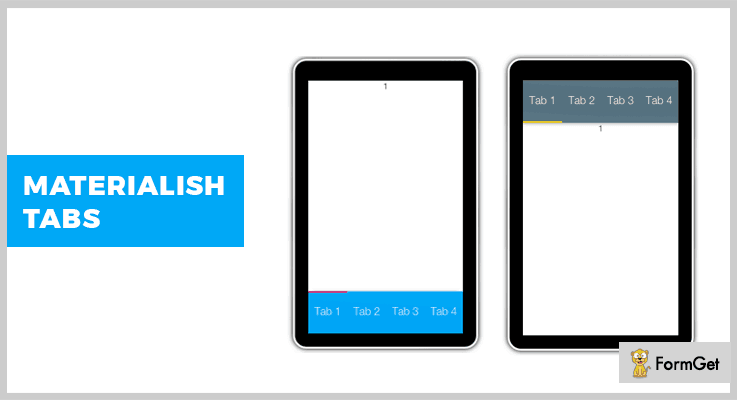
This plugin includes simple tabs which are based on the material design by Google. This includes tab-controller and tab panels. Further, you can add up as many tabs as you want on a single page.
Also, the plugin is enabled with CSS customization for even better display on your website.
Pricing
This plugin is available at a very reasonable rate of $5 only.
Features
- The plugin ensures a touch-friendly usage as it has an application on the mobile screens as well.
- You can add the multiple tabs either on top or the footer of the page.
- In addition to all of this, this plugin is absolutely compatible with the bootstrap framework.
- This plugin provides you with examples in basic HTML file which can be modified and reused.
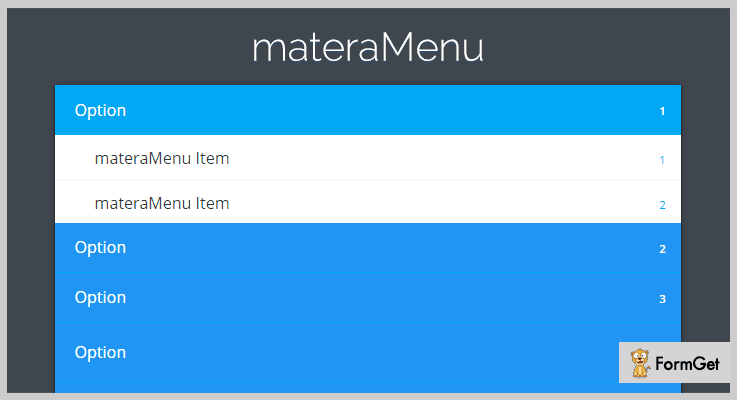
3. materaMenu – Responsive Material Vertical Menu
This plugin provides a vertical navigation menu for your website. Navigation menu can be positioned as a fixed top menu or in widget style on a page. The fixed top menu opens up as a full-page drop-down menu.
Further, this plugin uses codedroids plugins principle of simple and fast usage for the users.
The plugin further excels in its performance as it is not generic to serve multiple purposes. Hence, you can pull out its functionalities and use it to a particular task with maximum efficiency.
Pricing
The plugin is ready to use at an affordable price of $15 with 6 months support. You can further extend the support to 1 year at $4.88 only.
Features
- The plugin provides an easy way of the menu set up anywhere on the page, as it requires only a copy-paste approach.
- It integrates 6 color themes for the menu from material design.
- materaMenu is very responsive for all kind of window screens.
- This plugin doesn’t require any coding language knowledge nor a documentation to be referred to set up. It is even more simple to use.
4. Kast – Extraordinary SHOUTcast HTML5 Radio Player
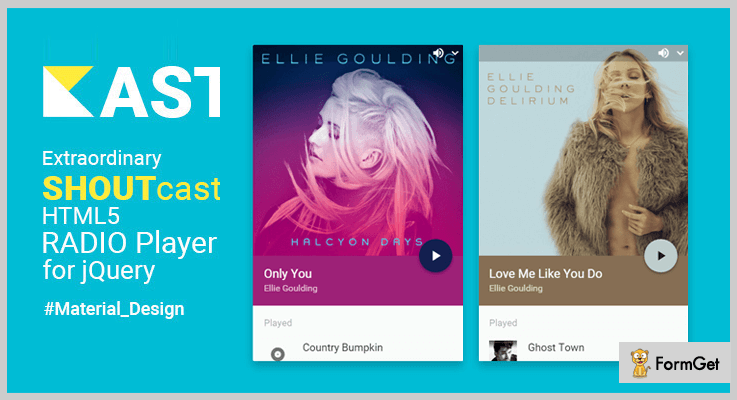
This plugin allows live radio station streaming to the site visitors on all the devices like desktops, tablets, mobiles etc. It allows live streaming of radio station as a sticky player on your website.
The plugin also allows displaying information about current listeners, genre, current and played tracks, artist name and a lot more about SHOUTcast server.
It also provides streaming of multiple stations from the same server. The plugin also supports multi-format audio players like MP3, OGG, AAC+ etc.
This cross-browser compatible plugin supports DNAS JSONP for SHOUTcast metadata.
Pricing
Get this plugin for your website at $129.
Features
- The plugin supports HTML5 audio player. For eg. all the versions of SHOUTcast station.
- It facilitates album artworks to retrieve tracks from music database with lastFM API.
- Also, it provides material design 20+ color options along with material dark and light themes that can be changed dynamically.
- You can display an offline message on SHOUTcast server. This is possible while internet connection loss as well.
- Allows easy customization and control on various elements of the player.
5. Material Design Hierarchical Display
The plugin uses Hierarchical display (also referred as timing) of material design for creating transition element. For example, when a user clicks on any element of the page, the page either refreshes or it redirects the user to some other page.
It allows you to create a hierarchical display effect that will create transitions while opening up the clicked elements with an interactive and dynamic animation effect
In simple words, the plugin utilizes hierarchical timing from material design to show unique transitions. This makes it a must-have plugin on the website as it focuses on an extraordinary layout to grab visitors attention.
The plugin provides its users an explicit documentation and demo as well.
Pricing
You can use this plugin for free by downloading it from github.org
Features
- The plugin provides a toggle animation option via basic data attribute configuration
- You can control the animation speed and action as per the requirement. For eg., you can either show/hide/toggle the animation and trigger it with a ‘start animation’ button.
- It allows using unlimited latest and distinguished display effects.
For Animation In – flipers, hinge, flash, pulse, and variety of entrance/exit effects (zoom, bounce etc.)
For Animation Out – jello, wobble, tada, rubberband, and numerous rotating and sliding entrance/exit effects. A lot more actually. - The plugin performs well on the variety of browsers like android, chrome, IE, Safari etc.
6. Material Preloader
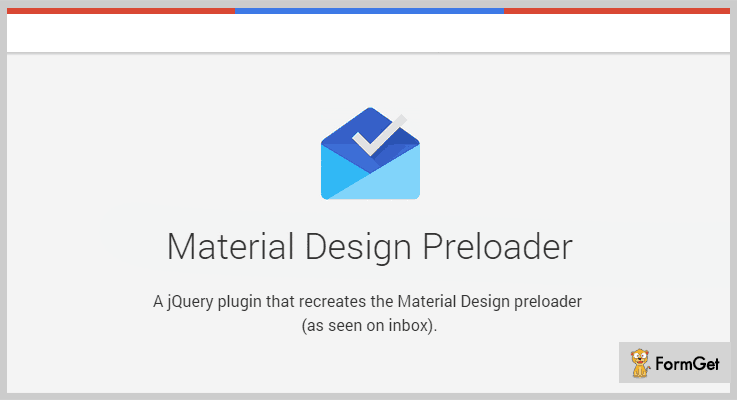
This jQuery plugin gives a recreated inbox preloader from material design. This can be used in any given website or web application.
It can be stylised in any way according to the requirement with the help of CSS.
Websites and apps are continuously adapting this plugin as the plugin is cross-browser compatible.
Pricing
Get this plugin on your website without paying any amount as it is free.
Features
- You can use multiple colors at once unlike the unicolor preloaders to give more noticeable effect.
- The user can set the position (top/bottom) and height (any length according to the available space) of the preloader on the web page very easily.
- This plugin allows fade in and fade out effect also. You can set the speed of this effect as per your choice.
- Preloader can be turned off at any given point of time as well.
Wrapping Up
These jQuery material design plugins have always been in great demand. Every single plugin seamlessly integrates with your site. Make the most use of them as they are designed to enhance the functionality of your website to the fullest.
You can easily pick the suitable one (from either paid or free) according to your website need and start using them instantly. For any further query or suggestion, comment in the below section.
Thanks and regards
5+ jQuery Blur Plugins 2022 (Free and Paid)

Using a blur effect on your webpage is not at all considered as an accidental mistake. Since the trend has changed now!
Webmasters have started using the much-talked-about “blur effect” to showcase and highlight their important section of the website.
And I am sure, you must have noticed this blur effect mostly on the images, media files or a text write-up of the web page.
You can browse and find the huge impact of integrating this feature for yourself!
And if you add this blur effect in your website in a balanced way, the content will be ready to catch sight of the visitors automatically.
Ready to try blur effect on your website too?
Now, let these jQuery Blur Plugins take up the responsibility to do the action. These plugins are equipped with all the required features that can help you get extraordinary effects for your website.
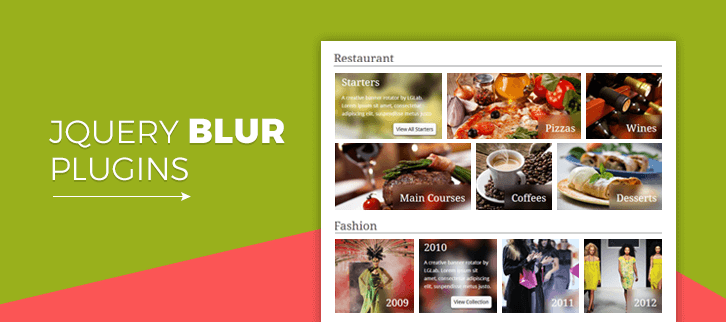
Following set of jQuery blur plugins are very much feature loaded. For instance, give layering on the entire page or selected portion, use SVG filters to control the blur intensity. Also, you get to create beautiful sliders along with numerous effects. You can be assured of the responsiveness while choosing any of the plugins.
Do check out these amazing blogs too on jQuery
Use them to to display the data visualization corresponding to geometry locations.
These plugins will provide you support for the placeholder attribute for all kind of browsers.
Using these plugins you can embed a spreadsheet compatibility with Excel on your website.
1. Zoome – jQuery Image Zoom Effect Plugin
The plugin facilitates you to zoom images with clear and maximum resolution. With its high definition clarity, you can focus on the minute objects in the image very easily.
An additional and unique feature of hover effect is added while enlarging any section of the image. This is done in order to give maximum focus on the targeted zoomed section. The hover effects are:
- Blur – Background is blurred
- Grayscale – Background is black and white
- Transparent – Background is added with white light.

Pricing
Grab this plugin as soon as possible since it is available at a very affordable price of $5 for your website.
Features
- The lens used to zoom is very flexible. You can define values to set zoom range (1.5x, 2x etc.) and magnifier size eg. [100,100] and so on.
- A swift zoom-in and zoom-out on the image are easily possible with the mouse wheel.
- This plugin is compatible with popular browsers such as IE8, IE9, Firefox, Opera, Chrome and many more.
2. VuAll – Creative jQuery Grid Slider
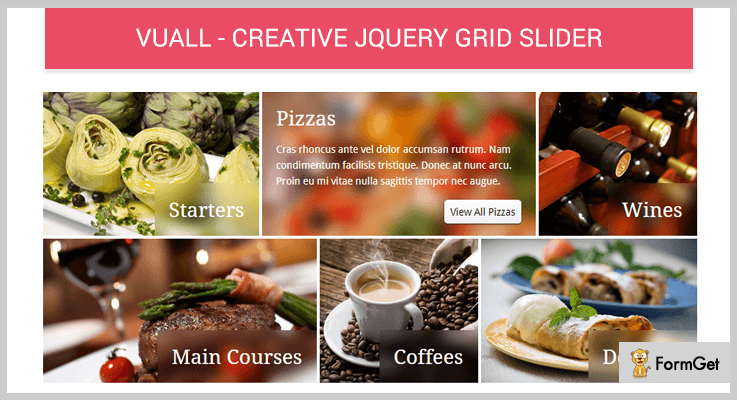
This plugin allows the user to create an impressive grid slider to their website. You can add unlimited images in the grid of different sizes.
Further, it uses HTML5 canvas with IE fallback function to provide astonishing blur effects on the slider.
The plugin lets you have an optional amount of blur. Like you can either create a layer of blur on the complete page and write text on it or blur a small section with text. Both will pop up the text.
You can anytime refer to the complete documentation provided for an in-depth knowledge.
Pricing
With so much features to add to your website, this plugin costs only $6.
Features
- It gives you full control on the rotation interval of the sliders, as you can set the delay time for each of them.
- This plugin comes with easy customization for various fields, like textarea padding, text background color, image border size and so on.
- Adding to the list of unique attributes, it also gives an auto rotate option for your sliders. Completely optional though!
3. Crystal Gallery – jQuery Gallery with Blur Effect
The plugin lets a user present his artwork in a unique gallery look. It could be anything like photography, paintings etc. You can choose between any of the 5 options provided which suits best: Fixed dimension sliders, full-width sliders with thumbnails, full-screen category with categories and sliders for banners and widgets.
And a gallery created with any of those effects ensures an absolute responsive layout.
Further, the translucent blur effect adding option will enhance the presentation like anything. This is because you can anytime alter the color and strength of the blur.

Pricing
Buy this plugin at just $10 with 6 months support. You can anytime extend this support to 12 months at $3 only.
Features
- The blur effect for thumbnails and overlay boxes will give a completely outstanding impact on your website.
- Integrated with Flickr feed, the plugin allows users to access their Flickr account to manage and share the gallery images.
- It allows full customization to the slider functionalities like adding a custom company or gallery logo, various navigation positions, autoplay and a lot more.
- This plugin lets you add multiple galleries on a page with an optional fullscreen layout with toggle.
4. Picanim – jQuery image hover effect plugin
If you are in search of a maximum variety of effects such as grayscale and transparent with variations, then this is going to be your favorite one.
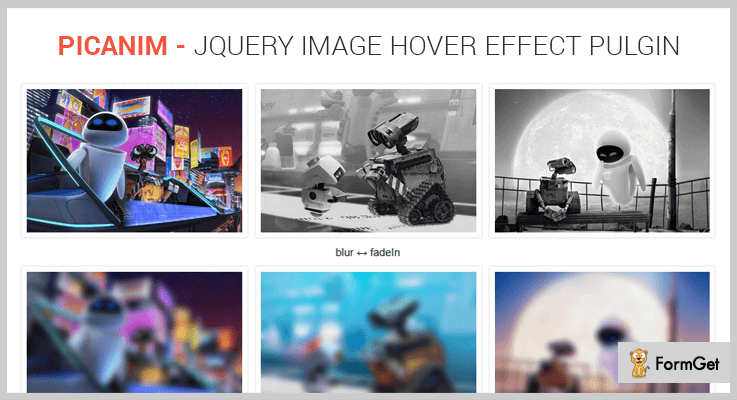
This plugin adds a various transition to the blur effect like fade in, slice upright, fold right, box diagonal.
Not just this much, it provides 27+ unique hover effects to bring more animation to the image.
Pricing
Attach this plugin in your website by spending just $9 for it.
Features
- This plugin is very light on your system. Just 3kb to be precise.
- It provides absolutely easy configuration for the effects to be used with multiple options. Like the number of slices in slice animation, animation speed, overlay capacity etc.
- The plugin supports adding img tag of certain width & height along with its src and alt attributes.
- You can allow showing tooltip to show image info on mouse over.
5. Vague.js
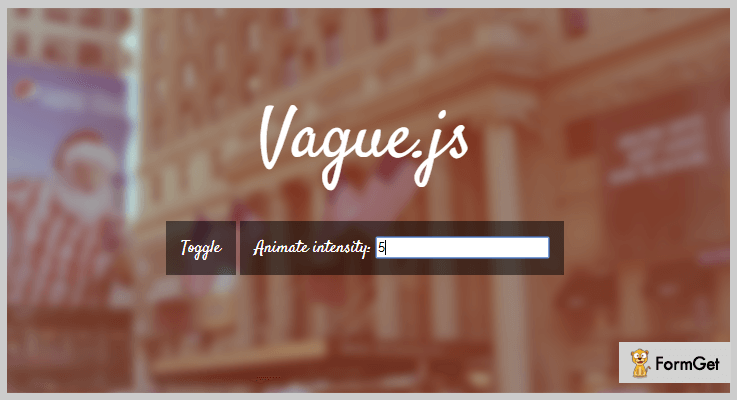
This plugin is regularly imported by the users into their website in order to blur any HTML element they want. Also, this is possible with the use of SVG filter that seamlessly applies various effects.
And the only requisite for this, jQuery JavaScript library.
Pricing
You can download this plugin from github.org since it is free.
Features
- SVG filter lets a user opt between blur and unblur for the selected element with a toggle button.
- It also facilitates you to use easing function and set the speed at which blur occurs.
- You can animate the blur intensity at any desired value.
- The plugin is supported by many popular browsers like Firefox, Chrome, Safari etc.
6. Blurr
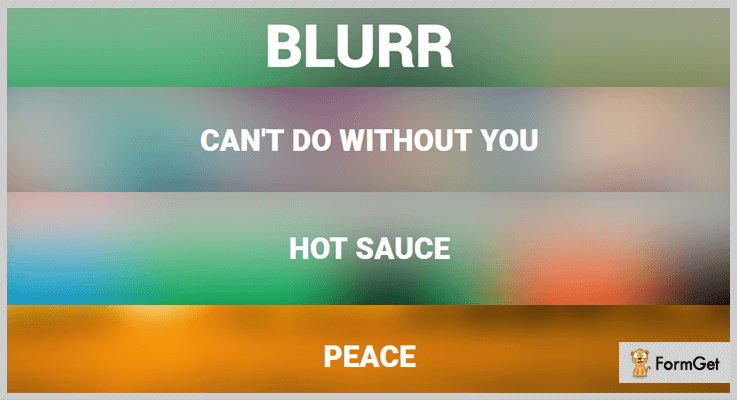
This jQuery plugin is best known for creating blur backgrounds for any image on your website. It allows users to control the sharpness of the blur completely so that it goes in sync with the image.
These jQuery blur plugins are lightweight and easy to use. You can easily integrate them into your web pages with few lines of code.
Pricing
Use this plugin for your website without spending any money as it is absolutely free.
Features
- This plugin allows providing a blurred background for any kind of image irrespective of its size.
- It is compatible with all the modern browsers like IE 9+, Chrome, Firefox etc.
- Also, the plugin comes with complete documentation to assist you in better understanding
Conclusion
You are provided with some of the best jQuery blur plugins which are both paid and free. Every plugin mentioned here is tried and tested by us. So, you can be assured of the fact that these are going to lift up the user’s experience.
For any further queries or question, you can comment below.
5+ jQuery Form Wizard Plugins 2022 (Free and Paid)
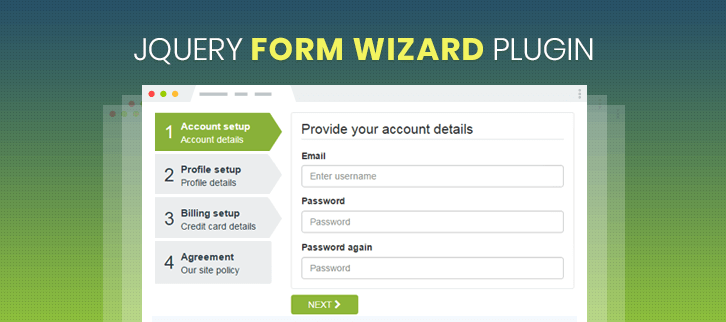
“Integrate step by step form wizards with jQuery Form Wizard Plugins.”
If your website has long forms for entering users data then you can convert them into a series of related steps.
Long forms are really annoying and visitors try to escape from entering large information.
That’s why you should have wizard forms that can give indication of their progress as they enter their information.
jQuery Form Wizard Plugins smartly divide your forms into several steps enabling your visitors to fill out those forms without getting inattentive.
However, there are lots of wizard plugins available in the market but to help you out we are sharing the filtered list of 5+ jQuery Form Wizard Plugins.
Check out!
Swift through more jQuery plugins!
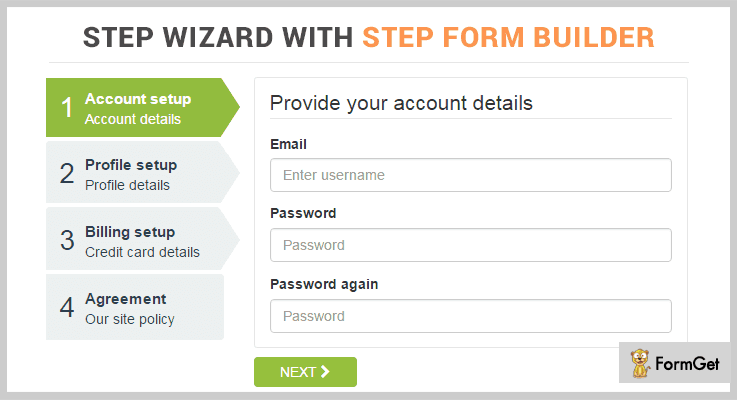
1. jQuery Step Wizard With Step Form Builder – Timon Step Form
It is all-in-one wizard plugin that comes with the power combo of 21 styles and 8 transition effects. You can also set up a basic form validation with this plugin.
The plugin comes with predefined set of forms with many sizes. You will get unlimited customization options to create form that better fit your needs.
You will get bonus of ‘Grumpy – Multi Step Indicator 60 Style’ plugin with it for creating step forms easily. It has 60 CSS3 styling designs by which you can create both horizontal as well as vertical step forms.
Features
- It comes with detailed documentation having explanation and ‘how to’ enabling you to publish your multi step form effortlessly.
- The plugin lets you create clutter-free forms because every step is efficiently laid out.
- You can do unlimited color customization of multi step checkout process.
- It is compatible with IE10, IE11, Firefox, Opera, Chrome and Edge browsers.
Pricing
You can get this plugin at $10 with 6 months support from CidCode. Your request will be responded within 24 hours or less by the provider.
2. Multi Step Form Wizard jQuery Validation
This plugin can be utilized for all sort of web applications like CMS, CRM, custom admin panel and project management system. It is based on jQuery, HTML5 and CSS3.
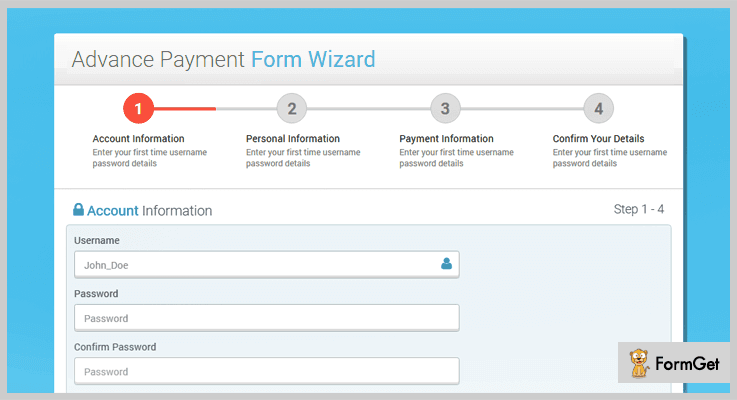
You will get full jQuery form validation with this plugin with which you can validate all or specific field of your multi step form.
It provides step counter which displays form filling progress through a sequence by breaking it up into multiple steps.
Features
- This plugin is designed to support any device using latest Bootstrap 3 framework.
- You can set the option to switch on the next step of the form with or without validation.
- It allows to create wizards with: clickable all step, disable all step click, clickable active step only and multi theme option.
Pricing
Get this plugin at $8 with 6 months support from logicalstack.
3. Form Wizard – Multi Step Form Validation
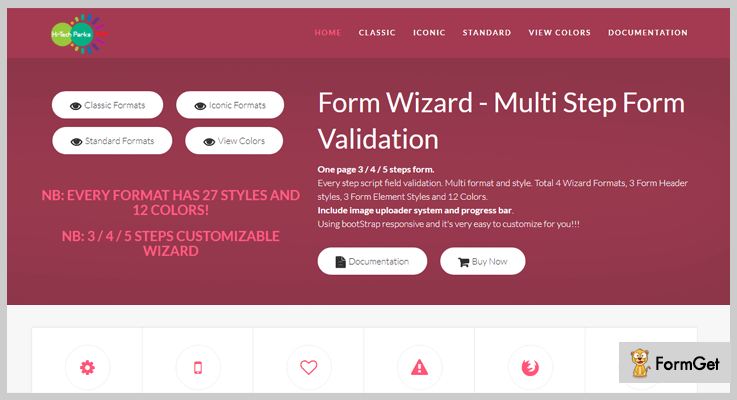
It is a lightweight wizard plugin that can create 3/4/5 steps wizard with jQuery. The plugin comes with 4 formats, each having 27 styles and 12 colors settings.
You will get script field validation for every step. It also includes image uploader system and progress bar. So that users can know their completed steps, current step and how many steps still remain to complete.
The plugin is bootStrap responsive thus it’s very easy to customize
Features
- It has bug and error free code.
- The plugin is compatible with multiple web browsers.
- Responsive design makes it desktop, tab and mobile friendly.
- You can also create User, payment, employee as well as bank registration forms with this plugin.
Pricing
It will cost you $9 having 6 months support from Hi-TechParks.

4. Wizardify jQuery Plugin
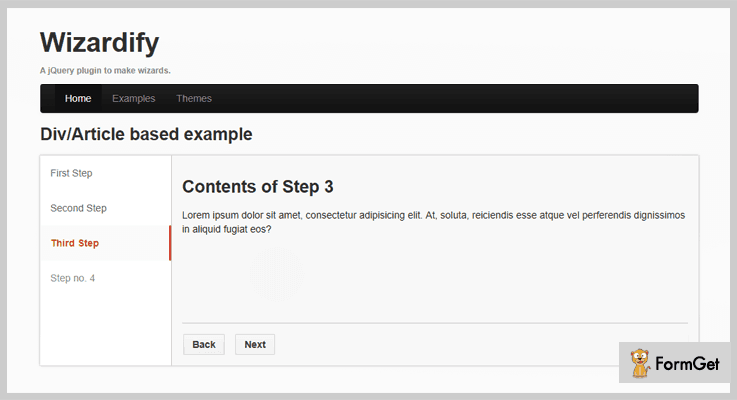
If you want to convert your HTML form or simple markup into a functional wizard then this plugin will be a solid choice for you. The plugin design is based on linear-navigation, visitors need to navigate step-by-step.
You will get numerous options to change the layout of your forms to suit your needs. It comes with three theme templates of light, dark and blue color. You can set the position of content and step bar at left, right or top inside the Div.
Features
- This plugin is compatible with IE9, IE10, Firefox, Safari, Opera and Chrome.
- While creating multi step wizard form you can also add extra ‘cancel’ button with ‘next’ and ‘back’ buttons.
- You can also choose to hide the step pane.
- The sidebar titles of the step form are clickable.
Pricing
Get this plugin at $6 including 6 months support from dexterous.
5. jQuery QuickWizard
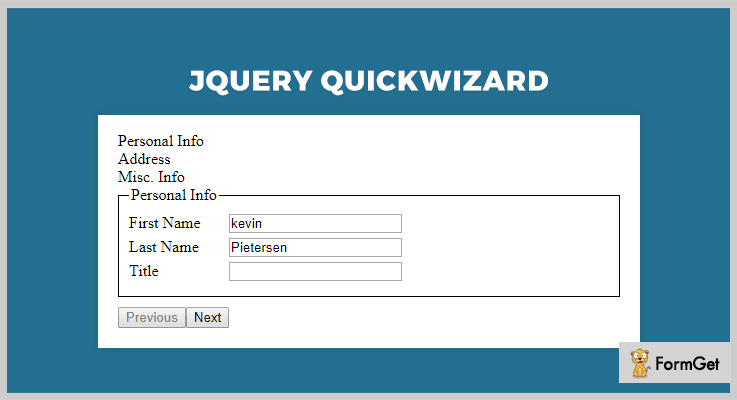
This plugin takes the subsections of a form and transform them into screens which is paged in a wizard-like fashion by the plugin. You can transform your forms smoothly by following conventions of markup fields.
You can include jQuery validation plugin with this for its out of the box performance. Also, if you want to specify fancy effects for the wizard transitions then you can include jQuery UI/Effects Core. It is also providing demos to show you how it works with these plugins too.
Features
- It generates the previous and next button for navigating between the fieldsets.
- You can also use the jQuery easing effects and set the value for variations on the swing behavior.
Pricing
It is a free plugin by GitHub.
6. jQuery Ajax Wizard
It is a form wizard plugin that provides next step based on the user’s input via AJAX. In a multi steps form, when the user fill inputs in the first step then only can move to further steps.
Each step of the form generates a hash, so the plugin makes a new AJAX request only when the user change some data to a already gotten step.
Features
- You will get many callbacks with this plugin.
- It is lightweight and clean coded.
Pricing
Download this free plugin from GitHub.
Wrapping It Up!
After going through this blog, you get to know that some jQuery Form Wizard Plugins have many handy features with advanced form customization.
These form wizard plugins are going to provide better user experience and help you receive more form entries.
Please, let us know in the comments which one of these jQuery Form Wizard Plugins you like the most.
5+ jQuery Confirm Dialog Plugins 2022 (Free and Paid)
jQuery confirm dialog plugins are quite useful and allow creating dialog boxes other than the ugly looking standard ones. These boxes are simple popup windows that are intentionally embedded on a certain page event. These popups opens on the same page without any redirections to a new webpage.
Rich and easy to use dialog boxes can be a nice way to make your website modern without extra efforts. So, if you really want good looking dialog boxes for your site use the ready-made custom ones. Here we present the 5+ best jQuery confirm dialog plugins of 2022.
Swift through these popular jQuery plugin blogs:
To sort your table data in a pattern or textures, highlights the rows & columns.
This plugin will help your users refresh page on your website with ease.
These plugins smartly divide your forms into several steps so as to make it more interractive for the visitors to use.
1. jAlert – Prime In jQuery Confirm Dialog Plugins
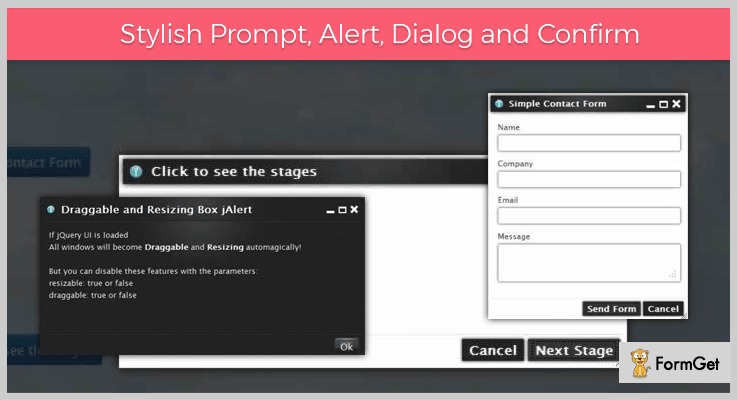
jAlert jQuery plugin is a pleasant way for the alert, prompt and confirms dialog boxes. It’s not just a replacement but it also allows you to create forms within these boxes. It is a highly versatile product, you can override the normal JavaScript with a single line code. Easy use for your login forms, admin panel notifications, the registration procedure and more.
Moreover, it’s a sophisticated tool to prompt user input in a stylish way. Four extremely elegant pre-designed themes are available ready to use directly. Also, you can easily create a new theme for the alert boxes.
Pricing Plan:
jAlert jQuery plugin has a regular licensed plan of $7 and an extended license plan of $35 with 6 months full support.
Features:
- Resize the windows by your scales.
- Easily drag the dialog window to anywhere on the screen.
- The window can be minimized and allow several other windows to open at the same time.
- Also, it supports multistage process or questionnaire.
2. Dialogize – jQuery Confirm Dialog Plugin
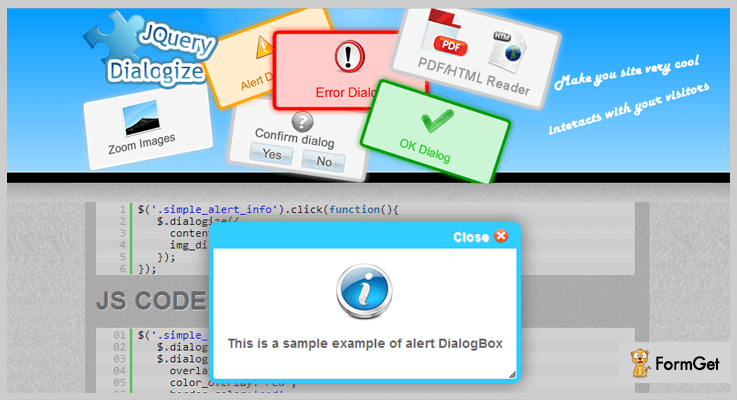
Dialogize makes your site look cool for your visitor’s interaction. It dialogize the “type” option of the content as empty, pdf and image. The “empty” option generates a dialog box with the content as you set. In the “PDF” option the dialog box becomes a PDF reader. And in the “img” option the box becomes a zoom image. For the “confirm” option it becomes a confirmation box with two buttons Yes and No.
Pricing Plan:
This easily affordable jQuery plugin has two pricing plans.
- Regular license plan – $3
- Extended license plan – $35
Features:
- Callback functions are available before opening and closing of a dialog box.
- It provides some CSS styling via JS code.
- It has multiple colors and images for each dialog type.
- You can drag and resize the boxes. Also, you can specify width and height parameters to override the default ones.
3. Super Dialog Modal Window – jQuery Confirm Dialog Plugin
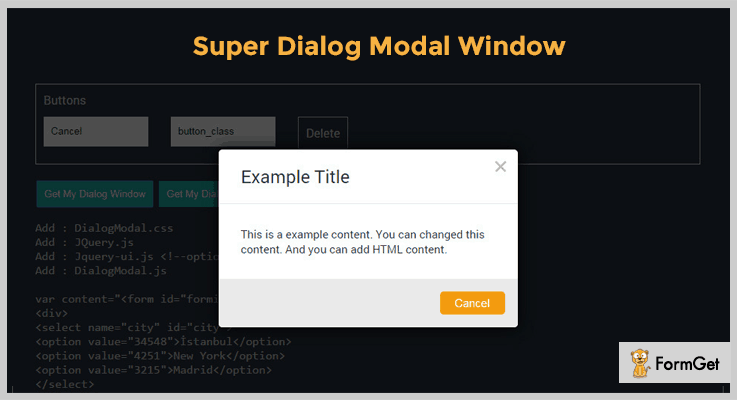
Super Dialog Window is a very simple and basic functional plugin. It is fully-responsive in all manners that is it can easily adjust to different screen sizes.
Furthermore, It has 5 themes totally available to use directly they are- default, purple, red, yellow, turquoise, and green.
Pricing Plan:
Grab this plugin at a regular license of $9 with 6 months full support and an extended plan of $45 only.
Features:
- It is a modern and responsive jQuery plugin with easy to use functionality.
- This theme has multiple options for themes.
- You can add unlimited contents to the dialog boxes.
- There is also an availability of an unlimited number of buttons.
4. Easy Confirm Dialog – Prime In Free jQuery Confirm Dialog Plugins
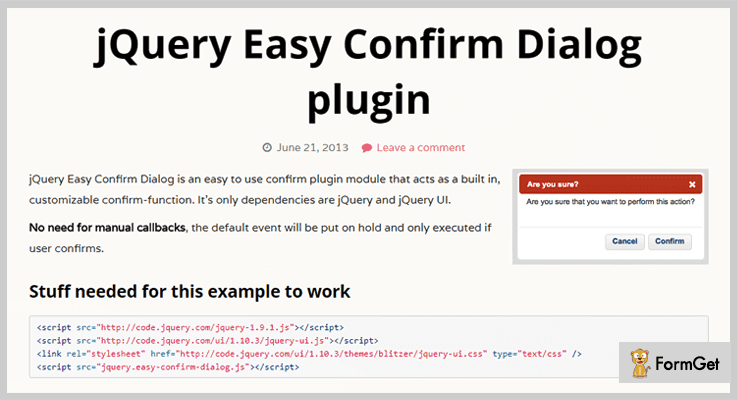
Easy Confirm Dialog jQuery plugin presents built-in confirm dialog functionality. The plugin is highly customizable for the admin/developer with the knowledge of jQuery.
There is no need for manual callbacks, the plugin puts the default event on hold which executes accordingly as the user confirms.
If an action is specified for the target then it works accordingly or if a URL is specified then a redirection is carried out.
Pricing Plan:
Grab this plugin for free.
Features:
- Compatible with the latest version of jQuery.
- It is a translation ready plugin i.e, it is available in multiple languages.
- Open source and lightweight plugin.
- Full support through trained professionals.
5. Dialog.js – jQuery Confirm Dialog Plugin
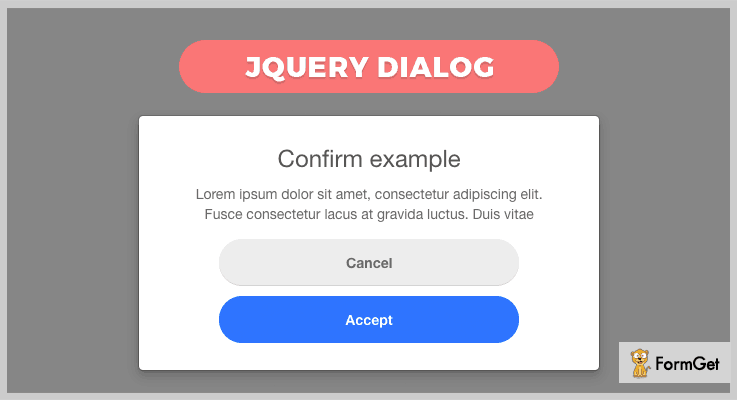
Dialog.js is a very lightweight replacement for the default dialog boxes. You can simply use these simple and easy to use dialog boxes as an alternate for the browser’s default popup dialog windows.
Pricing Plan:
Dialog.js is free product of GitHub and you can easily download it from the official site.
Features:
- This plugin uses pure HTML5 and CSS for designing. You can also customize it using simple coding knowledge.
- Excellent documentation for making efficient usage of the plugin.
6. jQdialog – jQuery Confirm Dialog Plugin
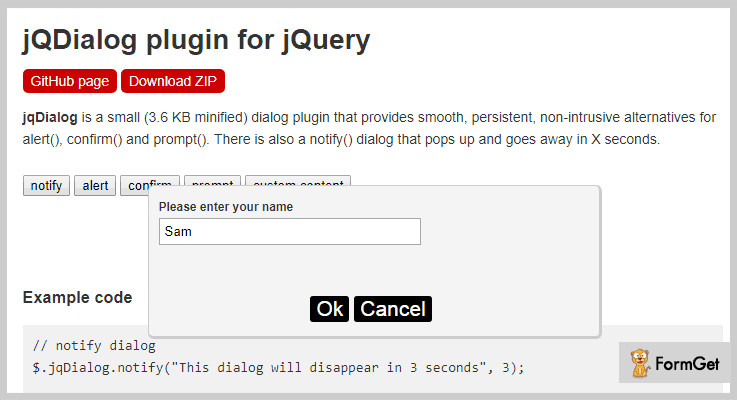
jQdialog is a very smooth and responsive jQuery plugin for replacing the standard ugly dialog boxes. It is a persistent solution to dialog box styling and positioning. It is a very clean coded plugin with extreme parameters. The jQdialog plugin weights only 3.6 KB minified.
Moreover, there is also an additional notify() dialog box that pops up & goes away in 10 seconds.
Pricing Plan:
The jQdialog plugin is another free product of GitHub. Download it from the official website GitHub.org.
Features:
- It is a very small & light-weighted plugin.
- This a browser-friendly product and works compatibly with all major browsers.
- It supports the ‘Enter’ & ‘Escape’ keyboard shortcuts.
- Also, the plugin’s documentation is so clear that even a beginner can make use of the plugin with basic jQuery knowledge.
Conclusion:
In conclusion, these jQuery confirm dialog plugins can be used for the dialog box functionality on a webpage. These plugins are easy to integrate and only require downloading the library, you only need to include it in your code. These plugins are pretty lightweight and offer great customization to modify the default implementation.
Hope this article helped you. Please do share your feedback in the comment section below.
We’d love your feedbacks.
Thanks for reading!
4+ jQuery Heatmap Plugins 2022 (Free and Paid)

Why do you need jQuery Heatmap Plugins for your website?
Because heatmaps take your webpage and use a system of color-coding to represent different values on your website. It represents the mouse-movements, clicks and various user behavior on the webpage.Th
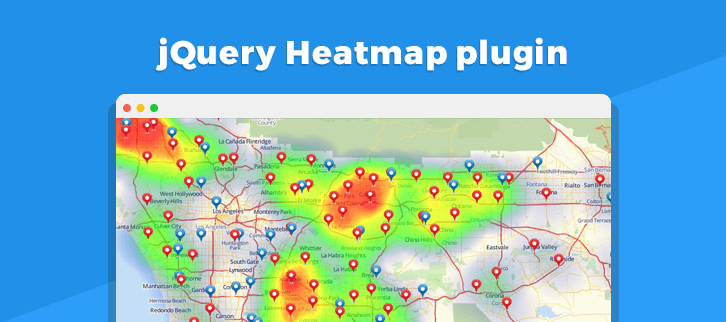
That’s why in this article we’re going to share 5 best jQuery Heatmap Plugins that help you to provide real-time analytics of your website and also visualize the section of a page where your visitors click.
With these jQuery heatmap plugins, you can maintain the performance of your website and also find the loopholes of your site. Plus, with these plugins, you can also investigate the issues of not working page of your website.
Therefore, we can say that it becomes the roadmap for tracking, analyzing and communicating the problems of your website. The plugins in this article come with lots of amazing features like a different color combination, panning & zooming effects, a more comprehensive overview of how users are really behaving on your site and various more.
Now dig in and find most rated jQuery heatmap plugins below:
Few more story to read –
1. Stock & Forex Markets Heat Maps:
This plugin is for those who run the business of stock market and love to do trading. Stock & Forex Markets Heat Maps is a jQuery plugin which helps you to display the major stock indices performance of every country or how they are traded. The plugin consists different colors in the map to represent the heat of the stock market.

Another Prominent Feature:
- By getting this plugin you can visualize the various section on your website like stock & forex marketers, cryptocurrency, contact us form, support section and more.
- You can also compare the currency and stock markets of different countries by using this plugin.
- It provides a zooming & panning feature which gives your website a clear navigation.
- The plugin displays the map of every country with their currencies and stock indices.
- It supports an FAQ section so that you can ask any questions frequently.
Pricing:
The regular license entitles you to use the product on one website/domain at $12 only. If you want to use it on multiple websites/domains you have to purchase its extended license at $99.
2. jQuery Hottie Heatmap Plugin:
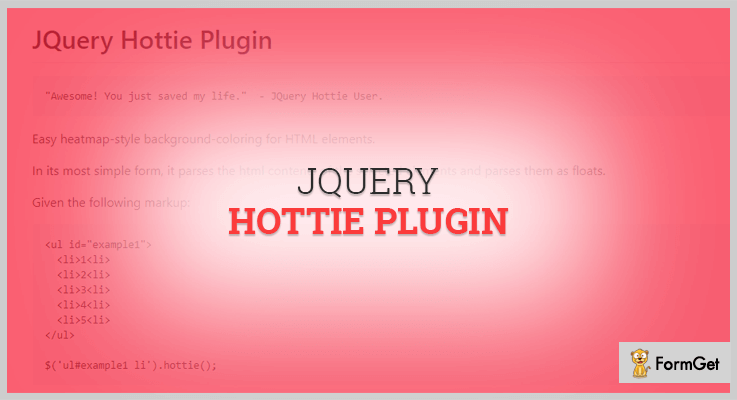
jQuery Hottie is a simple heat map plugin which provides easy-style background-coloring for HTML elements. The plugin parses the HTML contents as floats. It also contains a numeric value for coloring each element of your website.
You can also pass various function on your site as an option which tells the plugin how to retrieve the numeric values on your website.
Another Prominent Feature:
- It contains SCSS which is a preprocessor of CSS that runs on the server and compiles to CSS code that your browser understands.
- The plugin provides various buttons like run, update, save etc to manage all your data.
- You can set various HTML versions on your website according to requirements such as HTML 4.01, XHTML 1.0 and more.
- It provides a normalize.css function which is a small CSS file that provides better cross-browser consistency in the HTML elements.
Pricing:
This plugin will cost you $0. You can download this from GitHub’s official website.
3. Gamut jQuery Heatmap Plugin:
This plugin lets you create a tabular heat map or other visual systems with different color ranges, data fonts and creating a spectrum for the values. Gamut is also helpful to add a background color to the table cells present on your website.
The plugin applies the CSS property to keep your website’s page stylish and colored and later it assume the total number of colored elements used. However, you can also override those elements and supply your own values or colors. Additionally, you can also insert tables, divs & inline elements on your web page as well.
Another Prominent Feature:
- The plugin enables you to call a data callback function on each element for supplying your own values.
- It provides a colorArray option for hex format (a file format which contains hexadecimal characters) to associate with the data points from lowest to highest on your website.
- The plugin is compatible with almost all browsers like FireFox, Chrome, IE8+ etc.
Pricing:
Gamut heatmap plugin is absolutely free to use. So you can download it straight away from GitHub’s site.
4. Heatmap jQuery Plugin:
Heatmap is one of the most advanced jQuery heatmap plugin which comes with a pricing of $0. It is simple jQuery plugin to display the visualization of proportion data corresponding to geometry locations.
You can track the mouse clicks, touchscreen taps, overlayed on the webpage with this plugin. Plus, its responsive design caters the need of a different screen by creating a range of heatmaps.

Another Prominent Feature:
- The plugin is lightweight and fully customizable so you can customize your site according to your choice.
- All the data by this plugin can be viewed in jQuery platform and there’s no need to visit any third party platform.
- Different heat maps are drawn to cater the responsive design of your website.
- Heatmap can be created for any webpage on your website.
Pricing:
This heatmap jQuery plugin is completely free to use. In fact, it doesn’t cause any hassle of registration and sign-ups.
5. jQuery Mouse Heatmap Plugin:
This is a big brand in heatmap plugin segment. It tracks almost every movement of the user on your website and even it redraw those movements, generate a heat map, or save those tracing record to the server.

Another Prominent Feature:
- Js Mouse Heatmap summarize where people touch, click, move the mouse, scroll etc on your website.
- This uses lots of colors and appears as a beautiful picture of where you have to analyze and interpret.
- It will attach an image and then move through the recorded movements in actual time to display the user interactions.
Pricing:
The plugin will cost you $0. You have to pay nothing at any stage of downloading this plugin.
Final Thought:
So, this was our take on the 5 most demanding jQuery heatmap plugins which help you to visualize the section of your web pages. These heatmap plugins provide real-time analytics of your website. So, without making any second thought select the best one for you and share an experience with us.
Moreover, if there are some better heatmap plugins in your mind then do share with us, we will definitely take that plugin as a list in our next blog.
5+ jQuery Placeholder Plugins 2022 (Freemium)
Use jQuery placeholder plugins on your website to add placeholders for providing a better user experience.
What are placeholders?
Placeholder is a text which holds on the blank space until the user fills it in with the required info. For instance, we normally see these placeholders in forms, email registration, or any other place where you are required to fill in the details. These placeholders provide you with the idea of what the kind of information is asked for or in what format you need to fill in the details.
Example, you see DD-MM-YYYY on the vacant field for dates.
With the help of jQuery placeholder plugins, you can add this functionality to your website.
jQuery placeholder plugins provide you with multiple features to add & customize these placeholders such as-
- You can add placeholders in the blank space & suggest the type of info required
- These plugins allow you to customize the styling & appearance using CSS.
- Besides, these plugin comes bundled with illustrative demos & a nicely-written documentation.
And a lot more…
For this reason, we have combined a list of free jQuery placeholder plugins which will definitely prove to be of great help.
So, let’s dive in & find the best jQuery placeholder plugin for your website.
1. jQuery Smart Placeholder – jQuery Placeholder Plugin
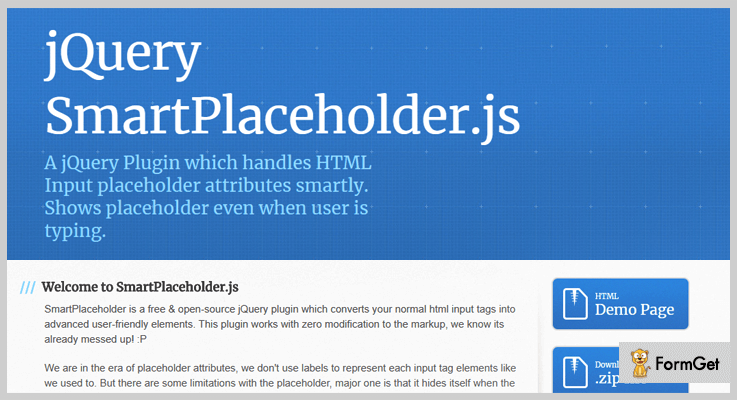
This is an outstanding jQuery plugin which allows you to create placeholders & customize them as per your requirement. Also, it provides you with various features that will allow you to customize the placeholder accordingly like you can change the size color, enter the text, and a lot more.
Besides, it comes along with a well-written code & documentation which provides solution & ease in implementation.
Pricing:
- This jQuery plugin is available at ‘github.com’. You can download & get all the features along with future updates without paying a single penny.
Features:
- You can create several fields and add the text of your own choice to fill in the blank space.
- It allows you to change the color in the form of RGB, HEX or RGBA.
- This plugin enables you to change the size & radius of the placeholder in pixels.
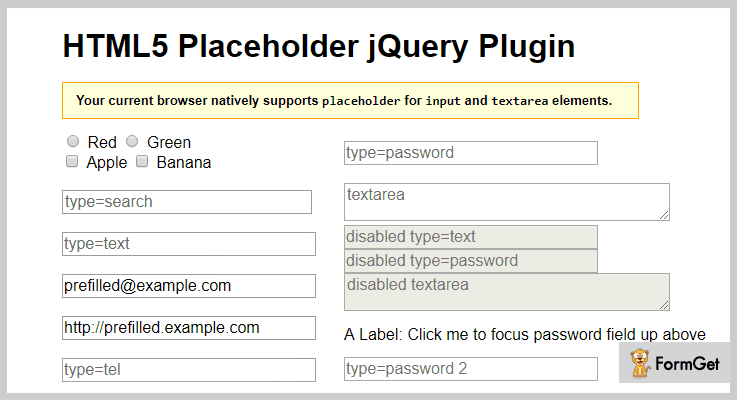
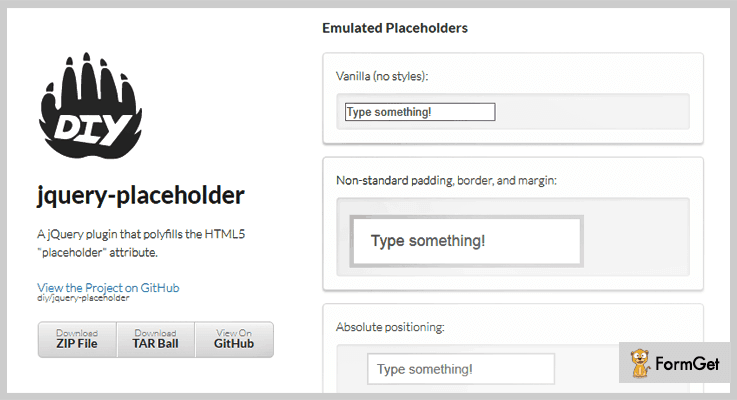
2. jQuery Placeholder – jQuery Placeholder Plugin
If you need a jQuery placeholder plugin which facilitates you with splendid features for easy customization and automatically detects the browser support. Then, this is just a perfect plugin.
jQuery Placeholder lets you add text in the vacant space in various fields you want to.
Besides, you can use <input type=”reset” /> to break the functionality & clear the fields.
This plugin is cross-browser compatible, 100% responsive & easy to use. Also, you can easily install this plugin by inserting the few lines of code.
Pricing:
- You can access all the features of this at free of cost. Simply go to ‘github.com’ & download this plugin for free.
Features:
- You can add various fields for information that you want from your users like email, It enables you to customize the placeholders as you wish to by using CSS for easy styling.
- It stores the data entered once in the cache which can be suggested in case the user wants to enter the similar data.
- Also, this plugin natively checks if the browser supports the placeholder area for input & text area elements
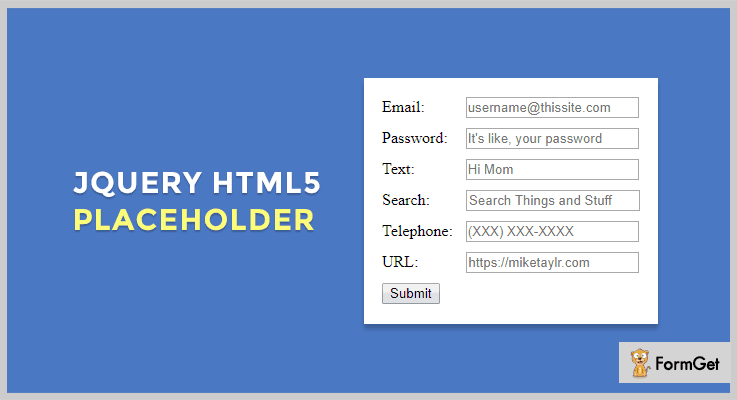
3. HTML5 Placeholder – jQuery Placeholder Plugin
This jQuery plugin is built to provide a facility to add placeholders on a website. It provides you with a wide range of features like easy customization, you can modify the text, color, etc.
Apart from this, it fits beautifully in all screen sizes & cross-browser compatible. Plus, it provides you with demos for better understanding.
Pricing:
- jQuery HTML5 is a freemium plugin. All you gotta do is download this plugin from ‘github.com’ without having to pay any price.
Features:
- You can efficiently add the text of your choice to these placeholders
- This plugin enables you to customize the styling & appearance via CSS.
- It tests the compatibility before implementing the HTML5 placeholder in any browser.
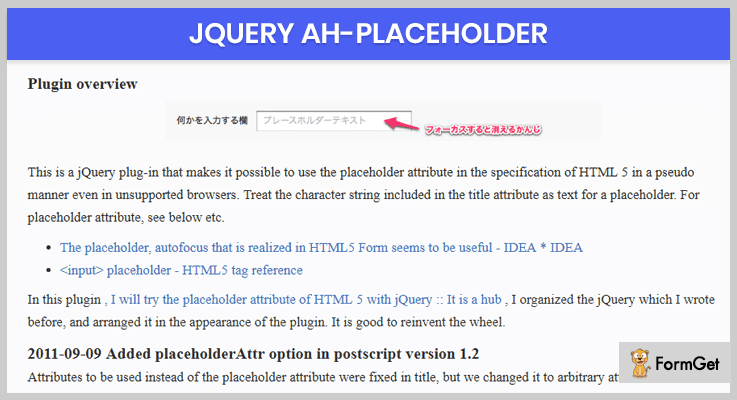
4. jQuery.ah Placeholder – jQuery Placeholder Plugin
Jquery.ah Placeholder is an astounding plugin which provides diverse features for creating & adding text.
Plus, you don’t need to worry about the cross-browser support as the plugin itself resolves the issues and supports almost all browsers.
This plugin is very user-friendly & responsive to all mediums & screen sizes like mobile, tablets, desktops, etc.
Pricing:
Get this jQuery plugin along with all its features without paying any price. Just go to ‘github.com’ & download it for free.
Features:
- You can modify the color of the text & several other attributes of the placeholder as you want to.
- This plugin works with almost all the browsers even the that do not supports HTML5 placeholder.
- It empowers you to create placeholders & add the desired text to it.
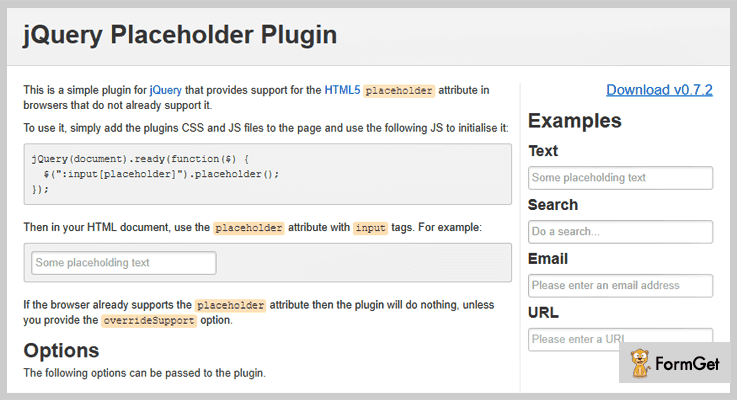
5. Jquery Placeholder Plugin – jQuery Placeholder Plugin
This is a freemium jQuery plugin which provides you with countless features like you can change attributes of the placeholder in the way you want to, add as many placeholders as you want, etc.
Further, you this plugin has the ability to carve itself and make it compatible with all the browsers.
Also, you can easily install this plugin by embedding few lines of codes.
Pricing:
- You can download this plugin for free from ‘github.com’ & get all of its efficient features as well.
Features:
- This plugin is cross-browser compatible & in case if some browser doesn’t support, it overrides the details.
- You can smoothly add as many placeholders as you want with the desired text.
- It enables you to customize the appearance as per your convenience.
6. jQuery Placeholder – jQuery Placeholder Plugin
jQuery placeholder is free of cost plugin which allows you to add text on the blank space suggesting the kind of information required in the field. It provides you with a variety of options for customization & creation of placeholders.
Moreover, this plugin is cross-browser compatible & 100% responsive.
Pricing:
- Simply download this plugin from ‘github.com’ & gain access to all the features without spending a single penny out of your pocket.
Features:
- You can change the color of text & background by using CSS.
- It provides you with override support through which you can ensure the compatibility on various browsers.
- Also, you can prevent the browser like Firefox from auto filling the content once it is refreshed.
Wrapping Up!
Finally, we have mentioned few of the finest jQuery Placeholder Plugins which will enable you to add a text in the box for time being.
Until the user does not fill the vacant place, these placeholders will continue to display.
We hope you must have found the perfect jQuery placeholder plugin for your website.
Do consider reading these bogs too –
- By using jQuery Spreadsheet Plugins, you can easily embed a spreadsheet compatibility with Excel on your website or application.
- jQuery Confirm Dialog Plugins allow you to create dialog boxes other than the ugly looking standard ones.
- Integrate your website with jQuery Table Sorting Plugins to sort your data in a very crucial way if looking for different pattern or textures, highlights the rows & columns.
At last, we hope you enjoyed reading the blog.
Contact us for any more queries & suggestions. We’ll get back to you as early as possible.
5+ jQuery Image Map Plugins 2022 (Free and Paid)
Use of jQuery image map plugins in your site is the ideal solution to keep the visitors of your site stay a bit longer.
Now, first understand what is image mapping?
The intention of an image map is to provide an easy way of linking various parts of an image without dividing the image into separate image files.
Or in more simple terms, you can pin up various elements on to the image file like a map location or a text etc.
That is why here comes the plugin called jQuery image map plugins which are used to coordinate the listing relating to a specific image.
These plugins are created in order to hyperlink areas of the image to different destinations in just a few clicks.
Here in this article, we have compiled a list of 5+ jQuery image map plugins which are responsive and highly customizable in nature.
Below listed plugins consist of both free as well as paid plugins with various functionalities. Some of them are a simple drag and drop editor, endless combination of styles and animations and a lot more.
These jquery image map plugins come with more than 600 high-quality font awesome icons which will give your site a better look.
Read some more useful blogs too!!!
Use these jQuery blur plugins to blur your website background images in a fraction of time.
Use these plugins to visualize the section of a page where your visitors click.
These placeholders plugins make it easy with the idea of what the kind of information is asked for or in what format you need to fill in the details.
Each plugin has their various special functionalities, let us discuss each jQuery image map plugins in detail.
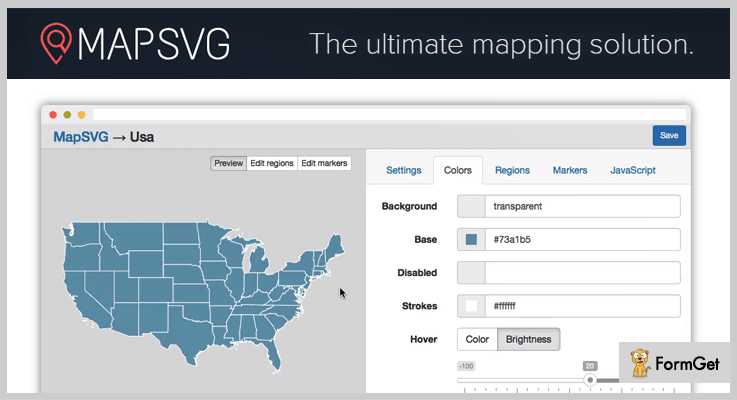
1. MapSVG jQuery – Interactive SVG Images Plugins
MapSVG jQuery interactive map plugin. This plugin helps to turn any SVG file into interactive map or floorplan. It is a highly customizable plugin so that you can make changes in the code according to your requirements.
The noteworthy feature in this plugin is it has more than 100 inbuilt geo-calibrated SVG maps. Further, it will allow you to edit in-built SVG maps in any vector editor.
Pricing:
Buy the regular license of this plugin at $25 with all the future updates and full support up to 6 months.
Feature:
- You can create various floorplans, village plans and interactive vector images using this plugin.
- MapSVG jQuery plugin helps you to build choropleth maps which allows you to show statistical data on your website.
- It permits you to draw your own in adobe illustrator or Inkscape with ease in a fraction of time.
- The plugin consists of markers with latitude and longitude coordinates gives your image maps a better look.
2. Image Map Pro – Best In jQuery Image Map Plugins
Image Map Pro plugin comes with the feature of the rich web app, so you can quickly and easily create the most comprehensive selection of custom image maps.
Also, you can put pins and custom shapes, and immediately export the maps to your website. One can easily place locations, add text and many more advanced functionalities such as drag-and-drop editor etc.

Pricing:
You can buy this plugin and get all of its features along with future updates at two varied prices-
- The regular license cost you $19 with quality checked by Envato.
- You can buy the extended license, at a reasonable price of $79.
Features:
- You are able to add video, YouTube content, images or buttons and of course text with styles to boot by using this plugin.
- The plugin consists of 12 column Bootstrap style grid where you can arrange your content in an elegant way.
- It comes with 150 high-quality SVG icons which allow you to change color and scale to suit any resolution.
- Image Map Pro’s editor permits you to customize to your heart’s content. So one can control the capacity of shape’s fill, the stroke of each line and even the corner radius to match your website design.
3. iMapper – HTML5 CSS3 jQuery Image Mapper
Image Mapper is a simple, yet powerful plugin in the list of jQuery image map plugins. The plugin allows you to select an image of your choice and pin stuff on it.
It can easily be adapted to a health image mapper, product image mapper, contact image mapper and more. Further, the plugin is very intuitive and easy to use, comes with good documentation.

Pricing:
The Image Mapper jQuery plugin is available at a reasonable price of $ 19 with 6 months support and regular updates.
Features:
- The plugin has 7 different embedded pins so that you can embed functionality for different pins, including accordion.
- It gives you the ability to choose on which side, the content open on. Further, the plugin supports Google fonts for better presentation.
- Image Mapper plugin has extremely intuitive backend design and it is easy to set up pins on the map with a single click.
- You are allowed to insert whatever you want inside the content part, including HTML tags.
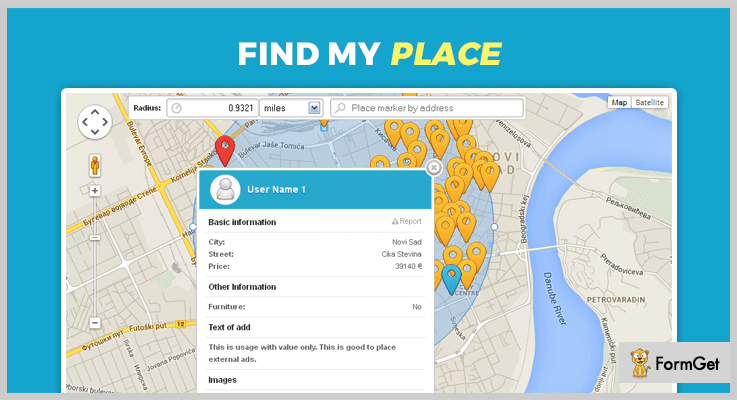
4. Find My Place jQuery Image Map Plugin
Find My Place is a lightweight jQuery plugin in the jQuery image map plugins list. It allows you to graphically represent locations on the map, and do a radius search.
Also, you can integrate with your custom search form, integrate your own or use pagination from helper file using this plugin.
You are able to decide where to place pagination, what to include in it. Also, you can add different units for radius measures using customization options present in this plugin.
Pricing:
Buy this plugin at $8 with full support system from one site and you will get regular future updates.
Features:
- It has a custom search form where you can create a search form for filtering the results and send form class or form id to the plugin so it can connect to it.
- Your user can report wrong marker location and send new coordinates simply by dragging a marker to the right location.
- One can use fancybox or lightbox to display images from within the marker info window using this plugin.
- The plugin has the ability to handle multiple markers on the exact location by stacking them one on top of the other.
5. Mapplic – Custom Interactive Map jQuery Plugin
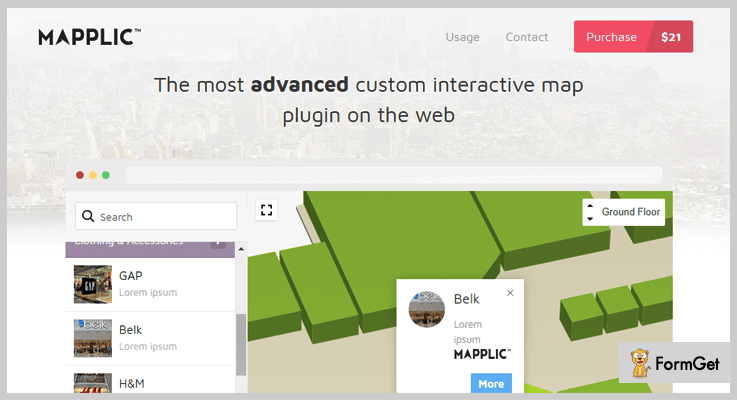
This jQuery plugin is a modern plugin which turns simple images and vector graphics into high quality, responsive maps. You can build floorplans for shopping malls, schools, airports, public buildings and more using this plugin.
Pricing:
- The cost price of this plugin is $21 with a regular license and six-months support.
- You can extend the support for a year by paying $7.13 only.
Features:
- You can create unlimited landmarks such as locations with unique pins and various actions.
- It has a deep linking functionality by which every location can be referenced by its own URL.
- The plugin is well documented along with a detailed user guide included in it.
- Mapplic plugin supports multiple floors without any limitation.
6. ImageMapster – Free in jQuery Image Map Plugins
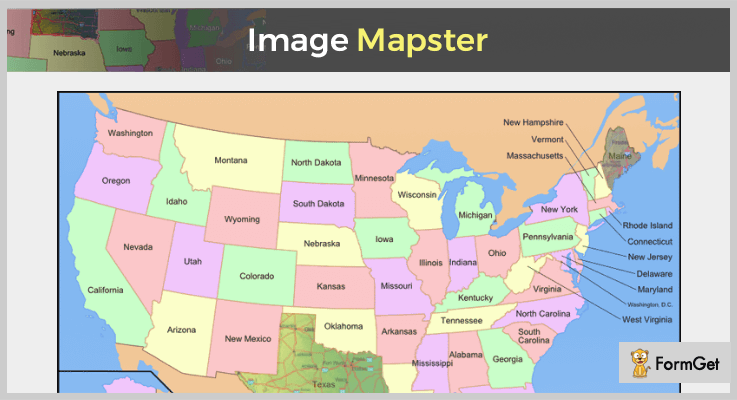
This Jquery plugin id used to make image maps useful. The plugin activates the areas in HTML image maps so you can highlight and select them with ease. It lets you activate HTML image maps without using flash.
Pricing:
The ImageMapster plugin is free of cost. Download it from the official website of GitHub.
Features:
- It supports all the modern browsers, Internet Explorer 6, and mobile devices like iPads, iPhones and more.
- One can automatically scale image maps to any display size, even while in active mode.
- The plugin has good documentation with a complete user guide which will make your implementation work easy.
Conclusion:
As we’ve hand-picked some of the best jQuery image map plugins which makes the creation of image maps as easy as ever. We hope you have found the plugin according to your need.
If you have any queries and suggestion you can ask it in the comment section.
Stay tuned to our website for more upcoming plugins.
5+ jQuery Table Sorting Plugins 2022 (Free and Paid)
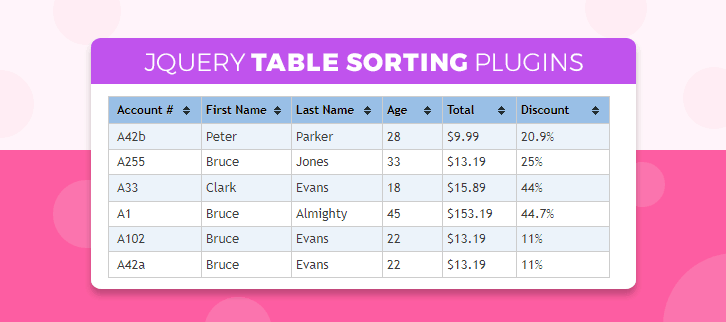
Today, we are here to introduce you to the best jQuery table sorting plugins.
I know you might be wondering hows these plugins work on your website.
These plugins allow you to sort your data in a very systematic way.
So, if you are looking forward to set different pattern or textures on the table of your web pages or wish to highlight the rows & columns then these jQuery table sorting plugins are the best option.
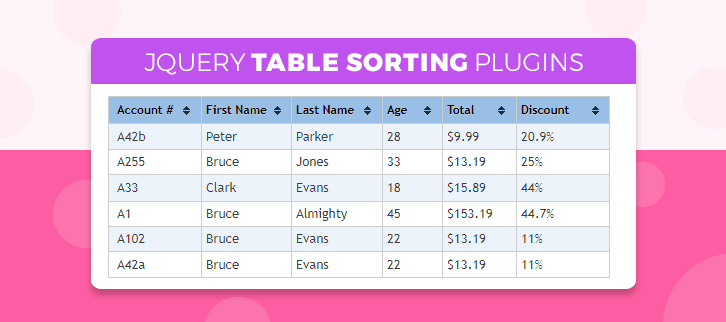
Additionally, these also allow you to present the data in graphical form, sort the table in ascending and descending orders and a lot more.
Also, jQuery table sorting plugins are fully jampacked with features like small code size, and filter data for your web applications.
This blog compiles both free and paid jQuery table sorting plugins. All our compiled plugins are lightweight, cross browsers compatible and responsive in nature.
We also have some more jQuery plugins for you:
Pull to Refresh plugins helps you to add pull to refresh functionality in an easy and attractive way to your website.
These plugins allow a web owner to add a wizard in HTML page of the website.
Image map plugins help you to create image map on the image map on the webiste.
1. Grid Pro – A Part Of jQuery Table Sorting Plugins
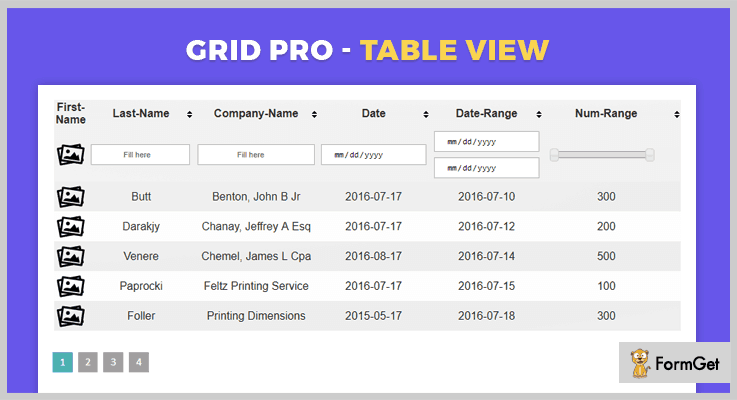
Grid Pro is an advanced jQuery plugin that allows you to display the array data in the table view and helps you to filter the data of the table.
In fact, it allows you to add HTML link in each column and rows of the table. Also, it benefits you with real-time filtering option that helps you to easily configure the data of the table.
PRICING:
Grid Pro jQuery plugin which cost you $6 with lifetime updates and 6 months support. To use its more advanced features you have to pay $30.
FEATURES:
- You can enter the data into different kind of entry fields: text characters, numbers, dates and images.
- This plugin helps you to sort the table in ascending and descending order by clicking on the suitable column’s header section.
- It allows you to filter data by input type- date, number, search, data range, number range and data list.
- Also, it allows you to specify the number of rows and column of table per page.
2. jQuery TablePro Plugin
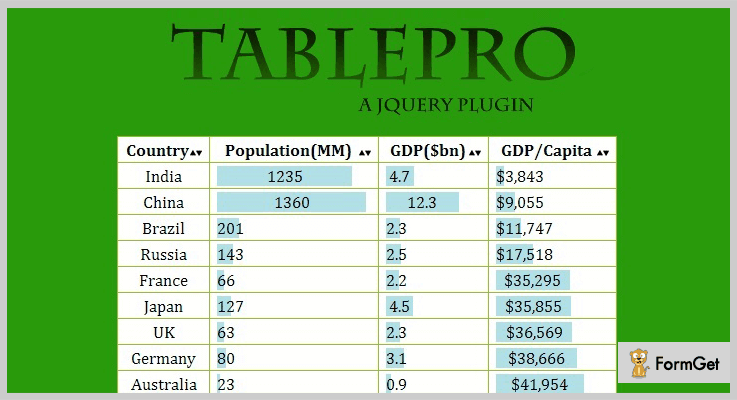
jQuery TablePro is a lightweight plugin that allows you to do sorting and filtering of the data list. It helps you to sort table data in ascending or descending order.
This plugin is very small in size i.e 5kb which can be easily integrated with any webpage. It includes files like JavaScript JS, HTML, CSS, and Layered PNG.
PRICING:
This plugin comes with a price tag of $6 with 6months client support facility and lifetime updates. Further, to activate its advances features you can buy its extended plan for $30.
FEATURES:
- You can showcase the data of web pages in the graphical representation by clicking on the header column.
- This plugin includes two types of graphical representation that is from left and right side.
- It also allows you to add animated graphs on the table.
- jQuery TablePro Plugin is cross-browser compatible with IE8, IE9, IE10, IE11, Firefox, Safari, Opera, Chrome.
3. Tablesorter – A Part Of jQuery Table Sorting Plugins
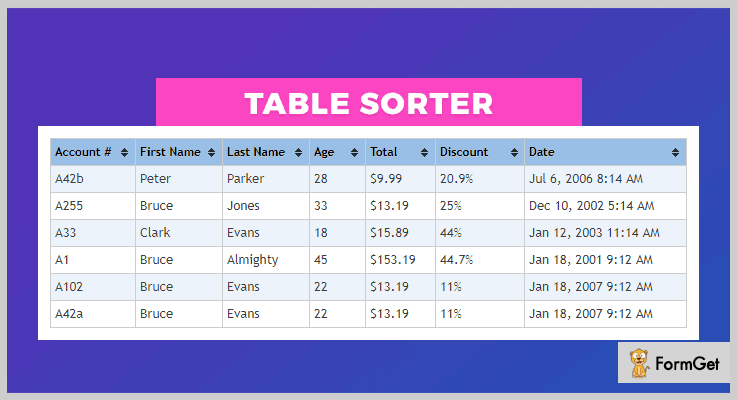
Tablesorter is a simple jQuery plugin that allows you to turn standard HTML table with THEAD & TBODY tags into a simplified table without refreshing the pages.
It helps you to sort any kind of data list including link data in the cell and it includes lot of new enhancements like sticky headers, column filters, and resizer.
PRICING:
It is an open source plugin which is free of cost.
FEATURES:
- It allows you to do alphanumeric multicolumn sorting and filtering of the database table.
- You can also use the parser for sorting dates, times, alphanumeric texts, URLs, integers, and currency.
- This plugin also allows you to do line editing i.e select any editable element on the table and edit it in-place itself.
- Tablesorter plugin has a small code size initiating with 25K minified.
4. Mr.JsonTable – A Part Of jQuery Table Sorting Plugins
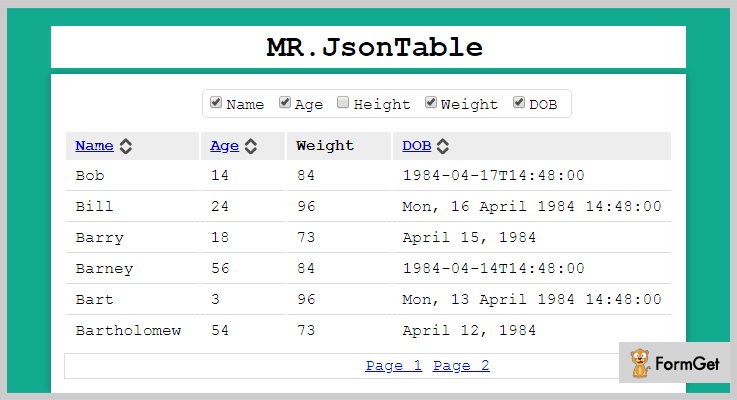
Mr.JsonTable is a flexible, opinionated jQuery sorting and filtering plugin. It enables you to take JSON data from HTML table with sorting the pages and hiding the columns.
Also, it has the ability to show the type of columns and data type. Further, you can hide and show the data columns of tables.
PRICING:
Buy this Mr.JsonTable jQuery plugin without wasting a single penny as its free of cost.
FEATURES:
- It allows you to show the basic JSON data object without involving the nested loop in it.
- This plugin has the power to sort the column of data types – string, int, float, and datetime.
- You can display the data table more than one at the same time on the same webpage.
- Also, it has the ability to set the web pages and page size on the website.
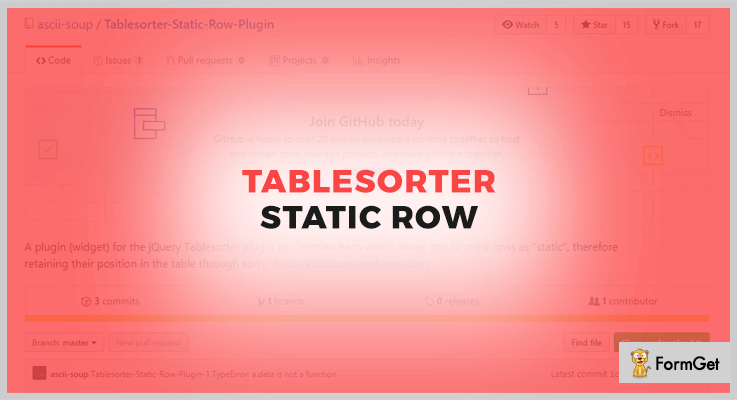
5. Tablesorter Static Row – jQuery Plugin
Tablesorter Static Row is a tiny & dead simple jQuery plugin for sorting up the data in tables. It helps you to mark the rows as “static” therefore you can freeze any particular row or column or both.
With the help of this plugin, add class “static” to any of the rows present in the table that you wish to unsort.
PRICING:
Download and add this jQuery plugin on your website as its free of cost.
FEATURES:
- The plugin is minified that means it has small code size.
- It is well documented that helps you to understand the plugin features in the better way.
6. jQuery Table Sort – A Part Of jQuery Table Sorting Plugins
jQuery Table Sort is a stupidly simple, lightweight jQuery sorting table plugin that allows you to sort by columns and different types. This plugin is well documented which guides you with full features of the plugin.
It allows you to shift or move the rows or columns of a table by using “.up” for moving up and “.down” for moving down.
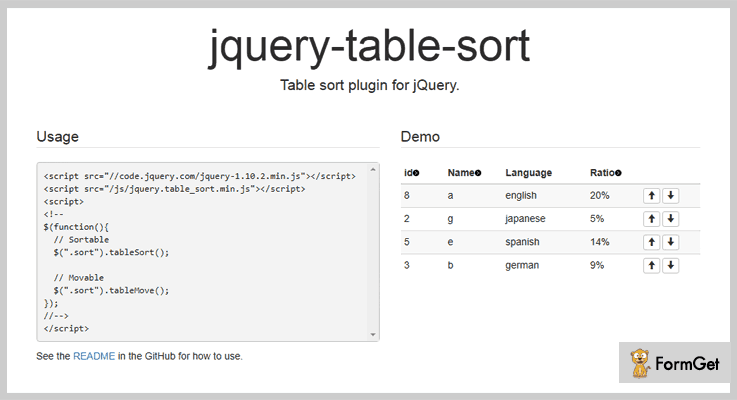
PRICING:
jQuery Table Sort is an open source plugin which is free of cost.
FEATURES:
- You can use the “.sort_column_default” function for sorting up the columns in the table.
- It allows you to sort the columns in ascending orders by using the function “.sort_column_asc”.
- You can apply this “.sort_column_desc” function for sorting the column data in descending order.
- This plugin is lightweight.
Conclusion:
So, above are some of the best jQuery table sorting plugins. All of them are fully feature riched which helps you to sort the data of your table in an easy manner.
We have that you will pick the best one from the above and apply it on your website.
If you liked the blog please comment below:
5+ Free jQuery Pull To Refresh Plugins 2022
We all are aware of the fact that users coming from mobile, tablets and other movable devices are increasing day by day.
So, it is very necessary that a website is fully optimized for different mobile users. For that, you must have jQuery Pull To Refresh plugins installed on your website.
In this blog, we are gone discuss some of the best and responsive jQuery Pull To Refresh plugins which will help your touchscreen device users refresh the webpage content in an easy and attractive way.
Here we have defined plugins which are loaded with features like multiple devices compatible (mobile, touch desktop, tablets, laptops, etc), support different operating systems, cross-browser compatible and more.
In addition, all the plugins are easy to apply on live websites and help you create custom refresh options with various other functionalities.
Let’s get started with the plugins, but before that have a look at the blogs listed on popular plugins below:-
1. Pull To Refresh – jQuery Plugin
Pull To Refresh is a jQuery plugin which allows you to implement different types of custom refreshing facilities on to any webpage. This plugin works well with webapps which are installed on the homescreen.
Users landing on your website through mobiles, tablets or even touchscreen desktops get the functionality to refresh content with a single swipe.
Pricing:-
- This is a free jQuery plugin which you can download from github.com and deploy it easily on any website. It gives you full access to all the features and facilities which you can enjoy without spending a single penny.
Features:-
- Provides several refresh options like pull_to_refresh_text, letgo_text, refreshing_text, etc which will be triggered as per user actions on your website.
- It is an easy to install jQuery plugin which is fully responsive and supports latest mobile as well as desktop browsers.
- This pull to refresh plugin helps you refresh website content in an easy way from different screens and other devices as it supports touchscreen gestures.
Details On jQuery Pull To Refresh Plugin
2. P2r – jQuery Pull To Refresh Plugin
If you are using P2r jQuery plugin then you get the ability to simply download, install and see the advanced effects of this plugin. This plugin fires the page or content refresh command whenever a user touches or clicks the element defined for a refresh.
This plugin has got various parameters like mousedown or touchstart and y Position of the element on Y axis which is a great help to track user actions for a refresh.
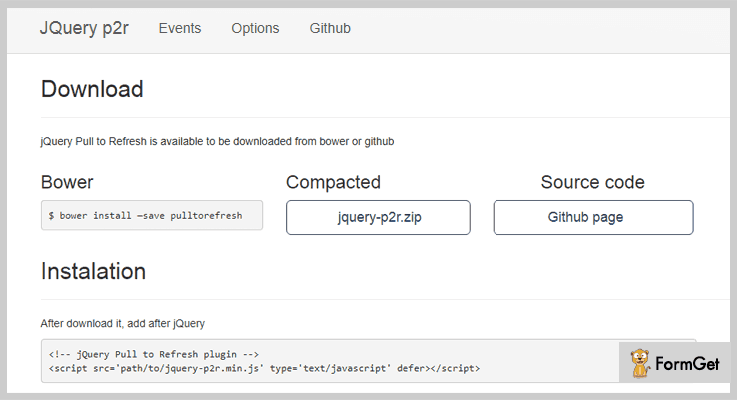
Pricing:-
- P2r is a jQuery plugin that provides pull to refresh functionality with various other facilities at an entirely free of cost plan. You just have to download it, install and start using it on your website.
Features:-
- It is an easy to use jQuery plugin which can be applied on a live website by making simple changes in the website code.
- With this plugin, you get a full documented demo which has all the details and codes related to the plugin. This documentation will simplify the implementation process.
- This jQuery plugin provides multiple options and gesture facilities using which you can define custom refresh settings for your website.
- Supports mobile, desktop, tablets and more. Plus it is fully responsive and cross-browser compatible as well.
Details On jQuery Pull To Refresh Plugin
3. Xpull – jQuery Pull To Refresh Plugin
This plugin is specially designed for websites who receive more users through touchscreen devices. It is a lightweight plugin which helps your website load faster and comes equipped with various customizable refresh options and functionalities.
Xpull is a jQuery plugin which is fully optimized for the Android browser as well as iOS browsers and the mobile versions of other latest browsers. Plus, you get a variety of animations and graphics on pure CSS3.
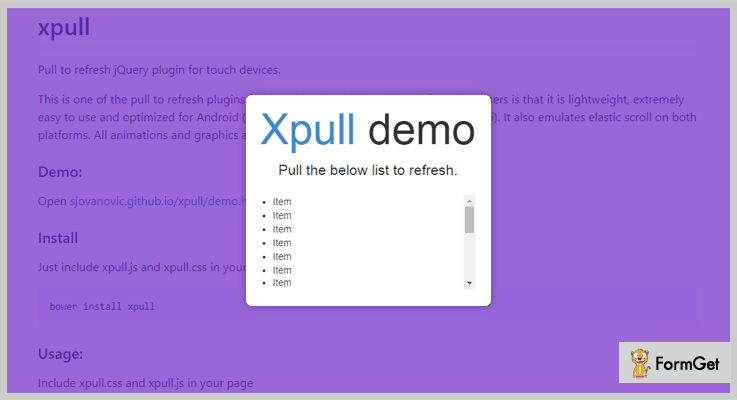
Pricing:-
- Another jQuery Pull To Refresh plugin which comes pre-equipped with a variety of features and advanced facilities at $0 cost. This plugin can freely be downloaded from github.com.
Features:-
- This is a pull to refresh jQuery plugin which is specially designed for iOS and Android devices.
- Xpull is a jQuery plugin which is responsive as well as lightweight which helps your website load fast on different web browsers.
- It has got a fully documented demo which can be tested on different devices.
- With this jQuery plugin, you get multiple methods, style and customization options as well.
Details On jQuery Pull To Refresh Plugin
4. jQuery.scrollup – Pull To Refresh Plugin
With jQuery.scrollup plugin you can easily have the pull down refresh functionality for devices like mobiles, tablets and this plugin especially supports desktop browsers as well.
You can define events, actions, and variety of variables which trigger refresh actions on specific applications.
Pricing:-
- With jQuery.scrollup you will receive various pull to refresh features which can be applied on a live website with ease.
Features:-
- Allows you to define variables and events which are automatically triggered by user-specific actions.
- This plugin has got a simple implementation process using which you can deploy it on various websites with ease.
- Provides multiple methods for page refresh which you can use with the default values.
- With this plugin, you can show loading icon for a specific time duration.
Details On jQuery Pull To Refresh Plugin
5. mkPullFresh – jQuery Pull To Refresh Plugin
This plugin gives you the facility to add pull to refresh feature with CSS animation of mobile and desktop devices. It is a fully customizable plugin which asynchronous stop and provides various other refreshing techniques.
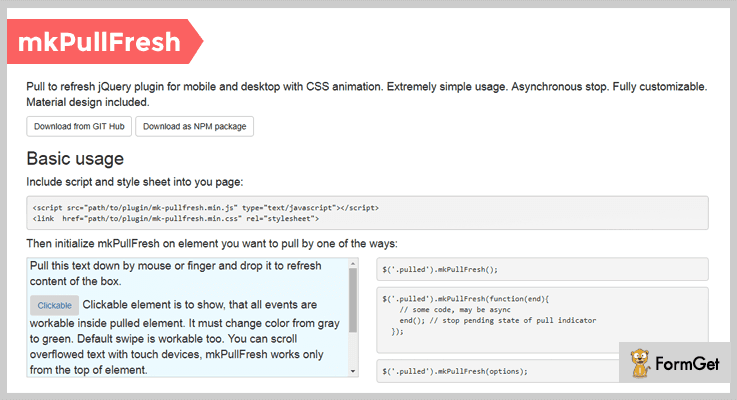
Pricing:-
- mkPullFresh is another free of cost plugin which has got the advanced pull to refresh facilities and multiple other functions.
Features:-
- This plugin gives you options like maxShift, readyShift, pendingShift, refresh and more. For which you can add default values and description.
- You can provide a custom look to the indicator and set context styles depending on attribute as well.
- With this jQuery plugin, you can add scrolling warning if you want to put scrollable text into constrained blocks.
- A demo is also provided with this plugin which helps in the website implementation of this plugin.
Details On jQuery Pull To Refresh Plugin
6. jQuery.flickmenu – Plugin
jQuery.flickmenu is a responsive, easy to use, plugin which supports multiple latest browsers with various facilities. It allows you to add flick-menu along with pull to refresh for touchscreen devices. You also get various custom options to add attractive page refresh effects to your website.
Pricing:-
- This is a responsive jQuery plugin which is totally free of cost and offers various options for refreshing the website pages.
Features:-
- With this plugin, you can add a flick-menu as well as a Pull-to-Refresh facility on your website.
- Provides various refresh options like scrollContents, btnNaviOpen, isPullRefresh, onPullRefresh, etc.
- jquery.flickmenu plugin offers a well-documented demo which holds examples along with the code details.
Details On jQuery Pull To Refresh Plugin
Conclusion
Finally, we are at the end of this blog on best and free jQuery Pull To Refresh plugins. We have tried to elaborate some of the top class plugins for this facility on this blog and I hope that you will find one which suits your website needs in all ways.
If you have got any type of questions or queries related to this topic or the plugins explained in it, you can ask them to us in the comments section below. We will be glad to hear from your side.
4+ Free jQuery Spreadsheet Plugins 2022
The task of creating an excel table on your web page can be difficult if you are relying on JS array, JSON or CSV files. But by using jQuery spreadsheet plugins it can be as easy as pie.
Using these wonderful plugins, you can easily embed a spreadsheet compatible with Excel on your website or application. You can even use copy and paste shortcuts for moving data to and from the offline excel sheet to your web page’s spreadsheet.
These jQuery spreadsheet plugins help you in managing the sheet creation, viewing, editing process with the help of HTML tables and components of HTML5 on the website.
All these plugins provide full support for all the operations of a spreadsheet including the formulas, formatting, borders, sorting, merging, and much more.
Like a simple excel sheet, these plugins will allow you:
- To analysis and store data in tabular form.
- Adjust any stored value and observe the effects on calculated values
- Facilitate the data manipulation in web-based applications.
In fact, all these plugins are lightweight and will help you in performing all basic arithmetic and mathematical functions on the spreadsheet or table.
In addition, jQuery spreadsheet plugins also provide built-in functions for common financial and statistical operations.
Now, let’s dive deep into this blog, for understanding the functionalities of these 5+ jQuery spreadsheet plugins along with their prices.
But before that, you may have a look at these blogs as well:
By using these plugins you can create highly customizable dialog boxes for desktops, mobiles, and HTML5 web applications.
These jQuery Table Sorting Plugins helps you in changing any standard HTML table into a sortable one without refreshing the page.
These are based on JavaScript plugin and lets you implement pull to refresh functionality on your web page without depending on any other libraries.
1. jExcel – Best Free In jQuery Spreadsheet Plugins
jExcel is one of the best plugins in the family of jQuery spreadsheet plugins. It is lightweight and has plenty of nice features such as – CSV loading/exporting, dropdown, and creating multiple spreadsheets.
This plugin comes with full documentation. Moreover, it provides sorting by column, integrating a third party plugin, currency & masking numbers, and a lot more.
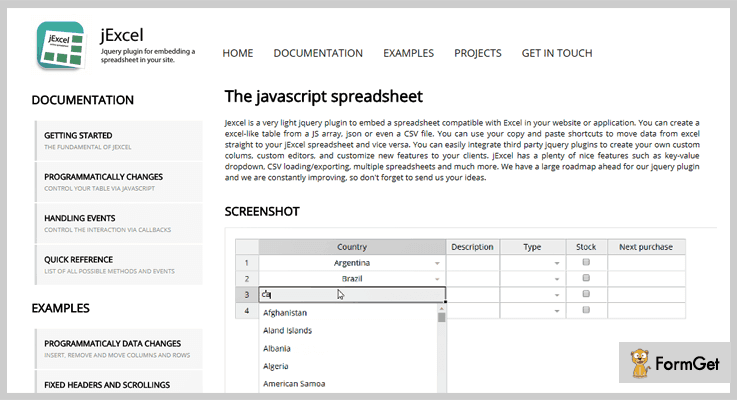
Price –
You can have this wonderful plugin along with its functionalities free of cost, as it is freely available.
Features –
- You can load data for a jExcel table whether from a JS array, JSON or a CSV file.
- Also, you can copy and paste the data to or from the Excel directly from your jExcel table or vice-versa.
- Even you can merge cells, add multiple tabs, and drag columns using this plugin.
- You can easily customize the sheet by using other jquery plugin integrations.
2. table2excel – Free In jQuery spreadsheet plugins
This plugin comes under the MIT license. Further, it provides a documentation, with the help of which you will better understand the functionalities of this amazing plugin.
It is compatible with Chrome browser. table2excel uses the .xls extension, the only way by which excel will open it.
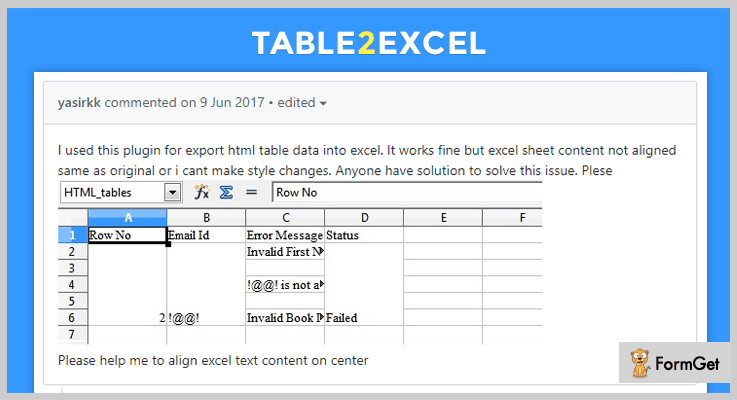
Price –
This plugin is available free of cost and you can download this plugin from the official website of GitHub.
Features –
- This plugin contains all the automated tasks using Grunt.
- With the help of Travis, you can see the definitions for continuous integration.
- It comes with the list of rules used by JSHint for detecting errors and other problems.
- Using this plugin you can unify the coding style for many editors and IDEs.
3. ip.grid – Free In jQuery spreadsheet plugins
ip.grid is a well-developed real jQuery spreadsheet plugin. It is featured with the similar functionalities like the Google sheets.
This plugin comes with examples and a complete documentation, which will help you in understanding it a bit better. Since it has all the features like Google sheet so, you can easily display the formatting modal, or sorting the range of columns and much more.
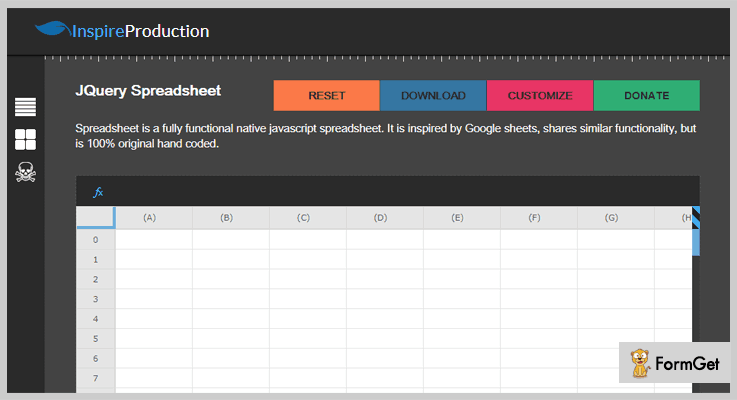
Price –
You can have this plugin for free from the official website of GitHub that is GitHub.com.
Features –
- It has many options like – you can move columns, rows, you can add rows, columns, and do cell formatting.
- You can also add the borders whether on the whole sheet or on a specific cell.
- With the help of this plugin, you can both set the value or formulas of a cell.
- Most importantly you can change the size of the sheet matrix.
4. Parse Table Plugin – Free In jQuery spreadsheet plugins
Parse Table Plugin are very simple and handy jQuery plugins. It helps you in capturing and parsing the copy-pasted data from the spreadsheet. You can fetch the data from the text editors.
It needs jQuery, jQuery UI to provide you full functionality. At the moment your spreadsheet will be styled using the tabular form from the Bootstrap.
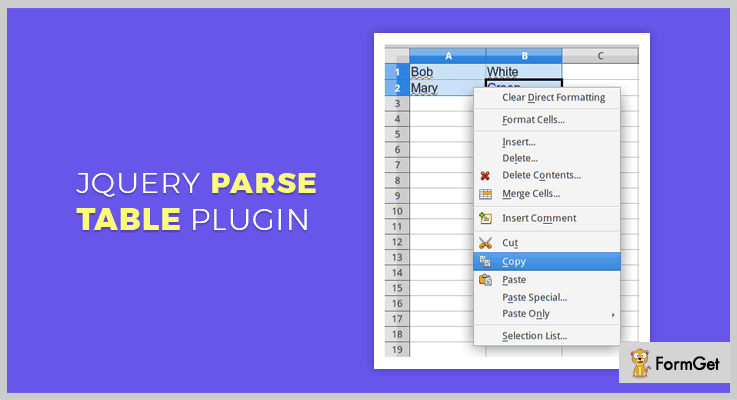
Price –
This plugin is available at $0 amount to everyone and can be downloaded for free from the official website of Github.
Features –
- You can merge, insert the comment, and format cells using this plugin.
- Moreover, just in one click, you can clear all the formatting.
- With the help of this plugin, you can simply copy cell or cells from your spreadsheet or table.
5. Handsontable-excel – Free In jQuery spreadsheet plugins
Handsontable-excel is an open source plugin with different functionalities. It has CSS customization available with the help of which you can change the color, font style and more on your sheet.
This plugin comes with the demo of codes provided by JSFiddle.
Price –
From GitHub.com this plugin can be downloaded for free.
Features –
- You have to put = before every cell then only the values will be evaluated.
- Also, you can implement different formulas in your sheet.
Conclusion –
Using jQuery spreadsheet plugins convert or embed data with the help of the spreadsheet compatibility with Excel on your website or application.
So what are you waiting for? Just have the one and display the data in spreadsheet form using these jQuery spreadsheet plugins.
Guys, don’t forget to mention your words in the comment section!
4+ jQuery Game Plugins 2022 (Free and Paid)
Are you searching for jQuery game plugins?
This may be the end of your search for the domain. The jQuery plugins let you embed a game on your site page very easily and quickly. These plugins are very lightweight as well as responsive so, they don’t acquire much space and also fit on any screen size. Even you can embed the plugin code multiple times in different sections of your webpage.
Here in this article, we’ve compiled a list of 4+ best jQuery game plugins available as free and premium. There are plugins with rolling effect just like the Hot Roll slot game, Sliding tiles game and much more.
Look through these popular jQuery blogs:
Without wasting much time lets have a brief discussion on each and every listing.
1. Easy Roller – Prime In jQuery Game Plugin
The Easy Roller is a jQuery game plugin with fully controlled verticle & horizontal spinner. It is a smart roller will controllable options. You can easily make use of this add-on on your website by following the well-defined steps to use it. It uses extremely simple parameters and settings to get it working for you.
In addition, it permits you to choose a winner from your server using AJAX or Websocket. Your winner can be a local user or a remote one.
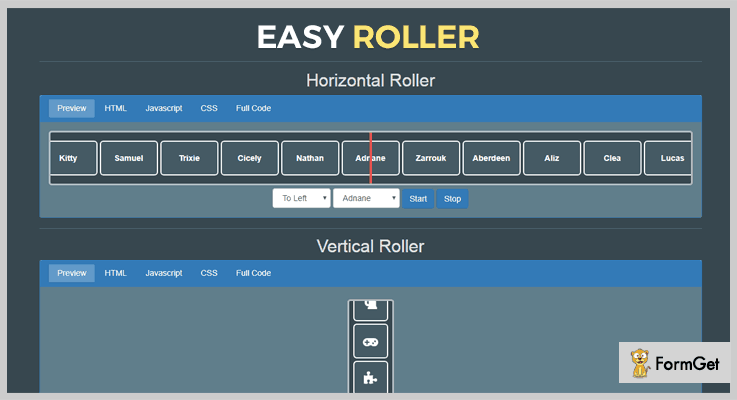
Pricing Plan:
This plugin is easily available at a price of $9 for a regular license with 6 months support and future updates. Moreover, you can extend support up to 12 months in just $2.63 extra.
Features:
- There are multiple demonstrations available for understanding the functionality of the plugin.
- It is a 100% responsive as well as retina ready plugin. So, it easily adjusts to different screen sizes as well as presents high-resolution quality.
- This plugin facilitates a full user guide to make efficient use of the plugin functionality.
- Compatible with latest browsers such as- IE-9, IE-10, IE-11, Mozilla Firefox, Safari, Opera, Edge & Google Chrome.
2. Shuffle Puzzle – Popular In jQuery Game Plugin
It renders a puzzle game for developing logical skills. It demonstrates four examples of this game with different functionalities. You can simply rearrange shuffled images, these images can be changed further and you can also set a timer to complete the puzzle. There is another shuffle puzzle with a counter. Plus you can choose the background color.
Furthermore, this plugin has a WP version also available to be used directly.

Pricing Plan:
Shuffle Puzzle jQuery game plugin has two different cost estimates.
- Regular license plan – $14
- Extended license plan – $70
Features:
- The player can select any number of pieces (3×3, 4×4, 5×5, 6×5 etc.).
- You can set any image for the gameplay. Also, you can select as many images as you like to be the part of the game.
- A player can select in between the level of difficulty i.e, default, easy, medium or hard.
- You can embed any number of puzzles on a single page.
- It also gives a menu to adjust the game settings.
3. Quizy Memory Game – Prime in Free jQuery Game Plugin
It is a plugin which renders a memory card game. It is a very simple and easy-to-use plugin which provides multiple settings/options to enhance its usability.
An auxiliary feature of the plugin lets you add any type of content on the back side of the card, that means you can add a content other than an image.
Moreover, to simply demonstrate the plugin functionality it has a demo card game available to match country flags with their names.
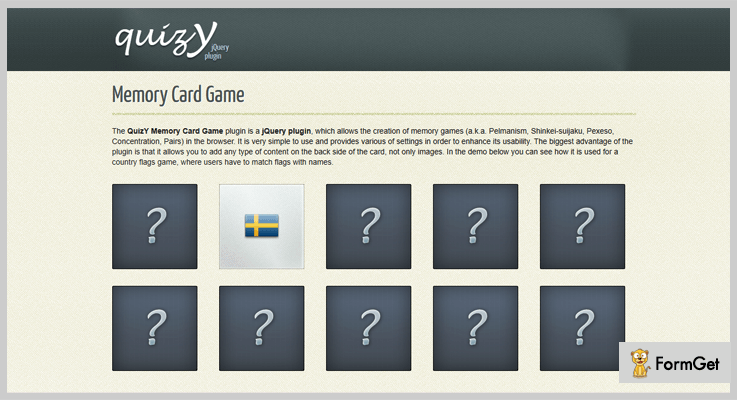
Pricing Plan:
It is a free product of GitHub and you can directly download it from the official site i.e, GitHub.org.
Features:
- This plugin works well with most of the browsers such as IE7+, FF 3.6+, Chrome, Opera, Safari, Mobile Safari, Android Browser etc.
- Many types of data available for the cards (not just images).
- It renders 3 different animation types as flip, scroll & fade.
- This plugin also gives the summary of the game played at the end. How fast & with how many clicks the user has completed the game.
4. Tile Puzzle – jQuery Game Plugin
It’s a simple jQuery plugin to create a puzzle game with sliding tiles. This plugin renders a very familiar tile game with the only restriction to move one tile at a time. That player only needs to click on a tile to move it into an adjacent empty space. There is no need to drag the tile for movement.

Pricing Plan:
Grab the tilePuzzle jQuery plugin for free.
Features:
- You can place the plugin within any div element of your page.
- Settings available for the image URL and the total width.
- Tile Puzzle has a fine documentation which is very clear to understand.
- A demo is also available to become familiar with plugins functionality.
5. Puzzle – jQuery Game Plugin
This is a responsive jQuery puzzle game plugin. It renders a very simple sliding puzzle game with the very basic images tile sliding functionality. Puzzle jQuery plugin uses the image manipulation through HTML5 canvas.
Furthermore, it also makes efficient use of the grunt modules for advance plugin functionalities.
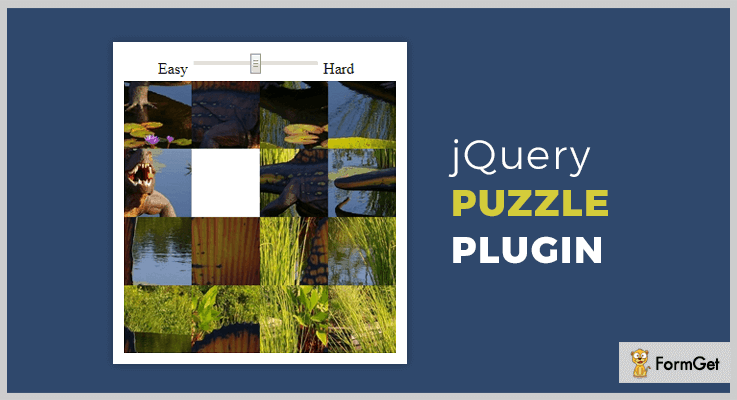
Pricing Plan:
The Puzzle jQuery plugin is another free product of GitHub.org and you can download it for free.
Features:
- Puzzle plugin provides 100% responsive layout.
- You can set an image for the game.
- A player can choose the level of toughness of the game.
Conclusion:
Consequently, these were the most noteworthy plugins of the domain jQuery game plugins. If you are aware of another much worthy product, please do share the same with us in the comment section, we’d really love to hear your feedback.
Thanks for reading!
5 Best jQuery 3D Rotator Plugins 2022 (Free and Paid)

“Use jQuery 3D rotator plugins and display the 360-degree rotating view of the products and images.”
3D Rotator plugins help you to add functionality to your websites that allow users to view every angle of an image or a product. So, with a 360-degree view, of course, you’ll enhance the user experience and this, in turn, may result in increased sales.
Now the question arises what makes a jQuery 3D rotator plugins best?
- Smooth 3D transition effects.
- Responsive layout
- Cross browser compatible
- SEO optimized
- Easy implementation
- Customized coding options
- Good explanation of code along with user guide.
Yes, this is what everyone wants in their jQuery 3D rotator plugins.
And, keeping all this in mind, we have compiled a list of 5 Best jQuery 3D rotator plugins which have all the above features in it. Also, the list contains more features which give your site a better presentation and an elegant look.
These plugins are highly customizable so that one can make easy changes according to their need. And the best part is you just have to copy and paste the given jQuery code. It only requires some basic knowledge of programming and your work is done in the fraction of time.
Given listed plugins has both free as well as paid plugins you can choose any of the plugins according to your choice.
Read some more useful jQuery plugins too!!
Use these plugins and help your website to detect the browser through which it is being accessed.
Simply embed spinner and sliding tile games on your site with the help of these plugins.
Use these plugins to do multiple selections on the form page of your website.
Every plugin has some unique feature, so have a look one by one and grab the most suitable jQuery 3D rotator plugin for your website.
1. CodingJack’s 3D Carousel Plugin
CodingJack’s 3D Carousel plugin is an elegant plugin. This provides a responsive layout with carousel effects. So, you can create a simple cycle of various images with various 3D effects.
The plugin gives us real 3D view using CSS 3D transform. Also, it has an option to customize the 3D values shown in the previews according to your requirements.
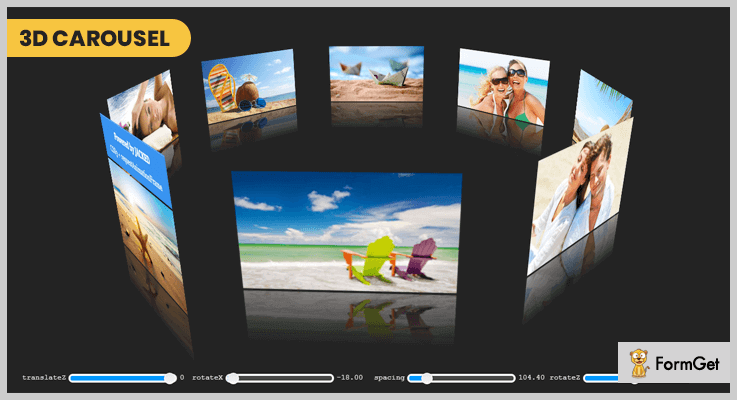
Pricing:
You can buy this plugin and get all of its features along with future updates at two varied prices-
- The regular license cost you $9 with quality checked by Envato.
- You can buy the extended license, at a reasonable price of $45.
Features:
- It has a functionality to toggle the initial zoom and spin animation also you are allowed to on and off them according to your need.
- The plugin has item captions which are optional. Further, you can choose auto-show item captions.
- CodingJack’s 3D Carousel plugin permits you to toggle (on and off) the HTML5 canvas shine hover effects.
- You can set the autoplay speed as well as the mouse interaction speed with your own choice using this useful plugin.
2. ferroLayers – Best in jQuery 3D Rotator Plugins
ferroLayers jQuery plugin is built with pure HTML5 and CSS3. This gives various transitions and animations effects for displaying product images.
Further, it allows you to organize the contents of websites in a unique way. Also, you are able to navigate them with amazing folding and zooming effects.

Pricing:
Buy the regular license of this plugin at $6 with all the future updates and full support up to 6 months.
Features:
- The plugin allowed you to change the transition effect by choosing one of the 3 axes of transition present in this plugin.
- You can encapsulate layers and tiles into a container with simple HTML elements nesting available in this plugin.
- One can customize the transitions setting easily with the help of this plugin. These changes are done with their duration, delay of single tiles and transformation origin etc.
- In the ferroLayers plugin, you can arrange HTML elements in layers. Further, only one layer at a time can be visible and any type of content is allowed in this plugin.
3. Showroom Slider jQuery Plugin
Showroom Slider is a simple yet effective jQuery plugin that allows you to create sliders. These sliders containing plane and box elements with various animation effects to choose from.
It has easy installation as it includes 3 JS files and then writing the markup. Moreover, this plugin uses native CSS animations when viewed on modern browsers for maximum efficiency. Also, it has fallback animations for older browsers.
Pricing:
The Showroom Slider jQuery plugin is available at a reasonable price of $8 along with 6 months support and regular updates.
Features:
- There are two type of elements i.e. plane elements which are two-dimensional objects with width/height eg text box. And the second one is box elements which are 3D objects with width, height, and depth having 6 sides.
- Showroom plugin has 2 animations types these are standard and dynamic. Standard animations have fixed properties and behavior. Further dynamic animations are rotating animations.
- The plugin comes with a very detailed documentation and sample files which help you to install this plugin with ease.
- A noteworthy feature is it’s default properties can be modified easily within one JavaScript function call.
4. ZoomFlow – Banner Rotator and Teaser Plugin
This banner rotator jQuery plugin is used to showcase your portfolio on your website in an elegant way. It is the finest and fully responsive plugin in the list of jQuery 3D Rotator plugins.
Further, this ZoomFlow plugin is easy to install and compatible with all the major browsers.
Pricing:
There are two different licenses available at different pricing plans along with full support from one site.
- Regular license – $8.
- Extended license – $40.
Features:
- This gallery uses the latest HTML5 techniques to deliver a better experience to your users.
- ZoomFlow plugin provides slideshow mode by which you can easily display images in a slideshow.
- The plugin supports CSS3 technology which gives a cutting-edge definition to 3D effects.
- It is built with search engine optimization on mind i.e. the plugin is SEO optimized. Further, the testimonial rotator of this plugin uses non-hidden valid HTML markup to build the widget using ZoomFlow plugin.
5. rotate3Di – Free in jQuery 3D Rotator Plugins
rotate3Di is a jQuery effect plugin which is highly recommendable in the jQuery 3D rotator plugins list. This plugin makes it possible to do an isometric 3D flip or 3D rotation of any HTML content easily within a fraction of time.
Moreover, this plugin is well documented along with complete user guide so that you can implement rotate3Di with ease.

Pricing:
The rotate3Di plugin is free of cost. Download it from the official website of GitHub.
Features:
- It has inbuilt CSS3 transforms which are used to create this visual “3D” isometric effect.
- One can do flipping, un-flipping, or toggling the flip state of an object using this plugin.
- The plugin supports all the major browsers such as Safari/Chrome/Webkit, Firefox 3.5+, IE 9+, and Opera 11+ and more.
Conclusion:
In the above article, we have discussed the 5 best jQuery 3D Rotator Plugins. We tried to cover each and every plugin in detail with their pricing plans and features. So, we hope you got the plugin of your choice.
Still, if you have any doubt or suggestions then feel free to comment below.
Stay tuned for more plugins.
5 jQuery Multiselect Plugins 2022 (Free and Paid)
Whenever a user does online shopping, they check-mark a huge range of products which he may want to browse and this confines the search. Now, this is all multi-select.
Let’s take another example.
Suppose, you want the user to choose the genre of blogs that they want to read on your web page. How would you do that?
You will make a complete list of the genres and would ask the user to select all those he would like. This is again done by using multi-select.
That’s where jQuery multi-select plugins come in the picture. The plugins work as an extended help for your website.
As they reduce your workload of creating codes for implanting multi-select functionality on your webpage.
It lets a user choose multiple options for either searching, filtering, sorting. Also, the plugins provide multi-select even for days, digits, months, languages etc. to the user. The data elements can be represented in a collapsible tree view or drop down list before offering multi-select.
Further, the plugins speed up the search by giving autocomplete functionality. There is still a lot more to discover.
Read these informative blogs on jQuery:
1. Tree Filter – jQuery Multiselect Plugin
Tree Filter allows application of multi-select functionality on the data which is in a collapsible tree view interface. In addition to this, it also facilitates users with the autocomplete and dynamic search option which further makes multi-select quicker.
It comes with the most basic requirement for its usage, all you need is JavaScript and jQuery to use this plugin. You get full control of the appearance (like various colors for the tree) with simple CSS customization.
You can anytime enable/disable the multi-select functionality according to the need.
Pricing Plan
Get this plugin at a very affordable price of $5 with 6 months support. You can extend this support to 12 months in $1.13 only.
Features
- You can view the tree components completely as per choice. Click on the respective (+) icon to expand and (-) icon to collapse a node.
- Type the initials or its combination in the search field, and get all the possible outcomes starting from that initial in the tree.
- The plugin allows easy filter option from the multiple branches of the tree. For instance, a company tree having branches such as- IT, Sales, Support etc. You can easily retrieve and interact with any particular subset (say Sales).
2. Advanced Multi Select Data List
Do you want to try a plugin providing multi-select for your website, which is way more advanced than HTML5 datalist?
This plugin is the best option till date!
The Advanced Multi Select Data List plugin ease out the process of multi-select for the users to a great extent.
As a result of the search in the input field by a user, you can display a drop-down list of related predefined options.
Further, the user can add/remove as many items from the list as a part of the multi-select functionality provided by this plugin.
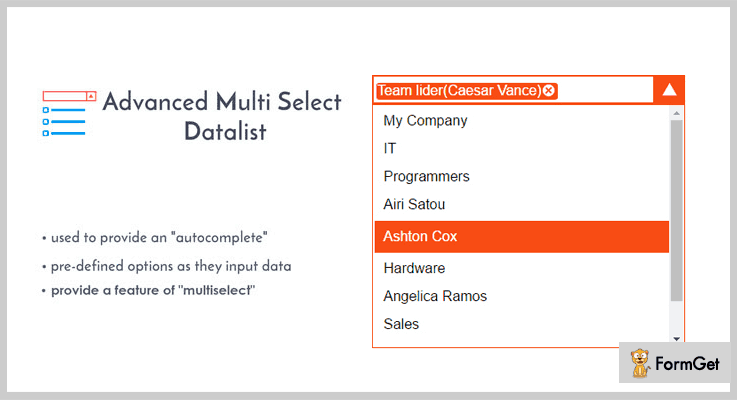
Pricing Plan
You can avail this plugin for your website at just $7 with 6 months support. And to extend the support for 12 months, you need to pay only $1.88 more.
Features
- The autocomplete feature is implied to the input field for making the search even more accurate and fast.
- When a user enters a letter in the input field, the inbuilt filter derives all the elements starting from that letter.
- The plugin gives a flawless performance for all the modern browsers like IE8+, Firefox, Opera, Chrome etc.
3. jQuery Multiple Select Plugin For Bootstrap
This advance plugin serves for jQuery as well as Bootstrap. It showcases the elements of the database in a drop-down list.
Further, the user is allowed to multi-select the elements from the list via checkboxes placed right in front of every element.
The plugin offers to add various dynamic buttons like select, deselect, values, rebuild etc. on the form which can be toggled. These buttons are customizable for eg. labels, dimensions of the button can be altered.
Also, you are provided with various examples and configuration sets to get a fully functional multi-select drop down form.
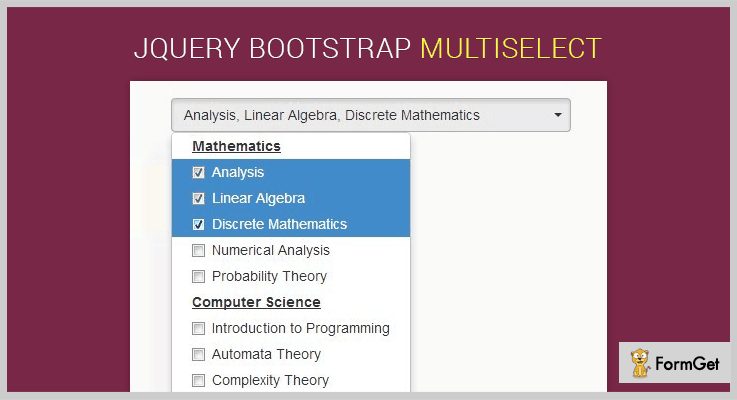
Pricing Plan
You can use this plugin in your website without spending any money.
Features
- A user can know the order of the selections made from the dropbox along with the total number of selected items in the input field.
- You can bold the categories in the drop box and underline them to highlight. You can also define the text alignment as per choice.
- This plugin gives you a “select all” button, to directly choose all the items from the list in one go.
4. jQuery Plugin For Multi-Select List with Checkboxes
This plugin gives you an important feature to construct a multi select list in a more systematic manner. It is possible as the plugin lets you re-organize a long list of elements in various column drop-down list.
A user can access the entire list in one go as it is visible to them without much scrolling down.
It further ensures responsiveness of the website for all kind of devices.
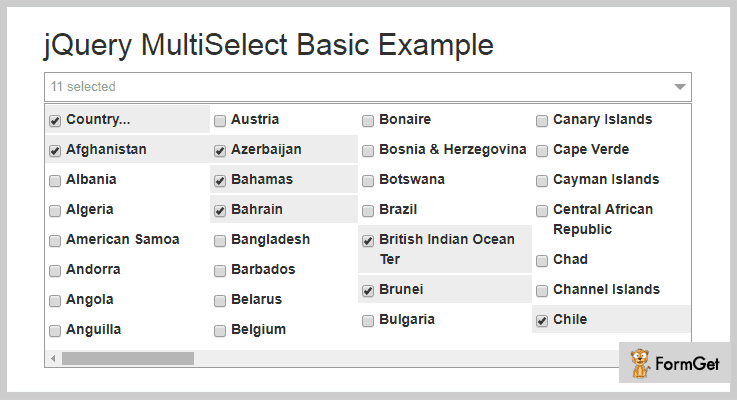
Pricing Plan
This plugin is absolutely free to use for any kind of website
Features
- It gives you an option to group various listing under relevant categories. This makes it easier for a user to select multiple items. The action of selecting and deselecting can be actively seen in the input field in the same order as it is done.
- Drag the scroll bar of the window containing the list to view multiple items and fetch unlimited items from it as per your choice.
- The click-to-open window will display the total number of items selected by the user.
5. multiPicker – Multiselect Plugin
Multipicker is a jQuery plugin which is exclusively created to allow users to select days, digits, months.
This is a multi-select plugin in actual terms, as the user gets to choose selection option as well. So, you can opt between checkboxes and radio buttons.
Also, you can swiftly drag the cursor to select the values placed in continuation.
It allows you to limit the selection from multiple to single element anytime with easy customization.
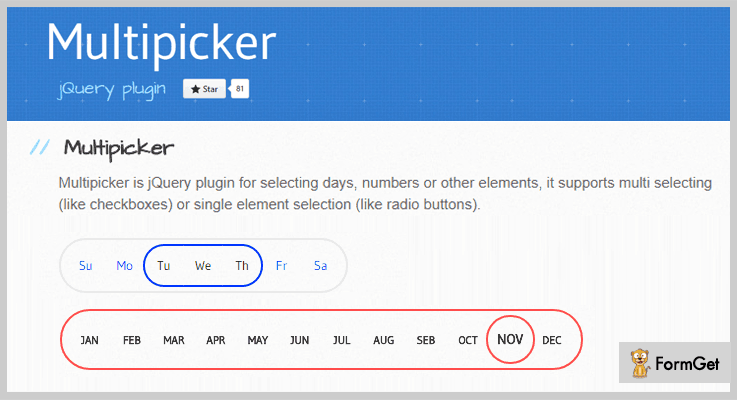
Pricing Plan
No need to pay anything. As it is free.
Features
- Display the table containing the values in either vertical or horizontal position on the page.
- You can change the language of the text (say days) of the table.
- CSS customization allows you to stylize the table on the page even more. Like, pop up selected element on click, color switching, variable font size etc.
Conclusion
We value your time and efforts that you make in the selection of best plugin for your website. Therefore, these jQuery Multiselect Plugins are provided to you are already best in the list.
Since I am sure your search would end here, just have to go through these plugins once and pick up the perfect one for your website.
Do not hesitate to bring your queries to us.
Post them along with suggestion (if any) in the below section
Thanks and regards!
4+ jQuery Bookmark Plugins 2022 (Freemium)
“Try out jQuery bookmark plugins to enhance the visitor’s experience on your website”
You have often visited web browser. There are times when you bookmark certain sites so that you can access them whenever you want to in future.
So, it becomes handy to surf the same website without hassling around & searching for it again & again.
Now, you add this functionality to your website when a viewer can bookmark certain posts or pages.
In case, a visitor lands on your website and is impressed by some specific article & wants to read it again in some time.
If you have bookmark widget on your website then it’s going to be a win-win situation. As the viewer liked your content and would have been satisfied with the added functionality too.
For this, you can use jQuery Bookmark Plugins.
So, with the help of jQuery Bookmark Plugins, you can provide your users with a bookmarking facility, thereby, easing the task of struggling & searching the content of their choice with ease on a website.
These plugins save the data and make it easy for them to access the content again as & when they want.
Moreover, these plugins provide multiple features like-
- You can easily drag & drop the bookmark widget on the page.
- These jQuery plugins can be easily customized & styled using CSS.
- Besides, you also get illustrative demos & documentation with them.
- You can easily initialize this plugin by inserting few lines of code.
and a lot more…
This is the reason why we have compiled some of the best freemium jQuery bookmark plugins.
Now, what are we waiting for? Let’s find out a best jQuery bookmark plugin for your website.
1. Hashchange – jQuery Bookmark Plugin
Hashchange event allows you to create a bookmark which stores the data history in the form of #hashtags. This plugin provides you with multiple features for customization & functioning of the website.
In addition to this, it is tried & tested on various browsers like Chrome, Safari, etc plus, on several other jQuery versions.
You can use the documentation that comes along with this jQuery plugin in case you have any doubt.
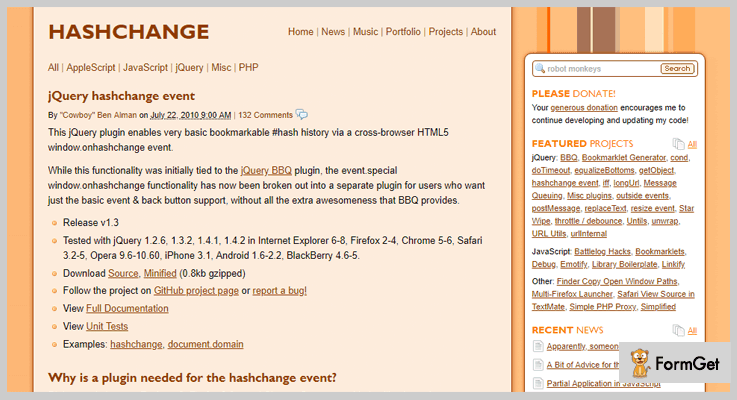
Pricing:
- You can simply download this plugin from ‘github.com’ without spending a single penny. Along with this plugin, you also get lifetime free access to all of its features & frequent updates.
Features:
- This plugin enables you to bind callbacks to the function of the window.onhashchange events.
- It is very lightweight in size which is minimized to the size of gzipped 0.8 kb file.
- You can add the bookmarking tool to any part of page, website or under any category without any trouble.
2. jQuery Bookmark – jQuery Bookmark Plugin
This is a super cool jQuery plugin which enables you to add a bookmarking widget to your site. It provides you multiple features like over 300 sites to choose from, easy customization & a lot more.
Additionally, you can effortlessly modify the appearance of the bookmarking widget to compact and expanded form. Thereby, you can fit it wherever or however you wish to.
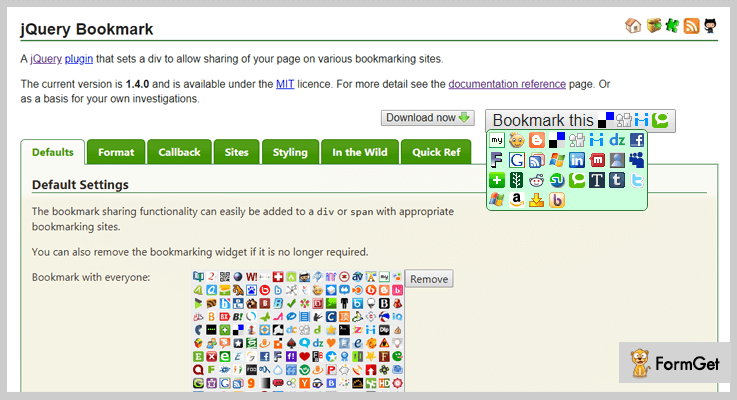
Pricing:
- jQuery Bookmark is available on ‘github.com’ at free of cost. You don’t have to pay any amount for downloading this plugin & get all of its efficient features as well.
Features:
- You can easily add & remove the bookmarking widget from your page as per your requirement.
- This plugin allows you to customize the styling of this plugin by using short lines of codes or via CSS.
- It enables you to select sites individually, by category, or by language for providing with bookmark widget.
3. Bookmarklet Plugin – jQuery Bookmark Plugin
Do you want to store the bookmarks on your website? Then this is veritably a most suitable plugin. The bookmarklet is a jQuery plugin which allows you to create a bookmarklet.
With the help this plugin you can allow your users to bookmark their favorites on your site.
Further, these bookmarklets are created by dragging & dropping the anchor element in the bookmarks toolbar. You need to set the anchor’s href attribute to javascript:<the code to execute>.
This plugin is 100% responsive & fits beautifully on all screen sizes like tablets, mobiles, desktop, etc.
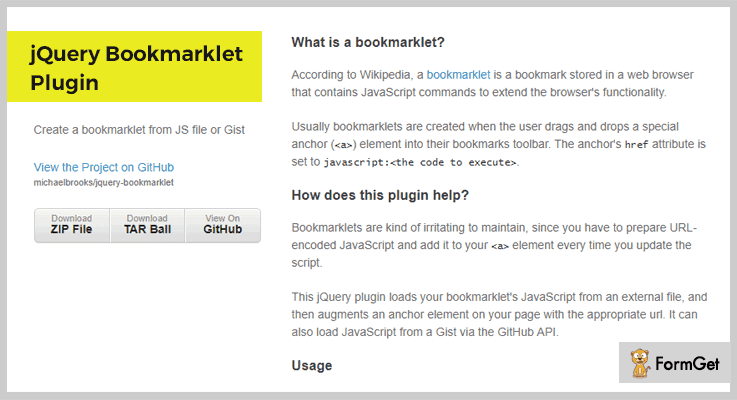
Pricing:
- To purchase this plugin, you don’t need to pay anything. All you gotta do is download this jQuery plugin with all its features from ‘github.com’.
Features:
- This plugin enables your website users to create as many bookmarklets as you want on your website.
- You can either simply add an anchor to your HTML content or use a code for this purpose.
- It will load a callback function ‘on_ready’ as soon as the bookmarklet is created.
4. Bookmarklet Helper – jQuery Bookmark Plugin
Bookmarklet Helper is an astounding jQuery plugin which empowers you to add bookmark facility on the website. It provides you with the various features like easy customization, drag & drop functionality, etc.
Moreover, this plugin is very user-friendly, cross-browser compatible & responsive to all mediums like desktop, mobile & tablet.
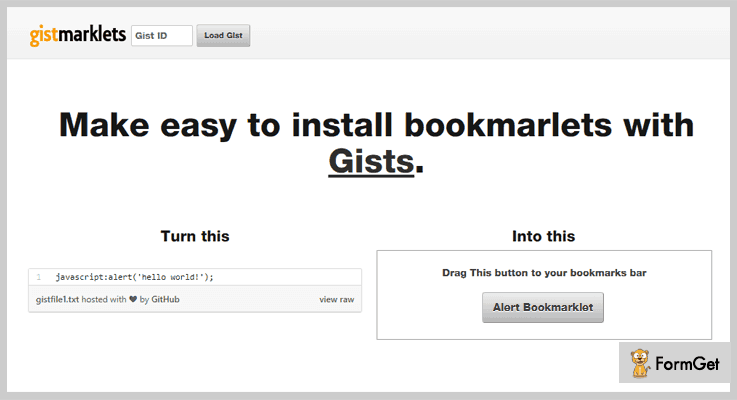
Pricing:
- You don’t have to hassle around & pay any price for this plugin. You can easily acquire this plugin from ‘github.com’ without spending a single penny.
Features:
- You can modify the appearance of the arrow by passing the object like set the position, linewidth & color
- It enables you to drag & drop the bookmark button to your bookmarks bar.
- By using this plugin, you can insert few lines of code & customize it as per your convenience.
5. jBrowser Bookmark – jQuery Bookmark Plugin
This jQuery Bookmark plugin provides you with several features for adding bookmarks to your site like you can customize this using CSS, add various functionalities & a lot more.
Along with this plugin, you get an explanatory demo which helps in resolving the queries & doubts.
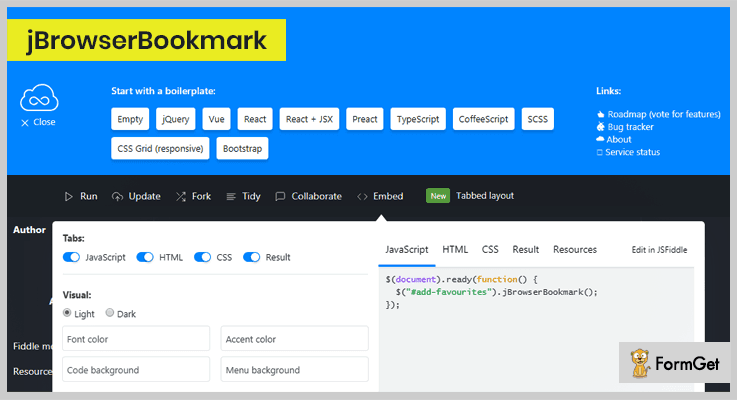
Pricing:
- This freemium plugin comes with a forever free access. Download this plugin from ‘github.com’ without spending a single penny.
Features:
- It empowers you to customize the styling of this plugin as you want with the help of CSS.
- You can pass various parameters, methods & functions from the backend which helps in easy functioning.
- Besides, it also provides you with the code to initialize the bookmark.
Wrapping Up!
Consequently, we have listed few of the best jQuery bookmark plugins which are totally free of cost and empower you to add the bookmark functionality to your website.
After reading this weblog, we hope you are able to compare diverse jQuery bookmark plugins according to their features & pricing details. Therefore, you can now analyze and choose the best plugin for your website.
On this positive note, we take your leave!
Besides, you may also like to read some of these blogs as well. So, do have a look!
For any further queries and suggestions, contact us! We’ll get back to you as early as possible.
5 Free Toast Notification jQuery Plugins 2022
Integrate Toast Notification jQuery Plugins to display feedback about an operation in a small toast message.
Toast notifications are those small messages that shows up in a box while you’re doing any activity and disappear on its own after few seconds.
For example: When a mail is send via gmail, you will receive a toast message, politely informing “Sending message…”.
But why you should use toast notifications on your websites?
You must install these on your website because they can notify the users that the action they performed has been successfully taken place or taking place.
These notifications make your website more interactive and give them extra information.
Thus, if you want to dip your toes into the ocean of toast notifications, you’re going to need the best toast notification jQuery plugins to help you do it.
These plugins let you create beautiful toasts for your website by providing various animations. You can control the display timing of the toast notifications on your website.
Through these plugins you can also flourish success, info, warning and errors in a toast notification box.
Therefore, we have collected 5 Best Toast Notification jQuery Plugins that are quick and easy to install.
Let’s dive in deeper!
Swift through more jQuery plugins:
These plugins let you add videos and audios on your website.
They provide you the preferred way to export any of your website’s data in a row or column format.
Display 360-degree rotating view of the products and images on your webiste.
1. ToastMe – Free Toast Notification jQuery Plugins
This plugin is used to display toast notification popup in HTML. It will look like the toast notification in Android OS.
You will get 4 built-in toast types like success, info, warning and error. However, it can be used to showcase any kind of status message to your website user. It is more useful when you deal with an ajax request in your webpage.
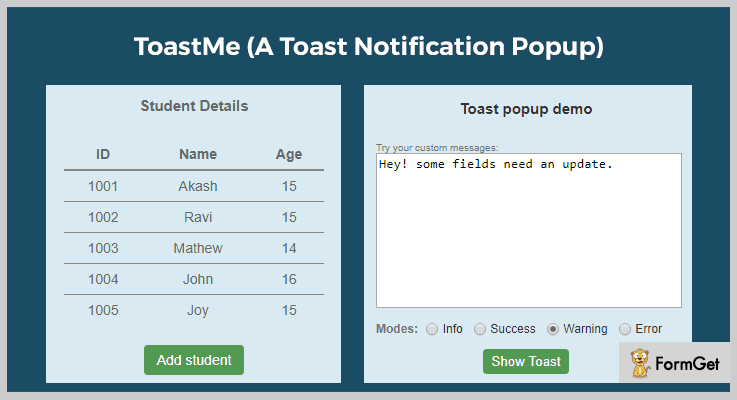
Features
- You can define the specific message to pop up for various modes. If you don’t want to set your own message then it will display the default message.
- It allows to call showToast() method anytime whenever you want to display a notification to user.
- Set the number of milliseconds to determine the display timing of the popup on the screen.
Pricing
ToastMe is a free jQuery plugin by GitHub.org and you can easily download it from its official website.
2. Jquery.toast.basic – Free Toast Notification jQuery Plugins
It is a basic plugin to visualize toast and notification messages on your website. You can display any toast type in a box at top and bottom positions on the screen. By default it flaunts at the bottom position.
The pop up disappears on its own after the set duration in milliseconds (default: 5000). It exposes simple feedback on the notification div depending upon the performed operation by the user.
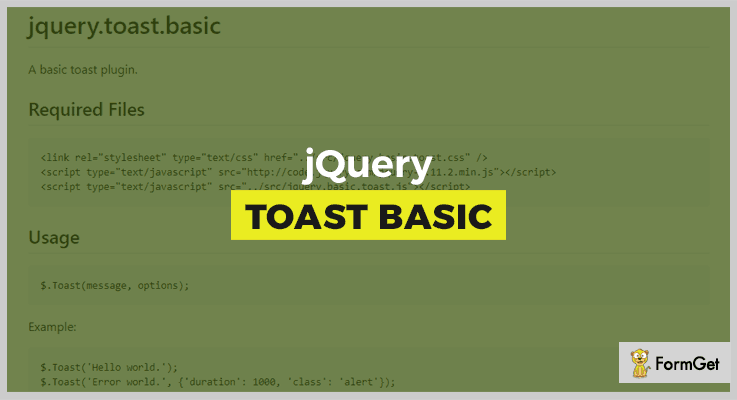
Features
- You can add shadow effect on the notification div.
- With this plugin you can change the family font.
- Set the Z-index value for the toast container (default it is 999999).
Pricing
It is another free plugin by GitHub.
3. jToast – Free Toast Notification jQuery Plugins
JToast plugin can create and integrate toast style notifications to your website. It is used to get the location of the top right corner of the screen to display the notification.
This plugin is very simple to integrate and use. You can create a JToast object, set its title, notification type, message and animation (it is optional).
Features
- Its CustomStage.java used Java Rectangle2D class to customize the location and the creation of the toast notification box.
- You will get all the files in the animation folder for inbuilt animation types.
- It provides full control over the padding to generate space around an element’s content, inside the defined borders.
Pricing
Grab this plugin for free.
4. Jquery Toaster – Free Toast Notification jQuery Plugins
This plugin is used to create stacked transient notification messages for your website. You can create toasts for info, notice, warning and error notification messages.
When the javascript of this plugin is disabled, the progressive enhancement of it allows to read toasts.
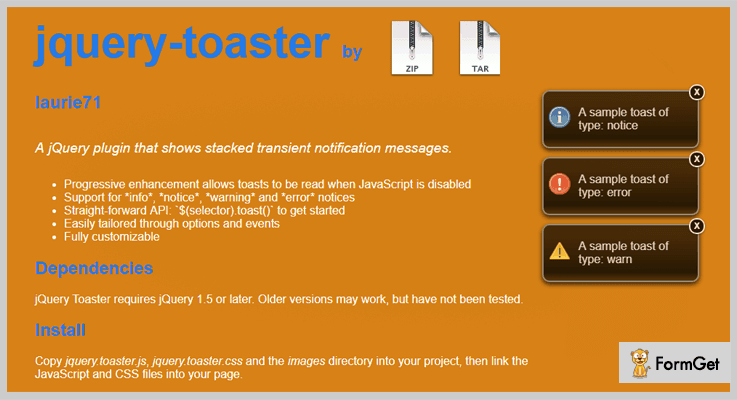
Features
- It provides straight forward API to get started i.e. `$(selector).toast()`
- Tailor your jQuery toaster with unlimited options and events.
- The plugin requires jQuery 1.5 or later for its working.
Pricing
Jquery-toaster is completely free to use plugin.
5. Toastr – Free Toast Notification jQuery Plugins
It is a robust jQuery toast notification plugin which let you create customizable toast messages for your webpage. You can place the toast notification anywhere on the webpage.
The plugin will provide optional animation effects which can be showed or keep hidden as per the requirement. You will get fadein, fadeout and swing effects to display the toast notifications.
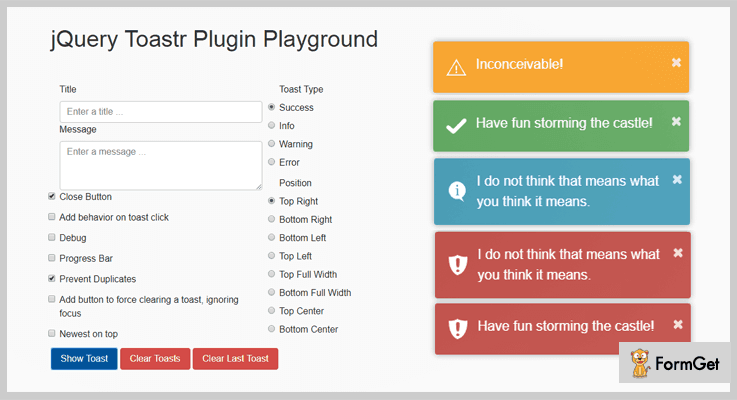
Features
- You will get the flexibility for setting the duration to show/hide the notification.
- The plugin allows to prevent duplicates.
- It can auto dismiss the notification with the progress bar.
Pricing
Download it directly from the official GitHub website for free.
Over To You!
After going through this blog, you get to know that some toast notification jQuery plugins have many handy features with advanced toast message customization.
These toast notification plugins are going to provide better user experience and help your website stand out.
Please, let us know in the comments which one of these Toast Notification jQuery Plugins you like the most.

