
Do you know what exactly jQuery RSS feed plugins do?
How about we first know what this RSS feeds do.
Have you seen “subscribe via RSS feed” kind of a button on various web-pages? These feeds are simple text files that are submitted to feed directories. This will allow subscribers to see content within a very short time after it’s updated.
RSS is a way of delivering regularly changing web content. These are mainly used by – news-related sites, weblogs and other online publishers. All those sites let you syndicate their content as an RSS Feed.
So, RSS feeds benefit those who actually own a website. Since site owners can give updated content to subscribers quickly by submitting feeds to various XML and RSS directories.
Here in this article, we have compiled a list of 4 Best jQuery RSS feed plugins where you can feed news in unique formats and style. Further, these jQuery RSS feed plugins are highly customizable so that one can make easy changes in the given code.
The main functionality of this plugin is you need not to bother about feed refreshments. As the new feeds are added automatically with the help of these listed jQuery RSS feed plugins.
You can add multiple feeds with different color options along with so many design styles. Also, you can add your customer testimonial using these jQuery RSS feed plugins.
Once you start using these plugins, you’ll realize that there are so many different ways that you can use jquery RSS feeds plugins. This will help you in your web searching and news feeding.
Read some more useful plugins too!!
Now without wasting much time let us dive together and understand each jQuery RSS feed plugins in detail.
1. Modern News Ticker – Best in jQuery RSS feed plugins
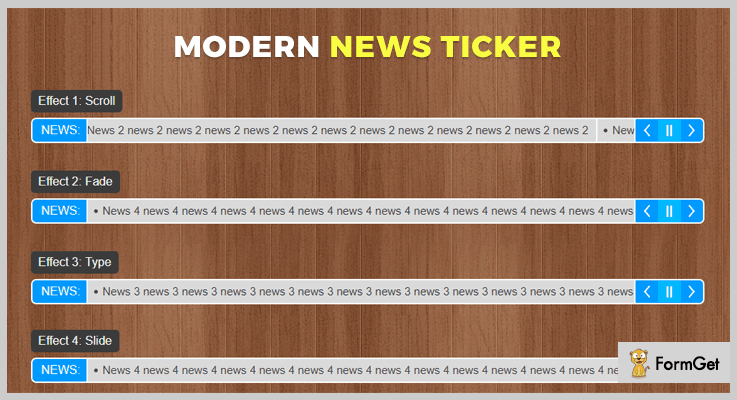
This is a powerful, flexible, and fast jQuery plugin for placing news RSS feed. It is easy to use and can be easily customized news ticker plugin.
Further, the plugin offers a varied number of features while still being lightweight. Also, the plugin is responsive and it comes with a detailed guide which makes your implementation work easy.
Pricing:
Buy the regular license of this plugin at $6 with all the future updates and full support up to 6 months. You can extend your support up to 12 months by paying $1.50 only.
Features :
- The plugins come with 15 different themes to choose from. Further, it has 4 different effects these effects are scroll, fade, type, and slide.
- It has 4 different layouts that include news items, front label and control buttons. Also, the corners can be set to either round or square.
- This plugin has 21 settings that control the effects, the feeds, and other behaviors. Moreover, it has 3 methods that control the autoplay and the feed refresh.
- Modern News Ticker plugin permits you to load RSS, JSON and Twitter feed etc.
2. Breaking News Ticker Plugin
Breaking News Ticker Plugin is one of the finest plugins in the list of jQuery RSS feed plugins.
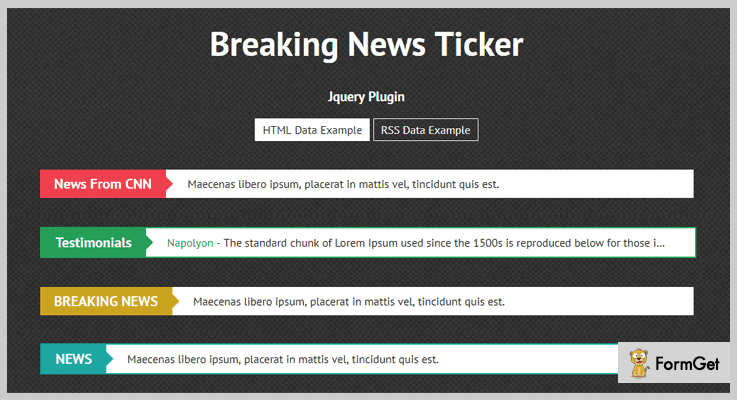
This plugin is used to add different RSS, news, messages etc on your online website. Basically, you are allowed to add a one-liner breaking news on your website.
One can add the feed content with various font size. And it has various changeable properties along with unlimited designs.
Pricing :
You can buy this plugin and get all of its features along with future updates at two varied prices-
- The regular license cost you $5 with quality checked by Envato.
- You can buy the extended license, at a reasonable price of $25.
Features :
- This plugin comes with more than 11 designs so that you can feed your news in different colors and styles.
- You can customize the design, font size, font color etc easily with the help of various customization option present in this plugin.
- Breaking News Ticker plugin is easy to implement as it comes with good documentation along with user guide.
- One can also place testimonials in the multiple RSS feed options using this responsive jQuery plugin which fits on all screen. This will help you to place your customer’s review on your site.
3. Ideabox – News & RSS Ticker
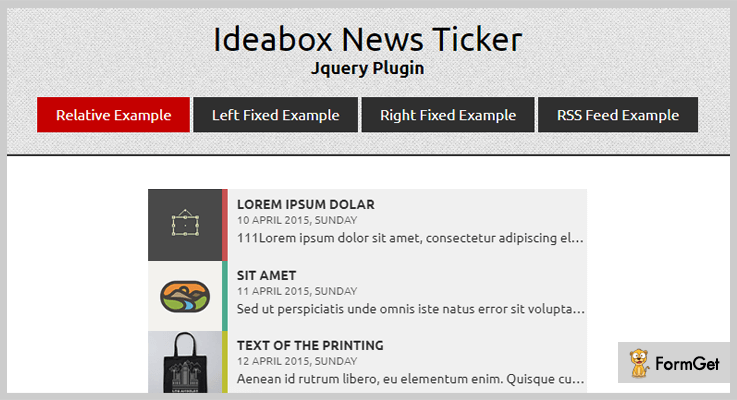
Ideabox news and RSS ticker is a jQuery plugin that allows you to have content scrolling indefinitely across the screen. One can place different responsive feeds on their website using this plugin. You can control the scrolling, and content programmatically and do changes in code with ease.
Pricing:
There are two different licenses available at different pricing plans. You will get full support and regular future updates with this above license.
- Regular license – $10.
- Extended license – $50.
Features :
- The plugin provides automatic update RSS feed with time. So there’s no need to feed new content from your end as this plugin does this work for you.
- It supports multiple RSS feeds so that you can place as many feeds as you want on your website.
- This plugin is easy to customize you can do easy changes according to your need.
- Ideabox plugin comes with more than 6 color schemes and different designs style.
4. jQuery & Bootstrap RSS Widget
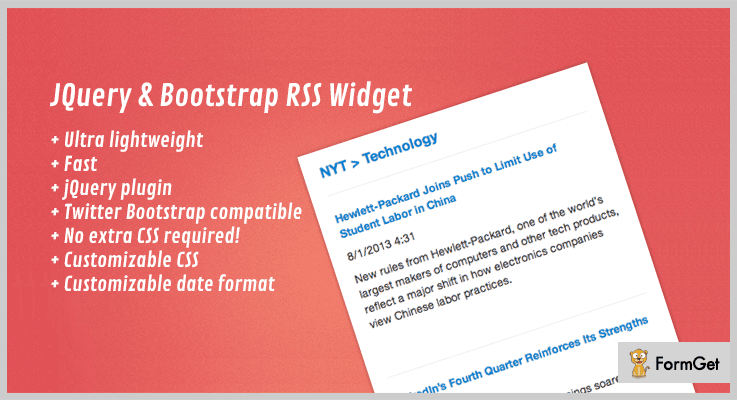
jQuery & Bootstrap RSS Widget plugin is easy to install, fast and customizable plugin. This plugin has multiple RSS widget which is built with jQuery.
It has Twitter Bootstrap functionality so that you can easily create a website widgets. These widgets scale itself to the size of the viewport of the device that your user use.
Pricing:
Buy the regular license of this plugin at $6 with all the future updates and full support up to 6 months. You can buy the extended license at $30.
Features :
- The plugin provides a faster response as it is lightweight in nature.
- It does not require any extra CSS for placing custom RSS feed. Also, this plugin has customizable CSS options include in it.
- jQuery & Bootstrap RSS Widget plugin supports data format customization by which one can do changes in the code with ease.
Conclusion:
So above are some of the most noteworthy premium jQuery RSS feed Plugins. All of these plugins are specially designed to give your website a better and advance presentation. We hope you have found the best plugin according to your requirement.
If you have any kind of questions or suggestions, feel free to comment below in the comment section.
Stay tuned for more upcoming jQuery plugins.
4+ Best jQuery Captcha Plugins (Free and Paid)
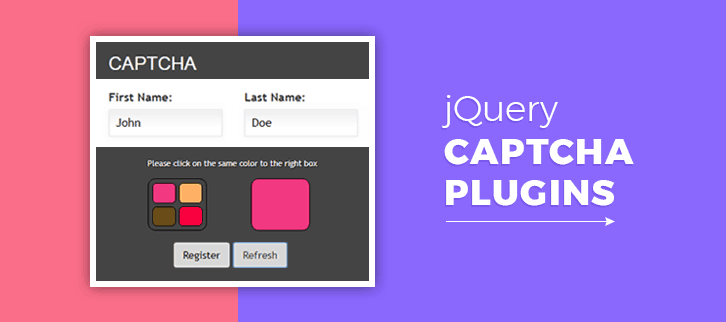
Today we are going to introduce you to jQuery Captcha plugins. As, we all know about the sites and search engines, which use Captcha programs like – sometimes Google asks for the verification by providing a set of different images.
Basically, Captcha helps your computer or other devices in recognizing the difference between a bot and human to provide security to your system.
These plugins can help you in managing spam comments for a blog, or in deleting fake spam users registering in sites. Also, the plugins can easily resolve all your spam issues.
Sometimes jQuery Captcha plugins can add a simple math sum text and an input box before the submit button for comments, forms etc.
In fact, you can easily implement these Captchas within the registration form, login, and contact forms.
Here is the collection of free and paid jQuery Captcha plugins with their scripts and services that you can easily embed into your website.
You might be interested in reading these blogs as well:
These plugins will allow you to move any draggable object with the click of a mouse anywhere on the page.
Using these plugins you can customize the layout of text, images, widgets, and menus on your website.
These jQuery Banner Rotator Plugins are used to create rotating banner on your website.
1. SPASS Captcha – Best Paid In jQuery Captcha Plugins
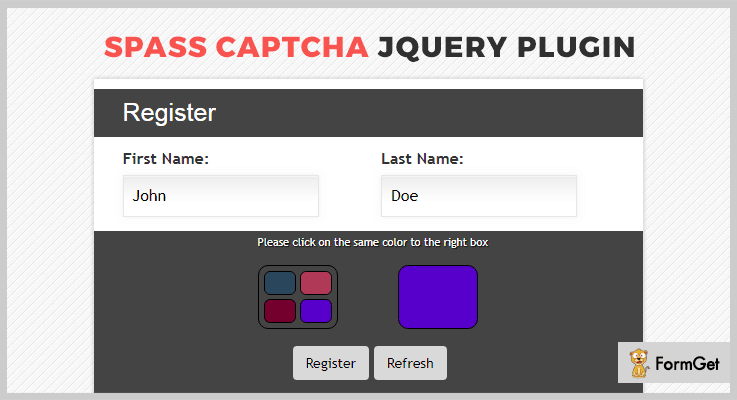
This is one of the best-paid plugins in the family of jQuery Captcha plugins. It is easy to use and comes with the full-documentation, which will help you in the better understanding of this plugin.
This plugin supports all latest browsers like – Firefox, Safari, Opera, and Chrome. It also supports CSS, PHP, JavaScript JS, and HTML.
Price –
You can purchase this plugin at $9 with lifetime free updates.
Features –
- You can easily apply some Captcha codes in 4 different captcha models.
- This plugin is supported by Bootstrap.
- In this plugin, you can even touch, or drag & drop the events anywhere on the web page.
- It is compatible with all touchscreen devices.
2. MotionCAPTCHA – Free In jQuery Captcha Plugins
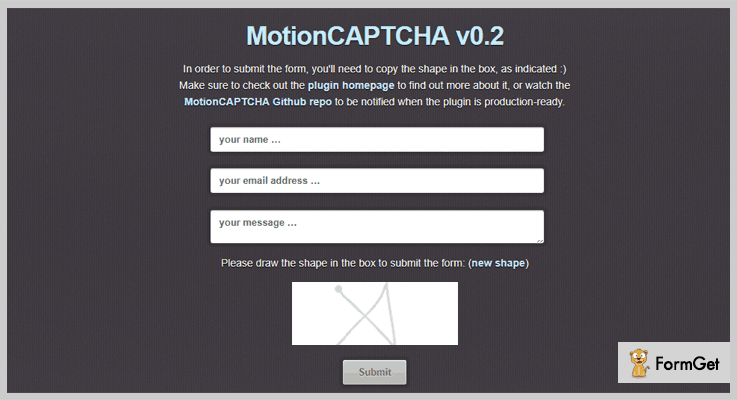
Using this plugin you can easily stop all the threats of spam, as in the Captcha code user has to draw the different shapes as indicated there.
This plugin is SEO- friendly, responsive that means it is screen independent, and compatible with the browsers as well.
Price –
You can purchase this plugin at $0, as it is available to all free of cost.
Features –
- In order to submit the form, you viewer’s have to copy the shape in the box, as available.
- You can disable or enable the submit button for example – <input type=”submit” disabled=”disabled” value=”Submit Form” />.
- Using this plugin, you can add a hidden input to the form, with the form action as its value.
3. Text Captcha – Best Free In jQuery Captcha Plugins
Text Captcha plugin is specially designed to provide the captcha either in the text, math, numbers or random manner.
For text testing, your user will be given a random set of letters and asks the user to sort them by alphabetic or reverse order. And, for number testing, it gives the user a random listing of numbers and asks to sort them by numeric or reverse order.
Price –
From the official website of GitHub, you can download this plugin for free.
Features –
- This plugin comes with 4 types of Captcha options – text, maths, number or self-explanatory.
- You can even decide the length of the text and number types.
- It returns true or false as the value if it is correct.
- This plugin provides 2 random numbers between 0 and 9 you can either perform addition, subtraction or multiplication or you can choose randomly.
4. jQuery CAPTCHA – Free In jQuery Captcha Plugins
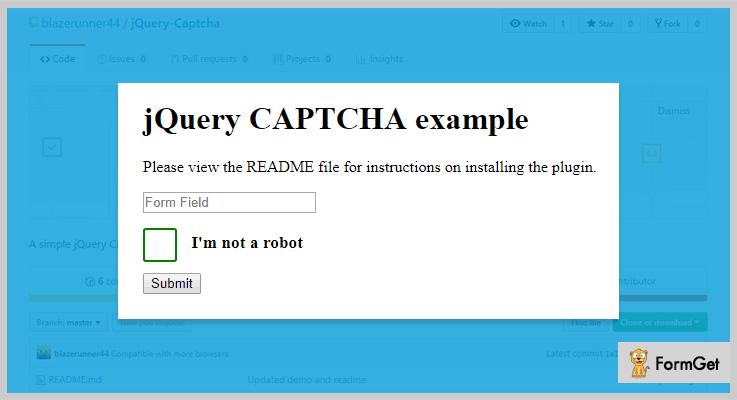
This plugin provides a div which is not recognizable by a spambot. In reality, the user needs to click the div button written with the text “I’m not a robot!”.
jQuery CAPTCHA comes with a well-documented file so as to make you understand its functionality better.
Price –
You can purchase this plugin at $0 from GitHub, and download it from the official website of GitHub.com.
Features –
- This plugin works by creating a div shaped checkbox, which later on gets submitted to the system.
- If you wish to install the slider plugin, with this plugin you just have to include the JavaScript file AFTER jQuery.
- You are free to change the styles according to your website using CSS customization.
5. PuzzleCAPTCHA – Free In jQuery Captcha Plugins
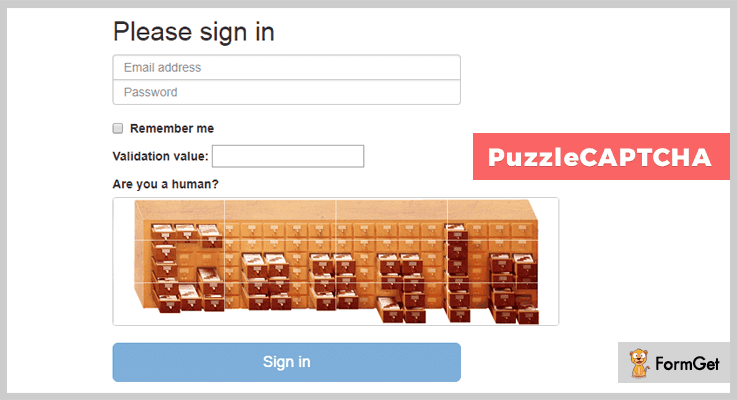
PuzzleCAPTCHA is one of the finest plugins in this jQuery Captcha plugins list. It provides requiring users to solve a very simple puzzle of any image from the web.
This plugin comes with a complete user guide along with well-arranged documentation which further makes your work easy.
Price –
Anyone can download this plugin for free from GitHub.com, free of cost.
Features –
- This plugin will automatically generate a simple jigsaw puzzle from any image available on the web.
- You can lock the form by using [disabled=”true”] on the submit button.
Conclusion –
Using these jQuery Captcha Plugins you can easily stop the threats of spams, robots, or malfunctioning software.
We hope and believe that by the end of this blog you have already found the one you are looking for.
Guys, don’t forget to share your kind words in the comment section!
5+ Shopping Cart jQuery Plugins (Free and Paid)

Online shopping is in vogue these days, everyone loves to shop online rather than going to marketplaces. Online stores offer definitely a high range of products, offers, and discounts which create curiosity in people to buy from online shopping stores.
But the competition is cut-throat in e-commerce segment so, it becomes crucial for you to provide better checkout experience to visitors. As this is going to give you an edge over others in the market.
For making this easier, hundreds of plugins are present in the online market that will help you to build eye-catching and easy shopping carts for online stores. But we have sorted out some of the best shopping cart jQuery plugins for you.
These plugins will help you to set-up the products sale to selling products online. Shopping cart jQuery plugins are jam-packed with the myriad of premium features like 360-degree display of product, integrated with payment modes, shows a list of stores and many other features.
In addition, these plugins are most light weighted and simple to integrate with HTML or WordPress based websites.
Here we also have some more best jQuery plugins blog:
So, what are you waiting for?
Dive in and find your ideal shopping cart jQuery plugin.
1. PayPal Shopping Cart – jQuery Plugin
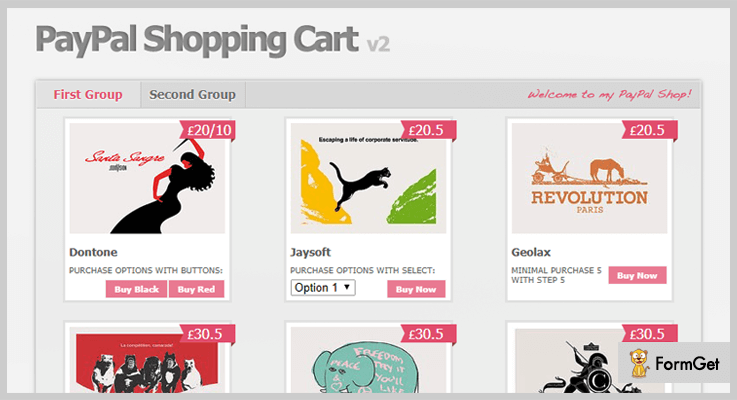
PayPal Shopping is a nice looking and ready to use shopping cart jQuery plugin. It doesn’t require any kind of database or server scripts to work and this makes it lightweight and fast working.
This plugin allows your customers to purchase multiple products at one time and quickly pay through PayPal. With four simple steps, a visitor can resize the cart size. Also, it’s cleanly coded with JavaScript code.
PRICING:
- PayPal Shopping Cart Plugin comes with a price tag of $9 with future updates and 6 months client support.
- And for some extended features, you can buy this plugin at $45.
FEATURES:
- You can show the products in a grid layout with the small description of products.
- This plugin provides you with 20 configurable options of products with PayPal variables.
- It provides you with the configurable animation effects on the cart as well as with the configurable currency of cart.
- Your visitor can limit the product list and it can also share the cart contents on some of the pages of the website.
2. jQuery Interactive – Shopping Cart Plugin
jQuery Interactive Shopping Cart Plugin is fully based on the Bootstrap framework. You can easily install this plugin just with a few clicks on the dashboard.
Moreover, this plugin is well documented and is filled with AJAX implementation code. It includes files like JavaScript JS, HTML, CSS.
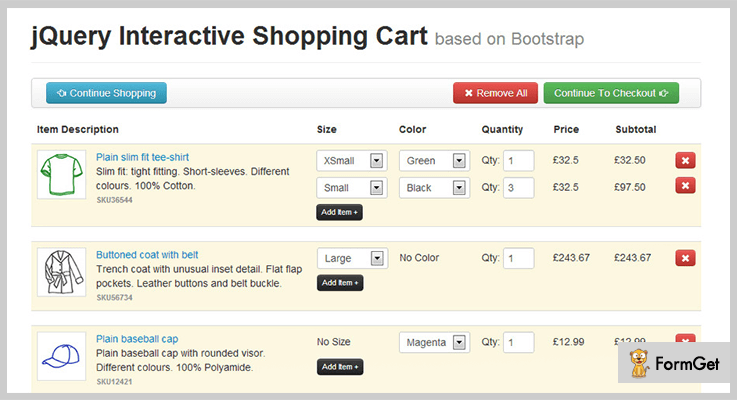
PRICING:
- This Bootstrap jQuery plugin will cost you $7 with lifetime updates and client support.
- Its extended plan will cost you $35 with advanced features.
FEATURES:
- The plugin is compatible with HTML5 through which you can make the tags on the shopping cart section.
- It provides you with valid CSS which will let you give a beautiful layout and design to cart section.
- This plugin is compatible with different kind of browsers like IE7, IE8, IE9, Firefox, Safari, Opera, and Chrome.
- Also, jQuery interactive shopping cart plugin is well documented only pick the code and paste it into the webpage.
3. jQuery Paypal HTML Shop
It’s an easy to use shopping cart jQuery plugin for web developers to add a fully customizable cart to their websites. This plugin is rich with seamless integration through which you can add own style, class name and start a working shop in a couple of seconds.
Through this, you can allow your customers to get a redirect on the store page where they can adjust the PayPal options like shipping address, advanced shipping cost calculation, and notifications.
Also, this plugin supports every currency type and is compatible with PayPal integration.
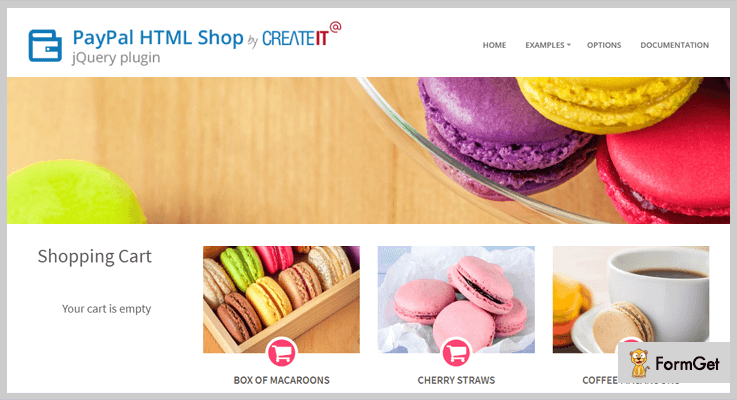
PRICING:
- This plugin will cost you $15 with lifetime support and 6-month client support.
FEATURES:
- You can use the prebuilt 6 unique design styles like corpress, diana, estato, farm fresh and rentica on shopping cart section of a website.
- Also, you can add your own promo codes for percentage or fixed amount discounts while checkout out the page.
- This plugin allows you to place the cart section anywhere on the website as it comes with an option of “add small cart”.
- It supports simple and variable products which can fully feature even with no content management system.
4. Drift – A Part Of Shopping Cart jQuery Plugins
This is a jQuery based shopping cart plugin. It keeps connecting the user with the relevant element they are scrolling throughout. Also, it allows you to display the shopping cart in the sidebars.
It gives an eye-catching design to your cart area so that users don’t get bored with the regular one and also these designs can be used with navigation menus, user alerts or advertisements sections.
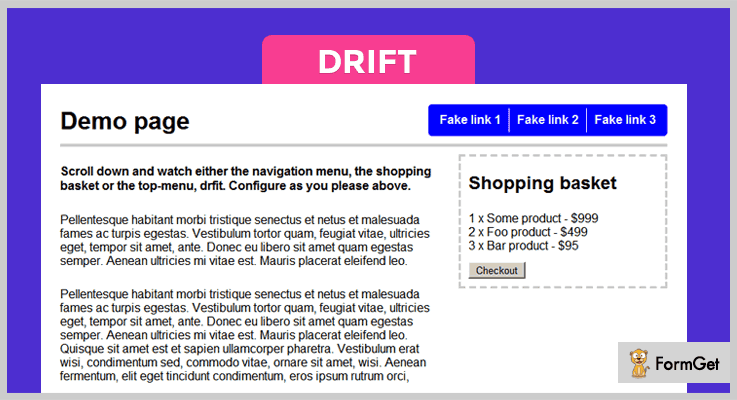
PRICING:
- Drift shopping cart plugin comes with a price tag of $9 and to include its extended features you can buy this at $45.
FEATURES:
- This plugin is based on API (application programming interface) keys which identify the developer or user to the website.
- It allows you to find the bounce of drifter like where it goes or how fast it goes everything here is easily configurable.
- You can add 16KB documentation in HTML format which can be view in the browsers.
- This plugin allows you to add new drifting modes and can also use the prebuilt default modes like elastic, regular, bounce, static and fade animations.
5. jQuery Smart Cart – jQuery Plugin
jQuery Smart Cart is a fully customizable shopping cart made only with jQuery. It allows you to create an interactive and user-friendly cart with minimal coding.
This plugin has the options to support form submit, AJAX submit and PayPal submit of the shopping cart items.
And the new version of this plugin is completely based on modern patterns and its features are very advance that support the BootStrap, theme support, customizable toolbar, event support and a lot more.
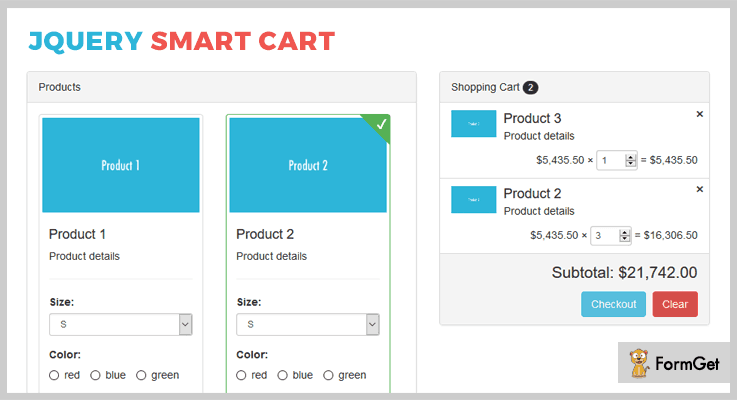
PRICING:
- It’s an open source jQuery plugin which is free of cost.
FEATURES:
- This plugin comes with a clean and compact design which can be easily implemented on the website.
- It automatically calculates the subtotal of the items present in the cart without requiring any external option.
- You can add an option to edit the number of items from the cart and can display the product image.
- Also, you can customize the cart templates and currency option in the cart.
6. jQuery Add2Cart – Cart Plugin
Its one of the best free shopping cart jQuery plugins present amongst all. It helps you to create an animated shopping cart for your website.
This allows you to create and animates the visual effects of each item while moving them into another.
PRICING:
- This jQuery plugin if free of cost.
FEATURES:
- Its visual effects are used on e-commerce websites and other related web applications.
- This plugin helps you to add the source image to the image which is being animated instead of a grey box.
- jQuery Add2Cart plugin is compatible with different kind of browsers like Chrome, Firefox etc.
Conclusion:
Above are some of the best shopping cart jQuery plugins which you can add to your e-commerce websites. Through them, you can easily create an animated cart or add visual effects to them in no time.
Also, some of them are premium with advanced features and others are free with regular features.
For any query or suggestions please comment below.
4+ Best jQuery Panorama Plugins (Free and Paid)

Do you want to give your website a wide-angle of view with HD effects?
You must be!
Adding jQuery Panorama Plugins on your website will give you a full control over images and provides awesome HD effects on your website. Also, these plugins will help you to present the images of your website in a wide 360° angle with a panorama view.
These days, 360-degree content is slowly becoming a viable marketing tool, marketers are now heading toward a new way of representing their brand. Panorama has become the hottest consequence of any website which keeps the audience hooked on your website.
That’s why below I’d like to share the list of 5 most popular jQuery Panorama Plugins which you can use for creating panorama view, virtual tours, 360° view, photo sliders, 3D effects on your website that leaves a “WOW” image on your visitors.
These plugins are easy to integrate into your website and create an attractive, trendy, and an engaging online portfolio. Some of the plugins in this blog come with lots of useful effects such as parallax, scrolling, fully HD effect, zooming & panning effects and various more.
Below is the glimpse of how these panorama plugins will look on your website.
Few more blogs to read:
1. 360° Panoramic Image Viewer:
360° Panoramic Image Viewer takes static panorama images & uses jQuery to add 360 views, hotspots, rotations, and scrolling effects to your website for an ultra-realistic viewing experience.
This plugin allows you to show a full 360-degree right and left rotation on your website. It can be easily configured with other extensions and plugins as well, such as carouFredSel to use multiple panoramas on a single page. Plus, the plugin also works well with a lightbox solution so that a hotspot on your site get zoomed.
Your purchase not only provides amazing plugin but also have access to the outstanding support team for any issues you may encounter.

Another Useful Feature:
- It supports flat panoramic images to provide more attractive & simple views to your customer.
- The plugin gives 180/360 degree visibility setting.
- 360° Panoramic Image Viewer plugin supports width container to set height and size of the image.
- The plugin contains multiple selections of templates to make your site more attractive.
Pricing:
You can get this plugin at $15 with its 6 months support. Also, you will get free updates and live customer support along with it.
2. True Panorama jQuery Plugin:
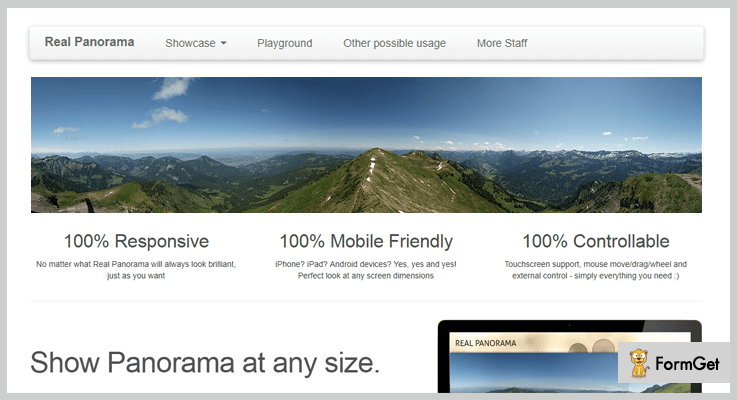
True Panorama is an interactive JavaScript plugin created for panning & zooming a panoramic image of your website. It provides perfectly step-by-step documentation which makes easy for you to implement on a site. This plugin can be used for viewing images in 3-different stages such as full-width size, small size or a fixed width size in the browser viewport.
Additionally, it provides HD and parallax effects on the images and you can use the mouse move on every image to control the panorama slides. Plus you can also set transition speed on every panorama image.
Another Useful Feature:
- The plugin provides an option of “pattern overlay” so that you can change the pattern of your panorama image attractively.
- It provides a clickable custom content option through which you can easily add text or logo on the image.
- With this plugin, you can provide a full control over the images via mouse move and drag option.
- You can show the panorama images at any size you want.
Pricing:
You can buy this cross-browser compatibility panorama plugin at $9 with 6-months support and later you can also extend its further services at $40 for 12-months support.
3. 360 Virtual Tour jQuery Panorama Plugin:
This 360 Virtual Tour panorama plugin is a responsive javascript plugin for displaying 360-degree virtual tour directly in your web browser. With this plugin, you can use 360*180 panoramic photo for making a virtual tour on your website.
It allows you to do all changes of the panoramic image on index.html file simply. Also, you can link URL of the panoramic photo on your site, and it gets automatically turn on or off.

Another Useful Feature:
- Audio player options are available so that you can insert an audio file as well.
- Keyboard navigation is added to this plugin for the people who can not use any pointing devices.
- The plugin has an auto scroll option so that you don’t need to click again & again on any panorama slides.
- It provides a zooming & panning effect for every image.
Pricing:
You can get all these features and functionalities for your website at $14 only with free updates & 24/7 customer support.
4. Panoramic jQuery Plugin:
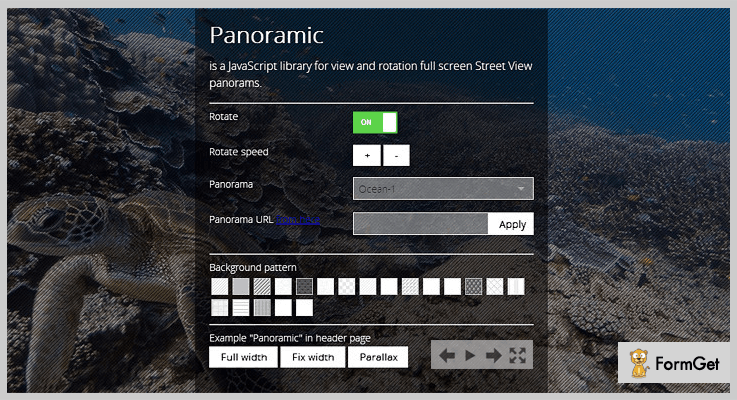
Panoramic is the most versatile three-sixty player for jQuery. It makes your ordinary image into a new gorgeous interactive 360-degree object. This plugin is built with modern libraries of jQuery and provides various responsive multiple panoramas on one page.
Additionally, it has an awesome feature which allows the user to navigate from one scene to another. This plugin includes features like full-screen mode, responsive layout etc.
Another Useful Feature:
- Panoramic provides autoplay option so that the slider of panorama rotates automatically.
- It provides different choices to select panorama for your business website.
- Panoramic gives a compass option to rotate the view of an image.
- The plugin is integrated with Google street view rotator.
- Full mode screen in/out option is available.
Pricing:
The plugin will give all its above-listed services at $12 for 6-months support and you can extend its more advanced features at $55 only.
5. jQuery-HTML5-Canvas-Panorama-Plugin:
jQuery-HTML5 is a plugin for viewing your website’s images in a panorama way. It is super fast and optimized the codes with a new way to add an image on the website that makes the loading process faster. One can use the plugin for any business purpose either for wedding purpose or a real estate property view.
Another Useful Feature:
- The plugin has HTML element overlay so that you can see other elements positioned over canvas element.
- Option to resize the image attachment after the panorama image is completely loaded.
- The plugin supports various changing panorama parameters.
- It fixes various bugs like popping scroll bugs, event handling bug and more.
Pricing:
The plugin will cost you nothing. It is completely free and you can get this from GitHub official website.
Conclusion:
And this is where my writing comes to close. We’ve covered some of the high rated panorama jQuery plugins which are popular in the market today. Each & every plugin comes with a multitude of functionalities and attributes that can hold the audience towards your website.
Moreover, if you think I’ve left out something in these plugins then do let us know below in a comment section.
Thanks!
4 Best jQuery Image Hover Effect Plugins

“Are you too tired of old school way of displaying images?”
If you are a website owner who agrees with this sentence then, we will help you create a fancy impression by displaying images with attractive hover effects. Because we know the importance of images on a website!
You can add the images on different pages and sections of your site. Now, what if I say, you can enhance the look of those images with hover effects?
If you are interested in such image enhancing activities, then we have got the perfect solution explained in this blog.
jQuery Image Hover Effect Plugins are here for your rescue.
jQuery Image Hover Effect plugins empower you to add stunning animation effects. Consequently, you can set events on which they will trigger such as mouseover & mouseout. In addition to this, you can also add buttons to preview the next or previous images.
Furthermore, you can easily customize these effects, their timing, speed and dimensions of image containers.
On top of that, they are very lightweight which automatically enhances the loading speed.
With these jQuery plugins, you don’t have to hassle a lot. You can simply download and embed the few lines of code on your website.
For this reason, we have amalgamated a list of Best jQuery Image Hover Effect Plugins in which you will get all the major attributes, pricing plans & various other details.
Further, you may also like to read some of these blogs from our crannies. So, do peep in!
- Use jQuery Search Filter Plugins & offer filtering and sorting interface to your website visitors.
- Integrate with jQuery Panorama Plugins to present the images of your website in a wide 360-degree angle with a panorama view.
- To get quick reviews and ratings from your customers in stars or any other icons, use jQuery Rating Plugins.
So, now without frittering away any more time. Let’s dive into today’s topic i.e. Best jQuery Image Hover Effect Plugins
1. Picanim – jQuery Image Hover Effect Plugin
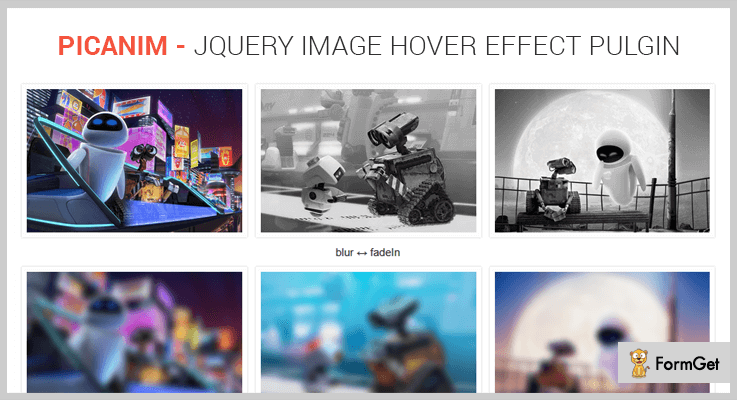
Picanim is one of the most efficient jQuery plugins which provides its users with commendable features for creating a hover effect of their choice.
This plugin also grants many effects on mouseover and a reverse effect on mouseout events.
It is compatible with major browsers like IE(even ie6), Firefox, Opera, Safari & Google Chrome. Apart from this, it is very lightweight & is minimized to a 3kb gzipped file.
Features:
- This plugin provides you with more than 27 unique hover effects.
- It consists of various beautiful hover effects for images like grayscale, fallen, transparent, blur and many more.
- You can effortlessly configure the effect with the diverse options provided.
- Along with this, it also supports ‘img’ tag where you can define the height & width of the image as well.
- Moreover, this plugin also allows you to add a tooltip to the image.
Pricing:
You can seal the deal for this plugin with all its features and future updates:
- Regular license – $9.
- Extended license – $45.
2. jQuery Hover Cards – jQuery Image Hover Effect Plugin
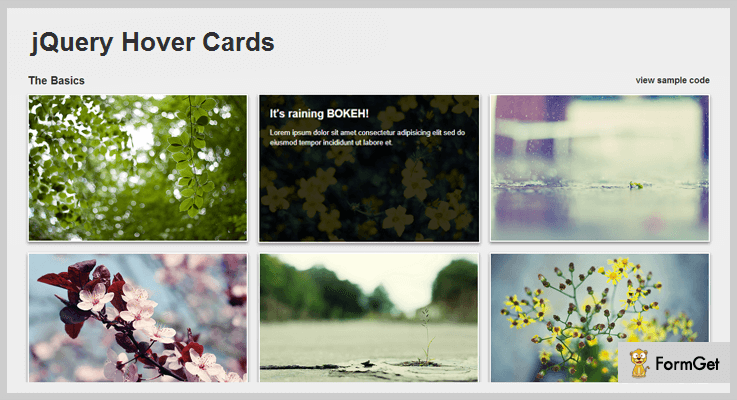
This is a jQuery image hover plugin which provides its users with exemplary features for adding effects to their images as well as thumbnails. Amongst these effects, some are limited to x-axis while others are limited to the y-axis.
These plugins are super easy to initiate by inserting a few lines of code. It is a user-friendly & lightweight plugin which is gzipped to the size of 3kb.
Features:
- This plugin provides you with 2 animation effects to choose from.
- It facilitates multiple callback options as well.
- You can easily customize the effects as you want to.
- In addition to this, you can choose from a range of different effects depending on the direction of an image you want to hover.
Pricing:
You can acquire this plugin and its features as well at two various prices according to the license you opt for :
- For purchasing a regular license, you have to pay $6.
- While the extended license will cost you $30.
3. Zalki – jQuery Image Hover Effect Plugin
Zalki Hover Image is a renowned plugin which helps you to add animation effects on your images. It provides you with exemplary features like adding transition effects, defining the shape, size of image & much more. Also, it supports thirty animation effects from jQuery Easing.
This plugin is very lightweight which is minimized to the size of a 7kb script. Also, it is easy to use and install. Additionally, they also provide you a documentation with this plugin which prevents you from wandering around in search of answers.

Features:
- It enables you to adjust the speed of the animation.
- You can modify the appearance of the pop-up elements.
- This plugin empowers you to embed your own icons.
- Although the plugin automatically defines the dimensions of the image container, you can disable this function as well.
- Along with this, you can also change the color, shape & size of the image as per your convenience.
Pricing:
This plugin is available at two different rates.
- For availing the standard license, you have to pay $8.
- To get the extended license, you have to pay $40.
Along with the product, you also get the benefits of getting all the future updates and support which can be extended for another year by paying the amount of $2.25 & $11.25 respectively.
4. HoverEx – jQuery Image Hover Effect Plugin
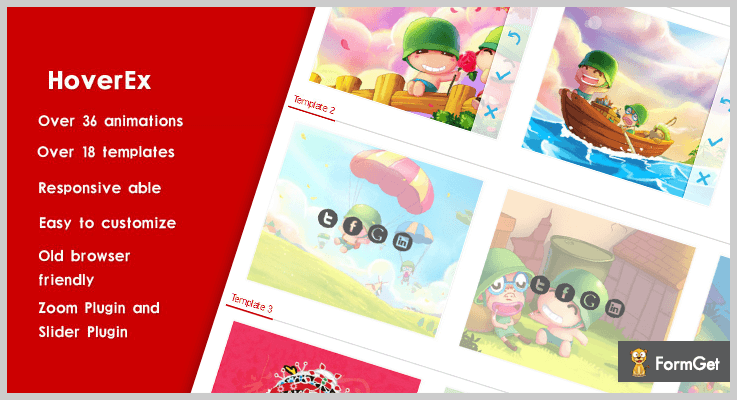
HoverEx is veritably one of the finest jQuery images hover effect plugin. This plugin provides various excellent features for adding the animation effects on your images like fade in, fade out, bounce, etc.
You can use this plugin even if you’re not so good at jQuery. All you need is to have a good knowledge about HTML markup.
Apart from this, it is very lightweight, responsive to all screens and browsers as well.
Features:
- This plugin provides you a range of 36 animations and over 18 built-in templates to choose from.
- You can effortlessly customize the effects by using HTML.
- It has built-in 8 animate queues & provides inline zoom support. Thereby, you can set the range & zoom change step.
- Apart from this, you can easily add previous/next buttons to the image sliding feature.
- Along with this plugin, you also get a nicely-written documentation & demos.
Pricing:
To purchase this plugin along with its future updates and splendid features, there are two distinct prices :
- For availing the regular license, you have to pay $9.
- Whereas for acquiring the extended license, the cost is $45.
Conclusion
Consequently, we have stated several jQuery Image hover effect plugins above.
Further, we have also discussed what these plugins could do like add transition effects, their height, width & many other features too.
While the basic functionality of these jQuery plugins is applying the hover effect to the images. They also provide a well-written documentation which you can refer in case of doubts or implementation.
We have provided you all the necessary details about these plugins. And we hope that by now you must have found an ideal plugin which best suits your site.
For any more queries and suggestions, just drop a comment or feel free to contact us!
4+ Best jQuery Rating Plugins (Free and Paid)

“Integrate the jQuery rating plugins with your site & get the quick review from your customers in ‘rating starts’!“
If you ever wanted to know that how was the experience of your product or service when your customers used it?
Obviously yes!
But people are not always fond of giving long reviews. They don’t have much time.
So, in this case, you can use the star rating functionality on your website. Because of it, you can get the quick reviews in ‘stars’. Yet, it is not easy to do the programming part for adding & enable this functionality to your website.
That’s why I’ve listed some of the primest jQuery rating plugins which will ease your work in this case. If you add them to your site then all you have to do is to customize its settings according to your needs & enable it.
Then, your work is done!
Even you can do a lot of customizations on them such as changing the icon to the image according to your wish, icon size, number of icons in a single rating tab & many more. See! That’s a lot of features!
In place of icons, you can also simply display the numbers from 1 to any number or some options like good, poor, average, etc. This is how you can do a huge variety of stuff with them.
So just read out this article & choose the best plugin according to your needs.
You may also like to read more jQuery plugin blogs which might help you in your work.
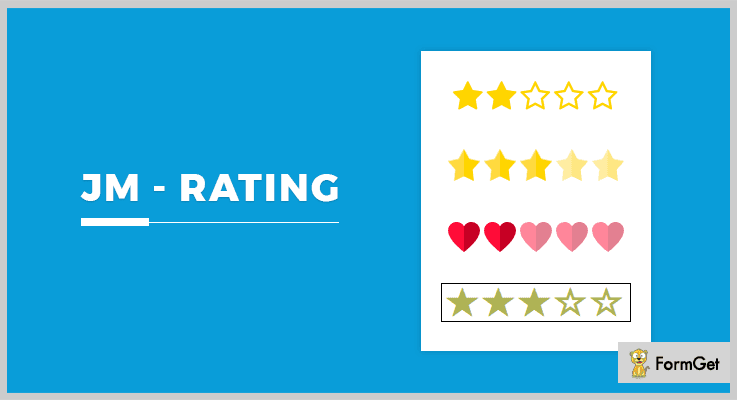
1. JM-Rating: Best in jQuery Rating Plugins
JM-Rating is jQuery plugin through which one can convert any input tag into a nice rating element. In order to do it, this plugin allows using some features such as glyphicons, font awesome, SVG or any kind of images.
Apart from it, you can style your rating component with CSS files editing. Also, this rating plugin uses only a single third party JS lib.
Pricing:
- This rating plugin has a basic plan which charges $7.
- It has another plan charging only $35 for more features.
Features:
- It is way too easy to use & can be integrated on any kind of website.
- You can customize its many options according to your needs from its dashboard as well as a coding section.
- You can edit some of the elements for more accuracy such as starCount icon type, tag, rate icon, unrate icon, component class & many more.
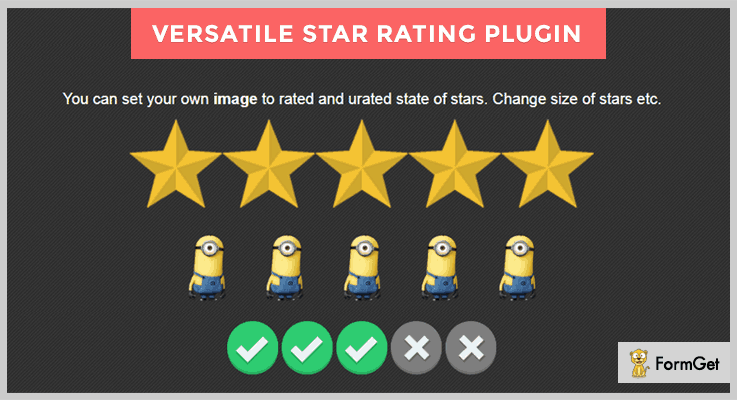
2. Versatile Star Rating Plugin:
It is one of the easiest for implementing the rating functionality on any webpage. For displaying the rating functionality, you can add stars & images of any size, margins, color etc.
Well, it does not calculate the total rating of the product or item but only provides you the ratings shared by the customers or users. Ultimately, it will help you in your business.
Pricing:
- This jQuery rating plugin has a regular license charging $5.
- It also has an extended license which costs $25.
Features:
- You can set how many stars or rating icon you want to display on the user end.
- If you are adding your own rating elements then you can set them to read-only mode. So, others will not be able to copy your style.
- Also, this plugin is touch friendly. That means, people can also rate it through touchscreen devices too.
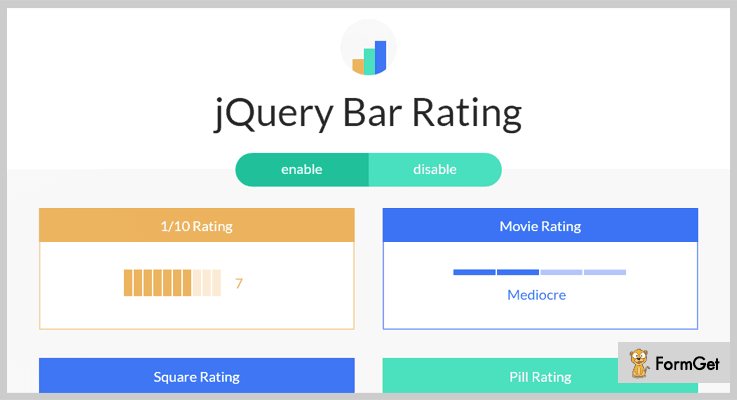
3. jQuery Bar Rating:
This jQuery plugin works by modifying a standard select field into a rating element or widget. It is also easily styleable with the use of CSS manipulation. You can choose to select any kind of rating style such as 1/10 rating, square box, horizontal rating & many more.
As the rating widget includes the anchor elements, so you can press tab or shift-tab in between the elements & then press on entering button on the keyboard to select a rating.
Pricing:
- This plugin is an open-source product.
Features:
- Through this plugin, you can set two types of the rating system: animated figures and numbers rating.
- Apart from simplest one, you can also try out the reversed & vertical rating style which can attract more visitors to your website.
- Also, it allows you to add your own text for rating purposes such as poor, average, good, excellent, etc.
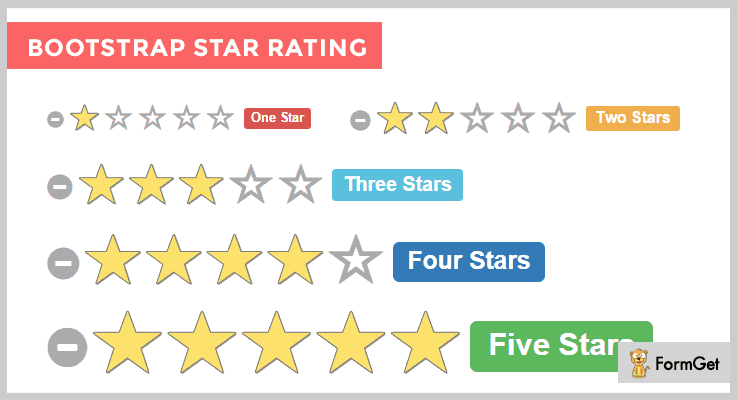
4. Bootstrap Star Rating: jQuery Plugin
With features such as fractional star fill, RTL input support, etc, here comes Bootstrap Star Rating plugin. It uses Bootstrap markup as well as styling options which you can override by any other markup language such as CSS.
You can convert any kind of HTML input into a star-based rating control system. Even its newer version comes with the support of multiple SVG icons which can truly transform the rating style on your Website.
Pricing:
- It is free of cost for the entire lifetime.
Features:
- When the form/page is reset, the ratings are revised to the default values at every time.
- Well, this plugin offers the clean & scalable vector icons for the stable display of ratings across all the devices.
- Also, you can optionally use the Unicode character set to overrule the rating symbols.
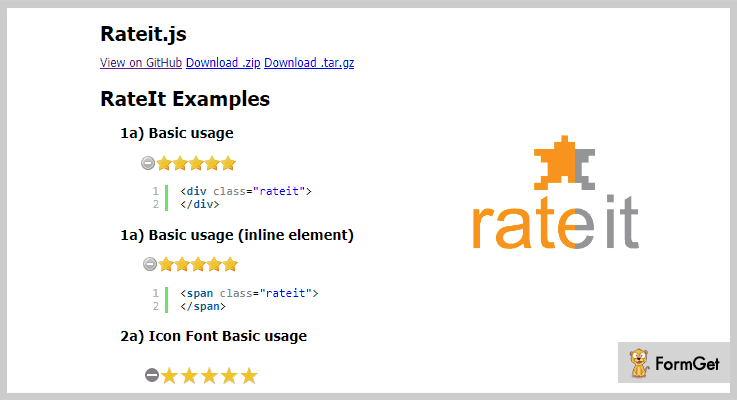
5. Rateit.js: Rating jQuery Plugin
Rateit.js is an enhanced jQuery plugin with lots of customization & tweaks. You can implement a rating functionality on your site with so much ease. All you have to do is to swap out the images & change some CSS styling functionalities.
Even this plugin also allows adding as many rating stars you want to. So you don’t have to worry about any boundations.
Pricing:
- This rating plugin does not charge any amount for the usage.
Features:
- It uses some progressive enhancement functionalities which can truly represent your rating widget in a much better way.
- This rating plugin is way too easy to use in such a way that even a human who has no programming knowledge can also use it.
- It comes with full documentation guide. So you don’t have to worry about how to use it.
Conclusion:
So above are some of the best jQuery rating plugins which you can integrate with your website. After enabling them on your site, people can rate your products or services with so much ease. That’s how you’ll get to know the quality of your product.
Well, some of these rating jQuery plugins are free while others are paid. They consist of multiple numbers of customization facilities.
Even you can add your own images or icons in place of the default one to make your rating style unique.
All you have to do is to try them out & get to know about the views of your customers towards your service.
You can also comment below if you have any queries or suggestions with respect to this article. After all, we’d love to help the future billionaires.
4 jQuery Drag And Drop Plugins 2022 (Free & Paid)
jQuery Drag And Drop plugins are specially designed to attach easy-to-use drag & drop functionality to a live website and facilitate users by providing upload option on your site.
Currently, the market is flooded with a variety of jQuery plugins which offer drag & drop facilities, but many of them just brag about the features and services.
So, in this blog, we have listed and explained some of the best jQuery Drag And Drop plugins which are loaded with multiple upload options, various file options, animation effects, style options to give attractive drag & drop effects and more.
In addition, these plugins are also responsive, touch device compatible, supports latest browsers along with many other facilities.
Also have a look at the blog links listed below which hold details related to popular plugins:-
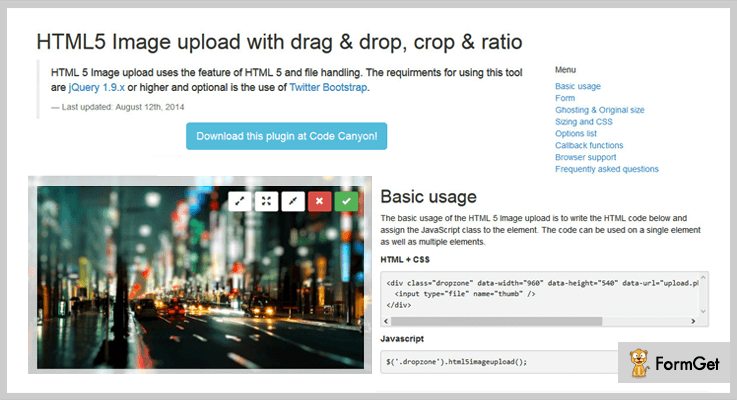
1. HTML 5 Upload Image – jQuery Drag And Drop Plugin
HTML 5 Upload Image is an advanced jQuery plugin which is easy to use and comes with fallback options. It is ideal for CMS as you get image preview, retrieving filename and other options as well.
Documentation page with which you get all the options and facilities provided by this plugin well explained and elaborated with an example along with code details.
Pricing:-
- Regular license of this jQuery plugin will cost $11 which includes various drag and drop facilities.
- The extended license of this plugin is priced around $55 and it offers various enhanced features and services.
Features:-
- Get full access to various options to customize image height, width, URL, ajax and multiple other options as well.
- This jQuery drag and drop plugin helps you define different types of buttons like edit, zoom-in, zoom-out, reset and more. You can easily hide and display them on the website with the slightest change in the CSS.
- With the help of this plugin, you don’t require server scripts, you can simply use canvas to crop the images.
- Provides support for multiple browsers, touchscreen devices and offers responsive design.
More Details On jQuery Drag And Drop Plugin
2. Drop Uploader – jQuery Plugin
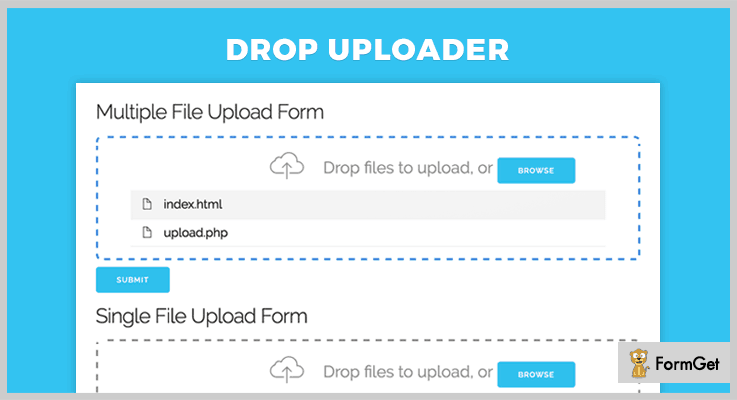
Drop Uploader is one of the best and most affordable jQuery plugin which easily converts default file input field to drag & drop area on a website. With this plugin, you can handle errors, file type validation, plus it also supports multiple file upload facility.
It is super easy to install as you just have to include plugin files and JS code snippet in your HTML code and the plugin will start working.
Pricing:-
- The first plan of this jQuery plugin will charge $7, it is one of the cheapest solutions to apply drag & drop functionality on a website.
- The second plan of this plugin comes with a price tag of $35. This plan includes facilities to add drag & drop to a website.
Features:-
- With this plugin, you are allowed to upload single as well as multiple files at a time.
- You can upload files by browsing folders or simple drag & drop method is also supported.
- It is an easy to use jQuery plugin which includes PHP file uploading script as well.
- This plugin provides you the facility to upload images, pdf, files, file list layout and more.
More Details On jQuery Drag And Drop Plugin
3. Drag & Drop – Image and File Uploader Plugin
This jQuery plugin helps you attach a simple and easy to custom uploader which comes with 3 different layouts for a profile, image and file uploads. It allows you to add a responsive and animated uploader to your website.
In order to apply various customizations in this plugin you just have to change the HTML content text and the plugin will be activated with all the features and functionalities on your website.
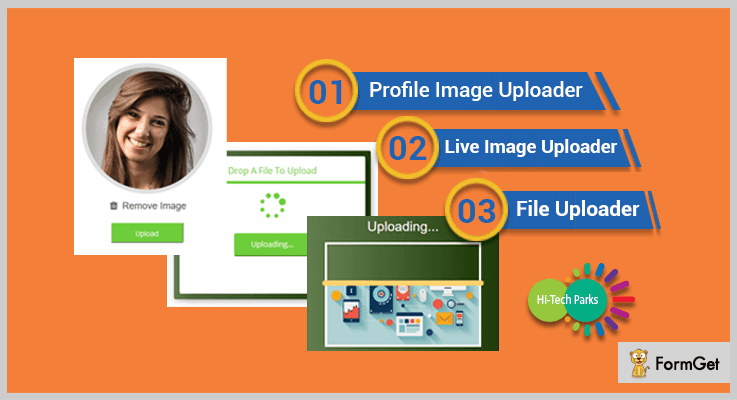
Pricing:-
- $9 is the price which is being charged for the regular plan of this plugin.
- The extended plan of the plugin will cost you $45 for all the features and services.
Features:-
- It offers 3 different types of uploader layouts for profile, image and file uploads.
- With this plugin, you can step by step, easy to understand documentation which helps in the implementation.
- You also get cross-browser compatibility with this jQuery plugin as it supports IE10, IE11, Firefox, Safari, Opera, Chrome, Edge browsers.
- This plugin offers various types of customizations like the custom title, size, color changes can easily be applied.
More Details On jQuery Drag And Drop Plugin
4. Ultimate Drag and Drop Engine – jQuery Plugin
Ultimate Drag and Drop Engine is another jQuery plugin which permits you to set edge padding, stack items, set stack padding, set maximum number of drops, re-order etc.
It also helps you add feedbacks like correct, partially correct, incorrect as well. In addition, you can create drag blocks for images and files and drop boxes for the same.
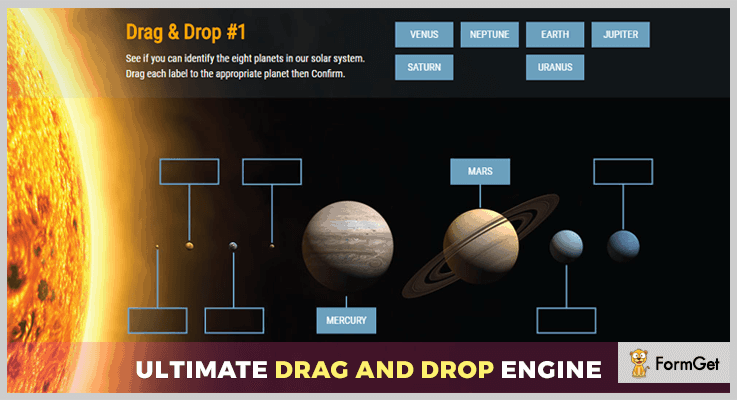
Pricing:-
- This plan has got a price of $14 with which you get multiple drag & drop facilities which simplify various website operations.
- This is the extended plan of the plugin which costs $90 for all the enhanced features and facilities.
Features:-
- You get a well-documented demo in which each and every drag & drop function is clearly defined with all the details.
- This plugin comes with various inbuilt animation engine which helps you design attractive looking pages.
- With this plugin, you can create an unlimited number of drag items and drop zones.
- It is touch device compatible and allows you to design custom drop and submit functions.
More Details On jQuery Drag And Drop Plugin
Conclusion
Finally, we have arrived at the end of this blog on best jQuery Drag And Drop plugins. I am pretty sure that you must have found the jQuery plugin which meets all your requirements and helps you build a better website.
This is not all if you have got any doubts or queries in mind, feel free to ask as in the comments section below. We will be happy to reply.
5+ jQuery Datepicker Plugins 2022 (Free and Paid)

Let’s say you’ve created an event or have a purpose to invite people through your webpage. And with the question how to do it, you go clueless!
If you have faced the same issue then this is the perfect time to introduce a Datepicker. Better take it as an interactive calendar in a small overlay.
Adding an interactive calendar interface on that webpage is the sole solution I believe. A pop-up on the input field will not only allow an easy option for users to fill the dates but it will also let you collect those entries in a much systematic manner.
This calendar and date interface has eased out booking events, online reservations, taking appointments to such an extent that anybody can owe such websites.
No, no you don’t have to write a page long code for that. Then?
How about introducing a jQuery plugin for handling this entire process!
Following jQuery datepicker plugins allow you to work on the rest of the application. Because they are ready to add up all the required features like defining custom weekends, adding both date and time picker, adding events on the dates etc.
Few more must-read blogs
1. Date Picker In Full Screen
The plugin ensures responsiveness through various factors, one of them being touch-friendliness. This increases its usability in mobile devices as well as desktops. The responsive nature makes it perfect for any resolution on the device screen.
It also allows translation of any language in your own language.
Further, the simple-to-use plugin comes with simple-to-understand documentation.

Key Components
- With a close button option, it allows the user to close the calendar manually once all the changes are done. Avoiding reopening it makes it even more user-friendly.
- It allows the user to switch in years and months through easy swipe option. This enables a smooth navigation feature automatically.
- By using its 16 CSS3 transitions and enabling GPU of the system for best display functionality, it ensures amazing layout of the calendar on the webpage.
- The plugin is compatible with most of the known browsers like IE10, IE11, Firefox, Safari, Chrome, Opera etc.
- It allows you customize every element of the calendar such as color editing via CSS.
Pricing
Spend only $7 for this amazing plugin with 6 months support. And extend it for 12 months at $1.88 only.
2. Zebra Datepicker
Zebra Datepicker is one of the highly used open source plugins as it a date as well as time picker. This lightweight (30 KB) plugin automatically adds calendar icon in the required input field. The user will find the attached datepicker on clicking the icon.
Customization with calendar allows adding a column that shows week number, adding a small clock icon on the calendar to pick a time change.
The starting view of the calendar can be either date month year or year month date. It also provides a partial date format where you can show up only years.
Providing a date range (starting from ‘x’ – to ‘y’) for consecutive dates is an add-on.
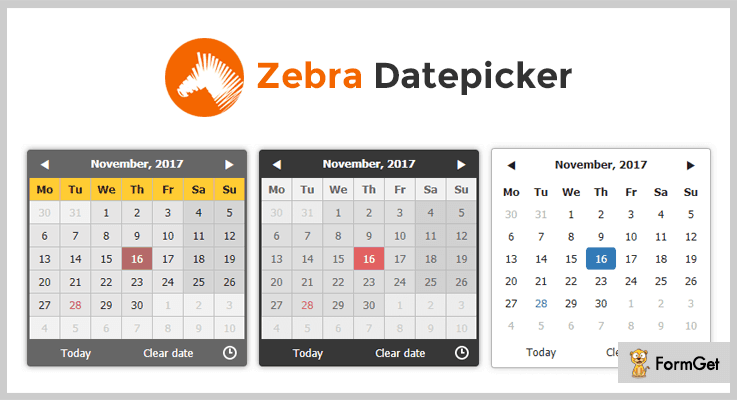
Key Components :
- For countries who don’t have Saturdays and Sundays as a weekend, you can define custom weekend days. You can even disable the weekends on the calendar.
- The default theme of this plugin integrates well with most of the designs, with CSS customization. Additional two themes are also provided.
- The plugin provides an interface to have smooth navigation through years and months as many times as you want.
- You can start the calendar view by showing years first, this is helpful for users while selecting their birth dates.
- It allows you to disable the dates which you don’t want a user to select, eg, previous month, coming two dates, or even a week, or after a certain date.
Pricing
Take away. You can add this plugin in your website for free.
3. Datepicker
The plugin supports internationalization process so that it can be implemented and localized easily. Datepicker lets you use other plugins with the same name simply by calling no conflict method. This plugin allows you to set the start and end date, hence disabling the rest of the dates for the calendar.
It also comes with autoshow and autohide option to take up the inputs and close after accepting it automatically.
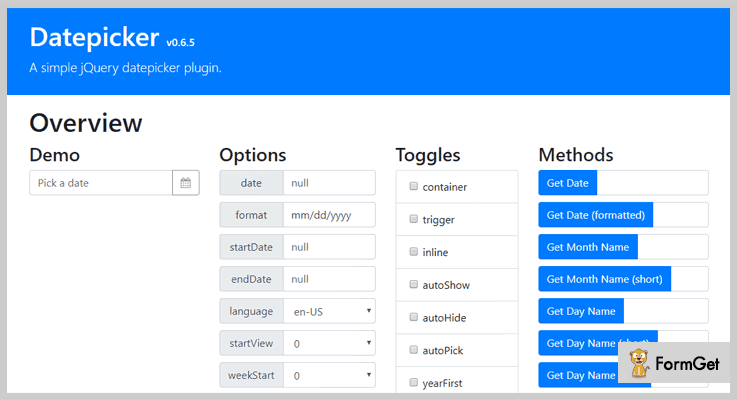
Key Components :
- The plugin is supported by most-used browsers like Chrome, Firefox, Opera, IE 8+ etc.
- It is built with multilingual functionality. You can assign the ISO language code to enable a language for any region. By default, it works on built-in language (en-US).
- This plugin provides several date formats with default pattern of dd/mm/yyyy or d/m/yy.
Pricing
Avail this Datepicker without spending any money.
4. Datetimepicker
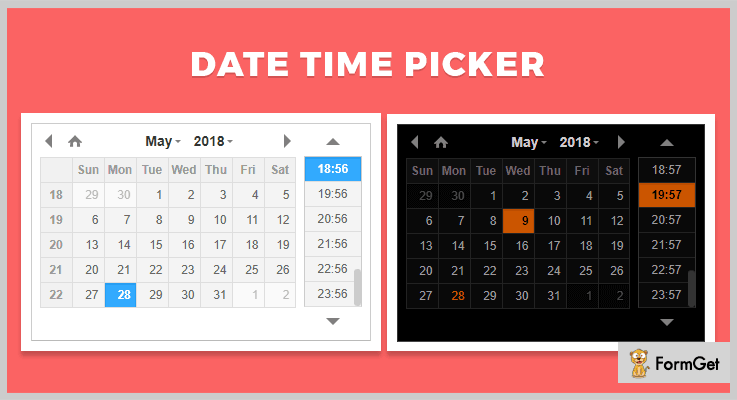
This plugin lets you have a collective date timepicker option (2018/05/29 10:41), along with datepicker (2018/07/27) or time picker (12:00) to your forms. All the modes are highly customizable, for eg. you can highlight the specific dates or a particular time period. It also provides a dark theme calendar layout for your forms.
Further, it allows a touchable, draggable, keyboard or mouse wheel use and hence is very responsive for even mobile devices. You can have a button “Go To Today”.
Key Components
- Besides basic options of show/hide and even toggle or destroy functionalities, this plugin also allows you to validate the input values in the field.
- The plugin initiates on user interaction so it cuts down the unnecessary running on your website.
- It also allows to add up the event details to the date/s while selecting them.
- You can assign the first day of the week (eg. Monday). By default, it comes with Sunday.
Pricing
Get this feature loaded plugin for your website for free.
5. Persian Datepicker
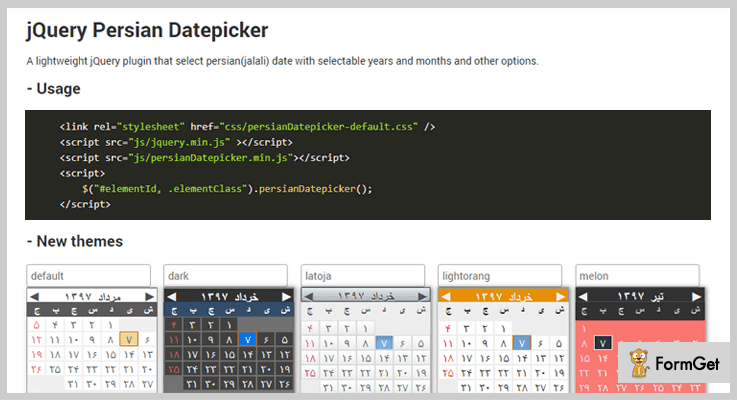
This lightweight plugin (14KB only) allows you to select the date from one of the most accurate and ancient Persian calendar. In case, if you do not know what a Persian calendar is, then we’ll tell you. A Persian calendar’s computation is based on the solar transit and zodiac regions. The entire Persian calendar of this plugin can also be converted into the Gregorian calendar in accordance with GMT.
The plugin has added 5 latest and eye-catching themes which can completely make-over the layout.
Key Components
- The best part comes when the plugin allows to select a date from the Persian calendar and the output comes as a Gregorian date in the field for global users.
- The uniqueness of this plugin is further aided by the availability of two sizes for the calendar. You can either choose big or small according to the form needs.
- You can provide a date range for the date picker, where the start date can be current date or any selected date along with an end date.
- The plugin allows disabling dates that are not marked in the range of dates in the Persian calendar.
Pricing
No charges applied. Use Persian Datepicker for free.
6. DatePick
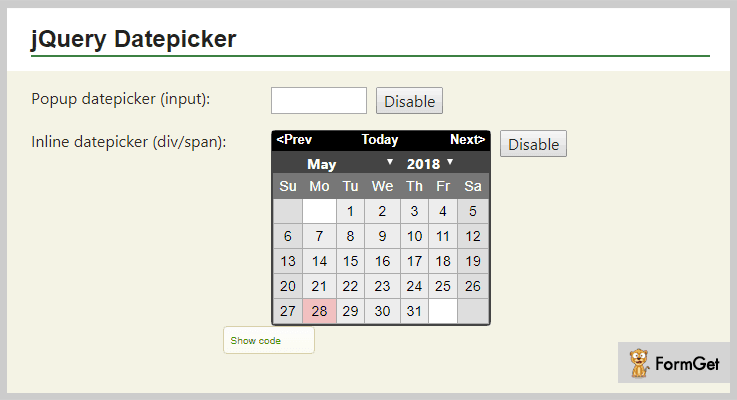
The jQuery plugin allows a pop-up calendar to the input fields. Datepicker appears on focus and closes on clicking anywhere on the page.
With over 70 localization options, this plugin serves for the variety of languages and region (default is en-US). The format varies on the basis of localization (default is mm/dd/yyyy) with validation applied.
Moreover, the plugin provides you with various layouts like showing months in a line, theme roller look etc. You can also combine these layout with CSS to create your version.
You can also add national days on the calendar with this plugin.
Key Components
- One of its distinguished features includes various actions on hovering the calendar elements. For eg. Highlight the hovered week, respond to a date and show a message “you are looking at”, tooltip, status bar etc.
- A user can select unlimited random and separated dates (from any year and any month).
- You can select a range of years, months and dates as well with easy navigation and various customization options. For eg. fix your range (with or without weekends).
- The plugin allows a variety of alignment of the calendar on the page, like top right, bottom left, top left etc.
Pricing
Avail this plugin without any currency transaction. Absolutely free!
Conclusion
Choosing any of the plugins from above jQuery Datepicker plugins is a confirmation to have the best result for your search. The compilation of these plugins have both paid and free plugins. All you have to do is to scan them and find which one will enhance both functionality and layout of your website.
Feel free to post your suggestions and queries in the below section.
Thanks and regards.
5+ Best jQuery Search Plugins (Free and Paid)
jQuery search plugins are used to take the overall searching experience to a much-advanced level.
Because normally users don’t enjoy typing much & sometimes there are mistakes in search typing. Actually, we all know that it’s too boring to type an entire search topic or correct the mistakes manually. That’s why we use the advanced features like word suggest, autocomplete and search instead for redirects. These smart techniques further help us in enhancing the search method via different means.
Moreover, there are many further additions such as accordion searching, sorting, filtering, highlighting, navigating and much more.
As searching is the first experience amongst important user experiences. So its foremost ‘duty to make it more user-friendly. I’ve come across some of the best ways using jQuery search plugins and shortlisted a list of the best ones. Just look through each and every listing presented in brief and make use of the one which best fits your site needs.
Have a look at these popular listings:
With the help of this plugin, You can show your stores on Google Maps.
Integrats Google Maps into your website.
Highlight specific pieces of text on a web page.
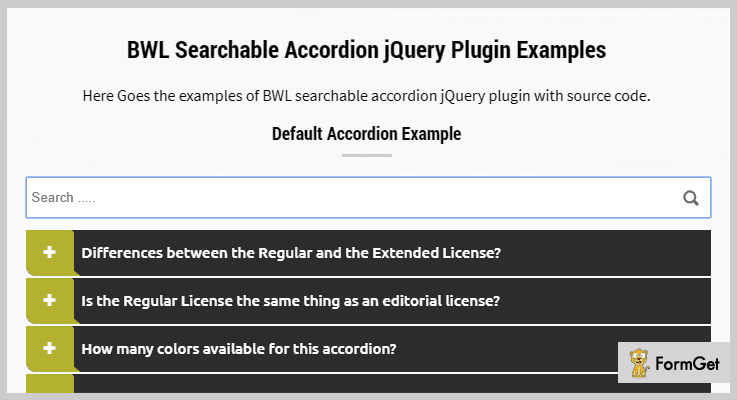
1. BWL Searchable Accordion – jQuery Search Plugins
It is a responsive searchable accordion plugin with an enabled content search option. This plugin consists of many unique features such as content search, search content highlight. BWL Searchable Accordion has cleanly coded that it consists of very fewer files. So, you can create unlimited themes by few setting changes.
Additionally, the plugin has well-commented jQuery code with valid HTML5 markup and an extensive documentation. These additional features will let you easily make use of the overall functionality of the plugin through manual customization.
Pricing Plan:
This unique plugin will cost you $15 for a regular licensed plan with 6 months premium support. Also, there is an optional extended license plan of $75 only.
Features:
- This theme provides very smooth jQuery coding as well as attractive CSS3 animated accordions.
- It uses pagination to place hundreds of content in a single place. You only need to define some numbers and the plugin will take care of the rest. Also, it works great with the search feature.
- 14+ smooth accordion content animations plus 6 colorful and modern accordion themes for full customization.
- Excellent usage of font awesome icons in navigation buttons & Google fonts in the text.
- Also, this plugin has a unique feature of RTL (Right To Left) content support.
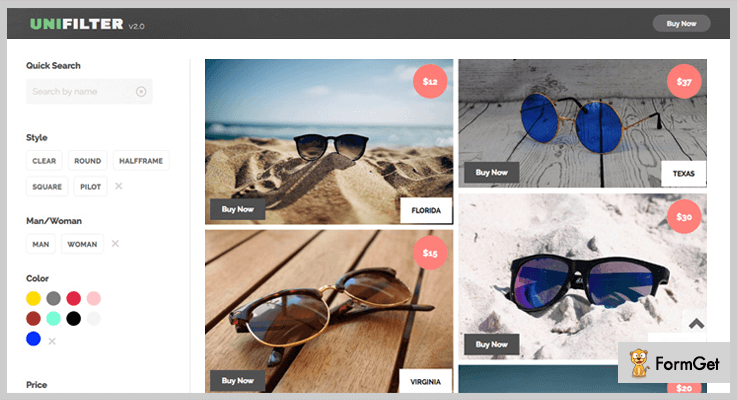
2. UniFilter – jQuery Search Plugins
UniFilter is a multipurpose jQuery search plugin for searching, sorting and filtering data easily and beautifully. Since it makes excellent use of the filters, range sliders, search and sort boxes you can use them separately or in combinations. For an instance, either you may want a search box for a photo gallery or four filters options for an online supermarket.
Moreover, you can use this plugin with fluid or fixed grid types. It’s an absolute solution for image galleries, online shops, or many types of lists which make use of sorting or filtering data content.
Pricing Plan:
The UniFilter jQuery search plugin has two different pricing plans.
- Regular – $10
- Extended – $50
Features:
- It provides multiple filters & search boxes.
- This plugin has inbuilt auto-scroll functionality.
- Also, it has an advanced filtering mode available i.e, the “best match”.
- Two pre-designed templates absolutely ready to use.
- CSS3 animation effects to show/hide items and to rearrange list items after applying filters.
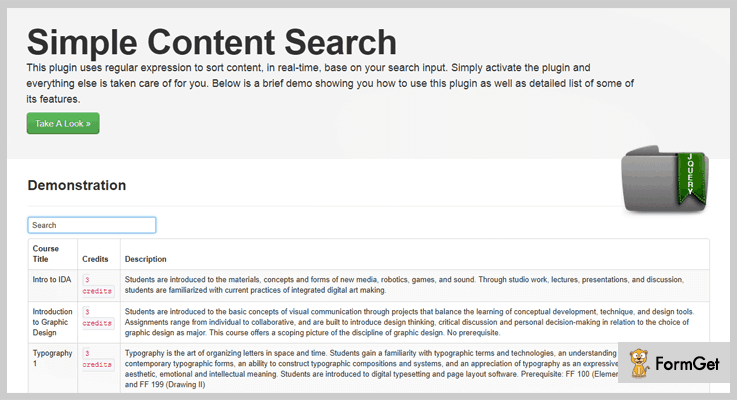
3. Simple Content Search – jQuery Search Plugin
Simple Content Search is a minimal solution to the search procedure. Since it makes a very simple content sorter for your content. Due to the smooth client-side sorting mechanism, you can easily beautify your web interface. There is no need for a full page refresh while sorting. Yes, you heard it correctly, no full ape reload because of the use of javascript.
In addition, this plugin is well-documented for better understanding its features and functionality. Therefore no need to think about manual learning or understanding the plugin’s functionality.
Pricing Plan:
Simple Content Search jQuery plugin comes with a regular license plan of $4 only with 6-months support and future updates.
Features:
- It provides real-time content searching.
- This plugin is extremely flexible and very easy to use.
- It is a fast and light weighted plugin.
- There are several configuration options already available further it is fully customizable.
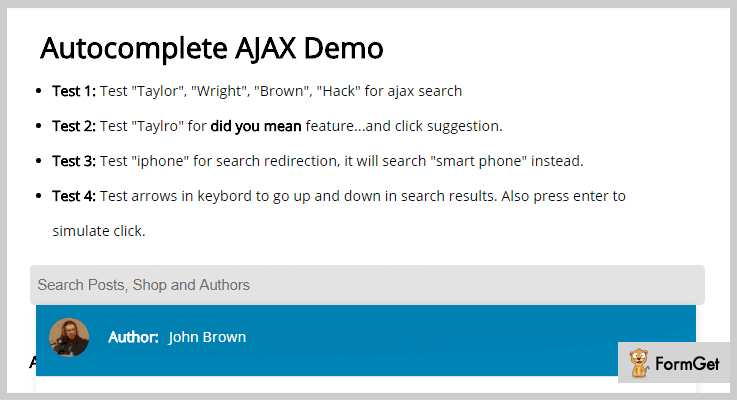
4. Autocomplete – jQuery Search Plugin
As it is crystal clear from its name that this plugin will let you implement search suggestions functionality while searching on a website. This plugin will allow the multi-category search embeded along with the plugin. You can simply apply this plugin to any of your HTML element.
Furthermore, this advanced jQuery plugin has unique options available as “did you mean” for suggestion & “search redirect” for search instead for redirection.
Pricing Plan:
Autocomplete advance jQuery plugin has a regular license plan of $7 and an extended license plan of $40.
Features:
- It supports both the JSON and HTML output options.
- A unique feature that it comes with PHP/MySQL demonstration for the HTML output.
- The unique feature of “did you mean” suggestion. It goes like this please type “tylr” & it will auto-suggest you for search “Taylor” instead.
- Another unique feature of “search redirect”. And this one goes like this please test “iPhone” & it will search “smartphone” instead.
5. HideSeek – jQuery Search Plugin
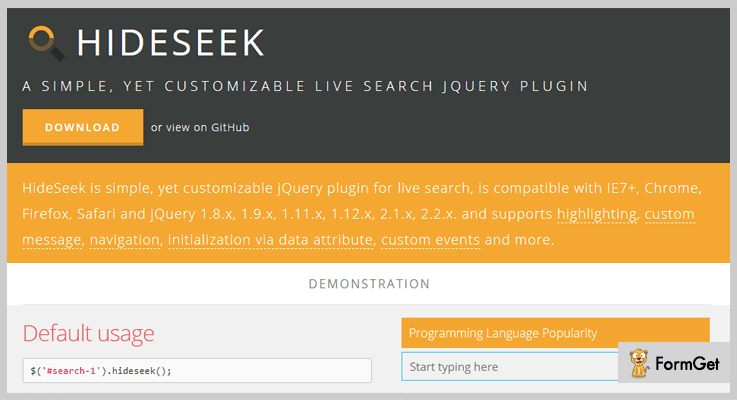
It is a very simple and mobile-friendly jQuery search plugin. Yet, it facilitates various customizable quick/live search features. It also supports highlighting, custom message, navigation, initialization and much more. The plugin’s functionality is carried out with the use of data attribute and custom events.
Additionally, it is compatible with all major browsers such as IE7+, Chrome, Firefox, Safari and jQuery 1.8.x – 2.2.x.
Pricing Plan:
HideSeek is a completely free product of GitHub and you can directly download it from the official site.
Features:
- The plugin searches all along the text, title and alt attribute.
- Highlighting the specific searched text/content is possible.
- There are various ready-made navigation elements for direct usage on the site.
- The plugin consists of custom events and messages.
- Also, you can create lists with headings.
6. Searchable – jQuery Search Plugin
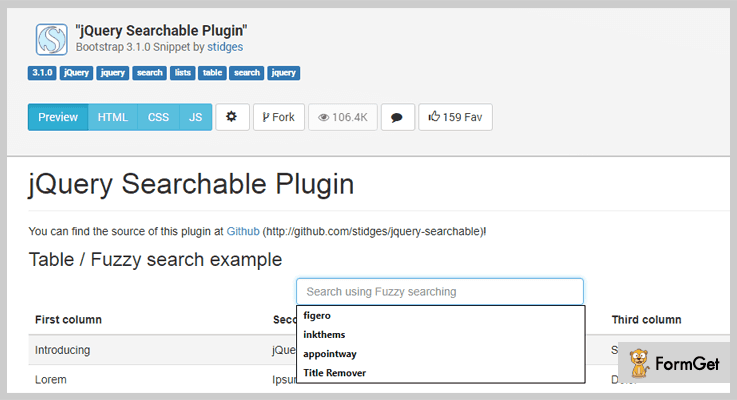
Searchable is a very fast jQuery plugin. It starts searching through various elements as soon as anyone types in the search bar. It is a product of Stidges (Twitter Github). This plugin renders 3 different search types out of the box, strict matching and default matching. For fuzzy matching, case sensitive and case insensitive matching respectively.
Moreover, it allows automatic row striping while searching through tables. It automatically hides that particular row which doesn’t match the search.
Pricing Plan:
Searchable is another free plugin of GitHub.
Features:
- Searchable is a lightweight jQuery plugin. So, only 1KB minified & gzipped.
- It is optimized for quick & fast search even also for large element sets.
- You can set custom functions for show/hide elements while searching.
- It is not restrained to use on tables only any element having rows & columns can be used.
Conclusion:
Consequently, these were the most noteworthy plugins of the domain jQuery search plugins. If you are aware of another worthy product which is much useful, please do share the same with us in the comment section below, we would really love to hear your feedback.
Thanks for reading!
5+ jQuery Tooltip Plugins (Free and Paid)
“Use jQuery Tooltip Plugins to display all the important information on your site without occupying any extra space on a webpage!”
People often underestimate what all a simple tooltip could do for their site. These plugins enable you to add information about certain element on the page in the form of a small pop-up.
Be it at the top of the page or at the bottom of the page or in the form of a floating bar on any object! You can veritably locate these plugins on any part of the page.
What’s more?
Well, you can add any sort of information to these tooltips. For instance, you can add text, links, images or even embed video on them.
Isn’t it an awesome way of gaining the attention 0f your audience.
Moreover, you can easily customize this eye-catching element as & how you want. Plus, fill in the desired info at the same time.
Besides, most of these jQuery plugins come along with a nicely written documentation. Thereby, you don’t have to wander here & there in search of a solution for your doubts, you can simply refer these documents.
Therefore, we are presenting a list of jQuery tooltip plugins in which we will talk about their major attributes, pricing plans & various other details.
Do consider reading these blogs too! You might like them as well:
- With the help of jQuery Search Plugins you can introduce the search functionality to your web-page.
- Show your stores on Google Maps by using jQuery Store Locator Plugins.
- Use jQuery Google Map Plugins for easily integrating Google Maps into your website.
So, for now, without wasting any further time. Let’s get going with tooltip jQuery plugins.
1. jqEasytooltip – jQuery Tooltip Plugin
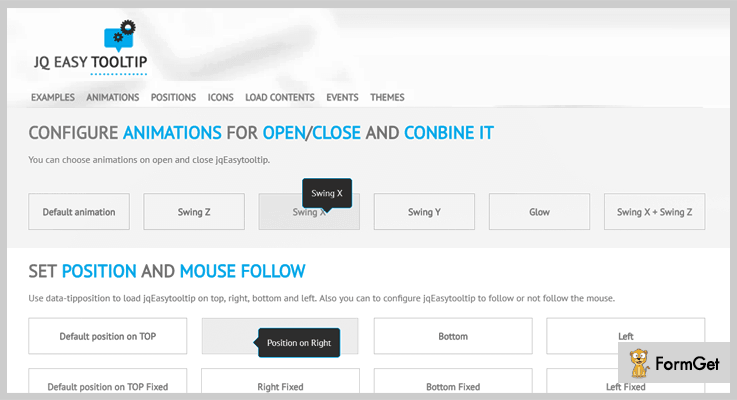
jqEasytooltip is an astounding jQuery plugin which renders its users with impeccable features like adding a tooltip, customizing it, etc. You can easily initiate this plugin using a class with data attributes.
Moreover, it provides you 25 themes to choose which are fully customizable. In addition to this, it comes with a well-written documentation, examples along with support.
This plugin is responsive to all screens and adjusts itself according to the mobile screen. Plus, it is also search engine friendly which helps in enhancing the SEO performance of the website.
Features:
- This plugin grants you 369 icons from Font Awesome & allows you to uses free Google Fonts.
- You can effortlessly customize tooltip using CSS, HTML5 data attributes & jQuery options.
- It comes integrated with Google maps & simple form for the requirement of extra files.
- In addition to this, it provides curtain CSS3 effect and 10 pure CSS3 animations.
- Also, this plugin gives CSS file with designed theme & position.
Pricing:
You can purchase this plugin and get all of its features along with future updates as well at two varied prices –
- To avail the regular license, you have to pay $18.
- While, for acquiring the extended license, the cost is $60.
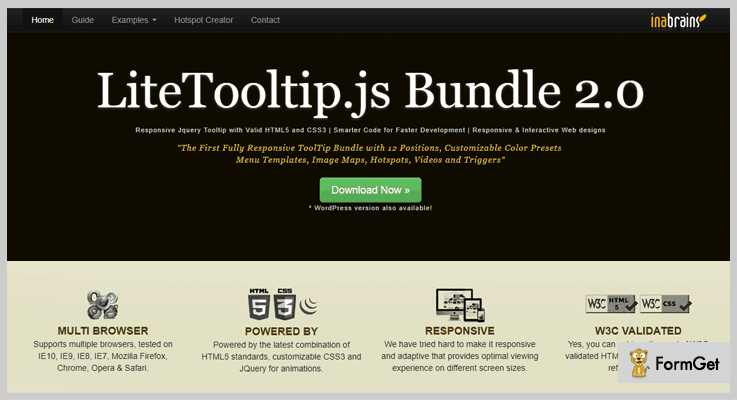
2. Lite Tooltip – jQuery Tooltip Plugin
This is probably one of the finest jQuery tooltip plugins. It provides the users a wide range of features like color presets, hotspots on media files like images, and much more.
Furthermore, it is tried & tested on multiple browsers like IE10, IE9, IE8, IE7, Mozilla Firefox, Chrome, Opera & Safari.
Along with this, it offers optimal viewing experience on different screen sizes & is very lightweight. With the help of HTML5 data-API, you can achieve WC3 validation for HTML & CSS in case you want to show HTML formatted tooltips.
Features:
- It comes pre-integrated with CSS & Javascript for better styling & customization options.
- You can easily add various attributes like text color, align, padding, etc by using JavaScript or other data attributes.
- This plugin supports HTML image map areas where you can display the tooltips at different locations on a single image.
- Along with this, you get 12 menu templates with multiple styles & also offers you the option to select the color of your own choice.
- In addition to this, you can also embed the video in this tooltip.
- With the help of this plugin, you can mark the spots on the image and display the associated tooltips with it.
Pricing:
You can avail this plugin at two different rates. Moreover, you also get all future updates and 6-month support along with this plugin. To extend the support for another year you have to pay $1.50 & $7.50 respectively for both the versions.
- To avail the regular license of this plugin, you have to pay $6.
- For availing an extended version of this plugin, you have t pay $30.
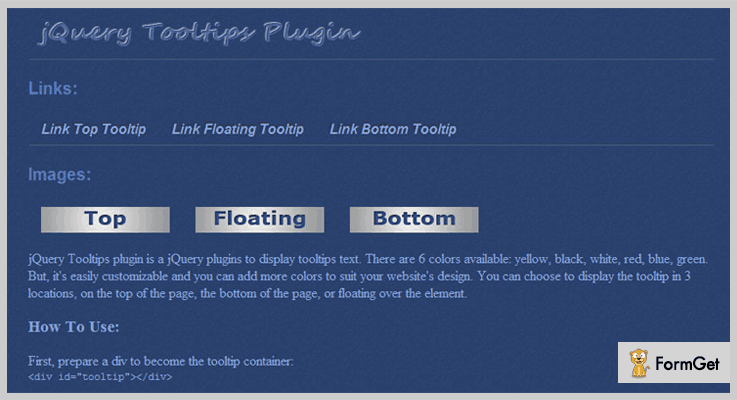
3. Cramie – jQuery Tooltips Plugin
Cramie is a renowned plugin which is used to add tooltips with useful information on a website. This plugin provides exemplary features for modifying and adding information to these tooltips.
Furthermore, this plugin is responsive to all screens and fully customizable. Besides this, you also get a documentation which provides the solution and examples for various issues & queries related to this plugin.
Features:
- This plugin offers you six different color skins to choose from whereas, you can customize & add one to your site.
- You can add links to the tooltips without any trouble.
- It enables you to add tooltip at three different locations on top of the page, at the bottom of the page or floating over the element.
- Apart from this, you can initiate the plugin by calling the function in the div container.
- This plugin allows you to call functions, methods for initialization and further customizations
Pricing:
This plugin is available at two distinct prices :
- The regular license will cost you $5.
- Whereas, the extended license is available at $25.
Along with this plugin, you get all the future updates & features as well.
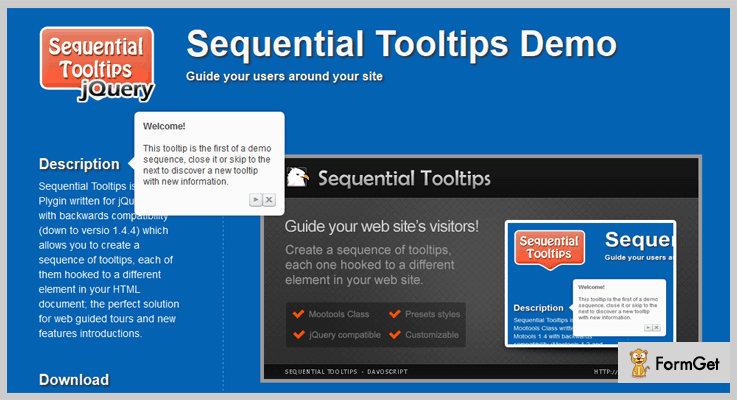
4. Sequential – jQuery Tooltip Plugin
This is an excellent plugin for those who want to add a sequence of tooltips to their website. It provides various explicit features to add and customize the tooltips as per users convenience.
Apart from all this, it is responsive to all screen sizes inclusive of mobile, PC, tablets, etc.
Features:
- You can easily create the tooltip & link it to the element on your site.
- It enables you to hook the tooltip to the HTML document in the backend.
- This plugin provides you a range of preset style to select from.
- Besides, you can fully customize the tooltips without any hassle.
Pricing:
There are two different licenses available at different pricing plans –
- Regular license – $6.
- Extended license – $30.
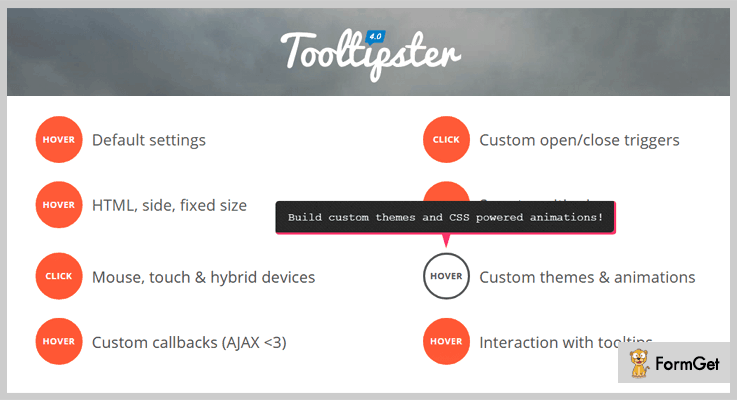
5. Tooltipster – jQuery Tooltip Plugin
Tooltipster is a super cool freemium plugin which allows you to create tooltip and add useful information to it. With the help of this plugin, you can easily customize these tooltips.
What is more? This plugin is also compatible with Mozilla Firefox, Google Chrome, IE6+ and various other browsers and requires jQuery 1.10+ (or less).
Besides this, it is a very lightweight plugin with the size of gzipped version to 10kb inclusive of CSS & JS files.
Features:
- You can add various standard options like animation effects, set its duration, etc.
- It allows you to add various options like max-width, min-width including many other options.
- This plugin helps you to call functions and allows you to set the position for them where they will be called on the website.
- Further, you can also add methods using few short code lines.
Pricing:
You don’t need to pay a single penny in order to have his plugin. All you gotta do is simply go to ‘github.com’ and download the plugin at free of cost.
6. Toolbar – jQuery Tooltip Plugin
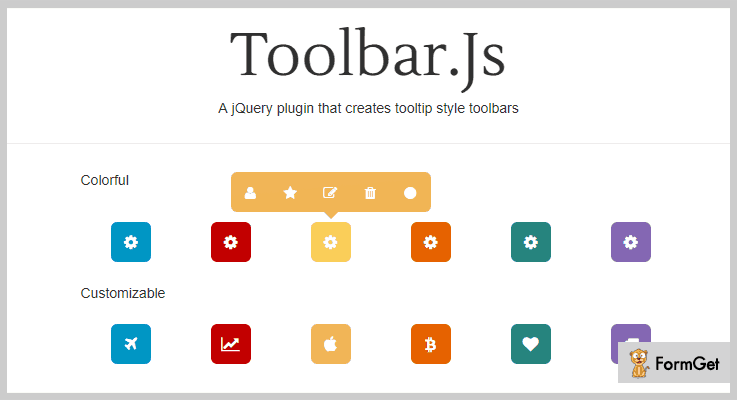
This is an efficient jQuery plugin which helps in creating tooltips style toolbars. You can effortlessly install this plugin just by inserting a few lines of codes. Plus, you can easily customize the toolbars as per your choice.
It is very easy to use & cross-browser compatible, plus it takes less time to load as it is lightweight.
Features:
- You can easily create a toolbar as per your requirement.
- It also facilitates you to add the content of your own choice to the toolbar.
- Besides, you can easily customize the toolbar as you want.
- And this plugin comes with a nicely written documentation. Thereby, making it easier for you to implement this plugin.
- Along with this, it is a very lightweight & responsive plugin.
Pricing:
You can grab the plugin and all of its features at free of cost from ‘github.com’. You can simply download and install this plugin without paying a single penny out of your pocket.
Conclusion
Above, we have mentioned few very good jQuery tooltip plugins. No matter which niche you belong to, these tooltips will always prove to be your savior.
By using a tooltip on your page, you can actually save a lot of space and thereby, show useful info simultaneously.
Consequently, we have discussed several key features, pricing plans & other useful details about these tooltip plugins.
So, now we hope that after reading this blog, you must have found a perfect plugin which fits in the box of your requirements.
On this positive note, we take your leave.
Feel free to contact us for any more queries and suggestions.
4 Best jQuery Store Locator Plugins (Free and Paid)
Have you ever wondered what these jQuery store locator plugins do?
Let’s first, know what store locator exactly is?
An online store locator (or location finder, store finder) is an additional feature on websites of businesses with multiple locations. It allows visitors to find locations of your business on the web page. This location is highlighted on the web page’s map within proximity of an address or postal code or within a selected region.
Now, you must have guessed what store locator plugins do. These plugins help you to show your stores on Google Maps with different layouts and live searching options.
If you are owning an online business website then having jQuery store locator plugins on your website is the essential need.
That’s why we have compiled a list of 4 Best jQuery Store Locator plugins both free as well as paid. In fact, these jQuery store locator plugins help the website owner to locate their user’s locations.
Further, these plugins have different customization options so that you can make changes in icons style, markers, and positions. Also, you are allowed to do modification in the codes. In addition one can change the appearances of the map by snazzy map options.
These below-listed jQuery store locator plugins have a user-friendly interface. Although, these plugins are given in a well-documented format.
Moreover, the plugins are responsive and work well on the desktop as well as on mobile.
Read some more blogs!!!
Use these plugins to easily integrate Google Maps in your website and let the visitors locate you with ease.
Highlight plugins are used to highlight pieces of text on your website page or post and give them a bold and better look.
These plugins give your website a better presentation by animating your content text.
Let us discuss each jQuery store locator plugins in detail.
1. jQuery Store Locator Plugin
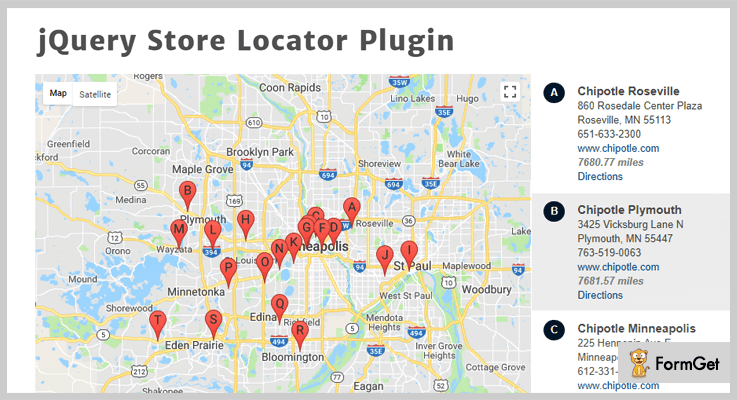
jQuery Store Locator plugin is a simple jQuery plugin which is used to show your stores on Google Maps. This will help your customers easily reach your shop and buy products which further increase your sales.
You can change Google map styles according to your choice with the help of easy customization options. Further, the plugin has customizable filter navigation option. This will make your users browse through large categories of product.
Pricing :
- This premium plugin is available at a reasonable price of $20 with a 6-month support.
- You can even extend the support month up to a year by paying $6.75 with regular updates.
Features:
- jQuery Store Locator plugin helps you to load your data with ease from a JSON file.
- The plugin has the ability to detect users location. Also, it has an ability to set custom icon or for categories.
- With the help of this plugin, you will get Google maps panorama view for detail site. And the plugin has an ability to use a route planner.
- It is a well-documented plugin along with complete user guide help you to set this plugin with ease.
2. Shop Locator jQuery Plugin
This Shop Locator is a powerful plugin in the list of jQuery store locator plugins. It is a useful plugin if you own multiple shops as this plugin helps you to do map listing by a searchable list from your map markers.
One can do a live search and creates a list of markers close to you. This plugin display all your locations in one list. So it is perfect for finding shops, branches companies and more, everything sorted by nearest location.

Pricing:
Buy the regular license of this plugin at $10 with all the future updates and full support up to 6 months. You can extend your support up to 12 months by paying $3 only.
Features :
- This plugin allows changing most of the components such as change icon, animation, positions etc., according to your needs.
- It comes with a preset of 9 beautiful and responsive styles for maps to give your website an elegant look.
- The map appearance can be customized with new styles using various customization options present in this plugin.
- One can set the item limit per page and the search radius for your results using this plugin.
3. Activ’Map Nearby Places – Best in jQuery Store Locator Plugins
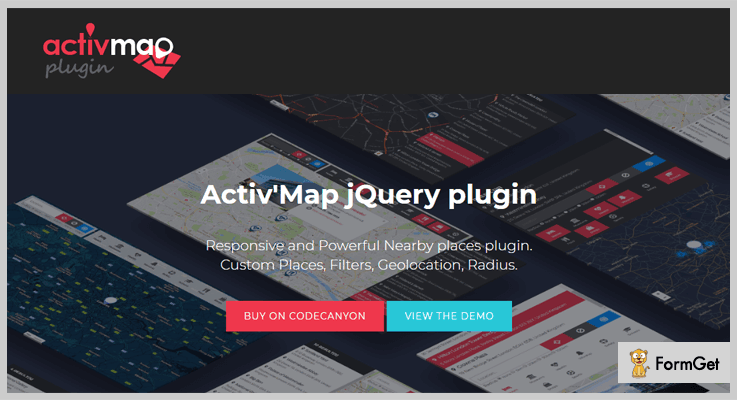
Activ’map plugin is a responsive and effective nearby places plugin. This is a jQuery plugin used to displays a map with markers sorted by categories.
It has Google maps and Bootstrap functionalities which helps to displays a map with markers, sorted by categories.
You are able to add your own filters using this plugin. Further, it has an option to use custom places with your own content from direct input or JSON file.
The noteworthy feature in this plugin is when you select a marker, the popup will show you the details of the place. Moreover, the corresponding entry will be highlighted in the result panel.
Pricing :
- $16 is the charge of its regular plan with 6 months support.
- For advanced features, you have to buy an extended license at $39 with full support and future updates.
Features :
- The plugin automatically targets all results. And, it will help to resize the map, adjusts zooming and clusters the markers.
- You are allowed to add your own categories of places using this plugin. Further, it permits you to filter all your locations with just one click.
- It is a highly customizable plugin that’s why you can use one of the provided themes, edit the style or create your own layout with ease.
- Activ’map plugin has a user-friendly interface for a clean design, it has more space and clear content.
4. jQuery Google Maps Store Locator Plugin
Google Maps store locator plugin is the finest plugin in the jQuery store locator plugins list. This plugin uses Google Maps API version 3 to create an easy to implement store locator.
You just need to feed it KML, XML, or JSON data with all the location information. Also, there is no need for back-end programming is required for using this plugin.
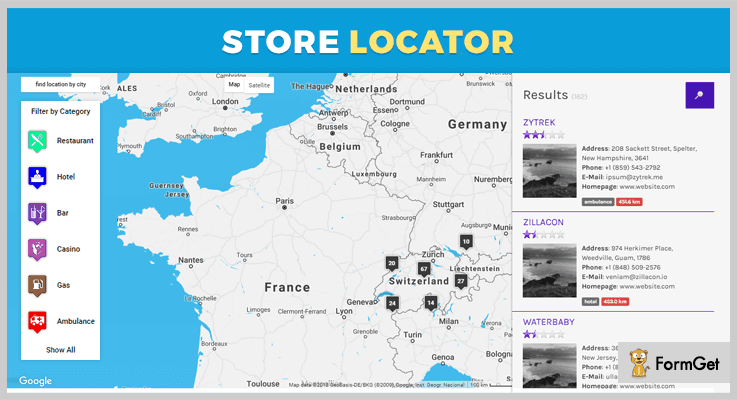
Pricing:
The plugin is free of cost. You can easily download this plugin from GitHub website.
Features :
- You will need to Geocode your locations beforehand or use a geocoding API service if you want to try this plugin.
- It helps you to a fixed issue with featured locations setting where featured locations at far distances would trigger distance alert.
- This plugin includes ajax data to allow custom data to be sent with the AJAX request.
- Google Maps store locator plugin has a function to automatically select/check filters on load from query string parameter values.
Conclusion:
Now as you read all the 4 best jQuery store locator plugins, we hope you have understood each and every aspect of this article.
All the above-mentioned plugins are well documented with a user guide which makes your work more easier. Hope you have found the jQuery store locator plugin according to your requirement.
Stay tuned for more plugins.
You can ask your queries in the comment section.
4+ Best jQuery Text Animation Plugins (Free and Paid)

In this modern era, text animation is a preferred way to highlight the text/contents of a website. In fact, the animations increase the user’s attention span while interacting with your website’s contents.
So, for this having a good and light weighted text animation plugin is pretty important. Now, it may seem tricky but there are plugins which help you in adding the animations to your webpage without any hassles.
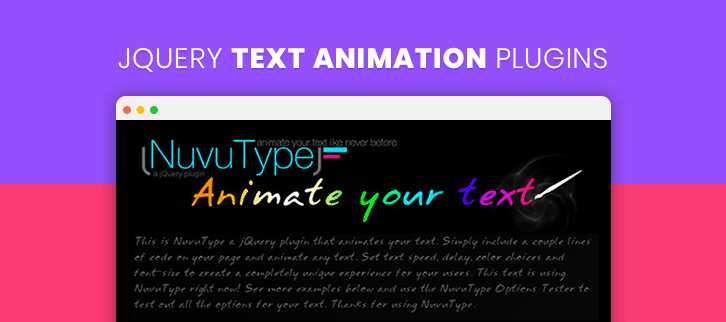
That’s why, in this article, we’ve rounded up 5 top rated jQuery Text Animation Plugins which will assist you to produce some spectacular animations on your website and provides the user’s interactive experience.
These plugins are tiny, easy in handle, lightweight and support a various form of animations. Plus, you can save a lot of time by using these powerful plugins instead of fighting with messy codes to fix the angle of animation designs and shape of your text.
Previously we use a various graphics editor to add some effects on a website but now plugins will give you all the required in-built data for putting animation or other effects on your site easily. All these plugins in this post are clean coded and well documented so you need only to download these tools and implement on your site and use just the way you want!
So, without any further delay, let’s talk more about these plugins below in a depth.
But before, look at some another blog we’ve curated for you:
1. NuvuType jQuery Text Animation Plugin:
NuvuType is a lightweight jQuery text animation plugin which iterates through a set of text elements and then animates the text of your website. The plugin animates the text of your website easily, you just need to include a couple of code on your web page and animate any text of your site.
You can set text’s speed, delay timing, color choices and font size to create a completely unique experience for your users. This plugin takes all the contents of your website and splits them at the white spaces then print those texts by using lots of animation effects.
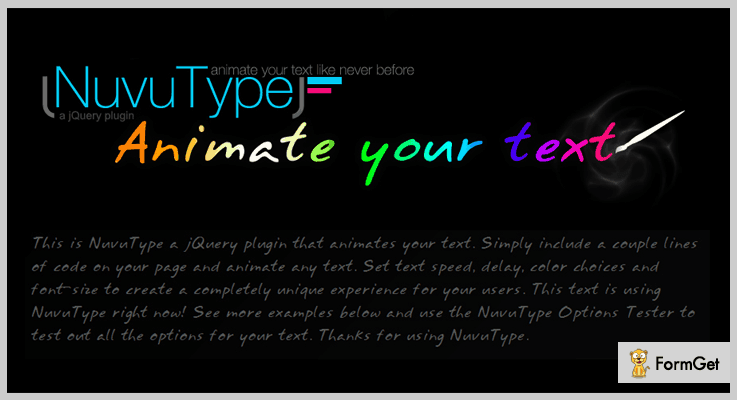
Another Useful Feature:
- The plugin provides NuvuType Options Tester to test out all the options of animations for your text.
- It provides a trigger element or auto load text option when the pages start loading on your website.
- You can grow or shrink the animated texts to any size according to your need.
- It comes with four different customizable color options.
Pricing:
NuvuType is a premium text animation plugin that will cost you $6 only which definitely comes under your budget. By getting this plugin you will also get free updates, the live team supports along with the above features.
2. jQuery Text Animation:
jQuery Text Animation is a jQuery plugin which provides smooth transitions effects between the text blocks. It can be used to stylize titles, menu buttons, or any other text.
It comes with various undefined attributes such as a sinusoid which is a sine wave and one of the building blocks of audio signals. It also provides random explosion and implosion, different types of animation effects and various more. Plus, you will also get a preview option to test all the effects before applying them to your website.
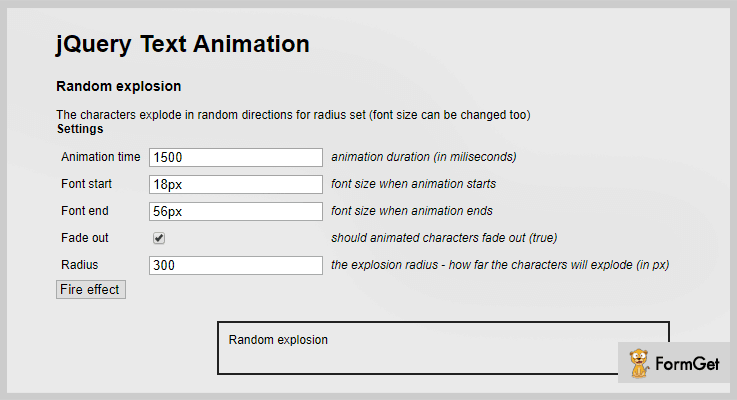
Another Useful Feature:
- This plugin supports multiline such as twitching (to create stylistic video effects), mouseover_escape (to provide stylish contents) and more.
- It provides callback functions to call another function after the effect of the animation is finished.
- Text animation plugin provides you a shuffle option to show your animated texts in a randomized order.
- It allows you to set animation time for your text, their font sizes, radius etc.
Pricing:
You can get all the features and functionalities of above listed at $6 only with its 6 months support.
3. jQuery Marquee Animation Plugin:
Marquee is a simple, high-performance and cross-browser jQuery animation plugin for text phrases powered by Fusiondevs.com. It enables you to create amazing animated marquees by using jQuery.easing frameworks.
The plugin animates the texts/images and allows the designer to customize the marquee without any limitations. You can also insert various links of animations to your text area.
Another Useful Feature:
- It allows you to select animation direction i.e. from left to right or right to left to display the texts on a website.
- You can set timing on every text stays on the screen.
- It supports text, images, background, and various CSS styling option.
- Option to set the height and width of your animated texts.
Pricing:
You can purchase this plugin at $5 only for its advanced features and functionalities and later extends its further services at $25 for 12-months.
4. OpenMes:
OpenMes is a jQuery plugin which enables you to create unlimited popups, lightbox, notifications on your website with the help of various animation effects. It supports text, images/videos and HTML code for creating these animated popups on your site.
Additionally, this plugin also combines various inline contents and AJAX content for the best SEO result and performance.
Another Useful Feature:
- With this plugin, you can create message section anywhere on your site.
- It supports AJAX contents with a static and dynamic method.
- Ability to open multi messages on the same page of your site.
- Supports multiple animation effects.
Pricing:
Get this plugin at $9 with its unlimited features and later you can extend its services at $45 only for 12 months support.
5. AnimateText.js:
AnimatedText.js is a free jQuery plugin which provides awesome animation libraries. It provides easiness to apply jQuery animations on any text of your site. Simply include animatetext.js and it’s dependencies in your project to start creating unique effects.
Another Useful Feature:
- It provides a flipping effect on the header section when you will implement this tool on your site.
- The plugin comes with various animation effects for your text.
- It provides an option to change the position of animated content anytime.
- AnimatedText.js accepts 3 parameters: textObject, options, and animations.
Pricing:
This product will cost you nothing. Means you can download it from GitHub’s official website at free of cost for a lifetime.
Closure:
So, these were the 5 most rated jQuery text animation plugins which we’ve specifically selected for you. All the listed items in this article are fully customizable and provide an interactive experience.
Hope that you have found the Best jQuery Text Animation plugins that meets your needs and requirements.
So, if you have any suggestions regarding this blog do comment us below. We’d love to hear your feedback.
5 Best jQuery Highlight Plugins (Free and Paid)
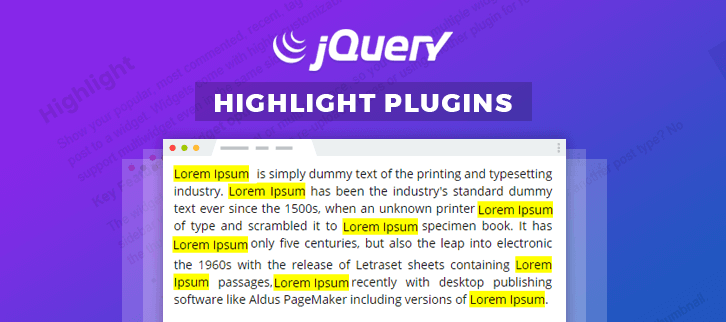
If you want your website to have a feature that lets your users get the desired data immediately that they want?
So, folks all you need is jQuery highlight plugins.
jQuery highlight plugins help your users to highlight the certain text on your website. Users can search and find the desired content easily with the help of these plugins.
Here we’ve collected some of the best jQuery highlighter plugins which offer advanced functionalities in just a low cost.
Dig down to explore free plugins too!
These plugins are so easy to use and user-friendly that anyone can painlessly embed them on their websites.
Moreover, with the help of these plugins, you can also highlight the particular section by turning the background dark or opaque.
You may also like
So, why are we waiting for?
Dive in and find your ideal jQuery highlight plugin.
1. JQuery Highlights
JQuery Highlights is a plugin that allows you to highlight the text that you want. This plugin is so easy to install and implement. For highlighting the desired word or sentence, all you have to do is just enter the word or sentence in a text field and it will highlight all those words in your content.
The plugin supports case-sensitive and case-insensitive search also. Hence, all the words whatever their case are will be highlighted.
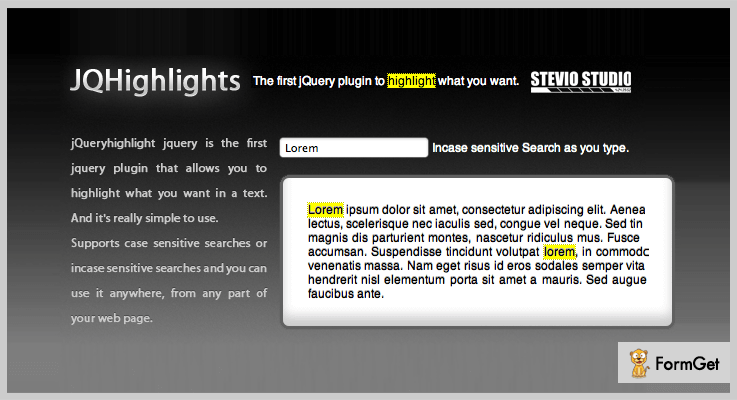
Price
This plugin is available on the codecanyon.net. To buy this plugin, you’ll have to pay $5 only that includes 6 months support. For extended support up to 12 months, you need to pay extra $1.13.
Additional Features
- There are no restrictions on the usage of the plugin. Hence, you can use it anywhere on your webpage.
- The plugin is compatible with all the major web browsers such as Opera, Chrome, Safari, Firefox, and from IE6 to IE9.
- It is simple to use without any complicated setup, even beginners can also use this without any difficulties.
2. Lights Out – Objects Highlighter
Another highlight plugin based on pure jQuery that can be used to highlight any element of your website. It offers an interactive functionality of highlighting the text and elements. The plugin lets you highlight the section that you’ve clicked and turned the background dark with just a click.
With this plugin, you can allow visitors to focus on the desired content, you can enjoy the videos by putting a dark background in remaining part.
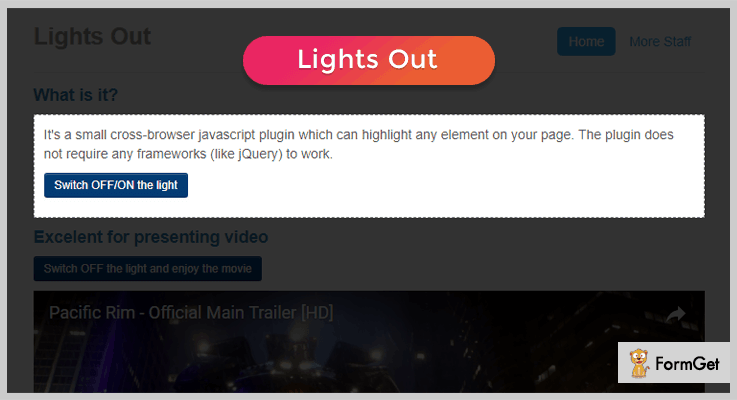
Price
You can download this plugin by paying just a one-time amount of $5 only.
Additional Features
- The plugin does not depend on any framework as it purely based on jQuery.
- It is cross-browser compatible including Firefox, Safari, Chrome, and IE8 to IE10.
- The plugin provides ready to use template.
- You’ll get step by step documentation. Thus, you won’t find any difficulties while implementing it.
- It also provides you the source code. In case of you want to customize something in the interface.
- You can also turn the background in different colors.
3. jQuery FocusOn – Highlight an area of your website
jQuery FocusOn is a plugin that lets you add an important feature on your website to highlight the certain section of your web page that you want your visitors should notice.
It highlights the desired element by making everything else opaque and disabled for clicking. It closes the highlighted section when you click out of the highlighted area. The plugin offers lots of customization options. So, you can configure the opacity, custom fade effects, and its duration etc.
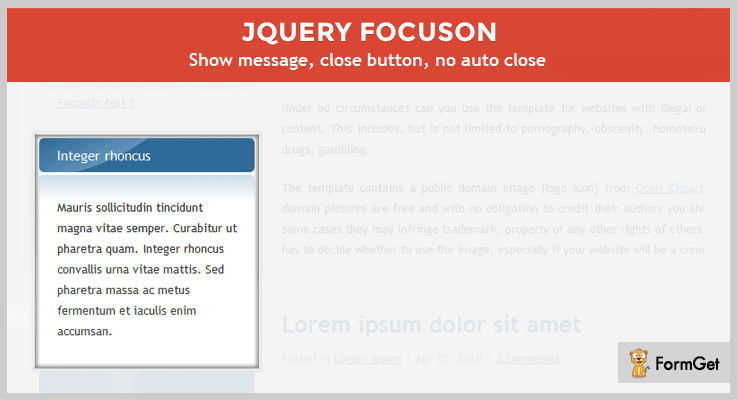
Price
The cost of the plugin is $5, available on the codecanyon.net.
Additional Features
- Through this plugin, you can display some sort of important messages on the top of the page.
- You can set custom opacity for the disabled area.
- Ability to show shadow effects inside and out the highlighted section.
- You can set the methods manually for closing the FocusOn.
- The plugin is tested on the browsers versions such as IE6, IE8, Chrome 12, Opera 11.10, Safari 5, and Firefox 5.
4. Highlight Within Textarea
Highlight Within Textarea is a jQuery plugin that is used to highlight the pieces of text within a text area. It comes with a simple code in which you’ll have to specify the text that you want to highlight. Then, while entering the text in real time, it will highlight the text which is mentioned in the code.
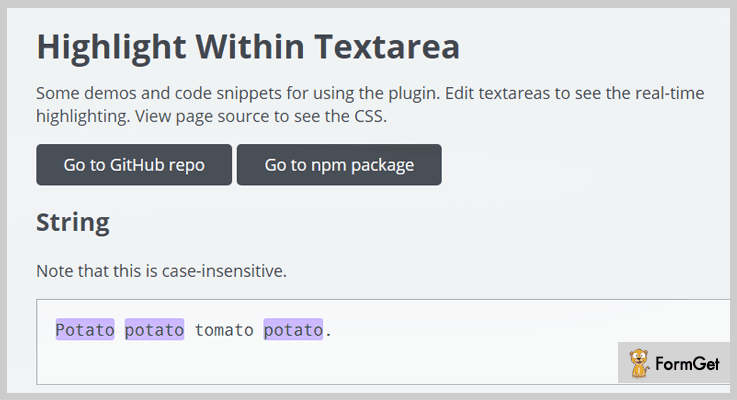
Free Download
This jQuery highlight plugin is free of cost, download it from GitHub.com.
Additional Features
- You can set the visibility, positioning, and background of the element.
- It gives you the flexibility to define the fonts, width, height, padding, border, and color etc.
- Highlighting will be automatically updated when the user edits the text area.
- You can also remove the plugin from the text area by just putting a single line code.
5. jQuery highlightRegex Plugin
jQuery highlightRegex plugin lets you highlight the custom regular expressions. You can define the static highlights as well as dynamic. In static, you can set the text that is to be highlighted when clicked. And in the dynamic, the words you enter in the text field will be highlighted in the piece of content.
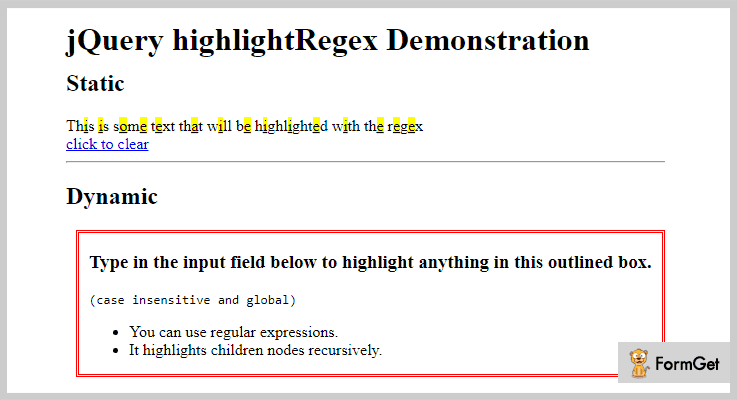
Free Download
Get this plugin for free from the GitHub.com
Additional Features
- Case insensitive plugin.
- Supports multiple-browsers.
- You can use the “i” flag in the code to ignore the uppercase and lowercase.
- It is a handy and user-friendly plugin. It can be installed easily.
Closure!
Finally, this was my list of top jQuery highlight plugins. For your convenience, we’ve handpicked both free as well as paid plugins. So, if you are looking for it then, you can prefer one of these which satisfies your requirement regarding features.
If we miss out some great jQuery highlight plugins. Then, feel free to mention in the comment section. You can also share your experience with these mentioned jQuery text highlighter plugins if you’ve ever tried them.
4+ Best jQuery Cookies Plugins (Free and Paid)
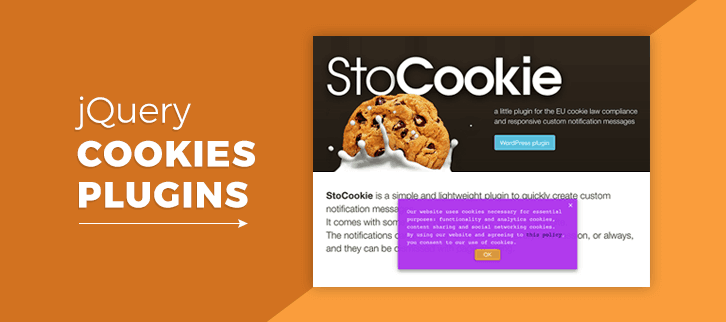
“Use jQuery cookies plugins & create notification popups in accordance with EU Cookie law!“
Well, cookies plugins are those add-ons which work according to the protocols of ‘The Cookie law’.
But what is it really?
The Cookie Law by EU (European) countries in 2011 is a part of privacy rule which requires the websites to get authorization from other users to fetch any kind of information on a device.
After the establishment of it, a large number of cookie plugins were developed in order to fulfill its requirements.
One basic feature of these plugins is that you can display the notifications on the screen about the consumption of cookies & any other information related to it.
But fetching these details is a tough part. Only those plugins which are built upon the ‘EU Cookie Law’ can do this work. That’s why I’ve mentioned some of the primest jQuery cookies plugins which will help you to do it.
Through them, you will be able to create notification messages for cookies with many customizable options such as buttons, text colors, transition effects & a lot more.
All you have to do is to go through this article & test any of the cookie jQuery plugins according to your needs.
You may also love to read about more jQuery plugins blogs which might help out in your work.
- You can use jQuery Tooltip Plugins & then display all the important data or information on your website without the need for any extra space on your web page.
- The jQuery Search Plugins use some advanced search strategies such as autocomplete, word suggest and search instead for redirection to other pages.
- Apart from them, you can also use jQuery Store Locator Plugins on your website to allow the visitors in order to find the location of your business along with a postal code or address.
Let’s dive in together!
1. SmartCookie: Best in jQuery Cookies Plugins
SmartCookie is a plugin which helps in informing the users about the utilization of cookies on your webpage. Through notification, you can display the messages on various positions on your website such as bottom, top, bottom right & bottom left.
It will display as a bar if you opt for the bottom or top position whereas if you use it on bottom right or bottom left then you will see the notification as a box.
Well, this plugin also allows you to alter the colors of the text according to your wish. That’s too much in a single cookie law plugin!
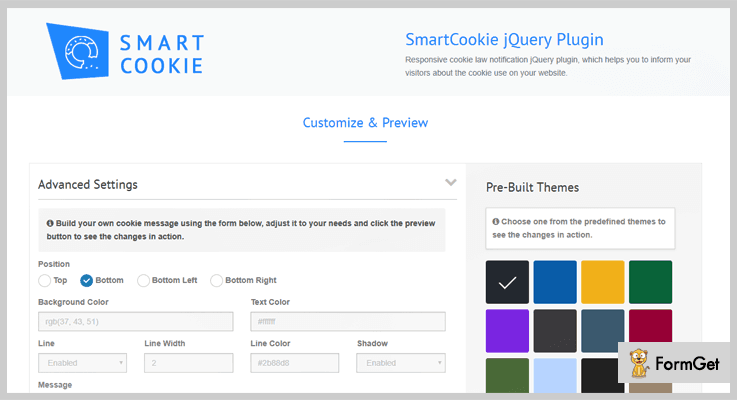
Pricing:
- It has a basic plan which charges only $7.
- This plugin has another plan which costs $50 to provide more features.
Features:
- It is fully customizable such that even a non-techy guy can also use it without any problems.
- The most important feature of this plugin is that it displays the messages on all type of screen sizes without any disturbance in its layout.
- It includes only 230 lines of javascript code which makes it very lightweight to work.
2. StoCookie: jQuery Cookies Plugin
StoCookie is another lightweight jQuery cookies plugin with the help of which one can create notifications texts quickly. The reason is that it includes some smart options which follow the guidelines of EU Cookie law.
In order to make this plugin work, all you have to do is to include the CSS as well as JavaScript code. Then, just activate this plugin & it will do the remaining work.
Well, you can create multiple custom notifications for different web pages which is a good feature of this plugin.
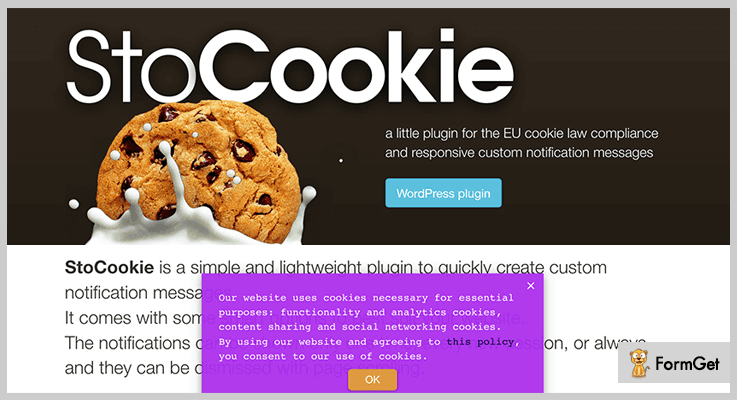
Pricing:
- This cookies plugin has a regular plan which costs only $8.
- $36 is the charge of its extended plan for more features access.
Features:
- You can hide the banner on scrolling which is an optional yet important feature.
- If you have mentioned a link in the notification message then you can unique color to make it more highlighting on the screen.
- Also, you can set some of the transitions effects on your messages such as slide & fade to make it look more attractive.
3. Easy EU Cookie Law: jQuery Plugin
Well, finding a specific jQuery script for the aid of your website which complies with the latest EU cookie law is time-consuming as well as complicated. But Easy EU Cookie Law is way too different from others. This plugin is created by using jQuery notify plugin which runs the compliance in a very less time.
Pricing:
- This jQuery cookies plugin has a regular license charging $7 at most.
- It has an extended license which charges $35.
Features:
- It uses only single jQuery line which makes it easy to understand unlike other cookies jQuery plugins.
- Through its settings options, you can easily customize the whole content of the notifications without any hindrance.
- Also, you will be able to choose whether the user can imply the consent or not.
4. CookieCuttr: Best in Free Cookies jQuery Plugins
CookieCuttr is the best free jQuery plugin for dealing with the EU cookie law. After jQuery & jQuery.cookie, all you have to do is to add ‘jquery.cookiecuttr.js’ file & cookiecuttr.css file on the top (head) of your HTML document.
Pricing:
- This is a free cookies jQuery plugin.
Features:
- It is easy to use in such a way that anyone can use it with the help of its documentation & nothing else.
- With multiple customization options, you can display the cookies bar with either one or two buttons at the same time. For example: Accept Cookies & Reject Cookies.
- Even it has a WordPress version which you can implement on your WordPress website.
5. Zebra_Cookie: jQuery Cookies Plugins
Zebra_Cookie is another jQuery cookies plugin for reading, writing & then deleting the cookies. Other than jQuery 1.0+, it has no dependencies to rely on.
Well, this plugin is available as npm package & bower package which can be installed by using npm install zebra_cookie as well as bower install zebra_cookie respectively.
Pricing:
- It is free of cost for the entire lifetime.
Features:
- Through this plugin, it is way too easy to delete, read & then write the cookies.
- It has an intuitive & simple syntax which is easily understandable.
- When minified, it has a memory of just 500 bytes which is too much good for handling the cookies.
Conclusion:
Now you have read some of the best jQuery cookies plugins. They can help you to create the cookie popup messages in a couple of minutes. They all follow the guidelines of EU Cookies law.
Through them, the visitors will be able to get the info about the utilization of cookies of your website on their system. Apart from it, you can display the notification message at any position mentioned in their customizable settings related to cookies.
Well, some of these cookie plugins are free while others are paid. Even they are so small in size that they don’t occupy much space on your website. Ultimately, your website will load faster than before.
All you have to do is to try these cookies plugins & select the best one according to your needs.
Need any help or want to give suggestions? Just comment below & we will reach out to you soon!
5+ Best jQuery Lazy Load Plugins 2022 (Free & Paid)
Want is the need to deploy jQuery Lazy Load plugins on a website?
These are extremely useful jQuery plugins using which you can have a website which loads fast, helps you optimize images, offer easy to apply animation effects and more.
We have listed and explained some of the best jQuery Lazy Load plugins on this blog. All these plugins are loaded with multiple advanced features like delayed loading, different callbacks, browser compatible, well documented, easy to install, lightweight and Mobile-friendly.
So, if you want to enhance performance on your website, give it an eye-catchy look, improve SEO, etc then you have to explore the plugin listed below.
But before going into details have a look at the blogs on popular jQuery plugins:-
1. ZoomZu – jQuery Gallery & Slideshow Plugin
ZoomZu is a jQuery plugin which comes with an inbuilt slideshow that helps you lazy load new items in the gallery. It has got multiple CSS driven animation effects, two image scale modes and more.
It is fully compatible with mobile devices and also provides the fallback for older browsers that don’t offer CSS support.
Pricing:-
- The regular license of this jQuery plugin will cost you $10 for all the advanced features and services it provides for lazy load functionality.
- You will be charged $50 for the extended license of this plugin. It will include various enhanced features and facilities.
Features:-
- With this jQuery plugin, you can lazy load new items available in the gallery. You can control this by defining the number of items you want to get loaded every time the user reached the end of the page.
- The users will get the option to zoom images with a double-click. Plus touch-swipe facility will permit mobile users to zoom images with a single tap on the screen.
- This plugin will permit you to add 7 slideshow animation effects on your website with ease.
- It also provides various CSS driven animation effects like fade, crossfade, slide, zoom, rotate, cube, sphere, etc.
More Details On jQuery Lazy Load Plugin
2. jQuery Smartify – Lazy Load Plugin
Smartify is a simple jQuery plugin which boosts load time, lazy loads images, calls Ajax and allows you to play with CSS classes on demand. This plugin automatically loads images when they are visible in the viewport and makes your website fast.
It also provides DPI support for dynamic images and media content present on a website. In addition, it has been manually tested on Chrome, Firefox, Safari, Opera and other latest browsers.

Pricing:-
- Smartify jQuery plugin totally free of cost with the help of which you can add lazy load and other attractive image effects on your website. This plugin is equipped with multiple advanced features.
Features:-
- Using this plugin you can simply boost the load time of your web application.
- This is best suitable for e-commerce websites as you can load infinite items, products, and services.
- It offers a well-documented page where all the plugin functions are well defined along with code and examples.
- Lazy load images when visible in the viewport and allow you to toggle, add or remove element classes as well.
More Details On jQuery Lazy Load Plugin
3. Recliner – jQuery Lazy Load Plugin
Recliner is a lazy load jQuery plugin through which you can load dynamic content like images, iFrames, Ajax on your website as the user scrolls down the page. It helps heavy e-commerce and shopping sites load faster as the content which is visible gets loaded and displayed first.
This is a responsive and mobile friendly plugin which offers cross-browser compatibility as well.
Pricing:-
- Recliner is a user-friendly jQuery plugin which is available absolutely free of cost on github.com. It includes lazy loading and other dynamic content loading facilities which are provided for free.
Features:-
- This is one of the most lightweight jQuery plugins which is of 1KB in size.
- It helps you load images, iframes and other types dynamic content available on a website fast.
- Provides a demo which holds each and every detail of features that are offered by this plugin well define along with examples of effective implementation.
- Helps you set stateful CSS classes on elements and gives you the ability to override event callbacks.
More Details On jQuery Lazy Load Plugin
4. jQuery imgLazy – Lazy Load Plugin
With this jQuery plugin, you can have a website having a large number of images which loads instantly without any hassle. You can apply various animation effects along with lazy load like fade, background images, image appearing when scrolled and more.
It only loads images for the part which is being viewed by the user and the rest data is loaded as the user scrolls which improves the load time.

Pricing:-
- Another free to download jQuery plugin which you can easily get from github.com. It offers multiple advance and futuristic features and services for image loading and other processes.
Features:-
- With the help of boolean parameter feature, only the images in the user-visible window will be loaded on the site first. This reduces the loading time and makes the site more responsive.
- Even for all non-image elements, it provides lazy loading of the background image as well.
- You can provide various effects like the normal display, fade, fadeIn and more through this jQuery plugin.
- It provides a proper documented demo with examples along with code details.
More Details On jQuery Lazy Load Plugin
5. Lazy – jQuery & Zepto Plugin
Lazy is a feature-rich jQuery plugin which is extremely lightweight, supports various web browsers old and new both versions. It helps you delay content loading and provide users with content which is being viewed.
This plugin is entirely compatible with IE, Chrome, Firefox, Safari and supports their mobile versions as well.
Pricing:-
- This jQuery plugin will cost you $0 as it is available for free on github.com website from where it can be downloaded with a single click.
Features:-
- This plugin comes with various callbacks and events settings like beforeLoad, afterLoad, onError, onFinishedAll to refine loading of your website.
- It is a mobile-friendly jQuery plugin which appears good on different devices and supports retina as well.
- Using this plugin you can delay the loading of content, image, and background on your website to enhance the performance.
- Helps you reduce development time and loading times for your users and customers.
More Details On jQuery Lazy Load Plugin
6. Lazy Load Background Images – jQuery Plugin
Lazy load background images plugin is free of cost plugin with which you get various features to decrease the load time of images available on a website.
Even being free this plugin supports multiple browsers, mobile friendly and lazy load background services are also provided.
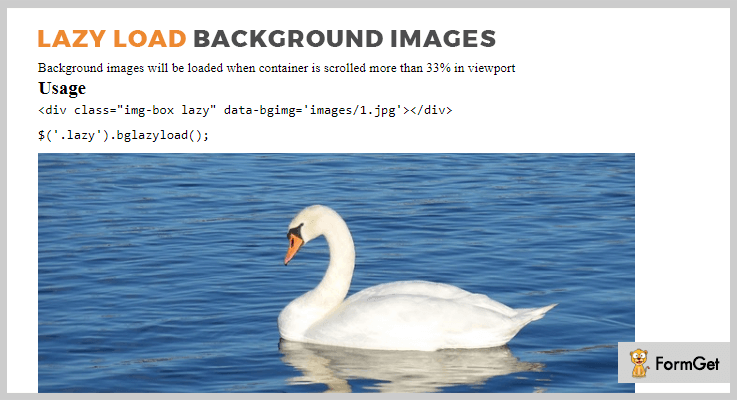
Pricing:-
- This is also a free jQuery plugin which allows you to apply various lazy load effects on your website with ease.
Features:-
- Using this plugin background images will be loaded when the container is scrolled more than 33% in the viewport, not before that.
- This is easy to use, lightweight, responsive jQuery plugin which supports various latest browsers.
- A demo is also provided for proper implementation and application of this plugin.
- Various data attributes like image class, width, height, etc can be defined.
More Details On jQuery Lazy Load Plugin
Conclusion
Now we have arrived at the closure of this blog on best jQuery Lazy Load Plugins and I definitely hope that you must have found the right plugin for your website images.
Using which your site will appear attractive, take less loading time and projects various animated effects.
If you have got any type of doubts and queries, you can mention them in your comments below. We will get back to you as soon as possible.
5+ Best jQuery Google Map Plugins (Free and Paid)
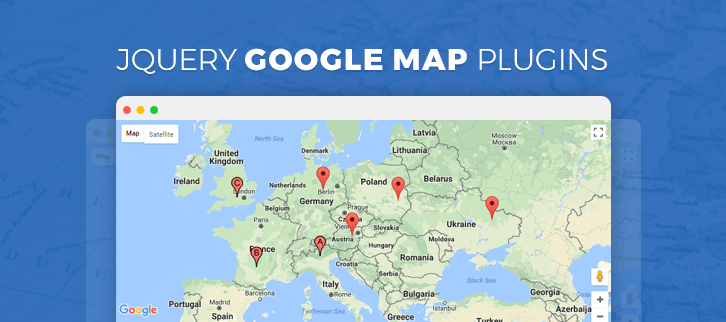
There are many business websites which integrate Google Maps so that people can easily locate them. It is all done with the help of jQuery Google Map plugins.
jQuery Google Map plugins allow you to easily integrate Google Maps in your webpage. These plugins are quite useful and extensively used over the globe. Also, these help in adding extra functionalities to the map on the webpage such as – supports for directions, fusion tables, and extra styling for maps.
In other words, these plugins are a specific set of libraries that focus on embedding maps widgets to help with location related tasks, showing maps, business locations and details.
I have amassed around 5+ best jQuery Google Map plugins for you. We hope you find the best one after walking through the features and pricing.
You might be interested in the following blogs as well:
These jQuery Highlight plugins are used to highlight pieces of text on a web page, giving it a bold look.
The jQuery Text Animation plugins will allow you to animate your content to give your website a beautiful and eye-catching look.
These jQuery Datepicker Plugins helps in adding the datepicker functionality to your web pages where you can customize the date and language.
1. 5sec Google Maps Standalone – jQuery Google Map Plugin
5sec Google Maps Standalone takes only 5sec to integrate Map into your website. It is a standalone plugin because this it is only configured via HTML.
This plugin comes with full documentation, live preview, and screenshots so that you can easily understand the functioning of it.
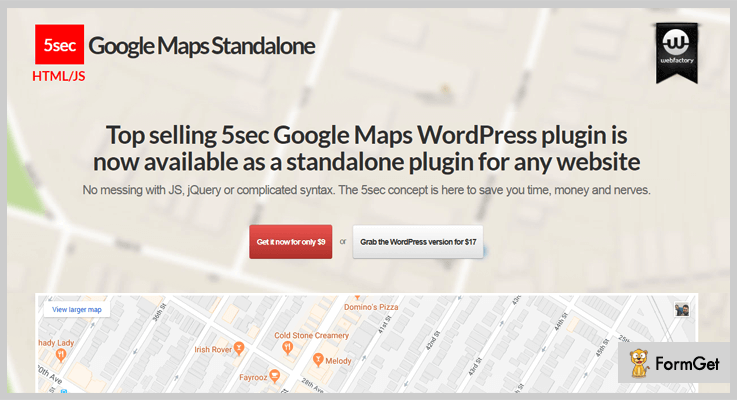
Price –
- You can purchase this wonderful plugin at $9 only, with 6-month support from the WebFactory.
- If you want to extend the support for 12-months then you can have this plugin at $11.63.
Features –
- For extra speed, iFrame and single image maps are also available.
- It supports multiple maps on a single webpage.
- This plugin is fully responsive and will provide your visitors a pixel perfect interface as it has high resolution.
- All the configuration of this plugin is done on HTML only.
2. UBER – Best In jQuery Google Map Plugins
UBER Google Map helps you in providing a full-screen map, and responsiveness on your visitor’s device, independent of screen size.
This plugin is compatible with all the major browsers like – Firefox, Safari, Opera, and Chrome. It even supports CSS, HTML, and JavaScript JS. It has a rating of 4-stars out of 5, which makes it better than the average rating Google Map plugins.
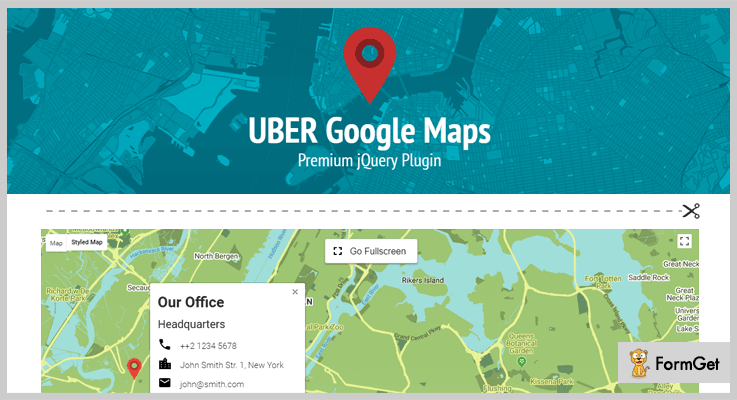
Price –
- Anyone can have this plugin at the cost price $12 with a regular license and 6-month support from Nickys.
- You can even extend the month for a year by paying $15.75 only 0nce.
Features –
- You can choose the different style out of 100 according to the requirement of your website.
- It is multilingual and can be translated into 50 different languages.
- Using this plugin, you can give your users an option to use the fullscreen mode.
- Also, it has a drag and drop editor which will help your users in positioning the markers on the map.
3. Google Maps with Clickable Countries – jQuery Plugin
Using this plugin you can easily add colors, transparency, border size, color, and other functionalities in the regions of the map. In fact, for each region, you can set an URL to navigate, or a pop-up box displaying HTML data.
This plugin also supports the tooltip for regions and the zoom in option to the streets level. You can also define the landmarks by using XML with custom icons.
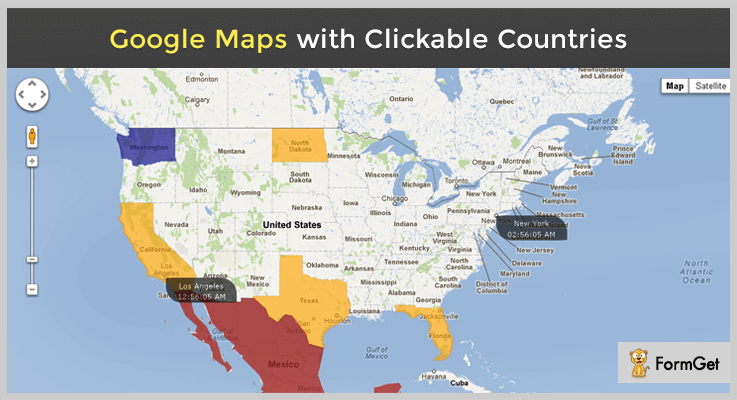
Price –
- The purchase price of this plugin is $14 with a regular license and a six-month support from Eddjusted.
- You can extend the support for 12-months by paying $18.50.
Features –
- It uses the continental app which includes all the continents as regions.
- This plugin also provides a World map in which it supports 246 countries or territories.
- In this plugin, you can also implement a USA map on your web [page.
- This plugin can be used on any kind of mobile devices.
4. GS Google Maps Directions – Google Map Plugin
This plugin is simple and easy to implement on your website. It gives you a print button, which will help your users to take a printout of the map.
You will find the search option as well, which makes it a lot easier for your users to search their way using this option. This plugin is compatible with all the browsers like – Firefox, Safari, Opera, Chrome, and Edge. It also supports HTML, CSS, and JavaScript JS.
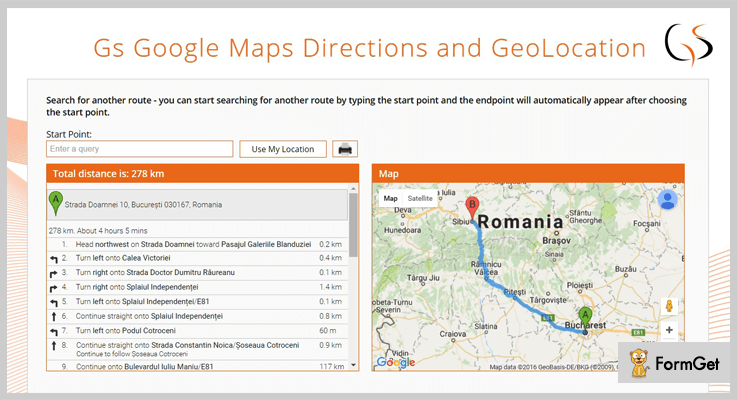
Price –
You can purchase this plugin at $7 and lifetime free updates.
Features –
- You can easily set the initial map to start from the given address.
- Also, you can start searching for another route by entering the start point.
- This is a lightweight plugin and allows you to define the maps.
- It allows gives you to display the directions between 2 points using Geolocation.
5. Maplace.js – Best Free In jQuery Google Map Plugins
Maplace.js will help you in embedding the Google Maps into your website without any effort. In fact, you can quickly create the markers available on the map.
It comes under the license of MIT. Also, it comes with a full demo and documentation which will help you in understanding its working.
Price –
The cost price of this plugin is $0 as it is available free of costs on the official website of GitHub.
Features –
- You can run ‘n’ number of maps on your web page using this plugin.
- This plugin is also going to provide you markers, customizable icons, zoom level and custom controls menu.
- This plugin is compatible with all the browsers.
6. gmap3 – Free In jQuery Google Map Plugins
This free plugin is one of the best in the family of jQuery Google Map plugins. Using this anyone can easily create the Google Maps APIs.
In fact, the same map can be accessed by all CSS selectors without any hustle. It comes with lots of examples and a full documentation.
Price –
This plugin is freely available to all and anyone can download this from GitHub.com.
Features –
- It displays the traffic report.
- Also, it allows full controls for JavaScript, HTML5 and ASP.NET MVC and other modern frameworks.
- It doesn’t have the limitation for the use of the Google Maps API.
Conclusion –
These are some of the best-compiled jQuery Google Map plugins. So, what are you waiting, grab the one and enjoy their various functionalities on your web pages.
Do share your amazing experience in our comment section!
5+ jQuery Countdown Plugins 2022 (Free and Paid)

What makes you rush for a deal of your favorite product on an e-commerce website?
It’s only when you see an alarming tick-tock countdown running for that product on that web page.
Because marketers have strategized to make the product page more persuasive, they create urgency (psychological factor) in the customer to trigger a quick purchase from them. As keeping a deadline pushes more and more customers to claim the deal faster which they have been considering. Also, letting your website visitors speculate about the launch of your new app or website is easier to happen.
“Coming Soon”, “Offer Ends In”, “We’ll be back in”, “5 days until New Year” are best depicted with the help of countdown on a web page. And the best part is, it can be done in a very precise way.
Now webmasters can stay busy with their website work while these jQuery countdown plugins will take care to provide you best of the features.
The plugin supports the countdown option for multiple usages such as special promotions, event pages, flash sales and a lot more. These plugins will further provide you with core features like dual countdown formats with the transition effects, callback functions for controlling elements of countdowns, setting up the countdown according to the time zone and so on.
Don’t forget to go through these popular blogs as well.
1. Coconut – jQuery Countdown Plugin
This plugin comes with an option to set the date by two means. The start and end date can be set either manually in a countdown or with the help of PHP. The countdown provided by this plugin for your website comes with a sound effect making it even more interesting.
Progress bar included is an additional feature which displays the status of the countdown. Eg. You can have an idea of the remaining time till the countdown is over.
It comes with a detailed documentation with multiple instances to have a clearer idea.
Further, the plugin supports setting the countdown in both the ways, either from local server time of the user or according to the UTC.
Major Attributes
- The plugin provides 40+ social media icons to engage more audience for your website. It also includes buttons to animate these icons.
- It provides 2 backgrounds along with the unlimited colors for the elements, that can be used to match up with the theme of your website.
- The plugin allows you to customize the countdown with 29 unique options.
- You can anytime switch to “text only” format for your countdown.
- It comes with the easiest and basic set-up for all kinds of website. Given examples will illustrate the process better.
Pricing Plan
This plugin is available at a very reasonable rate of $7 along with 6 months support. Extend this support to 12 months with $1.88
2. Circular Countdown
To get the core knowledge about the characteristics and implementation, Circular Countdown comes with 3 HTML examples for its users.
The plugin is very simple to use for all kind of websites and hence gets easily integrated. It gives unlimited color options for making creative and unique countdown elements.
Since it is created to be used globally, the plugin is multilingual and comes with various language packs.
Major Attributes
- With jQuery easing function, you can add numerous swing behavior and customized effects to the elements such as bouncing.
- Being a lightweight markup, the small file size of this plugin will not slow down the loading time of the website at runtime.
- It provides countdown improved layouts by using canvas shapes whose coordinates and dimensions are very easy to customize with few options.
- This plugin offers you to imply the customization options on every individual element of the countdown.
- Supported by widely used browsers like IE9+, Chrome, Firefox, Safari, Opera etc.
Pricing Plan
$5 with 6 months support for this amazing plugin is minimal. You can extend the support for 1 year in just $1.13
3. Soon Countdown Builder
The plugin works instantaneously well as soon as it is configured with your website without much reconfiguration needed. As simple as plug n play. It comes with visual builder tool which cut down your efforts on writing long codes. And eventually allows you to create one of the finest countdowns for your site.
It offers you a choice of either to use any of its 15 preset templates or start from scratch according to your fondness. This fast and mobile-friendly plugin provides an easily scalable counter, which makes it responsive as well.
Further, this plugin has a time correction algorithm to ensure the accurate calculation of every second to display the exact time.
Major Attributes
- It provides clock faces flip, slot, matrix and text that can be combined with the given 2 progressive indicators (circular and fill) to get a unique counter.
- Also, it comes with jQuery support, but it can also work without it with its built-in original source files. And with the HTML attributes or JavaScript API you can always customize it.
- The multiple animation styles include fade, style, roll etc. with 4 animation direction and fast speed.
- You can simply pause and control the countdown with a button. And change the color to red when it is near to completion (5 sec before) to grab visitors attention and show a message when the timer runs out.
- Easy customization for spacing, labels along with reflection effect and background image on the counter.
Pricing Plan
Get this plugin $15 with 6 months support. Extend the support for 12 months $4.88
4. Count Everest Countdown
With speedy integration to your website, this plugins provides 12 dynamic and responsive themes of the countdown, where you can define the time units (from days to milliseconds) for your countdown.
The themes are of countdown clock (timer) as well as simple text (10 days until the new year). It can be of digital clock form or a progressive bar, or a flip effect. You can flash an animated message after the completion of the countdown.
Further, it provides you with these 5 essential Callback functions: onInit, beforeCalculation, afterCalculation, onChange, and onComplete.
Moreover, you can easily extend and customize this plugin too.
Major Attributes :
- Besides countdown, you can also have count up elapsed time right from the page loading or from a specific date. It can be utilized in many ways like showing total time spent on the website to a visitor.
- It provides easy customization of current date and time with your preferred time unit labels for localization. Then there is a default option where plugin uses date and time of browser or OS.
- To end the countdown at the same time across the world, the plugin enables countdown with time zone. Now the target date and countdown can be in sync with UTC for all the browsers globally.
- This lightweight plugin allows you to have complete control on the countdown simply with 5 API methods: pause, resume, destroy, getOption, setOption.
- To follow the standard syntax of time units, you can compel a left-hand zero for a two-digit structure.
Pricing Plan
Just $8 for this amazing plugin. That’s it!
5. jQuery Countdown
This is an easy to use plugin that sets a division/span to display countdown. With over 50 localization options, this facilitates to set the countdown time according to your server (GMT) or convert it to UTC.
The plugin provides certain default options, like text in English and countdown format in “date hour minute second”. These defaults can anytime be overridden according to the localization need.
In addition to countdown option, this plugin allows you to calculate elapsed time from a particular date or time and display count up option as well.
It allows you to use approx values (since, until) with respect to the current time, instead of absolute values.
Major Attributes
- The two formats for countdown are, first, the standard format where you can either use all the elements (day, hours, minutes, seconds) or skip any of these. You can also display the compact version where the elements will be separated by a colon. The second format allows you to hold “years, months, weeks” element as well.
- The plugin offers ‘pause and resume’ feature, where you can pause to display the lap time and the countdown would still continue to run.
- With the help of significant option, you can control the number of non-zero elements to be displayed. Eg. 0 hours 57 min 30 sec you can display either min or min and sec both.
- It also allows you to start the countdown with a callback once it is expired. This can be done to an already running countdown. And once it is over, you can either display a message or redirect to a new page altogether.
Pricing Plan
No currency transaction required as its free to download.
6. Countdown – jQuery Plugin
This plugin uses a very simple and basic set up to render you a variety of customizable countdowns. Start and stop the countdowns with a simple click.
The customization offered by the plugin results in many changes and these changes can be refreshed in a loop in order to have an updated countdown.
Major Attributes
- It lets you have a refresh on the countdown after all the updations are made at an impressive rate in milliseconds.
- The refresh loop can anytime be disabled.
- The plugin allows you to add leading zeros to a number that will be displayed in the countdown. This helps to convert the single digit in 2-digit format.
- The plugin provides an offset feature where you can give the time difference and start time for the countdown, as the end time may be imprecise for any reason (say different time zone).
Pricing Plan
You can use this plugin without spending any money as it is free.
Conclusion
The above-mentioned set of jQuery countdown plugins are free and paid, but all of them serves the purpose of providing countdown plugins for all the variety of websites. With multiple functionalities, every plugin has its own value. Now it’s your call to find which one would suit your kind of website.
So do try these plugins in order to have an outstanding website.
For any suggestions and queries, you can always put a comment in the below section.
Thanks!
4 Most Popular jQuery Quiz Plugins (Free and Paid)

Do you want to make your educational or relevant business website more efficient?
Then you must add quizzes on your web-pages. Quizzes will produce more traffic, generate more leads and keep the audience hooked on your website.
Now, question is that how you will add quizzes on your site. Either you will do coding by yourself or ask the developer do it for you.
But if you are doing all these things manually then it can take a lot of time as well as effort.
We know that these elements are essential but with the amount of time and efforts it can take, is it going to be worth?
Think again, because jQuery has come up with solutions that will make your site more attractive and sticky for viewers to fall for it. One of them is Quizzes. So, in this article, we’ve rounded up 4 best jQuery Quizzes Plugins through which you can add Quizzes to your website without any hassle. They are well documented and can easily get implement on your website without taking your much time.
These plugins are something that will attract your visitors and slowly convert them into your recurring customers.
Let’s take a look at the main advantages of using jQuery Quizzes Plugins for your business website:
- jQuery plugins reduce the bounce rate of your website by keeping users on your website for a long time.
- It gives your visitors something to do that is fun loving activity, educational knowledge, and some relevant things.
- Quizzes are bound to get lots of social media shares, which puts your blogs and overall website on the map.
- It can capture the leads. According to research, the average quiz has a more than 32.5% lead capture rate.
Moreover, these plugins often allow you to create a question bank, randomize the questions that are shown and randomize the answers that are displayed on your website.
Below is a glimpse of how these quiz plugins will look on your website.
Meanwhile, you can also read few more blog:
1. Sliding Quiz jQuery Plugin:
Sliding Quiz is one of the most popular quiz plugins with which you can build or create multiple choice questions for many purposes such as teaching, blogging, advertisement etc. with ease.
This plugin provides you a lot of option to make your quizzes more attractive by adding images/videos, option to add multiple quizzes on the same page, many configuration options and more.
Another Useful Feature:
- An option of AJAX submits score to the server which increases performance and speed of your site.
- Provides contact form to contact immediately with the support team in case of any query regarding the quiz test.
- The plugin has a progress bar which shows the remaining time in a completion of the quiz.
- It provides two ways to calculate score “Percentage & Sum of correct answers.”
- Sliding Quiz provides explanation for each questions present on a quiz.
- Option to show live scores on your screen.
Pricing:
You can get all these features and functionalities for your website at $8 only with free updates & 24/7 customer support.
2. Quizy-Fill in The Blank jQuery Plugin:
Quizy-Fill in the blank tool is easy to set up on your website that enables the creation of fill in the blanks quiz in the browser. With this plugin, you can change the positions of quizzes and even number of how many quizzes you want to display on your site.
The plugin is simple to use and provides various settings in order to enhance its usability.
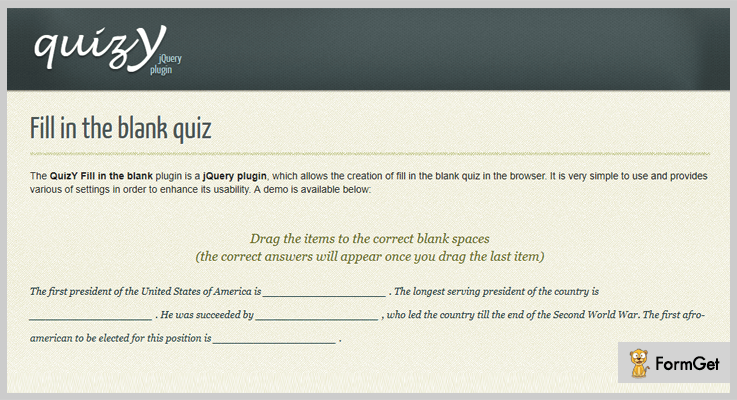
Another Useful Feature:
- It provides HTML inbuilt code which helps you to show where the text and the answers should appear.
- The plugin has a callback function which will return an object with three parameters i.e., correct answers, all answers and time.
- It allows boolean parameter (true or false), which enables the dragging option on your touch devices.
- You can change the word size of your quizzes if you have shorter or longer words than normal.
Pricing:
This plugin will cost you nothing. It is completely free so you can use its advantages for a lifetime.
3. jQuery-Plugin-For-Js-Quizz:
jQuery plugin for js quiz is a free tool which enables you to create multiple choice questions & answers. This plugin lets you build engaging quizzes that help your blog stand out from the crowd.
You can highlight tests, personality quizzes provide different colors on every question and many more with it.
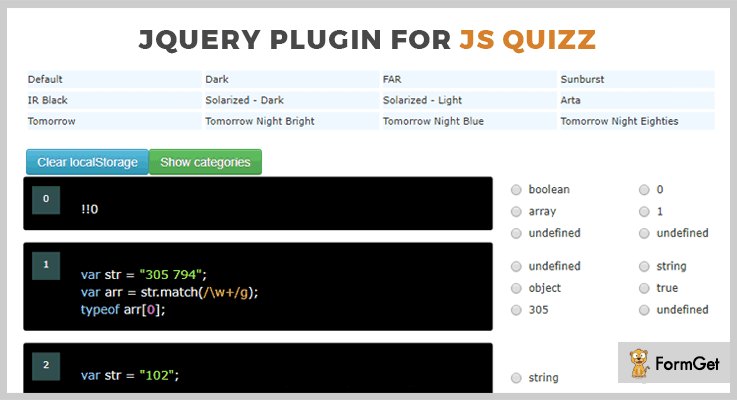
Another Useful Feature:
- You can display the quizzes questions in a different category.
- It gives you multiple options to change the color of your questions code.
- The plugin displays the live score of every correct answer.
Pricing:
This plugin will cost you $0. Means you will get its all advanced features & functionalities at free of cost.
4. jQuery-Quiz Plugin:
jQuery Quiz is a simple, yet effective plugin which helps you to port quizzes from an existing platform to the new one. It creates simple multiple choice quizzes. With the help of this plugin, you can customize the screens of your website and text that are displayed on a web page.
Another Useful Feature:
- It specifies the counter format which displays the exact location of question you are currently on.
- The plugin has an option to show gameOver on your screen if the quiz answers are wrong.
- It provides a various callback function when the user select answer or a select next button.
- The tool allows you to specify different options for each question.
- You can add as many questions as you like in your quizzes.
Pricing:
You can get this tool at free of cost only from GitHub official website.
Final Takeaway:
These were the choices of 4 best jQuery Quiz Plugins we’ve selected for you as per the user’s satisfaction ratings and reviews. Every plugin in this blog comes with various functions and functionalities which makes your website an user engaging site.
Hope these tools will definitely fit your requirement and needs.
Moreover, if you have any other suggestions regarding more quiz plugins, then do let us know via the comment section below. Enjoy!

