
MailGet Bolt is an email marketing service for sending bulk emails to all your subscribers. Here, you can simply add your sender email address, verify it and then, can start sending emails.
With MailGet Bolt, email sending is quick, easy and cheap. It allows you to create newsletters with just few click and then you can send to your audience right away with getting the best inbox deliverability rate.
You can now set up your MailGet Bolt account, just by following the below steps –
STEP 1: CREATE A NEW ACCOUNT
- Go to MailGet Bolt and click on the red tab- “START FREE PLAN- SEND 9K EMAILS FREE“.
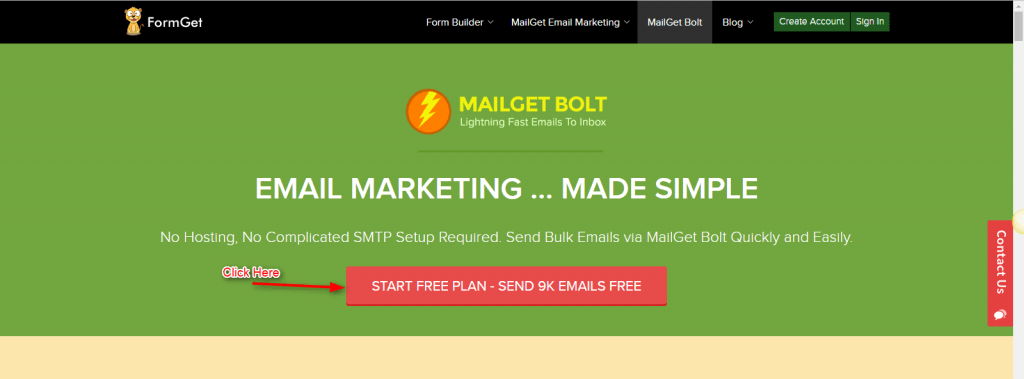
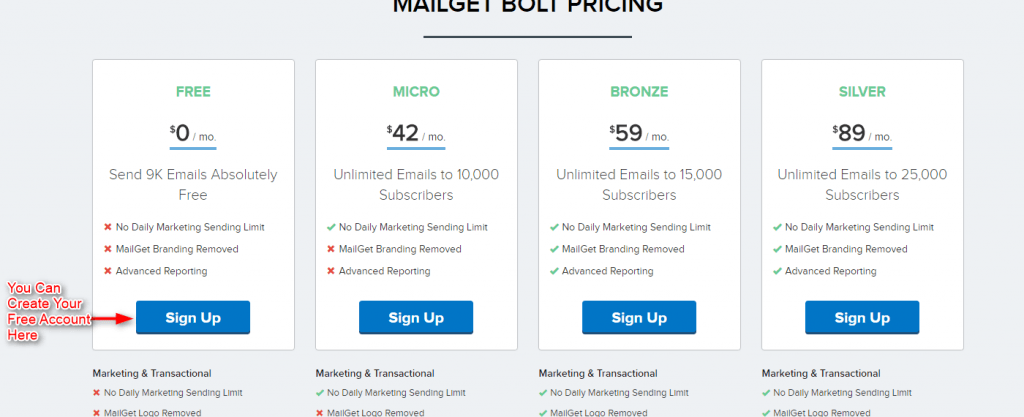
Select the suitable plan from the options provided and click on “Sign Up” Button.
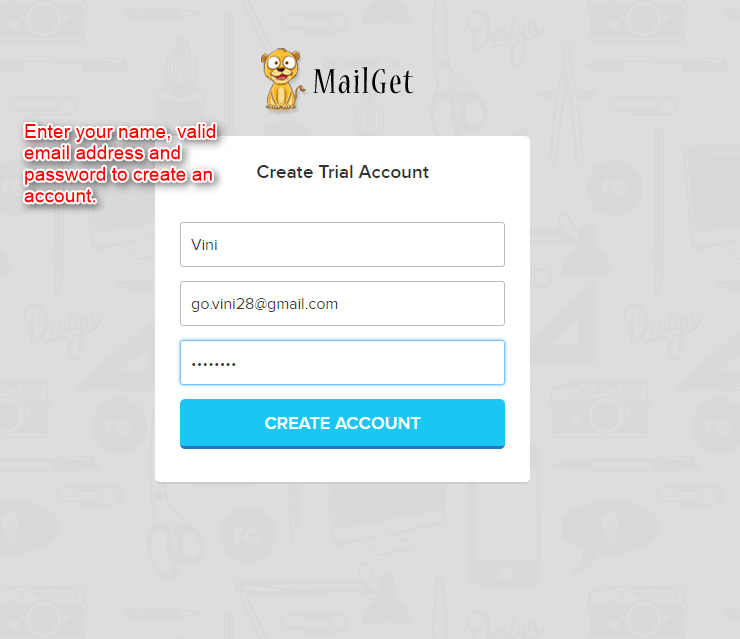
- Enter your Name, valid Email address and a Password in the text boxes and create your account with MailGet Bolt.
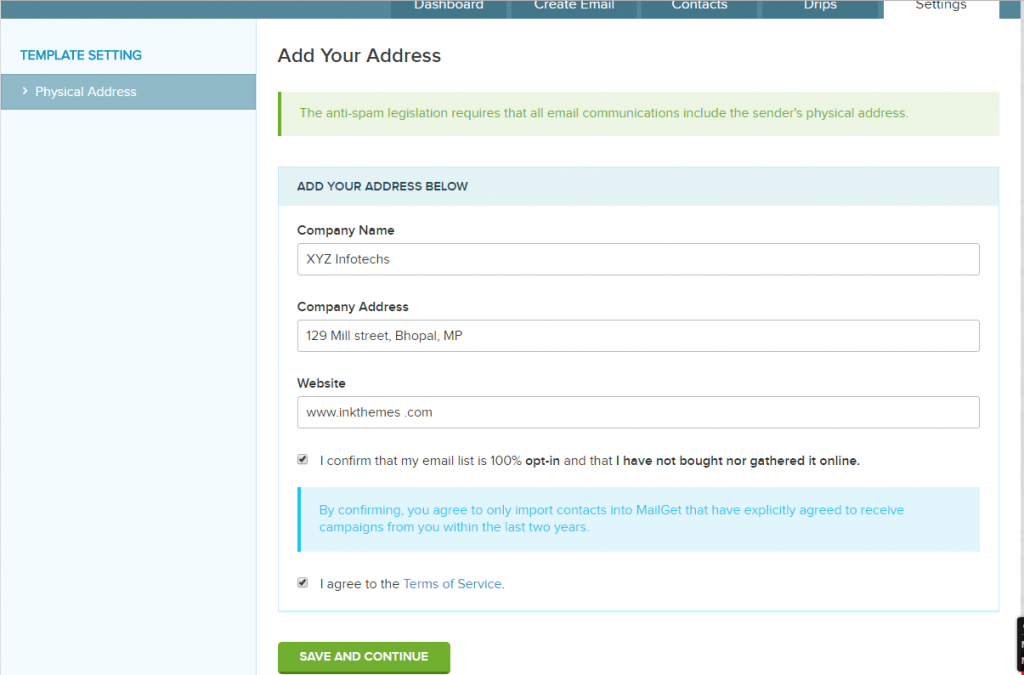
- Fill in your Physical Address Details and select the check boxes to confirm to the terms and conditions.
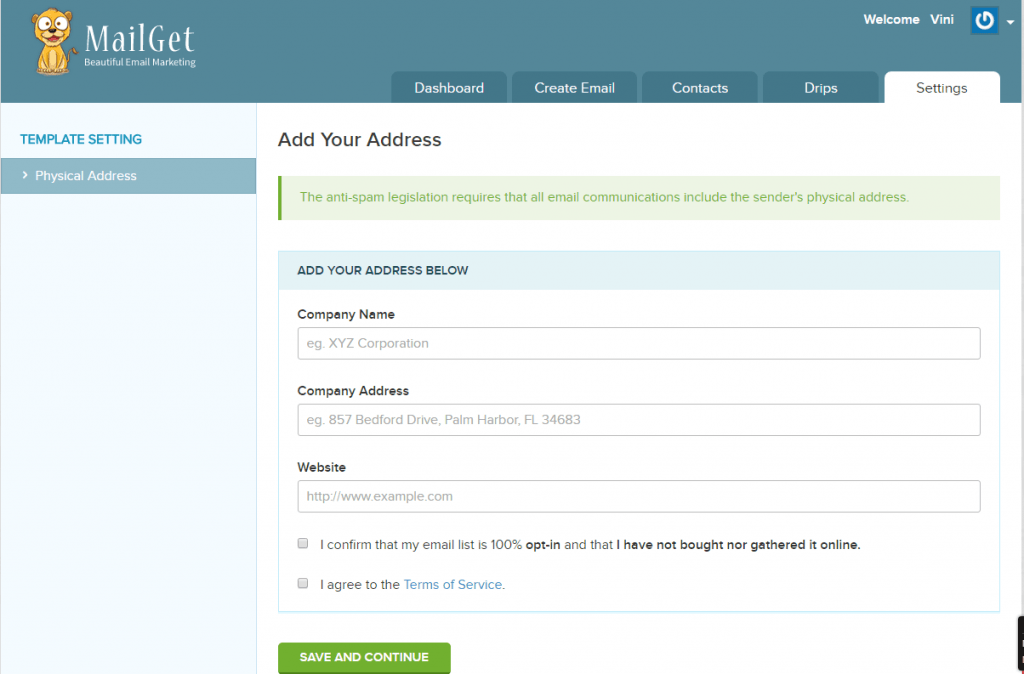
- Click on “SAVE AND CONTINUE ” Button, to save your address details.
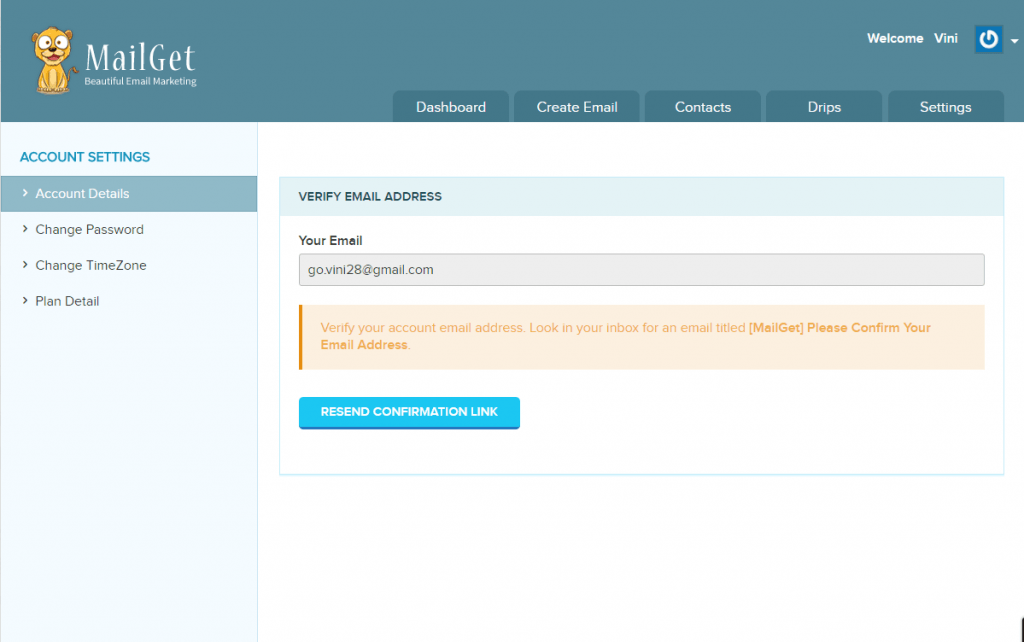
- You will receive a mail with a confirmation link at your email ID, that you mentioned at the time of Sign Up. And incase, if you do not receive any email click on the “RESEND CONFIRMATION LINK” as shown on the screenshot below.
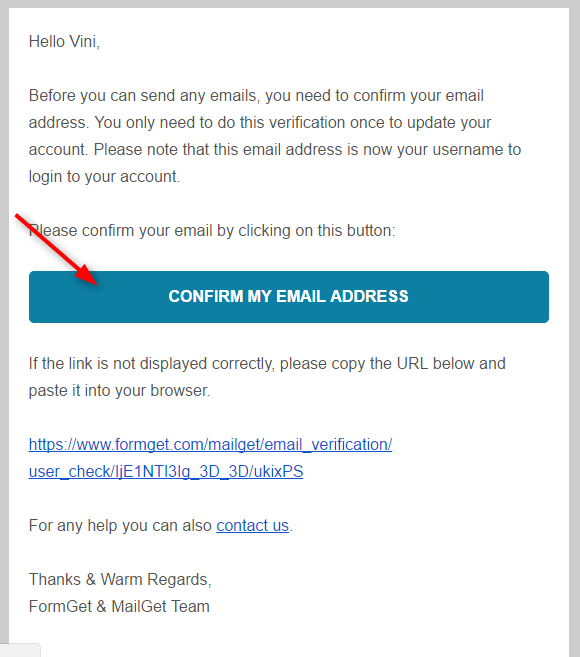
- Click on the link in the email and confirm your email address.
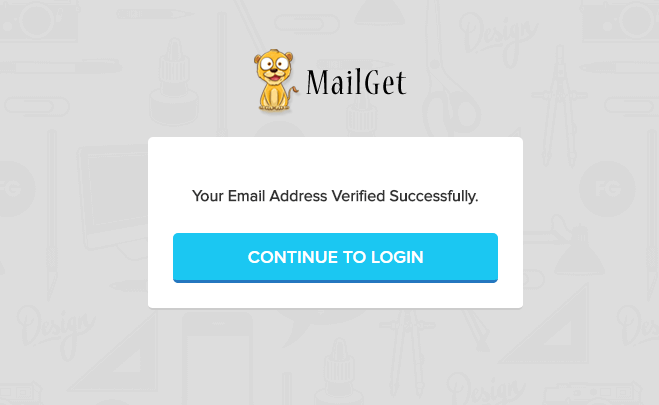
- Click on “CONTINUE TO LOGIN” to complete your account set up process.
STEP 2: VERIFY SENDER’S EMAIL ADDRESS/DOMAIN
- Click on Step 2 in as shown in the screenshot below-
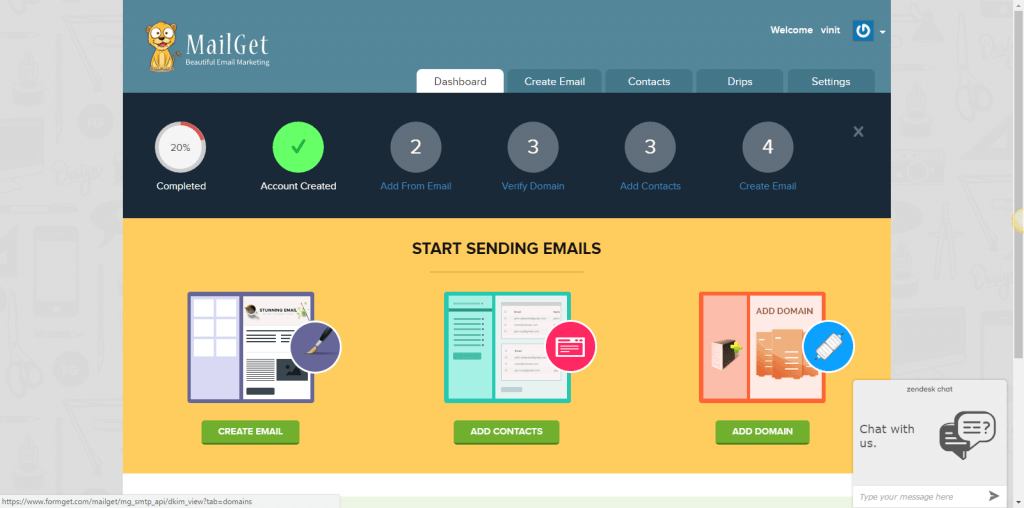
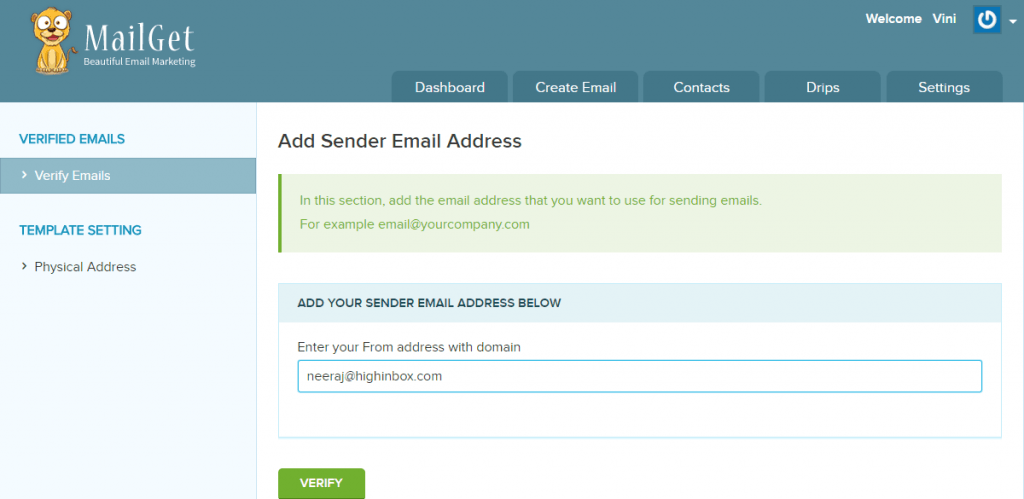
- Enter a valid Sender email address in the text box and select “Verify“.
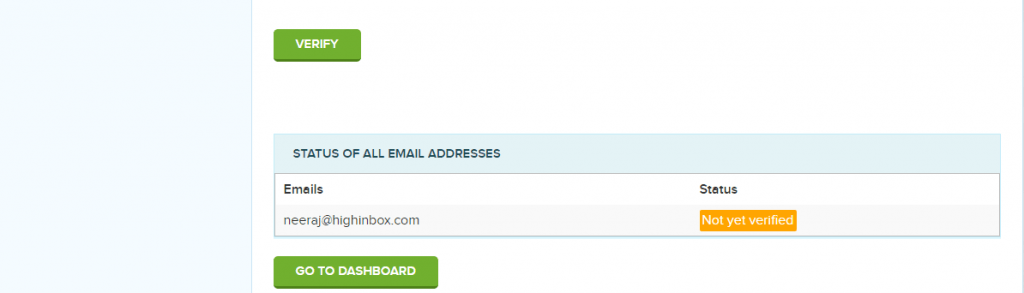
- Your status will change to “Not Yet Verified“.
- You will receive a verification email on your sender email address. Click on the verification link in the mail and verify your sender EMAIL Address /Domain.
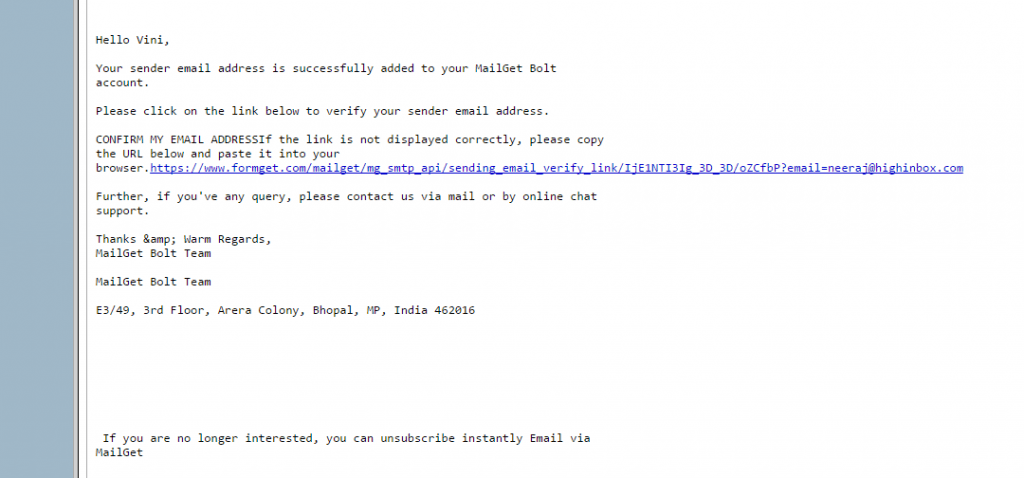
- Once, you click on the link in the email, your Sender email will be verified and you will be directed to the successful message. Click on “Continue To Login” Button.
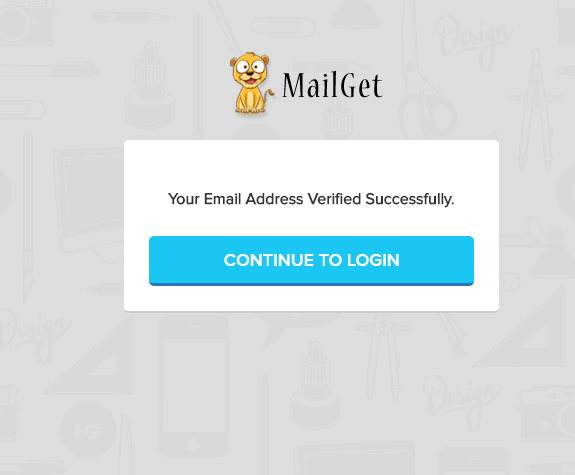
STEP 3: ADD CONTACTS
Click on the Step 4 in the screenshot shown below to Add new contacts to your account to send emails to.
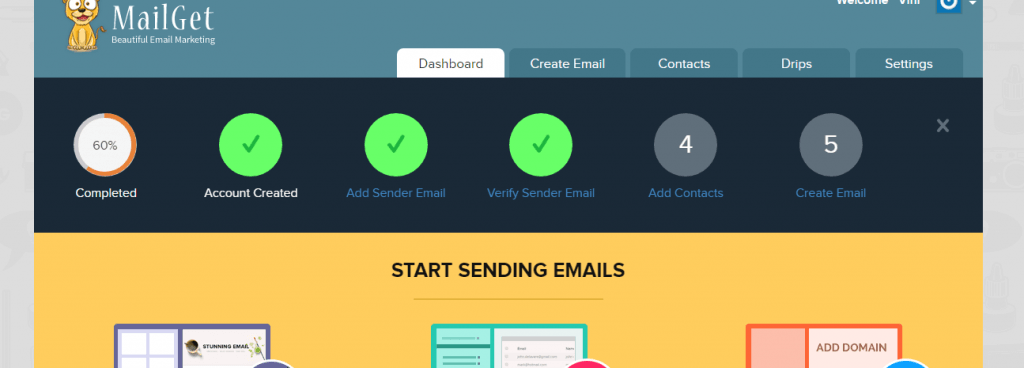
- Click on “ADD CONTACTS” to add new contacts.
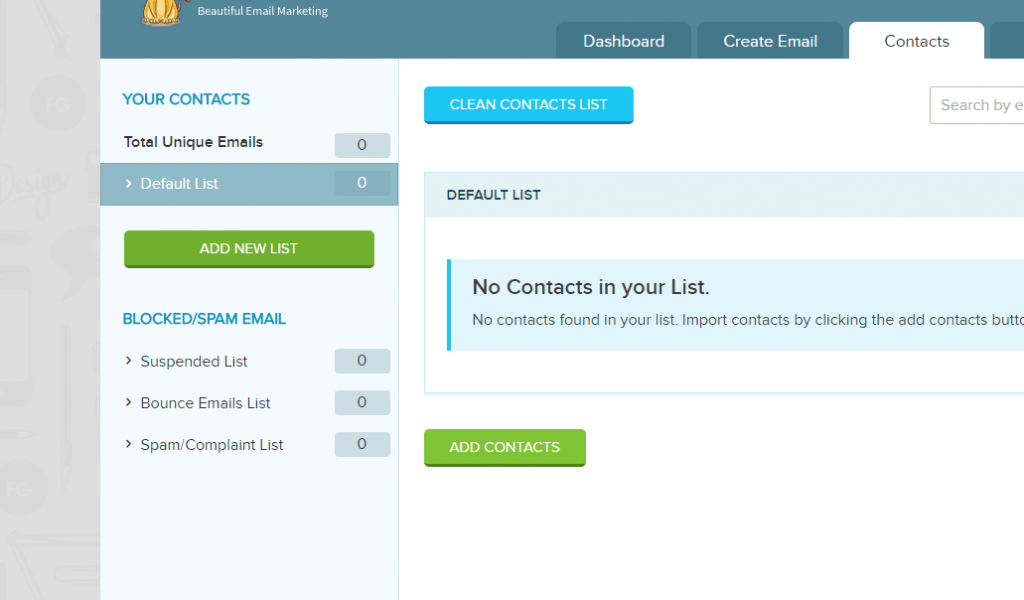
- Upload your contacts as CSV file or by directly entering them in the text box provided.
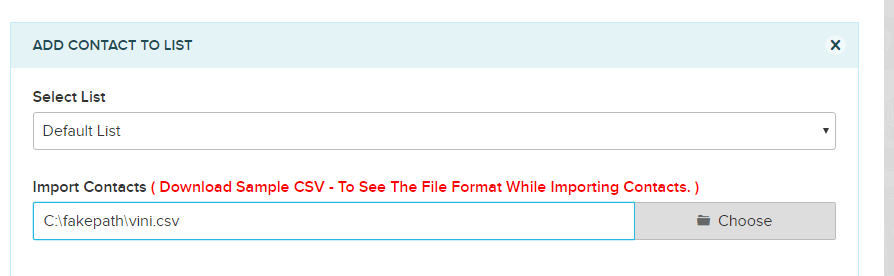
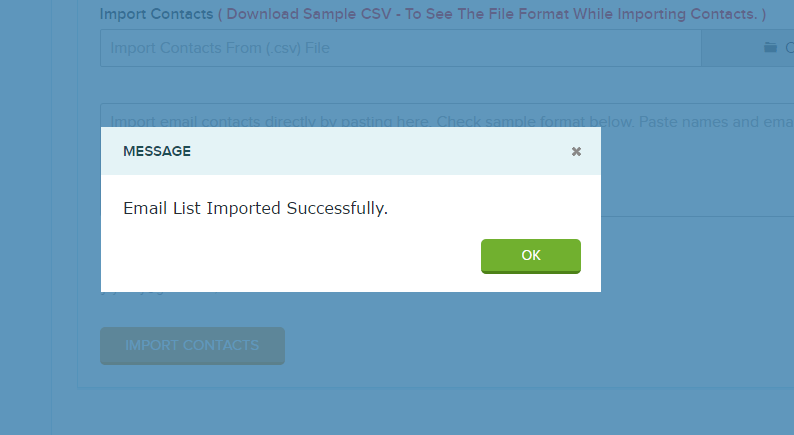
- Once the upload is successful. You will get the successful message on the screen.
STEP 4: CREATE EMAIL
- Click on Step 5 to create your email.
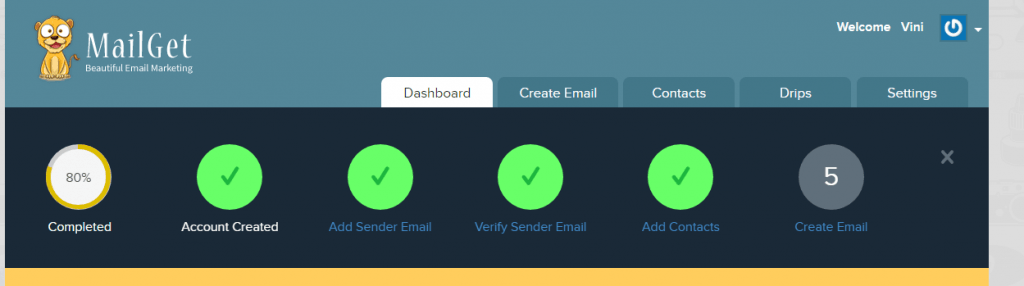
- Select the type of campaign you want to send email in.
Regular Campaign – To send bulk emails once to a group of contacts.
Drip Campaign – In Drip Campaign you can schedule your emails , and send them accordingly. For example – If you send an email to any contact today and you need to send him/her a reminder 2 days after sending the 1st mail, you can use Drip Campaign and send emails at regular intervals of time.
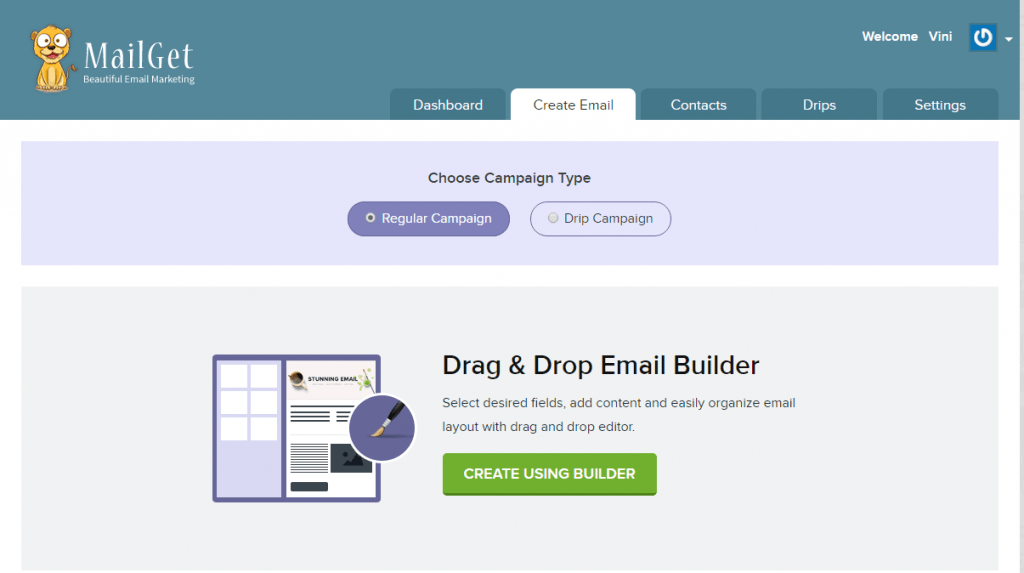
- Build a new Email.
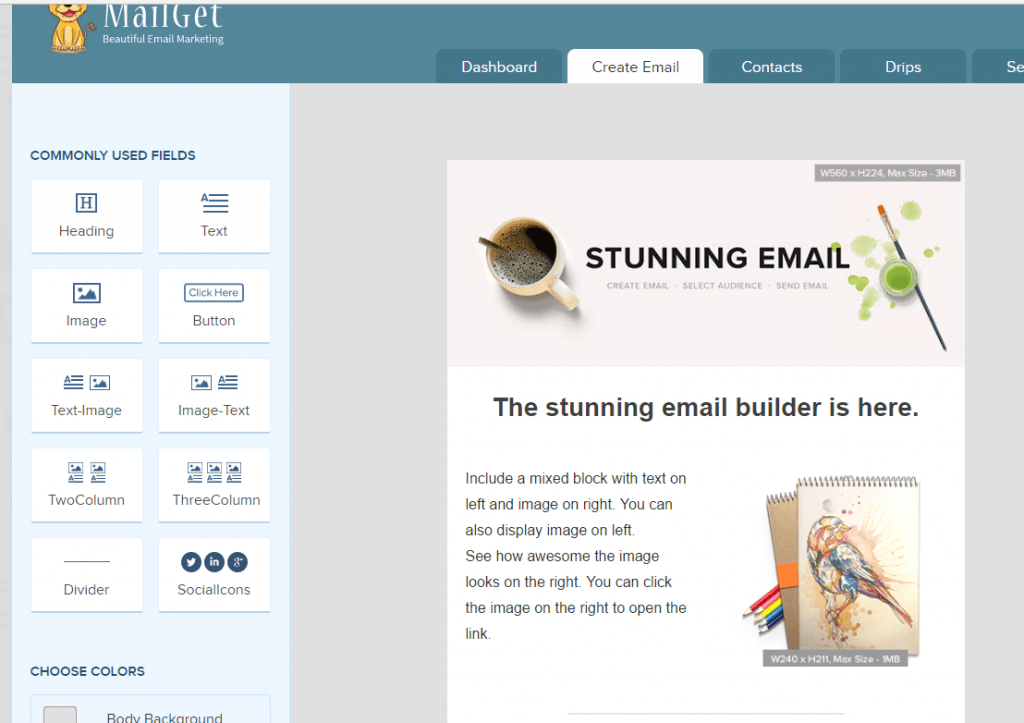
- Click on “SAVE & CONTINUE” once you are done drafting your email.
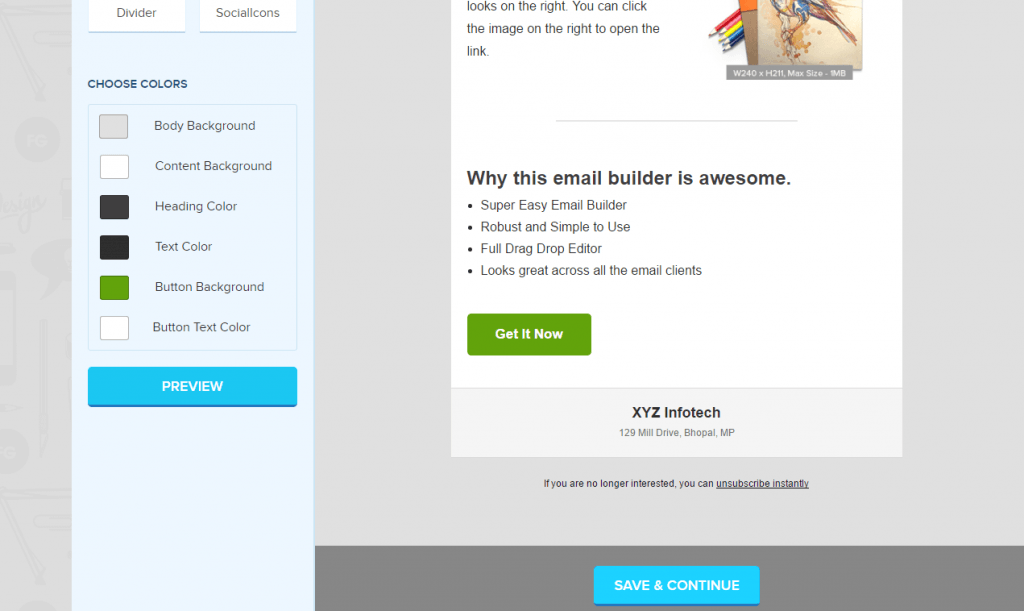
- Fill in the details and now you are ready to send your email Campaign or else you can save it to send it later.
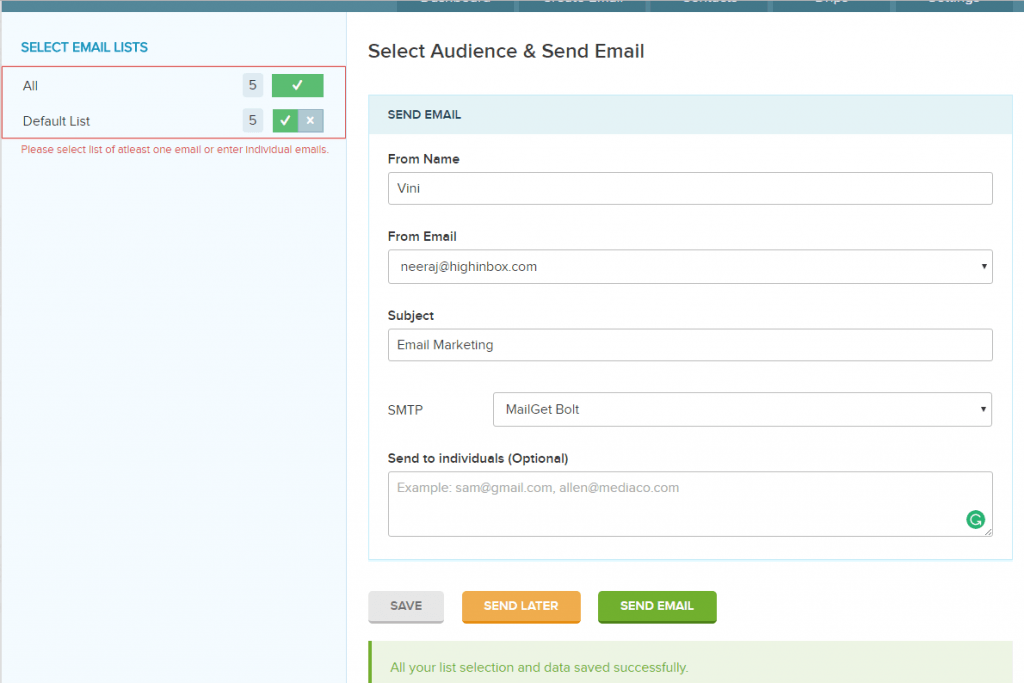
- Once you are done with these 5 step, you are all set to send emails to all your contacts instantly.
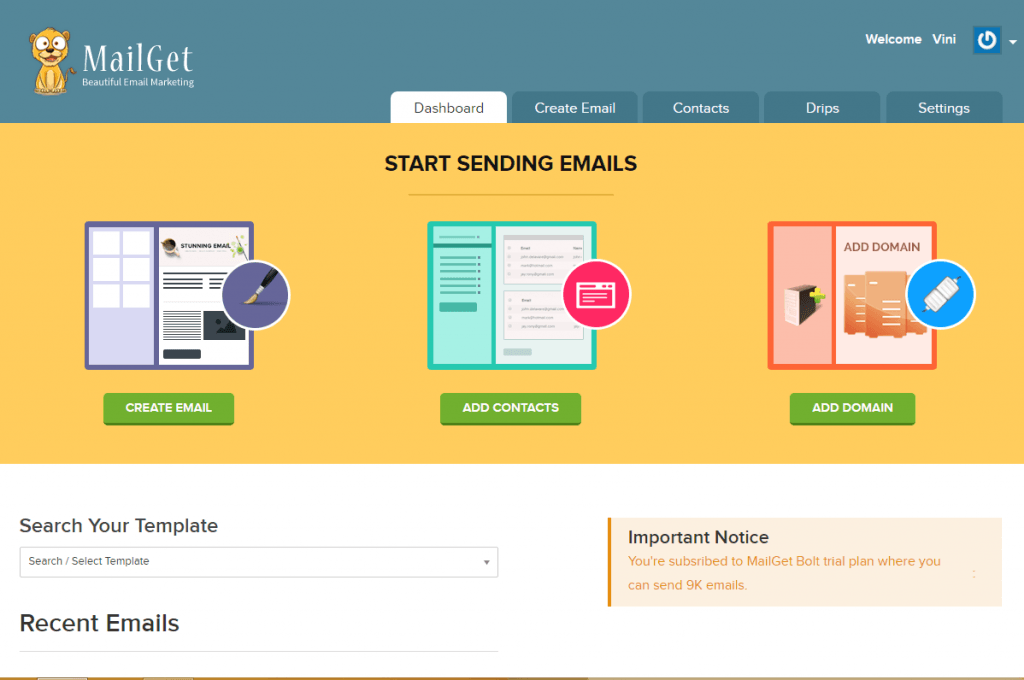
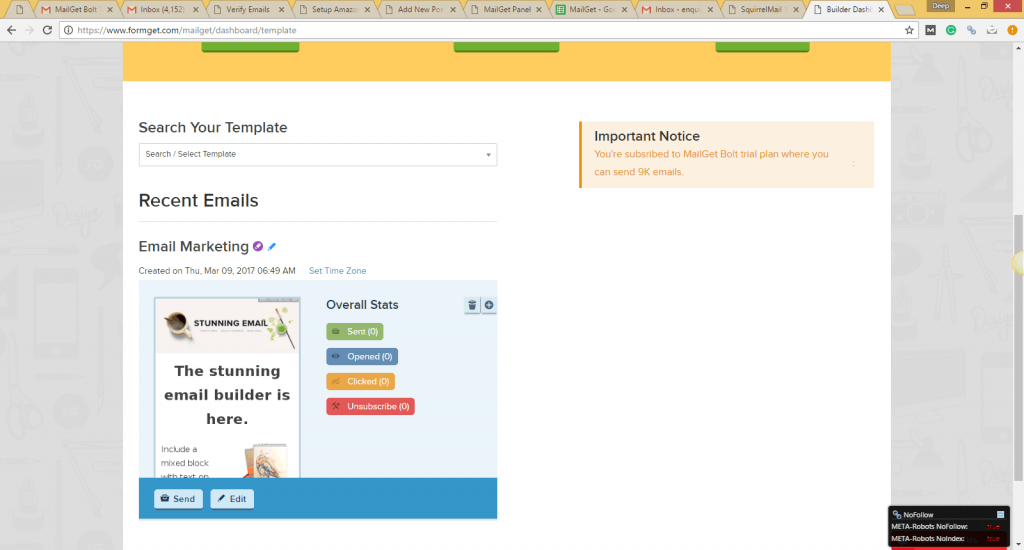
Note: For quality reasons, your first campaign will be verified by us before it has been sent to your contact list. Once your campaign is approved, you can send emails according to the plan you subscribed to.
10+ Best Fashion E-Commerce WordPress Themes For Online Shopping
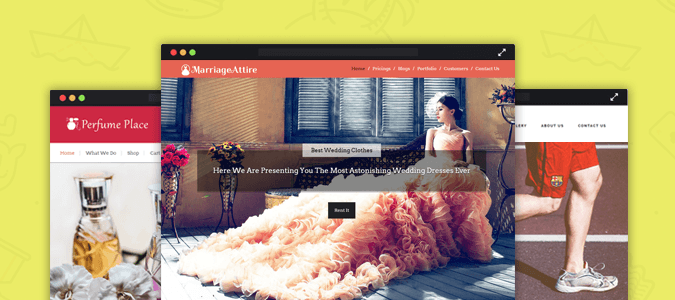
Its rightly said, “When you look good, you feel good”; fashion not only helps beautify your outer persona but also beautifies your inner self. Find here the Best Fashion E-Commerce WordPress Themes that will help to grow your business.
End your search for an impressive webpage for your fashion blog and network and be in vogue.
Do you have a fashion store & want to expand it on the web?
Then, start exploring a stronger platform that lets you broaden your couture business horizons to a higher level.
And, here’s a collection of some of the most picturesque, accessible and the best fashion E-commerce WordPress themes that perfectly reflects the outlook of fashion world & style guides.
All these fashion themes are perfectly designed so that you can very easily set up an eCommerce website for fashion-oriented businesses, clothing & cosmetics lines. The themes have various polished functionalities & you can also adjust the elements to create a visually aesthetic website.
Want some icing on the cake?
Go with the flow & discover more fashion templates from our collection –
- Fashion E-Commerce WordPress Themes
- WordPress Fashion Magazine Themes
- Fashion Blog WordPress Themes
- Best WordPress Themes
GirlishTrend – Feminine WordPress Theme
If you’re looking for an absolutely feminine web template then our GirlishTrend WordPress Theme is a must try buy and option. It offers you a lot more than just a design. You have a well-versed customization panel and many other features described further. One click installation with no much hassle and technical know-how, this template presents the simplistic design for your fashion store.
A splashy design with trending banners, parallax images & many more features to create an appealing website for fashion empires. Expand your business via an online platform using this top eCommerce template.
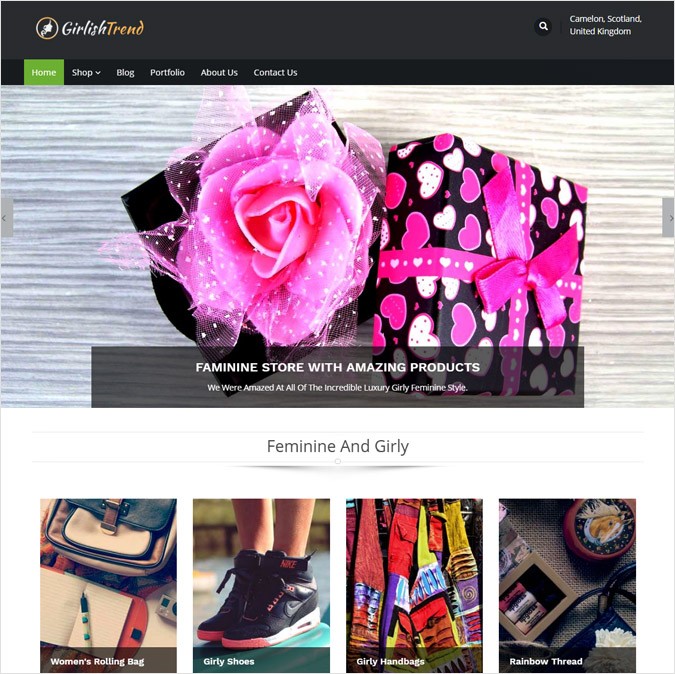
Special Features Of GirlishTrend WordPress Template:
- 5 layered full-width slider with superimposing text facility.
- Fully responsive and cross-browser supported WordPress theme.
- A Special 4- columned features area section to showcase your most featured services and products.
- A vertically stretched listicle section on which you can highlight latest.
- WooCommerce plugin enabled template.
- A direct link to your girlishtrend store for the clients on the front page.
- Social sharing options below the footer section.
- Enhanced footer section to display your fashion portfolios, contact details, product categories etc.
Theme Info + DownloadLive Demo
GemStones – Fashion Crystal Stones Sale WordPress Theme
GemStones is an instinctive and inventive, promptly responsive fashion Cystal eCommerce WordPress theme. It is a keenly considered and extremely adaptable stage for website admins to plan and grow altogether utilitarian, present day and consistent sites for different pearls and stones without being badgered by the code.
The fashion glass bead WordPress template offers two types of layouts & has one-shot animation effect on all elements of the site. Share videos, pictures of jewelry range on content sliders & display product section on the homepage itself for sale.

Important Aspects Of GemStones WordPress Template:
- Flawless Slider area with ecstatic images & superimposed text.
- 3-columned feature section with retina ready images where your services & products can be displayed.
- Fully-fledged testimonial section where your important client reviews can be placed.
- Dual video feature area where the services can be displayed
- A mosaic guise listicle section to showcase the trending fashion gemstones.
- Fully responsive and cross-browser supported WordPress template.
- WooCommerce enabled template.
- Enhanced footer section to display your fashion portfolios, contact details, product categories etc.
- Social sharing aspects available on the footer.
Theme Info + DownloadLive Demo
OnlineShop – Online Clothing Line WordPress Theme
OnlineShop is an ingenious, rich, best beauty & fashion WordPress premium multipurpose theme.It has been made to permit online website admins from all kinds of backgrounds and experience levels to rapidly and expertly set up together articulate and enchanting clothing line overhauling an expansive scope of models and ventures without any difficulty and express proficiency.
The premium template has various page layouts suitably crafted as blog pages, portfolio gallery, services pages. The comprehensible outline has panoramic sliders on the homepage & the contact page has a google map to help clients easily reach you.
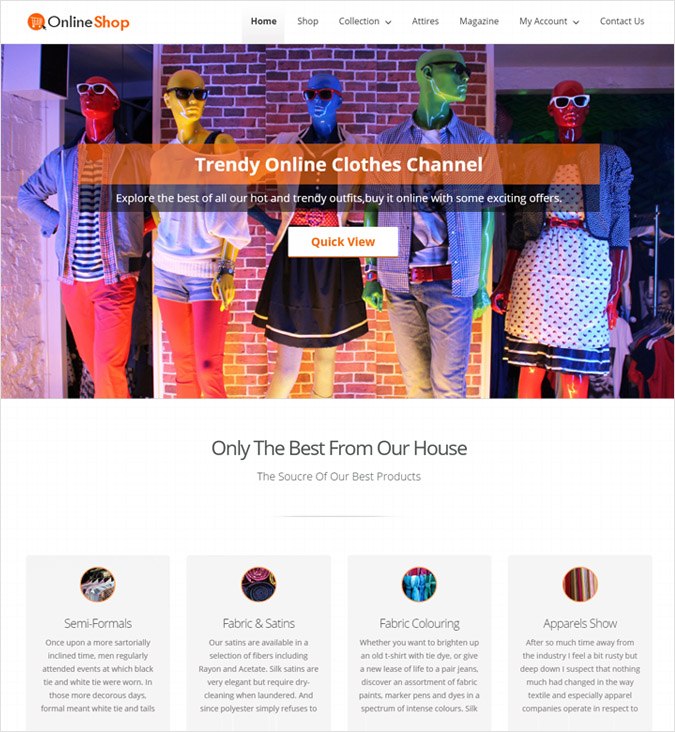
Essential Features Of OnlineShop WordPress Template:
- Multi-layered full-width slider with superimposing text facility.
- 4-columned feature section to showcase your onlineshop clothing line.
- Sliding blog viewing options.
- Essential footer section to display your latest portfolios, contact details, product categories etc.
- Fully responsive and cross-browser supported WordPress theme.
- Side widget has a video feature section and testimonial area.
- WooCommerce enabled template.
- Social sharing options.
Theme Info + DownloadLive Demo
TimeWatch – Custom Watch Design WordPress Theme
Internet business WordPress Theme – TimeWatch is a delightful, moderate, greatly flexible template, intended for the necessities of computerized design and stores, and in addition for physical business and stores hoping to have a solid online nearness. It is thick with elements and valuable instruments to facilitate the way toward setting up a fruitful timepiece online store or different custom ones besides.
With its enchanting framework & on/off sidebar of the homepage, luxury custom watch WordPress theme is an imperative choice for classical ticker stores. A hidden google map scrolling feature on the footer & the peppy feature areas are the highlights of the theme.
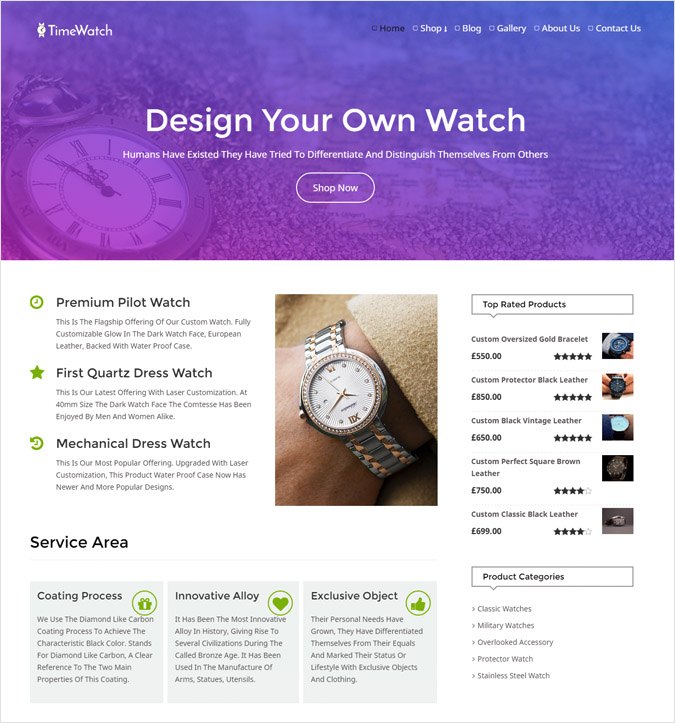
Necessary Features Of TimeWatch WordPress Template:
- Multi-layered full-width slider with superimposing text.
- Necessary feature area for custom blog categories with sliding animations.
- Side widget area for displaying your watch design products.
- Cross browser support and fully responsive template.
- Social sharing options enabled on the custom footer.
- Video feature area on side widget area of timewatch template.
- New products & services trending section.
- Portfolio display area on the sidebar.
- Compatible with latest WordPress version.
- Fully enabled WooCommerce is its necessary ingredient.
Theme Info + DownloadLive Demo
CosmoStore – Cosmetics Distribution WordPress Theme
In the event that you need to make a dumbfounding beauty care products and cosmetics retail distribution online business site, look no more remote than CosmoStore. This astounding WordPress theme can be utilized to improve each part of your Online business page. It is very versatile, and template’s outline is enchanting and vital. A definite demo documentation source is also made accessible.
Illuminate the colorful cosmetics range over a light background through sundry pictures & videos. Set up an online market for beauty products using the WooCommerce plugin & promote posters of sale events, sponsors using Ad Banners.

Subsidiary Attributes Of CosmoStore WordPress Template:
- Animated image slider to showcase the cosmetics.
- 3- column feature section with attributes.
- WooCommerce integrated WordPress template.
- Subsidiary favicon & logo upload options to personalize your cosmostore webpage.
- Banners to advertise & flash your sponsors.
- Testimonial section for your potential client’s reviews.
- Cross browser support and responsive theme.
Theme Info + DownloadLive Demo
PrivyBuying – Online Personal Shopping Service WordPress Theme
The garments and design industry requires an eye-catching, in vogue and dazzling online shopping service relies on the web nearness. PrivyBuying’s eCommerce site layouts have been professionally composed and are available as premium WordPress themes and templates. Making and building your personal, one of a kind online attire store has never been off beat.
Host all trading services on web & provide a swift shopping experience to the shoppers via the well-arranged & easy browsing modules. The theme is packed with call to action button, client’s reviews & blog post section.

Special Features Of PrivyBuying WordPress Template:
- Specially accustomed product display area on the front page.
- WooCommerce integrated WordPress theme.
- Special favicon & logo upload features on privybuying template.
- Sliding effect client review section.
- Custom CSS for networks & coded with search engine optimization.
- Horizontally Spread feature blog section.
- Specially placed social sharing options on the top.
- Cross- browser support and compatible with all the devices.
Theme Info + DownloadLive Demo
Sneakers – Athletic Shoe Store WordPress Theme
Sneakers Athletic WordPress Theme is a crisp and imaginative shoe manufacturing template reasonable for any sort of footwear store. It is ultra responsive and totally coordinated with WooCommerce to help subject clients easily manufacture their online athletic and diversified shoe selling platforms promptly over the web.
Display the variant categories of boots & heels on across-the-board sliders & grab eyeballs of your customers. The theme adheres social icons, PayPal logo, videos & enables you to easily customize the appearance of the website elements from the admin panel.

Other Aspects Of Sneakers WordPress Template:
- Highly Responsive WordPress theme and supported on all browser platforms.
- Options for the necessary content to be presented in the blog on the front page.
- Multi-layered full-width slider with superimposing text to explain the aspects of sneakers store.
- Testimonial section with parallax area.
- Dual video feature section to display your work-culture.
- Other features like highlighting your company’s portfolio are enabled on the footer.
- Athletic and other products can be displayed on the front page.
- WooCommerce integrated template.
Theme Info + DownloadLive Demo
MarriageAttire – Wedding Cloth Rentals WordPress Theme
MarriageAttire WordPress Theme is a lovely and exceptionally outlined, perfectly organized and elegantly formed, outwardly alluring and drawing in design template for wedding cloth online rental store. It is a masterfully crafted theme & designed with an explicit purpose in mind—to empower webmasters & make the most functional and modern wedding attires websites imaginable.
This ravishing bridal consultancy WordPress template portrays your zeal to provide the nuptial clothing on a rental basis in absolutely no point in time. The template is jam-packed with assorted features & an effective call to action button & more.
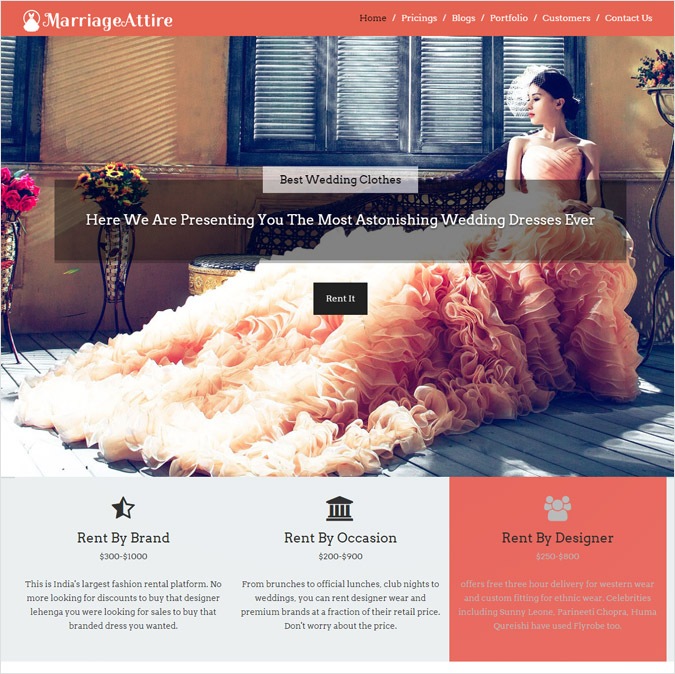
MarriageAttire WordPress Template Comes With Special Attributes:
- Single page outlay enabled with special attributes of parallax scrolling.
- Full-width slider with animations and superimposed text.
- 3-coloumn feature area.
- Marriageattire latest blog and trends display section.
- Display all your marriage attires in a gallery section enabled below the blog area.
- WooCommerce enabled template.
- Horizontally stretched video feature area.
- Cross-browser support & highly responsive WordPress template.
- It comes with a fully fledged footer area with a video feature widget.
Theme Info + DownloadLive Demo
StyleMaker – Nailpolish Manufacturing Company WordPress Theme
StyleMaker Nailpolish WordPress theme is easy to alter and manufacture a professionally looking delight site. It’s adaptable and simple to customize, what opens the route for the acknowledgment of your nail designing thoughts for your company. The template sparkles each component on location with a perfect, efficient format. The rich list of capabilities joined with natural interface accommodate consistent site administration controls.
A striking one-page template, with a sidebar homepage menu, helps the site visitors to easily browse through the various sections. Complementary parallax picture, sponsor’s logos, google maps, product pricing section & videos is integrated with this top nail art salon WordPress theme.

Other Attributes Of StyleMaker WordPress Template:
- A special menu- panel on the left side to display the categories of your company.
- 6- layered full-width slider with animations and text.
- 3-coloumn featured area.
- Multiple color skins available for your template.
- WooCommerce enabled template.
- Horizontally stretched video-feature area to showcase your work-culture.
- Cross-browser support & highly responsive WordPress template.
- Diving in other attributes like a fully fledged footer area with social sharing icons.
- Various stylemaker nailpolish products & services shown on the front page.
- Multiple colors and typography options available.
Theme Info + DownloadLive Demo
PerfumePlace – Perfume Production WordPress Theme
PerfumePlace is a present day, wonderful and noteworthy eCommerce supported beautiful WordPress theme ideal for offering your clients all the production goods on perfume and fragrances. This template is studded with the best topic highlights through which you can construct an online shop in a moment and begin making deals. This subject is fastidiously retina prepared to make the graphical components of your site look sharp and pixel idealize.
The austere & simplified template combines the cologne production & sales processes with other utilities like brands you cater, services you offer & of course, the eCommerce module. Easily engage new clients via the Lead Capture form, that flashes straight forth on the front page.
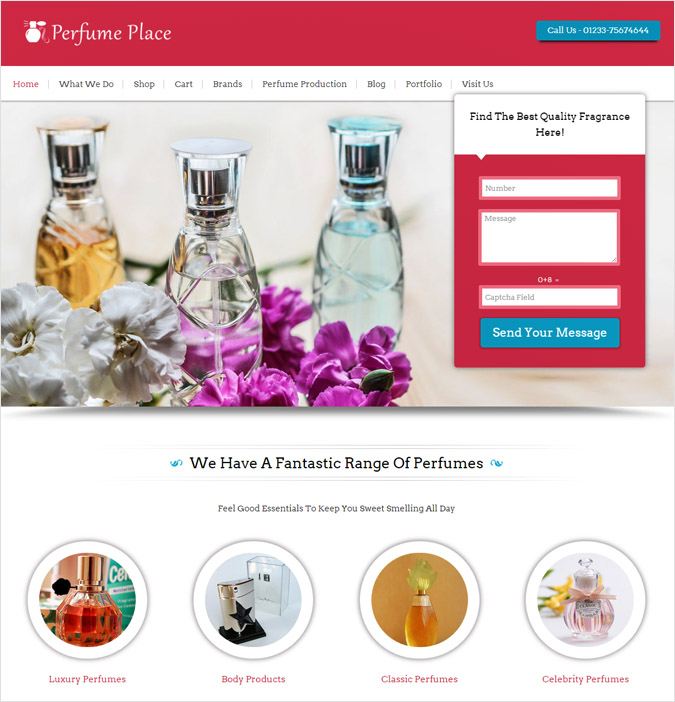
Other Traits Of PerfumePlace WordPress Template:
- 7-layer slider with high-quality images and superimposed lead – capture form for easy contacting.
- Perfumeplace WordPress template is 100% responsive and supported on all other browsers.
- 8 different color options to customize your production firm webpage.
- Place the best images of perfume and cologne in a 4-coloumned feature section.
- Clean code and easy to navigate admin panel.
- Built-in CSS and shortcodes options.
- Other traits include WooCommerce integration & fully-accustomed video feature area.
- A ‘Call to action’ button on the top right area above the header.
- Social sharing icons enabled on the footer.
Theme Info + DownloadLive Demo
On An Ending Note:
Fashion is a prevalent style or practice, particularly in attire, footwear, embellishments, cosmetics and body. Mentioned above are the Best Fashion eCommerce Store premium WordPress themes & templates that you must go-on and give a try.
Read our popular blog post ->
- Salon WordPress Themes
- Clothing WordPress Themes
- Free Premium WordPress Themes
- Online Shopping WordPress Themes
- Premium WordPress Themes
- WordPress Themes For Clothing Store
P.S: Fashion is endless & androgynous and so our products too. Don’t be biased while trying and buying them.
Also, feel absolutely no bar in sharing your thoughts and giving us your views. Take a note & let us know what you liked about our theme collection via the comment section below.
The 10 Best Website Hosting Service Providers

Whatever may be the size and type of your business, it needs a website. Other than online businesses, even brick-and-motor businesses need a website to be on the web so that people can discover them easily. So, no matter what kind of business you run, you need a website if you want to be competitive.
And the first step to getting started is to search a hosting service provider that will store your website’s files on their server and deliver them to your visitor’s browser. It also makes sure that your website is always up and running. But finding a good hosting service provider can be a tedious task, so to make it easier; we have here a list of 10 best website hosting service providers. So let’s have a look at each of them-
1. Cloudways – Managed Cloud Hosting Platform
When it comes to performance, security, and support, you might not find a better hosting provider than Cloudways.
With powerful features and services, Cloudways offers high-performing hosting that boosts up your online visibility. 60+ data centers, 5 cloud providers (including Amazon and Google Cloud), performance-boosting caching technologies, platform-level firewalls, real-time monitoring, WordPress CDN, staging environment, scalable servers, multiple databases and PHP versions, automated backups, and CloudwaysBot are just a few highlights of Cloudways Platform.

Key features of Cloudways Hosting:
- Multiple cloud providers
- Global data centers
- PHP 7-ready servers
- PHP-FPM, HTTP/2
- SSH and SFTP access
- Server and Website Cloning
- Free Let’s Encrypt SSL certificates
- Free staging environment
- Free automated backups
- Free managed migrations
- Start with a free trial period and experience the power of cloud hosting with Cloudways.
2. AccuWeb Hosting
AccuWeb has been providing quality hosting services since 2003. With stellar uptime and reliable web hosting solutions, AccuWeb is the ultimate shared hosting platform for you.
To resolve your query, you can opt for live chat assistance or raise a support ticket. AccuWeb provides a fully managed support system through its dedicated team of experts. Also, AccuWeb’s WordPress technicians are present 24×7 to solve WordPress-related issues.
AccuWeb have their data centers located in US, UK, Canada, France, Australia, South Korea, India, Singapore, Netherland, Poland, Germany, and Japan. These data centers are protected with high-end equipment.
Both Linux and Windows shared server plans are well-crafted to fulfill all your requirements. So, keep your worries aside and go for AccuWeb shared hosting.
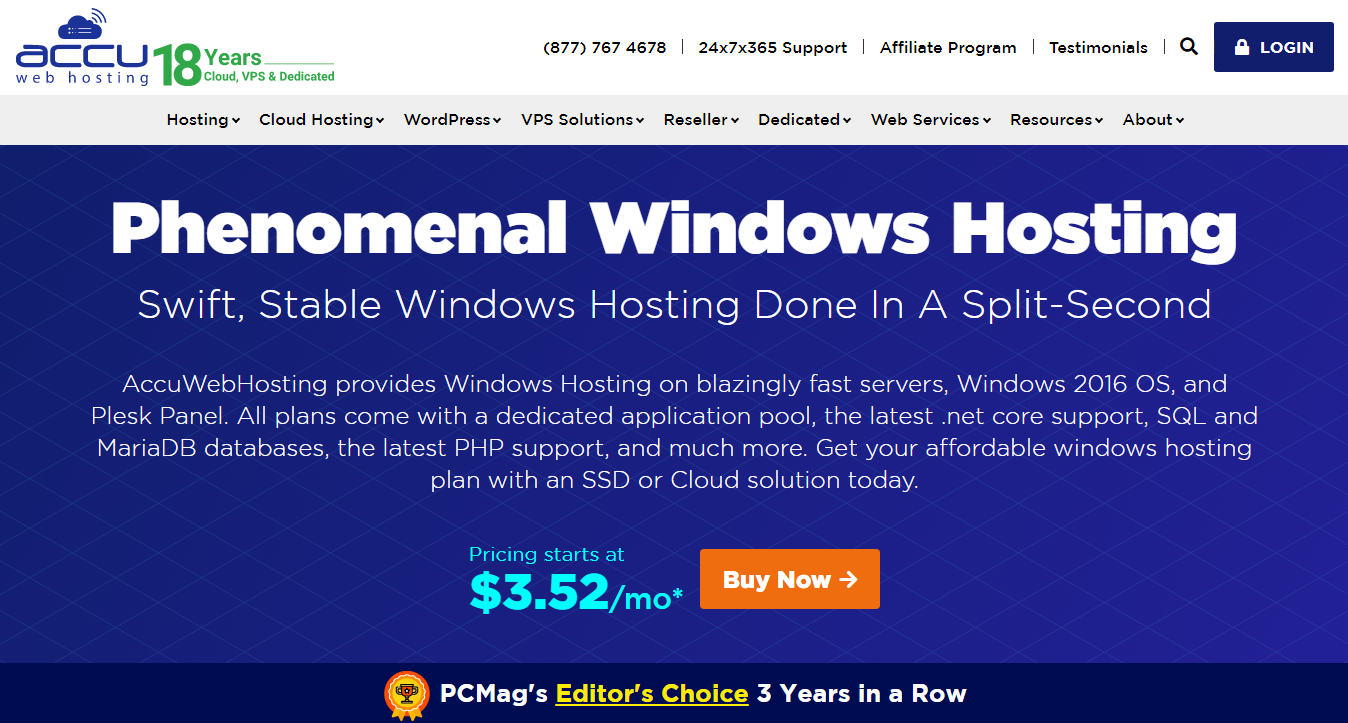
Key features of AccuWeb Hosting:
- Environment-friendly starting at $3.52/Mo
- One domain in one account
- 10 GB SSD storage
- 500 GB bandwidth
- IIS 10 hosting
- 150 Email Accounts per domain
- Plesk control panel
- Free SSL certificate
- 30 days money-back guarantee
- Instant account activation
- Daily website backups (Data security is a priority!)
- Works on any platform (Windows, Linux, Mac, Android, iOS)
3. Hosting24
Hosting24 provides all the necessary features to quickly and securely host your website. You can get access to free website builder along with 1000s of beautiful templates to quickly create your website. The domain name is provided for free by Hosting24. Don’t worry about storage, traffic, and other technical stuff because you get unlimited disk space, bandwidth, and your website is secured, thanks to advanced security tools used by Hosting24 to protect your site.
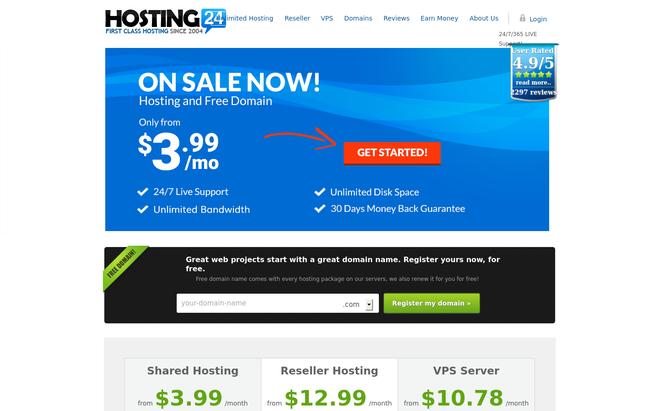
Key features of Hosting24:
- Your site is automatically backed up every week to ensure your files are always preserved.
- 99.99% uptime guarantee is offered by Hosting24, and that means your website is always available online.
- The latest cPanel is offered by Hosting24, which allow you to manage your files, domains, website, and more from a single place.
- Get 24/7 expert customer support. You can also request your issue to be forwarded to the company CEO and get VIP support.
- It offers a 30-day money back guarantee.
- Choose between Silver and Gold Package. The Silver Package costs $2/month.
4. IX Web Hosting
IX Web Hosting offers a secure server with exclusive features to host your website. Get a free domain with every package of IX Web Hosting to get started. IX Web Hosting guarantees 99.99% uptime, and that means you can expect your website online every time. You can contact the support team 24/7 via phone, email, chat or by ticket.
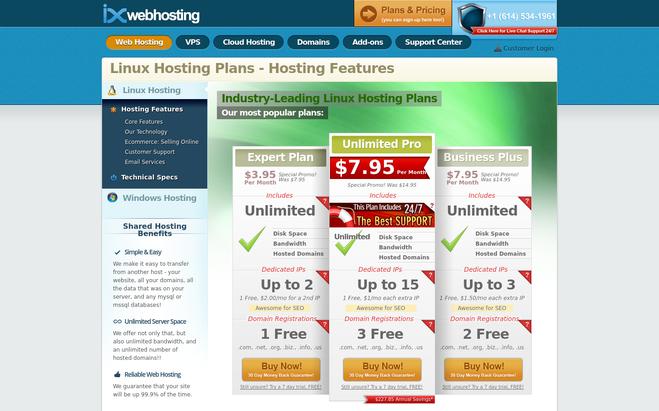
Key features of IX Web Hosting:
- Your site is secured from all types of potential attacks, as IX Web Hosting uses advance security tools to protect your site.
- All the popular content management systems like WordPress, Joomla, and Drupal is supported by IX Web Hosting.
- Get unlimited storage and bandwidth with IX Web Hosting.
- The simple cPanel lets you manage all your domains, subdomains, website, and more from a single place.
- 90-day money back guarantee.
- You get to choose between Expert, Unlimited Pro, and Business Pro Packages. The package price starts from $3.95/month.
5. HOSTNOC – All in One IT Solution Provider
HOSTNOC offers wide range of product and services to fulfill your IT needs. Whether you are looking for a dedicated server, VPS server, web hosting services or VPN, you can find all that and much more. Don’t have the resources to manage your IT infrastructure? You can take advantage of HOSTNOC’s managed dedicated server and managed cloud services. With a team of highly experienced and skilled NOC technicians, HOSTNOC can handle both cloud management and server management on your behalf.

HOSTNOC uses top of the line hardware for their servers so users get blazing fast performance and reliability. They also offer you the options to choose between Linux and Windows operating systems. What’s more, you can choose a package according to your needs or create a custom package according to your business needs with HOSTNOC. With daily backups, monitoring, round the clock customer support, you don’t have to worry about anything.
Key features of HOSTNOC:
- Cost-effective
- Unparalleled performance
- Custom made packages
- 99.99% uptime guarantee
- Daily backups
- 24/7 live support
- Security Monitoring
What are you waiting for? Get top of the line performance at a fraction of the cost with HOSTNOC.
6. 123Reg
123Reg is a UK-based web hosting company. You get a free domain with every package of 123Reg. The easy-to-use cPanel provided by 123Reg allows you to manage numerous domains, websites, and files from a single platform. The latest hardware and technology are used by 123Reg to make sure your site is loaded quickly without any delay. All the popular CMS and other apps can be installed easily with one-click installation feature.
Key features of 123Reg:
- You get unlimited bandwidth and your storage capacity varies from 10 GB to unlimited according to the chosen package.
- It supports all major programming languages like PHP, Python, Ruby, and more to meet your programming needs.
- The multiple servers and advanced technology used by 123Reg ensures your site is available every time.
- Get telephone, chat and ticket based expert support.
- Select the package from Essentials, Business, Unlimited, and Premium + package. The price starts from £2.49/month.
7. GoDaddy
GoDaddy is one of the most popular web hosting service providers. It provides all the features you could possibly expect from a web hosting service provider. Your site is always online because it has a 99% uptime guarantee. Also, you don’t have to worry about website loading speed of your website, as GoDaddy has global datacenters, which ensures your pages are always loaded quickly.
Key features of GoDaddy:
- All the major content management system like Drupal, Joomla, and WordPress can be installed quickly with one-click install feature.
- GoDaddy provides unlimited bandwidth and disk space to its customers.
- Your site is backed up every single day to make sure your website is always safe.
- The simple cPanel allows access to all hosting features and settings.
- If you face any problem with your hosting, then you can contact award-winning support team 24/7.
- Choose between Economy, Deluxe, and Ultimate Package. The starting price is $3.99/month.
8. hostmonster
hostmonster is a web hosting service provider, and it offers exclusive features to its customers. Want to quickly install a content management system and other apps to get started? You can easily install them without following the tedious process because of its one-click feature, and get started right away. Don’t worry about traffic or disk space after you get started with hostmonster, as it provides unlimited bandwidth and disk space to its customers.
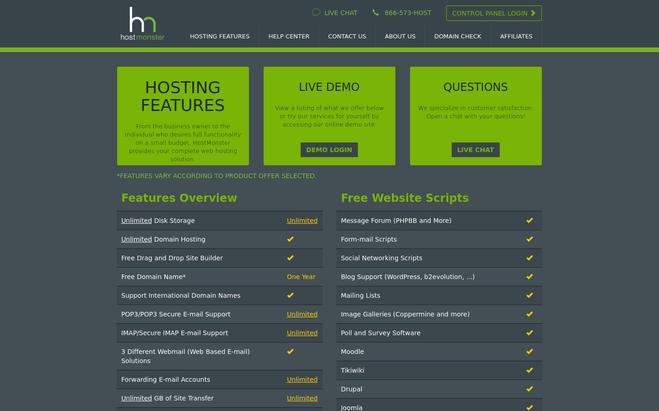
Key features of hostmonster:
- You can easily transfer your existing website to its secure server.
- Get a free domain name and unlimited subdomains with hostmonster.
- You get access to a simple hostmonster cPanel to gain overall control of your website and features.
- All powerful security tools, UPS backup, Diesel generator backup, and site backup service ensures your site is always up and running.
- 24/7 tech support to solve any related problems.
- Three packages are provided by hostmonster, and they are BASIC, PLUS, and PRIME. The package starts at $4.95/month.
9. interServer
Equipped with all exclusive features, interServer is one of the reliable web hosting service providers in the market. The control of the website and access to available features is made easy with the simple cPanel. If you have an existing website, then you can easily transfer your website to the interServer secured server, thanks to its free migration service.
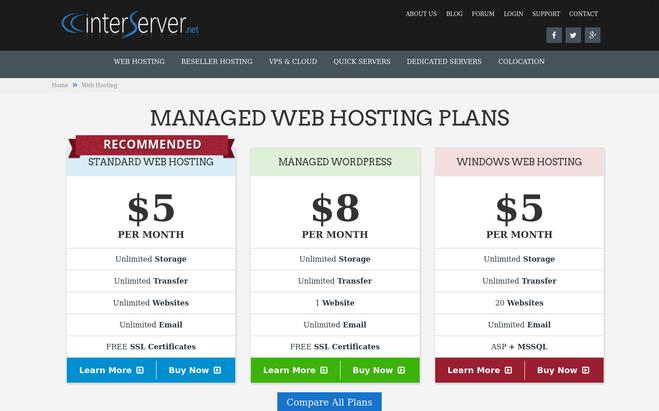
Key features of interServer:
- Install all the popular content management system and apps like WordPress, Joomla, Magneto, and more easily with one-click app installation tool.
- Get unlimited disk space and data transfer with interServer.
- You get a 30-day money back guarantee if you’re not satisfied with interServer.
- Contact support team 24/7 via email, Live Chat, or phone.
- Get a free SSL certificate after signing up for its hosting package.
- The quality hardware, owned data centers, and expert technicians make sure your site is always up and running.
- Select between Standard, Managed WordPress, and ASP.NET Web hosting package. The starting price is $5/month.
10. FatCow
You can quickly create a domain for free, host your website, and get started with FatCow. The simple web builder provided by FatCow lets you build your website with an easy drag and drop tool without any HTML knowledge. There are no setup fees whatsoever with FatCow. This web hosting service provider supports all the popular content management system and apps like WordPress, Joomla, GBook, and more.
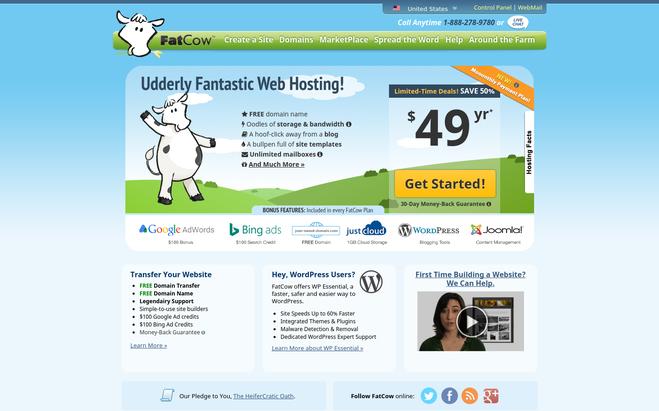
Key features of FatCow:
- FatCow offers unlimited bandwidth and disk space to its customers.
- Contact FatCow support team 24/7 via phone, live chat, and online inquiry form.
- The simple cPanel lets you have total control over your website, and you can easily access any necessary feature via cPanel.
- It offers a 30-day money back guarantee.
- Your site is backed up daily to preserve your website.
- The minimum package FatCow is offering right now is a hosting package at $49 per year.
11. 1&1
1&1 lets you host your website on its secured server. You get a free domain name with the 1&1 hosting package. 1&1 ensures your site is always available online, as it provides 100% uptime guarantee. While hosting your website, you don’t need to worry about storage and bandwidth because you will get unlimited storage and bandwidth with every package.
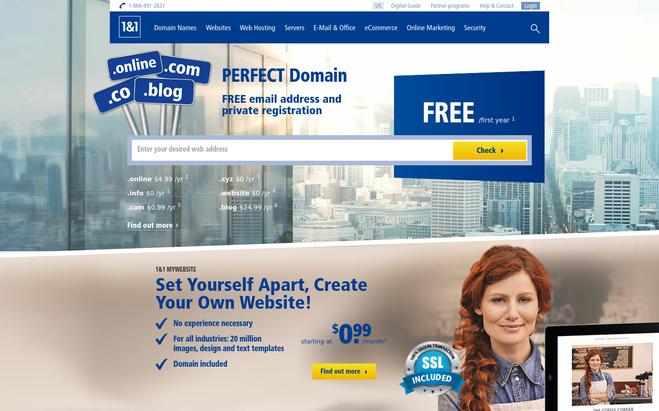
Key features of 1&1:
- All the popular CMS software and other apps can be installed in a few clicks.
- You can create backups of your important files and easily restore it whenever you need to.
- All powerful 1&1 hybrid technology will ensure your web page loads quickly every time.
- Secure SSL certificate is included with its all web hosting packages.
- The 1&1 support team is available 24/7 for solving your problems.
- It offers three packages, and they are Unlimited Plus, and Unlimited Pro. The starting price is $0.99/month.
12. HostPapa
Creating and hosting your website is made very easy by HostPapa. You get a free domain name to start your website. You can host unlimited domains, and you get unlimited bandwidth and disk space with HostPapa. The 99.9% uptime guarantee means your website will always be found online, and if you encounter any problem, then there is a money-back guarantee as well.
Key features of HostPapa:
- Simple cPanel lets you manage all your domains, files, and websites easily.
- Transfer your existing website to HostPapa secured server quickly, as it provides free migration service.
- The advanced security tools are used to keep your site secure from all types of potential attacks.
- You can contact HostPapa support team 24/7/365 via phone, email, or chat.
- Get started with Starter, Business, and Business Pro Package. The starting price is $3.95/month.
13. HostGator
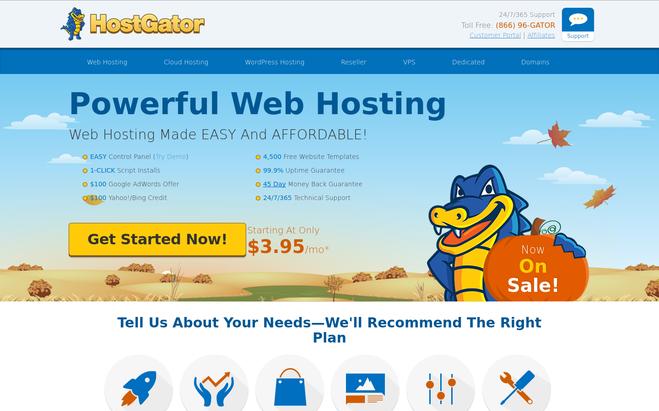
HostGator is one of the most popular and reliable web hosting service providers. It is so much confident about the quality of its service that it offers a 45-day money back guarantee. HostGator has a 99.99% uptime guarantee. This means your site is available online every time. The unmetered bandwidth and storage facility from 10 GB to unlimited is provided by HostGator.
Key features of HostGator:
- The simple cPanel offered by HostGator lets you manage all your sites, domains, and files without any difficulty from a single platform.
- Free website builder and over 4,500 web templates are offered by HostGator to help you build a professional and responsive website in a quick time without programming skills.
- You can contact HostGator support team 24/7/365 via phone, live chat or email.
- Your site is automatically backed up every week.
- Instantly install all popular CMS software and other apps quickly with one-click installation feature.
- Choose between Hatching, Business, and Baby Plan. The starting price is $3.95/month.
Conclusion
Now you might have got some idea about the best hosting service providers. Other than the price, you should also look for the features, uptime and support while choosing a hosting plan. However, you can be assured of the reliability of all the above web hosting service providers because they’re the best in the business right now.
Also read our popular post:-
The 10 Best Website Hosting Providers

Web hosting providers helps individuals and businesses to host their web pages or websites on the servers so that these can be accessed over the internet. This service is provided by numerous web hosting companies these days who let their clients own space on their privately owned or leased servers. Thus, a web host provides all the technologies and services needed for a web page to be viewed on the worldwide web. Such a web host takes care of the customer’s data by the means of redundant servers or periodic data backups so that the customer never loses any of his important data.
For a web hosting client, it is essential that he owns a domain name to subscribe to the services of a web host. If he doesn’t have the one, the web hosts help him buy one. Some of these service providers also offer free domain registration along with their plans.
Enumerated below are the names, details, and the kind of services provided by 10+ such web hosting providers.
Also, listed are the key features provided by each of these service providers for easy comparison and selection.
1. Liquid Web
Liquid Web is all the managed hosting you will ever need. They have the fastest VPS in the industry, industrial-and-true dedicated servers, premium business email hosting, managed WordPress or managed WooCommerce hosting. We’ve designed our product portfolio to allow you to choose the hosting product that will best serve your project. You can count on the reliability and have the flexibility to run what you like and how you like it. No limits here.
Key Features:
- Enhance the performance of your website by serving content to your worldwide visitors with the help of CloudFlare CDN.
- Protect the important data of your website with storage & backup options that include SAN & Guardian offsite backup.
- Use HIPAA & PCI Compliance to get a custom dedicated server solution.
- Manage your email web hosting & built your growth.
2. Hosting 24
Hosting 24 provides quality web hosting services since 2004. It is a leading provider of shared and reseller hosting and VPS server hosting. Its servers are located in two locations, one in the US and the other in the UK. It provides shared hosting for $2 per month, reseller hosting for $6.5 per month, and VPS server hosting for around $10 per month. In all the plans offered by them, they provide a free domain. The key features they boast to offer are as follows:
Key features:
- 99.9% uptime using redundant and fast servers.
- Data security by automatic weekly backups and advanced hardware.
- Provision of the best tools for website development.
- Round the clock customer support.
- Free assistance in the domain transfer process.
3. AccuWeb Hosting
AccuWeb has been providing quality hosting services since 2003. With stellar uptime and reliable web hosting solutions, AccuWeb is the ultimate shared hosting platform for you.
AccuWeb have their data centers located in US, UK, Canada, France, Australia, South Korea, India, Singapore, Netherland, Poland, Germany, and Japan. These data centers are protected with high-end equipment. Both Linux and Windows shared server plans are well-crafted to fulfil all your requirements. So, keep your worries aside and go for AccuWeb shared hosting.
Key features:
- Environment-friendly starting at $3.52/Mo
- One domain in one account
- 10 GB SSD storage
- 500 GB bandwidth
- IIS 10 hosting
- 150 Email Accounts per domain
- Plesk control panel
- Free SSL certificate
- 30 days money-back guarantee
- Instant account activation
- Daily website backups (Data security is a priority!)
- Works on any platform (Windows, Linux, Mac, Android, iOS)
- 24×7 Support available
4. PowWeb
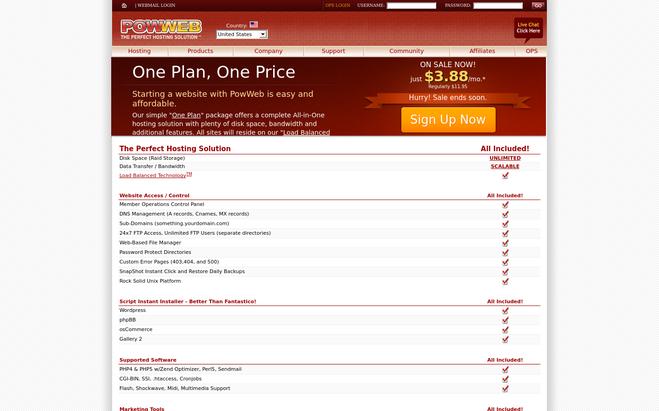
This company was founded in 1999 and provides low-cost web hosting solutions to small and medium enterprises. They develop their own web hosting software and automation tools in-house by a team of programmers. They use load balancers to ensure maximum uptime. They offer one plan priced at $3.88 per month. It includes an all in one hosting solution. You may opt for their yearly, two-yearly, and three yearly plans for better prices. Their package includes web address provision and an easy to use website builder.
Key features:
- Unlimited disk space
- Load balanced technology
- Email service included
- Anti-Spam and Anti-Virus protection
5. Webhosting Pad
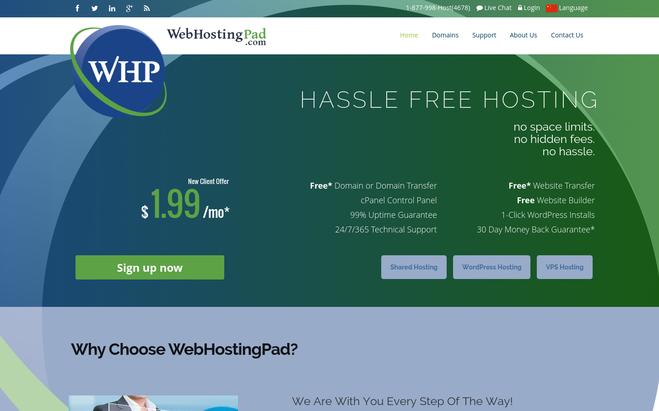
Founded in 2005, Webhosting Pad provides three kinds of hosting services. These include shared hosting, WordPress hosting, and VPS hosting. Their packages start from $1.99 per month and include free tools and email features apart from a 30 days’ money-back guarantee.
Key features:
- 99% uptime
- Domain transfer
- Website transfer
- Website builder
- 1-click WordPress installs
- 24x7x365 technical support
6. Hostmonster
They provide complete web hosting solutions for a user of every kind of requirement. They provide four kinds of hosting plans that include a basic plan at $4.95 per month with a 50 GB website space and 100 MB email storage per account. A plus plan at $6.95 per month with 150 GB website storage and 500 MB email storage. A prime plan with an unlimited website and email storage and a Go-Pro plan at $13.95 per month.
Key features:
- Unlimited disk storage
- A free domain name for 1 year
- Supports international domain names
7. Contabo
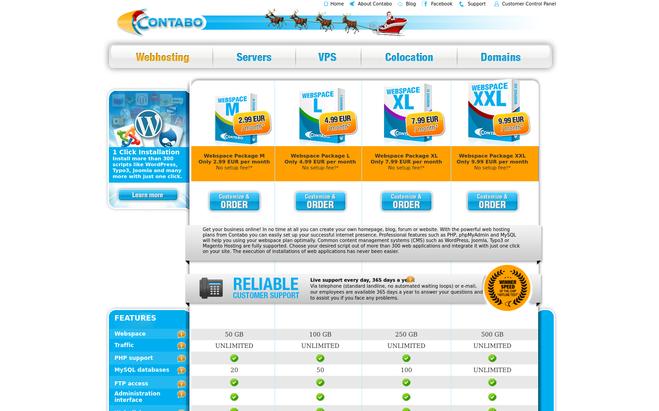
Established in 2003, by two partners in Germany, this company has successfully established itself in the market of Webhosting services. Known by the name of Giga international earlier, the company was renamed to Contabo in the year 2022. They operate two data centers one in Munich and the other in Nuremberg, Germany. Depending upon the kind of Webspace you require, you can opt for one of their plans ranging from 50 GB to 500 GB. The packages start from €3 per month up to €10 per month.
Key features:
- Professional features such as PHP, PHPMyAdmin and MySQL.
- Support for all common content management systems such as WordPress, Joomla, etc.
- Maximum Uptime by the means of redundant servers in two far-off data centers.
8. WPOven – Web Hosting Provider
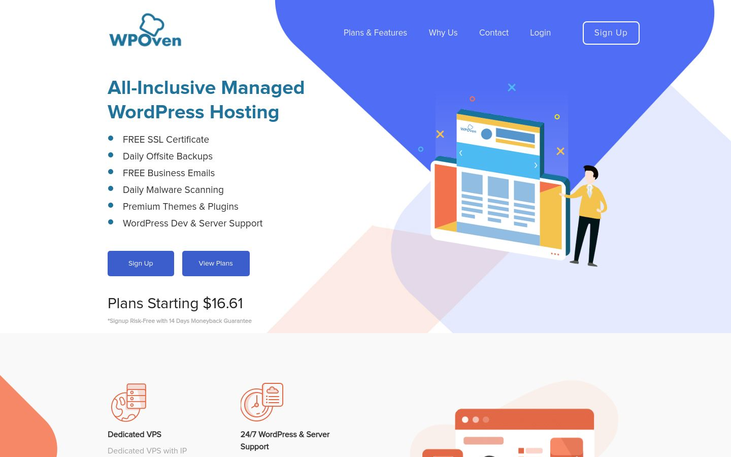
WPoven is one of the Best Managed WordPress Hosting service providers you were ever looking for. Having server data centers around the world, it provides you with the fastest hosting experience. It also offers dedicated VPS with a Free SSL certificate with all their plans, starting just $16.61.You can host unlimited sites. It provides its customers with the best user experience according to their best suitable requirements with 14 days Risk-free trial.
Key Features:
- Dedicated VPS
- Free Business Emails
- Daily Malware Scanning
- Premium Themes and plugins
- WordPress Dev and Server Support
- Daily Offsite Backups
- WordPress Development & Server Support
9. IX Webhosting
This company provides two kinds of hosting services including Linux and Windows hosting with unlimited shared hosting. It boasts of hosting more than half a million websites. It has a huge 11,000 square feet data center in Columbus, Ohio. It offers various kinds of hosting plans that start from $3.95 per month. All their hosting plans include support for all popular hosting applications such as WordPress, Joomla, Drupal etc.
Key features:
- Linux hosting and windows hosting
- 99.9% uptime guarantee
- Unlimited server space
- Unlimited bandwidth
- Unlimited hosted domains
- 24×7 help on the phone, email, and chat
- Free MySQL and msSQL databases
- 90 days’ money-back guarantee
10. EUKhost
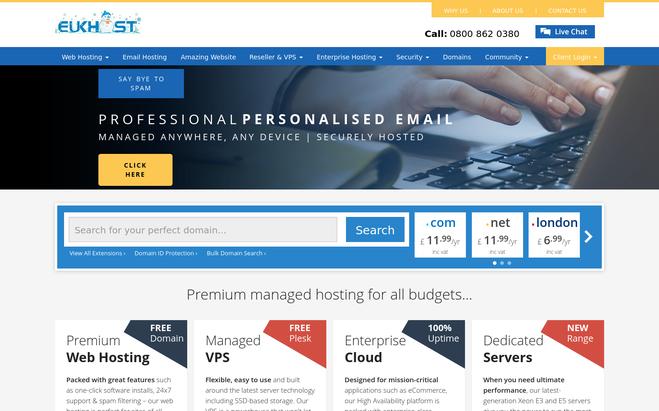
With over 13 years of web hosting provision experience, they provide services that cater mainly to individuals and professionals for hosting their personal websites, blogs, and forums. They have partnered with R1soft to provide daily backups using continuous data protection application. It ensures that the customer data can be easily retrieved in the event of data loss. They charge £3.33 pm for the basic plan, £4.99 for intermediate and £6.66 for advanced plans. The first one includes 2 GB UK disk space, the second one includes 10 GB and the third one includes 20 GB disk space.
Key features:
- Daily backups
- 24/7 customer support
- Unlimited email accounts
- Permanent price freeze
- Free search engine tools
- No minimum contracts
11. Web hosting UK (WHUK)
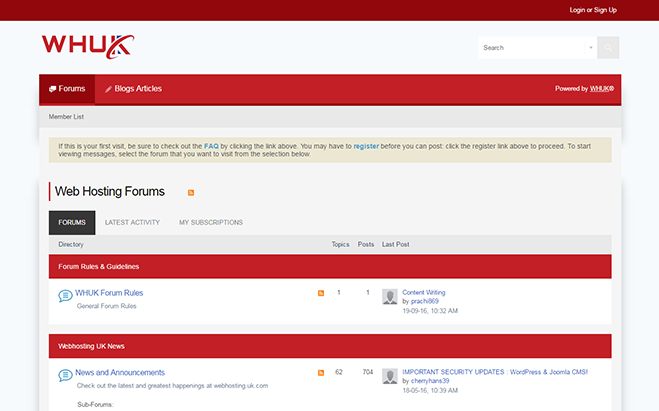
WHUK was founded in the year 2001. It provides cPanel hosting, WordPress hosting, Windows hosting, and Magento Hosting. They also provide backup solutions for an extra cost. They have their data centers located in 5 locations in the UK and backed up by BGP redundancy. They boast of hosting 35,000 customers and serving 2,000,000 websites worldwide.
Key features:
- 99.95% Uptime SLA
- Up to 40 GB SSD storage
- 1 click installer
- Cloud hosting
- 24×7 support
12. Little Oak
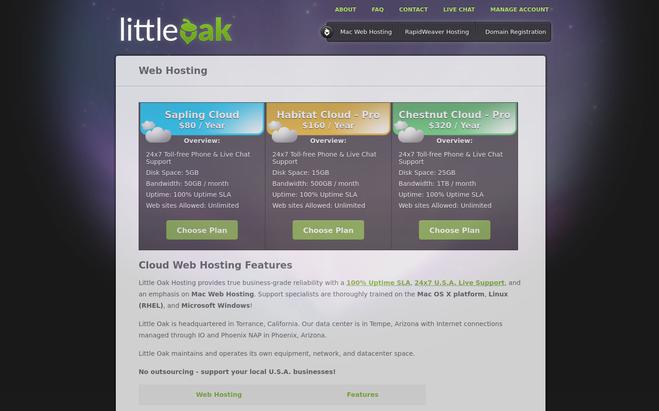
Headquartered in Torrance, California, Little Oak has its data center in Tempe, Arizona. It maintains its own equipment, network, and datacenter space. Their unique selling point is the provision of 100% Uptime SLA. Thus, it ensures business-grade reliability and also provides 24x 7 U.S. Live support. It emphasizes on Mac web hosting and has its specialists trained in Mac OS X platform, Linux, and Windows platform. They offer three kinds of web hosting plans. The sapling cloud plan offers 5 GB disk space for $80 per year. The Habitat Cloud – Pro plan priced at $160 per year offers 15 GB disk space with 500 GB bandwidth per month. The chestnut Cloud – Pro plan offers 25 GB disk storage with 1 TB bandwidth all at a price of $320 per year. All the plans provide the same Uptime SLA i.e. 100%.
Key features:
- 100% Uptime Service level agreement
- Mac Web hosting
- Up to 1 TB bandwidth with their top plan
- 24×7 USA Live support
- Cloud web hosting
- Up to 25 GB disk storage space
13. Hosting.co.uk
Hosting.co.uk has its registered office in Luxembourg and provides UK web hosting services.
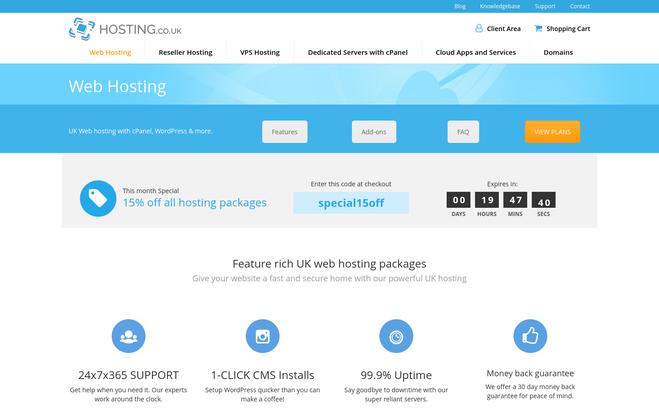
They provide four hosting plans with their topmost plan providing unlimited disk space and costing around £96 per annum. The beginner plan costs £24 per annum and provides 10 GB disk storage. Moreover, they provide free web hosting account transfer from the old provider within 24 hours. They also have several promotional offers running from time to time which offers you additional discounts.
Key features:
- UK Datacentres
- Green hosting by the means of highly power-efficient data centers
- 24×7 in-house support team
- Price lock guarantee
- 30 days no questions asked money-back guarantee
14. Cloudways
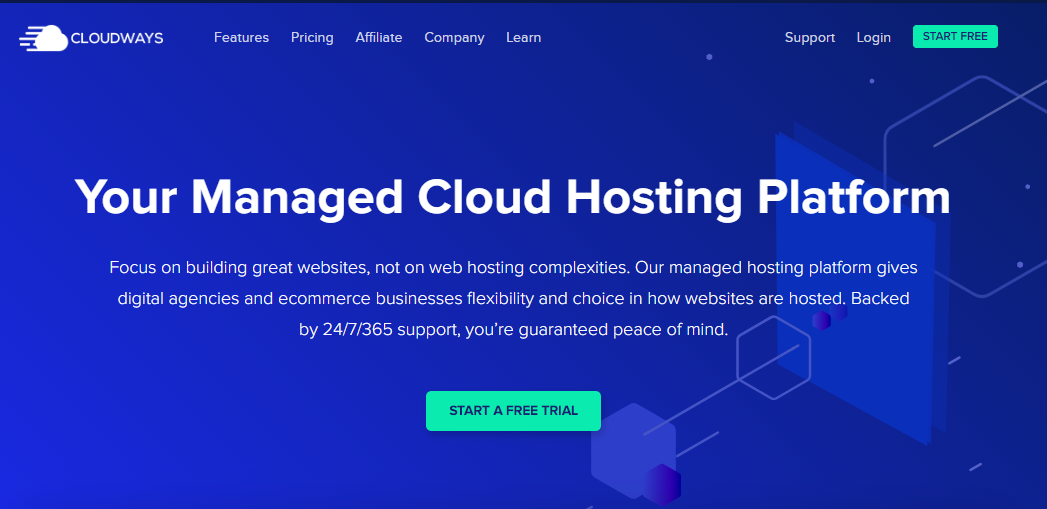
Cloudways is one of the fastest-growing managed cloud hosting platforms for hosting PHP-based applications such as WordPress, Magento, Drupal, etc. Cloudways is more popular for WordPress hosting because of its compatibility with WordPress.
They offer highly-optimized and secure cloud servers from the industry-leading cloud providers such as Google, Amazon, DigitalOcean, Vultr, and Linode. Cloudways takes care of your cloud server so that you can focus on growing your business while enjoying the benefits of cloud hosting. They offer a 3-days free trial.
Key Features:
- Best-in-class 5 cloud providers
- Unlimited WordPress sites on a single server
- Pay-as-you-go pricing model (Starting from $ 0.0139 /hr)
- Staging environment
- 24/7/365 live chat support
- Offers their own WordPress migrator plugin
Conclusion
Web hosting has never been easier with a number of service providers providing quality services that cater to all kinds of requirements of the users. The all-in-one plans provided by them ensure that end-to-end customer requirements are taken care of; special care is taken to ensure complete safety and security of customer data. Moreover, for providing top quality continuous assistance to their subscribers, these companies ensure the availability of around the clock customer support service desk.
All the more, the existence of new providers in the market has ensured that the customers get very competitive prices for the services they opt. The emergence of new businesses every day with requirements of a website has ensured that all these service providers also get steady business. Thus, it creates a win-win situation for both the customer and the web hosting service provider.
You may also like:-
The 10 Best Email Hosting Providers

Email hosting is a boon for small to medium sized enterprises who cannot afford the cost of running their own email servers, yet would like to have professional looking email addresses associated with their domain names. These definitely give a neat look to the business contacts. We have several email hosting services available in the Internet market today providing top class security and spam protection. These can be easily customized according to the individual or business requirements and can be operated on a variety of platforms including Microsoft Exchange Server hosting services. So, with all these, access to business email features is just a breeze.
Here we list the services and key features provided by ten of the best email hosting providers.
1. UK2
https://www.uk2.net/email-hosting/
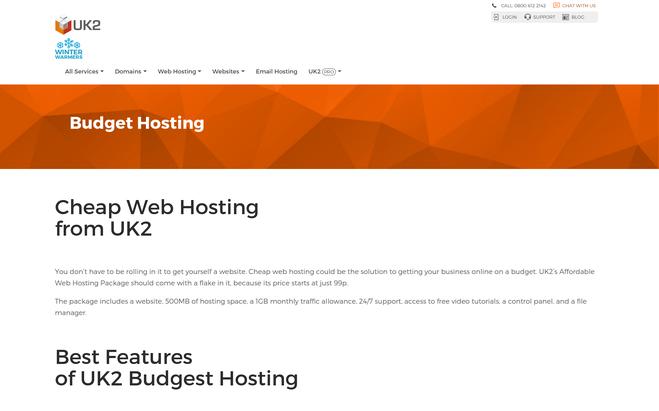
UK2 is a London-based email hosting company that provides numerous other services as well. It is a seasoned provider with two decades of experience in the hosting industry. Its customers are spread across in world in over 200 locations. It provides two packages one is the personal email costing at £0.99 per month and another is the professional email costing at £1.99 per month. It is one of the most pocket-friendly email hosting services out there.
Key features:
- Synchronizes on any device
- Built-in spam and virus protection
- Can be accessed from any device anywhere
- Reliable and affordable
2. Namecheap
https://www.namecheap.com/hosting/email.aspx
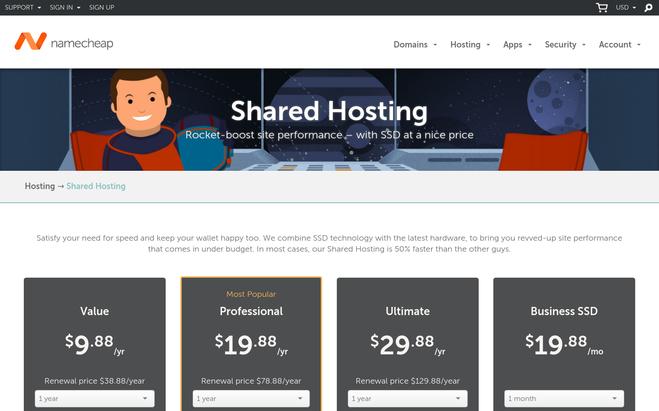
Founded in 2000, Namecheap is a private email hosting service that is powered by Open-Xchange and boasts of 2 million customers and 5 million domains under management. It provides a fast and a lightweight webmail interface to easily manage email, contacts and calendar. It gives the option to try its various email packages free for two months. The various packages are Private for $9.88 per annum, business for $28.88 per annum and business office for $49.88 per annum. It offers a decent 10 GB mailbox storage capacity.
Key features:
- Web-based email
- Mobile support for business and business office plans
- Multiple email accounts can be managed together
- Up to 10 GB email storage and built-in virus protection
3. Yahoo Aabaco Small Business
https://www.aabacosmallbusiness.com/email
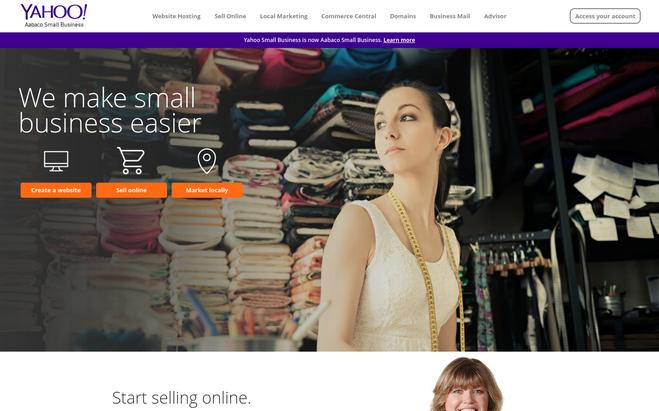
They provide Yahoo mail for business usage. Their basic plan starts from $1.59 per mailbox per month. They boast to offer all the features of Yahoo Mail plus and in addition the following features. The highlight of this email hosting service is that it offers 1 TB of mailbox storage. Customers who are fans of Yahoo email find Yahoo email for business quite easy to use.
Key features:
- Easy management of all mailboxes from different providers together on the same screen
- Easy addition of new mailboxes and transfer of mailboxes in case of staff changes and reassignments.
- Provides alias management, document handling, analytics etc.
- 1 TB of free space
- Encrypted and secure
- Easy contact management by an import feature that slows you to copy contacts from Facebook and other email providers.
4. Domain.com (Gmail for Work)
http://www.domain.com/email/gmail-for-work
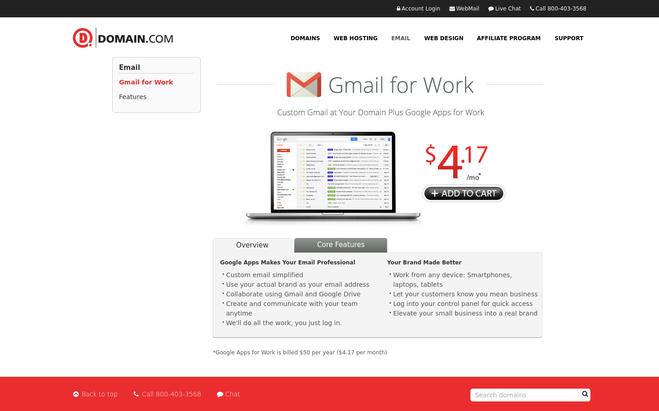
Domain.com provides Gmail for work where you can enjoy all the benefits of Google email plus access to google apps for online storage, calendars, video meetings etc. It is a blessing for people who are already avid Google app users such as Gmail, google docs, hangouts etc.
It costs $4.17 per month i.e. $50 annually. So, with this email hosting service, you not only get professional email but also free cloud storage for documents etc.
Key features:
- Google drive control panel integration
- Customer connections tools such as hangouts
- Document sharing made easy
- Premium security and privacy
- Access to Google apps like docs, sheets, included.
- Operable from any kind of device including smartphones, laptops and tablets
5. Lunarpages
https://lunarpages.com/web-hosting/exchange/
They provide Microsoft exchange email 2022 hosting services. When it comes to email, nothing can beat Microsoft exchange. It is the most professional email service out there. They offer three kinds of packages including Basic exchange from $3.95 per month, Advanced exchange from $5.95 per month, Premium exchange from $10.95 per month. With the premium exchange subscription, you can enjoy access to email calendar and contact list sync services.
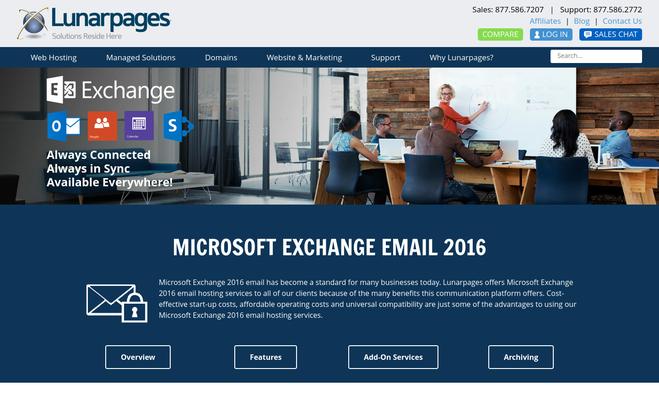
Key features:
- Virus protection and spam filtering
- Microsoft Outlook and Outlook Web access
- Data sync with smartphones including ActiveSync
- Exchange archiving
6. GoDaddy
https://in.godaddy.com/email/professional-email
It is an email hosting service provider based in India. The unique features that they offer are around the clock customer support services and a 30-day money back guarantee. They provide Email essential package from Rs.99 per user per month that allows you a 5GB of email storage, Online essentials that gives you 50 GB of email storage and 1 TB of secure online storage from Rs.299 per user per month and Business premium that in addition to online essential plan includes office 2022 installation on up to 5 desktops and office mobile applications for smartphones and tablets.
Key features:
- Accessible from any device
- 24/7 customer support
- Outlook web application
- Data security and spam filtering
7. iPage
http://www.ipage.com/product/advanced-email/
iPage provides two kinds of email hosting. One is Gmail at your domain meant for small business and individual users/teams. The other one is Enterprise service using MS Exchange 2022 preferred by mid-sized business and Outlook users. The first service is available at a monthly cost of $5 whereas the second one is available at $12.95 per month. In addition, you can opt for their add-on services such as premium spam filter and larger mailbox storage. So, in short, iPage has email solutions for every kind of user requirement.
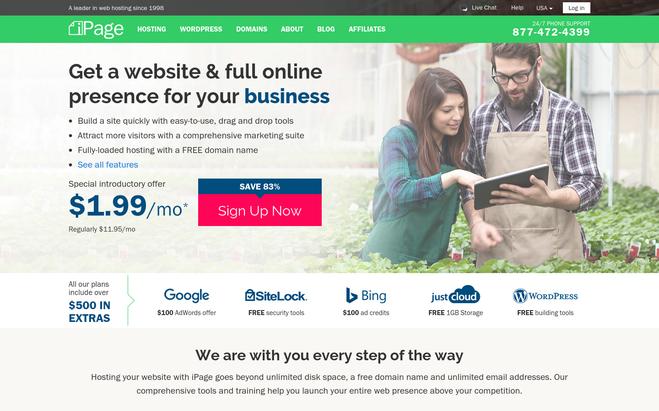
Key features:
- Email, calendar, contacts and task management
- Spam and Virus protection
- Secure Webmail access
- 24×7 support
8. Hostpapa
https://www.hostpapa.com/email/advanced-email/
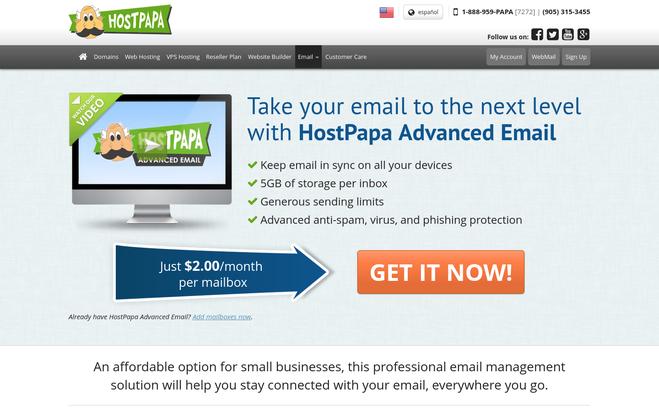
Hostpapa is an affordable email hosting option for small businesses. Based in the US, it boasts of being an award-winning email hosting company. It provides services that are available at just $2 per month per mailbox. This professional email management solution offers a host of features that include the following. Apart from numerous other features, the ease to send bulky files is the main feature that Hostpapa offers.
Key features:
- Keep email in sync on all devices
- Generous sending limits
- Large attachments up to 35 MB can be sent per email using the file sharing feature
- 5 GB inbox storage
- Unlimited IMAP connections
- Security using anti-spam and anti-phishing protection
9. Heart Internet
https://www.heartinternet.uk/hosted-exchange
Heart Internet provides all features of Exchange email by the means of its email hosting service. It offers the Microsoft Exchange 2022 platform and includes all the core features such as OWA webmail, ActiveSync, enterprise-class virus and spam protection. The main feature is that the already existing email accounts hosted on MS exchange 2003, 2007 or 2022 can be quickly transferred without loss of data or any downtime. The unique selling point of Heart Internet email hosting service is that it provides full free access to Outlook 2022 along with.
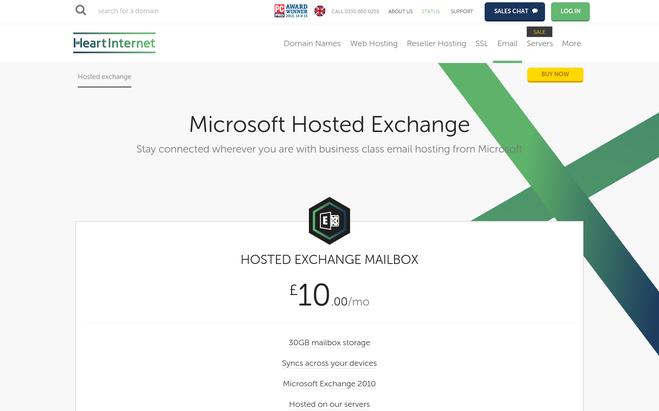
Key features:
- Free Outlook 2022 full access
- Sync across devices
- 24×7 UK support team
- 30 GB mailbox storage
10. Easyspace
Founded in 1991, this UK based company is one of the leading UK’s group hosting services company. It offers a variety of email hosting solutions that include basic email services, Microsoft exchange email and also a professional mail filter service. It can be operated securely from any device including desktop, webmail or mobile. The price per month exclusive of taxes for each of the package is from £1.49 for Easymail, from £5.99 for Microsoft exchange and £25 per annum for email mail filter. The main feature is that Easyspace offers up to 100 GB mailbox storage.
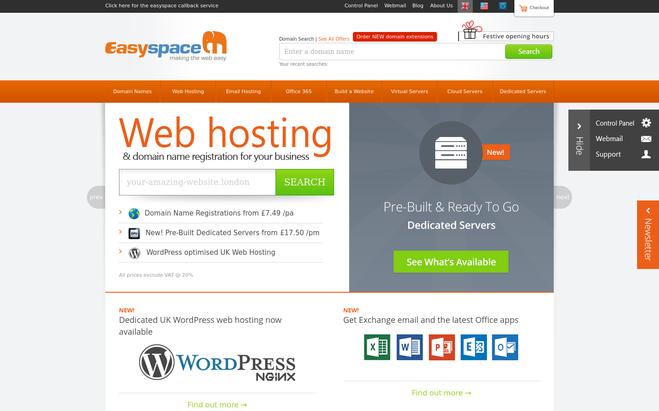
Key features:
- 100 GB mailbox
- ActiveSync for mobile and PC
- Outlook Web access and mobile access
- Anti-Spam and Anti-Virus protection
Conclusion
With numerous email hosting services, available in the market out there, the professional email solutions have become so easy to maintain and manage. These services range from Gmail, Yahoo for Work, to Microsoft Exchange 2022, 2022 platforms with mailbox storage ranging from as low as 2 GB to as high as 1 TB.
With all of these, you can choose the service that best suits your affordability and the needs of your business. These hosting services are quite secure to use and free of virus and spam threats. Moreover, you can manage multiple email accounts from different providers on a single screen using these. With a number of service providers and a wide range of packages provided by them, you are indeed spoilt for choice to choose the best one for yourself.
For more related information go through the following blogs –
10 Best WordPress Website Hosting Software – Save $$

WordPress, the most popular content management system (CMS) is much more than just a blogging platform. The software is the foundation that supports millions of websites, personal sites, small business pages and even big sites with high-traffic. So if you are thinking about building a WordPress site, you should definitely consider a good WordPress host as they offer many benefits.
Web hosting companies providing WordPress specific hosting provides you a lot of site-friendly features including automatic CMS update, excellent uptime, automatic data backup, page caching and expert customer support to ensure your site always run smoothly without any hassle.
So, to choose the best one for your WordPress site, check out the list of 10 best WordPress web hosting companies below.
1. HostGator
HostGator is one of the most popular web hosting companies, providing one of the best WordPress hostings. With HostGator, your WordPress site loads 2.5X times faster because of all powerful cloud architectures, CDN, low density server, and more. If you have existing WordPress site, then you can easily migrate your site to HostGator with its free migration service.
Key features of HostGator:
- All your files, database, and email accounts can be easily accessed through a single portal.
- You can easily monitor and allocate all the additional resources efficiently, and you have total control of the usage with HostGator’s advanced security feature.
- The popular WordPress templates can be easily accessed in MOJO marketplace.
- The auto-backup of your files along with one-click restore helps to preserve your important data.
- Get 24/7/365 phone support from HostGator WordPress Cloud Hosting experts.
- HostGator offers three plans for WordPress Cloud Hosting, and they are Starter, Standard, and Business Plan. The starting plan costs $5.95 per month for up to 25000 monthly visitors with 50 GB storage, unlimited email addresses and $100 worth Google Adword credit.
2. GoDaddy
GoDaddy WordPress hosting makes it very simple for you to host your WordPress website. All the core updates, account setup, and security issues related to hosting is managed by GoDaddy, and the only thing you need is to focus is on designing your website. GoDaddy automatically backs up all your important files, and you can restore it with a single click.
Key features of GoDaddy:
- The visitor overage protection feature of GoDaddy can be activated with a minimal pay helps you to handle extra visitors on your website.
- GoDaddy makes sure your website is indexed by Google.
- 99.9% uptime promise.
- Get a free domain with the annual plan.
- Transfer your existing WordPress website with a single click on GoDaddy’s hosting.
- The GoDaddy features temporary domain to allow you to start your website with available temporary domains, and then you can replace it later with your own domain.
- The professional malware scan software will make sure malware’s are destroyed before it harms your computer.
- Get 24/7/365 support from their WordPress hosting experts.
- You have the option of choosing from Basic, Deluxe, Ultimate, and Developer Package. The starting package costs $3.99 per month for up to 25000 monthly visitors and 10GB SSD storage.
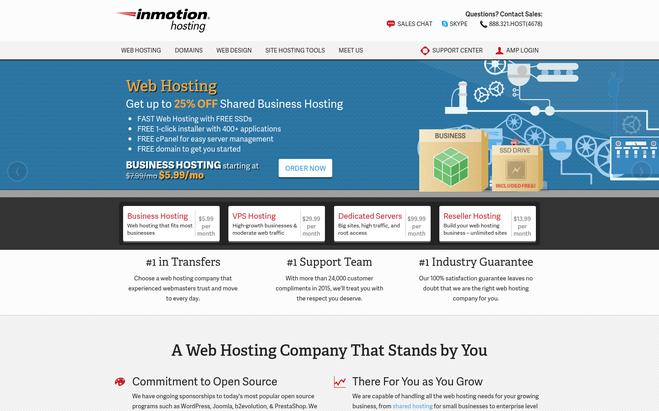
3. InMotion Hosting
http://www.inmotionhosting.com/
The complex task of developing and hosting a beautiful WordPress website is made easier by InMotion Hosting. You can easily host your WordPress website in the powerful servers of InMotion Hosting with the support of their WordPress experts. Also, you can easily get online in minutes as the WordPress is pre-installed and ready to use. The loading speed of your website is automatically optimized with optimum cache, SSD storage, and other tools.
Key features of InMotion Hosting:
- Your WordPress website is automatically updated and backed up by InMotion. Also, you get 24/7 server monitoring for premium security.
- The free migration service of InMotion allows you to easily transfer your existing WordPress site in InMotion server.
- You get a free domain, unlimited disk space, bandwidth, and email with all the pricing plans.
- You can contact professional support team anytime if you encounter problems with your site.
- It offers 90 day full money back guarantee.
- Get 24/7/365 US based support.
- Three packages are provided by InMotion to get started, and they are LAUNCH, POWER, and PRO. The starting price is $5.99/month with free SSD storage and advertising credits worth $250.
4. Bluehost
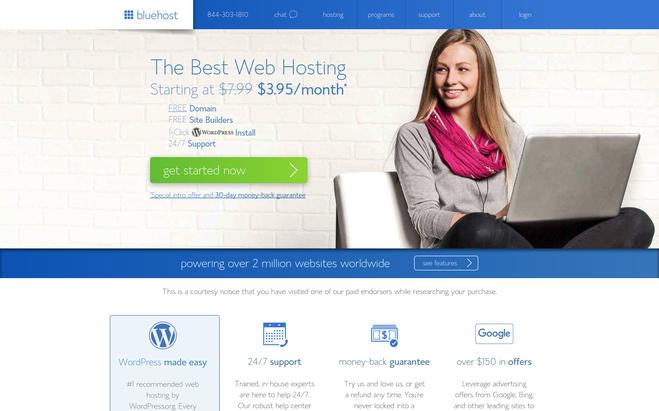
Bluehost provides one of the best WordPress hosting to host your WordPress website in a simple and secured way. This hosting company is also recommended by WordPress.org since 2005. The revolutionary VPS platform, advanced NGINX architecture offered by Bluehost will help in making your website extremely fast. The advanced custom built-in tools of Bluehost allow you to easily manage your emails, domains, and WordPress website.
Key features of Bluehost:
- The KVM hypervisor makes sure that all of your resources are assigned only to you.
- The automatic backup is created by Bluehost to preserve your important data. Also, you get dedicated backup storage with every plan.
- Get all the necessary security tools like SiteLock Security, SiteLock WAF, and Advanced CDN to keep your site completely secure.
- It is simply too easy to design and upgrade your WordPress website, as you can easily find all the necessary plugins, themes and more in MOJO marketplace.
- Get 24/7 expert support.
- It offers 30 day money back guarantee.
- The packages provided by Bluehost are wp standard, wp enhanced, wp premium, and wp ultimate. The starting price is $19.99/month for up to 100 million visits/month with 30 GB storage, 30 GB backup, and 2GB RAM.
5. AccuWeb Hosting
https://www.accuwebhosting.com/
For more than 18 years, AccuWeb Hosting has been known for its excellent web hosting services. When it comes to WordPress Hosting, AccuWeb is the best choice for you. WordPress Hosting is ideal for everyone, from beginners to advanced performers. AccuWeb Hosting delivers the best user experience and has carved its niche in providing WordPress Hosting services.
AccuWeb has a well-trained team of experts who are at your services 24×7. With its flexible plans, you can run your website hassle-free. All plans support hosting unlimited WordPress websites. Its basic plan starts at just $2.99/Mo, and they have servers located in 15 countries so that you can connect easily and reach your target audience.
Key features of AccuWeb Hosting:
- AccuWeb’s Fully managed WordPress hosting allows your website to perform great.
- With a basic plan ($2.99 USD), you can host unlimited WordPress websites.
- Pre-installation of WordPress will keep your stress at bay so that you can focus only on your task.
- AccuWeb provides excellent resources – 1 GB RAM, 1 TB Bandwidth, 20 GB SSD storage.
- AccuWeb provides free SSL certificate and WordPress migration.
- Complimentary backup ensures the security of your valuable data.
- cPanel simplifies your website and server management. You can manage domains, web files, create mail accounts, and more.
- LiteSpeed web server makes your website perform 3x faster.
- 99.9% uptime promise
- 30 days money-back guarantee
6. Media Temple
Media Temple WordPress hosting is made by WordPress designers and developers to allow you to design and host a powerful WordPress website on its server. It is full of exclusive features. Your site is completely secured in Media Temple server, as it daily conducts malware tests, and it has a 24/7 uptime monitoring. The multi-catching layers, SSD servers, and network design and software that is optimized for WordPress will make your website extremely fast.
Key features of Media Temple:
- All the necessary updates and backup is automatically performed by Media Temple.
- One-click cloning, staging, SSH access, GIT integration, and more, all are built into one a single custom control panel to let you design and develop professional WordPress website.
- Easy site migration and setup.
- Git, WP-CLI, SSH/sFTP and PhpMyAdmin access.
- Get 24/7/365 WordPress certified support via chat, tweet, or call.
- Three packages are provided by Media Temple, and they are Personal, Studio, and Agency. The starting price is $20/month for up to 400000 monthly visitors with 30GB SSD storage.
7. 123Reg
123Reg is a UK based web hosting company providing a powerful WordPress hosting. With 123Reg you get everything you need to launch your perfect WordPress website. This hosting service is extremely reliable with 99.99% SLA, and it ensures your site is always available. It is very easy to setup your WordPress site with one-click automatic WordPress installation, and 123Reg also auto-updates your site to make sure that your website is running in the latest version of WordPress, and will allow you to instantly access it.
Key features of 123Reg:
- Your website is automatically backed up, and it can be easily restored when needed.
- Get a free domain and business email with every package.
- It offers unmetered bandwidth.
- All the features, plugins, and more are automatically updated.
- The advanced firewall and other security tools ensure your site is fully protected all the time.
- You can easily migrate your existing WordPress website to 123Reg server.
- You can either choose Business or Premium Package to get started. The starting price is £2.99 per month for up to 5 websites with 100GB web space.
8. 1&1
1&1 provides managed WordPress hosting with full SSD storage and enhanced security. It is easy to install and provides packages for small to large sized WordPress projects. 1&1 guides you through the simple process of installation and setup. All the necessary plugins like SEO, social media integration, and more are preinstalled by 1&1. The 1&1 App Center includes all the popular plugins, extensions, themes, and more to keep your site powerful and updated.
Key features of 1&1:
- The 1&1 experts ensure all your features, plugins, and themes are updated automatically.
- All your databases and webspace are securely stored on Solid State Drive (SSD) for improved delivery data on your website.
- You get unlimited email accounts, webspace and MySQL database with 1&1.
- The PHP 7 with OPcache helps you to make your website faster.
- 1&1 uses NGINX to ensure high performance and security.
- Choose from Basic, Plus, and Unlimited Package, and the starting price is $0.99 per month for unlimited visitors with 50GB storage.
9. 10Web
https://10web.io/managed-wordpress-hosting/
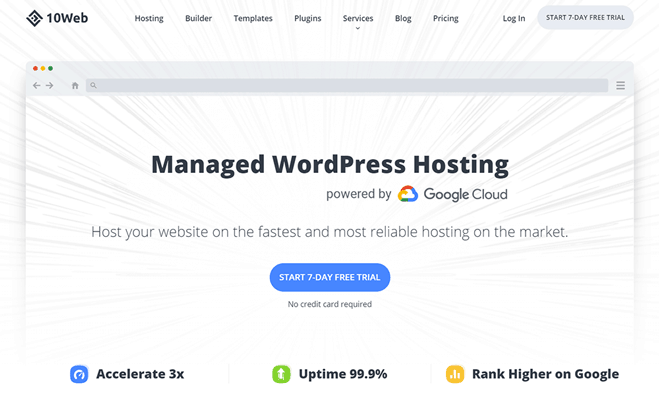
10Web is an all-in-one platform perfect for building and hosting WordPress websites. Powered by Google Cloud, 10Web’s managed hosting can speed up a website over 5X. The platform offers a WordPress builder, a number of services like backup, SEO, image optimization, and more. Also. dozens of premium WordPress plugins and extension are available to the users. Everything is easily managed from a unified dashboard.
Key features of 10Web:
- 10Web offers a builder to create beautiful websites from scratch on the same platform, without additional costs.
- Backup service gives you access website restore points from the previous 10 days.
- With 10Web’s staging environment, you can test all website updates on a clone of your website before publishing.
- It guarantees 99.99% uptime.
- It uses Nginx, FastCGI caching, LXD containers, latest SSD drives, and newest versions of PHP to achieve ultimate website speed.
- Migration to 10Web is super easy: you automatically make a copy of your website on the platform, then just point your current domain to it.
- Due to elastic scaling, there’s no need to change the plan to handle sudden surges in visitors; your website’s resources adjust to site load.
- A free SSL certificate is provided with hosting; you just install it with a single click and enable HTTPS for a secure connection.
- The support team answers all your WordPress-related questions 24/7.
10. Domain.com
Domain.com offers plenty of exclusive features to help you design and host your own WordPress website. You can easily differentiate blog and non-blog contents to organize them properly. It is very easy to setup your WordPress website, as you just need to follow a simple installation process to setup your site in Domain.com server.
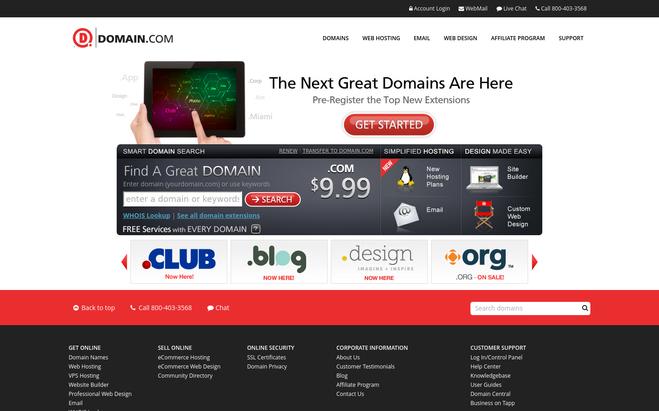
Key features of Domain.com:
- The drag and drop builder allows you to add pages, images, and more to develop professional web pages.
- You get unlimited disk space and unscalable bandwidth with every plan of Domain.com.
- Your WordPress website is secured from spams because of the spam protection feature.
- The template updates are automatically available to all your webpages.
- The professional web analytics tool allows you to measure your performance, as you can view unique visitors, visitors/page, popular page, and more.
- There are three packages to choose from, and they are Basic, Deluxe, and Ultra package. The starting price is $3.75 per month.
11. A Small Orange
A Small Orange provides optimized WordPress website hosting package for those who are looking to host their WordPress website. You get a free domain name with A Small Orange. It is extremely easy to get started, as you just need a minute to install and launch your WordPress website in A Small Orange secured server.
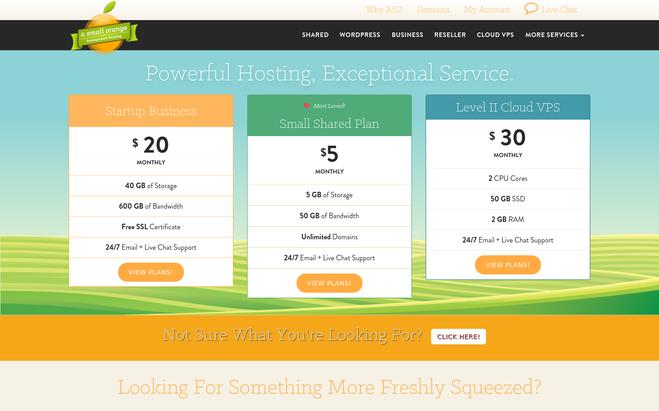
Key features of A Small Orange:
- 99.99 Uptime guarantee ensures your site is always available.
- The combination of NGINX and SSD-based servers to make your WordPress website insanely fast.
- The on-demand backups and weekly scheduled backups help to keep your important files safe.
- You can easily transfer your existing WordPress website to its secure server without any difficulty.
- The advanced network security ensures your website is always protected from any potential harms.
- Choose from Small, Medium, and Large Package. The starting price is $3.12 per month for 5 GB storage, 50 GB bandwidth, and unlimited websites.
12. Easyspace
Easyspace offers premium UK based server optimized for WordPress for hosting your WordPress website. You just need to focus on your contents and design, and all the processes including installation are managed by EasySpace. You get a free domain name to start your website.
Key features of Easyspace:
- Easyspace offers unlimited bandwidth and storage for smooth website operation.
- The NGINX dedicated server for WordPress allows your website to load in a lightning speed.
- Your website is backed up daily, and it can be easily restored when needed to keep your important data safe.
- The advanced security tools like Firewall Protection, Virus Protection, Password Protection, and more ensures the safety of your website.
- The support team (UK support) can be contacted 24/7 via online, telephone, or email.
- The pricing plan starts from £10 per month.
Conclusion
WordPress hosting is optimized to run WordPress site fast and securely. They might a little more expensive but they offer a few extras which are worth the expense. Firstly, you get support from WordPress experts. Secondly, you get advanced services like automated backups and updates for WordPress themes and plugins.
Recommended blogs:-
10+ Best Low Cost Website Hosting – Save $$
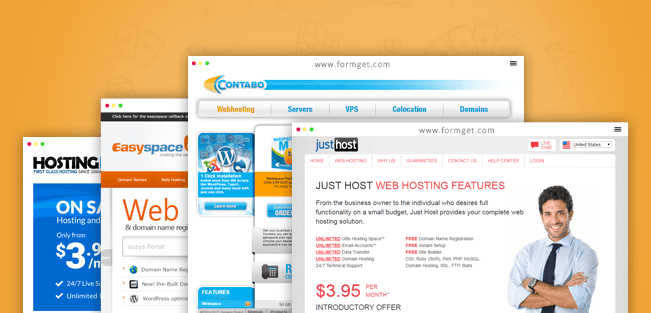
Establishing a website has become mandatory for each and every business holder. The modern day technology has advanced the scope of business to global level. To achieve this target, websites are helping almost every business to present its products to the viewers. Websites are playing a key role in spreading awareness about the departments and are helping the public to study their needs on the net. Website hosting is available for establishing websites. However the issue with the hosts is that they are charging much more than the customers’expectations. We have listed top ten cheap website hosts in this regard. This selection will surely help you find a host of your choice.
Following is the list of the top ten websites for cheap website hosting.
1. Cloudways – Managed WordPress Hosting Platform
https://www.cloudways.com/en/wordpress-hosting.php
What makes Cloudways top our best WordPress hosting list? Let’s see.
Since inception, Cloudways is empowering individuals and businesses who use WordPress as their CMS. They excel and focus on 3S that everyone wants from the best-in-class managed WordPress hosting provider: Speed, Security, and Support. Cloudways Platform is intuitive for beginners and advanced users alike. Website and server launching on Cloudways Platform is as easy as 1, 2, 3, go!
The starting price of a managed cloud server is $10/month, which includes 1GB RAM, 1 core processor, 25GB SSD storage, and 1TB bandwidth.
Key features:
- 5 cloud infrastructure providers: DigitalOcean, Linode, Google Compute Engine, Amazon Web Services, and Vultr.
- 60+ data centers in South America, Europe, Asia, and Australia that help you improve load times for the target audience.
- Built-in performance-boosting technologies: Apache, Varnish, Nginx, Memcached, and Redis.
- MySQL, MariaDB, and HTTP/2 supported, preconfigured PHP-FPM, and PHP-7 ready servers.
- Free services include managed migrations, server/website cloning, backups (onsite/offsite), cache plugin, staging environment, etc.
- 1-click features for server/application deployment, SSL certificates, CDN, migration, backup/restore, and many others.
- 24/7 expert support from the WordPress professionals and cloud engineers via live chat, email, ticketing system, and community forum.
- Start with a free trial period and speed up your website’s performance with Cloudways managed WordPress hosting.
2. Just Host
https://www.justhost.com/hosting-features
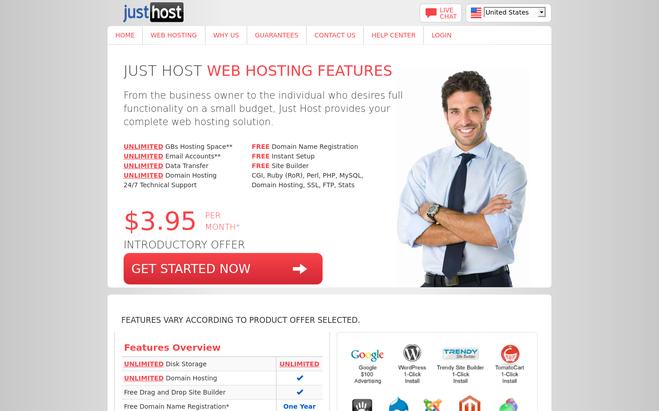
This website helps you host website for all your desired businesses. Currently this website is being rated at top of the web hosting service. Just Hostoffers unlimited space, unlimited email accounts, unlimited data transfer and unlimited domain hosting. The website also offers additional services including domain name registration, instant setup and free site builder as well. The website also offers 24/7 customer support for the users. It is the cheapest solution of the web hosting as it costs as low as 3.95 dollars per month. Moreover, the website also offers the facility of message forum, form-mail scripts and social networking scripts. It also offers blog support including word press and b2evolution.
Key features:
- It is equipped with poll and survey software
- It offers hotlink protection
- It also gives you FTP access
- It has add-on domain and parked domains
3. AccuWeb Hosting
https://www.accuwebhosting.com/
Web hosting could now be easy!! With AccuWeb offers, unbeatable hosting services and plenty of flexible plans. AccuWeb has all the features that you need to start your dream business. Shared hosting is a good option, especially for beginners as compared to dedicated. With stellar uptime and dedicated plans, AccuWeb is the best-shared hosting provider.
AccuWeb offers both Linux and Windows shared server plans. The Linux shared hosting plan starts at $3.09/Mo, hosting your website blazingly fast and hassle-free. Moreover, it has a well-trained team of experts who are readily available 24/7 at your services. So keep your worries at bay!!
Key features:
- Unlimited domains (1 account)
- Cost-efficient
- 10 GB SSD storage
- 500 GB bandwidth
- cPanel
- Free SSL certification
- Free website migration
- LiteSpeed web server
- 99.9% uptime guarantee
- 30 days money-back guarantee
- 24/7 technical support
4. UK2Net Web Hosting
https://www.uk2.net/web-hosting/budget-hosting/
It is another cheap web hosting solution for establishing your business and other websites. The UK2Net web hosting offers package affordable for your pocket. It is considered as the prominent web hosting site for leading websites in the world. It offers package as low as 99p. The package includes a website, space of 500 MB, One GB monthly trafficking. The server also offers round the clock customer care support. This is the cheapest solution for your ideal website. The server is reliable and affordable for your pocket. It is currently being used by world’s leading business companies and producing the great results.
Key features:
- It offers cheap web hosting service
- It is supported by world’s leading software
- It is easily accessible from across the globe
- It gives you domain control
5. Hosting 24
This website has all what you desire to have to establish your dream business. The website is thoroughly equipped with state of the art software and offers quality customers care service round the clock. It offers hosting and free domain services on demand. It costs as low as 3.99 dollars per month with 30 days money back guarantee. It has unlimited disk space and is also supported by unlimited bandwidth. The website resolves all your queries as per your demand. Currently, Hosting 24 is serving leading industries in establishment of their domains and is aspiring millions of customers across the globe. It offers different packages for shared hosting, reseller hosting and VPS service.
Key features:
- It is a low cost web hosting service
- It is equipped with SSL and TLS manager
- It can manage up to 8Ghz dedicated CPU power
- It can support up to 8 different IPs
6. Web Hosting Pad
It is often observed that the web hosting servers apparently offer you much cheaper packages and then they bound you to pay the hidden charges. This has been a common issue in the market. It has been witnessed that the domain hosts normally offer low bids and compensate it through the hidden charges. However Web Hosting Pad guarantees you to feel free from this tension. It offers one time solution for this problem with its easy and transparent low package. The website offers unlimited disk space and a hassle free web hosting with round the clock support service. It offers package to new clients as low as 1.99 dollars per month.
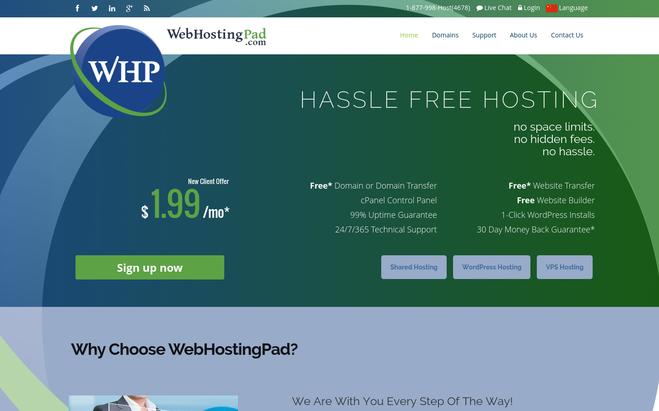
Key features:
- It offers free web transfers
- It supports free web builders
- It offers complete free domain or domain transfer service
- It is equipped with cPanel Control Panel
7. Easy Space
This server has experience of web hosting for over 12 years. World’s leading companies are being benefitted from this host. The server is best known for its reliable customers’ service that is available anytime for your guidance. It is fully equipped with support staff based in its centers. The website offers packages as low as 2.00 dollars per months. It supports emails from various servers. It offers over 240 domain extensions. It offers email exchange and the latest office apps. Easy Space has experience of massive investment in web hosting architecture and fulfills the demands of the customers. It ensures financial transparency and stability.
Key features:
- It has 10 self owned data centers in UK
- It offers reliable customers care
- It has industry accreditations such as ICANN, ISSSO and PCI etc
- It offers 100 % network uptime
8. Name Cheap
https://www.namecheap.com/hosting/shared.aspx
The website offers shared hosting at a price of a normal domain charges. It is the most valuable web server that has been tested by leading firms of the globe. Name Cheap offers packages for low price estimated at 9.88 dollars per year. It is a dream come true for those who are interested in establishing their own website. It is ranked as popular for the professionals who are spending less in the business to earn much more profit. It offers 20 GB pure SSD space. It also supports up to 5000 GB bandwidth that is ample for any great website in the market.
Key features:
- It offers unlimited SSD accelerated Disk Space
- It provides much needed security as per standards
- It includes apps like WordPress and others
- It helps you grow your business
9. Contabo Web hosting
https://contabo.com/?show=webhosting
It is a permanent solution to your issues pertaining to the web hosting. It helps you establish an exclusive online business. Contabo Web Hosting is equipped with all features including creating your own page, blog, forum or website. The web site offers a number of packages ranging from 2.99 Euros per month to 7.99 Euros per month. It has a round the clock service backup support for its worthy customers. The website is ideal for beginners and the professionals alike. It is supported by more than 300 web applications and also offers a one click installation. The web server is serving the customers across the globe with pride.
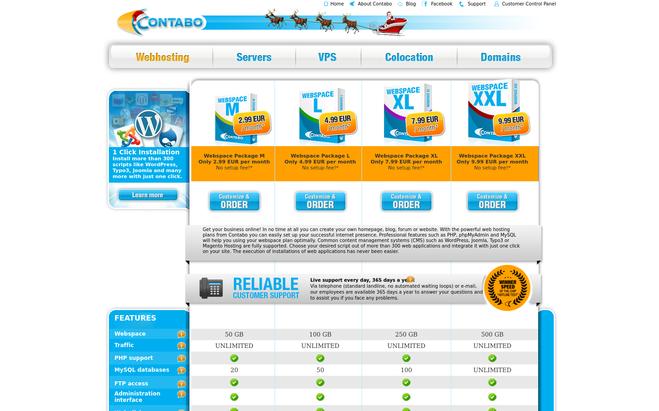
Key features:
- It provides much needed security to the website
- It is a secured host with round the clock customer care service
- It offer complete SSl support
- It also offers CGI support
10. Linux Web hosting
http://www.ixwebhosting.com/hosting-plans
The web server offers unlimited shared hosting plans at a very affordable price. Linux Web Hosting plan includes separate packages for the professionals and the beginners. It is a reliable web hosting service and has so far catered needs of almost all the customers affiliated with it. The web server is fully integrated with all the apps available in the market. It is the first choice for the customers due to its affordable price range. Itgives you facility to handle unlimited email accounts. It does not have any hidden charges as well.
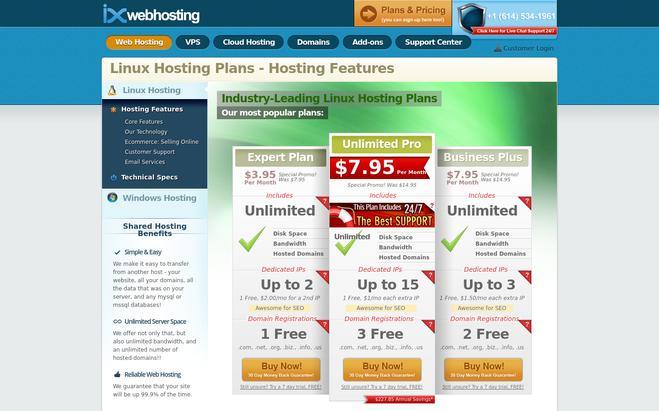
Key features:
- It offers user friendly control panel
- It offers hosting support round the clock
- It ensures safety of data saved on it
- It is equipped ecommerce hacker shield
11. Codero Web Hosting
It offers cloud and dedicated hosting. It is powered by exceptional services to add value to your website. Codero Web Hosting guarantees 100 % Network uptime that increases scope of your business. The web hosting offers round the clock customers control care. It has unlimited incoming bandwidth control and supports 1 TB SATA Hard Drive. It also has one minute cloud development, 20 minute smart server deployment and one hour dedicated server deployment. You can enjoy countless services through this web hosting server and it has so far earned lots of regards from its customers.
Key features:
- It offers choice of Windows or Linux
- It has a high performance cloud
- It offers powerful API control
- It offers free firewall protection
12. Inter Server Webhosting
https://www.interserver.net/webhosting/
Make you website more compatible with the Inter Server Webhosting. It offers low cost managed webhosting services. The packages start from as low as 5 dollars per month and give you complete satisfaction according to your desire. It has free website migration plan along with domain registration. It has privately owned data care center that offer round the clock customer care services for its valuable users. The website is ideal for beginners and the professionals alike. It is supported by almost all web applications and also offers a one click installation.
Key features:
- It supports various programming languages including PHP, CGI, Fast CGI, Python and SSI and Ruby on Rails etc.
- It offers unlimited MySQL database
- It also offers module support for CPAN , Curl, GD, , FFMPEG and ImageMagic
- It also offers SSH and Cronjob Support
Conclusion
If you are looking for cheap webhosting servers, you may get some guideline from our selected servers. The website establishment is affordable due to these servers. These servers are serving the leading companies of the world and are hosting their websites to provide much needed support. These offer complete solution to the issues pertaining to the webhosting.
You may also like:-
The 10 Best Website Hosting Cheap

Every business – large or small needs a website. And creating an online presence is a little complicated as your websites need to be hosted on rented server space, which means you need to find a reliable service provider to host your website at a good price. And with a lot of option out there, it’s not an easy task to find one that meets your requirement and price. But fortunately, website hosting isn’t that expensive, thanks to the competitive hosting market. There are many hosting services that offer cheap website hosting. But price shouldn’t be the only consideration; you should also look for a good value, great service, and a reliable host
So, let’s have a look at the cheap website hosting services that offer great features and reliable service at an affordable price.
1. HostGator
HostGator is one of the largest and most-used website hosting companies providing excellent shared and dedicated hosting plans at an affordable price. Every hosting plan comes with 99.9% uptime guarantee and 45-day money back guarantee. And there is no restriction on disc space or bandwidth.
Key features of HostGator:
- Get unmetered Bandwidth and Storage in every plan.
- Get unlimited free email addresses in all the plans.
- Easy to use and flexible control panel.
- It offers One-click script installs.
- Get $100 worth Google Adwords and Yahoo/Bing credits free with every plan.
- Free HostGator website builder with 4500 free website templates comes free with each hosting plan.
- It offers free domain transfer, website transfer, Scrip transfer and MySQL transfer.
- Get 24/7/365 professional support via Live Chat, phone and Ticket System.
- It offers three pricing plans, Hatchling, Baby, and Business plan. The Hatchling or the starting plan costs $4.45/month with monthly renewal cost of $6.95/month.
2. Bluehost
Bluehost is a reliable and popular hosting provider that provides excellent uptime and a wide range of web hosting options. It is also considered as one of the cheap and best hosting providers for WordPress blogs and offers a lot of great tools, resources, and bonuses to WordPress customers. It offers a complete hosting solution with free domain and site builder.
Key features of Bluehost:
- Get unmetered bandwidth with every plan.
- The enhanced cPanel makes it easier to manage your domains, websites, files, emails and more from one central location.
- It offers a 30-day money back guarantee with no contract or hidden fee.
- It automatically creates daily, monthly and weekly backups of your entire account.
- Easily transfer, purchase, update and administer all of your domains in one place.
- Get over $150 in leverage advertising offers from Bing, Google, and other leading sites to help grow your business.
- Get 24/7 expert support.
- The web hosting plan starts from $3.95/month with 50GB website storage and 5 email accounts with 100 MB per account.
3. AccuWeb Hosting
https://www.accuwebhosting.com/
When it comes to cost-effective website hosting, AccuWeb is a household name. It provides excellent web hosting services backed with outstanding uptime, extravagant features, and more. You can efficiently run your website as a team of experts are present 24×7 to look after your queries. All of the shared hosting plans are affordable and are packed with the best features. You also get the offer of Linux and Windows server plans, and Its basic plan (Linux) starts at $3.09/Mo. Above all, AccuWeb has its data centers located in more than 15 countries.
Key features of AccuWeb Hosting:
- Get unlimited domains in one account
- 10 GB SSD storage with Raid10 setup
- 500 GB bandwidth
- Experience stellar hosting service now with free SSL and website migration
- Easy to use and flexible cPanel control panel
- LiteSpeed web server for better performance
- 99.9% uptime guarantee
- 30 days money-back guarantee
- Works on any platform (Windows, Linux, iOS, Android, Mac)
4. Yahoo Aabaco Small Business
https://www.aabacosmallbusiness.com/
Yahoo Aabaco Small Business offers a reliable hosting solution with highly-accessible and free to use website building tools. It mainly offers three pricing plans – Basic, Advanced, and Premier plan. And with every plan you get excellent site design tools and a $100 credit for search marketing in Yahoo Bing network.
Key features of Yahoo Aabaco Small Business:
- It offers 99.9% website uptime.
- It has geographically distributed data centers to back up your website in different geographical locations to makes sure that your website is live in an emergency.
- It helps you to submit your site to major search engines like Google, Yahoo, and Microsoft with just a click.
- It offers password protection for your account and sections of your website (in advanced plan or premium plan)
- Get 24 hour phone and email support. Also, you get access to video tutorials, getting started guides and comprehensive online help center.
- It offers 30 days web hosting satisfaction guarantee.
- The basic plan is ideal for small personal sites and it starts at $3.75/month with 100 GB disk space, 250 email addresses, and 10 website pages.
5. iPage
iPage offers a fully-loaded hosting with a free domain at a very cheap rate. It also helps you to build a site quickly for free with the easy to use, drag and drop tools. It provides you a comprehensive marketing suit to attract more visitors to your site.
Key features of iPage:
- With every plan, get unlimited disk space and unlimited email accounts.
- Scalable bandwidth.
- Unlimited MySQL database.
- Unlimited domain names allowed.
- vDesk control panel and 24/7 network monitoring.
- It provides email forwarding and allows you to check email online with WebMail.
- It has two data center locations to keep your site always live.
- Get Google Adwords credit worth $100 and Bing ad credits worth $100 free along with free YP.com listing with every plan.
- It comes with a 30 day money back guarantee.
- Dedicated 24/7 phone, email and chat support along with tutorials, online help center and ticketing system.
- The pricing plan starts from as low as $1.99/month.
6. A Small Orange
A Small Orange is one of the best shared hosting providers offering 100% SSD powered hardware for high speed. It also offers daily backups of your data and an efficient technical support customer support along with realistic and cheap plans. They focused on real-world disk space and bandwidth usage to create flexible plans for every type of website.
Key features of A Small Orange:
- 99.9% Uptime guarantee with daily backups.
- It includes screaming fast SSD (solid state drive) servers for 15x performance.
- Get cPanel in all the plans to make updating and administering a breeze.
- It includes POP3, IMAP, and WebMail access as well as email forwarding, auto-responders, spam and virus filtering capabilities for email.
- It provides WordPress hosting.
- It uses Weebly Cloud to allow easy, simple, drag and drop website building. Each shared hosting plan includes one free website.
- 24/7/365 professional support based in the USA.
- It offers 4 pricing plans – tiny, small, medium and large. The tiny plan starts with just $2.19 per month with 500 MB of storage, 5 GB of bandwidth, and 1 website.
7. one.com
one.com is one of the cheapest web hosting service providers that offers free hosting for 1 year, perfect for blogs, basic websites and email hosting. Some of the notable features of one.com include SSL, website builder, unlimited email accounts, unlimited transfer and 1 click WordPress.
Key features of one.com:
- It helps you to create a website (5 page) for free with website builder that requires no coding.
- Get unlimited email accounts with built-in spam and virus filter. Read and write email on your email program, smartphone or WebMail.
- Manage DNS settings directly from your control panel to quickly forward your domain to another site.
- It helps you to build or start your WordPress site in no time.
- 24/7 live chat support and email support with 24 hours response time.
- You can take a risk-free trial of 15 days with money back guarantee.
- The starter plan is free for 1 year. In this plan, you get 15 GB storage, 512 MB RAM, single domain, single database and SSL.
8. WebHostingPad
WebHostingPad provides an extremely cheap and affordable hosting with no space limits, no hidden fees, and no hassle. It offers shared, WordPress and VPS hosting for every type of websites, from blogs to business websites and everything in between. It also offers free website builder with free domain and website transfer.
Key features of WebHostingPad:
- All the web hosting plans come with unlimited hosting space and bandwidth.
- Get free domain registration and transfer.
- 99% Uptime guarantee.
- All hosting plans come with unlimited FTP accounts, MySQL database, and email account.
- Secure POP3 and IMAP email with email forwarding and autoresponder. Emails are also compatible and accessible through iPhone, Android, Outlook and Thunderbird.
- Install powerful tools like WordPress, Drupal, Joomla and more with the 1-click script installer.
- Get your own cPanel control panel for fast access to its features.
- 30-day money back guarantee.
- Get 24/7/365 dedicated U.S. based support.
- The shared hosting plan starts from just $1.99/month.
9. Domain.com
Domain.com provides an affordable and flexible hosting, suitable for business of all sizes. Along with the basic features of hosting, it also offers additional web hosting features like DNS management and web analytics tool. Also, you get marketing tools such as $100 Google Adwords bonus, $100 Bing Ad credit and free Yellowpages.com listing to promote your business.
Key features of Domain.com:
- Get unlimited website disk space and scalable bandwidth with every plan.
- Free cloud storage of 1 GB to store your photos, videos, and music that can be accessed anytime from anywhere.
- It offers various free applications like WordPress, Drupal, Joomla, CubeCart and more.
- It offers a free trial of 30 days.
- 24/7 free phone support (The US only).
- There are 3 pricing plans – Basic, Deluxe, and Ultra. The basic plan starts from $3.75/month and it offers 1 domain, 100 email addresses, 10 SQL databases and 5 FTP logins with drag and drop site builder.
10. InMotion Hosting
http://www.inmotionhosting.com
InMotion Hosting a feature rich hosting that provides business hosting to help businesses and bloggers to grow online. Along with cheap business hosting, it also offers VPS, dedicated and reseller hosting at an attractive price. Also, you get many free tools for building a website.
Key features of InMotion Hosting:
- All the plans include free SSD drives to power your CMS or static website.
- It offers 90 days money back guarantee to try it risk-free.
- 99.999% uptime guarantee
- 24/7 U.S. based support.
- Get unlimited business email account with unlimited storage on every plan.
- Free automatic data backups (up to 10 GB) in every 48-72 hours.
- Easy Google apps integration with 3 step setup wizard.
- Get free domain registration or transfer with every plan.
- It comes with pre-installed WordPress, PrestaShop or Joomla to get started quickly.
- Get a bonus of up to $250 in free advertising credits for advertising at Google, Yahoo, Bing, and yp.com.
- There are mainly 3 pricing plans in shared hosting. And the starting plan costs $5.99/month and its best for first-time bloggers and simple sites.
11. justhost
justhost is good web host that balances price and usability. It offers an accessible and easy to navigate interface with shared, dedicated and VPS (Virtual Private Server) hosting. It provides a complete hosting with full functionality on a small budget, perfect for everyone from business owners to individual.
Key features of justhost:
- It offers unlimited domain hosting (prime plan).
- Get unmetered bandwidth in each plan.
- Get $200 in advertising offer – $100 as Google Adwords credit and $100 as bing Ad credits. (plus and prime plan)
- Control Panel – powered by cPanel.
- Free site builders with templates.
- Get access to hundreds of open-source apps, themes and plugins all with one-click install.
- 30 days money back guarantee.
- 24/7 customer support.
- The pricing plan starts from as low as $3.95 per month with 50 GB website space, 1 domain, 5 email accounts with 100 MB storage per account.
Conclusion
You don’t need a big budget to get a solid hosting service. You can get a good value and service even at a cheap rate as cheap hosting doesn’t mean cheap service. So, choose from any of the above hosting services to build and host a website on a slim budget. And you can always upgrade later.
Recommended blogs:-
- Website Hosting Service Providers
- WordPress Website Hosting Services
- Website Hosting Providers
- Search WordPress Plugins
- Login WordPress Plugin – Best 8 Plugins Listing
The 10 Best Constant Contact Alternatives
Constant contact is playing the major part of today’s businesses with email marketing. The services need to select correctly to achieve the expected behavior and it is a challenge to find the best fit solution according to the business requirements. There is a number of Constant Contact Alternatives available is use and the best 10 solutions are discussed with this document.
| Comparison Of The Best Email Marketing Services | ||||
| Services | Pricing | Unique Features | Service Ratings | |
| Pabbly Email Marketing | $29/ Month | Advanced Report/Analytics | 4.6/5 | |
| SendinBlue | $25/Month | List Segmentation | 4.0/5 | |
| iContact | $32/Month | Drag and Drop Editor | 4.0/5 | |
| EngageBay | $12.99/Month | Account-Based Marketing | 4.5/5 | |
| MailChimp | $9.99/Month | Excellent Dashboard | 4.5/5 | |
1. Pabbly Email Marketing
Pabbly Email Marketing is the best email marketing tool for sending promotional, educational, and marketing emails in fast & effective ways to enhance the merchant’s relationship with new and existing customers.
It is an emphatic email marketing service that lets you send bulk emails to all your prospective users through its own built-in SMTP services.
This platform offers many features that help you to design email by drag-and-drop email builder, 500+ custom designed templates, custom tags and much more.
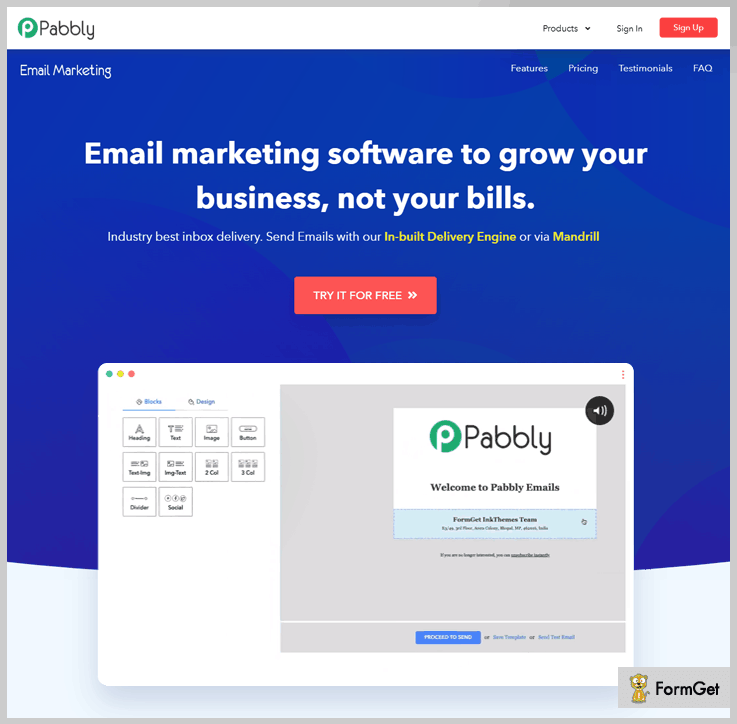
Key Features-
- Allows you to schedule delivery of sending emails to target clients on specific date & time. Also, it provides an automation platform through which you can send drip emails to welcome your all-new subscribers when they sign up to your website.
- With the help of subscription form, you can opting-in subscribers to the mailing list and exponentially grow your email list.
- You can quickly import all your emails and contact information from other email accounts using CSV files or manually add them into Pabbly Email Marketing inbox.
- Remove bounced, spam, suspended and inactive email addresses from your list. It helps you to keep your email lists squeaky clean for maximum deliverability rate.
- Pabbly Email Marketing is integrated with more than 100 apps via Zapier that automate the workflow and overall productivity of the business.
Pricing Plans Of Pabbly Email Marketing –
Free – This plan allows you to explore to Pabbly Email Marketing and also let you connect 3 SMTPs.
Rookie – If you want to send emails to 5,000 subscribers with automatic followups, then this plan will cost you $29 a month.
Pro – This advanced plan comes additional feature of automatic follow up with a price tag of $49/Month for sending emails to 15,000 subscribers.
Advance Plan – The plan ranges from $99 to $1599 per month for sending unlimited emails to 50k – 100k subscribers. Along with this, you get multiple features like MX checker, SMTP routing, automatic follow-ups, etc.
Note- Besides using these monthly billed plans you can also go with its yearly subscription offers in which you get 20% off.
2. MailGet
MailGet is the email marketing tool that facilitates subscribe, send and track emails to business growing processes.
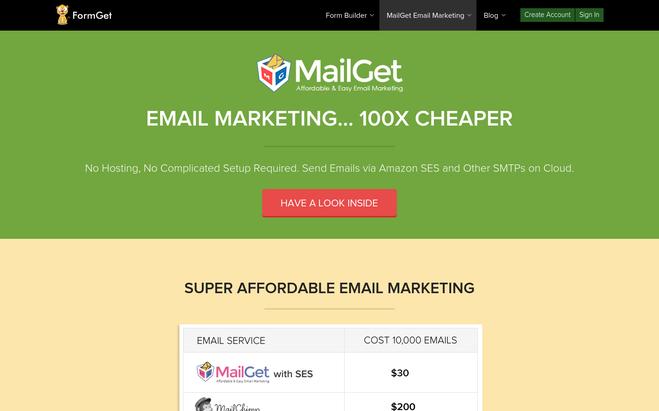
Key Features:
- Possible to create email templates and possible to create responsive emails to use. This allows making the email amazing and compatible with all the mobile devices.
- Possibility to design attractive emails in a few minutes using drag and drop features for content blocks, images, fields, and buttons.
- Possibility to add the following field to an email.
- Heading of the email with font style, alignment, font size and edit any time.
- Text contents for the email with a bullet list, number list .possibility to change text color, add a link to text and font style.
- Upload images in different formats like gif, jpg, jpeg, etc.
- Buttons with the customizable caption, alignment, link on the button and full width.
- Text with either side of the image.
- Two or three columns of the contents of the email.
- Possibility place divider on email contents.
- Choose different colors for the email.
- Possibility to save and preview the email before sending it to recipients to make sure all the links work fine, fonts and images correctly align, no text or grammar mistakes, etc.
3. SendinBlue
SendinBlue is a tool that facilitates to empower the business through the customer relationship. Marketing campaigns, marketing automation and messaging can use in this process.
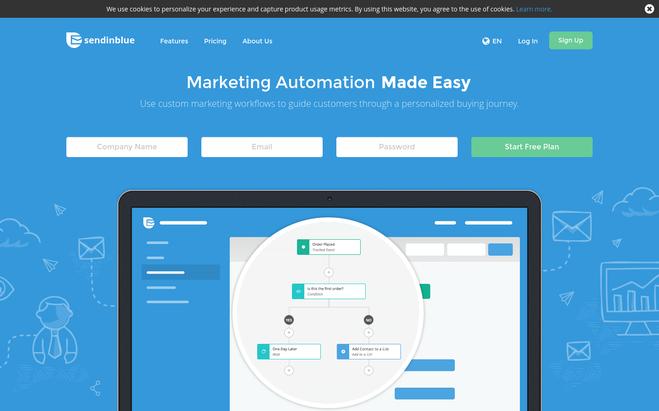
Key Features:
- Possibility to easily import contact file created in CSV format.
- Edit and update imported contact information within the tool.
- Customizable unsubscribe page to have company identity.
- Inbuilt collection of templates with drag and drop editing facility to create responsive email design.
- HTML code editor to use advance technical users to create and change email templates.
- Image gallery to use with email collections.
- Easy steps to share with social media.
- Possibility to spam check and also confirm that email hit the inbox.
- Facility to send SMS for the numbers in the contact list with few clicks.
- Dedicated IP address for the campaign.
- The complete report for each campaign to make sure the campaign reach it targets and identify issues to address.
- Possibility to export report data to use later analysis or use in third party tool.
- Possibility to import sales orders and track customer indicators.
- Drupal, Magento, WordPress and PrestaShop plugins.
4. EngageBay
EngageBay is well known for its highly affordable pricing. It is a great marketing automation software and is an excellent Constant Contact alternative. EngageBay features a visual workflow builder, drag-and-drop functionality, dozens of integrations, and omnichannel marketing.
Key Features –
- EngageBay lets you personalize smart segmentation, which lets you segregate your audiences based on demographics, income, purchase history, gender, and more. This helps to tailor campaigns and emails.
- You can test out two variations of the same page or email forms and check which one performs better. All elements are testable, including CTAs, images, links, banners, titles, and sections.
- EngageBay’s powerful dashboards give you a bird’s eye view of your team’s performance. You can even add custom reports to gain deeper insights into a particular metric.
- With drag-and-drop functionality, you can create email forms and landing pages quickly without writing a single line of code. For more control, you can even import code and use rich text formatting. For quicker creation, you can choose from hundreds of templates.
- With a visual workflow builder, email sequences, omnichannel broadcasts, autoresponders, social suite, and timezone-based email delivery, you can ensure that you reach your audience anywhere in the world without having to perform repetitive tasks.
- EngageBay offers a library of useful integrations to enhance your workflow. You can choose from various integrations, including Pabbly Connect, Shopify, DocuSign, Twilio, CallHippo, Zapier, and much more.
Pricing –
Free plan – This plan is free-forever for up to 15 users and offers 500 contacts and 1,000 branded emails.
Paid Plans –
Basic – $12.99 a month for 1,000 contacts and 2,500 emails
Growth – $24.99 a month for 20,000 contacts and 20,000 emails
Pro – $49.99 a month for 30,000 contacts and 30,000 emails
You also get a 20% discount on annual plans and a 40% discount on biennial plans.
5. HubSpot
HubSpot, known previously for marketing automation and CRM software, is stepping up to the plate in the email marketing space with a freemium competitor to Constant Contact. They brought their email marketing software down to free last year, and it’s a pretty great product.
Like Constant Contact, it’s easy to use, but perhaps more powerful at the free tier, as it includes contact data enrichment and list segmentation in the free version, and you get up to 2,000 contacts before you have to upgrade to a paid tier.
You’re also able to run A/B tests on different content, subject lines, and template designs. Finally, even the free version allows for quite potent segmentation and personalized messaging, a must in today’s digital sphere. Paid versions have really robust reporting, but the free version includes your basic metrics on open rates, click-through rates, etc.
Key Features –
- Free 2,000 emails/month with the free plan
- Create your own email templates using the drag-and-drop editor (no coding skills needed) or choose one of the goal-based templates available in the free plan
- Manage your contact data in the free CRM (free forever, unlimited contacts)
- A/B test your email templates by subject lines, CTAs, and automation flows
Pricing –
Free Plan: contains up to 2,000 contacts. 5 “smart lists” and 25 static list segmentations
Paid Plans:
Starter Plan – $40/month
Professional Plan – $800/month
Enterprise – $3,200/month
These plans include email marketing, marketing automation, landing pages, and live chat.
6. MailChimp
MailChimp is the most popular constant contact solution and more than 12 million people use MailChimp to grow their business according to the unique business plan. Pay for email or monthly plan available to select according to the requirement.

Key Features:
- Possibility to create campaigns without login into MailChimp account. Put together all contacts in Gmail, outlook or the mobile device and create a draft campaign automatically.
- Drag and drop images and text to create a campaign and design campaign using the inbuilt collection of web fonts and customized color pallet.
- Possibility to add a background image for a selected section with few clicks and it increases the visual interest.
- Inbuilt photo editing tool facilitates to edit and resize images without opening a separate application.
- Facility to create test email within team members when creating a campaign. Comments from others can display in a list view and also facility to mark read once and reply for the comments.
- Possibility to test created campaigns with the mobile device and confirm the content and design get the correct view with mobiles before publishing it.
- All templates are mobile optimized and no coding expertise required.
- File manager facilitates to filter, organize and search with the available images and documents. Also, the facility to sort on file type, file size, and updated date.
- Verify the entire links in email automatically and display the screen picture of the pointing location to verify all links are correctly pointed.
- Advance email delivery infrastructure to facilitate Bounce Management, Authentication related issues on the recipient end, use IP Address Ranges, Abuse monitoring and ISP Feedback Loops.
- The performance of the campaign can monitor using several inbuilt options and also can monitor the marketing trends to create forecasts.
- Emails can monitor by the open location with quantity and also the number of bounced emails.
- All reports ate printable and can use for the offline discussions and analysis.
- Integrations with several apps already in use and easy to work with altogether.
- Well, document Application Program interface (API) to adapt to fit the email marketing with company workflow.
7. iContact
iContact is a tool that helps to perform automated email marketing with creating, send, segment and track email created for business purposes. It comes with a free trial and paid versions.
Key Features:
- Mobile compatible hundreds of free email templates to with customized layout and just need to add text, ideas and brand colors to create popup message.
- Possibility to create emails using templates or HTML pro.
- Manage the growing email list using various inbuilt and integrated tools.
- Access list management tool to add new contact efficiently to the existing list.
- Possibility to set up personal calls, videos and webinars.
- Schedule automated messages get deliver in predefine time.
- Fast and accurate review for each message to make sure it reaches the target recipients inbox folder.
- Various types of reports to identify the trends and email marketing performance.
- Integration with Facebook, Twitter, and LinkedIn to schedule messages with on social media.
- Technical support team with live chat.
8. Mad Mimi
Mad Mimi is a tool that offers several features to conduct marketing campaigns with email newsletters, online surveys, Social marketing, coupons, and many different ways.
Key Features:
- Create eye-catching emails with the available hundreds of customizable email templates.
- Drag and drop content and image including facility.
- Add subscribers through SMS, Facebook, Forms, Coupons, and many options available.
- Cloud storage to store files and images to use with emails.
- Loyalty free collection of images to use with emails.
- Manage event with personalized invitations and online registrations.
- Create donations using mobile response simple donation web site.
- Simple surveys and polls to collect customer feedbacks.
- Increase the traffic to your online web store or on the doorsteps of the business with mobile responsive coupons.
- Powerful mobile apps to perform social media marketing.
- Track emails after delivering to the recipient and track every click on it to create reports.
- Different subscribing plans with a 60-day free trial version.
9. Robly
Robly is a small business marketing tool comes with 24/7 support and 14 days free trial version.
Key Features:
- Use OpenGen technology and it sends the first email campaign normally and then the second set can setup from 1-5 days to send with the different subject line to the recipient who did not open the first email.
- Inbuilt popup widget functionality helps to offer to subscribe to the email list when someone leaving from the web site.
- Mobile-responsive email templates with action buttons to make a direct call.
- Facility to send a single email at once and it makes more results than send bulk email to the recipient.
- In-depth analysis reports getting the full picture on the campaign result.
- Free optimization consultation and custom campaign with our Professional plan with the registered accounts.
- Quick and easy switching steps from any existing tool to Robly.
10. Campaign Monitor
Campaign Monitor is a tool that makes it easy to Create, Send, Monitor, and optimize the email campaign.
Key Features:
- Create beautiful design and professional-looking emails with simple g=drag and drop facility to text boxes, images, headings, etc.
- Pick a template for the email from available hundreds of free email templates.
- Visual Journey designer to create more timely emails that deliver to a recipient in free define logical way.
- Facility to send hyper-targeted messages which deliver correct information to the correct audience at the correct time.
- Popup signup page to collect user information and grow the email list of customers for future use.
- Test, track, and optimized facility on the performance of the emails in real-time.
- Integration with hundreds of free built app and integrations to help collect all the customer data together from different applications.
- Highly optimized and branded transaction emails.
- Award-winning support team available to assist you in a 24/7 basis.
11. GetResponse
GetResponse is an email marketing tool that allows creating and sending emails with an email tracking facility to monitor the performance of the campaign.
Key Features:
- Drag and drop email creation or HTML coder facility to create a masterpiece email.
- 500+ free templates that possible to customize.
- 1000+ free iStock image collection to use in the creation of professional look email.
- The mobile preview features to confirm the mobile compatibility of created email with all features.
- Dynamic content facility to make sure you deliver the most relevant, highly personalized email to the audience.
- Facility to automate with an autoresponder.
- Optimized message delivery facility with the detail on the messages hit the inbox of the recipient.
- Analytical dashboard to monitor the Clicks, Social share, and unsubscribe emails.
- Real-time activity tracking creates a bird’s eye view.
12. VerticalResponse
VerticalResponse helps to grow the business by marketing your product or service within a limited time period by using limited resources.
Key Features:
- Select a suitable template from the available collection of templates that are ready to customized HTML editor and also looking great in mobile devices.
- Drag and drop feature for text boxes, images, text + images boxes and social share icon boxes to make beautiful emails in a few minutes easily.
- Facility to create a welcome email will send to the recipient when joining the list first time and it will create a pleasant impression.
- Automatically follow up emails allow creating reports on the email campaign and getting to know the success of it and the required improvements.
- Inbuilt integrations to most of available contact collection and storage tools.
- Email scheduling facility to create a schedule for the email sending time and can have an automated process.
- Contact management system to manage, edit, and update your contact database.
- Free 10,000 email credit for a month and simple subscription plans for extended users.
13. Delivra
Delivra is an email marketing and marketing automation solution that comes with the facility to design personalized emails to grow the business.
There is an extended list of features available to achieve the objectives:
- Create email campaigns that are more smart, efficient, and customized with dynamic contents, triggered responses, dynamic contents, and behavior dependent emails.
- Ecommerce solution integrated, which provides segment customers on past purchases.
- Drag and drop image/text editing facility with the possibility to create customized color schemes, build content blocks, and create buttons and hyperlinks.
- Fully customized templates available for any type of message and no HTML knowledge required to work with them.
- Create email newsletters with your contact details for new products, upcoming events, and re-engaged the old customers.
- Mobile-friendly emails with the same appearance and features in mobile devices and desktops.
- Integrations with most of the leading CRM’s including salesforce and Eventbrite
- Data migration facility.
Conclusion:
When considering the entire Constant contact tool, all of them are mainly focus to create contact with emails and there are several simple emails create format available. All of the email creation methods can simply operate with drag and drop and also HTML editor can use it by knowledgeable people. Also, the advanced monitoring features allow checking the success of the campaign and there are features to adjust the current plan.
Contact management is an inbuilt facility and it allows storing and editing existing data. Integrations allow retrieving contacts form various available resources to each system.
The free trial version available on most of the tools and some of them comes with a monthly free number of campaign emails.
You may also like –
The 10 Best GetResponse Alternatives

Choosing the right email marketing tool for your business is very important. Marketing is the key to any business and with email marketing, you can gain exposure that isn’t gettable by any other means. Thanks to many email marketing tools present at this moment, you are in safe hands.
We all know about GetResponse and all its capabilities but we are here to know some alternatives so that you can choose the best one perfectly suitable for your business.
Lets Start A Quick Comparison In Top Services
| Features Services |
Pricing Details |
Free Trial | Subscription Form | Drip Email | Ratings of Services |
| Pabbly Email Marketing | $29 | ✔ | ✔ | ✔ | 5/5 |
| MailGet | $29 | ✔ | ✔ | ✔ | 4.9/5 |
| SendinBlue | $25 | ✔ | ✖ | ✖ | 4.2/5 |
| Moosend | $10 | ✔ | ✖ | ✔ | 4.5/5 |
| Constant Contact | $20 | ✔ | ✔ | ✖ | 4.3/5 |
Here are the 10 best GetResponse alternatives:
1. Pabbly Email Marketing
Pabbly Email Marketing offers you, 500+ custom templates which you can use to send bulk emails. Similarly, it is inbuilt with the email tracking feature. So, you can check the number of clicks, email open status and unsubscribe details.
Additionally, you can view and organize the list of your customer and the basic information of customer at one place.
Key Features Of Pabbly Email Marketing
- It comes with custom fields option, so you can create templates according to your needs and send to the contacts.
- You can also collect multiple leads for email marketing, Pabbly Email Marketing provides you subscriptions forms. So, you can create a sign-up form on your website, which helps in increasing the leads of customers.
- Pabbly Email Marketing sends a professional welcome email to all the new customers in automation. You can also customize these emails from the dashboard.
- If any customer does not open your email, Pabbly Email Marketing system will send follow up email to the customer.
Pricing Of Pabbly Email Marketing
Pabbly Email Marketing gives you multiple varieties in subscription plans which are as follows:
Free: You can explore Pabbly Email Marketing and can connect 3 SMTPs without paying any amount.
Rookie: You can get Rookie plan in only $29 which gives you the power of adding 5000 subscribers and automatic followups.
Pro: Pay $49 and get 15,000 subscribers in your Pabbly Email Marketing system with custom tags, email builder and live chat support.
Advance: Enjoy sending unlimited emails to 50,000 subscribers with additional benefits like MX checker and multiple SMTPs by paying just $99.
2. MailGet
There are very few corporate houses in the world that do not prefer MailGet. It is one of the best GetResponse alternatives! It is very easy to use and all it takes are a few easy steps to get started. Start by creating a valid email address and then adding the contacts and connect the required SMTP and that’s it. You can go to CSV to import an email or you can use individual contacts. MailGet provides various types of packages tailored to the needs of the customer.
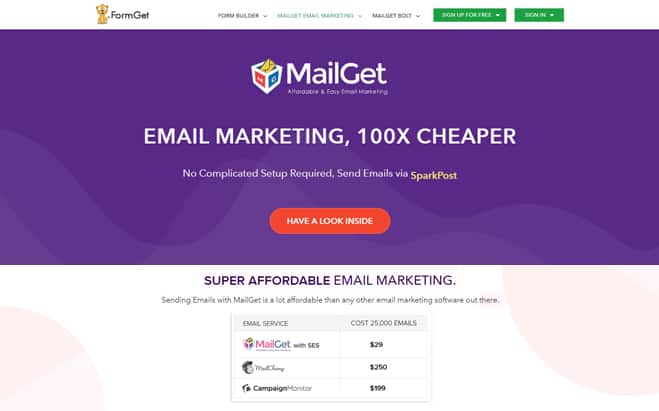
Key Features of MailGet:
- MailGet sends their emails to the cloud by using different SMTP and Amazon SES.
- The software is designed with a top class email builder just like Gmail, sending and receiving emails in any format is very easy.
- MailGet has also added a drag and drop function, for easy customization of emails.
- As a world-class email provider, MailGet does a great job by managing your account. They keep track of all your activities and sort your received and sent emails by date and time.
- MailGet’s new function consists of blocking a spam automatically.
Pricing Of MailGet:
You can avail MailGet and all its features for 29$ per month for 5000 subscribers, 49$ per month and99$ per month for 15,000 and 50,000 subscribers.
You may also like –
3. Sendinblue
When it comes to email marketing tools and solutions, SendinBlue is one of the most popular to market your products, online store, and services. It is a great GetResponse alternative with stellar features and excellent pricing structure. It is a marketing solution built irrespective of the nature and size of businesses. With basic skills, you can work with SendinBlue easily and improve your marketing strategies by leaps and bounds.
Key Features:
- Simple email creation and management are one of the USP’s of SendinBlue.
- Create responsive emails: SendinBlue is equipped with one of the best drag and drop editors. You can easily create and send beautiful responsive emails.
- Track emails: You can not only create and send emails but also track emails and text messages.
- Uploading contacts: You can upload or simply import and export email lists and even individual contacts.
- Analytics: There is built-in analytics for improving and tracking subscriber engagement and enhance the overall experience.
- Segmentation options are also available so as to send the right emails to the right customers.
- The pricing structure is comprehensive. You can avail a free plan which covers 300 emails per day. After that, it is available at 25$ per month for 40,000 emails, 39$ per month for 60000 emails, 66$ per month for 120000 emails and customizable plans for increasing emails as well.
4. Moosend
Start email marketing with Moosend and increase your business presence in the market. As you can easily customize and send email templates with the help of this tool. Meanwhile, it comprises with unique features which you need in an email marketing service such as drip emails, custom tags and API integration. Also, you can import the contact list from CSV files.
Key Features Of Moosend:
- Drag And Drop builder gives you a platform to create the new email templates with ease.
- Moosend will take care of your emails from spamming It gives you complete assurance of delivery all emails in the customer’s inbox only.
- besides that, Moosend provides you complete automation to perform any task. You can schedule to emails with the date and time, after that it will send the mail to the respective customer.
- It comes with a report section wherein, you can check analytics of the email marketing system.
Pricing Of Moosend:
Moosend comes with a monthly and yearly basis. The price will increase according to a number of subscribers you want to add. Moosend has a variety of plans starting from 10$ to $3650. You can choose any plan to meet your needs.
5. ConstantContact
ConstantContact is an online marketing company. They provide an all-in-one email marketing services. They offer different types of templates that are supported by various digital devices like mobile, tablets etc. This is a brand new substitute for GetResponse and provides overwhelming support to help you achieve your goals.
Key Features of ConstantContact:
- The best way to increase your business scope is to personalize your relationship with your customers, and the best way to do that is by sending stunning emails to your customers.
- ConstantContact provides excellent multi-colored templates and a unique drag-and-drop feature which make it very easy to design a custom mail. They also track all of your emails for marketing campaigns.
- The heart of marketing is the contacts. ConstantContact’s new system that manages your contacts will help you in every way to organize and store all your contacts.
- The new and improved delivery system helps you overcome your customer’s spam filters and deliver the mail to the right person on time.
- There are plenty of options to choose from; they provide a 60-day trial pack, designed for the new subscribers and price of the paid subscriptions starts at 20$ per month and goes up to $45 for advanced features.
6. MailChimp
The unique feature of this email provider is that they give you an uninterrupted integration with different types of APIs and websites. This is why MailChimp has over 12 million subscribers across the globe. You can form a connection through MailChimp with some of the biggest e-commerce platforms like BigCommerce, Shopify, and Magento etc. Even most of the e-commerce websites recommend this particular email provider as it is good for their business.
Key Features of MailChimp:
- Creating targeted campaigns through one of MailChimp’s e-commerce websites is very easy; that is why many people tend to choose this over any other tool.
- Not every MailChimp user is a designer. So they developed a drag and drop system which makes it very easy to create beautiful customizable emails.
- MailChimp is also an excellent marketing automation provider. This automation system will help your mail to overcome any security threats of your targets and the mail will reach right on time.
- MailChimp also has an app system which is supported by various brands of mobiles and tablets.
- MailChimp provides various packages for their subscribers from free trial package to a $199 per month package. Subscribers will have to choose a suitable package among them.
7. AWeber
AWeber has more than 10 million business owners all over the world. The company has made their name as one of the most useful email marketing tools in the world. They provide unique features like integration with popular social media websites such as Facebook and payment gateways like PayPal. You can easily connect your RSS feed and your blogs with your emails through AWeber.
Key Features of AWeber:
- The superb delivery system of AWeber will make sure that your email reaches the inbox of the targeted person at the exact moment.
- The autoresponder feature of AWeber sends a series of emails to the new subscribers. They will receive a string of emails as soon as they join AWeber’s new autoresponder system. It is programmed to connect with any new subscriber.
- AWeber has a collection of more than 700 templates so it is very easy to design colorful and responsive emails.
- The AWeber account can be linked with other popular websites such as Facebook, WordPress, and PayPal etc; to get more followers.
- AWeber’s new Atom App is an excellent addition; the app is supported by both IOS and Android, and it helps customers add contacts easily.
- After a free 30 days trial, you can avail AWeber at 19$ for 500 subscribers, 29$ for 2500 subscribers, 49$ for 5000 subscribers, 69$ for 10,000 subscribers, 149$ for 25,000 subscribers.
8. Benchmark Email
Benchmark Email is a brand new email service that creates stylish and responsive templates that are supported on any device. Affiliation with BenchMark Email will boost your customer base as it is integrated with different popular websites like WordPress, Facebook, Squarespace, Google, and many others. BenchMark also provides apps. It has two different versions; one for desktop and the other for mobile devices. The mobile app supports both Android and iOS.
Key Features of Benchmark Email:
- Benchmark Email has a new email editor function. If you do not have Photoshop you can edit your images here easily and then send them to your targets.
- The color of the templates can be changed with just a click of a mouse. It will change the entire presentation of the mail.
- If you are comfortable to use HTML or if you want to create your own email or if you even want to edit the template of an email, BenchMark is the best option. They provide a dual view to track the progress of your work as you are editing it.
- The website supports various devices, no matter where you are reading your emails; they will still look the best.
- The starter plan is completely free for sending emails to 2000 subscribers. After that, there are plans starting from 11.95$ for 600 subscribers and goes up to massive packages such as 5000$ for 1215000 subscribers!
9. iContact
iContact is a specialized email marketing solution offering their service aimed at small and medium-sized businesses. It is renowned and anyone with little or no knowledge about email marketing can work with it. It is simple, easy to use but does its job as it should. With services which excel in almost every section, iContact is a potent tool and a great alternative to GetResponse. It is available for a free trial 15 days. Thereafter, it is available at 14$ per month for 500 subscribers, 32$ per month for 2500 subscribers, 52$ per month for 5000 subscribers, 79$ per month for 10,000 subscribers.
Key Features:
- Segmentation: It offers segmentation services and A/B testing. It also comes with a message builder as well.
- CRM: One of the best CRM’s in the business. You can easily manage and analyze customer interactions, improving your business relationship.
- Social Posting and Monitoring: Social media management tools are also available. You can easily monitor Facebook, Twitter, and LinkedIn. There is a schedule feature too.
- Workflow Automation: One of the most important features of iContact is the way its workflow automation is tackled. It allows you to create as well as schedule triggered messages tailored to each contact at a specific time. Just drag and drop and you are good to go!
- In-depth Reporting: iContact also offers analytics and reporting. This is very important as it is vital and can be used to make funnel reports.
- Salesforce Integration: You can sync Salesforce into iContact easily. It will help you manage the whole sales process. It is a big feature and plays a major role in making future marketing and sales planning.
10. ActiveCampaign
An all-in-one marketing platform providing stellar features and services that are mainly aimed at small to mid-size businesses! ActiveCampaign is equipped with tools that can be used by businesses for managing contacts, keep control of the sales process, and obtain new customers. You can send newsletters and create email campaigns with the help of some handy features. It offers great competition to GetResponse as it comes with more or less the same features, yet is priced reasonably.
Key Features:
- Marketing, CRM & Sales automation: When it comes to workflow automation, Active Campaign is one of the best. You can avail automation options in marketing, CRM as well as in Sales.
- Smart autoresponders: Just like any other marketing tool, autoresponders are mandatory. ActiveCampaign has smart autoresponders to tackle anything.
- Tracking: You can track where your contacts live. You can also track your contact’s age, gender, & even location.
- It offers advanced segmentation options.
- It is equipped with a Drag & drop email designer for making efficient designs without breaking a sweat.
- You can monitor your Social media as it can be tagged.
- There is also the option for SMS marketing.
- It is available at a starting plan of 9$ per month, 49$ for small business and 149$ for an enterprise.
11. Mad Mimi
MadMimi is a very interesting email marketing service. It offers great competition to other marketing services and especially GetResponse due to the fact that it offers everything that advanced email marketing software offer, but at a very reasonable price. You can create professional emails and campaigns easily with MadMimi. It is a completely new experience when you work with MadMimi as it frequently updates the look and feel of its interface. It also offers new add-on integrations from time to time and that too free of cost.
Key Features:
- List Uploading: You can upload any email list to MadMimi but what is extremely useful is the fact that you can send emails to those email lists easily. It helps you to deliver emails to any or every email list you upload.
- No verification email: By default, they assume you have permission to send emails. Many marketing platforms need verifications but with MadMimi, there is no need to get email verification.
- Organized: The whole platform is extremely organized. The interface is simple and extremely interactive. You can easily organize all your contacts segmented by their names and email IDs.
- Price: If you compare prices of MadMimi with other marketing tools you will realize the value they offer. There is a free plan that lets you store around 100 emails and send unlimited emails. The pricing is mainly based on the size of the email database, that is, you are charged on the total number of email stored in your account.
- Drip marketing campaigns: This is a great feature that you can avail in Madmimi. Drip campaigns basically help you send and follow up emails at intervals that are pre-defined. This is a great way to turn your cold leads into warm leads. This feature is enabled by default and comes at no extra cost.
- You can send Broadcast Emails easily thanks to pre-built themes and a potent text editor.
- After a comprehensive free plan, you can opt for plans such 10$ per month for 500 contacts, 42$ per month for 10000 contacts, 199$ per month for 50,000 contacts and 1049$ per month for 350,000 contacts.
12. Campaign Monitor
Just like GetResponse or Aweber or MailChimp, Campaign Monitor, as the name suggests, is widely used by multifarious businesses to create and send bulk emails or simply program autoresponders and analyze the results. You can not only manage subscribers but also track them when required. It is available both on desktops and mobile platforms.
Key Features:
- Superior management solutions: You can manage and grow your subscribers by organizing all your data related to email marketing and build comprehensive segments purely based on customizable criterions with Campaign Monitor’s management tools and integrations.
- Testing and optimization: Campaign Monitor is equipped with advanced testing tools with the help of which you can test your campaigns and optimize it accordingly to enhance the overall experience. It is very easy to A/B test your campaigns.
- Tracking: For each and every marketing campaign you create, Campaign Monitor provides comprehensive reports by tracking who opened it, shared it and a whole lot more. This is a very important feature and works seamlessly.
- Customer support: One thing that makes Campaign Monitor stand out from GetResponse other than the pricing factor is their stellar customer support in every single thing that they offer. They offer advice 24/7.
- There is a basic plan at 9$ per month for sending to 2500 emails to 500 people, then 29$ per month and 149$ per month for sending unlimited emails to 500 people. After that, with the increase in emails and people, there are plans such as 89$ per month to send 50000 emails to 1000 people and it goes up to 299$ for 12500 emails to 50000 people, 699$ and 899$ for sending unlimited emails to 50000 people.
Conclusion:
All in all, here are the most dependable and potent GetResponse competitors out there now. Choose what you require according to your needs by picking the most suitable one for your business and we believe it will take your business to a whole different level.
Check out below-mentioned blog also –
10+ Best AWeber Alternatives

Going for the right email marketing software is a vital step for streamlining your whole email marketing process. AWeber has been doing great in this field and remains the leader of email marketing software for Internet marketers and bloggers across the globe. Top entrepreneurs extensively make use of AWeber to market their products and services.
It has flourished into a big market now, although there are other competitors as well who have made their mark quite substantially.
A Quick Comparision Of Best AWeber Alternatives
| Services | Pricing | No. Of Subscribers | Multiple SMTP | API | Automation |
| Pabbly Email Marketing | $29/mo. | 5,000 | Yes | Yes | Yes |
| MailGet | $29/mo. | 5,000 | Yes | Yes | Yes |
| SendinBlue | $10/mo. | 2,000 | Yes | Yes | Yes |
| GetResponse | $15/mo. | 1,000 | No | No | Yes |
| iContact | $14/mo. | 2,500 | Yes | Yes | Yes |
For latest information check out the following blogs –
Here are the 10 best AWeber alternatives you can opt for right now.
The Best AWeber AlternativesCompared (in full)
Check all the services in detail as per your needs and choose service wisely – by the end, you’ll know exactly which one is the right option for you.
1. Pabbly Email Marketing – Best AWeber Alternative
Pabbly Email Marketing is one of the most reliable alternative for email marketing software – AWeber that provides you with an easy to use drag and drop builder to create emails & start sending emails to the selected people in the list. Further, you don’t have to worry about the emails being delivered or not as Pabbly Email Marketing ensures 99% inbox delivery rate. Sign up Forms, Autoresponders and Email Drips for smooth and reliable working.
Features:
- Drip Emailing: You can create emails and set a time you want to send the emails. The software will automate the campaign on the given time and start sending the emails.
- Unsubscribe Handle: WIth unsubscribe handle, you can remove the people who unsubscribed you from the list. So, from next time they will not receive your emails. This is a very helpful feature as it will prevent you from getting into the spam list of the users.
- Autoresponder Email: It allows you to automatically send emails triggered on certain actions. For instance, welcome emails, clicks on the message, etc. There’s no limit to sending emails.
Pricing:
- Free- With this free trial plan, you can easily create emails with email builder & can explore Pabbly Email Marketing thoroughly.
- Rookie- You need to pay $29 per month to send emails to 5,000 subscribers. Use various other features like custom tags, create emails.
- Pro- If you want to send automatic follow-ups along with the other features than this plan will cost you $49/ Month.
- Advanced- Apparently, this plan will provide you with all the features from list cleaning to email builder. This plan allows you to send unlimited emails to 50,000 subscribers at just $99/ month. You can add multiple SMTPs and can also enjoy live chat support.
2. MailGet – An Alternative To AWeber
MailGet is yet another alternative to AWeber that is cost-friendly & offers an easy to use interface. You can automate the campaigns by setting a time and the listed users will receive the emails on the specified time.
Also, it allows you to manage all the list of subscribers under one place & it automatically filters out the duplicate/bad emails before you send the emails.
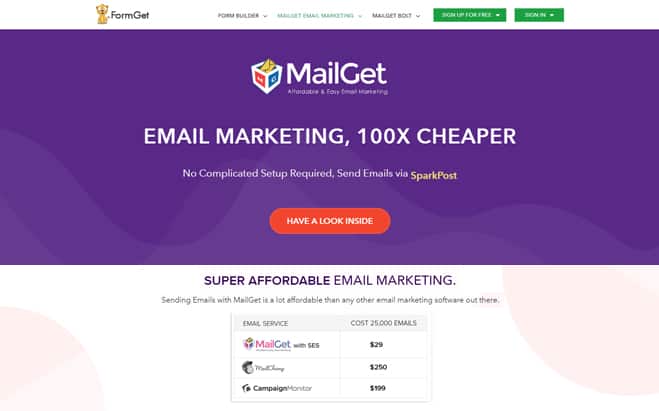
Features:
- Ease of use: As MailGet is a web-based service, you will only need an internet connection and an Amazon SES account to get your things started. The dashboard is very easy to access and is appealing and relevant to us as well.
- Email editor: A completely HTML free coding experience thanks to an exclusive WYSIWYG email editor.
- HTML to Plain Text Alternative: A feature where a plain text version of the template you created will be sent automatically to a person if their HTML template is blocked.
- SMTP Routing: You can send your emails via multiple SMTPs. Simply connect with SMTP and send the emails through a secured connection.
Pricing:
- The first plan will let you explore Pabbly Email Marketing & allows you to connect 3 SMTPs at $0.
- In the second plan, you need to pay $29 per month to send unlimited emails to 5,000 subscribers & connection with 3 SMTP.
- For the third plan, the cost is $49/ Month. And send unlimited emails to 15,000 subscribers with unlimited SMTP connection.
- To avail any further specifications like list cleaning, email subscribers above 50,000, you can opt for Advanced plan of MailGet at $99/Month.
3. HubSpot Email Marketing
Aweber is one of the older and more recognized brands in the email marketing space, but HubSpot is certainly a rival when it comes to longevity and popularity. While they’ve built up a name especially for advanced marketing automation, they now have a low-touch, easy-to-use email marketing tool. Best of all? It’s free to use.
Even the free version comes with basic automation features, such as smart list segmentation and kickback emails. Cooler yet, the free version allows up to 2,000 contacts, so you’ve got a pretty healthy limit before you have to start paying. When you do upgrade, however, you’ll be impressed with the array of advanced features, such as A/B testing, advanced reporting, and advanced automation.
Features:
- 2,000 emails/month available with the free plan
- Goal-based templates
- Drag and drop editor to create your own email templates
- Create automation flows based on contact details
- Manage all of your contacts and communication history in the free-forever CRM
- Test email subject lines and CTAs using the A/B testing feature
Pricing Plan:
- Free Plan: The HubSpot’s free plan comes with up to 2,000 contacts. 25 static list segmentation, and 5 “smart lists”
- Paid Plans: Their Starter pricing begins at $40/month, Professional plan begins at $800/month and Enterprise at $3,200/month. These paid plans offer email marketing with several other features like marketing automation, landing pages, and live chat.
Click Here For More Details
4. Moosend
A powerful email marketing tool equipped with best in class features. It has the simplest User Interface in the market that not only helps in understanding the whole process better but doesn’t break the bank as well. From small to large businesses, Moosend can be used to design and send email campaigns, newsletters, and manage lists, etc.
Features:
- Automation: Moosend offers email marketing solutions improved by automation and a very efficient email campaign editor. With its intuitive automation editor, you can easily make use of automated workflows and send campaigns specifically based on your subscribers’ behavior.
- Editor: The versatile editor that comes with Moosend helps to build emails from scratch, adding your images and files on its own servers to optimize the whole experience. It does not come with pre-made templates but you can design your own email campaigns with ease.
- UI wizard: The UI of Moosend is one of the best in the industry. It is streamlined and is very user-friendly. There is a wizard for guiding first-time users so that they can build their own email campaigns.
- Sub-accounts: You can create sub-accounts for your customers easily. There is also the scope of SMTP integration as well.
Pricing:
You can send unlimited campaigns to up to 1000 subscribers at free of cost.
Further, there are several other monthly plans as per the number of subscribers you want to send emails-
- 2000 subscribers will cost you $10
- 3000 subscribers will cost you $20
- 2000 subscribers will cost you $10
- 800,000 subscribers will cost you $2,900
- 10,00,000 subscribers will cost you $3,650
5. SendinBlue
SendinBlue is a unique web-based solution with the help of which businesses of all sizes can send marketing emails and even SMS. It can be used by beginners and it is also suitable for experts as well. It is an all in one platform for all your email marketing solutions.
Features:
- Interface: SendInBlue has one of the most innovative and attractive interfaces among the competition. The interface is extremely intuitive and easy to work with. You can easily manage your newsletters, emails, and even text messages.
- Drag and drop template designer: It has an inbuilt drop and drag designer for choosing your most suitable template from among a huge template gallery. It is easily customizable as well.
- Easy to use signup form creation and exceptional email deliverability.
- Content Management: SendinBlue has a superb content management program that offers personalized content creation for personalized emails increasing engagement.
- Real-time analytics reporting: Easy tracking and analysis of results and that too in real-time.
- API integration and single click campaign starter capabilities.
Pricing:
- Free- In this plan, you can send 300 emails per day without having to spend a single USD
- Lite- By paying $25 for a month, you can send up to 40,000 emails
- Essential- If you want to send 60,000 emails in a month without the SendinBlue logo, this is an apt plan at just $39/month.
- Premium- There are two different pricing on the basis of the number of emails you want to send
- 1,20,000 emails – $66/Month
- 3,50,000 emails- $173/Month
6. GetResponse
GetResponse is a potent tool for all your mailing solutions including newsletter templates and sending e-newsletters to your own subscribers. They allow automation and you can communicate to subscribers with the help of autoresponders.
Features:
- Functionality: With the addition of autoresponders 2.0 in the system, GetResponse has become all the more user-friendly and functions flawlessly. The attractive calendar system for scheduling helps a lot to make things intuitive and interactive. It also comes with a built-in landing page creator for better workability.
- Analytics: GetResponse offers a lot of graphs and tables for analysis and in turn helps to track emails. With its Intuitive Email Intelligence, it offers a great of reporting analytics and reporting options.
- Though most of the features like template designs, working formula of GetResponse are on par with AWeber and other email management software GetResponse is ahead of the competition in many areas.
Pricing:
What makes GetResponse a great alternative for AWeber is the pricing structure. It is much cheaper than AWeber in all its pricing strategies.
You can avail a 30-day free trial after which you will be charged 15$ for 1000 subscribers as opposed to 19$ for 500 subscribers in AWeber.
7. iContact
iContact is a simple yet effective marketing platform for small and medium businesses. It is a great AWeber competitor in terms of email marketing solutions as it boasts a lot of result-oriented features at a reasonable price all built with purpose. With great support to all its solutions iContact has become quite a well-known platform now.
Features:
- Templates: There are close to 250 email newsletter templates in iContact as opposed to 100 templates in Aweber. So you can choose from a vast gallery of templates for that perfect design.
- Autoresponders: Though autoresponders are quite a common feature in email marketing platforms, but in iContact, you can organize a series of welcome emails to new subscribers through Autoresponders.
- List Management: You can easily upload your contacts by simply uploading a file or adding it individually and even by copying and pasting the list. The fields get filled up automatically.
- Simple operation and email creation: With the help of WYSIWYG Editor and a streamlined dashboard, iContact is easily one of the best platforms to work on.
Pricing:
With a free trial period of 15 days offering the same features and a well laid out pricing structure which is cheaper than AWeber.
- 14$ per month for 500 subscribers
- 32$ per month for 2500 subscribers
- 52$ per month for 5000 subscribers
- 79$ per month for 10,000 subscribers
8. Campaigner
Campaigner is an all-in-one email marketing platform that enables businesses to create and send customizable and personalized emails to subscribers and customers. With a competitive pricing structure and stellar features, it has given superior competition to other email marketing tools.
Features:
- Universal feature list: All the pricing plans give access to all the basic and advanced features.
- Templates: Though the themes are limited, Campaigner offers excellent template designs for email and newsletters. There are a lot of designs to choose from.
- Overall, the feature list is the same as other marketing tools like list management, autoresponders, automatic segmentation, etc. but a generous trial period and a cheap pricing structure make Campaigner stand out.
Pricing:
- Campaigner’s Basic plan starts from 19.95$ which lets you connect to 5000 subscribers.
- The Growth Plan will cost you $79.95 and you can send emails about 25000 subscribers.
- With Corporate plan, you can send emails to more than 50,000 subscribers st $299.95.
But what makes it very desirable is the fact that it also comes with a 30 day no cost trial which also lets you connect 1000 subscribers and that is a great feature.
9. Active Campaign
Active Campaign is one of the most advanced email marketing tools out there now. A healthy feature list, a great dashboard, and the ability to do email automation make Active Campaign a great competitor and a potent alternative to AWeber!
Features:
- Dashboard: One of the best dashboards you can work with inside an email marketing tool. The fully customizable bird’s eye view dashboard is a great feature. You can have this view to see all your email marketing campaigns. There are widgets as well to make things faster. You can drag and drop widgets by adding or removing them to get your work done.
- Editor: The editor is simple and a very basic one and it also comes with a drag and drops email builder as well.
- Automation: Active Campaign shines in automation. You can create sophisticated email automation workflows thanks to the easy to use interface that is equally intuitive and user-friendly.
- Supports tagging and other segmentation options.
Pricing:
You can send unlimited emails to 1000 subscribers at –
- Lite – $29 /month
- Plus – $70 /month
- Professional – $159 /month
- Enterprise – $279 /month
10. MailChimp
If you talk about email marketing services, MailChimp is one of the most reputed and a potent service provider. It is regarded as one of the best in the business. It is extremely easy to use and anyone with a basic skill-set can try their hands on MailChimp.
Features:
- E-commerce integration: One of the best things about MailChimp is that it offers hundreds of E-commerce integrations. This can help you to connect your store that in turn can help you to create targeted campaigns, automate follow-ups, and better the overall experience by learning what your customers are going for.
- Design Opportunities: MailChimp’s drag and drop design editor can help you to create email campaigns that suit your requirements.
- MailChimp’s multi-user accounts feature and add comments feature inside the editor, helps to speed up the design process.
- Automation: MailChimp’s exclusive automation feature makes sure your emails reach the right people at the right time. With customizable segmentation options, you can target customers based on various factors like previous sales etc.
- Mobile App integration: All forms and templates are mobile-ready thus ensuring that you can get access to your campaigns on the go from anywhere, irrespective of the size of the screens.
Pricing:
- Free- You can send 12000 emails to 2,000 subscribers at free of cost.
- Grow- It allows you to send unlimited emails to unlimited subscribers at $10 per month.
- Pro- At $100, you can send unlimited emails along with access to various powerful business tools like comparative reports, multivariate testing, etc.
11. Mad Mimi
If you want the easiest way to create, send, and track emails and newsletters online, then Mad Mimi is one of the best in the business. It is designed for people who want email marketing to be simple yet effective. It offers powerful service at a reasonable price without compromising on efficiency.
Features:
- Drag-and-Drop Email Builder: You can easily add texts, manage content, add images and build your emails and newsletters. Everything is very user-friendly and anyone can build an email from scratch.
- RSS to email broadcasts: You can avail RSS broadcasts easily as well as create automated follow-up emails.
- Add-ons: Mad Mimi has the capability to integrate a lot of add-ons like Google Analytics, Etsy, etc.
- Comprehensive subscriber control: With Mad Mimi, your own subscribers can manage their own subscription-like updating their own personal information. This feature is very unique and effective.
Pricing:
There is a free plan for sending up to 12,500 emails per month.
There are Basic, Pro, Silver, and Gold plans as well with more additional features and most importantly with unlimited email facilities priced at 10$ for 500 contacts, 42$ for 10000 contacts, 199$ for 50,000 contacts and 1049$ for 350,000 contacts per month respectively.
12. CakeMail
CakeMail is a Montreal-based email marketing service provider specially developed for small and medium-sized businesses. With its philosophy of simplicity and effectiveness bundled together, this platform offers excellent support and up to date technological features developed for any user at any skill level.
Features:
- Ease of use: It is a complete web-based platform meaning there is no software to download and you can access your account and email campaigns anywhere. The interface is very user-friendly and their array of formidable design and analysis tools can help you a lot in terms of efficient workability.
- Email creation: CakeMail’s step by step email campaign builder helps in sending email effortlessly. With various customizable options and a stellar WYSIWYG editor, all you have to do is choose a name for your campaign, choose a destination, create the required content and send it. You can also schedule it for a later time.
- Creating contacts list: Contact lists are really easy to upload. Import and export from a .csv file, or fill in a form directly on your website.
- Analytics: You can integrate Google Analytics into this and that’s what makes CakeMail so much easy to use. You can have detailed statistical information based on each and every campaign. This helps a lot in improving your marketing strategy by leaps and bounds.
Pricing:
To start with, you can opt for the free plan. Whereas there are several other plans as well that allows you to send unlimited emails & you can choose according to your need.
- 500 subscribers – $ 8 / month
- 1,000 subscribers – $ 12 / month
- 2,500 subscribers – $ 24 / month
- 5,000 subscribers – $ 39 / month
- 10,000 subscribers – S$ 59 / month
- 25,000 subscribers – $ 119 / month
14. EngageBay
EngageBay is an AWeber alternative that saves you money and time.
With Engage Bay, all your email campaigns can be easily automated and
tested. There’s A/B testing of email templates, subject lines, email images,
CTAs, and other elements for high responsiveness.
This new software has been getting a lot of attention lately, thanks to its all-
in-one package of email marketing and customer support tools, with
integrated free CRM.
Features:
- Email template builder, landing page builder, email autoresponders, canned responses, and double opt-in for subscribers.
- Time zone-based delivery of emails.
- Real-time visual updates on custom metrics to track all email campaigns.
- Automatically add or remove leads from email campaigns based on lead behavior.
- Always stay on top of things with a 360-degree view of contacts.
- Code your own landing pages if you’re not content with the
templates.
Pricing:
- Free Plan: The free plan lasts forever for up to 15 users and lets
you contact 500 subscribers with 1,000 branded emails a month. It
includes integrated CRM, Live Chat and some email and landing
page templates. - Paid Plans: Their Basic plan starts at $7.79/month, the Growth plan
begins at $14.99/month and Pro at $29.99/month. The paid plans
add advanced features like A/B testing, custom domain, site
messages, coding support, automation and analytics.
Conclusion:
These Email marketing software alternatives can make AWeber run for its money! It can also help your business grow and boost your marketing strategies like no other does. So choose by assessing your exact requirements.
More related information available here –
The 10 Best SendinBlue Alternatives

In modern times, when web and mobile marketing has taken the world by storm, email marketing is still a potent tool to market one’s services. Companies around the world are in constant search of mass mailing solution that would cater to their needs.
Here is a compilation of some of the best SendinBlue alternatives which possess many essential key traits.
| Quick Comparison Between SendinBlue Alternatives | |||||
| Services | Starter Plan | No. Of Emails | In-Built SMTP | Automation | List Cleaning |
| SendinBlue | $25/mo. | 40,000 | ✔ | ✔ | ✖ |
| Pabbly Email Marketing | $29/mo. | Unlimited | ✖ | ✔ | ✔ |
| MailGet | $29/mo. | Unlimited | ✔ | ✔ | ✔ |
| Moosend | $30/mo. | Unlimited | ✖ | ✔ | ✔ |
| Constant Contact | $45/mo. | Unlimited | ✖ | ✔ | ✖ |
| EngageBay | $7.79/mo. | 2,500 | ✔ | ✔ | ✔ |
1. Pabbly Email Marketing
Pabbly Email Marketing can be termed as a one-stop solution for email marketers of different prospects. It has helped a lot in transmitting various kinds of emails like promotional, marketing, educational, etc. with assured inbox delivery.
Moreover, this email marketing platform comes with built-in SMTP with pre-configured settings. This implies you can instantly propagate your emails to the clients without having to manage any server setting.
Key Features Of Pabbly Email Marketing:
- List cleaning is one of the most appreciated features of Pabbly Email Marketing by mass. This feature will immensely help you have a clean & updated contact list from spam, suspended and bounce email addresses.
- Pabbly Email Marketing enables you to add a sign-up form on your website and eventually boost your email list.
- The drip automation provided by Pabbly Email Marketing is the ultimate solution for automating the email series to your customers at a specific date & time.
- Get an insight into your email campaign by keeping a track on sent emails, click, open and unsubscribe details.
Pricing Plan
Pabbly Email Marketing provides numerous affordable pricing schemes. Also, by choosing its annual billing option, you can save up to 20% of the total cost.
- Free – With this free trial plan, you can explore Pabbly Email Marketing. This plan also allows you to connect 3 SMTP.
- Rookie – This plan will cost you only $29 per month sending emails to 5,000 subscribers with enhanced features and automatic follow up.
- Pro – The Pro plan enables you to send emails to 15,000 subscribers at an affordable price of just $49 and also gives you benefits like SMTP routing.
- Advanced – The advanced plan allows you to send emails to 50,000 subscribers at just $99 per month. In this plan, you can connect unlimited SMTPs with the additional benefit of live chat support.
2. MailGet
MailGet has been the preferred choice of many of the corporate houses across the world. Just three simple steps are all that is required to get started with MailGet. We begin with creating an email address that is followed by syncing of contacts and then connecting the required SMTP.
Importing email can be done from CSV as well as from individual contacts. There are many packages that are on offer which is tailored to the need of the subscriber.
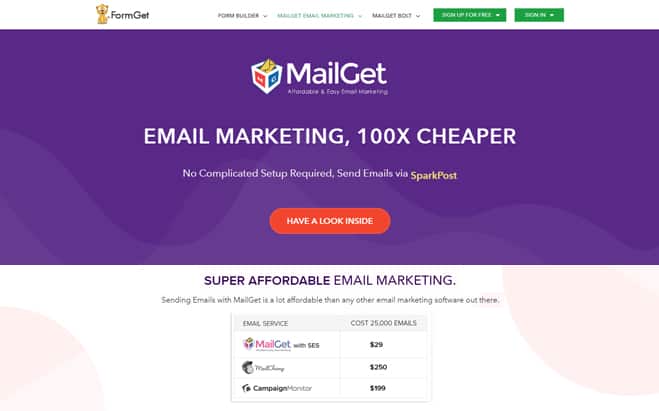
Key Features Of MailGet Mailing Solution:
- The emails are sent using Amazon SES and various other SMTPs on the versatile cloud platform.
- Like Gmail and Yahoo MailGet that have a very sophisticated email builder feature, you will be able to send and receive emails in any format you want.
- The drag and drop feature makes it very easy to customize your emails.
- MailGet maintains your email account excellently. It will keep a full list of every email in your account and it will keep track of the exact date and time of your sent and received emails.
- MailGet blocks spam mails automatically.
Pricing Plan
The email marketing service comes with various pricing packages which are absolutely economic. Also, by choosing its annual billing option, you can save up to 20% of the total cost.
- Starters – This plan lets you send up to unlimited emails to the 100 subscribers at just $0 a month. You can easily connect to 3 SMTP server.
- Rookie – The second plan will cost you only $29 per month and lets you send emails to 5,000 subscribers. Also, you will get many advanced features like unlimited monthly campaigns, 3 SMTP connections, automatic follow-ups etc.
- Pro – With the Pro plan, you can send emails to 15,000 subscribers in just $49 and get enriched with other enhanced features like unlimited SMTP connections, live chat support, SMTP routing and more.
- Advanced – The advanced plan has various sub-plans starting at $99 for sending unlimited emails and the highest plan with 1,000,000 subscribers at an affordable price of $1599.
Recommended blogs –
3. Moosend
Moosend uses innovative subscriber behavior analysis to activate automated workflow and trigger-based action. Bifurcation of the contact list is important so as to categorize the right kind of campaign to the right customer. Moosend makes this job a lot easier with the list management system. There are numerous pricing options to choose from one should visit the website for further information.
Key Features of Moosend:
- The dashboard provides detailed Pie charts and Bar graphs to have that great in-depth view of the real-time state of affairs.
- Not every Moosend user is a designer! Keeping that in mind they created a drag-n’-drop editor, with this you can easily design email campaigns, which will look gorgeous on every device.
- Sorting your email list will help you to speak more freely and directly with your customers, you will be able to provide them with information on time.
- Moosend is designed with various types of Wrappers. It makes API integration very easy. There are JavaScript wrappers, PHP wrapper etc.
Pricing Plan
- Free Plan – You can send unlimited emails up to 1K subscribers for free which includes all the core features like real-time analytics, spam test, email marketing automation, etc.
- Paid Plan – It has got a range starting from $8 a month for 1001 subscribers with features like drag and drop editor, cross-device newsletter preview, 3rd party integrations and more. Following are some of the other price estimation for the different number of subscribers:-
- $331 a month for 75000 – 1,00,000 subscribers
- $1538 per month for 4,00,001 – 5,00,000 subscribers
- $3,102/month for 8,00,000 – 10,00,000 subscribers
- Pay As You Go – This option is suitable for occasional senders where you have to pay only when you send emails.
Note:- You can save up to 15% on 6-month billing & 20% on the yearly billing for your business.
4. Constant Contact
Constant Contact is the new SendinBlue competitor that is on offer and has created quite a buzz in this email marketing eco-system. Constant Contact provides responsive templates that are just perfect to open on multiple devices like tablets as well as various mobile platforms enabling businesses to deliver a wholesome marketing experience.
Key Features of Constant Contact:
- It helps you connect with your customers through emails. There are hundreds of beautiful email templates and with the help of drag and drop feature, you can send a gorgeous email to your customers.
- The innovative dashboard is something unique that is on offer with Constant Contact. This provides a detailed tracking system for all your email marketing campaign.
- The core elements of your marketing are your contacts. Their new and improved contact management system will help you to import, organize and store all your contacts.
- If you do not know what is going on, you cannot improve yourself. The amazing delivery system of Constant Contact will make your emails reach your customers timely without fail; with the real-time email tracking system you can check everything.
- There are various pricing options to choose from with a free 60-day trial pack to $45 plan that packs in the all the features to provide that great experience.
Pricing Plan
You can use any of the 2 amazing pricing schemes offered by Constant Contact which are absolutely economic as you can send unlimited emails.
- Email – This plan starts from $20 a month for 1 user and offers many features like 1 GB file storage, list segmentation, list building tools etc.
- Email Plus – Buy this plan at the starting price of $45 a month and avail enhanced features like email automation, subject line A/B testing, event marketing, coupons and a lot more.
Note:- You can save up to 15% on prepaying 6 or 12 months.
5. Emma
Emma is an email marketing platform that helps business houses to choose an edition that is apt for their business. Emma integrates with Google Analytics with ease making scope for complex web analytics quite simple. Apart from the standard edition, there is Emma Agency edition, Emma non-profit edition, Emma University edition and Emma franchise edition as well.
Key Features of Emma:
- Emma is designed with advanced automation which means the right email will reach the customer in right time. Emma scans everything from your visit to the website to your fresh purchases; Emma converts this data into automated emails which are relevant and on time.
- Some of the features that make Emma stand out are the seamless integration with various CRM and ERP software like MS Dynamics, Oracle, and Salesforce CRM. Integration with e-commerce software is easy as well with WooCommerce and Magento to name a few.
- Emma has a lightbox form. It will help you choose the time to ask the email address; you are free to decide when and where you want them to display. After that, you can build your audience.
- There are various pricing options to choose from the Pro plan starts at $89, the plus plan at $369 and the premium plan at $779. These are all annual subscription plans.
Pricing Plan
Emma has got 3 pricing plans for 10,000 contacts that are really cost effective and loaded with tons of features:-
- Pro – This plan is most suitable for small businesses that cost you only $89/month and options like list importing, segmentation tools, lightbox sign up forms etc.
- Plus – You can purchase this plan at $159 a month and avail features like landing page builder, salesforce integration, litmus inbox preview and more.
- Emma HQ – This advanced plan is available at $229/month and provides you with even more enhanced features like an activity dashboard, template manager, account & user permission etc.
6. EngageBay
EngageBay is another excellent email automation software that offers a host of powerful tools to help your business grow – at a surprisingly affordable price. It’s trusted by over 30,000 loyal customers and offers both iOS and Android apps. With APIs, you can seamlessly integrate forms into your websites and maximize your reach. What’s more, you get to integrate the platform with your favorite applications.
Key Features of EngageBay:
- EngageBay’s drag-n-drop email form builder lets you design picture-perfect email forms within minutes. You can also choose from various pre-built templates and populate them with content. In addition, you can make your forms responsive with just the flick of a switch.
- The autoresponder tool lets you send out regular emails, like welcome messages, car abandonment notifications, and billing reminders automatically, so that you can focus on more important tasks.
- Using EngageBay’s email broadcasts, you can send email newsletters, launch promotional campaigns, and notify your customers about policy changes.
- Advanced segmentation offers a personal touch to your emails by adding personal information and tailored content. Segment your contacts based on various factors – demographics, age, priority, cart behavior, and so much more.
- With EngageBay’s predictive lead scoring, you don’t have to waste time sending out emails to cold leads. Focus on warm leads that convert faster, and close more deals!
- EngageBay’s email broadcast A/B testing lets you test out your emails for maximized conversions.
- With email sequences, you can send a series of emails to your contacts. Want more? You can trigger-based and time-based sequences to send out the right messages at the right time.
Pricing Plan
EngageBay’s Marketing Bay offers a four-tiered pricing plan to fit the needs of all businesses.
- Free plan: The free plan is truly free and offers email broadcasts, sequences, autoresponders, email templates, and so much more. Plus, you can store up to 500 contacts and send out 1,000 branded emails.
- Basic plan: This plan costs $12.99 a month and offers lead scoring, tag management, desktop notifications, and a myriad of other amazing tools. You can also store 1,000 contacts and send 2,500 branded emails.
- Growth plan: This popular plan costs $24.99 a month and offers marketing automation, email broadcast A/B testing, timezone-based email delivery, 20,000 contacts, and 20,000 branded emails.
- Pro plan: The Pro plan costs $49.99 a month offers advanced email marketing tools, a dedicated account manager, Teams, and premium phone support. You can store up to 30,000 contacts and send out 30,000 branded emails.
Note:– Annual subscriptions come with a 20% discount, and biennial subscriptions offer a 40% discount.
7. Mailify
Mailify is an automated email marketing and SMS software. Mailify features a modern graphical editor, EmailBuilder, and responsive customizable templates for newsletter design. The application features intelligent functionalities and an optimized UX.
Key Features Of Mailify:
- Graphic editor with “drag&drop” system to design responsive newsletters. With the graphical editor and its more than 70 customizable responsive templates, you can design newsletters intuitively.
- Automated email and SMS campaign sequences: create welcome emails, birthday or update emails, etc. Automate your mailings and send the right message at the right time.
- Import unlimited contacts. Mailify sets no limits on the number of contacts you can import. You can also manage blacklists, bounced lists, etc.
- Intelligent features like – Predictive Sending, to calculate the optimal send time for each contact individually. Heatmap, visualize the hottest and coldest areas of your email and have a look at the most clicked links. Interval sending, sending campaigns in stages instead of to your whole list at once, etc.
- Specialized coaching and technical support in Spanish, English, German, French, and Portuguese. Whether you are starting with emailing strategies or if you need to optimize campaigns with advanced automation, you can schedule a coaching consultancy by phone or email and solve all your doubts.
Pricing Plan:
- Essential – The Essential plan starts with $59/month and 5000 emails. With this plan, you can send automated email marketing campaigns and mass SMS and enjoy all the basic features of Mailify.
- Premium – This second plan starts with $129/month and 5000 emails, what is the difference with the Essential plan? With this plan, you can do advanced automated campaigns like landing pages, pop-up forms and access the Mailify experts. The subscription includes dedicated IP and a domain name among other advantages.
- Exclusive – The third and most complete plan starts at $229/month. This plan gives you access to all of Mailify’s artificial intelligence (AI) features. You’ll also have a dedicated coach for your campaigns. This plan includes 3 specific IPs, 3 domain names and the use of up to 10 users.
Note:- In any of the plans, you have the option to buy additional SMS packages and emails.
8. AWeber
AWeber is a trusted mass email marketing tool that is trusted by more than 100000+ business owners across the globe. There are features like integration with APIs of premium websites right from social media sites like Facebook to premium payment gateway like PayPal. Connecting your mail with RSS feed is no more a problem with AWeber and so will be your blogs.
Key Features of AWeber:
- AWeber has an excellent email delivery system which helps your emails to reach your subscribers in time. It also has top class filter checking tools with anti-spam policy.
- The autoresponder feature of AWeber sends a series of emails to the new subscribers. It interacts with new subscribers as soon as they join.
- It is very easy to develop great looking templates as AWeber contains more than 700 templates.
- You can add your AWeber account to other websites to get more subscribers, like Facebook, WordPress, and Paypal etc.
- Atom App is another value-added feature that helps subscriber to add contacts on the go and is adaptable to both Android and IOS.
Pricing Plan
- For up to 500 subscribers – Pay $19/month and send unlimited emails along with various basic features.
- For up to 5,000 subscribers – Buy this plan for just $49 a month and get benefited with features like automation, segmenting and a lot more.
- For up to 10,000 subscribers – Avail this plan with options like image hosting, customer solutions, sign-up forms etc. in just $69 a month.
- For up to 25,000 subscribers – Use 700+ templates, integrations, automation, segmenting and more in just $149 a month.
Note:-
1. Get in touch with the sales team to get the price estimation of higher plans. Also, you can choose quarterly and annual billing option.
2. Besides, these affordable paid plans, AWeber also facilitates you with a free trial for 30 days
9. ConvertKit
ConvertKit is email marketing software specially designed for bloggers. ConvertKit offers customized opt-in forms to fit in places of your desired choice making the visibility a lot more. ConvertKit helps to create a landing page in accordance with the choice of the subscriber; there are three options for one to choose from. Scheduling your emails is no longer difficult; this would allow bloggers more time to concentrate on creating quality blog contents.
Key Features of ConvertKit:
- ConvertKit makes scheduling your emails very easy. This will give you free space for your other important endeavors.
- ConvertKit has a brand new editor; it helps you to customize the text and the color of your email, according to the nature of the mail. The visual editor helps to customize text and color according to the nature of the blog. There is also a scope to make changes with the addition of custom CSS coding and also an eager the help desk to assist if any subscriber faces any problem.
- During the editing process, you can use a WordPress plug-in and when you are about to post the blog you can choose the form you would like to use.
Pricing Plan
ConvertKit comes offers 4 pricing schemes which you can choose according to the number of subscribers you want to send emails.
- For up to 1K subscribers – Spend only $29/month and avail all the basic features for your campaign like sending unlimited emails, campaign reports & more.
- For up to 3K subscribers – Get this plan for $49 per month for availing features like unlimited customizable forms, email & live chat support etc.
- For up to 5K subscribers – Buy this plan at just $79 a month and get benefited with features like 70+ integrations, visual automation and a lot more.
- For up to 8K subscribers – You just need to spend $99 per month for availing even more advanced option of free concierge migration which is helpful while switching email marketing tool.
Note:- The above pricing plans are based on monthly basis. However, you can save more on choosing its yearly billed pricing.
10. MailChimp
MailChimp has been the preferred choice of 12 million customers around the world. The main feature that subscribers prefer is the seamless integration with various APIs and web services. MailChimp is compatible with major e-commerce platforms like Woocommerce, Bigcommerce, Magento, and Shopify. This might very well be the preferred choice for subscribers who owns or manages e-commerce websites.
Key Features of MailChimp Mailing Solution:
- MailChimp helps you to get connected with your store and when you do that through one of MailChimp’s many e-commerce websites you will be able to create targeted campaigns.
- The drag and drop feature of MailChimp will provide you all the help to make designer campaigns, according to your liking.
- MailChimp’s excellent marketing automation will send your email to the right people at the exact time.
- MailChimp also has an excellent mobile app which will help you to add a contact or send a campaign easily.
- There are plans that are free and also plans that would cost upto $199 per month. Subscribers should choose the one that is best suited for their business requirement.
Pricing Plan
MailChimp comes with 3 pricing plan options which are discussed below:-
- Free – Use this plan to send 12,000 emails/month to 2000 subscribers at $0. It will benefit you with various other options like multi-user account, marketing automation, creation of campaigns, landing pages, popup forms and more.
- Grow – Once you choose to upgrade your plan, you can select this plan with the starting range of $10 per month for unlimited emails & subscribers. With this plan, you will get other enhanced options like footer removal option, email/chat support, time zone delivery, send time optimization etc.
- Pro – Get this plan for enterprise businesses starting with $199 a month for unlimited emails and subscribers along with features like premium support, testing, advanced segmentation, comparative reports and a lot more.
11. Mad Mimi
Mad Mimi is a modern yet powerful email marketing tool that has unique User Interface (UI) making navigation through this tool very easy. The unique theme designing approach makes the subscriber pick the exact design and contents that he or she requires for the email marketing campaign. The tracking device helps to track every link clicked, promotional activities that are followed and also unsubscribed details. The tracking dashboard provides innovative pie-charts for better analysis of the marketing campaign.
Key Features of Mad Mimi:
- With Mad Mimi comes excellent looking HTML emails; the Mad Mimi guide will help you to design most beautiful and creative emails.
- The Mad Mimi web-forms are one of its kinds that allow users to simply copy-paste HTML pages anywhere within the website.
- Mad Mimi is equipped with a potent listing service that timely helps to accommodate most of the contacts under a single page thus making provision to maximize your business potential across your entire contact list
- Mad Mimi will guide you in creating emails which look impeccable in any email environment. You can use themes and modules easily and you will be able to send a wonderful email in minutes. It will reflect your commitment and dedication to your customers.
- Integration with various APIs is quite easy, be it CRMs or social networking websites so as to keep the customer updated on all the latest campaigns.
- While designing new themes, if you have created a masterpiece you can save it to use later. Mad Mimi is designed to fulfill your needs.
Pricing Plan
This email marketing tool comes with 4 pricing plans which you can use as per your business requirement. Following are the plans illustrated for 500 contacts:-
- Basic – The starting range will cost you only $10/month for sending emails to 500 contacts.
- Pro – Its second plan has initial pricing of $42 a month that enables you to send emails to 10,000 contacts.
- Silver – This advanced plan starts with $199 per month for sending emails to 50,000 contacts.
- Gold – With the initial pricing plan of $1049 a month, you can use this plan for targeting 3,50,000 contacts.
Note:- Besides these predefined packages, Mad Mimi also allows you to customize a plan completely just the way you want.
12. Campaign Monitor
Campaign Monitor has been the choice of many multi-national companies to run their e-mail marketing campaign. The drag and drop editor is also a feature of this application as many others. Testing, tracking, and optimization of email are also made easy with Campaign Monitor. There are packages starting from as less as $9 range to $899 per month depending upon the volume of email and the features that one opts for.
Key Features of Campaign Monitor:
- Campaign Monitor will provide you with everything you need so you can run a professional and gorgeously designed email marketing campaign. There are over a hundred different templates to choose from and all of them are responsive and eye-catching.
- Customer data is analyzed precisely to provide that edge over every campaign and enhance the personalized experience.
- You can connect Campaign Monitor with many different apps and integrations easily; you can connect it to an e-commerce platform, CRM or a website. It can be connected with WordPress, Facebook, Shopify, and Woocommerce etc.
Pricing Plan
Campaign Monitor offers 3 pricing plans that vary according to the number of subscribers you choose to send emails. Here in this blog, we have described these plans for 500 subscribers:
- Basic – The starting package of this plan starts with $9 a month where you can send 2,500 emails and avail all the core email marketing features.
- Unlimited – Its second plan starts with $29/month where you can send unlimited emails and amazing features like unlimited spam testing, inbox preview etc.
- Premier – The third plan offers the starting price of $149 per month for sending unlimited emails along with various advanced features like advanced link tracking, template management, send-time optimization and more.
13. iContact
iContact offers great value with premier services that are on offer. These services allow subscribers with personal mailing experts to help them optimize the services in the best possible manner. This personalized service ensures that most of the emails reach the designated inbox.
Key Features of iContact:
- With iContact design services and the in-house design team ensures that all the marketing templates are eye-catching and responsive to provide that cutting edge experience to your marketing campaigns.
- The best part of all this is that the iContact pro comes with Social Media Consultants so that the marketing campaigns get all the buzz on the various social media websites.
- iContact deliverability services keep into account blacklists, domain reputation, and subscriber engagement to provide subscribers the right delivery of the emails.
- iContact assures that your emails definitely reach your contact in time, even if it had to overcome spam filters.
- iContact also provides data so that the concept of internet marketing becomes very clear to you. It will help you improve and increase the rate of your success.
- There are pricing options from $14 per month to the customized premier plan to suit your needs. The pricing is dependent on the number of subscribers that one chooses in their respective plans.
Pricing Plan
iContact provides the best of pricing plans that vary as per the contact list size to fit your email marketing goals.
- Essential – The price of this plan is just $14 a month for 500 contacts and provides you with numerous options like subscriber list management, Google Analytics, A/B split testing, welcome series automation, etc.
- Professional – This advanced plan will cost you only $99 per month for 500 contacts & benefits you with features like social monitoring, Zapier integration, behavioral targeting, landing pages and a lot more.
Note:- Get in touch with the sales team to know the pricing schemes of higher premier services. However, the annual billing will provide you with a 15% discount for 12 months pre-pay.
Conclusion:
These are just 10 alternatives to SendinBlue available in the market. There are numerous others to choose from. Before jumping on to any conclusion one must take note of the exact requirement, the nature of the campaign, the volume of business and the budget allocated for the email marketing campaign.
Recommended blogs –
Resend Emails to Unopens

Sometimes you may need to send emails to just the subscribers who have not opened your emails for the first time.
Here are the steps to do it:
Step 1: Do send your first campaign to all your subscribers.
Step 2: Once the campaign is sent. You can track all the users who opened your campaign. Click the Opened link to track the total opens stats.
Step 3: Create a new list of all the contacts who opened your email. You can name it “Campaign XYZ Opened List”
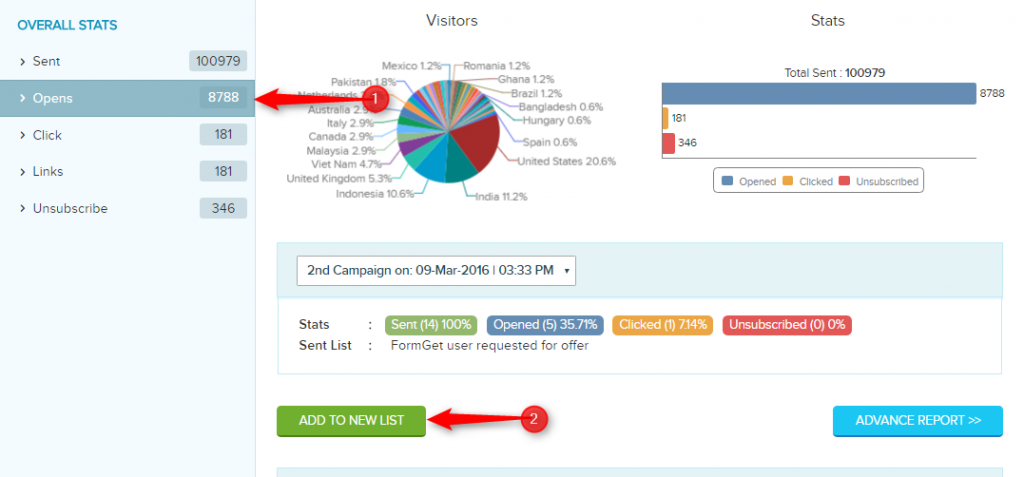
Step 4: At the time of sending the email again. You can clone the email and re-send the campaign again to all subscribers and exclude the subscribes who have opened the emails first time around.
This will allow you to send emails to all your subscribers except to the subscribers who opened your emails first time around.
12+ Best Free WordPress Newsletter Plugins Of Email Marketing 2022
Want to build awareness about your brand amongst potential customers to grow your business to great heights?
As email marketing is considered to be one of the most effective marketing techniques for business in today’s times..
..If you want to establish a relationship of trust with your customers so that they remain loyal to your brand!!
Now if you agree with me that email marketing is a powerful tool! You would like to opt for an excellent WordPress plugin for effective email marketing. Isn’t it?
As WordPress has a host of email marketing plugins and choosing the right plugin might get confusing. Right?
So today, I’ve listed a review of top 12 WordPress plugins for email marketing which will surely help you in making the right choice!!
Questing a low budget email marketing service for your business?
Give a try to Pabbly Email Marketing tool which is packed with easy setup and lots of email sending functionalities.
Let’s start to dig each service briefly –
1. Pabbly Email Marketing
Pabbly Email Marketing is a great email marketing software which is immensely popular amongst email marketers.
With this, you can easily create & send attractive emails using the drag-and-drop editor or use the readymade email templates. It provides top quality services and has the highest email delivery rate.
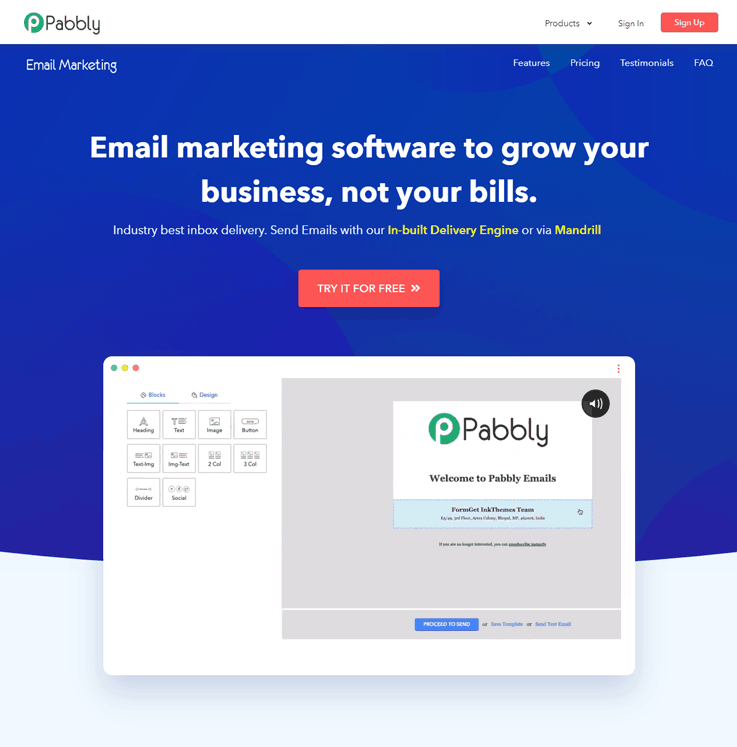
Let’s take a look at a few of the great features of this service –
- This fully-fledged email marketing application has an inbuilt SMTP server that omits all the hassle of setting up the SMTP server manually.
- Make divisions in the contact list based on customers activities & send targeted emails to achieve high click-through & conversion rates.
- Delve into stats like clicks, opens, bounce, unsubscribe, etc. and know what exactly happens to your emails at recipient’s end.
- Designing emails, newsletters, campaigns, and promotions have become very easy with the WYSIWYG drag and drop email editor. You can also use the Basic Text Editor and Custom Code editor too.
- You can choose from more than 500+ free email newsletters.
This superb tool will surely help you improve your email marketing significantly and enable you to promote your brand effectively!!
Go with Pabbly Email Marketing Platform -> Send millions Of emails -> & Start promoting your business all over the world.
2. WP Subscribe Pro –
Great email marketing can be accomplished effectively by creating a WP Subscribe Pro account.
Along with it if you can install this excellent email marketing plugin then you can rest assured that your email marketing will be the most efficient one.
Here are a few of the great features of this plugin –
- Connecting to your WP Subscribe Pro account is very simple with just a single click.
- The WP Subscription Pro is very easy to use. They are mobile-optimized as well.
- Use the form shortcode feature to display the signup forms in your pages or posts.
- Using the subscription methods of this plugin, subscribers can be easily added to your WP Subscribe Pro list.
Pricing –
- Single Product – It will cost you $29 for 3 sites.
- Membership – This plan will charge $99.47 with unlimited sites.
The WP Subscribe Pro Email Marketing plugin will most certainly enable you to create superlative email marketing campaigns for your brand.
Download & Install This Plugin Here
3. Icegram Newsletter WordPress Plugin
One of the best plugins in the list is Newsletter plugin using which one can send mass emails to their subscribers very easily. It provides lots of useful features that require in email marketing of any product or service.
Some outstanding functionalities of this plugin –
- Create professional newsletters quickly.
- It provides unlimited contacts and newsletters
- Study your sent emails whether they opened or not. And increases your delivery rate.
- Simply embed the subscription form on your site & start collecting leads.
Pricing –
- Free – It is a free plan which costs you nothing with all the basic features.
- Pro – This plan will charge you $97 per year with a site license and other useful features like stats, inlines, etc.
- Max – The most popular plan of $147 per year in which you will get 1 site license including all the features.
Download & Install This Plugin Here
4. Tribulant
For the marketing of your business you need to send thousands of emails & for sending large quantity emails you need to connect your email marketing service. So, here comes a perfect WordPress Email marketing plugin on installing which you can easily complete your task.
Features of Tribulant WordPress Plugin –
- It allows you to send a test email to check whether it is working properly or not.
- Can connect multiple SMTPs like Amazon SES, MailGun, etc.
- You can easily set different things like name, email, username, return path, etc in this plug.
Pricing –
It provides two plans to their customers
- Blogger – Cost you $65 with one site installation and money-back guarantee.
- Developer – This plan will charge you $195 and can be installed in unlimited websites.
Download & Install This Plugin Here
5. MailPoet – Newsletter WordPress Plugin –
Creating automated emails and newsletters and posting notifications and autoresponders has all become very simple with the Mail Poet WordPress plugin.
You can win more subscribers using the sign up widget of this plugin. This plugin is very easy to use and has a set of awesome features.
Features of MailPoet WordPress Plugin –
- Edit your newsletters using the drag and drop newsletter editor.
- The latest posts are sent automatically you can also send emails three days after the user has subscribed.
- The plugin comes with single and double opt in.
- Subscribers can be imported easily.
- You can track the opens, clicks and unsubscribes for your newsletter.
- The lists can also be segmented according to clicked, opened and unopened.
- Use the free version to send newsletters to 2,000 subscribers.
- The newsletters can be sent from your web host, Gmail or any SMTP like Amazon SES Mandrill, Sendgrid.
Pricing –
It has a custom pricing plan including a free plan. You can choose it according to your needs.
The MailPoet Newsletters plugin for WordPress has most certainly simplified the entire process of sending newsletters to users.
Download & Install This Plugin Here
6. Mailster – Email Newsletter Plugin for WordPress –
This Newsletter plugin from WordPress allows you to conveniently create and send professional-quality newsletters to users in just a few minutes.
You can send them directly from your blog by using the drag and drop feature.

Features of Mailster WordPress Plugin –
- You can include the contents of your WordPress posts in the newsletter.
- You can track the clicked, opened, bounced and subscribed emails.
- The plugin works fast, and all your emails are delivered on time.
- Multiple contact lists can be created, and WordPress users can be imported very easily.
- Use the preview feature to go through the newsletter before sending it.
- You can schedule the delivery of the newsletters at a suitable date and time.
Pricing –
It gives a regular license of $29 in which you will get 6 months of support and all the future updates.
This newsletter plugin is one of the best plugins available today. The great features of this plugin have made sending good quality newsletters very simple and convenient.
Download & Install This Plugin Here
7. MailOptin Email Marketing Plugin –
Email automation has become seamless and easy with this superb plugin. You can build the sequence of your email in a flow chart pattern and visualize them at the same time.
This plugin will be directly integrated with your WordPress website allowing you to use your desired forms and plugins. New members of your website will be added automatically to the email sequences.
Features of MailOptin WordPress Plugin –
- Tag any contact or page during a campaign with the unique tagging mechanism. Emails can be automatically targeted by the tags.
- You can schedule the time when the emails go out and also set time zones for email sequences.
- Manage all the different campaigns meant for various websites in the same place using this plugin.
- You can update analytics.
- Clicks on all links can be tracked in an email and actions can be created depending upon the clicks.
- The plugin comes with a secure API, which you can use to manage any element of your email marketing or building your custom integration.
Pricing –
It provides three plans to their users
- Standard – This plan will cost you only $79 per year. This plan is best for one site user.
- Pro – It will charge you $199 per year with the features of email automation and newsletter for 3 sites.
- Agency – By charging $299 per year this plan provides all the features of plugin.
The use of this great plugin will prove to be a boon to the overall email marketing strategy of your business.
Download & Install This Plugin Here
8. MailChimp Plugin For WordPress –
MailChimp for WordPress is a wonderful plugin which you can use to add some subscribers to your MailChimp list using some methods.
With this plugin, you can easily add methods of sign up for your MailChimp lists to your WordPress website.
Features of MailChimp WordPress Plugin –
- Sign up forms is easy to use and mobile optimized.
- The form fields can be edited, and anything can be sent to MailChimp.
- Integrates smoothly with other plugins like – Default WordPress Comment Form, Default WordPress Registration form, WooCommerce, Ninja Forms, Easy Digital Download, BuddyPress, Events Manager and Contact Form.
- There are also some add-on plugins like – MailChimp for WordPress Premium, MailChimp Top Bar, MailChimp Activity and Scroll Triggered Boxes available.
- You can also use the Premium add on and avail of other benefits like email notifications, simpler ways to style forms, WooCommerce & Easy Digital Downloads integrated with eCommerce360.
This plugin is being widely used by many businesses, and users are extremely satisfied with what it has to offer.
Pricing –
- Free – Best for basic businesses provides the features of 1-click automation and 7 marketing channels.
- Essentials – This plan will charge you only $9.99 for a month with the features of A/B testing, 24/7 support, etc.
- Standard – The cost of this plan is $14.99 per month which is best for growing businesses.
- Premium – In this plan, you will get the most advanced features at the cost of $299.99 per month.
Download & Install This Plugin Here
9. SendPress – A Newsletter Plugin For WordPress –
If you are looking for a good newsletter plugin to give a boost to your email marketing, then this will be the perfect plugin to go for.
This plugin has great features with which you can design the templates and edit the contents of your newsletter the way you like.
Features of SendPress WordPress Plugin are –
- Get unlimited subscribers using this plugin.
- Send an unlimited number of newsletters which are fully responsive. The tracking facility is also there.
- The page, custom form, and subscription widget are completely customizable.
- The single and double opt in feature is also available.
- The newsletter templates are customizable & theme style is very easy to use.
- The plugin tracks the clicks, emails and unsubscribes for each mail.
- Use your web host or Gmail to send newsletters for free.
- Compatible with Email log or Postman SMTP mailer.
This is an excellent newsletter plugin which can be used very conveniently for sending newsletters to your subscribers.
Download & Install This Plugin Here
10. Newsletter WordPress Plugin –
This plugin is a real newsletter system which is ideally suited for building lists and creating, sending and tracking your mails.
This great plugin comes with great features and is very easy to use as well.
Features of Newsletter WordPress Plugin –
- Use the fully responsive Drag and Drop composer to compose your emails.
- You can get unlimited subscribers along with statistics using this plugin.
- The newsletter subscription check in box comes in the registration form on Wordpress.
- The plugin comes with single and double opt-in. It also has a privacy checkbox for compliance with EU laws.
- The plugin is SMTP ready & themes are fully customizable.
- The diagnostics panel can be used to check the capability of your blog mailing.
- Compatible with Postman, Easy WP SMTP, WP Mail Bank, Easy SMTP Mail and WP Mail SMTP.
- All your campaigns can be finely targeted according to the preferences of your subscribers.
The use of this plugin will surely enable you to seamlessly send your newsletters and expand the marketing campaign for your brand.
Download & Install This Plugin Here
11. Drip Email Marketing Plugin –
You can easily automate your email marketing campaigns using this excellent WordPress plugin. You simply have to install a Drip account and install the plugin.
This is one of the best email marketing plugins available today. Email addresses can be collected easily using Drip and you can conveniently send mails to your prospective customers.
Features of Drip WordPress Plugin –
- Tags and an unlimited number of custom fields can be added to subscribers whenever an action is performed by them.
- You can segregate the users with the help of events and tags and send them personalized emails.
- The activity of subscribers is automatically trapped in Drip.
- Easily track leads and convert them into sales using Drip which will calculate the lead score.
- Drip is compatible with various applications and platforms like CRM systems, payment gateways, shopping carts and much more.
- The reporting area keeps you updated regarding the growth of subscribers, ROI, tags, engagement and much more.
- Provides concierge service where writers can create custom content or adapt to your existing content.
This easy to install and a super functioning plugin is sure to work wonders for your email marketing.
Download & Install This Plugin Here
12. Emma WordPress Plugin –
Your Emma account makes creating and sending emails to your clients or customers quite simple and convenient. You can also track the results quite easily.
Once you install the Emma for WordPress plugin, adding sign up forms for your Emma list becomes very easy.
Features of Emma WordPress Plugin –
- Sign up forms for your Emma list can be added easily as a widget or a shortcode.
- The plugin is easy to install.
- You can get started quickly by adding the information for Emma API login.
- The setup page is very easily understandable.
- The fields of the form are easy to set up.
- The form is fully customizable.
- Adding the widget to your site can be done very quickly with the WordPress Dashboard Setting GUI.
You can surely keep your subscribers updated about the latest posts and send them customized content from your WordPress site.
Download & Install This Plugin Here
13. Growmatik
Growmatik is a marketing automation solution for WordPress that utilizes user types and behavior to personalize your message across all touchpoints (website content, email, and popup).
Growmatik uncovers your shop funnels and segments users based on more than 50 different attributes and behavioral patterns across their journey on the website so you can automatically deliver personalized emails, popups, and website content to each segment.
Features:
- Automate all marketing activities in one dashboard
- Discover customer journey
- Segment your audience based on behavior and interests
- Personalize your WordPress website as unique as your visitors
- Send the right email to the right audience at the right time
- Display highly-targeted and more personal forms and popup
- Get humanized attribution and analytics reports
- Unify all the tools you need to deliver your message across three channels without the need to use different tools for email marketing, lead generation/popup, and web page personalization.
- With Growmatik’s free plan you can send 10,000 emails, manage 2000 subscribers, and personalize your website for 10,000 visits every month. All premium plans also come with a 1 month trial period.
Download & Install This Plugin Here
Conclusion –
This review of the top ten email marketing plugins will surely prove beneficial when you go about choosing the perfect plugin for the marketing of your brand.
All these plugins have excellent features and function well. You’ll be satisfied with their functioning once you start using them.
Check out our other Popular Post too –
11 Bulk Email Marketing Services & Softwares 2022

Are you planning to conduct email marketing campaigns to target audiences in bulk and don’t know where to start from?
Today in this article, we have are going to discuss 11 best bulk email marketing services that are apparently ruling the market these days.
Here we have got a comparison table which will help you find a quick email marketing solution which will help you in the promotion of different products & services online and reach out to clients around the globe.
| Comparison Between Bulk Email Marketing Services | |||||
| Services | Monthly Pricing | No. Of Contacts | Free Templates | Autoresponders | |
| Pabbly Email Marketing | $29 | 5,000 | 500+ | Yes | |
| MailGet | $29 | 5,000 | 500+ | Yes | |
| SendinBlue | $25 | Unlimited | 200+ | No | |
| SendPulse | $9.85 | 2,500 | 100+ | Yes | |
| Moosend | $10 | 2000 | 40+ | No | |
Looking for the most affordable and reliable bulk email providers for your business?
We all know that today email marketing is known as one of the leading marketing strategies! And using it you can spread your business by reaching out directly to the customer’s inbox.
Want to increase your brand awareness among people to get more conversions?
If your answer is Yes! Then, you have landed at the right place.
Check out some more informative blogs here –
Let’s start to explore them briefly –
1. Pabbly Email Marketing –
One of the best and reliable email marketing tool which I can personally recommend for bulk emailing is Pabbly Email Marketing. This is because it lets you send millions of emails to new as well as existing customers of your business in minutes.
Sending emails in bulk to a larger number of audiences will help you get more business and Pabbly Email Marketing specializes in that.
It is an equipped email tracking facility through which you can detect user actions taken on your sent emails like open rate, unsubscribes, clicks on links, and more. This information is of great use as it can help you improve the quality and methods of your bulk email campaign.
In addition, this is an extremely simple email marketing service that provides a user-friendly dashboard, easy to configure emailing tools, and more.
My personal recommendation is with Pabbly Email Marketing as it is the finest email service provider in every aspect such as Delivery, Bulk Emailing, Open Rate, and especially in Cost.
Plus this offers the best in class service at a cost of $29 for which you can send unlimited emails to 5000 Subscribers of your business.
Features Of Pabbly Email Marketing –
- It allows you to create a stunning email using the drag & drop email builder.
- You can send emails that automatically get triggered on a pre-set schedule time.
- With this service, you can perform tracking as well as user analysis on your email campaigns.
- Email list cleaning facility is also available which helps you remove bad emails from your contact list.
- With this email marketing service, you can create and send personalized emails to your clients.
- It also provides bulk contact import facility using which you can get multiple contacts CSV files into your account with ease.
Pros of Pabbly Email Marketing
- Only service that comes with its own delivery engine.
- Inbuilt lead capture tool for collecting more email leads.
- 500+ pre-designed e-mail templates.
Cons of Pabbly Email Marketing
- Restrict user for sending emails at $0 plan.
Pricing Plan
Select any of the following plans of Pabbly Email Marketing with annual billing & save up to 20%.
- Free – With a $0 plan, you can explore Pabbly Email Marketing and can also connect 3 SMTPs.
- Rookie – The second plan is available at an affordable price of $29/month that enables you to send emails to 5,000 subscribers & offers many advanced features.
- Pro – With the Pro plan, you can send emails to 15,000 subscribers by spending $49/month & also get an option of automatic follow up.
- Advanced – With the Advance plan, you can send emails to 50,000 subscribers at just $99/month. This plan gives you multiple features like SMTP routing and live chat support.
2. MailGet –
Sending email in bulk becomes extremely easy with MailGet as it lets you send millions of emails at an affordable cost.
MailGet allows you to connect with Amazon SES and send bulk emails as it costs $1 per 10,000 emails sent. Other than it also permits you to integrate with multiple SMTP as well through which you get better email deliverability and higher open rates.
Also, it provides 500+ free email templates on a variety of niches that are fully customizable and you can make changes in them according to your need and conduct custom email campaigns for your business.
If you want to send emails with minimal configurations, Give a try to MailGet Bolt – Email Marketing Service.
MailGet came out to be the BEST & CHEAPEST bulk email marketing service while testing multiple other services.
Why??
BEST – because more than one server can work parallel at a time with this email service.
CHEAP – only costs $29 for unlimited email delivery to 5,000 subscribers of your business.
Features Of MailGet –
- Import contacts -> freshen-up your list -> segment them accordingly.
- Track the performance of every e-mail with a tracking feature.
- Integrate it with multiple SMTPs of your own choice.
- Personalize emails, schedule them and reach the inboxes at the right time with drip emailing and autoresponder.
and many more.
Pros of MailGet
- Tutorials describing features & services make it easy to set up.
- Adding subscribers is like a walk in the park.
- Allows 40+ SMTP integration.
Cons of MailGet
- To start sending emails you have to first fetch and set up an SMTP service.
Pricing Plan
- Starters – The plan enables you to send emails to 100 subscribers & avail features of email builder & option to connect to 3 SMTP server all at the cost of $0/month.
- Rookie – Buy this plan at $29/month & send emails to 5,000 subscribers along with features of email builder, automatic follow-ups, unlimited monthly campaigns, 3 SMTP connections & more.
- Pro – This plan comes with a price tag of $49/month for sending emails to 15,000 subscribers & features like unlimited SMTP connections, SMTP routing, live chat support, etc.
- Advanced – This advanced plan has different sub-pricing plans starting from $99/month for sending 50,000 emails to $1599/month for sending emails to 1,000,000 subscribers containing many enhanced features.
Note:- The yearly billing will let you save up to 20% of the total cost.
3. SendinBlue –
SendinBlue is yet another simple and best bulk email software that any size of business can use for promoting their products by sending emails in bulk.
It allows you to create stunning emails quickly with the intuitive drag & drop email builder, manages all your subscribers, tracks their results in real-time, etc all these features you get under a single platform.
Features Of SendinBlue
- Resend emails to contacts who have not opened the emails of any particular campaigns with Auto Resend feature.
- Design SignUp form for your site which will help you collect customer leads and grow your business.
- With this email marketing service, you can track the number of opens, clicks, etc through the email tracking facility.
- Autoresponder feature to schedule birthday messages, welcome emails, and send them at right time.
Pros of SendinBlue
- A free plan that can handle unlimited contacts.
- Customer service provided by SendinBlue is outstanding.
- I can send transactional e-mails as well.
Cons of SendinBlue
- Upload of contacts from third apps is not supported.
- Email templates are not that exciting and updated.
- The list management feature also needs some improvements.
Pricing Plan
- Free – Send 300 emails/month to unlimited contacts at $0 with this free plan & get access to features like A/B testing, email personalization, email designer, etc.
- Lite – New marketers can buy this plan for sending 40,000 emails/month at just $25/month. This plan offers an enhanced feature of zero daily sending limit in addition to all the features of the free plan.
- Essential – The essential plan comes with the price tag of $39/month for sending 60,000 emails/month. In addition to all the features of the Lite plan, you will also get the advantage of advanced statistics & no SendinBlue logo.
- Premium 1 – Marketing professionals can go with this plan for sending 1,20,000 emails/month. Get advanced features like page builder, send-time optimization, and a lot more in just $66/month cost.
- Premium 2 – If you need to send 3,50,000 emails/month, this plan will cost you $173/month. You will also get benefited from advanced options of free dedicated IPs, landing page builder, unlimited automation workflows, and more.
Note:- Contact the sales team to know the price estimation of the Enterprise plan which includes more enhanced features like dedicated account manager & service pack.
4. Moosend –
Moosend is one of the top-most email marketing services that lets you build beautiful email campaigns with drag & drop editor. You can either choose from the given variety of responsive newsletters or design your own with personalized content.
In addition to this, it also provides marketing automation by selecting events that trigger on certain actions performed by users.
Features Of Moosend –
- Email analytics to increase your ROI by getting insights into stats like clicks, devices, campaign activity etc. with easy export.
- Easy management of members & elements like custom opt-in forms, custom fields and more.
- The send-test feature will let you check the appearance of the created email on any device without exiting the editor.
Pros of Moosend
- Access the design history to revive the older version of a newsletter.
- Multiple options to connect via API, SMTP & integrations.
- Email scheduling at desired date & time.
Cons of Moosend
- List cleaning feature will enhance the overall list management system.
- Lacks mobile-optimized emails.
Pricing Plan
- Free Plan – Send unlimited emails up to 1K subscribers at $0 with this plan that also includes features like spam test, real-time analytics, email marketing automation, and more.
- Paid Plan – This plan consists of a complete range starting from $10/month for 2000 subscribers. The key attributes that you can avail are cross-device newsletter preview, no Moosend branding, drag & drop editor, 3rd party integrations, etc. Here are some more pricing plans for the different number of subscribers:-
- For up to 10,000 subscribers – $55
- For up to 50,000 subscribers – $205
- For up to 1,00,000 subscribers – $390 and so on
- Pay As You Go – You can choose this plan if you don’t send emails that often & thus pay only when you send emails. For example, you can have 1000 credits* in $3 (where the price per email will be $0.003)
*1 credit = 1 email sent to 1 recipient.
Note:- Save up to 15% on 6-month billing & 20% on the yearly billing.
5. SendPulse –
Instantly reach out to hundreds of subscribers with SendPulse bulk email service and analyze the user activities, pls you can also segment your email list.
Along with mass emailing, you also get the feature of detailed reports and stats of the sent emails, a different type of mailings with a single platform and the list goes on.
Features Of SendPulse
- This bulk mailing software offers tons of free pre-designed email templates.
- Reliable SMTP which allows easy integration for sending transactional and marketing emails.
- Drag n Drop builder for creating a custom-made email with a personalized touch.
Pros of SendPulse
- Easy to use email template and auto-responders
- Support provided is fast and customer friendly.
- Get detailed reporting about opens and clicks.
- Free plan with 2500 subscribers and unlimited emails.
Cons of SendPulse
- Account setup is a bit confusing and complicated task.
- More email templates will be a great help.
Pricing Plan
SendPulse offers numerous pricing schemes for the different numbers of subscribers. Take a look at the following example:-
- For up to 2,500 subscribers – $9.85/month
- For up to 10,000 subscribers – $53/month
- For up to 50,000 subscribers – $191/month
- For up to 1,00,000 subscribers – $1,630/month
- For up to 5,00,000 subscribers – $$7,000/month
Likewise, you can also opt for its pay as you go plan & spend only for a fixed number of messages. For example:-
- For 10,000 messages – $32 ($0.0032 per email)
- For 50,000 messages – $125 ($0.0025 per email) & so on
Note:- You can save up to 20% on choosing the yearly billing for your plans.
6. HubSpot Email Marketing –
HubSpot, a company well known for its CRM and inbound marketing software, recently launched a free email marketing product. Not only is it easy to use, but it also boasts impressive deliverability, and of course, native integration with all other HubSpot products (as well as hundreds of other popular marketing tools).
As for the free tier, you’re able to send emails to up to 2,000 contacts, and past that, you’ll likely need to upgrade to HubSpot’s Starter tier, which gives you access to several more advanced features, like robust personalization and A/B testing as well as greater reporting capabilities, time zone based sending, smart content, and automation.
One of the best parts of HubSpot’s free email tool is its ease of use. Of course, it features a handy drag and drop visual editor, but it also comes equipped with well-designed templates to get you up and running immediately.
Features of HubSpot Email Marketing –
- Send to 2,000 contacts on the free plan
- Automatically enrich and store contact data in the free CRM
- Integrate with hundreds of popular tools
- Hundreds of ready-made templates to get you started
- A/B test email subject lines, CTAs, and automation flows
Pricing Plan
- Free Plan: includes up to 2,000 contacts. 25 static list segmentation, and 5 “smart lists”
- Paid Plans: Starter pricing begins at $40/month, Professional starts at $800/month and Enterprise at $3,200/month. These tiers include email marketing but also several other features like landing pages, marketing automation, and live chat.
Click Here To Know More
7. Infusionsoft –
Simple yet powerful bulk mailing service that runs successful campaigns and keeps your users engaged with attractive newsletters.
With Infusionsoft, you can send automated, triggered and follow-up emails to make your email sending process more impactful.
Features Of Infusionsoft –
- Improve your e-mail marketing performance through a powerful reporting tool.
- Import contacts, organize into the list, and segment them accordingly.
- List Management feature helps to identify undeliverable mail addresses and correct common misspellings, remove any other undesirable addresses to keep your reputation intact.
Pros of Infusionsoft
- 30 Day Free Trial.
- Supports multiple software integrations.
- Price plan calculator to easily calculate the billing price of your plan.
Cons of Infusionsoft
- As compared to others pricing is a bit higher.
Pricing Plan
The pricing scheme of Infusionsoft starts at $99/mo.
Further, if you wish to add more contacts to your client database in the future, Infusionsoft will cost you in the following way:-
- For adding 1,500 contacts – $129/mo
- For adding 2,500 contacts – $179/mo & so on.
Note:- You can get in touch with the sales team to know the details of different pricing plans of Infusionsoft Pro for multiple users.
8. Autopilot –
Autopilot, a very popular mass mailing solution that allows you to send emails up to 5 lakh contacts and even more. With this, you can simply sync essential information with popular CRM like Salesforce, Pipedrive, etc.
The software also offers drag & drop email creator using which anyone with no coding skills can design mobile-optimized templates, and personalizing emails.
Features Of Autopilot
- Integrate multiple sites with the service.
- Track everything in real-time.
- Capture leads and grows your marketing list automatically.
- Import contacts, organize them, and segment all your list.
Pros of Autopilot
- Offers 30 days free trial with no credit card.
- Easy to use marketing automation solution
- Reporting feature is quite impressive.
Cons of Autopilot
- The template customization is a bit difficult.
- Mobile app is not available.
- Prices are comparatively high.
Pricing Plan
Autopilot has got various price ranges which you can select & pay only for what you use. The plans are according to the number of contacts you want to send the email. For example:-
- $1 per month for 0 – 500 contacts
- $148 per month for 9,801 – 10,000 contacts
- $321 per month for 24,501 – 25,000 contacts
You can contact the sales team to know the higher pricing plan. Additionally, it has got 3 packages for a support system, namely – silver, gold, & platinum, with amazing services to assist you.
9. Pure360 –
Pure360 is a mass mail software that is trusted by thousands of leading brands for creating custom emails that are responsive, hold media files, links and person without any technical knowledge can use it for building emails.
Such a flexible system, that consists of various interesting features like creating beautiful emails by yourself with easy to use mail editor etc.
Features Of Pure360
- Grow your list of marketing by 20% and increase user engagement.
- Simply integrate the service with Google Analytics, Magneto, and much more.
- Dedicated customer support.
- The list cleaning feature helps to clean out the bad emails from the mail list.
Pros of Pure360
- Comes loaded with spam testing.
- SMS marketing is also allowed.
Cons of Pure360
- No real-time reporting.
- Customer segmentation is not available.
Pricing Plan
Contact the sales team to know the detailed pricing scheme for this email marketing tool in detail.
10. WhatCounts –
All sizes of businesses can use WhatCounts mass mailing software for their businesses as it is the greatest tool for bulk emailing.
It also offers responsive & beautiful e-mail templates, social sharing options, opt-in and opt-out forms for collecting leads, and much more.

Features of WhatCount emailing software –
- Monitors the email deliverability.
- Automates your e-mail marketing by sending automated birthday emails, anniversary emails, triggered emails, etc.
- Measure the results of your campaign by knowing the opened, clicks and more via tracking feature.
Pros of WhatCounts
- Conduct bulk marketing campaigns with just a few clicks.
- Support service is good.
Cons of WhatCounts
- No free trial is available for testing purposes.
Pricing Plan
You can get in touch with the sales team to know about the current pricing as per your business requirement.
11. InfoUSA –
InfoUSA is one of the best bulk email marketing service for sending mass emails to prospective clients.
It offers so many templates that make your business shine. The segmented email lists help you to perform targeted marketing campaigns and drive more revenue.

Features Of InfoUSA –
- Increase engagement with social media integration.
- Real-time editing & preview option while creating emails.
- List cleaning feature to clean out bad emails.
Pros of InfoUSA
- Can easily handle Ad Campaigns and Direct Mail Marketing also present.
- Provides customer support via email, telephone, and has FAQ’s as well.
Cons of InfoUSA
- Mail tracking facility is not present.
- No pricing details on the website.
Pricing Plan
Contact the sales team to know the cost estimation of this email marketing software in detail.
12. Puresend –
Puresend helps you in running a targeted online marketing campaign for your business. You can easily send out bulk emails to your clients with this software with guaranteed inbox delivery.
Besides creating & sending beautiful email campaigns, it also allows you to track each sent email & provides a detailed report.
Features Of Puresend –
- Advanced list management with options like list import & segmentation, suppression list, etc.
- Campaign management with automation.
- Audience behavior reporting.
Pros of Puresend
- Customer support service is great.
- Extremely simple to implement.
Cons of Puresend
- The interface provided is very basic
- Pricing is very high.
- Lacks in some of the basic features.
Pricing Plan
- The monthly subscription of Puresend starts at $300.
- You can get in touch with the sales team to know the details of its volume-based CPM pricing that starts from $0.10 to $1.00
13. Sender –
Sender has all features to create a successful email marketing campaign. It offers one of the best prices in the market with all premium features included for any plan and gives 24/7 support.
The sender has API and CMS integrations (to WordPress, Woocommerce, Prestashop, Magneto and etc.).
Features of Sender –
- The sender has an easy email design-builder, which helps you to create your own email design with your photos, videos, or HTML code. Also, you can choose one of the 100+ ready-to-use templates for free.
- This tool has DRIP automation with email list segmentation, where you can send automatic responses or automated follow-ups:
- to people, who open/didn’t open your previous email/newsletter.
- triggered emails, when:
1. cart is abandoned;
2. new subscriber or client appears (for welcome or confirmation emails);
3. your subscriber birthday (for birthday greetings);
and much more
- The sender tool helps you to track email campaigns or each subscriber’s performance. Track open rates, CTR, geolocation, bounce rates, and more interesting indicators, which will allow you to improve your email campaign performance
Pricing Plan
- The sender has a FREE Forever plan up to 2500 subscribers and sends up to 15,000 emails per month. Without daily limits and all premium features included.
- $10/month for 5,000 subscribers. All features and support 24/7 included.
- $42/month for 20,000 subscribers and send up to 240,000 emails/month. All features and support 24/7 included.
- $97/month for 45,000 subscribers and send up to 540,000 emails/month. All features and support 24/7 included.
Last Words..
In today’s scenario, every marketer faces the deliverability issues while sending bulk emails and this could also leave a bad impact on their reputation.
So, while choosing an emailing service for your business, make sure it offers bulk emailing with high inbox delivery.
Hope you like the post! Don’t forget to mention which service you are going to buy from the list.
Refer these latest listing post ->
- 10 Cheap Email Marketing Services
- Best Email Marketing India
- 10 Best Paid Email Service Providers
- Email Marketing Deliverability
- Email Tracking Services
6 Best Opt In Form Email Marketing Services 2022

If you are looking for some effective email marketing services for your business, then you have landed at the right place. This blog is all about email marketing software which offers opt-in form as well that helps you to build email list faster.
We all are aware of the fact that email marketing is currently the most leading marketing strategy as it generates faster conversions as compared to any other marketing channels.
So, by collecting users details like name, address, emails, and other important information will be a great benefit.
Want to know how you could achieve this?
A very popular fact exists, which is stated as – Larger Your Email List, More Audience You Get To Target.
By recognizing the importance of growing email list, email marketing services have come up with an excellent solution i.e. Email Opt-in Forms.
Rather, I should say the framework upon which the entire success of the email marketing campaign is based on – Email List.
So, let us quickly explore the opt-in form email marketing services which will assist you in the growth of email contact list without much hassle.
For your benefit, we have also got a comparison table which holds important product details.
| Comparison Between Opt-In Form Email Marketing Services | |||||
| Services | Subscribers | Price Plan | Free Trial | Star Rating | |
| Pabbly Email Marketing | 5000 | $29/m | Yes | 4.9/5.0 | |
| MailGet | 5000 | $5/m | Yes | 4.7/5.0 | |
| Campaign Monitor | 2500 | $29/m | Yes | 4.2/5.0 | |
| PowerMailer | 2500 | $13/m | Yes | 4.0/5.0 | |
| Mailigen | 2500 | $25/m | Yes | 4.1/5.0 | |
1.Pabbly Email Marketing –
Pabbly Email Marketing is a renowned name in the list of best opt-in form email marketing services. It not only lets you create & broadcast professional email newsletters in bulk but also benefits you with extensive features like subscriber segmentation, autoresponders, Google Analytics integration, inbox preview, personalized tags and a lot more.
Additionally, you will get built-in SMTP that cuts down your efforts in setting up an SMTP server manually.
Sign Up Form In Pabbly Email Marketing –
With Pabbly Email Marketing, you can seamlessly create opt-in forms and generate leads tremendously.
For doing so, all need to do is, go to the Embed Form Section and fill the required fields. Furthermore, copy the generated code and you are ready to paste it on the high converting places of your site.
Pricing Plan
This email marketing service offers most economic pricing plans where you can also save up to 20% on opting its annual billing scheme.
- Starters – You can start exploring Pabbly Email Marketing without paying any cost. This starter plan benefits you with basic features like email builder and it also lets you connect 3 SMTPs.
- Rookie – The second plan comes with the price tag of $29/month and lets you send emails to 5,000 subscribers. Moreover, you will get to have other enhanced features along with live chat support.
- Pro – Buy this plan at just $49 for a month & send emails to 15,000 subscribers. The features list will further prolong with the addition of an automatic follow up option.
- Advanced – This plan consists of 10 sub-plans with varied pricing for the different number of subscribers. The first plan will charge you $99 for sending 50000 emails whereas the last plan is available at $1599 to send emails to 10,00,000 subscribers.
2. MailGet –
MailGet is an email marketing service that caters some of the advanced services at a cheap and affordable rate.
With its features like drag and drop email editor, excellent email deliverability facility, list management options, scheduling drip campaigns, web form embedding, etc. you can easily design and plan robust email campaigns.
Subscription Form In MailGet –
MailGet incorporates an excellent Embed Web Form feature through which you can build an effective contact list.
With this feature, you can create signup forms and subscription forms. In order to include web forms, you just need to generate the code by clicking on the Embed Web Form tab provided in the Settings section.
Then copy the generated code and paste it into your website.
By default, MailGet subscription form is single opt in.
MailGet is a popular software as here you can connect to multiple SMTP services and they have got everything nailed down from High Delivery to Bulk Emailing to Statistics – all of it!
It’s hard to think anyone can compete with them in terms of price and services. As its plan starts from $29 for UNLIMITED EMAILS.
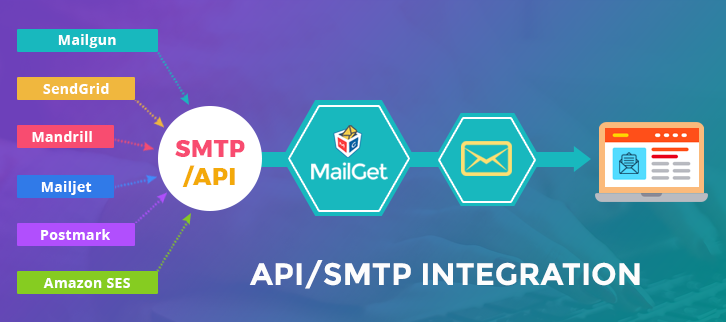
Pricing Plan
MailGet serves you with 4 pricing schemes which you can select as per your business need.
- Starters – Send emails to 5000 subscribers at just $5 per month. Get email builder, 10 monthly campaigns & connect to 1 SMTP server with this plan.
- Rookie – Rookie plan will cost you only $29/month with which you can send emails to 25,000 subscribers. It will benefit you with other advanced features like automatic follow-ups, email builder, unlimited monthly campaigns, 3 SMTP connections, etc.
- Pro – The third plan enables you to send emails to 50,000 subscribers in $49 a month. Besides other basic features, you will get these enhanced features like unlimited SMTP connections, SMTP routing, live chat support and more.
- Advanced – Its advanced plan starts from $79 per month for sending 1,00,000 emails with some amazing features. Subsequently, its highest plan will cost you $672 a month for sending mails to 1,000,000 subscribers.
Note:- You can save upto 20% on its yearly billing.
Before that, checkout the following blogs for more information about advanced email marketing tricks:-
3. PowerMailer –
PowerMailer is an email marketing solution that lets you design a professional email newsletter and send them with a few clicks.
Other features that PowerMailer includes are list and subscriber management system, sophisticated email tracking and analyzing reporting system, etc.
Sign Up Form In PowerMailer –
For growing contact list, PowerMailer has also implemented email opt-in form building features with their email marketing service.
It provides you to create quickly, launch and manage multiple signup forms. Also, you can manually setup the opt-in mode i.e. whether you require single opt-in or double opt-in signup forms.
Pricing Plans
PowerMailer offers 6 pricing plans that suits your marketing campaign needs perfectly:-
- Gold – Send 2500 emails per month in $13.
- Gold Plus – Buy this plan for $20 and send 5000 emails in a month.
- Platinum – Spend $30 for sending 10,000 emails in a month.
- Platinum Plus – If your marketing campaign needs to send 25,000 emails, you can buy this plan at just $68.
- Titanium – You can instantly send 50,000 emails by purchasing this plan at just $100.
- Titanium Plus – This premium plan will cost you only $160 & lets you send 1,00,000 a month.
4. Campaign Monitor –
Campaign Monitor, a big name in the field of email marketing services, provides numerous services with which you can build and deliver custom designed emails.
In their services, you also find some really amazing features such as integration with the business app, marketing automation, etc.
Sign Up Form In Campaign Monitor –
Campaign Monitor also provides email opt-in forms templates, through which you can include signing up forms on your website.
For this, you need to go to form editor and select the field that you want in the form. Then click on Get the Code button and copy the generated code. Then paste it to the website where you wish to have the sign-up form.
Pricing Plan
Campaign Monitor provides 3 very affordable pricing plans that differs as per the number of subscribers of your campaign. The following plans are discussed for 500 subscribers:
- Basic – The first plan will charge you $9 for a month & lets you send 2,500 emails with all the core email marketing features & basic marketing automation.
- Unlimited – This plan starts with $29 a month for sending unlimited emails. The features will include options like unlimited spam testing, time-zoned sending, inbox preview and more.
- Premier – With the premier plan you can send unlimited emails at $149/month. Furthermore, you can avail many advanced features like advanced link tracking, template management, basic & advanced marketing automation, send time optimization etc.
Likewise, the pricing will be dependent on the number of subscribers. For 10,000 subscribers, these plans will cost you in the following manner:-
- Basic – $89
- Unlimited – $149
- Premier – $249
5. Mailigen –
Mailigen services you with an all-in-one marketing platform presenting you with email, mobile, and social marketing tool. Through their email marketing service, you can design and send professional looking emails, track emails and efficiently manipulate contact list.
Subscription Form In Mailigen –
Mailigen includes a WYSIWYG subscription form builder system i.e. a simple but easy to use email opt-in form builder.
Through this, you can create subscription forms and paste it into your website. You can make both single opt-in, as well as double opt-in subscription forms.
Pricing Plan
Mailigen has got a wide range of pricing scheme for different number of subscribers with features like RSS & XML based campaigns, campaign A/B split testing, behavior-based automation series, Google Analytivs integrations and many more.
- For 500 subscribers – $10/month
- For 10,000 subscribers – $60/month
- For 50,000 subscribers – $200/month
- For 1,00,000 subscribers – $400/month
Note:- You can get the details of other cost estimations through the sales team. Also, you can opt its “Pay As You Go” plan and pay only for the required number of sent emails by purchasing email credits.
6. MailKit –
MailKit is one of the most comprehensive and reliable email marketing services.
With its excellent marketing functions like you can create an email newsletter, do content personalization, manage large contact lists, get a detailed report of every email campaign, create opt-in email lists form etc.
Subscription Form In MailKit –
For building the contact list, MailKit also provides you with an email opt-in form code generator.
This code generator creates HTML codes that are required to be posted to the website where you want to have the subscription form. When visitors fill up the subscription form, their email addresses automatically get added to the contact list.
Pricing Plan
Get in touch with the sales team to get more details.
Conclusion –
Call it opt-in forms, subscriber form, newsletter sign up form, custom forms or email web forms, you are going to use them for your business every now and then.
Well, I am sure you would be amazed to know about these opt-in form email marketing services to boost your business. The above-listed email marketing software are some of the best ones that are very simple to use and cost-effective.
Visit Our Other Popular Blog Post –
- Best Email Deliverability Services
- 10 Best & Cheap Email Marketing Services
- High-End GetResponse Alternatives
- Best SEO Tools Software
- 10 Best & Free Responsive Email Template Builders
10 Best Email Marketing Companies For Small Business Of 2022

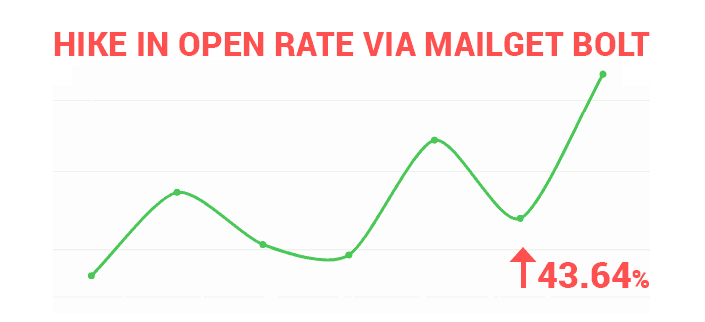
Tired of low inbox deliverability rate? Want to send a customized email to your customers? But couldn’t because you don’t know the perfect software for this.
All you need is a good bulk emailing software that gives you the best output with minimum input by providing a high inbox deliverability rate at a nominal price.
Here. we are providing you the list of best email marketing software with their finest features and pricing.
So, what are you waiting for? Explore the enlisted software and choose the best one for yourself.
| Comparison Between Best Email Marketing Companies For Small Business Of 2022 | |||||
| Services | Pricing: 5k Emails | Free Trial | Mobile Optimized Emails | Email List Cleaning | Ratings |
| Pabbly Email Marketing | $29 | ✔ | ✔ | ✔ | 5/5 |
| MailGet | $5 | ✔ | ✔ | ✔ | 4.9/5 |
| GetResponse | $45 | ✔ | ✔ | ✖ | 4.2/5 |
| SendinBlue | $25 | ✔ | ✔ | ✖ | 4.2/5 |
| Redcappi | $34 | ✔ | ✖ | ✖ | 4.5/5 |
1. Pabbly Email Marketing
Pabbly Email Marketing software has made bulk emailing easy and amazing. With its powerful drag and drop builder, you can create email real quick. This software gives you two times open rate which assures the easy success of your marketing campaigns. Moreover, you can get a high inbox deliverability rate with SMTP routing.
Additionally, this email marketing service will keep your list clean by removing suspended, bounce and spam subscribers through MX checker. Also, you can import email to your pabbly email marketing list on a single click.
In comparison to other email marketing software, Pabbly Email Marketing has come up as a topmost software in the recent reports with 43.64% Open Rate.
Around 1200+ users are relying on Pabbly Email Marketing for building strong customer relationships. It charges $29 for UNLIMITED EMAILS with guaranteed High Inboxing.
There is much more to check, just read below –
- Engage your users with automate e-mail sending process & drip campaigns.
- Capture more email leads with enhanced lead capture tool and subscription forms.
- Only service that comes with its own delivery engine and allows you to add multiple SMTPs.
- Inbuilt integrations like Google Analytics and Webhook are provided for tracking user behavior and much more
- Get access to social media through social share button provided on emails
Paid & Free Plans Offered By Pabbly Email Marketing
No Charge Plan:-
With $0 plan, you can explore Pabbly Email Marketing thoroughly and it also allows you to connect 3 SMTPs.
Paid Plans:-Even with the base plan, you can start sending unlimited emails to 5,000 subscribers at a cost of $29 a month. You can connect 3 SMTPs and also enjoy SMTP routing and automatic followups.
There are 2 more plans that Pabbly Email Marketing offers which range from $49 up to $99 for a month and allows sending emails to 15,000 – 50,000 subscribers. These plans let you connect unlimited SMTPs with live chat support and automatic followups.
This is not all! You can also enjoy a discount of 20% by opting for a yearly subscription for any of the above plans.
Pros & Cons Of Pabbly Email Marketing
- Get free access to 500+ e-mail templates that are responsive and easily customizable.
- Connect unlimited SMTPs and enjoy SMTP routing too.
- The users are restricted to send emails with $0 plan.
2. MailGet Email Marketing Platform
MailGet has become the most prominent enterprise email marketing platform with time. Its intuitive properties and affordable prices grab the attention of different types of businesses.
It consists of amazing features like mail tracking, user-friendly e-mail builder, easy personalization option, multiple SMTP integrations and there are much more facilities on the list.
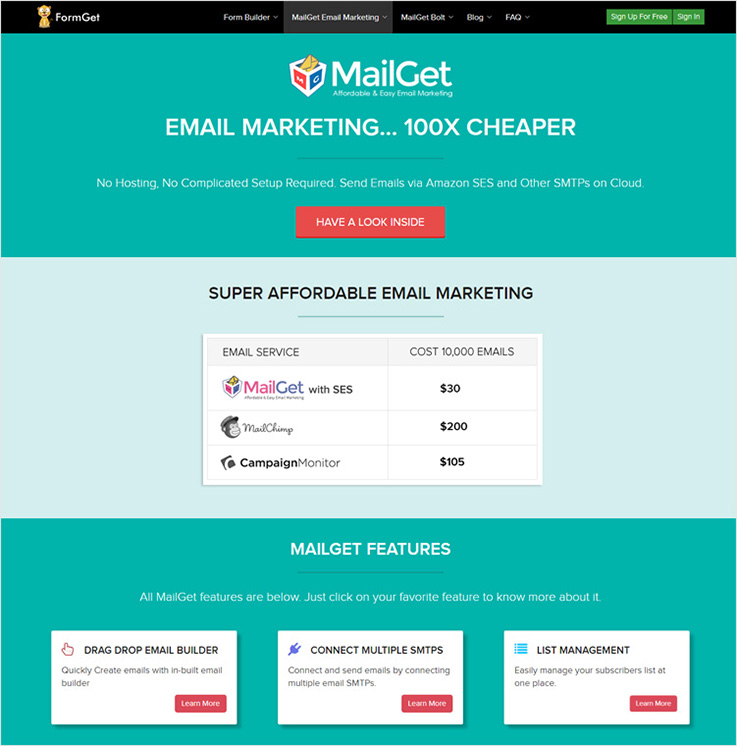
After testing & analyzing various email marketing software, we found MailGet is the only software which has permission to connect with numerous SMTP servers at a time.
The best part of the software is its cost, you have to pay $4 for UNLIMITED EMAILS and it’ll satisfy you in every segment related to Delivery, Mass Emailing & Open Rate.
Countless attributes for any type of organization –
- Drag & Drop Email Builder – for creating stunning & responsive emails.
- 500+ free email templates – on multiple niches to satisfy needs of various businesses.
- Deliver mails that are fully responsive and looks great on various devices.
- Attach subscription forms to mails and capture leads.
Paid & Free Plans Offered By MailGet
Commence for free and send limitless emails to 100 members of your contact list. MailGet e-mail service provider permits to send unlimited emails to 7,500 users at a price as low as $4 a month.
There are 12 additional plans designed by this mailing service.
- For $24 a month send unlimited emails to 30,000 subscribers.
- At a cost of $41 conduct bulk online campaigns for a contact list of upto 50,000.
- Send unlimited emails to 100,000 users at a cost of $66 a month.
And so on these plans goes till $560 which allows user access of 1 million.
Plus get a straight discount of 2 months on annual subscription of any plans.
Pros & Cons Of MailGet
- Video tutorials for every service are a great help as they define the usage of various service.
- MailGet supports more than 40 SMTP service other than Amazon SES.
- SMTP service integration is mandatory if you want to start sending emails.
For more related information check out following blogs –
3. GetResponse Online Marketing Platform
Grow your enterprise with a complete online marketing platform. Conduct mail campaigns that end-up generating high conversions.
With this platform, you can enhance all marketing programs worldwide using the pre-integrated properties that GetResponse offers.
Advanced features that will help in business growth –
- Send timely emails, perform A/B testing and more to increase conversions.
- Email list automation which delivers clean, managed and segmented.
- Use pre-designed mobile-ready template that are responsive.
Paid & Free Plans Offered By GetResponse
GetResponse has 4 different packages which provide multiple user access at various price point according to the usage.
- Email Package:- $15 is the monthly cost with which you get 1,000 user access for mail delivery.
- Pro Package:- At a cost of $49 a month deliver responsive mails to 5,000 users.
- Max Package:- This plan will charge $165 for a month and allow 10,000 user access.
- Enterprise Package:- For larger organizations with a list size of 1,00,000+ users at a price point of $1199 for a month.
GetResponse also gives 30-days free trial using which emails to 250 users can be delivered.
Prepay for 12-months to get 18% off and for 24-month prepay get 30% off on the bill.
See More About Emailing Service
Pros & Cons Of GetResponse
- Perform spam and design testing both.
- List management process is highly automated.
- Pricing is much higher as compared to others.
- Multiple emails templates are available but they are kind of outdated.
4. SendinBlue Email Service Provider
SendinBlue is another most powerful and top email service provider, that you will love to use for promotional purpose.
Best fits for any small or medium size business as the audience can easily be targeted with beautiful designs and optimized campaigns.
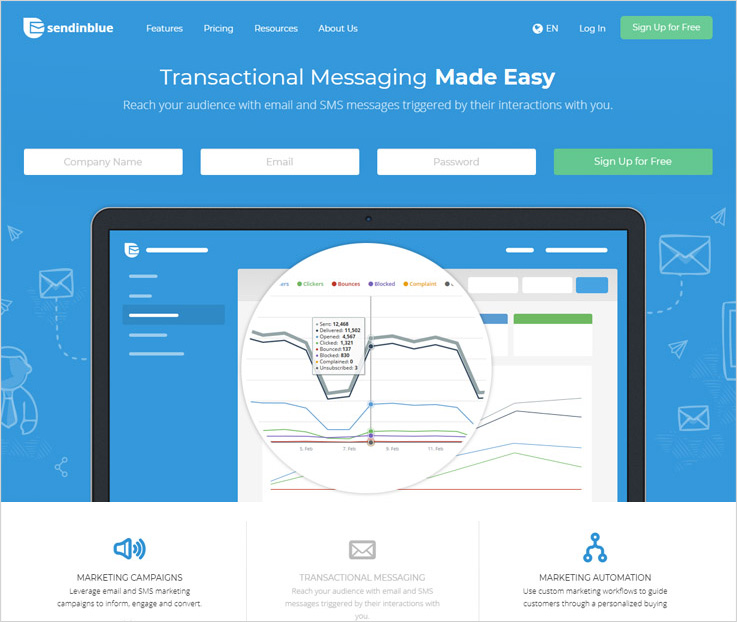
Check out its unique properties below –
- Send promotional and transactional emails that are triggered automatically.
- Test the responsiveness of emails and optimize them for variety of devices.
- Use API’s and Integrate plugins and third-party apps for easy functioning.
Paid & Free Plans Offered By SendinBlue
Send 9,000 emails with no contact limit to test all features and facilities for free. Other than that there are 4 paid plans to choose.
- Lite Plan:- Deliver 40,000 emails to unlimited contacts and get billed around $8 monthly.
- Essential Plan:- 60,000 email access which can be delivered to limitless contacts at a rare price of $39.
- Premium Plan:- $66 will be charged monthly for 120,000 e-mail delivery to unlimited contacts.
- Enterprise Plan:- For more details about the pricing and other information contact sales team.
See More About Emailing Service
Pros & Cons Of SendinBlue
- Email templates available are highly responsive.
- SendinBlue also offers free plans with advanced services.
- No third party contact upload is provided.
- The account set-up is tricky and confusing.
5. Adestra Mass Mailing Solution
Adestra is another mass mailing solution in this list. This solution offers a number of data security properties like multiple data handling rights, ability to restrict IP address etc.
Marketing automation through this solution will help to maximise campaign results.
Below are the attributes of Adestra –
- Reach clients at times when they are most available by automatic e-mail delivery.
- Social media sharing option is also available.
- Quickly create campaigns with the flexible tool.
- Step-by-step and in-depth reporting for campaign success.
For Details On Price Plans By Adestra
Contact sales team to find out the price details or book a demo by filling up a form to know the billing price of your plan.
See More About Emailing Service
Pros & Cons Of Adestra
- An emailing solution which is best for enterprises.
- Offers top class marketing features that work quickly.
- Information related to pricing is only provided upon request.
- Complicated service to understand.
6. AtomPark Software
AtomPark Software is the developer of programs that will satisfy all your email marketing needs: from growing a mailing list to sending mass emails. Since 19 years of company existence, the most wanted product is a universal tool for promoting any business via bulk emailing – Atomic Email Studio.
Thanks to the set of pro tools like finding target emails, list management, crafting, and sending newsletters you can start mass mailing campaigns just today.
What about the main features?
The program can do all the work associated with mass mail campaigns:
- Creating and sending email newsletters to contact customers without limits.
- Collecting target contacts from the Internet and your PC to create your own mailing list.
- Searching email domain owners to find contacts of the owners of sites.
- Verifying emails to remove spam traps, duplicates, and non-existent addresses and avoid getting into spam.
- Editing mailing lists to segment your audience.
Paid & Free Plans Offered By AtomPark Software
- Full version: $229
- Demo version: free. You have the opportunity to test the key features of each program for 7 days! The trial gives access to all functions except export and project saving.
You can also buy each component separately.
Wholesale discounts and gifts are available.
See More About Emailing Service
Pros & Cons Of AtomPark Software programs
- Wide functionality and lack of restrictions on the number and duration of work with programs.
- 24/7 technical support.
- Outdated interface design.It doesn’t affect the functionality of the programs.
- Lack of built-in SMTP.
7. Redcappi Email Marketing Service
Redcappi is a powerful email marketing service that simplifies promotional needs. Its interactive platform helps to send targeted emails to customers and also allows a variety of testing on emails.
The service comes loaded with lots of facilities like beautiful newsletter, contacts importing, easy contact management and much more.
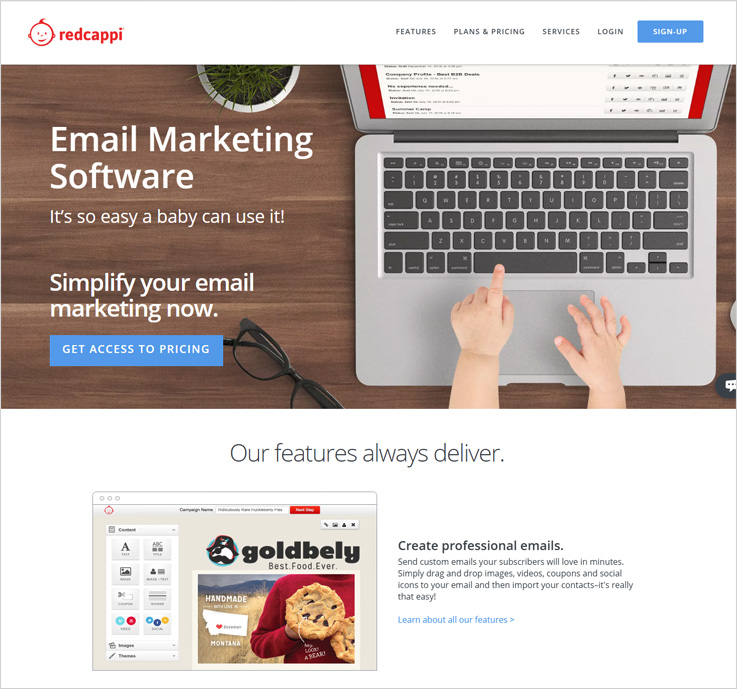
Interesting feature of Redcappi –
- Easy to use Drag & Drop e-mail builder.
- Check user actions on emails like opens, clicks, etc in real-time.
- Built-in Sign-Up forms to collect more subscribers.
- Autoresponder to send automated emails.
Paid & Free Plans Offered By Redcappi
Redcappi email marketing solution has a wide range of plans starting at $10 monthly with a contact delivery of up to 500 users.
Excluding the above plan, there are 8 other plans which range from $15 to $288 and give user access ranging from 1,000 to 100,000 users.
It also offers 3 months discount on the yearly subscription which is applicable to all plans.
See More About Emailing Service
Pros & Cons Of Redcappi
- For start-ups and beginners a great Emailing service.
- Free plan which can deliver unlimited emails to 100 users.
- No pre-designed mailing templates.
- Drip e-mail and autoresponder attributes are not available.
8. Hems Mail Marketing Software
Hems Mail, a popular and affordable email marketing software that offers tons of features for marketing your business. Design stunning emails, send them to a targeted audience and track all the results in real-time with this software.
Performing bulk email campaigns is just a few clicks task with this software, plus you will face no deliverability issues as well.
Check out more features below –
- Mail creation is an extremely easy task which saves time, money and resources.
- Process to manage all your subscribers is simple.
- Collect more subscribers with built-in Sign-Up form.
- Get detailed stats and reports to optimize campaigns.
Paid & Free Plans Offered By Hems Mail
Hems Mail marketing service has got 8 distinctive price plans with quality features and amenities.
- The base plan starting price is $19 + 18% taxes monthly and gives 20,000 e-mail credits(1 credit equal to 1 Email).
- The next plan costs $24 + 18% taxes and provides 30,000 e-mail credits for a month.
- $31 + 18% taxes is the price of this plan that allows 50,000 e-mail delivery in a month.
And so on….
See More About Emailing Service
Pros & Cons Of Hems Mail
- Mass emailing is just a few clicks task.
- Design emails with easy to use panel.
- Limited features and facilities at available.
- The plans are offered at a very high price.
9. 1PointMail For Marketing Automation
Right now, 1PointMail is a powerful marketing automation platform that helps to improve the sales and ROI of business.
Start sending emails in bulk without bothering about deliverability as it guarantees high inbox placement with advanced email deliverability property.
Have a glimpse of these unique attributes –
- Monitor all sent campaigns with a single click of a button.
- Manage contacts and marketing list with list management tool.
- Create beautiful campaigns with the extensive editor.
Paid & Free Plans Offered By 1 PointMail
This enterprise email marketing platform has designed 6 plans for your marketing needs which are as follows:-
- First plan will cost $45 for 10,000 emails every month.
- Second plan is offered at a price of $99 monthly for 50,000 emails.
- For 100,000 email access, you are charged $149 a month.
And so on….
See More About Emailing Service
Pros & Cons Of 1 PointMail
- Event triggered email facility is also there.
- You can track the bounce emails as well.
- No drag & drop email building facility is there.
- Does not offers any type of free email templates.
10. JangoMail Advanced Marketing Services
JangoMail is a permission-based marketing service used to engage more customers easily. It offers unique features and flexible prices to firms of different sizes.
You get access to 150 e-mail templates, easy to use WYSIWYG mail editor, spam content checker, and additional facilities.
Below is a list of unique features –
- Send automates, triggered and scheduled emails.
- Check out campaign performance in depth with its advanced reporting.
- Allow unlimited list storage with unlimited e-mail addresses.
Paid & Free Plans Offered By JangoMail
- Free trial:- Get free access for 30-days and deliver 10,000 responsive emails to your customers.
- Spark Plan:- Pay $90 a month to access 18,000 emails using multiple other resources.
- Commerce Plan:- For a price of $144 you can have delivery limit of 100,000 emails in a month.
- Pro Plan:- This plan will cost $500 for a month and allows to send emails upto 220,000.
- Enterprise Plan:- For a higher volume of emails you have opted for this plan, to know the price details contact sales team.
See More About Emailing Service
Pros & Cons Of JangoMail
- JangoMail also allows sending of SMS (text) messages.
- It also supports Unicode and multiple languages.
- Drag & Drop facility in email builder is not there.
- No Live client support is there.
11. Elite Email Marketing Tool
With Elite Email you get various email marketing benefits along with bundled features that assist in active promotion and advertisements of products & services online.
It also integrates with Facebook and Twitter which can maximize your marketing efforts. Additionally, you get hundreds of templates that gives you customization option as well.
Other properties of EliteEmail –
- Grow and manage the list by capturing new contacts with the sign-up form.
- Create mobile friendly and responsive email templates.
- Real-time analysis of reports and results in depth.
Paid & Free Plans Offered By Elite Email
Free Plan:- This plan is free forever and you can send online mails to 500 contacts on your list.
Subscription Plan:- This plan will cost $15 a month for up to 1000 users, $28 for 2,500 users and so on it will go.
Pay As You Go Plan:- In this plan for 1,000 credits, you have to pay $15, for 2,500 credits $30 and so on.(Each Credit = One Email)
By prepaying for 6 months you can save 10% and for 12 months you can save 15%.
See More About Emailing Service
Pros & Cons Of Elite Email
- Customer support offered is very prompt.
- Allows unlimited picture hosting.
- Can’t remove logo of the service from the emails.
- Google Analytics integration is prohibited.
Wrapping Up..
Now, that you are familiar with all the top email marketing companies of 2022 please let me know which service you liked in the comments section below.
Well, I would highly recommend MailGet – Email Service Provider for your organization – one of the popular and best email marketing tool that offers stunning features.
To know more check out the popular list based posts below –
10+ Best Email Marketing Tools For Small Businesses (Pros & Cons)

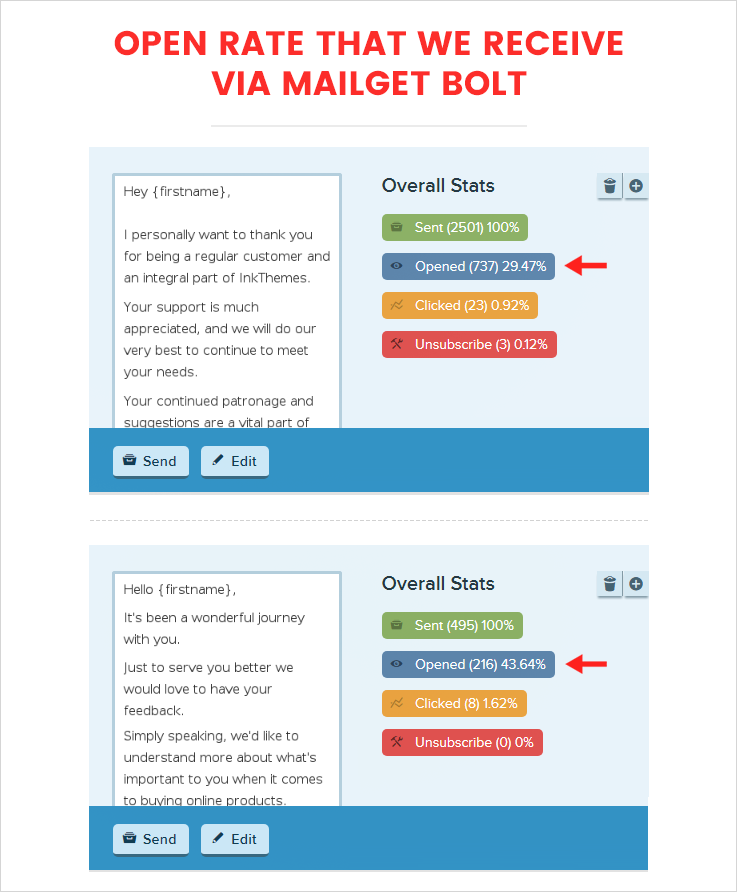
Email Marketing has spread rapidly around the world and its demand & usage is increasing day by day.
Every business whether it’s global or local is trying to fetch out an effective email marketing platform to do product and service promotions online.
But, due to like lack of knowledge, high pricing, insufficient product details, limited facilities & features people end-up optioning an emailing solution that doesn’t satisfy their promotional needs.
But this will not happen from today.
In this blog we have come up with a list of 10+ Best Email Marketing Tools For Small Businesses that are affordable, delivery higher open rates, comes loaded with enormous features and perfect for any size of organisation whether it’s a start-up, small, medium or large.
So, let’s dive into this blog and find a perfect email marketing solution for small business.
| Comparison Between Best Email Marketing Tools For Small Businesses | |||||
| Services | Monthly Pricing Plan | No. Of Emails | Subscription Forms | SMTP Routing | Drip Emails |
| MailGet | $29 | 5,000 | Yes | Yes | Yes |
| Pabbly Email Marketing | $29 | 5,000 | Yes | Yes | Yes |
| SendinBlue | $25 | 40,000 | No | No | Yes |
| Moosend | $10 | Unlimited | No | Yes | Yes |
| DirectIQ | $12 | Unlimited | Yes | No | Yes |
Have a look at some more popular blogs –
1. MailGet – Best Email Marketing Tool
MailGet is a popular email marketing software that makes sure your emails are delivered on time and via a secured server. You don’t need to worry if your emails land in the inbox or not as the software does the work for you.
It has a collection of numerous attractive features that every business wants for the marketing and promotion of their company.
In addition, MailGet offers 500+ predefined free templates covering various niches. You can effortlessly customize these pre-designed responsive templates as you want according to the requirements of your marketing campaign.
We have tested all the functionalities of MailGet and founded it to be the best & cheapest one among all the services as it costs only $29 for email sending.
It isn’t just me boasting about this bulk emailing service instead, there are several other users who can vouch for the delivery rates, affordable pricing plans, option to seamlessly integrate multiple SMTP and awesome customer support.
Check out some unique attributes of MailGet –
- List Cleaning helps to clean out the inactive as well as duplicate emails from the contact list.
- SMTP Integration reduces the risk of being blacklisted & provides a secured channel while delivering emails.
- Respond to the emails in automation without any manual efforts with the help of autoresponders.
- Email Tracking lets you know what happens after you hit send button by providing the details like the number of clicks, open rate, unsubscribers, device info and more.
Pros & Cons Of MailGet Email Marketing Service
Pros
- Most of the setups, features, and facilities are explained via video and tutorials.
- Permits integration of more than 40 SMTP service including Amazon SES.
- Intuitive drag and drop email builder that makes it easy to create an email.
- Add and handle all your subscribers with ease.
Cons
- Initial setup of SMTP service is required to start email delivery
Pricing:
- Starters: You will have to pay $0 every month in order to send emails to 100 subscribers. Also, you can send 10 monthly campaigns.
- Rookie: This plan will cost you $29/ Month. Moreover, it empowers you to send unlimited email campaigns to 5,000 subscribers.
- Pro: For availing this plan, you will be charged $49/ Month. In addition to this, you can carry out unlimited email campaigns for 15,000 subscribers.
- Advance: In this plan, you can choose the number of subscribers you want to send emails to.
To Know More On Email Marketing
2. Pabbly Email Marketing
Pabbly Email Marketing is an efficient email marketing tool that helps in easily transmitting the bulk emails through a secured network. You get various futuristic features that will help you to create emails with drag & drop builder, automate a campaign and consequently track the results under one dashboard.
Further, you can select from a wide range of templates by simply cloning & modifying them according to your need. Also, it facilitates you with custom tags in order to send personalized emails.
Want an Open Rate of 43% on marketing campaigns and around 30% on transactional campaigns.
If this is what you need, then start sending emails through Pabbly Email Marketing emailing platform.
We have used this platform and receives great results in return.
Below are the features of Pabbly Email Marketing that will help your business grow worldwide:-
- Pabbly Email Marketing guarantees 99% inbox delivery as the emails are fully responsive and help you achieve a higher delivery rate.
- Import the list of emails contacts to the drip in .CSV format for easily adding the contacts.
- Autoresponder facilitates you for automatically responding to the customers with similar queries. Hence, saving time, money & efforts.
- Subscriber segmentation helps you achieve higher delivery rate, by sending emails to clients who have failed to open your emails on the first try.
Pricing:
- Pabbly Email Marketing allow you to explore features and connect 3 SMTPs in a free trial plan.
- You get the Rookie plan for $29 per month where you can send emails to 5,000 subscribers & connect with three SMTP without any hassle.
- If your list size is about 15,000 subscribers, you can opt for Pro plan by paying $49 for a month & also you can connect unlimited SMTP in a month.
- Pabbly Email Marketing offers you unlimited monthly campaigns & SMTP connections for sending emails to 50,000 subscribers at just $99 per month.
There are a lot of other plans as well. You can visit Pabbly Email Marketing’s website & get the details.
Pros & Cons of Pabbly Email Marketing Email Marketing Service
Pros
- You can use your own custom tags for easy personalizations.
- You can connect unlimited SMTPs in a month.
- Your users can easily unsubscribe the emails and they are removed from your mailing list.
- Comes loaded with 500+ pre-designed responsive templates.
Cons
- There is a restriction that holds the users from sending e-mails in a free trial plan.
3. SendinBlue
SendinBlue is a perfect choice when it comes to creating clean and professional emails. It provides you with a wide range of templates and an HTML editor. You can use the editor to create personalized emails in no time.
Some Interesting Features –
- Provides a dynamic personalization of emails where you can add tags for adding the info you want like a {FIRSTNAME} tag for adding the recipient’s first name in the ‘Subject’ line.
- You can preview the emails and see how they will look in the inbox.
- Create a newsletter and share its URL on other social networking sites like Facebook, LinkedIn, etc.
Pros & Cons Of SendinBlue
Pros
- You can easily schedule a post on social media
- Offers a user-friendly interface
- Allows clients to access their accounts in a secure environment
Cons
- There are some common connection issues but they are resolved
Pricing:
- MICRO – $25 per month for sending 40,000 emails.
- BRONZE– $39 per month for sending 60,000 emails.
- SILVER– $66 per month for sending 1,20,000 emails.
To Know More On Email Marketing
4. SendPulse
Another well-known email marketing service provider that is suitable for any type of business is SendPulse. It allows you to send emails in bulk, SMSs, web push etc, these facilities help to increase the growth of your business.
This is an advanced service which automates the communication process and gives you the flexibility to manage contact list, schedule online mails, provides email templates, high deliverability, and much more.
Top class features that SendPulse offers –
- Monitor the progress of your campaigns with email tracking facility.
- SMTP integration activates a dedicated IP-address for sending emails in bulk.
- Create e-mails in few minutes with hundreds of email templates and designs.
- Deliver e-mails that are fully responsive and adjust to the screen sizes of different devices.
Pros & Cons Of SendPulse
Pros
- Free plan offered comes with 2,500 subscribers and email limit of 15,000 emails.
- 100 free email templates in 8 different categories.
- Easy to use and user-friendly interface.
Cons
- Provides 2 API’s but both designed badly plus they are poorly documented.
- Customer support is not available on phone.
Pricing:
The pricing for SendPulse is based on the number of subscribers you want to send emails to in a month. While 2500 subscribers are free of cost, the other plans are as following-
- 1 – 2,500 will cost you £6.28
- 2,501 – 3,000 will cost you £12.8
- 3,001 – 4,000 will cost you £14.4
- 4,001 – 5,000 will cost you £16
- 5,001 – 6,000 will cost you £18.4
And many more..
To Know More On Email Marketing
5. Moosend
Carry out the emailing campaign with the help of Moosend email marketing application. It is Saas-based software that provides you with the best email templates that are not only responsive but also fully-customizable.
You don’t have to worry if you didn’t like the email templates as you always have an option to create one by using different field blocks.
Some interesting features –
- Automate the emails that are sent on specific events or time.
- Effortless email creation.
- Track if your emails are opened or not, whether the users clicked on the links, etc. Also, you can keep a check on all your campaigns and analyse which campaign is working best.
- You can easily connect with SMTP and use API provided by Moosend.
Pros & Cons Of Moosend
Pros
- Easily send bulk emails without any hassle in just a few clicks.
- You can send the emails at great speed in no time.
- Provides a free plan, so you actually try before you buy.
Cons
- There are some bugs with transactional emails API functionality but they can be easily fixed.
Pricing:
Moosend offers a ‘pay as you go’ –
- Up to 1000 : $10 per month
- 1,001 – 2,000 :$20 per month
- 3,000 – 5,000 : $30 per month
- 5,001 – 8,000 : $40 per month
- 8,001 – 10,000 : $55 per month
- 10,001 – 25,000 :$125 per month
And many more similar plans…
To Know More On Email Marketing
6. Campaigner
It is a popular email marketing tool for small, medium, and large enterprises. Creating professional and beautifully designed emails has now become so easier with Campaigner as it does not require any technical skills.
Campaigner email marketing tool helps you automate mail delivery, enhance customer engagements, increases sales and improves the ROI of your business. As you can reach more & more people and widen your audience for your email promotions with the service.
Host effective e-mail marketing campaigns with features of Campaigner –
- Create emails using mobile-optimized templates to reach every contact on your list.
- See how your emails look like on the devices with the Email Inbox Preview facility.
- Understand your customers by tracking the reports and results of different marketing campaigns.
- Expand your reach with social media sharing tokens that allow sharing on Facebook, Twitter, LinkedIn, Google+, Reddit and more.
Pros & Cons Of Campaigner
Pros
- Removes unsubscribed and bounced emails.
- Excellent customer support service.
Cons
- A very limited spam checking is available.
- There are only 8 free templates whereas other provide hundreds.
- Needs credit card details even for free trial.
Pricing:
- STARTER: Cost of this plan starts at $19.95 & you can send emails to 5000 contacts.
- GROWTH: Starting at $79.95, which allows you to send emails to 25,000 contacts.
- CORPORATE: Starts at $299 & you can send emails up to 50,000 subscribers.
- ENTERPRISE: For more than 100,000 contacts, you can customize a plan according to your needs.
To Know More On Email Marketing
7. DirectIQ
DirectIQ is the perfect email marketing solution for small-scale to medium-size businesses. It’s easy to use email designer lets you create beautiful e-mails and autoresponder feature automates all your email sending process.
Easily imports email contacts from different sources, pick a template and start a marketing campaign in just a few minutes. Moreover, you can also test your templates with actual screenshots.
Multiple features that DirectIQ has got –
- Easily manage your list of email contacts.
- Powerful Social Media Integration is also present.
- Test your campaigns before sending.
- Get detailed email delivery reporting and key metrics.
Pros & Cons Of DirectIQ
Pros
- The control panel is user-friendly.
- Offers great 24/7 customer support.
Cons
- Plans designed are pretty expensive and lack in features.
- Basic features are good, but advanced automation facilities do not perform well.
Pricing:
- You get a Free plan in which you can send up to 2500 emails to 500 subscribers.
- In this plan, you can send unlimited emails to 1000 subscribers at $12 per month.
- For send unlimited emails to 15,000 subscribers, you need to pay $69 per month.
- If you want to send unlimited emails to 1,00,000 subscribers the cost is $200 per month.
8. ReachMail
ReachMail is yet another awesome email marketing tool for small business. It gives you a great exposure for creating beautiful, eye-catchy and professional looking mails to convert prospective clients into regular customers.
You can easily automate the whole email sending process with autoresponder feature. ReachMail mailing solution also provides various email templates for free. It also permits e-mail tracking which notifies you things like open rate, clicks on links, device details and more.
Premium features & facilities which ReachMail has got –
- Easy SMTP Integration for sending transactional e-mails.
- Multiple free email templates to design responsive and attractive emails.
- Spam Checker Tool to know whether your emails are marked as spam or not.
- A/B testing to verify and compare the designs of emails for the campaign.
Pros & Cons Of ReachMail
Pros
- Free plan that can handle 5,000 subscribers and send 15,000 emails.
- Top class unlimited support is provided.
Cons
- Free templates are only accessible via paid plans users.
- Features to automate are not easy to handle.
Pricing:
- It offers a Free plan wherein you can send 15,000 emails to 5,000 subscribers further, the plans are charged according to the number of subscribers and emails.
- The Bronze plan will cost you $10.00 per month to send 30,000 emails to 7,500 subscribers
- For availing the SIlver plan the cost is $40 per month to automate 70,000 emails for 10,000 subscribers.
- Gold plan includes a list size of 25,000 & email volume of 1,20,000 at $70 per month.
To Know More On Email Marketing
9. Redcappi
RedCappi is an email marketing software that comes pre-loaded with incredible features that are beneficial for all type of businesses.
This email marketing service is priced very low, plus it is effective and includes simple drag & drop email builder using which one can design professional looking emails, send them to multiple contacts in bulk and track the results of your campaigns in real time.
Redcappi delivers numerous features for ease of email promotions –
- Perform A/B testing on all your campaigns for better results.
- Campaign creator is an easy-to-use facility that allows creating personalized mails.
- With RedCappi you can simplify the process of tracking user actions like opens, clicks, and forwards with ease.
- Simplifies the management of email marketing list through list management feature.
Pros & Cons Of Redcappi
Pros
- Free plan that offers 100 contacts access.
- Great service for beginners and start-ups.
Cons
- Autoresponder feature is very basic and drip campaign is not there.
- Pre-designed email templates not available
Pricning:
Select the plan and pay as you go –
- Up to 100 contacts, you don’t have to spend a single penny.
- Further for contacts up to 500, the cost is $10 per month.
- To send emails to 1,000 contacts, you will be charged $15 every month.
- For up to 2,500 contacts in the list, the cost is $19 per month.
and many more…
To Know More On Email Marketing
10. Mvizz
Mvizz is the next best email marketing platform on this list because of its amazing features. It has got Global Blacklist facility which is an exclusive feature that permits you to create a directory of emails that you do not wish to include in your campaigns in the future.
You can simply automate various campaigns, manage contacts list and perform a different type of filtrations. Other than that the emails delivered via this service are responsive and get delivered to customer’s inbox.
Properties that Mvizz provides for better emailing–
- User-friendly emails editor using which emails can be created just with a drag-and-drop.
- Create segments based on the subscriber’s behavior to enhance open rates of campaigns.
- Get real-time reports about user actions on your emails like Open, Click, Bounce or Unsubscription.
- Email scheduler to reach clients when they are most available.
Pros & Cons Of Mvizz
Pros
- Advanced API is also available.
- Spam checker and feedback loop are also there.
Cons
- Plans are not affordable in fact they are costly.
- Customer support is not that good.
Pricing:
- Send 10,000 emails to unlimited contacts at $20 annually
- If you want to send 20,000 emails then you will have to pay $30 in a year
- Further, for sending 45,000 emails, the anual charges are $70
And there are more similar plans…
To Know More On Email Marketing
10. Emma
Emma is another top email marketing service which can help you build smarter email campaigns to achieve great ROI. Creating and tracking emails will become extremely easy with this tool as it is equipped with both tracking and mail editor.
You can reach customers at right time with its powerful automation feature, also have a clear reporting of all the stats, easily organize your data, contacts and much more.
Check out some powerful features that Emma emailing service delivers –
- You can simply import and segment your contact list.
- Perform advanced analysis of all your e-mail campaigns.
- Drag & Drop mail editor to design, test, & send fully customized emails.
- Send emails that are 100% responsive and look perfect on various devices.
Pros & Cons Of Emma
Pros
- Unlimited picture hosting is provided.
- Templates can easily be customized.
- Allows shopify & salesforce integration as well.
Cons
- No live chat support is there for instant queries.
- Free plan has no exciting features and facilities.
Pricing:
- PRO: Starts at $89 per month for 10,000 contacts
- PLUS: Starts at $159 monthly cost for 10,000 contacts
- EMMA HQ: Starts at $299 per month for 10,000 contacts
To Know More On Email Marketing
11. Mail Marketer
Mail Marketer is simple and best mailing software for businesses running locally on a small-scale who require a hassle-free dashboard to market their products. Start an email campaign and target mass audience by choosing any HTML template from dozens of built-in templates available with this service.
Deliver emails that are responsive on which you can track real-time user actions, manage all contacts and much more with ease.
Check out some more features of Mail Marketer –
- Upload, import or use pre-designed free email templates.
- Integrate google analytics, plus also know clicks, links and opened rate of emails.
- This service comes equipped with advanced WYSIWYG email editor.
- Upload images in bulk with no limit.
Pros & Cons Of Mail Marketer
Pros
- 30-days free trial and send emails to 100 clients.
- Simplified process for mass emailing.
Cons
- Pricing is high when compared with other similar services.
- Limited amount of resources are available.
Pricing:
- First plan will cost you Rs 1400 per month for sending 25000 emails in a month.
- Second plan will cost you Rs 3400 / month to send 100,000 emails.
- Third plan will cost you Rs 8400 per month in order to send 3,00,000 emails.
To Know More On Email Marketing
Last Words..
These are the best as well as an affordable e-mail marketing software for small businesses that are perfect even for medium and large size organizations.
Well, I would like to recommend MailGet, to those having businesses like hotels, hair salon, realtors, etc, as it provides you 500+ free email templates on multiple niches which makes it extremely easy to do online promotions via emails.
Let’s have a quick overview of those stunning templates that it provides every subscriber for no charge -> Free HTML Templates On Various Niches
Below is the list of some popular posts, in case you want to know more about e-mail marketing and promotional services-

