
Email Marketing is proven to be one of the best marketing system today. All you need to do is to create a list of subscribers email ID and send emails to promote your product.
Now, you have been working very hard to collect email IDs of a reasonable number of subscribers so as to send your e-mail campaign to them. But, what if most of the subscribers you are sending the campaign to do not open your email?
What if they delete the mail without even opening it?
What will you do in such situations?
If you are looking answers to these questions, these points will help you mitigate the situations and increase your open rates exponentially-
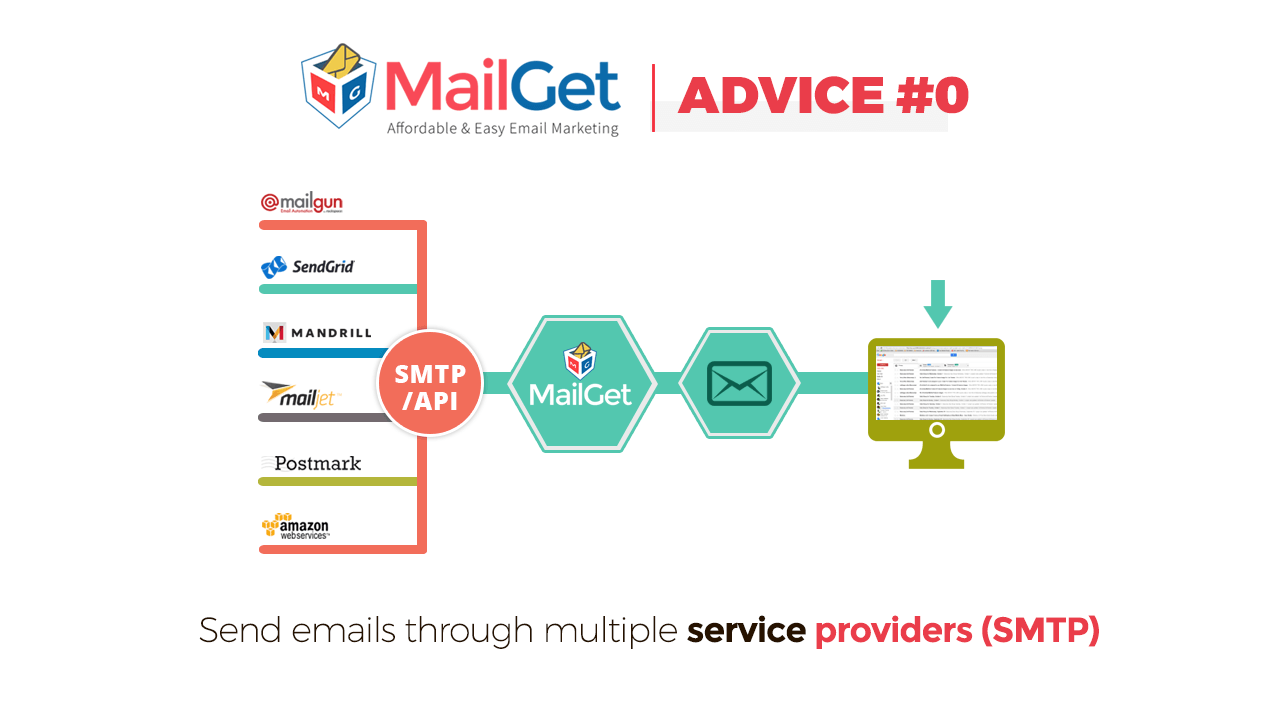
1. Send emails through multiple service providers(SMTP)
You must be thinking why this is point ZERO? This is because like “0” SMTP routing is the most important of all the points.
SMTP Routing is a way to send your email campaigns dynamically through multiple SMTP or email service providers.
For example: If you are sending 10,000 emails, you can send around 25% of your emails using one popular email service like Amazon SES, Another 25% using MailGet Bolt, Another 25% using MailGun and remaining through SendGrid.
You can then analyze the open rates of emails from different senders and get the best possible email open rates by sending and routing emails through multiple providers.
Moreover, You don’t have to manually send emails to different providers yourself, you can dynamically set the percentage of emails to be sent through each SMTP/email service provider inside MailGet campaign and it will dynamically pass on the emails to different providers based on your pre-set percentage.
2. Create mobile-optimized email template
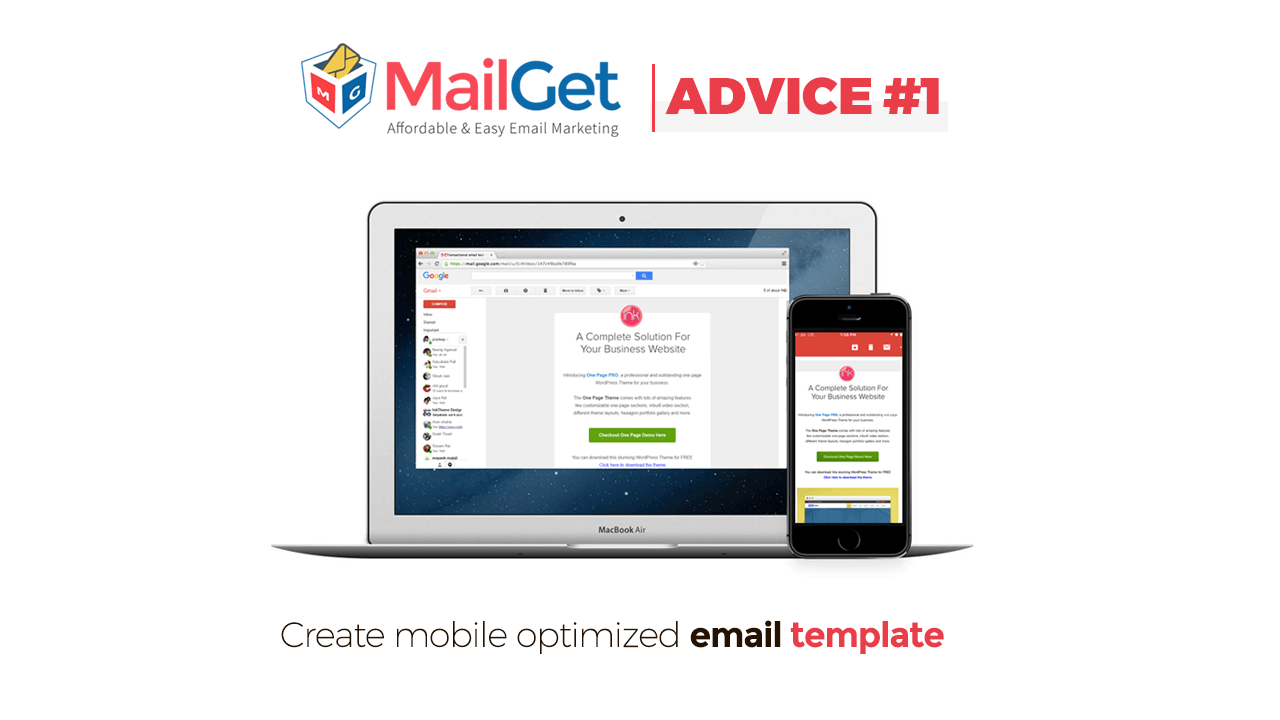
Mobile-optimized email template refers to a template which when opening on any mobile device displays correctly without missing out the content of the email.
For the people today, mobile devices are the most convenient and feasible source of checking their emails on daily basis, at any time of the day.If the email send is mobile optimized, your subscribers will not miss out any important detail and will enjoy reading the email.
3. Create attractive subject lines
The subject line of the email is like the captain of a ship- which will perhaps decide the future of the ship, whether it will survive or it will sink. It’s a very integral part of your email campaign.
The subject line of your email campaign has the power to attract the viewers and to make them open your email.
For more details on effective email subject line Click Here
4. Develop a good rapport with your subscribers
Develop a good relationship with your subscribers. This is one of the very crucial points for email marketing. If you do not have a good reputation in the market, people will not open your mail and might even mark your SPAM or unsubscribe from your list.
Your need to develop your brand value and trust among the people, so as to make them open your emails at once. Provide your users with the best possible service and support and earn their trust.

5. A/B test your emails
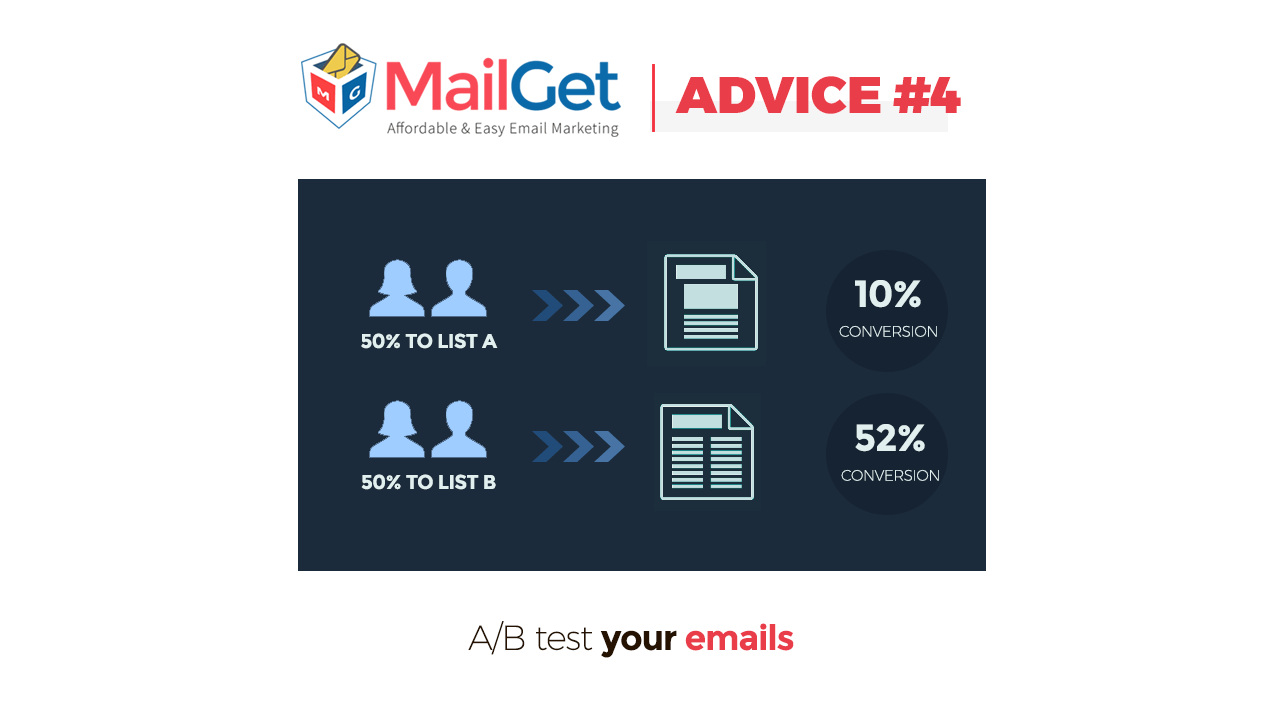
A/B email testing is a very good way of running a test to find out better and effective email campaign, that is more likely to be opened by your customers.
In A/B testing, you have to create two different versions of the same campaign and send them to a small group containing the same set of people. This will help you to find out which campaign and techniques result in a better response from the user and you can send a more effective campaign to the remaining user.You can also use similar strategies in future to promote your product and services.
There is another way of performing A/B testing as well, in which you can send same campaign to two different sets of people and check which group’s response is better. This will give you an idea about what content should be sent to which audience.
 6. Personalize your email
Personalization of emails is when marketers use subscriber’s data like name, within the email content to make it feel tailor-made for the individual subscriber. It has also proven very useful to increase opens rates of the emails sent as it engages the reader more and they can easily relate to it.
Everybody love to hear or see their names. When you send an email and greet the people with their name, it grabs their attention and makes them open the email.It has proven very useful to increase opens rates of the emails sent as it engages the reader more and they can easily relate to it.
In one of our case studies, we found over 100% increase in email open rates by personalizing the email subject line.
Our best performing subject line was –
Hi {firstname}, Need your advice
It went to people like –
Hi Nick, Need your advice
 7. Email should be sent from a person, not from company
While sending an email, you should take the initiative send the email with sender name as your name instead of your team or your company.
This technique will make the email look more personal and less mechanical.
If you send the subscriber an email signed off with your company name the reader will not be able to decide whom to reach out to if they incur any question. On the other hand, if you sign off the email with your name itself, your reader will be more comfortable coming back to you with their queries.
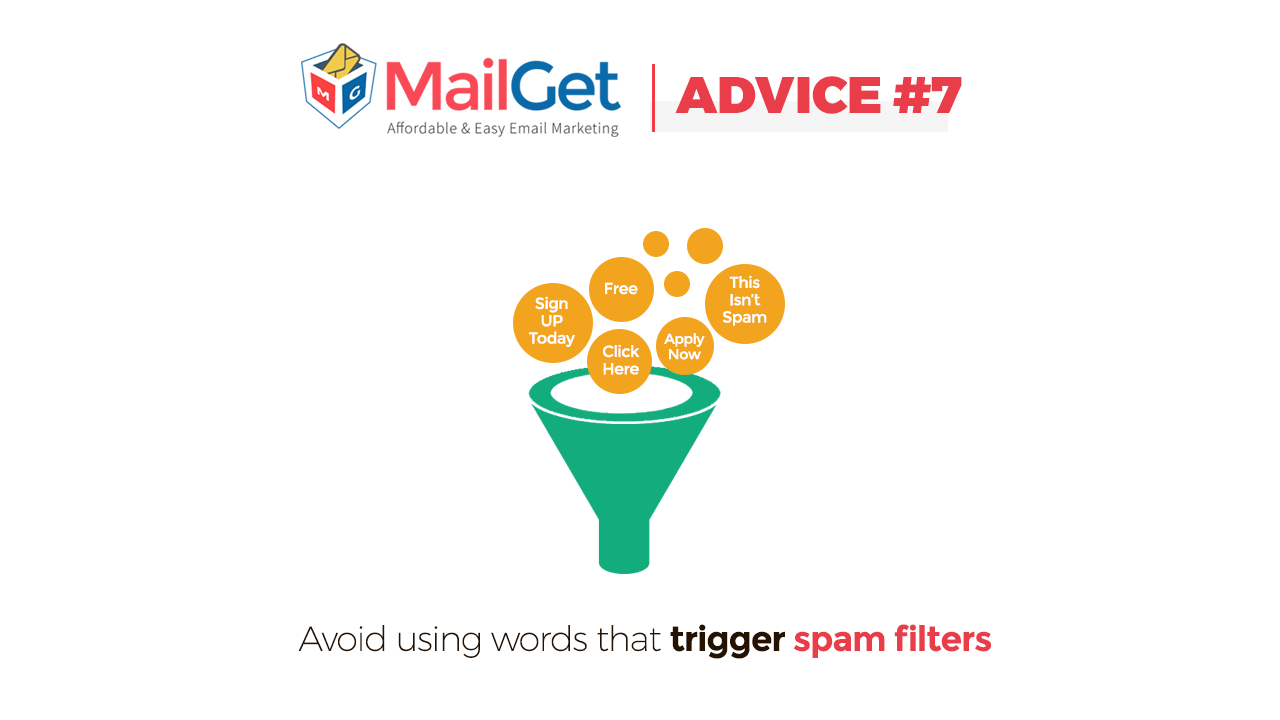
8. Avoid using words that trigger spam filters
SPAM nowadays is one of the most common problem in the email marketing system. Spam are the unsolicited emails send to the recipient without their consent.
Spam filters check your emails before delivering to the recipient.
There are lots of spam filter words that can trigger emails to be sent to Spam. The words include excessive use of “Money” in the subject line.
You can refer this post to check out the number of spam words that can trigger the spam filters.
http://blog.automational.com/2016/03/08/spam-trigger-words-to-avoid/
9. Keep your list fresh and updated
Keep on updating your Subscriber’s email list. When you send emails many subscribers, unsubscribe from your list or there are chances that the email ID that you have no longer exists.
In such situations try and clean your list on regular basis and keep it fresh.
If you keep on sending emails to the people who have unsubscribed or to the email ID that no longer exists, it will result in increasing your complaint rates and bounce rates which will indeed lead to a bad reputation.
10. Segment your list
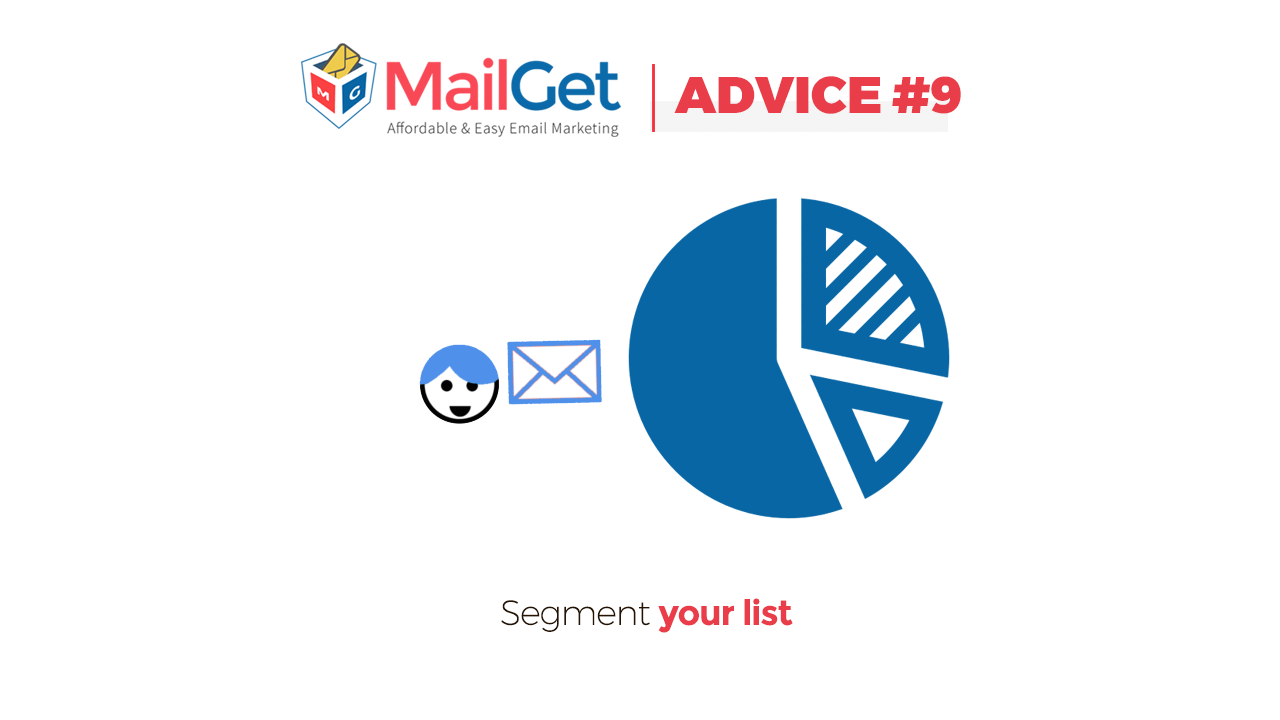
Segmenting your email list means that divide the email IDs that you have collected into different groups depending on the targeted audience, priority and some other factors. This will help you to send emails only to a relevant group of people every time you launch a new campaign.
One of the most important reasons as to why you should segment your list is that it help you send right email to the right audience. The more the audience will be able to relate to your email, the more will they open your email.
11. Avoid writing vague emails
The content of the email is also one key variable on which the future of your email campaign depends. Write emails in such a way that not only you but even the receiver could gain something from your email and they feel worth spending time on it.
If you send vague content in your email, you will end up spoiling your reputation and hence, leading to the reduction in the clients.
12. Send follow-ups emails
In email marketing following-up your subscribers is very important. These days mailboxes of almost everyone are flooded with several emails, so there are high chances that people might miss your emails.
To avoid this situation send follow-up emails to your subscribers so that if the interested readers miss out your email at the first time, they will encounter it in the second go.
Not only this, but when you send emails to new users, they might neglect your email and do not open it, but if you remain consistent in sending the email again it can change their minds.
13. Trigger your campaign at the right time
Time plays a very crucial role for sending your email campaign. You should always send emails to your subscribers when they are most likely to read the email.
For example- Many people check their emails during the day time in their office hours. If you send the emails in this period, it will increase the possibility that your email is seen by the recipient. On the contrary, if you send your emails at the night time, the subscriber might miss it out as by the morning they will have a bunch of new emails and they generally scroll the important ones out of those.
 If you found our blog useful and interesting, please share it with your friends and colleagues.
You can also refer to our blogs –
- Best email marketing software
- 10 Best Tips to Enhance Your Email Marketing Campaign
- Double Opt-In Email Marketing
Send Auto FollowUp Emails: Hike Your Email Open Rates
With the busy life routine, it may be very difficult for your subscribers to regularly answer and open your email newsletters/templates.
But, to improve your services and to achieve that harmonious and peaceful client-manager relationship you must need to constantly interact with your clientele.
Auto Follow Up Emails Are Necessary Ingredients In The Email Marketing Package! What If You Get Inbuilt SMTP too in the same? Yes, Check Out…
Sign Up Free
You must be thinking what’s the effective way to combat the issue of achieving higher open rates?
To your rescue, MailGet has got a new feature – Auto Follow Up.
The effortless Auto Follow Up feature enables you to automate your emails so that you can send follow-up emails effectively. This feature is useful when you are trying to reach out to the customers who had failed to view your email at the first time.
Now with the help of Auto follow-ups,
you can achieve much higher open rates,
which may transform into clicks
and ultimately into a profitable sale.
Master the art of automating your follow up emails using MailGet email marketing tool.
What Do We Know About Auto Follow Ups?
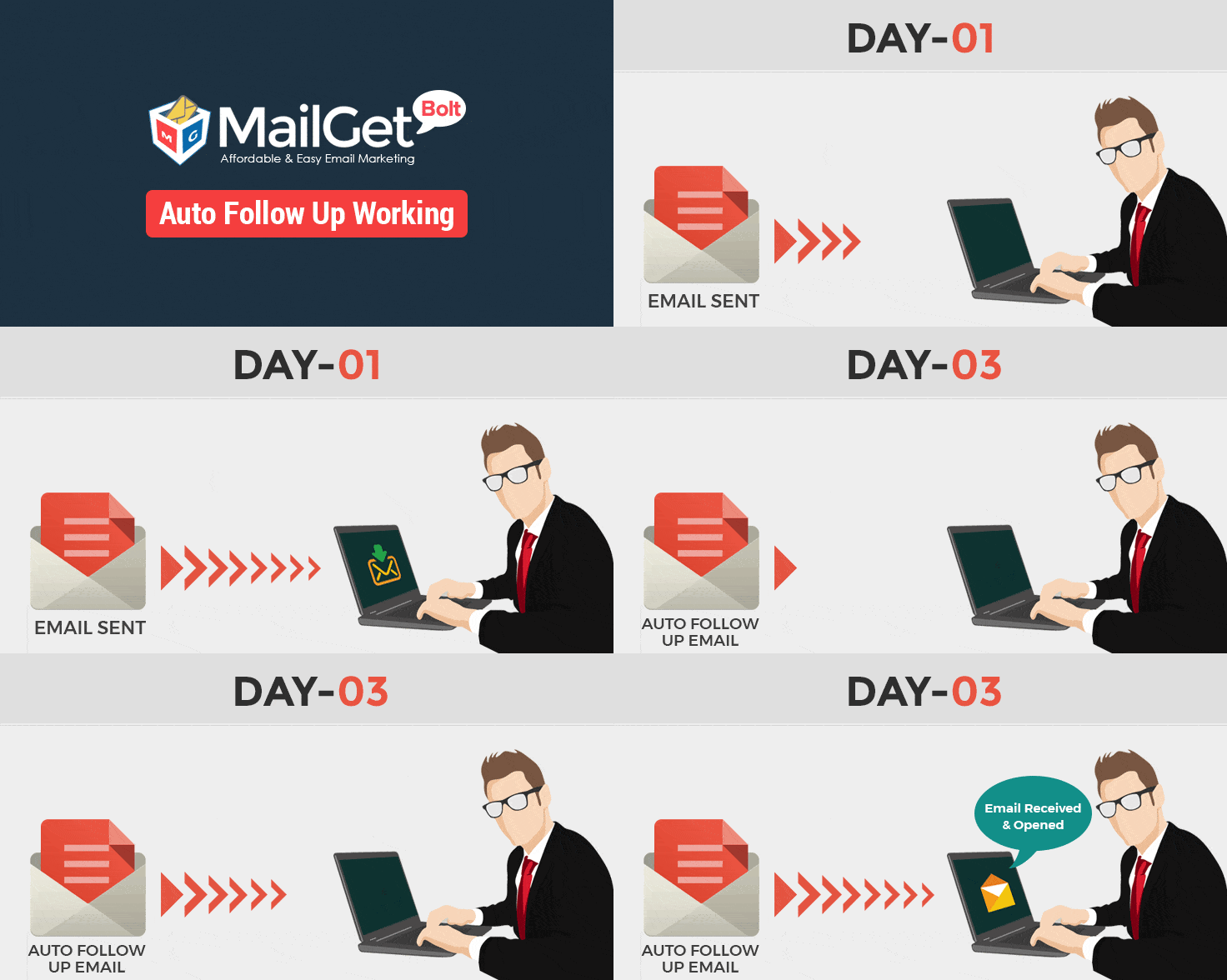
The process of sending automatic emails to your clientele if he hadn’t opened your email in the first campaign is said to be Auto follow up emailing
It is the latest attribute of MailGet where automated process will continue until you achieve your desired open rate and you will get an improved open rate.
Here, you can easily schedule your automated follow-up emails by simply adding date and time over it and all the clients in the unopened email list will again receive a follow up email who had skipped it in the first place.
Why Do We Need Auto Follow Up Email Feature?
Email auto follow-ups show its efficacy when it is paired with proper timing.
That’s right, whenever you send your first email of your highly strategized e-campaign, it is a possibility that the recipient might just simply ignore your email. So, it is must for you to create a contingency plan i.e. auto follow up emails.
Let me tell you why it is considered as a boon for all the businesses –
To Stay In Touch – Using auto follow-up functionality, you can engage your subscribers and nurture them about your services which may result in the better conversion.
To Increase Open Rates – Regular follow up email transmission with 99% inbox delivery assures higher open rates.
To convert inactive users into active – Resending an email to your client again and again may convert the inactive user to active & the user becomes your regular client.
How To Use Auto Follow Up Emails Effectively?
There are numerous ways in which you can use auto follow up emails. It just depends on your requirements like –
1. Send An Automated Follow Up Email After A Certain Time Interval –
By setting the rules for your auto follow up email campaigns, you can always modify the triggering date of your emails. It enables constant streams of emails, seeking customer’s attention towards your products or services.
2. Craft Different Auto-Emails For Different Contacts –
It would be considered a foolish act if you send the same generic email template to your contacts who happen to have different requirements. So with the help of subscriber segmentation and drag & drop email builder, you can easily send various auto follow up email campaigns.
3. Send Emails To Single As Well As Mass Audience –
While selecting the audience for your auto follow up email campaigns, you get to choose your various recipients by adding it from the email lists. Or, you can manually type in user’s details when you need to send it to just a couple of persons.
What Are The Benefits Of Using Auto Follow Up Emails
The primary benefit of using this latest feature is staying in touch with your clientele and to make your email communication process lively. But, you can also –
1. Track Recipient’s Behavior & Devise Future Campaigns–
With the help of email tracking enabled in MailGet, you can monitor the effectiveness of your auto-emails and design your future campaigns.
2. Strike Your Customers At The Right Time –
In order to improve the effectiveness of your emails, you have to strategically send them at the right time. Hence, by scheduling your auto follow up’s triggering date & time, you can achieve the desired results.
3. Less Laborious Work –
As the follow-up process is fully automated, you can dedicate your time in other business promotion tasks, without having to worry about anything.
4. Target & Cater Your Diverse Audience –
By using the automated follow-up process for catching up with users who have different needs can be beneficial in getting higher conversion rates.
With the proper use of this automated feature along with all the MailGet’s functionalities, you are destined to achieve your occupational goals and will be able to maintain the desired brand reputation in the marketing world.
Check out more related blogs –
Frequently Asked Questions- FormGet
Below are some of the commonly asked questions regarding FormGet that will occur to your mind. So to get the instant solution to these usual queries, you can go through the following answers. In case if you are looking for the FAQ of MailGet/MailGet Bolt then click here.
General Queries
– What is FormGet..?
FormGet is an online “Form Builder” application for building various kinds of amazing online forms within few minutes and without any coding knowledge. It has a powerful dashboard, integrated helpdesk, custom branding, payment integration, security, customizable font style and color, all of which makes the form richer in feature and instant use.
– What can I build with it..?
We can’t count on fingers, as you can build almost every kind of form. For Instance- surveys with complex conditional logic, plain contact forms, order forms, registration forms, quiz and much more!
– Why should I use FormGet..?
Basically, forms are the key point of any website. They act as a medium/interface of communication between two entities, which is considered to be an authenticated path of contact other than emails.
They are most efficient in gathering the data. Online forms can also be used as a branding and marketing tool.
If you can get all these in a single platform then why to Google other form building apps. Simply login to FormGet or download FormGet WordPress plugin and generate your amazing online forms instantly.
– Is it right for me..?
“Until you won’t try you would not be able to get into knowing things”.
To know if it is right to use then you have to go for “Try before buy” and get familiar with the app by playing around with it and explore the features. Then you can take a firm decision for yourself. It will definitely make up your mind in building forms with FormGet.
– Is my data safe with FormGet..?
Your data is valuable to us. You can be assured about your data. Your data will never ever be shared with anyone else. Your form data will never be sold or distributed to a 3rd party, and we will never view or access your data without your permission for support reasons.
– How long do you keep my information..?
We keep your data safe until and unless you ask us to erase it.
– How much does it cost..?
FormGet plans/extensions start from FREE to $297/yearly. You can opt it according to your needs for instance: A form that accepts payment, File upload feature in form, Export form entries for backup, Email Notification customization, Email Autoresponder Message Customization, Track and Analyse form entries, give branding to your form, Email Marketing Tool and various other factors.
– Any yearly contract or schemes..?
If we release some FormGet offers, we will notify you via an email. Make sure you are subscribed to FormGet’s newsletter.
– Benefits of paid plans..?
It depends on the plan you opt for based on which you can create a payment form, customize email notification id, can do effective email marketing with popular marketing tools, export form entries into a CSV file for backup, brand your form according to you, track form analytics, integrated help desk and much more that you need !
– Is it compatible with Joomla/Majento etc..?
Yes, it does support other frameworks too.
– System configuration (Recommended browsers)..?
You can use FormGet on Windows, Mac & Linux computer as long as you’re using a supported web browser and have an Internet connection. The supported browsers are:
- Internet Explorer 9.0+
- Firefox
- Safari
- Opera
- Google Chrome
It also works fine on all smartphones and mobile browsers.
– I don’t have a website, can I still create my form and receive messages..?
Yes, even without a website you can create your forms and collect leads. There is a direct link provided under form embed section that you can use to share your form directly. It will help in improving your marketing strategy as well.
– Which type of support system do we provide..?
We provide support via emails. We do our best to answer your question as quickly as possible. We do take care of every single user.
– Do we accept suggestions and feedback..?
Of course, we always welcome your suggestions/feedback. It is valuable for us to improve the app and make it more simplistic for you.
Queries Related To Payment
– What types of payment do we accept..?
As of now, you can pay via PayPal or Stripe. We offer both monthly plans as well as yearly plans. You get a special 20% OFF on all yearly plans.
– Can I get an invoice..?
The only receipt, we issue is the automated PayPal or Stripe receipt which is generated right after you complete your transaction. That receipt will be sent to your e-mail address.
– How to become an affiliate..?
You can read our Affiliate Terms & Conditions before you start referring someone. You will get 30%, i.e., if someone you refer clicks your link and become a paying customer you will get 30% of their purchase.
– How can I change monthly recurring subscription fee..?
If you have made payment via PayPal earlier and want to change your monthly subscription, you have to first cancel your earlier plan and then you can buy a new plan.
In case, you have used Stripe payment option earlier and want to change your plan, you can simply ask us to do it for you.
– Can I collect payments via forms..?
Yes! You can collect payments via forms for the services you offer. You can easily integrate your form with PayPal and Stripe using extension provided separately for each of them. Follow up this tutorial guide for further assistance for PayPal and for Stripe.
– How to integrate PayPal in Form..?
To integrate PayPal with your form <<<<click this link>>>>
– For PayPal integration, do my customers also need a PayPal account..?
Yes! Your customers are also required to have an account with PayPal. PayPal is in complete control of the user experience after a user is redirected to PayPal.com.
– Benefits of yearly service to monthly service.
You will get a 20% discount for yearly FormGet plans. You can choose Stripe Payment gateway while making the payment.
– Refund policies.
FormGet is one of the best Form Building App. Just in case if you are unhappy with the service, then we have a 30-day refund policy.
If you cancel your account within the first 30 days and request a refund, we will provide one.
Of course, we will ask you a few questions just to see if we can resolve your issues and make you feel good again.
– How can we change billing information..?
If you wish to change the billing information kindly reach us at- https://www.formget.com/contact-us/ and we will get back to you.
– How to integrate Stripe in Form..?
To integrate Stripe with your form <<<<click this link>>>>
Queries Related To Account Information
– How many accounts can we create..?
You can create one account with one email id.
– Difference between free account and paid ones..?
In a free account you can create unlimited forms but with limited features but in a paid account you will get powerful FormGet features. FormGet has robust extensions for each feature that you need in your form.
– How to assign/replace existing login email id..?
If you wish to change/replace existing login email id, then kindly contact us at- https://www.formget.com/contact-us/ and we will get it done.
– Can I change my account details..?
Yes, you can change your account details by going to “Account Settings” option under your dashboard. Just hover on to your profile picture, you will get the option there.
– How do I cancel my account..?
To cancel your account you can mail us/contact us and we will do the needful.
– Upgrading and downgrading my account..?
If you wish to upgrade/downgrade an account, then you can contact us at- https://www.formget.com/contact-us/ and we will do the needful.
– Can we add Team members..?
Yes, you can add team members using Team Management Extension. It can be your support staff or your clients with whom you want to share your data.
Agents have the privilege to access form data and reply back to the entries. When you add a new agent, they get login access to their emails. They can login to their FormGet account and access the form data assigned to them by admin.
– What If I cancel my account? Will my forms or data also get deleted..?
If you cancel your account, you don’t have to worry about your data. It will be safe with us and won’t get erased until you won’t ask us to do so.
– Can I cancel my account and upgrade it later..?
Yes, you can cancel your account and upgrade it later.
Queries Related To Security
-Is it spam protected..?
Yes, we have given a Captcha feature in Forms which helps to prevent spamming.
-Is my form submission data safe..?
We do our best to keep your data safe on FormGet. Your data will never ever be shared with anyone else.
Queries Related To Email & Form Integration:
– How to Embed forms?
For embedding a form kindly refer this link – How to create and embed form on your website
For embedding forms in non-WordPress websites refer this link – How to embed forms in non wordpress sites
– Types of Contact Forms we provide?
- “Embed Sliding form”: – It appears as a tab on your website. Paste the embed code on your website between the opening and closing <head> tag.
- “Embed Form” for website page: – It is classified further into two:
–> Embed Form1 (With Design including Header & Footer): – In this form mainly “Header and footer” are provided which differentiate with plain forms. In this, you can add your company’s logo and much more. It has an improved look and feel.
–> Embed Form2 (Plain Form): – This form is simple as other contact forms with required fields.
– How to modify the height of the forms..?
Go to your js/iframe code. There you will find an option “height”. Just change it according to your need and it will be resized. You can also preview it before embedding.
– I would like to change my email id for notification. Can I..?
You can change your email notification id using Email Notification Extension. With this extension, you will be able to add, remove and change multiple/single email id.
– Can I recover the deleted forms..?
No, once the form is deleted you cannot recover it again. So be careful.
– How many forms can I create with Free plan..?
You can create unlimited forms and can receive unlimited form entries in a free account.
– How to redirect to another page after submission..?
For redirecting the user to a specific URL refers the following tutorial will help you how to redirect forms after form submission.
– Can I add two email address to one custom notification..?
Yes! You can add multiple email address separated by a comma to one custom notification.
– Point to remember while applying condition logic to prevent submit button from blocking..?
Do not hide the fields which you check as “REQUIRED” (i.e. Which you want users to fill compulsorily) in your form, as it will block the submit button to work.
The reason is if the “REQUIRED” field gets hidden then users won’t be able to submit it until unless they fill that particular field. So all the necessary fields which you want your users to fill, place it in front of form by not keeping them hidden.
– How to export all my entries to CSV..?
To export your entries into a CSV file you need to have Export Extension. Follow the steps mentioned in the tutorial for more assistance:- https://www.formget.com/how-to-export-user-details-via-forms/
– Can I see reports/graphs of entries..?
Yes, you can see the reports/graphs of your entries using Analytics & Reporting Extension. This extension also contains three more features: Google Analytics, Email Report, User Location.
– How many forms can be embedded in a single page..?
There are no restrictions for embedding forms in your website, but for sliding form embed type it is recommended to embed only a single form per web page, so as to fasten its processing.
Queries Related To Form Builder
– Can I change “Powered by” or “create your own free account” links..?
Yes, you can remove it with Custom Branding extension. This extension will How to change text style, font style of header?
To change text style of header do the following steps:-
-> Go to form builder page.
-> Click on “Untitled Form”.
-> A window will pop up, under which comes the field title where you can insert the text using HTML tags as shown below:
<font color = “green”><b>Insert your title </b></font>
help to convert your form according to your branding.
– Maximum file upload size..?
You can upload files up to 10MB.
– Edit design of forms (themes, colour, font style)
To change the design, do the following steps:-
-> Choose the specific form that you need to edit, in your dashboard and click Edit then Edit Design.
-> On the right side you will find the tools to customize your form.
-> Now you can customize accordingly.
For extra customization feature, you need to have Custom Branding Extension.
– Maximum size of Banner Logo..?
Maximum size of the banner logo is 5MB
– How to change the submit button font and color..?
Go to form edit design section, there you will find the option for font and button color under Form colors.
– How to change the sliding form button text..?
Follow these steps:
-> Login to your FormGet dashboard.
-> Click on “Embed Form” option.
-> Then choose “Embed Sliding Form”.
-> There you will find the option as “Slide Text“.
Change it according to you then copy the given code to use it.
Some Quick Links To Checkout
- How to Export User Details via Forms?
- How To Apply Conditional Logic in Forms?
- How to Redirect Forms after Form Submission?
- How To Collect Payment Using An Online Payment Form?
- Send Copy of Message to Form Submitter- Use Auto Responder?
- Become affiliate
10+ Best Restaurant Email Marketing Software & Services For Hotels, Cafeterias & Eating Houses
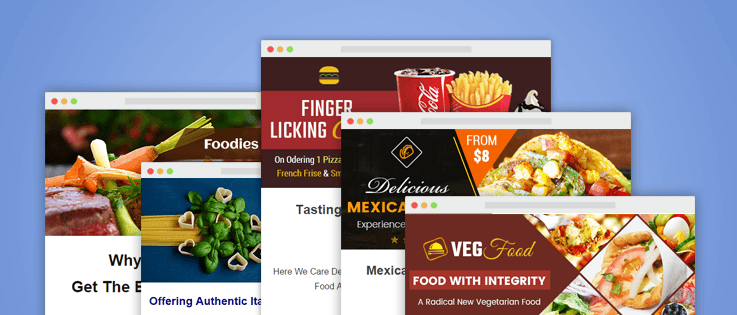
The demand for fine restaurants has raised in today’s fast-moving life. But, in spite of having a quality restaurant you are lagging behind your competitors in gaining popularity & drawing more customers to your business.
Ever thought about the reason behind this failure in keeping pace with the restaurant business competitors?
The obvious reason is the outdated promotional strategies that you are adopting for publicizing the eatery joint. Break-off from using print media for business promotion & use online means to target today’s tech-savvy audience.
Email marketing service is an advanced online advertising tool that helps in reaching out a wider orbit of crowd via their mobiles & other handy devices.
Restaurant Email Marketing Software Offers Following Benefits
Design email templates/ use readymade templates with pictures & text -> Send bulk emails to customers -> Promote offers & deals on food services via emails -> Chances of user engagement & conversion increases.
Here is a list of best Hotels Email Marketing Service precisely crafted for hotels, food joints, cafeterias & eating houses. Let’s check them out!
1. Email Marketing For Restaurants, Cuisine Cafes & Food Outlets
Restaurants & multi-cuisine cafes need to regularly update their contact list and at the same time retain their current clients by providing them news about recently launched food range. This best restaurant email marketing software is designed keeping in mind the ever-changing demands of any food outlets business.
This powerful online marketing tool empowers you to collect contacts of foodie freaks via sign-up forms, manage those contacts easily & send promotional emails to them either by designing through Free Hotel Email Templates or by using pre-built templates.
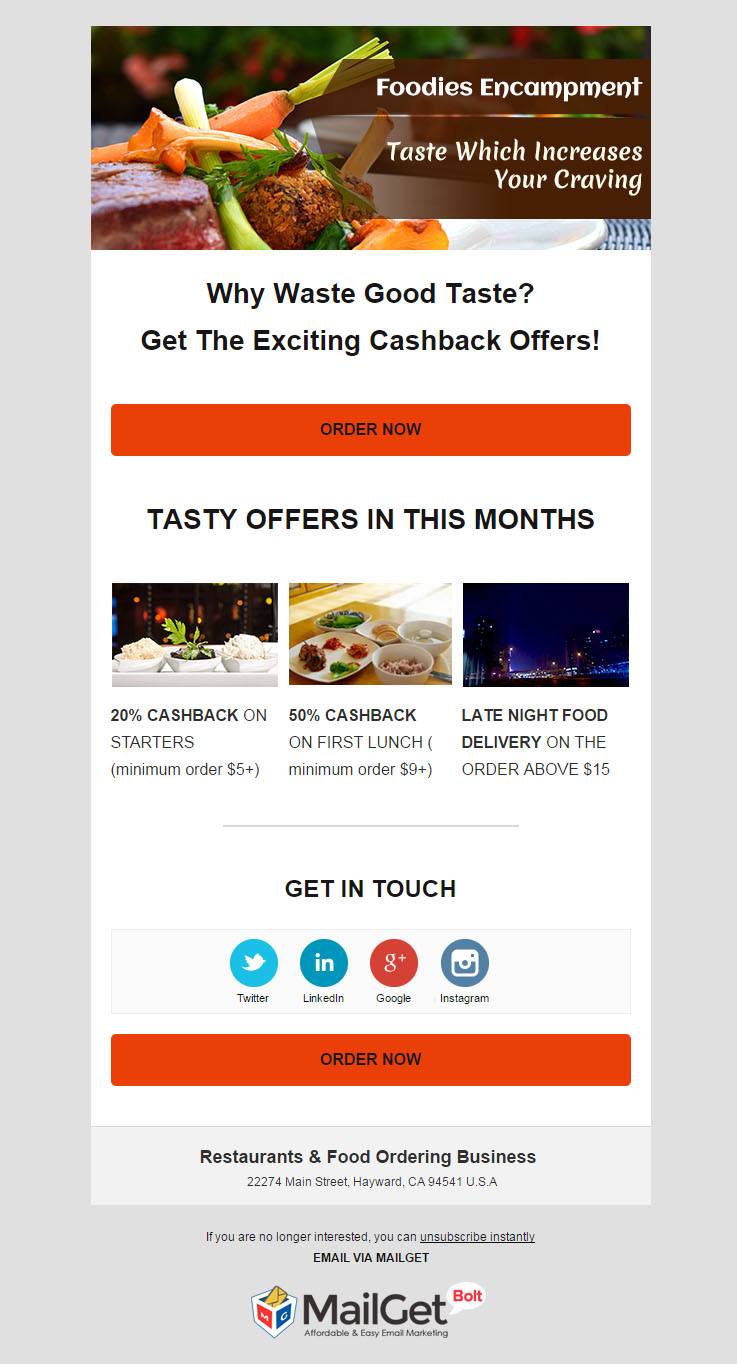
Exclusive Features Of Restaurant Email Marketing Software
- Build emails showing exciting cuisines using drag-n-drop email builder, where you can add images & text in the predefined content blocks of the templates.
- An exclusive & absolutely free feature of this email marketing software is that it provides pre-built templates, which gets cloned & stored in the dashboard with just one click.
- Poor inbox email delivery is a most important reason for losing potential restaurant clients. This email marketing tool ensures proper user authentication & ensures 100% inbox delivery of your food outlets emails.
- The dashboard of restaurant email marketing service shows stats regarding the sent emails like email opening rates, unopened emails, etc. thus, helping to know the behavior of customers & change the messaging style accordingly.
2. Email Marketing For Bakery & Cake Shops
Want to fetch more deals on your pastry & bake shop, then start sending tempting emails to your customers with this quick & responsive email marketing for bakery & cake shops.
The inbuilt functionalities of this software ease out the whole process of email template creation for cakes & sending those emails in bulk. Once the emails are delivered, you can even track sent emails & constantly monitor their performance.
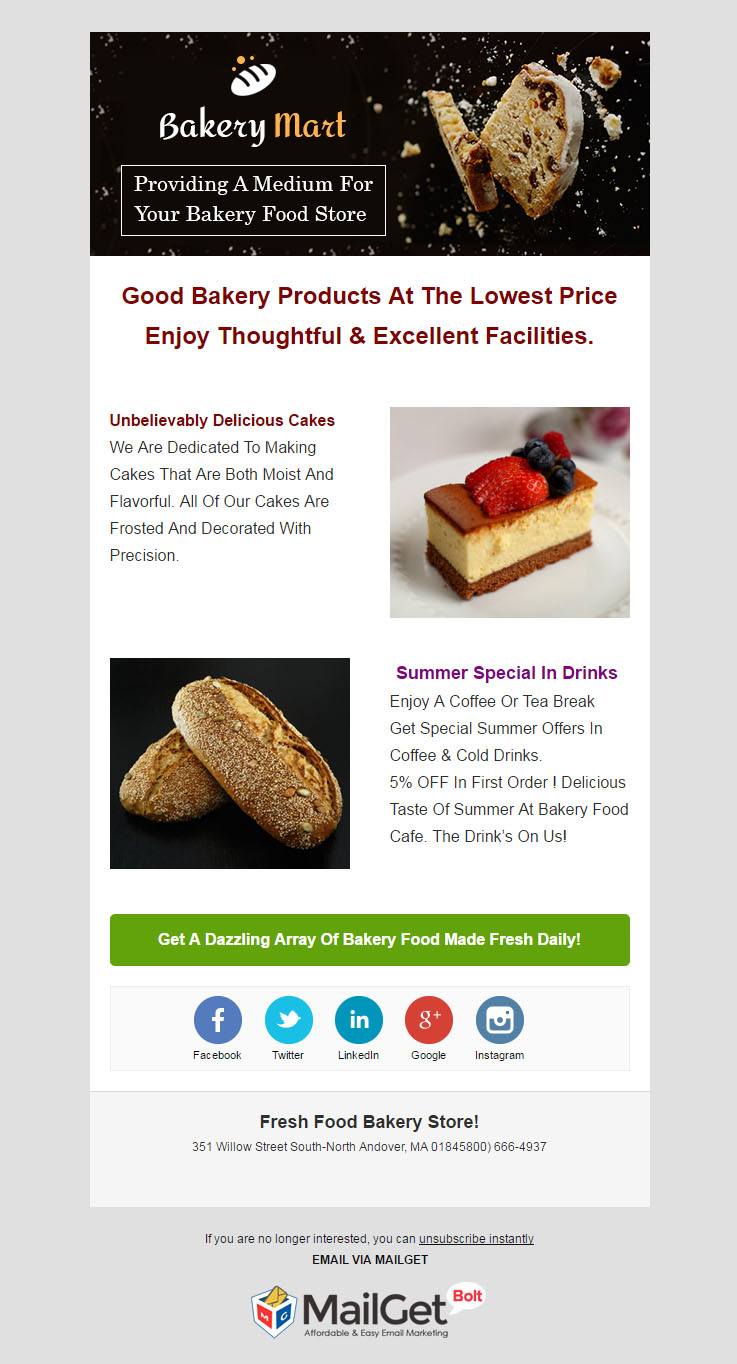
Advanced Features Of Bakery Email Marketing Service
- Collect leads of all potential clients by embedding subscription forms on various high-converting websites. This will help you to advertise advanced features of baking services all over the world.
- Create eye-captivating email templates for bakery stores with handy email builder tools. You can add social icons, call to action buttons, pictures & much more to these email templates.
- This bakery email marketing service allows you to manage a huge list of contacts by segmentation of the subscribers according to their profitability & bakery taste.
3. Email Marketing For Chinese Restaurants & Asian Food Points
Serving a mouth-watering Chinese cuisine is not sufficient to grow your brand, but if you want to expand your customer base, then it is must advertise the Asian food points. This email marketing for Chinese restaurants has all premium elements that deliver the food services right into the desks & palms of clients.
Readily create emails featuring fascinating Chinese food deals, pictures & send them to thousands of subscribers. Build a healthy communication with the users right from the beginning using the autoresponder & drip emails.
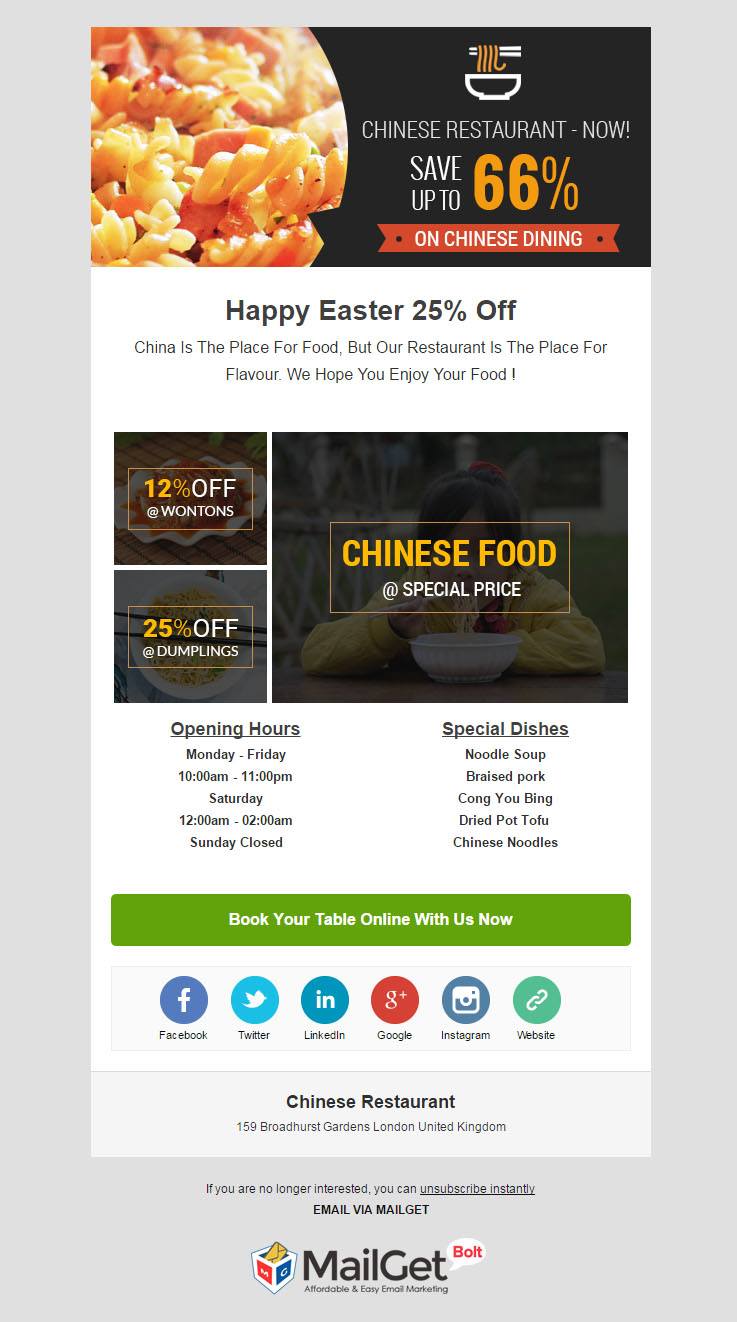
Main Features Of Chinese Restaurants Email Marketing Tool
- This Chinese restaurants email marketing tool provides contacts management service to help you target the users according to their eating habits & make the campaign successful.
- The dashboard displays stats regarding the opening email rates, unopened emails & clicked emails. This helps to review the behavior of users & provide them exactly what they are looking for.
- Send text or pictorial emails displaying main features either using pre-designed templates provided by the service or you can design custom templates for Chinese foods by simple drag-n-drop.
- Schedule emails for a particular time interval, use automatically triggered emails to initiate a contact with users right from the beginning.
4. Email Marketing For French Fries & Fast Food Shops
Promote all the fresh deals on fast food delicacies by sending bulk emails to millions of customers using this email marketing for french fries shops. This software is completely responsive that fits into any screen size, thus expanding your orbit of reach.
You can design customized email templates for latest offers of the eatery & send your contact’s emails with personalized tags. This will give them a sense of recognition which will increase the chances of email opening & customer conversion.
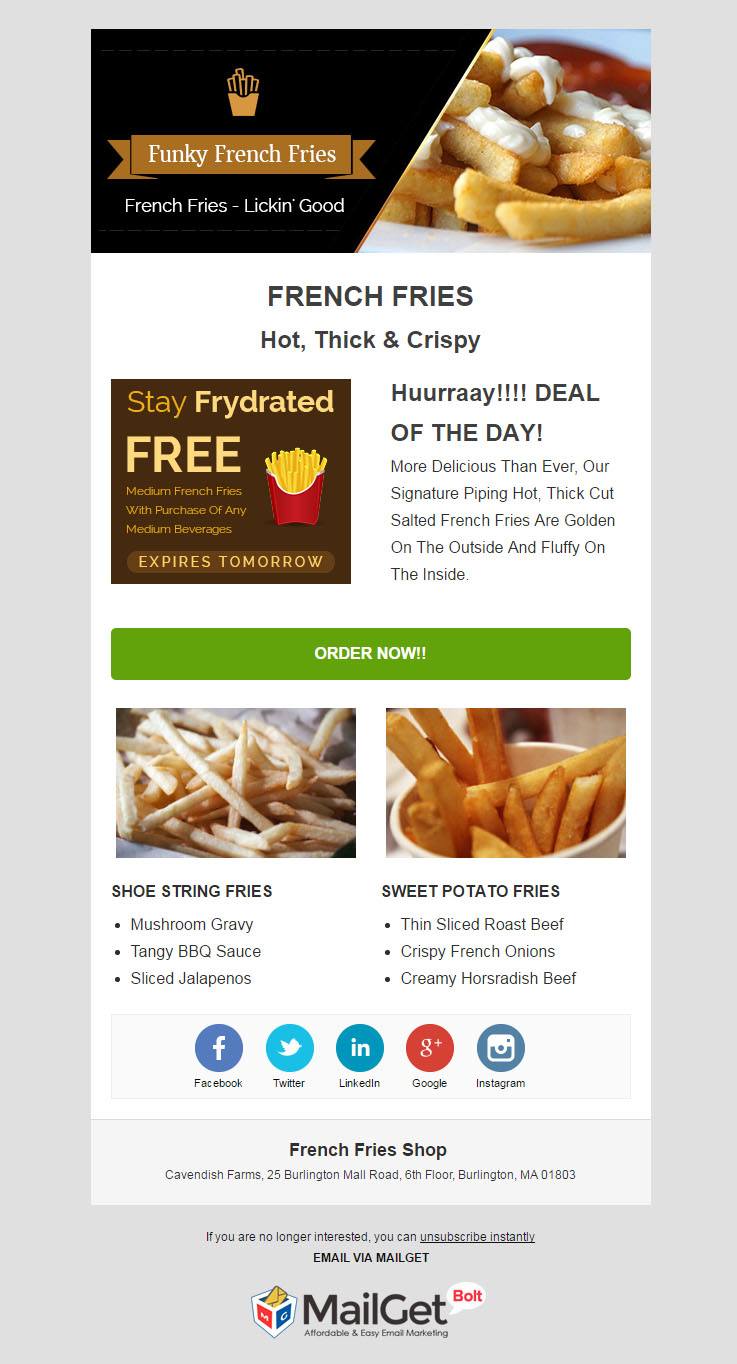
Salient Features Of French Fries Shops Email Marketing Service
- Easily manage a huge list of subscribers by segmentation of the contacts on the basis of their food habits. This email marketing service empowers to send them emails suiting their taste & increases the chances of customer engagement.
- Connect with customers present in different time zones of the world by sending them pre-scheduled emails & deliver the messages to them at a time when they are most likely to engage.
- Add numerous contacts to your french fries shops customers list via subscription forms & even track your previous email campaigns.
- Send a series of emails promoting the salient features of fast food via drip email feature & auto-responder emails.
5. Email Marketing For Burger Shops & Snack Corners
An exclusive & premium email marketing for burger shops is important to stand out among a huge competition of snack corners. This online marketing software is a top & best solution for sandwich makers, snack corners, etc. to redefine their burger brand.
Easily develop multiple contact list of the subscribers, build attractive email templates for heavenly burgers & start sending those emails in bulk with just a few clicks. As soon as a new user subscribes for fast food updates, start feeding them with a series by running drip campaigns.
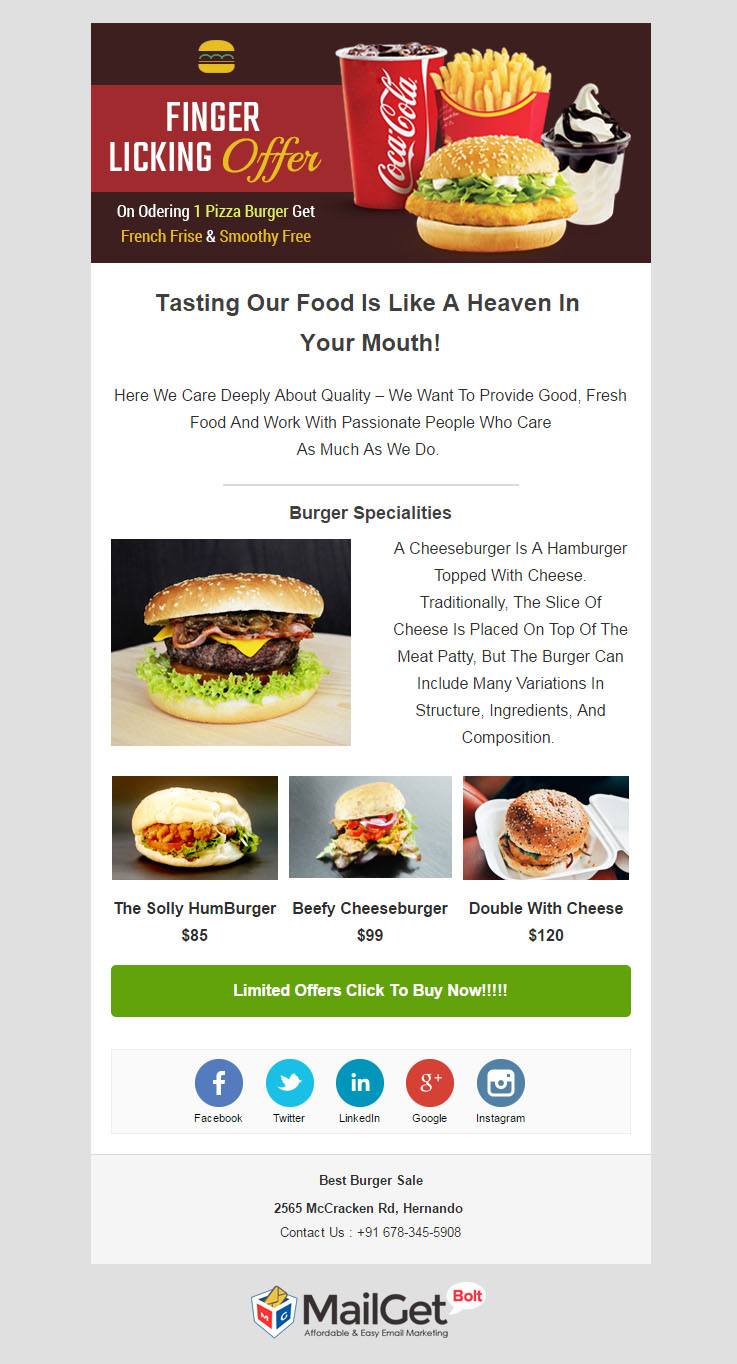
Foremost Features Of Burger Shops Email Marketing Software
- Effortlessly create charming email templates for finger-licking burgers with drag-n-drop email builder or simply use the free email templates to kick start the promotional process.
- The burger shops email marketing software provides an inbox email preview to see whether the email is looking impressive or not.
- All the contacts of your fast food joint can be easily managed & you can even track all previous email campaigns.
- Collect the details of plentiful clients by inserting email subscription forms on high-traffic websites.
6. Email Marketing For Italian Restaurants & Continental Centers
Start promoting the exotic meal offers, coupons & discount deals through online ways using this email marketing for italian restaurants & continental centers. To build email starring restaurant specialties you just need to drag & drop the images, text, social icons in the pre-defined content fields of the templates.
Once they are done, send them to thousands of customers in just few clicks provided by this software. Ensure maximum conversion to your business by sending customers the right message at the right point of time using list segmentation & drip emails.
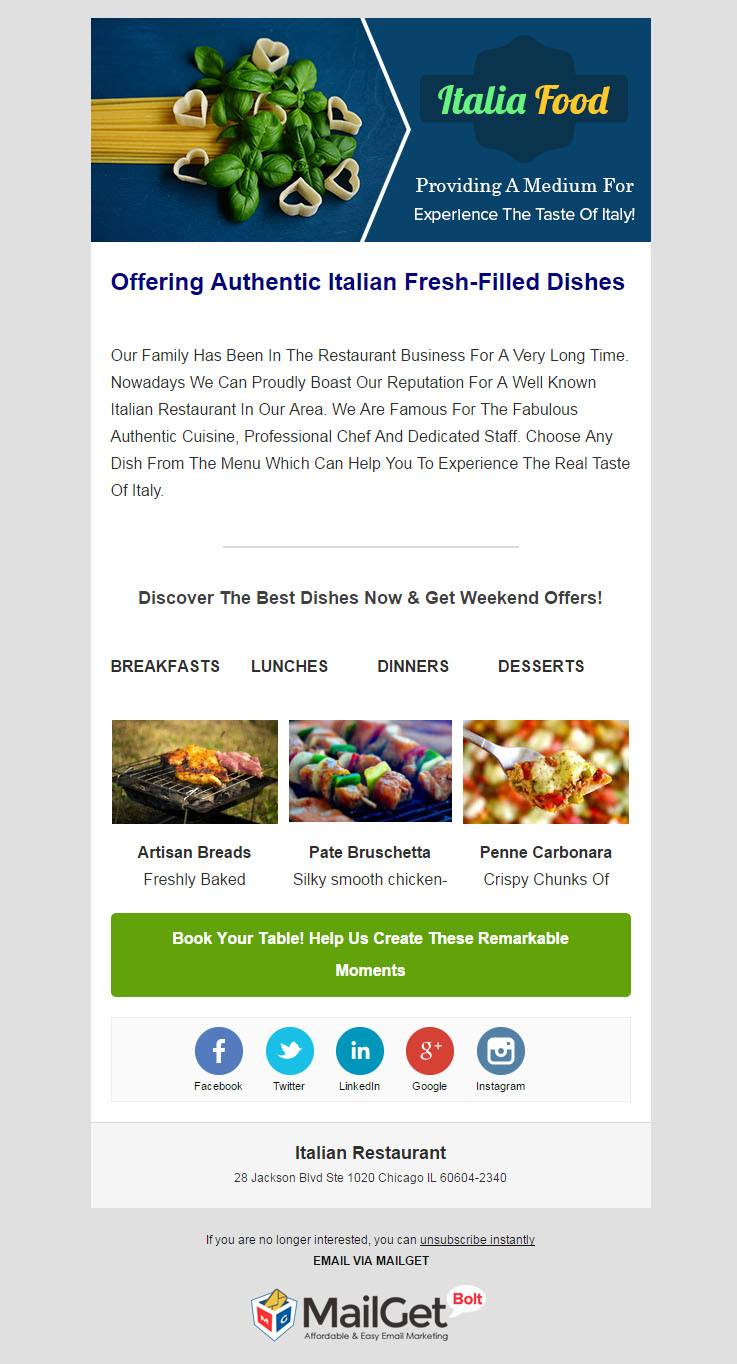
Supreme Features Of Italian Restaurants Email Marketing Software
- Apart from adding business tagline & pictures of the eatery, you can also add an unsubscribe handle into the email templates. This will enable reduce the chances of your emails being marked spam by the users.
- One of the supreme features of the Italian restaurants email marketing software is that one can see the inbox preview of the emails before sending those emails.
- Keep a track of the sent emails as the dashboard displays opened email rates, unopened & clicked email rates.
- To run a successful email campaign, you can also send emails with personalized names to the customers.
7. Email Marketing For Fast Food Restaurants
Email marketing for fast food restaurant is the fastest & most effective way in building up a new customer base as well as establish the fast food brand. This email marketing software comes with handy email builder tools & also provides some free templates to simplify the bulk email sending process.
Schedule the emails to be sent at a later point of time, as this will deliver the messages to the clients at a time when they are most likely to engage with them.
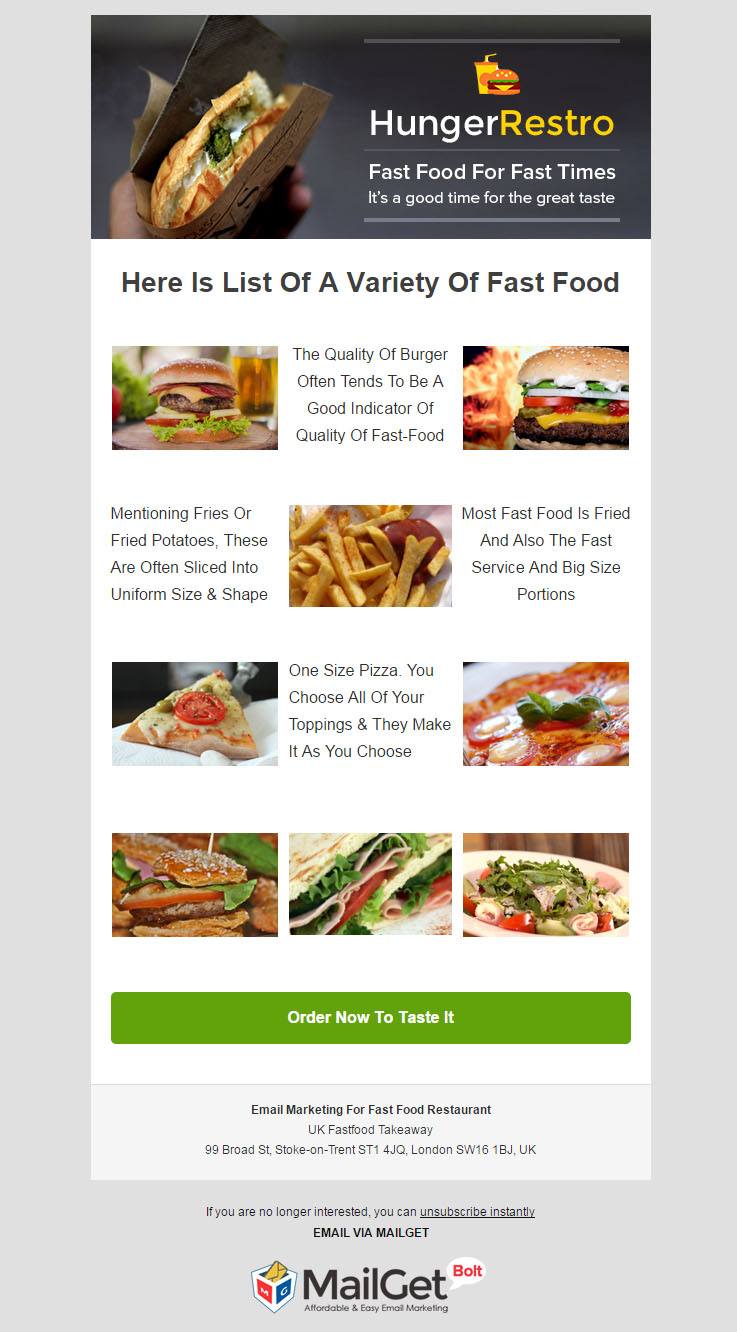
Prime Features Of Fast Food Restaurants Email Marketing Software
- Build a healthy communication with the fast food lovers right from the beginning with the help of autoresponder emails & drip campaigns.
- Grab the lead of prospects from a different location by embedding email subscription forms on high-converting websites.
- This fast food restaurants email marketing software has all the prime features that manage large contact lists easily.
- Add pictures of enticing fast food menus, social icons & create beautiful welcome emails to increase the chances of user engagement.
8. Email Marketing For Vegetarian Foods & Vegan Restaurants
In this digital world, emails are the most powerful tool to connect with the vegans in order to promote vegetarian foods restaurant. This email marketing for vegetarian foods restaurant offers many email builder tools like drag-n-drop builder, text emails & also provide readymade templates.
This software helps to easily manage the contact list through proper list segmentation & management of the vegan foodie contacts. To ensure maximum email opening rates & the chances of user conversion, this service also helps to send the bulk emails at the best time.
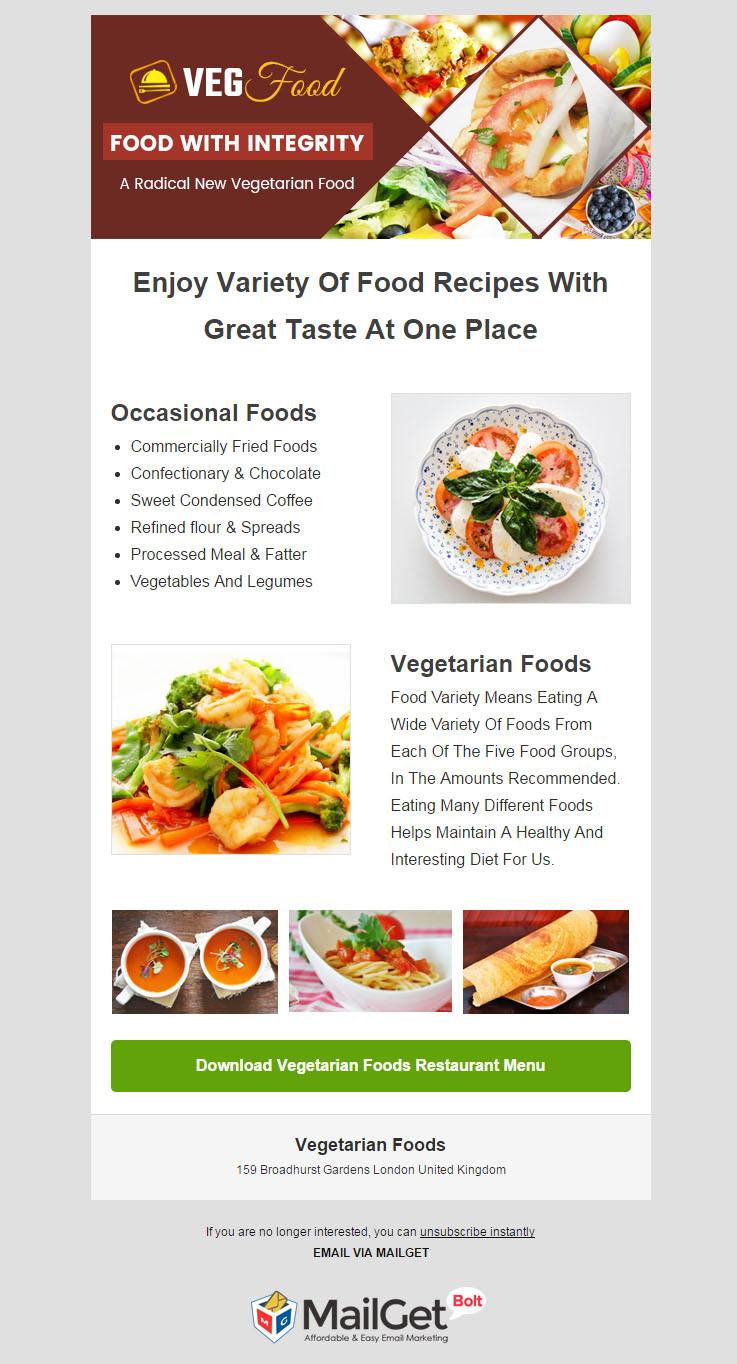
Main Features Of Vegan Food Restaurants Email Marketing Service
- Present all the main features of your vegan food outlet in the email templates & have a look at the email inbox preview of the templates before sending them.
- Management of a huge contact list is equally important for a successful email campaign. This vegan food restaurants email marketing service does this job very efficiently.
- Use the autoresponder emails & drip campaigns to send customers a series of automatically triggered emails regarding the food services.
- Know what works best for the users with the help of email tracking feature of this software.
9. Email Marketing For Mexican Restaurants
Advertising the Mexican food joint via emails will help you to reach straight to the fingertips of the potential prospects. This email marketing for Mexican restaurants is designed keeping in mind the promotional needs of any Hispanic food joints.
Build innovative emails for cooking recipes, exciting food offers & send these emails to a bulk of customers. Apart from sending these emails, you can also see the performance of these emails & the contact tab of the dashboard shows all the unsubscribed, spammed users.
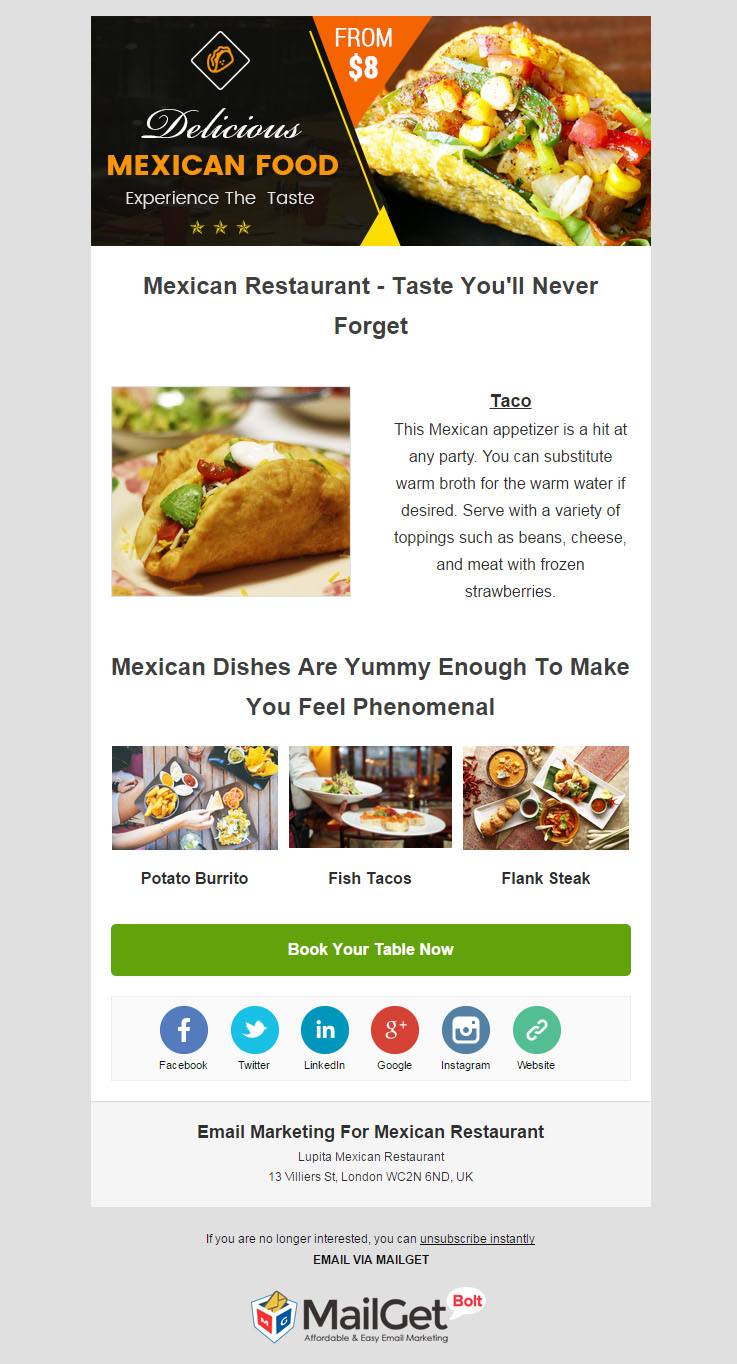
Key Features Of Mexican Restaurants Email Marketing Service
- The dashboard of this email marketing service is very interactive & you can also view the inbox preview after designing the email templates.
- Add pictures of Mexican cuisines, business taglines, social icons to the content block of email templates & move /relocate these fields to make them more interactive.
- One of the key features of this online marketing tool is that it keeps you informed about the behavior of the subscribers towards the sent emails by displaying the opened, unopened & clicked email rates.
10. Email Marketing For Locavore Restaurants & Local Food Points
Beat your competitors in drawing more & more customers to your local food point by getting in touch with via their mobiles & computers. Use this specially crafted email marketing for locavore restaurants in sending targeted food promotional emails to a selected bunch of clients.
This software helps to gather details of prospects by embedding signup forms on high-traffic websites. This will effortlessly grow the contacts list & also assists in managing such bulk contacts. To clinch the user’s attention, you can even schedule the emails to send them a later point in time.
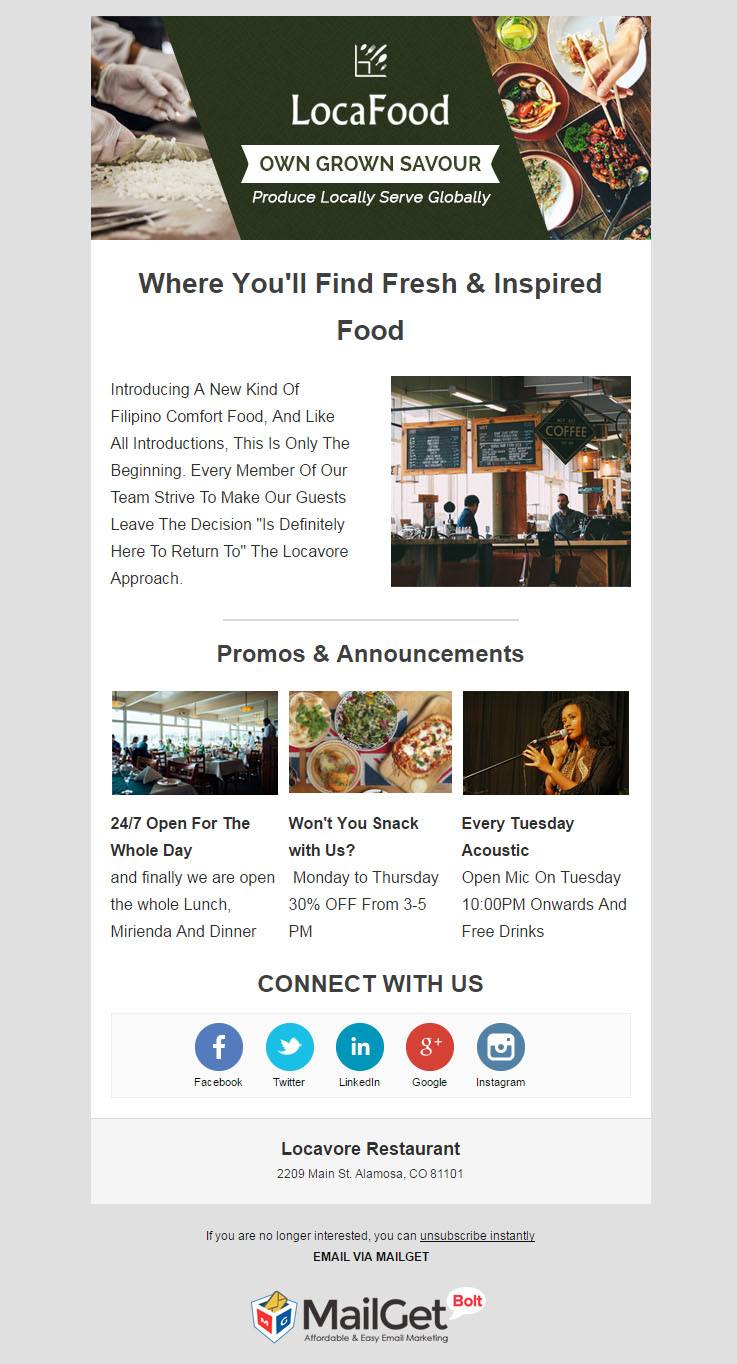
Supreme Features Of Locavore Restaurants Email Marketing Tool
- Quickly build beautiful email templates starring supreme features & pictures of the exquisite range of local foods with drag-n-drop email builder.
- The locavore restaurant email marketing tool allows to group the subscribers according to their food habits & send them emails to best suit their needs.
- The dashboard shows all the stats regarding the email opening & unopened email rates.
- You can even resend the same emails to those users who have not opened the emails for the first time.
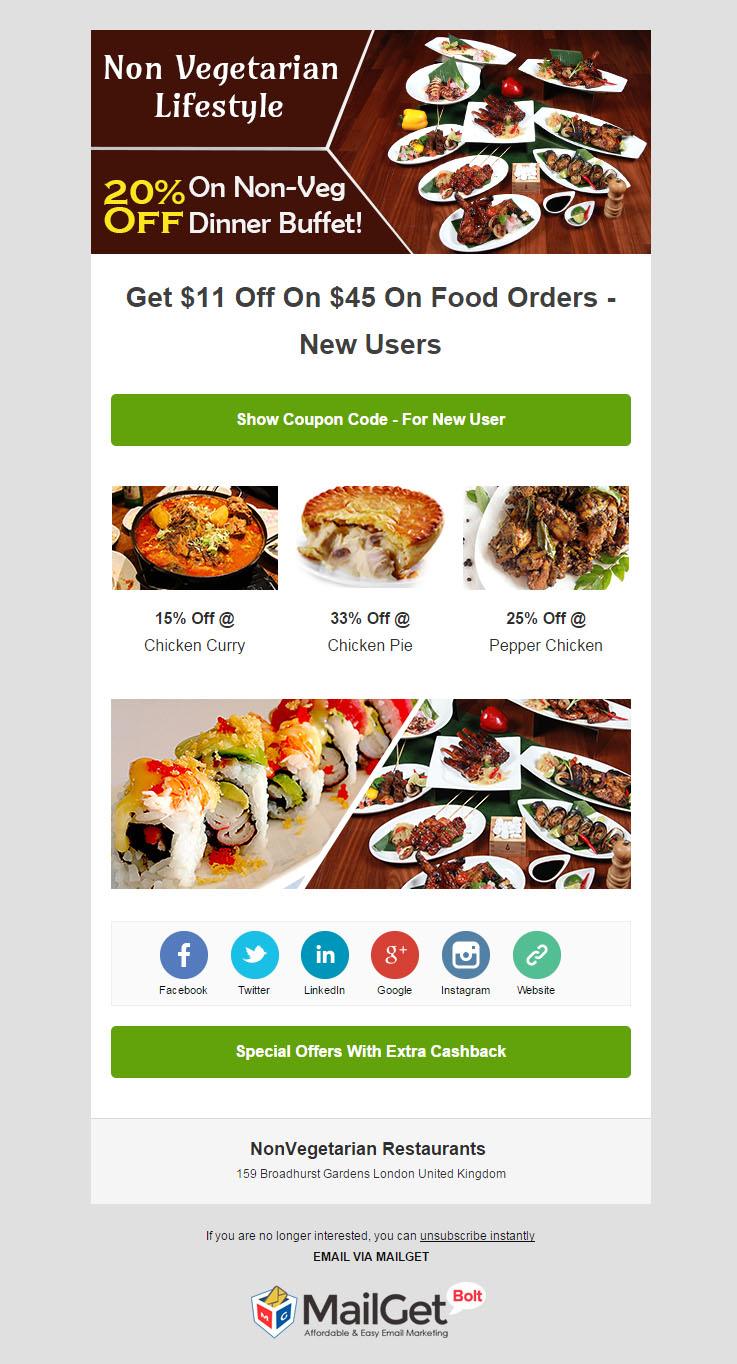
11. Email Marketing For Non-Vegetarian Restaurants
Using the print media options in promoting your non-veg restaurants will limit your reach to only local customers. If you want to expand your orbit of reach, then employ this email marketing for nonveg restaurants.
This online marketing software is integrated with all top functionalities that help to create email templates for meatatarian places & send them to a bulk of subscribers. Preparing a contact list is all easy with this software as you can simply import all the contacts or add them manually.
Main Features Of Non-Vegetarian Restaurants Email Marketing Service
- Use the auto-follow-up feature of this non-vegetarian restaurants email marketing service to automatically send emails to those subscribers who have not yet opened the sent emails.
- The tool also provides with exclusive & absolutely free readymade email templates to send to the users without any work of building those templates.
- To promote main features of the restaurant in a systematic manner, send a series of pre-scheduled emails via running drip campaigns.
- The service not only helps to easily manage a huge contact list but also allows to give the users a sense of recognition by sending them an email with personalized names.
Winding It Up!
Email marketing is the smartest solution for promoting restaurant business, as it confirms the connection with millions of customers present in the digitalized world. Above is a list of the best email marketing services & software those are a pro in their performance, fit into any device & make the whole process of business promotion an easy one.
You may also like the following list post articles:
10 Best Email Marketing Companies For Small Business
Restaurant Email Templates : 10 Best Templates For Food Points, Hotels
Choose the online marketing tool that fulfills your restaurant’s promotional demands & boosts your trade brand via emails.
Want to create a website for your restaurant? Then, check out the list of the Best Restaurant WordPress Themes.
10+ Best Restaurant Email Templates For Food Points, Hotels, Eateries & Restaurant Businesses
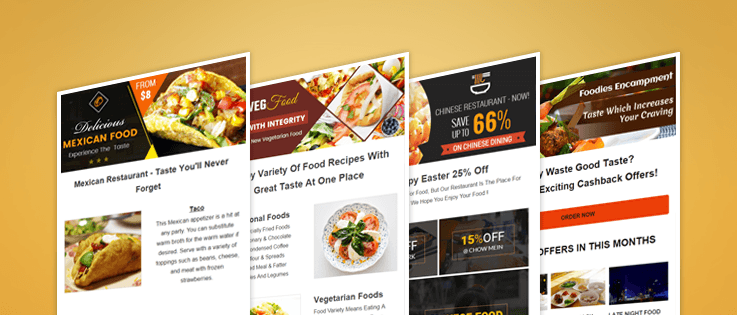
With the dawn of technological age, email marketing has blasted its way to the front in the marketplace.
Because of its high efficacy, cost-effectiveness and multiple integrated features, various restaurant owners have now opted for email templates, an effective means that comes with email marketing services to draw hungry customers at their cafeteria’s doorsteps.
But, this doesn’t end the tedious task of email templates designing. So, to lend a helping hand in order to reduce your workload, we are showcasing our finest, visually attractive and 100% responsive email templates for cafeterias, food points, restaurants, eateries, etc.
In order to bring to your attention, all the below-listed email templates are designed using our handy tool i.e Drag and Drop email builder. All you have to do is drag required fields (text, image, heading, etc.) and place them in the template designing area.
In the end, all the attractive email templates will be useful in –
- Drawing massive groups of food lovers at your restaurants.
- Efficient brand promotion of your food point because of social media shareability options in the e-template.
If you like to create such stunning emails templates on your own then try MailGet Bolt – email marketing tool.
Check out here some of the amazing email marketing services that helps to broaden your business brand
Restaurant Email Marketing Services For Hotels, Cafeterias & Eating Houses
1. Attractive Email Template For Restaurants & Food Outlets
A perfectly unique e-template which will be beneficial in showcasing your restaurant’s services and also current exciting offers on various dishes. Due to its impeccable design factor, you are guaranteed to get more open & clicked rates, which will be helpful in generating a healthy traffic on your restaurant’s website.
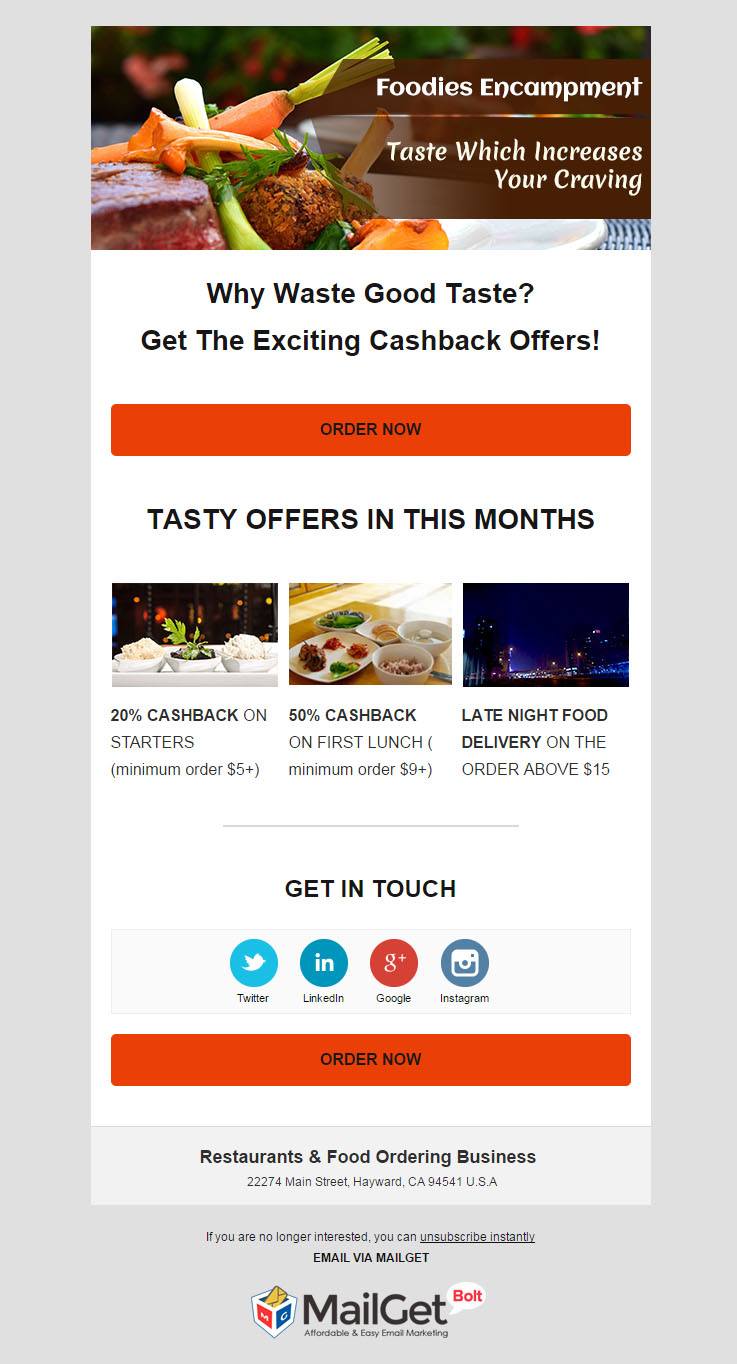
2. Pleasing Email Template For Bakeries, Pastries & Cakes Shops
Behold our new handpicked email template for pastries, donuts shops, and bakeries. Because of this template, you can effectively promote your bakery and baked goods by getting 99% inbox delivery surety. And, by wisely timing the triggering of this email template through drip emailing feature, you are ensured to get maximum open rate.
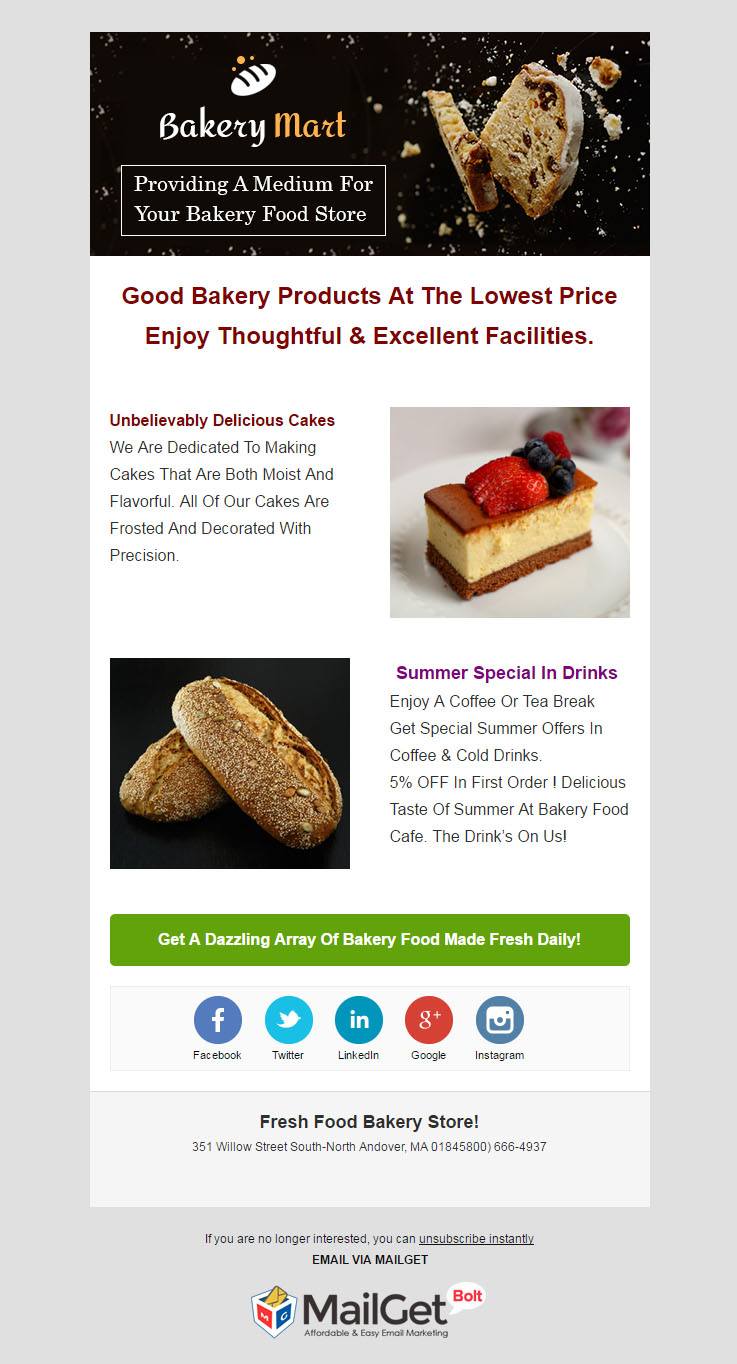
3. Charming Email Template For Chinese & Asian Food Joints
Entice your Asian food lovers with highly responsive email templates which describe your new discount offers and also provides social media shareability. This sharing medium will be beneficial in generating large leads for your Chinese restaurant, with the hope of converting them into loyal customers and yielding maximum profits.
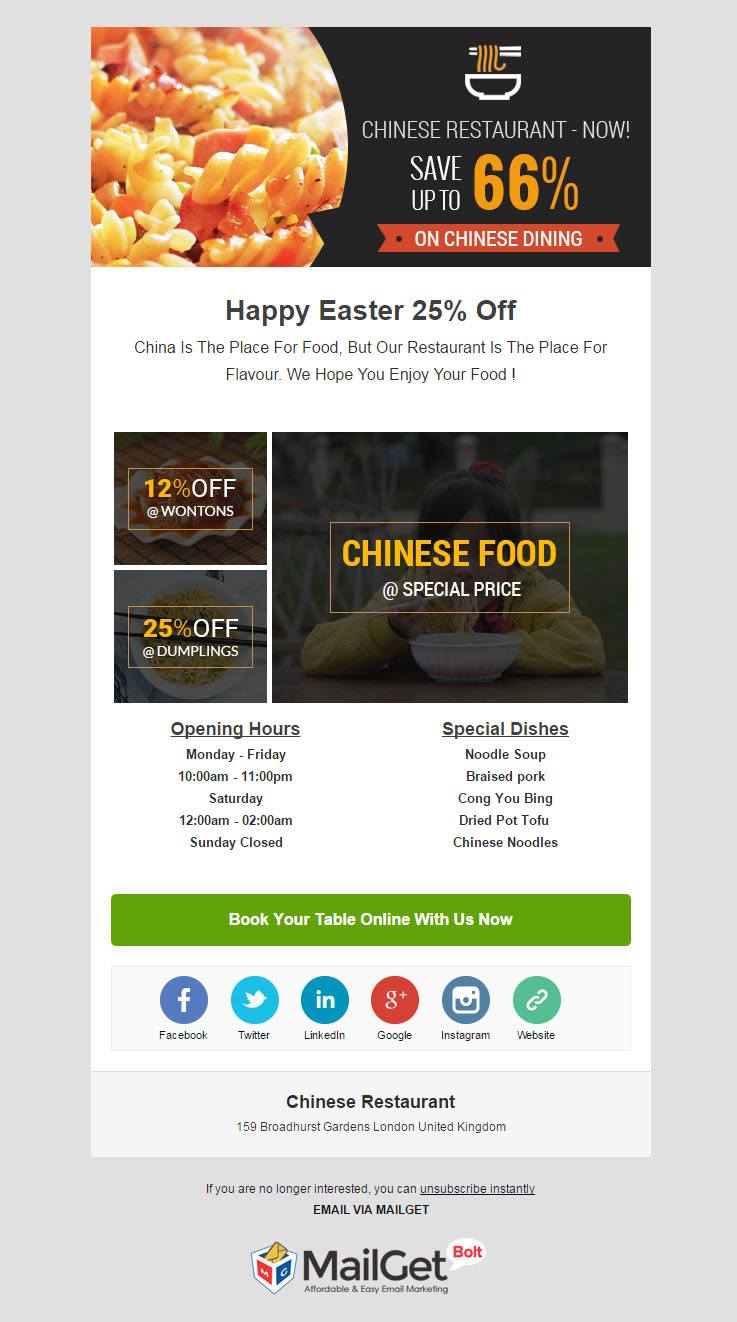
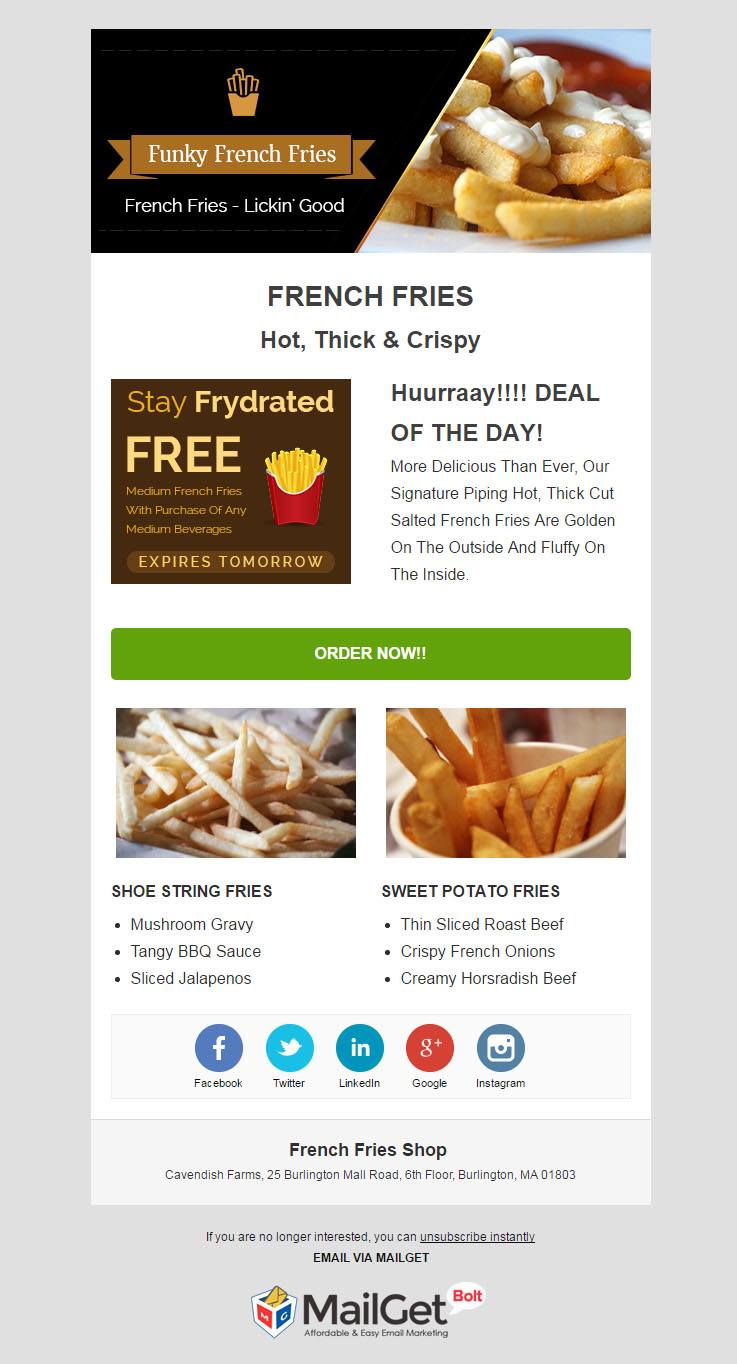
4. Highly Customizable Email Template For French Fries Sellers & Shop Owners
Bombard your existing and potential customer’s inbox with this email template in order to promote your french fries restaurant. Because of it’s easy to design feature via drag & drop builder, you can effortlessly craft attractive template and share daily discount offers on your various french fries options.
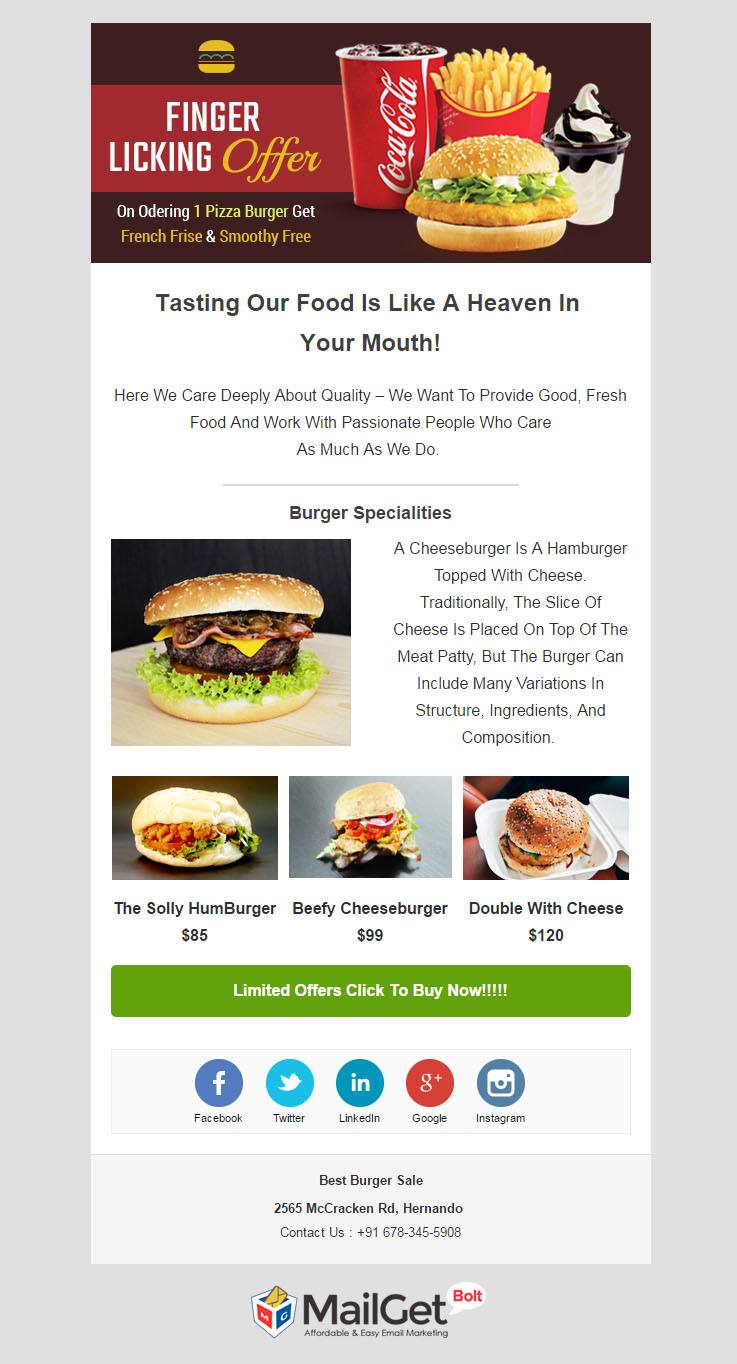
5. Irresistibly Best Email Template For Burger, Hot-Dog Shops & Snacks Corner
This multi-purpose email template will surely be the sole reason to boom your burger and hot-dog business because of its simple design. When clubbed with email scheduling feature, you can reach your customers at the optimal time when the possibility of email opening is maximum.
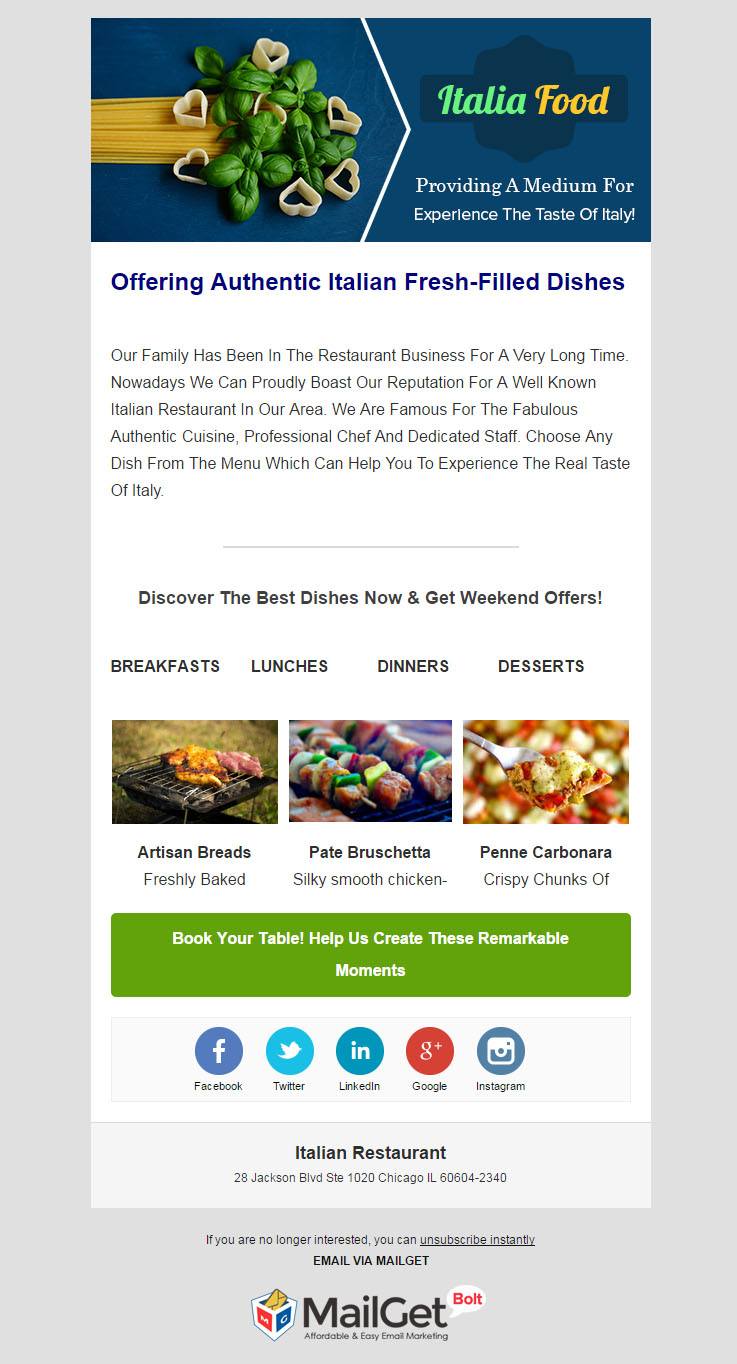
6. Latest Email Template For Italian Restaurants
With the help of our new email template designed specifically for Italian restos, you can take your business to new heights in the marketing arena. This e-template facilitates email tracking which further enables you to devise effective marketing strategies in order to bring in large customer traffic.
7. Responsive Email Template For Fast Food Restaurants & Joints
Email template for fast food points and restaurants is definitely a synonym for success. With the assured 99% inbox delivery rate, your business is destined to serve e-menu with the help of visually attractive email templates. Since, fast foods as prepared in minutes, similarly, you can craft responsive e-templates with the help of drag & drop builder.

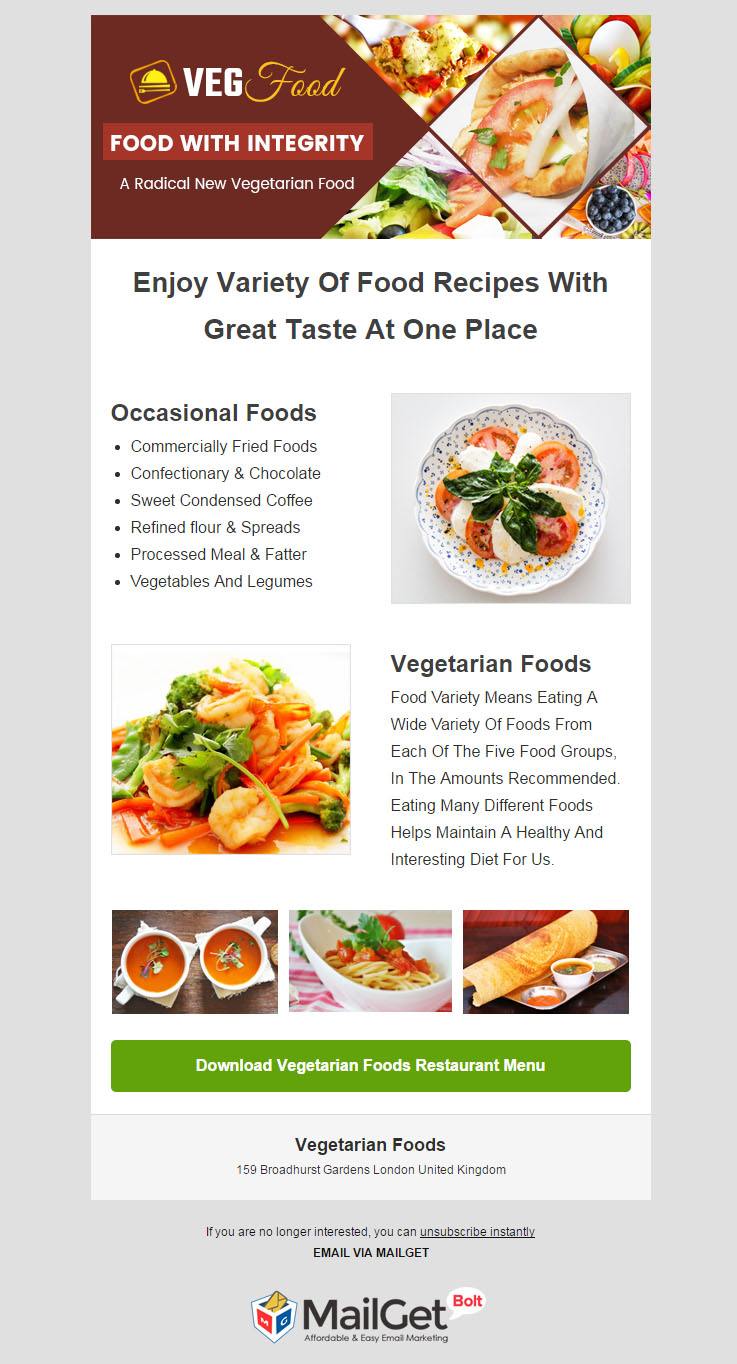
8. New Email Template For Vegetarian Resto & Vegan Restaurants
Expand your vegetarian food restaurant by sending promotional email templates for vegan food points. This mass transmission of email templates can be achieved with the help of drip emails and email scheduler functionality. This way, you can effectively target your vegan food lovers so that your establishment is the first thing they think of while going out for meals.
9. Top Email Template For Mexican & Hispanic Restaurants
The custom made email template for Mexican restaurant owners can be used to effectively promote your business. Not only this, you can easily craft various templates through drag & drop builder with apt subject lines and ultimately use this to target your segmented group of customers.

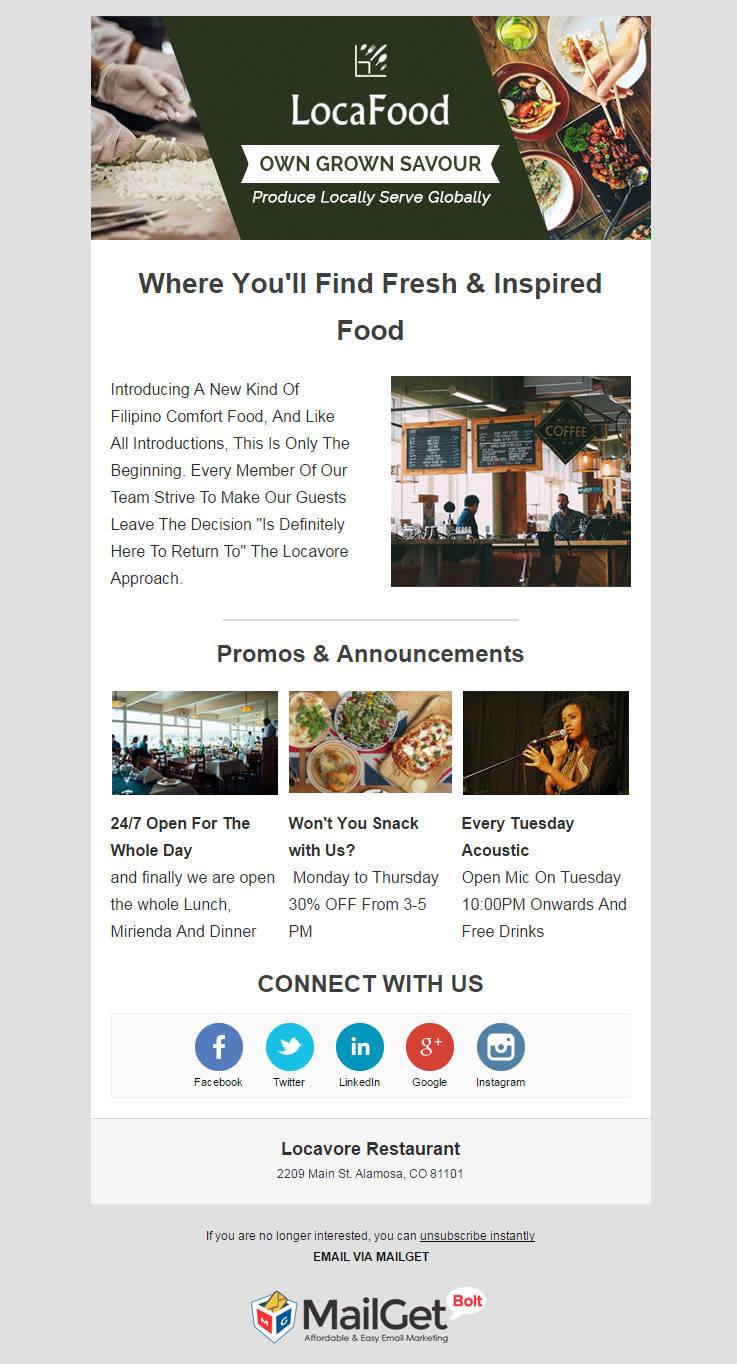
10. Brand New Email Template For Local Food Points & Locavore Restaurants
This email template has been made with the sole purpose to advertise your local restaurant. The email template is designed with a powerful tool – drag & drop builder, which can effortlessly craft your local food mini e-menus. Also, you can track your sent email template’s stats like opened and clicked rates, which will be further helpful in making strategies to draw large traffic at your website.
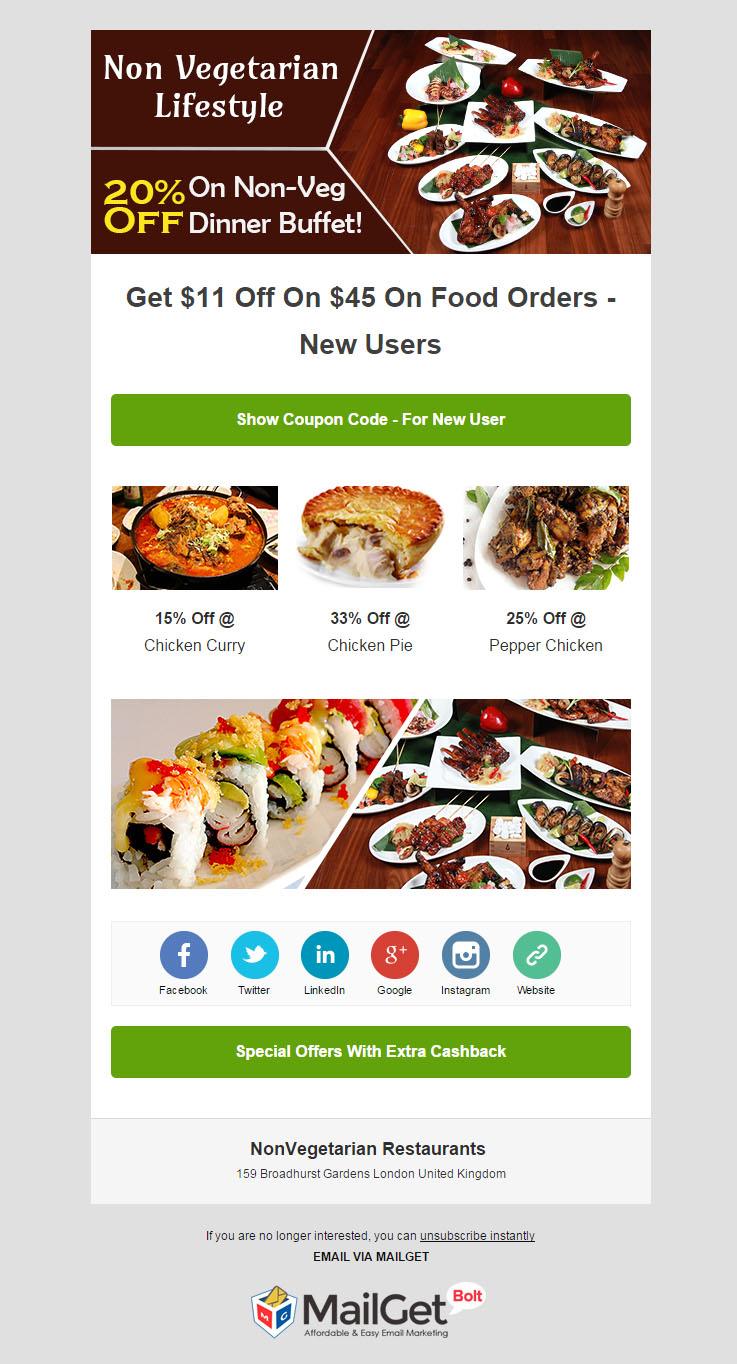
11. Multi-Purpose Email Template For Non-Vegetarian Restaurants & Eateries
Target your non-vegetarian food lovers with the help of this responsive email template. The design of this e-template tempts your customers to book tables at your diner with the help of a call-to-action button integrated into the template itself. Also, the template allows you to track the real-time user behaviors like whether they have open or clicked on your template for seat booking.
Conclusion
With the above listed classy email templates, we hope that you would now be able to expand and promote your restaurant and food point businesses.
All these templates are built using our email builder which is the most stunning feature of MailGet Bolt – a perfect & cheap email marketing tool.
You may also like –
10 Best Email Subject Line Advises
Suppose there is a movie launch but it is not very popular yet. Not many people know about it, and you don’t have any reviews about it. In such case what will be the factor that can compel you to watch the movie?
The answer is the TRAILER of the movie. If you somehow see the trailer of the movie and find it interesting, you will definitely watch the movie.
Similarly, the destiny of the email depends on the Email Subject line to an extent. If you add a good and compelling subject line to your email, the chances of attracting the viewers and making them open the email will increase.
The subject line of the email is the captain of a ship- which will perhaps decide the future of the ship, whether it will survive or it will sink.
Other Related Blogs-
So, let’s have a look on 10 best practices for writing email subject line-
1. Subject line should be relevant to the targeted Audience
If you want to make your email more effective, you need to understand your audience and their needs. Before sending any email campaign, think whether this is the right market for my product. You can’t send a promotional mail for some new restaurant launched in Italy to the people in Canada. Or you should not provide home loans to the students yet to graduate.
If you know your audience and what they need, you will be able to reach out to them in a better way, engage them and earn more and more open and click-through rate.
2. Personalize the email subject line
Nowadays our inboxes are flooded with all sorts of emails. Some out of them might be useful, but even they get neglected due to overloaded email box. In such a scenario how to separate your mail from the others so that it grabs your subscriber’s attention?
You should try to personalize the email subject line by writing the name of the person, your email is dedicated to or adds something that specific to them. Everybody love to hear or see their names.
Instead of using general terms like “You”, “Your”, “Hi there”, you can try writing “Hi Nick, what’s new this summer” or “Dear Rachel, a surprise for you inside”. Subject lines with the name of the customer attract them and result in increasing the open rate and the click-through rate.
3. Try using popular keywords and phrases
Before sending any email campaign, it’s good to do some market research. Look for the keywords and phrases that people frequently search related to the product you are promoting and add them to your subject line.
This will catch the customer’s attention and make them open the email as they will be able to connect to the keywords they were looking for in the subject line of your email.
4. Subject line should be short but meaningful
Keep the subject of your email campaign short and to the point. People avoid going through the lengthy stuff and save their time.
Most of the people these days pay attention to the things they can scan and extract the crux out of it. While writing the subject of the email you have to be careful about the words, you have to pick the important words from the group of words which might increase the length of the subject and frame a short and simple subject line.
5. Mention deadlines to showcase urgency
Showing the urgency to do something galvanize people into action. When you mention about something that is rare and might be available only for a shorter period of time, people feel the need to open the mail and check it out. The anticipation of missing out an opportunity invokes customer’s action.
You can set the deadline for registration for a course that you offer, or you can offer a great deal on a product that has been in demand from a very long time. This technique will attract people and stimulate them to open the mail as they are getting benefits on the products and services they need from a long time.
Some of the urgent words that you can add in your subject line are-
· Hurry
· Act Now
· Limited-time offer
· Instant savings
· Ends today
· Deadline approaching
· Limited number available
· Time sensitive
· Don’t miss this
6. Provide offers to attract viewers
We all know that money is important to everyone. The main interest of a retail marketer is increasing the sales figures of their product. To achieve this, giving offers and discounts is a way to go. When your subscribers come across good offers on the product they are or might be looking for, it tempts them to open the mail and this ultimately results in increasing your sales.
Try to include offers in your email subject line.Some of the examples are-
- Enjoy this Special Offer at Our New Location
- Top 10 under $10
- Yours in 2 days (free shipping!) + 40% off
- Want 20% off your next order?
- Online only: 25% off friends and family
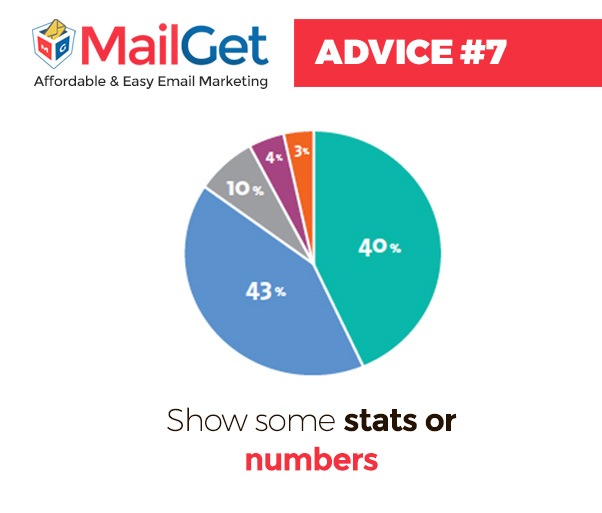
7. Show some stats or numbers
Numbers helps in building brand image and trust among the people. Mentioning numbers or Statistics in the email subject line of your email campaign will make subscriber believe that your product is genuine and will make them open your email.
You can tell about your number of customers, or about your sales, or ask you can mention the numerical value of the service that you are providing to your subscribers.
For instance- “Trusted by more that 1200 Companies”
8. Ask intriguing questions
Asking question in your email subject line can stimulate great responses from the customers. If the question in the email subject line of your campaign is relevant to the customer’s interest, it will prompt them to open the email and check out the solution being offered.
Your might have seen emails with subject line-
- Suffering from hairfall?
- Is it true?
- Want a home loan at 4% interest only?
9. Add a list of thing
List of things gives people an idea that you need not spend a lot of time in reading the complete mail, instead, you can get the crux of the content by just scan the email. So, mentioning the title of the list in the email subject line will invoke instant clicks on your email.
For instance-
- 10 ways to increase your sales
- 10 best email marketing softwares
- 10 Best tips to enhance your email marketing campaign
10. Add a hint of humor to the subject line to make it catchy
A humorous subject line in your email campaign works as a great motivator for the subscribers. It engages more customers and results in good email open rate.
You can use celebrity whereabouts, song and movie lines etc in your email heading. This way people will be able to relate more to the email they received and they will end up opening the email.
Some of the great examples of different organizations –
- UrbanDaddy: You’ve Changed
- Influitive: So I’ll pick you up at 7?
- BloomThat: Better than a pumpkin spice latte!
- BuzzFeed: Yes, We’re Still Talking About Kim Kardashian’s Butt
- Groupon: There are no deals in this email
- Warby Parker: Pairs nicely with spreadsheets
Note: Make sure that your email subject line is not offensive.
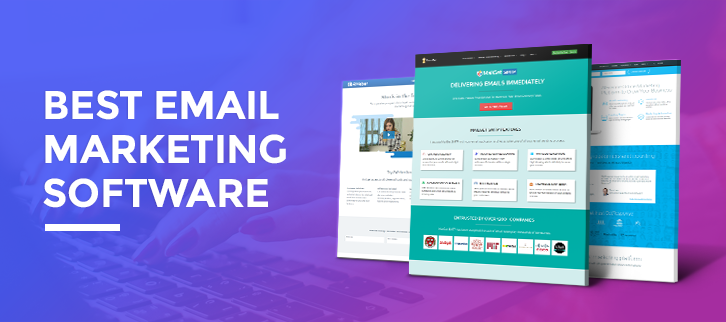
10 Top Email Marketing Software 2022 [Best Delivery Rates]
Do you find it difficult to promote the products & services of your business online?
No worries check out this blog once and you will definitely end-up finding a best email marketing service for your business.
Top Email Marketing Services And Their Comparisons
| Services | Pricing | Subscribers | List Management | Free Trials |
|---|---|---|---|---|
| Pabbly Email Marketing | $29/m | 5,000 | Yes | connect 3 SMTP |
| MailGet | $49/m | 50,000 | Yes | 30-Day Free Trial |
| SendinBlue | $25/m | 100,000 emails | No | 300 emails per day |
| $40/m | 10,000 | No | Up to 1000 subscribers | |
| GetResponse | $65/m | 10,000 | No | Month Free. 250 Users |
| Pepipost | $25/m | 150,000 emails | No | Forever Free Plan |
We all are aware of the fact that how important is email marketing these days. Many online studies say that it has become one of the most convenient resources for promoting products and services online.
This is the reason why everyone is in a rush to find a good email marketing service which is affordable, user-friendly, comes loaded with features and serves the best.
But what is more important is how to know the best software for email marketing of your business.
So, we took the pledge and after doing a lot of research & testing founded the 10 Top Email Marketing Software 2022 that will help you send promotional as well as transactional emails that land in the inbox of the customer.
So, what is the wait, let’s dive into the details of the 10 Top Email Marketing Software 2022.
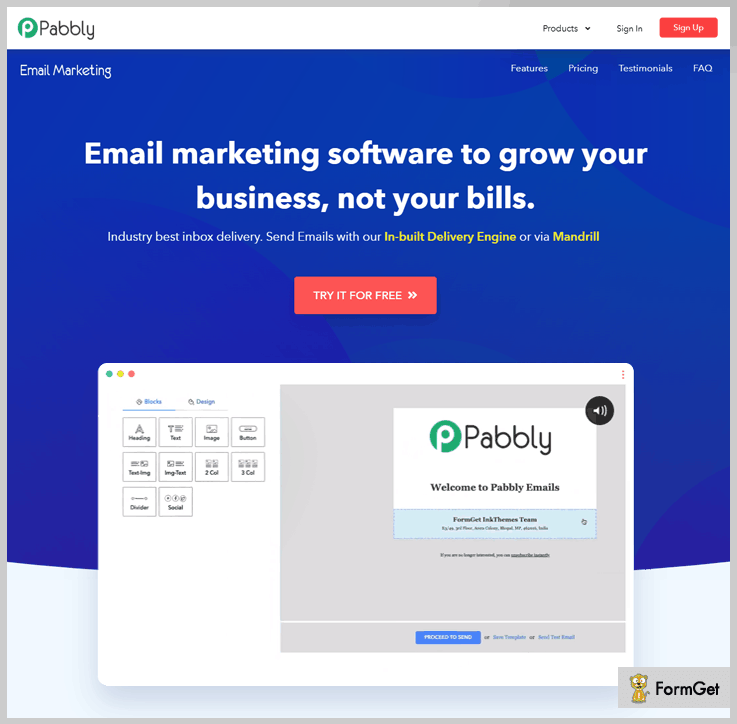
1. Pabbly Email Marketing– Email Marketing Software
Pabbly Email Marketing is the most efficient and easy-to-use email marketing software currently available in the market.
You can start sending emails within 5 mins with this service as it comes with its own SMTP and allows you to add multiple SMTPs in easy steps. This best email marketing software has got all the latest features offered at a very low price.
This price plan for this emailing service starts as low as $29 a month for unlimited email delivery.
Get an open rate of 43.64% on promotional and 29.47% on transactional emails in real from bulk email marketing campaigns.
Yes, this is true! while doing online promotions via Pabbly Email Marketing we personally got an awesome open rate of over 43% on promotional emails from a single campaign.
Should try this service once as it helped us gain huge profits at the cost of $29 a month for UNLIMITED EMAILS.
Some of the best features that Pabbly Email Marketing are given below-
- Drag & Drop Email Builder
- Effective List Management
- Subscriber Segmentation
- Autoresponder & Drip Email Option
- Auto Follow Up Emails Facility
- Mobile-Friendly Email Designs
- Google Analytics Integration
- Unsubscribe Handle
- 24×7 Email & Chat Support
- Email Inbox Preview
- Add Personalized Tags
- Subscription Form
- Email Tracking
- MailGet API
Pros of Pabbly Email Marketing
- Explore Pabbly Email Marketing without paying any cost.
- 500+ pre-designed email templates
- Allows sending unlimited emails.
Cons of Pabbly Email Marketing
- Users are restricted to send emails in a free trial plan.
Note:- If you already have an SMTP service no worries Pabbly Email Marketing will help you send emails via Amazon SES and many other popular SMTP services.
Starting at $29 a month with unlimited email delivery to 5,000 subscribers.
2. MailGet: Online Marketing Software
MailGet software allows you to create retina-ready email templates to engage more visitors and subscribers.
It lets you easily create templates with Drag and Drop Builder. Furthermore, MailGet provides you a powerful dashboard to easily manage and track multiple statistics of the email system.
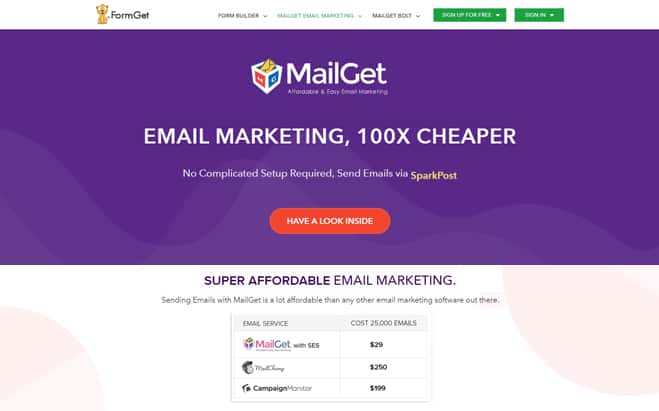
Quality Features of MailGet email marketing service are given below:
- Drip Automation
- Schedule Emails
- Real-Time Support
- Easy To Use Dashboard
- Robust Reports Section
- Responsive Email Templates
- 10+ Block For Create Templates
- Google Analytics Integration
- Amazon SES Integration
Pricing Plans
MailGet creates different pricing plans according to every business person.
Starters: Get this plan is only $ 7/month in which you get 10 campaigns.
Rookie: Pay only 29 in which you can add unlimited campaigns.
Pro Plan: Buy this plan in $49 which empowers you to send 50000 subscribers.
Advanced Plan: To purchase our advanced plan pay $79 in which you can send emails to 1,00,000 subscribers and create unlimited campaigns.
More About This Email Marketing Tool
3. Pepipost: Email Marketing Tool
Pepipost is a friendly and extremely easy to use email campaigning tool. With the help of their API, you can send emails through SMTP without any trouble.
This service provides an interface that is very easy to use and manages your account in an effective way.
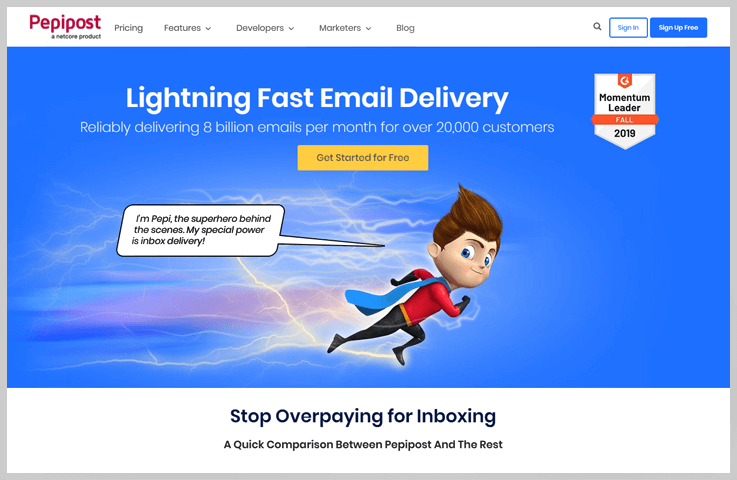
List of features that Pepipost emailing platform possesses-
- It is easy to configure with major website creation tools.
- 100% inbox delivery
- Responsive and mobile-friendly emails
- Pepipost has the best delivery protocols and guidelines to fight spam.
- This software is easily scalable.
- With all that it has a powerful trigger ware rule engine.
Pros of Mad Mimi
- It provides Bounce notifications
- Data is fully secure
- You will get real-time reports
Cons of Mad Mimi
- No list management
- Costly as compared to other software
More About This Email Marketing Tool
4. SendinBlue: Online Marketing Solution
SendinBlue is an advanced emailing tool that will add a great help to your online marketing and promotional needs. With this marketing solution, you can easily reach the audience and customers.
You can send transactional as well as marketing emails and promote products and services globally.
Key features of this affordable email marketing service are listed below-
- Email designer
- Easy & fast contact management
- Campaign reports
- Transactional email templates
- Responsive design
- Spam checking & inbox testing available
- Email & SMS personalization
- Fully customizable sign-up forms
- List segmentation
- Phone & email support 24/7
Pros of SendinBlue
- Offers free plan with multiple advanced features
- Responsive email templates available
Cons of SendinBlue
- Account set-up is a bit confusing
- Can’t upload contacts from third parties
More About This Email Marketing Tool
5. Moosend: Email Marketing Agency
Moosend has partnered with IBM to support your email marketing efforts with a leading reliable cloud hosting environment that will help you deliver your campaigns faster.
It is one of the cheapest still reliable email marketing service. You can start sending emails with its free trial which includes all features.
MooSend emailing agency features are listed below-
- Drag & drop email builder
- Advanced email marketing automation
- Contact segmentation and grouping
- Real-time analytics of campaigns
- Supports 3rd party integrations
- Spam testing & A/B split testing
- Cross-device newsletter preview
- Unlimited custom fields
- Personalization tags
Pros of MooSend
- Interface is user-friendly
- Easy to understand color-coded reports
Cons of MooSend
- Response time is a bit slow
More About This Email Marketing Tool
For more related information check out the following blogs –
6. ConstantContact: Emailing Platform
Using ConstantContact email marketing templates you can create and deliver emails that are modern and looks professional.
This platform comes pre-loaded with multiple futuristic features that allow quick & easy email automation that too at an affordable price point.
Email automation features by ConstantContact-
- Ready-to-go customizable email templates
- Get access to unlimited email every month
- Automatically send personalized emails
- Advanced contact management with auto removal
- Real-time email tracking tool
- Fully responsive email templates
- Multiple list building tools
- Keep connected with an autoresponder
- Step-by-step seminars, training, and online support
- Mobile apps for monitoring on the go
Pros of ConstantContact
- 60-Days free trial period to perform testing
- Over 400 attractive email templates
Cons of ConstantContact
- Overpriced: the prices are comparatively very high
- Difficult to cancel services as you have to call them for cancellation
More About This Email Marketing Tool
7. MailJet: Email Marketing Solution
Right now MailJet is a top-class emailing solution that will boost your business growth. With this service sending marketing and transactional emails in bulk becomes very easy.
It’s a one-stop solution which is reliable and will fulfill all your email marketing needs. A simple 3 step process of creation, send and optimization is being followed which delivers high success rates.
MailJet Email Marketing Solution comes at a reasonable price of $74.95/m for 150,000 emails.
Full set of features that MailJet offers-
- Automate email triggering based on scenarios
- Enhance with A/B testing
- Segment all your e-mail data
- Get dedicated API support
- Real-time monitoring & email tracking
- Send API for advanced mail delivery
- Send personalized emails by location, subject lines, etc
- Improved email deliverability service
- Deliver both transactional and marketing emails
- Choose from pre-designed email templates
- Send emails that are fully responsive
- Instant 24/7 support is available
Pros of MailJet
- Powerful template design
- Good interface easy to understand
- Mailjet supports different languages
Cons of MailJet
- Support only includes emails, no toll-free number is available
- Social media integration is not supported
More About This Email Marketing Tool
8. GetResponse: Email Marketing Service
The benefit of using GetResponse email marketing service is that it comes along with the webinar facility. With this service, you can simultaneously send emails to users and use the webinar feature to give the attendees online presentations as well.
With GetResponse you can simply grow your email list, increase conversions, optimize engagements with the latest features.
Price plans for this emailing solution start from $15 and go up till $1199 for a month.
Features that are provided by GetResponse email marketing service-
- Custom domain
- Campaign consulting
- Webinars 500 attendees
- Drag & drop email builder
- Supports multiple integrations
- Dedicated IP addresses
- Guaranteed inbox delivery
- Fully responsive emails
- Bulk emailing facility
- Track user activities
- Automation segmentation
Pros of GetResponse
- Automated list management
- Design testing and spam testing facility
Cons of GetResponse
- Lots of templates but the designs are retro and looks outdated
More About This Email Marketing Tool
9. AWeber: Email Marketing Service
AWeber is an amazing email marketing service that permits you to design eye-catchy emails, manage contacts, track user actions and conduct bulk-online marketing campaigns.
You can stay on top with this easy-to-use email marketing and automation service without spending a fortune on it.
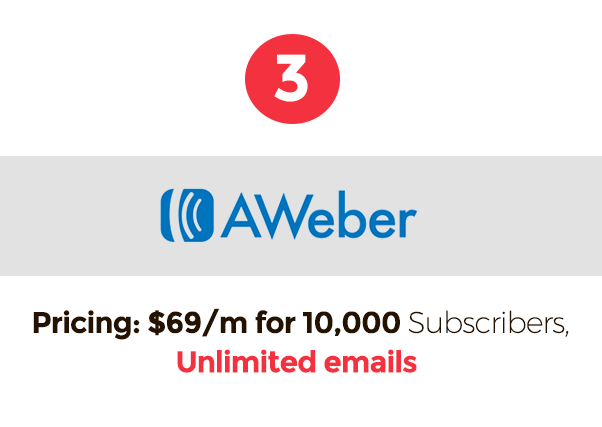
Some latest facilities that AWeber provides-
- Send unlimited emails
- Email marketing API
- Measure email deliverability rate
- Sign-up forms to grow a contact list
- Easy to use drag & drop editor
- Import contacts from different file formats.
- Select from 700+ responsive email templates
- Email tracking for details about email campaigns
- Easy subscriber management & segmentation
- Integrate with various, social media, e-commerce, and other applications
Pros of AWeber
- Compared to others the price is reasonable
- Setting time-based autoresponders is easy
- Responsive email templates
- Strong reporting feature
Cons of AWeber
- Some templates are a bit outdated
- Multiple email segments can’t be done at once
- Split testing is currently unavailable
More About This Email Marketing Tool
10. MailChimp: Advanced Email Marketing Software
MailChimp is one of the largest marketing automation platforms with which you can send stunning emails that perfectly land in the inbox of customers.
It’s an email marketing software that helps people find the right audience and increase customer engagements through fully automated advanced features.
With MailChimp, you get free as well as paid plans starting as low as $10 a month.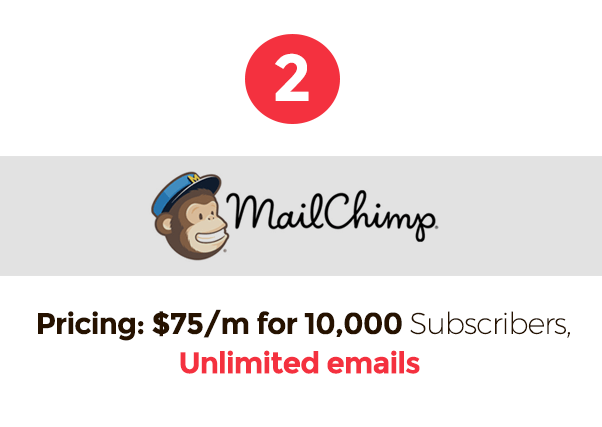
Features For Email Marketing Automation-
- Multiple e-commerce integrations
- Drag & drop designer for fast & attractive e-mails
- Work quickly with pre-developed email templates
- Create full automation funnels
- Re-engage stale subscribers
- Analyze performance with A/B testing
- Segmentation to send the right emails
- Email tracking to know user action
- Trigger multiple emails with a single API request
- Access anytime, anywhere with MailChimp Android & iOS app
Pros of MailChimp
- You can import your own email templates
- Thorough reporting which includes locations, social media and more
Cons of MailChimp
- Limited email automation
- High-cost plans
More About This Email Marketing Tool
11. Campaign Monitor: Mailing Software
Campaign Monitor is a professional-grade email marketing and automation service designed for today’s fast-growing businesses.
This service guarantees 100% inbox delivery, plus many other features that will automate your email campaigns and help you generate good sales results.
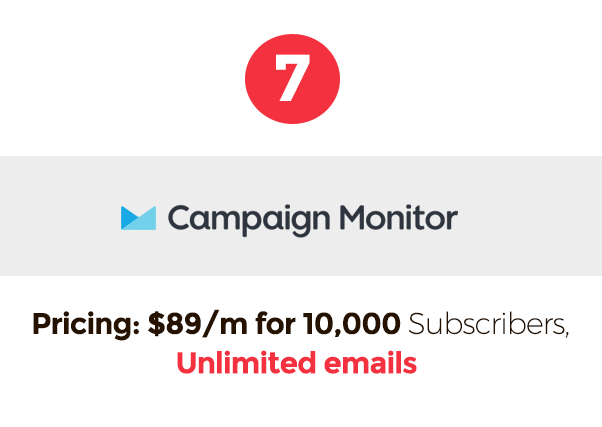
Some of the features of Campaign Monitor are-
- Send unlimited emails
- Simple drag & drop email builder
- Completely responsive emails
- Numerous professionally designed templates
- Deliver personalized mails
- Bulk emailing facility
- Segment your customers
- Sign-up forms to grow a contact list
- Multiple integrations supported
- Priority phone and email support
Pros of Campaign Monitor
- A ton of templates to build emails
- Simple list management facility
Cons of Campaign Monitor
- Lacks in live support and third-party integrations
- Prices are higher than other services
Final Closure
I hope this blog helped you find a good email marketing service. As the main motive of this blog was to provide the readers’ information which helps them to find an email marketing solution that is affordable and allows active promotion of their business online.
Most of the listed services offer free trials. So, I would like to recommend that you should try them out once and test their features before subscribing.
For more info on email marketing services & software, below are few blogs which will help you get more data about email marketing services:-
- Paid Email Service Providers
- Best Email Delivery Service
- Email Marketing India
- Best Bulk Email Service
- Top Email Marketing Services
- Email Marketing Tools
10 Best Tips to Enhance Your Email Marketing Campaign
Email marketing- what is it exactly? The term refers to promoting your products and services using email as a channel for reaching out to your audience. Email marketing is used to build loyalty, trust, or brand awareness in the targeted market.
For email marketing, you need to collect email IDs of the potential customers and develop a list of the email IDs .You have to build a healthy email list, making sure that you’re complying with CAN-SPAM regulations.
There are many email marketing service providers available these days, you just need to subscribe to any of their plans according to your need , upload your email list , draft an email and send it to the targeted audience. But drafting a proper email can be tricky task , so one should follow some of the key tips mentioned here to draft a proper email and to enhance your email marketing.
1. Never spend $100 for something that you can get for $1
There are email marketing service providers available these day, choose one for yourself wisely. Some firms charge a fortune to provide email marketing services, that you can get for much lesser amount , so look for companies that fulfill your needs and do not over charge you. Before deciding on anything conduct a small research for yourself and you can save huge sums of money.One such example of such a service provider is MailGet.
2. Segment your email list
Segmenting your email list means that divide the email IDs that you have collected in different groups depending upon the targeted audience, priority and some other factors. This will help you to send emails only to a relevant group of people every time you launch a new campaign.
3. Plan a follow-up email for every email campaign
Never give up upon your customers, if you want a good response try sending more emails. Once you launch a email campaign, set a auto follow-up emails to increase the frequency of your email sent resulting in increase of conversion rate.
4. Always personalize your emails
Personalization of emails is when marketers use subscriber’s data like name, within the email content to make the it feel tailor-made for the individual subscriber. It has also proven very useful to increase opens rates of the mails sent as it engages the reader more and they can easily relate to it.
In one of our case studies, we found over 100% increase in email open rates by personalizing the email subject line.
Our best performing subject line was –
Hi {firstname}, Need your advice
It went to people like –
Hi John, Need your advice
5. Establish a clear call to action in your email
In emails marketing CTA or call to action is very important, it grabs subscriber’s attention and encourages them to act immediately. Your email must have clear call to action as it informs the user what is expected to be done at their end.
Some of most commonly used CTA are Shop now, Join Us, Call at etc.
6. Use friendly language instead of robotic one
Drafts emails in interactive ways, they should not seem robotic of auto-generated responses to engage more and more subscribes. If the email language will be robotic or monotone, there are high chances that they land into the spam folder or user might not open it or unsubscribe it.
 7. Keep your email list updated
Your email list needs to be updated regularly.Make sure to check the spelling errors and typos in the emails IDs added to the list each time. Keep cleaning all the inactive and invalid email ID from the list to avoid hard bounce emails. Follow the feedback and remove complainers immediately from your list so as to decrease the complaint rate in future.
8. Write emails with respect to customer’s interests, not your’s
If you want a subscriber to read the email you have sent, then send an email with content that shows benefits for the subscriber excluding your personal interests from it. If the email only contains information about what your product does and it features instead of how it is beneficial for the subscriber, they will lose their interest in reading the email.
9. Keep your emails short and simple
Length of the emails drafted matters a lot. Do not scare the subscriber by sending lengthy emails to them.
Try to keep your emails short and simple so that they can scan the email and find the crux of it easily without spending much time on it.
10. Send emails using multiple STMPs to improve reach and engagements
No one email service is good all the time. Different email marketing service usually put you on their shared IP resources for sending emails. Due to which one sender bad sending can affect your email sending engagements and reach as well.
It is generally recommended that you should use at-least connect 2 to 3 SMTPs in your account and send emails using each one of them and keep on experimenting. One best way is to send your first email campaign through SMTP A and than re-sending the same campaign through SMTP B to maximize your opens, reach and engagement.
For connecting and sending through multiple SMTP’s you can try out MailGet – email marketing platform which is an email front-end for sending emails through multiple SMTP relays.
FormGet Integration With MailGet: Build Customized Subscription Form

If you want to build your own subscription form, then you can use FormGet for that.
FormGet is an online form builder through which you can create any sort of forms like registration forms, payment forms, and subscription forms. Complied with some of the best dominating features, you will be pleased to create any type of form. We would suggest you to kindly explore all feature of FormGet here – Powerful Online Form Builder Tool – Easiest Contact Form
How To Create Forms In FormGet
– Firstly you will have to build a customized form using FormGet, which would look like given below.
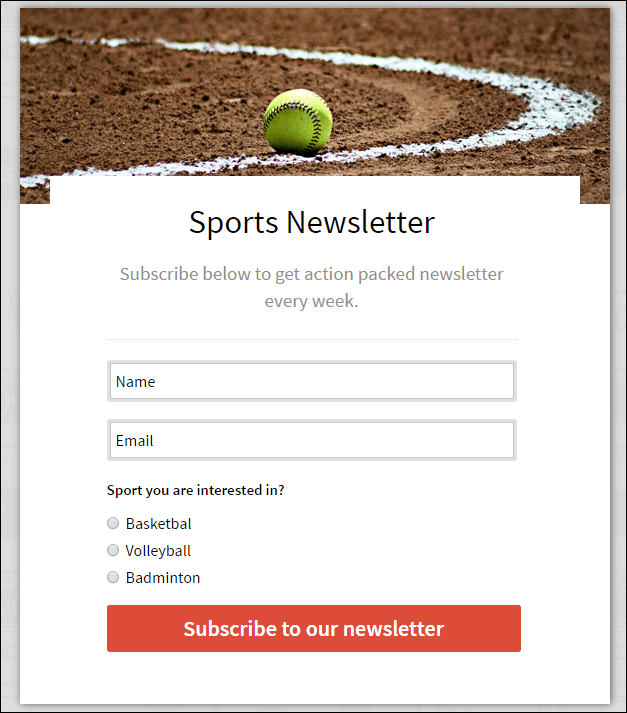
– To build a fully customizable form, you can check out FormGet to create a form and register yourself to FormGet as well. It is free to use.
– You can then embed that form to your website. In case you don’t want the fancy form, we also offer a plain simple version of the same web form which you add to your website.
– Once it’s done, FormGet and MailGet can be connected through the API. To know about how to use MailGet API, kindly go through the following documentation – MailGet API For Email Marketing
– Next, add that MailGet API key inside your FormGet account. To know about adding MailGet API key in your FormGet account, please go through the documentation here – MailGet Integration With FormGet
– Once you’re done with connecting your FormGet account with MailGet account and then you will be able to directly store the subscriber’s emails you will be getting through your FormGet forms into your MailGet account.
– Also in FormGet, you will be able to add mapping rules like if a person selects Option A send him to List A and so on. Based on what user selects the option, the users will be then added to different email lists in your MailGet account.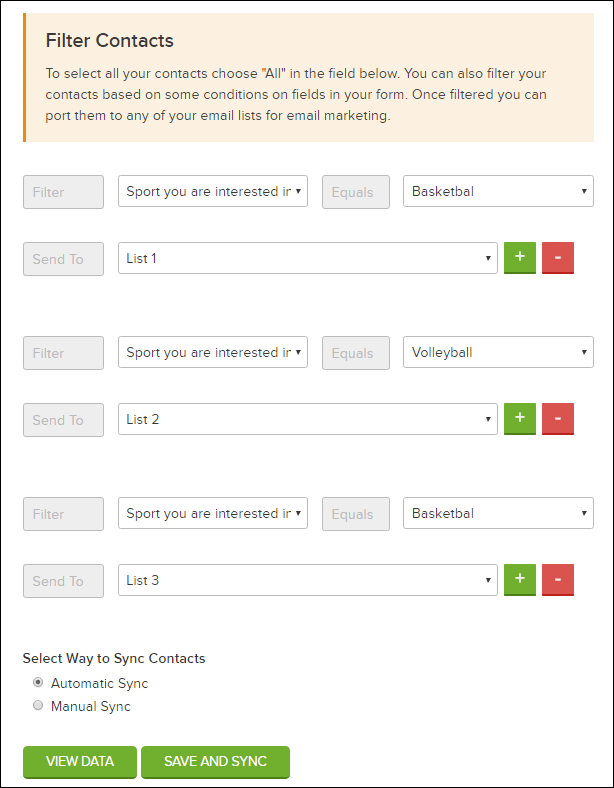
Creating subscription forms is really easy with FormGet. Do give it a try. Moreover don’t miss out the email auto followup feature of MailGet, which helps you in getting more open rates.
Email Marketing Auto Followup: Increase Engagement With Subscribers
Many a time, it might have stricken you that I wish I would have been able to automate the email followup to subscribers who have not viewed my emails yet…!!
Your answer probably would have been “Many times“.
Exactly, this is why MailGet has got a feature named as “Email Auto Follow-Up”.
Email Auto-Followup feature allows you to automatically send follow-up emails to only those subscribers who have somehow missed to view your emails. In simple words, it gives you another chance to reach your subscribers and get engaged with them.
With this feature, you would definitely be able to BOOM your email open rates and would ultimately generate high conversions through your email campaigns.
So let’s see how to use this Email Auto-followup feature in MailGet…
STEP 1. Create an email. You can use any of the following builders for creating emails viz. Drag & Drop email builder, HTML and plain builder.
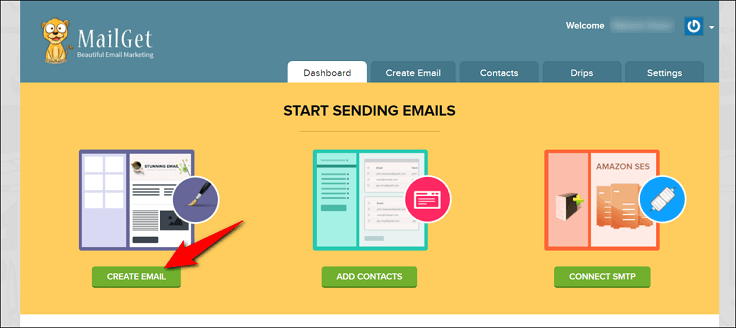
STEP 2. After creating emails, you will proceed towards ‘sending email’ section, where you will be able to select your contacts to whom you want to send emails. The best part is that here you will be able to find the email auto-followup option named as “SEND WITH AUTO FOLLOWUP“.
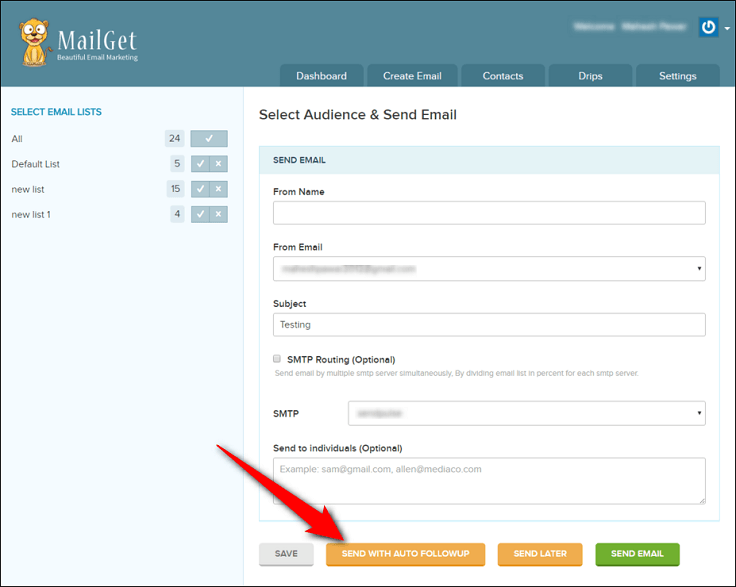
STEP 3. Once you click on the “SEND WITH AUTO FOLLOWUP” button, another popup notification will appear as shown below. In that popup notification, you will be able to set the number of days after which the follow-up email has to be sent. Further, you will also be able to check the exact date and can choose the time as well.
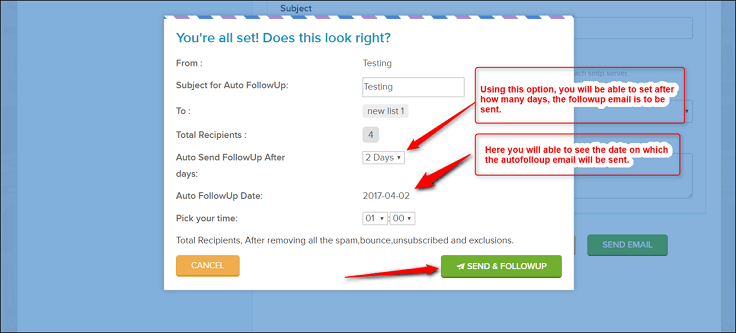
Hopefully, the Email Auto-Followup feature helps you to get bigger conversions with email marketing campaigns. Meanwhile, if you wish to automate your whole email marketing campaigns, then don’t miss out to check MailGet’s Drips Email Campaign feature as well.
Frequently Asked Questions- MailGet & MailGet Bolt
In this section, you’ll have get answers to the question which you can have in your mind regarding MailGet & MailGet Bolt. Kindly go through each of them, which will surely help you out.
MailGet
– What is MailGet..?
MailGet is an online application, which allows you to send bulk emails by connecting with any SMTP like Amazon SES, SendGrid, SparkPost, MailGun, Elastic Email, etc.
– What is SMTP..?
Simple Mail Transfer Protocol (SMTP) are professional servers which are being used for sending bulk emails. They can handle bulk volumes of email without any issues and comes with the best email deliverability when it comes to email marketing.
– Is it necessary to connect any SMTP with my MailGet account for sending emails..?
Yes, you will have to connect any SMTP with your MailGet account else you won’t be able to send even a single email. For more information regarding SMTP integration, you can go through following link – SMTP Integration: Connect With any SMTP To Get More Open Rate
– From where I can get SMTP…?
Presently there are a number of options available when it comes to picking SMTP. All SMTPs are good and the only difference between them is of their email deliverability they offer and their pricing plans. You can check out the following link to know about some of the best SMTP – 10 Best SMTP Service Providers 2022
– Do I need to pay SMTP as well apart from paying SMTP…?
Yes, you will also have to pay the SMTP as well, separately. Generally, SMTP charge as per the number of emails you send. Like if you connect Amazon SES with your MailGet account for sending emails, they will be going to charge $1 for 10K emails. We would suggest you check the website of the SMTPs to know about their pricing plans.
– With MailGet, how much inbox deliverability I’ll be going to get…?
With MailGet, we’re pretty sure that you will be able to achieve highest email deliverability for your email campaigns. But at the end, all it comes to your email content, contact list, and domain reputation. So all we can suggest you is that have a good email content and clean contact list, that’s it.
– Is connecting SMTP with MailGet account is a hectic task to do….?
Absolutely NO. Your SMTP will provide you with the SMTP credentials which you will have to put in your MailGet account. That’s all you will have to do at MailGet end, and then you’re all set for sending emails. Meanwhile, we’ve also made MailGet documentation on various SMTP integration, which will surely help you.
– What if I need help in connecting SMTP with my MailGet account…?
Simply drop an email at [email protected] with the login details of your SMTP account and sit back. We’ll then take care of SMTP integration for your MailGet account..:)
– Can I connect multiple SMTPs with my MailGet account….?
Yes, you can connect as many SMTP you want to connect with your MailGet account. There will be no issue at all and you can send emails with all SMTP successfully.
– My Amazon SES account is in SandBox Mode. What is the next step I need to do…?
If your Amazon SES account showing status as a SandBox mode, then you will have to send a request for increasing your email sending limit from your Amazon SES account. Once your email sending limit is increased, then you Amazon SES account will be removed from SandBox mode. To help you concerning the request, you can go through following the blog to increase – Amazon SES Sending Limits
– My SMTP status is MailGet account is showing as blocked. What show I do now…?
If your SMTP status in MailGet is showing blocked, then that means your SMTP account is suspended down. To know about the possible reasons and removing SMTP account suspension, kindly contact your SMTP provider. In case you have only connected single SMTP and somehow it has been blocked, then kindly connect with some other SMTP, so that you can start sending emails.
– What if my email campaigns are having a high bounce and complaint rates….?
If your email campaigns are having a high bounce and complaint rates (more than recommended standard rates), then there is a possibility that your SMTP account might go suspended. So you will have to make sure anyhow that your bounce and complaint rates are as low as possible.
– Is there any scenario, my MailGet account could be suspended down…?
The probability of MailGet account suspension occurs only when your email sending violates any our email sending regulation. You can know about the MailGet email sending regulations here – MailGet Terms & Conditions
– Is MailGet pricing plans are as per the number of emails….?
MailGet pricing plans are based on the number of subscribers you can add to your account. You will not be charged as per the number of emails you will be going to send. In each plan of MailGet, you will be allowed to send unlimited emails. For more information regarding MailGet pricing plans, follow the link here – MailGet Pricing Plans
– Like if I got 10K subscriber plan, then will I’ll be able to remove or replace all 10K subscriber as per my choice…?
In MailGet, you will be provided with a 50% email removing policy i.e. as per your subscribed plan, you will be able to remove 50% of subscriber once in a month. So if you got 10K subscriber plan, then you will allow for removing or replacing 5K subscriber once in a month. This 50% email removing policy is applicable for every subscriber plan.
– What is suspended list…?
If any subscriber unsubscribes from your contact list, then that subscriber gets listed on suspended list and emails are then never sent to that subscribers. In case you want to remove any subscriber from the suspended list, then you can do that just by clicking the unblock option.
– What if any unsubscribed users resubscribe to receive emails from me…? Will that subscriber will be automatically removed from the suspended list…?
Yes, if any user which was on the suspended list, again resubscribe to receive the email from you, then they’ll be automatically removed from the suspended list and email will not send to them.
– What is spam list…?
When you send emails to your subscriber and if any subscriber marks your email as spam, then that subscriber gets listed to the spam list and in future email are never sent to them. Also in the case of spam list, you will not be provided with the option to unblock any subscriber, which you’re getting for suspended list.
– What is bounce list…?
When emails send to any subscriber bounces due to any reason, that subscriber gets listed in the bounce list. Once any subscriber gets into the bounce list, then emails are never sent to them. Similar to a spam list, here also you will not be allowed to unblock the bounce subscribers.
– In MailGet account, if any subscriber gets listed in suspended, spam and bounce list then, will that subscriber be evaluated in my subscriber counts…?
Yes, when you send emails campaigns after which if any subscriber gets listed to any of these list i.e spam, suspended and bounce list, then that subscriber will be evaluated into your subscriber counts. In case you manually import any subscriber to any of this three list, then they will not be counted in your subscriber counts.
– Will I be able to export the suspended, spam and bounce list from my MailGet account…?
Due to security reasons, we don’t allow you to export the suspended, spam and bounce list. In case you still wish to get the suspended, spam and bounce list, then kindly contact at [email protected]
– Can I connect SMTP of Gmail, Yahoo, Outlook, Office365, etc with my MailGet account for sending emails…?
Yes, you can connect with SMTP of Gmail, Yahoo, OutLook and many others. But what we recommend is that you should use professional SMTP instead of that, since the email deliverability which you will get with the professional SMTP will be far better than Gmail, Yahoo, Outlook, Office365, etc.
MailGet Bolt
– What is MailGet Bolt…?
MailGet is an email marketing service through which you can send bulk emails. Just signup for the account, verify your sender email and you’re all set for starting email marketing for your business.
– Is it similar to MailGet…?
Not at all. In MailGet Bolt, you don’t need to connect with any SMTP for sending emails and pay them separately. Coming upon features, yes you will get all features in MailGet Bolt, which you used to get in MailGet.
– Is pricing plans of MailGet Bolt based on the number of email or subscribers…?
MailGet Bolt pricing plans are based on the number of subscribers and you will be able to send unlimited email in every plan. All you will be limited is adding a subscriber to your MailGet Bolt account.
– Like if I got 10K subscriber plan, then will I’ll be able to remove or replace all 10K subscriber as per my choice…?
In MailGet, you will be provided with a 50% email removing policy i.e. as per your subscribed plan, you will be able to remove 50% of subscriber once in a month. So if you got 10K subscriber plan, then you will allow for removing or replacing 5K subscriber once in a month. This 50% email removing policy is applicable for every subscriber plan.
– I need only SMTP for sending emails. Does MailGet Bolt provide SMTP also…?
As of now, we don’t provide MailGet Bolt SMTP for sending emails. Instead, you can use the MailGet Bolt platform directly for sending emails.
– Can I use sender email associated with Gmail, Yahoo, AOL, etc for sending emails….?
No. You will need to have your own custom domain like [email protected] for sending emails. You can signup for the MailGet Bolt account with the email associated with Gmail, Yahoo, AOL, etc but you cannot use them as the sender’s email.
– What if my email campaigns got a high complaint and bounce rates…?
If your bounce and complaint rates are beyond the recommended limits which are followed in email marketing industry, then we will suspend your MailGet Bolt account and you will not be able to send any email further. The permissible limit for bounce rate is 8% and
– Why my email campaigns sending gets disapproved…?
If your email sending has been disapproved, then the possible reasons for the disapproval would be that your email sending might affect the email deliverability of the whole platform. If you want more details regarding the disapproval, then you can drop an email at [email protected]
[Case Study] 100% Increase in Email Open Rates with Follow-up
A few days back, I sent an email to my 10,372 subscribers of MailGet.
I asked for their advice on whether we should add a feature of automatic follow-up emails to the people who don’t open the email for the first time.
Here was the email, I sent to my subscribers.
Hi {firstname},
My colleague Pradeep who works along with me suggested me one new feature for MailGet.He asked me:Can we “automatically” re-send the email campaign to subscribers who don’t open the emails for the first time.Lets say, I send email to 10,000 people and out of those 4000 people open the email.Next day, same email should be re-sent again to remaining 6000 people automatically on its own.That way, we can lift the open rates up and maybe get few more eye-balls from the same effort.We already have feature to re-send emails to non-openers. But it needs to be done manually.I said, we can build this automation for sending emails to non-openers, if there is enough interest among our users.I need your advice …What do you think, Should we build that feature or should we put our effort somewhere else.Just hit reply with Yayy or Nahh … If you have any other suggestion please add that in the email.—
Thanks & Warm Regards,Neeraj Agarwal
FormGet.com
After sending the email, I waited for near about 24 hours for the entire stats to be aggregated. Below are our stats of sending of Email 1.
Stats of Email 1:
Sent to 10,372 People
Opened by: 546 People
Open Rate: 5.26%
Unsubscribe: 0.35%
Here are the responses, I received from the subscribers after the first email.

After my first campaign, I waited for 2 days and re-sent the same campaign to the very same audience excluding the audience who opened it the first time. This time my stats are a bit different.
Stats of Email 2:
Email 2 was sent on Day 3 . The content and subject line was exactly the same. Nothing changed at all except only sending to non-opens of Email 1.
Sent to 9930 People
Opened by: 819 People
Open Rate: 8.25%
Unsubscribe: 0.37%
Here are the responses, I received from the subscribers who didn’t open my email for the first time.
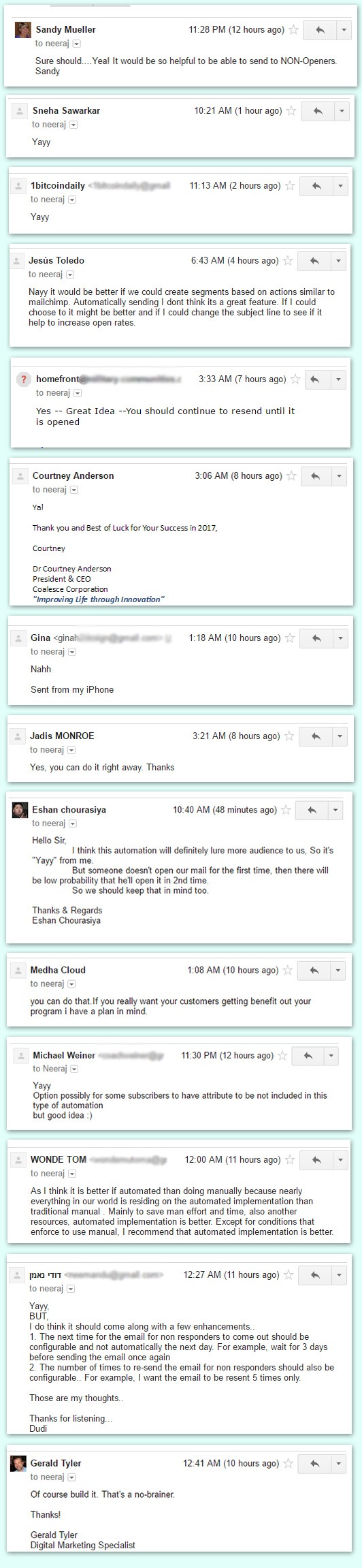
Now, I have seen 2 patterns common among all the MailGet users.
- Some users simply send the email once and they don’t ever resend the same email again to non openers. This is our opinion costs a lot to the them because they are missing lot of eye balls by just sending the emails once.
- Some users are sending email follow-ups already, but they are not consistent in doing it. Meaning they do it with some of their campaigns but often don’t do it consistently.
Both the patterns above leads you getting fewer eyeballs on your message.
Lots of people know the power of follow ups but they are afraid that their subscribers might unsubscribe them.
Now my question is: What’s the point of having a subscriber in your database if they are not reading your emails.
It is better they unsubscribe and save you money than not reading your messages at all.
I would suggest you to sending follow-up emails and give it a try manually.
Our overall results from the very same audience:
Total Unique Subscribers: 10,372
Total Opens (1st Email): 546 Subscribers (5.26%)
Total Opens (2nd Email): 819 Subscribers (8.25%)
Total Unique Open Percent: 13.51%
We have made the decision and launched the automatic email follow-ups within MailGet. Using auto-followups you can send automated campaigns to your subscribers without you having to manually re-sent the campaign again.
Auto-followup with send the email on its own to the non-openers which in turn will enhance your open rates considerably. Do give it a try once and let us know your feedback.
Get more related information through below-mentioned blogs –
5+ Best Doctor Bulk Email Marketing Services & Software For Medical & Health Clinics
Due to the face paced life people are living, they might get sick much often than expected. But the bigger problem they face is to find a decent doctor. Whereas, you being a capable doctor or any other personnel with a medical background, fail to get in touch with your potential patients.
One of the most effective ways to get in touch with your patients is by email. Through email marketing, you can devise various strategies which would help you in informing your patients about your practice or business.
Now comes the tiresome task of finding a suitable email marketing service according to your need.
Worry no more because here is a list of best email marketing services, crafted specifically for doctors and other medical personnel.
Email Marketing Service For Pharmaceuticals & Drug Industries
Medicines don’t appear magically from anywhere, instead, they are delivered and distributed by various pharmaceutical companies and agents.
But, the physical approach of drug promotion and distribution is often limited to few customers. This email marketing service enables pharmaceutical industries to target their customers via email. You can not only promote your drug but also can educate the people about uses & precautions to be taken for their drug.
Go through by more blog posts: Business Email Marketing
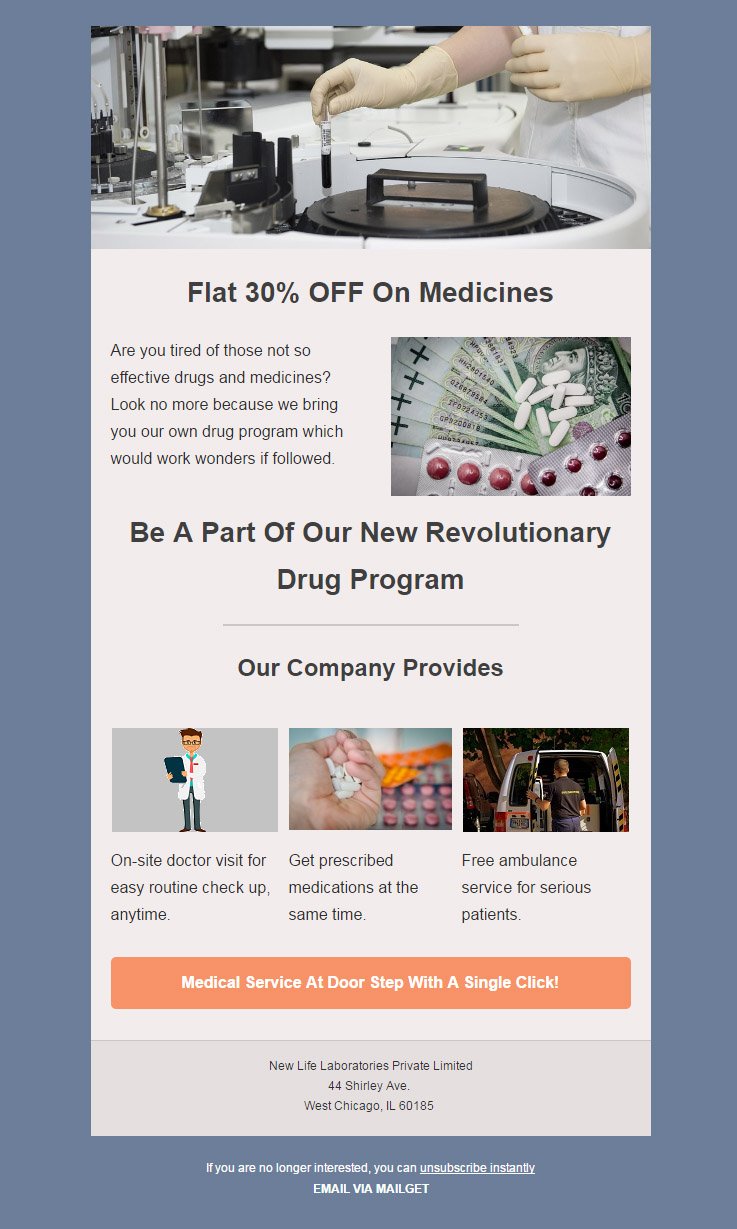
Salient Features Of Pharmaceutical Email Marketing Software
- The premium email marketing solution reduces your workload as it can save several emails addresses & allows you to easily manage up to thousands & lakhs of subscribers in your contact list.
- The salient autoresponder feature helps you to maintain a constant connection with new clients & boosts leads collection lineup.
- To top it all, you get to send visually attractive emails at regular intervals with the help of drip feature.
- Email tracking is the smartest solution to track the subscriber’s activities.
Email Marketing Service For Doctors, Health Care Centres & Medical Practitioners
More often than not, doctors fail to get in touch with their patients because of various communication barriers. This email marketing service is ideal for doctors and other medical practitioners who wish to embark their journey on the path of success and fame.
With the help of various email templates, provided by this service, you can now stay connected with your patients by informing them about your free check up camps and other special services.
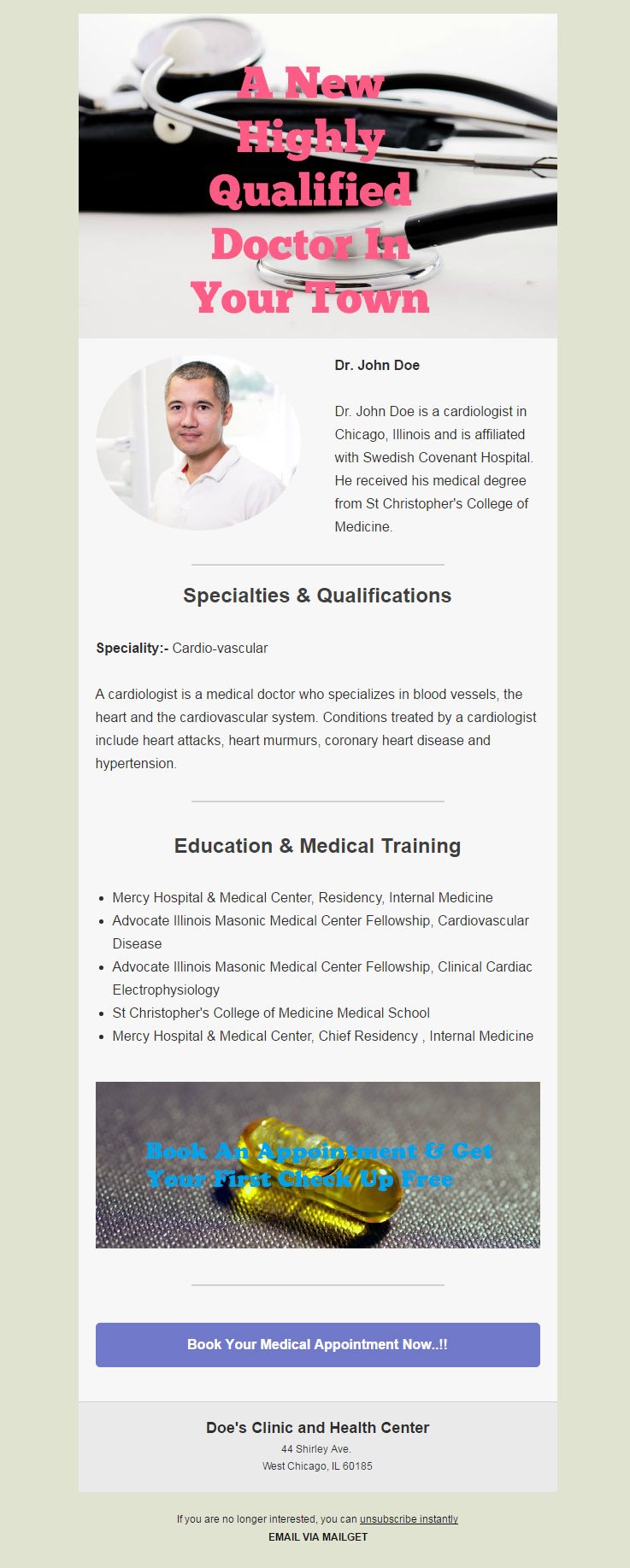
Prime Attributes Of Doctors & Medical Practitioners Email Marketing Software
- Keep them educated by regularly sending them emails on health tips & remedies through automated drip feature.
- The top email marketing platform confirms high inbox email delivery rate, which will consequently enhance user engagement.
- All the above services won’t be possible if there is no organized way to manage your patient’s contact list. But to your gratification, this service would manage and sort your contacts list without any hassle.
- Build responsive email templates featuring images realted to health sector by simple drag & drop concept and send those emails in bulk.
Email Marketing Service For Veterinarians, Veterinary Hospital & Veterinary Medicine
Biggest question a pet owner faces is, where to find a decent veterinarian. You, being a highly qualified veterinarian can now get in contact with your potential customers through this email marketing service.
It enables you to send and inform your clients about your veterinary practice, hospital, and medicines via email campaigns.
Ancillary Features Of Veterinarians Email Marketing Software
- The autoresponder & drip email feature will help to start connecting with fresh clients from the moment they subscribe.
- Personalized emails with name tags are the best way to get high email opening rates & advance conversion rate.
- The service allows you to add new contacts list if needed and also tracks previous email campaigns.
- Schedule the emails to enhance the email productivity by keeping in touch with prospects living in diverse time zones.
Email Marketing Service For Dentists & Dental Practitioner
Email marketing is one of the most influential ways for a dentist to promote and expand his dental practice. This email service is a synonym for success and would definitely drive a large number of people at your doors.
You as a dentist can now target your patients with this email service by getting in contact with them.
Main Traits Of Dental Email Marketing Software
- The online marketing service enables you to categorize all the contacts using the list segmentation feature. This helps you to identify the most & least profitable contacts.
- A series of emails, reminding your patients about their next appointments will result in a healthy doctor-patient relationship.
- All the contacts and email campaigns can be easily managed/monitored by this service so that your staff has one less thing to worry about.
- A properly scheduled email & autoresponders, describing dental hygiene tips and care can be sent.
Email Marketing Service For Hospitals, Health Centers & Nursing Homes
If you have recently started to offer medical assistance and services through hospitals and nursing centers and looking to spread your name, then look no more. This email marketing service is built specifically to cater your need.
Just like most of the medical & hospitals email marketing softwares, this service too helps in connecting and attracting potential patients at your clinic.
Primo Features Of Email Marketing Software For Hospitals
- The patients who decide to sign up for your services gets an automated greeting response because of the auto-responder feature built in this service.
- This service also allows you to send informative email newsletter templates.
- Other properly scheduled emails can also be sent in order to further inform patients about different medicative services, camps & specialist doctor visits.
- Targeted email campaigns & tracking assists in analyzing demands of the patients & hence improve the serviceability of your dental clinic.
Email Marketing Service For Physicians & Nutritionist
Some people are in dire need to seek a nutritionist or physician’s advice but fail to do so.
This email marketing service helps you as a physician and nutritionist to not only connect with your patients but also to gain some sort of recognition in medical business.
Additional Features Of Physicians Email Marketing Software
- Add email subscription forms at high-profile networks & increase the subscriber’s list.
- Also, you can send various emails describing your services with the help of custom designed email templates.
- The software provides an email tracking functionality to keep a track on the opening & clicking rates of the emails.
- Sometimes you may forget about sending those timely emails. This service, just like others, provides you the option of sending emails through dripping mechanism.
Let’s Wrap Up!
Ultimately, everybody wants to set a mark in the medical field by hook or crook. The above-listed email marketing services are designed to fulfill the demands of online marketing tactics. One of the greatest features of these easy to use services is its cut-price & responsiveness, that ensures profitability & credibility.
So what are you waiting for? Go grab one of these email marketing services & start promoting your medical vocation across the globe.
You may also like:-
- Doctor Email Templates
- Business Email Marketing Services
- Medical WordPress Themes
- Dentist WordPress Themes
5+ Best Doctor Email Templates For Health & Medical Centres

Email marketing is always high functional, cheap and effective solution for building strong communication line with patients. It is extremely helpful for reaching to the potential customers as well.
You must aware of following fruitful characteristics of email promotion for your medical business.
- Remind your patients for their routine checkup and followups through drip emails.
- With the help of email tracking, you can track the confirmation of appointments through the status of the mail.
- Your sufferers or victims can feed their details right away while booking appointment when you embed subscription form on the website.
Getting curious to know how email marketing can grow your medical and health centers?
Start reading the post 5+ Best Doctor Bulk Email Marketing Services & Software For Medical & Health Clinics
Meanwhile, to send different diagrammatic and attractive email is the much tedious task to manage at runtime. Thus, for the same we’ve come with some superfine, handpicked and complete crafted email templates for doctors, health chains, clinics, hospitals, diagnostic centers, and nursing homes.
Templates Designed Via MailGet Bolt Email Builder
It is not just an email template builder but a complete email marketing platform where you can create & design unlimited templates and send 9000 emails for FREE!
1. Exclusive Email Template For Medicines & Pharmaceuticals Service
A unique email template to show medicinal and pharmacy services. Promote your newly launched medicines and drugs through this email marketing template.
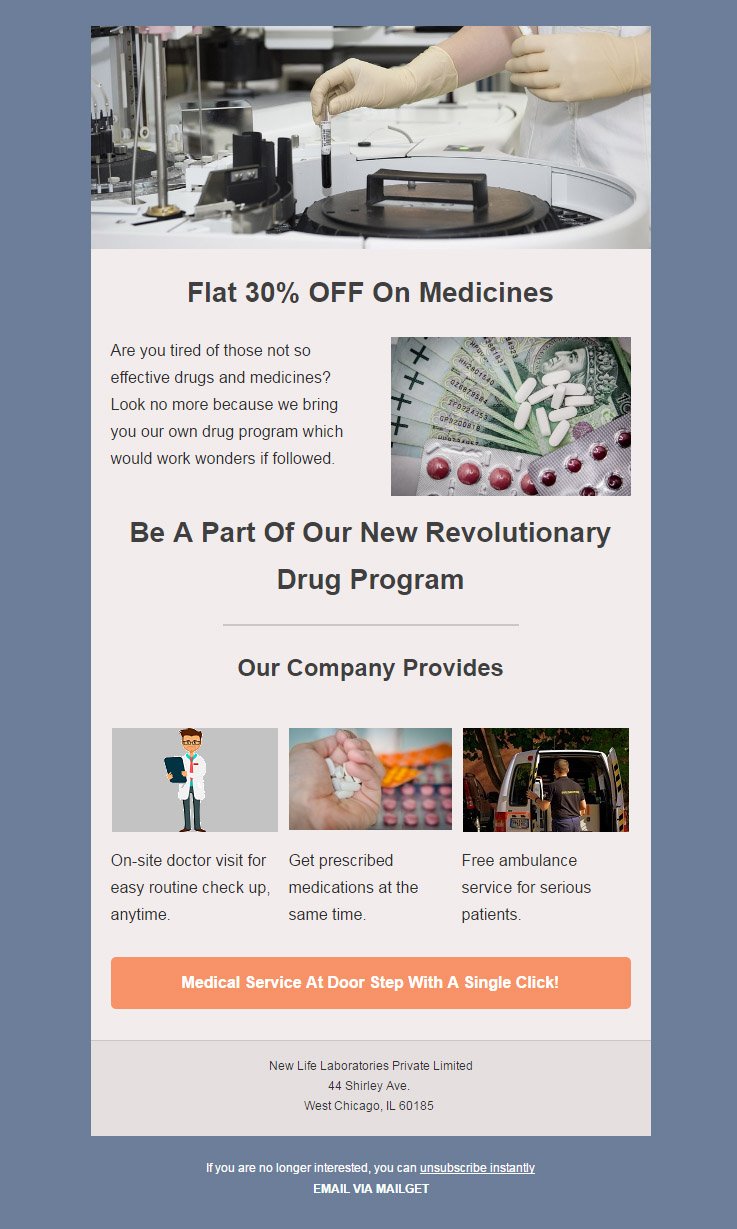
2. Readymade Email Template For Doctors, Medical Officials And Practitioners
Presenting you the rare and attaractive email template for medical officers. Make use of this unique email template for professional marketing of your anthropology experience.
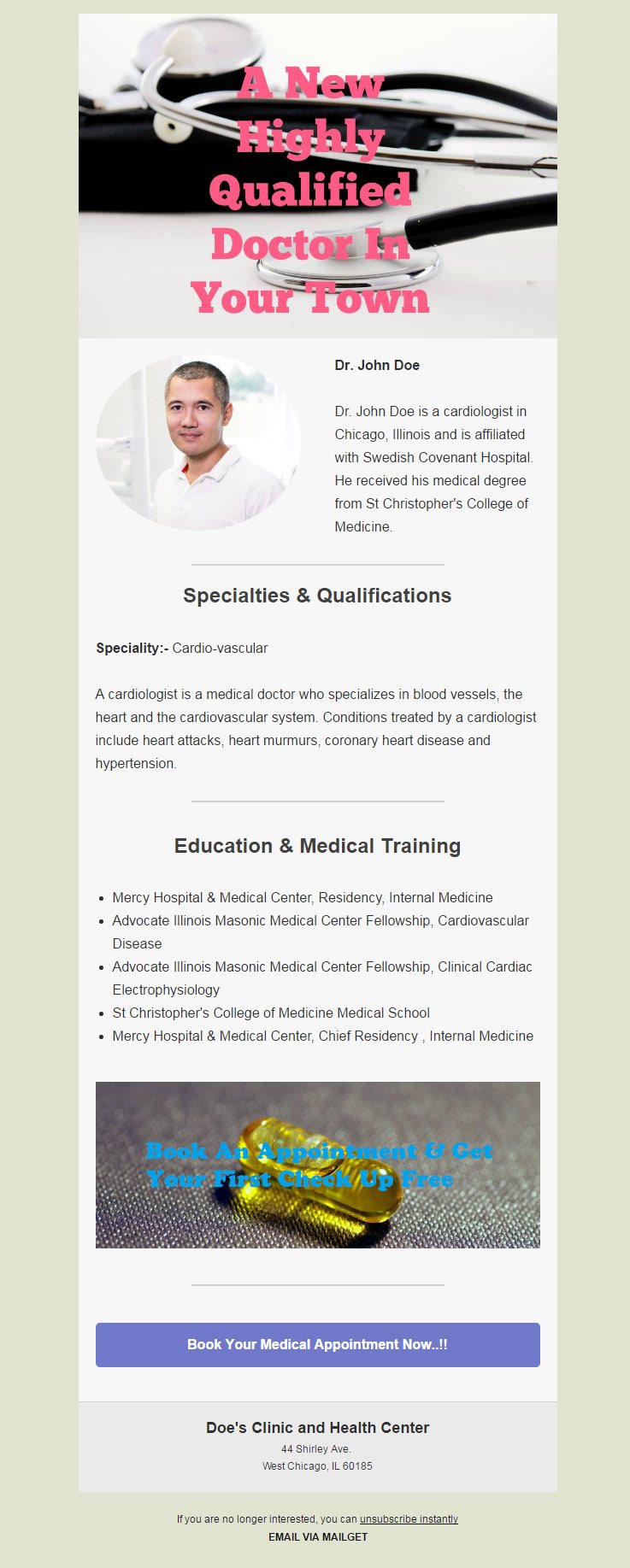
3. Attractive Email Template For Veterinary Doctors
Let your mail regarding pet care services arrive with eye catching email template. Dispense all your pet treatment schemes like diagonostics, surgical and pet nutrition programs on this stunning email template to grow your veterinary profession.
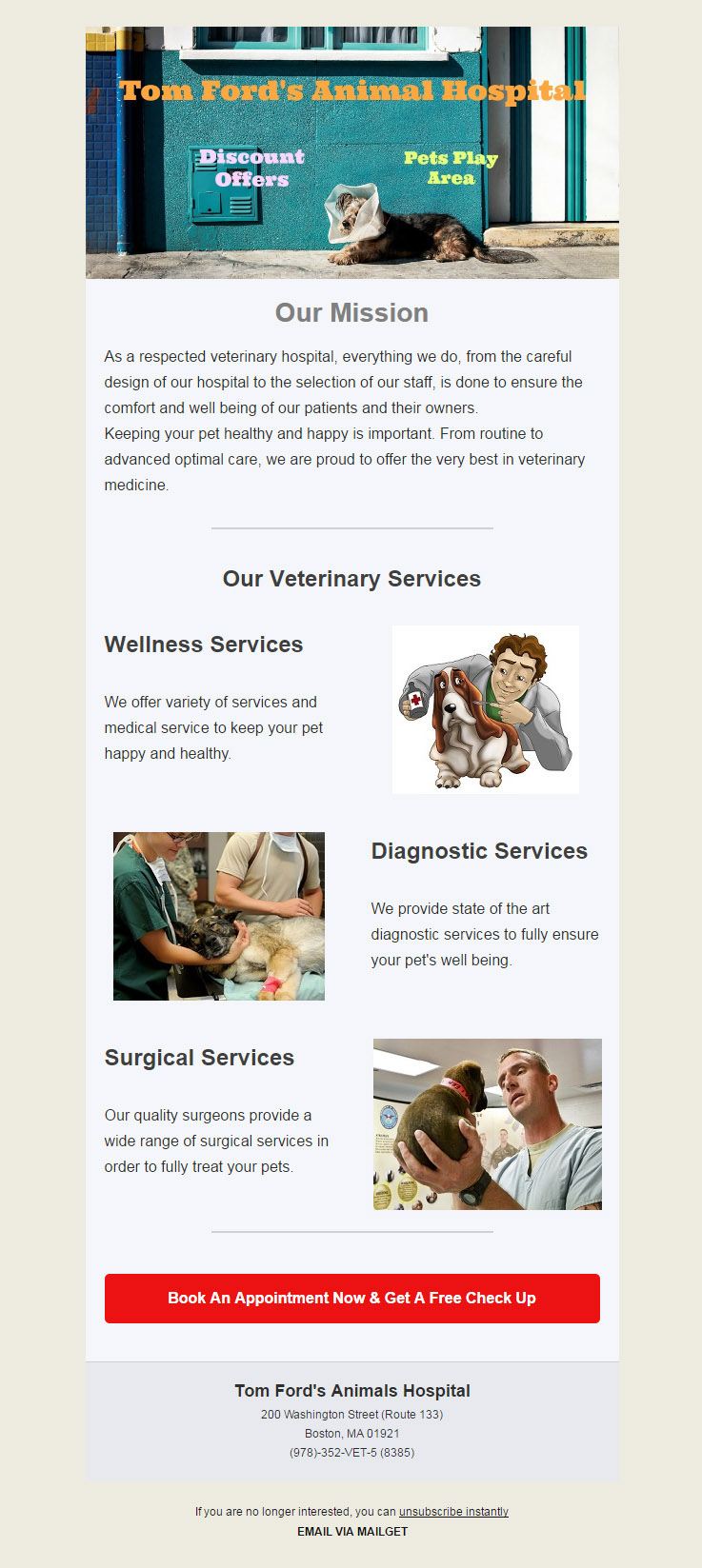
4. Elegant Email Template For Dentists
Grab this rare to find email template for orthodontist and dental practitioners. Stick this email template into mail body and use it for introduction of your dentists team and dentistry services.
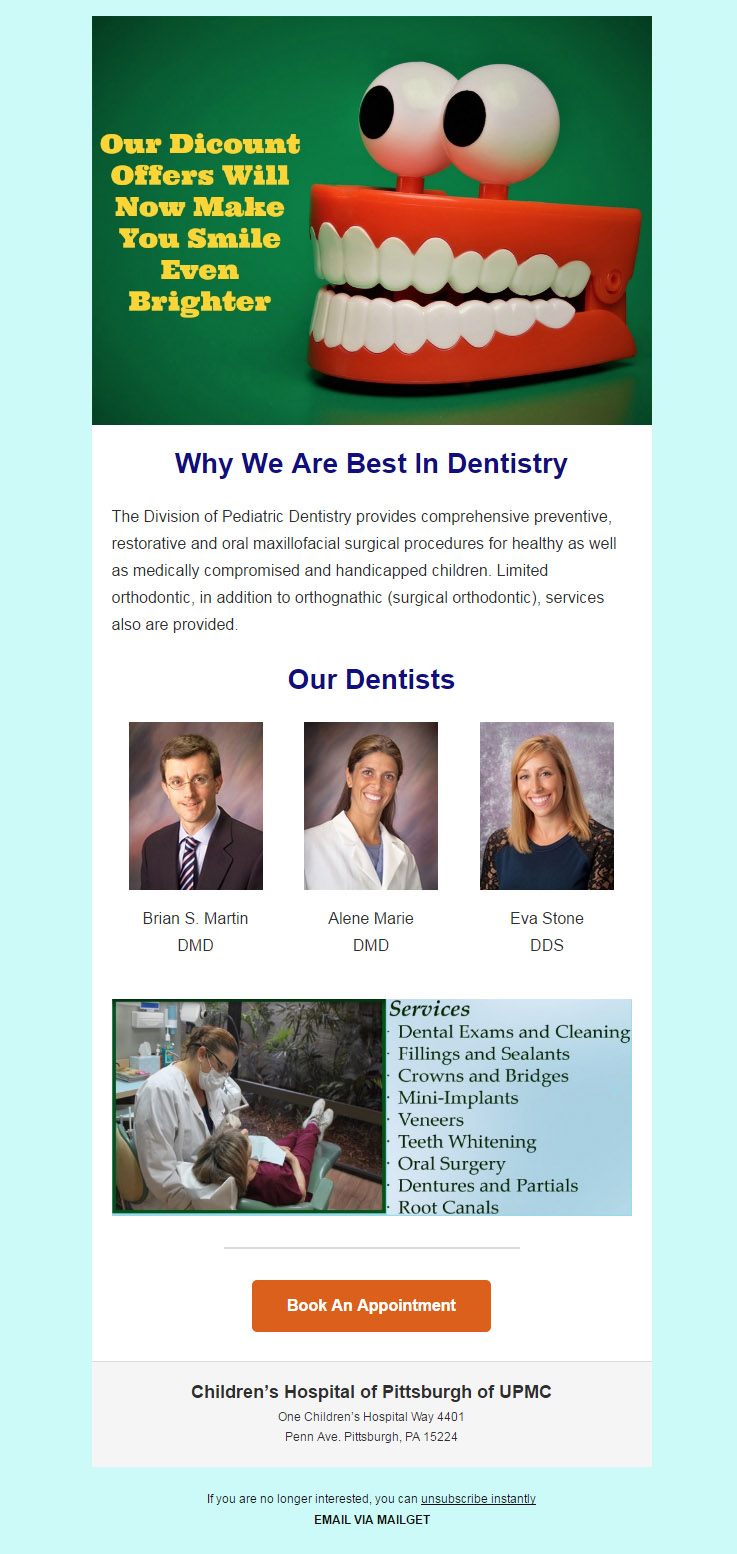
5. Multiple Service Hospital Email Template
Try out this readymade email template for hospitals, nursing home, infirmary, and health centers. With the help of this email template, you can remit mass emails mentioning about multiple high techniques used in your hospitals.
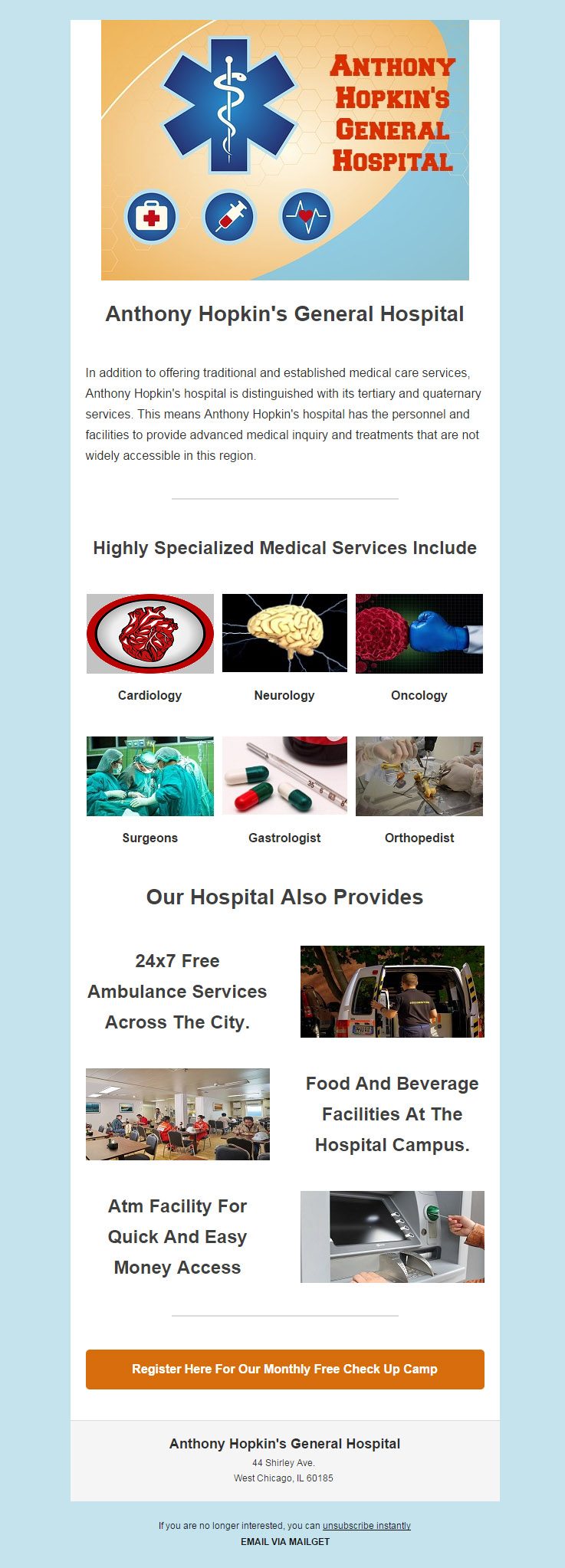
6. Impeccable Email Template For Nutritionist And Dietitians
An elegant designed email template for showing healthy diet plans and tips. Use this email template to send bulk emails regarding nutritional programs and sesions.
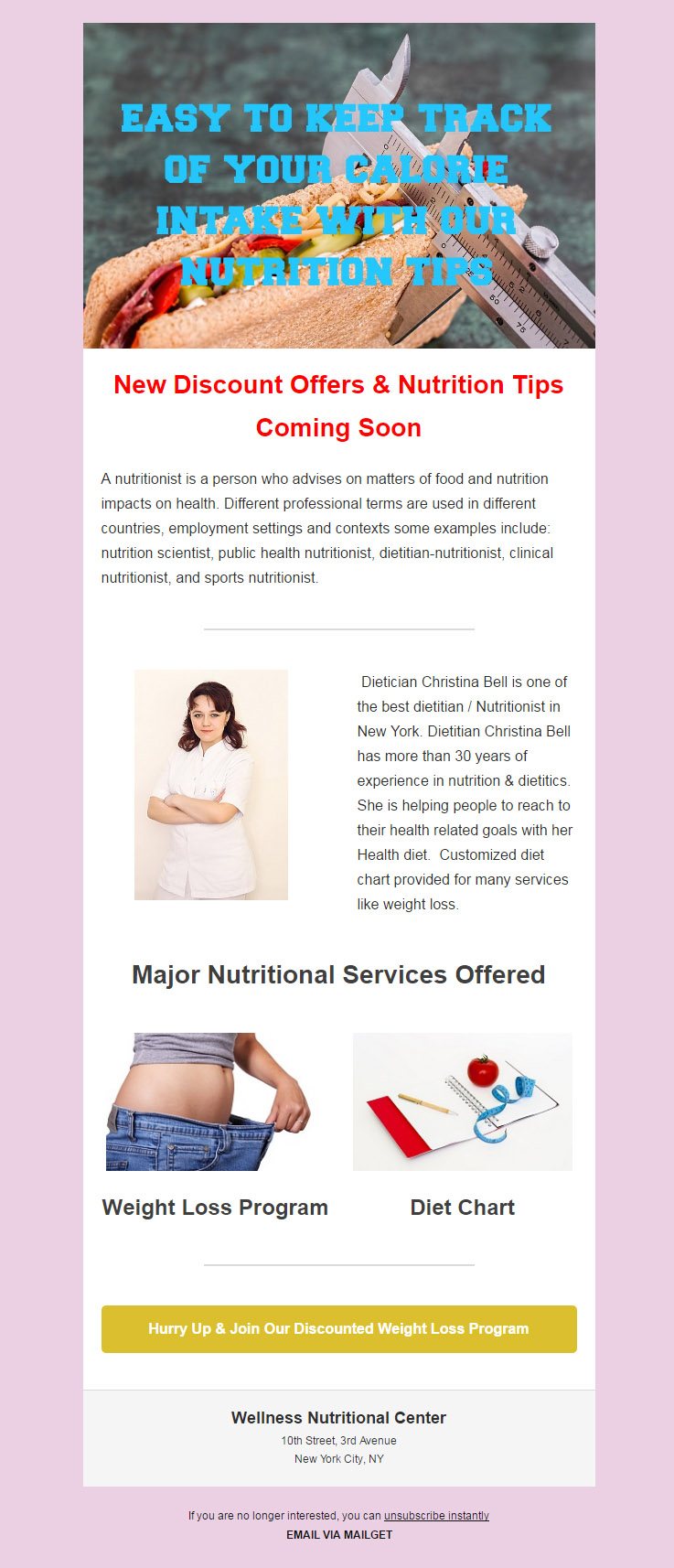
Summing Up
We hope that you will find the best choice for your health and medical domain from the above compilation of email marketing templates. Also, if you wish to design a dream email template, then try out Mailget Bolt – Drag and Drop Email Builder through which you can craft a number of captivating and responsive email templates.
Recommended blogs –
3 Best Real Estate Email Marketing Software & Services 2022

Marketing roadmap for real estate industries is quite complex than any other business. One must need to follow every peer to bring promotional structures sell the properties and assets.
A principal parameter to consider for estate marketing is customers, And reaping the customers to your business door is a foremost task to manage.
Hence, we’re up to deliver the best email marketing services to build an unbreakable business relationship between you and the buyers.
Just read out impeccable traits of featured email marketing services for real estate agents and brokers-
- Put across the fascinating newsletter for properties notifications.
- Release the highly suitable and relevant templates to fascinate the customers towards asset buying.
- Offer multiple choices, site visiting, and discounts on assets right away via appointment booking of email feature.
Let’s just stick to explore out this compilation of 3 best bulk email marketing software for real estate agents, residential builders, construction companies, property broking advisories and much more.
Read out our popular post Best Real Estate Email marketing Services
Real Estate Agents Email Marketing Service For Property Dealers
We brought this nifty side trait for email marketing which is smart enough to manage overall customer vending.
With the help of this marketing tool, one can easily build email for asset selling by using multiple fields and blocks provided for drag and drop. Apart from this, one can also send emails in bulk for notifying the huge number customers about any specific property.

Main Traits Of Real Estate Email Marketing Software
- Numbers of email templates are there to build attractive and fresh emails.here you can mention pricing, rent, images and locality of the property.
- With this service, you can also plan drip email to send for the span of time. The user will get to know about property listing update time to time right from day he registers at your domain.
- Autoresponder is another main feature for this software uniqueness. The user will receive an automated generated reply as a confirmation of his query through the autoresponder.
View DetailsSend 9k Emails Free - Try NowReal Estate Email Templates
Construction Business Email Marketing Software For General Contractors
Start building the strengthful market like your projects. We’ll tell you how?
All you need to stick to our email marketing software uniquely designed for contractors and construction companies.
The email marketing service lets you impart schedule email to your user. In case you want users to be aware home or commercial asset selling in your absence, just schedule the email that to be sent later on or in future.

Main Features Of Construction Companies & General Contractors Email Service
- As customer details can be a useful approach for marketing. thus, the software offers you to manage the list of your customers and details that exist in your database.
- It’s always good to approach to the active customers. Spot the active one by use of tracking email feature of the software. It enables you to see the status of email sent by giving you the following data.
- Unsubscribed
- Sent
- Opens
- Link
- Email service comes with the trait that whenever mail comes, 99% it drops in the inbox of the receiver.
View DetailsSend 9k Emails Free - Try NowReal Estate Email Templates
Mortgage Brokers Email Marketing Software
Approaching to the customers every second time is tedious task. What if you have the email marketing software with attractive email templates.
Yes, just explore our email marketing service for real estate agents, contractors and property dealers.
One can simply use the list segmentation feature to categorized the customer’s details and information in right away.
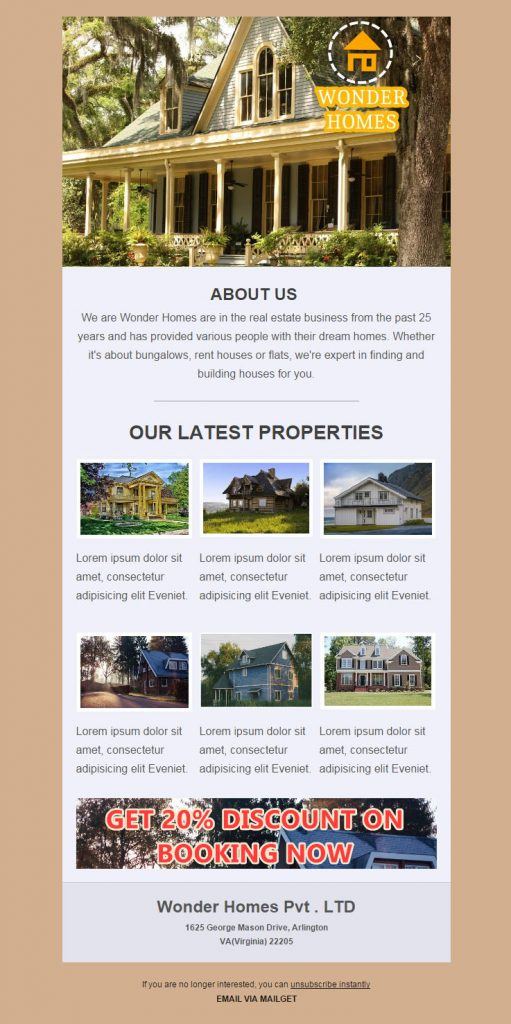
Main Features Of Email Marketing Service For Mortgage Brokers
- One can see the status of emails through tracking characters of the software in multiple ways viz- Unsubscribed, Links, Opens and Click.
- You can to throw the drip emails to any property seeker about offers on flats, commercial space, or prime locality residential blocks.
- Email service comes with the trait that whenever mail comes, 99% it drops in the inbox of the receiver rather than spambox or any other area.
View Details Send 9k Emails Free - Try NowReal Estate Email Templates
Conclusion
Hope you will find the best marketing software from above accumulation of real estate email marketing softwares. We would love to hear from you, drop your comments and feedbacks related to our products.
Listen Up!
If don’t have the impeccable web side to show for construction business of yours
Ohh..then that could not get you the desired conversions which you wish to have
Just don’t worry because we’ve something productive for you that can grow up your property selling domain
Pick the wonderful compilation of real estate WordPress Theme
10 Free Real Estate Email Templates For Agencies, Realtors, Property Listings 2022

A powerful marketing methodology used by real estate businesses and agents – Email Marketing.
Want to know the best part?
It helps the realtors to target a larger audience, without spending much time and energy.
- Convert prospects into clients by sending emails on a timely basis with the help of drip emails.
- Optimize marketing plan according to the campaign stats obtained through campaign reporting tools.
- Easily get referrals and new leads by embedding subscription forms on websites.
Want To Know How Email Marketing Could Benefit Real Estate Agents. ?
Read Our Blog – 10 Best Real Estate Email Marketing Services
Now, creating an email newsletter for real estate business is quite a time-consuming task. Isn’t it. ?
What’s the bottom line?
Well here are some of the finest and elegant responsive real estate email templates.
Give a Head Start to your real estate business with email marketing campaigns. !!
1. Illustrate Your Latest Real Estate Properties
An eye-catching email template which easily catches user attention.
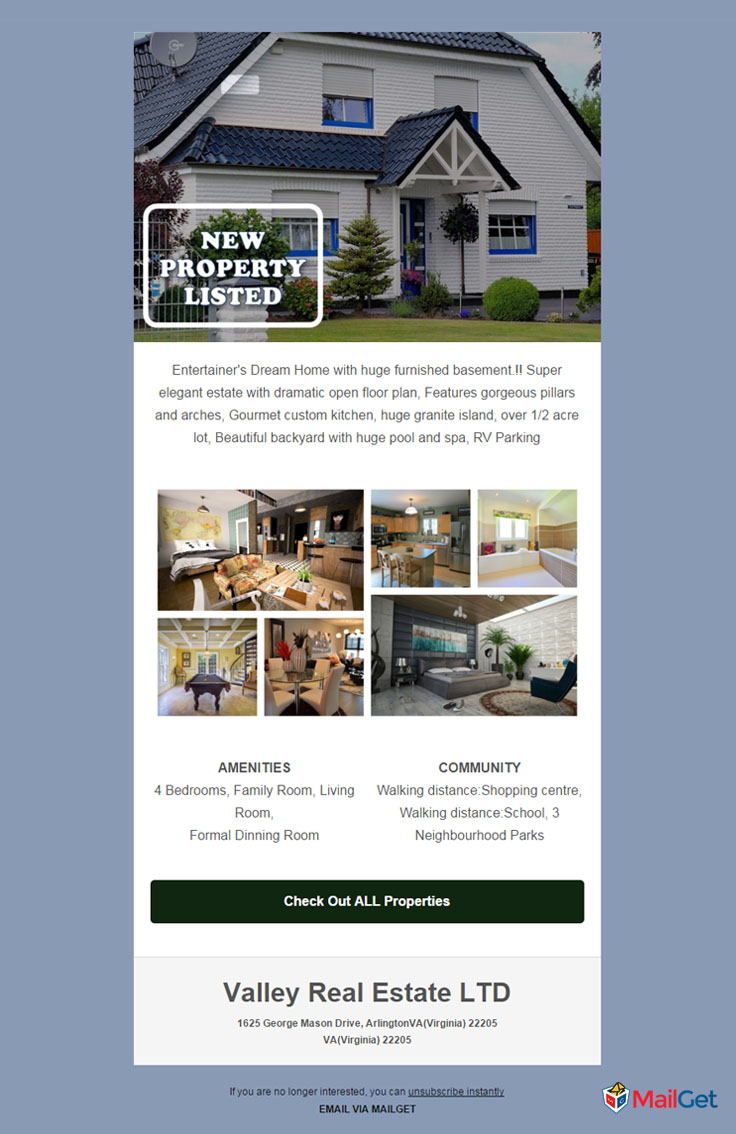
2. Advertise Modern Houses With This Template
Filled with all the elements which you need for publicizing houses for sales.
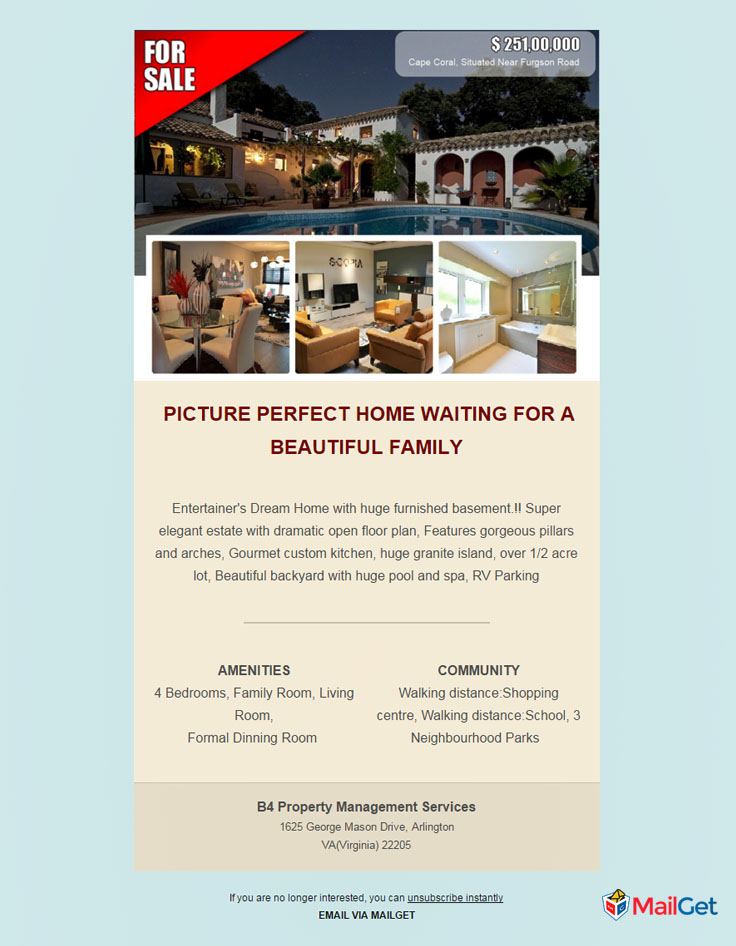
3. Exhibit Your New Listing Houses
An multi-type email template which is exclusively for the purpose of showing new properties.
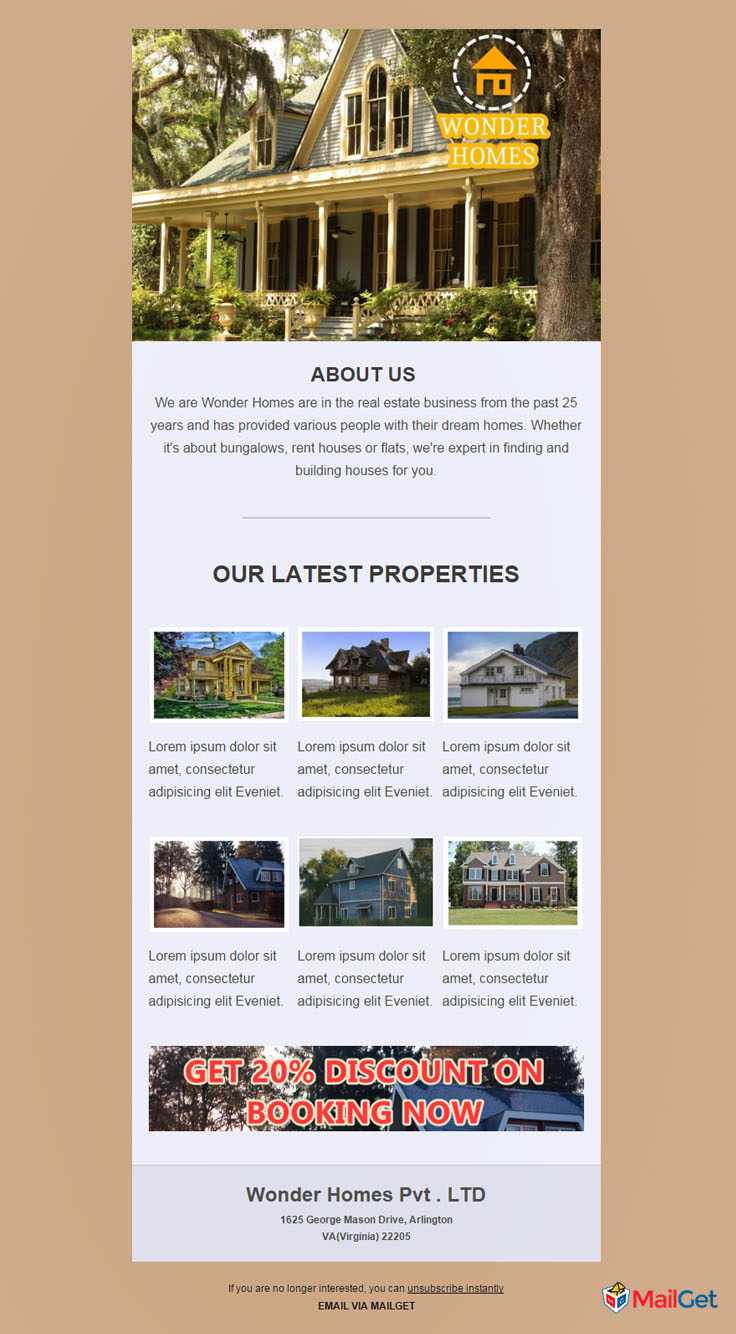
4. Display Your Famous Properties
Use this theme for highlighting exclusive houses and bunglows.
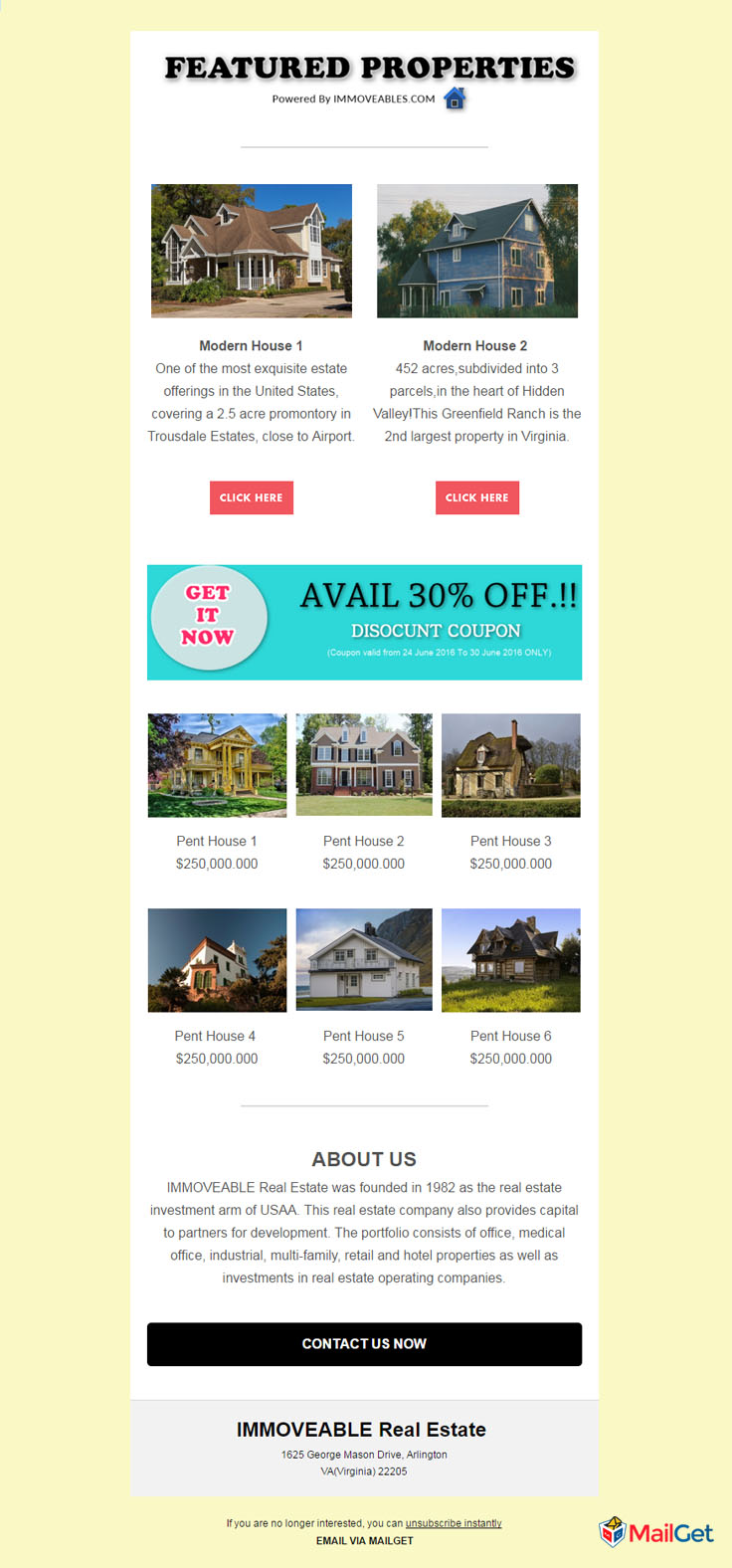
5. Promote Your New Listing Property
A clean and modern real estate template designed for displaying new property and house which are newly listed.
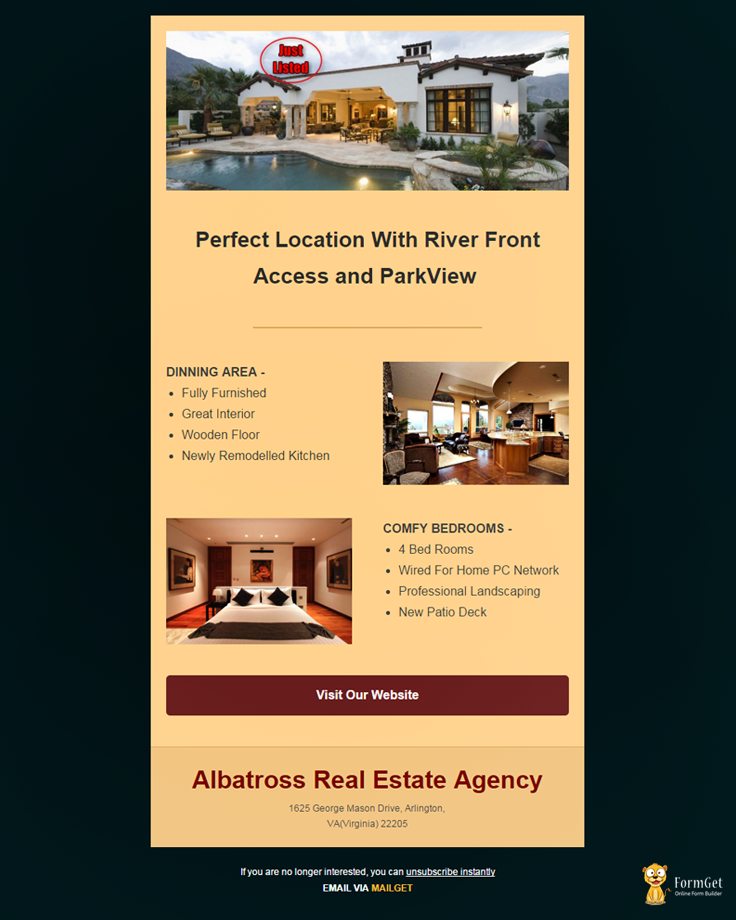
6. Showcase All Type of Property
A premium and clean real estate email template designed to showcase all range of properties.
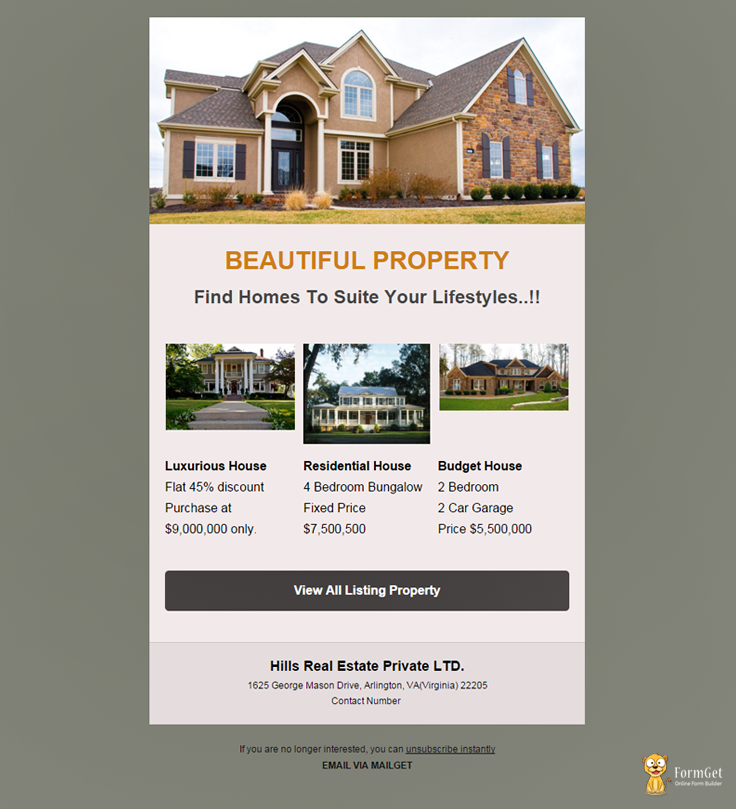
7. Display Your Top Class Properties
An multi-type email template which is solely for the purpose of showing various properties.
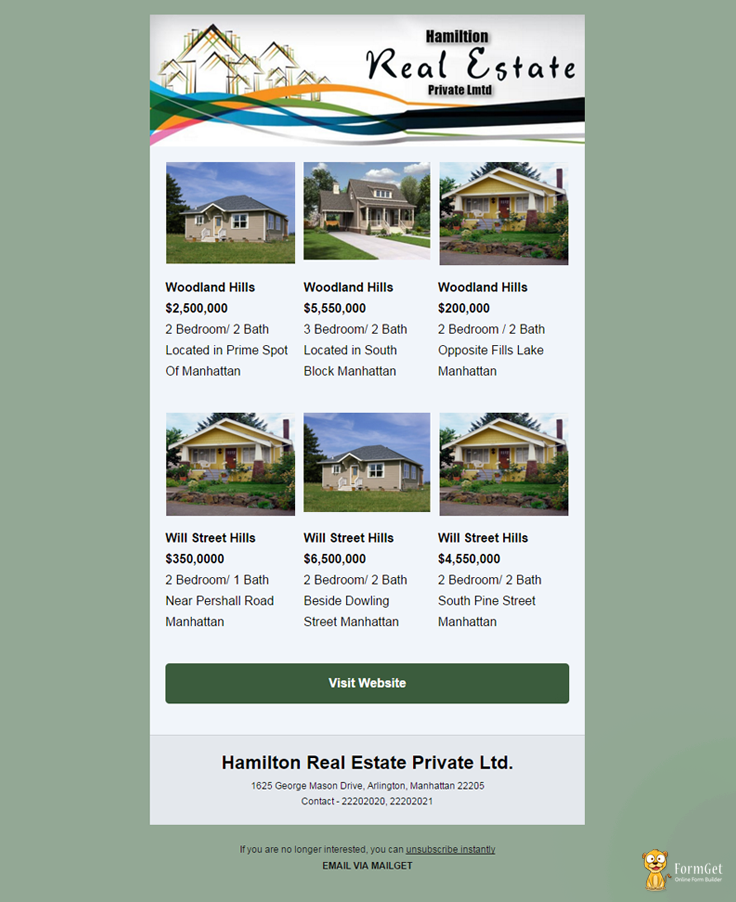
8. For Showing Commercial Properties
Premium template crafted for presenting commercial housing properties.
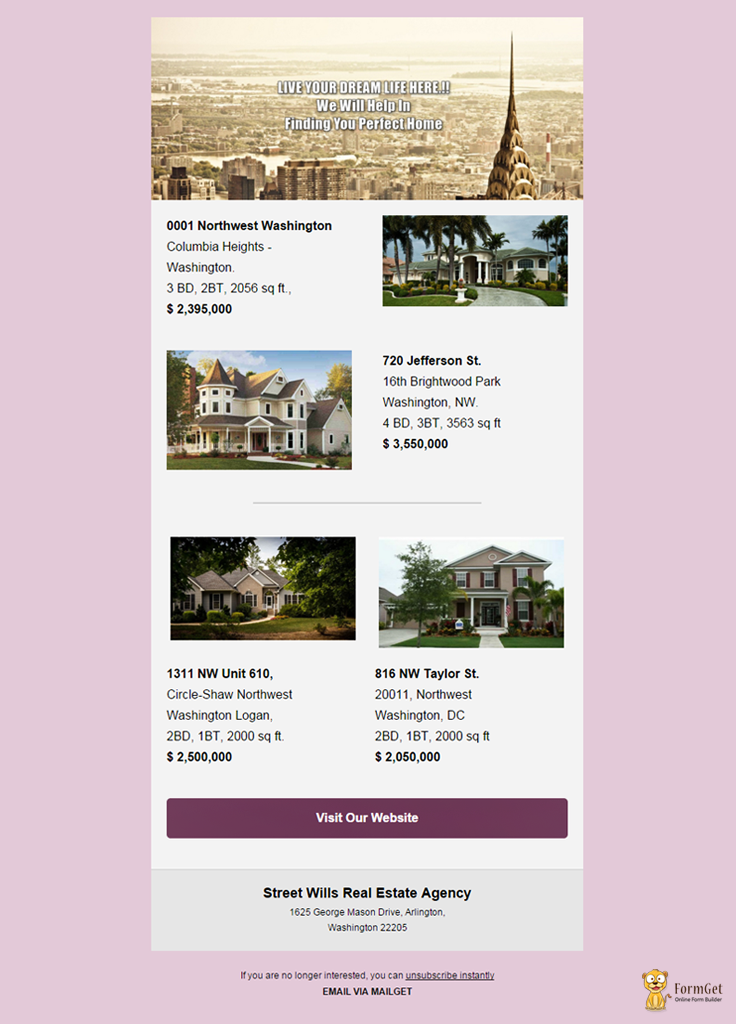
9. Elegant Real Estate Templates
Impress new leads using this template and, drive large user engagement with them.
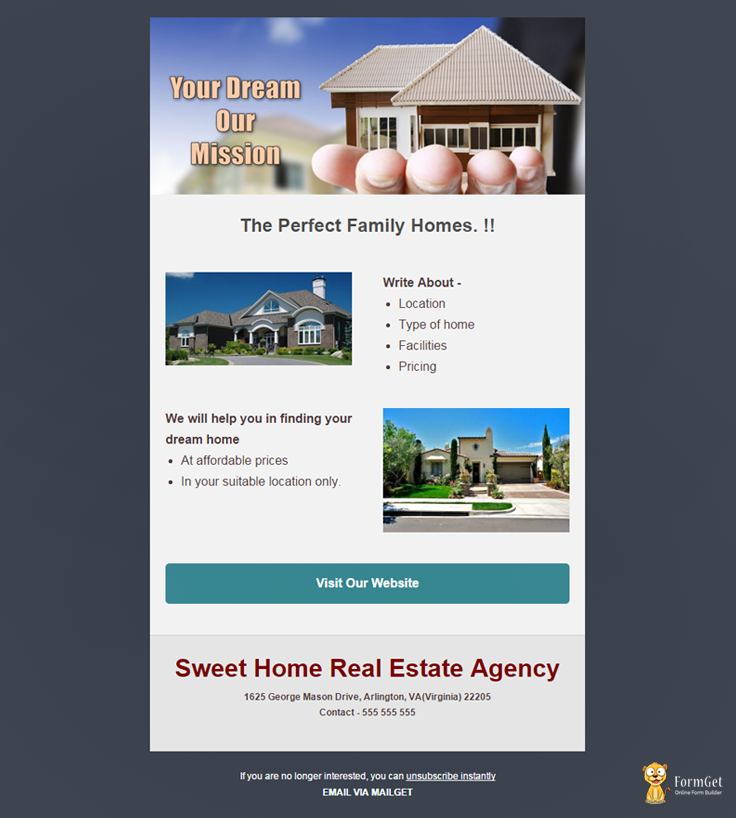
10. Professional Type Real Estate Template
This template has a sleek and corporate design which will instantly impress recipients.
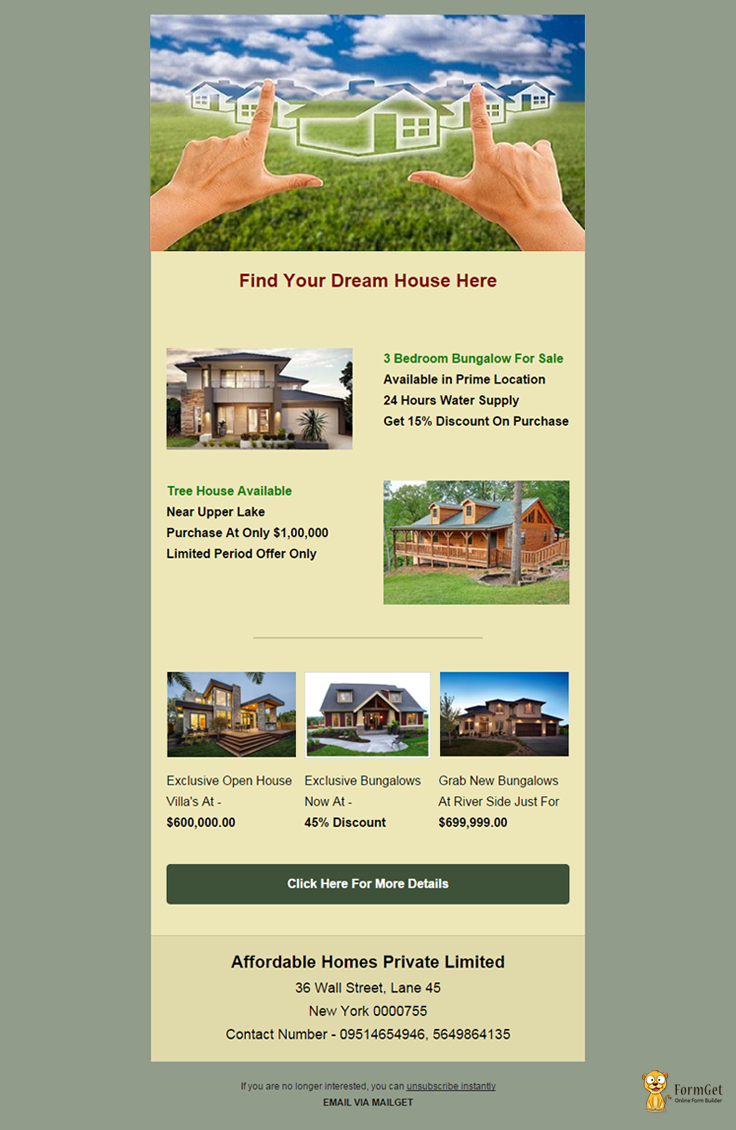
Conclusion
I think real estate organisations and realtors would love to use these stunning real estate email templates for their email marketing.
Want to design your own email templates?
Try MailGet Bolt – Drag and Drop Email Builder which allows you to build magnificent and responsive email templates.
Share your experience about the post in space provided below –
Visit Our Blog –
10 Best Free Hair Salon Email Templates For Spa Centers & Beauty Parlours

Want to expose your hair styles and merchandise with MailGet’s responsive and customizable email templates?
As Email Marketing allows you to –
- Keep your clients up to date with the latest trends,
- Enables you to promote special offers, and
- Helps you build customer reliability by keeping your subscribers involved.
So get started to show off your hair salon’s style with newsletters and email marketing. Right Now !!
Strengthen your rep and have your business be seen with MailGet Bolt – one-stop solution for Hair Salons Email Marketing Services.
Check out our other popular templates here –
Below I’ve listed out 10 Best Free Hair Salon Email Templates built with MailGet’s responsive email template builder.
Select a template from our gallery of free mobile responsive email marketing and email newsletter templates.
Steps To Use The Template With MailGet Bolt-
Step #1 – Sign into your MailGet Bolt account.
Step #2 – Now select Create Email tab from the dashboard and select Custom Code Editor option.
Step #3 – Now copy and paste the code given in the zip file.
You’re all done now. !! Save and Start sending beautiful templates to your clients.
Check out this professionally composed hair salon email templates for the stylish email marketer –
1. Beauty Salon Email Template
A dynamic email template exclusively for hair salons who wants to provide discounts and OFF during special occasions can grab this beauty salon email template and send millions of emails instantly.
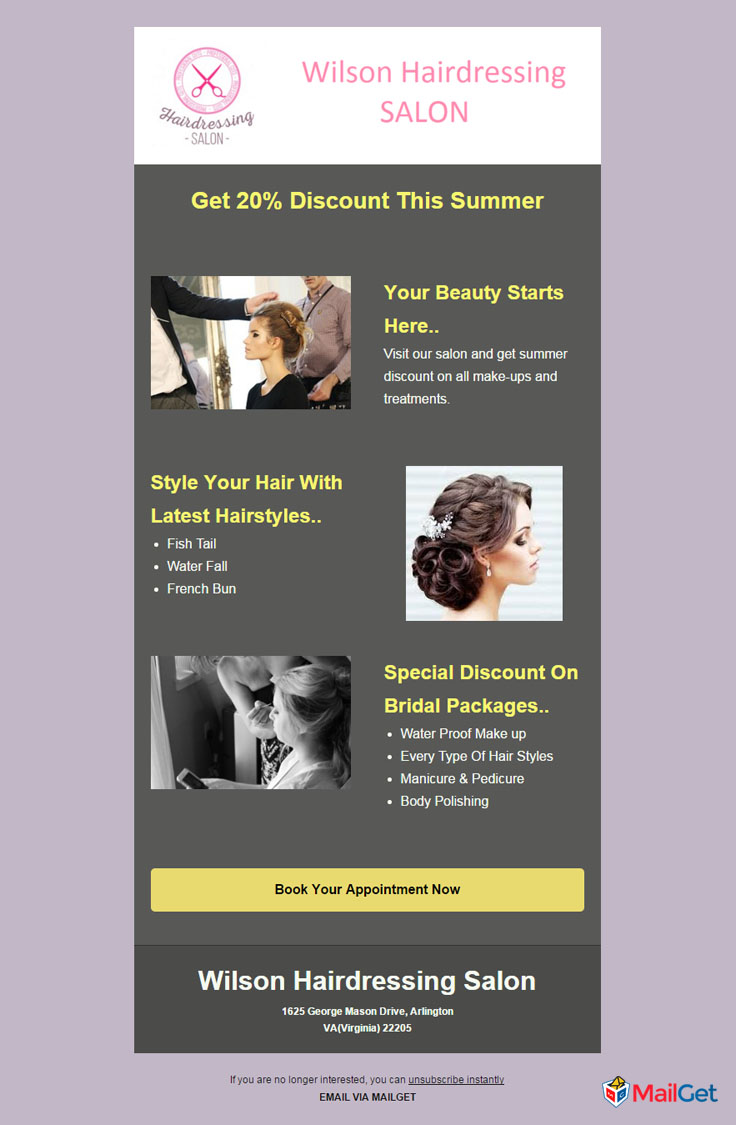
2.Hair Salon Email Template
A perfect alternative for hair salons who wants to showcase their salon services services to people brilliantly and allow their clients to schedule appointment easily. Use this attractive email templates and do the email marketing of your salon & feminine shop.
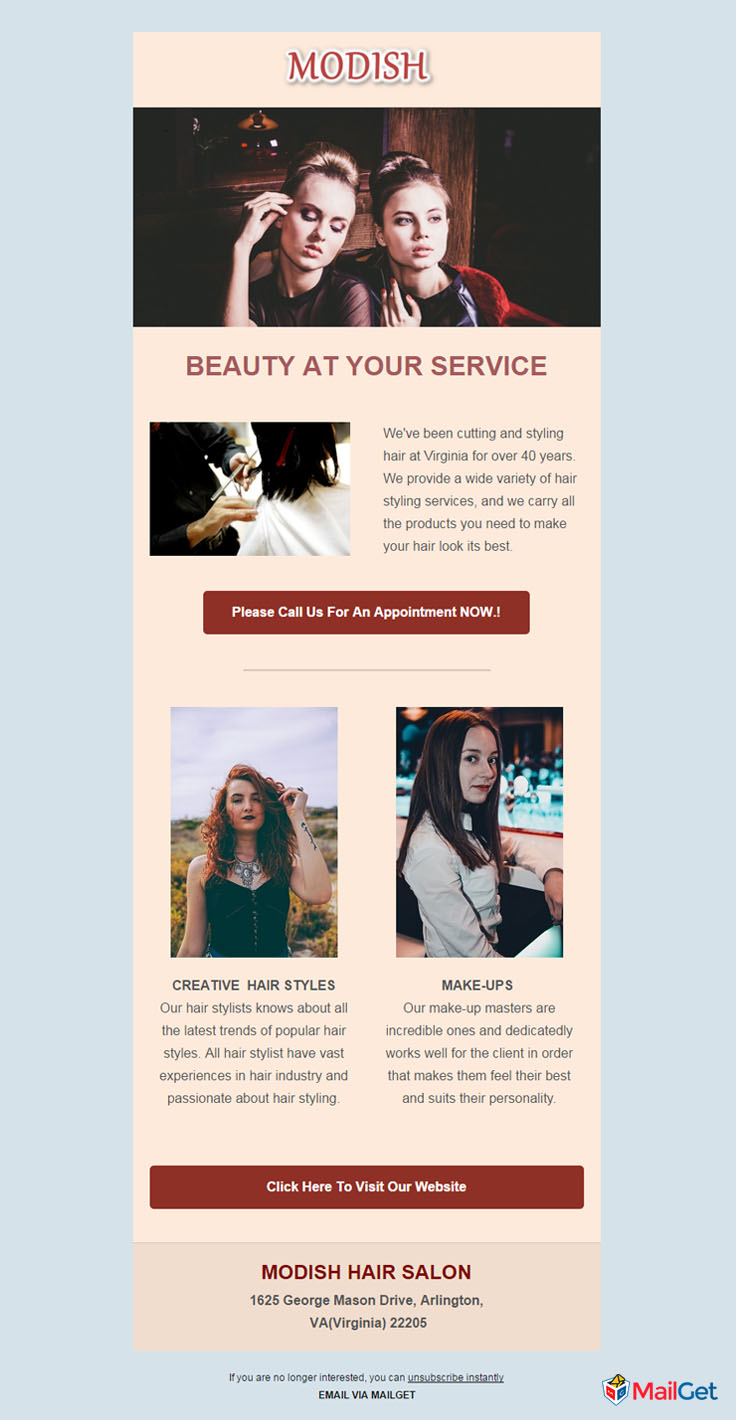
3. Barber & Hair Styling Email Template
Combined with modern look and content, this email template is a suitable choice for hair salons and barber shops. The template would be beneficial to showcase your hair styling services through its highly dynamic design. You also get to feature your crew members on board to earn your customer’s trust. Use this template and begin email marketing of your fashion & styling business.
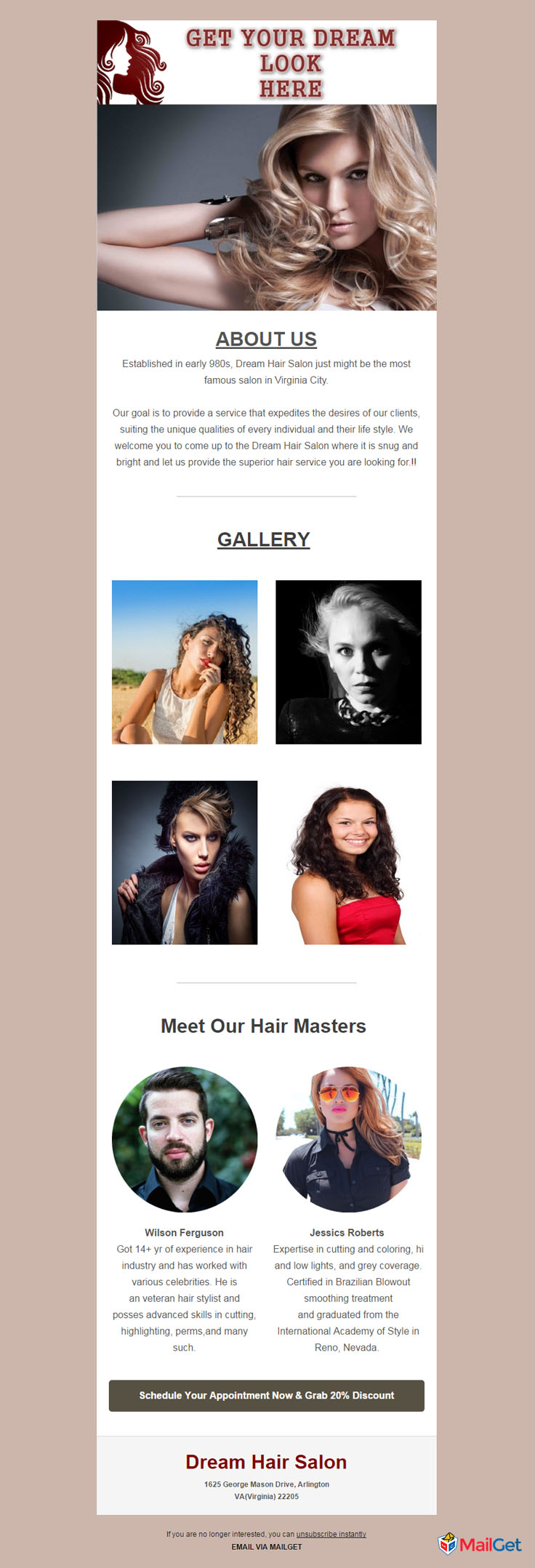
4. Men’s Hair Studio Email Template
Filled with all essential elements that any hair studio would require for showcasing their work along with a nice welcome offer for your new clients. The template also exhibits a classy header image with a custom designed logo and a 2-column field, describing your services.
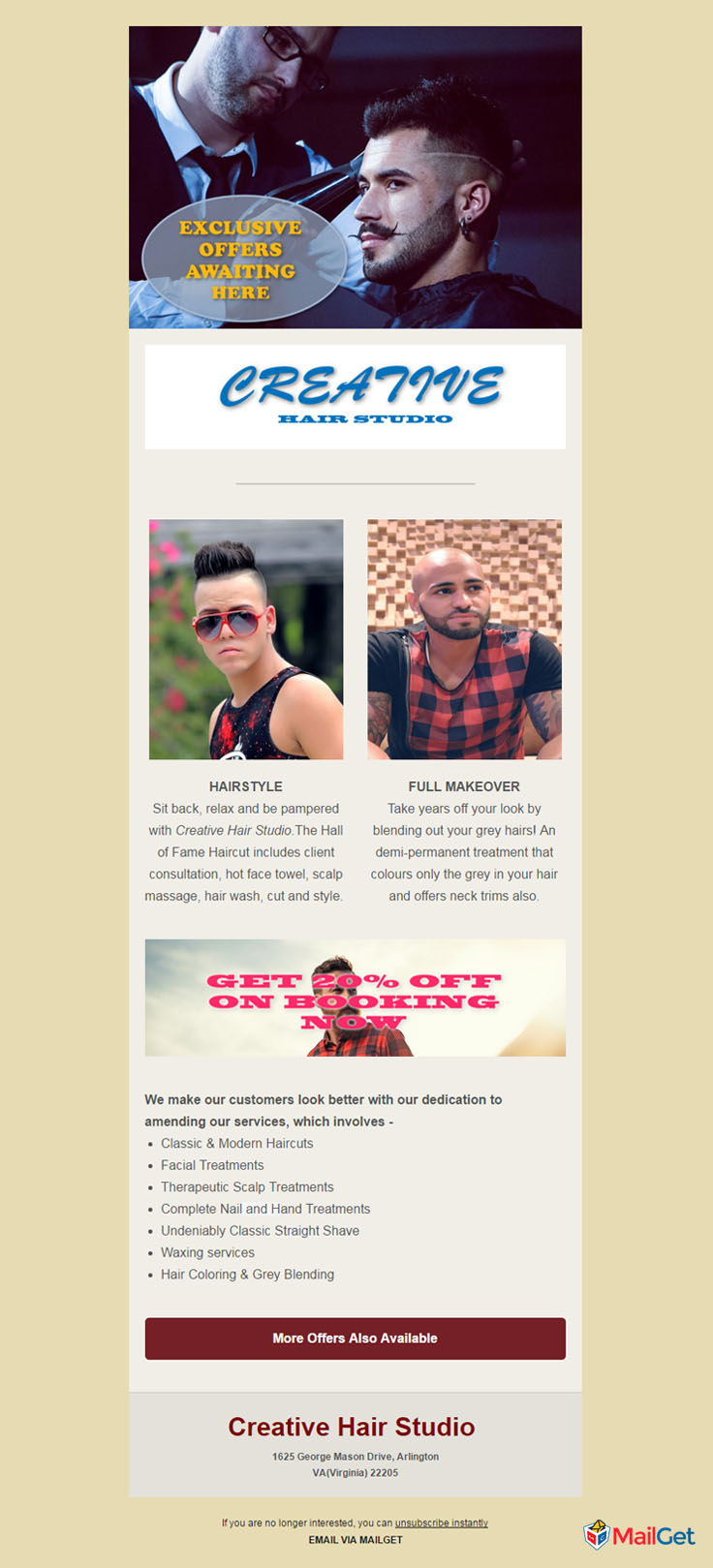
5. Hair Stylist Email Template
Barbershops will absolutely love to use these sort of templates for email marketing because they get to demonstrate their hair styling and shaving techniques through this. Eye pleasing image sections adds extra flavour to it along with an easy “make an appointment” button. Send emails to thousands of customers and promote your styling store quickly.
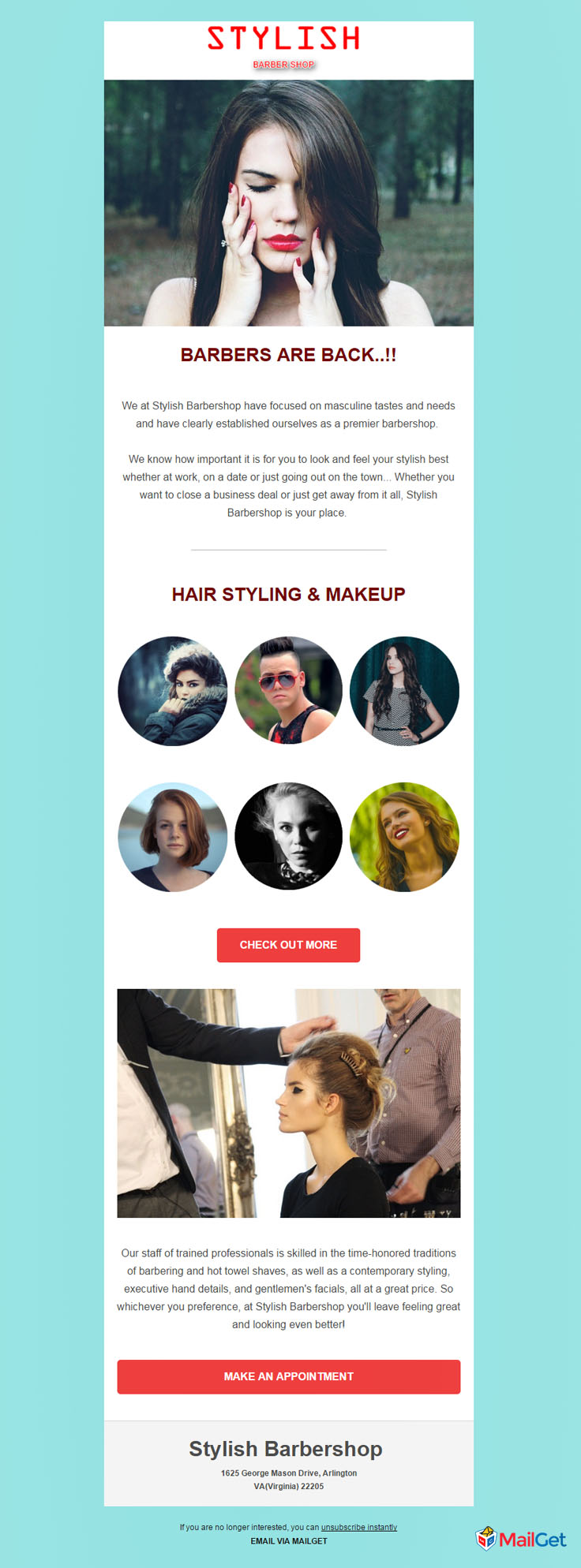
6. Makeover Salon Email Template
An incredible choice available for those who are into any kind of hair salon business. This template not only provides catchy header image but also a text section, describing your work along with a 3-column field and a quick link button to your official website.
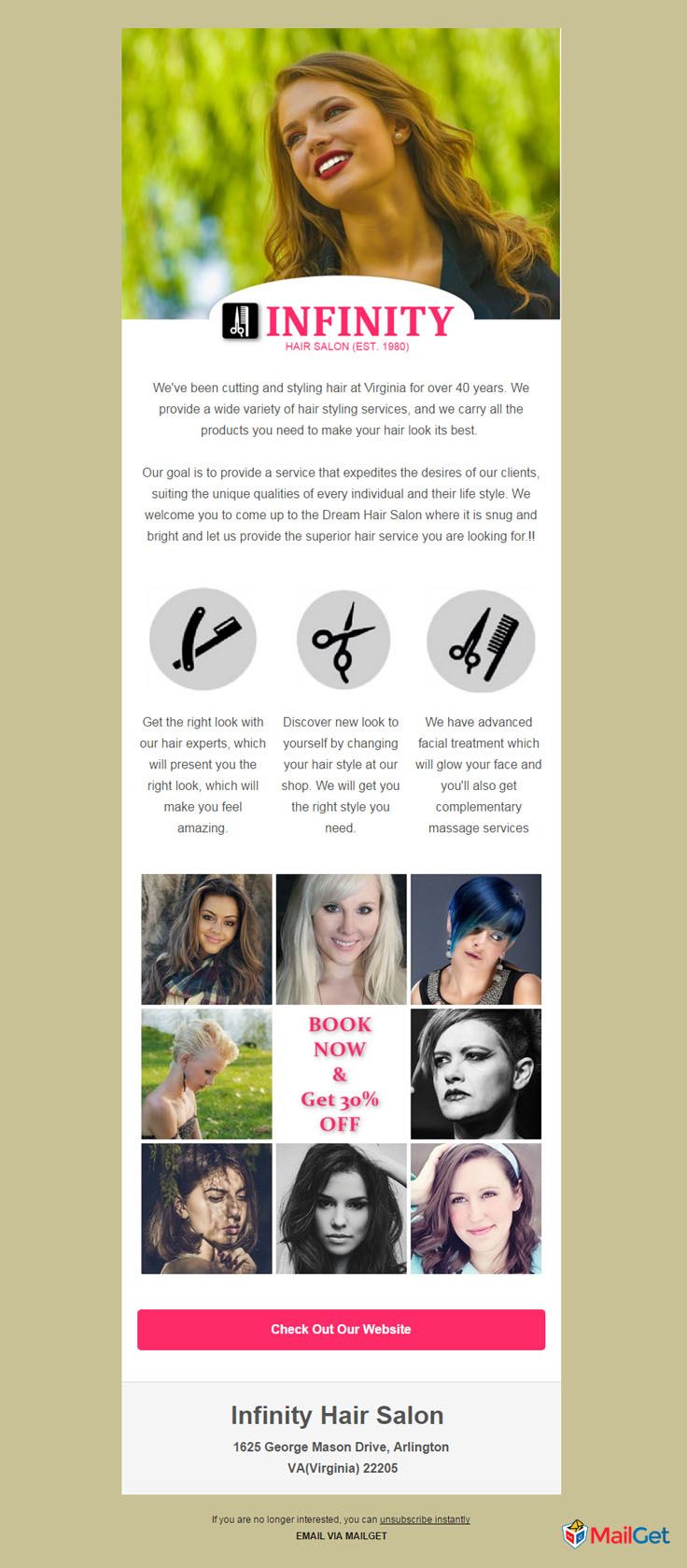
7. Shaving Salon Email Template
Incorporated with impressive and simple design, it’s a perfect option available for hair salon services to display their beard shaving skills and services. Every email reader will be forced to avail your services after seeing a very attractive zigzag text-image section and an appointment booking offer.

8. Beauty Parlor Email Template
Spectacular email newsletter crafted keeping in mind of all details that any hair salon business could require. Readers would be swarming towards your establishment after viewing this email template. Header image, 2-column field, text-image field and an appointment button are some features that makes the template so efficient.
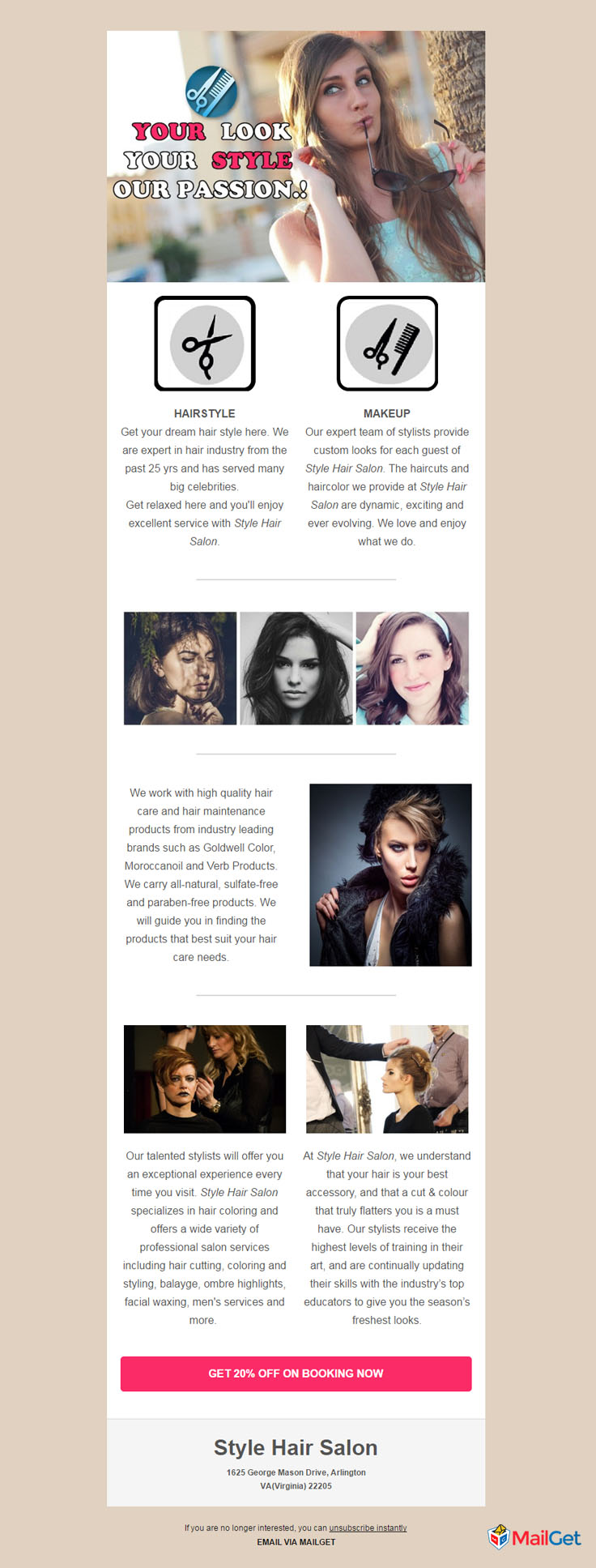
9. Hair Care Email Template
Display your off-season discounts and special packages through notable hair salon email template. The template packs a text and images field, presenting your work and its details.
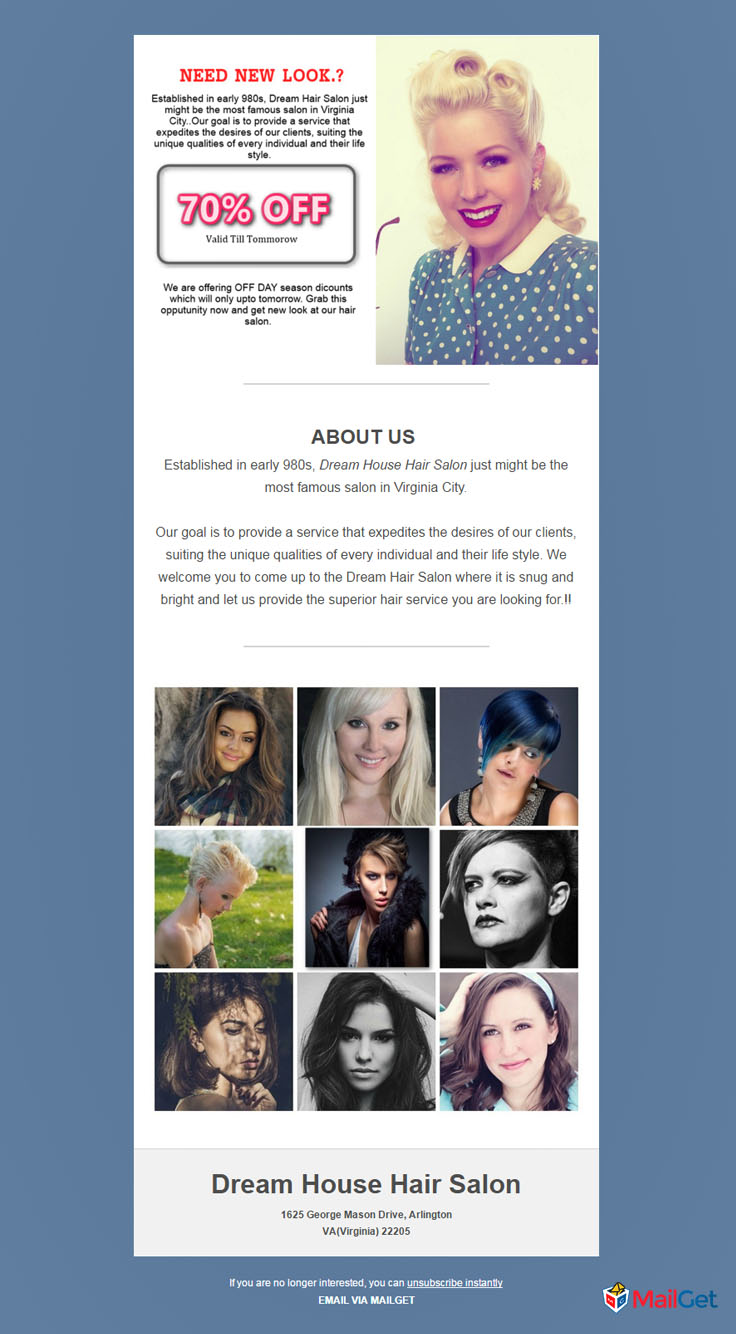
10. Unisex Hair Salon Email Template
Hair salon businesses looking for enticing email template will love to see this template since it will definitely grab the reader’s interest because of its unique design. You allow your potential clients to book an appointment through this email template. Not only this, you can also inform your clients about your history, services and offers through various inbuilt fields and buttons.
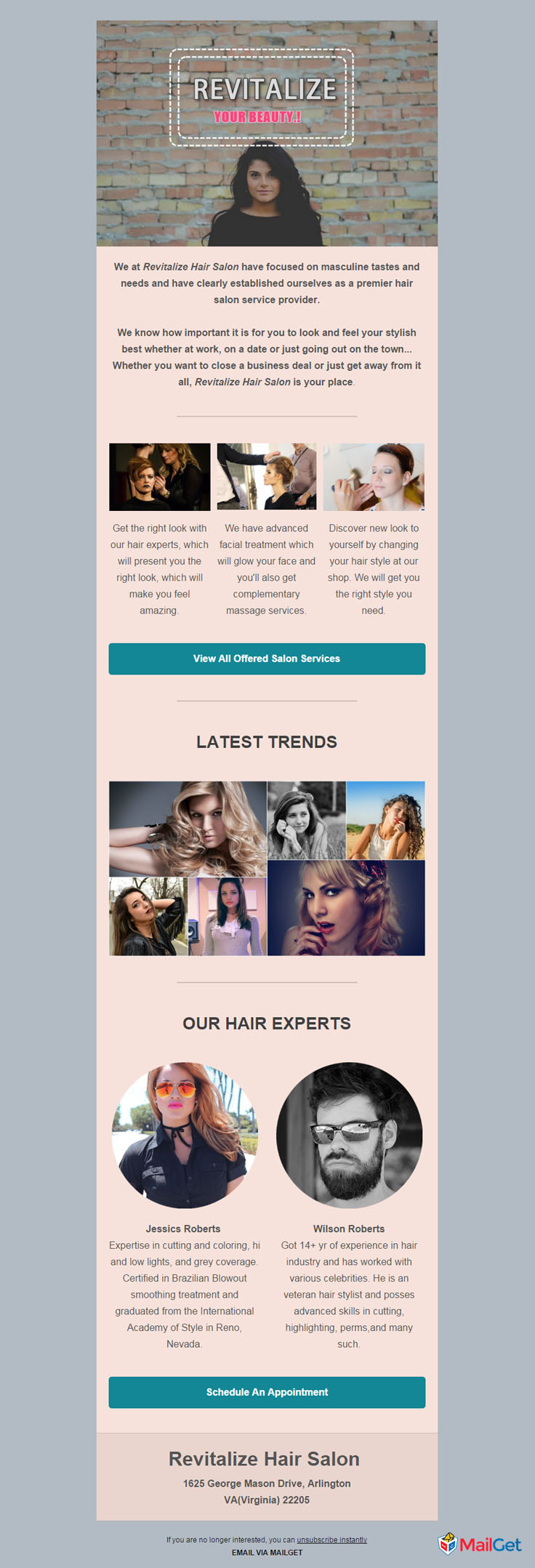
Final Words..
So, these were some top-notch hair salon email templates that will surely make an amazing impact on your hair salon in front of customers.
Want to try building email template yourself? Try MailGet Bolt, which possesses an amazing Drag-n-Drop responsive email template builder that lets you design stunning emails within few clicks.
Now, when you are done with choosing your favorite email template, it’s time to get one of the best themes for your hair salon website.
3+ Best Beauty & Salon Bulk Email Marketing Services & Software
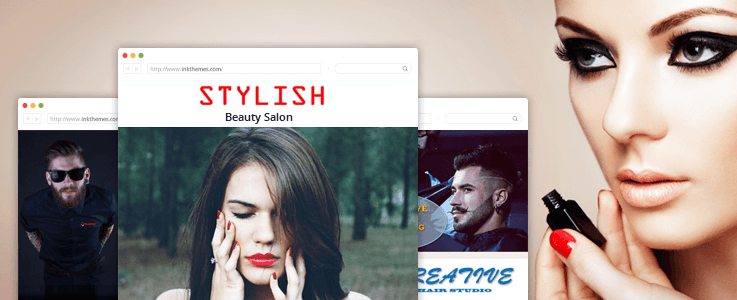
You might have a reputed beauty parlor business, but you may be missing on lots of clients due to the lack of proper marketing tactics.
The fashion & beauty are always been considered a female dominated industry, but now it has grown to a huge level because of the involvement of boys & men also.
Promoting & marketing the beauty business among millions & billions of customers is a very tedious task. Email Marketing – an online marketing strategy has taken the front seat today, that not only ensures new customers engagement but also confirms the connection with previous & fresh beauty parlor clients.
So, you can start driving customers to your fashion website with an email marketing software & subsequently enhance your brand in following ways –
- Easily build attractive email newsletters for any fashion activity.
- Send those beautiful templates to a huge number of customers & make them aware about brand new beauty services.
- Offer exclusive discounts and give them ease of appointment booking via these emails & much more…
Without further delay, I introduce to you 3+ best bulk email marketing services for beauty & hair salons. These are quick, responsive & provide a striking edge to the website’s promotion through focused marketing.
1. Beauty & Cosmetics Email Marketing Service
The sleek email marketing service for beauty cosmetics store offers you to develop email templates by simple drag & drop concept best suiting the business demands. All these emails can be regulated to attract new customers & make most out of your existing network.
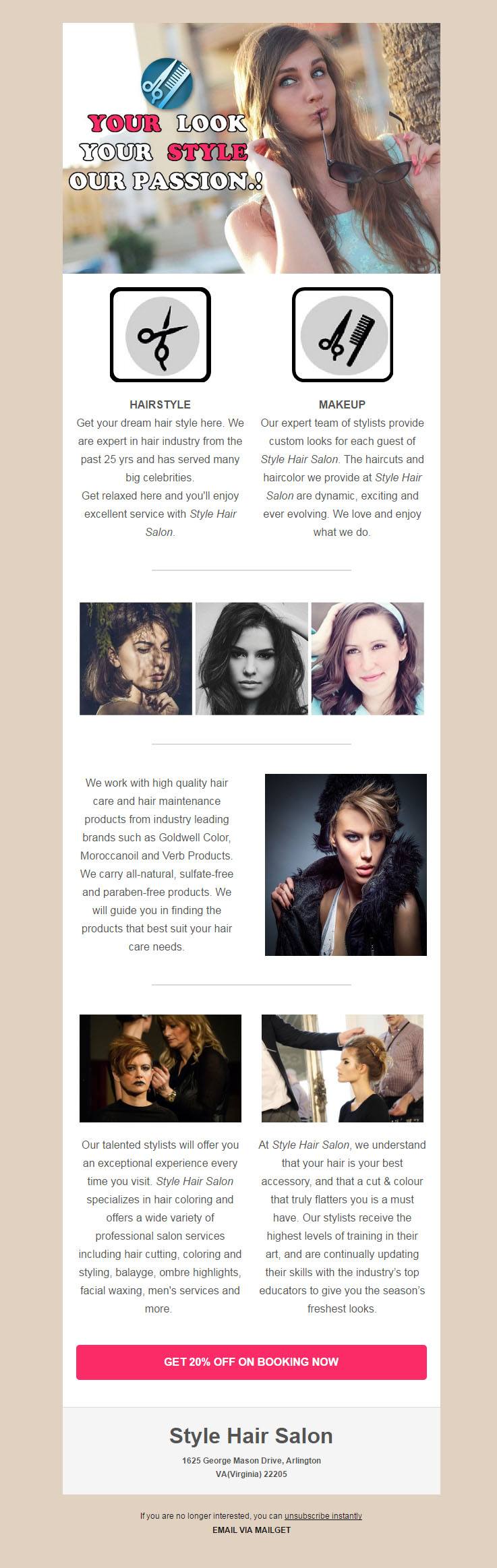
Main Traits Of Beauty & Cosmetics Email Marketing Software –
- The different email templates are a perfect medium to draw fresh customers. Use them to promote a brand new range of cosmetics & entice clients to buy these products via catchy & tempting offers.
- This service also enables you to send an e-template to the customer base & empower them to plan their day or beautiful evenings.
- Build up a premium beauty shopping destination for the clients using the autoresponder feature of the email marketing tool.
- Plan a series of pre-scheduled emails that trigger into the inbox of customers as and when decided using the Drip Campaign Functionality.
Check Service DetailsSend Free 9k Emails - Try NowView Salon Email Templates
2. Fashion & eCommerce Email Marketing Service
Having a reputed fashion eCommerce website still not getting online customers for your vogue store? Well, this is because you are failing to do marketing of your fashionable store website.
A majority of people are not even aware of your fashion store brand, then how would you expect them to buy fashionable clothes & cosmetics products from your site only.
So, it’s time to get this premium & exclusive email marketing service that allows sending a bulk of emails to your customers quickly.
All those emails will safely reach right to the customer’s inbox, on reading which he’ll land on your site and chances of conversion becomes high.
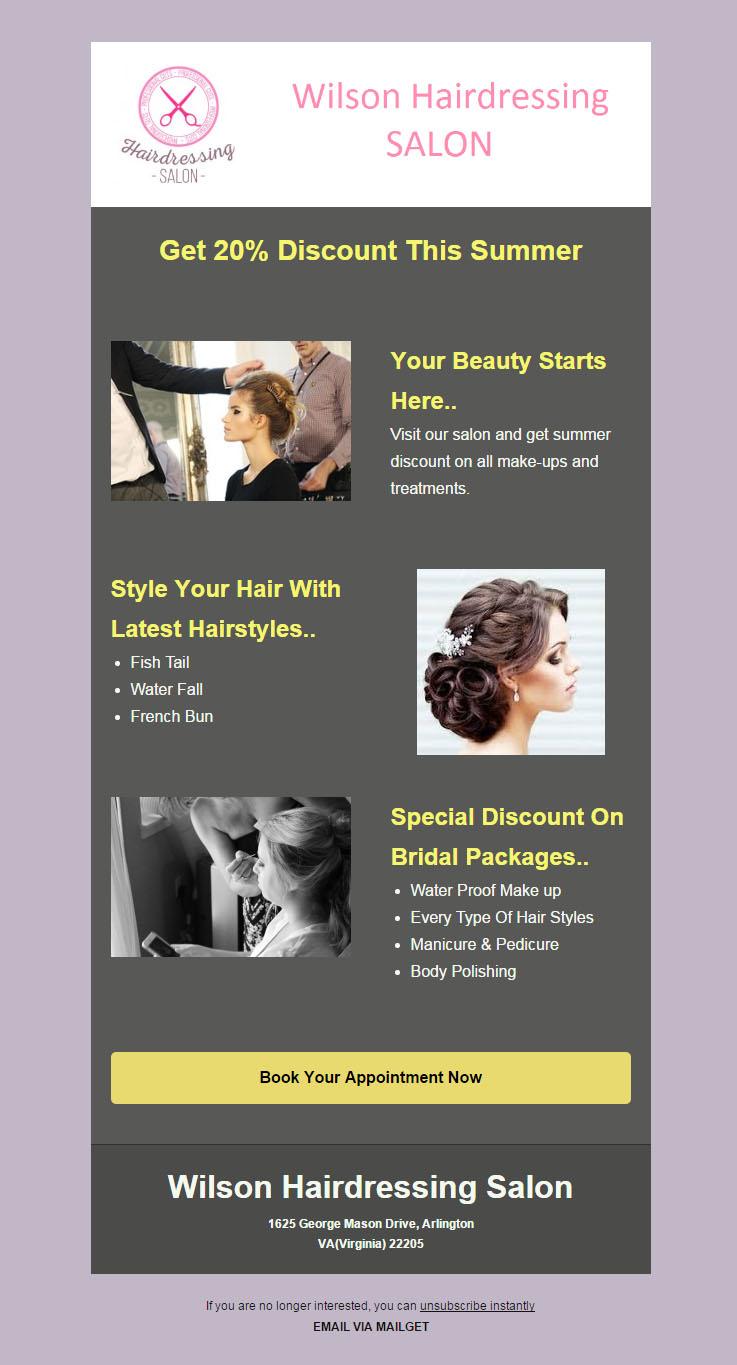
Key Features Of Fashion & eCommerce Email Marketing Software –
- Improve business of your fashion eCommerce site by sending personalized emails. These emails with a personalized touch assure increased email open rates.
- Increase your email subscribers list by placing an email signup form on different social networks.
- The email marketing platform completely helps to manage all the subscribers’ data & fashion driven customer’s email ids, which in turn improves your efficiency.
- In a single click, send bulk emails with attractive templates showcasing the collection & offers of your fashion house.
- Start building up a brand image by constantly tracking & keeping in touch with patrons on emails.
Check Service DetailsTry Now - Send Free 9k EmailsView Salon Email Templates
3. Hair & Beauty Salons Email Marketing Service
Owners of hair dressing centres & other beauty spas very comfortably create a website for their business venture, but forget to do the website’s promotion. Today, when every small & large business has a website of its own, it becomes very important to stand out of the crowd.
Planning to launch a website of your hair styling salon? Give a hand on a premium hair stylist WordPress Theme & promote the various barber services in every corner of the globe.
The email marketing service specially crafted for hair & beauty salons helps to engage potential clients as well as convert them into regular customers.
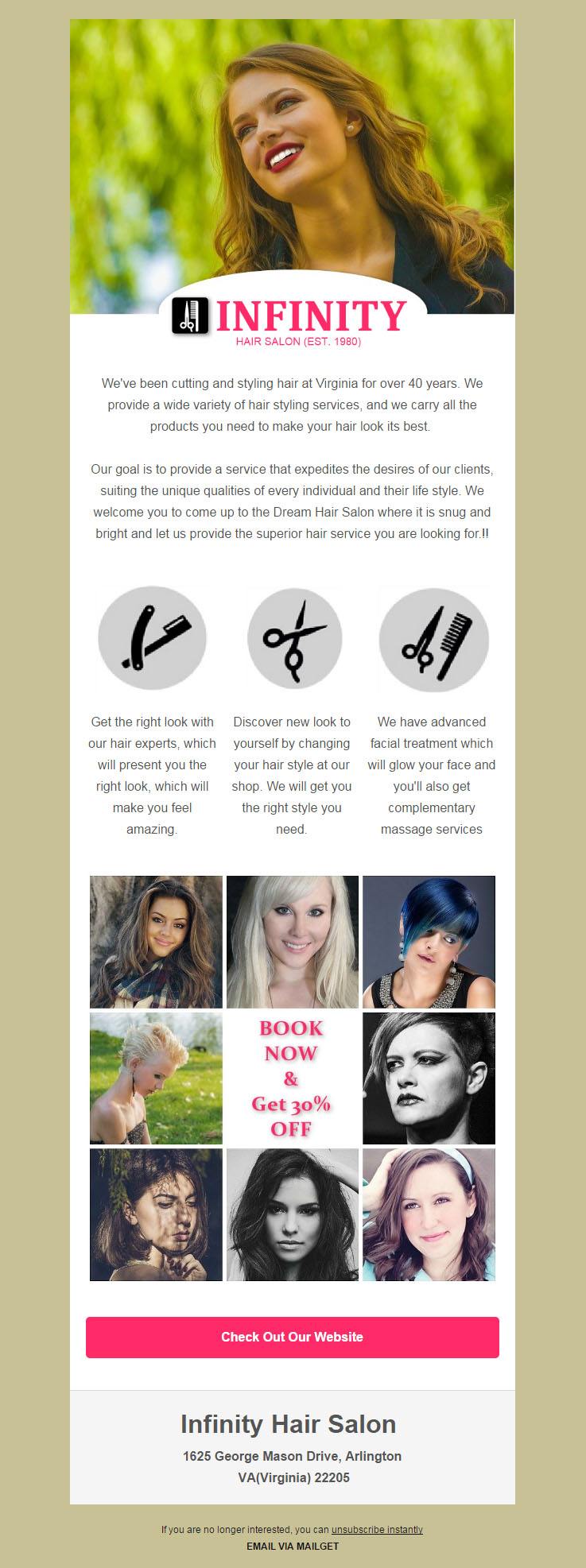
Salient Features Of Hair & Beauty Salons Email Marketing Service –
- With this powerful online marketing tool, hairdressers & hair salon’s owners can build an impressive newsletter, effectual campaigns or a gripping email template presenting all the hair treatments & services along with pictures.
- The robust tool offers you to manage all the email contacts & prevent your emails from going into spam or junk. This will assist in building up a brand image.
- The email autoresponder & email tracking feature helps to keep a track of the patrons. Using this aspect, you can check the open rates, click through rates & continuously improve the email service.
Check Service DetailsTry Now - Send Free 9k EmailsView Salon Email Templates
4. Fashion Designers Email Marketing Software
The majority of customers may be aware that you own a fashion designer outlet, but they might not be knowing about the latest updates & happenings of your business. This email marketing solution, which is specially crafted for fashion designers allows designing the email templates according to the new arrivals & offers in the range of clothes.
Stop!!
Have you created a website for your fashion designer showroom? Start your online journey with a responsive Fashion Designer WordPress Theme & take your brand to the doorsteps of your customers.
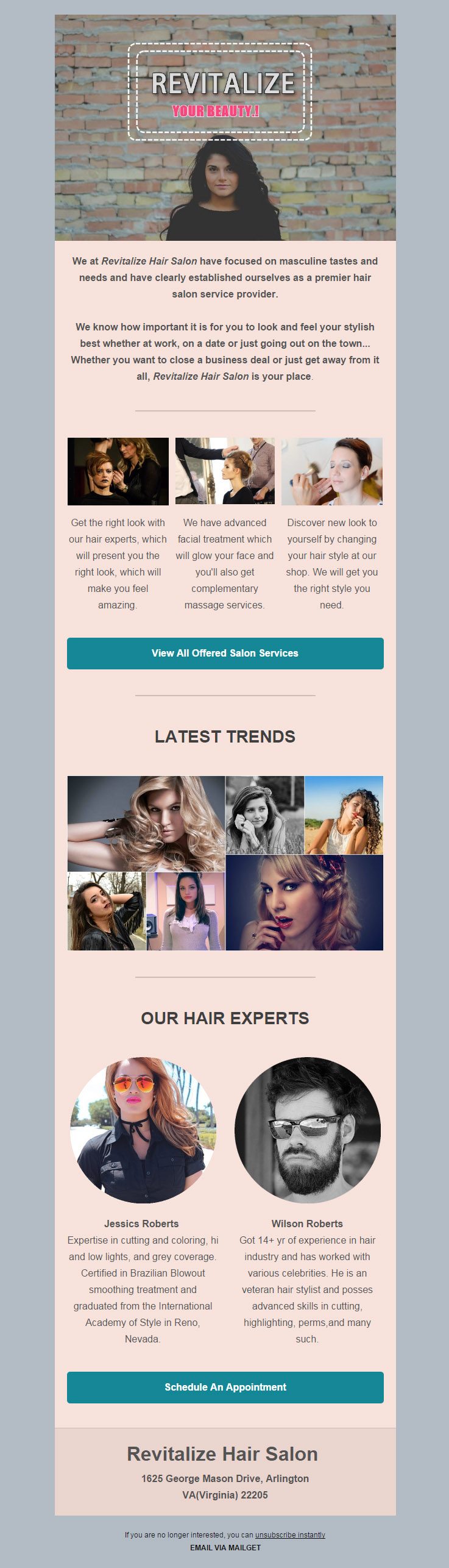
Prime Features Of Fashion Designers Email Marketing Service –
- The bulk email sending service allows connecting with a wide orbit of fashion freak crowd.
- Guaranteed inbox email delivery, which in turn results in high opening & conversion rates.
- Autoresponder & drip email service regularly update the clients about fashion & vogue trends.
- Categorize the subscribers into different segments using the List Segmentation feature & keep an eye on the performance of the user.
Check Service DetailsTry Now - Send Free 9k EmailsView Salon Email Templates
Conclusion –
Above is a collection of top email marketing services targeting entire fashion & style salons businesses, that undoubtedly helps to create a powerful impact on the customers. Don’t waste your time in searching for any other marketing option & grab one of the above to give a kickstart to your brand promotion.
Wait!
Aren’t you having a website for your fashion business yet??
Ohh..That means you are losing million of online clients for your fashion business.
It’s not too late..you can still win the game and launch a website for your beauty & hair salon business.
Get this wonderful premium responsive beauty salon WordPress Theme & Barber Shop WordPress Themes

