

Having a business of Spa? A Real Estate? Transportation? Fashion Boutique? Or A Consultancy..??
Well, it doesn’t matter where you belong to, we’ve crafted a common ground for all those business niches.
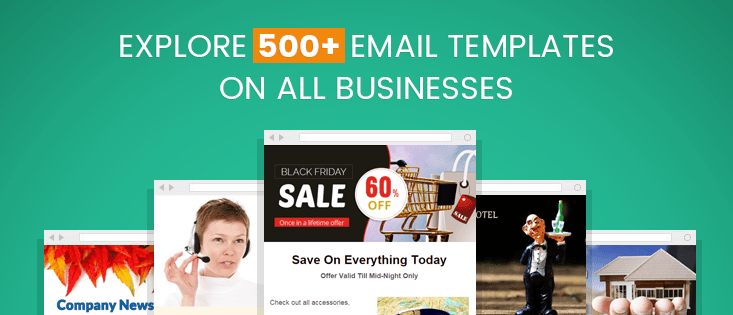
Building a template from scrap can be a very time-comprehensive process. Right?
And if I am not wrong, you always think to save hours of your precious time while creating templates from ground level? Isn’t it?
A good email template can make or break your marketing and nearly 50% of emails get opened on mobile devices, so it’s also important to keep small screens in mind. (Too Much To Consider… )
Well, keeping every trouble that you face and fear while creating templates MailGet – email marketing platform has created responsive HTML email newsletter templates in various niches for its users.
These templates are designed using MailGet’s drag and drop email template builder.
Oh and did I mention… They’re free!
What are you waiting for?
Get your next email campaign up and running in no time by grabbing the one that fits your requirement well! Easily create beautiful, branded email marketing campaigns by choosing one of our free HTML email templates and customize it in minutes.
Running short of time? Jump right to your desired business niche,
i. Job Recruitment ii. Real Estate
iii. Hair Salon iv. Holidays
v. Business vi. Lawyers & Law Firms
ix. Restaurants x. Taxis & Cabs
xi. Charities xii. E-Commerce
xiii. Corporate Businesses xiv. Music
xv. Photography xvi. Blogging
xxv. Home Services xvi. Technology
xxvii. Sports xxviii. News Agencies
xxviiii. GDPR Template (New)
#1 – Free Job Recruitment Email Templates –
The post covers 10 best and free job recruitment email templates that help you get high response rates!
Templates are designed by keeping various purposes in mind let’s say for recruitment and hiring process by job consultancy agencies, organizations, big corporation, manufacturing and industrial organizations and much more.
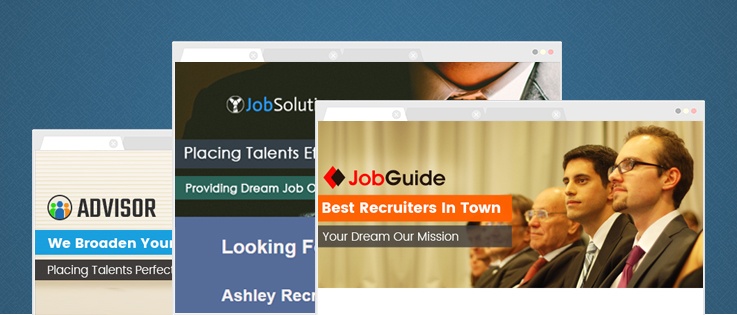
Check All Recruitment Email Templates Here
#2 – Free Real Estate Email Templates –
This post includes 10 stunning real estate email templates for realtors that helps them to target a larger audience, without spending much time and energy.
I believe real estate organizations and realtors would love to use these stunning real estate email templates for their email marketing.

Check All Real-Estate Email Templates Here
#3 – Best Free Hair Salon Email Newsletter Templates –
10 Best free hair salon email newsletter templates for those who want to expose their hair salon business to a wide range of audience.
So, update your clients with latest trends, special offers etc. with these enticing mobile ready email templates!
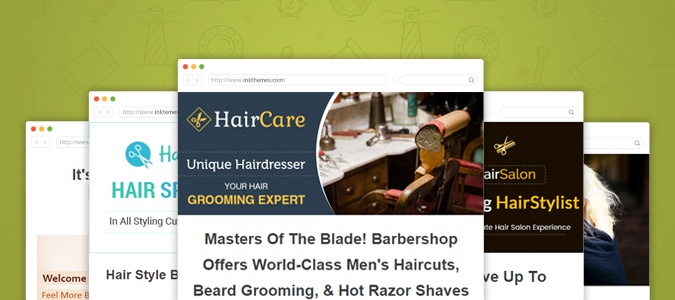
Check All Hair Salon Email Templates Here
#4 – Best Free Holiday Email Templates –
Sending out holiday email templates is the best way to connect to people at the festive time. The holidays are the point of time you want to reconnect with old friends, relatives, and family.
The post covers 10 different variations of email templates covering various holiday occasions like Fall, Halloween, Thanksgiving, Black Friday, Cyber Monday etc.
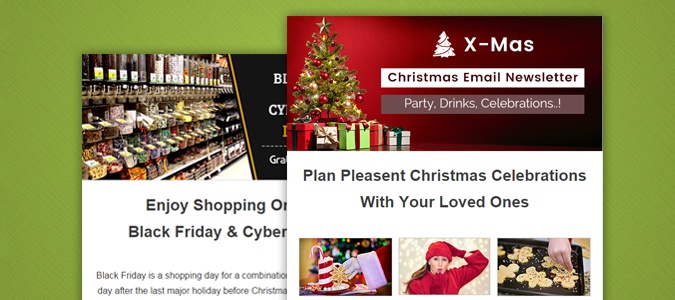
Check All Holiday Email Templates Here
#5 – Free Best Business Email Templates –
As a majority of business organizations are employing for email marketing people should now get their hands on contacting people in a better way i.e. for communicating with their suppliers, business partners, and clients.
Thus, this post incorporates 10 free business email templates for revamping the marketing strategies in the best of ways besides getting the product viral in the market.

Check All Business Email Templates Here
#6 – Free Email Templates For Lawyers & Law Firms 2022 –
Attract new clients easily by conveying your expertise in the law profession and competency in manipulating different sort of cases.
The post assembles 5 lawyer email templates which are solely for lawyer and law firms who are looking for email marketing goal.

Check All Lawyer Email Templates Here
#7 – Free Hotel Email Marketing Templates –
Educate your customers about your hotels & restaurants via emails and increase your visibility among people.
Check out these 5 astonishing email templates build for hoteliers and restaurant owners to populate their business to new heights via email marketing.
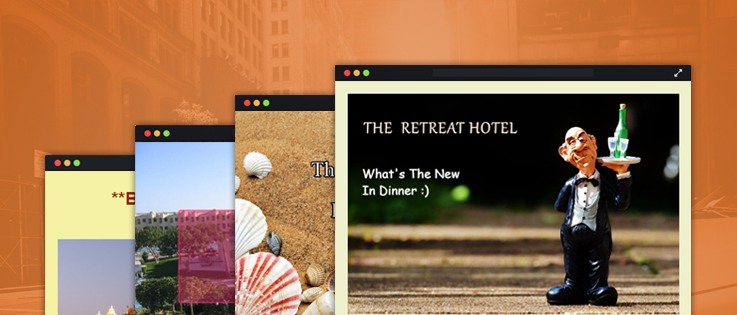
Check All Hotel Email Templates Here
#8 – Free Email Templates For Doctors & Medical Personnel –
Become the go-to hospital of your city by sending them attractive email templates to your potential customers, in order to promote your clinic and medical services.
The post includes 6 best email templates for doctors, which guarantees effective advertisement and proves to be highly informational for your clients.
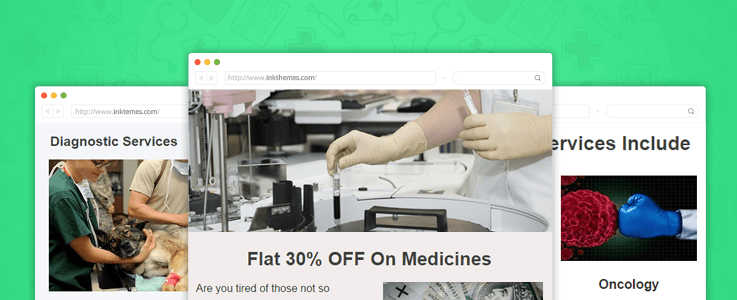
Check All Doctor Email Templates Here
#9 – Free Best Restaurant Email Templates –
The post about restaurant email templates packs 11 highly powerful and informative e-templates which will take your food joints and eatery business to new heights.
The email templates will surely promote your business as you will be enabled to send various offers and discounts through it.
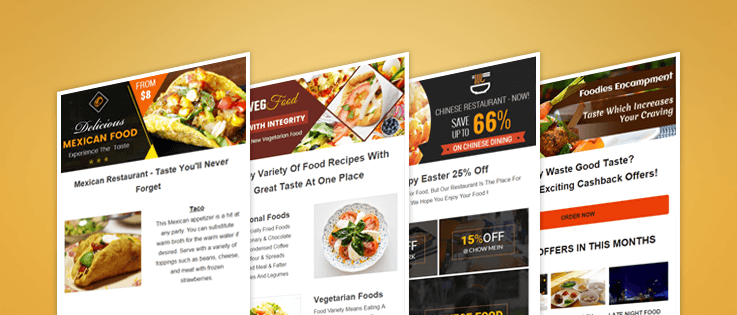
Check All Restaurant Email Templates Here
#10 – Latest Free Email Templates For Taxi Services & Cab Companies –
All the 10 email templates listed in the post has been created with the sole purpose to publicize your taxi business and cab services.
The e-templates allows your to inform your potential and existing commuters about the new services that you are launching along with exciting offers.
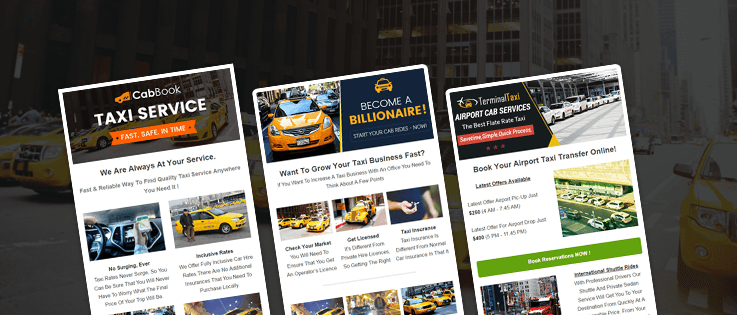
Check All Taxi Email Templates Here
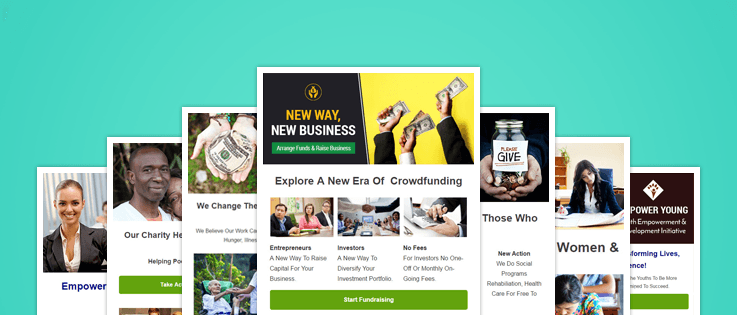
#11 – Customizable Free Charity Email Templates –
The email templates for NGOs, charities and nonprofits organizations can help you to broadcast your mission with the help of email marketing service associated with it.
The post is blessed with 9 best charity email templates which would allow you to choose the most apt e-template for your organization.
Check All Charity Email Templates Here
#12 – Free Responsive Email Templates For ECommerce Business –
Entice your future customers to become a loyal client of your e-commerce business and service by sending them visually attractive & informative email templates.
All the 11 e-templates is considered as the most influential and best e-commerce email templates for effective brand promotion.

Check All E-Commerce Email Templates Here
#13 – Free Best Email Newsletters & Templates For Corporate Business Firms –
The sole reason for the upliftment of your corporate business and your other services are these 10 business email templates.
Through mass email templates transmission, you are guaranteed to expand and promote your business advisory firm and services.

Check All Business Email Templates Here
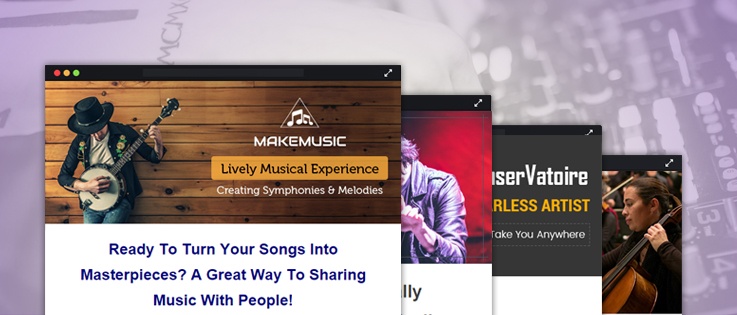
#14 – Top Free Music Email Templates For Musicians, Bands & Singers –
With the email templates, designed specifically for all the musicians, orchestras and singers, you can effectively advertise your skills and services.
The post is integrated with 10 highly customizable and powerful email templates which will help you in achieving the deserved success.
Check All Music Email Templates Here
#15 – Free Email Templates For Photographers, Photo-Studios & Cameramen –
Prepare to get into the limelight by sending visually charming email templates, with the help of email marketing services associated with it.
10 photographer’s email templates can be used to showcase your skills and amenities available by sending them at the desired time.

Check All Photographer Email Templates Here
#16 – New Free Email Templates For Bloggers & Critics –
Boost up your blogs and also your blogging website by sending highly informational email templates to your current and future readers/fans.
The blog packs 10 most effective blogging newsletters which ensure maximum exposure to your blogs and to your blogging portal.

Check All Blogger Email Templates Here
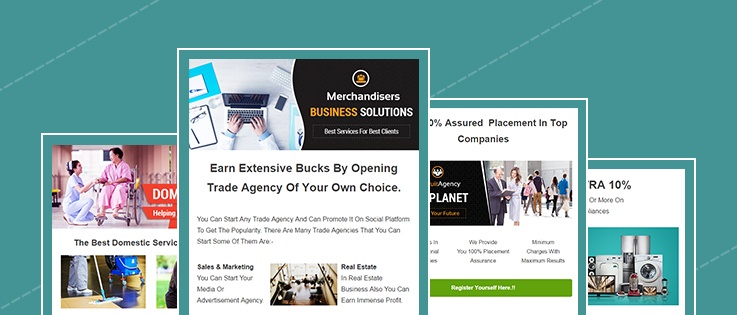
#17 – Free Email Templates For Travel, Trade & Job Agencies –
With the help of 7 best agency email templates, you can create a special mark in the business arena of various agencies.
Brand promotion and regular interaction with customers are what these awesome email templates guarantees.
Check All Agency Email Templates Here
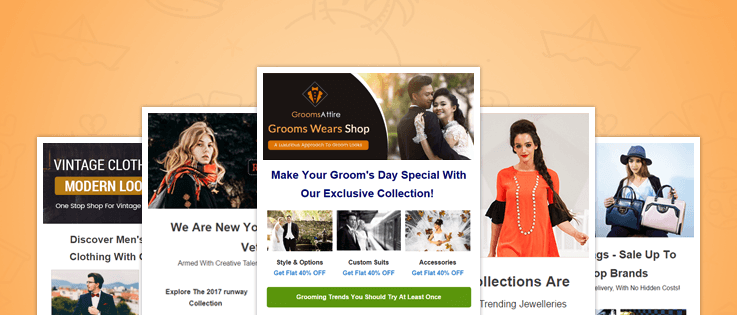
#18 Free Responsive Email Templates For Fashion Businesses –
The email template for fashion services, events and businesses are built with the sole purpose to promote your business.
You are entitled to pick the best e-templates from the list of 13 fashion email templates, according to your requirements and likings.
Check All Fashion Email Templates Here
#19 – Free Email Templates For Events & Party Planners –
Get the people to notice your event management skills and business by sending them descriptive email templates.
The blog post lists 13 best event email templates that can be opted by you for your promotional activities.

Check All Event Email Templates Here
#20 – Free New Email Templates For Authors & Writers –
The 13 best authors email templates will surely help you in broadcasting your written work by sending a demo version of it in e-templates.
With guaranteed high inbox delivery rate, you are expected to achieve maximum exposure.
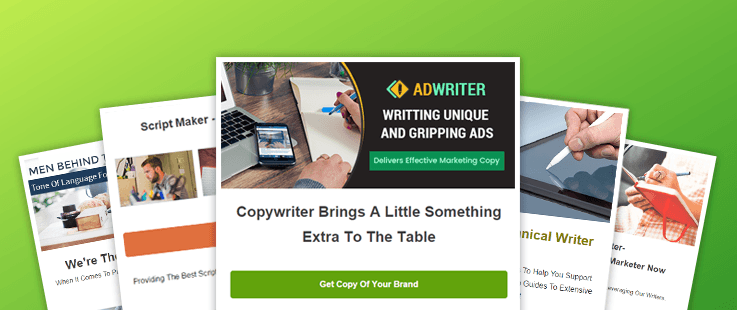
Check All Author Email Templates Here
#21 – Free Best Startup Email Templates –
Provide your new business a dream start by dispatching email templates to your target audiences.
All the 10 email templates will help you in promoting your new business and its mission effectively.
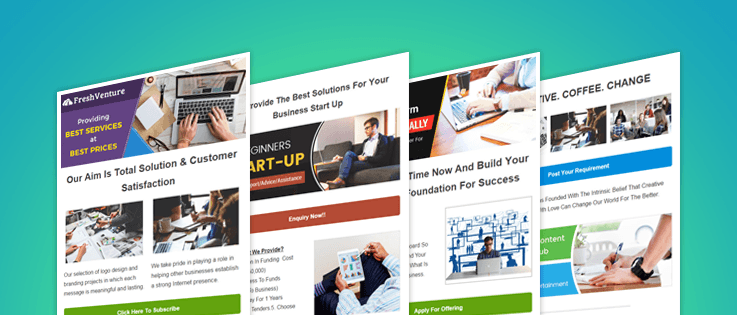
Check All Startup Email Templates Here
#22 – Latest Free Email Templates For Artists –
If you have any artistic skills then these 10 email templates are perfect for you to promote your talent.
The craft email templates allow decent exposure for your artwork so that you can accumulate desirable fan base.
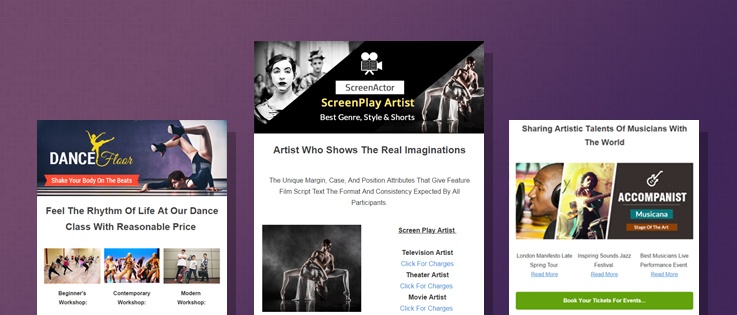
Check All Artist Email Templates Here
#23 – Free Top Email Templates For Fitness Centers & Trainers –
Enhance and amplify the business of your fitness center by promoting it through mass sending of email templates.
The blog is blessed with 11 top email templates, that are designed just for the purpose of your fitness center’s upliftment.
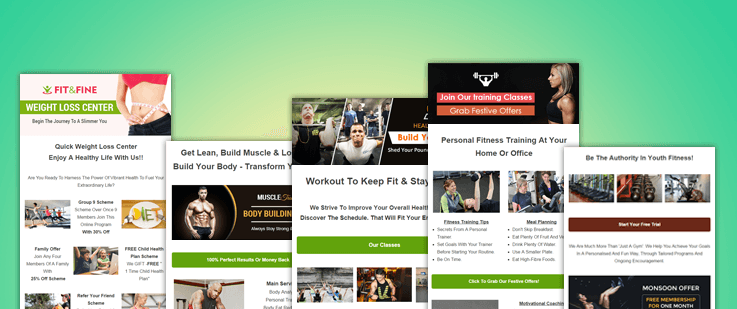
Check All Fitness Email Templates Here
#24 – Free Responsive Email Templates For Insurance Agencies –
The blog post is incorporated with the 11 latest insurance email templates that would boost up your insurance or finance agencies and firms.
With the high amount of successful delivery rate, you can achieve the desired exposure for your financial firm.

Check All Insurance Email Templates Here
#25 – Best Free Email Templates For Home Repair Services & Agencies –
Through the proper usage of these email templates, you can become the “go to” home repairing or renovating agency of your city.
All the 17 best home repair email templates listed in this blog is a synonym of success and would definitely jump start your business once again.

Check All Home Services Email Templates Here
#26 – Free Email Templates For Technological Firms & Services –
Enhance and boost up your technical company’s business by opting one of these email templates in your marketing campaigns.
This blog is loaded with the 12 best technology email templates that have been tested to give the desired results.

Check All Technology Email Templates Here
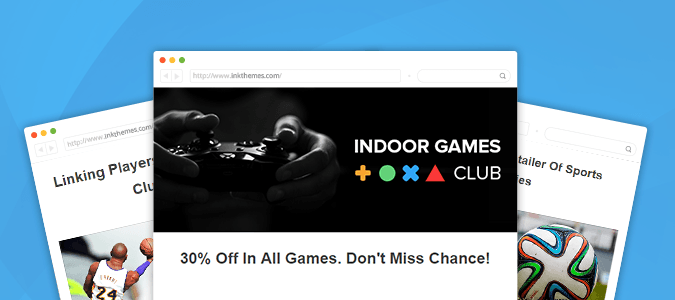
#27 – Customizable Free Email Template For Sports Clubs & Centers –
The 12 best sports email templates will surely promote your sports clubs and gaming centers in the sporting world with ease.
The e-templates are constructed with the sole purpose to grow your sports related business exponentially.
Check All Sports Email Templates Here
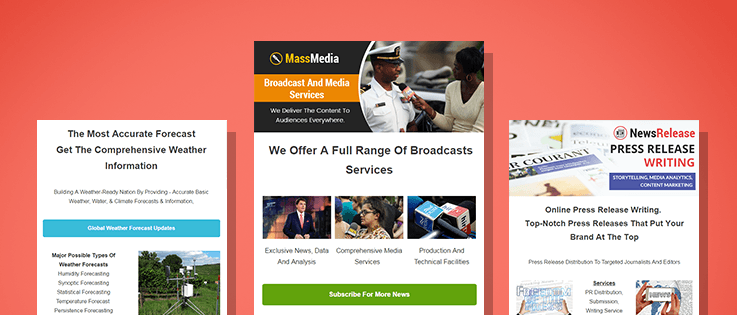
#28 – Free Latest Email Templates For News Agencies & Channels –
Grab the attention of viewers and make them loyal followers by constantly maintaining a healthy contact with them through email templates.
The 7 email templates, assembled in this blog post is powerful and effective enough to give your news channel a decent viewership.
Check All News Agencies Email Templates Here
#29 – Free GDPR Email Template –
Having a big clientele list of Europe? Want to revalidate all those subscribers lists in a single click? Use this free GDPR Email Template and start maintaining a healthy relationship with your clients by sending a reconfirmation email to all your subscribers.
Conclusion –
Hope you loved the collection!
Well, if you wish that we should create more amazing and eye-catching email templates in any niche please share it with us in the comment box given below.
We would love to hear your thoughts. 🙂 Meanwhile, don’t forget to check our top shared posts –
10 Best Contact Forms For WordPress 2022
Contact forms is an essential element of every website as that is the place or source that makes visitors reach and communicate with you easily. Apparently, if your WordPress site is missing contact form, then you could be blowing out a way that can raise your bigger business opportunities.
Online form builder is the solution to this and will help you in getting contact forms on your WordPress websites. These form builders contribute in customizing, modifying and enhancing forms as per your requirement, and are available as plugins for WordPress site.
There are a large number of form builders available currently. Each of them is categorized with different features, add-ons, and integrations as well as diverse price range.
Learn more about plugins here – Best WordPress Contact Form Plugin for Sidebar, Pages and Posts
So here I am presenting out a superb list of 10 best contact forms for WordPress websites, going through which you’ll find some top-class contact forms plugin available in the market.
Let’s get started…
1. Pabbly Form Builder
Pabbly provides you with an HTML form builder that empowers you to add the fields with the help of a drag and drop builder and create a unique form. It allows you to customize the form according to your brand by adding logos, links, header images, and much more.
You don’t have to worry about replying to the users as Pabbly facilitates you with autoresponders & when you want to answer the similar queries canned replies makes it easier for you to reply to them all.
On top of all this, it has got a user-friendly interface that will make it easy for the beginners to use as well.
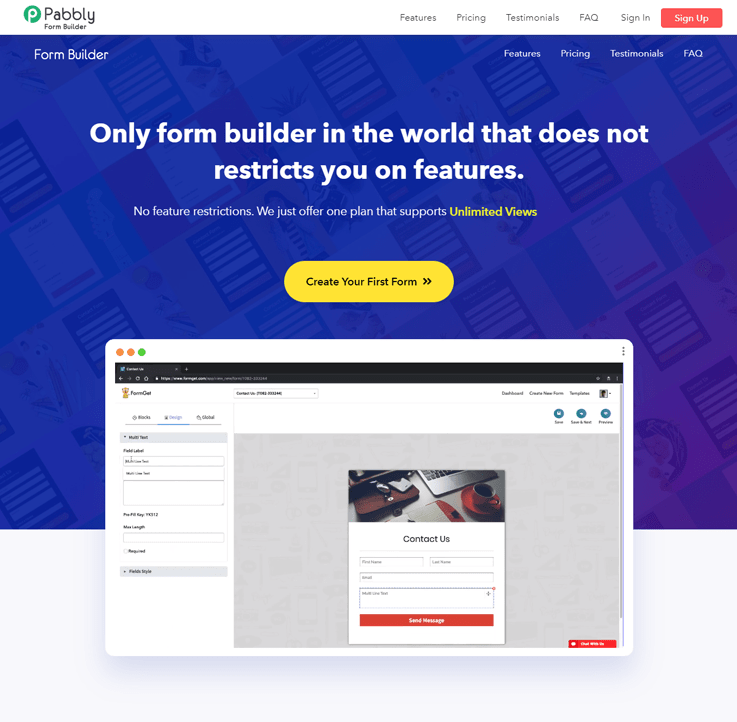
Pros Of Pabbly Form Builder –
Conditional Redirect
You can add the redirecting link that will trigger on certain specified conditions that you mention in the form of if & else. For example, if the user’s first name is empty, then it will display a custom message like- “ Your form is successfully submitted”
Prefill fields
You can specify certain conditions in the form of if & else that will trigger on the occurrence and redirect the user to the given link or display a custom message. For example, if the user’s first name is empty, then it will display a custom message like- “ Your form is successfully submitted”
Collecting Payment
No need to worry about the payment collection as you can collect one-time and recurring payments. Simply select the payment mode via PayPal, Stripe or both & you are good to go.
Pricing:
The form licensing system allows you to create your form with all key features like payments, analytics, data storage, team members and much more.
| Plans | Starters (Yearly) | Rookie | Pro | Advance |
| Pricing | $15/Month | $35/ Month | $79/ Month | $99/ Month |
| No. Of Users | 1 User | 5 Users | 10 Users | Unlimited |
| No. Of Forms | 1 Form | 25 Forms | Unlimited Forms | Unlimited |
2. Gravity Forms
It is a premium WordPress form plugin which has all the necessary professional functions. The plugin highlight’s some advanced options and the forms come with all kinds of fields that you can include inside your website and will help you better interact with your visitors.

Pros of Gravity Forms –
- Easy form development can be done from the website itself.
- Provides optimized theme forms i.e. form automatically gets optimized following website. This optimization doesn’t need any programming.
- Additional add-ons can help to create quiz, survey, user-submitted content and web directory too.
- Intuitive form building interface helps the users to customize the forms easily. Its unique features comprise of multi-page forms, access to limit entries and even schedule the forms and custom settings.
- Support options including FAQs, email support, forums, and knowledge base are available as and when needed.
- Gravity Form has a unique feature of providing unlimited forms without any restrictions.
- Integrations of Gravity Forms with many third party websites like PayPal, Google Docs, MailChimp, Stripe, and survey, etc. make the functioning easier for the users.
Cons of Gravity Forms –
- The only problem with Gravity Forms is that a free version is not available. Users operating a single website would find it costly.
Pricing-
- The advanced version will cost you around $249
3. WP Fluent Form
WP Fluent Form is one of the most powerful and underrated quality freemium plugins in WordPress by WPManageNinja. This awesome plugin comes up with a ton of amazing features to serve your form creation purpose. This drag & drop form builder makes your form creation so smooth and rapid. Using conditional logic functionality can make you able to do a lot for making your form more dynamic.

Online forms creation could be a tough job if you don’t know HTML, CSS or have a proper tool. As a WordPress user, you can get a reliable solution using WP Fluent Form. Here take a look at the top attributes of the plugin:
Pros of WP Fluent Form –
- Easy to Use and Most User-friendly Form Builder,
- Several Pre-Build Form Templates.
- Fully Responsive Form Builder.
- Drag & Drop Form Builder Plugin.
- 35+ Customizable Input Fields.
- Awesome Conditional Logic Feature Available.
- Export-Import Feature Availability.
- Form Entry Restriction, Scheduling, and Expiry Configuration.
- Integration with Different Platforms.
- Spam Filtering with reCAPTCHA Facility.
- Making Forms Dynamic Using Custom CSS Facility.
Cons of WP Fluent Form –
- You can’t get any payment gateway integration using WP Fluent Form. They are working on it and hopefully, they will add this feature as soon as possible.
Pricing –
The plugin is freemium, and you will get the free version of the plugin from the WordPress directory. Here are the pricing details of the plugin:
- Single Site – $35.00/Year
- Multi-site – $69.00/Year
- Unlimited Site – $199.00/Year
4. Ninja Forms
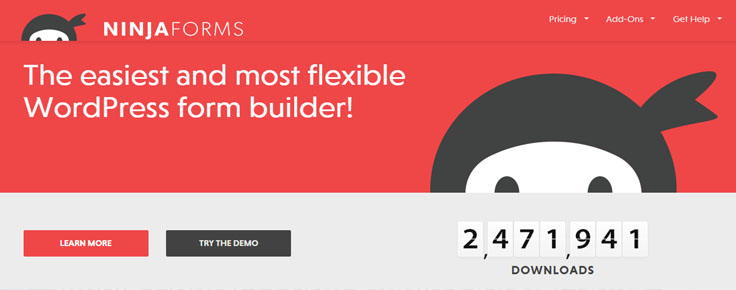
Ninja Forms is a form generating plug-in for WordPress. It provides basic features for free for a lifetime including unlimited forms and unlimited responses. Premium version too is available which provides added features and extensions.
Pros of Ninja Forms –
- Base plugin of Ninja Forms is available at the WordPress respiratory for free. Thus, it can be used for as many websites as needed.
- The entries can be sorted, searched and downloaded using a CSV format.
- Premium version provides layouts as well as CSS customization.
- The premium extensions increase the functionality of the forms by connecting them with Campaign Monitor, SMS notification, FreshBooks, etc.
- Highly secured from spams as it comes with built-in Akismet Protection.
- A helpful support community, documentations and guides, as well as email support, are the added benefits of Ninja Forms.
Cons of Ninja Forms –
- Cannot function without a self-hosted WordPress site as it is technically a WordPress extension.
- Though basics are available for free, the premium extensions cost nearly as much as a complete premium form plug-in making it a costly option.
Pricing –
- Basics – Free for a lifetime.
- Added extensions – starting from $19.
5. Formidable
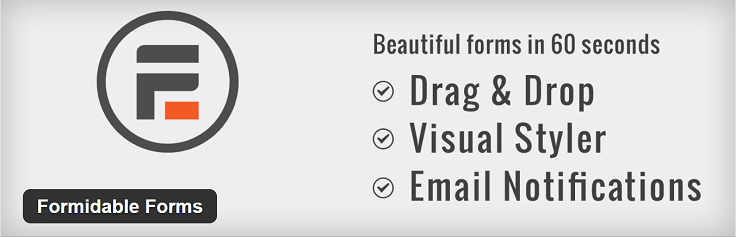
Due to its low-cost range, Formidable is becoming a popular name amongst WordPress users. It has free as well as premium options available for different customer requirements.
Pros of Formidable –
- Due to its simple interface, it is a great choice for first-time users.
- Drag and drop interface and in-place editing quicken the process of form building.
- The responses collected through forms can also be saved for future use and display.
- Preferable for users aiming single sites as it is cheaper that way. Premium version of a single site costs just $47 which is considerably affordable.
- The standard and unlimited plans provide 12 add-ons.
- Premium version allows easy integration with PayPal, Basecamp, etc.
- Better looking forms are generated by Formidable Pro due to its Bootstrap support.
Cons of Formidable Pro –
- For multiple sites, its license costs $117. At this price range, better options are surely available. So it is not suitable for such users.
- Multi-page form interactions in Formidable Pro can be troublesome.
Pricing –
The starter package will cost you around $34. Their enterprise pricing plan will cost around $397.
6. Pirate Forms
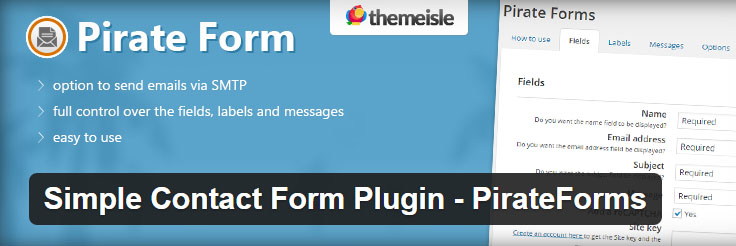
It is a free WordPress contact form plug-in designed by Themesile. The plugin is extremely easy and quick to get started with. Within a couple of seconds, you can build a fully functional contact form.
Pros of Pirate Forms –
- Extremely simple interface.
- Allows the user to build and modify the forms according to their requirements.
- Basic features like CAPTCHA and SMTP are available with it.
- The user has complete control over all the fields, messages, and labels.
Cons of Pirate Forms –
- Main focus is on simplicity and ease of use. Thus, advanced functions are not available such as payment integrations, subscription forms, etc.
- This makes it a basic plug-in and cannot be used by professionals.
- No add-ons can be a reason some people would not go with this plugin.
Pricing –
As of now, it is absolutely free.
7. HubSpot
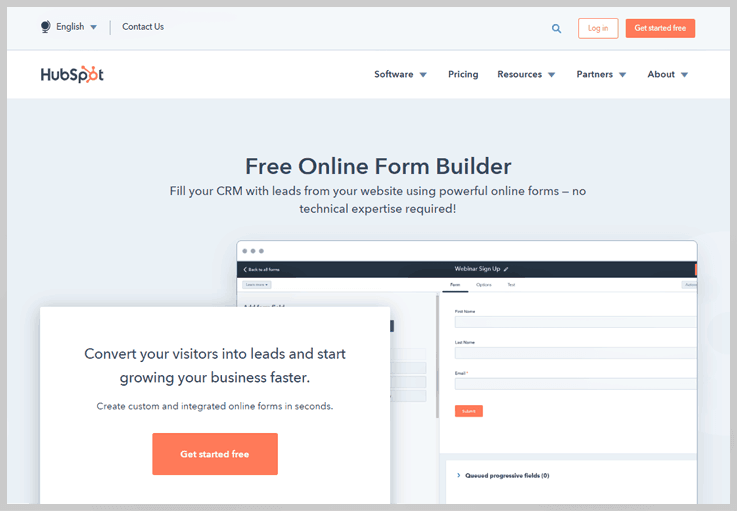
To shorten its description, HubSpot is designed to combine simple interface and powerful features. It allows creating magnificent online forms within few clicks and that too without writing a single line of code.
Pros of HubSpot –
- HubSpot provides clear user interface paired with great features.
- Creating forms become quick with HubSpot due to its drag and drop feature.
- Users also get access to pre-designed forms to choose from.
- The forms created are not buggy and are even mobile friendly.
- Coding isn’t required for using this plug-in.
- Payments can be made using PayPal too.
- Premium version even helps building email subscriptions.
Cons of using HubSpot –
- All the features aren’t available for free. One has to upgrade to the premium version to get access to all the features.
- Though it provides excellent add-ons, services, and features, all the complex and pro features aren’t available as the developers aim at making a simple to use plugin.
Pricing –
The starter plan starts from $35 which is for 1 year only. You can avail professional and enterprise plans by paying $560 & $2240.
8 . Visual Form Builder
Starting off free, Visual Form Builder has amazing features and also provides a premium version for add-ons. It mainly aims at providing quick and hassle-free form building tool without any need for HTML, PHP, CSS coding.

Pros of Visual Form Builder –
- The forms made using this plug can be easily transferred to a CSV file.
- Fields can be added with a click and drag and drop modification is the feature which can simplify all your work.
- All the forms are saved in the WordPress database making them available for any future revision.
- The feature of ‘one click duplication’ reduces time consumption during form building.
- Visual Form plug-in automatically verifies the uploaded information to rectify any mistake.
- Anti-spam verification system which prevents spammers from filling you mail boxes with junk emails.
- Allows you to send a personalized message to the viewer after they have sent the forms.
Cons of Virtual Form Builder –
- Though the ‘no coding’ feature might seem interesting to the majority users, only Professionals understand its drawbacks.
- Thus, it might be a good option only for new users or people lacking the knowledge of coding.
Pricing –
Starting range – $20 (one-time fee)
9. Jetpack
Jetpack is the plugin from the team Automatic. Not just a form builder, but it does many other things too. Creating contact forms with Jetpack is super easy and offers various options for customizing forms.

Pros of using Jetpack –
- Designed in a way that modifies the outlook of a WordPress site to that of a WordPress blog.
- Covered by the Akismet spam protection which helps the users to secure their website from spammers and their mailboxes from junk mails.
- Being a complete WordPress plug-in, it helps to track the data and statistics of the site along-with form building.
- Allows storing the messages of people on your website, so you don’t need an additional plug-in for that.
- Instead of creating forms separately and then adding them to the site, Jetpack builds and edits a form right at the site.
- One can add, remove, edit and adjust all the fields of the forms in Jetpack.
- Allows e-mail blog subscription, URL shortener, comments enabled for social networking and many other features.
Cons of using Jetpack –
- There are a few bugs in the plugin which sometimes lead to crashing of the site.
- The basics are available for free, but add-ons need a premium version.
Pricing –
Jetpack has two pricing plans, namely – premium and business. The premium plan cost you nearly $99 per year, whereas business plan will cost around $299 per year.
10. Custom Contact Forms
Custom Contact Form plugin is popular for being highly intuitive as well as a customizable plugin. The flexibility and functionality that you’ll receive with this plugin is just incredible.

Pros of Custom Contact Forms –
- Simple interface is completely user-friendly.
- The benefits and assistance of CSS is provided without requiring actual knowledge of CSS.
- A wide range of options are available, and the user can easily chose amongst them using the drag and drop menu selection.
- Helps the user to modify the colors, margins, borders and designs of the contact forms.
- Fields can be added, remove, re-arranged and even custom fields can be added.
- Unlimited forms can be created using this plug-in and a specific destination for each form can be set.
- Enables redirecting to a query message or a thank you message for your WordPress site.
- CAPTCHA or “Are you a human?” is an added feature which can be included in your website using Custom Contact Forms.
- For the developers wanting to modify their website even more, HTML customization is also available. This makes it a dream plugin for professional as well as beginners.
Cons of Custom Contact Forms –
- Though it has a lot of advanced features in it, it lacks in customer support.
- It has some bugs within which might disturb your website.
11. Contact Form 7
Though not quite recommendable now, after we have so many plugins available, Contact Form 7 is the oldest and the most downloaded contact form with more than 17 million downloads, present in the list of the official WordPress plug-ins directory.

Pros of Contact Form 7 –
- The third party integrations of Contact Form 7 work as the add-ons which are also available for absolutely free.
- Integrated with Akismet as well as other spam protections which help to secure the website easily.
- Multiple forms can be easily created, and email newsletter subscriptions are available.
- CAPTCHA spam filter and is also available in many languages.
Cons of Contact Form 7 –
- The user interface is a bit complicated. It might take quite some efforts for beginners to set it up.
- Though it is an extremely feature rich plug-in, everyone cannot easily use it and get the best out of it.
- A minimal knowledge of HTML as well as other codes in necessary.
- Customizing visuals are possible with Contact Form 7 but it needs CSS and HTML.
- Being free of cost is actually a pro, but it gets added to the list of cons because free availability limits the add-ons options available with the plug-in.
Pricing –
Its complete version is available for free.
Conclusion –
Technically, no form builder is good or bad. Each form builder has a different target audience and is thus made in accordance with their requirements. My suggestion would be to use paid additions of form builders as there you’ll get the enough customization options that you might not get with free versions of form builders.
Pabbly Form Builder is one such excellent choice to go with. Loaded with tons of customization and integration options, you can easily get your contact form running on your WordPress website within no time.
Other Related Posts –
- Increase Conversion Rate With Sign up Form
- How To Maximize Sales Of Your Services Through Your Forms
5 Free Hotel Email Marketing Templates

Does’nt matter how much the social media marketing has grown up, emails are still the best communication vehicle in the marketing world.
And, this vehicle would be best for running the hotel email marketing.
So,
Are you thinking to educate your clients and market your hotel by sending marketing campaigns?
Well, that’s the only reason of writing this post and providing you these free email templates for hotels.
As email marketing helps to –
- Grow more subscribers for your hotel.
- Increase direct bookings of your palace.
- Encourage brand engagement.
- Create and increase awareness of your hotel.
- and much more..
You can also visit our related post that will help to choose –
So, let’s check out the 5 best free email marketing templates for hotel that are created using MailGet – Email Service Provider
1. Educate your customers about your hotels & restaurants via emails using this beautiful Email Template.

2. A perfect Email Template to market your hotel and increases the awareness of it.
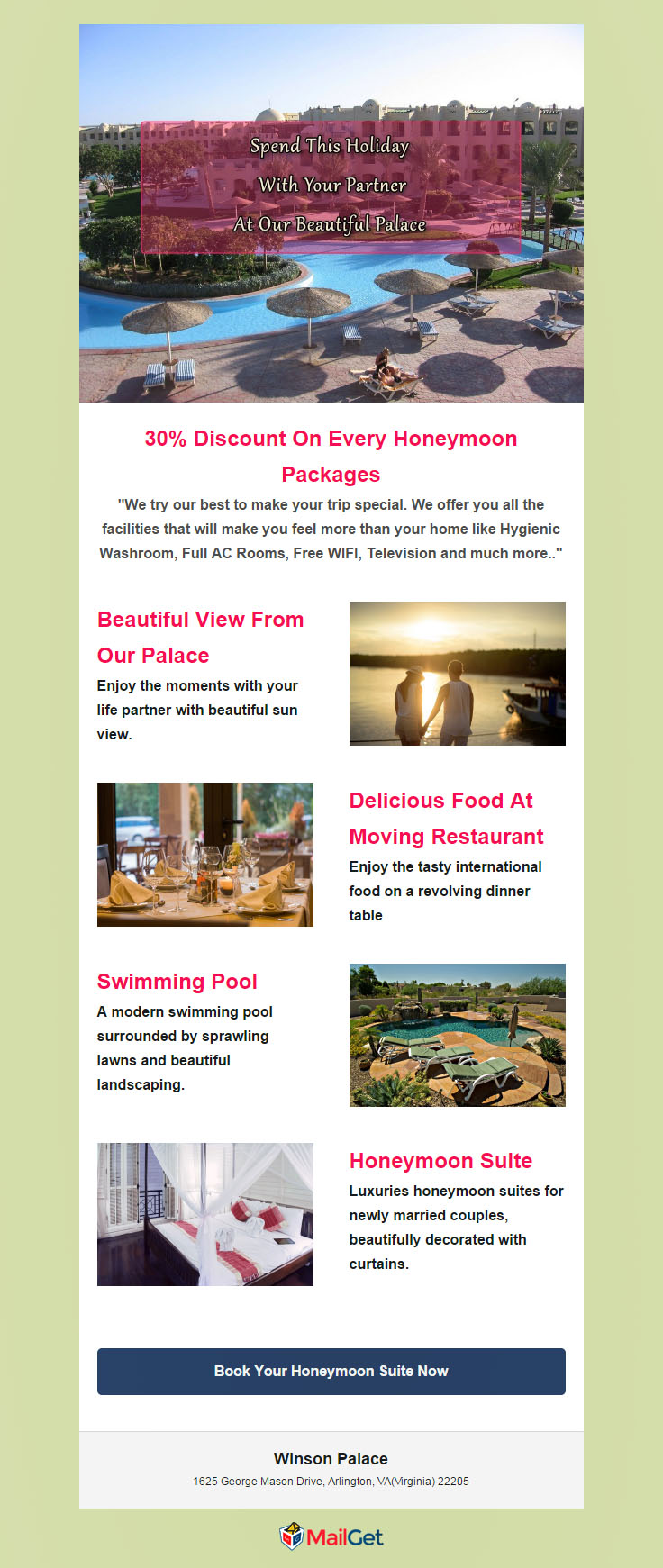
3. Another stunning Email Template that would be perfect for hotel marketing.

4. Perfect Template for hotel internet marketing.

5. Use this Email Template when go for email marketing for hotels.

Last Words
These were some amazing and free hotel email marketing templates. Just download them and start sending the beautiful templates to your clients!
Well.
I have a good news for you. Guess what!
You can also build these beautiful email templates by yourself. Yes!
Try MailGet Email Service Provider – Signup here..and start creating the stylish email templates with our easy to use drag n drop email builder.
So, how did you like the post?? And does these hotel email marketing templates were useful to you.??
Share all your thoughts in the comment section below.
Also see our free and popular email templates –
- Recruitment Email Templates
- Free Holiday Email Templates
- Real Estate Email Templates
- Free Business Email Templates
- Free Hair Salon Newsletter Templates
- Hotel WordPress Themes
Sparkpost SMTP with MailGet : Complete Setup
Sparkpost allows users to send emails through the Sparkpost API or SMTP integration.
Sparkpost SMTP requires verified sending domain for sending emails. So, It becomes the necessity to add valid sending domain before integrating with SMTP.
How To Add Sending Domain?
Well, I am going to explain how you can add Sending Domain step-by-step. Let’s start now –
Step #1 : Login to your Sporkpost account.
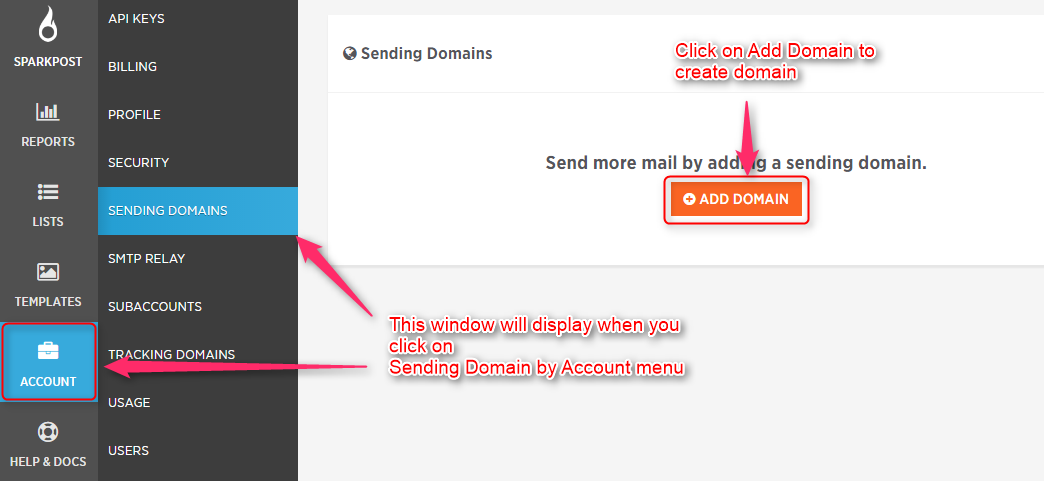
Step #2 : Go to Dashboard of Sparkpostand Click on Account.
You will see Sending Domain. Then click on add domain button to configure sending domain.
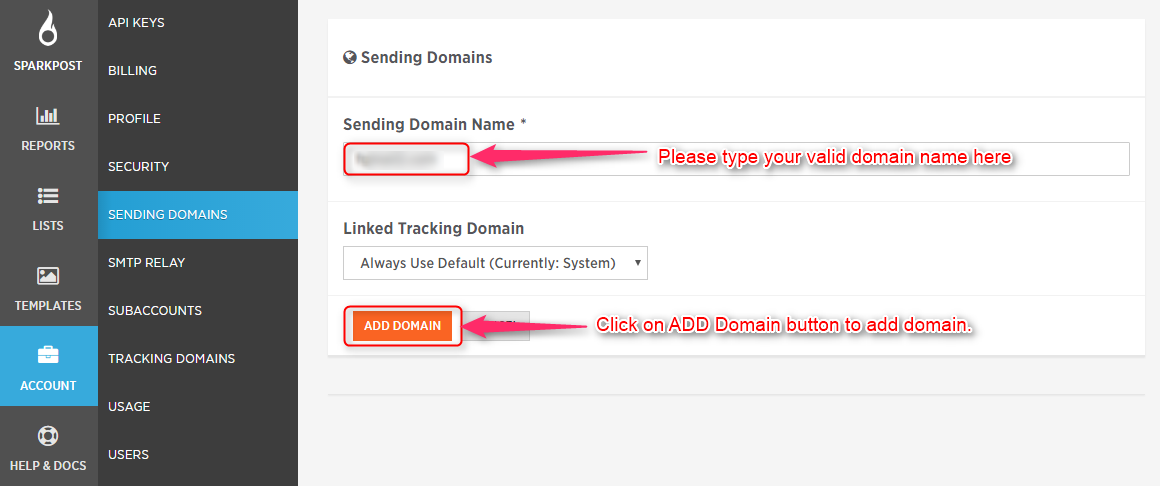
Step #3 : Now, add your valid sending domain in Sending Domain field and click on Add Domain button.
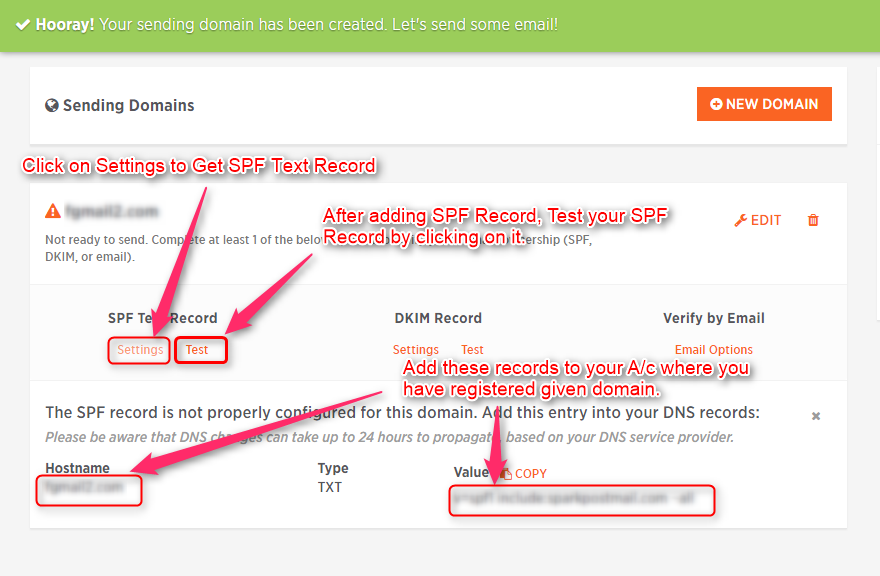
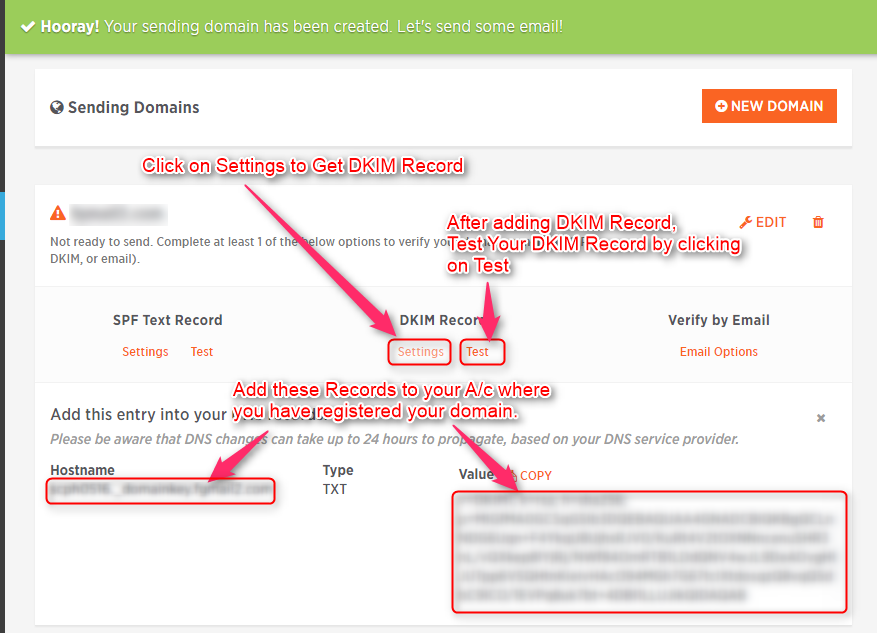
Step #4 : Get your SPF TXT and add to hosting site where you have registered your domain name.
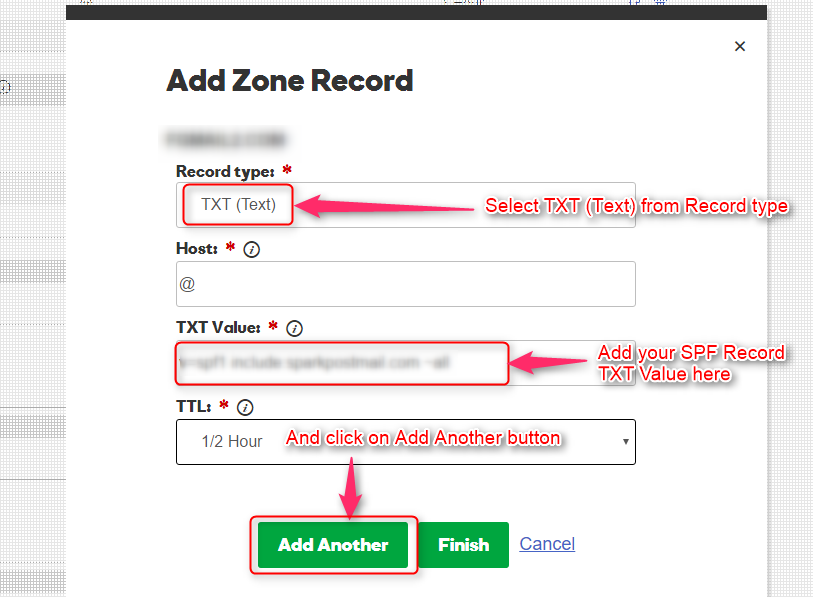
Step #5 : Get your DKIM Record and add to hosting site where you have registered your domain name.
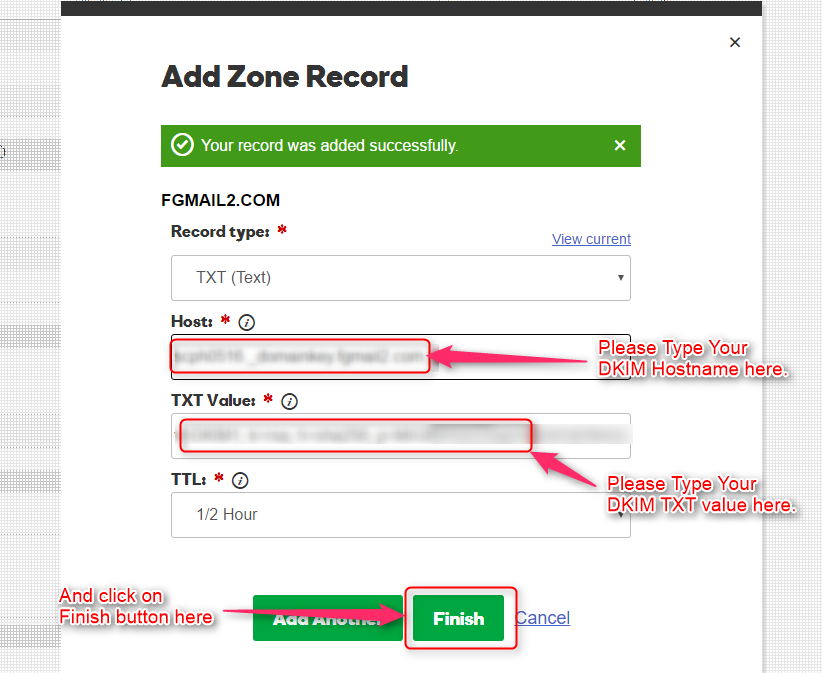
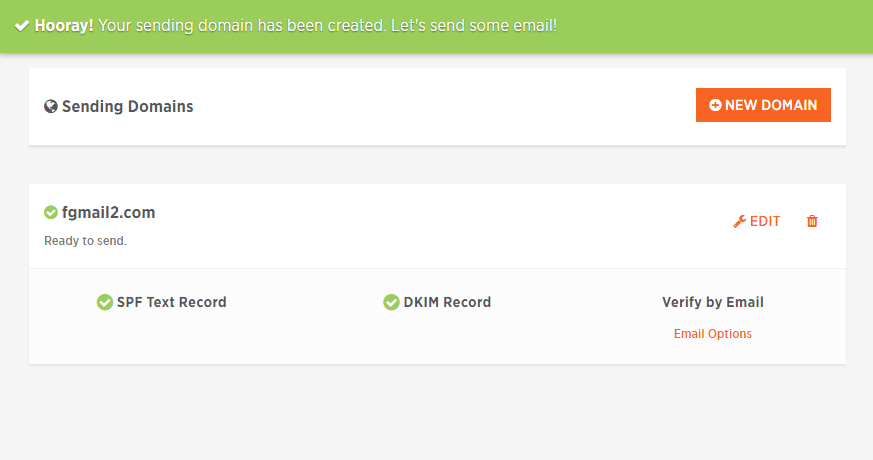
Step #6 : After Adding SPF TXT and DKIM Record and testing you will get this window.
Connect Sparkpost SMTP with MailGet
Step #1 – Go to your MailGet dashboard and click on “Settings” tab.
Step #2 – On setting page click on “Other SMTP” link in the left sidebar to open SMTP setting section.
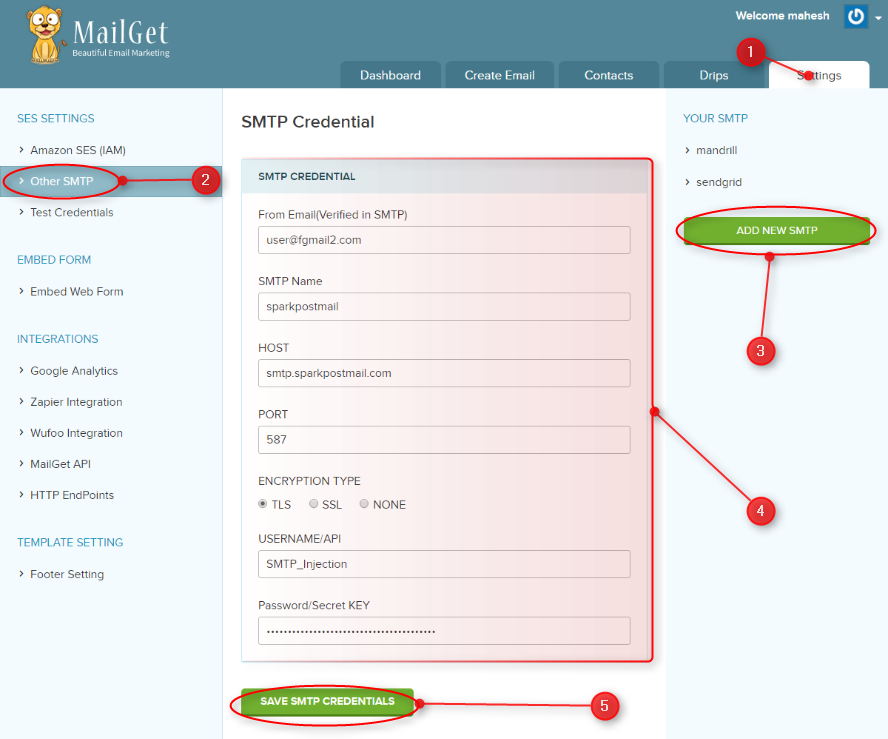
Step #3 – Now you will see a green button “ADD NEW SMTP” on the right side, click on that button to add Mandrill SMTP.
Step #4 – When you will click on “ADD NEW SMTP” button, a new form will open. You have to fill all the information in form as listed below to connect MailGet With Sparkpost.
- From Email: From Email address( which one you have verified from your domain in Sparkpost ) for your Email Campaign.
- SMTP Name: You can set any name to recognize Sparkpost SMTP.
- HOST: smtp.sparkpostmail.com
- PORT: 587
- USERNAME/API: You can get from SMTP Relay.
- PASSWORD/Secret KEY: You can get from SMTP Relay.
Step #5 – After filling form click on the green button “SAVE SMTP CREDENTIALS” to save details.
Now your Sparkpost SMTP is connected with your MailGet Account to send emails.
Setup Sparkpost Account for Handling Bounces & Spam Emails
For making the good reputation of your Sparkpost account, you should keep the percentage of your bounce and spam rates as low as possible.
Make sure that your emails list should not contain invalid email. This process requires that your Sparkpost account must be configured with your MailGet account.
Once, You add Webhook to Sparkpost. It will start sending bounce & spam reports to MailGet.
And then MailGet will filter these bounce and spam emails before emails sending from next time.
These are the steps which you need to follow: –
Step #1 : Login to your Sparkpost Account.
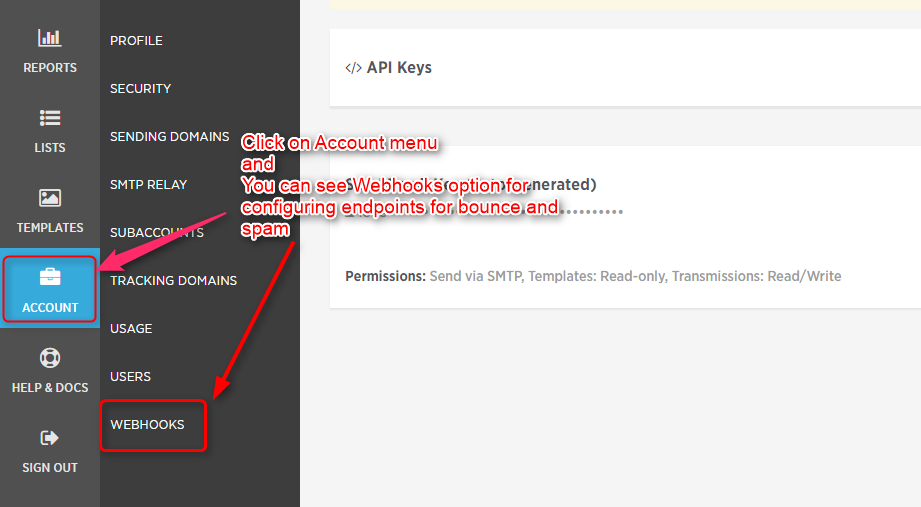
Step #2: Go to Dashboard of Sparkpost and Click on Account to see Webhook option.
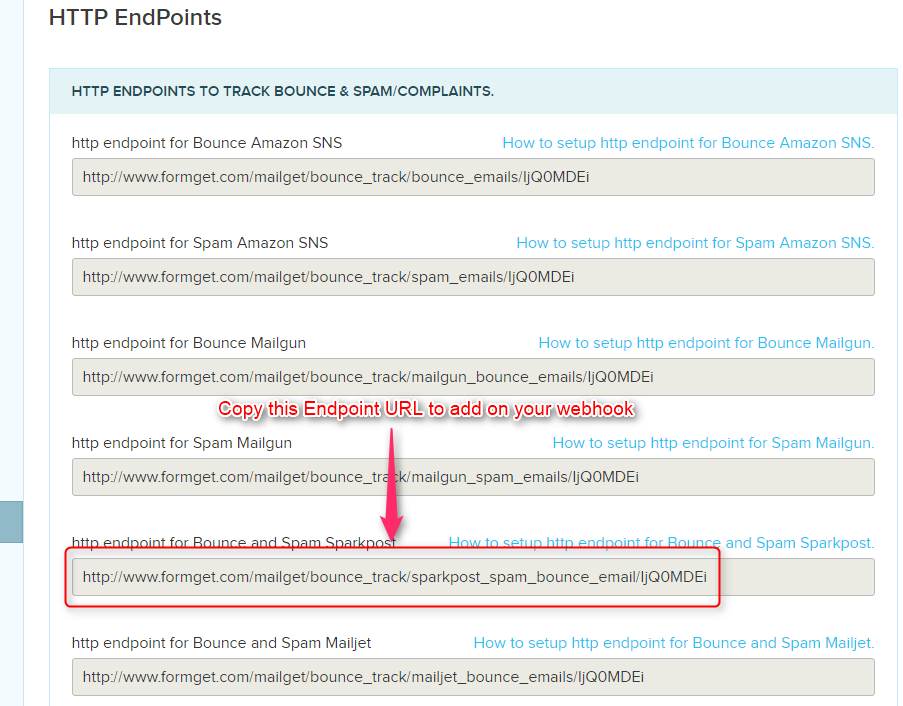
Step #3: Go to MailGet for your endpoint URL.
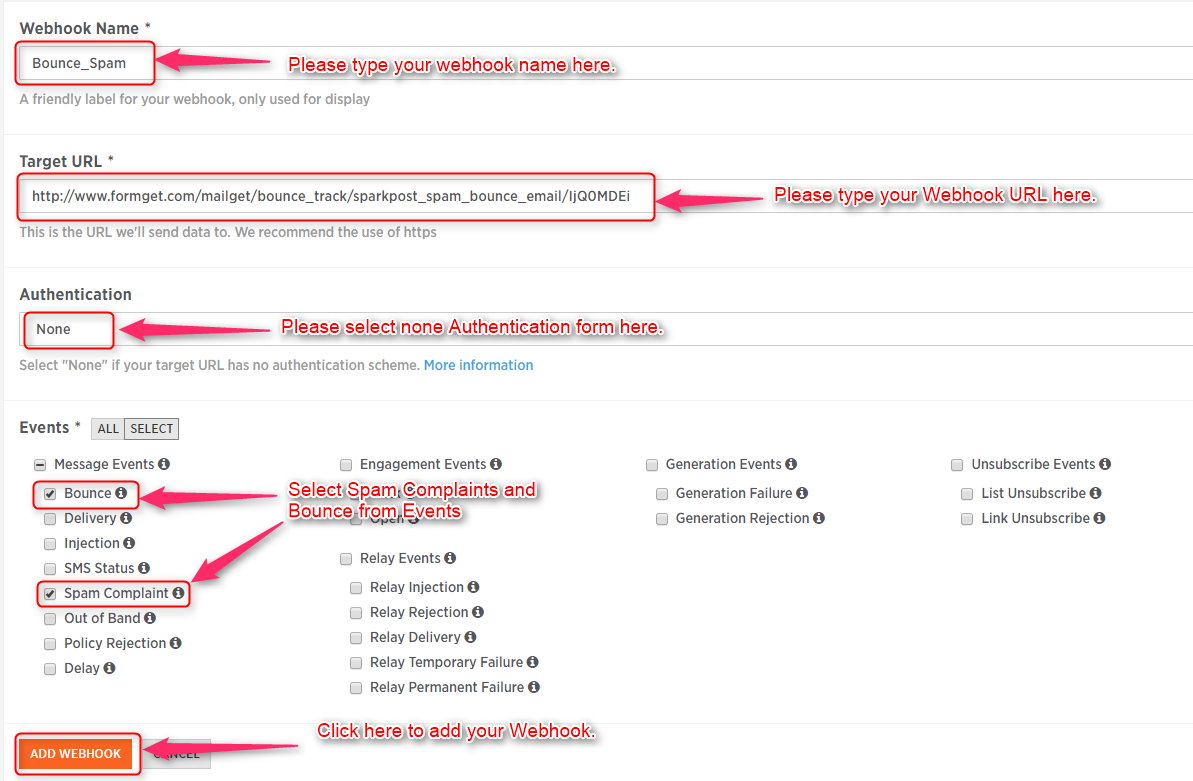
Step #4 : When you click on Webhook, you will see webhook panel where you have to create a new webhook.
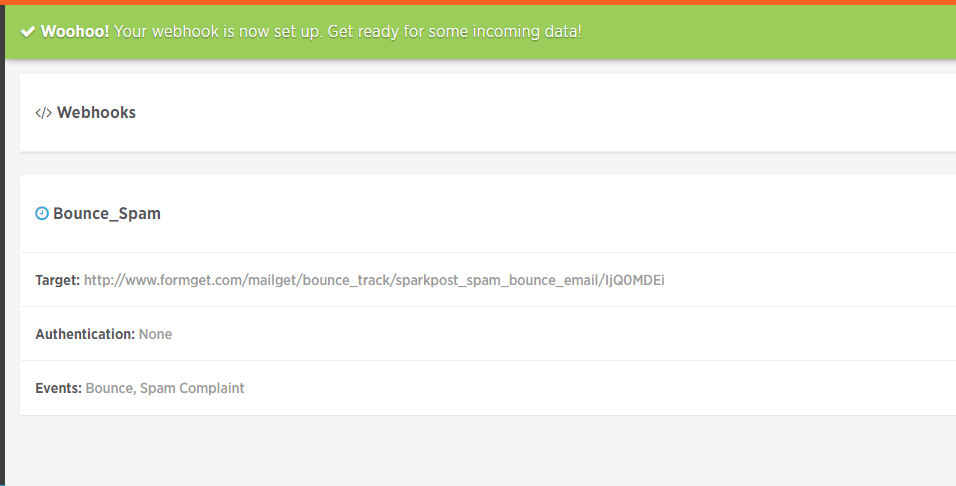
Step 5: Once You click on Add Webhook your webhook will be set for bounce and spam complaints. Once You click on Add Webhook your webhook will be set for bounce and spam complaints.
You may also refer this blog for more related information –
- SendinBlue SMTP With MailGet: Complete Setup
34 IP Warmup Best Practices For Email Deliverability

Wondering why some of your emails end up in spam or junk folder while others make it right into the inbox ?
Well, the reason behind it is the reputation of your IP address that is responsible for sending emails.
If your IP address doesn’t have a good reputation for an Internet Service Providers (ISPs), then there comes the possibility that your emails will send to the junk folder.
These are two best email marketing services.
check for the list of 40+ email marketing services.
So, do you need to warm up your IP address to have better inbox deliverability. ?
Warm up your IP if you need to send a lot of emails and want them to land them right into the inbox also if you want to set up an email marketing platform.
Here is a quick guide including 34 best practices which will help you improve email deliverability and build a good sender reputation –
1. Authenticate The Emails –
Once the emails are authenticated, the sent “via” text will not be shown, and this will upgrade the reputation of the domain name.
This can be done in the following ways: –
- SPF – Authentication can be done easily by adding the IP addresses which can send emails via the domain name in the DNS record.
- DKIM – A public or private key system can be used to sign emails.
- DMARC – The proper authentication of the emails by the webmail or ISP is evaluated by the sender.
Note – Check How Pabbly Email Marketing Handles Email Delivery For You. !!
2. Using A Public Whois –
All the contact information related to the domain name should never be hidden. A public ‘Whois’ should be used which will contain all the essential contact information.
The information will include –
- All information about the owner.
- The technical contact information.
- Information on the host of the domain.
3. Use Forward & Reverse DNS Lookup –
The ISP’s or webmail often check identity by using the DNS (Domain Name System).
Hence, the control panel of the web host account should be used to appropriately configure these settings –
- The domain name associated with an IP address should be verified using the reverse DNS lookup.
- The IP address associated with the domain name should be verified using the forward DNS lookup.
4. Adopting A Dedicated IP Address –
Having a good IP address reputation is very important. The reputation of the IP depends on largely upon the quality of messages being sent and the interactions taking place through that IP.
Hence, having a dedicated IP address with a good sending reputation is very essential.
- Once a dedicated IP address is adopted, there is no need to share the IP address reputation with others users.
- Sending consistent volumes of emails is essential for building up a good IP reputation.
5. Warming Up The IP Address –
The IP warming process should be conducted. This helps in building a good sender reputation.
- Initially, when emails are sent through new or ‘cold’ IP addresses, the ISP’s or webmail don’t trust them completely.
- A good IP warming process will ensure that consistent volumes of good quality emails are sent through an IP address over a period.
- This will establish the IP address as a legitimate sender.
6. Using Separate Email Ids For Transactional & Marketing Emails –
Any delivery issues can be minimized to a great extent by separating the different kinds of emails which are being sent.
- Different email addresses should be used for sending transactional and marketing emails.
- Email service providers like Gmail and Outlook.com have intelligently designed inboxes in which sorting of emails by category is done automatically.
7. The Domain Name Should Be Linked To An Existing Website –
The sender information is always verified to avoid any spammers.
Thus, linking the domain name to an existing website is very essential.
- The Internet Service Providers will never trust an IP address which does not direct the readers to an existing website.
- If the sender is a spammer, then there will be no website created for the sender domain.
Hence, a domain name should always be linked to an existing website to gain the trust of the ISP’s.
8. Making Use Of Email Throttling –
By using ‘email throttling,’ the speed at which emails/campaigns are sent can be adjusted. Various parameters should be configured to enhance the rate of email deliverability.
They are –
- The number of emails which are sent every minute or hour.
- The number of connections every minute or hour.
- The number of emails which are sent via each connection.
9. Configuring Abuse@ & Post-Master@ Email Addresses –
Configuring abuse@ and post- master @ email addresses prove very helpful.
- The abuse@ email addresses receives consumer complaints.
- The post master@ email addresses receives all the essential information regarding any impending problems of technical nature.
- Hence, these email addresses should always be configured for the domain name.
10. Considering Return Path Certification –
The Return Path Certification proves helpful for large email senders.
- The IP address is certified, and it hastens the delivery of the emails to the inboxes.
- This certification enables the ‘default display’ of images.
Hence, there is no need for the recipients to click on the message showing ‘display messages’.
11. Using ‘Seedlists.’ –
Checking each and every contact to find out whether the emails have reached the destination can become a cumbersome task.
It is here that using ‘seedlists’ prove helpful.
- A group of witness email addresses can be created using this technique.
- One can easily check whether an email has been properly delivered to the recipient.
12. Monitoring Blacklists –
The IP address and domain name should always be present in a blacklist.
- These blacklists which are referred to as RBL OR DNSBL filter incoming emails.
- Autonomous anti-spam services govern these lists.
Entire networks or some IP addresses are blocked by them.
- There are various services like Mxtoolbox.com and Blacklistalert.org, which can be used to confirm whether the IP address or domain name is present in the blacklist.
13. Monitoring Spam Complaints & Using Feedback Loops –
The ‘feedback loop’ is an alert which is permitted by a few ISP’s and webmails.
This alert is shown whenever an email is marked as spam.
- The ISP’s should be informed that notifications should be provided by them in case any spam messages are reported.
- These complaints should be recorded, and any associated contacts should be removed from the list.
14. Offering A Clear & Instant Link For Unsubscribing –
Offering a link for unsubscribing is very essential. This minimizes the chances of being classified as spam.
- The link which is provided for unsubscribing should function smoothly and quickly.
- Locating the link in the email should also be easy.
- The users should never be asked to reaffirm their wish to unsubscribe.
- No assurance should be provided that they’ll not be contacted again.
The users will themselves mark the mail as spam and block the mail address of the sender.
15. Managing Errors –
The error rate should always be kept to a minimum. The ISP’s associate high error rates to poor sending practices.
- Whenever certain emails result in errors, they should be immediately looked into.
- The concerned email address should immediately be deleted from the list.
- The database remains clean in this manner. There will also not be any inactive or nonexistent contacts.
16. Not Buying Or Exchanging Contact Lists –
There should be full control over the contact lists, and the recipients of the emails must first agree on being contacted.
- The lists of email addresses which are commonly found on the internet are copied sometimes.
Hence, they are of inferior quality and should be avoided at all costs.
- Email databases should never be taken on rent or bought.
- Tips from friends, colleagues or partners should also not be taken.
17. Using A Double Opt In Procedure –
The email address should always be validated to find out whether it exists and is properly working.
The double opt in the procedure can be used to do this.
- This procedure enhances the quality of addresses collected.
- Authenticating whether the contact is indeed the owner of the address can also be done easily.
- A confirmation link can be added to the welcome mail, and the validation can be done by simply clicking on the link.
18. Sending Campaigns Regularly –
Emails should always be sent regularly to the contacts. This will also be beneficial for the brand.
- The lifespan of the memories of contacts is very short.
Hence sending mails to the contacts at regular intervals is very essential.
- The contacts will also remember what they had subscribed for.
19. Unsubscribing Inactive Addresses –
It is always better to unsubscribe email addresses which are not active.
- Often recipients do not respond to mails for longs periods of time.
This either means that the email address is no longer in use or the recipient does not want to communicate any further.
- This can prove harmful for the sender’s reputation.
- Therefore it is best to delete such addresses.
20. Creating Multipart Emails –
The emails should always be composed in the HTML and text format.
- Creating a text version of emails is essential.
- The HTML version is not yet displayed on mobile devices by a few clients.
- The anti-spam filters compare both the text and HTML versions to ensure similarity.
21. Avoiding Image-Only Emails –
The text of the mail should never be replaced by images.
- The spam mails usually have text hidden in images.
- This is done so that spam filters can be avoided.
- So, the spam filters usually avoid such images.
22. Avoiding Words Suggesting Spam/Phishing –
Words which are frequently used by spammers should be deleted.
- Use of certain words suggests spam or phishing.
Therefore, such words should surely be avoided.
- Use of words like ‘free’, ‘credit’, ‘pharmacy’, ‘urgent’ ‘click here’ etc. Should be avoided.
23. Sender Should Be Identifiable –
The sender of the email should be easily identified by the subscriber.
- Using the brand or site name as the sender’s address is a good option.
- The subscriber will be able to easily identify the emails in this manner, and they’ll not be marked as spam.
24. Respecting Good HTML Practices –
Coding the HTML emails is very essential. The spam filters pay much attention to the quality of coding.
- Coding HTML can become time-consuming. However, the rules should be followed properly.
- The tags should be closed, the HTML tags should be written in lower case, and alternative attributes should also be added to images.
25. Visualizing The Email Rendering –
The designs of emails should be perfect. The reports on various display tips of clients should be tested.
- Popular providers like Apple Mail, Thunderbird, and Outlook, should be tested.
- The webmail should also begin with testing Gmail, Yahoo! Mail and Outlook.com.
26. Testing Content In Different Anti-Spam Filters –
The content should be tested in different spam filters because each of them tests the content differently.
- Each spam filter reacts differently therefore, it’s good to be cautious and test in each of them.
- SpamAssassin is the most commonly used filter there are much more like Cloudmark, Postini, and Barracuda.
27. Using Pre Headers –
The initial lines of the message are displayed just below the object by a few interfaces. This space should be fully utilized.
- Pre-headers like ‘Click here to see’; ‘See the online version’ are of no use and should be avoided.
- The lines can be read even if the emails are not opened by the recipients.
28. Avoiding IP Addresses, Link Shorteners –
The links produced by advertising or URL shorteners should certainly be avoided.
- The IP addresses should not be used as links.
- Spammers use such techniques to hide landing pages.
- The identity of the landing page should clearly be shown in the links used in the emails.
29. Avoiding ‘No Reply’ Addresses –
Emails should always be received by the senders. Conversations should never be cut off with a ‘no reply’ address.
- All questions, comments or problems regarding any email should be addressed by using the ‘reply’ button.
- This will also enhance the customer relations.
30. Increasing Reactivity By Segmenting –
All the contacts will never have the same necessities or expectations.
- The contacts should be categorized according to their needs, expectations and how the services are used by them.
- Personalized subscription options can also be offered.
31. Obeying The Law –
Having proper knowledge regarding the laws on privacy is very essential.
- The privacy of the users should be protected.
- All the information of the users should be stored securely and also authorized by the user.
- The registration process, legal disclaimer, and usage conditions should be validated and checked.
32. Keeping the promises –
Maintaining a proper and healthy relationship with the subscribers is very essential. Hence, all the promises made to the subscribers should be kept.
- The users should not be contacted unnecessarily.
- They might mark the sender as spam if this is done.
- In case certain rules are changed, the users should be informed and given the chance of changing their preferences.
33. Providing a link to the privacy policy –
The subscribers will begin to trust the sender if a link to the privacy policy is provided.
- A web page containing the privacy policy should be created.
- The contact information should be provided.
- Providing a phone number will be an additional plus point.
34. Sending invitations to subscribers to add the sender to their address books –
Mails can be sent very easily and conveniently if the subscriber adds the sender to their address books.
- This will work positively for anti-spam filters.
- Once the sender is added to the subscriber’s address book, their emails will never land up in the unwanted folders.
Conclusion –
A lot of attention should be taken to maintain your IP address to get a good email deliverability rate. Well, I hope these tips can be easily followed up to warm up IP address and to improve email deliverability.
We would love to hear if you have taken a different approach to warming an IP. 🙂
For more information check out following blog –
- Increase Open Rate With Follow-up
- Email Subject – That Can Increase Your Open Rates
10 Best Email Marketing Services For Hotels
Do you owe a hotel or restaurant and looking forward to a marketing solution. ?
If Yes, then you would likely want to boost your hotel reservations and increase your hotel revenue by 6x.
Well, hotels notably get advantage from email marketing. !!
Email marketing is quick and cost efficient, ensures great responsive rates, allow targeted marketing and builds faithful relationships. It is one of the most effective communication and promotion vehicles in the Internet marketplace.
Hotel email marketing helps you achieve an increase in hotel reservations through reaching customers with relevant and compelling emails.
Successful email marketing could benefit you in best possible ways like –
- Drive revenue & profit for your hotel.
- Grow subscribers and nurture them with your best hotel deals.
- Increase traffic to your hotel, resort or motel website.
- Increase your hotel revenue through higher room bookings.
- Improve customer retention which will build long term relationship with your hotel.
- Create & increase your hotel brand awareness among a wide range of peoples.
Some blogs which will help you find great email templates for dedicated businesses
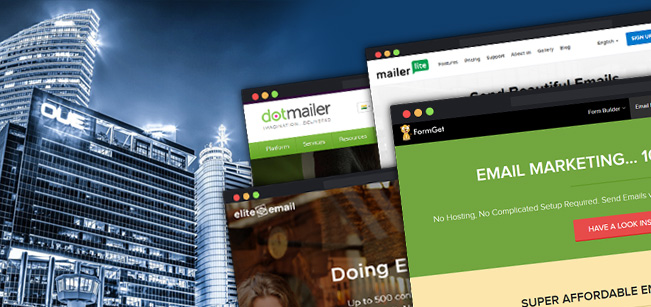
So, without further ado, here are 10 powerful and best email marketing services for hotels of 2022 to build strong personal relationships with your subscribers through ongoing communication they can’t help but notice.
So let’s start to explore professionally designed email marketing services briefly –
1. MailGet –
An affordable email marketing service for hotels which requires no hosting. Connect with any SMTP of your choice and send emails.
MailGet allows you to achieve high inbox deliverability by distributing your emails to multiple SMTP services this process is well known as SMTP routing.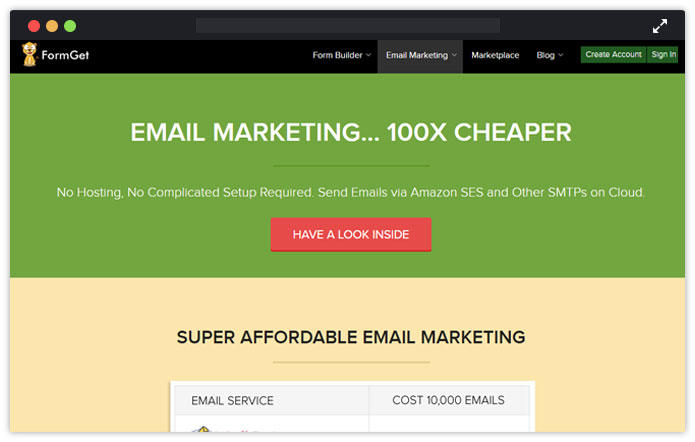
Features that email marketing for hotels could make use of –
- Design stunning emails for your hotel using – Responsive Drag & Drop Email Template Builder.
- Autoresponders – follow-up clients with advice emails.
- Verify your customer’s email addresses to get best inboxing – Email List Cleaning feature.
- Email Drips – schedule email campaigns to send best offers & packages.
- Personalized Tags – ensure greater engagement by sending personalized hotel email campaigns.
- Analyze your marketing campaigns -Email Tracking & Google Analytics.
- Grow your customer list by integrating – Signup Forms in your resort websites.
2. DotMailer
Dot Mailer is a Marketing Automation platform with email at its core. World-class integrations make the service extensible, fast and lean for hoteliers. Build and send beautiful, personalized, optimized messages to multiple channels and applications.
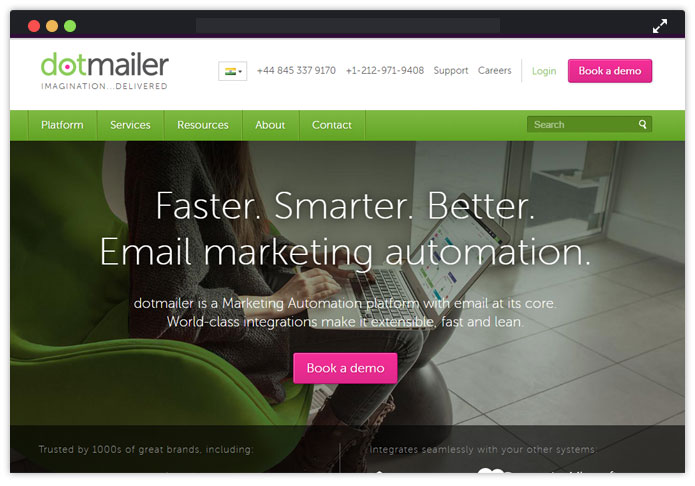
Features of Dot Mailer For Hotels, Resorts & Restaurants Cover –
- Import your mailing lists straight away.
- Maximizes email delivery rates by maintaining your sender reputation.
- Personalize your hotel campaigns using – drag-and-drop email creation tool.
- Automate your marketing campaign in minutes.
- Manage, compare and report different email marketing accounts for each brand, location, and marketing team.
3. Remarkety
Remarkety in an e-commerce email marketing platform. The service offers 14 days of trial account. Integrate with multiple e-commerce platforms too. Send automated and personalized emails
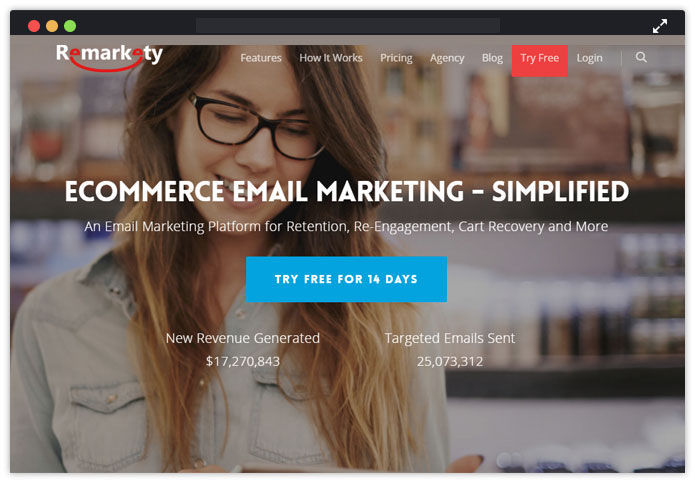
Features Of Remarkety Include –
- Generate personalized coupon code.
- Send a targeted newsletter to customers based on their activity.
- Automate follow-up emails based on users specific product purchase.
- Abandoned cart recovery to follow up your user who didn’t complete their purchase.
4. SimplyCast
SimplyCast is a powerful marketing automation company that provides various options for the hotel. It’s interactive marketing platform offers multiple marketing services in a single platform.
The company is dedicated to improving your communication with customers and business.
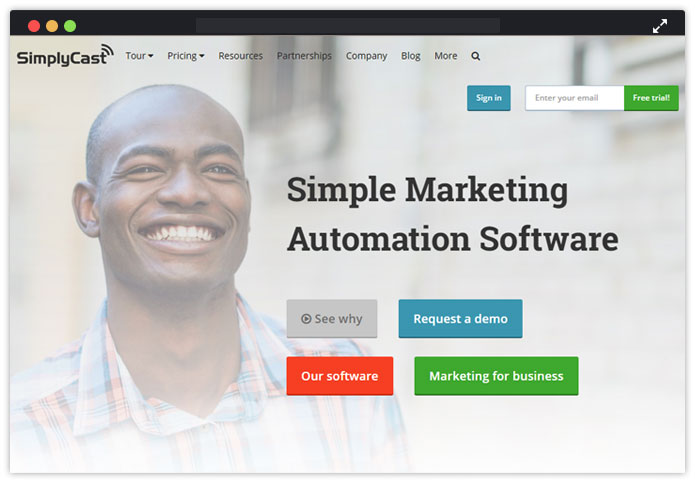
SimplyCast Features Includes Amazing List As Follows –
- Using their simple drag and drop editor create beautiful emails.
- Save time by selecting professional ready-made templates from large variety of professionally designed newsletter templates.
- With email tracking and detailed reports make a best appeal to each subscriber.
- Send personalized, targeted emails to increase open rates which leads to higher conversions.
- Gain insight into who your best leads are and how they engage by viewing full campaign reports.
5. Elite Email
Elite email is a leading global and powerful email marketing service provider. Elite Email does not offer a WYSIWYG editor. In order to save you from spam campaigns are inspected by live people before they are sent out.
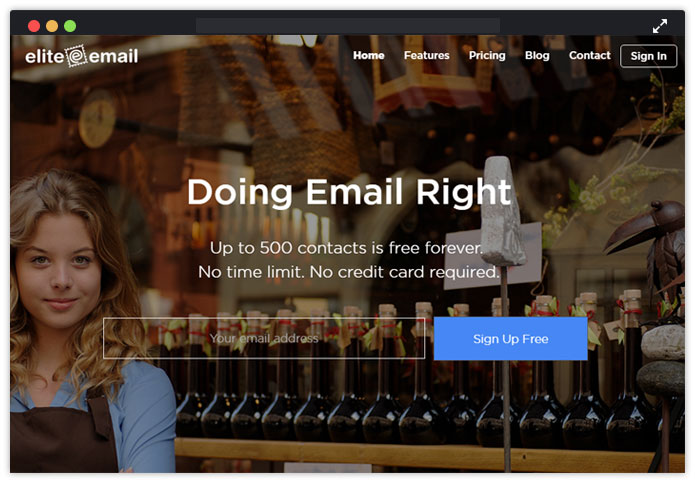
Features –
- Offers spam checking software.
- Autoresponders to automatically respond with a prewritten message.
- Integrates with Facebook and Twitter.
- Display campaign reports graphically.
6. Mailer Lite
MailerLite is the simplest and affordable email marketing tool for small hotel businesses. The tool fouses on focus on simplicity and beautiful email designs.
MailerLite is so easy, that anyone can create, send, manage and track newsletter results.
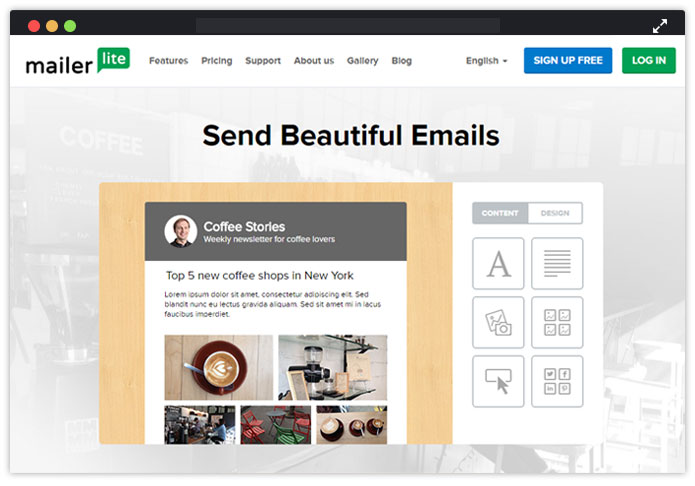
Features Of The Service Includes –
- Tracks bounce checking.
- Send drip campaigns.
- WYSIWYG email editor.
- Template and newsletter management.
- Subscribe / Unsubscribe handle.
7. Vision6
Vision6 is full featured email marketing service perfect for hotel marketing. Create professional business newsletters and send them quickly with hassle free drag and drop editor.
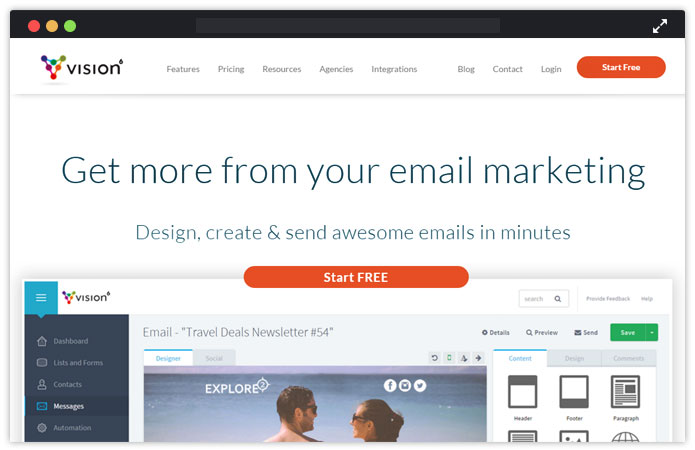
Features of Vision are –
- Improve your hotel marketing by analyzing all the reports and results.
- Automate your email campaign.
- Share the content on social networks.
- Reach out to your clients by sending SMS.
- Email tracking feature.
8. Wired Marketing
No. 1 email marketing experts with 100% focus on email and marketing automation. The service has integration with Salesforce CRM.
Transform the way you approach your sales and marketing for hotels with Wired email marketing.
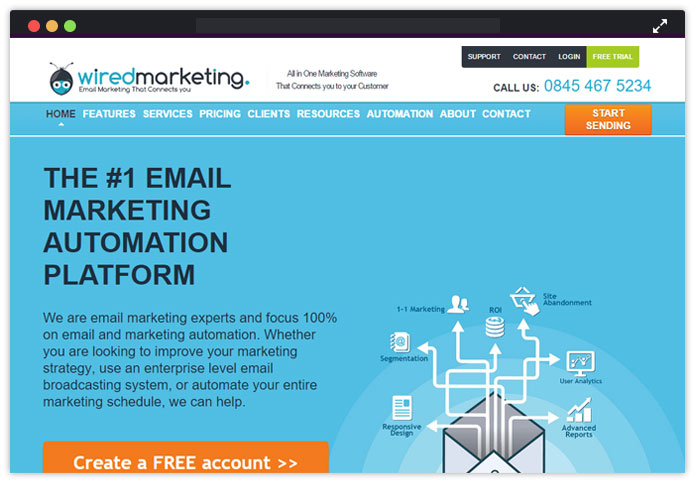
Some Interesting Features Of Wired Marketing For Hotels Includes –
- Make it easy for users to contact you using high conversion forms.
- Create landing pages easily.
- Social media integration.
- Survey reports.
- Email Editor.
9. ActiveTrail
ActiveTrail is mobile responsive email marketing platform. The service has dozens of email templates and has user-friendly SMS system.
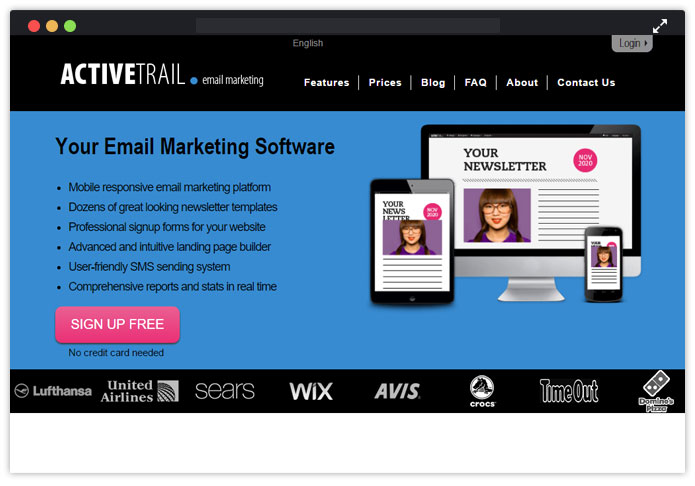
List Of Features Include –
- User-friendly email editor.
- SMS sending software.
- Dynamic sign up forms.
- RESTful API integration.
10. Jango Mail
JangoMail is an advanced email marketing service for your highly targeted emails. Appreciated for the ability to integrate SMS marketing with your hotel email campaigns.
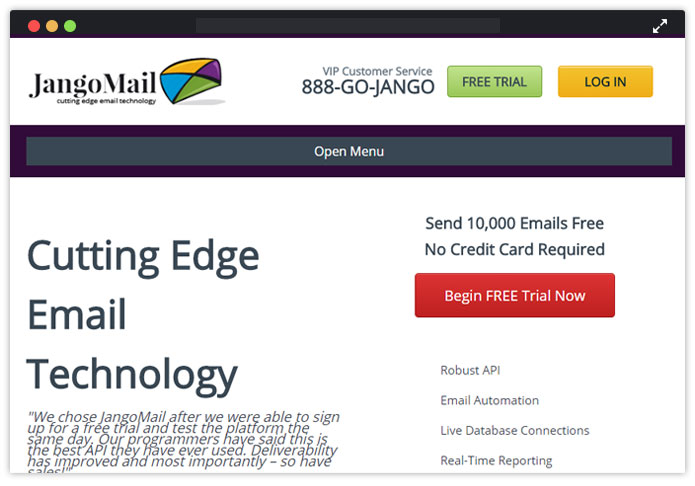
Features Listed In The Services Include –
- HTML email editor.
- Email personalization.
- Autoresponders and advanced scheduling.
- 150+ email templates.
- Transactional email service provider.
Conclusion –
Get started on delivering the email marketing for your hotel to retain your customer base, stay in touch and acquire high-quality level.
If done correctly by either hotels, motels, restaurant or resorts – email marketing could substantially increase your business sales.!!
Don’t forget to check out some awesome and free email templates for hotels build with the help of MailGet’s responsive email template builder.
Also you can find some amazing WordPress themes here – Hotel WordPress Themes. This will help you to desgin your own hotel website.
10 Best Transactional Email Service Providers 2022

Transactional emails also commonly known as triggered emails are automatically sent to a particular user whenever a specific action or event is being performed by him (online purchase, verification, etc).
So, it’s really important that these emails successfully make up to the recipient’s inbox as they may hold confirmation messages, purchase orders, and other useful information which maybe essential for users.
Therefore, it is much necessary to have a reliable SMTP service which avoids sending these essential emails in the spam box.
But, which platform to trust for sending these crucial transactional messages? As there are hundreds of SMTP service providers available online who brag about their service to be the best.
Confused!
Here, we have sorted down 10 best transactional email service providers of 2022, which are tested and ensure that all your emails safely land in customer’s inbox no matter how many emails are sent to how many contacts.
Before we dive into the service details let’s have a look at the comparison between some of them:-
| Comparison Between Transactional Email Service Providers | |||||
| Services | Pricing Of Popular Plan | DKIM Signature | Inbox Delivery | Domain | Rating |
| Pabbly Email Marketing | $49 | ✔ | 100% | Multiple | 4.9/5.0 |
| SendinBlue | $66 | ✖ | 80% | Multiple | 4.1/5.0 |
| Pepipost | $101.5 | ✔ | 100% | Multiple | 4.5/5.0 |
| Mailjet | $8.69 | ✔ | 100% | Multiple | 4.4/5.0 |
| Amazon SES | $25.98 | ✔ | 85% | Multiple | 4.5/5.0 |
Let’s start off by looking each of the services one by one –
1. Pabbly Email Marketing
Pabbly Email Marketing is the most cost-effective email marketing software that is available in the market. It helps to simplify your work of sending bulk email and increase open rates.
Although, this email marketing tool offers all the latest features at a very low price such as drag-and-drop email builder, templates, and many more.
Whereas it comes with the inbuilt SMTP that helps to send the emails without any risk of landing in the spam box, unable to make up to the inboxes, emails bounce back, and so on.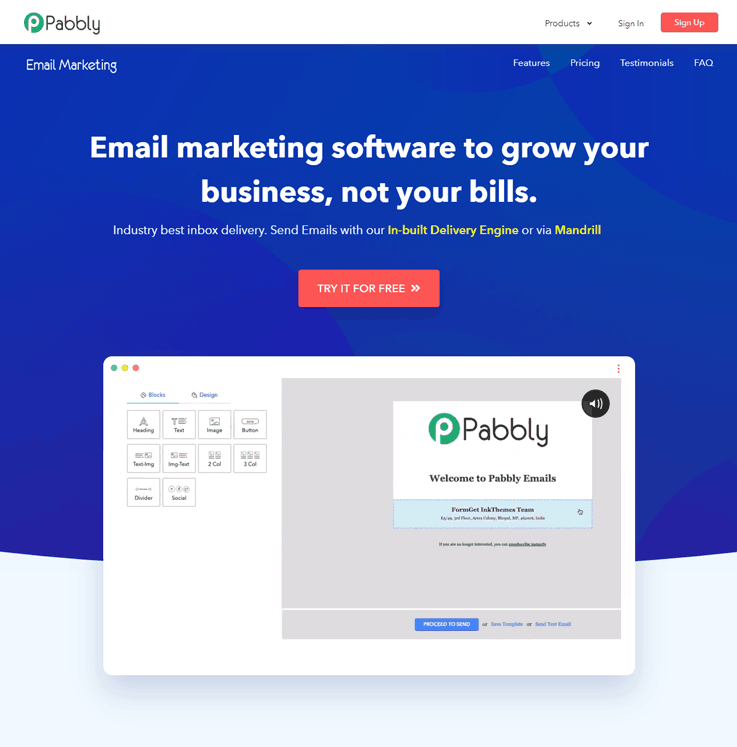
Key features of the Pabbly Email Marketing–
- Pabbly Email Marketing comes with the email inbox preview option that allows you to see the preview of your email before sending it to the user’s inbox.
- Allows you to add subscription forms to your website and helps you to grow your email list.
- By using its drip automation feature, the software will automatically send a series of emails to customers on a specific date & time intervals.
- Pabbly Email Marketing helps you to manage your contacts and their details from the same place by using its list management feature.
Click Here To Know More About Transactional Email Service
You may also have a look at the blogs listed below –
2. SendinBlue
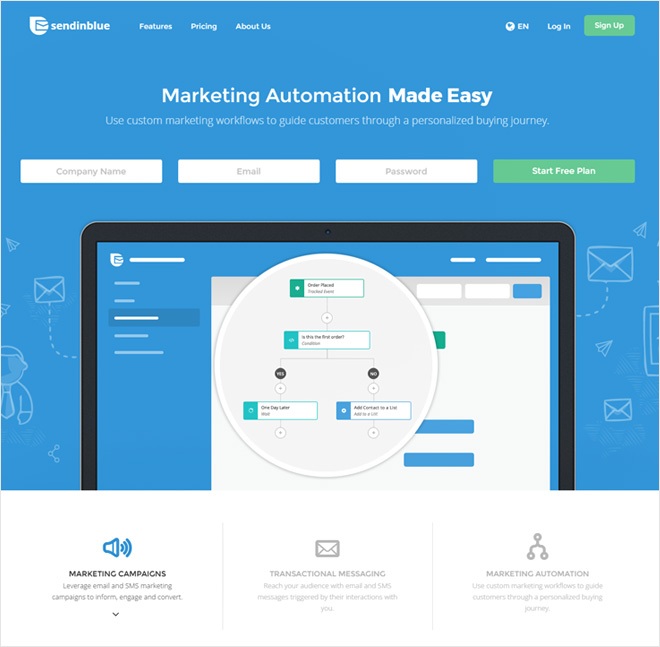
SendinBlue is designed to be a reliable email service for developers. Not only it delivers your emails, but also includes email validation features to check and make sure you’re sending messages to valid email addresses.
It provides the user an easy way to manage all his email lists separately or manage client emails along with their own. There is a batch sending feature which allows the user to personalize emails, gives a detailed analysis and mentions logs.
Key features of the SendinBlue –
- Track your email status and know what happened to them after you hit send.
- Validate your emails before sending.
- Filter out all the spam emails.
- Powerful APIs that enable you to send, receive and track email effortlessly.
Click Here To Know More About Transactional Email Service
3. Pepipost
Pepipost is a very well know transactional email service provider and is extremely easy to integrate. They provide an API that you can utilize or you can use the tried-and-true method of sending your email through SMTP.
The interface they provide to manage your account is very easy to use and effective. All the information you need to get started is readily available to you. 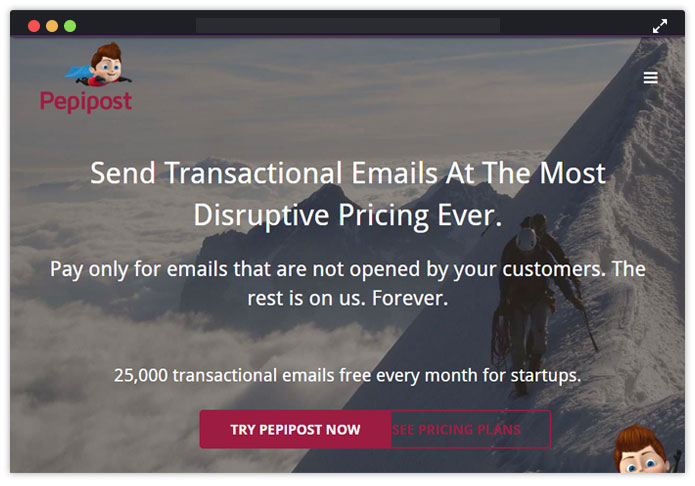
Key features of the Pepipost –
- Easy configuration with major website creation tools.
- Highly optimized inbox delivery.
- Best delivery protocols and guidelines to fight spam.
- It is easily scalable.
- It has a powerful trigger ware rule engine.
Click Here To Know More About Transactional Email Service
4. Mailjet
Being one of the leading transaction email service provider, Mailjet has a good price and great features to customize emails to clients in mass scale fairly easily. When sending thousands of emails the ability for customization is essential to avoid being flagged as a spam mail.
One of the great feature is that the customization for each email is individual. The ability to do split testing is very helpful as well. The templates included were also very helpful to build professional looking emails.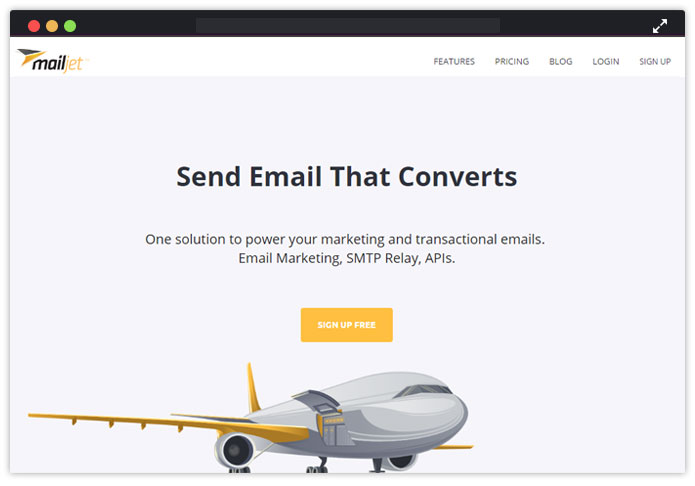
Key features of the Mailjet –
- With the drag-and-drop builder, to customize your email campaigns and transactional emails in minutes
- It offers the contact list management
- Build beautiful newsletter templates
- Helps in segmenting the data.
- Know your email performance by checking the open and click rates.
Click Here To Know More About Transactional Email Service
5. HubSpot
HubSpot is probably best known for its powerful marketing automation features, but their free email marketing tool can accomplish all of your transaction email needs as well.
Whether you need to send kickback emails from lead offers, thank you emails after purchase, or just recurring invoice emails, HubSpot’s free version can do that. It gets even more powerful when you upgrade to the paid tiers, as you can start to do all sorts of behavioral segmentation and triggered emails. But the basics? You can get started with no money, right now, today.
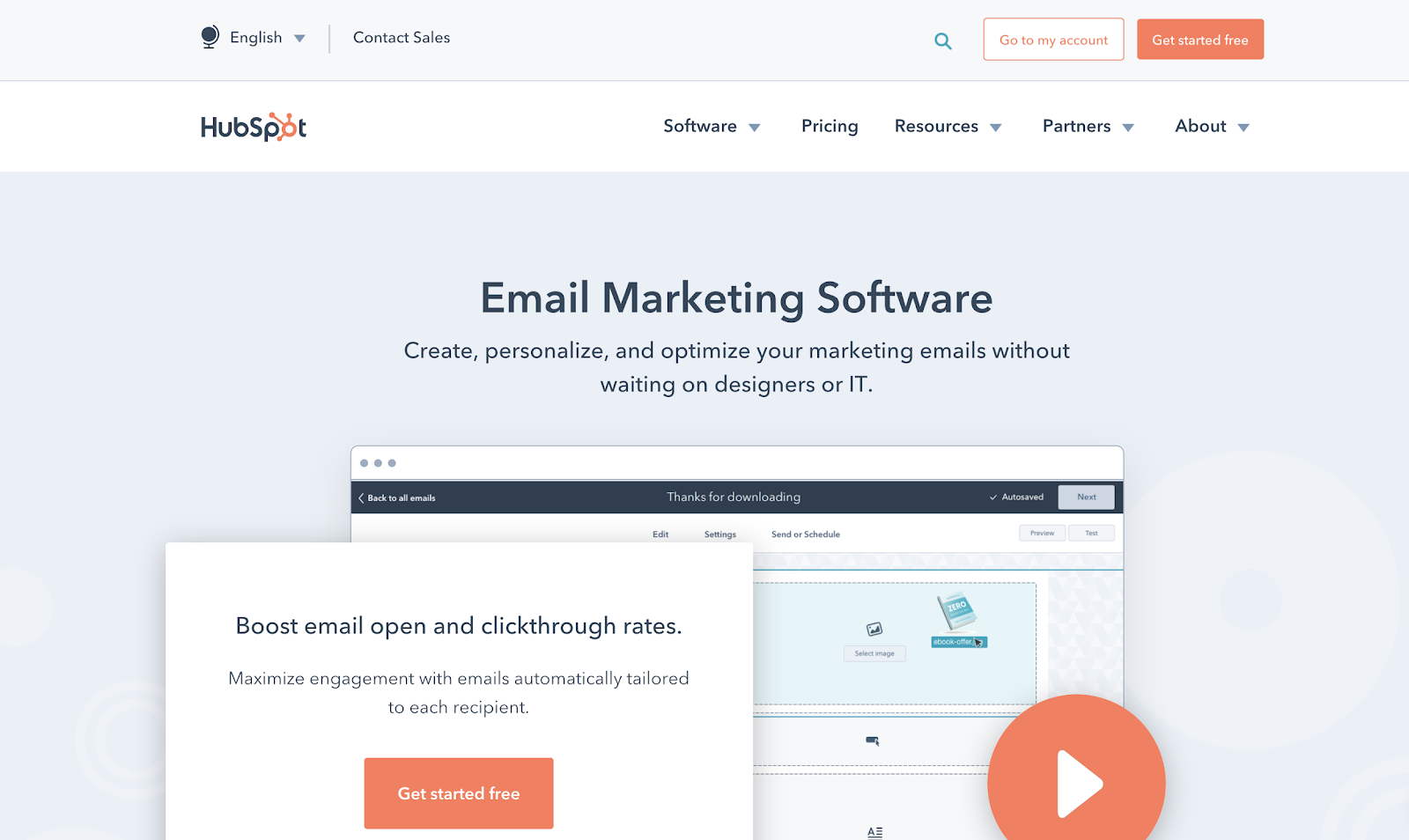
With basic automation and up to 2,000 contacts, the free tier is quite generous, but you really get the robust personalization, behavioral targeting, A/B testing, and analytics for transactional emails on the upper pricing tiers.
Key Features of HubSpot:
- The Free Plan includes up to 2,000 emails/month
- Use the drag-and-drop email builder to create your unique template or choose from one of the dozens ready-made templates available
- Native integration with the free-forever HubSpot CRM (free for unlimited number of contacts)
- Available integrations with popular tools
- Personalize tokens for contact details, email subject lines, CTAs, and more
- A/B testing
Pricing
Free Plan: contains up to 2,000 contacts. 5 “smart lists” and 25 static list segmentations
Paid Plans:
Starter Plan – $40/month
Professional Plan – $800/month
Enterprise – $3,200/month
With these paid plans you get email marketing, with other features like marketing automation, landing pages, and live chat.
Click Here To Know More About Transactional Email Service
6. Amazon SES
Amazon Simple Email Service (Amazon SES) is a cost-effective emailing service for sending self-triggered & transactional emails. These emails may include order status updates, password resets, confirmation messages and other important notifications.
This service is built on the reliable and scalable infrastructure which has a good reputed background and you don’t need to configure or maintain the mail servers. The service also filters out all the emails from spams and reduces bounce with 100% guarantee of email deliverability.
Key features of the Amazon SES –
- Multiple email sending interfaces are provided.
- Allows users to check all the statistics like delivery attempts, rejected messages, bounces, complaints, and much more.
- Provide a notification and monitoring system.
- Email processing options.
Note – Amazon SES charges the user 0.1$ for every 1000 emails sent and if you integrate the service with MailGet – an affordable email marketing service, then you can send 10,000 emails to 25,000 users at a very cheapest rate i.e $30.
Yes! $1 for Amazon SES and $29 for MailGet cheap email marketing service. This would be really a great deal for you.
Click Here To Know More About Transactional Email Service
7. Postmark
Postmark helps you to send transactional emails from a simple App which is highly convenient and easy to use as no coding skills are required. It helps you send transactional emails lightning fast speed to your clients.
This service gives a good reputation amongst the ISPs, it is easy to migrate as proper documentation is provided, plus you get quick & responsive support.
Key features of the Postmark –
- 100% inbox rate as only transactional surveys are sent.
- User can view 45 days of searchable sending history including full content, bounces, and spam complaints.
- Recipient history – it gives you a detailed data about how many clients opened the email and from which location they read the email.
- Campaign statistics – provides how many tags, drip emails, welcome emails, and invoices have been used.
Click Here To Know More About Transactional Email Service
8. Sparkpost
Sparkpost makes it easy to send customized messages, with HTML templates that support variables. It allows you to monitor user actions on emails as you can track around 42 real-time metrics and see where your emails are doing best and how to improve them.
Key features of the Sparkpost –
- With this service, you get high email deliverability.
- Real-time data integration is also allowed.
- Campaign management facility is also available in this service.
- Email designing tools are also given through which attractive emails can be made.
- Inbox preview for better prediction of how emails will look like.
Click Here To Know More About Transactional Email Service
9. SendGrid
SendGrid is one of the largest transactional email delivering service. It delivers over 14 billion emails each month for companies like Spotify and Uber.
You’ll find built-in support for email authentication and reputation scoring for your IP address, to make sure your emails get through, along with a library of online documentation and videos to help guide you along.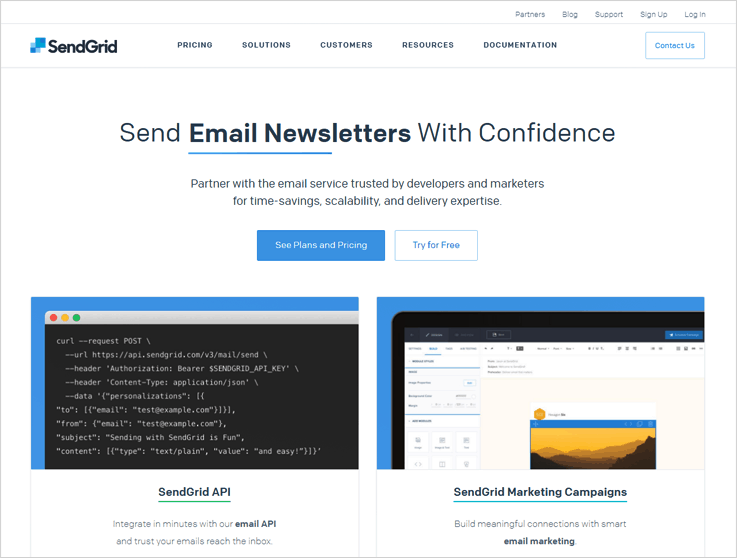
Key features of the SendGrid –
- Offers high email delivery to make sure your emails get delivered.
- Let you analyze the results of the sent emails like number of opens, clicks, bounce, etc.
- You are also allowed to edit the transactional email templates either with the drag n drop editor, HTML or CSS.
- Open your Sendgrid account and other reports in the mobile phones.
Click Here To Know More About Transactional Email Service
10. Elastic Email
Elastic Email is a powerful email platform built from the ground up to send your email more efficiently. Thousands of companies use this service for sending out bulk emails on a regular basis. It is widely reputed for its excellent customer care service and a great user interface. 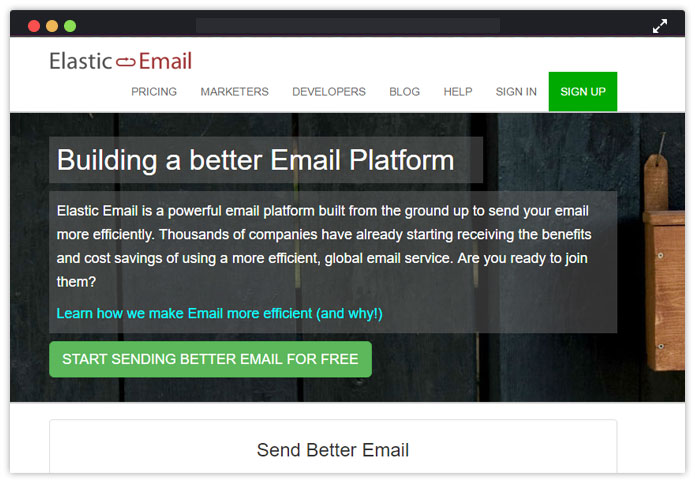
Key features of the Elastic Email –
- Test your emails from spam across most popular clients before sending.
- Track your emails and get beautiful analysis reports.
- Gives you a guarantee of email delivery.
- Great customer support of 24 hours.
- Segment your contact list.
Click Here To Know More About Transactional Email Service
11. AuthMailer
AuthMailer is a complete service for sending email. It ensures the security of your emails as it gone through the secure and encrypted servers. With a versatile compatibility and high delivery rate, they are quickly emerging as a great service provider. Their customers have been satisfied and have given positive reviews. It is recommended by many professionals.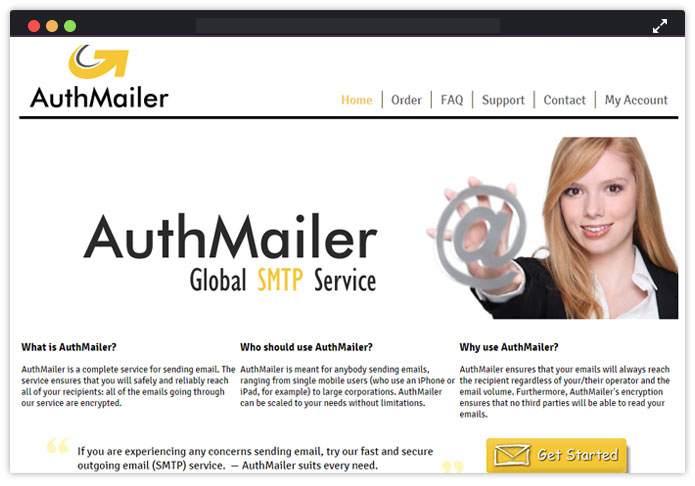
Key features of the AuthMailer –
- The service filters out 99% of spam from your emails.
- Safely delivers your emails to the inbox.
- Encrypted servers provide high-level security
- Data travels through multiple servers, thus ensuring speed and reliability
- All servers that use SMTP to send emails are supported.
Click Here To Know More About Transactional Email Service
12. Dyn.com
Dyn is one of the oldest organizations providing transactional email services to the users. It is reputed for being fast, efficient and reliable. With its large server space, triple-digit sender scores and excellent customer support, it is the preferred choice of the large companies.
With its experience, it not only enables users to send out emails but also provides them various features which helps them to formulate better plans and strategies and hence ease the process of sending such emails.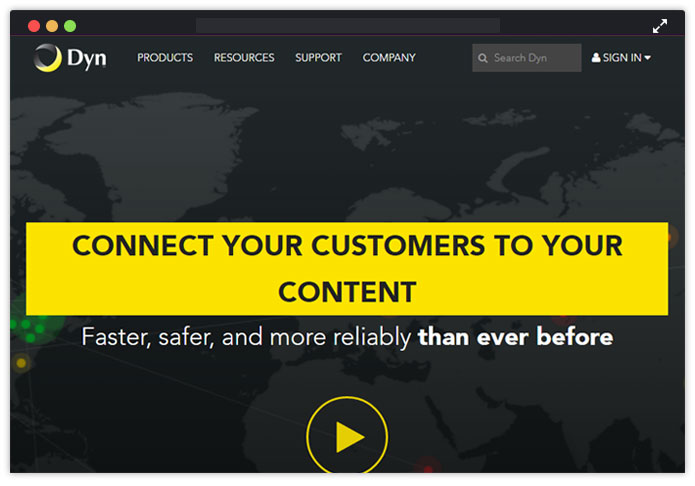
Key features of the email service provided by Dyn.com –
- It helps in traffic management of emails.
- It helps in better message management.
- Provides large server space hence speeds up the process
- Extremely high delivery rate.
- Does not get listed as spam.
Click Here To Know More About Transactional Email Service
13. MailGet SMTP
MailGet SMTP provides one of the perfect SMTP services through which you can send a number of emails without any hassle. This service assures you that email will definitely reach the inbox of the right recipient.
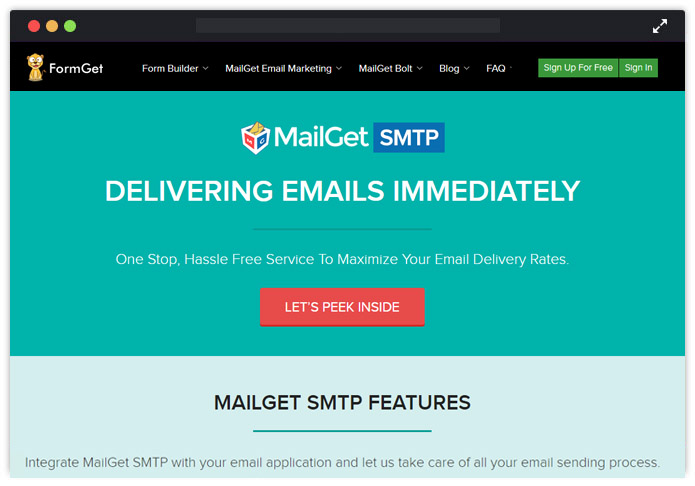
Key feature of MailGet SMTP –
Deliverability Rate –
The main focus of the MailGet SMTP is on delivery rate of email so, that user can rely on the service without any tension. It assures a high inboxing rate without spamming & deliver right email to the right customer at the right time.
White Listed Server –
It has got white listed server which means it will definitely help you in the enhancement of your stature. Along with these you can also authenticate your emails with SPF validation and embedded DKIM signature in them as well.
Pricing Plan –
| MailGet SMTP Bulk Emailing + High Delivery Rate + White listed Servers | ||
| Plan | Pricing | Emails |
| 1st Plan | $10 | 30,000 |
| 2nd Plan | $25 | 75,000 |
| 3rd Plan | $50 | 150,000 |
| 4th Plan | $75 | 225,000 |
| 5th Plan | $100 | 300,000 |
| 6th Plan | $200 | 600,000 |
After checking almost all popular SMTP services the best one I found was MailGet SMTP which is the CHEAPEST among all as this service reduces your email marketing cost by 3 X time and ensure high inboxing deliverability rate too.
So, don’t waste time in finding good service for email marketing and promotion, just try the MailGet SMTP once!
It’s Your Call Now
Transactional emails can be a powerful tool for marketers. By taking advantage of the high open rates of transactional emails and establishing brand loyalty at the time, customers are most likely thinking about the top online retailers to strengthen relationships with customers and drive more revenue growth.
So, just grab the best service and start sending bulk emails with 100% inbox deliverability.
Don’t forget to tell which service you have taken for your business in the comment section below.
Also, have a look at our popular post –
5 Free Email Templates For Lawyers & Law Firms 2022

Want email marketing templates that are specially meant for lawyers and law firms…?
Yes.!!
Well, you’ve landed at the right place. Choosing email marketing with a view to expanding your legal profession and career is an excellent choice to go with.
By carrying out email marketing, you can attract new clients easily by conveying your expertise in the law profession and competency in manipulating different sort of cases.
Other Related Post – 10 Best Lawyer Email Marketing Services
Significant benefits that you get with email marketing over traditional marketing practices are as follows –
- Enables it to reach potential lead and clients in a personalized manner through emails,
- Provides faster higher ROI (Return on Investments),
- Makes it possible to reach clients and leads any point of duration, and
- The best part is that you can monitor the performance of your emails.
All you need to toss around in email marketing is your emails, which should replicate your law profession and should be able to catch recipient attention right away.
Below I’ve made 5 email templates with MailGet’s email builder which are solely for lawyer and law firms who are looking for email marketing goal.
Let’s tap down to each of these templates one by one…
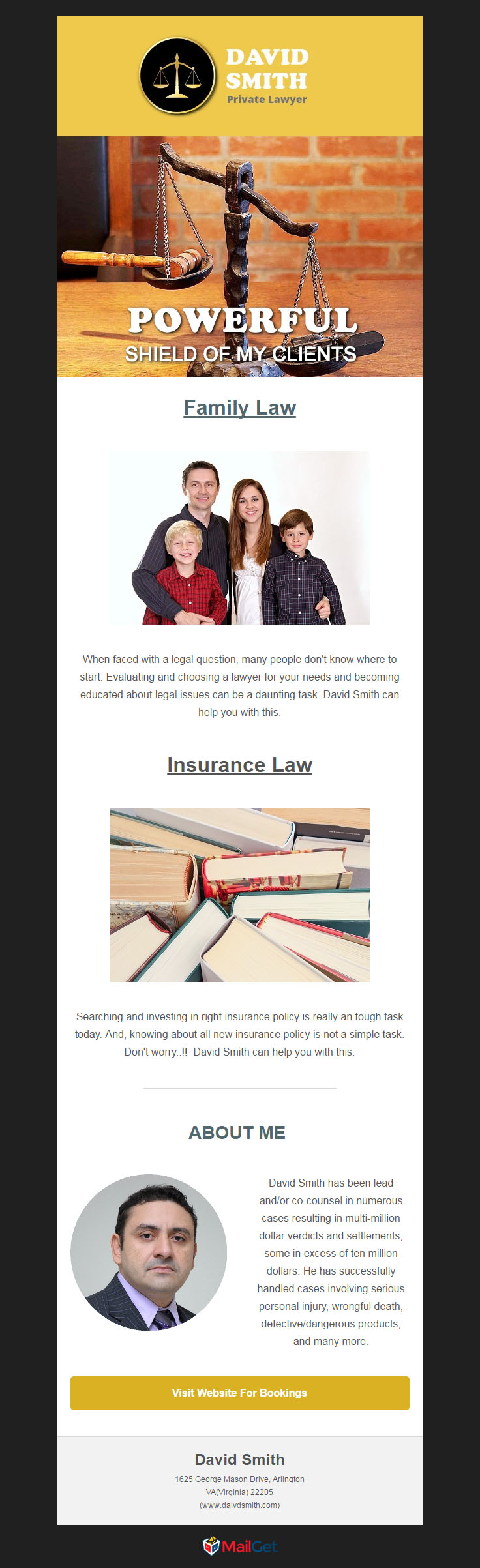
1. Blended with all elements, a perfect email template for private lawyers to accomplish email marketing.
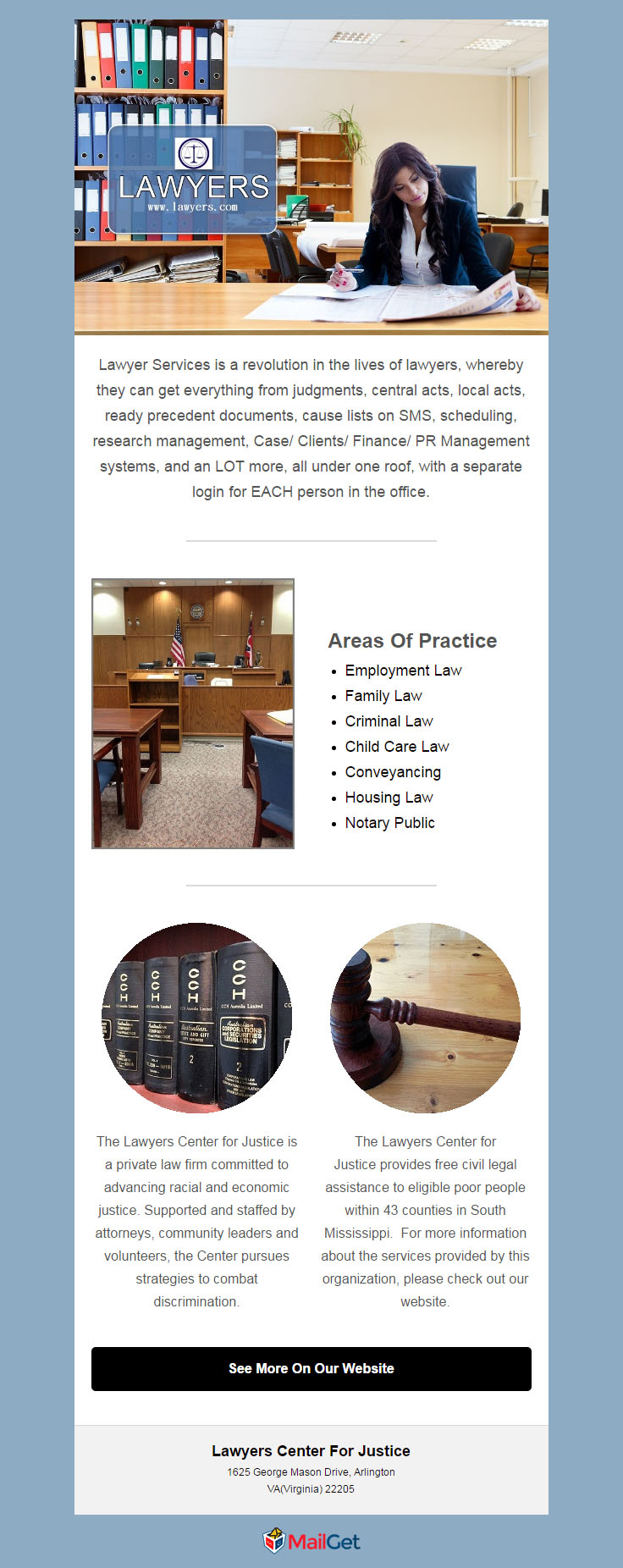
2. Another template available for lawyers to exhibit their email marketing templates stunning.
3. Simple and impressive email template for lawyers and attorneys

4. Made peculiarly for big law firms with all small details in it.

5. Business associated with legal professionalism will love to use this email marketing template.

Summing Up…
You would definitely be amazed after seeing these email marketing templates that are built consciously for lawyer and law firms. They all are great and will surely bring forth return in your hand.
Want to make email template yourself..???
Try MailGet’s drag-and-drop email builder and start designing stunning emails. Sign Up Now
Have some suggestion..?? Share it in the comment box below.
Check Out Other Popular Templates & WordPress Themes:-
- Recruitment Email Templates
- Free Holiday Email Templates
- Real Estate Email Templates
- Free Hair Salon Newsletter Templates
- Free Business Email Templates
- Lawyer WordPress Themes
SEO Tools Software: 10 Best Free & Paid Tools Of 2022

Does your website is failing to rank in Google?
Well, that’s probably because your website is not properly optimized for search engines.
So, to get a higher site ranking and improves your organization’s deals online, the first thing is to lay your hands on the best SEO tool available.
Checkout SEO Keywords Rank Checker Script – CodeIgniter Script, this PHP script will help you to track and add high ranked keywords that improve your website rank and bring more traffic. Apart from this, it also provides an overview of the keyword’s historical ranking.
These tools are a boon for the SEO professionals as it makes their life much easier and take the business to a new level of success.
“SEO is like a resume. Polish it to have your best foot forward.”
So, given below is the list, check out these 10 best SEO tools software and select the best one for your company.
1. AoRank
If you are looking for the most user-friendly and efficient SEO tool, then AoRank is a must-have one. Within a year of coming into the market, this tool has developed a lot to be one of the most accepted SEO analyzers. As per user’s reports, it is completely safe to browse.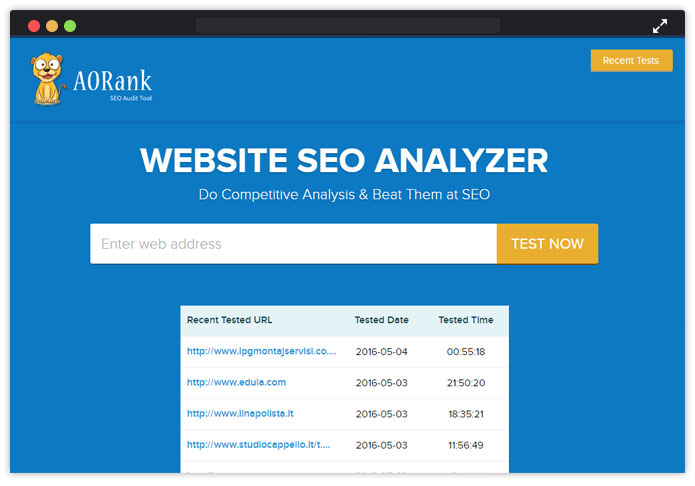
Check out what makes the tool so efficient.
- Convenient reports: Reports by AORank includes headings, titles, keywords, size of page, time of loading, tips on speed, backlinks, technology, etc.
- Content Optimization: Helps in optimizing the content through consistency statistics and keyword cloud in report.
- Performance Improvement: Lets you improve your website’s performance through statistics on 404 error messages, loading speed, etc.
- Competitor’s tool: Gives you reports on the technology and tools used by your competitors..
- Popularity on social media: Know your competitor’s popularity of his blogs or website on social media (Facebook, twitter, and others)– lets you develop your content accordingly.
- Notification on upgradation: Identifies the faults in your website if any and notifies you where to improve and upgrade effectiveness.
Pricing and Packages –
The AOrank is totally free.
Well, if you want to create your own website and want to include the features of aorank then, you can purchase the script by paying nothing. Yes, you heard right. No Charges. !!
2. RANKEDY
Rankedy is the most under-rated SEO Software on the internet, it is so powerful that even without the complex knowledge required to use SEO tools like Ahrefs or SEMRush, you can still accomplish most of those tasks in Rankedy’s SEO platform.
You can seamlessly implement all relevant SEO strategies with the aid of the suggested improvements- keyword ideas, backlink monitoring, and topic orientation. The uniqueness of this software lies in its simplicity, affordability, and ease of use for both newbies and professionals alike.
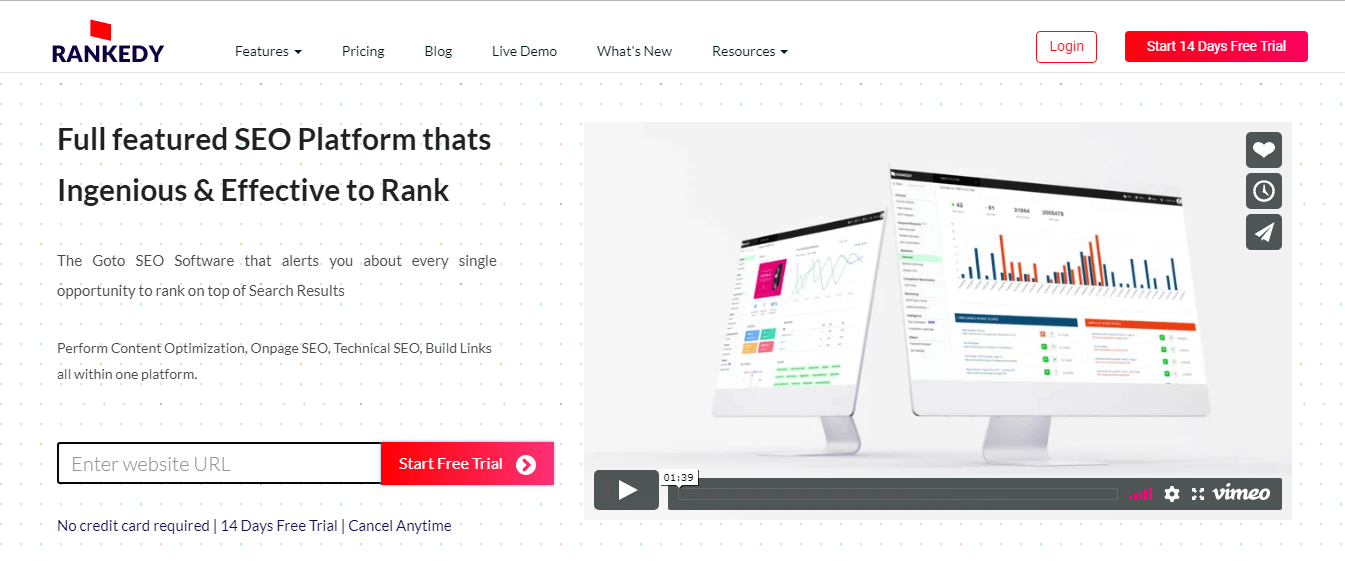
Features embedded in Rankedy
- Is the fear of getting outranked by your competitors cutting short the joy you had when you boosted your ranks? With Rank Journal, you don’t need to bother about all this game anymore. This tool works like magic! It can guide you to outrank your competitors on SERP and also aid you to reclaim your position in case you get outranked too. How does it do this? It spies on your competitors and log all the changes they made to rank high. You are alerted once you get outranked or a rank change happens- you can check what they did and easily do the same for your site to reclaim your position. I told you it is magical, didn’t I?
- Have you ever wondered why your competitors always outrank you on SERP even for the keywords you want to rank for? Good news is that, you can copy their keywords pattern using the Keyword Personality to be at par with them. Do you want to beat them? With Keyword Opportunities feature, you can see the trending keywords in your niche that you can use at the right time to rank high, and the Related Keywords feature to generate semantically related keywords you can use to spice up your content to further expand and furnish your keyword optimization.
- Are you writing on the kind of topics that resonate well with your target audience, same thing your competitors are presently doing to rank high? How do you know this? You can amazingly do this by spying on your competitors using the Topic Orientation tool. This tool find the topics related to your website based on your keywords,and compare them against the topics of the top 100 competitors ranking high on Google SERP. It then shows you the orientation level, that is, the similarities between your content and the content of your highly ranked competitors. Armed with this information, you will be able to properly optimize your content and boost ranking.
- After all your SEO efforts, you need to track how well your keywords rank on SERP for mobile, desktop and live searches across 237 countries. Hence, the SERP Rank Tracker feature gives you a real-time notification on your rank status and actionable improvement tips in case of any fluctuation. So, there is no risk of losing your rank while you are busy with other things.
- Analyzing your site pages individually and generating a report for each page can be time-consuming and too bulky for you to process. But, Page Analysis feature scans all your site pages thoroughly at once for possible areas that can be optimized using its 14 checkpoints as a standard- including, duplicate & thin content, harmful backlinks, missing H1 & H2 tags, readability, rich snippets, etc.- and generate one result for this analysis pointing to the exact place that needs to be fixed and how to fix it. You no longer have to do the tedious work of a detective, manually sniffing for errors on your pages.
- Domain Analysis automates all the tasks you usually carry out manually using other dedicated tools to boost SEO. With this cool feature, you can now easily gain insight on the little SEO practices (like, AMP, Mobile optimized, SSL certificate, HTTP to HTTPS redirect, Site map, compression enabled, etc.) that are often ignored, and tips on how to fix them. If you are unable to implement these changes by yourself, there are experts on the ground in Rankedy that will perfectly handle them at no cost. Time-saving!
- Think about this, how will you feel when you get information on the changes your competitors made to their backend? Super happy, right? Okay, not just that, it also tracks how the changes were made and the resulting effect it had on their SEO. We do the work, you no longer need an insider to get this valuable information! Rankedy’s Tech Footprints tool constantly analyzes your technical footprint (backend features) against best practices as prescribed by Google to rank high (user’s experience) and notifies you of the improvements your competitors are making on the backend.
- It’s true that you can’t compete against all your competitors at the same time, in fact, that can not be effective. But, you can compete with the right competitors, beat them hands-down, and then select another group of competitors to compete with, repeating the cycle. Rankedy’s Competition Landscape helps you find the right segment of competitors to target and copy their strategies, using its superb AI. I bet you know how much this feature will save for you instead of hiring an SEO consultant for competition analysis? Cool!
- Monitoring your backlinks is now made easy, showing how many links you gained and lost. Also, this feature keeps track of the links you lost and where they are located so that you can easily identify and get them back seamlessly.
- Your site can go down anytime without you being aware at all, a very bad occurrence for SEO that can happen to any site This gives a lot of people headache. You can effectively and constantly monitor the uptime of your site with this tool and get notified immediately any downtime is detected.
- Now that you already know the number of links you are gaining and losing, what about, getting this kind of information about your competitors? It will show you how well you are performing and motivate you to do more in terms of backlink building. You get to see where your competitors’ links are coming from, the total number of links gained and lost, and the kind of content being linked to on their site information you can incorporate into your strategy to earn more links too.
Pricing Plans and Packages
Free trial: Do you want to test the waters before getting in? Fortunately, you can test Rankedy with full access to the freelancer plan for 14 days without credit card details. You also get 10% off when you decide to continue the subscription. Cool deal!
Paid plan: Rankedy has various plans tailored to suit the purpose for which you need it- either as a freelancer or as an agency. The various plans prices range from $29 monthly for freelancers, $79 monthly for startups, $149 monthly for agencies, and a custom plan for enterprises. Opting for the yearly plan will only require you to pay for 10 months- that is, you get 2 months paid off.
Bonus plan: You can also be one of the early buyers of the lifetime account validity plan for just $295. Buying this lifetime plan will give you unlimited access to all of the features including future upgrades that will be made, without requiring any extra payment from you.
Be among the first 1000 subscribers to make this purchase or the price might just increase. That’s a tip-off from me.
3. Seo Keyword Rank Checker
Another tool for checking the page and alexa rank by submitting the website URL is Rank Checker Tool. It has lot of interesting features that make it outstanding among other SEO tools.

Features of Seo Rank Checker Tool –
- Get all the website stats and keyword ranking within a single click.
- Track all the website pages and keywords and check it on a graph.
- Get an automatic email when the ranking of your keyword get changed.
Pricing and Packages –
The Rank Checker is totally free.
Well, if you want to create your own tool like this, just purchase the script by paying one time. No Recurring Charges. !!
To check the script pricing visit here – SEO Keywords Rank Checker Script
4. Keyword Tool
One of the best keyword research tool that is capable of generating more than 1000 suggestions for a single term. It uses “Google Autocomplete” for suggesting those keywords that people search in the Google search box. The tool also helps in finding the keywords that are hidden in the google keyword planner.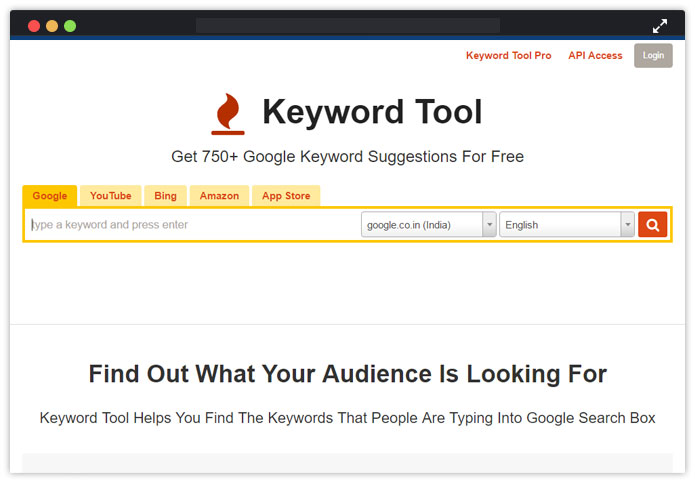
Features of Keyword Tool –
- Generates accurate keyword for advertisements campaigns like PPC, CTR, and CPC.
- Export all data to CSV file.
- Generate keyword double than free version– more than 1500 from Bing, YouTube, Google, App store and Amazon.
- Monitor Google AdWords competition level.
- Generate suggestive bids on Google AdWords.
- Perfect tool for International SEO as it is availbale in 83 languages.
Pricing Plans and Packages:
Free Trial – The free version of Keyword Tool is easy to avail. You don’t have to create any account for that. It suggests 750 relevant keywords.
Paid Plans – If you want to purchase Keyword Tool Pro, there are three packages that you can avail, Pro Plus, Pro Basic, Pro Lite – where monthly subscription is started from $88 and yearly subscription is from $845.
5. AgencyAnalytics
AgencyAnalytics is an all-in-one reporting tool that’s designed for agencies and freelancers, but can be used by anyone looking to improve their SEO. This is because of their full SEO reporting platform that includes a rank tracker, site auditor and backlink monitor.
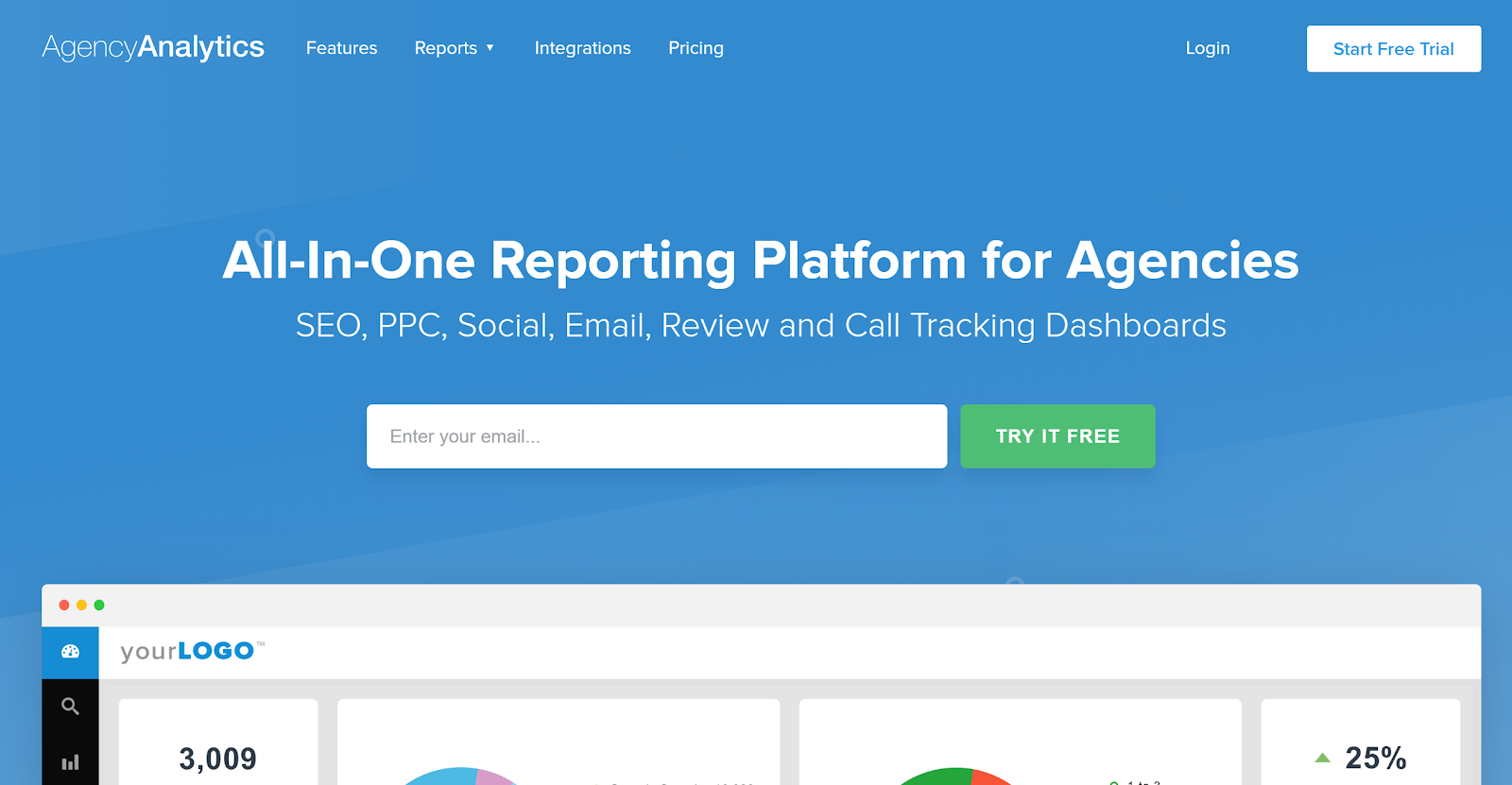
Key features of AgencyAnalytics:
- Rank tracker refreshes daily and allows you to track across Google, Google Local and Bing
- Site auditor scans your site and diagnoses SEO problems so you can improve your on-site SEO
- Backlink monitor lets you see incoming backlinks
- Integrate Google Search Console and Google Analytics to monitor SEO performance across many sites at once
Pricing plan:
- Free Trial – 14 day free trial with full permissions.
- Paid Plans – Plans start at just $49/month and go up as you need more keywords or campaigns.
6. Linkio
Linkio gives the right anchor text usage and percentage to help users with their link building activities. You can see how your pages perform in SERP features at the keyword level to uncover additional optimization opportunities.
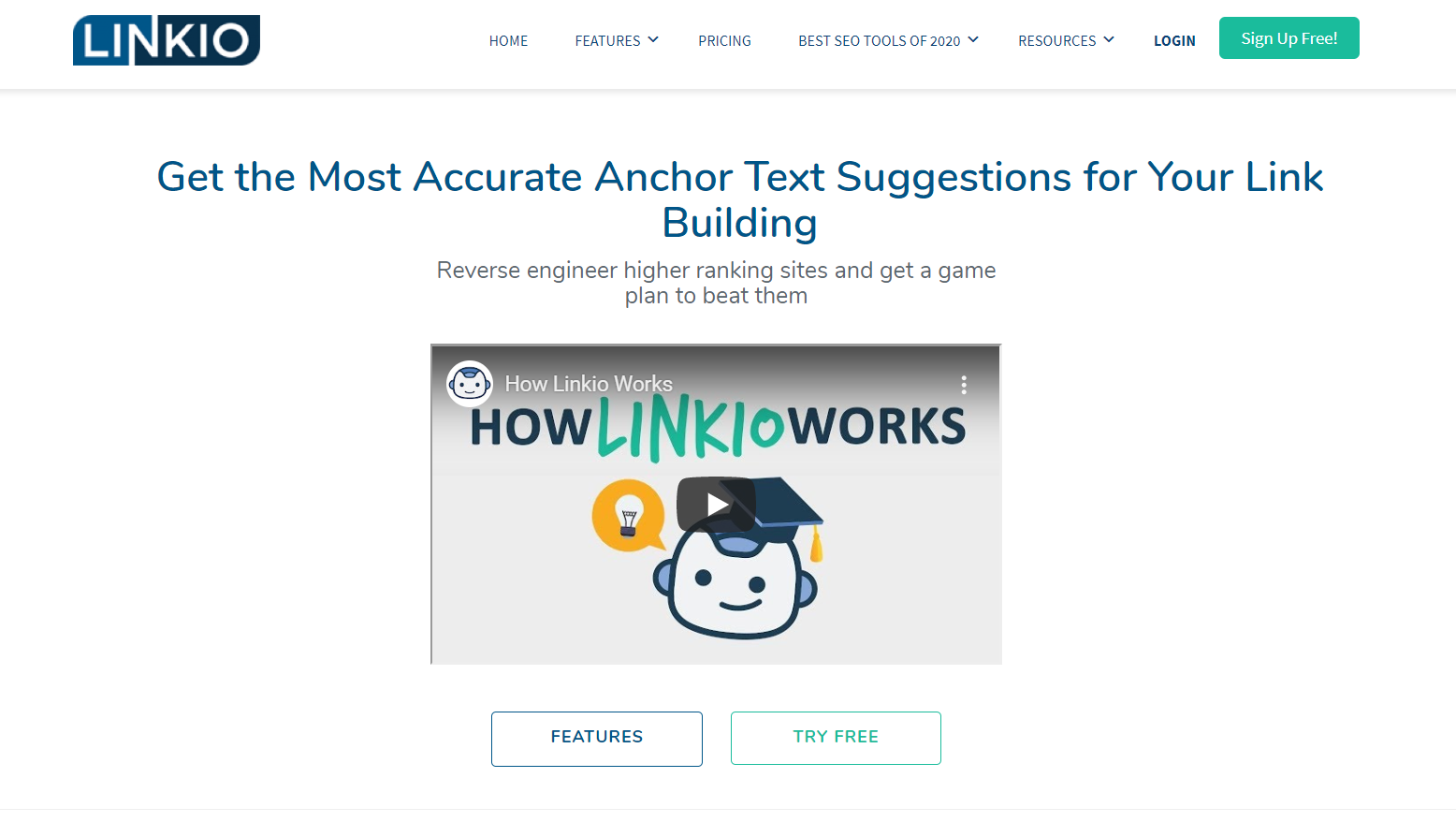
Key features of Linko:
- Also, you can view trends across different timeframes and easily customize views to your liking.
- Get as granular or zoomed out as you like, including average rankings, percentages of distribution across SERPs and more.
- Some other features are getting results from a specific city in Google organic, Google Maps and Google places that can help with local SEO rankings and more.
Pricing and Packages:
- Free Trial – The free version is available for 7 days. No credit card required and you can cancel anytime.
- Paid Packages – Linkio offers four different plans that grow as your campaigns grow. Linkio offers four types of packages (Personal, Starter, Standard, Plus) with a monthly subscription starting at $19.99. Which one you’ll choose depends on how many websites you want to analyze.
7. Netpeak Spider
Netpeak Spider is a desktop tool for day-to-day SEO audit, quick search for issues, systematic analysis, and website scraping.
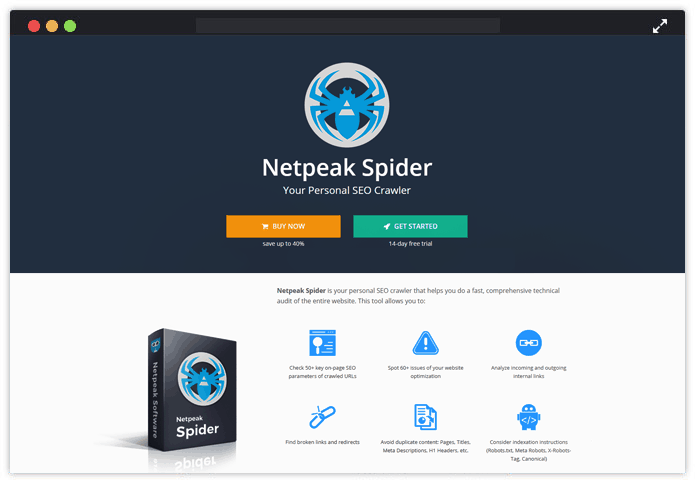
Key Features Of Netpeak Spider:
- This tool allows you to:
- Check 50+ key on-page SEO parameters of crawled URLs.
- Spot 60+ issues of your website optimization.
- Analyze incoming and outgoing internal links.
- Find broken links and redirects.
- Avoid duplicate content: Pages, Titles, Meta Descriptions, H1 Headers, etc.
- Consider indexation instructions (Robots.txt, Meta Robots, X-Robots-Tag, Canonical).
- Calculate internal PageRank to improve website linking structure etc.
Pricing Plans and Packages:
Netpeak Spider is available for free with no limitations by the term of use, the number of analyzed URLs, and settings customization.
8. LinkResearch Tools
Here comes one of the accurate link data platforms – LinkResearch Tools.
Let’s get straight to its features –
- Data from 24 link backends like Google Analytics, MagesticSEO, SEMRush, Facebook, Twitter, etc.
- Analysis link by 97 SEO metrics like Trust, Power, Buzz, etc.
- Removes Google Penalty using Link Detox.
The tool offers other benefits in terms of optimization –
- Uses Link Detox Boost to recrawl disavow file faster.
- Compares with 10 competitor domains to track link growth.
- Provides all contact data of your required domains.
- Builds penguin-safe links faster.
- Link Check Tool and Link Alerts sends notification on new links or changes via e-mail.
Pricing Plans and Packages:
Free Trial – Here you get a free trial of 7 days that will be expire automatically in a week.
Paid Plan – The tool has different plans say Agency, Superhero, Expert, Starter which include different pricing starting from €149/ month to €1799 / month. Choose one as per your need.
9. Ahrefs
The speciality of Ahrefs is – it uses exceptional tools to monitor brand mentions, backlinks, and keywords. It lets you track the work of your competitors and helps to improve your performance more efficiently.
Things you can track with Ahrefs tool are –
- Position Tracker: Shows where your keyword ranks in all countries and languages with both monthly/weekly ranking reports.
- Position Explorer: Discloses your competitor’s all keywords, and their complete status of ranking.
- Site Explorer: Explores a site and take out and an elaborate backlink profile of any website or URL.
- Ahrefs Alerts: Notifies every time when there is a change or new addition in your competitors’ backlink and track their sources. It also alerts who are talking about you and your online rivals.
- Content Explorer: Effective in creating a content strategy and link building campaign. The tool notifies about which content of yours is getting more shares and traffic.
- Crawl Report: Tracks and fixes any issues that may affect your website’s Google ranking.
Pricing Plans and Packages:
Free Plan – You can get a free trial of all premium features of Ahrefs for 14 days.
Paid Plans – The tool consist of two types of plans Personal Plans and Agencies Plans and these plans again consist of different payment structure starting from $99/month to $2500/month.
10. DeepCrawl
If you talk about the appropriate website crawling tool, DeepCrawl is an obvious mention. It has got recognition as the world’s most comprehensive crawler and allow you to compare your site with others and find more flexible ways to improve your website.
With DeepCrawl, you can track the problematic URLs and prioritize your requirements easily in no time.
Have a look, what else DeepCrawl offers you –
- Uses ‘site migration’ feature to recrawl the already crawled site.
- Checks whether the tags are linked correctly.
- Monitors the tags for international search in right language.
- Inspects if all redirects are authorized and expands crawling efficiency.
- With ‘Deep Rank’, it digs out prioritizing factors for your website.
Pricing Plans and Packages:
It has both “monthly” and “pay as you go” option starting with a price of $80/month up to $1750. Grab one of them as per your need.
11. SEMRush
As you need an excellent SEO tool additionally with digital marketing feature, you cannot miss out SEMRush tool. It is ideal for middle sized and large enterprises and easy to determine difficulties in keywords and win the online race. You will get less critical search terms with only few clicks.
“Let the public opine about your brand.”
Here are the features:
- Reveals advertisement strategies of your competitors in link building, display advertising, paid and organic search.
- Ideal for launching global campaigning projects with metrics regarding on-page health, keyword rankings and online rivals.
- Analyses their keywords and Ad copies through traffic, position, competition score, CPC,etc.
- Takes your advertisement campaigns to local level in 16 languages and 26 regions with SEM Advertising Research feature.
- Get your online rivals’ video advertisement strategies.
Pricing Plans and Packages:
Free trial – If you are a beginner, then you can try out the free trial package of the tool.
Paid Plan – There are a few differences in the packages that differ in prices too. Starting from the Pro plan where you have to pay $69.95 monthly, ended with business plan where you will charge up to $5499.40 anually.
12. Advanced Web Ranking
Advanced Web Ranking is the longest-standing rank tracker (since 2002), designed especially for high volumes of keywords. This makes it ideal for agencies and large in-house SEOs, but it can also be used by small businesses and freelancers, likewise.
Read on the features –
- Local results on both desktop and mobile (country or city level and even GPS coordinates)
- Tracks all types of SERP features available on Google
- Ability to check the rankings daily, weekly, biweekly, monthly or on-demand and the results are fresh
- 3.000 search engines and more than 170 countries
- Whitelabel and different reporting options: PDF, CSV, permalink, Data Studio integration, API, etc
- Supports unlimited users with different rights (admin, team member) at no additional cost
- Competitor analysis modules (market share, estimated visits, discover new competitors)
- Keyword difficulty tool
Pricing Plans and Packages:
Free Trial – You get 30 days to see how the application works for your website and targeted keywords.
Paid Plan – starting from $49 Per Month and a 10% discount applies to all yearly plans.
13. CognitiveSEO
CognitiveSEO has all the reasons for being chosen as an effective SEO tool to increase website traffic. Once availed, it will provide you with an exclusive analysis of business marketing strategy and more suggestive measures for your progress.
Read on the features –
- Customizable SEO dashboard with 35+ metrics.
- The ‘link management tool’ automatically checks broken links.
- Backlink analysis and rank tracking for every site.
- With CognitiveSEO’s“Rank Tracker”, 10 keywords monitored daily for the ‘Entry’ plan and 400 keywords for the ‘Elite’ plan (covers both local and global).
Pricing Plans and Packages:
Free Trial – You can also avail of the 14 days trial package and get a glimpse of how proficiently CognitiveSEO works.
Paid Plans – Monthly and yearly both plans are available here. Starting with the professional plan where you have to pay $99 per month and get 25 sites analyzed. ( Save up to 10% on yearly subscriptions of the packages)
14. Linkdex
Linkdex is one of the most trusted and reliable SEO platforms for professional maketers. It has equal efficiency in flexible ranking, content strategy, technical SEO data with crawl analytics, link data assessment, and review quality links.
Read on the features –
- Evaluating reports:
- Delivers well-detailed reports in Excel or PDF formats for your personal master templates or slides.
- Extract click-and-go report elements with around 100 dimensions.
- Also apply SEO report dimensions like pages, keywords, time.
- Get newly added reporting components every month.
- Analyse website visibility:
- Uniquely designed KPI generates visibility data, pages, and domainpromptly.
- Complex keyword filters for comparing KPIs on channels, categories, both counting and without branded traffic.
- Filters keyword searches and domain data for multi domain
- Access to more than 100 million valuable keywords in the internet world.
- Project Management:
- Helps you with insight product management.
- Manage your SEO activities and report on outreach campaigns.
- Task management made flexible.
- Helps enhance website performance with high impacts.
- Discovers authors:
- Helps you find authors’ names of highly ranked contents.
- Let’s you include them in your outreach campaigning circle.
- You can build relationships with them, mostly prioritized by search engines.
- KPIs can be compared with both internal and external links, anchor text to match yours with market-leading contents.
Pricing Plans and Packages:
It has 3 plans Standard, Premium and Enterprise. The standard plan starts from £600/month, premium starts from £1500/month and enterprise starts from £6000/month.
15. Raven Tools
You must have heard about Raven Tools. If not, check out the amazing features. Raven Tools save your time in generating customised reports in minutes. It easily stores complete link building campaign in an organized manner for content outreach.
Features of Raven Tools –
- It offers automated and interactive reports on marketing.
- Gives out reports on website’s SEO issues in a granular view to understand
- Also, incorporate more than 20 data sources like Google Search Console.
- Site Auditor can automatically crawl websites for finding out technical SEO problems. It takes note on Google’s latest SEO needs to qualify a site’s ranking value.
- The software design is highly focused on research that makes this tool generate exact solutions and reports.
Pricing Plans and Packages:
Free Trial – Try out the 30 days Free and unlimited trial package to have an excellent experience of using Raven Tools.
Paid Plans – It’s Pro plan is ideal for small agencies and marketing professionals where you have to pay – $99 / month and Agency plan charge $249/month that is ideal for both large groups and middle sized agencies.
16. Moz
Another SEO software with exclusive metrics and features present is Moz. The software is also specialized in page optimization, reporting and workflow.
Have a look at what makes it unique –
- Overall ranking:
- Monitors keywords ranking in more than 200 countries on a weekly basis.
- Generates Search Visibility Score based on CTR (Click Through Rates) and positions.
- Monitors mobile friendly tags, makes a comparison of mobile and desktop ranks.
- Also, tracks keyword rankings at geographical levels – local or national.
- Website Crawling:
- Exposes issues of duplicate content, broken links, missing pages or other crawl errors.
- Makes unlimited audits of public websites for around 1 million pages.
- Target keyword research:
- Provides smart SERP analysis to track who’s ranking higher and why.
- Analyses keyword for effective keyword strategy with competitive keyword metrics.
Pricing Plans and Packages:
Free Trial – The tool offers you a 30 days trial for free with site explorer, internet explorer, etc.
Paid Plans –
Different pricing plans are exist in this tool – standard, medium, large and premium. The standard plan starts from $99/month. Choose one as per your need.
Last Words
Hope you have found the above information helpful. All the SEO tools mentioned above are highly qualified in some way or the other.
So, it’s up to you now to choose the one among these free and paid SEO tools that best suits your business needs.
Tell me which tool you like the most in the comment section below.
Check out some more informative blogs –
10 Best Email Marketing Services For Lawyers
Whether you are a lawyer or belong to a law firm, use of email marketing helps to keep your current and prospective clients –
- Aware of your activities,
- Inform of your experiences, and
- Educate your clients about the evolution of the law.
Every day you come into contact with possible referral sources. How do you assure that they remember you?
This is where email marketing comes into action and helps you to –
- Build relationships with new clients and strengthen the old ones.
- Drive customer engagement by producing highly relevant email messages.
- Email newsletters keep your clients and prospects updated which are the marketing lifeline that draws significant success to your law firms.
- Launch subscription form on your websites to capture email addresses.
- Provide the highest return on investment (ROI)
But the next question that comes up in your mind is –
How to pick a best email marketing service for your law firm?
Choosing a convenient email marketing service for a lawyer is not a simple task. Right.??
So today, I have shortlisted 10 best email marketing services for lawyers and law firms –
Let’s take a look at each of them briefly –
1. MailGet
By far one name which is quite famous for providing email marketing service at an affordable price along with guaranteed email deliverability is MailGet.
The platform which they’re providing for executing email marketing is just incredible and features all resources that will make email marketing task easier for lawyers and law firms.
Weather, it’s about creating stunning emails or about their marketing automation tools to tracking user behavior it’s the perfect choice for any lawyer or undertakings to go with.
The service provides 99% email inbox deliverability to get maximum user engagement from your leads.
Let’s have a look at some interesting features of the service –
- Design eye-catching email for your law firm with the help of – Drag-and-Drop email builder.
- Automate client’s follow-ups with advice emails using – Autoresponders.
- Get verified your customer’s email addresses through inbuilt – Email List Cleaning feature.
- Email Drips – schedule your email campaigns to educate and update your law firm’s clients.
- MailGet gives the freedom to attorney lawyers to choose the best delivery path for emails – SMTP Routing.
- Send personalized emails to all your customers and ensure greater engagement with them – Personalized Tags.
- Email Tracking & Google Analytics – MailGet gives the lawyer an opportunity to analyze their email marketing campaigns.
- Build your list of potential clients and leads with the assistance of – Signup Forms.
- Multiple SMTP – choice available to connect with whichever SMTP service you want to connect for sending emails.
- Target your clients and leads more efficiently by segmenting using – Subscriber Segmentation feature.
2. GetVero –
GetVero creates email marketing software. The service helps online businesses to send and test targeted emails to communicate with their customers. It helps you create great customer experiences and grow your business. Vero works with SaaS companies and eCommerce stores to help them drive conversions with better emails.
Vero works with SaaS companies and eCommerce stores to help them drive conversions with better emails. You can elect to pay monthly or annually. According to the service customers that pay annual get two months of Vero free each year.
Features Of GetVero include –
- Multivariate test subjects, from addresses, content, and law firm templates across any email type – AB Testing.
- Email Automation – Trigger advanced workflows of your clients using real-time actions tracked from your application or website.
- Vero gives the lawyer an opportunity to follow the real success of his send email campaigns using – Data Tracking.
- Drip Campaigns – Trigger series of emails to educate or providing updates to users when he takes actions and meets conditions.
- Segment your users on the fly based on your law cases or any other criteria, combine conditions and send your campaigns to the right customers– Segmentation & CRM.
3. MPZmail
MPZMail is a UK based bulk email facility which offers the perfect hassle free way of managing, and mass emailing your customers.
This email marketing tool enables a judicial lawyer to send email campaigns to your clients and see exactly who has read your email, unsubscribed, etc.
Features that email marketing for lawyers should look for –
- Capture and educate your law subscribers straight from your website.
- Design beautiful lawyer email tempaltes.
- Send campaigns and track their success.
- Free and instant setup, get started right now.
4. Campayn
Another email marketing service that is preferable for lawyers and law firms is Campayn. Loaded with tons of features, Campayn’s will make you work with email marketing a pleasant task. Law firms and lawyers will find this email marketing service very easy to use without any assistance of anyone.
Features –
- Highlights various email template that will make designing emails a simpler task.
- Responsive design makes email accessible from all viewing devices.
- Detailed reporting tools provide the best result of email marketing campaigns.
- Place email option forms and get your contact base building.
- Effectively manage contact database with Contact Manager.
5. Pure360
Pure360 is a powerful marketing solution that provides email as well as SMS marketing services. Lawyer and law firms can make valuable use of their marketing platform for boosting up their clients base and business.
Equipped with some great features and sources, administering email marketing campaigns with Pure360 is a simple task.
Features –
- Make stunning emails quickly with Drag-and-Drop email builder.
- Create highly-targeted email messages with the help of Email Personalization & Targeting Tools.
- Automate your email marketing campaigns like auto email responses, welcome emails, etc.
- Multiple tools anchored for easily and quickly building clients database.
- Robust monitoring tools for keeping the view on email campaigns.
6. Groupmail
Groupmail is another alternative to opt for running email marketing job. It’s a powerful email marketing solution that law firms and lawyers can use to grow up their business.
Loaded with all great features and resources, Groupmail email marketing service makes reaching people a deliberate task.
Features –
- Multiple options for designing creative looking emails newsletter.
- Advanced email list management options for efficiently handling contacts
- Email tracking tools for keeping view on email marketing campaigns
- Smart sending options such as email autoresponder, drips, etc.
- Amazing WYSIWYG message editor for designing emails.
7. TargetHero
TargetHero is yet another best email marketing platform that can be used for Lawyers and Law firms. The tool has a wide range of features that any lawyer can use for marketing their law business perfectly.
TargetHero also gives you an assurance that all emails will reach to customer’s inbox along with a unique analytics feature by which you can easily track whether your message has safely delivered to customer’s inbox or not.
Features that let your law business grown rapidly –
- Build your brand so that clients can easily remember you.
- Send emails to your customers and aware them about your law firms and services.
- Automate the sending process by scheduling each of the campaigns.
8. Sendloop
All in one email marketing tool which provides several attractive features that a lawyer love to use.
The drag-n-drop email creator lets you create professional campaigns for your law firm without any programming knowledge. You can also manage and import all your contacts by uploading the CSV file, Excel file, etc.
Outstanding features of Sendloop –
- Get real time reports of your business campaigns.
- Attract customers and drive more traffic to your site.
- Take your business among customers by exploring it on social media.
- Generate more leads with a subscription form.
- Build a healthy relationship by sending professional newsletters at the right time.
9. Emailit
A complete email marketing platform that lets you create beautiful mobile-ready email templates for your law business and send them to prospective clients to educate them about your law firms.
The email it also measures the performance that whether your email gets to deliver to customer’s inbox or not.
Features that tells you how internet marketing for lawyers could be benefited for you –
- Make your law firm websites more efficient by tracking the behavior of each subscriber.
- Integrate the software with social sites and explore your law firm marketing plan more precisely.
- Send automatic messages by scheduling them, so that it get reached to customer’s inbox at the right time.
10. Vision6
Another full featured email marketing service that is perfect for lawyer marketing is Vision 6. You can just create professional business newsletters and send them quickly to your prospective clients with hassle free drag and drop editor. Generate more leads and drive more traffic to your business law website.
Capture leads with subscription forms and reaches out to them with powerful email templates that will grab the customer’s attention.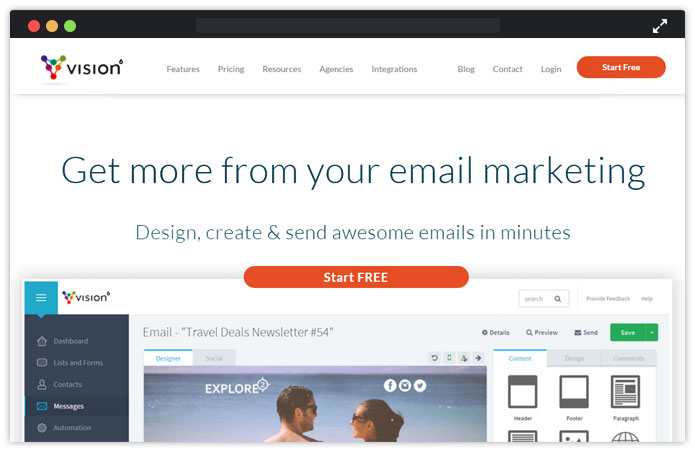
Features of Vision are –
- Improve your law firm marketing by analyzing all the reports and results.
- Compose today, send tomorrow and automate your email campaign.
- Give an ease to your clients in sharing the content on social networks.
- Reach out to your clients by sending SMS also.
- See who received, opened and clicked on your emails with email tracking feature.
Conclusion –
Get started on delivering the email marketing for your law firm up to a high-quality level. If done correctly by either small businesses, solo practitioners, large law firms or lawyers email marketing could substantially increase your business sales.
Don’t forget to check out some awesome Free Law Firm Newsletter Templates build with the help of MailGet’s responsive email template builder –
You may also like:-
10+ Best Email Marketing Service Providers India 2022
Looking for the right solution for all your bulk email marketing needs?
As email marketing ensures a steady flow of specific traffic in no time and helps you build brand image instantly.!!
Want to choose the best cost-effective email marketing tool in India to send your emails?
Well, reliability and deliverability are the prime concern while choosing emailing solutions.
| Best Email Marketing Service Providers Of India Compared | |||||
| Services | Pricing | No. Of Emails | Autoresponders | List Management | In-built SMTP |
| Pabbly Email Marketing | $29/Mo. | 5,000 | No | Yes | Yes |
| MailGet | $7/Mo. | 50,000 | Yes | Yes | No |
| Moosend | $9//Mo. | Unlimited | Yes | No | Yes |
| Pepipost | $15/Mo. | 1,00,000 | No | No | Yes |
| SendPulse | $6.4/Mo. | 500 | Yes | No | Yes |
Today, I am going to present 10+ Best Email Marketing Service Providers In India of 2022 that provides the best bulk email marketing solutions.
Let’s start to dig each service briefly –
1. Pabbly Email Marketing– Email Marketing Software
Pabbly Email Marketing is an email marketing platform for sending emails in bulk. So, you can go ahead and start with email campaigns without any hassle. Let your users know about what’s new! You don’t have to worry about the emails landing in spam box as the emails are sent via a secured server.
You can also track your user’s activity whether they opened the emails, clicked on the links, unsubscribed and so on.
Highlighting Features of Pabbly Email Marketing includes –
- Drip emailing for sending the emails to clients at a specific time of the day.
- List cleaning for getting the targeted audience in your list for better results.
- Drag and drop builder for designing the emails
- Provides In-built SMTP for sending emails via a fast and secure path.
- List cleaning to remove inefficient emails.
Pricing –
You get a free trial of Pabbly Email Marketing. All you gotta do is simply sign up and benefit from its exclusive features.
Pabbly Email Marketing offers you various pricing plans based on the number of subscribers you want to send emails to.
- To start with, you can opt for this plan which will cost you $0 per month where you can connect 3 SMTPs and explore Pabbly Email Marketing.
- Next is a $29 plan wherein you can send emails to 5,000 subscribers for a month.
- You will have to pay $49 for a month to send emails to 15,000 subscribers.
Further, there are many plans between $99 for 50,000 subscribers to $1599/ Month for emailing 10,00,000 subscribers.
I used the FREE version of Pabbly Email Marketing and found that my transactional email opening rate increases to 96.74% and promotional email boost-up by 43.64 %.
After analyzing the results, I switch to its PRO plan which is very cheap – $49 for 15,000 EMAILS. So, I would highly recommend you to try this software once!
2. MailGet – Email Marketing Solution
MailGet is a powerful email marketing software tool that empowers you to automate the email campaigns in just a few clicks. You can create emails by simply dragging and dropping the fields in the editor. Also, you can choose one from the range of email templates provided.
Apart from this, it is a very powerful email marketing software tool which helps you to boost up your business and ensure high email deliveries.
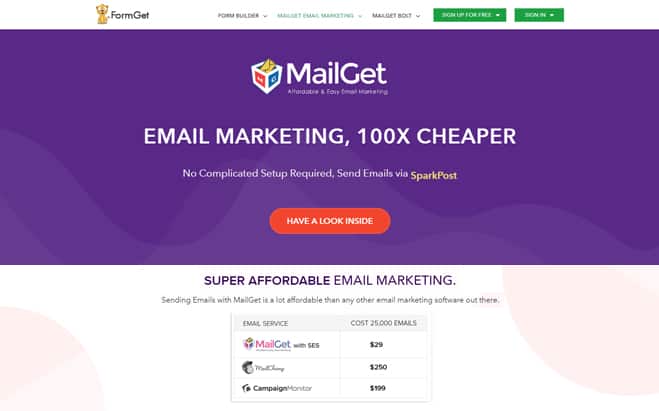
Core features of MailGet, which none of the players has, like –
- Responsive Email Template Builder to customize your emails as much as you want.
- Email Marketing for large volume email subscribers.
- Social Integrations to increase your product branding in the market.
- With list management, you can easily manage all the subscribers at one place.
- Email drip campaigns technology improves email open rate up to 99%.
- They offer more options to import email lists as well as email list cleaning is also available.
Pricing –
They have free plans with all the features of a priced plan so that you can test your email marketing campaign to see how it works.
Their priced plans start at as low as $7 which allows you to send emails to 5,000 subscribers per month and so on. To see their pricing plans, visit MailGet – Pricing.
After checking out many software, I found MailGet the CHEAPEST service among all as it costs only $7 per month for sending emails to 5,000 subscribers.
Most importantly, its focus on Delivery & Open Rate by integrating with multiple servers! So, doesn’t matter if one server stop working…others are still working on the delivering process.
3. Moosend
Moosend is a user-friendly email marketing service that allows you to send email campaigns to the subscribers by easily creating the templates. All you gotta do is simply drag and drop the fields and create a responsive newsletter in no time.
Further, you can automate the emails in sync with time & send the emails to the listed subscribers.
Key Features Of Moosend-
- With advanced list segmentation, you can divide the list of subscribers in separate blocks and send the emails accordingly. This will help in sending more apt emails which will increase the open rates, click through rates and improve your return on investment.
- You get the real-time analytics which will provide you with the details about the number of times the emails are opened, number of clicks, etc.
- It allows you to connect with the APIs to manage the campaigns and emails in a programmable way.
- Also, you can connect with the SMTP to carry out the campaigns via a secured server.
Pricing –
It provides you with a free trial wherein you can send unlimited emails to 1000 subscribers in a month.
Further, if you want to send email marketing campaigns to more subscribers than you can opt for the plans ranging below:-
- 2000 subscribers – $10
- 3000 subscribers- $20
- 80000 subscribers – $290
- 100000 subscribers- $365
And more plans between these.
4. Pepipost
Pepipost facilitates in starting with the email campaigns in just a few clicks. Automate the emails & send the emails in automation that is triggered at a specified time. It uses a secured server to transmit emails.
You can even earn using Pepipost! Yes exactly, on every email opened you get the credit in your account that will be adjusted in your next monthly bill.
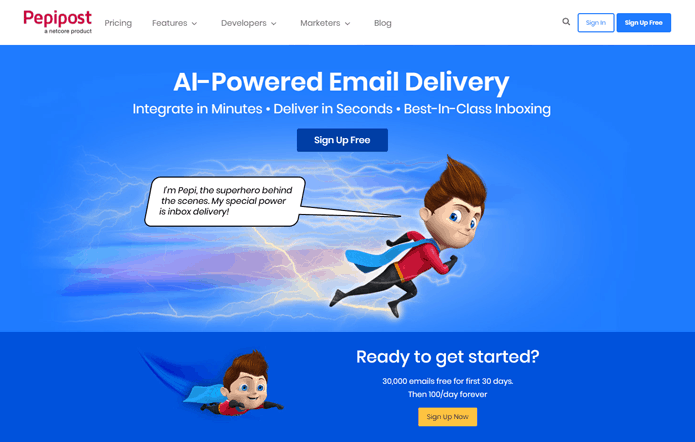
Solutions that Pepipost email marketing in India offers are-
- Design email
- Track results
- Send emails and target customers
- Email Personalization
- Email scheduling.
- SMTP integration for server
- API Integration for easy configuration
- Webhooks integration for tracking the results
Pricing
- To send 100,000 emails in a month, you need to pay $15. For sending 1000 extra emails, the cost is $0.60.
- For sending 300,000 emails, the cost is $65 per month. Extra 1000 emails will cost you $0.55.
- To send 500,000 in a month, you will have to spend $ 145. Plus, $0.50 for sending 1000 emails more.
- If you want to send 1,000,000 in a month, you will have to pay $245. For more 1000 emails, the cost is $0.45.
- You will have to pay $445 for sending 2,000,000 emails. For additional 1000 emails, you gotta pay $0.40.
Note:- Get in touch with the sales team for more details about higher plans.
5. SendPulse
SendPulse is an online email marketing service that has amazing features including inbuilt email templates of various categories.
Create an email campaign and see the results of the process simultaneously with the tracking functionality.
Features of SendPulse are –
- Automate the trigger-based email campaign that will initiate on the specified events like birthdays, anniversary, etc.
- With drag and drop editor, you can design your emails and make them more impactful.
- You can send automatic emails triggered by the action of your customers like they added a product in their cart but didn’t purchase yet.
Pricing –
It offers you varied pricing plans based on the number of emails you want to send in a month-
- If you want to send 500 emails in a month, you need to pay $6.4.
- For sending 5,000 emails, the price is $28.
- Similarly, you can send up to 300,000 emails in a month that will cost you $512.
6. Mailjet
Mailjet is built on scalable and reliable infrastructure where you can send email marketing messages or other high-quality content to your clients.
The service is used for a marketing perspective to promote services and products to a large number of the customer base.
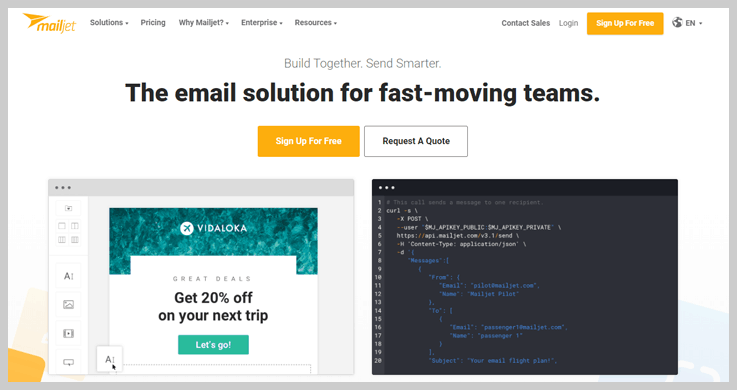
Features of Mailjet includes –
- Through email segmentation, you can easily category-wise divide the customers according to their interests.
- Campaign designing to get improved performance by creating beautiful responsive emails.
- Email campaign monitoring and analytical inputs for effective targeting.
Pricing –
These are the following plans Mailjet provides:
- Basic- You can send 30,000 emails per month with a charge of $8.69.
- Premium- This plan includes all the advanced features with 30,000 emails per month with a charge of $18.86.
- Enterprise- This plan is customizable.
7. Digital Aka
Digital aka has a signified SMTP server in India where all the authorized instructions are set that is helpful to transfer your emails get to the inbox.
The company also provides you with the bulk voice call solution along with bulk emailing service at much cheaper rates in India.
Includes features like –
- Real-time personalization offers the usage to create dynamic contents.
- Email list cleaner to prevent the danger of getting the sender IP or sender Domains blacklisted.
- Analytics analyzed to identify improvement areas and predict future Dealing patterns.
Pricing –
The service has two different plans based on low volume and high volume bulk email marketing. The starting price is from $20
8. Crux Mailer
Crux Mailer is a web-based email marketing software integrated with our own dedicated SMTP server that specially maintained to send bulk emails.
They provide bulk email marketing software as well as dedicated bulk email SMTP servers to provide you the best in class bulk email marketing solution.
Features include –
- Email tracking and Reporting get live open and click tracking reports.
- Advanced HTML editor to create amazing templates.
- Import data from excel files.
Pricing –
- The basic plan starts at $15 which includes 25,000 emails
- To send 50,000 emails, you need to pay $20 per month.
- For sending 100000 emails the cost is $34
And so on…
9. Mail Marketer
Mail Marketer is a pioneer of web-based email marketing services in India that is providing dedicated email platform since 2008 used by corporations and entrepreneurs.
Mail marketer ensures the business continuity plans that help to become a leader in the bulk email market industry. 
Comes with features like –
- Built-in WYSIWYG HTML editor.
- Spam checker & inbuilt Bounce handling.
- Google Analytics integration.
- Real-time tracking reports.
Pricing –
The basic plan starts with INR 14,000 i.e. approx $20 which allow you to send 20,000 emails. The plan varies according to the email credits.
10. Future Technocrafts
Future Technocrafts is a web-based email marketing service company in Mumbai.
The service offers bulk mass email services with the most cost-effective methods and has its outreached segments in India as well as all over the world.

Features for FutureTechnocraft are –
- Send Personalized Mails
- Create Unlimited Contact Lists
- SPAM Filtration
- Live Tracking System
- Inbuilt Templates
Pricing –
Pricing plans are based on standard email marketing and dedicated IP premium email marketing.
11. MVizz
MVizz has a powerful email marketing automation service provider in India and provides survey tools with CRM that empower in numerous businesses.
Mvizz features include –
- Secure cloud storage keeps your file safe for sharing and a perfect backup of your sensitive data.
- Campaign analytics report.
- 24*7 support provided.
- Highest Deliverability assured.
Pricing –
- The service charges $20 for 10,000 emails credits with one-year validity.
- For sending 20,000 emails, you will have to pay $30 annually.
- The cost for sending 45,000 emails is $70 for a year
Further, it includes many other plans too.
Conclusion –
Due to rise in email marketing competition over the market, it is important for an email marketing company in India to understand what the client needs and to add more features to cope up with user’s requirement.
Know any other email marketing tools in India missing out in the list? Drop the name in the comment section below if found worthy would be added up in the list!!
Check Out Our Other Popular Post –
10+ Best Paid Email Service Providers 2022

Emails are the fastest medium of communication in today’s era. And, when it comes to reaching customers and potential leads, nothing could be a better option other than communicating through emails.
Isn’t It.!!
Nowadays various email service providers have raised up which are rendering an excellent platform for doing email marketing. But seeking for an affordable and best email service provider is like a wild-goose chase.
So to assist you,
I am providing a list of 10 Best Paid Email Service Providers that provide ease in communicating with clients and that too at very cheap rates.
| Services | Pricing | Number Of Subscribers | List Management |
| Pabbly Email Marketing | $29/M | 5,000 | Yes |
| MailGet | $29/M | 50,000 | Yes |
| SendinBlue | $25/M | 100,000 emails | No |
| Pepipost | $25/M | 150,000 emails | No |
| Moosend | $40/M | 10,000 | No |
| GetResponse | $45/M | 10,000 | No |
Let’s Begin…
Pabbly Email Marketing is a great choice for business owners who want to send bulk emails to all their prospective users, in just one click. With this email marketing service, you can manage your contacts, email lists, and establish direct contact with your customers.
1. Pabbly Email Marketing
Pabbly Email Marketing is one of the most efficient mailing software that allows you to send thousands of emails to all their prospective users, in just one click. Also, you can manage your contacts, email lists, and establish direct contact with your customers.
Pabbly Email Marketing software provides you some handy features like simple sign-up forms for your visitors, they don’t need to waste time to complete long forms. One of the main distinctive features is clear statistics instrument. You can see in the dashboard how many people had opened your message, who clicked on it, where and when it was done and much more.
Moreover, it removes the lengthy process of connecting SMTP that causes confusion. Since here in Pabbly Email Marketing, you don’t have to connect any SMTP which means you can simply verify your email and start sending emails to a mass audience quickly.
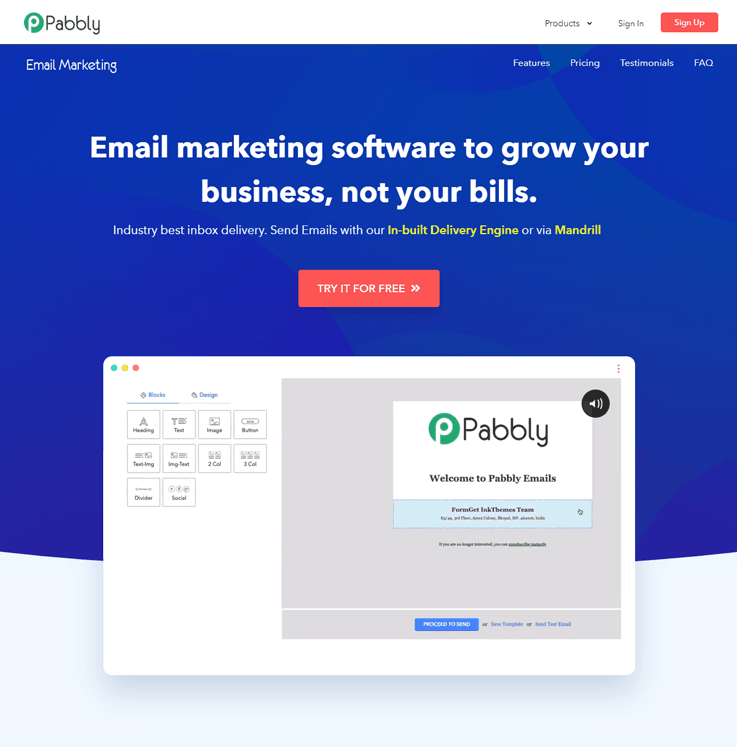
Pricing –
Pabbly Email Marketing provides multiple pricing plans which are based on the number of subscribers such as-
- Rookie – Buy now this plan at the cost of $29 per month and send unlimited emails to 5,000 subscribers. Also, it gives you a facility to connect 3 SMTP servers, automatic follow-ups, and email builder.
- Pro – It is the most popular plan of Pabbly Email Marketing. With this, you can send emails to 15,000 subscribers at the price of $49 per month. Plus, this plan includes all the basic features of the Rookie with MX Checker and live chat support.
- Advance – As the name suggests, this plan includes all the advanced features of Pro at the cost of $99 with 50, subscribers. Also, you can upgrade your plan based on the number of subscribers on your mailing list from 50,000 to 1,000,000.
For instance, for sending unlimited emails to 100,000 subscribers, you need to pay $179 /month & so on.
I have tasted all the mailing software and found Pabbly Email Marketing perfect among them in every aspect.
I suggest you try the software as it offers delicious email templates with PROVEN DELIVERABILITY RATE!
Take a bite of Pabbly Email Marketing by just spending $49 for unlimited emails to 15,000 subscribers.
2. MailGet
Slogan of MailGet says “Affordable & Easy Marketing”, – and that’s very clear reflection of MailGet essence. It consists of an enormous range of features with a flexible payment scheme. It is very simple to use and fully hosted as it does not require any complex setup hosting fee. All you need is just to integrate with any SMTP services of your choice.
In addition, you get a responsive drag and drop email builder – a very useful tool especially when you have to handle large mailing campaign. It also comes with an email list cleaning feature that lets you simply clear the list if you have invalid addresses or unsubscribers (by the way, not every platform has such feature).
The best thing about MailGet is – you can easily integrate it with any of the SMTP services of your choice, so if any of the SMTP service blocked you then also you’ve multiple ways to send emails.
Pricing –
MailGet has different monthly and annual pricing plans starting from $29 which allows you to send unlimited emails to 5,000 subscribers. If you choose their yearly plan then you get an extra 20% off.
Furnish your website with inbuilt SMTP which includes email marketing package within it!!
I am using MailGet SMTP server which delivers most of the mail @INBOX of customers. It only cost $24 for UNLIMITED EMAILS.
So, I would recommend you the same service to go with.
3. Pepipost
Pepipost is another well-known email marketing tool for delivering your mail to the customers with a high precision rate and in the best matching time.
It has a user-friendly interface with a smart designed real-time report and analysis dashboard. With its feature of artificial intelligence, it can deliver your emails faster and smartly. This email marketing software has a bounce forwarding feature that informs the sender when the email bounces. It provides one bill for all your accounts that minimizes the invoicing and payment complications.
Pricing –
Its pricing starts with $25 for 150, 000 emails per month and pricing varies according to the number of emails you want to send. If you want to send more than 2,000,000 emails per month then you have to contact its sales department.
4. SendinBlue
According to reviews, SendinBlue is the most youthful, attractive and easy-to-use email service provider. This software meant for very stylish email marketing campaigns.
It gives you possibility to deliver emails to large auditory in just a couple of clicks. The main point is that it provides the possibility to deliver dynamic contents, which permits to deliver unique content to each subscriber, making it ultimately personalized.
Moreover, you can create attractive mails through drag and drop tool, or through coding your own HTML mail template. Lightbox sign-up forms are stylish complement for any page, especially, if they are simple to fill-in. It gives you unlimited options to group your contacts.
Pricing –
Monthly plans are quite large, smallest one consists of 10,000 contacts and costs INR 443.65/month. Also, you can pick up enlargements like BRONZE, SILVER, each gives you larger possibilities for your mailing campaigns. Well, it`s quite expensive provider, if you are not using email marketing on large scale.
5. Moosend
MooSend provides very useful and simple tools for Email Marketing. Import your contacts either form excel CSV file, or from local storage, or even from cloud storage.
Variety of templates and huge variety of sign-up forms is a mandatory toolset for such platforms. The distinctive feature is the spam test. It’s about testing your mail with the spam filters, thus your message wouldn’t arrive directly in junk folder. Use inbox preview to adjust your message. Most of all, MooSend provides smart statistics, it’s not analyzing only how many emails reached the target, but also you get information about devices used to open your messages. Real-time statistics is a strong asset, because you get a whole panorama of mailing campaign efficiency. 
Pricing –
The price tag starts from $25 for up to 5000 subscribers. If you are an occasional sender, then you can select the best matching plan for you worth just $1. Good news for startups, MooSend gives you 6-month free trial period.
6. GetResponse
“The easiest Email Marketing in the World” – that`s how this provider is characterizing himself. GetResponse has over 350,000 customers in over 182 countries. This is one of the Email-Marketing Giants.
It suits both experienced marketers and for newbies as well. You can import your contact list from your computer, or from other accounts, and group it for precise email targeting. Personal newsletter builder is a common customization tool, which permits to make very special mails. Pop-up solution for sign-up form is clearly visible and simple instrument for gathering subscribers and much more.
Pricing –
Here, you get 30-days trial period, for selecting the best plan to match your needs perfectly. The smallest plan starts from $15 for one month where you can send email to 1000 contacts. It provides several plans where you can adjust the number of contacts you need. The main asset to choose GetResponse is that you can cancel your subscription anytime you wish.
7. Mailjet
Mailjet is another easiest cloud-based email marketing solution with a variety of handy instruments provided that helps small to large businesses create, manage, send and optimize email marketing as well as transactional emails.
Moreover, it provides a drag-and-drop builder that enables users to send personalized emails to their customers. Also, you can easily monitor the sending of emails with its real-time monitoring features.
Pricing –
Free Trial – Users can send 6,000 emails per month & 200 emails per day.
Basic – Get this plan at $8.69 per month and send 30,000 emails/month.
Premium – Send 30,000 emails per month at just $18.86.
Enterprise – You need to contact the service provider
8. ConstantContact
ConstantContact is another great email marketing platform that focused on simplicity and usability.
This is the most automated system, designed for those, who are not very experienced in email marketing domain, just import your contacts from excel file, or from any other storage, and the rest ConstantContact will do. Autoresponder is the quite common tool, which is sending to your customers anniversary mails, welcome cards, and so on. It also provides scheduled mailings, just add new customers to the list, and they will receive your letters in certain time. 
Pricing –
This platform gives to its customers 60-days trial period! Moreover, you have a variety of special discounts and 30-day guaranteed money back. The smallest plan is $20 monthly. With this price, you get full access to all features and unlimited mails, but without advanced features.
9. AWeber
AWeber got the award for being best Email Marketing Software on CrowdReview.com in 2022. Sounds good, let`s see what Aweber can provide us.
This email service provider gives large specter of tools and options to its customer’s. You can easily manage your subscribers, segment and group them. Like any mailing platform, AWeber provides numerous form templates, moreover, you’ve got numerous animated forms to choose and you can also edit those templates the way it matches your needs and requirements. One such powerful resource it provides you is drag and drop tool for template design. This makes your mailing very simple and attractive.
Pricing –
The smallest plan with up to 500 subscribers and unlimited mails would cost you $19 in a month. Pricing plans are very transparent and simple, and once you’ve paid, you get access to all features and tools, the difference is only in number of contacts. Moreover, you can get a 30-day trial period.
10. Benchmark Email
From the start, Benchmark Email provides you a great set of features with clear explanation.
The platform helps to make your emails customized and personalized. The key advantage for Benchmark Email gives its Built-in image editor. Edit your picture, or photo right from the email template editor. Forms are editable and fit perfectly for every single website architecture and interface. Simple contact list management, which you can segment and import your contacts. In addition, there is an autoresponder feature included. Interface is simple and informative, so you don’t need to spend too much time for perception of graphs and digits.
Pricing –
The pricing is very flexible: there is free starter plan, which allows you to send 14000 emails to 2000 subscribers monthly. Medium plan with unlimited emails to 600 subscribers you can buy worth $11.49.
Conclusion
Well, now you have a brief idea of 10 best-paid email service providers, so select one that matches your need and start sending emails to your customers and provide an online presence to your business.
Give a glimpse at these post ->
10 Best Email Monitoring Tools & Software 2022

Sending emails in bulk is such a hectic task nowadays as most of the emails do not even reach the inbox, instead they go into the spam folder or get blocked. We are listing the best email monitoring tools that you can use to track your email sending effectively and make sure that your emails reach your customers’ inbox.
I was dealing with the same situation for several years and finally, come up with a complete solution for it.
Email Monitoring tools allow you to review the campaigns once you send the emails and allows you to take best steps to ensure best possible inbox delivery.
So that you don’t have to bother about email going to spam and easily send bulk emails without any hassles.
Are you also in the same situation?
- Just drive to the post
- Pick up an effective email monitoring tool
- Start bulk email marketing today.
For more related information check out following blogs –
1. G-LockApps
G-lock App is one of the best tools for checking the deliverability of your email. It filters out all the email from spams, find out the problems and fix them before sending. So, maximize the deliverability of emails and fix all the issues.
Pricing Plans –
It has “pay as you go” option starting from $19 where you get Gmail tab tracking, spam filter testing along with 10 credits for the test.
2. 250ok
250ok is yet another email monitoring software that you can use for checking the deliverability of your emails. It helps you in monitoring the inbox, spam and all the missing emails. So, you can easily identify the spam filters by testing the preview of your campaigns before sending.
Pricing Plans –
You need to get the quote to know the pricing plans for this tool.
3. Return Path
Know exactly where your message is delivered with the Return Path inbox monitoring tool. It gives you accurate information about the email delivery and filters all the emails from spam. This could lead to an increase the inbox delivery and also improve the performance of your service.
Pricing Plans –
To speak up with Return Path for pricing plans, you have to contact them by filling out a simple form.
4. MailMonitor
The name itself suggests that this tool is specially designed for the monitoring of emails. It shows in real-time when and where your emails were delivered, track each of them and fix all the deliverability issues quickly.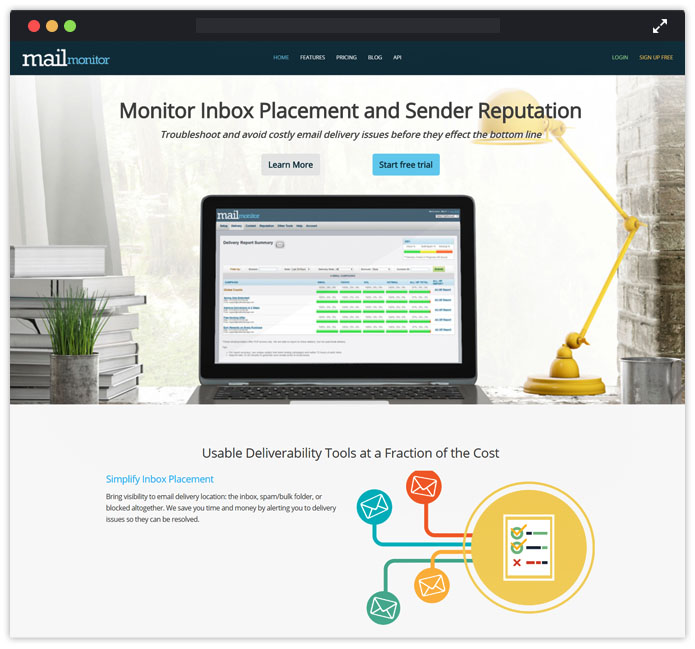
Pricing Plans are here –
The pricing of MailMonitor starts from $79 where you get spam filter testing, 40 monthly campaigns, and much more. You can also go for annual plans if you have a large number of emails to send and check.
5. Mailtrap
Using Mailtrap, you can test the sending of emails at the development stages. This tool allows catching your test emails safely – no spam for real customers or teammates. You can improve the functionality of HTML email campaigns and easily streamline the testing process in virtual inboxes.
Pricing Plans –
With a quick sign up, you can use Mailtrap for free. There is also an individual paid opportunity for $9.99/monthly or team plans starting from $24.99 per month, providing advanced features.
Click Here To Know More
6. eDataSource
eDataSource is another best deliverability monitoring tool that helps you in delivering the emails successfully to the customer’s inbox. The tool checks out all the campaigns along with a report that shows the number of sent campaigns, successfully delivered campaigns, and the number of campaigns that delivered to spam filter instead of reaching the inbox. It is the perfect solution for checking the email deliverability.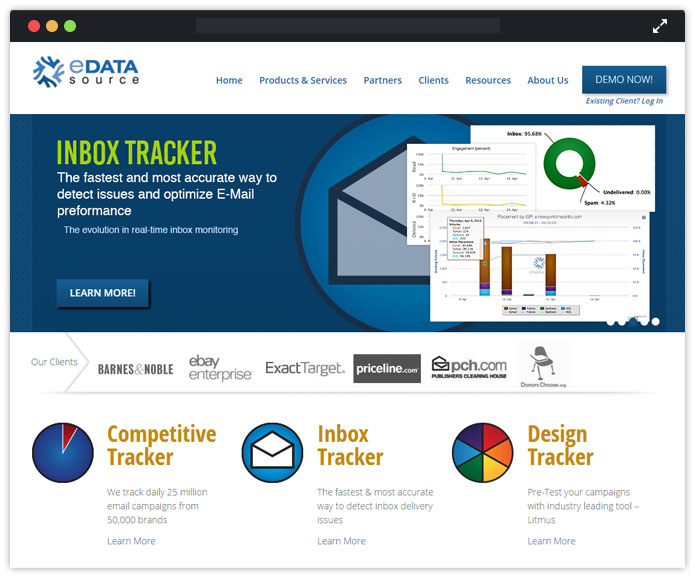
Pricing Plans –
To know the pricing plans of eDataSource, you have to signup for the demo.
7. GreenArrow
Improve the inbox placement by finding out all the spam and deliverability issues, fix them quickly and then send it to your potential clients without getting worried about its delivery.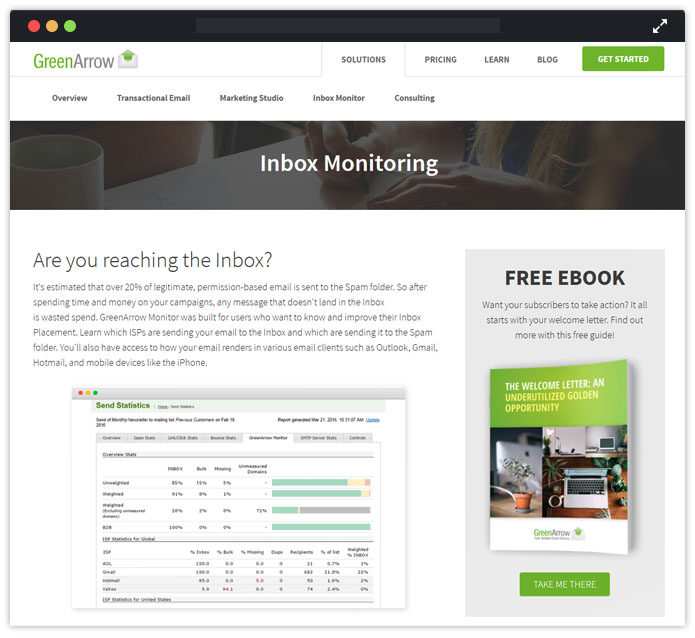
Pricing Plans –
Contact them for the pricing plans of this tool.
8. SendForensics
SendForensics is developed keeping in mind the email deliverability issues as it is the biggest challenge that online marketers facing. The tool identifies all the mistakes of your campaigns before it affects your marketing reputation. Testing of emails, spam filtering, inbox placement, all such things can be solved out easily with it.
Pricing Plans –
Different packages of pricing are available here. Starting from package A – it costs you $49 that comes with multiple features along with the deliverability testing.
9. Inboxtrail
Measure the performance of your emails before you hit send with Inboxtrail. Find out the spam filter issues, detect them and send your emails without bothering about the delivery.
Pricing Plans –
The basic plan of Inboxtrail is started from $9.99 per month where you get 10 delivery tests, spam testing, and much more. You can also go with the yearly plan if you have bulk emails for testing.
10. EmailReach
Track the status of all the sent emails and improve their performance by testing them with the EmailReach tool. It lets you check whether the email was successfully delivered to the inbox, whether it reached to the junk folder, or whether it has returned without getting delivered.
Along with inbox monitoring, the service also included email verifier feature, list checker, blacklist checker and much more.
Pricing Plans –
The pricing of EmailReach starts from $79 where you get spam filter testing, 40 monthly campaigns, and much more. So, select any monthly plan as per your need.
11. Email On Acid
Another tool that is best suited for solving the major email delivery issues is Email On Acid. It not only fix the delivery problems but also filters out all the campaigns form spam and generate a pass or fail report. You can also track the email opens and clicks with advanced analytics options, resolve the code issues, and much more.
Pricing Plans
The pricing started from $45 where you get unlimited previews and spam testing. It has monthly, yearly, or pay as you go option, so choose one according to your requirement.
Conclusion
Now, you are well aware of all the 10 Best Email Monitoring Tools 2022. So, select one that boosts up your delivery rate by knowing the delivery stats and results.
Also, read our latest listing post ->
10 Best Email Verification Services 2022

Email verification is not a new term for marketers who do email marketing.
Rather, email verification is the most important task which almost everyone does while performing email marketing. As people who provide their email details often make mistakes and even provide invalid email addresses.
So, to get rid of this situation, the email verification process is carried out.
Well, various services have raised up and all of them are good, but one thing that makes the variation between them is their email verifying methods. And if you go out looking for the best email verification services, then I could only say that it will be an unending task for you.
| Comparison Of The Best Email Verification Services | ||||
| Services | Pricing For 100,000 Emails | MTA Validation | Greylisting Verification | Ratings |
| Pabbly Email Verification | $165 | ✓ | ✓ | 5.0/5.0 |
| MailGet List Cleaning | $159 | ✓ | ✓ | 4.9/5.0 |
| Email Checker | $299 | ✓ | ✓ | 4.9/5.0 |
| XVerify | $400 | ✓ | ✕ | 4.8/5.0 |
| Snov.io | $199 | ✓ | ✓ | 4.9/5.0 |
| ZeroBounce | $400 | ✓ | ✓ | 4.8/5.0 |
So, here, I’ve come up with a brilliant list of 10 best email verification services, which are best in the class of doing email validation and verification work.
Now, let’s check them one by one and find the most suitable for them.
1. Pabbly Email Verification
Real-time verification is possible with the Pabbly email verification service. Reach your customers by sending campaigns to valid email id and get a victory in the game of marketing. It identifies all the invalid, fake, and bad email addresses from the list, and freshen up them quickly.
Pricing –
It cost you $5 for cleaning 1,000 emails, $25 for cleaning 10,000, and so on. A cost calculator is given on the website by which you can calculate the cost of email verification.
2. MailGet List Cleaning – Email List Verify
It is yet another top validation service that freshens all the bad and inactive email addresses from your marketing list and provides the best results quickly. All you have to do is just upload the unhygienic list to its web interface and they will give you a healthy email list that will be ready for sending campaigns.
List Cleaning
Along with verifying if an email is deliverable (will not hard bounce); they will also check for high-risk emails, complainers, disposable emails, emails linked to online fraud, roll-based accounts, and various other risky emails that can negatively affect deliverability. No other provider offers this level of detail.
Pricing –
Pay as you go pricing starts at ½ a cent for 50,00 records and down to under 1/10th of a cent for higher volumes.
3. Email Checker
Email Checker is one of the web’s longest-running email checking services and one of the most robust and accurate email verification services in the marketplace. They have multiple tiers of service, offering something to fit all budgets.
Email Checker provides high levels of knowledge and experience which combined with its robust and dedicated server infrastructure, gives customers peerless email verification. Email Checker leads the industry, with detailed integration documentation for Python, Java, PHP, and C#.
Their service is backed up 24/7 by a professional support team who offer their experience and expertise via a dedicated Helpdesk.
Subscriptions and pay-per-use will both provide an email validation platform that ensures email addresses are accurate and checked in all situations.
Below are some of the key features their services has to offer:-
- Integrations: Email Checker offers different integration for various customer needs – such as automated batch file submission and retrieval using batch API, FTP account access, and even manual upload.
- Bulk API: Batch API service designed from the ground up, for fast batch processing of large B2B lists (up to one million email verifications per day).
- Dashboard: Drag & drop interface, user-friendly access.
- API Responsiveness: Fast API with market-leading uptime and SLA – 99.97% in the past twelve months
- Documentation: Detailed documented with lots of code examples, hosting in GitHub.
- Yahoo verification: Email Checker offers “extreme” Yahoo (and Ymail) options in their real-time API, for the highest possible accuracy.
Pricing –
Email Checker offers a Free Trial, which allows 100 verifications, then there are two simple options:-
- Pay-as-you-go: The price starts from as little as $14 for 1000 On-Demand Email verification credits and then keeps reducing quickly, with increasing volumes. This is perfect for one-time users.
- Monthly plans: You can start from as little as $10 a month, for 1000 checks per month and this covers not just their batch checking service but also their Rea-Time API service. Their plans sell up to 2,500,000 checks per month, with additional higher packages available, if required.
Note: Choose either pay-as-you-go or a monthly subscription; Use our coupon code FORMG20 for an additional 20% discount on your order.
4. Xverify – Intelligent Email List Cleaning
Xverify – They are the clear industry leader in email list cleaning space. What makes them unique, is that you can call and speak directly with an email consultant directly. Being that they are EU Privacy Shield Certified and located in the US, you can trust them to safely and accurately clean your data. Be careful sending you data to other providers that don’t meet these standards.
Xverify has CERTIFIED with EU-U.S. PRIVACY SHIELD FRAMEWORK and SWISS-U.S. PRIVACY SHIELD FRAMEWORK. It also provides DPA’s (Data Processing Addendum) to all clients who require them as part of their GDPR Compliance.
List Cleaning
Along with verifying if an email is deliverable (will not hard bounce); they will also check for high-risk emails, complainers, disposable emails, emails linked to online fraud, roll-based accounts, and various other risky emails that can negatively affect deliverability. No other provider offers this level of detail.
Pricing –
Pay as you go pricing starts at ½ a cent for 50,00 records and down to under 1/10th of a cent for higher volumes.
You may also read our latest post that would be like more icing on the cake for you.
5. Snov.io – Email Verifier
Snov.io is a multifunctional email marketing platform that besides other tools provides an email checker instrument. With its help, you can clear the list of email addresses in a matter of minutes. The Snov.io Email Verifier is a high-quality tool that offers an accuracy of 98%.
Here’s what makes this instrument so attractive for professionals:
- Single email verification to guarantee the recipient’s email address you are going to get in touch with is safe.
- Bulk email check to ensure your email campaign will reach every recipient.
- Clear email verification statuses: valid, risky, and invalid.
- Highly-accurate 7-step verification process (syntax, gibberish, domain existence, MX record, catch-all domain, freemail checks, and SMTP authentication) to guarantee the high accuracy of the email check.
- Up to 100 free email verifications per month
- Email lists import and export to help you manage prospects
- Email Verifier API
Besides Email Checker, you can use a few other tools for email marketing and cold outreach: an email finder to get email addresses of your potential clients, an email drip campaign instrument to reach out to leads, and a free Gmail tracker to analyze the email performance right in Gmail.
Pricing –
Snov.io pricing plans are affordable. You can verify:
- 2,000 per month for $39 ($33 if paid yearly)
- 10,000 for $69 ($58 when bought yearly)
- 40,000 for $129 ($108 if subscribed yearly)
- 100,000 for $199 ($166 yearly)
Moreover, you receive 100 free email verifications per month within the free trial.
6. ZeroBounce
Thanks to its 98+ accuracy and advanced data protection, ZeroBounce has become a top player in the email validation industry. The company not only helps marketers maintain healthier databases but also offers an efficient email scoring system, ZeroBounce A.I.
ZeroBounce can determine if an email address is good or bad. ZeroBounce’s
the proprietary technology uses algorithms to detect catch-all domains and
identify which emails are unable to be validated.
Here are some of the features that make ZeroBounce the number one choice of thousands of marketers around the world:
- Email Validation: ZeroBounce can determine if an email address is good or bad.
- Spam Trap Detection: the system uses proprietary algorithms to detect and remove spam traps from databases
- Abuse Emails Removal: the service spots users who have a history of marking emails as spam and isolates them from others
- Catch-All And Temporary Emails Detection: ZeroBounce reduces the number of bounces by identifying these risky addresses
- Toxic Domains: these domains are known for spam, abuse, and bot-created emails. The system detects and removes them.
- Real-Time Email Verification API: when installing on signup and registration forms, it verifies email addresses in real-time
- Data Appending: ZeroBounce adds missing information to email lists, such as subscribers’ name, gender, location, and IP
- Email Scoring: ZeroBounce A.I. uses artificial intelligence to determine the value of an email address. It’s an excellent catch-all email validator.
- 24/7 Customer Support: more than 15 email validation experts are online 365 days a year to help customers achieve better email deliverability
Pricing –
The ZeroBounce Freemium account offers users 100 free email validation credits every month. The pay-as-you-go option requires no plan and no contract, and the pricing starts at $0.008 for cleaning between 5k-100k emails. The cost per email diminishes as the number of emails increases.
ZeroBounce also offers a Premium account that starts at $15/month. Larger companies can sign up for an Enterprise account, which starts at $1,500/month.
7. Freshhly Email List Verification Service
Removing dead and fake emails is really a necessary task before sending an email to your subscriber list. That’s exactly InkThemes Email List Verification comes into existence. It cleans out all the invalid syntaxes and inactive subscribers from your list and makes it a healthy one so that you can send your campaigns without bothering about email deliverability.
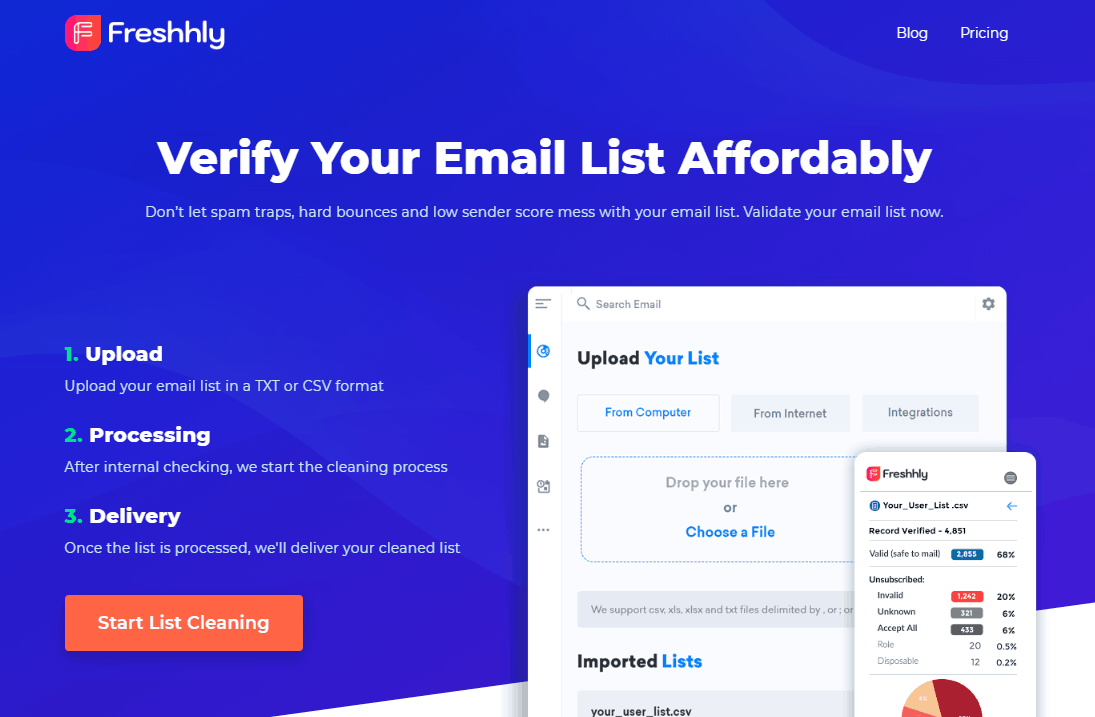
Pricing –
Get 1000 emails verified at a price of $4. For extending the limit go with the below link where you get several pricing plans. So, choose one as per your requirement.
8. Clearout –
Clearout is a highly accurate Email Validation Service. With the use of this service, you can freshen all the wrong and inactive email addresses from your email list and provides the best results. All you have to do is upload the unclean list to its client area, and they will give you a cleaned(healthy) email list that you can send for your email marketing campaigns.
It automatically removes all the duplicate email addresses with improving overall deliverability hygiene.
Here are some of the features that make Clearout:
- Accuracy: It produces highly accurate results.
- Auto-Suggestion: In this feature, you will get auto-suggestion of words and sentences. Autosuggestion eliminates the chance of spelling mistakes.
- Risk Verification: It verifies the email address against anti-spam lists.
- SMTP Validation: With emails, it also verifies the SMTP providers to determine active servers.
- Spam Trap Detection: Uses a multi-layered algorithm to detect spam.
- Role Account Verification: Identify all role-based email addresses i.e Admin, Sales, etc.
- Verification Time Taken: It can measure the response time for every email address.
Pricing –
- Clearout provides credits and one credit is equal to one billable email.
- It will cost you only $5 for 1000 credits.
- For 5000 credits, you have to pay $25 only.
- For more pricing details, check out their website.
9. MailGet
The first one on the list is MailGet, which is one of the cheapest email list cleaning services present in the world today. The best thing about MailGet is that the subscriber’s list cleaning is a one-click task.
MailGet list cleaning tool checks the email address by its domain, MX validator, domain validator, DEA checker, etc, and presents a list of email addresses, with any spam, bounce or undeliverable case. So, get your emails delivered to the customer’s inbox and increase the rate of conversion with MailGet.
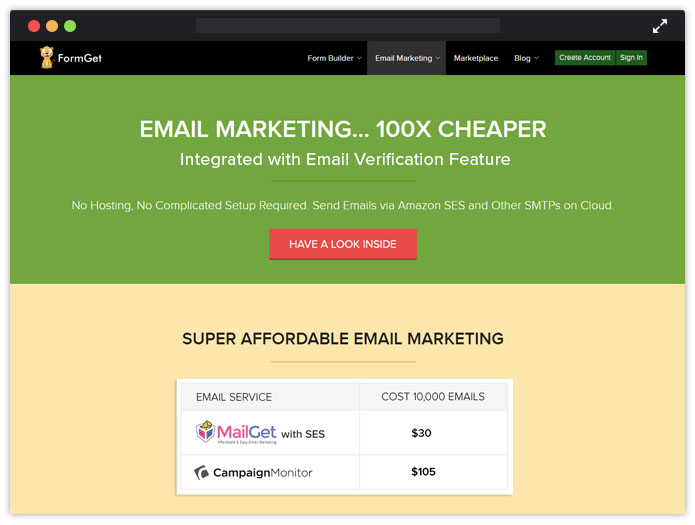
Pricing:-
The software has various pricing plans among which we have displayed the lowest and the highest pricing plans.
The smallest plan is of $4 where the list of 1000 emails can be cleaned up, similarly, 5000 subscribers list can be verified for $12, 10,000 for $20, these were the lowest range plans.
The highest in the range is 2.5 Million emails for $1100, 5 Million for $1699, 10 Million for $2899.
As a wellwisher my advice to you is to go with the MailGet as it is giving you the best email list cleaning software at the cheapest price, you can see the minimum plan is of $4 which is hard to find in other service providers listed below.
10. BulkEmailVerifier
It is yet another top email validating service where you can safely verify all your emails quickly. No need to install the service, just log in and upload the email list and the service automatically start removing all the dead emails from your subscriber list.
Pricing –
It has two verification plans, one for monthly emails, and the other is based on the number of emails you verified. It charges you $75 for validating 15,000 emails.
You can also go with the monthly plans where you are allowed to validate 4000 emails daily for 2 months with a price of $79.
11. DeBounce
DeBounce is a fast, simple, and accurate email validation and verification platform providing a 97.5 percent delivery guarantee. So far, it has verified more than one billion email addresses and received a 5-star rating on TrustPilot with more than 420 unique reviews. DeBounce offers a lot of integrations and can bind, verify, and update the email lists from a lot of integrations like Mailchimp, Mailerlite, Sendinblue, and more. It is developed to eliminate from your email lists invalid, disposable, spam-traps, and role-based emails (if you wish). DeBounce can also validate some of the popular accept-all and hard-to-validate email servers like QQ, G Suite, free.fr, GMX, Web.de, etc. DeBounce is your final email validation solution with bulk validation, single and bulk email validation API, WordPress plugin, real-time easy to install JavaScript widget, and many other integrations.
Features:
- Minimize Bouncing: Remove invalid and hard bounce email addresses from your database using an SMTP check.
- Disposable Email Checker: Checks to see if an email address from a disposable email provider, such as Mailinator exist.
- Catch-All Domain Checker: DeBounce bulk email verifier can identify catch-all domains, which return valid for all emails.
- Syntax Eliminator: Using a bulk email checker, email addresses with invalid syntax are immediately removed from your mailing list.
- Anti-greylisting Technology: Simulate a well-configured email engine to reduce the number of unknowns.
- Email Deduplication: If enabled, all duplicate email addresses are removed automatically.
- Email Verification API: DeBounce API allows you to verify email addresses instantly on your platform.
- Selectable Download Options: DeBounce App allows you to only download the results you want.
- Spam-trap Removal: All records of spam are removed thanks to our intelligent Spam-Trap Indicators.
- Team Account: Add all your team members to one DeBounce account and consume the same source of credits.
- Domain Confirmation: The email addresses containing inactive, invalid, or parked Domains are removed.
- MTA Validation: Checks the Email Transfer Agent to identify whether or not it has a valid MX record.
Pricing –
- 5K Verifications: 10 USD
- 50K Verifications: 50 USD
- 100K Verifications: 90 USD
- 500K Verifications: 300 USD
- 1M Verifications: 500 USD5M Verifications: 1,500 USD
- Moreover, you receive 100 free email verifications within the free trial.
12. DataValidation
Data validation is another email verification service that eliminates and detect the bad emails from your list.
The service not only validates the bad email addresses but also verifies the emails, improves deliverability, stops bounces before they happen, and much more. Simply import your marketing list and get better and secure results quickly.
Pricing –
The pricing of data validation is based on the number of emails you verified. Suppose you have washed out a list of 10,000 emails then you will be charged as $50.
13. QuickEmailVerification
One of the most affordable and accurate self-service Email List Verification service providers, QuickEmailVerification has among its clients’ small businesses to Fortune 500 companies. It offers bulk email list cleaning (no matter how big the size) as well as real-time verification with its powerful REST API. This interface is fully integrated with all major ESPs. This integration not only makes the process easier but also fully secure.
QuickEmailVerification is extremely quick: some 100,000 email addresses can be accurately processed in about 60 minutes or even less. You don’t need to download any software whatsoever. Instead, you have an easy-to-use interface to do everything for you.
Additionally, it offers 24/7 support that has fully satisfied 35k businesses the world over. Finally, its accuracy of more than 97% makes it the top email verification service provider.
Pricing –
Apart from the Free Trial, which allows 100 verifications per day at no cost, there are two options:
a) Pay-as-you-go: The fees start at $4 for 500 verifications and then keep reducing quickly, with increasing volumes. This is excellent for one-time users.
b) Monthly plans: You can start at $25 a month, under which you get 500 verifications per day. It can be expanded to 50,000 verifications per day at attractive prices. A great choice for daily needs.
Final Words…
Now, you are well aware of the best email verification services. So, pick the best one for your business.
I personally recommend you to go with MailGet. As it comes with an inbuilt feature of email verification i.e you won’t require to spend a single penny for verifying the email addresses.
Moreover, it is the cheapest email marketing solution that comes with tons of flexible features. Try once, you will love it!
Also, try our latest listing post ->
Google Apps SMTP Setting [Complete Setup]

Thinking of getting a professional email for your business and using it to send emails to your customers in bulk ?
The ultimate solution for you is Google Apps For Work account.
Google Apps for Work account allows you to set up business email addresses with your company name in it and allows you to send emails in bulk using its SMTP.
For example, sending emails via – [email protected]
Moreover,
Using Google Apps account for sending emails is highly profitable because emails sent using Google Apps account ends up in Gmail’s inbox right away and mostly in the Primary tab.
In fact,
People get huge open rates when they send emails using Google Apps account compared to any other email service providers.
In this tutorial, you will get the complete steps to set up Google Apps account, and it’s SMTP relay to send emails to your customers in bulk.
I have also described the steps that cover how you can test the SMTP credentials and send emails using the Google Apps SMTP right away.
Let’s start to explore the things briefly to setup Google Apps account and it’s SMTP –
Step #1. Open Google Apps for Work website and click Get Started tab present on the header section.
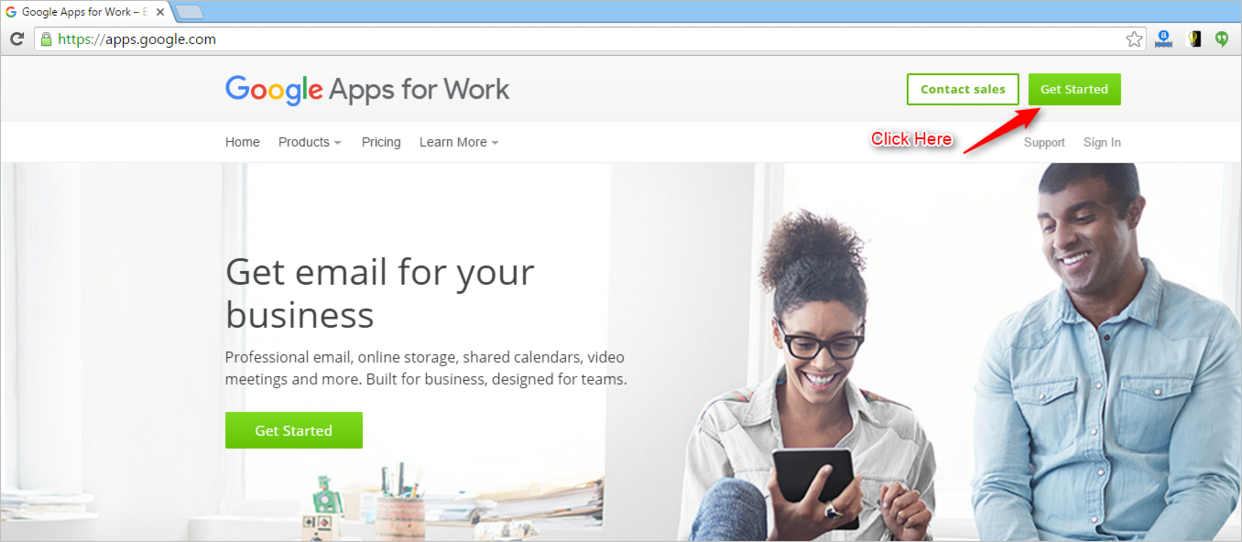
Step #2. Enter the details as required in the form and click Next. This form includes general details regarding your business.
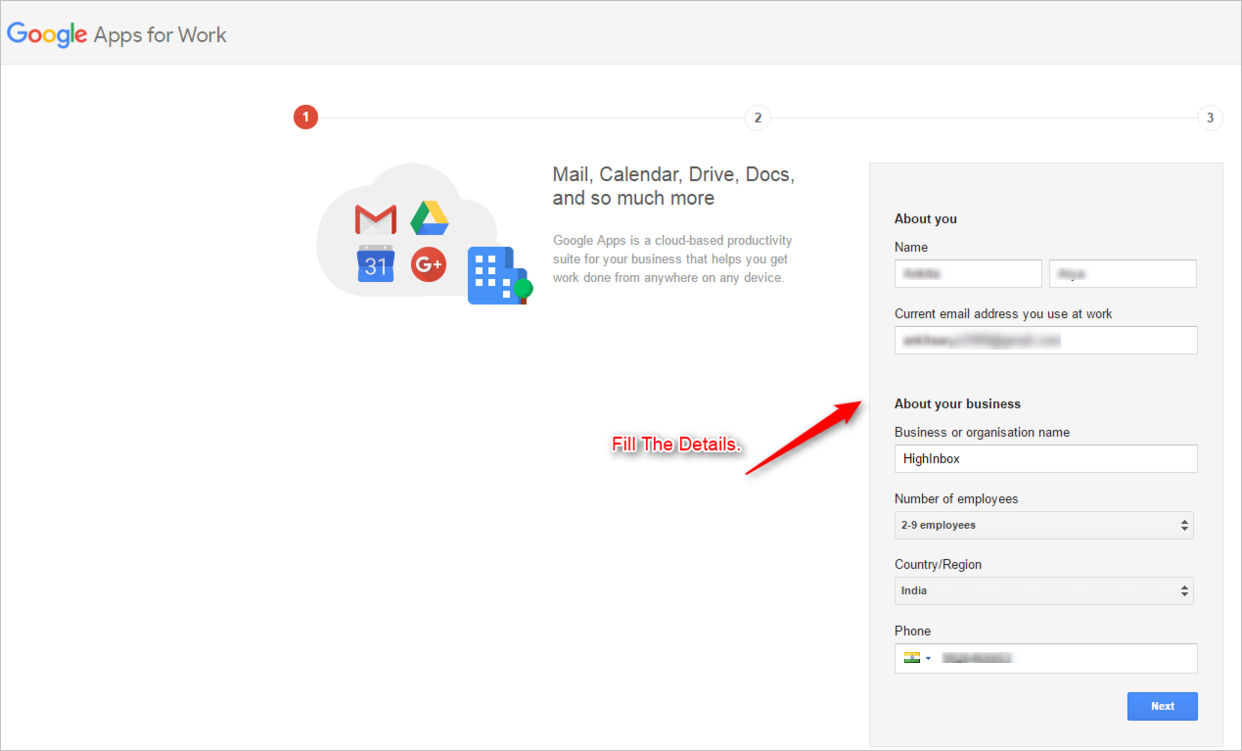
Step #3. Fill in your Business Domain and click Next. This business domain is the domain that you own and want to send the emails using it.
For example: If you want to send email using [email protected] address. Use the domain name yourcompany.com
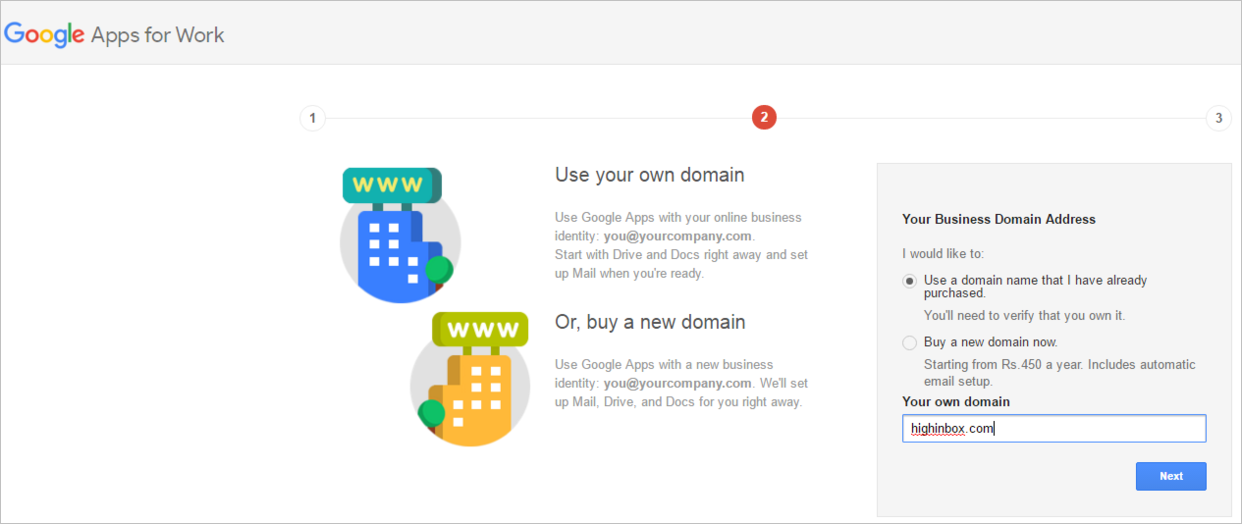
Step #4. Fill out the required details to sign in to Google Apps to see your calendar, mail, and other documents. Once done click on Accept and Sign Up button.
Step #5. Once done you will see a window that displays a message – How would you like to setup your account. ?
Choose the option you prefer to. Here, I’ve selected the second one which states – Setup on your own. Click Next.
Step #6. Now you will see a window that displays that you have successfully completed the first step i.e. To Setup A Business Account.
Google Apps account allows you to add your team members under one umbrella. This means you can setup email account for everyone in your team as required.
Click on Start button to add your team members to sign in to their Google Apps account.
Step #7. Add required fields i.e. your name and your custom domain email address for any of your team members. Once done check the box as shown in the image and click Next.
In this example, I created and added one person to my Google Apps account. You can add as many as you like.
For Example: [email protected]
Step #8. Next step is domain verification.
Click on the Verify button to let Google know that you own the domain.
As soon as you click the Verify button, Google checks your DNS and opens up the website of your domain provider.
In our case,
The domain was purchased from Godaddy.com and the login screen for same popped up.
A similar dialog box should pop up for the domain you have purchased for your company. In case, it doesn’t you can manually add a TXT record in your DNS for verifying the ownership of the domain.
In my case,
I’ve entered the login credentials for domain wherein you will see a message that asks your confirmation stating that Google is requesting to make changes in your domain DNS. Just click Accept button.
Now,
This process takes time say 3-5 mins. Once completed click on Next.
You will see a window that states that you have successfully routed all the emails from your domain to Google Apps. Click Continue.
Step #9. Now you will be redirected to Billing section where you will be given two plans to choose from.
Make your choice accordingly and click Continue.
Step #10. All Done. !!
You have now headed towards the Admin Console dashboard of your Google Apps account. Select the Apps tab.
Step #11. Now select Google Apps tab.
Step #12. Click on Gmail section.
Step #13. Now, click on Advanced Settings section.
Step #14. Under Advanced Settings section, type in and look for SMTP relay.
You will see SMTP relay service tag getting displayed.
Now, click on Configure button to add the configuration.
Step #15. Select and fill the required information as given in the image and click on Add settings button.
Step #16. Once done click on Save button. Make sure you don’t skip it or else your SMTP would not be verified.
Bang on !! You have successfully setup your Google Apps SMTP.
Step #17 Copy the below link in the browser
https://www.google.com/settings/security/lesssecureapps
and just turn ON the google apps access.
Make sure you are logged into your google apps account. See the image below.

Well, it’s time to test SMTP to check it’s verification status and send emails in bulk using Google Apps account.
Let’s start –
Step #1. Login to your MailGet account here.
Step #2. Click on Settings tab under your MailGet account.
Step #3. Click on Other SMTPs tab and fill in the required details as shown in the image. Once done click on Save SMTP Credentials.
Points To Note –
- From Email and Username will be the same as your Google Apps account email that you have created.
- The password will be your Google Apps account password.
- Google Apps SMTP Host will be smtp-relay.gmail.com.
- Google Apps SMTP Port will be 587.
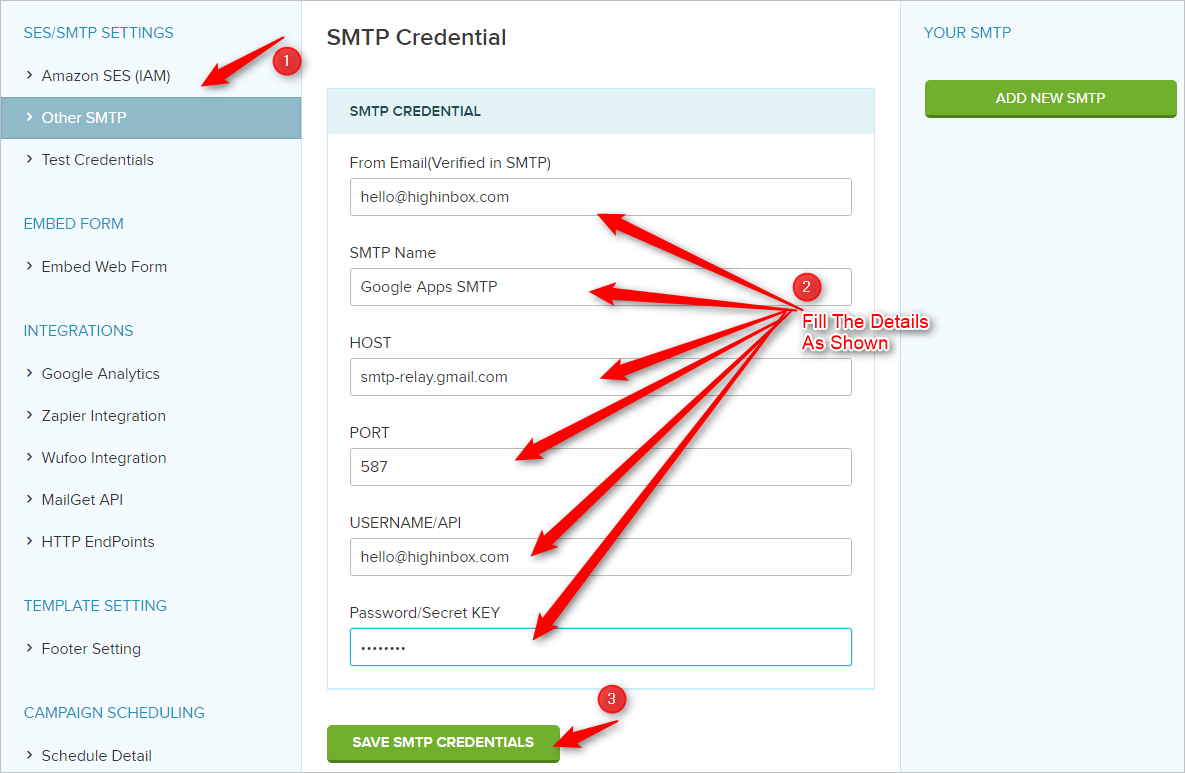
Step #4. Once the details are filled. You can then click on Test Credentials tab and select SMTP that you just added.
Once done click on Test to begin testing the email sending functionality using Google Apps SMTP.
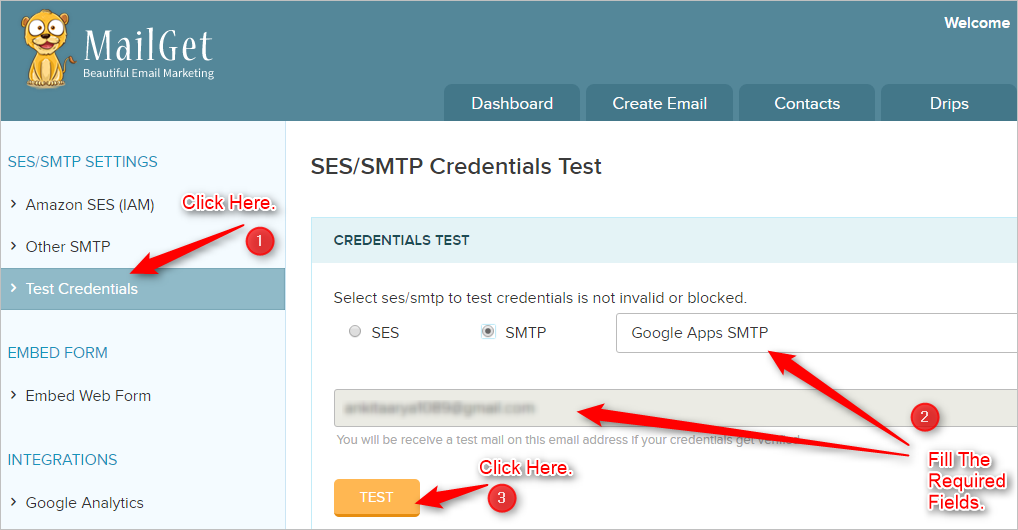
Step #5. If your credentials are verified successfully, you will receive a message as shown in the image in the green tab.
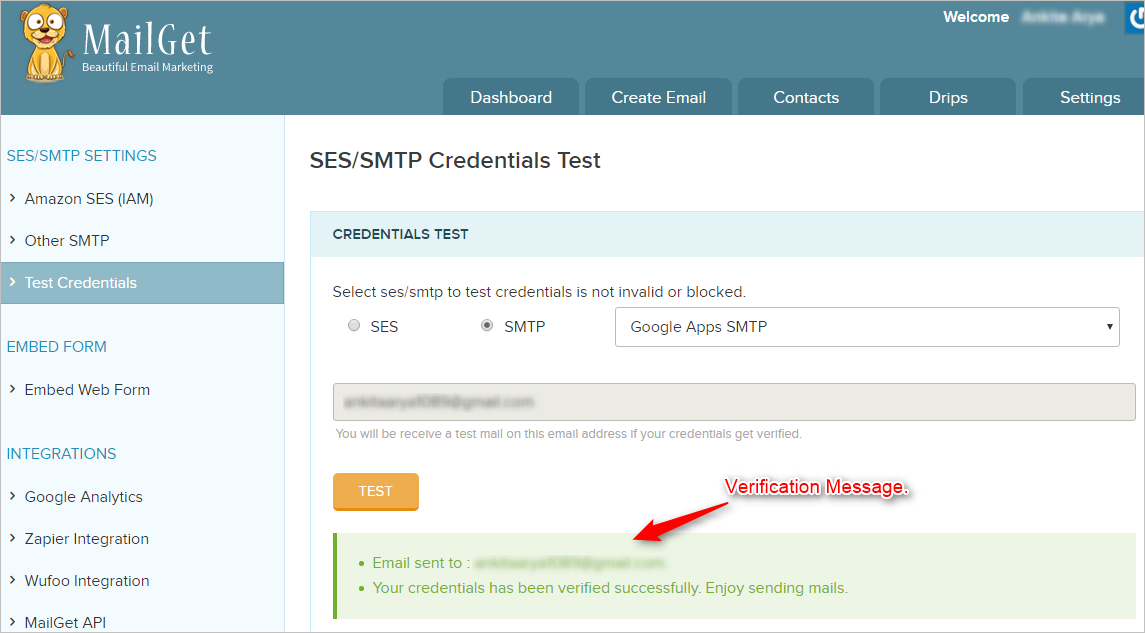
You can also check your Email account for the confirmation mail.
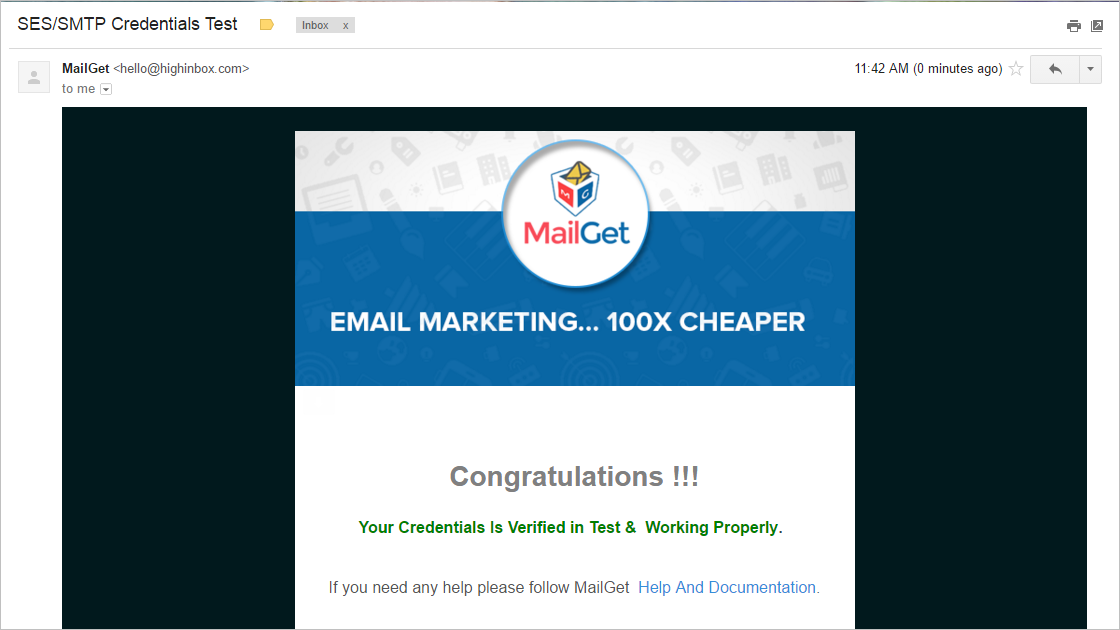
Step #6. You can use MailGet – an email marketing platform for creating interactive email campaigns. Importing your contacts and sending personalized emails in bulk to your audience using the Google Apps SMTP.
Conclusion –
Once done your emails will now route through Gmail, which ensures that the emails will 99% be delivered to your client’s inbox and most probably in the Gmail’s Primary tab too.
Just for your info,
You can also connect MailGet with Yahoo SMTP for delivering your emails.
You can read more about setting MailGet with Yahoo SMTP here.
Email Marketing For Hair Salons

Thinking of how email marketing could generate more conversions for your hair salon business?
Well, it is impossible for one to make his customers familiar with all the beauty offers and policies regarding their business in an efficient way. On the other hand, it’s has become the foremost task for proprietors to reach to the customers in a way that will benefit them. It has become more easy with the increasing use of email marketing for business promotion.
Dive into the traits of email promotion:-
- Engagement with your potential customers.
- Spreading more awareness or circulating information about your services.
- Creating brand loyalty among customers by strengthening what makes your salon unique.
Well, MailGet is the one stop solution for hair salon email marketing where one can easily create, send, track email newsletters, surveys, and autoresponders.
MailGet’s marketing campaigns ensure high deliverability and much more. !!
Follow the below-listed marketing objectives for effective approach that can bring more customers to your salon
#1 Stay In Touch With Customers & Leads To Produce More Hair Salon Business –
As in today’s era, everyone uses email and checks them frequently. So, promoting your hair salon business with email could be the most efficient and converting way to keep your potential customers up to date.
Start sending newsletters with attractive offers, latest services, exclusive discounts, and much more.
For this same,
Make use of an amazing Email Template Builder to create beautiful emails.
Like one shown below –
Template #1 –

Template #2 – Gifts on particular days
Are you free on Thursday?

Hello,

We all know how weekends tempt us, especially on Thursdays. Our energy gets down by Thursday

and the day seems like forever. Well, no more. Abc Salon has made an attempt to make your

Thursdays relaxing and surprising like never before!

Spend your Thursdays in our salon to get a refreshing, glowing look for your weekend plans and

only this you will be given a surprise gift as well! Charge yourself with our best services and

enjoy a gift for the same.

Always at your service,

Abc Salon
Tuesdays are new Sundays!

Hey,

Abc Salon has brought you a magic mantra that will help you enjoy two Sundays in a week! Don’t

believe us? Oh, you will. All you have to do is visit us on Tuesdays to get a relaxing treatment

from our highly trained team and a surprise gift too!

We guarantee you to transform your boring Tuesdays into soothing Sundays with our top services

and along with that, you will receive an attractive gift on behalf of Abc Salon. So, don’t let this

Tuesday be as ordinary as the previous ones.

Waiting to see you soon,

Abc Salon
Template #3 – Offer for birthdays
Birthdays will be happier now.

Hi,

Birthdays tickle everyone irrespective of their age. Abc Salon takes care of its customers and

therefore, offers special discounts on their birthdays!

Let us make your birthday a bit more special by offering you our services in discounted prices,

especially tailored for you.

Get a picture perfect makeover this birthday and make it memorable for years to come.

Grab the golden opportunity and visit us for best services.


Looking forward to celebrate your day,

Abc Salon
Template #4 – Pre-festive and festive offers
Look gorgeous this festive season.

Hello,

Festival is on its way and we are already celebrating! Abc Salon offers you to get a beautiful makeover

this season with our advanced services.  Enjoy attractive offers with us this__________.

Get pre-festive packages on the prices of your choice. You can also customize our packages as per

your will.

We provide waxing, facial, bleach, haircut and many other services in these packages. Get a right

makeover and perfect touch up with our festive day’s package on discounted prices. Visit us for more

information.

Always at your service,

Abc Salon
Grab the golden opportunity.

Hello,

Festivals are a way of celebrating yourself. We have provided our customers with attractive

pre-festive and festive offers in this festive season.  The tailor-made packages are available to

help you get a new avatar for the festival.

Grab your opportunity and enjoy our premium services this _______, that too on special prices!

Don’t miss this golden chance and visit us as soon as possible or book your appointment today!

Waiting to hear from you,

Abc Salon
Template #5 – Special offers for groups
Are you a good friend?

Hello,

Abc salon invites you and your friends to experience its first rate services offered by highly-trained

team. We are here to offer you a special discount of 10% only for group visits.

Don’t waste another minute and bring all your friends at our service for the best experience at 10%

discount on the billing amount. Embrace your friendship with our advanced treatments. Call your

friends now!


Waiting at your service,

Abc Salon
Special offer for you and your loved ones.

Hi,

Abc Salon celebrates friendship by offering a special discount up to 10% on visits in group.

All you have to do is come with your friends or acquaintances to get the ravishing experience

with our premium services, that too on special discount!

What are you waiting for? Inform your friends and family and let them get a chance of having

best experience in minimal prices. Tell them you love them by bringing them at our service!

Looking forward to see you,

Abc Salon
Template #6 – Follow up email
Visit Us Again.

Hello,

Thank you so much for stopping by abc Salon. We hope you had your best experience with

our quality products. We focus on maintaining warm interaction with our customers to

make them  feel at home. It was a pleasure to have you today at our place and it will be an

immense delight to have you again.

quality products. We focus on maintaining warm interaction with our customers to  make

them  feel at home. It was a pleasure to have you today at our place and it will be an immense

delight to have you again.

feel at home. It was a pleasure to have you today at our place and it will be an immense delight

to have you again.

As it was your first visit at abc salon, we offer you a membership card for your next visit! You

can have discount of 10% on  any service that pleases you.  So, visit us again and get another

memorable experience!

have discount of 10% on  any service that pleases you.  So, visit us again and get another

memorable experience!

Looking forward to meet you,

Abc salon
Template #7 – Reminder
Long time no see?

Hey,

This is a gentle reminder to inform you that your membership card, with its awesome discount

offer will expire soon! Grab this one of its kind opportunity and give us another chance of

offering you our best services with quality products and advanced methods.

Drop by soon and enjoy any of our services on the flat discount of 10%. We would love to get a

positive response from you. You are assured a great experience with abc Salon.

Looking forward to meet you,

Abc Salon
Template #8 – Wishing on membership card
Congratulations!

Hi,

Congratulations! Abc Salon is glad to tell you that you just got your membership card! This

membership card will let you have our best services on affordable prices. Yes, you can have

any service on straight 10% discount.

Abc Salon thanks you to be our customer and in return, we honour you with our membership

card for your next visit. Avail the opportunity and enjoy our quality services as soon as possible.

Wishing to see you again,

Abc Salon
Template #9 – Welcome drink email
Your Welcome drink awaits.

Hello,

We are glad to inform you that Abc salon cheers a warm welcome to its customers by

honouring them with its special Welcome drink. It will be our pleasure if you visit

abc Salon to have your Welcome drink and give us an opportunity to serve you with

our first rate services at discounted prices.

In our salon, you are assured to have a home-like experience with services that will

cuddle you with relaxation. So, please visit our place and let us treat you in the best

ways we can.

Looking forward to meet you,

Abc salon
#2 Grab Your Salon Customer’s Attention By Compelling Subject Lines –
A strong, eye-catching subject line is yet another important thing to look for.
Now, this could include words that could attract users like “SALE”, “Summer Offer” & “Limited Time Left” etc.
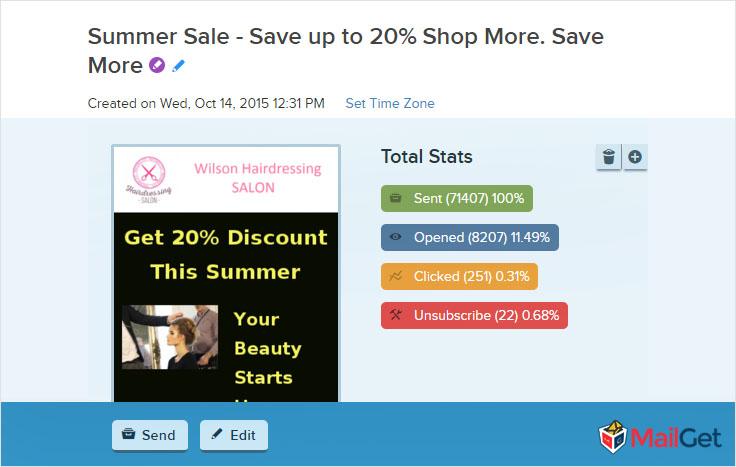
#3 Make Hair Salon Marketing Emails More Engaging By Tracking User Behavior –
After sending the emails, you might be worried about whether your email has safely reached to the inbox, whether anyone clicked on it, etc.
In short, you might want to know your user’s responses to the email.
Well, Email Tracking feature is the right answer for all your queries.
It shows stats like –
- How many people have opened your template ?
- How many emails have successfully delivered to their inbox ?
- What number of people have clicked on the links ?
- And, how many people have unsubscribed you.
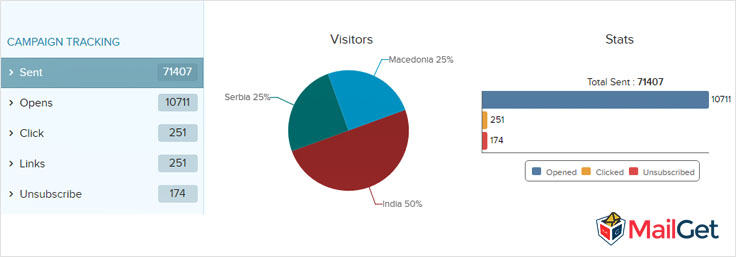
It’s a great feature to track your sent emails and to know the performance of your business.
#4 Get In-Depth Analysis Of Your Email Campaigns –
Want more scaled information about your emails ?
Yes, you could make use of MailGet’s Advanced Reporting feature which let you track –
- The type of browser user used.
- Type of operating system.
- Know whether a user is using a smartphone, tablet or any other device.
- And also, track the location where he opened your email.
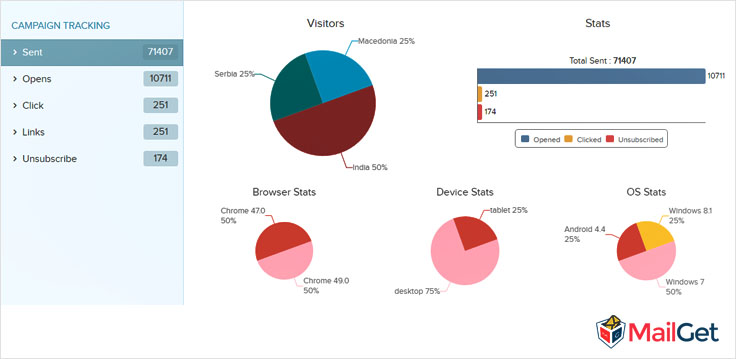
#5 Get Increased Sales By Collecting Leads Easily –
Do you also have a website for your hair salon shop ? If so, just make sure you are collecting emails every single time someone steps foot into your salon.
Well, that’s exactly the web form comes into use.
Add form on your website -> Collect leads for it -> Convert visitors into potential customers -> and start growing your business online rapidly.
#6 Maintain Your Hair Salon Contact List To Obtain Highest Deliverability –
For an added bonus, use an email client like MailGet to manage your email lists and measure your campaign’s success.
Ensure to get increased delivery of your emails by maintaining a healthy email list of customers properly.
Stop Loosing Potential Sales. !!
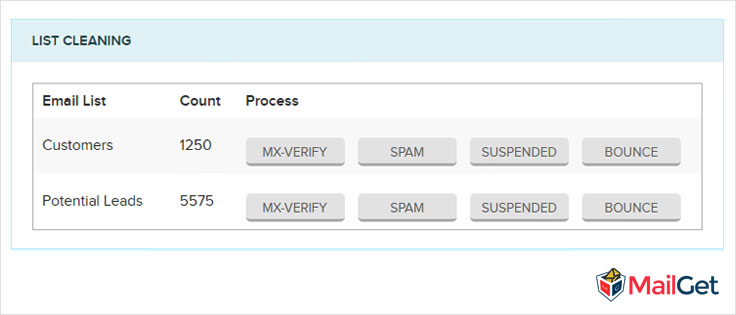
Conclusion –
The most important thing to remember is that always make sure to give customers a reason to try your business and plenty of reasons to keep them for coming back.
Email marketing for hair salons has never been easier! Looking for incentive ? Check out our Free Hair Salon Email Newsletters to get the juices flowing!

Done with the suitable template for the salon. What is the roadmap for its marketing?
Thus, an impeccable marketing solution for the same providing you the best accumulation of email marketing services for beauty centers and salons.
In fact, we have also got some of the best themes for your beauty centers and hair salons!
Schedule Forms: Call Up Your Form At Specific Time
Form-scheduling is a process to where you can prompt or call up your form on the basis of:
- Specific dates
- Form Entries
How to make it specific on the basis of date?
It’s simple and amazing too!
Specific Dates:
On the basis of a specific date, you can activate or deactivate your form.
Activate:
On the basis of date, you can either activate or deactivate your form.
Let’s say, you have created a form and set an activation date using Form Scheduler after 4 days then this form will be activated after four days as per our date set.
Until the form gets activate user will see a message “Form will be available soon” whenever user will visit the form.
Note: Before using this feature please make sure you make a Turn on the setting as shown at the right top in the image shown below.
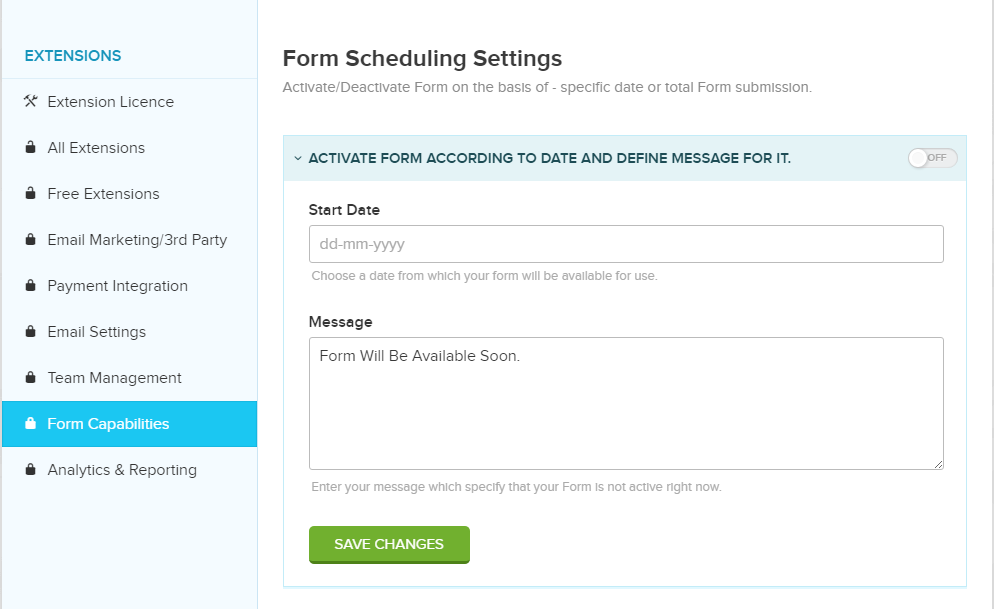
Deactivate:
Same as for form deactivation: Say you have created one form and set a deactivation date using Form Scheduler after 2 days then this form will be deactivated after two days.
And after the form gets deactivate, the user will see a message “Sorry! this form has been expired” whenever user will visit the form.
Note: Before using this feature please make sure you make a Turn on the setting as shown at the right top in the image shown below.
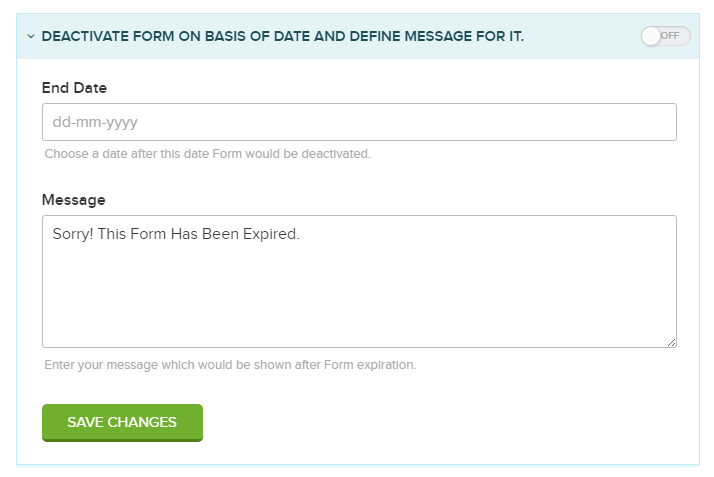
Form Entries:
Here, you can set a limit to the form entries, and form will not accept any further entry after it reaches the limit and form will be deactivated.
Say, you have set a limit of 5 form-entries then your form will accept only five entries and will be deactivated then.
And after the form entry reaches the limit, the user will see a message “Sorry form has already received the targeted submission entries” whenever user will make one more entry in the form.
Note: Before using this feature please make sure you make a Turn on the setting as shown at the right top in the image shown below.
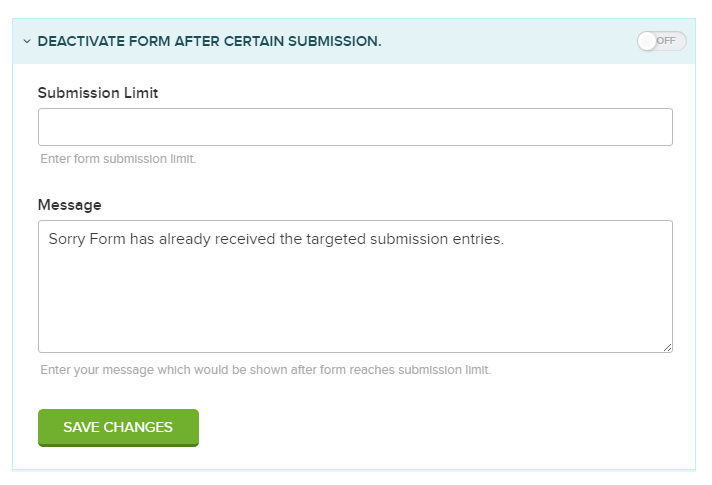
Yahoo Mail SMTP Setting With MailGet : Complete Setup
Yahoo is a very popular email service that allows you to send your emails through their SMTP.
So, do you want to send emails to your audience via Yahoo SMTP. ?
Well, you can certainly do it so just by connecting your Yahoo email account with MailGet.
And,
Start delivering your emails through Yahoo email server. !!
Follow these Yahoo mail SMTP setting steps to connect your Yahoo account with MailGet –
Step #1: Login to your MailGet account
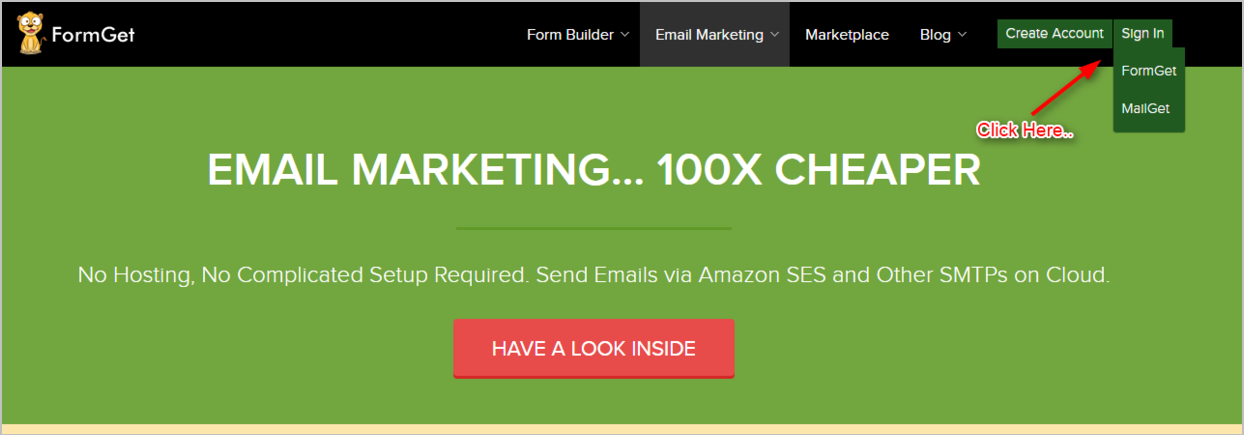
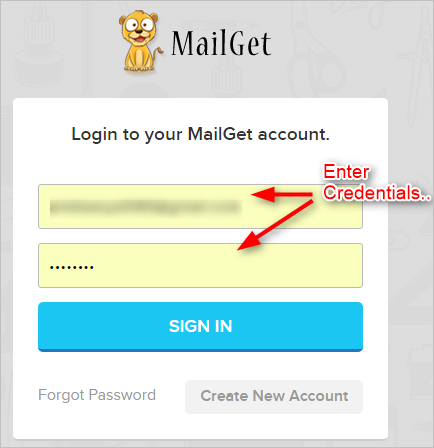
Step #2: Head over to Settings tab.
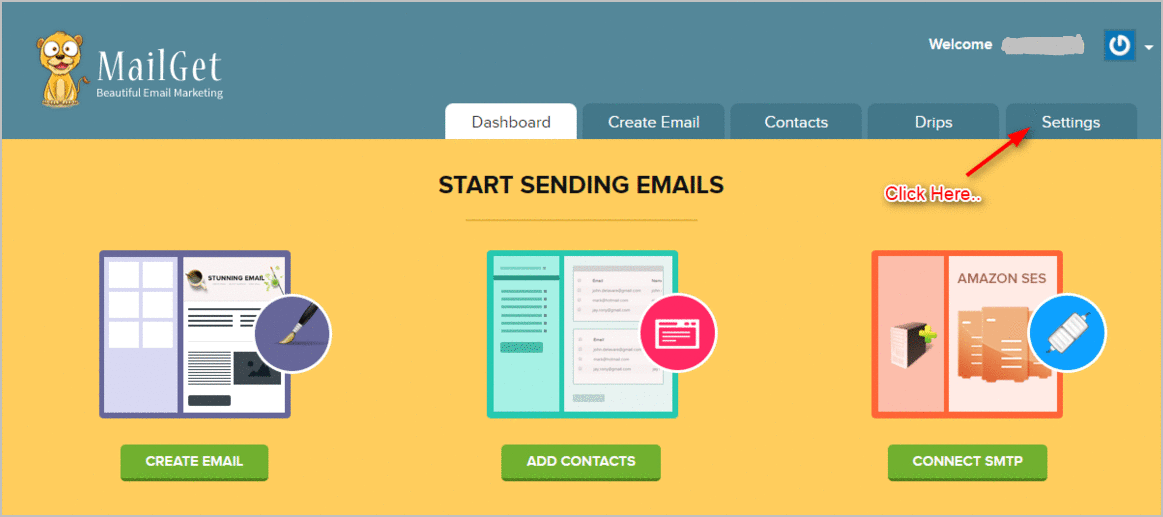
And then click on Other SMTP –
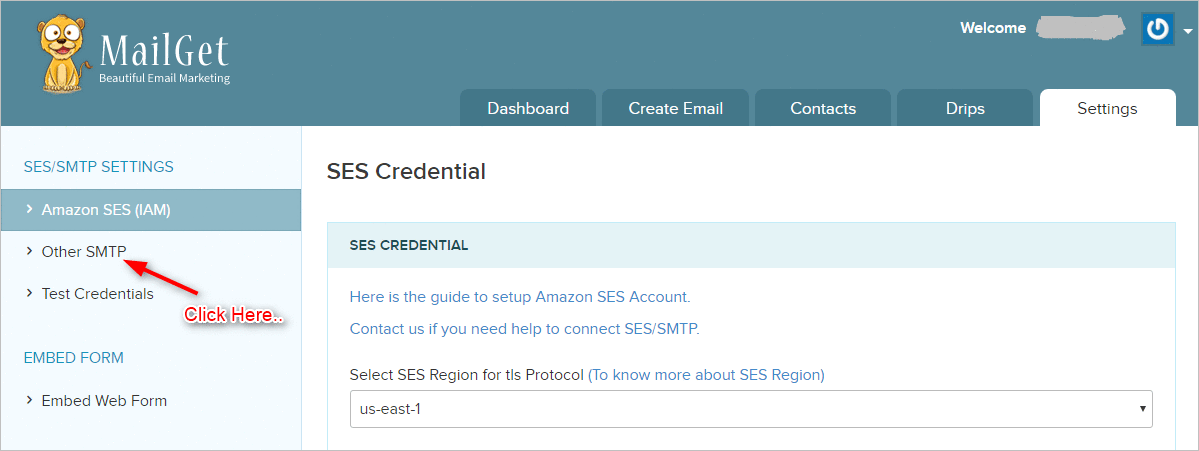
Step #3: You will see a screen to add – your new i.e. yahoo SMTP service.
Enter the details as shown : –
- From Email : Enter Your Yahoo Email
- SMTP Name : Yahoo SMTP
- Host : smtp.mail.yahoo.com
This is the SMTP URL to connect with Yahoo Email. - Port : 587
Yahoo Email works on port 587 for outbound emails. - Username/API : Enter Your Yahoo Email
- Password : Yahoo email account password
Step #4: There are two more important settings which have to be done for successful integration of the Yahoo SMTP server, see the image below.
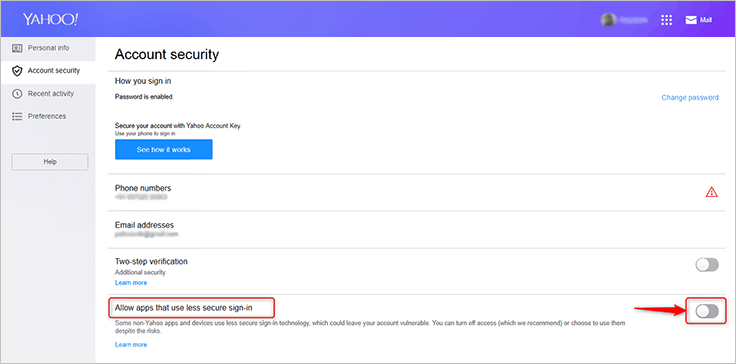
Checkout The Image Below To Get The Idea On How To Set The Fields For Yahoo SMTP
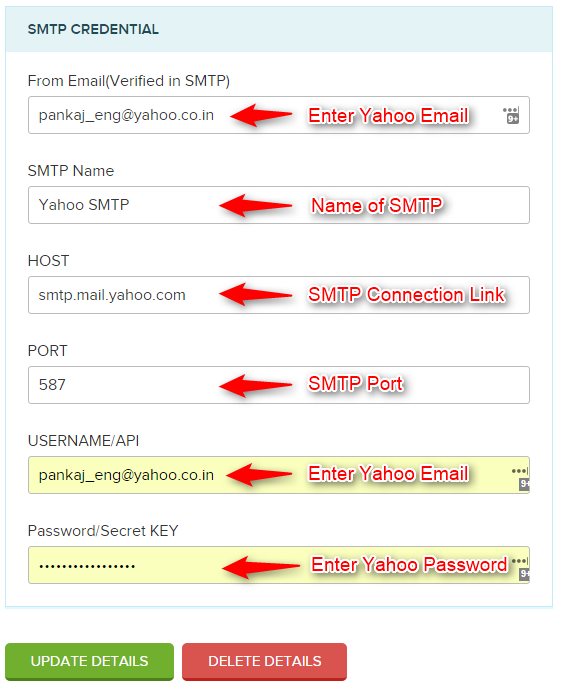
Conclusion –
Once you’ve entered the above-mentioned Yahoo SMTP mail settings inside MailGet. You can now immediately start sending your emails via Yahoo SMTP to your audience.
Just for your info,
You can also connect MailGet with Gmail SMTP for delivering your emails.
You can read more about setting MailGet with Gmail SMTP – Here..

